
Best ASUS Motherboards for Business and Workstation Builds
Corporate-stable CSM boards, Pro WS workstation platforms and IM-A industrial boards — selected by socket, chipset, form factor and memory ceiling.
ASUS motherboards in stock at Uniqcli
How to choose →A curated selection with live pricing — in-stock lines first, then back-ordered lines with a typical lead time. Every line is sourced through US distribution and screened for NDAA §889 status before checkout, with TAA verified on request.
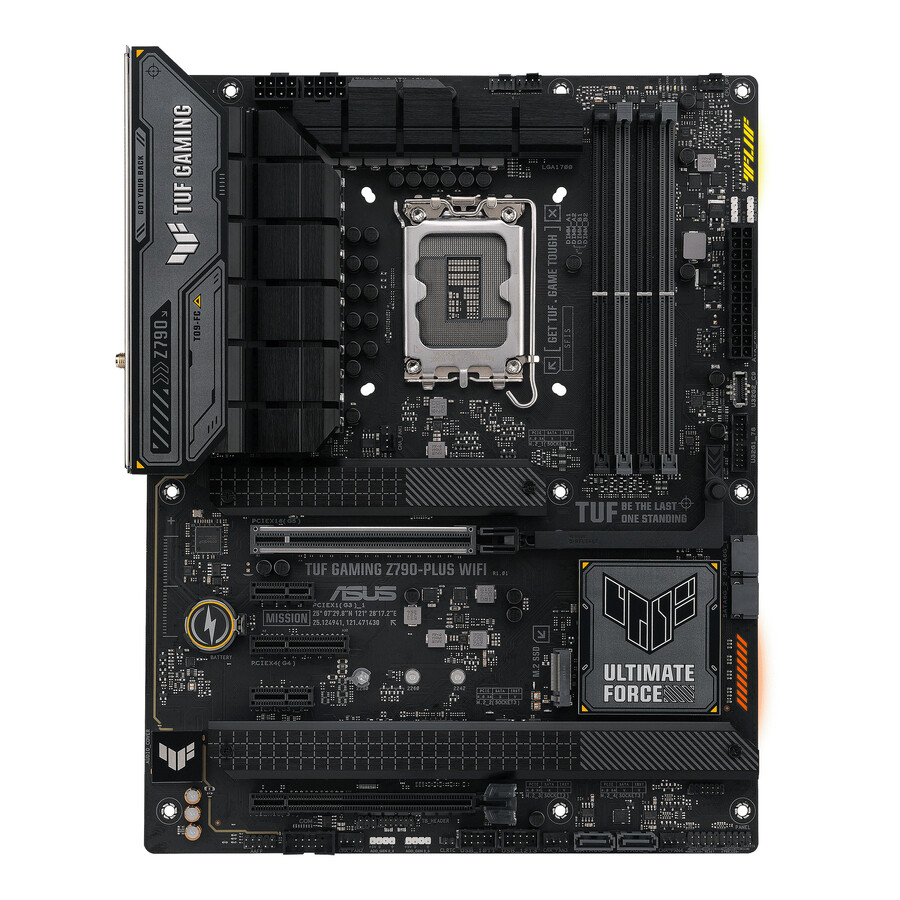
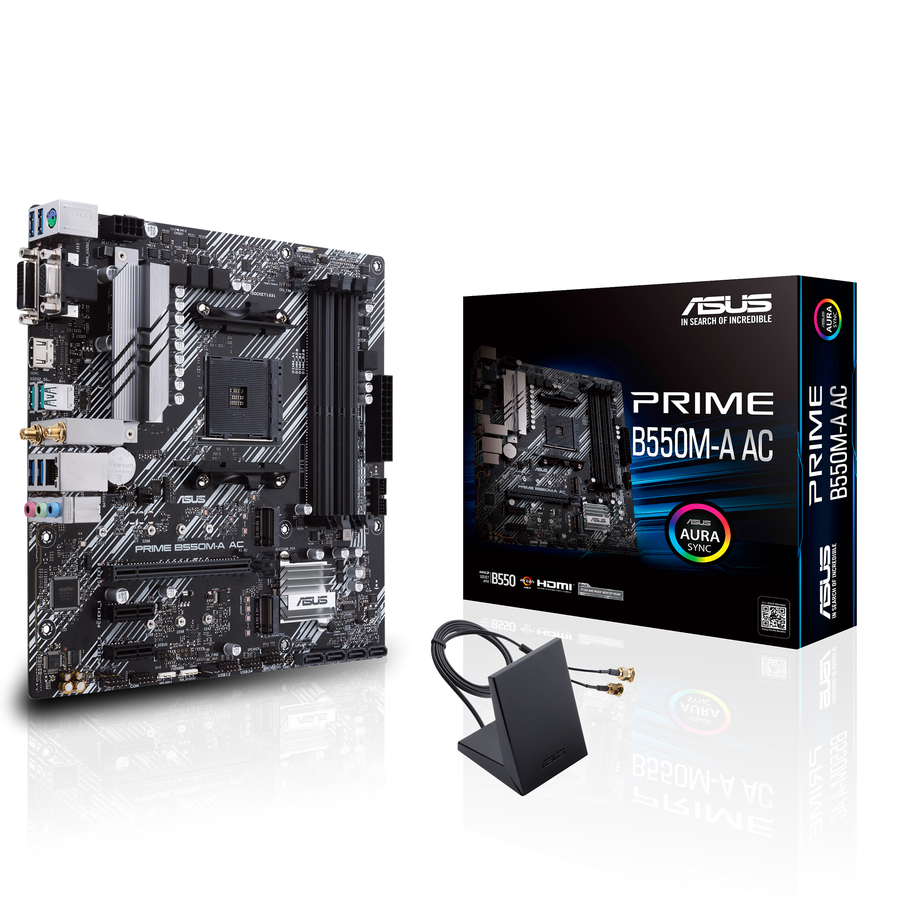
- ASUS Computer InternationalTUF Z790-PLUS WIFI Gaming Desktop Motherboard - Intel Z790 Chipset - Socket LGA-1700 - ATX - Core, Pentium Gold, Celeron Processor Supported - 128 GB DDR5 SDRAM Maximum RAM - DIMM, UDIMM - 4 x Memory Slots - Gigabit Ethernet - 2.5Gigabit Ethernet - IEEE 802.11 a/b/g/n/ac/ax - HDMI - DisplayPort - 4 x SATA InterfacesTUF GAMING Z790-PLUS WIFI
$294.46
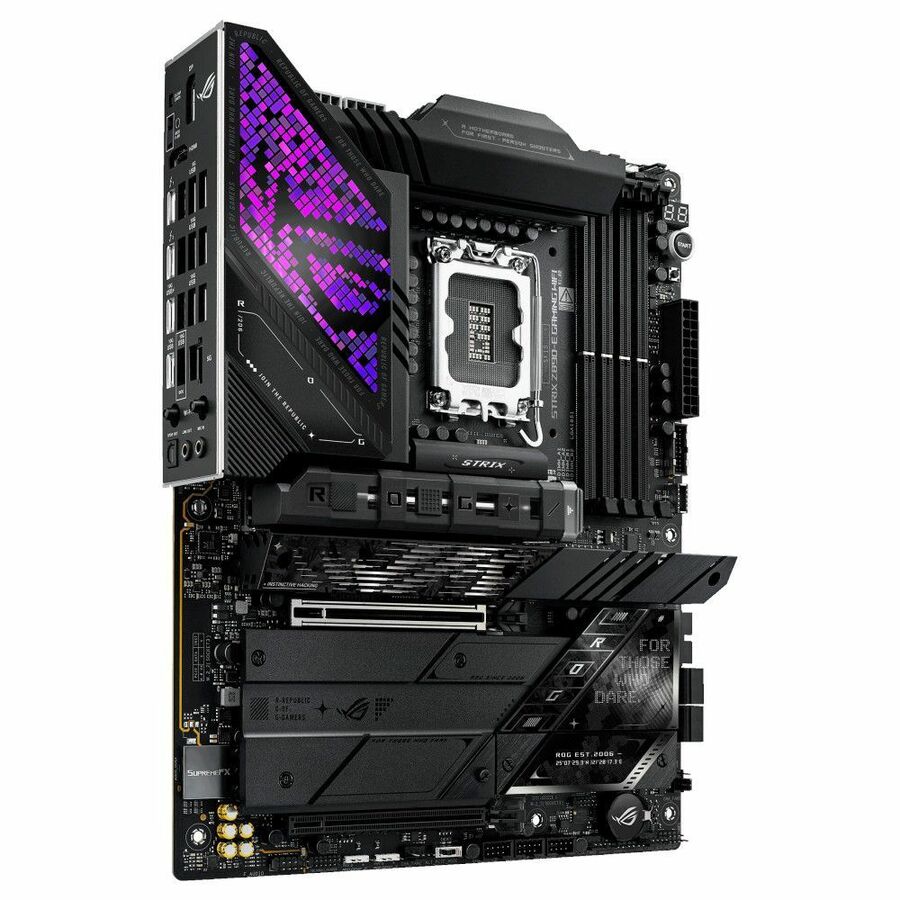
11 in stock - ASUS Computer InternationalAsus ROG STRIX Z890-E GAMING WIFI Gaming Desktop Motherboard - Intel Z890 Chipset - Socket LGA-1851 - ATX - Core Processor Supported - 192 GB DDR5 SDRAM Maximum RAM - DIMM, UDIMM - 4 x Memory Slots - Gigabit Ethernet - IEEE 802.11be - HDMI - DisplayPort - 4 x SATA InterfacesROG STRIXZ890-EGAMINGWIFI
$585.21
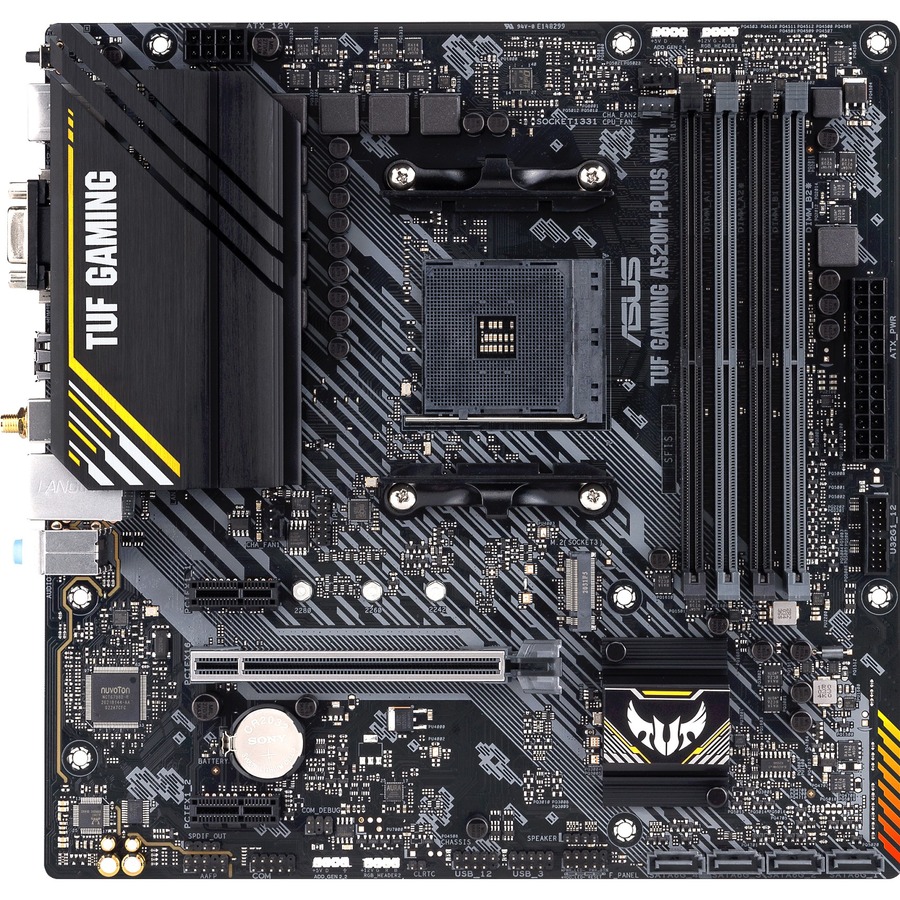
7 in stock - ASUS Computer InternationalTUF GAMING A520M-PLUS WIFI Gaming Desktop Motherboard - AMD A520 Chipset - Socket AM4 - Micro ATX - Ryzen 3, Ryzen 5, Ryzen 7, Ryzen 9, Ryzen 3 PRO, Ryzen 5 Pro, Ryzen 7 PRO, Ryzen 9 PRO Processor Supported - 128 GB DDR4 SDRAM Maximum RAM - UDIMM, DIMM - 4 x Memory Slots - Gigabit Ethernet - IEEE 802.11ac - HDMI - DisplayPort - 4 x SATA InterfacesTUF GAMING A520M-PLUS WIFI
$116.35
Back-orderedBack-ordered — estimated OEM lead time 3–8 weeks (Nov 18 – Dec 23 if ordered today).
Back-ordered — estimated OEM lead time 3–8 weeks (Nov 18 – Dec 23 if ordered today).
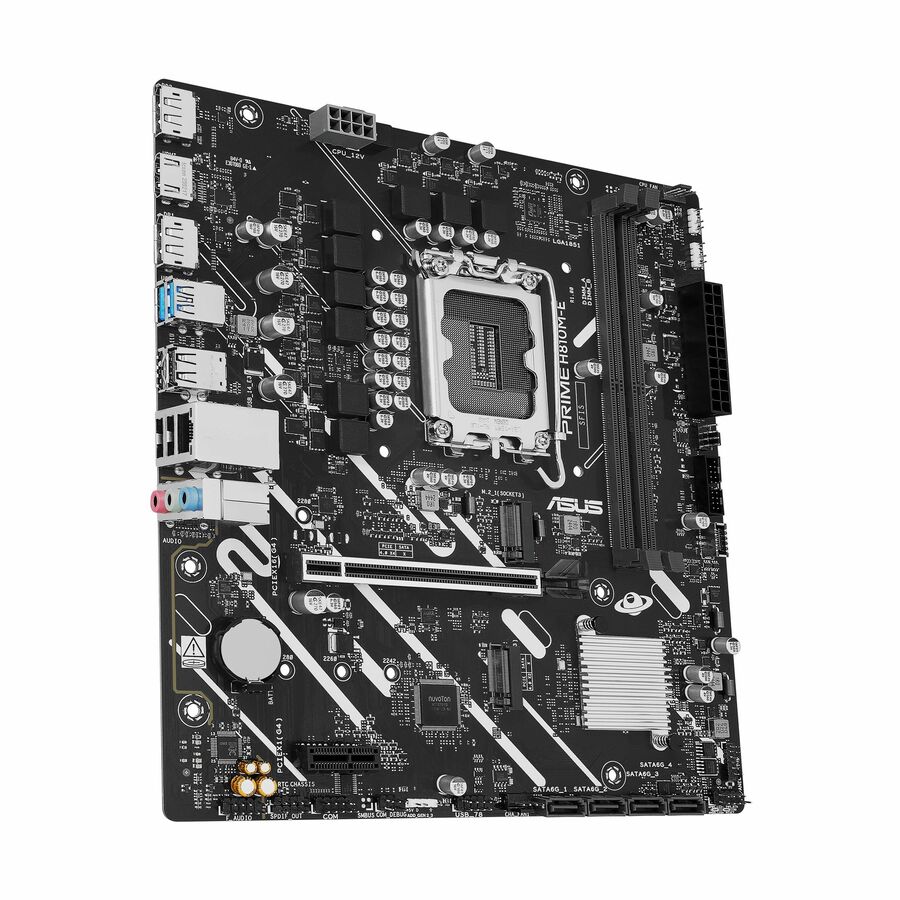
- ASUS Computer InternationalAsus Prime H810M-E-CSM Desktop Motherboard - Intel H810 Chipset - Socket LGA-1851 - Micro ATX - Core Ultra Processor Supported - 128 GB DDR5 SDRAM Maximum RAM - DIMM, UDIMM - 2 x Memory Slots - Gigabit Ethernet - HDMI - DisplayPort - 4 x SATA InterfacesPRIME H810M-E-CSM
$140.20
Back-orderedBack-ordered — estimated OEM lead time 3–8 weeks (Nov 18 – Dec 23 if ordered today).
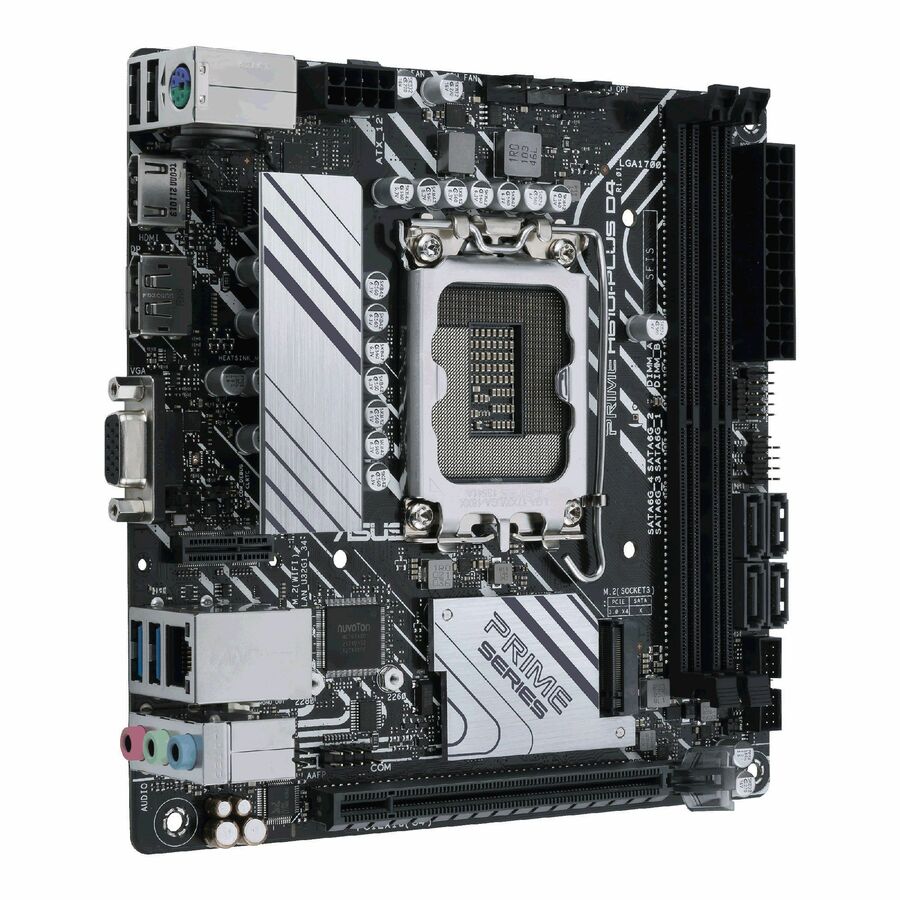
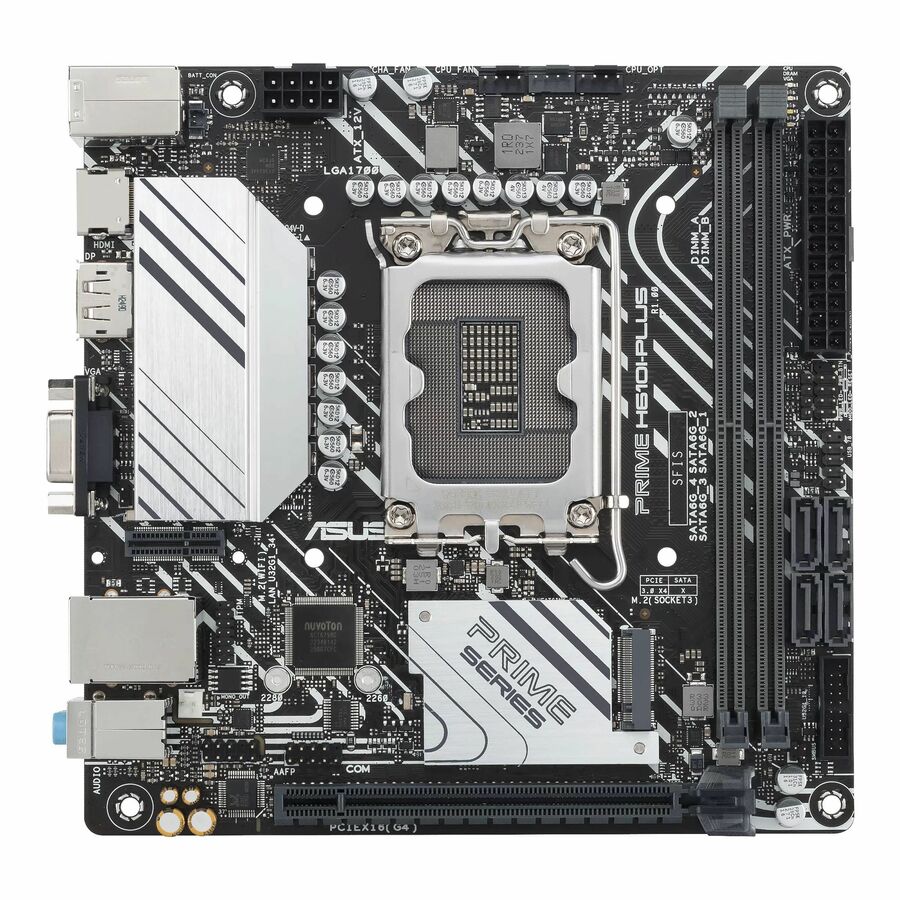
- ASUS Computer InternationalAsus Prime PRIME H610I-PLUS D4-CSM Desktop Motherboard - Intel H610 Chipset - Socket LGA-1700 - Mini ITX - Pentium Gold, Celeron, Core Processor Supported - 64 GB DDR4 SDRAM Maximum RAM - DIMM, UDIMM - 2 x Memory Slots - Gigabit Ethernet - HDMI - DisplayPort - 4 x SATA InterfacesPRIME H610I-PLUSD4-CSM
$140.87
Back-orderedBack-ordered — estimated OEM lead time 3–8 weeks (Nov 18 – Dec 23 if ordered today).
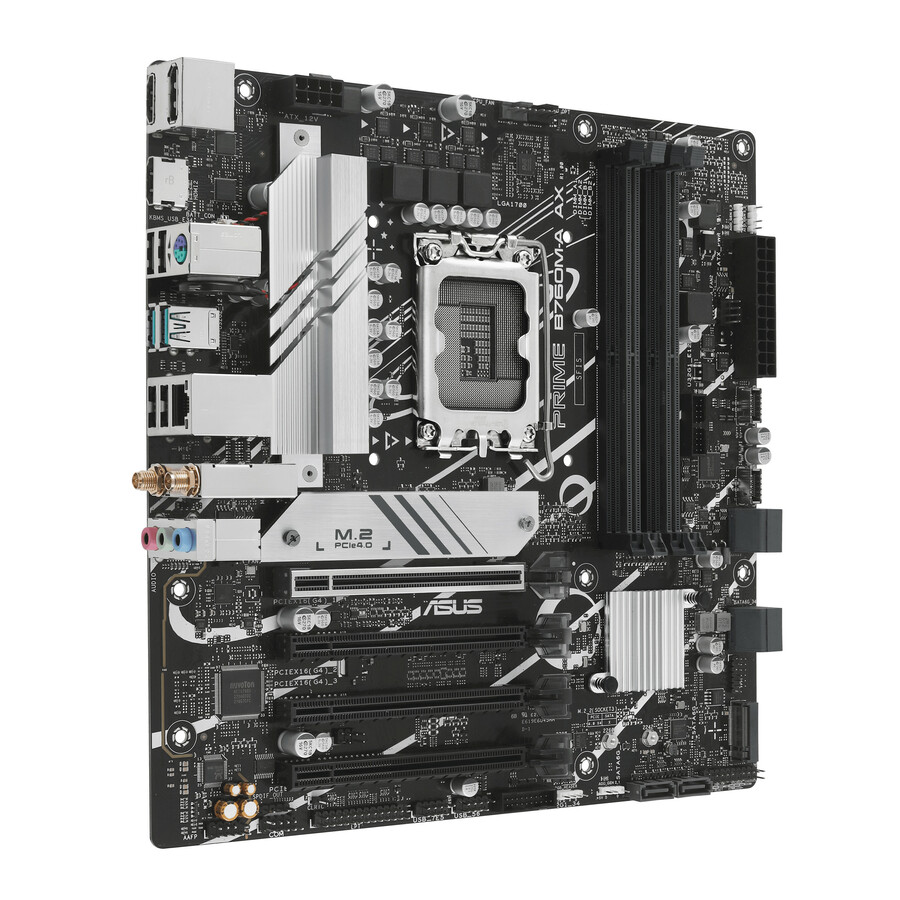
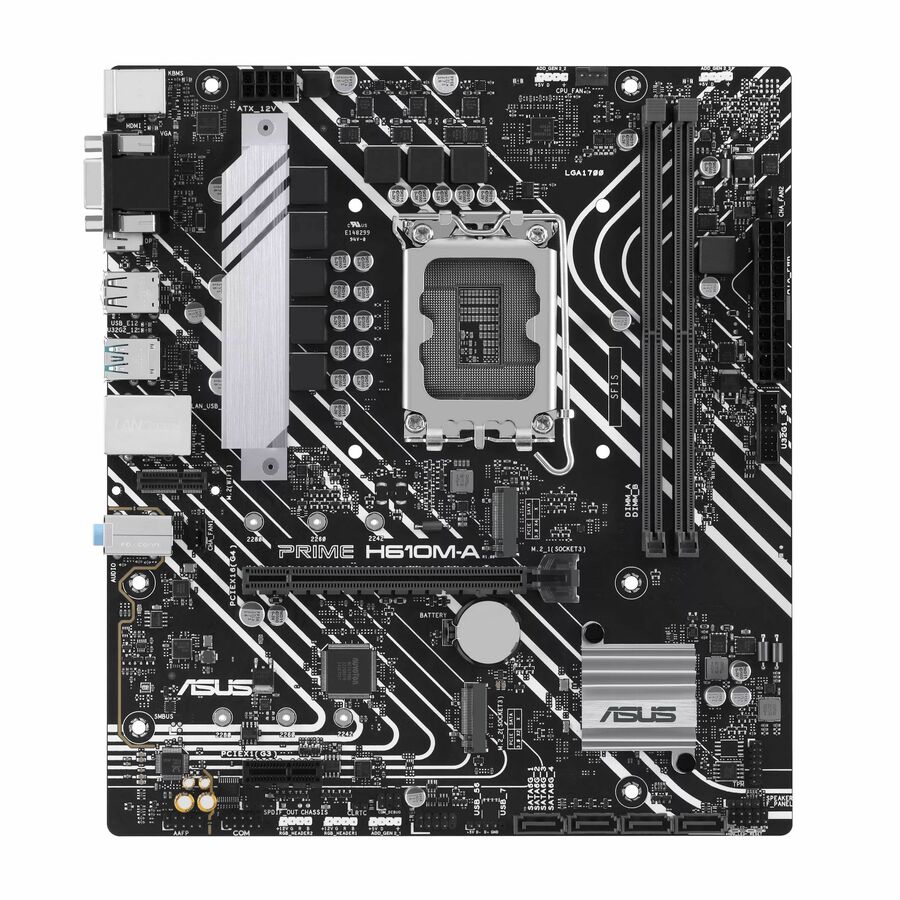
- ASUS Computer InternationalAsus Prime H610M-A-CSM Gaming Desktop Motherboard - Intel H610 Chipset - Socket LGA-1700 - Micro ATX - Core, Pentium Gold, Celeron Processor Supported - 96 GB DDR5 SDRAM Maximum RAM - DIMM, UDIMM - 2 x Memory Slots - Gigabit Ethernet - HDMI - DisplayPort - 4 x SATA InterfacesPRIME H610M-A-CSM
$141.79
Back-orderedBack-ordered — estimated OEM lead time 3–8 weeks (Nov 18 – Dec 23 if ordered today).
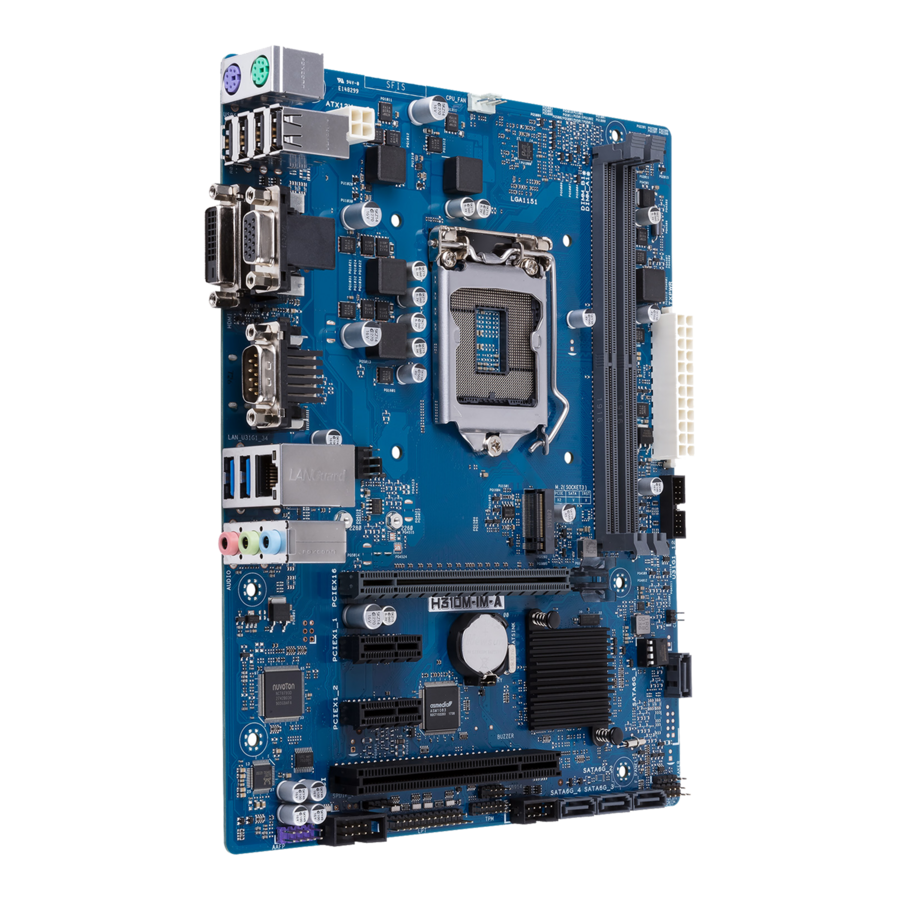
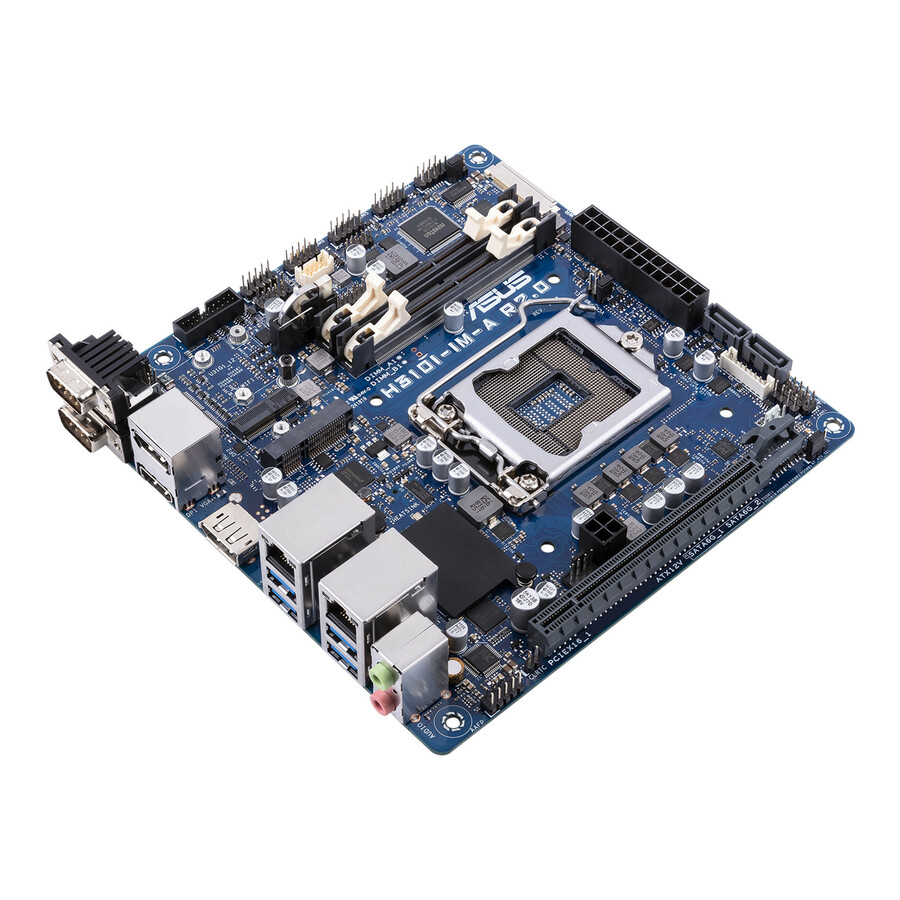
- ASUS Computer InternationalAsus H310M-IM-A Desktop Motherboard - Intel H310 Chipset - Socket H4 LGA-1151 - Micro ATX - 32 GB DDR4 SDRAM Maximum RAM - DIMM, UDIMM - 2 x Memory Slots - Gigabit Ethernet - 4 x SATA InterfacesH310M-IM-A
$147.15
Back-orderedBack-ordered — estimated OEM lead time 3–8 weeks (Nov 18 – Dec 23 if ordered today).
- ASUS Computer InternationalAsus Prime H610I-PLUS-CSM Desktop Motherboard - Intel H610 Chipset - Socket LGA-1700 - Mini ITX - Pentium Gold, Celeron, Core Processor Supported - 96 GB DDR5 SDRAM Maximum RAM - DIMM, UDIMM - 2 x Memory Slots - Gigabit Ethernet - HDMI - DisplayPort - 4 x SATA InterfacesPRIME H610I-PLUS-CSM
$152.20
Back-orderedBack-ordered — estimated OEM lead time 3–8 weeks (Nov 18 – Dec 23 if ordered today).
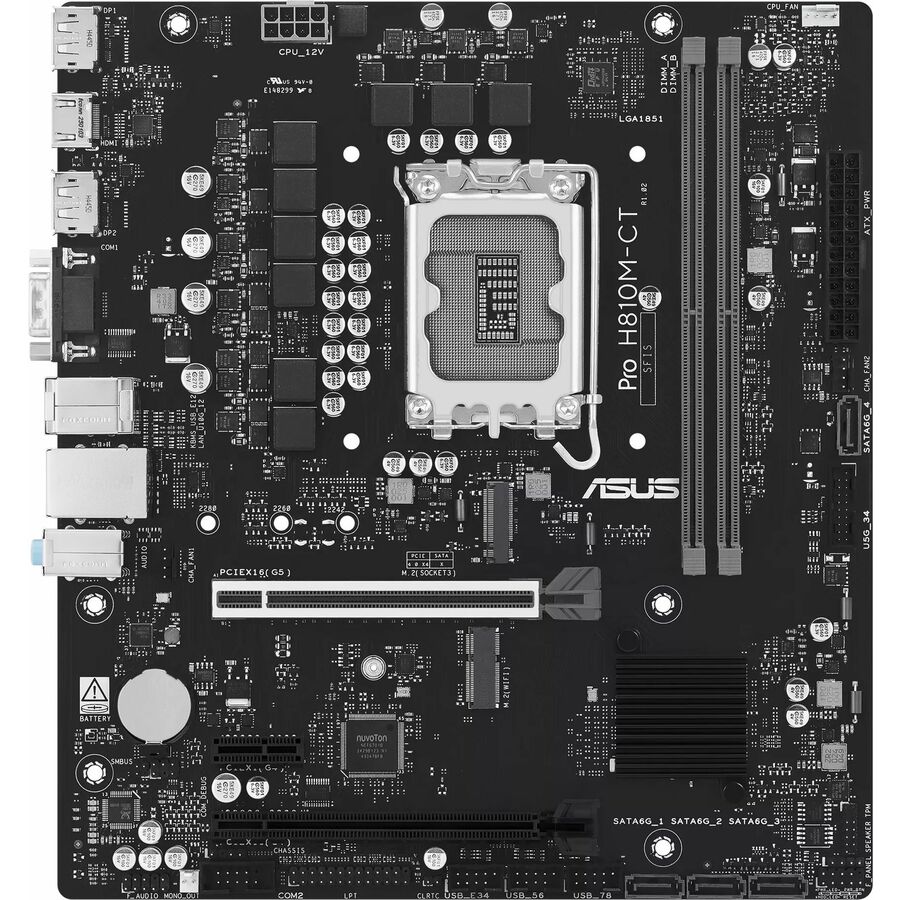
- ASUS Computer InternationalAsus Pro H810M-CT-CSM Desktop Motherboard - Intel H810 Chipset - Socket LGA-1851 - Micro ATX - Core Ultra Processor Supported - 128 GB DDR5 SDRAM Maximum RAM - DIMM, UDIMM - 2 x Memory Slots - Gigabit Ethernet - HDMI - DisplayPort - 4 x SATA InterfacesPRO H810M-CT-CSM
$152.23
Back-orderedBack-ordered — estimated OEM lead time 3–8 weeks (Nov 18 – Dec 23 if ordered today).
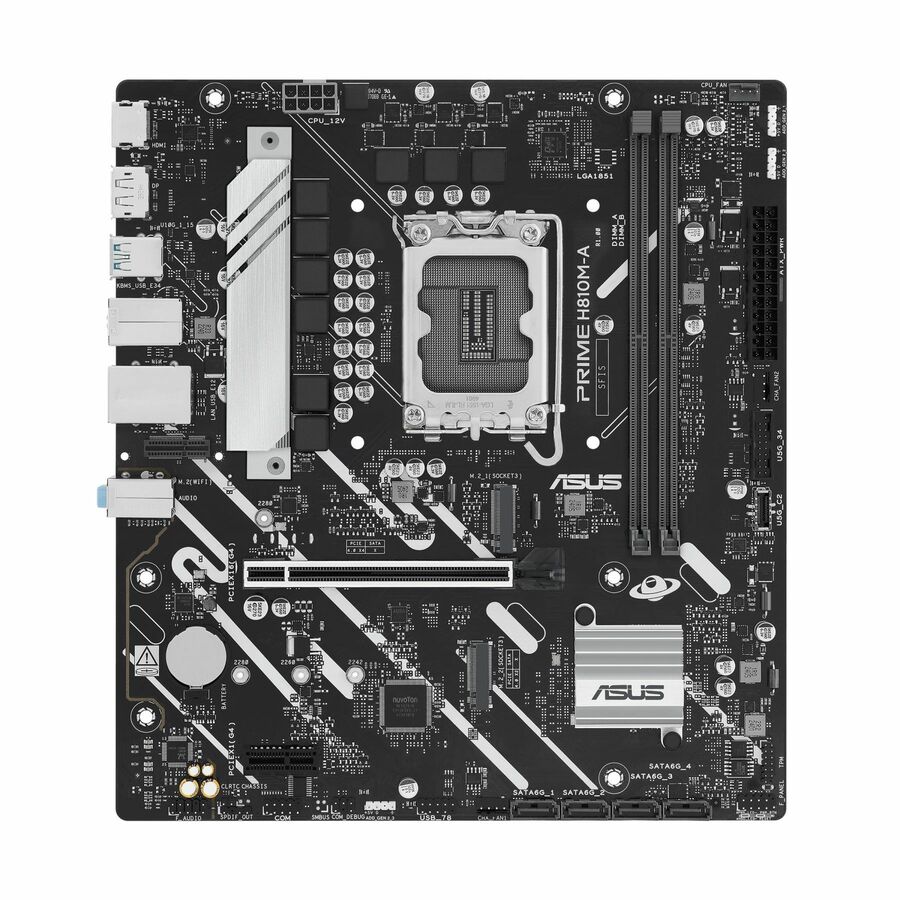
- ASUS Computer InternationalAsus Prime H810M-A-CSM Desktop Motherboard - Intel H810 Chipset - Socket LGA-1851 - Micro ATX - Core Ultra Processor Supported - 128 GB DDR5 SDRAM Maximum RAM - DIMM, UDIMM - 2 x Memory Slots - Gigabit Ethernet - HDMI - DisplayPort - 4 x SATA InterfacesPRIME H810M-A CSM
$152.56
Back-orderedBack-ordered — estimated OEM lead time 3–8 weeks (Nov 18 – Dec 23 if ordered today).
Back-ordered — estimated OEM lead time 3–8 weeks (Nov 18 – Dec 23 if ordered today).
- ASUS Computer InternationalAsus Prime H810M-A WIFI-CSM Desktop Motherboard - Intel H810 Chipset - Socket LGA-1851 - Micro ATX - Core Ultra Processor Supported - 128 GB DDR5 SDRAM Maximum RAM - DIMM, UDIMM - 2 x Memory Slots - Gigabit Ethernet - IEEE 802.11ax - HDMI - DisplayPort - 4 x SATA InterfacesPRIME H810M-A WIFI-CSM
$152.63
Back-orderedBack-ordered — estimated OEM lead time 3–8 weeks (Nov 18 – Dec 23 if ordered today).
- ASUS Computer InternationalAsus H310I-IM-A R2.0 Desktop Motherboard - Intel H310 Chipset - Socket H4 LGA-1151 - Mini ITX - 32 GB DDR4 SDRAM Maximum RAM - SODIMM - 2 x Memory Slots - Gigabit Ethernet - HDMI - DisplayPort - 4 x SATA InterfacesH310I-IM-A R2.0
$162.94
Back-orderedBack-ordered — estimated OEM lead time 3–8 weeks (Nov 18 – Dec 23 if ordered today).
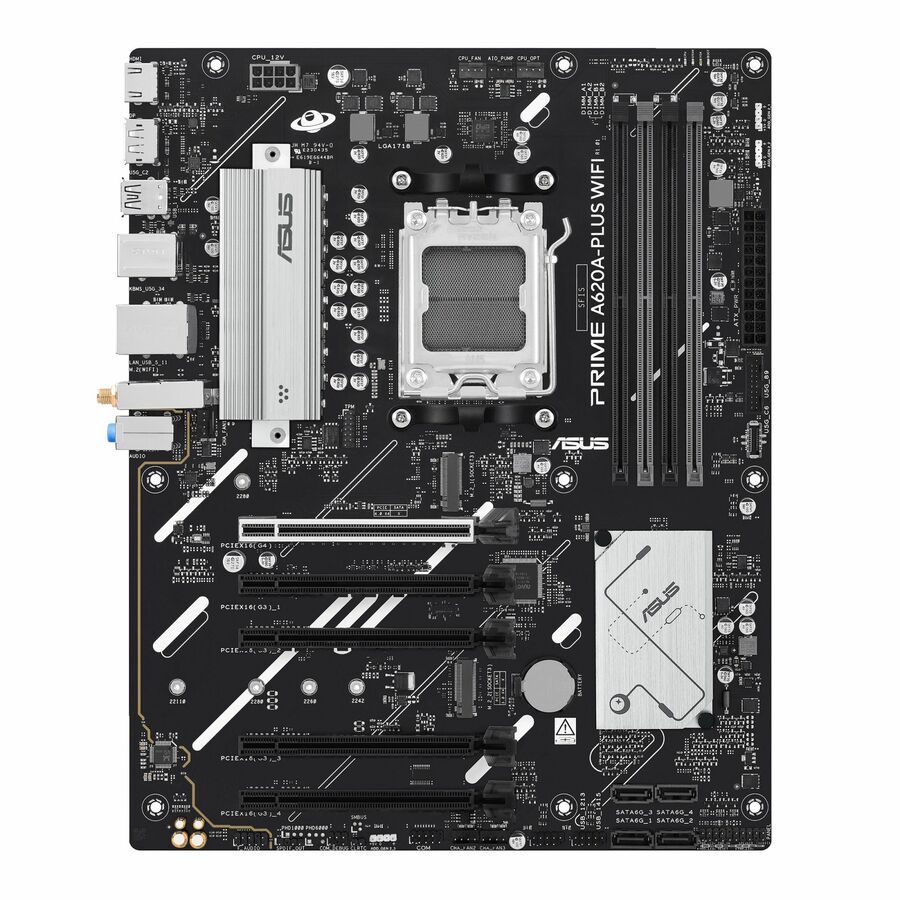
- ASUS Computer InternationalAsus Prime A620A-PLUS WIFI Gaming Desktop Motherboard - AMD A620A Chipset - Socket AM5 - ATX - Ryzen 7, Ryzen 9 Processor Supported - 256 GB DDR5 SDRAM Maximum RAM - DIMM, UDIMM - 4 x Memory Slots - Gigabit Ethernet - IEEE 802.11 a/b/g/n/ac/ax - HDMI - DisplayPort - 4 x SATA InterfacesPRIME A620A-PLUS WIFI
$163.74
Back-orderedBack-ordered — estimated OEM lead time 3–8 weeks (Nov 18 – Dec 23 if ordered today).
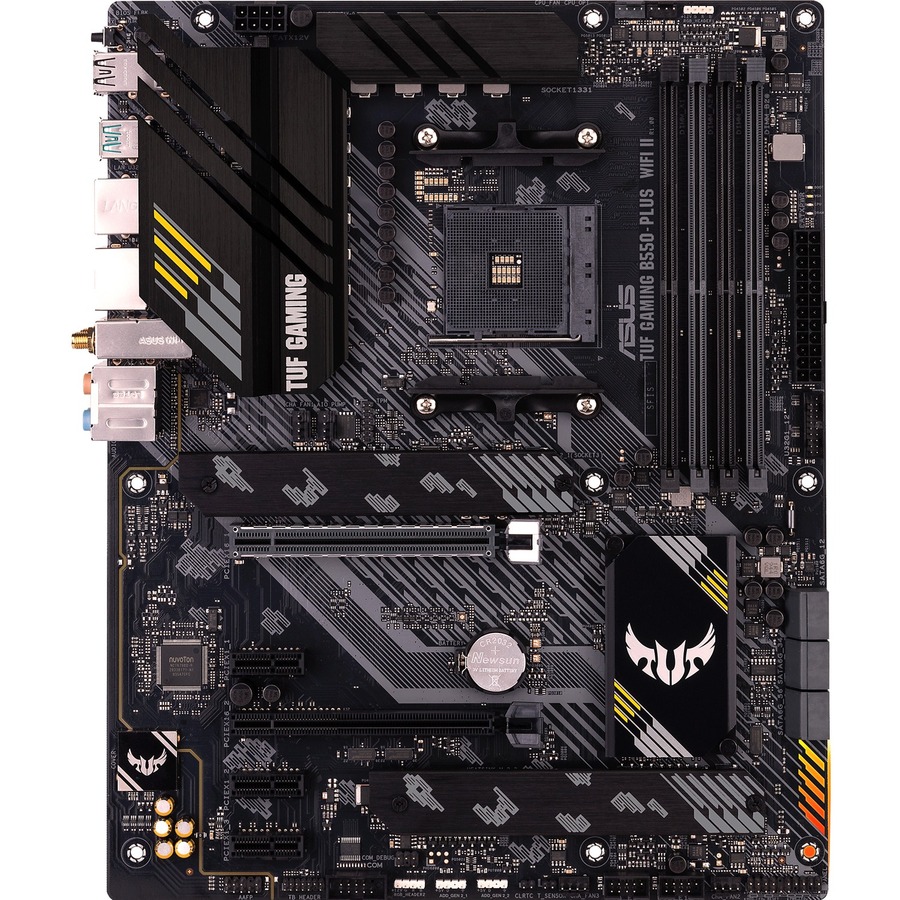
- ASUS Computer InternationalTUF GAMING B550-PLUS WIFI II Gaming Desktop Motherboard - AMD B550 Chipset - Socket AM4 - ATX - Ryzen 3, Ryzen 5, Ryzen 7, Ryzen 9, Ryzen 5 Pro, Ryzen 7 PRO, Ryzen 9 PRO Processor Supported - 128 GB DDR4 SDRAM Maximum RAM - DIMM, UDIMM - 4 x Memory Slots - 2.5Gigabit Ethernet - IEEE 802.11 a/b/g/n/ac/ax - HDMI - DisplayPort - 6 x SATA InterfacesTUF GAMING B550-PLUS WIFI II
$175.58
Back-orderedBack-ordered — estimated OEM lead time 3–8 weeks (Nov 18 – Dec 23 if ordered today).
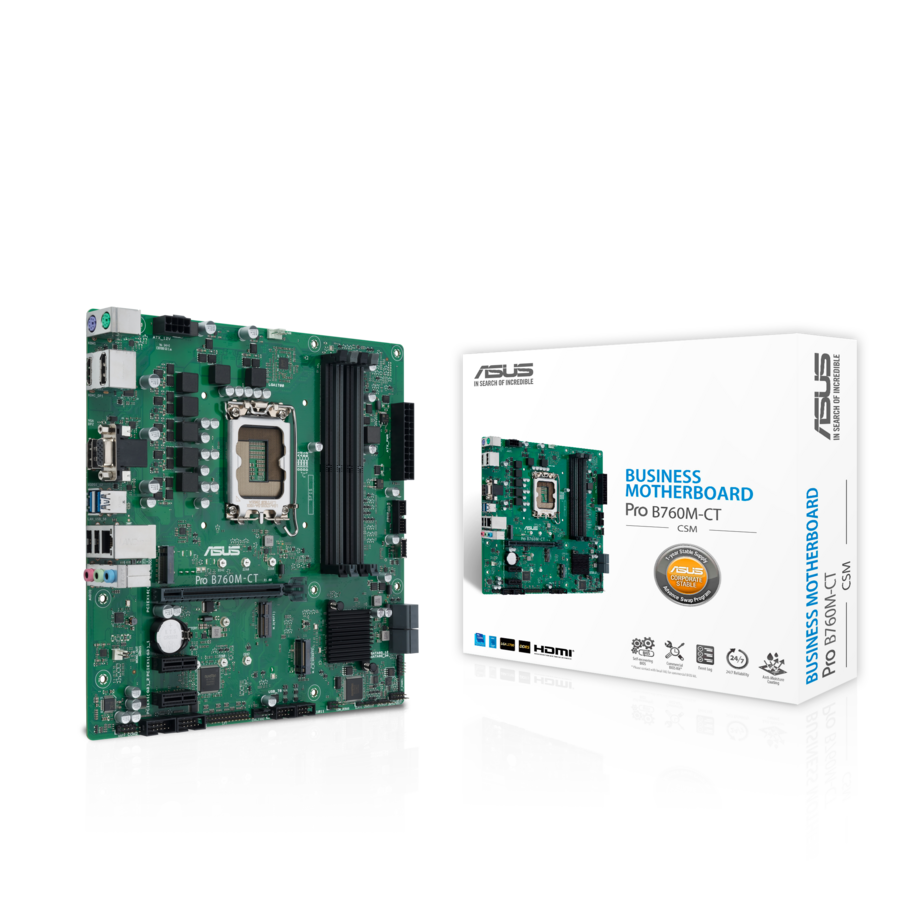
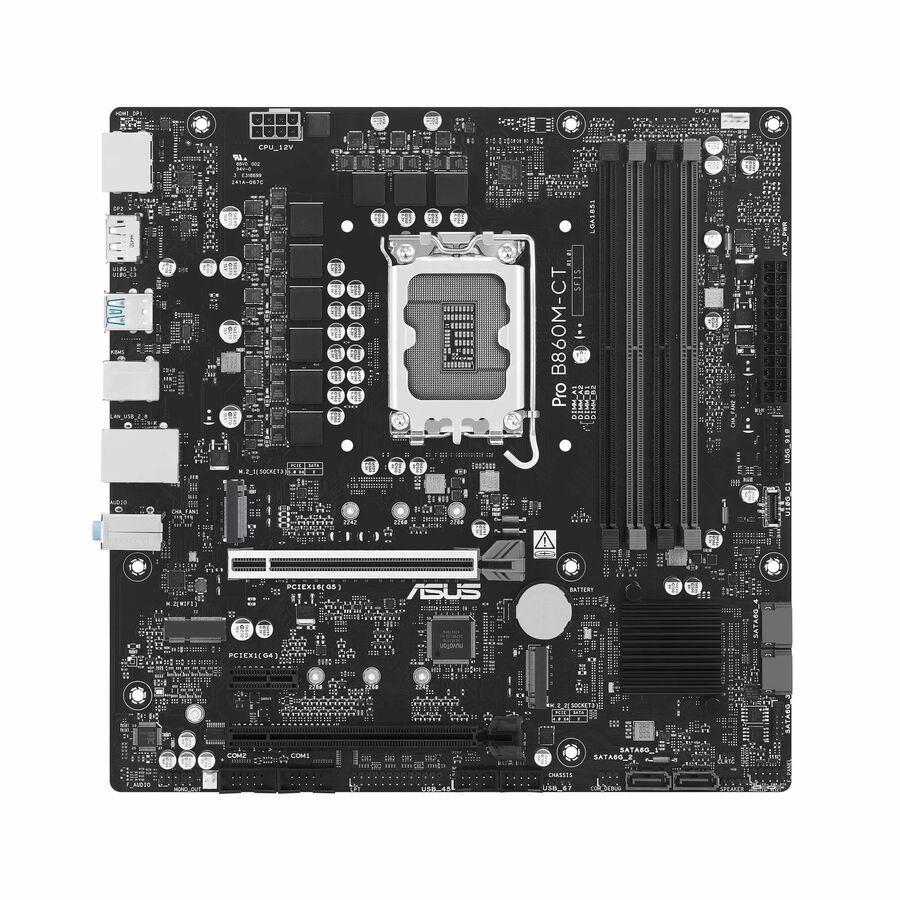
- ASUS Computer InternationalAsus Pro B760M-CT-CSM Industrial Motherboard - Intel B760 Chipset - Socket LGA-1700 - Micro ATX - Core, Pentium Gold, Celeron Processor Supported - 128 GB DDR5 SDRAM Maximum RAM - DIMM, UDIMM - 4 x Memory Slots - Gigabit Ethernet - HDMI - DisplayPort - 4 x SATA InterfacesProB760M-CT-CSM
$175.60
Back-orderedBack-ordered — estimated OEM lead time 3–8 weeks (Nov 18 – Dec 23 if ordered today).
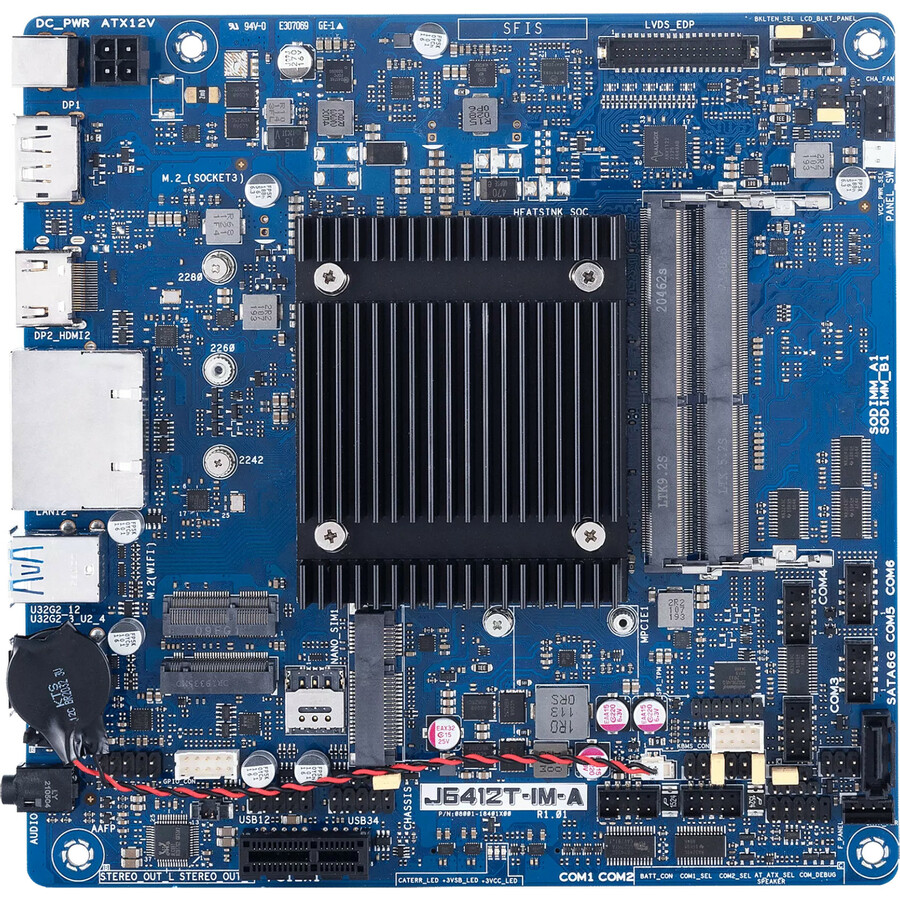
- ASUS Computer InternationalAsus J6412T-IM-A Industrial Motherboard - Intel Chipset - Mini ITX - Celeron Processor Supported - SODIMM - 2 x Memory Slots - HDMI - DisplayPortJ6412T-IM-A
$194.19
Back-orderedBack-ordered — estimated OEM lead time 3–8 weeks (Nov 18 – Dec 23 if ordered today).
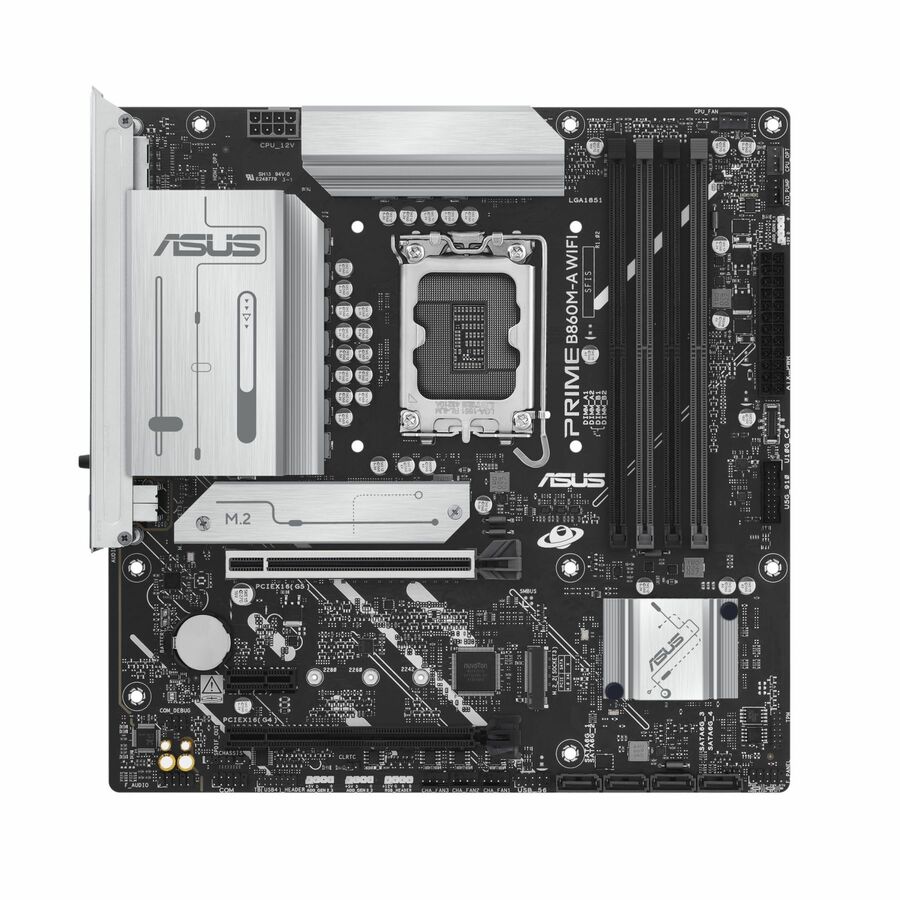
- ASUS Computer InternationalAsus Prime B860M-A WIFI-CSM Desktop Motherboard - Intel B860 Chipset - Socket LGA-1851 - Micro ATX - Core Ultra Processor Supported - 256 GB DDR5 SDRAM Maximum RAM - DIMM, UDIMM - 4 x Memory Slots - Gigabit Ethernet - 2.5Gigabit Ethernet - IEEE 802.11ax - HDMI - DisplayPort - 4 x SATA InterfacesPRIME B860M-A WIFI-CSM
$197.72
Back-orderedBack-ordered — estimated OEM lead time 3–8 weeks (Nov 18 – Dec 23 if ordered today).
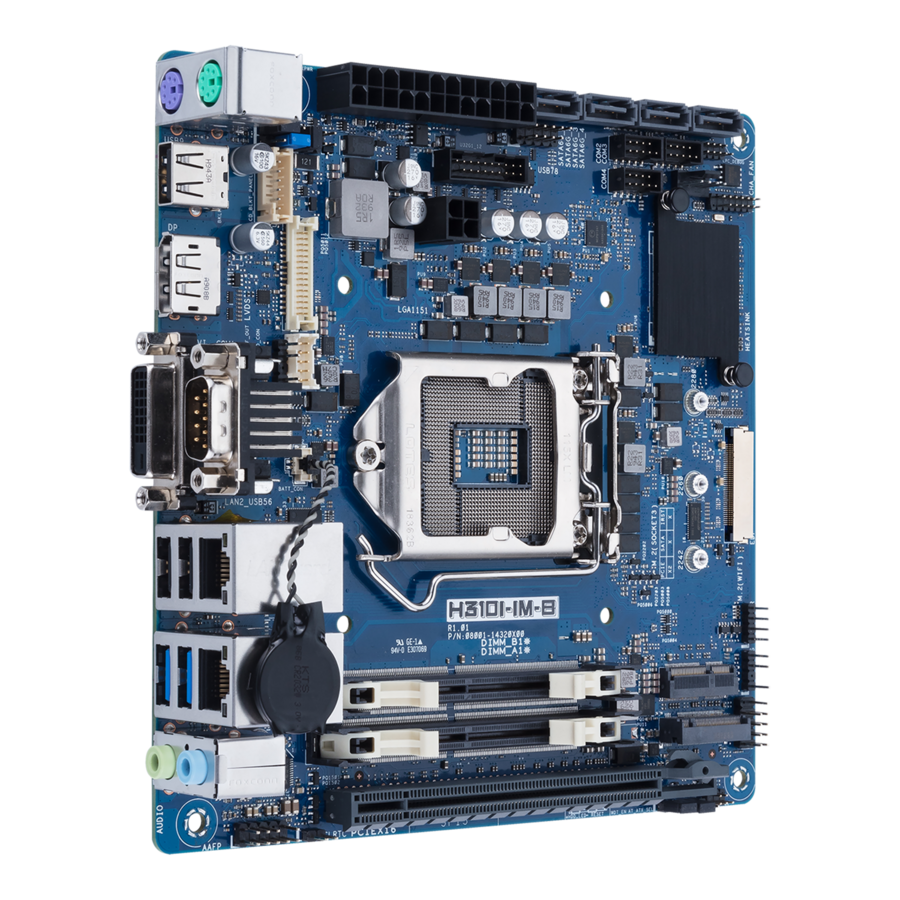
- ASUS Computer InternationalAsus H310I-IM-B Desktop Motherboard - Intel H310 Chipset - Socket H4 LGA-1151 - Mini ITX - 64 GB DDR4 SDRAM Maximum RAM - SODIMM - 2 x Memory Slots - Gigabit Ethernet - DisplayPort - 4 x SATA InterfacesH310I-IM-B
$198.16
Back-orderedBack-ordered — estimated OEM lead time 3–8 weeks (Nov 18 – Dec 23 if ordered today).
- ASUS Computer InternationalAsus B860M-CT-CSM Desktop Motherboard - Intel B860 Chipset - Socket LGA-1851 - Micro ATX - Core Ultra Processor Supported - 256 GB DDR5 SDRAM Maximum RAM - DIMM, UDIMM, CUDIMM - 4 x Memory Slots - Gigabit Ethernet - HDMI - DisplayPort - 4 x SATA InterfacesPRO B860M-CT-CSM
$198.74
Back-orderedBack-ordered — estimated OEM lead time 3–8 weeks (Nov 18 – Dec 23 if ordered today).
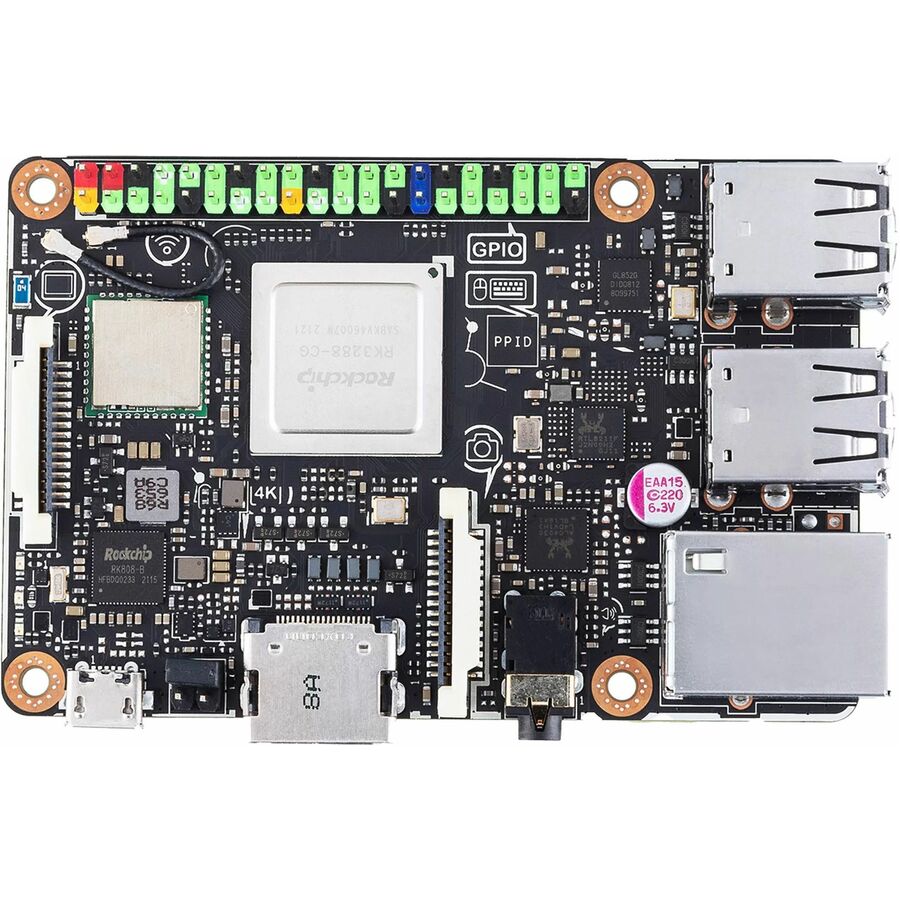
- ASUS Computer InternationalAsus Tinker Board S R2.0 Single Board Computer Motherboard - Rockchip RK3288 Chipset - 2 GB DDR3 SDRAM Maximum RAM - 2 x Memory Slots - Gigabit Ethernet - 2.5Gigabit Ethernet - IEEE 802.11a/b/g/nTINKER BOARD S R2.0A2G16G
$198.76
Back-orderedBack-ordered — estimated OEM lead time 3–8 weeks (Nov 18 – Dec 23 if ordered today).
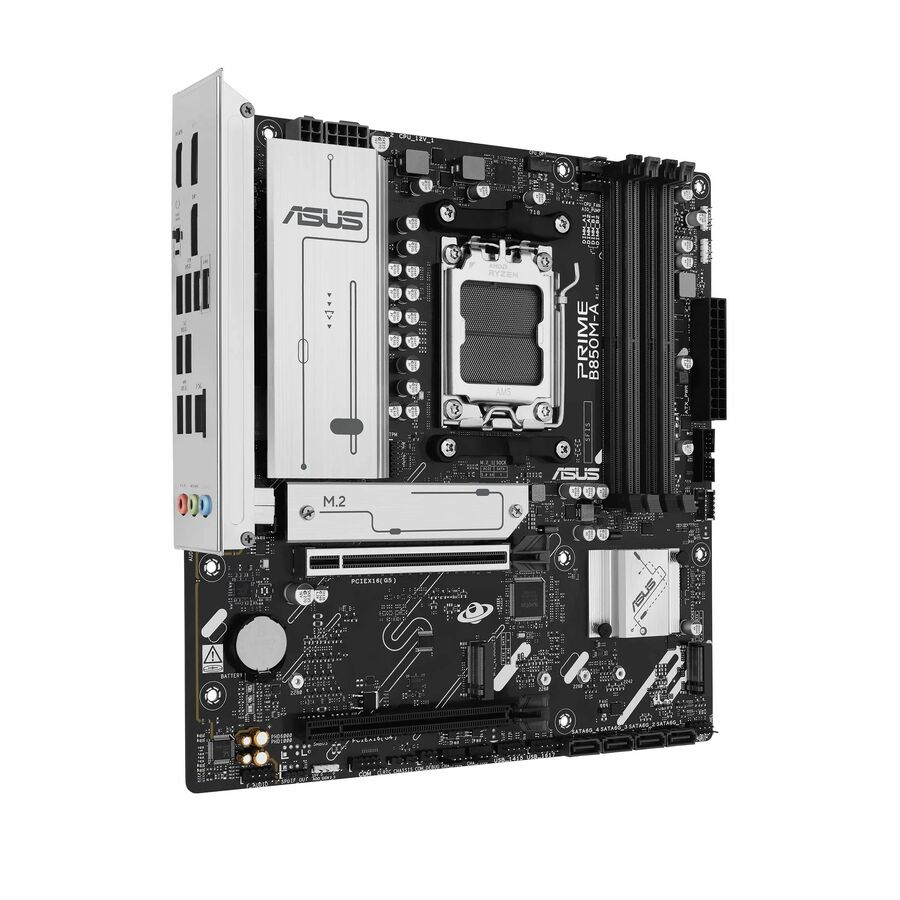
- ASUS Computer InternationalAsus Prime B850M-A-CSM Gaming Desktop Motherboard - AMD B850 Chipset - Socket AM5 - Micro ATX - Ryzen 7, Ryzen 9 Processor Supported - 256 GB DDR5 SDRAM Maximum RAM - DIMM, UDIMM - 4 x Memory Slots - Gigabit Ethernet - 2.5Gigabit Ethernet - HDMI - DisplayPort - 4 x SATA InterfacesPRIME B850M-A-CSM
$198.77
Back-orderedBack-ordered — estimated OEM lead time 3–8 weeks (Nov 18 – Dec 23 if ordered today).

Micro-ATX CSM, entry
ASUS Computer International
Asus Prime H610M-A-CSM Gaming Desktop Motherboard
PRIME H610M-A-CSM
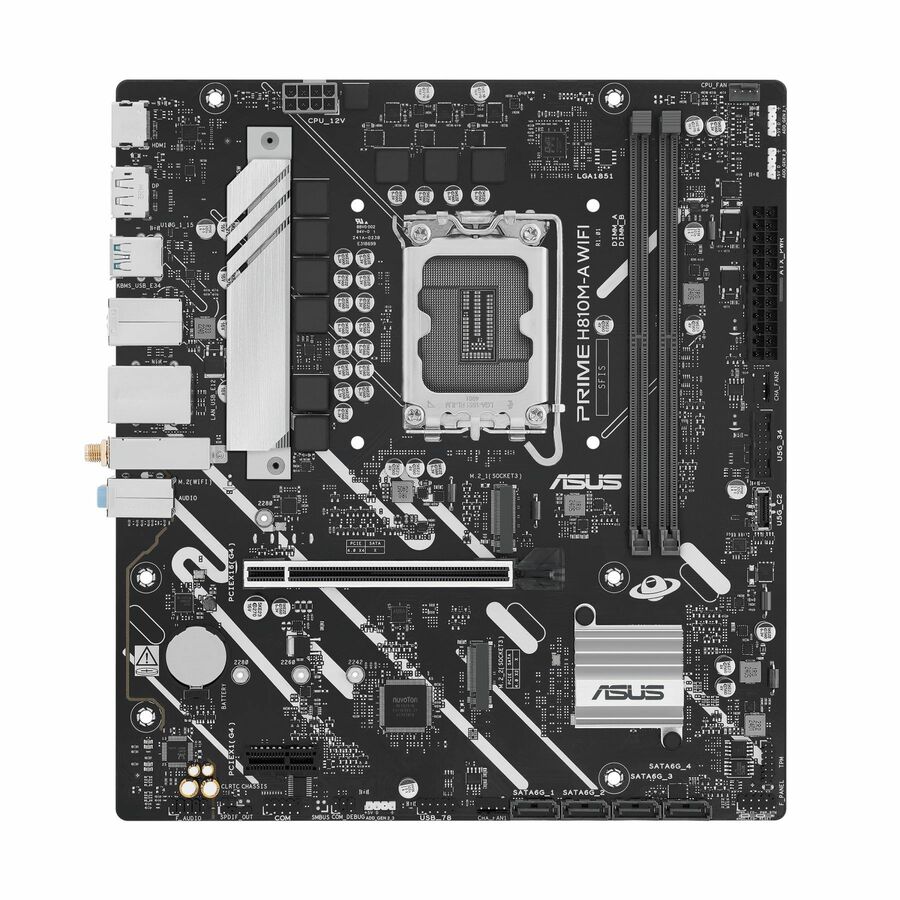
ASUS Prime H610M-A-CSM on Intel H610, socket LGA-1700 in Micro-ATX — the entry corporate-stable board for a standard-image desktop built on Core, Pentium Gold or Celeron silicon.
$141.79Back-orderedQ670 business CSM
ASUS Computer International
Asus PRO Q670M-C-CSM Desktop Motherboard
PRO Q670M-C-CSM
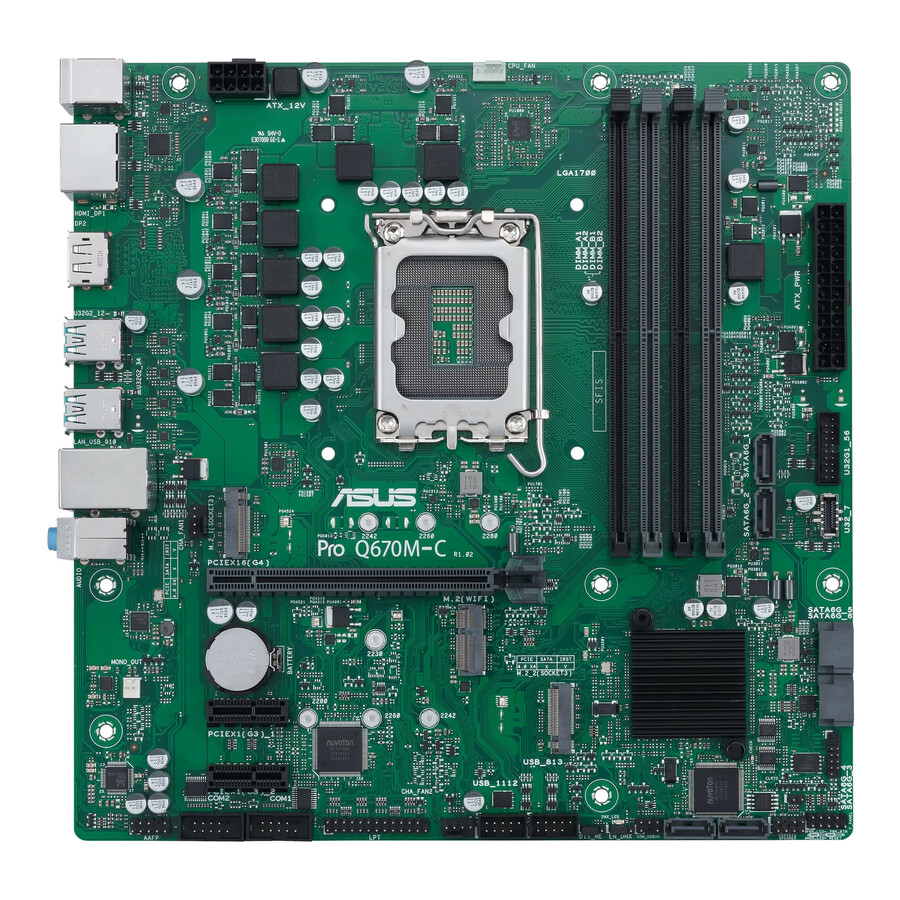
ASUS PRO Q670M-C-CSM on the Q670 business chipset, LGA-1700 Micro-ATX and Intel Optane Memory Ready — the managed-desktop chipset in the corporate-stable range.
$152.61Back-orderedLGA-1851 CSM
ASUS Computer International
Asus Pro H810M-CT-CSM Desktop Motherboard
PRO H810M-CT-CSM
ASUS Pro H810M-CT-CSM on Intel H810, socket LGA-1851 Micro-ATX with a 128 GB DDR5 ceiling — the current-socket corporate board for Core Ultra desktop builds.
$152.23Back-orderedATX CSM, B860
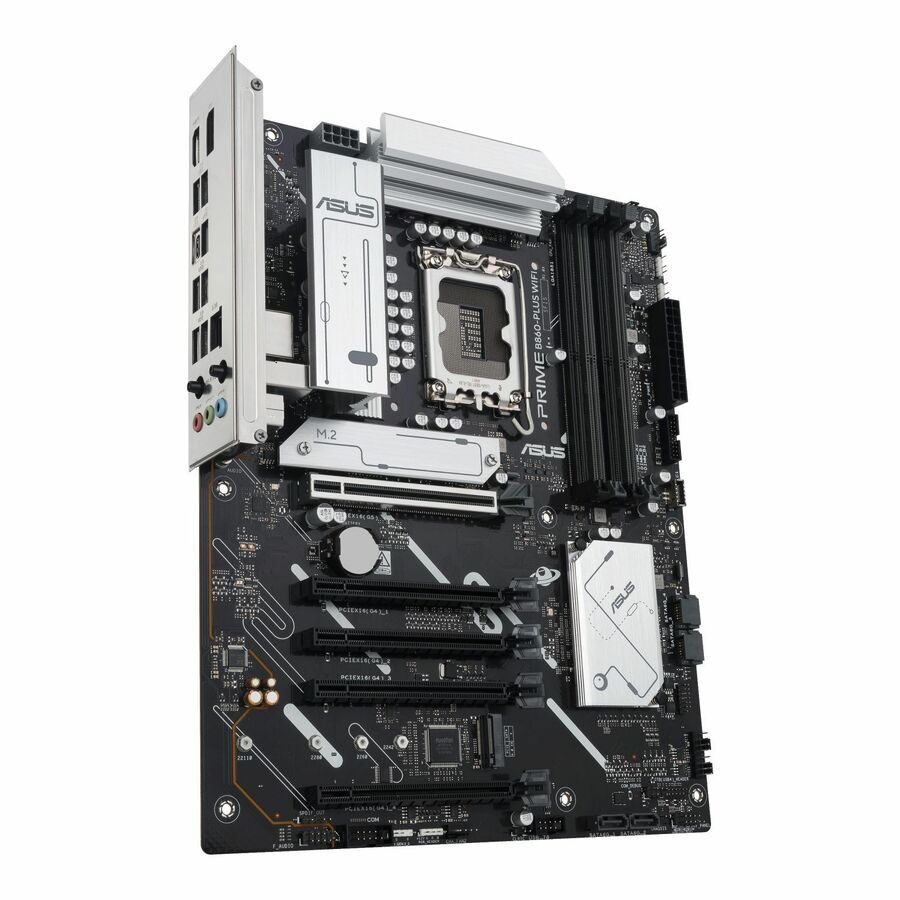
ASUS Computer International
Asus Prime B860-PLUS WIFI-CSM Desktop Motherboard
PRIME B860-PLUS WIFI-CSM
ASUS Prime B860-PLUS WIFI-CSM on Intel B860, LGA-1851 in full ATX with a 256 GB DDR5 ceiling and onboard Wi-Fi — the corporate-stable board where the build needs full-size slots.
$221.82Back-orderedIndustrial Micro-ATX
ASUS Computer International
Asus Pro B760M-CT-CSM Industrial Motherboard
ProB760M-CT-CSM
ASUS Pro B760M-CT-CSM, an industrial Micro-ATX board on Intel B760 and LGA-1700 supporting Core, Pentium Gold and Celeron processors — a long-life platform for fixed-function systems.
$175.60Back-orderedIndustrial ATX, Q670E
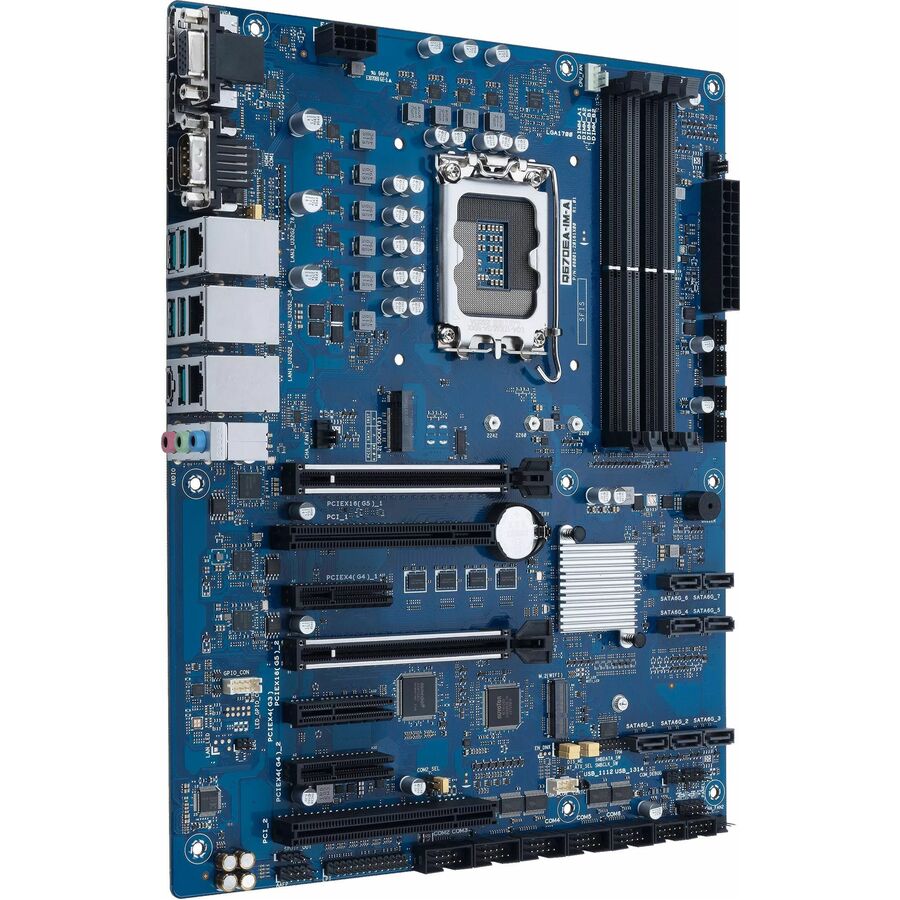
ASUS Computer International
Asus Q670EA-IM-A Industrial Motherboard
Q670EA-IM-A
ASUS Q670EA-IM-A industrial motherboard on the Q670E chipset, LGA-1700 in ATX, supporting Celeron through Core i9 — the embedded platform for a cabinet or kiosk build.
$342.21Back-orderedIndustrial ATX, H610
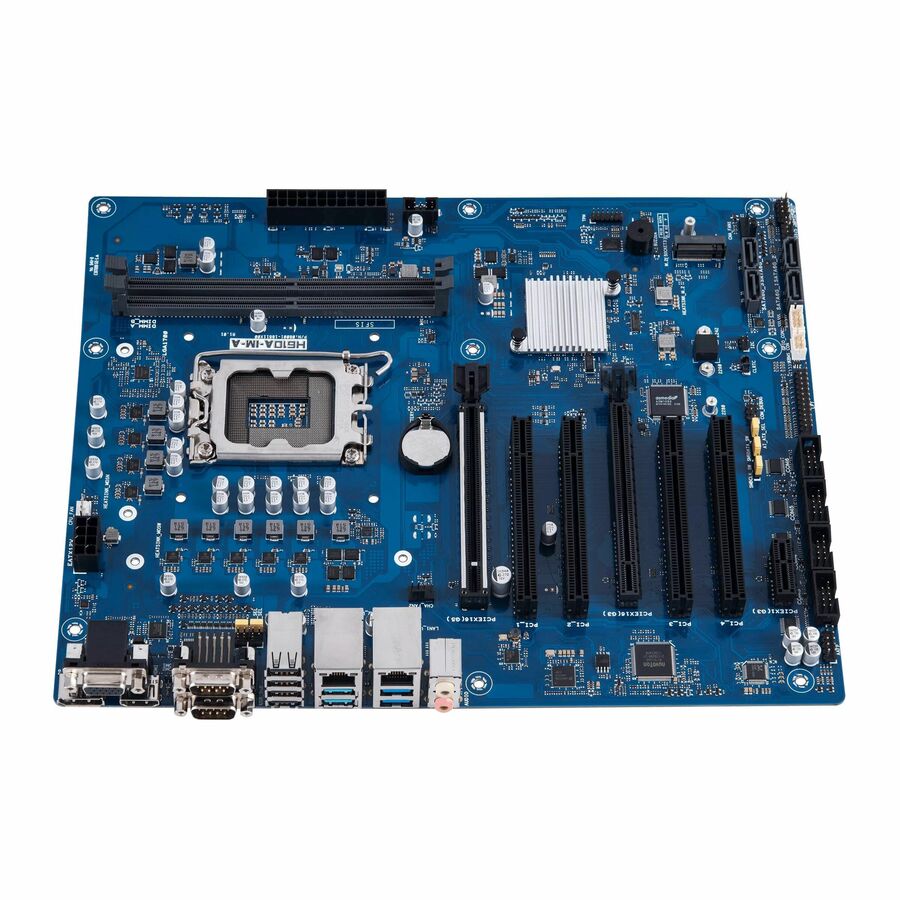
ASUS Computer International
Asus H610A-IM-A Industrial Motherboard
H610A-IM-A
ASUS H610A-IM-A industrial motherboard on Intel H610, socket LGA-1700 in ATX — the lower-cost embedded ATX board in the same IM-A industrial family.
$302.86Back-orderedWorkstation ATX, W680
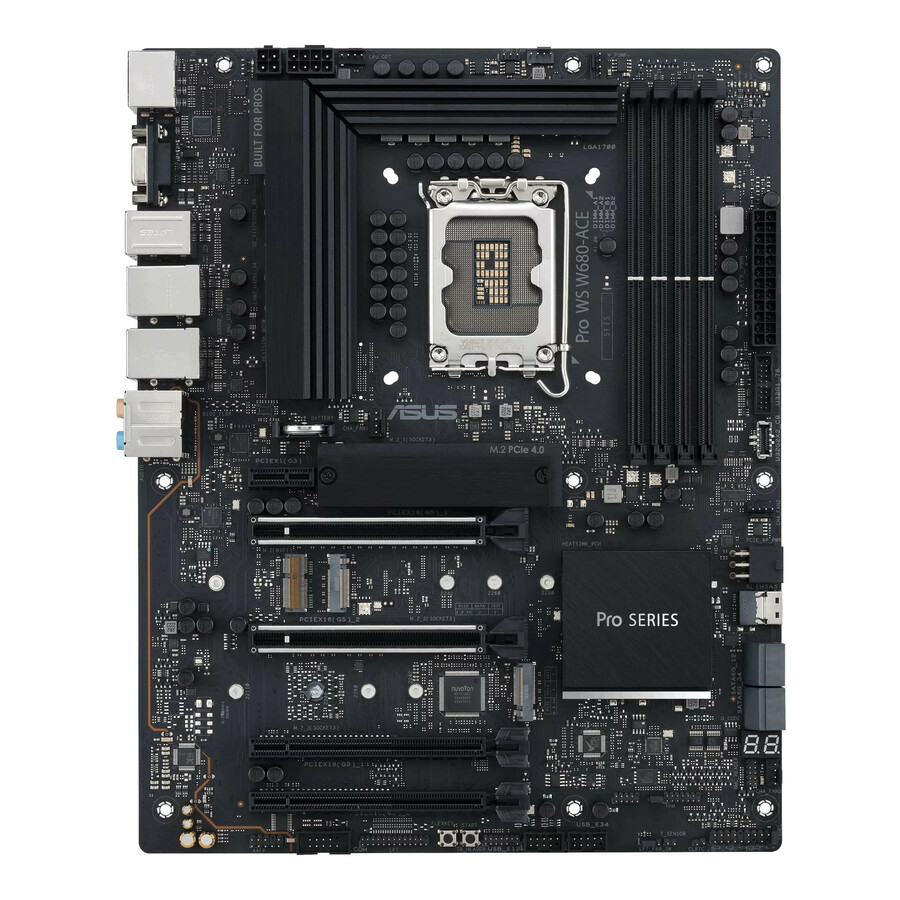
ASUS Computer International
Asus Pro WS W680-ACE Workstation Motherboard
PRO WS W680-ACE
ASUS Pro WS W680-ACE on the W680 workstation chipset, LGA-1700 in ATX and Intel Optane Memory Ready — the entry Pro WS platform for a professional graphics workstation.
$397.83Back-orderedMicro-ATX workstation
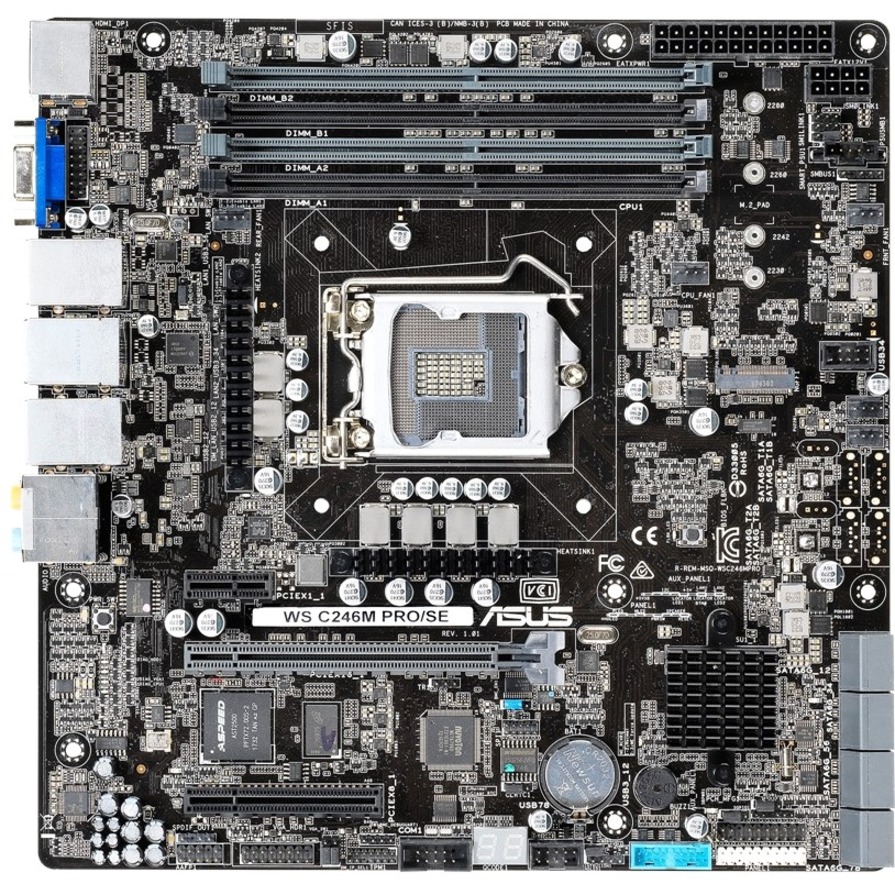
ASUS Computer International
Asus WS C246M PRO/SE Workstation Motherboard
WS C246M PRO/SE
ASUS WS C246M PRO/SE on the Intel C246 chipset, LGA-1151 Micro-ATX with a 128 GB DDR4 ceiling — a compact workstation board for a small-chassis professional build.
$353.00Back-orderedZ890 workstation
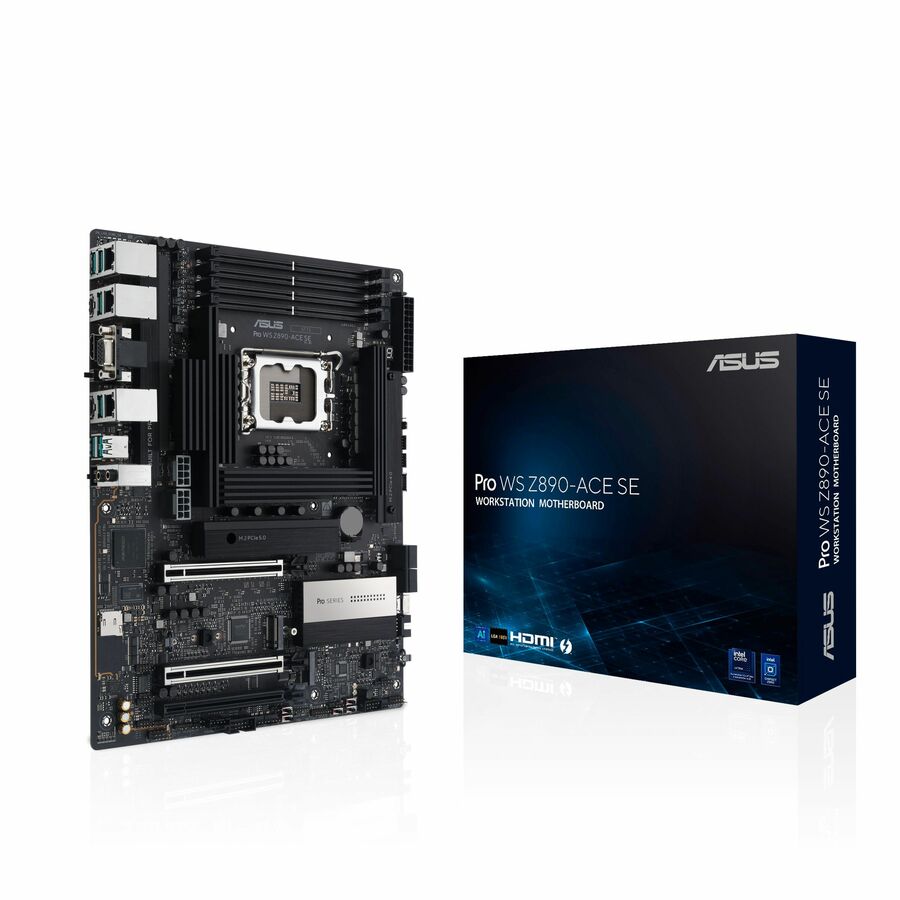
ASUS Computer International
Asus Pro WS Z890-ACE SE Workstation Motherboard
PRO WS Z890-ACE SE
ASUS Pro WS Z890-ACE SE on Intel Z890, LGA-1851 in ATX supporting Core Ultra processors and up to 192 GB of DDR5 — the current-socket Pro WS board for a desktop workstation.
$559.73Back-orderedW880 workstation
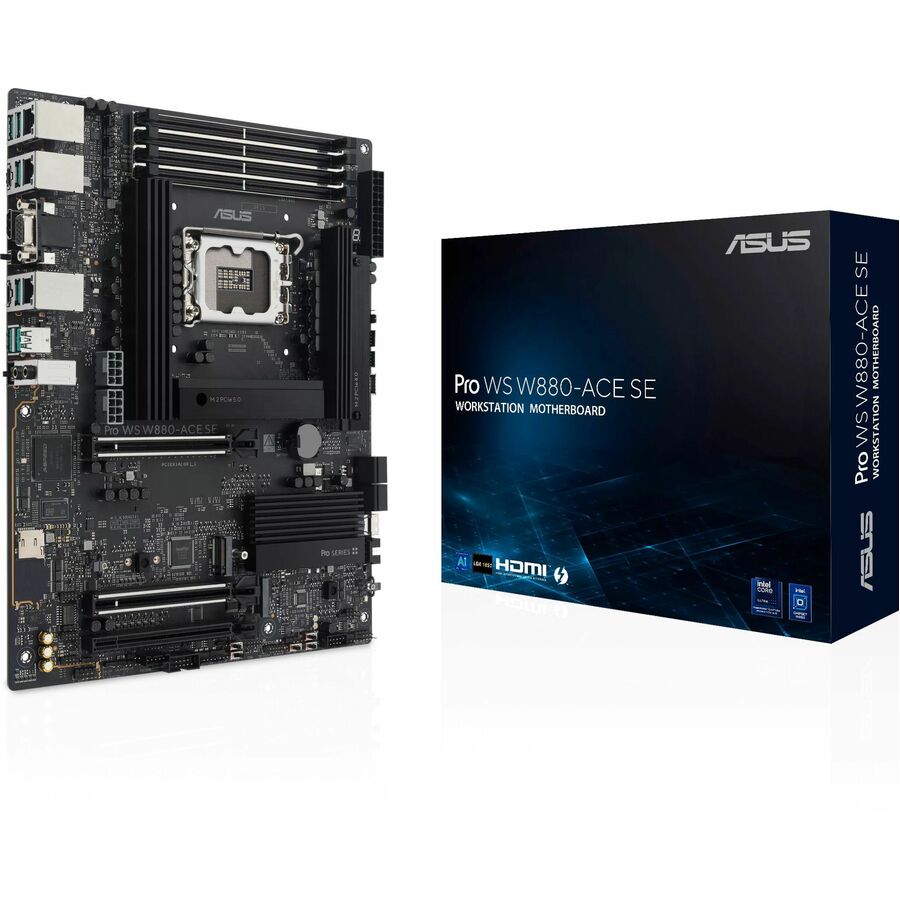
ASUS Computer International
Asus Pro Pro WS W880-ACE SE Gaming Desktop Motherboard
Pro WS W880-ACE SE
ASUS Pro WS W880-ACE SE on the W880 workstation chipset, LGA-1851 in ATX with a 256 GB DDR5 ceiling — the workstation-chipset alternative on the current Intel socket.
$522.77Back-orderedCreator, Z890
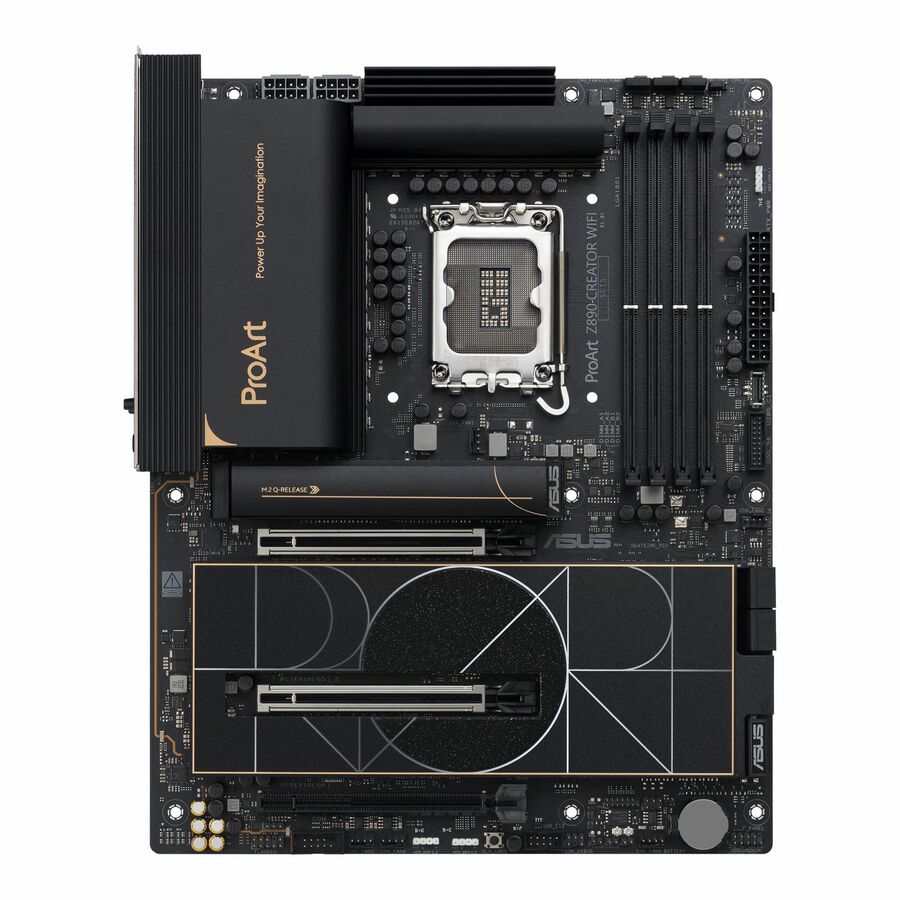
ASUS Computer International
Asus ProArt PROART Z890-CREATOR WIFI Workstation Motherboard
PROART Z890-CREATOR WIFI
ASUS ProArt Z890-CREATOR WIFI, an Intel Z890 workstation board from the ProArt range — the content-creation platform in ASUS's professional line rather than its gaming one.
$574.15Back-orderedThreadripper, SSI CEB
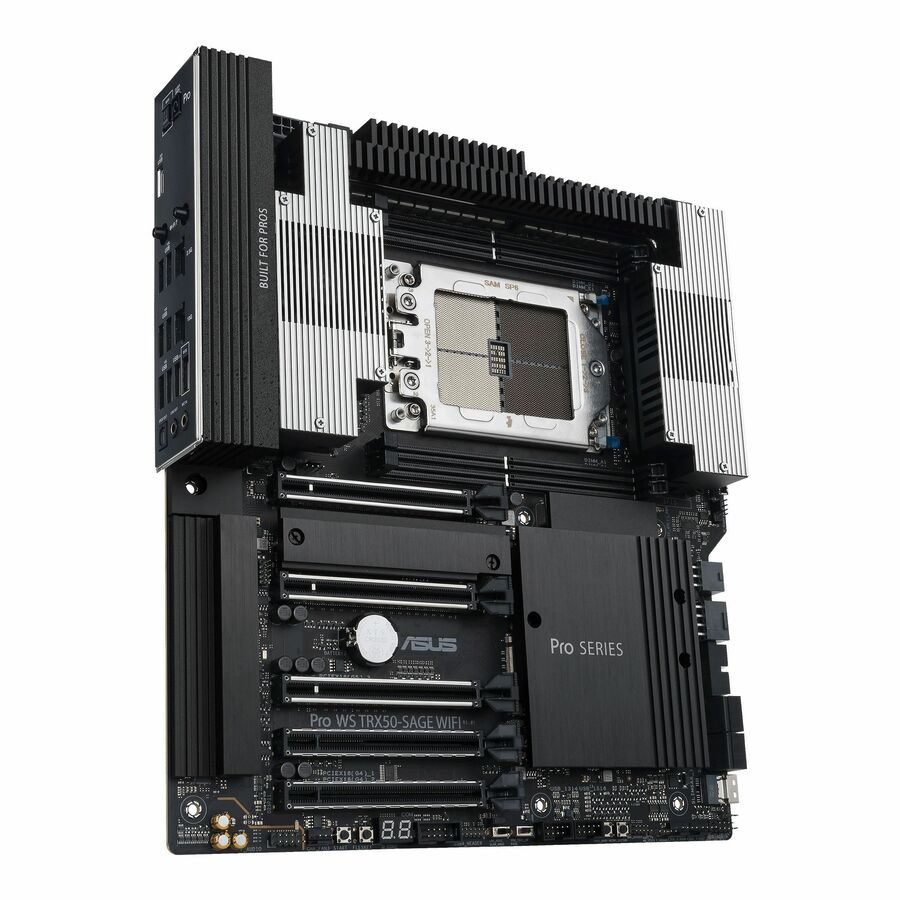
ASUS Computer International
Asus PRO WS TRX50-SAGE WIFI Desktop Motherboard
PRO WS TRX50-SAGE WIFI
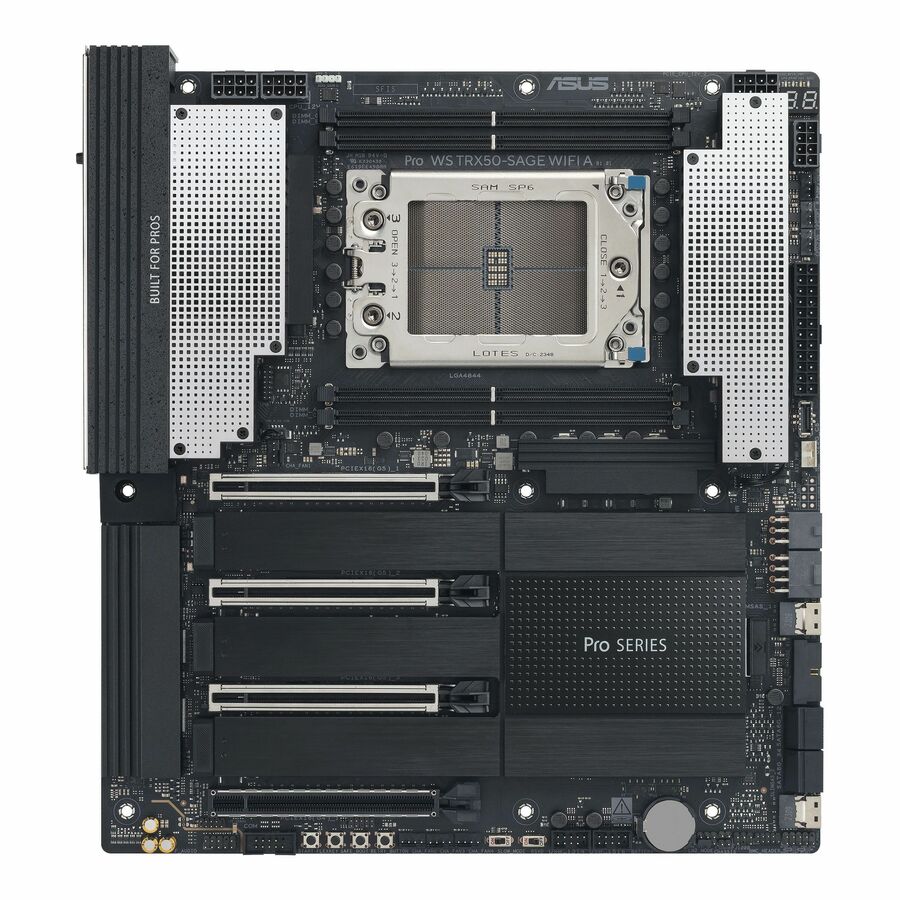
ASUS PRO WS TRX50-SAGE WIFI on AMD TRX50, socket sTR5 in SSI CEB for Ryzen Threadripper — the large-footprint AMD workstation platform, sized for a chassis chosen around it.
$1,087.09Back-orderedXeon W790, 2TB
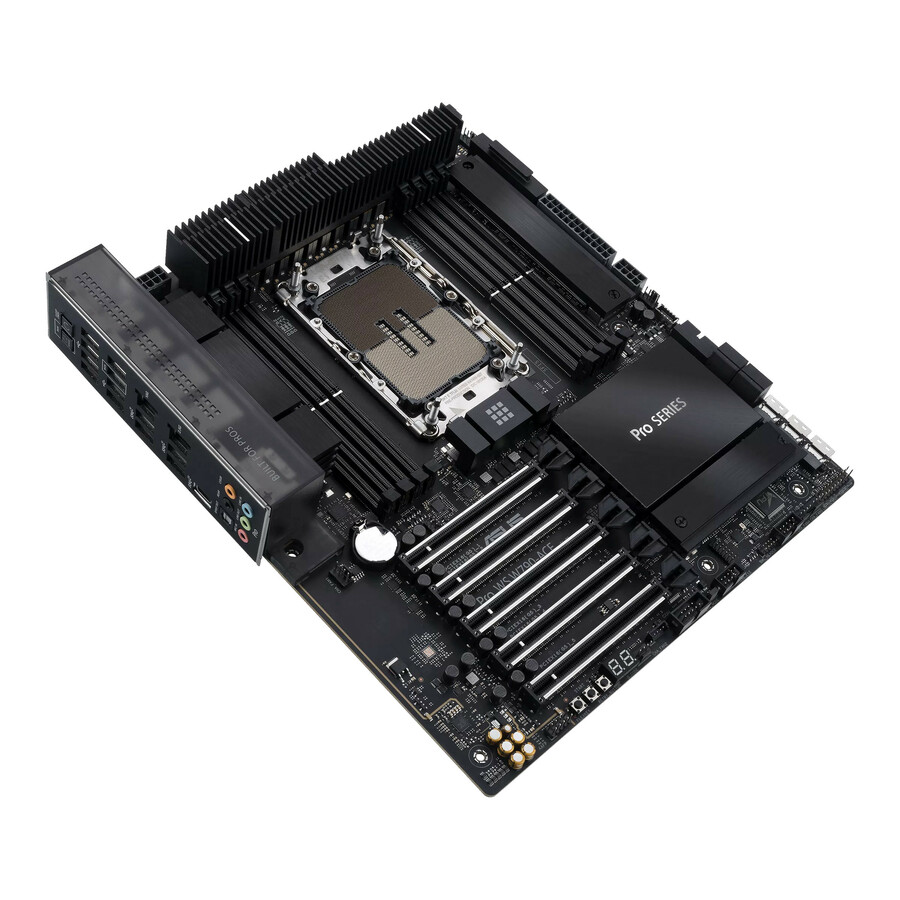
ASUS Computer International
Asus PRO WS W790-ACE Desktop Motherboard
PRO WS W790-ACE
ASUS PRO WS W790-ACE on Intel W790, socket LGA-4677 in SSI CEB with a 2 TB DDR5 ceiling — the Xeon workstation board for the largest memory and expansion builds on this page.
$1,087.67Back-orderedMore motherboards in the Uniqcli catalog
See all 492 motherboardsMore ASUS first — closest to what you were just looking at; “See all motherboards” above opens every other brand in the category. In-stock lines lead, and a back-ordered line carries the same estimated availability its product page does — with live pricing throughout, NDAA §889 screening before checkout and TAA verified on request.
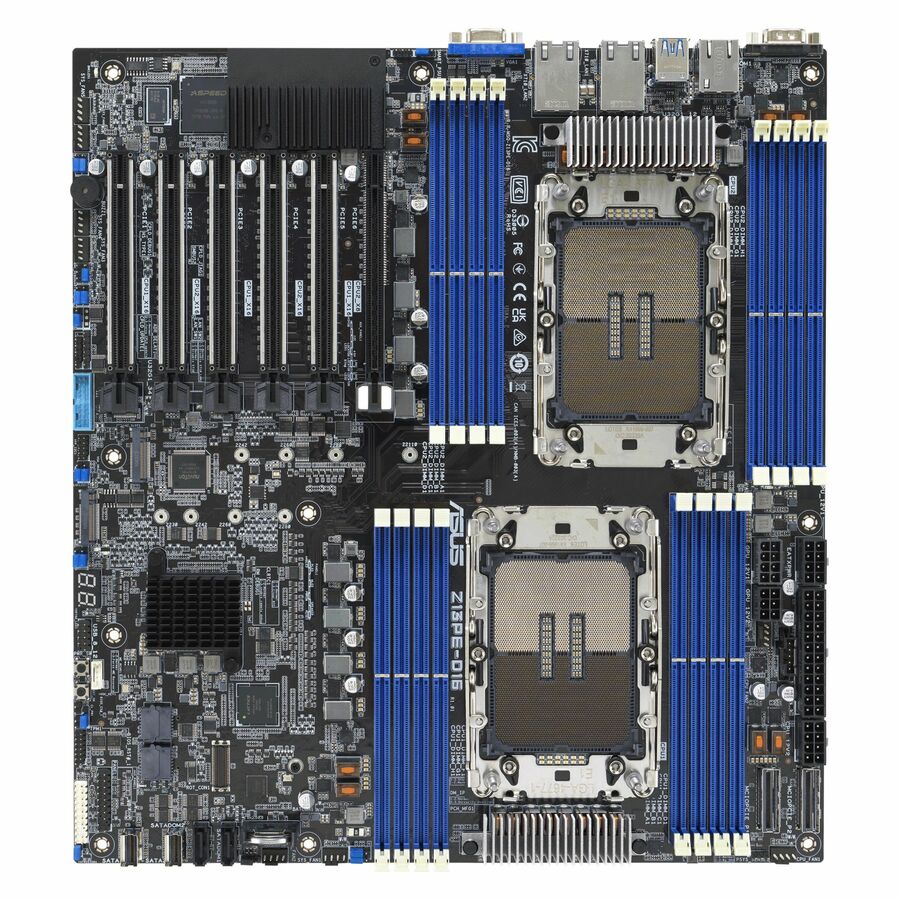
- ASUS Computer InternationalAsus Z13PE-D16 Server Motherboard - Intel C741 Chipset - Socket LGA-4677 - Extended ATX - Xeon Processor Supported - 4 TB DDR5 SDRAM Maximum RAM - DIMM, RDIMM - 16 x Memory Slots - Gigabit Ethernet - 10 x SATA InterfacesZ13PE-D16
$1,678.59
Back-orderedBack-ordered — estimated OEM lead time 3–8 weeks (Nov 18 – Dec 23 if ordered today).
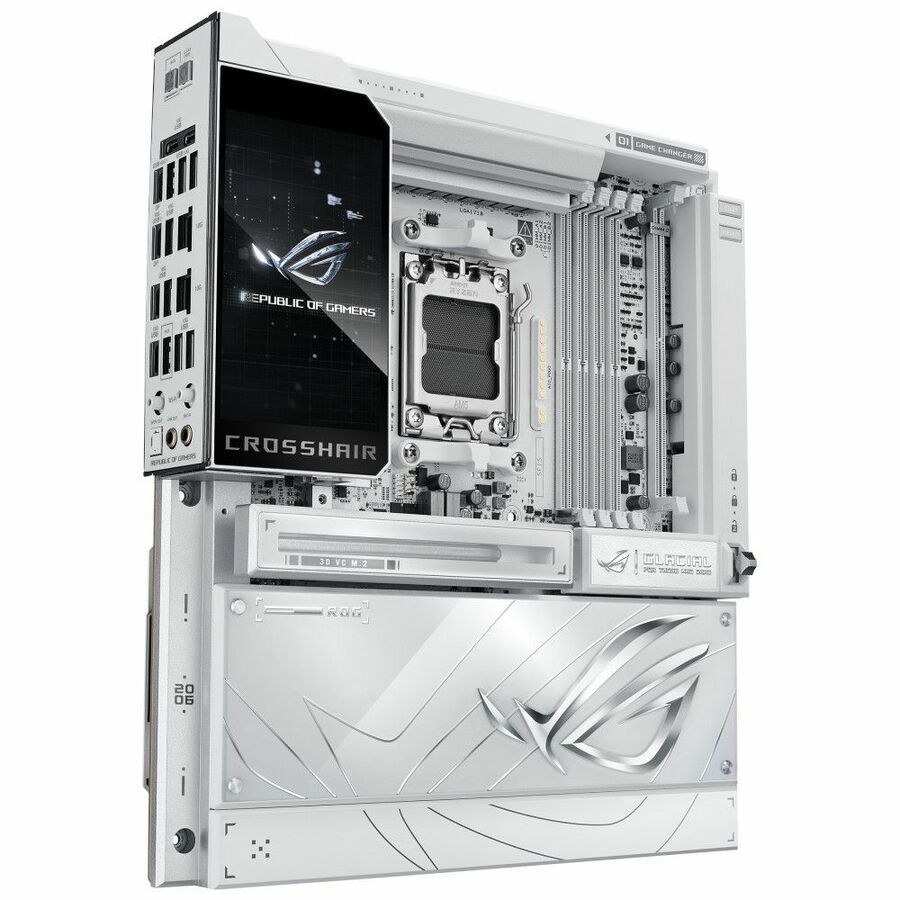
- ASUS Computer InternationalAsus ROG Crosshair X870E GLACIAL Gaming Desktop Motherboard - AMD X870E Chipset - Socket AM5 - Extended ATX - Ryzen 9, Ryzen 7 Processor Supported - 256 GB DDR5 SDRAM Maximum RAM - DIMM, UDIMM - 4 x Memory Slots - Gigabit Ethernet - 2.5Gigabit Ethernet - IEEE 802.11be - DisplayPort - 4 x SATA InterfacesROG CROSSHAIR X870E GLACIAL
$1,525.93
Back-orderedBack-ordered — estimated OEM lead time 3–8 weeks (Nov 18 – Dec 23 if ordered today).
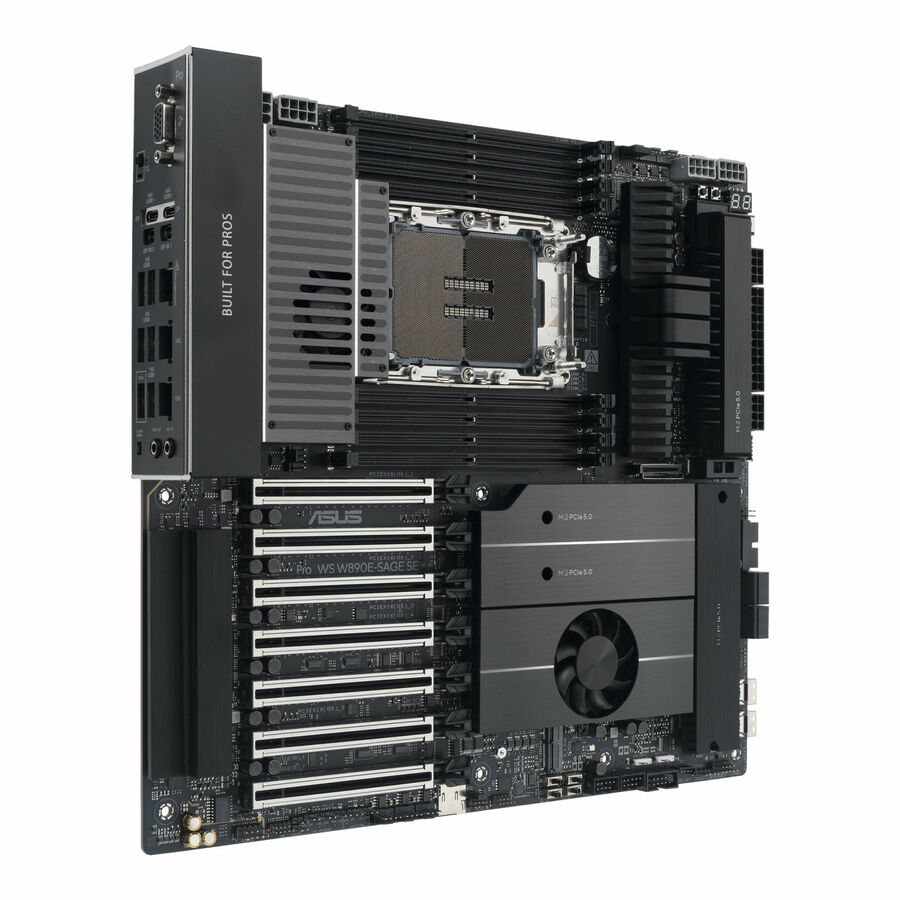
- ASUS Computer InternationalAsus WS W890E-SAGE SE Workstation Motherboard - Intel W890 Chipset - Socket LGA-4710-2 - SSI EEB - Xeon Processor Supported - 4 TB DDR5 SDRAM Maximum RAM - DIMM, UDIMM, RDIMM - 8 x Memory Slots - Gigabit Ethernet - 2.5Gigabit Ethernet - 4 x SATA InterfacesPRO WS W890E-SAGE SE
$1,357.60
Back-orderedBack-ordered — estimated OEM lead time 3–8 weeks (Nov 18 – Dec 23 if ordered today).
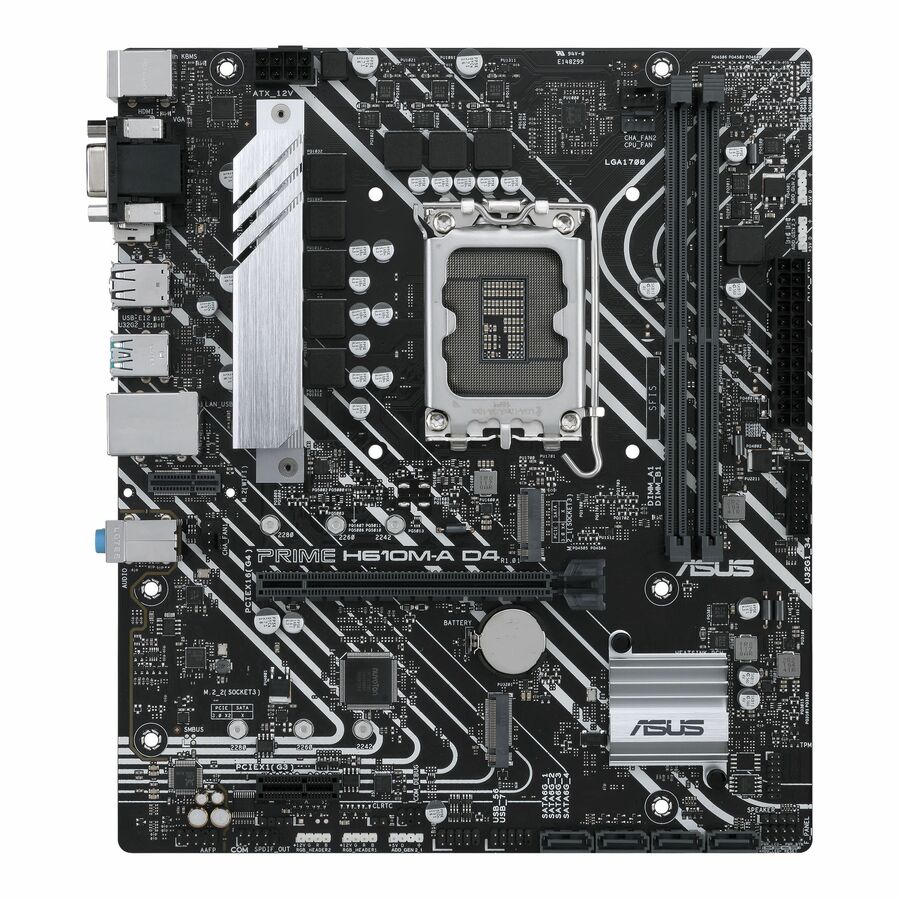
- ASUS Computer InternationalAsus Prime H610M-A D4-CSM Desktop Motherboard - Intel H610 Chipset - Socket LGA-1700 - Micro ATX - Core, Pentium Gold, Celeron Processor Supported - 64 GB DDR4 SDRAM Maximum RAM - DIMM, UDIMM - 2 x Memory Slots - Gigabit Ethernet - HDMI - DisplayPort - 4 x SATA InterfacesPRIME H610MA D4CSMSI
$1,246.51
Back-orderedBack-ordered — estimated OEM lead time 3–8 weeks (Nov 18 – Dec 23 if ordered today).
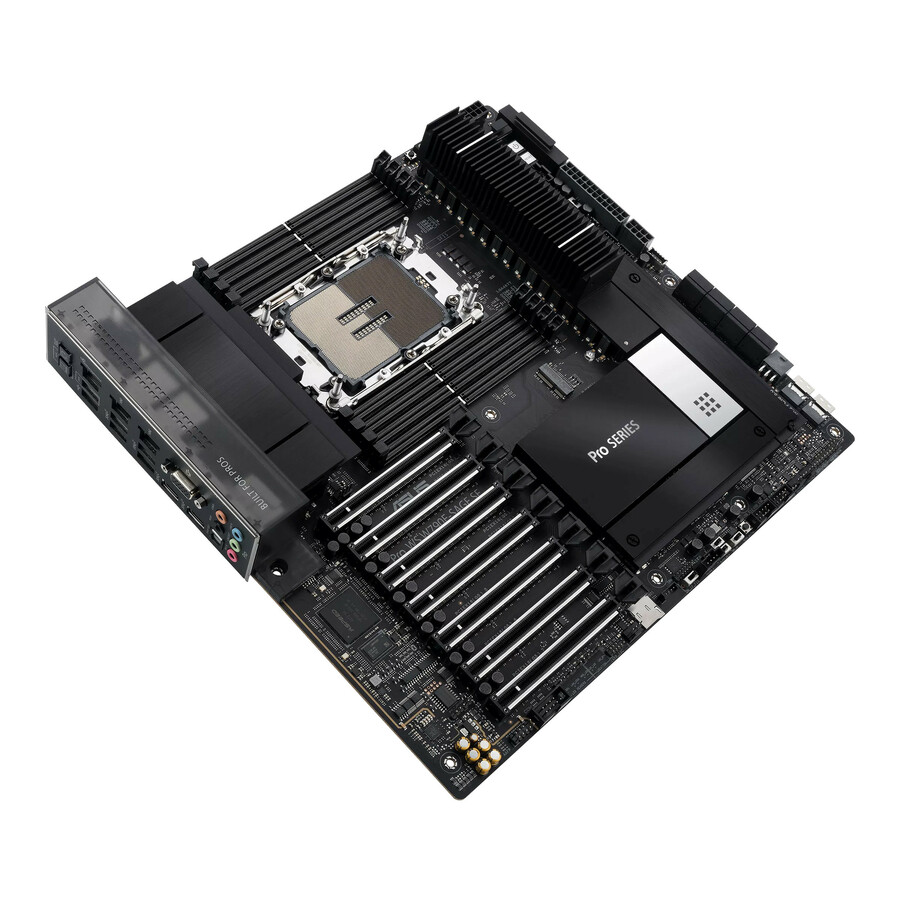
- ASUS Computer InternationalAsus PRO WS W790E-SAGE SE Desktop Motherboard - Intel W790 Chipset - Socket LGA-4677 - Xeon Processor Supported - 2 TB DDR5 SDRAM Maximum RAM - DIMM, UDIMM - 8 x Memory Slots - Gigabit Ethernet - 8 x SATA InterfacesPRO WS W790E-SAGE SE
$1,227.45
Back-orderedBack-ordered — estimated OEM lead time 3–8 weeks (Nov 18 – Dec 23 if ordered today).
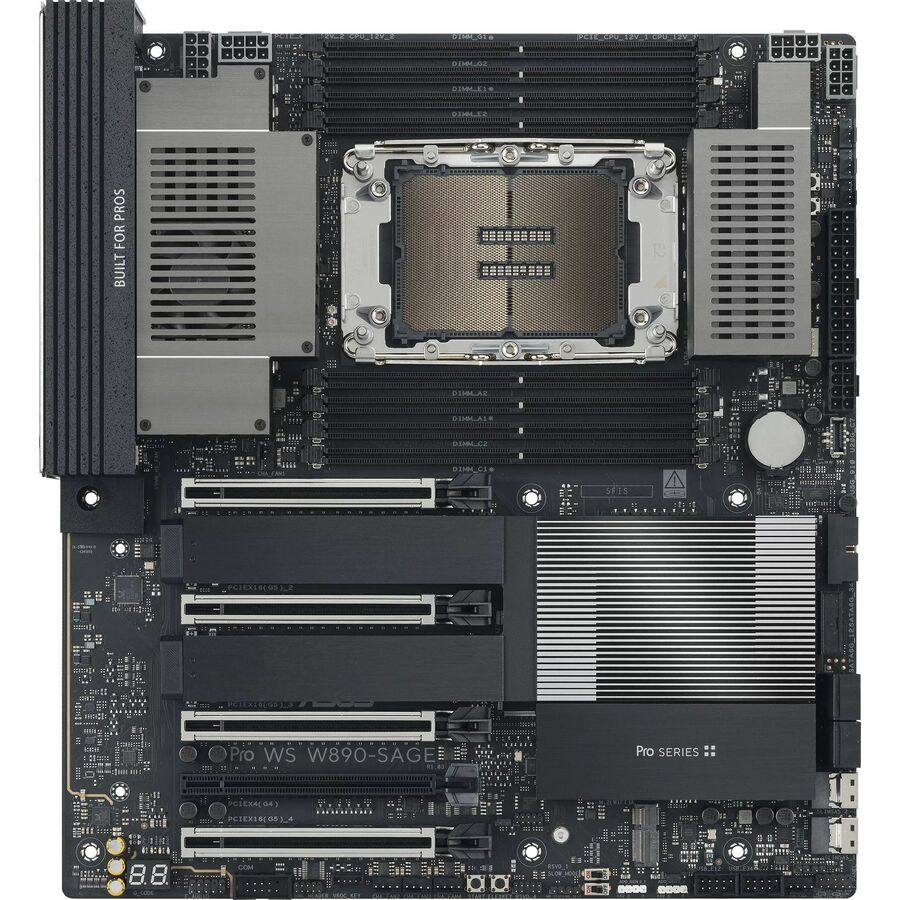
- ASUS Computer InternationalAsus WS W890-SAGE Workstation Motherboard - Intel W890 Chipset - Socket LGA-4710-2 - SSI CEB - Xeon Processor Supported - 4 TB DDR5 SDRAM Maximum RAM - DIMM, UDIMM, RDIMM - 8 x Memory Slots - Gigabit Ethernet - 2.5Gigabit Ethernet - DisplayPort - 4 x SATA InterfacesPRO WS W890-SAGE
$1,168.61
Back-orderedBack-ordered — estimated OEM lead time 3–8 weeks (Nov 18 – Dec 23 if ordered today).
- ASUS Computer InternationalAsus Pro WS TRX50-SAGE WIFI A Workstation Motherboard - AMD TRX50 Chipset - Socket sTR5 - SSI CEB - Ryzen 7, Ryzen 9 Processor Supported DDR5 SDRAM Maximum RAM - DIMM, UDIMM - 4 x Memory Slots - Gigabit Ethernet - 2.5Gigabit Ethernet - IEEE 802.11be - DisplayPort - 4 x SATA InterfacesPRO WS TRX50-SAGE WIFI A
$1,162.58
Back-orderedBack-ordered — estimated OEM lead time 3–8 weeks (Nov 18 – Dec 23 if ordered today).
- ASUS Computer InternationalAsus PRO WS W790-ACE Desktop Motherboard - Intel W790 Chipset - Socket LGA-4677 - SSI CEB - Xeon Processor Supported - 2 TB DDR5 SDRAM Maximum RAM - DIMM, UDIMM - 8 x Memory Slots - Gigabit Ethernet - 2.5Gigabit Ethernet - 4 x SATA InterfacesPRO WS W790-ACE
$1,087.67
Back-orderedBack-ordered — estimated OEM lead time 3–8 weeks (Nov 18 – Dec 23 if ordered today).
- ASUS Computer InternationalAsus PRO WS TRX50-SAGE WIFI Desktop Motherboard - AMD TRX50 Chipset - Socket sTR5 - SSI CEB - Ryzen 7, Ryzen Threadripper Processor Supported DDR5 SDRAM Maximum RAM - DIMM - 4 x Memory Slots - 2.5Gigabit Ethernet - IEEE 802.11be - 4 x SATA InterfacesPRO WS TRX50-SAGE WIFI
$1,087.09
Back-orderedBack-ordered — estimated OEM lead time 3–8 weeks (Nov 18 – Dec 23 if ordered today).
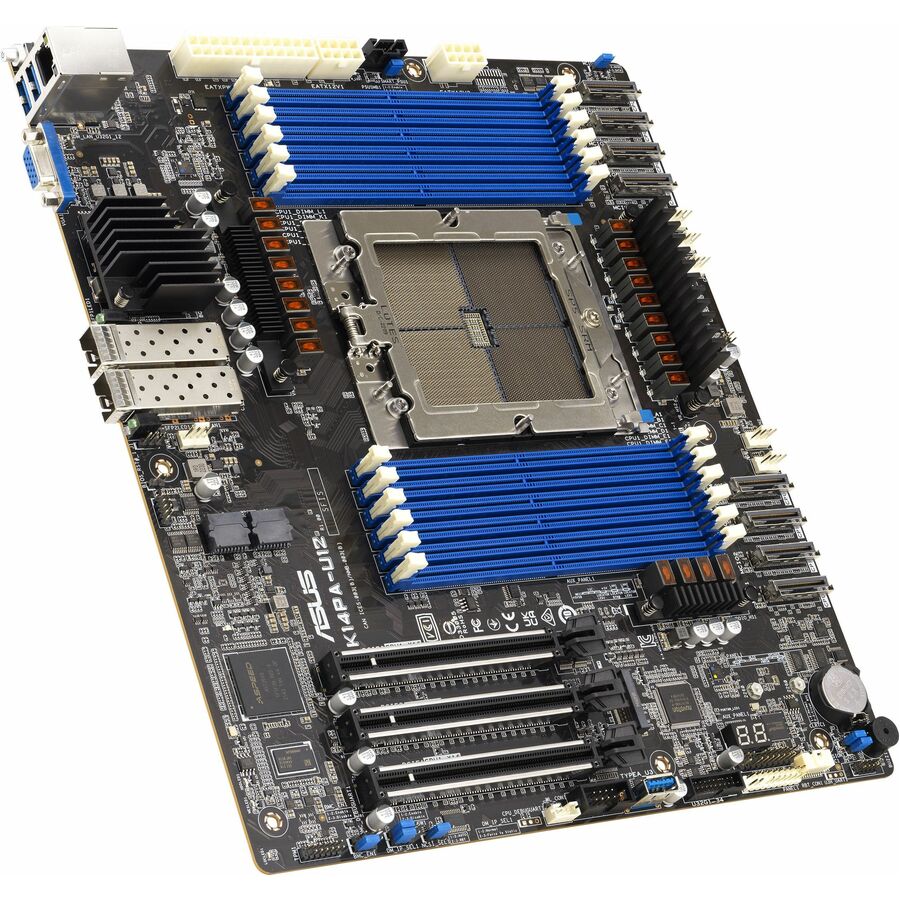
- ASUS Computer InternationalAsus K14PA-U12 Server Motherboard - AMD Chipset - Socket SP5 LGA-6096 - SSI CEB - EPYC Processor Supported - 3 TB DDR5 SDRAM Maximum RAM - DIMM, RDIMM - 12 x Memory Slots - Gigabit EthernetK14PA-U12
$1,028.30
Back-orderedBack-ordered — estimated OEM lead time 3–8 weeks (Nov 18 – Dec 23 if ordered today).
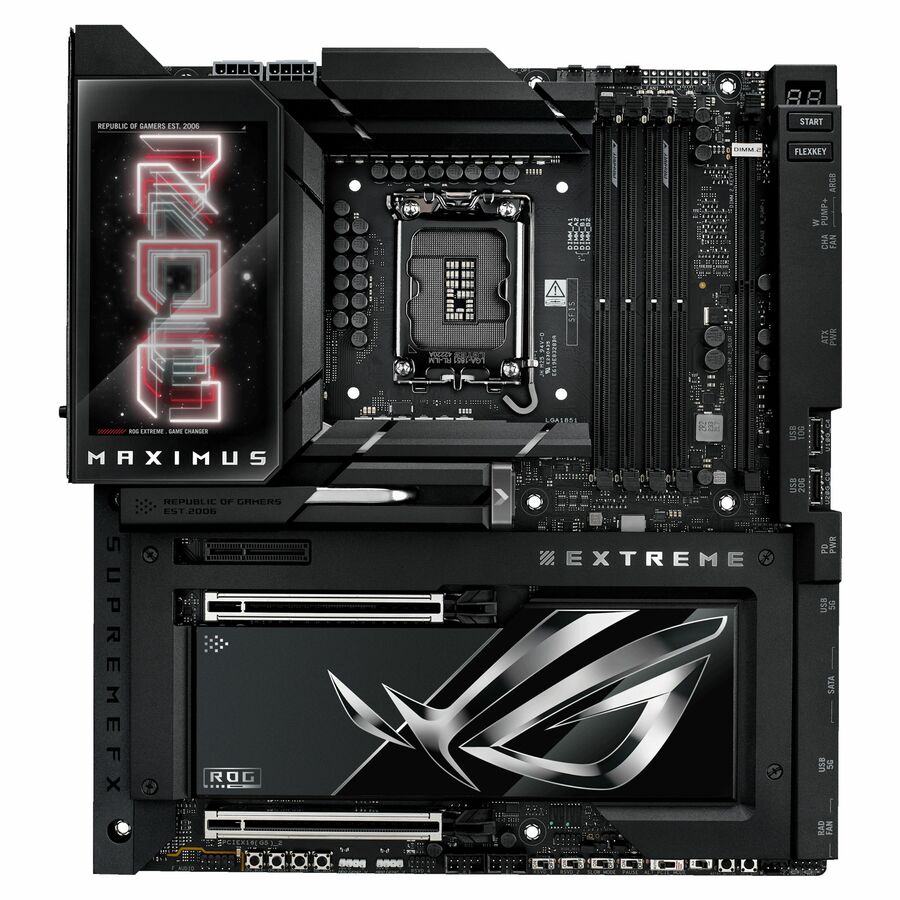
- ASUS Computer InternationalAsus ROG MAXIMUS Z890 EXTREME Gaming Desktop Motherboard - Intel Z890 Chipset - Socket LGA-1851 - Extended ATX - Core Processor Supported - 192 GB DDR5 SDRAM Maximum RAM - DIMM, UDIMM - 4 x Memory Slots - Gigabit Ethernet - IEEE 802.11be - HDMI - 4 x SATA InterfacesROG MAXIMUS Z890 EXTREME
$1,022.63
Back-orderedBack-ordered — estimated OEM lead time 3–8 weeks (Nov 18 – Dec 23 if ordered today).
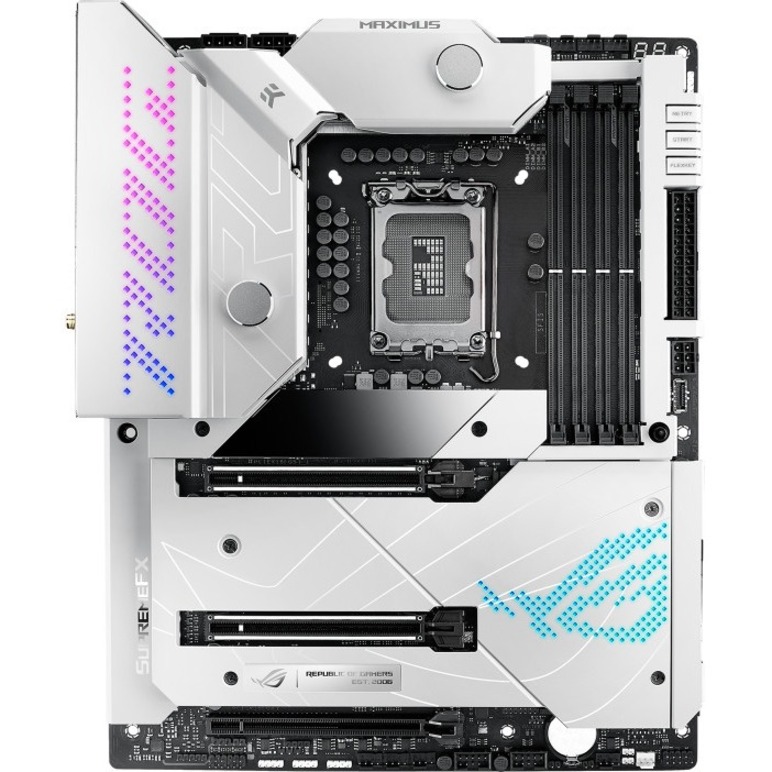
- ASUS Computer InternationalAsus ROG Maximus Z690 Formula Desktop Motherboard - Intel Z690 Chipset - Socket LGA-1700 - Intel Optane Memory Ready - ATX - Pentium Gold, Celeron, Core i5, Core i7, Core i9 Processor Supported - 128 GB DDR5 SDRAM Maximum RAM - DIMM, UDIMM - 4 x Memory Slots - IEEE 802.11 a/b/g/n/ac/ax - HDMI - 6 x SATA InterfacesROGMAXIMUSZ690FORMULA
$930.38
Back-orderedBack-ordered — estimated OEM lead time 3–8 weeks (Nov 18 – Dec 23 if ordered today).
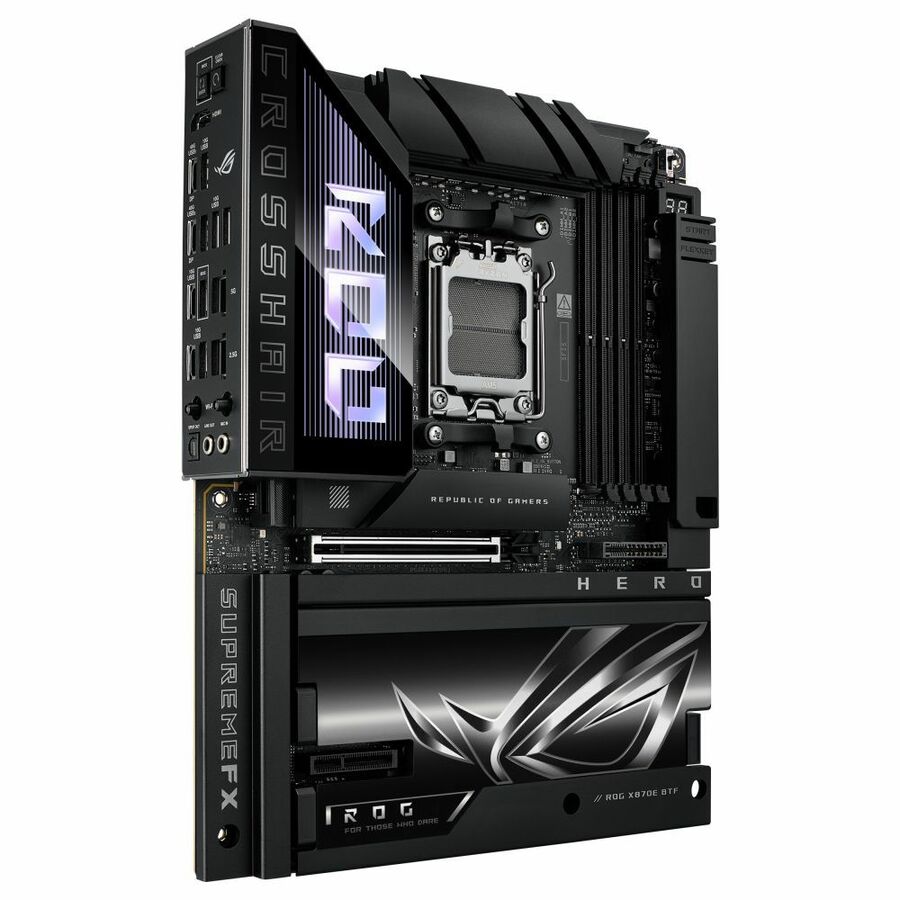
- ASUS Computer InternationalAsus ROG Crosshair X870E Hero Gaming Desktop Motherboard - AMD X870E Chipset - Socket AM5 - ATX - Ryzen 5, Ryzen 7, Ryzen 9 Processor Supported - 256 GB DDR5 SDRAM Maximum RAM - DIMM, UDIMM - 4 x Memory Slots - Gigabit Ethernet - 2.5Gigabit Ethernet - IEEE 802.11be - HDMI - DisplayPort - 4 x SATA InterfacesROG CROSSHAIR X870E HERO BTF
$907.66
Back-orderedBack-ordered — estimated OEM lead time 3–8 weeks (Nov 18 – Dec 23 if ordered today).
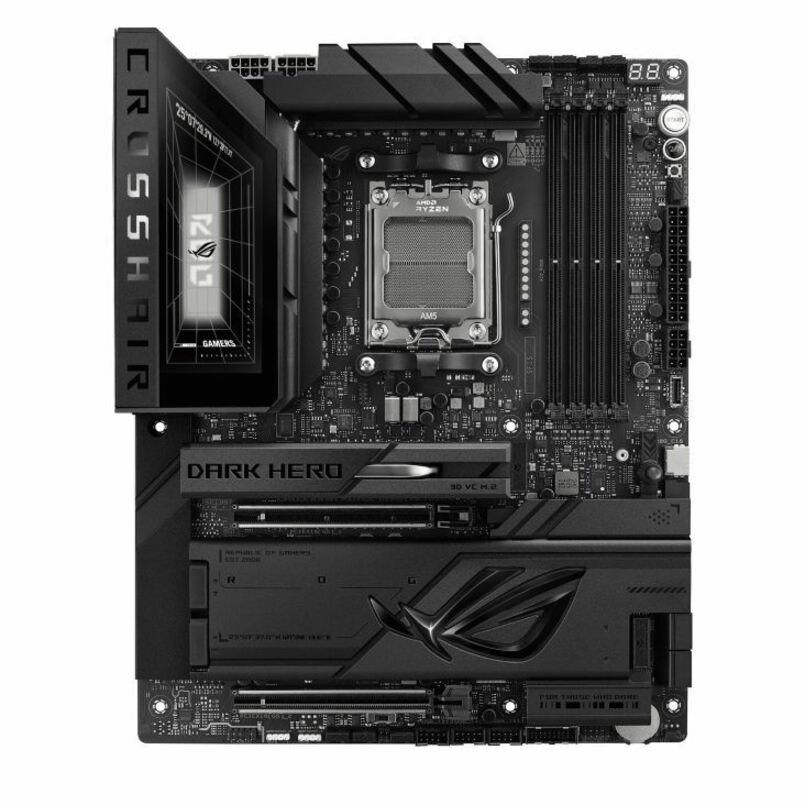
- ASUS Computer InternationalAsus ROG Crosshair X870E DARK HERO Gaming Desktop Motherboard - AMD X870E Chipset - Socket AM5 - ATX - Ryzen 9, Ryzen 7 Processor Supported - 256 GB DDR5 SDRAM Maximum RAM - DIMM, UDIMM - 4 x Memory Slots - Gigabit Ethernet - 2.5Gigabit Ethernet - IEEE 802.11be - HDMI - DisplayPort - 4 x SATA InterfacesROG CROSSHAIR X870E DARK HERO
$850.79
Back-orderedBack-ordered — estimated OEM lead time 3–8 weeks (Nov 18 – Dec 23 if ordered today).
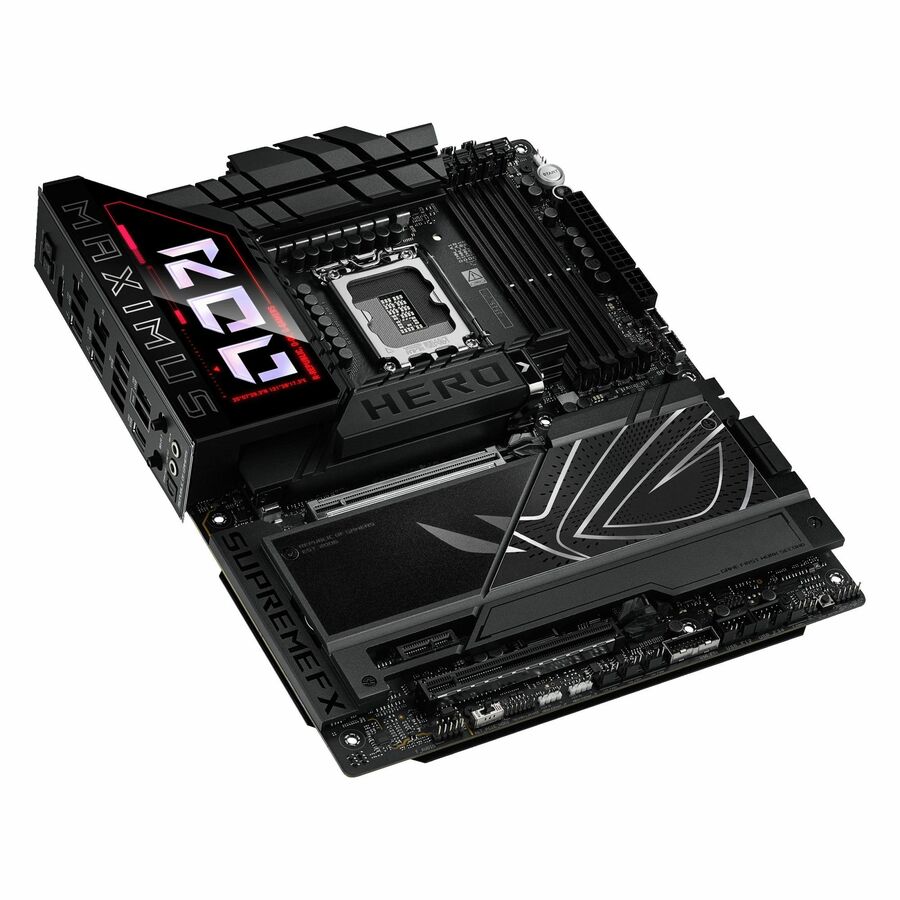
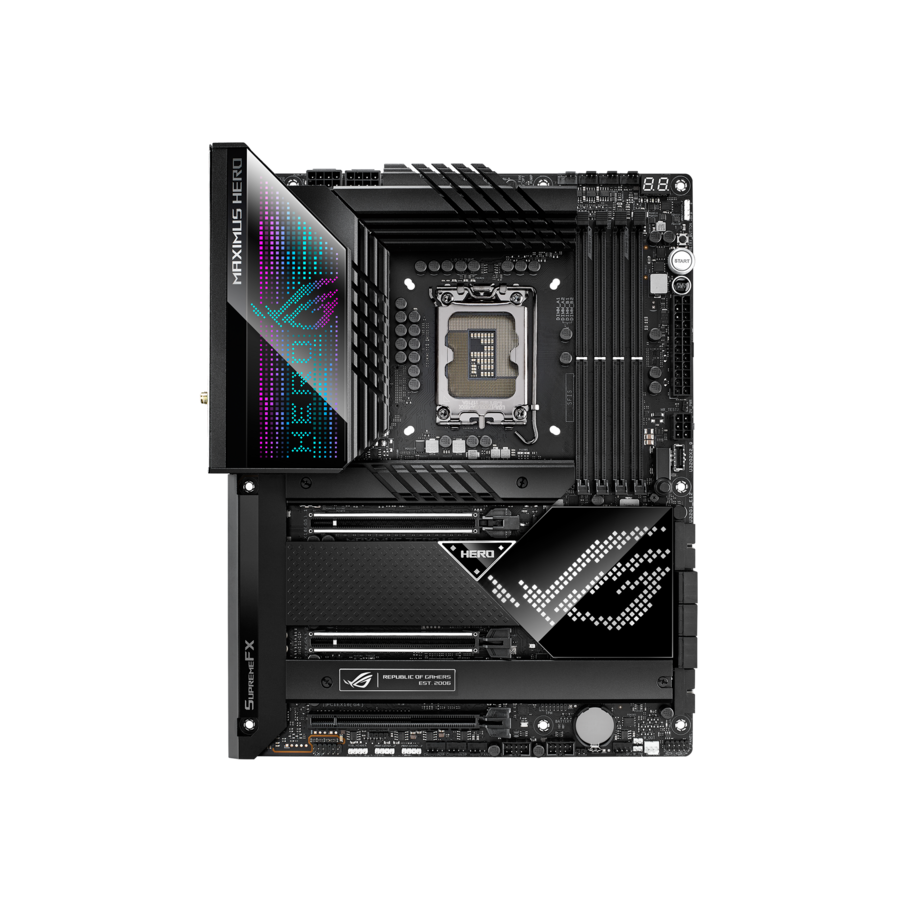
- ASUS Computer InternationalAsus ROG MAXIMUS Z890 HERO Gaming Desktop Motherboard - Intel Z890 Chipset - Socket LGA-1851 - ATX - Core Processor Supported - 192 GB DDR5 SDRAM Maximum RAM - DIMM, UDIMM - 4 x Memory Slots - Gigabit Ethernet - 2.5Gigabit Ethernet - IEEE 802.11be - HDMI - 4 x SATA InterfacesROG MAXIMUS Z890 HERO
$816.66
Back-orderedBack-ordered — estimated OEM lead time 3–8 weeks (Nov 18 – Dec 23 if ordered today).
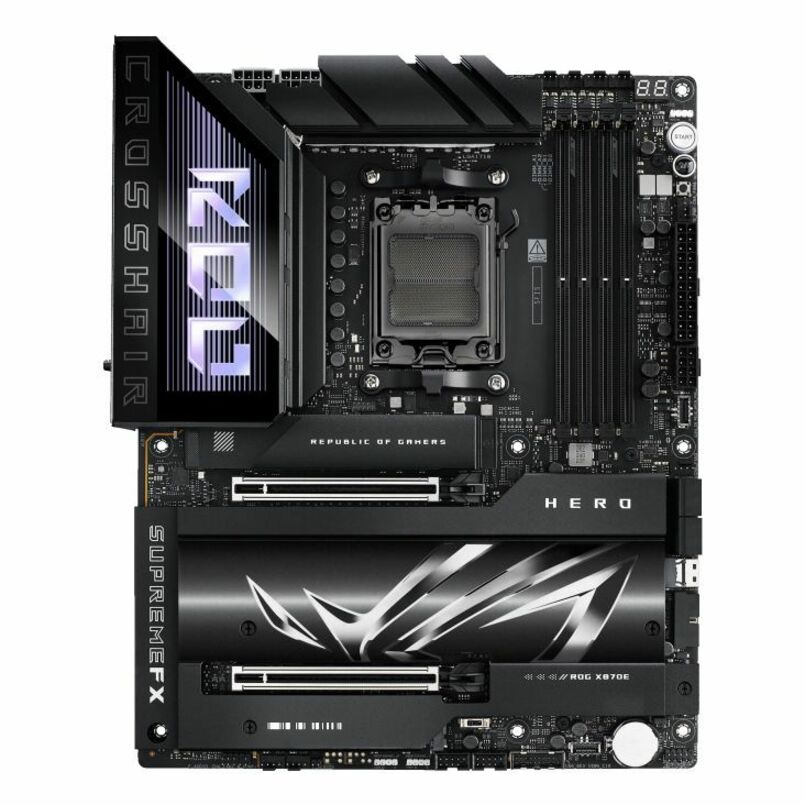
- ASUS Computer InternationalAsus ROG Crosshair X870E HERO Gaming Desktop Motherboard - AMD X870E Chipset - Socket AM5 - ATX - Ryzen 7, Ryzen 9 Processor Supported - 192 GB DDR5 SDRAM Maximum RAM - DIMM, UDIMM - 4 x Memory Slots - Gigabit Ethernet - 2.5Gigabit Ethernet - IEEE 802.11be - HDMI - DisplayPort - 4 x SATA InterfacesROGCROSSHAIRX870EHERO
$816.43
Back-orderedBack-ordered — estimated OEM lead time 3–8 weeks (Nov 18 – Dec 23 if ordered today).
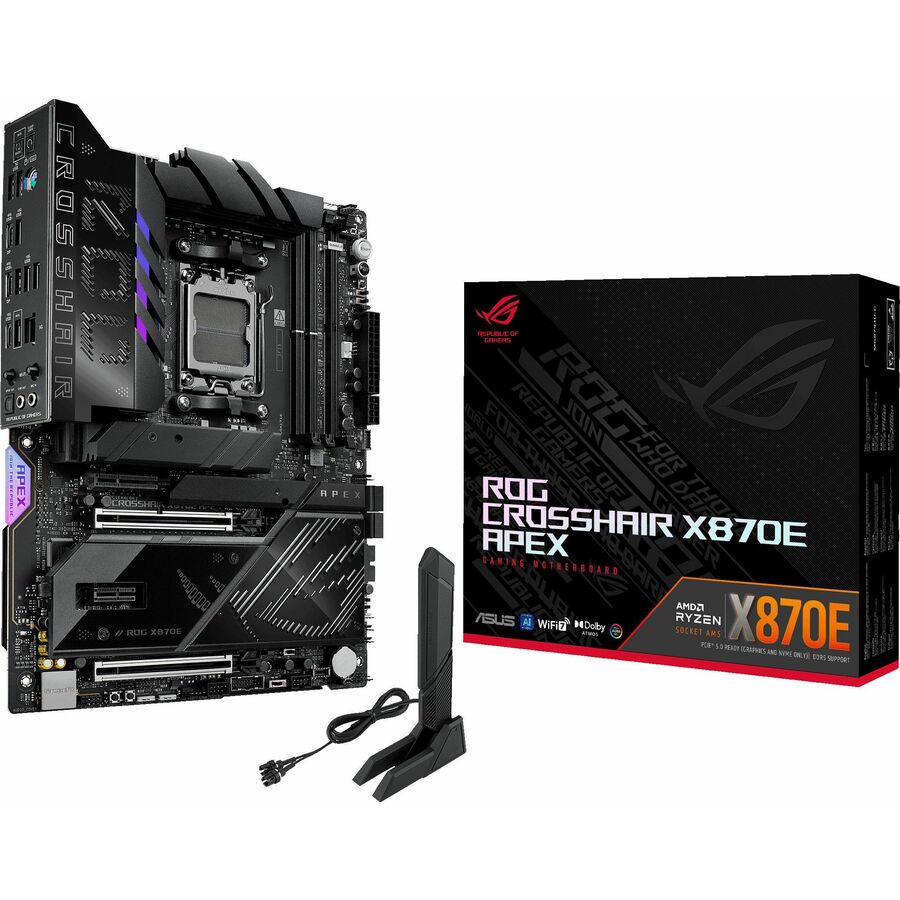
- ASUS Computer InternationalAsus ROG Crosshair X870E Apex Gaming Desktop Motherboard - AMD X870E Chipset - Socket AM5 - ATX - Ryzen 7, Ryzen 9 Processor Supported - 128 GB DDR5 SDRAM Maximum RAM - DIMM, UDIMM - 2 x Memory Slots - Gigabit Ethernet - IEEE 802.11be - DisplayPort - 4 x SATA InterfacesROG CROSSHAIR X870E APEX
$714.29
Back-orderedBack-ordered — estimated OEM lead time 3–8 weeks (Nov 18 – Dec 23 if ordered today).
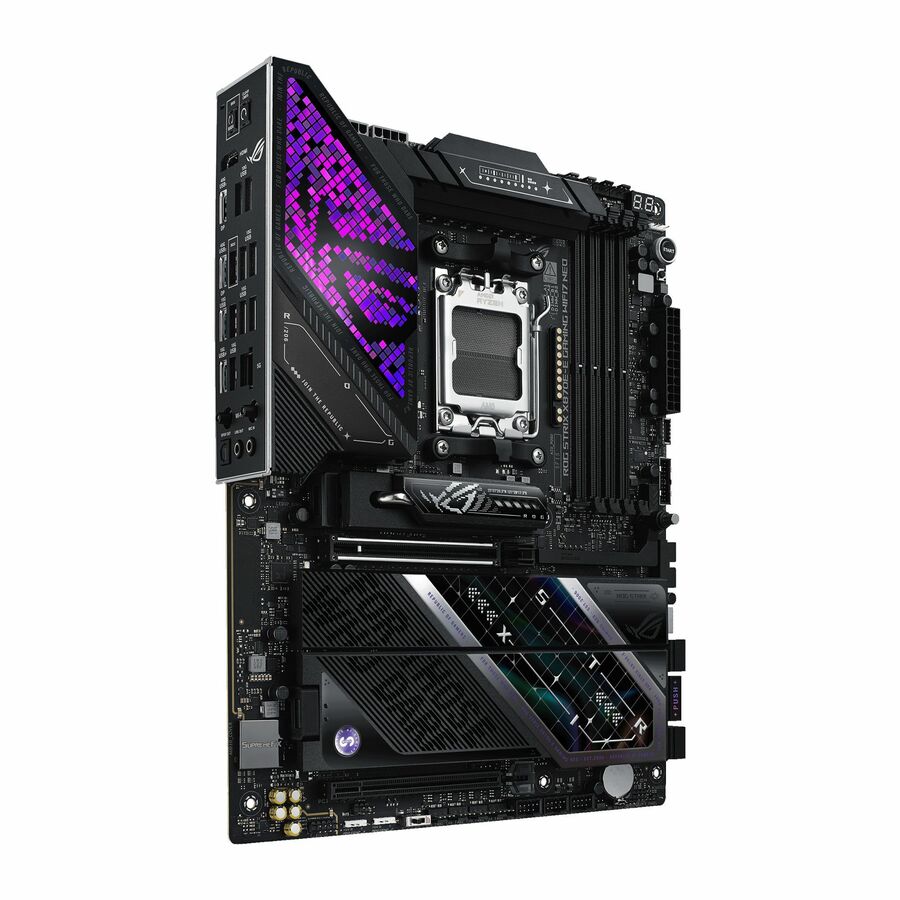
- ASUS Computer InternationalAsus ROG Strix X870E-E GAMING WIFI7 NEO Gaming Desktop Motherboard - AMD X870E Chipset - Socket AM5 - ATX - Ryzen Processor Supported - 256 GB DDR5 SDRAM Maximum RAM - DIMM, UDIMM - 4 x Memory Slots - Gigabit Ethernet - IEEE 802.11be - HDMI - DisplayPort - 4 x SATA InterfacesROG STRIX X870E-E GAMING WIFI7 NEO
$703.08
Back-orderedBack-ordered — estimated OEM lead time 3–8 weeks (Nov 18 – Dec 23 if ordered today).
Back-ordered — estimated OEM lead time 3–8 weeks (Nov 18 – Dec 23 if ordered today).
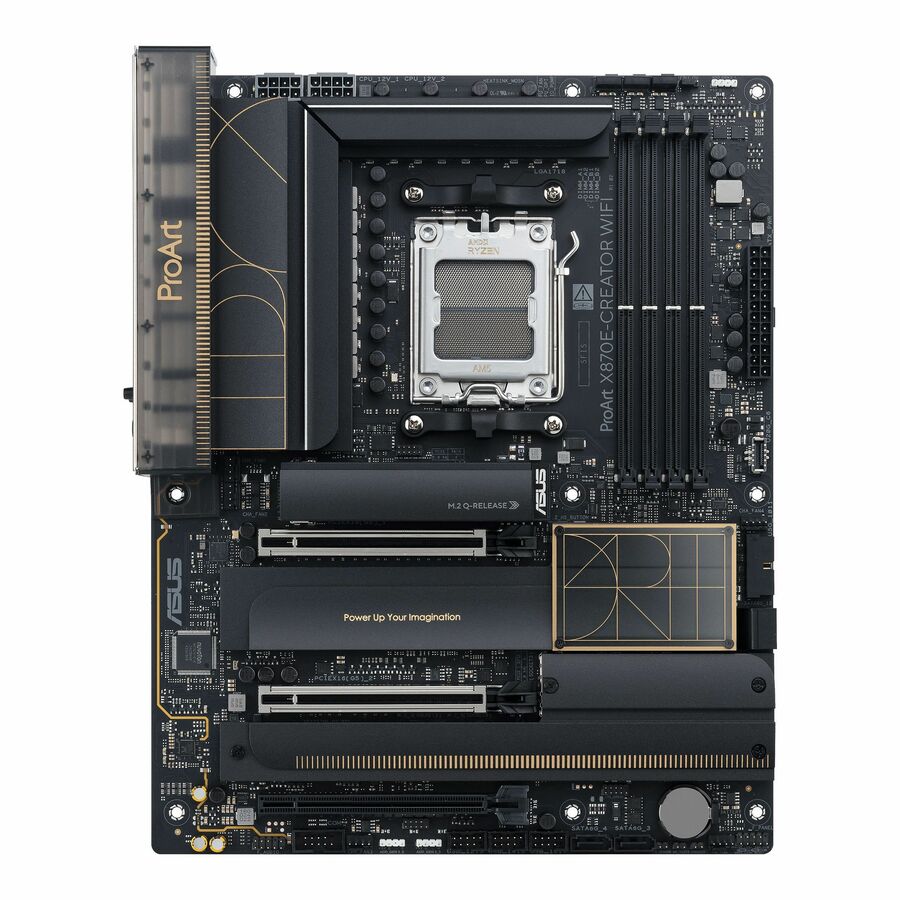
- ASUS Computer InternationalAsus ProArt X870E-CREATOR WIFI Gaming Desktop Motherboard - AMD X870E Chipset - Socket AM5 - ATX - Ryzen 7, Ryzen 9 Processor Supported - 192 GB DDR5 SDRAM Maximum RAM - DIMM, UDIMM - 4 x Memory Slots - Gigabit Ethernet - 2.5Gigabit Ethernet - IEEE 802.11be - HDMI - DisplayPort - 4 x SATA InterfacesProArtX870E-CREATORWIFI
$640.67
Back-orderedBack-ordered — estimated OEM lead time 3–8 weeks (Nov 18 – Dec 23 if ordered today).
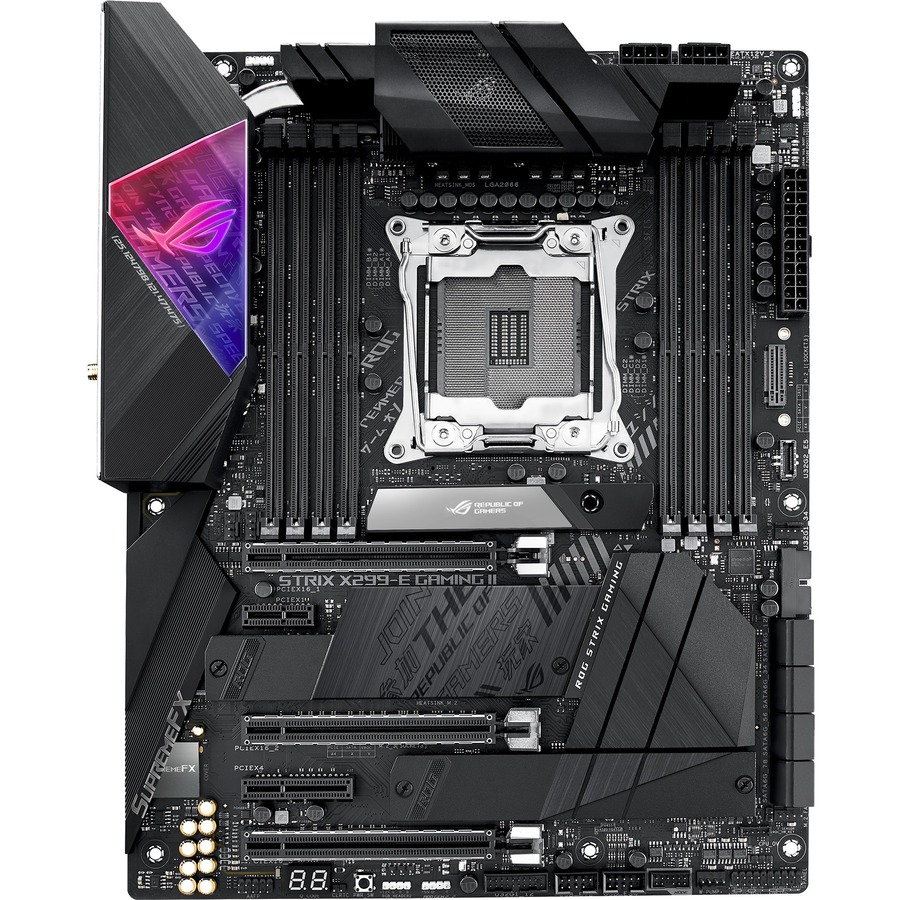
- ASUS Computer InternationalAsus ROG Strix Strix X299-E Gaming II Desktop Motherboard - Intel X299 Chipset - Socket R4 LGA-2066 - Intel Optane Memory Ready - ATX - 256 GB DDR4 SDRAM Maximum RAM - UDIMM, DIMM - 8 x Memory Slots - Gigabit Ethernet - IEEE 802.11 a/b/g/n/ac/ax - 8 x SATA InterfacesROG STRIX X299-E GAMING II
$598.17
Back-orderedBack-ordered — estimated OEM lead time 3–8 weeks (Nov 18 – Dec 23 if ordered today).
- ASUS Computer InternationalAsus ProArt PROART Z890-CREATOR WIFI Workstation Motherboard - Intel Z890 ChipsetPROART Z890-CREATOR WIFI
$574.15
Back-orderedBack-ordered — estimated OEM lead time 3–8 weeks (Nov 18 – Dec 23 if ordered today).
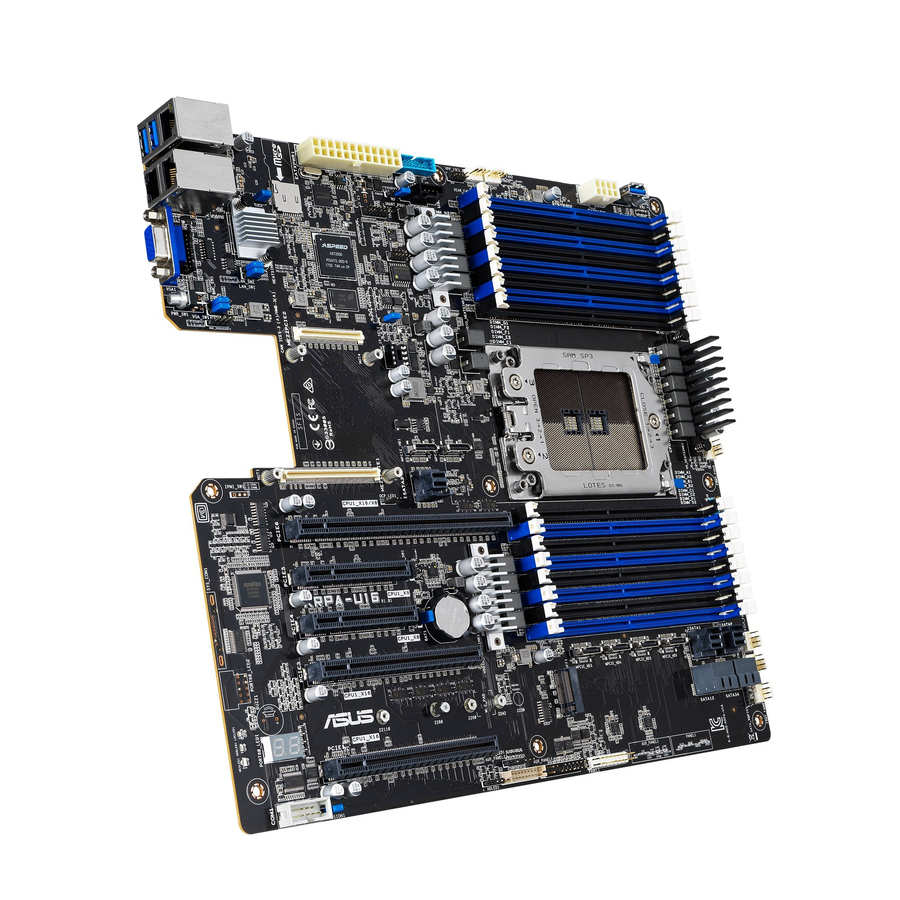
- ASUS Computer InternationalAsus KRPA-U16 Server Motherboard - AMD Chipset - Socket SP3 - SSI EEB - 2 TB DDR4 SDRAM Maximum RAM - RDIMM, LRDIMM, DIMM - 16 x Memory Slots - Gigabit EthernetKRPA-U16
$560.33
Back-orderedBack-ordered — estimated OEM lead time 3–8 weeks (Nov 18 – Dec 23 if ordered today).
- ASUS Computer InternationalAsus Pro WS Z890-ACE SE Workstation Motherboard - Intel Z890 Chipset - Socket LGA-1851 - ATX - Core Ultra Processor Supported - 192 GB DDR5 SDRAM Maximum RAM - DIMM, UDIMM - 4 x Memory Slots - Gigabit Ethernet - 2.5Gigabit Ethernet - HDMI - DisplayPort - 8 x SATA InterfacesPRO WS Z890-ACE SE
$559.73
Back-orderedBack-ordered — estimated OEM lead time 3–8 weeks (Nov 18 – Dec 23 if ordered today).
Need pricing on ASUS motherboards?
Tell us where to reach you and a Uniqcli specialist will follow up by email with current pricing, availability and lead time for the quantities you need — including parts that aren’t shown on this page.
Buying for an organization or for yourself — both work. No payment up front.
ASUS ships several distinct motherboard books under one brand, and picking the right one starts with recognising which book you are in. The CSM boards — Prime and Pro parts whose model names end in -CSM — are the corporate-stable range: a longer supply commitment, a stable BIOS and a set of management hooks aimed at an IT department that wants the same board to be buildable a year from now. The Pro WS boards are the workstation platform, with the chipsets, memory ceilings and expansion that a CAD, simulation or render machine actually needs. The IM-A boards are industrial and embedded, built for long-life fixed-function systems. Every row on this page names "Motherboard" in ASUS's own title.
The socket decides the rest, and it is the decision that cannot be revised later. LGA-1851 and LGA-1700 cover current and previous-generation Intel desktop and entry-workstation silicon; AM5 covers current AMD desktop; LGA-4677 and LGA-4710-2 are the Xeon workstation and server sockets; sTR5 is Threadripper. Chipset then decides what the socket actually gives you — how many PCIe lanes reach the slots, how many M.2 sockets are wired, whether the board carries a management controller. Read the chipset before the price.
Form factor and memory close it out. Mini-ITX buys a small chassis and costs you slots; Micro-ATX is the fleet-desktop default; ATX is the standard workstation size; SSI CEB and SSI EEB are the large workstation and server footprints that need a case and power supply chosen for them. Memory ceilings on this page run from 32 GB DDR4 on the older embedded boards to 2 TB DDR5 on the Xeon platforms, and DIMM type — UDIMM, ECC UDIMM, RDIMM, LRDIMM — is a board property, not a preference. The cards carry live pricing and current availability from the catalog.
Buyer's checklist
How to choose an ASUS motherboard
- Pick the book before the model. -CSM parts are the corporate-stable range built around a longer, more predictable supply and BIOS commitment, which is what makes a standard desktop image survive a second buying round; Pro WS is the workstation platform; IM-A is industrial and embedded. A gaming-range board in a fleet build is a support cost, not a saving.
- The socket is the decision you cannot revise. LGA-1851, LGA-1700, AM5, LGA-4677, LGA-4710-2 and sTR5 are all present here and none of them accepts another's processor. Choose the CPU generation first, then filter to boards that carry its socket.
- Read the chipset, not just the socket. It is the chipset that decides how many PCIe lanes reach the expansion slots, how many M.2 sockets are actually wired, and how much of the platform's I/O is usable at once — two boards on the same socket can be very different machines.
- Match form factor to chassis and slot count up front. Mini-ITX trades expansion for size, Micro-ATX is the fleet-desktop default, ATX is the standard workstation, and SSI CEB / SSI EEB need a case, cooler clearance and power supply chosen for them rather than around them.
- Check the memory ceiling and the DIMM type together. Boards here range from 32 GB DDR4 to 2 TB DDR5, and whether a board takes UDIMM, ECC UDIMM, RDIMM or LRDIMM is a fixed property — buying registered memory for an unbuffered board is the classic build-day failure.
- Specify remote management where the machine is not on someone's desk. Boards carrying IPMI or a baseboard management controller can be powered, monitored and re-imaged out of band; that is worth more than the price difference the first time a machine in a closet stops posting.
- Confirm the expansion the workload needs before you buy the board. GPU count and slot spacing, M.2 sockets, U.2 and 10GbE are all board properties — a workstation build fails on slot geometry far more often than on processor choice.
CSM, Pro WS and IM-A: what the ranges are actually for
The -CSM suffix is the most useful thing on this page for a fleet buyer. Corporate Stable Model boards are sold on the promise that the same part number keeps being the same part — a controlled BIOS, a longer availability window, and consistent onboard silicon — because an IT department that has qualified an image against a board does not want that board to quietly change. That is why the Prime and Pro CSM parts here, in Micro-ATX and ATX on LGA-1700 and LGA-1851 with H610, H810, B760, B860, Q670 and Q870 chipsets, are the sensible spine of a standard desktop build even though a gaming-range board on the same socket may look like better value on paper.
Pro WS is a different argument. Those boards are built for machines that carry professional graphics, large memory and several NVMe devices at once, on W680, W790, W880, Z890, TRX50 and C246 chipsets, and several of them add IPMI so the machine can be managed without anyone standing in front of it. The IM-A industrial boards are the third case — ATX and Mini-ITX embedded platforms on Q670E, R680E and H610 for fixed-function systems that will sit in a cabinet or a kiosk for years and want long-life silicon rather than the newest.
Planning a build around the board
A motherboard is the one component that constrains every other one, so it is worth deciding in this order: processor generation, therefore socket; workload, therefore chipset and slot layout; memory size and type, therefore DIMM count and class; chassis and cooling, therefore form factor. Doing it the other way round — chassis first, board last — is how a build ends with a workstation board that will not fit the case or a cooler that fouls the first PCIe slot. Where the machine is a fleet desktop rather than a one-off, the additional question is whether the board will still be orderable at the next buying round, which is exactly what the CSM range exists to answer.
Send us the processor, the memory target, the graphics and storage the workload needs, the chassis and the quantity, and we will come back with part numbers, availability, lead times and volume pricing — with the memory, the drives, the graphics and the chassis on the same document so a build is one order rather than six. Where the order carries an origin clause, request a TAA-verified quote and screening is performed before it is issued, tied to the specific part number.
FAQ
Common questions
- What does the -CSM suffix on an ASUS motherboard mean?
- CSM stands for Corporate Stable Model. It is ASUS's range for organizations rather than enthusiasts: the parts are built around a longer and more predictable availability window, a controlled BIOS and consistent onboard components, so a desktop image qualified against the board this year is likely to be buildable against the same part number next year. For a fleet buyer that stability is usually worth more than the extra features a same-socket gaming board offers, because the cost that actually hurts is re-qualifying an image mid-refresh, not the board price.
- What is the difference between the Pro WS boards and the desktop ranges?
- Pro WS is the workstation platform. Those boards sit on workstation and server chipsets — W680, W790, W880, Z890, TRX50, C246 on this page — and are laid out for machines that carry professional graphics, large or registered memory and several NVMe devices at the same time, with slot spacing and power delivery to match. Several add IPMI for out-of-band management. A desktop board on the same socket will run the same processor, but it will usually give you fewer usable lanes, a lower memory ceiling and a slot layout that a double-width card blocks.
- How do I know which memory an ASUS board takes?
- Read the board, not the processor. Each row here states its maximum memory and the DIMM types it accepts — UDIMM, ECC UDIMM, RDIMM or LRDIMM — and those are fixed properties of the board's memory controller and topology. Registered (RDIMM) or load-reduced (LRDIMM) modules will not work on a board that only takes unbuffered DIMMs, and boards that support ECC say so. Confirm the DDR generation too: DDR4 and DDR5 are not interchangeable and several families here exist in both.
- Which form factor should a business desktop use?
- Micro-ATX is the usual answer for a fleet desktop: it fits a standard small chassis, it carries enough slots for a graphics card and an add-in NIC, and it is the size most CSM boards are built in. Mini-ITX is for genuinely space-constrained or embedded builds and costs you expansion. ATX is the standard workstation size. SSI CEB and SSI EEB are the large workstation and server footprints on this page — they need a chassis, cooler clearance and power supply specified around them, so decide the case at the same time as the board rather than afterwards.
- Are ASUS motherboards TAA compliant?
- It is a per-part-number fact rather than a brand rule, and it is not something this page asserts across the range. Where an order carries a country-of-origin clause, request a TAA-verified quote and read the designation on the exact part number you are ordering: screening is performed before the quote and screening results are available with it, tied to that part number, never restated as a Uniqcli certification and never treated as a property of a product family.
- Can business, government and education buyers order these?
- Every line Uniqcli quotes is sourced through US distribution and screened for TAA country-of-origin and NDAA §889 status before checkout — with documentation tied to the specific part number, not a product family.
Need ASUS motherboards pricing?
Send a bill of materials or part numbers — we confirm stock and a below-market total, with TAA verified on request. No payment up front.