
Best M.2 NVMe SSDs for Business Laptop and Desktop Upgrades
M.2 2280 PCIe NVMe solid-state drives for fleet upgrades — sized on capacity, PCIe generation and rated endurance.
M.2 NVMe SSDs in stock at Uniqcli
How to choose →A curated selection with live pricing — in-stock lines first, then back-ordered lines with a typical lead time. Every line is sourced through US distribution and screened for NDAA §889 status before checkout, with TAA verified on request.
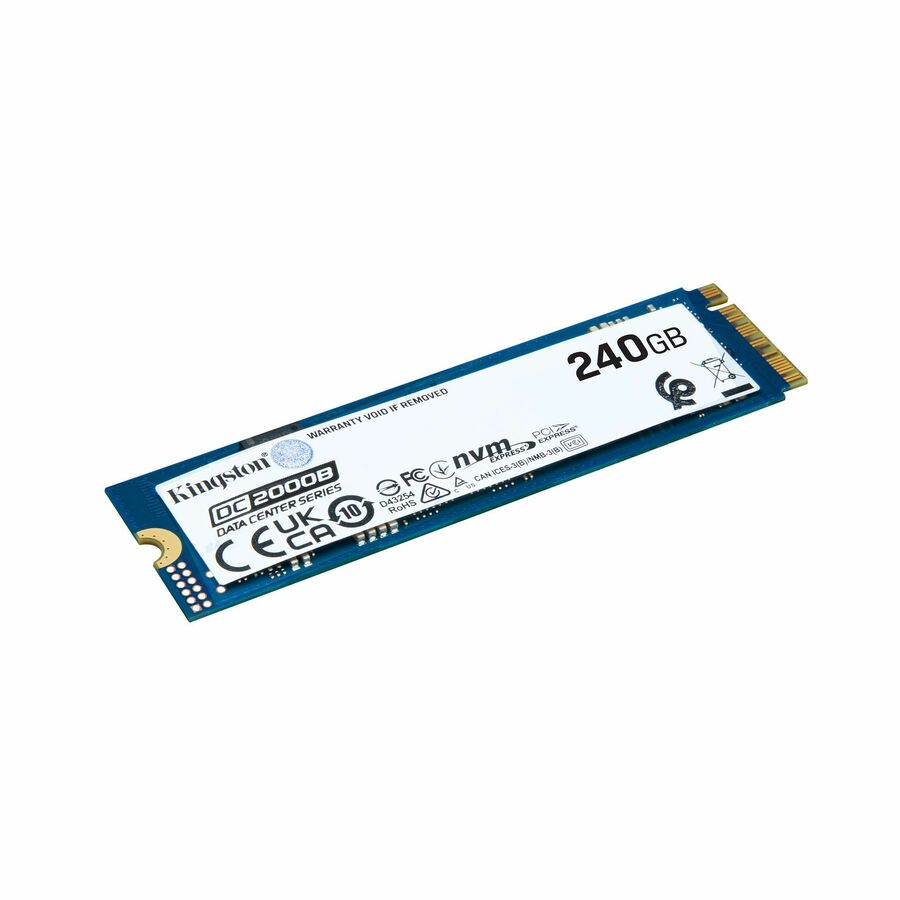
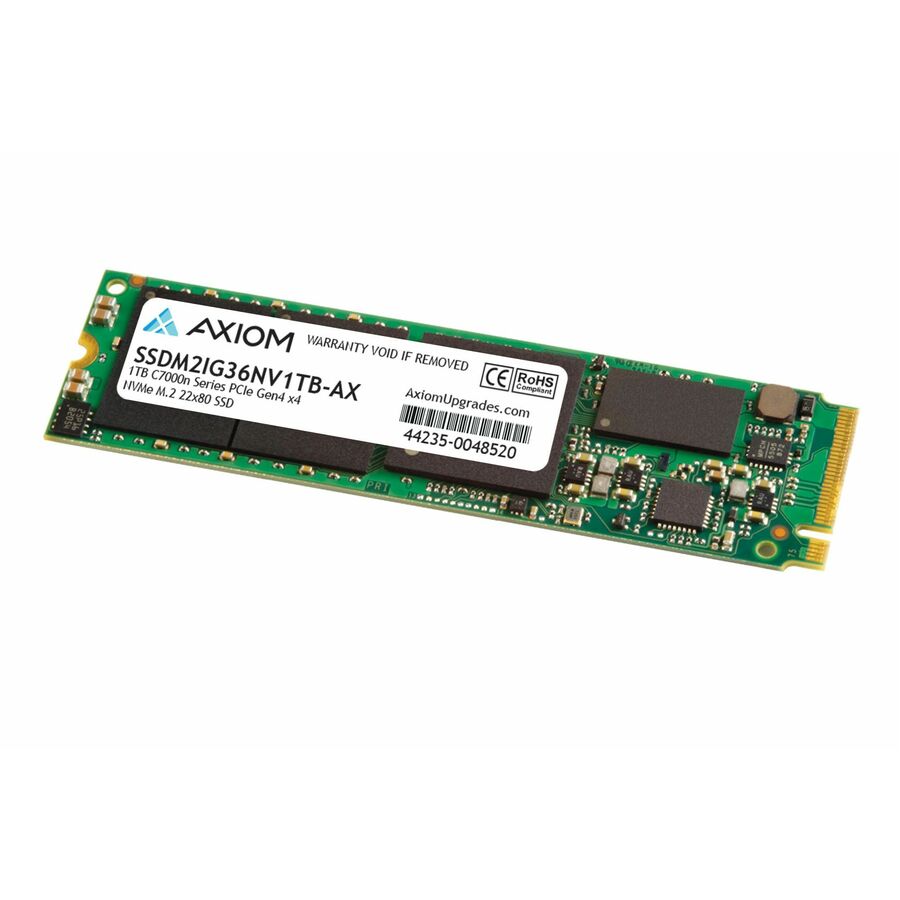
- Axiom Memory SolutionsAxiom C7000n 1 TB Solid State Drive - M.2 2280 Internal - PCI Express NVMe (PCI Express NVMe 4.0 x4) - Notebook, Workstation, All-in-One PC Device Supported - 0.46 DWPD - 500 TB TBW - 7430 MB/s Maximum Read Transfer Rate - 512-bit Encryption Standard - 3 Year WarrantySSDM2IG36NV1TB-AX
$705.00
$605.64
31 in stock







Top pick
Kingston Technology
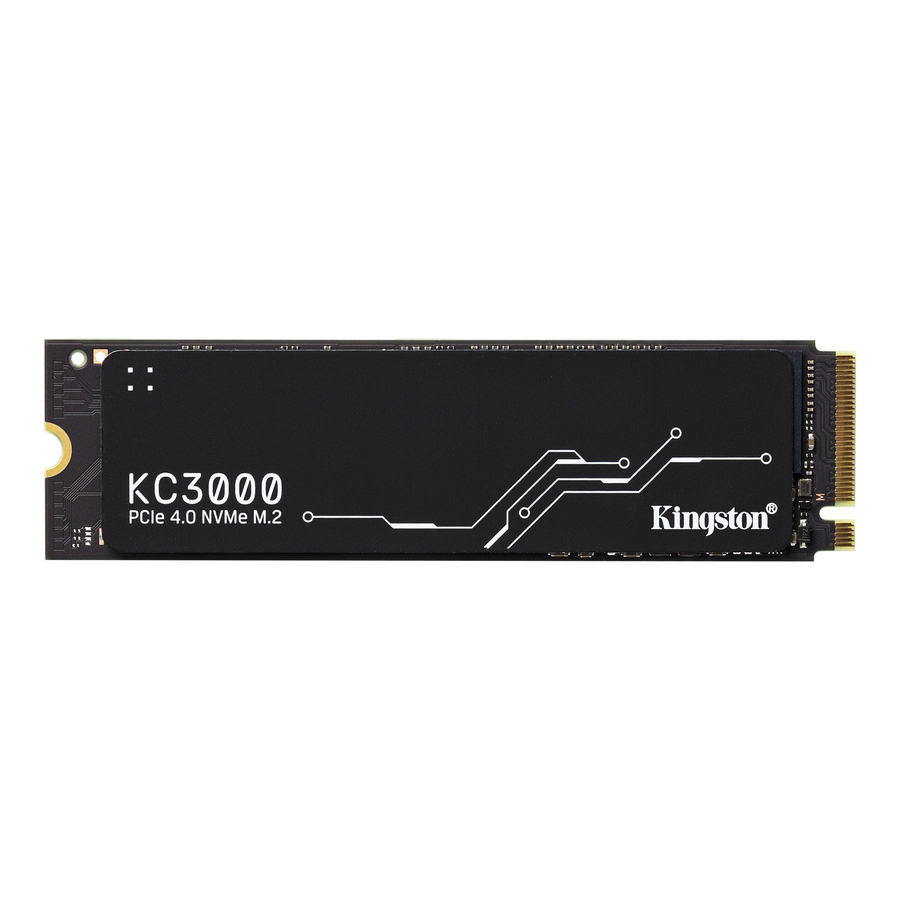
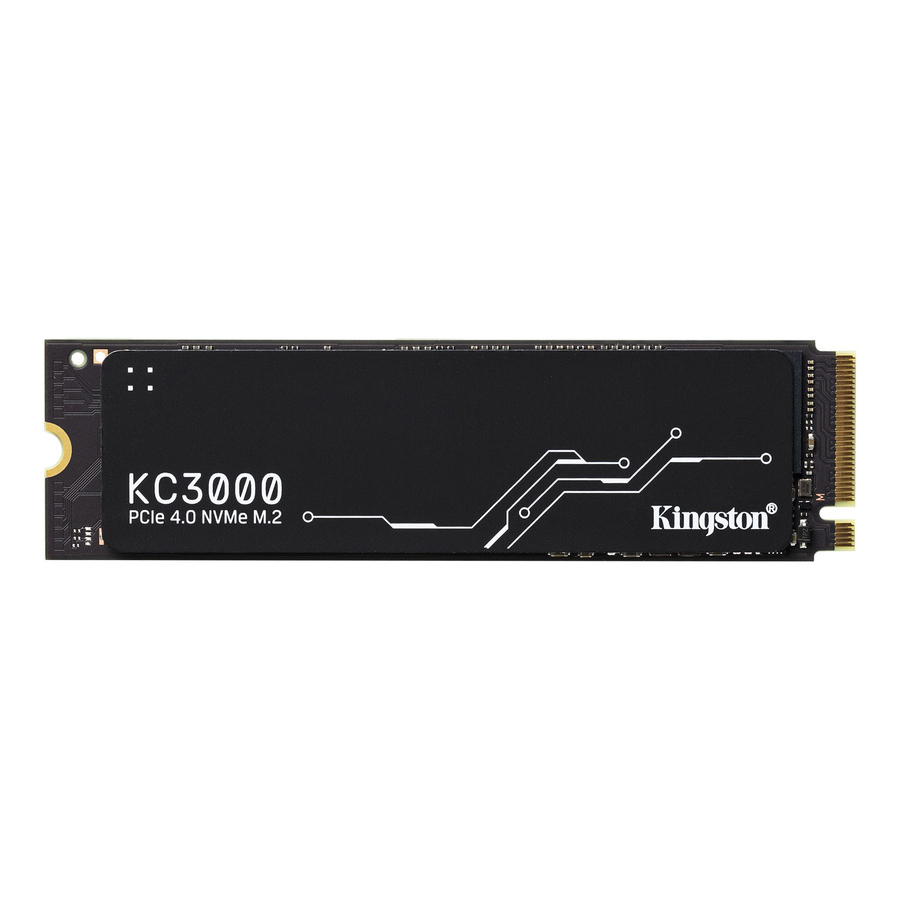
Kingston KC3000 1 TB Solid State Drive
SKC3000S/1024G
The fleet standard this page argues for: 1 TB on PCI Express NVMe 4.0 x4, titled at 800 TBW of rated endurance and a 7,000 MB/s maximum read transfer rate, with desktop PC and notebook named in its own device support list and a five-year warranty. One terabyte on a Gen 4 interface is the specification that stops the capacity conversation and still runs at full speed in the machines most fleets are actually upgrading.
Request pricingBest value 1 TB
Kingston Technology
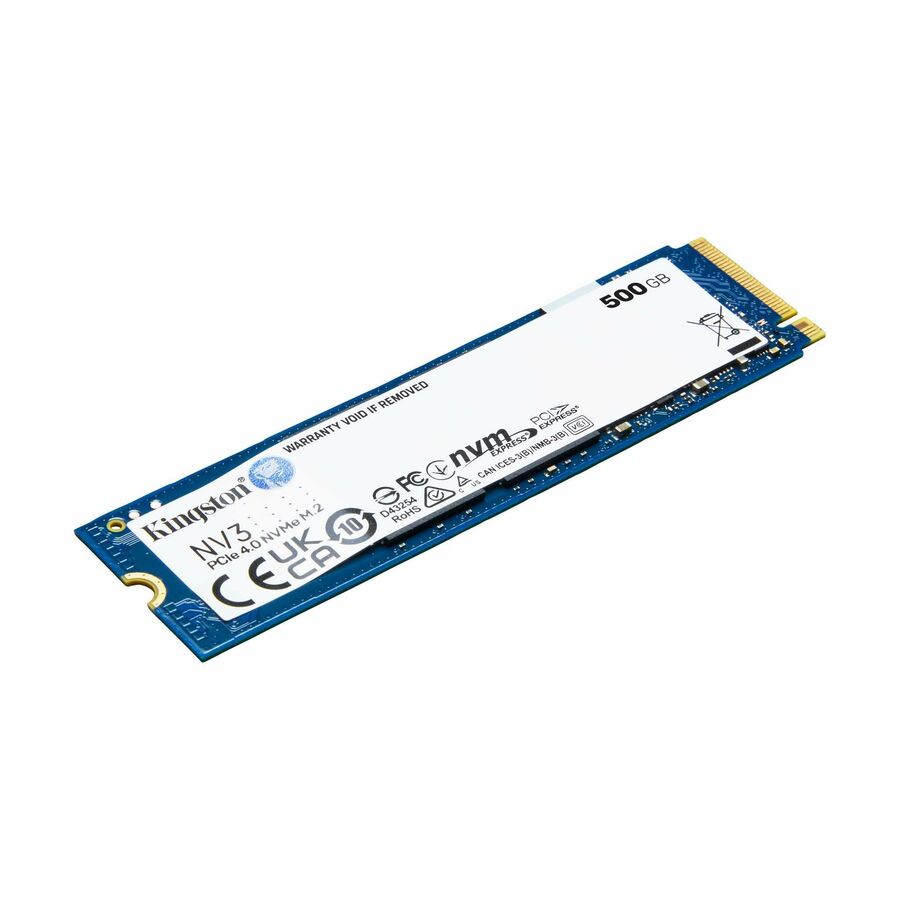
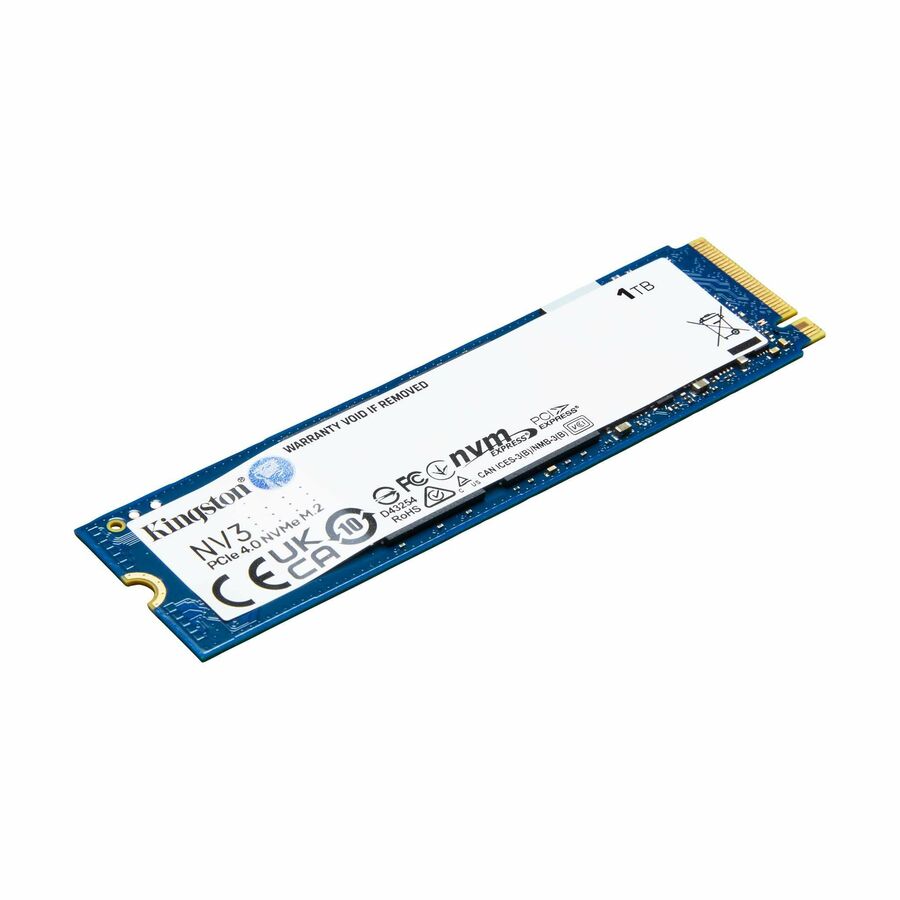
Kingston NV3 1 TB Solid State Drive
SNV3S/1000G
One terabyte on PCI Express NVMe 4.0 x4 at 320 TBW, titled for desktop PC and notebook use. The endurance rating is the lowest of the Kingston parts here and it is still far beyond what an office machine writes in a five-year life — which makes this the sensible high-volume choice when the requirement is capacity across many machines rather than throughput on a few.
$224.80Back-orderedFastest here
Kingston Technology
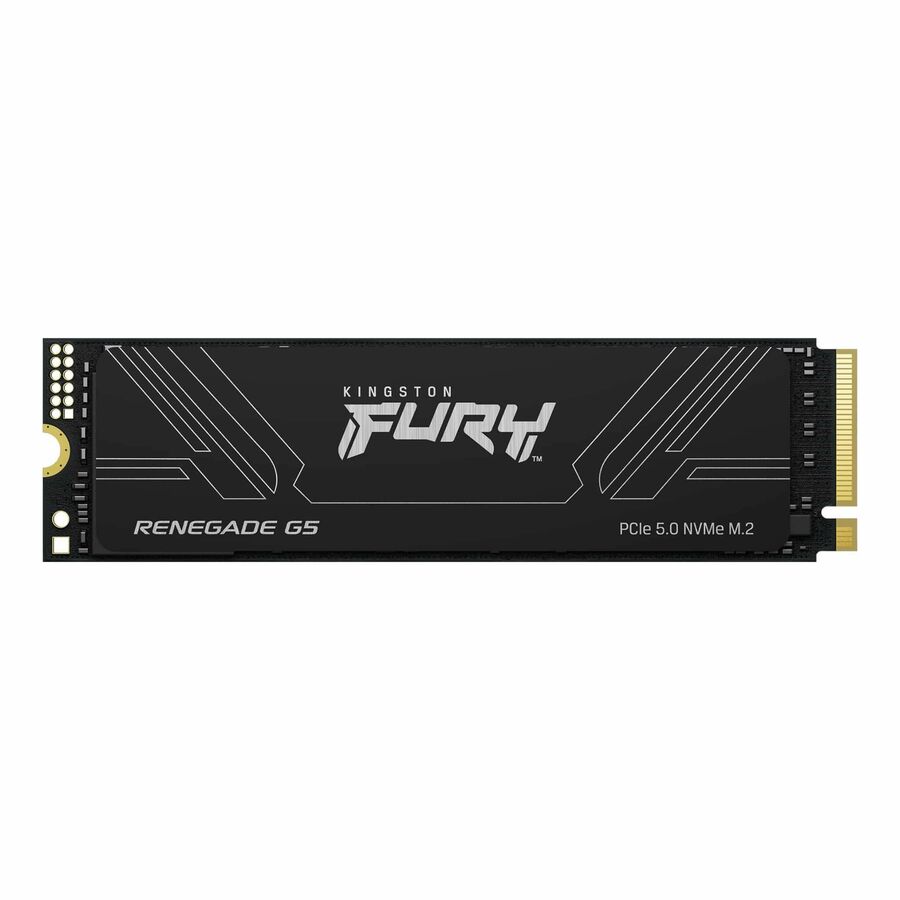
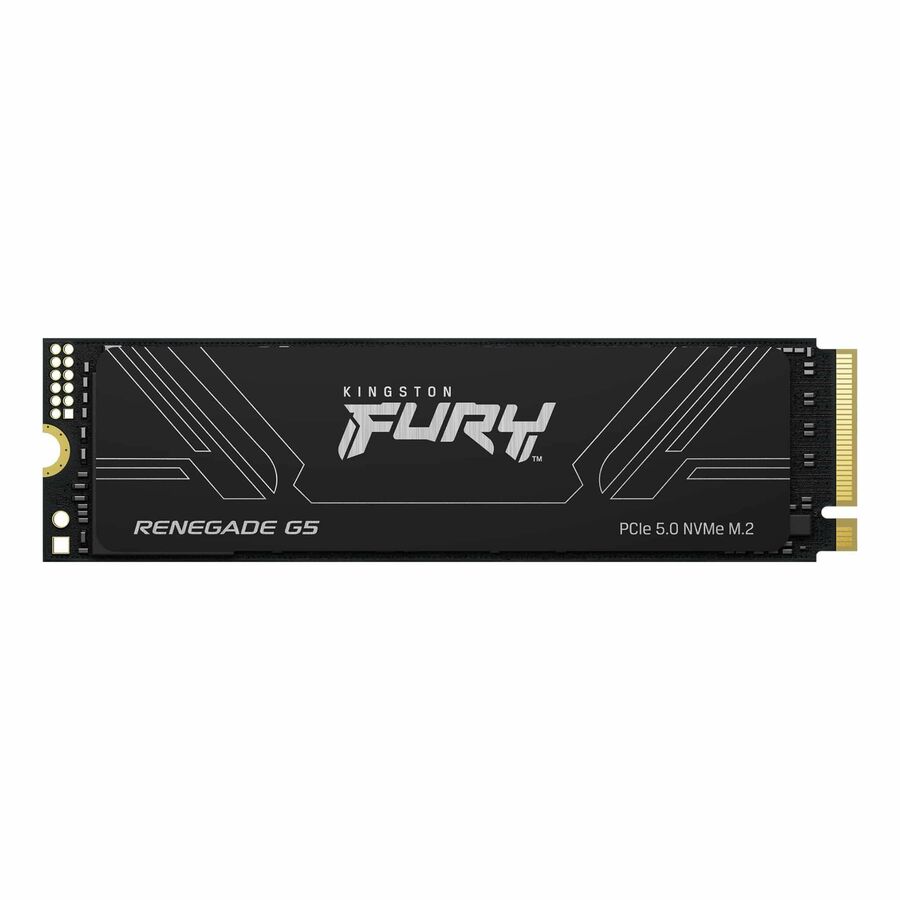
Kingston FURY Renegade G5 1 TB Solid State Drive
SFYR2S/1T0
One terabyte on PCI Express NVMe 5.0 x4, titled at 2,048 TBW and a 14,800 MB/s maximum read transfer rate, for desktop PC and notebook, with a five-year warranty. This is the top of the read-rate range on this page by a wide margin. It negotiates down and works in older slots, so specify it for machines with a Gen 5 slot and work that opens large files — not as a general fleet part.
$530.40Back-orderedGen 5 mainstream
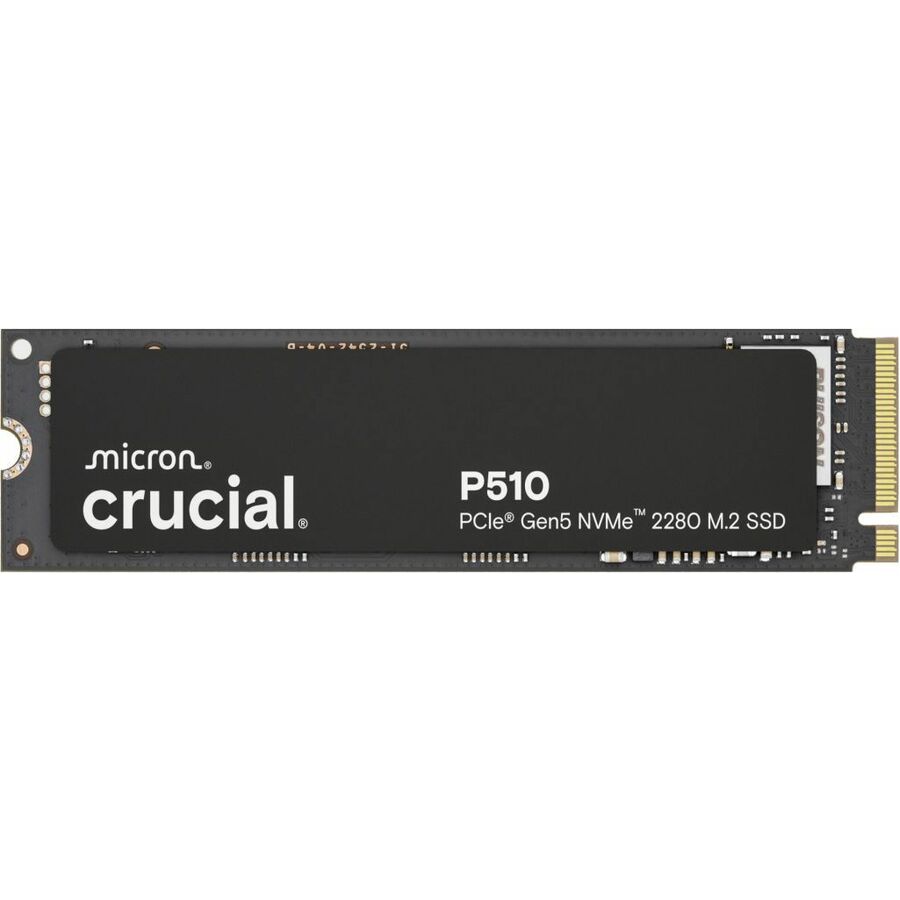
Micron Technology
Crucial P510 1 TB Solid State Drive
CT1000P510SSD8
One terabyte on PCI Express NVMe 5.0 x4 at 600 TBW with a five-year warranty, titled for desktop PC and notebook. The reasonable way onto the current generation: a mainstream capacity and endurance pairing on the newest interface, for machines being bought or redeployed now rather than retired in two years.
$405.06In stockGen 5, higher tier
Micron Technology
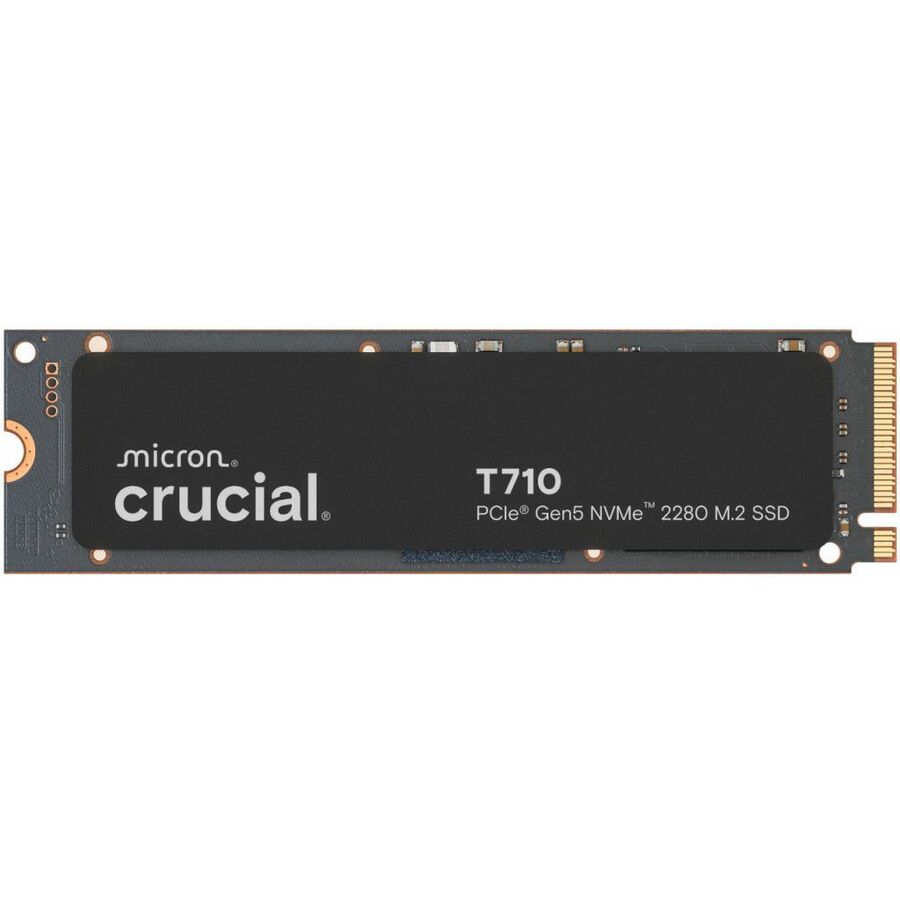
Crucial T710 1 TB Solid State Drive
CT1000T710SSD8
One terabyte on PCI Express NVMe 5.0 x4 at 600 TBW, titled for motherboard device support. The performance sibling of the mainstream Gen 5 part above, for a workstation-class desktop where the drive is expected to keep up with large project files rather than with a browser and a mail client.
$571.94In stockTAA-marked, 1 TB
Axiom Memory Solutions
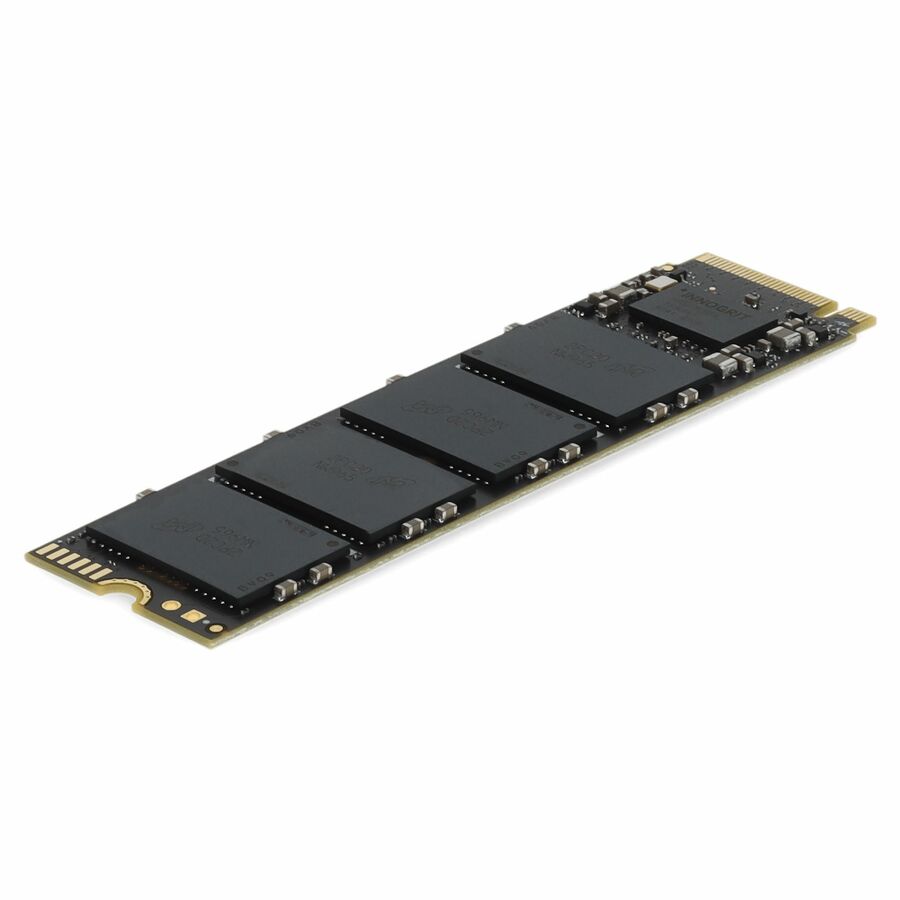
Axiom C7000n 1 TB Solid State Drive
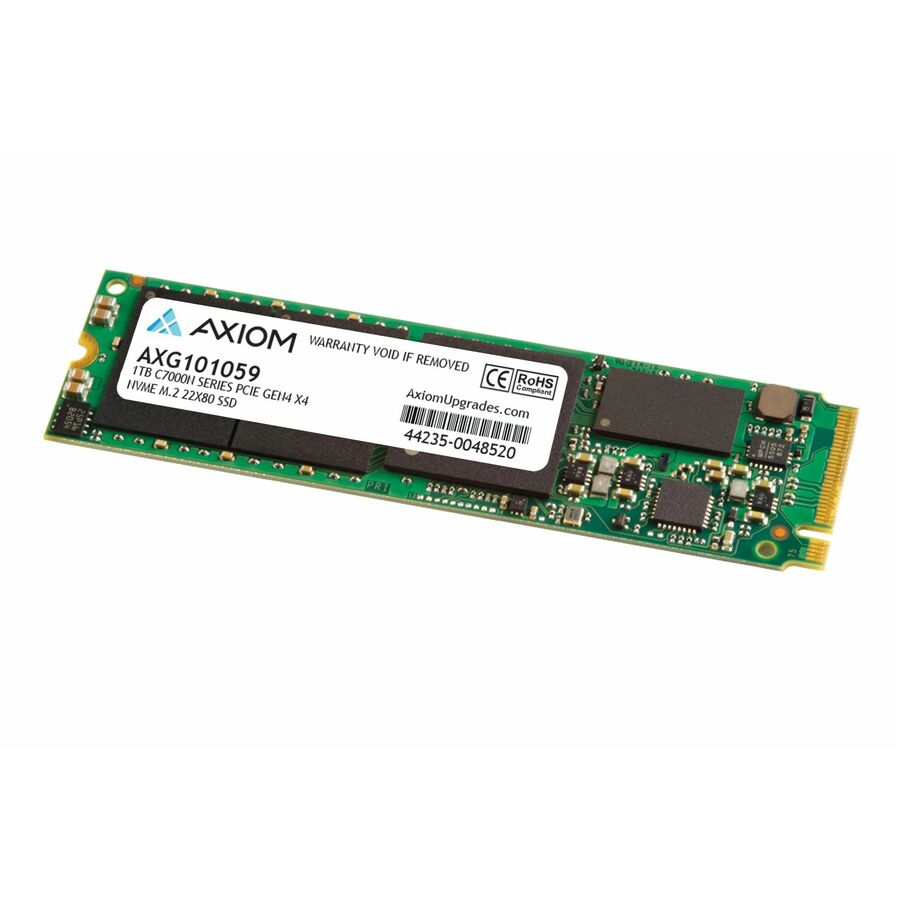
AXG101059
One terabyte on PCI Express NVMe 4.0 x4, titled at 0.64 DWPD and 700 TBW with a three-year warranty. The combination worth knowing about: a full-capacity Gen 4 drive at a business-workload endurance rating that also carries a TAA marking in its own title, which is what an origin clause on a fleet order will ask you to point at.
The manufacturer's title records this part number as TAA Compliant. It is a per-part fact — near-identical siblings in the same line are titled without it, so read it on the exact part you order.
$637.37*In stockWorkstation / all-in-one
Axiom Memory Solutions
Axiom C7000n 1 TB Solid State Drive
SSDM2IG36NV1TB-AX
One terabyte on PCI Express NVMe 4.0 x4, titled at 0.46 DWPD and 500 TBW with a 7,430 MB/s maximum read transfer rate, and a device support list that names notebook, workstation and all-in-one PC. The all-in-one mention is the useful part: those chassis are the ones most likely to have exactly one M.2 slot and no second bay to fall back on.
$605.64In stockSelf-encrypting option
Samsung
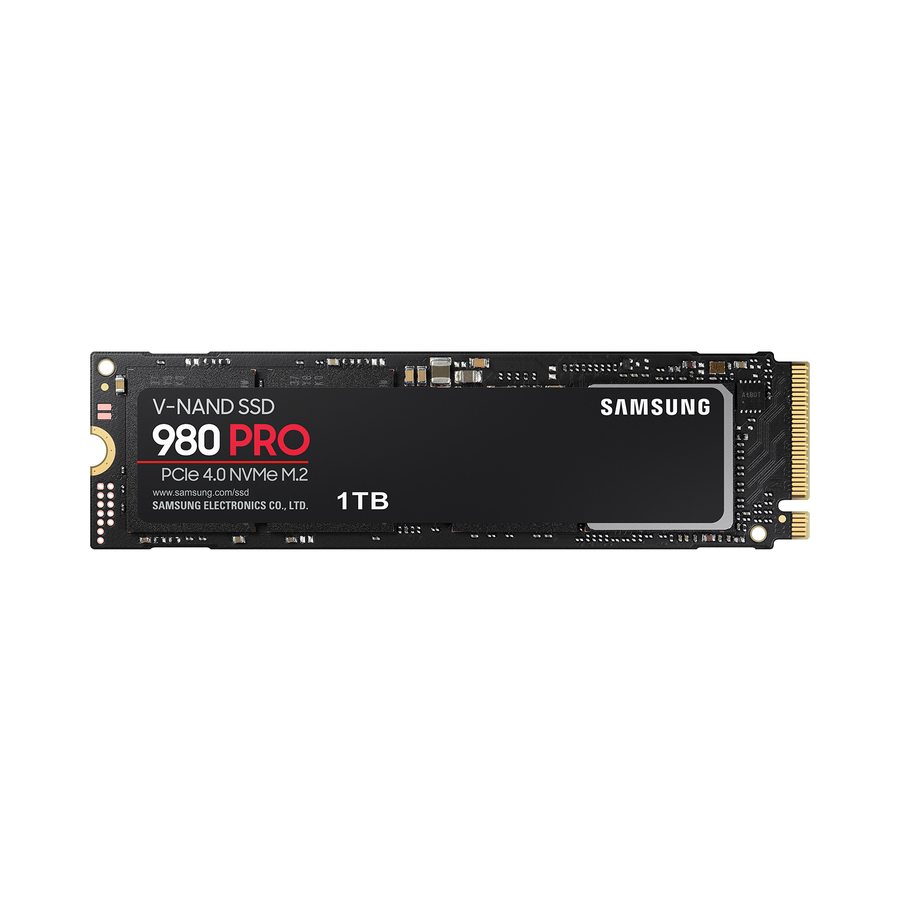
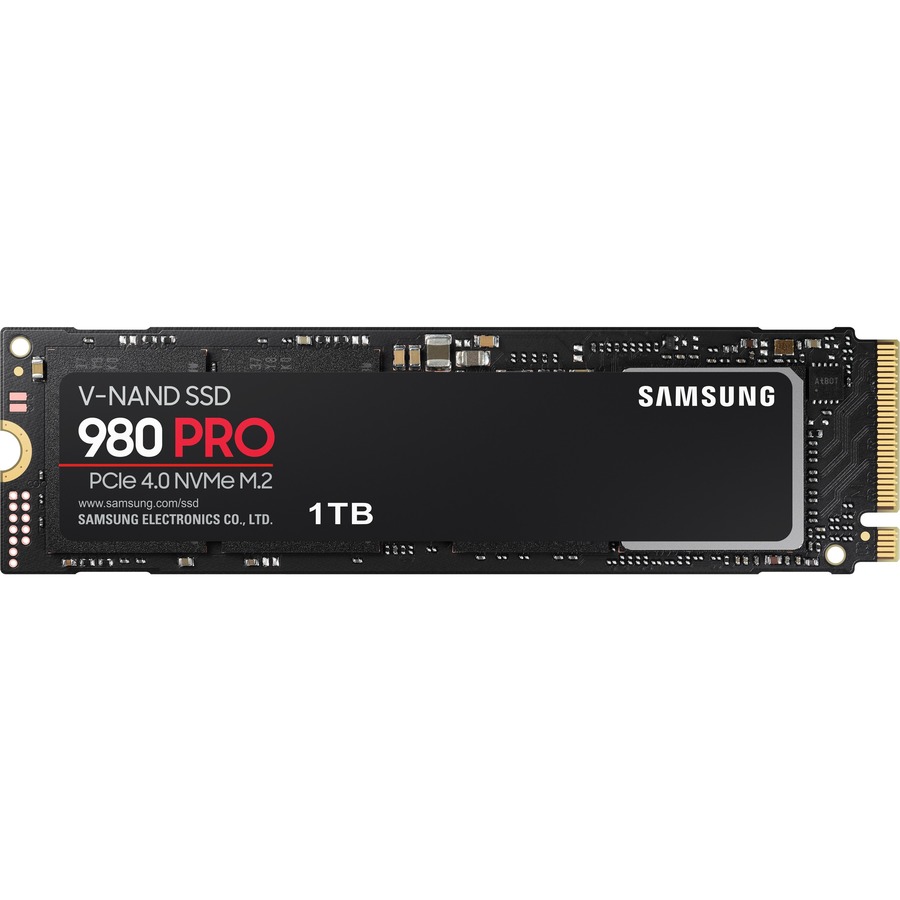
Samsung 980 PRO MZ-V8P1T0B/AM 1 TB Solid State Drive
MZ-V8P1T0B/AM
One terabyte on PCI Express NVMe 4.0 x4 with a 7,000 MB/s maximum read transfer rate, a 256-bit encryption standard named in its own title, desktop PC and notebook device support and a five-year warranty. Drive-level encryption is only worth specifying where the platform actually manages the key — check that against your endpoint management before treating it as a control rather than a feature.
$706.84In stockNote the lane width
Samsung
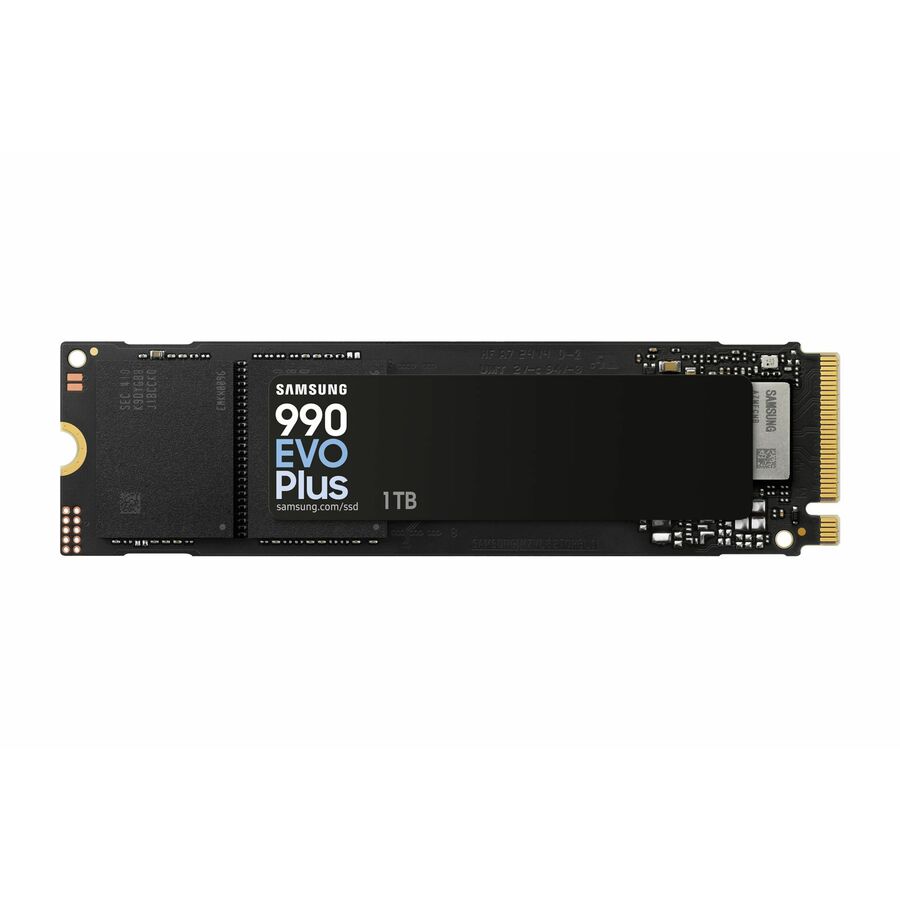
Samsung 990 EVO Plus MZ-V9S1T0 1 TB Solid State Drive
MZ-V9S1T0BW
One terabyte at 600 TBW on PCI Express NVMe 5.0 — and titled x2 rather than x4, which is the reason it is here. Half the lanes on a newer generation is a deliberate design and a perfectly good drive; it is also exactly the kind of detail that should be noticed when a fleet standard is being set rather than discovered when two batches behave differently.
$675.09In stockLong warranty, Gen 4
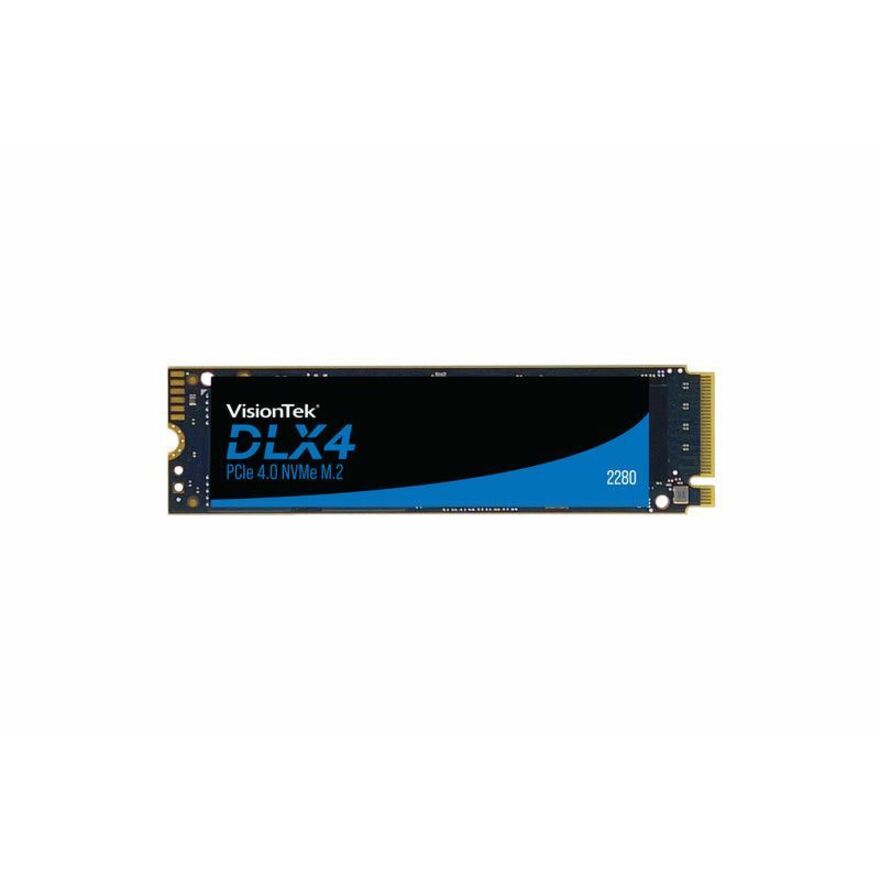
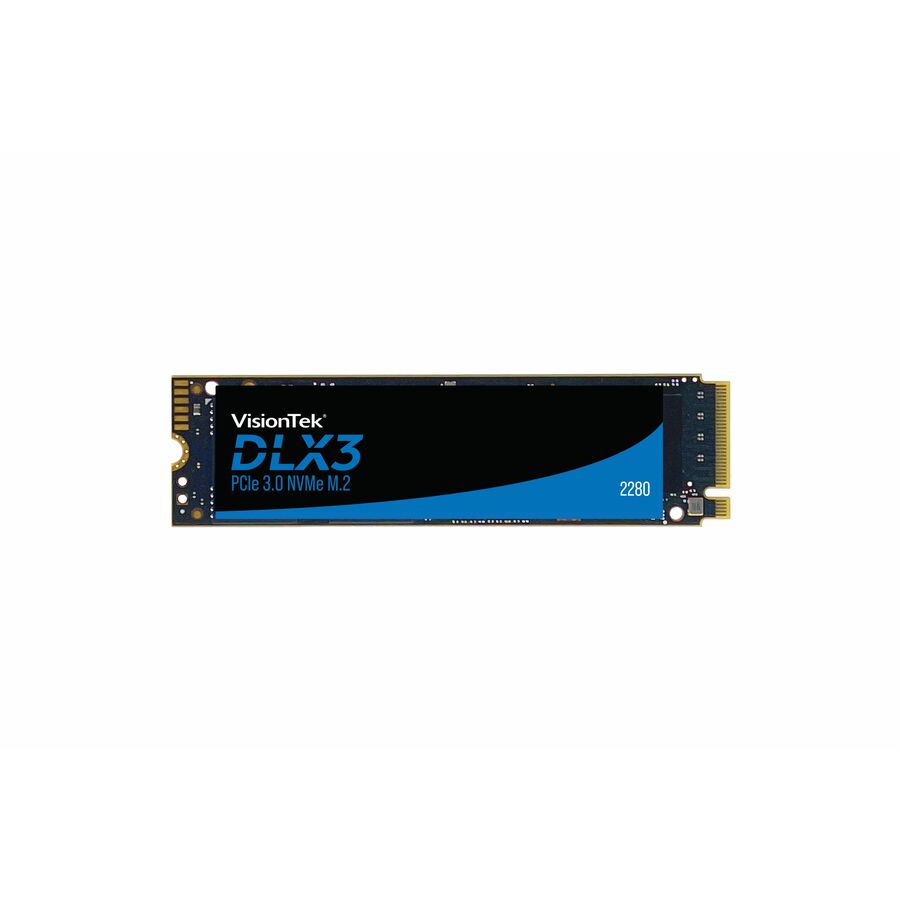
VisionTek Products
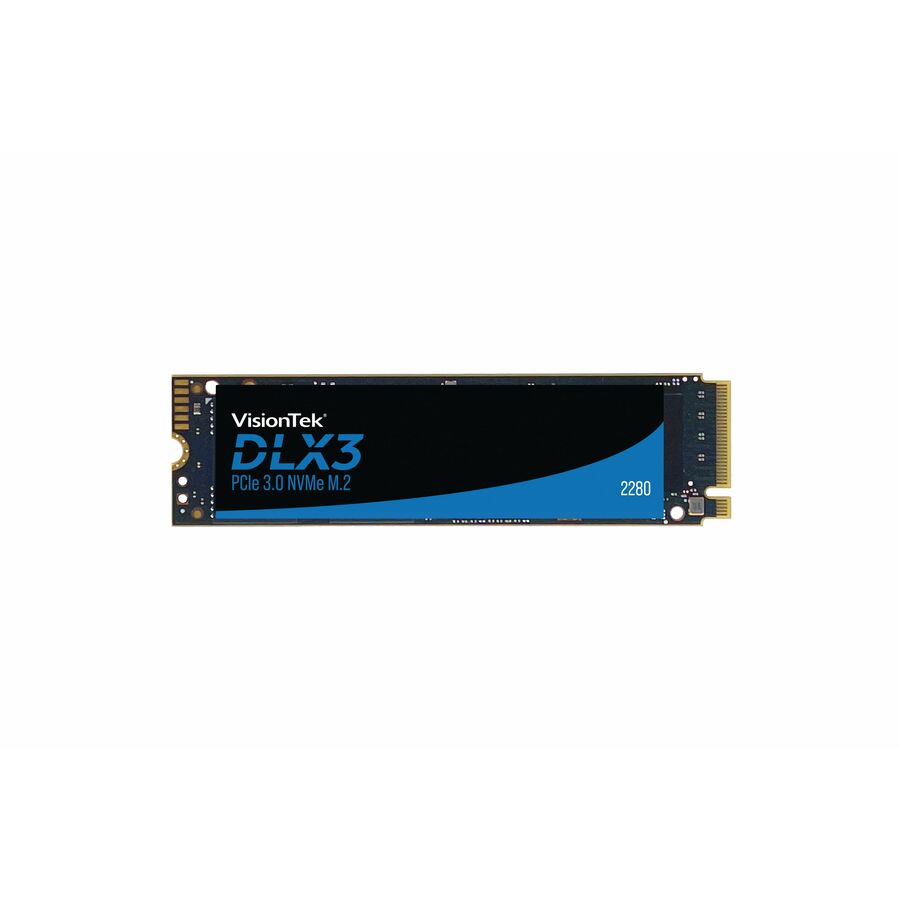
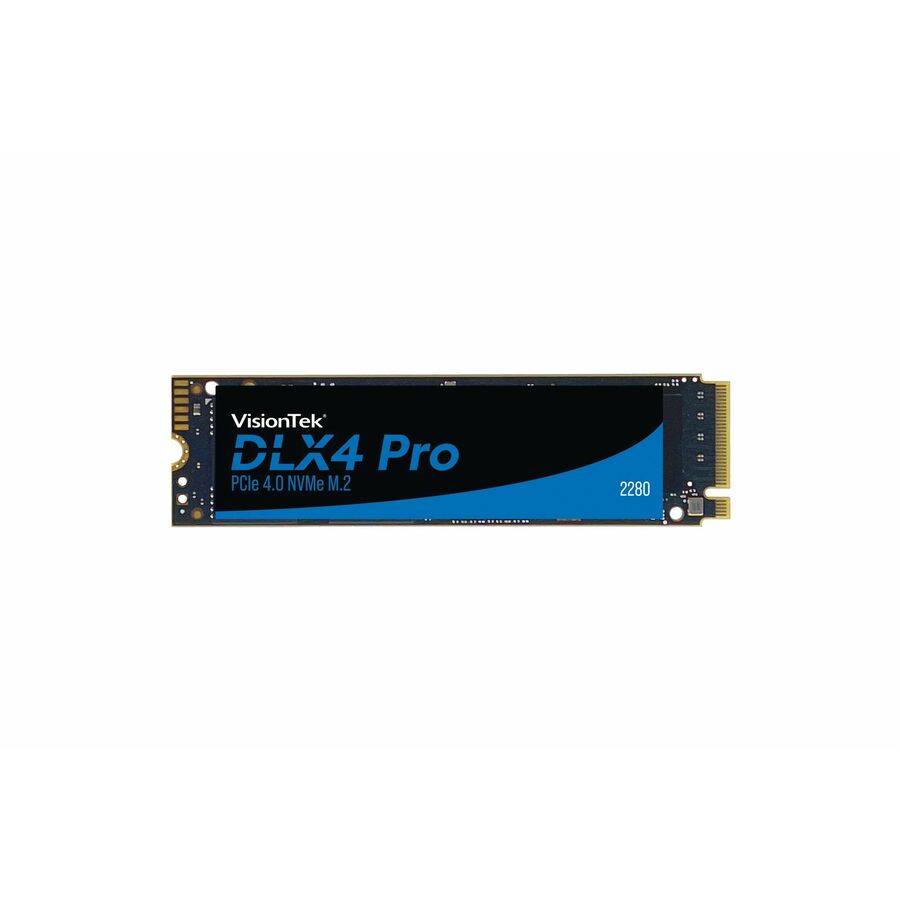
VisionTek DLX4 1 TB Solid State Drive
901565
One terabyte on PCI Express NVMe 4.0 x4 at 500 TBW with a 5,200 MB/s maximum read transfer rate, titled for desktop PC device support with a five-year warranty. A straightforward Gen 4 terabyte for desktop refreshes where the machine is staying on the estate long enough for the warranty term to be part of the argument.
$679.59In stockHigh endurance, 500 GB
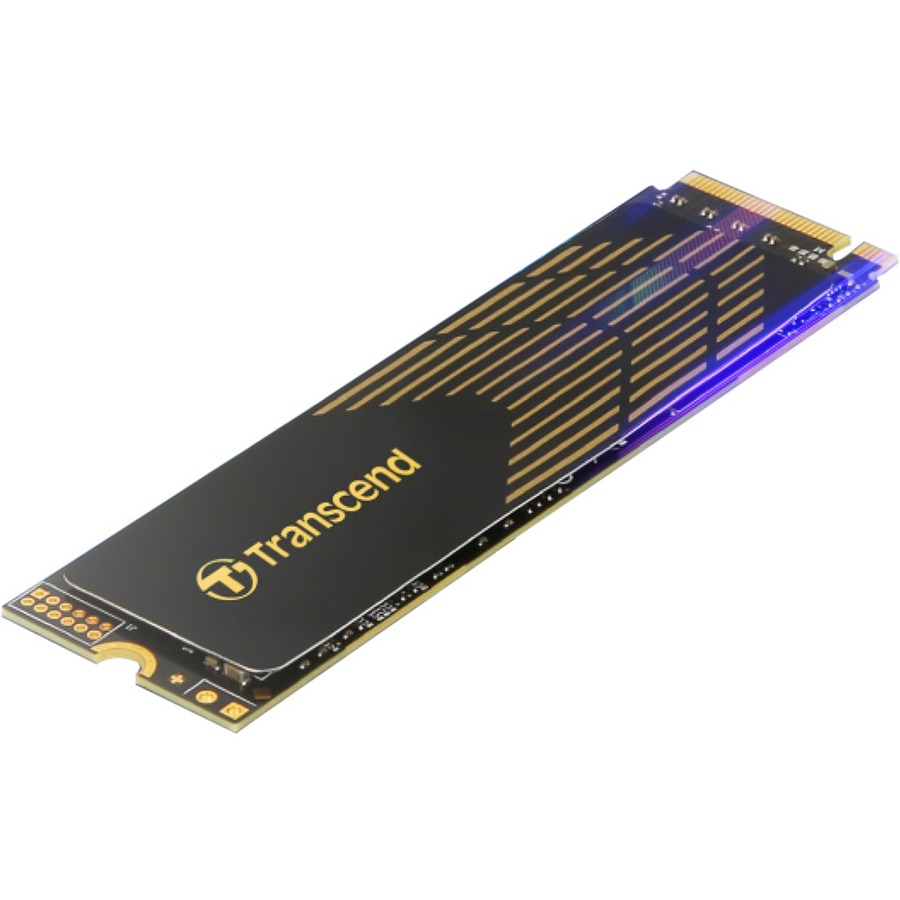
Transcend Information
Transcend 240s 500 GB Solid State Drive
TS500GMTE240S
Five hundred gigabytes on PCI Express NVMe 4.0 x4, titled at 0.95 DWPD and 850 TBW with a 3,800 MB/s maximum read transfer rate, for desktop PC device support. The endurance-per-gigabyte figure here is the highest on the page by some distance, which makes it the pick for a write-heavy machine — a build agent, a capture station, a scratch target — rather than for a general office refresh.
$626.47Back-orderedTAA-marked 500 GB
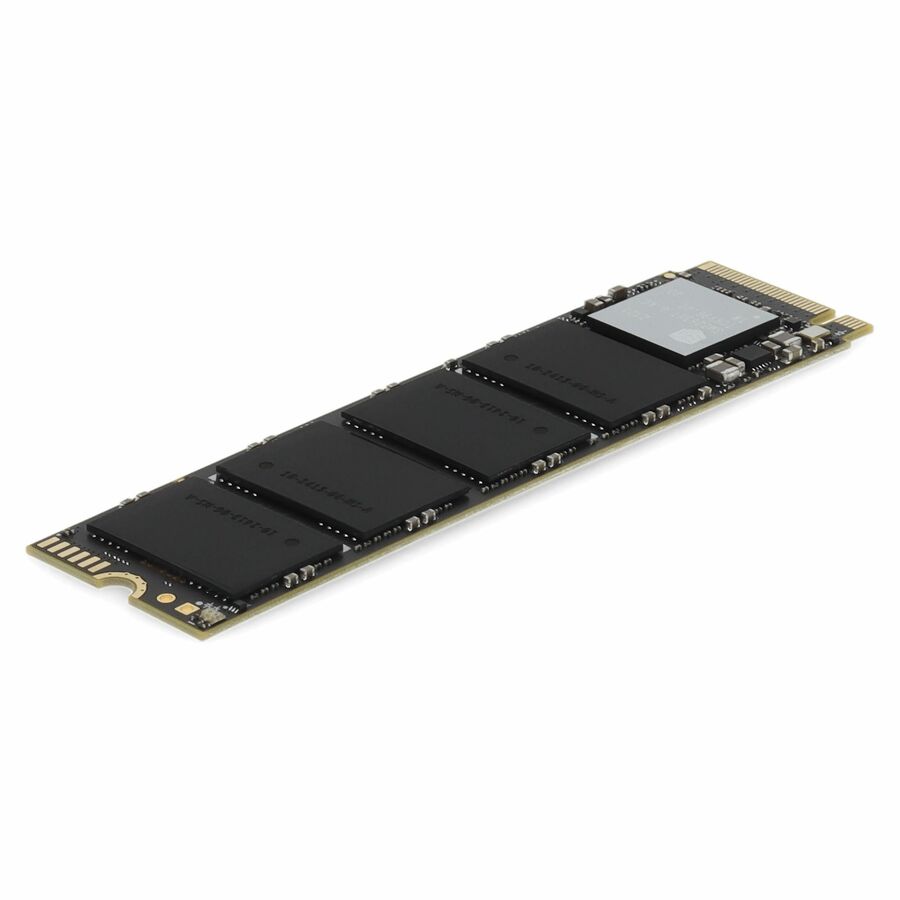
AddOn
AddOn 500 GB Solid State Drive
ADD-SSDHL500GBD8
Five hundred gigabytes on PCI Express NVMe 3.0 x4, titled at 300 TBW with a 2,105 MB/s maximum read transfer rate and a three-year warranty. A Gen 3 part is exactly right for the machines a fleet refresh usually targets — older laptops whose slots are Gen 3 anyway — and this one carries the TAA marking in its own title.
The manufacturer's title records this part number as TAA Compliant. On a Gen 3 machine the interface generation costs nothing: the slot, not the drive, sets the ceiling.
$776.25*In stockMore hard drives and solid state drives in the Uniqcli catalog
See all 9,672 hard drives and solid state drivesMore from across this category. In-stock lines lead, and a back-ordered line carries the same estimated availability its product page does — with live pricing throughout, NDAA §889 screening before checkout and TAA verified on request.
- Kingston TechnologyKingston FURY Renegade G5 2 TB Solid State Drive - M.2 2280 Internal - PCI Express NVMe (PCI Express NVMe 5.0 x4) - Desktop PC, Notebook Device Supported - 2048 TB TBWSFYR2S/2T0
$955.00
$764.00
Back-orderedBack-ordered — estimated OEM lead time 3–8 weeks (Nov 8 – Dec 13 if ordered today).
- Kingston TechnologyKingston FURY Renegade G5 1 TB Solid State Drive - M.2 2280 Internal - PCI Express NVMe (PCI Express NVMe 5.0 x4) - Desktop PC, Notebook Device Supported - 1024 TB TBW - 14800 MB/s Maximum Read Transfer Rate - 5 Year WarrantySFYR2S/1T0
$663.00
$530.40
Back-orderedBack-ordered — estimated OEM lead time 3–8 weeks (Nov 8 – Dec 13 if ordered today).
- Kingston TechnologyKingston KC3000 2 TB Solid State Drive - M.2 2280 Internal - PCI Express NVMe (PCI Express NVMe 4.0 x4) - Desktop PC, Notebook Device Supported - 1638.40 TB TBW - 7000 MB/s Maximum Read Transfer Rate - 5 Year WarrantySKC3000D/2048G
$533.00
$426.40
Back-orderedBack-ordered — estimated OEM lead time 3–8 weeks (Nov 8 – Dec 13 if ordered today).
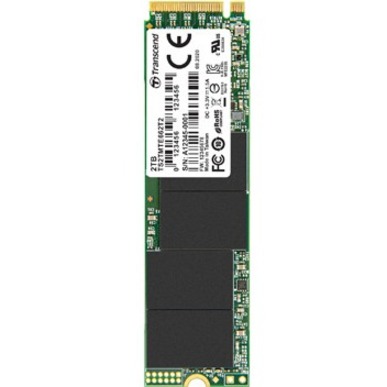
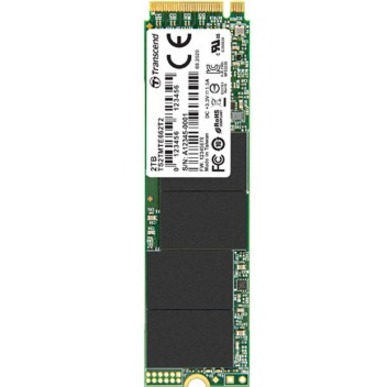
- Transcend InformationTranscend MTE662T2 2 TB Solid State Drive - M.2 2280 Internal - PCI Express NVMe (PCI Express NVMe 3.0 x4) - 2 DWPDTS2TMTE662T2
$449.99
$352.60
Back-orderedBack-ordered — estimated OEM lead time 3–8 weeks (Nov 8 – Dec 13 if ordered today).
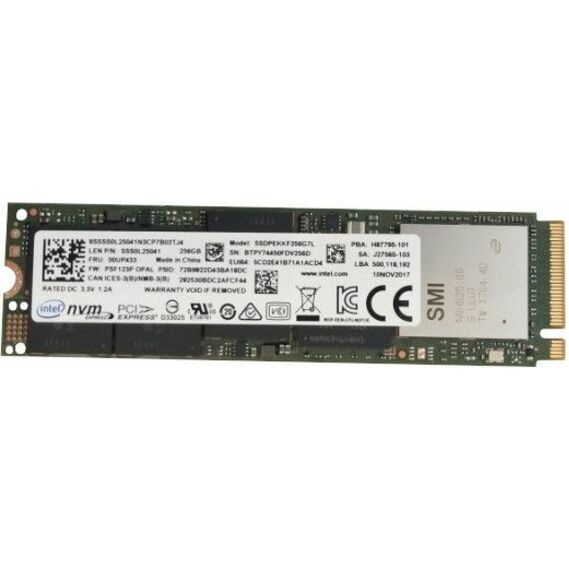
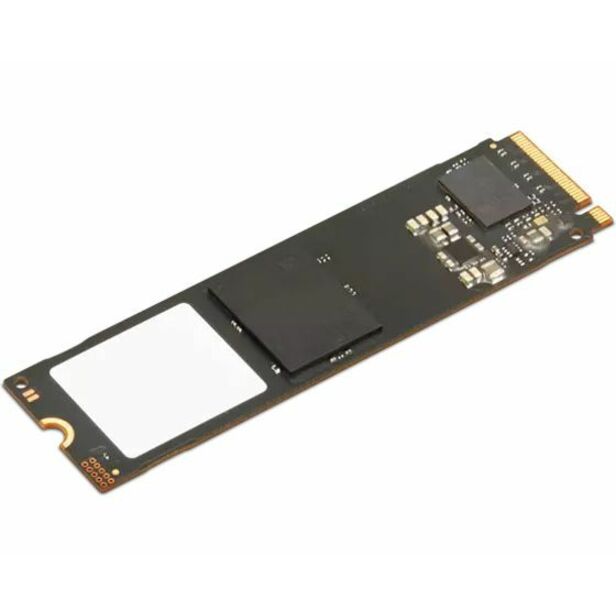
- LENOVO DCG SOURCINGLENOVO DCG SOURCING 256 GB Solid State Drive - M.2 2280 Internal - PCI Express NVMe00UP433
$595.56
$514.49
Back-orderedBack-ordered — estimated OEM lead time 3–8 weeks (Nov 8 – Dec 13 if ordered today).
- AddOnAddOn 512 GB Solid State Drive - M.2 2280 Internal - PCI Express NVMe (PCI Express NVMe 3.0 x4) - TAA Compliant - 3 Year Warranty - 1ADD-SSDHL512GBD8
$781.25
$718.75*
Back-orderedBack-ordered — estimated OEM lead time 3–8 weeks (Nov 8 – Dec 13 if ordered today).
- Transcend InformationTranscend MTE662T2 1 TB Solid State Drive - M.2 2280 Internal - PCI Express NVMe (PCI Express NVMe 3.0 x4) - 2 DWPDTS1TMTE662T2
$249.99
$190.27
Back-orderedBack-ordered — estimated OEM lead time 3–8 weeks (Nov 8 – Dec 13 if ordered today).
- Transcend InformationTranscend 240s 500 GB Solid State Drive - M.2 2280 Internal - PCI Express NVMe (PCI Express NVMe 4.0 x4) - Desktop PC Device Supported - 0.95 DWPD - 850 TB TBW - 3800 MB/s Maximum Read Transfer RateTS500GMTE240S
$684.00
$626.47
Back-orderedBack-ordered — estimated OEM lead time 3–8 weeks (Nov 8 – Dec 13 if ordered today).
- Kingston TechnologyKingston NV3 1 TB Solid State Drive - M.2 2280 Internal - PCI Express NVMe (PCI Express NVMe 4.0 x4) - Desktop PC, Notebook Device Supported - 320 TB TBW - 1 EachSNV3S/1000G
$281.00
$224.80
Back-orderedBack-ordered — estimated OEM lead time 3–8 weeks (Nov 8 – Dec 13 if ordered today).
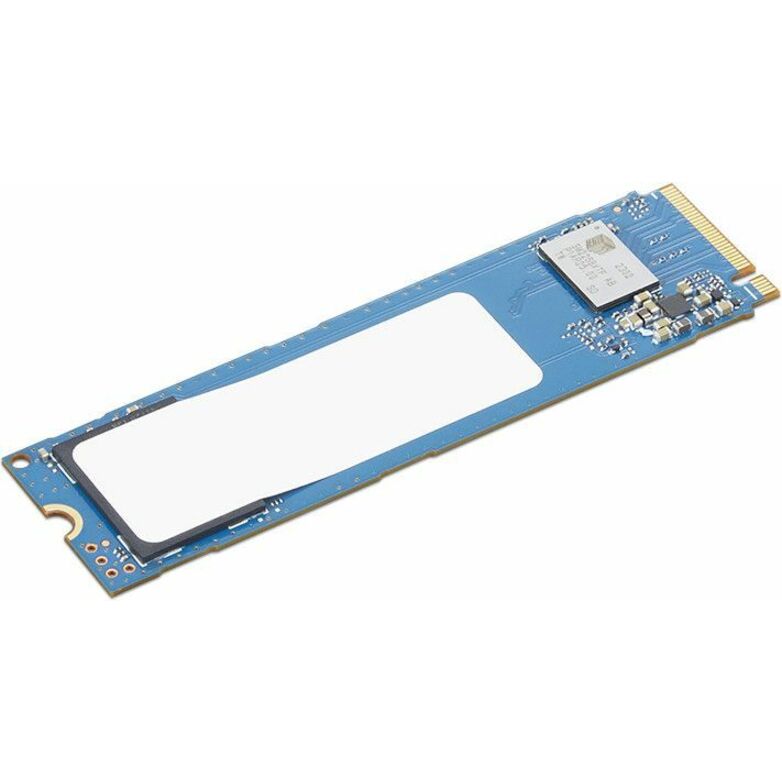
- LenovoLenovo Value 1 TB Solid State Drive - M.2 2280 Internal - PCI Express NVMe (PCI Express NVMe 4.0 x4) - Desktop PC Device Supported - 1 Year Warranty4XB1L68662
$250.99
$200.12
Back-orderedBack-ordered — we expect to receive stock the week of Nov 9–15 and will process your delivery right after.
- LenovoLenovo 1 TB Solid State Drive - M.2 2280 Internal - PCI Express NVMe (PCI Express NVMe 4.0) - Green - Notebook Device Supported - 14XB1T87552
$219.99
$175.40
Back-orderedBack-ordered — estimated OEM lead time 3–8 weeks (Nov 8 – Dec 13 if ordered today).
- AddOnAddOn 256 GB Solid State Drive - M.2 2280 Internal - PCI Express NVMe (PCI Express NVMe 3.0 x4) - TAA Compliant - 125 TB TBW - 3100 MB/s Maximum Read Transfer Rate - 3 Year Warranty - OEM - 1ADD-SSDTS256GBD8
$475.00
$437.00*
Back-orderedBack-ordered — estimated OEM lead time 3–8 weeks (Nov 8 – Dec 13 if ordered today).
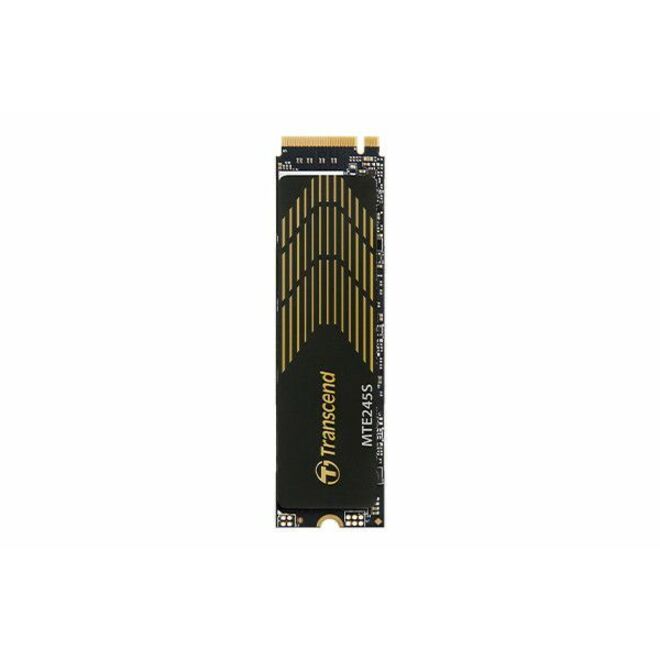
- Transcend InformationTranscend 245S 1 TB Solid State Drive - M.2 2280 Internal - PCI Express NVMe (PCI Express NVMe 4.0 x4) - Desktop PC, Notebook Device Supported - 0.33 DWPD - 2400 TB TBW - 5300 MB/s Maximum Read Transfer RateTS1TMTE245S
$413.00
$378.37
Back-orderedBack-ordered — estimated OEM lead time 3–8 weeks (Nov 8 – Dec 13 if ordered today).
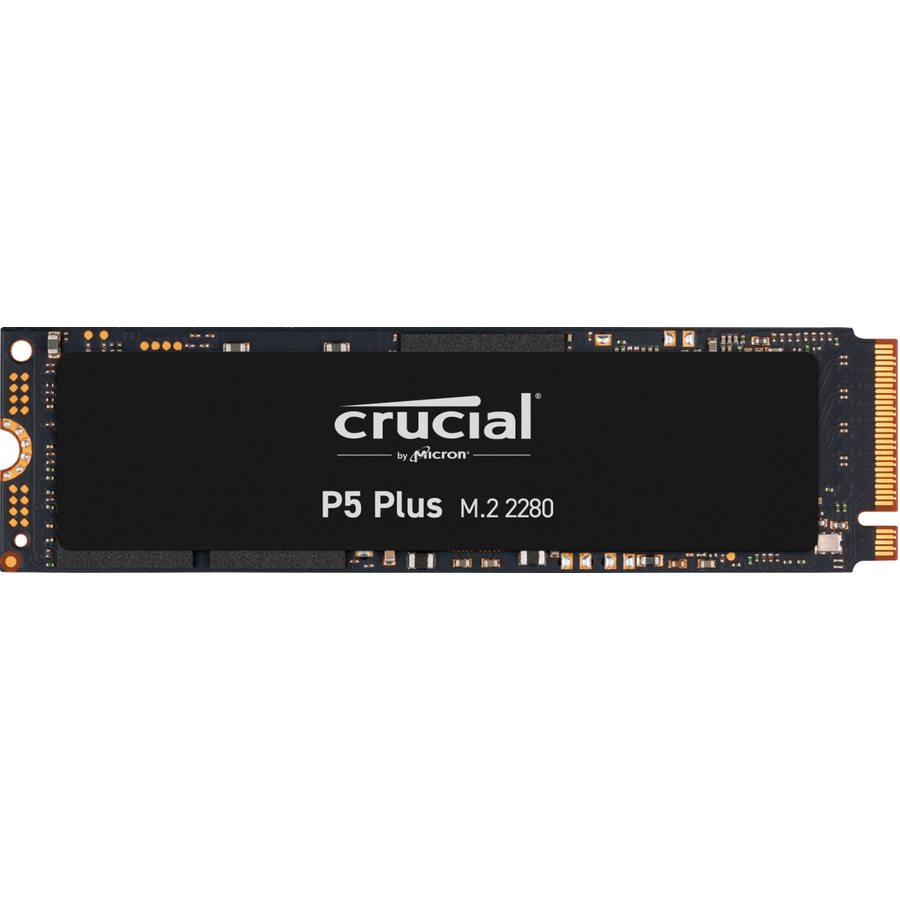
- Micron TechnologyCrucial P5 Plus CT500P5PSSD8 500 GB Solid State Drive - M.2 2280 Internal - PCI Express NVMe (PCI Express NVMe 4.0 x4) - 300 TB TBW - 6600 MB/s Maximum Read Transfer Rate - 5 Year WarrantyCT500P5PSSD8
$824.70
$790.73
Back-orderedBack-ordered — estimated OEM lead time 3–8 weeks (Nov 8 – Dec 13 if ordered today).
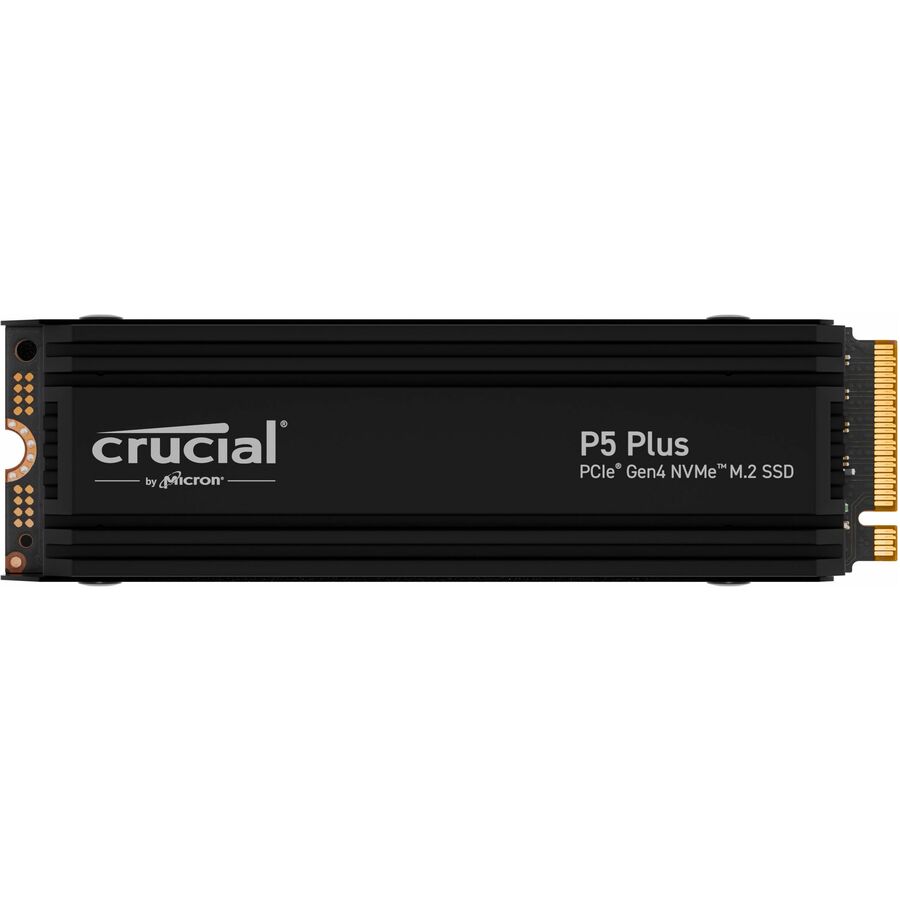
- Micron TechnologyCrucial P5 Plus 1 TB Solid State Drive - M.2 2280 Internal - PCI Express NVMe (PCI Express NVMe 4.0 x4) - PlayStation Device Supported - 600 TB TBW - 6600 MB/s Maximum Read Transfer Rate - 5 Year WarrantyCT1000P5PSSD5
$737.71
$707.32
Back-orderedBack-ordered — estimated OEM lead time 3–8 weeks (Nov 8 – Dec 13 if ordered today).
- Transcend InformationTranscend MTE662T2 256 GB Solid State Drive - M.2 2280 Internal - PCI Express NVMe (PCI Express NVMe 3.0 x4) - Desktop PC Device Supported - 2 DWPD - 3 Year WarrantyTS256GMTE662T2
$109.99
$79.92
Back-orderedBack-ordered — estimated OEM lead time 3–8 weeks (Nov 8 – Dec 13 if ordered today).
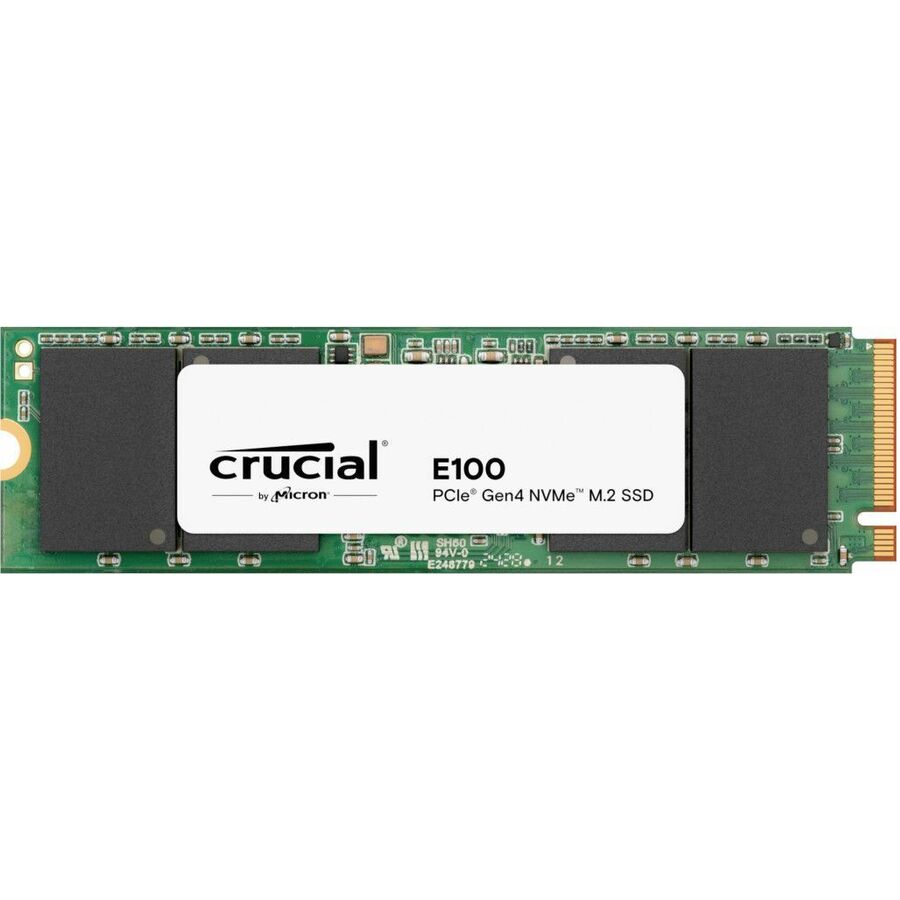
- Micron TechnologyCrucial E100 2 TB Solid State Drive - M.2 2280 Internal - PCI Express NVMe (PCI Express NVMe 4.0 x4) - Desktop PC, Notebook, Motherboard Device Supported - 100 TB TBW - 1CT2000E100SSD8
$708.14
$678.97
Back-orderedBack-ordered — estimated OEM lead time 3–8 weeks (Nov 8 – Dec 13 if ordered today).


Need pricing on M.2 NVMe SSDs?
Tell us where to reach you and a Uniqcli specialist will follow up by email with current pricing, availability and lead time for the quantities you need — including parts that aren’t shown on this page.
Buying for an organization or for yourself — both work. No payment up front.
M.2 2280 is a size — 22 mm wide by 80 mm long — not an interface. An M.2 socket can be wired for SATA or for PCIe, and for PCIe Gen 3, 4 or 5, so the slot decides the buy. A drive negotiates down and runs at the slot's speed, so confirm the machine's slot generation and count first, then pick capacity, then read endurance as TBW or DWPD.
Replacing the drive is still the cheapest way to make a business PC feel new, and on any machine built in the last several years the part that does it is an M.2 2280 NVMe SSD. Every drive in this grid states both of those facts in its manufacturer's own title: the 2280 form factor — 22 mm wide, 80 mm long, the size nearly every business laptop and desktop motherboard is drilled for — and a PCI Express NVMe interface rather than SATA. That distinction is the one that matters on an upgrade, because an M.2 slot can be wired for either, and a SATA M.2 drive in an NVMe-capable machine gives up most of the speed you bought it for.
Three numbers off the title decide which one to order. Capacity is first and it is usually under-bought: a fleet standard of 1 TB rather than 512 GB removes the annual conversation about disk space and costs less than the support time it saves. Endurance is second, stated here as terabytes written or as drive writes per day — 320 TBW to over 2,000 TBW across this shelf — and for ordinary office machines almost anything on this page exceeds a five-year working life by a wide margin. The PCIe generation and lane width is third: these titles name PCIe 3.0, 4.0 and 5.0 at x4, plus one part at x2, and the machine you are upgrading decides which of those you can actually use.
That last point is the one that turns a straightforward upgrade into a returns line, so check it before the order rather than after. A drive negotiates down cleanly — a PCIe 5.0 SSD works in a Gen 3 slot — but it runs at the slot's speed, so paying for a generation the machine cannot address buys nothing but headroom for its successor. Confirm the slot generation, the number of M.2 slots and whether any of them is SATA-only against the specific model you are upgrading. And confirm the machine's own security posture separately: several parts here name an encryption standard in their titles, but a self-encrypting drive is only useful where the platform actually manages it.
Buyer's checklist
How to choose an M.2 NVMe SSD for a fleet upgrade
- Confirm the slot before the part. An M.2 socket can be wired for SATA, for PCIe, or for either, and it can be Gen 3, Gen 4 or Gen 5. Every drive here is titled M.2 2280 PCI Express NVMe, so check the target machine's documentation for slot type, generation and length support — a 2280 drive does not fit a 2242-only slot, and the fastest drive in the world runs at the slot's speed.
- Buy the capacity one step above the honest estimate. Capacity is stated per part in these titles and standardising a fleet at 1 TB rather than 512 GB removes a recurring support conversation for a difference that is small next to the labour of doing the job twice. A drive that is full is a drive that is also slow.
- Read endurance as TBW or DWPD, and then stop worrying about it for office work. These titles state figures from 320 TBW up past 2,000 TBW, and DWPD ratings from roughly 0.2 to 1. An ordinary business workload will not approach the low end of that range in a five-year life; endurance becomes a real specification only for developers, video, databases and imaging.
- Take the maximum read transfer rate as a class indicator rather than a promise. These titles quote read rates from roughly 1,300 MB/s to 14,800 MB/s, and the difference between the top two tiers is invisible in office use and very visible in large-file work. Note that these titles quote read only — a write figure is not stated, so do not infer one.
- Check what the vendor says the drive is for. The device-support lists in these titles differ meaningfully: some name desktop PC and notebook, some name workstation and all-in-one, and a few name server and data centre boot duty. A read-intensive data-centre boot drive is a valid part number and a strange choice for a laptop refresh.
- Where the purchase order carries an origin clause, read TAA on the part number itself. Several parts on this shelf carry a TAA marking in their own title and near-identical siblings do not; screening results are available with your quote on request, tied to the specific part number.
- Plan the migration, not just the part. Cloning software or an image, an external M.2 enclosure or adapter to do it with, a heatsink where the machine or the drive expects one, and the disposal path for the drives coming out are all part of a fleet refresh, and the last one is a data-handling decision rather than a logistics one.
M.2, 2280, NVMe — what each of the three words is actually promising
The three terms get used interchangeably and they mean different things, which is exactly why fleet upgrades go wrong. M.2 is the connector and card standard — a small edge-connected card that plugs flat onto the motherboard instead of hanging off a cable. 2280 is the physical size: 22 mm wide and 80 mm long, the dimension nearly every business laptop and desktop is drilled and standoff-ed for, though compact and handheld machines sometimes use 2230 or 2242 instead and will not accept an 80 mm card. NVMe is the protocol the drive speaks over PCI Express lanes, and it is the part that makes the drive fast: it replaced the command set SATA inherited from spinning disks with one designed for flash and for many operations in parallel.
The trap is that an M.2 slot does not tell you which protocol it carries. Motherboards ship M.2 sockets wired for SATA only, for PCIe only, or for both, and the physical connector looks close enough that an incompatible drive will seat and then simply not appear. Every part on this page is titled M.2 2280 Internal — PCI Express NVMe, so the drive side is unambiguous; the machine side has to be confirmed against that specific model's documentation before the order, not after the technician has the case open.
PCIe generation is the last variable and the least dangerous one. A Gen 5 drive negotiates down and works in a Gen 4 or Gen 3 slot; it just runs at the slot's speed. That makes buying ahead harmless but pointless on a machine being retired in two years, and sensible on one you expect to redeploy. What is not harmless is lane width: one part in this range is titled x2 rather than x4, and on a fleet standard that is a difference worth noticing rather than discovering.
Capacity, endurance and the numbers that matter for office work
Capacity is where a fleet decision earns or wastes money, and the arithmetic favours generosity. The labour of opening a machine, cloning a drive, swapping it and validating the result is broadly the same whichever capacity goes in, so the marginal cost of a larger drive is spread against a fixed cost that dominates it. Doing the job twice because 256 GB machines started filling up in year two doubles the expensive half. A 1 TB fleet standard is the pragmatic answer for most office and knowledge-work populations; step above it where the machines hold local media, virtual machines or large datasets.
Endurance is the specification most often over-analysed on a business refresh. These titles state it as terabytes written — from 320 TBW at the modest end up past 2,000 TBW — or as drive writes per day, roughly 0.2 to 1 across this shelf. To put that in perspective, ordinary office use writes a small fraction of the drive's capacity in a day, so a mid-range figure here comfortably outlives the machine's service life. Endurance becomes a genuine input only for workloads that write continuously: development builds, video editing, imaging and capture, database work, or a machine used as a scratch target.
Read rate is a class indicator. These titles quote maximum read transfer rates from about 1,300 MB/s on a read-intensive data-centre boot part up to 14,800 MB/s on a PCIe 5.0 consumer flagship, and the honest position is that the top of that range is invisible in email, browsers and office documents and very visible when someone opens a large project file. Buy the tier the work justifies. And note what these titles do not say: they quote read speeds, not write speeds, so no write figure appears anywhere on this page.
Doing a fleet refresh without doing it twice
A drive upgrade is a labour project with a hardware line attached. The parts that make it go smoothly are rarely on the same purchase order: an external M.2 enclosure or USB adapter so the new drive can be cloned before the machine is opened, the imaging or cloning software, replacement thermal pads or the heatsink some chassis and some drives expect, and the small consumables — the single screw and standoff that go missing on the third machine of the day. Where the estate is being re-imaged rather than cloned, the network and the imaging server become the bottleneck instead, and that is a scheduling decision more than a purchasing one.
The drives coming out are the part that deserves a written answer before the first machine is opened. A retired SSD holds everything the machine held, and secure erase, physical destruction and certificate-of-destruction handling are all different answers with different costs and different evidence. Where the organisation has data-handling or retention obligations, that answer belongs to the people who own those obligations rather than to the technician with a bin. Several drives on this page name an encryption standard in their own titles, which helps only where the platform actually manages the key.
Uniqcli quotes the whole refresh on one order: the drives, the enclosures and adapters used to clone them, the memory that is usually worth doing in the same visit while the machine is open, and the manufacturer warranty and support lines. Send the machine models, the counts and the capacity you want to standardise on, and we will come back with part numbers, availability, lead times and volume pricing — with the slot generation checked against the models on your list — before anything is committed.
Related reading
FAQ
Common questions
- Will an M.2 NVMe drive fit my business laptop or desktop?
- Check three things against that specific model's documentation before ordering: whether the M.2 slot carries PCI Express or is wired for SATA only, whether it accepts an 80 mm card — 2280 is the common size but compact and handheld machines sometimes take only 2230 or 2242 — and which PCIe generation it runs. Every drive on this page is titled M.2 2280 Internal, PCI Express NVMe, so the drive side is unambiguous; the machine side is where upgrades fail. A SATA-only M.2 socket will physically accept a similar-looking card and simply not present the drive, which is a very frustrating half hour with a laptop already in pieces.
- How much capacity should we standardise on?
- One step above the honest estimate, and for most office and knowledge-work fleets that means 1 TB rather than 512 GB. The reasoning is labour rather than storage: opening a machine, cloning, swapping and validating costs roughly the same regardless of the capacity going in, so the marginal cost of the bigger drive is small against a fixed cost that dominates it — and doing the job again in two years because the smaller drives filled up doubles the expensive half. Step above 1 TB where machines hold local media, virtual machines, large design files or datasets. Capacity is stated per part in these titles.
- Does PCIe 5.0 matter for an office PC?
- Rarely, and it is safe either way. A PCIe 5.0 drive negotiates down and runs correctly in a Gen 4 or Gen 3 slot, just at the slot's speed, so buying ahead is harmless — it is simply money spent on headroom the machine cannot address. The read rates in these titles run from roughly 1,300 MB/s to 14,800 MB/s, and the difference between the upper tiers is invisible in email, browsing and office documents while being very visible when someone opens a large project file, a video timeline or a virtual machine. Match the tier to the work rather than to the specification sheet, and check the slot generation on the machines you are actually upgrading.
- What does TBW mean and should we care?
- Terabytes Written is the manufacturer's rated write endurance over the drive's warranted life; DWPD, drive writes per day, expresses the same idea as a daily fraction of the drive's own capacity. These titles state figures from 320 TBW up past 2,000 TBW and DWPD ratings from roughly 0.2 to 1. For ordinary business use the honest answer is that almost anything on this page will outlive the machine — office workloads write a small fraction of a drive's capacity in a day. Endurance becomes a genuine buying input for continuous-write workloads: development builds, video and imaging, databases, capture, or any machine used as a scratch target. Read the figure on the exact part number rather than on the product line.
- Can business, government and education buyers order these?
- Every line Uniqcli quotes is sourced through US distribution and screened for TAA country-of-origin and NDAA §889 status before checkout — with documentation tied to the specific part number, not a product family.
Need M.2 NVMe SSDs pricing?
Send a bill of materials or part numbers — we confirm stock and a below-market total, with TAA verified on request. No payment up front.