
Tower UPS systems
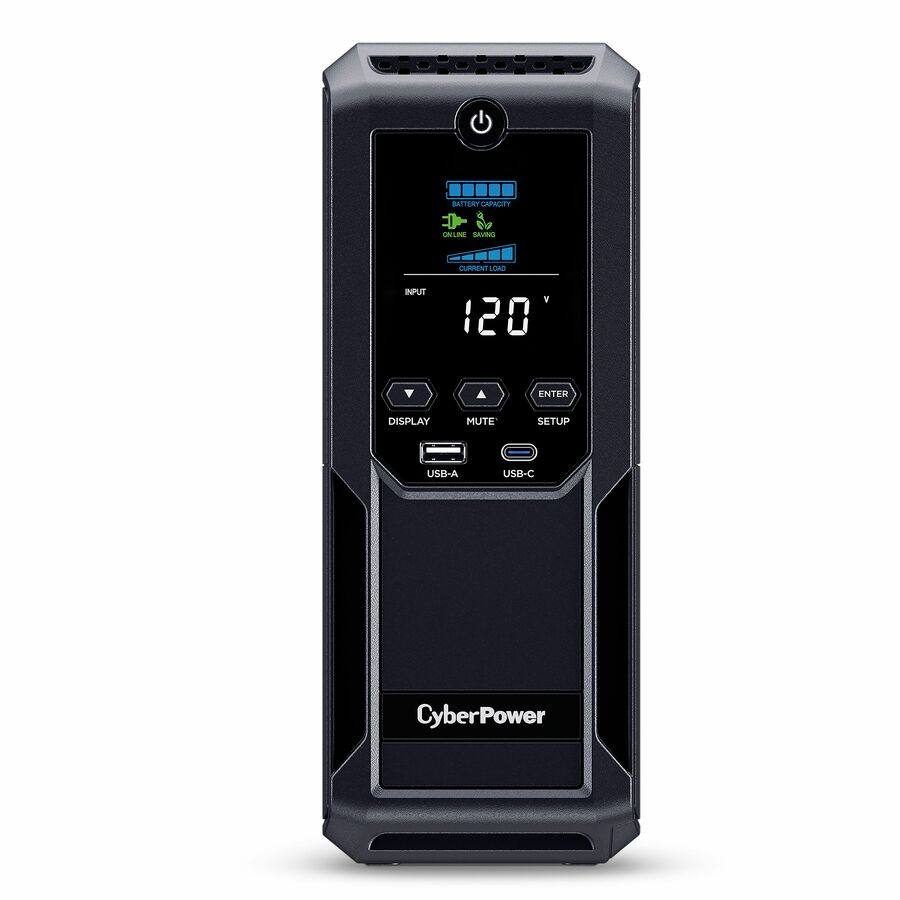
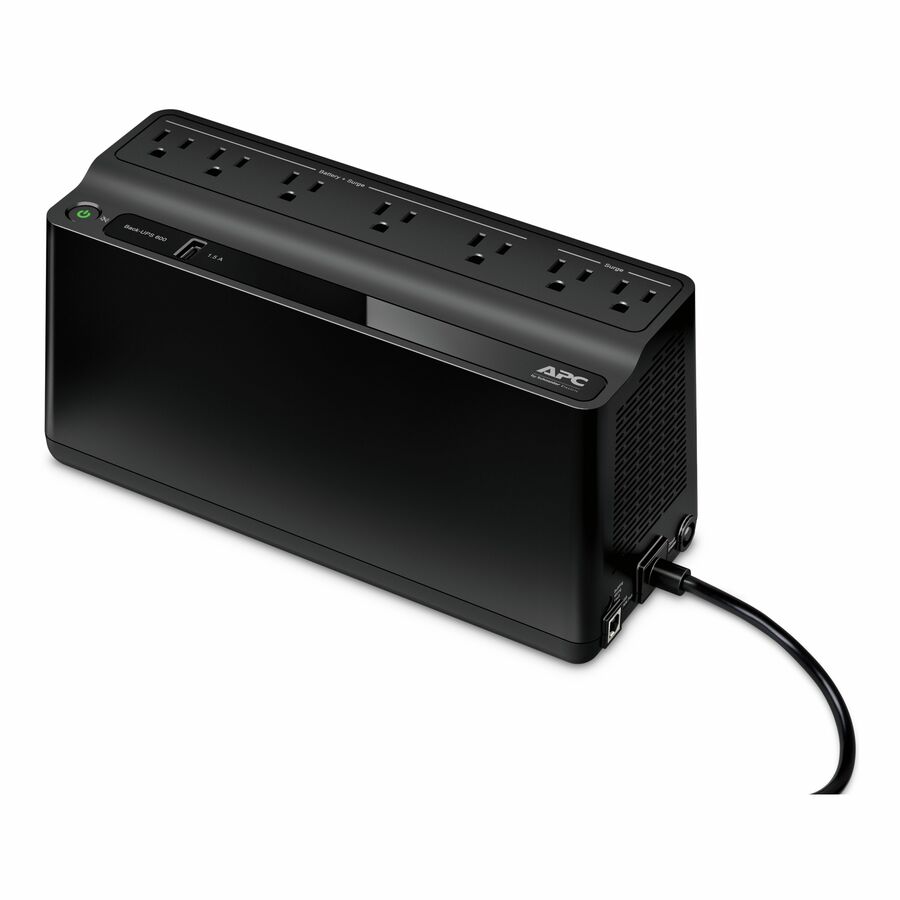
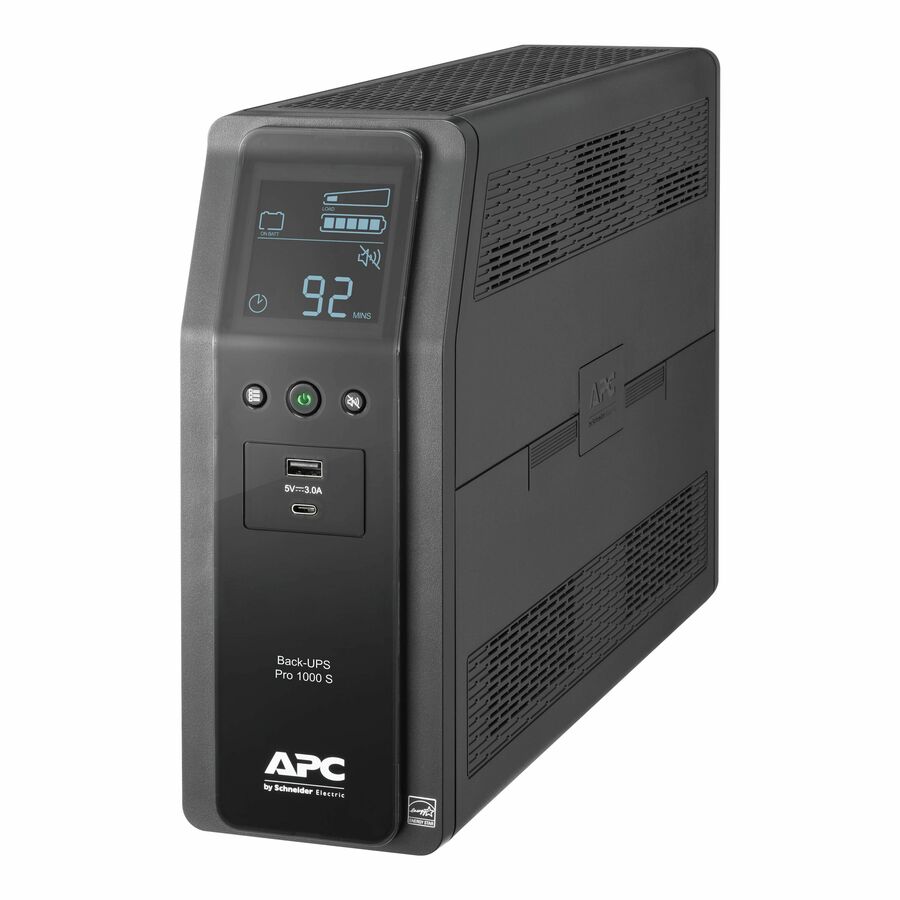
Every UPS in the catalog that stands as a tower, convertible rack/tower units included — filter by VA capacity, output watts, input voltage and outlet count.
Showing 24 of 801 tower UPS systems
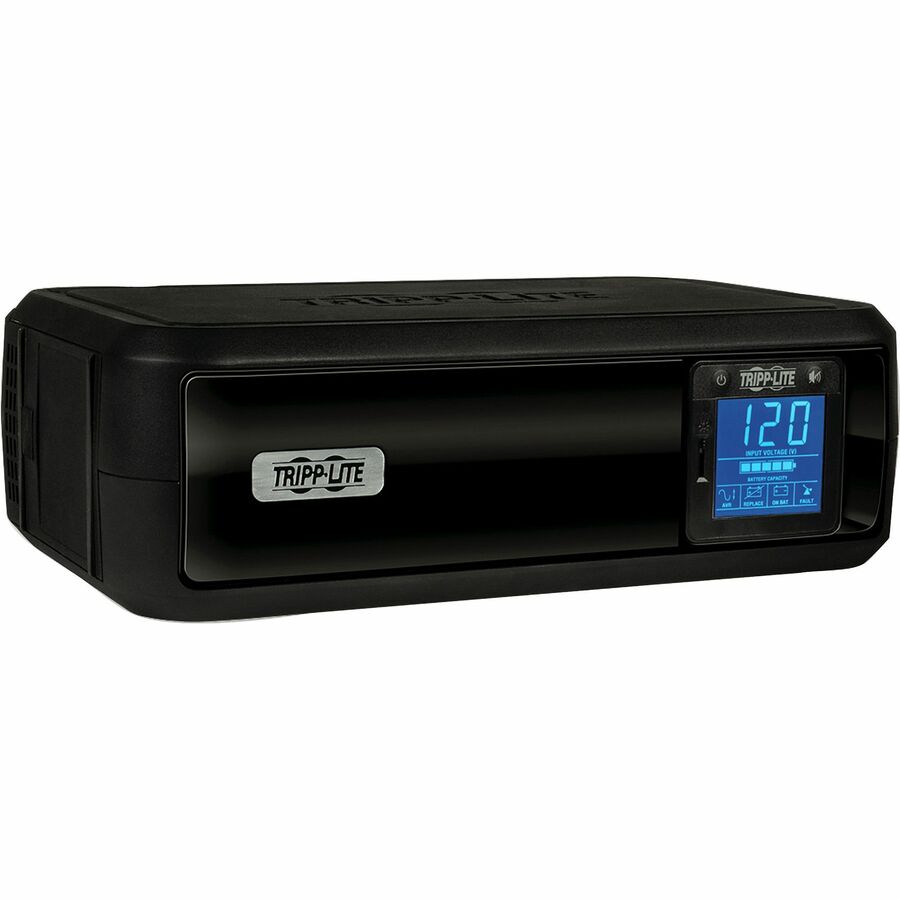
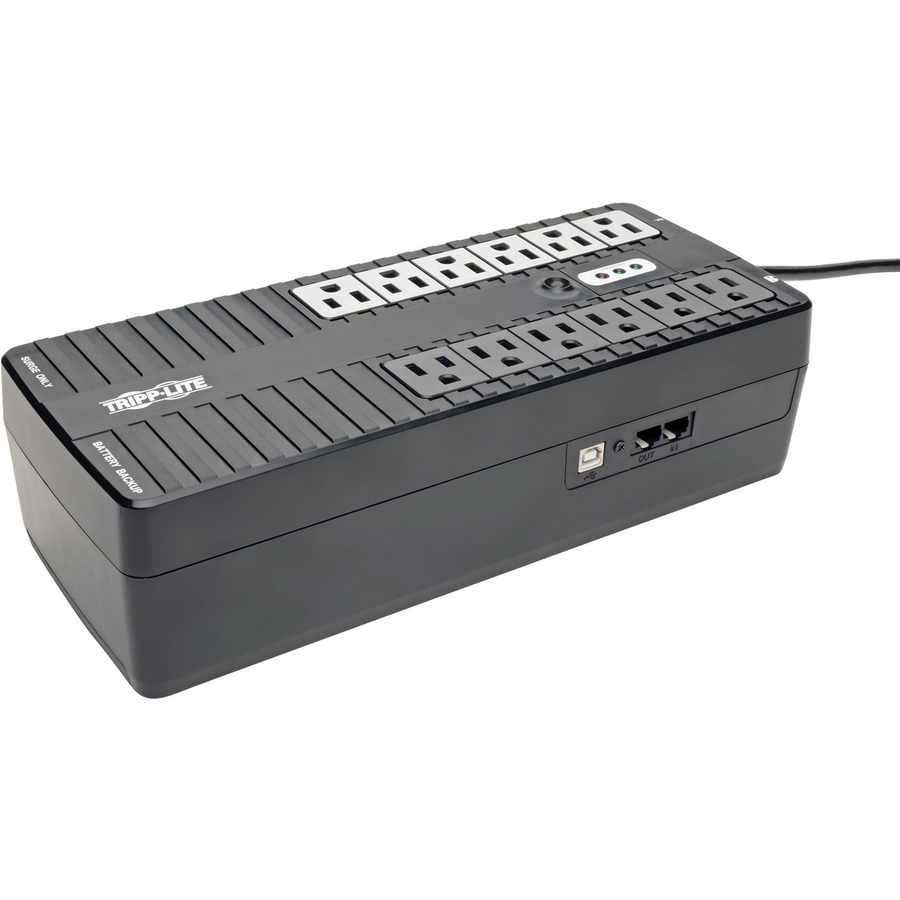
- EatonTripp Lite by Eaton UPS 750VA 450W Standby UPS - 12 NEMA 5-15R Outlets 120V 50/60 Hz USB 5-15P Plug Desktop / Wall Mount - Ultra-compact Desk-mount - 4 Hour Recharge - 2.50 Minute Stand-by - 110 V AC Input - 120 V AC Output - 6 x NEMA 5-15R, 6 x NEMA 5-15R, 6 x NEMA 5-15R, 6 x NEMA 5-15R, 6 x NEMA 5-15R, 6 x NEMA 5-15RINTERNET750U
$207.00
$190.44
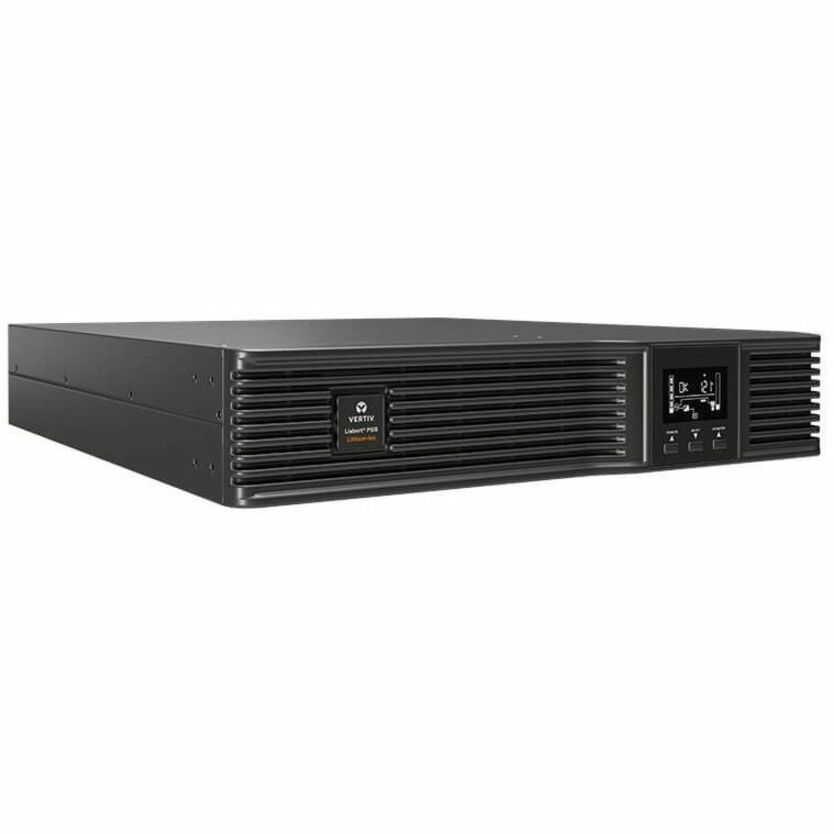
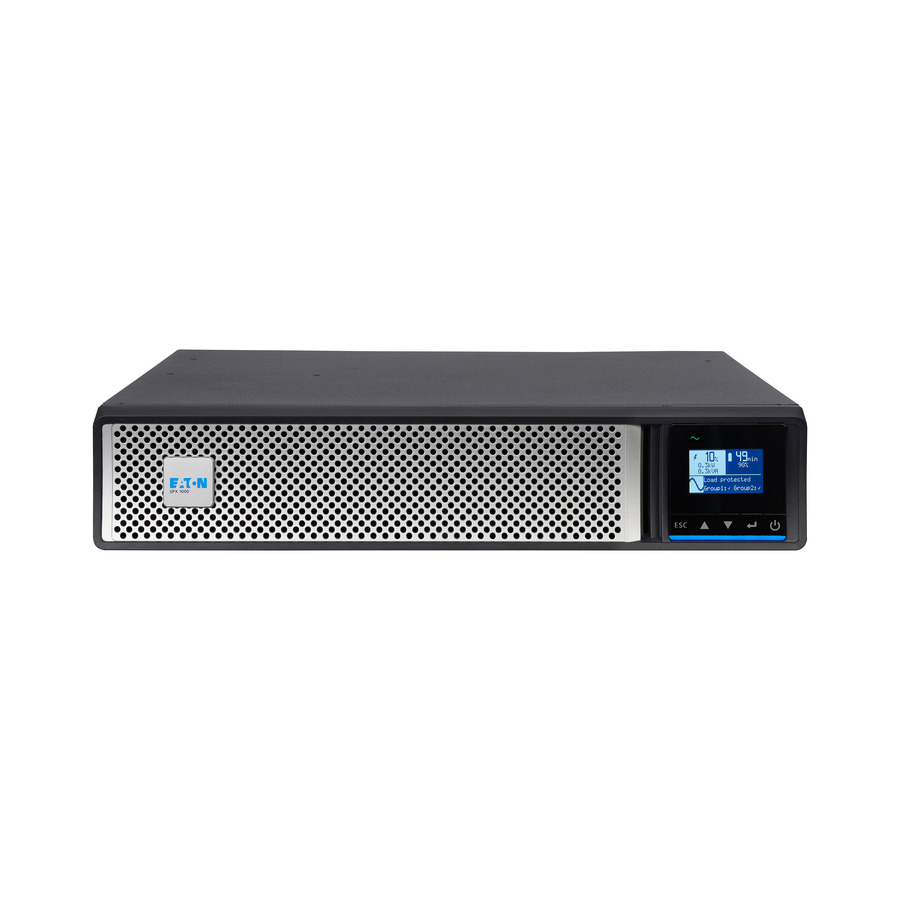
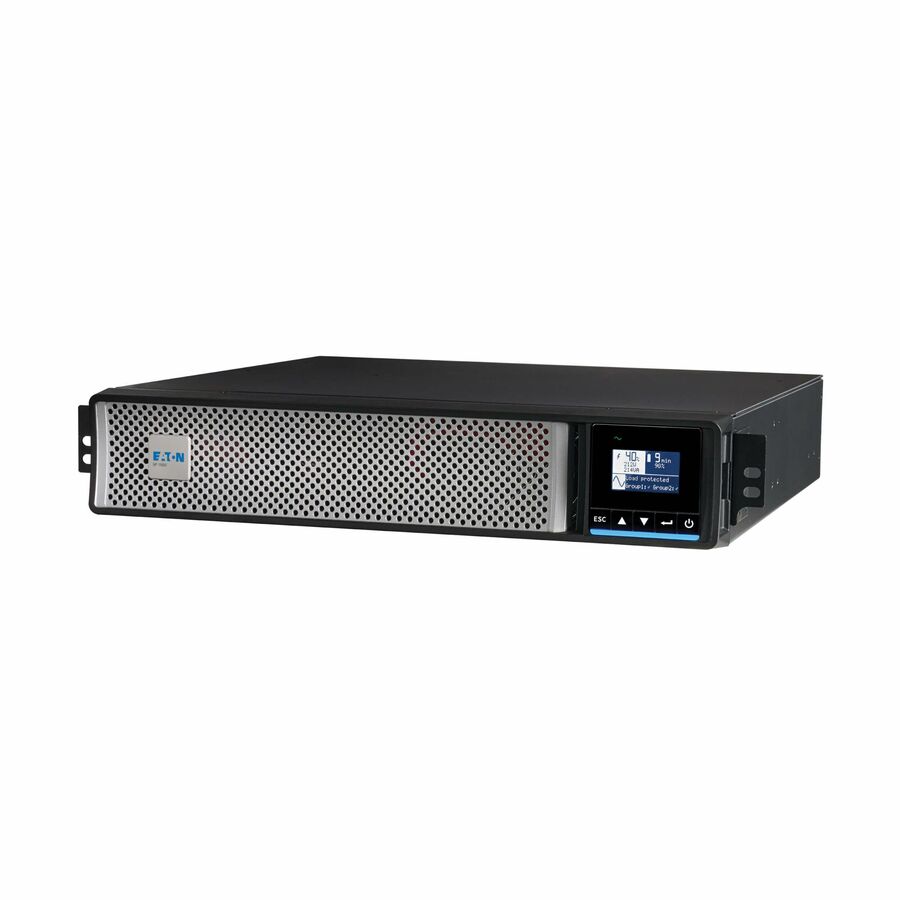
1,486 in stock - EatonEaton 5P Gen2 5P1500RTG2 1440VA Rack/Tower UPS - 2U Rack/Tower - AVR - 9 Hour Recharge - 5 Minute Stand-by - 120 V AC Input - 100 V AC, 120 V AC, 125 V AC Output - Single Phase - Sine Wave, Pure Sine Wave - Serial Port - LCD Display - 8 x NEMA 5-15R Receptacle(s) - Network-M3 Card, RS-2325P1500RTG2
$1,142.00
$1,050.64
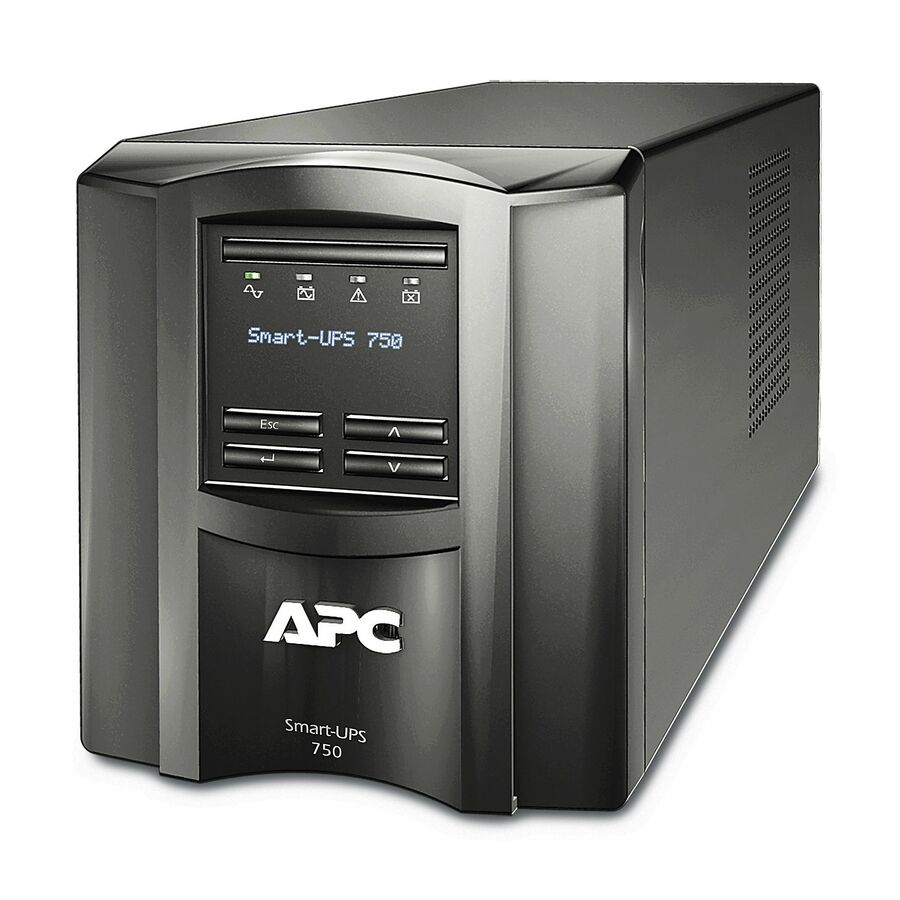
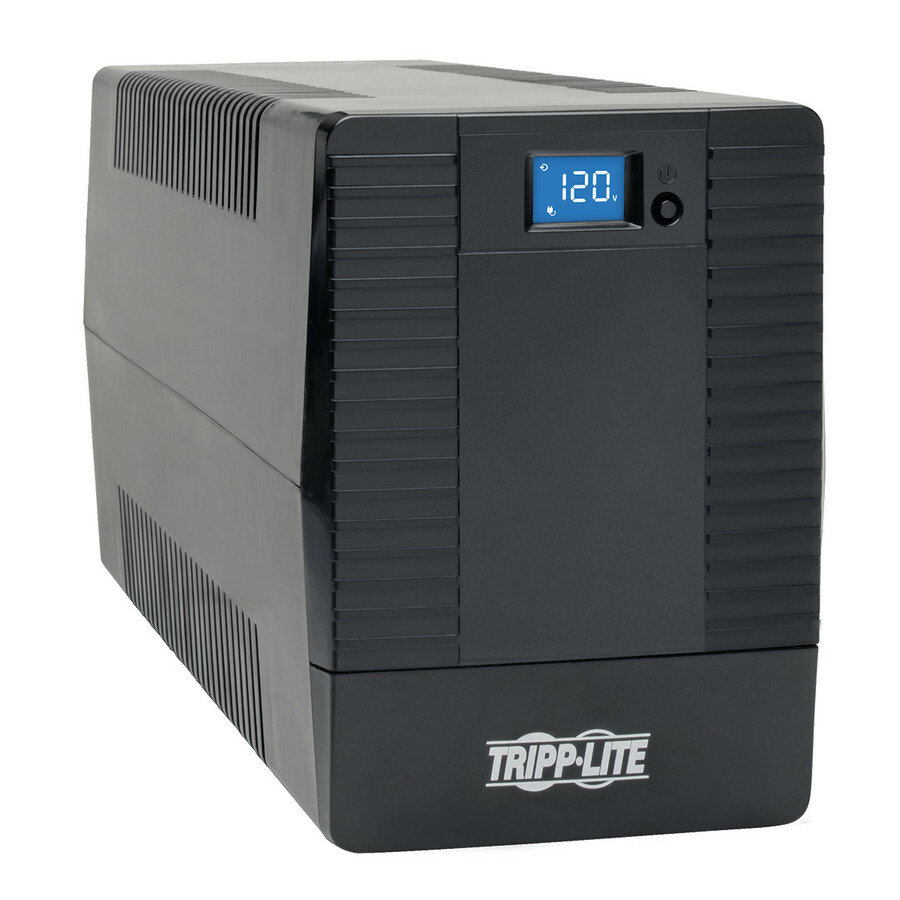
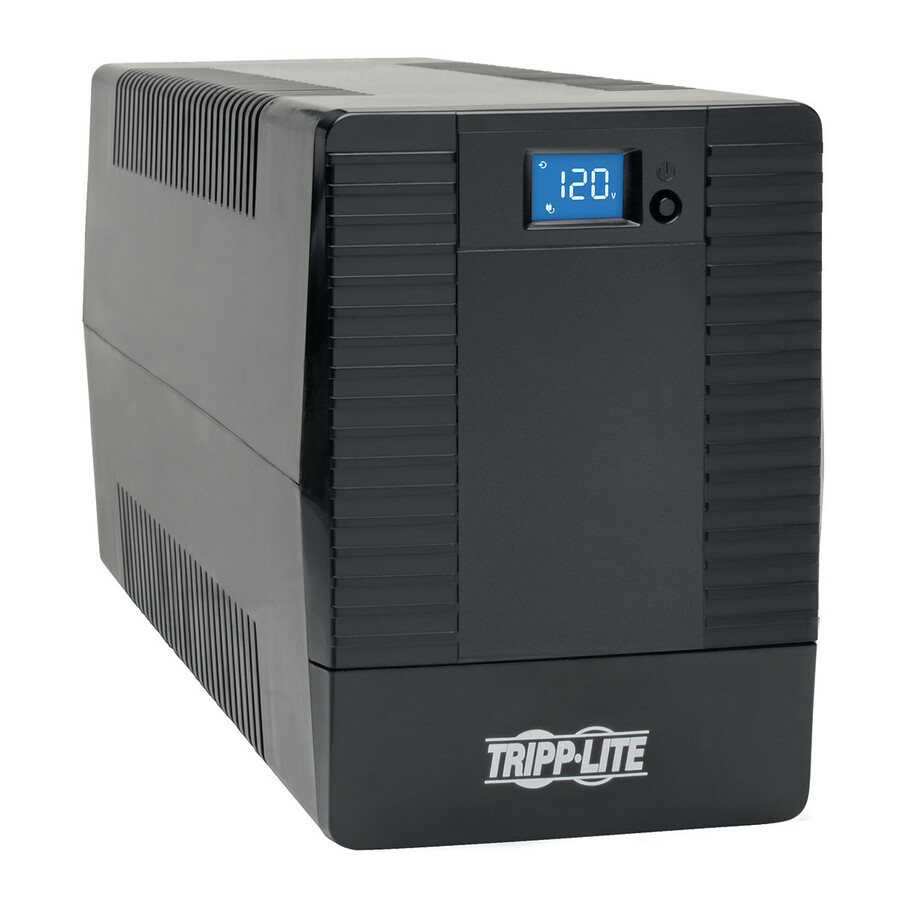
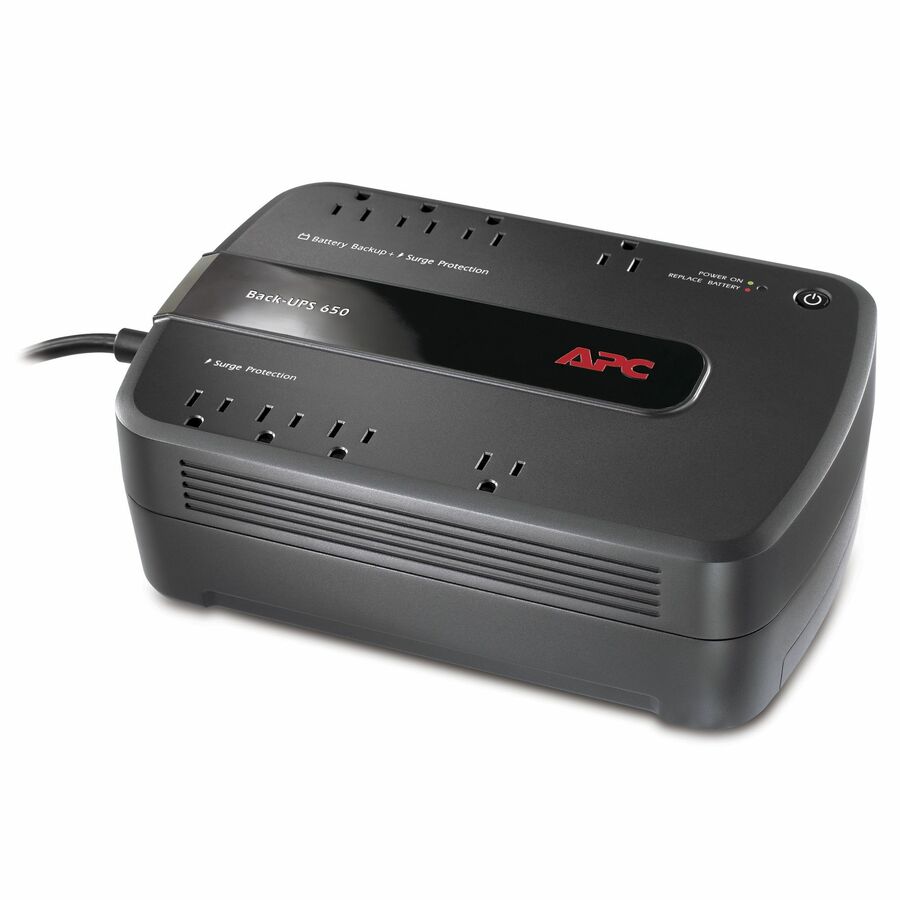
52 in stock - Schneider ElectricAPC Back-UPS 650VA, 120V, 8 NEMA outlets (4 surge) - Tower - 1 Day Recharge - 3 Minute Stand-by - 120 V Input - 120 V AC Output - Single Phase - Stepped Approximated Sine Wave - USB - 4 x NEMA 5-15R, 4 x NEMA 5-15R Surge Receptacle(s) - 8 x Battery/Surge OutletBE650G1
$163.00
$145.07
360 in stock
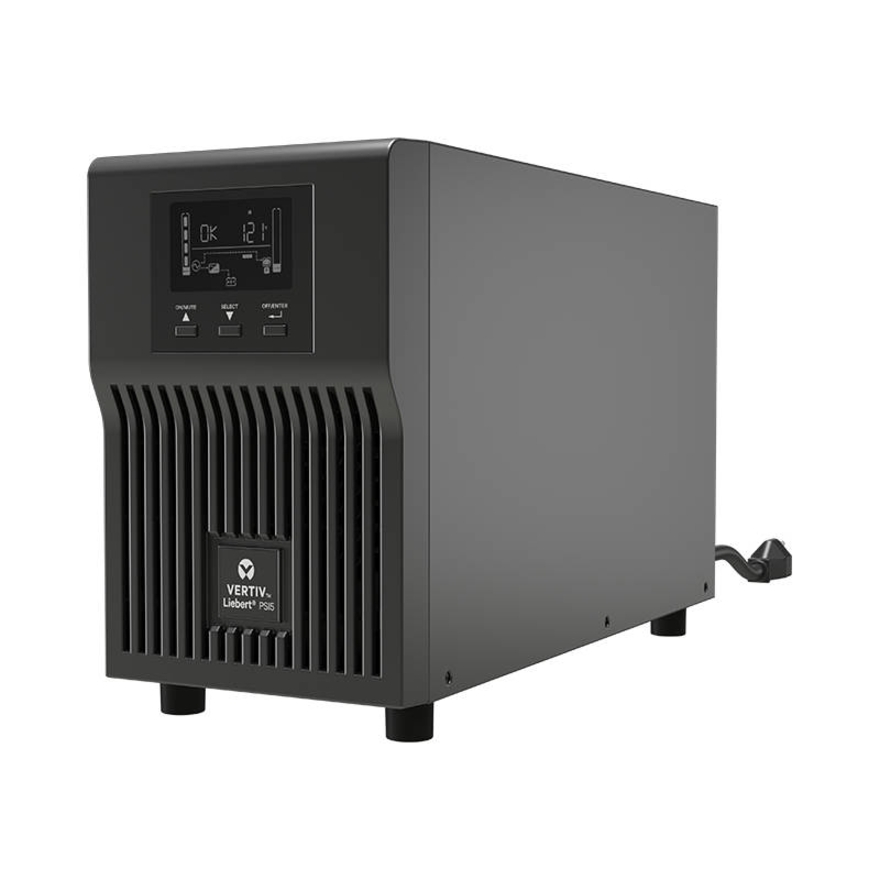
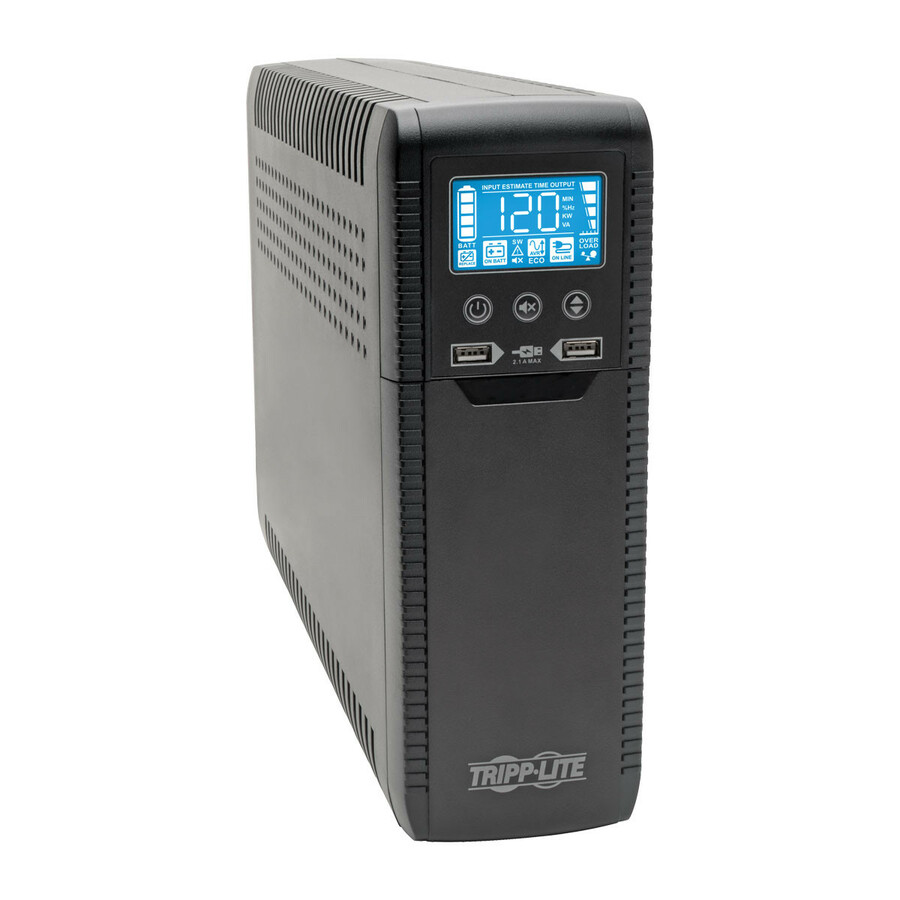
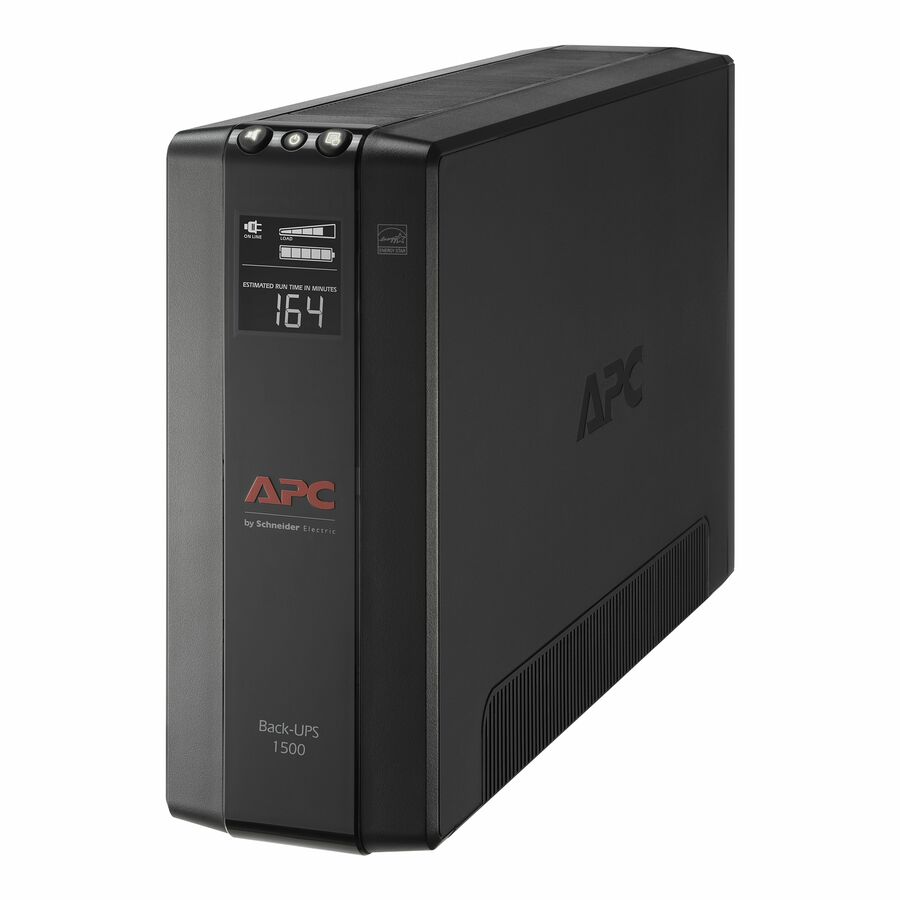
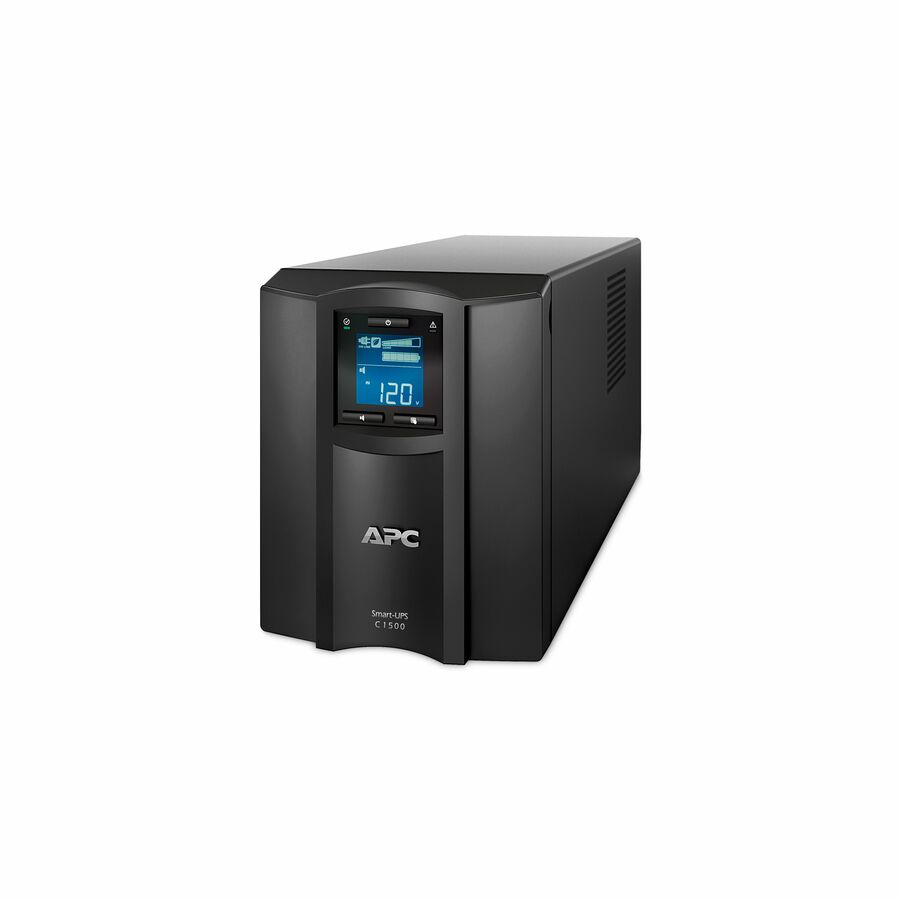
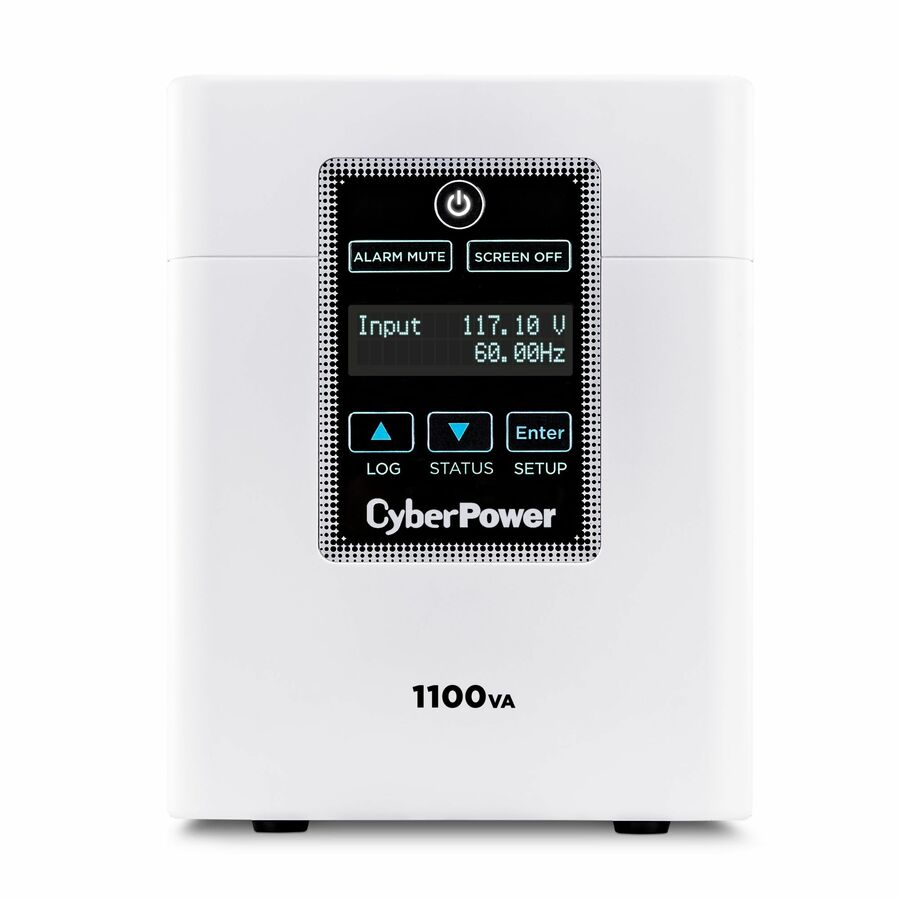
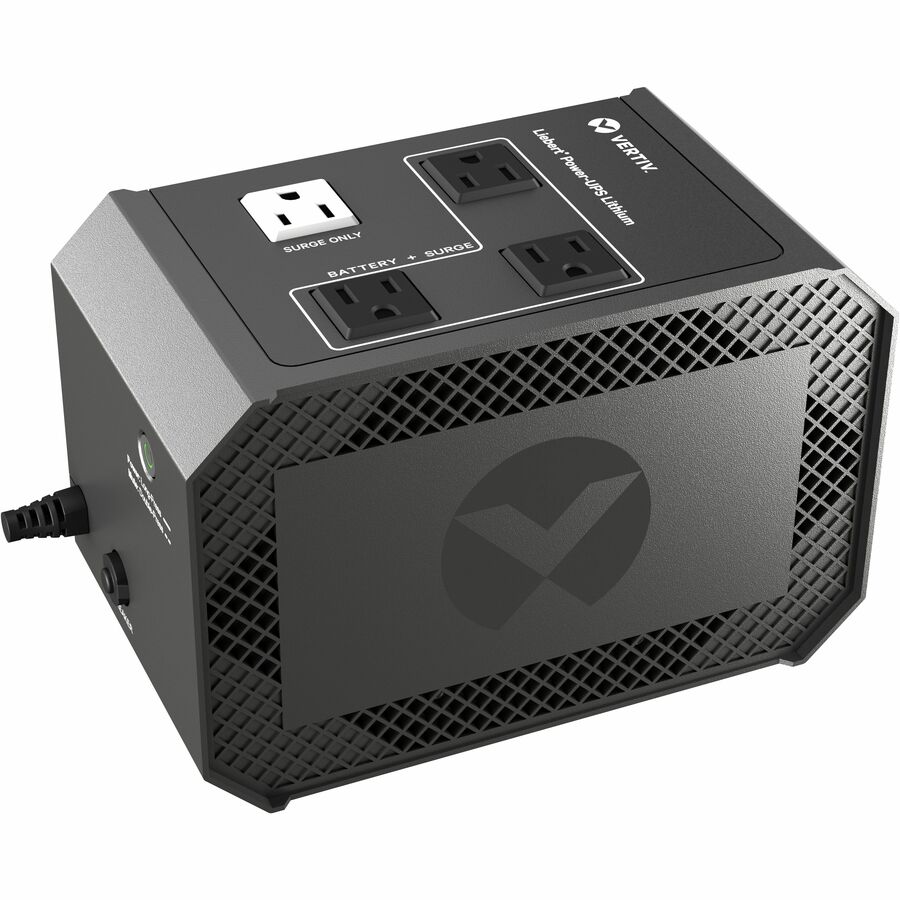
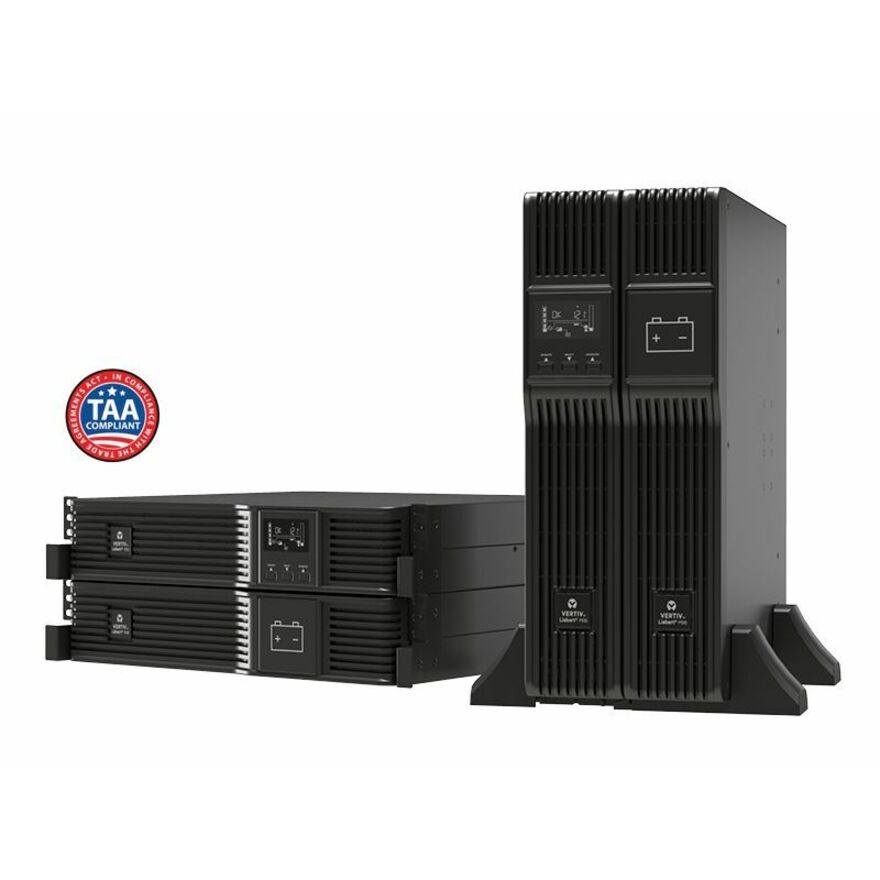
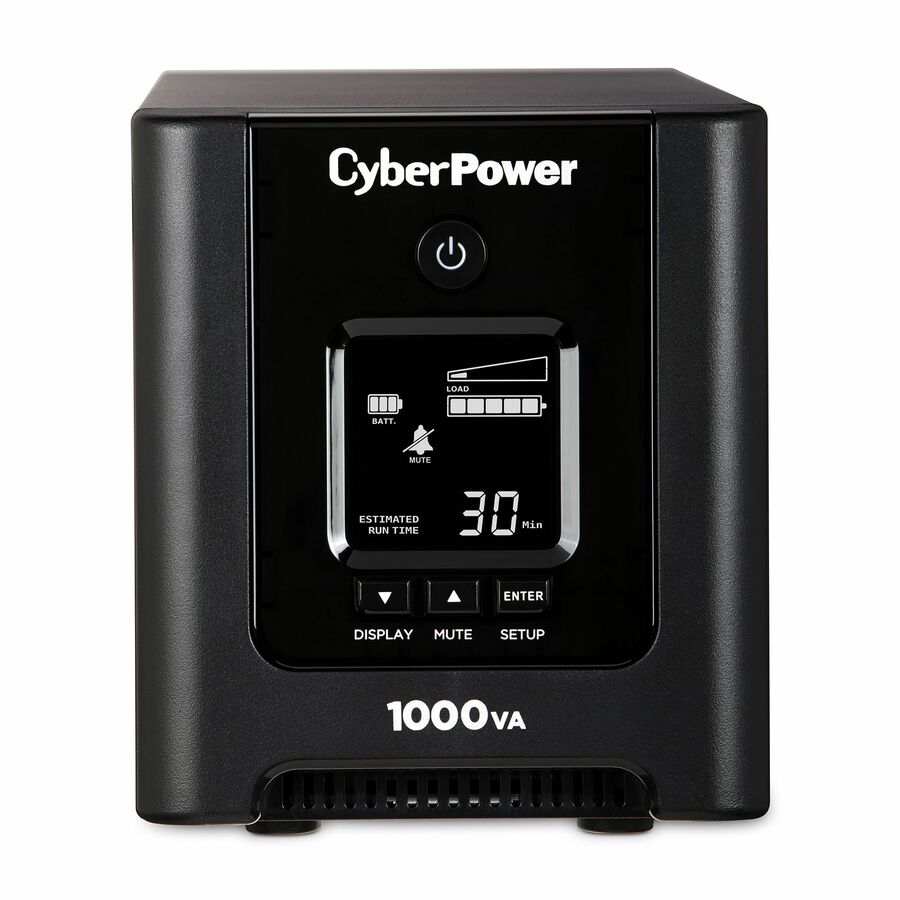
Specifications are read from the manufacturer product title as supplied to us; where a value is not stated it is left blank rather than estimated. Every line is screened for NDAA §889 status before checkout, with TAA verified on request.
Need pricing on tower UPS systems?
Tell us where to reach you and a Uniqcli specialist will follow up by email with current pricing, availability and lead time for the quantities you need — including parts that aren’t shown on this page.
Buying for an organization or for yourself — both work. No payment up front.
About tower UPS systems
A tower UPS is the free-standing unit for everywhere there is no rack: under a desk, in a wiring closet, behind a counter in a clinic, in a small server room or a cabinet at an edge site. The specification to check first is not the badge on the front but the outlets on the back, because on most tower units they are split into two banks — some battery-backed, the rest surge-protected only. A ten-outlet unit may keep five of them alive through an outage, so count the receptacles you actually need on battery and confirm the split on the product page. The outlet figures on these cards are read from the manufacturer's own title and describe the total it states, which is exactly why the split is worth reading rather than assuming.
Sizing works as it does for any UPS: total the watt draw of what the unit will carry, divide by the power factor it is rated at — 0.9 for a modern line-interactive or online unit, closer to 0.6 on entry-level models whose watt rating sits far below what the VA badge implies — and add about 25% headroom for inrush, growth and the current the UPS draws while it recharges after an event. Two specifics matter more on tower units than elsewhere. Waveform: a server or a desktop with an active power-factor-corrected supply can misbehave on a simulated stepped sine wave and wants a pure sine-wave output, so check that line if the load is anything more than a monitor and a router. And service life: sealed lead-acid batteries are generally treated as end-of-service at roughly three to five years and lose capacity steadily before that, faster in a warm room — so a replacement cartridge is a scheduled purchase, not something to discover during the next outage.
FAQ
tower UPS systems questions
- Are all the outlets on a tower UPS battery-backed?
- Usually not. Most tower units divide their receptacles into a battery-backed bank and a surge-only bank, and the total printed on the box counts both — so a ten-outlet unit may offer five that survive an outage. The surge-only outlets are there for printers, monitors and chargers, which is a sensible split, but it catches people who counted the whole strip. Check the bank layout on the product page, and put only what must stay running on the battery side.
- What size tower UPS do I need?
- Add up the watt draw of everything the UPS will carry, divide by the unit's power factor (0.9 on a modern line-interactive or online model), and add roughly 25% headroom for inrush, future equipment and battery recharging. A 400 W load therefore wants about 445 VA of apparent power and a 555 VA minimum rating — in practice the 650 to 750 VA class. Always check your watt total against the model's own watt rating as well as its VA badge, because the watt figure is frequently the tighter limit. The UPS selector does this arithmetic and filters live units against the result.
- Do I need a pure sine wave UPS?
- If the load includes a server, a NAS, a modern desktop or anything else with an active power-factor-corrected power supply, yes. Those supplies can react badly to the simulated (stepped) sine wave that cheaper units produce on battery — the symptoms are anything from an audible buzz to the supply refusing to accept the transfer and dropping the load, which defeats the purpose of the UPS. Simple loads such as a router, a switch and a monitor are generally untroubled by a stepped waveform. Where the product page does not state pure sine wave and the load is a server, ask before ordering.
- Can a tower UPS be mounted in a rack?
- Only if it is a convertible. Many units ship with both tower feet and rack-mount ears and are designed to install either way — those appear on this page and on the rack-mount page, because both descriptions are true of the same product. A tower-only chassis has no mounting provision and should not be shelved into a cabinet without confirming ventilation and load rating, since these units are heavier than they look. If the equipment may move into a rack later, buy the convertible.
Standardizing on one unit across sites?
Send the load, the outlet types you need and how many locations. We confirm one model that covers them, check stock across the full quantity and quote it with the shutdown software and replacement batteries where they apply.