
UPS selector & runtime calculator
Size a UPS from your actual load in watts, see the arithmetic, and filter live UPS systems by capacity, form factor and voltage.
Step 1 — size it
What size UPS do I need?
Enter the total load your UPS has to carry, in watts. We convert it to volt-amps at a 0.9 power factor, add 25% headroom for inrush, growth and battery charging, and show every step.
Add a typical load
Rounded planning figures for equipment classes, not specifications of any product. Where you have a nameplate rating or a measured draw, use that instead.
Showing 24 of 1,114 UPS systems
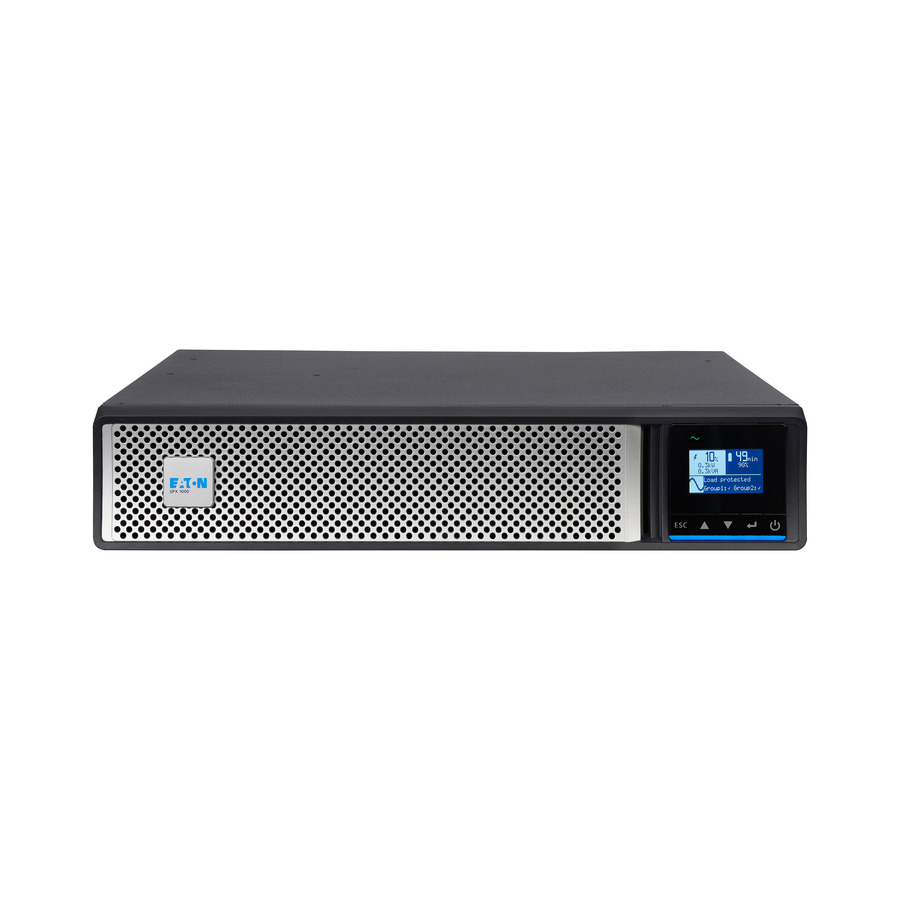
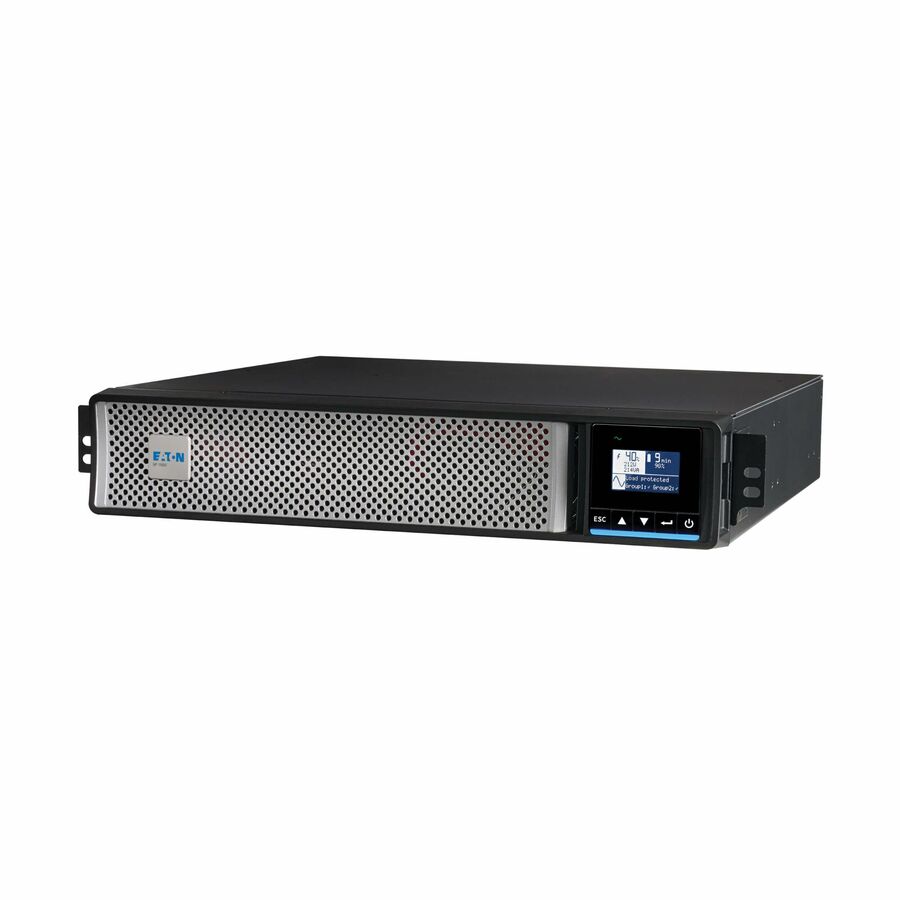
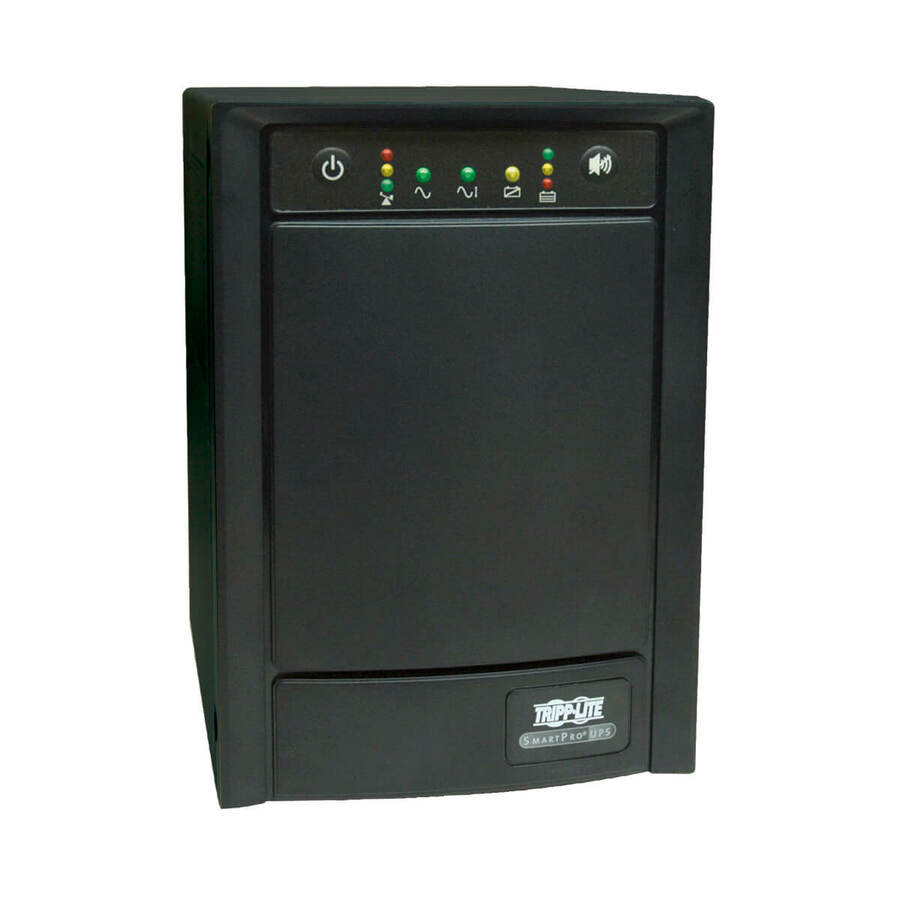
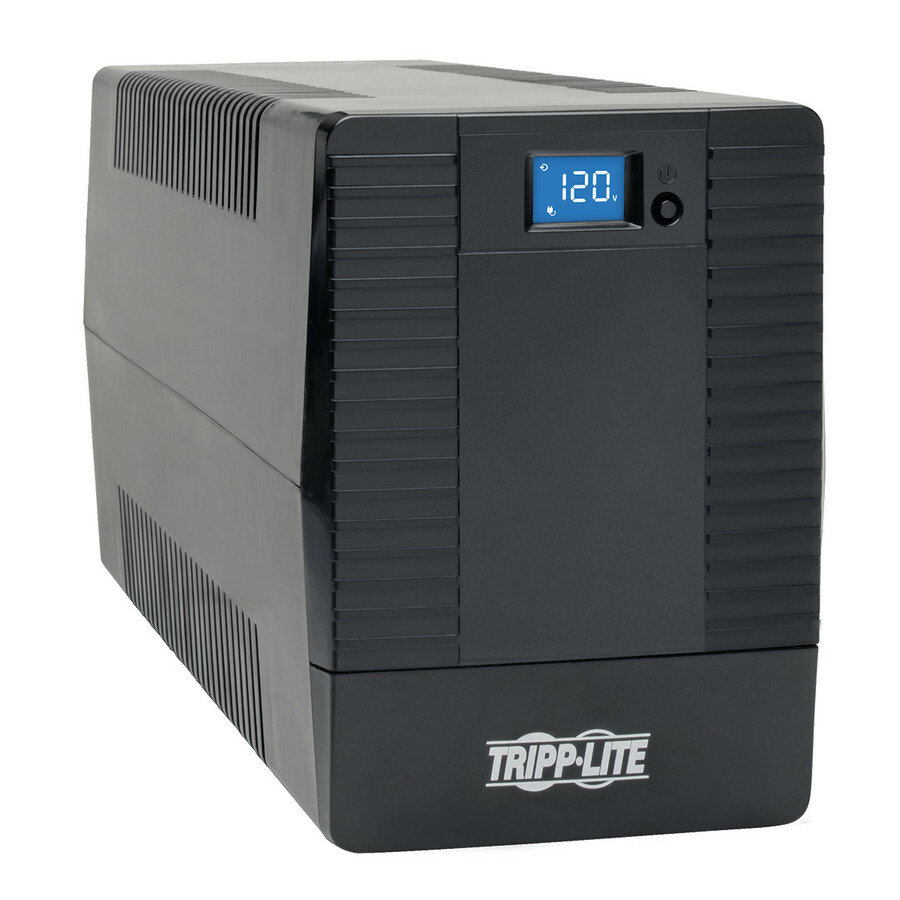
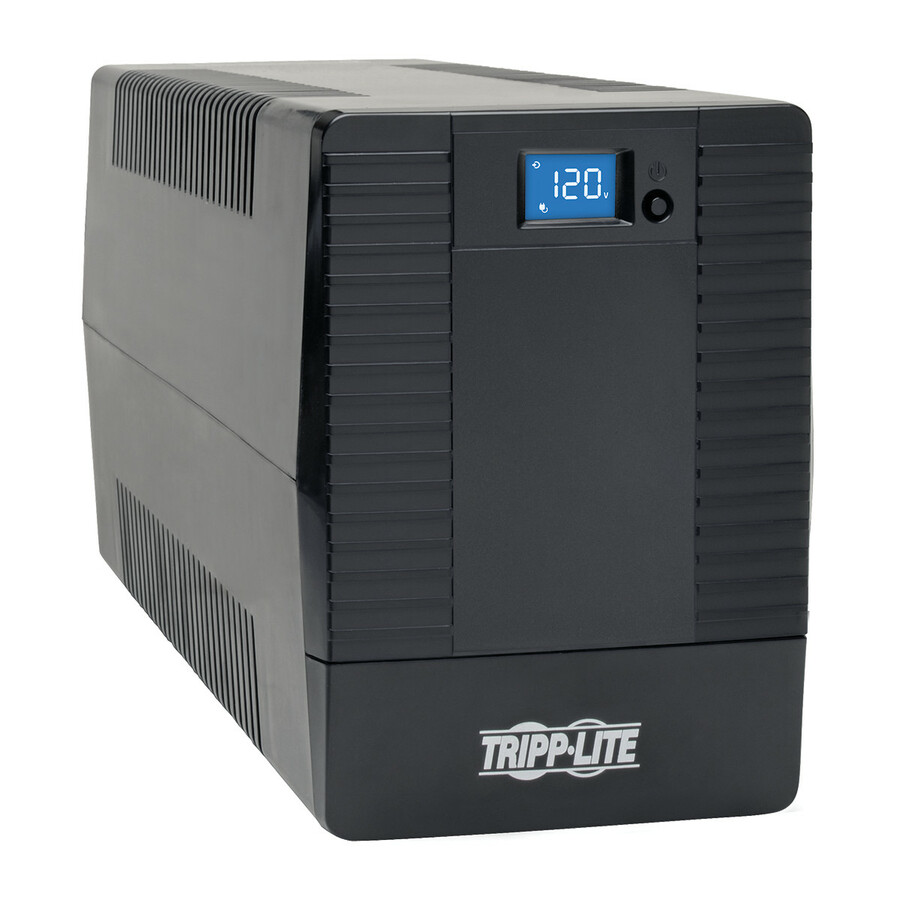
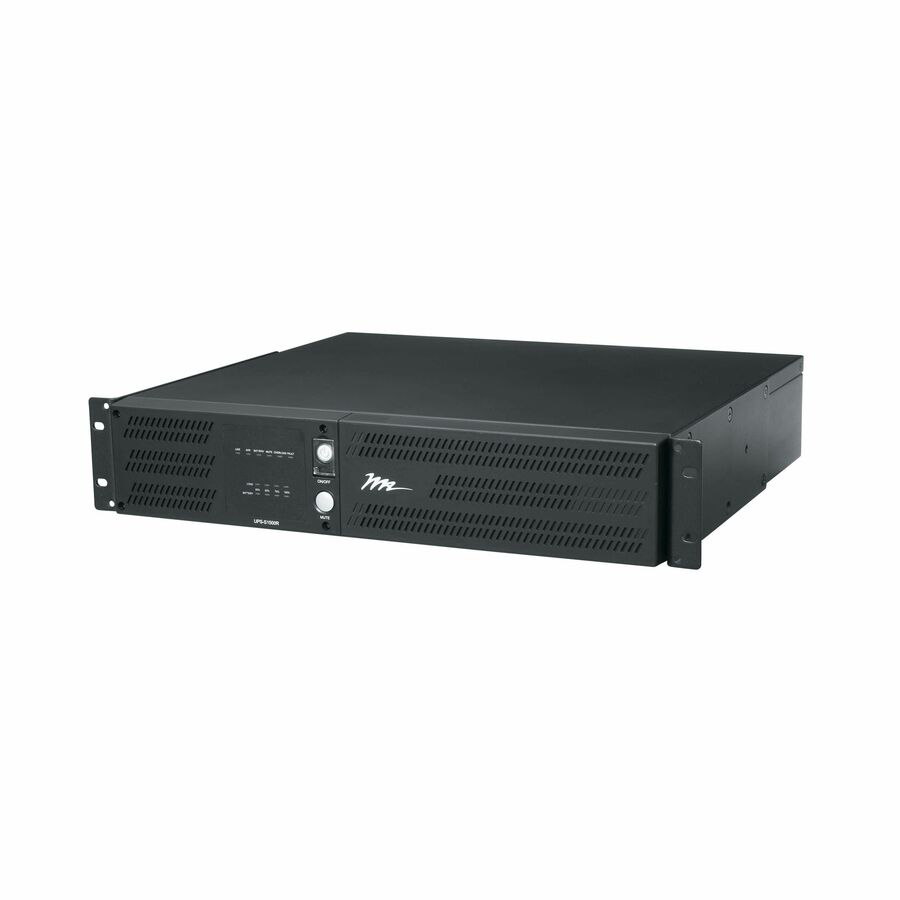
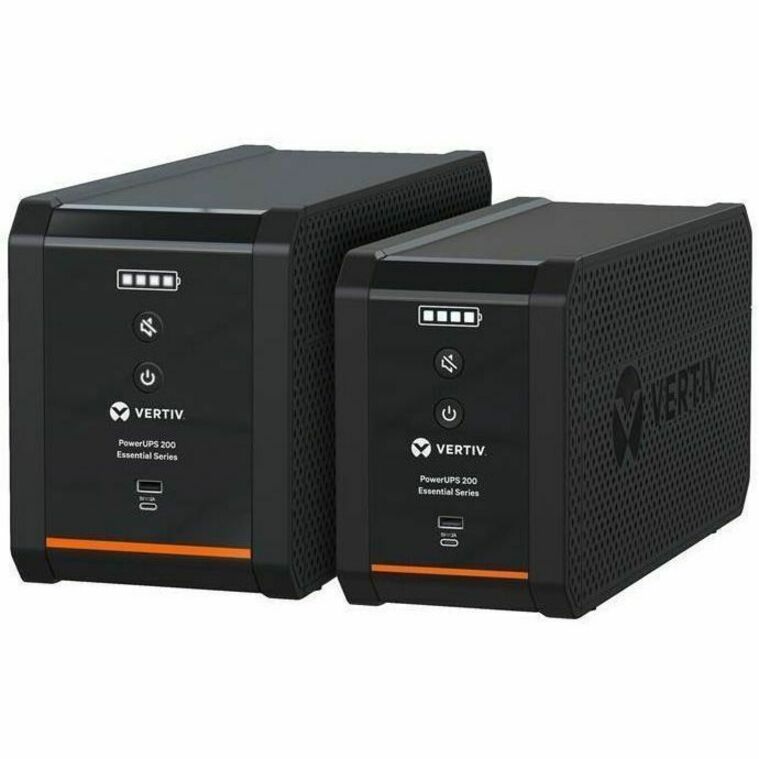
- EatonEaton 5P Gen2 5P1500RTG2 1440VA Rack/Tower UPS - 2U Rack/Tower - AVR - 9 Hour Recharge - 5 Minute Stand-by - 120 V AC Input - 100 V AC, 120 V AC, 125 V AC Output - Single Phase - Sine Wave, Pure Sine Wave - Serial Port - LCD Display - 8 x NEMA 5-15R Receptacle(s) - Network-M3 Card, RS-2325P1500RTG2
$1,142.00
$1,050.64
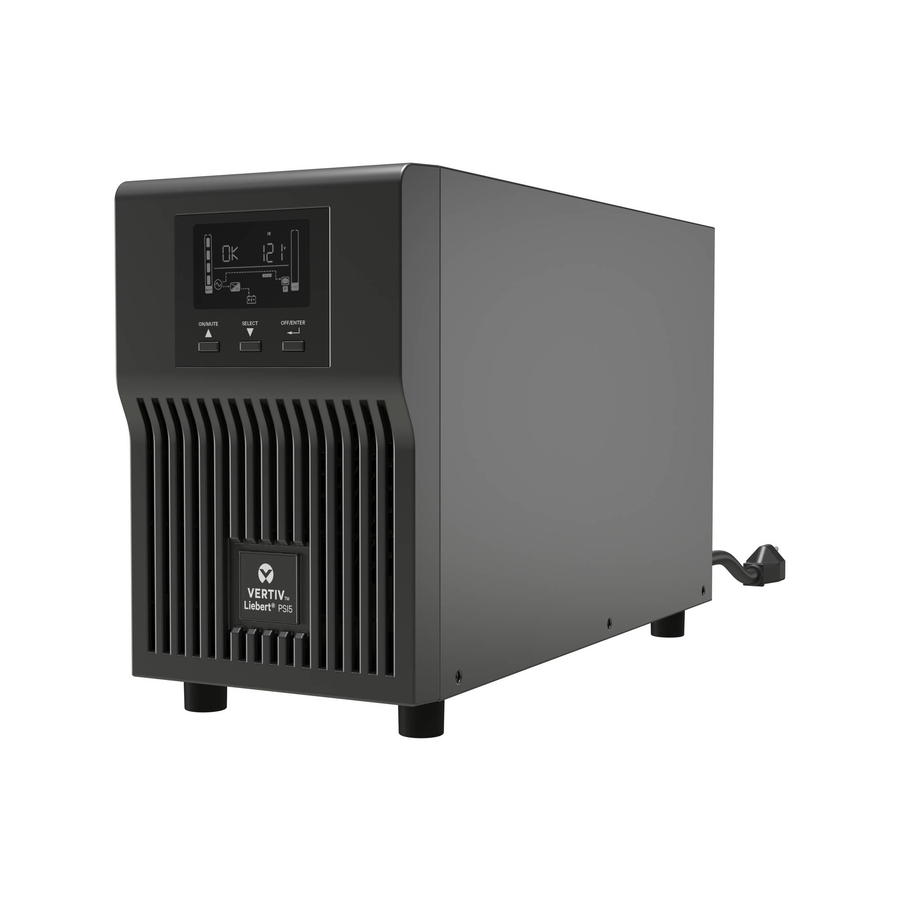
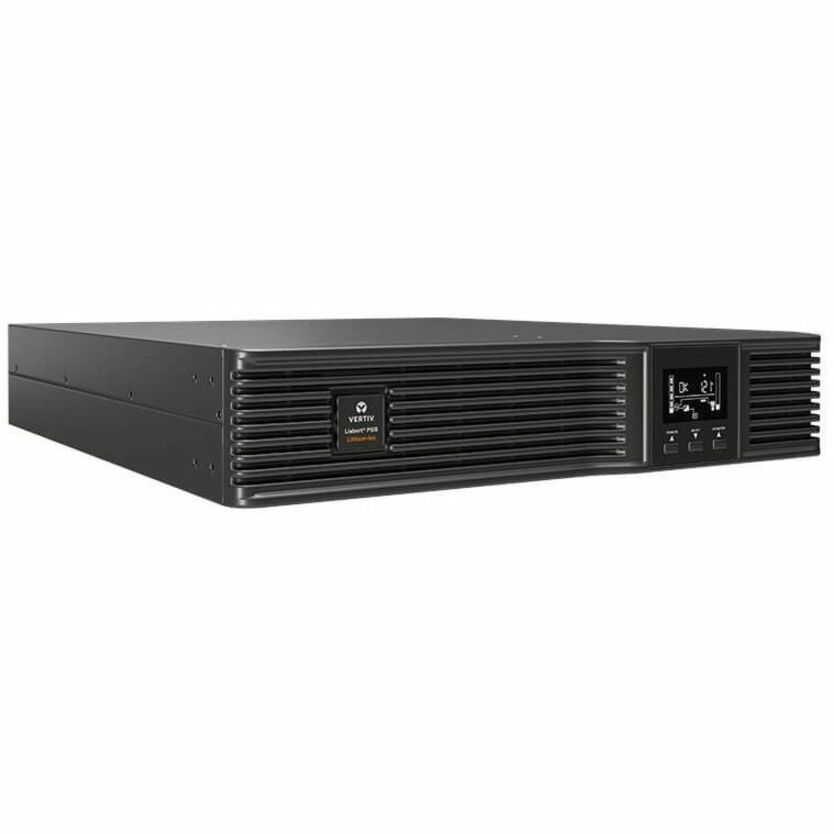
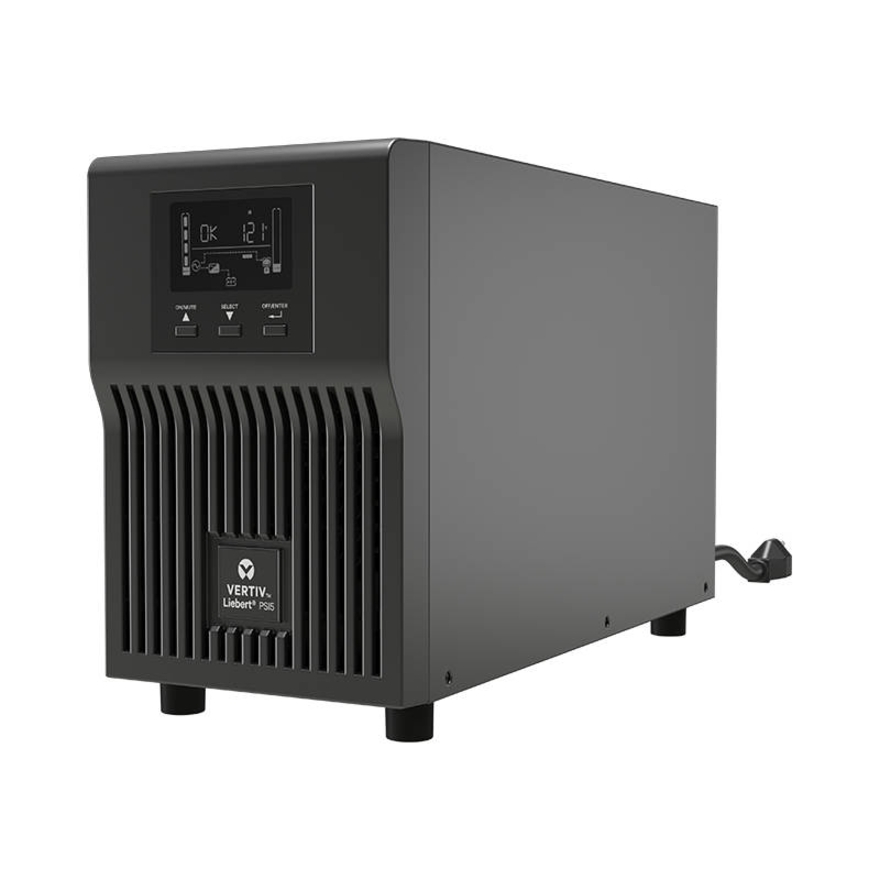
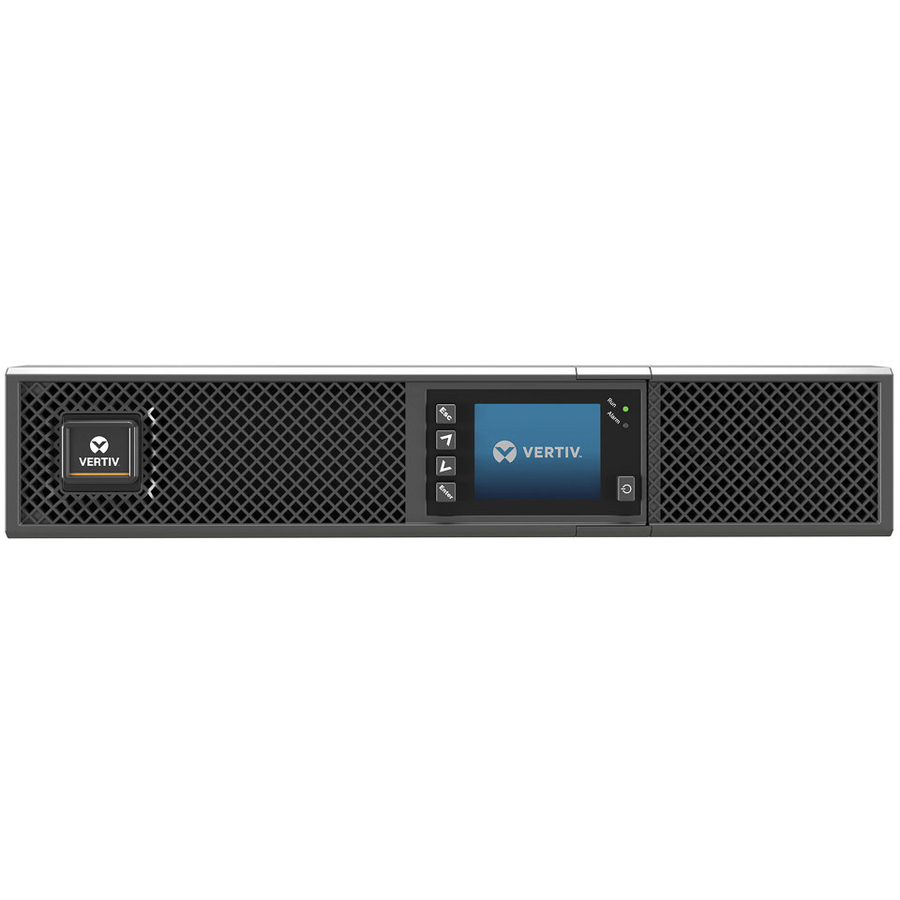
52 in stock - VertivVertiv Liebert GXT5 UPS - 500VA/500W 120V | Online Rack Tower Energy Star - Double Conversion| 2U| Optional RDU120 Card| Color/Graphic LCD| 3-Year WarrantyGXT5-500LVRT2UXL
$1,554.00
$1,184.15
153 in stock
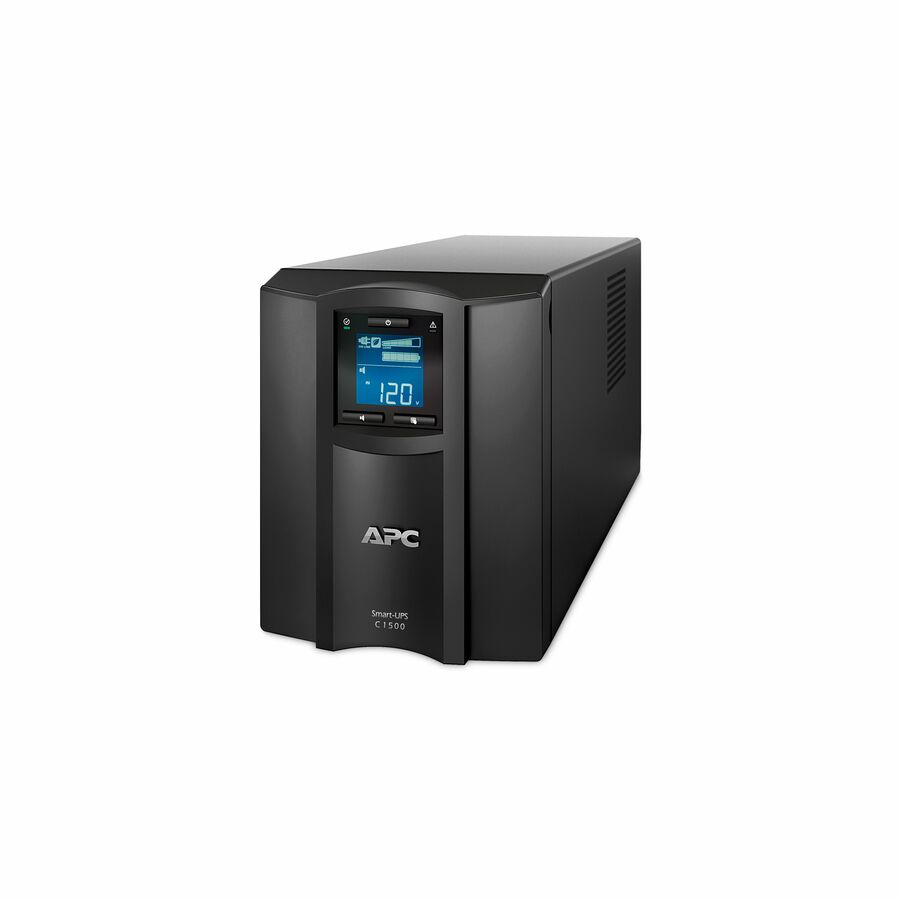
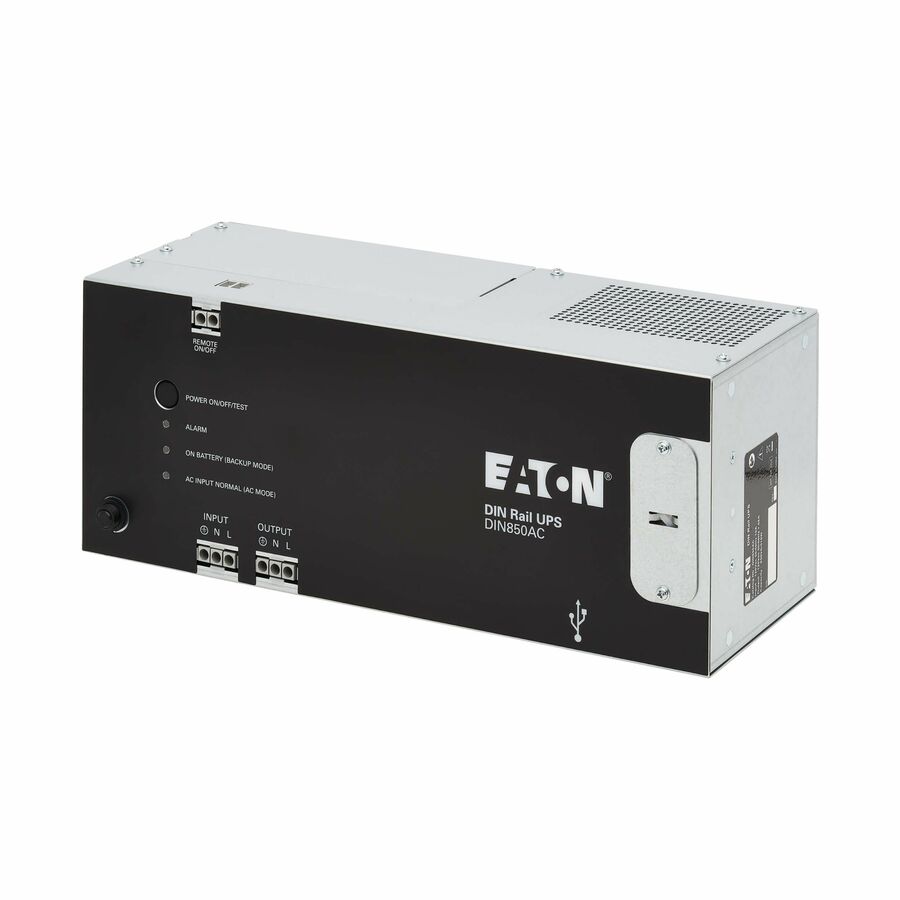
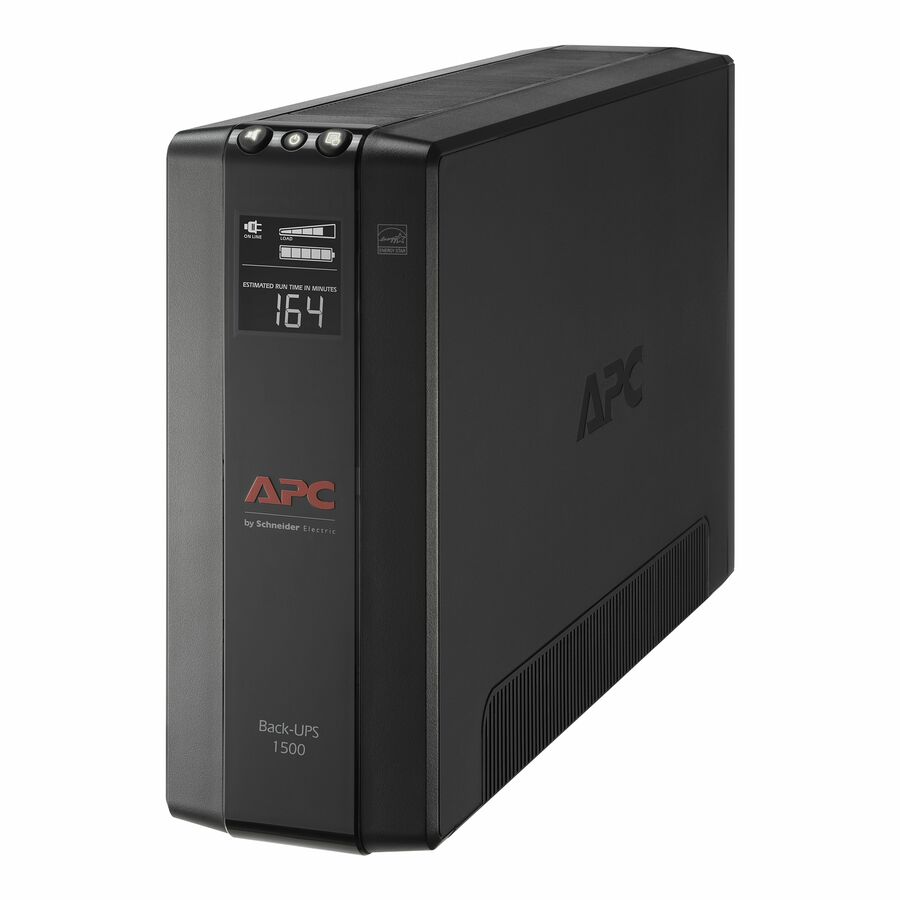
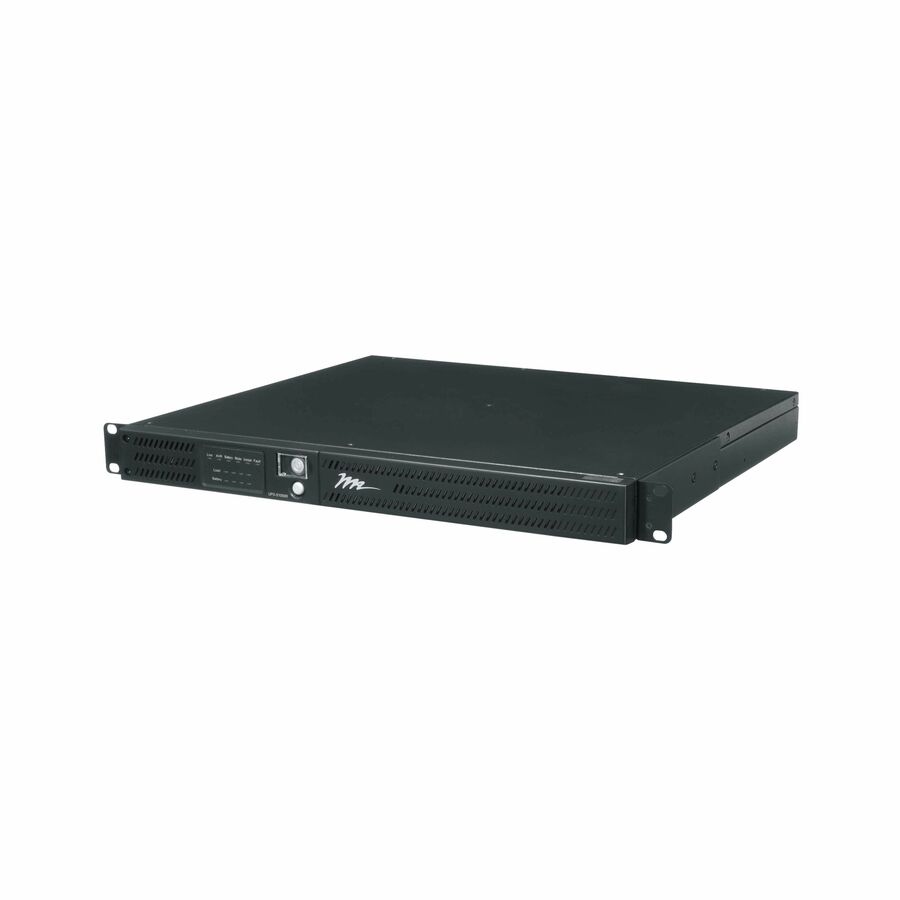
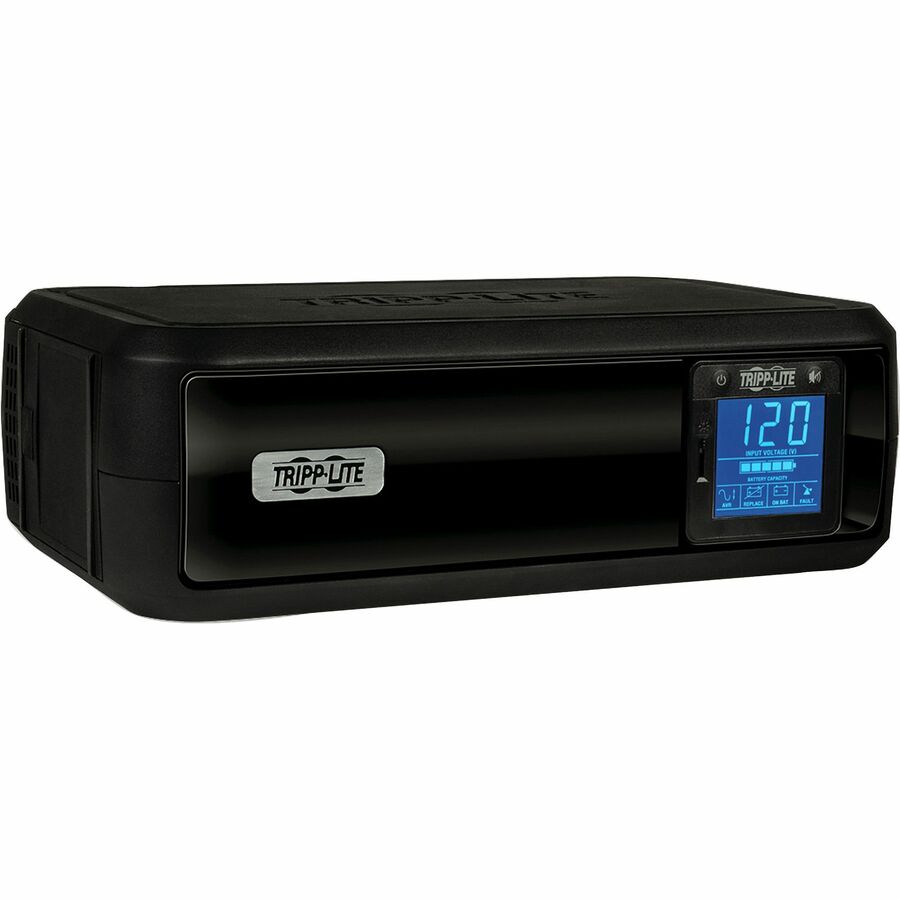
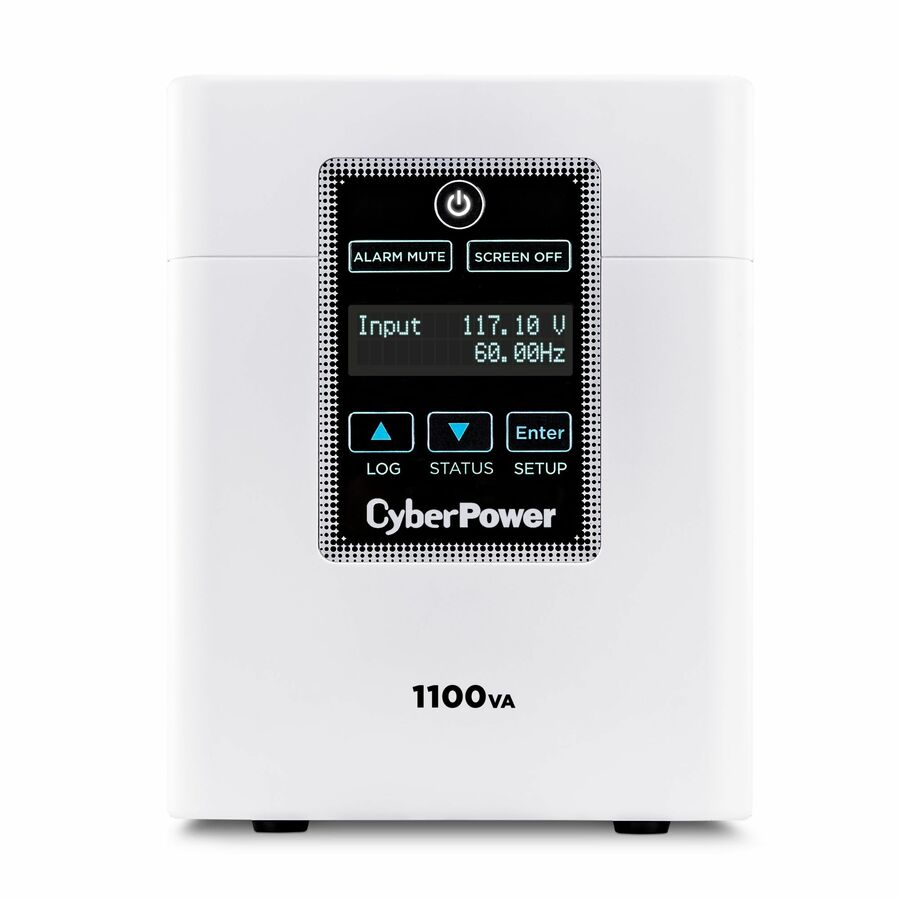
Specifications are read from the manufacturer product title as supplied to us; where a value is not stated it is left blank rather than estimated. Every line is screened for NDAA §889 status before checkout, with TAA verified on request.
How UPS sizing works
A UPS carries two ratings, and buyers get caught by the gap between them. Volt-amps (VA) is apparent power — the current the unit can pass. Watts (W) is real power — the work your equipment actually consumes. The ratio between them is the power factor, and it is why a 1500 VA UPS is not a 1500 W UPS.
Modern line-interactive and online units are typically rated at a 0.9 power factor, which is the figure this calculator uses: divide your watt load by 0.9 and you have the VA the unit must be able to pass. Older and entry-level units are rated closer to 0.6, so their watt rating is materially lower than their VA badge suggests. Whenever you shortlist a specific model, read BOTH numbers off the product page and check your load against the watt figure — that is the one that constrains you.
The 25% we add on top is headroom, not physics. It absorbs the inrush when everything restarts together, the equipment you will add before the UPS is replaced, and the charging current the UPS draws while it recovers its own batteries after an event. Sizing to exactly your present load leaves a unit running at 100% on day one, which is both the shortest runtime and the shortest battery life you can buy.
Two loads deserve a second look before you total them up. Laser printers and anything with a heating element draw enormous peaks and generally should not be on a UPS at all. Motors, compressors and older power supplies present a poor power factor of their own, so their VA draw is well above their watt draw — where they matter, size from measured current rather than a nameplate.
How long will a UPS last on battery?
There is no honest general answer, which is why this page will not print one. Runtime is set by the energy in the battery pack, the load drawn from it, and the efficiency of the inverter converting one into the other. Change any of those and the answer moves — so the only trustworthy figure is the manufacturer's runtime chart for that exact model, at your load. Every result above links to its product page for precisely that reason.
What can be said generally is the shape of the curve, and it surprises people: runtime does not scale linearly with load. Halving the load more than doubles the runtime, because a battery discharged hard delivers less of its stored energy than the same battery discharged gently. This is the practical argument for headroom — a UPS running at 40% of its rating is not just safer, it stays up considerably longer than the arithmetic suggests.
For most organizations the target is not hours, it is a clean landing: enough minutes to ride out the short outages that make up the large majority of utility events, and enough to trigger a graceful shutdown of anything that would otherwise lose data. That is typically a handful of minutes, and it is what a standard-battery UPS is designed around. Shutdown software or a network management card is what converts those minutes into an actual orderly shutdown, and it is worth ordering at the same time.
When you genuinely need fifteen, thirty or sixty minutes, the answer is a model that accepts external battery modules plus the right number of cabinets — or a generator, with the UPS bridging the seconds until it picks up the load. Both are configurations rather than filters, so send us the load and the hold-up time and we will scope it against real runtime charts.
One last variable that is easy to forget: batteries age. Sealed lead-acid strings are generally considered to be at end of service life after roughly three to five years, and they lose capacity steadily before that, faster in a warm room. A UPS that comfortably covered your shutdown when it was installed may not cover it in year four, so treat battery replacement as a scheduled item rather than a fault to be discovered during an outage.
Standby, line-interactive or double-conversion?
Standby (offline) units pass utility power straight through and switch to battery when it fails. They are the cheapest option and are appropriate for a single desktop or a small appliance, but they do nothing about the sags and surges that never quite become an outage.
Line-interactive units add automatic voltage regulation (AVR), which corrects under- and over-voltage without touching the battery. That matters more than it sounds: in most buildings the common event is a brown-out, not a black-out, and a standby unit answers every one of them by discharging the battery, which wears it out. Line-interactive is the sensible default for network closets, small server rooms and edge racks.
Double-conversion (online) units rectify incoming AC to DC and invert it back continuously, so the load is permanently isolated from the utility and there is no transfer time at all. That is what you buy for a data-centre rack, for equipment that is sensitive to frequency, or where a generator's imperfect output has to be cleaned up. It costs more and runs less efficiently, and for a wiring-closet switch it is usually more than the job needs.
Waveform is the other spec worth checking on smaller units. Servers and desktops with active power-factor-correction supplies can misbehave on a simulated (stepped) sine wave and want a pure sine-wave output. If the product page does not say pure sine wave and the load is a modern server, ask before you order.
Check before you order
Outlets and plug types: count the receptacles you actually need and confirm the types. A rack UPS may present IEC C13 and C19 outlets where your gear expects NEMA 5-15P, and its own input plug must match the circuit it is going on — a 208 V unit will not serve a 120 V feed.
Rack space and depth: rack UPS units are heavy and often deep, and a battery module doubles the commitment. Confirm the U height, the depth against your rack, and that the rails supplied match your posts. Plan the weight distribution low in the cabinet.
Management: a network management card or USB/serial connection plus shutdown software is what makes the UPS useful during an event rather than just after it. Confirm whether the card is included or an accessory, and that the software supports your hypervisor or NAS.
Service life: budget for a battery replacement roughly every three to five years, and check that the model's replacement cartridges are user-serviceable if your site has no on-site engineer. For rack fleets, a hot-swappable battery matters more than the sticker price.
FAQ
UPS sizing questions
- How do I calculate what size UPS I need?
- Total the watt draw of everything the UPS will carry, divide by the power factor (0.9 for a modern line-interactive or online unit), then add about 25% headroom for inrush, future growth and battery charging. A 1,200 W rack works out to 1,333 VA of apparent power and a 1,670 VA minimum rating, which in practice means shopping the 2,200 VA class. Always check your watt total against the candidate model's watt rating as well as its VA badge — for many units the watt figure is the binding constraint.
- How long will a UPS last on battery?
- It depends on the battery pack, the load and the batteries' age and temperature, so the only reliable answer is the manufacturer's runtime chart for that model at your load. As a rule of shape rather than a number: a standard-battery UPS is designed to deliver a few minutes at its rated load, and runtime rises steeply as load falls, because a battery discharged gently gives up more of its stored energy than one discharged hard. If you need fifteen minutes or more, plan on external battery modules or a much larger unit carrying a light load.
- What is the difference between VA and watts on a UPS?
- VA (volt-amps) is apparent power — the current the UPS can pass. Watts is real power — what your equipment actually consumes. Power factor is the ratio between them: a unit rated at 0.9 power factor delivers 900 W from a 1000 VA rating, while an older 0.6-rated unit delivers only 600 W from the same badge. Size against both numbers, because whichever runs out first is your limit.
- Should I buy line-interactive or double-conversion (online)?
- Line-interactive is the sensible default for network closets, small server rooms and edge racks: it corrects voltage sags and swells with automatic voltage regulation without discharging the battery, which is what most buildings actually throw at it. Double-conversion is what you buy for data-centre racks, frequency-sensitive equipment, or sites running on generator power — it isolates the load from the utility completely with no transfer time, at a higher price and lower efficiency.
- Does a bigger UPS give me longer runtime?
- Usually yes, for two reasons that compound. A higher-VA model generally carries a larger battery pack, and your fixed load represents a smaller fraction of its rating — and runtime rises steeply as load percentage falls. Stepping up a class is often a cheaper route to a workable shutdown window than adding batteries to an undersized unit. Confirm it on the model's runtime chart at your specific load rather than assuming a ratio.
- Can I add external batteries to extend runtime?
- Only on models designed for it. Extended-runtime UPS units accept external battery modules or cabinets, and the manufacturer publishes runtime charts for each combination — that is the configuration to buy when you need tens of minutes rather than a shutdown window. Units without that capability cannot be extended safely, and third-party battery packs are not a substitute. Send us the load and the hold-up time you need and we will quote the UPS and the modules together.
Related reading
Sizing the room’s power and cooling too? Start with the server room power and BTU guide.
Need help sizing it?
Send the load list, the rack layout or a bill of materials — we size the UPS against the manufacturer's own runtime charts, add battery modules where the hold-up time needs them, confirm stock and return a complete quote.