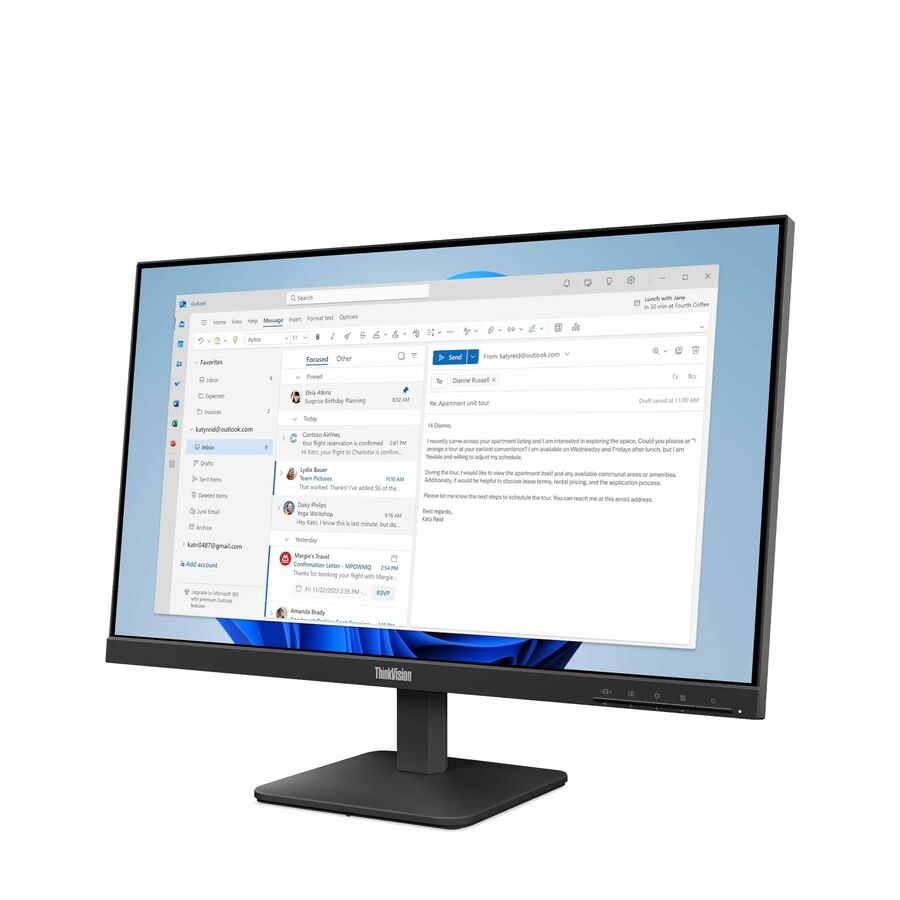
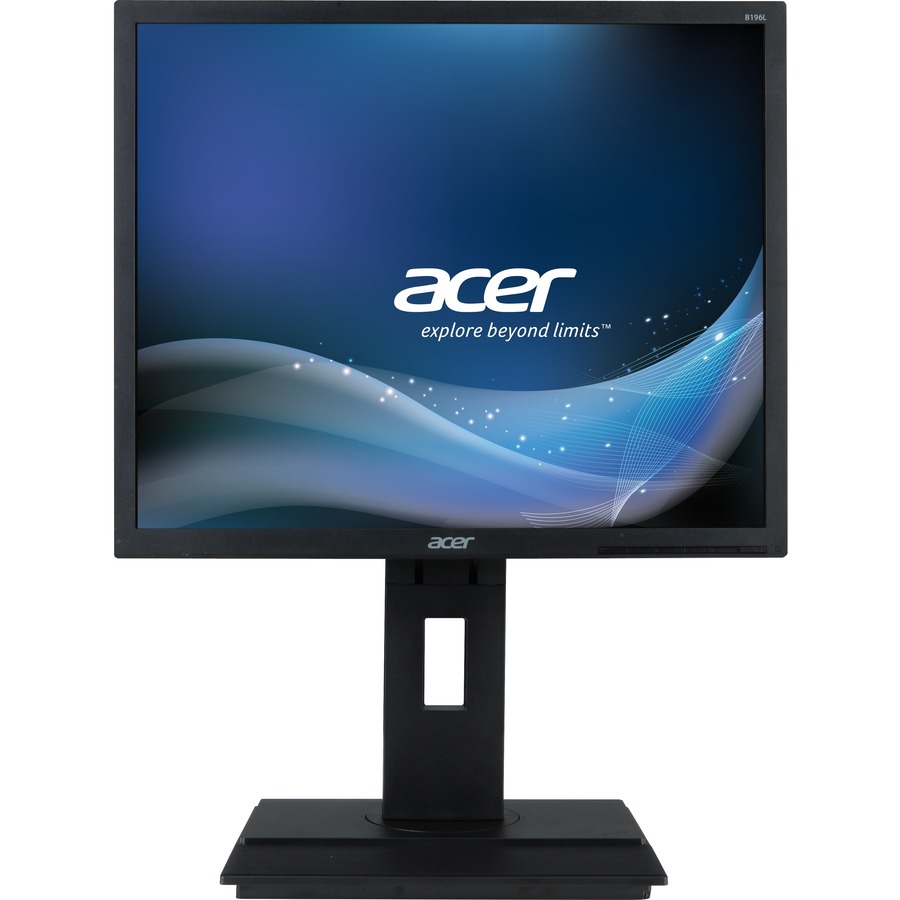
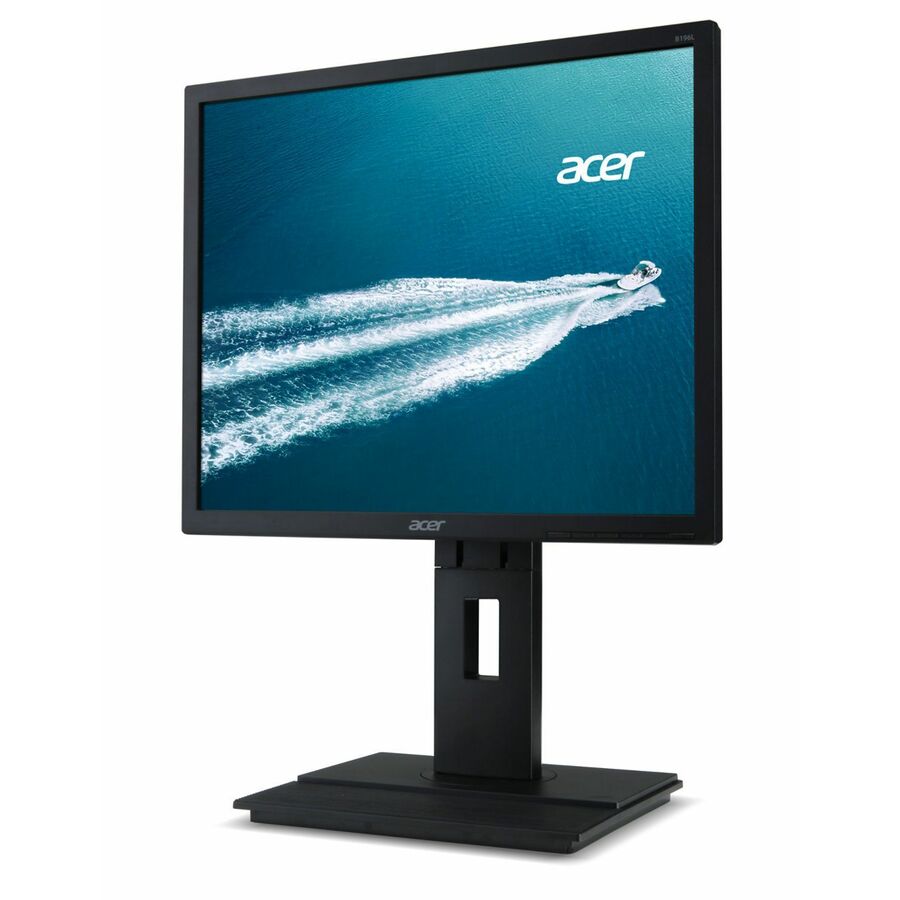
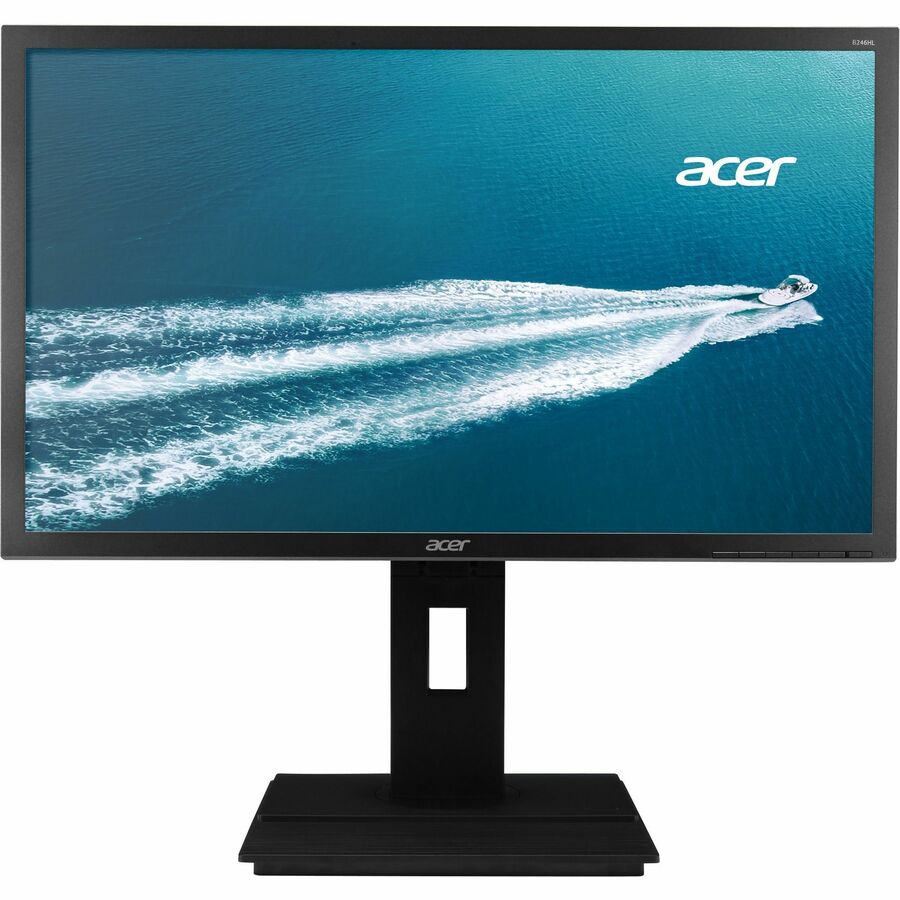
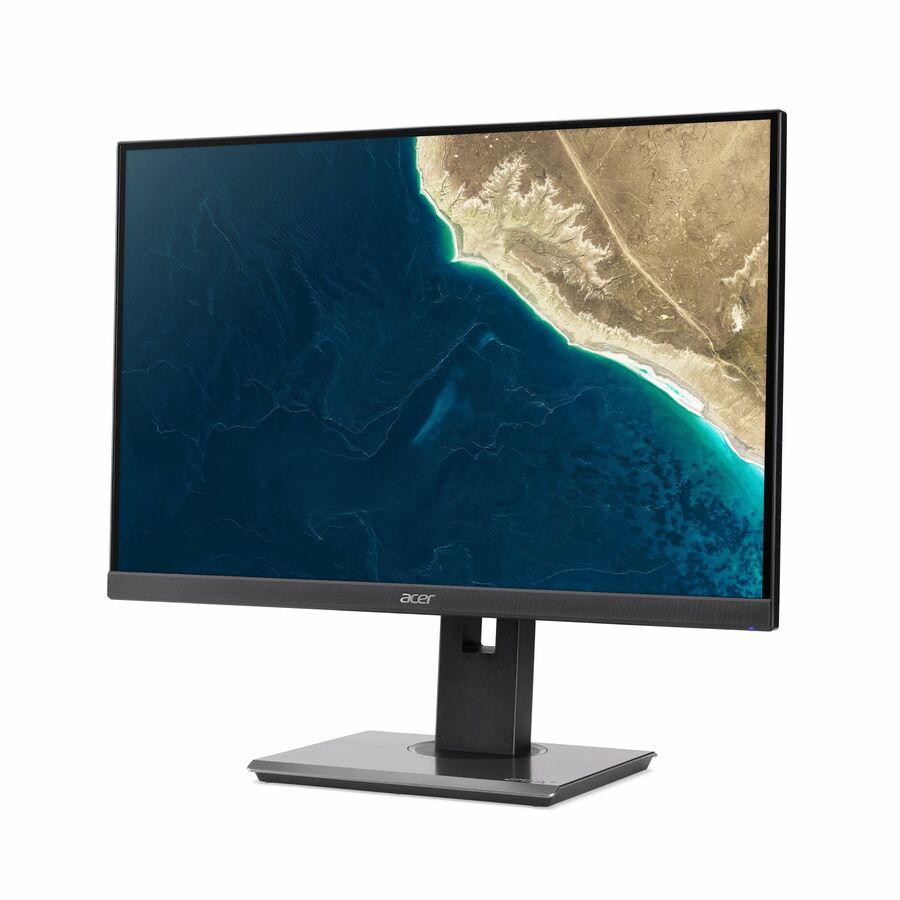
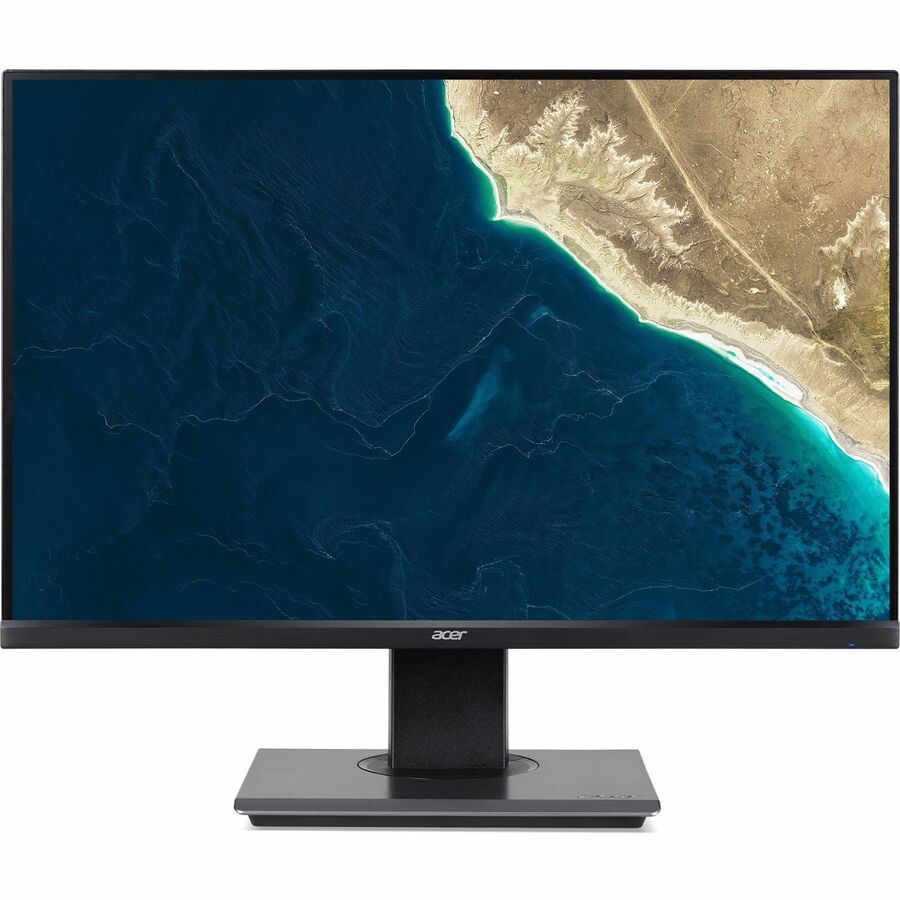
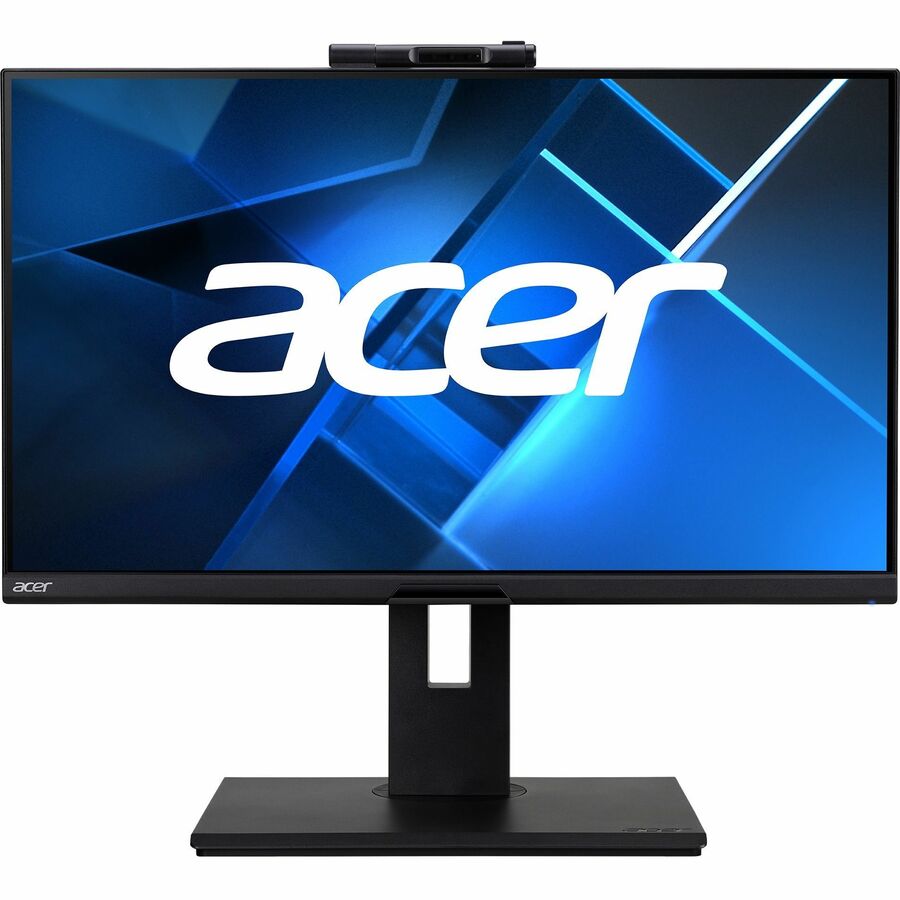
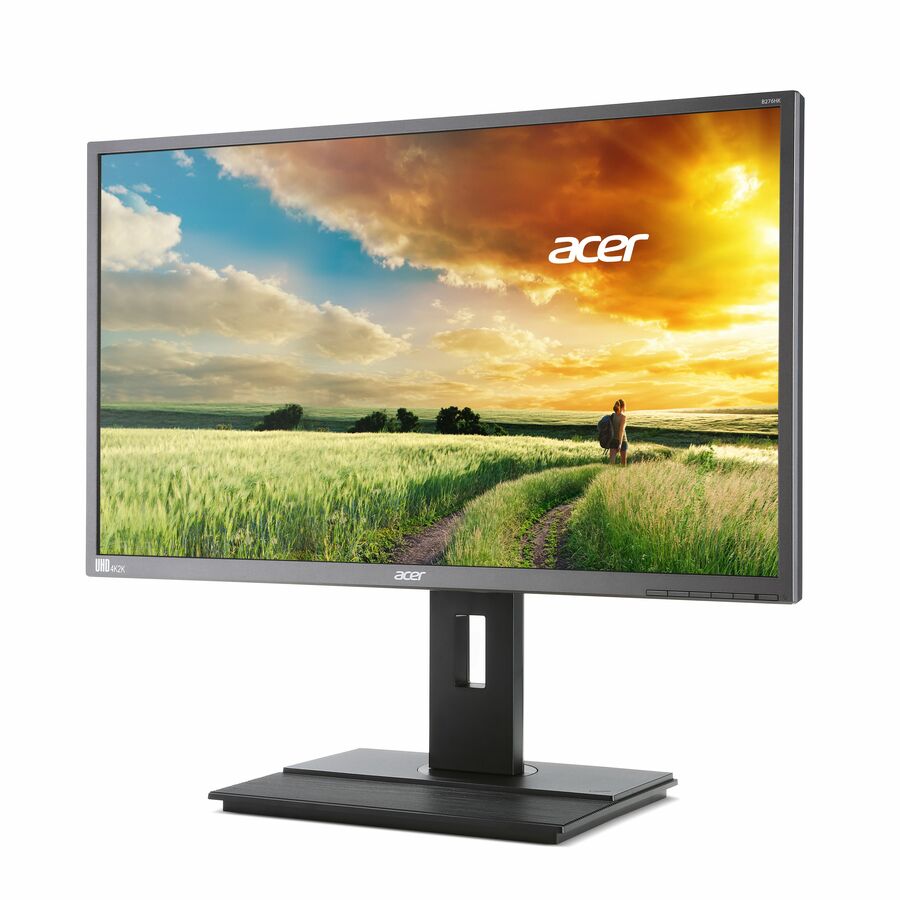
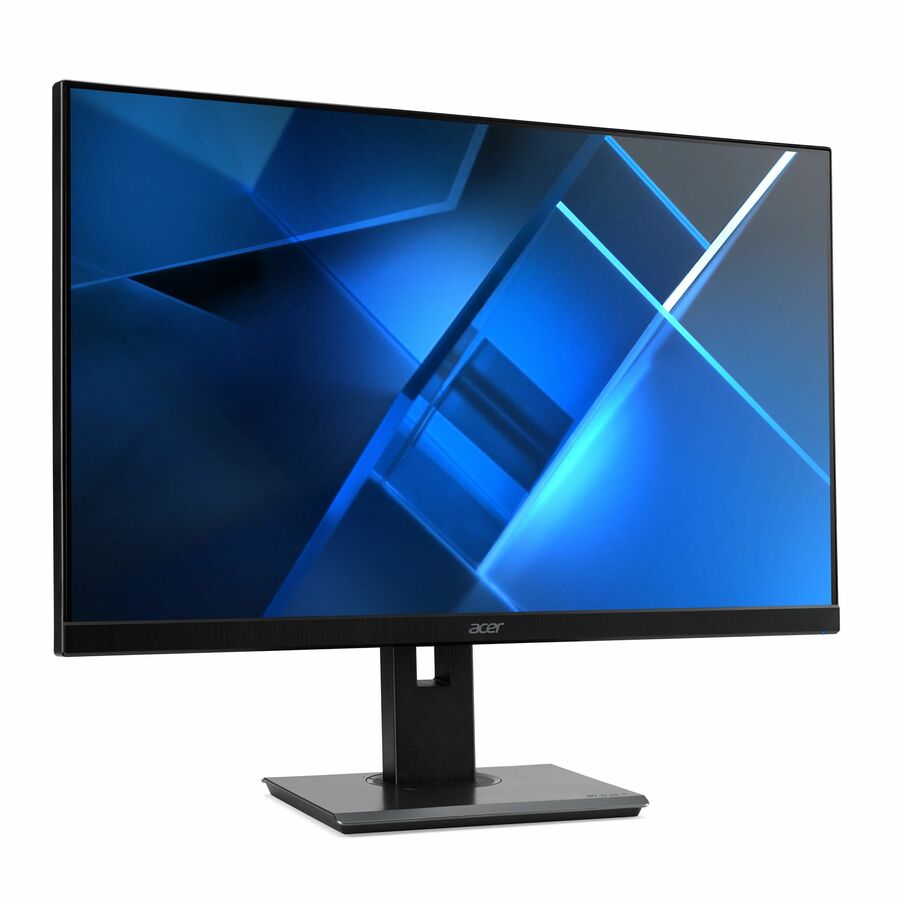
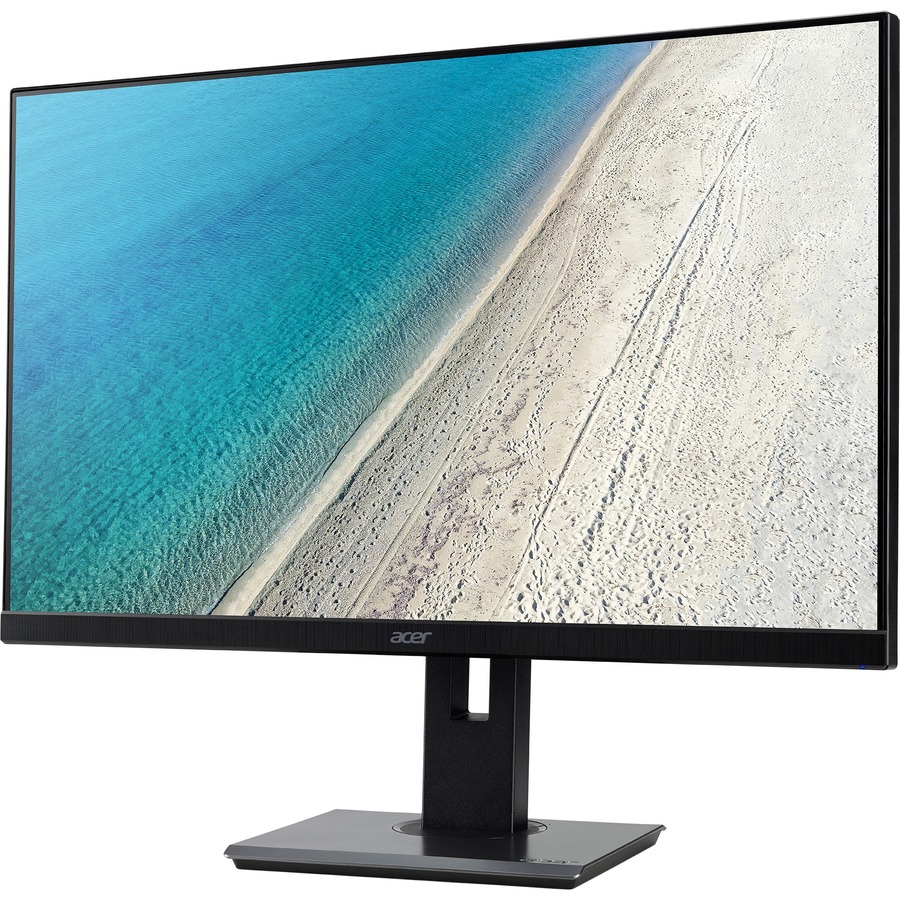
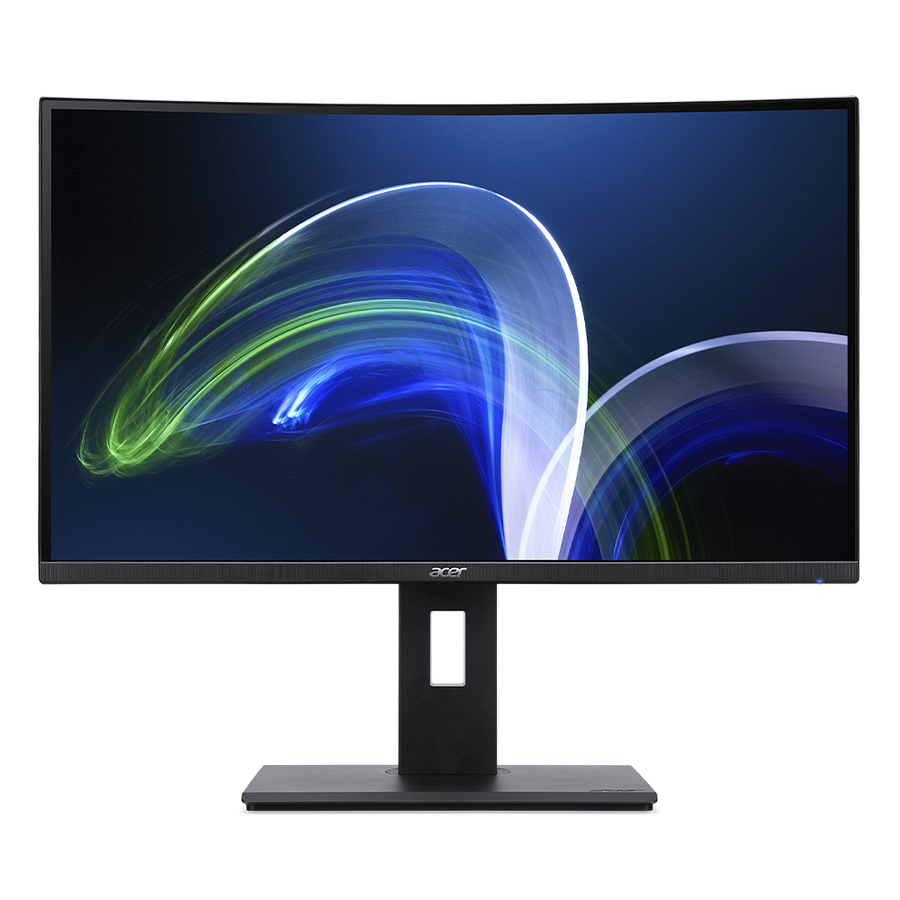
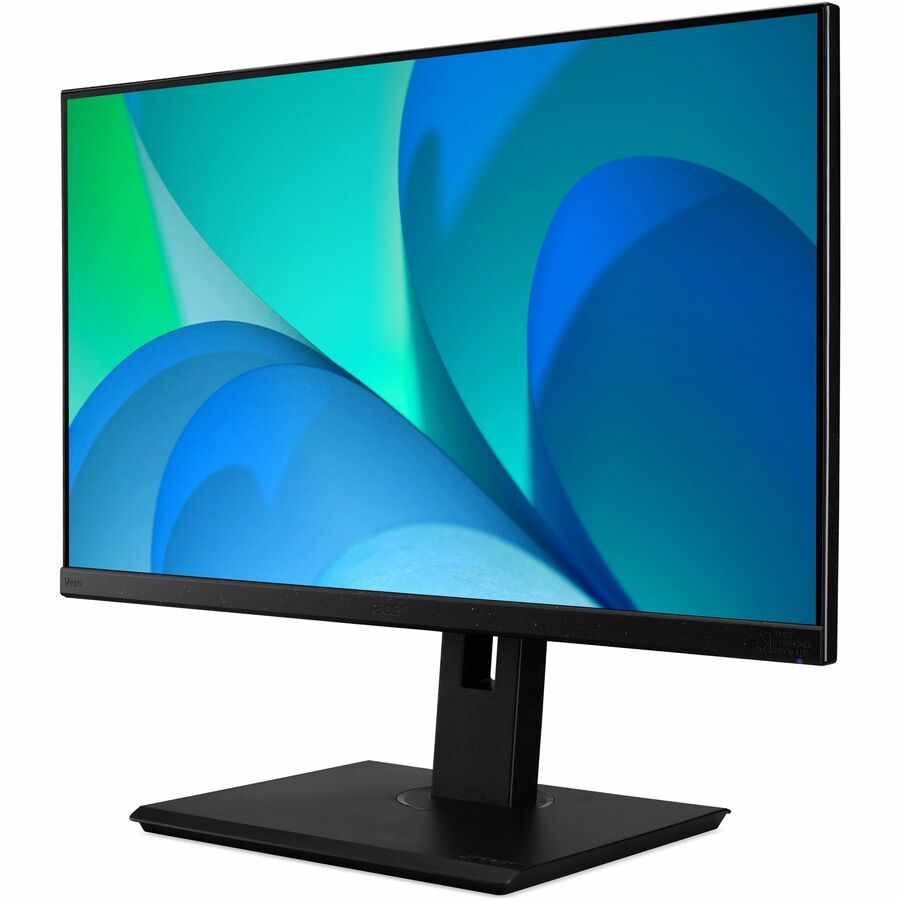
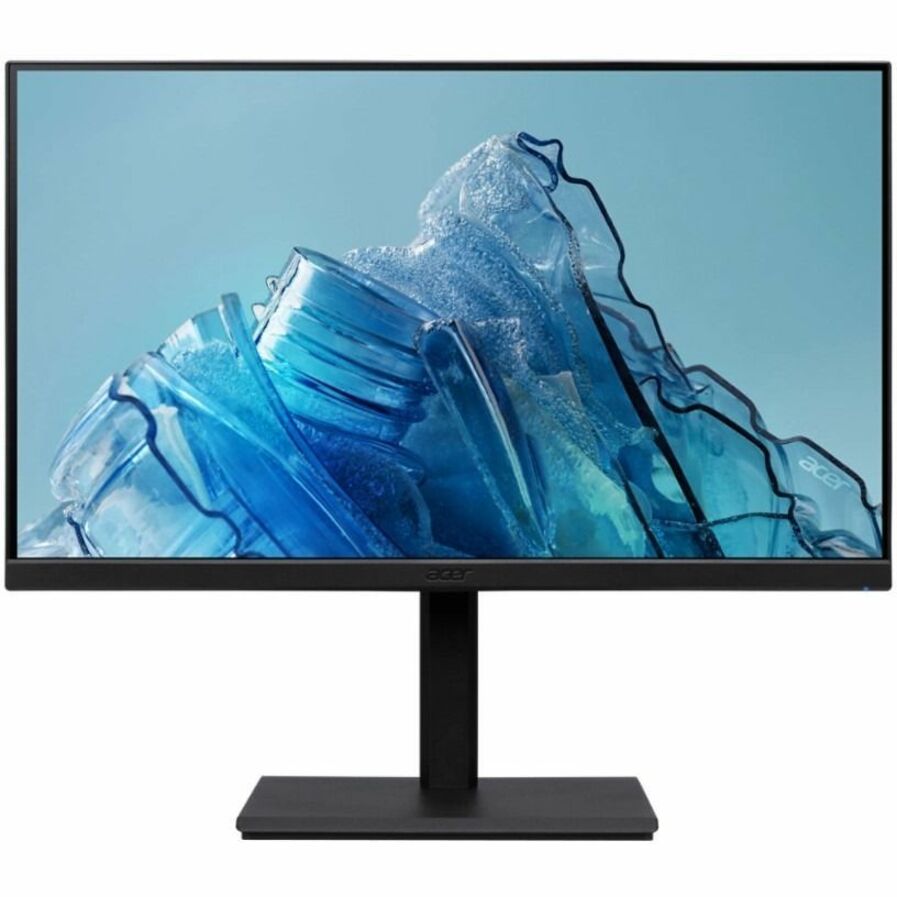
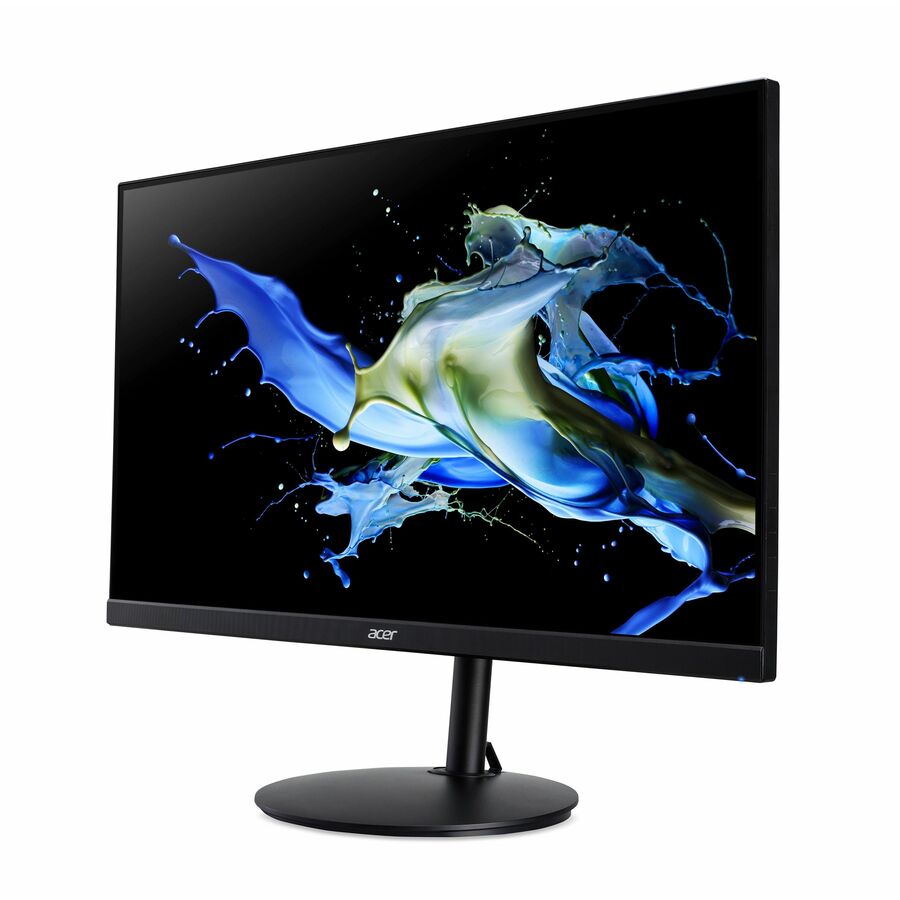
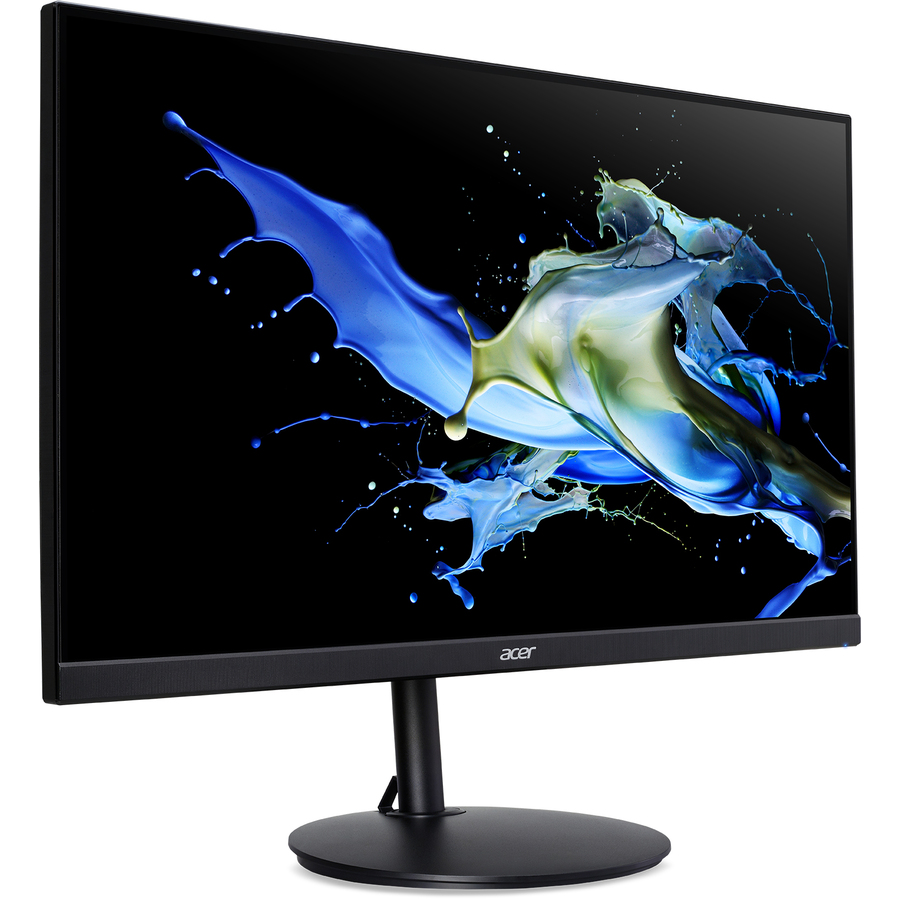
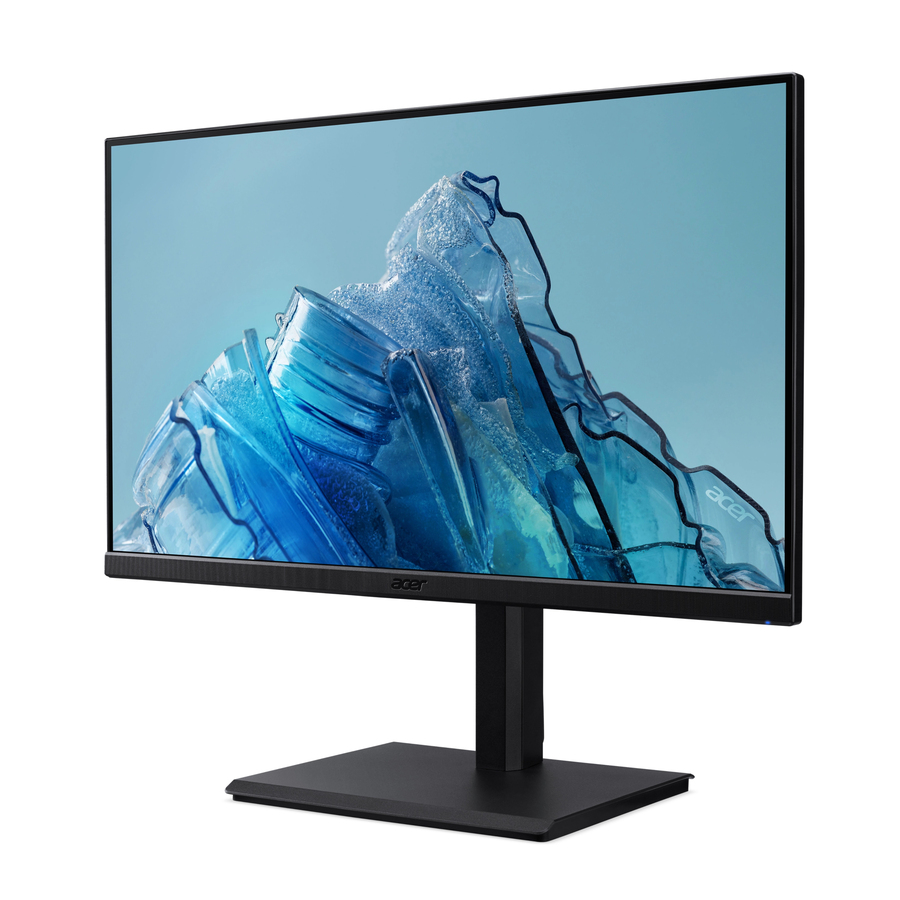
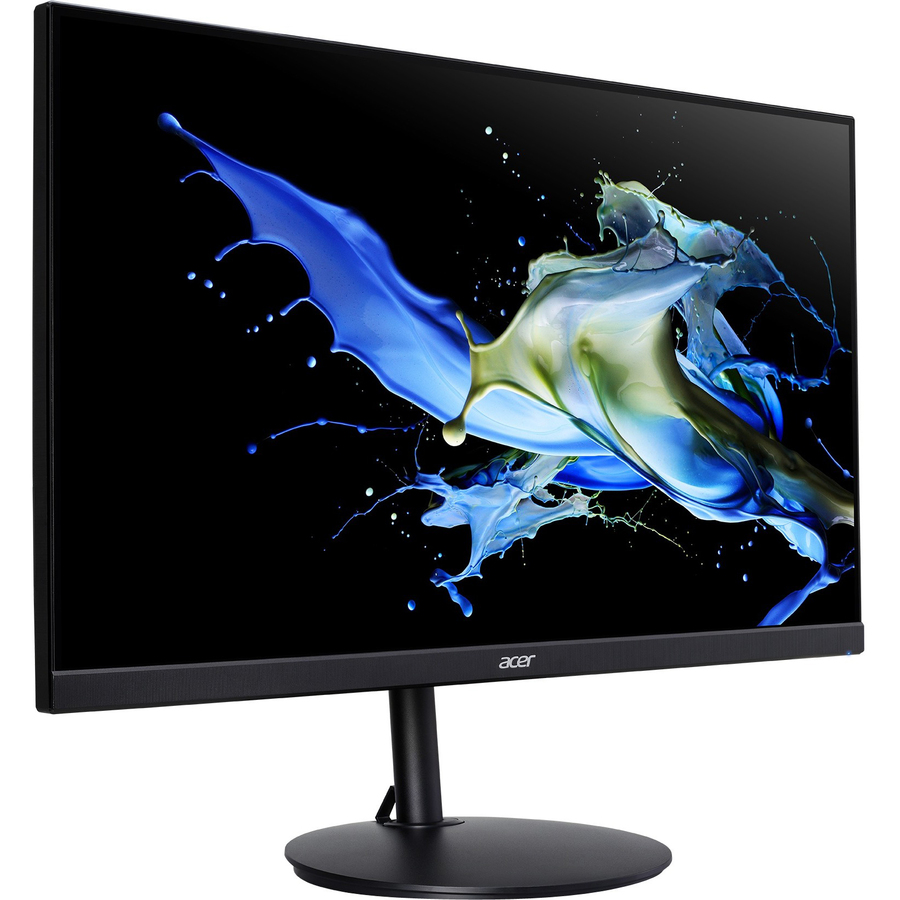
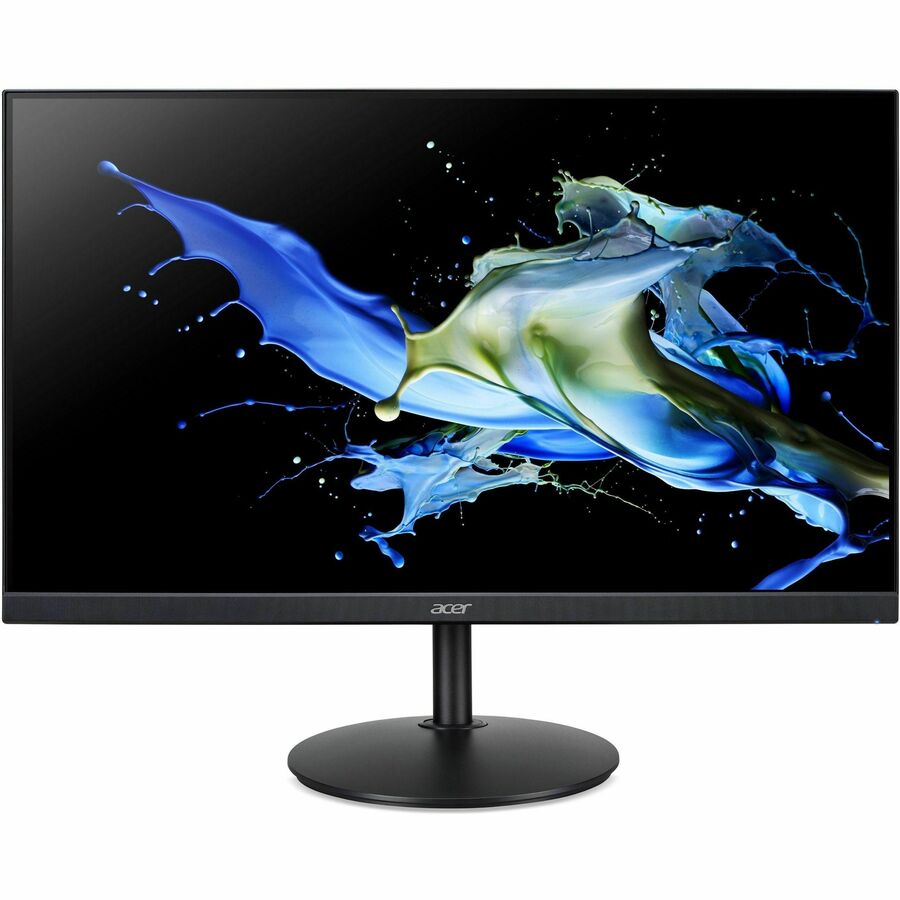
Desktop, docking and high-resolution displays — filtered by size, resolution, panel type and VESA compatibility.
Monitors are the highest-volume line in most refreshes and the easiest to standardize badly. The four decisions that matter — size, resolution, panel technology and mount — map cleanly to seat type, so a single well-chosen standard covers most desks with a second tier for design and trading roles. This hub locks the catalog to monitors and puts those facets on the filter rail.
Listings are live and priced, each with an in-stock or back-ordered badge. Send a shortlist as a quote to lock current pricing and confirm country of origin across the quantity.
Commercial Monitors & Displays in stock at Uniqcli
A live, priced selection filtered to monitors. Priced lines carry the live storefront price; every order is screened for NDAA §889 status before any payment, with TAA verified on request.
Match size and resolution together: 24" at 1080p is the office floor, 27" at 1440p the comfortable productivity standard, and 4K at 27"+ for design, imaging and detail work.
Choose the panel for the task — IPS for color accuracy and wide viewing angles, VA for contrast, TN only where refresh rate outranks everything, and OLED/QD-OLED for premium creative seats.
Confirm VESA mountability so the fleet works with monitor arms, sit-stand and behind-the-desk mounts.
Standardize the connector and power story so a single cable and dock SKU drives every display.
For docking deployments, pair the monitor with a compatible dock rather than assuming the panel carries USB-C power delivery.
Buy one size up from what feels sufficient — the productivity return on 27" over 24" is real and the cost delta is small at volume.
Every line is screened for NDAA §889 status before it ships on a federal order — TAA verified on request.
FAQ
Common questions
What size and resolution should a standard office monitor be?
24" at 1080p is the practical office floor; 27" at 1440p is the comfortable productivity standard most fleets should target. Reserve 4K for design, imaging and detail-heavy roles. Both size and resolution are facets on the grid.
IPS, VA or OLED — which panel?
IPS is the safe default for color accuracy and viewing angles. VA gives deeper contrast, TN suits only high-refresh niches, and OLED/QD-OLED are premium creative choices. Filter by the Panel type facet to compare.
Are these monitors VESA-mountable?
Most commercial monitors are, but it varies by model — use the VESA mount facet to filter to mountable panels, which is important if you're standardizing on arms or sit-stand mounts.