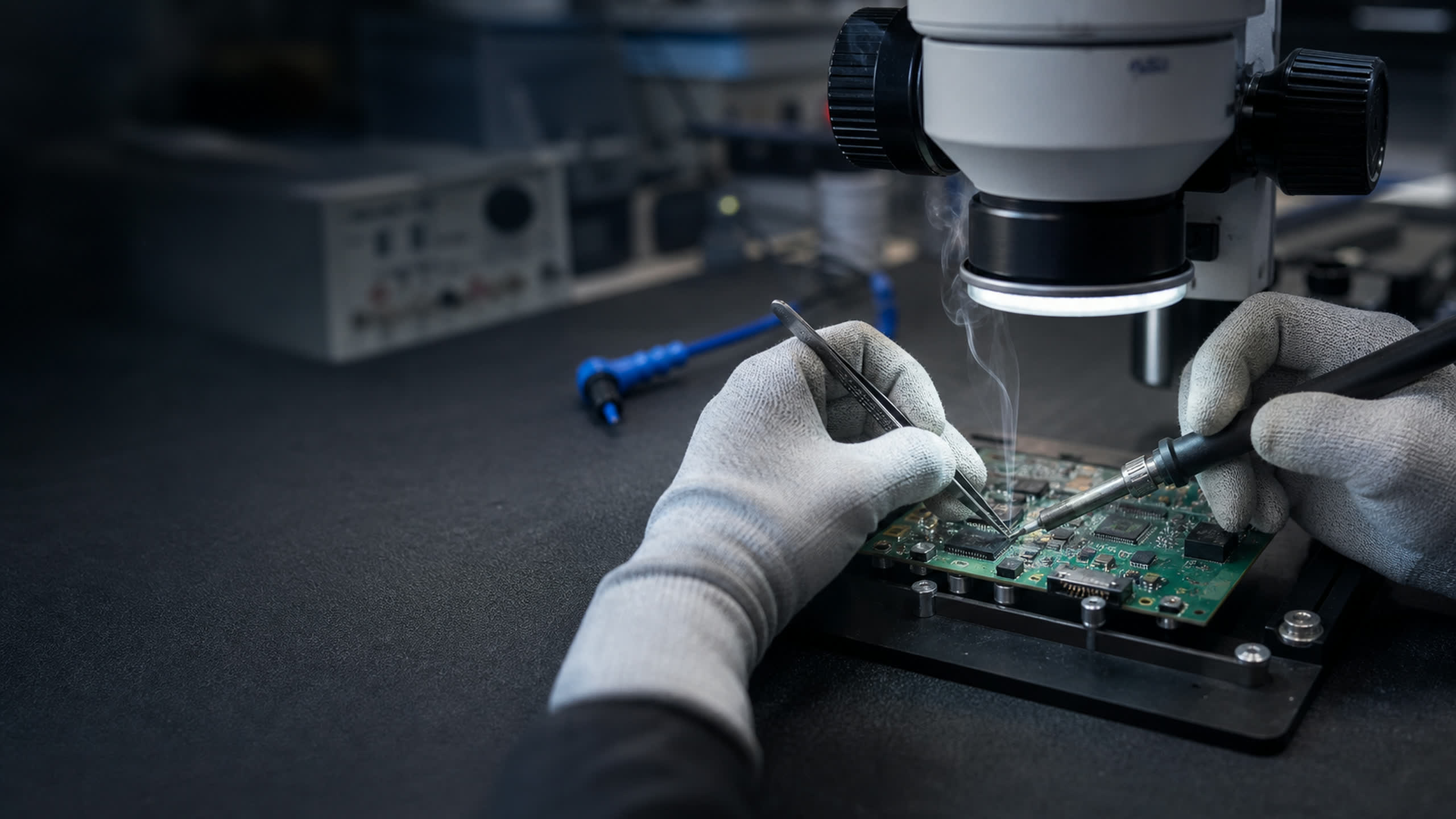
Devices, collaboration rooms, signage and print — deployed as imaged, tagged, ready-to-issue equipment with a lifecycle plan, not a loading-dock problem.
A device refresh should not consume a quarter of helpdesk capacity. We deliver workplace technology ready to issue — imaged to your baseline, asset-tagged, kitted per user or per room — with the AV, signage and print estates handled under the same accountable order.
The hidden cost of workplace refresh is touch time: every unboxing, imaging session and asset entry the IT team absorbs. Our integration lane moves that work upstream — devices arrive imaged, tagged, recorded and kitted, so issuing hardware takes minutes.
Rollouts ship in waves aligned to your schedule through managed logistics, with spares pools planned in from the start.
▪Imaging, enrollment-prep and asset tagging before delivery
▪Per-user and per-room kitting with labeled manifests
▪Wave-scheduled rollouts through managed logistics
▪Same-week paths on in-stock hardware for urgent gaps
Laptops, desktops, workstations, monitors and the accessory long-tail — quoted against your standards catalog and delivered ready to issue. Imaging to your baseline, enrollment preparation and asset tagging happen before shipment, so deployment is distribution, not production.
▪Standards-catalog quoting with configuration consistency
▪Imaging and enrollment-prep to your baseline
▪Asset tagging with inventory records delivered digitally
▪Ruggedized options (Getac ecosystem) for field workforces
Conference rooms fail at the human layer: bad audio, dead cameras, cable spaghetti. We spec room systems — microphones, speakers, cameras, controllers and displays — matched to room sizes and the platforms you actually run, with deep lines in professional audio (Shure ecosystem).
Lobbies, operations floors, wayfinding and campus communications: commercial displays, media players, mounts and the network drops to feed them — quoted as complete positions per location, not a display SKU and a shrug.
Print fleets persist — so they should at least be deliberate. Fleet printers and MFPs, secure-release-capable hardware for controlled environments, plus the consumables and maintenance pipeline quoted with the fleet instead of discovered afterward.
▪Fleet printers and multifunction devices
▪Secure-print-capable hardware for controlled environments
▪Consumables and maintenance-kit supply lines
▪Barcode, label and specialty printing (Zebra ecosystem)
Ownership doesn't end at deployment: spares pools, warranty and RMA flows, mid-life upgrades and refresh planning all need a home. The managed-logistics lane holds it — staged storage, scheduled waves and reverse logistics under the same relationship that sourced the fleet.
▪Spares-pool planning sized to fleet and failure rates
▪Warranty and RMA management in one channel
▪Memory/storage mid-life upgrade BOMs
▪Refresh-wave planning against real product roadmaps
Refresh cadence is a math problem, not a calendar habit.
Most fleets refresh on a number somebody picked years ago. The better inputs are observable: failure rates climb measurably after warranty expiry, helpdesk tickets per device follow the same curve, and OS support windows put a hard floor under how long hardware can stay compliant. Line those three against the price of a replacement seat and the cadence answers itself — usually somewhere between three and five years, and rarely the same for every user tier.
The purchasing pattern matters as much as the cadence. A flat refresh — everything at once — buys configuration consistency and one big budget year. Rolling waves smooth spend and let each wave learn from the last, at the cost of a mixed fleet. We quote both shapes against the same standards catalog, with warranty terms aligned to the interval you pick so coverage ends when the device leaves, not eighteen months before.
▪Flat and rolling refresh scenarios quoted side by side
▪Warranty terms matched to the refresh interval you choose
▪Mid-life upgrade paths costed against early replacement
▪Per-tier cadences — field, office, power users — on one plan
Yes — imaging to your baseline, enrollment preparation and asset tagging are applied during integration, with the asset record delivered digitally alongside the hardware.
▪How do multi-site refreshes stay on schedule?
Waves: hardware is staged in our logistics flow and released per your calendar, with per-site manifests so local teams know exactly what's landing.
▪Do you handle AV design for conference rooms?
We spec room packages against your room sizes and platform, drawing on the professional-AV lines in the catalog. For complex spaces, we scope the design questions through a capability briefing.
▪What about urgent one-off needs mid-rollout?
In-stock hardware moves on same-week paths, and GPC / P-Card purchases work for time-critical lines — see Rapid Procurement for the fast path.
▪How often should you replace business laptops?
Three to five years for most fleets. The practical signals: warranty expiry (failure costs shift to you), rising helpdesk tickets per device, battery and performance complaints, and the OS support window for the hardware generation. Field and power users usually sit at the short end; office desktops stretch longer. A per-tier cadence — rather than one number for everyone — typically lowers total cost without letting any group fall off support.
▪How do you budget for a device refresh across multiple years?
Split the fleet into rolling waves — commonly a quarter or a third per year — so spend flattens into a predictable annual line instead of a spike every four years. Buy each wave with warranty terms matching the refresh interval, size a spares pool to bridge between waves, and hold a standards catalog so late waves stay configuration-compatible with early ones. The alternative, a flat all-at-once refresh, trades budget smoothness for fleet consistency.
The solutions atlas
Every solution, by technology area and by customer.