
Short answer
1080p is 1920 x 1080 and 1440p is 2560 x 1440, about 78% more pixels. Spread across a 27-inch panel that is roughly 82 PPI against 109 PPI, which is why 1440p is the usual choice at 27 inches and 1080p stays comfortable at 24. Both drive from any modern output, so the decision is panel size and how many windows the role keeps open.
Key facts
- 1080p is 1920 x 1080, or 2,073,600 pixels. 1440p is 2560 x 1440, or 3,686,400 pixels — about 78% more.
- On a 27-inch panel 1080p works out to roughly 82 PPI and 1440p to roughly 109 PPI; that density gap is what buyers read as softer text.
- At 24 inches the same two resolutions land near 92 PPI and 122 PPI, which is why 1440p at that size is often run at 125% scaling.
- Windows treats 96 DPI as 100% scaling, and a desktop application that ignores a scale-factor change is bitmap-stretched and looks blurry.
- 4K UHD sits one step above at 3840 x 2160 — 2.25 times 1440p's pixel count — and is the next decision once 27 inches is not the ceiling.
The choice between 1080p (Full HD, 1920x1080) and 1440p (Quad HD, 2560x1440) is not about one panel being sharper in the abstract. It is about how many pixels you spread across a given diagonal, how much usable desktop that yields, and what that costs across a fleet. 1440p carries roughly 78 percent more pixels than 1080p (about 3.69 million versus 2.07 million), which translates directly into either more screen real estate at native scaling or a denser, crisper image at the same working size.
For most office deployments the decision collapses to two variables: panel size and the type of work. At 24 inches, 1080p lands near 92 PPI and is comfortable at native 100 percent scaling, while 1440p reaches roughly 122 PPI and is often run at 125 percent scaling for readability. At 27 inches the equation shifts: 1080p drops to about 82 PPI and text visibly softens, whereas 1440p sits near 109 PPI and stays crisp at 100 percent. Neither resolution is universally correct, so the practical question is which tradeoff fits the users and endpoints you are equipping.
At a glance
Side by side
| Factor | 1080p (FHD) | 1440p (QHD) |
|---|---|---|
| Resolution / pixel count | 1920x1080 (~2.07M pixels) | 2560x1440 (~3.69M pixels, ~78% more) |
| Pixel density at 24 in | ~92 PPI (comfortable at native 100%) | ~122 PPI (very sharp; native text small) |
| Pixel density at 27 in | ~82 PPI (text noticeably softens) | ~109 PPI (crisp at native 100%) |
| Usable desktop at 100% scaling | 1920x1080 workspace | 2560x1440; more windows side by side |
| Typical OS scaling | 100%, no scaling needed | 100% at 27 in; 125% common at 24 in |
| GPU / iGPU load (office 2D) | Trivial on any integrated graphics | ~78% more pixels; still trivial for 2D, matters for 3D/GPU work |
| Interface for 60 Hz | Any modern output; even single-link DVI | HDMI 1.4+, DP 1.2+, or USB-C DP-alt mode |
| Relative fleet cost | Lower, commodity pricing | Higher, though the gap has narrowed |
Choose 1080p (FHD) when
- You are standardizing a large, cost-sensitive fleet where per-unit price and predictable imaging matter more than extra desktop space
- Panels are 24 inches or smaller and users do focused, single-application or data-entry work rather than heavy multi-window multitasking
- Endpoints are thin clients, older machines, or long docking chains where you want the lightest possible display and bandwidth footprint
- Legacy or line-of-business apps scale poorly, so native 100% rendering avoids blurry UI elements
Choose 1440p (QHD) when
- Knowledge workers keep multiple documents, spreadsheets, code, or reference material visible at once and benefit from the extra 2560x1440 real estate
- You are deploying 27-inch panels, where 1080p looks noticeably soft and 1440p restores crisp text at native scaling
- Roles such as developers, analysts, and designers gain measurable throughput from more on-screen content
- You are equipping new deployments and the modest price premium is offset by productivity and a longer useful refresh cycle
Bottom line
Buy 1080p at 24 inches and 1440p at 27 — the panel size, not the resolution, is the decision. For 24-inch task-oriented seats and tight-budget fleets, 1080p remains the sensible, low-friction standard. For 27-inch displays and knowledge workers who live in many windows, 1440p's roughly 78 percent more pixels deliver real desktop space and sharper text for a modest premium. Match the resolution to the diagonal (1080p at 24 in, 1440p at 27 in) and to how much on-screen content the role actually needs.
Products for this decision
1080p at 24 inches
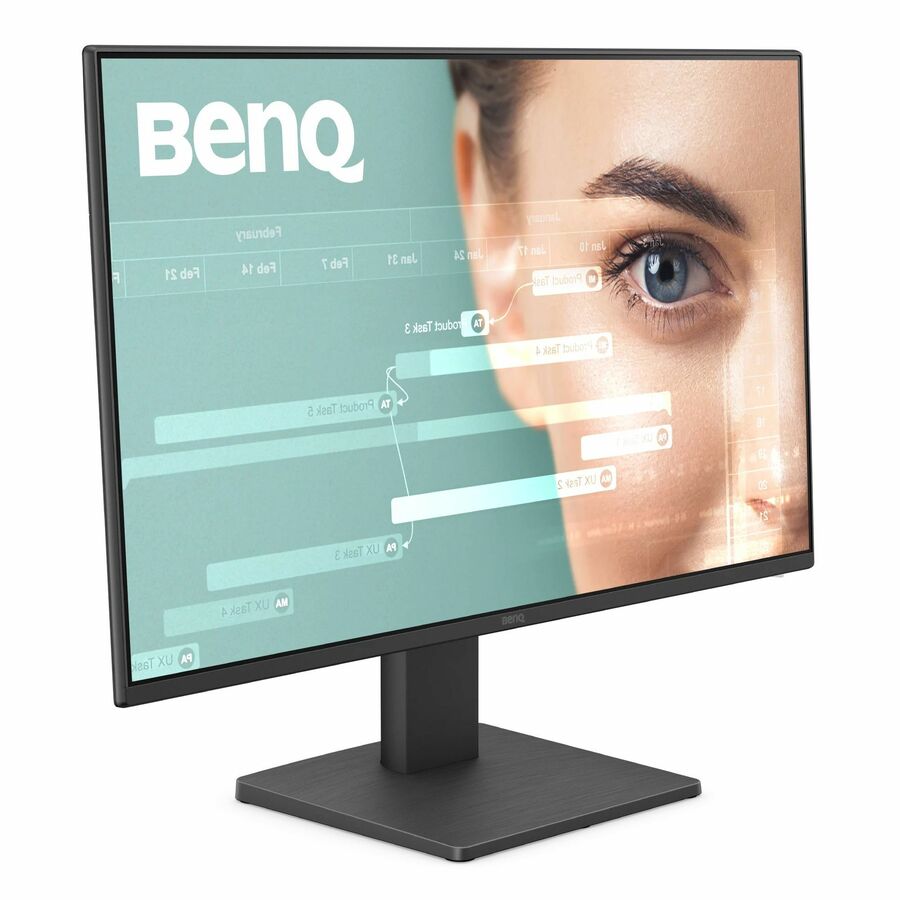
BenQ
BenQ GW2491 24" Class Full HD LED Monitor
GW2491
A 23.8-inch Full HD IPS panel with HDMI and DisplayPort — 1920 x 1080 at about 92 PPI, the size where 1080p still renders crisply at 100% scaling.
$116.80In stock1440p at 27 inches
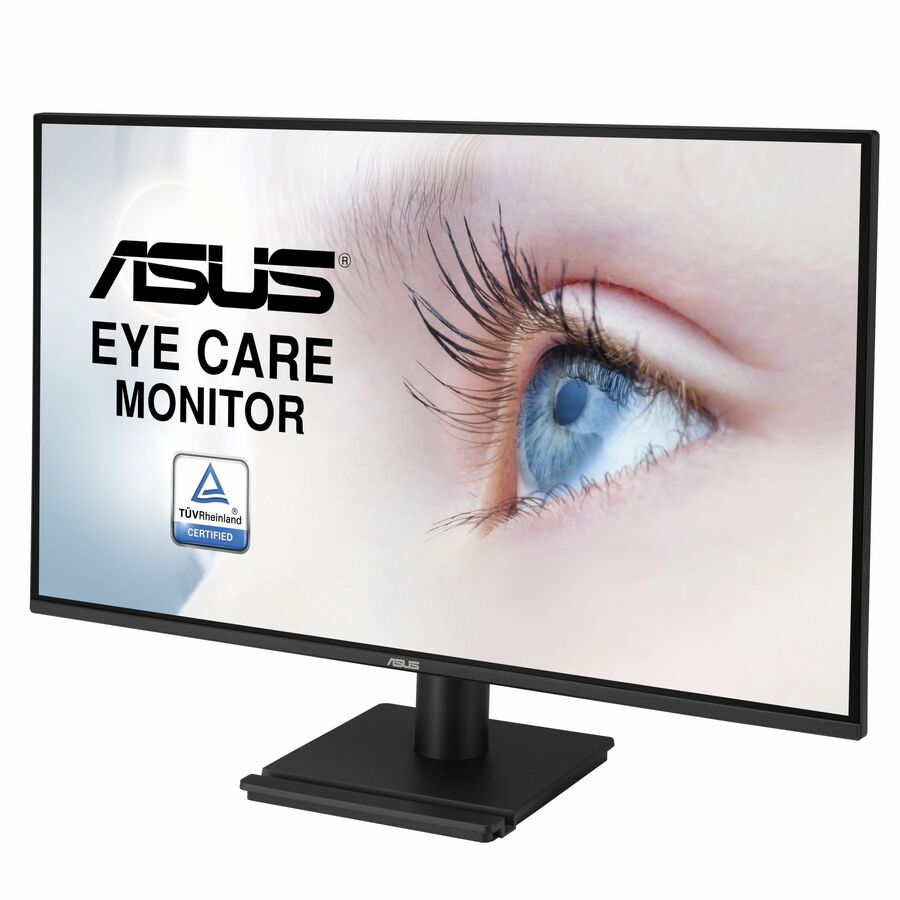
ASUS Computer International
Asus VA27AQ 27" Class WQHD LED Monitor
VA27AQ
A 27-inch WQHD IPS panel at 2560 x 1440, about 109 PPI — the pairing that keeps native 100% scaling legible while adding desktop space.
$190.24Back-ordered1440p, fleet build
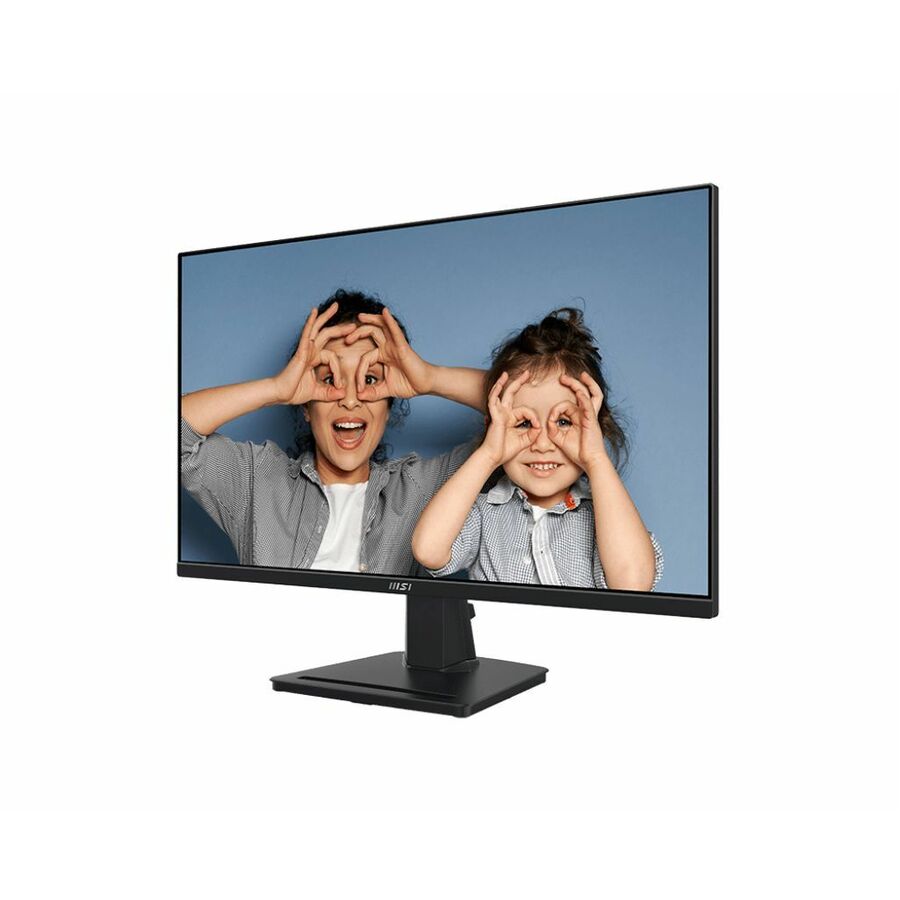
MSI
MSI Pro MP275Q 27 Class WQHD LED Monitor
PROMP275Q
Another 27-inch 2560 x 1440 IPS panel with HDMI and DisplayPort inputs, for standardising a knowledge-worker floor on one resolution.
$218.12Back-orderedShop it at Uniqcli
FAQ
Common questions
- Does 1440p need a dedicated GPU for office work?
- No. Integrated graphics in modern CPUs drive 2560x1440 at 60 Hz for desktop, browser, and office workloads without strain. A discrete GPU becomes relevant only for 3D, GPU-accelerated CAD or media, or high refresh rates well above 60 Hz.
- Is 1440p worth it on a 24-inch monitor?
- It is extremely sharp at about 122 PPI, but native text is small, so many users apply 125% scaling. That trades back some of the real-estate gain for readability. The space advantage of 1440p is most comfortable at 27 inches, where 100% scaling stays legible.
- Why does 1080p look soft on a 27-inch monitor?
- Spreading 1920x1080 across 27 inches drops density to roughly 82 PPI, so pixels and text edges become more visible. 1080p stays crisp at 24 inches (~92 PPI); moving to 1440p restores about 109 PPI at 27 inches.
- Will 1440p work through our existing cables and docks?
- 2560x1440 at 60 Hz needs HDMI 1.4 or later, DisplayPort 1.2 or later, or USB-C DisplayPort alt mode, all common today. Watch total link bandwidth when daisy-chaining or driving several 1440p displays from a single dock or cable.
- Is 1440p better than 1080p for office work?
- Usually yes at 27 inches, and it is a judgement call at 24. 2560x1440 gives about 78% more pixels, which at 100% scaling means more documents, spreadsheets or code side by side without shrinking anything. At 24 inches the same resolution is very dense at about 122 PPI and many users scale it to 125%, which trades that extra space back for readability.
- What size monitor should be 1080p and what size should be 1440p?
- 1080p suits 24 inches and below, where it lands near 92 PPI; 1440p suits 27 inches, where it lands near 109 PPI. The pairing to avoid is 1080p on a 27-inch panel, which drops to about 82 PPI and is the single most common cause of the complaint that a new monitor 'looks soft'.
Sources
- 1.ViewSonic — monitor resolutions and 27-inch pixel densityviewsonic.com
- 2.Microsoft — high DPI desktop application development (96 DPI = 100% scaling)learn.microsoft.com