
Best 4K Monitors for Business Desks and Fleets
Professional 4K UHD displays for offices and fleets — read by panel type, screen size, USB-C docking, ergonomics and whether the row carries a TAA designation.
4K business monitors in stock at Uniqcli
How to choose →A curated selection with live pricing — in-stock lines first, then back-ordered lines with a typical lead time. Every line is sourced through US distribution and screened for NDAA §889 status before checkout, with TAA verified on request.
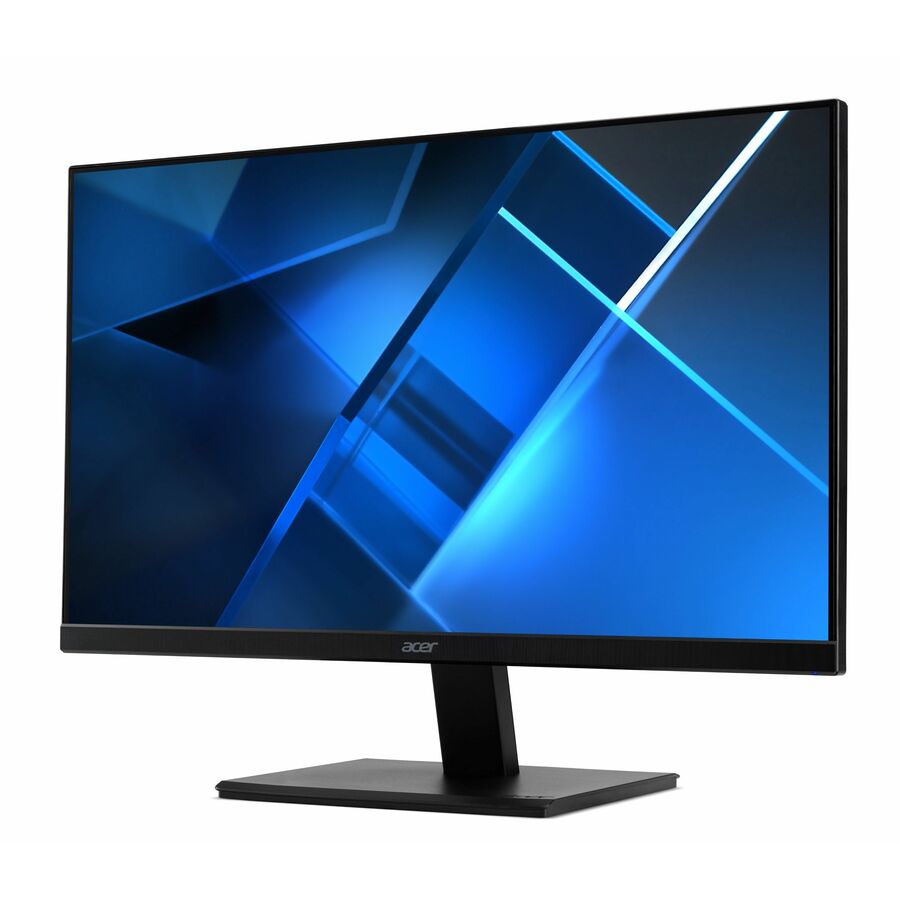
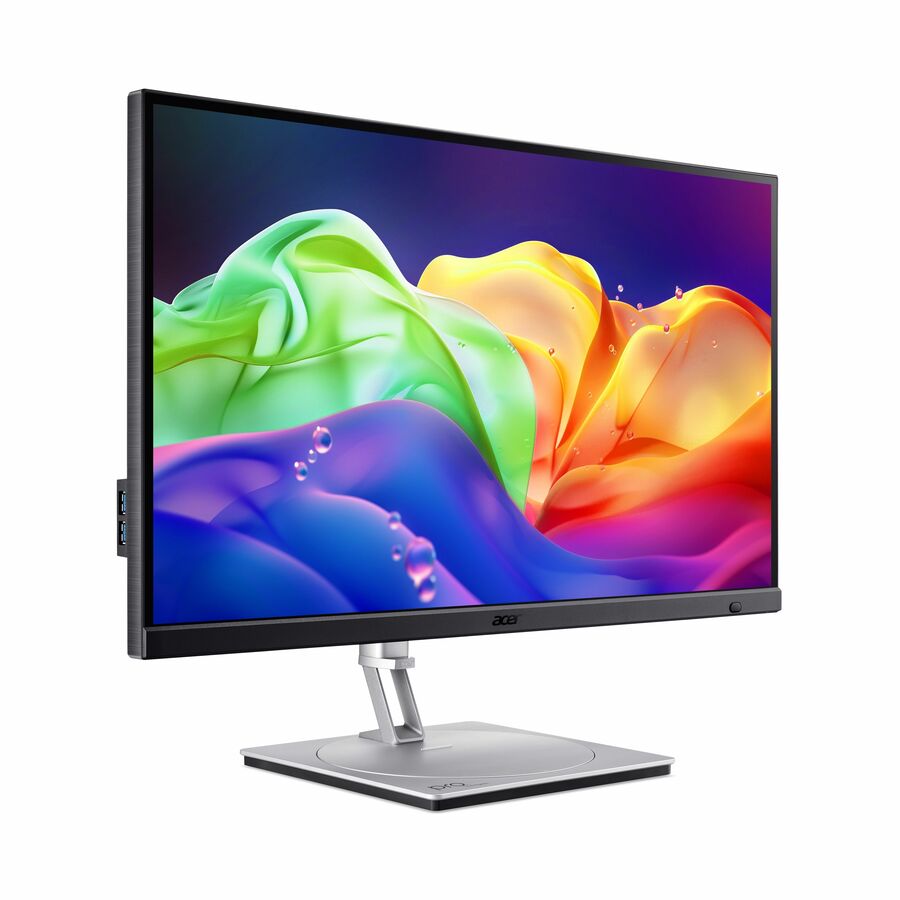
- AcerAcer Vero V277K L 27" Class 4K UHD LED Monitor - 16:9 - Black - 27" Viewable - In-plane Switching (IPS) Technology - LED Backlight - 3840 x 2160 - 1.07 Billion Colors - FreeSync - 350 Nit - 4 ms - 60 Hz Refresh Rate - Speakers - HDMI - DisplayPort - VESA Mount Compatible - SpeakerUM.HV7AA.L01
$329.99
$279.59
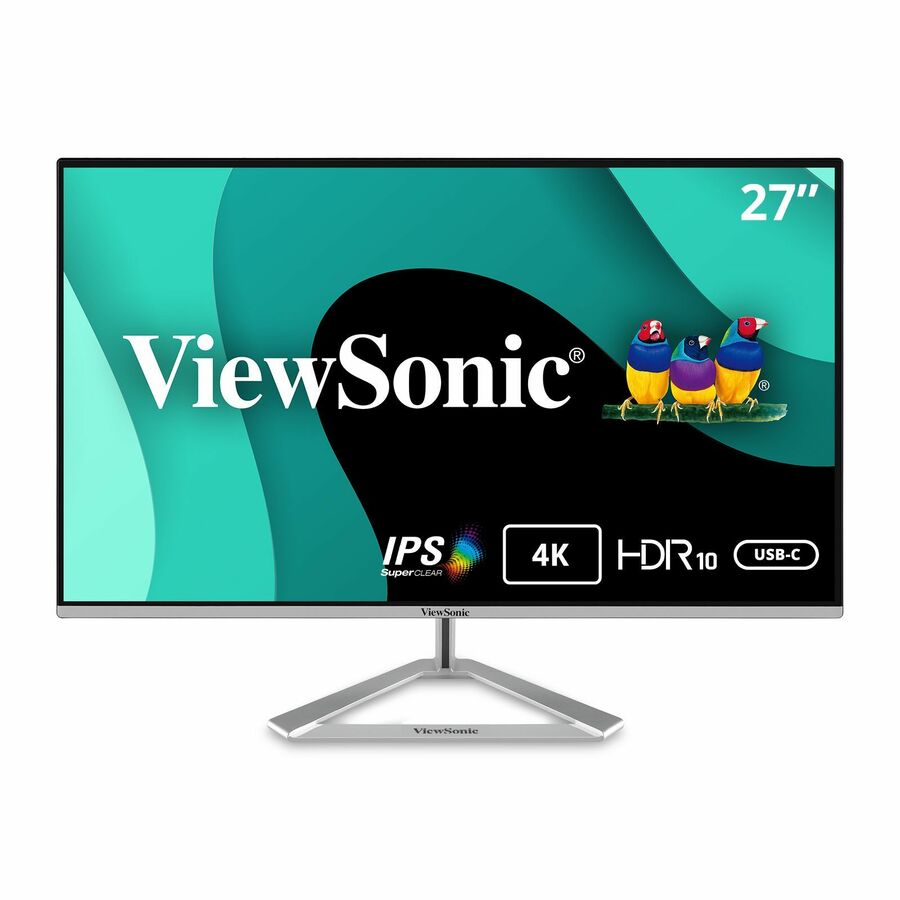
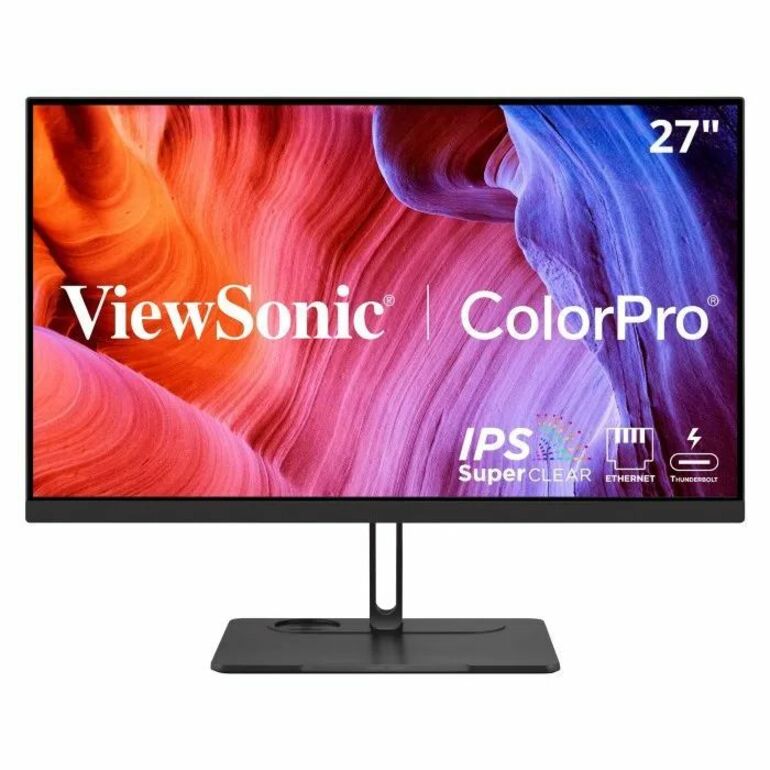
30 in stock - ViewSonicViewSonic VX2776-4K-MHDU 27 Inch 4K Monitor, IPS with 65W USB-C and HDR10 for Ultimate Home and Office Entertainment, Ultra-Thin Bezels, DisplayPort for Daisy Chain, and HDMI Inputs - VX2776-4K-MHDU - 4K UHD IPS Monitor with 65W USB-C, HDR10, HDMI and DisplayPort - 350 cd/m2 - 27?VX2776-4K-MHDU
$355.00
$317.71
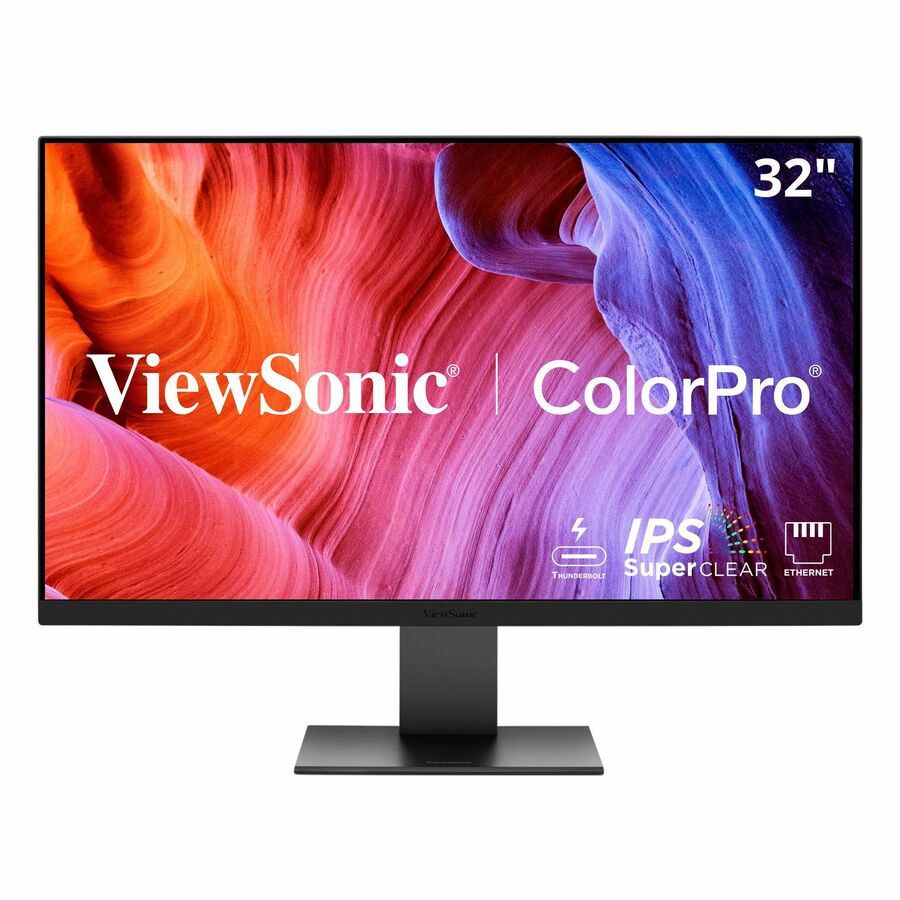
477 in stock - ViewSonicViewSonic VX3267U-4K 32" Class 4K UHD LED Monitor - 16:9 - Black - 31.5" Viewable - In-plane Switching (IPS) Technology - LED Backlight - 3840 x 2160 - 1.07 Billion Colors - 350 Nit - 4 ms - 60 Hz Refresh Rate - Speakers - Tilt - USB Type-C - HDMI - DisplayPort - VESA Mount CompatibleVX3267U-4K
$425.00
$378.92
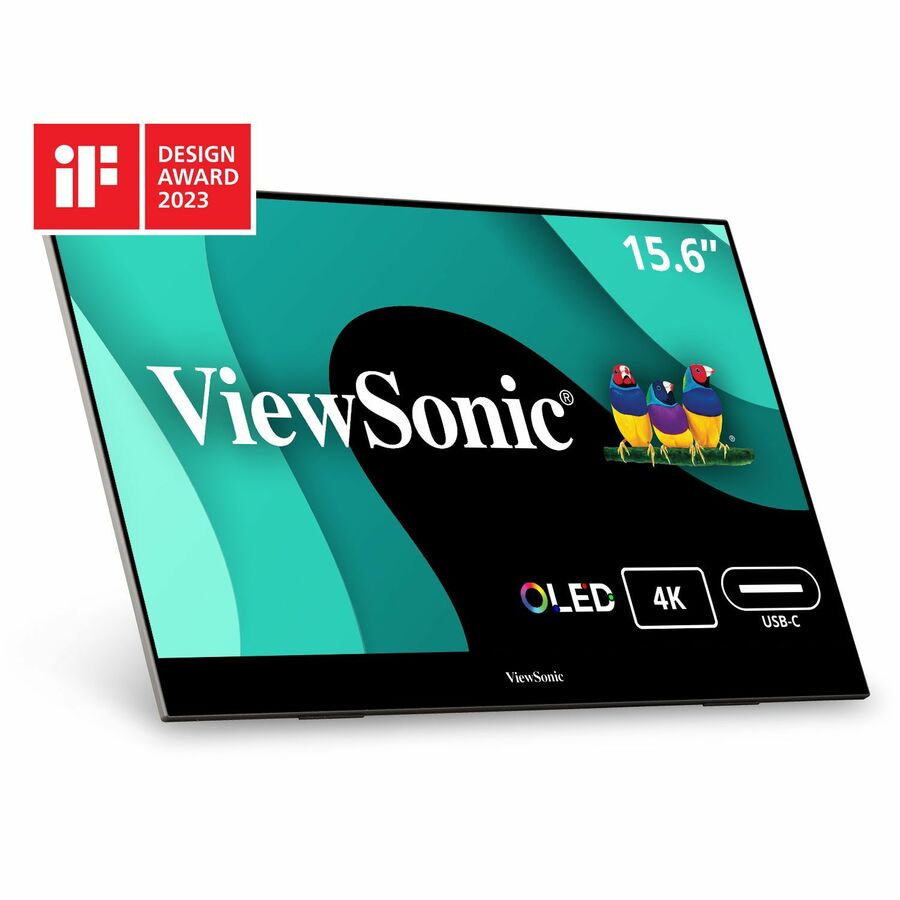
257 in stock - ViewSonicViewSonic VX1655-4K-OLED 15.6 Inch 4K Portable Monitor, OLED Display for Immersive Mobile Workspaces and Second Screen Productivity, Built-in Stand, 60W USB-C, and Mini HDMI Inputs - ViewSonic VX1655-4K-OLED - 15.6? 4K UHD OLED Portable Monitor w/ 60W USB-C, mini HDMI, 100% DCI-P3 - 400 cd/m²VX1655-4K-OLED
$649.00
$578.44
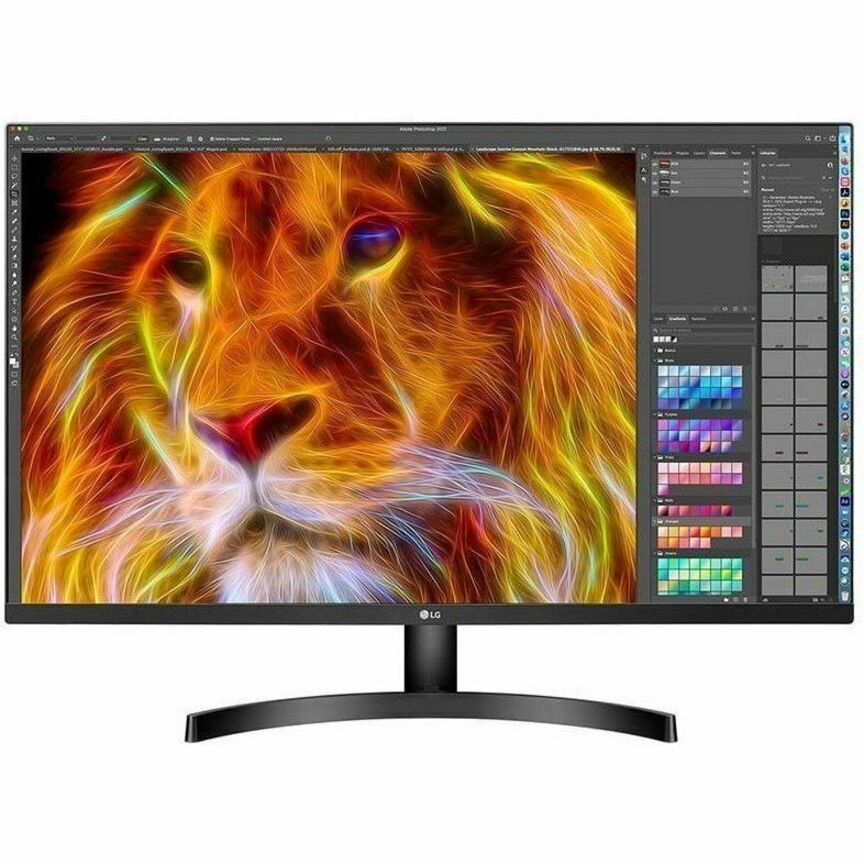
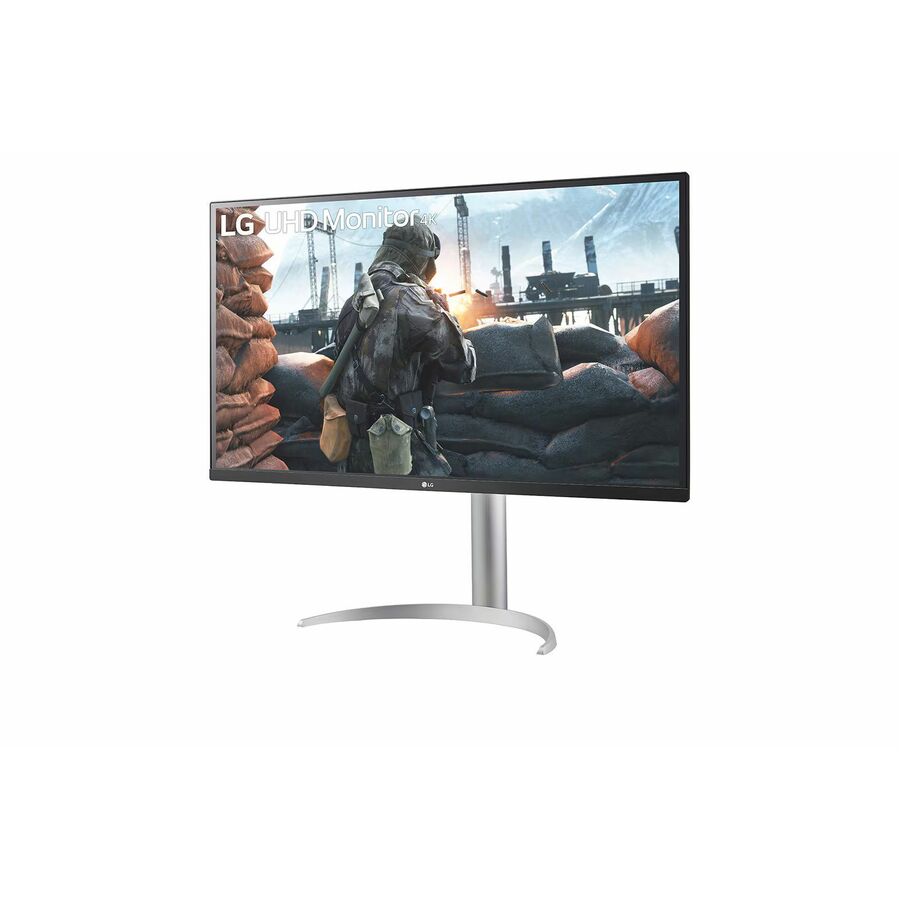
317 in stock - LG ElectronicsLG 32BN50U-B 32" Class 4K UHD LCD Monitor - 16:9 - Textured Black - TAA Compliant - 31.5" Viewable - Vertical Alignment (VA) - 3840 x 2160 - 1.07 Billion Colors - FreeSync - 350 Nit - 4 ms - Speakers - Tilt - HDMI - DisplayPort - VESA Mount Compatible32BN50U-B
$750.00
$637.50*
61 in stock









27-inch, IPS office
ViewSonic
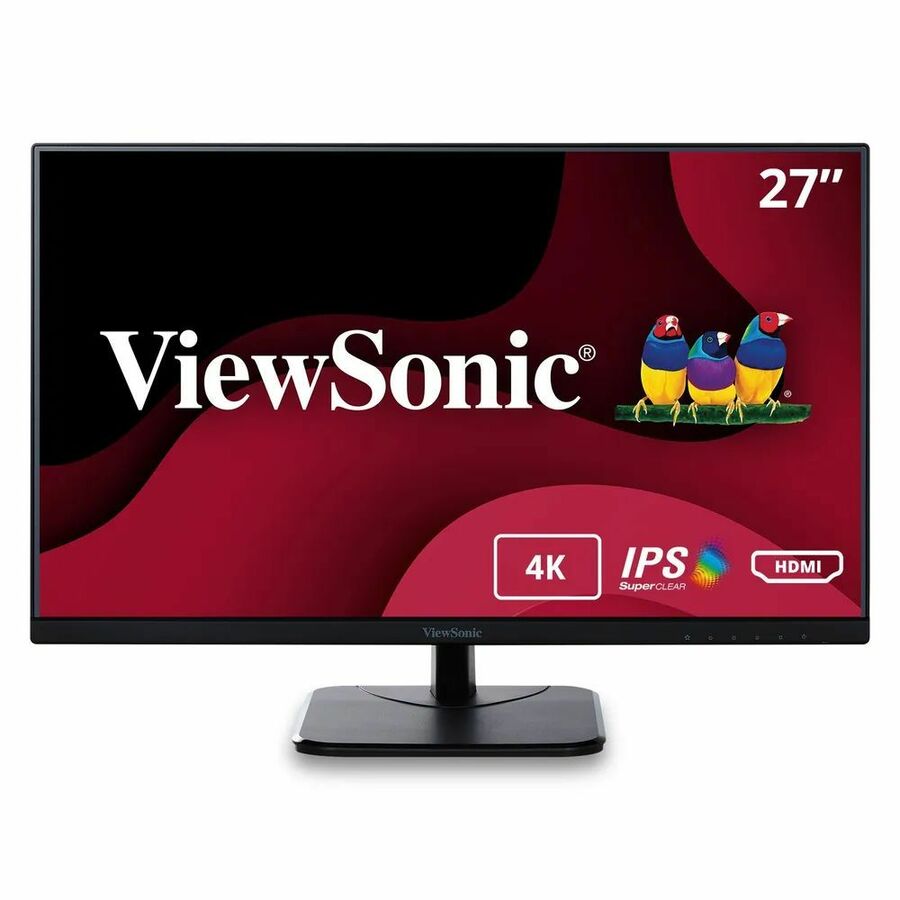
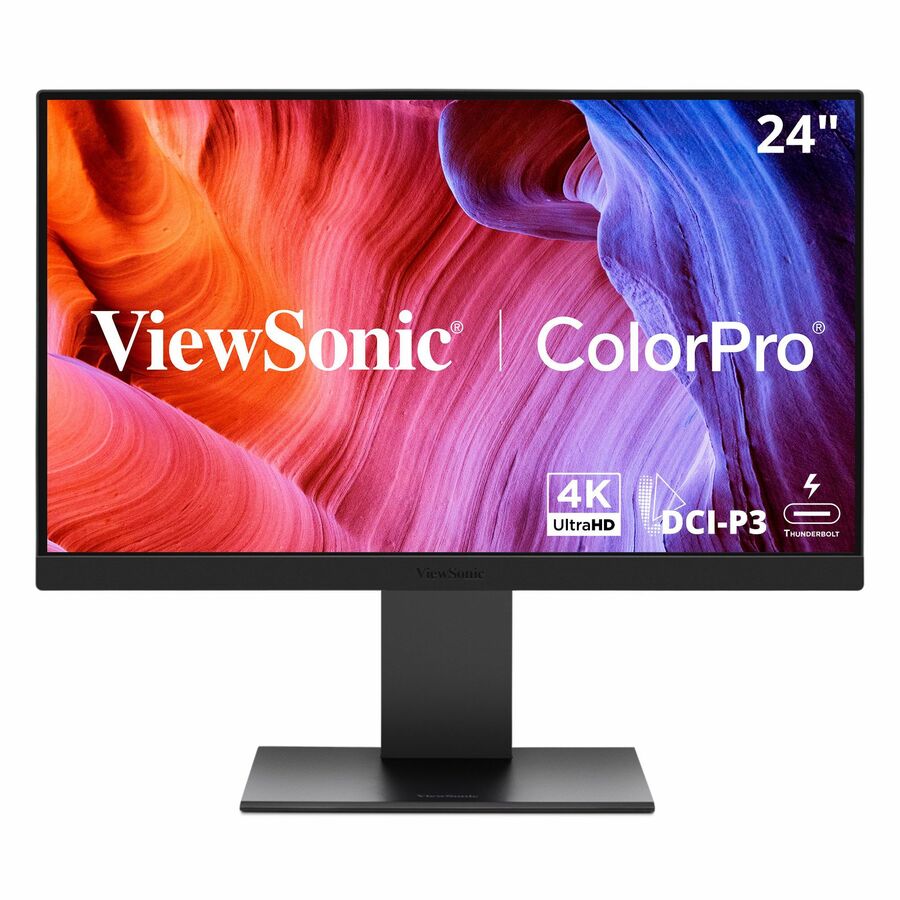
ViewSonic VA2756-4K-MHD 27 Inch 4K Monitor, IPS Display for Enhanced…
VA2756-4K-MHD
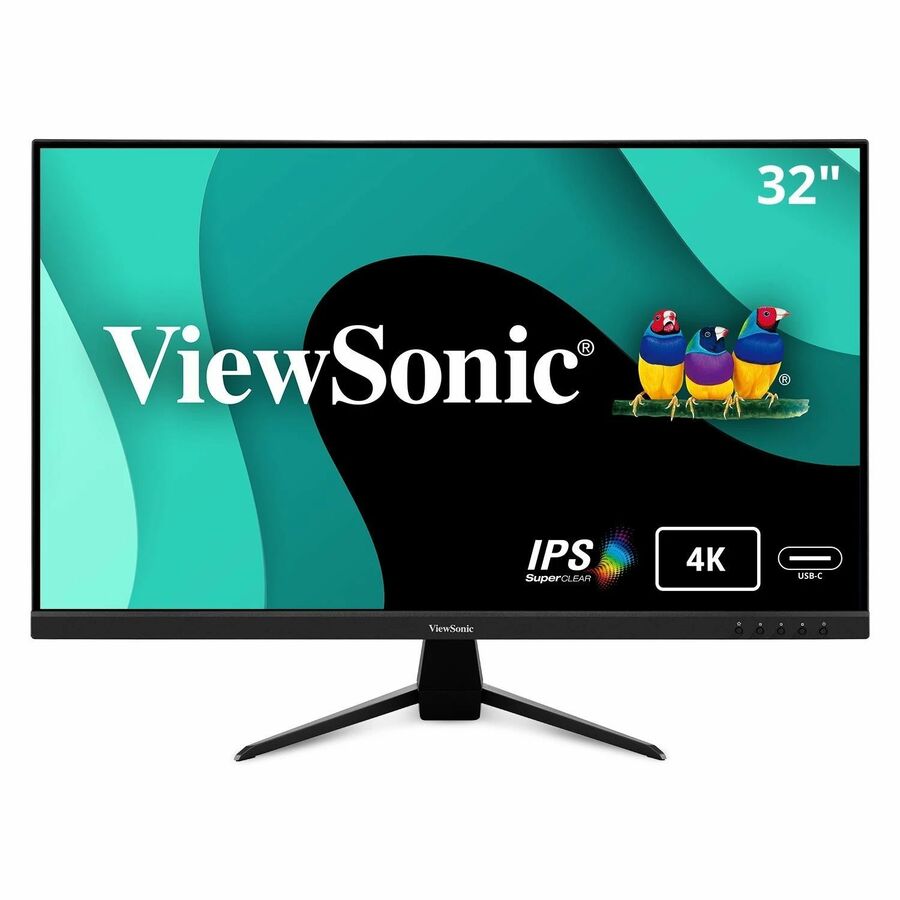
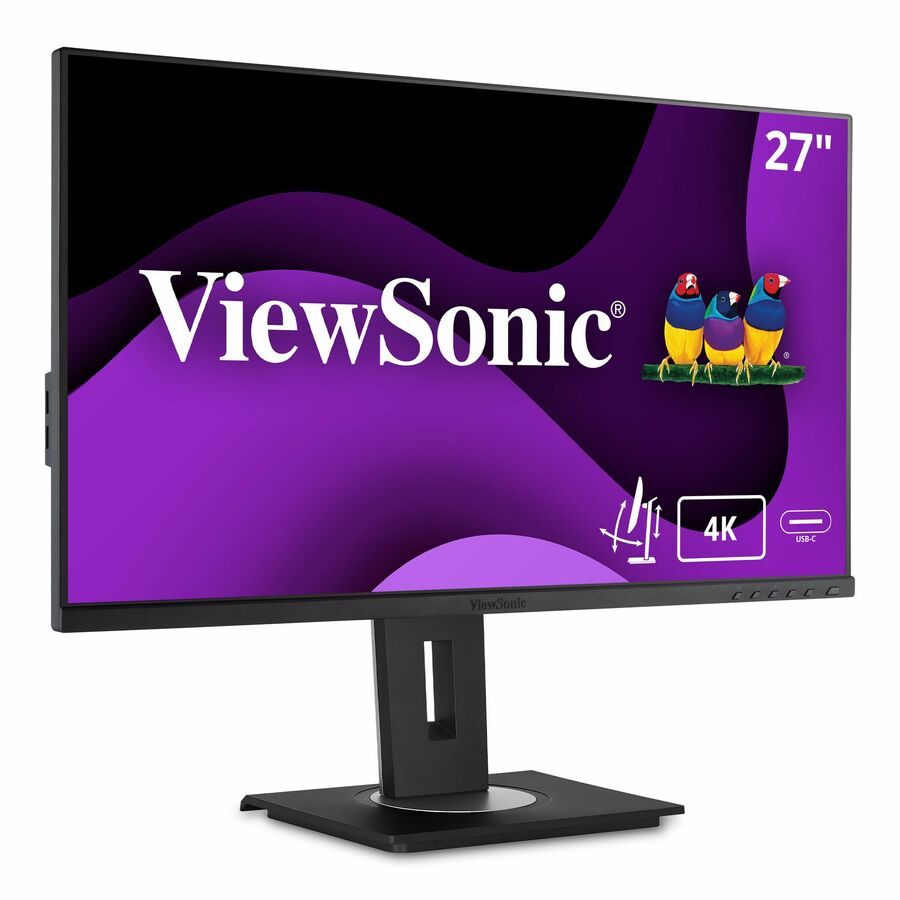
A 27-inch 4K UHD IPS monitor built for home and office productivity, the mainstream professional configuration at the size most desks want.
$268.56In stock27-inch, ergo IPS
ViewSonic
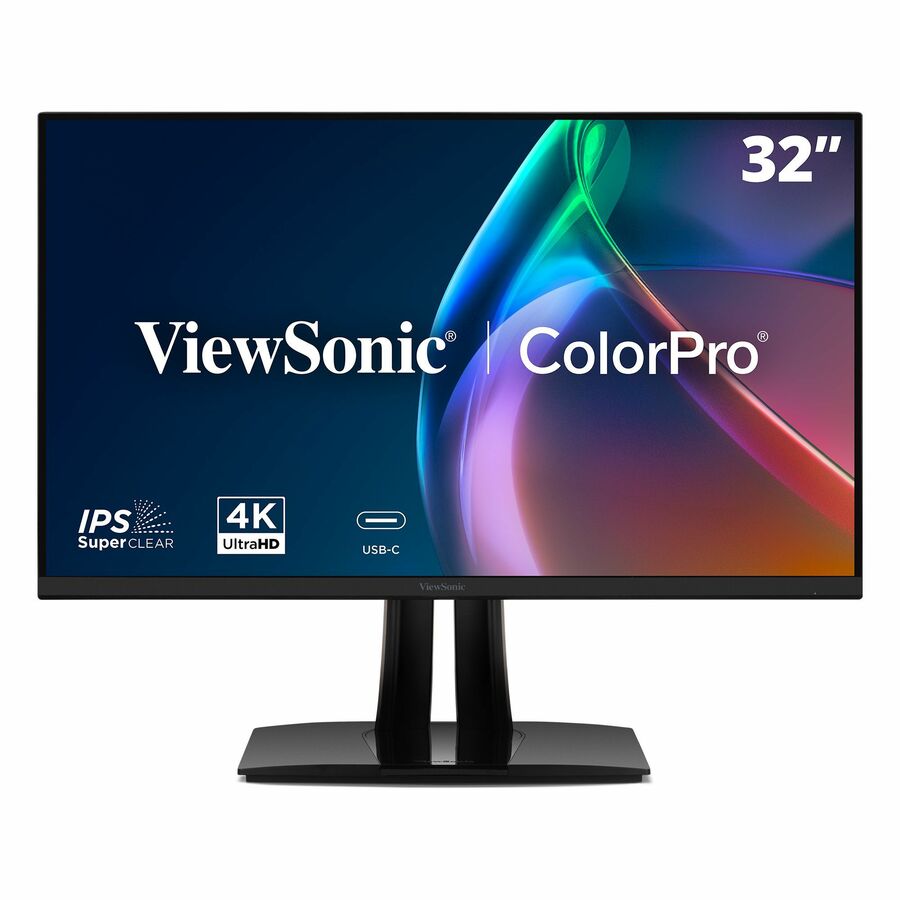
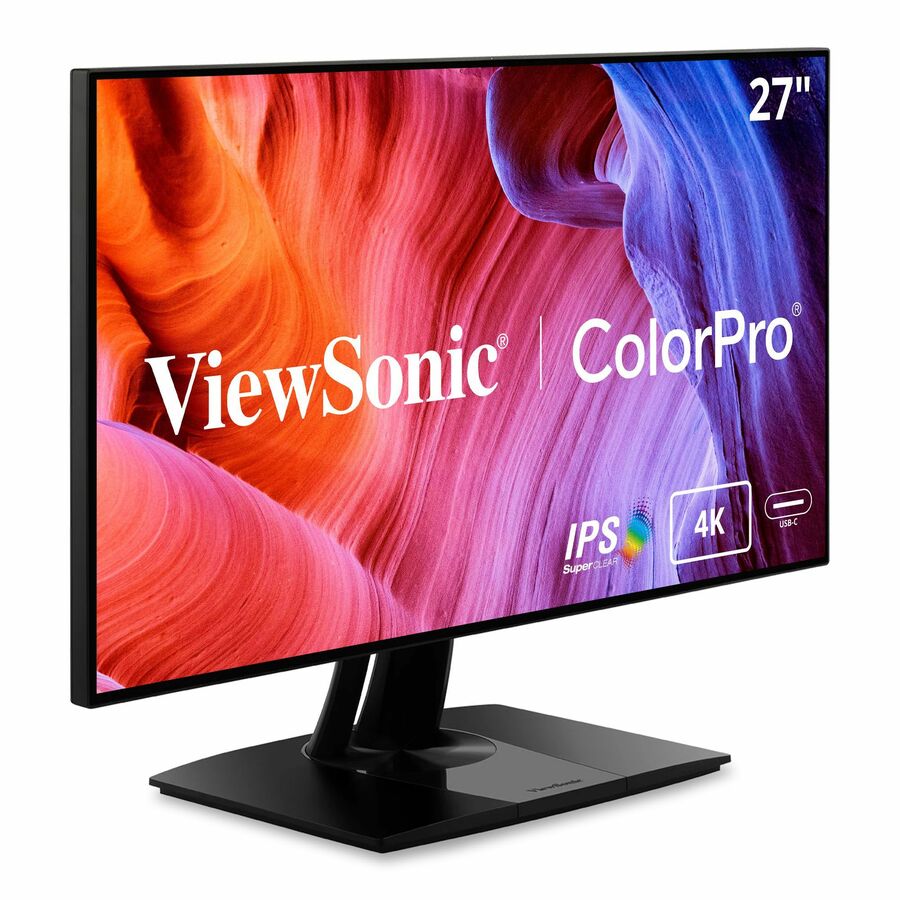
ViewSonic VP2768a-4K 27 Inch Premium IPS 4K Monitor with Advanced…
VP2768A-4K
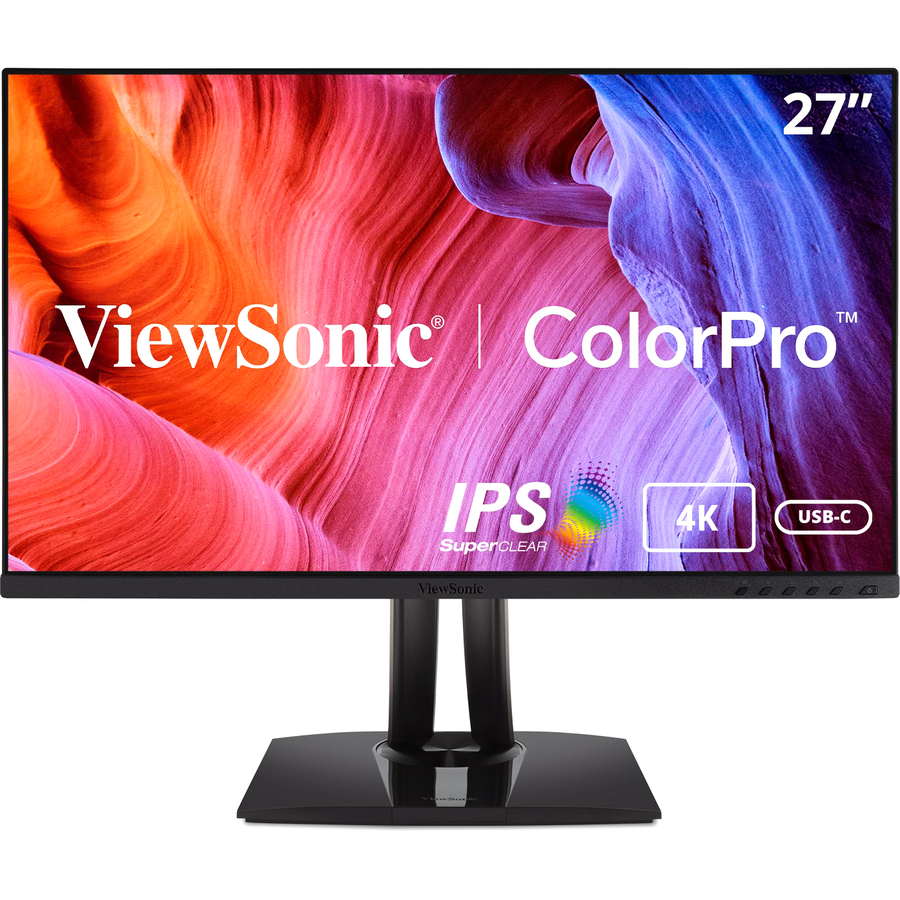
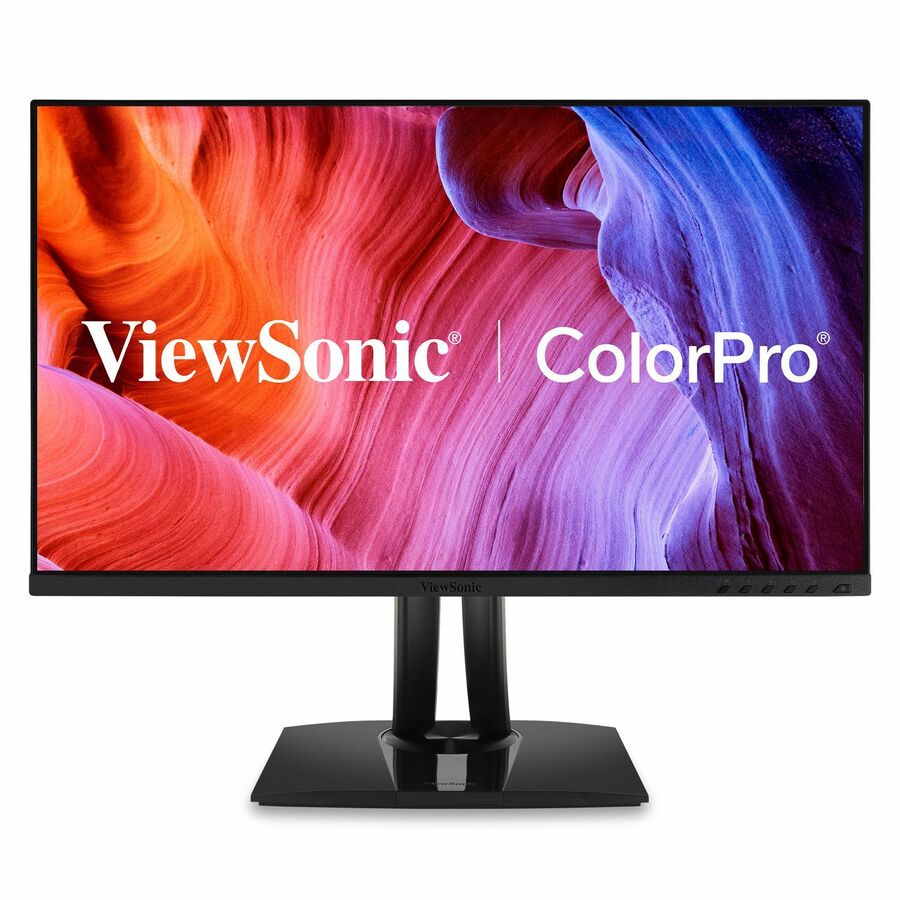
A 27-inch premium 4K IPS monitor from the ColorPro line with advanced ergonomics, for a professional desk that needs colour consistency and full stand adjustment.
Request pricing27-inch, IPS USB-C
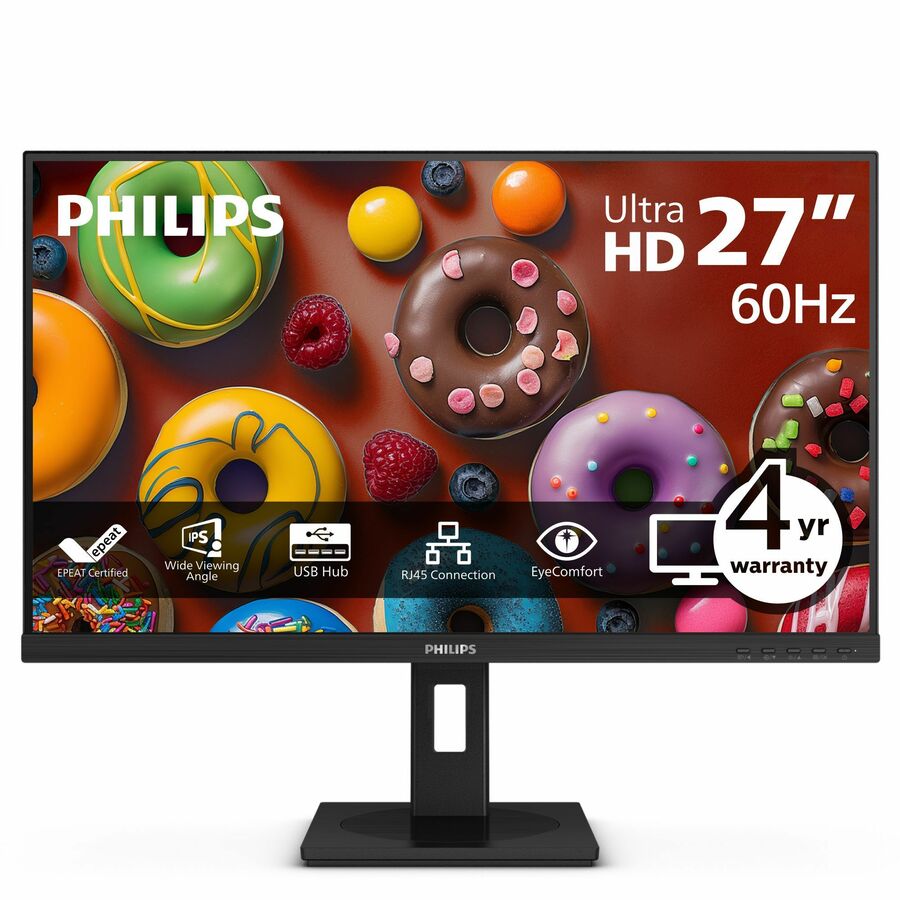
Philips Electronics
Philips 27B1U3900 27" Class 4K UHD LED Monitor
27B1U3900
A 27-inch 4K UHD IPS business monitor, a professional office display at the standard desk size with a business-oriented stand.
$358.13Back-ordered43-inch, IPS
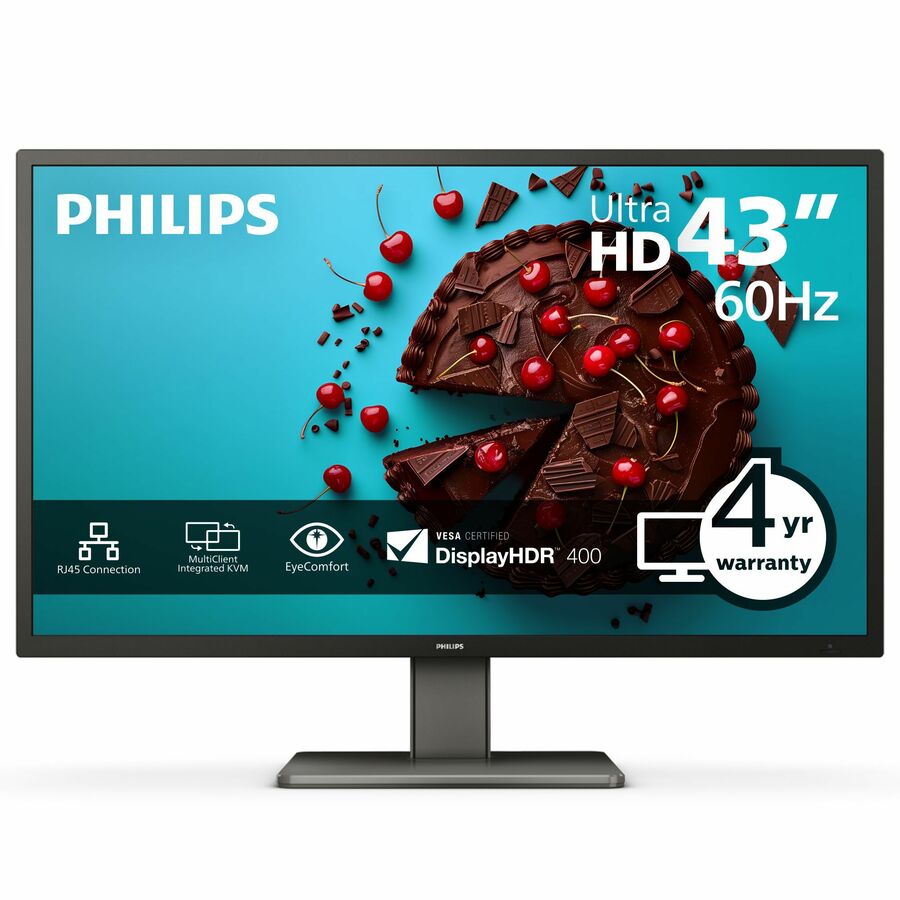
Philips Electronics
Philips Brilliance 439P1 43" Class 4K UHD LCD Monitor
439P1
A 43-inch 4K UHD IPS monitor that replaces a multi-monitor setup on one panel, for control-room, finance and dashboard roles that need the screen area.
$744.02Back-ordered27-inch, ThinkVision
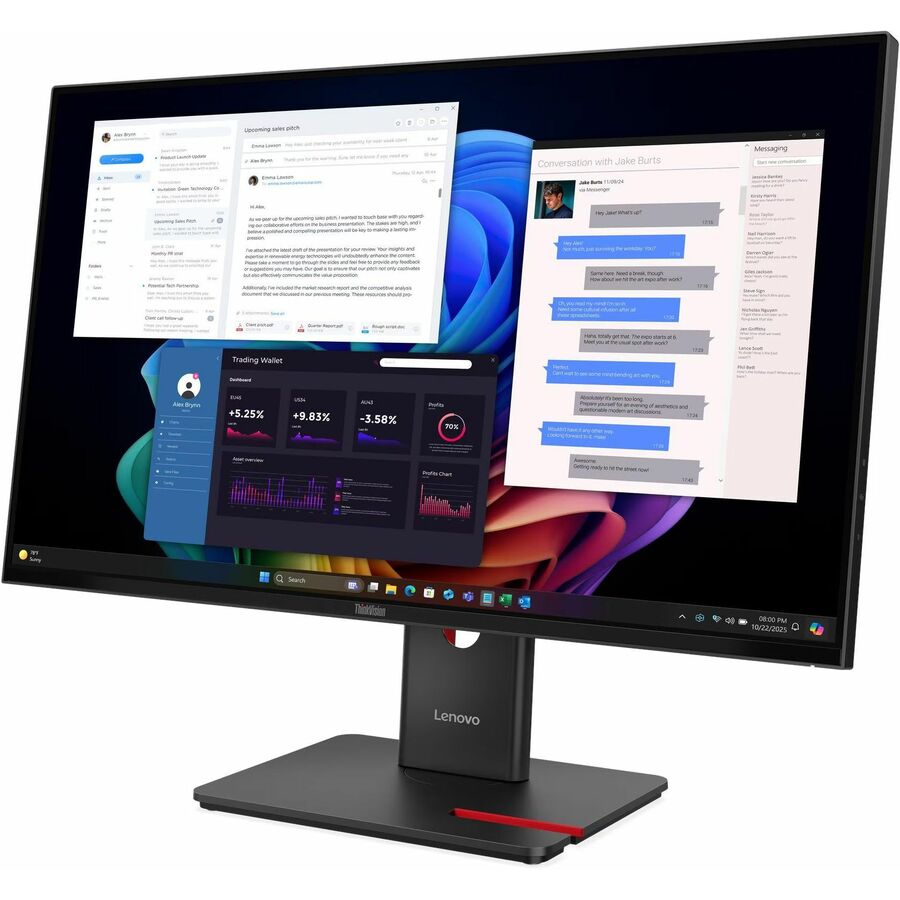
Lenovo
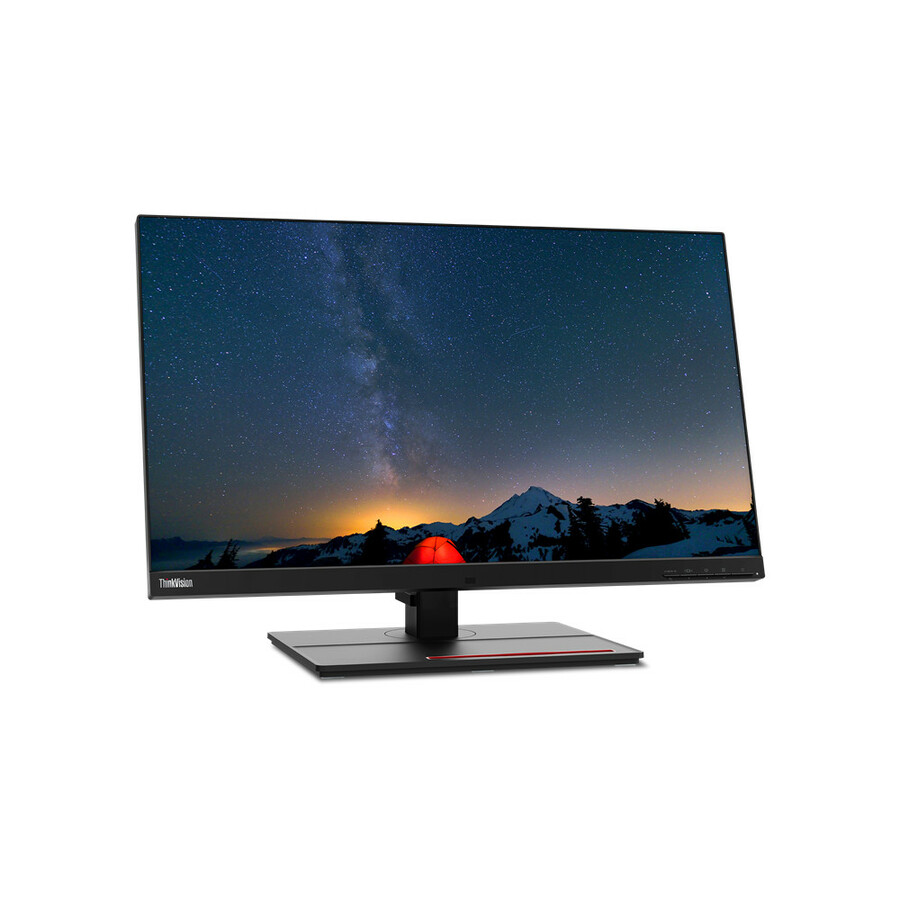
Lenovo ThinkVision T27UD-40 27" Class 4K UHD LED Monitor
64AFGAR2US
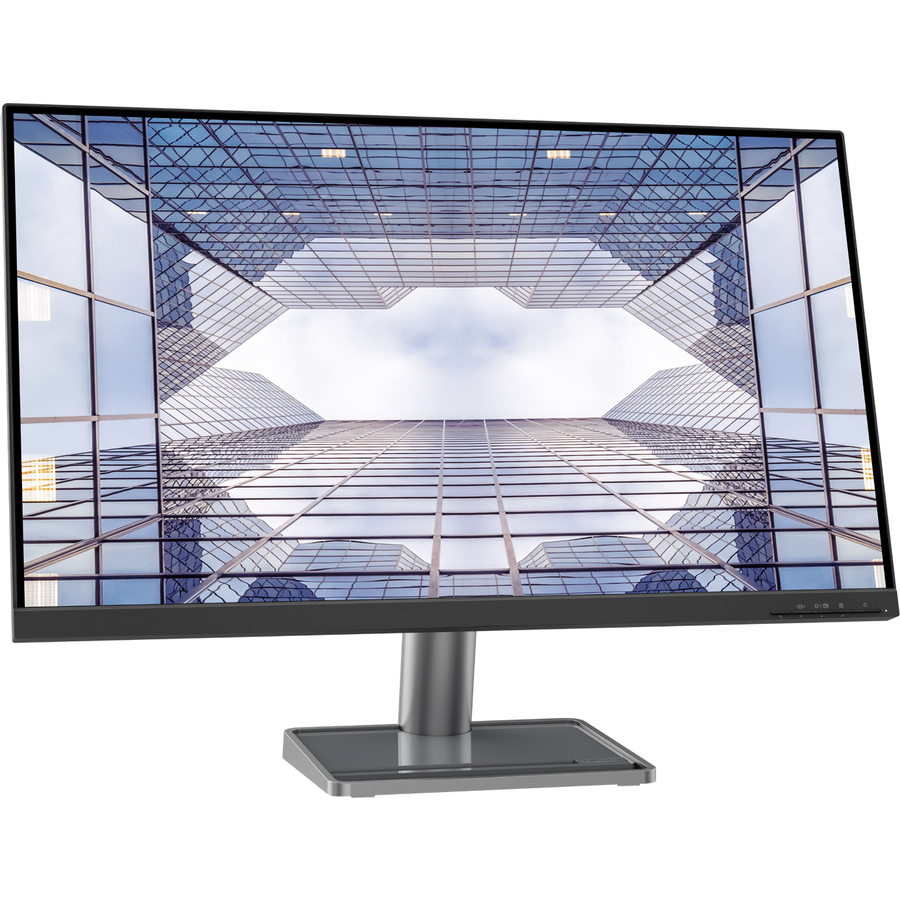
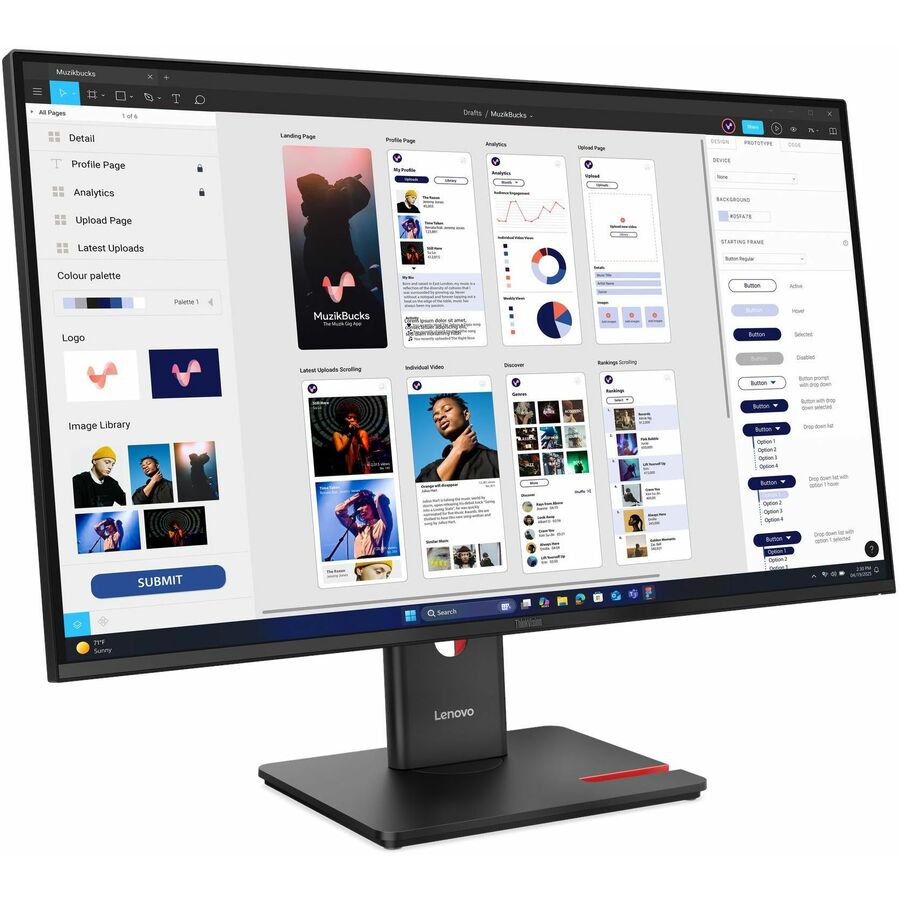
A 27-inch 4K UHD monitor from the ThinkVision T line, a business display built for fleet standardisation with a business-grade adjustable stand.
$475.65Back-ordered27-inch, ThinkVision P
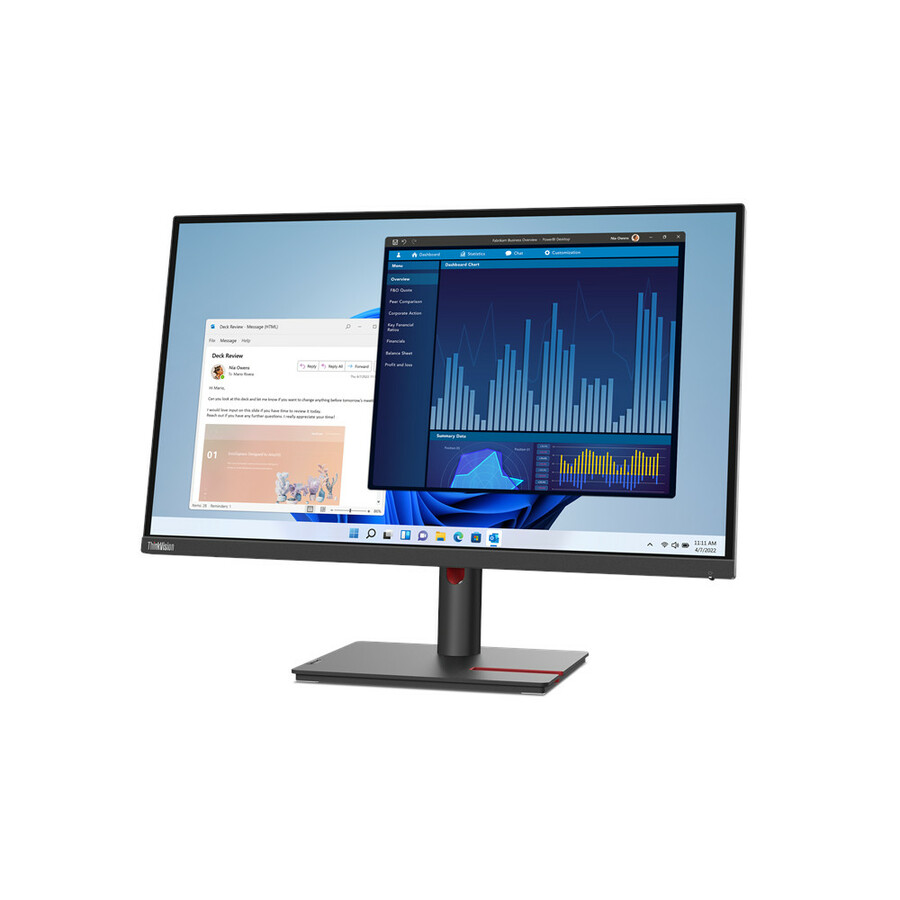
Lenovo
Lenovo ThinkVision T27p-30 27" Class 4K UHD LED Monitor
63A9GAR1US
A 27-inch 4K UHD monitor from the ThinkVision P professional line, for a desk that needs the higher business tier's connectivity and ergonomics.
$668.86Back-ordered27-inch, ProArt USB-C
ASUS Computer International
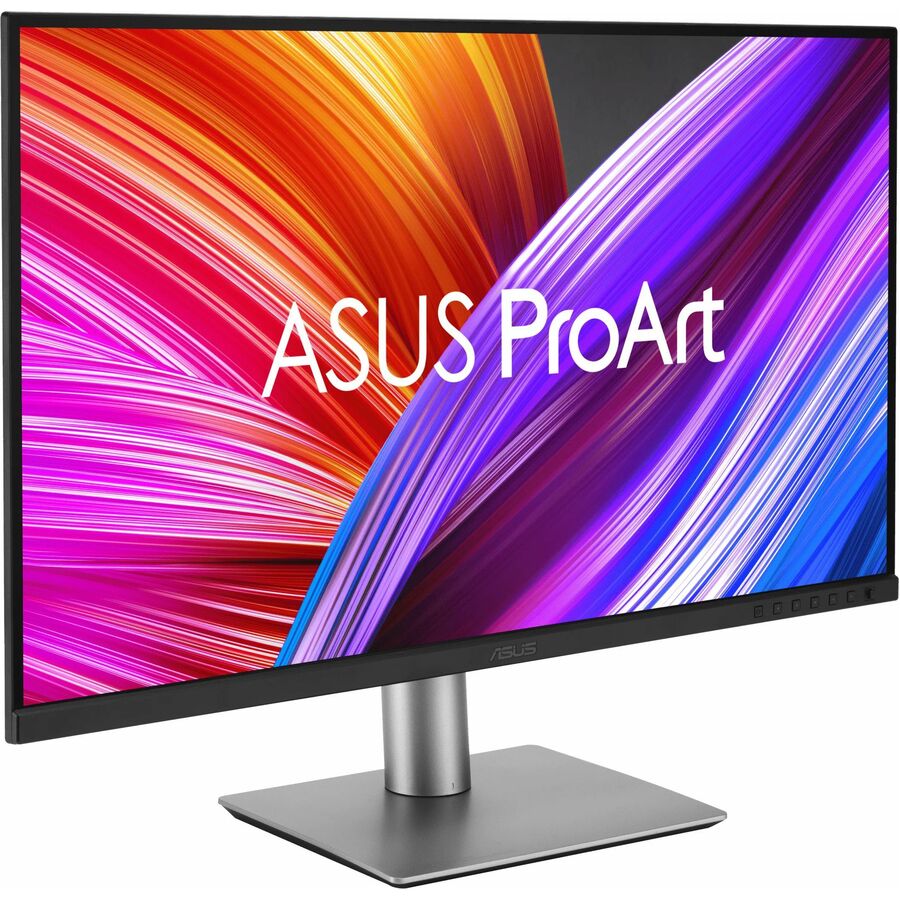
Asus ProArt PA279CV 27" Class 4K UHD LCD Monitor
PA279CV
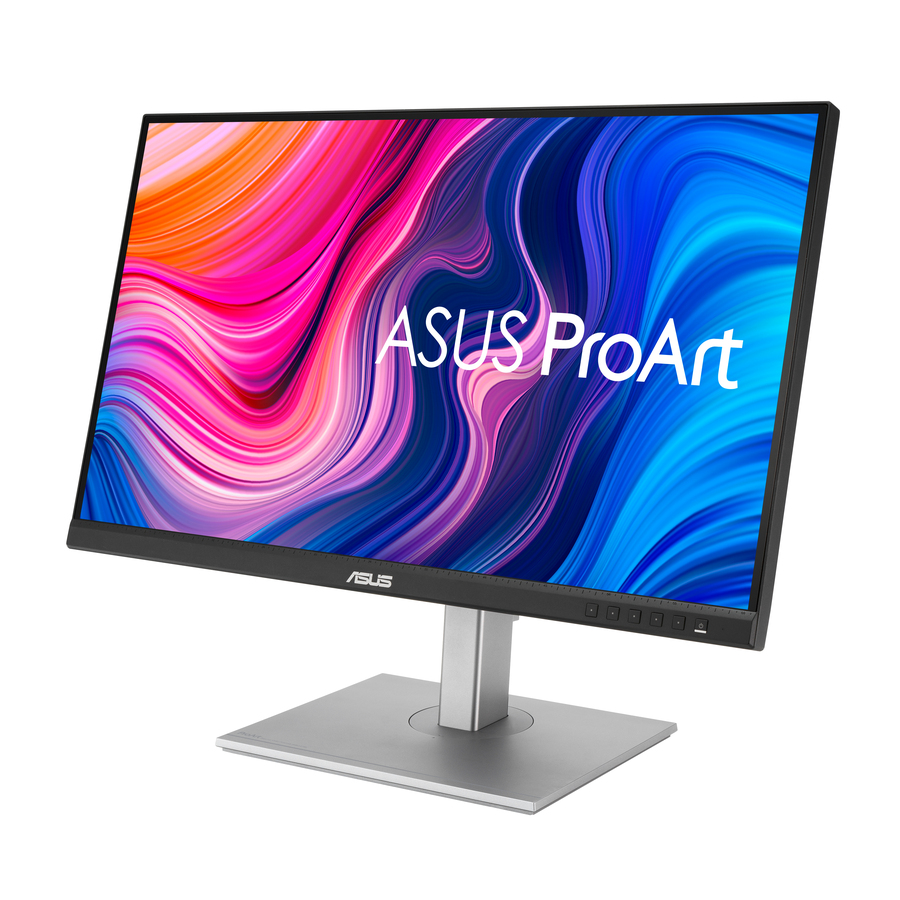
A 27-inch 4K UHD IPS ProArt monitor with USB-C, so the laptop connects, charges and displays over one cable at a professional desk.
$502.15In stock32-inch, ProArt
ASUS Computer International
Asus ProArt PA329CRV 32" Class 4K UHD LED Monitor
PA329CRV
A 32-inch 4K UHD IPS ProArt monitor, the larger professional size for design, finance and anyone working across side-by-side documents.
$750.36In stock27-inch, DesignVue
BenQ
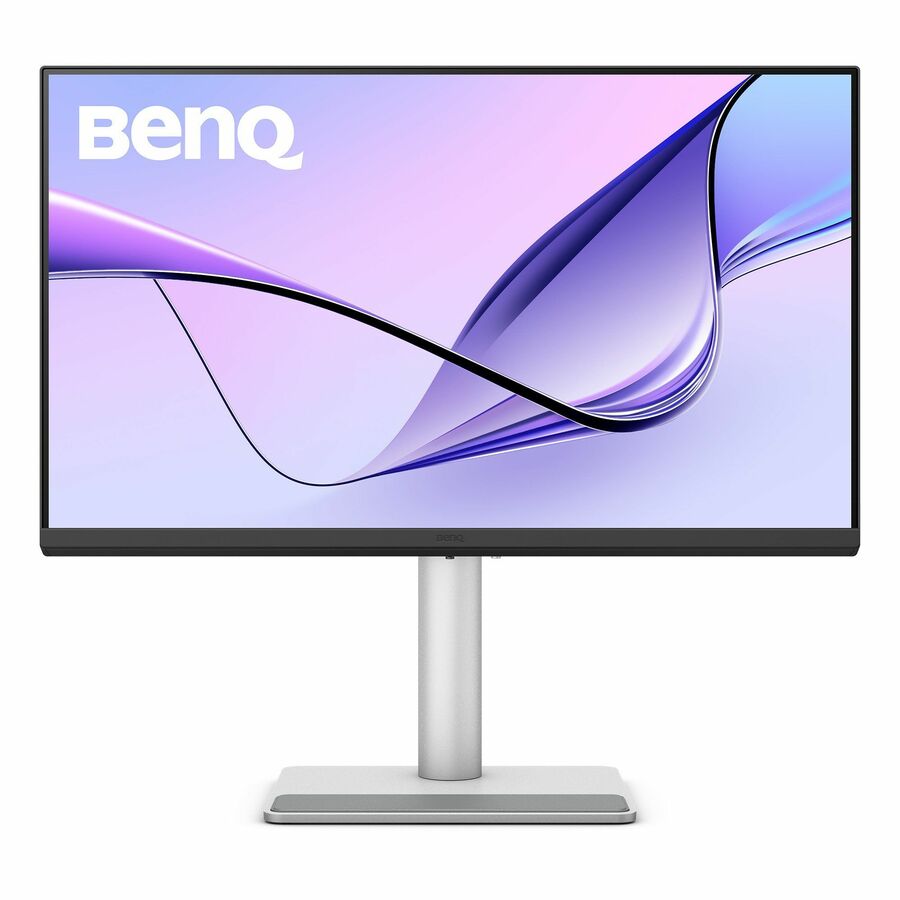
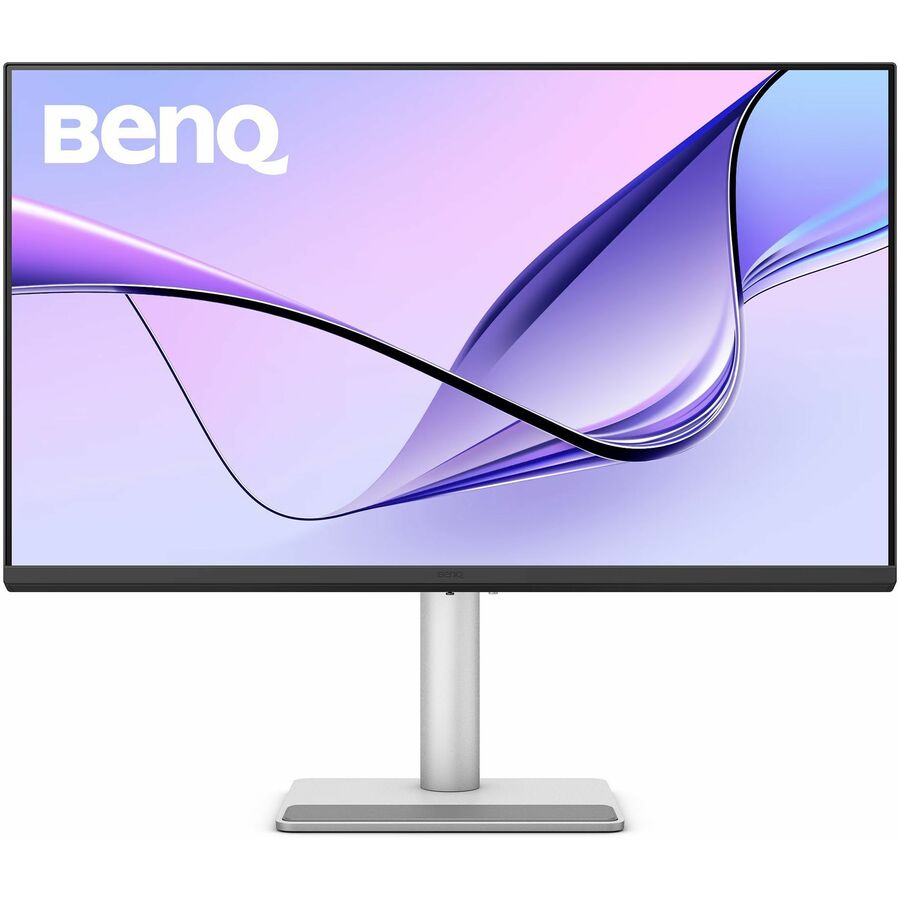
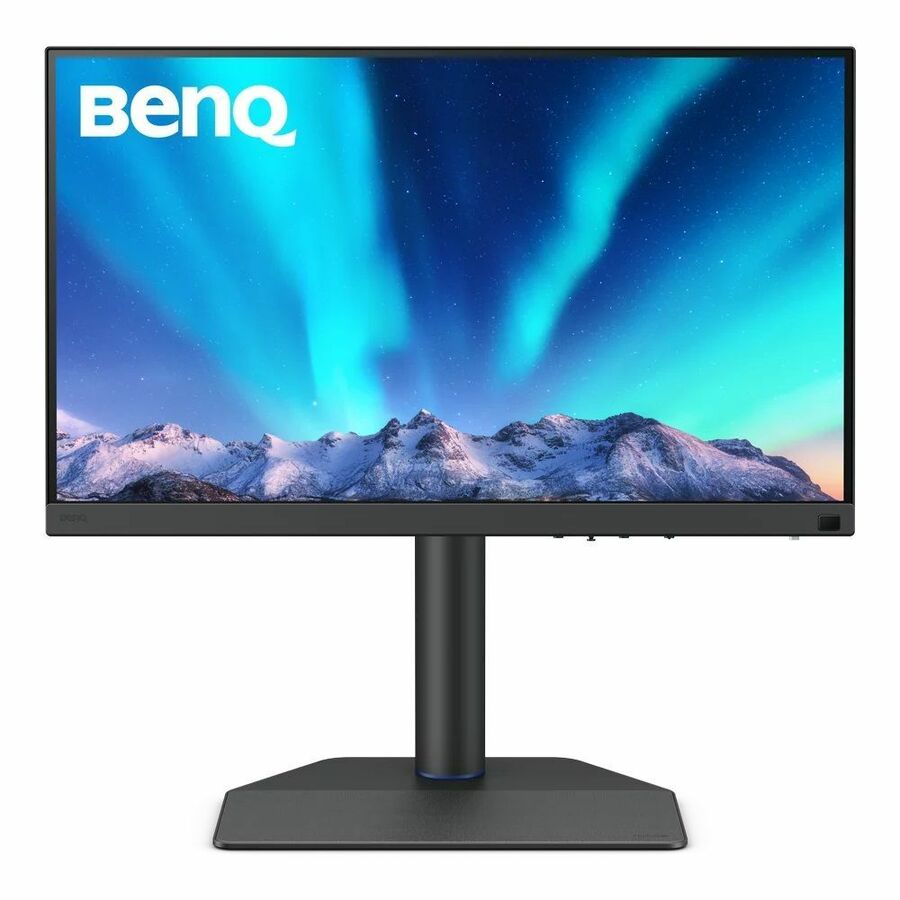
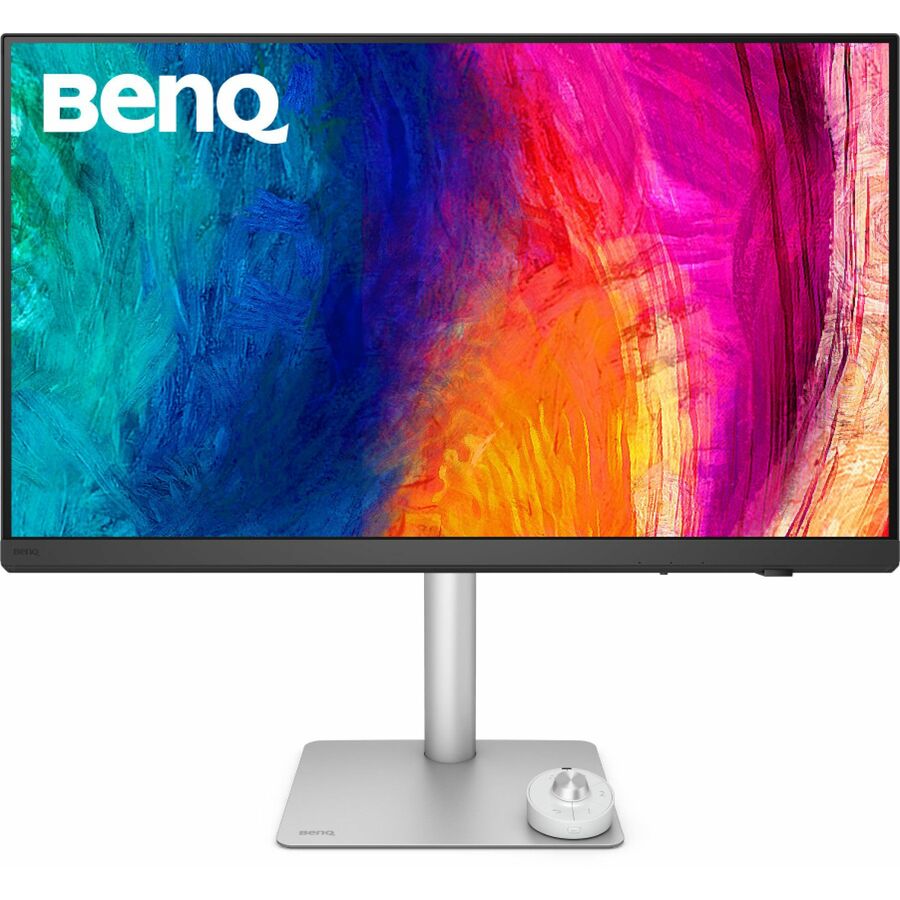
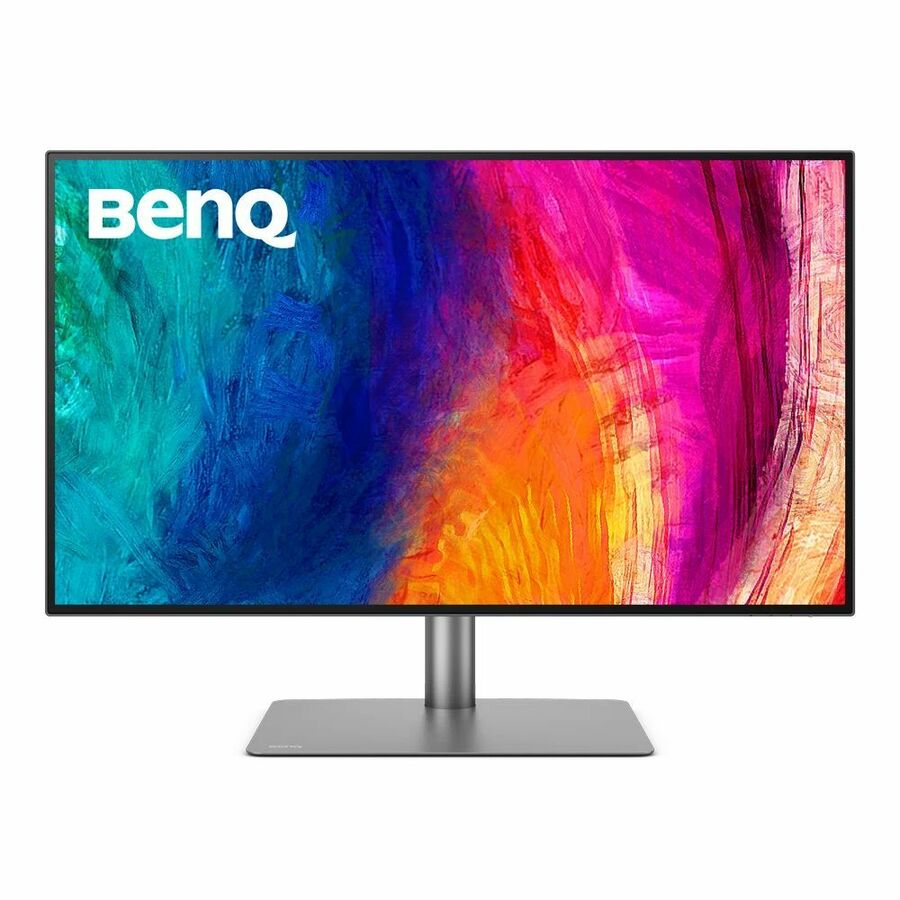
BenQ DesignVue PD2706U 27" Class 4K UHD LED Monitor
PD2706U
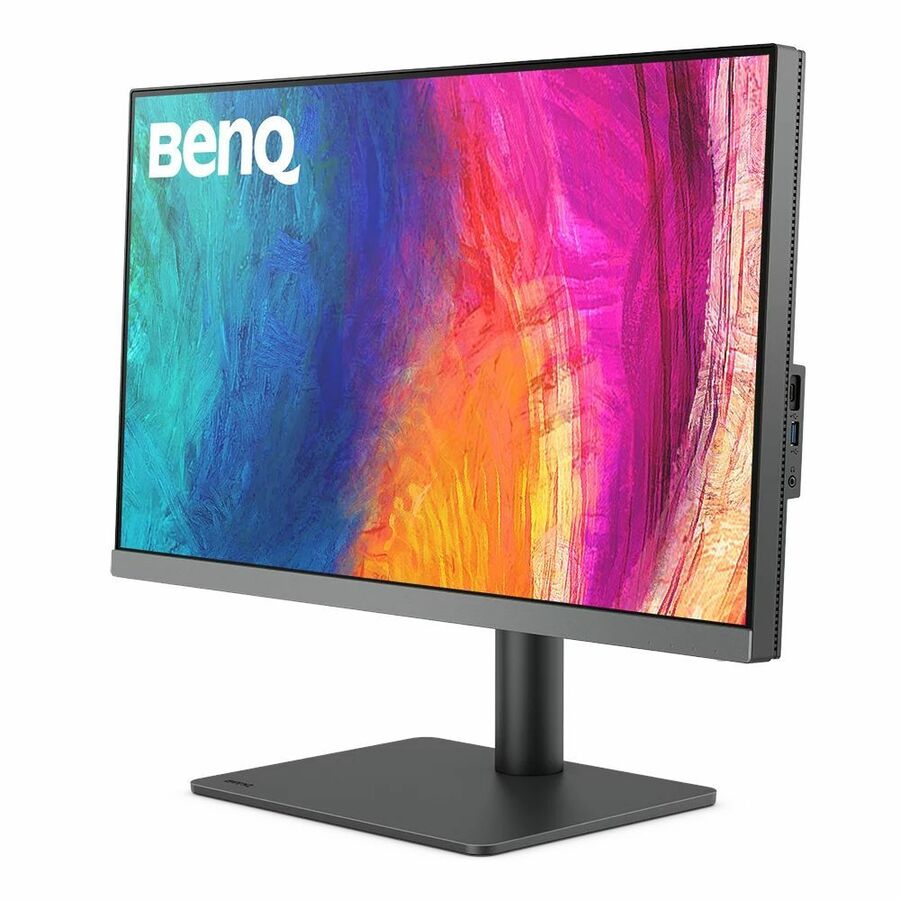
A 27-inch 4K UHD IPS DesignVue monitor built for designers, an accurate professional panel at the standard desk size.
$490.60In stock32-inch, IPS
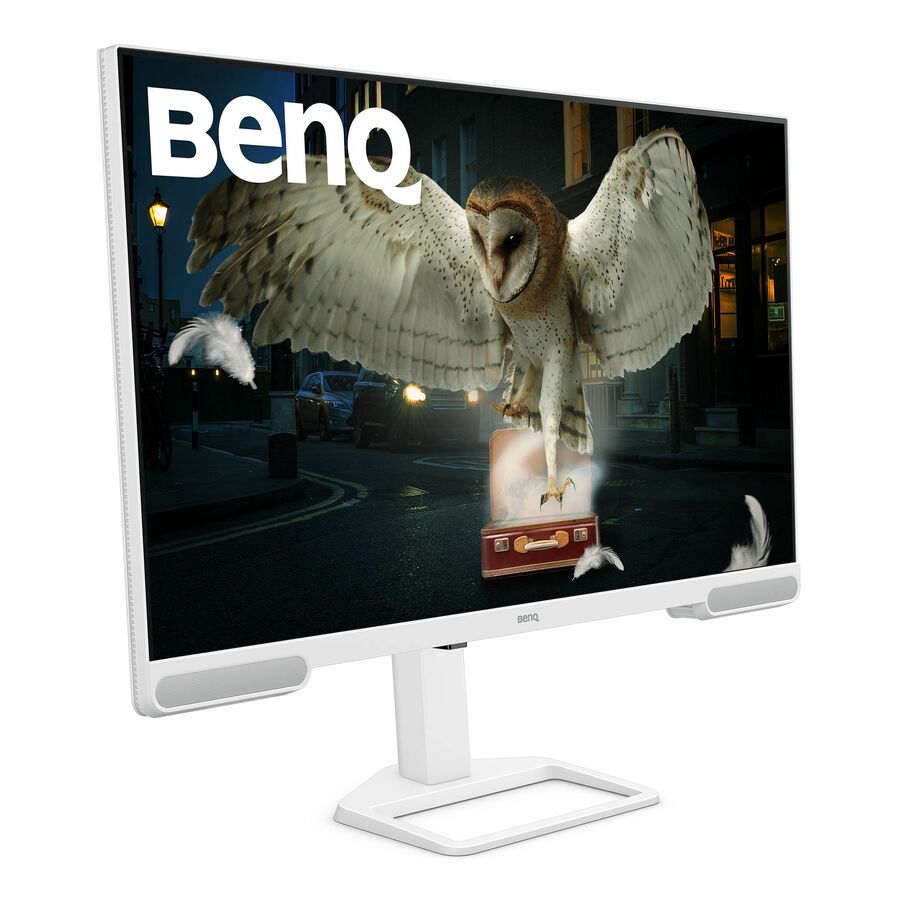
BenQ
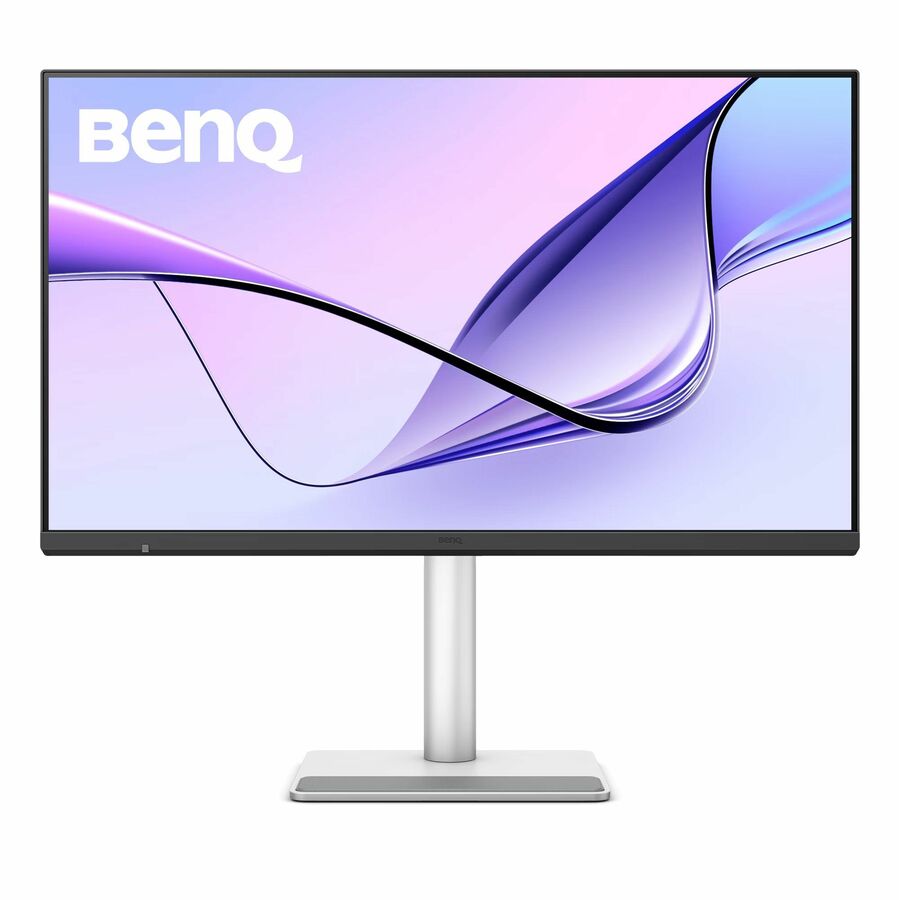
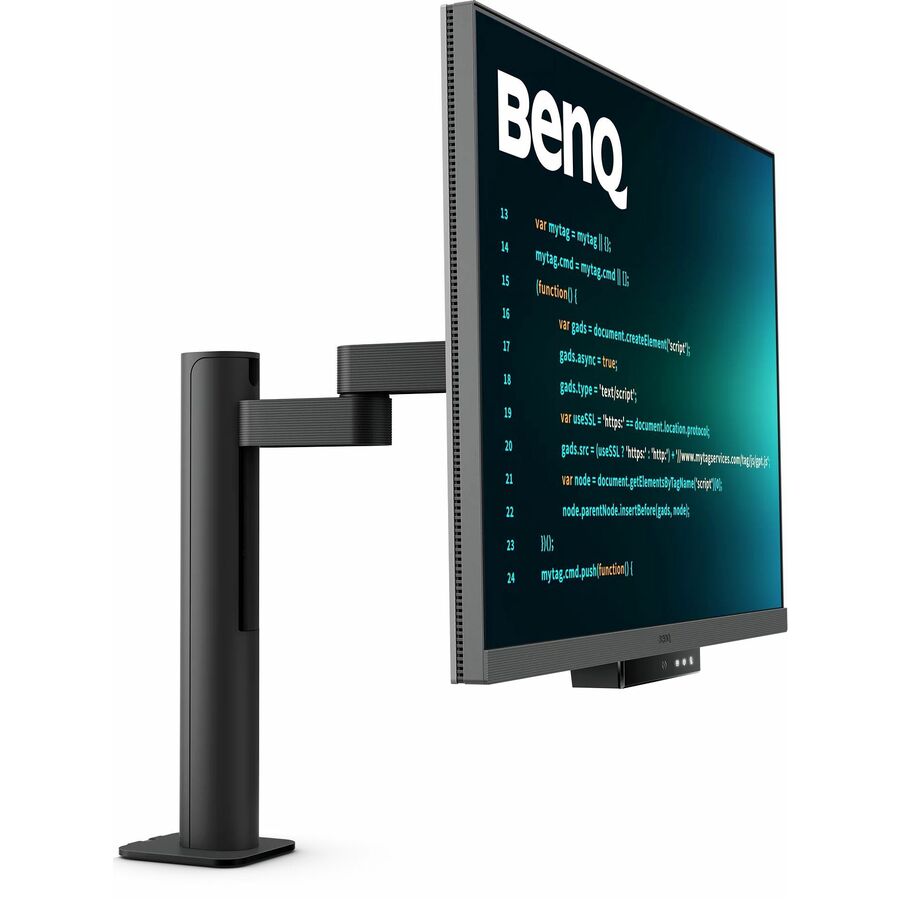
BenQ Premium EW3290U 32" Class 4K UHD LED Monitor
EW3290U
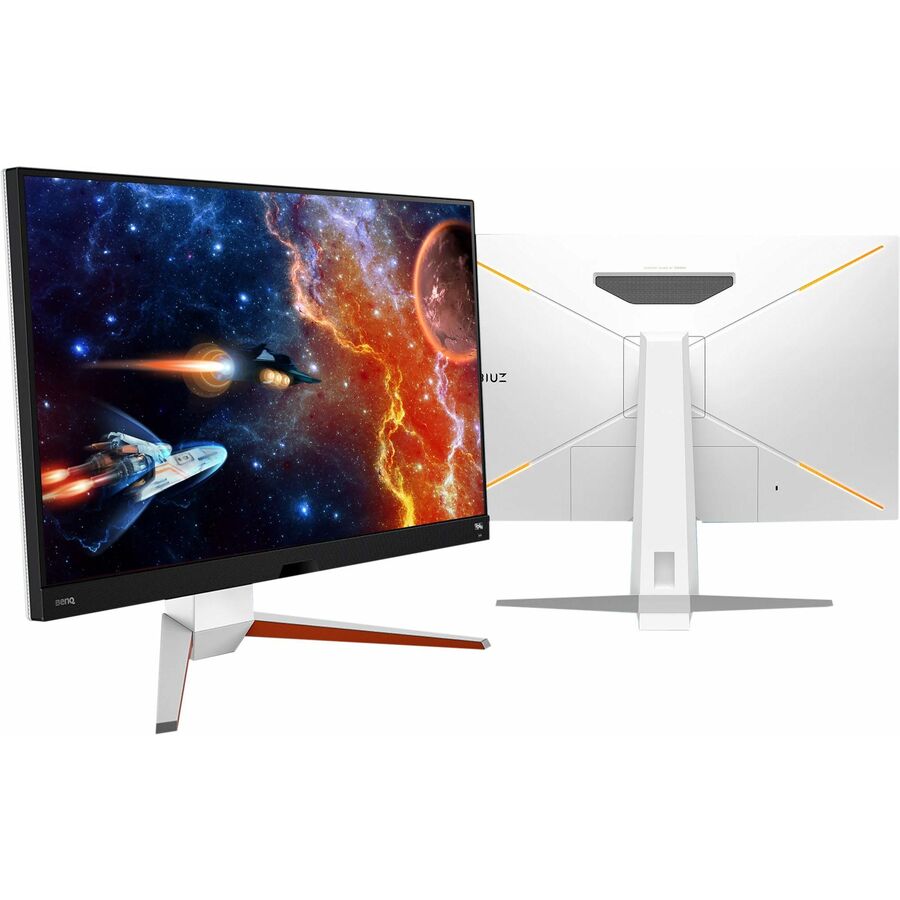
A 32-inch 4K UHD IPS monitor for a productivity desk that wants the larger diagonal and native-scaling text.
Request pricing27-inch, TAA
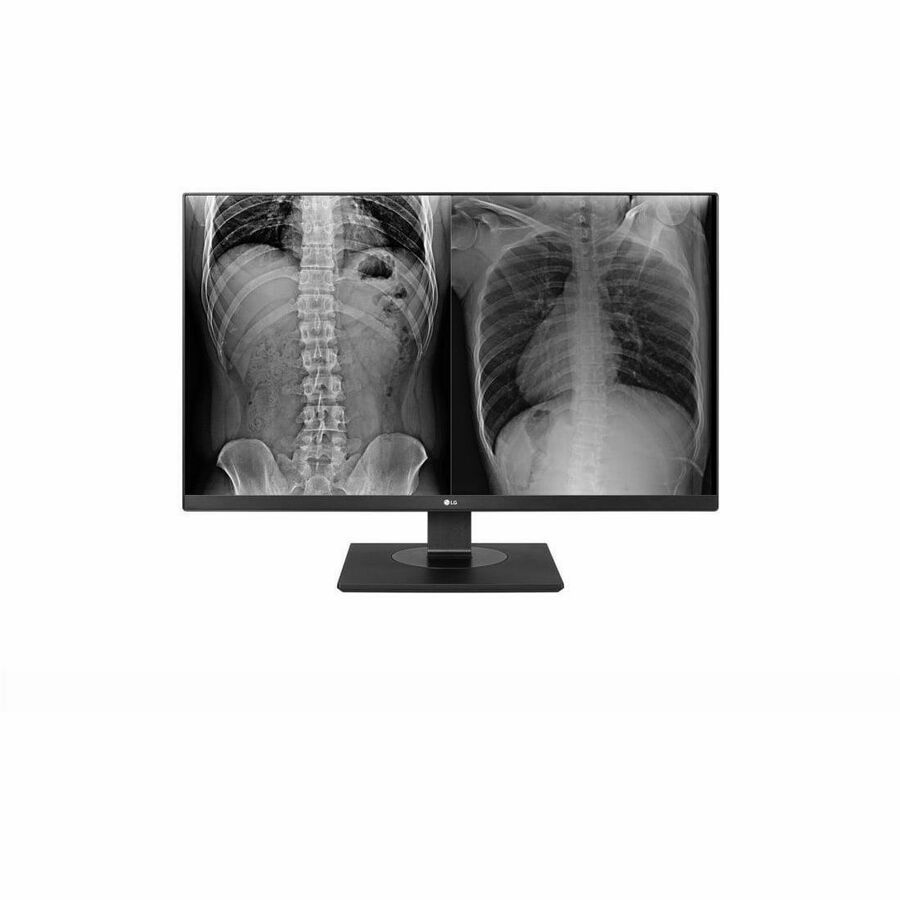
LG Electronics
LG 27HJ713C-B 27" Class 4K UHD LCD Monitor
27HJ713C-B
A 27-inch 4K UHD IPS monitor listed TAA Compliant in the manufacturer's own title, a professional display for a desk where the country-of-origin designation is on the requirement.
TAA Compliant is stated on this row's own title — a per-part fact to confirm on the model you order.
$1,784.15*Back-ordered32-inch, TAA
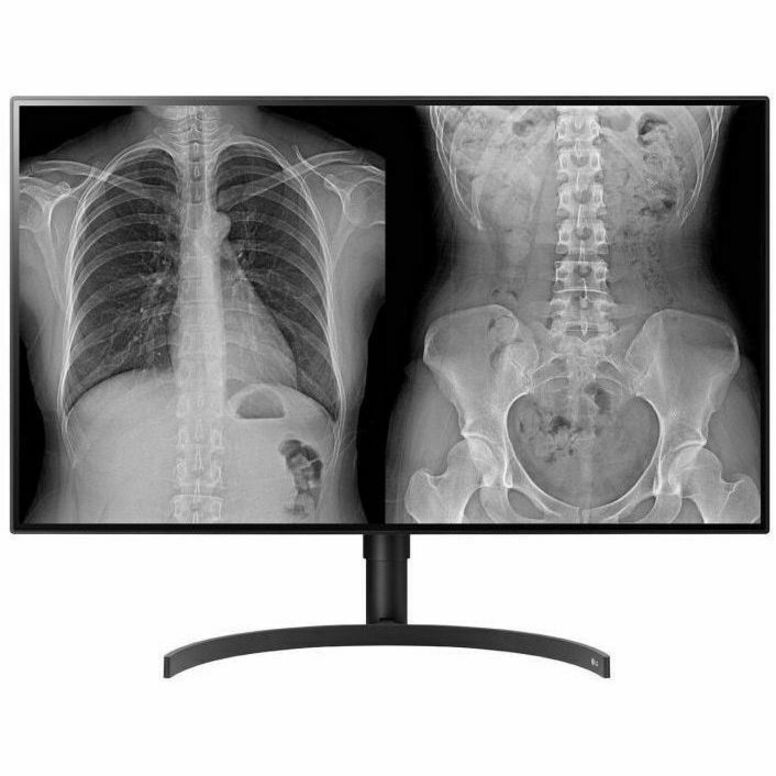
LG Electronics
LG 32HL512D-B 32" Class 4K UHD LCD Monitor
32HL512D-B
A 32-inch 4K UHD monitor listed TAA Compliant by the manufacturer, the larger professional size with the country-of-origin designation on the row.
TAA Compliant per the vendor title — a per-part fact to confirm on the row you order.
$4,249.15*Back-ordered27-inch, ViewFinity
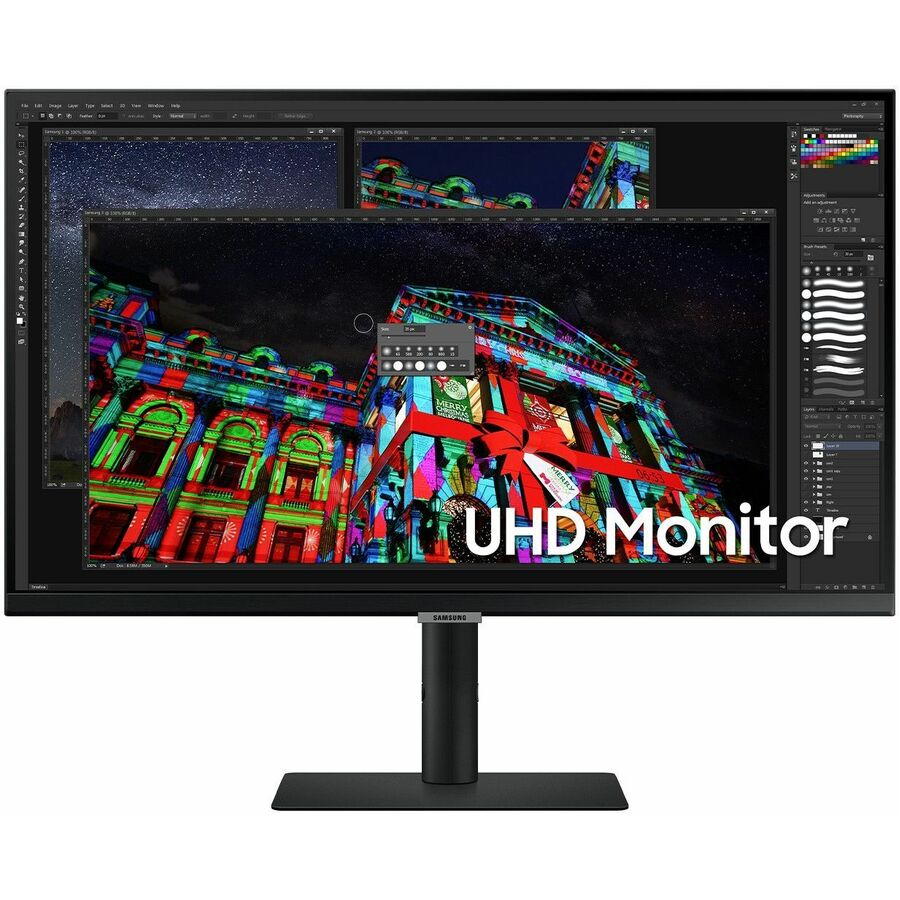
Samsung
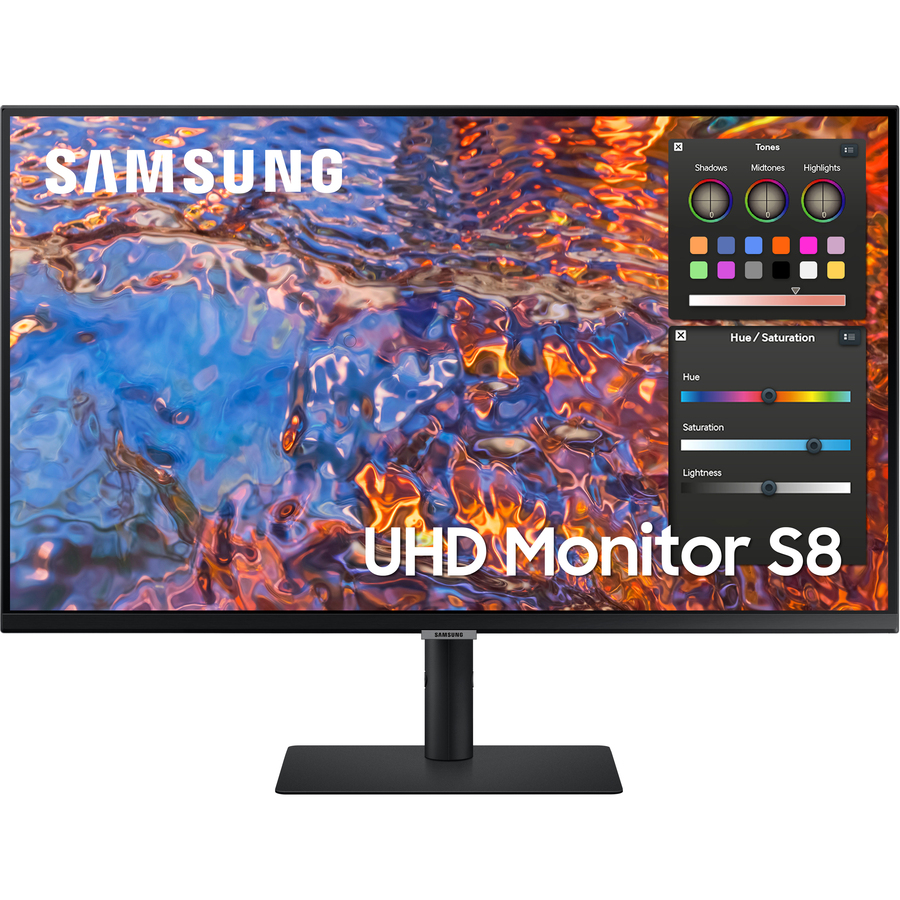
Samsung S27A804UJN 27" Class 4K UHD LCD Monitor
S27A804UJN
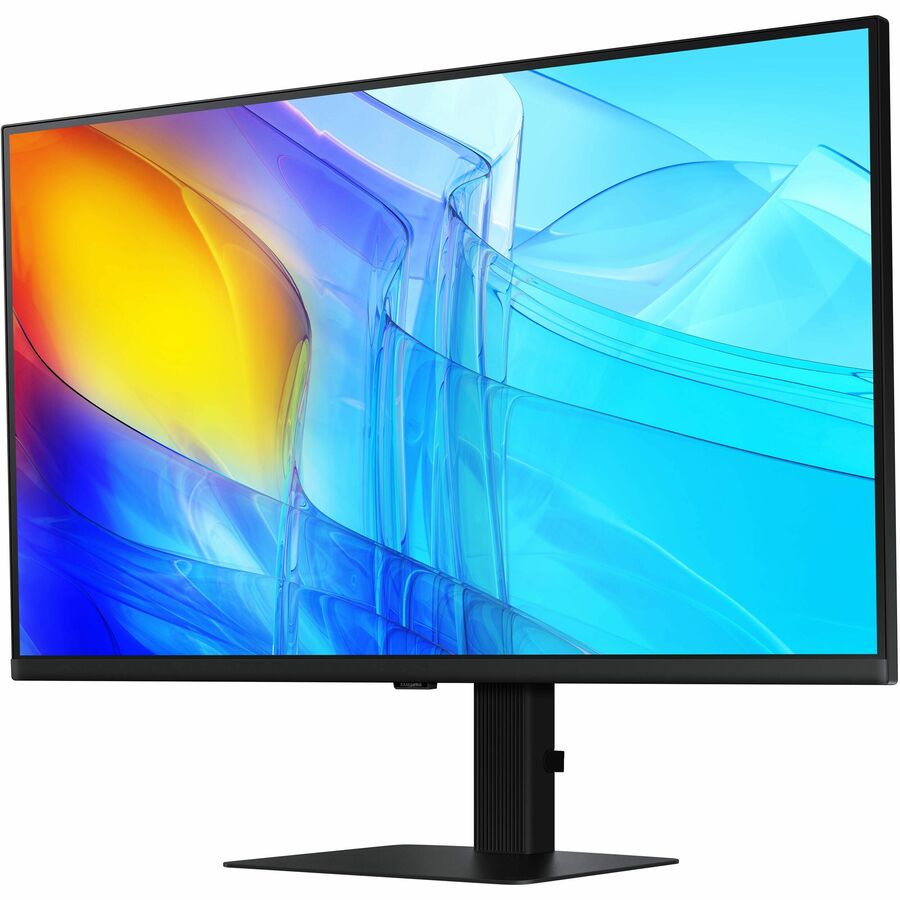
A 27-inch 4K UHD IPS monitor from the professional ViewFinity line, a clean office display at the standard desk size.
$547.36Back-ordered27-inch, FlexScan
EIZO
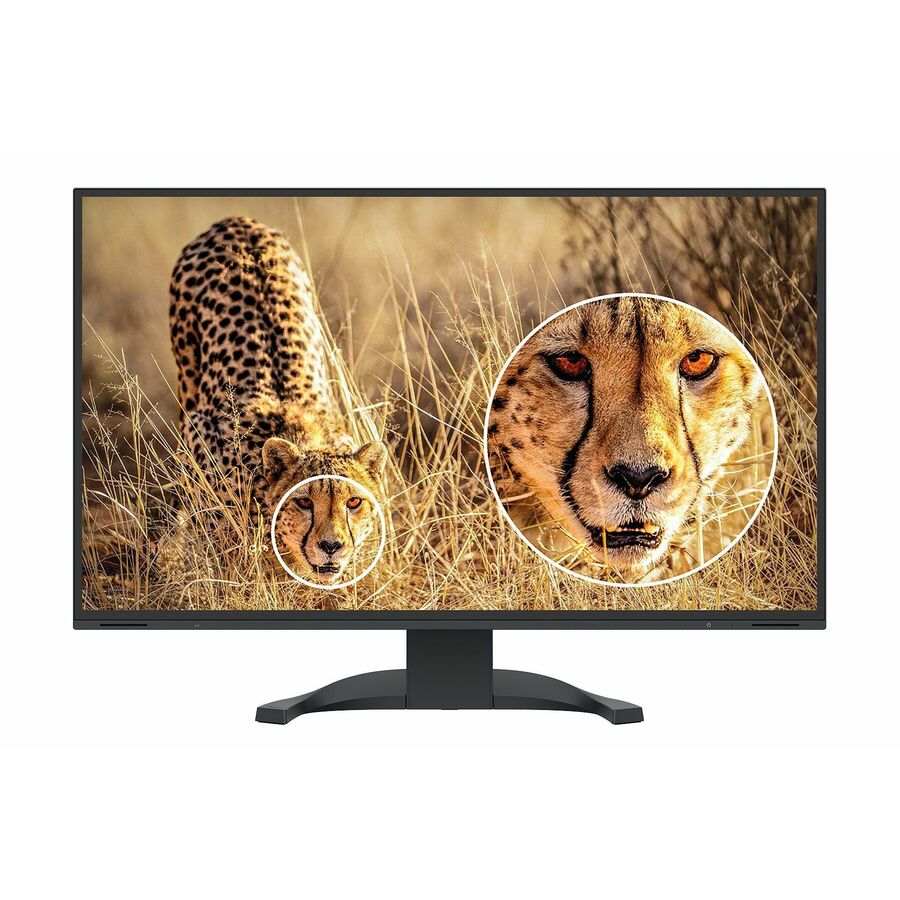
EIZO FlexScan EV2740X-BK 27" Class 4K UHD LED Monitor
EV2740X-BK
A 27-inch 4K UHD IPS FlexScan monitor built for long working days, with the ergonomics and low-fatigue design of a dedicated business line.
Every card this page renders states 4K in the manufacturer's own title, as this one does.
$1,362.48Back-orderedMore monitors in the Uniqcli catalog
See all 1,666 monitorsMore from across this category. In-stock lines lead, and a back-ordered line carries the same estimated availability its product page does — with live pricing throughout, NDAA §889 screening before checkout and TAA verified on request.
- SamsungSamsung ViewFinity S32B804PXN 32" Class 4K UHD LCD Monitor - 16:9 - Black - 32" Viewable - In-plane Switching (IPS) Technology - 3840 x 2160 - 1.07 Billion Colors - 350 Nit - 5 ms - 60 Hz Refresh Rate - USB Type-C - HDMI - DisplayPort - VESA Mount Compatible - USB HubS32B804PXN
$1,359.99
$898.43
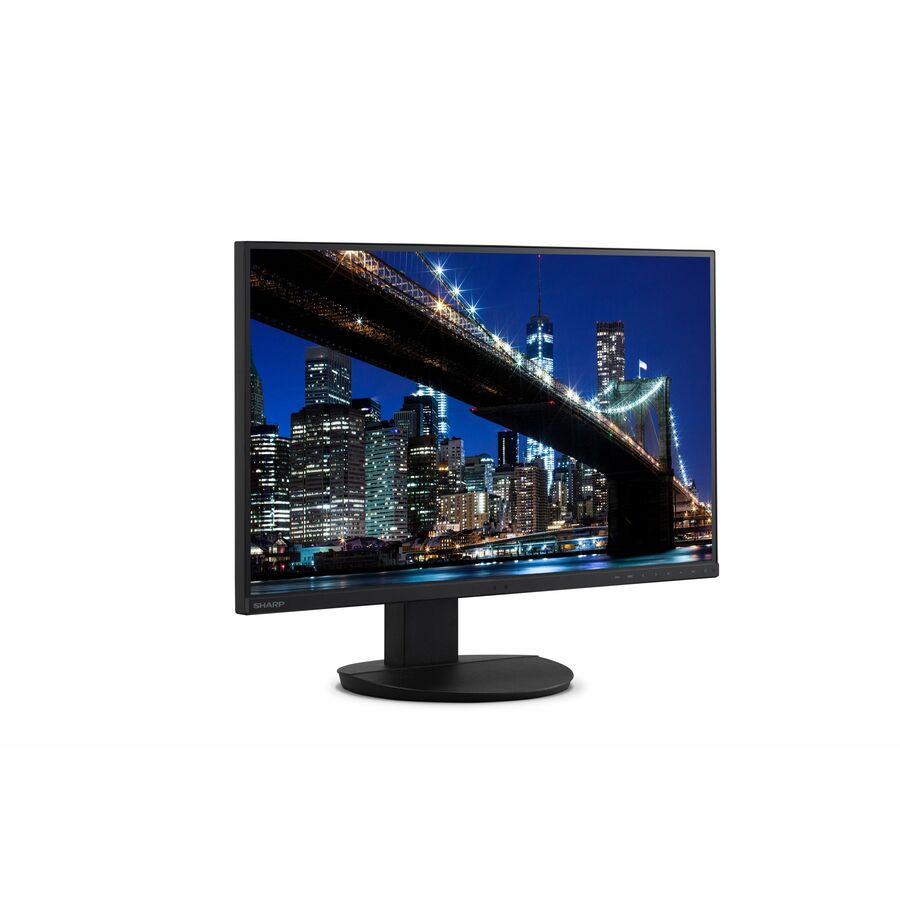
38 in stock - SharpSharp NEC Display MultiSync DD-EA272U 27" Class 4K UHD LED Monitor - 16:9 - 27" Viewable - In-plane Switching (IPS) Technology - LED Backlight - 3840 x 2160 - 16.7 Million Colors - 350 Nit - 6 ms - 60 Hz Refresh Rate - USB Type-C - HDMI - DisplayPort - VESA Mount Compatible - USB HubDD-EA272U
$1,149.00
$752.00
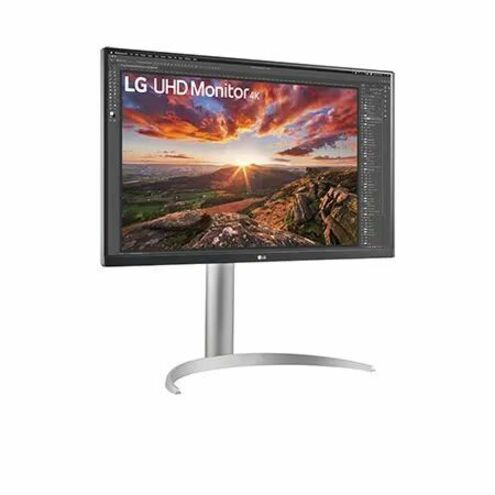
49 in stock - LG ElectronicsLG 27BP85UK-W 27" Class 4K UHD LCD Monitor - 16:9 - Textured Black - 27" Viewable - In-plane Switching (IPS) Technology - 3840 x 2160 - 400 Nit - 5 ms - 60 Hz Refresh Rate - Speakers - Height, Pivot, Tilt - USB Type-C - HDMI - DisplayPort - VESA Mount Compatible27BP85UK-W
$972.50
$826.63
34 in stock - ViewSonicViewSonic VP2776T-4K 27 Inch 4K ColorPro Monitor, IPS Display with 100% sRGB and Pantone Validated for MacBook Pro Mac Studio Desktop Setups, Advanced Ergonomics, Thunderbolt 4, and HDMI 2.1 Inputs - 27? Viewable - In-plane Switching (IPS) Technology - 3840 x 2160 - 5 ms - HDMI - DisplayPortVP2776T-4K
$895.00
$795.15
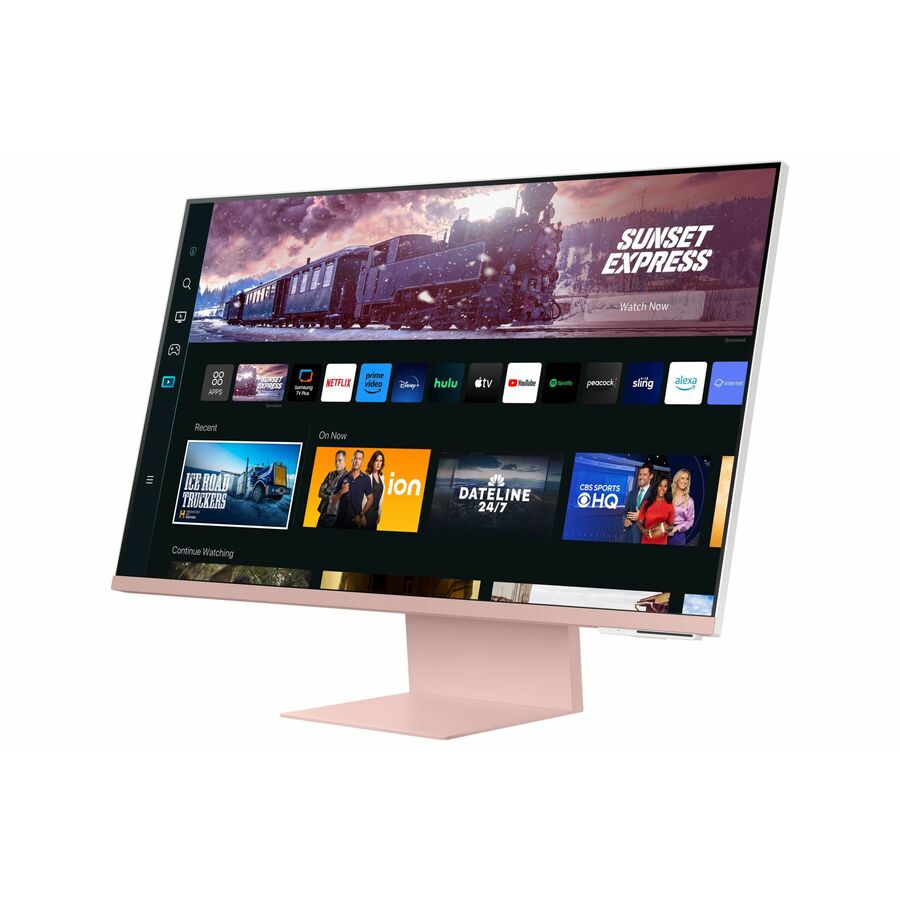
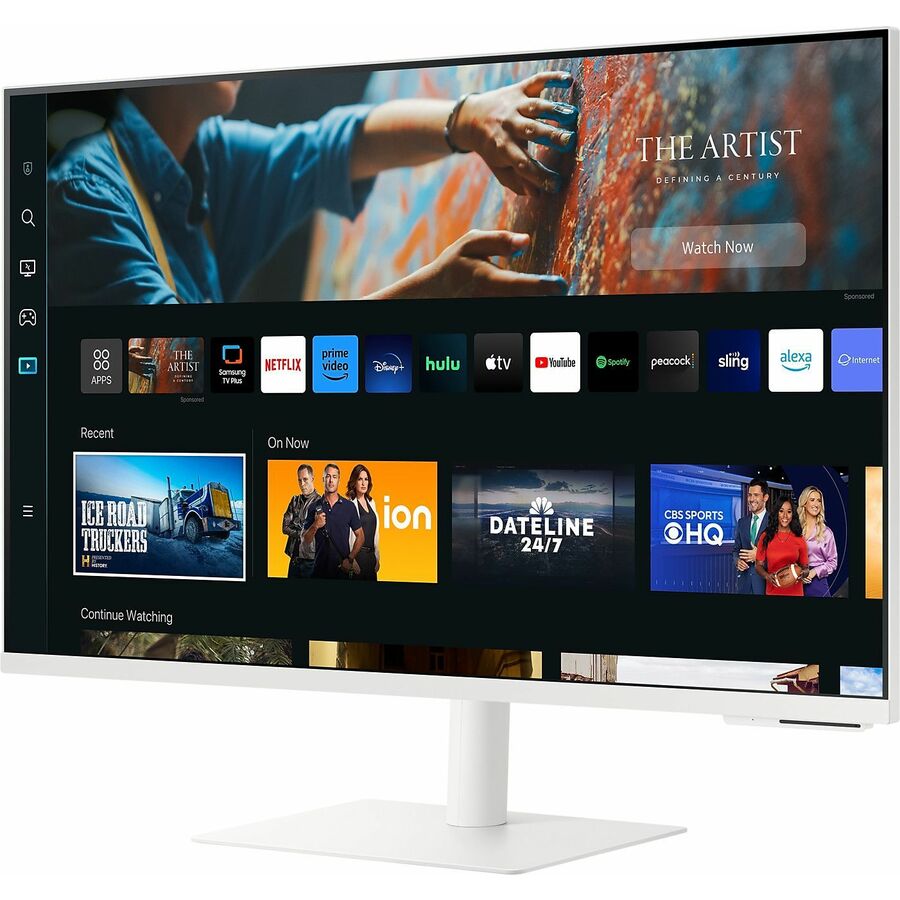
268 in stock - SamsungSamsung S32CM80PUN 32" Class 4K UHD Smart LCD Monitor - 16:9 - Sunset Pink, Warm White - 32" Viewable - Vertical Alignment (VA) - 3840 x 2160 - 1 Billion Colors - 300 Nit - 4 ms - 60 Hz Refresh Rate - Speakers - Height, Pivot, Tilt - USB Type-C - HDMI - VESA Mount Compatible - USB HubLS32CM80PUNXZA
$1,309.97
3 in stock - SamsungSamsung S32CM701UN 32" Class 4K UHD Smart LCD Monitor - 16:9 - Warm White - 32" Viewable - Vertical Alignment (VA) - 3840 x 2160 - 1 Billion Colors - 240 Nit - 4 ms - 60 Hz Refresh Rate - Speakers - Height, Tilt, Pivot - USB Type-C - HDMI - VESA Mount Compatible - USB HubLS32CM701UNXZA
$1,017.99
9 in stock - SamsungSamsung S27CM701UN 27" Class 4K UHD Smart LCD Monitor - 16:9 - Warm White - 27" Viewable - Vertical Alignment (VA) - 3840 x 2160 - 1 Billion Colors - 240 Nit - 4 ms - 60 Hz Refresh Rate - Speakers - Height, Tilt, Pivot - USB Type-C - HDMI - VESA Mount Compatible - USB HubLS27CM701UNXZA
$905.36
9 in stock




Need pricing on 4K business monitors?
Tell us where to reach you and a Uniqcli specialist will follow up by email with current pricing, availability and lead time for the quantities you need — including parts that aren’t shown on this page.
Buying for an organization or for yourself — both work. No payment up front.
A 4K monitor puts four times the pixels of a 1080p screen in the same space, and for business that resolution is not about media — it is about how much a person can see at once. At 4K a 27 or 32-inch display shows more of a spreadsheet, more code, two documents side by side, or a design at its true detail, without the softness that made larger 1080p screens a strain. The specification that decides whether it delivers that cleanly is the panel: every professional pick on this page uses an IPS panel, whose wide viewing angles and stable colour are what a desk shared across a day, and a fleet standardised across a floor, actually need.
Every row on this page states 4K in the manufacturer's own catalog title, so the resolution is a fact per card rather than a marketing rounding. Within that, the page is scoped to the professional and office end of the shelf — the gaming displays that also reach 4K are a different purchase with a different priority. The facts a fleet buyer standardises on are the panel type, the screen size, whether the monitor doubles as a USB-C dock that powers and connects the laptop over one cable, and how far the stand adjusts. The titles below state each, and the choice changes which desks and roles the monitor is right for.
Two decisions carry most of the weight after the resolution. USB-C connectivity is the one that changes the desk: a 4K monitor with USB-C can carry video, data and enough power to charge the laptop over a single cable, which turns the screen into the dock and removes a box from every desk in the fleet. Ergonomics is the one that changes the person: a stand that adjusts height, tilt and rotation, or a monitor built for a separate arm, is what makes a 4K screen usable for eight hours rather than merely sharp. Send the laptops, the roles and whether the desks need one screen or two, and the right size, panel and connectivity can be quoted for the fleet on one document.
Buyer's checklist
How to choose a 4K monitor for business
- Confirm the machine can drive 4K at 60 Hz. A 4K display refreshing at 30 Hz feels laggy for everyday desktop work; the laptop or desktop needs a video output — HDMI 2.0, DisplayPort or USB-C DisplayPort Alt Mode — capable of 4K 60 Hz, which most modern business machines have but older ones may not.
- Prefer an IPS panel for shared and professional desks. IPS gives wide viewing angles and stable, consistent colour, which matters when two people look at one screen or a fleet has to look alike; the panel type is stated in the title on every row here.
- Size the screen to the work and the desk. A 27-inch 4K screen suits most office roles; 32 inches suits design, finance and anyone who lives in large spreadsheets; 43 inches replaces a multi-monitor setup for control-room and dashboard use. Larger 4K screens also want a slightly greater viewing distance.
- Treat USB-C as the fleet feature it is. A 4K monitor with USB-C power delivery carries video, data and laptop charging over one cable, so the screen becomes the dock and the desk loses a box — check the wattage against what the laptops draw under load.
- Read the ergonomics against an eight-hour day. A stand with height, tilt, swivel and pivot, or a monitor sold for a separate arm, is what makes a 4K screen comfortable rather than just detailed; a fixed stand is a false economy on a full-time desk.
- Standardise on one or two models across the fleet. A single monitor keeps the mounting, the cabling and the helpdesk script uniform, and keeps a swap unit compatible with every desk — the real saving on a fleet rollout.
- Where the purchase order names TAA, read it on the part number. Some of these monitors carry TAA Compliant in the manufacturer's own title and others do not; it is a per-part fact to confirm on the exact row you order.
What 4K buys a business, and why the panel matters
The value of 4K in an office is screen real estate at native sharpness. Four times the pixels of 1080p means a 27 or 32-inch monitor can show more rows of a spreadsheet, more lines of code, or two full pages side by side, and it can do it without the fuzziness that made large low-resolution screens tiring to read. Text is crisp at 100 per cent scaling on a 32-inch panel and comfortable with light scaling on a 27, which is the practical reason 4K has become the default for detail-heavy work rather than a premium extra. The catch is the refresh rate: a 4K display driven at 30 Hz feels sluggish for ordinary desktop use, so the machine has to have a video output capable of 4K at 60 Hz, which most current business laptops and desktops do.
The panel is what turns resolution into a monitor a business can standardise on. IPS panels — which every professional pick here uses — hold their colour and contrast across wide viewing angles, so the screen looks the same to the person at the desk, the colleague leaning in and the next identical unit down the row. That consistency is exactly what a fleet needs and what a shared or collaborative desk depends on, and it is why the professional 4K lines are IPS almost without exception. The gaming displays that also reach 4K optimise for refresh rate and response time instead, which is the right trade for a game and the wrong emphasis for a spreadsheet — the reason this page is scoped the way it is.
USB-C docking, ergonomics and the fleet decision
The feature that changes the desk more than any other is USB-C. A 4K monitor with a USB-C input that supports DisplayPort Alt Mode and power delivery carries the video, the data and enough charge for the laptop over one cable — the monitor becomes the docking station, the peripherals hang off the screen's own hub, and every desk in the fleet loses a separate dock and its power brick. The figure to check is the wattage: a screen that delivers enough to charge the laptop under load replaces the charger, while an under-rated one leaves the machine trickling. Where the fleet is laptops, a USB-C 4K monitor is often the single most useful standardisation a refresh can make.
Ergonomics is the half of the purchase that decides whether the resolution is actually used. A 4K screen is sharp whatever it sits on, but a stand that adjusts height, tilt, swivel and pivot — or a VESA mount for a separate arm — is what lets a person set it for their own eye line and keep it comfortable across a full day, and it is what lets a shared desk be re-set in seconds. Buying a detailed screen on a fixed stand for a full-time role is a false economy that shows up as neck strain and abandoned second screens. Send the laptop models, the roles, the desk layout and whether TAA applies, and the size, panel, connectivity and mounting can be specified for the whole fleet on one document.
FAQ
Common questions
- Do I need a 27-inch or a 32-inch 4K monitor for business?
- It depends on the work and the desk. A 27-inch 4K monitor suits the majority of office roles and reads comfortably with light display scaling. A 32-inch 4K screen shows text crisply at 100 per cent scaling and suits design, finance and anyone who lives in large spreadsheets or side-by-side documents, at the cost of a little more desk and viewing distance. A 43-inch 4K display goes further still and can replace a multi-monitor setup for control-room and dashboard use. All three sizes are on this page; match the diagonal to how detail-heavy the role is and how much desk depth there is to sit back from it.
- Why choose an IPS panel for a business 4K monitor?
- Because a business screen is looked at from more than one angle and has to match its neighbours. IPS panels hold their colour and contrast across wide viewing angles, so the display looks the same to the person at the desk, a colleague leaning in and the next identical unit down the row — the consistency a fleet and a shared desk depend on. The professional 4K lines on this page are IPS almost without exception. The 4K gaming monitors that also exist optimise for refresh rate and response time instead, which is the right trade for a game and the wrong emphasis for spreadsheets and documents, which is why this page is scoped to the professional displays.
- What does USB-C on a 4K monitor do for a laptop fleet?
- It turns the monitor into the docking station. A 4K monitor with a USB-C input that supports DisplayPort Alt Mode and power delivery carries video, data and laptop charging over a single cable, so the peripherals hang off the screen's own hub and every desk loses a separate dock and power brick. The figure to check is the power-delivery wattage: it needs to meet what the laptop draws under load, or the machine trickle-charges. For a fleet that is mostly laptops, standardising on a USB-C 4K monitor is often the single most useful change a refresh can make, because it simplifies the desk and the cabling as well as the screen.
- Will any laptop drive a 4K monitor at 60 Hz?
- Most current business machines will, but it is worth confirming. Driving 4K at a smooth 60 Hz needs a video output capable of it — HDMI 2.0 or later, DisplayPort, or USB-C with DisplayPort Alt Mode — and older or low-end laptops may only manage 4K at 30 Hz, which feels laggy for ordinary desktop work. The monitor also has to be connected on a port and cable that carry the full bandwidth. Check the laptop's output specification against 4K 60 Hz before standardising a fleet on 4K, because a capable screen fed by an incapable port is a support ticket that looks like a monitor fault.
- Can business, government and education buyers order these?
- Every line Uniqcli quotes is sourced through US distribution and screened for TAA country-of-origin and NDAA §889 status before checkout — with documentation tied to the specific part number, not a product family.
Need 4K business monitors pricing?
Send a bill of materials or part numbers — we confirm stock and a below-market total, with TAA verified on request. No payment up front.