
Best Monitor Arms and Desk Mounts for Multi-Monitor Workstations
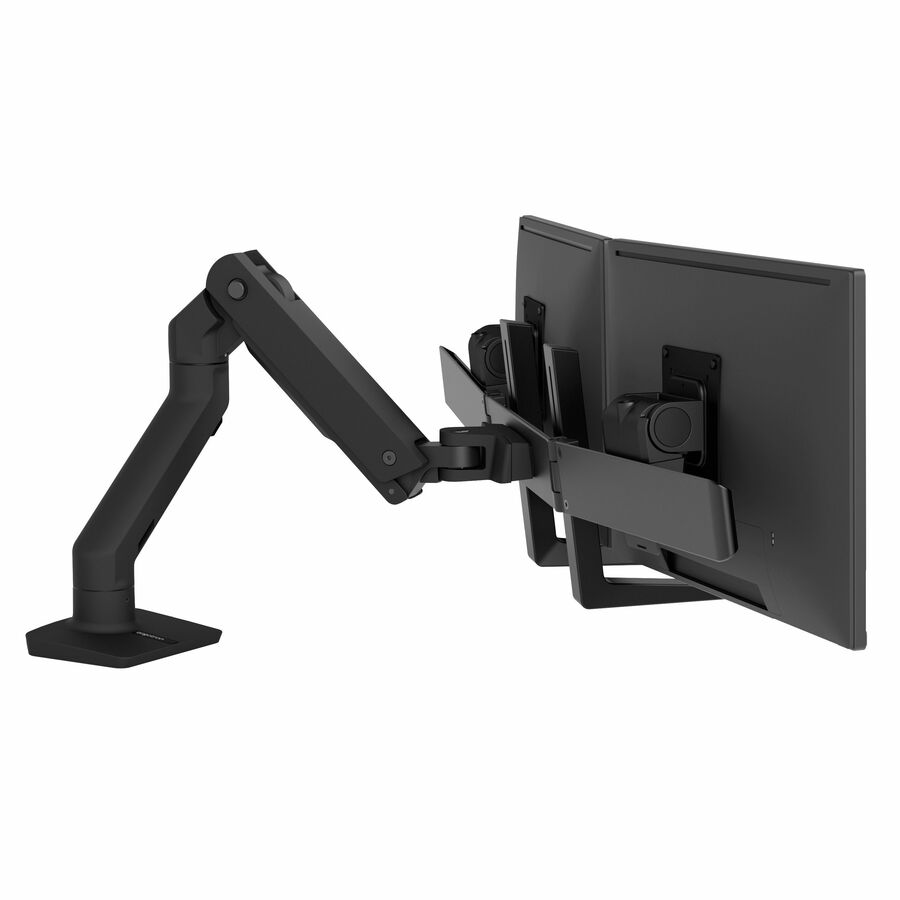
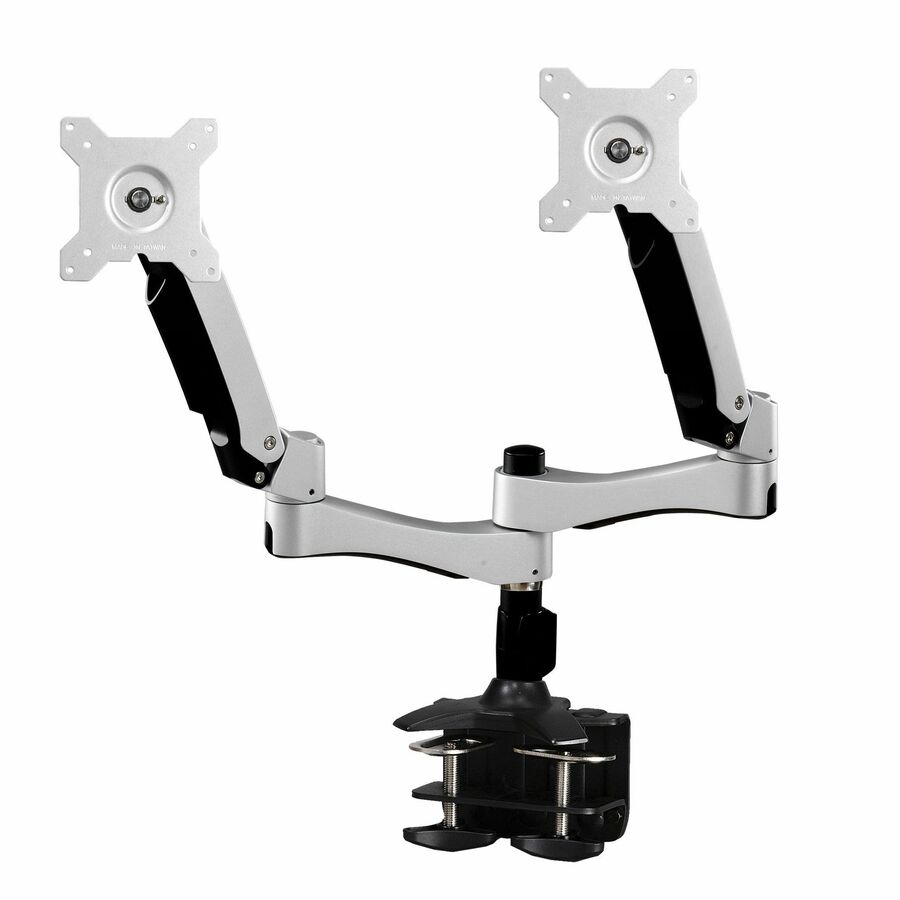
Single, dual and multi-display monitor arms and desk mounts from the brands Uniqcli carries.
Monitor arms in stock at Uniqcli
How to choose →A curated selection with live pricing — in-stock lines first, then back-ordered lines with a typical lead time. Every line is sourced through US distribution and screened for NDAA §889 status before checkout, with TAA verified on request.
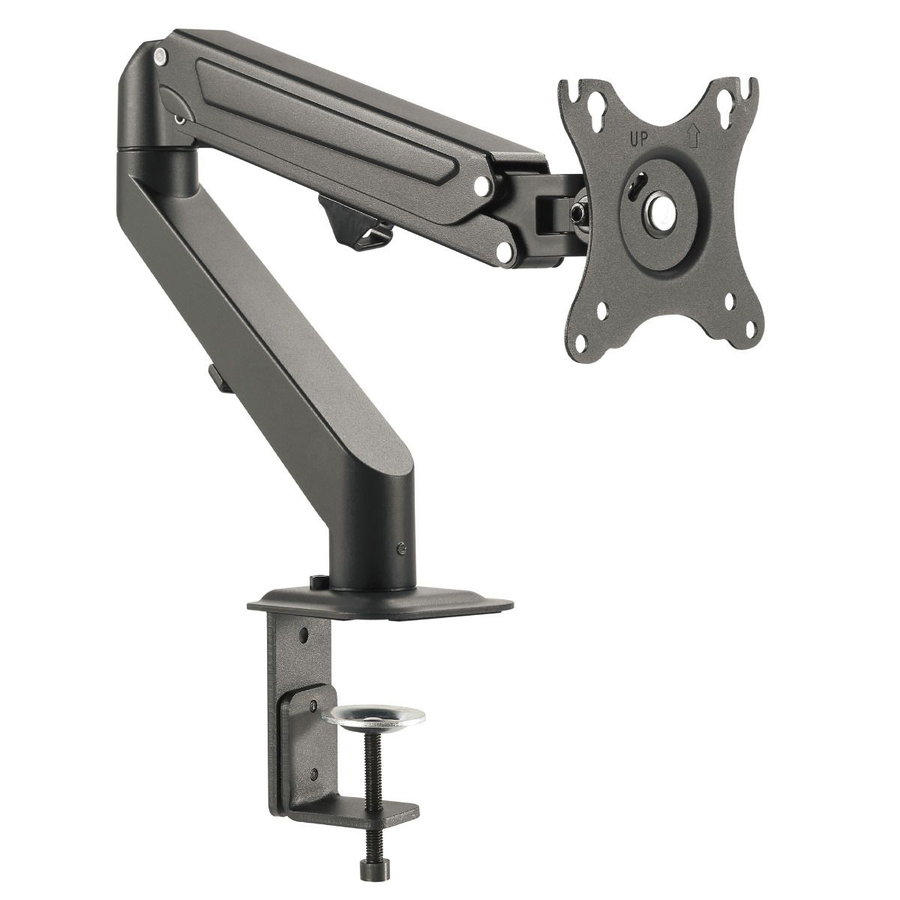
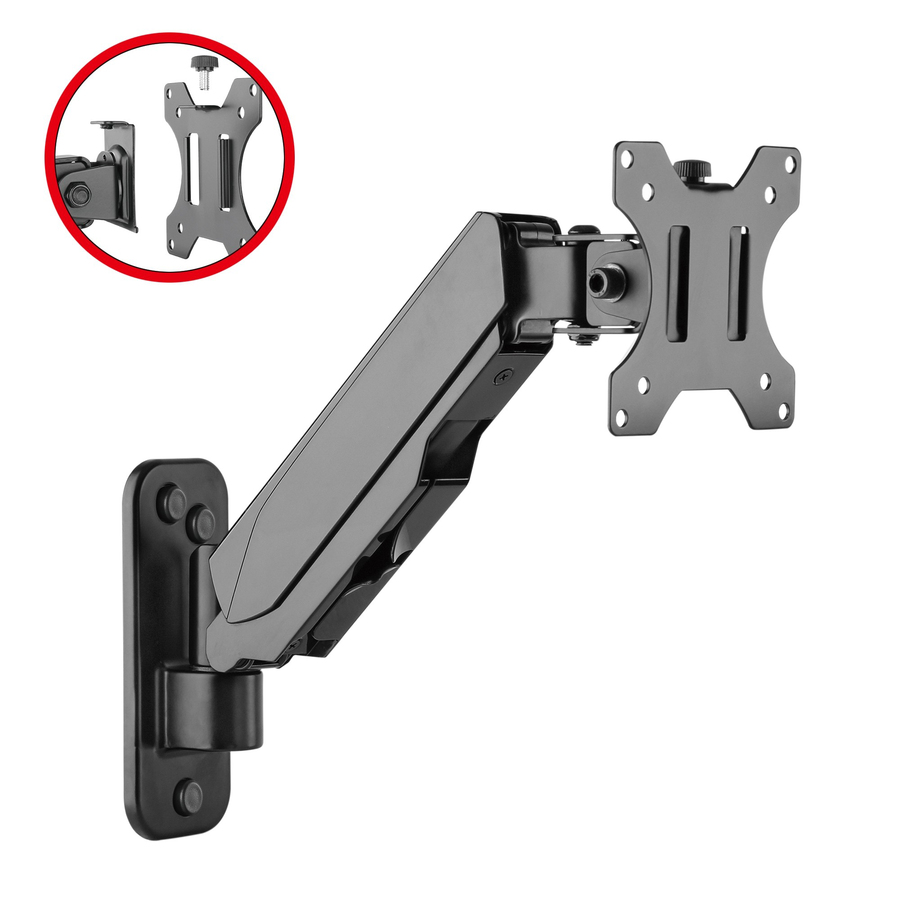
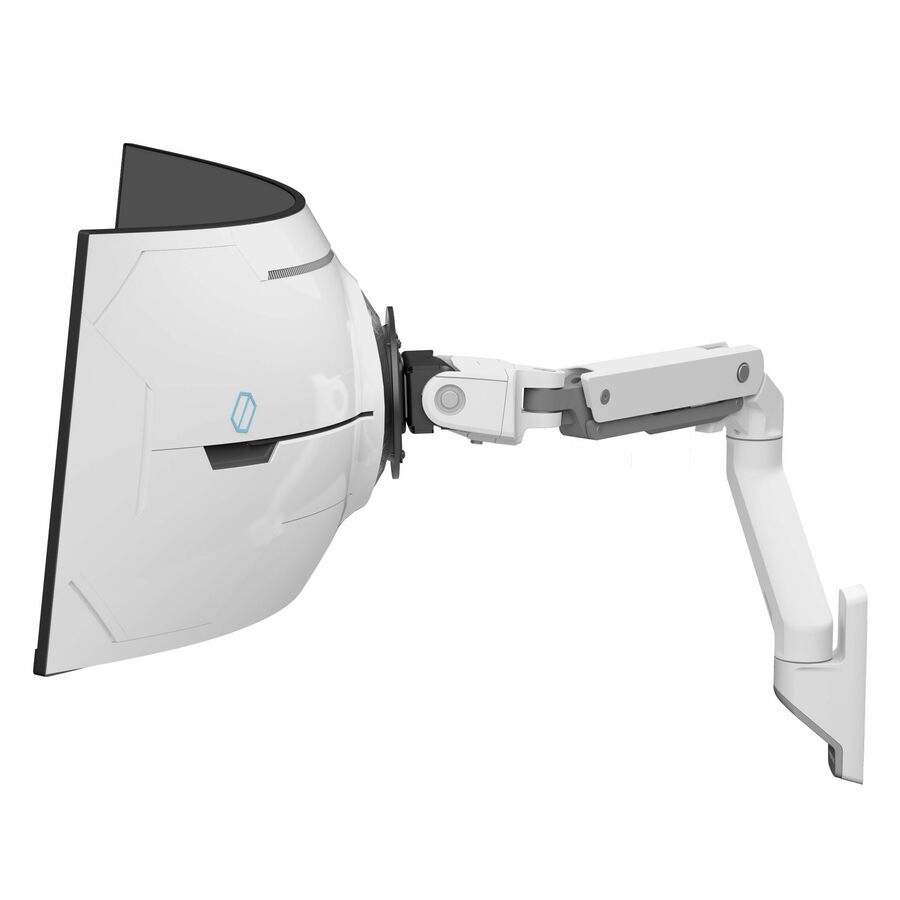
- SIIGAluminum Wall Mount Gas Spring Monitor Arm - 17" to 32" - Detachable & Rotatable VESA Plate 75x75mm 100x100mmCE-MT2K12-S1
$107.32
353 in stock
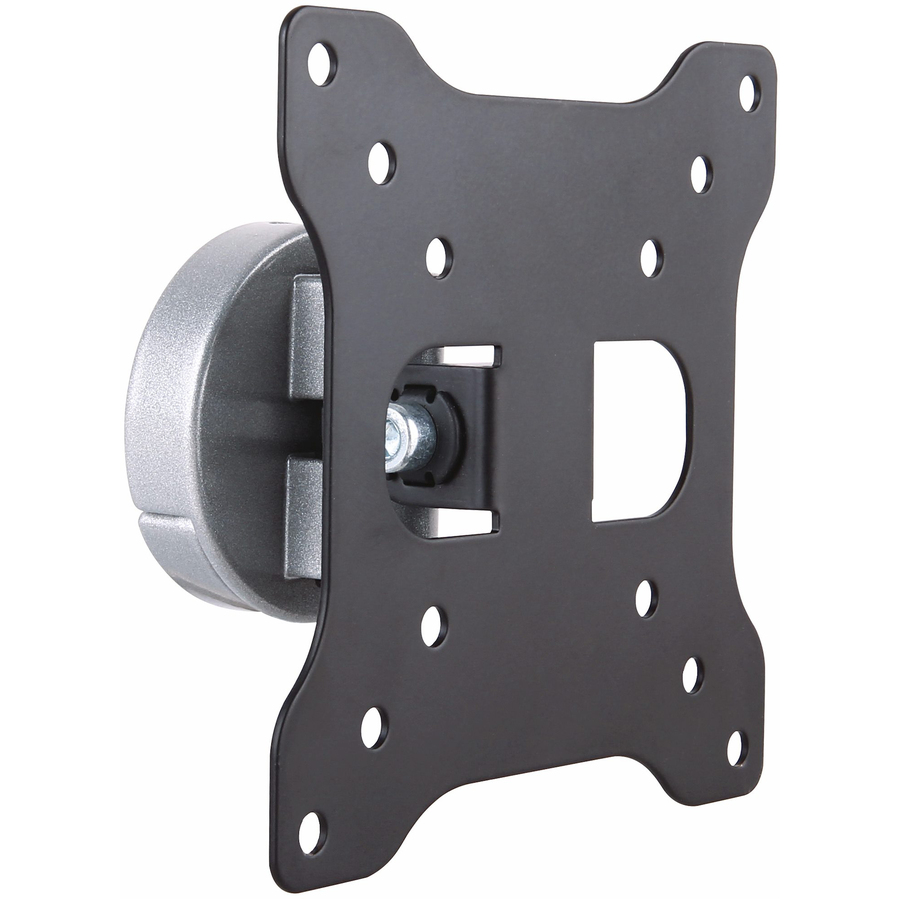

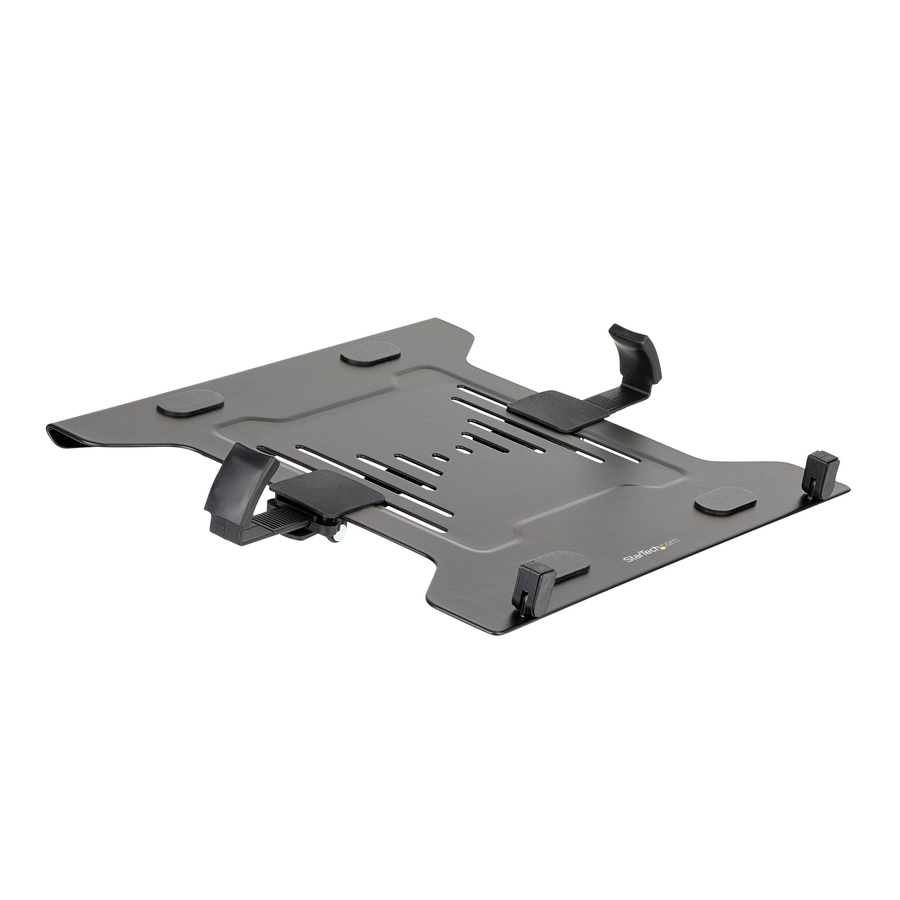
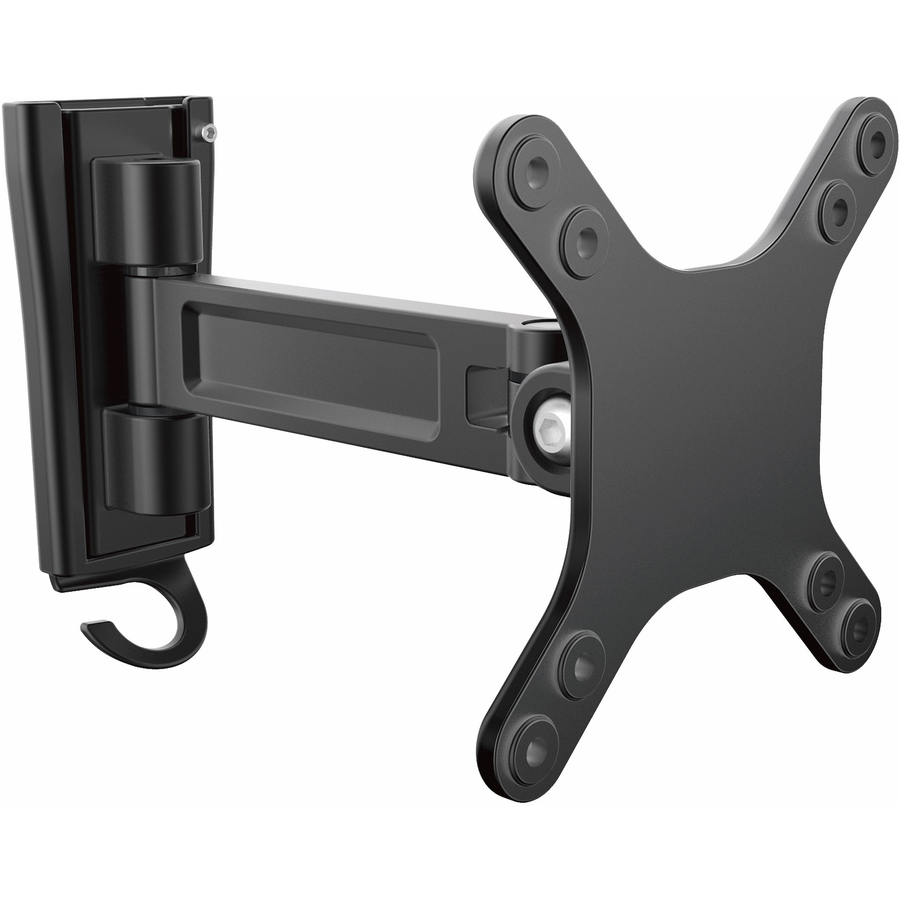
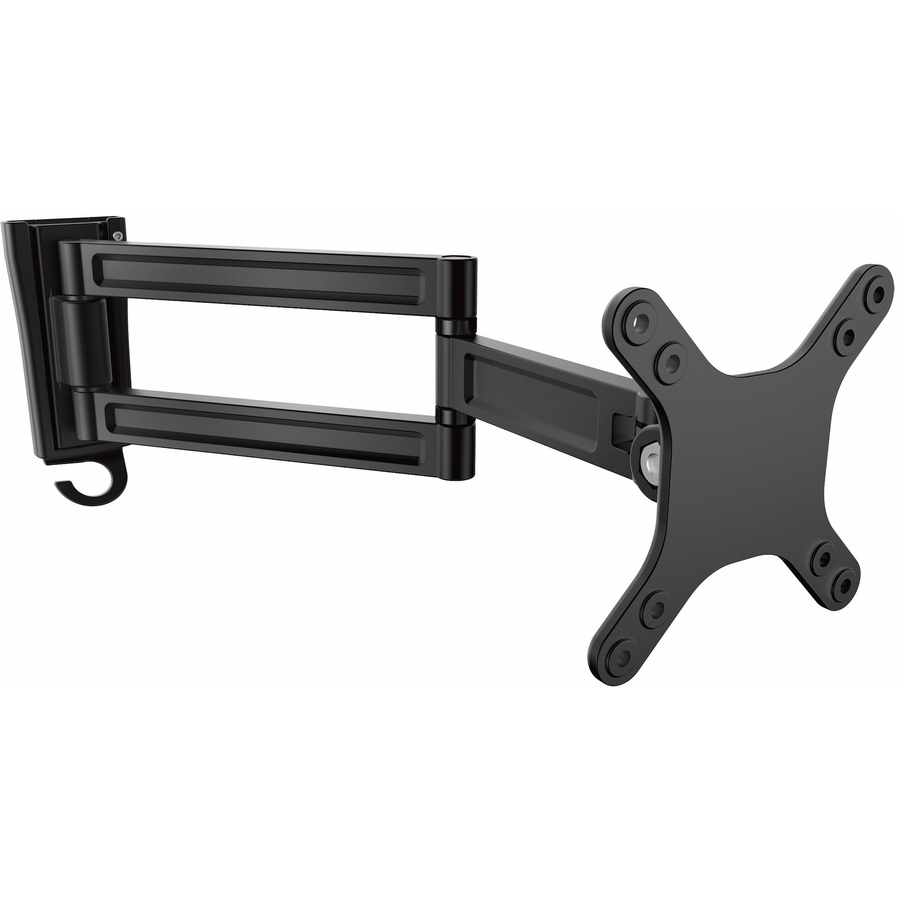


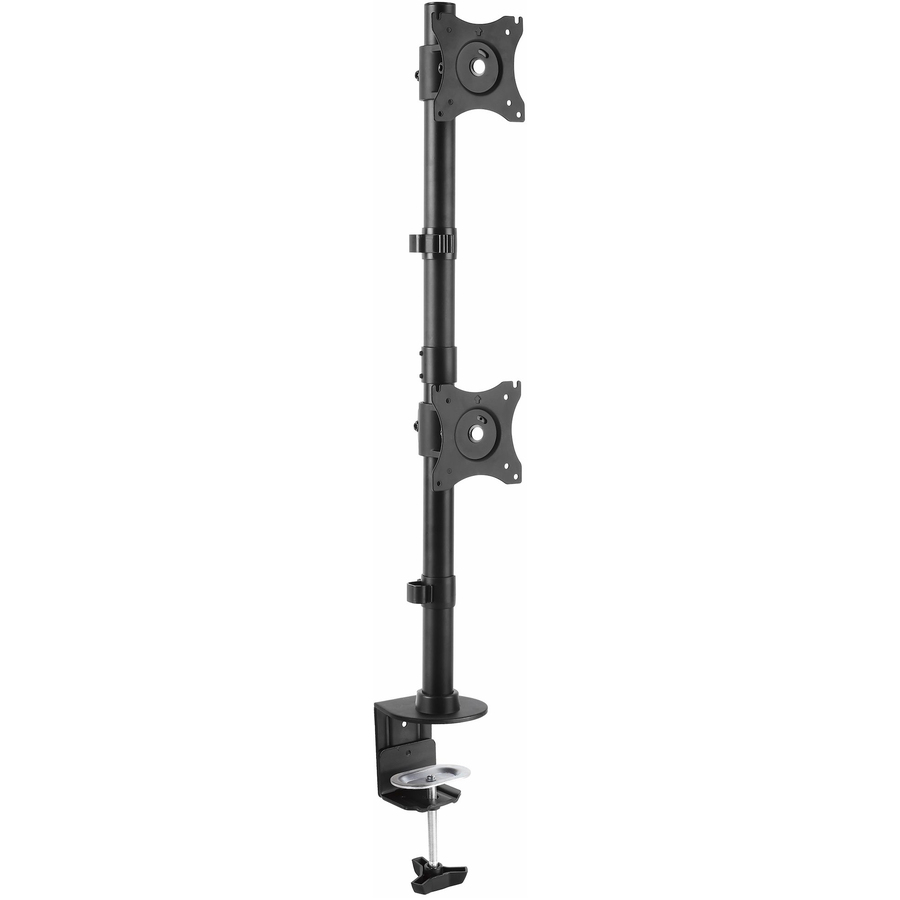
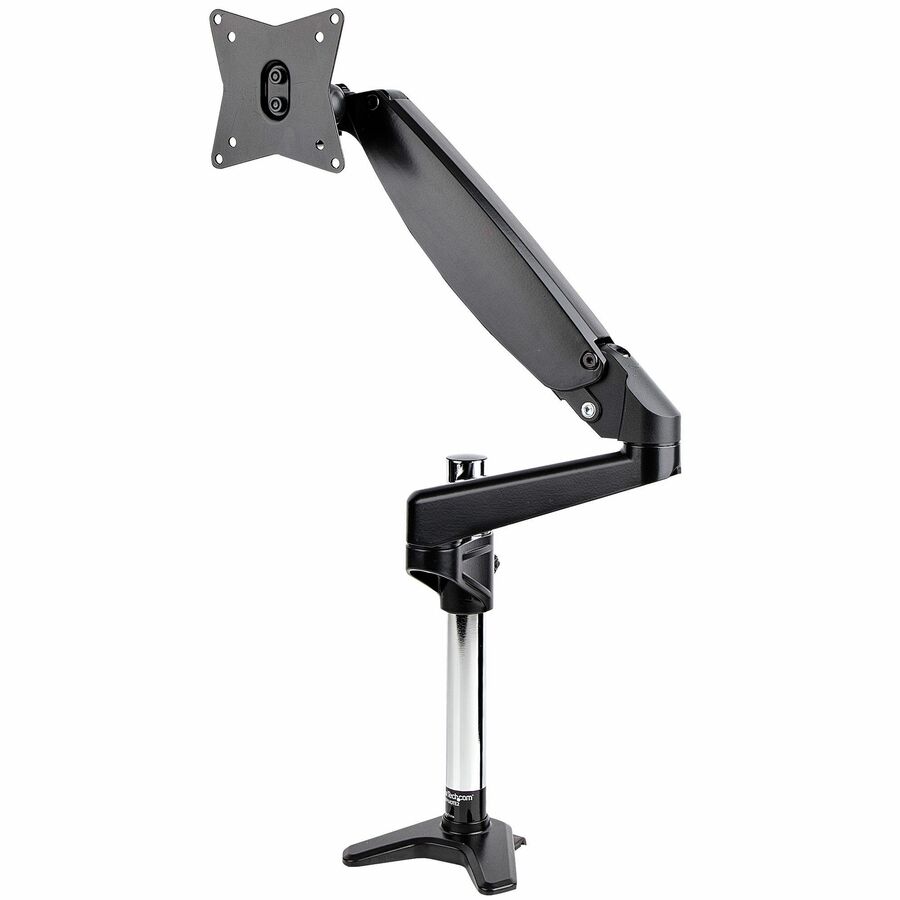
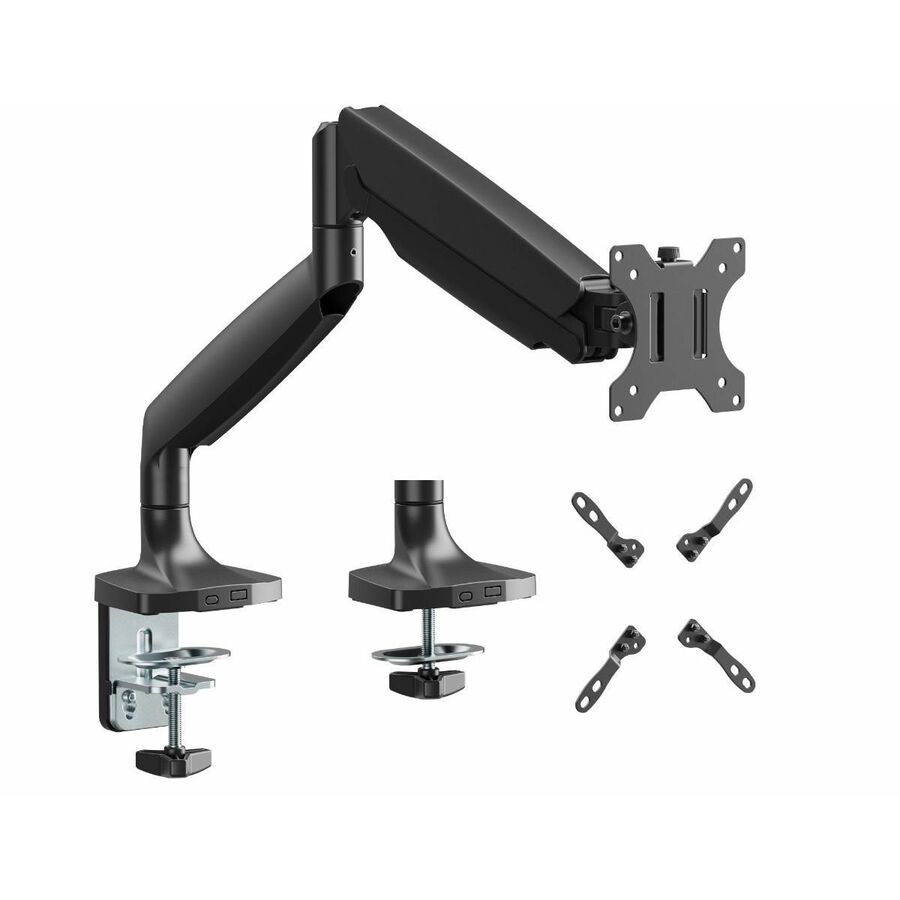
More mounting kits in the Uniqcli catalog
See all 12,867 mounting kitsMore from across this category. In-stock lines lead, and a back-ordered line carries the same estimated availability its product page does — with live pricing throughout, NDAA §889 screening before checkout and TAA verified on request.
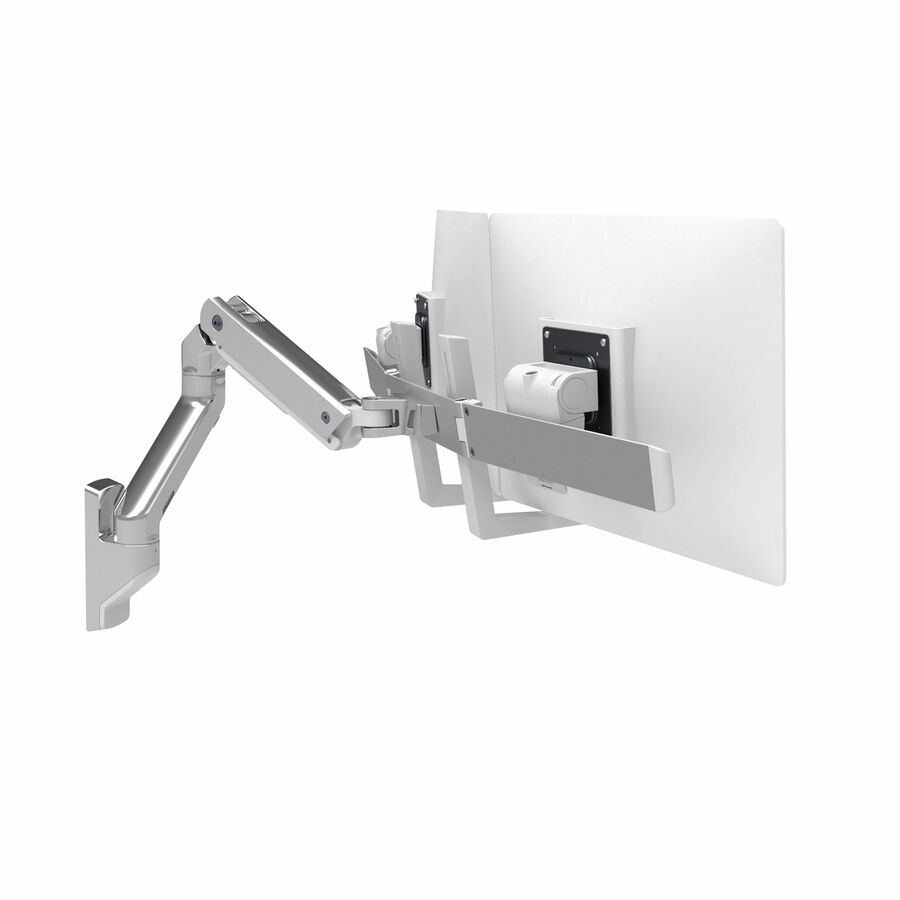

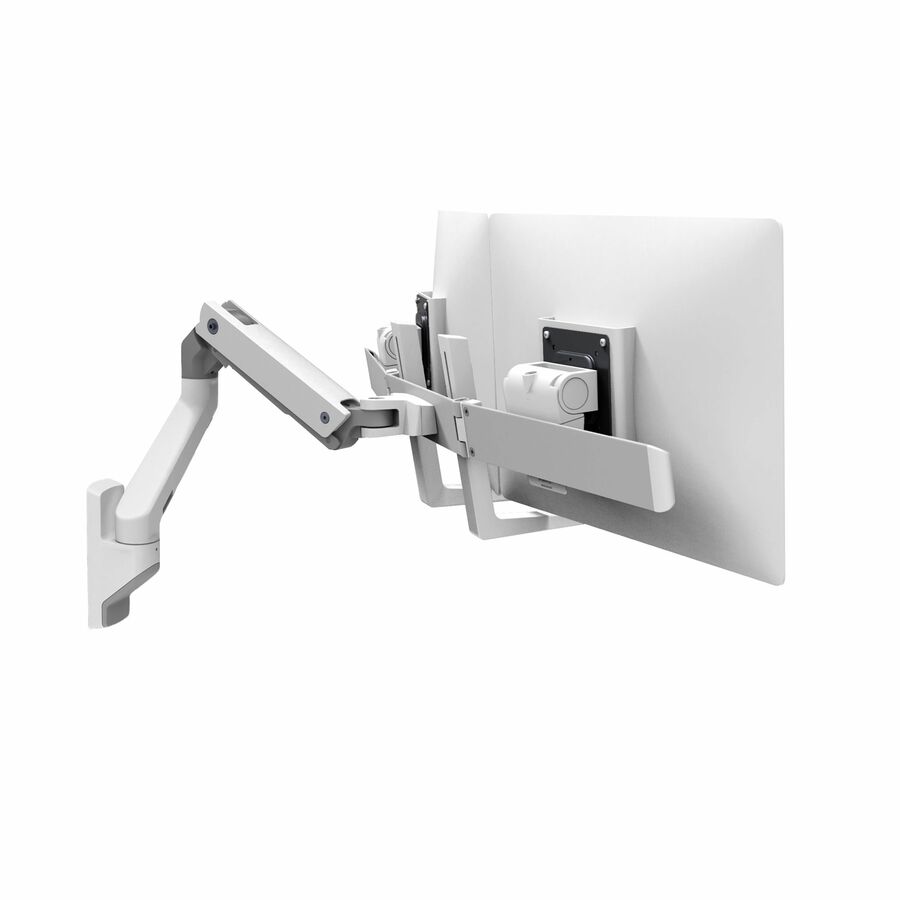
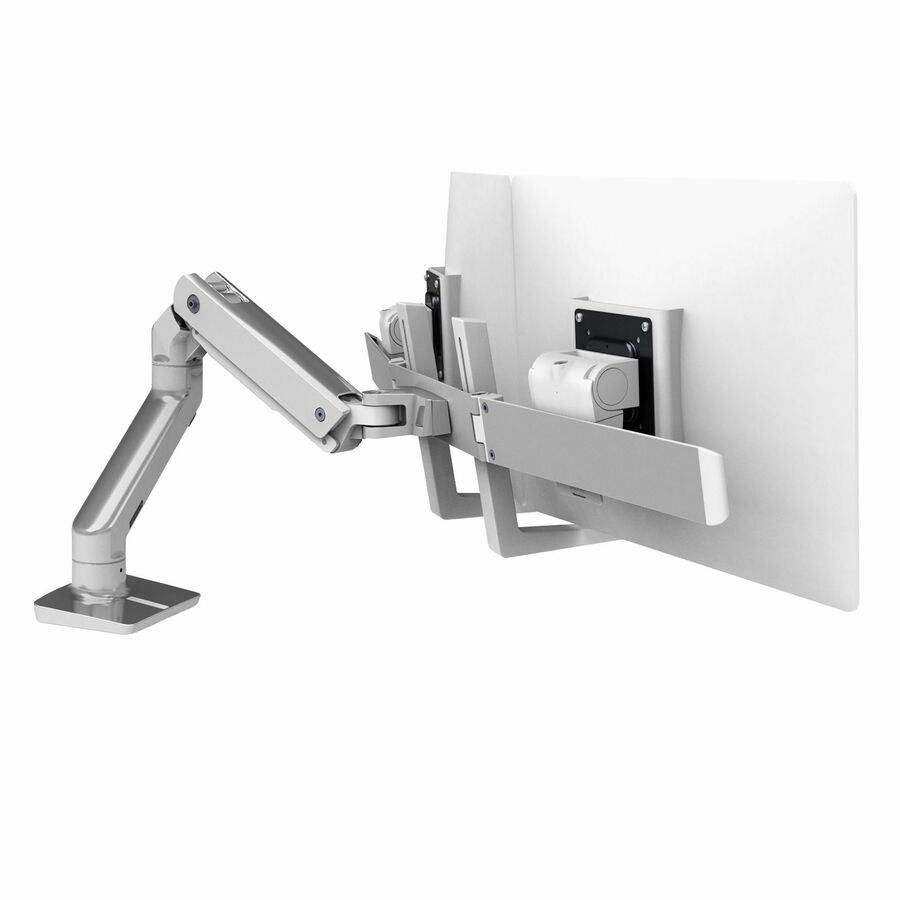
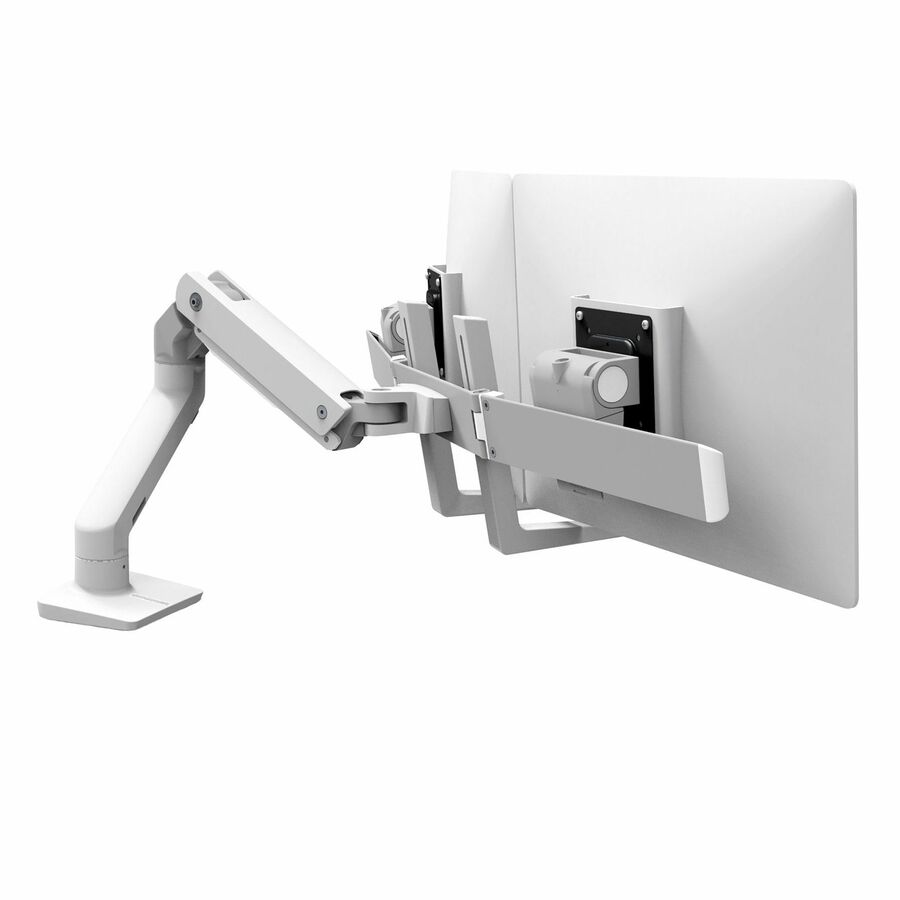
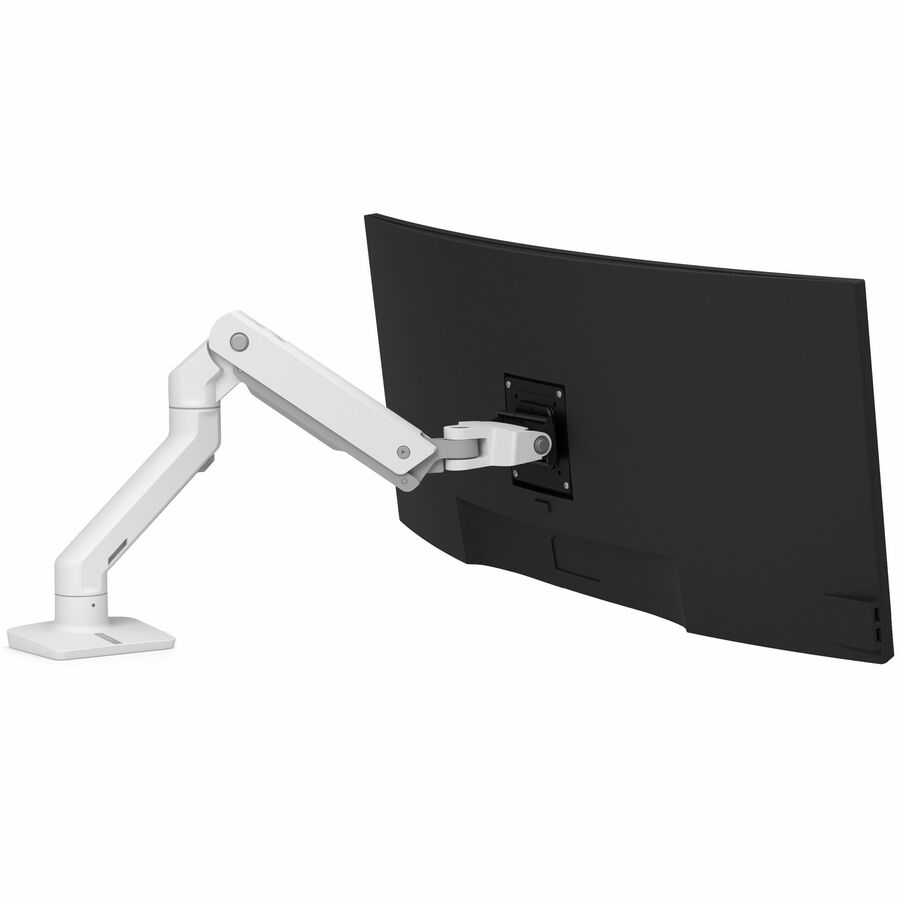
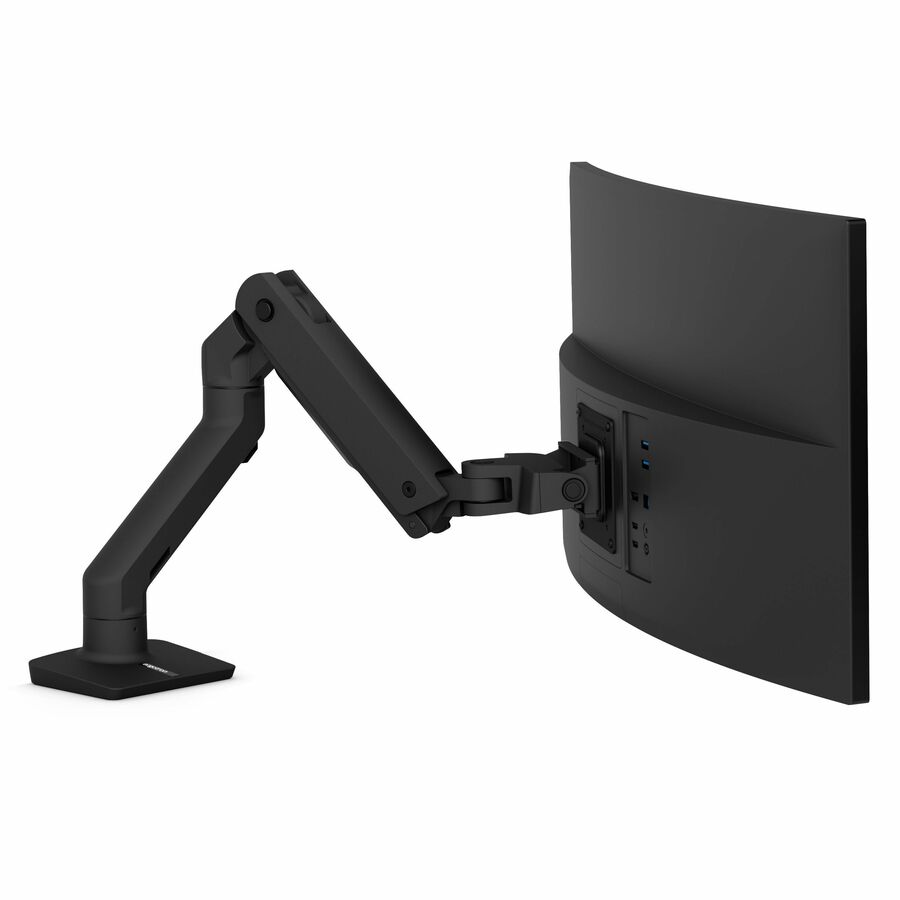
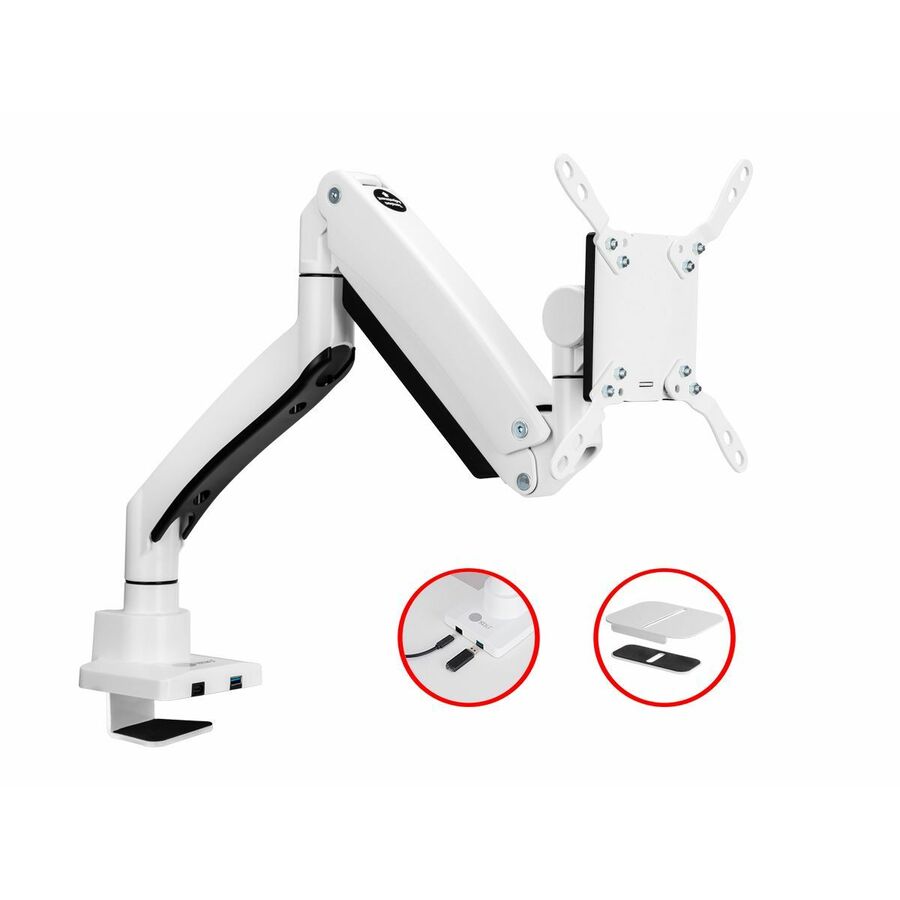
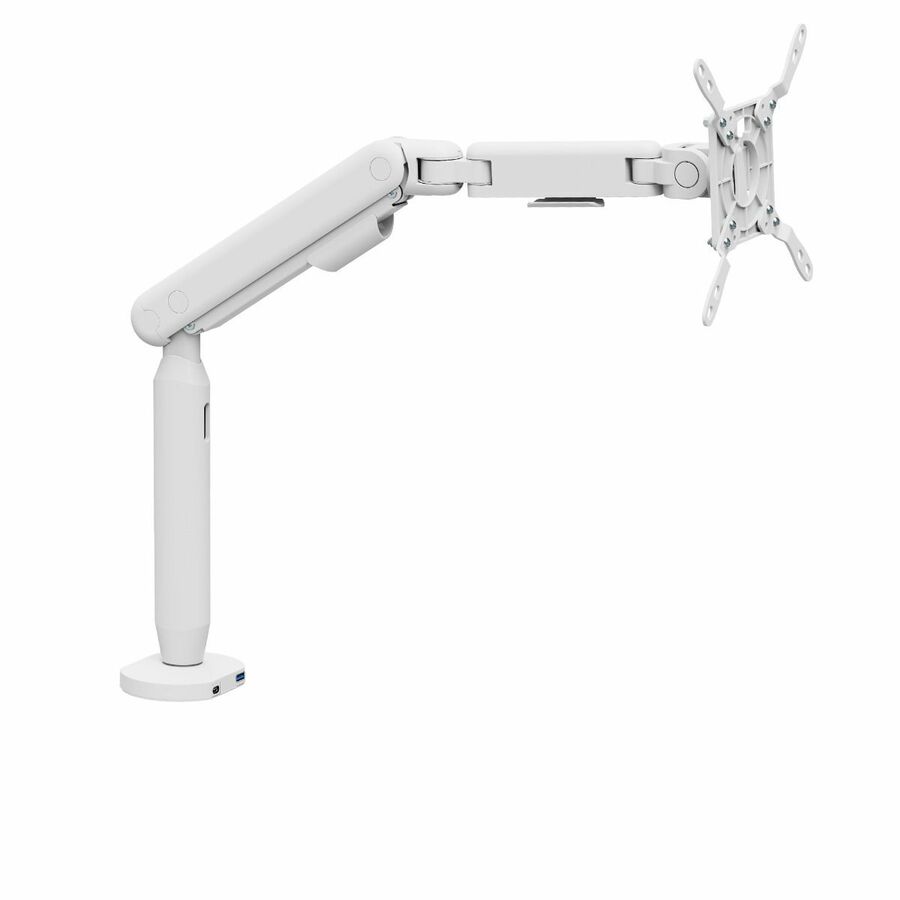
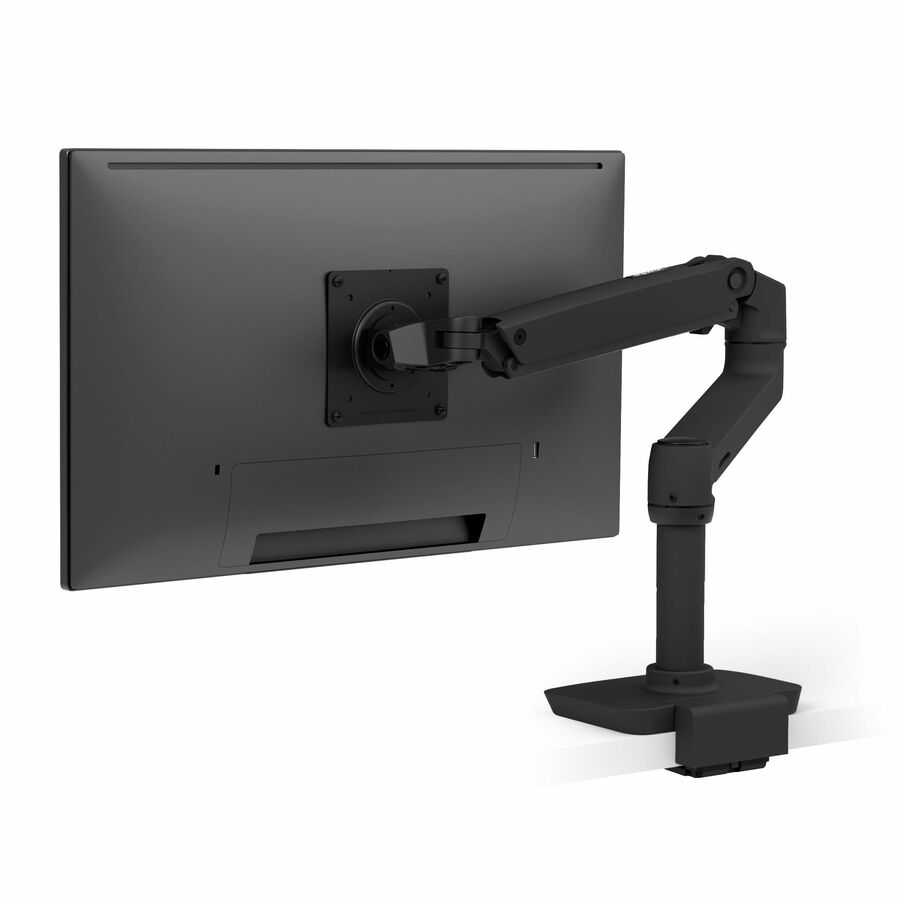
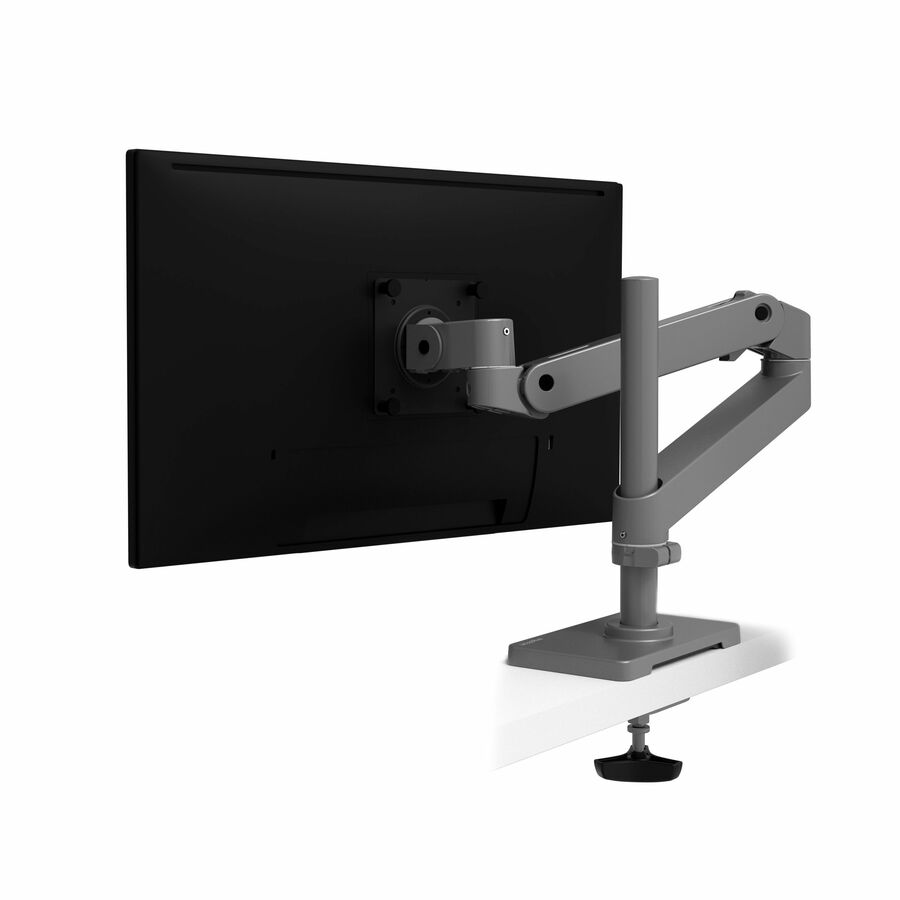
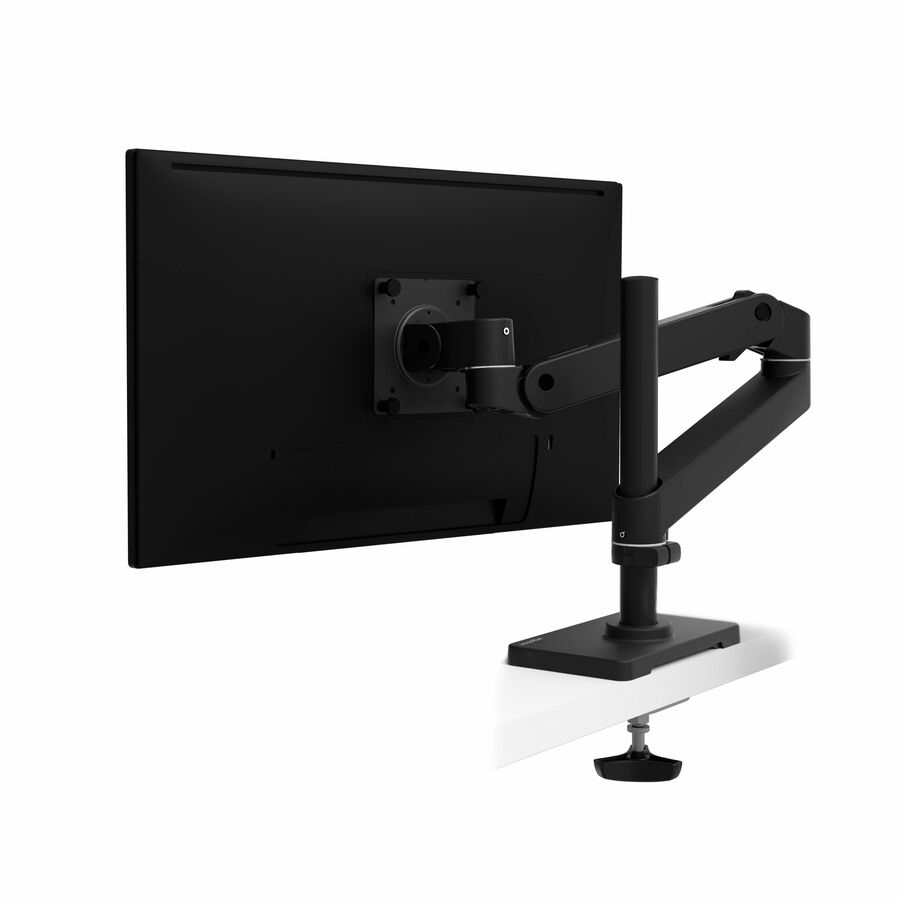
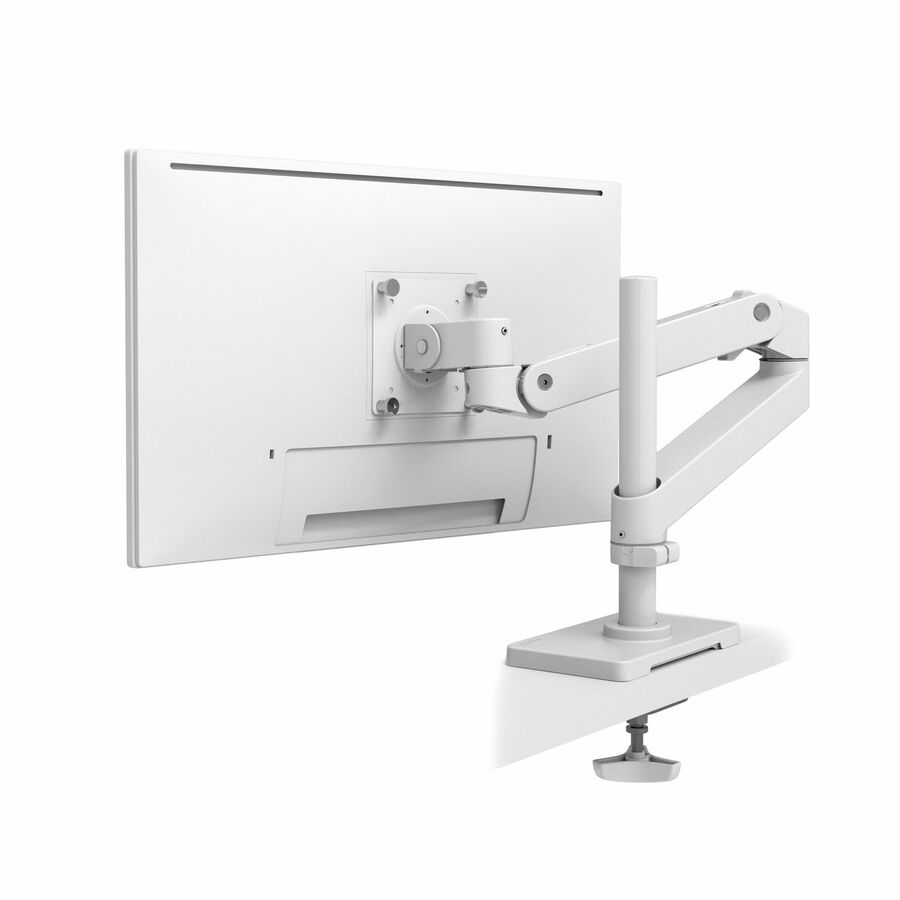
Need pricing on monitor arms?
Tell us where to reach you and a Uniqcli specialist will follow up by email with current pricing, availability and lead time for the quantities you need — including parts that aren’t shown on this page.
Buying for an organization or for yourself — both work. No payment up front.
Two numbers decide whether a monitor arm fits: the VESA hole pattern on the back of the panel — 75 x 75 or 100 x 100 mm on most desktop monitors — and the panel's weight with the factory stand removed, since the stand is what the mount replaces. Fix the display count first, because a dual mount is a separate part number with its own load rating rather than an accessory added later.
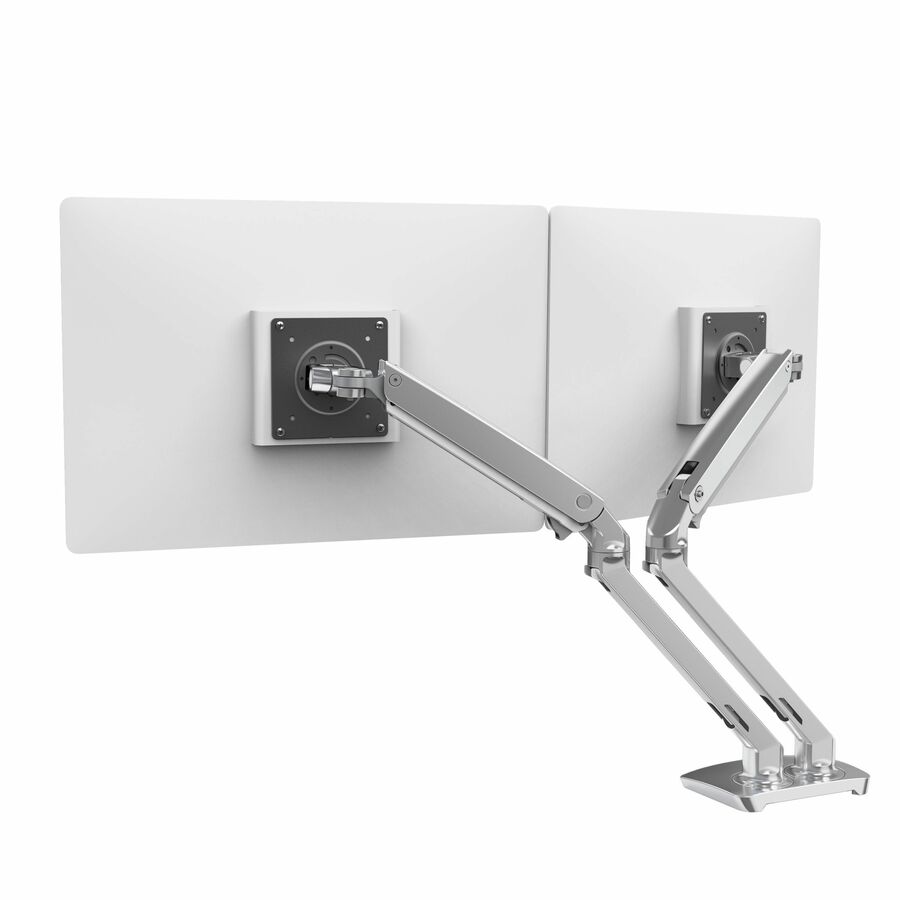
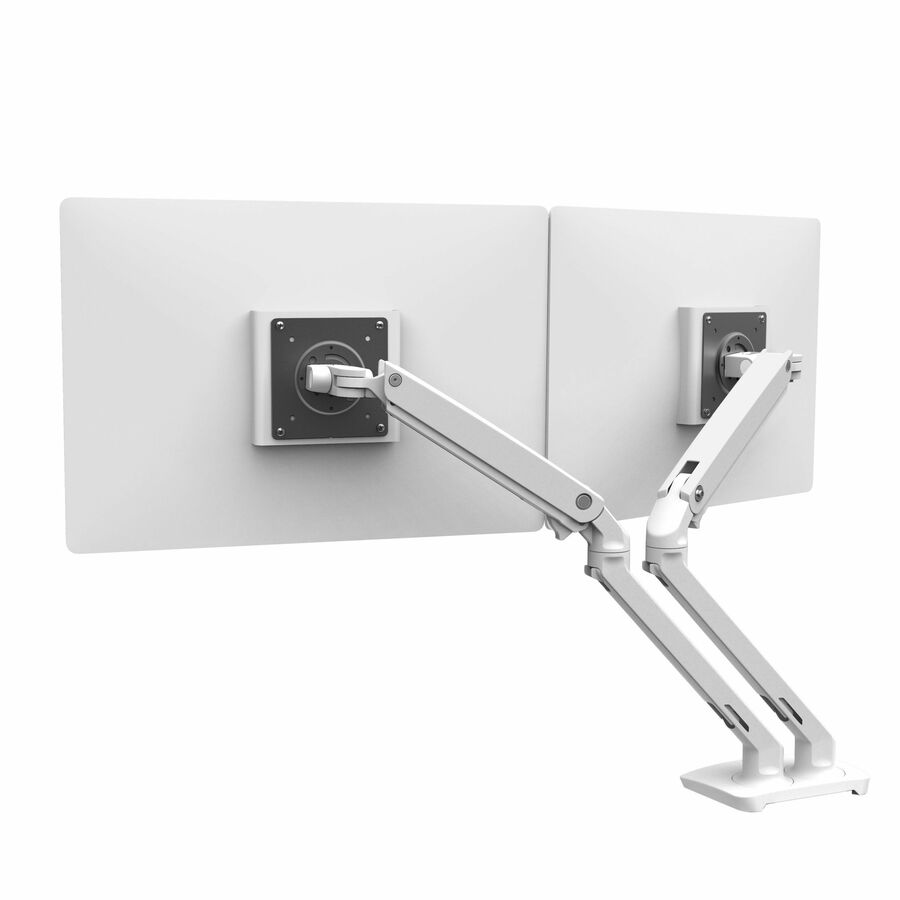
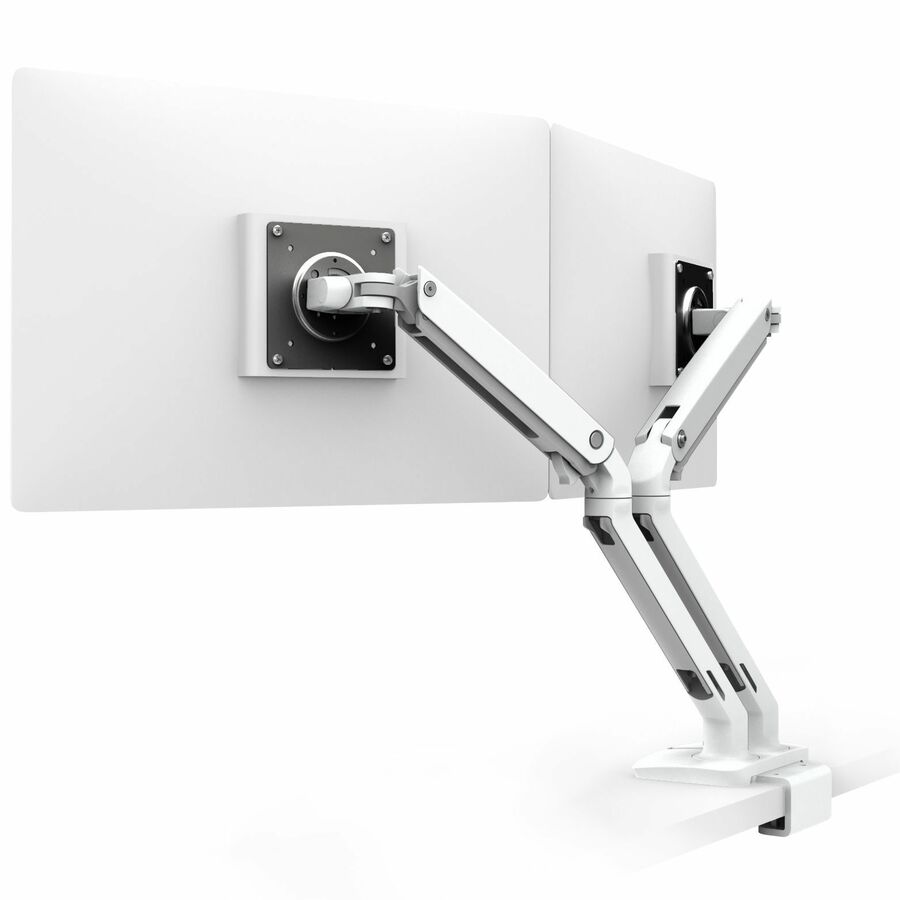
A monitor arm is bought for a seat, not for a desk, and the first fork is how many displays that seat carries. Arms are listed by the number of panels they support, so a dual mount is a separate part number with its own load rating and footprint rather than an accessory added to a single arm later. Deciding this at purchase is almost always cheaper than deciding it twice — a seat that is likely to gain a second screen inside the refresh cycle should be specified as a dual from the start.
After display count, two numbers decide whether a mount fits at all: the VESA hole pattern on the back of the panel and the panel's weight with the factory stand removed, since the stand is what the mount replaces. Both are printed on the specific part number rather than being a property of a product family, so read them against the monitors already in the fleet before ordering. The third decision is how the mount attaches — a desk clamp or a grommet mount for standard work surfaces, a wall mount where the desk is too shallow or too thin to clamp, and a heavier arm where a large display has to swing to face a room.
The selection below is brand-neutral — single, dual and multi-display desk arms from several manufacturers, with live pricing and in-stock status on each card. For the seats none of these suits, the wider mounting-kit strip under the picks and the "see all" link beside it open the rest of the category, including wall mounts, large-display arms and the brands whose arms are listed under a different name.
Buyer's checklist
How to choose a monitor arm or desk mount
- Fix the display count first — single, dual, and three- or four-display models are separate part numbers with their own load ratings and footprints, not upgrades to the same arm.
- Check the VESA hole pattern on the back of each monitor against the pattern the mount lists; the common desktop patterns are 75 x 75 and 100 x 100, and larger panels use bigger patterns that not every arm supports.
- Weigh the monitor without its factory stand and stay inside the listed load capacity — an arm at the top of its range sags and drifts even when it technically holds.
- Decide the attachment method: a desk clamp or grommet mount for a standard work surface, a wall mount where the desk is too shallow or too thin to clamp, and a floor or pole mount where there is no desk at all.
- Measure the desk edge thickness and the grommet hole diameter before ordering — those two numbers decide whether a given clamp or through-desk mount is installable at all.
- Specify landscape/portrait rotation for seats that read documents, code or long logs, and check back-of-panel clearance on monitors whose ports sit under the VESA plate.
- Standardize on a short list of part numbers across the floor so spares, install instructions and desk assessments stay uniform.
Where an arm earns its place
Multi-monitor desks are the obvious case — analyst, dispatch, engineering and finance seats that run two panels side by side and need both at eye height on the same plane. Monitor-and-keyboard arms are the second, carrying the display and the keyboard on one assembly so both move together, which is what a sit-stand workflow or a shared clinical station actually needs. Wall mounts suit corridors, plant floors and security stations where the work surface is too shallow for a clamp, and the heavier large-display arms belong in training and conference rooms where a big panel has to swing to face the room.
The case that does not need an arm is worth naming too. A fixed single-monitor seat with a comfortable factory stand and no ergonomics finding against it is a seat where an arm buys desk space and little else. Ergonomics programs that specify an arm for every desk are expensive, and the money is better spent where reach, height or a second panel is the actual complaint.
Planning a rollout
Measure before you order, not after. Desk-edge thickness and grommet hole size decide installability, back-of-panel clearance matters on monitors whose ports sit under the VESA plate, and a wall mount needs a wall that will take the load — stud spacing and construction type are not details you want to discover on install day. Confirm the VESA pattern on the exact monitor models already in the fleet rather than on the family name.
Then pilot one desk before committing the floor. Route cables through the arm's channels at install time rather than retrofitting them, check that the reach clears the keyboard tray at both the seated and standing positions if the desk moves, and have the person who will use it sit at it. An assessment that specifies the right arm half an inch short of the reach it needed is the most common expensive mistake in this category.
What a mount costs to own
A monitor arm is a mechanical asset with no consumables and no power draw, so its cost is almost entirely purchase plus install labor. On height-adjustable models the wear point is the tension mechanism, which typically wants re-tensioning when a heavier or lighter panel is swapped onto it — minutes of work rather than a replacement. Because these mounts attach to a standard VESA pattern, they routinely outlive two display refreshes, which is what makes them the cheaper half of an ergonomics program over time.
Related reading
FAQ
Common questions
- How do I know an arm will fit my monitor?
- Two numbers settle it. The first is the VESA hole pattern on the back of the panel — the common desktop patterns are 75 x 75 and 100 x 100 mm, and larger displays use bigger patterns that not every arm supports. The second is the panel's weight with the factory stand removed, since the stand is what the mount replaces; that figure has to sit comfortably inside the arm's listed load capacity rather than at the top of it. Both are stated on the specific part number rather than being a property of a product family, so check the exact model you are buying and the exact monitors it has to hold.
- Should I buy a single or a dual monitor arm?
- Match it to the seat and buy the configuration outright. Arms are listed by the number of displays they support, so a dual model is a different part number with its own load rating and footprint, not an accessory added to a single arm later. Three- and four-display configurations exist for control-room-style desks. If a seat is likely to gain a second screen inside the refresh cycle, specifying the dual arm at purchase is usually cheaper than replacing a single one a year later.
- Desk clamp, grommet, or wall mount?
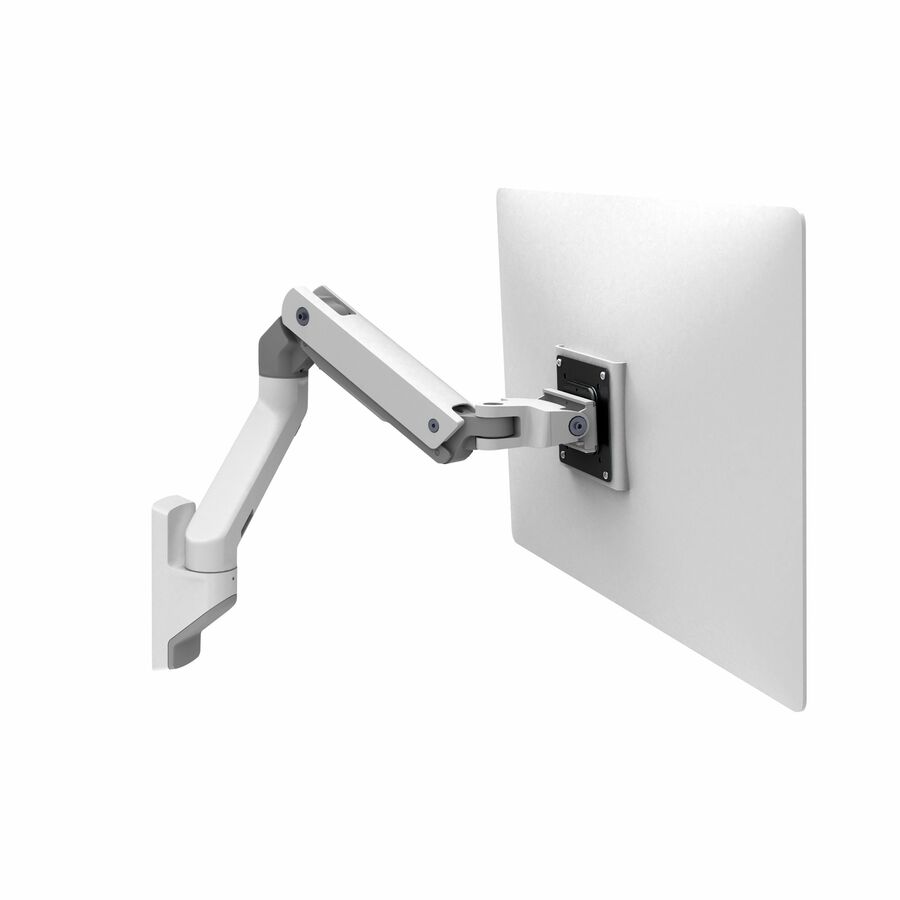
- Desk-mounted arms are the default for standard workstations: they clamp to the desk edge or mount through a grommet hole, and the whole assembly stays with the desk. Measure the desk-edge thickness and the grommet diameter first — those decide whether a given mount is installable at all. Wall mounts earn their place where the surface is too shallow or too thin to clamp, where a station has no desk, or where a monitor and keyboard need to travel together on the wall. Large-format displays in training and conference rooms are a separate case, handled by heavier arms with their own load ratings.
- Do monitor arms work with curved or ultrawide displays?
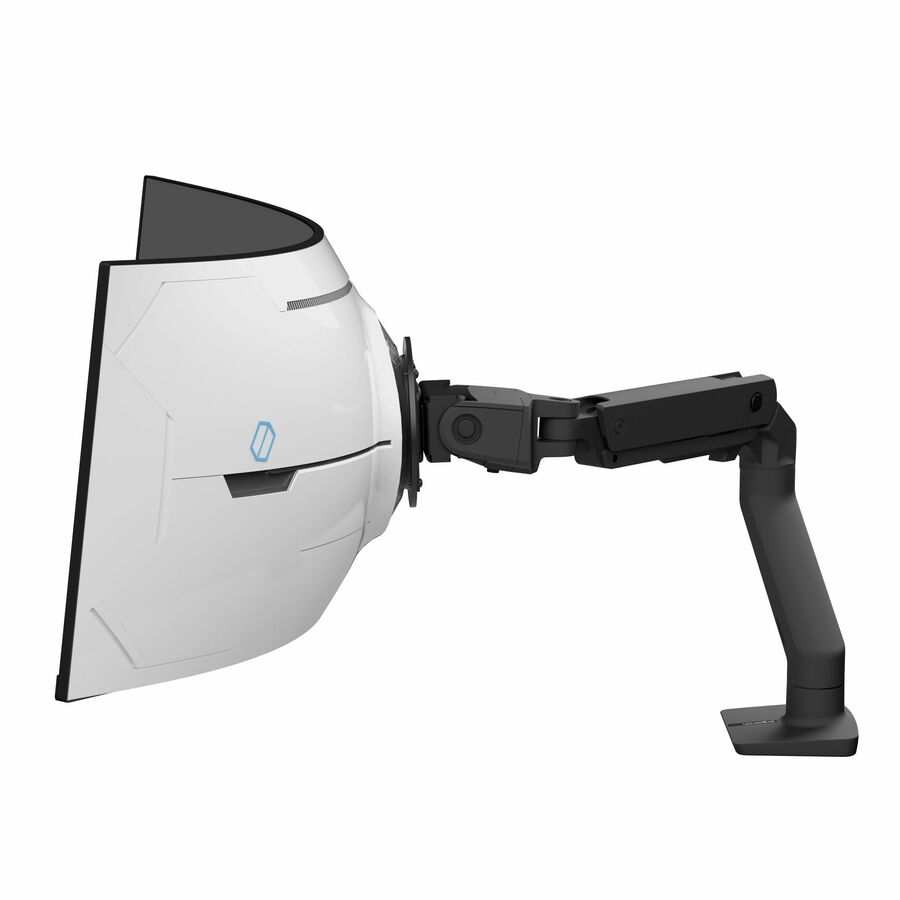
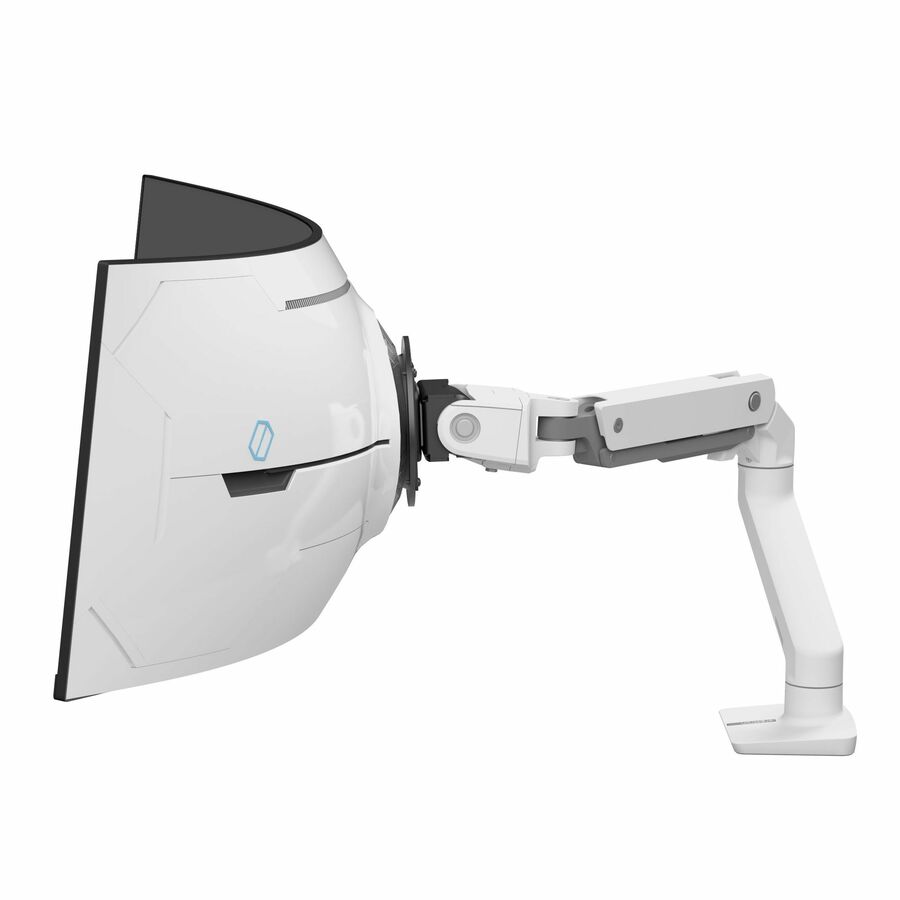
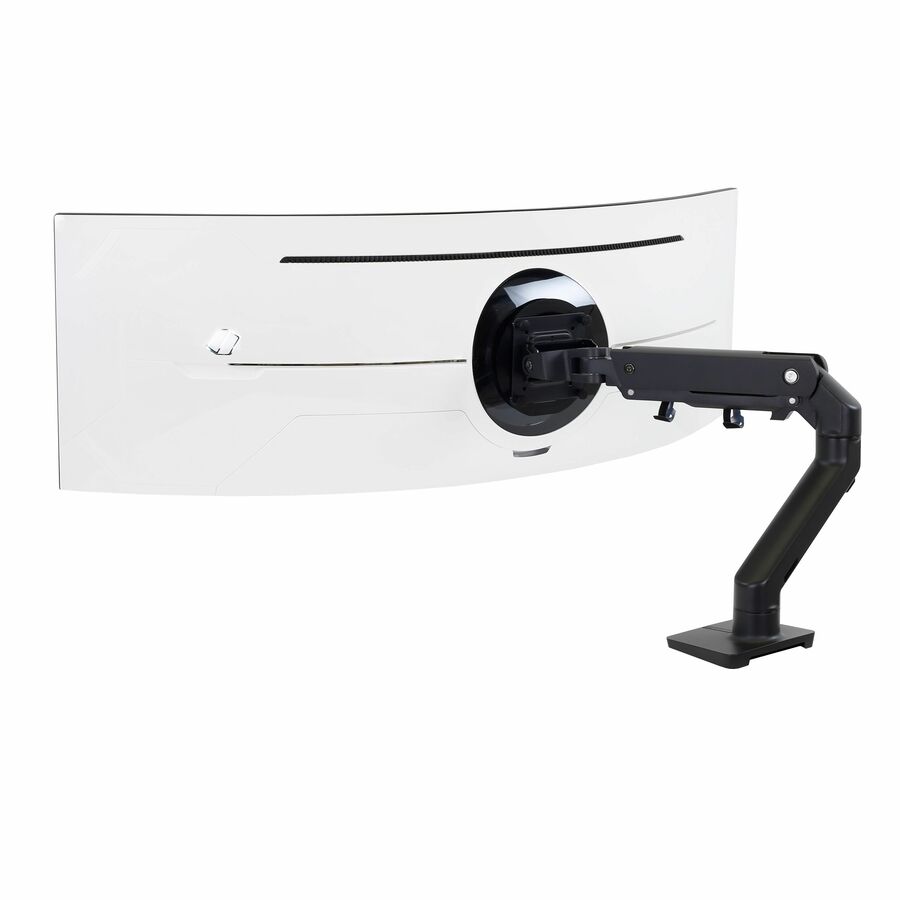
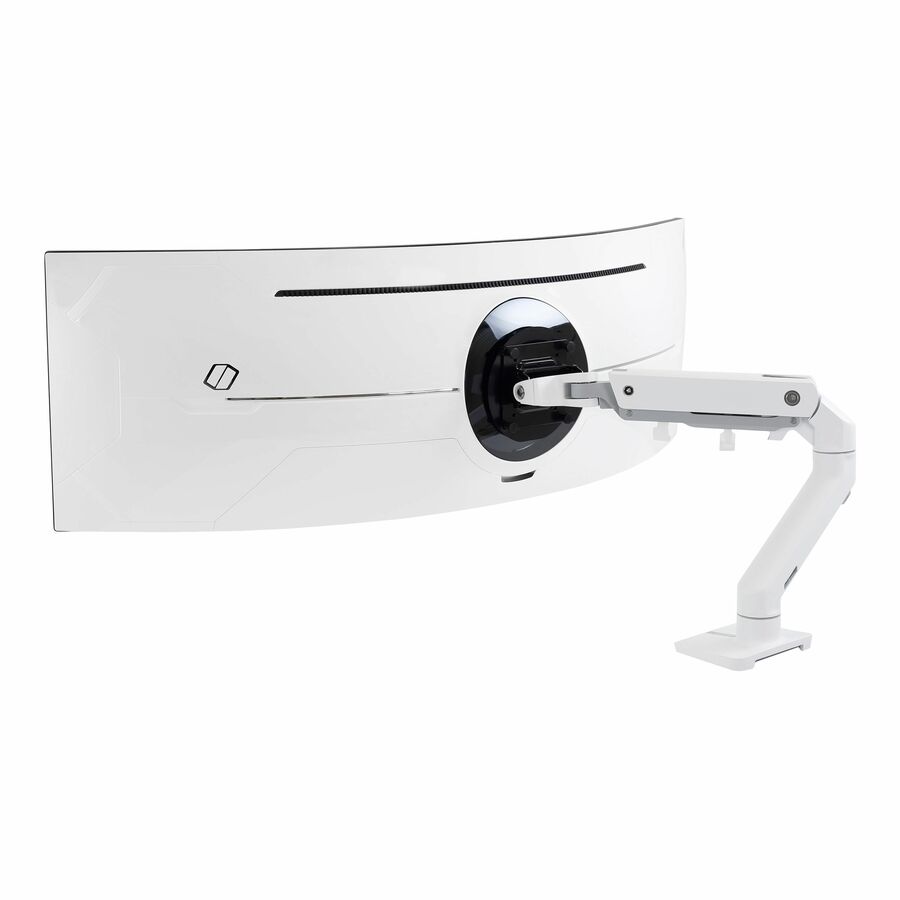
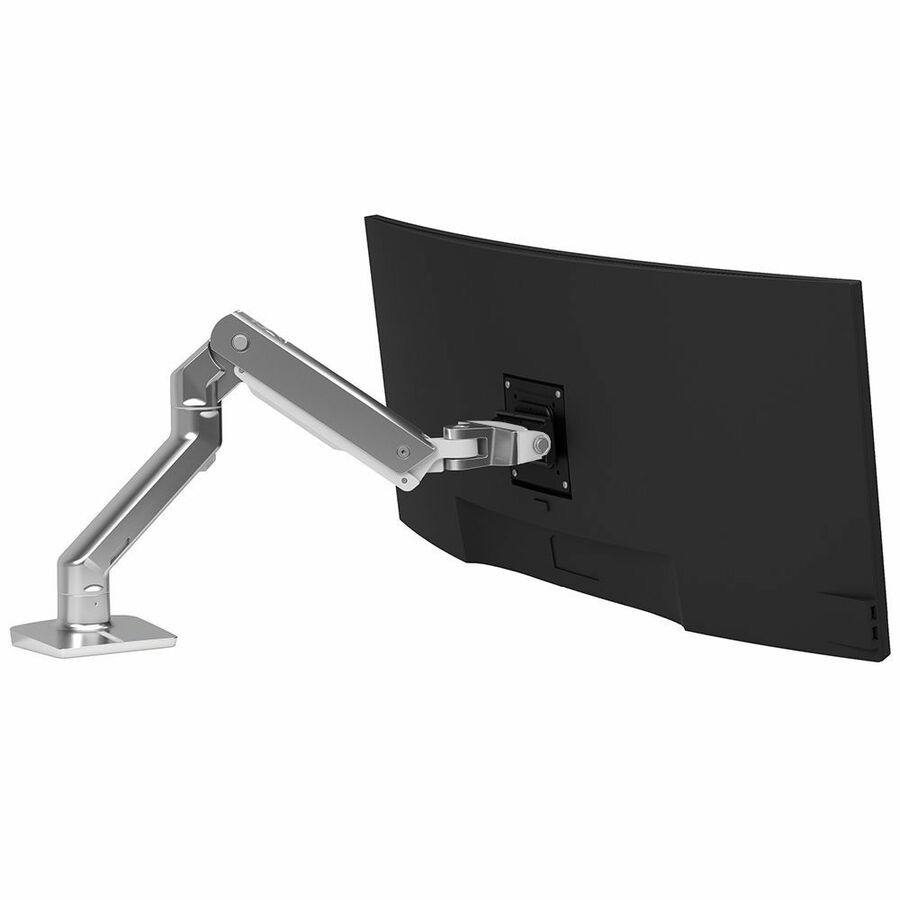
- Often, but the check is different from a flat panel. The load capacity still governs, and an ultrawide is heavier and longer than its diagonal suggests; the VESA plate is also frequently offset on a curved panel, which changes how the weight loads the arm and how far the panel travels when it swings. Read the supported screen-size range and the load capacity on the exact part number, and confirm the panel's VESA pattern rather than assuming a large display uses a large pattern — several do not.
- Can Uniqcli quote monitor arms for a government or education order?
- Every line Uniqcli quotes is sourced through US distribution and screened for TAA country-of-origin and NDAA §889 status before checkout — with documentation tied to the specific part number, not a product family.
Need monitor arms pricing?
Send a bill of materials or part numbers — we confirm stock and a below-market total, with TAA verified on request. No payment up front.