
Best Ergotron Monitor Arms & Mounts for Multi-Monitor Desks
Dual monitor arms, keyboard-and-monitor wall mounts, and large-display interactive arms for ergonomics programs.
Ergotron monitor arms and mounts in stock at Uniqcli
How to choose →A curated selection with live pricing — in-stock lines first, then back-ordered lines with a typical lead time. Every line is sourced through US distribution and screened for NDAA §889 status before checkout, with TAA verified on request.
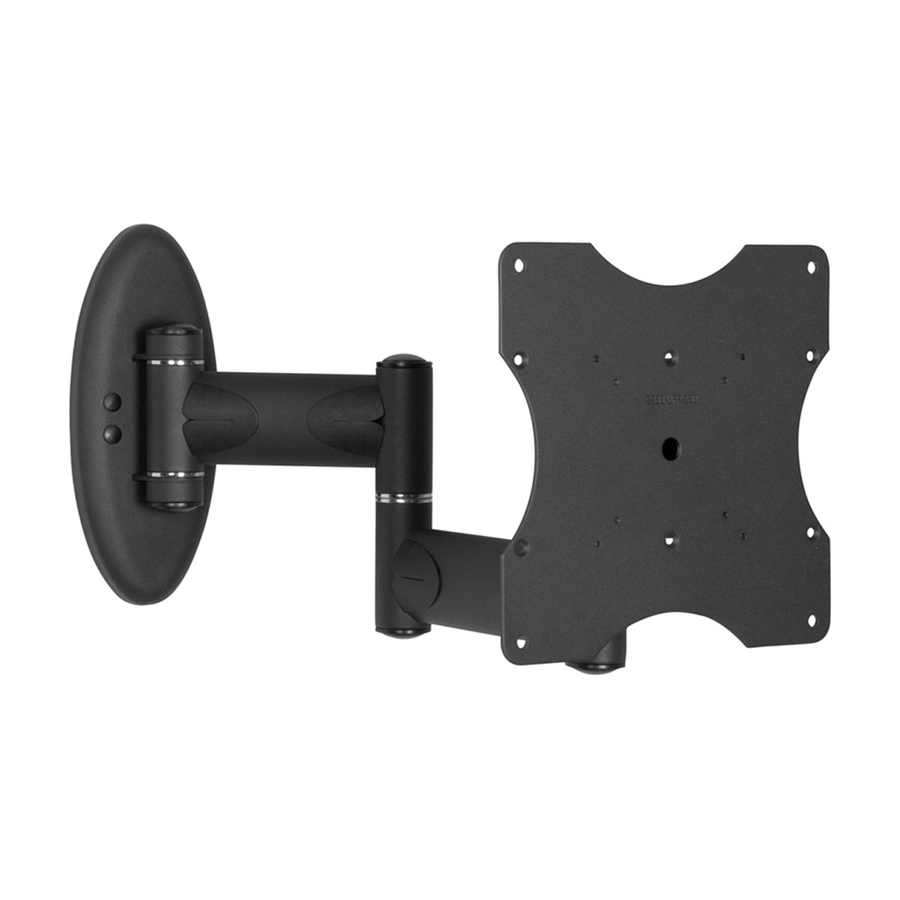
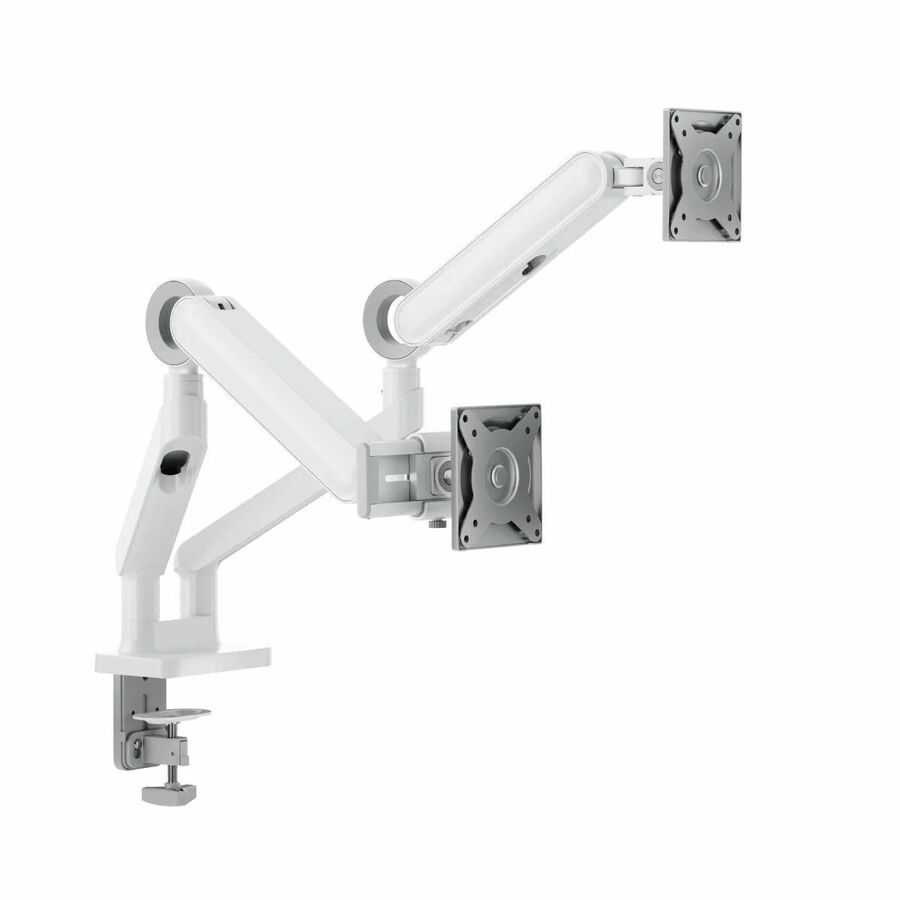
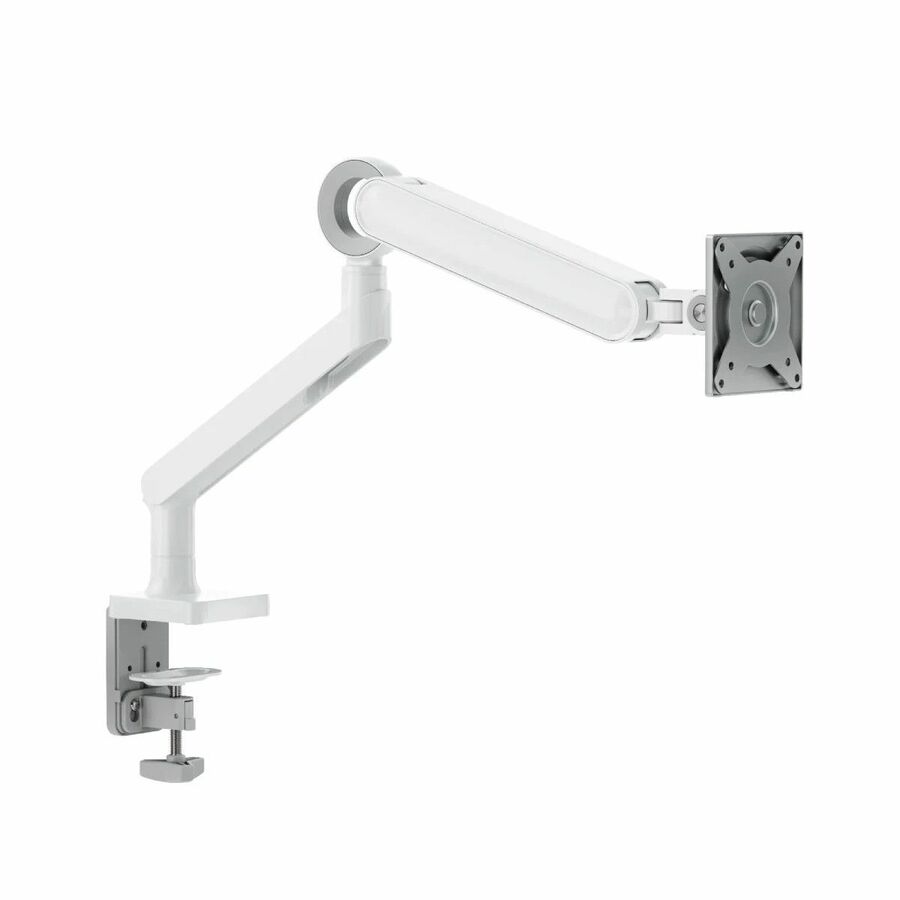
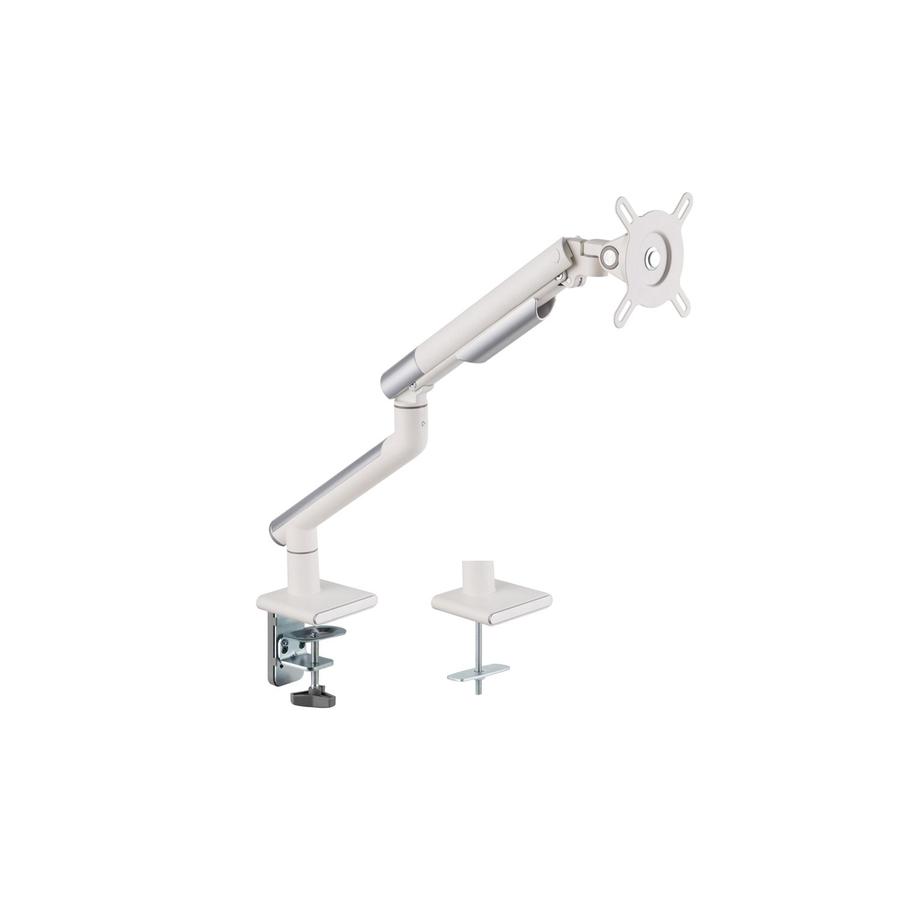
- ErgotronErgotron Mounting Arm for Monitor - White - 1 Display(s) Supported - 25 lb Load Capacity - 75 x 75, 100 x 10098-130-216
$285.00
$238.38
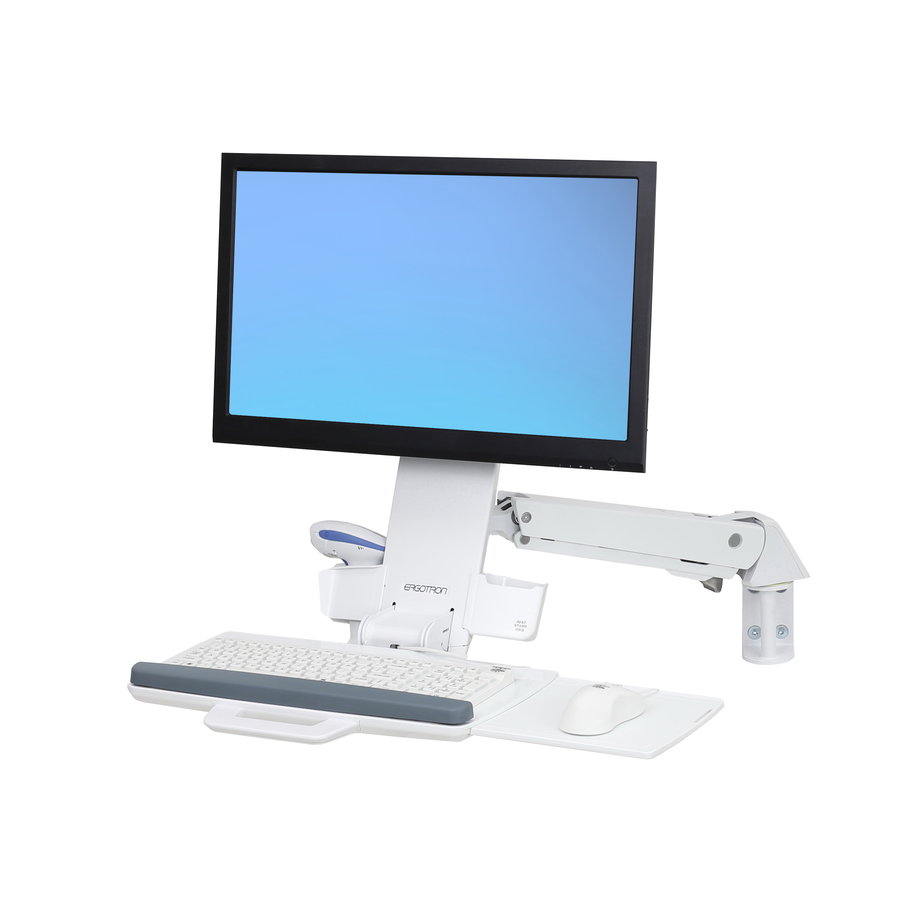
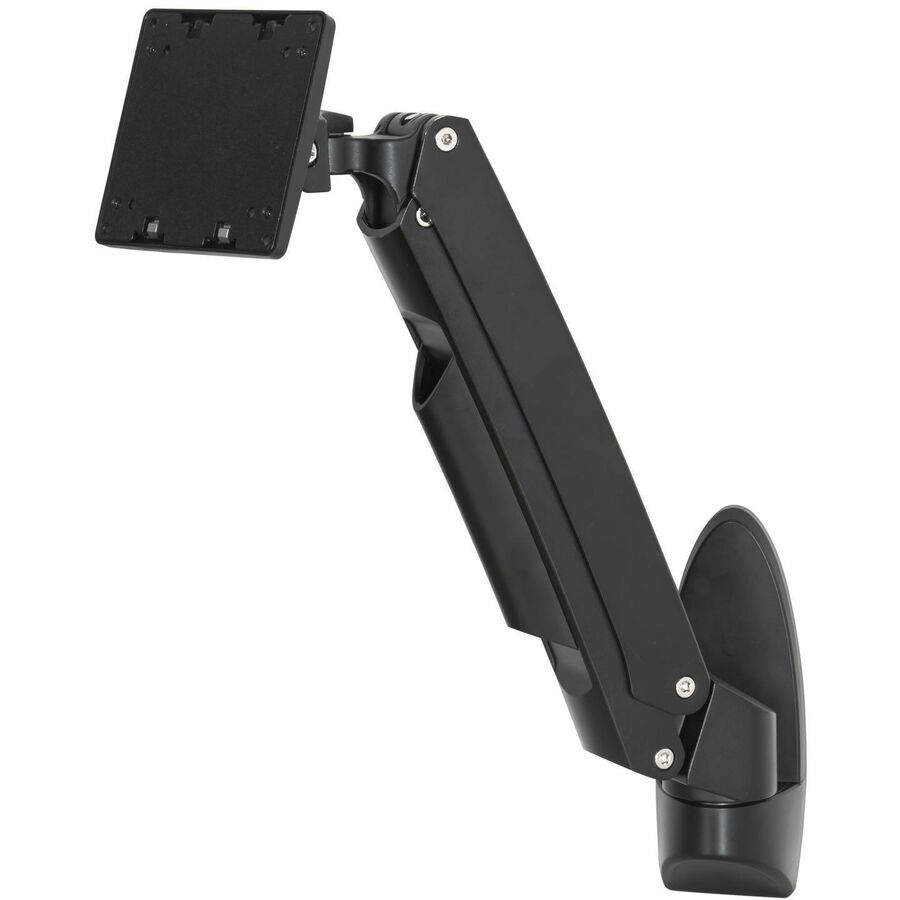
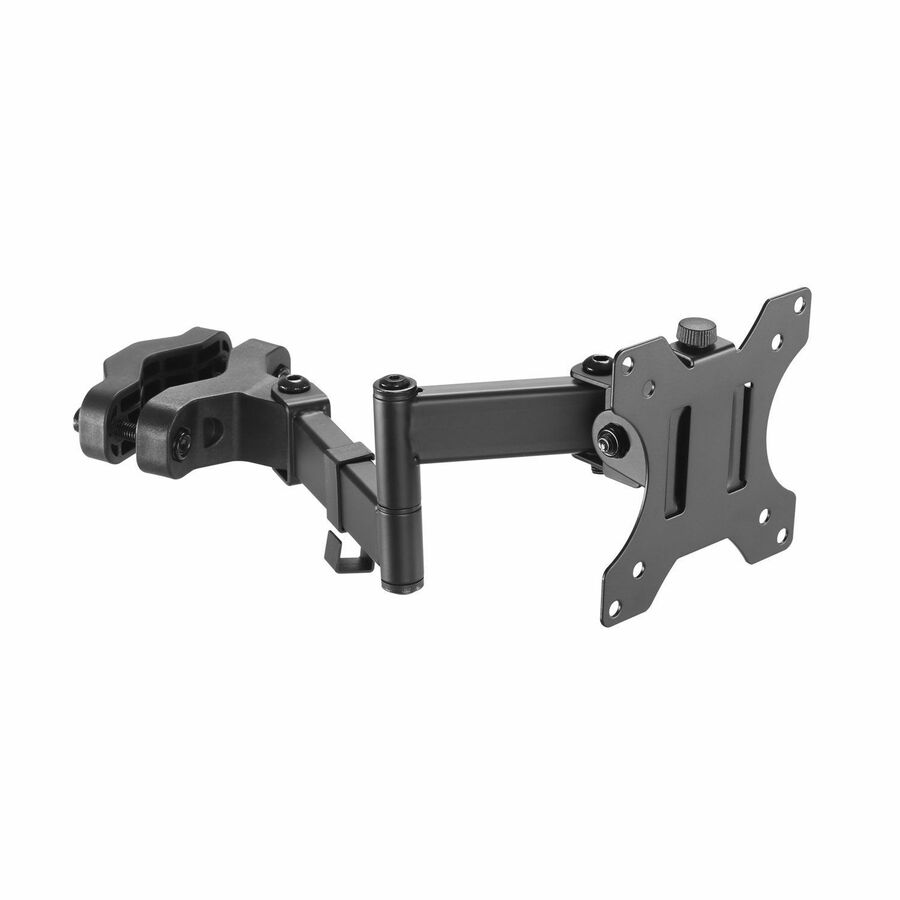
42 in stock - ErgotronErgotron StyleView Mounting Arm for Monitor, Keyboard, Bar Code Reader, Mouse - Height Adjustable - 24" Screen Support - 29.10 lb Load Capacity - 75 x 75, 100 x 100 - VESA Mount Compatible - Aluminum, Plastic45-266-216
$832.45
Back-orderedBack-ordered — we expect to receive stock the week of Nov 9–15 and will process your delivery right after.
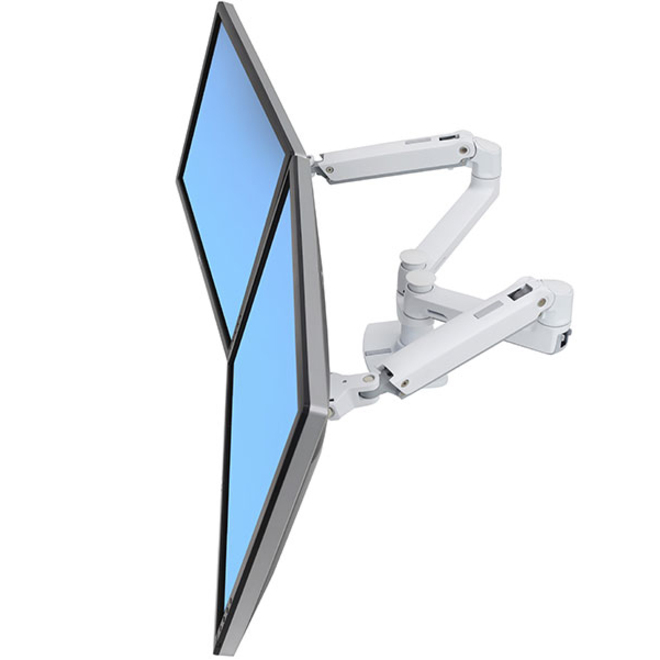
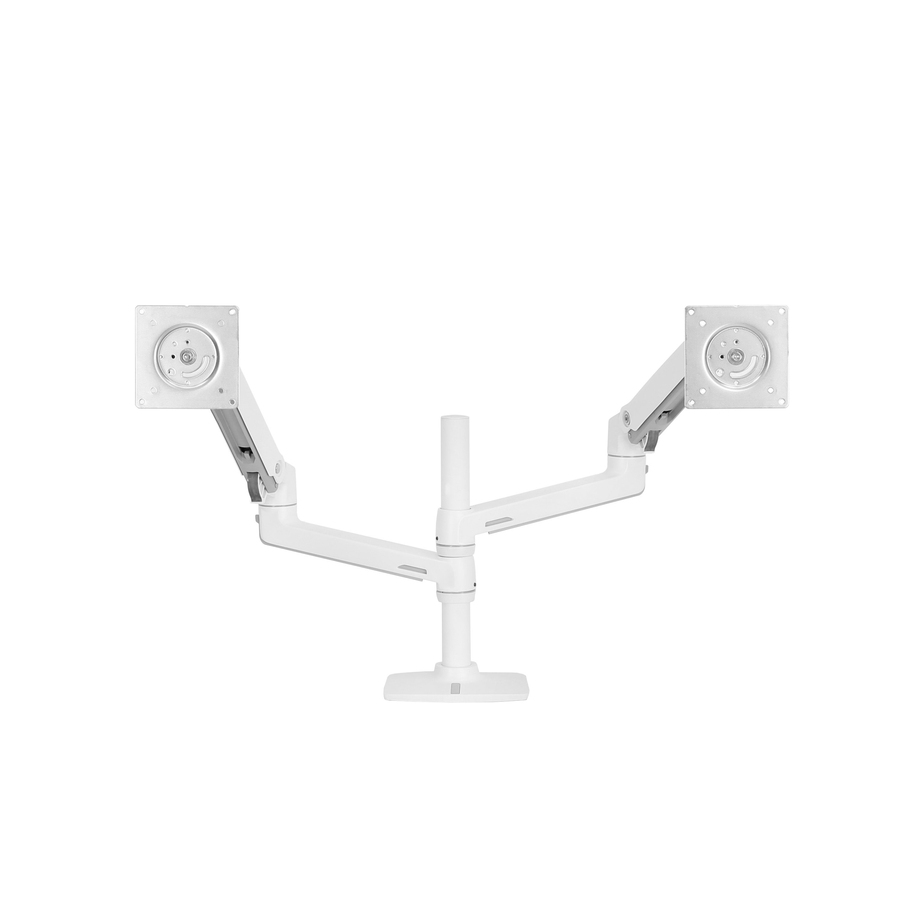
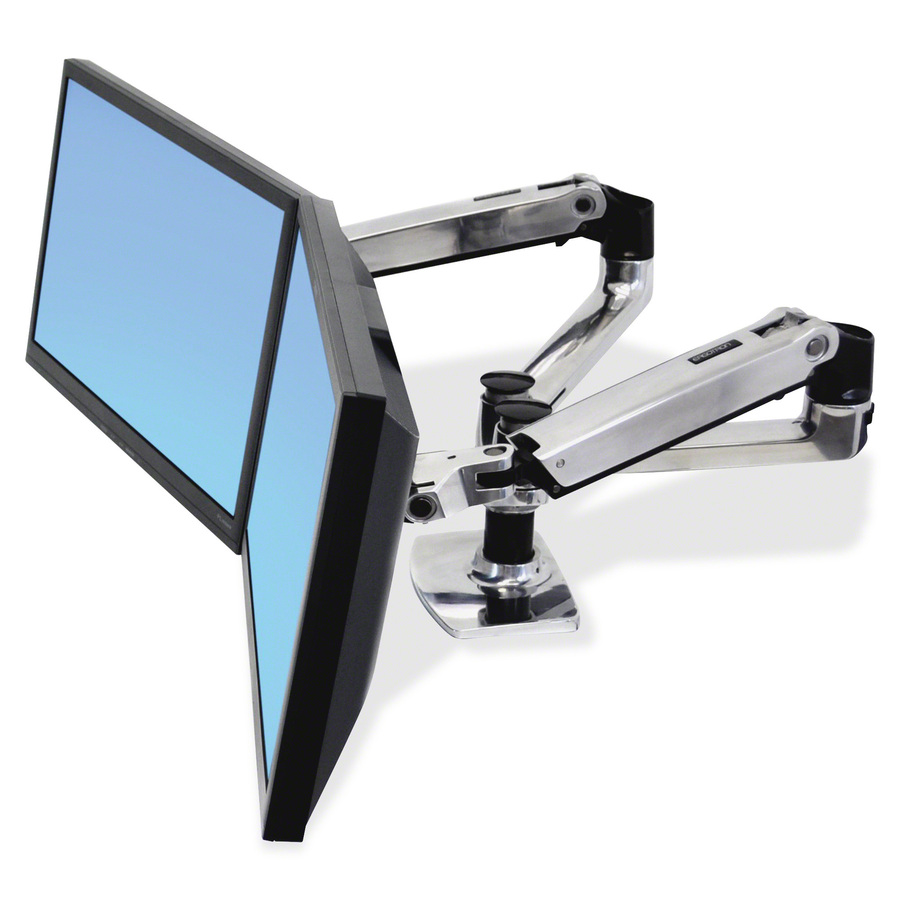
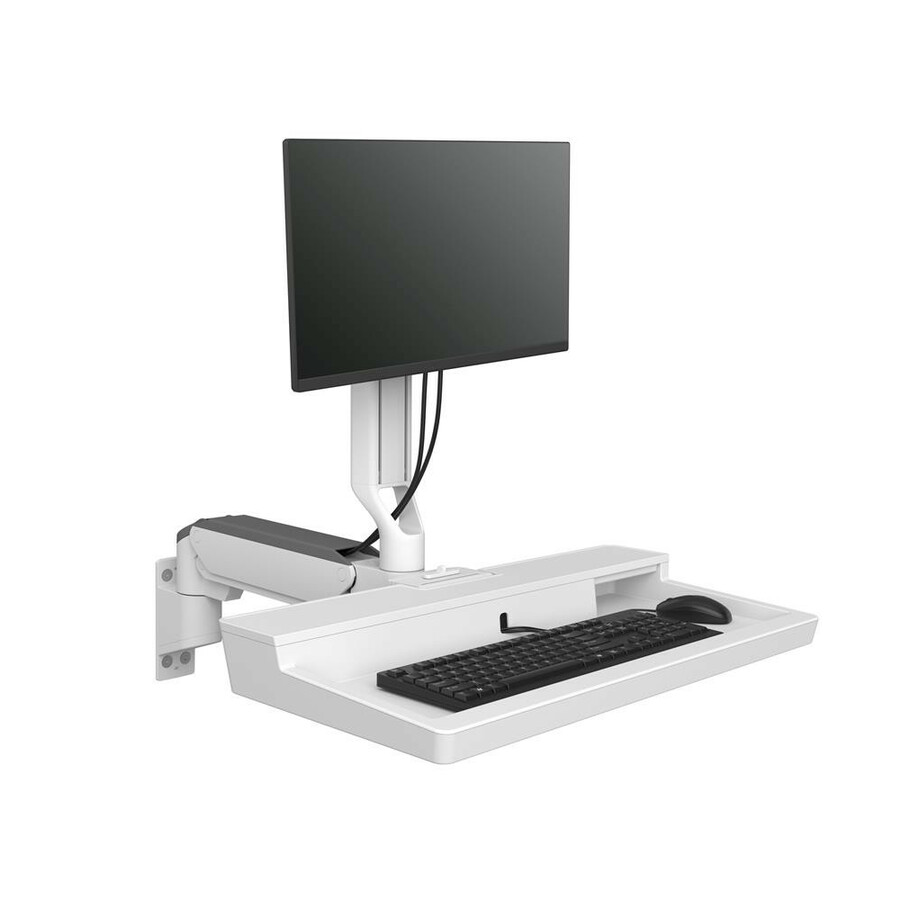
More mounting kits in the Uniqcli catalog
See all 12,867 mounting kitsMore Ergotron first — closest to what you were just looking at; “See all mounting kits” above opens every other brand in the category. In-stock lines lead, and a back-ordered line carries the same estimated availability its product page does — with live pricing throughout, NDAA §889 screening before checkout and TAA verified on request.
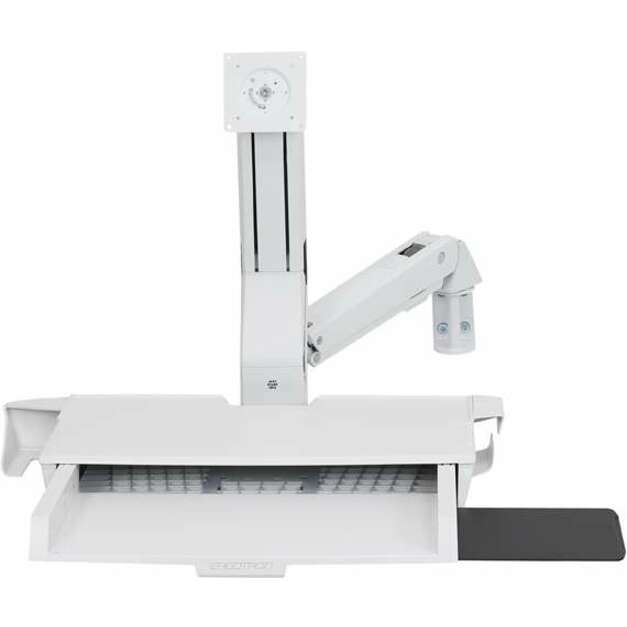
- ErgotronErgotron StyleView Mounting Arm for Monitor, Bar Code Reader, Keyboard, Mouse - Height Adjustable - 24" Screen Support - 32 lb Load Capacity - 75 x 75, 100 x 100 - VESA Mount Compatible - Aluminum, Plastic45-260-216
$1,155.34
Back-orderedBack-ordered — we expect to receive stock the week of Nov 2–8 and will process your delivery right after.
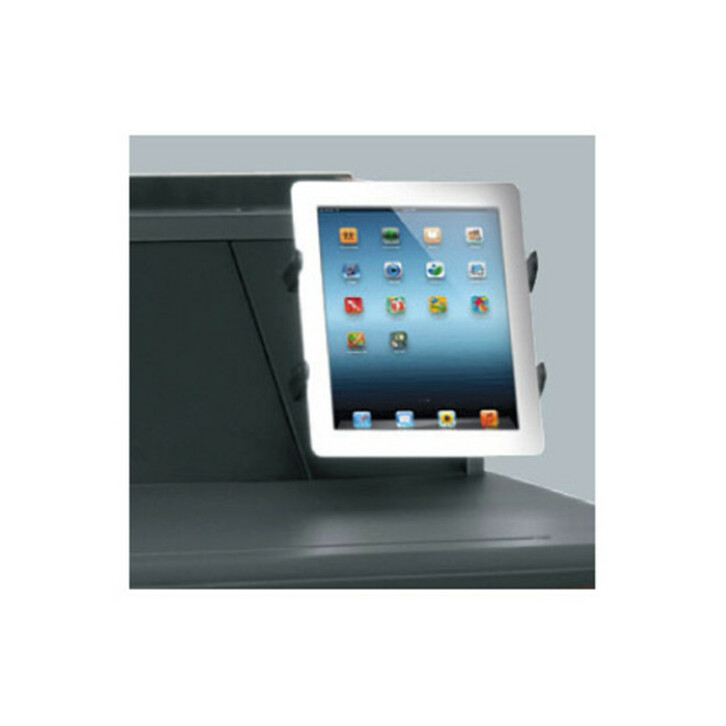
- LegrandMiddle Atlantic L5-TABLETMT Mounting Arm for Tablet - Black - 1 Display(s) SupportedL5-TABLETMT
$302.00
$240.77
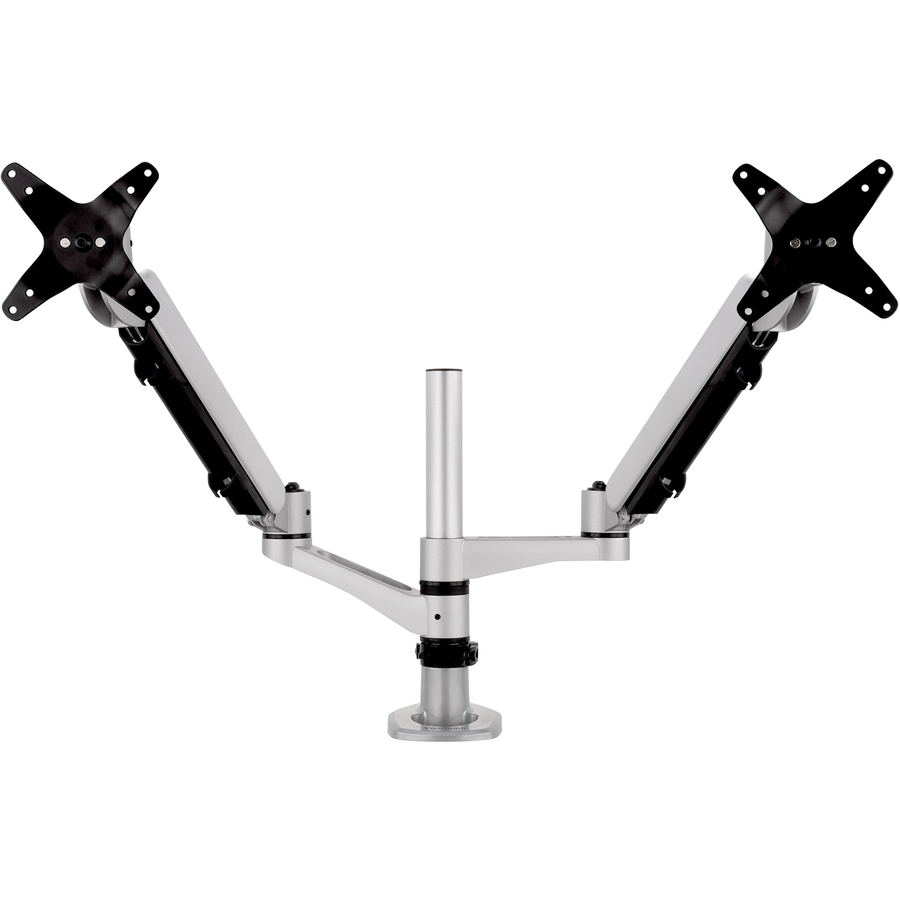
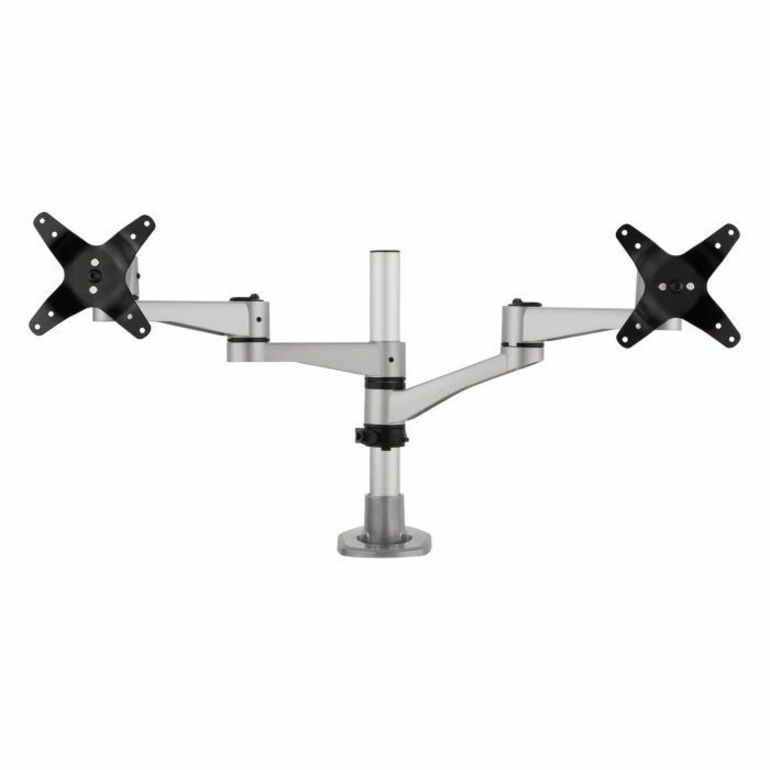
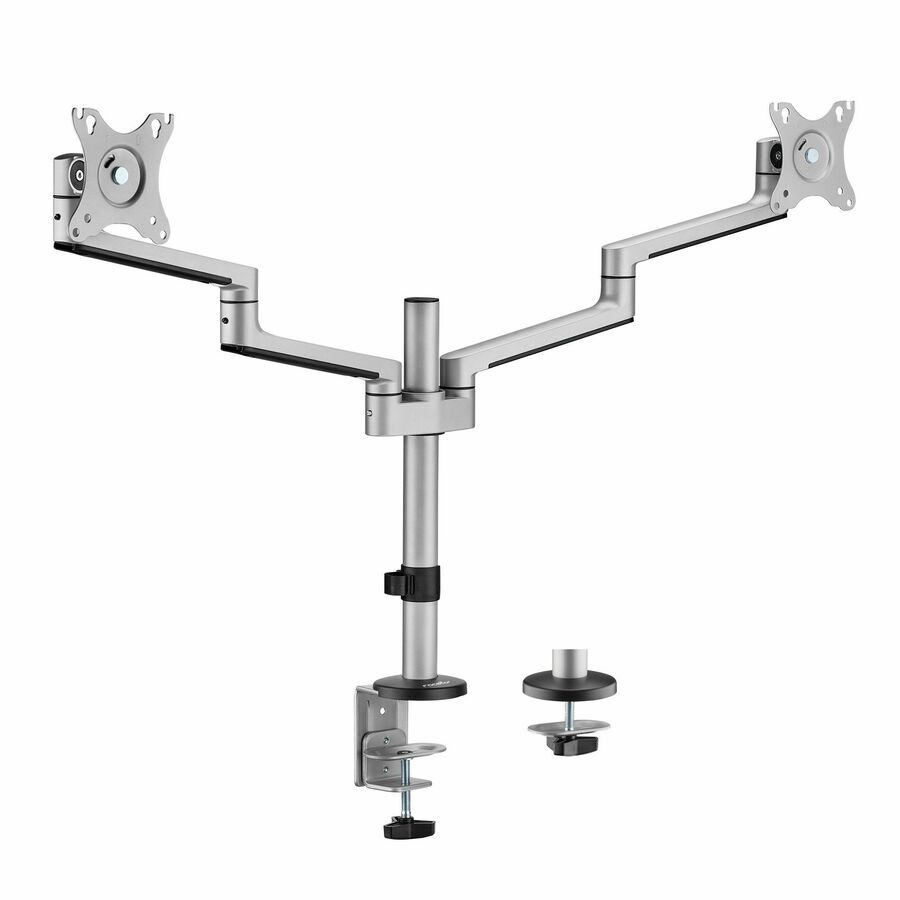
2 in stock - ViewSonicViewSonic LCD-DMA-002 Spring-Loaded Monitor Desk Mounting Arm for 2 Monitors up to 27 Inches Each, VESA Compatible, Full Ergonomic Adjustability, 2-in-1 Mounting Base, and Built-In Cable Management - Spring-Loaded Dual Monitor Mounting Arm for Two Monitors up to 27" EachLCD-DMA-002
$229.00
$206.56
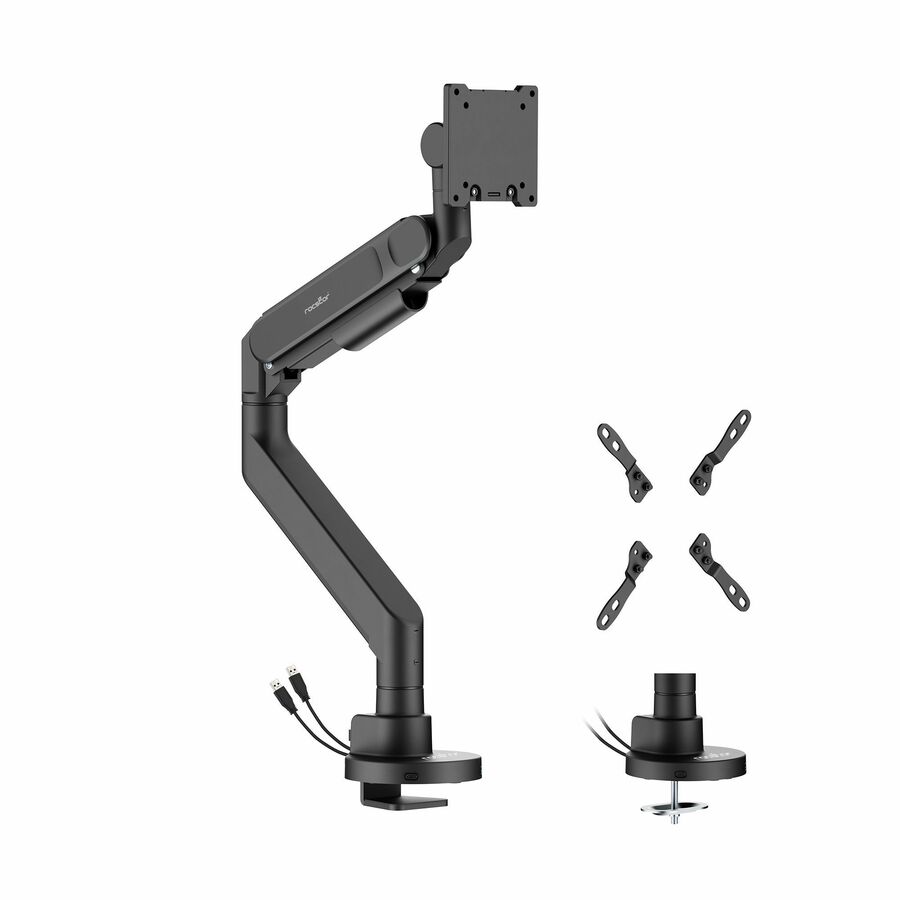
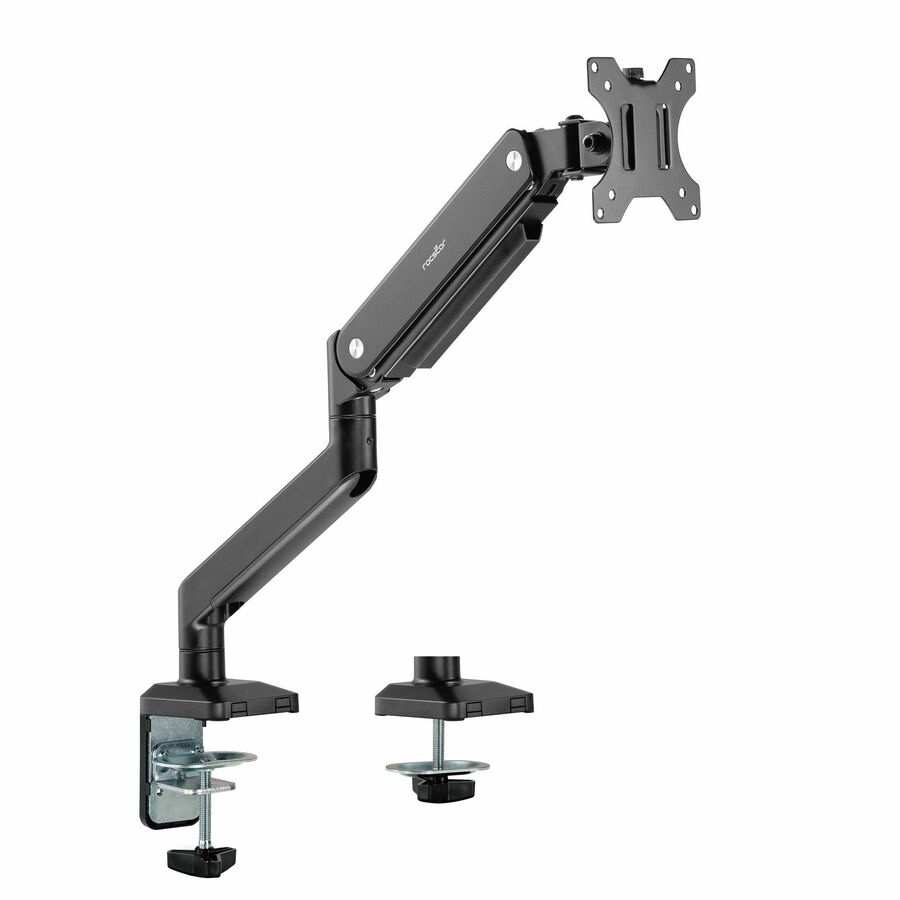
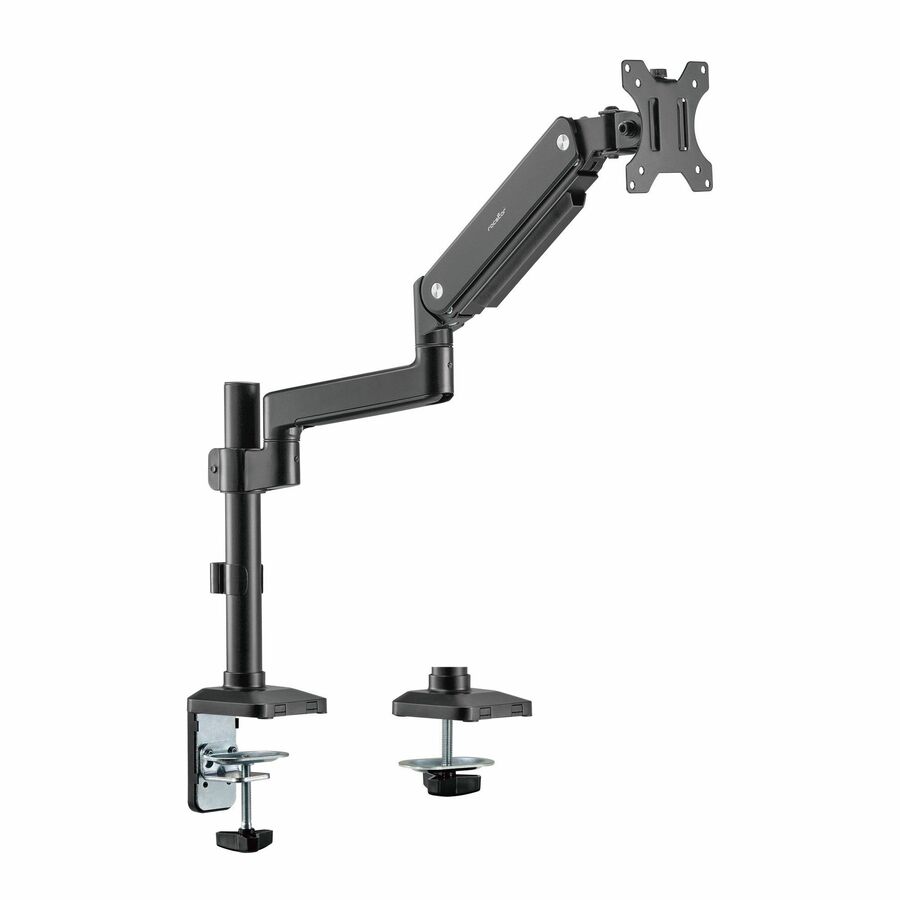
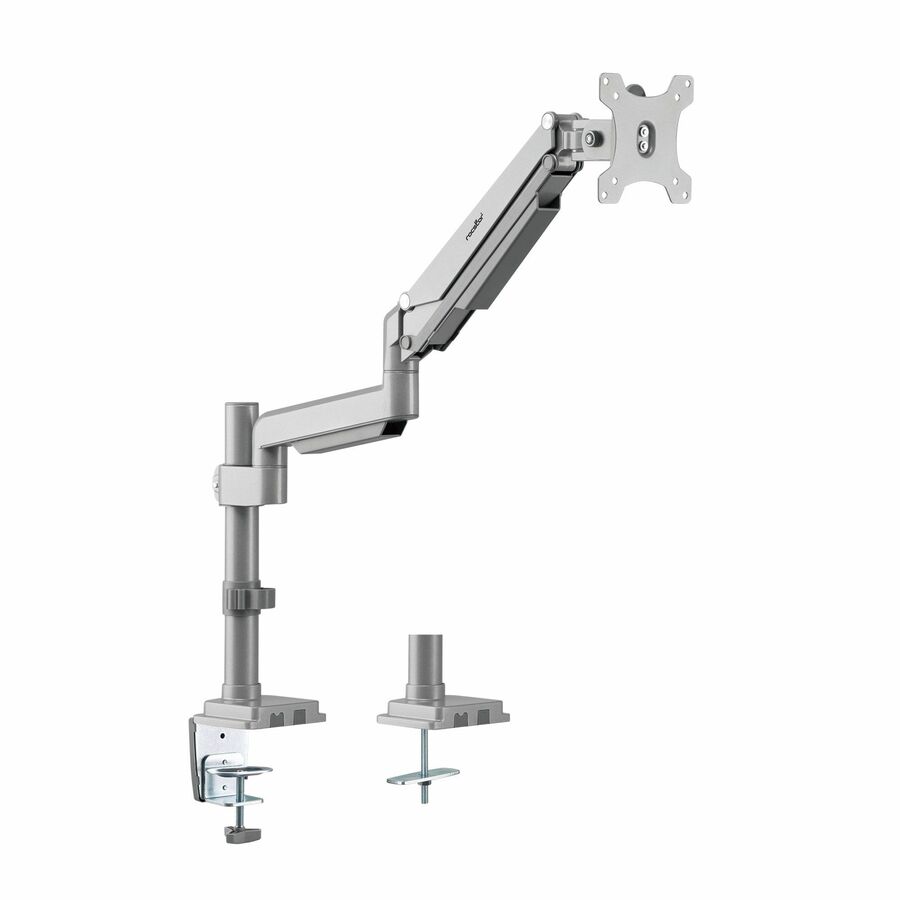
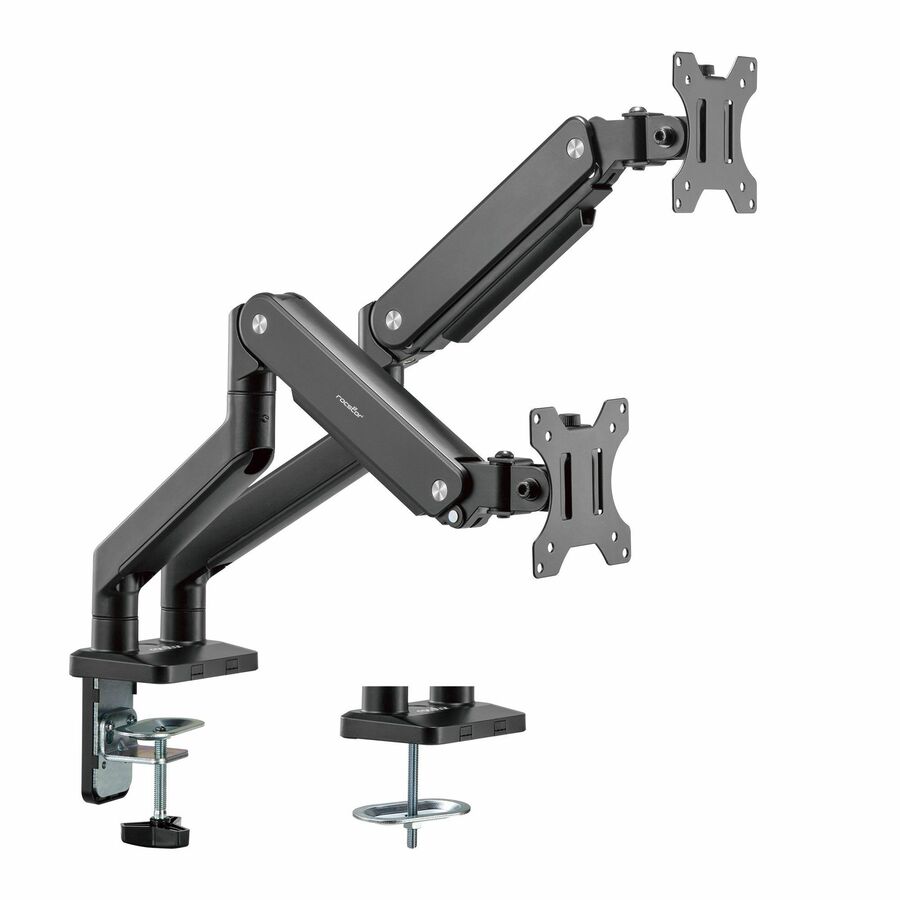
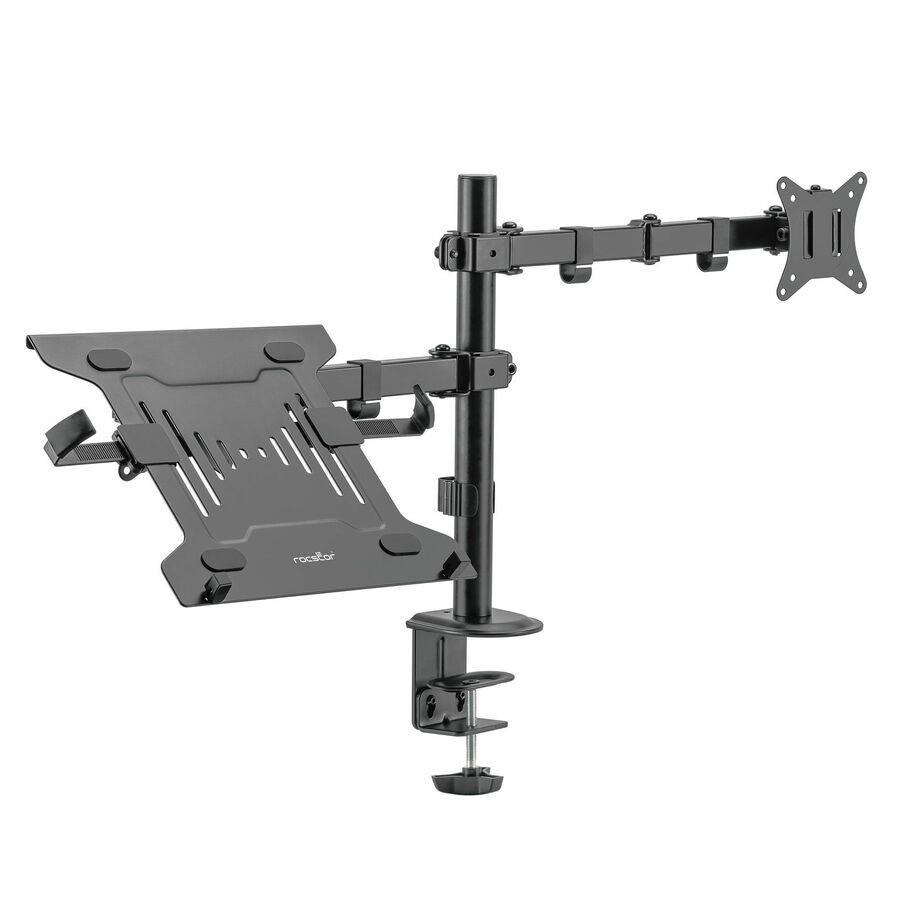
13 in stock - RocstorRocstor ErgoReach Mounting Arm for Monitor, Curved Screen Display, Flat Panel Display - Matte Black - 1 Display(s) Supported - 24" to 57" Screen Support - 59.52 lb Load Capacity - 75 x 75, 100 x 100, 100 x 200, 200 x 100, 200 x 200 - VESA Mount Compatible - Steel, Aluminum, Plastic - 1Y10N031-B1
$145.95
$133.53
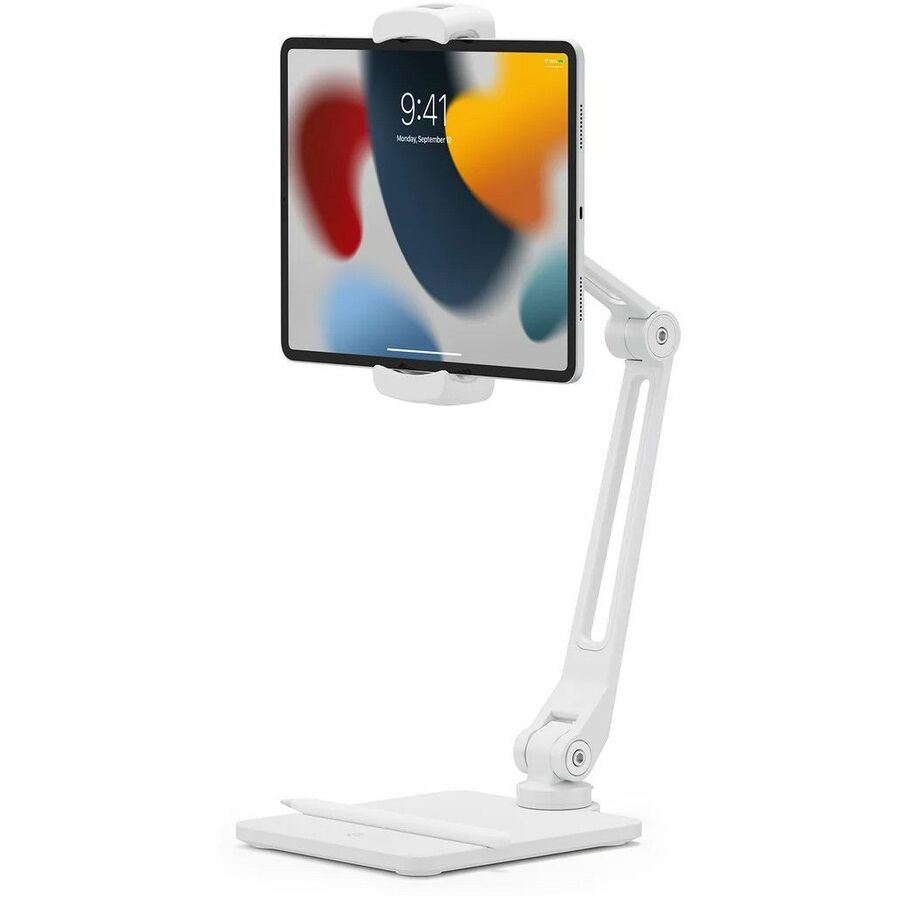
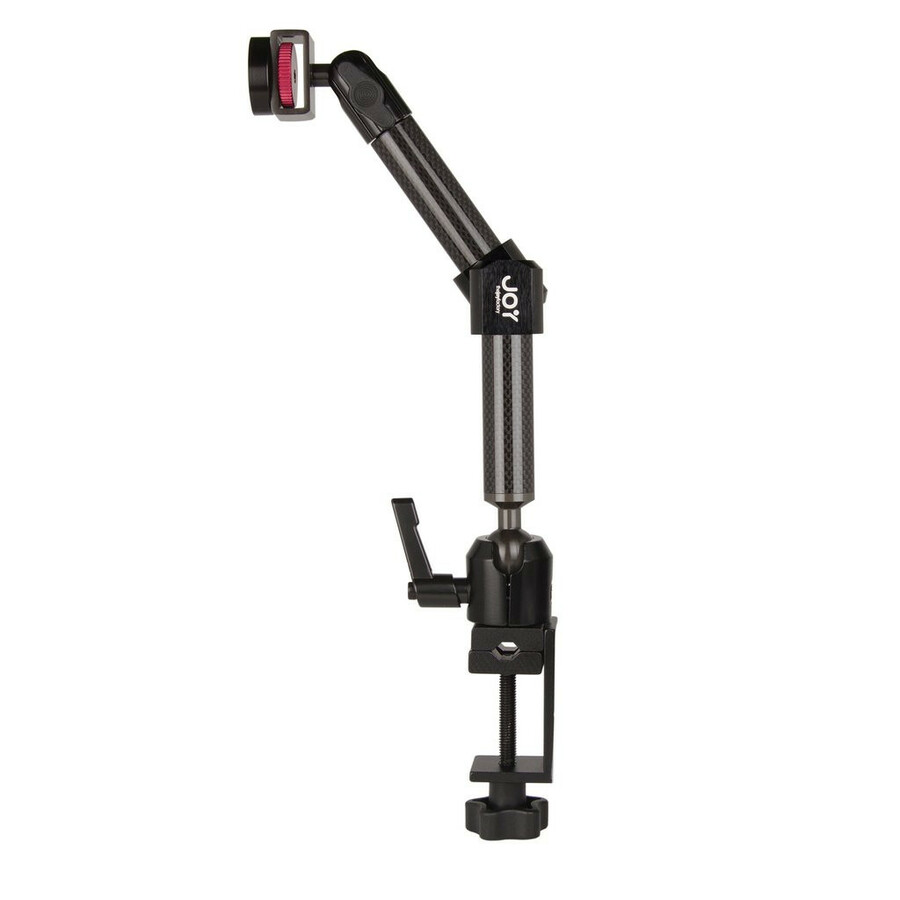
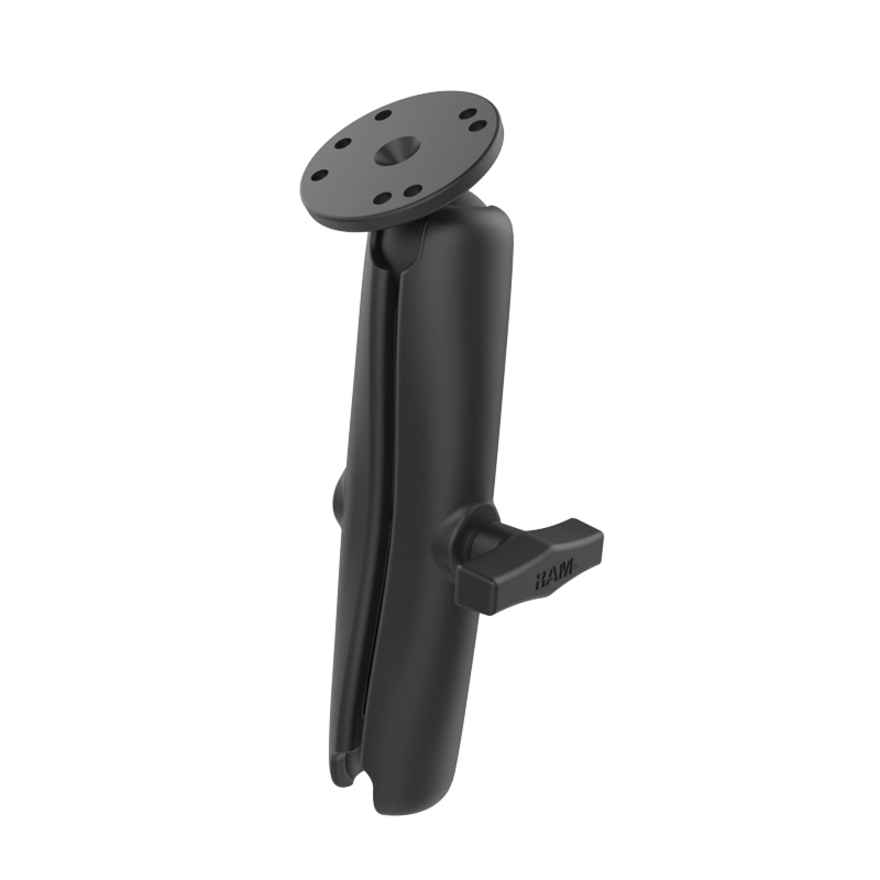
31 in stock - The Joy FactoryThe Joy Factory MagConnect Mounting Arm for iPad, TabletMMU116
$159.99
$150.17
263 in stock







Need pricing on Ergotron monitor arms and mounts?
Tell us where to reach you and a Uniqcli specialist will follow up by email with current pricing, availability and lead time for the quantities you need — including parts that aren’t shown on this page.
Buying for an organization or for yourself — both work. No payment up front.
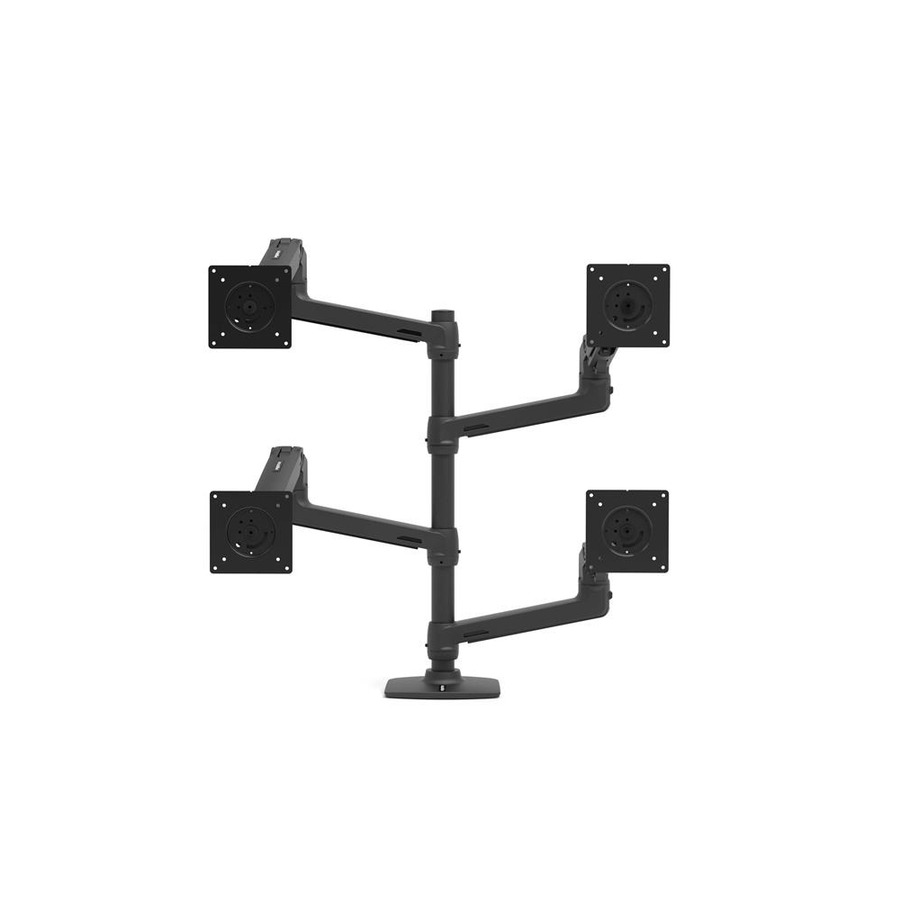
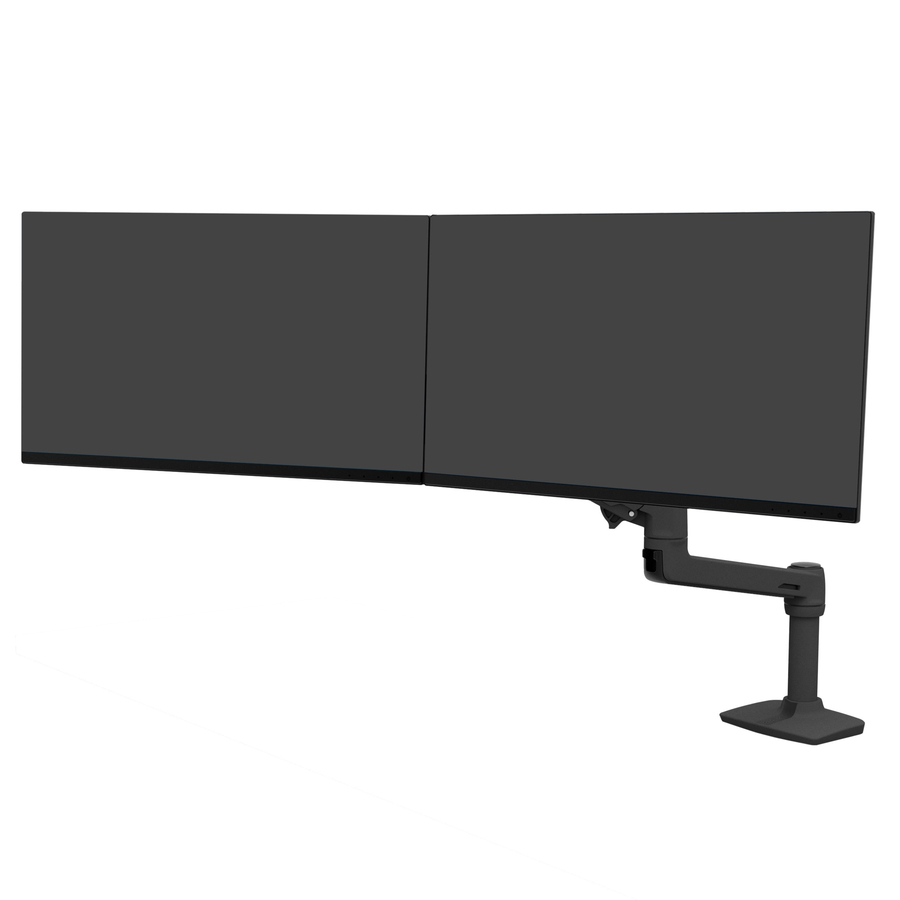
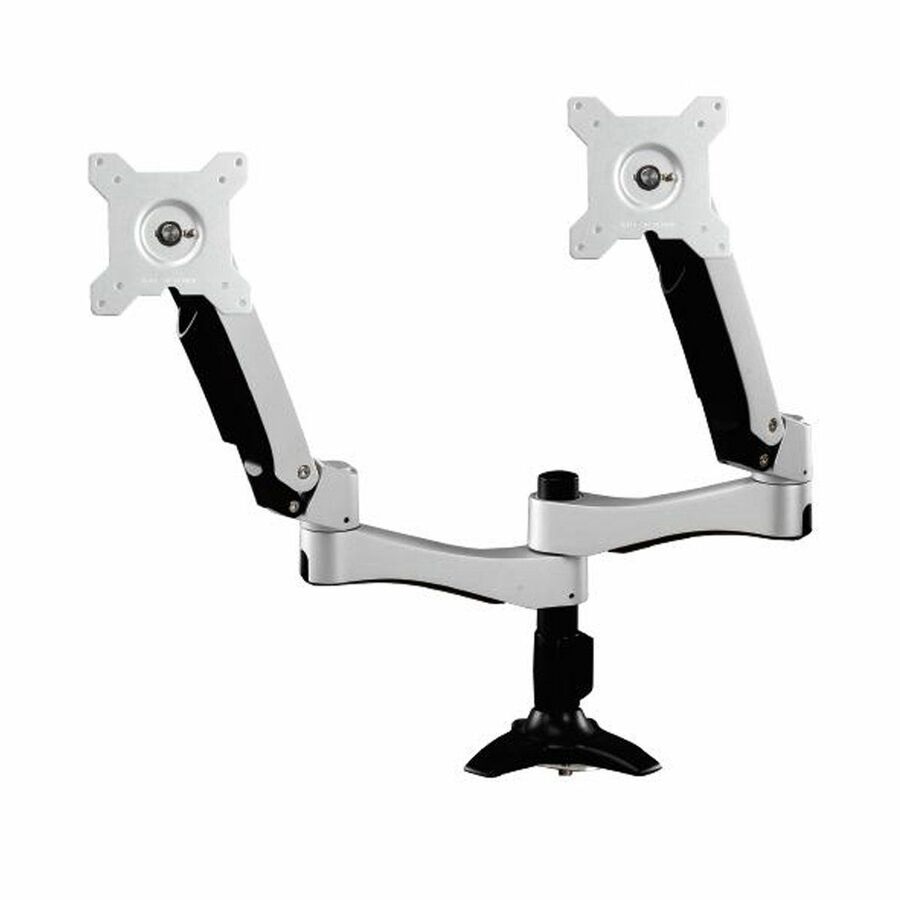
Ergotron's mounting range covers several different jobs under one brand, and the first fork is how many displays a seat carries. Part numbers are listed by the display count they support, so a dual monitor mount is a separate model with its own load rating and footprint rather than an accessory bolted onto a single arm later. The two-display models here support panels up to about 32 inches at roughly 35 lb, and three- and four-display configurations exist for control-room-style desks.
After display count, two numbers decide whether a mount fits at all: the VESA hole pattern on the back of the panel and the weight it has to hold once the factory stand is removed — the stand being what the mount replaces. The dual desk arms and the wall units in this selection list 75 x 75 and 100 x 100 patterns, with capacities from 21.5 to 35 lb; the WorkFit-style arm adds 200 x 200, 200 x 100 and 400 x 200 through 400 x 400 for a 42-inch panel, and the interactive large-display arm lists 200 x 100, 200 x 400 and 200 x 600 for screens from 40 to 90 inches at 70 lb.
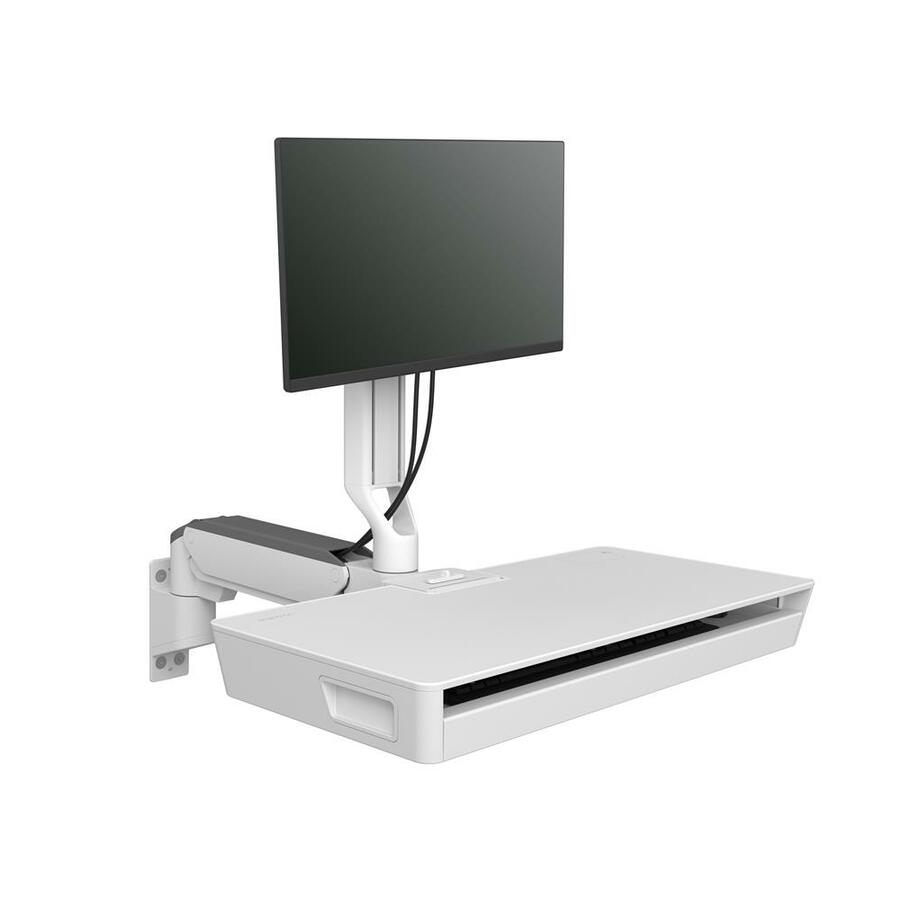
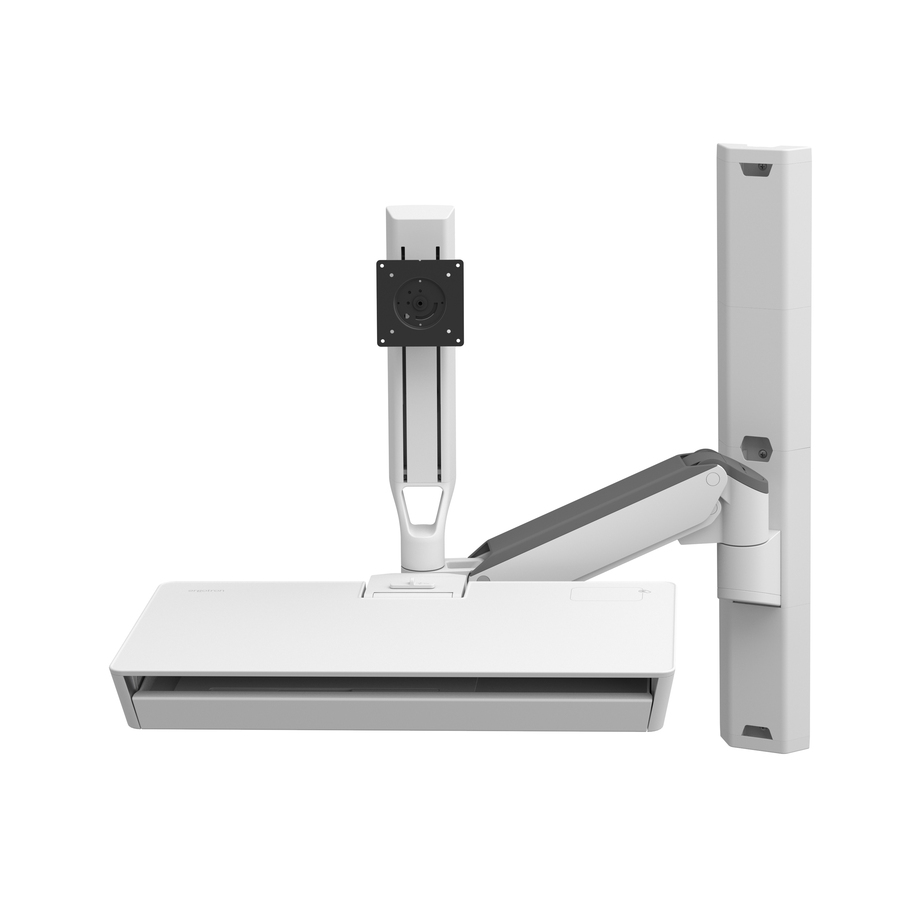
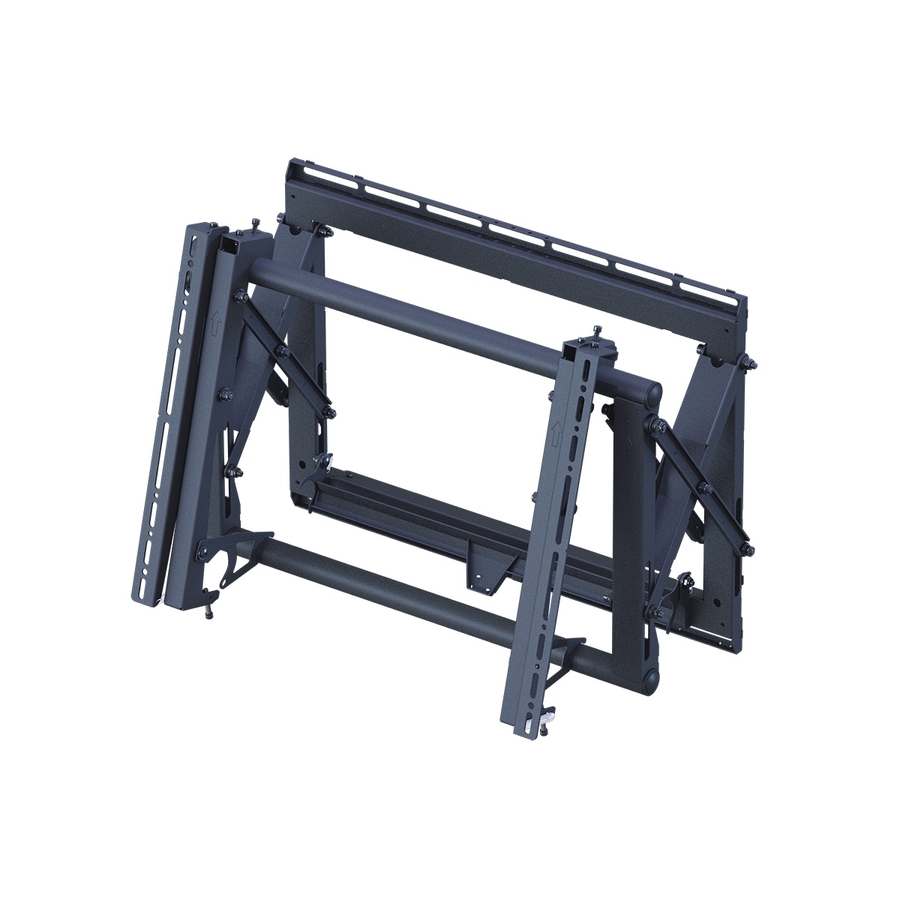
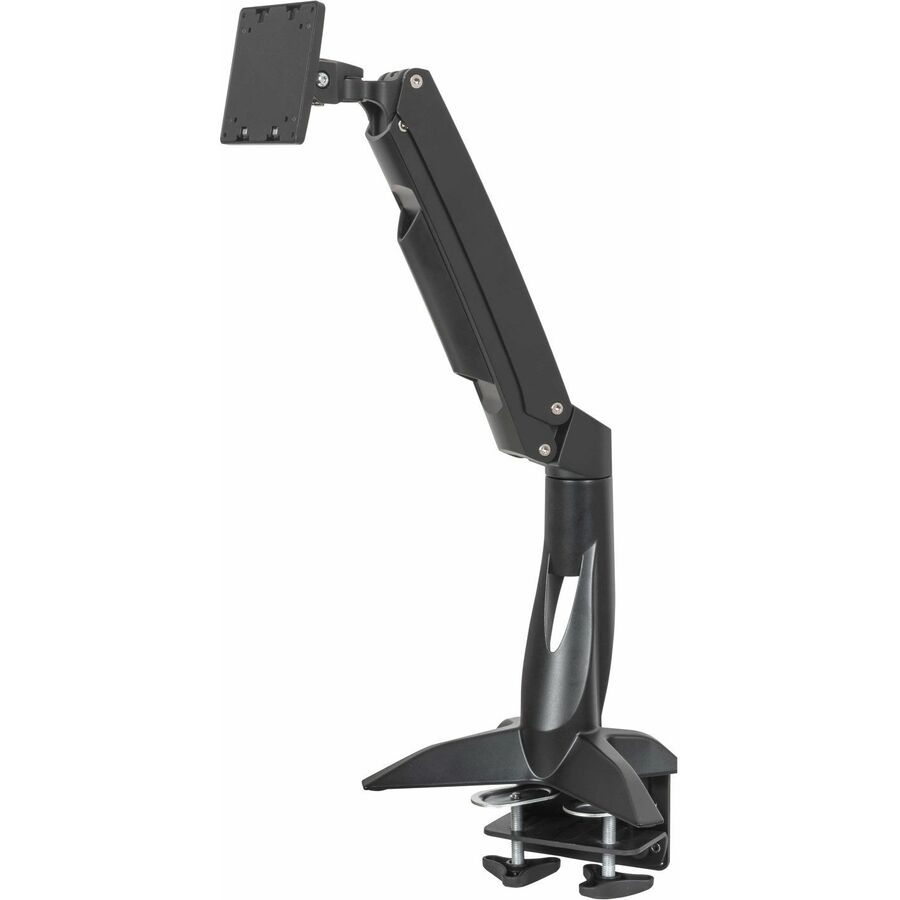
Then choose how the mount attaches. Desk arms clamp to the work surface or drop through a grommet and suit most standard workstations, while wall-mounted units — including the models that carry a monitor and keyboard together — answer the seats where desk depth is scarce. The selection below is what Uniqcli currently lists, with live in-stock status on each product so you can see what ships now before committing a floor-wide order.
Buyer's checklist
How to choose an Ergotron monitor arm or mount
- Fix the display count first — single, dual, and three- or four-display models are separate part numbers with their own load ratings, not upgrades to the same arm.
- Check the VESA pattern against the panel: the dual desk arms and wall units here list 75 x 75 and 100 x 100, the WorkFit-style arm adds 200 x 200 through 400 x 400, and the interactive large-display arm lists 200 x 100, 200 x 400 and 200 x 600.
- Weigh the monitor without its factory stand and stay inside the listed load capacity — 21.5 to 35 lb across these desk and wall units, up to 70 lb on the large-display arm.
- Confirm the supported screen-size range on the exact part number (21.5 to 27 inches on the TRACE dual arm, 32 inches on the other dual arms, 32 to 34 inches on the wall units, 42 inches on the WorkFit-style arm, and 40 to 90 inches on the large-display model).
- Decide the attachment method — desk clamp or grommet for standard workstations, wall mount where the surface is too shallow or too thin to clamp.
- Specify landscape/portrait rotation for seats that read documents, code, or long logs, and standardize on a short list of part numbers so spares and install instructions stay uniform.
Where these arms and mounts fit
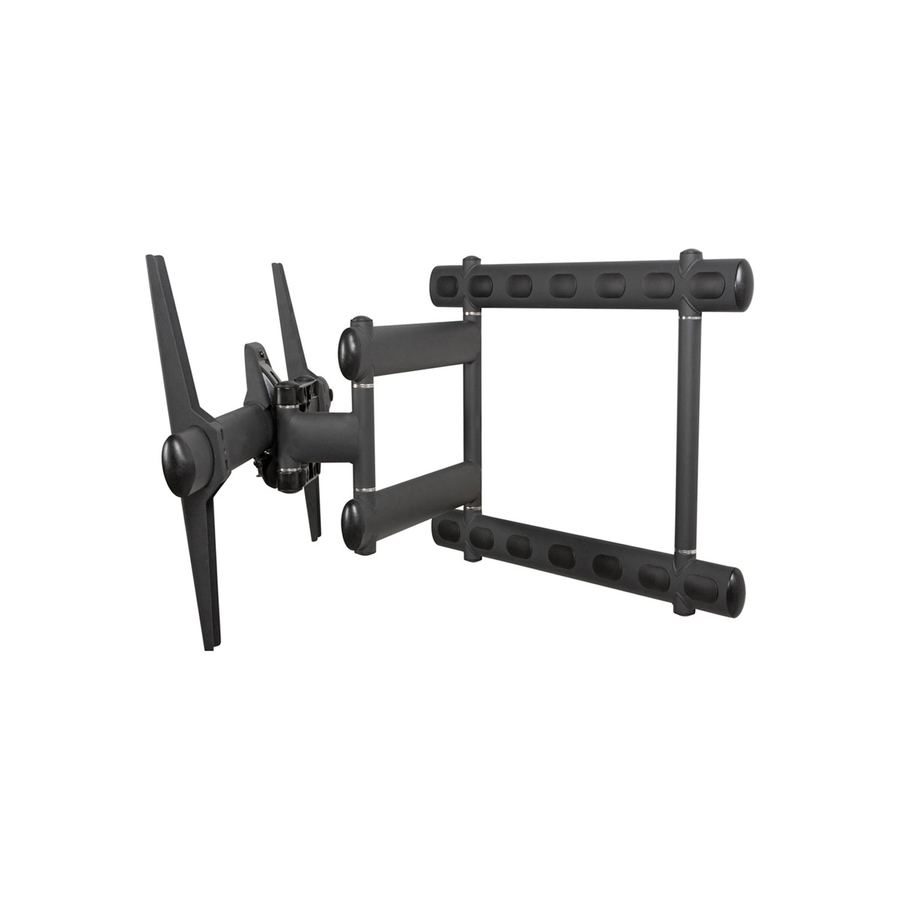
Multi-monitor desks are the obvious case — analyst, dispatch, engineering, and finance seats that run two panels side by side and need both at eye height on the same plane. Monitor-and-keyboard arms are the second, where a WorkFit-style mount carries the display and the keyboard on the same assembly so both move together. Wall-mounted units suit clinical corridors, plant floors, and security stations where the work surface is too shallow for a clamp, and the large-display interactive arms belong in training and conference rooms where a 40- to 90-inch screen has to swing to face the room.
Planning an ergonomics rollout
Measure before you order, not after. Desk-edge thickness and grommet hole size decide whether a clamp or a through-desk mount is installable at all, and back-of-panel clearance matters on monitors whose ports sit under the VESA plate. Confirm the pattern on the exact monitor models already in the fleet, route cables through the arm's channels at install time rather than later, and pilot one desk before committing the floor — an assessment that specifies an arm for every seat is expensive if the reach turns out to be half an inch short.
What a monitor mount costs to own
A monitor arm is a mechanical asset with no consumables and no power draw, so its cost is almost entirely purchase plus install labor. On the height-adjustable models, the wear point is the adjustment mechanism, which typically wants re-tensioning when a heavier or lighter panel is swapped onto it — minutes of work, not a replacement. Because these mounts attach to a standard VESA pattern, they routinely outlive two display refreshes, which is what makes them the cheaper half of an ergonomics program over time.
Related reading
FAQ
Common questions
- Do I need a single or a dual monitor mount?
- Match it to the seat and buy the configuration outright. These arms are listed by the number of displays they support, so a dual model is a different part number with its own load rating and footprint, not an accessory added to a single arm. The two-display models in this range support panels up to about 32 inches at roughly 35 lb, and three- and four-display configurations exist for denser desks. If a seat is likely to add a second screen inside the refresh cycle, it is usually cheaper to specify the dual arm at purchase.
- How do I know an Ergotron arm will fit my monitor?
- Two numbers settle it: the VESA hole pattern on the back of the panel and the panel's weight with the factory stand removed. The dual desk arms and wall units in this selection list 75 x 75 and 100 x 100 patterns with capacities from 21.5 to 35 lb; the WorkFit-style arm adds 200 x 200 through 400 x 400 at 25 lb for a 42-inch panel, and the interactive large-display arm lists 200 x 100, 200 x 400 and 200 x 600 with a 70 lb capacity for displays as large as 90 inches. Each product page carries the supported screen-size range and load capacity for that exact part number — confirm both before ordering for a fleet.
- Desk clamp, grommet, or wall mount?
- Desk-mounted arms are the default for standard workstations: they clamp to the desk edge or mount through a grommet, and the whole assembly stays with the desk. Wall mounts earn their place where the work surface is too shallow or too thin to clamp, where a station has no desk at all, or where a monitor and keyboard need to travel together on the wall — several models in this range are built exactly that way. Large-format displays in training and conference rooms are a separate case, handled by the heavier interactive arms.
- Can Uniqcli quote Ergotron mounts for a government or education order?
- Yes. These Ergotron mounts are available to business, government, and education buyers, sourced through US distribution, with TAA country-of-origin and NDAA Section 889 screening performed on every order and documentation tied to the specific part number you buy. For a floor-wide ergonomics rollout, send the desk count and the monitor models through a quote or RFQ and we will price the configuration and confirm lead times.
Need Ergotron monitor arms and mounts pricing?
Send a bill of materials or part numbers — we confirm stock and a below-market total, with TAA verified on request. No payment up front.