
DDR5 SODIMM laptop memory
DDR5 SO-DIMM laptop memory across the catalog — narrow by module capacity, rated speed or error correction, and search inside the page by product name or OEM part number.
Showing 24 of 188 DDR5 SODIMM modules
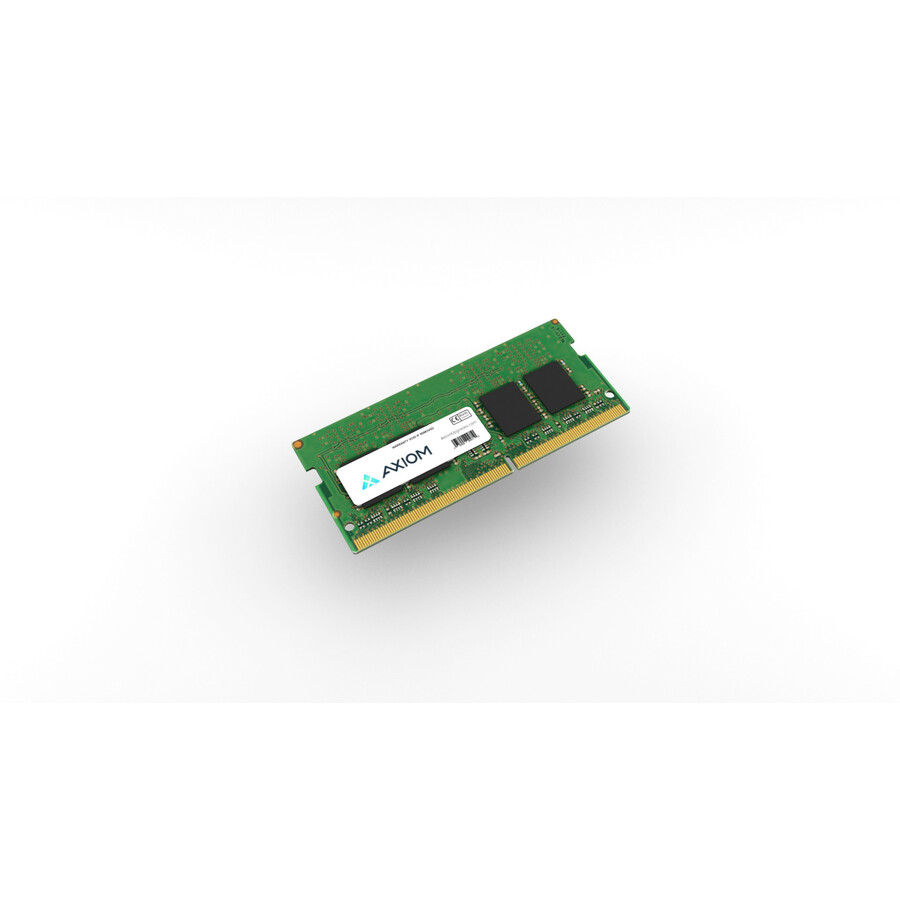
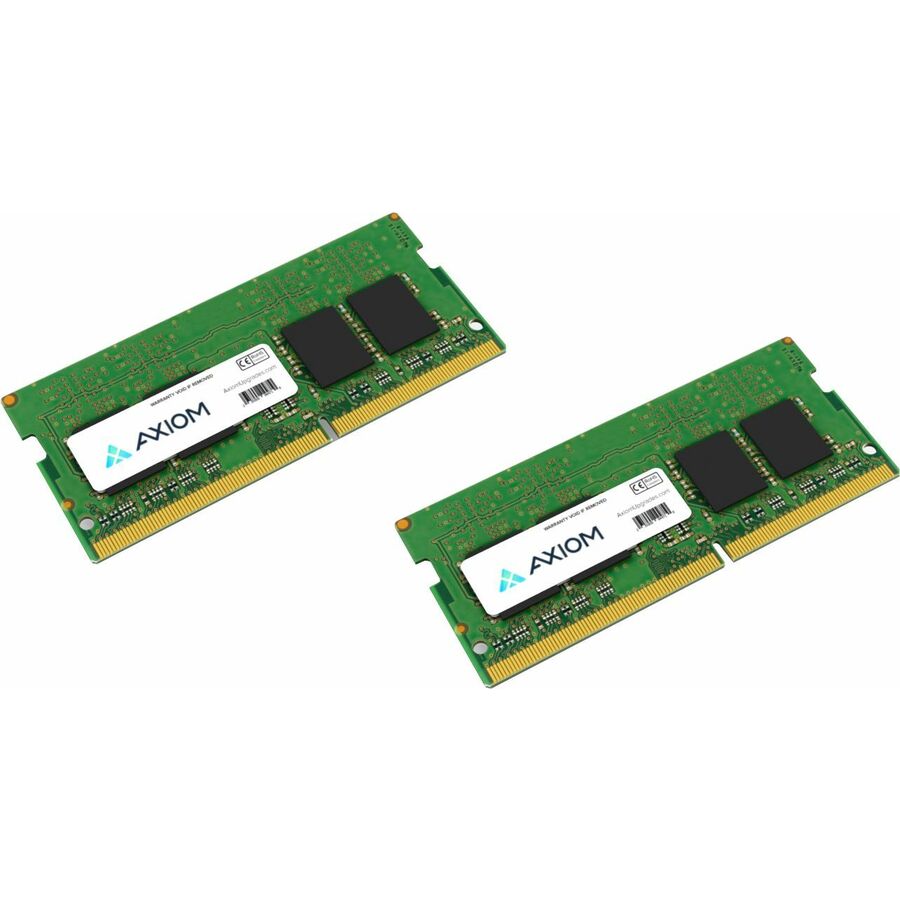
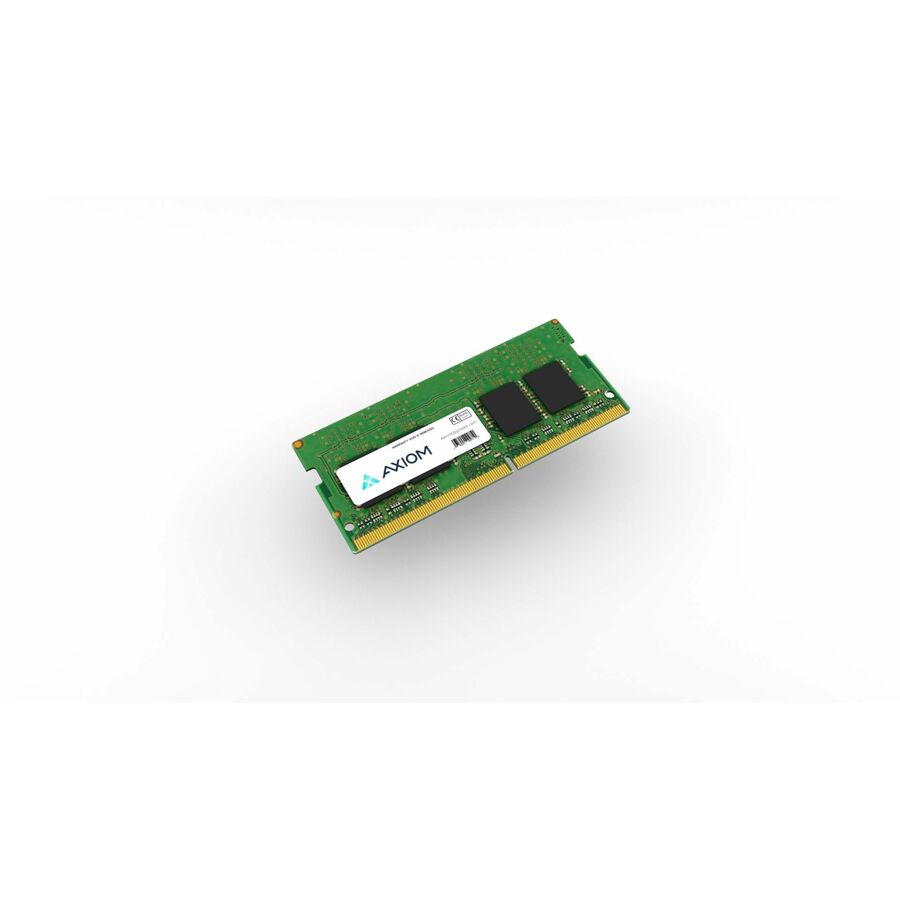
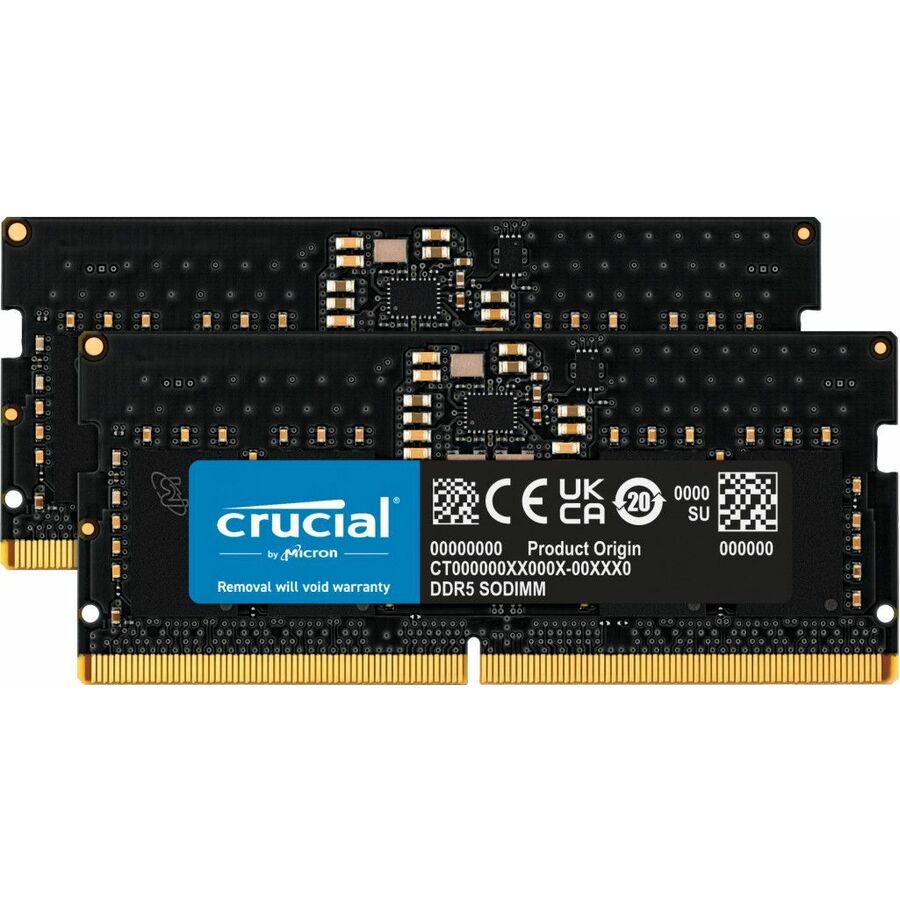
- Axiom Memory SolutionsAxiom RAM Module - For Notebook - 64 GB (2 x 32GB) - DDR5-5600/PC5-44800 DDR5 SDRAM - 5600 MHz - 262-pin - SODIMMAX55600S46D/64GK
$1,867.00
$1,603.90
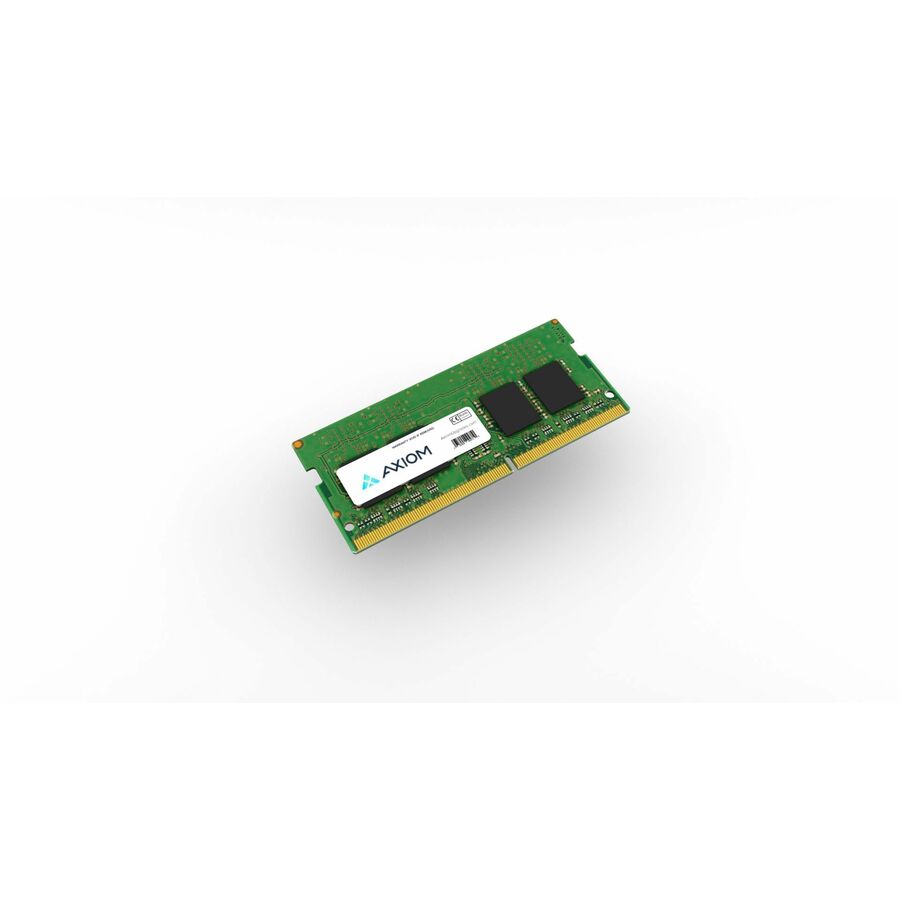
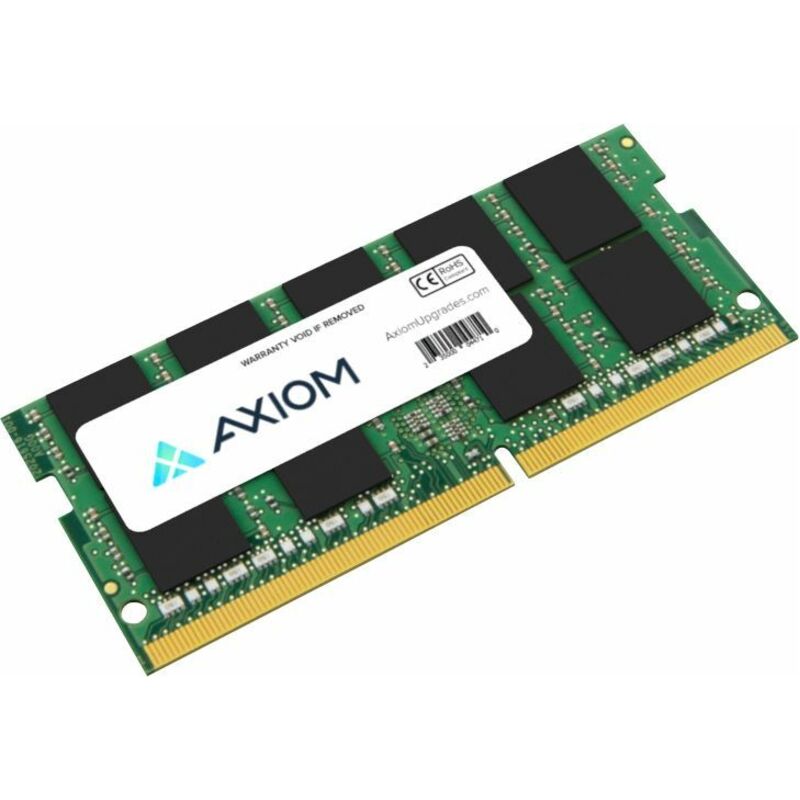
154 in stock - Axiom Memory SolutionsAxiom 48GB DDR5-6000 SODIMM AX56000S48I/48G - Axiom 48GB DDR5-6000 SODIMM - AX56000S48I/48GAX56000S48I/48G
$1,607.00
$1,380.43
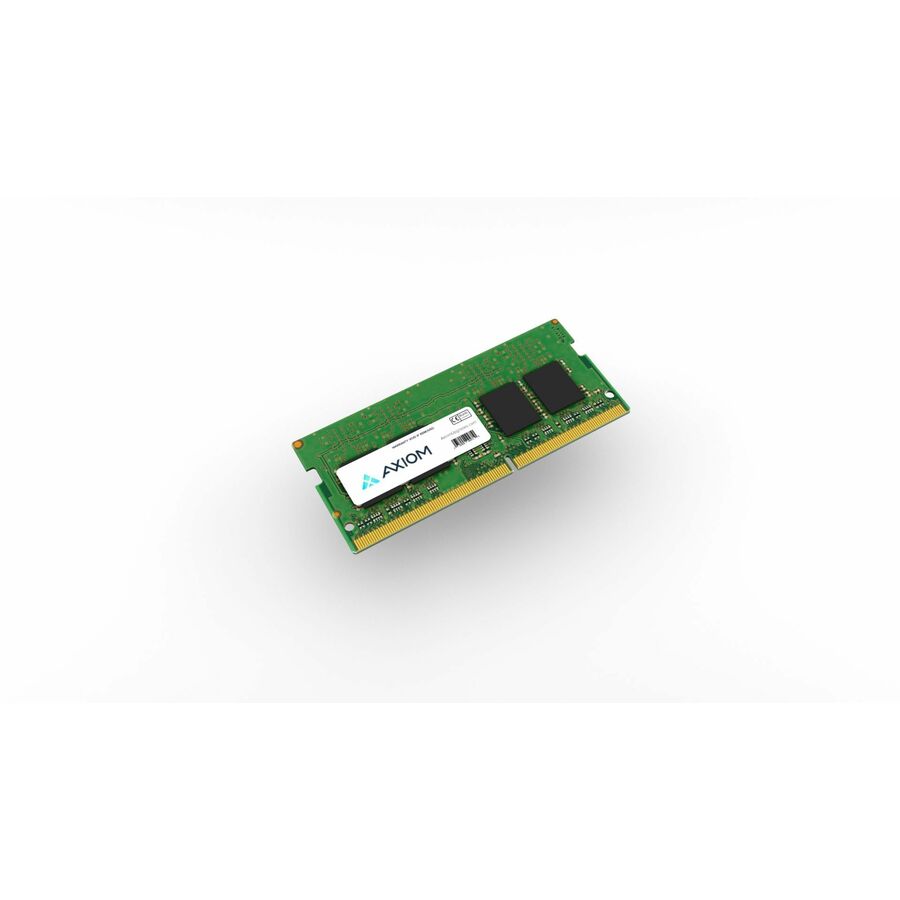
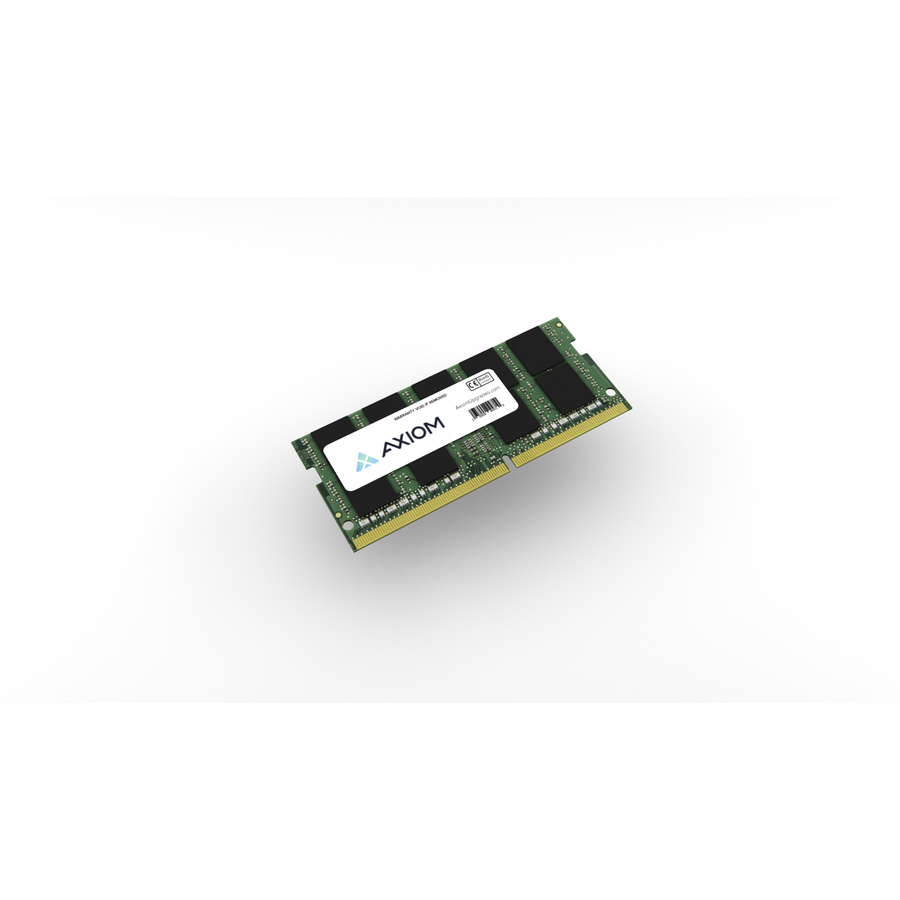
1 in stock - Axiom Memory SolutionsAxiom 16GB DDR5-6000 SODIMM AX56000S48D/16G - Axiom 16GB DDR5-6000 SODIMM - AX56000S48D/16GAX56000S48D/16G
$548.00
$470.72
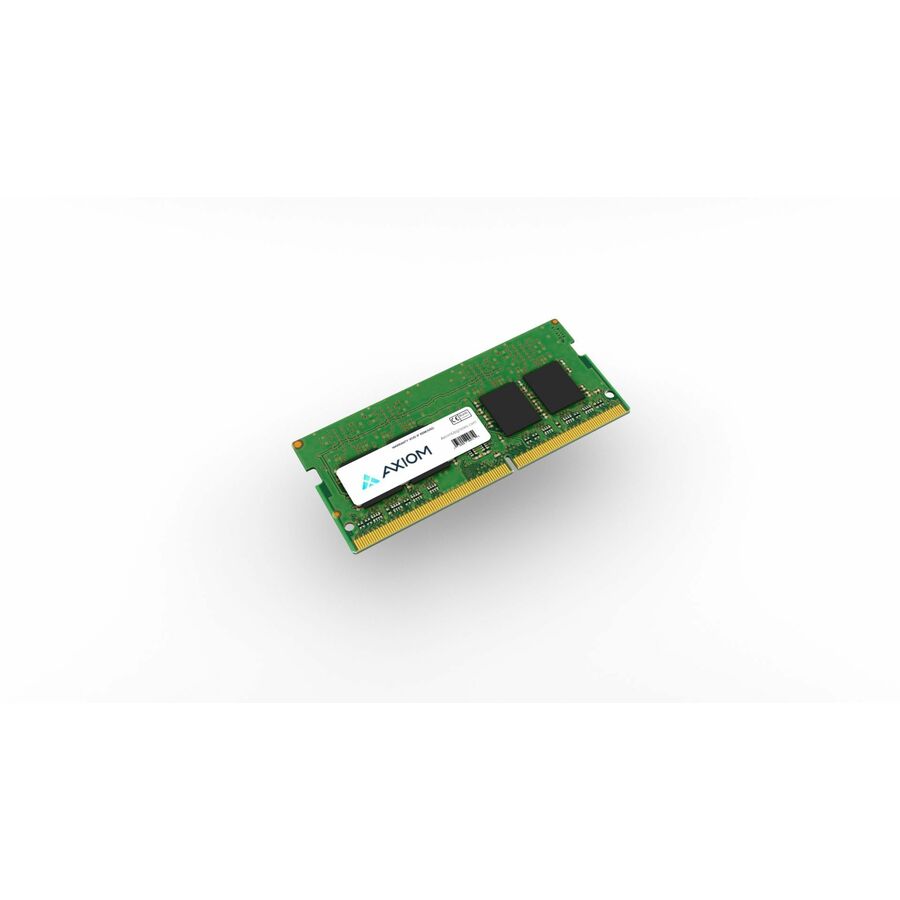
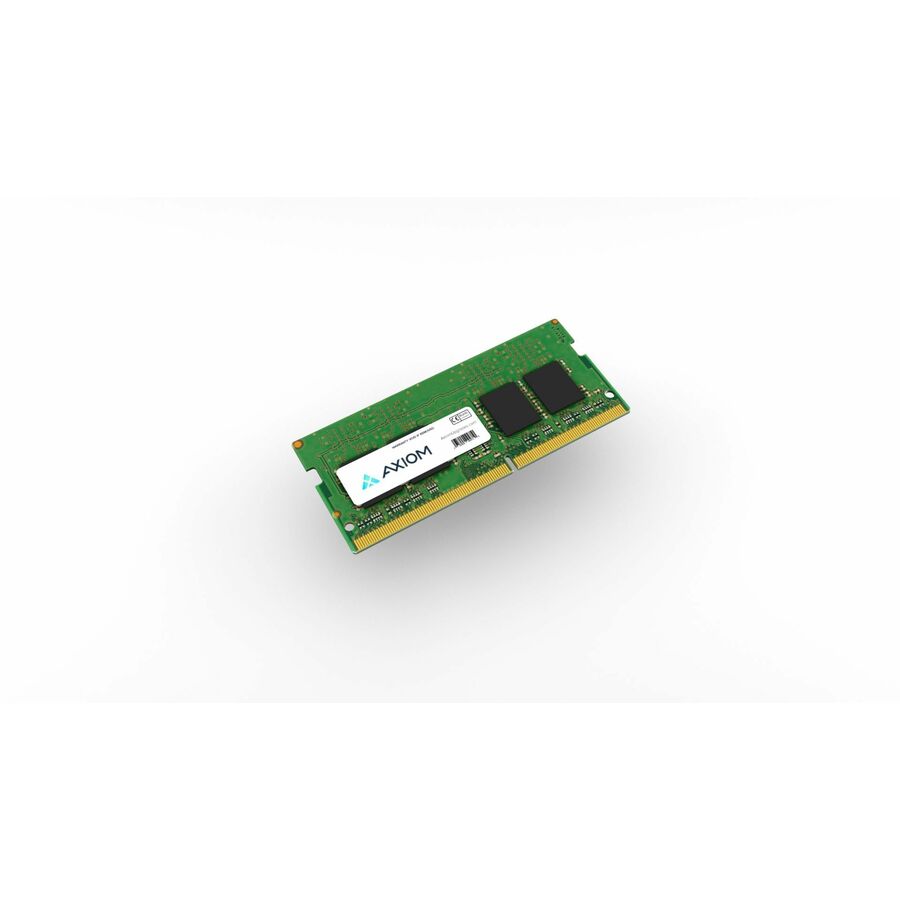
1 in stock - Axiom Memory SolutionsAxiom 32GB DDR5-6000 SODIMM AX56000S48D/32G - Axiom 32GB DDR5-6000 SODIMM - AX56000S48D/32GAX56000S48D/32G
$1,145.00
$983.75
1 in stock - Axiom Memory SolutionsAxiom 24GB DDR5-6000 SODIMM AX56000S48I/24G - Axiom 24GB DDR5-6000 SODIMM - AX56000S48I/24GAX56000S48I/24G
$768.00
$659.80
1 in stock
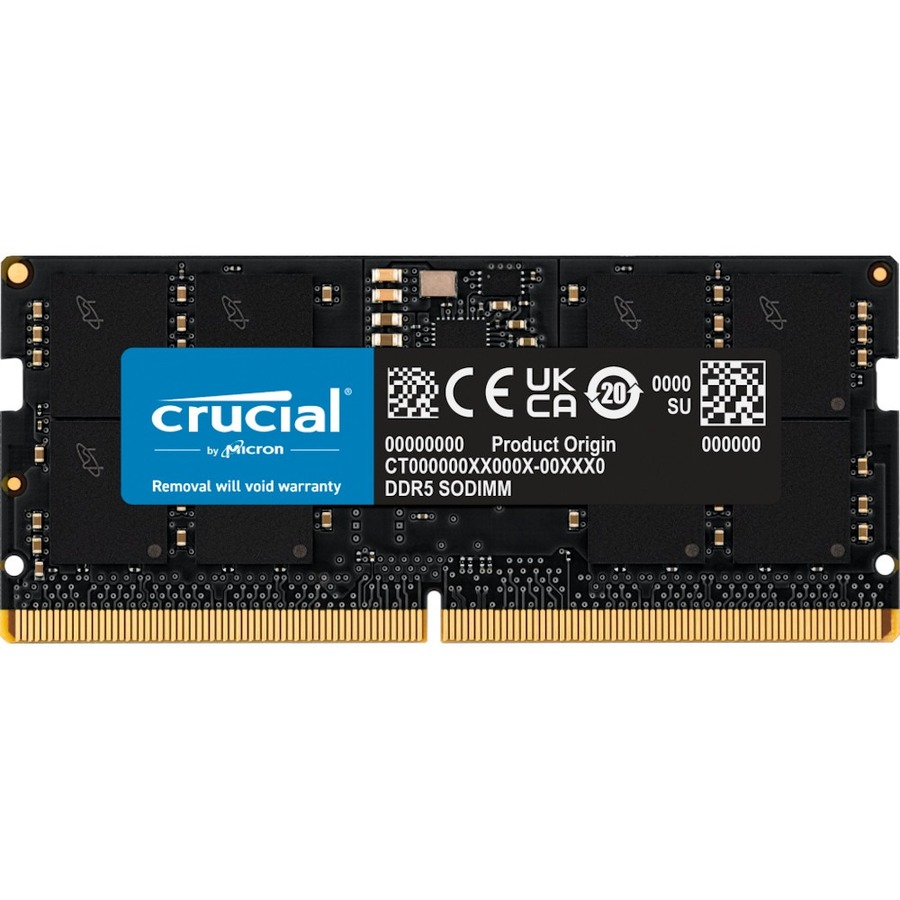
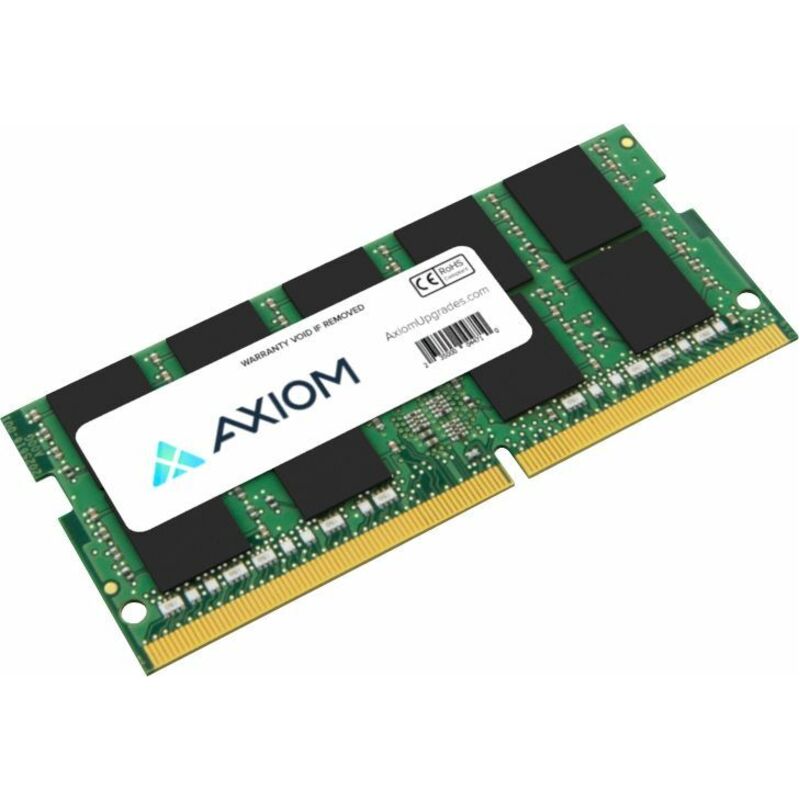

Specifications are read from the manufacturer product title as supplied to us; where a value is not stated it is left blank rather than estimated. Every line is screened for NDAA §889 status before checkout, with TAA verified on request.
Need pricing on DDR5 SODIMM laptop memory?
Tell us where to reach you and a Uniqcli specialist will follow up by email with current pricing, availability and lead time for the quantities you need — including parts that aren’t shown on this page.
Buying for an organization or for yourself — both work. No payment up front.
About DDR5 SODIMM laptop memory
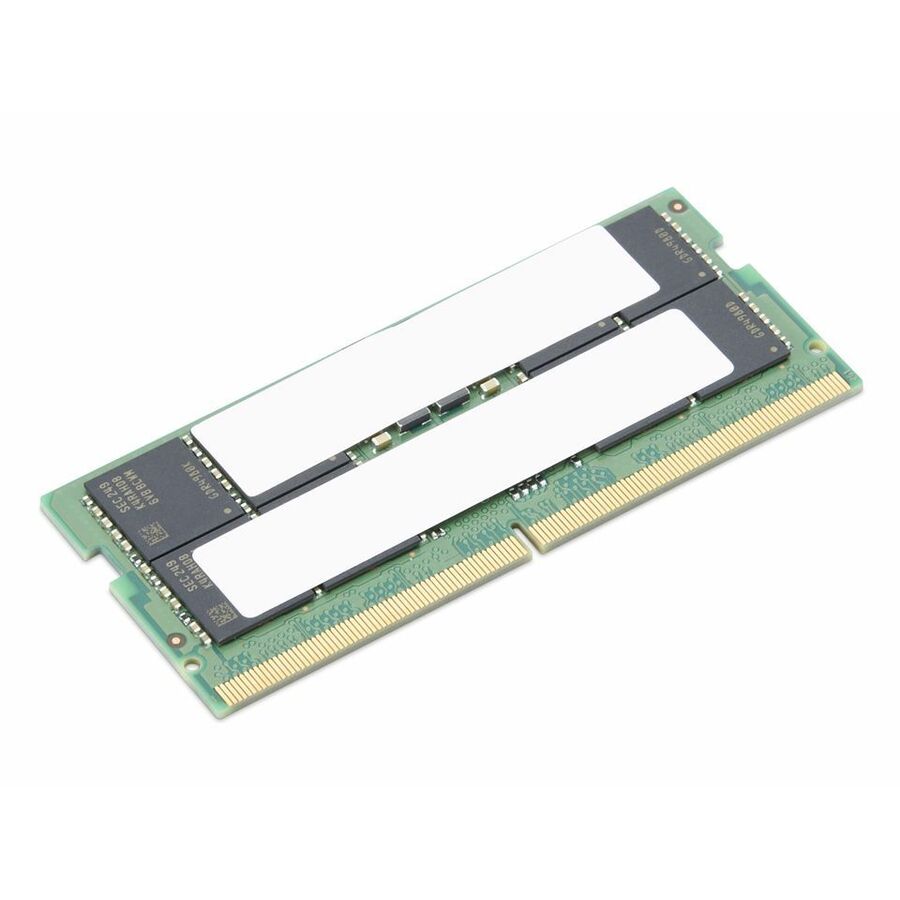
A DDR5 SO-DIMM is the 262-pin small-outline module that current laptops, mini PCs, all-in-ones and a growing number of edge appliances and NAS units take. The pin count is the smallest of its differences from the DDR4 SO-DIMM it replaced: DDR5 drops to 1.1 V, moves voltage regulation onto the module itself as an on-board power-management IC, and presents two independent 32-bit subchannels rather than one 64-bit bus. The notch sits in a different place for exactly that reason, so a DDR5 module cannot be persuaded into a DDR4 slot and no adapter makes it possible. One caution before you shop: not every DDR5-era laptop takes a SO-DIMM at all — thin machines increasingly solder LPDDR5 to the board or use compression-attached CAMM2 modules instead, and the system's own service manual is the only reliable place to settle which.
Once the platform is confirmed, three specs decide the purchase. Capacity is a per-slot limit as well as a per-system one: check the maximum the board accepts in a single slot alongside the total, because plenty of systems take two 16 GB modules and refuse a single 32 GB one. Speed is next — a memory subsystem clocks every module at the slowest rate the installed set and the processor's memory controller share, so a faster module dropped in beside an existing one buys nothing, and matching what is already fitted (or replacing both slots together) is the reliable route. Third is error correction, which DDR5 makes genuinely confusing: every DDR5 device corrects errors internally on the die, some manufacturers state that as "on-die ECC" on an ordinary consumer module, and it is not the system-visible ECC a workstation or edge-server platform means when it asks for the feature. The filters here read what each manufacturer states in its own title, and a value a title never states is left blank rather than guessed.
FAQ
DDR5 SODIMM laptop memory questions
- Will a DDR5 SODIMM fit a DDR4 laptop?
- No. The two are keyed differently — a DDR5 SO-DIMM carries 262 pins against DDR4's 260 and the notch sits in a different position — so the module will not seat, and forcing it damages the slot. The electrical design differs as well: DDR5 runs at 1.1 V and carries its own power-management circuitry on the module, so even a mechanically identical part would not work. Check the system's service manual for the memory type first; if it says DDR4, shop the DDR4 SO-DIMM page instead.
- What speed of DDR5 SODIMM should I buy?
- Match the platform rather than the largest number. A system runs its memory at the slowest rate shared by every installed module and by the processor's memory controller, so a 5600 MT/s module in a machine that tops out at 4800 MT/s simply runs at 4800. If you are filling a second slot, match the installed module's capacity and rated speed; if you are buying both slots, buy them together. A higher-rated module does no harm — it just does not pay for itself in a platform that cannot clock it.
- Does DDR5 memory already include ECC?
- Every DDR5 device includes on-die ECC, which corrects errors inside the DRAM before data leaves the chip and exists mainly to keep dense DDR5 dies reliable. It is invisible to the operating system, it reports nothing, and it is not the ECC a server or workstation platform is asking for — that is side-band ECC, carried on additional memory devices and reported to the memory controller. Some consumer DDR5 titles state "On-die ECC" among their specifications, so where the platform genuinely requires ECC, use the error-correction filter and confirm the exact part with your quote request.
- Why do DDR5 SODIMMs come in 24 GB and 48 GB?
- Because DDR5 introduced 24 Gbit DRAM dies alongside the traditional 8 and 16 Gbit parts, which produces module capacities that are not powers of two — 24 GB, 48 GB and 96 GB sit beside the familiar 8, 16, 32 and 64 GB. They are ordinary DDR5 SO-DIMMs, but platforms that shipped before those dies existed may need a firmware update to recognize them, or may not support them at all. Check the system maker's supported-memory list before buying a non-binary capacity.
Fitting out a fleet of laptops?
Send the machine model or the module spec with quantities. We confirm which module that platform actually takes, check current stock across the whole quantity and hold the quoted price for the quote period.