
RAM Compatibility Checker and Memory Finder
Search the OEM memory part number your server, workstation or laptop takes and see the modules whose manufacturer states compatibility with it — or filter live catalog memory by generation, capacity, form factor and ECC.
RAM compatibility checker
Two ways in — the part number your system takes, or the spec.
Results are catalog listings whose manufacturer states compatibility with the part number you entered — the compatibility claim belongs to the module maker (Axiom, AddOn, Kingston and others) and is printed in their own listing text. We match on what they publish; we do not certify the fit ourselves. Confirm it against your platform’s qualified-vendor list, or send us the system model with a quote and a rep will check it for you.
Showing 24 of 6,472 memory modules
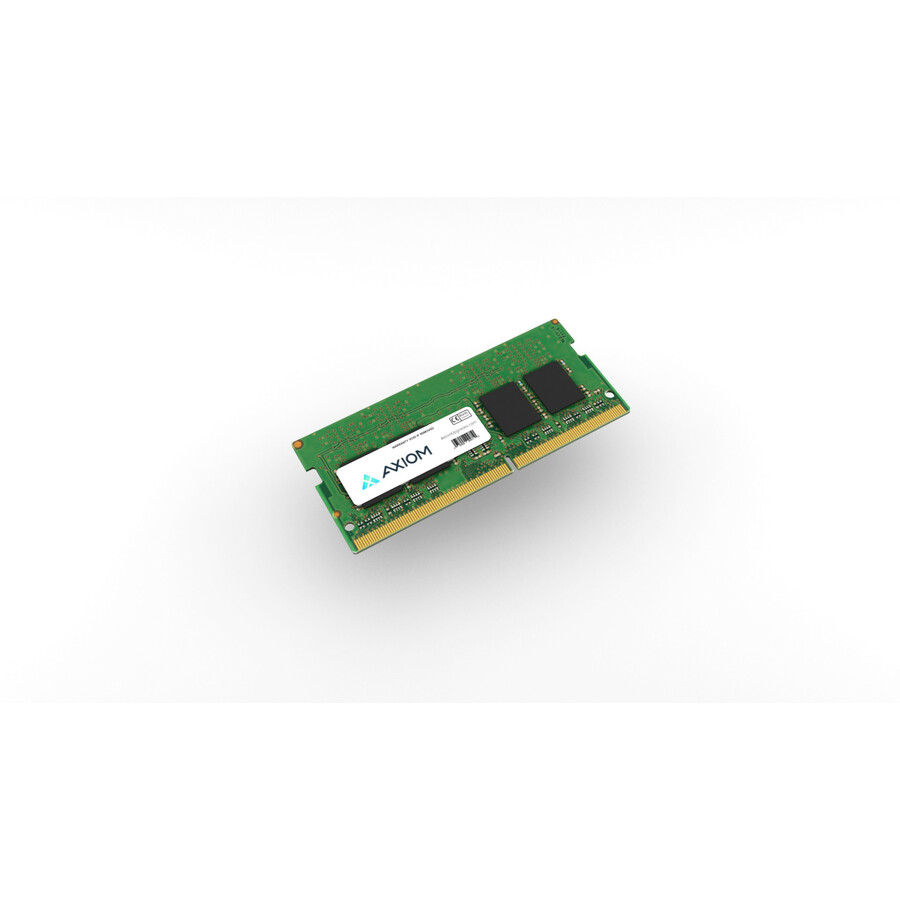
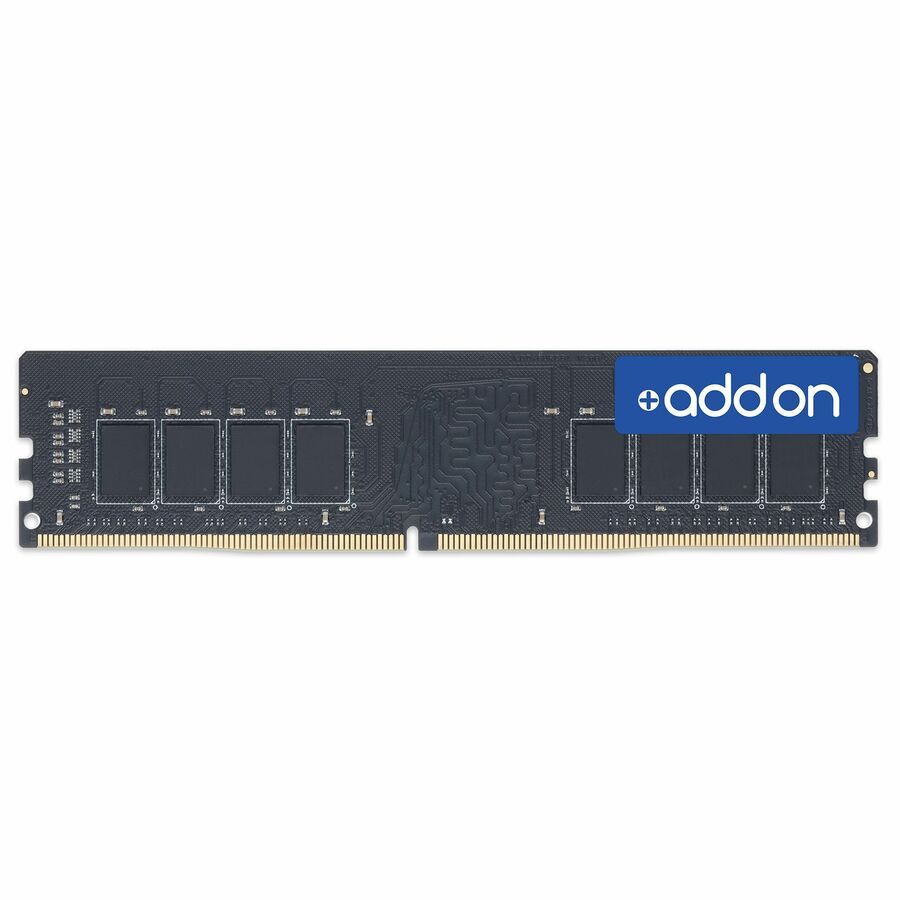
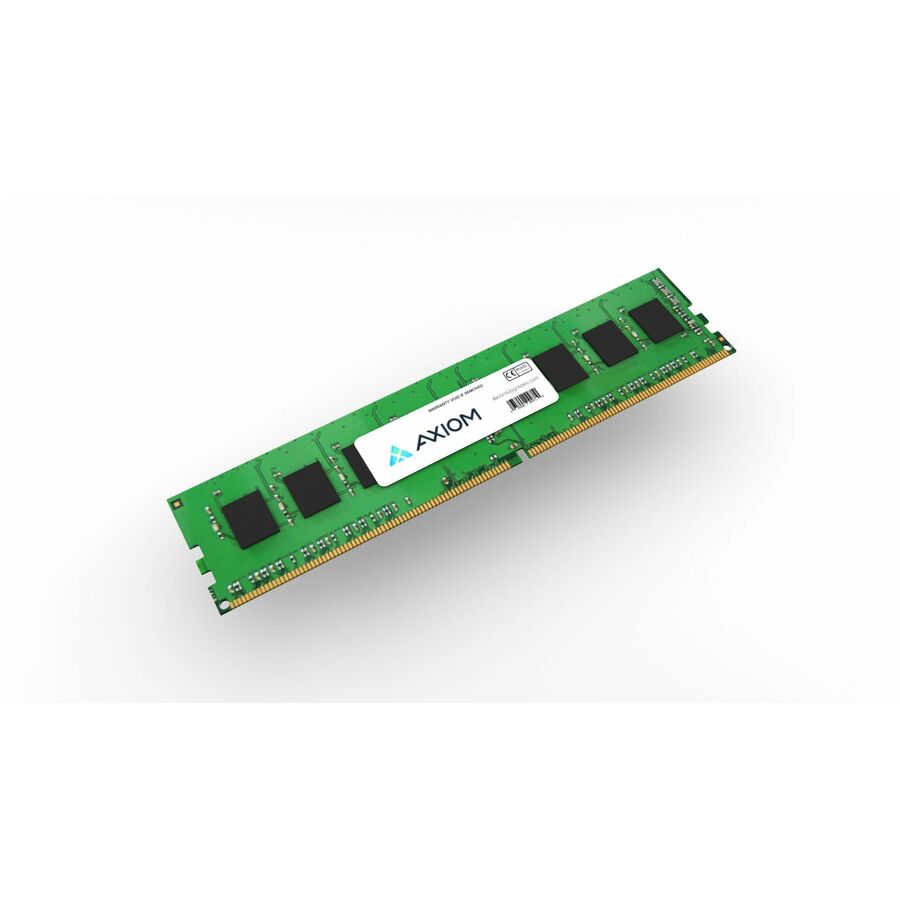
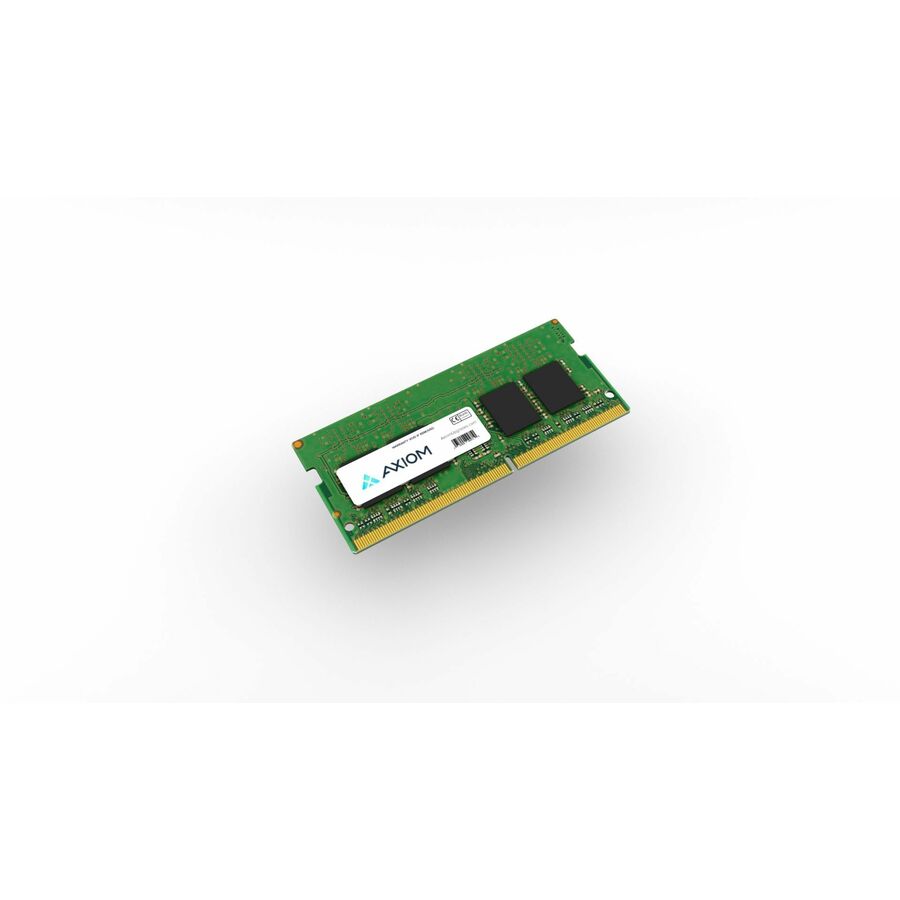
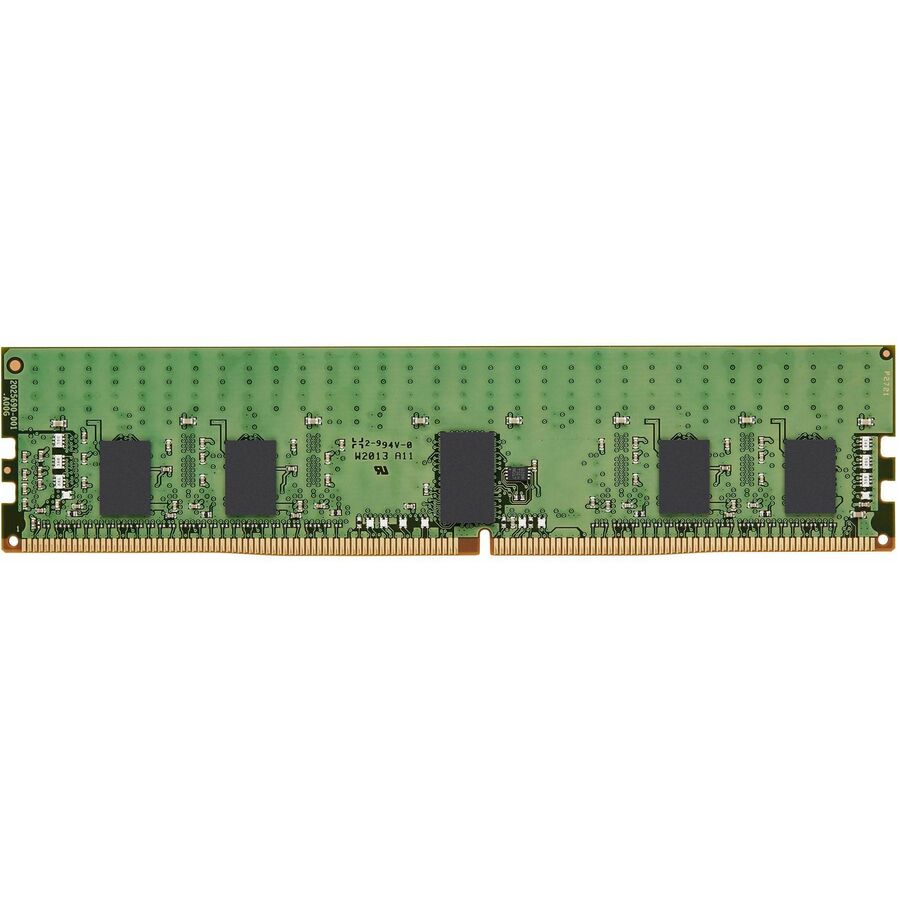
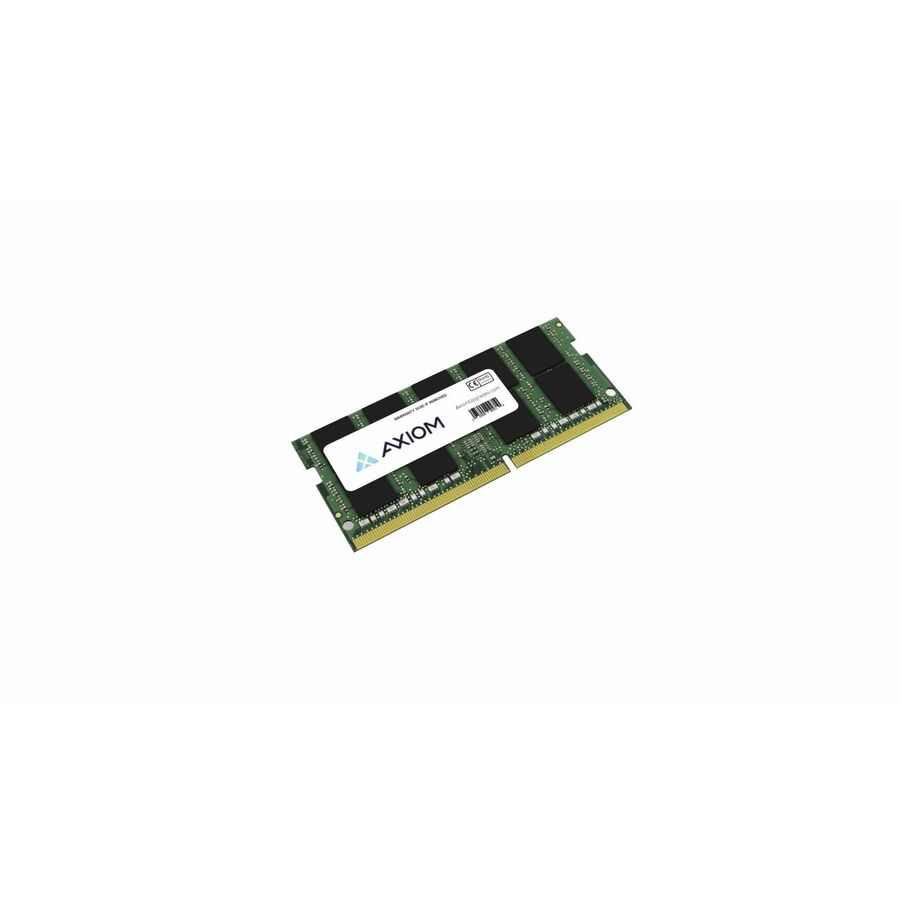
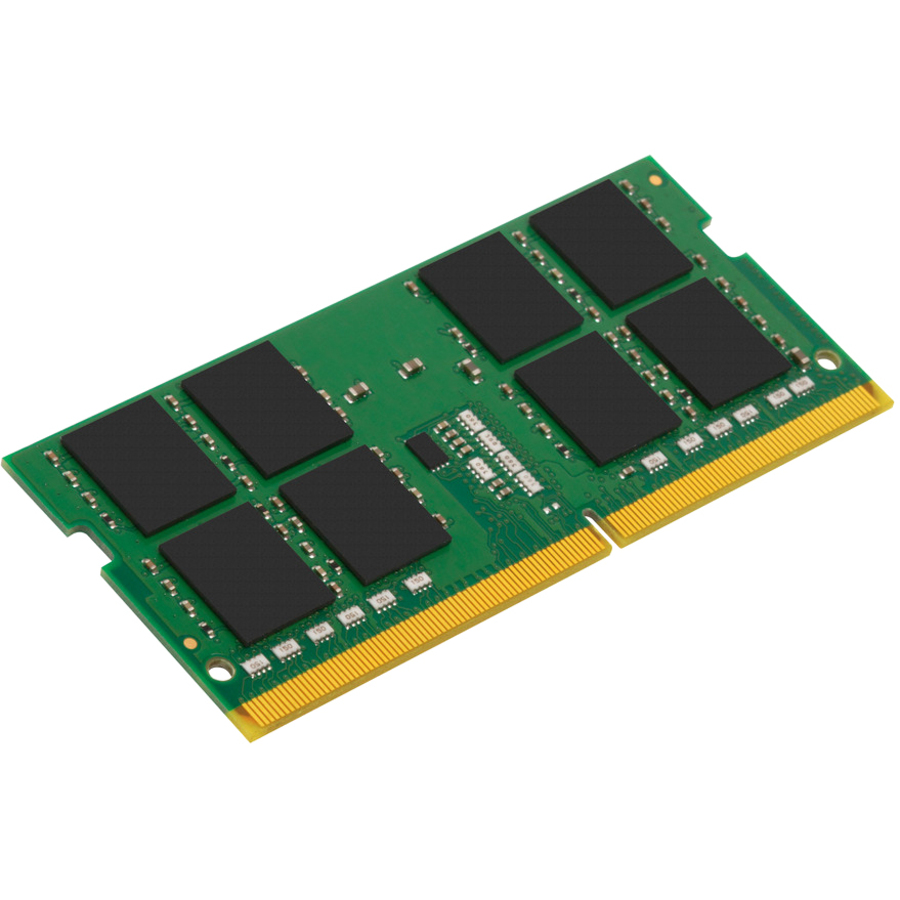
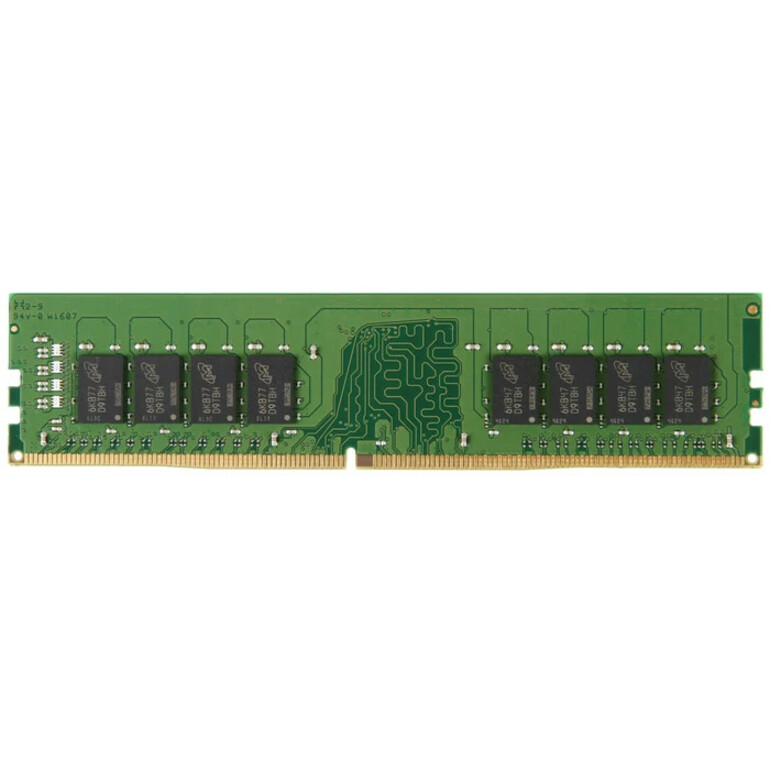
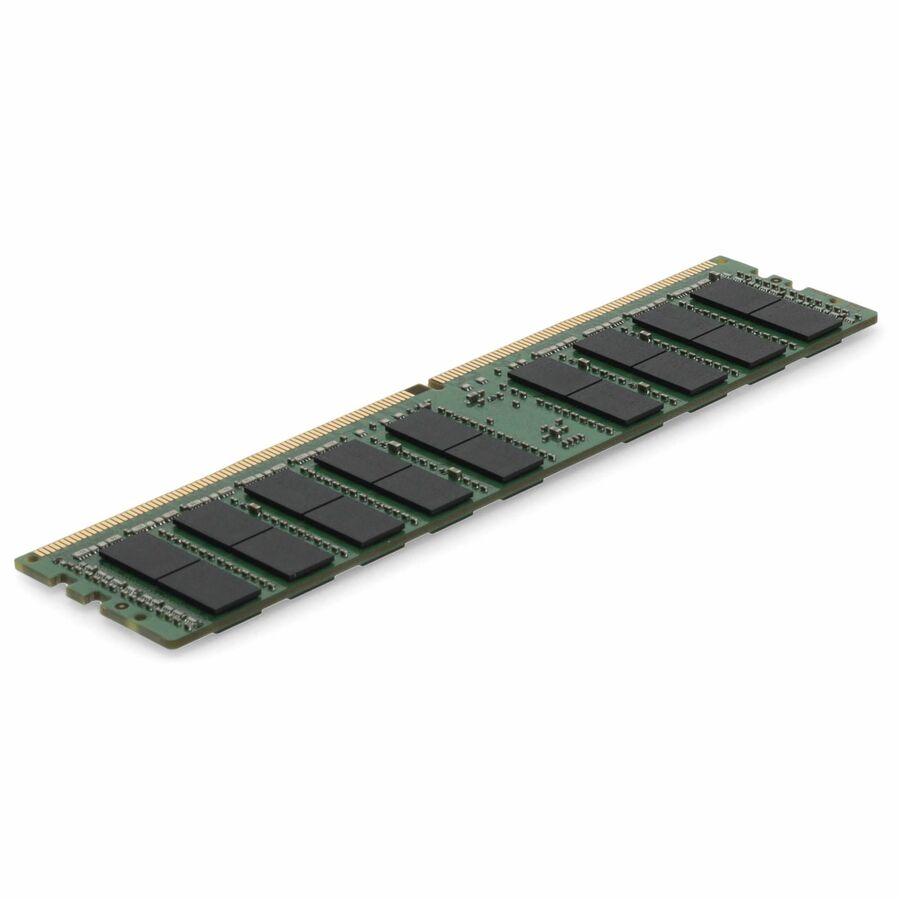
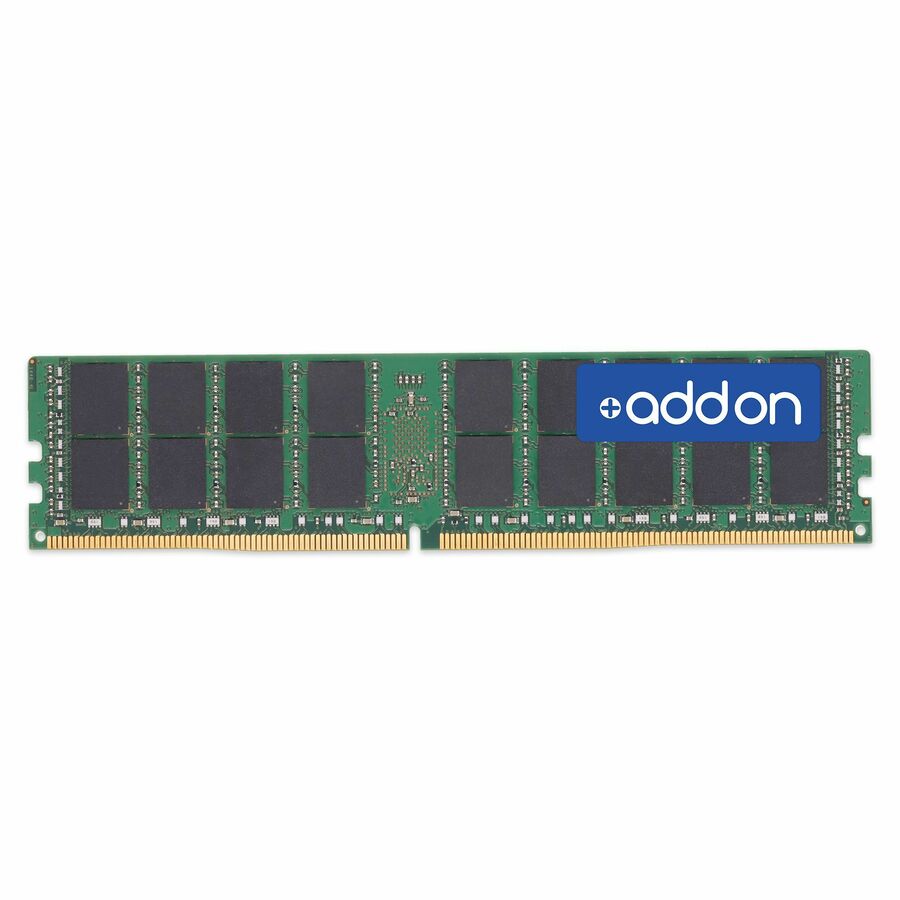
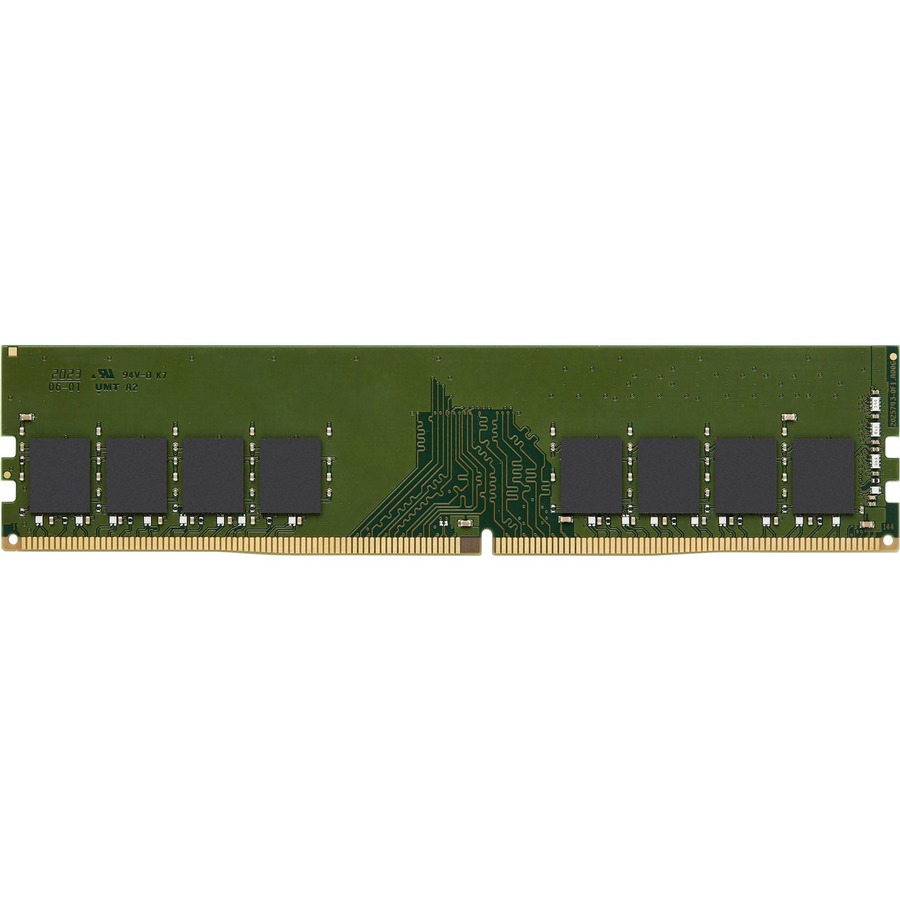
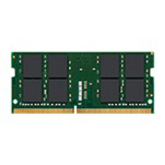
- AddOnAddOn Lenovo® 4X70M60574 Compatible Factory Original 8GB DDR4-2400MHz Single Rank x8 1.2V 260-pin CL15 SO-DIMM - For Desktop PC, Notebook - 8 GB (1 x 8GB) - DDR4-2400/PC4-19200 DDR4 SDRAM - 2400 MHz Single-rank Memory - CL15 - 1.20 V - Non-ECC - Unbuffered - 260-pin - SODIMM - Lifetime Warranty4X70M60574-AA
$232.00
$213.44
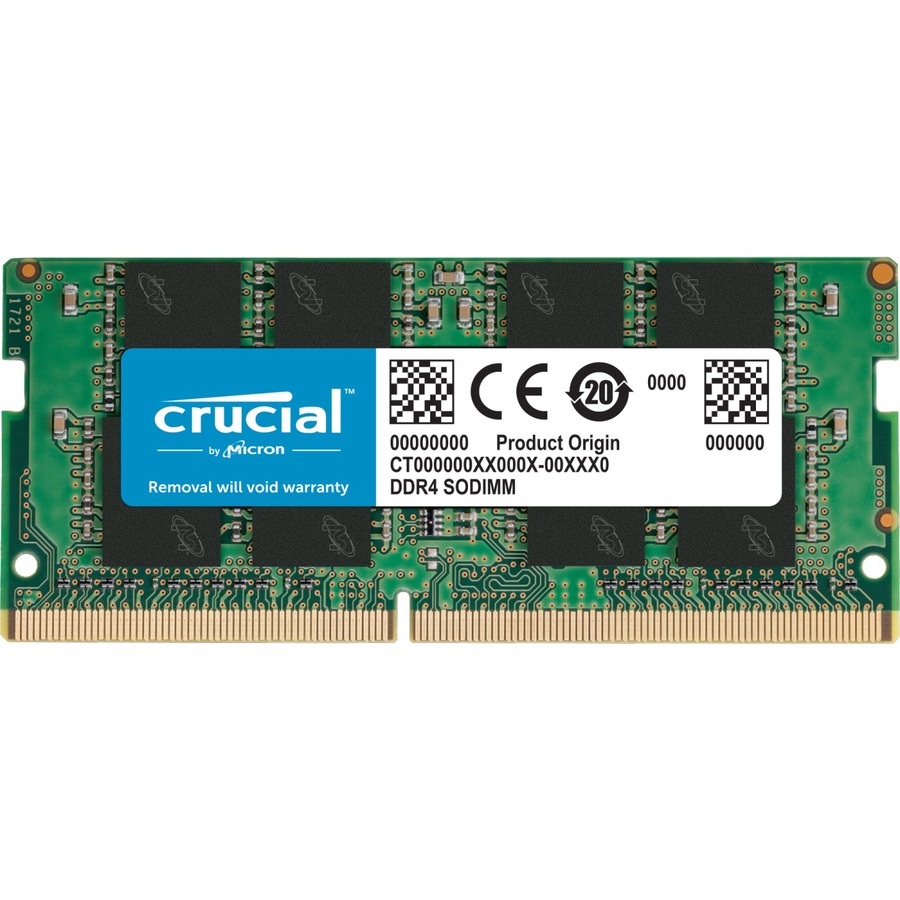
51 in stock - AddOnAddOn JEDEC Standard 8GB DDR4-2400MHz Unbuffered Single Rank x8 1.2V 260-pin CL15 SODIMM - CT8G4SFS824A, A8547953, A8547956, A9210967, 4X70J67435, 4X70M60574, L1W08AV, 03X7049, 03T7414, T7B77AA, T7B77UT, CF-BAZ1708, P1N54AA, P1N54AT, SNPMKYF9C/8G, SNPTD3KXC/8G, V1D58AA, Z4Y85AA, Z4Y85UT, Z9H56AA, Z9H56ATAA2400D4SR8S/8G
$232.00
$213.44
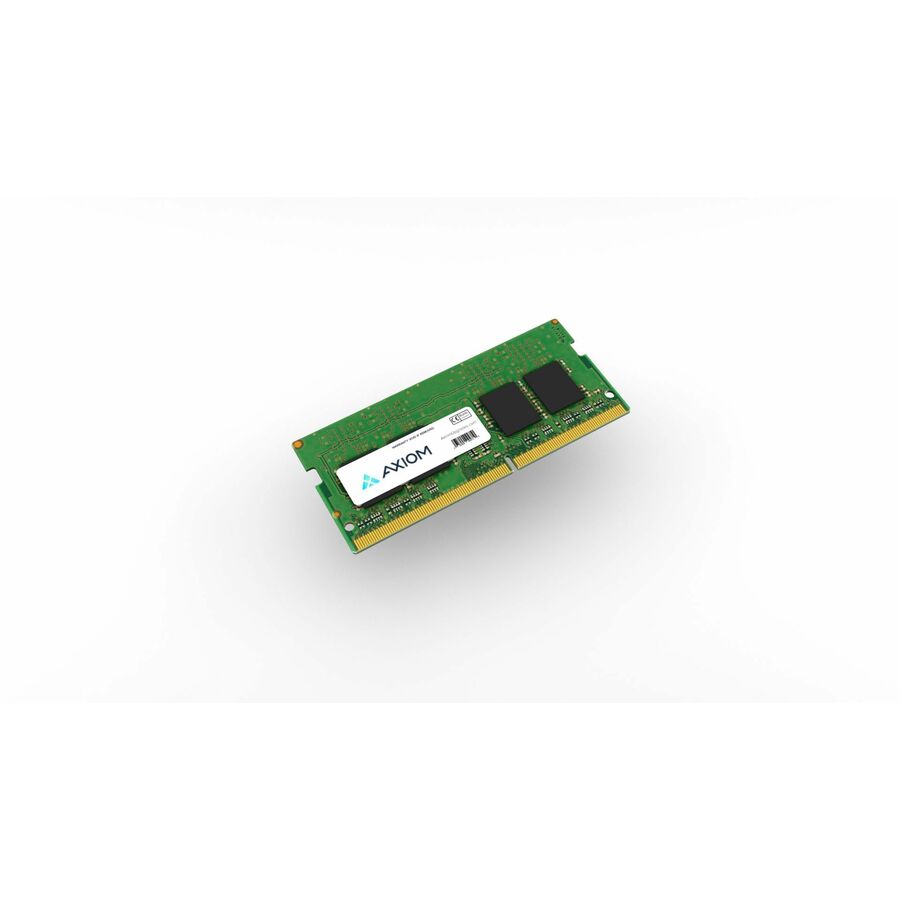
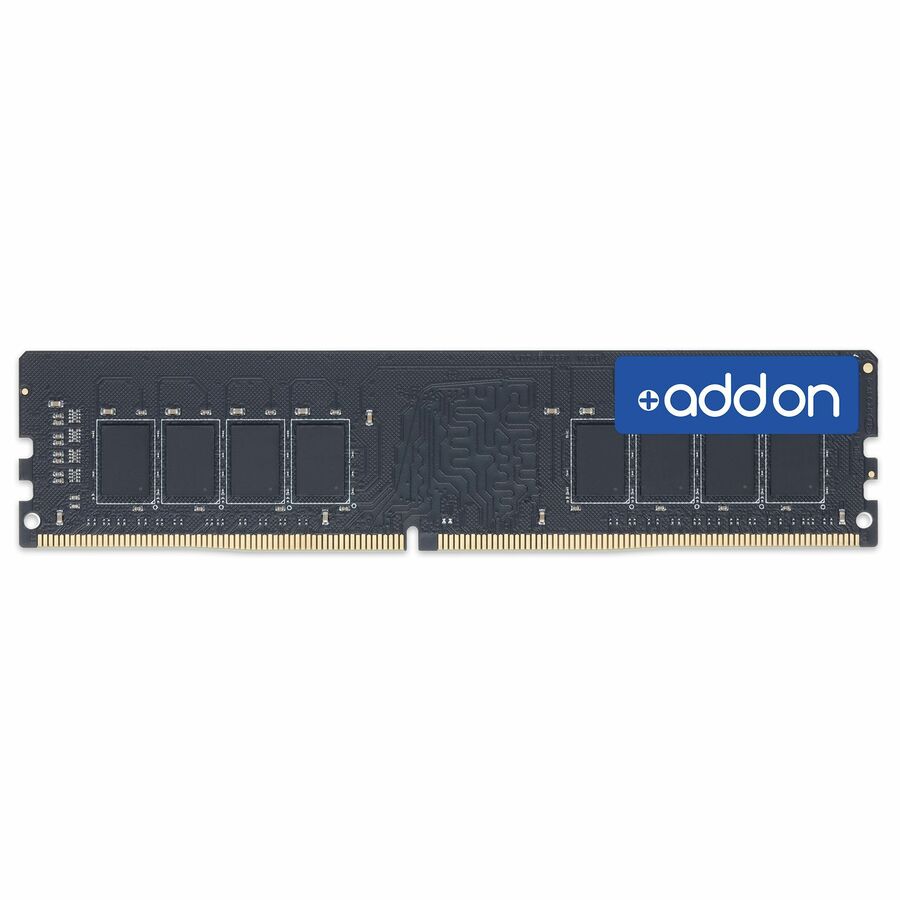
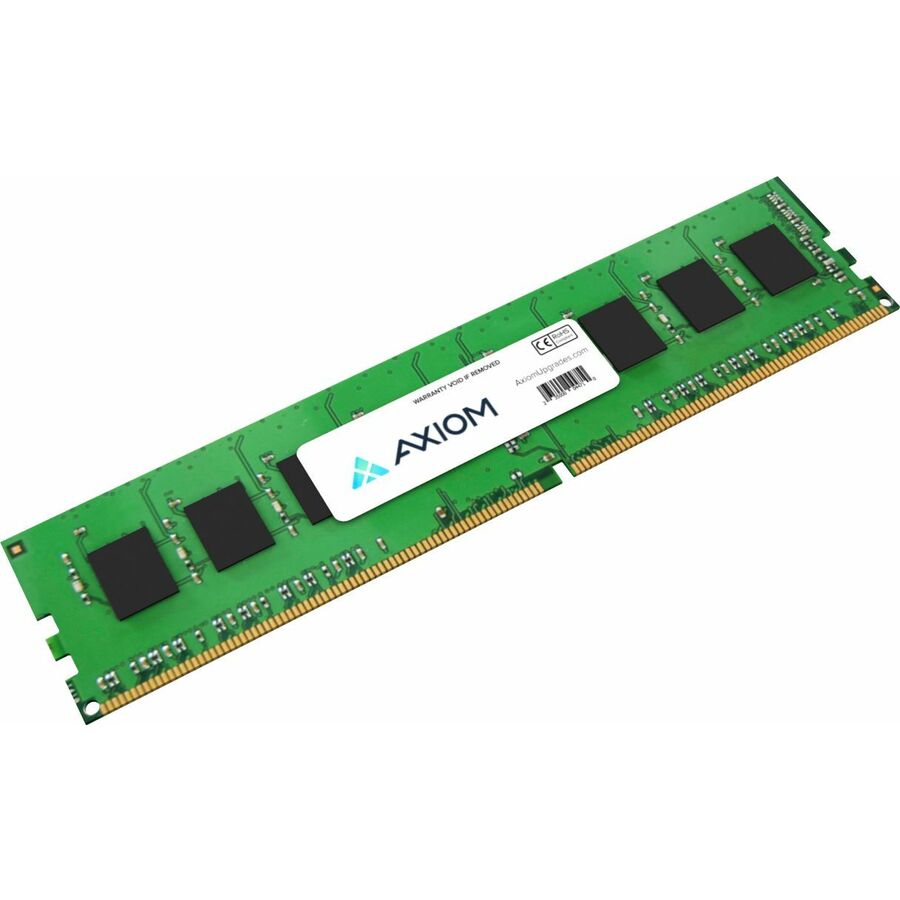
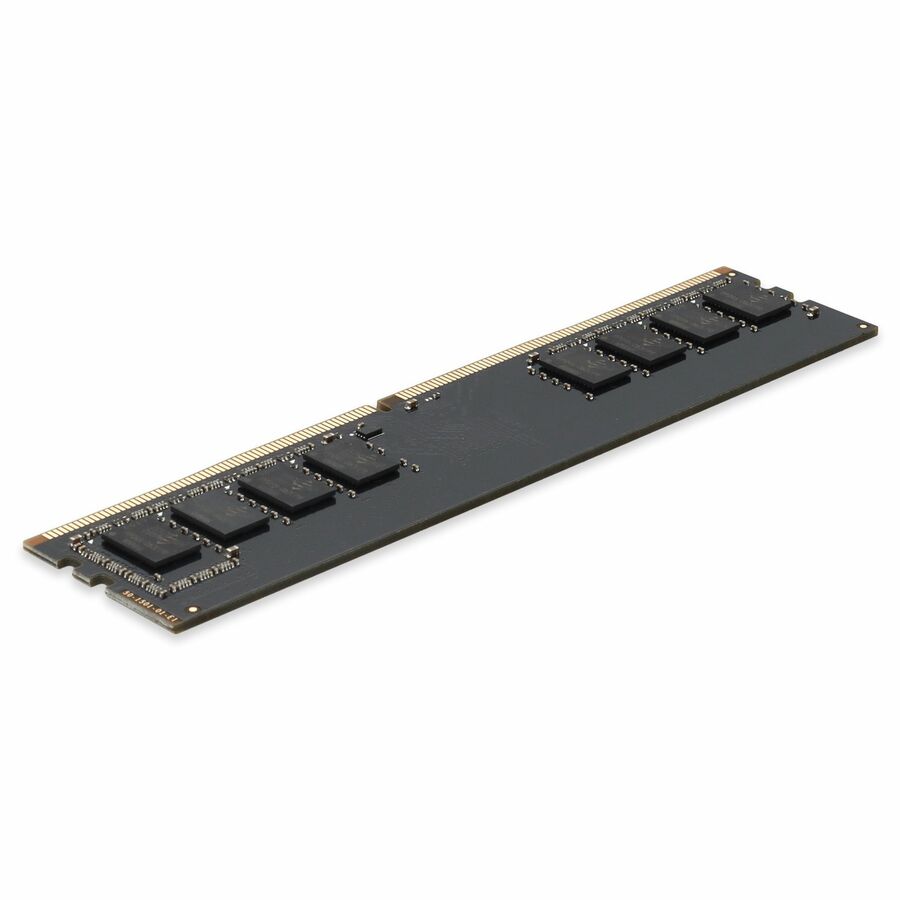
52 in stock - AddOnAddOn Lenovo® 4X70G88313 Compatible Factory Original 8GB DDR4-2133MHz Unbuffered Dual Rank x8 1.2V 288-pin UDIMM - 8 GB (1 x 8GB) - DDR4-2133/PC4-17000 DDR4 SDRAM - 2133 MHz Dual-rank Memory - 1.20 V - Non-ECC - Unbuffered - 288-pin - UDIMM - Lifetime Warranty4X70G88313-AA
$240.00
$220.80
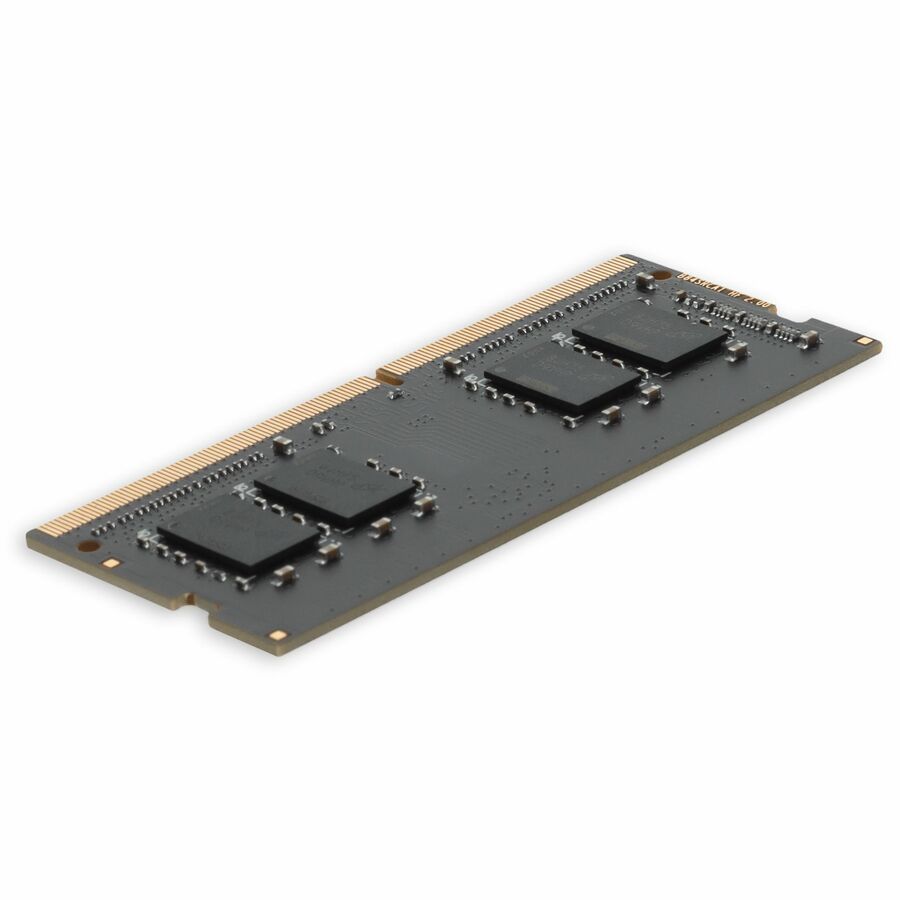
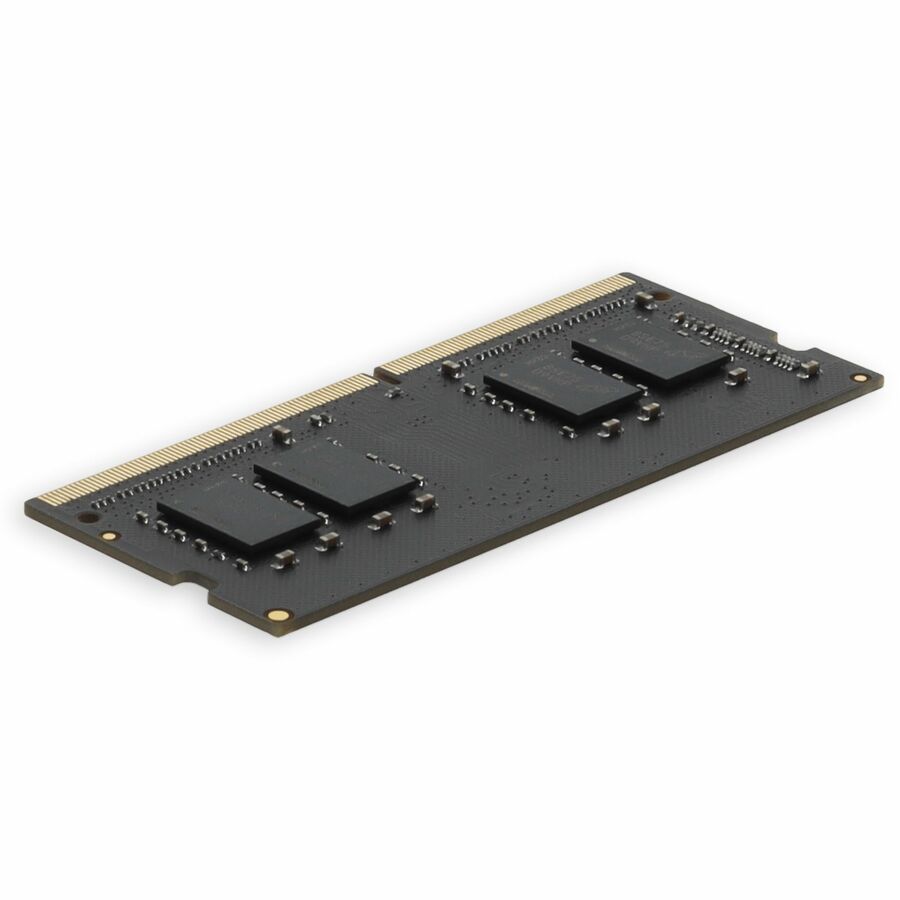
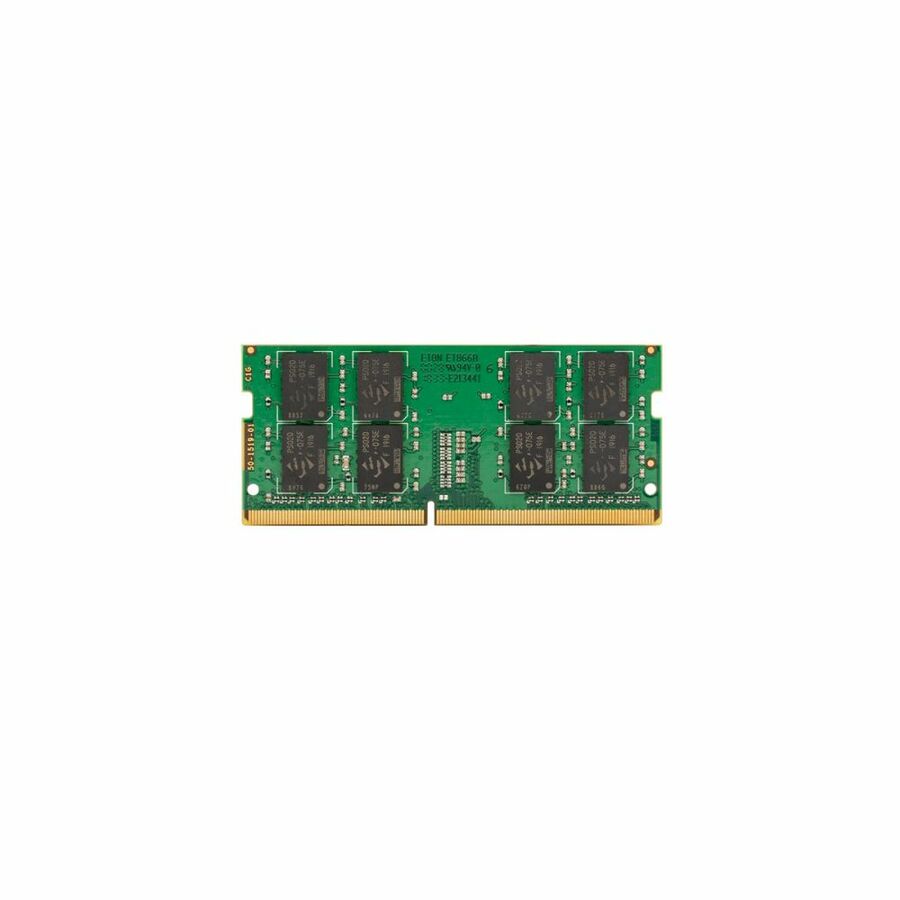
59 in stock - AddOnAddOn JEDEC Standard 8GB DDR4-2666MHz Unbuffered Single Rank x8 1.2V 260-pin CL15 SODIMM - For Notebook, Desktop PC - 8 GB (1 x 8GB) - DDR4-2666/PC4-21300 DDR4 SDRAM - 2666 MHz Single-rank Memory - CL15 - 1.20 V - Non-ECC - Unbuffered - 260-pin - SODIMM - Lifetime WarrantyAA2666D4SR8S/8G
$240.00
$220.80
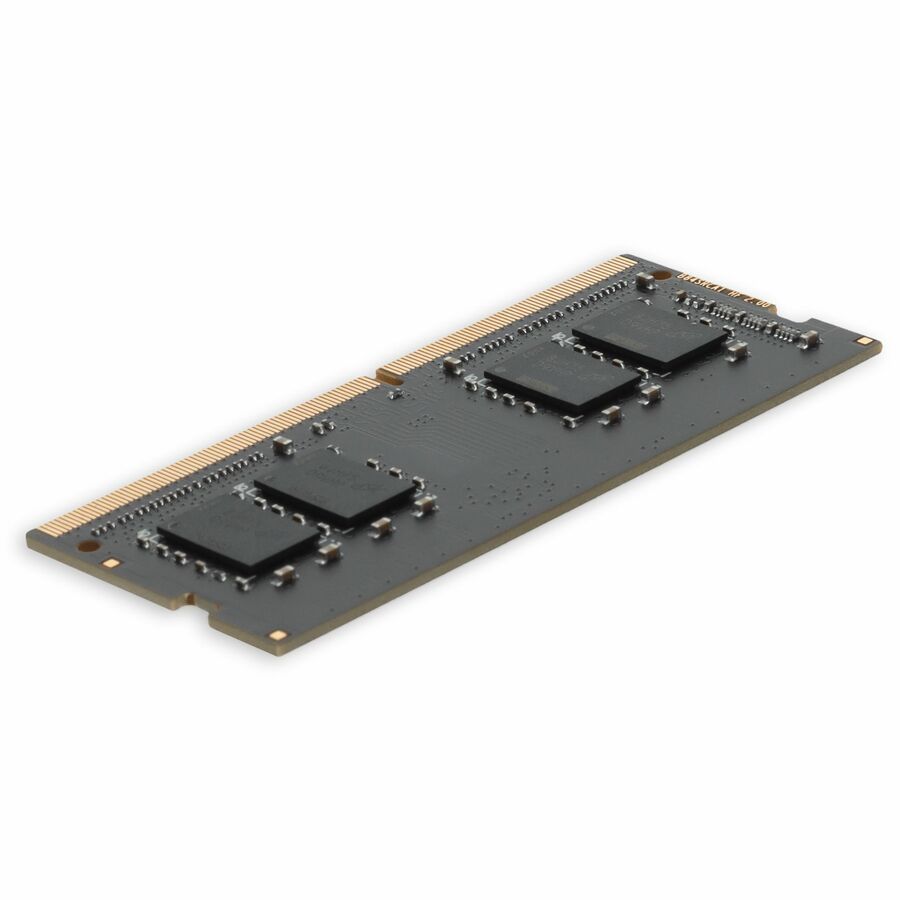
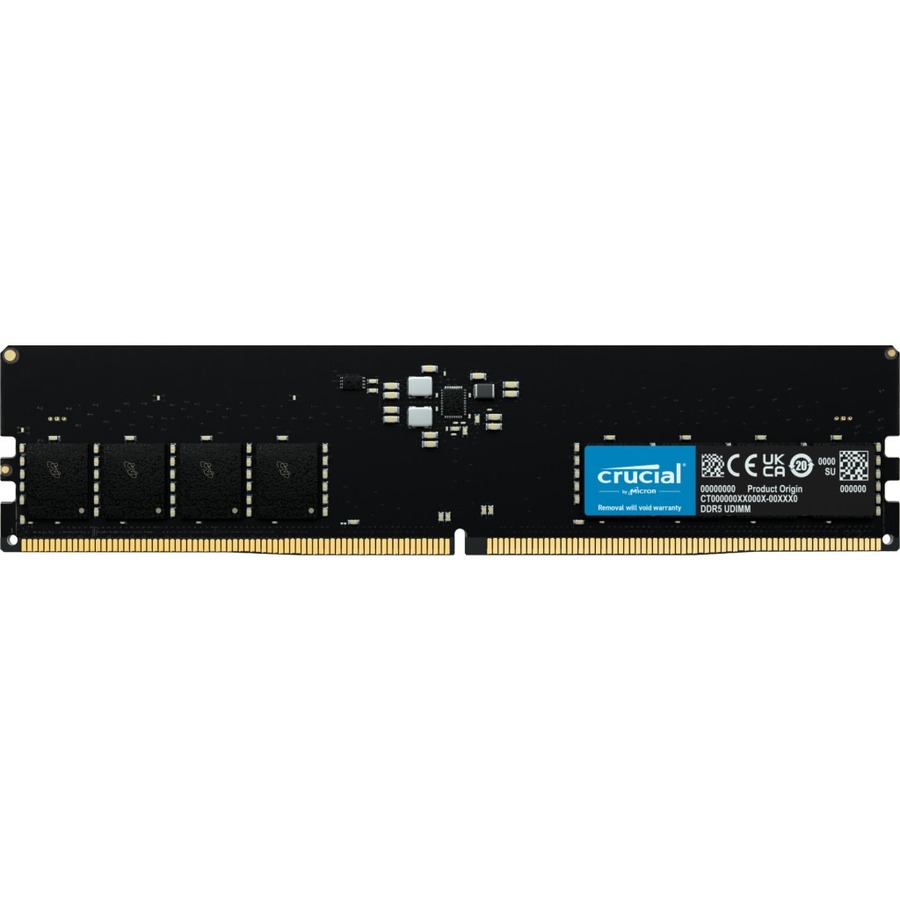
80 in stock - AddOnAddOn JEDEC Standard 8GB DDR4-3200MHz Unbuffered Single Rank x8 1.2V 288-pin CL17 UDIMM - For Server - 8 GB (1 x 8GB) - DDR4-3200/PC4-25600 DDR4 SDRAM - 3200 MHz Single-rank Memory - CL17 - 1.20 V - Non-ECC - Unbuffered - 288-pin - DIMM - Lifetime WarrantyAA3200D4SR8N/8G
$272.00
$250.24
46 in stock
Specifications are read from the manufacturer product title as supplied to us; where a value is not stated it is left blank rather than estimated. Every line is screened for NDAA §889 status before checkout, with TAA verified on request.
Use the memory finder by entering the exact OEM memory part number your server, workstation, desktop, or laptop accepts. Treat the results as a shortlist, then verify the system model, processor, DDR generation, form factor, buffer type, ECC support, rank, capacity per slot, population rules, firmware, and warranty before ordering.
Key takeaways
- The safest search starts with an exact system or OEM memory part number, not a generic phrase such as “32 GB server RAM.”
- A compatible connector is not enough. DDR generation, DIMM type, ECC, rank, density, capacity, and platform qualification all matter.
- RDIMM, UDIMM, and LRDIMM generally cannot be mixed. SODIMM is a different physical form factor for laptops and compact systems.
- Faster memory normally clocks down to the platform’s supported rate if it is otherwise compatible; mixed modules can lower speed or prevent boot.
- The motherboard or system memory-population guide is the final authority for slots, channels, symmetry, maximum capacity, and supported combinations.
- This support copy belongs below the interactive tool. Preserve the live, server-rendered product results as the first content under the compact page header.
How to use the RAM compatibility checker
Best method: search the OEM memory part number
Open the system manufacturer’s service manual, configuration record, parts list, or installed-module inventory. Find the exact memory option or spare part number approved for the machine. Enter that number into the tool. The finder returns catalog modules whose manufacturers state compatibility with that reference.
This method is stronger than searching a model name alone because a system family can span several motherboard, processor, and memory configurations. A part-number mapping creates a traceable relationship between the platform’s known module and the proposed alternative.
Still verify the result. A compatibility statement can apply to a specific system revision, capacity, firmware baseline, or population. Read the proposed module’s data sheet and the system memory guide before final approval.
If you do not have a part number
Collect the exact system model and serial or service tag. Look up the manufacturer’s technical specifications and memory population document. Record DDR generation, module form factor, buffer type, ECC requirement, supported capacities, speed, ranks, number of channels, slots per channel, and maximum memory for the installed processor configuration.
Then use the finder’s filters to narrow results. Do not select solely by capacity and speed. “64 GB DDR5 ECC” can describe an RDIMM, ECC UDIMM, or another server module that looks similar and will not work in the same platform.
If the system is already running
Inventory installed modules from the management controller, firmware setup, operating system, or a trusted hardware tool. Capture the manufacturer part number and slot for every module. Compare that inventory with the official population map.
Do not assume the installed state is ideal. A prior upgrade may have mixed parts, left channels unbalanced, installed slower memory, or used a configuration that boots but is not vendor-supported. Treat the current inventory as evidence, then reconcile it with documentation.
The compatibility fields that matter
DDR generation
DDR3, DDR4, and DDR5 are electrically and mechanically different generations. Their keyed notches, voltages, signaling, power architecture, and controller requirements differ. A DDR4 module cannot be installed in a DDR5 socket.
Choose the generation stated for the exact motherboard and processor. Some processor families supported either DDR4 or DDR5 across different board models; the individual board did not accept both.
For a deeper generation comparison, use DDR4 vs DDR5.
Physical form factor
Full-size DIMMs are used in desktops, workstations, and servers. SODIMMs are shorter modules used in laptops, mini PCs, and compact systems. They are not interchangeable even when generation, capacity, and speed match.
Other memory form factors exist in specialized and newer platforms. Use the platform’s named module type and outline. A photograph is not enough to establish compatibility.
Buffer type
UDIMM means unbuffered DIMM. It connects command and address signals directly to the DRAM devices and is common in desktops, workstations, and entry servers. RDIMM uses a register to reduce electrical loading and supports denser server populations. LRDIMM buffers more of the interface to support very high capacity.
The processor and board support specific types. RDIMM and UDIMM cannot be mixed. RDIMM and LRDIMM are also normally mutually exclusive within one system. Filter to the required type before comparing price.
See RDIMM vs UDIMM for the architectural difference and buying implications.
| Type | What it buffers | Typical use | Trade-off |
|---|---|---|---|
| UDIMM | Nothing — direct to the DRAM chips | Desktops, workstations, entry servers | Lowest latency and cost; lowest capacity ceiling per channel |
| RDIMM | Command and address lines | Rack and tower servers | About one clock cycle of latency for many more modules per channel |
| LRDIMM | Command, address and data lines | High-capacity and memory-bound servers | Highest capacity per channel; highest cost per gigabyte |
| SODIMM | Either, in a smaller package | Laptops, mini-PCs, small-form-factor | Physically shorter module — a different slot entirely, not an option on a full-size board |
ECC
Error-correcting code memory adds check bits so a compatible platform can detect and correct certain memory errors. Servers commonly require ECC. Consumer desktops and laptops commonly use non-ECC memory. Workstations can vary.
ECC and registered are not synonyms. ECC UDIMMs are unbuffered modules with system-level error correction. RDIMMs are typically ECC, but the “registered” term describes signal buffering rather than the correction function.
DDR5 on-die ECC is another separate feature. It corrects errors inside individual DRAM chips and does not turn a non-ECC DDR5 module into system-level ECC memory. Verify the module and platform’s external ECC data path.
Capacity
Check maximum memory for the complete platform and maximum capacity per slot. Processor model, number of installed processors, firmware, module type, rank, and population can change the limit. A board with eight physical slots does not prove that eight modules of the largest available capacity are supported.
New non-binary DDR5 capacities such as 24 GB, 48 GB, or 96 GB can require firmware or a newer platform qualification. Do not infer support because the module physically fits.
Speed
Memory speed is shown as a data rate in MT/s. A module rated faster than the platform commonly operates at the platform’s lower supported rate if all other attributes match. Mixing speeds usually brings the population to a common supported rate, but mixed part numbers can cause instability or failure.
The number of DIMMs per channel and their ranks can reduce supported speed. Server vendors publish tables showing rates for one or two modules per channel. Use the row matching the installed processors and desired population.
Rank and DRAM organization
Ranks are groups of DRAM devices accessed together. A module can be single-rank, dual-rank, quad-rank, or use more complex stacked organization. Rank affects electrical load, population rules, and supported speed.
The x4, x8, or x16 DRAM organization can also matter. Some servers require or exclude specific organizations for RAS modes or mixed populations. Do not substitute based only on total capacity.
Voltage and performance profiles
Standard modules operate at generation-defined voltages and JEDEC profiles. Retail performance memory can add Intel XMP or AMD EXPO profiles that require board and processor support and may be considered overclocking. Enterprise and OEM platforms usually prioritize qualified JEDEC operation.
If a listing emphasizes an overclocked rate, confirm its base supported profile. A module that reaches its headline speed only through an unsupported profile may operate lower or fall outside system support.
Find the exact system documentation
For OEM servers, use the technical product specification, installation and service manual, or memory population guidelines tied to the model and generation. For workstations and desktops, use the maintenance manual and supported-parts list. For laptops, use the service manual and confirm whether memory is socketed, partly soldered, or fully soldered.
The document should answer:
supported DDR generation and module types;
number of memory channels and slots per channel;
which slot is populated first;
symmetry rules across processors and channels;
supported capacities, ranks, and speeds;
ECC and RAS modes;
mixing restrictions;
maximum memory by processor count or edition;
firmware requirements;
thermal or airflow constraints.
Check the document revision. A newer BIOS can add module density support, while a later service bulletin can remove or qualify a part. Save the reference used for approval with the quote.
How to read a server population map
Servers organize slots by processor and memory channel. Labels vary, but a typical guide groups several channels under each CPU and marks a primary slot in each channel. Populate the primary slot across channels before adding a second DIMM to the same channel unless the vendor directs otherwise.
Balanced populations generally provide the best bandwidth. If a two-socket server has both processors installed, mirror capacity and module organization where the vendor requires it. A module placed in a slot attached to an empty processor socket will not become available.
Do not use slot color as a universal instruction. On one platform, white or blue can mean the first slot; on another, the legend differs. Follow the diagram for that model.
If the target capacity creates an uneven channel count, compare the vendor’s recommended configurations. It can be better to use fewer larger modules across all channels than more small modules concentrated in part of the topology, even if both totals are equal.
Upgrade, replace, or add?
Adding to free slots
Adding compatible modules preserves the existing investment, but the combined population must be supported. Match type, generation, ECC, rank, and preferably exact part number. Confirm that adding a second DIMM per channel does not reduce the operating rate below the workload need.
Replacing all modules
A clean replacement can simplify qualification and channel balance. It may be the better choice when the installed modules are small, mixed, unsupported, or consume every slot. Include removal, reuse, secure handling, warranty, and resale or disposal in the plan.
Reusing removed modules elsewhere
Only move modules to platforms with documented compatibility. Preserve antistatic packaging and label the part, source system, test result, and approved destinations. A generic “DDR4 spare” bin invites field mistakes.
OEM versus third-party compatible memory
OEM memory is sold under the system manufacturer’s part number and support channel. Third-party manufacturers can build JEDEC-standard modules and publish compatibility with named OEM systems or memory options. Both can be legitimate paths, but the support and evidence differ.
Ask:
Does the module manufacturer explicitly state compatibility with the exact OEM part or system?
Is the proposed part a new, warrantied module from an authorized channel?
Will the server log a non-OEM informational message?
Does the OEM support contract require reproducing a fault with OEM memory?
Who handles diagnosis and replacement?
Are advanced RAS modes and firmware health reporting supported?
If continuous OEM support is contract-critical, buy the OEM module or obtain written acceptance. If cost and availability favor a third-party compatible part, preserve the manufacturer’s compatibility statement and warranty.
Do not describe every third-party module as equivalent. The evidence must be tied to the exact part number.
Firmware before hardware
Review current BIOS, management-controller, and platform firmware before installation. Firmware can include support for newer memory densities and fixes for training, reporting, and correctable-error behavior. Apply updates under the vendor’s supported sequence and normal change control.
Do not update firmware casually during a short memory maintenance window. Read prerequisites, backup configuration, verify redundant power, and define rollback. For a fleet, validate the firmware and module combination on representative hardware.
After installation, check that firmware recognizes every module, channel, rank, capacity, and speed. Review health logs for training retries, degraded operation, disabled channels, or predictive failures.
Installation and test plan
Shut down or place the system in the vendor-prescribed service state.
Disconnect power and observe stored-energy and hot-service instructions.
Use electrostatic-discharge controls.
Confirm module labels against the approved parts and population map.
Seat modules fully without forcing the key.
Restore baffles, covers, and airflow components.
Boot and review firmware inventory and warnings.
Confirm operating-system capacity and ECC reporting.
Run vendor memory diagnostics.
Apply a representative workload or burn-in and monitor temperature and errors.
Record installer, date, system serial, removed and installed part numbers, slot positions, recognized speed and capacity, firmware, test results, and exceptions. This turns an upgrade into a supportable change.
Troubleshooting a system that does not boot
Start with power removal and the installation guide. Confirm that the modules are fully seated, keyed correctly, and in the required first slots. Reduce to a documented minimum supported population with known-good modules. Do not mix types while troubleshooting.
Review diagnostic LEDs, beep codes, management-controller logs, and system messages. Clear settings only when the vendor procedure calls for it. A long first boot can be memory training rather than failure, especially after a major capacity change; use the model’s expected timing.
If the system boots with one population but not another, compare ranks, parts, channel placement, and firmware. Test modules methodically rather than moving several at once. Preserve the failing layout and logs for supplier support.
Troubleshooting reduced speed or capacity
Reduced speed can be expected under a denser DPC population or mixed modules. Compare the reported rate with the vendor’s table. A missing module can result from seating, a failed DIMM, a disabled channel, bent socket pins, processor seating, or board fault.
Review per-slot inventory. Swap only under the diagnostic procedure. If errors follow the module, open a part case; if they stay with the slot or channel, investigate the platform. Correctable errors that rise quickly deserve action even when capacity remains online.
Capacity can also be reserved by firmware or operating-system configuration. Distinguish installed, recognized, available, and assigned memory before replacing hardware.
Fleet buying and receiving
For a batch upgrade, define a configuration standard by exact system revision and processor. Use a pilot sample, record results, and limit substitutions. Split the order when several platform revisions require different modules.
The quote should contain manufacturer part number, capacity, generation, type, ECC, rank, rated speed, compatible OEM reference, quantity, warranty, lead time, and country-of-origin evidence when required. At receiving, sample or scan labels and reconcile them with the purchase order.
Keep chain-of-custody and antistatic handling for deployments across sites. Return failed or unused modules under the supplier process without mixing packaging. Update the asset or configuration record after installation.
What the memory finder can and cannot decide
The tool can search live catalog memory by exact part number and filter by characteristics. It helps narrow a large market to plausible options and exposes the manufacturer’s stated compatibility.
It cannot see every system’s installed processor, board revision, firmware, current slot population, thermal state, support contract, or workload. Those facts live with the buyer. The result is a purchasing shortlist, not an automatic authorization to install.
When uncertainty remains, share the system model, serial or service tag, installed module part numbers and slots, processor configuration, firmware, target capacity, and support requirement with a qualified supplier or the OEM. Ask for the final recommendation in writing.
Keep compatibility evidence after the upgrade
Attach the approved memory guide, compatibility statement, quote, received-part record, slot map, firmware version, diagnostic result, and final inventory to the system’s change record. That package shortens future troubleshooting because support can see exactly what was installed and why it was considered compatible.
Update monitoring thresholds after a large capacity change. More memory can alter boot time, memory-test duration, hypervisor placement, database configuration, crash-dump size, and maintenance windows. Confirm backup and diagnostic tooling can handle the new state.
Review error telemetry during the first days and again after normal peak load. A module can pass a short diagnostic and develop correctable errors under heat or sustained use. Define when rising correctable-error counts trigger reseating, firmware review, or replacement rather than waiting for an uncorrectable event.
When the system retires, keep reusable modules associated with their approved platform list and test history. Erase any informal label that implies universal compatibility. Memory contains volatile data, but the asset and support records around it can still reveal infrastructure details; handle those records under normal security policy.
FAQ
Common questions
- How do I know which RAM is compatible?
- Start with the exact system and OEM-supported memory part number. Match generation, form factor, buffer type, ECC, capacity, rank, speed, and population rules. Then confirm the proposed module’s manufacturer states compatibility.
- Can RDIMM and UDIMM be mixed?
- No. They use different electrical architectures and a platform operates in the supported mode. RDIMM and LRDIMM also generally cannot be mixed.
- Can faster RAM replace slower RAM?
- Often, if it is otherwise compatible, but it normally runs at the platform’s supported lower rate. Mixed modules and dense populations can reduce speed or fail, so check the vendor guide.
- Does every DDR5 module have ECC?
- Every DDR5 DRAM chip includes on-die ECC, but not every DDR5 module provides system-level ECC. Confirm an ECC module and compatible processor and motherboard when external error correction is required.
- Is a tool result a guarantee of compatibility?
- No. It is a manufacturer-mapped shortlist. Final compatibility depends on the exact platform, processor, firmware, population, and support rules. Validate before ordering and test after installation.
Need help sizing a memory upgrade?
Send the system model, the OEM part number or a bill of materials — we match the module, confirm stock, and return one priced quote — TAA verified on request. No payment up front.