
Best Axiom Laptop Memory Upgrades for DDR4 and DDR5 Notebooks
260-pin DDR4 and 262-pin DDR5 SODIMMs for notebooks and small-form-factor systems — 32 GB, 48 GB and 64 GB kit capacities.
Axiom laptop memory in stock at Uniqcli
How to choose →A curated selection with live pricing — in-stock lines first, then back-ordered lines with a typical lead time. Every line is sourced through US distribution and screened for NDAA §889 status before checkout, with TAA verified on request.
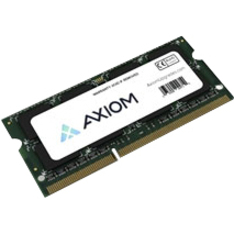

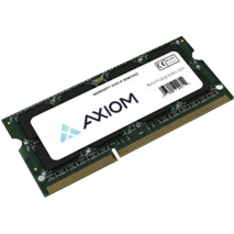
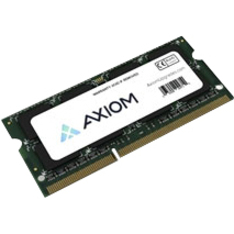
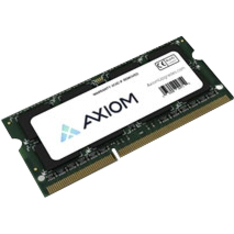
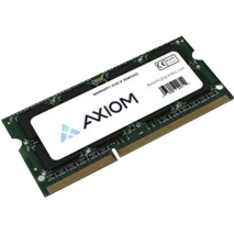
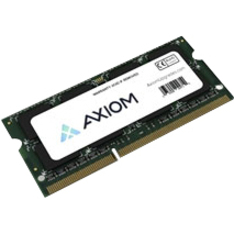
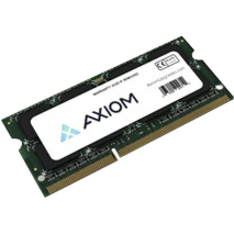
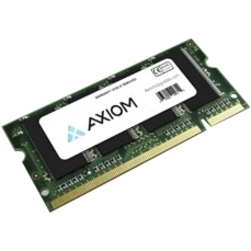
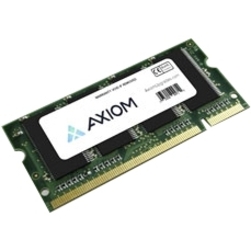
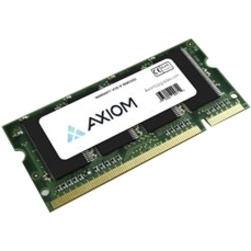
Browse all 1,298 SODIMM laptop memory modules
Not the right one above? Filter the whole range by the specs that matter — live pricing and honest availability on every row, the same NDAA §889 screening before checkout, and TAA verified on request.
Showing 24 of 1,298 SODIMM laptop memory modules
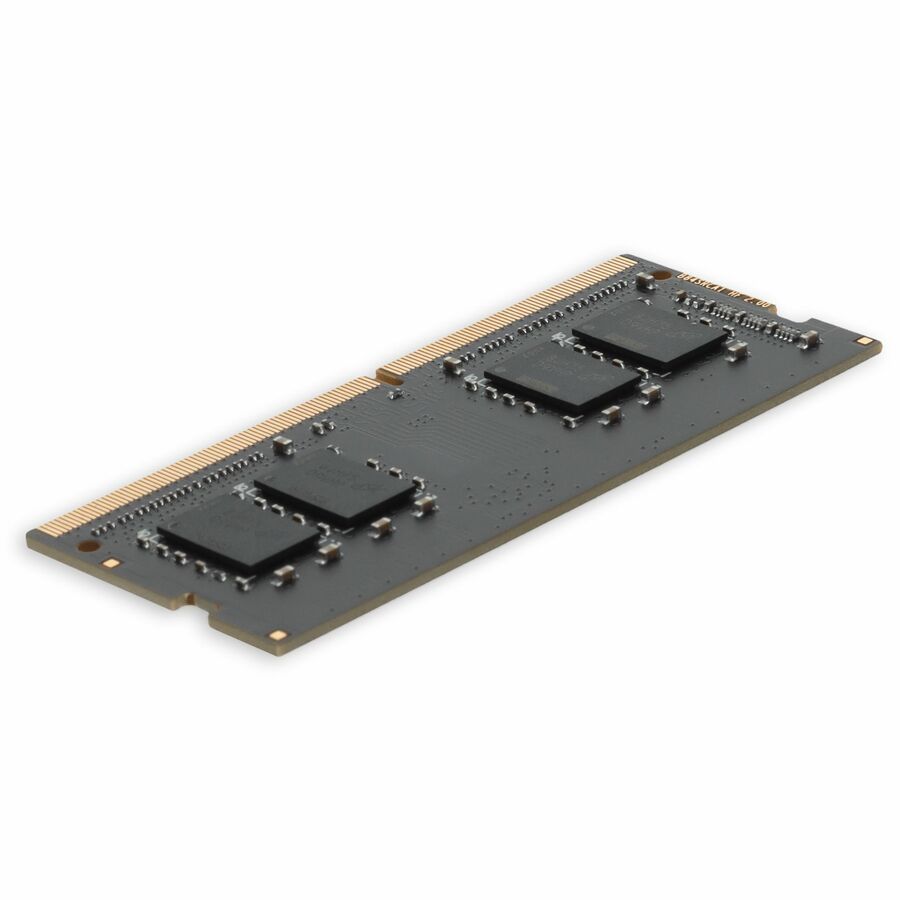
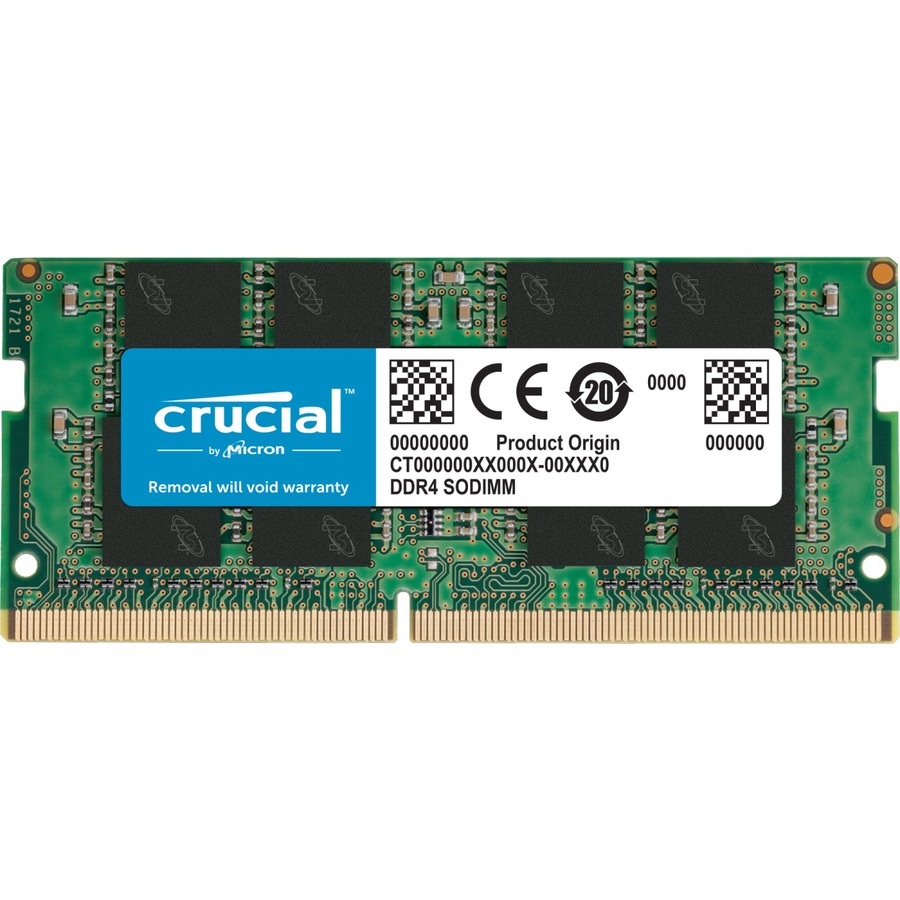
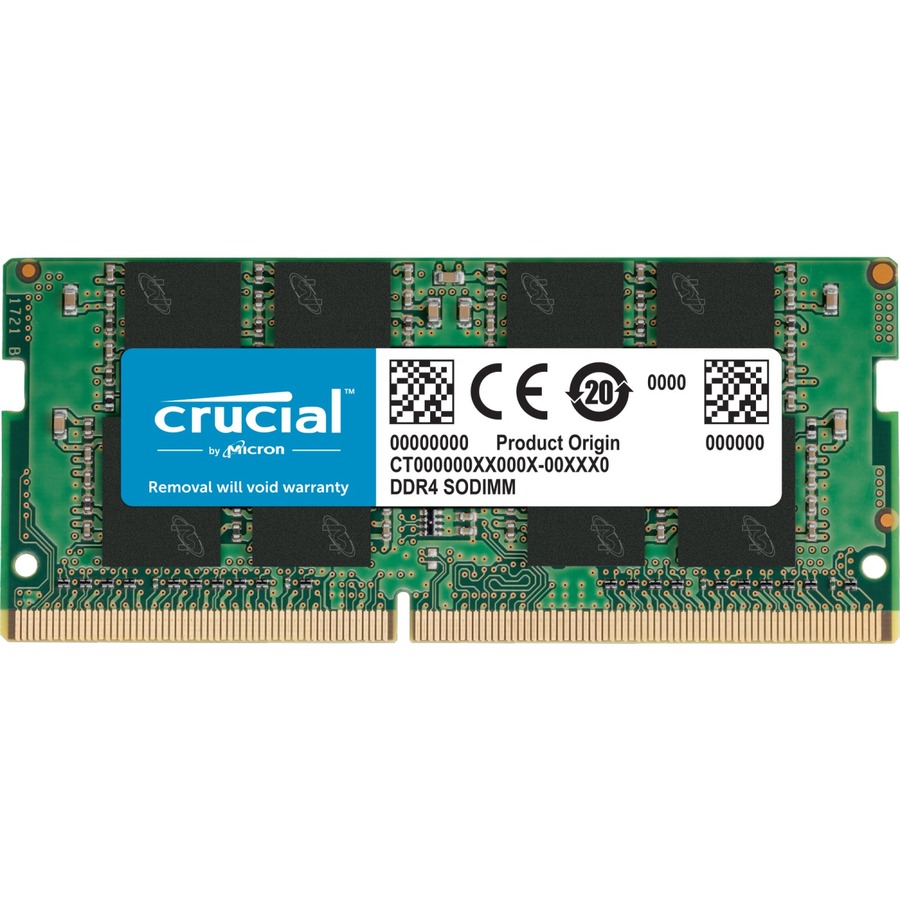
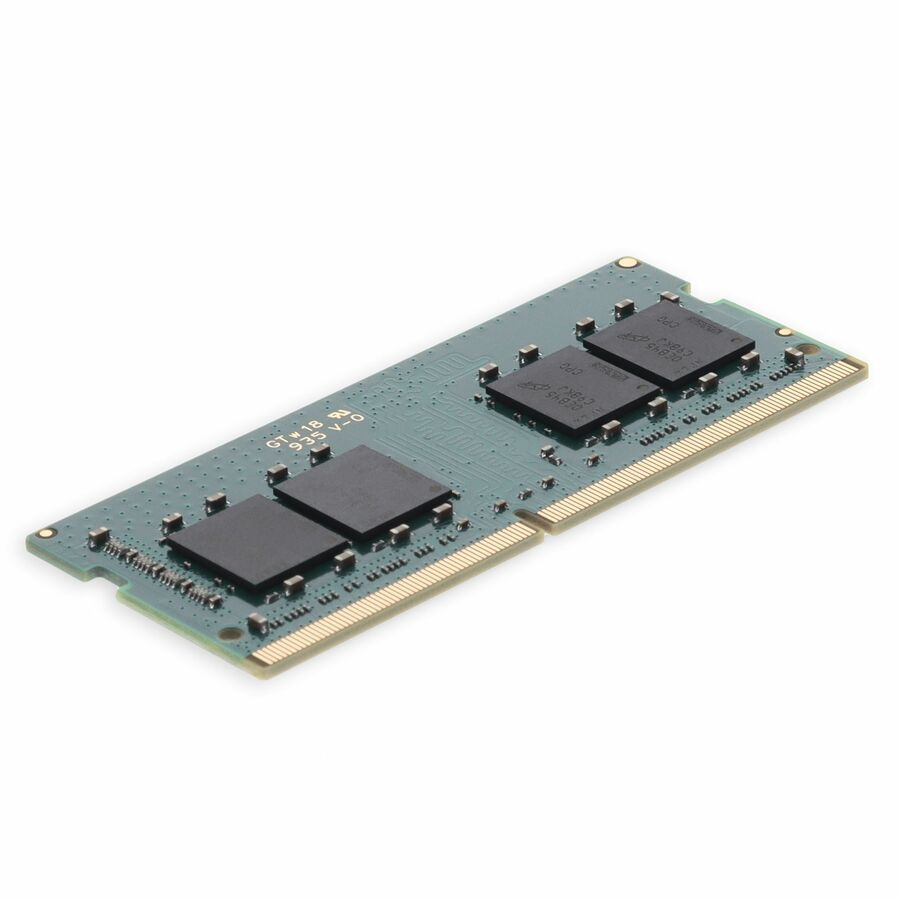
- AddOnAddOn Lenovo® 4X70M60574 Compatible Factory Original 8GB DDR4-2400MHz Single Rank x8 1.2V 260-pin CL15 SO-DIMM - For Desktop PC, Notebook - 8 GB (1 x 8GB) - DDR4-2400/PC4-19200 DDR4 SDRAM - 2400 MHz Single-rank Memory - CL15 - 1.20 V - Non-ECC - Unbuffered - 260-pin - SODIMM - Lifetime Warranty4X70M60574-AA
$232.00
$213.44
51 in stock - AddOnAddOn JEDEC Standard 8GB DDR4-2400MHz Unbuffered Single Rank x8 1.2V 260-pin CL15 SODIMM - CT8G4SFS824A, A8547953, A8547956, A9210967, 4X70J67435, 4X70M60574, L1W08AV, 03X7049, 03T7414, T7B77AA, T7B77UT, CF-BAZ1708, P1N54AA, P1N54AT, SNPMKYF9C/8G, SNPTD3KXC/8G, V1D58AA, Z4Y85AA, Z4Y85UT, Z9H56AA, Z9H56ATAA2400D4SR8S/8G
$232.00
$213.44
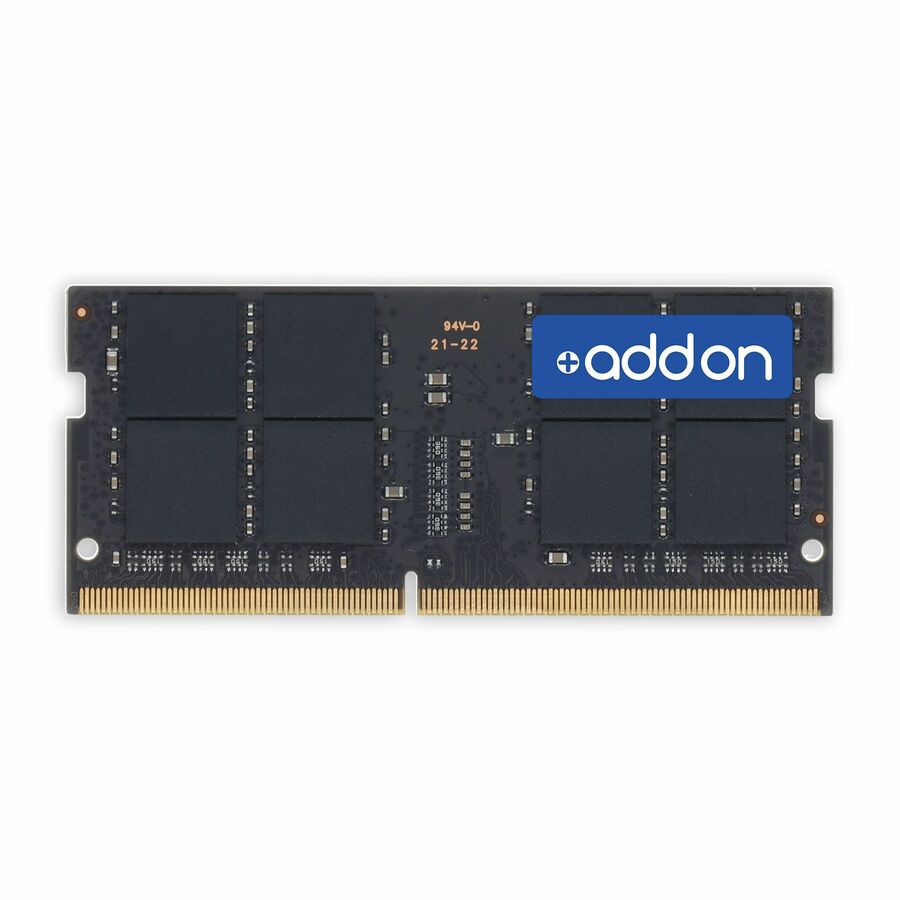
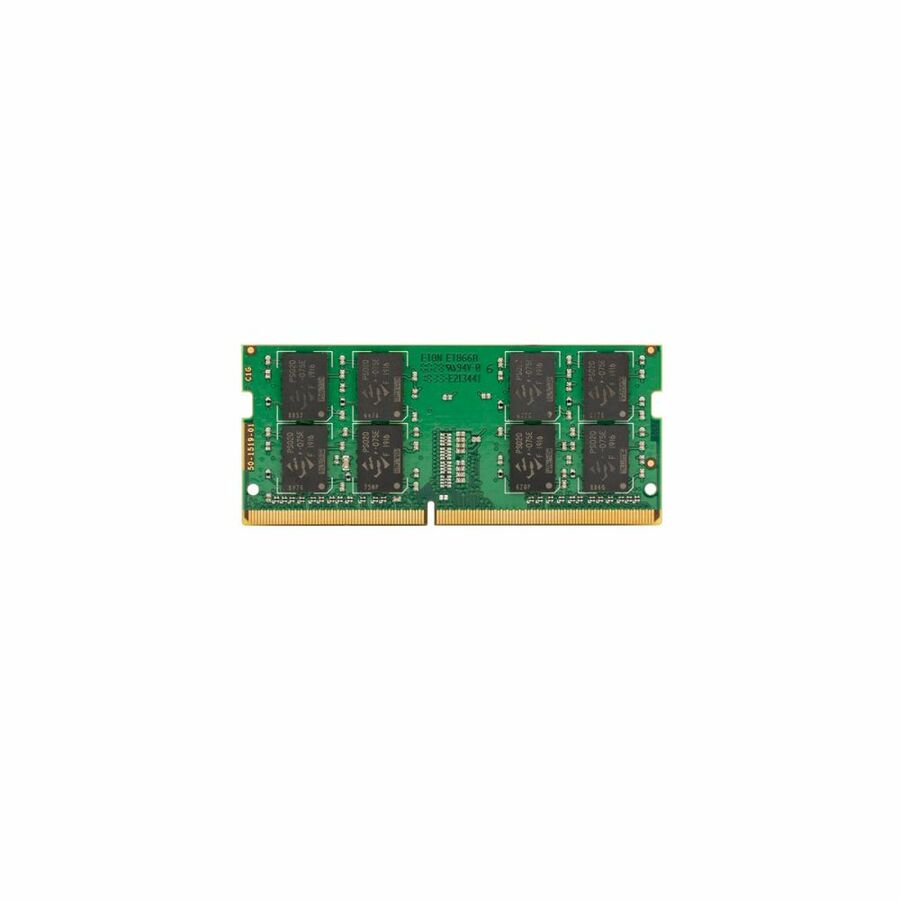
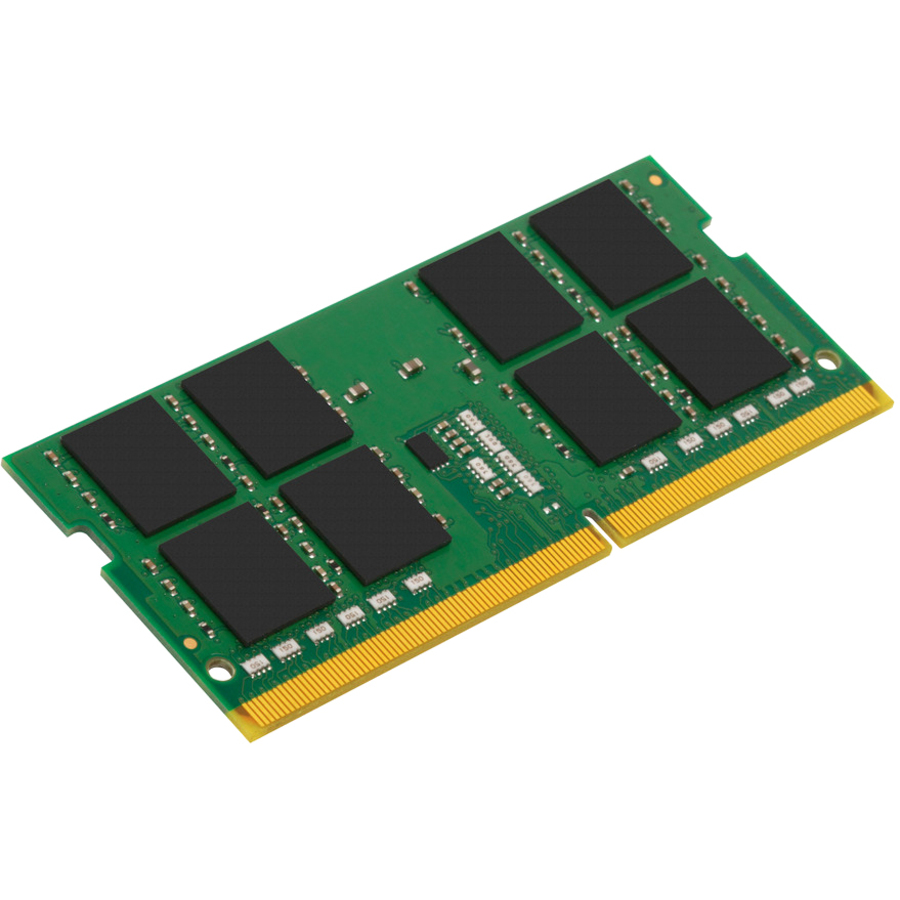
52 in stock - AddOnAddOn JEDEC Standard 8GB DDR4-2666MHz Unbuffered Single Rank x8 1.2V 260-pin CL15 SODIMM - For Notebook, Desktop PC - 8 GB (1 x 8GB) - DDR4-2666/PC4-21300 DDR4 SDRAM - 2666 MHz Single-rank Memory - CL15 - 1.20 V - Non-ECC - Unbuffered - 260-pin - SODIMM - Lifetime WarrantyAA2666D4SR8S/8G
$240.00
$220.80
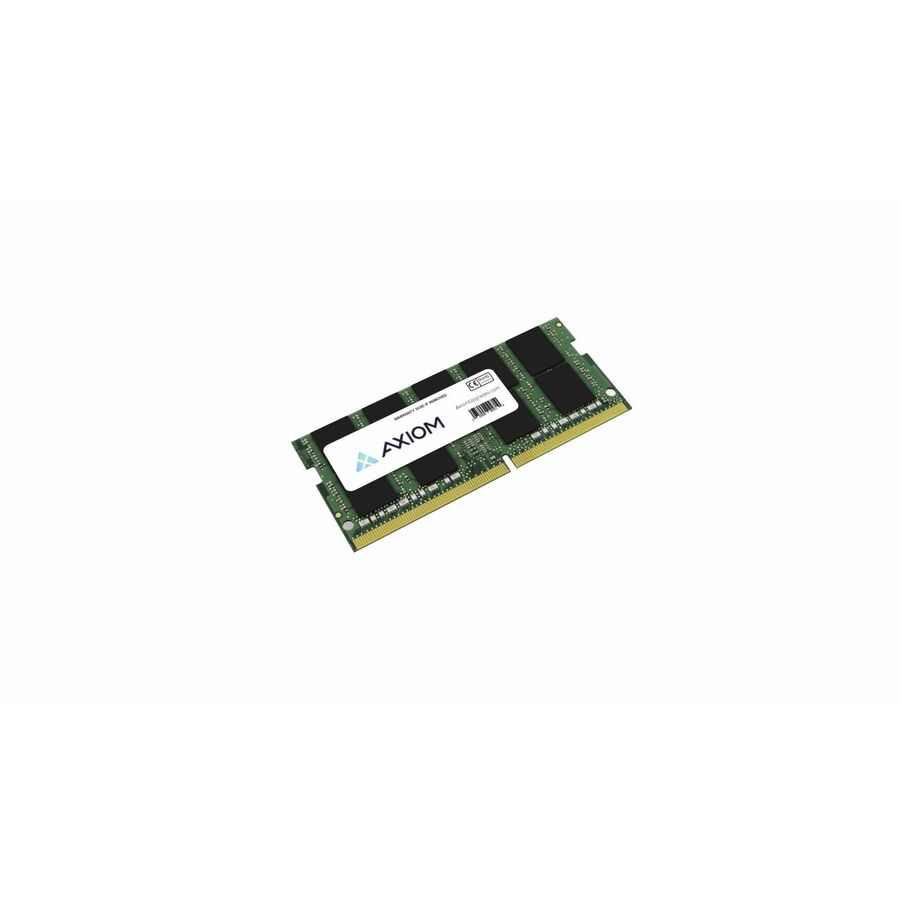
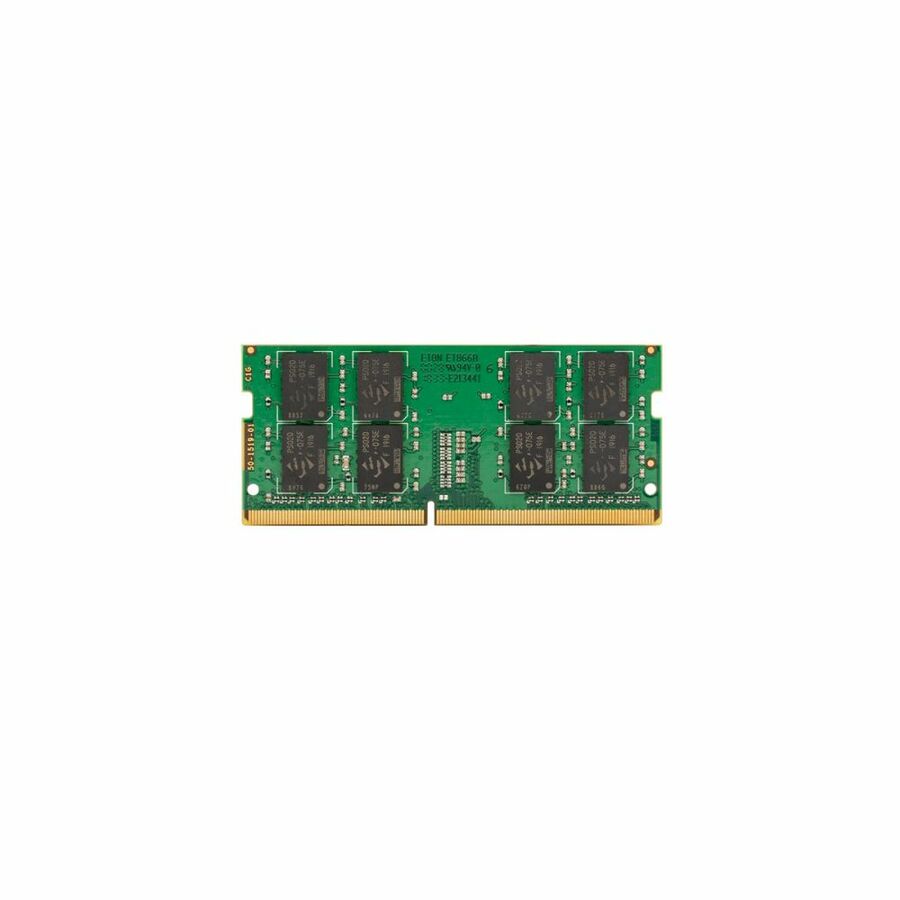
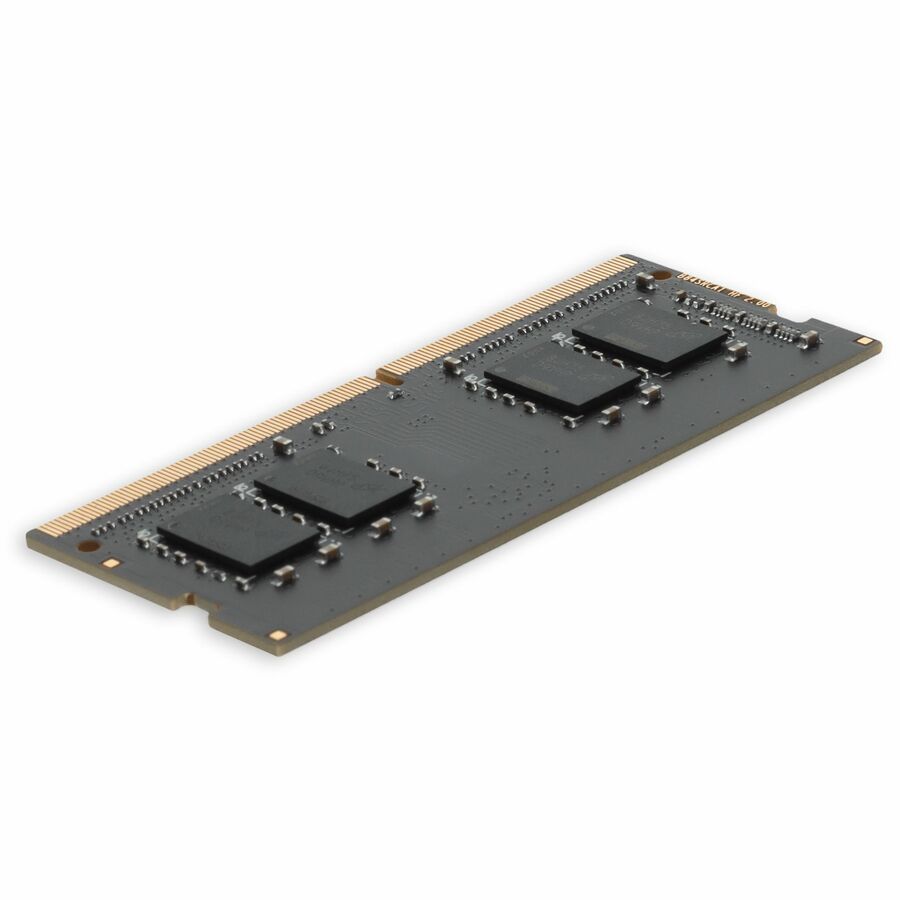
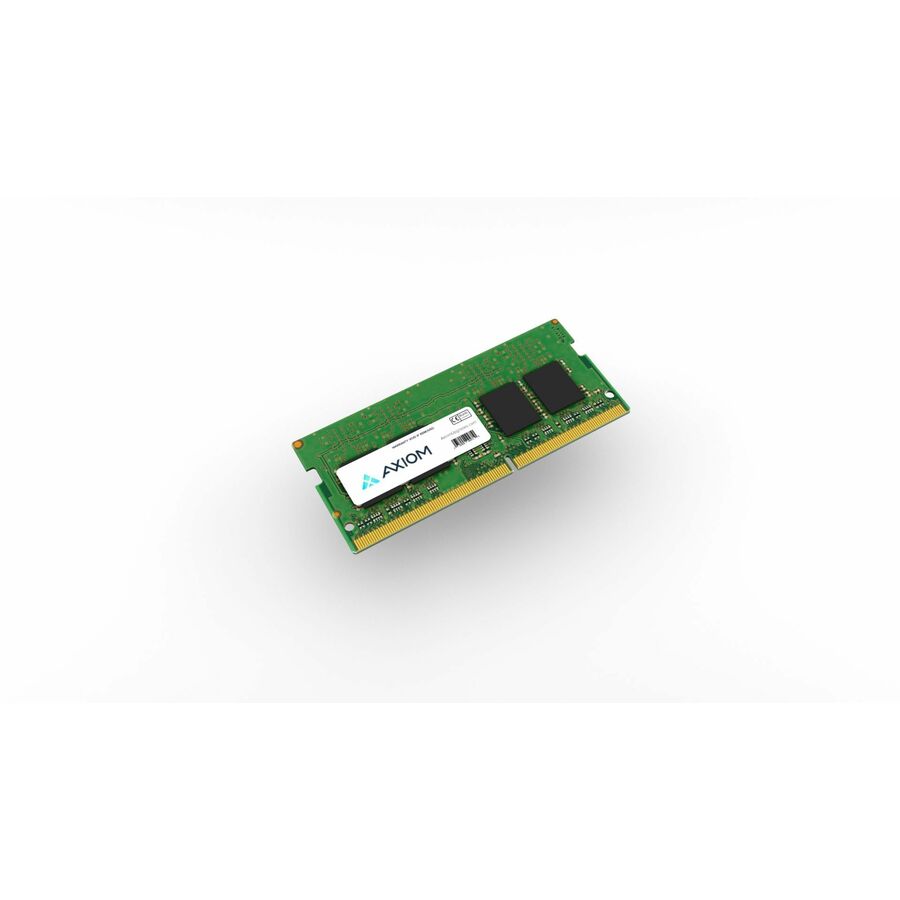
80 in stock - Axiom Memory SolutionsAxiom RAM Module - For Notebook - 64 GB (2 x 32GB) - DDR5-5600/PC5-44800 DDR5 SDRAM - 5600 MHz - 262-pin - SODIMMAX55600S46D/64GK
$1,867.00
$1,603.90
154 in stock - AddOnAddOn JEDEC Standard 16GB DDR4-2666MHz Unbuffered Single Rank x8 1.2V 260-pin CL15 SODIMM - For Notebook - 16 GB (1 x 16GB) - DDR4-2666/PC4-21333 DDR4 SDRAM - 2666 MHz Single-rank Memory - CL15 - 1.20 V - Non-ECC - Unbuffered - 260-pin - SODIMM - Lifetime WarrantyAA2666D4SR8S/16G
$424.00
$390.08
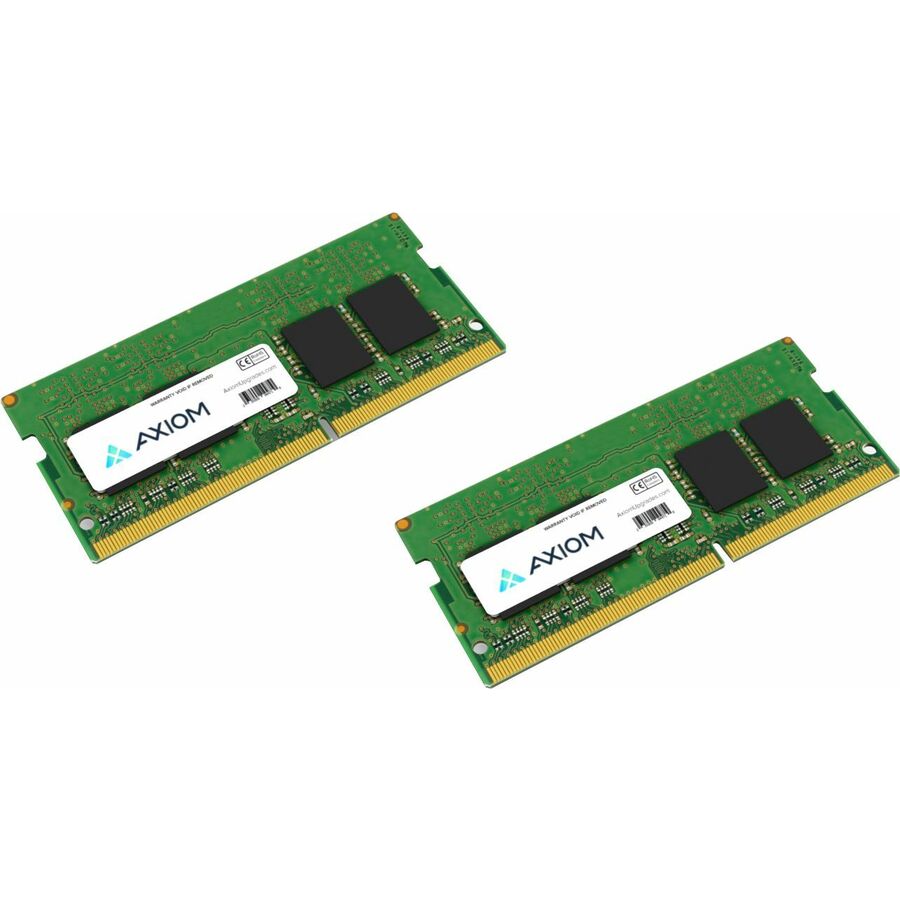
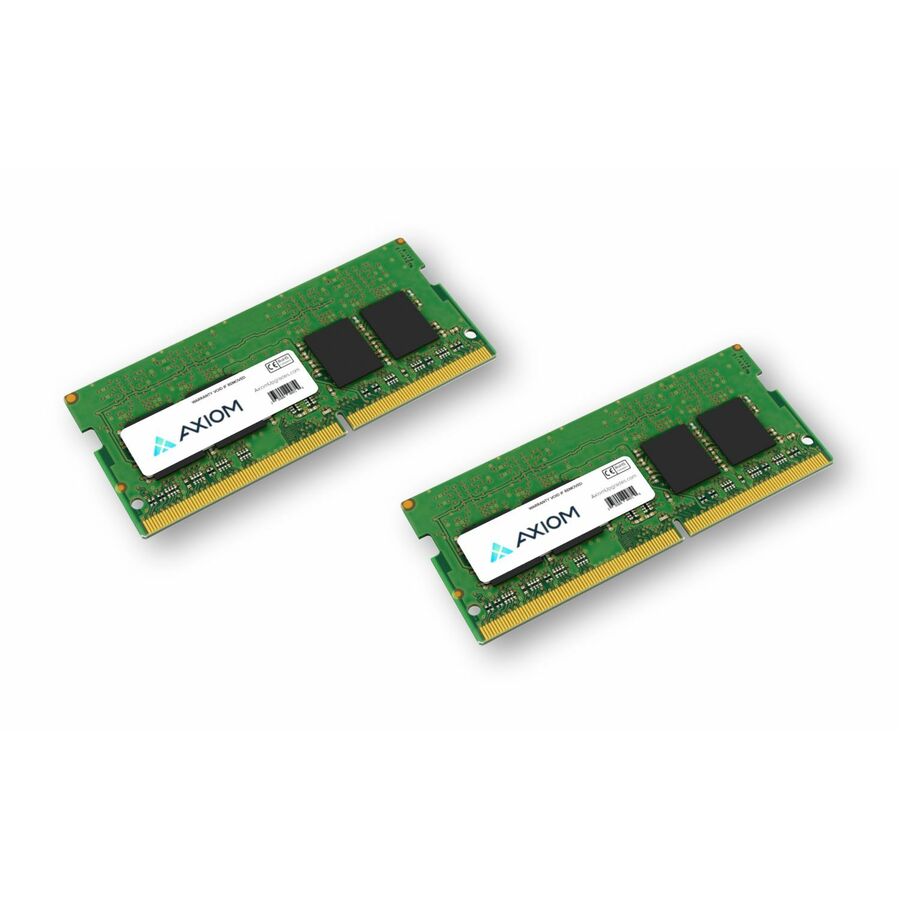
1 in stock - Axiom Memory SolutionsAxiom 64GB DDR4-3200 SODIMM CT2K32G4SFD832A - 64GB DDR4-3200 SODIMM Kit (2 x 32GB) - CT2K32G4SFD832ACT2K32G4SFD832A-AX
$1,077.00
$925.58
187 in stock
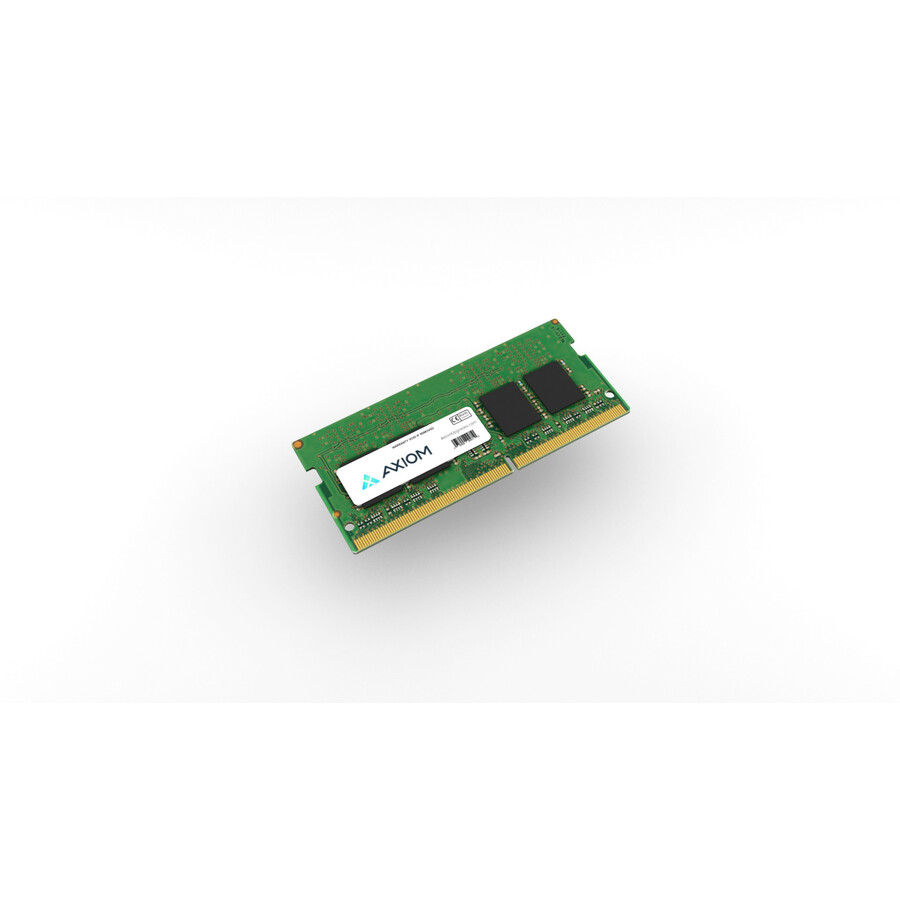
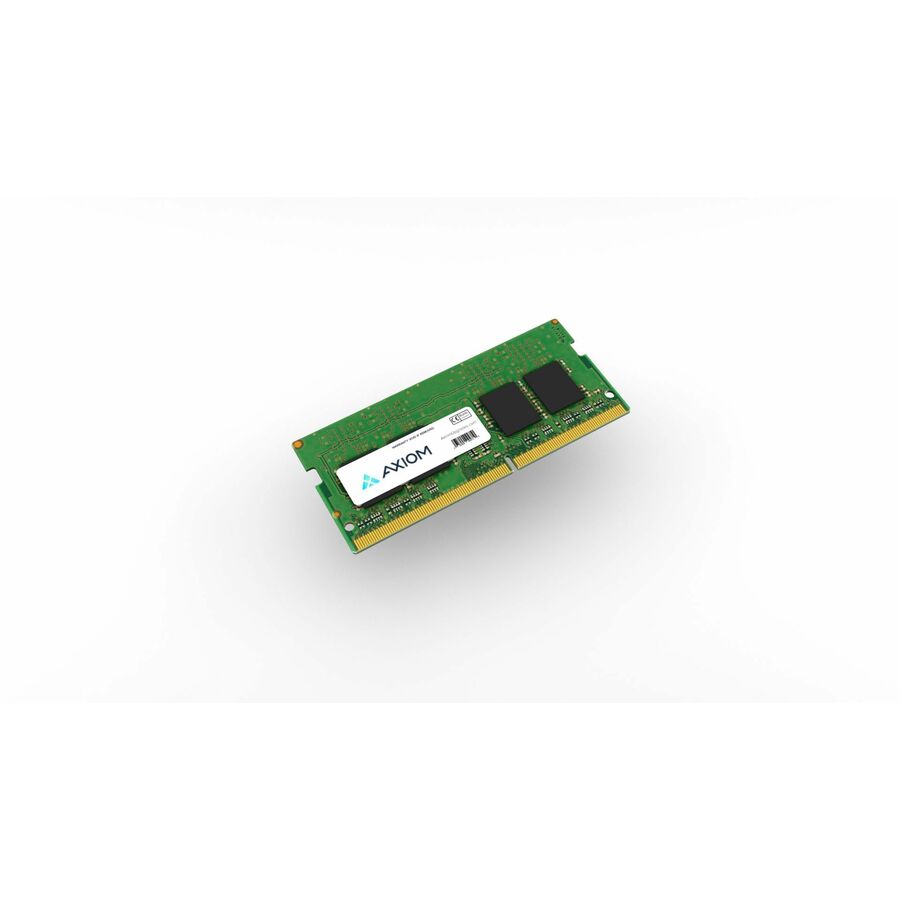
Specifications are read from the manufacturer product title as supplied to us; where a value is not stated it is left blank rather than estimated. Every line is screened for NDAA §889 status before checkout, with TAA verified on request.
Need pricing on Axiom laptop memory?
Tell us where to reach you and a Uniqcli specialist will follow up by email with current pricing, availability and lead time for the quantities you need — including parts that aren’t shown on this page.
Buying for an organization or for yourself — both work. No payment up front.
A DDR5 SODIMM is 262-pin and a DDR4 SODIMM 260-pin, and neither seats in the other's socket. So a laptop memory upgrade is decided by whether the machine has socketed memory at all and which generation the socket takes — capacity is neither question. A module rated above what the platform supports runs at the platform's speed, not at the number on the label.
A SODIMM is the small-outline module that notebooks, mini-PCs and most all-in-ones take instead of a full-size DIMM, and a memory upgrade is one of the few ways to extend a working machine's life. The first check is not capacity — it is whether the machine has socketed memory at all, because thin notebooks increasingly solder it to the board. Confirm that, then read the specification printed in each product title against the laptop's documentation.
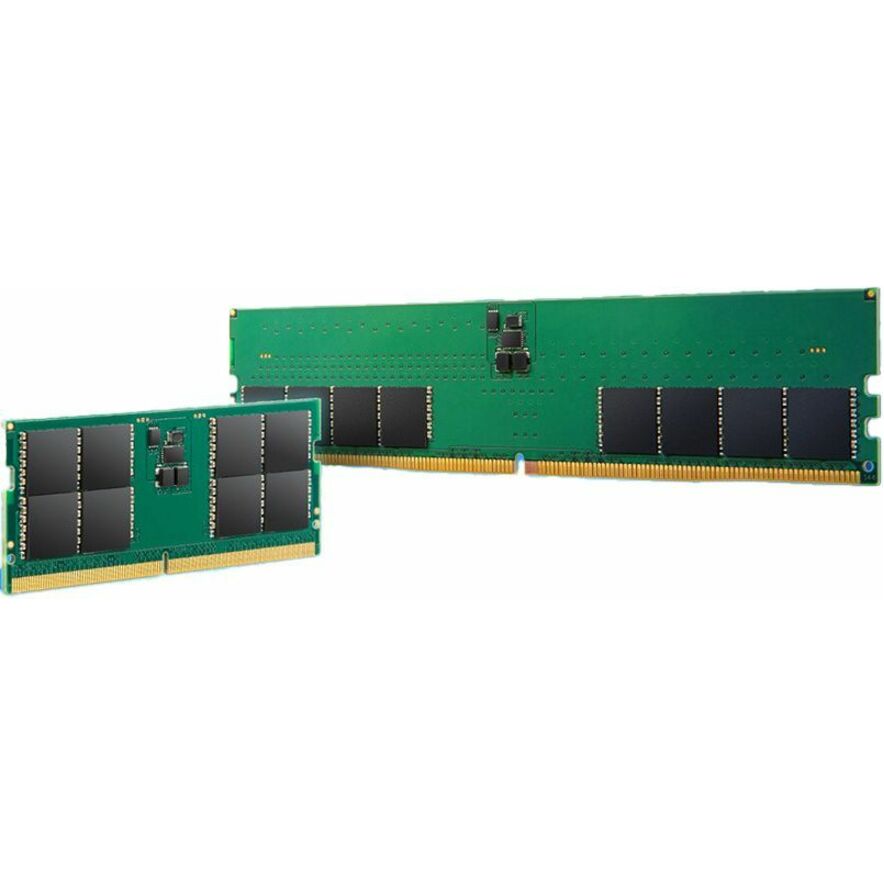
The socket decides the generation. Axiom's DDR5 notebook modules here are 262-pin and run DDR5-5600/PC5-44800 or DDR5-4800/PC5-38400, with rated voltage and CAS latency printed on most listings — 1.10 V and CL46 on the DDR5-5600 modules, CL40 on the DDR5-4800 — though not every row publishes both. The DDR4 modules are 260-pin where the pin count is stated, and cover DDR4-3200/PC4-25600, DDR4-2933/PC4-23466 and DDR4-2666/PC4-21300. The two are not interchangeable. Capacity at the top of this bench runs to 32 GB and 48 GB single modules plus a 64 GB (2 x 32GB) DDR4-3200 kit; 8 GB and 16 GB modules and older generations sit deeper in the catalog.
The grid is pulled live from our catalog each time this page renders, sorted so in-stock rows come first. Several listings carry a "TAA Compliant" designation in Axiom's own product naming, and several state a lifetime warranty in the manufacturer's product data. If the exact module or OEM part number you need is not shown, send it on an RFQ and it can usually be quoted.
Buyer's checklist
How to choose laptop memory that will actually fit
- Confirm the memory is socketed before you order anything — many thin notebooks solder RAM to the board and cannot be upgraded at all.
- Let the platform pick the generation: the DDR5 modules here are 262-pin and the DDR4 modules are 260-pin, and neither seats in the other's socket.
- Match rated speed to the system's support list. A module rated above what the platform supports runs at the platform's speed, not at the number printed on the label.
- Let the machine's documentation decide ECC, not habit — some listings here state ECC alongside a "For Notebook" designation, which is the manufacturer's compatibility line for that part number, so read the laptop's memory specification either way.
- Count slots before you decide capacity. A two-slot machine filled with a matched kit is a different order from a single free slot next to installed memory.
- When adding to installed memory rather than replacing it, keep generation, rated speed, voltage and capacity consistent; a mismatched pair generally runs at the slower module's profile.
- Treat a "TAA Compliant" designation in a product name as the manufacturer's statement about that part number, not an independent Uniqcli certification — screening happens on the order.
- Standardize one part number per laptop model across a fleet and hold spares, so a memory failure is a swap rather than a fresh sourcing exercise.
Reading the specification before you order
Each row states its own electrical specification in the title, and that string is the whole compatibility argument: capacity and kit composition, generation and rated speed, and — on most rows — pin count, CAS latency and voltage. The 64 GB (2 x 32GB) DDR4-3200 kit is the exception on this page; it states capacity, kit composition and generation and nothing further. Most rows state "For Notebook", and a couple also name Computer or Server, which is the manufacturer's compatibility line rather than a claim about your machine. Read it against the laptop's service documentation. Parts of Axiom's wider range are built for a named OEM platform and identify it in the product title, so if the module or OEM part number you need is not on this page, send it on an RFQ.
Kits, single modules and mixing with installed memory
Two-slot notebooks reward planning the whole configuration in one pass. A matched kit — the 64 GB (2 x 32GB) DDR4-3200 listing is the example on this page — removes the guesswork of pairing two separately sourced modules, while a single module suits a machine with one slot free. If you are adding to installed memory instead of replacing it, keep generation, rated speed, voltage and capacity consistent: a mixed pair typically runs at the slower module's profile, and dual-channel operation generally depends on a matched pair.
Upgrading a fleet rather than a machine
At fleet scale the deciding factor is rarely the module, it is the laptop model mix. Standardize one part number per model, order spares on the same purchase order, and record which machines were upgraded — memory is the component most likely to be swapped during a repair and then go unaccounted for. For federally funded work, screen TAA country-of-origin and NDAA §889 status at the part-number level rather than the product family, and ask for the documentation up front when it is contract-critical. Past a few dozen machines a quote beats a cart, because availability and delivery window move with the module count.
FAQ
Common questions
- How do I know a SODIMM will fit my laptop?
- Two checks settle it. First, confirm the machine has socketed memory — many thin notebooks solder RAM to the board, and no module fits those. Second, match the generation and specification: the DDR5 modules here are 262-pin and the DDR4 modules are 260-pin, and they are not interchangeable. From there, read the capacity, rated speed, and the voltage and CAS latency where the listing states them, against the memory specification in the laptop's service documentation.
- What is the difference between the DDR4 and DDR5 modules on this page?
- Generation, socket and speed. The DDR5 rows are 262-pin modules listed at DDR5-5600/PC5-44800 or DDR5-4800/PC5-38400; where Axiom publishes them the listing also states 1.10 V and a CAS latency — CL46 on the 5600 modules, CL40 on the 4800 — though not every row carries both. The DDR4 rows state 260-pin where the pin count is given and cover DDR4-3200/PC4-25600, DDR4-2933/PC4-23466 and DDR4-2666/PC4-21300. A laptop is built for one or the other — the board decides, not the budget — so the newer generation is only relevant if the machine takes it.
- Do I need ECC memory in a laptop?
- That depends on the machine, and its documentation is the only answer. ECC adds error correction and belongs on platforms whose specification calls for it, which most standard notebooks do not. Some rows on this page state ECC alongside a "For Notebook" designation in the manufacturer's product data — that is Axiom's compatibility line for the part number, not a statement about your machine — so match the memory specification in the laptop's service documentation before you order. Buying ECC for a platform that does not call for it is one of the more common ways a memory line item comes back.
- Should I buy a matched kit or a single module?
- Buy a kit when you are filling both slots in one pass — the 64 GB (2 x 32GB) DDR4-3200 kit on this page ships as a single part number, which keeps the pair consistent and the purchase order short. Buy a single module when one slot is free and you intend to run alongside the installed memory, and in that case keep generation, speed, voltage and capacity consistent with what is already in the machine.
- Can Uniqcli quote Axiom laptop memory for a government or education buy?
- Every line Uniqcli quotes is sourced through US distribution and screened for TAA country-of-origin and NDAA §889 status before checkout — with documentation tied to the specific part number, not a product family.
Need Axiom laptop memory pricing?
Send a bill of materials or part numbers — we confirm stock and a below-market total, with TAA verified on request. No payment up front.