
Best Business Monitors for Offices, Desks and Fleets
Full HD panels from 22 to 27 inches for volume desks, plus portable second screens — with QHD, 4K, 34-inch ultrawide and USB-C docking models further down the page.
Business monitors in stock at Uniqcli
How to choose →A curated selection with live pricing — in-stock lines first, then back-ordered lines with a typical lead time. Every line is sourced through US distribution and screened for NDAA §889 status before checkout, with TAA verified on request.
- AcerAcer Vero V247Y G 24" Class Full HD LCD Monitor - 16:9 - Black - 23.8" Viewable - In-plane Switching (IPS) Technology - LED Backlight - 1920 x 1080 - 16.7 Million Colors - VESA Adaptive Sync (DisplayPort VRR) - 250 Nit - 4 ms - 120 Hz Refresh Rate - Speakers - USB Type-C - HDMI - VGA - VESA Mount CompatibleUM.QV7AA.G05
$142.99
$101.66
110 in stock - AcerAcer Vero V227Q E1 22" Class Full HD LCD Monitor - 16:9 - Black - 21.5" Viewable - In-plane Switching (IPS) Technology - LED Backlight - 1920 x 1080 - 16.7 Million Colors - VESA Adaptive Sync - 300 Nit - 4 ms - 100 Hz Refresh Rate - Speakers - HDMI - DisplayPort - VESA Mount CompatibleUM.WV7AA.101
$139.99
$101.66
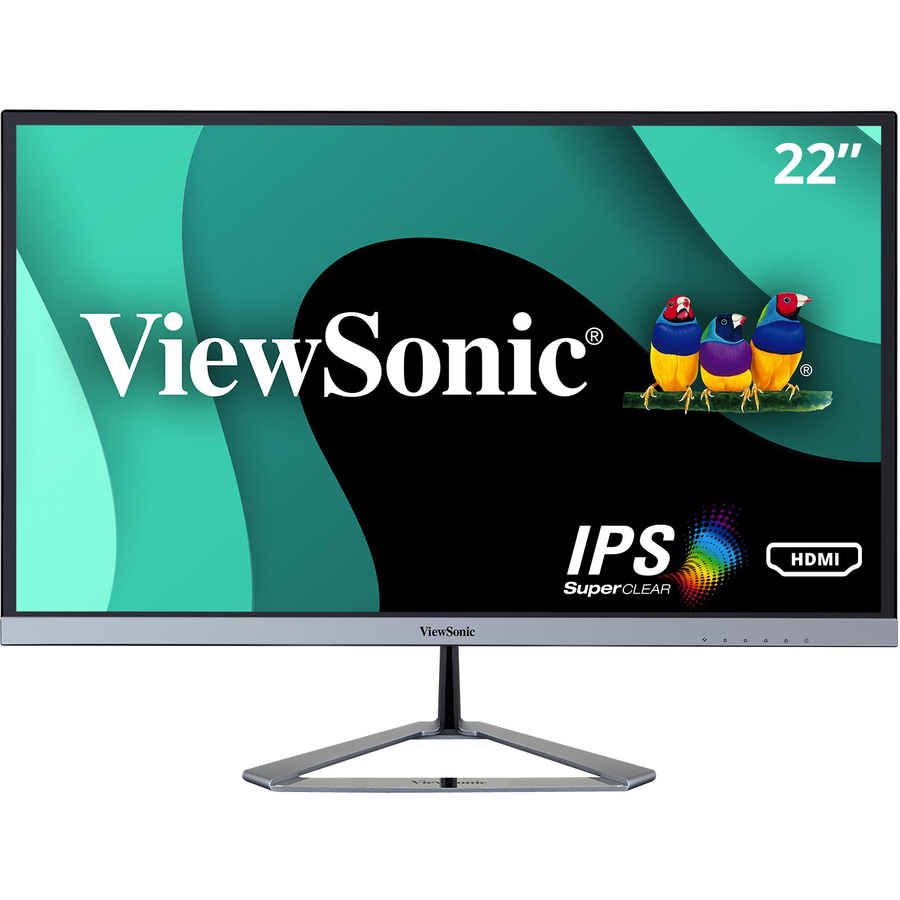
4 in stock - ViewSonicViewSonic VX2267-MHD 22 Inch 1080p Monitor, 100Hz Refresh Rate with FreeSync for Ultimate Home Entertainment, Eye Care Technology, Ultra-Thin Bezels, HDMI, and DisplayPort Inputs - VX2267-MHD - 1080p Gaming Monitor with 100Hz, 1ms, FreeSync, Eye Care, HDMI, VGA, and DP - 250 cd/m² - 22"VX2267-MHD
$115.00
$103.29
226 in stock - AcerAcer Vero V227Q E3 22" Class Full HD LED Monitor - 16:9 - Black - 21.5" Viewable - In-plane Switching (IPS) Technology - LED Backlight - 1920 x 1080 - 16.7 Million Colors - AMD FreeSync - 250 Nit - 4 ms - 75 Hz Refresh Rate - Speakers - HDMI - VGA - DisplayPort - VESA Mount CompatibleUM.WV7AA.303
$123.99
$106.75
259 in stock - AcerAcer Vero V7 V227Q E3 22" Class Full HD LED Monitor - 16:9 - 21.5" Viewable - In-plane Switching (IPS) Technology - LED Backlight - 1920 x 1080 - 16.7 Million Colors - AMD FreeSync - 250 Nit - 4 ms - 75 Hz Refresh Rate - Speakers - HDMI - VGA - DisplayPort - VESA Mount CompatibleUM.WV7AA.302
$129.99
$109.29
375 in stock - AcerAcer Vero V227Q H 22" Class Full HD LCD Monitor - 16:9 - Black - 21.5" Viewable - Vertical Alignment (VA) - LED Backlight - 1920 x 1080 - 16.7 Million Colors - AMD FreeSync (DisplayPort VRR) - 250 Nit - 4 ms - 100 Hz Refresh Rate - Speakers - HDMI - VGA - DisplayPort - VESA Mount Compatible - SpeakerUM.WV7AA.H02
$114.99
$109.29
105 in stock - AcerAcer Vero V247Y G 24" Class Full HD LCD Monitor - 16:9 - Black - 23.8" Viewable - In-plane Switching (IPS) Technology - LED Backlight - 1920 x 1080 - 16.7 Million Colors - VESA Adaptive Sync (DisplayPort VRR) - 250 Nit - 4 ms - 120 Hz Refresh Rate - Speakers - USB Type-C - HDMI - VGA - VESA Mount Compatible - SpeakerUM.QV7AA.G03
$149.99
$111.84
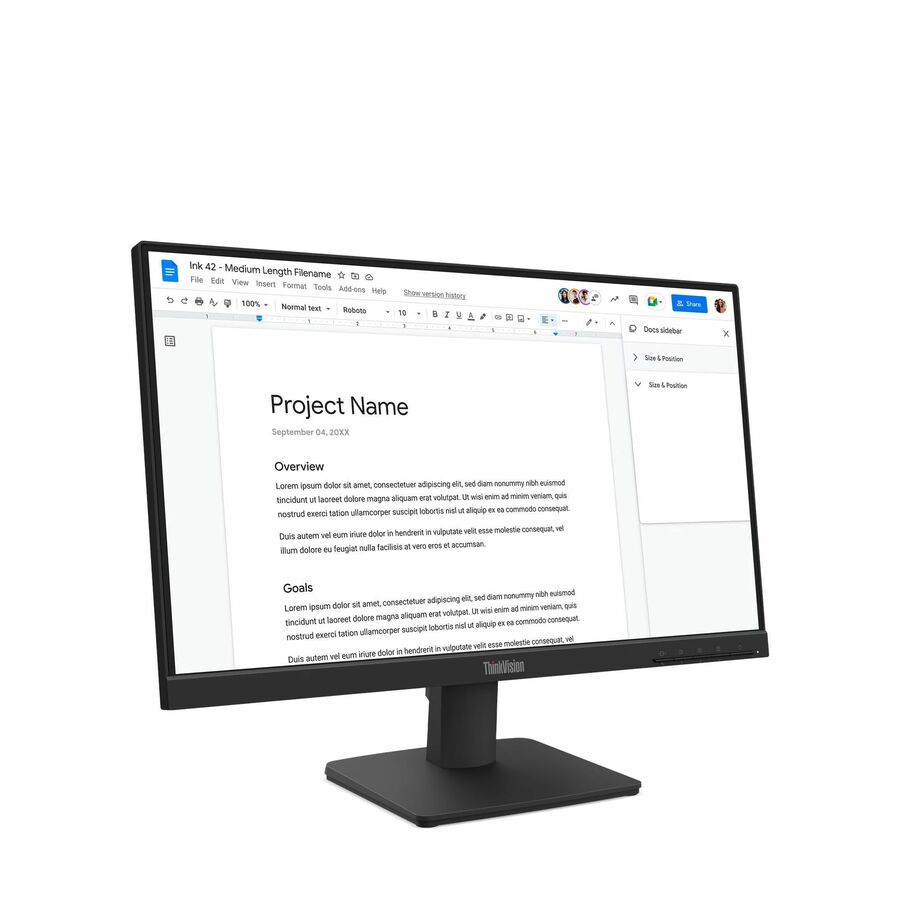
800 in stock - LenovoLenovo ThinkVision S22-4e 22" Class Full HD LED Monitor - 16:9 - Raven Black - 21.5" Viewable - In-plane Switching (IPS) Technology - WLED Backlight - 1920 x 1080 - 16.7 Million Colors - 250 Nit - 4 ms - 100 Hz Refresh Rate - Tilt - HDMI - VGA - VESA Mount Compatible64CBKAT6US
$113.64
3,029 in stock - ViewSonicViewSonic VX2276-SMHD 22 Inch 1080p Monitor, IPS Display with Ultra-Thin Bezels and Eye Care Technology for Home and Office Entertainment, DisplayPort for Daisy Chain, HDMI, and VGA Inputs - VX2276-SMHD - 1080p Widescreen IPS Monitor with Ultra-Thin Bezels, HDMI and DisplayPort - 250 cd/m² - 22"VX2276-SMHD
$129.00
$114.90
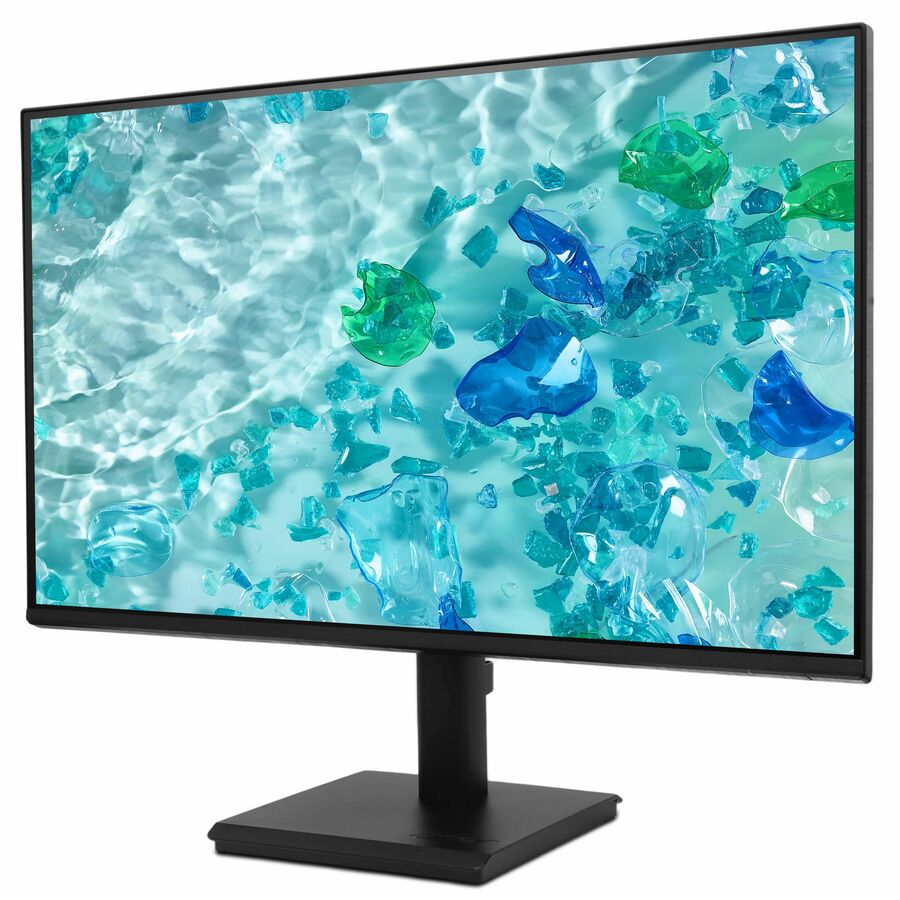
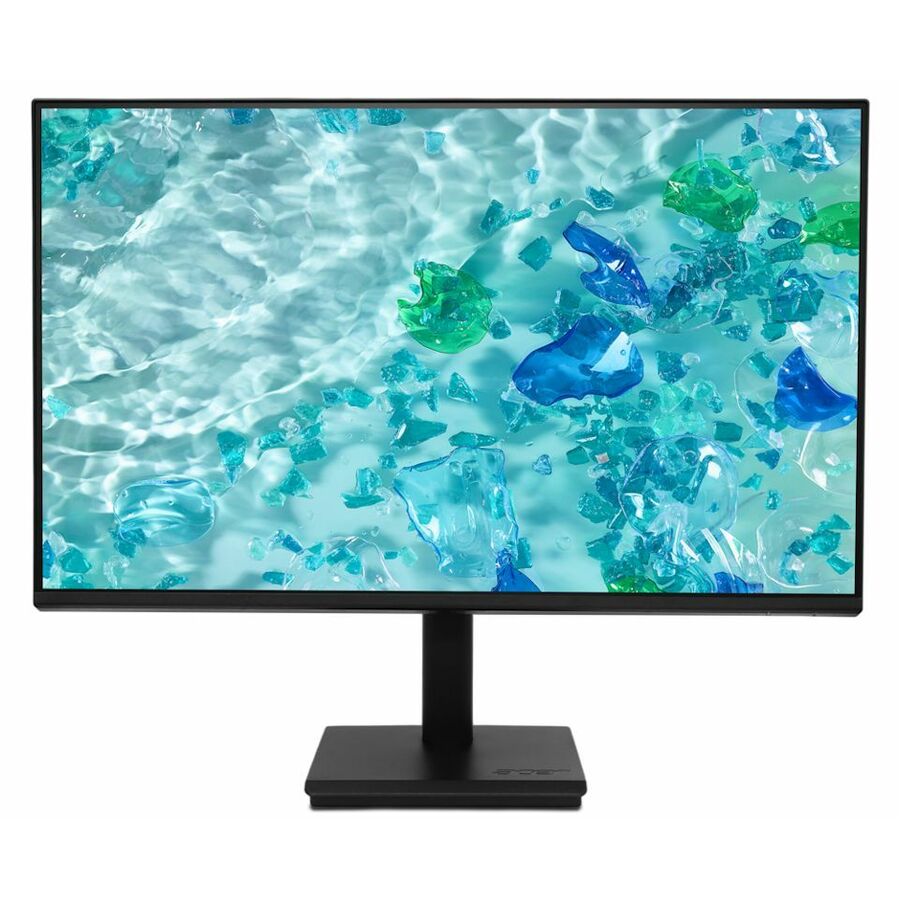
1,437 in stock - AcerAcer Vero V247Y G 24" Class Full HD LCD Monitor - 16:9 - Black - 23.8" Viewable - In-plane Switching (IPS) Technology - LED Backlight - 1920 x 1080 - 16.7 Million Colors - VESA Adaptive Sync (DisplayPort VRR) - 250 Nit - 4 ms - 120 Hz Refresh Rate - Speakers - USB Type-C - HDMI - VGA - DisplayPort - VESA Mount Compatible - SpeakerUM.QV7AA.G01
$154.99
$116.91
913 in stock - AcerAcer Vero V277 G 27" Class Full HD LCD Monitor - 16:9 - Black - 27" Viewable - In-plane Switching (IPS) Technology - LED Backlight - 1920 x 1080 - 16.7 Million Colors - VESA Adaptive Sync (DisplayPort VRR) - 250 Nit - 4 ms - 120 Hz Refresh Rate - Speakers - USB Type-C - HDMI - VGA - VESA Mount Compatible - SpeakerUM.HV7AA.G07
$159.99
$119.46
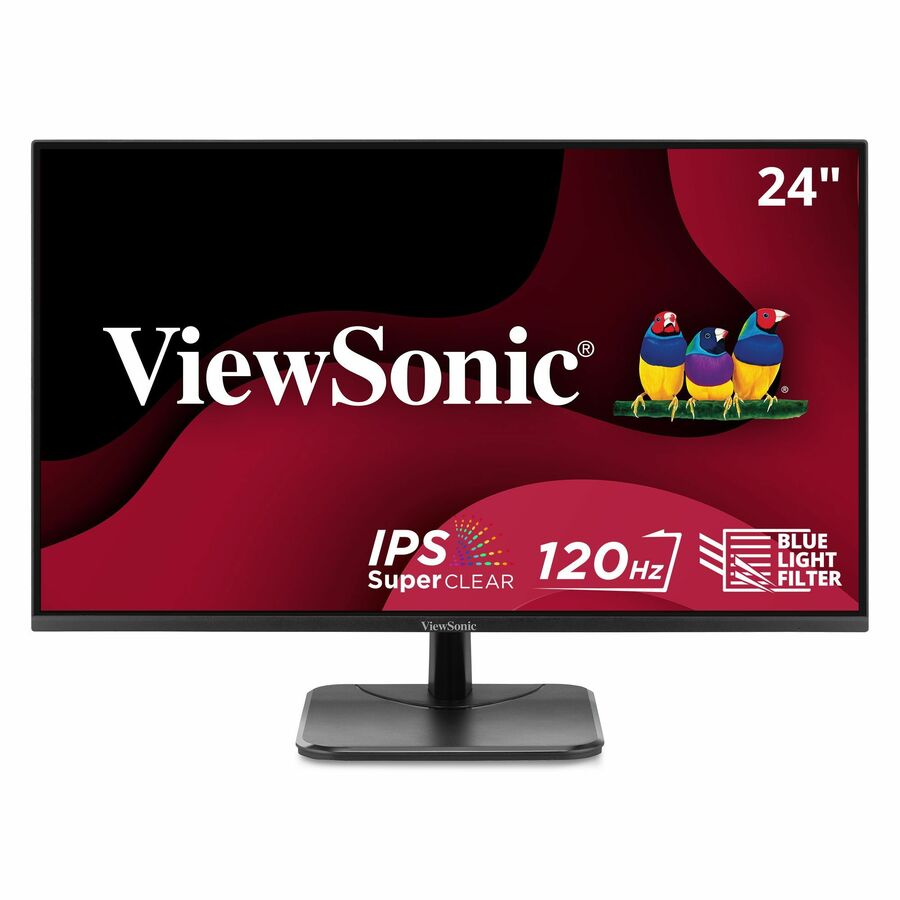
319 in stock - ViewSonicViewSonic VA2456A-MHD 24 Inch IPS 1080p Monitor with 120Hz, Eye Care, HDMI, DisplayPort, and VGA Inputs for Home and Office - 23.8? Viewable - SuperClear IPS - LED Backlight - 1920 x 1080 - 16.7 Million Colors (8-bit) - 250 Nit - 1 ms - Speakers - HDMI - VGA - DisplayPortVA2456A-MHD
$145.00
$123.94
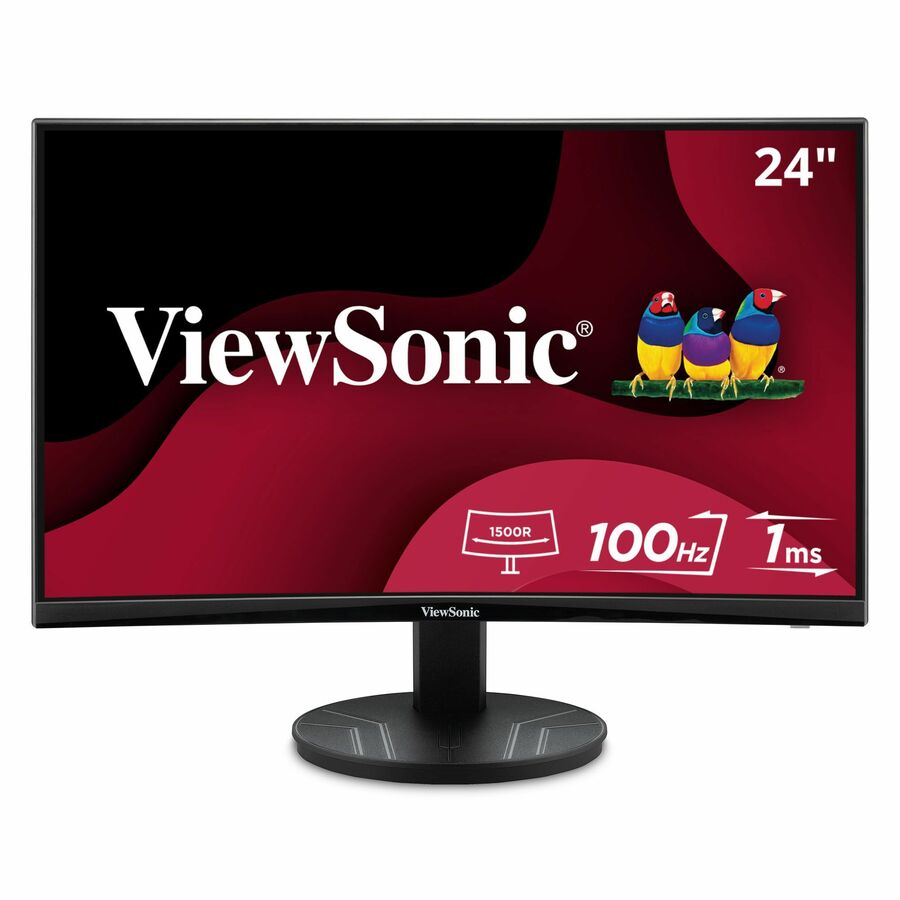
1,640 in stock - ViewSonicViewSonic VA2416C 24 Inch 1080p Curved Monitor, Frameless Design with Variable Refresh Rate for Home Entertainment, HDMI, and DisplayPort Inputs - 23.6? Viewable - Vertical Alignment (VA) - LED Backlight - 1920 x 1080 - 16.7 Million Colors (8-bit) - 250 Nit - 4 ms - Speakers - HDMI - VGA - DisplayPortVA2416C
$139.00
$125.23
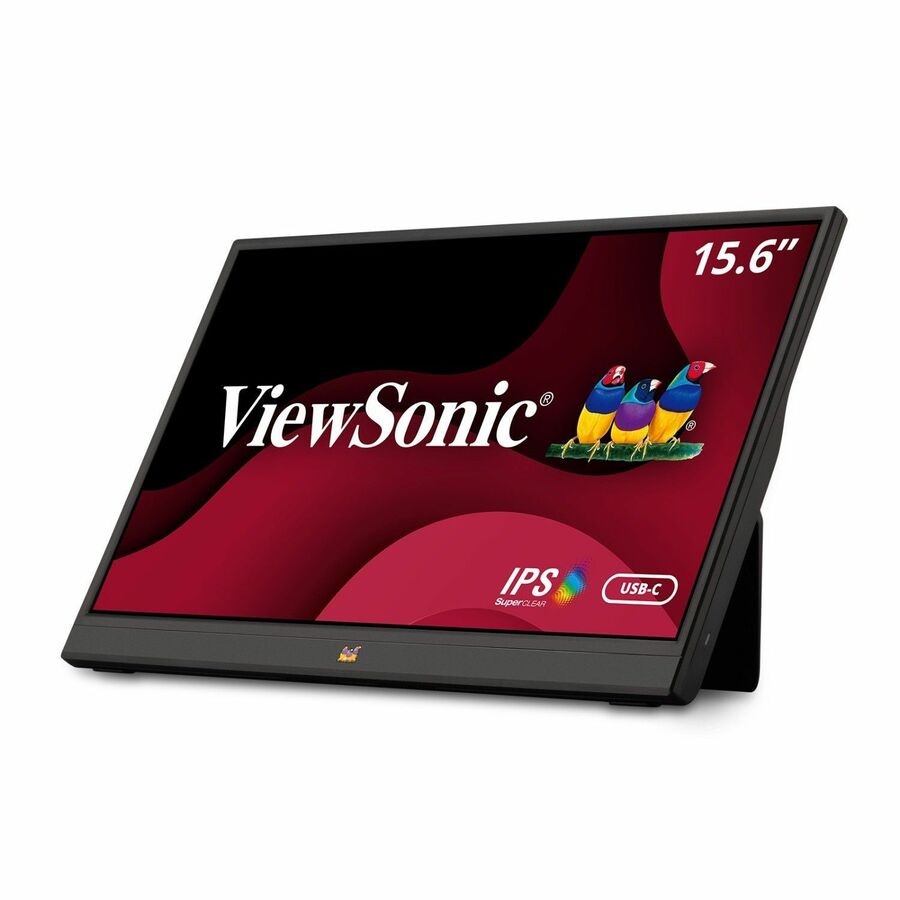
1,004 in stock - ViewSonicViewSonic VA1655 15.6 Inch 1080p Portable Monitor, IPS Display with Eye Care for Comfortable Mobile Workspaces, Built-in Stand, 60W USB-C, Mini HDMI, and Protective Case - VA1655 - 1080p Portable Monitor USB-C, Mini HDMI, IPS, Built in Stand, Protective Case - 250 cd/m² - 15.6"VA1655
$145.00
$126.51
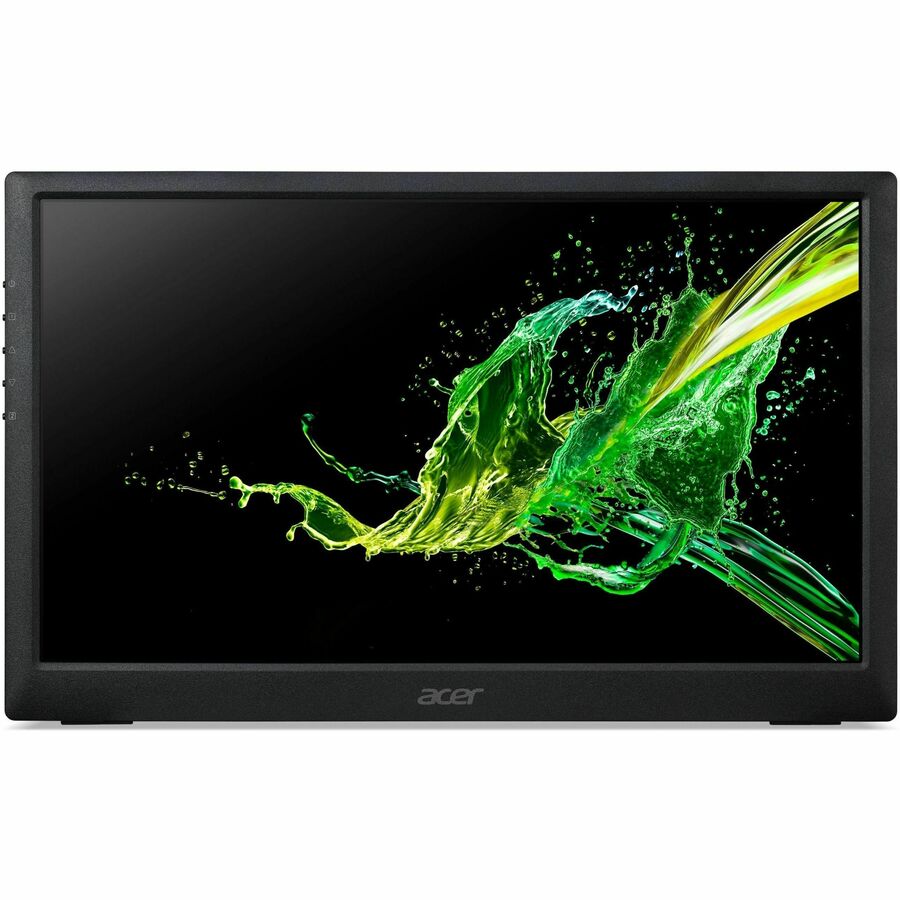
1,889 in stock - AcerAcer PM161Q B 16" Class Full HD LED Monitor - 16:9 - Black - 15.6" Viewable - In-plane Switching (IPS) Technology - LED Backlight - 1920 x 1080 - 16.7 Million Colors - AMD FreeSync - 250 Nit - 4 ms - 60 Hz Refresh Rate - Speakers - USB Type-C - HDMI - VESA Mount CompatibleUM.ZP1AA.B01
$139.99
$127.09
11 in stock - ViewSonicViewSonic VX2416A 24 Inch 1080p Gaming Monitor, IPS Display with 120Hz and 1ms for Smooth Gameplay, Eye Care Technology, DisplayPort for Daisy Chain, USB-C, and HDMI Inputs - ViewSonic Gaming VX2416A - 1080p 1ms 120Hz IPS Gaming Monitor with USB-C, HDMI, DP - 250 cd/m² - 24?VX2416A
$145.00
$127.81
89 in stock - ViewSonicViewSonic VX2428A 24 Inch 1080p Gaming Monitor, IPS Display with 180Hz and 0.5ms for Fast Gameplay, FreeSync and Eye Care Technology for Smooth Visuals, HDMI, and DisplayPort Inputs - ViewSonic Gaming VX2428A - 1080p 0.5ms 180Hz IPS Gaming Monitor with AMD FreeSync, HDMI, DP - 250 cd/m² - 24?VX2428A
$145.00
$127.81
1,367 in stock



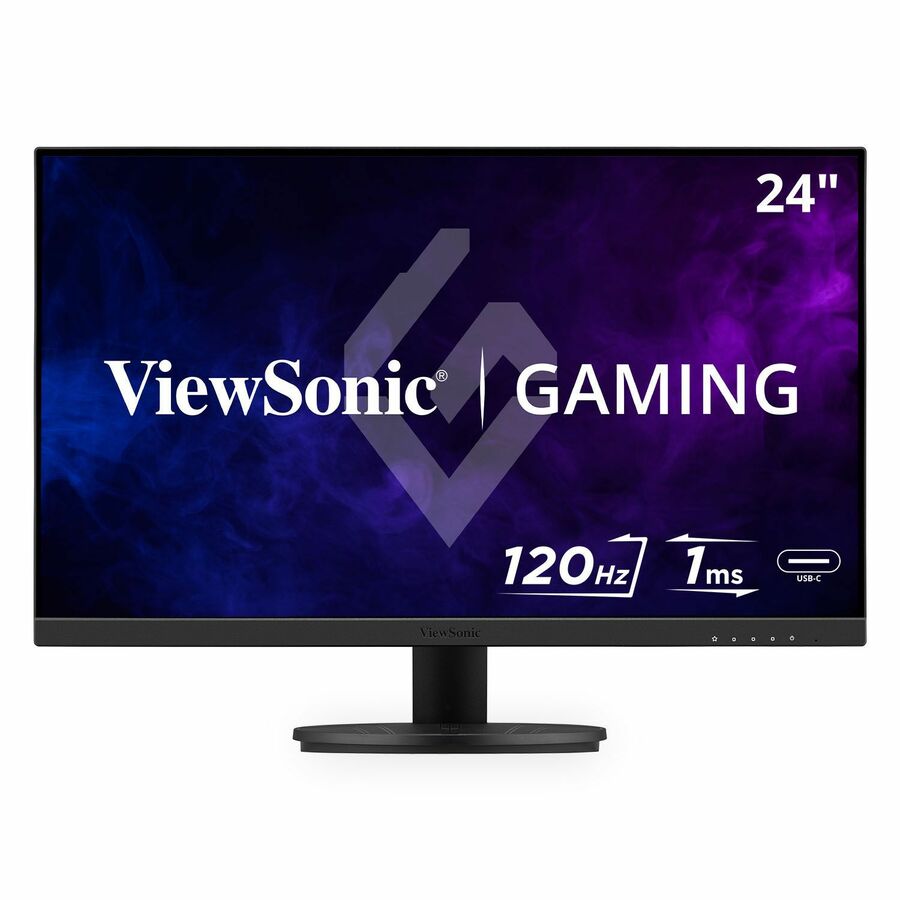
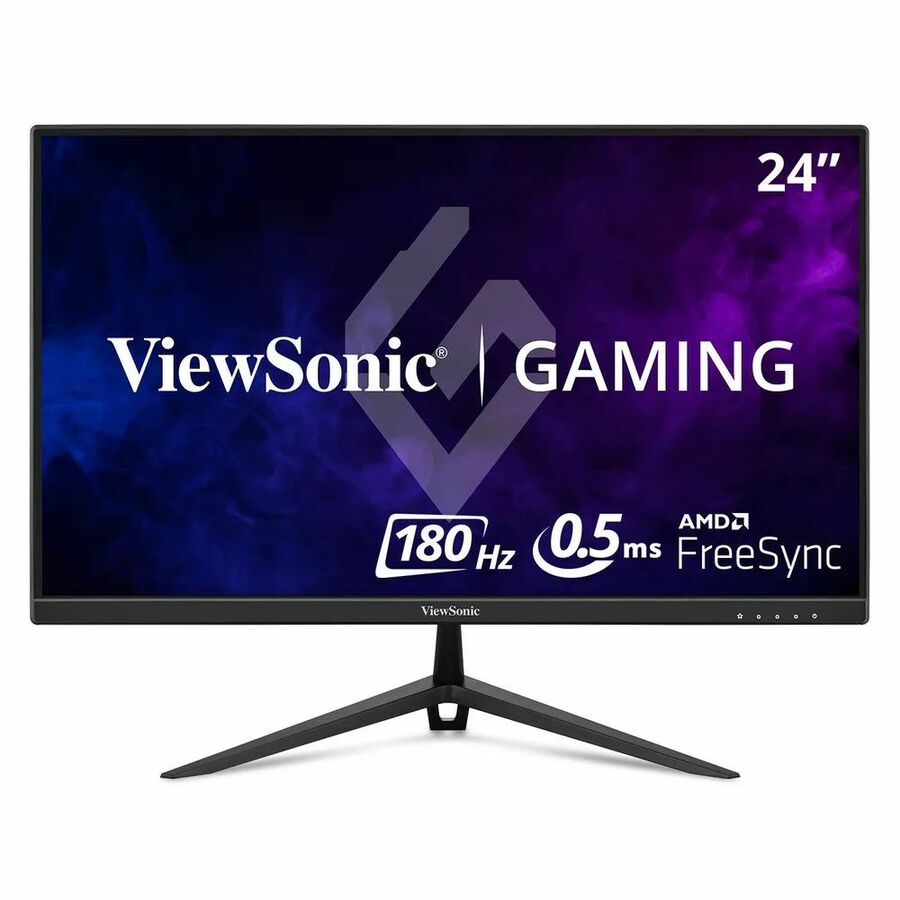
Entry fleet pick
Acer
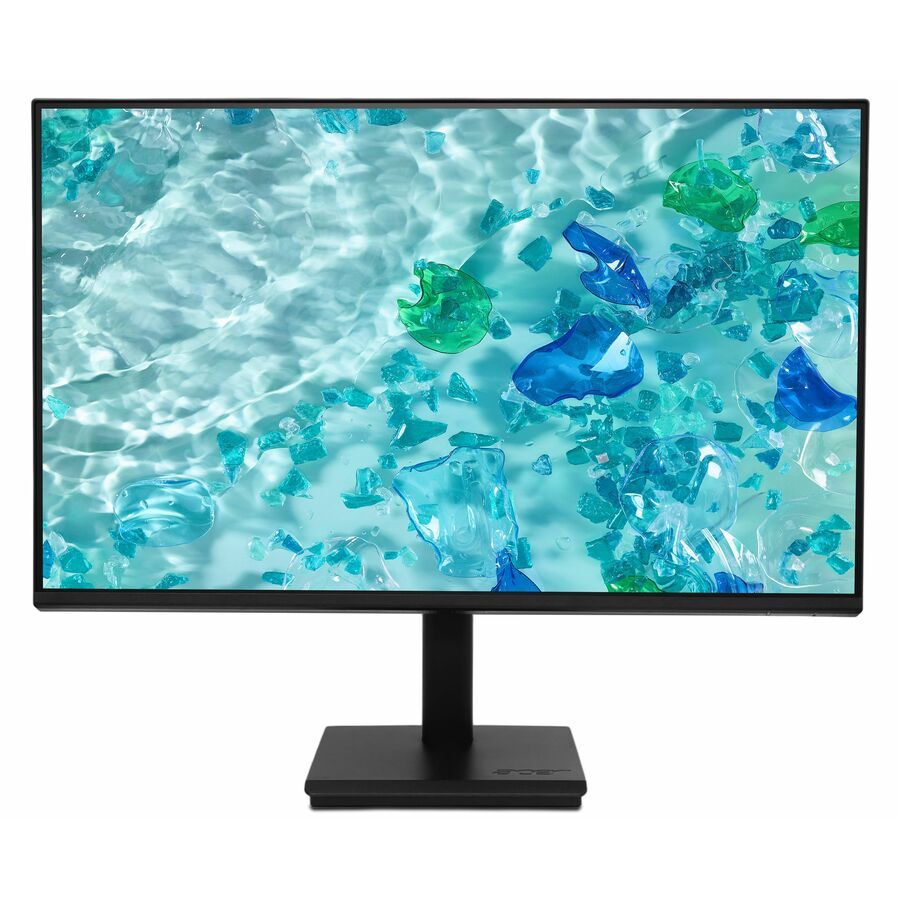
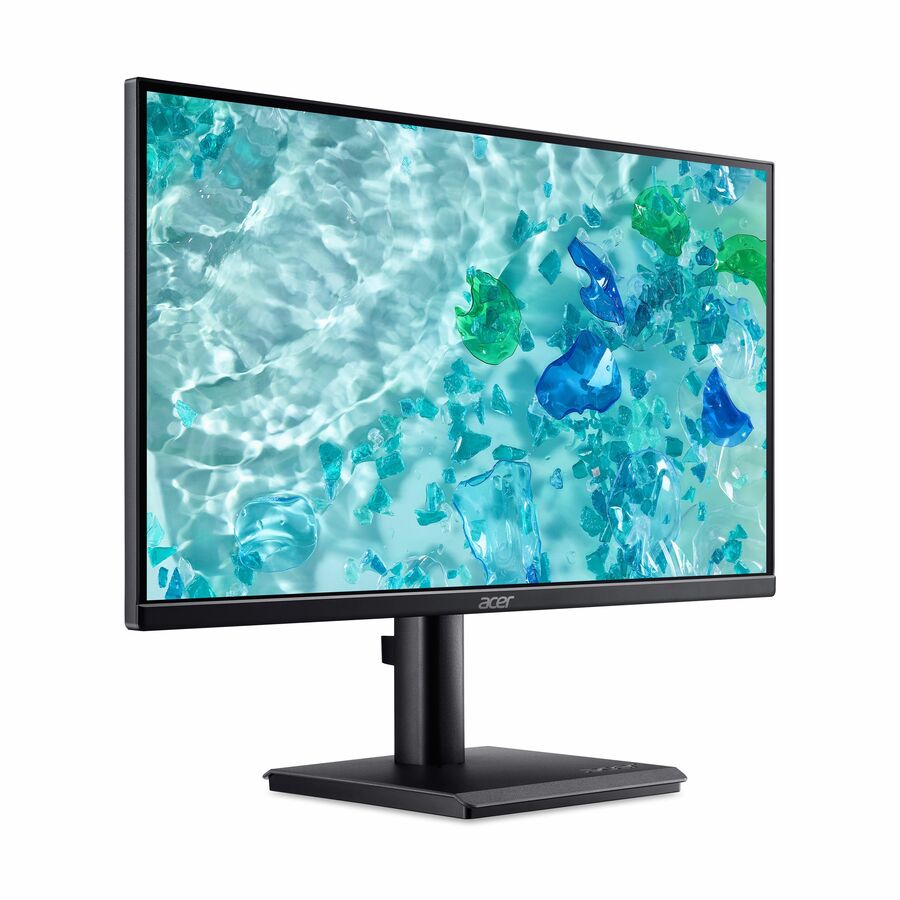
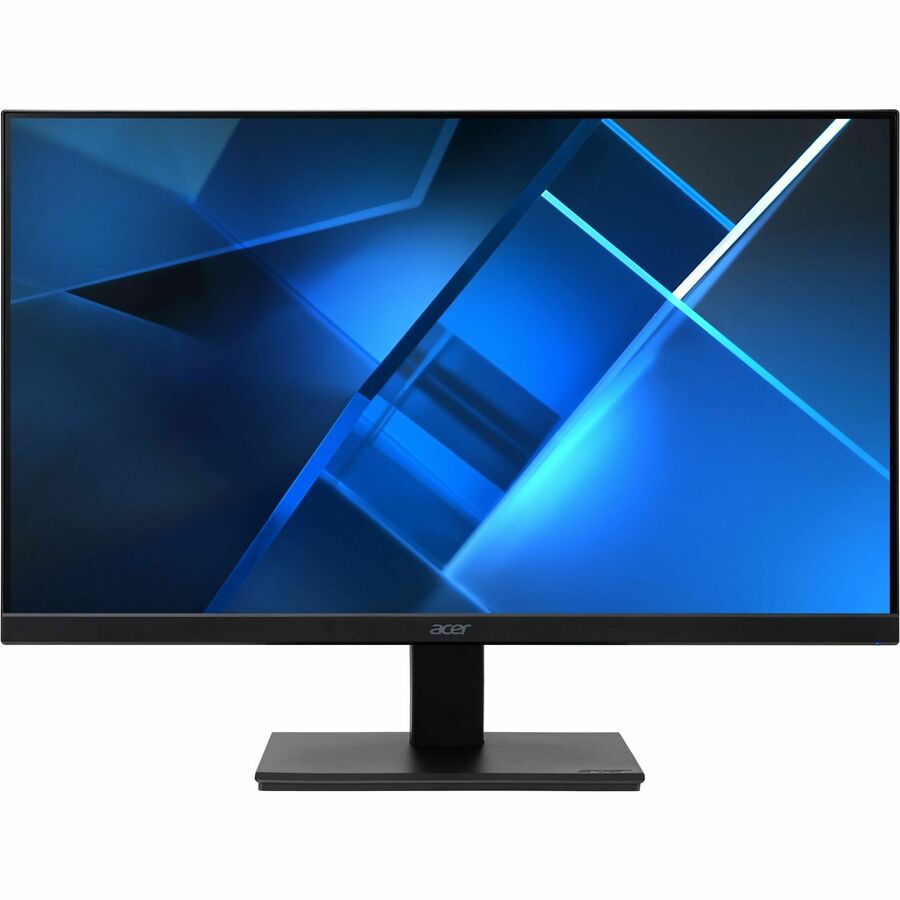
Acer Vero V247Y G 24" Class Full HD LCD Monitor
UM.QV7AA.G01
A 24-inch panel with a 4 ms response, built-in speakers and HDMI, VGA and DisplayPort inputs. The straightforward volume monitor for a desk that needs a screen rather than a specification.
$116.91In stockCompact desk pick
ViewSonic
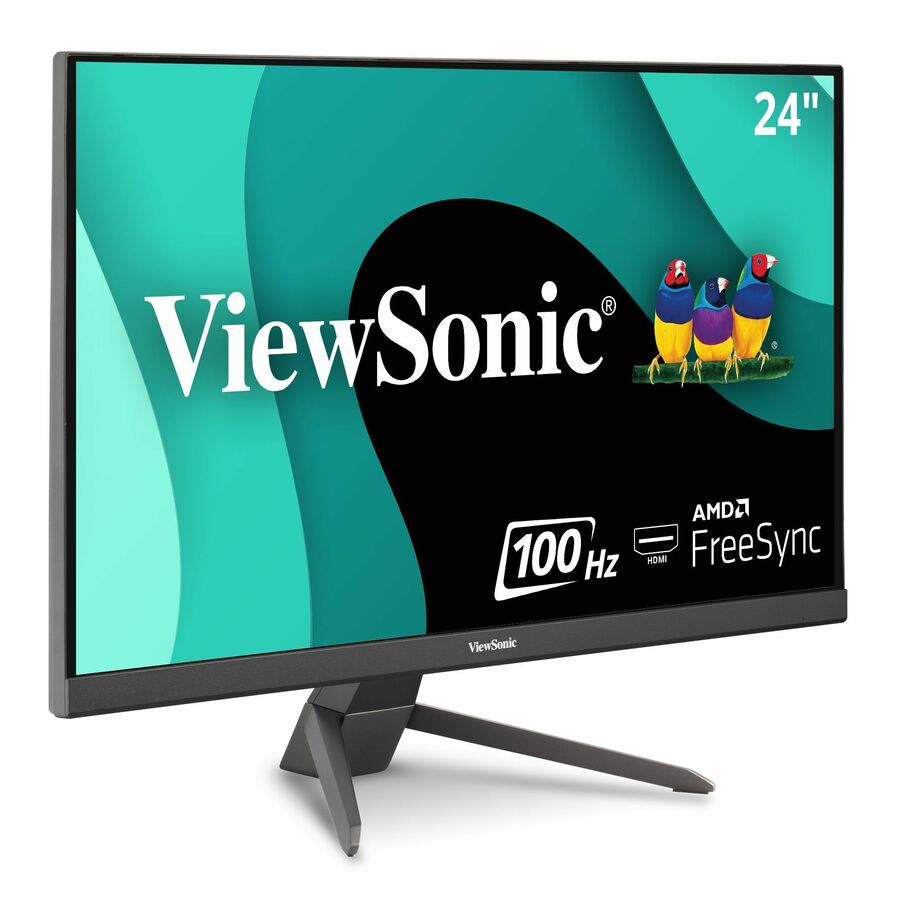
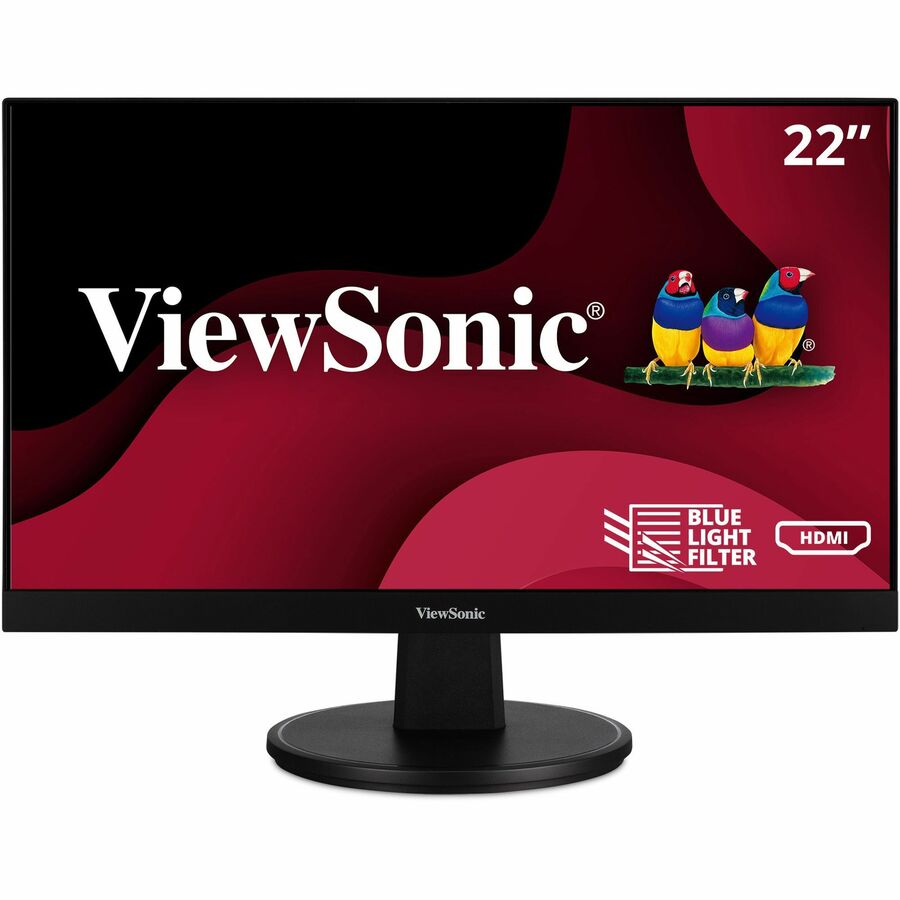
ViewSonic VA2256-MHD 22 Inch 1080p Monitor, IPS Display with FreeSync…
VA2256-MHD
A 22-inch Full HD IPS panel with ultra-thin bezels and HDMI, DisplayPort and VGA inputs. IPS at this size is what makes a two-monitor pair look the same from an angle, which is the whole point of buying two.
$113.61In stock27-inch Full HD
Acer
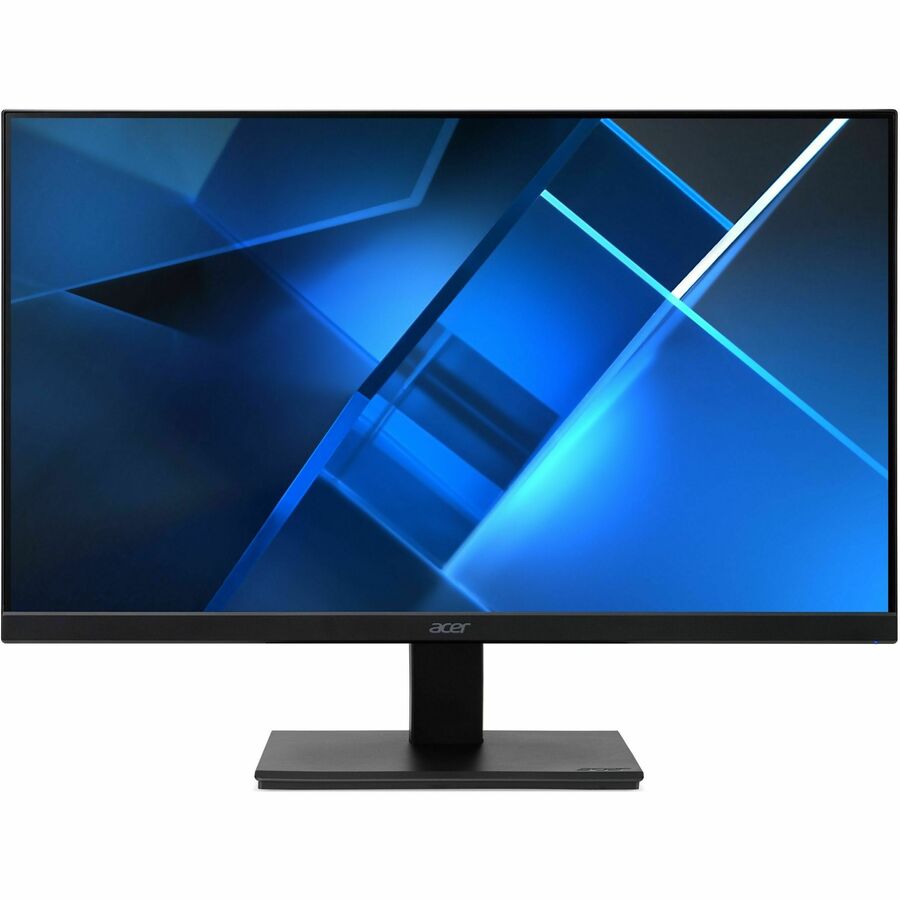
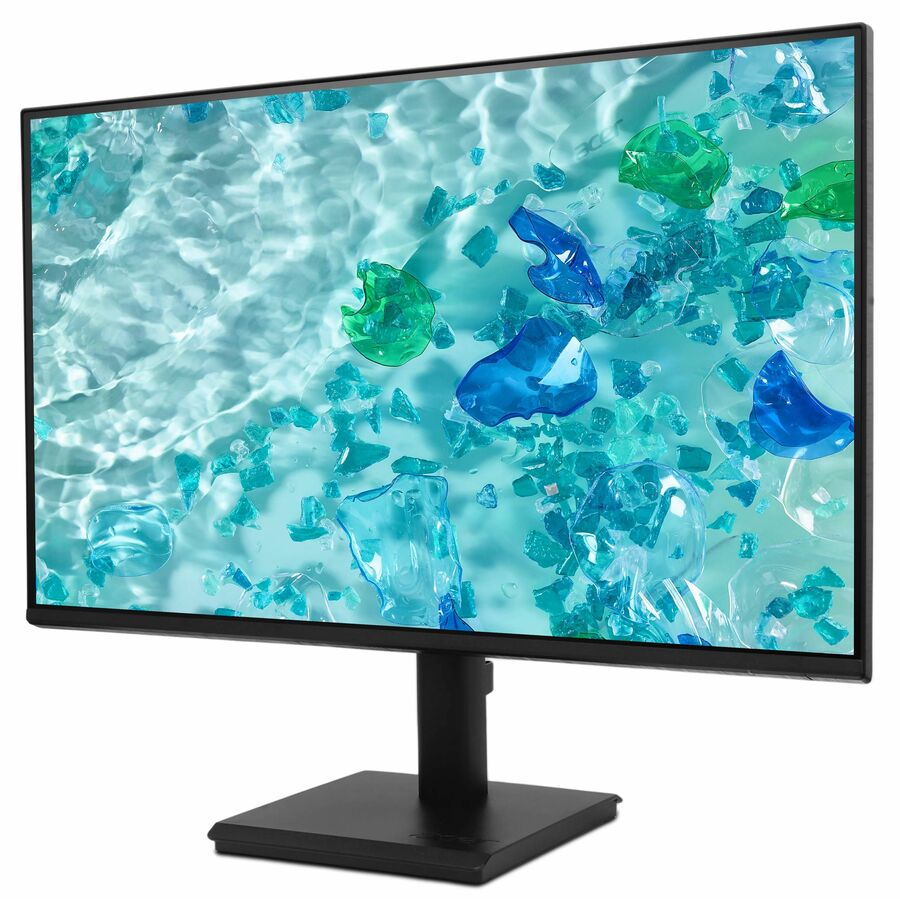
Acer Vero V277 G 27" Class Full HD LCD Monitor
UM.HV7AA.G07
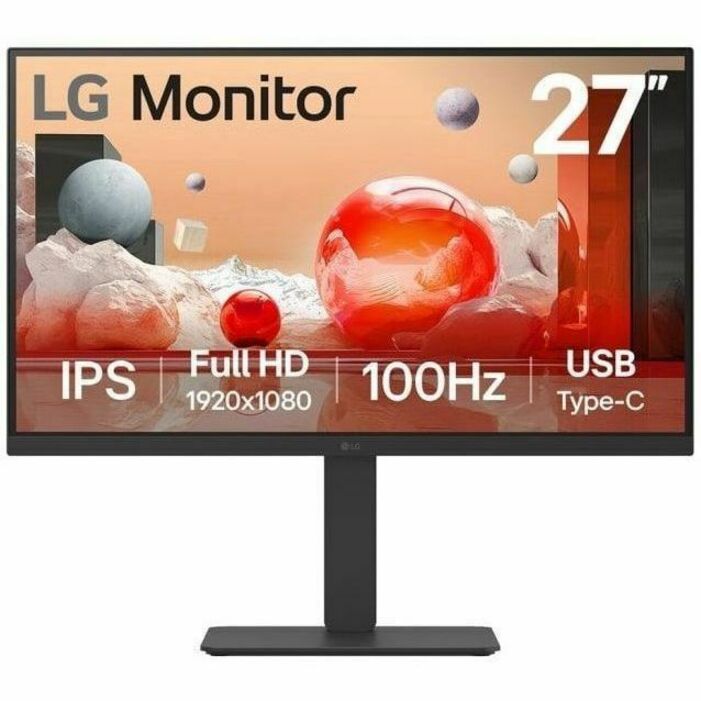
A 27-inch Full HD IPS panel with adaptive sync and a wide input set. Choose it where the seat wants a bigger picture rather than more desktop space — at 27 inches, Full HD means larger text, not more of it.
$119.46In stockPlanar pick
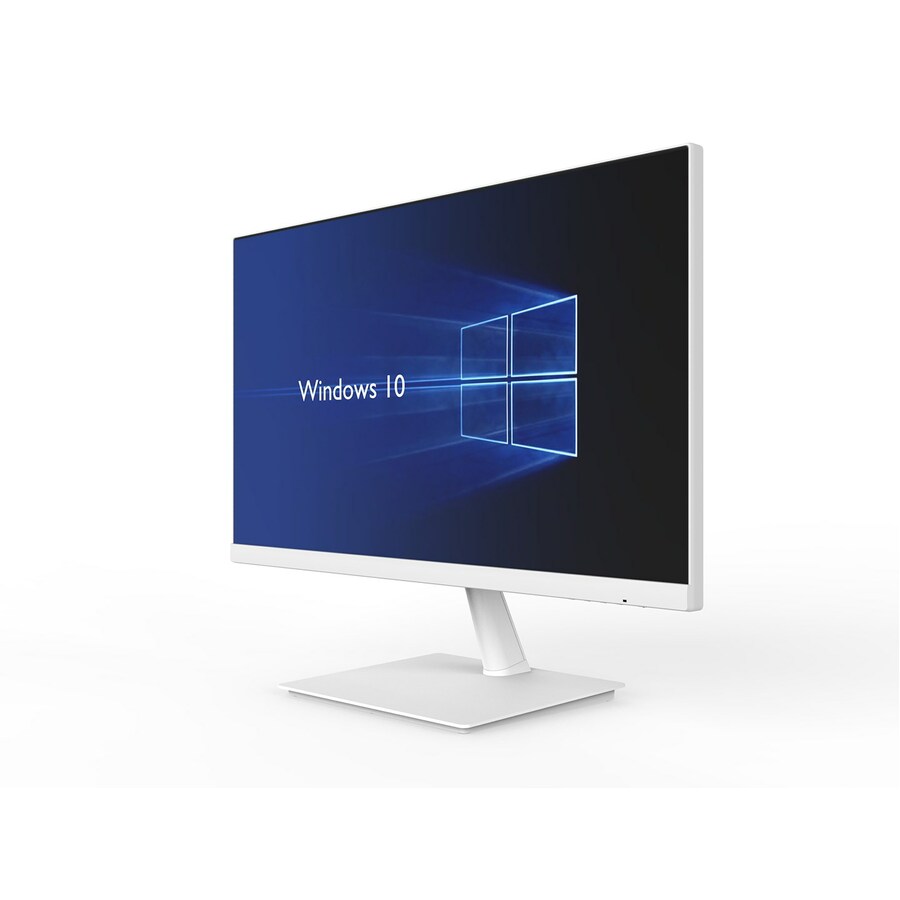
Leyard
Planar PXN2480MW 24" Class Full HD LCD Monitor
998-0411-00
A 24-inch Full HD IPS panel in white, at 250 nits with a 75 Hz refresh and a VESA mount pattern. The white finish is the reason to specify it — it matters where a monitor is a fixture in a clinical or public-facing space rather than a back-office desk.
The manufacturer's listing records this part number as TAA compliant.
$237.01*In stock24-inch QHD pick
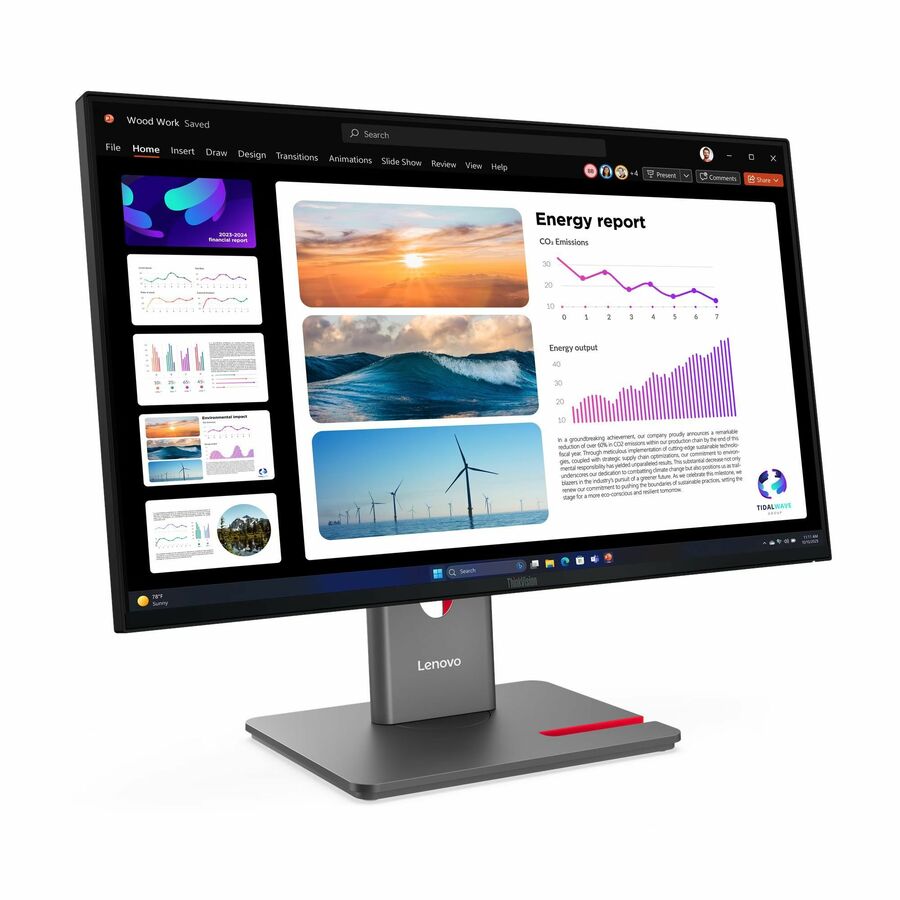
Lenovo
Lenovo ThinkVision P24Q-40 24" Class WQHD LED Monitor
64B2GAR1UZ
A ThinkVision 24-inch QHD IPS panel at 2560 x 1440 and 300 nits — more desktop space at a desk size that already fits, which is a straightforward way to give someone a second window without giving them a second monitor.
$321.68In stock27-inch QHD pick
Lenovo
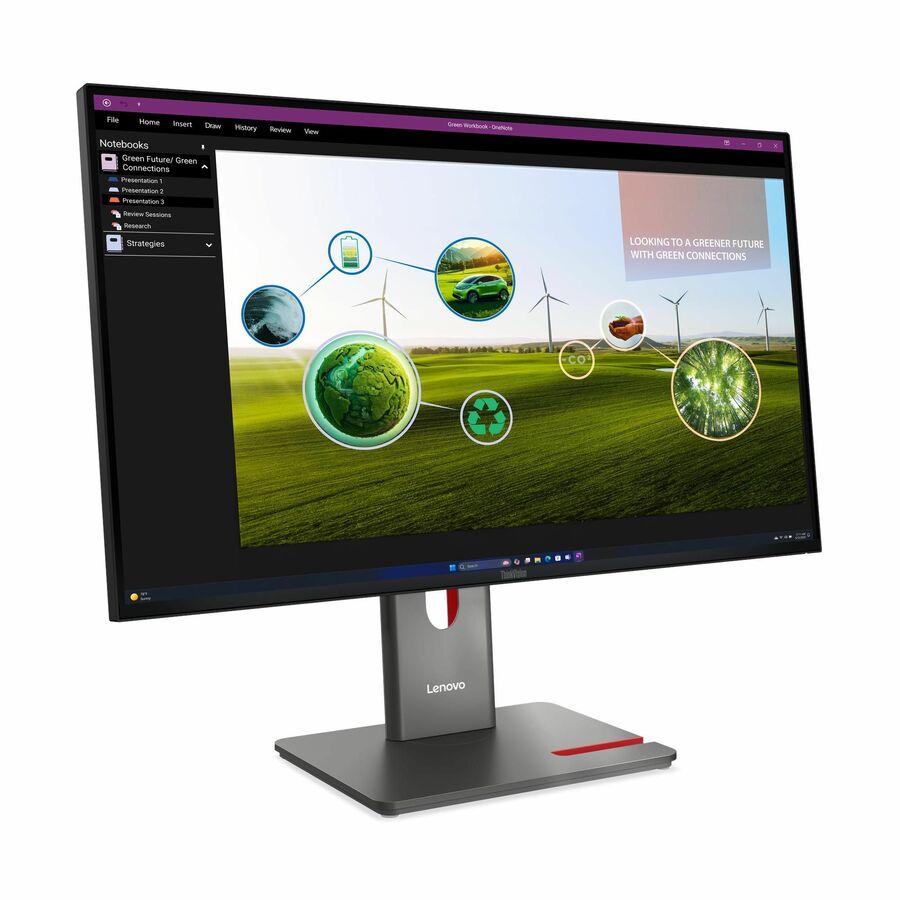
Lenovo ThinkVision P27Q-40 27" Class WQHD LED Monitor
64A7GAR6UZ
A ThinkVision 27-inch QHD IPS panel at 350 nits with a 1.07-billion-colour listing. This is the mainstream office configuration: the size people want and the resolution that size actually needs.
$379.32In stockMeeting-desk pick
BenQ
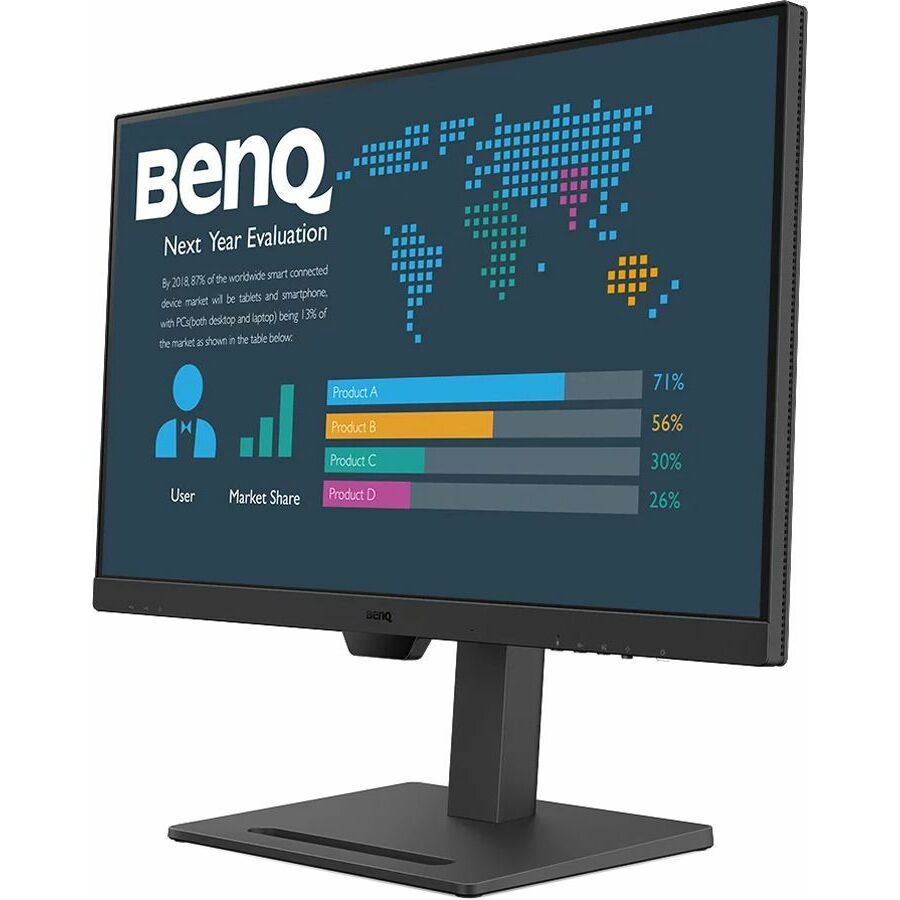
BenQ BL2790QT 27" Class WQHD LED Monitor
BL2790QT
A 27-inch QHD IPS panel at 350 nits and 75 Hz, from a business line built around long document and spreadsheet sessions rather than gaming specifications.
Request pricingUSB-C docking pick
ViewSonic
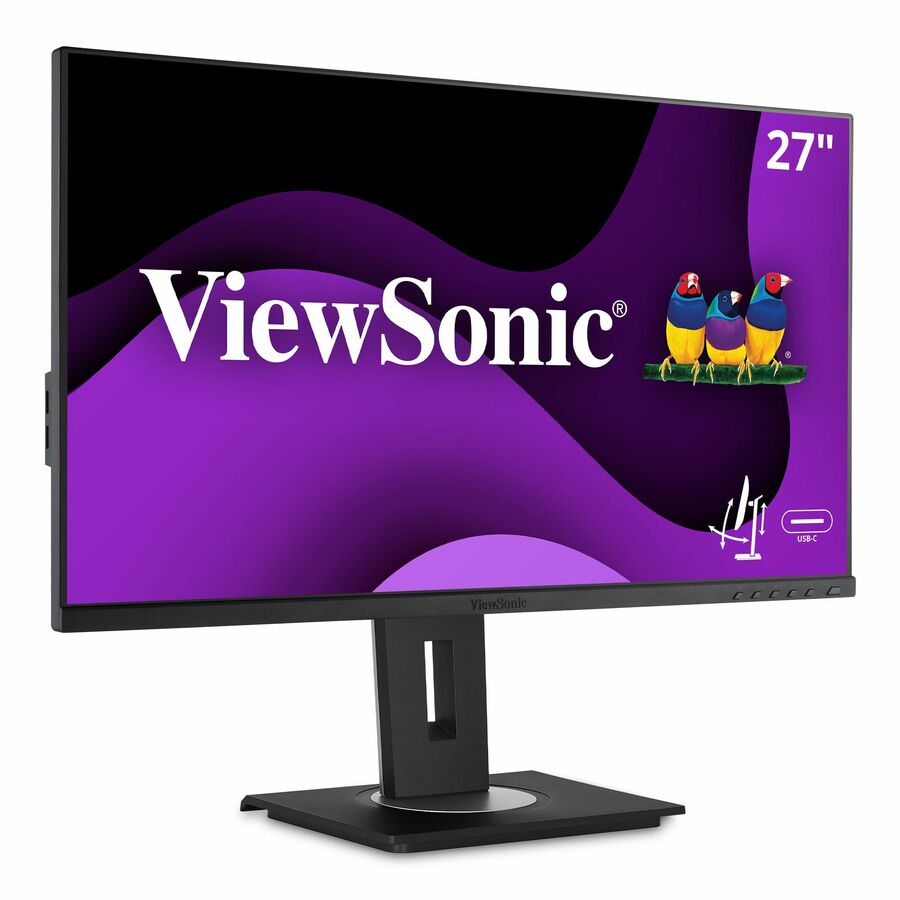
ViewSonic VG2755 27 Inch 1080p Monitor, IPS Display with 60W USB-C…
VG2755
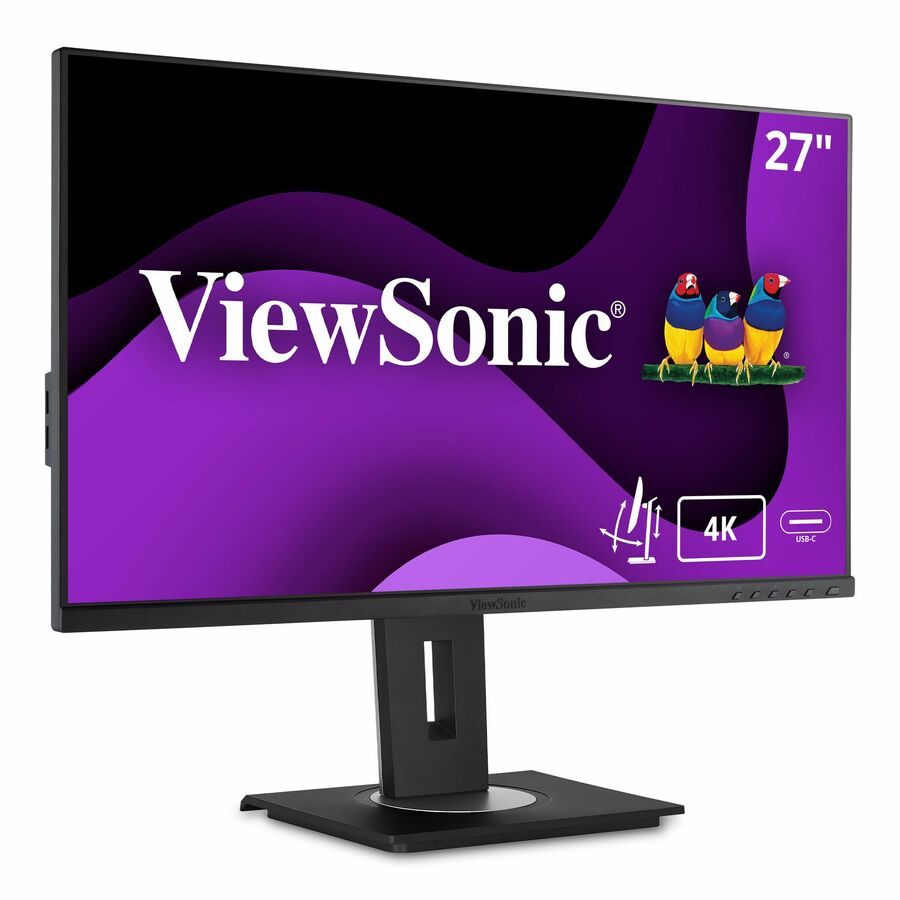
A 27-inch Full HD IPS panel with 60 W USB-C, full ergonomic adjustment and HDMI, DisplayPort and VGA inputs. One cable carries video, data and laptop charging, which is what removes the separate dock from a hot desk.
Check 60 W against the laptops that will use it — a power-hungry machine under load can draw more than the panel supplies.
$284.02In stockColour-work pick
ASUS Computer International
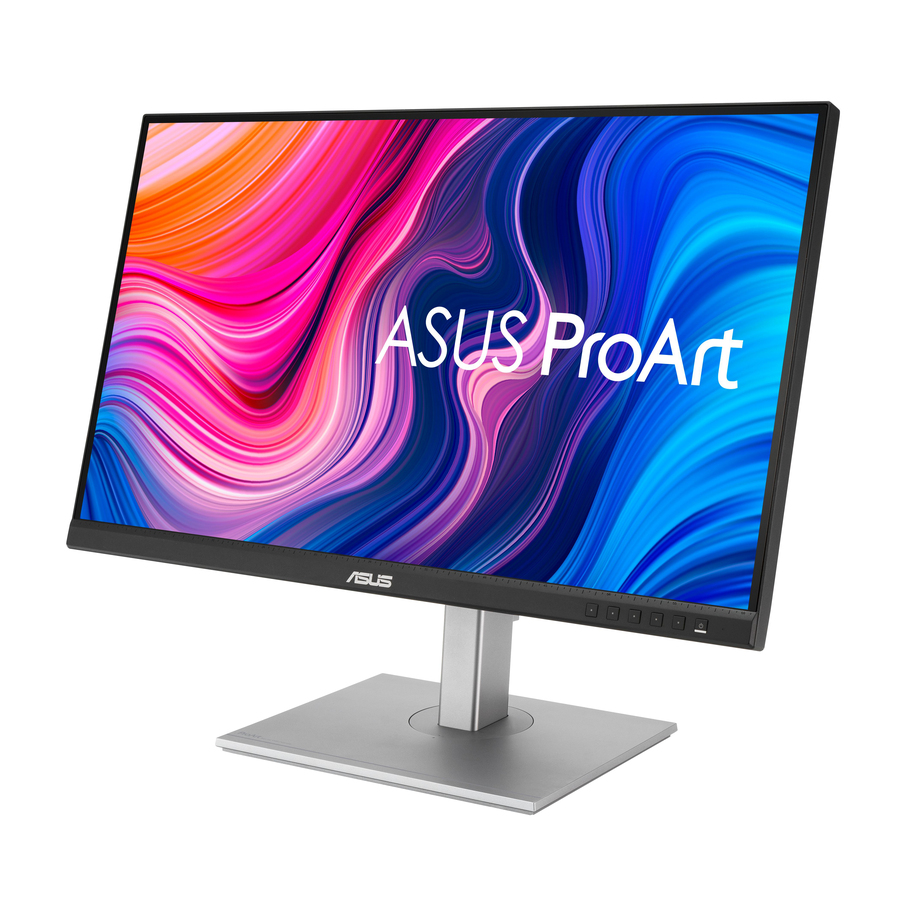
ASUS ProArt Display 27" 1440P Monitor (PA278CV)
PA278CV
A 27-inch QHD IPS panel listed at 100% sRGB and Rec. 709 with a USB hub, USB-C and DisplayPort daisy-chaining. The daisy-chain is the practical feature: two of these run from one laptop port.
$355.91In stock32-inch 4K pick
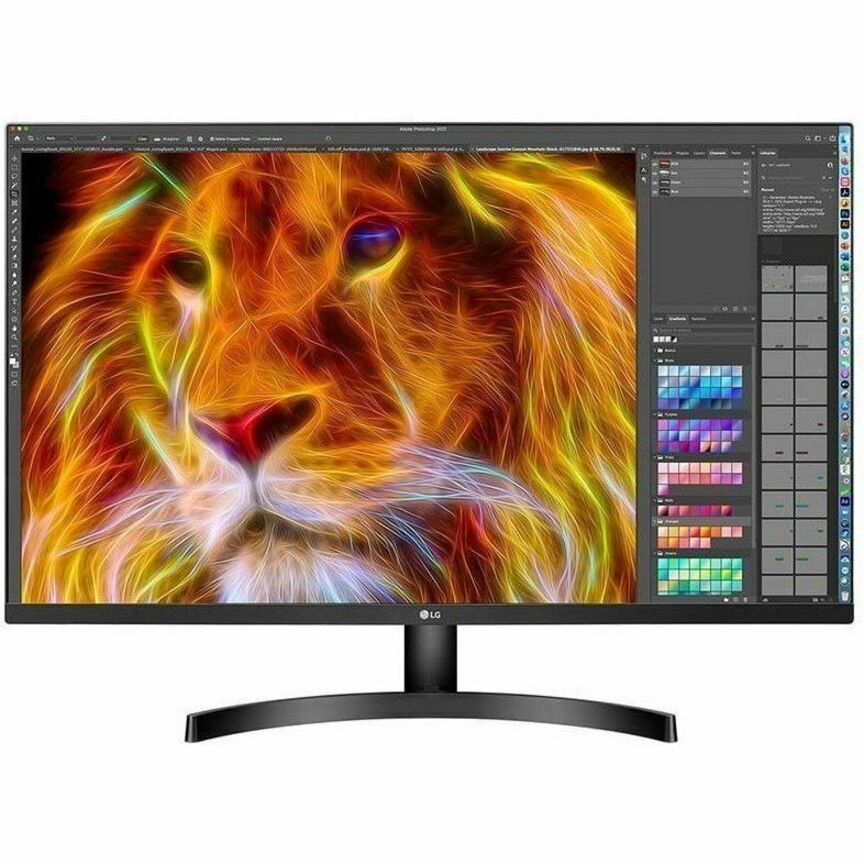
LG Electronics
LG 32BN50U-B 32" Class 4K UHD LCD Monitor
32BN50U-B
A 32-inch 4K UHD panel at 350 nits with a 4 ms response. At this size 4K is not a luxury — it is what keeps text crisp on a panel large enough to hold three documents side by side.
The manufacturer's listing records this part number as TAA compliant.
$637.50*In stockUltrawide docking pick
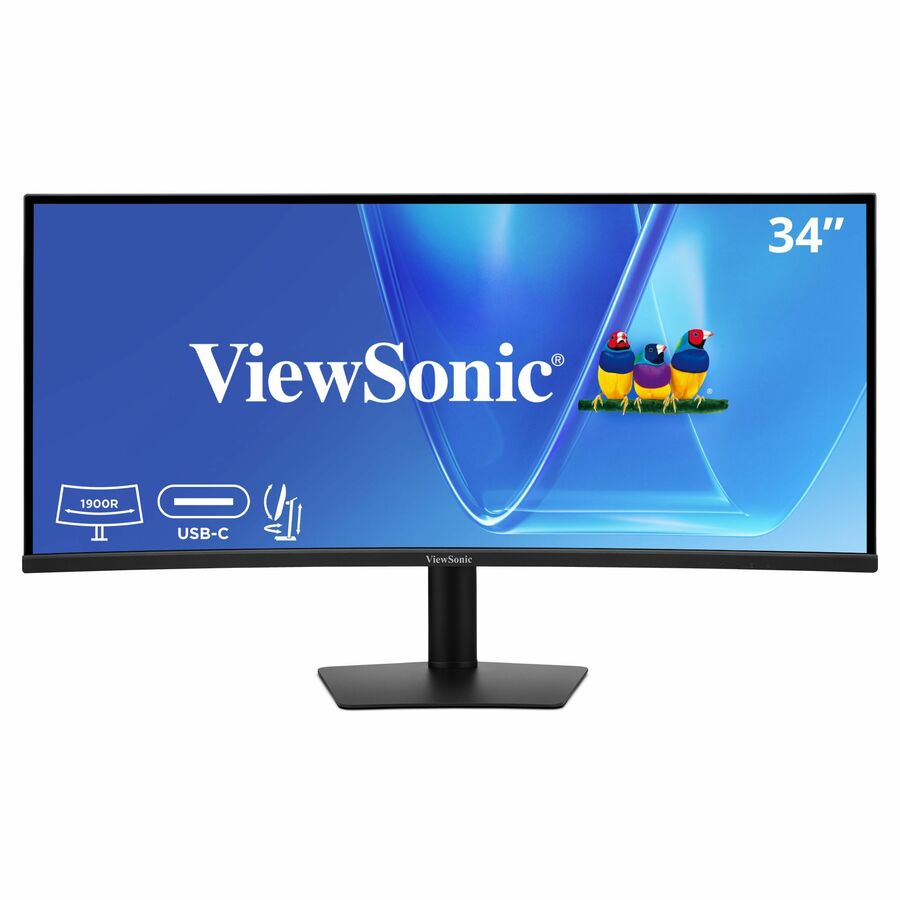
ViewSonic
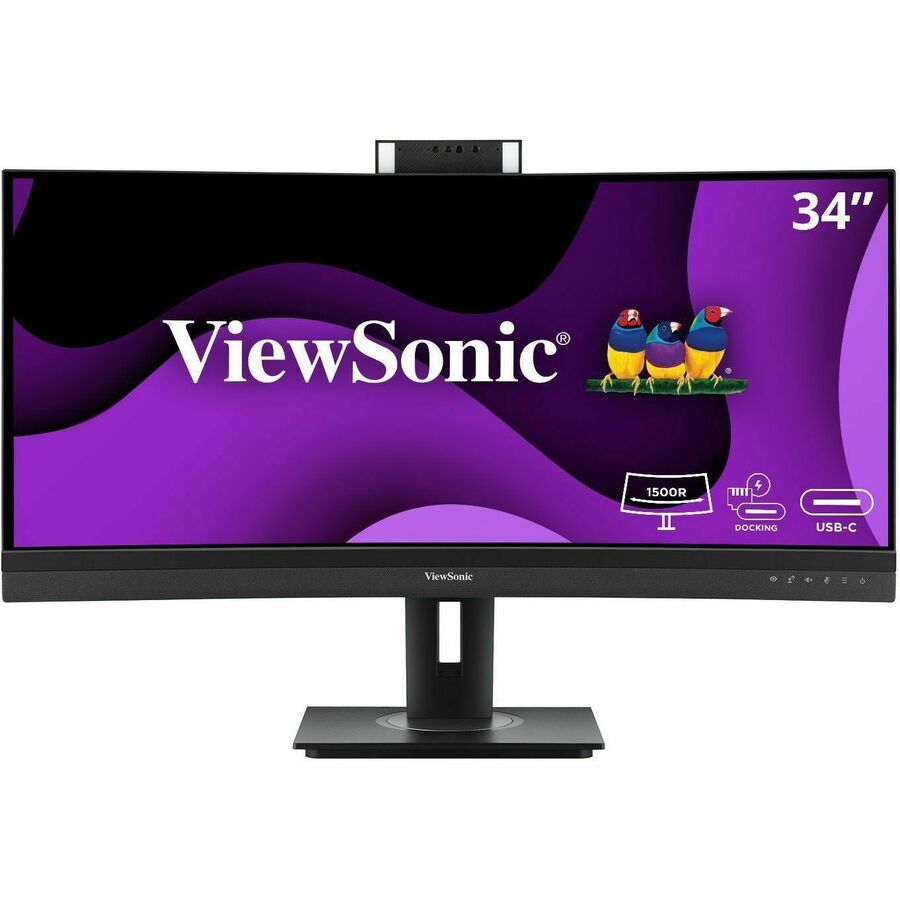
ViewSonic VG3420C 34 Inch UWQHD 1440p Curved Docking Monitor, 1900R IPS…
VG3420C
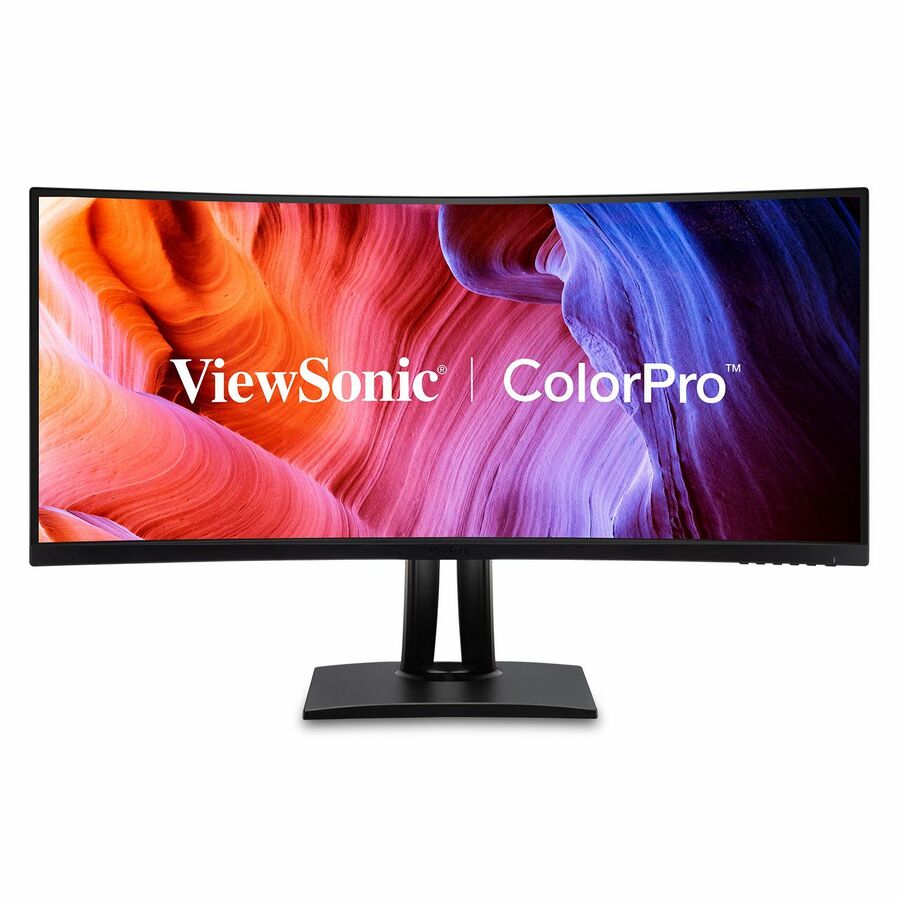
A 34-inch UWQHD curved IPS docking monitor with 96 W USB-C, an RJ45 network port, HDMI and DisplayPort. One ultrawide plus one cable replaces a dual-monitor pair, a dock and a network cable on a desk that is short of room.
$409.25Back-orderedPortable second screen
ViewSonic
ViewSonic VA1655 15.6 Inch 1080p Portable Monitor, IPS Display with Eye…
VA1655
A 15.6-inch Full HD IPS portable monitor with 60 W USB-C, mini HDMI, a built-in stand and a protective case. The screen for a hot desk, a field visit or a temporary workspace where a second display still has to exist.
$126.51In stockMore monitors in the Uniqcli catalog
See all 1,690 monitorsMore from across this category. In-stock lines lead, and a back-ordered line carries the same estimated availability its product page does — with live pricing throughout, NDAA §889 screening before checkout and TAA verified on request.
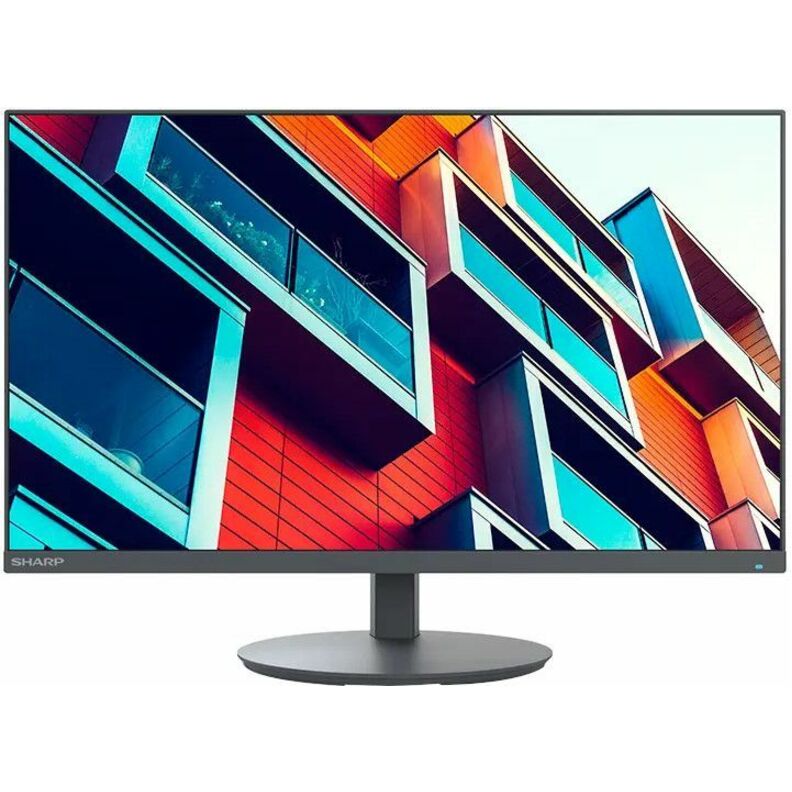
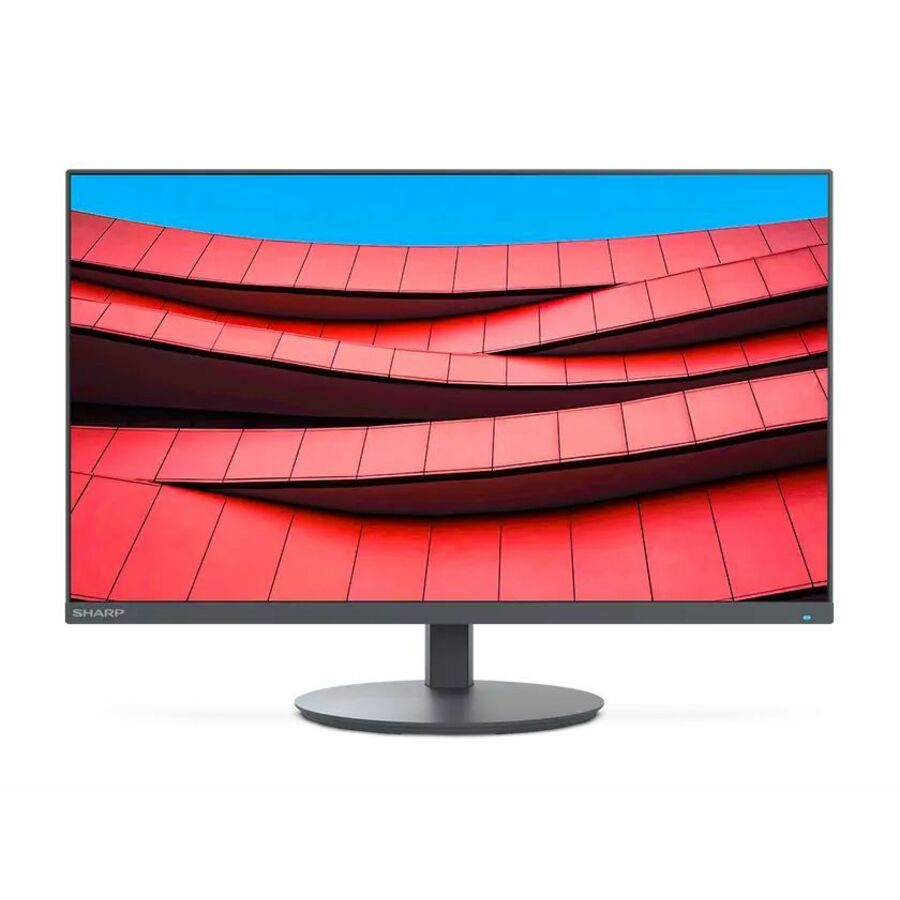
- SharpSharp NEC Display MultiSync DD-EA272U 27" Class 4K UHD LED Monitor - 16:9 - 27" Viewable - In-plane Switching (IPS) Technology - LED Backlight - 3840 x 2160 - 16.7 Million Colors - 350 Nit - 6 ms - 60 Hz Refresh Rate - USB Type-C - HDMI - DisplayPort - VESA Mount Compatible - USB HubDD-EA272U
$1,149.00
$752.00
28 in stock - AcerAcer ProDesigner PE320QXT 32" Class 6K LCD Monitor - 16:9 - Black - 31.5" Viewable - In-plane Switching (IPS) Technology - LED Backlight - 6016 x 3384 - 1.07 Billion Colors - 600 Nit - 4 ms - 60 Hz Refresh Rate - Speakers - Height - USB Type-C - HDMI - DisplayPort - VESA Mount Compatible - SpeakerUM.JP0AA.003
$1,799.99
$1,523.73
3 in stock - AcerAcer Nitro XV272U W2 27" Class WQHD Gaming LED Monitor - 16:9 - Black - 27" Viewable - In-plane Switching (IPS) Technology - LED Backlight - 2560 x 1440 - 1.07 Billion Colors - AMD FreeSync Premium - 400 Nit - 1 ms - 144 Hz Refresh Rate - Speakers - HDMI - DisplayPort - VESA Mount CompatibleUM.HX2AA.201
$483.99
$278.32
7 in stock - LG ElectronicsLG 32BN67U-B 32" Class LCD Monitor - 16:9 - Textured Black - 31.5" Viewable - In-plane Switching (IPS) Technology - 1.07 Billion Colors - FreeSync - 350 Nit - 5 ms - Speakers - Swivel, Height, Tilt, Pivot - HDMI - DisplayPort - VESA Mount Compatible32BN67U-B
$1,073.00
$912.05
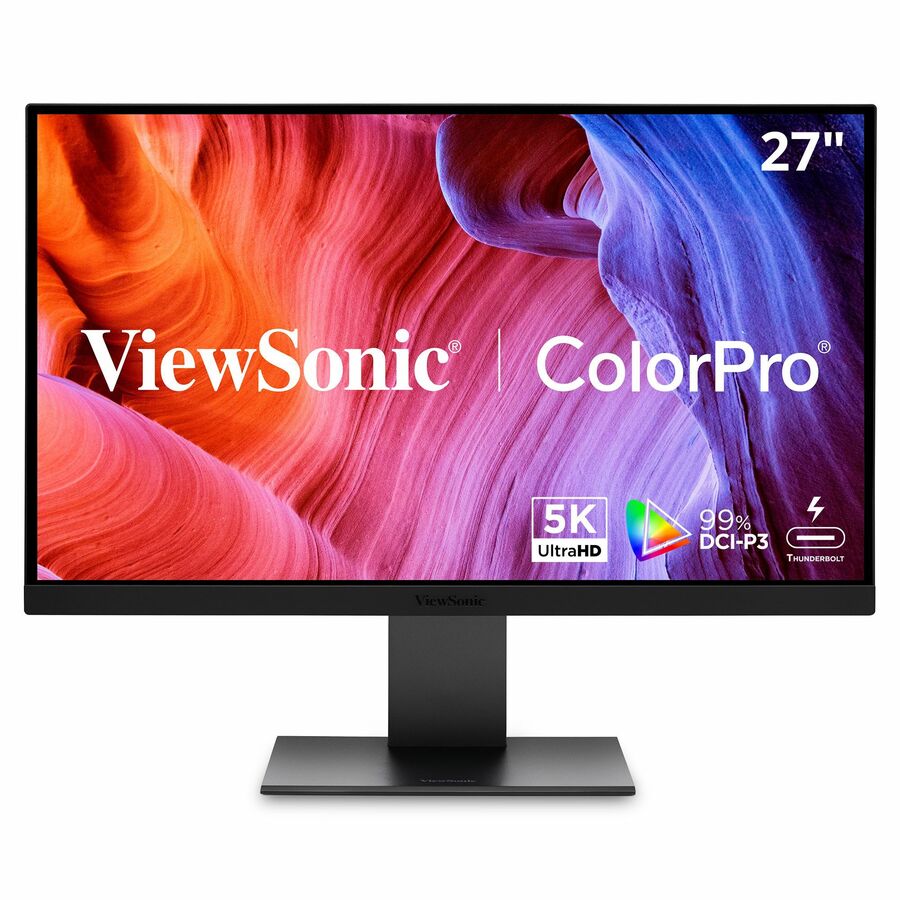
122 in stock - ViewSonicViewSonic VP2788-5K 27 Inch 5K Mac-Ready Monitor, IPS with 100% sRGB, 99% DCI-P3 and Pantone Validated for Mac Studio Desktop Setups, Advanced Ergonomics, Thunderbolt 4, USB, HDMI, and DisplayPort - 27? Viewable - In-plane Switching (IPS) Technology - LED Backlight - 5120 x 2880 - 500 Nit - 14 ms - Speakers - HDMI - DisplayPort - USB HubVP2788-5K
$1,209.00
$1,080.57
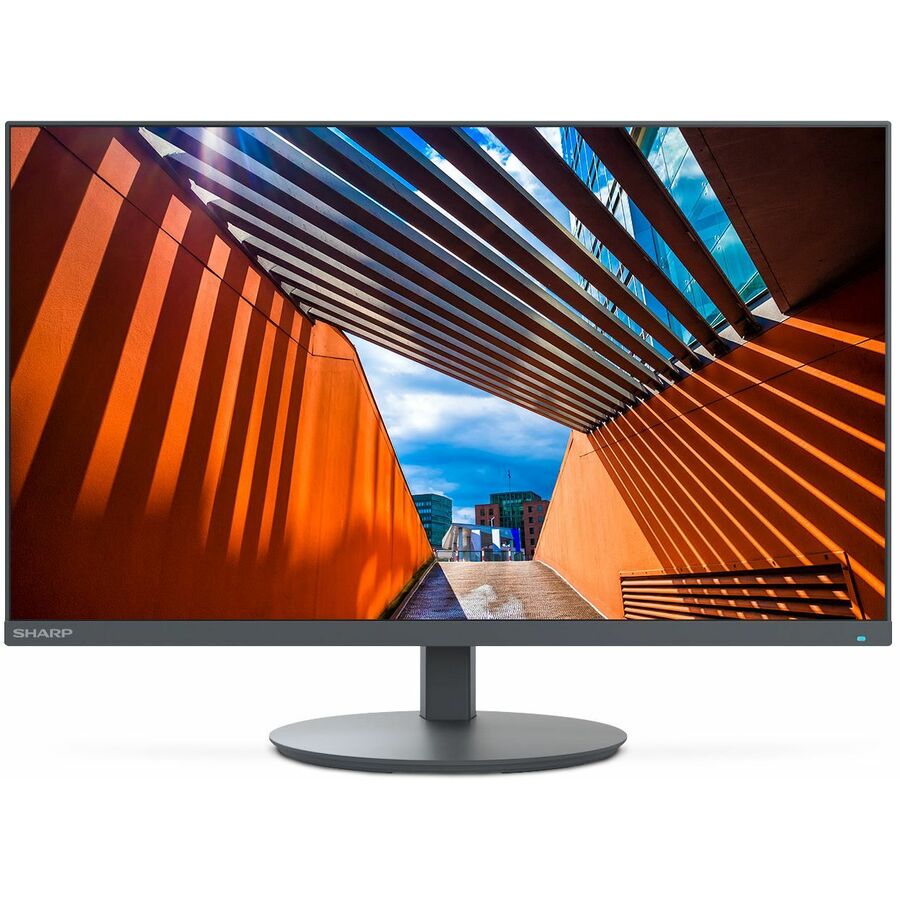
313 in stock - SharpNEC Display MultiSync DD-E224F 22" Class Full HD LED Monitor - 16:9 - 21.5" Viewable - Vertical Alignment (VA) - LED Backlight - 1920 x 1080 - 16.7 Million Colors - 250 Nit - 6 ms - 75 Hz Refresh Rate - Speakers - Swivel, Height, Pivot, Tilt - HDMI - VGA - DisplayPort - VESA Mount CompatibleDD-E224F
$375.00
$251.47
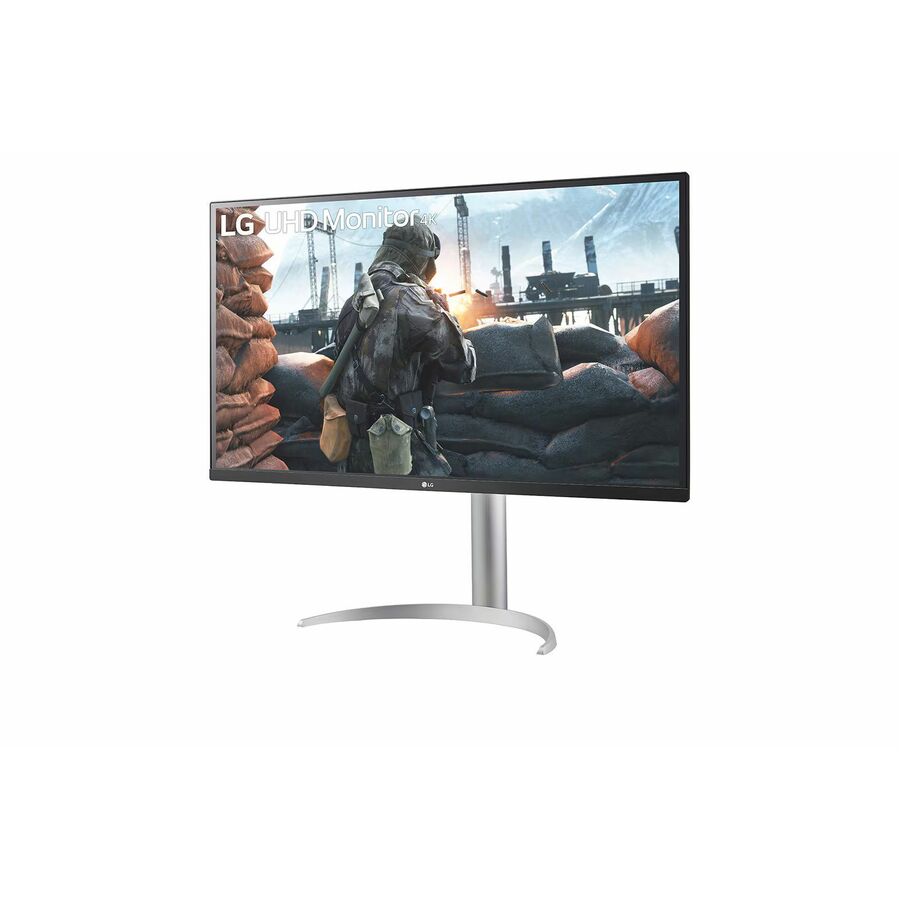
244 in stock - LG ElectronicsLG 32BN50U-B 32" Class 4K UHD LCD Monitor - 16:9 - Textured Black - TAA Compliant - 31.5" Viewable - Vertical Alignment (VA) - 3840 x 2160 - 1.07 Billion Colors - FreeSync - 350 Nit - 4 ms - Speakers - Tilt - HDMI - DisplayPort - VESA Mount Compatible32BN50U-B
$750.00
$637.50*
39 in stock - ViewSonicViewSonic VP2776T-4K 27 Inch 4K ColorPro Monitor, IPS Display with 100% sRGB and Pantone Validated for MacBook Pro Mac Studio Desktop Setups, Advanced Ergonomics, Thunderbolt 4, and HDMI 2.1 Inputs - 27? Viewable - In-plane Switching (IPS) Technology - 3840 x 2160 - 5 ms - HDMI - DisplayPortVP2776T-4K
$895.00
$795.26
141 in stock - ViewSonicViewSonic VG2756-4K 27 Inch 4K Monitor, IPS Display with 90W USB-C for Smooth Home and Office Productivity, Full Ergonomic Adjustability, RJ45, HDMI, USB Hub, and DisplayPort Inputs - Ergonomic VG2756-4K - 4K UHD IPS Monitor with Built-In Docking, USB-C, RJ45, 40 Degree Tilt - 350 cd/m² - 27?VG2756-4K
$609.00
$511.24
278 in stock



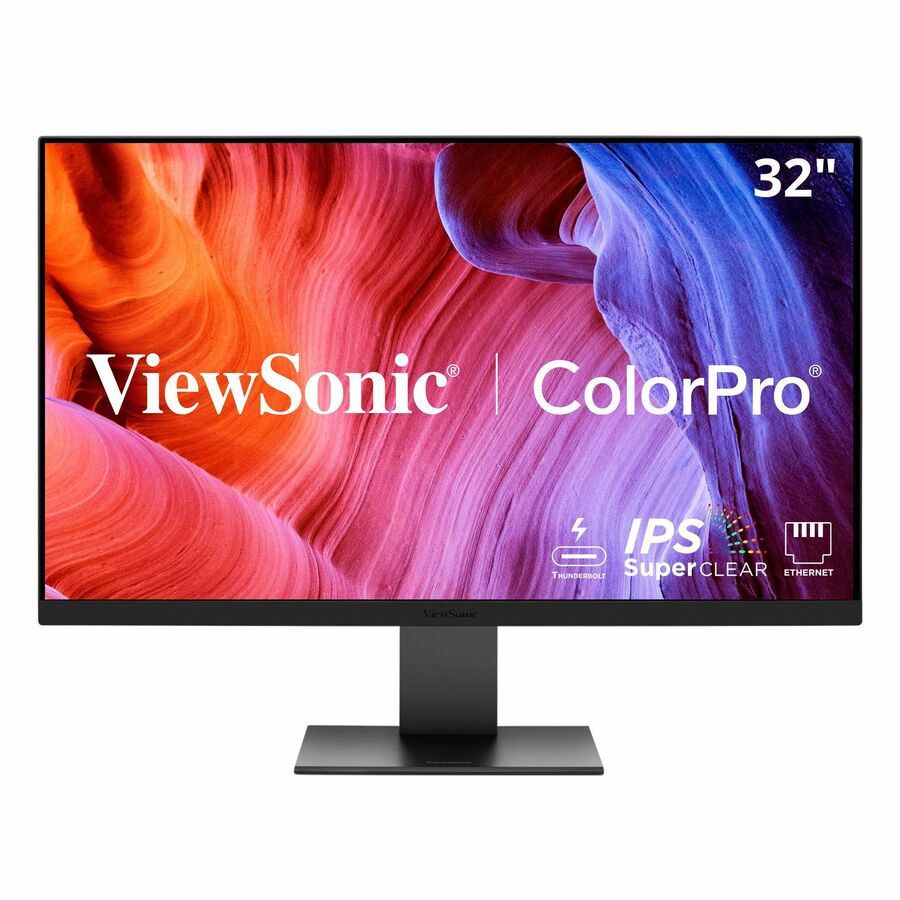
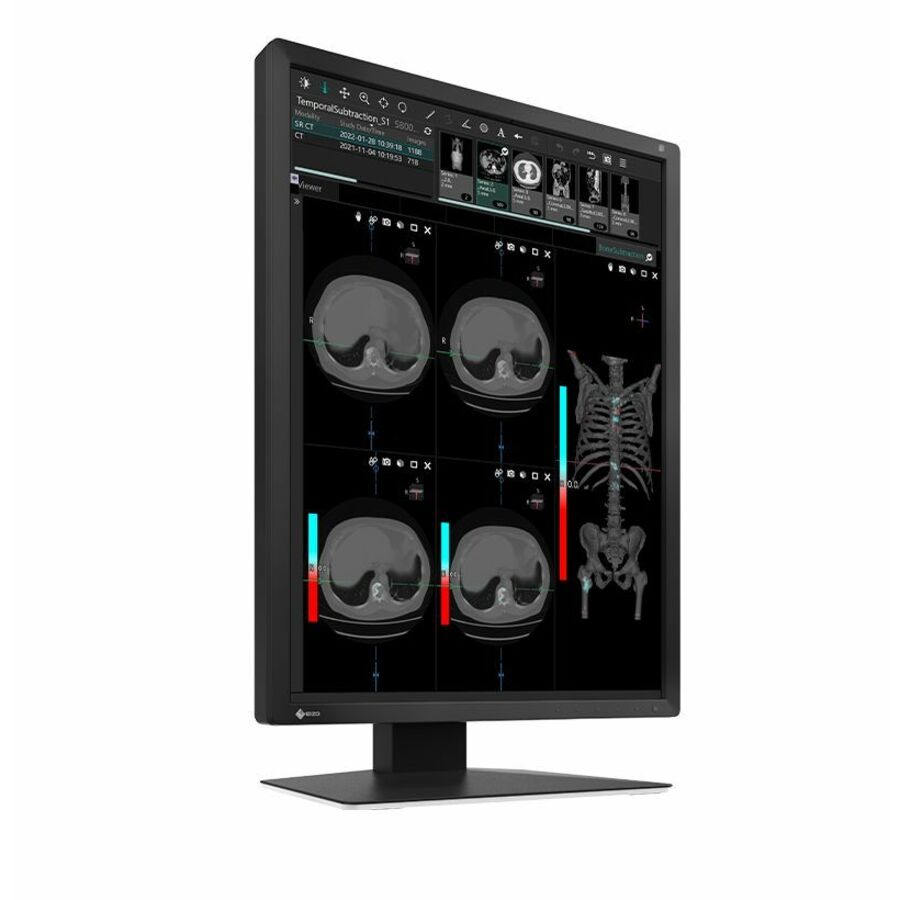

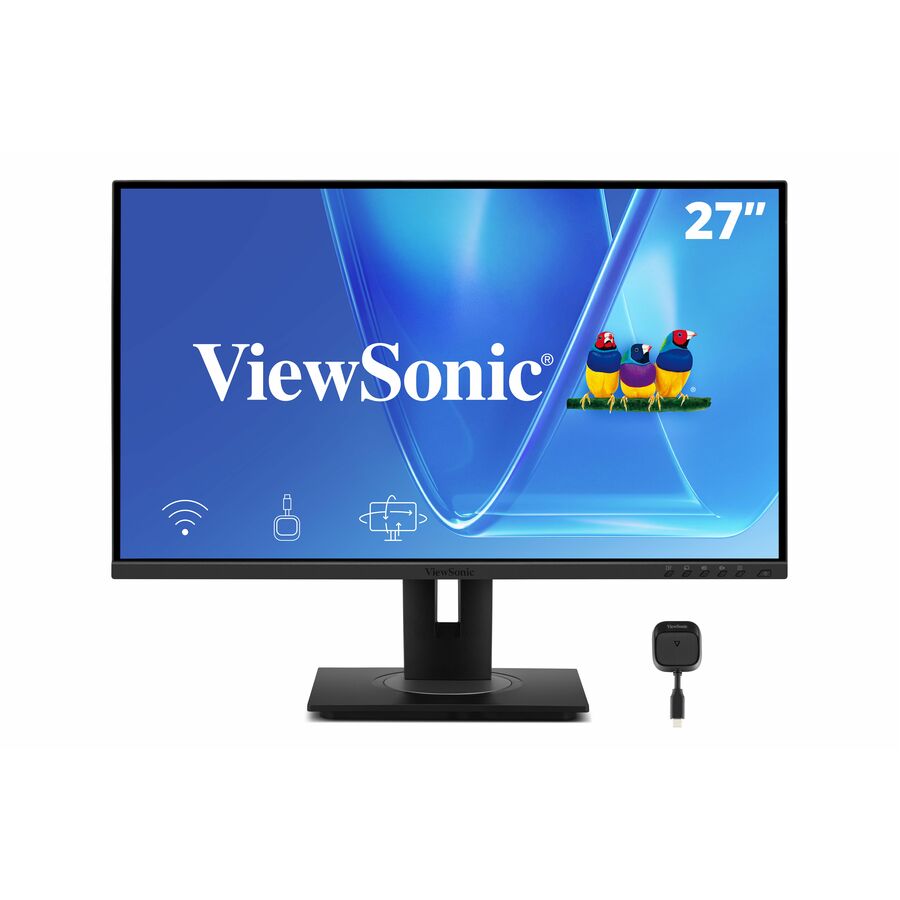
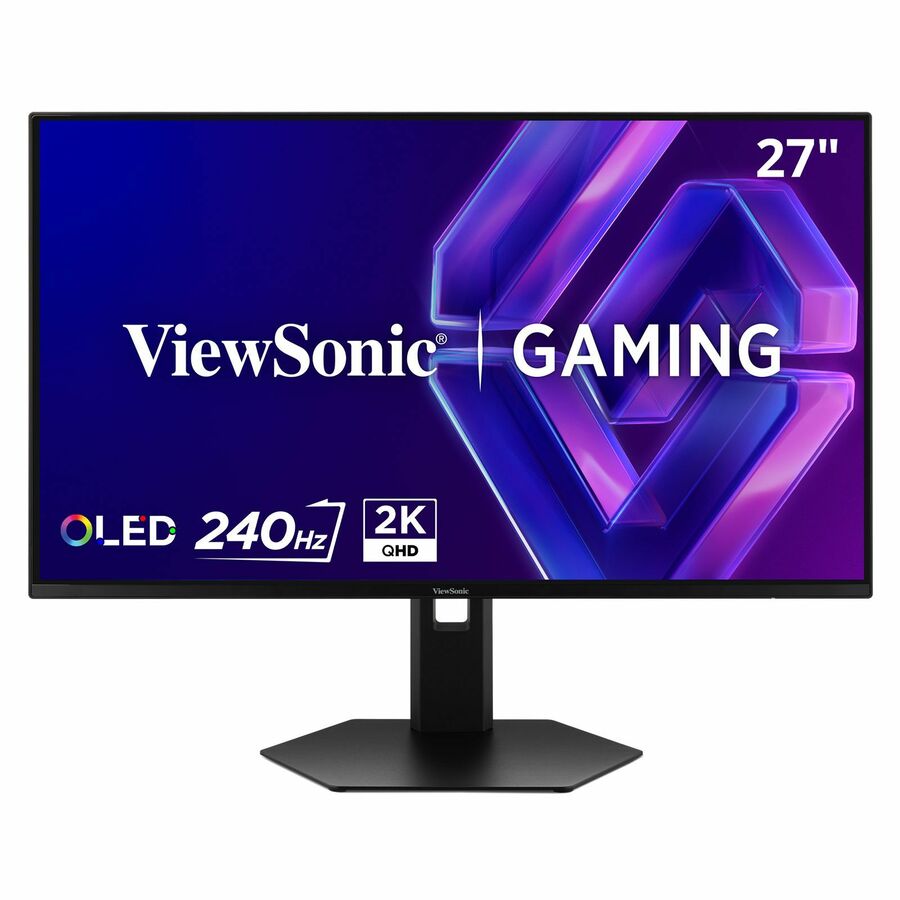
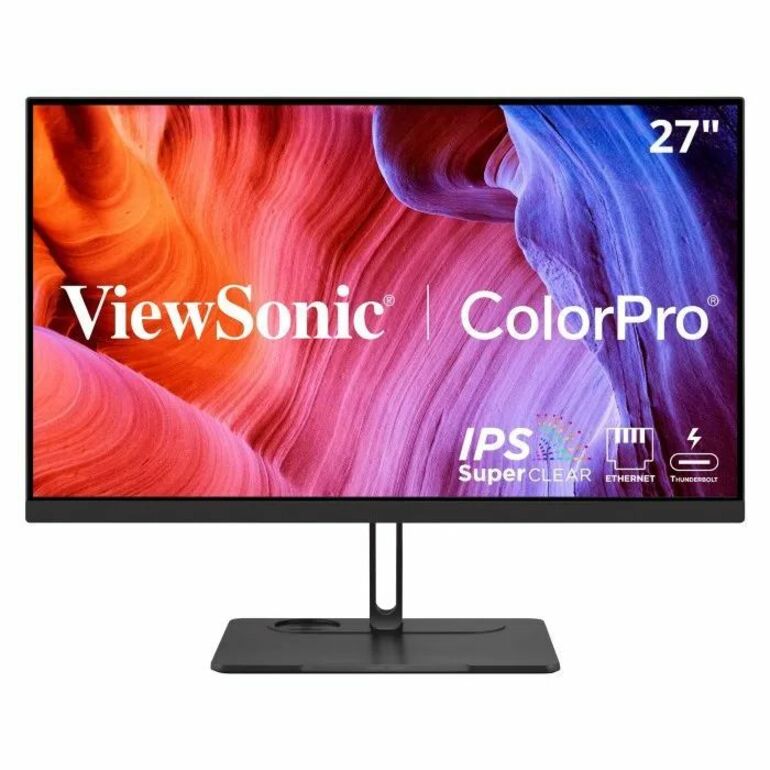
Need pricing on business monitors?
Tell us where to reach you and a Uniqcli specialist will follow up by email with current pricing, availability and lead time for the quantities you need — including parts that aren’t shown on this page.
Buying for an organization or for yourself — both work. No payment up front.
Size and resolution are one decision, not two: Full HD suits 22 to 24 inches, QHD is the honest floor at 27, and 32-inch panels want 4K. The second decision is the connection — a USB-C monitor that carries video, data and charging over one cable replaces the dock, so check the wattage it delivers against what the laptops actually draw. The stand is what makes a shared desk usable by two people.
Three decisions make a business monitor, and screen size is only the first of them. Size and resolution have to be bought together, because they are the same decision: a 24-inch panel is comfortable at Full HD, a 27-inch panel is not — it is the size at which QHD stops being a luxury and starts being the reason text looks right. At 32 inches the same logic pushes to 4K. Buying a big panel at a low resolution is the most common way to spend money and make the desk worse.
The second decision is the connection, and on a laptop fleet it is the one that changes how the desk works. A USB-C monitor that carries video, data and laptop charging over one cable turns a desk into a dock: the user arrives, plugs in one connector, and the machine is on the network with its peripherals and charging. That removes the separate dock, the power brick and most of the support tickets a hot-desk floor generates. Check the wattage the monitor delivers against what the laptops actually need — a 60 W panel will not keep a power-hungry workstation charged under load.
The third is the stand, and it is the one nobody budgets for and everybody notices. Height, tilt, swivel and pivot are what make a shared desk usable by two different people, and a VESA pattern is what lets a monitor go on an arm when the desk is small or the seat needs two screens. The selection below is brand-neutral and drawn live from what Uniqcli lists, for one desk or a whole floor.
Buyer's checklist
How to choose a business monitor
- Buy size and resolution together: Full HD suits 22 to 24 inches, QHD is the honest floor at 27, and 32-inch panels want 4K unless the seat sits unusually far back.
- Choose the panel technology for the job — IPS for consistent colour and wide viewing angles at a shared desk, VA where contrast matters more than off-axis viewing.
- Decide whether the monitor is also the dock. A USB-C panel with enough power delivery replaces a separate dock and a charger; check the wattage against the laptops, not against the specification sheet's headline.
- Insist on height adjustment for any seat someone sits at all day, and on a VESA pattern for anything that might end up on an arm or a wall.
- Count the inputs against the machines. A seat with a laptop and a desktop needs two video inputs and a way to switch between them, or a KVM-capable monitor.
- Standardize on one or two models across a floor so stands, arms, cables and spares interchange — mixed monitor estates cost more in accessories than they save on the panels.
- Match brightness to the room. A bright office or a desk near a window needs more nits than a fixed cubicle, and glossy finishes make it worse.
- For public-sector deliveries, request the TAA country-of-origin and §889 screening tied to the exact part number before checkout.
Size and resolution are one decision, not two
Pixel density is what the eye actually reads, and it falls as a panel grows at a fixed resolution. Full HD across 22 or 24 inches is comfortable and normal. The same Full HD stretched over 27 inches produces visibly larger, softer text — which some people genuinely want, and which a lot of buyers get by accident when they buy the bigger screen expecting more desktop and receive the same desktop, enlarged. QHD at 27 inches restores the density and adds the room a bigger panel implied in the first place.
Above 27 inches the same argument pushes to 4K, and it also changes what the monitor is for. A 32-inch 4K panel is a genuine two-document surface. A 34-inch ultrawide is a different proposition again: it is roughly a dual-monitor pair without the bezel down the middle, which suits people who keep several windows side by side and dislike the seam, and suits desks with no room for two stands. Neither is better; they solve different desk problems, and it is worth asking which problem the seat actually has.
The monitor as the dock
On a laptop fleet, a USB-C monitor with power delivery is the highest-leverage purchase on this page. One connector carries the picture, the keyboard and mouse through the monitor's hub, the network on the models with an RJ45 port, and the charge. The separate dock disappears, the second power brick disappears, and the support call that begins with a docking station firmware mismatch disappears with them. On a hot-desk floor that is a measurable reduction in tickets, not a convenience.
The specification to check is the wattage, and it is the one most often skimmed. A 60 W panel keeps an ultraportable topped up and will fall behind a workstation-class laptop under sustained load; a 96 W panel covers most of the fleet. Check what the laptops ask for rather than what the monitor advertises, and where a floor runs a mix of machines, buy for the hungriest one — the alternative is a desk that quietly discharges the laptop sitting at it.
Buying for one desk or a whole floor
A single monitor is a straightforward purchase and you can complete it here: add it to the cart and check out directly with a card or PayPal. There is no requirement to be a business, no purchase order, and no minimum — personal direct purchases are supported up to a set limit, which covers a home office several times over.
A floor is a different exercise. Standardizing on one or two models is what makes stands, arms, cables and spares interchange, and mixed estates end up costing more in accessories than the panel choice ever saved. Send the shortlist back as a quote request and Uniqcli will price the quantity together with the arms, the docks and the cabling, plus the deployment work if the desks need building rather than delivering. Hardware, licensing and services go on the same quote through US distribution rather than across three of them.
FAQ
Common questions
- What size monitor is best for office work?
- For most desk work, a 24-inch Full HD panel or a 27-inch QHD panel. Those two combinations keep text at a comfortable density, and the choice between them is about desk depth and how many windows the person keeps open rather than about quality. Go to 32 inches and 4K when the seat genuinely works across several documents at once, and to a 34-inch ultrawide when a dual-monitor pair is what is wanted but there is no room for two stands. Avoid 27-inch Full HD unless larger text is the goal, because it is the same desktop, enlarged.
- Do I need a USB-C monitor?
- If the seat is a laptop, it is usually the best value on the desk. One cable carries video, the peripherals through the monitor's hub, often the network, and the laptop's charge — which removes a separate dock and a power supply and the failures that come with them. The number to check is the power delivery: 60 W suits an ultraportable, and a workstation-class laptop under load can want more. If the seat is a desktop tower, USB-C buys you nothing and the money is better spent on resolution or the stand.
- IPS or VA — which panel should I buy?
- IPS for almost every office seat. It holds colour and brightness consistently as you move off-centre, which matters at any desk where two people look at the same screen or where monitors sit side by side and should match. VA gives deeper contrast and blacker blacks, which is genuinely better for video and for dim rooms, at the cost of more colour shift off-axis. For spreadsheets, documents, design review and shared desks, IPS is the safer default, and it is what most business lines use.
- Can I buy a single monitor without a business account?
- Yes. Add it to the cart and check out directly with a card or PayPal — the same catalog, the same live pricing and the same order record a business gets. Personal direct purchases are supported up to a set limit, which is well above a single monitor or a small home-office set. Larger orders, or orders that need invoicing terms, route to a rep who confirms pricing and availability with you before anything is charged.
- Can Uniqcli quote monitors for a government or education order?
- Every line Uniqcli quotes is sourced through US distribution and screened for TAA country-of-origin and NDAA §889 status before checkout — with documentation tied to the specific part number, not a product family.
Need business monitors pricing?
Send a bill of materials or part numbers — we confirm stock and a below-market total, with TAA verified on request. No payment up front.