
Best Samsung Monitors for Business & Government
Essential, ViewFinity and Odyssey panels from 22-inch Full HD to 49-inch DQHD — read by panel type, resolution, stand travel and whether the row carries USB-C.
Samsung monitors in stock at Uniqcli
How to choose →A curated selection with live pricing — in-stock lines first, then back-ordered lines with a typical lead time. Every line is sourced through US distribution and screened for NDAA §889 status before checkout, with TAA verified on request.
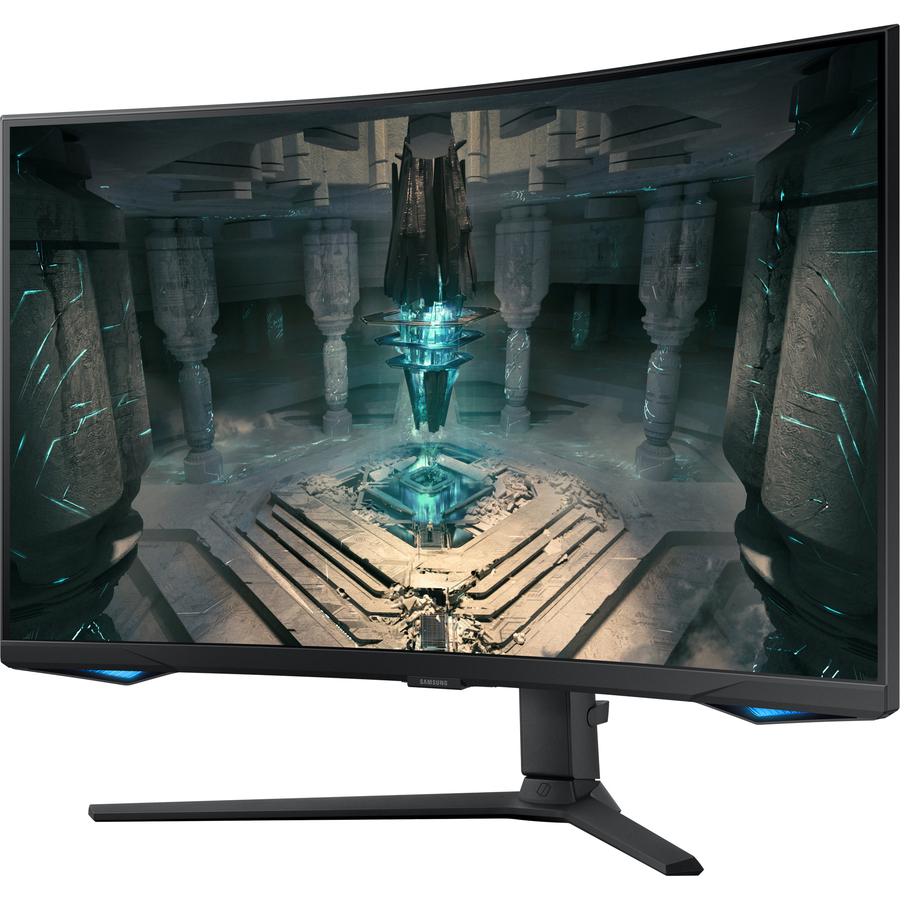
- SamsungSamsung Odyssey G3 S32DG302EN 32" Class Full HD Gaming LED Monitor - 16:9 - Black - 32" Viewable - Vertical Alignment (VA) - LED Backlight - 1920 x 1080 - 16.7 Million Colors - FreeSync - 250 Nit - 1 ms - 180 Hz Refresh Rate - HDMI - DisplayPort - VESA Mount CompatibleLS32DG302ENXZA
$379.11
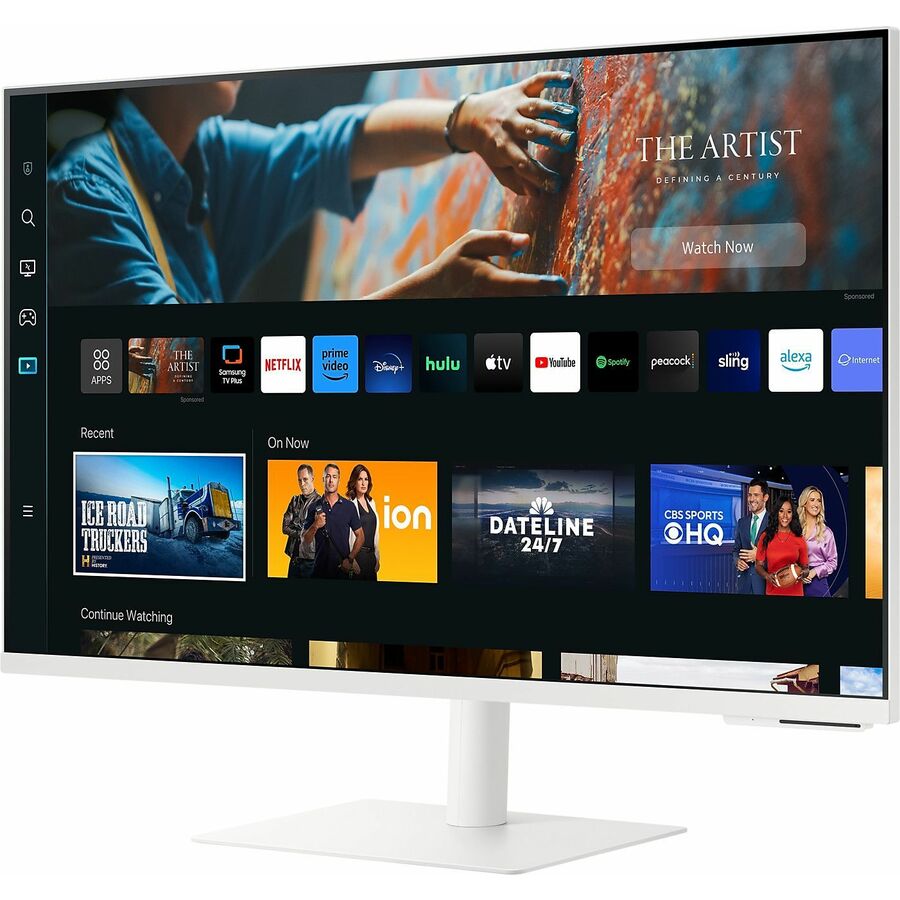
13 in stock - SamsungSamsung S27CM701UN 27" Class 4K UHD Smart LCD Monitor - 16:9 - Warm White - 27" Viewable - Vertical Alignment (VA) - 3840 x 2160 - 1 Billion Colors - 240 Nit - 4 ms - 60 Hz Refresh Rate - Speakers - Height, Tilt, Pivot - USB Type-C - HDMI - VESA Mount Compatible - USB HubLS27CM701UNXZA
$864.00
9 in stock - SamsungSamsung S32CM701UN 32" Class 4K UHD Smart LCD Monitor - 16:9 - Warm White - 32" Viewable - Vertical Alignment (VA) - 3840 x 2160 - 1 Billion Colors - 240 Nit - 4 ms - 60 Hz Refresh Rate - Speakers - Height, Tilt, Pivot - USB Type-C - HDMI - VESA Mount Compatible - USB HubLS32CM701UNXZA
$971.48
9 in stock - SamsungSamsung Odyssey G6 S32BG652EN 32" Class WQHD Curved Screen Smart Gaming LCD Monitor - 16:9 - Black - 32" Viewable - Vertical Alignment (VA) - 2560 x 1440 - 1 Billion Colors - FreeSync Premium Pro - 350 Nit - 1 ms - 240 Hz Refresh Rate - Speakers - HDMI - DisplayPort - VESA Mount CompatibleLS32BG652ENXGO
$1,169.91
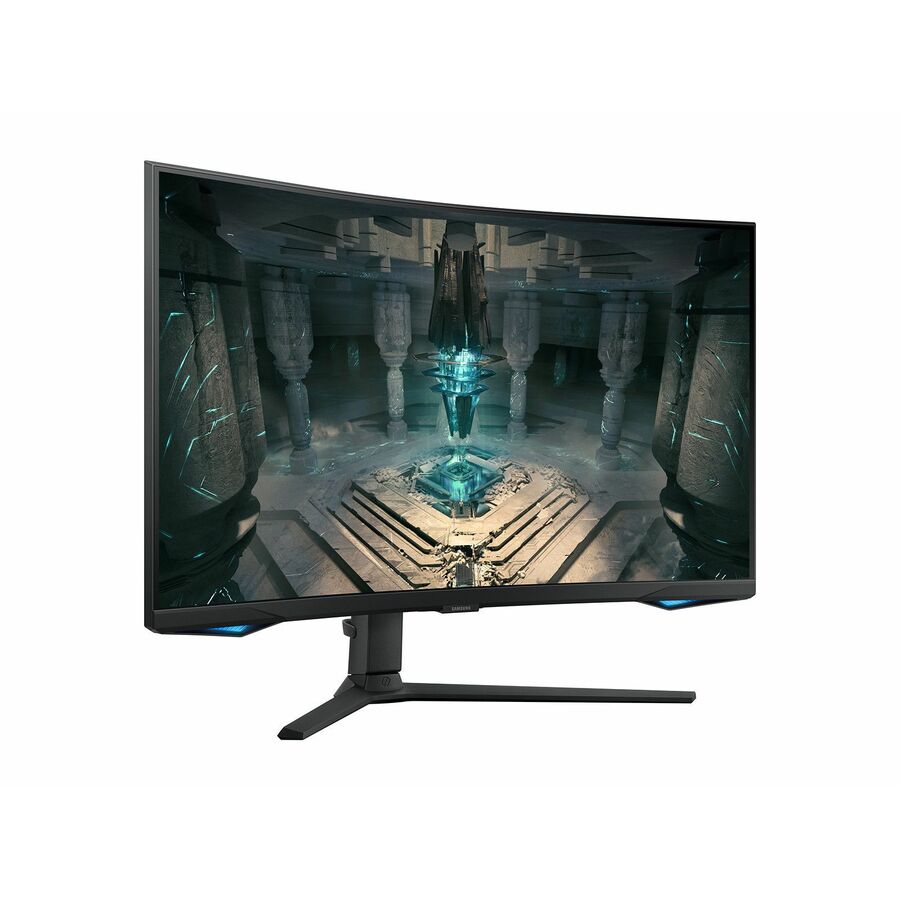
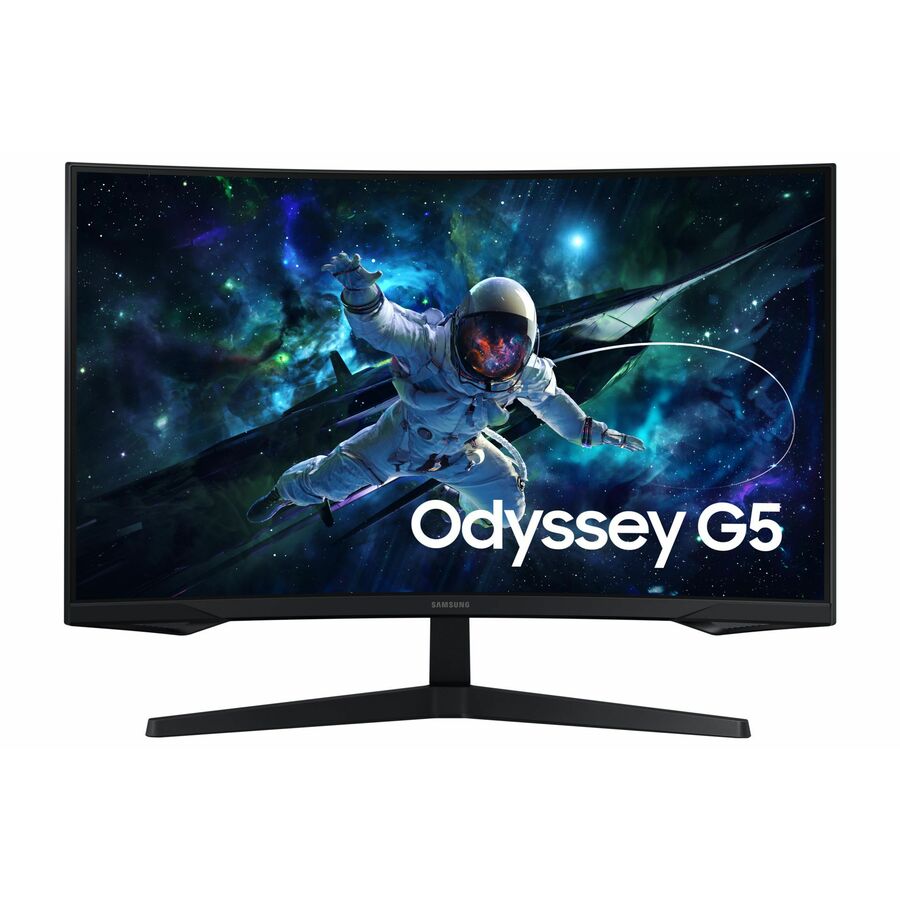
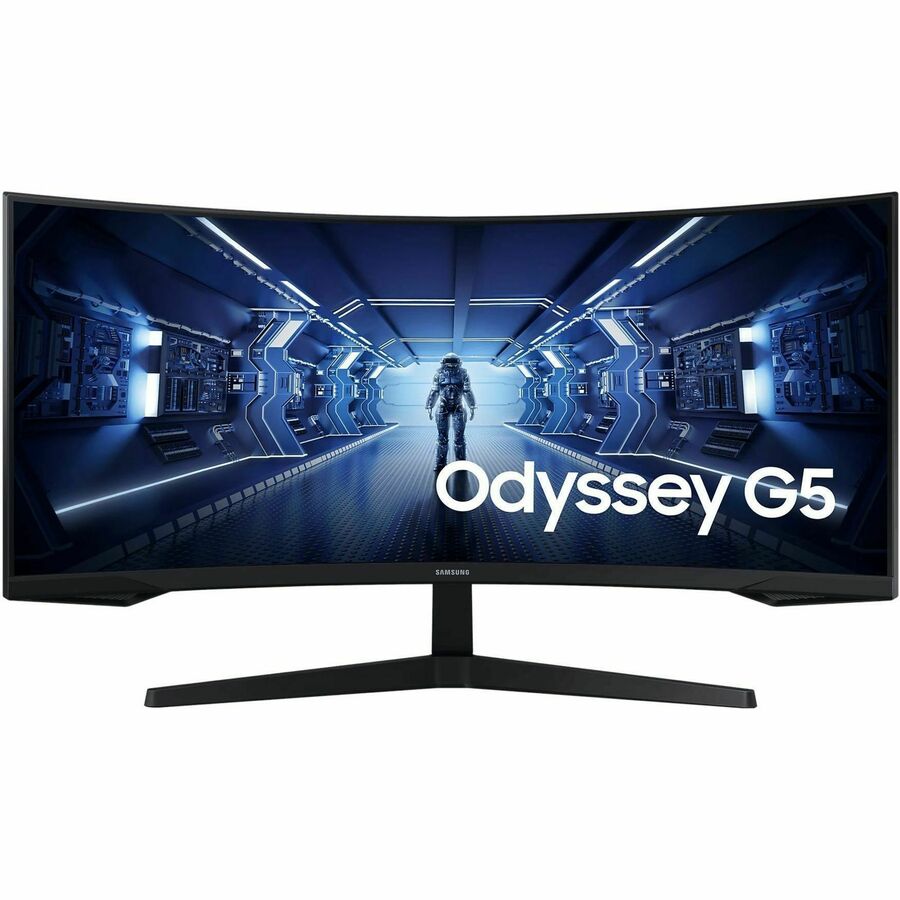
15 in stock - SamsungSamsung Odyssey G5 S32CG550EN 32" Class WQHD Curved Screen Gaming LCD Monitor - 16:9 - Black - 32" Viewable - Vertical Alignment (VA) - 2560 x 1440 - 16.7 Million Colors - FreeSync - 300 Nit - 1 ms - 165 Hz Refresh Rate - HDMI - DisplayPort - VESA Mount CompatibleLS32CG550ENXZA
$1,188.37
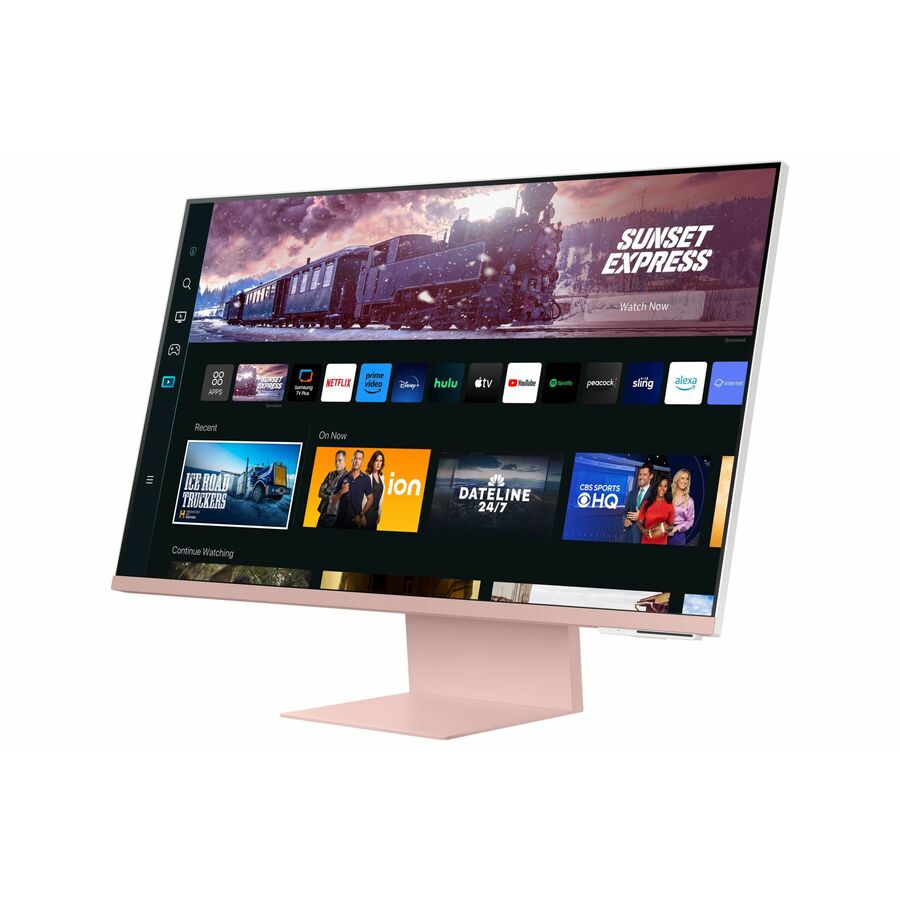
3 in stock - SamsungSamsung S32CM80PUN 32" Class 4K UHD Smart LCD Monitor - 16:9 - Sunset Pink, Warm White - 32" Viewable - Vertical Alignment (VA) - 3840 x 2160 - 1 Billion Colors - 300 Nit - 4 ms - 60 Hz Refresh Rate - Speakers - Height, Pivot, Tilt - USB Type-C - HDMI - VESA Mount Compatible - USB HubLS32CM80PUNXZA
$1,261.84
3 in stock
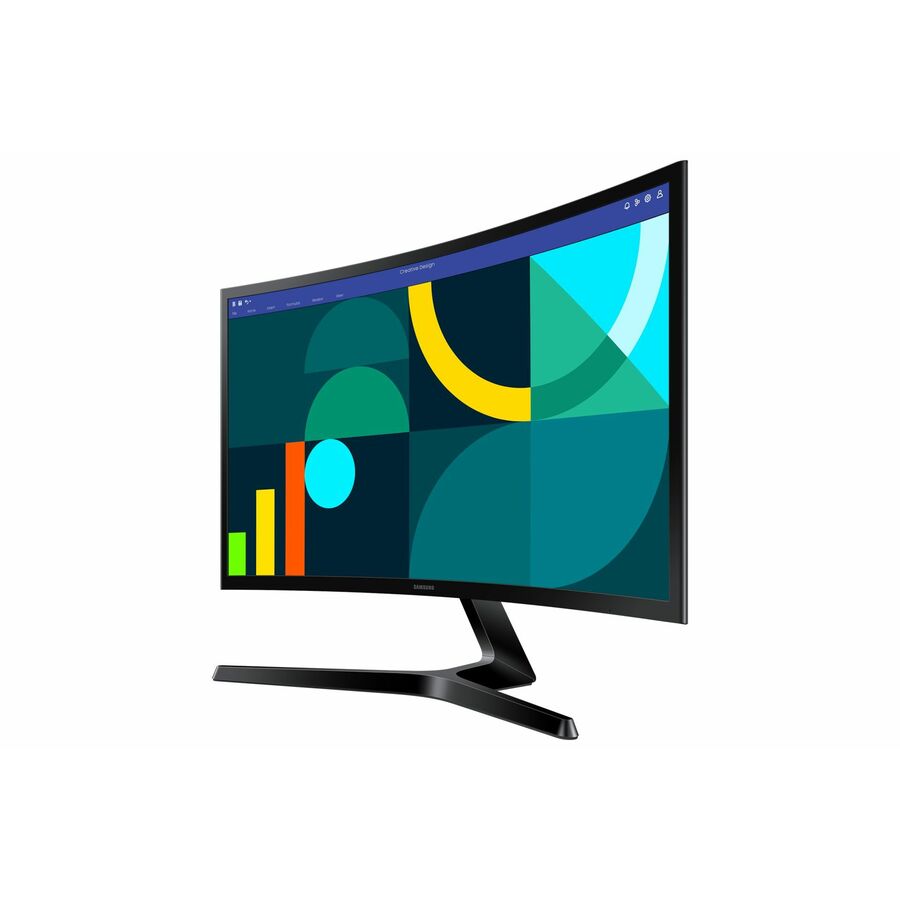
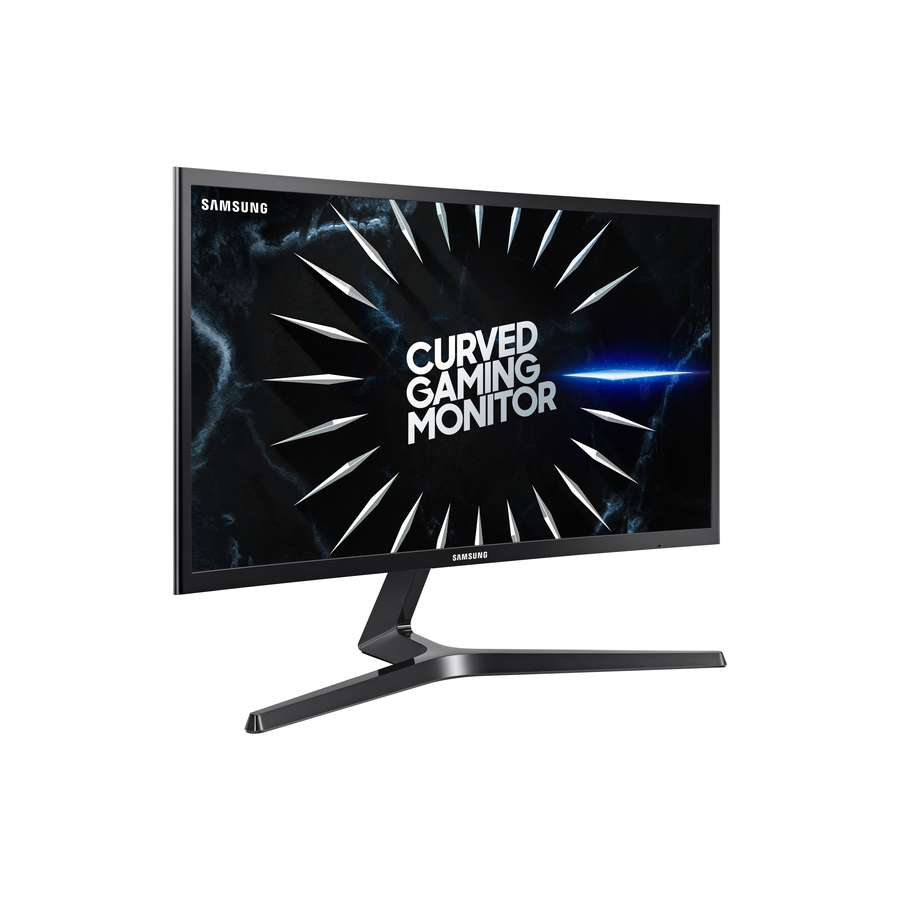
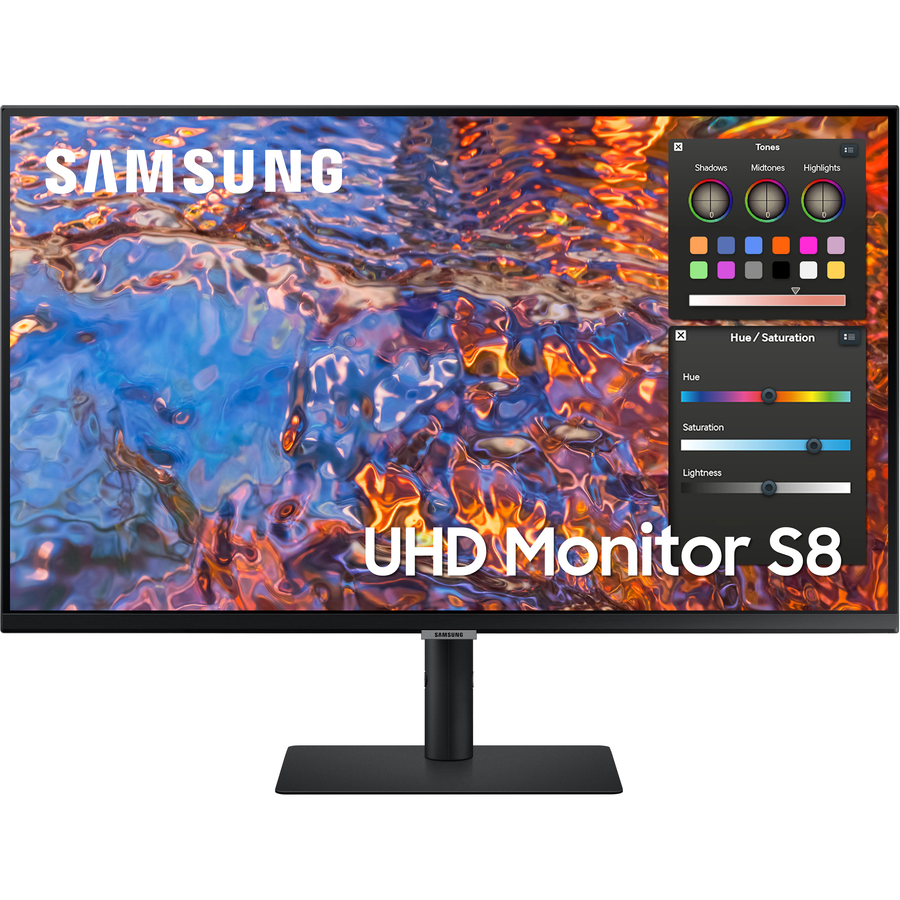
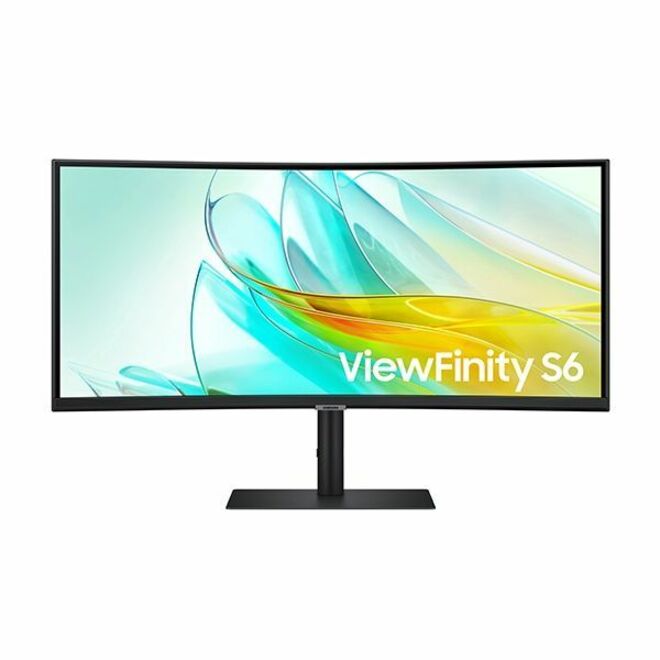
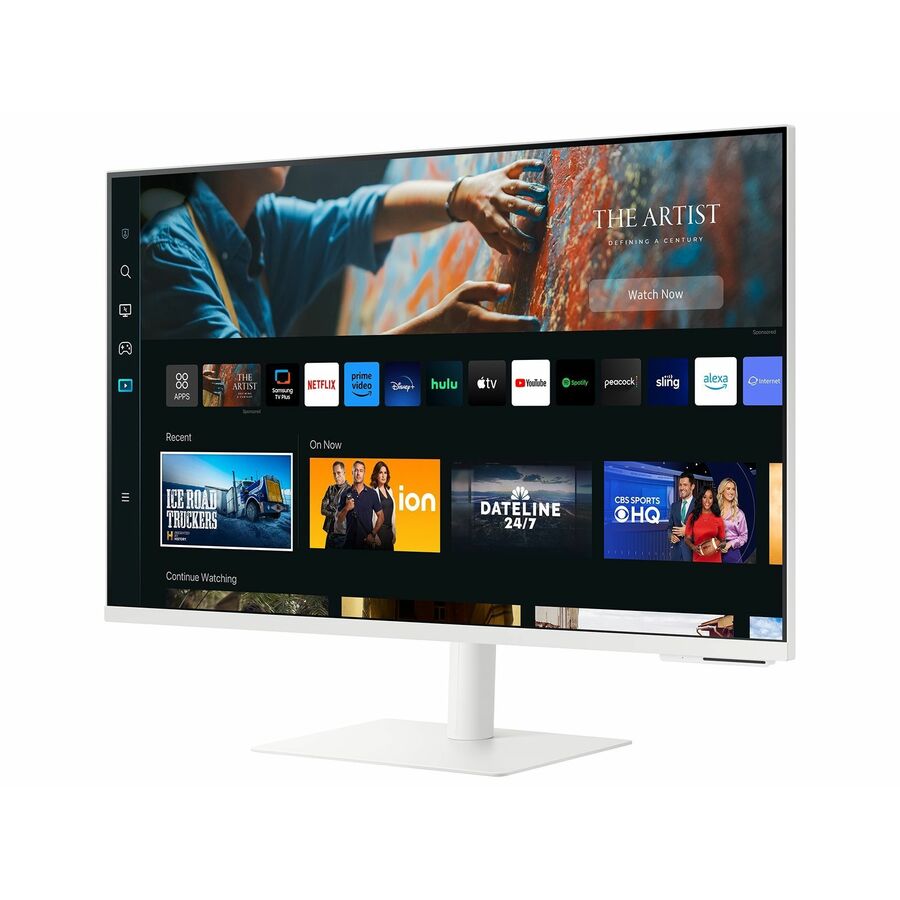
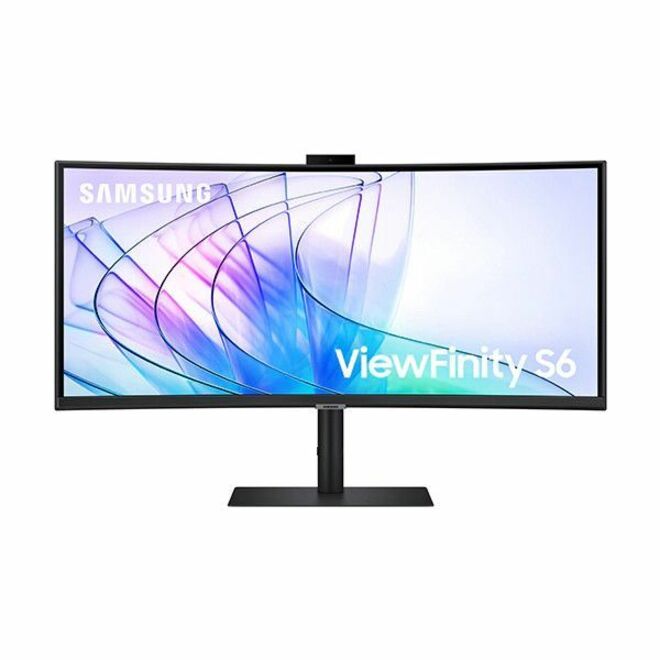
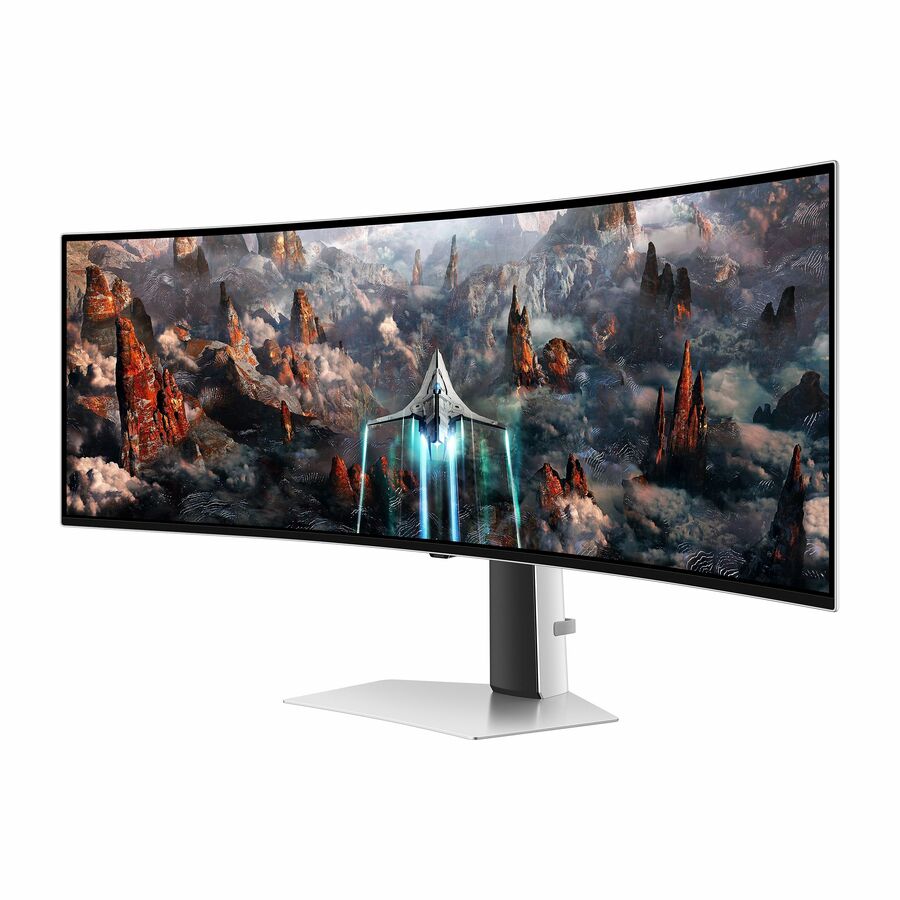
Fleet 27-inch
Samsung
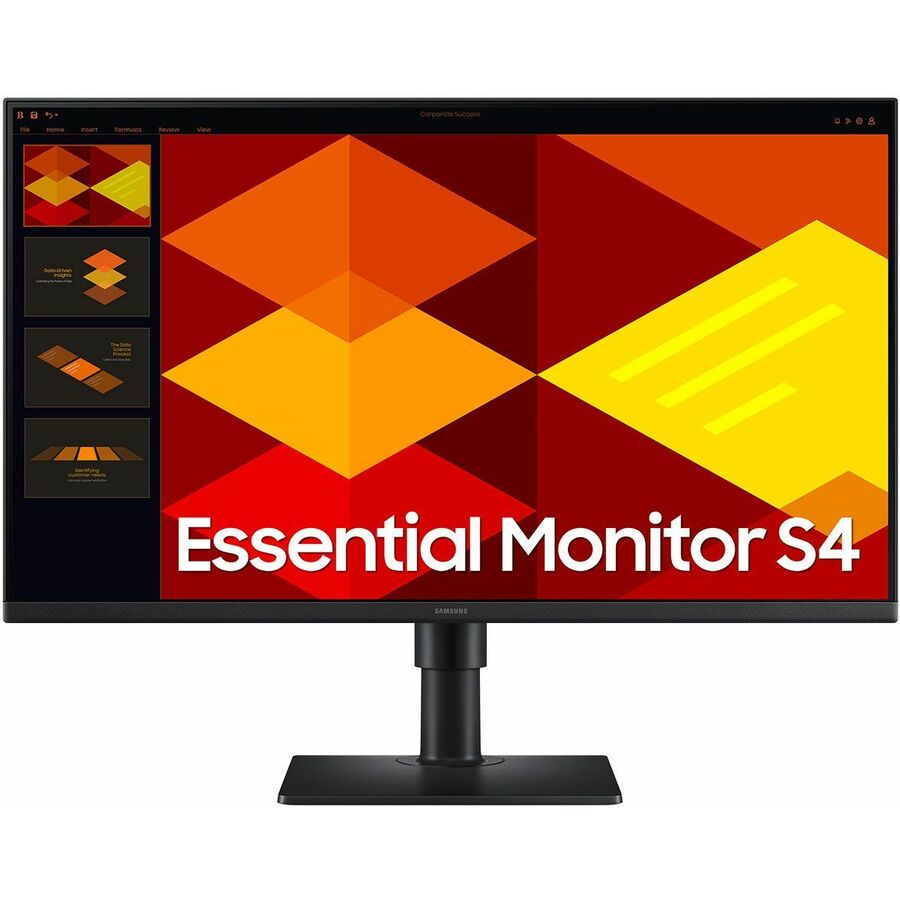
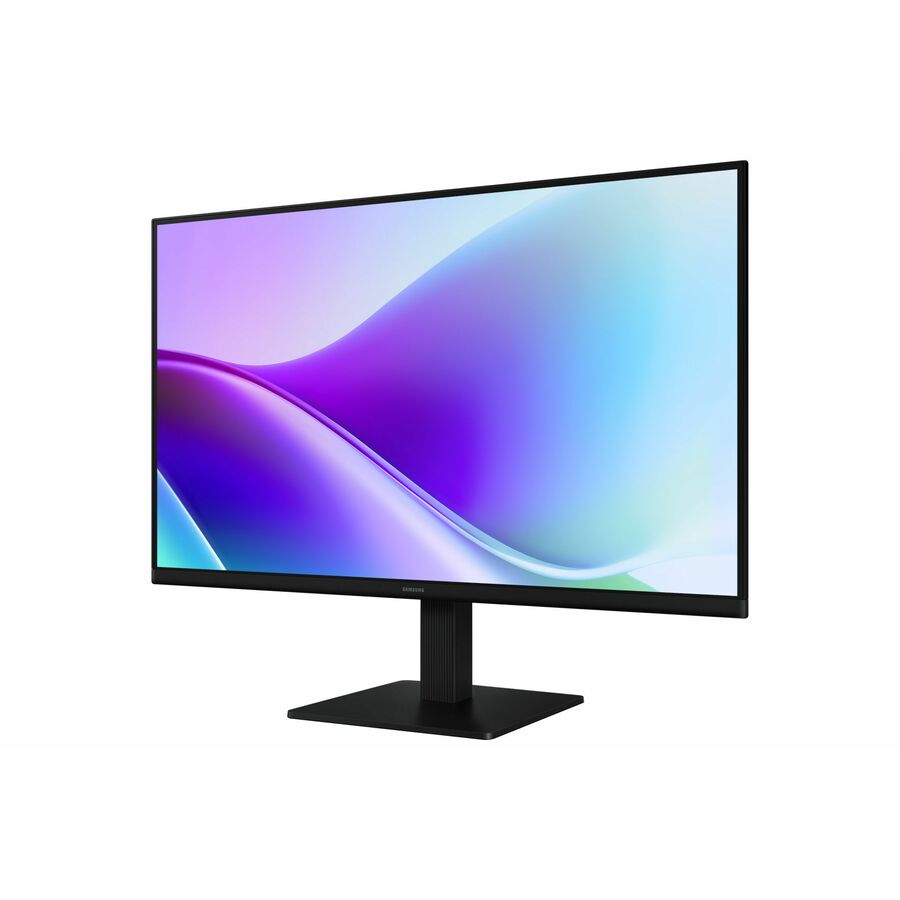
Samsung Essential S4 S27D402GAN 27" Class Full HD LCD Monitor
S27D402GAN
The Essential S4 fleet panel: 27-inch Full HD on an In-plane Switching panel with a swivel, height, pivot and tilt stand, HDMI and DisplayPort, and a USB hub.
The full stand travel is named on this row, which is not true of every Essential model.
$240.36In stockEntry 24-inch curved
Samsung
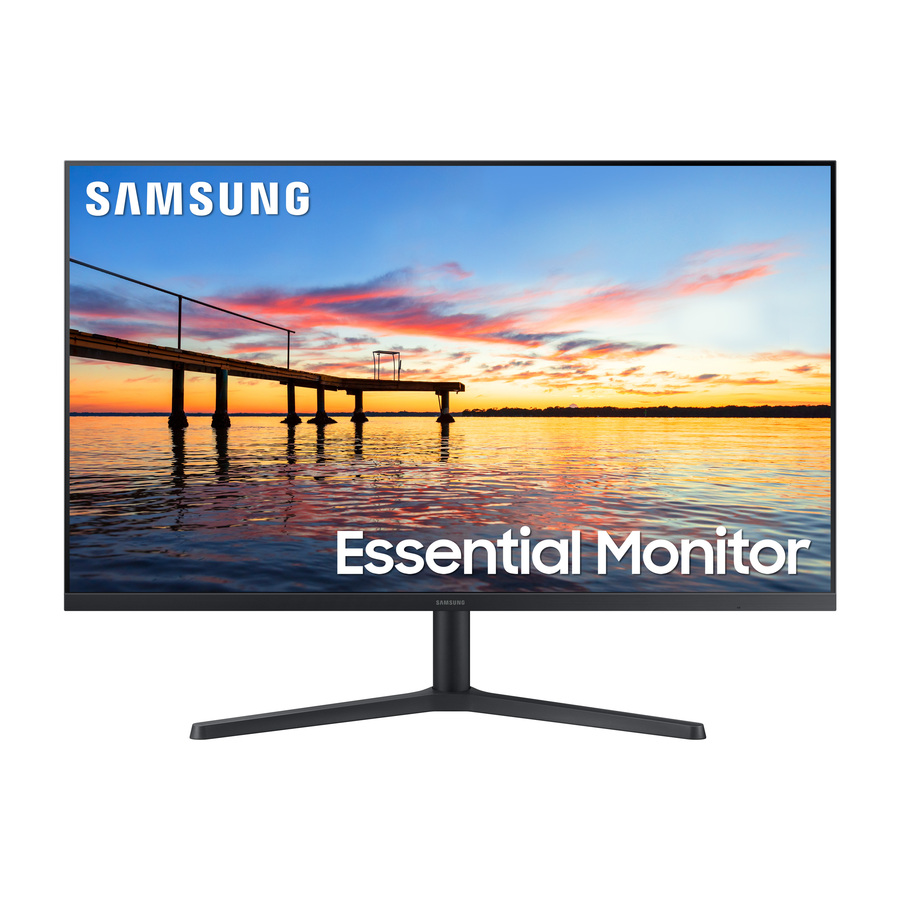
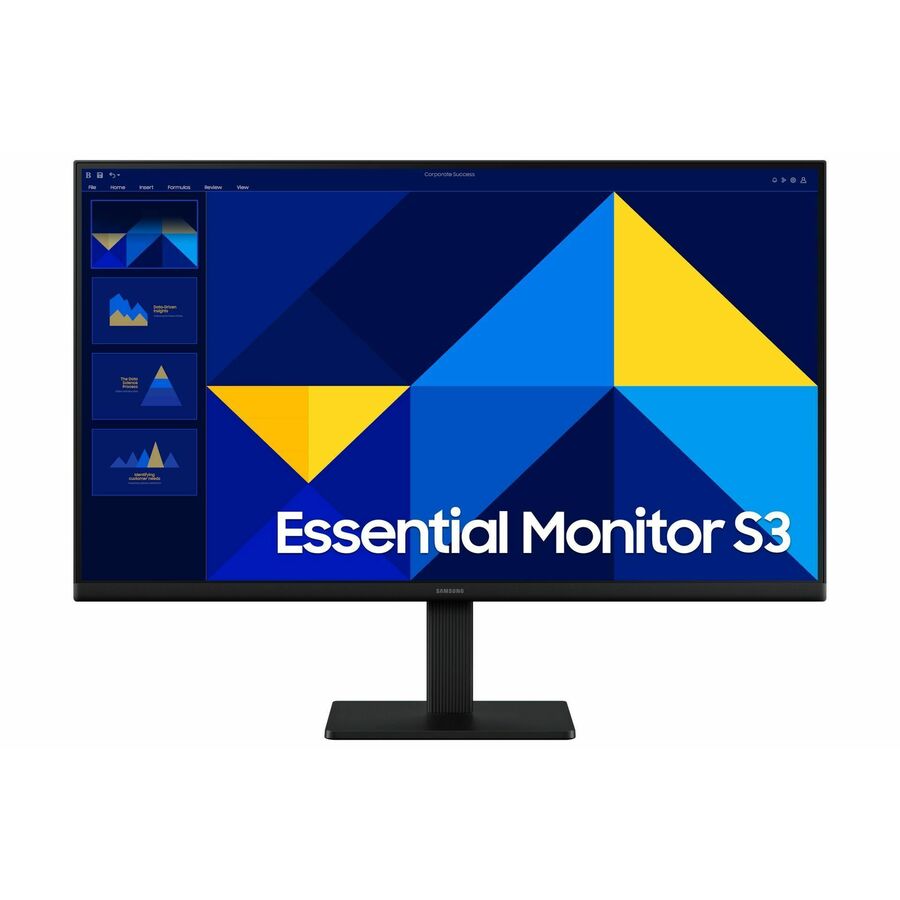
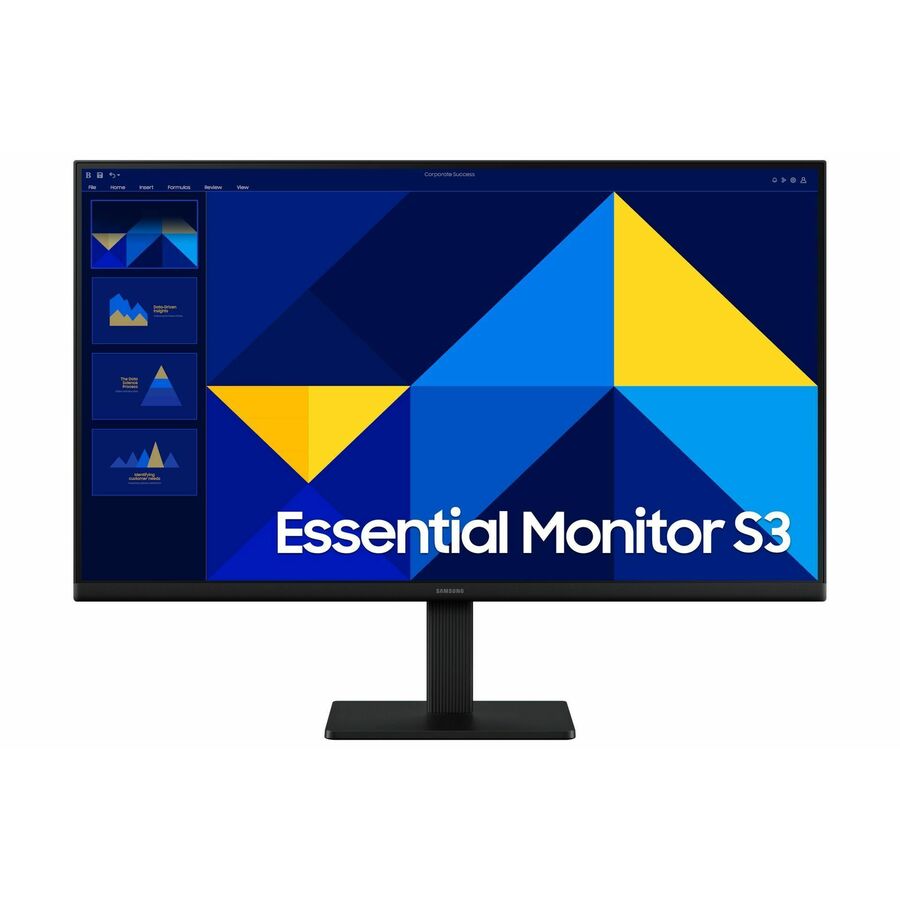
Samsung Essential S3 S24D368GAN 24" Class Full HD Curved Screen LCD…
LS24D368GANXZA
Essential S3 at 24 inches, Full HD on a curved Vertical Alignment panel at 100 Hz, with both HDMI and VGA on the back.
The VGA input is the reason to keep this one on a list where older docks or KVMs are still in service.
$189.88In stock22-inch IPS
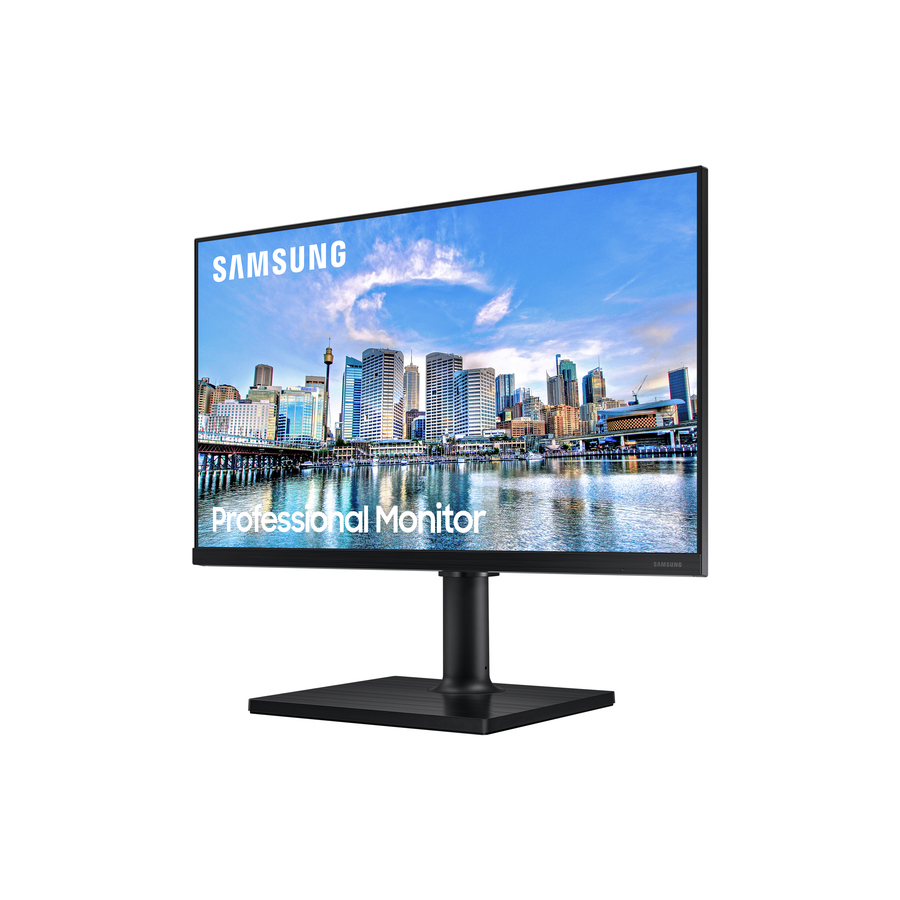
Samsung
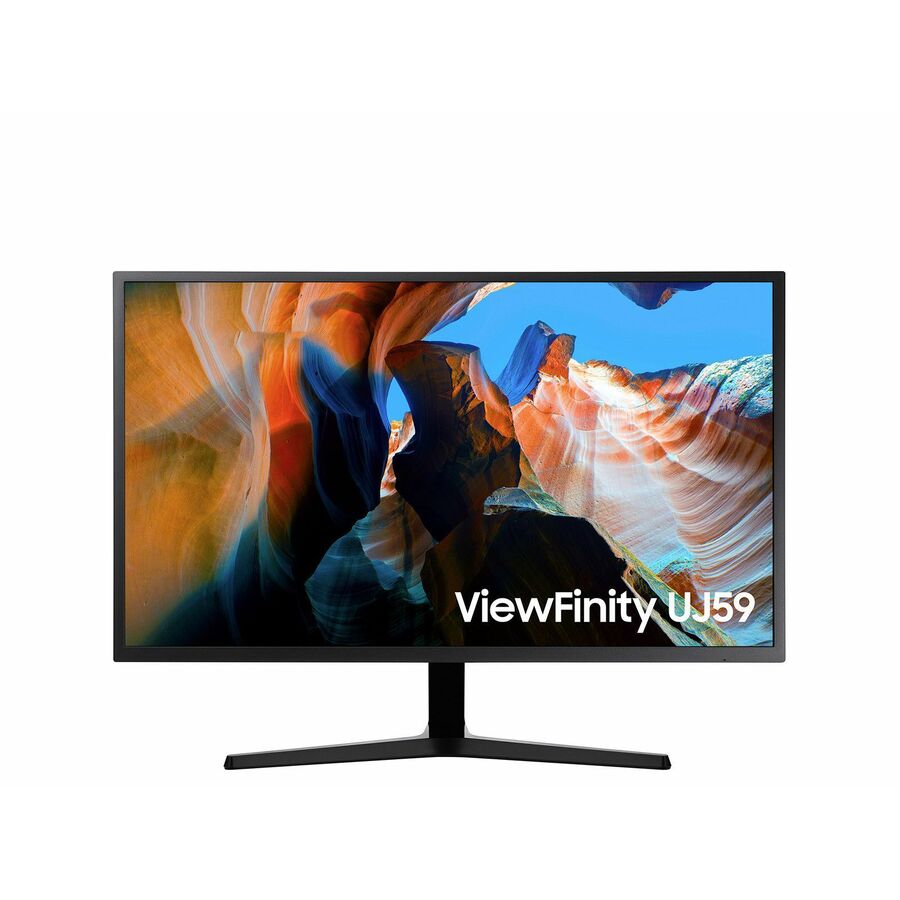
Samsung F22T454FQN 22" Class Full HD LCD Monitor
F22T454FQN
A 22-inch Full HD In-plane Switching panel with HDMI, DisplayPort and a USB hub — the size that fits a reception counter or a single-application desk.
$198.42Back-ordered32-inch Full HD
Samsung
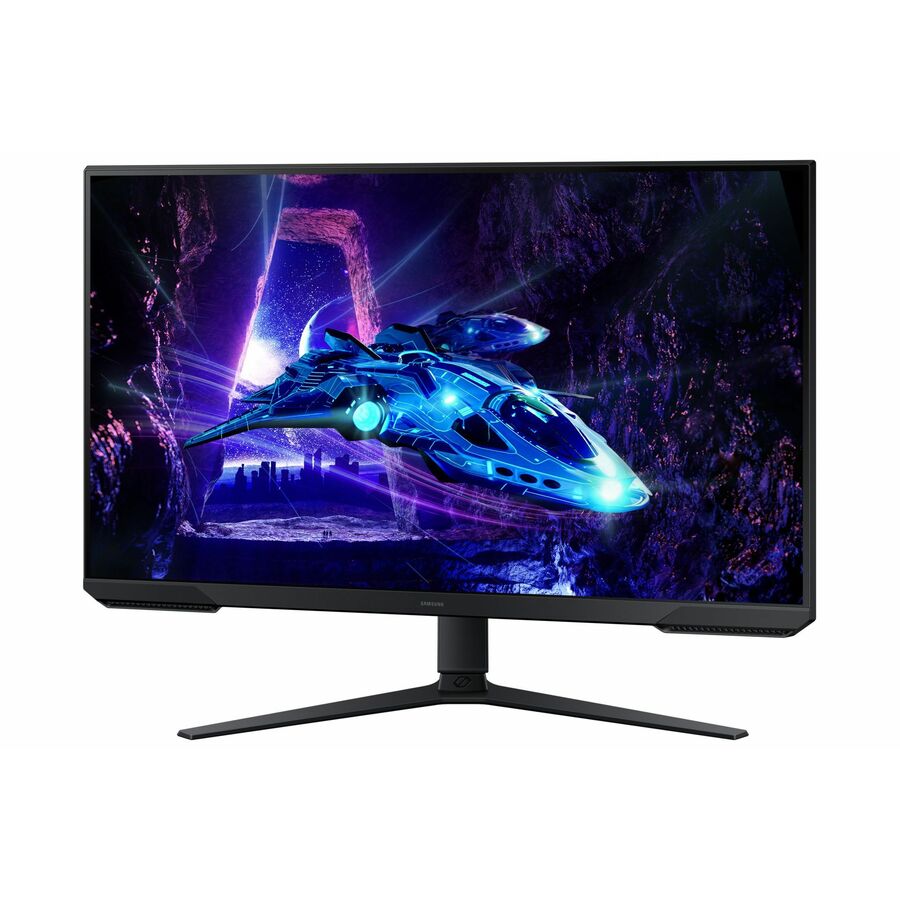
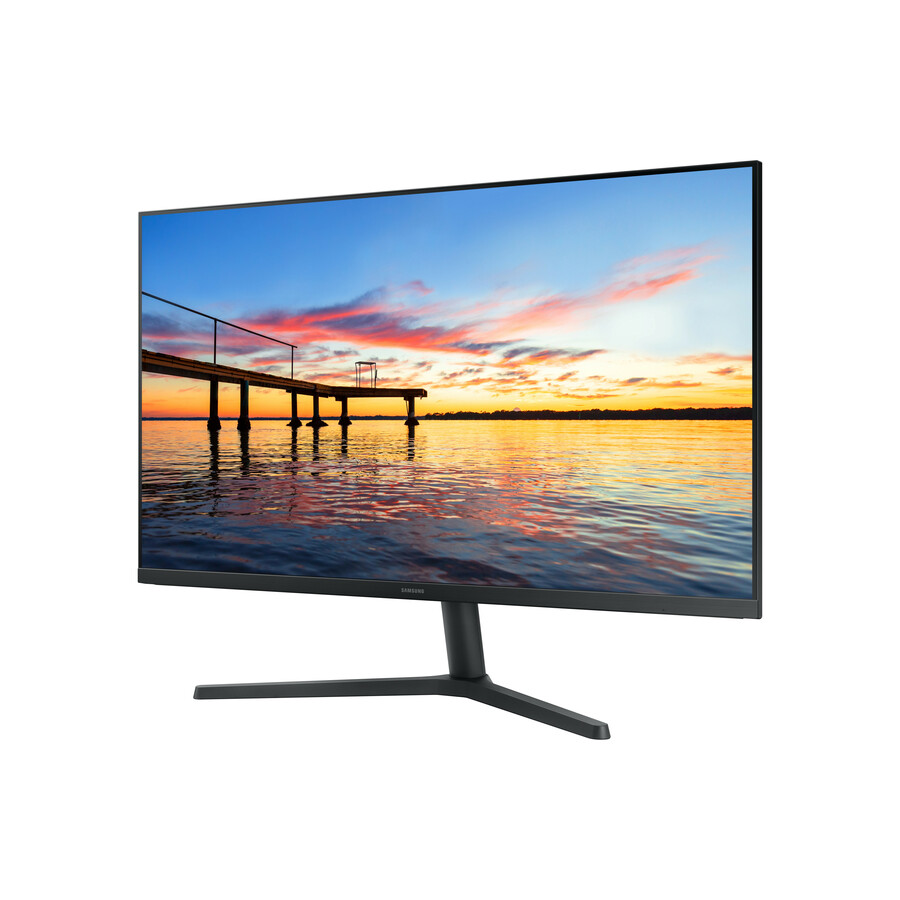
Samsung Essential S32B304NWN 32" Class Full HD LCD Monitor
LS32B304NWNXGO
Essential at 32 inches and 1920 x 1080 on a Vertical Alignment panel with HDMI and DisplayPort: a large, plain screen for a shared or wall-viewed position.
Full HD at this diagonal trades pixel density for readability at distance — deliberate, and worth confirming against the seat.
$1,306.73In stock34-inch ultrawide
Samsung
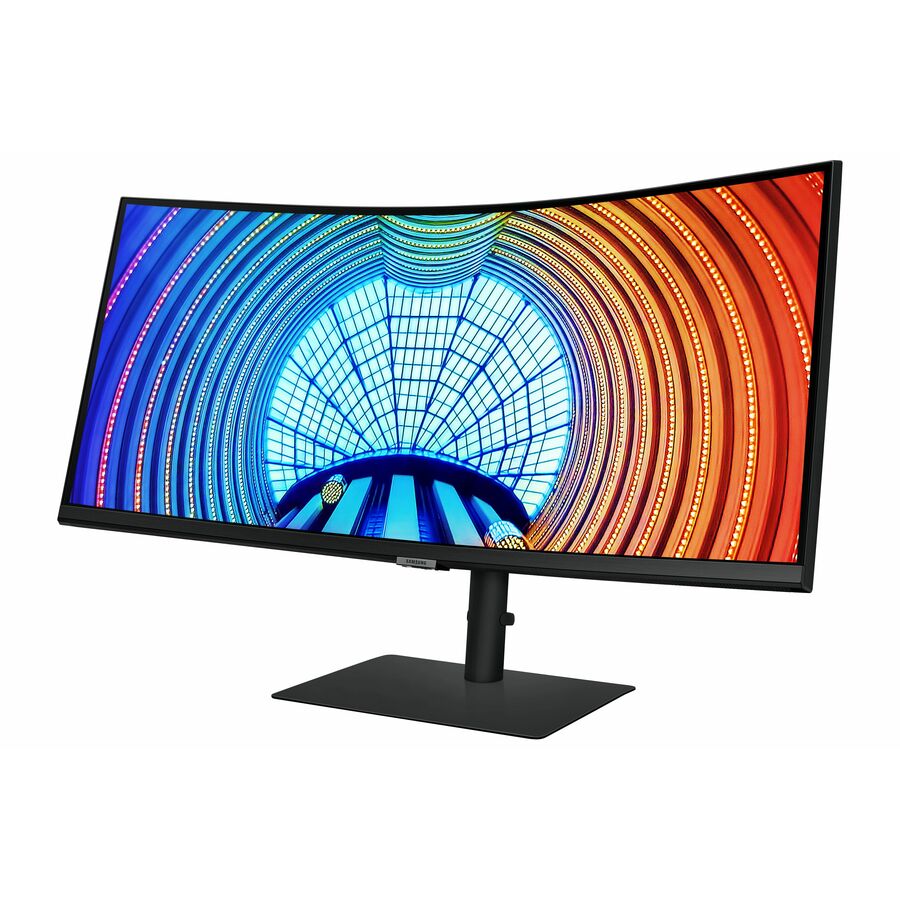
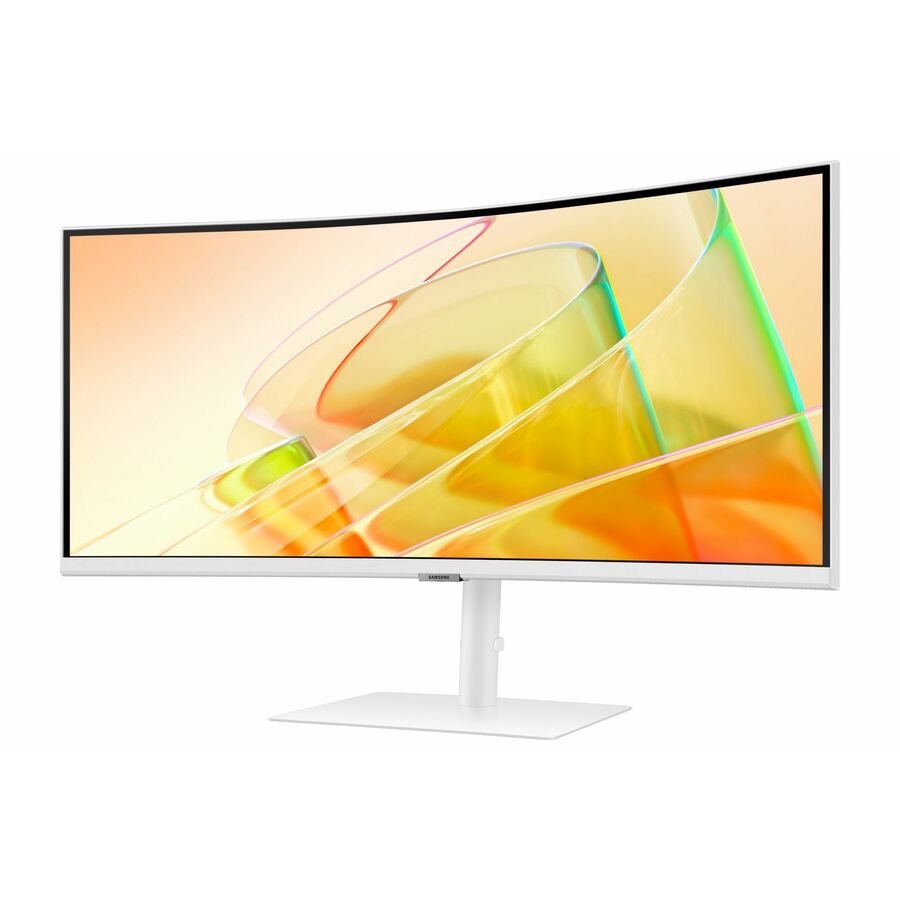
Samsung ViewFinity S34A654UBN 34" Class UW-QHD Curved Screen LCD Monitor
S34A654UBN
ViewFinity 34-inch curved ultrawide at 3440 x 1440 with USB Type-C alongside HDMI and DisplayPort — one panel and one cable in place of a two-screen desk.
$703.41In stockUltrawide with KVM
Samsung
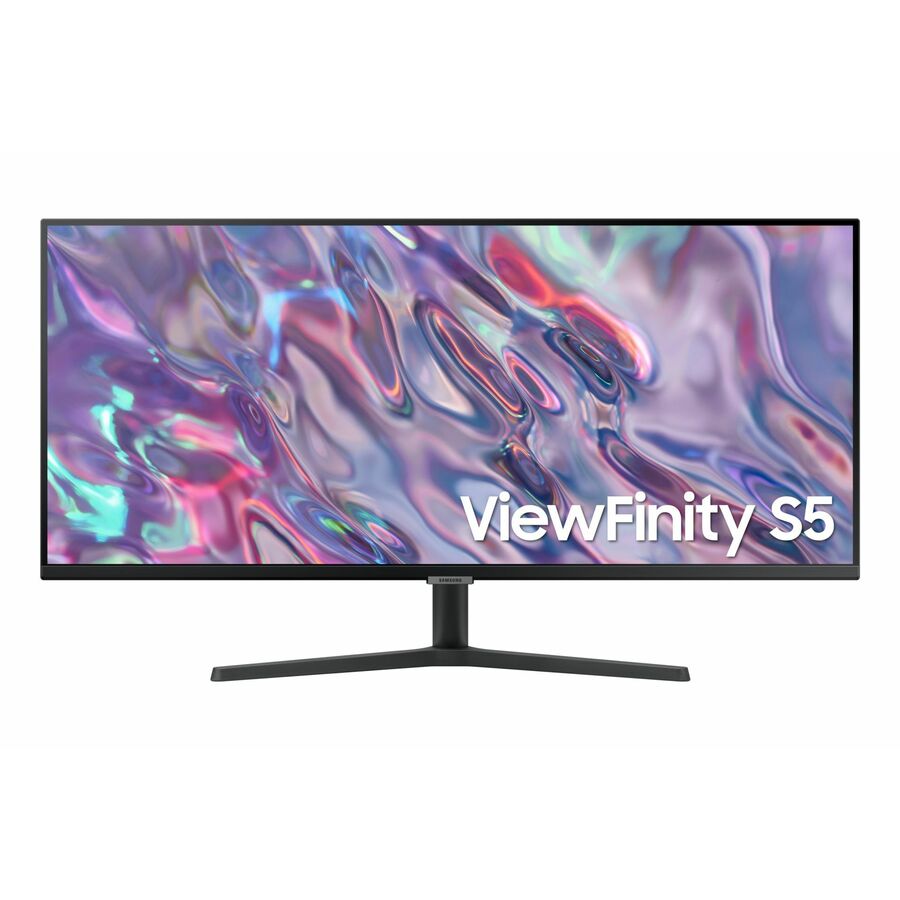
Samsung ViewFinity S6 S34C654UAN 34" Class UW-QHD Curved Screen LCD…
S34C654UAN
The ViewFinity S6 34-inch ultrawide, same 3440 x 1440 geometry, with a built-in KVM switch, a USB hub, speakers and USB Type-C.
The KVM is what separates it: one keyboard and mouse across two machines at the same desk.
$768.47In stock32-inch 4K IPS
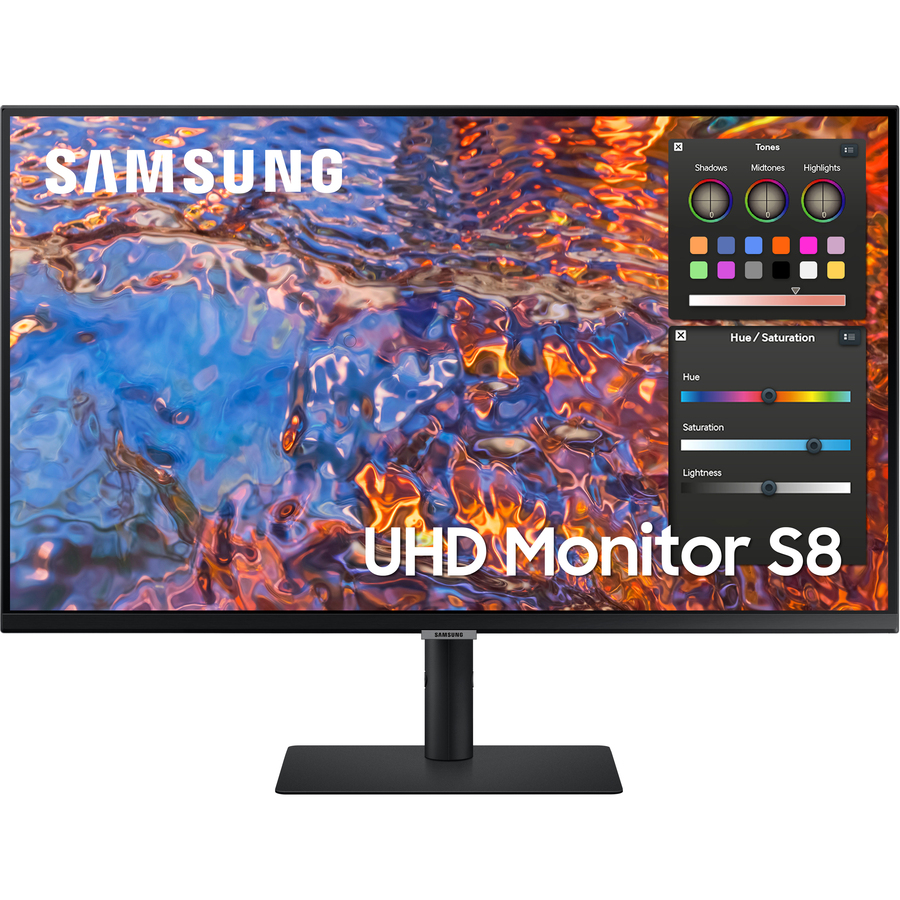
Samsung
Samsung ViewFinity S32B804PXN 32" Class 4K UHD LCD Monitor
S32B804PXN
ViewFinity 32-inch 4K on an In-plane Switching panel rated 400 nit, with USB Type-C, HDMI, DisplayPort and a USB hub.
The size where 3840 x 2160 is comfortable without display scaling.
$898.43Back-ordered32-inch 4K, USB-C
Samsung
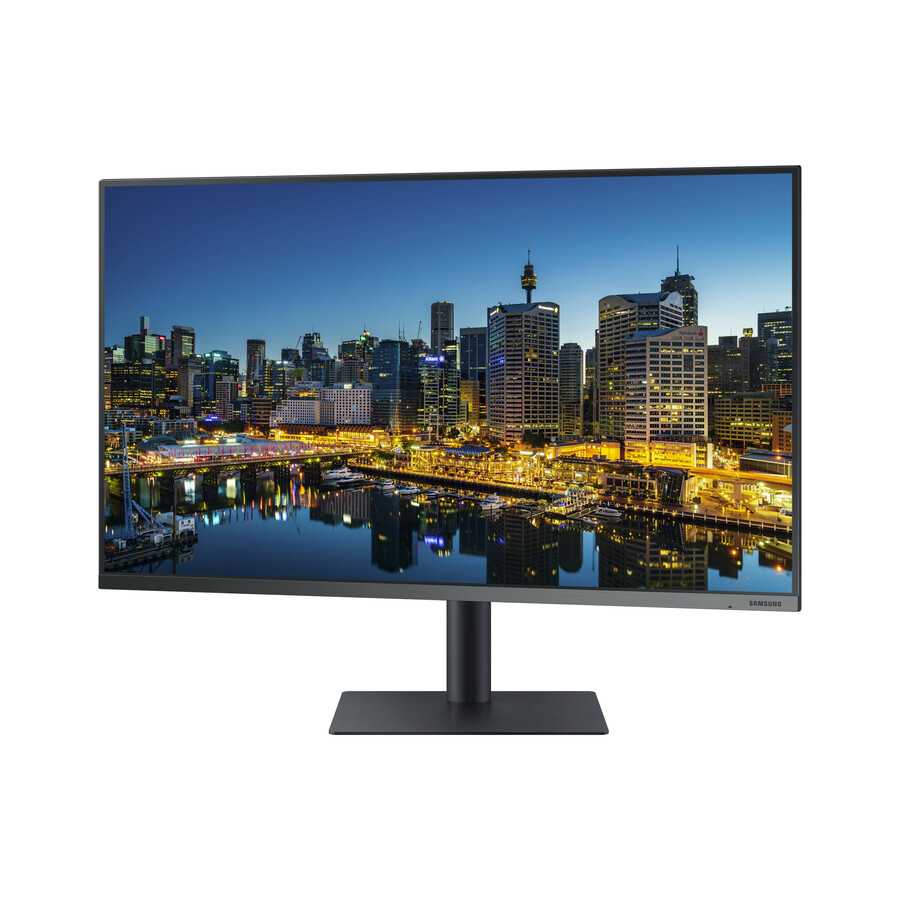
Samsung F32TU874VN 32" Class 4K UHD LCD Monitor
F32TU874VN
A 32-inch 4K Vertical Alignment panel with USB Type-C, HDMI, DisplayPort and a USB hub — the straightforward 4K desk without the ViewFinity tier's extras.
$750.18In stock37-inch 4K
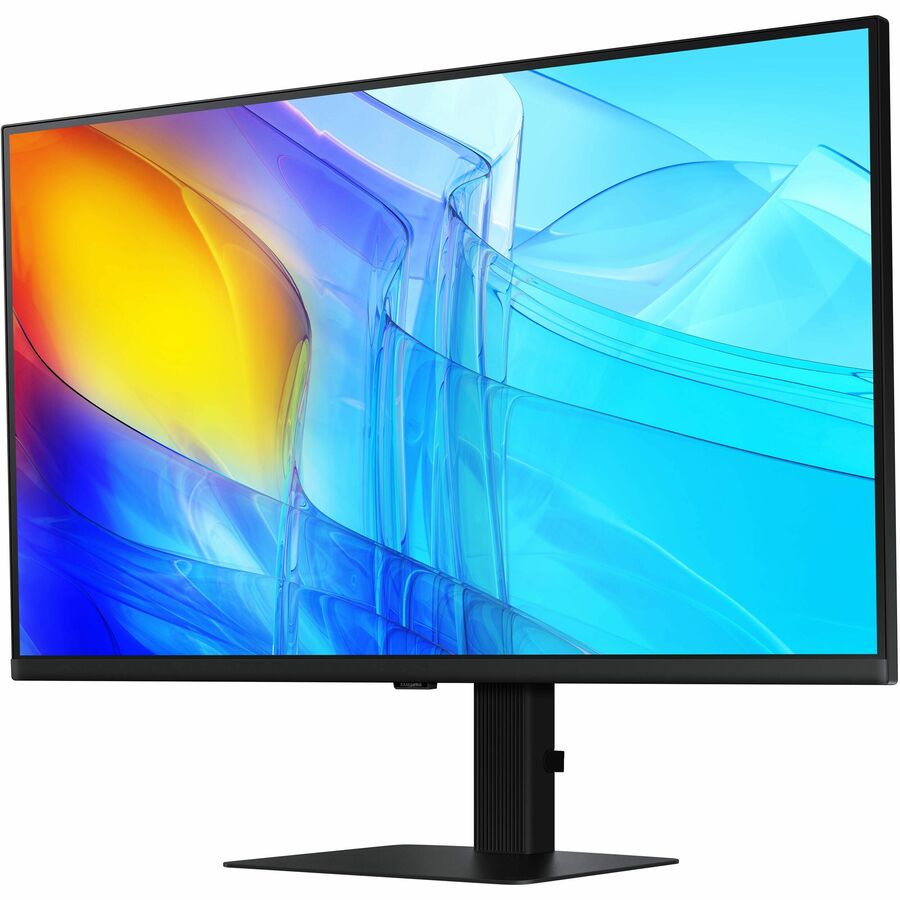
Samsung
Samsung ViewFinity S37D804UAN 37" Class 4K UHD LCD Monitor
S37D804UAN
ViewFinity at 37 inches and 3840 x 2160 with USB Type-C and a USB hub, for a desk that wants one very large 16:9 surface rather than an ultrawide.
$496.83Back-ordered27-inch 4K, full stand
Samsung
Samsung S27CM701UN 27" Class 4K UHD Smart LCD Monitor
LS27CM701UNXZA
A 27-inch 4K panel with speakers, a height, tilt and pivot stand, USB Type-C and a USB hub — the smart-monitor row, which also behaves as an ordinary display.
$864.00In stock49-inch 32:9
Samsung
Samsung S49C954UAN 49" Class Dual Quad HD (DQHD) Curved Screen Gaming…
S49C954UAN
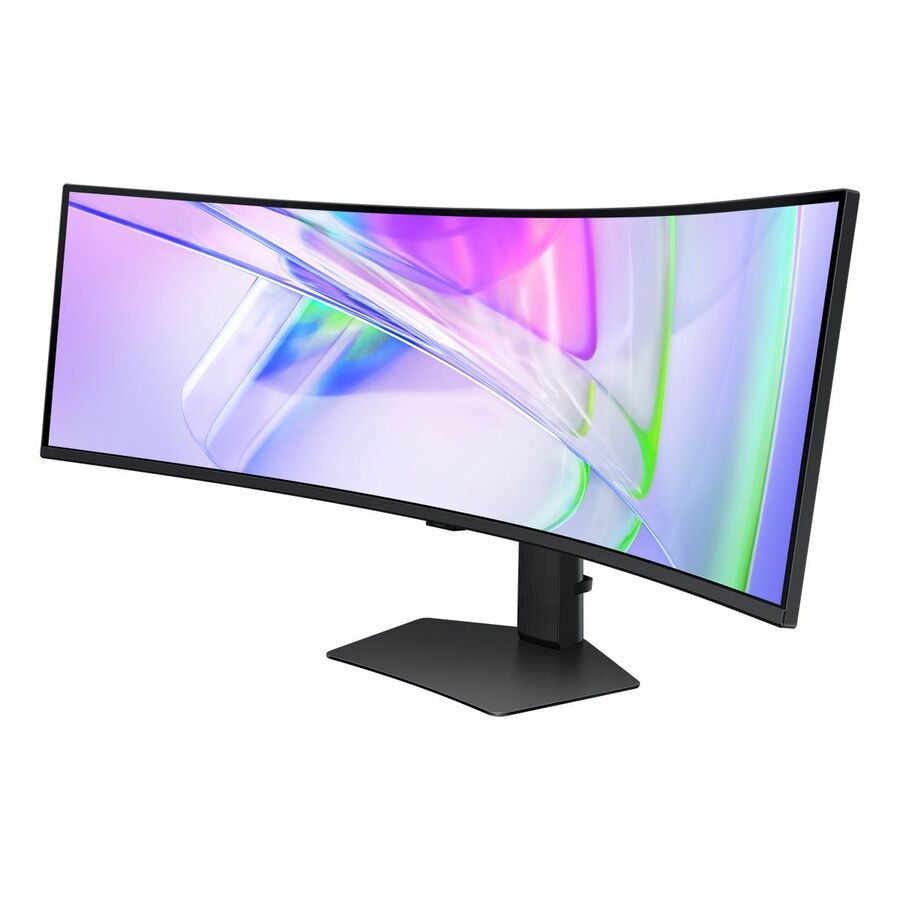
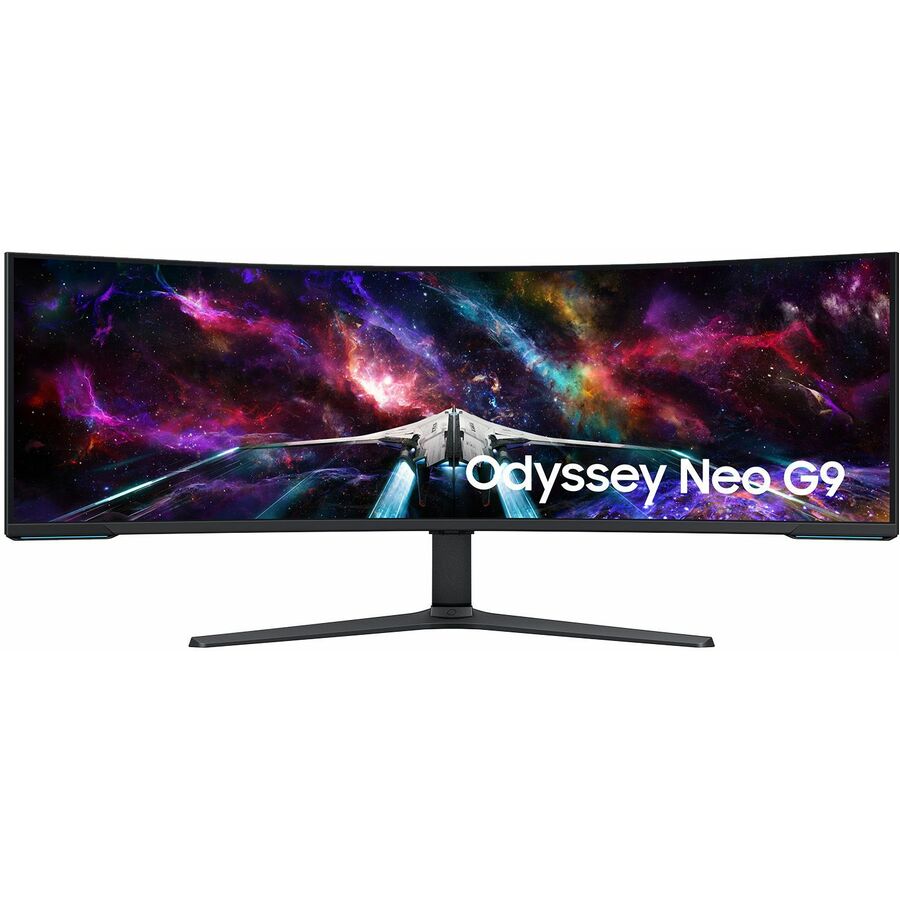
A 49-inch curved 32:9 panel at 5120 x 1440 with USB Type-C, DisplayPort, HDMI and a USB hub — the footprint of two 27-inch screens on one mount and one input.
Samsung titles this one a gaming model; the 240 Hz refresh rate is stated on the row and is not the reason a dispatch or trading desk would buy it.
$1,558.41In stockMore monitors in the Uniqcli catalog
See all 1,690 monitorsMore Samsung first — closest to what you were just looking at; “See all monitors” above opens every other brand in the category. In-stock lines lead, and a back-ordered line carries the same estimated availability its product page does — with live pricing throughout, NDAA §889 screening before checkout and TAA verified on request.
- SamsungSamsung ViewFinity S32B804PXN 32" Class 4K UHD LCD Monitor - 16:9 - Black - 32" Viewable - In-plane Switching (IPS) Technology - 3840 x 2160 - 1.07 Billion Colors - 350 Nit - 5 ms - 60 Hz Refresh Rate - USB Type-C - HDMI - DisplayPort - VESA Mount Compatible - USB HubS32B804PXN
$1,359.99
$898.43
Back-orderedBack-ordered — we expect to receive stock the week of Nov 9–15 and will process your delivery right after.
- SamsungSamsung ViewFinity S37D804UAN 37" Class 4K UHD LCD Monitor - 16:9 - 37" Viewable - Vertical Alignment (VA) - 3840 x 2160 - 5 ms - 60 Hz Refresh Rate - USB Type-C - USB HubS37D804UAN
$579.99
$496.83
Back-orderedBack-ordered — we expect to receive stock the week of Nov 23–29 and will process your delivery right after.
Back-ordered — estimated OEM lead time 3–8 weeks (Nov 21 – Dec 26 if ordered today).
- SamsungSamsung Essential S3 S27F320GAN 27" Class Full HD LCD Monitor - 16:9 - Black - 27" Viewable - In-plane Switching (IPS) Technology - 1920 x 1080 - 16.7 Million Colors - 250 Nit - 5 ms - 120 Hz Refresh Rate - Tilt - HDMI - VESA Mount CompatibleLS27F320GANXZA
$1,036.02
Back-orderedBack-ordered — estimated OEM lead time 3–8 weeks (Nov 21 – Dec 26 if ordered today).
- SamsungSamsung S27A804UJN 27" Class 4K UHD LCD Monitor - 16:9 - 27" Viewable - In-plane Switching (IPS) Technology - 3840 x 2160S27A804UJN
$547.36
Back-orderedBack-ordered — estimated OEM lead time 3–8 weeks (Nov 21 – Dec 26 if ordered today).
Back-ordered — estimated OEM lead time 3–8 weeks (Nov 21 – Dec 26 if ordered today).
- SamsungSamsung Essential S3 S27D304GAN 27" Class Full HD LCD Monitor - 16:9 - Black - 27" Viewable - In-plane Switching (IPS) Technology - 1920 x 1080 - 16.7 Million Colors - 200 Nit - 5 ms - 100 Hz Refresh Rate - Tilt - HDMI - VGA - VESA Mount CompatibleLS27D304GANXZA
$457.68
Back-orderedBack-ordered — we expect to receive stock the week of Nov 2–8 and will process your delivery right after.
Back-ordered — estimated OEM lead time 3–8 weeks (Nov 21 – Dec 26 if ordered today).
Back-ordered — estimated OEM lead time 3–8 weeks (Nov 21 – Dec 26 if ordered today).
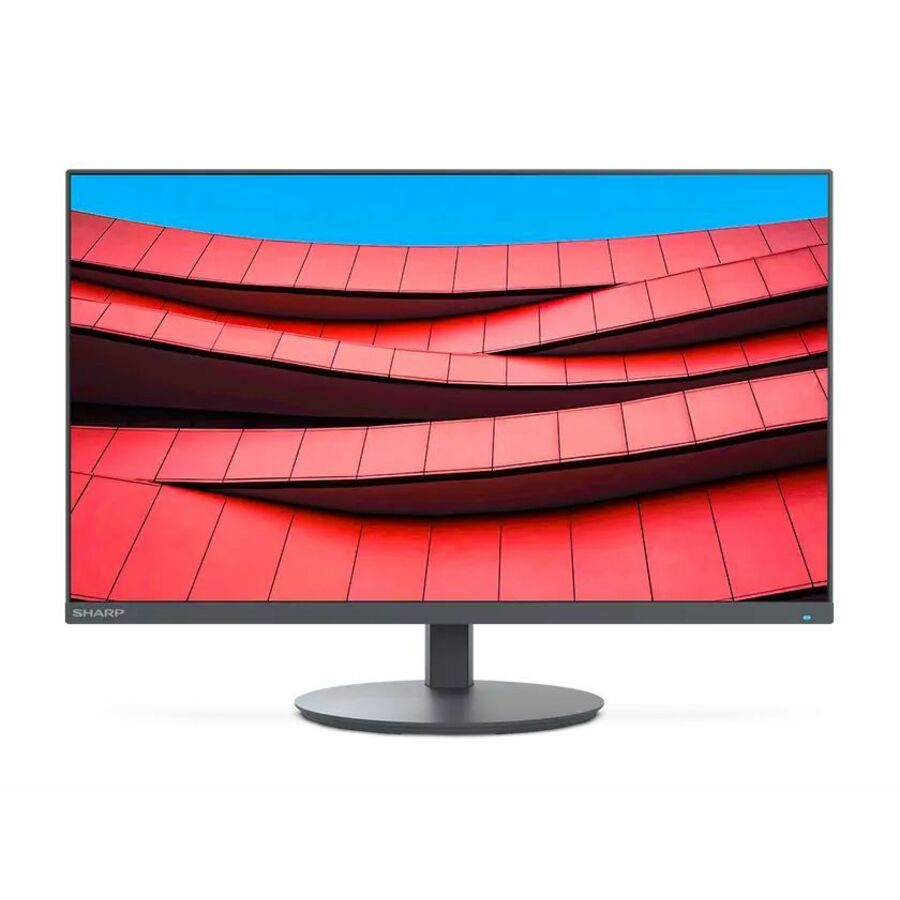
- SharpSharp NEC Display MultiSync DD-EA272U 27" Class 4K UHD LED Monitor - 16:9 - 27" Viewable - In-plane Switching (IPS) Technology - LED Backlight - 3840 x 2160 - 16.7 Million Colors - 350 Nit - 6 ms - 60 Hz Refresh Rate - USB Type-C - HDMI - DisplayPort - VESA Mount Compatible - USB HubDD-EA272U
$1,149.00
$743.87
27 in stock - AcerAcer ProDesigner PE320QXT 32" Class 6K LCD Monitor - 16:9 - Black - 31.5" Viewable - In-plane Switching (IPS) Technology - LED Backlight - 6016 x 3384 - 1.07 Billion Colors - 600 Nit - 4 ms - 60 Hz Refresh Rate - Speakers - Height - USB Type-C - HDMI - DisplayPort - VESA Mount Compatible - SpeakerUM.JP0AA.003
$1,799.99
$1,523.73
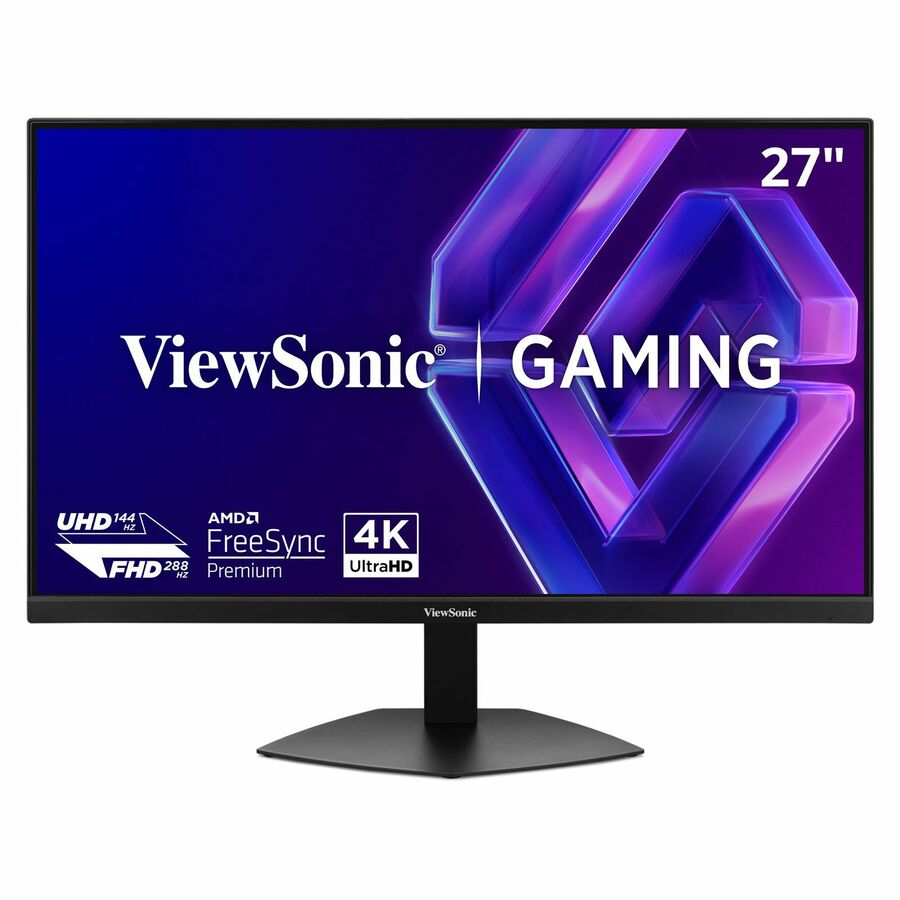
3 in stock - AcerAcer Nitro XV272U W2 27" Class WQHD Gaming LED Monitor - 16:9 - Black - 27" Viewable - In-plane Switching (IPS) Technology - LED Backlight - 2560 x 1440 - 1.07 Billion Colors - AMD FreeSync Premium - 400 Nit - 1 ms - 144 Hz Refresh Rate - Speakers - HDMI - DisplayPort - VESA Mount CompatibleUM.HX2AA.201
$483.99
$278.32
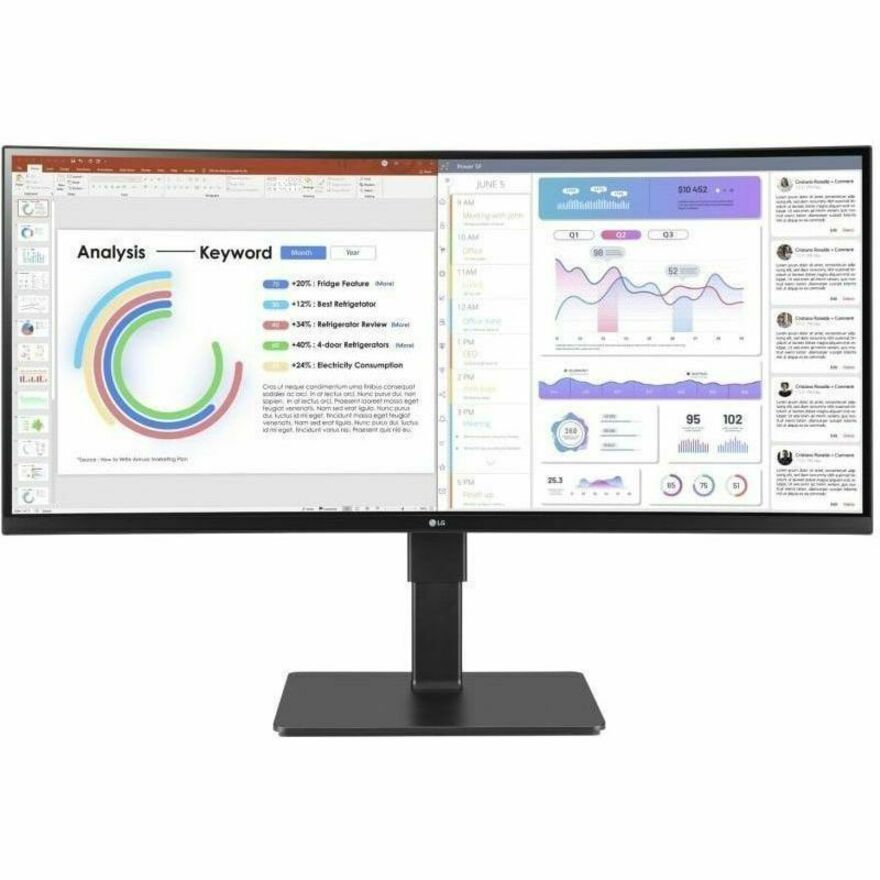
6 in stock - LG ElectronicsLG 34BQ77QE-B 34" Class Curved Screen LED Monitor - 21:9 - Textured Black - TAA Compliant - 34" Viewable - In-plane Switching (IPS) Technology - Edge LED Backlight - 1.07 Billion Colors - 300 Nit - 5 ms - Speakers - Swivel, Height, Tilt - USB Type-C - HDMI - DisplayPort - VESA Mount Compatible - KVM Switch34BQ77QE-B
$1,050.00
$892.50*
23 in stock - SharpNEC Display MultiSync DD-E224F 22" Class Full HD LED Monitor - 16:9 - 21.5" Viewable - Vertical Alignment (VA) - LED Backlight - 1920 x 1080 - 16.7 Million Colors - 250 Nit - 6 ms - 75 Hz Refresh Rate - Speakers - Swivel, Height, Pivot, Tilt - HDMI - VGA - DisplayPort - VESA Mount CompatibleDD-E224F
$375.00
$242.60
242 in stock - ViewSonicViewSonic VP2788-5K 27 Inch 5K Mac-Ready Monitor, IPS with 100% sRGB, 99% DCI-P3 and Pantone Validated for Mac Studio Desktop Setups, Advanced Ergonomics, Thunderbolt 4, USB, HDMI, and DisplayPort - 27? Viewable - In-plane Switching (IPS) Technology - LED Backlight - 5120 x 2880 - 500 Nit - 14 ms - Speakers - HDMI - DisplayPort - USB HubVP2788-5K
$1,209.00
$1,080.57
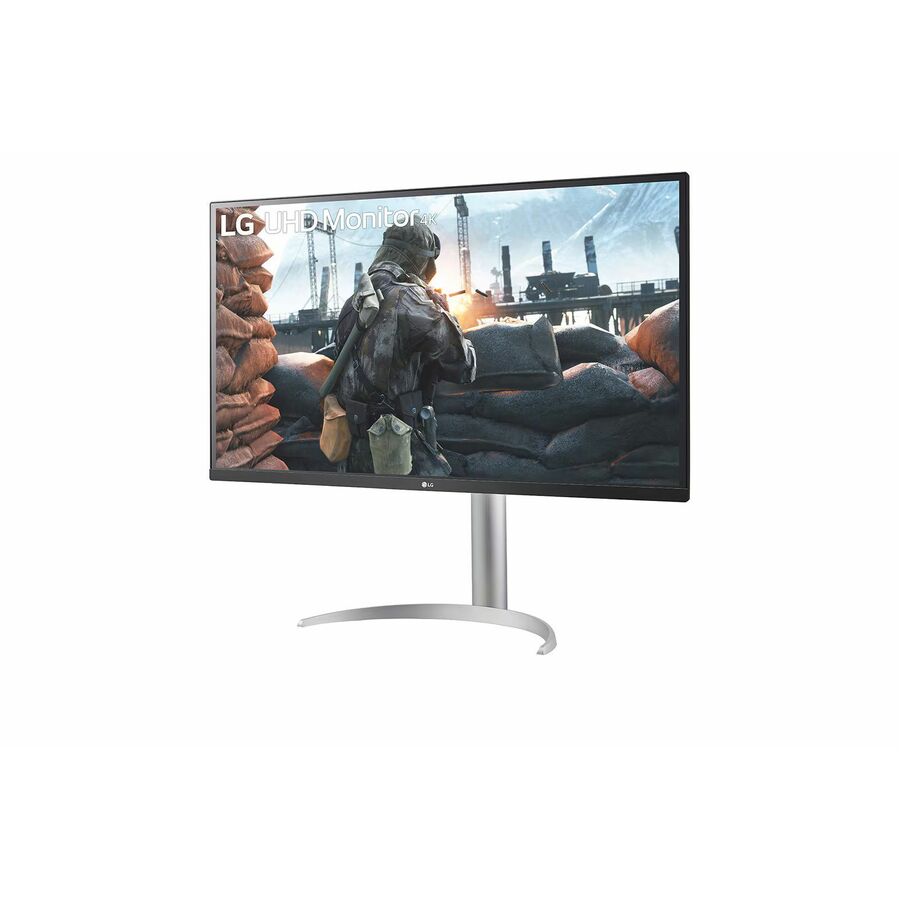
297 in stock - LG ElectronicsLG 32BN50U-B 32" Class 4K UHD LCD Monitor - 16:9 - Textured Black - TAA Compliant - 31.5" Viewable - Vertical Alignment (VA) - 3840 x 2160 - 1.07 Billion Colors - FreeSync - 350 Nit - 4 ms - Speakers - Tilt - HDMI - DisplayPort - VESA Mount Compatible32BN50U-B
$750.00
$637.50*
51 in stock




Need pricing on Samsung monitors?
Tell us where to reach you and a Uniqcli specialist will follow up by email with current pricing, availability and lead time for the quantities you need — including parts that aren’t shown on this page.
Buying for an organization or for yourself — both work. No payment up front.
Samsung sells three monitor families into an office and they are not interchangeable, which is why the model name is the first thing to read rather than the last. Essential is the plain fleet panel — Full HD, a simple stand, HDMI and DisplayPort, sometimes VGA where an older dock or KVM is still in service. ViewFinity is the work-focused line, and it is where the features a purchasing standard usually cares about show up: 4K resolution, USB-C, occasionally a built-in KVM switch. Odyssey is the high-refresh line, and its rows say so in their own titles; a 240 Hz curved panel is a legitimate buy for a control room or a video wall operator position, and the wrong buy for two hundred desks.
After the family, three specifics decide the order. Panel type is stated on every row: In-plane Switching for wide viewing angles at a shared desk or a reviewing station, Vertical Alignment for contrast on a single-user screen, OLED on the handful of rows that name it. Resolution is stated as pixels rather than as a marketing word — 1920 x 1080, 2560 x 1440, 3440 x 1440 on the 34-inch ultrawides, 3840 x 2160 on the 4K rows and 5120 x 1440 on the 49-inch DQHD — and it is the figure to standardize on, because it decides how much of a document, a drawing or a console fits without scrolling. Stand travel is the third, and it is the one most often skipped: some rows name swivel, height, pivot and tilt, and the rest name tilt or nothing, which turns into a monitor-arm line item on the same order.
The selection below is not a test result and is not a leaderboard. Every model on this page was chosen by reading Samsung's own catalog title against a specific deployment question — how many desks, what the panel is for, whether the docking story is USB-C or a separate dock — and no claim is made here that the title does not carry. Cards show live pricing and current availability from the catalog; the editorial picks under the grid explain what each one is for.
Buyer's checklist
How to choose a Samsung monitor for a fleet
- Read the family first: Essential for a straightforward fleet desk, ViewFinity where 4K, USB-C or a built-in KVM is part of the standard, Odyssey where the row's own title names the high refresh rate you actually need.
- Match the panel type to the seat. In-plane Switching holds colour and contrast off-axis, which matters at a shared desk or anywhere two people look at one screen; Vertical Alignment gives deeper contrast for a single user. Both are named on the row.
- Standardize on a resolution, not a diagonal. A 27-inch panel at 1920 x 1080 and a 27-inch panel at 3840 x 2160 are different tools, and the second one changes scaling settings and dock bandwidth across the fleet.
- Decide the docking story before the screen: where a row names USB Type-C it can carry video and act as the hub for a laptop; where it does not, budget for a dock or a full-size DisplayPort run.
- Check the stand on the row you are actually ordering. Height, pivot and swivel are named on some rows and absent from others, and a fleet standard that assumes them will arrive as a monitor-arm purchase order later.
- Ultrawide or dual: a 34-inch 3440 x 1440 or 49-inch 5120 x 1440 panel replaces two screens with one cable run and one power outlet, and it needs a deeper desk and a stronger arm mount than the pair it replaces.
- Where a row names a KVM switch, it will drive two machines from one keyboard and mouse — worth specifying deliberately for a desk that runs a workstation beside a secure or lab client, and not worth paying for anywhere else.
Reading a Samsung model name
Samsung's catalog titles carry the family and the sub-tier before the model number, and once you can read them the shelf sorts itself. Essential S3 and S4 are the office panels — Full HD, straightforward inputs, the S4 rows adding the fuller stand. ViewFinity runs S5 through S8 and climbs by resolution and connectivity: the S6 ultrawides are where the built-in KVM shows up, and the S7 and S8 rows are 4K at 27, 32 and 37 inches. Odyssey uses a G-number, and those rows name their refresh rate and their curve in the title; a G6 or G9 row belongs on the shortlist only when somebody actually needs the frame rate. The suffix on the part number matters too — regional variants of the same panel exist and they are separate part numbers, which is exactly why a fleet standard should be written against a part number rather than a model family.
Where each size lands in a real office
Twenty-two and twenty-four inch panels remain the right answer for a call-taking, reception or single-application desk where the screen is a form and a phone client. Twenty-seven inches at Full HD is the general-purpose fleet monitor and is what most desk refreshes standardize on; the same size at 4K is a different purchase, aimed at anyone reading drawings, imagery, long spreadsheets or paired code and console windows. Thirty-two inches is where 4K starts to be comfortable without display scaling, which is why it shows up on analyst and finance desks. The 34-inch ultrawides at 3440 x 1440 replace a two-monitor setup with a single cable and a single mount point, and the 49-inch DQHD panels replace two 27-inch screens outright — good for a dispatch or trading position, and a genuine desk-depth and mounting decision rather than a swap.
Planning a monitor rollout
Pilot the exact part number against the exact dock and laptop before the fleet order. A USB-C monitor's power delivery, its hub behaviour and how it wakes with a lid-closed dock are all things that differ between a working combination and a helpdesk queue, and they are cheaper to find on one desk than on two hundred. Decide the mounting standard at the same time — the rows name VESA compatibility, and an arm or a dual-mount bought with the screens keeps the desk-depth conversation from happening twice. Then plan the tail: spare units for swap-outs, a single part number per role so imaging and cable kits stay identical, and a documented disposal route for the panels coming out. Send the seat count, the role mix and the dock you have standardized on, and Uniqcli will quote the monitors, the arms and the cabling together on one document.
FAQ
Common questions
- What is the difference between Samsung's Essential, ViewFinity and Odyssey monitors?
- They are three different jobs. Essential is the plain office panel — Full HD, straightforward inputs, a simple stand — and it is what most fleet refreshes buy. ViewFinity is the work line where higher resolution, USB-C and, on some rows, a built-in KVM switch appear; those are the rows to read for a 4K standard or a single-cable docking setup. Odyssey is the high-refresh line and its titles say so, naming the refresh rate and the curve on the row itself. Read the family in the title of the exact part number rather than assuming it from the model number, because Samsung lists all three families in the same catalog category.
- Should a business standardize on IPS or VA Samsung panels?
- Decide it by who looks at the screen. In-plane Switching holds colour and contrast when the screen is viewed off-axis, which is what you want at a shared desk, a reception counter or anywhere a colleague leans in. Vertical Alignment gives deeper blacks and stronger contrast for one person sitting square to the panel, and it is common on the larger and curved rows. Both technologies are named in the catalog title of every row here, so the choice is verifiable per part number rather than inferred from the range.
- Do these monitors work as a single-cable dock for a laptop?
- Only the rows that name USB Type-C, and it is worth checking that on the exact part number rather than on the family. Where a row carries USB-C it can take video and act as the hub for the laptop, which removes a separate dock from the desk; where it does not, the monitor takes HDMI or DisplayPort and the docking is a separate purchase. Where a fleet depends on lid-closed docking, pilot the specific monitor, cable and laptop combination together before the bulk order — power delivery and wake behaviour are the details that decide whether it is one purchase or two.
- Can business, government and education buyers order these?
- Every line Uniqcli quotes is sourced through US distribution and screened for TAA country-of-origin and NDAA §889 status before checkout — with documentation tied to the specific part number, not a product family.
Need Samsung monitors pricing?
Send a bill of materials or part numbers — we confirm stock and a below-market total, with TAA verified on request. No payment up front.