
Best Dual Monitor Arms and Stacked Desk Mounts
Side-by-side and stacked mounts for two displays — with the three measurements that decide fit.
Dual monitor arms in stock at Uniqcli
How to choose →A curated selection with live pricing — in-stock lines first, then back-ordered lines with a typical lead time. Every line is sourced through US distribution and screened for NDAA §889 status before checkout, with TAA verified on request.
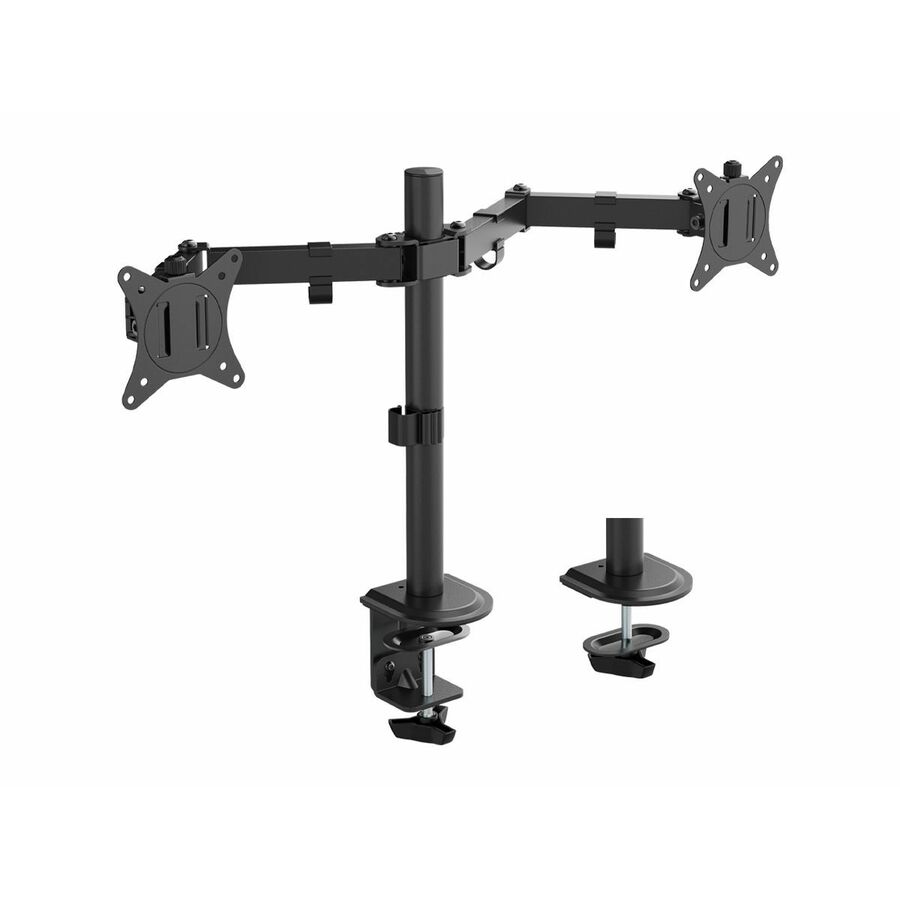

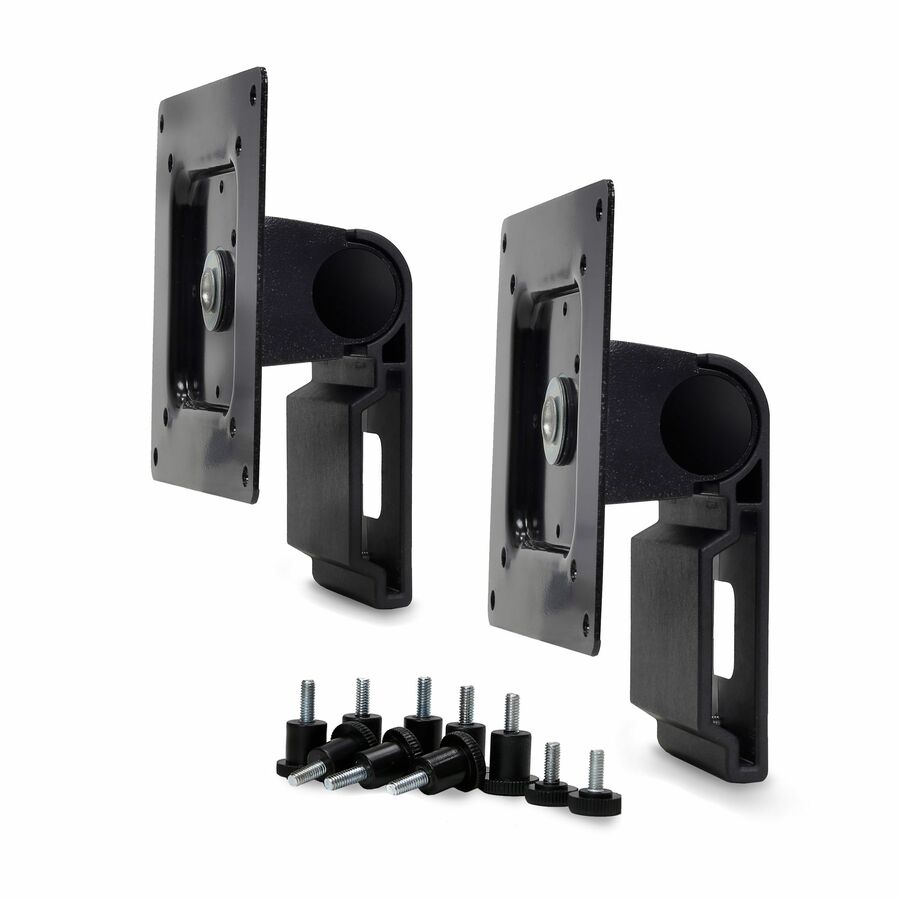

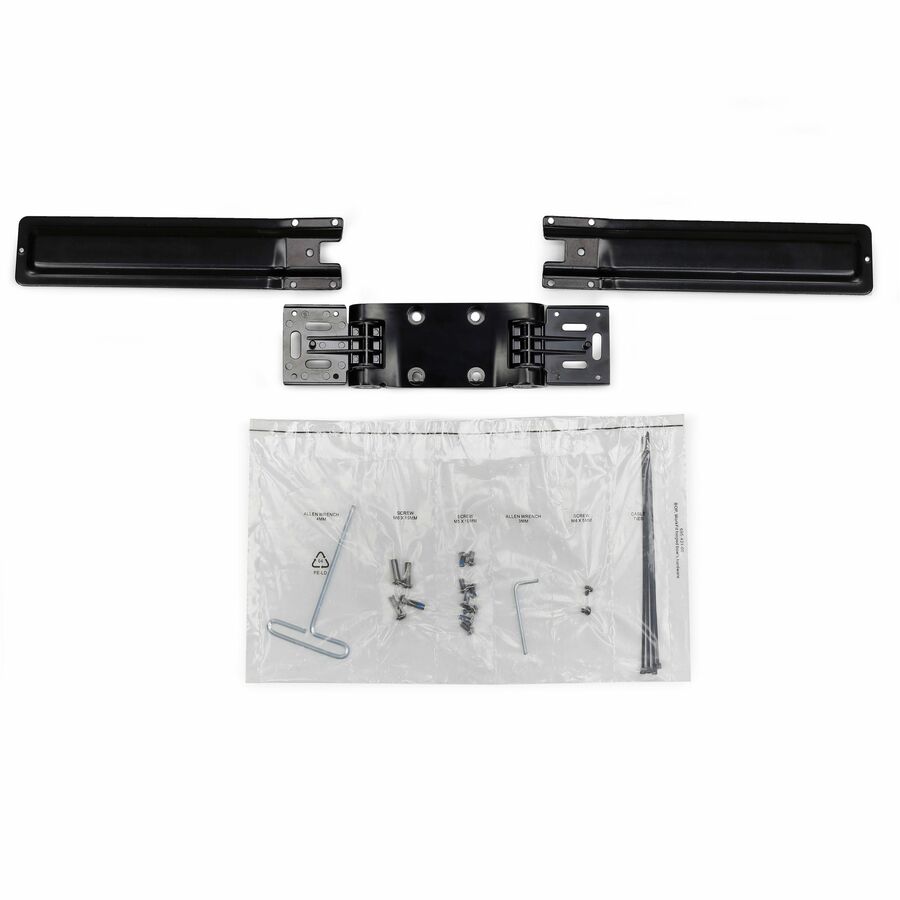
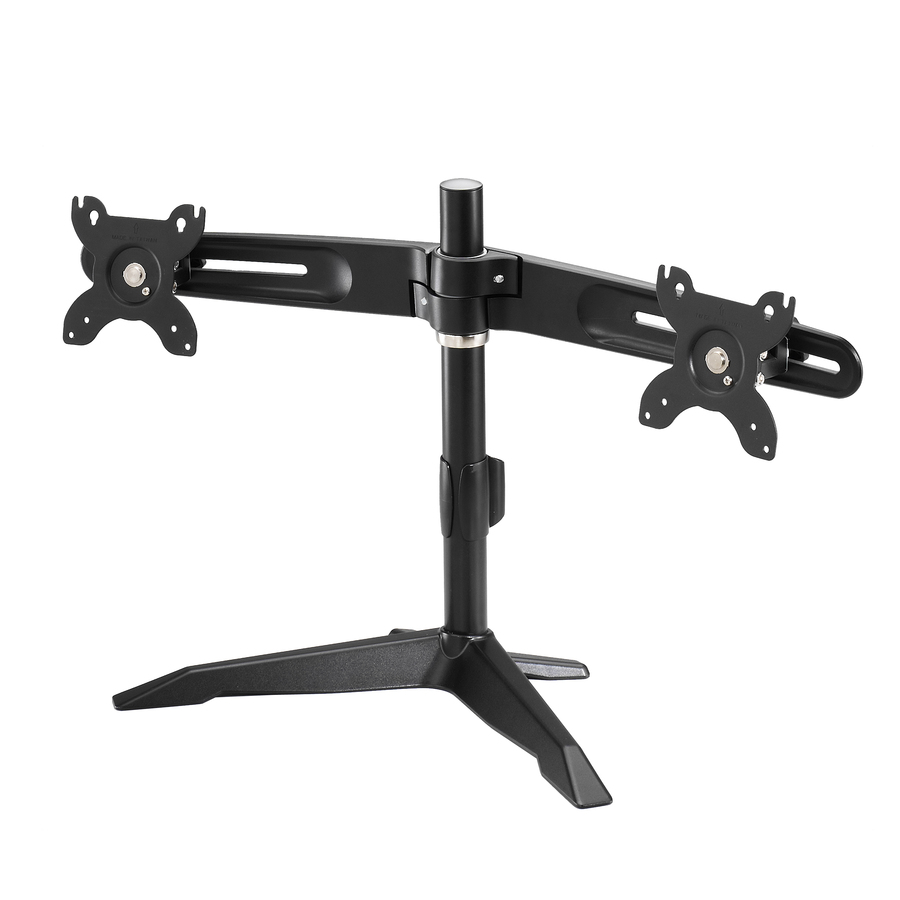



Side-by-side pick
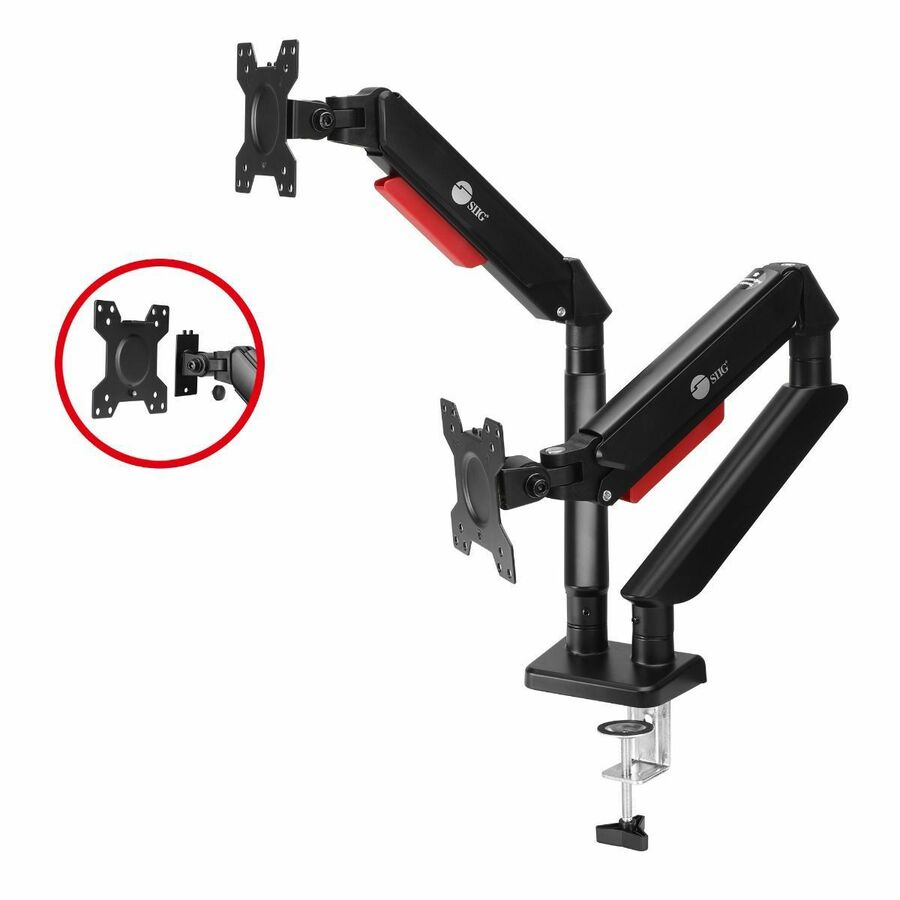
SIIG
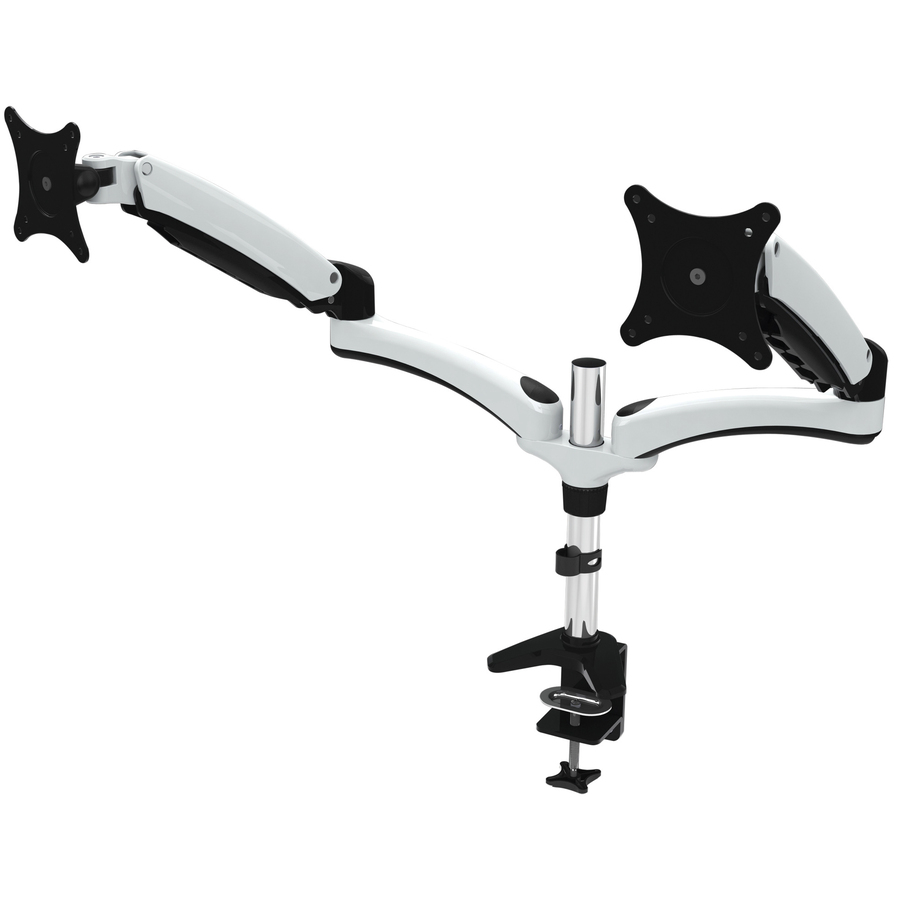
SIIG Dual Monitor Gas Spring Arm Desk Mount
CE-MT3Y11-S1
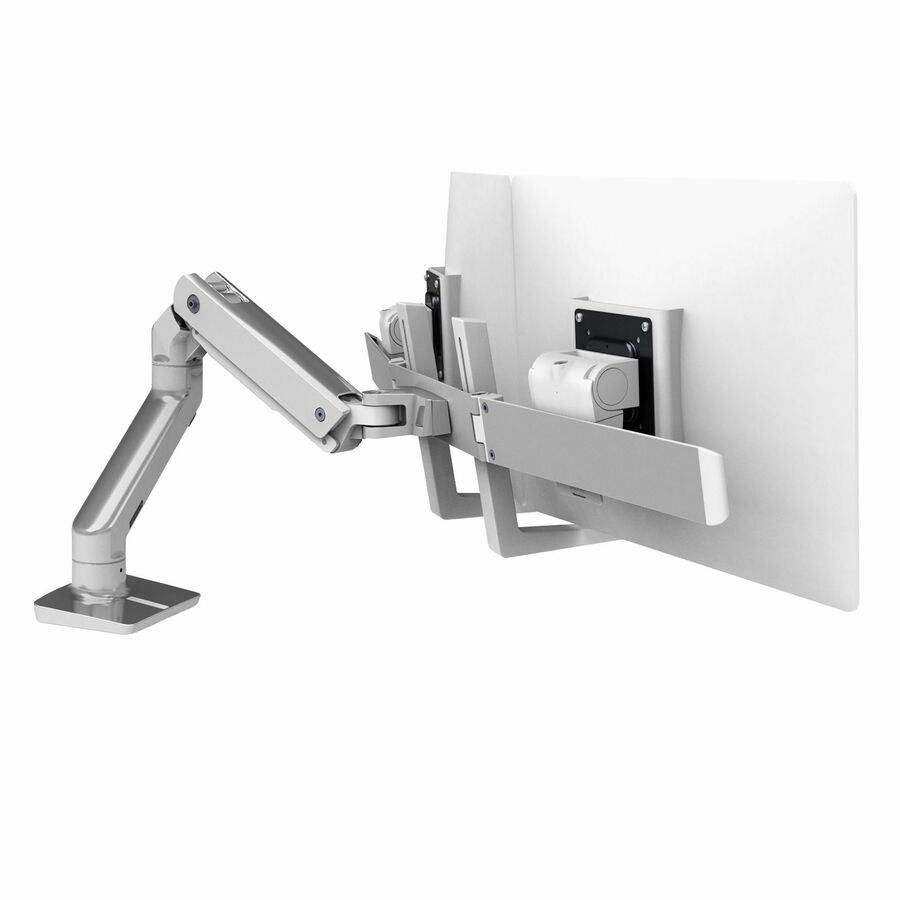
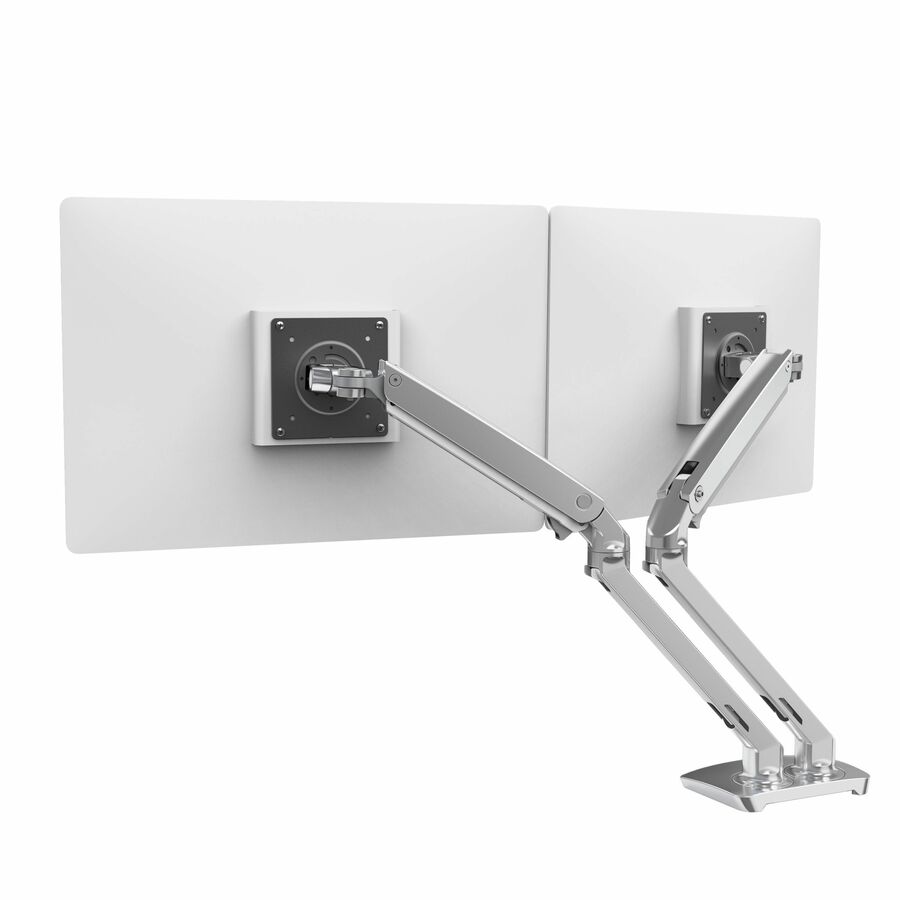
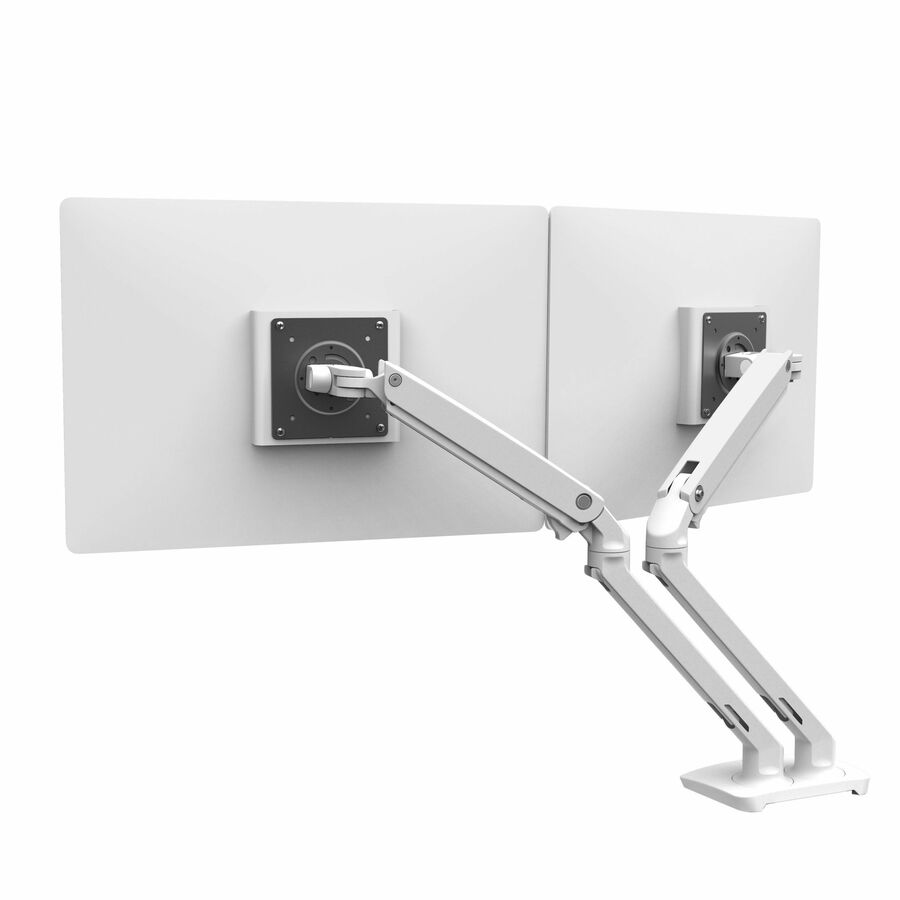
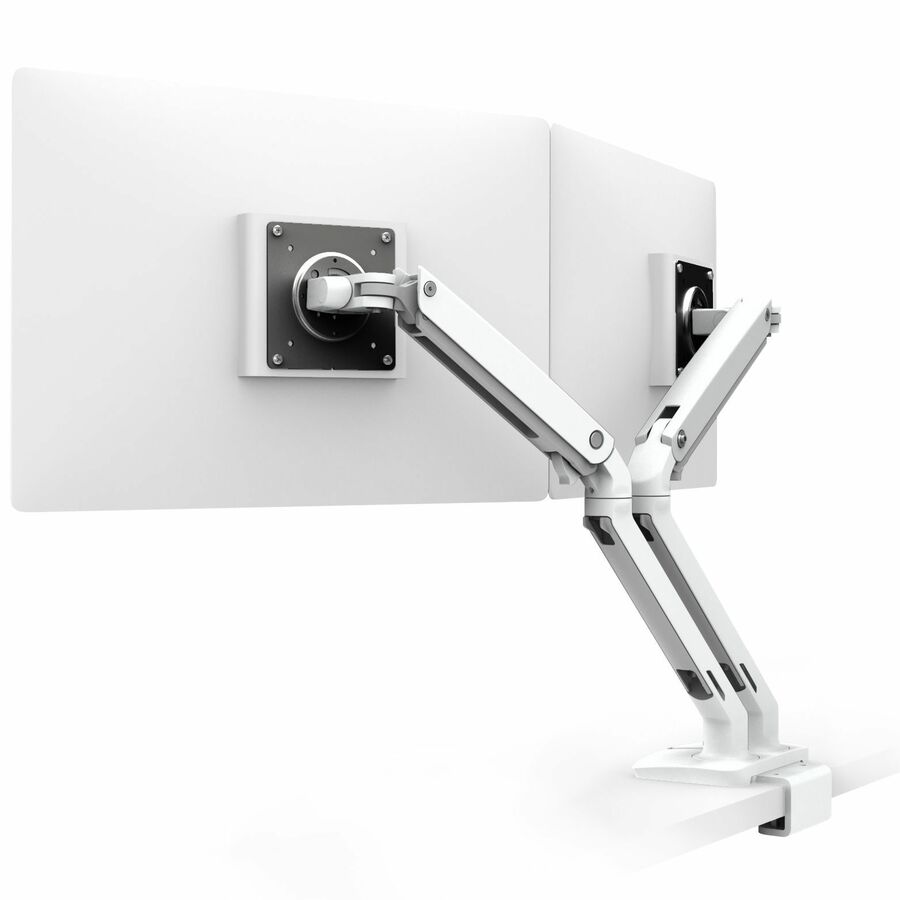
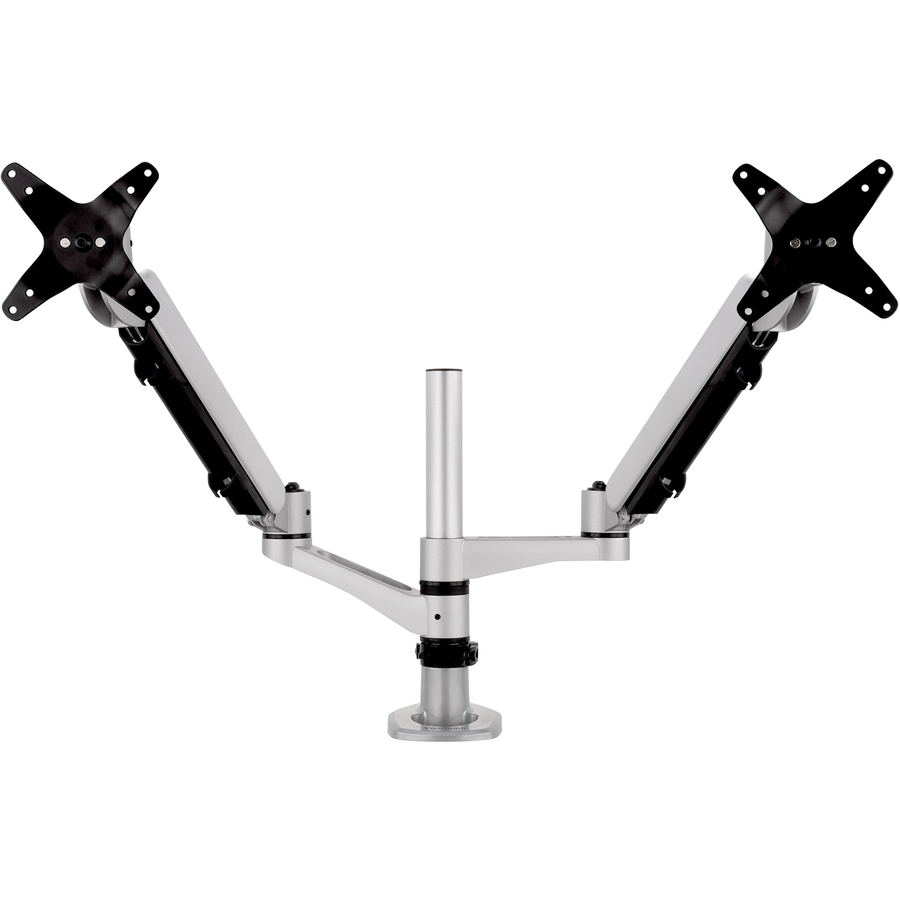
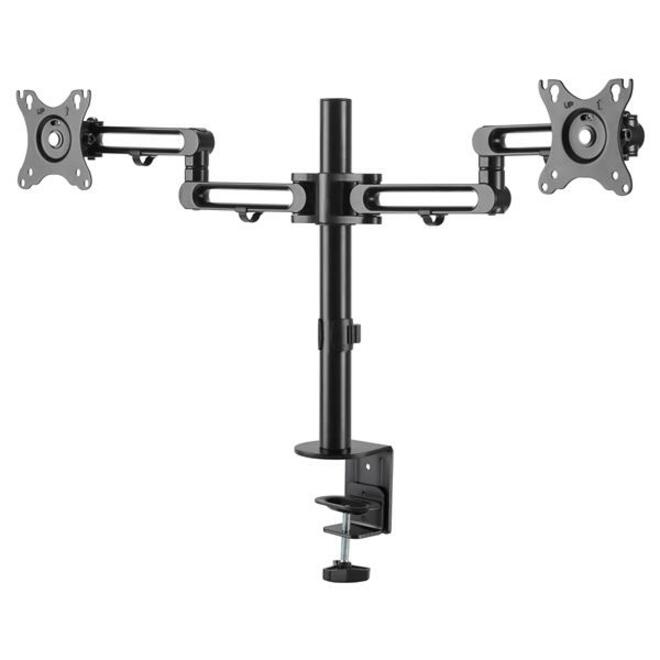
SIIG's dual gas-spring desk mount for 13-to-32-inch panels at a listed 22 lb per arm — full-motion height, swivel, tilt and rotation, VESA 75 or 100 mm, with both C-clamp and grommet bases in the box and a detachable VESA plate. The listing states it fits flat or curved panels.
$145.40In stockStacked pick
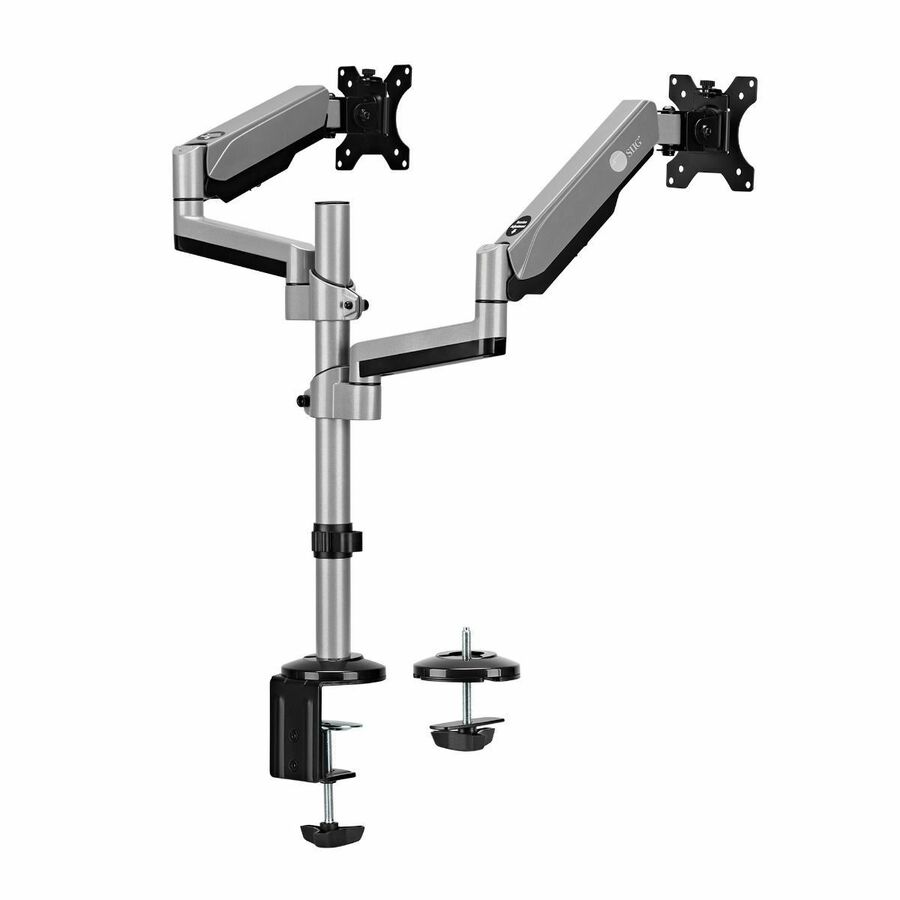
SIIG
SIIG Dual Stacked Monitor Arm Desk Mount
CE-MT3R11-S1
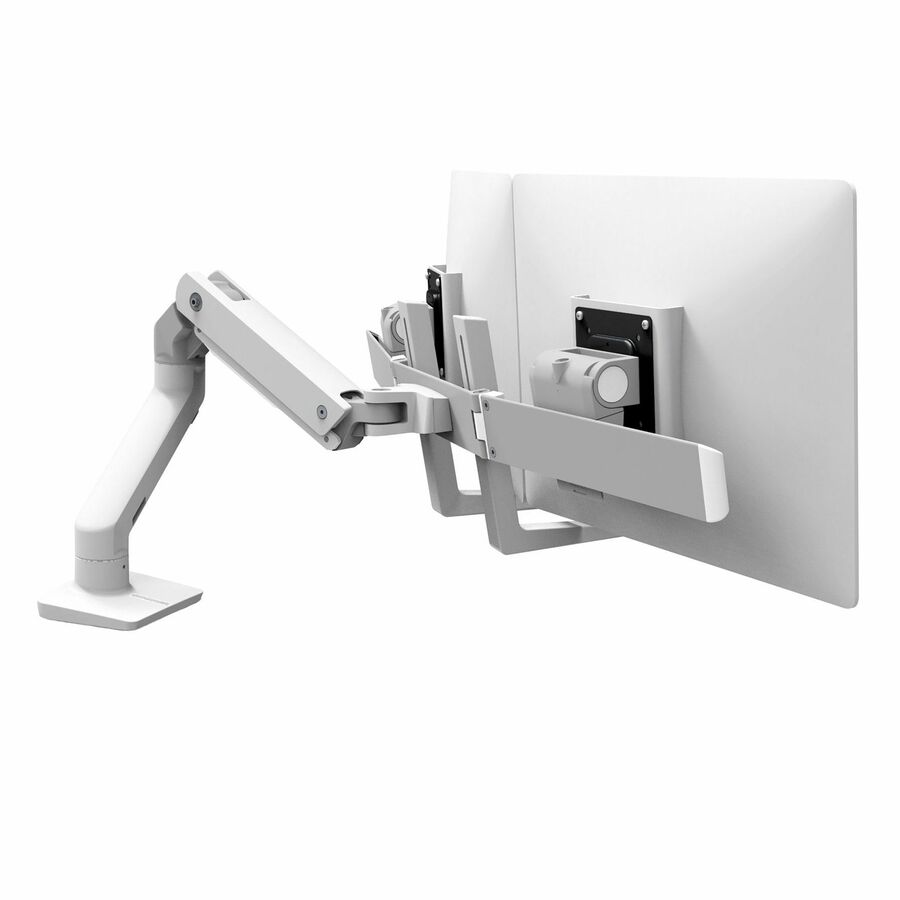
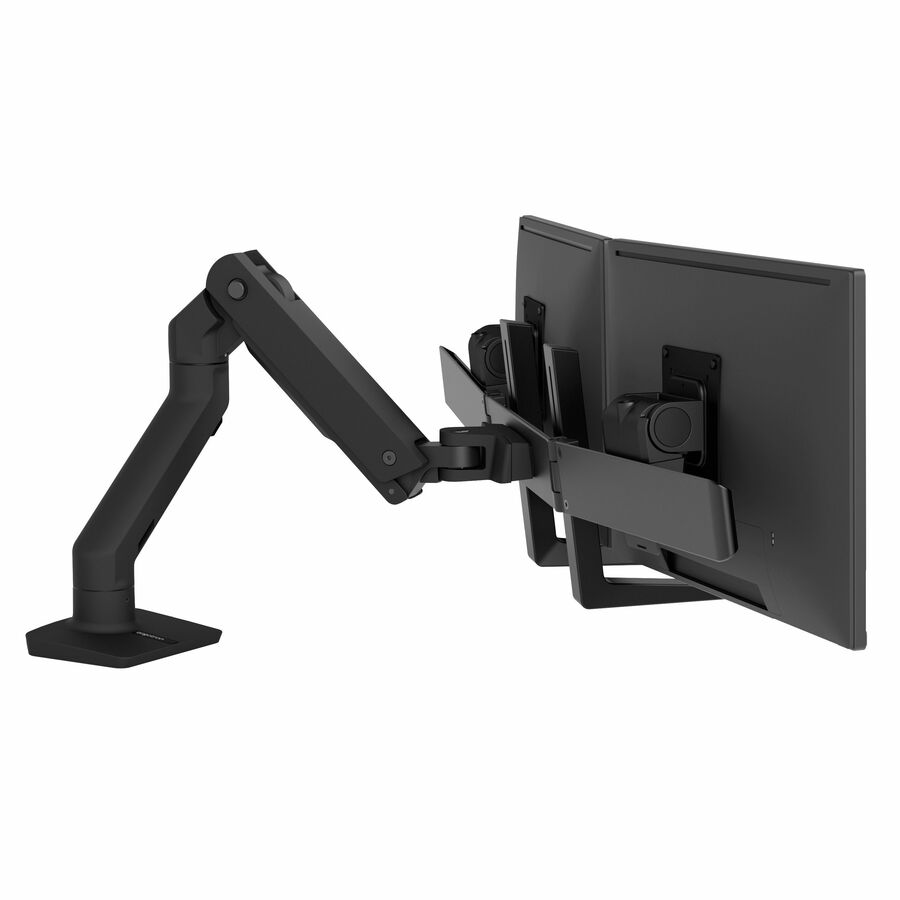
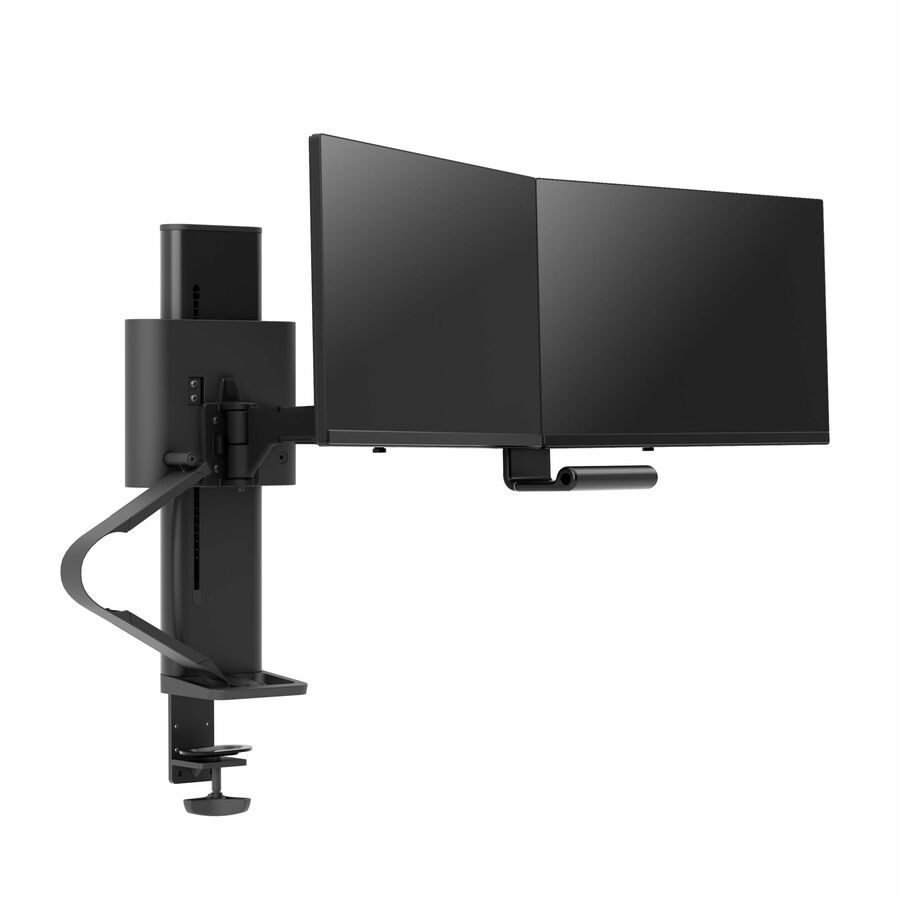
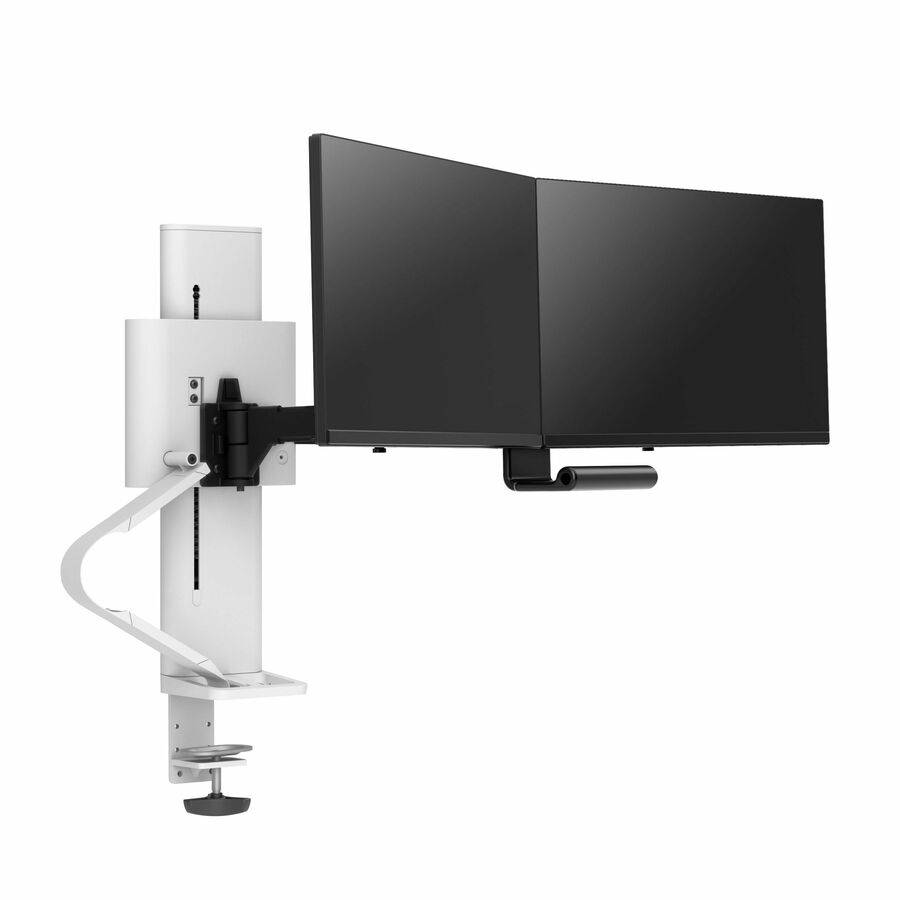
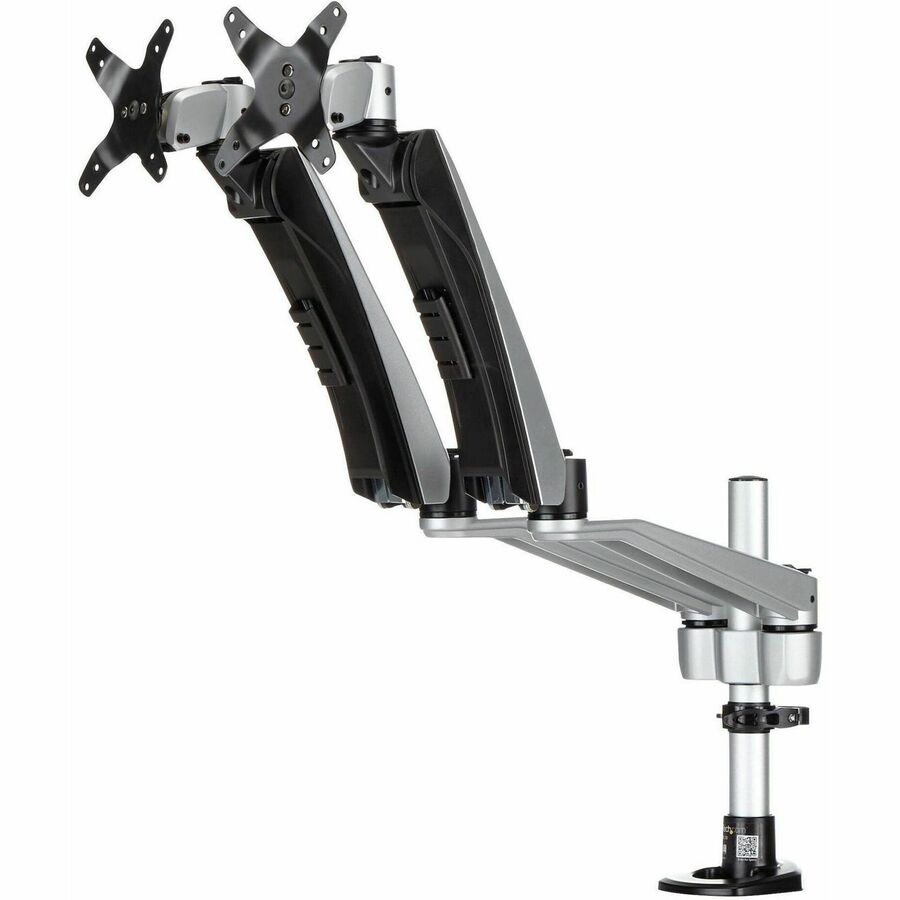
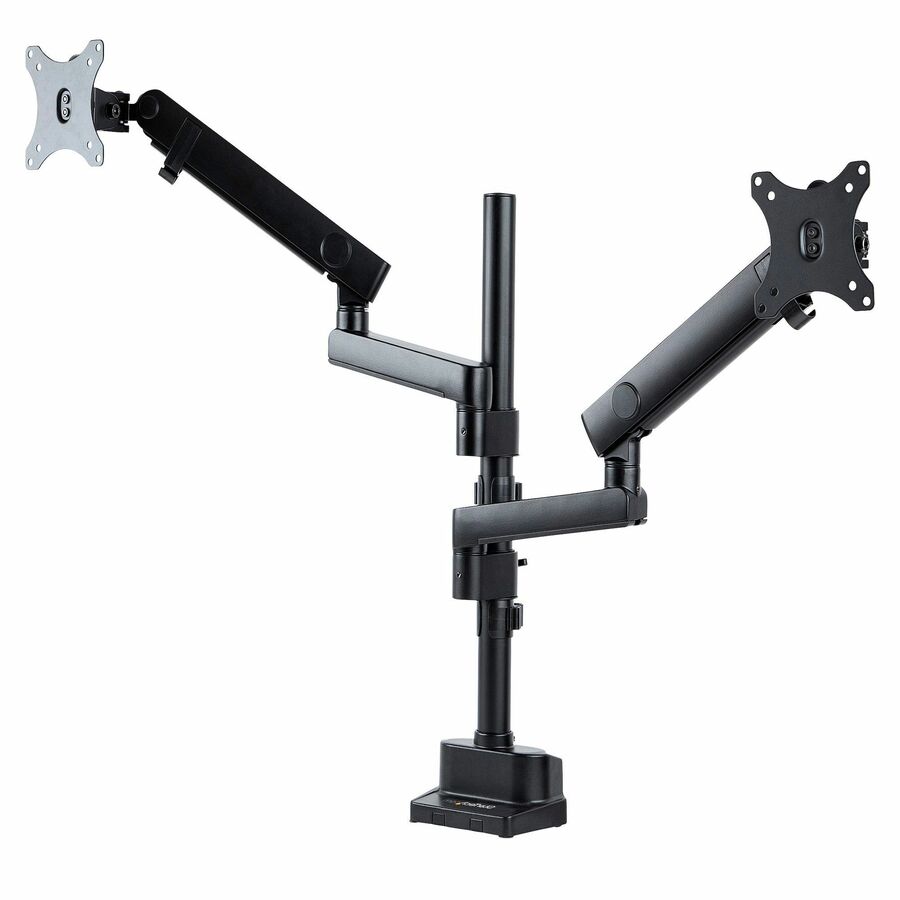
The stacked version of the same idea: two 17-to-32-inch panels one above the other, a listed 19.8 lb per arm, VESA 75 or 100 mm, C-clamp or grommet. SIIG lists landscape, portrait and back-to-back arrangements, which is what makes it the shared-desk answer.
Check height clearance above the desk before ordering a stacked mount — it needs more vertical room than a side-by-side pair.
$153.82In stockArticulating pick
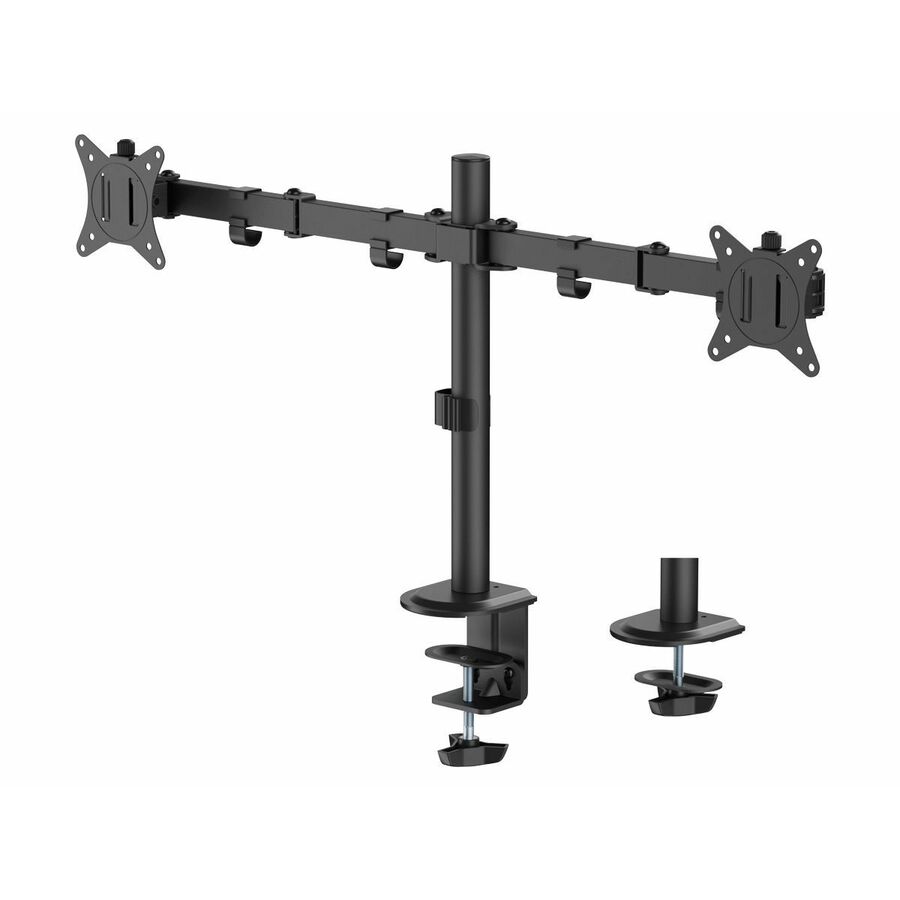
SIIG
SIIG Dual Monitor Articulating Desk Mount
CE-MT1822-S1
SIIG's articulating dual desk mount for 13-to-32-inch panels at a listed 19.8 lb each, with tilt, swivel and rotation, VESA 75 or 100 mm, a detachable VESA plate and both C-clamp and grommet bases. The straightforward choice where the panels have to move through the day.
$157.57In stockWall-mounted pick
SIIG
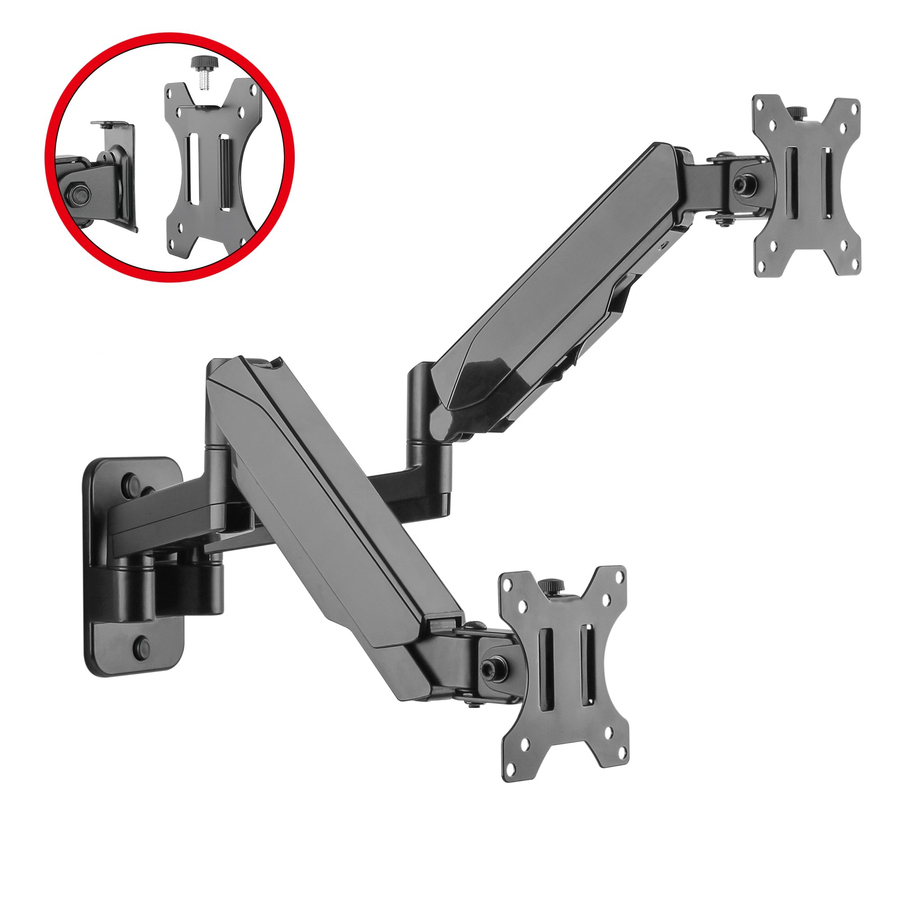
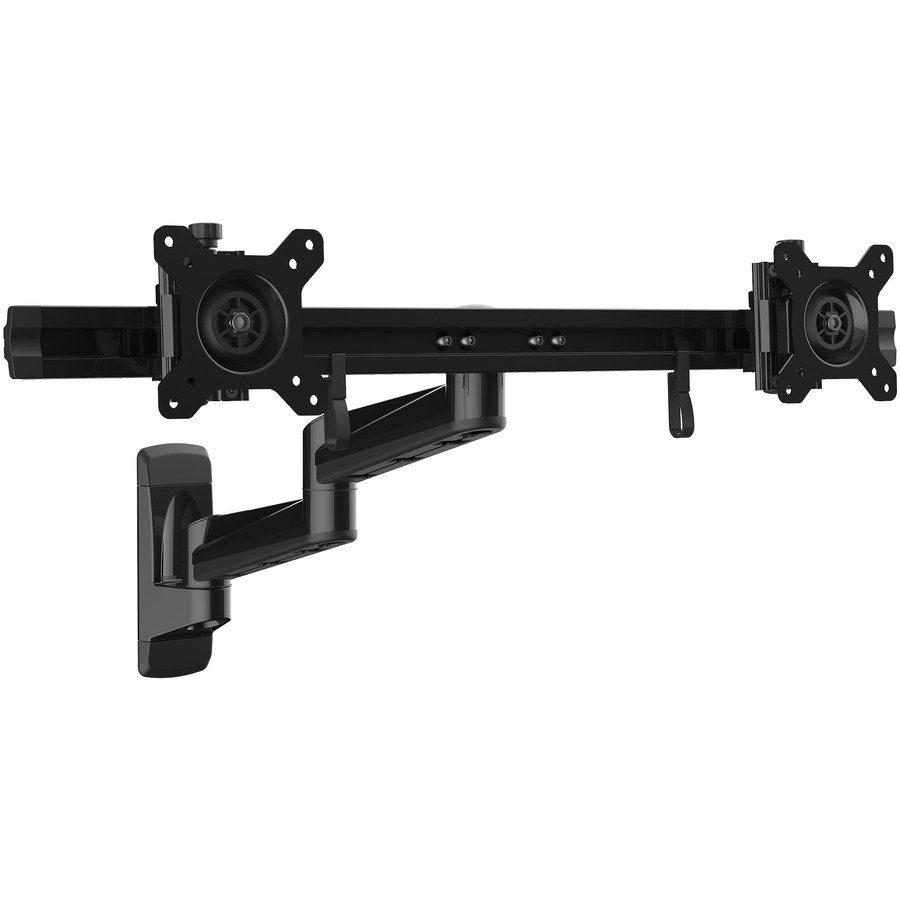
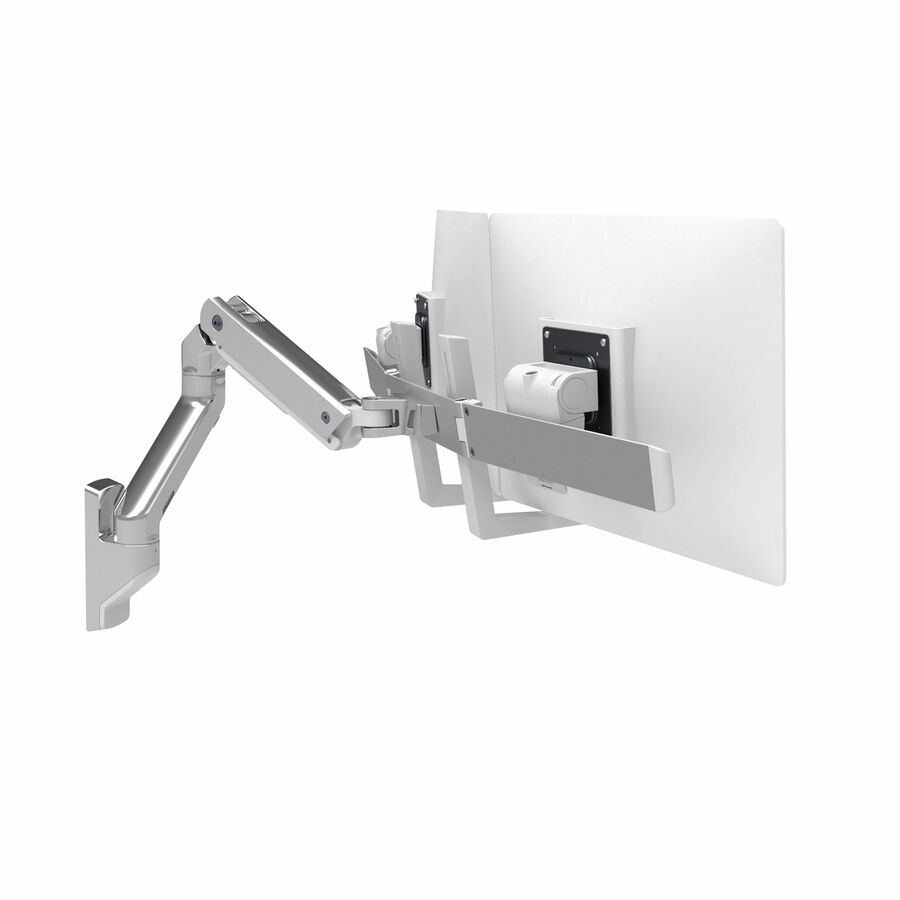
SIIG High Premium Aluminum Gas Spring Wall Mount
CE-MT2M12-S1
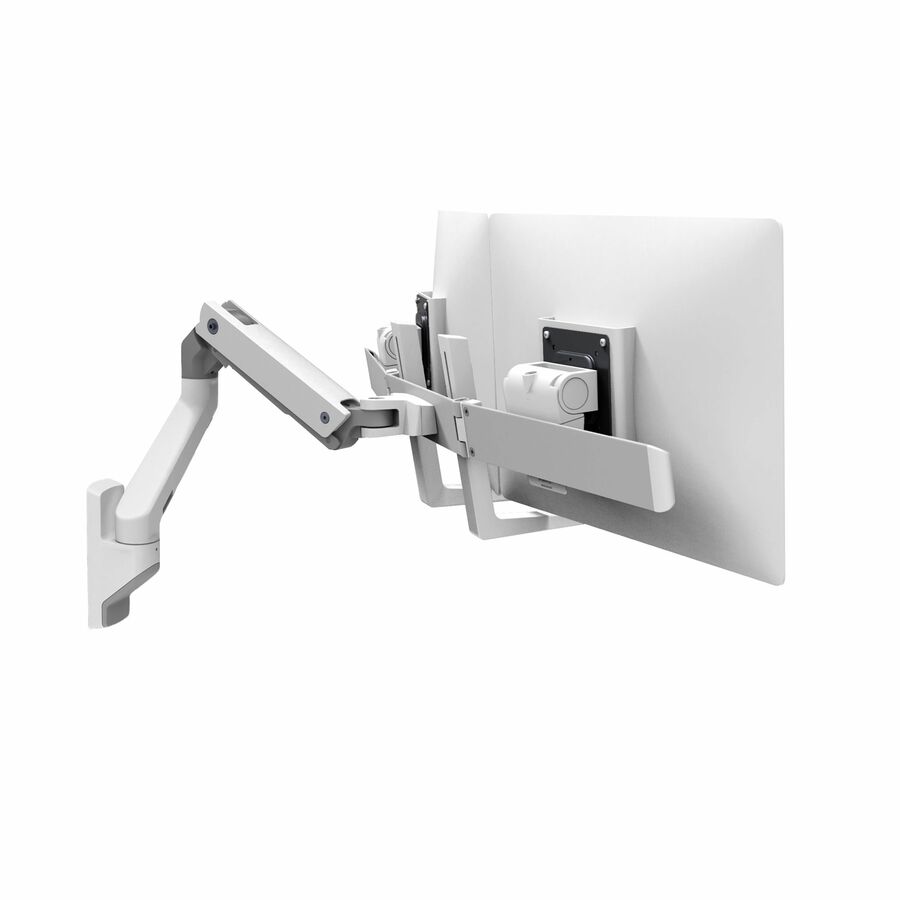
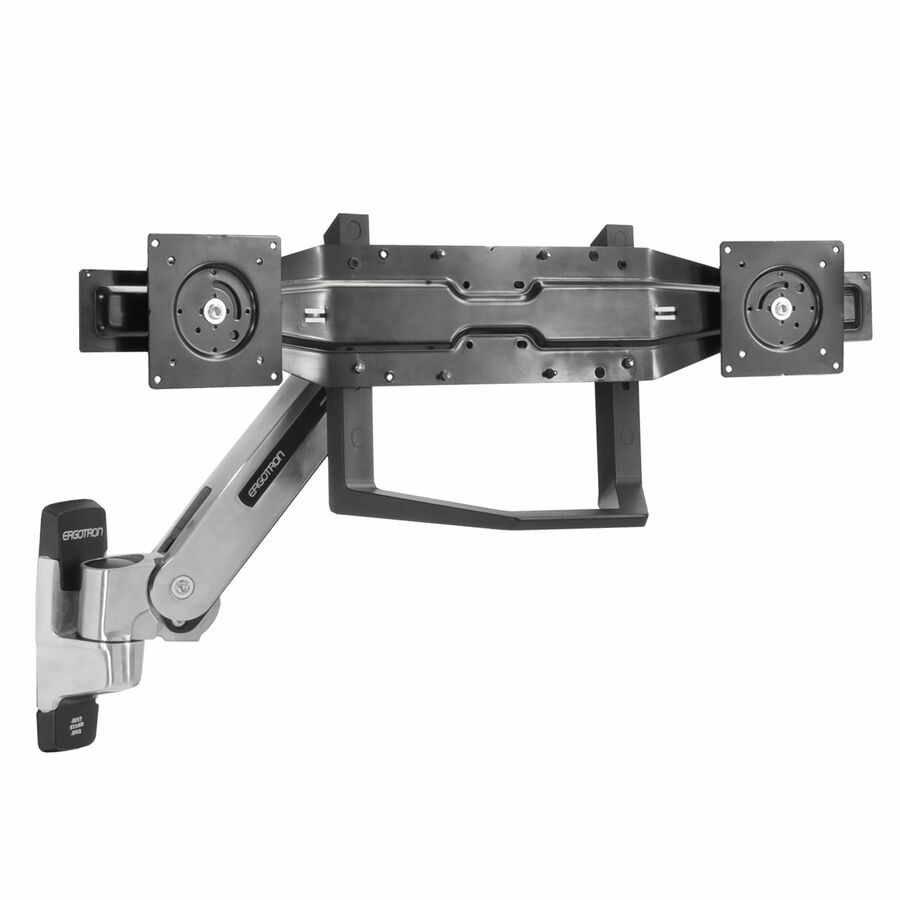
An aluminium gas-spring WALL mount rather than a desk one, for two 17-to-32-inch panels at a listed 17.6 lb each, with a detachable and rotatable VESA plate at 75 or 100 mm. The answer where the desk is too shallow or too thin to clamp.
$118.73In stockVertical stack pick
StarTech.com
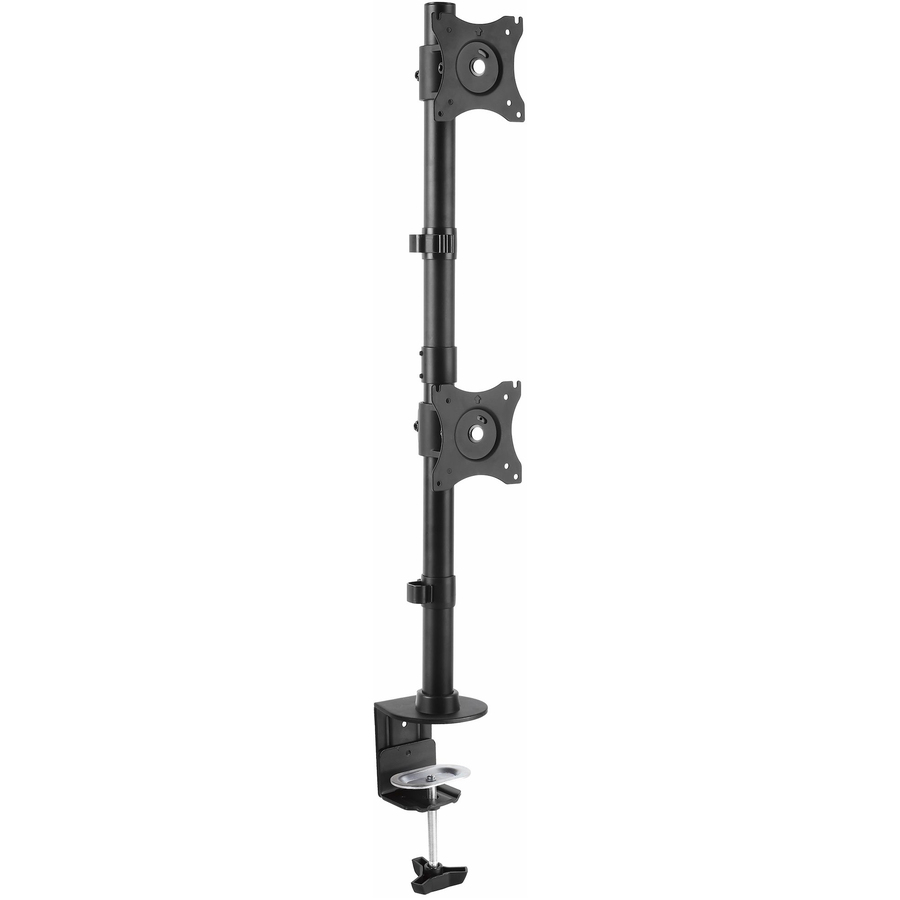
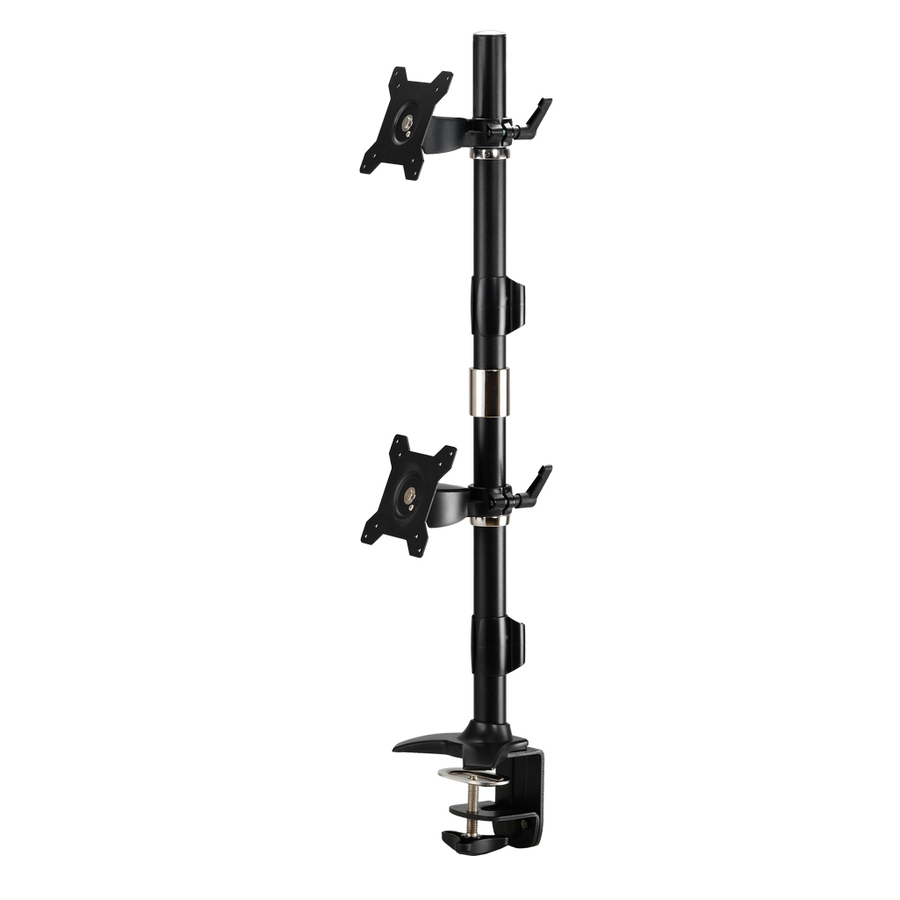
StarTech Desk Mount Dual Monitor Mount, Vertical, Steel Dual Monitor…
ARMDUALV
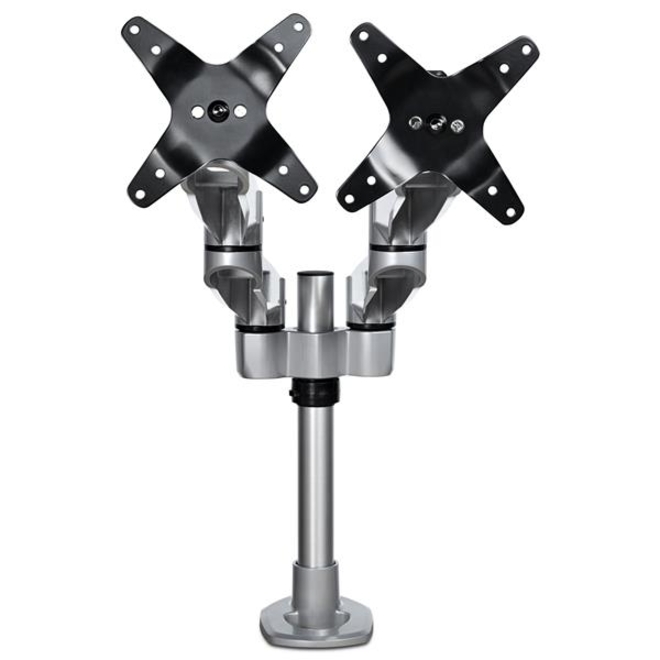
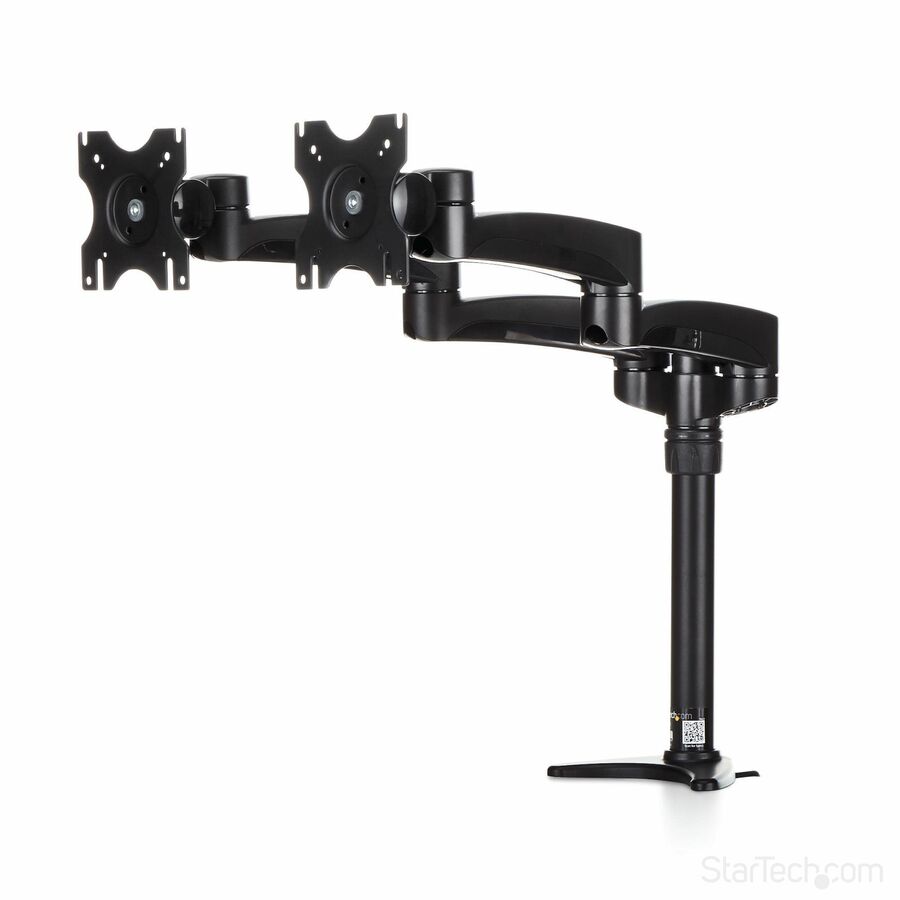
StarTech's steel vertical dual mount for VESA panels from 13 to 27 inches at a listed 22 lb per display, C-clamp or grommet. Steel rather than aluminium, and deliberately simple — it stacks two panels above the desk and does not try to do anything else.
$110.32In stockFree-standing pick
Amer Networks
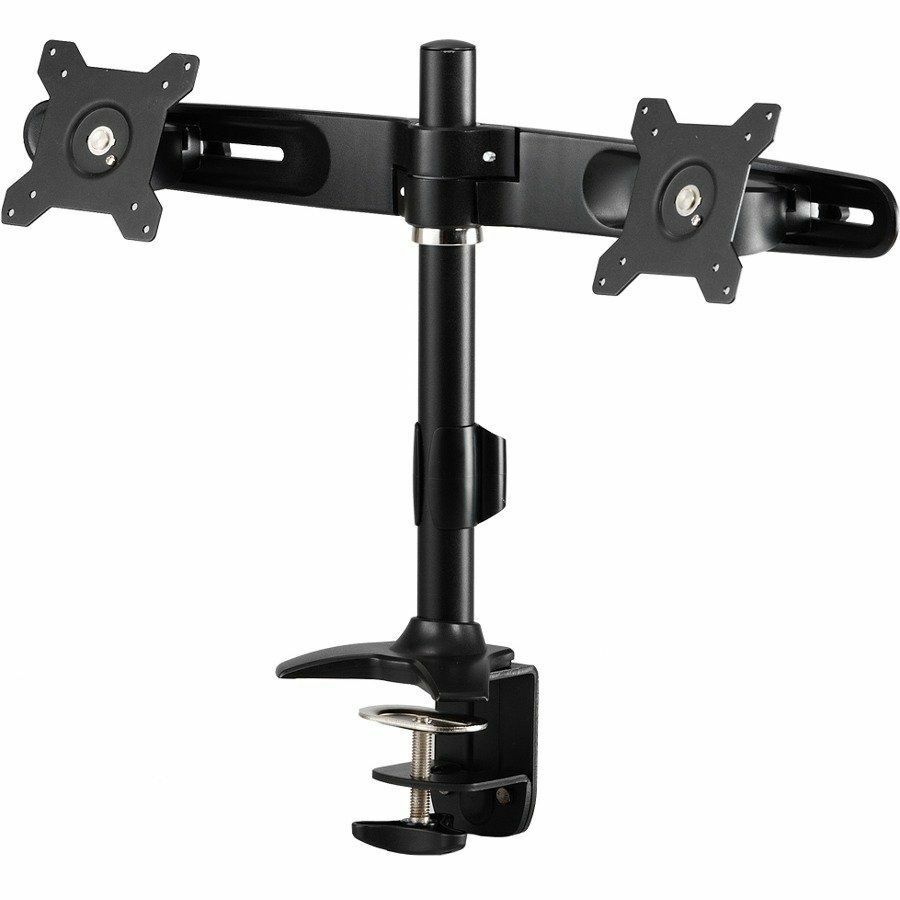
Amer Mounts Stand Based Dual Monitor Mount for two 15"-24" LCD/LED Flat…
AMR2SU
Amer Mounts' stand-based dual mount for two 15-to-24-inch panels at a listed 26.5 lb each, VESA 75 or 100 mm with a plus-or-minus 20 degree tilt. It sits on the desk rather than clamping to it, which is the answer for glass tops, thick edges and desks nobody is allowed to drill.
$109.03*In stockMore mounting kits in the Uniqcli catalog
See all 12,867 mounting kitsMore from across this category. In-stock lines lead, and a back-ordered line carries the same estimated availability its product page does — with live pricing throughout, NDAA §889 screening before checkout and TAA verified on request.
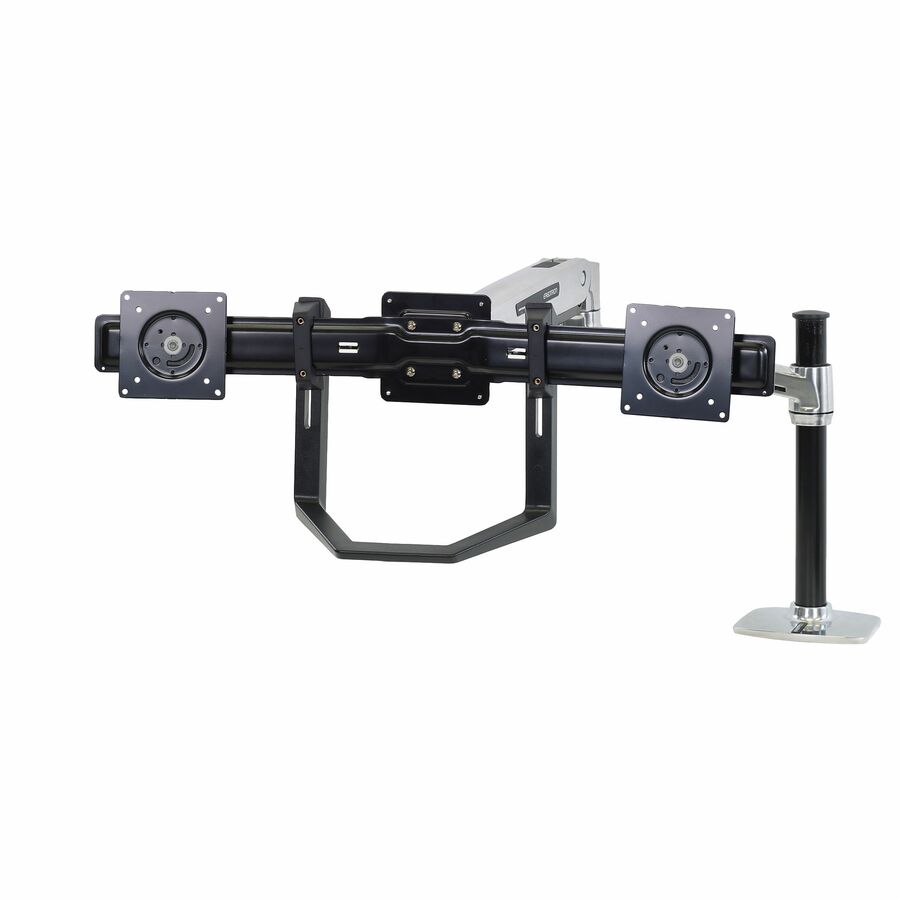
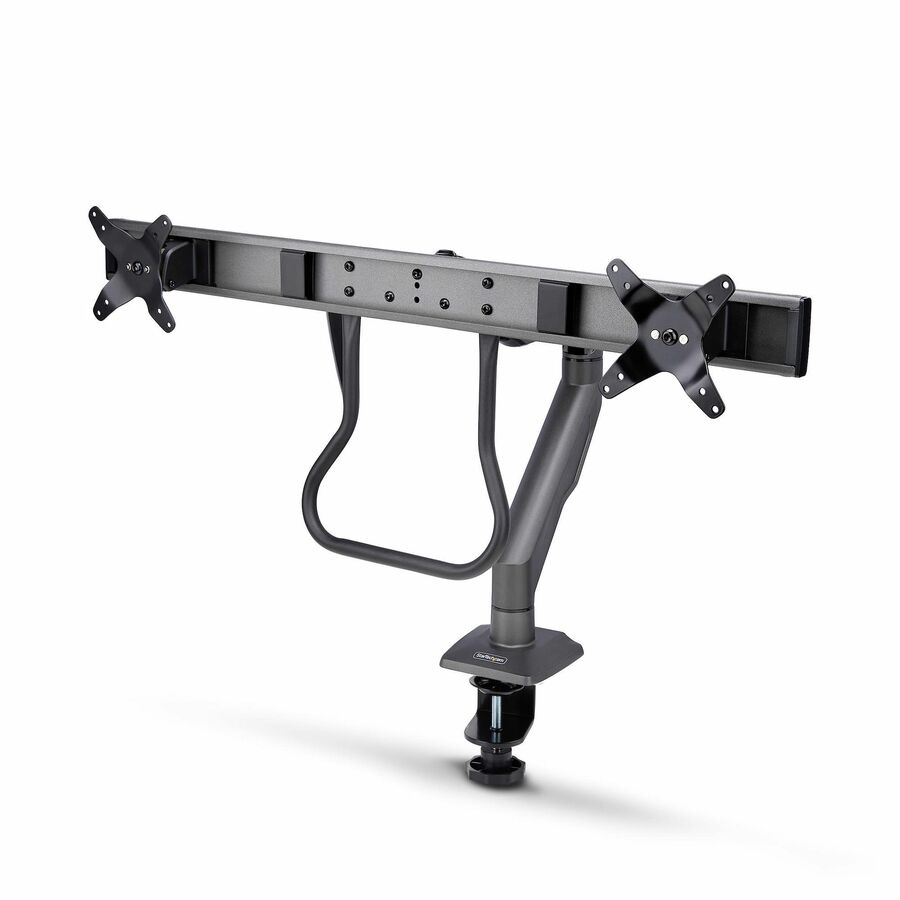
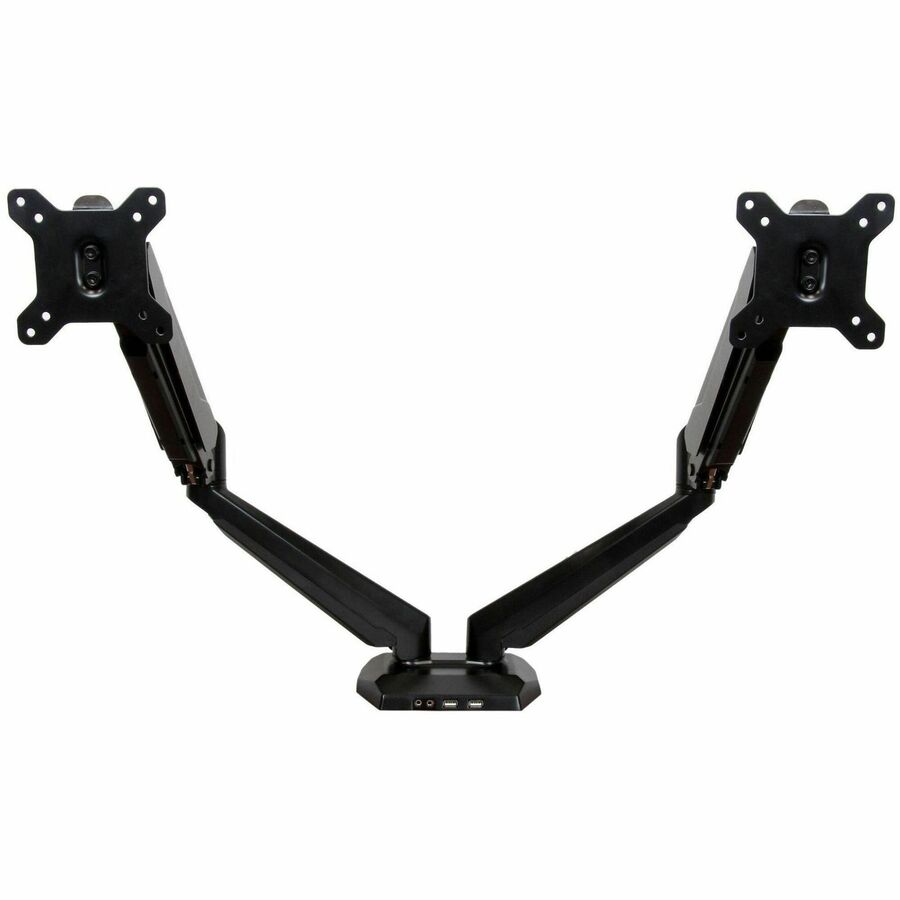
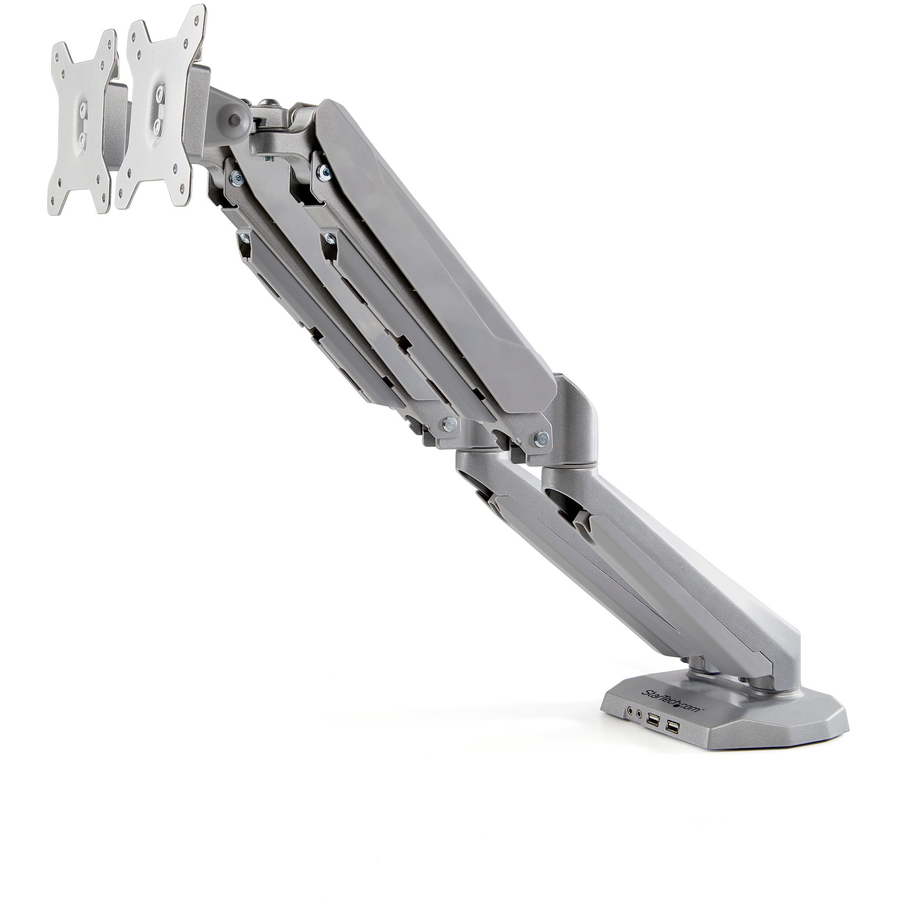
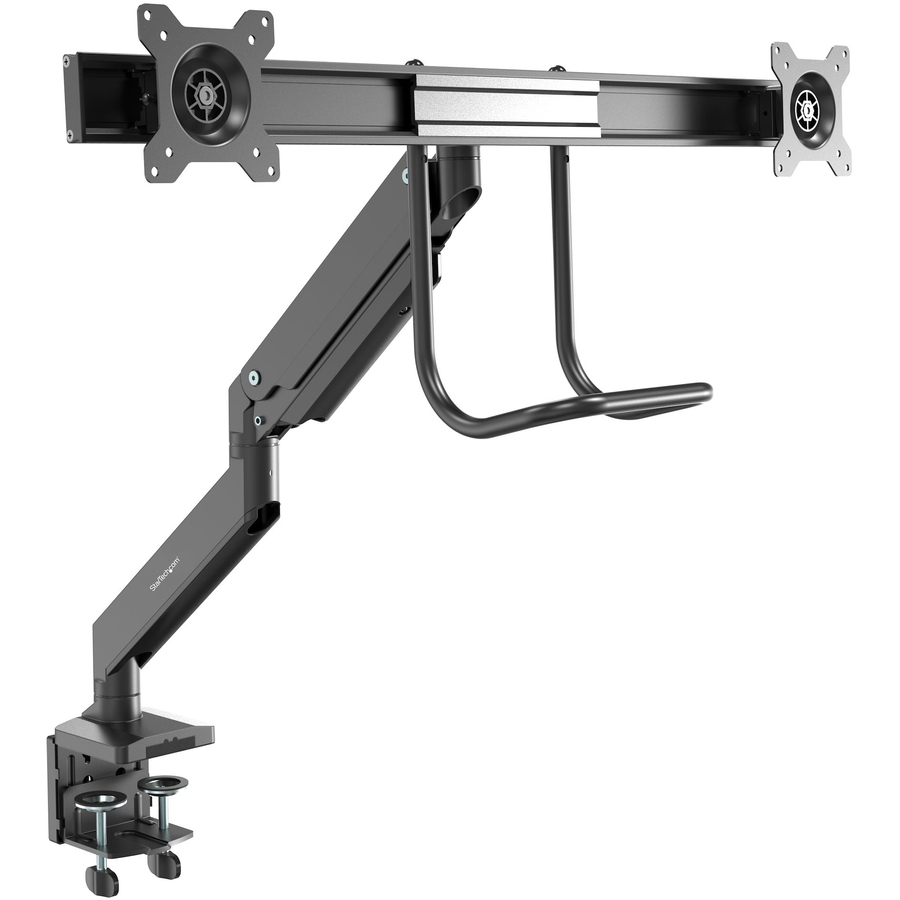
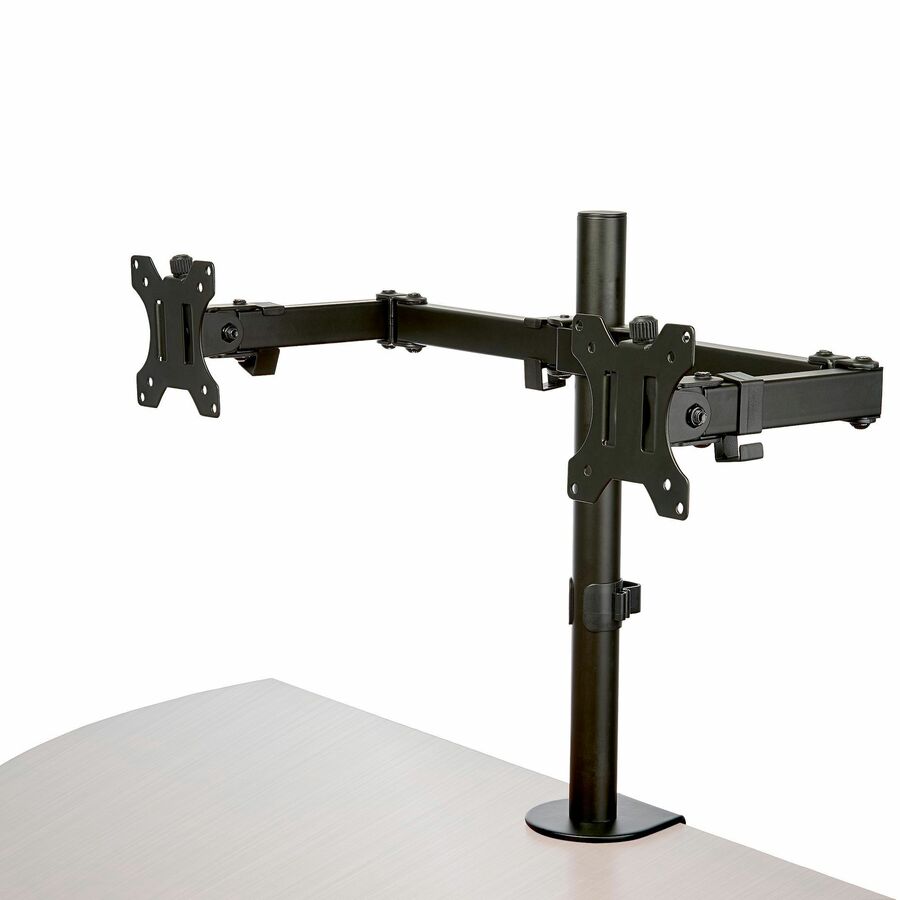
- StarTech.comStarTech Desk Mount Dual Monitor Arm w/Crossbar, Up To 27" Display, VESA 75x75/100x100, Max 33lb/15kg, C-Clamp, Mechanical Spring, TAA - Crossbar dual monitor desk mount for up to 27in displays, VESA 75x75/100x100 - Crossbar design w/ built-in handle for positioning - Mechanical spring arm - VESA mounts w/ +/-15° swivel, +65/-15° tilt, 360° rotation - C-clamp; Max desk thickness 3.1inH2M1AS2-MONITOR-ARM
$318.76
$293.26*
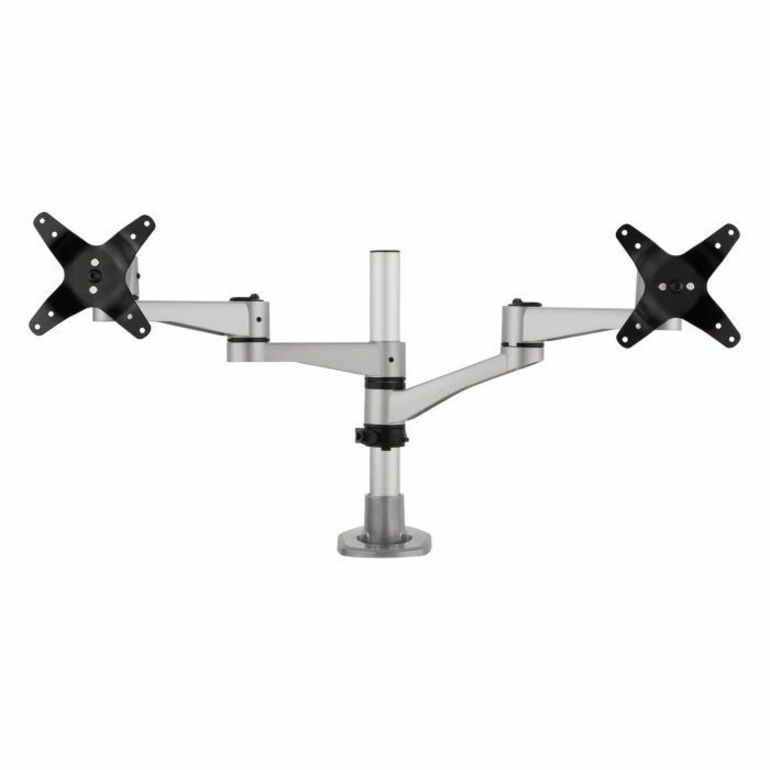
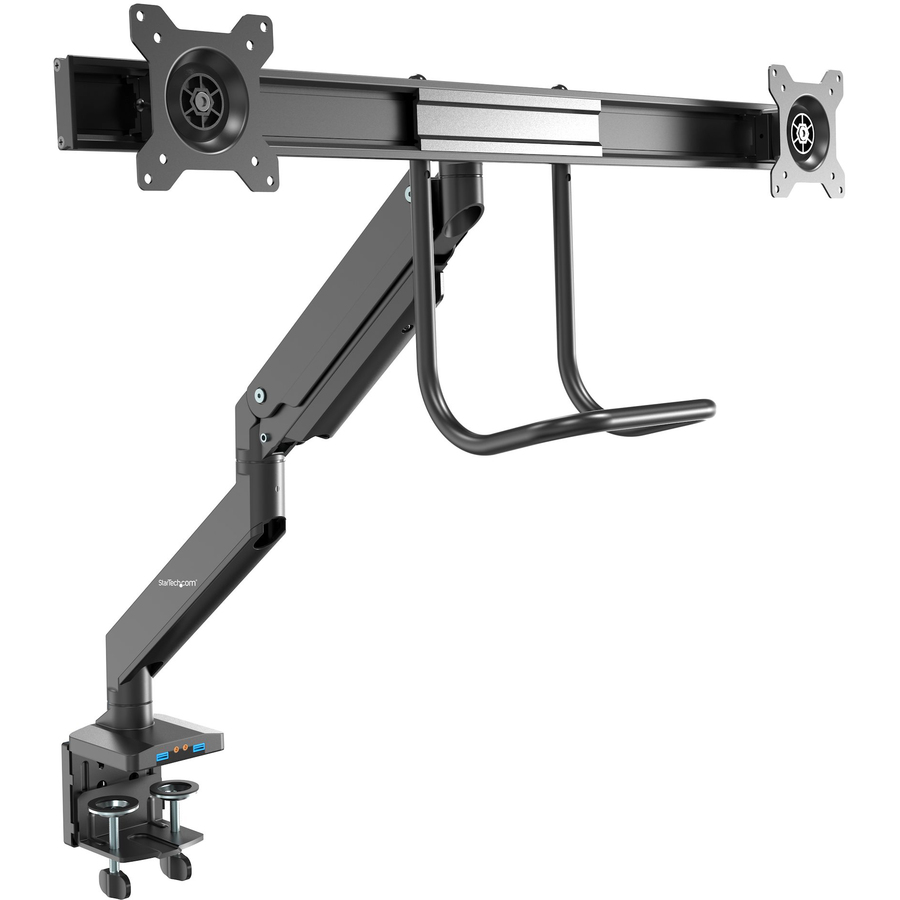
186 in stock - ViewSonicViewSonic LCD-DMA-002 Spring-Loaded Monitor Desk Mounting Arm for 2 Monitors up to 27 Inches Each, VESA Compatible, Full Ergonomic Adjustability, 2-in-1 Mounting Base, and Built-In Cable Management - Spring-Loaded Dual Monitor Mounting Arm for Two Monitors up to 27" EachLCD-DMA-002
$229.00
$206.56
13 in stock
Need pricing on dual monitor arms?
Tell us where to reach you and a Uniqcli specialist will follow up by email with current pricing, availability and lead time for the quantities you need — including parts that aren’t shown on this page.
Buying for an organization or for yourself — both work. No payment up front.
A dual monitor mount is its own part number, not an accessory bolted onto a single arm. Three measurements decide fit: the VESA pattern on each panel, usually 75 x 75 or 100 x 100 mm on desktop monitors; the weight of each panel with its factory stand removed, read against the per-arm capacity rather than a combined figure; and the attachment method.
A dual monitor mount is a different part number from a single arm, not an accessory bolted onto one. It carries its own load rating per arm, its own footprint on the desk and its own range of motion, and the decision to buy one is made at purchase or made twice. That is worth saying plainly, because the most common regret in this category is a single arm bought for a seat that gained a second screen four months later.
Three measurements decide whether any given mount fits, and all three are properties of the specific part number rather than of a product family. The VESA hole pattern on the back of each panel — usually 75 x 75 or 100 x 100 mm on desktop monitors, larger on big ones. The weight of each panel with its factory stand removed, since the stand is what the mount replaces, checked against the PER-ARM capacity rather than a combined figure. And the attachment: a C-clamp needs a measured desk-edge thickness, a grommet mount needs a hole of the right diameter, and a wall mount needs a wall that will take the load.
The fourth decision is geometry, and it is the one people skip. Two displays side by side need desk width and a mount whose arms reach far enough apart to clear each other's bezels. Two stacked vertically need height clearance and a pole or stacked arm designed for it, and they suit code, logs and long documents far better than a side-by-side pair does. Some of the mounts below do one, some do the other, and the listings say which. Live pricing and in-stock status are on each card.
Buyer's checklist
How to choose a dual monitor mount
- Decide side-by-side or stacked before anything else — they are different mounts with different clearances, and stacked suits code, logs and long documents while side-by-side suits comparison work.
- Check the VESA pattern on each panel against the pattern the mount lists; 75 x 75 and 100 x 100 mm cover most desktop monitors, and larger panels use patterns not every arm supports.
- Weigh each monitor WITHOUT its factory stand and read the mount's PER-ARM capacity, not a combined total — a mount rated for two 22 lb panels is not a mount rated for 44 lb on one side.
- Measure the desk edge thickness for a C-clamp and the grommet hole diameter for a through-desk mount; those two numbers decide installability before anything else does.
- Check the supported screen-size range as well as the weight — an ultrawide is longer and heavier than its diagonal suggests, and its VESA plate is often offset.
- Confirm back-of-panel clearance on monitors whose ports sit under the VESA plate, and plan cable routing through the mount at install rather than afterwards.
- Standardize on one or two part numbers across a floor so desk assessments, install instructions and spares stay uniform.
Side by side or stacked
Side-by-side is the default and it is right for comparison work — two documents, a dashboard and a ticket queue, a design and a reference. It needs desk width, and it needs a mount whose arms reach far enough apart that the two bezels sit flush without the arms fouling each other. On a shallow desk it also pushes both panels further from the eye than a single display would be, which is worth checking against the reach the seat actually has.
Stacked is the underused configuration. Two panels one above the other suit anything long and vertical — code, logs, contracts, long spreadsheets — and they use half the desk width, which is what makes them viable on a shared or hot-desk floor where the surface is not generous. The constraints are different: height clearance above the desk, a mount specifically built for the geometry rather than a side-by-side arm turned sideways, and a seat position that does not require craning to read the upper panel.
Per-arm capacity is the number that matters
Load ratings on dual mounts are published per arm, and reading them as a combined figure is the fastest way to over-specify a purchase into sag. A mount listed at 19.8 lb per arm holds two panels of up to 19.8 lb each; it does not hold a 30 lb panel on one side because the other side is empty. Weigh the panel with the factory stand removed, because the stand is precisely what the mount is replacing and it is frequently a third of the shipping weight.
Staying comfortably inside the rating matters more on a gas-spring arm than on a fixed one. A gas spring holds position by balancing the load against a calibrated cylinder, so a panel at the very top of the range will drift downward over months even though the arm technically holds it. Most gas-spring mounts have a tension adjustment for exactly this, and it wants re-setting whenever a heavier or lighter display is swapped on — minutes of work, not a replacement.
Ergonomics programs, and where the money should go
A dual mount earns its place where reach, height or screen count is the actual complaint: analyst, dispatch, engineering, finance and clinical seats that run two panels all day. It earns much less on a fixed single-monitor seat with a comfortable factory stand and no ergonomics finding against it, where it buys desk space and little else. Programs that specify an arm for every desk are expensive, and the money goes further aimed at the seats with a documented need.
Because these mounts attach to a standard VESA pattern and have no consumables or power draw, they routinely outlive two display refreshes — which is what makes them the cheaper half of an ergonomics program over time. Uniqcli quotes desk hardware alongside the displays, the docking and cabling that go with them, the endpoint software licensing attached to the refresh and the deployment services to fit it, so a floor rollout is one scope rather than four purchase orders.
FAQ
Common questions
- Can I add a second arm to a single monitor mount later?
- Generally no. Dual mounts are separate part numbers with their own load ratings, base design and footprint, not single arms with an accessory attached. A few pole-based systems do accept additional arms on the same post, and those are the exception rather than the rule. If a seat is likely to gain a second screen inside the display refresh cycle, specifying the dual mount at purchase is almost always cheaper than replacing a single one a year later.
- How do I know a dual mount will hold my monitors?
- Three checks. First, the VESA hole pattern on the back of each panel against the pattern the mount lists — 75 x 75 and 100 x 100 mm cover most desktop monitors, and larger panels use bigger patterns that not every arm supports. Second, the weight of each panel with the factory stand removed, read against the mount's PER-ARM capacity rather than a combined figure. Third, the supported screen-size range, which matters especially for ultrawide panels that are heavier and longer than their diagonal suggests. All three are properties of the specific part number rather than of a product family.
- Should I mount two monitors side by side or stacked?
- Side by side suits comparison work and is the default, but it needs desk width and it pushes both panels further from the eye on a shallow desk. Stacked suits anything long and vertical — code, logs, contracts, long spreadsheets — and uses half the width, which makes it viable on shared and hot-desk floors. Stacked mounts are built for the geometry rather than being a side-by-side arm turned on its side, so it is a purchase decision rather than an installation one, and the constraint to check is height clearance above the desk.
- Clamp, grommet, or wall mount?
- A C-clamp grips the desk edge and is the default; measure the edge thickness first, because that number decides installability outright. A grommet mount passes through an existing hole in the surface and needs the hole diameter checked. Most desk mounts ship with both bases. A wall mount earns its place where the desk is too shallow or too thin to clamp, where the station has no desk, or where the panels have to sit above a work surface that cannot be drilled — and it needs a wall that will take the load, which means stud spacing and construction type checked before install day rather than on it.
- Can Uniqcli quote monitor mounts for a government or education order?
- Every line Uniqcli quotes is sourced through US distribution and screened for TAA country-of-origin and NDAA §889 status before checkout — with documentation tied to the specific part number, not a product family.
Need dual monitor arms pricing?
Send a bill of materials or part numbers — we confirm stock and a below-market total, with TAA verified on request. No payment up front.