
Best Privacy Screens and Filters for Laptops and Monitors
Laptop privacy filters and monitor privacy screens from 13.3 to 27 inches — sizing, aspect ratio and attachment.
Privacy screens in stock at Uniqcli
How to choose →A curated selection with live pricing — in-stock lines first, then back-ordered lines with a typical lead time. Every line is sourced through US distribution and screened for NDAA §889 status before checkout, with TAA verified on request.
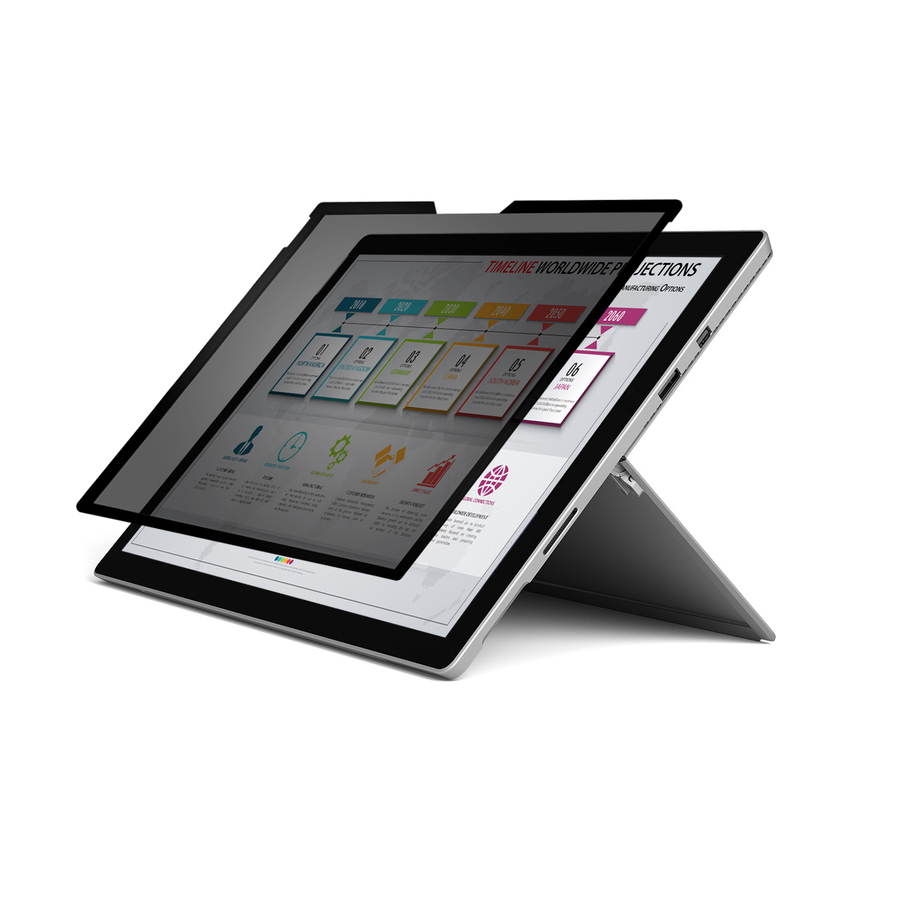
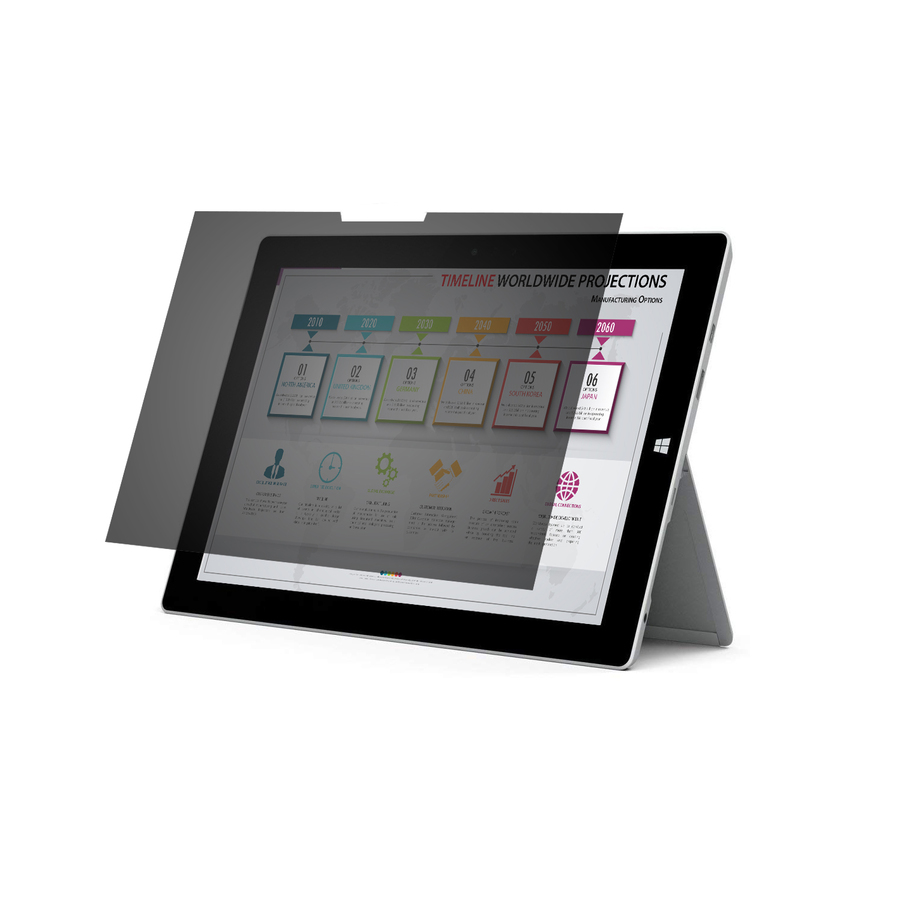
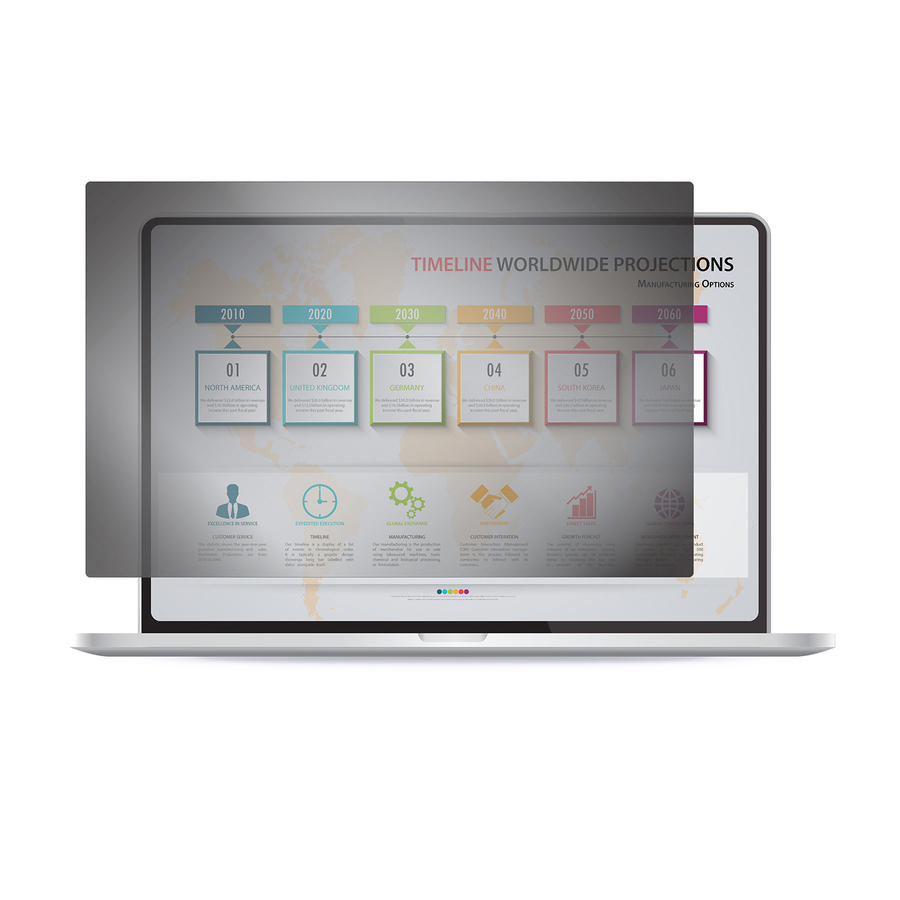
- RocstorRocstor PrivacyView Premium Privacy Filter for 12.5 Edge-to-Edge Widescreen Laptop - For 12.5" Notebook - 16:9 Aspect Ratio - Glossy / Matte - Unframed - TAA Compliant - Black - For 12.5" Widescreen LCD Notebook - 16:9 - Dust Resistant, Scratch Resistant - Anti-glare - TAA CompliantPV0012-B1
$25.95
$20.66*
50 in stock - RocstorRocstor PrivacyView Premium Privacy Filter for 14 Widescreen Laptop - For 14" Notebook - 16:9 Aspect Ratio - Glossy / Matte - Unframed - TAA Compliant - Black - For 14" Widescreen LCD Notebook - 16:9 - Dust Resistant, Fingerprint Resistant - Anti-glare - TAA CompliantPV0016-B1
$45.95
$25.92*
112 in stock - RocstorRocstor PrivacyView Premium Privacy Filter for 15.6 Widescreen Notebook - For 15.6" Laptop - 16:9 Aspect Ratio - Glossy / Matte - Unframed - TAA Compliant - Black - For 15.6" Widescreen LCD Notebook - 16:9 - Dust Resistant, Fingerprint Resistant - Anti-glare - TAA CompliantPV0015-B1
$49.95
$36.75*
60 in stock

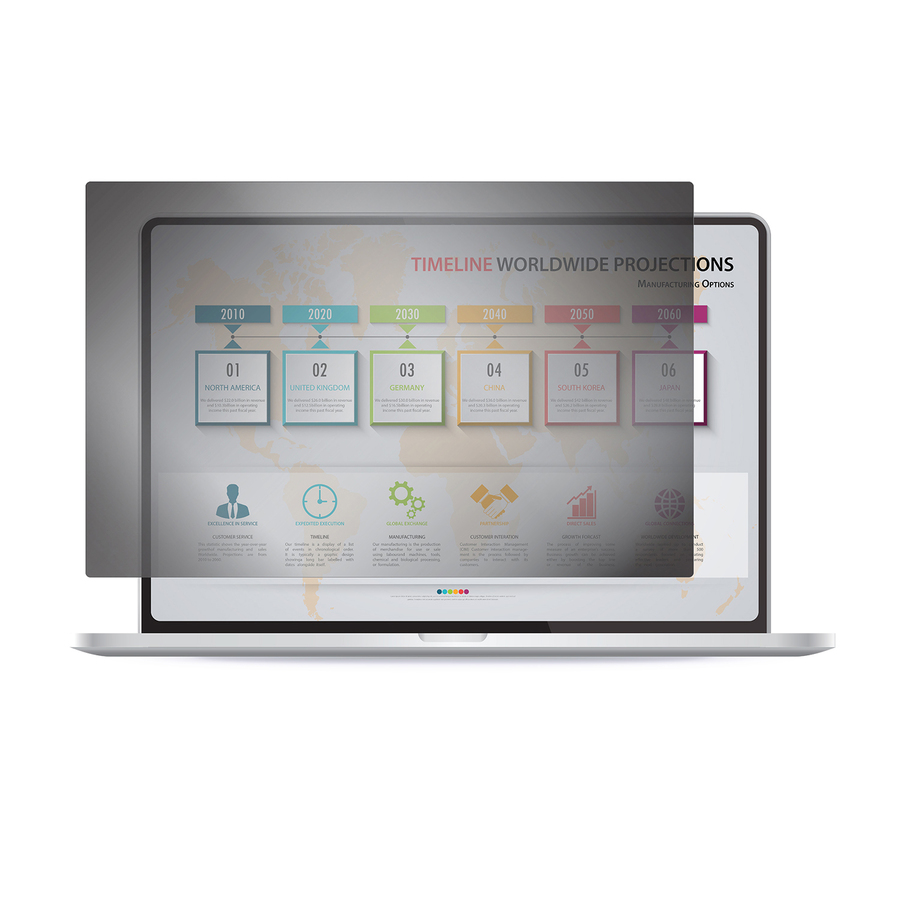
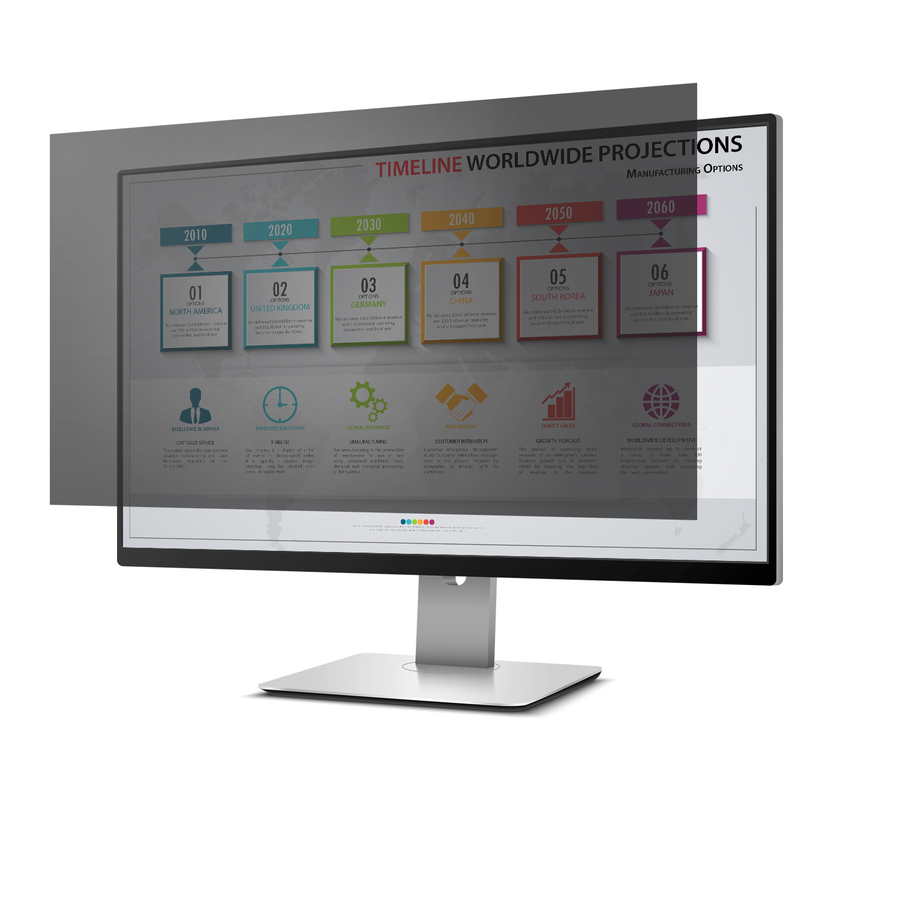
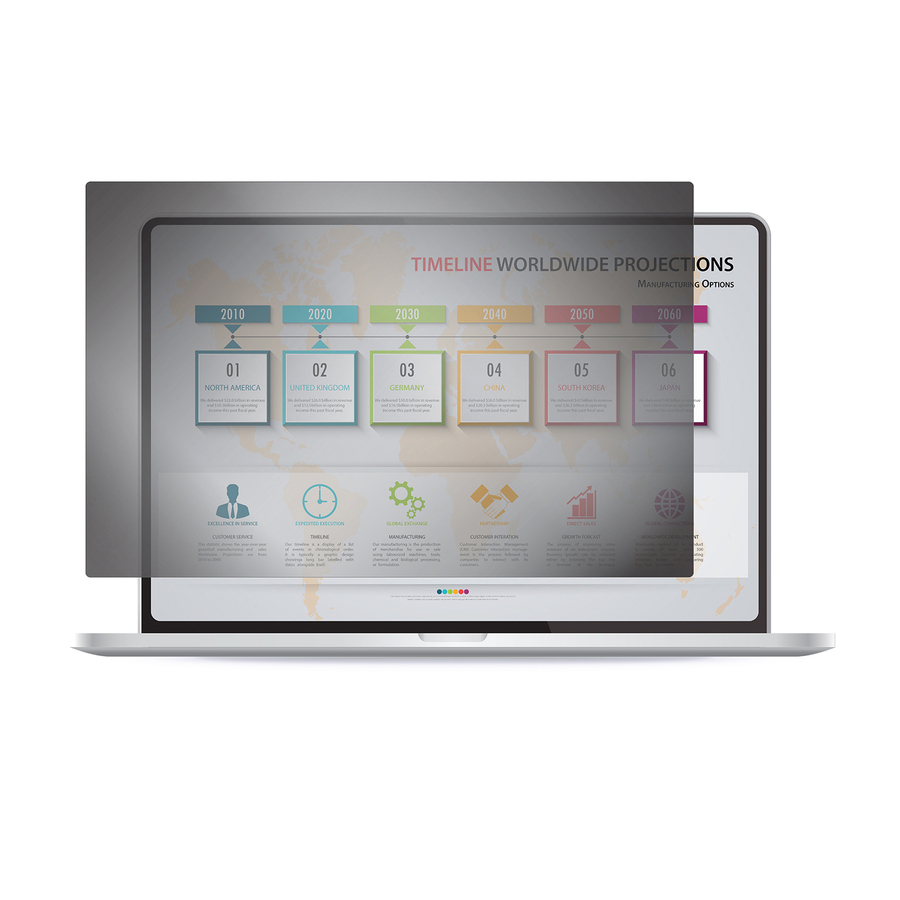
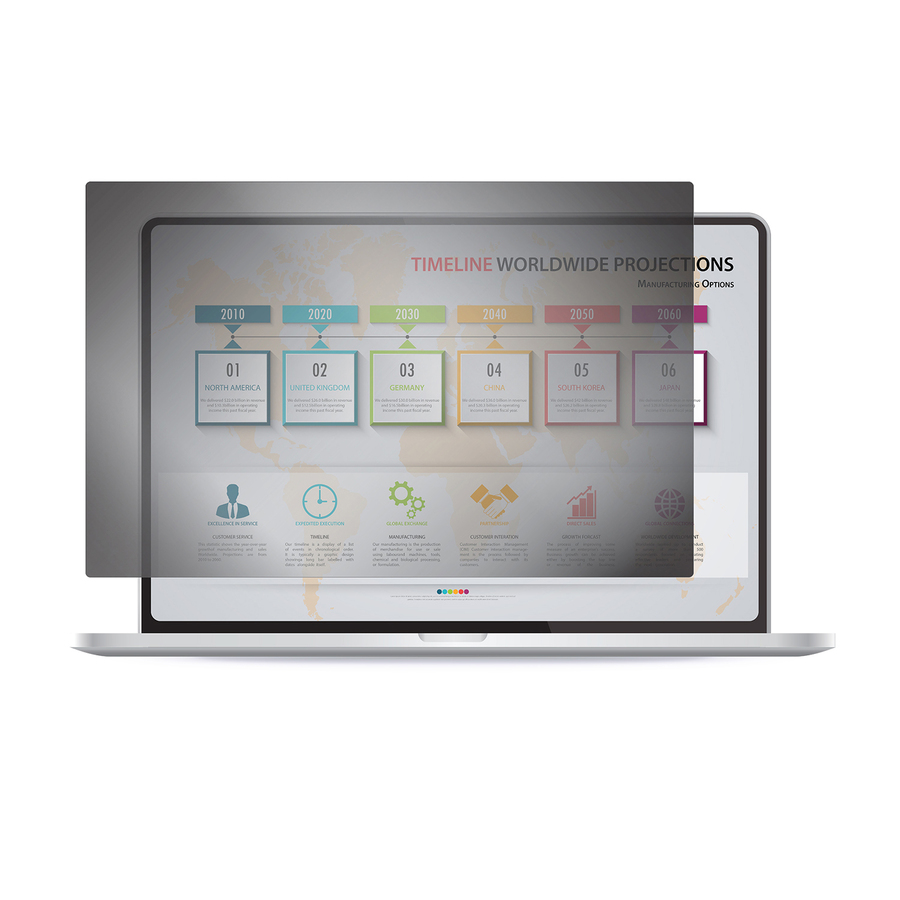
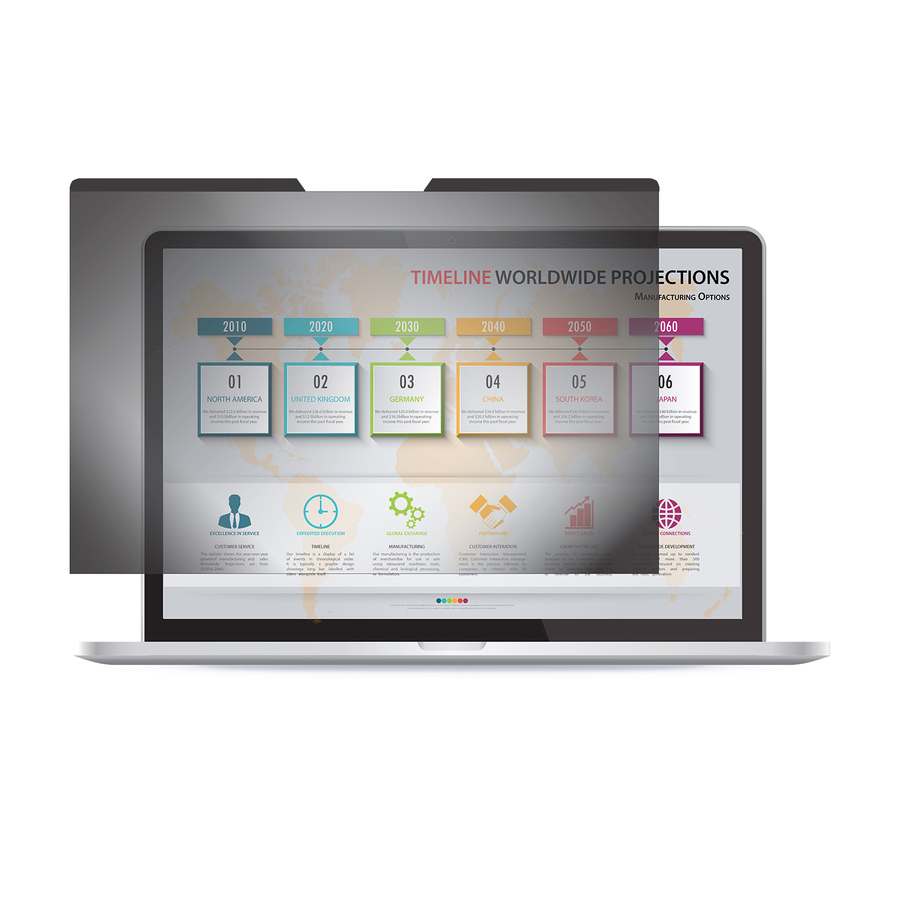
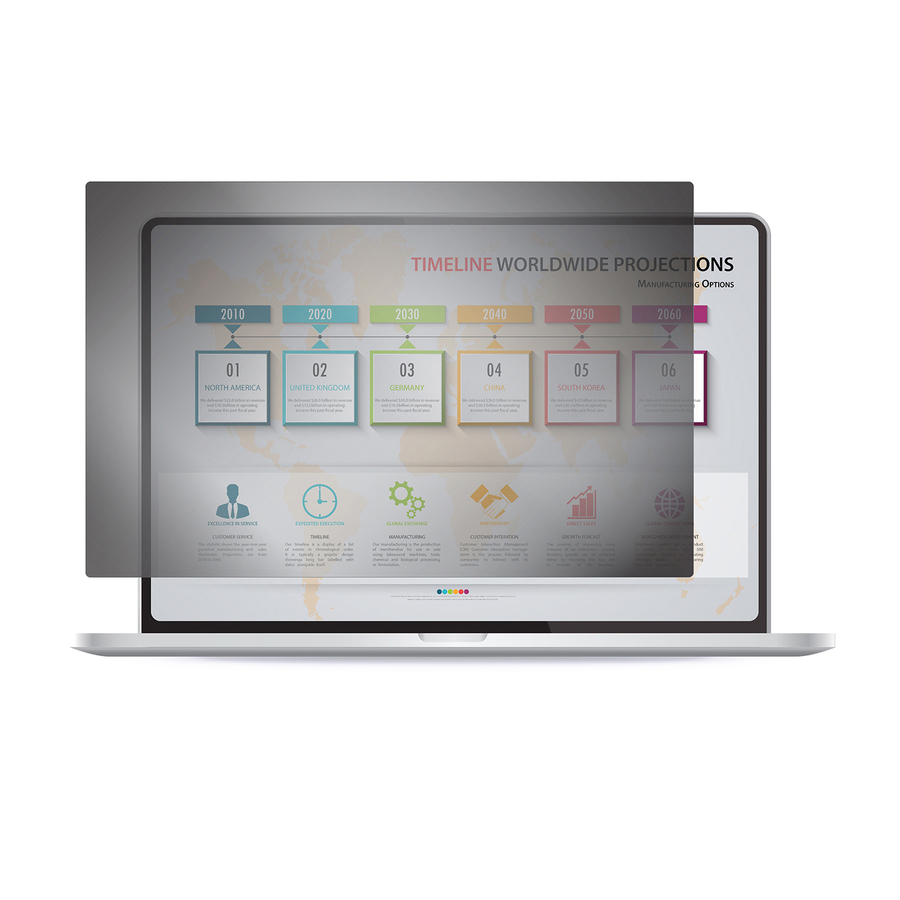
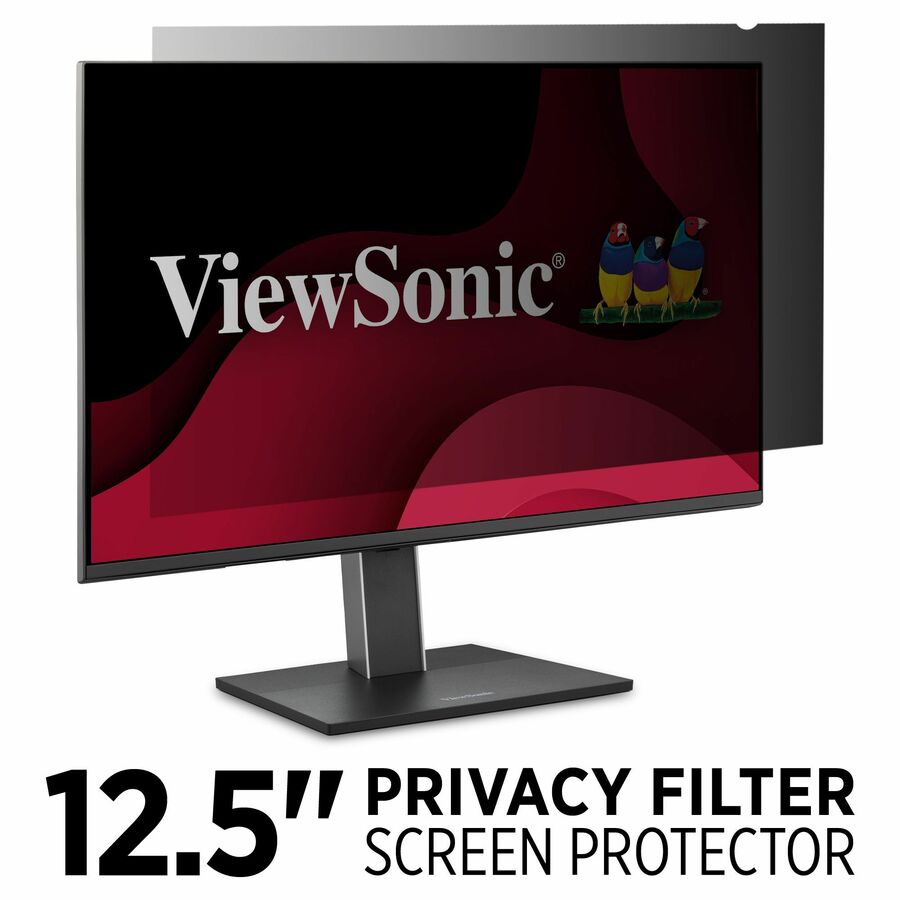

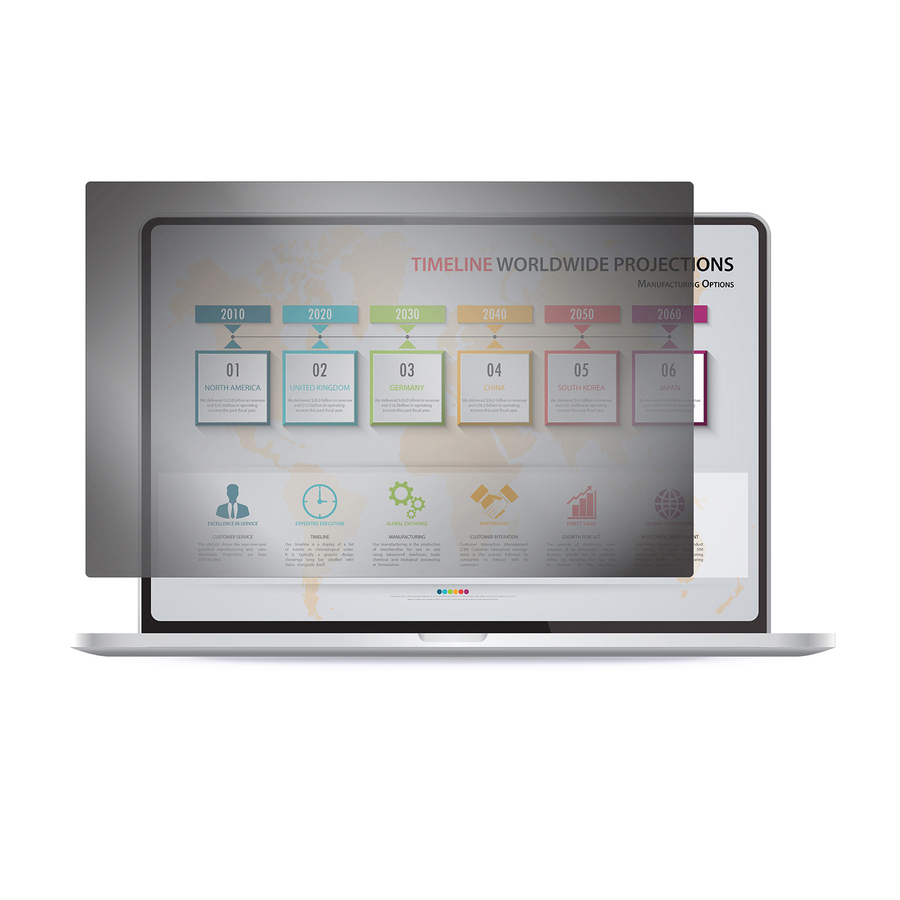
Top pick, 14-inch
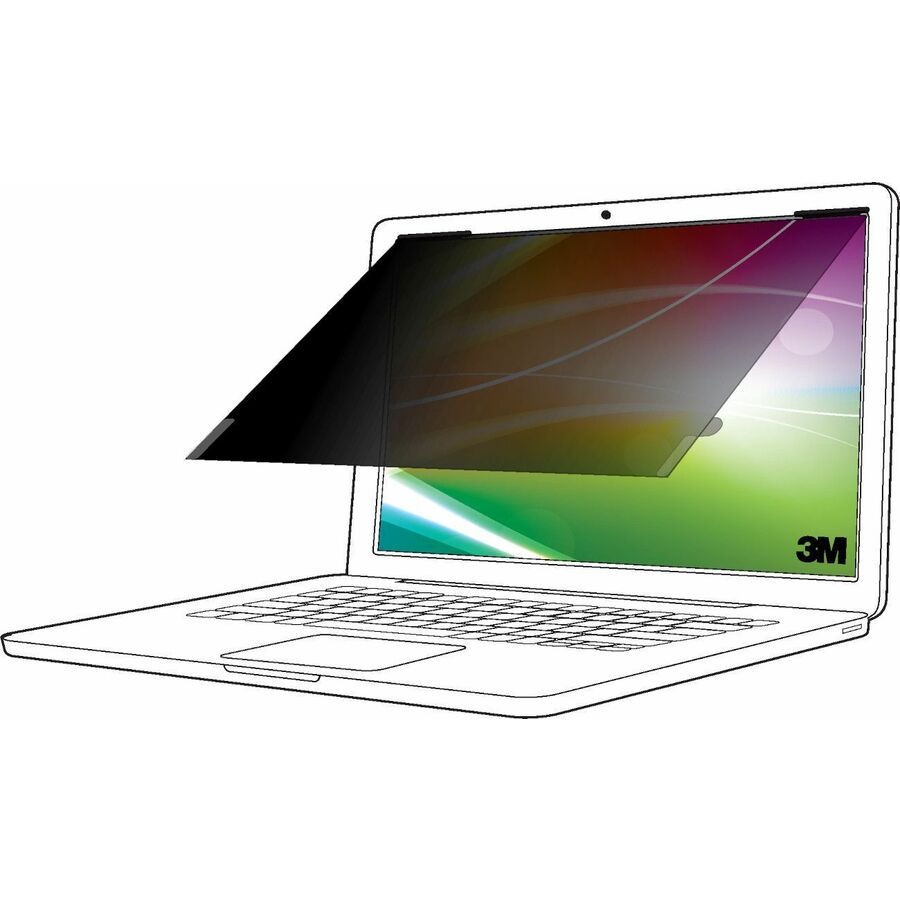
3M
3M Bright Screen Privacy Filter for 14in Laptop, 16:10, BP140W1B
BP140W1B
3M lists this as its Bright Screen construction — the variant designed to keep the head-on view brighter than a conventional filter while still blacking out the view from either side. Cut for a 14-inch 16:10 panel, the most common business laptop size in a standard fleet, and rated scratch- and fingerprint-resistant.
$60.84In stockMagnetic 13.3-inch
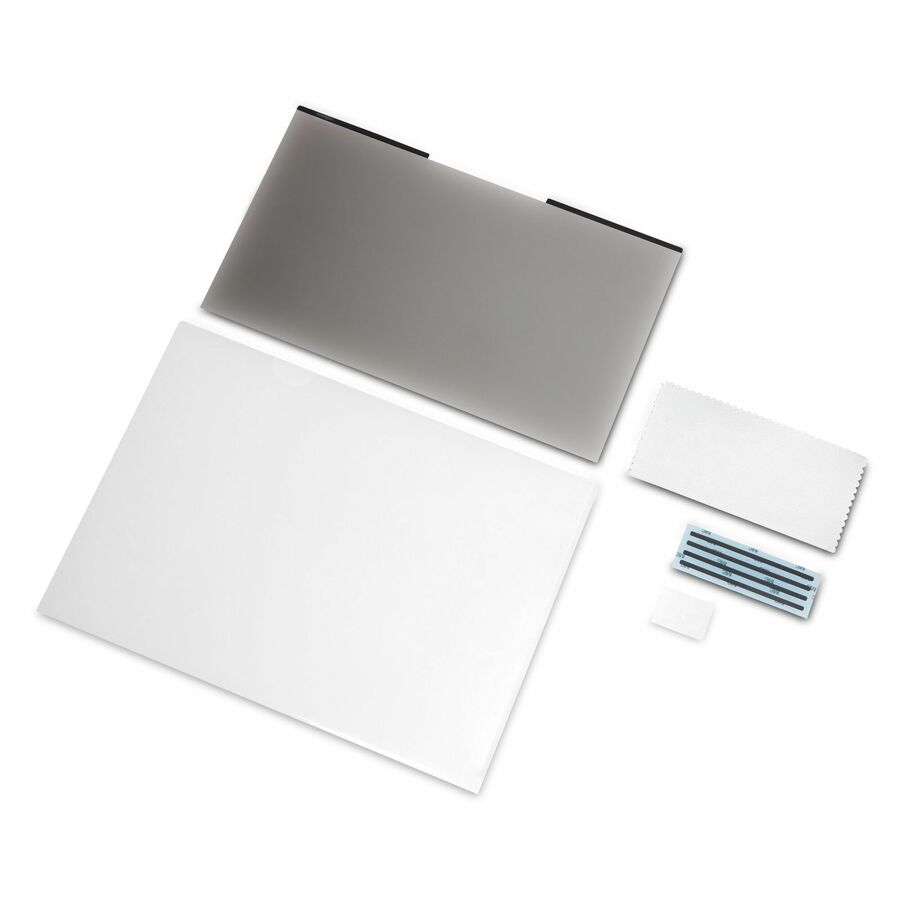
Kensington Computer Products
Kensington MagPro Magnetic Privacy Screen Filter for Laptops 13.3"…
K58351WW
Magnetic attach means it goes on for the flight or the field office and comes off at the desk in one motion — no tabs, no residue, nothing interfering with the lid closing. The listed 2H hard coat adds fluid, damage and fingerprint resistance on a 13.3-inch 16:9 ultraportable that travels.
$67.86Back-ordered15.6-inch pick
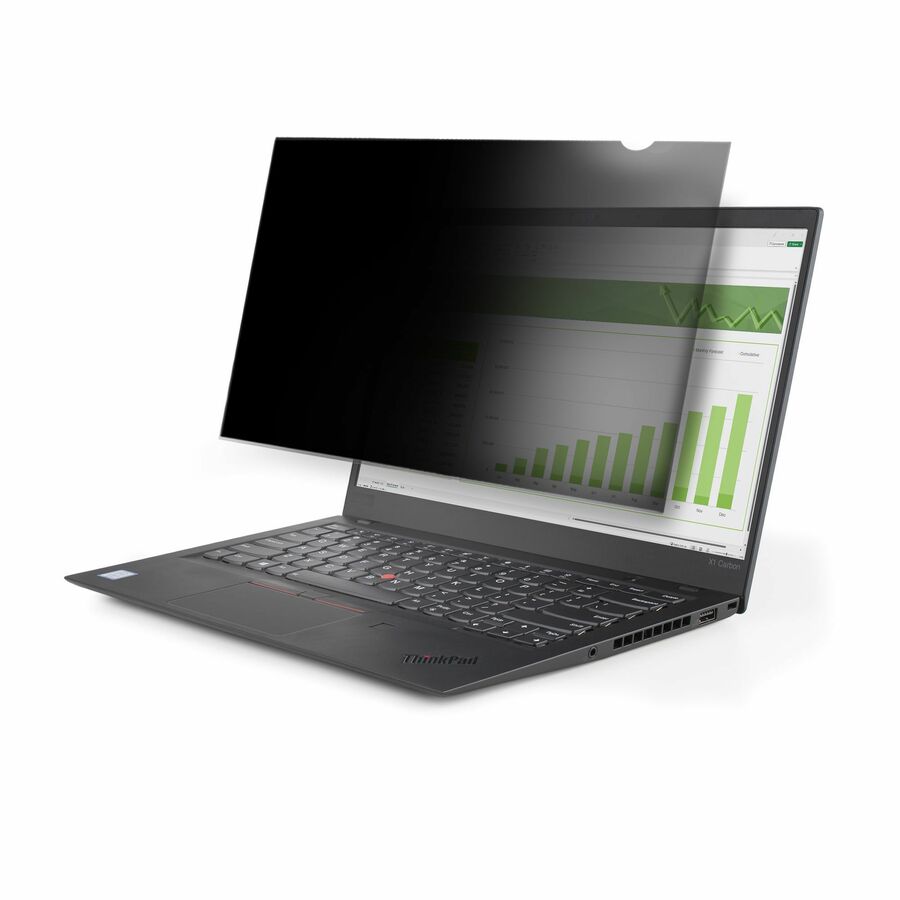
StarTech.com
StarTech 15.6-inch 16:9 Laptop Privacy Filter, Anti-Glare Privacy…
156L-PRIVACY-SCREEN
Covers the 15.6-inch 16:9 panel that standard-configuration business laptops still ship with. Reversible matte and glossy sides let the user choose glare control or colour fidelity, the manufacturer states it clears webcams and sensors and does not interfere with closing the lid, and it lists up to 51% blue-light reduction alongside the viewing-angle blackout.
$49.97In stockBest value
Rocstor
Rocstor PrivacyView Premium Privacy Filter for 13.3 Widescreen Notebook
PV0022-B1
The volume line item when the job is outfitting a whole 13.3-inch laptop refresh rather than one executive: unframed, reversible glossy and matte, dust- and fingerprint-resistant, and recorded on the manufacturer's listing as TAA compliant.
Unframed filters sit against the panel rather than clipping to it — confirm the fleet is comfortable with that before a large rollout.
$17.41*In stock16-inch 16:10 laptop
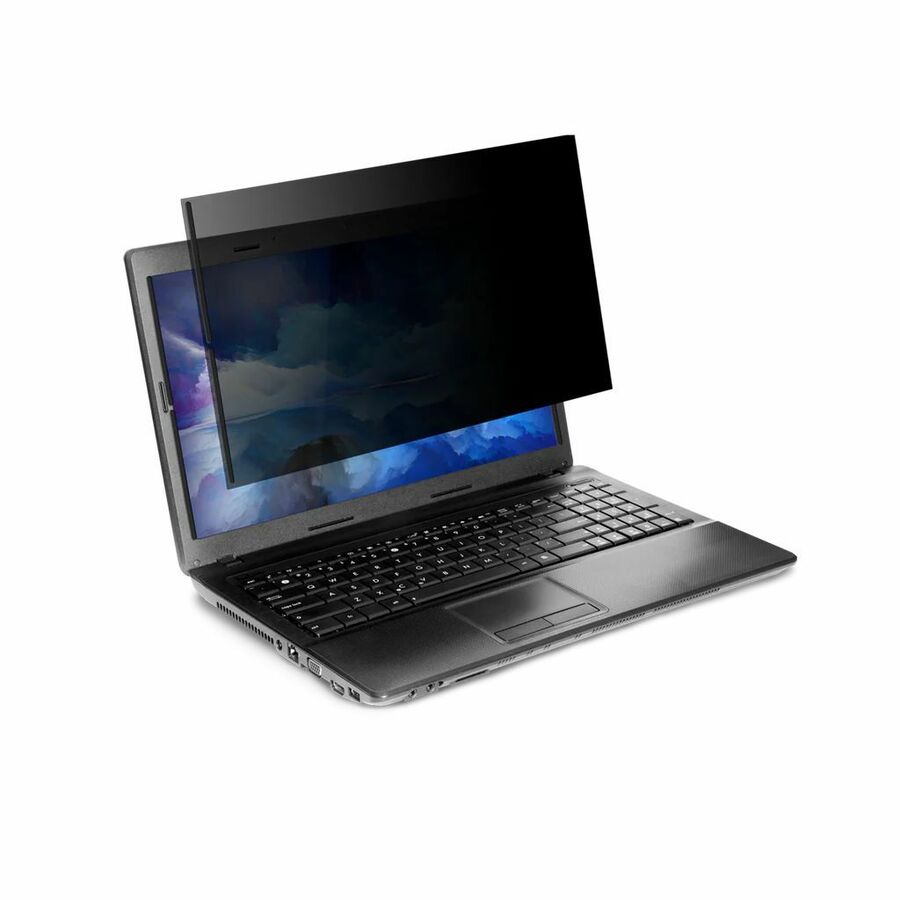
Targus Group International
Targus® 4Vu Magnetic Privacy Screen for 16" Laptops (16:10)
ASM160W1GL
Covers the 16-inch 16:10 panel that newer premium business laptops have moved to, a size many filter lines still skip. Magnetic mount, anti-glare, and the manufacturer's listing records this part number as TAA compliant.
$48.49*In stock16-inch MacBook Pro
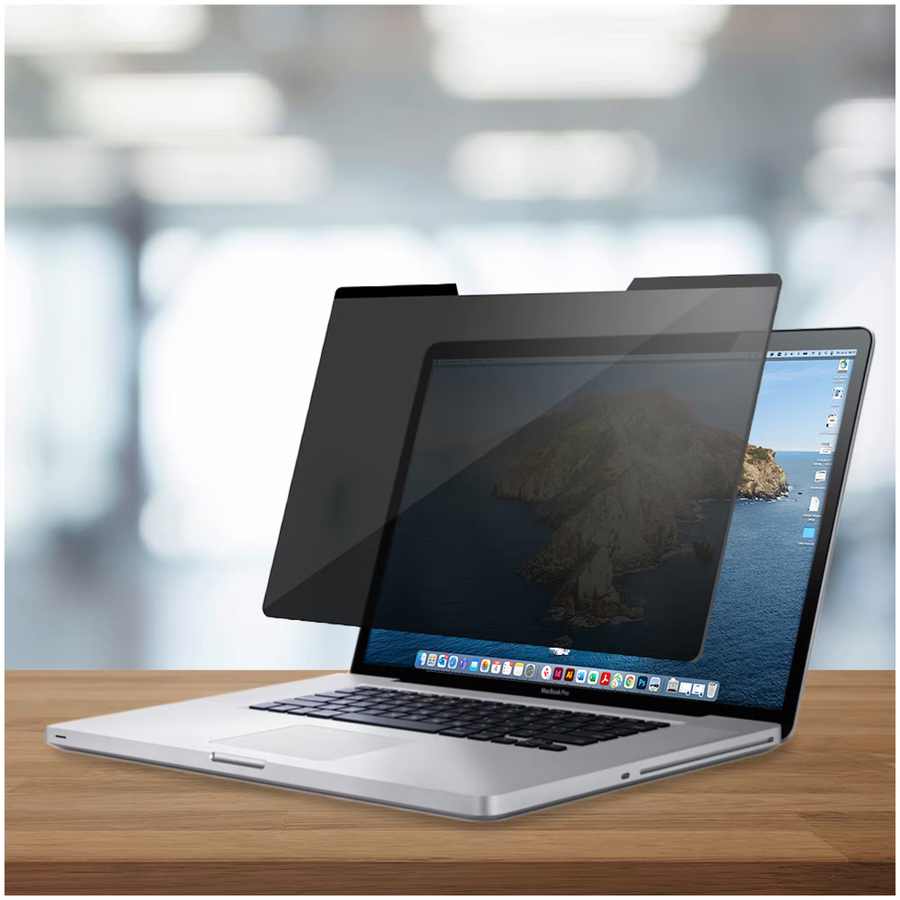
AddOn
AddOn 16 in. Magnetic MacBook Privacy Screen 16:10 Ratio
ADD-PRIVSCN1610MAC16
Cut specifically for the 16-inch MacBook Pro rather than being a generic 16:10 rectangle, so the bezel lines up and the magnets seat where they should. The straightforward way to bring Mac users in a mixed fleet under the same privacy policy as the Windows side.
$46.92In stock23.8-inch monitor
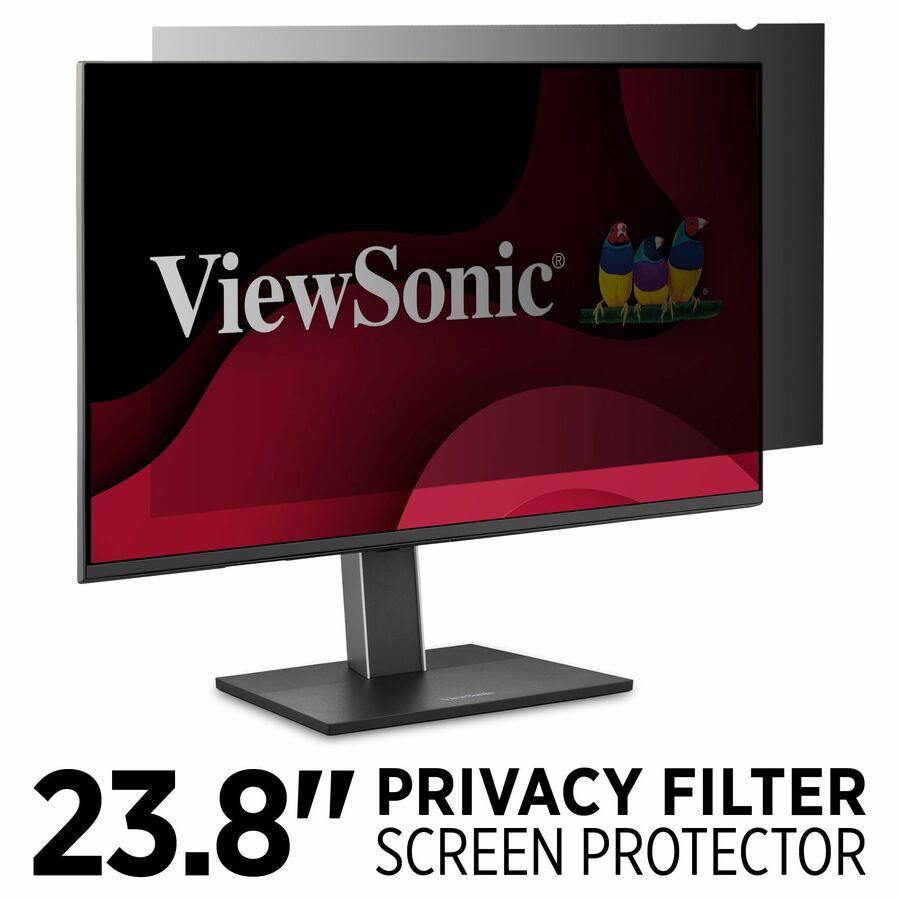
ViewSonic
ViewSonic 23.8" Privacy Filter Screen Protector for Widescreen (16:9)…
VSPF2380
Sized for the 23.8-inch 16:9 panel — the real diagonal behind a great many displays sold as 24-inch, and exactly the mismatch that gets a filter returned. Lightweight construction keeps it from loading a thin-bezel display, with anti-glare and anti-scratch coatings for repeated removal.
$76.16Back-orderedTop pick, 24-inch
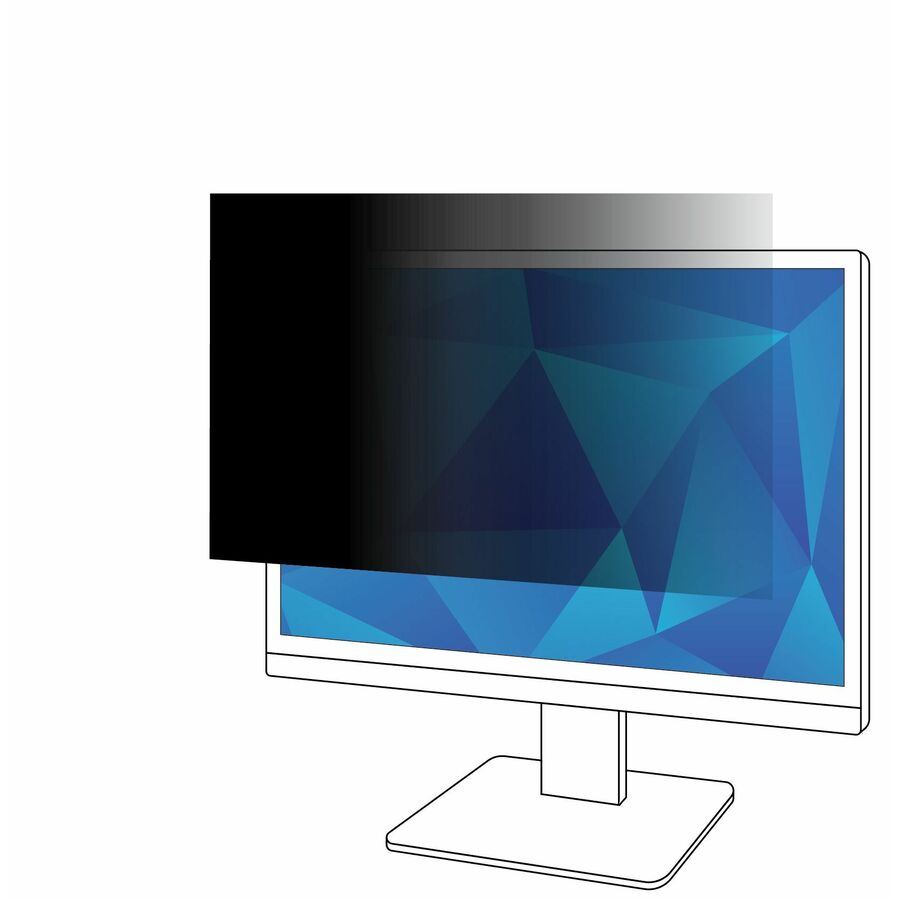
3M
3M Privacy Filter for 24in Monitor, 16:9, PF240W9B Black, Matte
PF240W9B
The default 24-inch 16:9 desktop filter: 3M's microlouver blackout outside roughly 30 degrees, in a matte black finish that also suppresses overhead-light glare in open-plan workspaces. Listed scratch-, fingerprint- and dust-resistant.
$81.14In stock24-inch, no adhesive
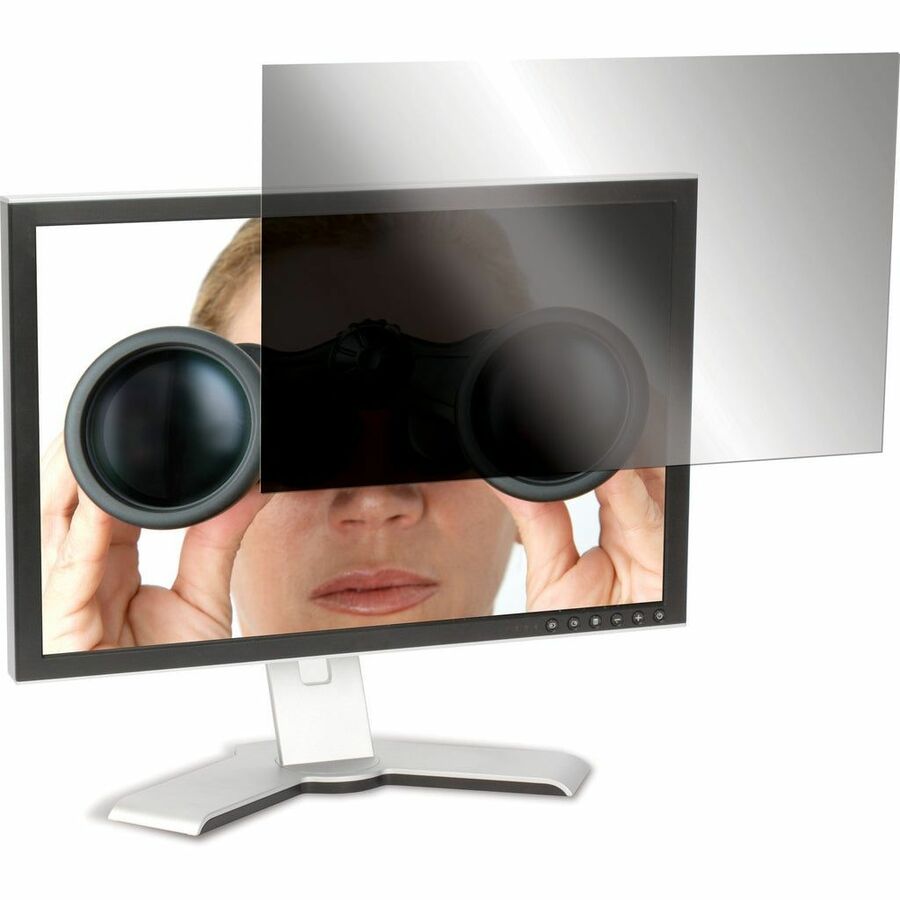
Targus Group International
Targus Privacy Screen Filter
ASF24W9USZ
Silicon-backed attachment on a 24-inch 16:9 monitor grips without adhesive tabs, which is what matters when the same filter moves between hot desks. Anti-glare finish, and the manufacturer's listing records the part number as TAA compliant.
$99.90In stock27-inch, two mounts
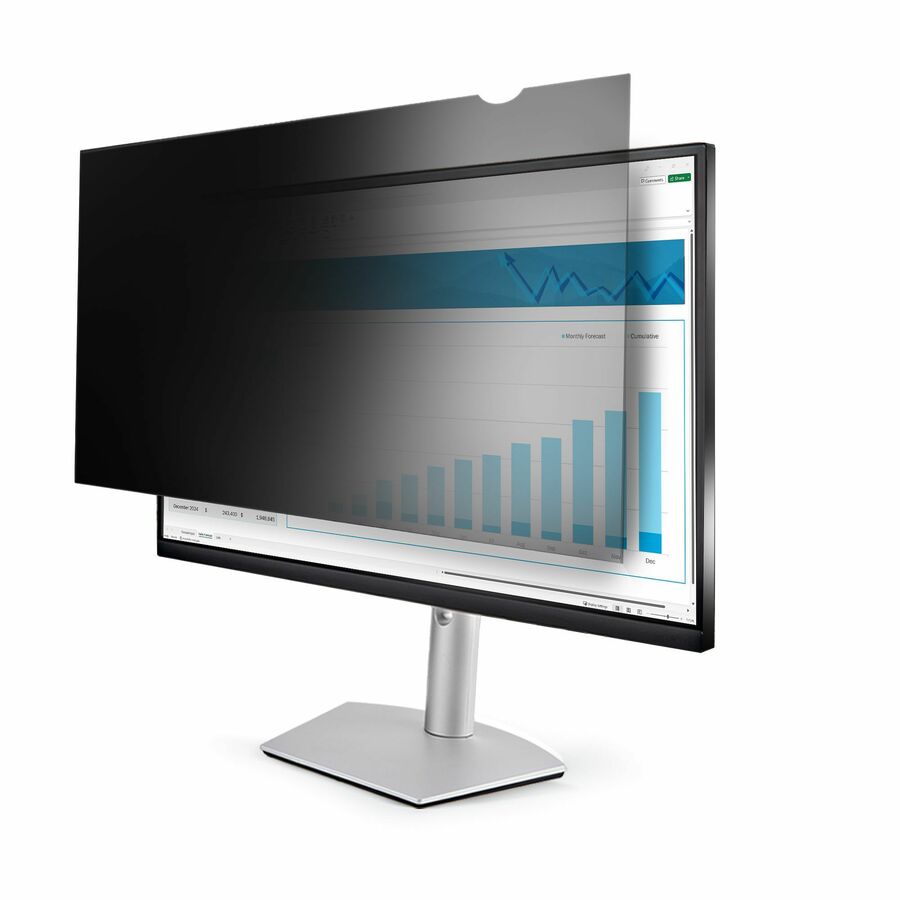
StarTech.com
StarTech Monitor Privacy Screen for 27" Display, Computer Monitor…
PRIVSCNMON27
Two mounting options on a 27-inch panel — hang it for a shared workstation or fix it for a permanent desk — plus a listed 40 to 51% blue-light reduction on top of the viewing-angle blackout, in a reversible matte and glossy panel. The manufacturer's listing records it as TAA compliant.
$109.38*In stock27-inch 16:10
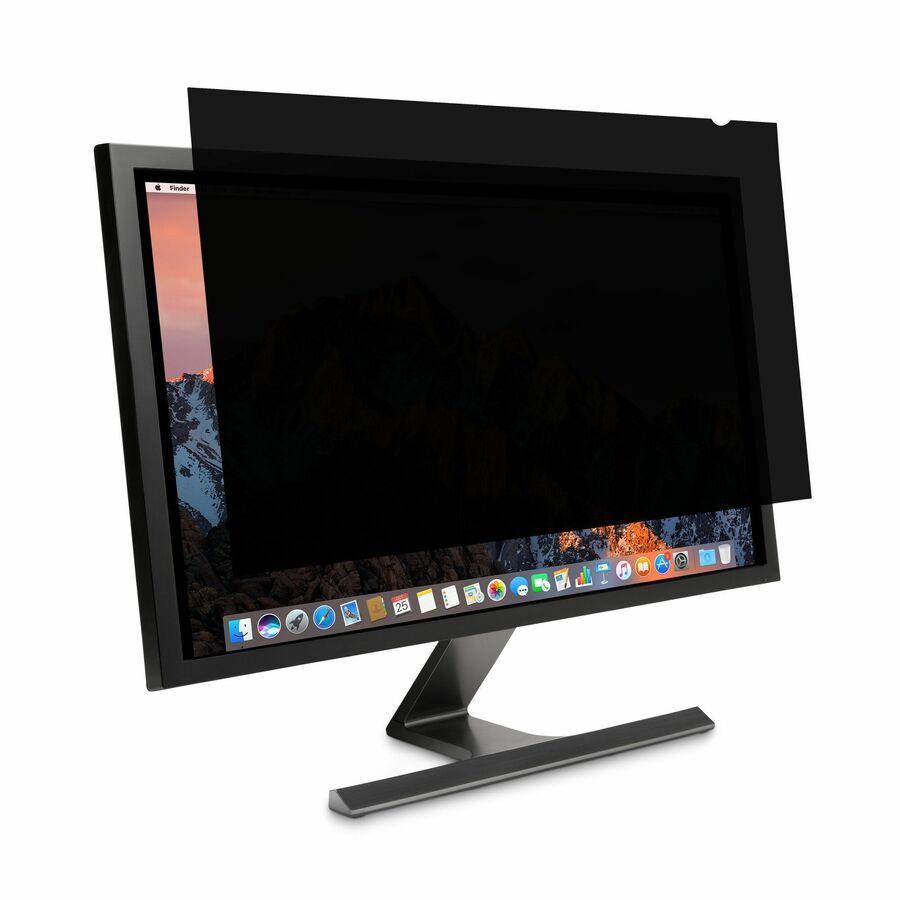
Kensington Computer Products
Kensington FP270W10 Privacy Screen for Monitors (27" 16:10)
K52128WW
One of the few 27-inch filters cut for 16:10 rather than 16:9 — the aspect ratio on productivity and design-oriented 27-inch displays, where a 16:9 filter would leave a strip of screen exposed. The manufacturer's listing records it as TAA compliant.
Check the monitor's ratio, not just its diagonal. This is the pairing that most often goes wrong at 27 inches.
$125.48*In stockFleet 27-inch
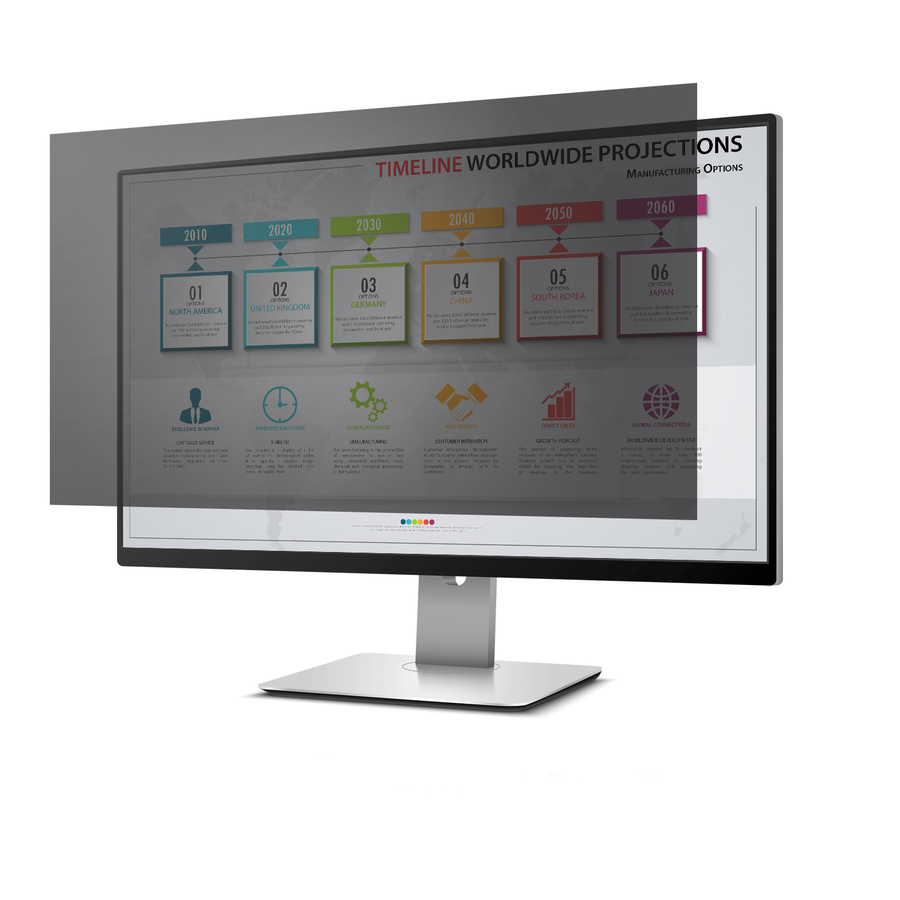
Rocstor
Rocstor PrivacyView Premium Privacy Filter for 27 Widescreen Monitor
PV0002-B1
Unframed and reversible glossy and matte with the same viewing-angle blackout, dust-, fingerprint- and scratch-resistant, and recorded on the manufacturer's listing as TAA compliant — the way to put privacy on every 27-inch monitor in a room rather than only the supervisor's.
$88.53*In stockMore screens and filters in the Uniqcli catalog
See all 1,450 screens and filtersMore from across this category. In-stock lines lead, and a back-ordered line carries the same estimated availability its product page does — with live pricing throughout, NDAA §889 screening before checkout and TAA verified on request.
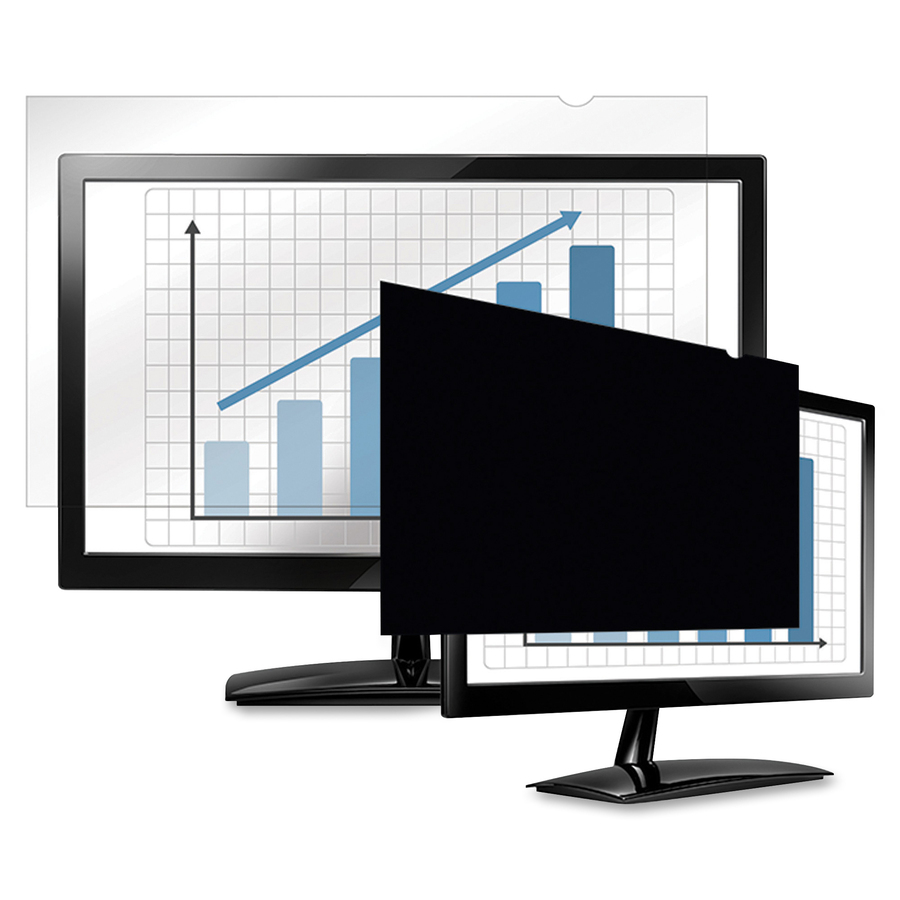


Need pricing on privacy screens?
Tell us where to reach you and a Uniqcli specialist will follow up by email with current pricing, availability and lead time for the quantities you need — including parts that aren’t shown on this page.
Buying for an organization or for yourself — both work. No payment up front.
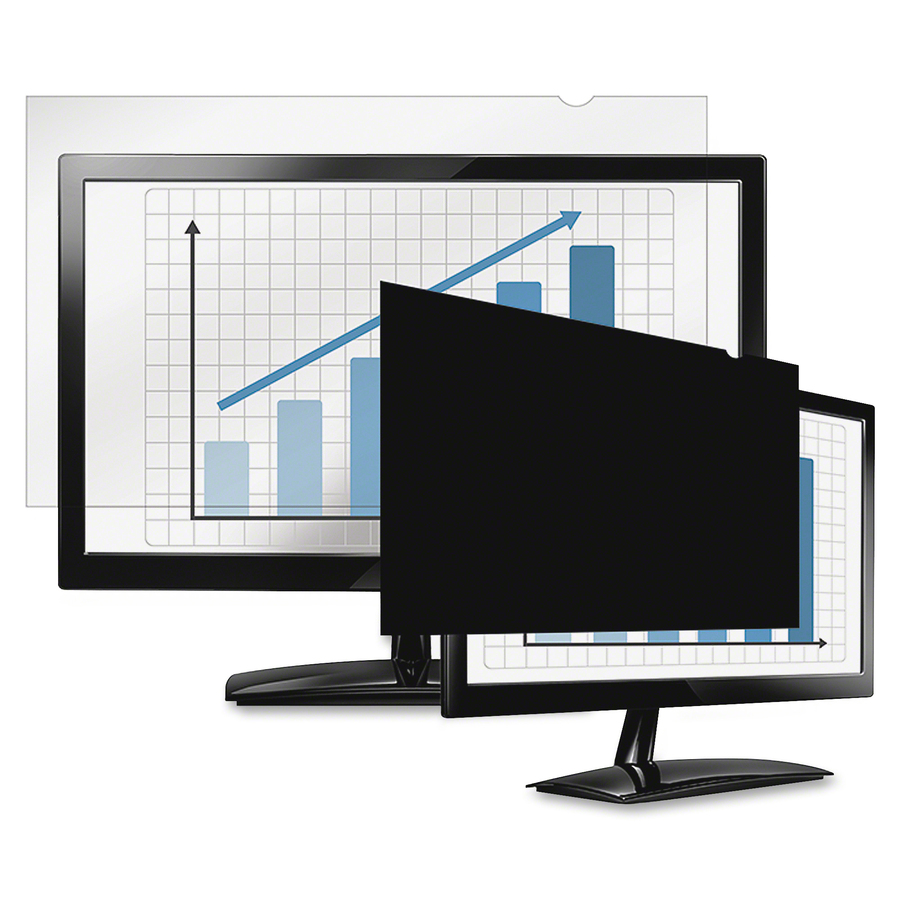
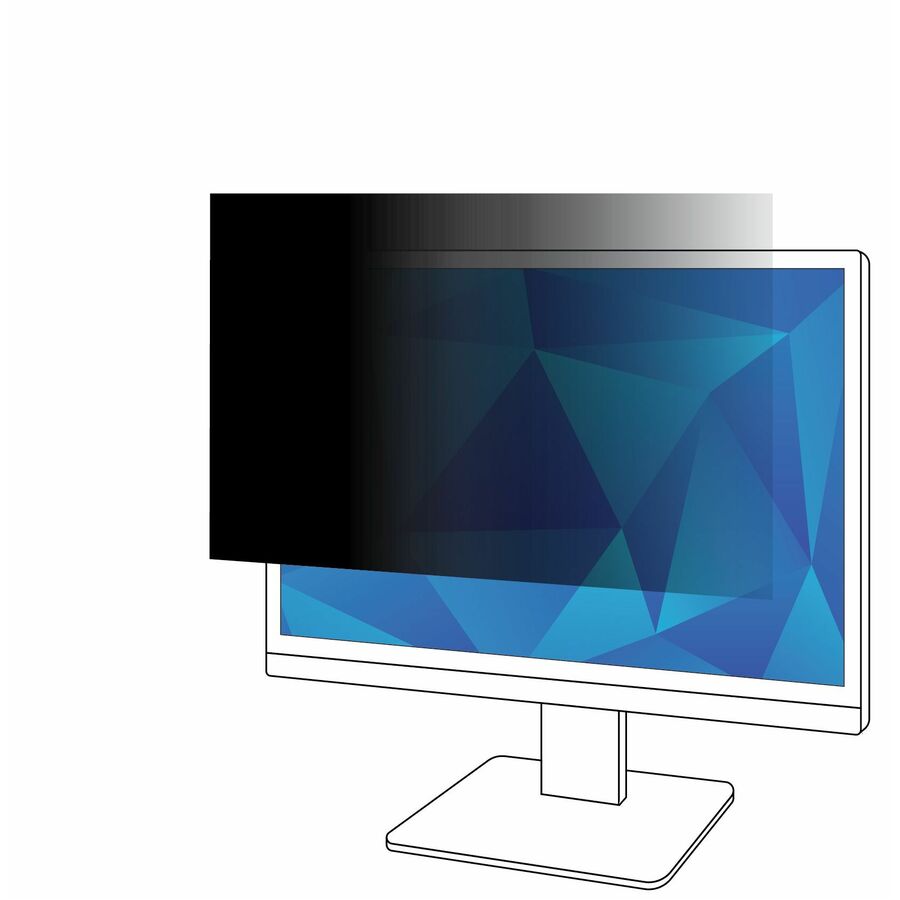
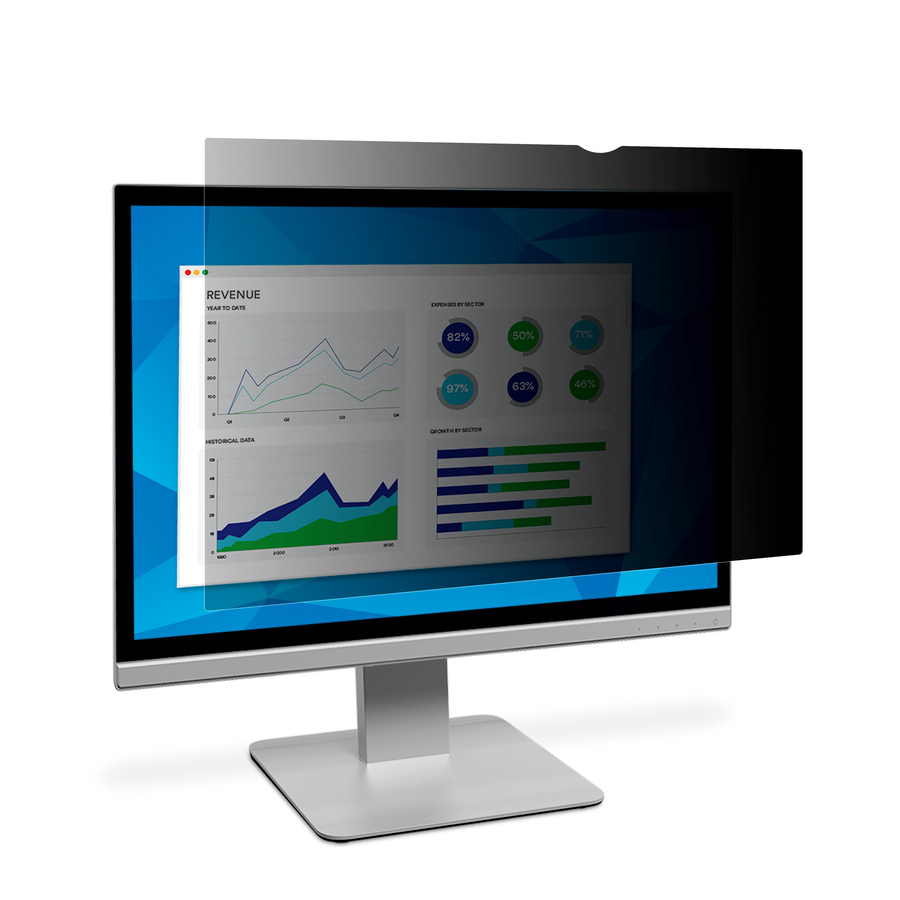
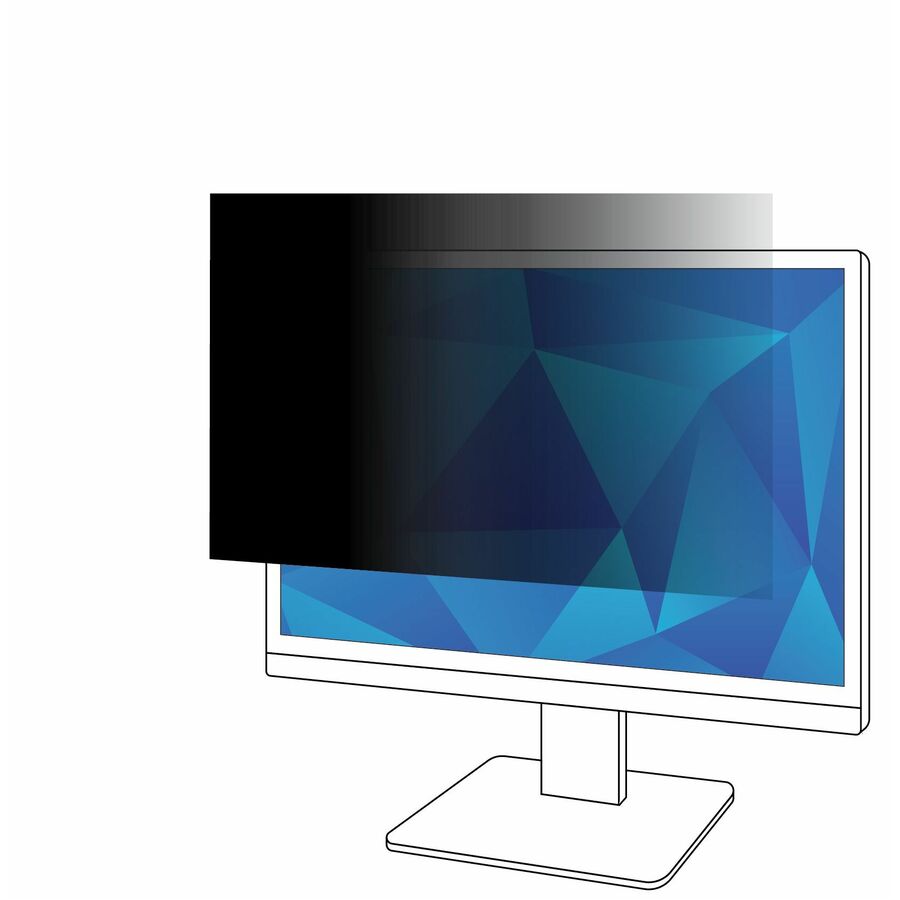
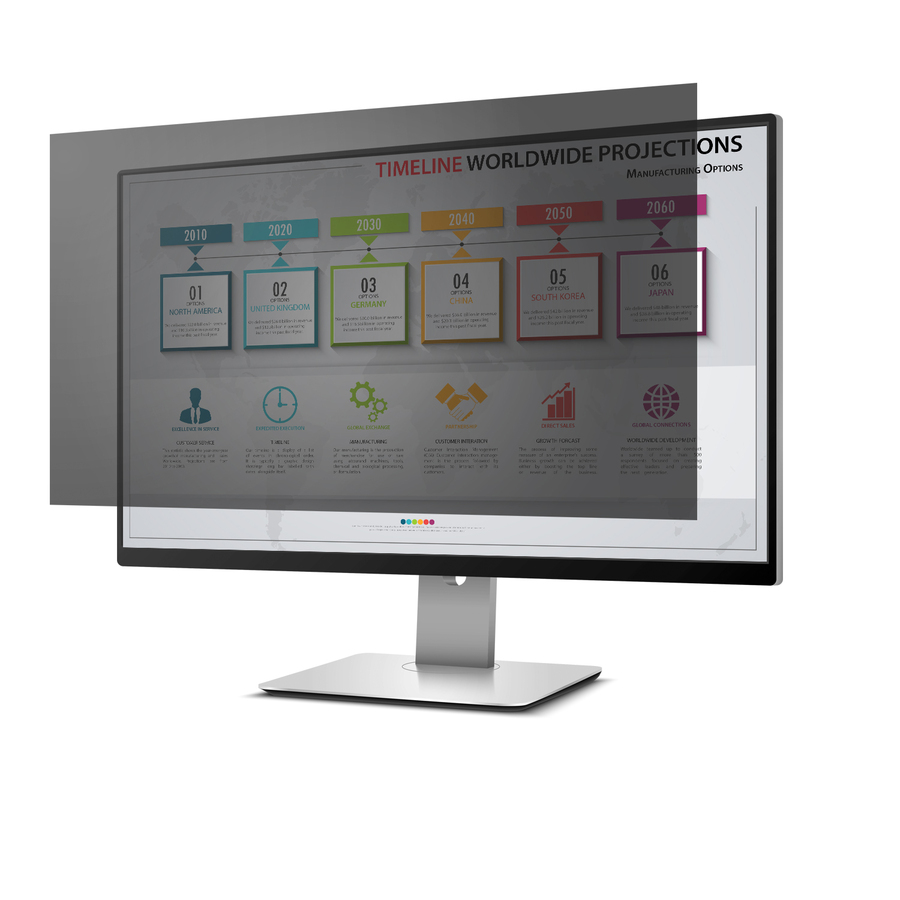
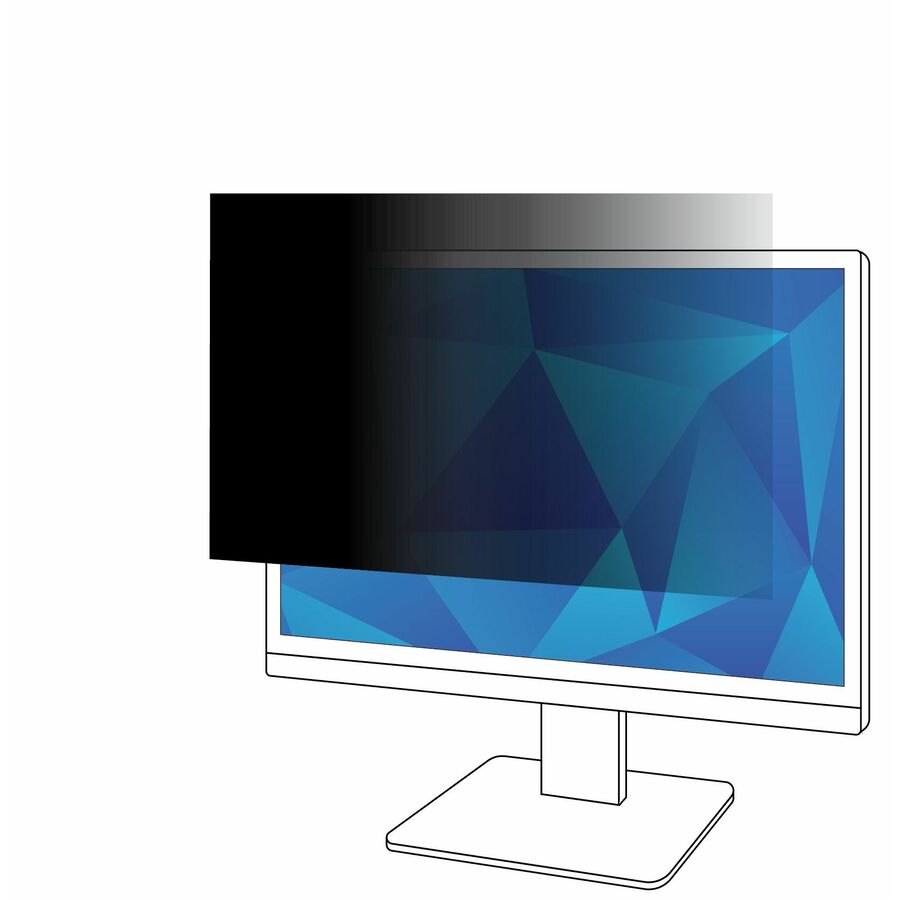
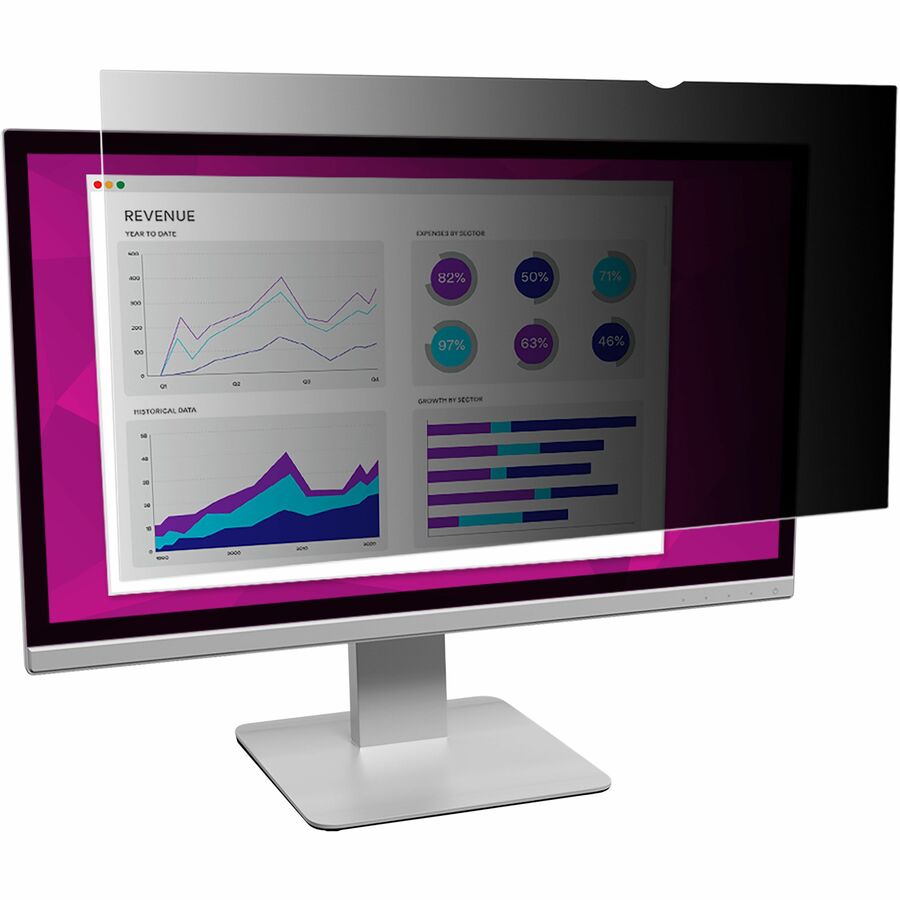
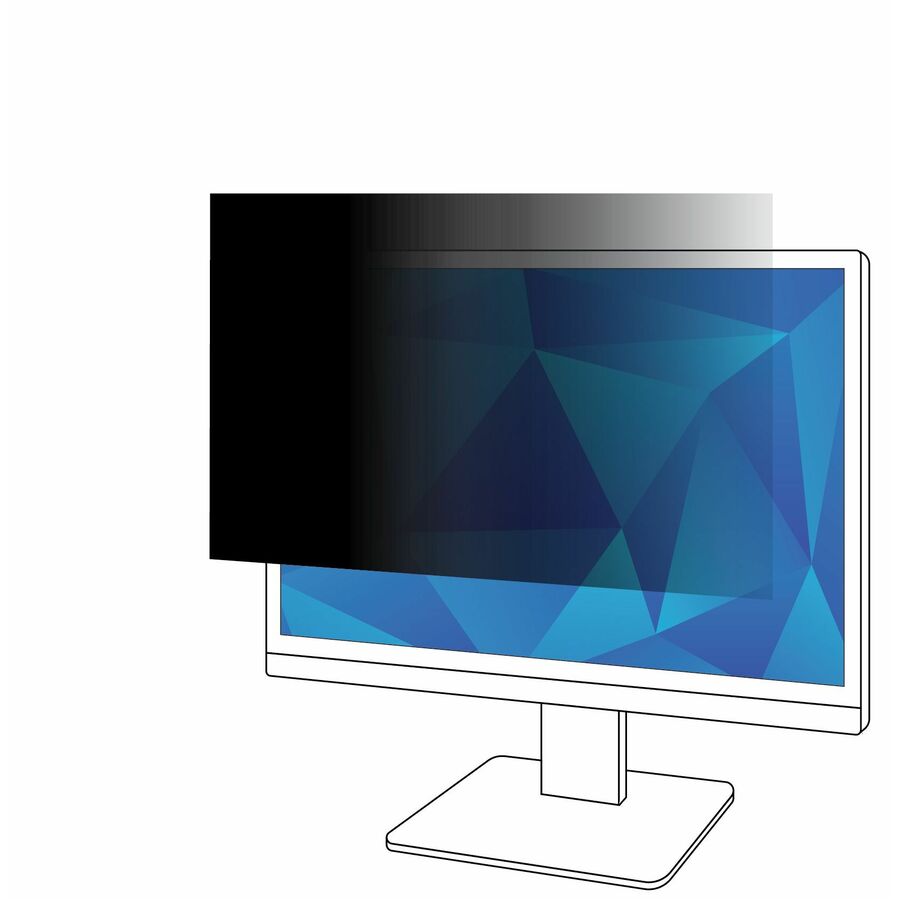
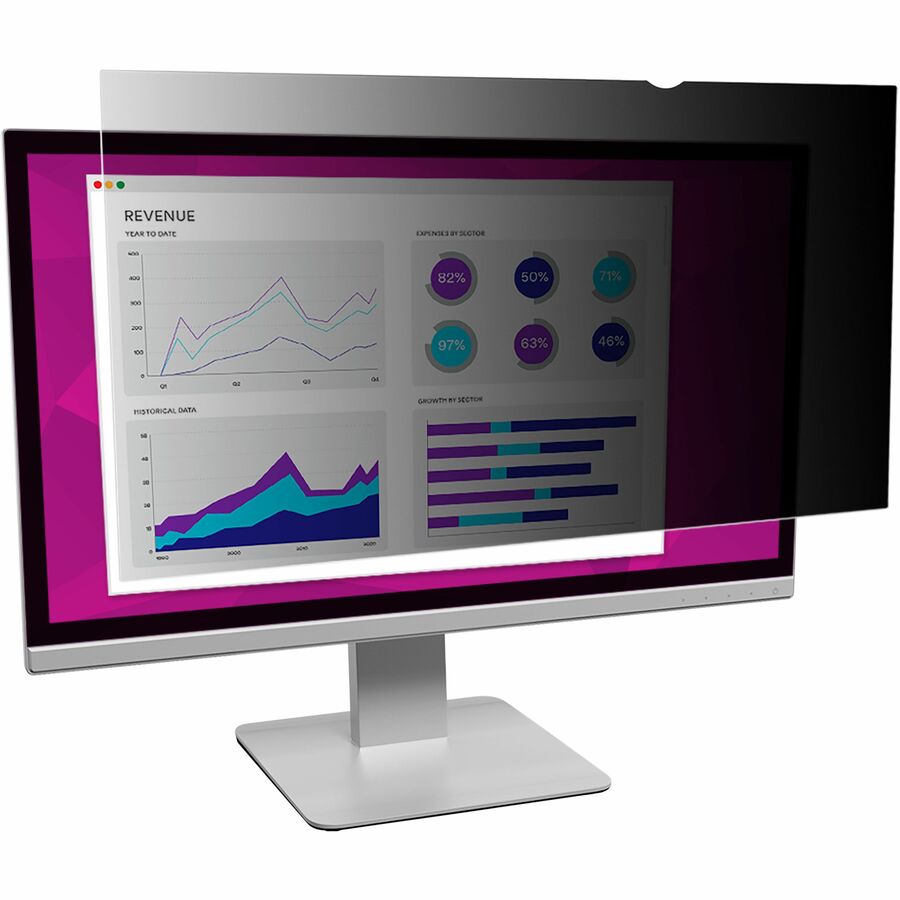
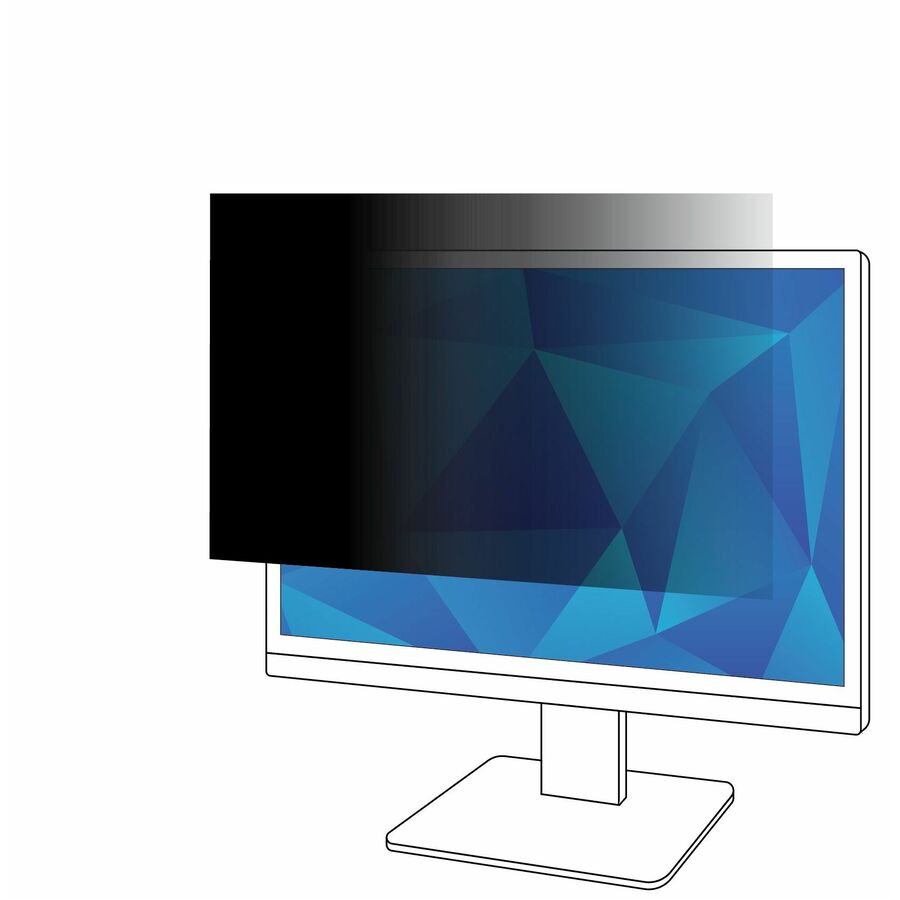
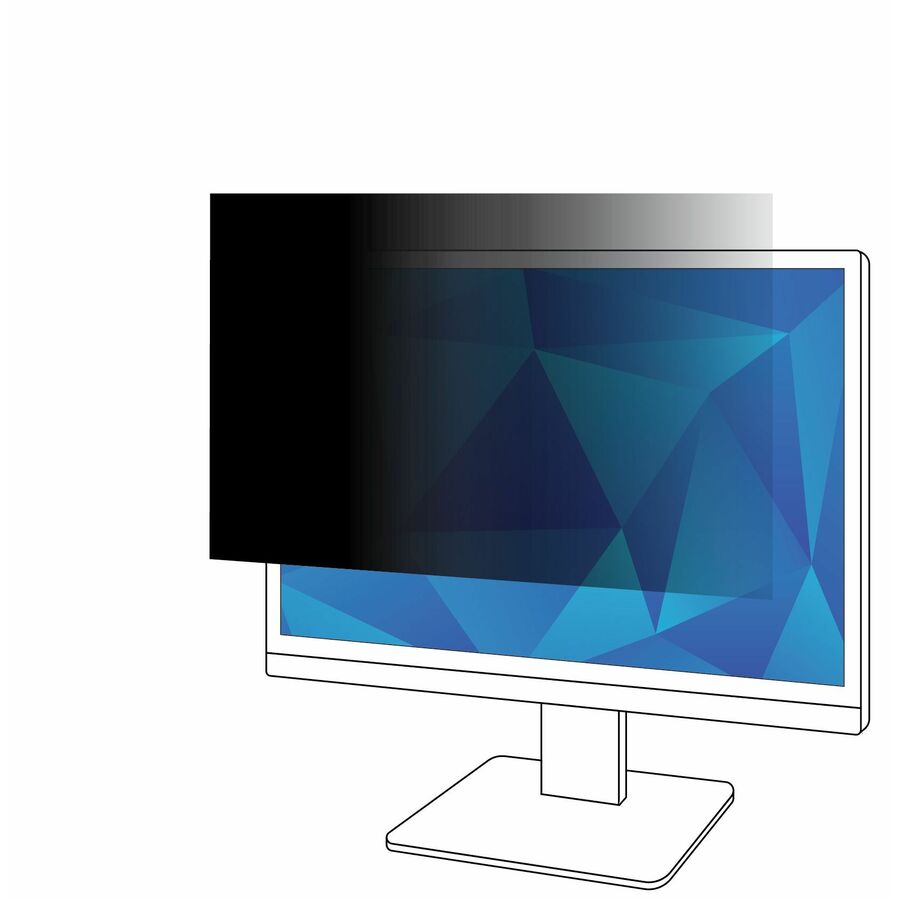
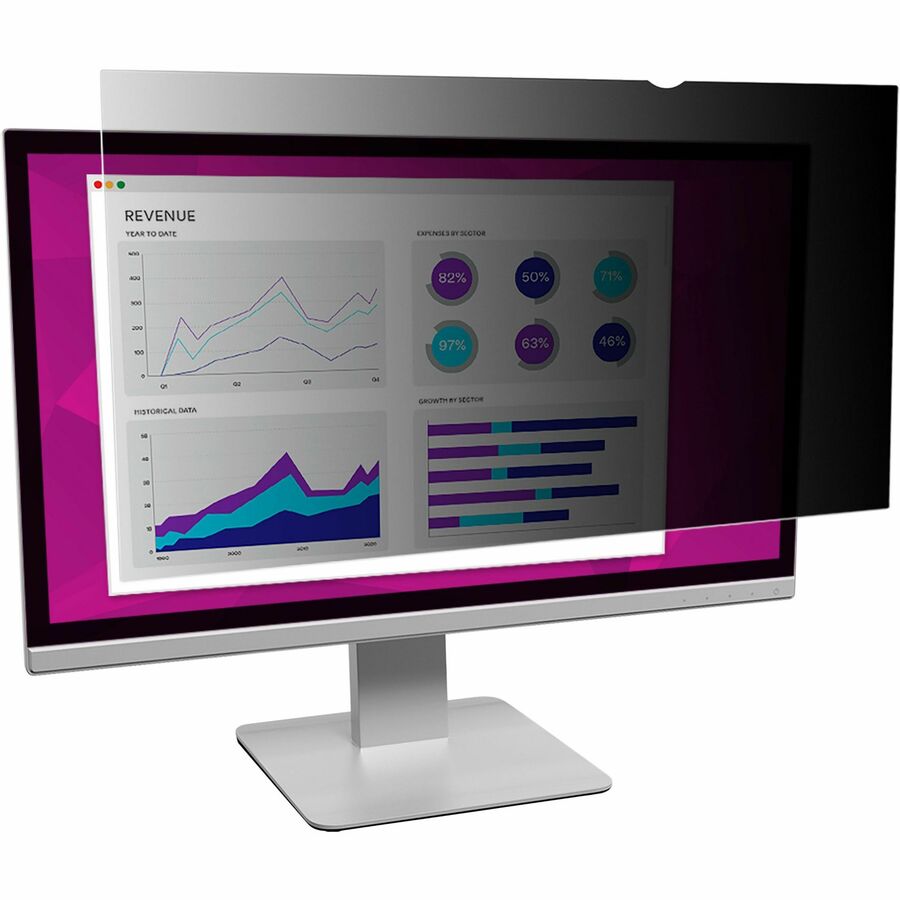
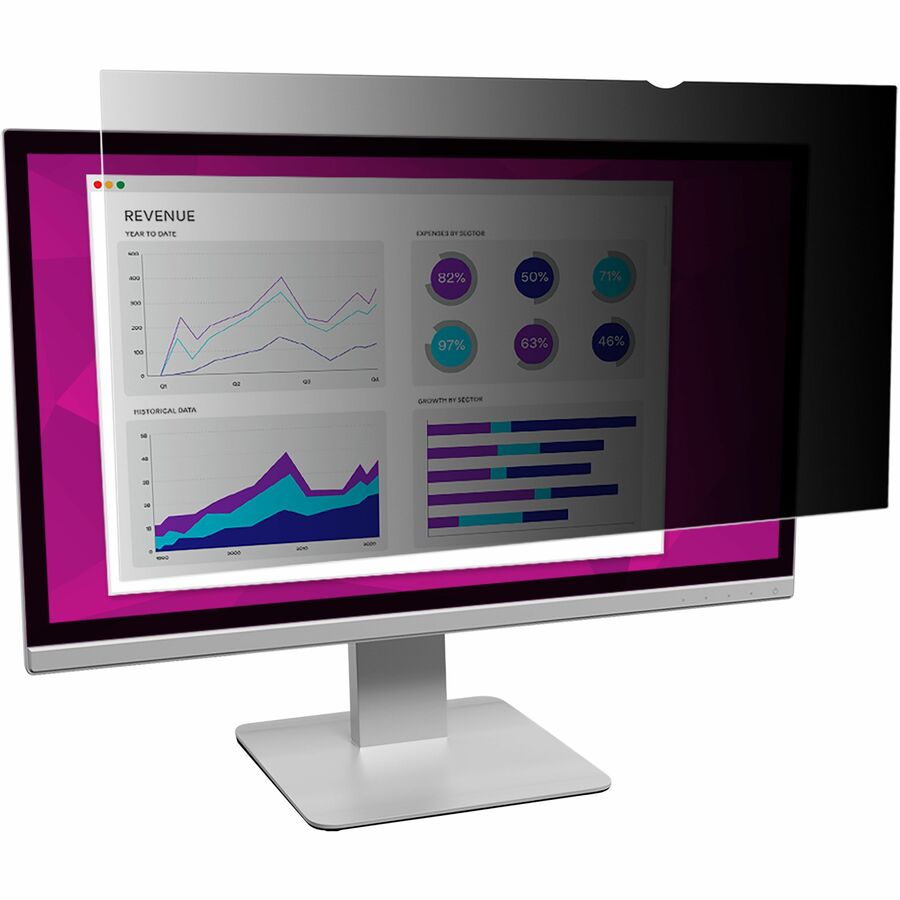
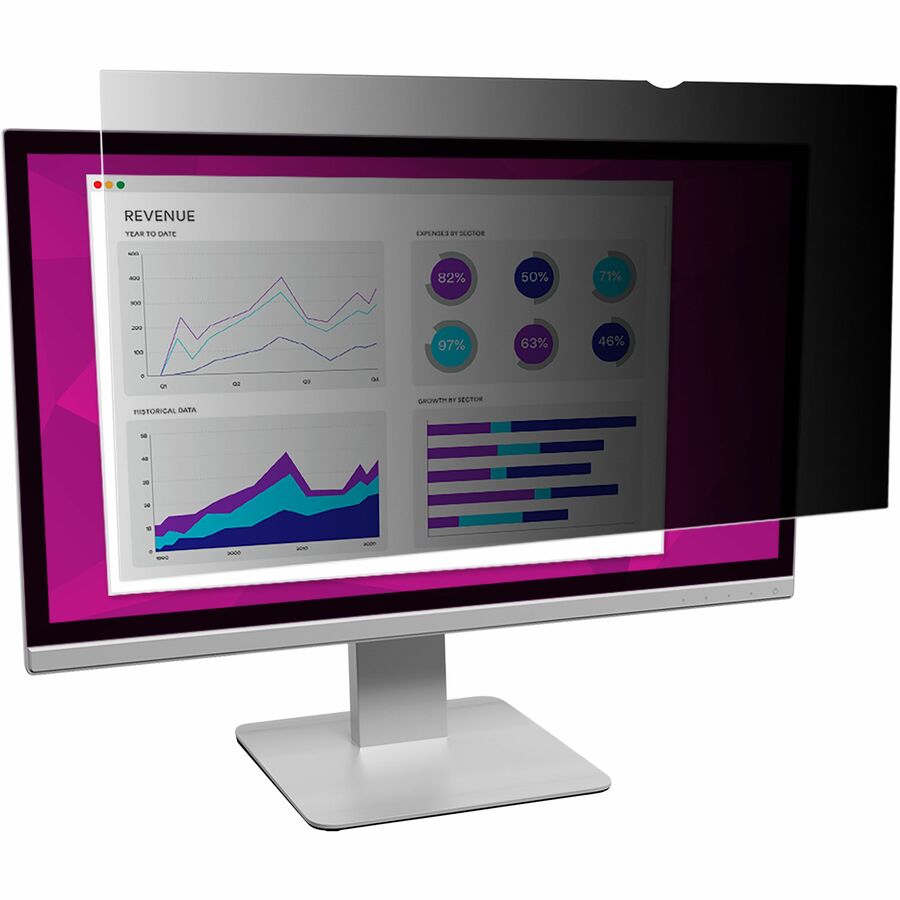
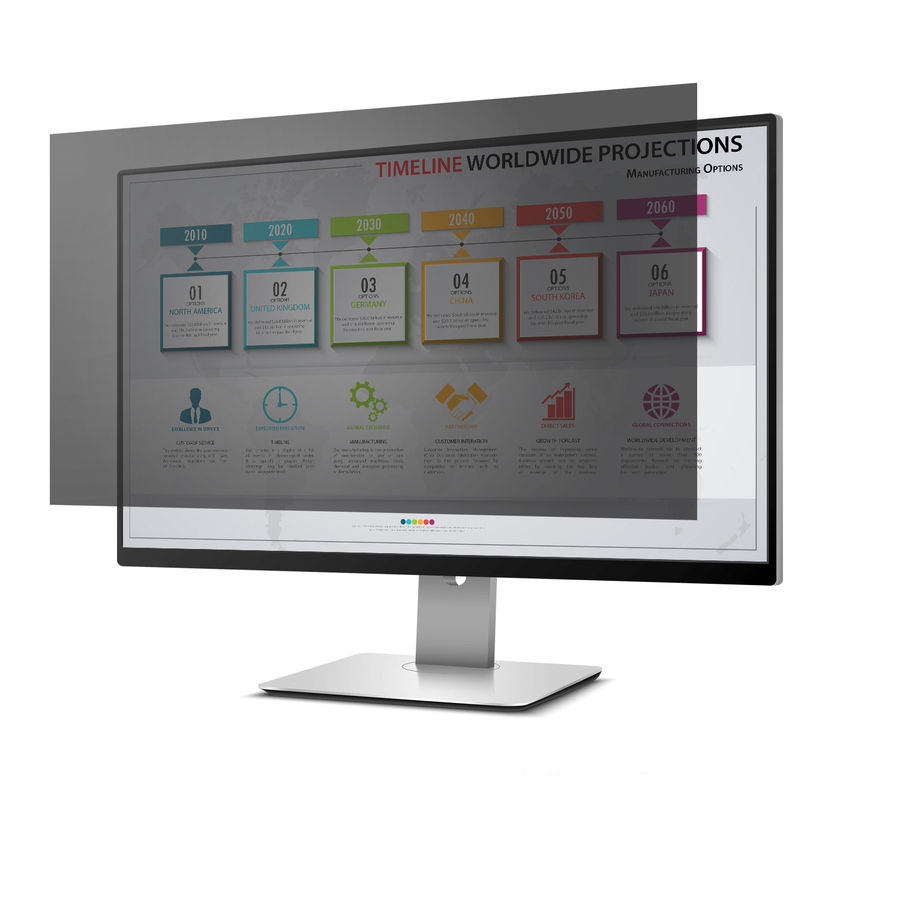
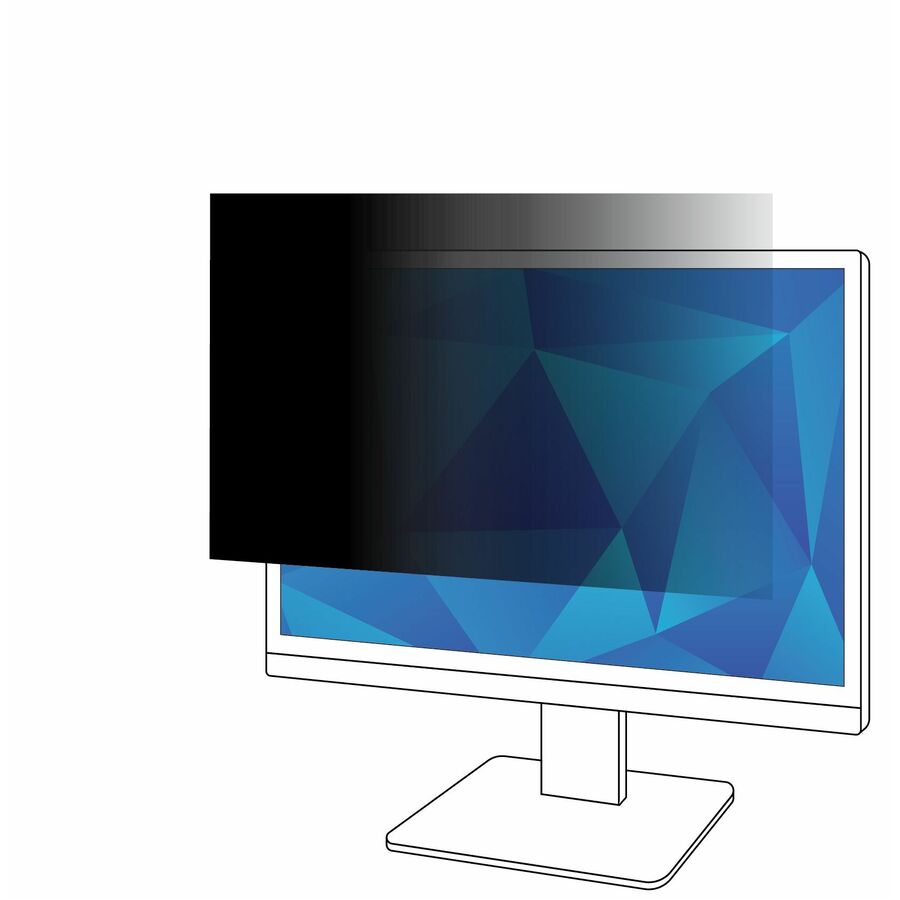
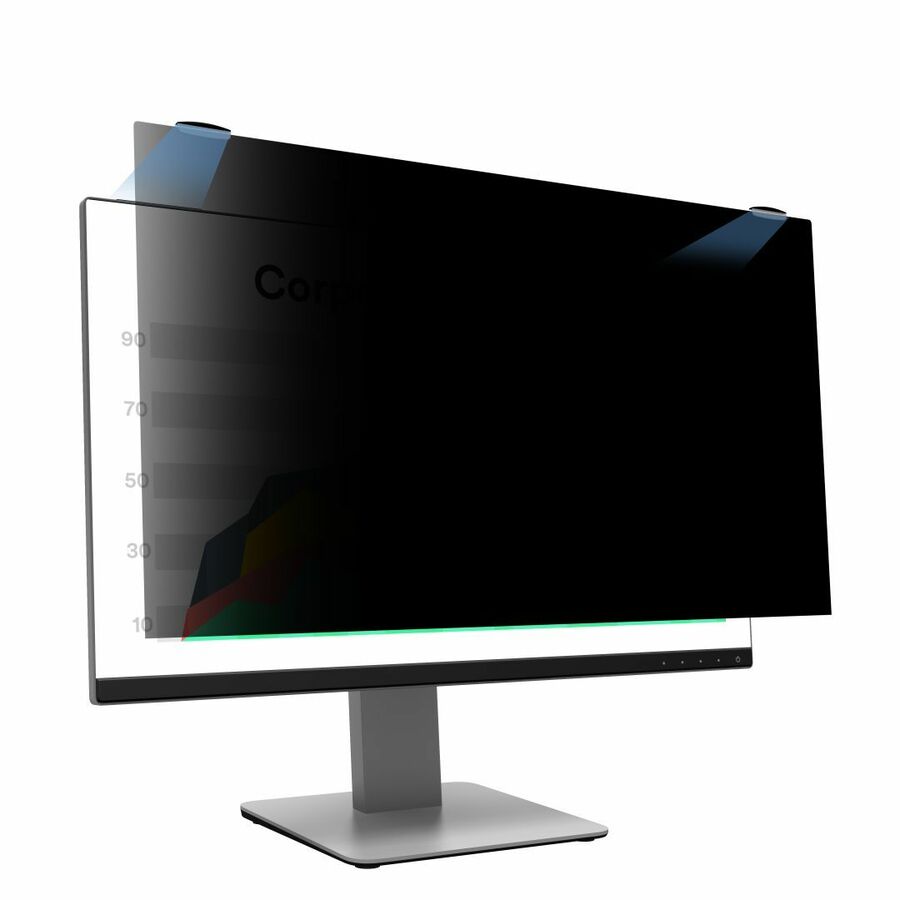
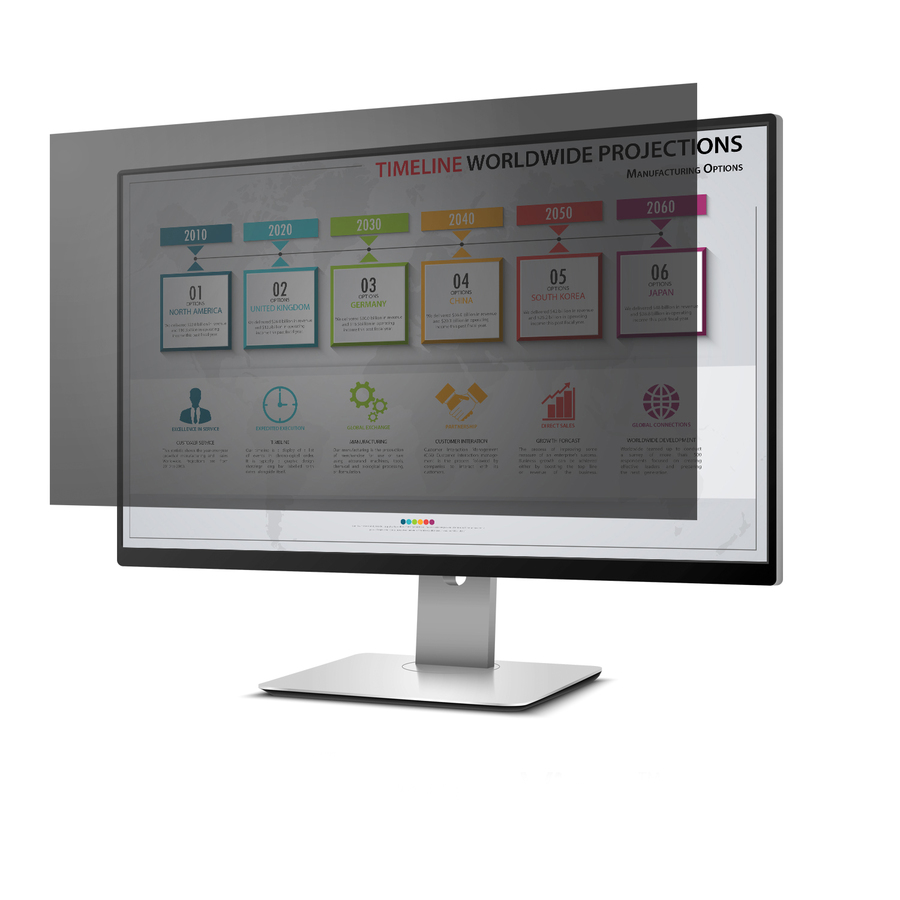
A privacy filter is a microlouver panel that collapses the viewing cone: head-on the display reads normally, and roughly 30 degrees off-axis it reads black. What decides the purchase is fit rather than brand — the visible panel diagonal, the aspect ratio (a 16:9 filter on a 16:10 screen leaves a live strip uncovered) and the attachment: magnetic, framed, slide-mount or unframed reversible.
A privacy filter is a microlouver panel that collapses the viewing cone: the person sitting in front of the display sees it normally, and anyone roughly 30 degrees off-axis sees black. That is the entire product, and it is what turns a monitor privacy screen in an open-plan office, a shared clinical station, a courtroom, a hot desk or an airport gate into an actual control rather than a courtesy. It is also why the specification that matters is fit, not brand.
Fit means two numbers and one attachment method. The diagonal has to match the panel, and so does the aspect ratio — a 16:9 filter on a 16:10 laptop privacy screen leaves a live strip of display uncovered, which defeats the purpose completely and is the most common reason one of these comes back. Newer business laptops have largely moved to 16:10, and a good number of 27-inch productivity monitors are 16:10 as well, so the ratio is no longer safe to assume from the diagonal. Measure the visible panel, not the lid or the bezel.
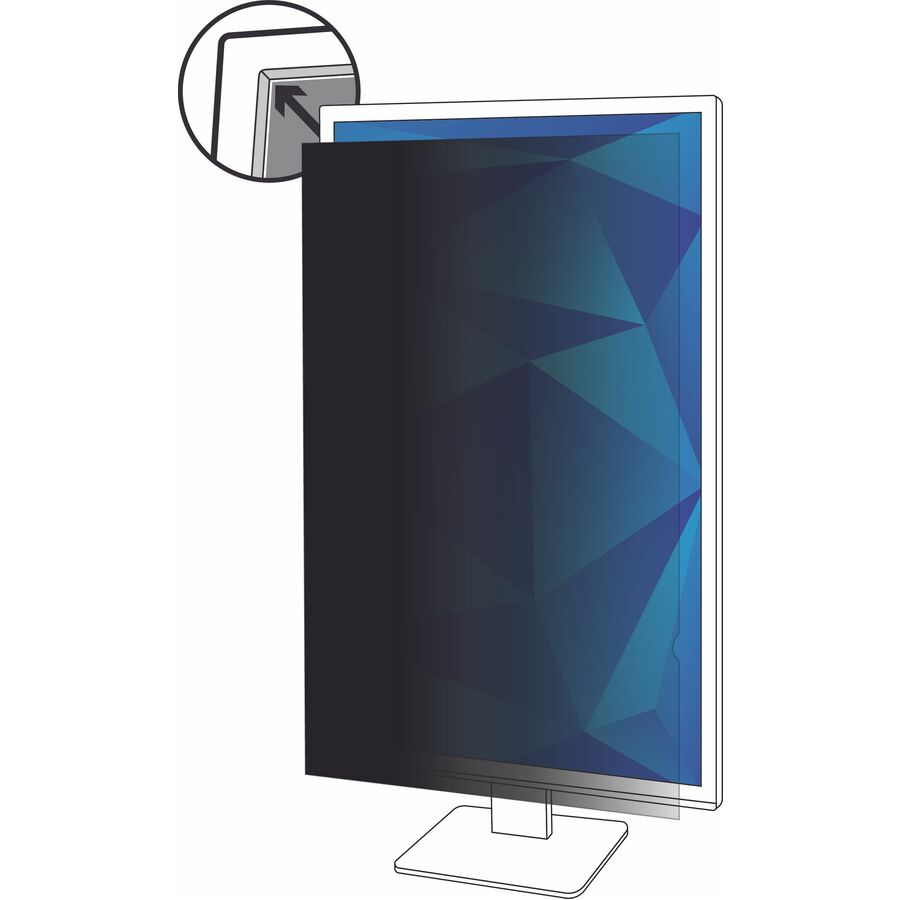
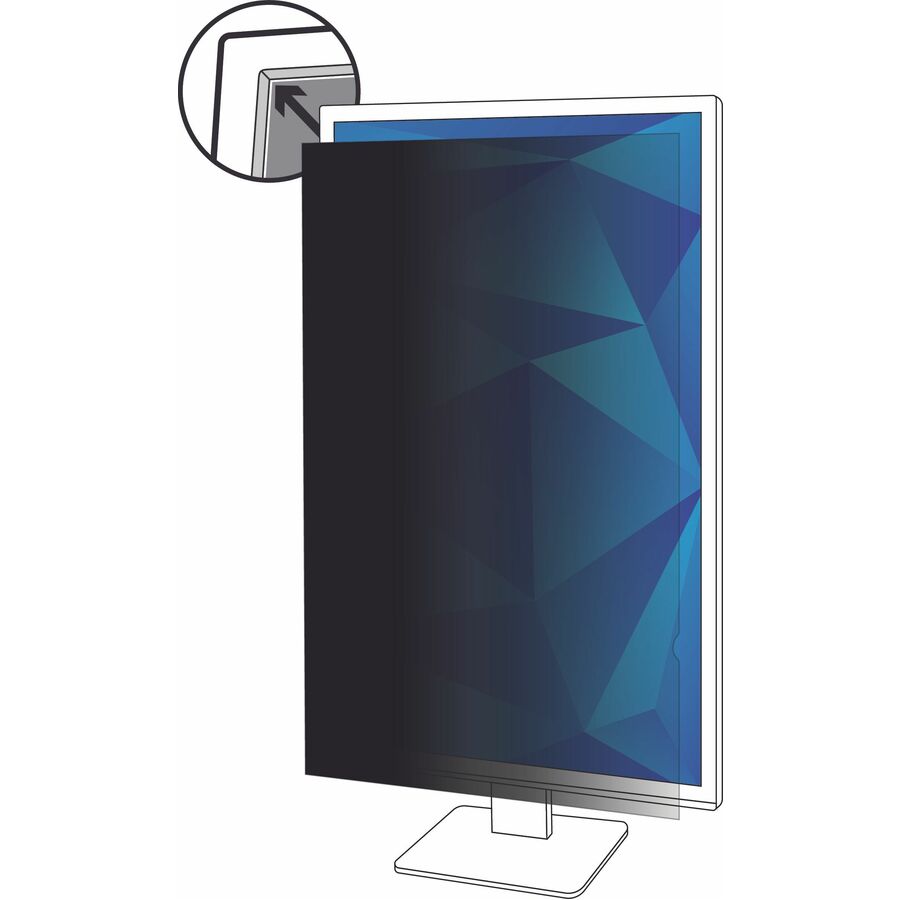
Then decide how it attaches. Magnetic filters snap on and off in one motion, which is what a traveller or a hot-desk user needs; framed and slide-mount filters stay put on a permanently assigned display; unframed reversible filters are the volume option for a fleet rollout, with a matte side for glare and a glossy side for colour. Several also carry a blue-light reduction figure and an anti-glare coating on the same panel, which is a useful bonus rather than a reason to buy. The selection below is brand-neutral and drawn live from what Uniqcli lists.
Buyer's checklist
How to choose a privacy screen or filter
- Measure the visible panel diagonal and confirm the aspect ratio — a 16:9 filter on a 16:10 screen leaves an uncovered strip, and 16:10 is now common on both business laptops and productivity monitors.
- Pick the attachment for the user: magnetic for anyone who removes it daily, framed or slide-mount for a fixed monitor, unframed and reversible for a volume rollout.
- Check that the filter clears the webcam, the infrared sensors and the lid hinge on a laptop — one that blocks facial recognition or stops the lid closing will come straight back.
- Decide matte or glossy at the surface: matte suppresses overhead glare, glossy preserves colour fidelity, and a reversible filter lets the user choose after delivery.
- Treat blue-light reduction and anti-glare coatings as secondary benefits — the viewing angle is the reason for the purchase.
- Remember the physical side effects: a filter adds thickness to a laptop lid stack, and a heavy framed filter loads a thin-bezel monitor.
- Ask for the TAA country-of-origin position on the exact part number where the order is going to a government or education buyer — it is recorded per part number, not per brand.
Where a privacy filter is a control, not a courtesy
The clearest case is the shared or public-facing seat: a reception desk, a nursing station, a benefits or intake counter, a courtroom clerk, a dispatch floor. In every one of those the person standing on the other side of the desk has a clear line of sight to the screen, and no amount of policy changes the geometry. A filter changes the geometry, which is why it appears on so many workplace privacy assessments as a specific, named remediation.
The second case is mobility. A laptop opened on a train, in an airport lounge or in a client's waiting room is the classic shoulder-surfing exposure, and a magnetic filter that goes on for the journey and comes off at the desk is what makes the control something people actually use. The third is the open-plan office itself — not because colleagues are a threat, but because sensitive work sitting visible on a screen all day is an exposure that has nothing to do with intent.
Sizing and aspect ratio, the part that goes wrong
Two mistakes account for most of the returns in this category, and both are measurement mistakes. The first is buying by the marketed diagonal rather than the actual panel: a display sold as 24-inch is very often a 23.8-inch panel, and a filter cut for a true 24-inch panel will not sit correctly on it. Measure the visible glass corner to corner and buy to that number.
The second is the aspect ratio. A 16:9 filter on a 16:10 panel leaves an uncovered band of live screen, which makes the filter cosmetic rather than protective. Business laptops have moved substantially to 16:10, and a meaningful share of 27-inch productivity monitors are 16:10 too. The ratio is printed on the filter's listing and on the display's specification — check both against each other before ordering, especially at 16 and 27 inches, where both ratios are common in the same size.
Rolling filters out across a fleet
Standardize on as few part numbers as the fleet allows. A privacy filter is tied to a specific panel size and ratio, so a floor running three laptop models and two monitor models needs five filters — which is manageable, and a great deal easier than a per-person order. Build the list from the actual asset register rather than from what people say they have.
Then pick the attachment method by behaviour rather than preference. Anyone who removes the filter daily should get a magnetic one, because a filter that is annoying to remove ends up in a drawer, and a filter in a drawer protects nothing. Fixed monitors can take a framed or slide-mount filter and never think about it again. And plan for a small overage on any rollout: filters are handled, moved between desks and occasionally cracked, and a spare on the shelf is the difference between a swap and a purchase-order cycle.
Related reading
FAQ
Common questions
- How do I know which size privacy screen to buy?
- Measure the visible panel diagonally, corner to corner of the glass rather than the bezel, and then confirm the aspect ratio. Both numbers have to match: a filter for a true 24-inch panel will not sit correctly on the 23.8-inch panel that many displays sold as 24-inch actually use, and a 16:9 filter on a 16:10 screen leaves a live strip uncovered. Manufacturers publish both figures on the specific part number, so check the filter's listing against the display's specification rather than assuming from the marketed size.
- What is the difference between a privacy filter and an anti-glare screen protector?
- They solve different problems. A privacy filter uses a microlouver layer to narrow the viewing cone so that anyone off to the side sees black — that is a confidentiality control. An anti-glare film diffuses reflected light to make a screen easier to read under overhead lighting, and it does nothing at all about who can see the screen. Many privacy filters include an anti-glare coating as well, which is why the two get confused, but a product sold purely as anti-glare or as a screen protector offers no privacy.
- Will a privacy filter block the webcam or facial recognition?
- It should not, and several manufacturers state explicitly that their filter clears the camera and the infrared sensors used for facial recognition. That claim belongs to the specific part number rather than the product family, so check it on the model you are buying — particularly for laptops where sign-in depends on infrared facial recognition, because a filter that covers those sensors turns a security accessory into a helpdesk ticket on day one.
- Magnetic, framed or unframed — which should we standardize on?
- Match it to behaviour. Magnetic filters are for anyone who takes the filter off regularly: travellers, hot-desk users and anyone who shares a screen in meetings. Framed and slide-mount filters suit a permanently assigned monitor where the filter goes on once and stays. Unframed reversible filters are the volume option for a fleet rollout, and they are usually the ones with a matte and a glossy side so the user picks the finish. The wrong choice is a fiddly attachment on a user who removes it daily, because that filter ends up in a drawer.
- Can Uniqcli quote privacy screens for a government or education order?
- Every line Uniqcli quotes is sourced through US distribution and screened for TAA country-of-origin and NDAA §889 status before checkout — with documentation tied to the specific part number, not a product family.
Need privacy screens pricing?
Send a bill of materials or part numbers — we confirm stock and a below-market total, with TAA verified on request. No payment up front.