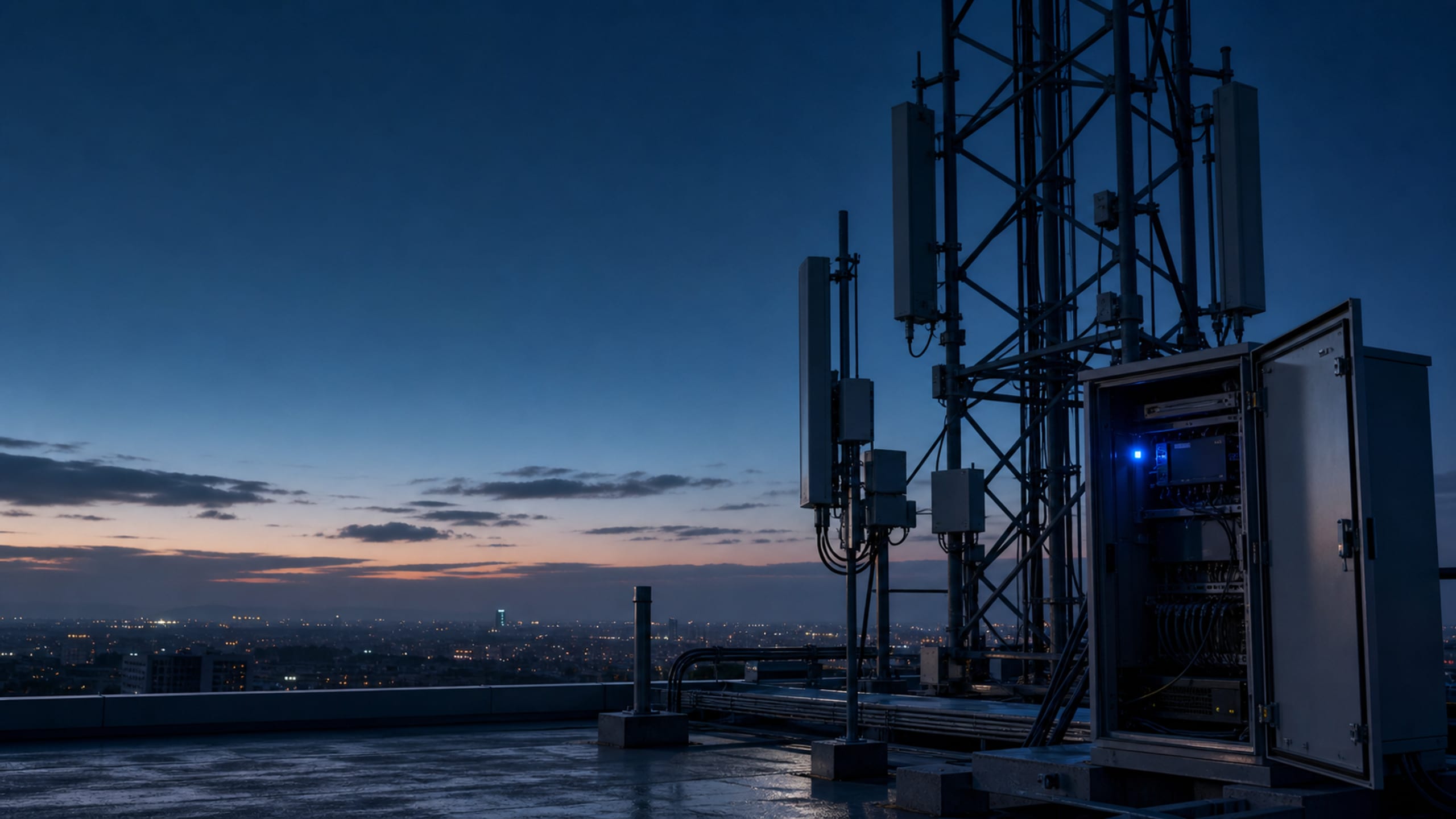
VLAN-segmented and private point-to-point networks at installation scale. Offices, barracks and depots run on Wi-Fi 7 tri-band, with a dedicated low-energy layer for IoT sensors.
One installation. Many networks. Zero bleed-through.
A base, campus or district is never one network. It carries resident Wi-Fi that must never see the admin VLAN, building controls that must never touch either, and mission systems that answer to their own accreditation. UniQ Network is our design-and-deliver practice for exactly that: VLAN-segmented, multi-layer architectures and private point-to-point links that let a government customer stand up large-scale connectivity across offices, barracks, depots and yards, with the separation enforced in the fabric rather than in policy documents.
The separation is physical, the management is one pane.
Anyone can draw VLANs on a whiteboard. Making them hold at installation scale is a design discipline. Across hundreds of APs, dozens of closets, barracks blocks and a flightline, someone has to decide which traffic shares radios, which requires its own SSID or its own antenna, and where a VRF ends and an air gap begins.
We design that fabric, quote every component line-by-line, and stage the switching, APs and bridges so each building arrives as a labeled kit. Wi-Fi 7 tri-band access serves people. A deliberately separate low-energy plane serves the sensors, so a $40 leak sensor never shares a broadcast domain with a command network.
▪Multi-layer segmentation: VLAN, VRF, and physical where warranted
▪Wi-Fi 7 tri-band (2.4/5/6 GHz) for density today and headroom tomorrow
▪Dedicated 2.4 GHz low-energy Wi-Fi + BLE plane for IoT
▪TAA-confirmed, §889-screened, staged per building
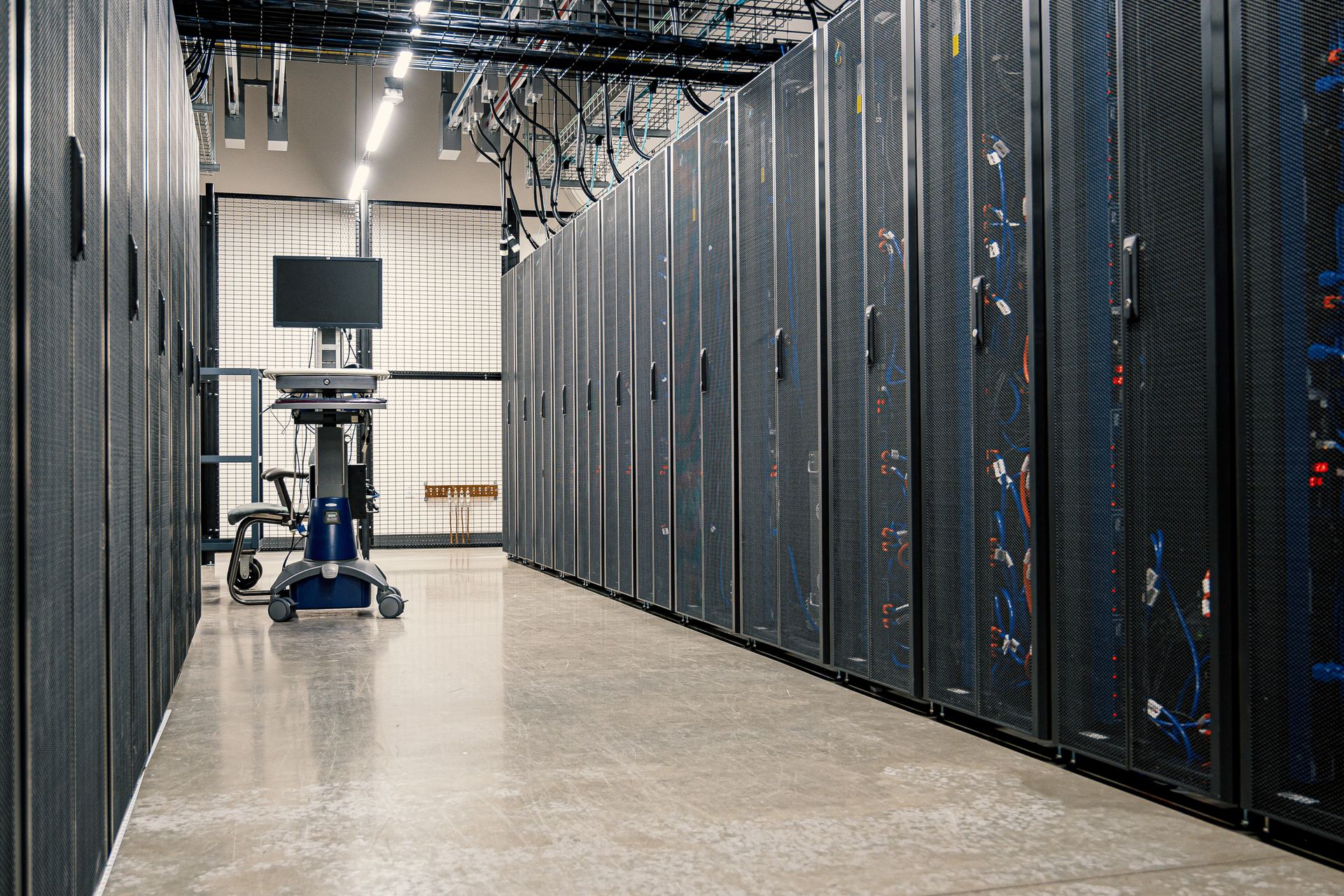
▪Network switching and cabling in a distribution rack.
Built on
Hardware and platform marks identify the technologies UniQ runs on. All trademarks are the property of their respective owners; no endorsement or sponsorship is implied.
The platform
UniQ Network, in depth
In this section
Segmented by design
UniQ Network maps traffic classes to enforcement. Guest and resident traffic, administrative systems, building controls and mission systems each land in their own segment. VLANs and VRFs are the default tools, physical separation is used where policy demands it, and routing between segments is deny-by-default.
The distinction matters at audit time. A VLAN separates traffic at layer 2: devices on different VLANs share switches but not broadcast domains. A VRF separates routing at layer 3, so even the paths between networks are distinct. Physical separation removes shared hardware entirely. Flat networks fail audits because a single compromised device can reach everything the network reaches. Segmentation turns "trust everyone inside" into an explicit, inspectable list of who may cross which boundary.
▪Enforcement in the fabric, not the AUP
▪Deny-by-default between segments
▪Per-building repeatable kits: closet N looks like closet 3
UniQ Network designs Wi-Fi 7 access with all three bands (2.4, 5 and 6 GHz) served simultaneously, with multi-link operation (MLO) and wider channels where clients support them. Density is designed from client counts and building construction: barracks rooms, open offices and hangars each set different numbers.
Wi-Fi 7's practical gains are spectrum and aggregation. The 6 GHz band is clean spectrum with no legacy devices contending for it, and Wi-Fi 7 can use channels up to 320 MHz wide there, double Wi-Fi 6E's maximum. MLO lets a client use multiple bands at once instead of choosing one, improving throughput and reliability under load. Those gains pay off where density is high and clients are current; legacy 2.4 and 5 GHz devices are still served, and PoE budgets and uplinks are reconciled before the quote goes firm.
▪6 GHz clean spectrum where density justifies it
▪Designed from client counts and wall construction, not coverage circles
▪Backward-compatible service for legacy 2.4/5 GHz clients
▪PoE budget and uplinks reconciled before the quote goes firm
Leak sensors, water and energy meters, and environmental and occupancy telemetry ride a dedicated 2.4 GHz low-energy Wi-Fi plane or a BLE (Bluetooth Low Energy) mesh. They never ride the user WLAN. Gateways are the only crossing point, bridging sensor data into the controls VLAN and nothing else.
Low-energy radio suits battery sensors for physical reasons: 2.4 GHz propagates farther through building materials than 5 or 6 GHz, and low-energy protocols spend most of their life asleep, waking briefly to report a reading. That is how a sensor's battery budget is measured in years rather than weeks. Keeping that plane separate also keeps its security model honest: a $40 sensor never shares a broadcast domain with a command network.
▪Leak, environmental and metering sensors on their own plane
▪BLE mesh or low-energy 2.4 GHz Wi-Fi per site geometry
▪Gateways are the ONLY crossing point into wired segments
Private point-to-point and point-to-multipoint links, on licensed or unlicensed spectrum as the site dictates, tie remote buildings, gates, scale houses and yards into the fabric without trenching fiber. Every link is engineered: path and fade budgets are calculated, and transport is encrypted between endpoints.
The trade-offs are concrete. A point-to-point bridge is a fast, clean backhaul but a single link; point-to-multipoint shares a hub across several sites at lower per-site cost; fiber wins on capacity and longevity where the civil works pay for themselves. We put fiber where it pays and radio where it doesn't, and quote the mounting, grounding and surge protection alongside the radios.
The segmentation map comes first, built from buildings, walls, counts and sensitivities.
2 · Design & quote
Fabric, radios, IoT plane and backbone as one line-item BOM.
3 · Stage & configure
Switches and APs configured to template, labeled per building.
4 · Deploy & sustain
Cutover support, then RMA, refresh and expansion under one partner.
Questions
UniQ Network: common questions
▪Is Wi-Fi 7 worth it over Wi-Fi 6/6E now?
For new construction and long-horizon refreshes, yes. Mid-life plants are often better served by 6E, and we will say which yours is.
▪Can residents' devices reach admin systems?
No. Segmentation is enforced in the fabric, deny-by-default between segments, and the IoT plane is separate again.
▪What sensors does the IoT layer support?
Leak/moisture, temperature/humidity, metering and occupancy sensors, or anything else speaking low-energy Wi-Fi or BLE. Gateways normalize the data into your monitoring.
▪Do you trench fiber between buildings?
Where it pays; otherwise engineered point-to-point radio links carry the span, encrypted end to end.
▪How do we buy it?
GPC / P-Card and open-market purchase orders are accepted. Net terms are available once a credit application is approved. Send the requirement with your RFQ and we quote against it.
The solutions atlas
Every solution, by technology area and by customer.