
Short answer
The main difference between PoE, PoE+ and PoE++ is how many watts the port may supply: PoE (802.3af) up to 15.4 W at the switch, PoE+ (802.3at) up to 30 W, and PoE++ (802.3bt) up to 60 W as Type 3 or 90 W as Type 4. Each device sees less than its port rating because the cable loses some. The tiers are backward compatible, so size to the device-end figure, not the port's.
Key facts
- PoE (802.3af, Type 1) delivers up to 15.4 W at the switch port, with about 13 W available at the device after channel loss.
- PoE+ (802.3at, Type 2) delivers up to 30 W at the port, with 25.5 W available at the device.
- PoE++ Type 3 (802.3bt) delivers up to 60 W at the port with 51 W at the device; Type 4 delivers up to 90 W at the port.
- 802.3bt reaches those levels by powering all four cable pairs; 802.3af and 802.3at power two, which is why the standard is also called 4PPoE.
- PoE Class 4 is the 802.3at class — the port reserves up to 30 W and the device may draw up to 25.5 W. Classes 0 to 3 are the 802.3af classes.
- PoE does not change the 100 m Ethernet channel limit; above 60 W the practical constraint is heat rise inside tightly bundled cable.
The PoE tier question is really a power-budgeting question, not a networking one. Every powered device draws a specific wattage; every switch port has a ceiling; and the switch as a whole has a finite power budget shared across all ports. Choose a tier below what a device needs and it may fail to boot, reset under load, or shed power-hungry functions like camera heaters or PTZ drive. Over-provision and you pay for power-supply capacity and switch cost you never actually draw. Buyers land here because a spec sheet says an access point or camera wants 'PoE+' or '60W' and they need to know whether their existing switches can feed it.
Three numbers drive the decision: the device's guaranteed power at the powered-device (PD) end, not the higher figure printed on the switch port; the switch's aggregate power budget divided by real per-device draw; and how much headroom you want for the next refresh, since access points and cameras trend hungrier each generation. Because each higher tier is a superset that negotiates down to power older devices, the tradeoff is cost and power-budget planning versus future headroom — not a capability lock-in. Get the PD-end number and the budget math right and the standard mostly picks itself.
At a glance
Side by side
| Factor | PoE (802.3af) | PoE+ / PoE++ (802.3at/bt) |
|---|---|---|
| Power at the switch port (PSE) | 15.4W max | 30W (PoE+); 60W Type 3, 90W Type 4 (PoE++) |
| Guaranteed power at the device (PD) | 12.95W | 25.5W (at); 51W Type 3, 71.3W Type 4 (bt) |
| IEEE standard (year) | 802.3af (2003) | 802.3at (2009) / 802.3bt (2018) |
| Wire pairs used for power | 2 pairs | 2 pairs (at); all 4 pairs for Type 3/4 (bt) |
| Power classes | Classes 0-3 | Class 4 (at); Classes 5-8 (bt) |
| Typical powered devices | VoIP phones, single-radio APs, fixed cameras | PTZ cameras, Wi-Fi 6/6E/7 APs, displays, laptops |
| Cabling | Cat5e is fine | Cat5e works; Cat6/6a preferred for heat at Type 3/4 |
| Max cable run | 100m (328 ft) | 100m (328 ft) — same channel limit |
Choose PoE (802.3af) when
- Endpoints draw under ~12.95W at the device: VoIP handsets, door and environmental sensors, single-radio access points, simple fixed-lens cameras
- You need to maximize device count per switch — 15.4W ports stretch a fixed power budget across far more endpoints
- You're feeding an existing Cat5e plant you don't plan to upgrade, with no heat-dense cable bundles
- The device data sheet explicitly lists 802.3af / Type 1 and nothing on it will grow hungrier mid-lifecycle
Choose PoE+ / PoE++ (802.3at/bt) when
- Devices exceed 15.4W: PTZ cameras with heaters/blowers, multi-radio Wi-Fi 6/6E/7 APs, large video phones, or thin clients (PoE+ / 30W territory)
- You're driving 60-90W loads over one cable — PoE displays and kiosks, laptops and docks, or PoE lighting (PoE++ Type 3/4)
- You're building new or refreshing and want headroom so switch ports aren't the limiter as endpoints get power-hungrier
- You want one switch tier that negotiates down to power legacy 802.3af/at devices too (higher tiers are backward compatible)
Bottom line
Size the tier to the device-end wattage, not the port rating, and buy the switch budget to match. PoE (802.3af) at 15.4W is the efficient, budget-friendly floor for phones, sensors, and light APs and cameras, and it lets a fixed switch budget power the most endpoints. PoE+ (30W) and PoE++ (60-90W) exist because modern PTZ cameras, high-density Wi-Fi APs, displays, and even laptops now exceed what 802.3af can deliver. Size to the device's power at the PD end, then confirm the switch's total budget covers all ports at real draw — that math, not the standard's name, is what strands or future-proofs a deployment.
Products for this decision
PoE+ (802.3at)
TRENDnet
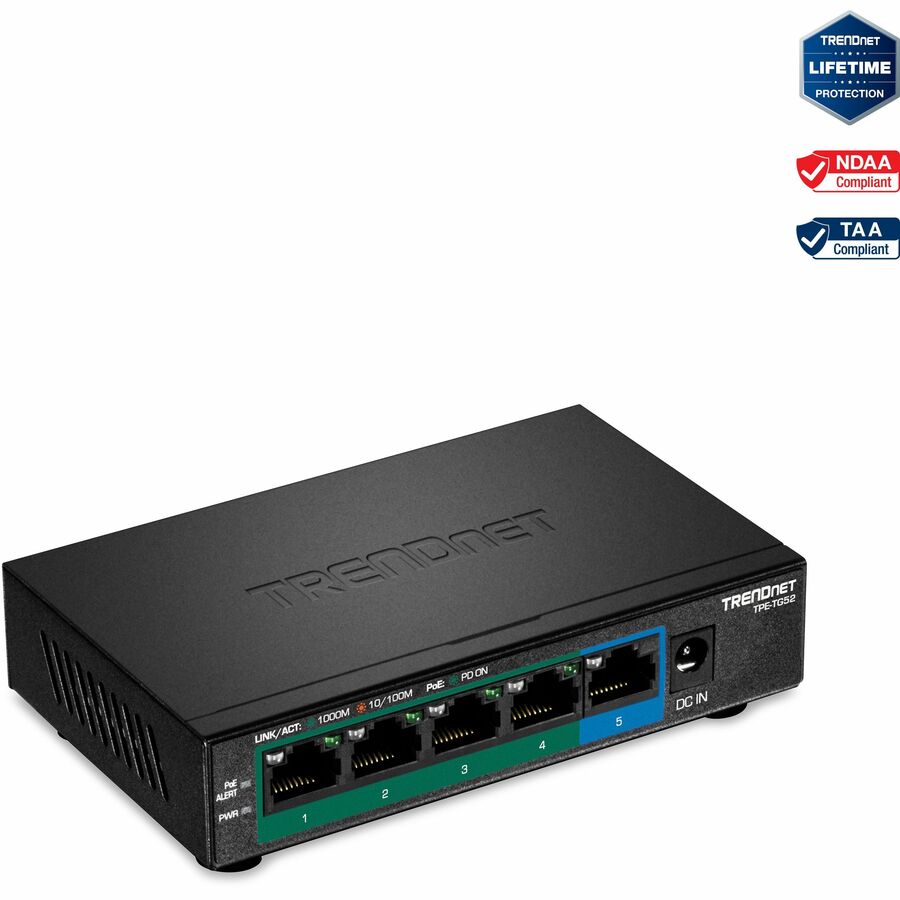
TRENDnet 5-Port Gigabit PoE+ Switch, 32W PoE Power Budget, 10Gbps…
TPE-TG52
A five-port gigabit PoE+ switch with a 32 W budget — enough for a pair of access points or cameras, and the tier most 30 W endpoints ask for.
Budget, not port count, is the limit: add up each device's draw at the device end before choosing a switch.
$56.39*Back-orderedPoE++ (802.3bt)
TRENDnet
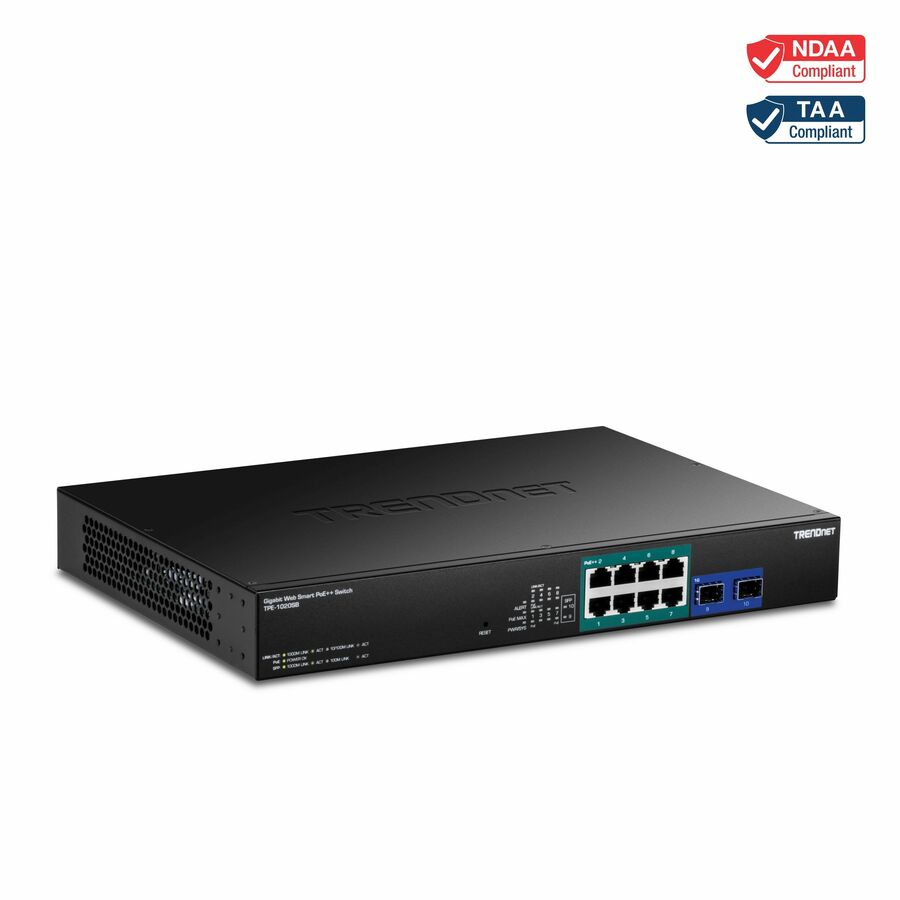
TRENDnet 10-Port Gigabit Web Smart PoE++ Switch, TPE-1020SB, 8…
TPE-1020SB
A ten-port web-smart switch with eight 95 W-capable ports and a 180 W budget, for Type 3 and Type 4 loads like PTZ cameras and PoE displays.
$284.78Back-orderedMulti-gigabit PoE++
Netgear
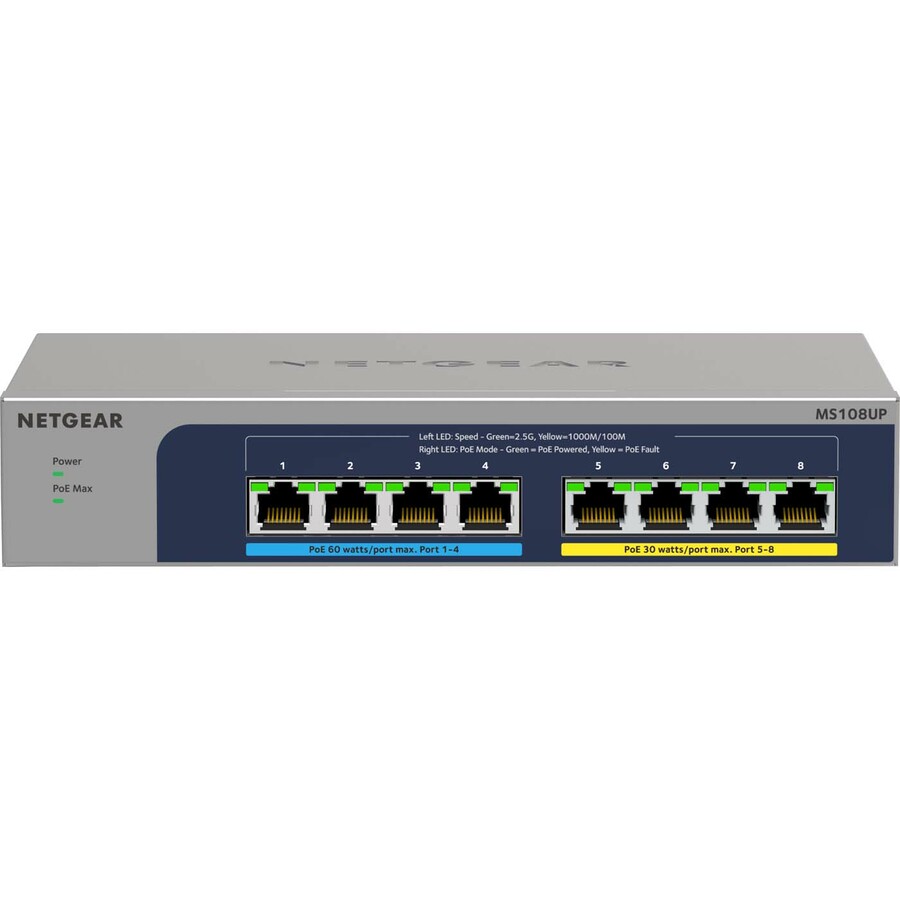
Netgear 8-port Ultra60 PoE++ Multi-Gigabit (2.5G) Ethernet Plus Switch
MS108UP-100NAS
An eight-port 2.5G PoE++ switch, for Wi-Fi 7 access points that need both a high-power port and an uplink faster than 1 GbE.
$315.75Back-orderedShop it at Uniqcli
FAQ
Common questions
- Will a PoE+ or PoE++ switch power my older 802.3af devices?
- Yes. The higher tiers are backward compatible. A Type 3/4 port negotiates power with the device via resistor-based classification and LLDP, so a 15.4W device only pulls what it requests — a 90W-capable port won't overdrive it. You can mix af, at, and bt devices on the same switch.
- Why does my device receive less power than the switch port's rating?
- Cable resistance dissipates some power between the switch (PSE) and the device (PD) over the run. That loss is why 15.4W at the port becomes 12.95W guaranteed at the device, 30W becomes 25.5W, and 90W becomes 71.3W. Always size to the device-end (PD) number on the spec sheet, not the port figure.
- Can I run every port at full PoE+ power at the same time?
- Not necessarily. A port's per-port capability is separate from the switch's aggregate power budget. A 48-port switch rarely has 48 x 30W (1,440W) of PoE budget; it may share, say, 740W across all ports. Add up your devices' real draw and compare it to the total budget — that sum, not the port count, tells you how many you can actually power.
- Does PoE shorten my maximum cable distance?
- No. The 100m (328 ft) Ethernet channel limit applies with or without PoE. What higher-power Type 3/4 does add is more heat in tightly packed cable bundles, which is a cable-category and bundle-temperature consideration (favoring Cat6/6a) — it does not change the distance limit.
- Do I need PoE or PoE+?
- Read the device end, not the port. If every endpoint on that switch draws under about 13 W at the device — VoIP handsets, sensors, single-radio access points, fixed cameras — 802.3af is enough and stretches a fixed power budget across more ports. If anything on the list is a multi-radio access point, a camera with a heater or PTZ drive, or a large video phone, it is asking for PoE+ and 25.5 W at the device. Mixed sites usually buy PoE+ and let it negotiate down.
- Can I plug a PoE switch into a PoE switch?
- Yes, on the data path — the uplink between two switches is an ordinary Ethernet link and both keep powering their own endpoints. What you cannot generally do is power one switch from the other's PoE port unless that switch is explicitly a powered device with a PoE input, which is a documented feature on some compact and industrial models. Two power-sourcing devices do not feed each other; the standard's detection stops any power flowing at all.
- Do cameras need PoE or PoE+?
- It depends on what the camera does when it is busy. A fixed-lens indoor camera usually fits inside 802.3af. Cameras with infrared illuminators, PTZ motors or enclosure heaters pull far more when those engage than when they idle, which is where PoE+ or Type 3 is specified. Size against the camera's maximum draw with every feature active, not its typical figure, because the failure mode is a reboot on a cold night rather than a refusal at install.
- Do all Ethernet cables allow PoE?
- Any twisted-pair channel that carries Ethernet will carry PoE, including Cat5e — PoE rides the same conductors, so there is no separate PoE cable. What changes with higher power is heat: current warms the bundle, and a thick bundle of thin-gauge cable running Type 3 or Type 4 can push conductor temperature past what the run was planned for. That is why Cat6 or Cat6A and looser bundling are the usual recommendation above 60 W, and why the 100 m limit is unchanged either way.
Sources
- 1.IEEE 802.3bt — Power over Ethernet over 4 pairsstandards.ieee.org
- 2.Fluke Networks — four-pair PoE standards and your cabling plantflukenetworks.com