
Best Network Switches for Offices, Closets and Racks
Unmanaged, smart-managed and PoE gigabit Ethernet switches for desks, wiring closets and racks.
Network switches in stock at Uniqcli
How to choose →A curated selection with live pricing — in-stock lines first, then back-ordered lines with a typical lead time. Every line is sourced through US distribution and screened for NDAA §889 status before checkout, with TAA verified on request.
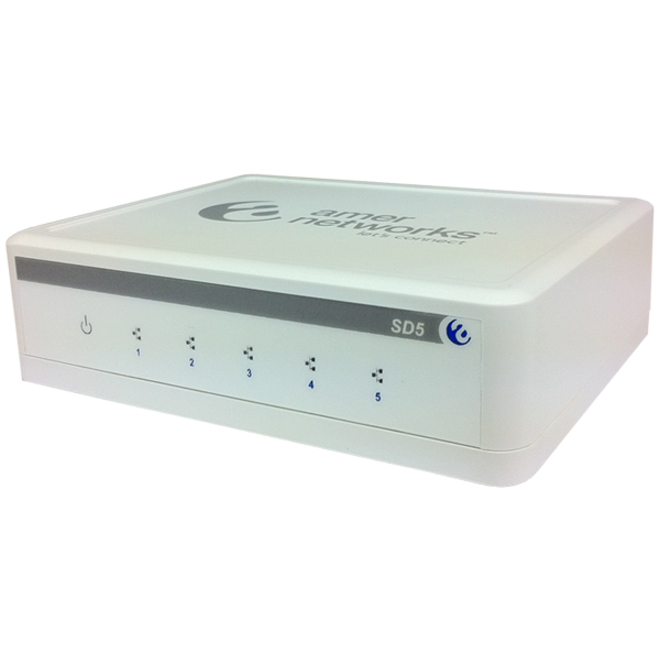


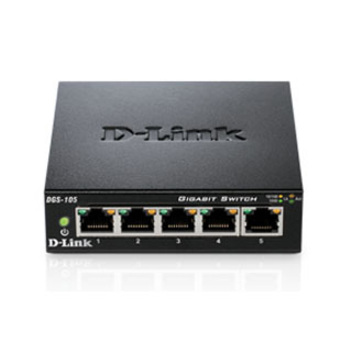

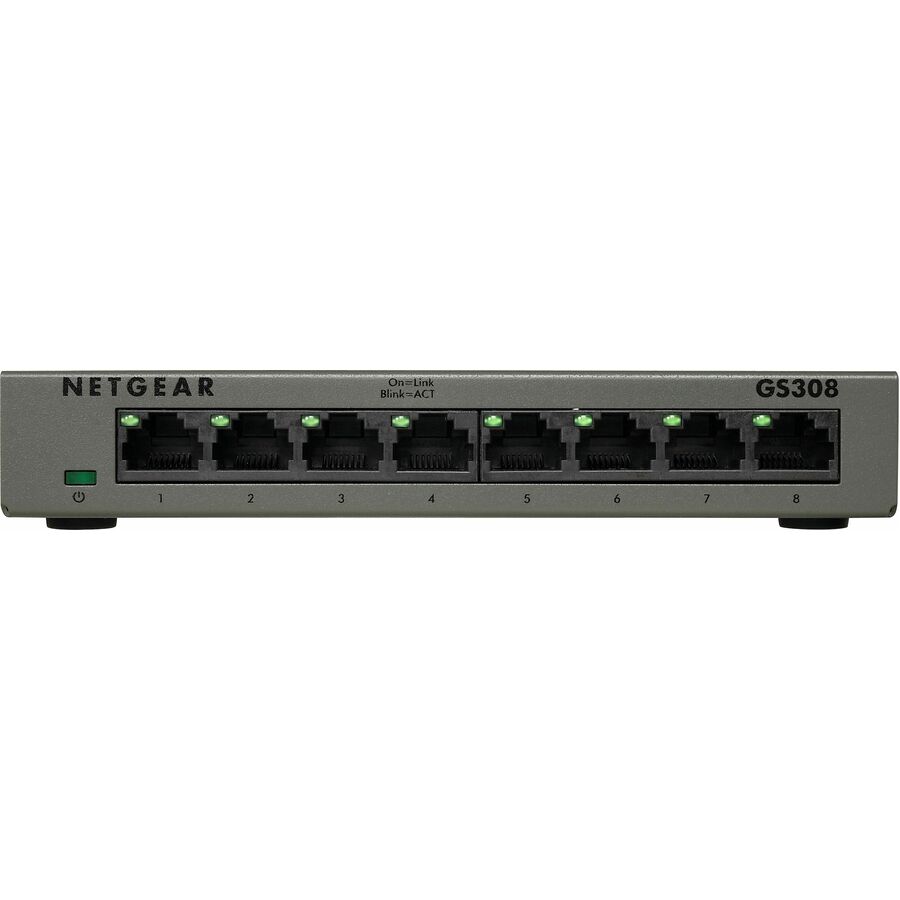



5-port baseline
Netgear
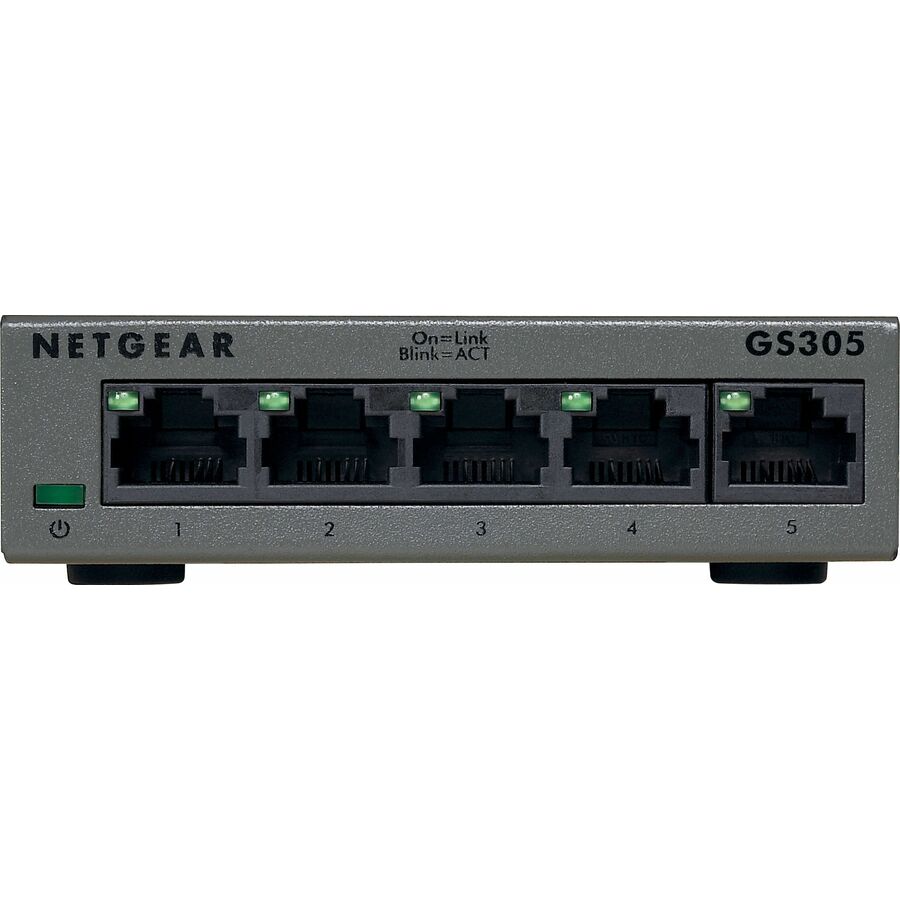
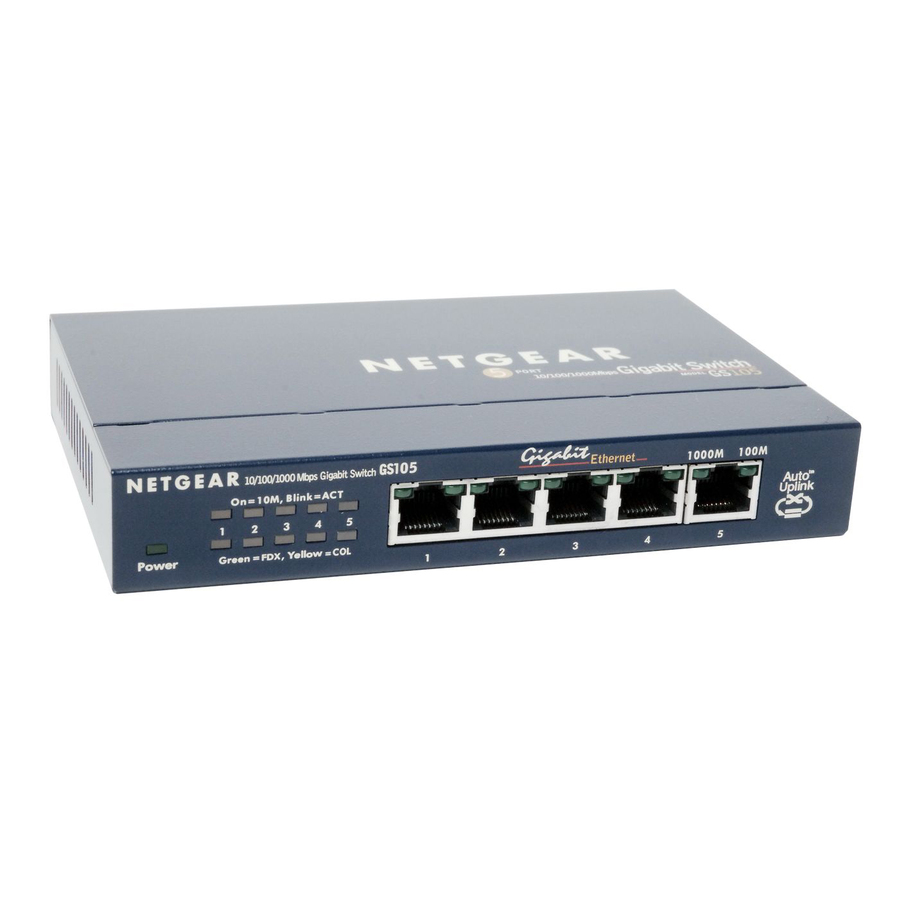
Netgear Business GS305 Ethernet Switch
GS305-300PAS
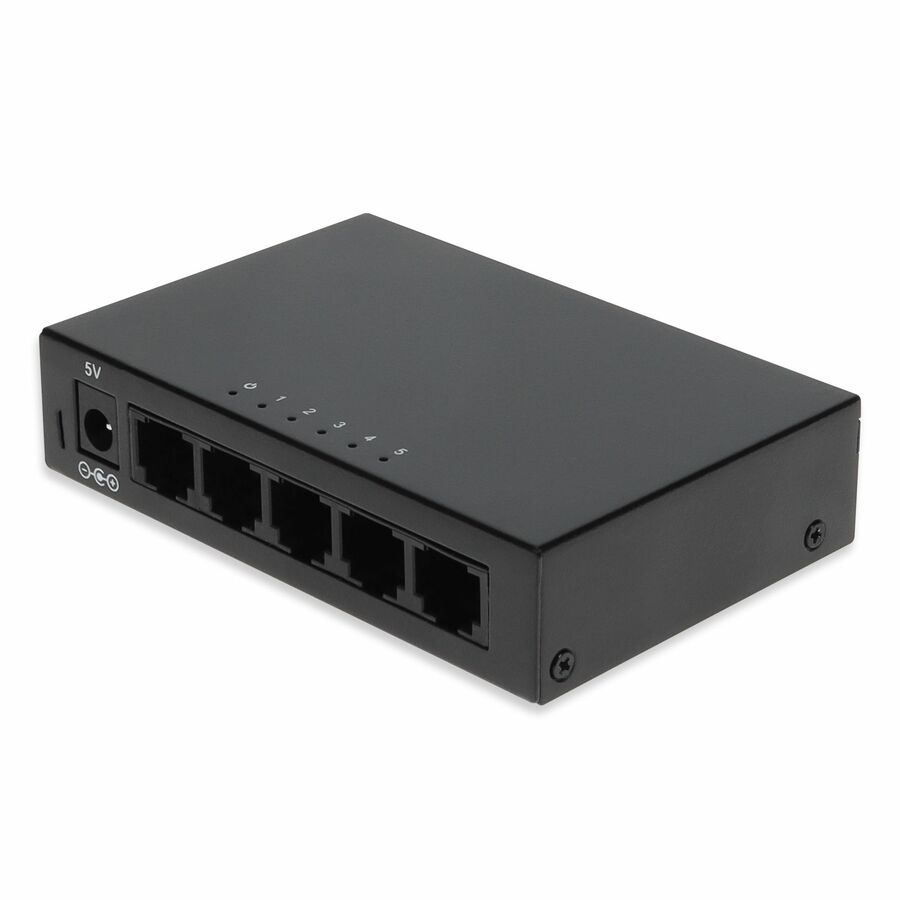
The plug-and-play baseline: five gigabit copper ports in a fanless metal desktop body rated at 2.15 W, with nothing to configure. The right answer for a desk cluster, a conference room or a single camera drop that simply needs more RJ-45.
$27.46In stock8-port unmanaged
D-Link Systems
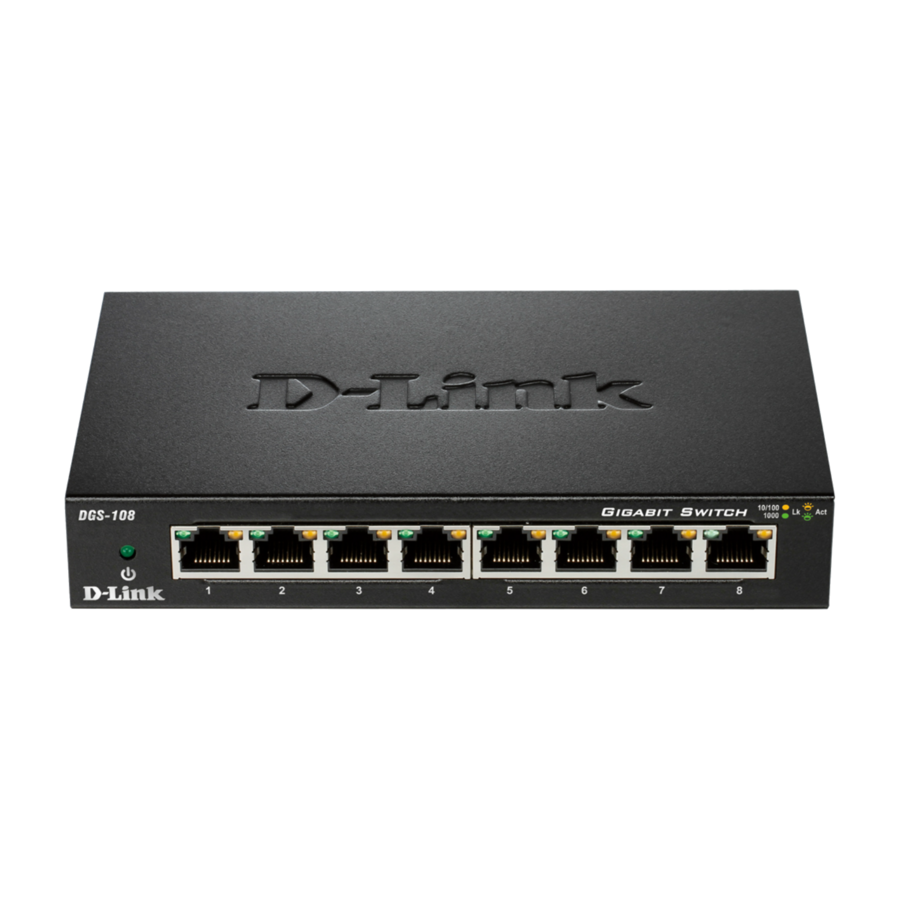
D-Link DGS-108 8 Port Gigabit Unmanaged Metal Desktop Switch
DGS-108
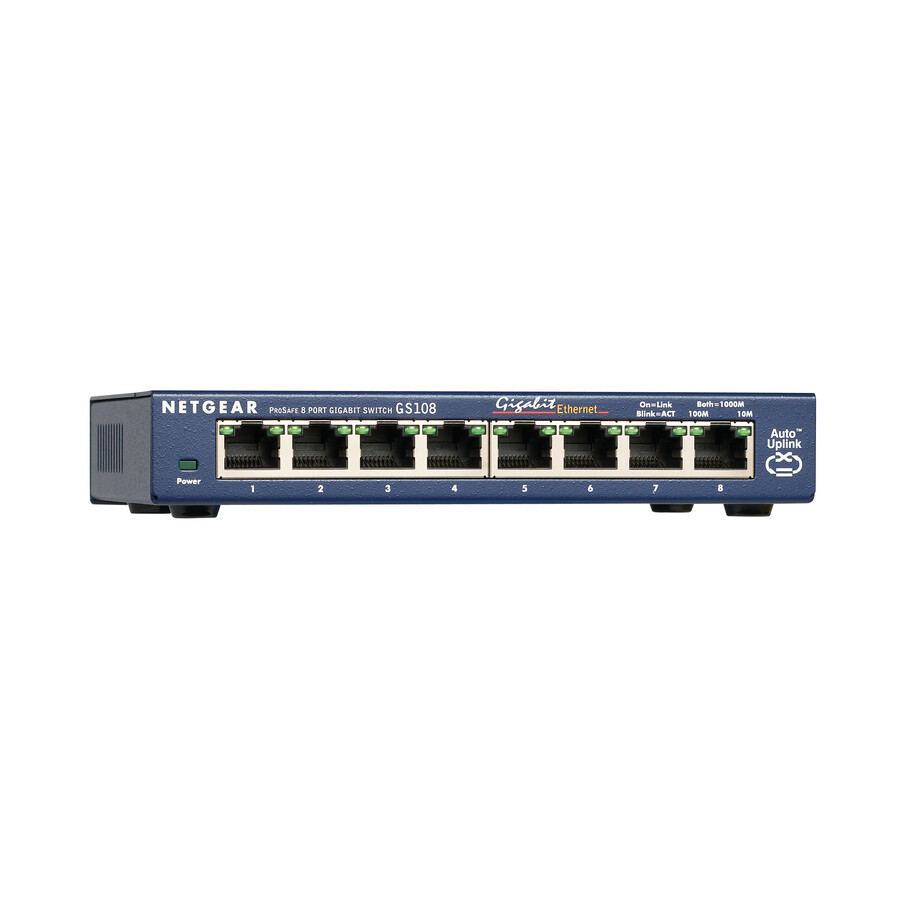
Eight gigabit ports in a metal desktop chassis, unmanaged and silent. This is the office-nook and lab-bench switch — the one that needs neither a rack nor a configuration session to do its job.
$37.00In stockEntry PoE+ pick
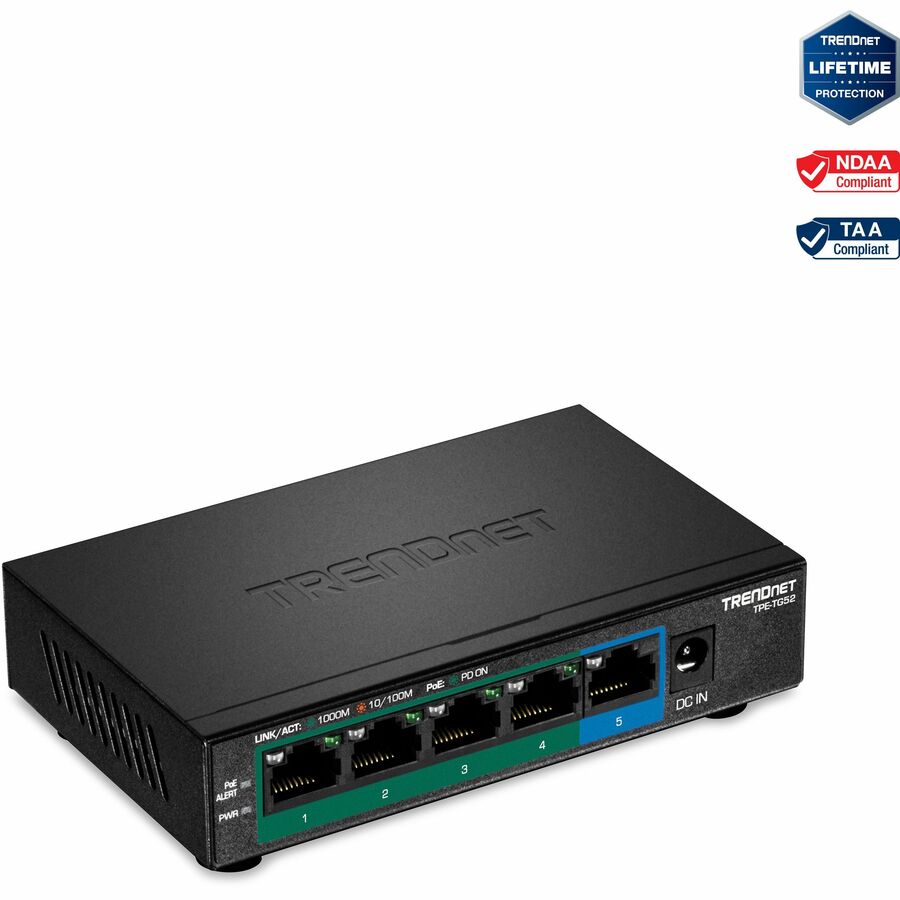
TRENDnet
TRENDnet 5-Port Gigabit PoE+ Switch, 32W PoE Power Budget, 10Gbps…
TPE-TG52
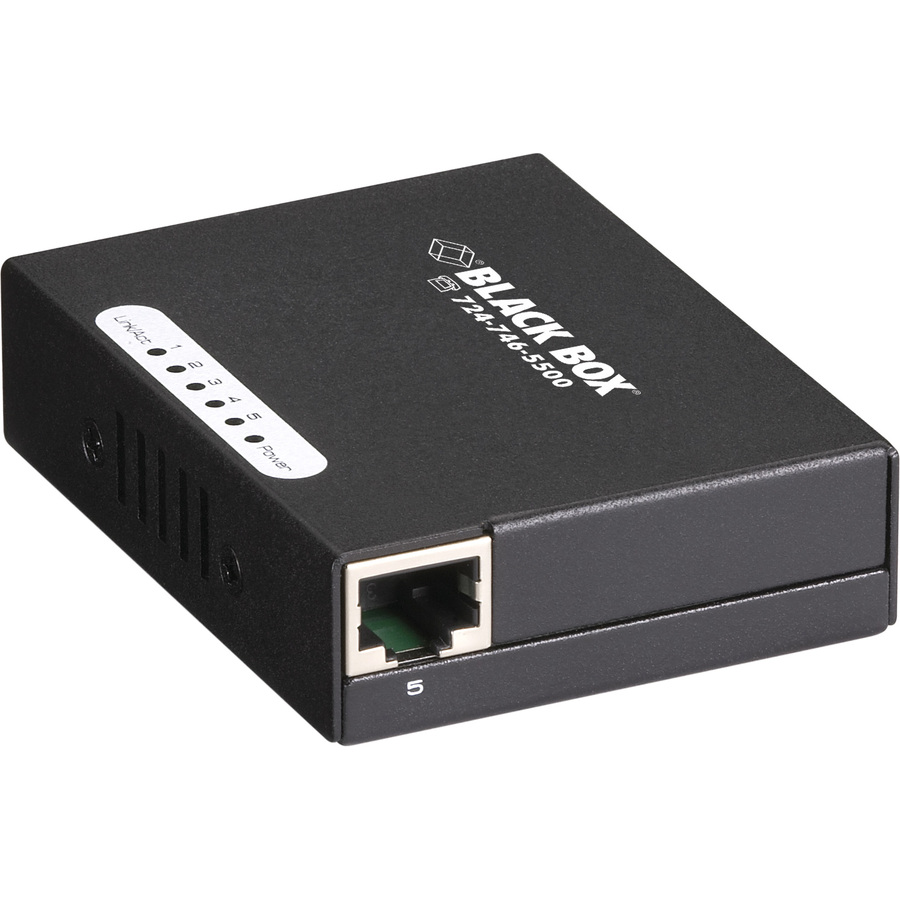
The compact way to power devices rather than only connect them: a 32 W PoE+ budget across five gigabit ports in a fanless wall-mountable body, with 802.1p QoS and DSCP pass-through. Enough for a couple of cameras, an access point and a handset at a small closet.
Check the wattage of the actual endpoints against the 32 W budget before committing — port count is not the constraint here.
$56.39*Back-orderedMulti-gig pick
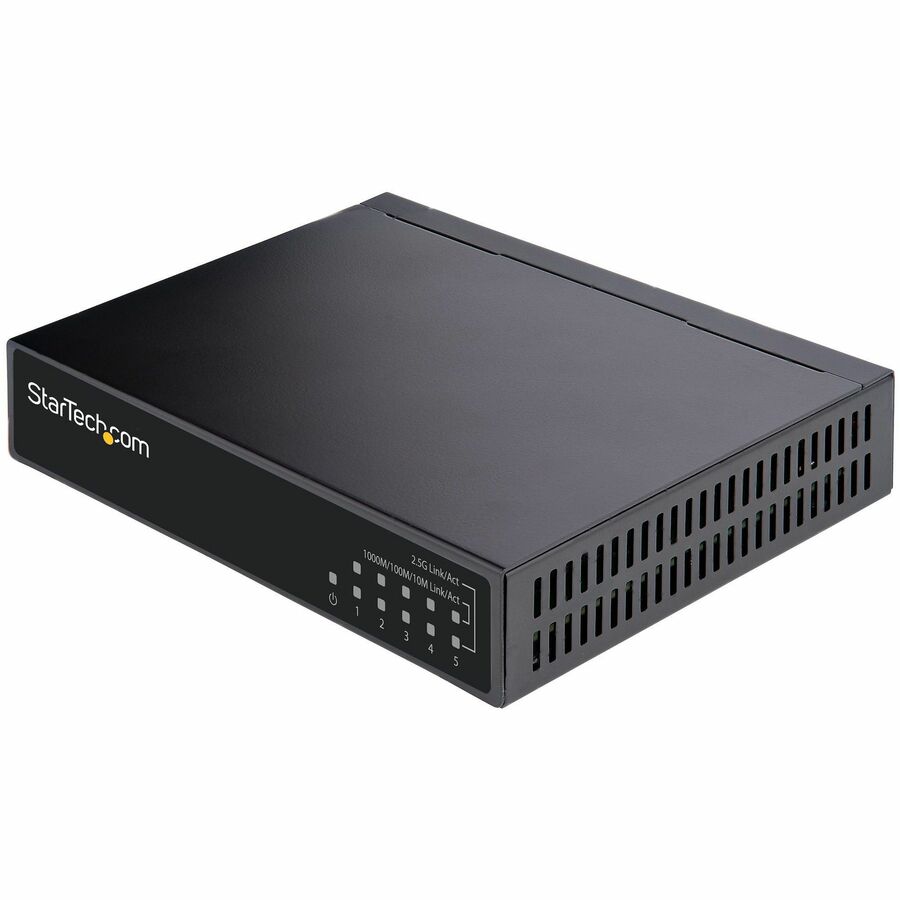
StarTech.com
StarTech Unmanaged 2.5G Switch, 5 Port 2.5GBASE-T Unmanaged Ethernet…
DS52000
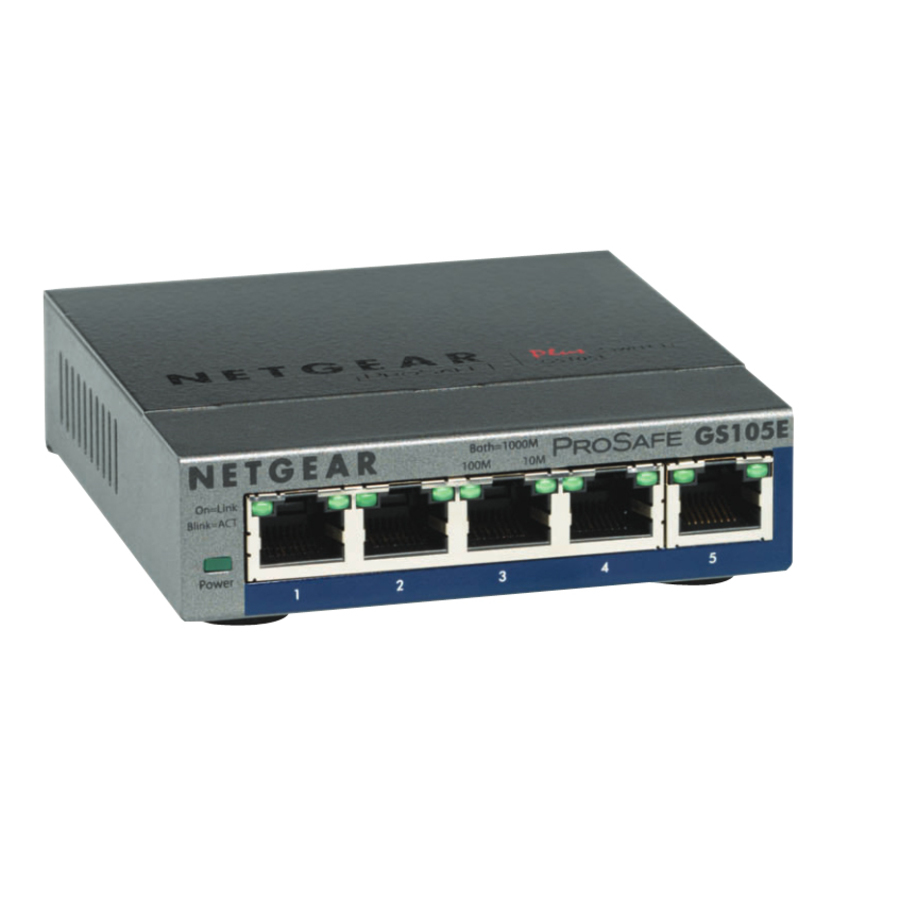
The upgrade path on cable that is already installed: 2.5GBASE-T on all five ports over Cat5e or Cat6, with 9K jumbo frames, auto-MDIX and an all-metal fanless body that DIN-rail or wall mounts. Choose it when access points or a NAS uplink have outgrown 1 Gbps.
$61.63In stock16-port fill-in
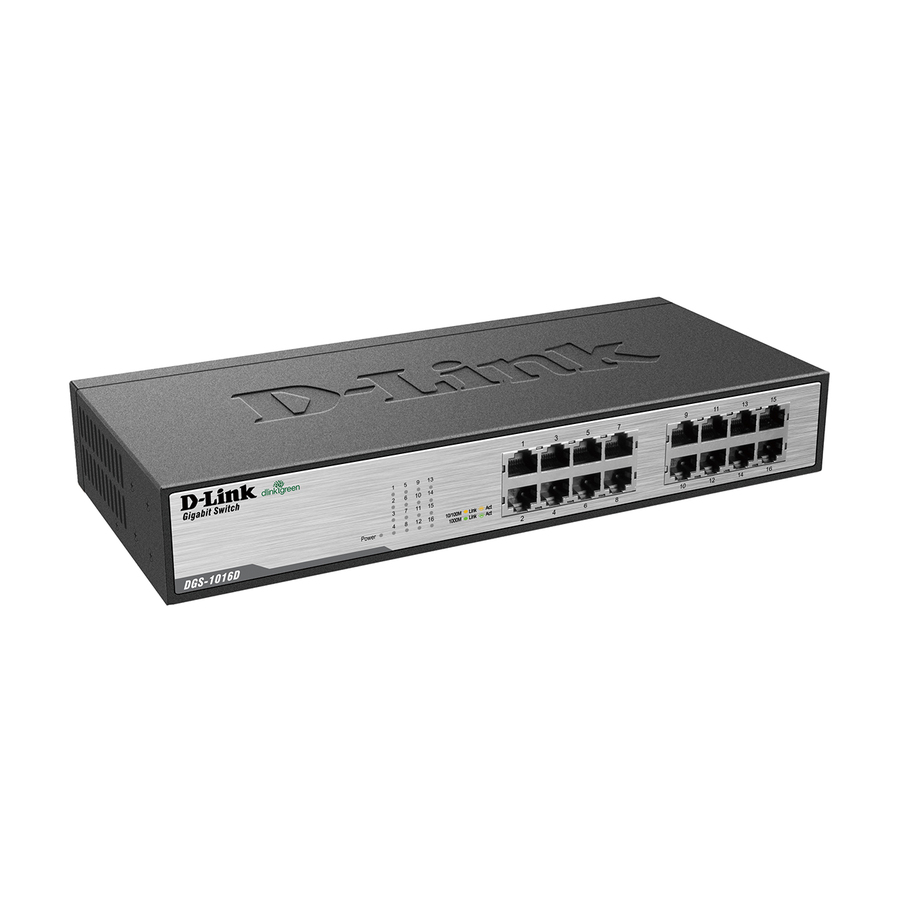
D-Link Systems
D-Link DGS-1016D 16-Port Gigabit Unmanaged Metal Desktop or Rackmount…
DGS-1016D
Sixteen gigabit ports that sit on a desk or rack-mount, with nothing to configure. The standard fill-in switch for a workgroup, a training room or an equipment closet that has run out of ports on the main switch.
$79.62In stock8-port PoE+ pick
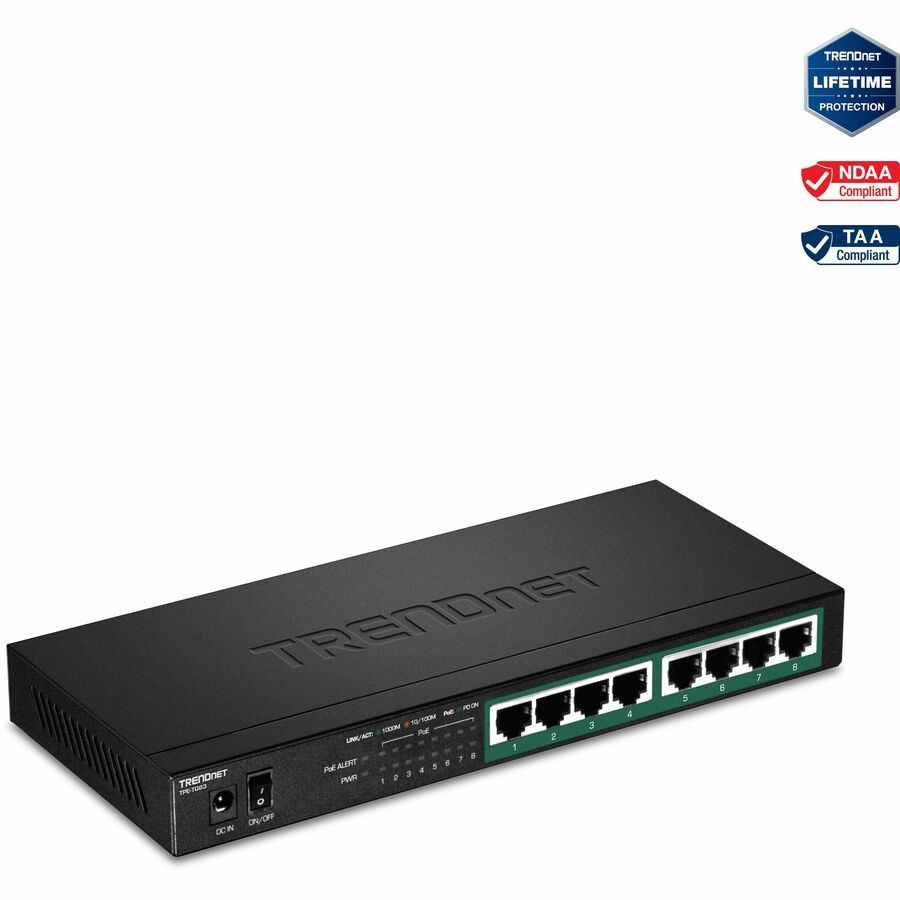
TRENDnet
TRENDnet 8-Port Gigabit PoE+ Switch, 65W PoE Power Budget, 16Gbps…
TPE-TG83
Eight gigabit ports with a 65 W PoE+ budget and 16 Gbps switching capacity, fanless and wall-mountable. The sweet spot for a small camera run or an access-point cluster where silent operation and no separate power injectors both matter.
$91.48*Back-orderedPoE+ with long cover
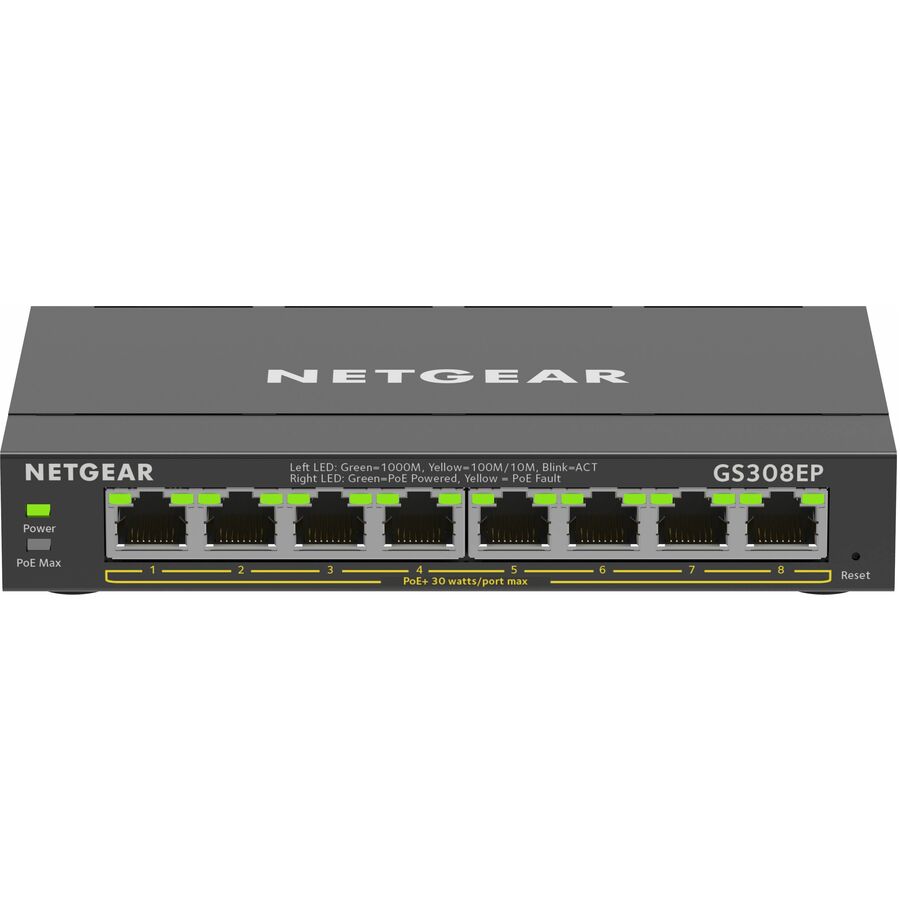
Netgear
Netgear Business GS308EP Ethernet Switch
GS308EP-100NAS
A 62 W PoE+ budget across eight gigabit ports in a desktop or wall-mount body, carrying a five-year limited warranty on the manufacturer's listing. The warranty term is the differentiator if this is going somewhere you would rather not revisit.
$116.61In stockRackable PoE+ pick
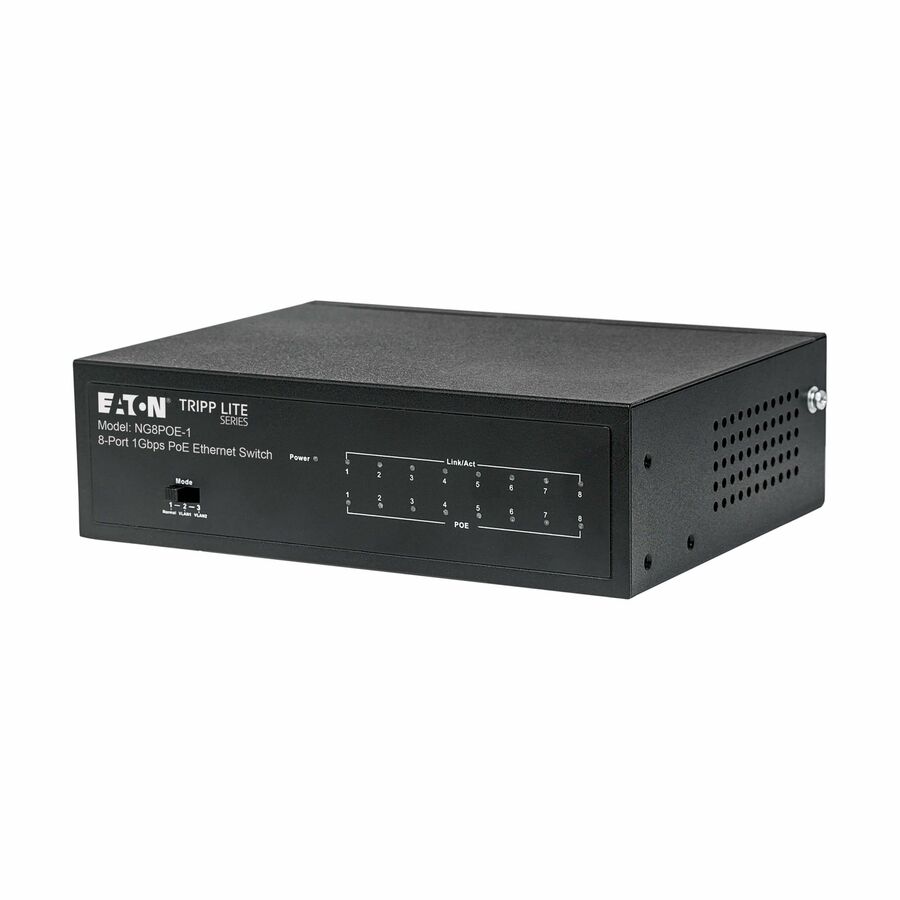
Eaton
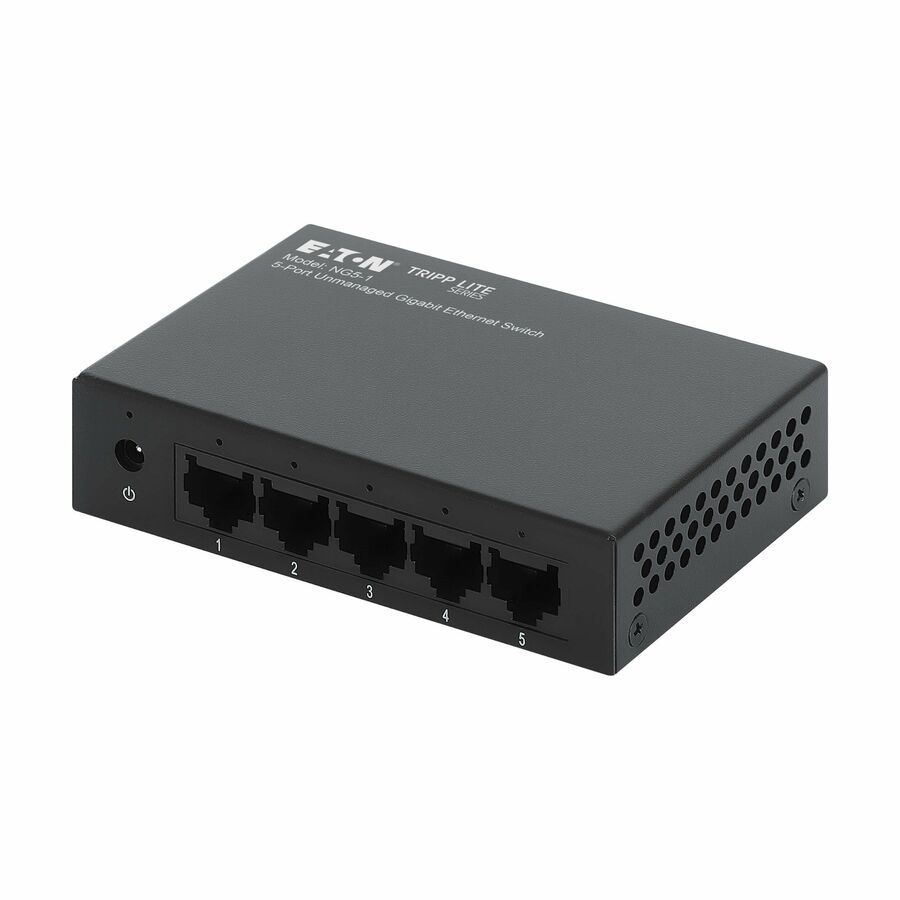
Eaton Tripp Lite Series 8-Port 10/100/1000 Mbps Desktop Gigabit…
NG8POE-1
Unmanaged PoE+ in a 1U metal enclosure that racks, wall-mounts or sits on a desk, with a 60 W budget across eight gigabit ports. Choose it over the smart-managed options where the site has nobody to administer a switch and still needs powered endpoints.
$176.64In stockManaged 24-port
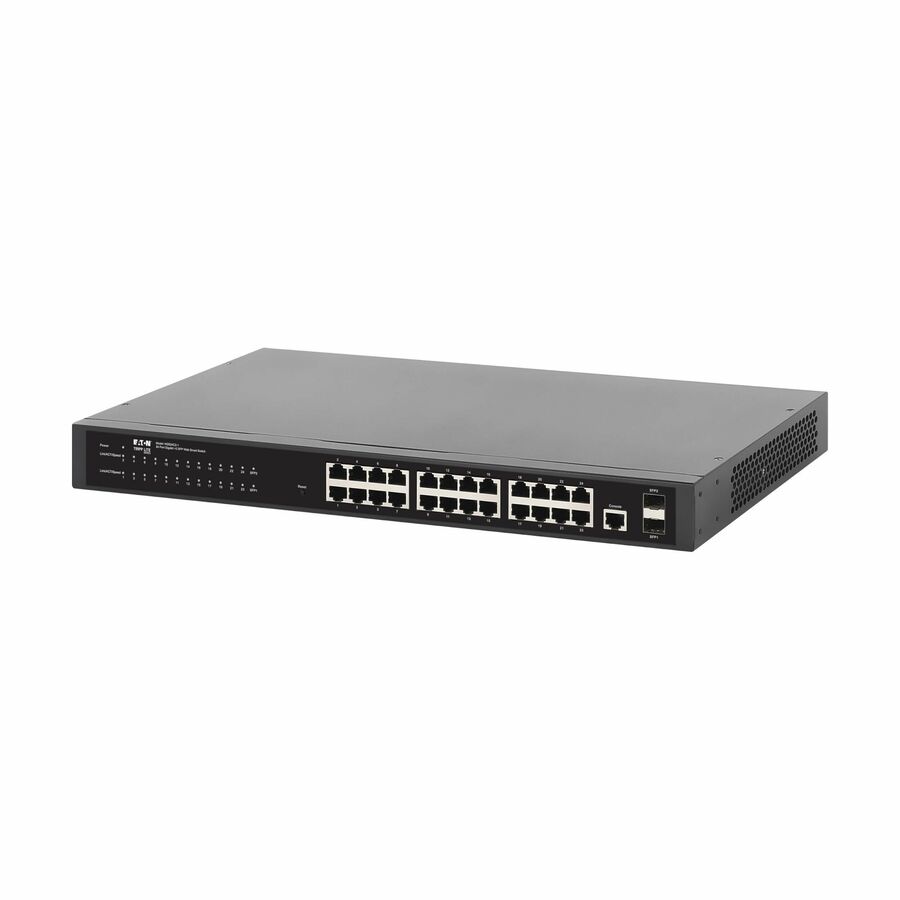
Eaton
Tripp Lite series 24-Port Managed Gigabit Ethernet Switch
NGS24C2-1
A managed 24-port gigabit switch with two GbE SFP slots for fiber uplinks in 1U, drawing a listed 16.7 W. The entry point for VLAN segmentation and monitored uplinks where the endpoints bring their own power.
$378.12In stockSmart PoE plus fiber
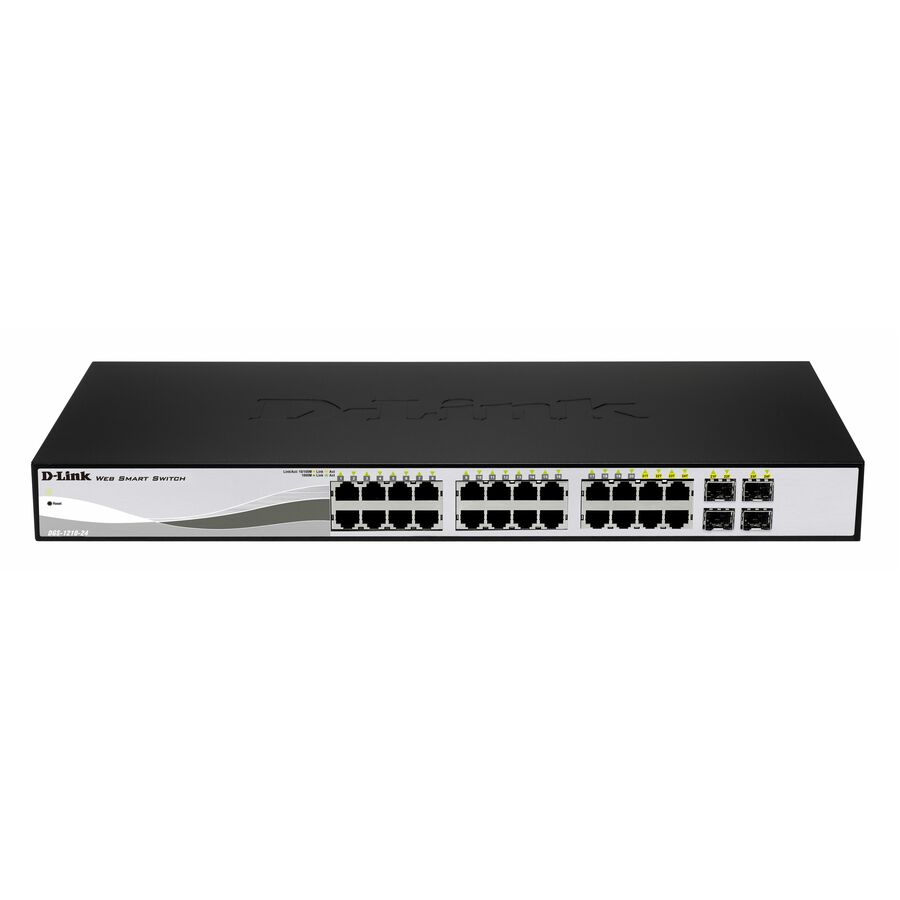
D-Link Systems
D-Link 28 Port PoE Gigabit Smart Switch Including 4 Combo SFP Ports
DGS-1210-28P
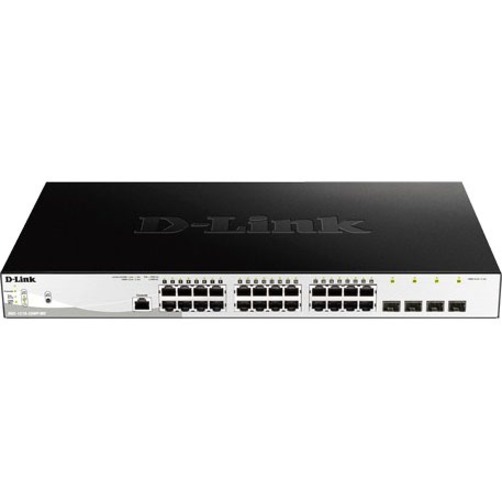
Smart-managed PoE with 24 copper ports plus four combo SFP slots and a lifetime limited warranty on the manufacturer's listing — a good fit for a floor closet feeding cameras and access points where the uplink may go fiber later.
The listing headline counts 28 ports (24 copper plus the four combo slots) while the spec tail says 24 — confirm which count your design needs.
$406.19In stockUniFi-managed pick
Ubiquiti
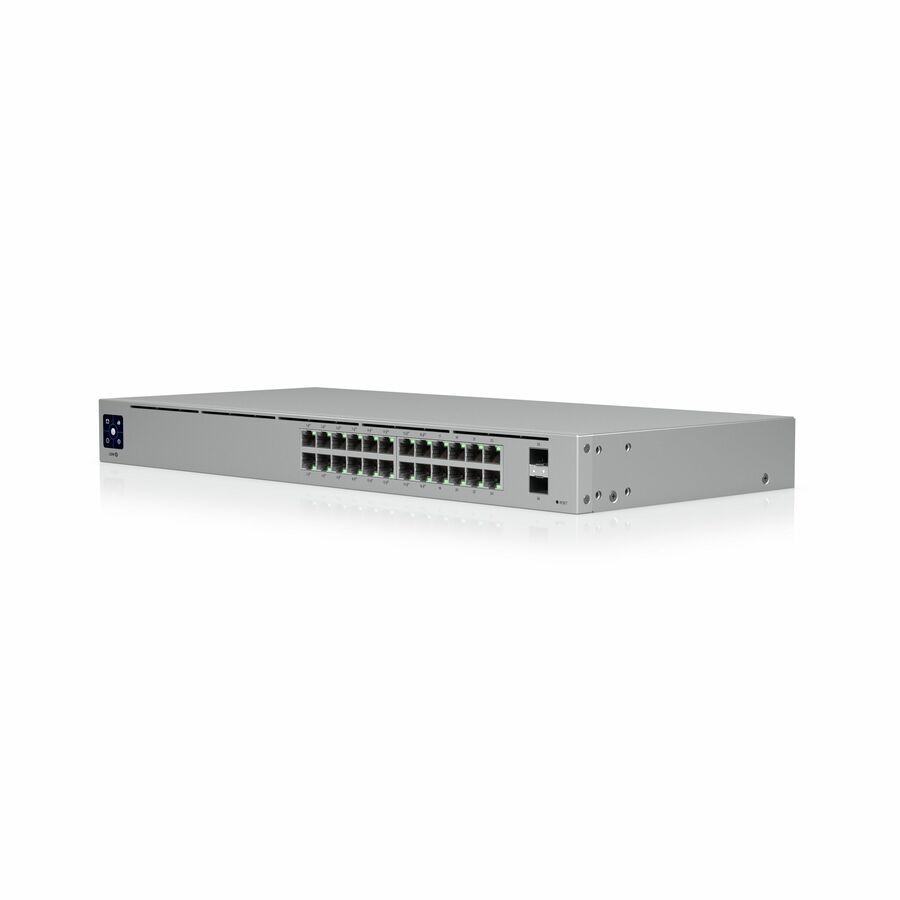
Ubiquiti USW-24-POE Ethernet Switch
USW-24-POE
A managed 24-port switch with a 95 W PoE budget and two SFP slots in 1U, administered from the same console as the rest of a UniFi estate. Buy it for the single-pane management story rather than for maximum watts per port.
$492.69Back-ordered48-port density
Netgear
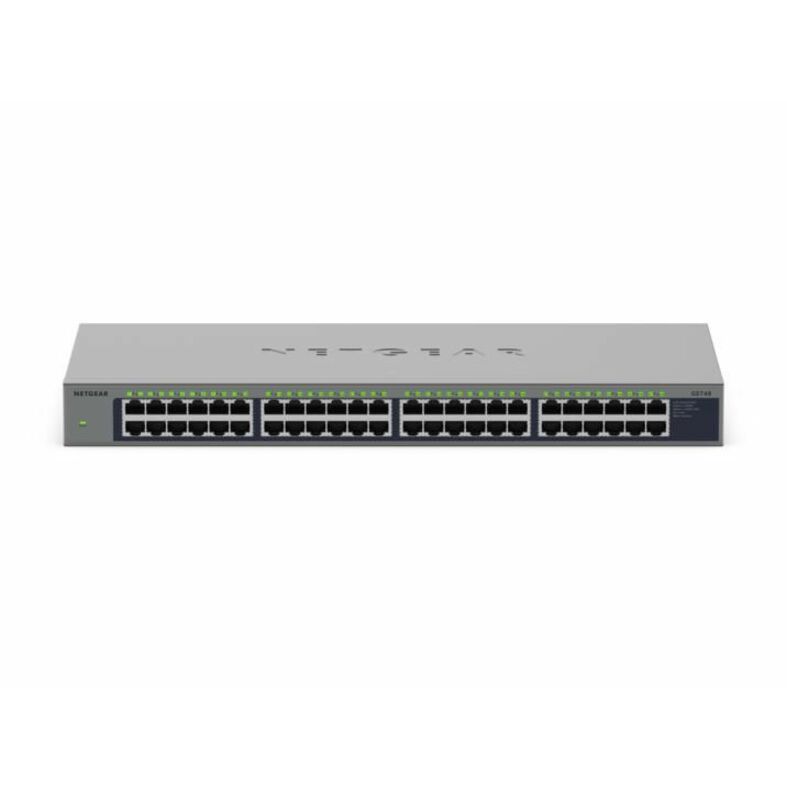
Netgear Business GS748 Ethernet Switch
GS748-100NAS
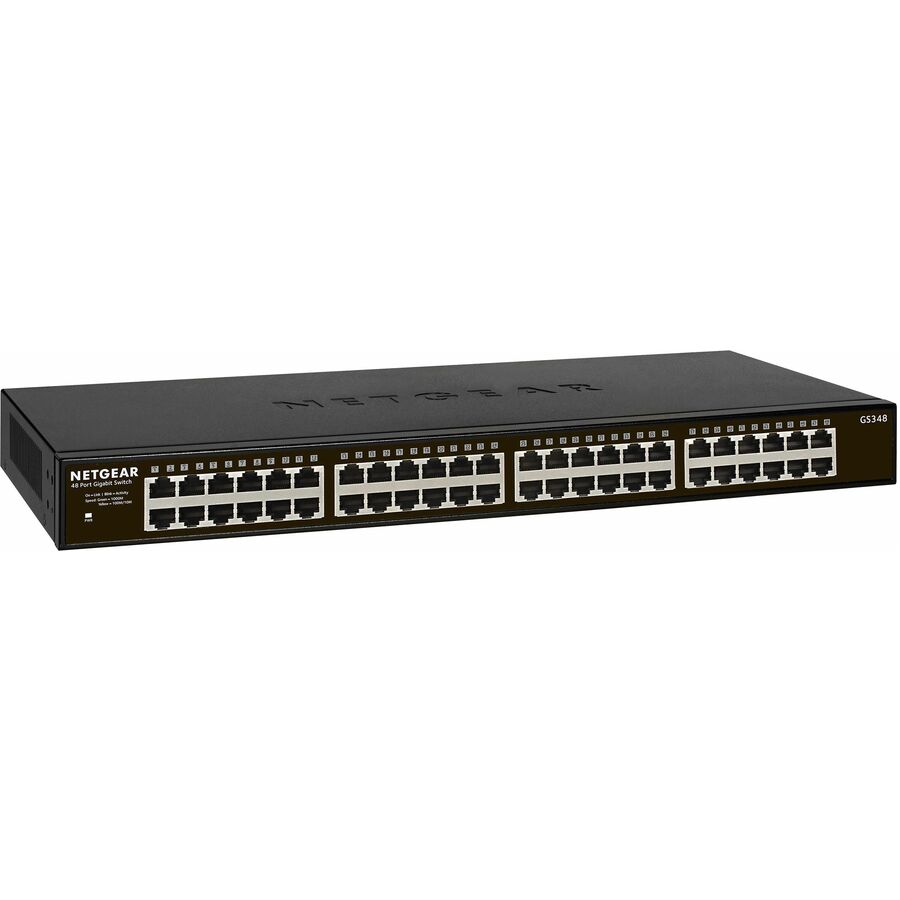
Forty-eight gigabit ports at a listed 8.81 W total draw with a lifetime limited warranty and nothing to configure. The density play for a wiring closet that needs ports and uptime rather than VLANs.
$320.45In stockMore switches and bridges in the Uniqcli catalog
See all 6,646 switches and bridgesMore from across this category. In-stock lines lead, and a back-ordered line carries the same estimated availability its product page does — with live pricing throughout, NDAA §889 screening before checkout and TAA verified on request.
- NetgearNetgear Gigabit PoE+ Smart Switches with 4 Dedicated 10G SFP+ Ports - 24 Ports - Manageable - Gigabit Ethernet, 10 Gigabit Ethernet - 10GBase-X, 10/100/1000Base-T - 3 Layer Supported - 231 W Power Consumption - 190 W PoE Budget - Optical Fiber, Twisted Pair - PoE Ports - Rack-mountable, Table Top - Lifetime Limited WarrantyGS728TXP-300NAS
$709.65
$537.57
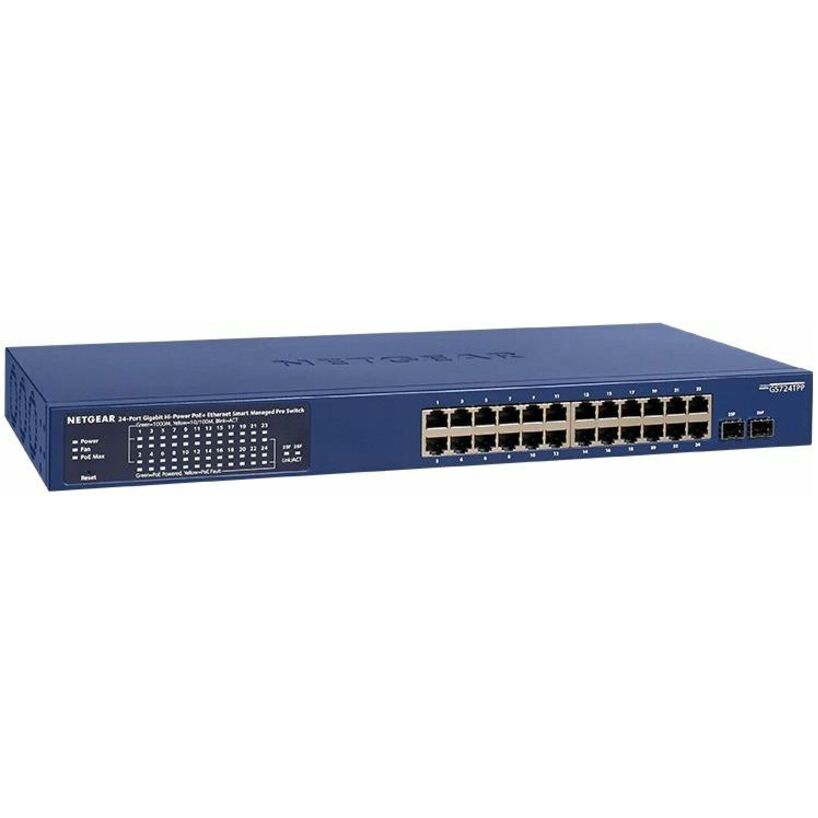
1 in stock - NetgearNetgear Business GS724TPP Ethernet Switch - 24 Ports - Manageable - Gigabit Ethernet - 10/100/1000Base-T, 1000Base-X - 4 Layer Supported - 2 SFP Slots - 396.95 W Power Consumption - 380 W PoE Budget - Twisted Pair, Optical Fiber - PoE Ports - Rack-mountable, Desktop - Lifetime Limited WarrantyGS724TPP-300NAS
$709.65
$537.65
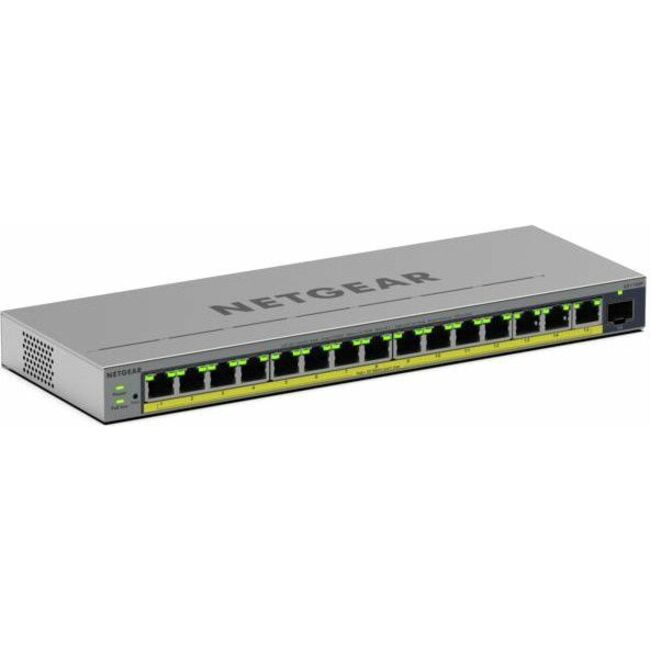
2 in stock - NetgearNetgear Business GS116EP Ethernet Switch - 15 Ports - Manageable - Gigabit Ethernet - 10/100/1000Base-T - 3 Layer Supported - 1 SFP Slots - 10.09 W Power Consumption - 180 W PoE Budget - Twisted Pair, Optical Fiber - PoE Ports - Desktop, Wall Mountable, Enclosure - Lifetime Limited WarrantyGS116EP-100NAS
$390.39
$227.76
5 in stock - D-Link SystemsD-Link 28-Port Layer 2 Smart Managed Gigabit PoE Switch - 24 Ports - Manageable - Gigabit Ethernet - 1000Base-X, 10/100/1000Base-T - 2 Layer Supported - Modular - 4 SFP Slots - 33.10 W Power Consumption - 370 W PoE Budget - Twisted Pair, Optical Fiber - PoE Ports - 1U - Desktop, Rack-mountableDGS-1210-28MP
$579.99
$451.45
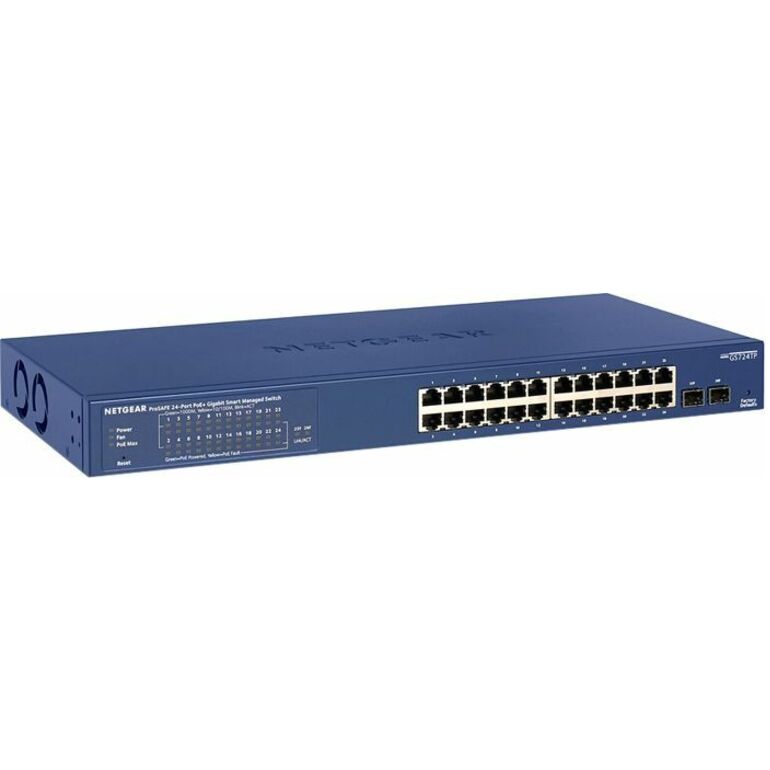
5 in stock - NetgearNetgear Smart GS724TP Ethernet Switch - 24 Ports - Manageable - Gigabit Ethernet - 10/100/1000Base-T, 1000Base-X - 4 Layer Supported - Modular - 2 SFP Slots - 228.53 W Power Consumption - 190 W PoE Budget - Twisted Pair, Optical Fiber - PoE Ports - Rack-mountable, Desktop - Lifetime Limited WarrantyGS724TP-300NAS
$535.85
$412.21
4 in stock - NetgearNetgear GS324TPv2 Ethernet Switch - 24 Ports - Manageable - Gigabit Ethernet - 10/100/1000Base-T, 1000Base-X - 3 Layer Supported - 2 SFP Slots - 208.70 W Power Consumption - 190 W PoE Budget - Twisted Pair, Optical Fiber - PoE Ports - Desktop, Rack-mountable - 3 Year Limited WarrantyGS324TP-200NAS
$514.32
$396.39
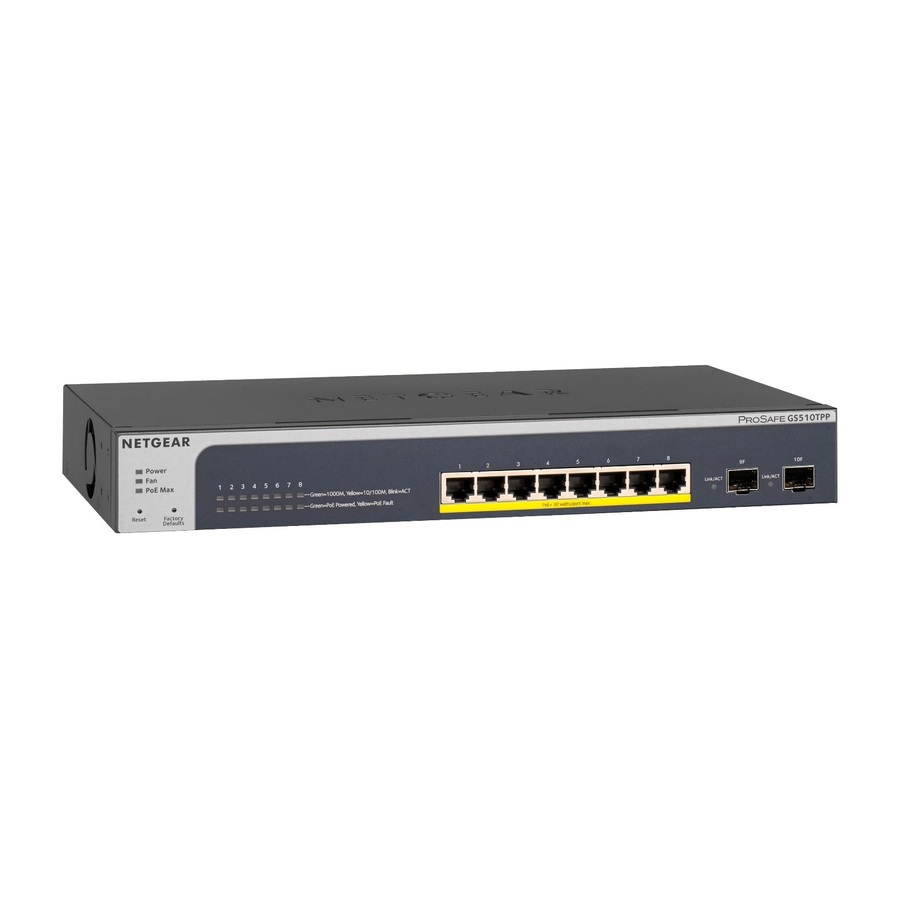
4 in stock - NetgearNetgear ProSAFE 8-Port PoE+ Gigabit Smart Managed Switch with 2 SFP Ports (GS510TPP) - 8 Ports - Manageable - Gigabit Ethernet - 1000Base-T - 3 Layer Supported - Modular - 2 SFP Slots - Twisted Pair, Optical Fiber - Rack-mountable, Desktop - Lifetime Limited WarrantyGS510TPP-100NAS
$501.09
$383.89
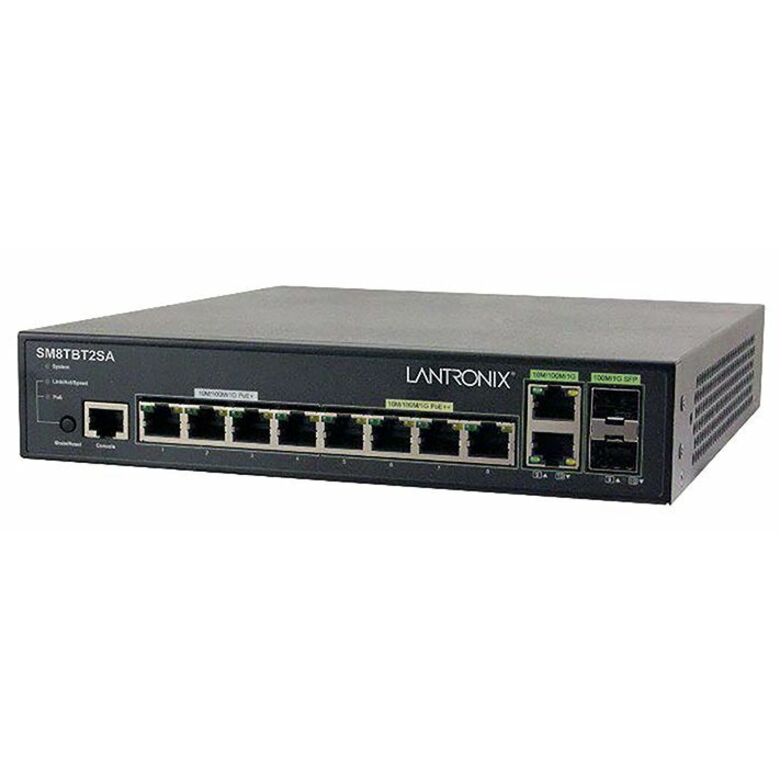
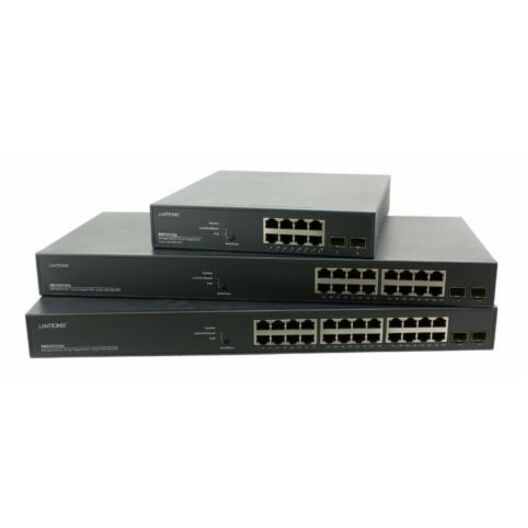
3 in stock - LantronixLantronix SM8TBT2SA Managed Gigabit Ethernet PoE++ Switch - 10 Ports - Manageable - Gigabit Ethernet - 10/100/1000Base-T - 2 Layer Supported - 240 W PoE Budget - Twisted Pair, Optical Fiber - PoE Ports - Rack-mountable, Desktop - 5 Year Limited Warranty - TAA CompliantSM8TBT2SA-NA
$600.00
$484.45*
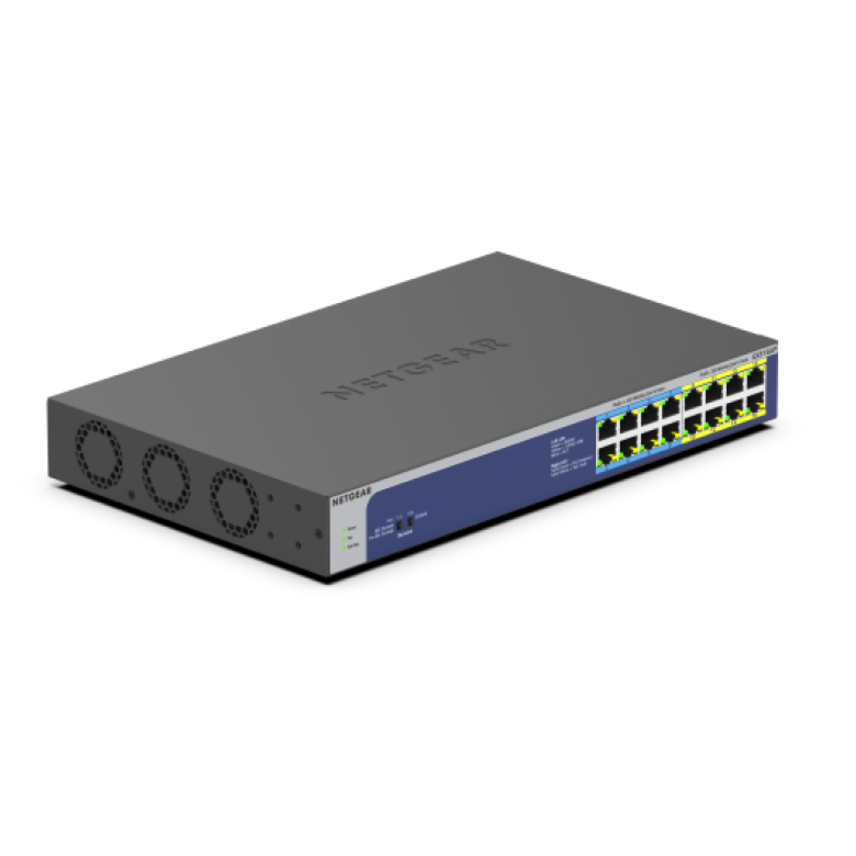
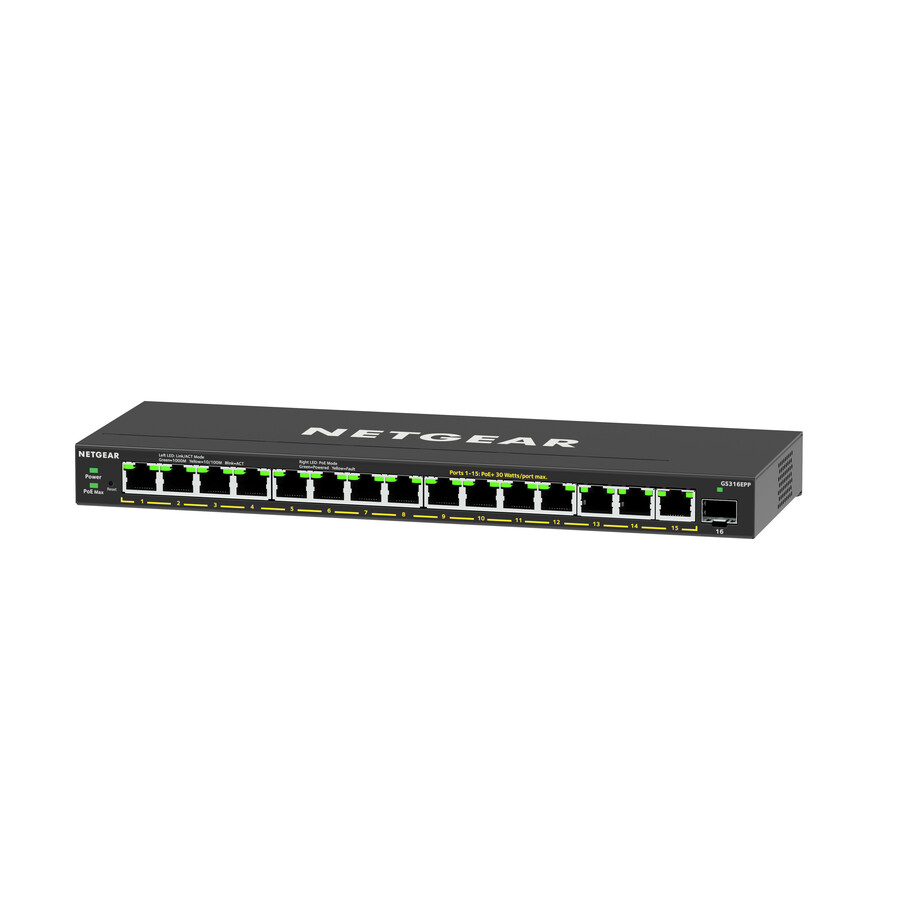
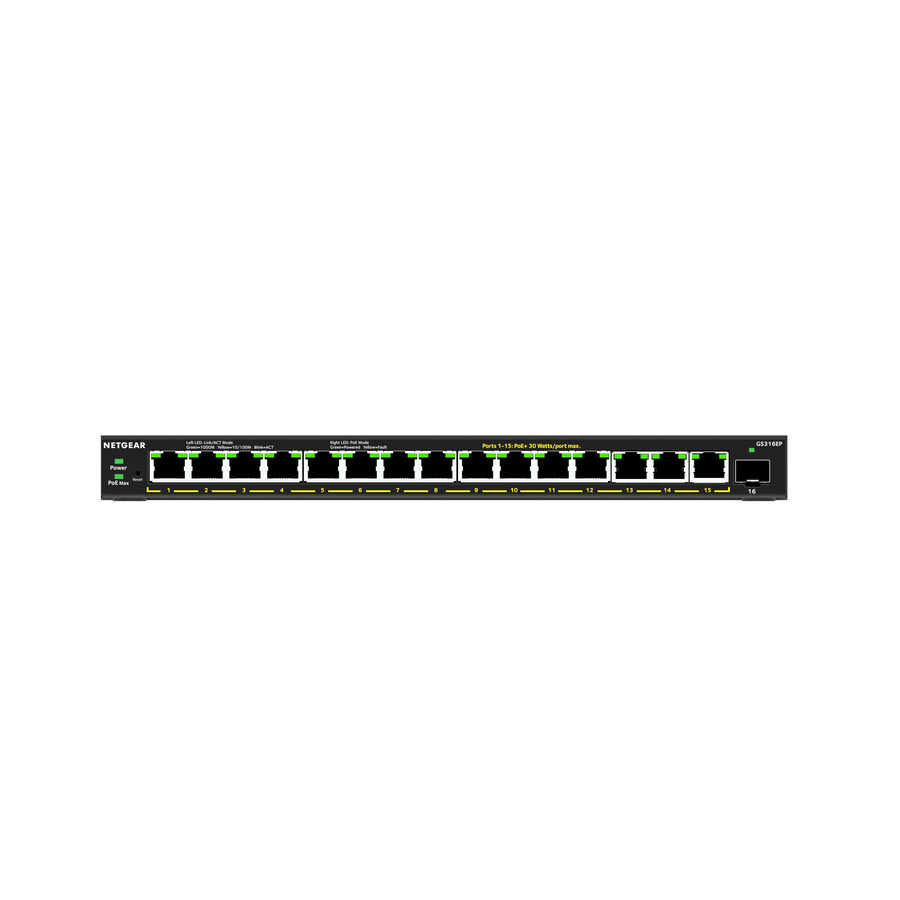
6 in stock - NetgearNetgear 16-Port High-Power PoE+ Gigabit Ethernet Plus Switch (231W) with 1 SFP Port - 15 Ports - Manageable - 3 Layer Supported - Modular - 1 SFP Slots - 231 W PoE Budget - Twisted Pair - PoE Ports - Desktop, Wall Mountable - 5 YearLifetime Limited WarrantyGS316EPP-100NAS
$451.56
$346.04
2 in stock - D-Link SystemsD-Link 28 Port PoE Gigabit Smart Switch Including 4 Combo SFP Ports - 24 Ports - Manageable - Gigabit Ethernet - 10/100/1000Base-T, 1000Base-X - 2 Layer Supported - 4 SFP Slots - Twisted Pair, Optical Fiber - PoE Ports - Desktop, Rack-mountable - Lifetime Limited WarrantyDGS-1210-28P
$494.99
$406.19
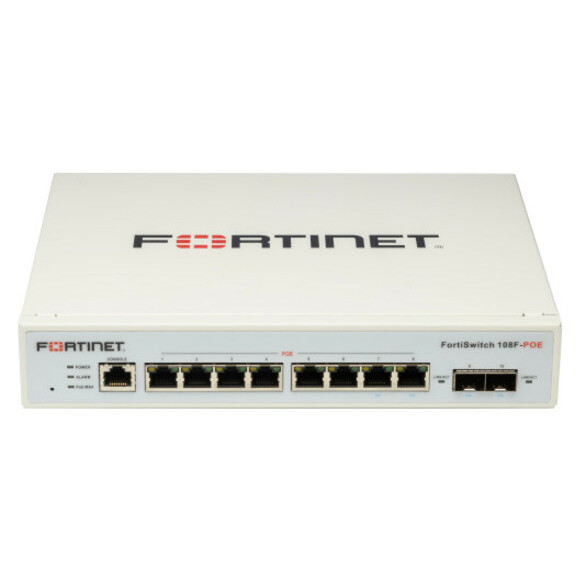
1 in stock - FortinetFortinet FortiSwitch 108F-POE Ethernet Switch - 8 Ports - Manageable - Gigabit Ethernet - 10/100/1000Base-T, 1000Base-X - 2 Layer Supported - Modular - 2 SFP Slots - 74.40 W Power Consumption - 65 W PoE Budget - Optical Fiber, Twisted Pair - PoE Ports - 1U - Desktop, Rack-mountable - Lifetime Limited WarrantyFS-108F-POE
$624.00
$536.61
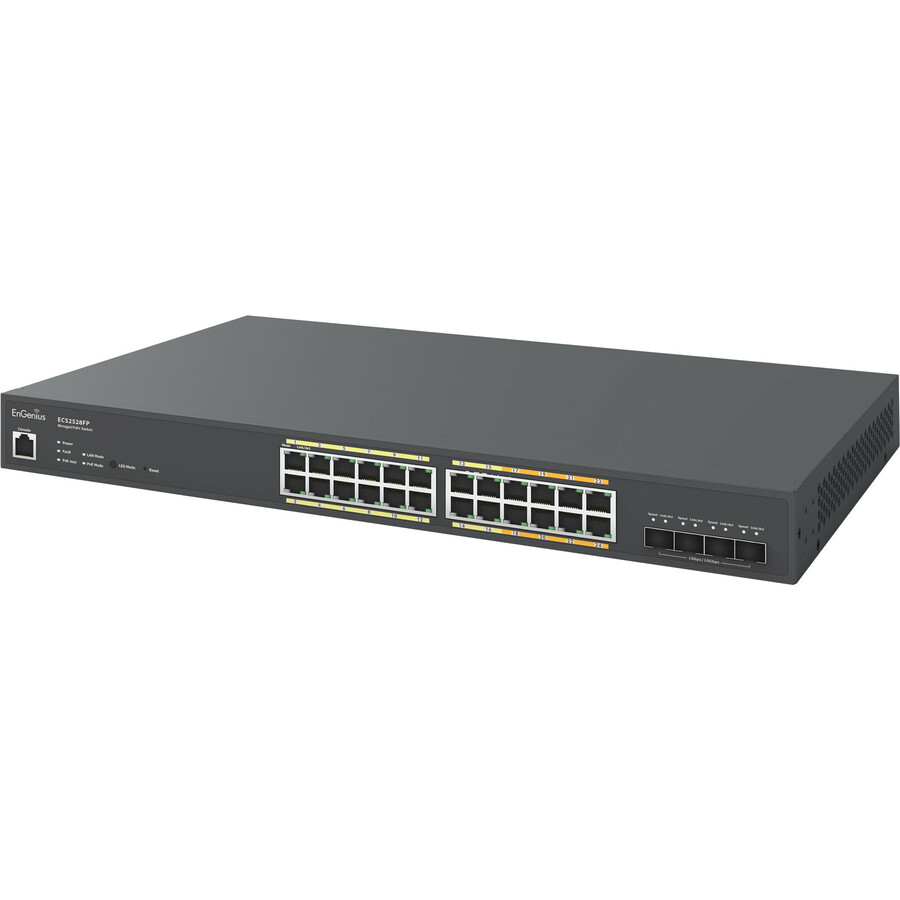
28 in stock - EnGenius TechnologiesEnGenius ECS2528FP Ethernet Switch - 24 Ports - Manageable - 10 Gigabit Ethernet, Gigabit Ethernet - 10/100/1000Base-T, 10GBase-X - 2 Layer Supported - 410 W PoE Budget - Optical Fiber, Twisted Pair - PoE Ports - Rack-mountable - 2 Year Limited WarrantyECS2528FP
$649.00
$567.48
4 in stock





Need pricing on network switches?
Tell us where to reach you and a Uniqcli specialist will follow up by email with current pricing, availability and lead time for the quantities you need — including parts that aren’t shown on this page.
Buying for an organization or for yourself — both work. No payment up front.
Three questions decide a network switch, and port count is the third. First, does it have to power what it connects — a PoE switch is sized on its power budget, not its port count, since eight PoE ports on a 65 W budget cannot run eight 30 W devices. Second, will anyone administer it: VLANs, port monitoring and quality of service are only worth paying for at a site that will use them.
Three questions decide which gigabit Ethernet switch to buy, and port count is only the third of them. The first is whether the switch has to power what it connects. A PoE switch delivers data and electricity down the same cable to cameras, access points, door controllers and VoIP handsets, which removes an outlet — and an electrician — from every endpoint location. The number that matters there is not the port count but the power budget: a unit with eight PoE ports and a 65 W budget cannot run eight 30 W devices, and that arithmetic is where most PoE deployments go wrong.
The second question is management. An unmanaged switch has nothing to configure and nothing to misconfigure, which makes it the honest answer for a desk cluster, a conference room or a branch site with nobody on staff to administer it. A managed switch buys VLAN segmentation, port monitoring, quality-of-service you control and uplinks you can watch — worth real money in a wiring closet carrying several traffic classes, and worth nothing at all at a site that will never log into it. Buying management nobody uses is the most common way to overspend in this category.
Port count and uplinks come last, and they should be bought with the next three years in view rather than today's device list. Fixed SFP or combo slots are what let a closet move to fiber later without replacing the switch, and multi-gig 2.5GBASE-T ports are how a site gets past 1 Gbps on cable that is already in the wall — the usual trigger being Wi-Fi access points or storage that has outgrown a gigabit uplink. The selection below is brand-neutral and drawn live from what Uniqcli lists.
Buyer's checklist
How to choose a network switch
- Start with power: if cameras, access points, phones or door controllers hang off this switch, total their real wattage and buy a PoE budget with headroom rather than just enough PoE ports.
- Decide managed or unmanaged by who will administer it — VLANs, QoS and port monitoring are only worth paying for at a site that will actually use them.
- Buy port count for the refresh cycle, not the current device list; a switch that is full on day one is a switch you replace rather than expand.
- Check the uplinks. SFP or combo slots are what allow a later move to fiber, and a closet with copper uplinks only is limited in how far it can ever sit from the core.
- Consider multi-gig (2.5GBASE-T) where access points or storage have outgrown 1 Gbps but the cabling in the wall is staying where it is.
- Match the physical form to the space — fanless desktop or wall-mount where noise carries, rack-mount in a closet, DIN rail in a cabinet.
- Confirm the PoE standard the endpoints need rather than assuming any PoE port will run any powered device.
- Read the warranty term: coverage in this category ranges from a few years to lifetime limited, which matters on a switch you would rather not revisit.
PoE is a power budget, not a port count
The specification that decides whether a PoE switch will work is the total power budget in watts, and it is almost always smaller than the ports would suggest. A switch with eight PoE ports and a 65 W budget can comfortably run eight desk phones, or four typical fixed cameras, or two access points and a couple of small devices — but not eight of anything power-hungry. Add up the actual draw of the endpoints, add headroom for the ones that spike, and only then look at port count.
The standard matters too. Older 802.3af devices draw much less than 802.3at (PoE+) devices, and 802.3bt devices — pan-tilt-zoom cameras with heaters, multi-radio access points, some displays — draw considerably more again. A port that supplies one standard will not necessarily run a device that expects another, so check the endpoint's requirement against the port's rating rather than assuming that PoE is a single thing.
Where managed switching earns its price
Management earns its money the moment a single physical network carries traffic that should not mix. Guest Wi-Fi and staff Wi-Fi, cameras and building systems, voice and data, a lab segment and a production one — each of those is a VLAN, and VLANs need a switch that can be told about them. Port monitoring and per-port statistics matter for the same reason: when a closet is carrying several classes of traffic, being able to see which port is saturated is what turns an outage into a ticket.
The inverse is just as true. A branch office, a classroom, a conference room or a small camera run has one class of traffic and no one on site to configure anything. There, an unmanaged switch is not a compromise — it is the correct engineering choice, because it removes an entire category of misconfiguration and a device that would otherwise sit unpatched and unmonitored for years.
Planning a closet: uplinks, cooling and spares
Design the uplink before the access ports. A closet's distance from the core, its growth path and whether fiber is ever going in are all decided by whether the switch has SFP or combo slots, and retrofitting that means replacing the switch. Where multi-gig endpoints are coming, a 2.5GBASE-T switch is the way to raise throughput on cabling that is staying exactly where it is.
Then account for the physical realities. PoE switches turn a real fraction of their power budget into heat, so a fully loaded PoE switch in a sealed wall cabinet needs ventilation that an unmanaged desktop unit does not. Fan noise matters in a classroom or an open office and not at all in a closet. And keep one spare of whatever model the site standardized on — a switch failure takes down every device behind it, and a same-day swap is only possible if the spare is already on the shelf.
FAQ
Common questions
- What is the difference between a managed and an unmanaged switch?
- An unmanaged switch forwards traffic and does nothing else: no configuration, no login, no VLANs. It is the right choice where there is one class of traffic and nobody on site to administer network equipment. A managed switch adds VLAN segmentation, quality-of-service controls, port monitoring, link aggregation and remote management — genuinely valuable in a wiring closet carrying voice, camera, guest and staff traffic on one physical network, and genuinely wasted at a site that will never log into it. Smart-managed models sit between the two with a simplified web interface.
- How much PoE power budget do I need?
- Add up the rated draw of every powered device that will hang off the switch, then add headroom — devices with heaters, motors or multiple radios spike well above their idle figure. The budget, not the port count, is the limit: a switch with eight PoE ports and a 65 W budget will not run eight 30 W devices no matter how many ports are free. Check the PoE standard as well, because an 802.3bt device will not be satisfied by an 802.3af port.
- Do we need a 2.5G or multi-gig switch?
- Only if something is actually asking for more than 1 Gbps. The usual triggers are Wi-Fi 6 and Wi-Fi 6E access points, which can exceed a gigabit uplink, and storage or a NAS serving several users at once. The appeal of 2.5GBASE-T is that it runs on the Cat5e and Cat6 cabling already in the wall, so throughput goes up without anyone opening a ceiling. If the endpoints are desktops, phones and printers, gigabit is not the bottleneck and multi-gig is money spent on headroom nobody will notice.
- Can Uniqcli quote network switches for a government or education order?
- Every line Uniqcli quotes is sourced through US distribution and screened for TAA country-of-origin and NDAA §889 status before checkout — with documentation tied to the specific part number, not a product family.
Need network switches pricing?
Send a bill of materials or part numbers — we confirm stock and a below-market total, with TAA verified on request. No payment up front.