
Best NETGEAR Switches for School Network Closets
Sizing PoE budget, uplinks and multicast for classroom access closets — including the M4250 and M4350 AV Line switches.
NETGEAR switches in stock at Uniqcli
How to choose →A curated selection with live pricing — in-stock lines first, then back-ordered lines with a typical lead time. Every line is sourced through US distribution and screened for NDAA §889 status before checkout, with TAA verified on request.
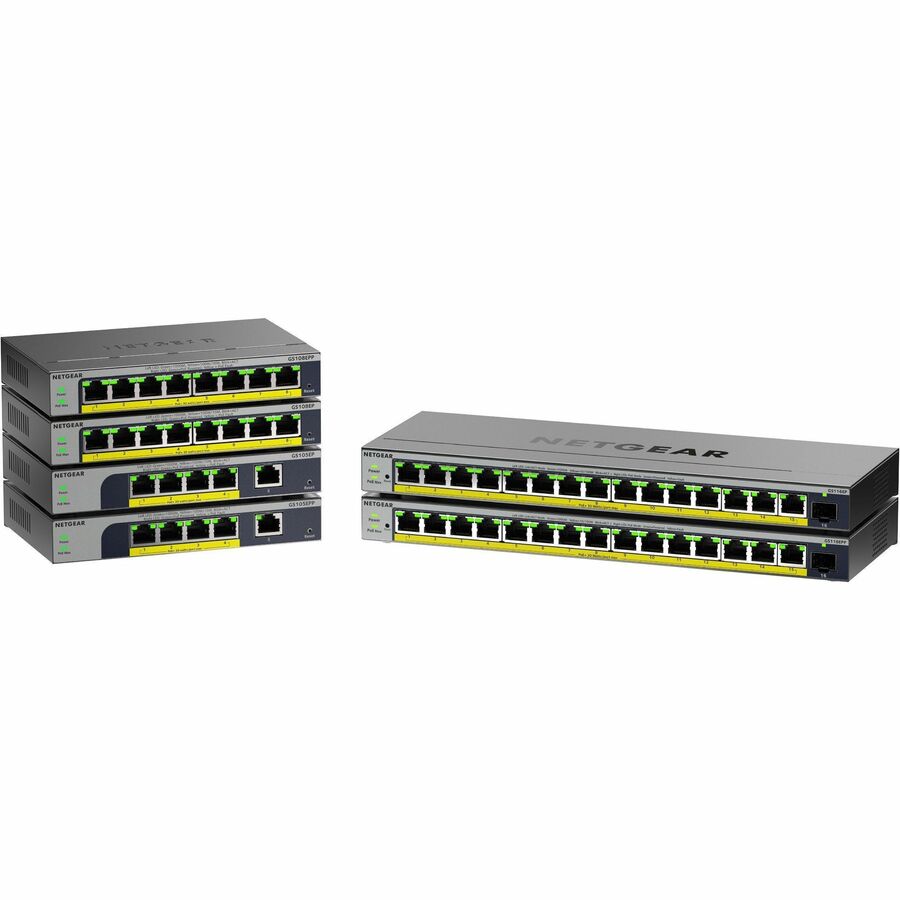
- NetgearNetgear Business GS108EP Ethernet Switch - 8 Ports - Manageable - Gigabit Ethernet - 10/100/1000Base-T - 3 Layer Supported - 6 W Power Consumption - 62 W PoE Budget - Twisted Pair - PoE Ports - Desktop, Wall Mountable, Enclosure - Lifetime Limited WarrantyGS108EP-100NAS
$167.30
$88.29
3 in stock
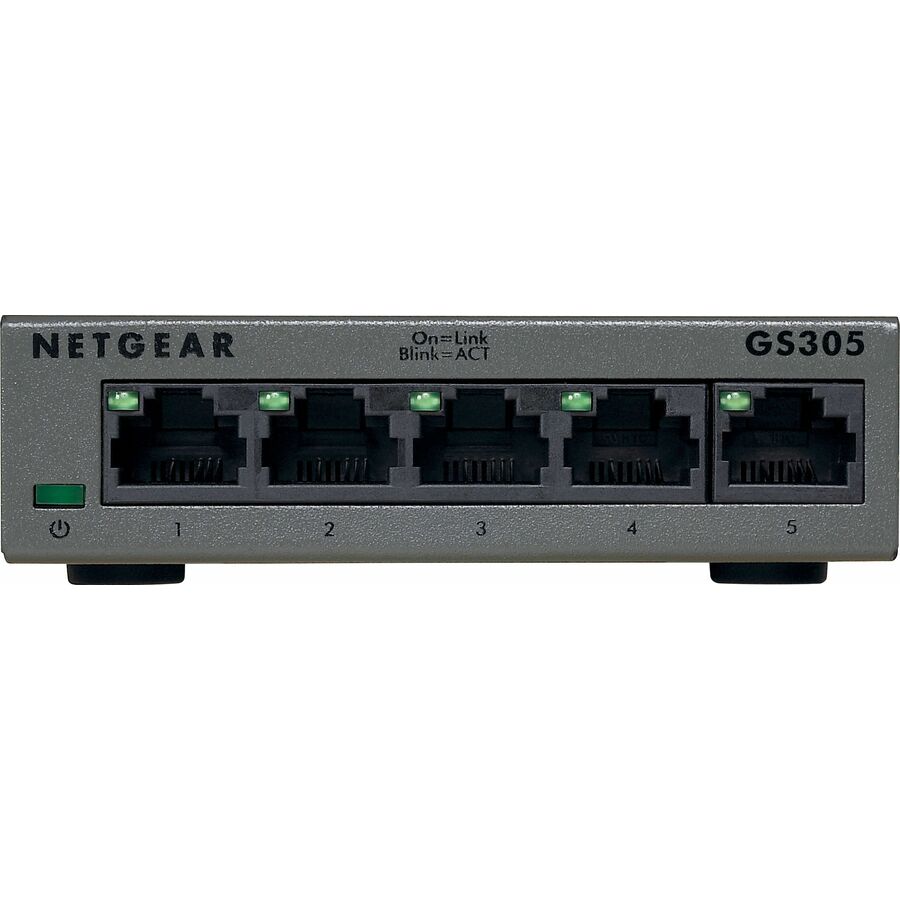

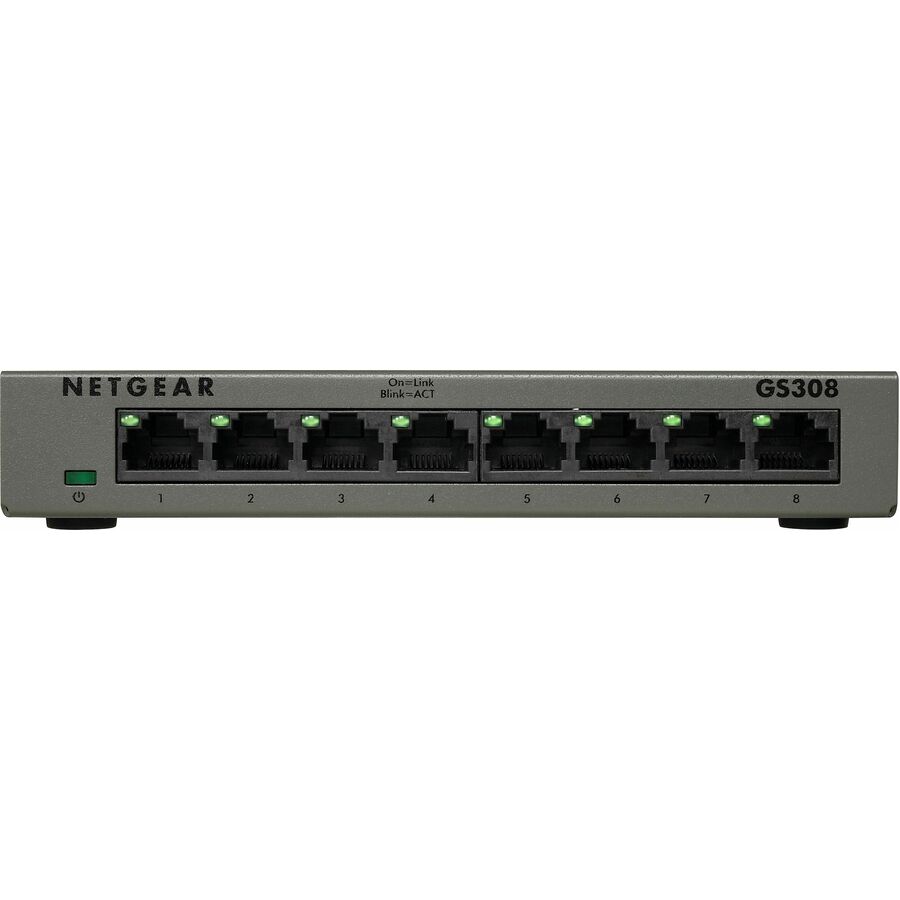
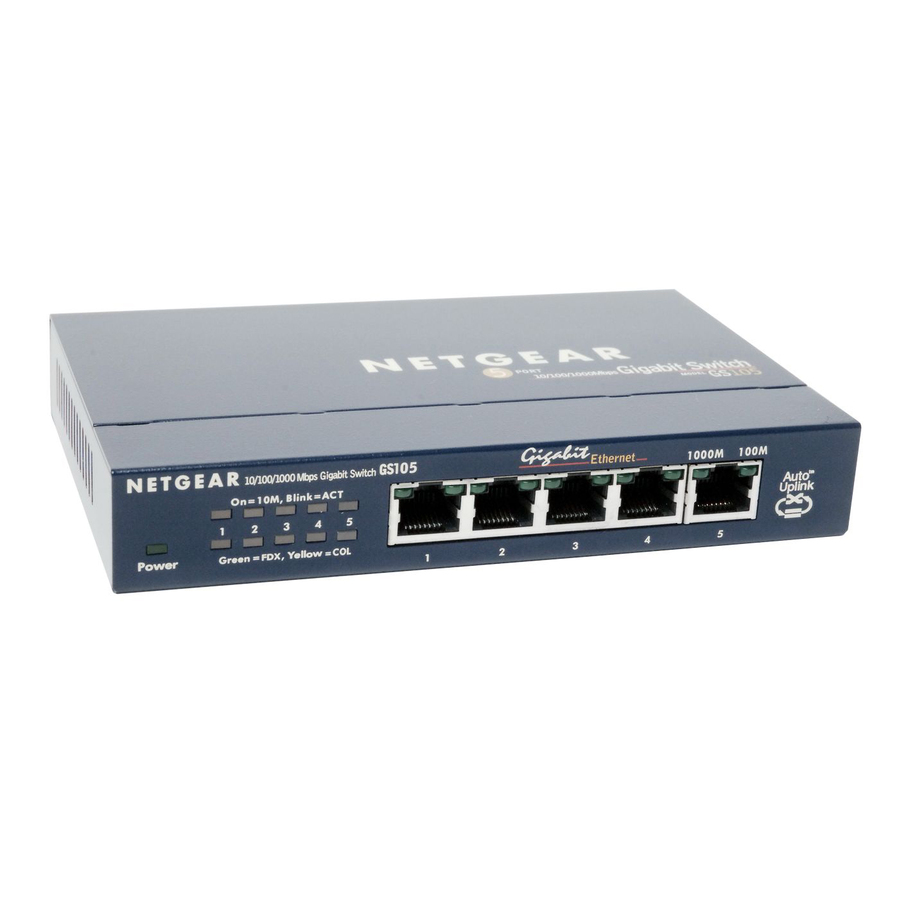
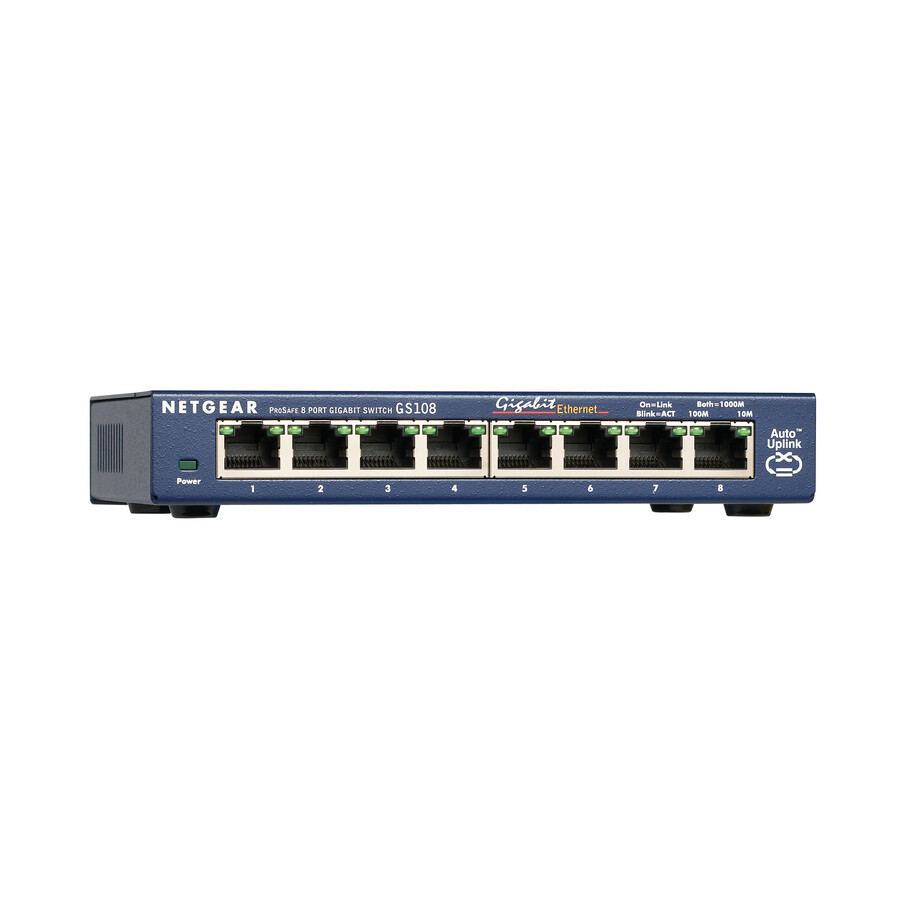
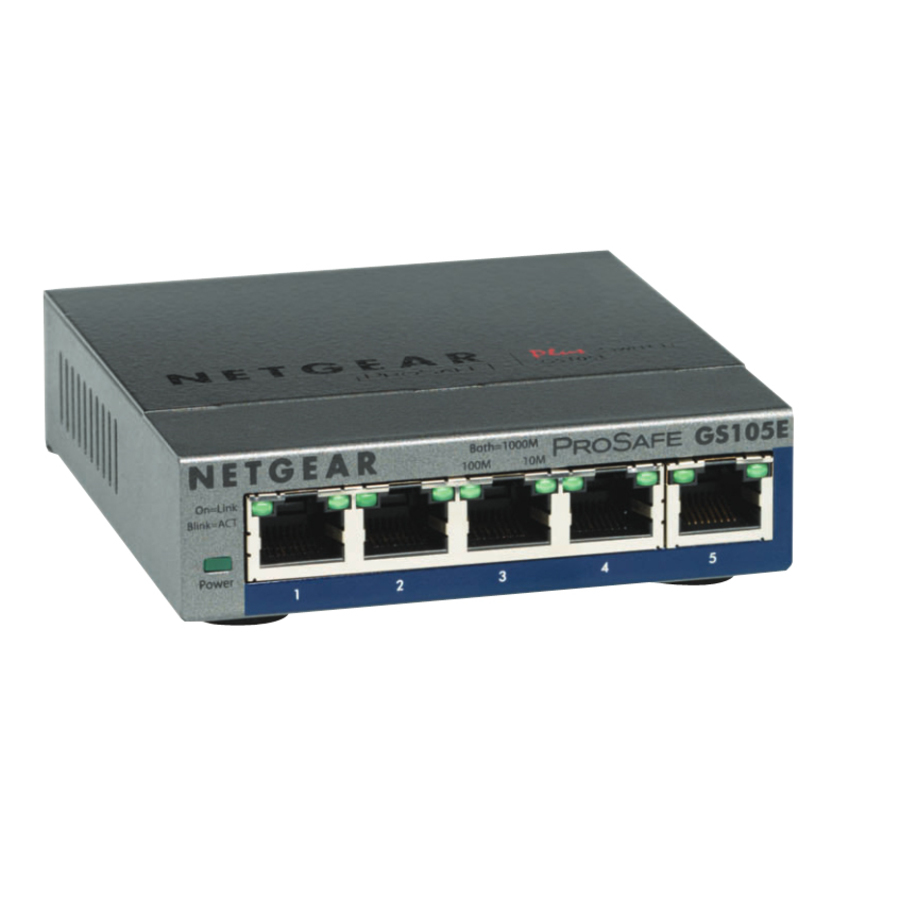
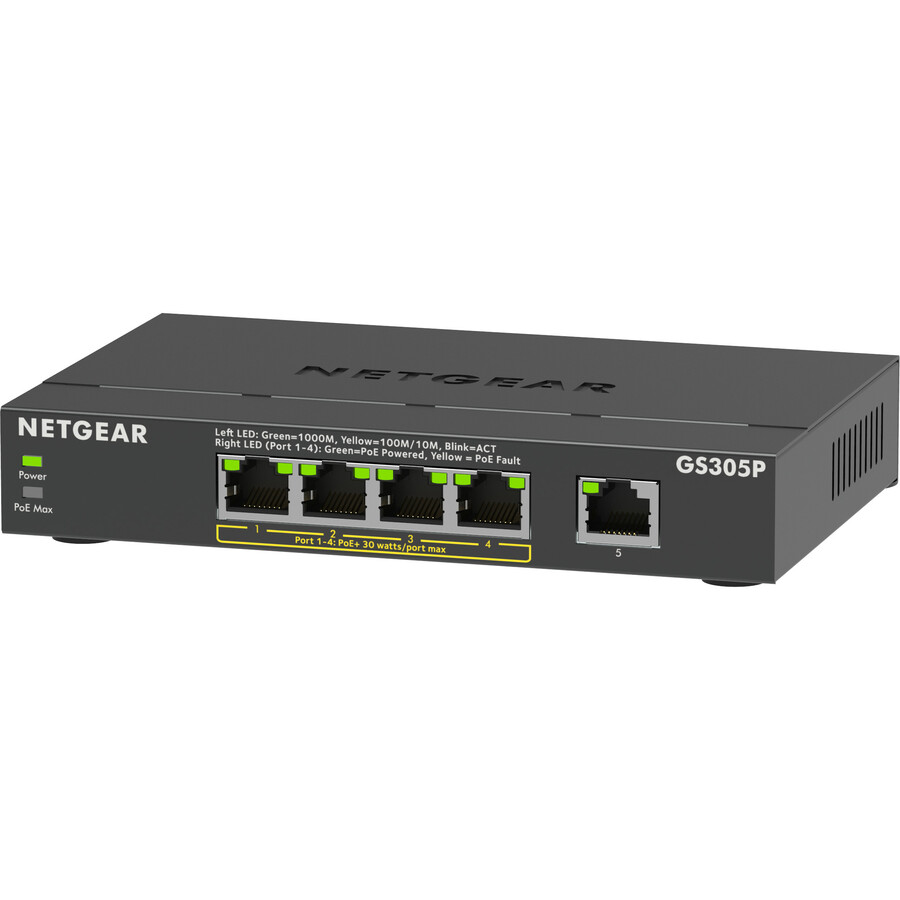
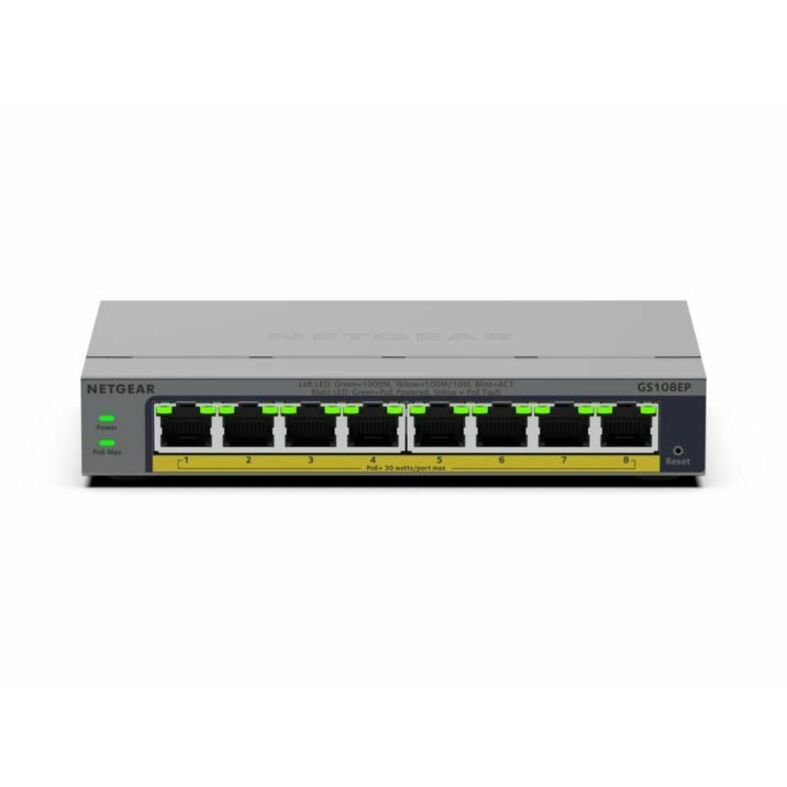
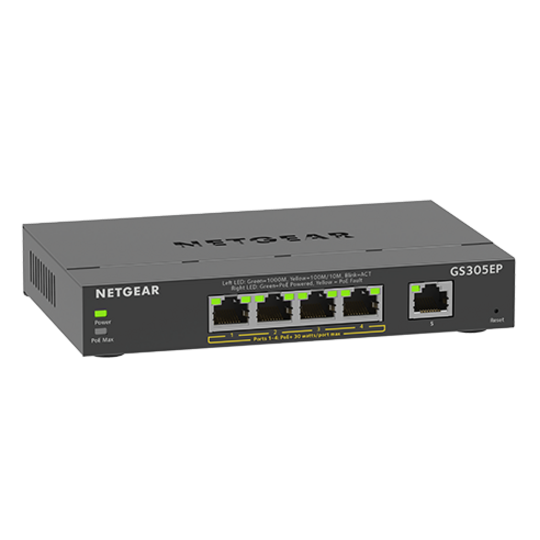
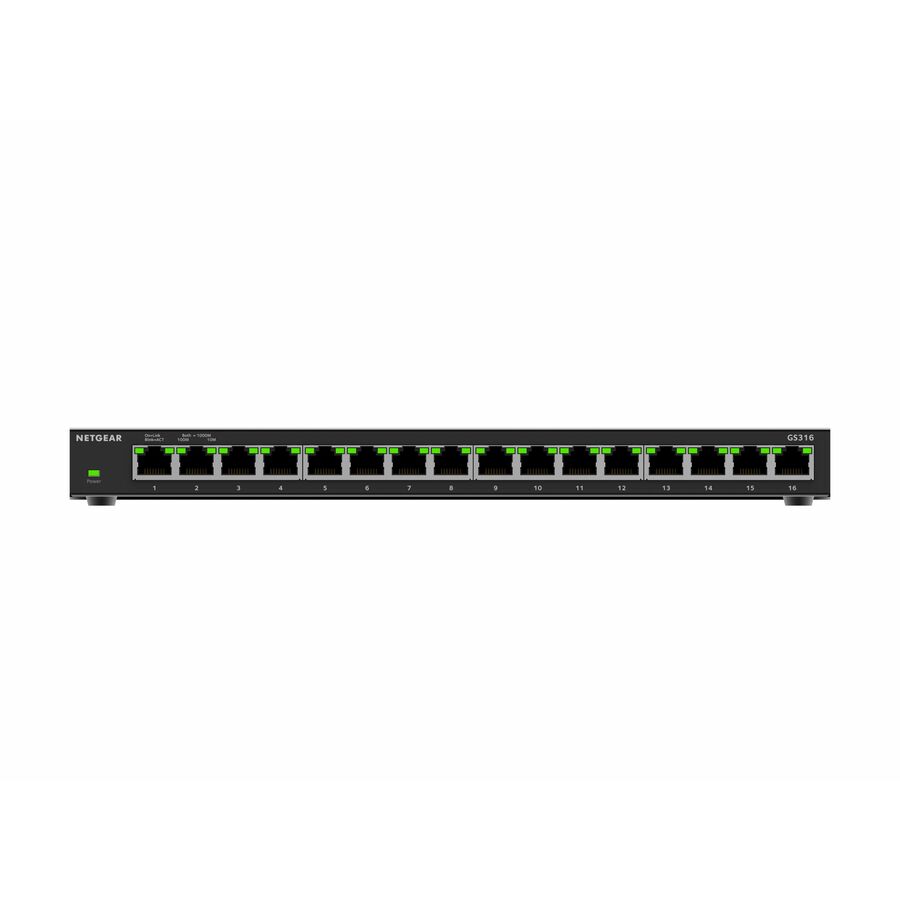
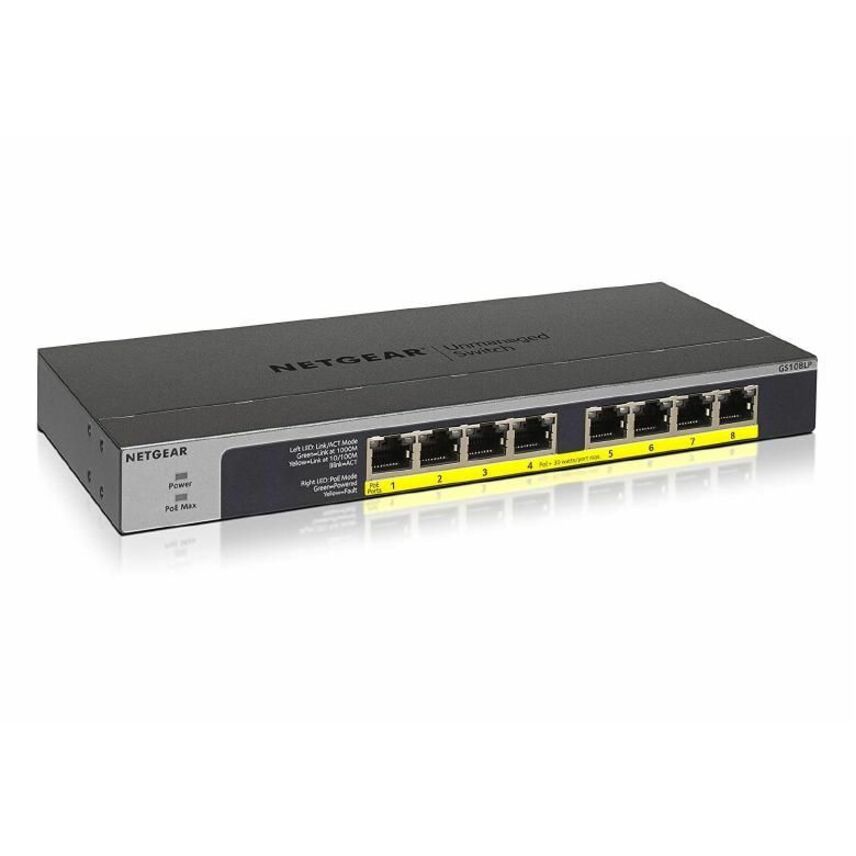
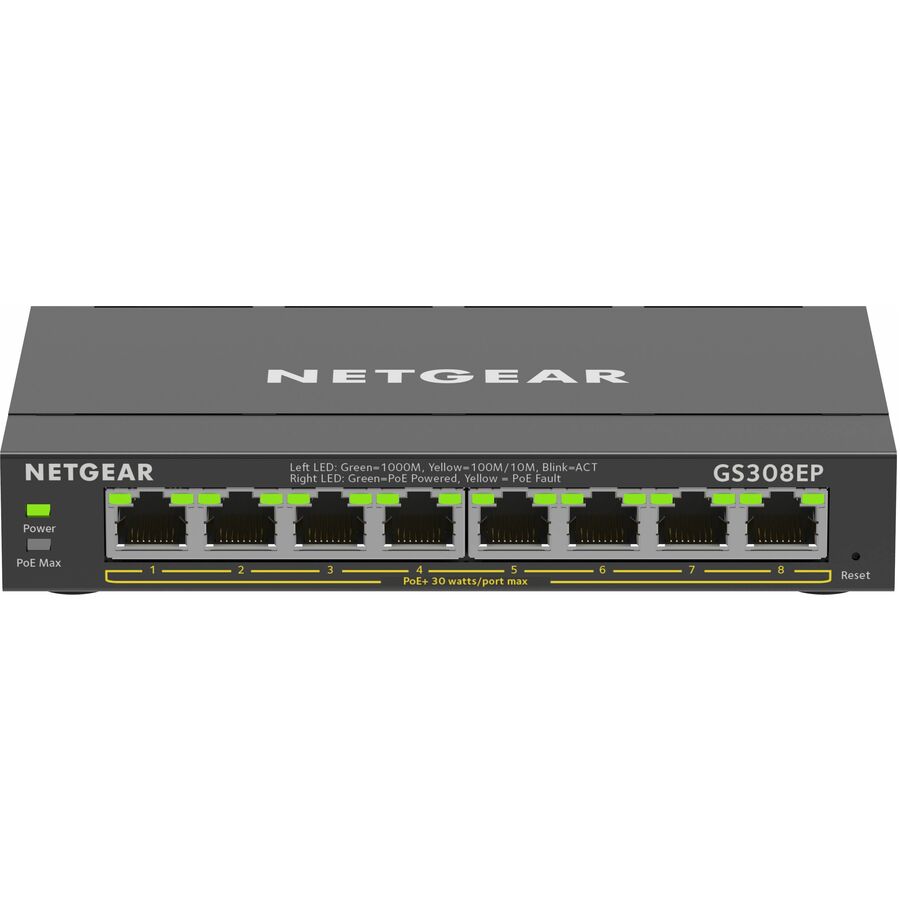
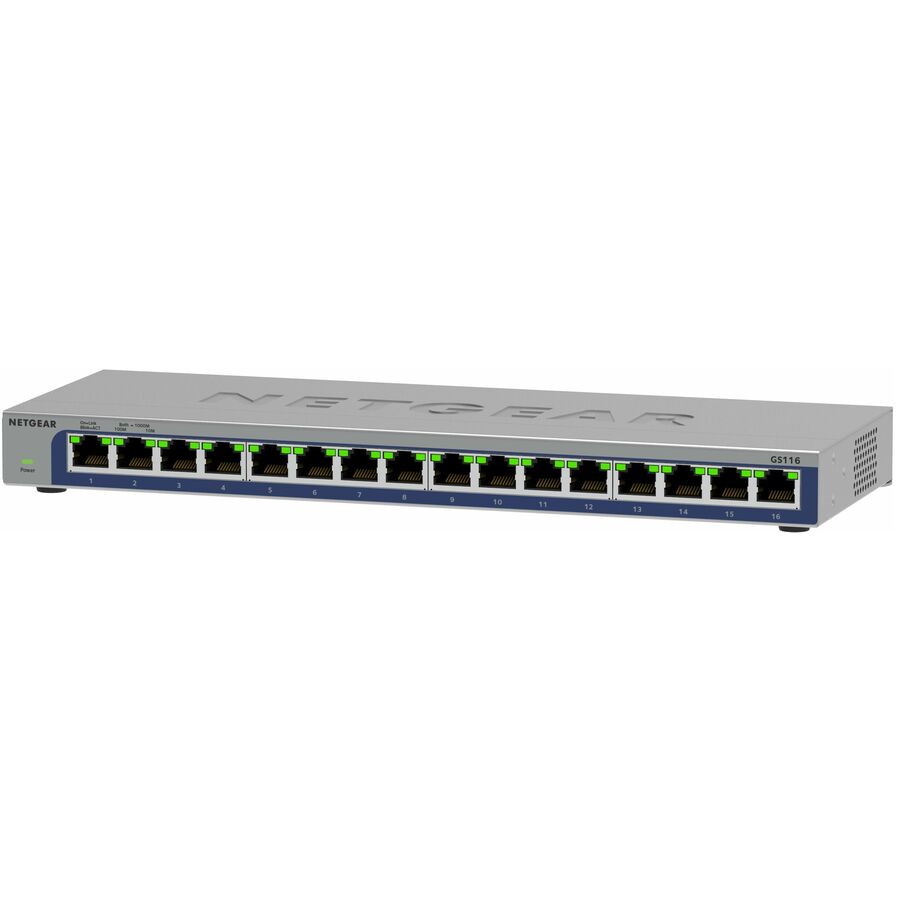
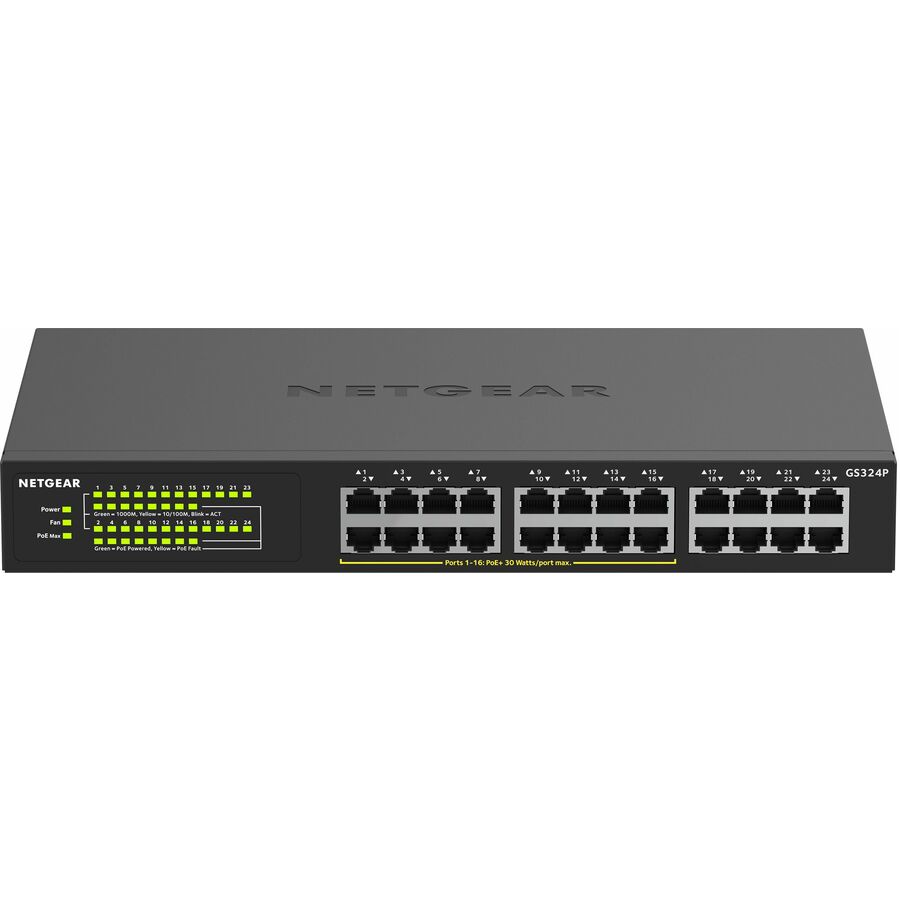
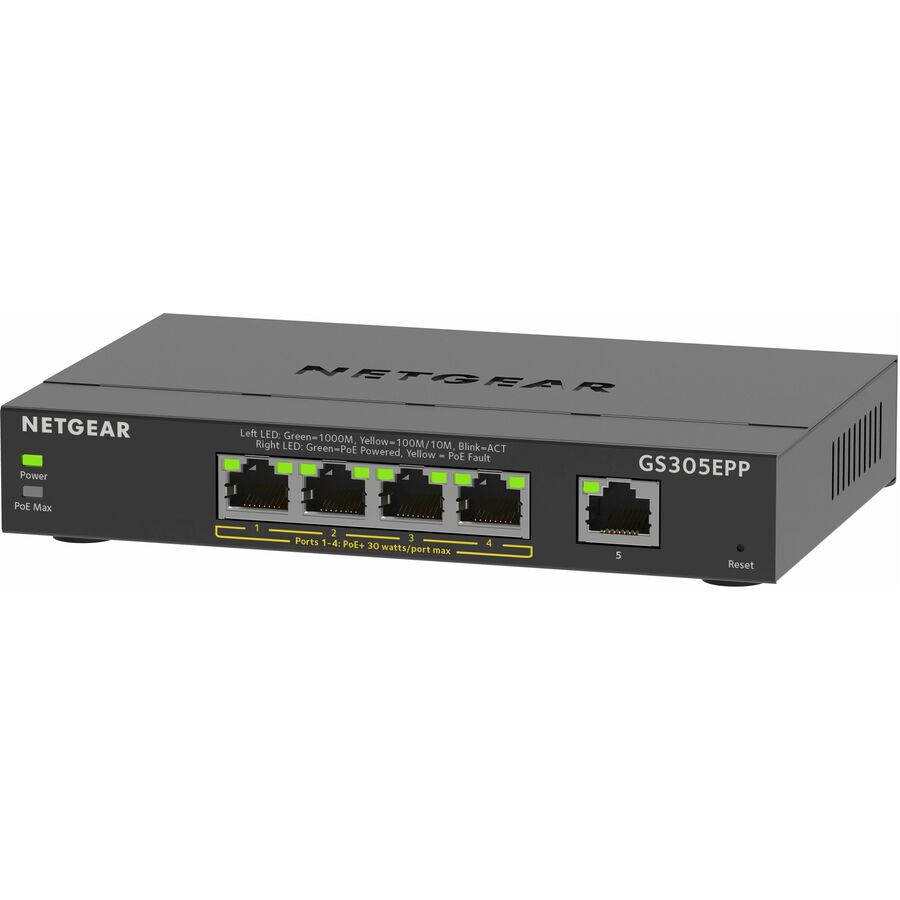
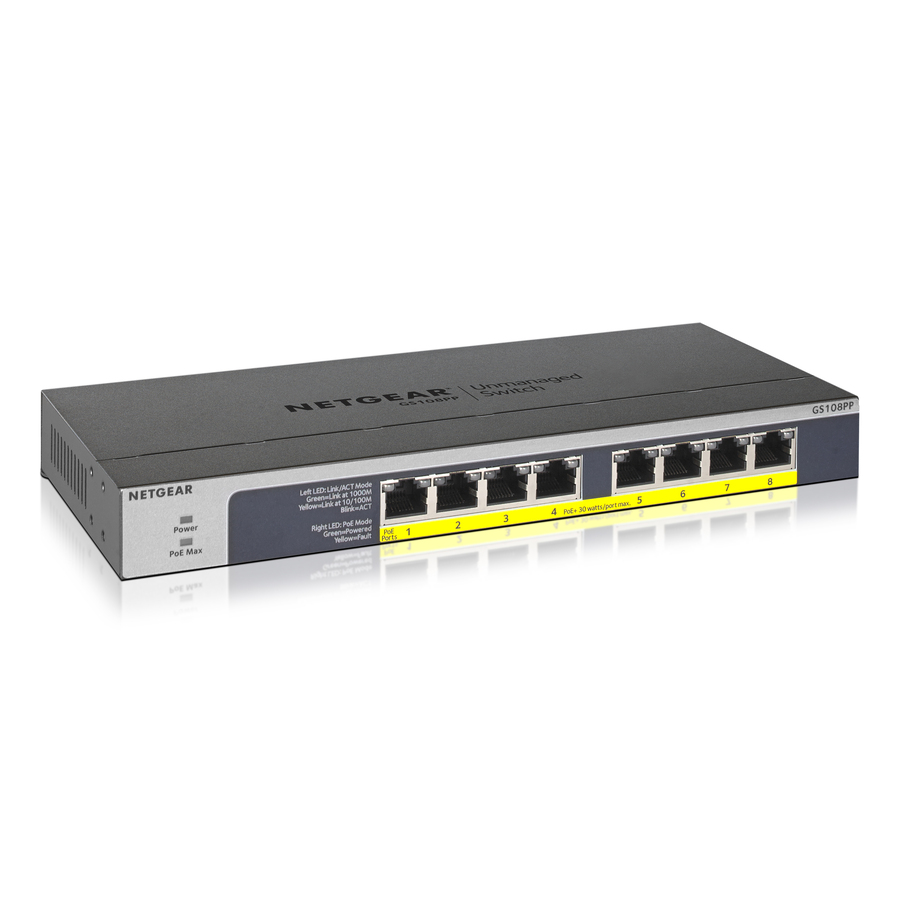
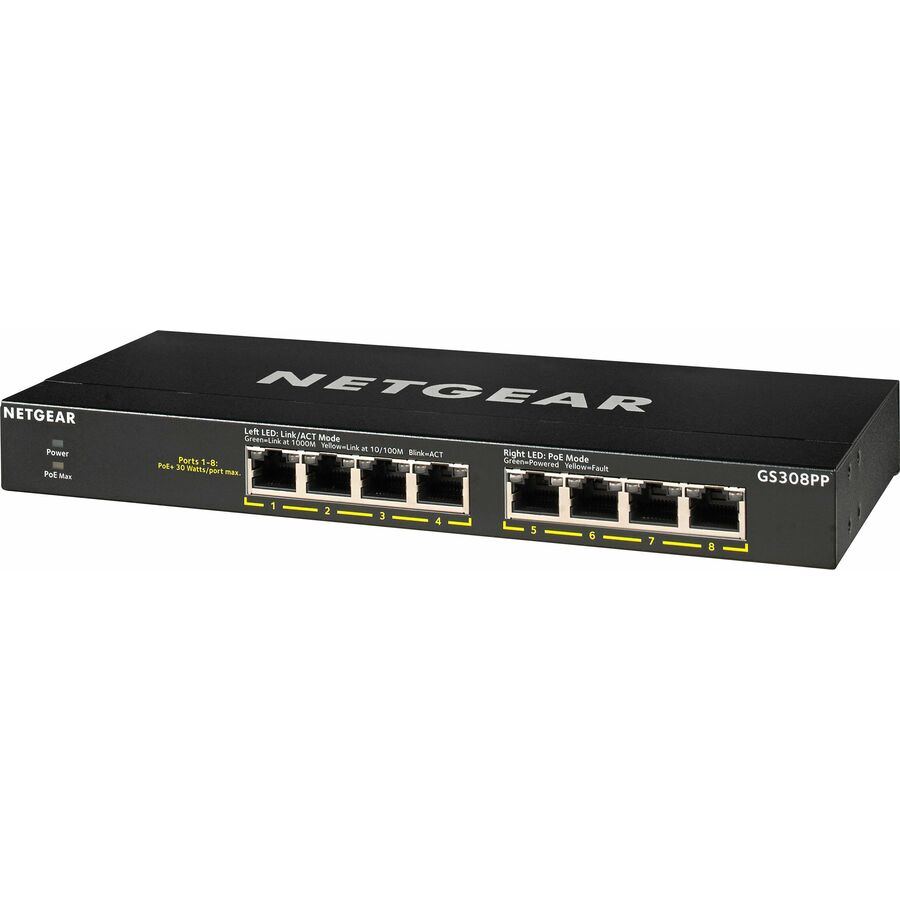
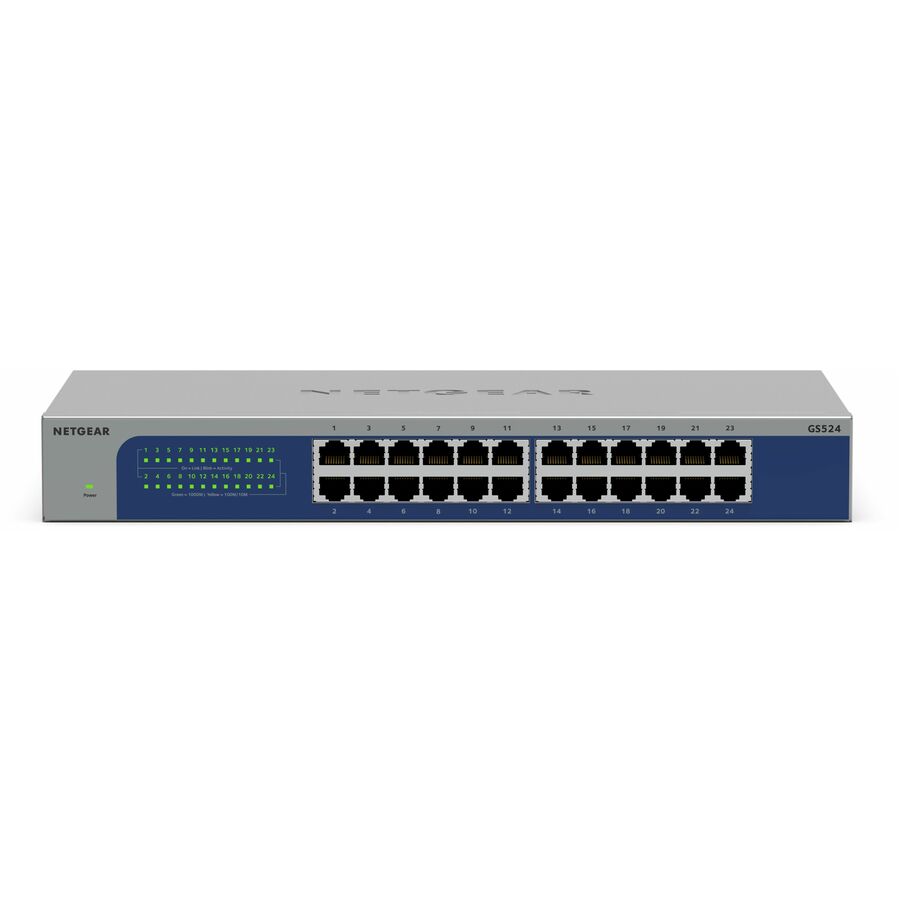
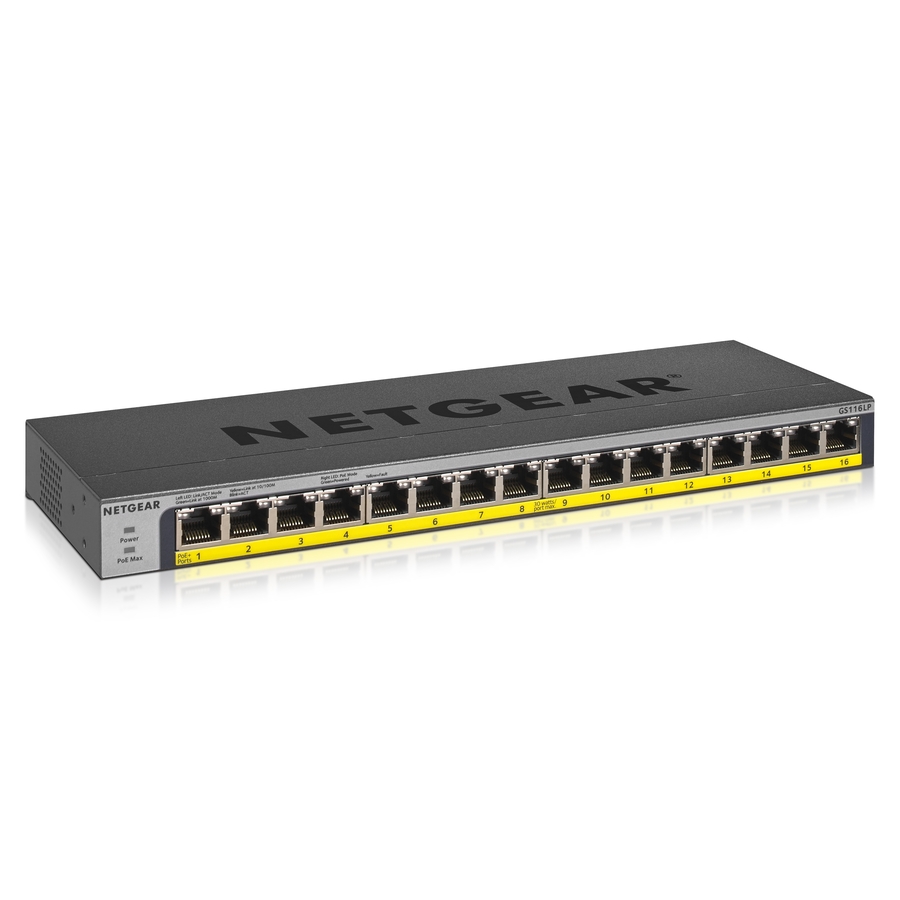
More switches in the Uniqcli catalog
See all 6,646 switchesMore NETGEAR first — closest to what you were just looking at; “See all switches” above opens every other brand in the category. In-stock lines lead, and a back-ordered line carries the same estimated availability its product page does — with live pricing throughout, NDAA §889 screening before checkout and TAA verified on request.
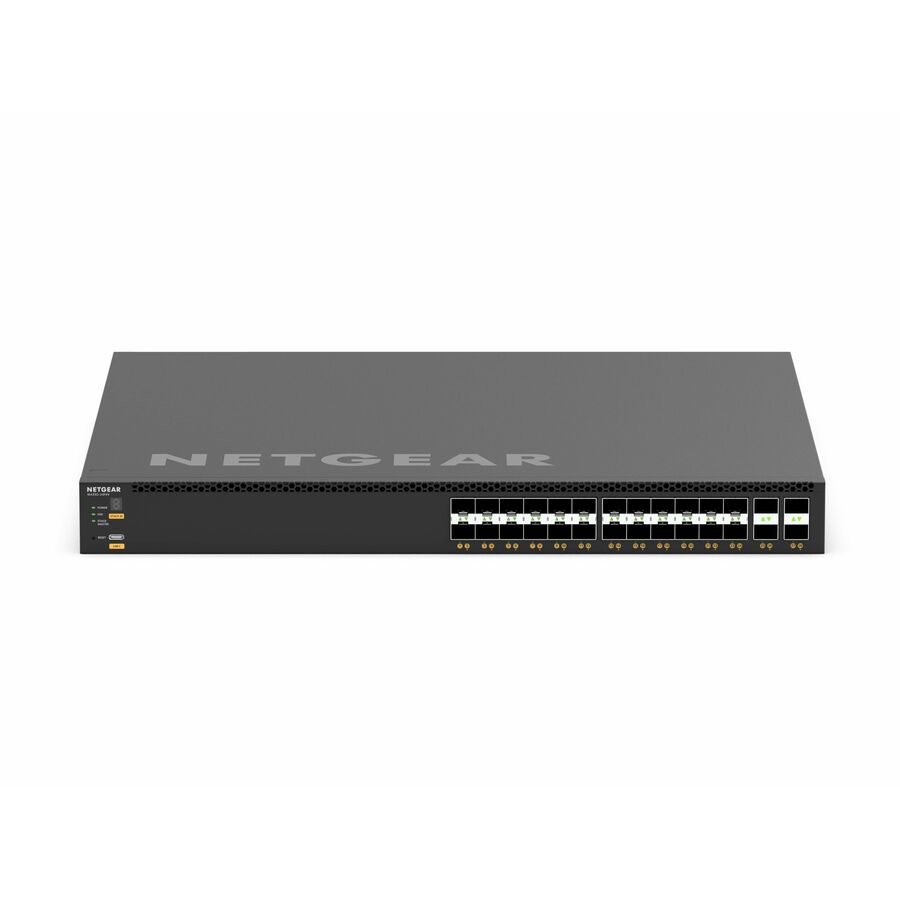
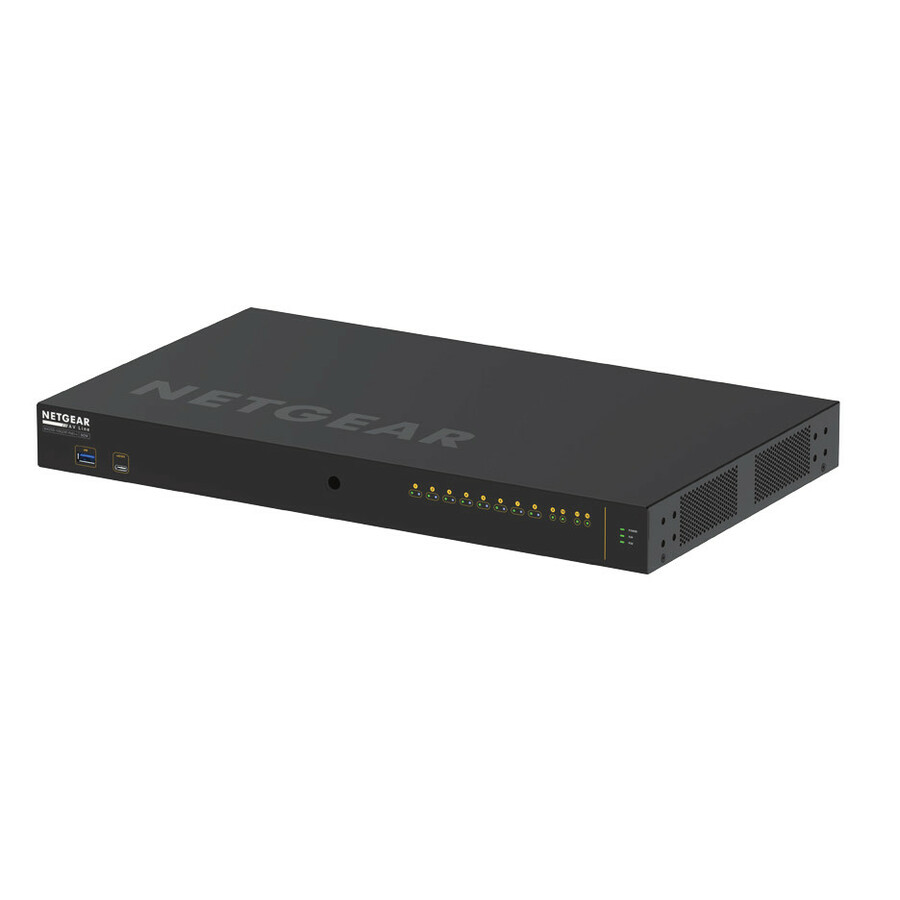
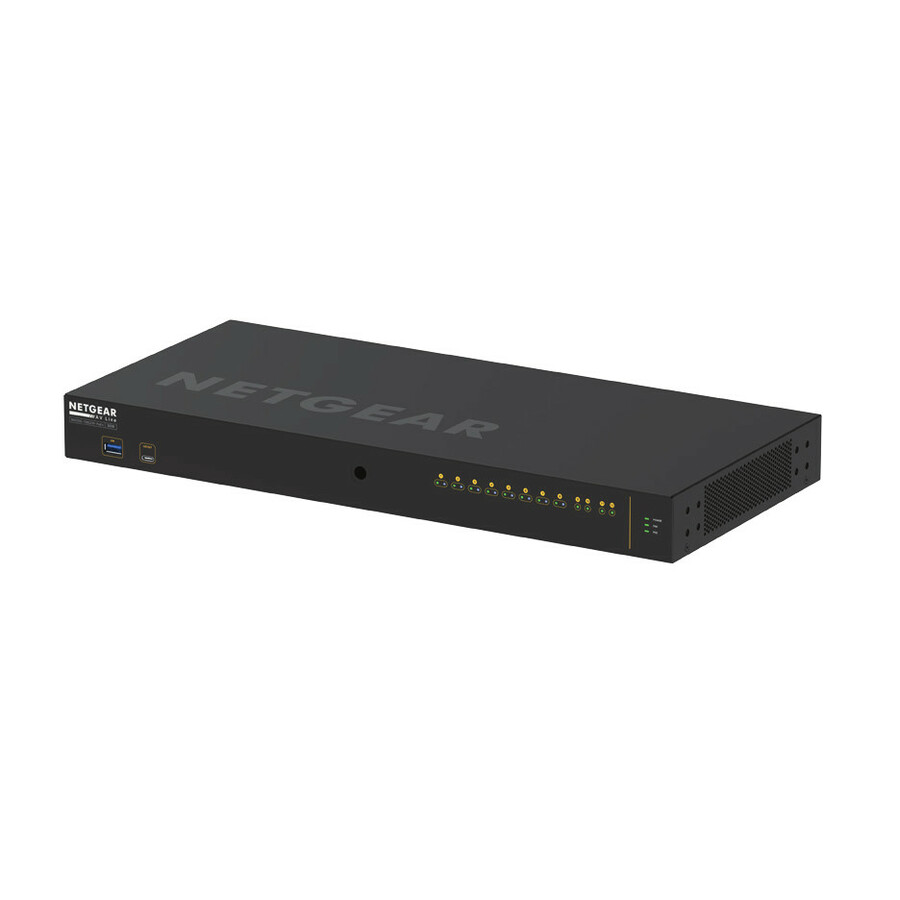
- NetgearNetgear M4250-40G8XF-PoE+ AV Line Managed Switch - 40 Ports - Manageable - 3 Layer Supported - Modular - 89.20 W Power Consumption - 960 W PoE Budget - Optical Fiber, Twisted Pair - PoE Ports - 1U - Rack-mountable, Table Top - Lifetime Limited WarrantyGSM4248PX-100NAS
$5,057.91
$3,894.87
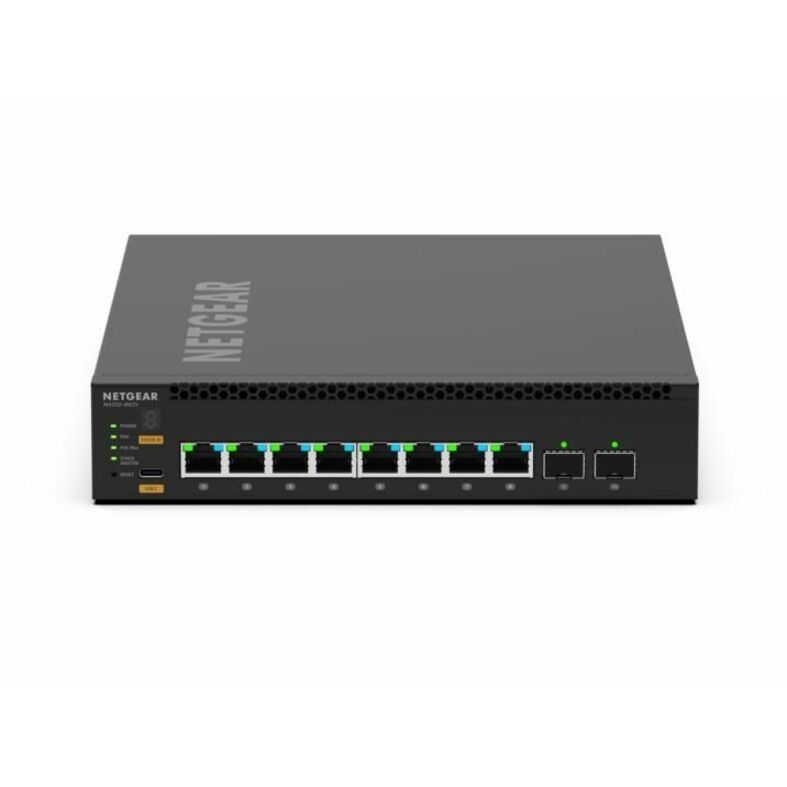
6 in stock - NetgearNetgear AV Line M4350-8M2V Ethernet Switch - 8 Ports - Manageable - 2.5 Gigabit Ethernet, 25 Gigabit Ethernet, Gigabit Ethernet, 10 Gigabit Ethernet - 2.5GBase-T, 25GBase-X, 1000Base-T, 10GBase-X - 3 Layer Supported - Modular - 197.50 W Power Consumption - 551 W PoE Budget - Optical Fiber, Twisted Pair - PoE Ports - 1U - Rack-mountable - Lifetime Limited WarrantyMSM4310-100NES
$3,988.54
$3,072.16
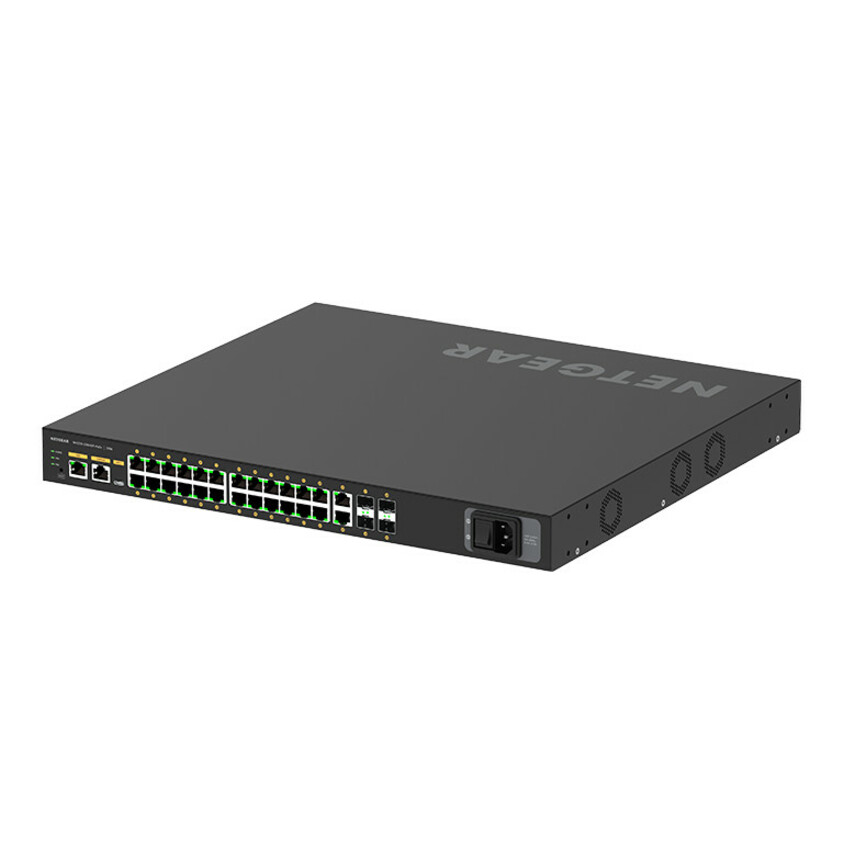
1 in stock - NetgearNetgear M4250-26G4F-PoE+ AV Line Managed Switch - 24 Ports - Manageable - 3 Layer Supported - Modular - 4 SFP Slots - 35.80 W Power Consumption - 300 W PoE Budget - Optical Fiber, Twisted Pair - PoE Ports - 1U - Rack-mountable, Table Top - Lifetime Limited WarrantyGSM4230P-100NAS
$2,124.12
$1,641.22
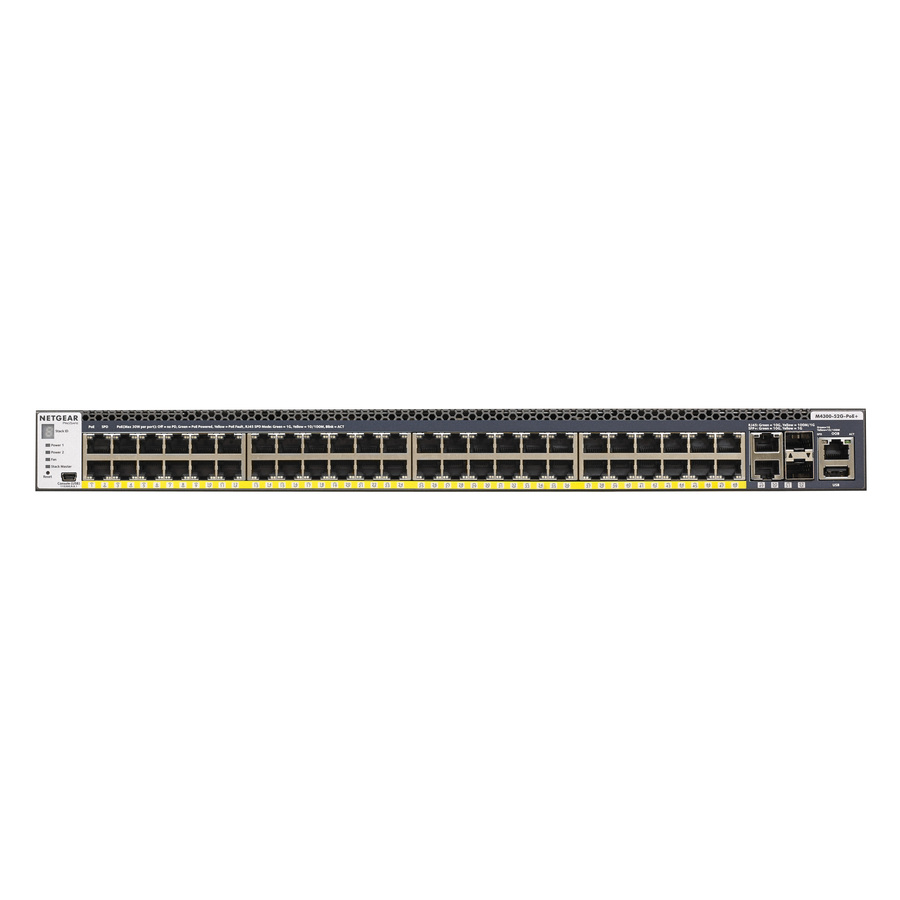
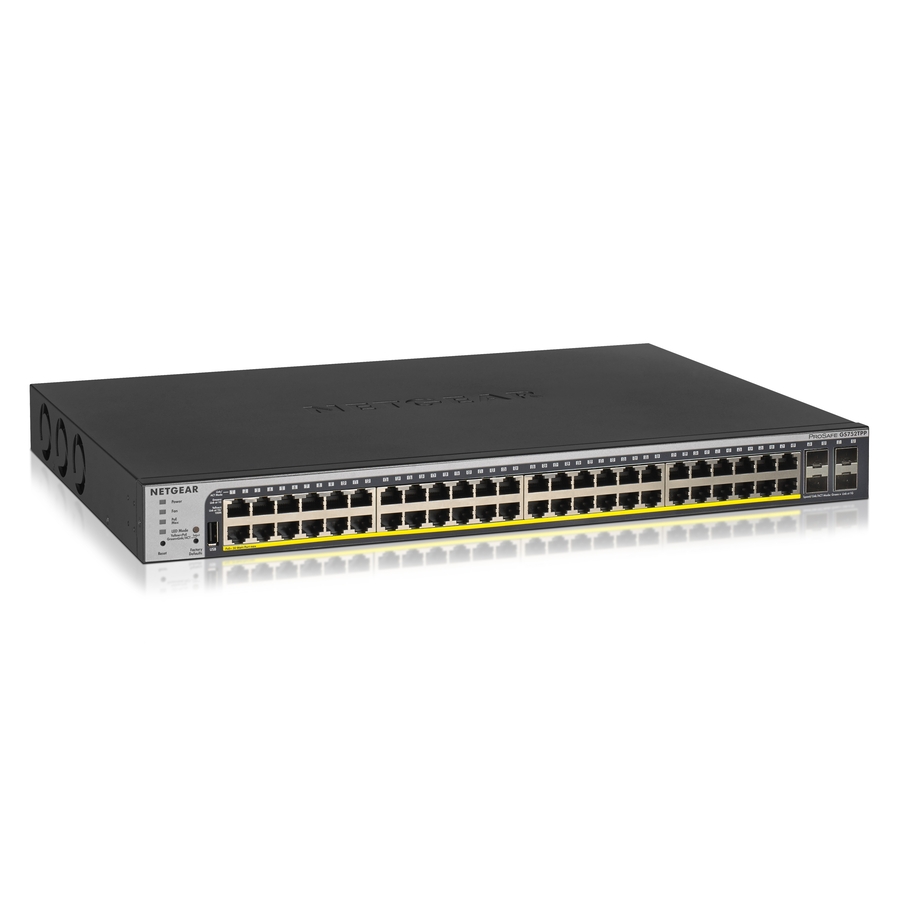
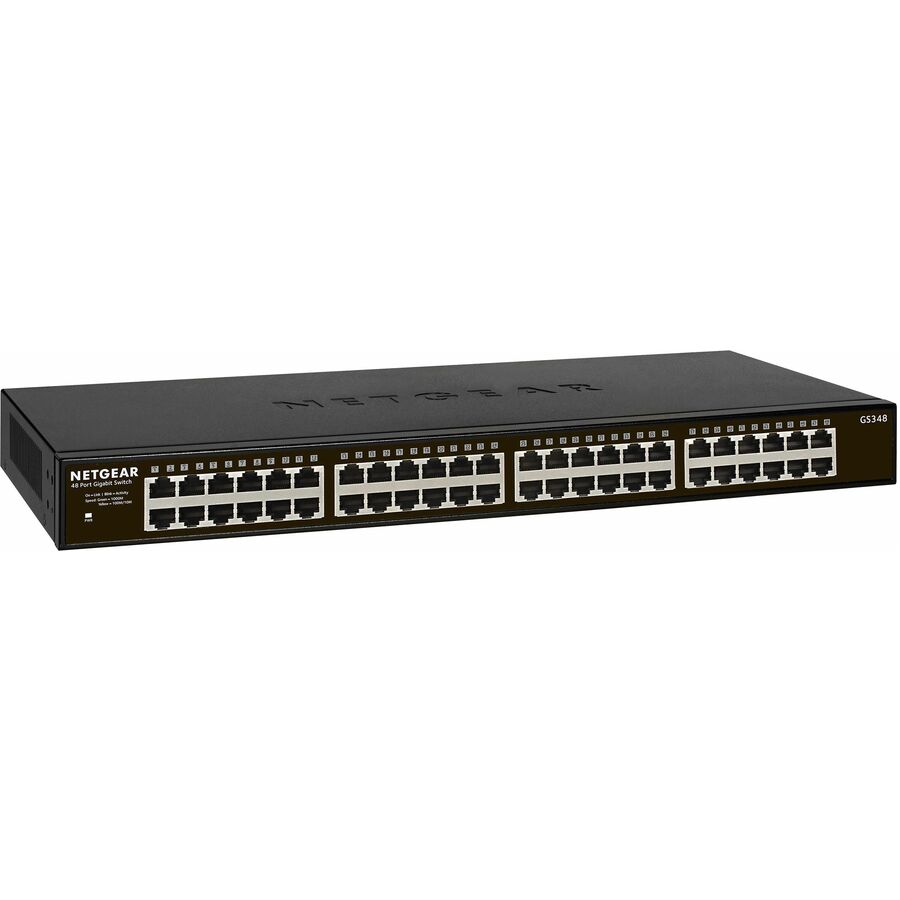
12 in stock - NetgearNetgear Gigabit PoE+ Smart Switches with Remote/Cloud Management - 48 Ports - Manageable - Gigabit Ethernet - 10/100/1000Base-TX, 1000Base-X - 2 Layer Supported - Modular - 4 SFP Slots - 861 W Power Consumption - 760 W PoE Budget - Twisted Pair, Optical Fiber - PoE Ports - Rack-mountable - Lifetime Limited WarrantyGS752TPP-300NAS
$1,593.08
$1,198.49
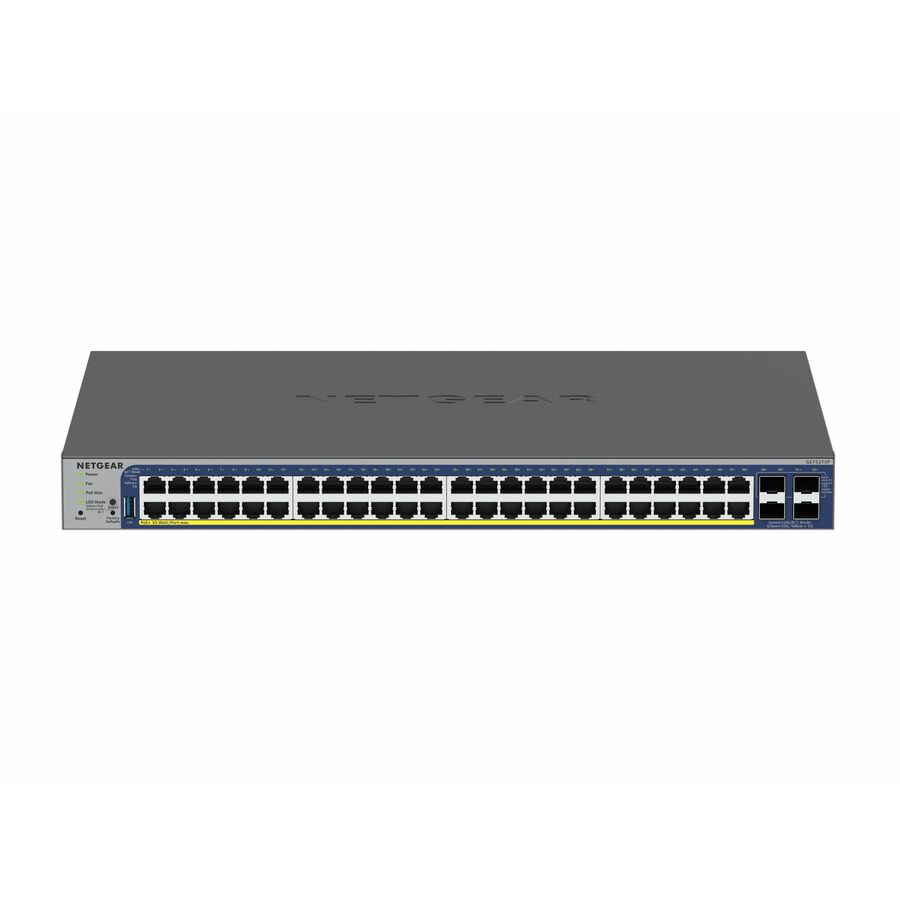
9 in stock - NetgearNetgear Gigabit PoE+ Smart Switches with 4 Dedicated 10G SFP+ Ports - 48 Ports - Manageable - Gigabit Ethernet, 10 Gigabit Ethernet - 10GBase-X, 10/100/1000Base-T - 3 Layer Supported - 436 W Power Consumption - 380 W PoE Budget - Optical Fiber, Twisted Pair - PoE Ports - Rack-mountable, Table Top - Lifetime Limited WarrantyGS752TXP-300NAS
$1,259.98
$948.87
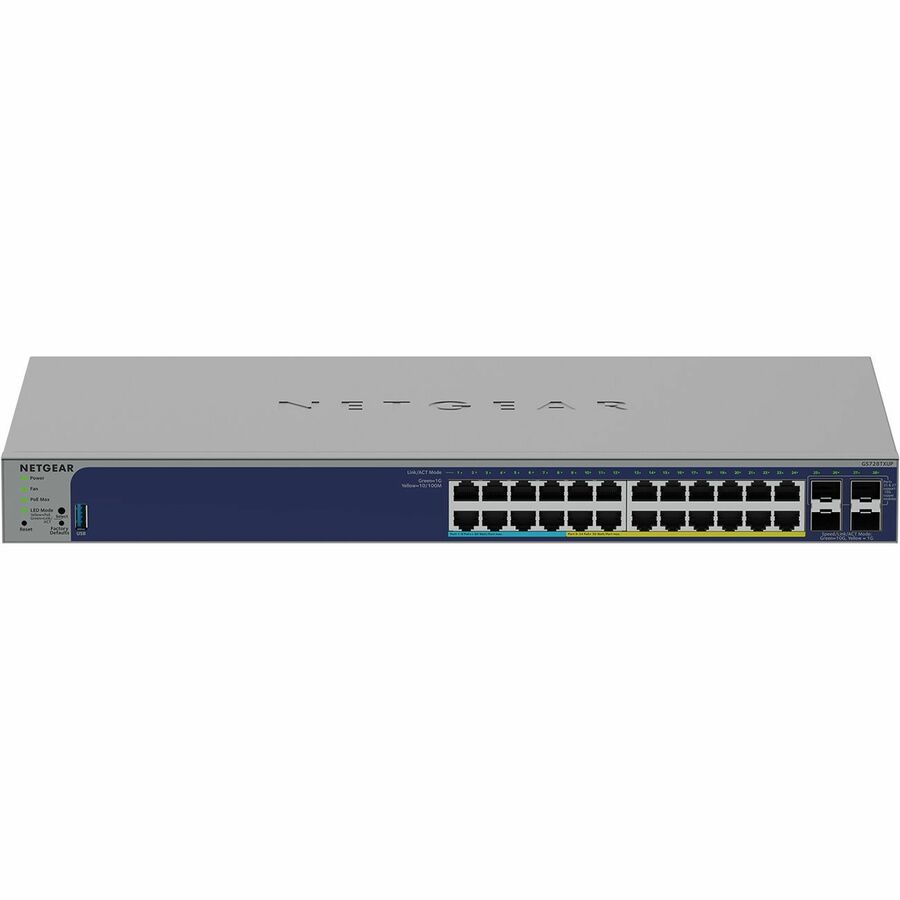
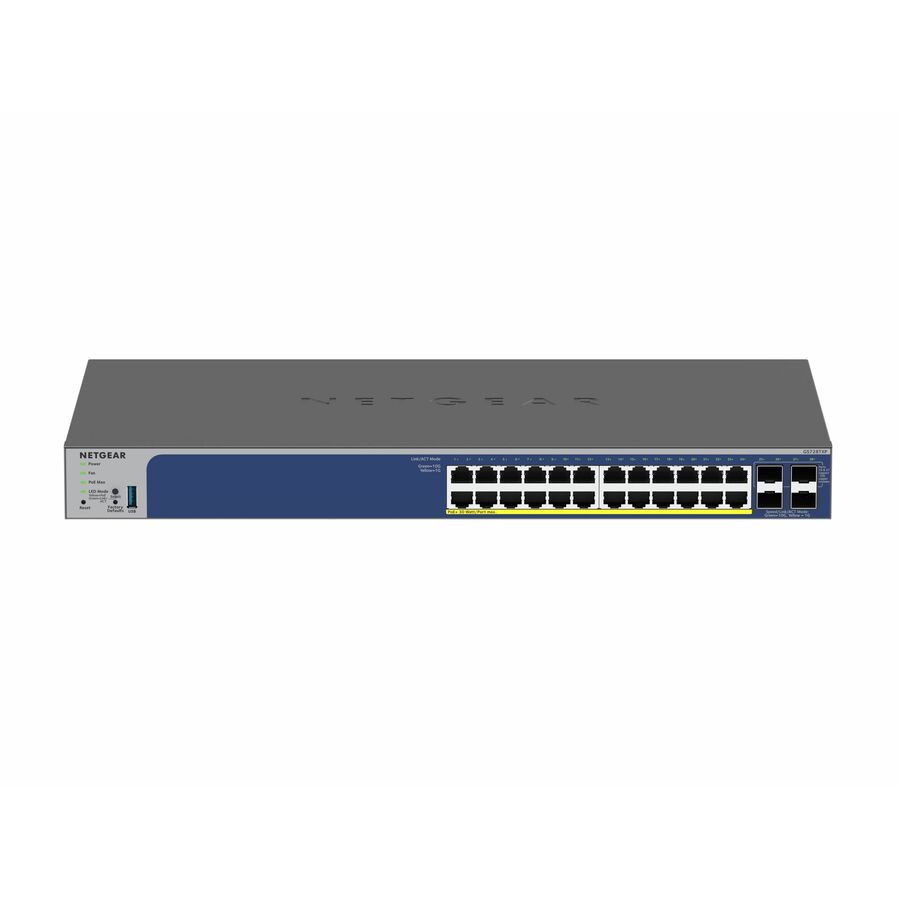
4 in stock - NetgearNetgear Business GS728TXUPv3 Ethernet Switch - 24 Ports - Manageable - Gigabit Ethernet, 10 Gigabit Ethernet - 10/100/1000Base-T, 1000Base-X, 10GBase-X - 3 Layer Supported - 27 W Power Consumption - 420 W PoE Budget - Twisted Pair, Optical Fiber - PoE Ports - Desktop, Rack-mountable, Table Top - Lifetime Limited WarrantyGS728TXUP-300NAS
$1,057.23
$798.64
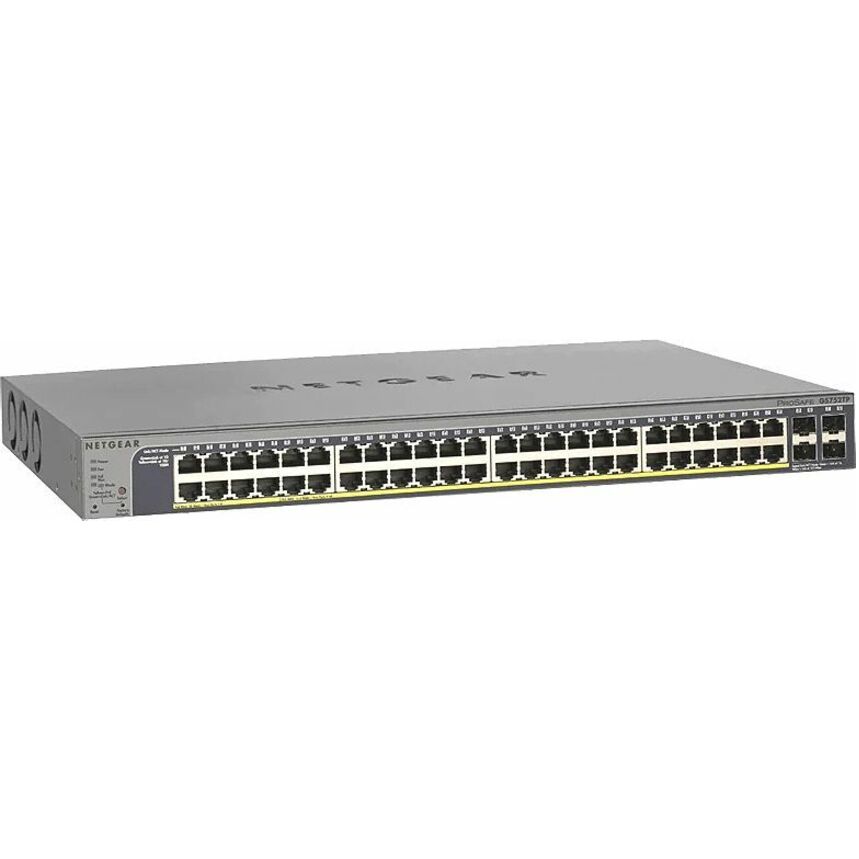
1 in stock - NetgearNetgear ProSafe GS752TP Ethernet Switch - 48 Ports - Manageable - Gigabit Ethernet - 10/100/1000Base-TX, 1000Base-X - 3 Layer Supported - Modular - 4 SFP Slots - 512.80 W Power Consumption - 380 W PoE Budget - Twisted Pair, Optical Fiber - PoE Ports - Rack-mountable - Lifetime Limited WarrantyGS752TP-300NAS
$984.81
$745.26
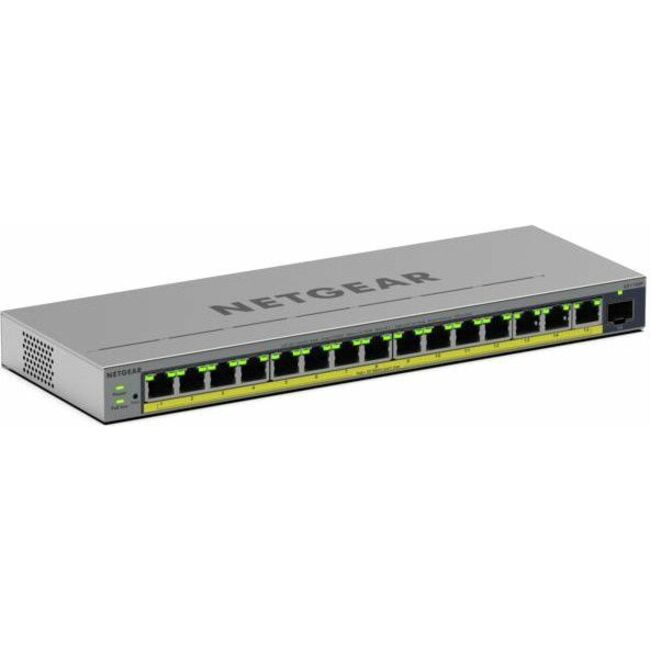
15 in stock - NetgearNetgear Business GS116EPP Ethernet Switch - 15 Ports - Manageable - Gigabit Ethernet - 10/100/1000Base-T - 3 Layer Supported - 1 SFP Slots - 10.20 W Power Consumption - 231 W PoE Budget - Twisted Pair, Optical Fiber - PoE Ports - Desktop, Wall Mountable, Enclosure - Lifetime Limited WarrantyGS116EPP-100NAS
$474.04
$273.87
1 in stock - NetgearNetgear Gigabit PoE+ Smart Switches with 4 Dedicated 10G SFP+ Ports - 24 Ports - Manageable - Gigabit Ethernet, 10 Gigabit Ethernet - 10GBase-X, 10/100/1000Base-T - 3 Layer Supported - 231 W Power Consumption - 190 W PoE Budget - Optical Fiber, Twisted Pair - PoE Ports - Rack-mountable, Table Top - Lifetime Limited WarrantyGS728TXP-300NAS
$709.65
$537.57
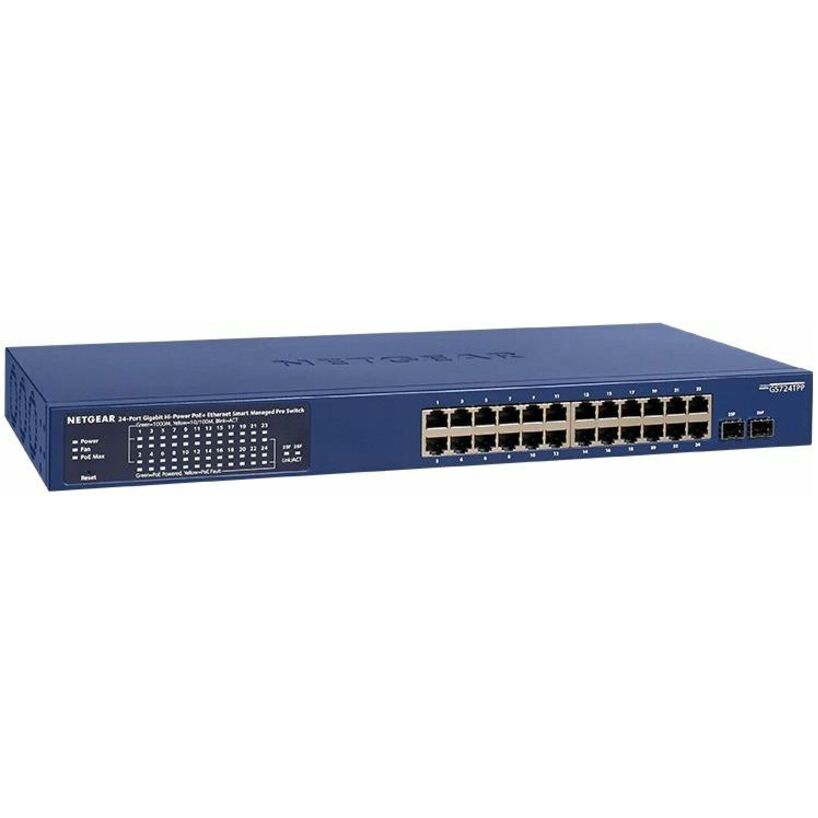
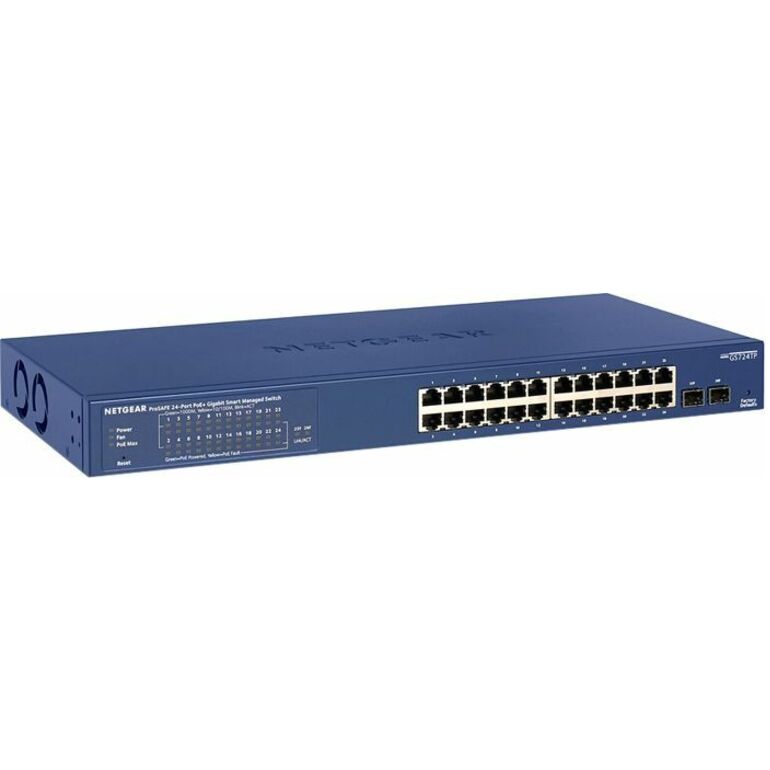
1 in stock - NetgearNetgear Business GS724TPP Ethernet Switch - 24 Ports - Manageable - Gigabit Ethernet - 10/100/1000Base-T, 1000Base-X - 4 Layer Supported - 2 SFP Slots - 396.95 W Power Consumption - 380 W PoE Budget - Twisted Pair, Optical Fiber - PoE Ports - Rack-mountable, Desktop - Lifetime Limited WarrantyGS724TPP-300NAS
$709.65
$537.65
2 in stock - NetgearNetgear Business GS116EP Ethernet Switch - 15 Ports - Manageable - Gigabit Ethernet - 10/100/1000Base-T - 3 Layer Supported - 1 SFP Slots - 10.09 W Power Consumption - 180 W PoE Budget - Twisted Pair, Optical Fiber - PoE Ports - Desktop, Wall Mountable, Enclosure - Lifetime Limited WarrantyGS116EP-100NAS
$390.39
$227.76
5 in stock - NetgearNetgear Smart GS724TP Ethernet Switch - 24 Ports - Manageable - Gigabit Ethernet - 10/100/1000Base-T, 1000Base-X - 4 Layer Supported - Modular - 2 SFP Slots - 228.53 W Power Consumption - 190 W PoE Budget - Twisted Pair, Optical Fiber - PoE Ports - Rack-mountable, Desktop - Lifetime Limited WarrantyGS724TP-300NAS
$535.85
$412.21
3 in stock - NetgearNetgear GS324TPv2 Ethernet Switch - 24 Ports - Manageable - Gigabit Ethernet - 10/100/1000Base-T, 1000Base-X - 3 Layer Supported - 2 SFP Slots - 208.70 W Power Consumption - 190 W PoE Budget - Twisted Pair, Optical Fiber - PoE Ports - Desktop, Rack-mountable - 3 Year Limited WarrantyGS324TP-200NAS
$514.32
$396.39
3 in stock
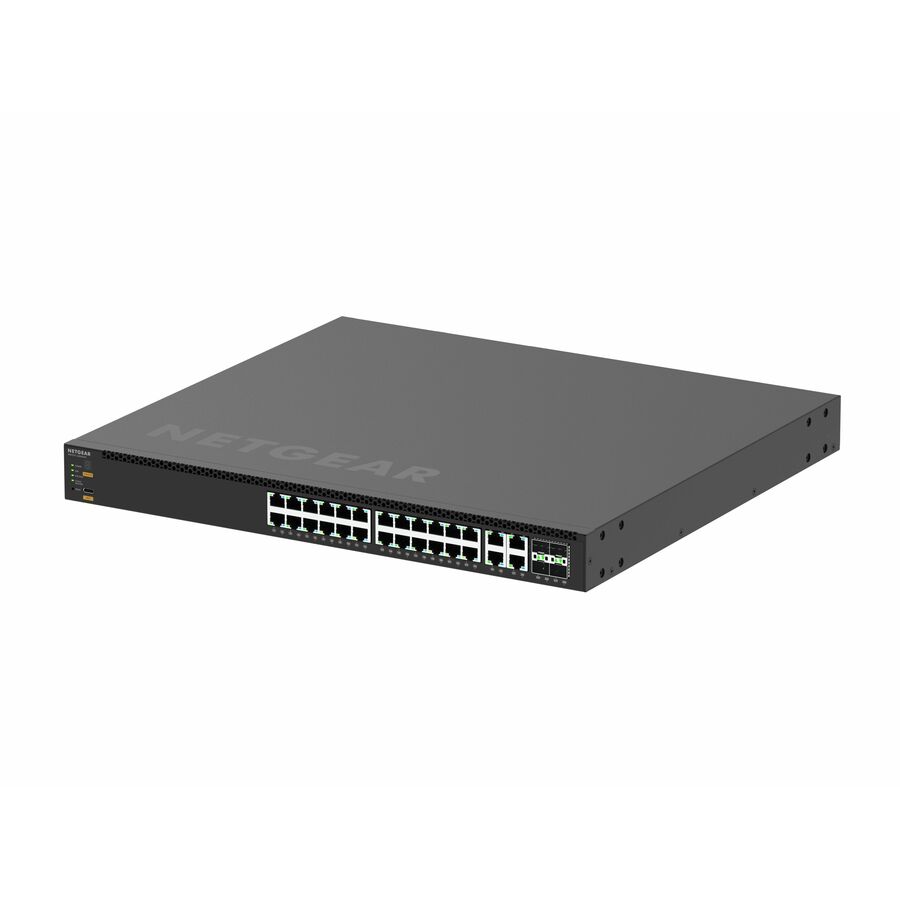
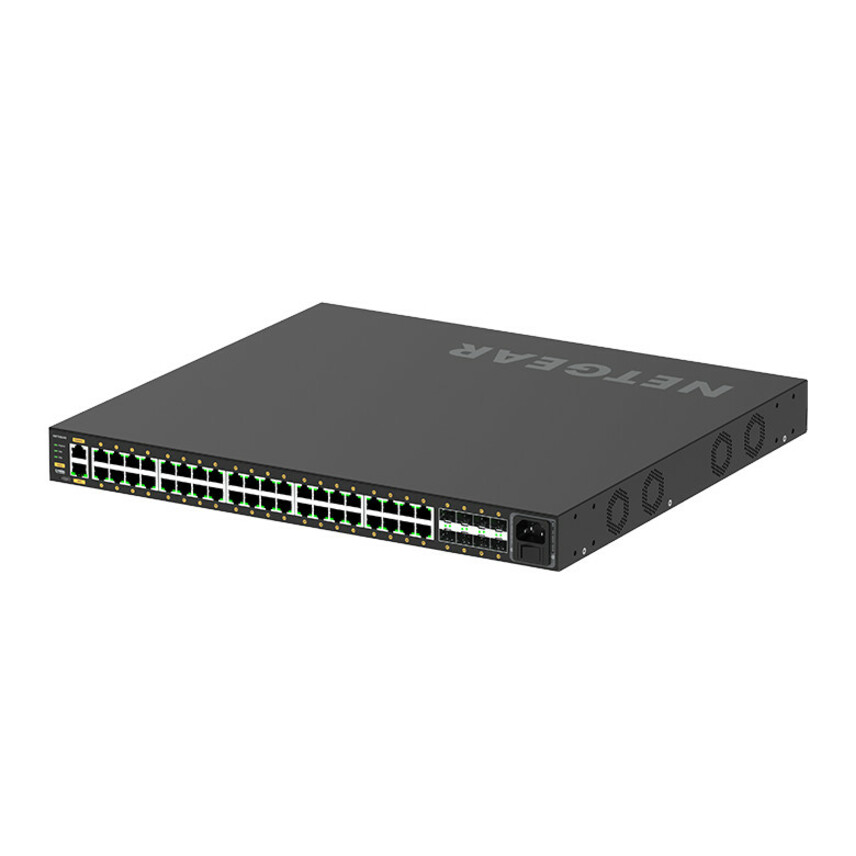
Need pricing on NETGEAR switches?
Tell us where to reach you and a Uniqcli specialist will follow up by email with current pricing, availability and lead time for the quantities you need — including parts that aren’t shown on this page.
Buying for an organization or for yourself — both work. No payment up front.
A school switch is sized by its PoE budget in watts, not its port count: a closet runs out of watts before it runs out of ports, and the figures vary by an order of magnitude across switches that look alike on a line item. Total every powered device at its real class draw, add headroom for three years, then check that uplinks and multicast handling match the traffic the closet generates.
A school switch purchase almost never fails on throughput. It fails on power budget. A closet is specified around port count, the switches are ordered, and then somebody adds a second access point to the far end of the wing, four PoE cameras go up over the summer, the classroom display gets a PoE-powered receiver, and the closet runs out of watts before it runs out of ports. The switch works perfectly and the network still does not, because the last three devices connected will not power on.
That makes power budget, not port count, the first number to fix on a district switch specification — and it is the number most quotes bury. NETGEAR is a useful bench for this because the product data states it explicitly: a 40-port M4250 in this catalog records a 960 W PoE budget, an 8-port M4350 records 551 W, and a 16-port unmanaged unit records 76 W. Those figures are what a closet actually gets to spend, and they vary by an order of magnitude across switches that all look similar on a line item.
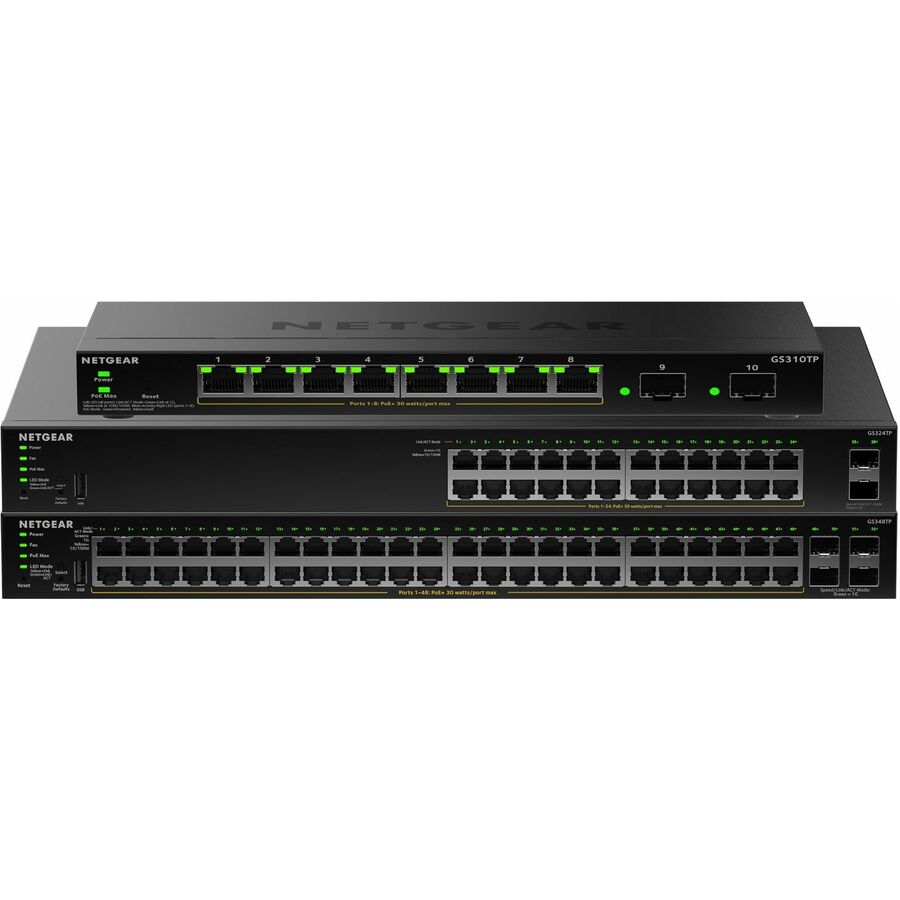
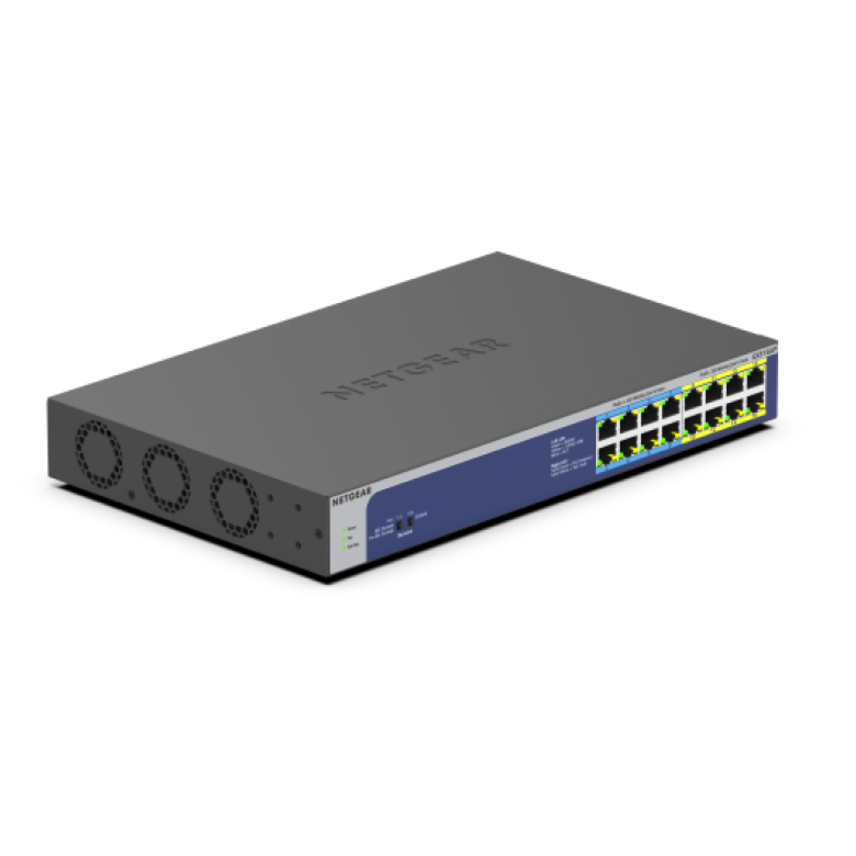
The bench itself runs to roughly one hundred and forty photographed, priced NETGEAR switches, with something over forty available at a given time. It spans three tiers a district will recognize: unmanaged and web-managed PoE switches for small closets and single classrooms, the ProSafe and Smart managed families for standard access layers, and the M4250 and M4350 AV Line switches built for the multicast-heavy traffic that classroom AV-over-IP deployments generate. The grid below is live and leads with the highest-priced in-stock rows, which means the AV Line units sit at the top — worth reading past if what you need is a straightforward access-layer switch.
Buyer's checklist
How to specify a switch for a school access closet
- Calculate the PoE budget before the port count. Add up every powered device the closet will feed — access points, cameras, phones, door controllers, AV receivers, clocks — at its actual class draw, then add headroom for what gets added in the next three years. The product record for each switch states its PoE budget in watts; that figure is the constraint.
- Distinguish PoE, PoE+ and PoE++ by what you are powering. Older access points and phones are satisfied by standard PoE. Modern Wi-Fi access points and pan-tilt-zoom cameras generally need PoE+ or better, and some AV receivers and multi-radio access points need PoE++. Powering a PoE++ device from a PoE+ port does not produce a partial result, it produces a device that does not come up.
- Size the uplink to the traffic the closet generates, not to the switch's port speed. A 48-port access switch feeding thirty classrooms of one-to-one devices through a single gigabit uplink is a bottleneck by design. The rows in this bench with dedicated 10 Gigabit SFP+ uplink ports exist for exactly that reason.
- Confirm multicast handling before committing to AV over IP. Video distributed over the network is multicast traffic, and a switch that floods it rather than managing it will saturate a closet. Verify IGMP snooping and querier support on the specific model against the manufacturer datasheet — this is where an unmanaged switch stops being an option.
- Decide managed versus unmanaged deliberately, not by price. Unmanaged switches have no VLANs, no monitoring and no way to segment a camera network from a student network. They are appropriate at the very edge of a small deployment and inappropriate anywhere a security or segmentation requirement exists.
- Check the physical fit and the power draw of the switch itself. Several units here record their own power consumption separately from their PoE budget. A closet with marginal ventilation or a small UPS needs both numbers, and a 1U rack-mount unit needs a rack to mount in.
- Standardize on as few models as the building will tolerate. Every additional switch model in a district is another firmware track, another configuration template and another spare on the shelf. Two or three models across a district is manageable; nine is a support burden.
- Read the warranty terms per model rather than per brand. Several rows in this bench record a lifetime limited warranty in their product data and others do not. Confirm the coverage for the specific part number on the quote.
PoE budget is the number that decides the closet
Work the arithmetic before the quote, not after the install. Take a typical secondary-school wing: eight Wi-Fi access points, six ceiling cameras, two PoE-powered AV receivers for classroom displays, and a handful of VoIP handsets in the office. Depending on the generation of those access points and cameras, the draw per device ranges from around 15 W to over 30 W, and modern multi-radio access points and pan-tilt-zoom cameras sit at the top of that range or above it. A closet like that can be asking for four hundred to six hundred watts of delivered power before anybody has added a single device.
That is why the spread inside this bench matters so much. At one end, the 16-port unmanaged units record 76 W and 183 W PoE budgets — genuinely useful for a small closet feeding two access points and a camera, and completely inadequate for the wing described above. In the middle, the Smart and ProSafe managed 24- and 48-port units cover conventional access-layer duty. At the top, the AV Line M4250 40-port unit records a 960 W PoE budget, which is a different class of closet entirely.
Two practical cautions. First, the PoE budget is the total across all ports, not per port — a switch with a 551 W budget cannot deliver 30 W to twenty-four ports simultaneously, and the failure mode is that the last devices to request power do not get it. Second, budget for growth explicitly: the devices added between now and the next refresh are usually the ones that break the calculation, and a district that sizes to today's device count will be back in the closet within two years.
The AV Line: what classroom AV over IP actually asks of a switch
When a district moves classroom video from point-to-point HDMI runs to distribution over the network, the switch stops being a commodity. Video over IP is multicast traffic — one source sending to many receivers — and a switch that does not manage multicast properly will treat it as broadcast and flood every port with it. In a closet that means an uncontrolled traffic storm on the same infrastructure carrying student devices and assessments, which is the failure mode that turns an AV project into a network incident.
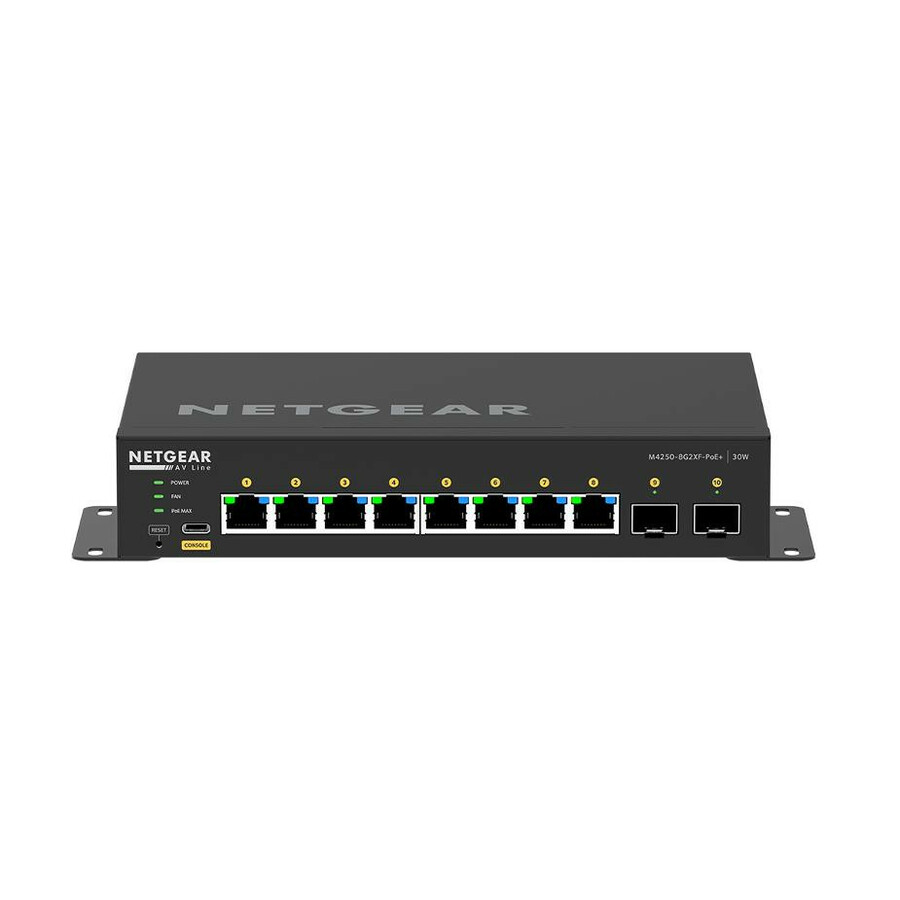
The M4250 and M4350 families in this bench are NETGEAR's answer to that problem, and the catalog carries a substantial set of them. The specifications tell you what tier each unit sits at: the M4250-10G2XF and the 8-port M4250 units suit a single room or a small cluster; the 24-port M4250-26G4XF-PoE+ and M4250-26G4F-PoE++ units cover a conventional wing; the 40-port M4250-40G8XF-PoE+ with its 960 W budget covers a large closet feeding both access points and powered AV endpoints. The M4350 units step up to 2.5, 10 and 25 Gigabit port speeds for a distribution or aggregation role.
Before committing a design to any of them, verify three things against the manufacturer datasheet for the exact model: that IGMP snooping and a querier are supported and configurable, that the PoE budget covers your powered AV endpoints alongside the access points sharing the closet, and that the uplink speed matches what the aggregated video streams will actually push. Those are specification questions, and they are the ones worth resolving on a quote request rather than during a summer installation.
How E-rate Category Two budgets shape a switch purchase
Districts frequently plan network refreshes around the federal E-rate program, so it is worth setting out how the program is structured — as background for a specification, not as advice. According to the Universal Service Administrative Company, which administers E-rate, eligible services are divided into Category One, covering data transmission and internet access, and Category Two, covering internal connections and related services. USAC's published guidance lists switches alongside access points, cabling, routers, racks and uninterruptible power supplies among the equipment that falls under Category Two internal connections.
USAC states that Category Two funding operates against a five-year, pre-discount budget per applicant, that the current five-year cycle runs from funding year 2026 through funding year 2030, that the school multiplier for that cycle is $201.57 per student, and that the funding floor is $30,175 for schools and libraries, with a higher $66,385 floor for Tribal libraries. In planning terms, that means a district's C2 capacity is a fixed, known quantity across five years rather than an annual allowance — which is precisely why sizing the PoE budget and the uplinks correctly the first time matters so much. A closet that has to be revisited in year two spends budget that was meant to cover a different building.
To be unambiguous about our own position: Uniqcli is not an E-rate service provider, does not hold a Service Provider Identification Number, and nothing on this page should be read as a statement that equipment bought from us is E-rate eligible, fundable or reimbursable. Eligibility determinations, competitive bidding, Form 470 and Form 471 filing, and invoicing under the program are governed by FCC rules and administered by USAC — they belong to your district and its E-rate consultant. What we can do is quote equipment and supply the part-level detail a specification needs. Verify every figure above against USAC's own current published guidance before it goes into a plan.
Which NETGEAR model for which closet
A note on reading this list against the grid above. The grid sorts in-stock rows first and then by price, under a fixed card count, so a part number named here may not have a card on this page. Every one of them is a live hub row we can quote — send the part number and we will return price, availability and lead time.
M4250-40G8XF-PoE+ (GSM4248PX-100NAS) — the large-closet AV Line unit. 40 ports, Layer 3, fiber and twisted pair, and a 960 W PoE budget in a 1U rack-mount chassis, with a lifetime limited warranty recorded in its product data. Upside: it is the unit that stops the power-budget conversation for a wing carrying both access points and powered AV endpoints. Downside: it is priced accordingly and is substantial overprovisioning for a closet serving one or two classrooms.
M4250-26G4XF-PoE+ (GSM4230PX-100NAS) — the workhorse of the AV Line for a conventional wing. 24 ports plus fiber uplinks and Layer 3 support. Upside: the right size for most secondary-school access closets and a materially lower line item than the 40-port unit. Downside: check the PoE budget against your specific device mix rather than assuming 24 ports means 24 powered devices.
M4350-8M2V (MSM4310-100NES) — a small-port, high-speed unit recording 2.5, 10 and 25 Gigabit Ethernet support and a 551 W PoE budget across only 8 ports. Upside: a large amount of power and speed in a small port count, which suits a dense AV cluster or a specialist room. Downside: expensive per port, so it is a targeted purchase rather than a general access switch.
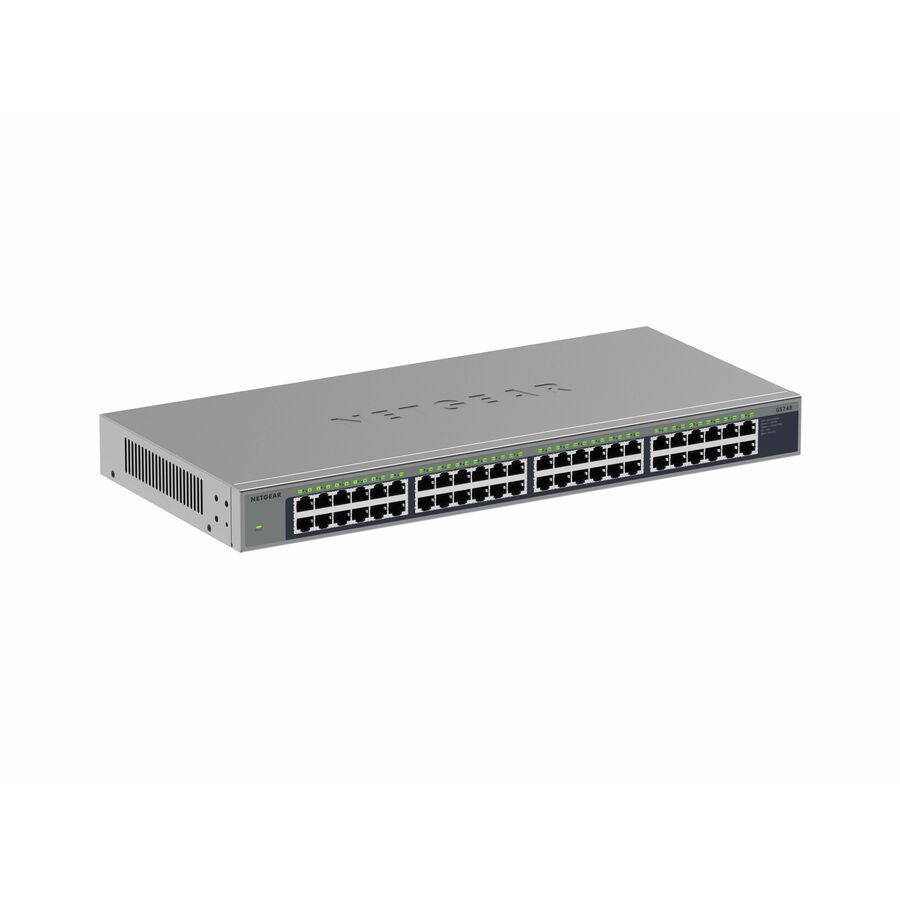
GS752TPP-300NAS and GS752TXP-300NAS — 48-port managed PoE+ switches for conventional access-layer duty, the latter with four dedicated 10 Gigabit SFP+ uplink ports. Upside: the sensible default for a large closet that is not doing AV over IP, and the 10 Gigabit uplinks address the bottleneck problem directly. Downside: no AV Line multicast tuning, so verify multicast behavior if video distribution is on the roadmap.
GS310TP-200NAS and GS110TP-300NAS — 8-port managed PoE units for a single classroom, a portable building or a small satellite closet. Upside: managed capability, VLAN segmentation and a low price. Downside: a modest PoE budget that will not carry more than a couple of modern access points.
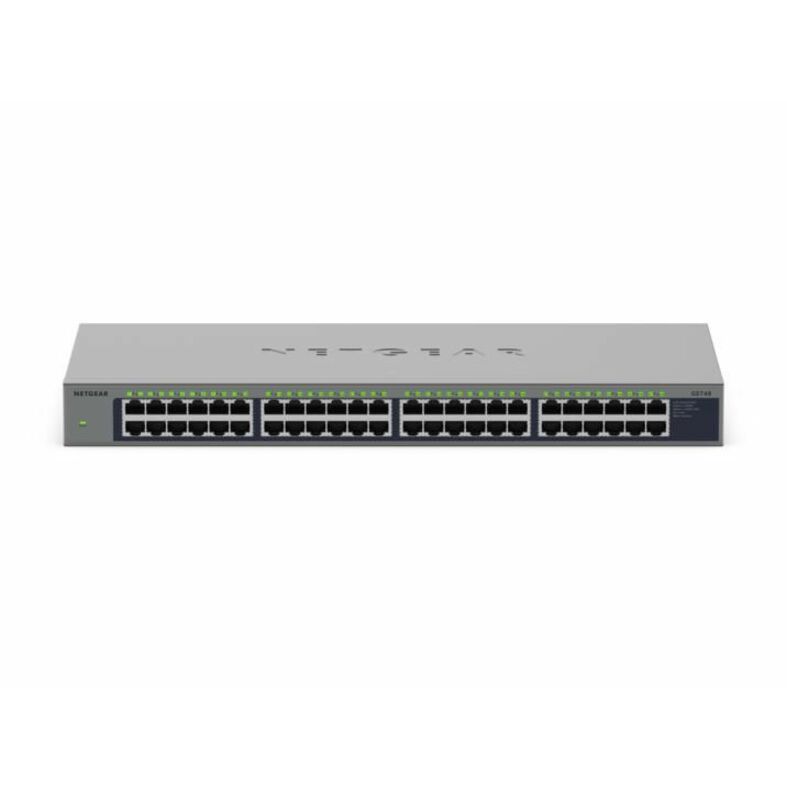
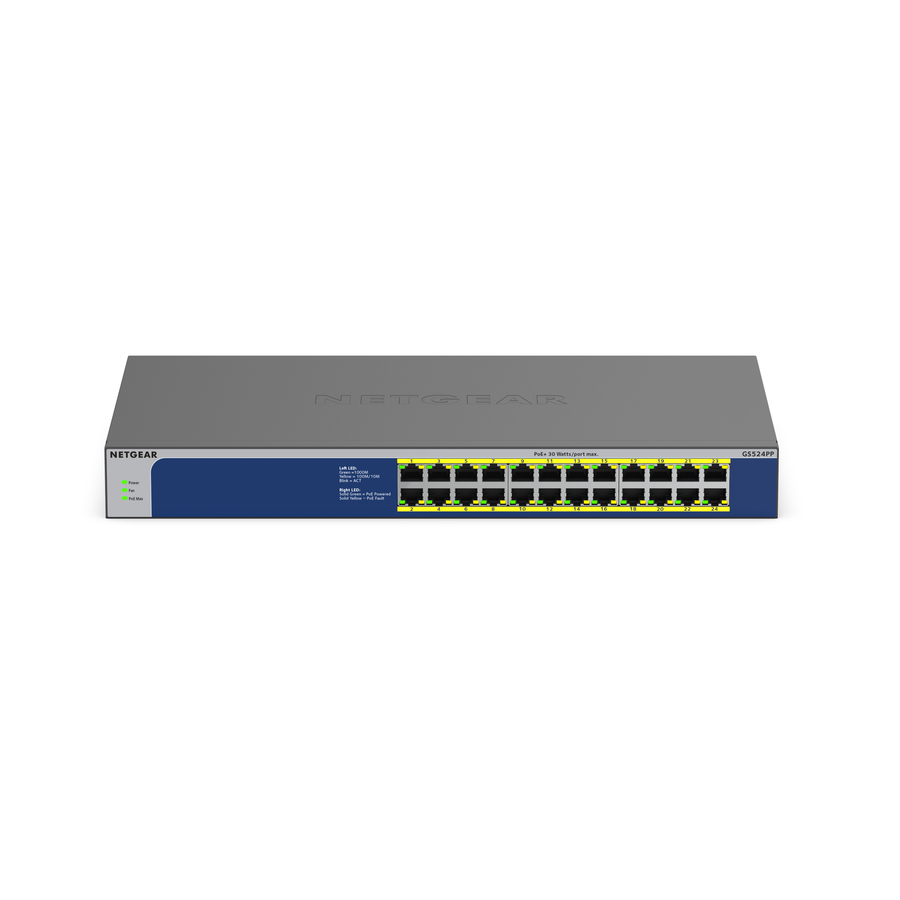
GS116PP-100NAS and GS116LP-100NAS — 16-port unmanaged PoE units recording 183 W and 76 W budgets respectively. Upside: the cheapest way to add powered ports at the edge. Downside: unmanaged means no VLANs, no monitoring and no way to segment a camera from a student network — genuinely fine at the very edge, genuinely wrong anywhere a segmentation requirement exists.
Standardizing a district on as few models as possible
The most common avoidable cost in a district network is model sprawl. Each building buys what fits its closet and its budget that year, and after four refresh cycles the district is running nine switch models across three firmware tracks with no consistent configuration template and a spares shelf that covers none of them properly. Every troubleshooting call then starts with working out what is actually installed.
The alternative is to fix a small standard — typically one 48-port access model, one 24-port access model, one 8-port edge model and, where AV over IP is in the plan, one AV Line model — and to buy against that standard even when a slightly cheaper alternative is available for a particular closet. The premium on the individual line item is usually small. The saving in configuration templates, firmware management, technician familiarity and spares coverage is not.
Where that runs into trouble is timing, because standards drift when purchases are spread across years and product families get revised. If your district is planning a multi-building refresh, send the closet-by-closet device counts, the powered-device inventory and the timeline through the quote form and we will work back to the smallest set of models that covers all of it — including where a single model genuinely cannot, so the exceptions are deliberate rather than accidental.
FAQ
Common questions
- How do we calculate the PoE budget for a school network closet?
- Add up every powered device the closet will feed at its actual class draw — access points, cameras, phones, door controllers, AV receivers, clocks — then add headroom for what will be added before the next refresh. Compare that total against the PoE budget in watts stated in the switch's product record. The budget is a total across all ports, not a per-port figure, and the failure mode when it is exceeded is that the last devices to request power simply do not come up.
- What is the difference between PoE, PoE+ and PoE++ for school equipment?
- They are successive power tiers. Older access points and VoIP handsets are generally satisfied by standard PoE; modern Wi-Fi access points and pan-tilt-zoom cameras typically need PoE+ or better; some multi-radio access points and AV receivers need PoE++. The important point is that this is not a graceful degradation — connecting a PoE++ device to a PoE+ port does not give you reduced performance, it gives you a device that does not power on.
- Do we need AV Line switches for classroom video over IP?
- You need a switch that handles multicast properly, which is what the AV Line models are built and tuned for. Video over IP is multicast traffic, and a switch that floods it rather than managing it will saturate the closet — on the same infrastructure carrying student devices and assessments. Before committing to any model, verify IGMP snooping and querier support against the manufacturer datasheet for that exact part, along with the PoE budget and uplink speed.
- Are network switches eligible under E-rate Category Two?
- USAC, which administers E-rate, lists switches among the equipment falling under Category Two internal connections, alongside access points, cabling, routers, racks and uninterruptible power supplies. USAC states the current Category Two five-year budget cycle runs from funding year 2026 through 2030, with a school multiplier of $201.57 per student and a $30,175 funding floor for schools and libraries. Uniqcli is not an E-rate service provider and holds no Service Provider Identification Number; nothing here is a statement that equipment bought from us is eligible or reimbursable. Confirm eligibility and every figure with USAC and your E-rate consultant.
- Should a school buy managed or unmanaged switches?
- Managed, anywhere a segmentation or monitoring requirement exists — which in practice means anywhere cameras, building systems, staff traffic and student traffic share infrastructure. Unmanaged switches have no VLANs, no monitoring and no way to separate one network from another. They are a reasonable, cheap answer at the very edge of a small deployment, such as adding a few powered ports in a portable building, and the wrong answer in an access closet.
- How many switch models should a district standardize on?
- As few as the buildings will tolerate — typically one 48-port access model, one 24-port access model, one 8-port edge model, and one AV Line model where video over IP is in the plan. Every additional model is another firmware track, another configuration template and another spare on the shelf. The premium on an individual line item for staying on standard is usually small; the saving in technician time and spares coverage is not.
Need NETGEAR switches pricing?
Send a bill of materials or part numbers — we confirm stock and a below-market total, with TAA verified on request. No payment up front.