
Best Business Wireless Access Points for Offices
Ceiling- and wall-mount access points for offices and branches — chosen by the uplink and the PoE class they need, not by the headline data rate on the box.
Wireless access points in stock at Uniqcli
How to choose →A curated selection with live pricing — in-stock lines first, then back-ordered lines with a typical lead time. Every line is sourced through US distribution and screened for NDAA §889 status before checkout, with TAA verified on request.
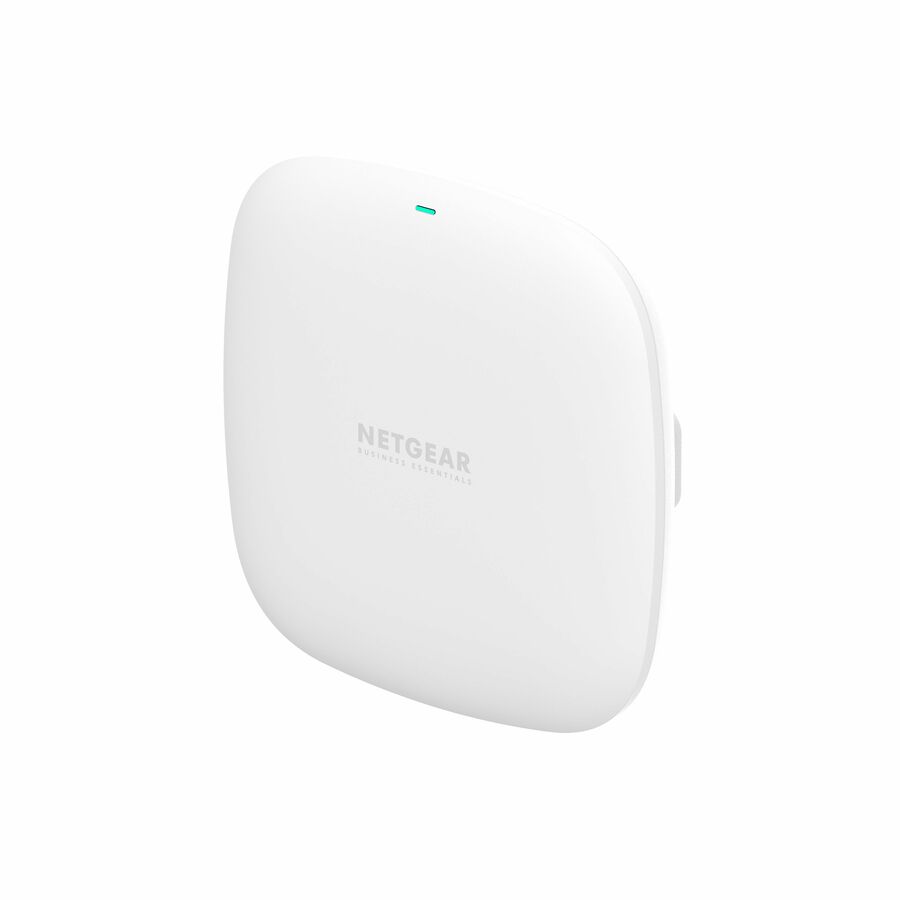
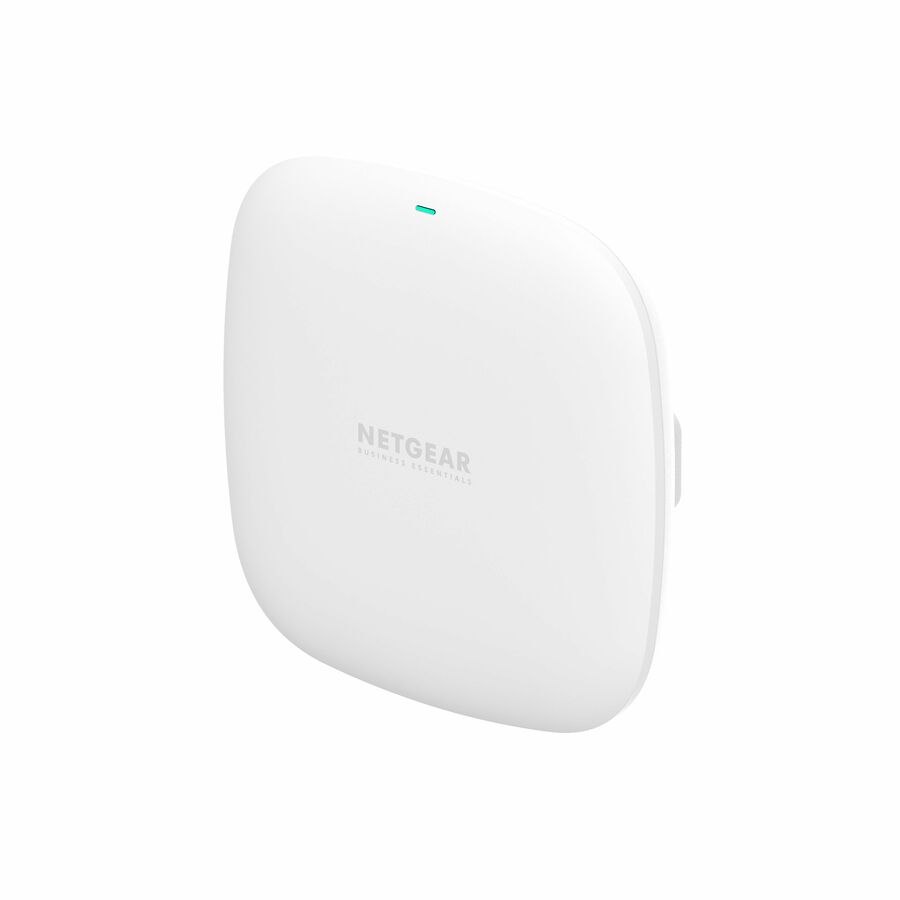
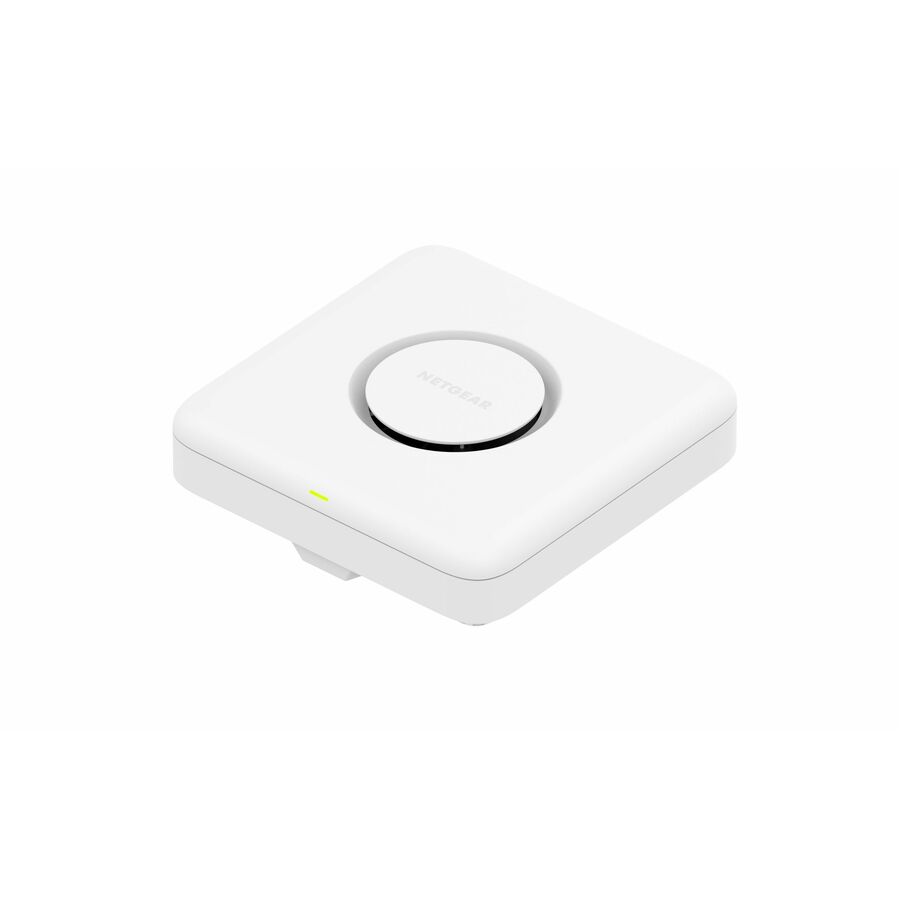
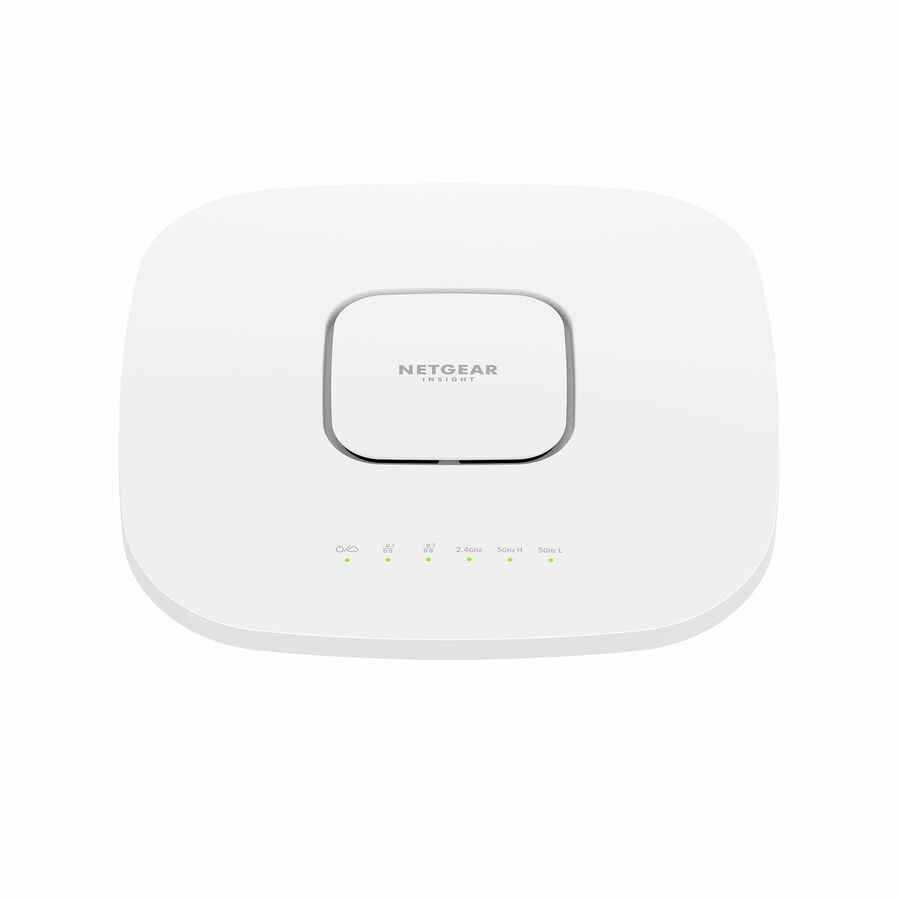
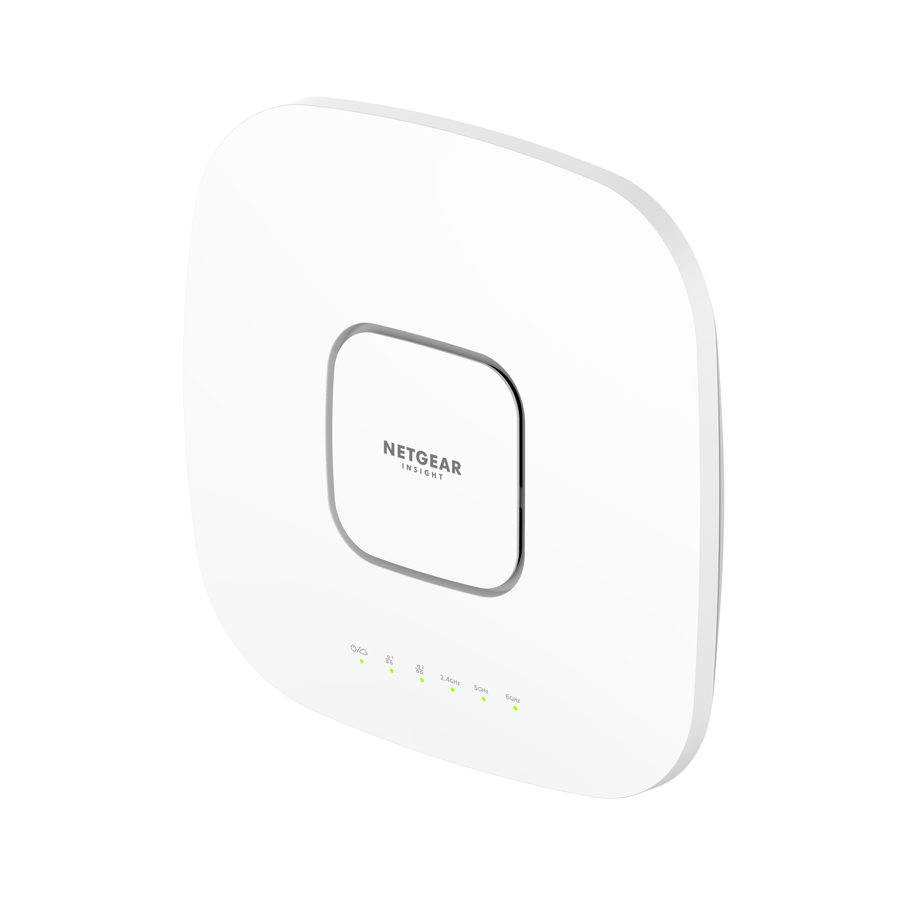
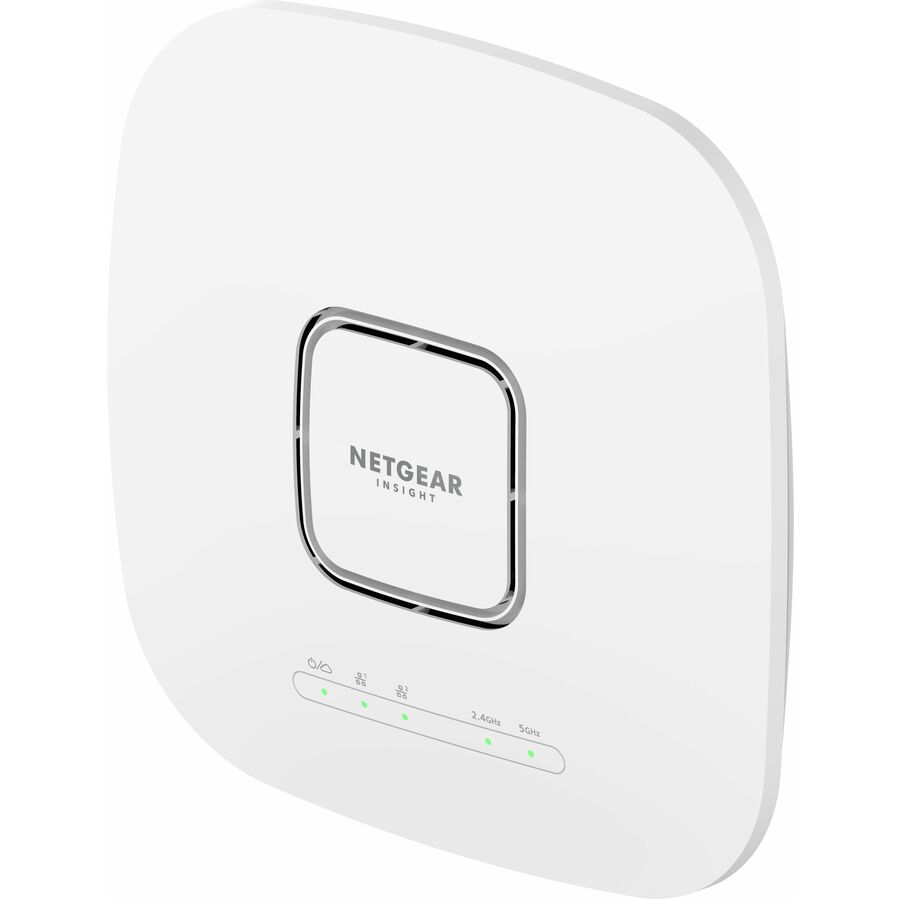
- NetgearNetgear WBE710 Tri Band Wi-Fi 7 IEEE 802.11 a/b/g/n/ac/ax/be 9.40 Gbit/s Wireless Access Point - 2.40 GHz, 5 GHz, 6 GHz - Internal - MIMO Technology - Multi User MIMO - 1 x Network (RJ-45) - 2.5 Gigabit Ethernet, Gigabit Ethernet - Wall Mountable, Ceiling MountableWBE710100NAS
$543.23
$413.98
12 in stock - NetgearNetgear WBE718 Tri Band Wi-Fi 7 IEEE 802.11 a/b/g/n/ac/ax/be 9.40 Gbit/s Wireless Access Point - Indoor - 2.40 GHz, 5 GHz, 6 GHz - Internal - MIMO Technology - Multi User MIMO - 1 x Network (RJ-45) - 2.5 Gigabit Ethernet - Wall Mountable, Ceiling MountableWBE718-111NAS
$1,139.05
$854.24
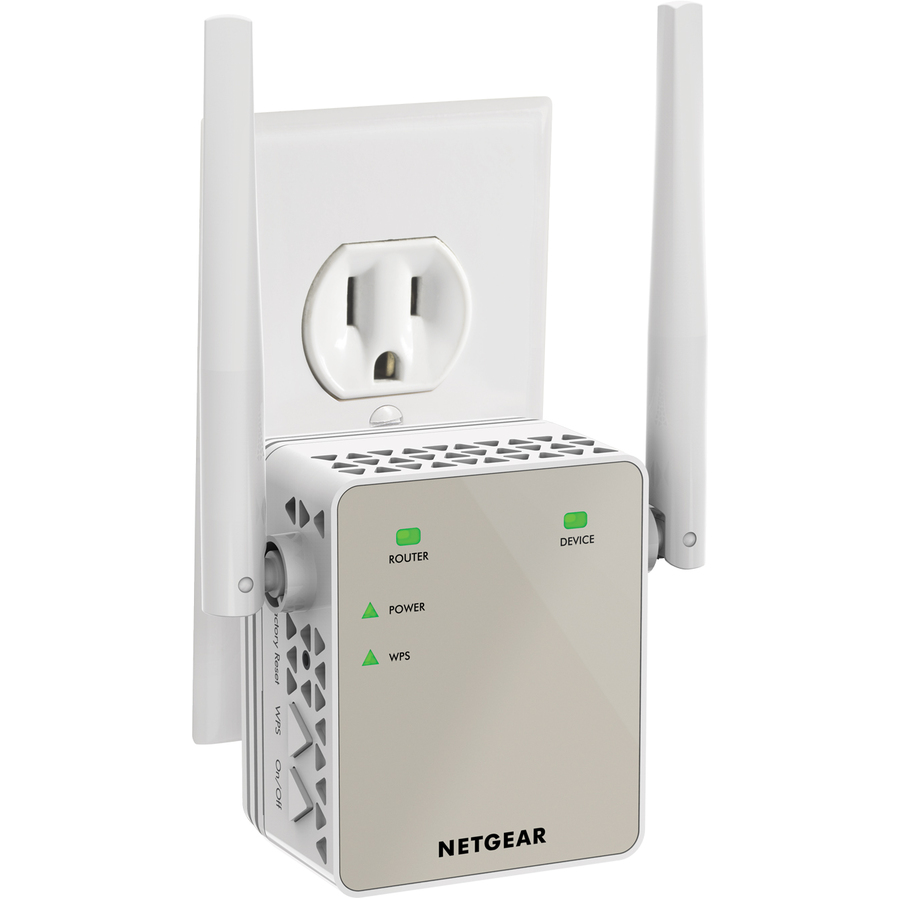
2 in stock - NetgearNetgear EX6120 IEEE 802.11ac 1.17 Gbit/s Wireless Access Point - 2.40 GHz, 5 GHzEX6120-100NAS
$132.60
Back-orderedBack-ordered — estimated OEM lead time 3–8 weeks (Nov 14 – Dec 19 if ordered today).


Top pick
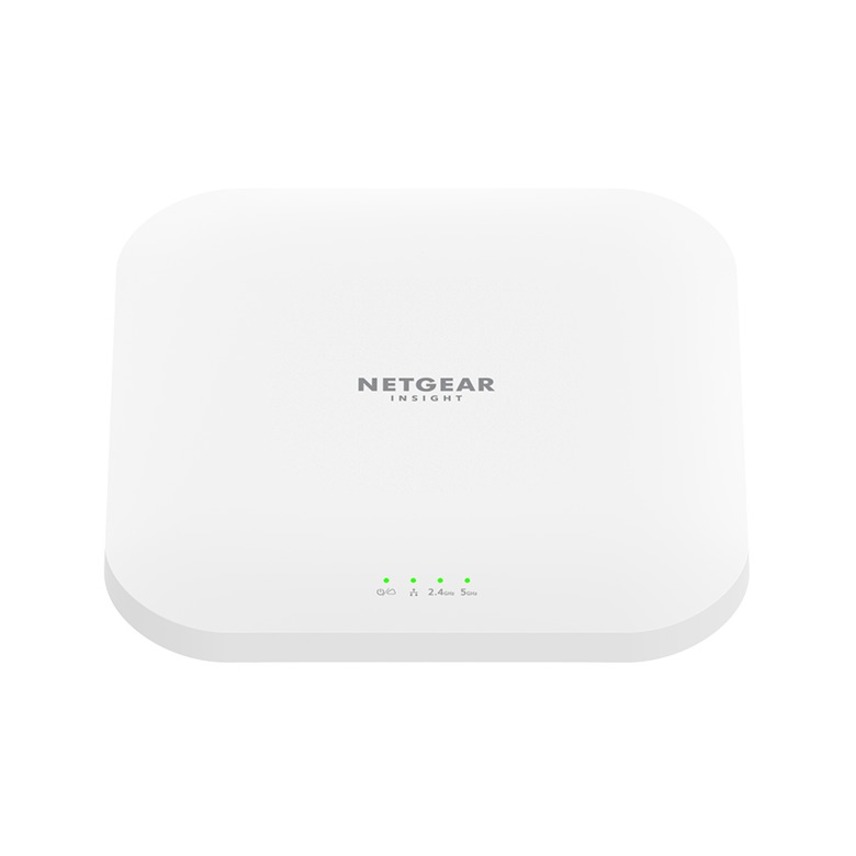
Netgear
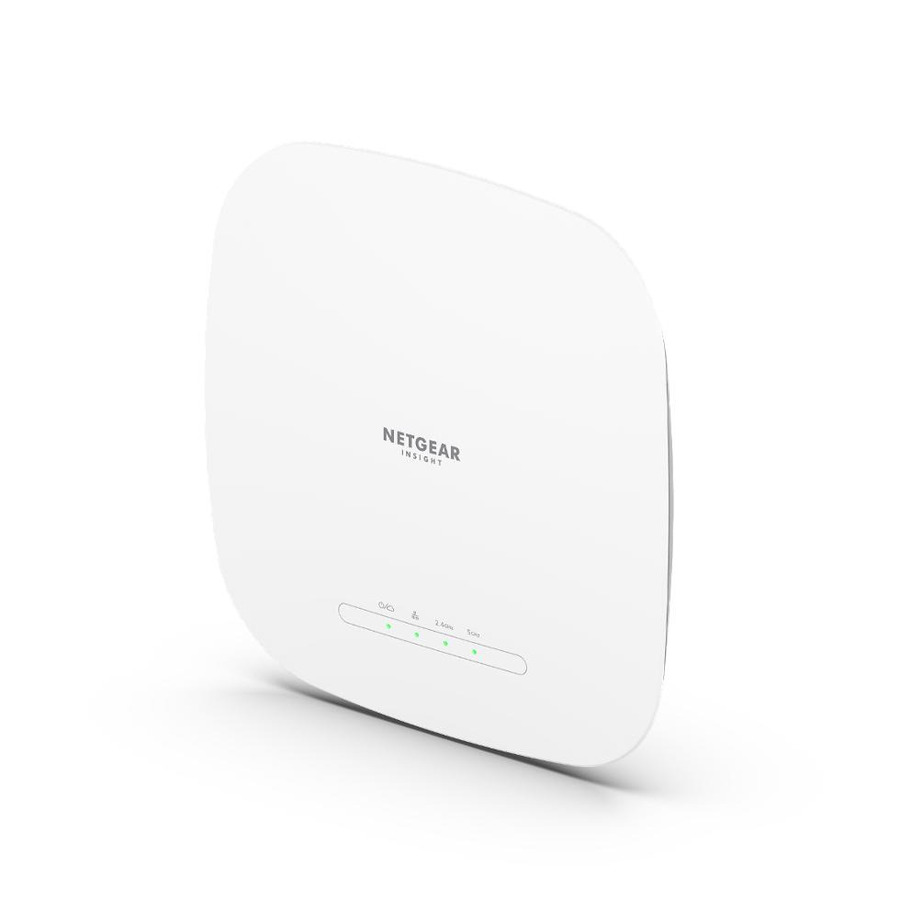
Netgear WAX620 Dual Band Wi-Fi 6 IEEE 802.11 a/b/g/n/ac/ax/i 3.60…
WAX620-100NAS
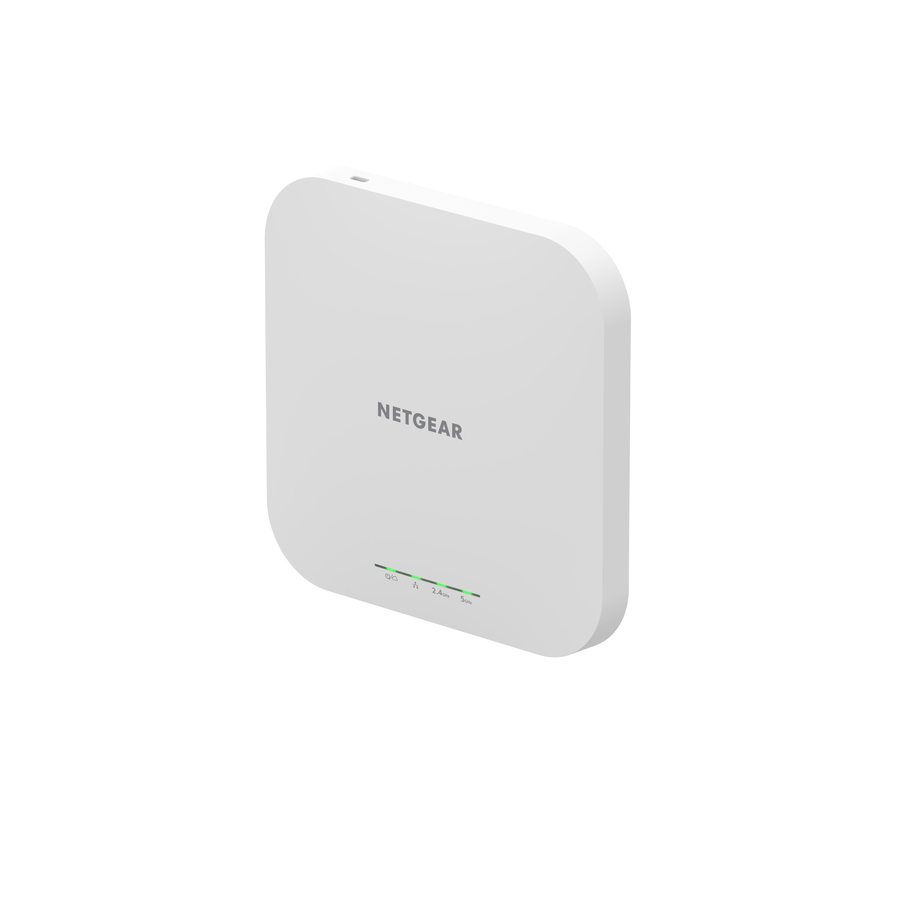
A dual-band Wi-Fi 6 ceiling or wall unit with a 2.5 Gigabit Ethernet uplink, which is the combination that stops the wired side becoming the bottleneck in a busy open-plan floor. Rated at 3.60 Gbit/s aggregate across both bands — a theoretical figure, but the higher radio capability is what makes the faster uplink worth having.
The 2.5 GbE port only pays off against a switch port that matches it. Plugged into a gigabit switch it works and quietly gives back the headroom you bought.
$249.92Back-orderedBest value
Netgear
Netgear WAX210 Dual Band Wi-Fi 6 IEEE 802.11 a/b/g/n/ac/ax/e 1.80…
WAX210-100NAS
The entry into the range: dual-band Wi-Fi 6, ceiling or wall mountable, a gigabit uplink and a 15.2 W draw that is easy on a shared PoE budget. For a branch, a small office or a coverage fill-in where the radios will never outrun a gigabit port, this is the honest specification rather than a compromise.
$94.98In stockHigher client density
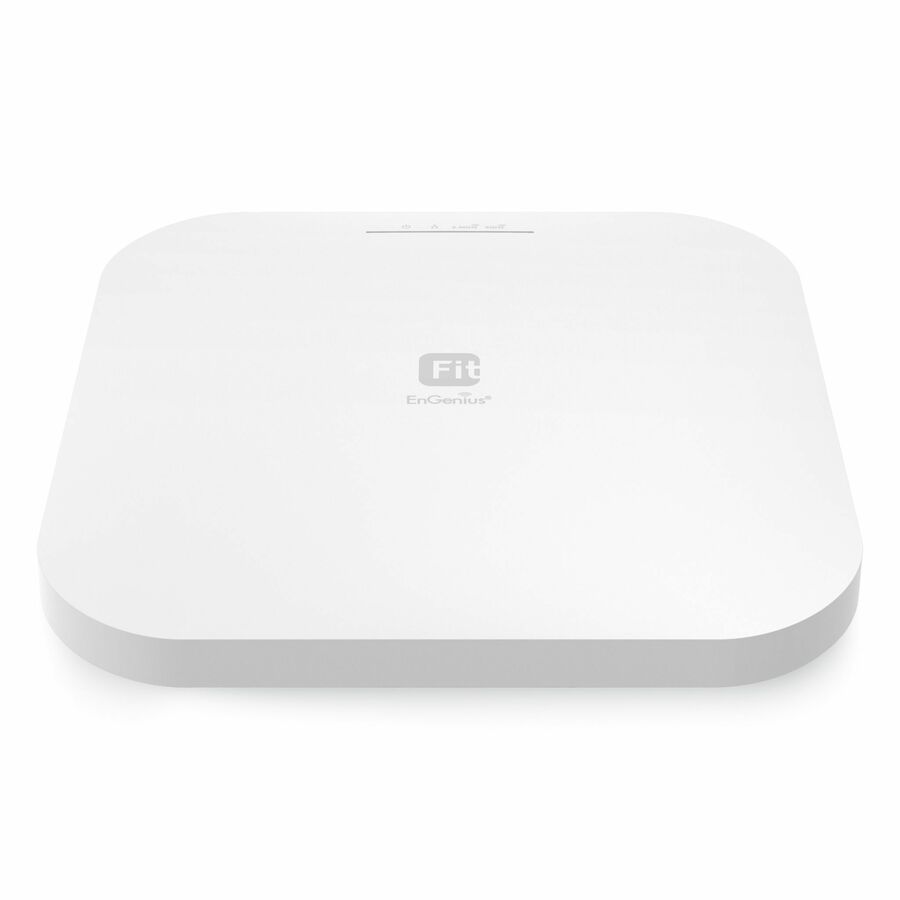
EnGenius Technologies
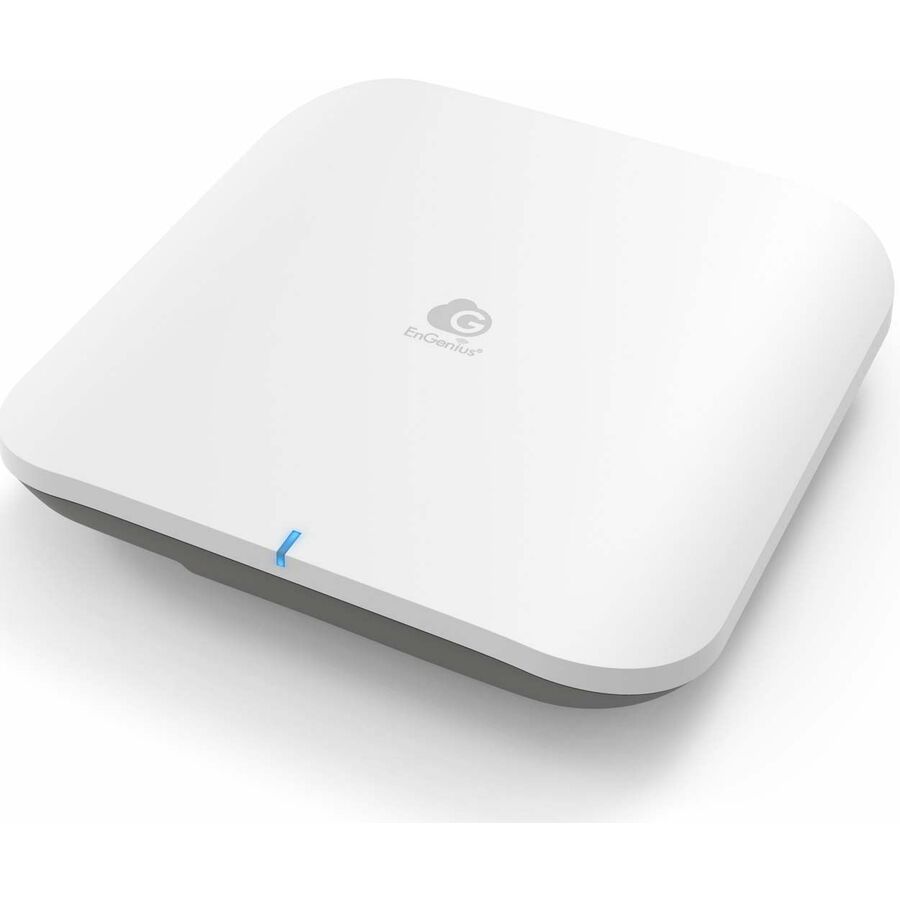
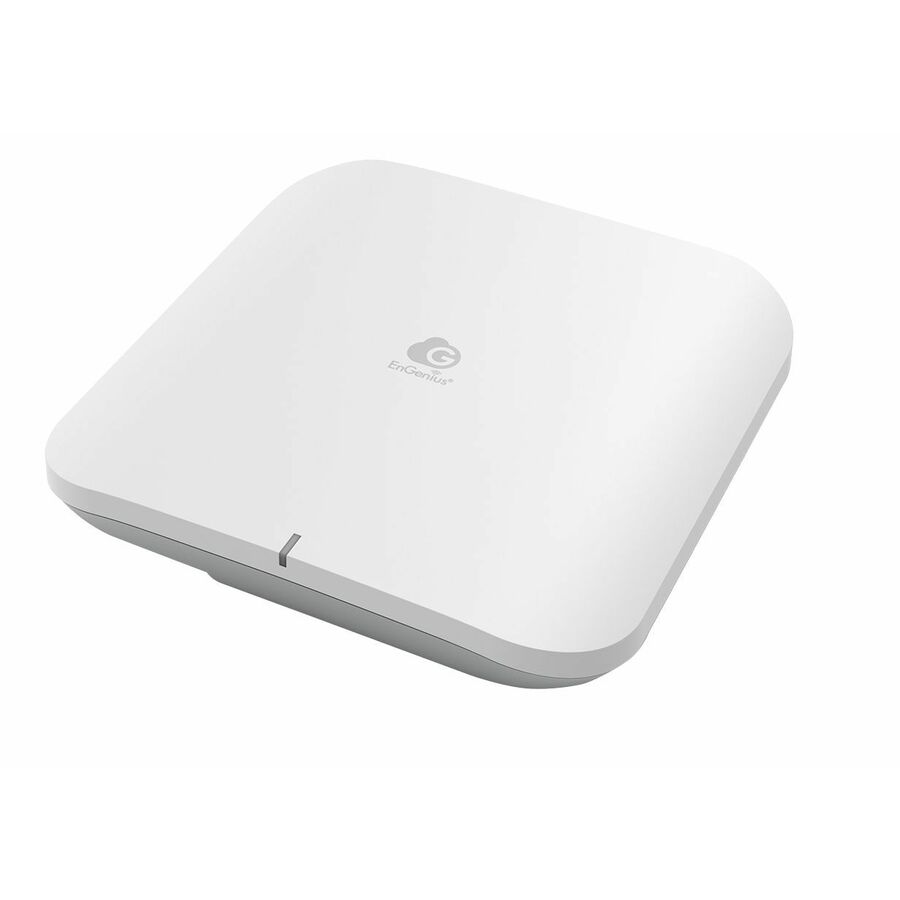
EnGenius Fit EWS276-Fit Dual Band Wi-Fi 6 IEEE 802.11 a/b/g/n/ac/ax/e…
EWS276-FIT
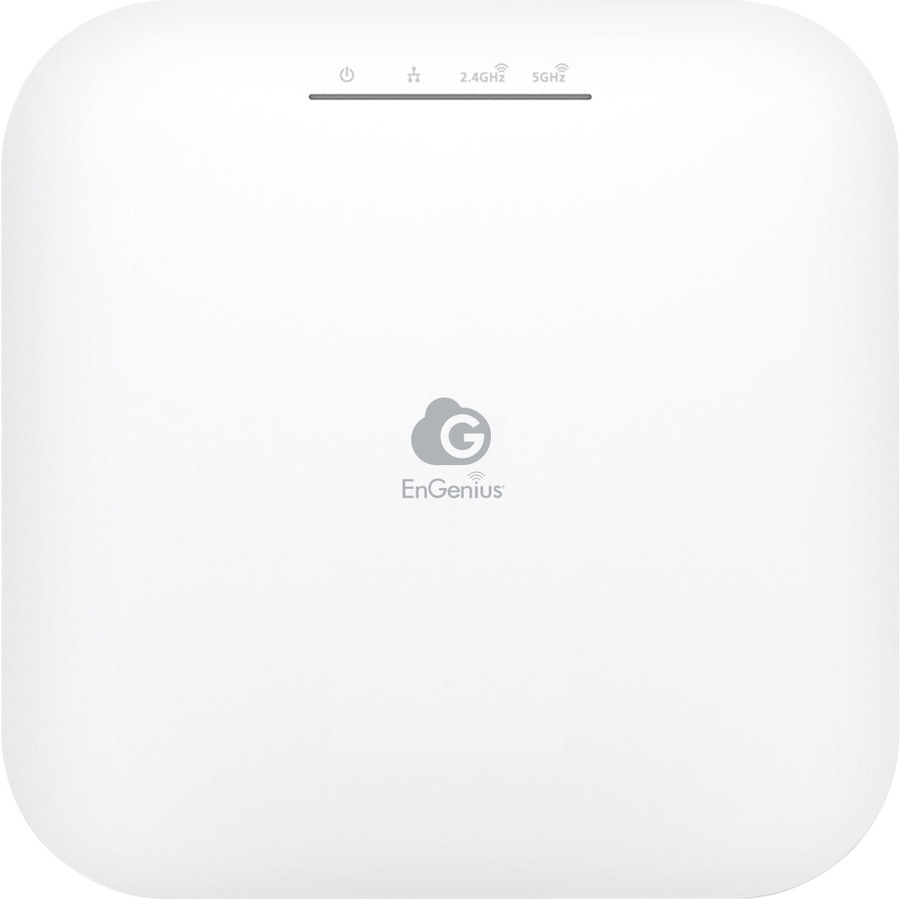
Dual-band Wi-Fi 6 with eight internal antennas, a 2.5 Gigabit Ethernet uplink and a 17 W draw, rated at 3.46 Gbit/s aggregate. The antenna count is the point: it helps most in rooms where many devices are active at once, which is where airtime rather than signal strength is the limit.
$178.40Back-orderedOutdoor coverage
Netgear
Netgear WAX610Y Wi-Fi 6 IEEE 802.11 a/b/g/n/ac/ax/i 1.80 Gbit/s…
WAX610Y-100NAS
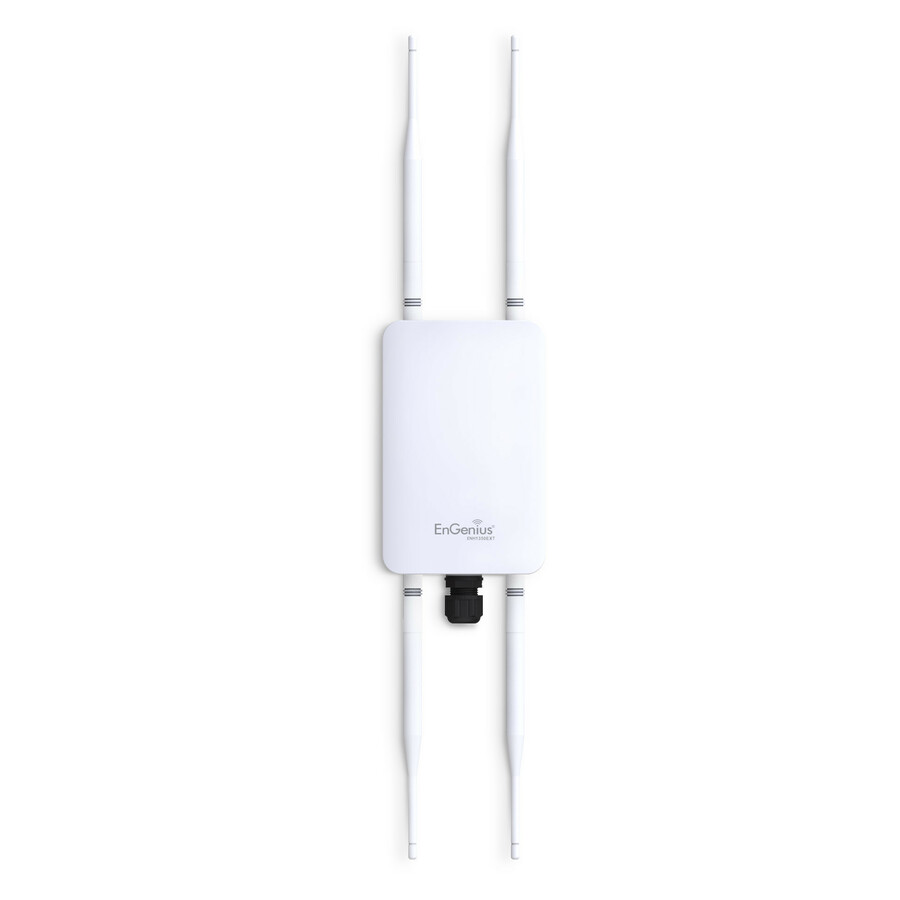
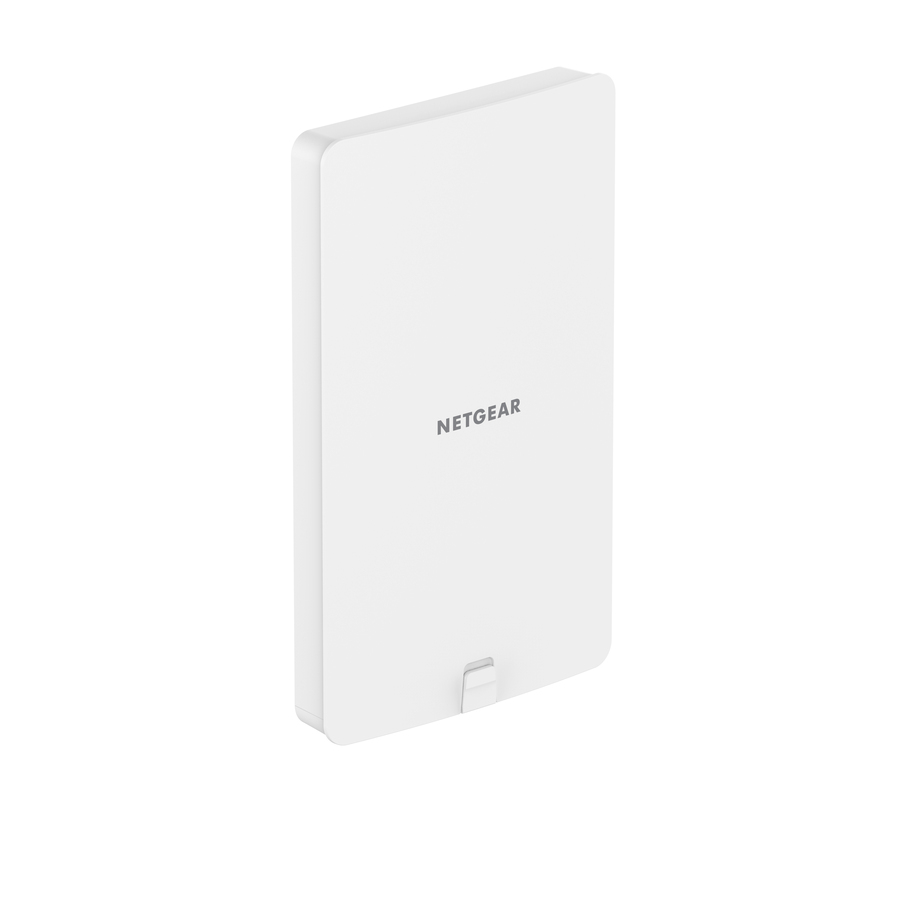
An outdoor-rated Wi-Fi 6 unit that mounts to a ceiling, a wall or a pole, with a 2.5 Gigabit Ethernet uplink. Yards, loading bays, covered walkways and courtyards need hardware built for weather and for pole mounting — an interior AP aimed through a window is not a substitute, and coated glass in particular attenuates far more than people expect.
$268.33In stockWi-Fi 7 upgrade path
Netgear
Netgear WBE750 Tri Band Wi-Fi 7 IEEE 802.11 a/b/g/n/ac/ax/be 18.40…
WBE750-100NAS
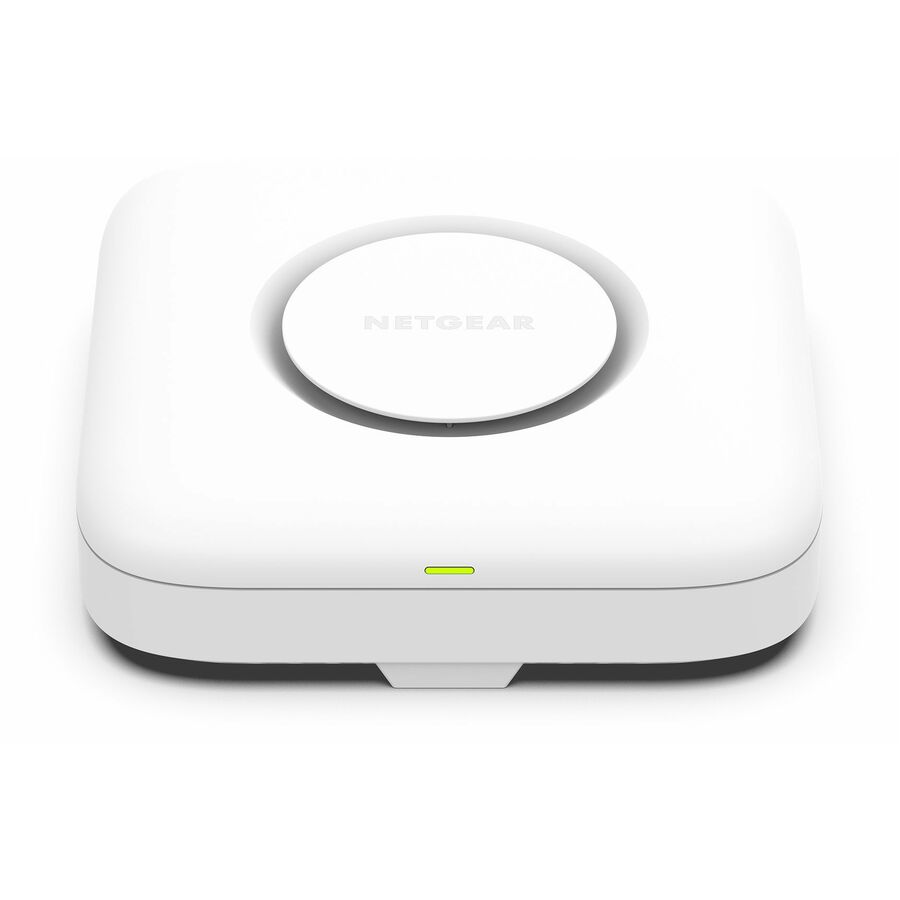
Tri-band Wi-Fi 7 with 6 GHz spectrum, a 10 Gigabit Ethernet uplink and PoE+ input. Worth it in an auditorium, a training room or anywhere the client mix genuinely includes 6 GHz devices and the wired path can carry the result; in a branch office of laptops without a 6 GHz radio, the same budget spent on more Wi-Fi 6 APs improves more people's experience.
Check the switch before ordering: this unit lists PoE+ input and a 10 Gigabit Ethernet port, and both need a match on the switch side before it delivers what it is specified for.
$815.96In stockMore wireless access points and bridges in the Uniqcli catalog
See all 2,444 wireless access points and bridgesMore from across this category. In-stock lines lead, and a back-ordered line carries the same estimated availability its product page does — with live pricing throughout, NDAA §889 screening before checkout and TAA verified on request.
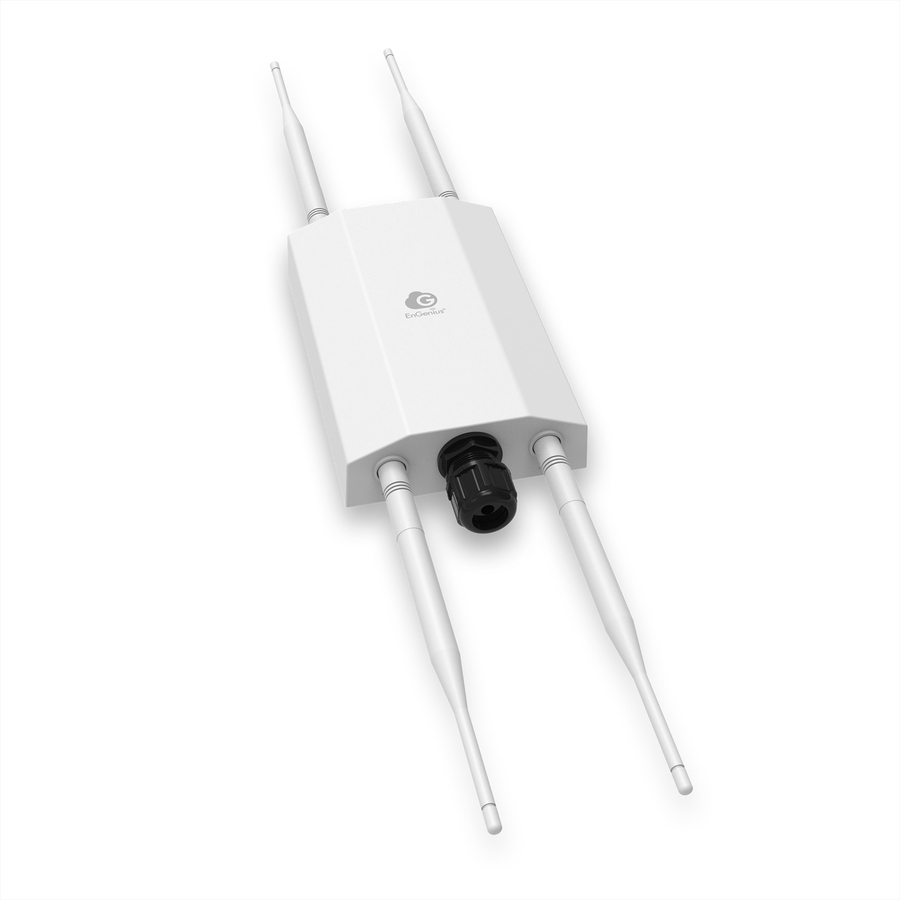
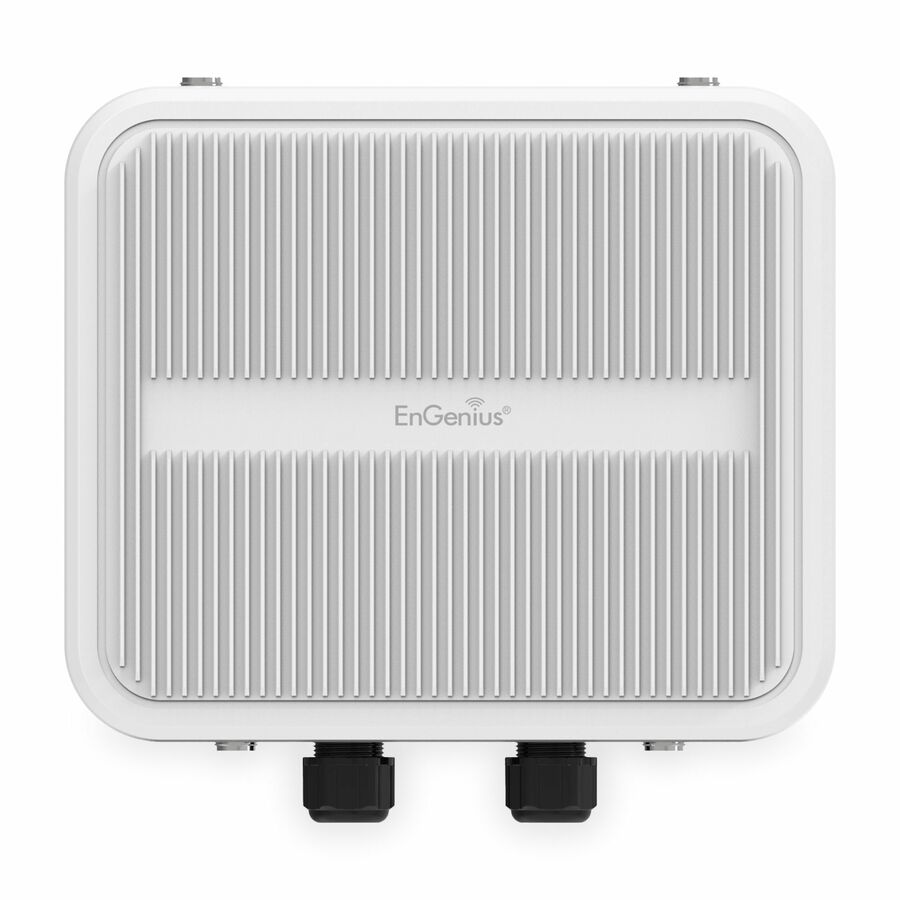
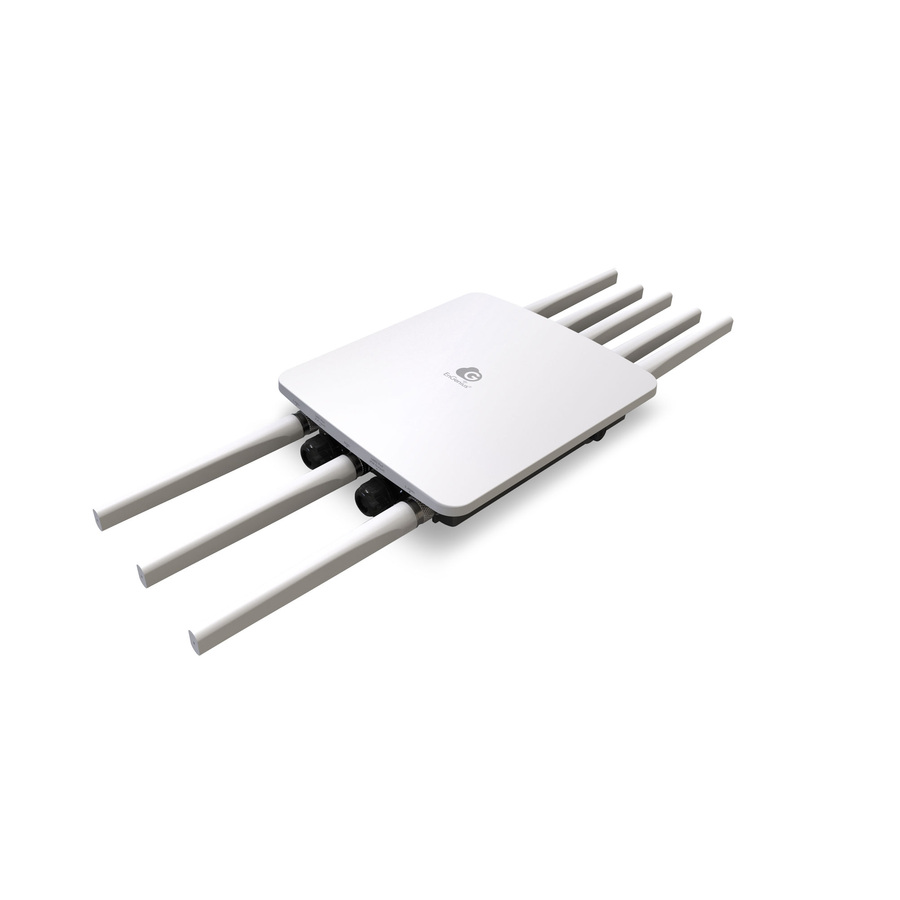
- EnGenius TechnologiesEnGenius EOC655-C23 Dual Band Wi-Fi 6 IEEE 802.11ax 2 Gbit/s Wireless Access Point - Outdoor - 5 GHz, 2.40 GHz - 4 x Internal Antenna(s) - Internal - MIMO Technology - Multi User MIMO - 2 x Network (RJ-45) - 2.5 Gigabit Ethernet, Gigabit Ethernet, Fast Ethernet, Ethernet - PoE+ (RJ-45) Ports - 25 W - Pole-mountable - IP67 - 1 PieceNFR-EOC655-C23
$1,299.00
$845.23
Back-orderedBack-ordered — estimated OEM lead time 3–8 weeks (Nov 14 – Dec 19 if ordered today).
- NetgearNetgear WBE758 Tri Band Wi-Fi 7 IEEE 802.11802.11 a/b/g/n/ac/ax/be/i 18.40 Gbit/s Wireless Access Point - Indoor - 2.40 GHz, 5 GHz, 6 GHz - Internal - MIMO Technology - 2 x Network (RJ-45) - 10 Gigabit Ethernet - Wall Mountable, Ceiling MountableWBE758-111NAS
$1,752.39
$1,308.05
Back-orderedBack-ordered — estimated OEM lead time 3–8 weeks (Nov 14 – Dec 19 if ordered today).
Back-ordered — estimated OEM lead time 3–8 weeks (Nov 14 – Dec 19 if ordered today).
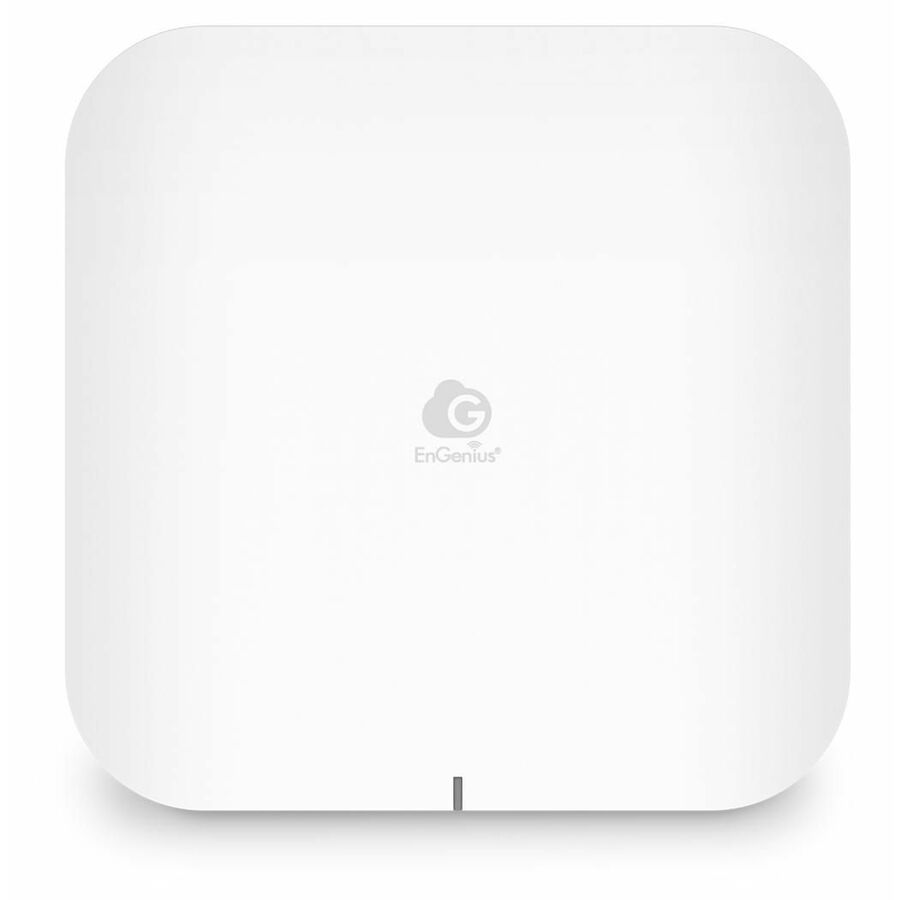
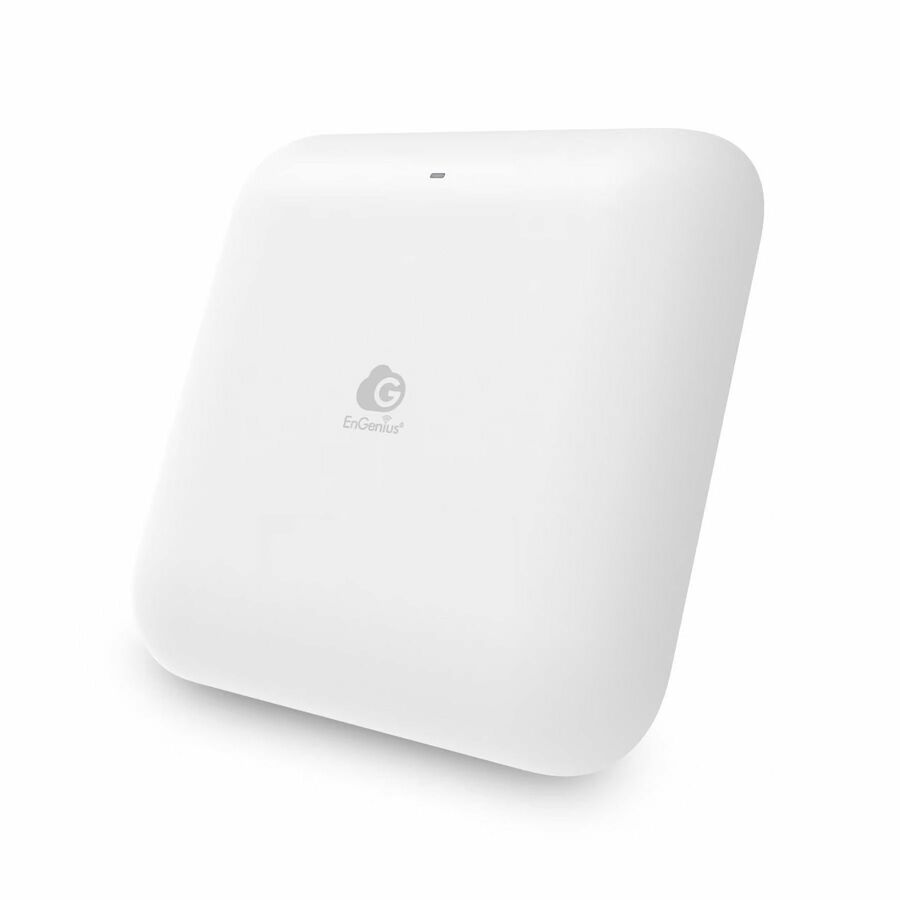
- EnGenius TechnologiesEnGenius ECW536 Tri Band Wi-Fi 7 IEEE 802.11 a/b/g/n/ac/ax/be 18.70 Gbit/s Wireless Access Point - Indoor - 2.40 GHz, 5 GHz, 6 GHz - 12 x Internal Antenna(s) - Internal - MIMO Technology - Multi User MIMO - 2 x Network (RJ-45) - 10 Gigabit Ethernet - 35 W - Ceiling Mountable, Wall Mountable - 1NFR-ECW536
$699.00
$451.83
Back-orderedBack-ordered — estimated OEM lead time 3–8 weeks (Nov 14 – Dec 19 if ordered today).
- NetgearNetgear WAX638E Tri Band Wi-Fi 6 IEEE 802.11 a/b/g/n/ac/ax/i 7.80 Gbit/s Wireless Access Point - Indoor - 2.40 GHz, 5 GHz, 6 GHz - Internal - MIMO Technology - 2.0 x Network (RJ-45) - Gigabit Ethernet, 2.5 Gigabit Ethernet - Wall Mountable, Ceiling MountableWAX638E-111NAS
$1,091.94
$853.66
Back-orderedBack-ordered — estimated OEM lead time 3–8 weeks (Nov 14 – Dec 19 if ordered today).
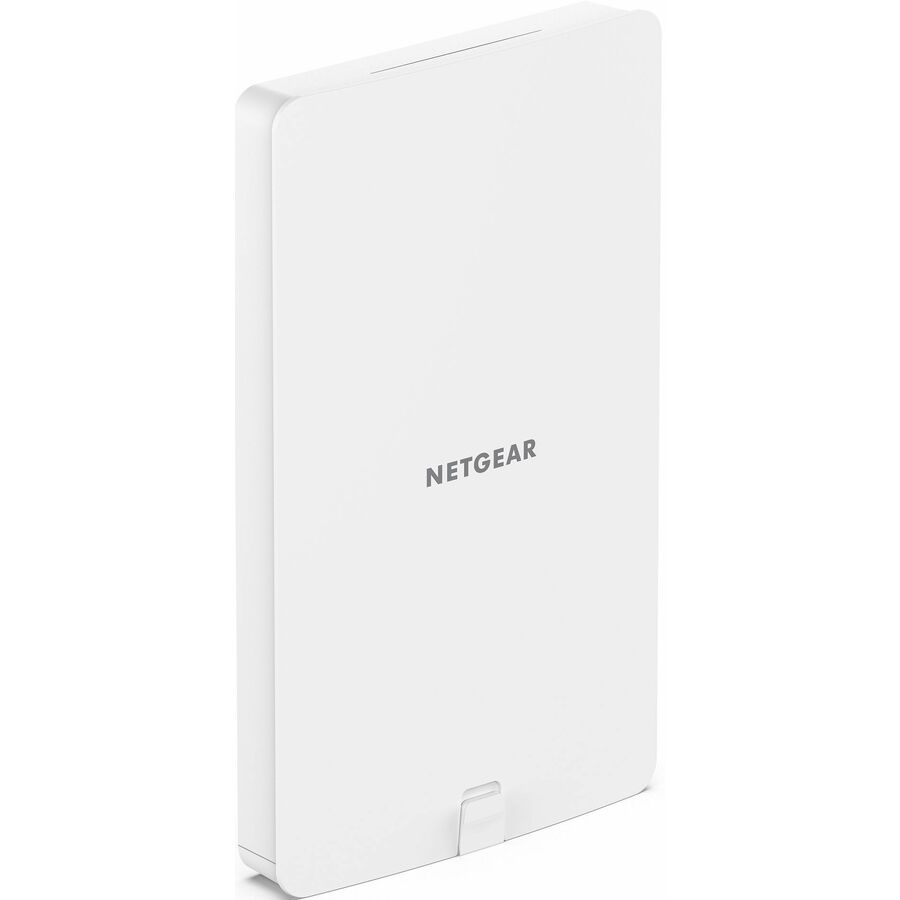
- NetgearNetgear WAX608Y Dual Band Wi-Fi 6 IEEE 802.11ax 1.80 Gbit/s Wireless Access Point - Outdoor - 2.40 GHz, 5 GHz - Internal - MIMO Technology - 1 x Network (RJ-45) - 2.5 Gigabit Ethernet - Wall Mountable, Ceiling Mountable, Pole-mountable - IP55WAX608Y-111NAS
$960.88
$751.06
Back-orderedBack-ordered — estimated OEM lead time 3–8 weeks (Nov 14 – Dec 19 if ordered today).
- NetgearNetgear WAX630E Tri Band Wi-Fi 6 IEEE 802.11 a/b/g/n/ac/ax/i 7.80 Gbit/s Wireless Access Point - Indoor - 2.40 GHz, 5 GHz, 6 GHz - Internal - MIMO Technology - 2 x Network (RJ-45) - 2.5 Gigabit Ethernet - PoE+ (RJ-45) Ports - Ceiling Mountable, Wall MountableWAX630EP-100NAS
$608.36
$464.26
Back-orderedBack-ordered — estimated OEM lead time 3–8 weeks (Nov 14 – Dec 19 if ordered today).
- NetgearNetgear WAX628 Dual Band Wi-Fi 6 IEEE 802.11ax 5.40 Gbit/s Wireless Access Point - Indoor - 2.40 GHz, 5 GHz - Internal - MIMO Technology - 2 x Network (RJ-45) - 2.5 Gigabit Ethernet, Gigabit Ethernet - Wall Mountable, Ceiling MountableWAX628-111NAS
$623.96
$489.78
Back-orderedBack-ordered — estimated OEM lead time 3–8 weeks (Nov 14 – Dec 19 if ordered today).
Back-ordered — estimated OEM lead time 3–8 weeks (Nov 14 – Dec 19 if ordered today).
- NetgearNetgear WAX618 Dual Band Wi-Fi 6 IEEE 802.11 a/b/g/n/ac/ax/i 3 Gbit/s Wireless Access Point - Indoor - 2.40 GHz, 5 GHz - Internal - MIMO Technology - 1 x Network (RJ-45) - 2.5 Gigabit Ethernet - Wall Mountable, Ceiling MountableWAX618-111NAS
$499.16
$391.86
Back-orderedBack-ordered — estimated OEM lead time 3–8 weeks (Nov 14 – Dec 19 if ordered today).
Back-ordered — estimated OEM lead time 3–8 weeks (Nov 14 – Dec 19 if ordered today).
- NetgearNetgear WAX620 Dual Band Wi-Fi 6 IEEE 802.11 a/b/g/n/ac/ax/i 3.60 Gbit/s Wireless Access Point - Indoor - 2.40 GHz, 5 GHz - Internal - MIMO Technology - 1 x Network (RJ-45) - 2.5 Gigabit Ethernet - Ceiling Mountable, Wall MountableWAX620-100NAS
$326.57
$249.92
Back-orderedBack-ordered — we expect to receive stock the week of Oct 19–25 and will process your delivery right after.
- NetgearNetgear WAX610W Dual Band Wi-Fi 6 IEEE 802.11 a/b/g/n/ac/ax 1.80 Gbit/s Wireless Access Point - Indoor - 2.40 GHz, 5 GHz - 2 x Internal Antenna(s) - 0 x External Antenna(s) - Internal - MIMO Technology - Multi User MIMO - 4 x Network (RJ-45) - Gigabit Ethernet, Fast Ethernet - PoE+ (RJ-45) Ports - Ceiling Mountable, Wall Mountable - 1WAX610W-100NAS
$318.60
$242.99
Back-orderedBack-ordered — estimated OEM lead time 3–8 weeks (Nov 14 – Dec 19 if ordered today).
Back-ordered — estimated OEM lead time 3–8 weeks (Nov 14 – Dec 19 if ordered today).
- NetgearNetgear WAX610 Dual Band Wi-Fi 6 IEEE 802.11 a/b/g/n/ac/ax/i 1.80 Gbit/s Wireless Access Point - Indoor - 2.40 GHz, 5 GHz - Internal - MIMO Technology - 1 x Network (RJ-45) - 2.5 Gigabit Ethernet - Ceiling Mountable, Wall MountableWAX610PA-100NAS
$254.88
$196.66
Back-orderedBack-ordered — estimated OEM lead time 3–8 weeks (Nov 14 – Dec 19 if ordered today).
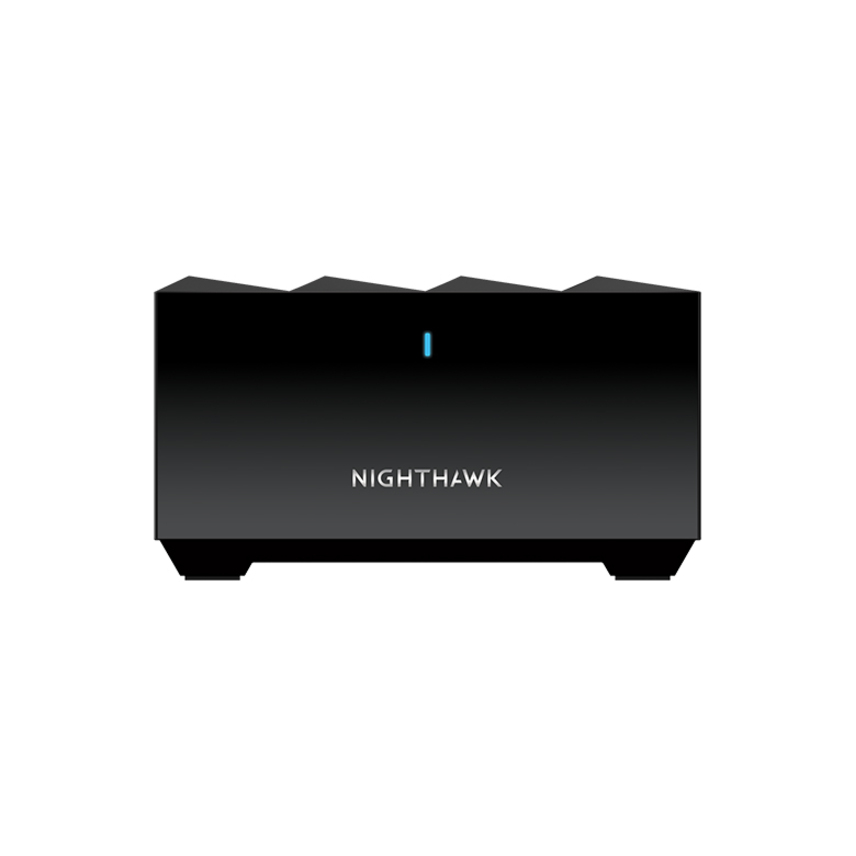
- NetgearNetgear Nighthawk MS60 802.11ax 1.76 Gbit/s Wireless Access Point - 5 GHz, 2.40 GHz - 4 x Internal Antenna(s) - MIMO Technology - 1 x Network (RJ-45) - Gigabit Ethernet - Desktop - 1MS60-100NAS
$201.71
$157.92
Back-orderedBack-ordered — estimated OEM lead time 3–8 weeks (Nov 14 – Dec 19 if ordered today).
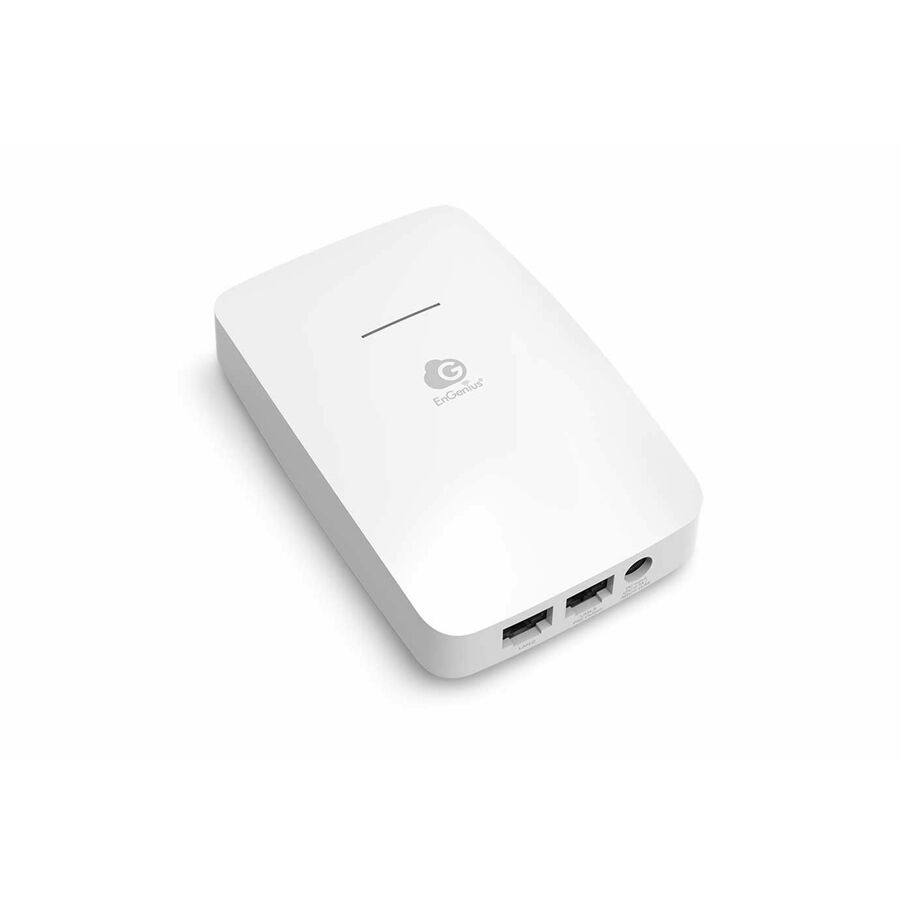
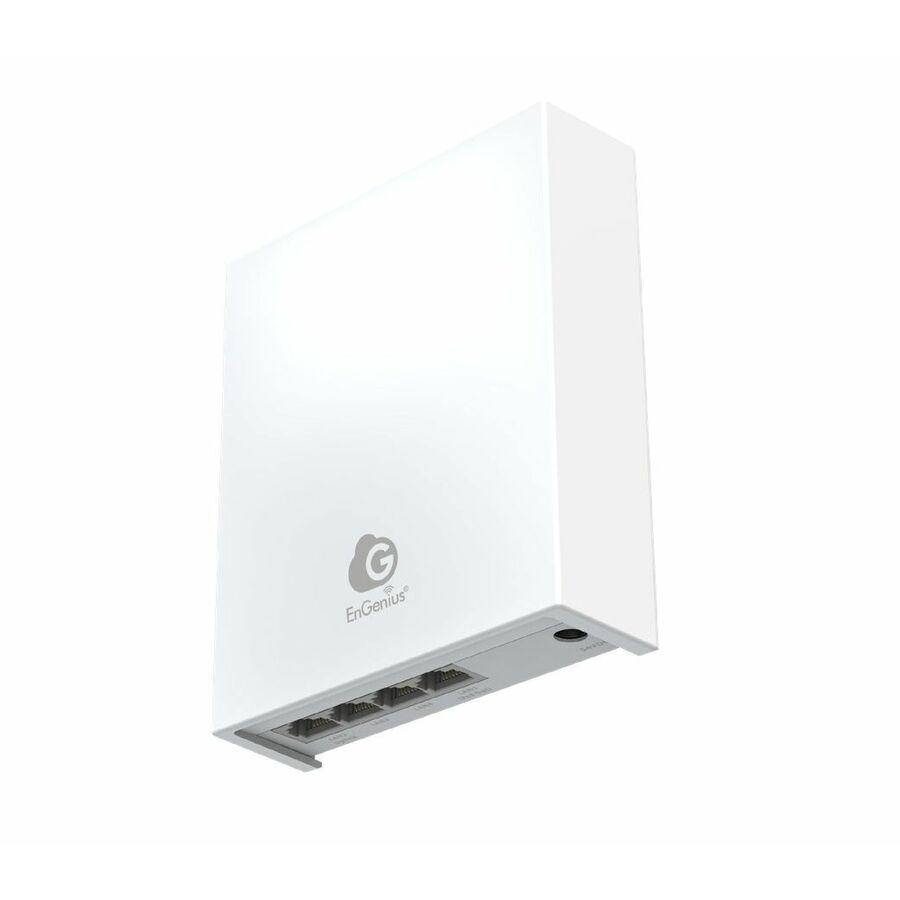
- EnGenius TechnologiesEnGenius ECW215 Dual Band Wi-Fi 6 IEEE 802.11 a/b/g/n/ac/ax/e 1.73 Gbit/s Wireless Access Point - Indoor - 2.40 GHz, 5 GHz - 4 x Internal Antenna(s) - Internal - MIMO Technology - Multi User MIMO - 3 x Network (RJ-45) - Gigabit Ethernet - PoE Ports - 14.20 W - Wall Plate, Ceiling Mountable - 1NFR-ECW215
$179.00
$139.45
Back-orderedBack-ordered — estimated OEM lead time 3–8 weeks (Nov 14 – Dec 19 if ordered today).
Back-ordered — estimated OEM lead time 3–8 weeks (Nov 14 – Dec 19 if ordered today).
Back-ordered — estimated OEM lead time 3–8 weeks (Nov 14 – Dec 19 if ordered today).
Back-ordered — we expect to receive stock the week of Nov 30 – Dec 6 and will process your delivery right after.
Back-ordered — estimated OEM lead time 3–8 weeks (Nov 14 – Dec 19 if ordered today).
Back-ordered — estimated OEM lead time 3–8 weeks (Nov 14 – Dec 19 if ordered today).
Back-ordered — estimated OEM lead time 3–8 weeks (Nov 14 – Dec 19 if ordered today).
Back-ordered — estimated OEM lead time 3–8 weeks (Nov 14 – Dec 19 if ordered today).
Need pricing on wireless access points?
Tell us where to reach you and a Uniqcli specialist will follow up by email with current pricing, availability and lead time for the quantities you need — including parts that aren’t shown on this page.
Buying for an organization or for yourself — both work. No payment up front.
The headline data rate on an access point is the sum of theoretical band rates. What decides one is narrower: the wired uplink, since a gigabit port caps an AP whose radios can exceed a gigabit, and the PoE the switch must supply — rows here list draws such as 15.2 W and 17 W, so twelve APs need a switch whose total power budget covers twelve simultaneous draws, not merely twelve PoE ports.
The number printed largest on an access point is the least useful one. A dual-band unit advertised at 1.8 Gbit/s and a tri-band Wi-Fi 7 unit advertised at 18.4 Gbit/s are both quoting the sum of theoretical radio rates across every band, under conditions no office reproduces. What decides whether an AP works in a real building is narrower and duller: how many concurrent clients each radio holds while staying responsive, what the wired uplink can actually carry, and how much power the switch has to supply. The catalog rows here make the middle question easy to check — some models uplink over gigabit, several over 2.5 Gigabit Ethernet, and the flagship Wi-Fi 7 unit over 10 Gigabit Ethernet — and it matters, because an AP whose radios can exceed a gigabit is throttled by a gigabit uplink long before the air is the problem.
Power is the constraint people discover late. Business APs are powered over Ethernet, so every AP is a claim on the switch's PoE budget as well as a port: rows in this catalog list draws such as 15.2 W and 17 W, and the tri-band Wi-Fi 7 unit here lists PoE+ input. A twelve-AP office therefore needs a switch whose total power budget covers twelve simultaneous draws, not merely twelve PoE ports — those are different numbers, and the second one is what sales sheets emphasize. Where the budget falls short the honest fixes are a larger switch or midspan injectors, both cheaper to buy up front than to retrofit after the ceiling is closed.
The third question is management, and it outranks the radio specification the moment you own more than two or three APs. Standalone units are configured individually, which is fine for one branch and miserable across ten; controller-based or cloud-managed families give you one place to push SSIDs, firmware, RF settings and guest policy, plus the visibility to answer a complaint about the third floor with evidence rather than a guess. That decision has a licensing dimension worth pricing at purchase rather than at renewal, since some management platforms are included and others are subscriptions. Uniqcli quotes the whole deployment on one order — access points, the PoE switching to feed them, mounting hardware and cabling, the management software licensing, and the survey, installation and lifecycle services that turn a box of APs into working coverage.
Buyer's checklist
How to choose business access points
- Size by coverage and client count per radio, not by the aggregate data rate — the headline figure adds up theoretical band rates and is not throughput anyone measures on a laptop.
- Match the uplink to the radios: a gigabit port caps an AP whose radios can exceed a gigabit, so prefer 2.5 GbE (10 GbE on the flagship Wi-Fi 7 model here) where the AP is capable of it and the switch can take it.
- Add the PoE draw of every AP and compare it with the switch's total power budget, not its port count. Catalog rows list figures such as 15.2 W and 17 W, and the tri-band Wi-Fi 7 unit here lists PoE+ input.
- Decide the management model before the hardware: standalone for one or two APs, controller-based or cloud-managed for anything that has to be updated, secured and monitored as an estate.
- Price the licensing at purchase. Some management platforms are included with the hardware and some are subscriptions — the difference compounds across a multi-year refresh cycle.
- Choose the mount for the position — ceiling and wall units for interior coverage, outdoor-rated and pole-mountable models for yards, covered areas and between buildings, where an interior AP behind glass is not a substitute.
- Treat Wi-Fi 7 as an uplink and client-mix decision rather than a badge: tri-band 6 GHz hardware needs client devices that use it and a wired path that can carry it before the upgrade shows up in anyone's experience.
- Send the part numbers for TAA country-of-origin and NDAA Section 889 screening before you commit, so the documentation matches the exact model that ships.
Sizing the wired side before the wireless side
Wireless projects fail on wired assumptions. Each AP needs a cable run within reach of a switch port, that port has to carry the AP's PoE class, and the switch has to have enough total power for every AP drawing at once — a budget that is quietly consumed by any cameras or phones already on the same switch. It is worth writing the arithmetic down: number of APs, the draw of each from its data sheet, the total, and the switch's rated budget with headroom for the next two APs somebody adds. Coming up short after installation means either a switch replacement or a set of midspan injectors and the sockets to plug them into.
Uplink speed deserves the same treatment. Modern APs commonly ship a 2.5 Gigabit Ethernet port precisely because their radios can outrun a gigabit link, and the flagship Wi-Fi 7 model here goes to 10 Gigabit Ethernet. That port only earns its keep if the switch port matches — plugging a 2.5 GbE AP into a gigabit switch works, and silently gives back exactly the headroom that justified the AP. If the switch refresh is a separate project on a later budget, that is a legitimate reason to buy the gigabit-uplink model now and spend the difference on an extra AP instead.
Coverage is placement, not power
The instinct to solve a coverage complaint by turning up transmit power is the most common self-inflicted wireless problem. Clients answer at their own power, so a shouting AP hears a whisper back, and neighboring APs on the same channel start interfering with each other. Good office coverage comes from more APs at lower power, placed so that cells overlap enough for clients to roam cleanly, with channel plans that stop adjacent cells colliding. Ceilings beat walls where the ceiling is accessible, because the radiation pattern of an interior AP assumes it is above the clients rather than beside them.
Construction decides how many you need, and no rule of thumb survives contact with a specific building. Plasterboard is nearly transparent; concrete cores, tinted or coated glass, metal-stud partitions, foil-backed insulation and elevator shafts are not. Density matters as much as area: a training room holding sixty devices is a harder problem than an open floor holding sixty across a much larger footprint, because the constraint is airtime per radio rather than signal strength. Anywhere the answer is not obvious, a survey costs less than a second procurement round, and it can be quoted with the hardware.
Wi-Fi 6, Wi-Fi 7 and what to buy this cycle
Wi-Fi 6 is the current volume tier and, for most offices, the sensible one: it handles dense client counts far better than the generation before it, the client devices in circulation support it, and the price per AP is where a full-coverage design becomes affordable. Wi-Fi 7 adds a tri-band design with 6 GHz spectrum and wider channels, and this catalog carries those models. The gain is real in the specific conditions it was built for — dense, high-bandwidth environments with 6 GHz-capable clients and a wired path that can carry the result — and close to invisible in a branch office full of laptops that do not have a 6 GHz radio at all.
A pragmatic refresh mixes the two rather than choosing between them: Wi-Fi 6 across general office floors, Wi-Fi 7 in the auditorium, the training room or wherever the density and the client mix justify the uplink to support it. Whichever generation you buy, plan the estate as a system — APs, PoE switching, cabling and mounts, the management licensing, and the survey and installation labor — and screen the part numbers for TAA country-of-origin and NDAA Section 889 status through US distribution before checkout, with documentation tied to the specific model rather than the product family.
FAQ
Common questions
- How many access points does an office need?
- It is decided by construction and device density, not floor area. Plasterboard is nearly transparent to Wi-Fi while concrete cores, coated glass, metal studs and elevator shafts are not, and a sixty-device training room is a harder problem than a much larger open floor with the same headcount, because the limit is airtime per radio rather than signal strength. More APs at lower power beats fewer at high power every time. Where the layout is not obvious, a site survey is cheaper than a second procurement round.
- Do I need a controller, or will standalone access points do?
- One or two APs are fine standalone. Past that, configuring each unit by hand stops scaling: firmware, SSIDs, RF settings, guest policy and security changes all have to be repeated, and troubleshooting means logging into each box in turn. A controller-based or cloud-managed family gives you one place to push changes and the visibility to diagnose a complaint. Price the management licensing at purchase — some platforms are included with the hardware and others are subscriptions.
- What PoE budget do business access points need?
- Enough for every AP to draw at once, which is not the same as one PoE port per AP. Rows in this catalog list draws such as 15.2 W and 17 W, and the tri-band Wi-Fi 7 unit here lists PoE+ input, so a twelve-AP deployment needs a switch whose total power budget covers twelve simultaneous draws with headroom for the APs that get added later. If the budget is short, a larger PoE switch or midspan injectors both work — and both are cheaper before the ceiling is closed.
- Can Uniqcli quote a full wireless deployment, not just the hardware?
- Yes — and the parts that are not access points are usually where a deployment goes wrong. One order can carry the APs, the PoE switching or midspan injectors that feed them, mounts, patch cabling and outdoor enclosures, the controller hardware or cloud-management licensing, and the survey, installation, configuration and lifecycle services that turn a box of hardware into working coverage. Price the licensing and the labour at purchase rather than at the first renewal, since that is the line most estimates leave out. Every line quoted is sourced through US distribution and screened for TAA country-of-origin and NDAA §889 status before checkout, with documentation tied to the specific part number.
Need wireless access points pricing?
Send a bill of materials or part numbers — we confirm stock and a below-market total, with TAA verified on request. No payment up front.