
Best PoE and PoE+ Switches for Cameras, Phones and APs
Desktop and rack-mount switches that power what they connect — sized by watts first and ports second, because the power budget is what runs out.
PoE switches in stock at Uniqcli
How to choose →A curated selection with live pricing — in-stock lines first, then back-ordered lines with a typical lead time. Every line is sourced through US distribution and screened for NDAA §889 status before checkout, with TAA verified on request.
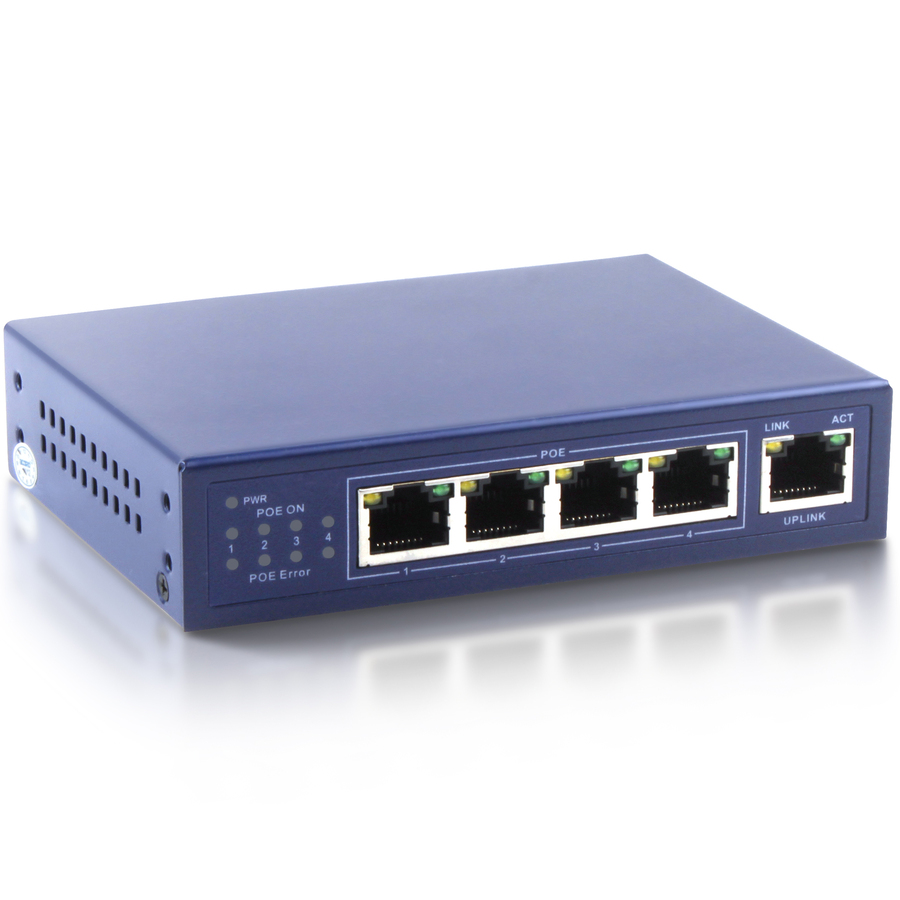
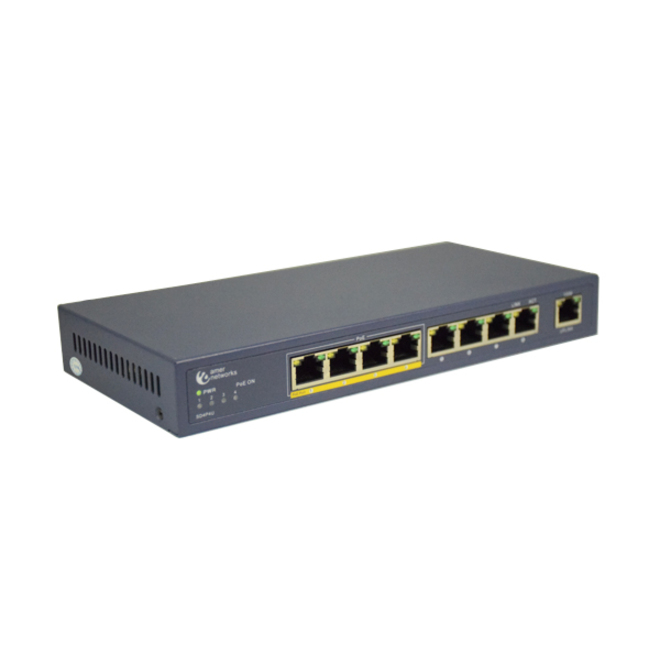
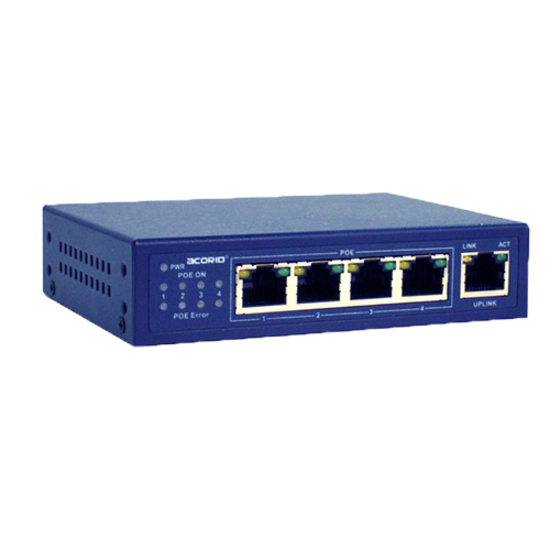
- 4XEM4XEM 4-Port PoE 10/100Mbps Ethernet Switch 1.0 Gbps bandwidth 744K packet forward rate - 4XEM 4-Port PoE 10/100Mbps Ethernet Switch 1.0 Gbps bandwidth 744K packet forward rate 1-4 ports support PoE, 1 Uplink port, 65W power consumption, LED Indicators, Power Adapter included4XLS5004P
$69.99
$67.72
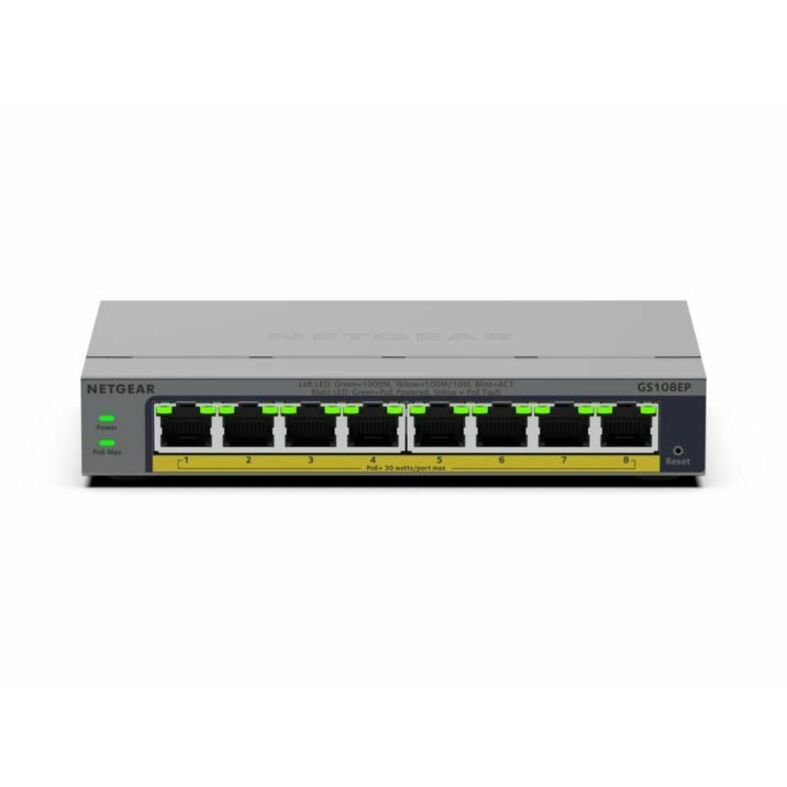
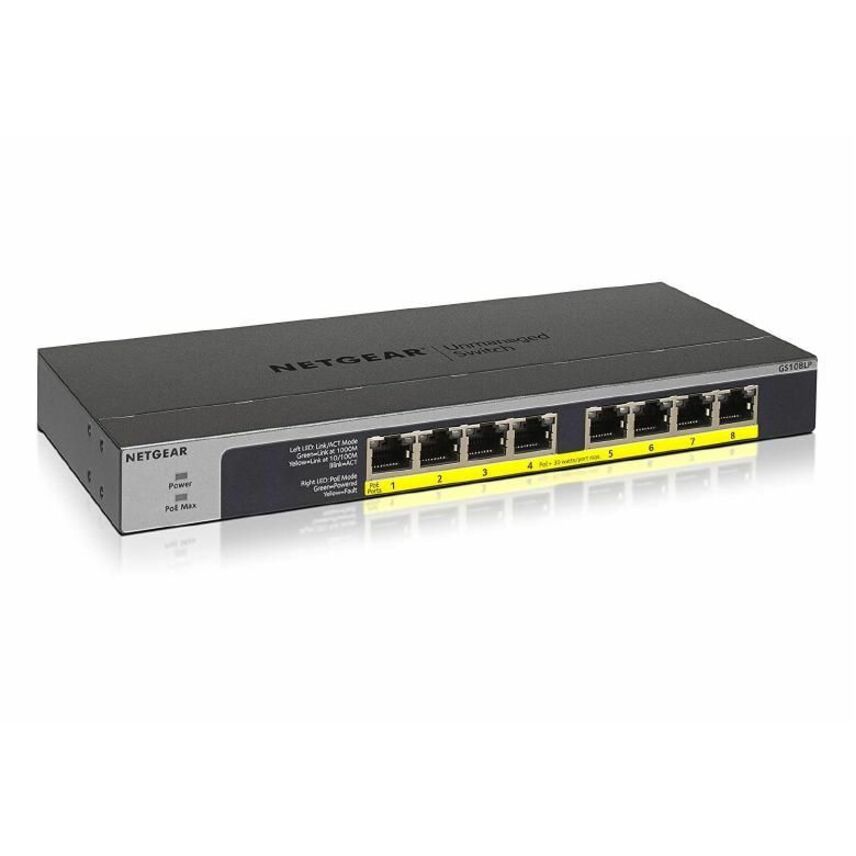
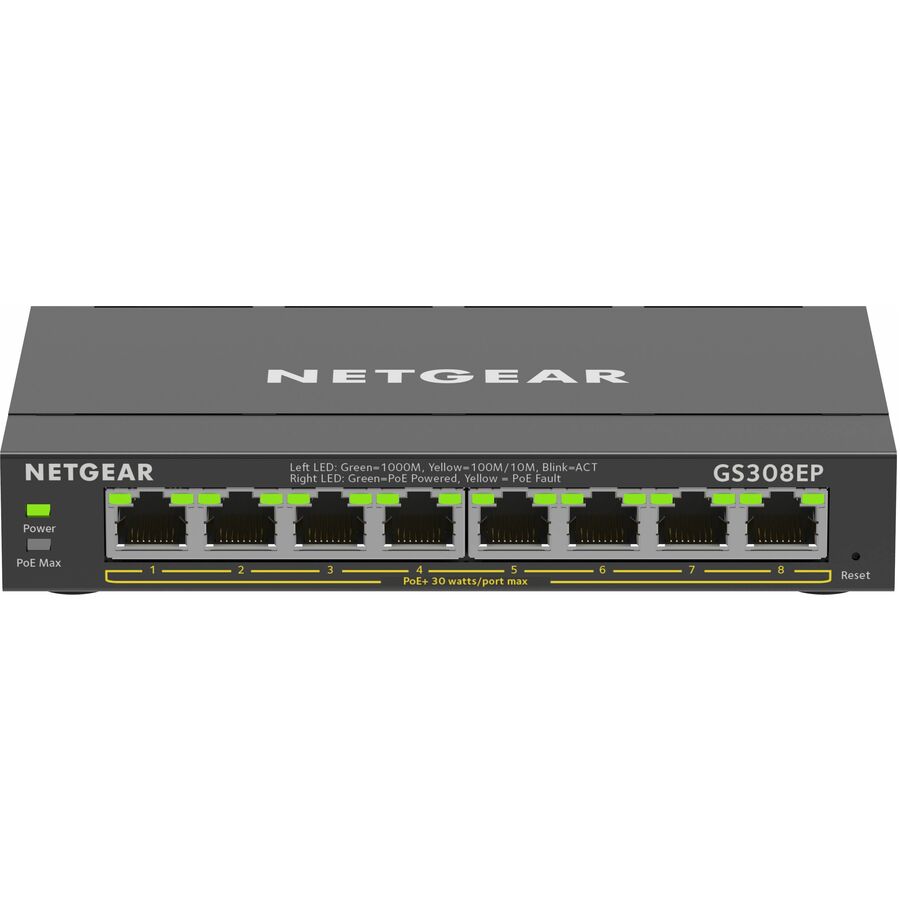
4 in stock - NetgearNetgear Business GS108EP Ethernet Switch - 8 Ports - Manageable - Gigabit Ethernet - 10/100/1000Base-T - 3 Layer Supported - 6 W Power Consumption - 62 W PoE Budget - Twisted Pair - PoE Ports - Desktop, Wall Mountable, Enclosure - Lifetime Limited WarrantyGS108EP-100NAS
$167.30
$88.29
3 in stock






5-port PoE+ pick
D-Link Systems
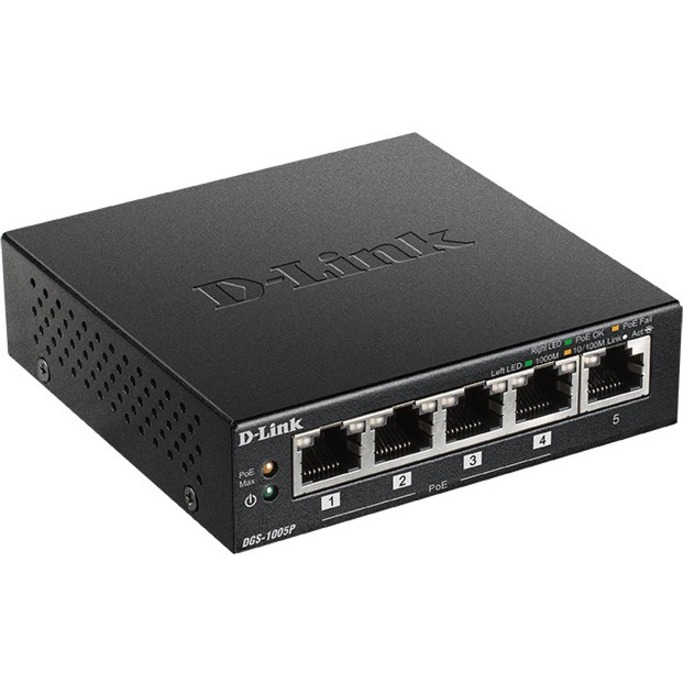
D-Link 5-Port Desktop Gigabit PoE+ Switch
DGS-1005P
A five-port desktop gigabit PoE+ switch — the small, quiet unit for a camera pair, a door controller or a conference-room access point where a full closet switch would be overkill and a rack is nowhere nearby.
$59.44In stock5-port with a budget
Netgear
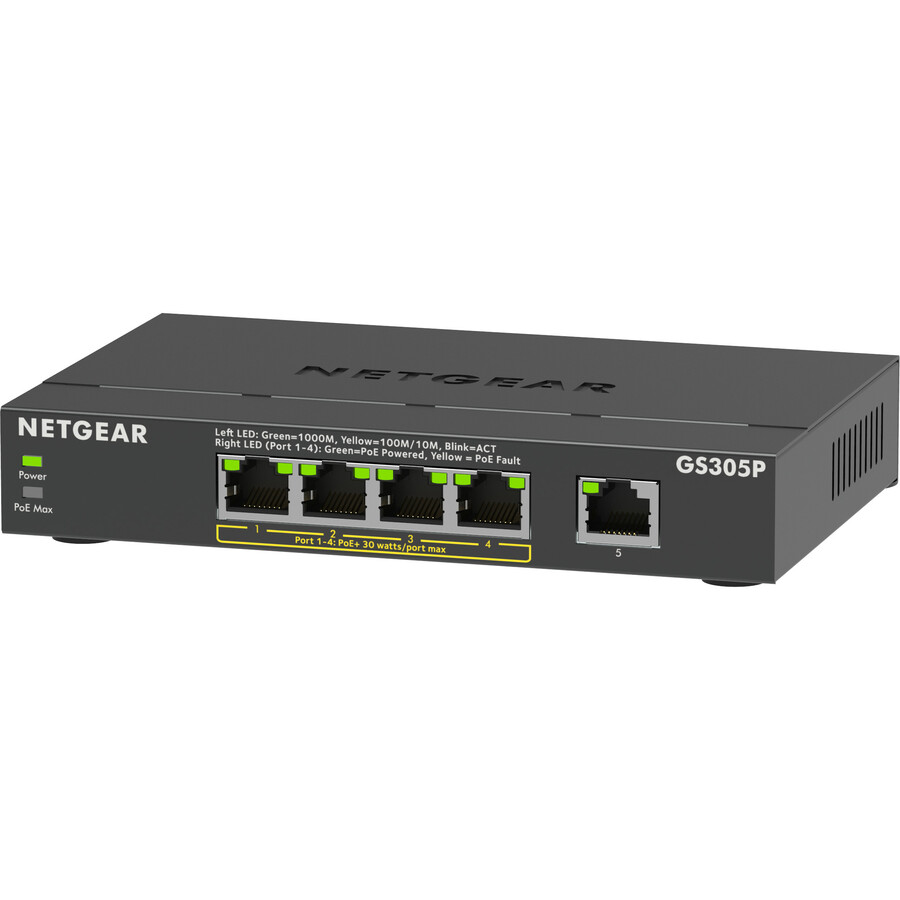
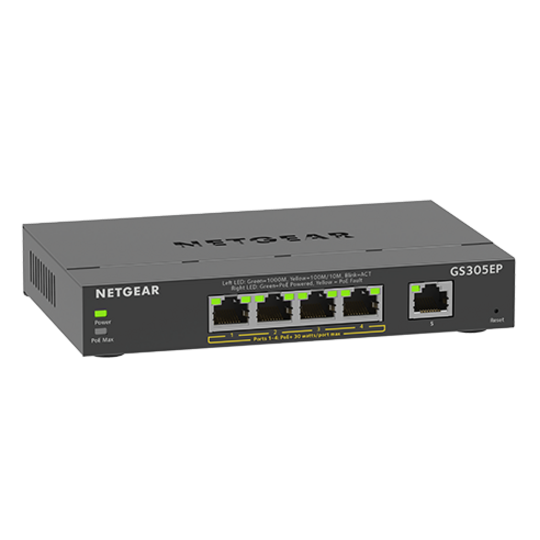
Netgear GS305P Ethernet Switch
GS305P-300NAS
Five gigabit ports with a 63 W PoE budget and 66.78 W total power consumption stated on the record, desktop or wall mountable. Worth choosing over an unspecified small switch precisely because the budget is published.
63 W across the powered ports is roughly two PoE+ devices at full draw, or four lighter ones — total your endpoints against that figure rather than the port count.
$82.92In stock8-port, 4 powered
D-Link Systems
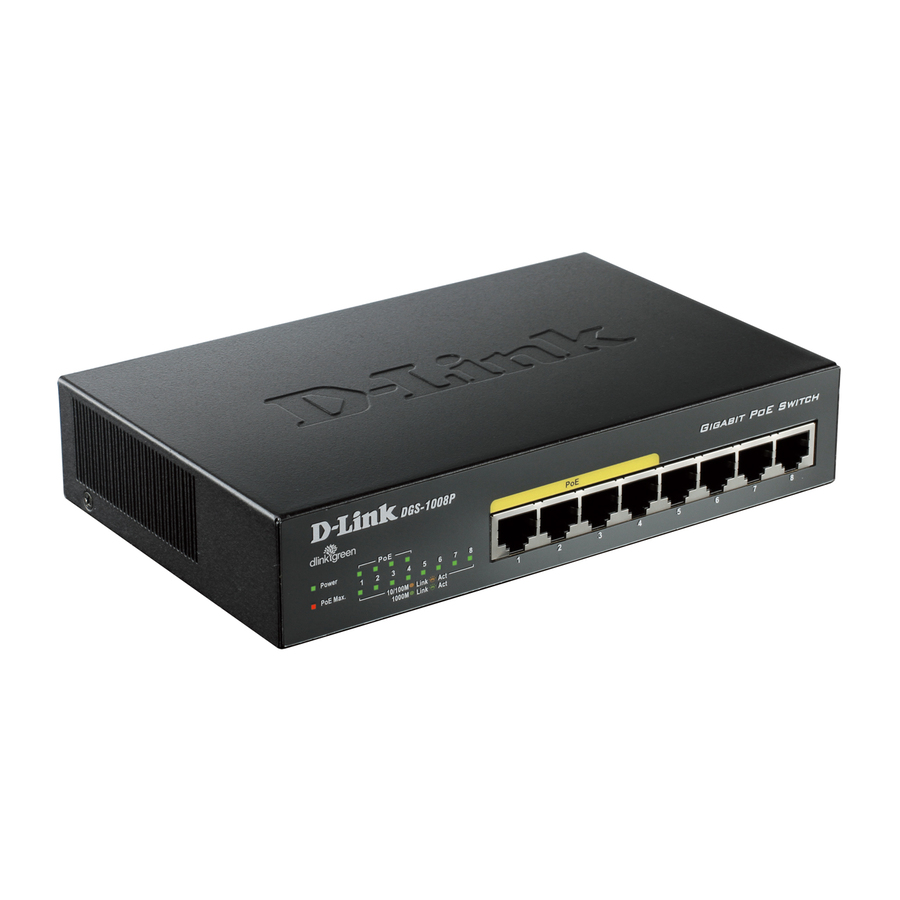
D-Link DGS-1008P 8-Port Gigabit Metal Desktop Switch with 4 PoE Ports
DGS-1008P
Eight gigabit ports in a metal desktop chassis of which four deliver PoE. The right shape where a handful of powered devices sit alongside ordinary wired endpoints and only some of the ports need to carry power.
Four of the eight ports are powered. Plan which devices land on which ports before installation rather than after.
$69.21In stockRackable 5-port
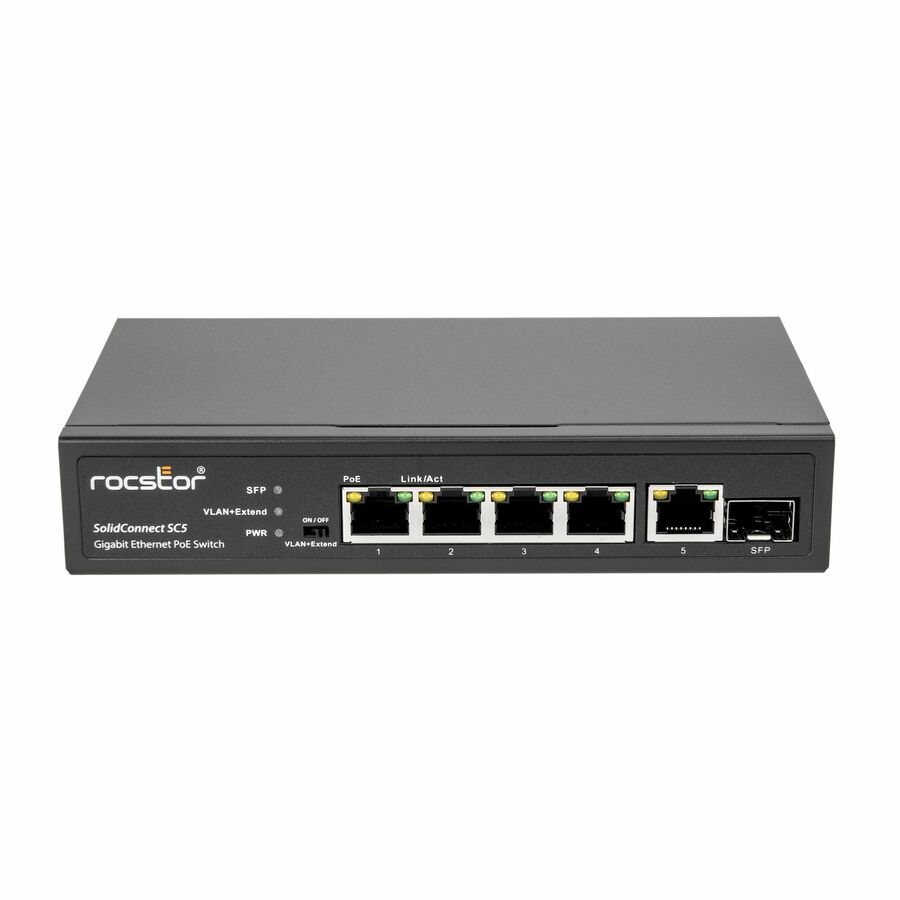
Rocstor
Rocstor 5-Port Gigabit Rackmount PoE Switch
Y10S005-B1
Five gigabit ports plus one SFP slot with a 62 W PoE budget in a 1U rack-mountable body, backed by a five-year limited warranty on the manufacturer's listing. The SFP slot is what lets a small closet uplink on fiber.
The manufacturer's listing records this part number as TAA compliant.
$60.23*Back-orderedManaged with fiber
Rocstor
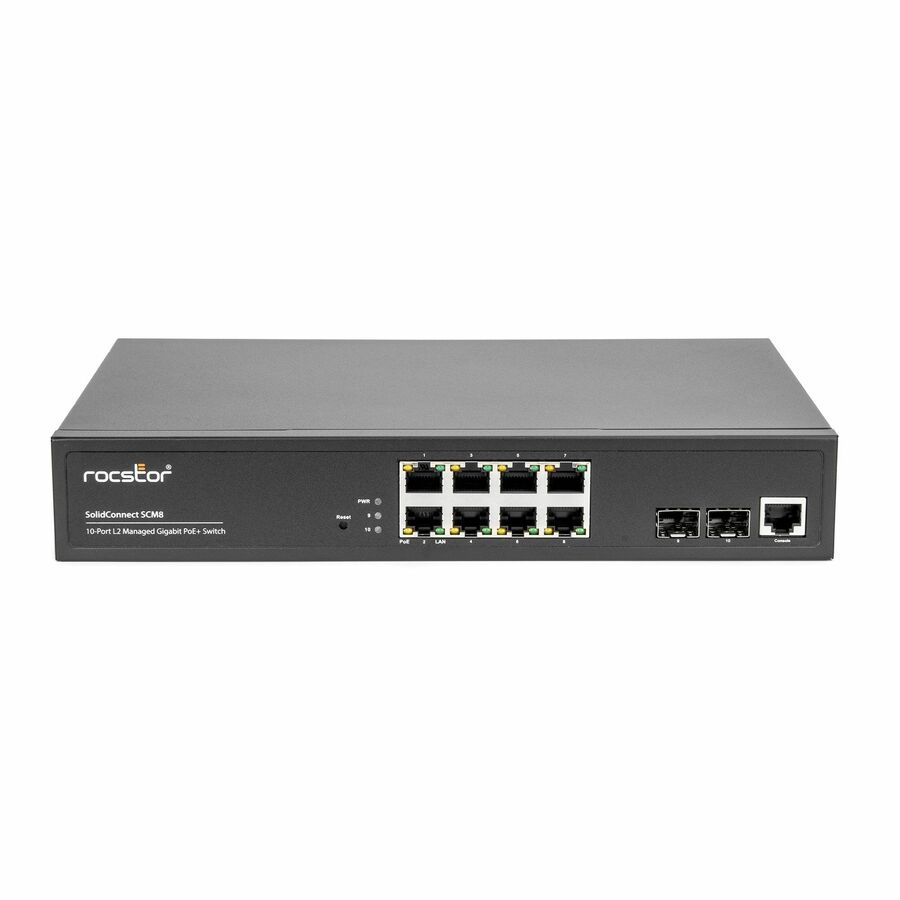
Rocstor SolidConnect SCM8 8-Port PoE+ Gigabit Managed Switch with 2 SFP…
Y10S009-B1
Eight PoE+ gigabit ports with two SFP slots and a 120 W PoE budget in 1U, managed, with a five-year limited warranty on the manufacturer's listing. The step up for a closet that needs VLANs and a fiber uplink as well as power.
The manufacturer's listing records this part number as TAA compliant.
$127.17*In stockFast Ethernet PoE+
4XEM
4XEM 4-Port PoE+(Plus) 25.5Watt 10/100Mbps Ethernet Switch 1.0 Gbps…
4XLS5004P255
Four PoE+ ports at 25.5 W each plus one uplink, with a 96 W power consumption figure on the record. Included for the specific case of older 10/100 endpoints — cameras and phones that will never need gigabit and only need feeding.
This is a 10/100 Mbps switch, not a gigabit one. Buy it only where the powered endpoints are Fast Ethernet devices.
$107.62In stockMore switches and bridges in the Uniqcli catalog
See all 6,646 switches and bridgesMore from across this category. In-stock lines lead, and a back-ordered line carries the same estimated availability its product page does — with live pricing throughout, NDAA §889 screening before checkout and TAA verified on request.
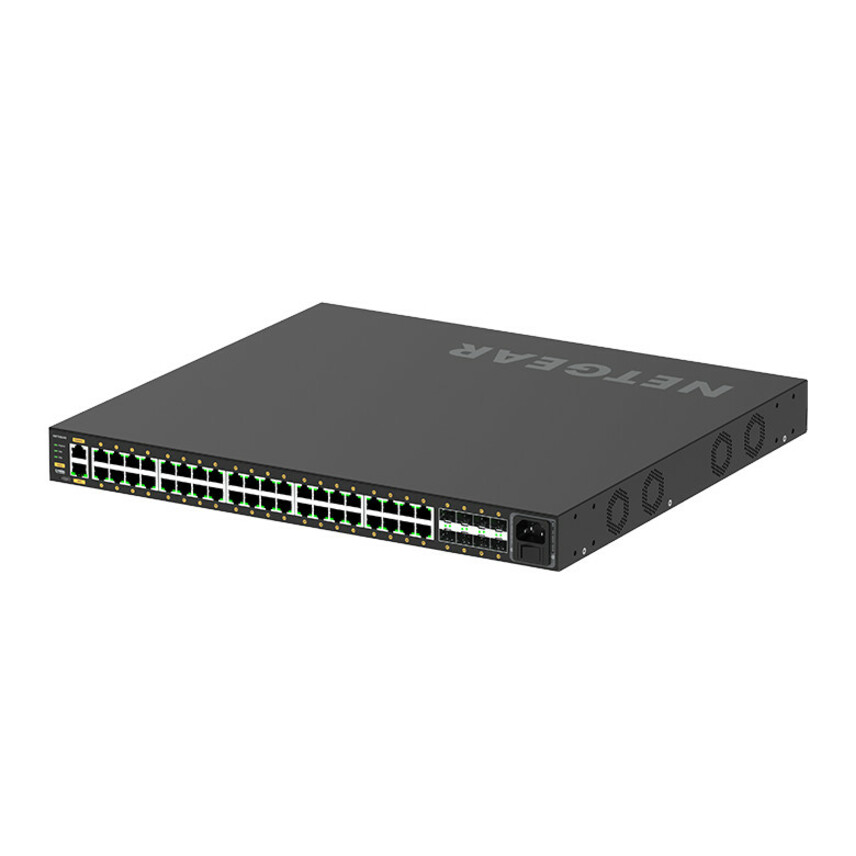
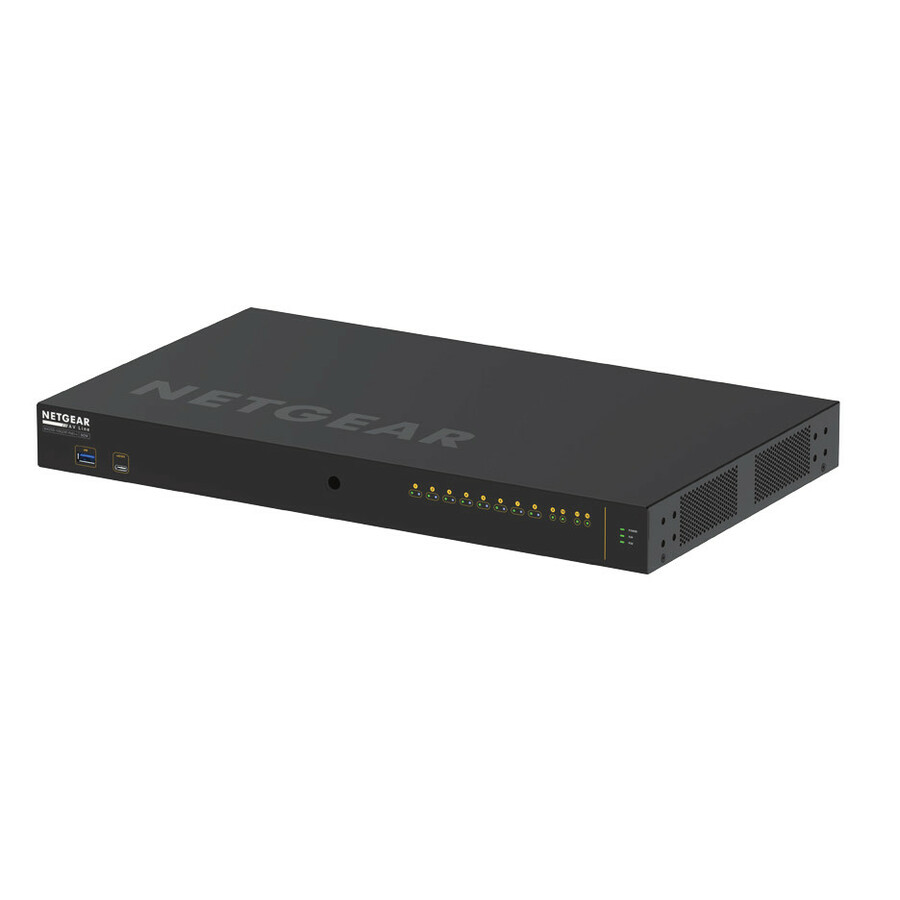
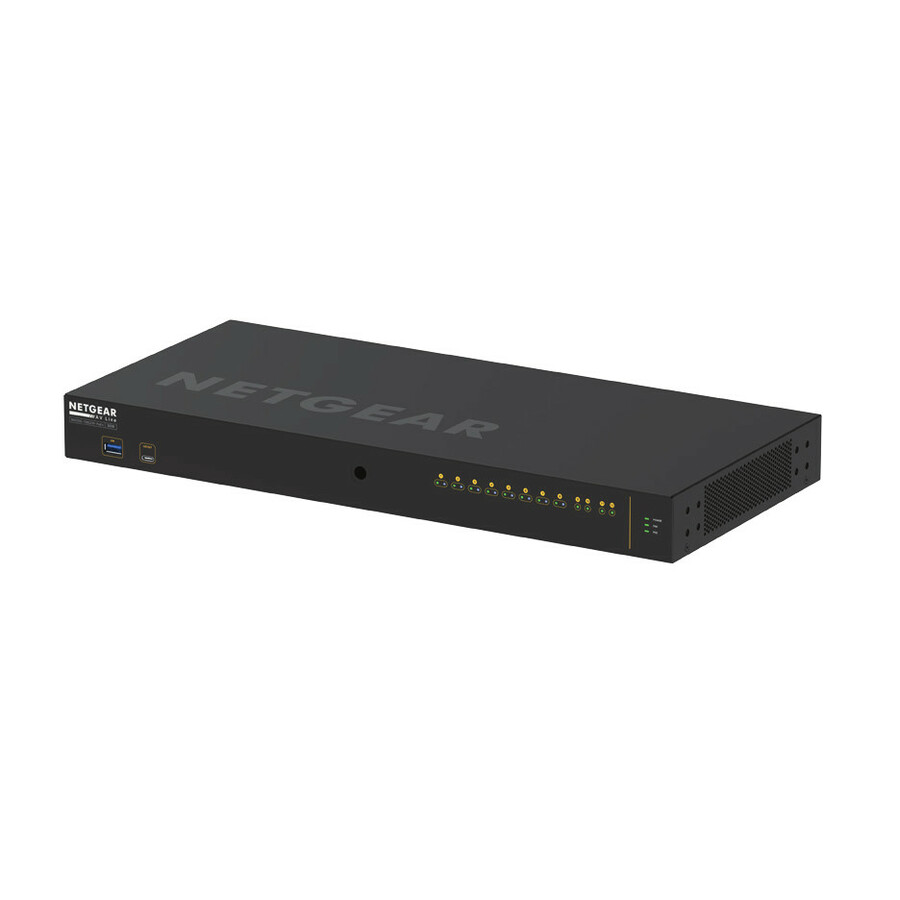
- NetgearNetgear M4250-40G8XF-PoE+ AV Line Managed Switch - 40 Ports - Manageable - 3 Layer Supported - Modular - 89.20 W Power Consumption - 960 W PoE Budget - Optical Fiber, Twisted Pair - PoE Ports - 1U - Rack-mountable, Table Top - Lifetime Limited WarrantyGSM4248PX-100NAS
$5,057.91
$3,894.87
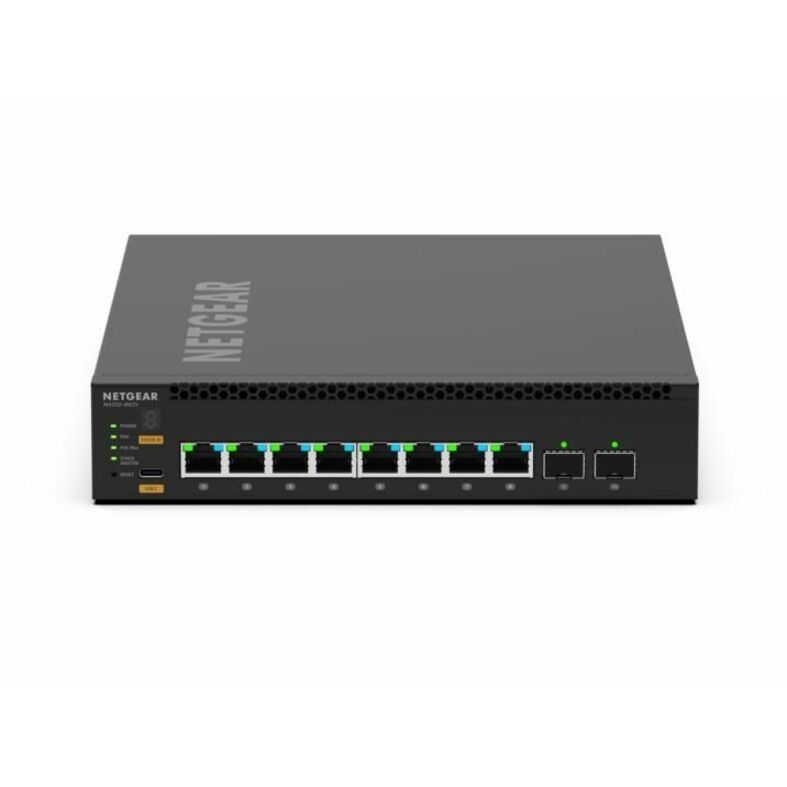
6 in stock - NetgearNetgear AV Line M4350-8M2V Ethernet Switch - 8 Ports - Manageable - 2.5 Gigabit Ethernet, 25 Gigabit Ethernet, Gigabit Ethernet, 10 Gigabit Ethernet - 2.5GBase-T, 25GBase-X, 1000Base-T, 10GBase-X - 3 Layer Supported - Modular - 197.50 W Power Consumption - 551 W PoE Budget - Optical Fiber, Twisted Pair - PoE Ports - 1U - Rack-mountable - Lifetime Limited WarrantyMSM4310-100NES
$3,988.54
$3,072.16
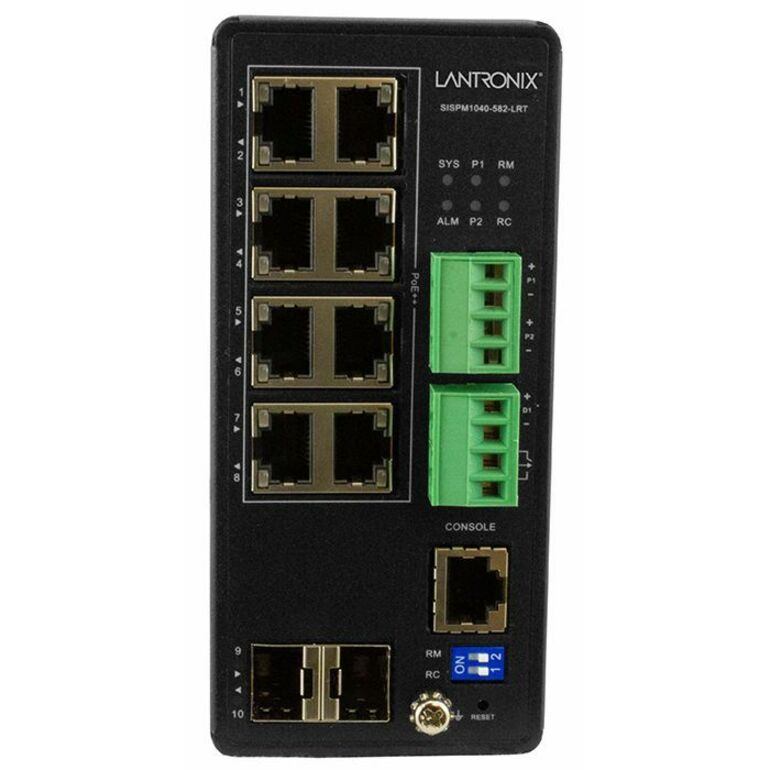
1 in stock - LantronixLantronix Managed Hardened Gigabit Ethernet PoE++ Switch - 8 Ports - Manageable - Gigabit Ethernet - 10/100/1000Base-T, 1000Base-X - 4 Layer Supported - Modular - 2 SFP Slots - 13 W Power Consumption - 480 W PoE Budget - Optical Fiber, Twisted Pair - PoE Ports - Wall Mountable, DIN Rail Mountable - 5 Year Limited Warranty - TAA CompliantSISPM1040-582-LRT
$1,663.94
$970.23*
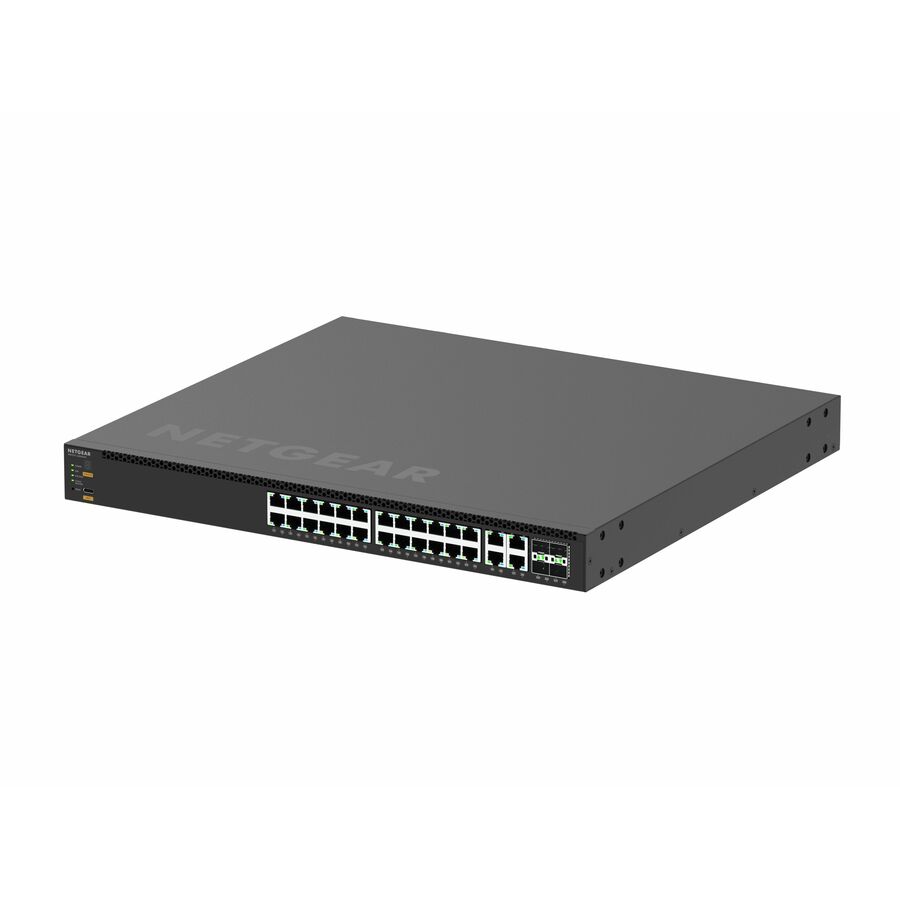
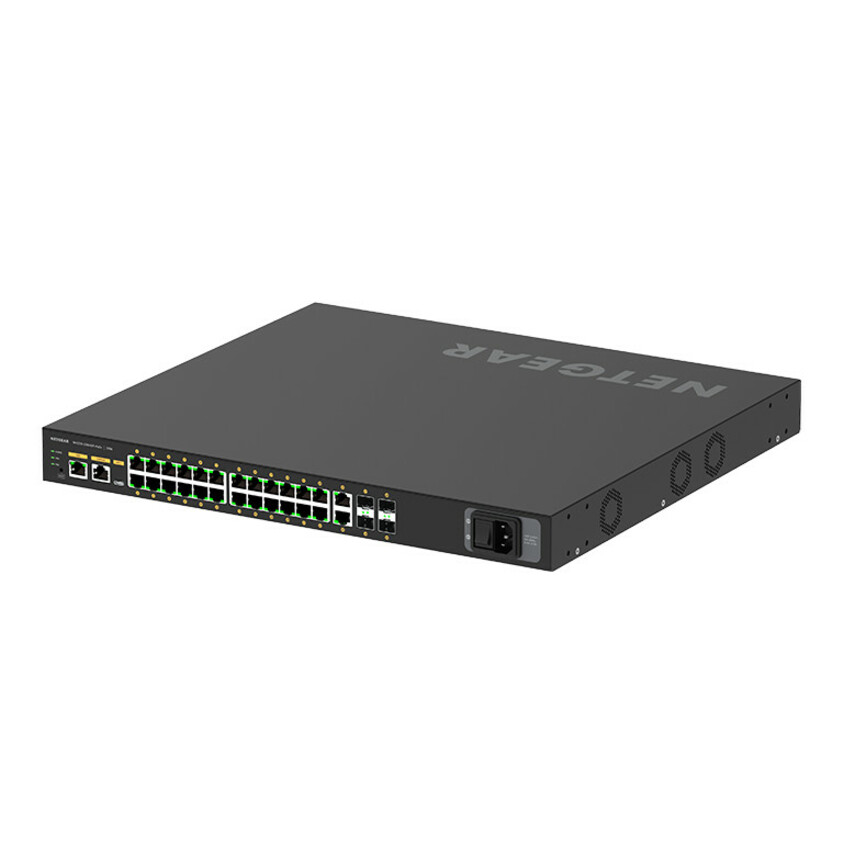
10 in stock - NetgearNetgear M4250-26G4F-PoE+ AV Line Managed Switch - 24 Ports - Manageable - 3 Layer Supported - Modular - 4 SFP Slots - 35.80 W Power Consumption - 300 W PoE Budget - Optical Fiber, Twisted Pair - PoE Ports - 1U - Rack-mountable, Table Top - Lifetime Limited WarrantyGSM4230P-100NAS
$2,124.12
$1,641.22
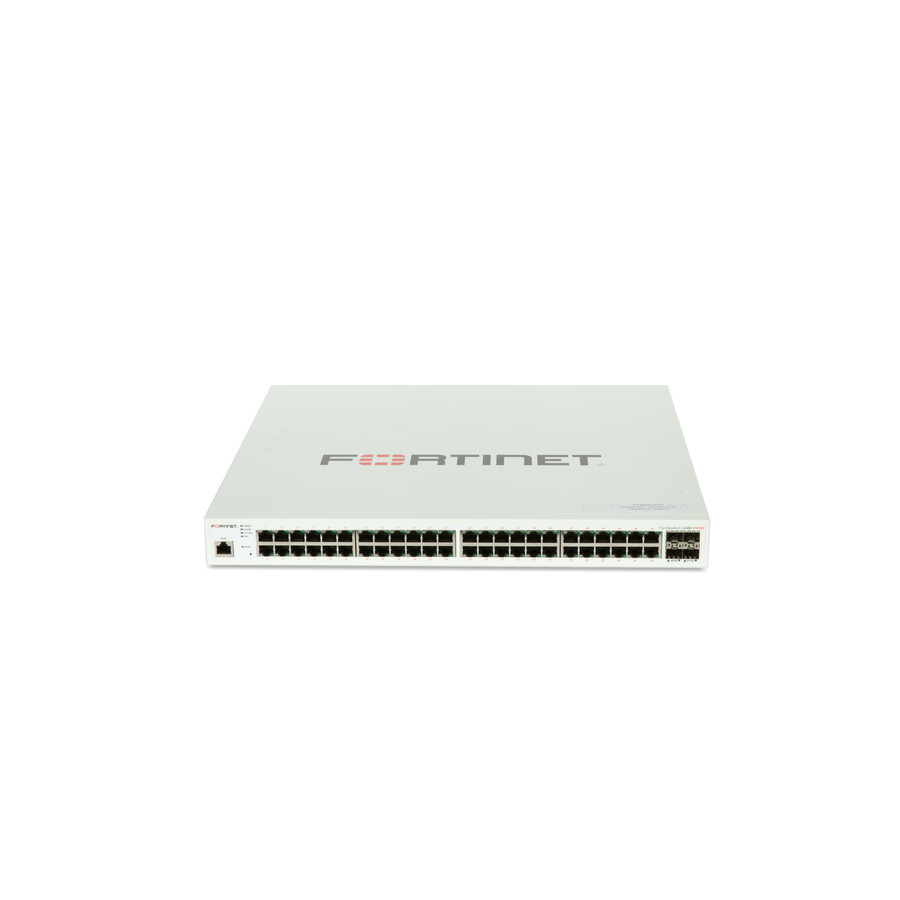
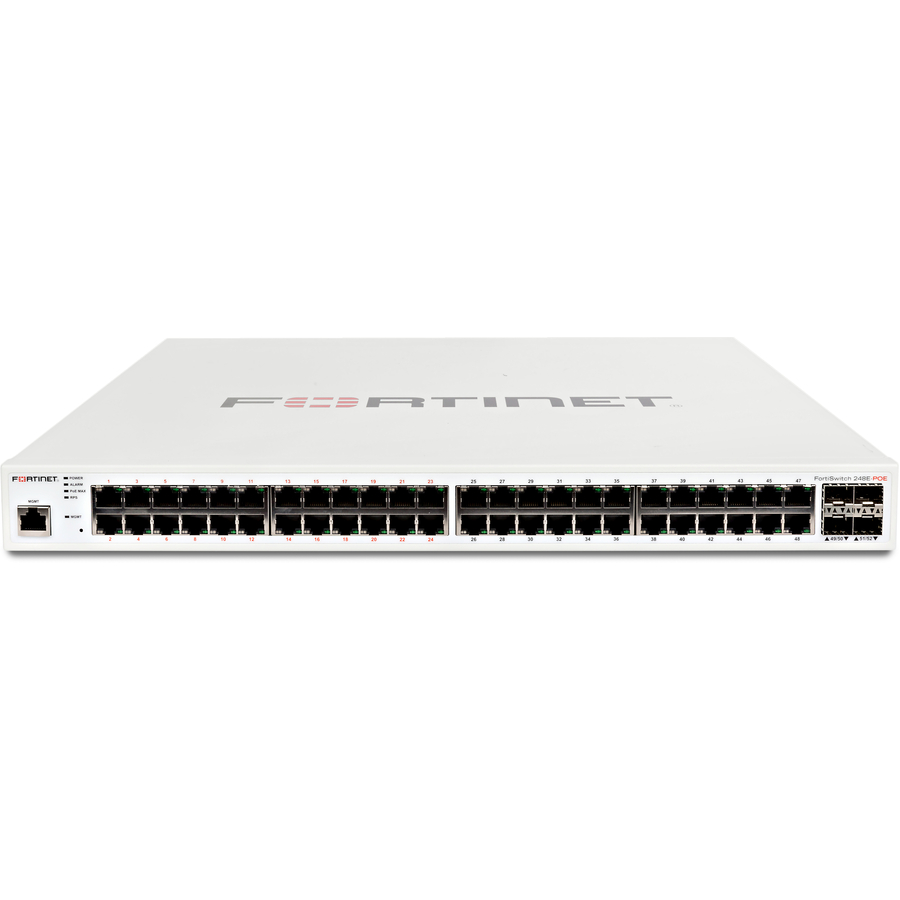
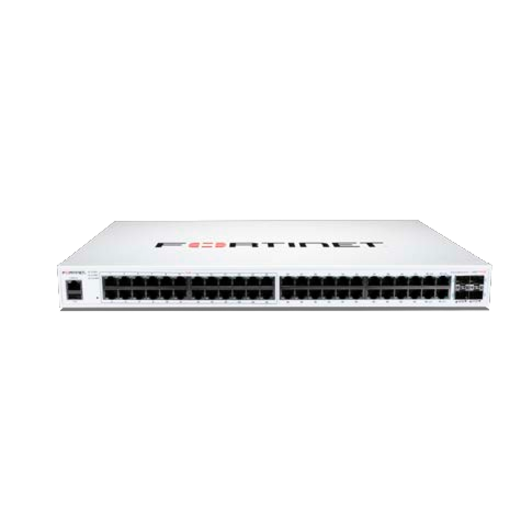
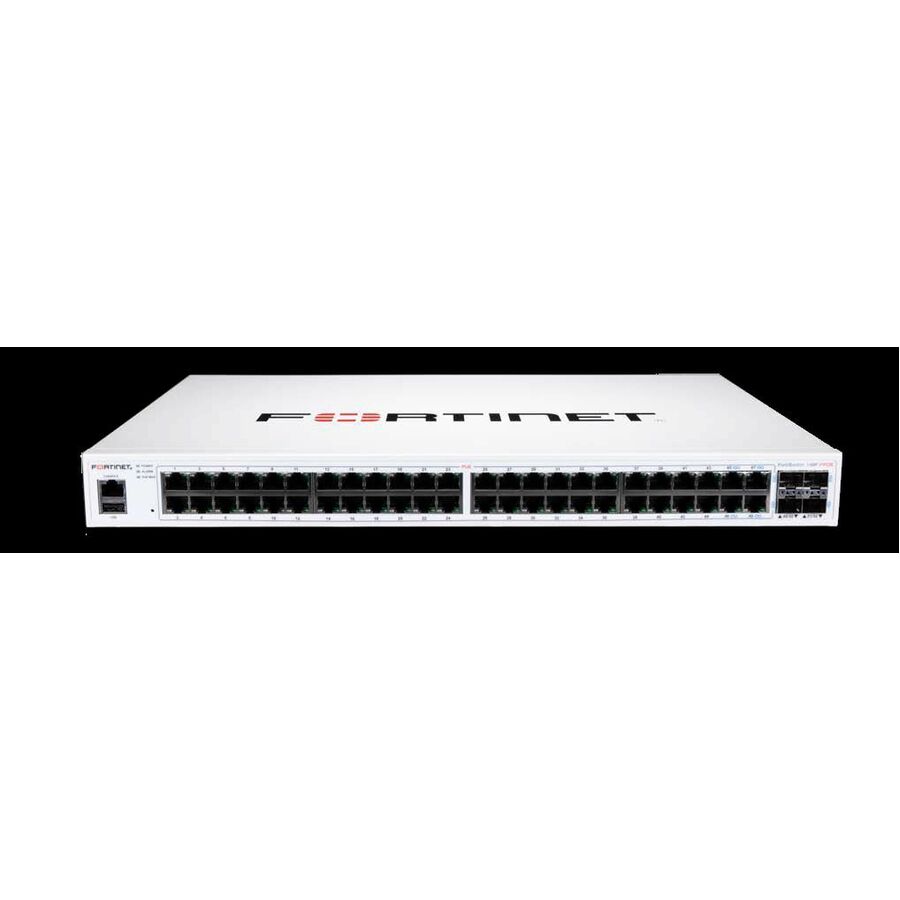
12 in stock - FortinetFortinet FortiSwitch FS-248E-FPoE Ethernet Switch - 48 Ports - Manageable - Gigabit Ethernet - 1000Base-X, 10/100/1000Base-T - 3 Layer Supported - Modular - 4 SFP Slots - 855.02 W Power Consumption - 740 W PoE Budget - Optical Fiber, Twisted Pair - PoE Ports - 1U - Rack-mountable - Lifetime Limited WarrantyFS-248E-FPOE
$3,275.00
$2,816.33
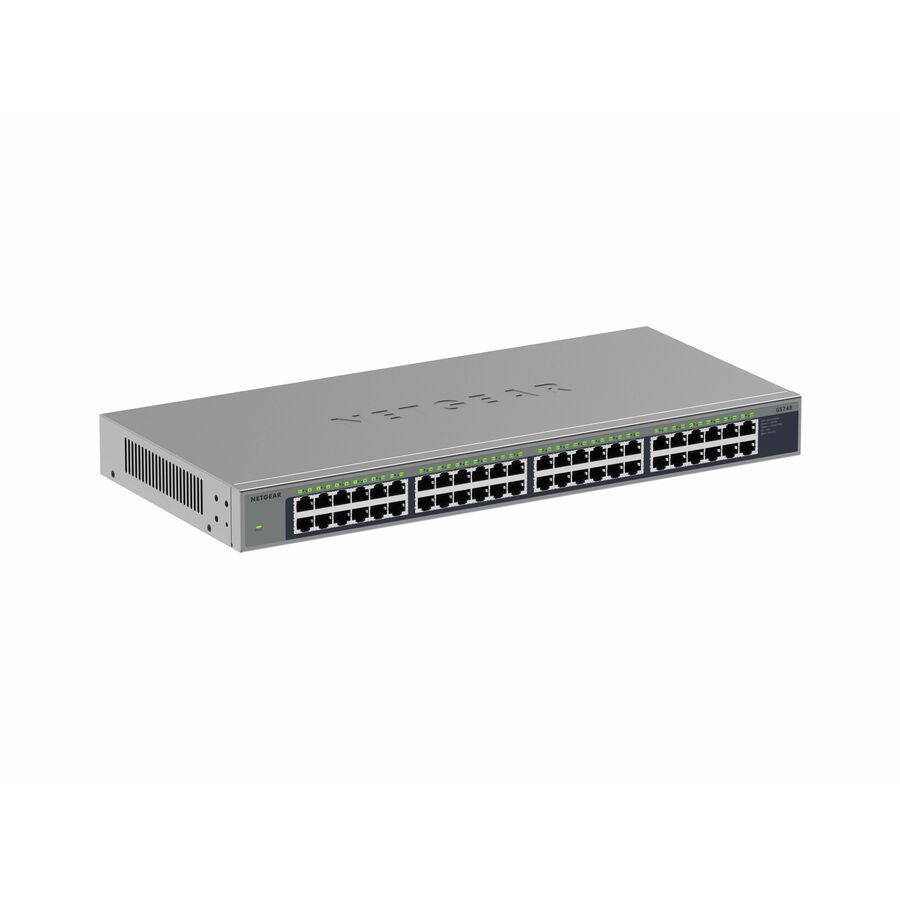
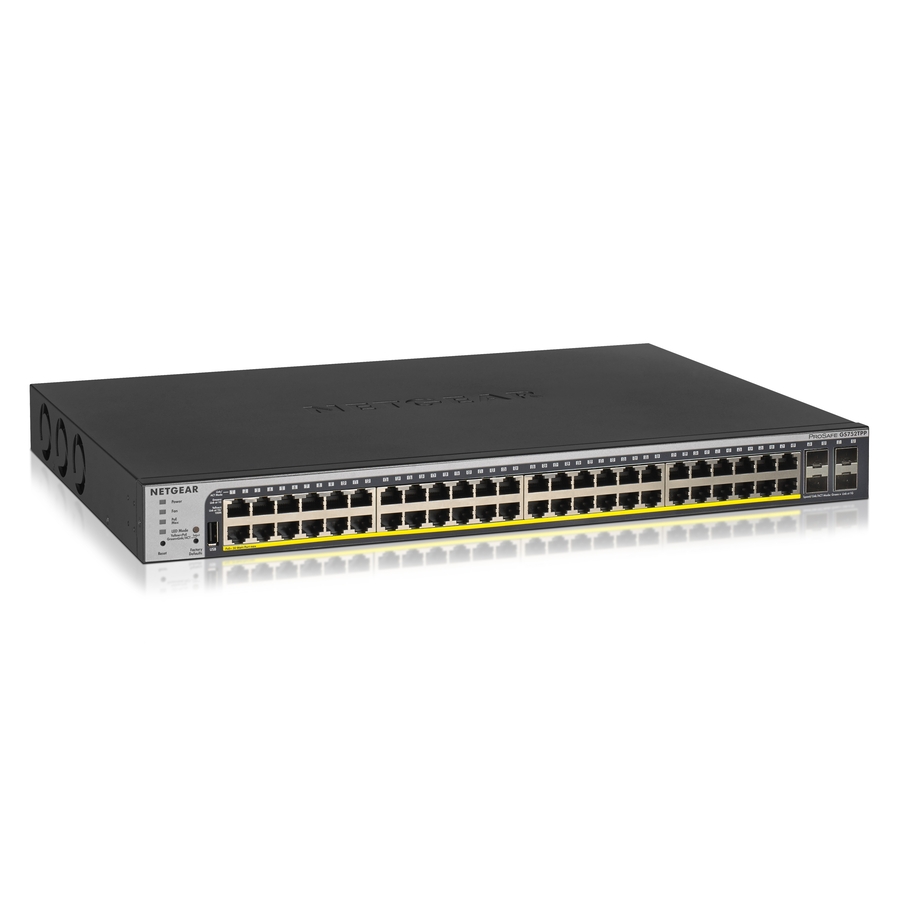
6 in stock - NetgearNetgear Gigabit PoE+ Smart Switches with Remote/Cloud Management - 48 Ports - Manageable - Gigabit Ethernet - 10/100/1000Base-TX, 1000Base-X - 2 Layer Supported - Modular - 4 SFP Slots - 861 W Power Consumption - 760 W PoE Budget - Twisted Pair, Optical Fiber - PoE Ports - Rack-mountable - Lifetime Limited WarrantyGS752TPP-300NAS
$1,593.08
$1,198.49
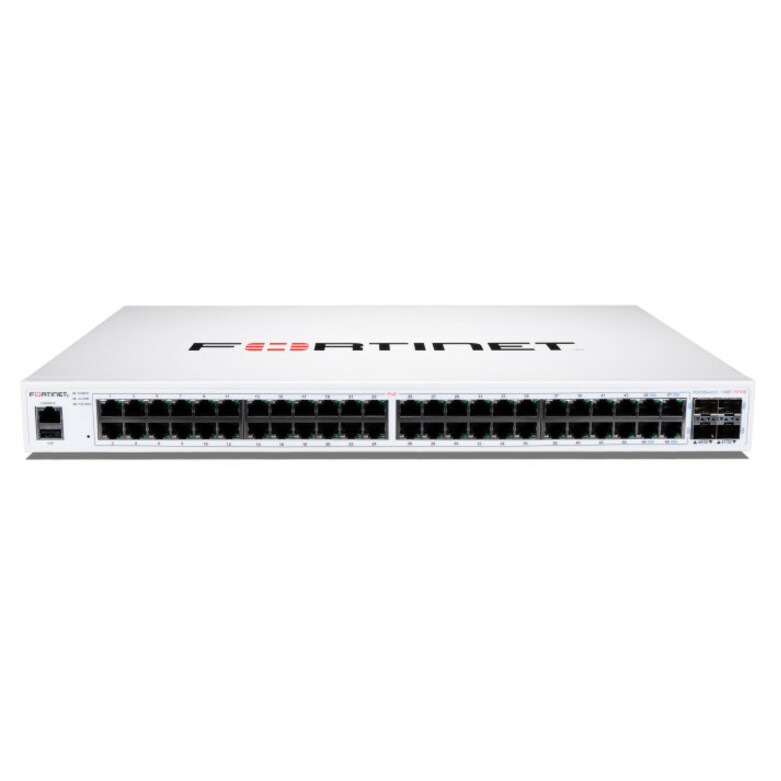
15 in stock - FortinetFortinet FortiSwitch FS-148F-FPOE Ethernet Switch - 48 Ports - Manageable - Gigabit Ethernet, 10 Gigabit Ethernet - 10/100/1000Base-T, 10GBase-X - 2 Layer Supported - Modular - 895.70 W Power Consumption - 740 W PoE Budget - Optical Fiber, Twisted Pair - PoE Ports - 1U - Rack-mountable - Lifetime Limited WarrantyFS-148F-FPOE
$2,751.00
$2,365.73
39 in stock - FortinetFortinet FortiSwitch FS-248E-POE Ethernet Switch - 48 Ports - Manageable - Gigabit Ethernet - 1000Base-T, 1000Base-X - 3 Layer Supported - Modular - 4 SFP Slots - 51.60 W Power Consumption - Optical Fiber, Twisted Pair - 1U - Rack-mountable - Lifetime Limited WarrantyFS-248E-POE
$2,620.00
$2,253.07
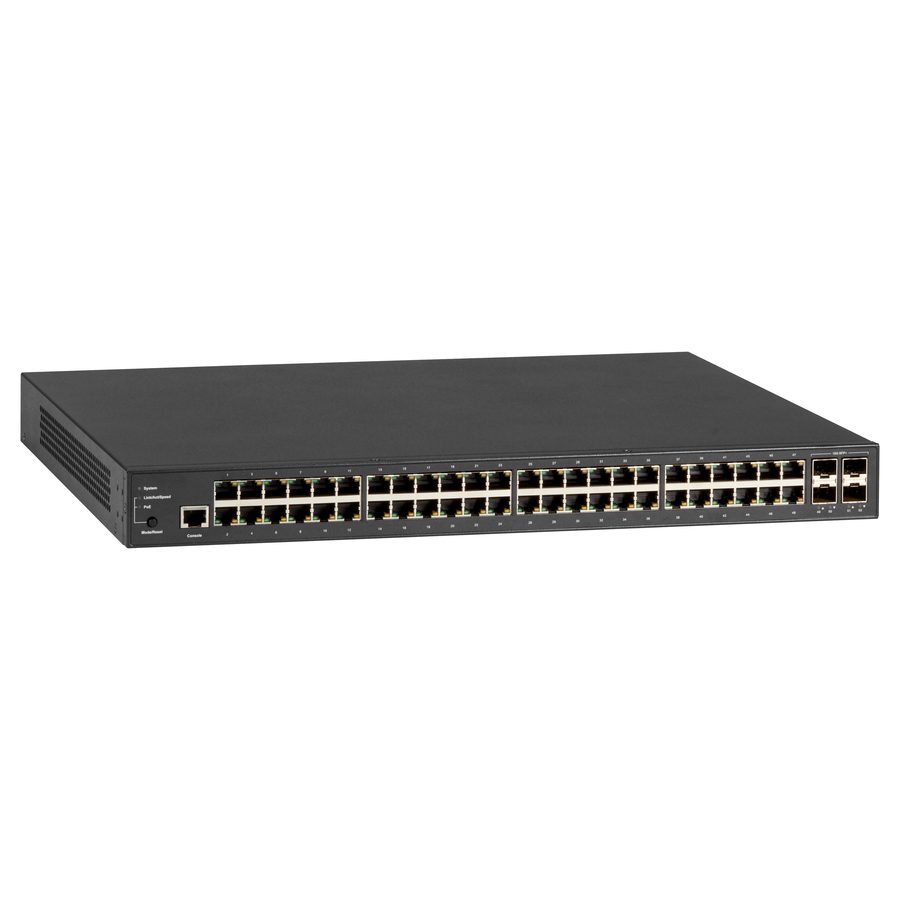
6 in stock - Black BoxBlack Box LPB3000 Ethernet Switch - 48 Ports - Manageable - Gigabit Ethernet, 10 Gigabit Ethernet - 10/100/1000Base-T, 10GBase-X - 2 Layer Supported - Modular - 740 W PoE Budget - Optical Fiber, Twisted Pair - PoE Ports - Desktop - 1 Year Limited Warranty - TAA CompliantLPB3052A
$2,436.86
$2,075.65*
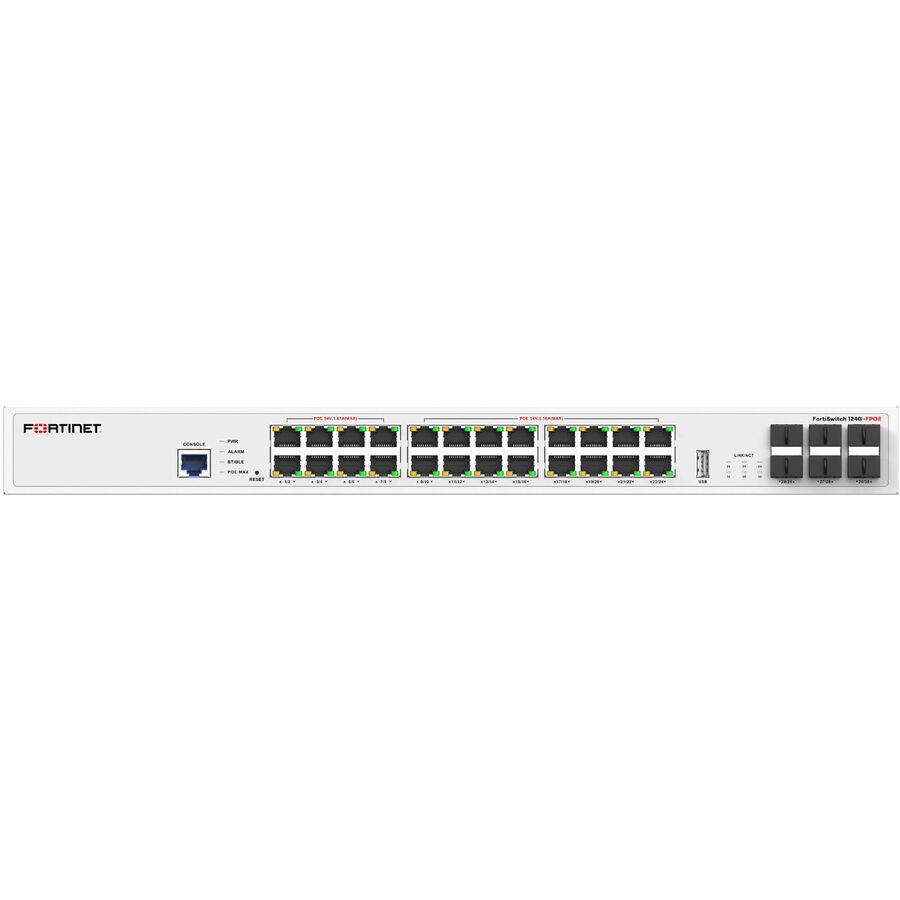
3 in stock - FortinetFortinet FortiSwitch FS-124G-FPOE Ethernet Switch - 24 Ports - Manageable - Gigabit Ethernet, 2.5 Gigabit Ethernet, 10 Gigabit Ethernet - 1000Base-T, 2.5GBase-T, 1000Base-X, 10GBase-X - 2 Layer Supported - 880 W Power Consumption - 780 W PoE Budget - Twisted Pair, Optical Fiber - PoE Ports - 1U - Rack-mountable - Lifetime Limited WarrantyFS-124G-FPOE
$2,489.00
$2,140.41
59 in stock - FortinetFortinet FortiSwitch 100 FS-148F-POE Ethernet Switch - 48 Ports - Manageable - Gigabit Ethernet, 10 Gigabit Ethernet - 10/100/1000Base-T, 10GBase-X - 2 Layer Supported - Modular - 476.30 W Power Consumption - 370 W PoE Budget - Optical Fiber, Twisted Pair - PoE Ports - 1U - Rack-mountableFS-148F-POE
$2,292.00
$1,971.01
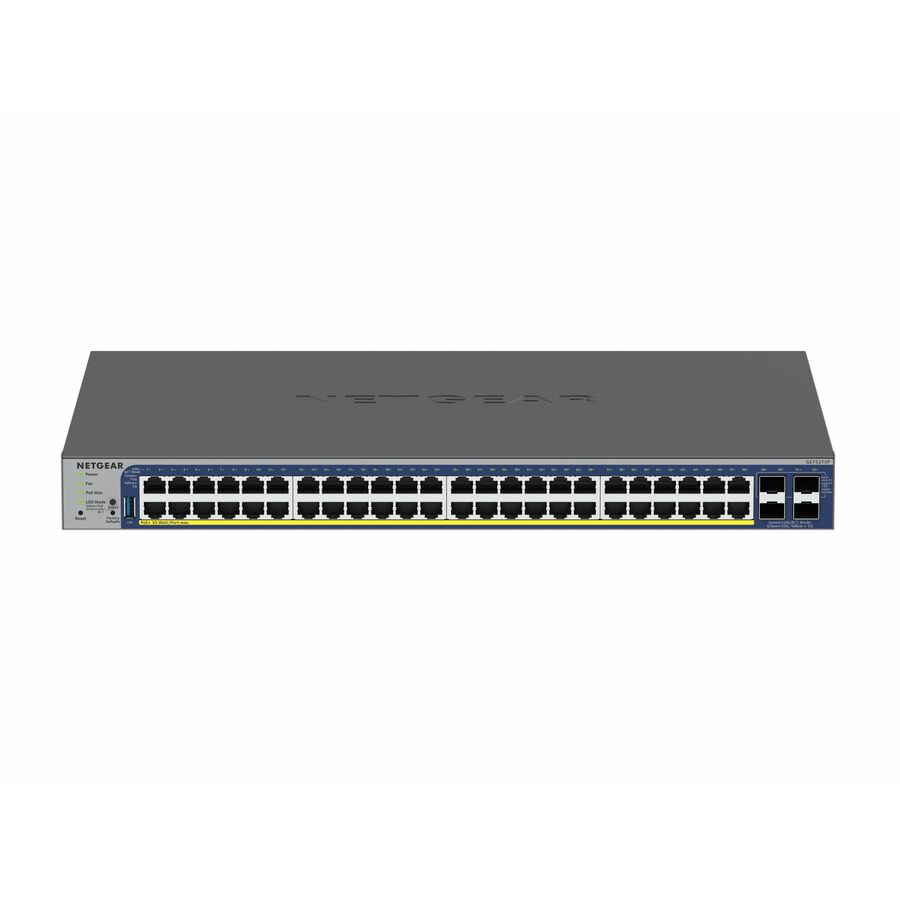
9 in stock - NetgearNetgear Gigabit PoE+ Smart Switches with 4 Dedicated 10G SFP+ Ports - 48 Ports - Manageable - Gigabit Ethernet, 10 Gigabit Ethernet - 10GBase-X, 10/100/1000Base-T - 3 Layer Supported - 436 W Power Consumption - 380 W PoE Budget - Optical Fiber, Twisted Pair - PoE Ports - Rack-mountable, Table Top - Lifetime Limited WarrantyGS752TXP-300NAS
$1,259.98
$948.87
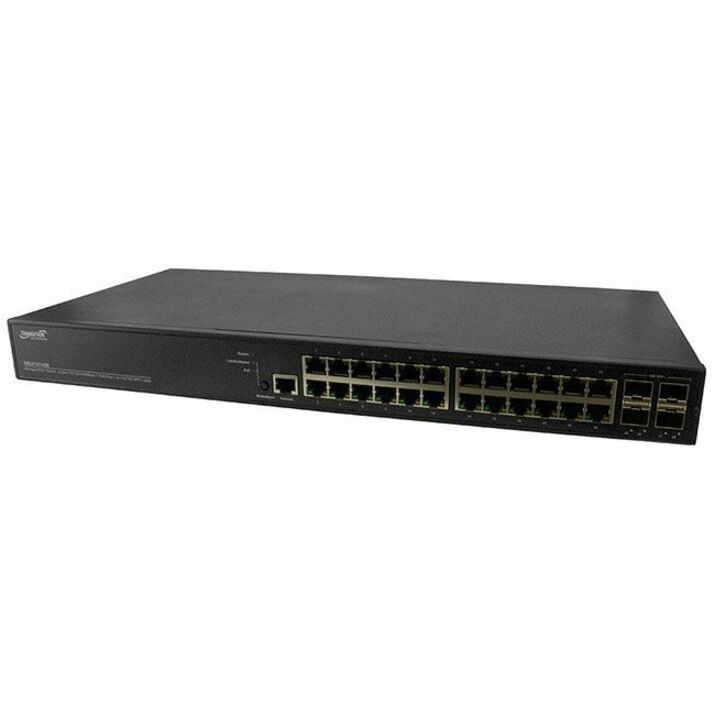
4 in stock - LantronixManaged Gigabit Ethernet PoE+ Switch 24 10/100/1000Base-T Ports + 4 1G/10GBase-X SFP+ Ports - 24-port Gigabit PoE+ with 4 1G/10G SFP+, 370WattSM24TAT4XB-NA
$1,478.70
$1,177.01*
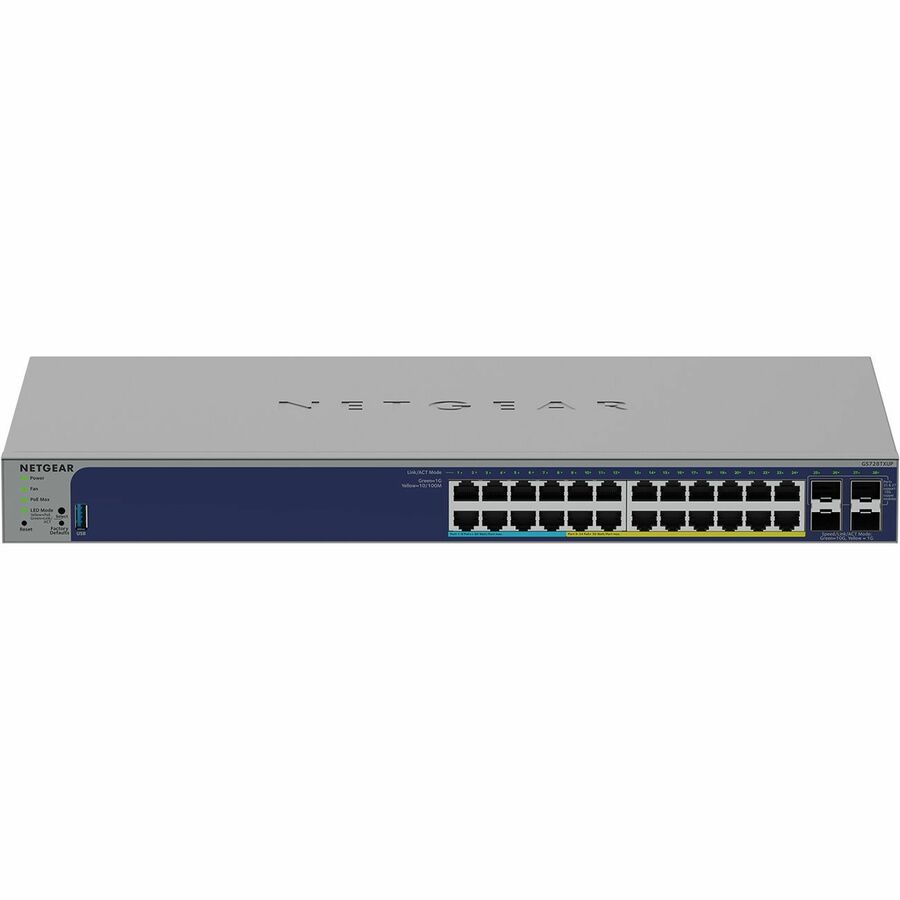
3 in stock - NetgearNetgear Business GS728TXUPv3 Ethernet Switch - 24 Ports - Manageable - Gigabit Ethernet, 10 Gigabit Ethernet - 10/100/1000Base-T, 1000Base-X, 10GBase-X - 3 Layer Supported - 27 W Power Consumption - 420 W PoE Budget - Twisted Pair, Optical Fiber - PoE Ports - Desktop, Rack-mountable, Table Top - Lifetime Limited WarrantyGS728TXUP-300NAS
$1,057.23
$798.64
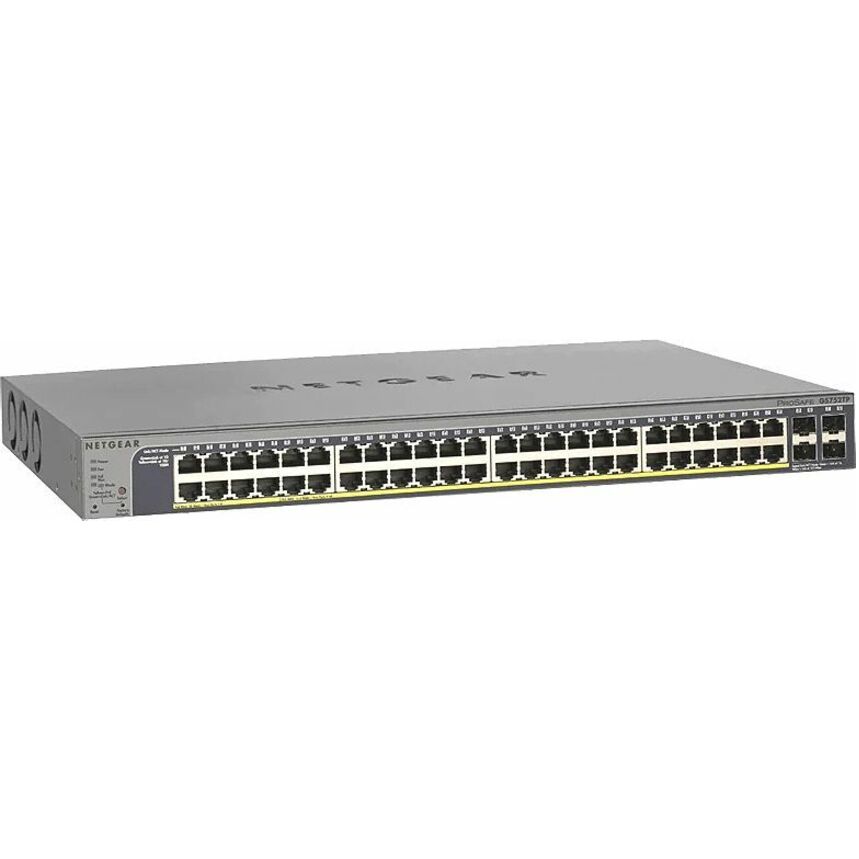
1 in stock - NetgearNetgear ProSafe GS752TP Ethernet Switch - 48 Ports - Manageable - Gigabit Ethernet - 10/100/1000Base-TX, 1000Base-X - 3 Layer Supported - Modular - 4 SFP Slots - 512.80 W Power Consumption - 380 W PoE Budget - Twisted Pair, Optical Fiber - PoE Ports - Rack-mountable - Lifetime Limited WarrantyGS752TP-300NAS
$984.81
$745.26
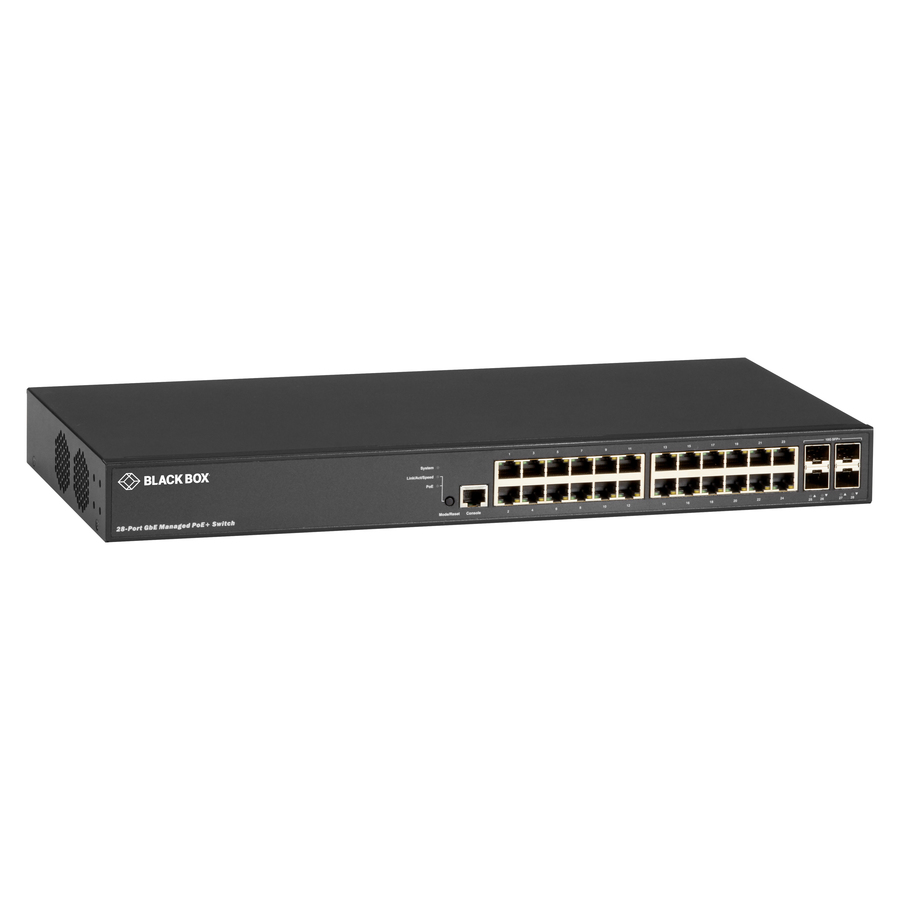
21 in stock - Black BoxBlack Box LPB3000 Ethernet Switch - 24 Ports - Manageable - Gigabit Ethernet, 10 Gigabit Ethernet - 10/100/1000Base-T, 10GBase-X - 2 Layer Supported - Modular - 370 W PoE Budget - Optical Fiber, Twisted Pair - PoE Ports - Desktop - 1 Year Limited Warranty - TAA CompliantLPB3028A
$1,521.46
$1,301.39*
16 in stock - FortinetFortinet FortiSwitch FS-110G-FPOE Ethernet Switch - 10 Ports - Manageable - 2.5 Gigabit Ethernet, 5 Gigabit Ethernet, 10 Gigabit Ethernet - 2.5GBase-T, 5GBase-T, 10GBase-X - 2 Layer Supported - 250 W Power Consumption - 200 W PoE Budget - Twisted Pair, Optical Fiber - PoE Ports - DesktopFS-110G-FPOE
$1,489.00
$1,280.46
12 in stock




Need pricing on PoE switches?
Tell us where to reach you and a Uniqcli specialist will follow up by email with current pricing, availability and lead time for the quantities you need — including parts that aren’t shown on this page.
Buying for an organization or for yourself — both work. No payment up front.
What decides a PoE switch is the power budget — the total wattage it can deliver across all powered ports at once — rather than the port count. Size that budget against what the endpoints actually draw: plain PoE gives roughly 15 W at the port, PoE+ roughly 30 W, and the higher-power classes more again for PTZ cameras and current access points.
The number that decides a PoE switch is not the port count. It is the power budget: the total wattage the switch can deliver across all of its powered ports at once. A unit with eight PoE ports and a 65 W budget cannot run eight 30 W devices, and that arithmetic is where most PoE deployments go wrong — the switch is bought on ports, the devices are installed, and the last few come up and then drop under load. Total the real draw of everything that will hang off the switch, add headroom, and buy the budget rather than the port count.
The standard matters as much as the total. Plain PoE delivers up to about 15 W at the port, PoE+ raises that to roughly 30 W, and the higher-power standards go further still for devices that need it. Most IP phones and older fixed cameras sit comfortably inside plain PoE; modern Wi-Fi access points, pan-tilt-zoom cameras, cameras with heaters and outdoor units generally want PoE+ or more. Check what each endpoint's own specification asks for rather than assuming any PoE port will run any powered device, because a device that negotiates a class it cannot get simply does not come up.
After watts and standard, the ordinary switch questions apply. Management is worth paying for at a site that will actually use VLANs, port monitoring and quality of service, and worth nothing at a site that will never log in. Uplinks decide whether a closet can move to fiber later. Form factor decides whether it lives on a desk, on a wall or in a cabinet. And a camera or access-point rollout is rarely just switches — it carries cabling, mounts, licensing and installation labour, which belong on the same quote so the schedule holds together.
Buyer's checklist
How to choose a PoE switch
- Total the real wattage of every powered device first, then buy a switch whose PoE budget covers that with headroom — not one whose port count matches the device count.
- Match the standard to the endpoints: plain PoE is roughly 15 W at the port, PoE+ roughly 30 W, and access points and PTZ cameras usually need the higher one.
- Confirm which ports are powered. Several switches in this category power only some of their ports, and the model name rarely tells you which.
- Check whether a switch is PoE-supplying or merely PoE-powered — a few compact units accept power over Ethernet without delivering any, which is the opposite requirement.
- Decide managed or unmanaged by who will administer it. VLANs, port monitoring and QoS are only worth buying at a site that will use them.
- Look at the uplinks. An SFP or combo slot is what lets a closet move to fiber later without replacing the switch.
- Buy port count for the refresh cycle rather than today's device list; a switch that is full on the day it is installed is a switch you replace instead of expand.
- Match the form factor to the space — fanless desktop or wall-mount where noise carries, rack-mount in a closet with the patch panel.
- Plan the power path behind the switch too. A closet full of powered endpoints is a closet whose UPS runtime calculation has changed.
Power budget is the specification, ports are the packaging
Every PoE switch has two numbers that matter and they are frequently confused. The per-port maximum is what a single device can draw — roughly 15 W under plain PoE, roughly 30 W under PoE+, more under the higher-power standards. The total budget is what the switch can deliver across every powered port simultaneously, and it is almost always less than the per-port maximum multiplied by the port count. A switch advertising eight PoE+ ports and a 65 W budget can run two access points at full draw, not eight.
The practical method is to total the actual draw of the endpoints rather than their theoretical class, add the ones planned for next year, and then add headroom. Powered devices draw more in cold weather, when a heater runs, when a camera's infrared illuminator engages at night, or when an access point's radios are busy — which means a deployment that measured fine on a mild afternoon can be over budget at three in the morning in February. When a switch runs out of budget it stops powering ports by priority, so the symptom is a device dropping rather than an obvious error.
Managed, unmanaged, and the site that will never log in
An unmanaged PoE switch has nothing to configure and nothing to misconfigure, which makes it the honest answer for a camera cluster, a conference room or a branch site with nobody on staff to administer it. It powers what it connects and stays out of the way. A managed switch buys VLAN segmentation — genuinely useful when cameras and door controllers should not share a broadcast domain with staff laptops — plus port monitoring, per-port PoE control you can cycle remotely, and quality of service you set rather than inherit.
The deciding question is who administers the site, not how important the site is. Remote PoE port cycling alone can justify management on a camera network that is a long drive away, because rebooting a frozen camera becomes a click instead of a site visit. At a location nobody will ever log into, that same capability is a line item that never gets used. Buying management nobody uses is the most common way to overspend in this category, and buying none where cameras and staff traffic have to be separated is the most common way to under-buy.
The rest of the rollout the switch is part of
A PoE switch almost never arrives alone. A camera project carries cameras, mounts, cabling, the storage the footage lands on and the video management licensing; an access-point refresh carries the APs, the controller or subscription that manages them, the mounts and the cabling. Quoting the switches separately from the rest is how a project ends up with power in place and nothing to power, or the reverse. One bill of materials keeps the lead times attached to each other and makes any long-lead line visible while substitution is still cheap.
The power path behind the switch changes too. A closet that now feeds a dozen powered endpoints draws considerably more than it did, which affects the PDU load, the UPS runtime calculation and, in a small room, the heat. Re-run the runtime figure when a closet becomes a PoE closet rather than assuming the existing UPS still covers it. Everything on this page is checked against manufacturer documentation and live catalog data; confirm a switch's current PoE budget and powered-port count at each re-order rather than copying a previous quote forward.
FAQ
Common questions
- How many devices can one PoE switch power?
- It depends on the total PoE budget and on what each device draws, not on the port count. A switch with eight PoE+ ports and a 65 W budget can run two 30 W access points at full draw, not eight — the per-port maximum and the total budget are different numbers and the total is almost always smaller than ports multiplied by maximum. Total the real draw of your endpoints, allow for cold-weather and night-time peaks, add headroom, and buy the budget.
- What is the difference between PoE and PoE+?
- Power. Plain PoE delivers up to roughly 15 W at the port and PoE+ roughly 30 W, with higher-power standards above that for devices which need more. Most IP phones and older fixed cameras sit inside plain PoE; modern access points, pan-tilt-zoom cameras, cameras with heaters and outdoor units generally need PoE+ or better. A device that requests a power class the switch cannot deliver does not come up at all, so read each endpoint's own requirement rather than assuming any PoE port will run anything.
- Do I need a PoE switch or a PoE injector?
- An injector powers one device and is the cheaper answer for a single access point or camera added to an existing network. A switch is the answer once there are several, because a rack of injectors is more cabling, more power outlets and more things to fail than one switch with a budget. The crossover is usually around three or four devices, or earlier if the endpoints are in one closet — at that point the switch is also giving you per-port control and one place to look when something drops.
- Can a PoE switch power a device that is not PoE?
- Not directly. A powered device has to negotiate for power under the standard, and a switch will not energize a port for equipment that does not ask. A PoE splitter is the bridge: it takes the powered link and separates it into data plus a conventional low-voltage barrel connector for a device that has no PoE support of its own. That works, but check the voltage and the connector the device needs, and treat it as a supported workaround rather than as the way to design a new deployment.
- Can Uniqcli quote PoE switches for a government or education order?
- Every line Uniqcli quotes is sourced through US distribution and screened for TAA country-of-origin and NDAA §889 status before checkout — with documentation tied to the specific part number, not a product family.
Need PoE switches pricing?
Send a bill of materials or part numbers — we confirm stock and a below-market total, with TAA verified on request. No payment up front.