
Best Ubiquiti Switches for Business Networks
The UniFi USW ladder and the UISP switches beside it — 5-port compacts, 8- and 16-port PoE units, 24- and 48-port rack switches and 10G aggregation — chosen by power budget first and port count second.
Ubiquiti switches in stock at Uniqcli
How to choose →A curated selection with live pricing — in-stock lines first, then back-ordered lines with a typical lead time. Every line is sourced through US distribution and screened for NDAA §889 status before checkout, with TAA verified on request.
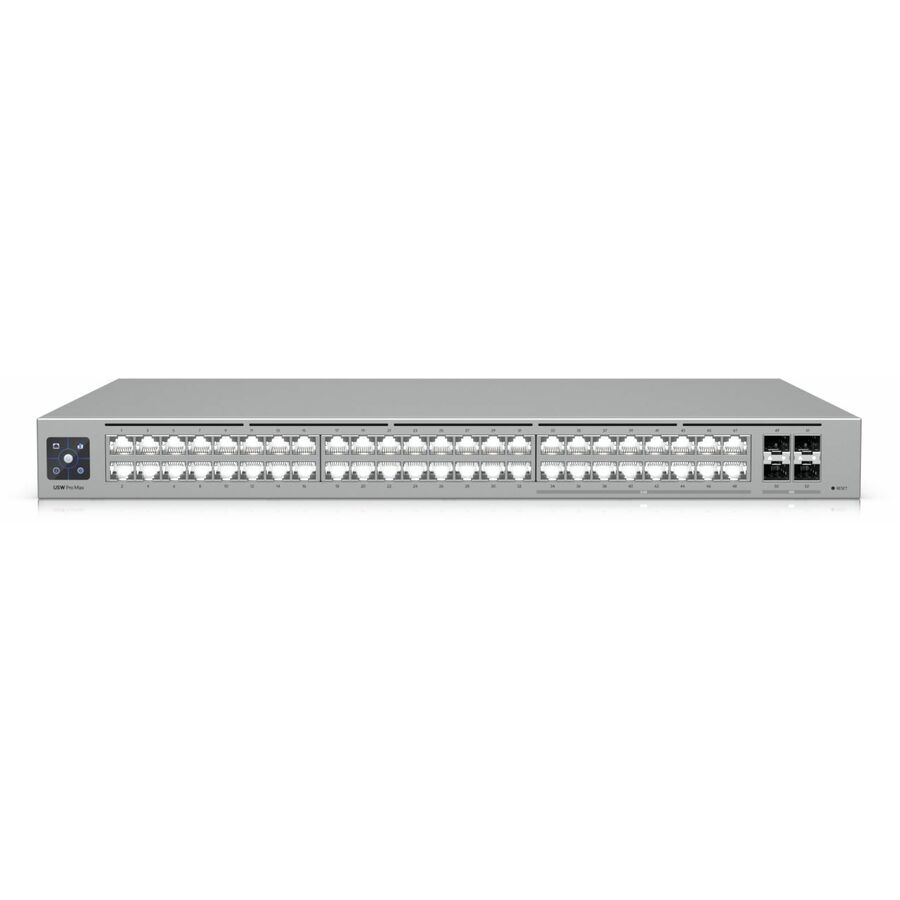
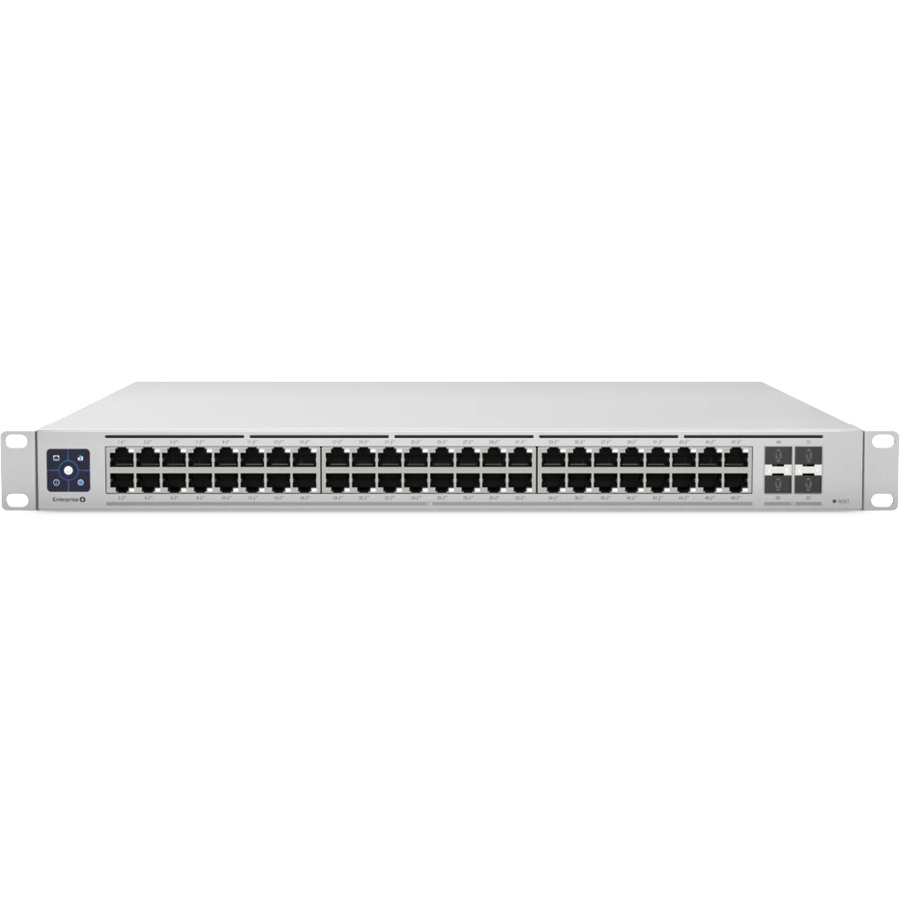
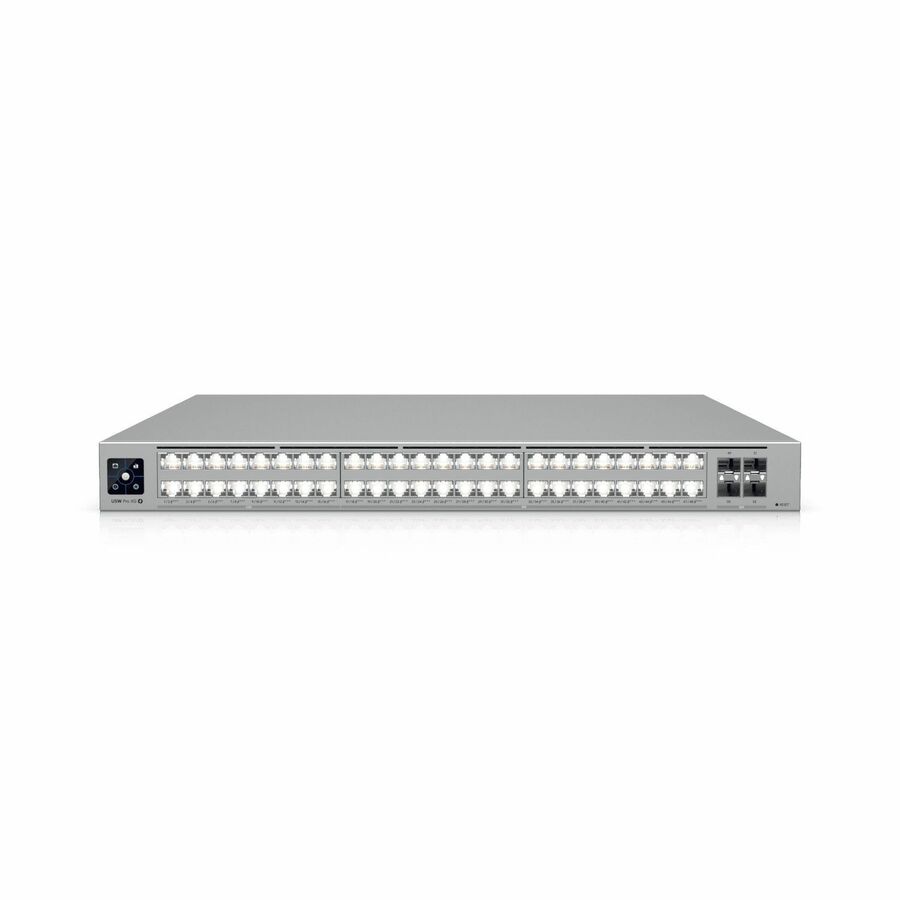
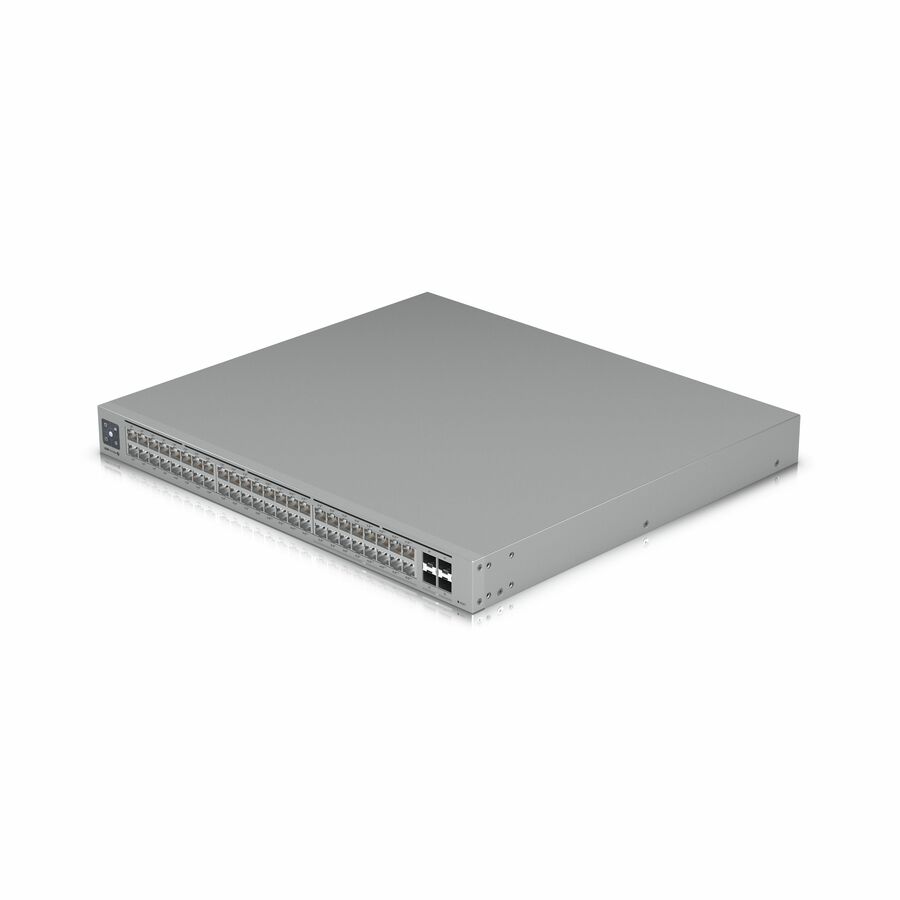
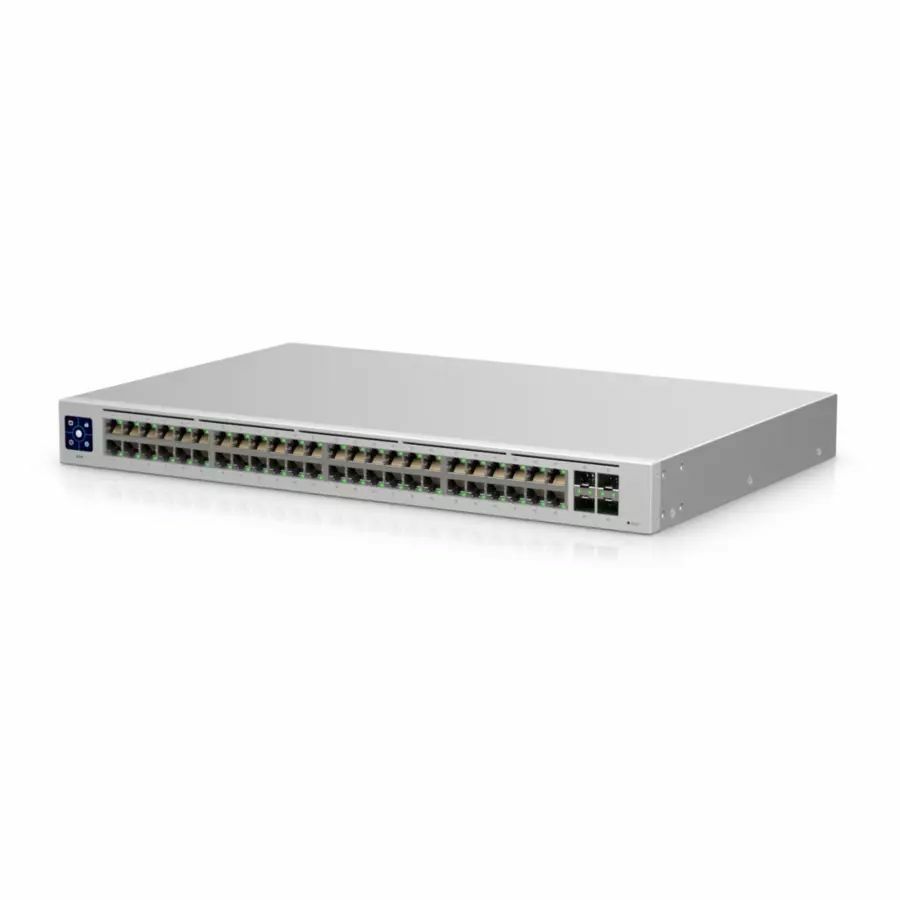
- UbiquitiUbiquiti USW-Pro-Max-48 Ethernet Switch - 48 Ports - Manageable - Gigabit Ethernet, 2.5 Gigabit Ethernet, 10 Gigabit Ethernet - 10/100/1000Base-T, 10GBase-X, 2.5GBase-T - 3 Layer Supported - 100 W Power Consumption - Twisted Pair, Optical Fiber - 1U - Rack-mountableUSW-Pro-Max-48
$834.16
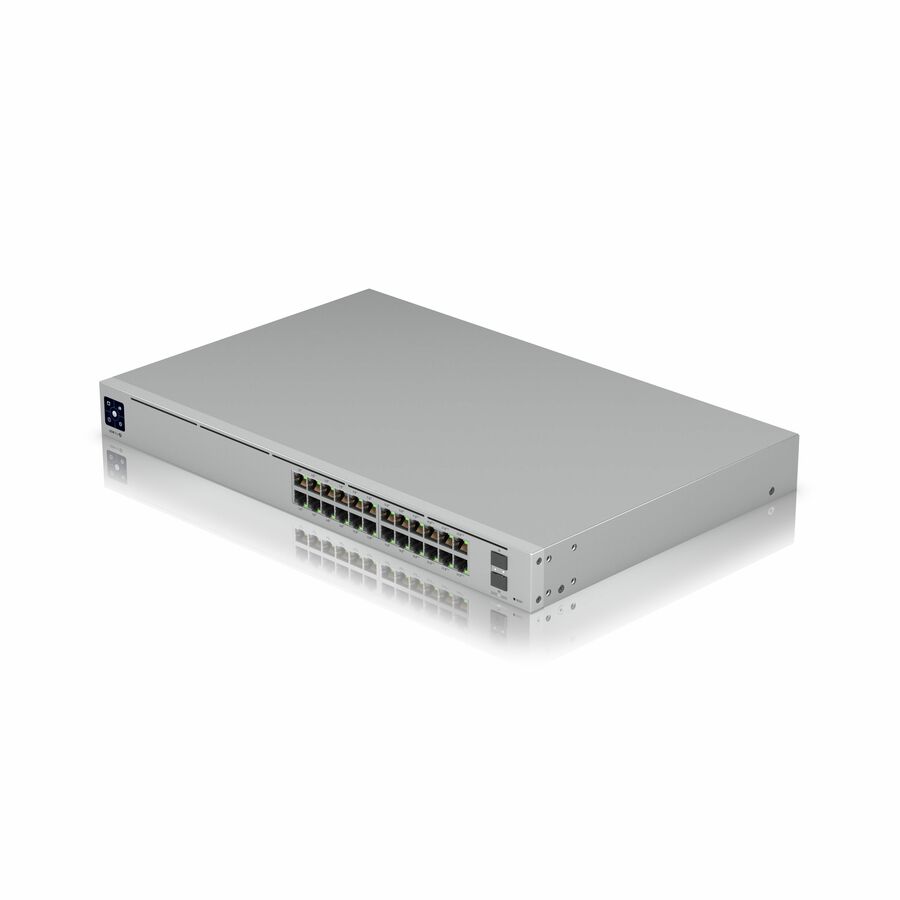
5 in stock - UbiquitiUbiquiti USW-Pro-24-POE Ethernet Switch - 24 Ports - Manageable - Gigabit Ethernet, 10 Gigabit Ethernet - 10/100/1000Base-T, 10GBase-X - 3 Layer Supported - 450 W Power Consumption - 400 W PoE Budget - Optical Fiber, Twisted Pair - PoE Ports - 1U - Rack-mountableUSW-PRO-24-POE
$896.01
71 in stock

Top pick
Ubiquiti
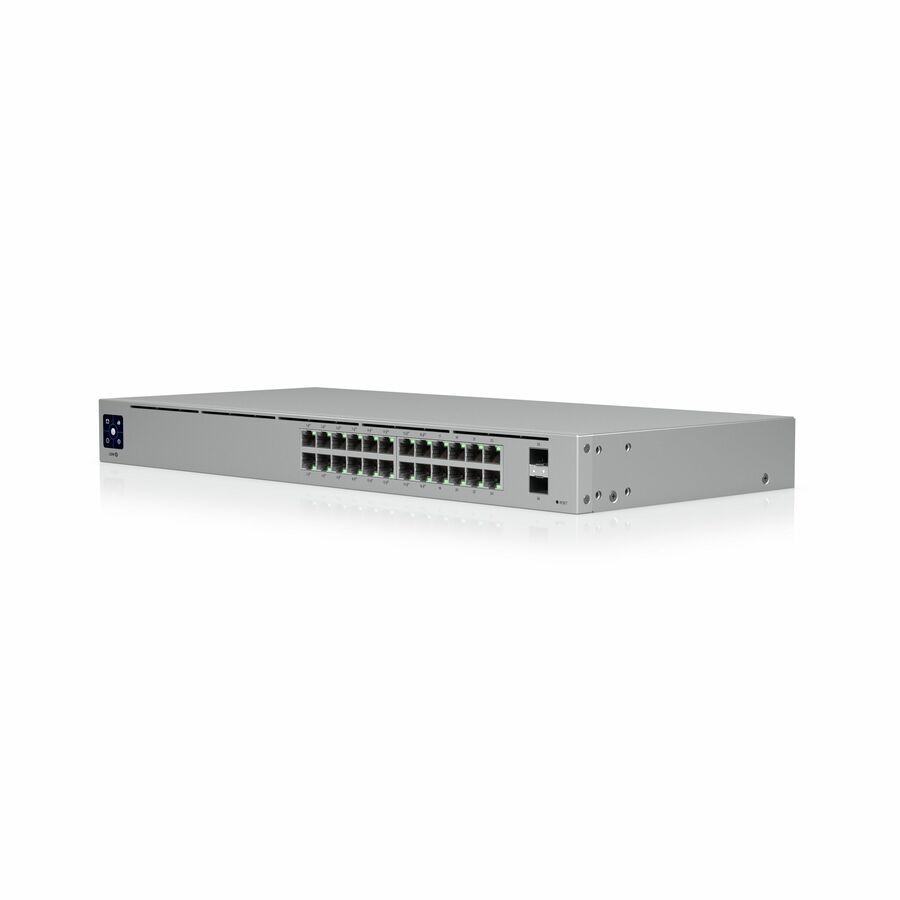
Ubiquiti USW-Pro-24-POE Ethernet Switch
USW-PRO-24-POE
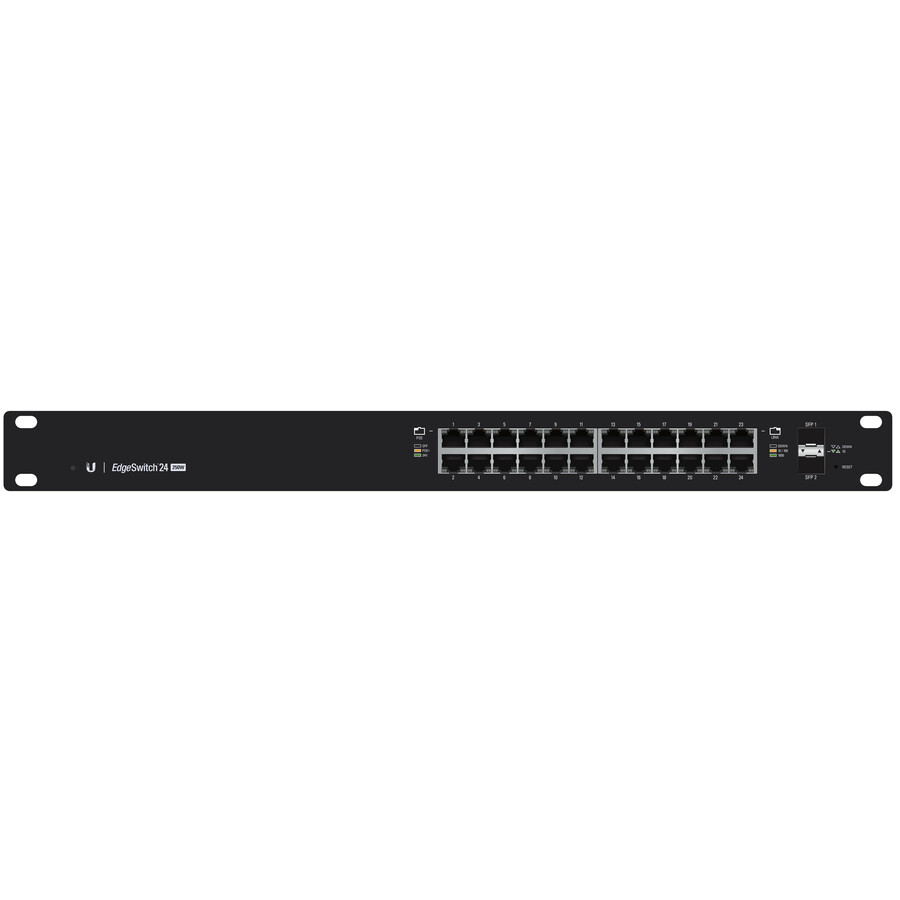
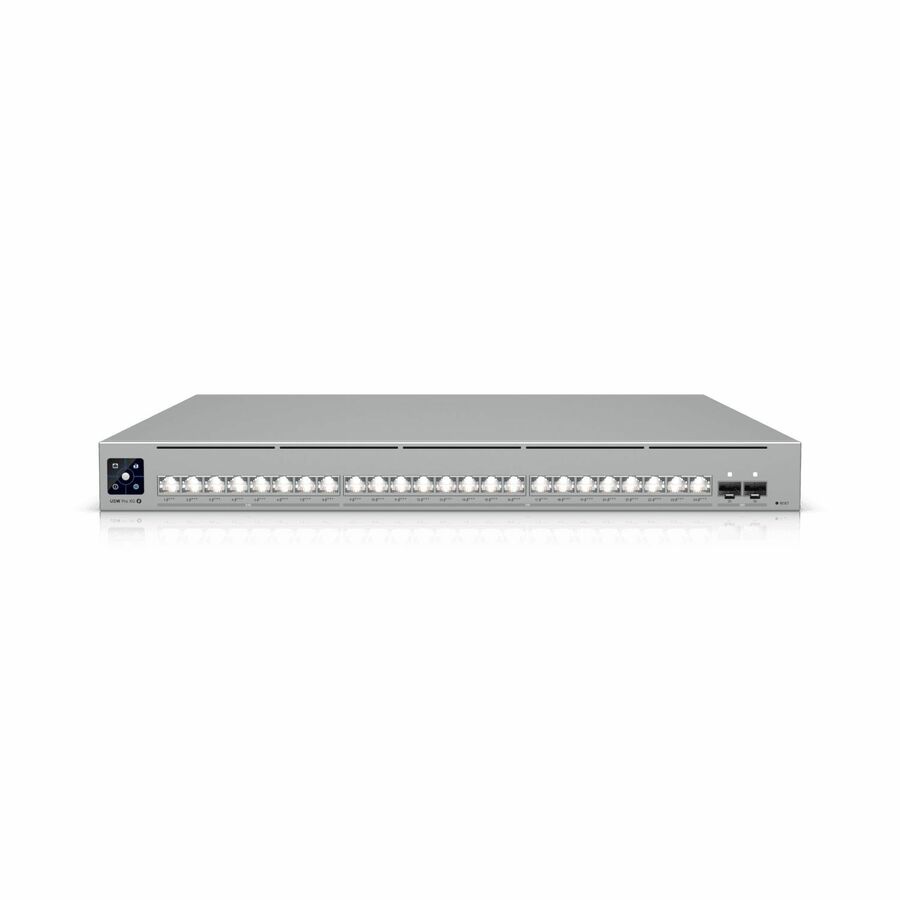
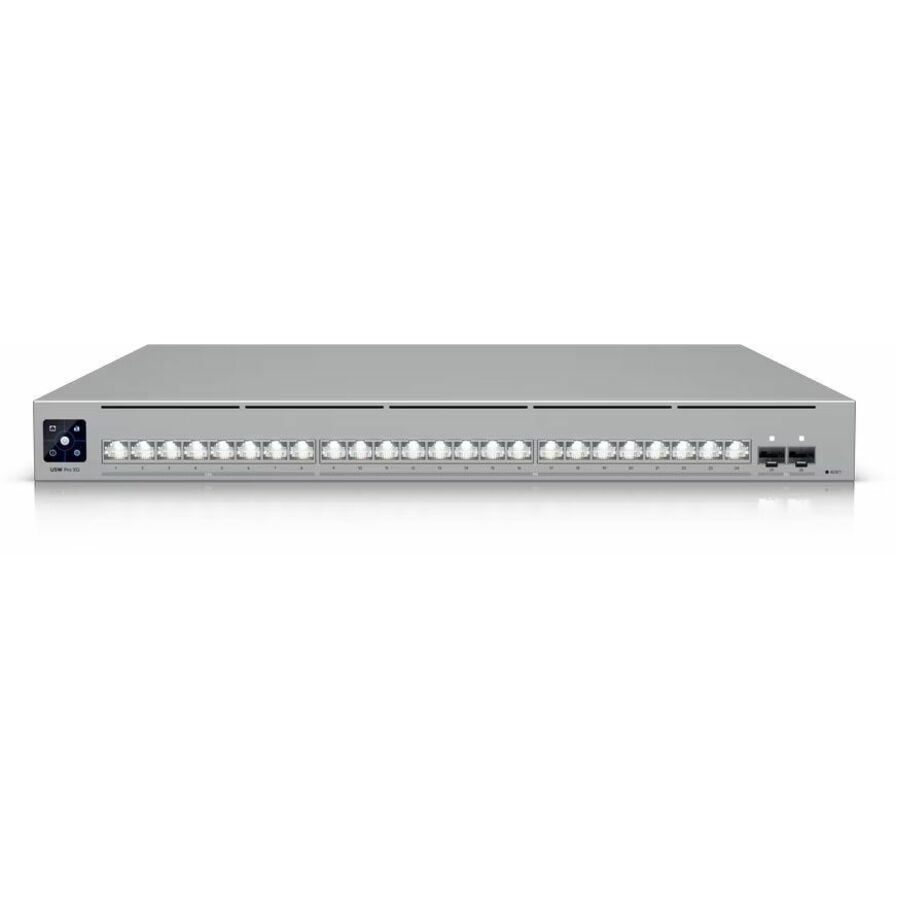
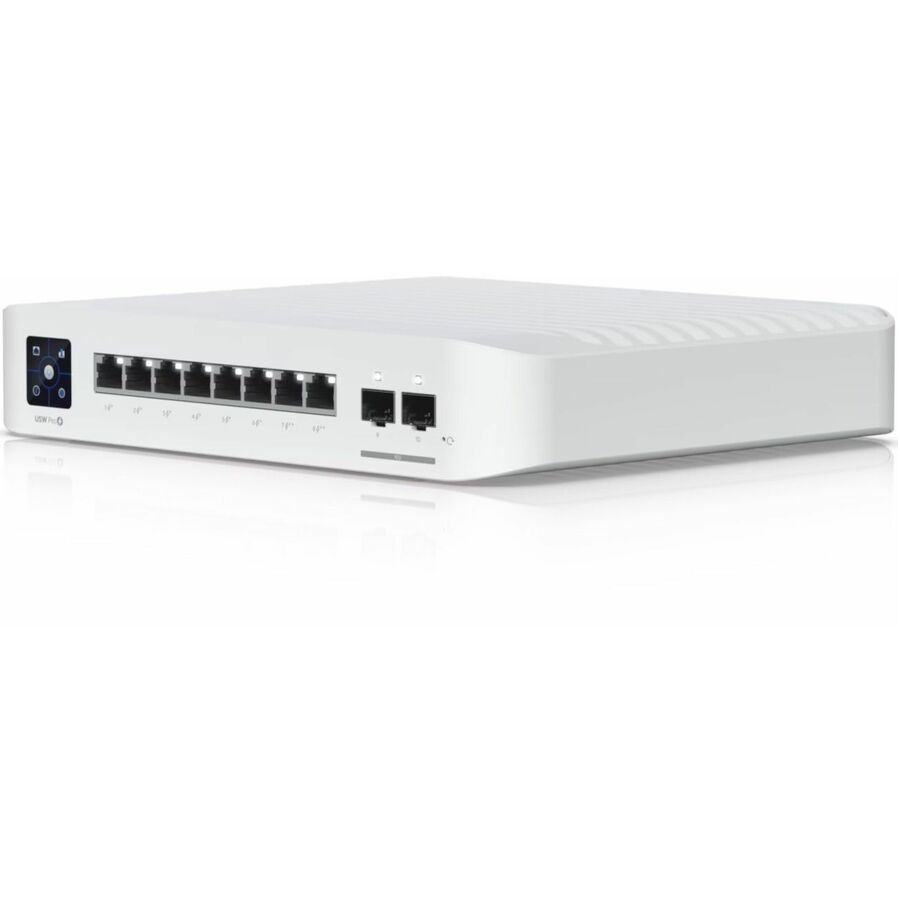
The closet switch most floors actually need: twenty-four gigabit ports in 1U with sixteen of them PoE+, a 400 W PoE budget, layer 3 support and 10GBase-X uplinks. The budget is the reason it beats the standard 24-port unit — four times the watts across the same port count, which is what a floor of access points and cameras spends.
Layer 3 is worth paying for only where the closet routes between VLANs itself. If a gateway already does that, the smaller-budget 24-port model may be the honest specification.
$896.01In stockBest value
Ubiquiti
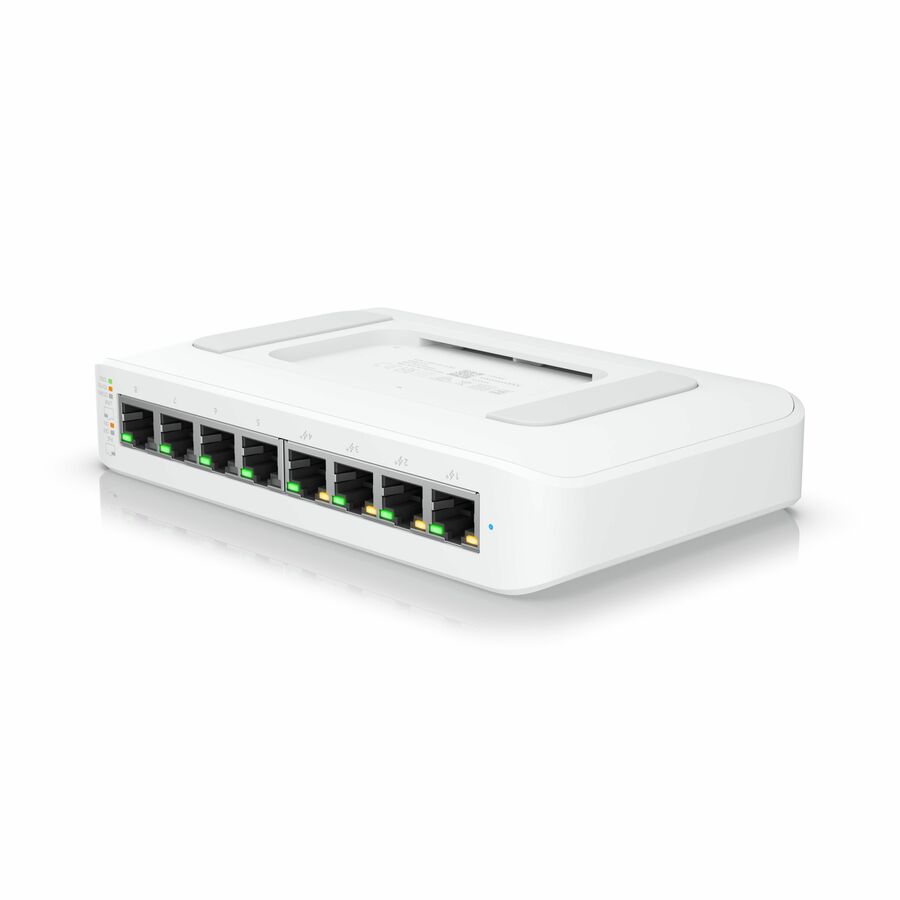
Ubiquiti USW-Lite-8-PoE Ethernet Switch
USW-LITE-8-POE
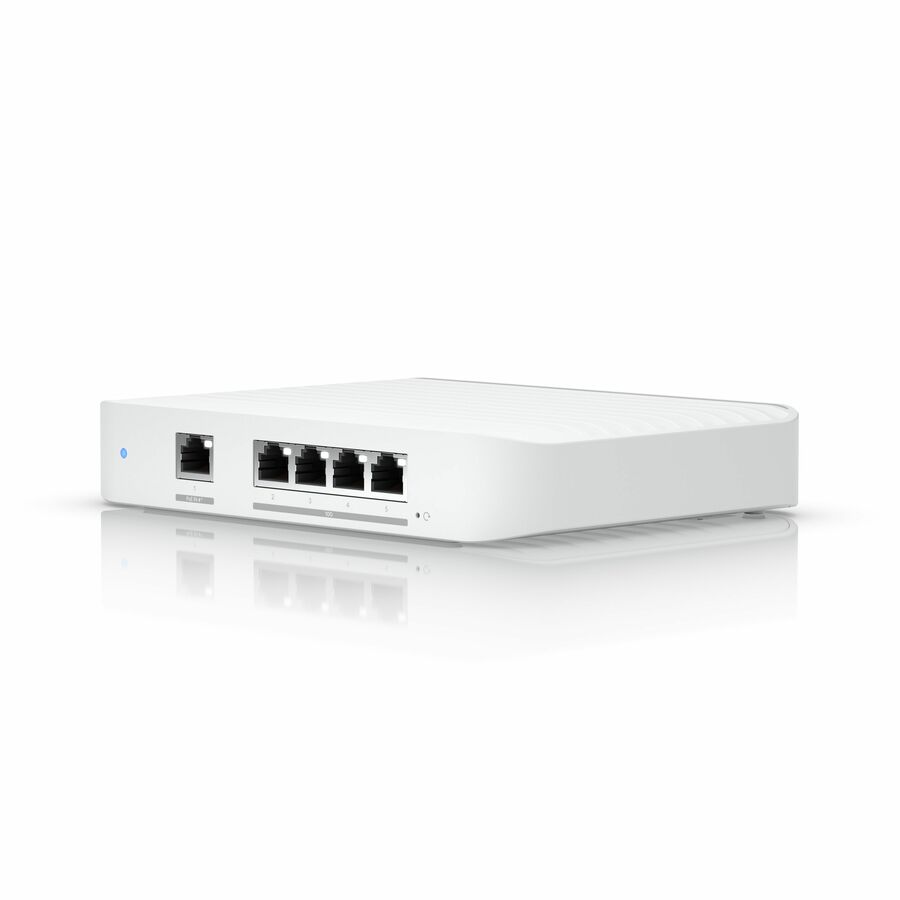
Eight gigabit ports, four of them PoE+, and a 52 W PoE budget in a desktop and wall-mountable body — the right size for a small office, a reception area or a branch closet with a handful of access points and phones. Managed from the same UniFi console as everything else, so a small site does not become a second platform.
$144.16Back-orderedSmallest footprint
Ubiquiti
Ubiquiti Compact 5-Port Gigabit Switch
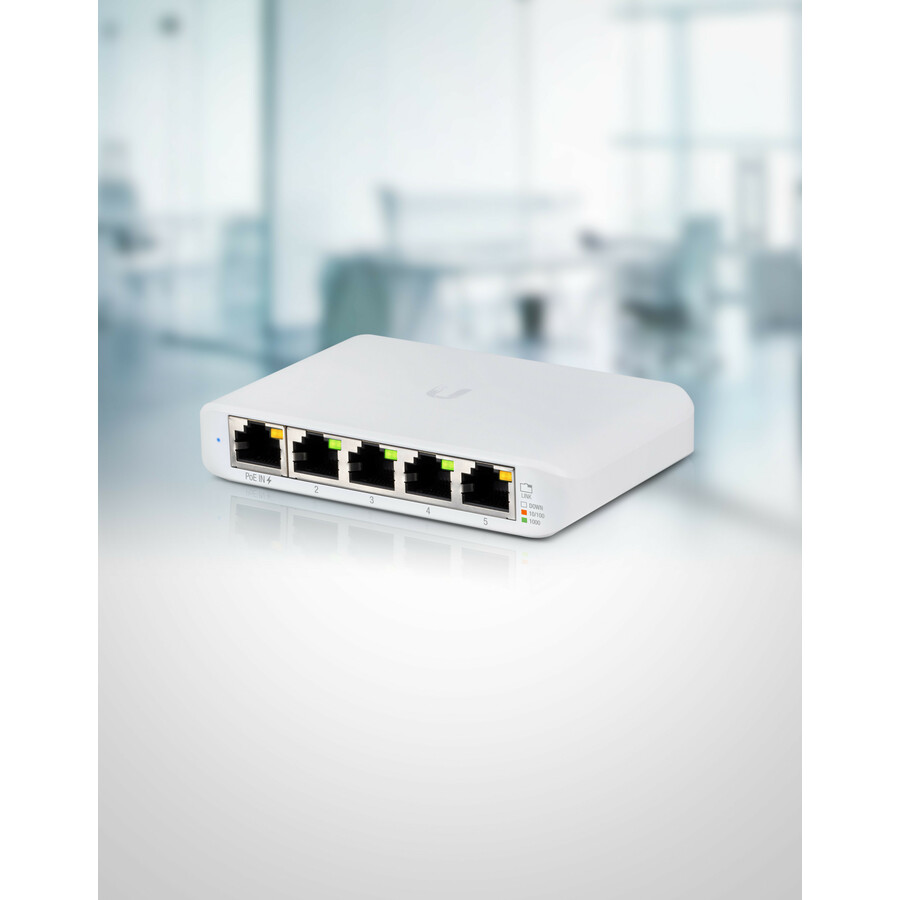
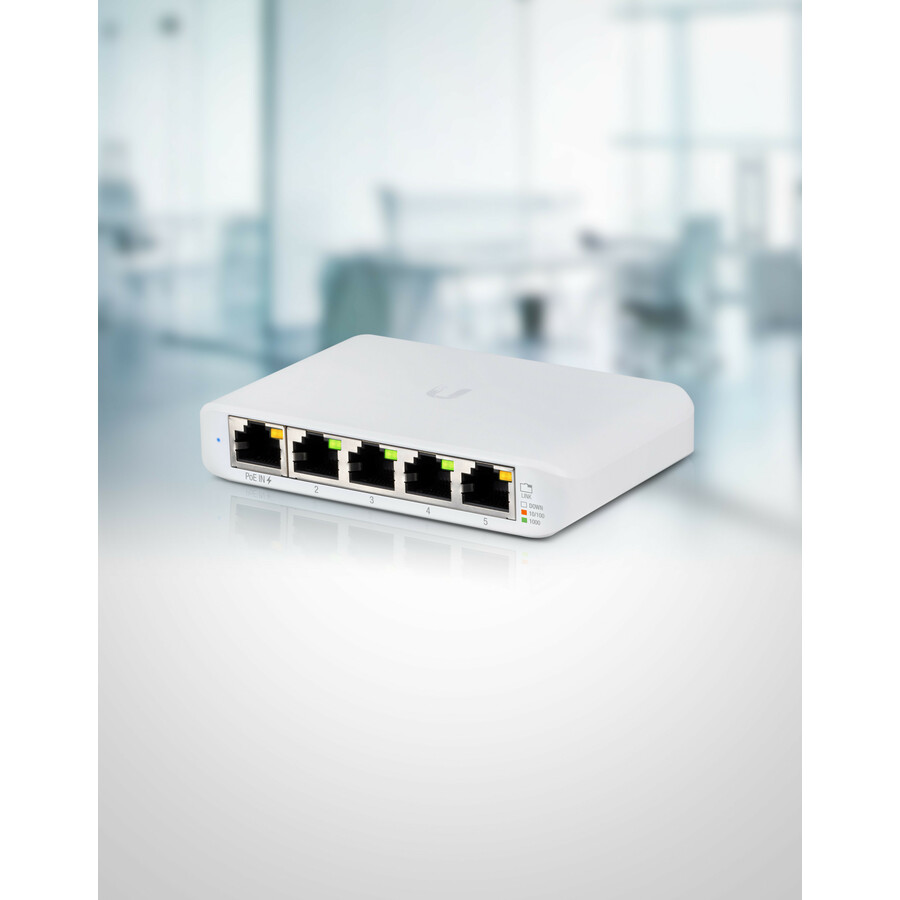
USW-Flex-Mini-3
A three-pack of five-port managed gigabit switches. Each unit is recorded at 2.5 W with one PoE port, so it can take its power over the cable that feeds it and go behind a display, inside a cabinet or above a ceiling tile with no outlet nearby — the shape for kitting out three small positions at once. Remember that three of them draw three times those watts out of the upstream switch's budget.
This part number is a three-pack, not a single switch. The single unit is USW-Flex-Mini and the five-pack is USW-Flex-Mini-5 — order the one that matches the quantity you need.
$99.76In stockFiber aggregation
Ubiquiti
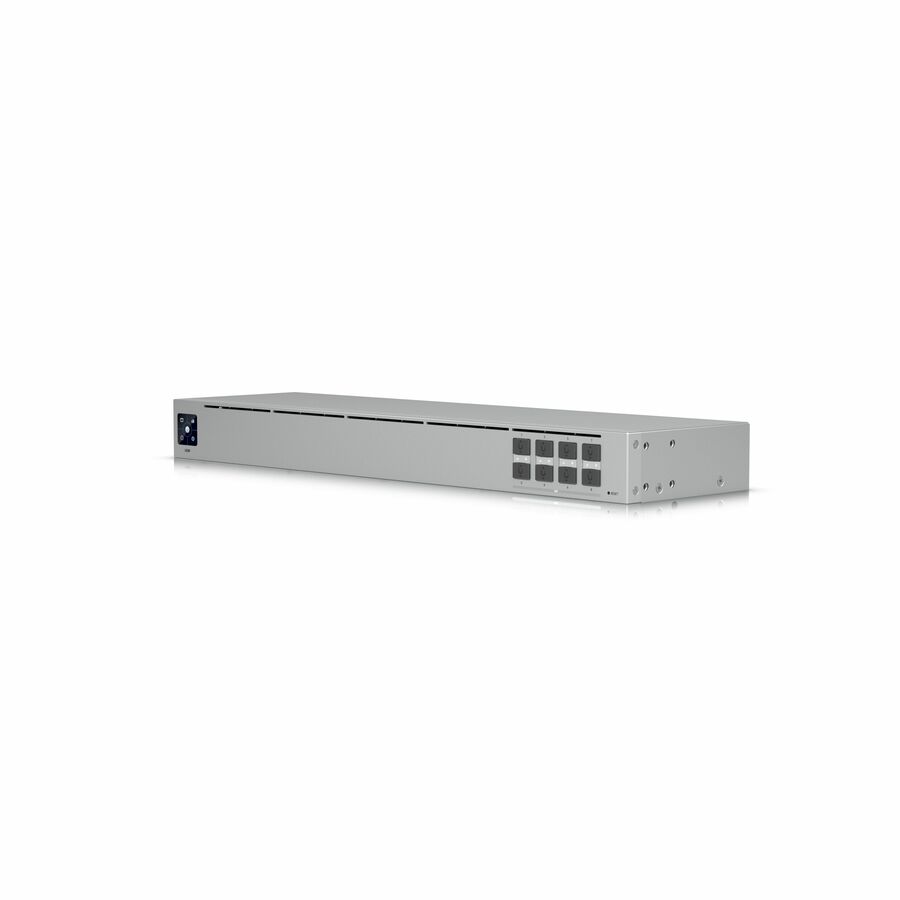
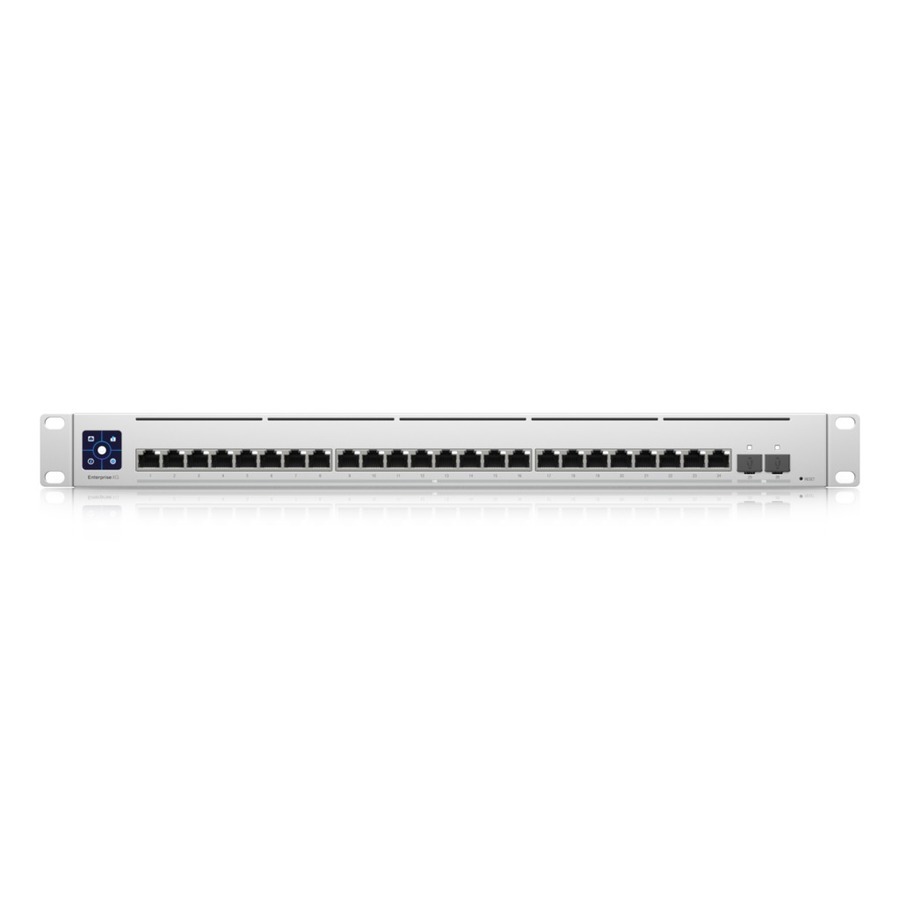
Ubiquiti USW-AGGREGATION Ethernet Switch
USW-AGGREGATION
An all-fiber 1U switch with eight SFP+ 10GBase-X slots whose only job is to terminate the uplinks coming back from access-layer switches. It powers nothing and takes no copper, so it belongs in the core of a small campus rather than anywhere near an endpoint — buy it when several closets have outgrown a single trunk.
$347.10In stockUISP alternative
Ubiquiti
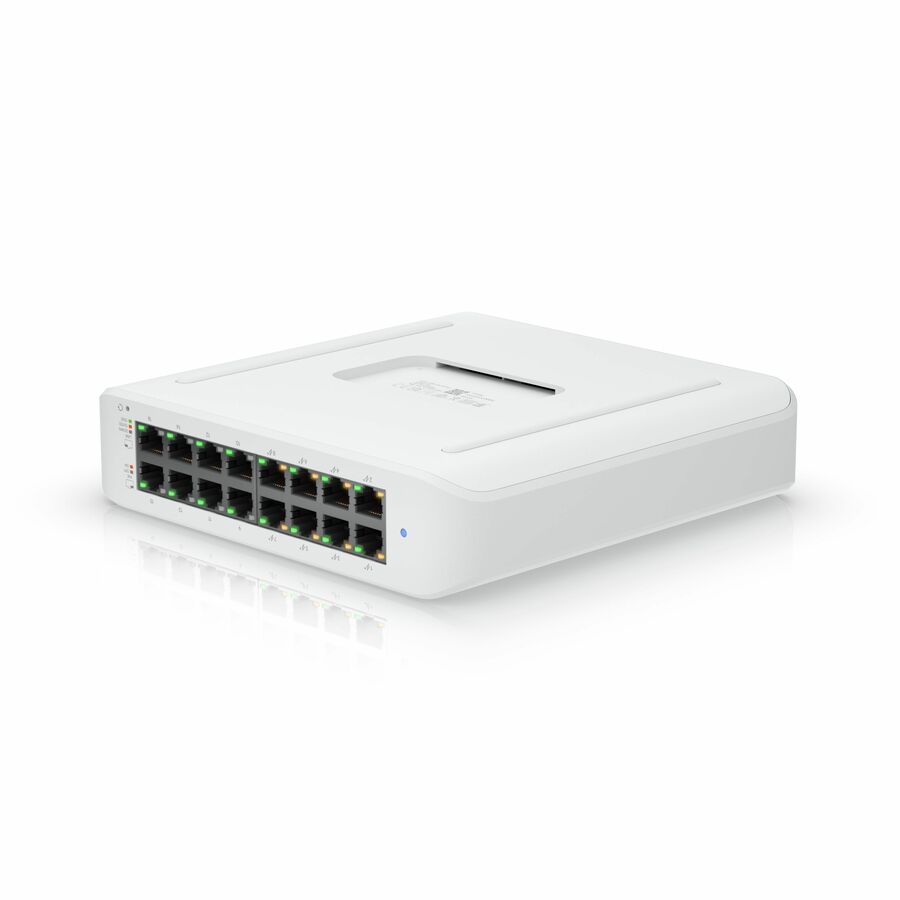
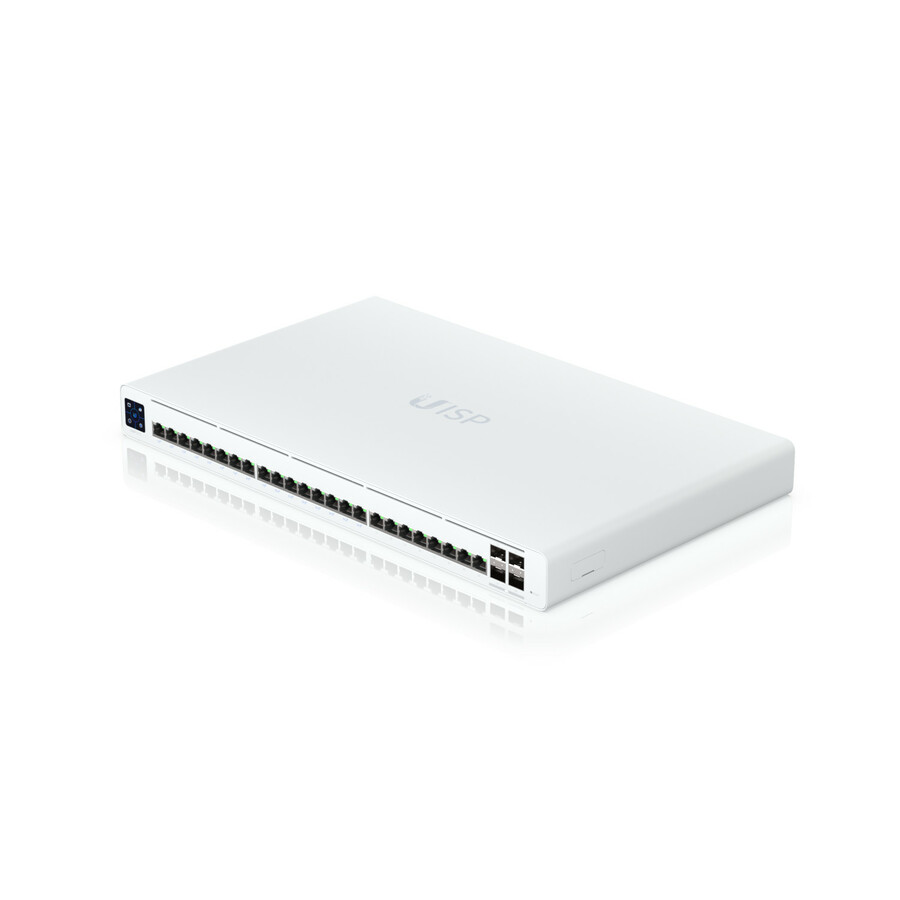
Ubiquiti UISP Switch Pro
UISP-S-Pro
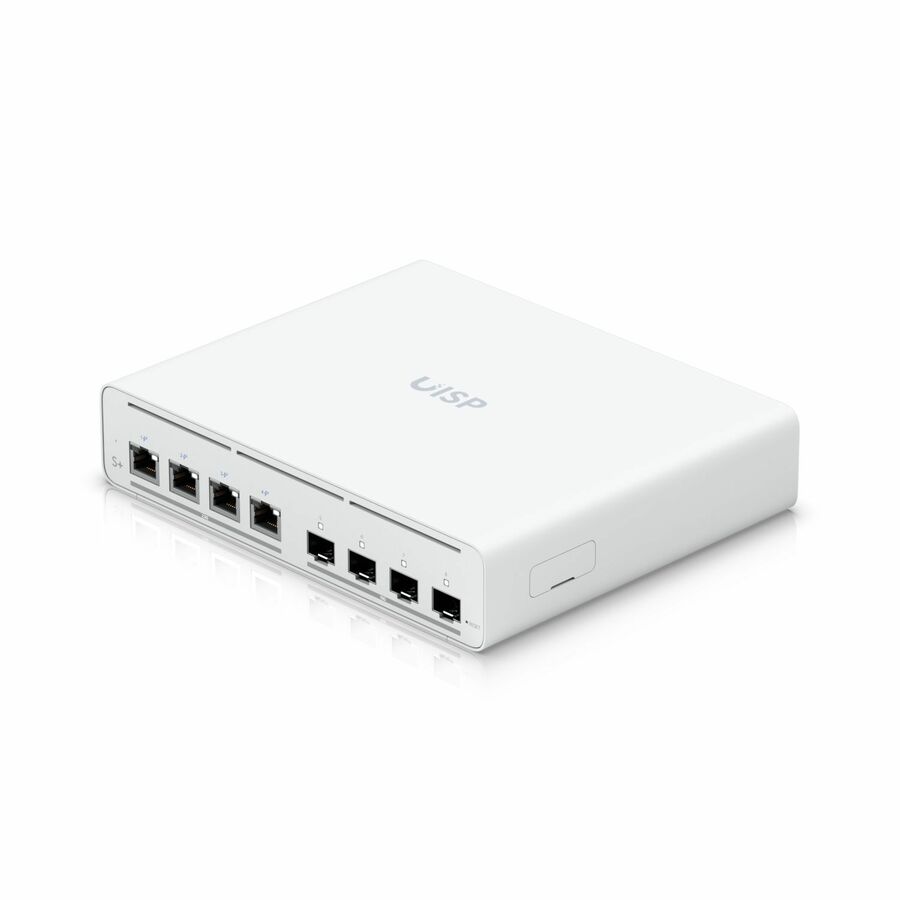
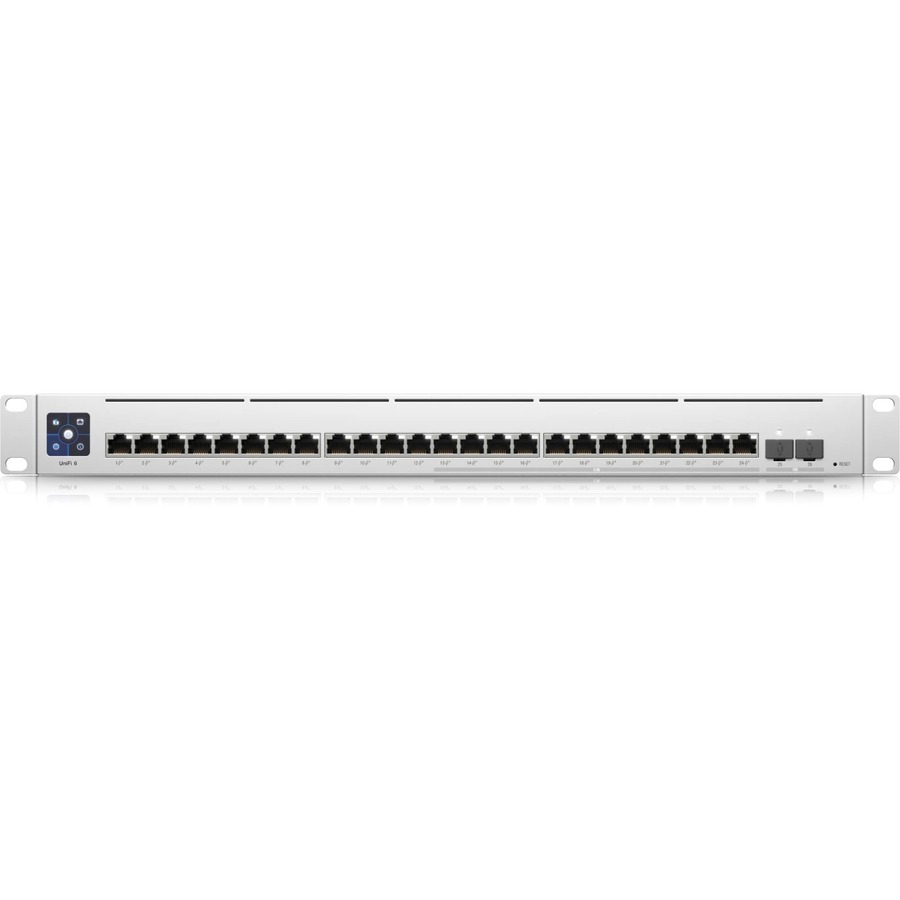
The reason this page says Ubiquiti rather than UniFi. A layer 2 switch with twenty-four gigabit RJ-45 ports and four SFP+ slots, managed from the UISP console rather than UniFi Network — the right family for a wireless ISP deployment or a link between buildings, and the wrong one for an office access layer.
$470.23Back-orderedMore switches and bridges in the Uniqcli catalog
See all 6,646 switches and bridgesMore Ubiquiti first — closest to what you were just looking at; “See all switches and bridges” above opens every other brand in the category. In-stock lines lead, and a back-ordered line carries the same estimated availability its product page does — with live pricing throughout, NDAA §889 screening before checkout and TAA verified on request.
Back-ordered — we expect to receive stock the week of Dec 7–13 and will process your delivery right after.
- UbiquitiUbiquiti Pro XG Ethernet Switch - Manageable - Gigabit Ethernet, 10 Gigabit Ethernet, 25 Gigabit Ethernet - 1000Base-X, 10GBase-X, 25GBase-X - 3 Layer Supported - 200 W Power Consumption - Optical Fiber - 1U - Rack-mountableUSW-Pro-XG-Aggregation
$3,197.71
Back-orderedBack-ordered — we expect to receive stock the week of Nov 16–22 and will process your delivery right after.
Back-ordered — we expect to receive stock the week of Dec 7–13 and will process your delivery right after.
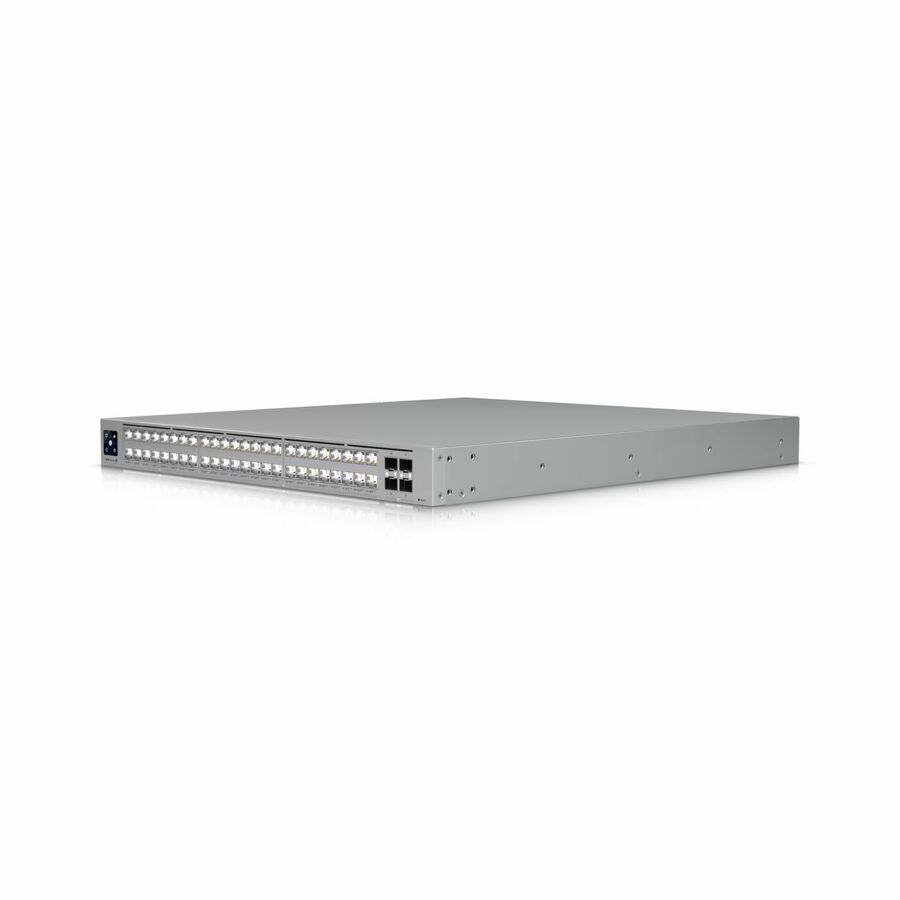
- UbiquitiUbiquiti USW-Pro-Max-48-PoE Ethernet Switch - 48 Ports - Manageable - Gigabit Ethernet, 2.5 Gigabit Ethernet, 10 Gigabit Ethernet - 10/100/1000Base-T, 2.5GBase-T, 10GBase-X - 3 Layer Supported - 820 W Power Consumption - 720 W PoE Budget - Twisted Pair, Optical Fiber - PoE Ports - 1U - Rack-mountableUSW-Pro-Max-48-PoE
$1,635.78
Back-orderedBack-ordered — we expect to receive stock the week of Nov 9–15 and will process your delivery right after.
Back-ordered — we expect to receive stock the week of Nov 9–15 and will process your delivery right after.
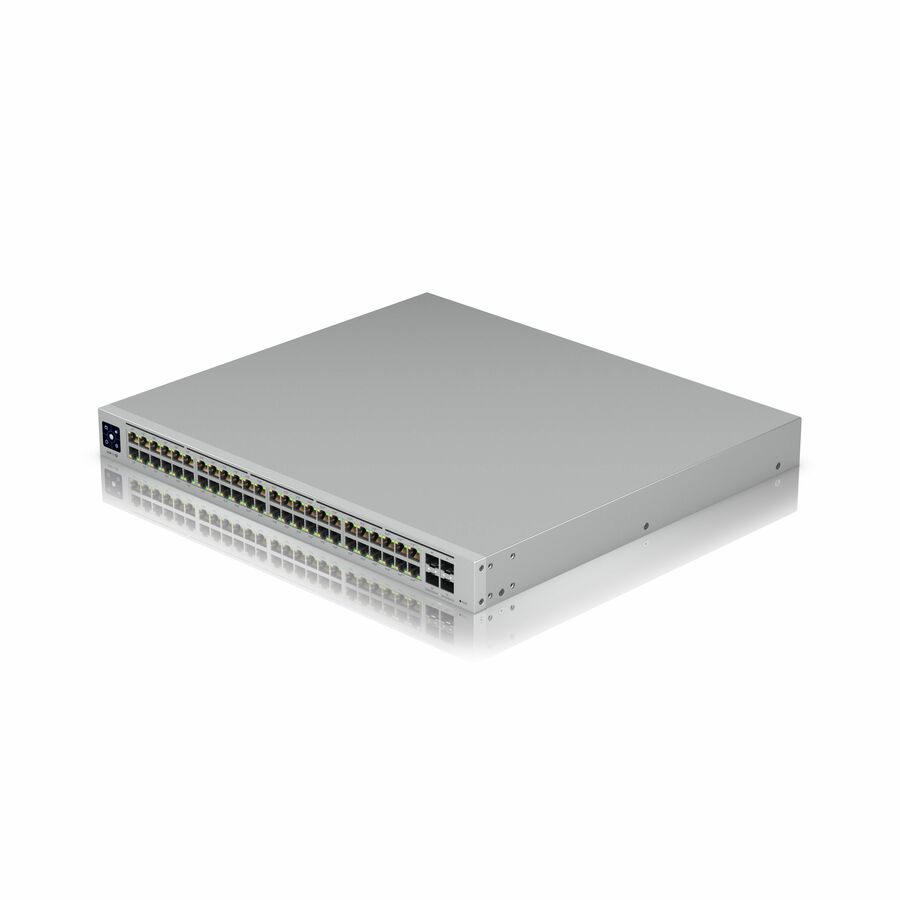
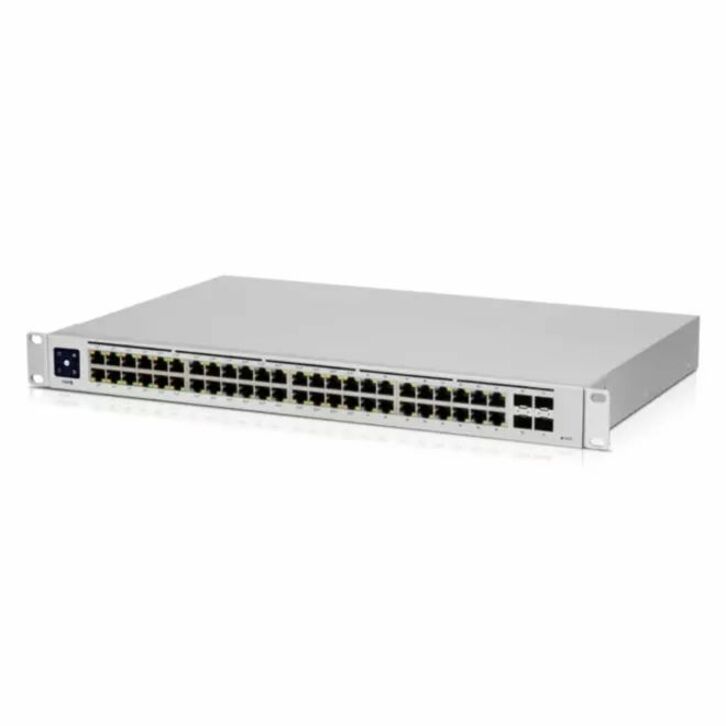
- UbiquitiUbiquiti USW-Pro-48-POE Ethernet Switch - 48 Ports - Manageable - Gigabit Ethernet, 10 Gigabit Ethernet - 10/100/1000Base-T, 10GBase-X - 3 Layer Supported - 660 W Power Consumption - 600 W PoE Budget - Optical Fiber, Twisted Pair - PoE Ports - 1U - Rack-mountableUSW-PRO-48-POE
$1,407.98
Back-orderedBack-ordered — we expect to receive stock the week of Nov 9–15 and will process your delivery right after.
- UbiquitiUbiquiti USW-Pro-HD-24-PoE Ethernet Switch - 24 Ports - Manageable - 2.5 Gigabit Ethernet, 10 Gigabit Ethernet - 2.5GBase-T, 10GBase-T, 10GBase-X - 3 Layer Supported - 660 W Power Consumption - 600 W PoE Budget - Twisted Pair, Optical Fiber - PoE Ports - 1U - Rack-mountableUSW-Pro-HD-24-PoE
$1,277.50
Back-orderedBack-ordered — we expect to receive stock the week of Dec 7–13 and will process your delivery right after.
- UbiquitiUbiquiti UniFi Pro Aggregation Switch - Manageable - 3 Layer Supported - Modular - 100 W Power Consumption - Optical Fiber - Rack-mountableUSW-PRO-AGGREGATION
$1,131.35
Back-orderedBack-ordered — we expect to receive stock the week of Nov 9–15 and will process your delivery right after.
- UbiquitiUbiquiti Pro Max Layer 3 Switch - 24 Ports - Manageable - 2.5 Gigabit Ethernet, Gigabit Ethernet, 10 Gigabit Ethernet - 2.5GBase-T, 10/100/1000Base-T, 10GBase-X - 3 Layer Supported - Modular - 50 W Power Consumption - 400 W PoE Budget - Optical Fiber, Twisted Pair - PoE Ports - 1U - Rack-mountableUSW-PRO-MAX-24-POE
$1,017.93
Back-orderedBack-ordered — we expect to receive stock the week of Nov 9–15 and will process your delivery right after.
- UbiquitiUbiquiti USW-Pro-XG-10-PoE Ethernet Switch - 10 Ports - Manageable - 10 Gigabit Ethernet - 10GBase-T, 10GBase-X - 3 Layer Supported - 520 W Power Consumption - 400 W PoE Budget - Twisted Pair, Optical Fiber - PoE Ports - 1U - Rack-mountableUSW-Pro-XG-10-PoE
$915.84
Back-orderedBack-ordered — estimated OEM lead time 3–8 weeks (Nov 20 – Dec 25 if ordered today).
- UbiquitiUbiquiti Switch Enterprise 24 PoE - 24 Ports - Manageable - 2.5 Gigabit Ethernet, Gigabit Ethernet, 10 Gigabit Ethernet - 2.5GBase-T, 10/100/1000Base-T, 10GBase-X - 3 Layer Supported - Modular - 550 W Power Consumption - 400 W PoE Budget - Optical Fiber, Twisted Pair - PoE PortsUSW-ENTERPRISE-24POE
$915.33
Back-orderedBack-ordered — we expect to receive stock the week of Nov 2–8 and will process your delivery right after.
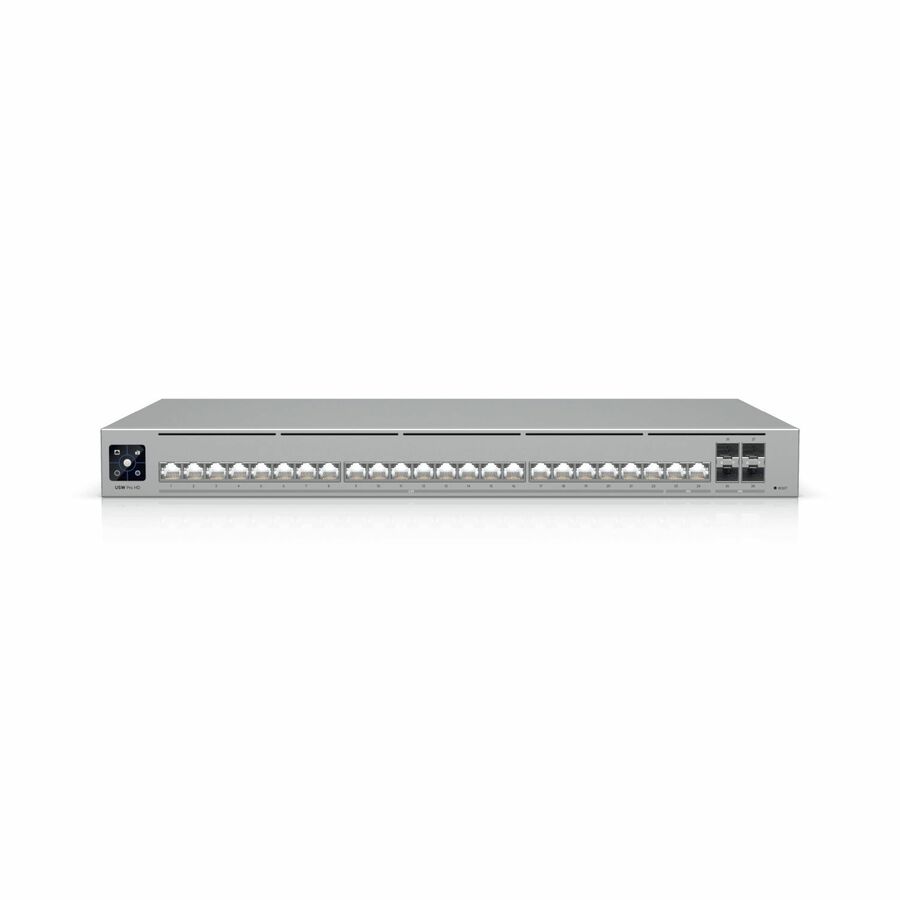
- UbiquitiUbiquiti Pro HD Ethernet Switch - 24 Ports - 2.5 Gigabit Ethernet, 10 Gigabit Ethernet - 2.5GBase-T, 10GBase-T, 10GBase-X - 3 Layer Supported - 60 W Power Consumption - Twisted Pair, Optical Fiber - 1U - Rack-mountableUSW-Pro-HD-24
$784.05
Back-orderedBack-ordered — estimated OEM lead time 3–8 weeks (Nov 20 – Dec 25 if ordered today).
- UbiquitiUbiquiti UniFi USW-48-PoE Ethernet Switch - 48 Ports - Manageable - 2 Layer Supported - Modular - 4 SFP Slots - 45 W Power Consumption - 195 W PoE Budget - Twisted Pair, Optical Fiber - PoE Ports - 1U - Rack-mountable, Desktop - 1 Year Limited WarrantyUSW-48-POE
$768.58
Back-orderedBack-ordered — estimated OEM lead time 3–8 weeks (Nov 20 – Dec 25 if ordered today).
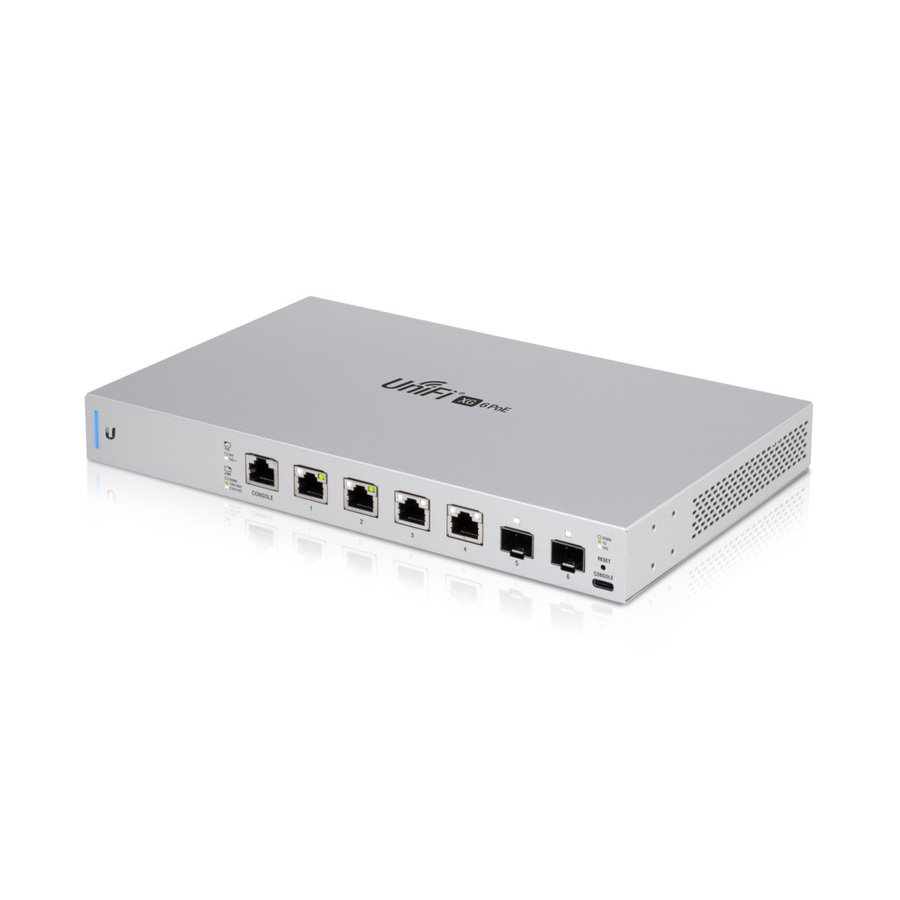
- UbiquitiUbiquiti 10 Gigabit 6-Port 802.3bt UniFi Switch - 4 Ports - Manageable - 2 Layer Supported - Modular - Twisted Pair, Optical Fiber - 1 Year Limited WarrantyUS-XG-6POE
$677.59
Back-orderedBack-ordered — estimated OEM lead time 3–8 weeks (Nov 20 – Dec 25 if ordered today).
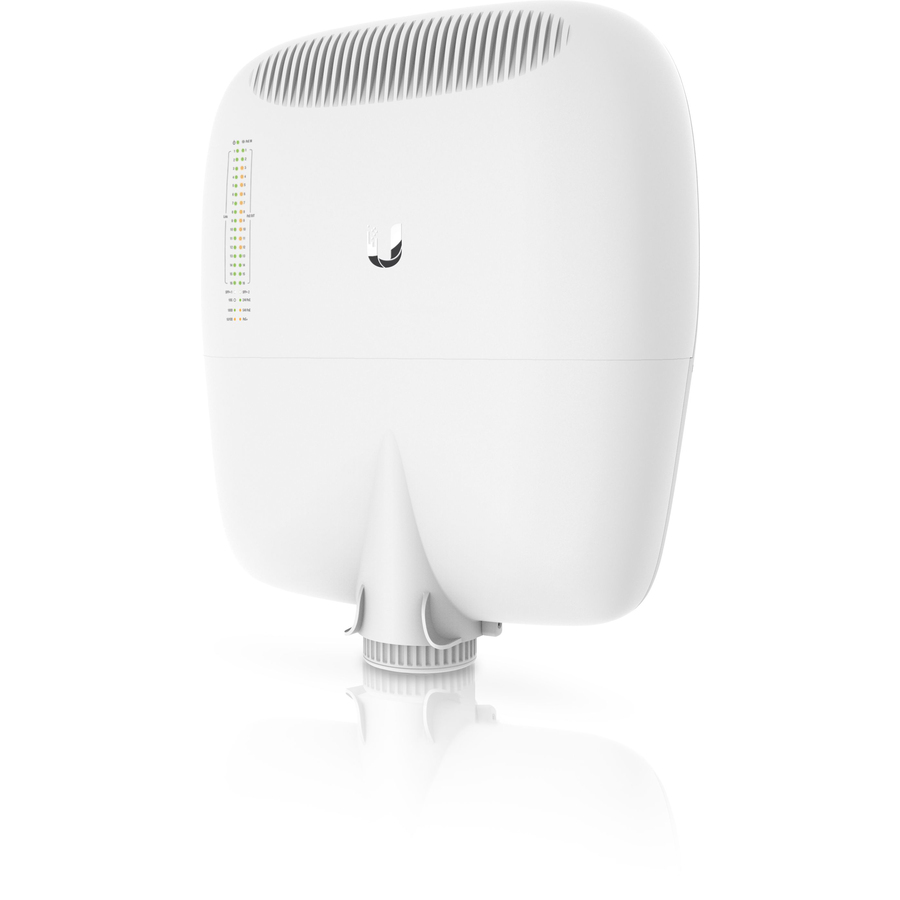
- UbiquitiUbiquiti EP-S16 Ethernet Switch - 16 Ports - Gigabit Ethernet - 10/100/1000Base-TX - 3 Layer Supported - Modular - Twisted Pair - Pole Mount, Wall Mountable - 1 Year Limited WarrantyEP-S16
$669.65
Back-orderedBack-ordered — estimated OEM lead time 3–8 weeks (Nov 20 – Dec 25 if ordered today).
- UbiquitiUbiquiti USW-Pro-XG-8-PoE Ethernet Switch - 8 Ports - Manageable - 10 Gigabit Ethernet - 10GBase-T, 10GBase-X - 3 Layer Supported - 210 W Power Consumption - 155 W PoE Budget - Twisted Pair, Optical Fiber - PoE Ports - Desktop, Wall Mountable, CompactUSW-Pro-XG-8-PoE
$651.54
Back-orderedBack-ordered — we expect to receive stock the week of Dec 7–13 and will process your delivery right after.
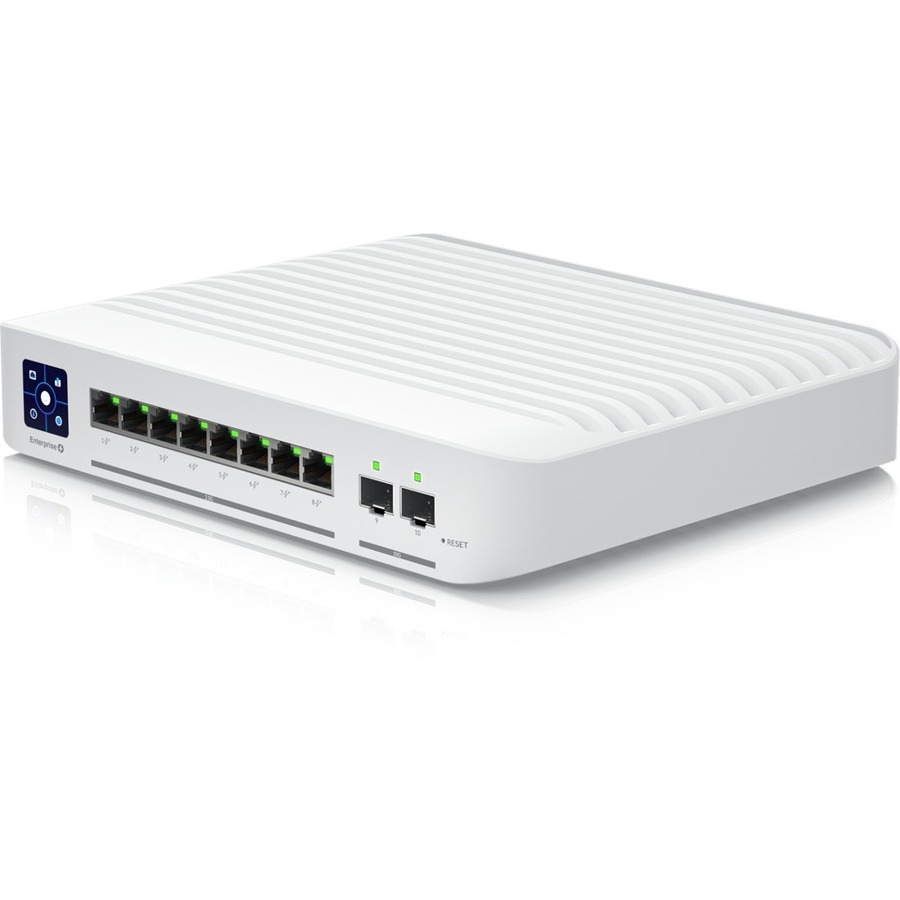
- UbiquitiUbiquiti Switch Enterprise 8 PoE - 8 Ports - Manageable - 10 Gigabit Ethernet, 2.5 Gigabit Ethernet - 2.5GBase-T, 10GBase-X - 3 Layer Supported - Modular - 150 W Power Consumption - 120 W PoE Budget - Twisted Pair, Optical Fiber - PoE Ports - DesktopUSW-Enterprise-8-PoE
$614.05
Back-orderedBack-ordered — estimated OEM lead time 3–8 weeks (Nov 20 – Dec 25 if ordered today).
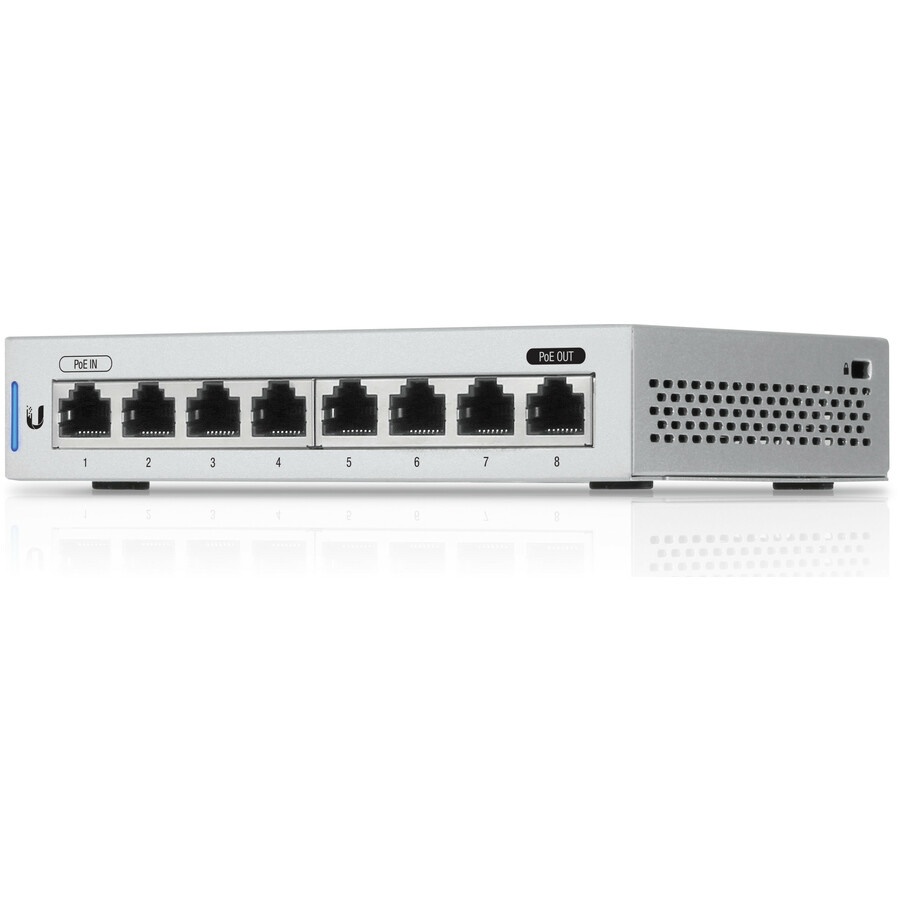
- UbiquitiUbiquiti UniFi US-8-5 Ethernet Switch - 8 Ports - Manageable - Gigabit Ethernet - 10/100/1000Base-T - Twisted Pair - Desktop - 1 Year Limited WarrantyUS-8-5
$560.70
Back-orderedBack-ordered — estimated OEM lead time 3–8 weeks (Nov 20 – Dec 25 if ordered today).
- UbiquitiUbiquiti UniFi Switch 48 - 48 Ports - Manageable - 2 Layer Supported - Modular - 4 SFP Slots - Optical Fiber, Twisted Pair - 2 Year Limited WarrantyUSW-48
$522.10
Back-orderedBack-ordered — estimated OEM lead time 3–8 weeks (Nov 20 – Dec 25 if ordered today).
Back-ordered — we expect to receive stock the week of Nov 9–15 and will process your delivery right after.
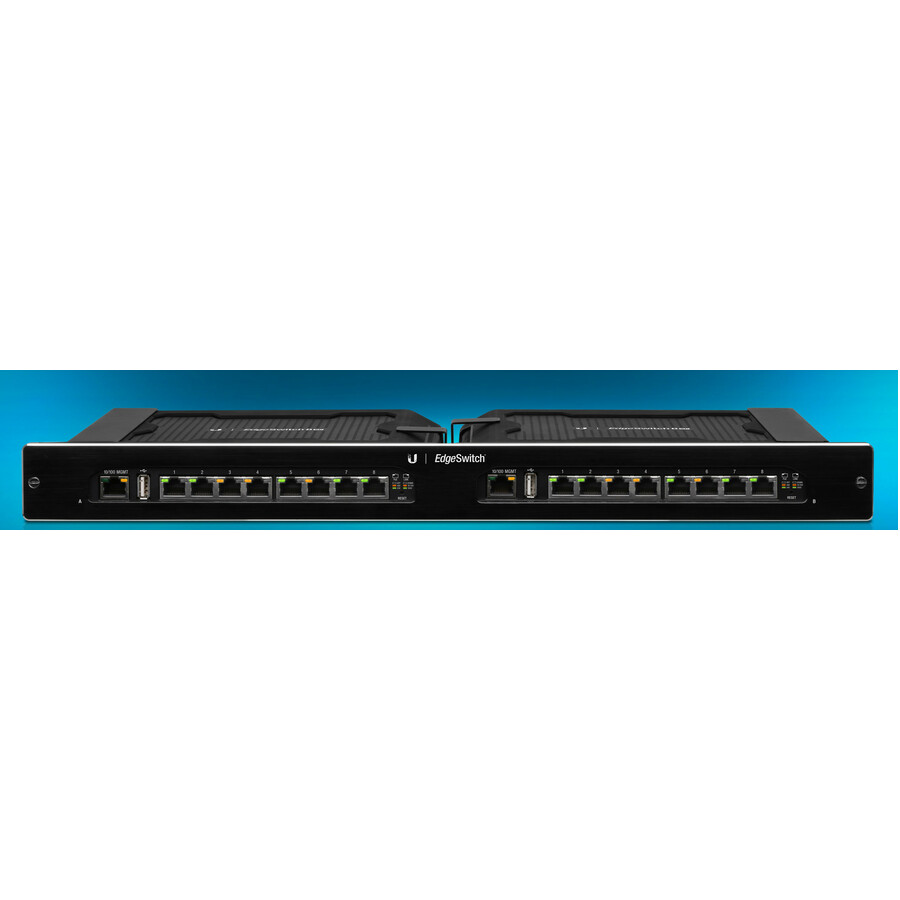
- UbiquitiUbiquiti EdgeSwitch ES-16XP Ethernet Switch - 16 Ports - Manageable - 2 Layer Supported - 150 W Power Consumption - Twisted Pair - 1U - Rack-mountableES-16XP
$508.92
Back-orderedBack-ordered — estimated OEM lead time 3–8 weeks (Nov 20 – Dec 25 if ordered today).
- UbiquitiUbiquiti USW-24-POE Ethernet Switch - 24 Ports - Manageable - Gigabit Ethernet - 10/100/1000Base-T, 1000Base-X - 2 Layer Supported - 2 SFP Slots - 120 W Power Consumption - 95 W PoE Budget - Twisted Pair, Optical Fiber - PoE Ports - 1U - Rack-mountableUSW-24-POE
$492.69
Back-orderedBack-ordered — estimated OEM lead time 3–8 weeks (Nov 20 – Dec 25 if ordered today).
- UbiquitiUbiquiti UISP Switch Pro - 24 Ports - Manageable - Gigabit Ethernet, 10 Gigabit Ethernet - 2 Layer Supported - 30 W Power Consumption - Twisted Pair, Optical Fiber - EnclosureUISP-S-Pro
$470.23
Back-orderedBack-ordered — estimated OEM lead time 3–8 weeks (Nov 20 – Dec 25 if ordered today).
- UbiquitiUbiquiti Professional 8 PoE - 8 Ports - Manageable - Gigabit Ethernet, 10 Gigabit Ethernet - 10/100/1000Base-T, 10GBase-X - 3 Layer Supported - 120 W PoE Budget - Twisted Pair, Optical Fiber - PoE PortsUSW-PRO-8-POE
$447.85
Back-orderedBack-ordered — we expect to receive stock the week of Nov 9–15 and will process your delivery right after.
Need pricing on Ubiquiti switches?
Tell us where to reach you and a Uniqcli specialist will follow up by email with current pricing, availability and lead time for the quantities you need — including parts that aren’t shown on this page.
Buying for an organization or for yourself — both work. No payment up front.
Fix the platform first — USW switches are adopted by UniFi Network, UISP switches by UISP — then buy the PoE budget rather than the port count. Ubiquiti states a total PoE availability per model: 52 W on the USW-Lite-8-PoE, 95 W on the USW-24-PoE, 400 W on the USW-Pro-24-PoE and 720 W on the Enterprise 48 PoE, so two 24-port PoE switches can differ by more than four to one.
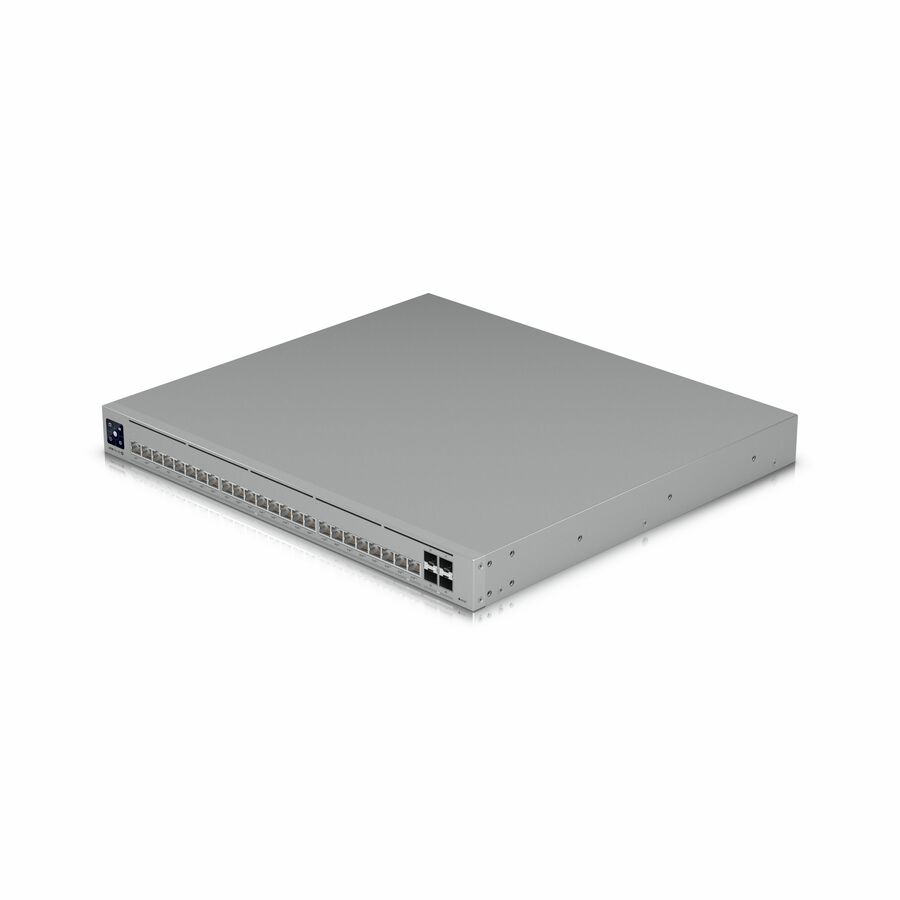
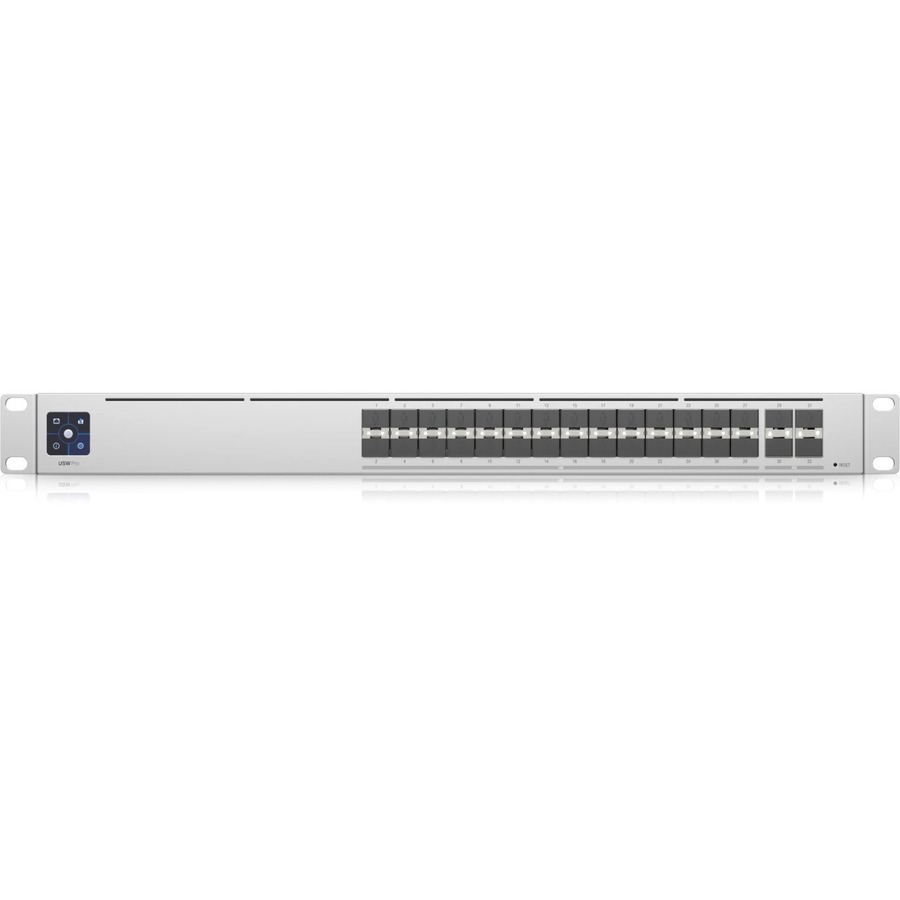
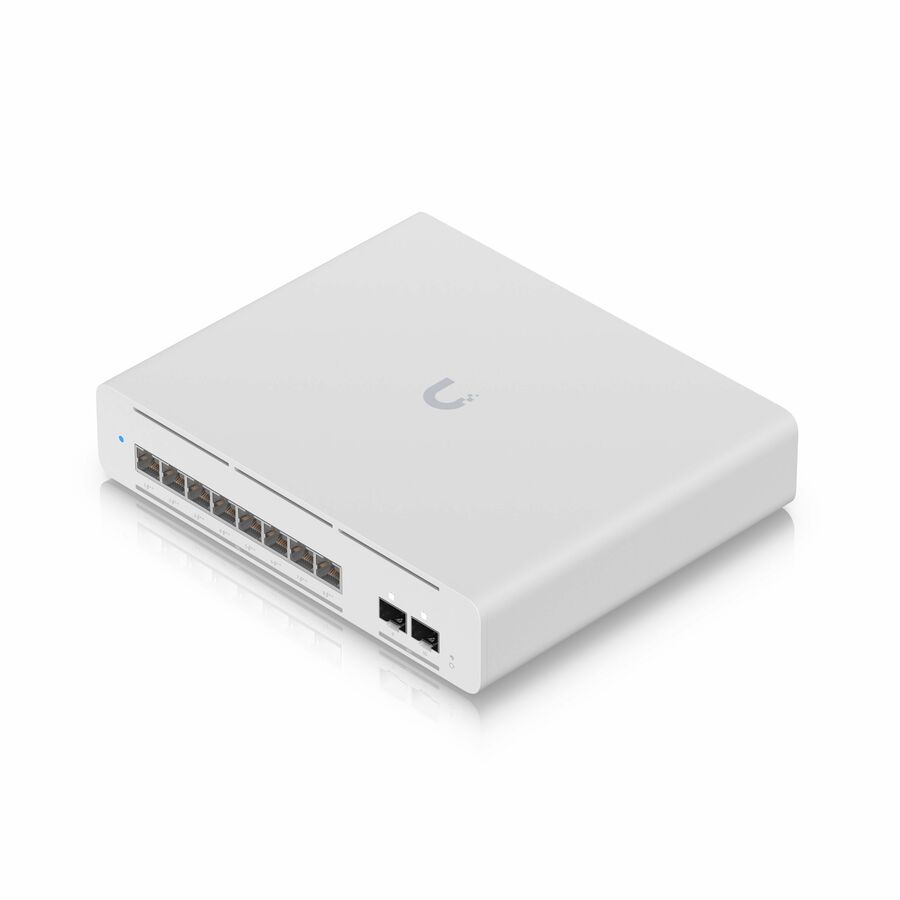
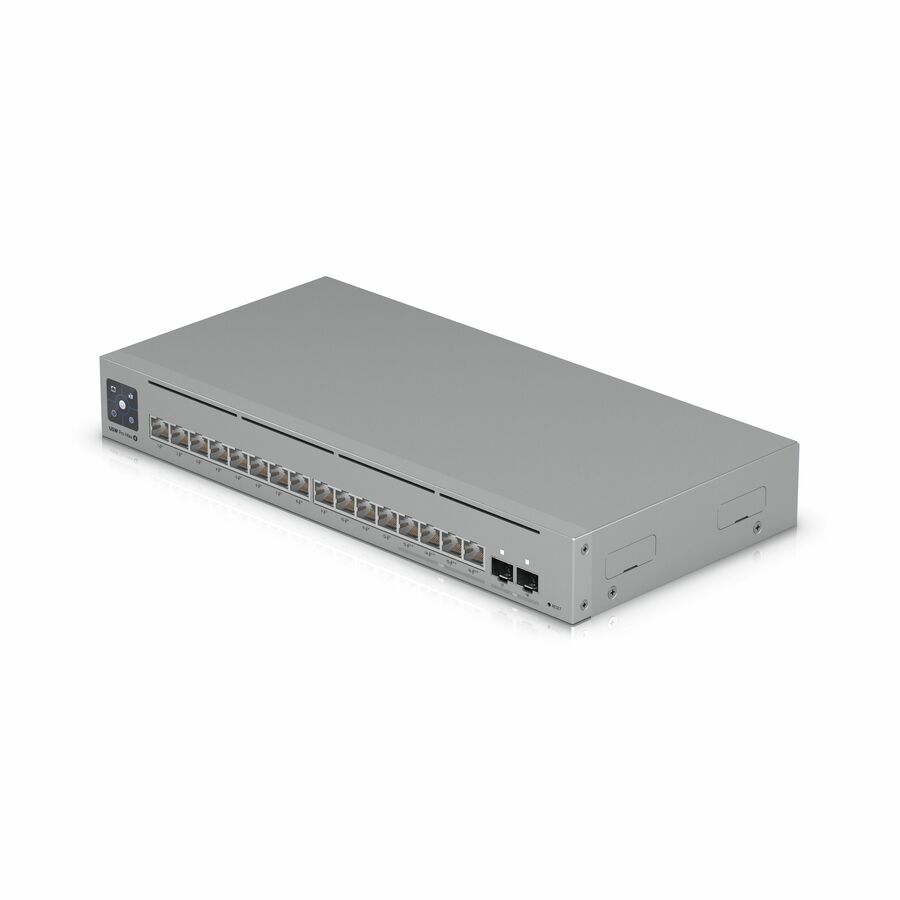
A Ubiquiti switch is rarely bought as a standalone box. It is bought as a member of a fleet that one console adopts, configures and updates, and that is the first decision on this page — not the port count. Two platforms sit in this catalog and they are not interchangeable. The USW models are UniFi switches, adopted and managed from UniFi Network running on a Dream Machine, a Cloud Key or a self-hosted host. The UISP models — the UISP Switch Pro is the one that renders on the first screen here — belong to the UISP platform, which was built for wireless ISP and outdoor point-to-point networks rather than for an office wiring closet. Both are honest choices; running one of each and expecting a single console to hold them is not.
After the platform, the number that decides the switch is the PoE budget, and Ubiquiti states it per model in a way that makes the arithmetic easy to check. The catalog data records 52 W across the eight ports of a USW-Lite-8-PoE, 42 W on the sixteen-port USW-16-PoE, 95 W on the USW-24-PoE, 400 W on the USW-Pro-24-PoE, 600 W on the USW-Pro-48-PoE and 720 W on both the Enterprise 48 PoE and the Pro XG 24 PoE. Two of those are twenty-four-port switches whose budgets differ by more than four to one, so "a 24-port PoE switch" is not a specification. Total the real draw of every camera, access point, phone and door controller that will hang off the switch, add headroom for the devices nobody has mentioned yet, and buy the watts.
Everything after that is uplinks and reach. The gigabit USW models take fixed SFP slots, the Pro and Enterprise lines add 10GBase-X, the Pro XG family carries multi-gig copper up to 10GBASE-T with 25 Gigabit optical uplinks, and the USW-Aggregation is an all-fiber 10GBase-X box whose only job is to collect them. Small sites go the other way: the Flex Mini is recorded at 2.5 W with one of its five ports carrying PoE, and the Flex accepts 802.3bt input power, so both can live where there is no outlet at all — at the cost of watts taken from the switch upstream. One warning about those two lines before you order a quantity: several rows in this grid are multi-unit packs rather than single switches, and the trailing -3 or -5 on a part number is the box count, not a model variant. The Flex Mini and the Flex both appear here as singles and as three-packs, and the per-unit figures above are exactly that — per unit. Uniqcli quotes the switches, the controller hardware or hosting that manages them, the optics, patch cabling and mounting, the network management and security software licensing that rides with a refresh, and the installation and configuration labour on a single order — a closet upgrade should not be split across three vendors.
Buyer's checklist
How to choose a Ubiquiti switch
- Fix the platform before the model. USW switches are managed from UniFi Network; the UISP switches are managed from UISP. Decide which console the site will actually run, then stay inside it — a mixed estate means two consoles, two update cycles and two sets of instructions.
- Buy the PoE budget, not the port count. The catalog records the per-model figure, and it ranges from tens of watts on the Lite and Flex units to 720 W on the Enterprise 48 PoE and Pro XG 24 PoE. Total the endpoints, add headroom, then pick the switch that clears it.
- Check the PoE standard each endpoint negotiates, not just the total. Plain PoE covers most phones and older fixed cameras, PoE+ covers modern access points and pan-tilt-zoom units, and 802.3bt devices need a switch that offers it — a device that cannot get its class simply does not come up.
- Read the layer. The catalog marks most Lite, Flex and standard USW models as 2 Layer Supported and the Pro, Enterprise and Pro XG models as 3 Layer Supported. Inter-VLAN routing at the closet is the reason to pay for the latter, and no reason at all if a gateway already does it.
- Size the uplinks for the next three years. Fixed SFP slots are what let a closet move to fiber later; 10GBase-X and 2.5GBASE-T are how a site gets past a gigabit uplink when the access points or the storage outgrow it, and an aggregation switch is what collects several of them.
- Match the form factor to where it lives. Desktop, wall-mount, DIN-rail and magnetic-mount units suit a cabinet-less closet or a plant floor; the 1U rack-mountable models belong in a cabinet with proper power and cooling behind them.
- Note which switches are powered rather than powering. The Flex Mini and Flex units take power over the cable that feeds them, which removes an outlet from a camera pole or a ceiling void — and makes the upstream switch's budget carry them too, once for every unit in a multi-unit pack.
- Read the part-number suffix as a quantity. Several rows here are three- and five-unit packs of one small switch rather than a different model, and the product title does not always say so — the trailing -3 or -5 does. Order the part number that matches the count you need, not the one that matched the model name.
UniFi and UISP are two platforms, not two brand names
The USW models are the UniFi line: adopted into UniFi Network, configured from the same console as the access points and cameras, and updated as a fleet. That single-pane behaviour is most of the value, and it is why the platform decision comes before the hardware one. A site that already runs UniFi access points has effectively chosen its switch family; a site that has not chosen a console yet should choose one first, because the controller — a Dream Machine appliance, a Cloud Key, or a self-hosted install — is a real line on the quote rather than an afterthought.
UISP is the other road, and the UISP Switch Pro in this grid is why the page is titled Ubiquiti rather than UniFi. UISP was built around wireless ISP and outdoor links, and its switches are specified for that world: fiber and copper together, layer 2 switching, low draw, and management from the UISP console rather than the UniFi one. If the network being built is a campus distribution or a link between buildings, that is the family to read. If it is an office access layer, it is not — and buying one because the port count matched is how an estate ends up with two consoles nobody wanted.
Sizing the power budget before the port count
PoE failures almost never look like power failures. A closet is specified on ports, the switch is installed, the endpoints go up over a few months, and the last two devices connected refuse to come online while everything else keeps working perfectly. The switch is fine; the budget ran out. Ubiquiti publishes the figure per model and this catalog records it, which makes the check a two-minute exercise: list every powered device, use each endpoint's own rated draw rather than a class average, sum it, and add room for the access point somebody will add next summer.
The spread inside one port count is what catches people out. Both the USW-24-PoE and the USW-Pro-24-PoE are twenty-four-port switches, and the catalog records 95 W of PoE budget on the first and 400 W on the second — a difference that decides whether a floor of access points and cameras works or does not, and that no line item mentioning only "24-port PoE" will reveal. The same holds at the top of the range, where the Enterprise 48 PoE and Pro XG 24 PoE both record 720 W but spend it across very different port counts and speeds. Read the watts, then read the ports.
Uplinks, aggregation and lifecycle
Uplinks are the part of a switch specification that ages. A closet that only ever needed a gigabit trunk becomes a closet that needs more the moment its access points move to a newer standard or a local NAS starts backing up across the link, and the fixed SFP or SFP+ slots on the switch are what decide whether that is a patch-lead change or a forklift. The multi-gig copper on the Pro XG line is the other half of that answer: 2.5GBASE-T and 10GBASE-T get a site past a gigabit on cable that is already in the wall, which is usually cheaper than pulling fiber to every closet. An aggregation switch such as the USW-Aggregation exists to terminate those trunks in one place, and it is all fiber by design — it powers nothing and connects nothing directly.
Compliance and lifecycle belong on the same quote as the hardware. Uniqcli sources every line through US distribution and screens the exact part number for TAA country-of-origin and NDAA Section 889 status before checkout, with documentation tied to that part number rather than to a product family — a screening service, not a Uniqcli certification. Around it sit the things a switch refresh actually needs: the controller appliance or hosting, optics and patch cabling, rack and mounting hardware, the network-management and security software licensing that runs alongside, spares held against a failure, and the configuration and installation labour. Send the part numbers and the site list and we will quote the whole refresh as one job.
FAQ
Common questions
- What is the difference between UniFi and UISP switches?
- They are two different management platforms from the same manufacturer. The USW models are UniFi switches, adopted and configured from UniFi Network on a Dream Machine, a Cloud Key or a self-hosted controller, alongside UniFi access points and cameras. The UISP models — the UISP Switch Pro is the one in this selection, with twenty-four gigabit ports and four SFP+ slots — belong to the UISP platform, designed for wireless ISP and outdoor point-to-point networks. Pick the console the site will run and buy inside it; mixing the two means two consoles for one network.
- How much PoE budget do I need?
- Add up the rated draw of every device the switch will power — access points, cameras, phones, door controllers, PoE-powered displays and any downstream switch that takes its power over the cable — then add headroom for what gets installed later. Compare that total against the switch's stated PoE budget, which the product data records per model: this range runs from tens of watts on the compact Lite and Flex units up to 720 W on the Enterprise 48 PoE and Pro XG 24 PoE. Port count tells you nothing about it; two 24-port switches here differ by more than four to one.
- Do I need a controller to run these switches?
- For the UniFi models, yes in practice — UniFi Network is where adoption, VLANs, PoE control and firmware updates happen, and it runs on a Dream Machine appliance, a Cloud Key or a host you provide. The UISP switches are managed from the UISP console instead. Either way the controller is a real line on the quote rather than an assumption, and we can quote it with the switches, the optics and the installation so the site comes up managed on day one rather than weeks later.
- Which model suits a wiring closet with cameras and access points?
- A rack-mount PoE switch with headroom on both counts. In this range the USW-Pro-24-POE is the usual answer for a floor: twenty-four gigabit ports with sixteen of them PoE+, a 400 W PoE budget, layer 3 support and 10GBase-X uplinks in 1U. Step down to the USW-24-POE only if the endpoint total genuinely fits its smaller budget, and step up to the 48-port Pro or Enterprise models when the port count or the wattage runs out. Send us the endpoint list and we will size it against the stated budgets rather than the port count.
- How is TAA and NDAA compliance handled on these orders?
- Every line Uniqcli quotes is sourced through US distribution and screened for TAA country-of-origin and NDAA §889 status before checkout — with documentation tied to the specific part number, not a product family.
Need Ubiquiti switches pricing?
Send a bill of materials or part numbers — we confirm stock and a below-market total, with TAA verified on request. No payment up front.