
Best VoIP Desk Phones for Business
SIP desk phones for a hosted or on-premise phone system — read by the line and account count, the display, whether it takes Power over Ethernet, and desk-versus-wall mounting.
VoIP desk phones in stock at Uniqcli
How to choose →A curated selection with live pricing — in-stock lines first, then back-ordered lines with a typical lead time. Every line is sourced through US distribution and screened for NDAA §889 status before checkout, with TAA verified on request.
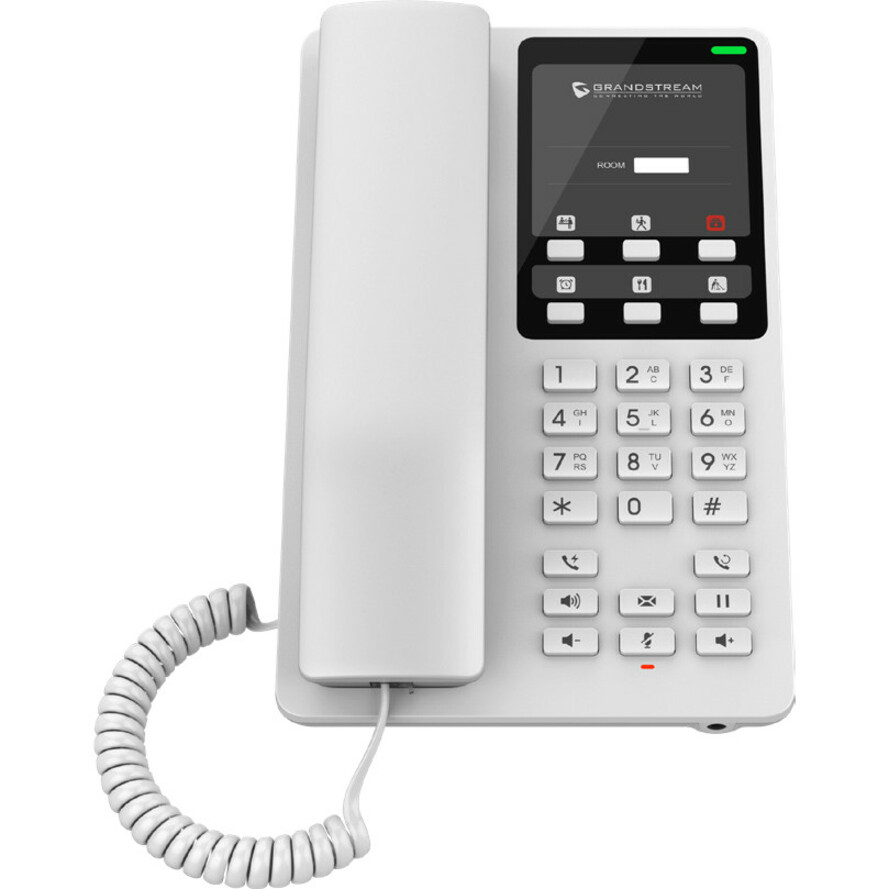
- Grandstream NetworksGrandstream GHP610 IP Phone - Corded - Corded - Wall Mountable - White - VoIP - 1 x Network (RJ-45) - PoE PortsGHP610
$45.00
$42.59
Back-orderedBack-ordered — estimated OEM lead time 3–8 weeks (Nov 13 – Dec 18 if ordered today).
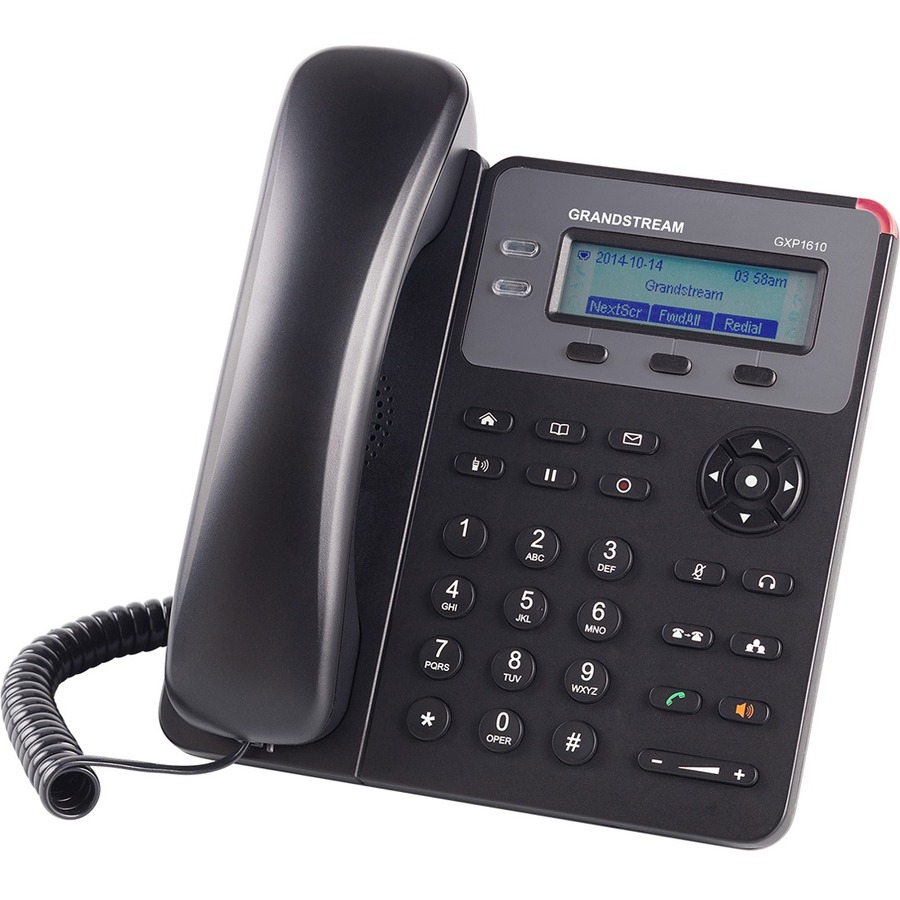
- Grandstream NetworksGrandstream GXP1610 IP Phone - Corded - Corded - 3 Multiple Conferencing - Wall Mountable - Black - 2 x Total Line - VoIP - 3" LCD - 2 x Network (RJ-45)GXP1610
$45.00
$42.99
Back-orderedBack-ordered — estimated OEM lead time 3–8 weeks (Nov 13 – Dec 18 if ordered today).
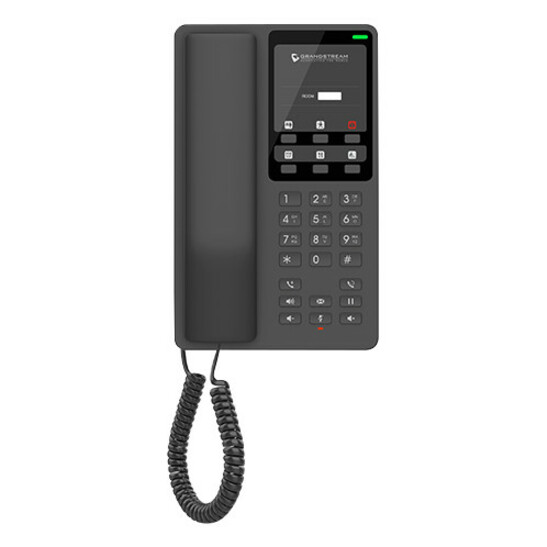
- Grandstream NetworksGrandstream GHP611 IP Phone - Corded - Corded - Desktop, Wall Mountable - VoIPGHP611
$45.00
$43.10
Back-orderedBack-ordered — estimated OEM lead time 3–8 weeks (Nov 13 – Dec 18 if ordered today).
- Grandstream NetworksGrandstream GHP620 IP Phone - Corded - Corded - Desktop, Wall Mountable - White - 2 x Total Line - VoIP - 1 x Network (RJ-45) - PoE PortsGHP620
$48.00
$44.32
Back-orderedBack-ordered — estimated OEM lead time 3–8 weeks (Nov 13 – Dec 18 if ordered today).
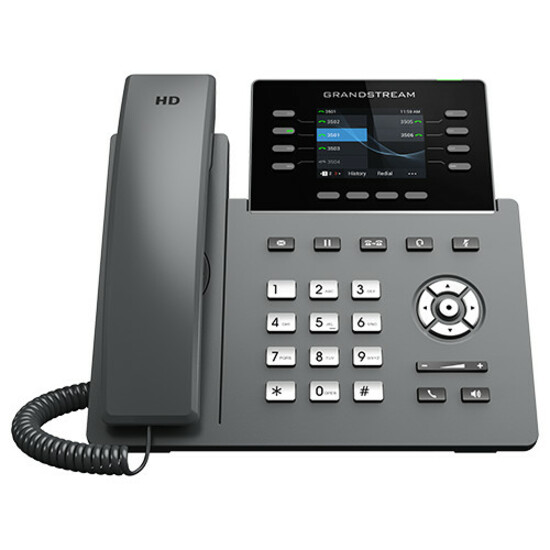
- Grandstream NetworksGrandstream GRP2601P IP Phone - Corded - Corded - Wall Mountable, Desktop - 2 x Total Line - VoIP - 2 x Network (RJ-45) - PoE PortsGRP2601P
$44.77
Back-orderedBack-ordered — estimated OEM lead time 3–8 weeks (Nov 13 – Dec 18 if ordered today).
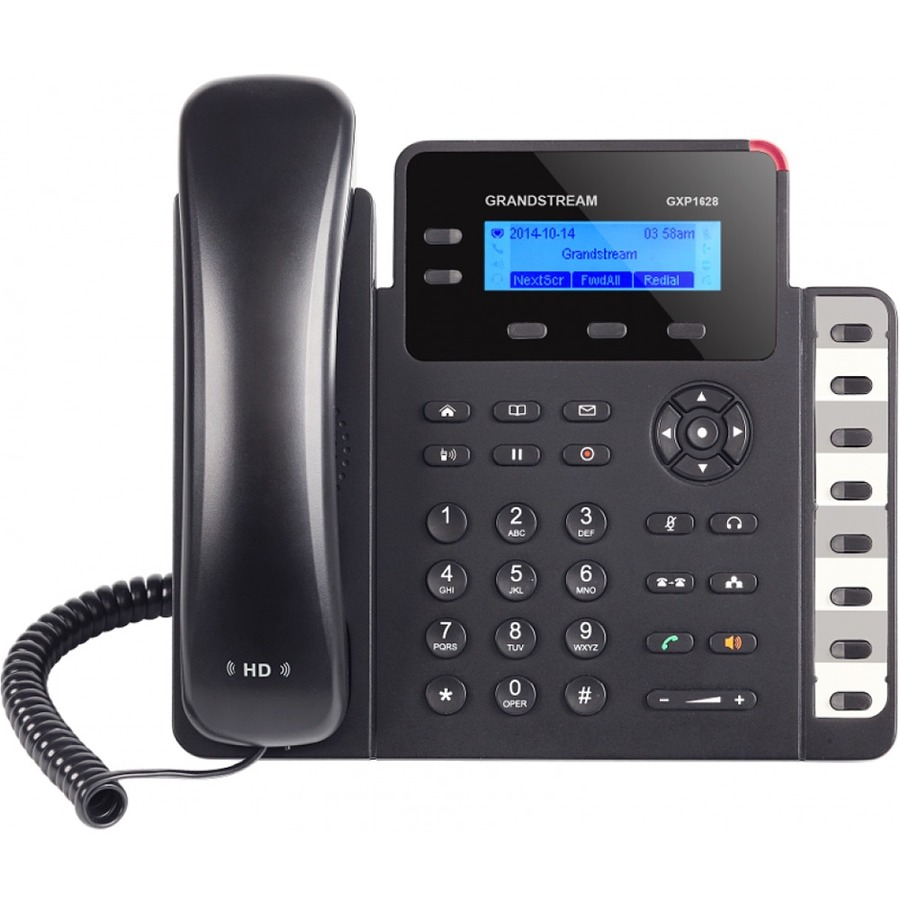


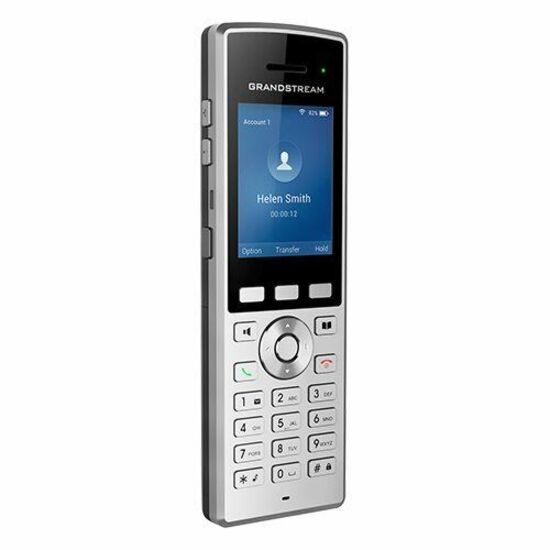
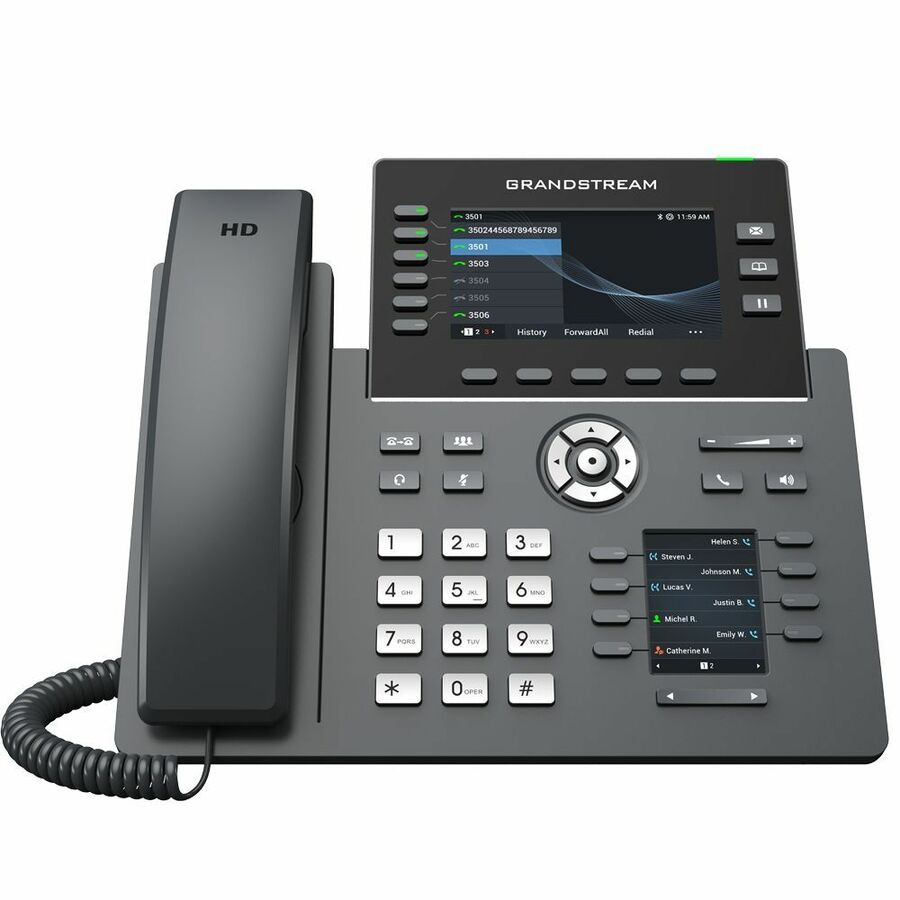
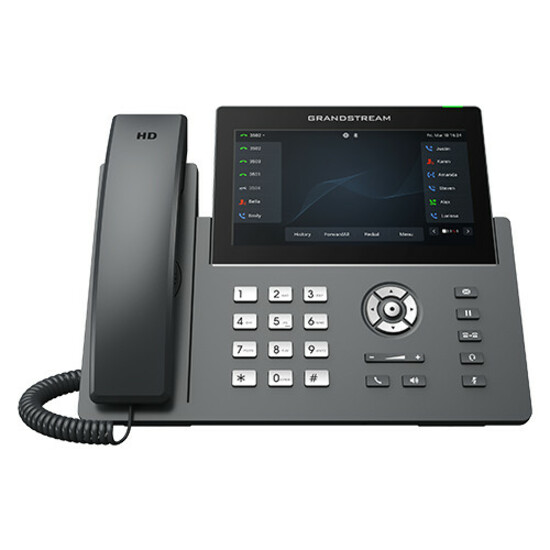

Entry corded
Grandstream Networks
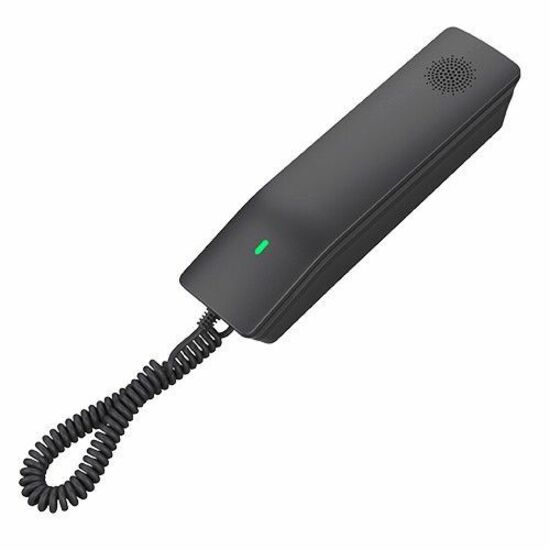
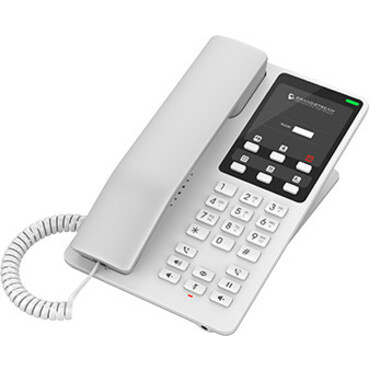
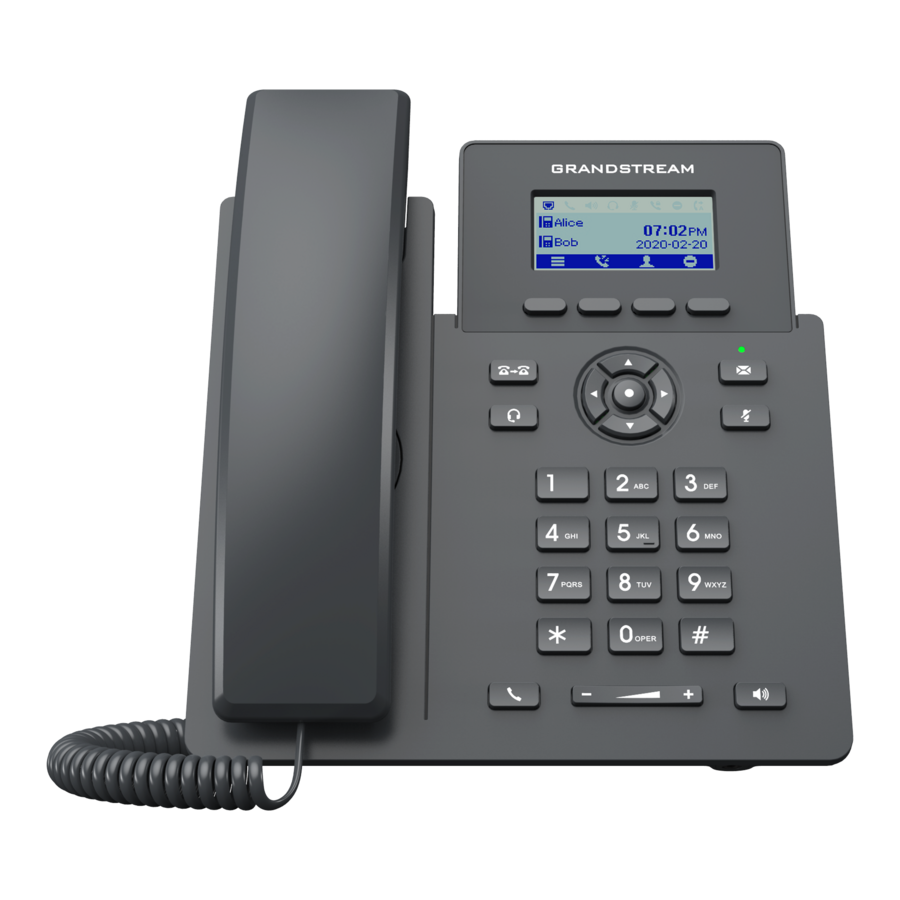
Grandstream GHP610 IP Phone
GHP610
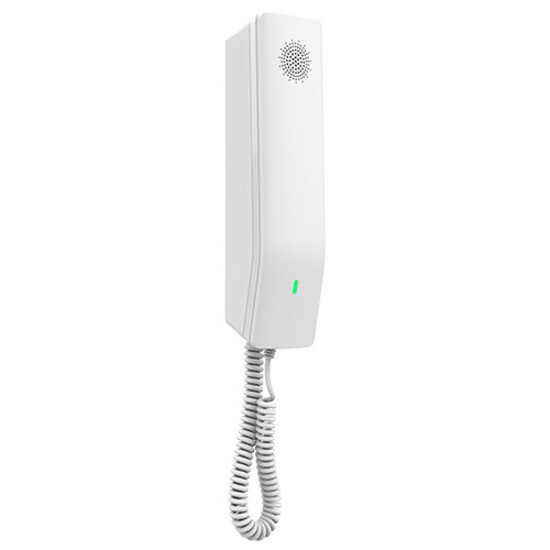
The Grandstream GHP610 is a single-line corded SIP phone with PoE and wall mounting — the essential handset for a breakroom, a corridor or an entry phone that only has to dial and answer.
$42.59Back-orderedMulti-line corded
Grandstream Networks
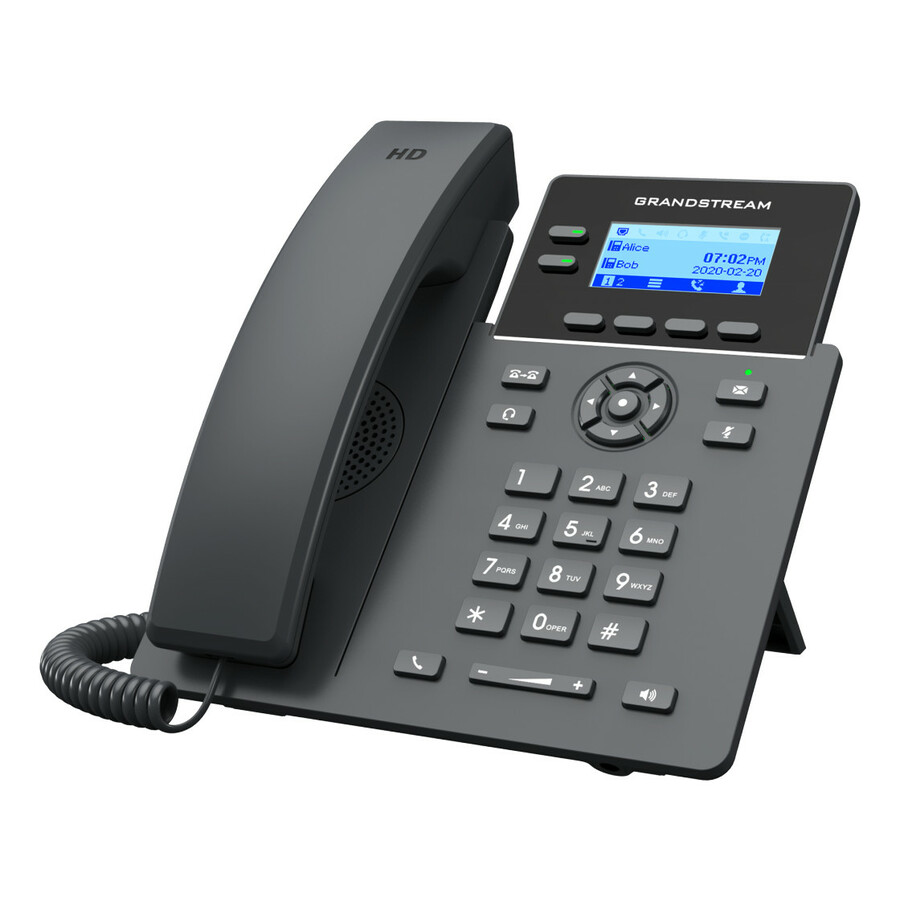
Grandstream GRP2602 IP Phone
GRP2602
The Grandstream GRP2602 is a two-line corded SIP phone that provisions in bulk — a step up from a single-line handset for a desk that watches a shared line or a second extension.
$50.08Back-orderedMainstream desk phone
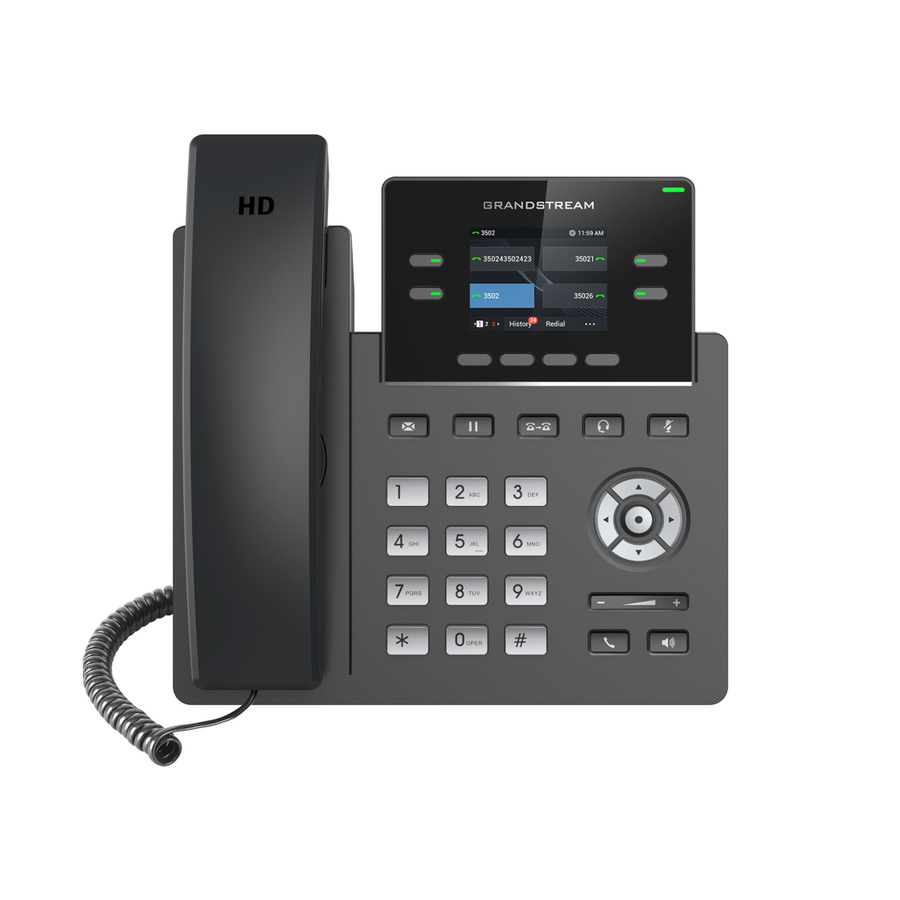
Grandstream Networks
Grandstream GRP2612 IP Phone
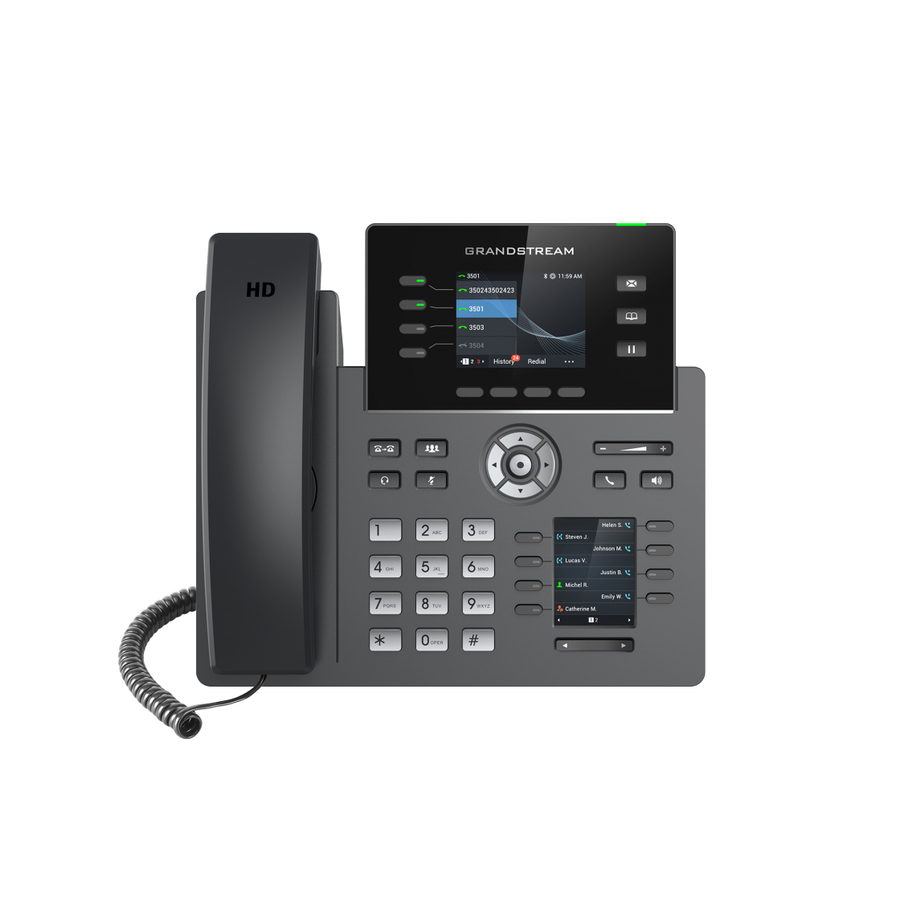
GRP2612
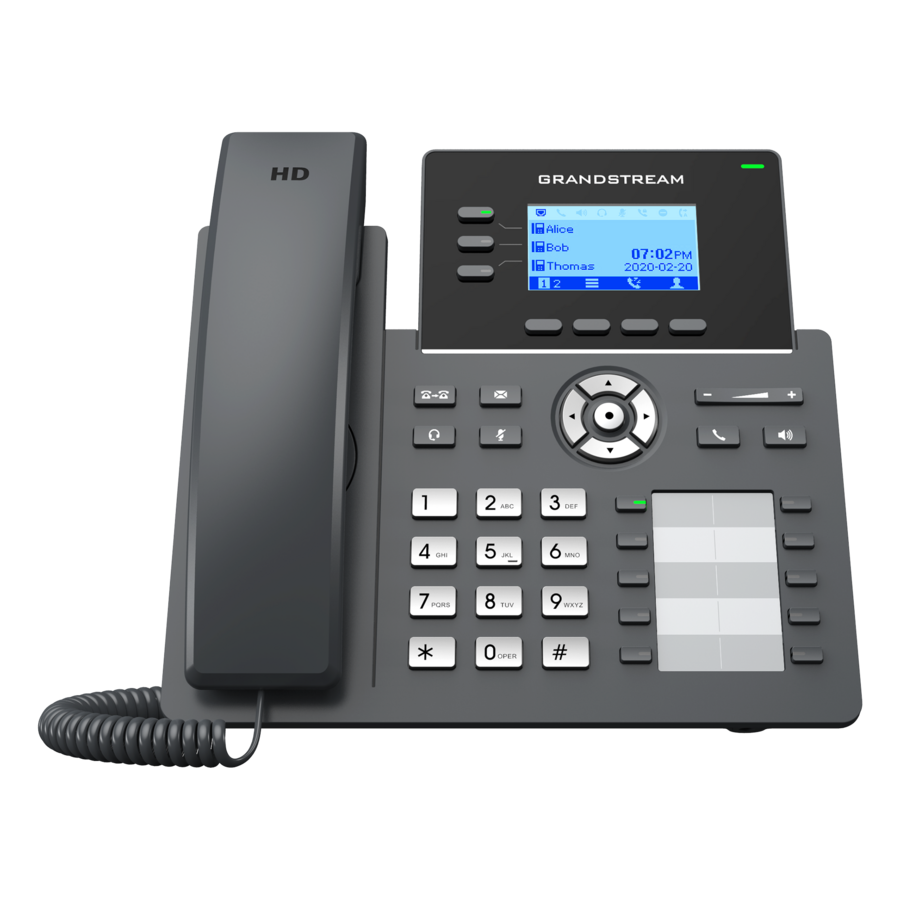
A Grandstream GRP2612 corded IP phone with multiple line keys, desk and wall mounting and PoE — the workhorse SIP handset for the general floor, provisioned in bulk from the phone system.
Confirm the model is on your platform's supported-device list for auto-provisioning.
$60.19Back-orderedWi-Fi cordless
Grandstream Networks
Grandstream WP822 IP Phone
WP822
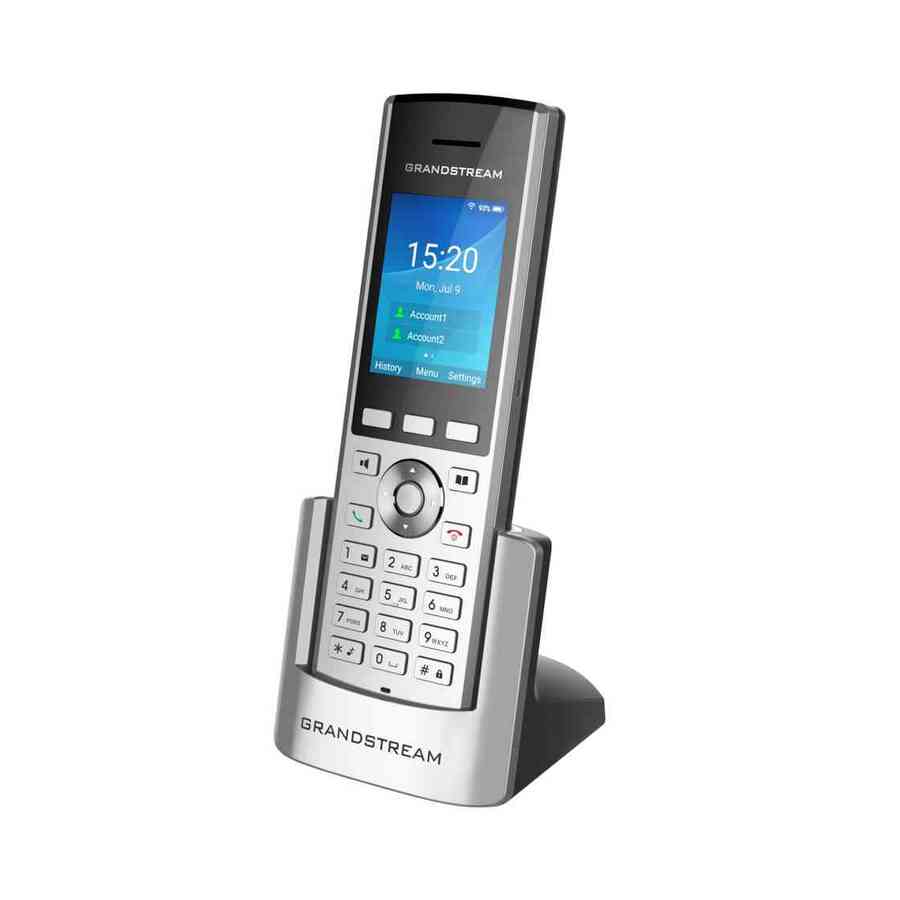
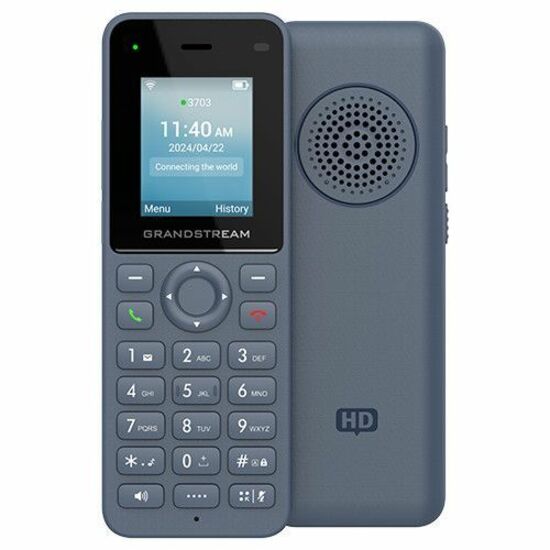
The Grandstream WP822 is a Wi-Fi cordless SIP handset — the roaming phone for a warehouse, a shop floor or a service counter where staff take calls while moving around the site.
$118.38In stockExec 12-line
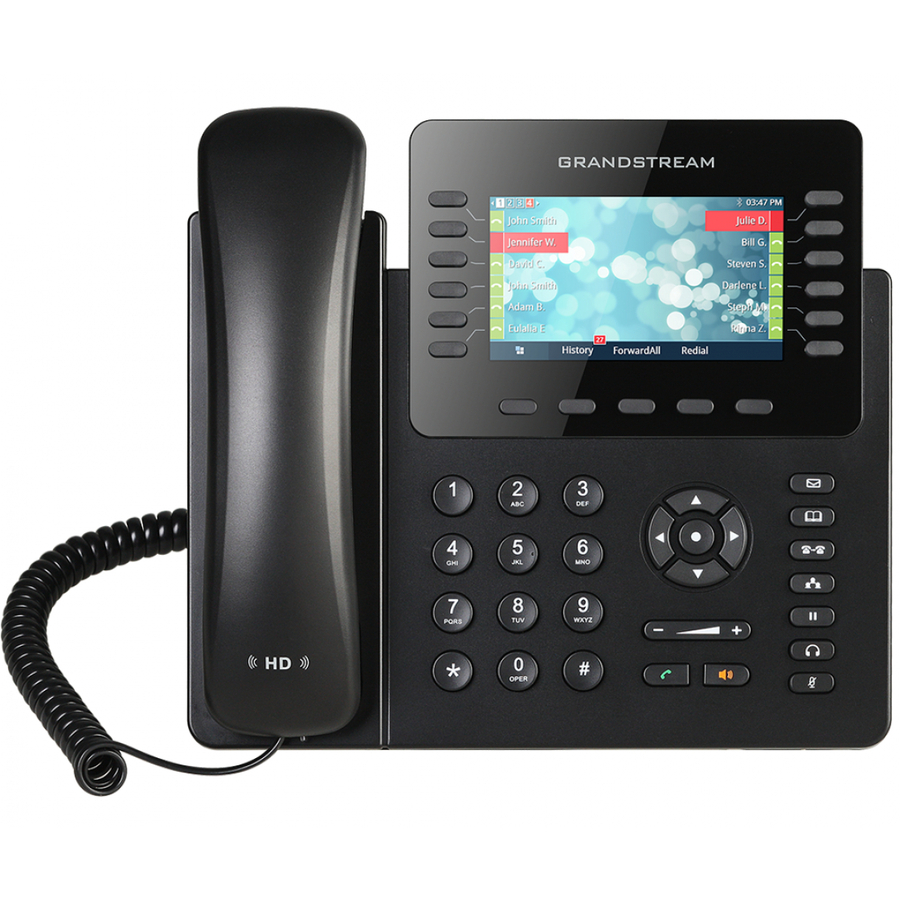
Grandstream Networks
Grandstream GXP2170 IP Phone
GXP2170
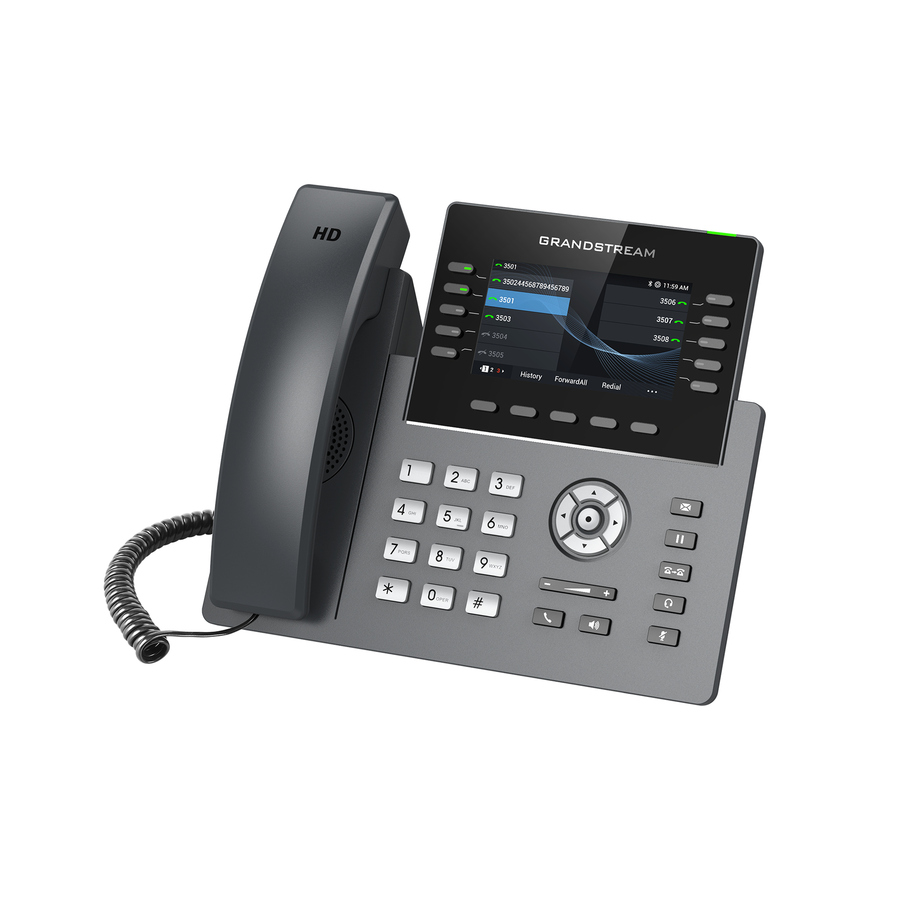
The Grandstream GXP2170 is a twelve-line executive SIP phone with a colour display and support for a busy-lamp expansion module — the reception or power-user handset that watches a whole team's line status.
$147.25Back-orderedAndroid video
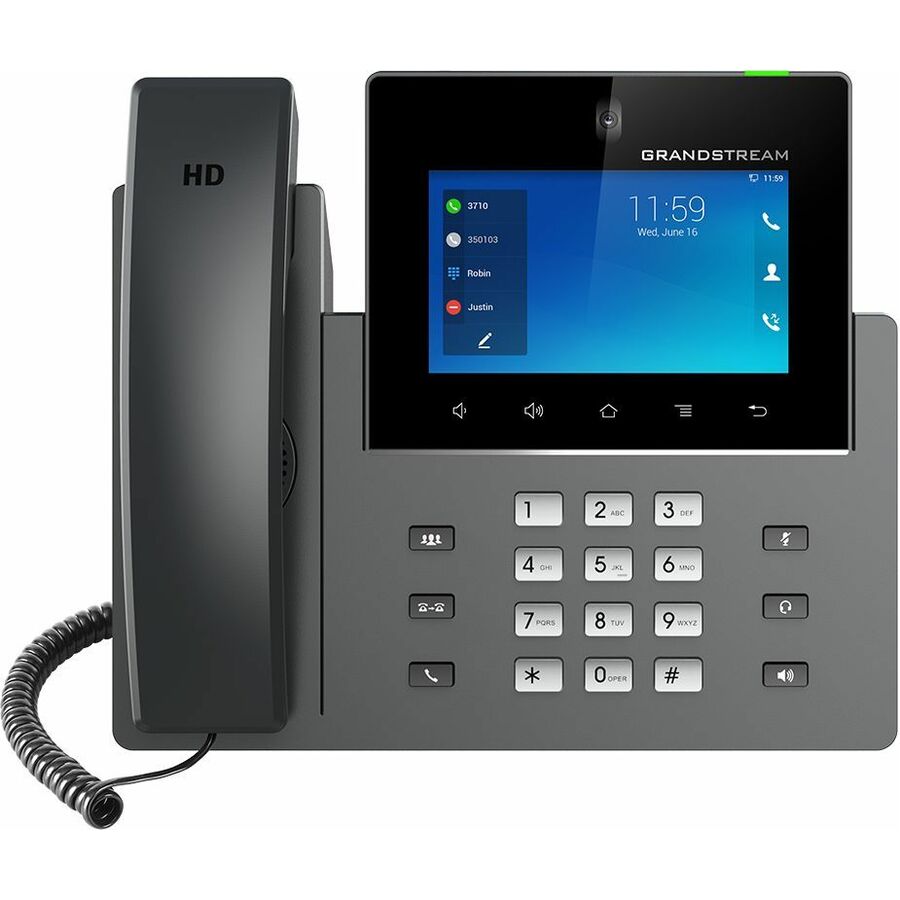
Grandstream Networks
Grandstream GXV3350 IP Phone
GXV3350
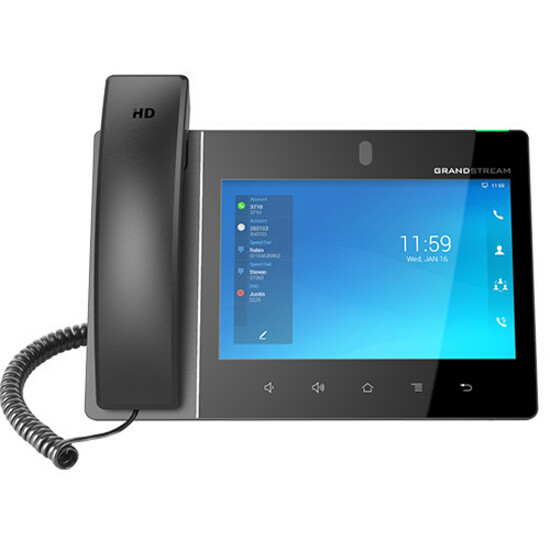
The Grandstream GXV3350 is an Android SIP phone with a built-in camera and a touchscreen — the video-and-directory handset for an executive desk or a room that does point-to-point video alongside voice.
$175.69Back-orderedColor flagship
Grandstream Networks
Grandstream GRP2670 IP Phone
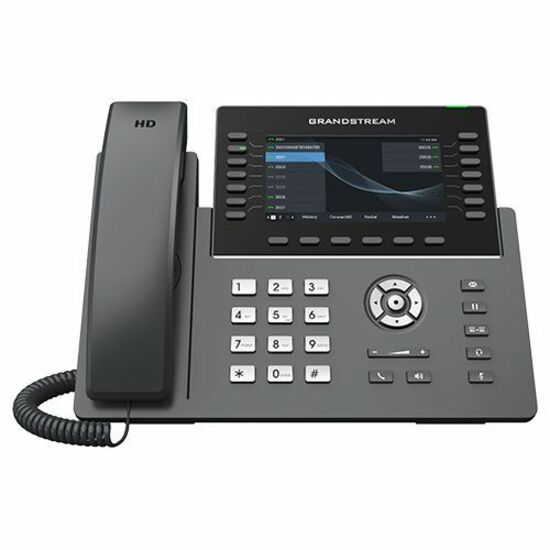
GRP2670
The Grandstream GRP2670 is a colour-screen carrier-grade SIP phone with Wi-Fi and Bluetooth — the top of the GRP line for a power desk that wants a large display and dual-band wireless without a full Android stack.
$190.80In stockUniFi Touch
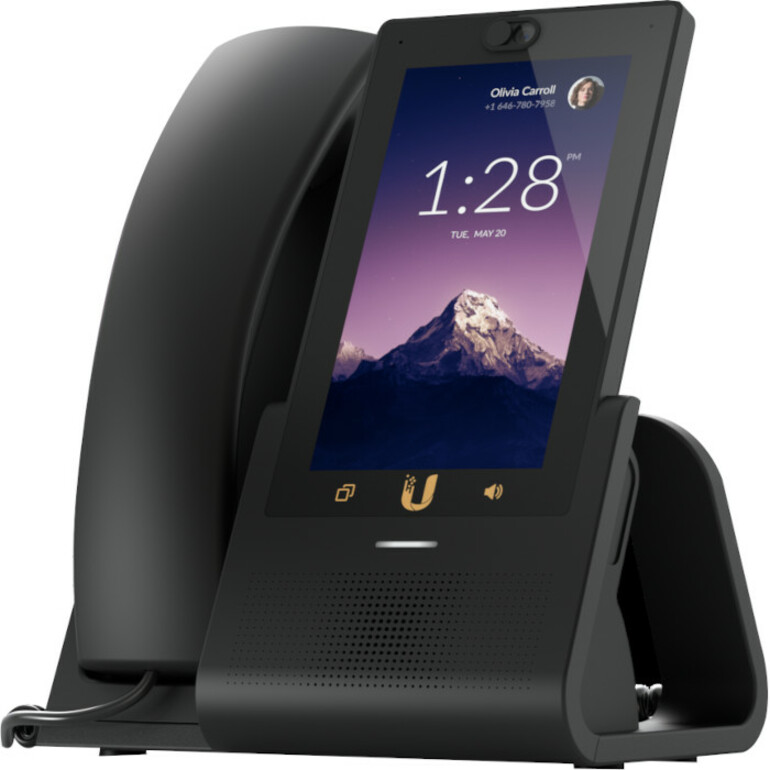
Ubiquiti
Ubiquiti IP Phone
UTP-Touch-U
The Ubiquiti UniFi Touch is a touchscreen SIP desk phone with Wi-Fi — the base of the UniFi phone line for a site standardising on Ubiquiti, managed alongside the rest of the UniFi stack.
$240.15Back-orderedTouchscreen phone
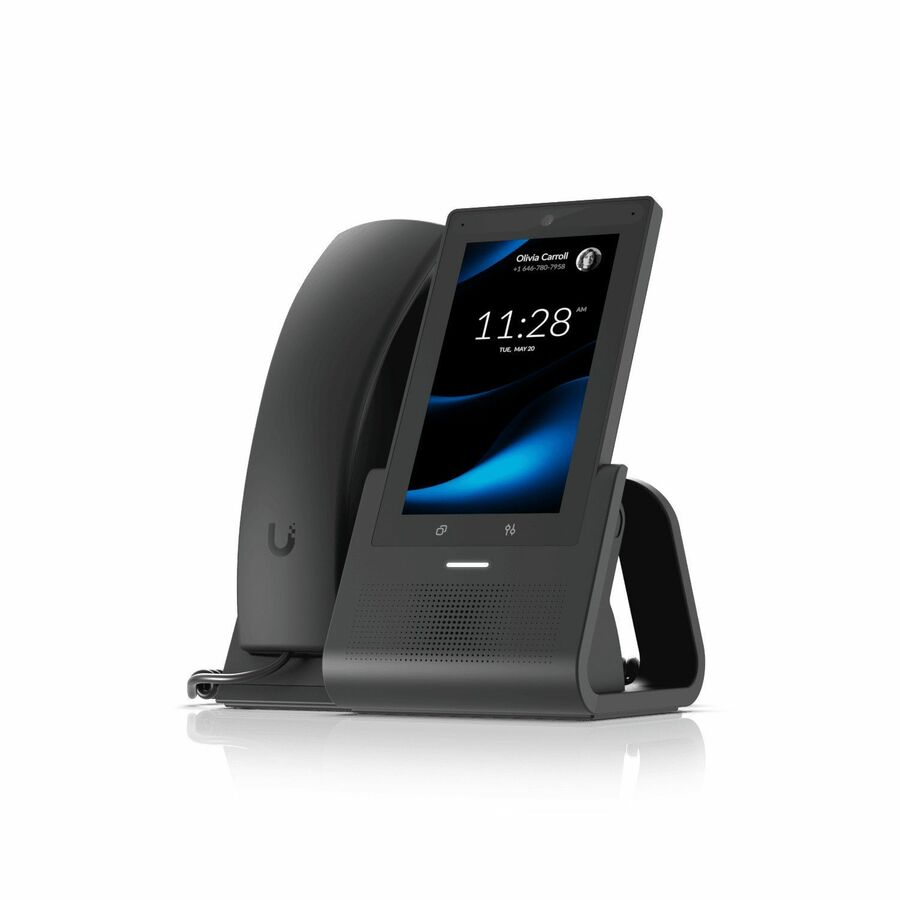
Ubiquiti
Ubiquiti G3 Touch Pro IP Phone
UTP-G3-Touch-Pro
A Ubiquiti G3 Touch Pro IP phone with a colour touchscreen, Wi-Fi and Bluetooth — the executive or front-of-house handset where a directory-and-presence screen earns its place over line keys.
$262.59Back-orderedUniFi Enterprise
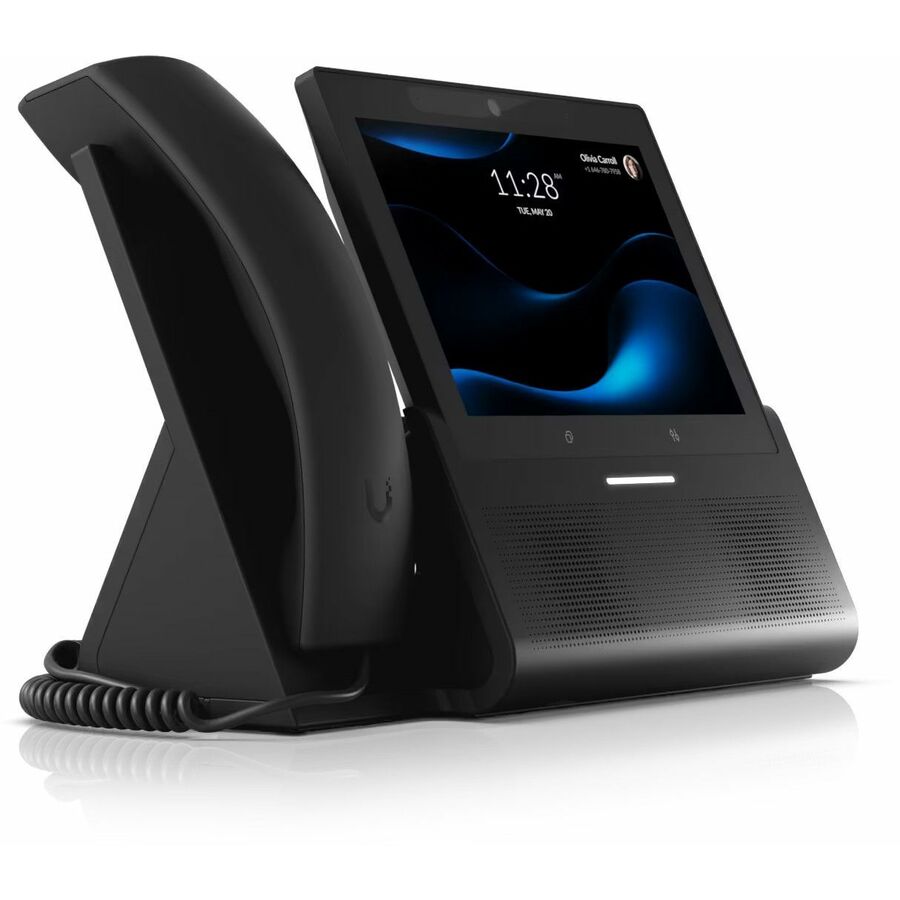
Ubiquiti
Ubiquiti G3 Touch Enterprise IP Phone
UTP-G3-TOUCH-ENTERPRISE
The Ubiquiti G3 Touch Enterprise is a large-touchscreen SIP phone with a built-in camera and NFC — the top UniFi handset for an executive or front-of-house desk on a Ubiquiti-managed network.
$381.98Back-orderedGS conference
Grandstream Networks
Grandstream GAC2500 IP Conference Station
GAC2500
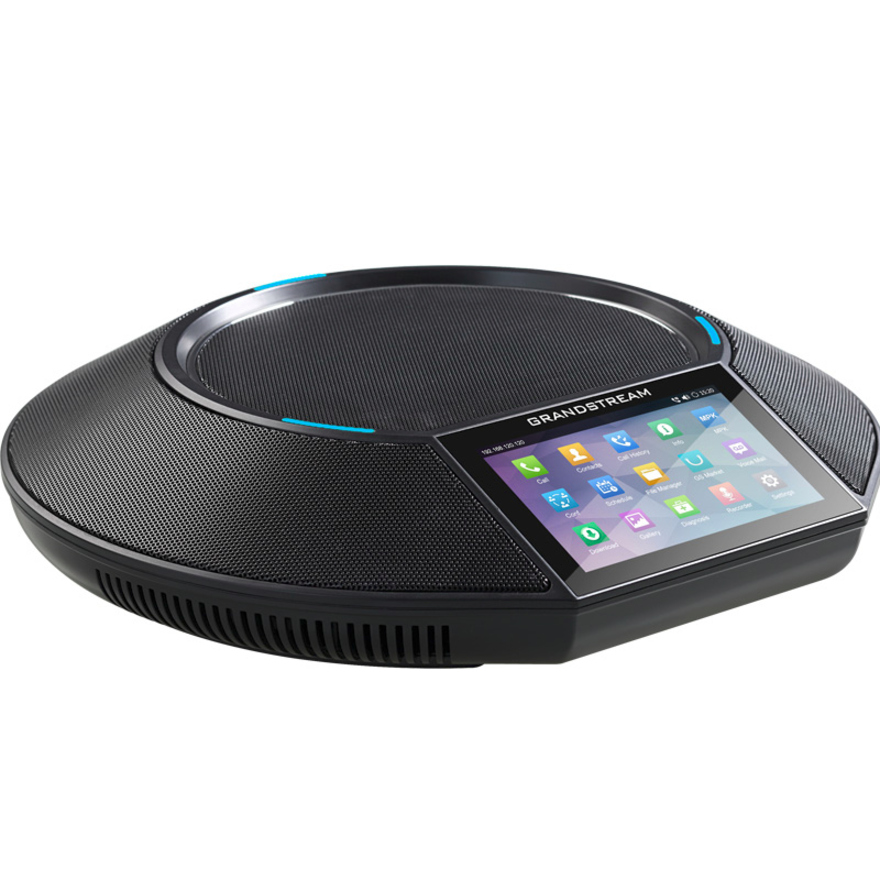
The Grandstream GAC2500 is an Android conference station with Wi-Fi and Bluetooth — a mid-size room speakerphone that registers to the same phone system as the desk handsets, an alternative to a standalone conference unit.
$374.38In stockConference station
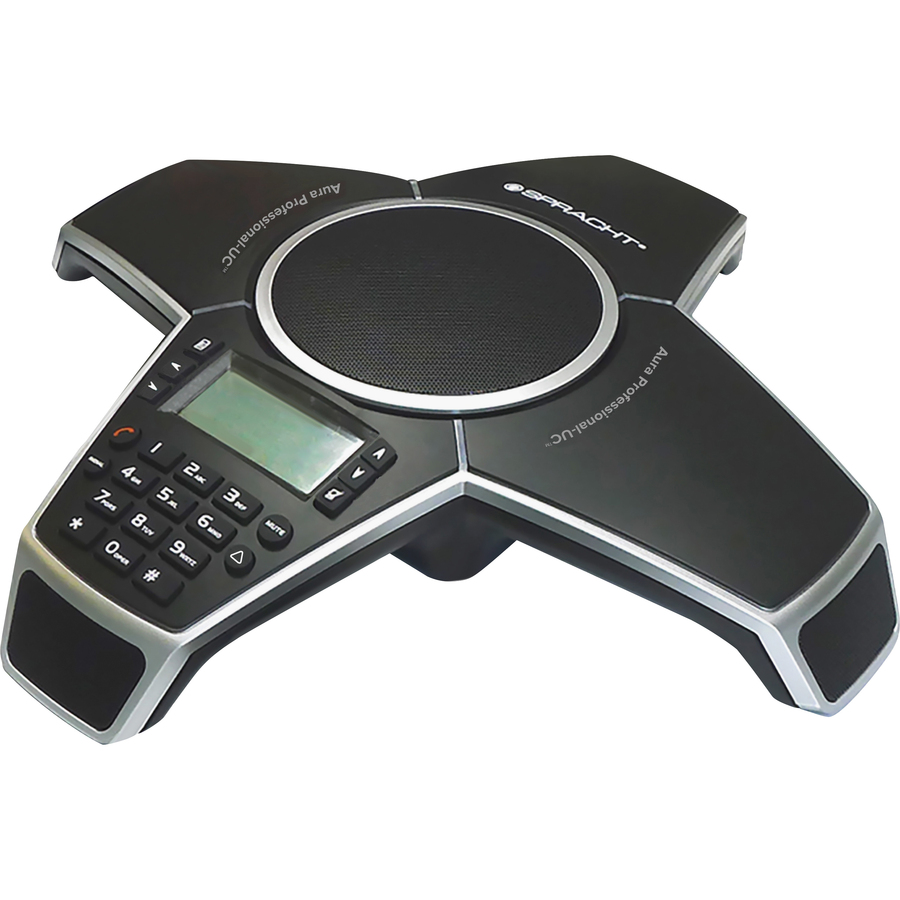
Spracht Products
Spracht Aura Professional UC IP Conference Station
CP-3012
A Spracht Aura Professional UC IP conference station — a VoIP speakerphone for a small meeting room or shared office, registering to the same phone system as the desk handsets.
$406.35Back-orderedCordless handset
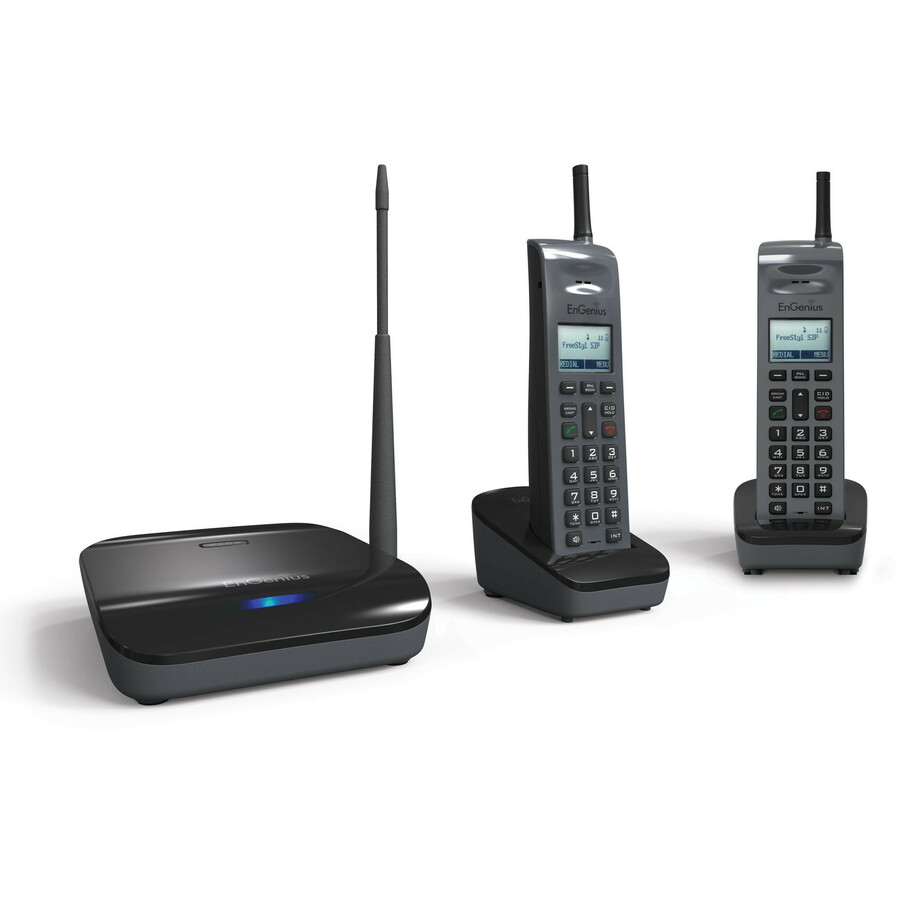
EnGenius Technologies
EnGenius IP Phone
FREESTYL SIP2
An EnGenius FreeStyl cordless SIP phone that pairs a base with a roaming handset — for a warehouse desk, a service counter or anyone who has to take calls while moving around the site.
$902.47Back-orderedLong-range cordless
EnGenius Technologies
EnGenius DuraFon-SIP IP Phone
DURAFON-SIP
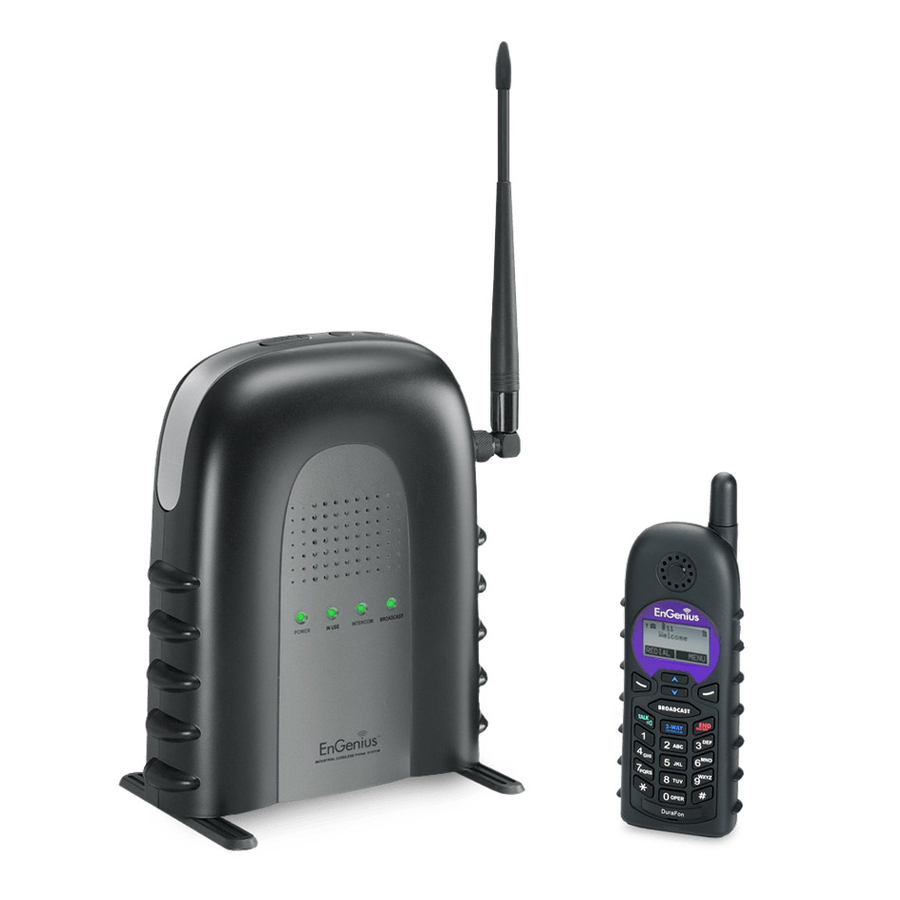
The EnGenius DuraFon-SIP is a long-range cordless SIP system — the phone for a large site, a yard or a campus where a single base has to reach a handset well beyond an ordinary DECT range.
$1,613.83In stockMore IP phones in the Uniqcli catalog
See all 172 IP phonesMore from across this category. In-stock lines lead, and a back-ordered line carries the same estimated availability its product page does — with live pricing throughout, NDAA §889 screening before checkout and TAA verified on request.
- Spracht ProductsSpracht Aura Professional UC IP Conference Station - Desktop - VoIPCP-3012
$499.99
$406.35
Back-orderedBack-ordered — estimated OEM lead time 3–8 weeks (Nov 13 – Dec 18 if ordered today).
- Grandstream NetworksGrandstream GXV3480 IP Phone - Corded - Corded - Wi-Fi, Bluetooth - VoIP - IEEE 802.11 a/b/g/n/ac/ax - 2 x Network (RJ-45) - PoE PortsGXV3480
$499.00
$437.52
Back-orderedBack-ordered — we expect to receive stock the week of Nov 2–8 and will process your delivery right after.
- Grandstream NetworksGrandstream GXV3470 IP Phone - Corded - Corded - Wi-Fi, Bluetooth - Desktop - VoIP - IEEE 802.11 a/b/g/n/ac/ax - 2 x Network (RJ-45) - PoE PortsGXV3470
$425.00
$366.87
Back-orderedBack-ordered — estimated OEM lead time 3–8 weeks (Nov 13 – Dec 18 if ordered today).
- Grandstream NetworksGrandstream GXV3350 IP Phone - Corded - Corded/Cordless - Bluetooth, Wi-Fi - 6 Multiple Conferencing - Built-in Camera - Stand Mountable - 16 x Total Line - VoIP - 5" TFT LCD - IEEE 802.11a/b/g/n - 2 x Network (RJ-45) - PoE PortsGXV3350
$219.00
$175.69
Back-orderedBack-ordered — estimated OEM lead time 3–8 weeks (Nov 13 – Dec 18 if ordered today).
- Grandstream NetworksGrandstream GXV3450 IP Phone - Corded - Corded - Wi-Fi, Bluetooth - Desktop - VoIP - IEEE 802.11a/b/g/n/ac - 2 x Network (RJ-45) - PoE PortsGXV3450
$329.00
$288.91
Back-orderedBack-ordered — we expect to receive stock the week of Nov 2–8 and will process your delivery right after.
- Grandstream NetworksGrandstream WP836 IP Phone - Cordless - Cordless - Bluetooth, Wi-Fi - 4 Multiple Conferencing - 3 x Total Line - IEEE 802.11a/b/g/n/ac/ax/k/v/rWP836
$175.00
$148.62
Back-orderedBack-ordered — we expect to receive stock the week of Oct 26 – Nov 1 and will process your delivery right after.
- Grandstream NetworksGrandstream GRP2615 IP Phone - Corded - Corded/Cordless - Wi-Fi, Bluetooth - Desktop, Wall Mountable - VoIP - IEEE 802.11a/b/g/n/ac - 2 x Network (RJ-45) - PoE PortsGRP2615
$195.00
$168.63
Back-orderedBack-ordered — estimated OEM lead time 3–8 weeks (Nov 13 – Dec 18 if ordered today).
- Grandstream NetworksGrandstream IP Phone - Corded - Corded/Cordless - Wi-Fi, Bluetooth - Desktop - 4 x Total Line - VoIP - IEEE 802.11a/b/g/n/ac - 2 x Network (RJ-45) - PoE PortsGRP2614
$195.00
$168.69
Back-orderedBack-ordered — estimated OEM lead time 3–8 weeks (Nov 13 – Dec 18 if ordered today).
- Grandstream NetworksGrandstream WP825 IP Phone - Cordless - Cordless - Wi-Fi, Bluetooth - VoIP - IEEE 802.11a/b/g/n/acWP825
$189.00
$163.36
Back-orderedBack-ordered — we expect to receive stock the week of Nov 30 – Dec 6 and will process your delivery right after.
- Grandstream NetworksGrandstream GRP2650 IP Phone - Corded - Corded/Cordless - Wi-Fi, Bluetooth - 5 Multiple Conferencing - Wall Mountable, Stand Mountable - 14 x Total Line - VoIP - 5" TFT LCD - IEEE 802.11 a/b/g/n/ac/ax - 2 x Network (RJ-45) - PoE PortsGRP2650
$195.00
$170.28
Back-orderedBack-ordered — estimated OEM lead time 3–8 weeks (Nov 13 – Dec 18 if ordered today).
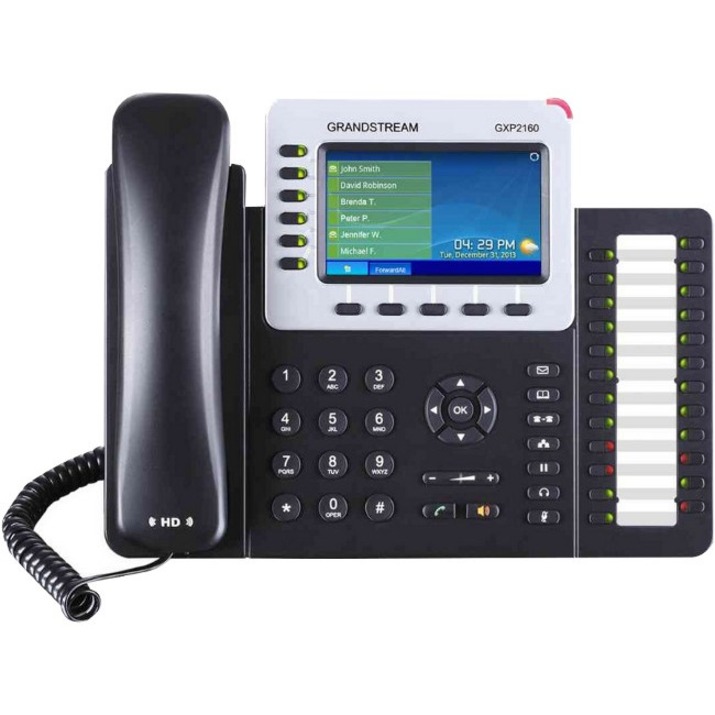
- Grandstream NetworksGrandstream GXP2160 IP Phone - Corded/Cordless - Corded - Bluetooth - Desktop, Wall Mountable - Black - 6 x Total Line - VoIP - 2 x Network (RJ-45) - PoE PortsGXP2160
$169.00
$147.25
Back-orderedBack-ordered — estimated OEM lead time 3–8 weeks (Nov 13 – Dec 18 if ordered today).
- Grandstream NetworksGrandstream GXP2170 IP Phone - Corded/Cordless - Corded - Bluetooth - Wall Mountable - Black - 12 x Total Line - VoIP - 2 x Network (RJ-45) - PoE PortsGXP2170
$169.00
$147.25
Back-orderedBack-ordered — estimated OEM lead time 3–8 weeks (Nov 13 – Dec 18 if ordered today).
- Grandstream NetworksGrandstream IP Phone - Cordless - Wi-Fi, Bluetooth - 2 x Total Line - VoIP - IEEE 802.11a/b/g/nWP820
$165.00
$145.77
Back-orderedBack-ordered — estimated OEM lead time 3–8 weeks (Nov 13 – Dec 18 if ordered today).
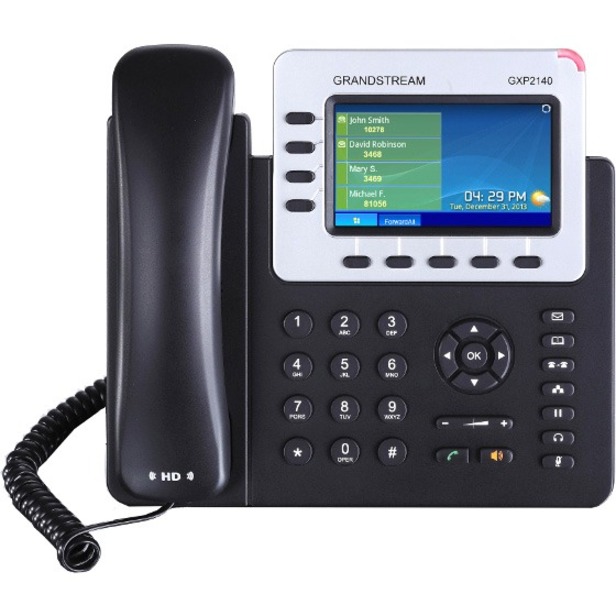
- Grandstream NetworksGrandstream GXP2140 IP Phone - Corded/Cordless - Corded - Bluetooth - Wall Mountable - Black - 4 x Total Line - VoIP - 2 x Network (RJ-45) - PoE PortsGXP2140
$145.00
$128.81
Back-orderedBack-ordered — estimated OEM lead time 3–8 weeks (Nov 13 – Dec 18 if ordered today).
- Grandstream NetworksGrandstream GRP2634 IP Phone - Corded - Corded - Bluetooth, Wi-Fi - Wall Mountable, Desktop - 8 x Total Line - VoIP - IEEE 802.11a/b/g/n/ac - 2 x Network (RJ-45) - PoE PortsGRP2634
$129.00
$113.29
Back-orderedBack-ordered — estimated OEM lead time 3–8 weeks (Nov 13 – Dec 18 if ordered today).
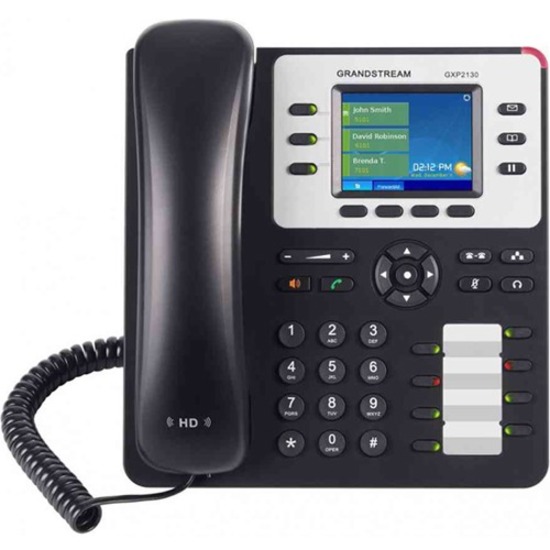
- Grandstream NetworksGrandstream GXP2130 IP Phone - Corded - Corded - 4 Multiple Conferencing - Wall Mountable - Black - 3 x Total Line - VoIP - 2.8" TFT LCD - 2 x Network (RJ-45) - PoE PortsGXP2130
$125.00
$112.04
Back-orderedBack-ordered — estimated OEM lead time 3–8 weeks (Nov 13 – Dec 18 if ordered today).
- Grandstream NetworksGrandstream GXP2135 IP Phone - Corded/Cordless - Corded - Bluetooth - Wall Mountable - Black - 8 x Total Line - VoIP - 2 x Network (RJ-45) - PoE PortsGXP2135
$125.00
$112.28
Back-orderedBack-ordered — estimated OEM lead time 3–8 weeks (Nov 13 – Dec 18 if ordered today).
- Grandstream NetworksGrandstream GRP2624 IP Phone - Corded - Corded/Cordless - Wi-Fi, Bluetooth - 5 Multiple Conferencing - Wall Mountable, Desktop - 8 x Total Line - VoIP - 2.8" TFT LCD - IEEE 802.11a/b/g/n/ac - 2 x Network (RJ-45) - PoE PortsGRP2624
$120.00
$108.41
Back-orderedBack-ordered — estimated OEM lead time 3–8 weeks (Nov 13 – Dec 18 if ordered today).
- Grandstream NetworksGrandstream WP826 IP Phone - Cordless - Cordless - Wi-Fi, Bluetooth - 4 Multiple Conferencing - Wall Mountable - 3 x Total Line - VoIP - 2.4" LCD - IEEE 802.11a/b/g/n/ac/ax/k/v/rWP826
$109.00
$97.51
Back-orderedBack-ordered — estimated OEM lead time 3–8 weeks (Nov 13 – Dec 18 if ordered today).
- Grandstream NetworksGrandstream GHP620W IP Phone - Corded - Corded - Wi-Fi - Desktop, Wall Mountable - White - 2 x Total Line - VoIP - IEEE 802.11a/b/g/n/acGHP620W
$72.00
$64.90
Back-orderedBack-ordered — estimated OEM lead time 3–8 weeks (Nov 13 – Dec 18 if ordered today).
- Grandstream NetworksGrandstream GHP621W IP Phone - Corded - Corded/Cordless - Wi-Fi - 3 Multiple Conferencing - Wall Mountable, Desktop - Black - 2 x Total Line - VoIP - IEEE 802.11a/b/g/n/ac - 1 x Network (RJ-45) - PoE PortsGHP621W
$72.00
$64.90
Back-orderedBack-ordered — estimated OEM lead time 3–8 weeks (Nov 13 – Dec 18 if ordered today).
- Grandstream NetworksGrandstream GRP2604P IP Phone - Corded - Corded - 5 Multiple Conferencing - Wall Mountable, Desktop - 3 x Total Line - VoIP - 2.7" LCD - 2 x Network (RJ-45) - PoE PortsGRP2604P
$82.00
$75.07
Back-orderedBack-ordered — estimated OEM lead time 3–8 weeks (Nov 13 – Dec 18 if ordered today).
- Grandstream NetworksGrandstream GRP2604 IP Phone - Corded - Corded - Wall Mountable, Desktop - 3 x Total Line - VoIP - 2 x Network (RJ-45)GRP2604
$82.00
$75.10
Back-orderedBack-ordered — estimated OEM lead time 3–8 weeks (Nov 13 – Dec 18 if ordered today).
- Grandstream NetworksGrandstream WP816 IP Phone - Cordless - Cordless - Bluetooth, Wi-Fi - 3 Multiple Conferencing - 2 x Total Line - VoIP - IEEE 802.11a/b/g/n/ac/ax/k/v/rWP816
$85.00
$79.10
Back-orderedBack-ordered — estimated OEM lead time 3–8 weeks (Nov 13 – Dec 18 if ordered today).




Need pricing on VoIP desk phones?
Tell us where to reach you and a Uniqcli specialist will follow up by email with current pricing, availability and lead time for the quantities you need — including parts that aren’t shown on this page.
Buying for an organization or for yourself — both work. No payment up front.
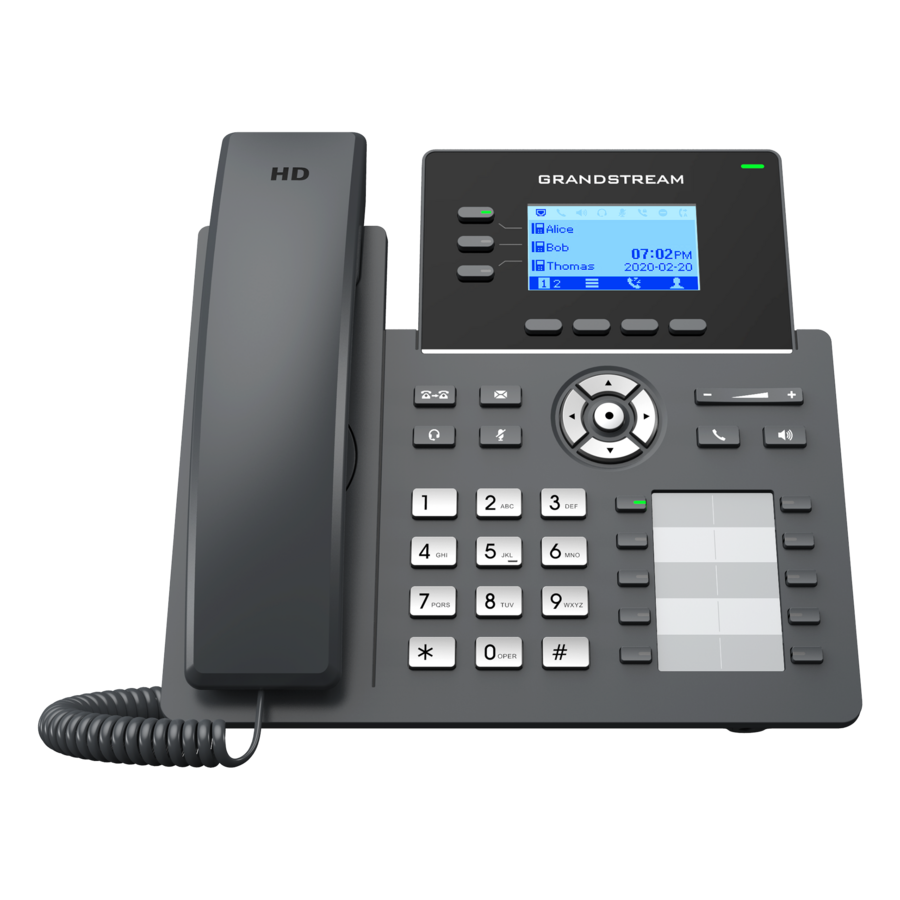
A VoIP desk phone is a SIP endpoint with a handset: it registers to a phone system — hosted in the cloud or a PBX on site — over the same network the computers use, and it turns that registration into dial tone, hold, transfer, park and conference. The reason to buy a dedicated phone rather than a softphone is the same reason reception, dispatch and the front desk still have one: a physical device that is always on, always in the same place, boots straight to the line, and does not compete with a browser for the microphone. Every row in this grid is an IP phone by catalog category, and each names the facts that decide fit: the number of lines and SIP accounts it registers, the display, and whether it draws Power over Ethernet.
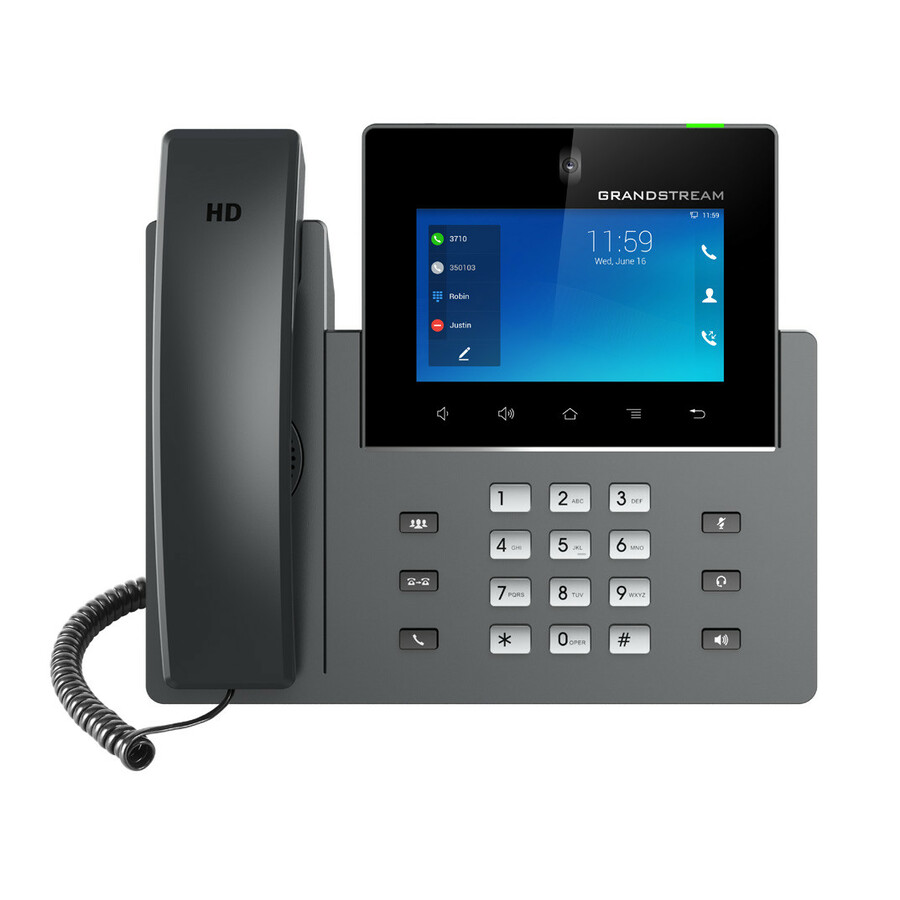
Read the line count and the account count as two different numbers. A phone's line keys are the buttons on the front; its SIP accounts are the identities it can register — a single-line phone at a desk, a multi-line phone for someone who covers several extensions or a shared line, and a receptionist or operator model that adds an expansion module of busy-lamp keys to watch a whole team at a glance. Match the count to the role, not the headline: most staff need one or two, a handful need many, and buying the operator phone for every desk is money spent on keys nobody presses. The display follows the same logic — a two-line LCD is plenty for a phone that mostly answers and dials, while a colour screen earns its keep on a phone that browses directories and presence.
Power and mounting are the practical details that decide the install. Power over Ethernet is the norm and the right default: one cable carries the network and the power, the phone comes up with the switch, and there is no wall wart at every desk — which also means the phone rides the same UPS the switch does. Confirm the switch has the PoE budget for a floor of phones, not just the ports. Wi-Fi models exist for desks a cable will not reach, and cordless SIP handsets for staff who move around a site. Mounting is titled too: desk stands for the obvious case and wall-mount for corridors, breakrooms and entry phones. Uniqcli quotes the phones alongside the PoE switching, the headsets and the survey and provisioning work that turn a box of handsets into a working phone system. This grid is drawn from the IP phones Uniqcli currently stocks, with live availability on each card.
Buyer's checklist
How to choose a VoIP desk phone
- Match the line and account count to the role: one or two lines for most staff, a multi-line phone for people who cover several extensions or a shared line, and an operator model with a busy-lamp expansion module for reception and dispatch.
- Confirm the phone speaks the SIP standard your phone system uses — hosted or on-premise — and check the vendor's interoperability list if you are standardising a fleet, so provisioning is bulk rather than device-by-device.
- Default to Power over Ethernet and confirm the switch's total PoE budget covers a full floor of phones drawing at once, not just the port count — a phone on PoE rides the switch's UPS and needs no desk power brick.
- Size the display to the job: a two-line LCD suits a phone that answers and dials, while a colour screen is worth it on a phone that works directories, presence and a corporate phone book.
- Choose the connection for the desk — corded to a wall jack for the common case, Wi-Fi where a cable will not reach, and a cordless SIP handset for staff who move around the site.
- Add the headset road at purchase: an RJ9, USB or Bluetooth headset port and an EHS or electronic hook-switch option matter for anyone on calls all day, and are cheaper to spec now than to retrofit.
Lines, accounts and the operator phone
The vocabulary trips people up, so it is worth being plain: a SIP account is an identity the phone registers to the phone system, and a line key is a button on the front that can be assigned to an account, a shared line or a speed dial. A basic desk phone registers one account and shows one or two line keys — that is the right phone for the overwhelming majority of desks. A multi-line phone matters when one person genuinely covers several extensions, watches a shared line, or needs a bank of keys for transfer targets. The operator or receptionist case is different again: it adds an expansion module of busy-lamp-field keys, each lit to show whether a colleague is on a call, so the front desk can transfer without asking. Buy that phone for the front desk and the basic phone for the floor; the common failure is putting a big-button operator phone on every desk and paying for keys that are never pressed. Tell us the roles and we spec the mix.
Powering and provisioning a floor of phones
A single phone is trivial; a floor of them is a switch and a provisioning decision. On power, Power over Ethernet is the answer — one cable per phone, no desk adapters, and the whole estate riding the switch's UPS — but the number that stalls a rollout is the switch's total PoE budget, not its port count: every phone drawing at once has to fit inside it, and a short budget is cheaper to size before the order than to discover on cutover day. On provisioning, a fleet you can configure in bulk from the phone system — one template pushed to every handset of a model — is a morning's work, while device-by-device setup is a week's; that is why standardising on a phone family that your platform provisions automatically is worth more than a small per-unit saving. Send the seat count, the phone system you run and the switch you already own, and we will quote the phones, the PoE switching, the headsets and the provisioning and survey labour on one order.
FAQ
Common questions
- Will these phones work with my phone system?
- They are SIP phones, which is the open standard that hosted platforms and on-premise PBXs both speak, so the answer is usually yes — but 'speaks SIP' and 'is on the interoperability list' are not quite the same thing, and for a fleet the difference is bulk provisioning versus device-by-device setup. Before you standardise, check that the phone family appears on your platform's supported-device list, because a supported phone can be auto-provisioned from a template and an unsupported one has to be configured by hand. Tell us the phone system you run and we will confirm the match and flag anything that needs manual setup before you commit to a model across the floor.
- Do VoIP desk phones need Power over Ethernet?
- Most take PoE and it is the right default: one cable carries both the network and the power, the phone comes up with the switch, there is no adapter at every desk, and the whole estate rides whatever UPS protects the switch. The catch is the switch's total PoE budget — every phone drawing at once has to fit inside it, and that is a different, smaller number than the port count, so a fully populated switch can run out of power before it runs out of ports. If the budget is short, a larger PoE switch or midspan injectors both solve it, and both are cheaper to size before the order than to retrofit. Phones that ship with a power adapter can also run on desk power where PoE is not available.
- How many lines does a desk phone need?
- Most desks need one or two. A single SIP account with one or two line keys covers answering, dialling, hold and transfer for the majority of staff. Step up to a multi-line phone only for people who genuinely cover several extensions, watch a shared line, or need a bank of keys for frequent transfers — and reserve the operator model with a busy-lamp expansion module for reception and dispatch, where seeing a whole team's call status at a glance is the job. Buying the big phone for every desk is the common overspend; match the line count to the role and put the money where the keys are actually used.
- Can business, government and education buyers order these?
- Every line Uniqcli quotes is sourced through US distribution and screened for TAA country-of-origin and NDAA §889 status before checkout — with documentation tied to the specific part number, not a product family.
Need VoIP desk phones pricing?
Send a bill of materials or part numbers — we confirm stock and a below-market total, with TAA verified on request. No payment up front.