
Best Wi-Fi 6 Access Points for Business
802.11ax access points for offices and campuses — read by the wired uplink, the PoE draw, the management model, and whether the radio is dual-band or extends to the 6 GHz band.
Wi-Fi 6 access points in stock at Uniqcli
How to choose →A curated selection with live pricing — in-stock lines first, then back-ordered lines with a typical lead time. Every line is sourced through US distribution and screened for NDAA §889 status before checkout, with TAA verified on request.
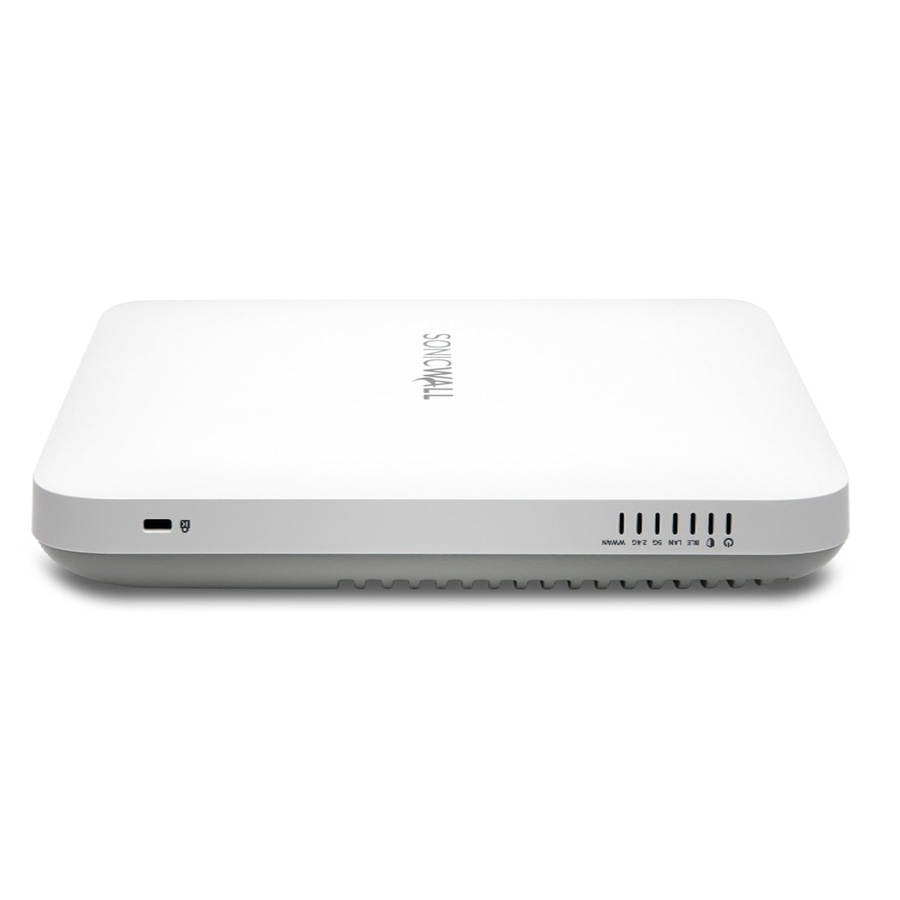
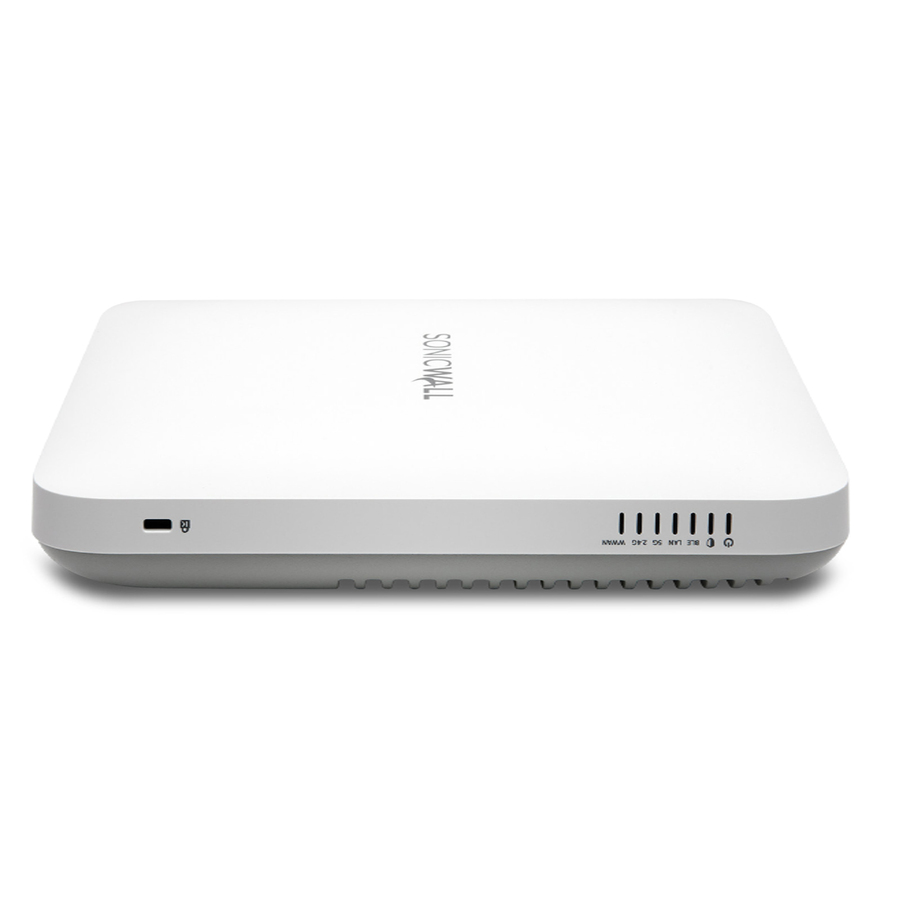
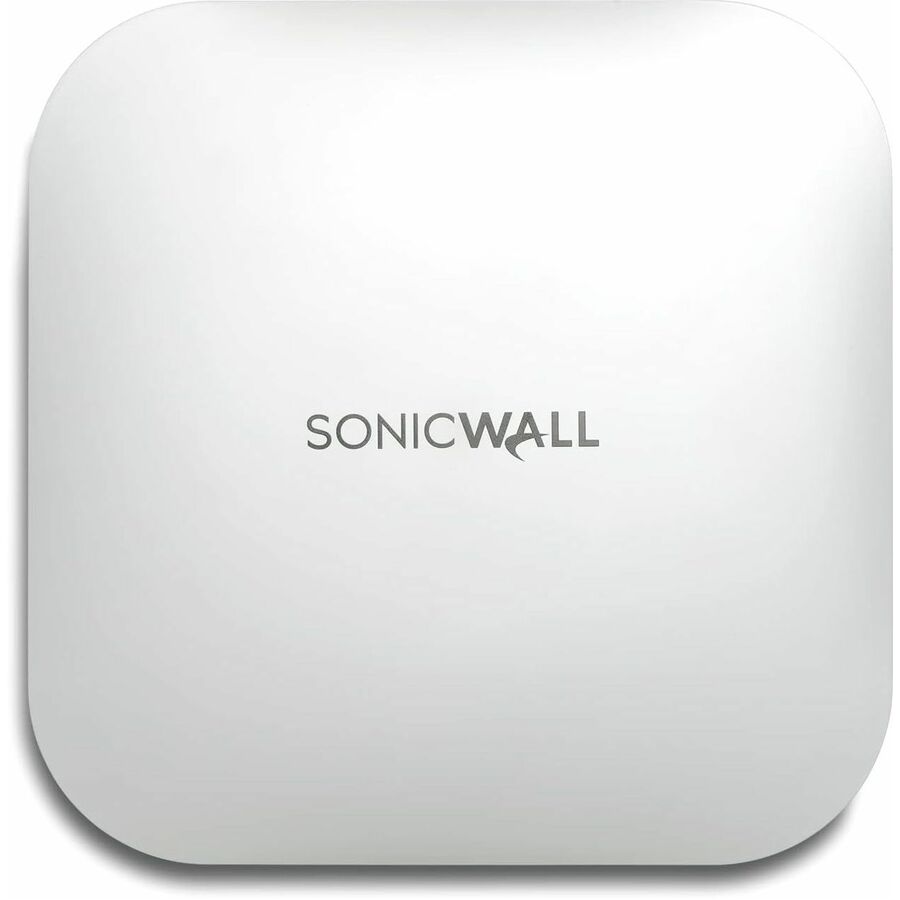
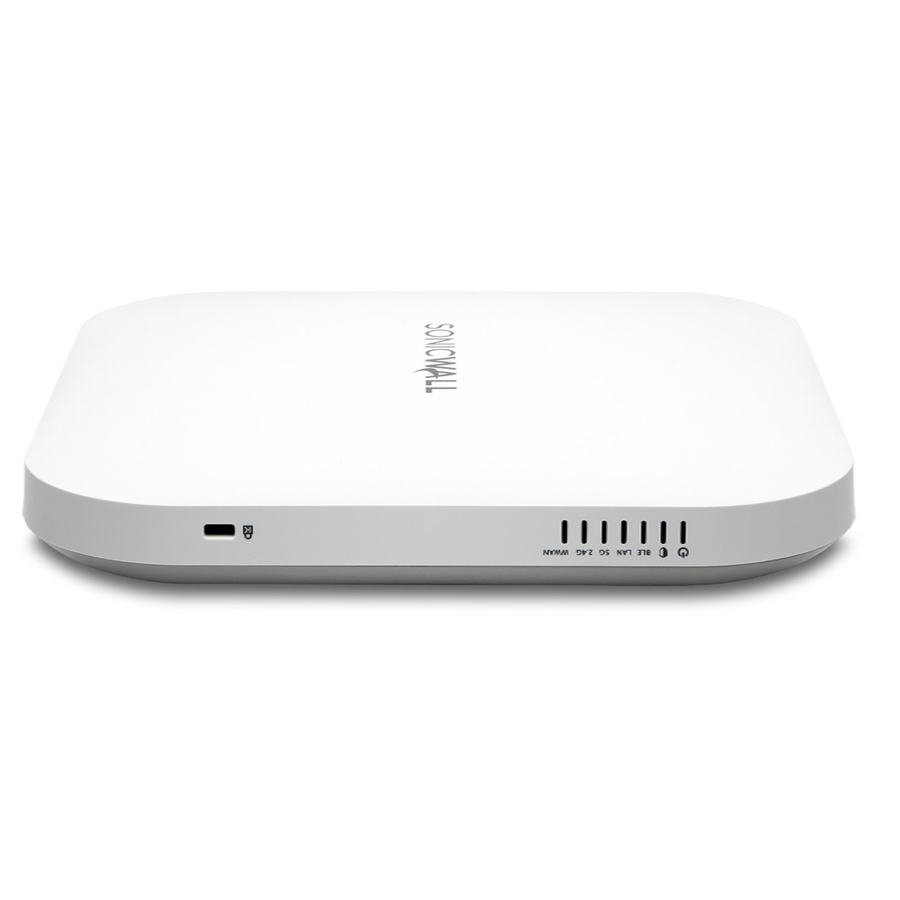
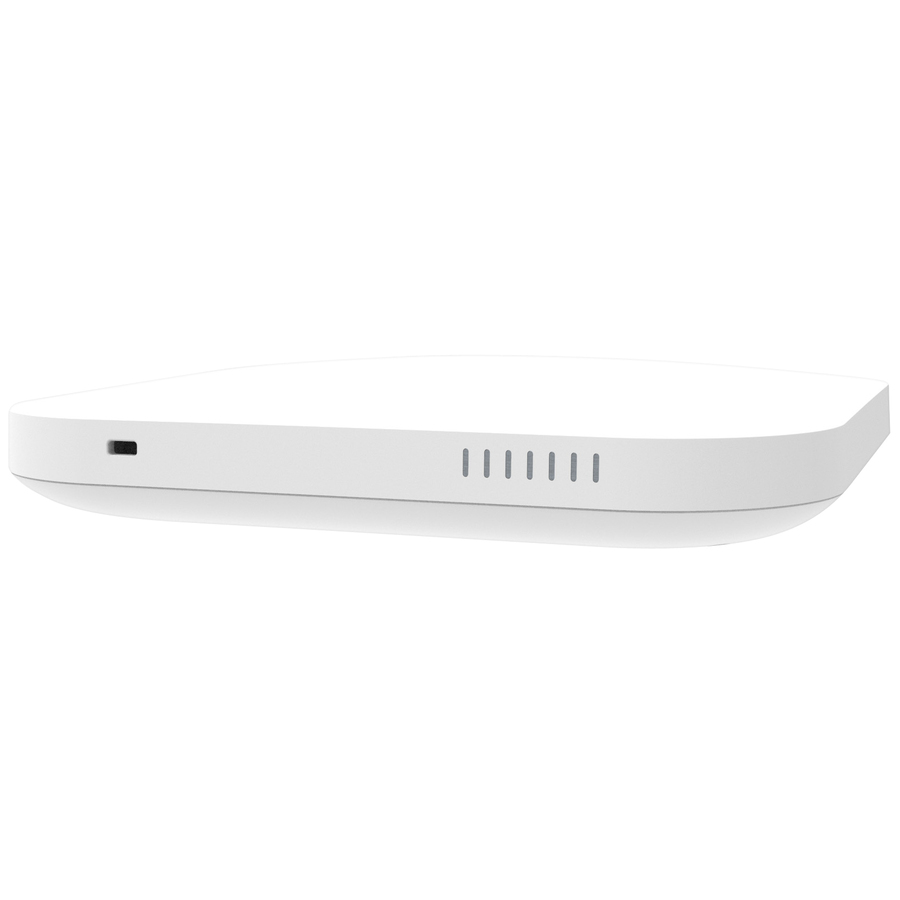
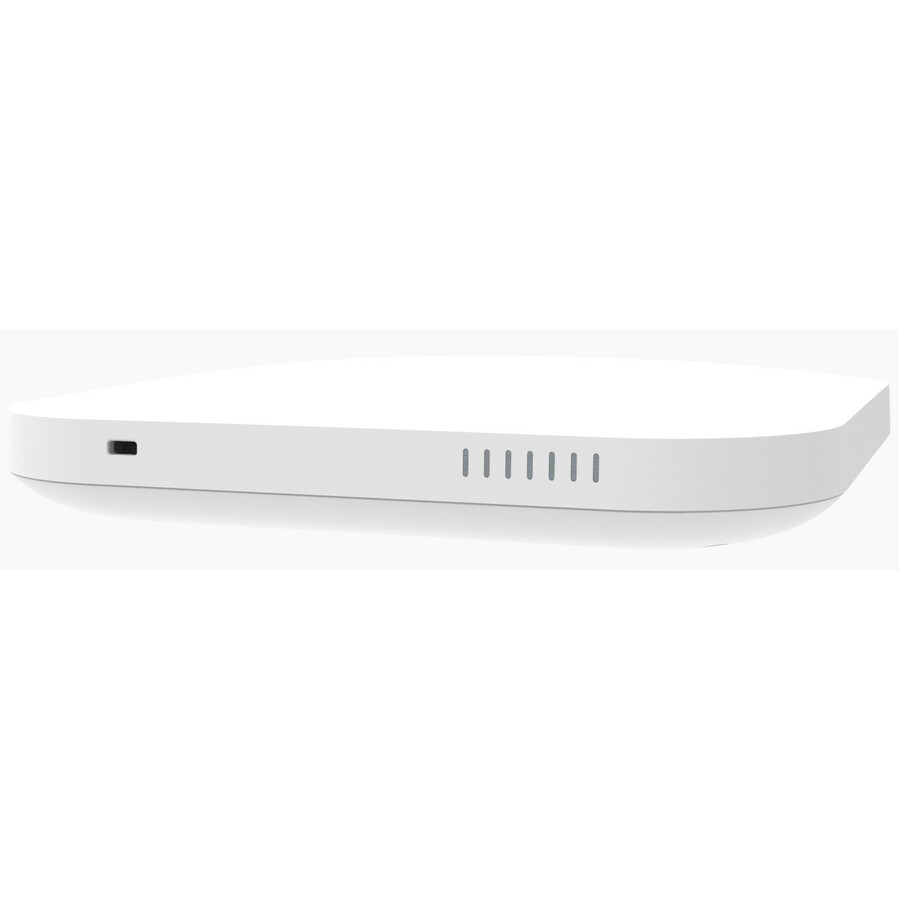
- SonicWallSonicWall SonicWave 621 Dual Band Wi-Fi 6 IEEE 802.11 a/b/g/n/ac/ax/e/i/r/k/v/w Wireless Access Point - Indoor - TAA Compliant - 2.40 GHz, 5 GHz - 4 x Internal Antenna(s) - Internal - MIMO Technology - Multi User MIMO - 1 x Network (RJ-45) - 2.5 Gigabit Ethernet, Gigabit Ethernet - Bluetooth 5 - 21 W - Ceiling Mountable03-SSC-0710
$588.00
$566.71*
22 in stock - SonicWallSonicWall SonicWave 621 Dual Band Wi-Fi 6 IEEE 802.11 a/b/g/n/ac/ax/e/i/r/k/v/w Wireless Access Point - Indoor - TAA Compliant - 2.40 GHz, 5 GHz - 4 x Internal Antenna(s) - Internal - MIMO Technology - Multi User MIMO - 1 x Network (RJ-45) - 2.5 Gigabit Ethernet, Gigabit Ethernet - Bluetooth 5 - 21 W - Ceiling Mountable03-SSC-0721
$636.00
$612.98*
32 in stock






Budget AP
Tenda Technology
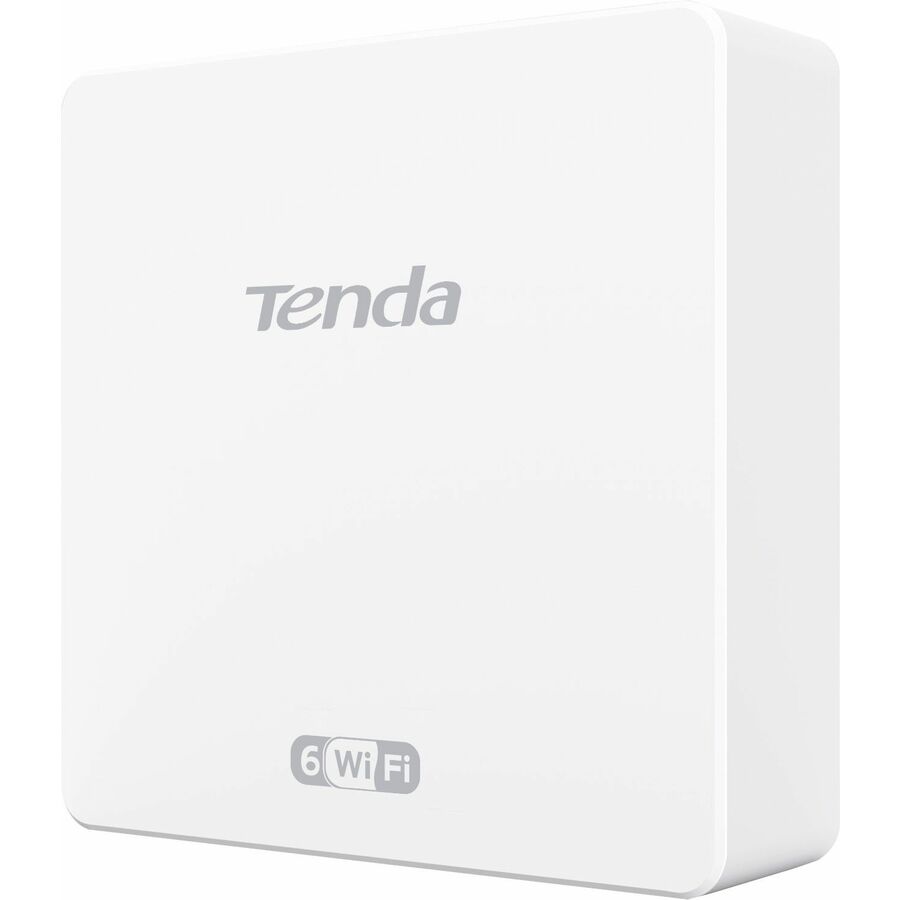
Tenda W15-PRO Dual Band Wi-Fi 6 IEEE 802.11 a/b/g/n/ac/ax 2.93 Gbit/s…
W15-PRO
The Tenda W15-PRO is a dual-band Wi-Fi 6 access point — an inexpensive 802.11ax unit for a small office or a coverage gap where the airtime handling of Wi-Fi 6 matters more than a multi-gig uplink.
$93.18Back-orderedValue AP
Netgear
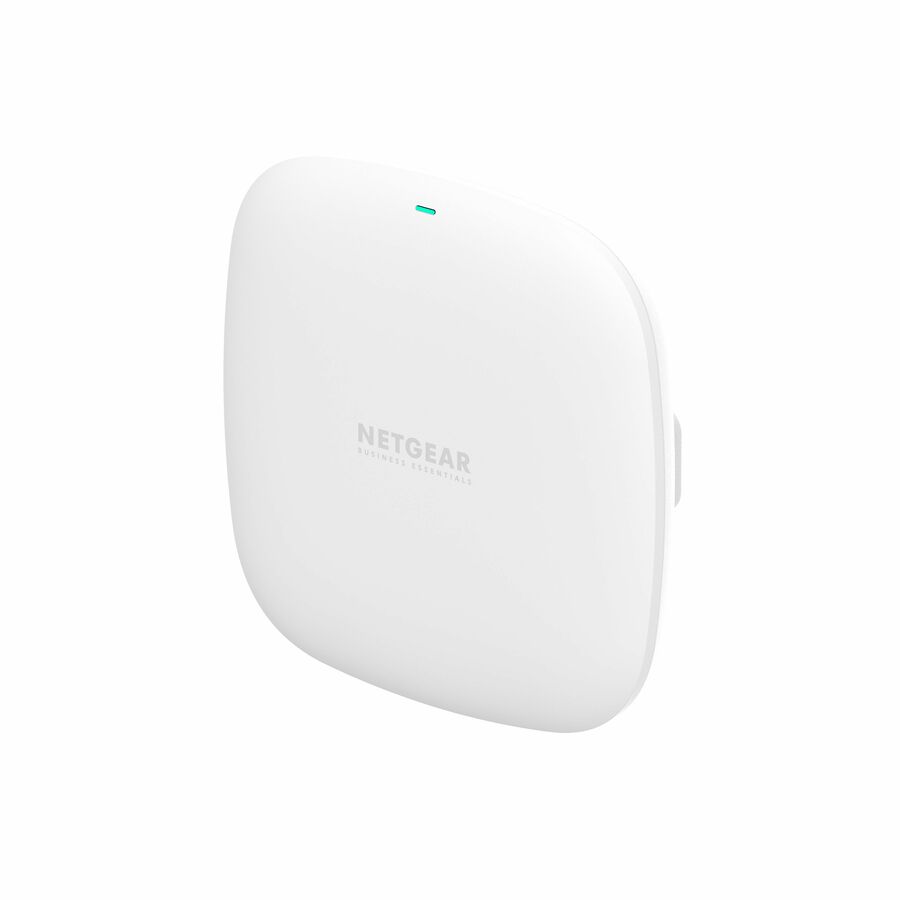
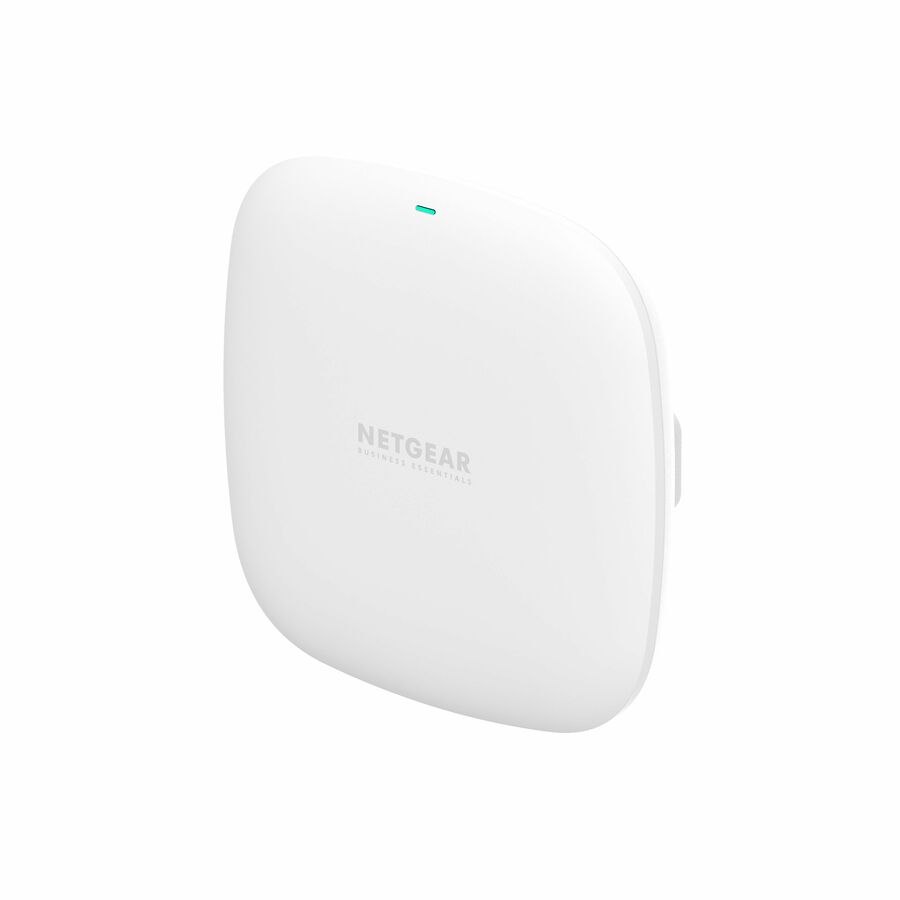
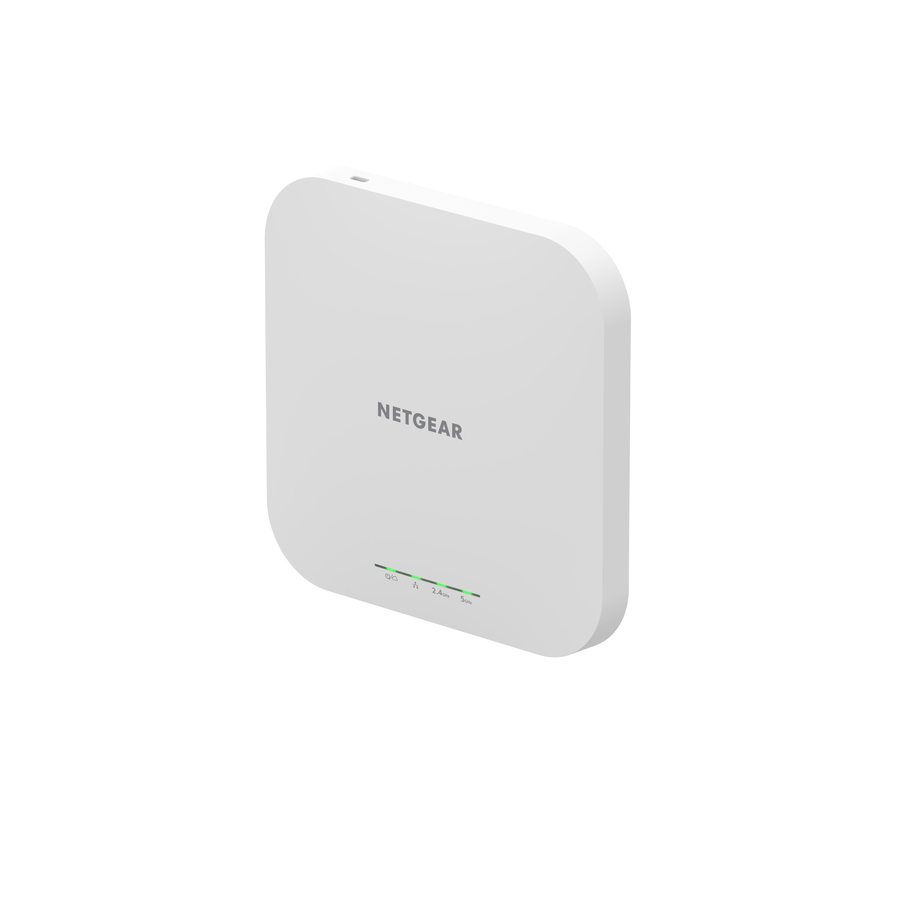
Netgear WAX210 Dual Band Wi-Fi 6 IEEE 802.11 a/b/g/n/ac/ax/e 1.80…
WAX210-100NAS
A Netgear WAX210 dual-band Wi-Fi 6 access point — an inexpensive 802.11ax unit for a small office or a coverage gap, with the airtime handling that keeps a busy room usable.
$94.98In stockOutdoor security AP
WatchGuard Technologies
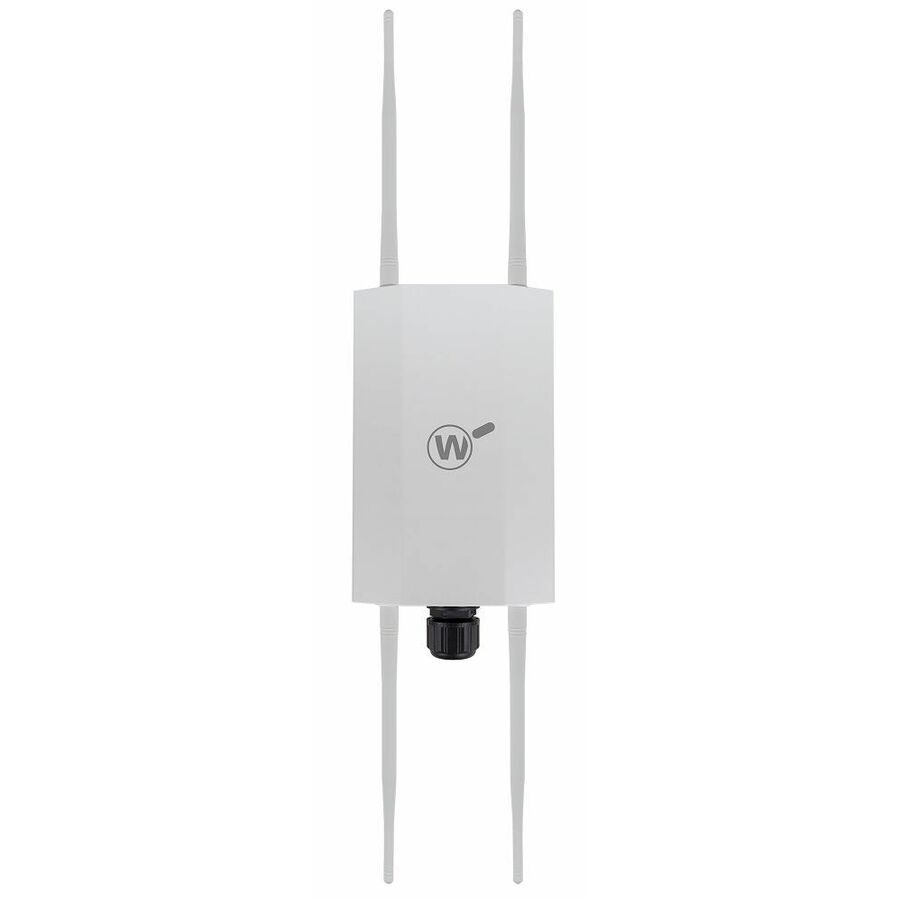
WatchGuard AP332CR Dual Band Wi-Fi 6 IEEE 802.11ax 1.71 Gbit/s Wireless…
WGA332003300
The WatchGuard AP332CR is an outdoor-rated dual-band Wi-Fi 6 access point — the exterior tier for a site standardising on a WatchGuard security stack, for a yard, a patio or a covered area.
Request pricingTAA AP
TRENDnet
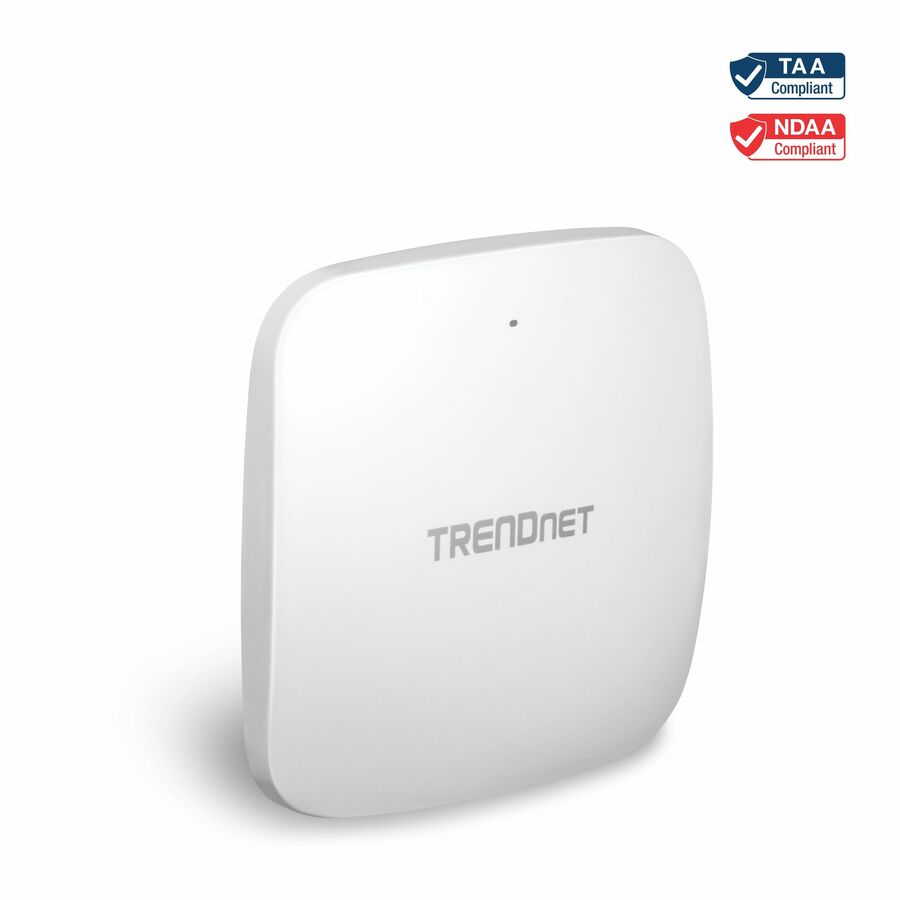
TRENDnet TEW-925DAP Dual Band Wi-Fi 6 IEEE 802.11 a/b/g/n/ac/ax 5.27…
TEW-925DAP
The TRENDnet TEW-925DAP is a dual-band Wi-Fi 6 access point whose own title states TAA compliance — a PoE unit for an office or a campus where the acquisition needs the TAA marking on the part.
$126.03*Back-orderedCloud-managed AP
EnGenius Technologies
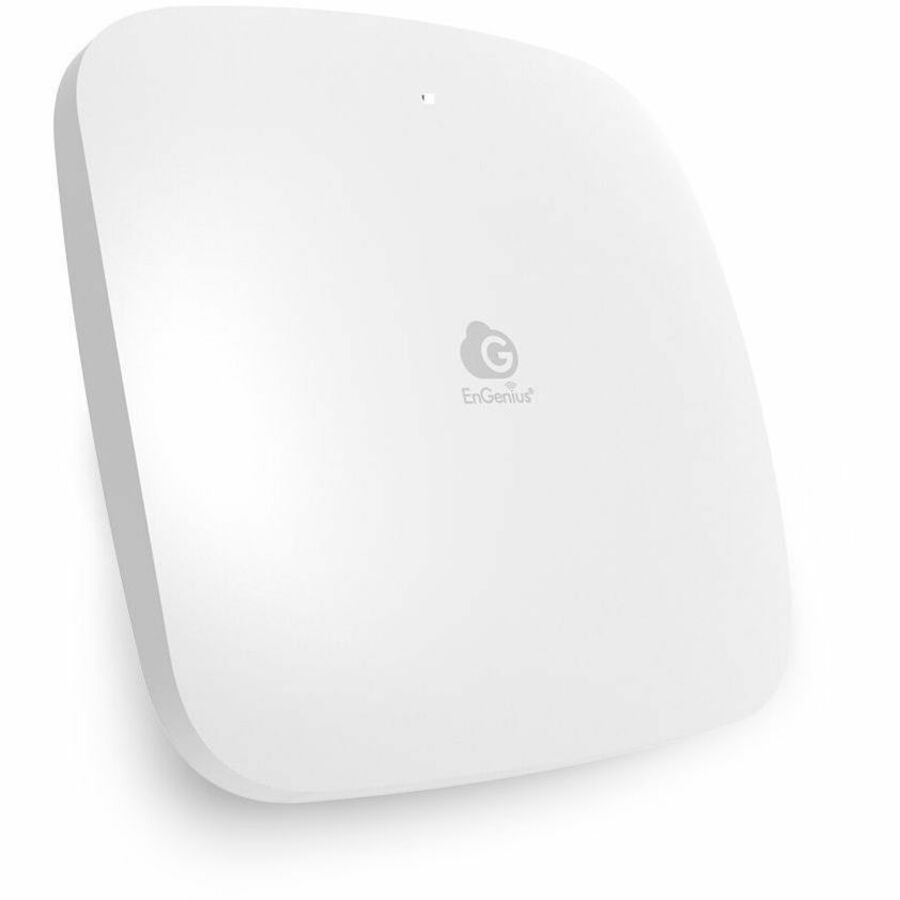
EnGenius ECW210L Dual Band Wi-Fi 6 IEEE 802.11a/b/g/n/ac/ax/e/k/r 2.90…
ECW210L
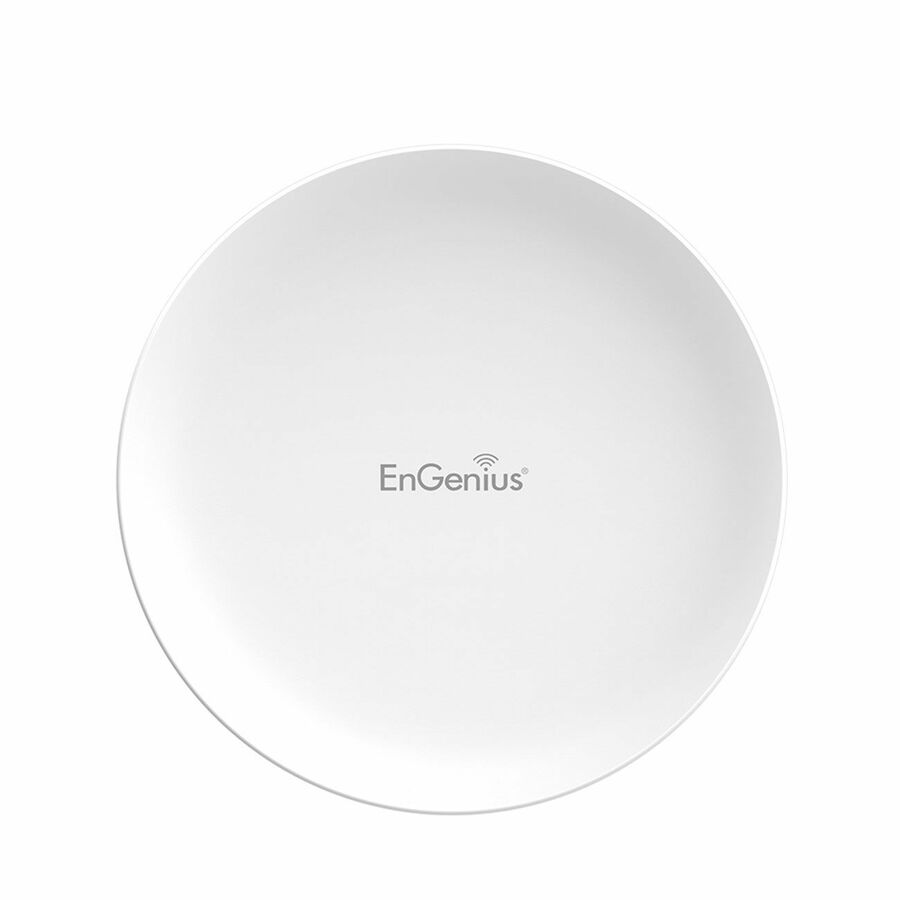
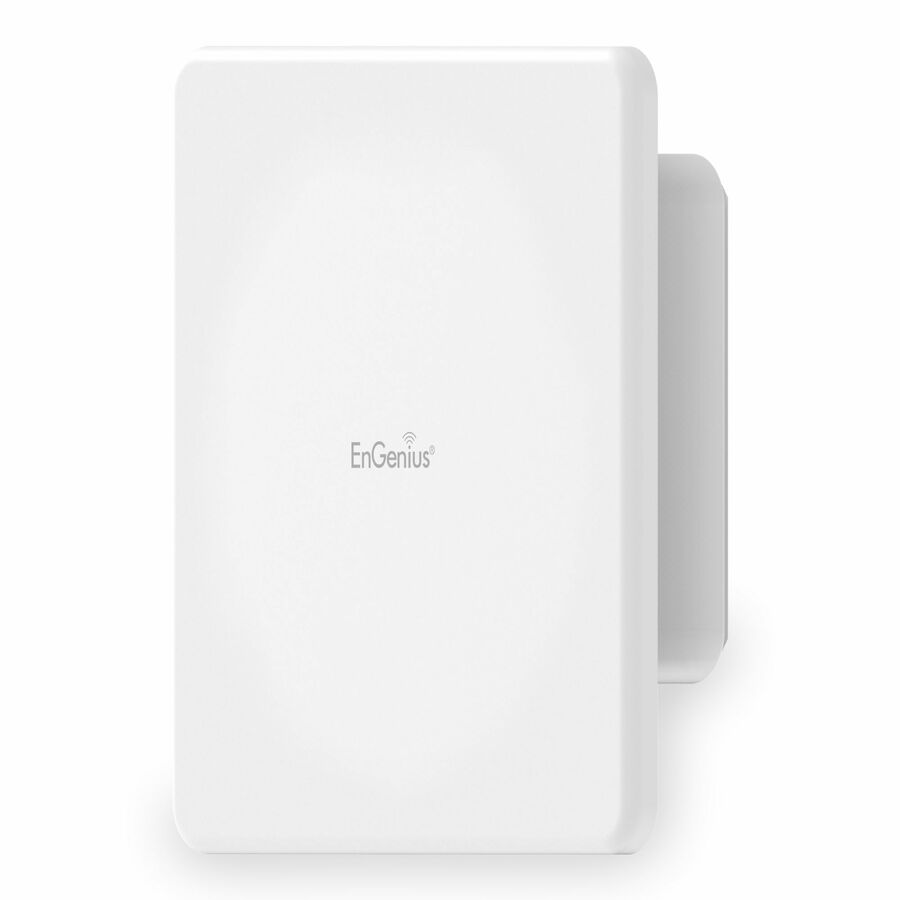
An EnGenius ECW210L dual-band Wi-Fi 6 access point managed from the cloud — the choice when you want ten access points to be one estate rather than ten separate configurations.
$163.42Back-orderedUniFi U6+
Ubiquiti
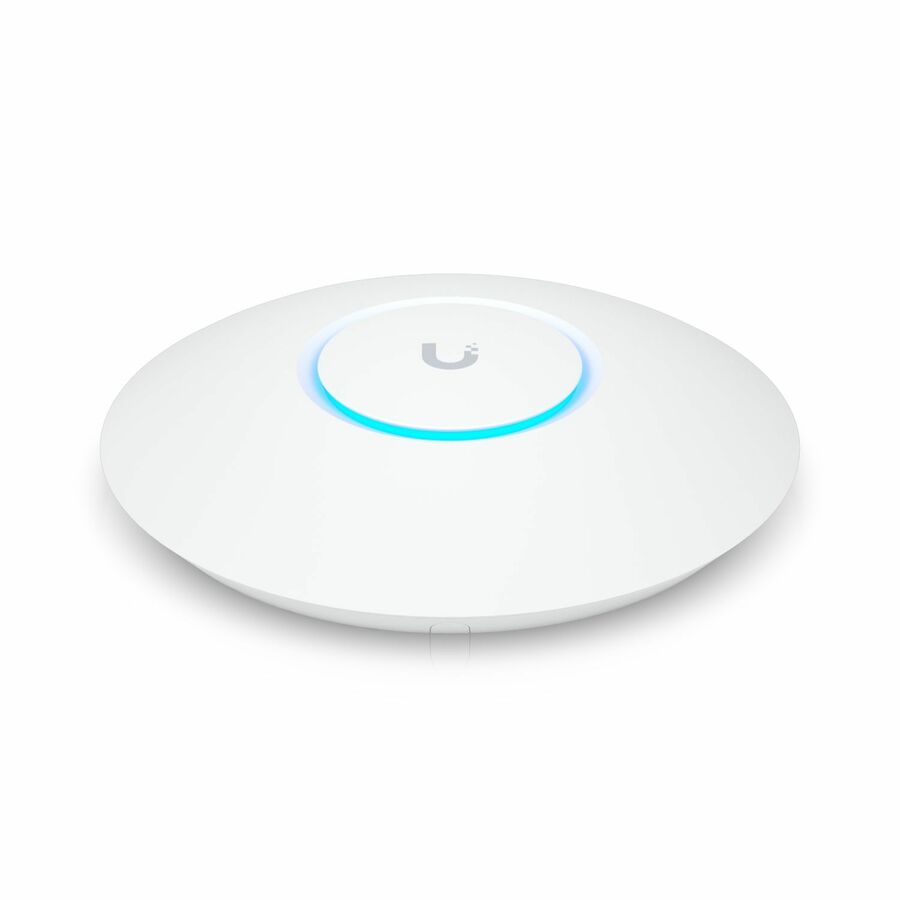
Ubiquiti U6+ Dual Band Wi-Fi 6 IEEE 802.11 a/b/g/n/ac/ax/k/v/r 2.40…
U6+-US
The Ubiquiti U6+ is a value dual-band Wi-Fi 6 access point in the UniFi line — the low-cost way to add a managed access point to a UniFi estate without stepping up to the Professional model.
$168.73In stockEnGenius Fit
EnGenius Technologies
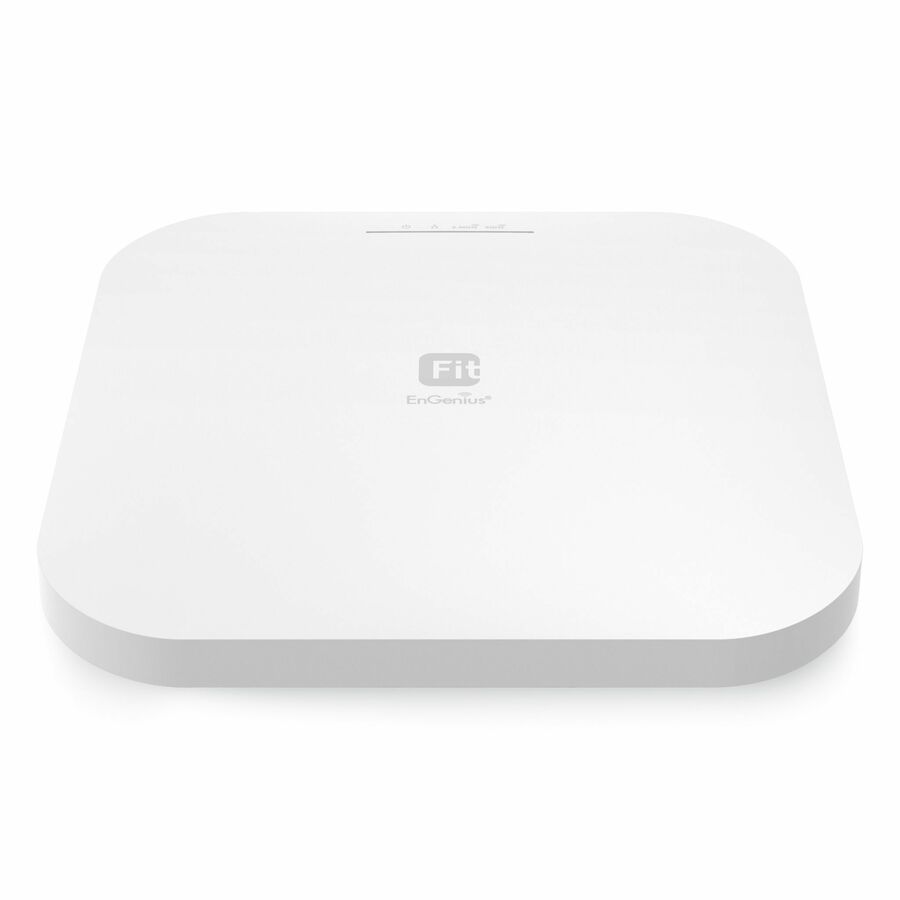
EnGenius Fit EWS276-Fit Dual Band Wi-Fi 6 IEEE 802.11 a/b/g/n/ac/ax/e…
EWS276-FIT
The EnGenius Fit EWS276 is a dual-band Wi-Fi 6 access point managed from the EnGenius Fit platform — a controller-light option for a small business that wants central management without a subscription tier.
$178.40Back-orderedNetgear WAX610
Netgear
Netgear WAX610 Wi-Fi 6 IEEE 802.11 a/b/g/n/ac/ax/i 1.80 Gbit/s Wireless…
WAX610-100NAS
The Netgear WAX610 is an indoor Wi-Fi 6 access point a step up from the entry WAX line — an Insight cloud- or standalone-managed unit for a busier office floor.
$196.54In stockPro AP
Ubiquiti
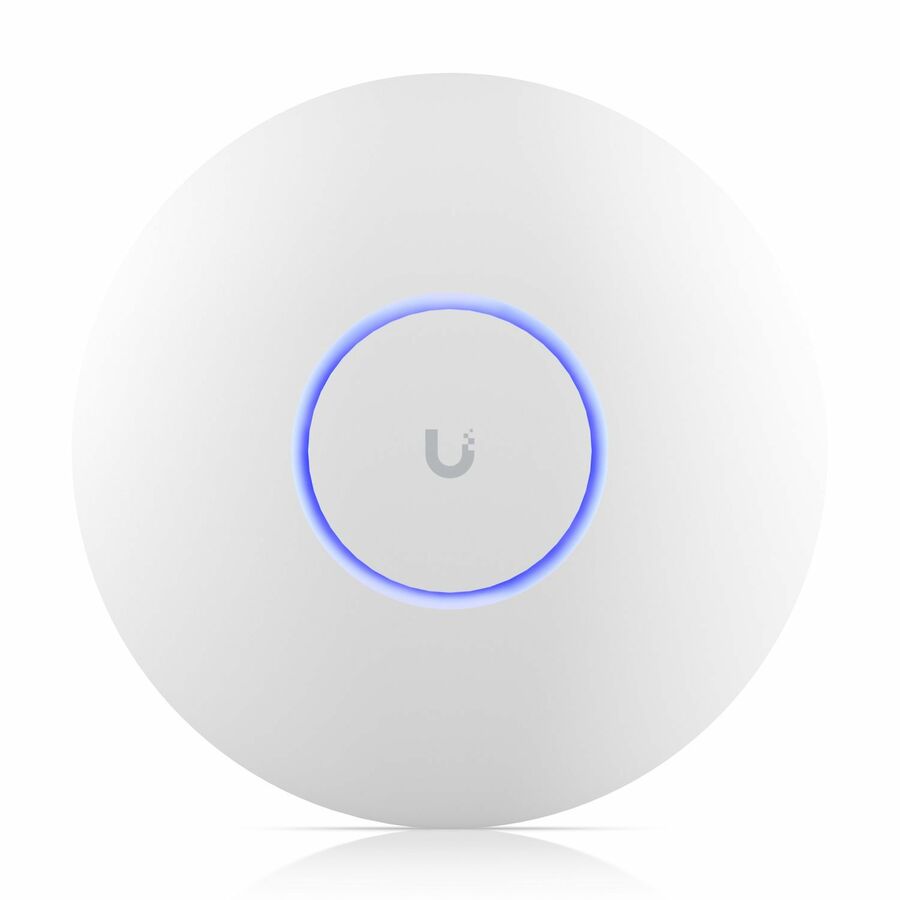
Ubiquiti UniFi 6 Professional U6 Pro Dual Band Wi-Fi 6 IEEE 802.11…
U6-PRO-US
A Ubiquiti UniFi 6 Professional dual-band Wi-Fi 6 access point for a denser floor — managed alongside the rest of a UniFi estate from one controller or the cloud.
$208.89Back-orderedIn-wall U6-IW
Ubiquiti
Ubiquiti UniFi 6 U6-IW Dual Band Wi-Fi 6 IEEE 802.11…
U6-IW-US
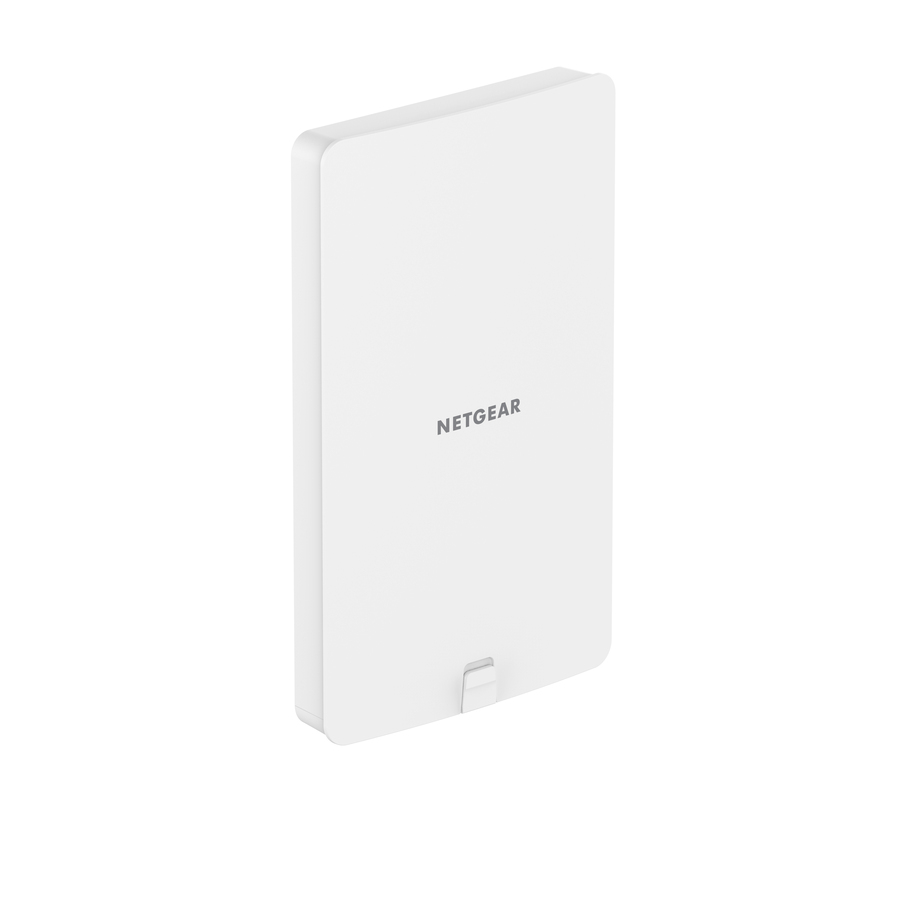
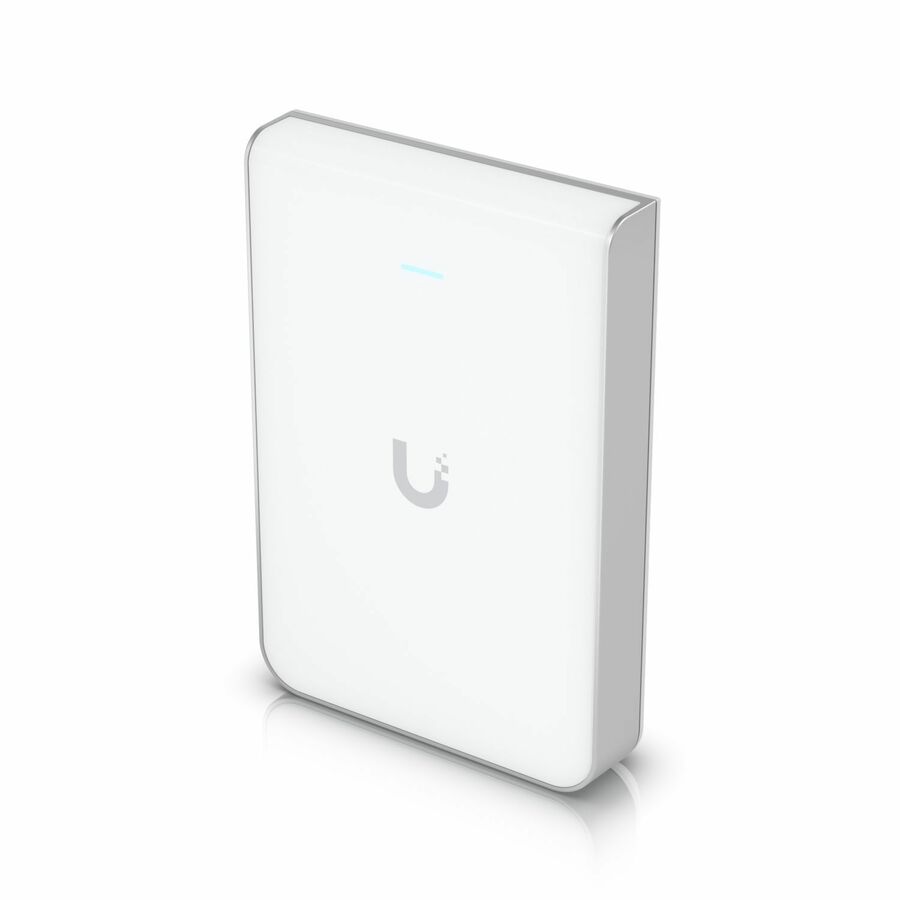
The Ubiquiti U6-IW is an in-wall Wi-Fi 6 access point that mounts to a wall box and adds wired passthrough ports — the coverage-and-ports unit for a hotel room, a dorm or a per-office wall plate.
$243.60Back-orderedSophos AP6

Sophos
Sophos AP6 420 Dual Band Wi-Fi 6 IEEE 802.11ax Wireless Access Point
AP420U00ZZPCNP
The Sophos AP6 420 is an indoor dual-band Wi-Fi 6 access point — the wireless tier for a site standardising on a Sophos security stack, managed from Sophos Central alongside the firewall.
Request pricingSecure-network AP

SonicWall
SonicWall SonicWave 621 Dual Band Wi-Fi 6 IEEE 802.11…
03-SSC-2126
A SonicWall SonicWave 621 dual-band Wi-Fi 6 access point — the wireless tier for a site standardising on a SonicWall security stack, managed with the firewall it lives behind.
Confirm the 2.5 GbE uplink is matched by the switch port and cabling before you assume the rate.
$355.59Back-orderedOutdoor IP67
Peplink
Peplink AP Pro AX Dual Band Wi-Fi 6 IEEE 802.11 a/b/g/n/ac/ax 1.73…
APP-AX-IP67
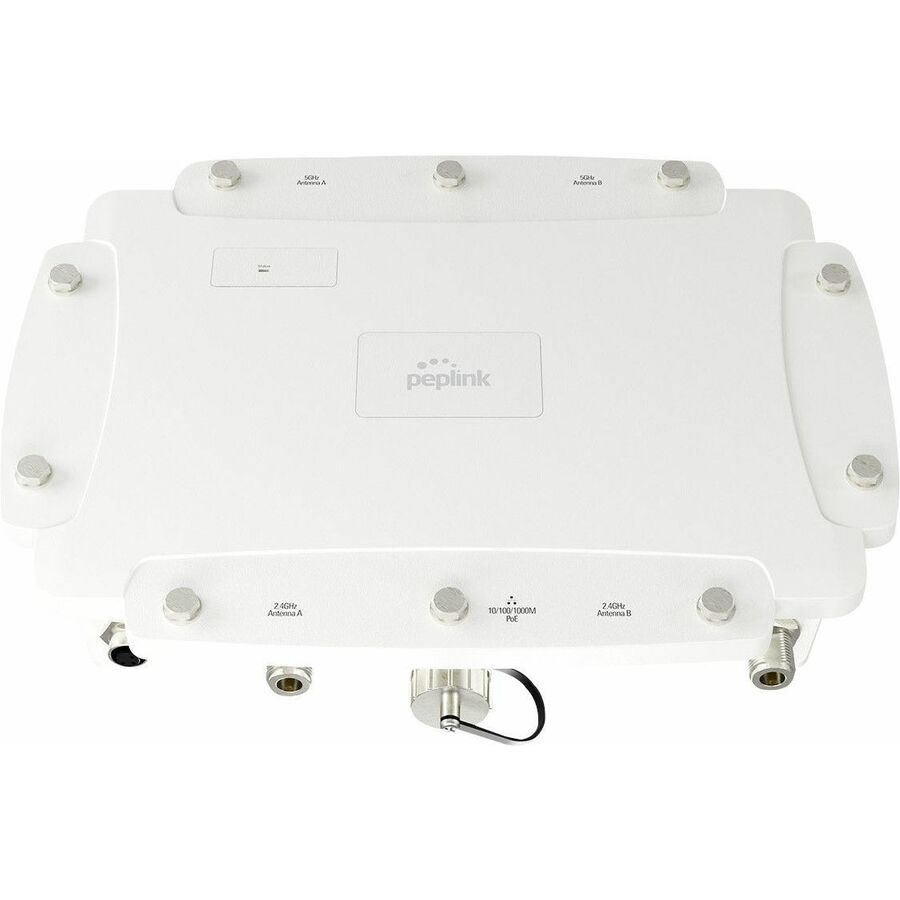
The Peplink AP Pro AX is an outdoor IP67-rated dual-band Wi-Fi 6 access point — the sealed, weatherproof unit for a courtyard, a warehouse yard or a covered exterior where an indoor access point would not survive.
$767.50Back-orderedMore wireless access points and bridges in the Uniqcli catalog
See all 2,444 wireless access points and bridgesMore from across this category. In-stock lines lead, and a back-ordered line carries the same estimated availability its product page does — with live pricing throughout, NDAA §889 screening before checkout and TAA verified on request.
- SonicWallSonicWall SonicWave 681 Dual Band Wi-Fi 6 IEEE 802.11 a/b/g/n/ac/ax Wireless Access Point - Indoor - TAA Compliant - 2.40 GHz, 5 GHz - 12 x Internal Antenna(s) - Internal - MIMO Technology - Multi User MIMO - 1 x Network (RJ-45) - 5 Gigabit Ethernet, Gigabit Ethernet, Fast Ethernet - Bluetooth 5 - 34 W - Ceiling Mountable03-SSC-0342
$1,534.05
$1,478.52*
1 in stock - SonicWallSonicWall SonicWave 641 Dual Band Wi-Fi 6 IEEE 802.11 a/b/g/n/ac/ax/e/i/r/k/v/w Wireless Access Point - Indoor - TAA Compliant - 2.40 GHz, 5 GHz - 8 x Internal Antenna(s) - Internal - MIMO Technology - Multi User MIMO - 1 x Network (RJ-45) - 2.5 Gigabit Ethernet, Gigabit Ethernet - Bluetooth 5 - 23 W - Ceiling Mountable03-SSC-0349
$1,291.50
$1,244.75*
1 in stock - SonicWallSonicWall SonicWave 641 Dual Band Wi-Fi 6 IEEE 802.11 a/b/g/n/ac/ax/e/i/r/k/v/w Wireless Access Point - Indoor - TAA Compliant - 2.40 GHz, 5 GHz - 8 x Internal Antenna(s) - Internal - MIMO Technology - Multi User MIMO - 1 x Network (RJ-45) - 2.5 Gigabit Ethernet, Gigabit Ethernet - Bluetooth 5 - 23 W - Ceiling Mountable03-SSC-0307
$1,249.50
$1,204.27*
5 in stock - SonicWallSonicWall SonicWave 641 Dual Band Wi-Fi 6 IEEE 802.11 a/b/g/n/ac/ax/e/i/r/k/v/w Wireless Access Point - Indoor - TAA Compliant - 2.40 GHz, 5 GHz - 8 x Internal Antenna(s) - Internal - MIMO Technology - Multi User MIMO - 1 x Network (RJ-45) - 2.5 Gigabit Ethernet, Gigabit Ethernet - Bluetooth 5 - 23 W - Ceiling Mountable03-SSC-0350
$1,162.35
$1,120.28*
3 in stock - SonicWallSonicWall SonicWave 641 Dual Band Wi-Fi 6 IEEE 802.11 a/b/g/n/ac/ax/e/i/r/k/v/w Wireless Access Point - Indoor - TAA Compliant - 2.40 GHz, 5 GHz - 8 x Internal Antenna(s) - Internal - MIMO Technology - Multi User MIMO - 1 x Network (RJ-45) - 2.5 Gigabit Ethernet, Gigabit Ethernet - Bluetooth 5 - 23 W - Ceiling Mountable03-SSC-0303
$1,144.50
$1,103.08*
4 in stock - SonicWallSonicWall SonicWave 621 Dual Band Wi-Fi 6 IEEE 802.11 a/b/g/n/ac/ax/e/i/r/k/v/w Wireless Access Point - Indoor - TAA Compliant - 2.40 GHz, 5 GHz - 4 x Internal Antenna(s) - Internal - MIMO Technology - Multi User MIMO - 1 x Network (RJ-45) - 2.5 Gigabit Ethernet, Gigabit Ethernet - Bluetooth 5 - 21 W - Ceiling Mountable03-SSC-0724
$940.00
$905.97*
10 in stock - SonicWallSonicWall SonicWave 621 Dual Band Wi-Fi 6 IEEE 802.11 a/b/g/n/ac/ax/e/i/r/k/v/w Wireless Access Point - Indoor - TAA Compliant - 2.40 GHz, 5 GHz - 4 x Internal Antenna(s) - Internal - MIMO Technology - Multi User MIMO - 1 x Network (RJ-45) - 2.5 Gigabit Ethernet, Gigabit Ethernet - Bluetooth 5 - 21 W - Ceiling Mountable03-SSC-0722
$828.00
$798.03*
29 in stock - SonicWallSonicWall SonicWave 621 Dual Band Wi-Fi 6 IEEE 802.11 a/b/g/n/ac/ax/e/i/r/k/v/w Wireless Access Point - Indoor - TAA Compliant - 2.40 GHz, 5 GHz - 4 x Internal Antenna(s) - Internal - MIMO Technology - Multi User MIMO - 1 x Network (RJ-45) - 2.5 Gigabit Ethernet, Gigabit Ethernet - Bluetooth 5 - 21 W - Ceiling Mountable03-SSC-0711
$780.00
$751.76*
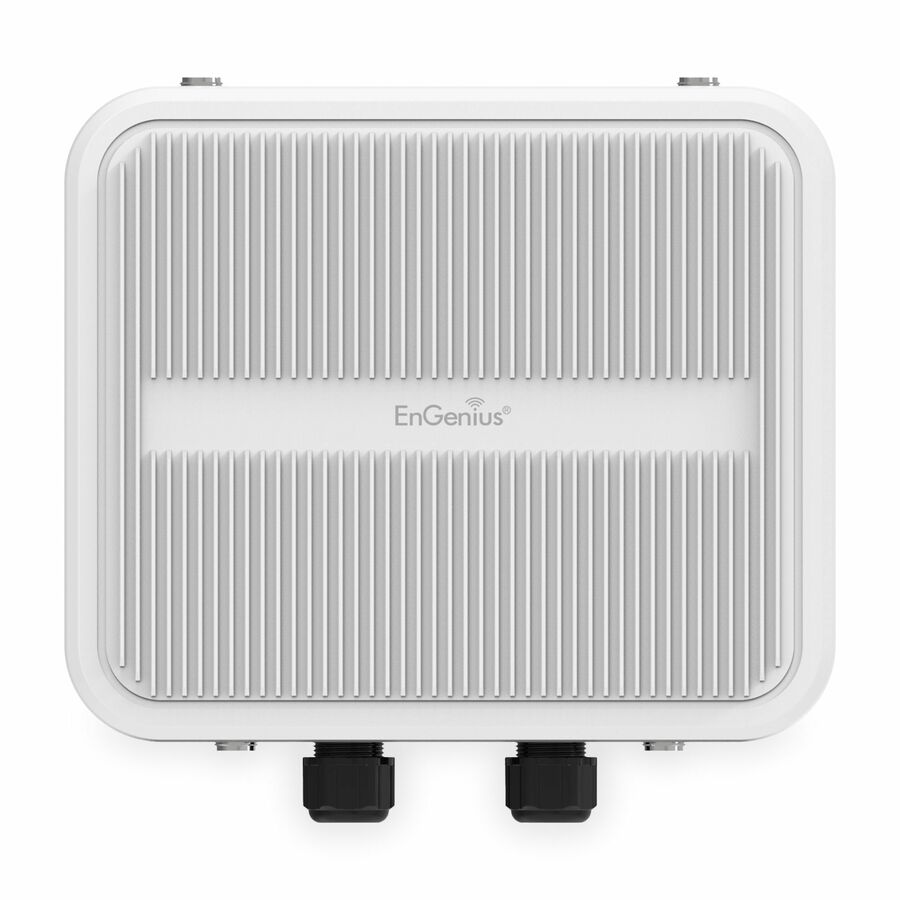
15 in stock - EnGenius TechnologiesEnGenius EOC655-C23 Dual Band Wi-Fi 6 IEEE 802.11ax 2 Gbit/s Wireless Access Point - Outdoor - 5 GHz, 2.40 GHz - 4 x Internal Antenna(s) - Internal - MIMO Technology - Multi User MIMO - 2 x Network (RJ-45) - 2.5 Gigabit Ethernet, Gigabit Ethernet, Fast Ethernet, Ethernet - PoE+ (RJ-45) Ports - 25 W - Pole-mountable - IP67 - 1 PieceNFR-EOC655-C23
$1,299.00
$845.23
Back-orderedBack-ordered — estimated OEM lead time 3–8 weeks (Nov 15 – Dec 20 if ordered today).
- SonicWallSonicWall SonicWave 681 Dual Band Wi-Fi 6 IEEE 802.11 a/b/g/n/ac/ax Wireless Access Point - Indoor - TAA Compliant - 2.40 GHz, 5 GHz - 12 x Internal Antenna(s) - Internal - MIMO Technology - Multi User MIMO - 1 x Network (RJ-45) - 5 Gigabit Ethernet, Gigabit Ethernet, Fast Ethernet - Bluetooth 5 - 34 W - Ceiling Mountable - 803-SSC-0328
$11,305.00
$10,895.76*
Back-orderedBack-ordered — estimated OEM lead time 3–8 weeks (Nov 15 – Dec 20 if ordered today).
- SonicWallSonicWall SonicWave 681 Dual Band Wi-Fi 6 IEEE 802.11 a/b/g/n/ac/ax Wireless Access Point - Indoor - 2.40 GHz, 5 GHz - 12 x Internal Antenna(s) - Internal - MIMO Technology - Multi User MIMO - 1 x Network (RJ-45) - 5 Gigabit Ethernet, Gigabit Ethernet, Fast Ethernet - Bluetooth 5 - 34 W - Ceiling Mountable - 803-SSC-0943
$11,305.00
$10,895.76
Back-orderedBack-ordered — estimated OEM lead time 3–8 weeks (Nov 15 – Dec 20 if ordered today).
- SonicWallSonicWall SonicWave 681 Dual Band Wi-Fi 6 IEEE 802.11 a/b/g/n/ac/ax Wireless Access Point - Indoor - TAA Compliant - 2.40 GHz, 5 GHz - 12 x Internal Antenna(s) - Internal - MIMO Technology - Multi User MIMO - 1 x Network (RJ-45) - 5 Gigabit Ethernet, Gigabit Ethernet, Fast Ethernet - Bluetooth 5 - 34 W - Ceiling Mountable - 803-SSC-0320
$10,638.60
$10,253.48*
Back-orderedBack-ordered — estimated OEM lead time 3–8 weeks (Nov 15 – Dec 20 if ordered today).
- SonicWallSonicWall SonicWave 681 Dual Band Wi-Fi 6 IEEE 802.11 a/b/g/n/ac/ax Wireless Access Point - Indoor - TAA Compliant - 2.40 GHz, 5 GHz - 12 x Internal Antenna(s) - Internal - MIMO Technology - Multi User MIMO - 1 x Network (RJ-45) - 5 Gigabit Ethernet, Gigabit Ethernet, Fast Ethernet - Bluetooth 5 - 34 W - Ceiling Mountable - 803-SSC-0324
$10,638.60
$10,253.48*
Back-orderedBack-ordered — estimated OEM lead time 3–8 weeks (Nov 15 – Dec 20 if ordered today).
Back-ordered — estimated OEM lead time 3–8 weeks (Nov 15 – Dec 20 if ordered today).
- SonicWallSonicWall SonicWave 681 Dual Band Wi-Fi 6 IEEE 802.11 a/b/g/n/ac/ax Wireless Access Point - Indoor - TAA Compliant - 2.40 GHz, 5 GHz - 12 x Internal Antenna(s) - Internal - MIMO Technology - Multi User MIMO - 1 x Network (RJ-45) - 5 Gigabit Ethernet, Gigabit Ethernet, Fast Ethernet - Bluetooth 5 - 34 W - Ceiling Mountable - 803-SSC-0331
$9,574.74
$9,228.13*
Back-orderedBack-ordered — estimated OEM lead time 3–8 weeks (Nov 15 – Dec 20 if ordered today).
- SonicWallSonicWall SonicWave 681 Dual Band Wi-Fi 6 IEEE 802.11 a/b/g/n/ac/ax 4.80 Gbit/s Wireless Access Point - Indoor - TAA Compliant - 2.40 GHz, 5 GHz - 12 x Internal Antenna(s) - Internal - MIMO Technology - Multi User MIMO - 1 x Network (RJ-45) - 5 Gigabit Ethernet, Gigabit Ethernet, Fast Ethernet - Bluetooth 5 - 34 W - Ceiling Mountable - 803-SSC-0334
$9,574.74
$9,228.13*
Back-orderedBack-ordered — estimated OEM lead time 3–8 weeks (Nov 15 – Dec 20 if ordered today).
- SonicWallSonicWall SonicWave 641 Dual Band Wi-Fi 6 IEEE 802.11 a/b/g/n/ac/ax/e/i/r/k/v/w Wireless Access Point - Indoor - TAA Compliant - 2.40 GHz, 5 GHz - 8 x Internal Antenna(s) - Internal - MIMO Technology - Multi User MIMO - 1 x Network (RJ-45) - 2.5 Gigabit Ethernet, Gigabit Ethernet - Bluetooth 5 - 23 W - Ceiling Mountable - 803-SSC-0309
$8,496.60
$8,189.02*
Back-orderedBack-ordered — estimated OEM lead time 3–8 weeks (Nov 15 – Dec 20 if ordered today).
- SonicWallSonicWall SonicWave 641 Dual Band Wi-Fi 6 IEEE 802.11 a/b/g/n/ac/ax/e/i/r/k/v/w Wireless Access Point - Indoor - 2.40 GHz, 5 GHz - 8 x Internal Antenna(s) - Internal - MIMO Technology - Multi User MIMO - 1 x Network (RJ-45) - 2.5 Gigabit Ethernet, Gigabit Ethernet - Bluetooth 5 - 23 W - Ceiling Mountable - 803-SSC-0941
$8,496.60
$8,189.02
Back-orderedBack-ordered — estimated OEM lead time 3–8 weeks (Nov 15 – Dec 20 if ordered today).
- SonicWallSonicWall SonicWave 641 Dual Band Wi-Fi 6 IEEE 802.11 a/b/g/n/ac/ax/e/i/r/k/v/w Wireless Access Point - Indoor - TAA Compliant - 2.40 GHz, 5 GHz - 8 x Internal Antenna(s) - Internal - MIMO Technology - Multi User MIMO - 1 x Network (RJ-45) - 2.5 Gigabit Ethernet, Gigabit Ethernet - Bluetooth 5 - 23 W - Ceiling Mountable - 803-SSC-0305
$7,782.60
$7,500.87*
Back-orderedBack-ordered — estimated OEM lead time 3–8 weeks (Nov 15 – Dec 20 if ordered today).
- SonicWallSonicWall SonicWave 641 Dual Band Wi-Fi 6 IEEE 802.11 a/b/g/n/ac/ax/e/i/r/k/v/w Wireless Access Point - Indoor - TAA Compliant - 2.40 GHz, 5 GHz - 8 x Internal Antenna(s) - Internal - MIMO Technology - Multi User MIMO - 1 x Network (RJ-45) - 2.5 Gigabit Ethernet, Gigabit Ethernet - Bluetooth 5 - 23 W - Ceiling Mountable - 803-SSC-0316
$7,782.60
$7,500.87*
Back-orderedBack-ordered — estimated OEM lead time 3–8 weeks (Nov 15 – Dec 20 if ordered today).
- SonicWallSonicWall SonicWave 641 Dual Band Wi-Fi 6 IEEE 802.11 a/b/g/n/ac/ax/e/i/r/k/v/w 4.80 Gbit/s Wireless Access Point - Indoor - TAA Compliant - 2.40 GHz, 5 GHz - 8 x Internal Antenna(s) - Internal - MIMO Technology - Multi User MIMO - 1 x Network (RJ-45) - 2.5 Gigabit Ethernet, Gigabit Ethernet - Bluetooth 5 - 23 W - Ceiling Mountable - 803-SSC-0335
$7,004.34
$6,750.78*
Back-orderedBack-ordered — estimated OEM lead time 3–8 weeks (Nov 15 – Dec 20 if ordered today).











Need pricing on Wi-Fi 6 access points?
Tell us where to reach you and a Uniqcli specialist will follow up by email with current pricing, availability and lead time for the quantities you need — including parts that aren’t shown on this page.
Buying for an organization or for yourself — both work. No payment up front.
Wi-Fi 6 is the 802.11ax generation, and it is the mainstream business standard: broadly supported by the laptops, phones and tablets in use today, and priced for a floor-wide deployment rather than a flagship refresh. Its gains show up most where they are needed — a room full of clients on one radio, where 802.11ax's airtime handling keeps a busy access point usable instead of collapsing under contention. Every row in this grid is titled with the generation, which is useful because the generation is the one specification a product page cannot fudge. What it can fudge is the number printed largest: the aggregate Gbit/s figure adds theoretical rates across radios under conditions no building reproduces. Read past it to the facts that decide whether a unit helps.
The first is the wired uplink, and it is where a Wi-Fi 6 deployment is usually won or lost. Many rows here name a 2.5 Gigabit Ethernet port, and it matters: an access point whose radios can exceed a gigabit sits behind a gigabit switch port at a gigabit, so the air is rarely the bottleneck people assume it is. The second is power. These units take Power over Ethernet, and the wattage each draws is a claim on the switch's total power budget, not merely on its port count — a fully populated switch can run out of power before it runs out of ports, and that is the constraint discovered late. The third is management: a controller-based or cloud-managed family is what makes ten access points one estate instead of ten configurations, and some platforms are included with the hardware while others are licensed.
Two more things are worth reading on the row. Most units here are dual-band, running 2.4 and 5 GHz; a subset are titled Wi-Fi 6E, which adds the 6 GHz band — the band with the widest channels and least congestion, at shorter range and with client support that is still uneven — so read the bands the row actually names rather than the label alone. And read the shape: the overwhelming majority of these rows are access points, meant to be fed by a PoE switch and managed as an estate, but the same catalog category also holds a few range extenders and wireless bridges, which are a patch and a point-to-point link respectively rather than an architecture — named here once and reachable through the category strip below. Uniqcli quotes the whole deployment on one order: the access points, the PoE switching and cabling to feed them, mounting, the management licensing a cloud- or controller-managed family implies, and the survey and installation services that turn a box of radios into working coverage. This grid is drawn from the Wi-Fi 6 access points Uniqcli currently stocks, with live availability on each card.
Buyer's checklist
How to choose a Wi-Fi 6 access point
- Read the wired uplink rather than the aggregate radio rate: many rows here name a 2.5 Gigabit Ethernet port, and a gigabit switch port caps a Wi-Fi 6 radio long before the air does.
- Add the PoE draw of every access point and compare it against the switch's total power budget, not its port count — a short budget is far cheaper to fix before the ceiling closes than after.
- Price the management model at purchase. A cloud-managed or controller-based family is what makes ten access points one estate instead of ten configurations, and some platforms are included while others are licensed across a refresh cycle.
- Decide whether you need the 6 GHz band: dual-band units run 2.4 and 5 GHz, while the Wi-Fi 6E rows add 6 GHz for the widest channels and least congestion, at shorter range and on clients that support it. Read the bands the row names.
- Match the mount and environment to the position — ceiling and wall units for indoors, and only the outdoor-rated rows for exteriors, yards and covered areas.
- Buy the shape you actually need: an access point is coverage you will manage; a range extender patches one dead spot where cable cannot go, and a wireless bridge links two fixed points. The titles say which is which.
The switching and cabling around the radios
A Wi-Fi 6 order is rarely just access points, and the attached items are the ones that stall a rollout. Start with the switch: the uplink speeds titled on these rows want 2.5 GbE ports where the radios can exceed a gigabit, and the total PoE budget has to cover every access point drawing at once — port count is not the same number, and the difference is what sales sheets emphasise. Then the cabling, because a multi-gig uplink over a tired run is a gigabit link with extra steps — confirm the category and length of what is in the wall, or price the pull. Then the management platform, decided before the hardware rather than at renewal, since it is what makes SSIDs, firmware, RF settings and guest policy one job instead of a per-device chore. And then the work itself: a survey before the order tells you how many access points the building actually needs, and installation puts them where the survey said. Send the floor plans, the client count and the switch model you already own, and we will quote the access points, the switching, the cabling, the licensing and the labour together.
Access point, extender or bridge
These are three different products that share a catalog category, and buying the wrong one is the expensive mistake. An access point is infrastructure: fed by a wired uplink and PoE, mounted where the coverage has to be, and — in the cloud-managed and controller-based families — configured, updated and monitored alongside every other access point in the estate. A range extender is a repeater; it re-broadcasts a signal it receives over the air, which costs airtime and adds latency, and it exists to cover a spot cable will reach eventually but has not yet — a patch, not an architecture, and in a building you own an access point on a proper cable run is the durable and usually cheaper answer over five years. A wireless bridge links two fixed points over the air across a courtyard or a yard where trenching is the alternative. The grid here is access points; the handful of extenders and bridges in the same category are reachable through the strip below. Buy for the problem, and be honest about which problem you actually have.
FAQ
Common questions
- Is Wi-Fi 6 still the right buy, or should we jump to Wi-Fi 6E or Wi-Fi 7?
- Wi-Fi 6 is the mainstream business standard, broadly supported by the devices in use today and priced for a floor-wide deployment, so for most offices and campuses it is the sensible buy — the gains it delivers immediately are better airtime handling in crowded rooms and, on the rows that carry it, a multi-gig uplink that removes the gigabit ceiling on a busy access point. Wi-Fi 6E adds the 6 GHz band, which only helps devices that support it and comes at shorter range; the 6E rows here are worth it where you have dense, high-throughput rooms and newer clients. Wi-Fi 7 is the newest generation and a longer-life buy for a ceiling you will not touch for years. Match the generation to the client fleet and the life of the installation rather than to the headline number.
- What switch and cabling do these access points need?
- Read the uplink on the exact row: many units here are titled with a 2.5 Gigabit Ethernet port, and a gigabit switch port caps the access point at a gigabit no matter what the radios can do. So the switch wants matching multi-gig ports where the radios exceed a gigabit, and it wants a total PoE budget that covers every access point drawing at once — port count is not the same number, and the difference is what stalls a rollout. Where the budget falls short, a larger PoE switch or midspan injectors both work and both cost less to buy up front than to retrofit. On cabling, a multi-gig uplink is only as good as the run behind it, so confirm what is in the wall before assuming the speed printed on the port.
- How many access points do we need for our space?
- That is a site-survey question, not a coverage-per-unit rule of thumb, because it depends on the building materials, the client density and the throughput each room needs — an open office and a warehouse with the same square footage need very different counts. The honest answer is to survey before you order: a predictive or on-site survey tells you how many access points the space actually needs and where they go, which is cheaper than under-buying and re-pulling cable or over-buying and paying for radios that overlap. Send the floor plans and the expected client count and we will scope the survey and quote the access points, the PoE switching and cabling, and the installation together, so the count is grounded in the building rather than guessed.
- Can business, government and education buyers order these?
- Every line Uniqcli quotes is sourced through US distribution and screened for TAA country-of-origin and NDAA §889 status before checkout — with documentation tied to the specific part number, not a product family.
Need Wi-Fi 6 access points pricing?
Send a bill of materials or part numbers — we confirm stock and a below-market total, with TAA verified on request. No payment up front.