
Best Wi-Fi 7 Access Points and Range Extenders
Dual-band and tri-band 802.11be hardware for offices, campuses and outdoor sites — access points, plus the range extenders built on the same radio — read by the wired uplink, the mount and the management model.
Wi-Fi 7 access points and range extenders in stock at Uniqcli
How to choose →A curated selection with live pricing — in-stock lines first, then back-ordered lines with a typical lead time. Every line is sourced through US distribution and screened for NDAA §889 status before checkout, with TAA verified on request.
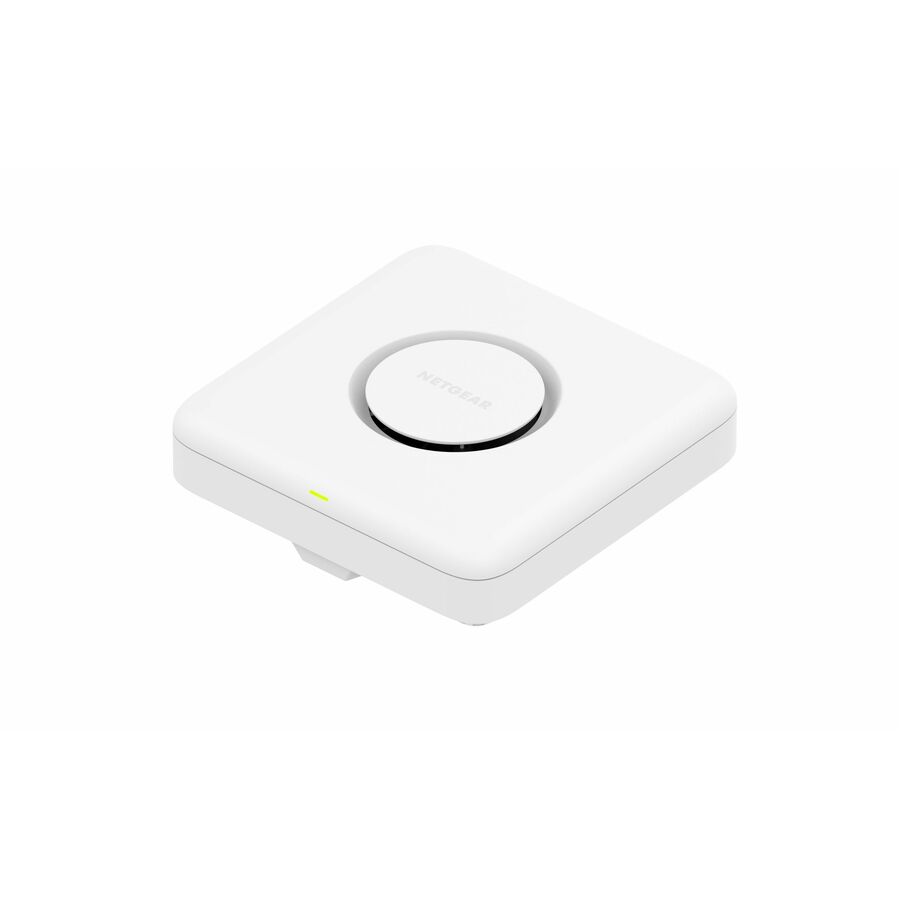
- NetgearNetgear WBE710 Tri Band Wi-Fi 7 IEEE 802.11 a/b/g/n/ac/ax/be 9.40 Gbit/s Wireless Access Point - 2.40 GHz, 5 GHz, 6 GHz - Internal - MIMO Technology - Multi User MIMO - 1 x Network (RJ-45) - 2.5 Gigabit Ethernet, Gigabit Ethernet - Wall Mountable, Ceiling MountableWBE710100NAS
$543.23
$413.98
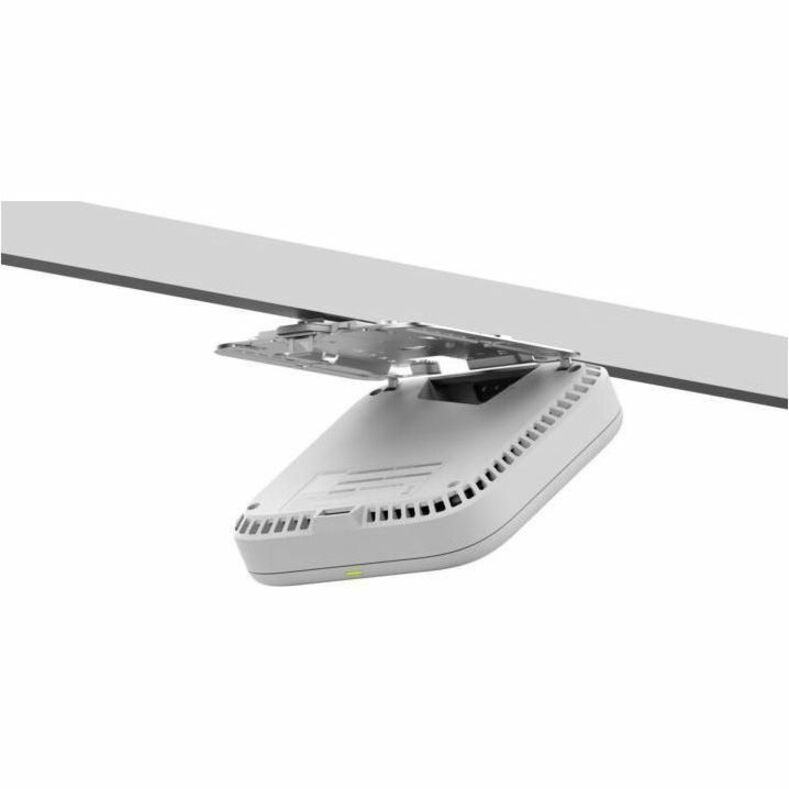
12 in stock - NetgearNetgear WBE718 Tri Band Wi-Fi 7 IEEE 802.11 a/b/g/n/ac/ax/be 9.40 Gbit/s Wireless Access Point - Indoor - 2.40 GHz, 5 GHz, 6 GHz - Internal - MIMO Technology - Multi User MIMO - 1 x Network (RJ-45) - 2.5 Gigabit Ethernet - Wall Mountable, Ceiling MountableWBE718-111NAS
$1,139.05
$854.24
2 in stock Back-ordered — estimated OEM lead time 3–8 weeks (Nov 14 – Dec 19 if ordered today).
Back-ordered — estimated OEM lead time 3–8 weeks (Nov 14 – Dec 19 if ordered today).
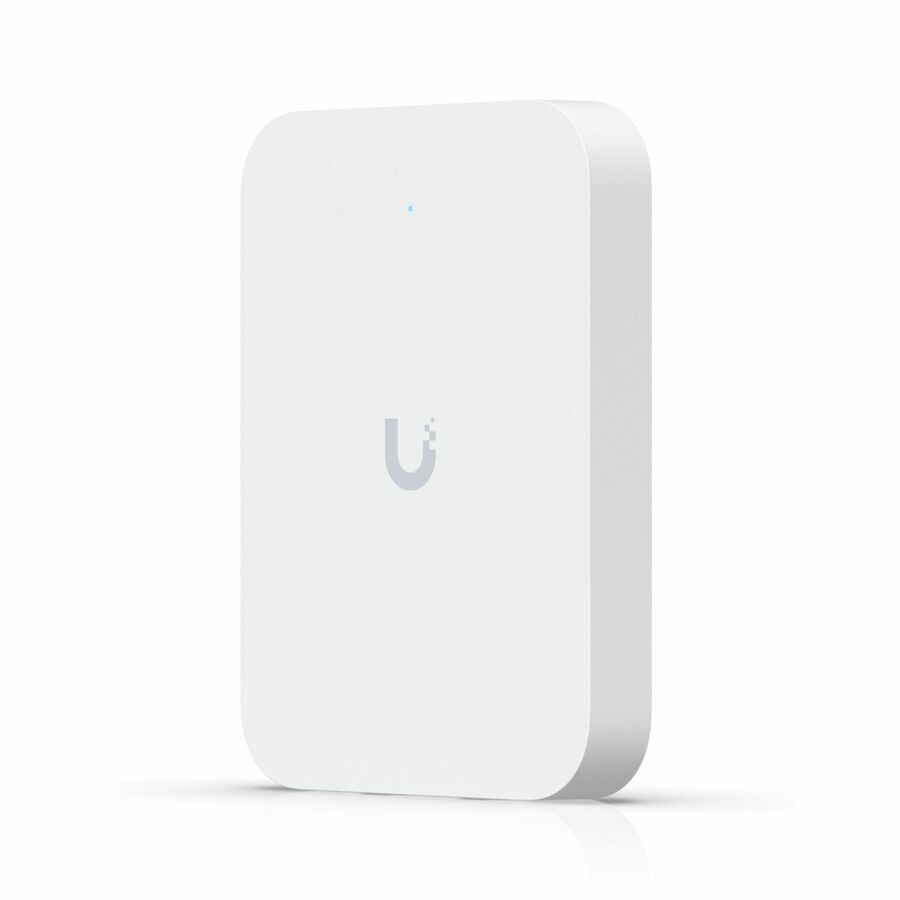



Coverage-first AP
Ubiquiti
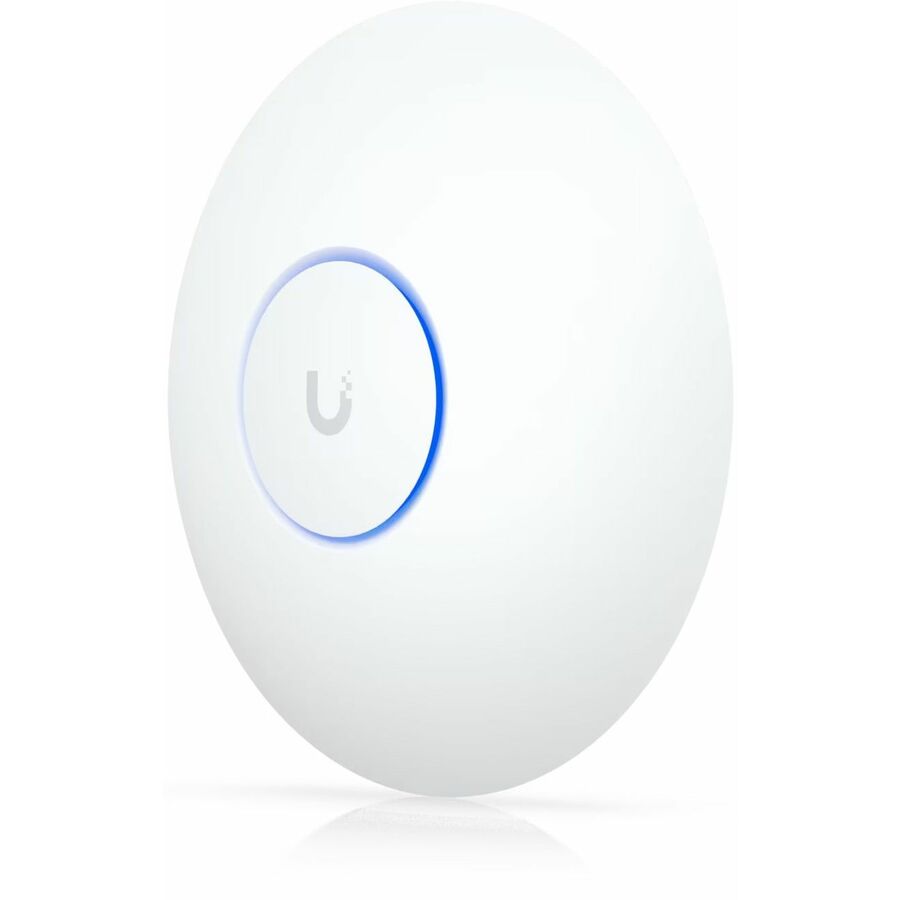
Ubiquiti U7 Long-Range Dual Band Wi-Fi 7 IEEE 802.11n/ac/ax/be/v/r/k…
U7-LR-US
A dual-band long-range access point for open floors where the goal is fewer units covering more of the building. Its title carries a 2.5 Gigabit Ethernet uplink and a 14 W draw, with ceiling and wall mounting.
Dual-band: 2.4 and 5 GHz, no 6 GHz radio.
$205.73Back-orderedTri-band, 6 GHz
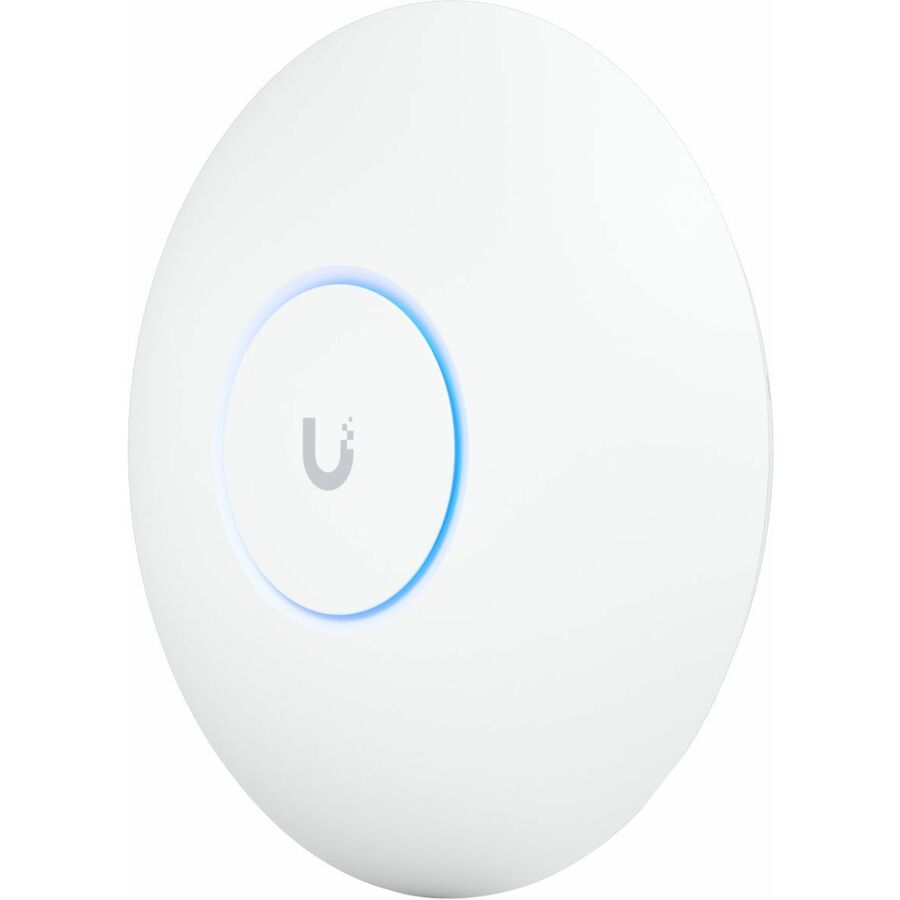
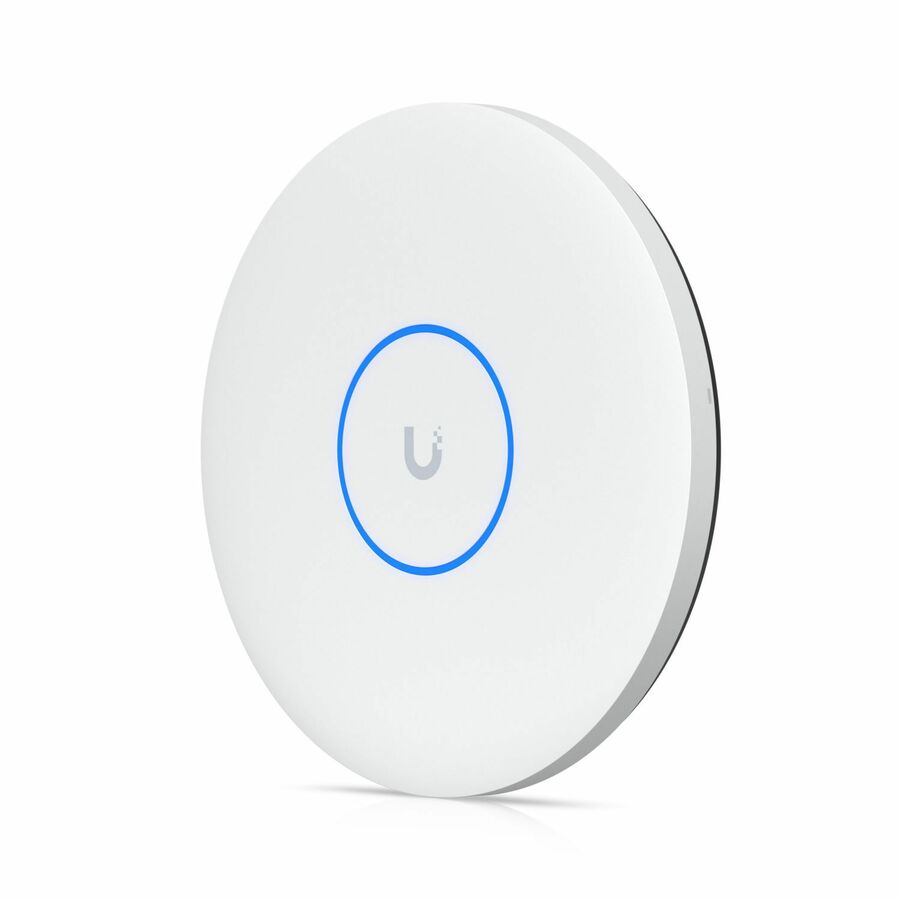
Ubiquiti
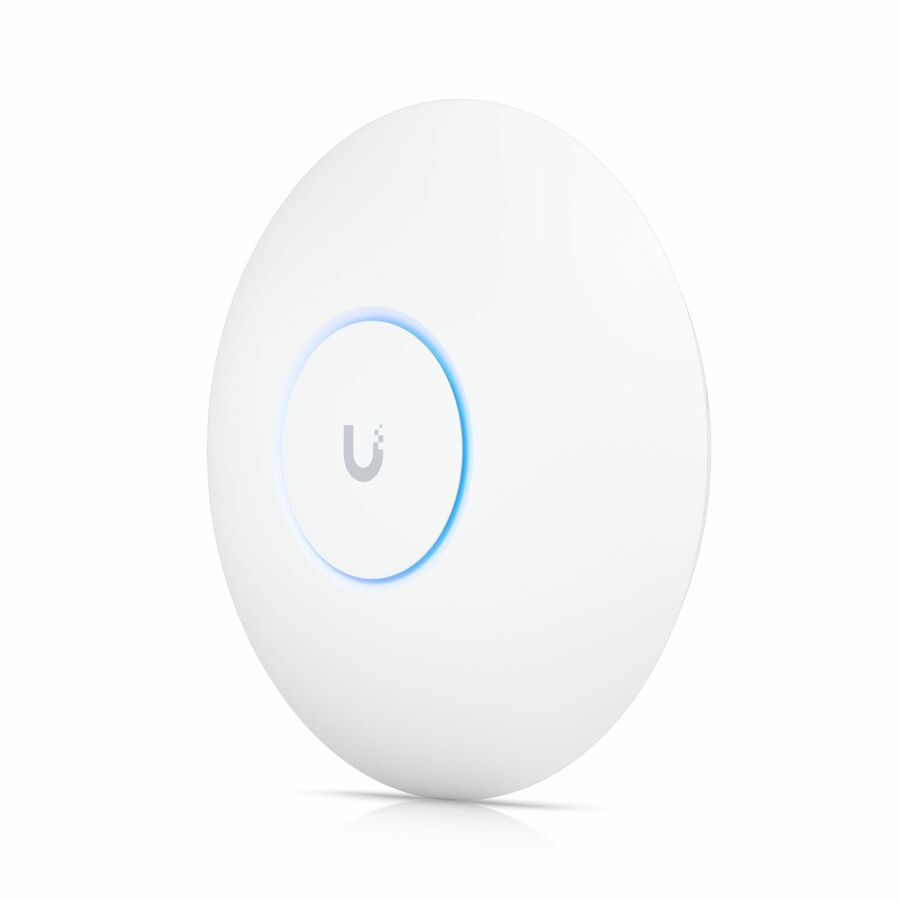
Ubiquiti U7 Pro Max Tri Band Wi-Fi 7 IEEE 802.11a/b/g/n/ac/ax/be/k/r/v…
U7-PRO-MAX-US
The tri-band step up when you want the 6 GHz band in dense rooms — its title names 2.4, 5 and 6 GHz, a 2.5 Gigabit Ethernet uplink and a 25 W draw, so budget the switch's power accordingly.
$354.55Back-ordered10 GbE uplink
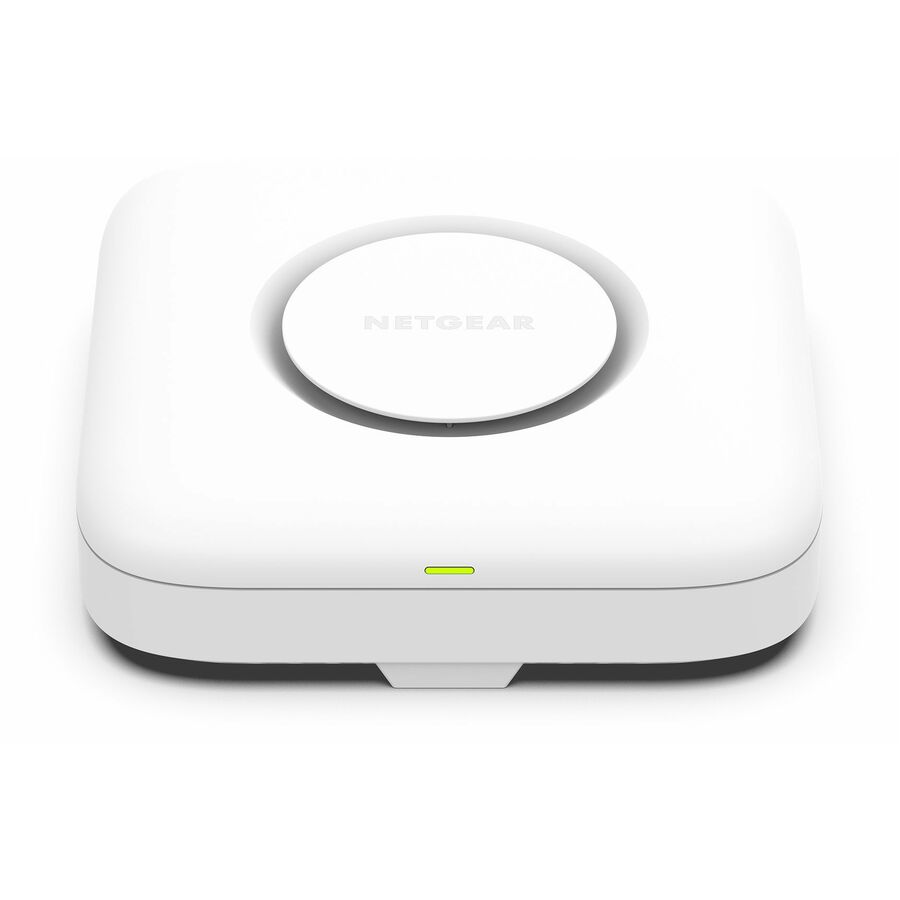
Netgear
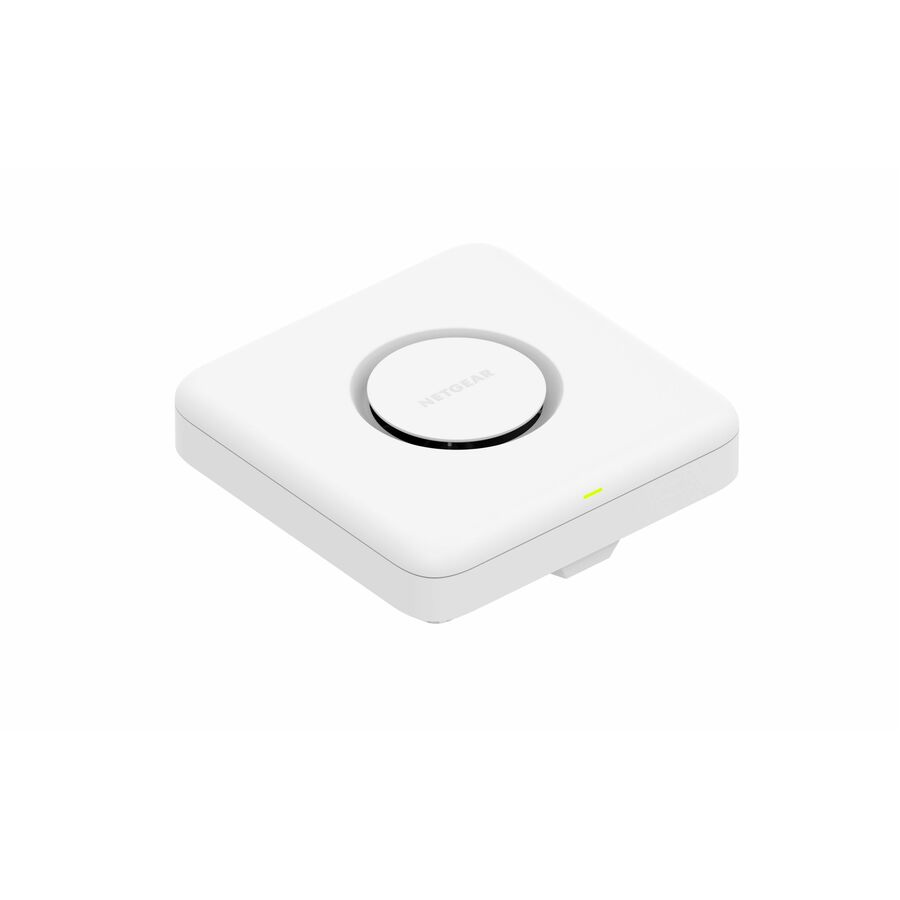
Netgear WBE758 Tri Band Wi-Fi 7 IEEE 802.11802.11 a/b/g/n/ac/ax/be/i…
WBE758-111NAS
A tri-band indoor access point titled with a 10 Gigabit Ethernet port — the option for a high-density room where a 2.5 GbE uplink would be the ceiling rather than the radios.
Needs a switch port and cabling that can carry it.
$1,308.05Back-orderedOutdoor-rated
Ubiquiti
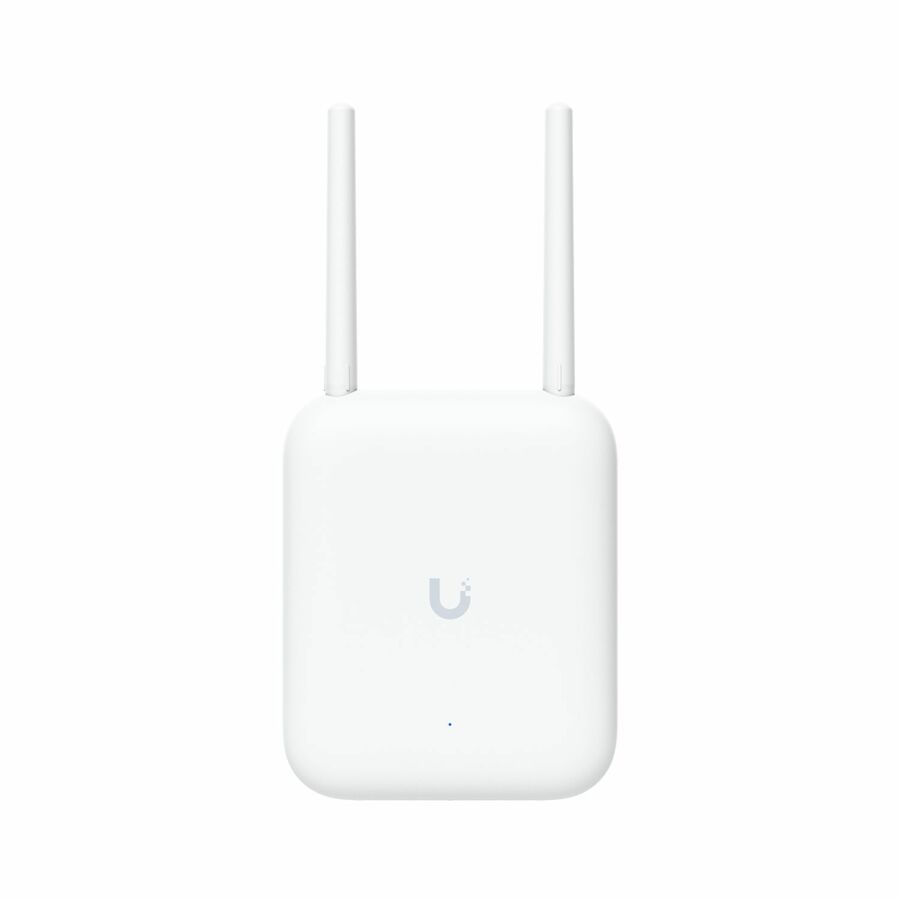
Ubiquiti U7 Dual Band Wi-Fi 7 IEEE 802.11a/b/g/n/ac/ax/be/k/r/v 4.30…
U7-Outdoor-US
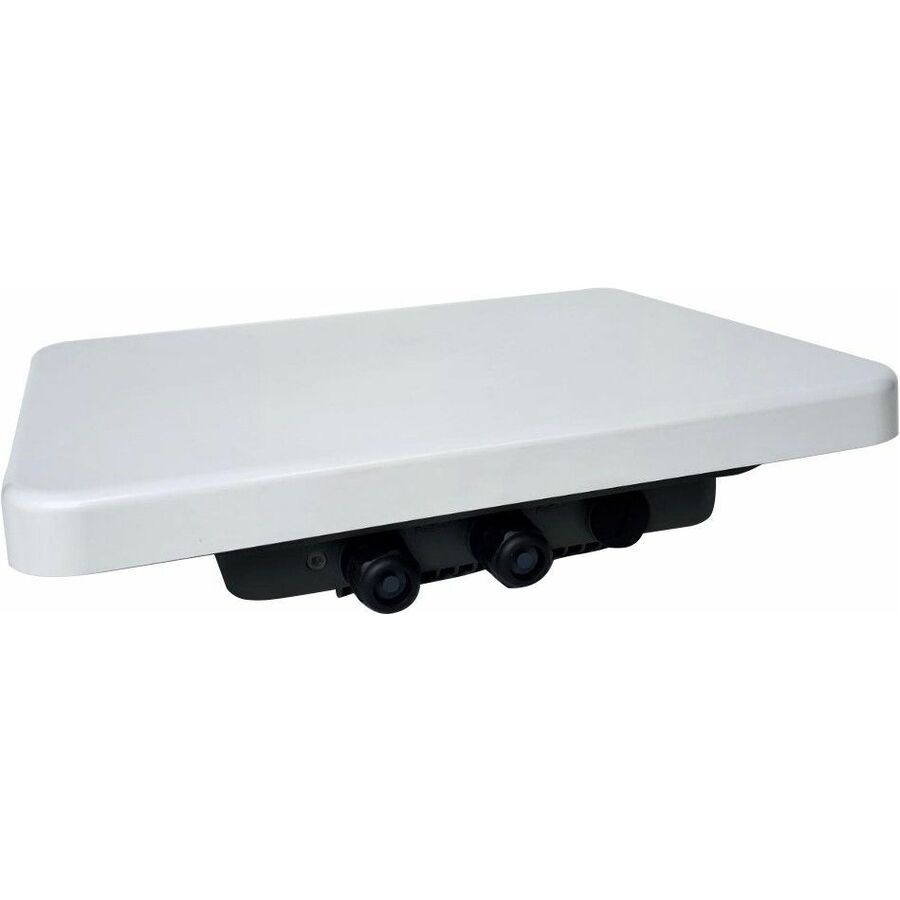
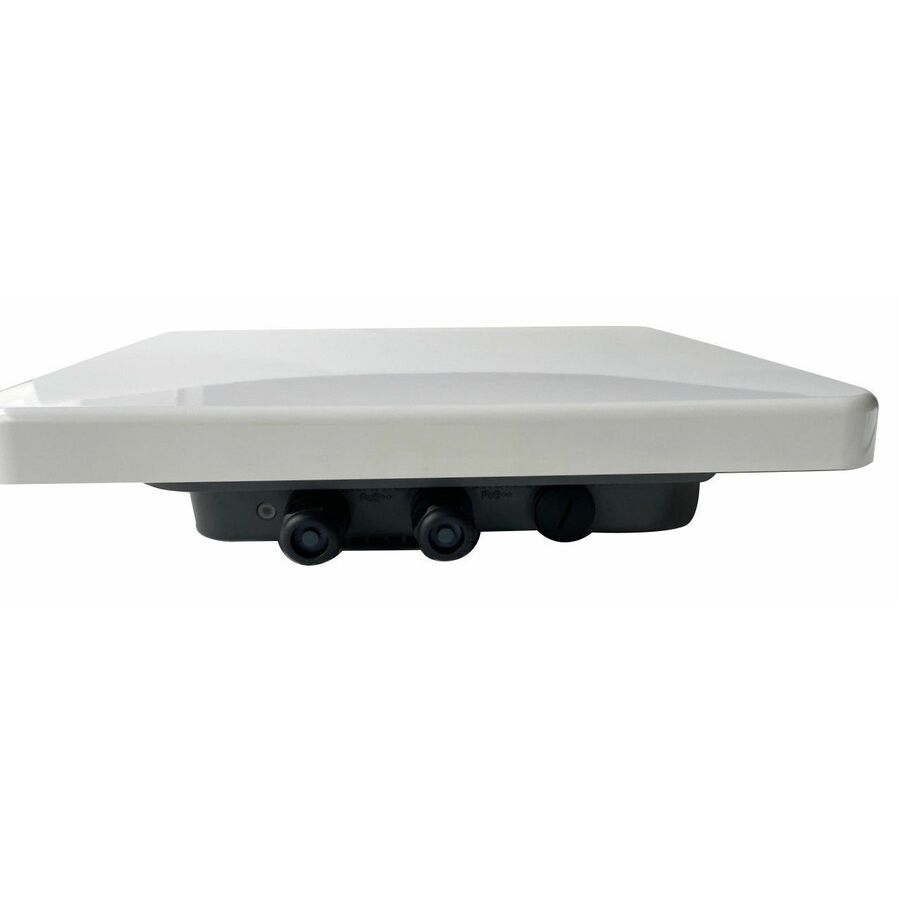
The outdoor case: a weather-rated dual-band access point with external antennas and a 2.5 Gigabit Ethernet uplink, for yards, courtyards and covered areas an indoor unit behind glass cannot serve.
$256.15Back-orderedMore wireless access points and bridges in the Uniqcli catalog
See all 2,444 wireless access points and bridgesMore from across this category. In-stock lines lead, and a back-ordered line carries the same estimated availability its product page does — with live pricing throughout, NDAA §889 screening before checkout and TAA verified on request.
- NetgearNetgear WBE758 Tri Band Wi-Fi 7 IEEE 802.11802.11 a/b/g/n/ac/ax/be/i 18.40 Gbit/s Wireless Access Point - Indoor - 2.40 GHz, 5 GHz, 6 GHz - Internal - MIMO Technology - 2 x Network (RJ-45) - 10 Gigabit Ethernet - Wall Mountable, Ceiling MountableWBE758-111NAS
$1,752.39
$1,308.05
Back-orderedBack-ordered — estimated OEM lead time 3–8 weeks (Nov 14 – Dec 19 if ordered today).
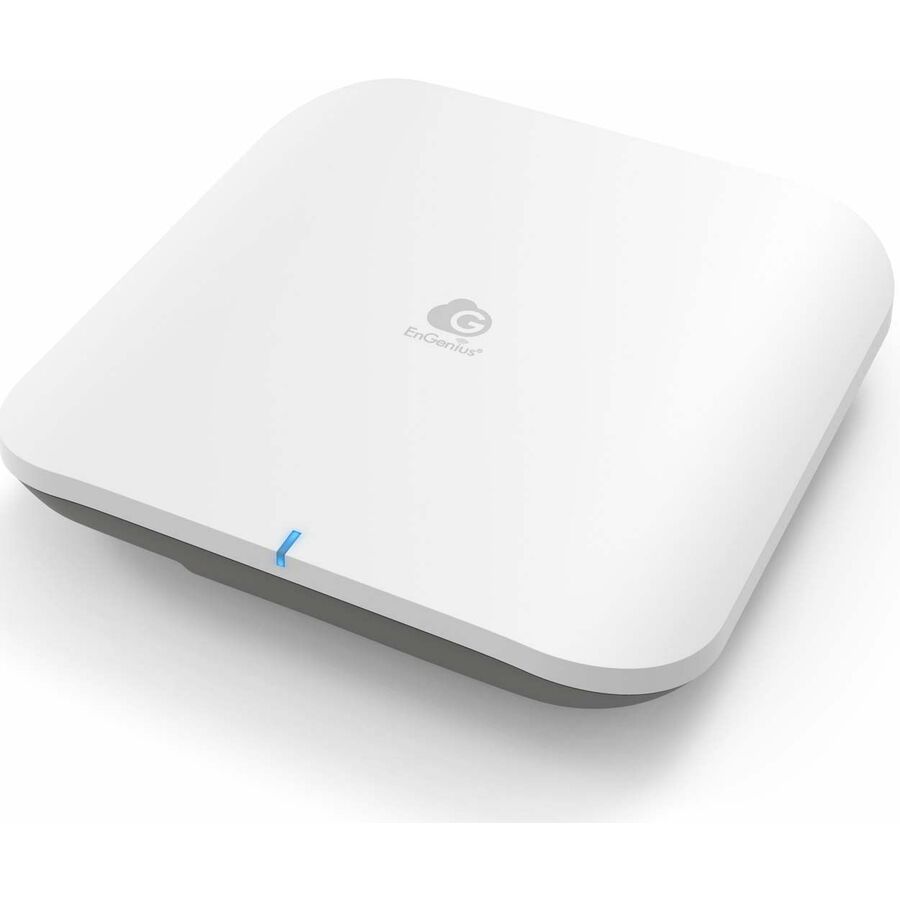
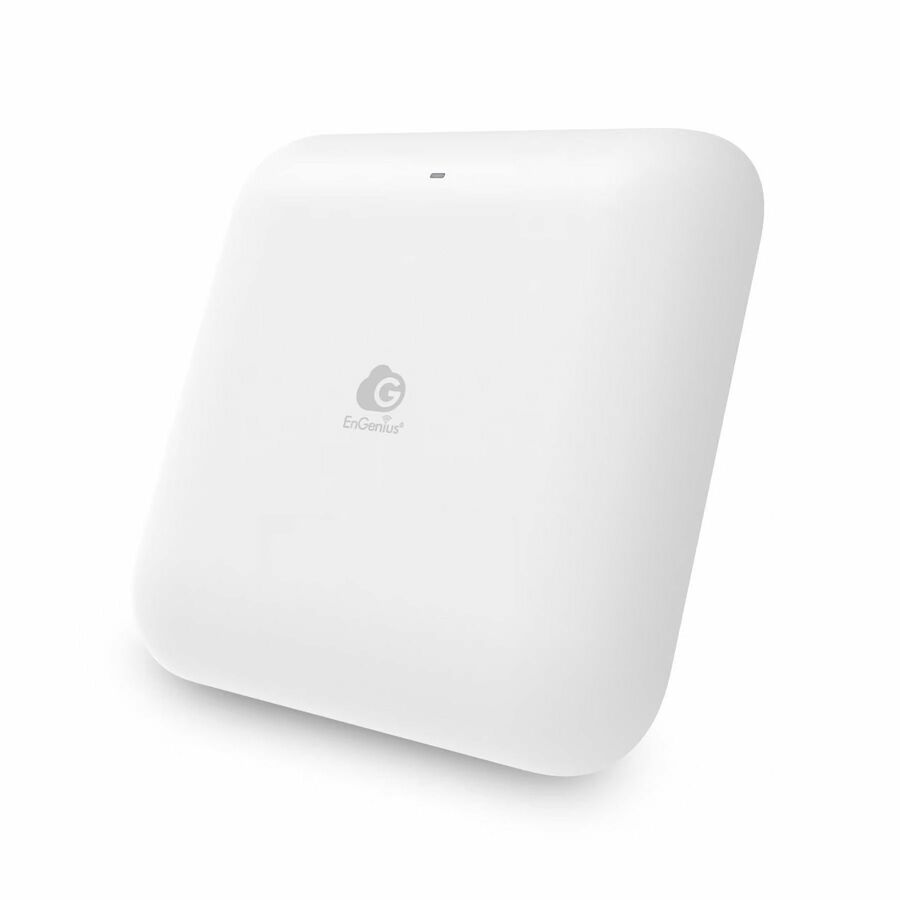
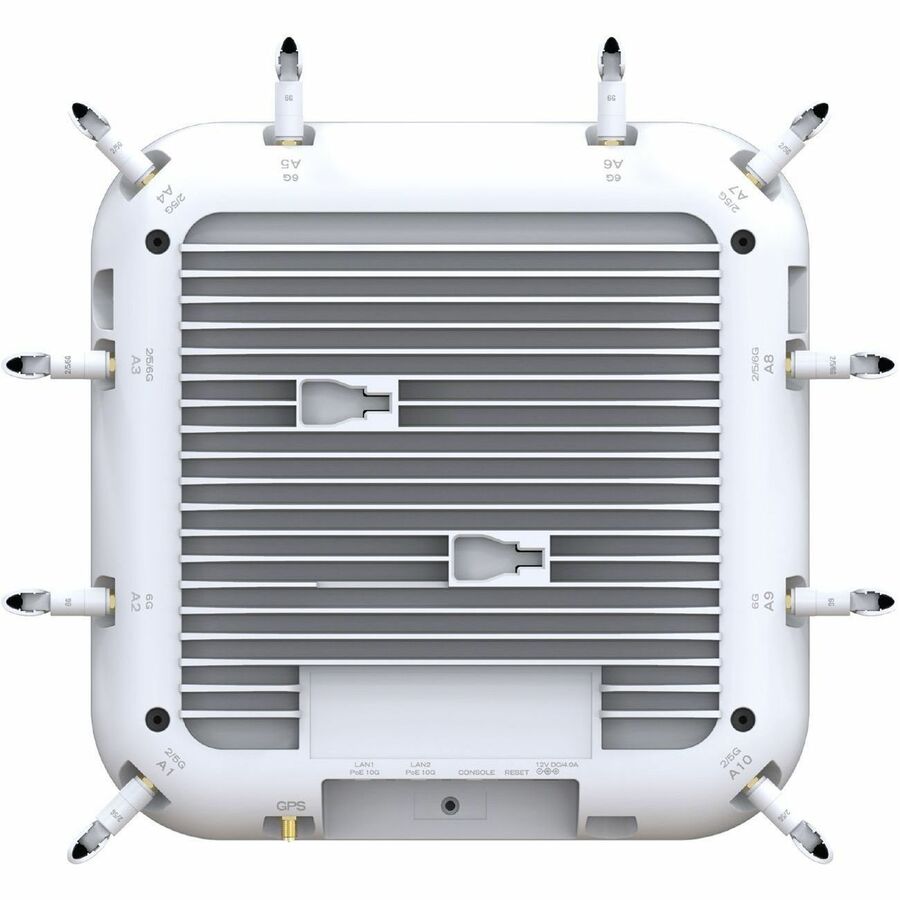
- EnGenius TechnologiesEnGenius ECW536 Tri Band Wi-Fi 7 IEEE 802.11 a/b/g/n/ac/ax/be 18.70 Gbit/s Wireless Access Point - Indoor - 2.40 GHz, 5 GHz, 6 GHz - 12 x Internal Antenna(s) - Internal - MIMO Technology - Multi User MIMO - 2 x Network (RJ-45) - 10 Gigabit Ethernet - 35 W - Ceiling Mountable, Wall Mountable - 1NFR-ECW536
$699.00
$451.83
Back-orderedBack-ordered — estimated OEM lead time 3–8 weeks (Nov 14 – Dec 19 if ordered today).
Back-ordered — estimated OEM lead time 3–8 weeks (Nov 14 – Dec 19 if ordered today).
- NetgearNetgear Orbi RBE770 Tri Band Wi-Fi 7 IEEE 802.11be 11 Gbit/s Wireless Range Extender - 2.40 GHz, 5 GHz, 6 GHz - 4 x Internal Antenna(s) - Internal - 2 x Network (RJ-45) - 2.5 Gigabit Ethernet - 1RBE770-100NAS
$465.50
$364.12
Back-orderedBack-ordered — estimated OEM lead time 3–8 weeks (Nov 14 – Dec 19 if ordered today).
Back-ordered — estimated OEM lead time 3–8 weeks (Nov 14 – Dec 19 if ordered today).
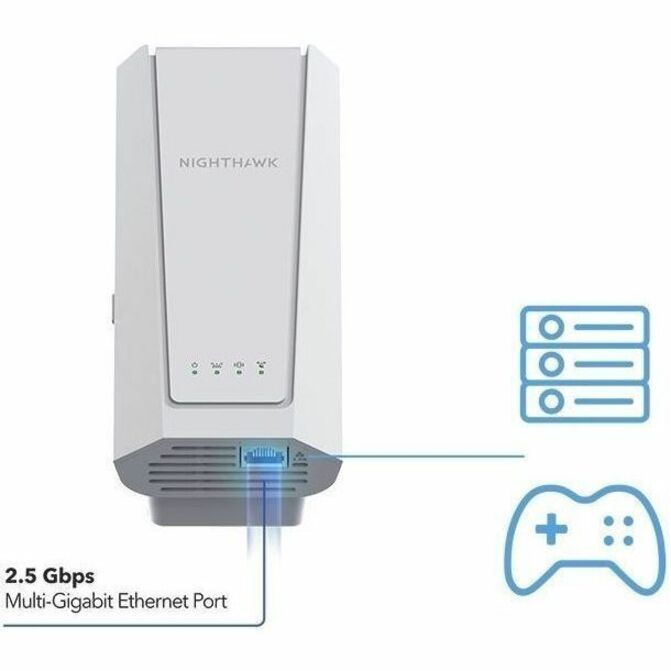
- NetgearNetgear Nighthawk EXS27 Dual Band Wi-Fi 7 IEEE 802.11a/b/g/n/ac/ax/be/k 5 Gbit/s Wireless Range Extender - 2.40 GHz, 5 GHz - 3 x Internal Antenna(s) - Internal - 1 x Network (RJ-45) - 2.5 Gigabit EthernetEXS27-100NAS
$232.74
$179.35
Back-orderedBack-ordered — estimated OEM lead time 3–8 weeks (Nov 14 – Dec 19 if ordered today).
- NetgearNetgear Orbi RBE370 Dual Band Wi-Fi 7 IEEE 802.11be 5 Gbit/s Wireless Range Extender - 2 x Internal Antenna(s) - Internal - 1 x Network (RJ-45) - 2.5 Gigabit Ethernet, Gigabit Ethernet, Fast Ethernet, Ethernet - 1RBE370-100NAS
$232.74
$179.82
Back-orderedBack-ordered — estimated OEM lead time 3–8 weeks (Nov 14 – Dec 19 if ordered today).
Back-ordered — estimated OEM lead time 3–8 weeks (Nov 14 – Dec 19 if ordered today).
Back-ordered — estimated OEM lead time 3–8 weeks (Nov 14 – Dec 19 if ordered today).
Back-ordered — estimated OEM lead time 3–8 weeks (Nov 14 – Dec 19 if ordered today).
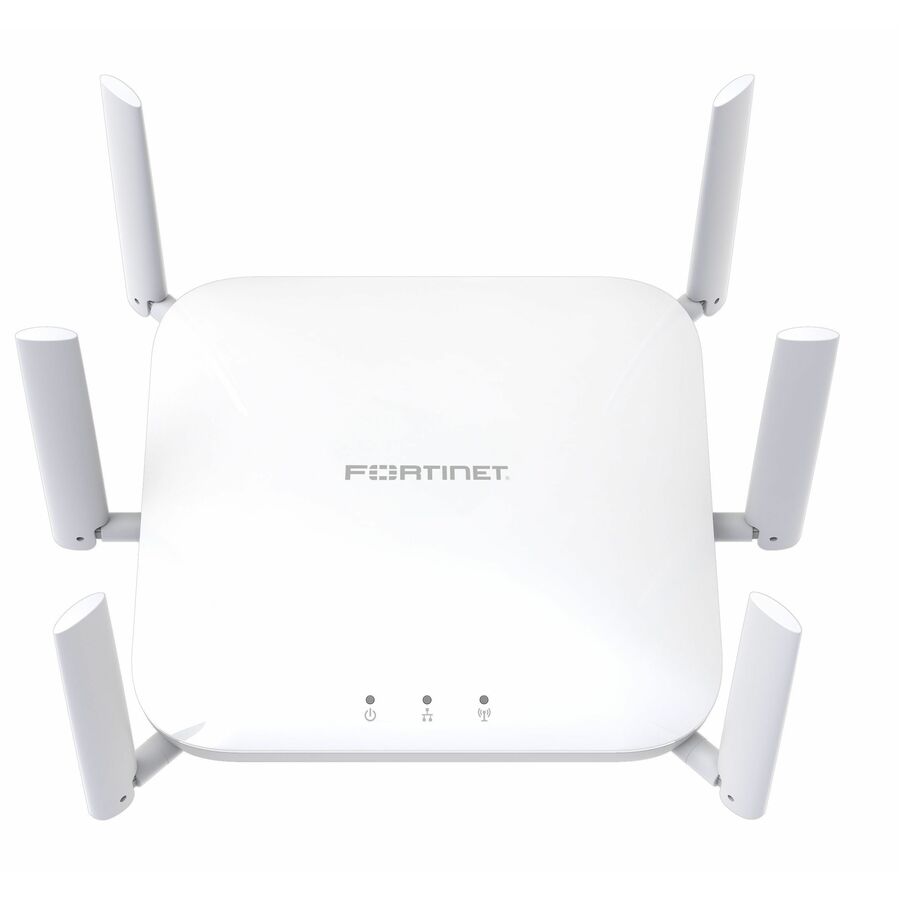
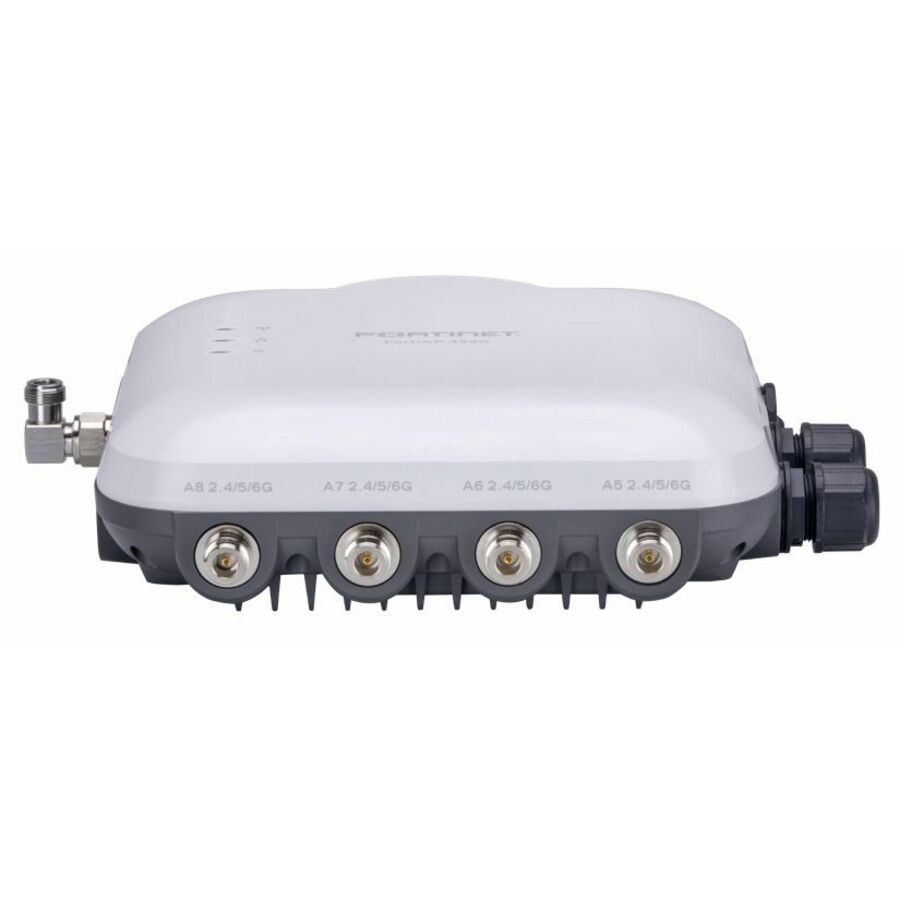
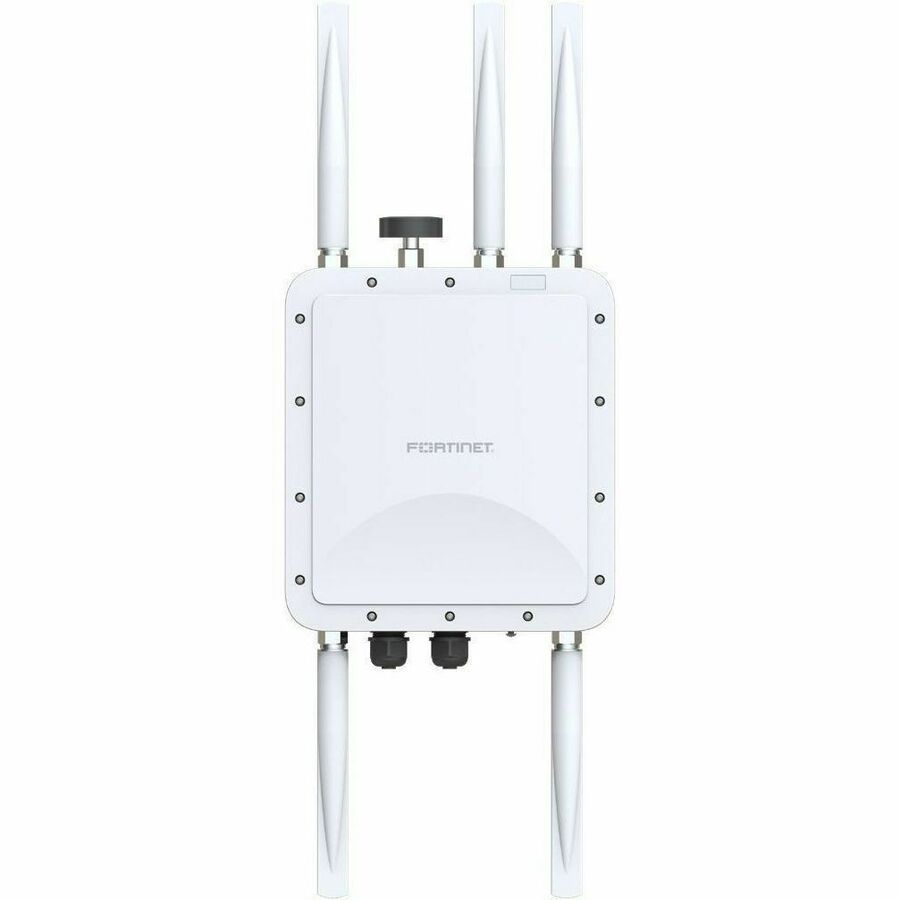
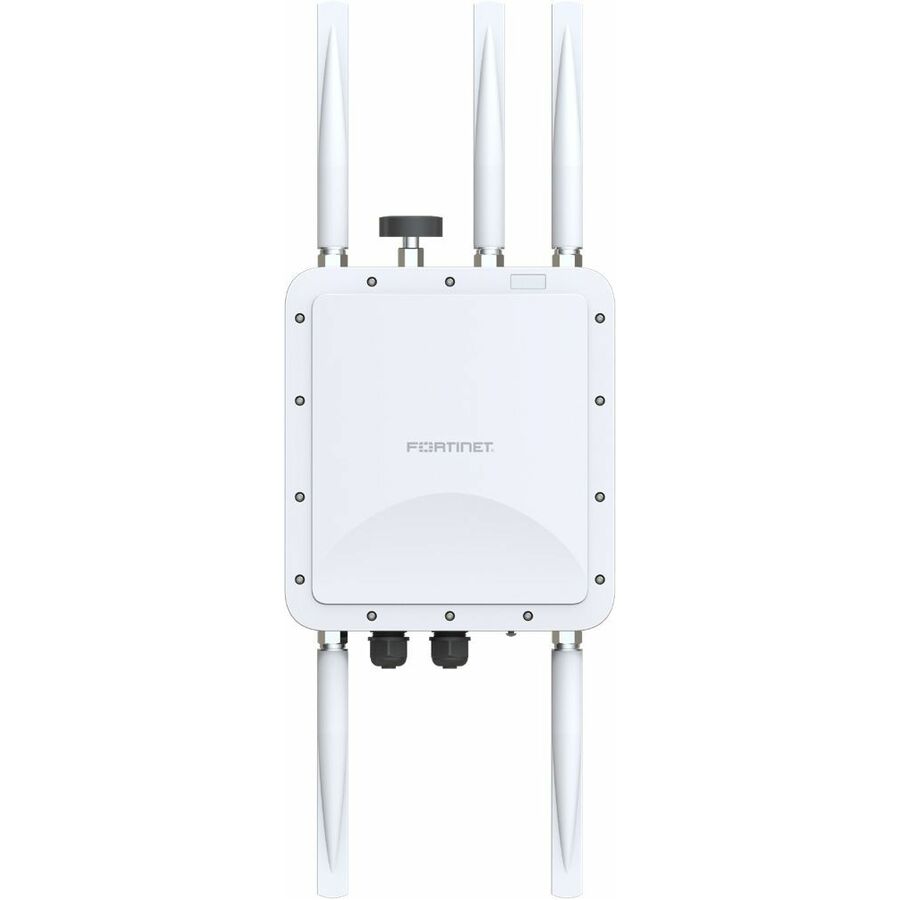
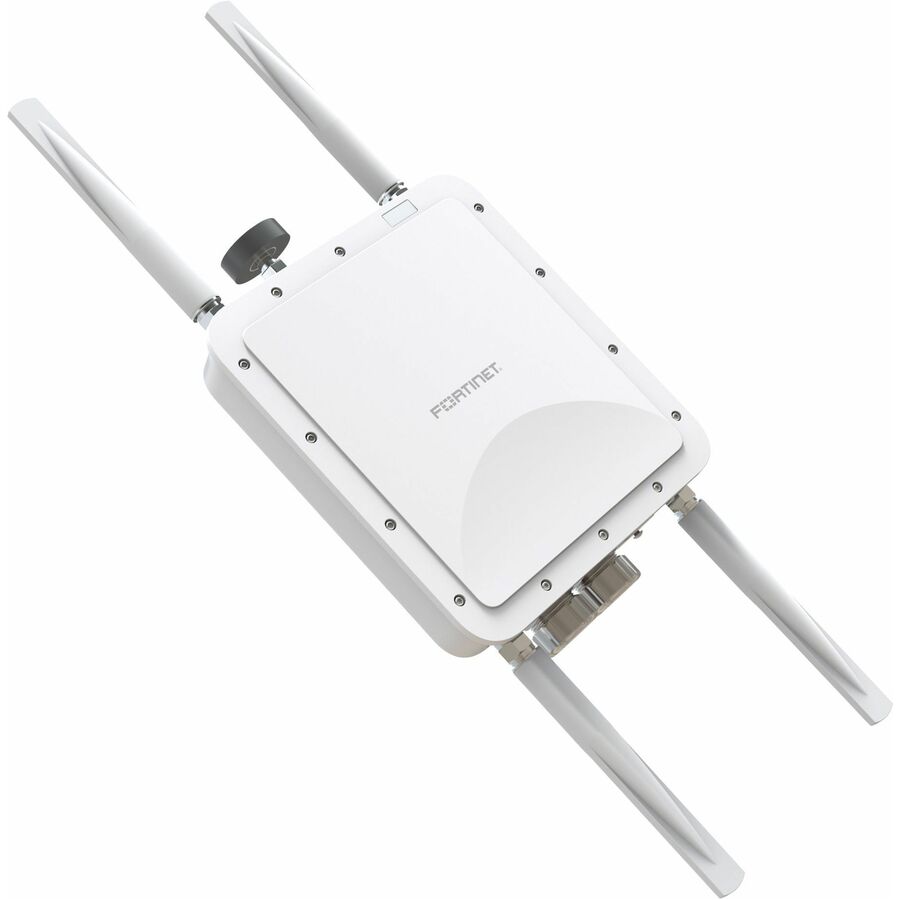
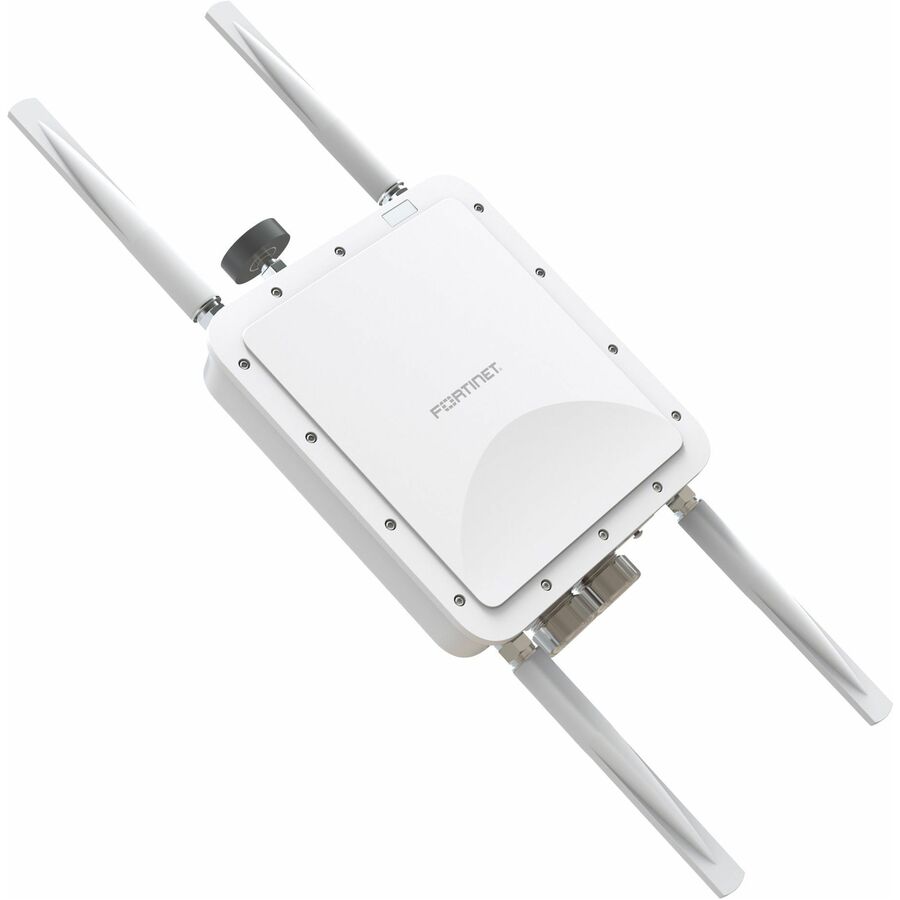
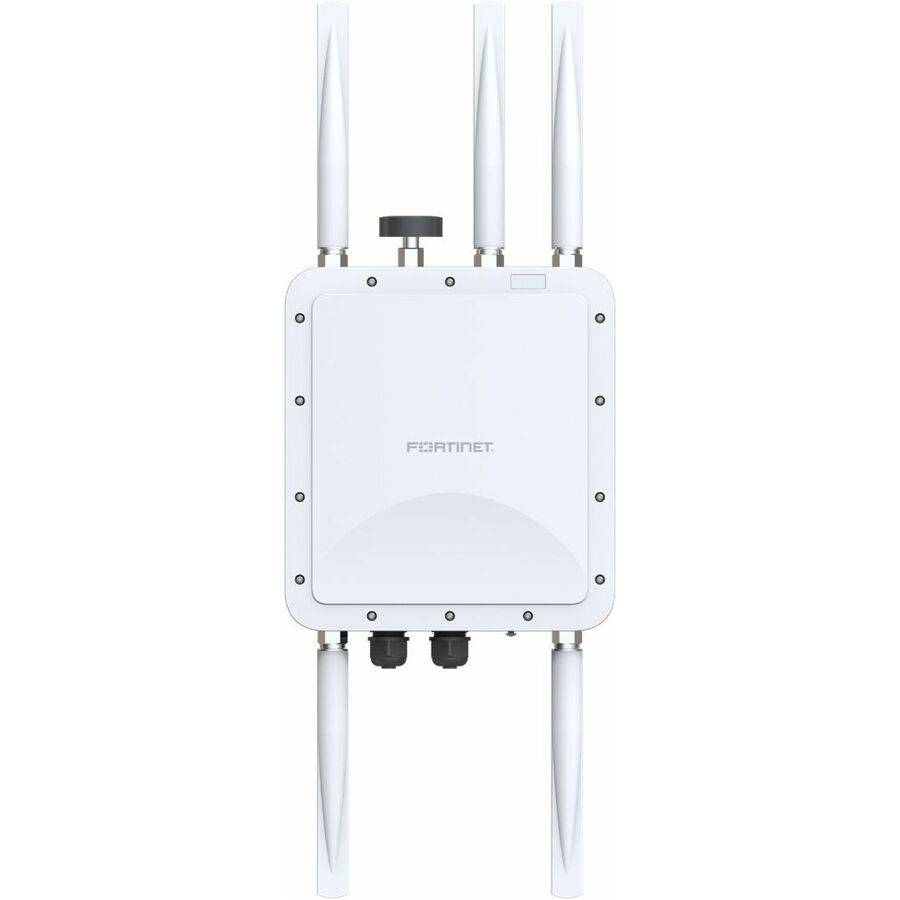
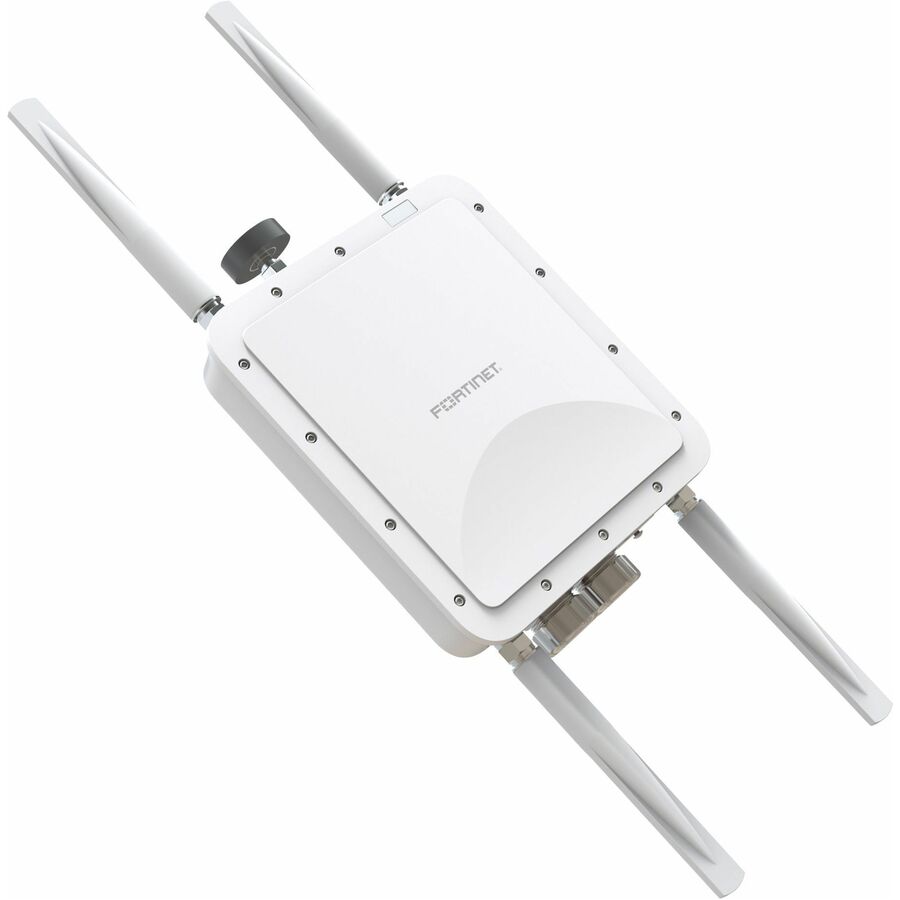
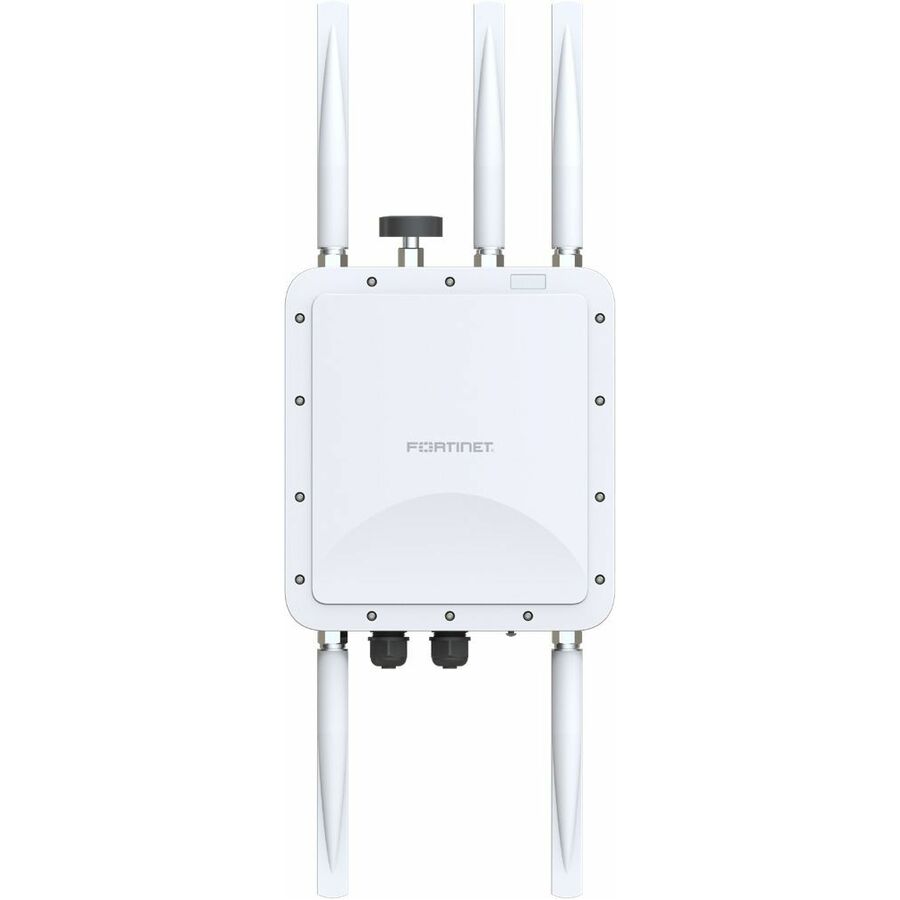
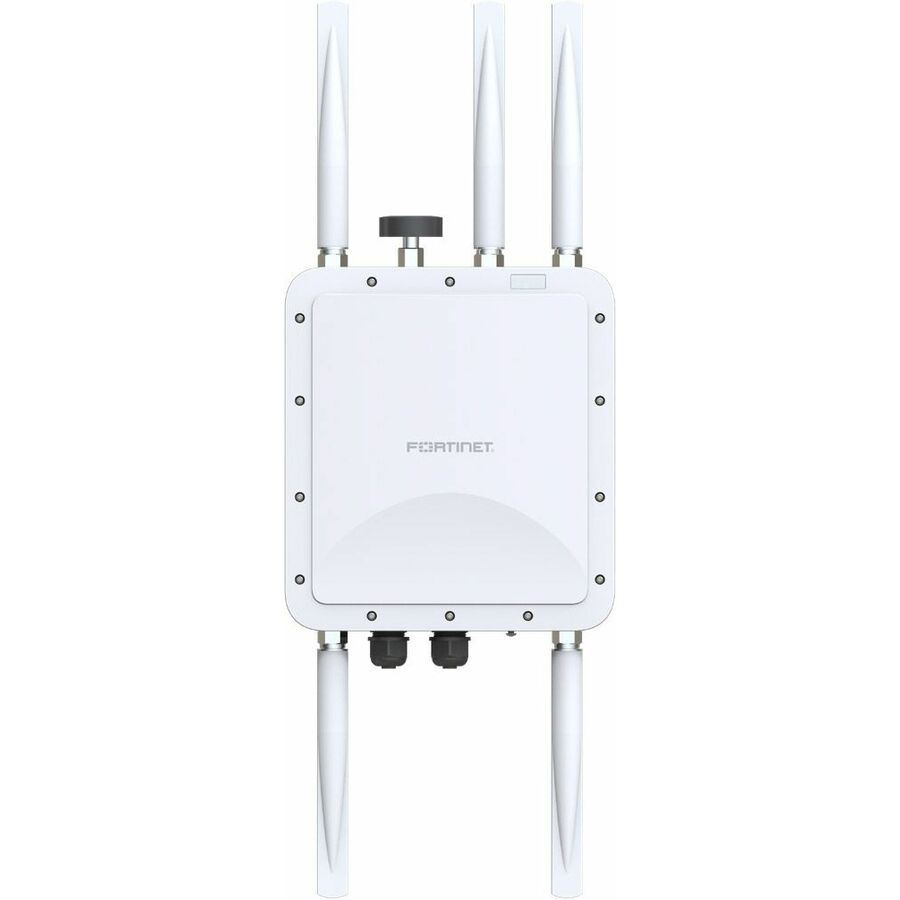
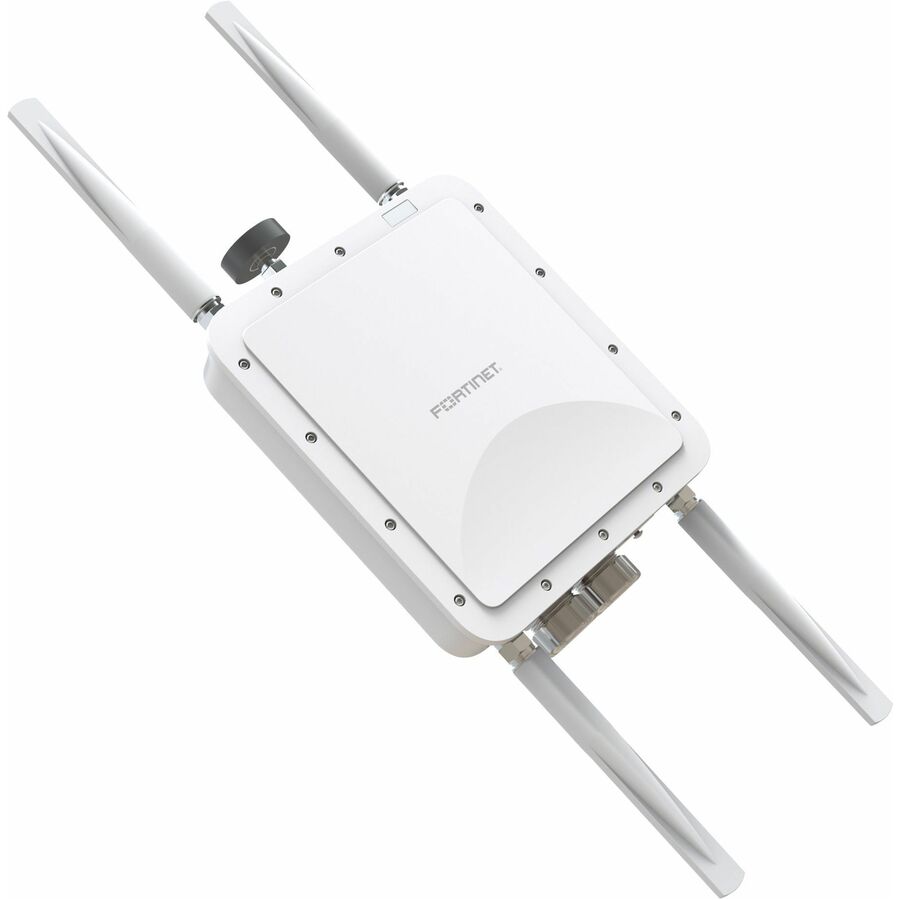
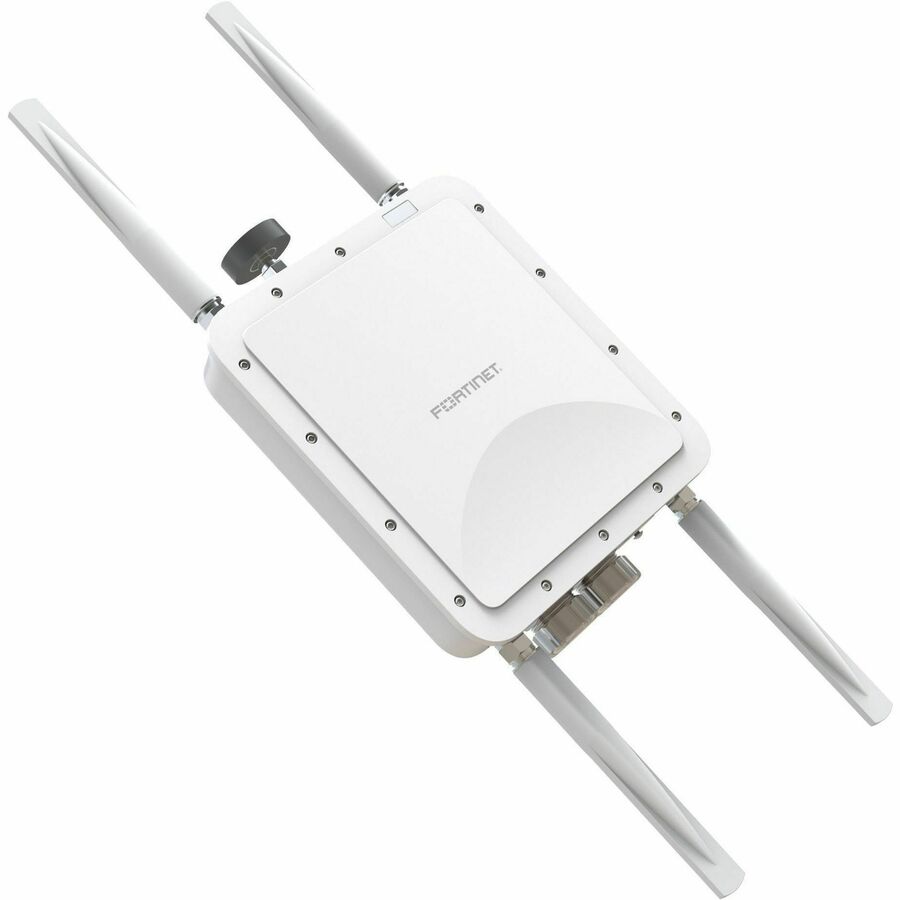
- FortinetFortinet FortiAP FAP-HD-224KL Dual Band Wi-Fi 7 IEEE 802.11 a/b/g/n/ac/ax/be 3 Gbit/s Wireless Access Point - Outdoor - 5 GHz - Internal - 250 ft Maximum Outdoor Range - MIMO Technology - Single User/Multi User MIMO - 2 x Network (RJ-45) - 10 Gigabit Ethernet, 5 Gigabit Ethernet - 33 W - Compact - IP67FAP-HD-224KL-D
$12,280.13
Back-orderedBack-ordered — estimated OEM lead time 3–8 weeks (Nov 14 – Dec 19 if ordered today).
- FortinetFortinet FortiAP FAP-HD-224KR Dual Band Wi-Fi 7 IEEE 802.11 a/b/g/n/ac/ax/be 3 Gbit/s Wireless Access Point - Outdoor - 5 GHz - Internal - 250 ft Maximum Outdoor Range - MIMO Technology - Single User/Multi User MIMO - 2 x Network (RJ-45) - 10 Gigabit Ethernet, 5 Gigabit Ethernet - 33 W - Compact - IP67FAP-HD-224KR-D
$12,280.13
Back-orderedBack-ordered — estimated OEM lead time 3–8 weeks (Nov 14 – Dec 19 if ordered today).
- FortinetFortinet FortiAP FAP-HD-224KR Dual Band Wi-Fi 7 IEEE 802.11 a/b/g/n/ac/ax/be 3 Gbit/s Wireless Access Point - Outdoor - 5 GHz - Internal - 250 ft Maximum Outdoor Range - MIMO Technology - Single User/Multi User MIMO - 2 x Network (RJ-45) - 10 Gigabit Ethernet, 5 Gigabit Ethernet - 33 W - Compact - IP67FAP-HD-224KR-A
$12,280.13
Back-orderedBack-ordered — estimated OEM lead time 3–8 weeks (Nov 14 – Dec 19 if ordered today).
Back-ordered — estimated OEM lead time 3–8 weeks (Nov 14 – Dec 19 if ordered today).
Back-ordered — estimated OEM lead time 3–8 weeks (Nov 14 – Dec 19 if ordered today).
Back-ordered — estimated OEM lead time 3–8 weeks (Nov 14 – Dec 19 if ordered today).
Back-ordered — estimated OEM lead time 3–8 weeks (Nov 14 – Dec 19 if ordered today).
Back-ordered — estimated OEM lead time 3–8 weeks (Nov 14 – Dec 19 if ordered today).
Back-ordered — estimated OEM lead time 3–8 weeks (Nov 14 – Dec 19 if ordered today).
Back-ordered — estimated OEM lead time 3–8 weeks (Nov 14 – Dec 19 if ordered today).
Back-ordered — estimated OEM lead time 3–8 weeks (Nov 14 – Dec 19 if ordered today).
Back-ordered — estimated OEM lead time 3–8 weeks (Nov 14 – Dec 19 if ordered today).
Back-ordered — estimated OEM lead time 3–8 weeks (Nov 14 – Dec 19 if ordered today).
Back-ordered — estimated OEM lead time 3–8 weeks (Nov 14 – Dec 19 if ordered today).
Need pricing on Wi-Fi 7 access points and range extenders?
Tell us where to reach you and a Uniqcli specialist will follow up by email with current pricing, availability and lead time for the quantities you need — including parts that aren’t shown on this page.
Buying for an organization or for yourself — both work. No payment up front.
Wi-Fi 7 is the 802.11be generation, and the aggregate Gbit/s figure in a product title adds theoretical rates across every radio at once. Two facts decide whether a unit helps: the bands it actually carries — 6 GHz is where the widest channels and least congestion live, at shorter range — and the wired uplink, since an access point behind a gigabit switch port runs at a gigabit.
Wi-Fi 7 is the 802.11be generation, and every row in this grid is titled with it — which is useful, because the generation is the one specification a product page cannot fudge. What it can fudge is the number printed largest: the aggregate Gbit/s figures in these titles add up theoretical rates across every radio at once, under conditions no building reproduces, and nobody has ever measured one on a laptop. Read past them to the two facts that decide whether a unit helps. The first is the bands the unit actually carries: dual-band rows here usually run 2.4 and 5 GHz, and a couple pair 5 GHz with 6 GHz instead — so read the two bands named on the row rather than the dual-band label itself. Tri-band rows add the 6 GHz band named in their own titles — the band where Wi-Fi 7's widest channels and least congestion live, at shorter range and with client support that is still uneven.
The second is the wired uplink, and it is where a Wi-Fi 7 deployment is usually won or lost. Nearly every row here names its port speed — 2.5 Gigabit Ethernet on the mainstream units and 10 Gigabit Ethernet on the flagships, several of which list the whole multi-gig ladder on a single port: 10, 5, 2.5 and 1 Gigabit Ethernet. An access point whose radios can exceed a gigabit sits behind a gigabit switch port at a gigabit, so the air is rarely the bottleneck people assume it is. Power is the constraint discovered late: some rows name PoE or PoE+ input together with a wattage figure, and those figures are a claim on the switch's total power budget, not merely on its port count. Mounting is titled too — wall and ceiling on the indoor units, with outdoor-rated rows for exteriors, yards and the space between buildings.
Two shapes share this grid, and buying the wrong one is the expensive mistake. Access points are the bulk of it: ceiling and wall units meant to be fed by a PoE switch and managed as an estate. Range extenders — any row whose title says Wireless Range Extender, whatever the brand on the front of it — repeat an existing signal into a spot cable will not reach soon, which makes them a patch rather than an architecture. The same catalog category also holds wireless bridges for point-to-point links, which the category-wide strip below this grid covers. Uniqcli quotes the whole deployment on one order: the access points, the PoE switching and cabling to feed them, mounting hardware, the management-platform licensing a controller- or cloud-managed family implies, and the survey, installation and lifecycle services that turn a box of radios into working coverage. This grid is drawn from the Wi-Fi 7 wireless hardware Uniqcli currently stocks, with live availability on each card.
Buyer's checklist
How to choose Wi-Fi 7 wireless hardware
- Start with the shape. An access point is coverage you will manage; a range extender patches one dead spot where cable cannot go yet. Every row says which it is in its own title — read that line before the radio specification, because the two are priced alike and solve different problems.
- Read the wired uplink rather than the aggregate radio rate: rows here name 2.5 Gigabit Ethernet or 10 Gigabit Ethernet, and a gigabit switch port throttles a Wi-Fi 7 radio long before the air does.
- Decide dual-band or tri-band by whether you want the 6 GHz band — it buys the widest channels and the least congestion at shorter range, on clients that support it. Read the bands named on the row rather than the dual-band or tri-band label: the tri-band rows all name 6 GHz, and a couple of dual-band rows name it too, in place of 2.4 GHz rather than alongside it.
- Add the PoE draw of every access point and compare it against the switch's total power budget, not its port count. Some rows title PoE or PoE+ input with a wattage figure, and a short budget is far cheaper to fix before the ceiling closes than after.
- Match the mount to the position: wall and ceiling units are titled as such, and only the outdoor-rated rows belong outside — an indoor unit behind glass is not an outdoor deployment.
- Price the management model at purchase. A controller-based or cloud-managed family is what makes ten access points one estate instead of ten configurations, and some platforms are included with the hardware while others are licensed — the difference compounds across a refresh cycle.
Access point or range extender
These two shapes solve two different problems and are not interchangeable, which the titles here make easy to check. An access point is infrastructure: it is fed by a wired uplink and PoE, mounted where the coverage has to be rather than where a socket happens to sit, and — in the controller-based and cloud-managed families — configured, updated and monitored alongside every other AP in the estate. A range extender is a repeater. It re-broadcasts a signal it receives over the air, which costs airtime and adds latency, and it exists to cover a room that cable will reach eventually but has not reached yet; in a building you own and will keep, an access point on a proper cable run is the durable answer and usually the cheaper one over five years. A third case sits in the same catalog category without appearing on this grid: a wireless bridge, which links two fixed points over the air across a courtyard, a car park or a warehouse yard where trenching is the alternative — ask us for it by name, or open the category strip below. Buy for the problem, and be honest about which problem you actually have.
The switching, cabling and licensing around the radios
A Wi-Fi 7 order is rarely just access points, and the attached items are the ones that stall a rollout. Start with the switch: the uplink speeds titled on these rows want 2.5 GbE or 10 GbE ports, and the total PoE budget has to cover every AP drawing at once. Then the cabling, because a multi-gig uplink over a tired run is a gigabit link with extra steps — confirm the category and length of what is in the wall, or price the pull. Then the management platform, decided before the hardware rather than at renewal, since it is what makes SSIDs, firmware, RF settings and guest policy one job instead of a per-device chore. And then the work itself: a survey before the order tells you how many APs the building actually needs, and installation and lifecycle services put them where the survey said. Send the floor plans, the client count and the switch model you already own, and we will quote the access points, the switching, the cabling, the licensing and the labour together, with availability and lead times on the same document.
FAQ
Common questions
- Is Wi-Fi 7 worth buying if most of our clients are Wi-Fi 6?
- Usually yes, because you are buying for the life of a ceiling installation rather than for this year's laptops — access points tend to stay up for years, and the clients refresh underneath them. The honest framing: the headline gains land first on the newest clients, and the 6 GHz band the tri-band rows here name only helps devices that support it. What benefits an older fleet immediately is the rest of the design — better airtime handling with many clients on one radio, and the multi-gig uplink these rows carry, which removes the gigabit ceiling that quietly caps a busy access point. If the ceiling is already open and the cable is already being pulled, the generation is the cheap part of the decision; if it is not, the switch and the cabling deserve the same scrutiny as the radio.
- What switch and cabling do these access points need?
- Read the uplink on the exact row: the units here are titled with 2.5 Gigabit Ethernet or 10 Gigabit Ethernet ports, and a gigabit switch port caps the access point at a gigabit no matter what the radios can do. So the switch wants matching multi-gig ports, and it wants a total PoE budget that covers every access point drawing at once — port count is not the same number, and the difference is what sales sheets emphasize. Where the budget falls short, a larger switch or midspan injectors both work, and both cost less to buy up front than to retrofit. On the cabling side, a multi-gig uplink is only as good as the run behind it, so confirm what is in the wall before assuming the speed printed on the port.
- Can business, government and education buyers order these?
- Every line Uniqcli quotes is sourced through US distribution and screened for TAA country-of-origin and NDAA §889 status before checkout — with documentation tied to the specific part number, not a product family.
Need Wi-Fi 7 access points and range extenders pricing?
Send a bill of materials or part numbers — we confirm stock and a below-market total, with TAA verified on request. No payment up front.