
Best Ubiquiti UniFi Access Points for Business Wi-Fi
UniFi Wi-Fi 6 and Wi-Fi 7 access points for offices and campuses, plus Ubiquiti's outdoor airMAX links.
Ubiquiti access points in stock at Uniqcli
How to choose →A curated selection with live pricing — in-stock lines first, then back-ordered lines with a typical lead time. Every line is sourced through US distribution and screened for NDAA §889 status before checkout, with TAA verified on request.
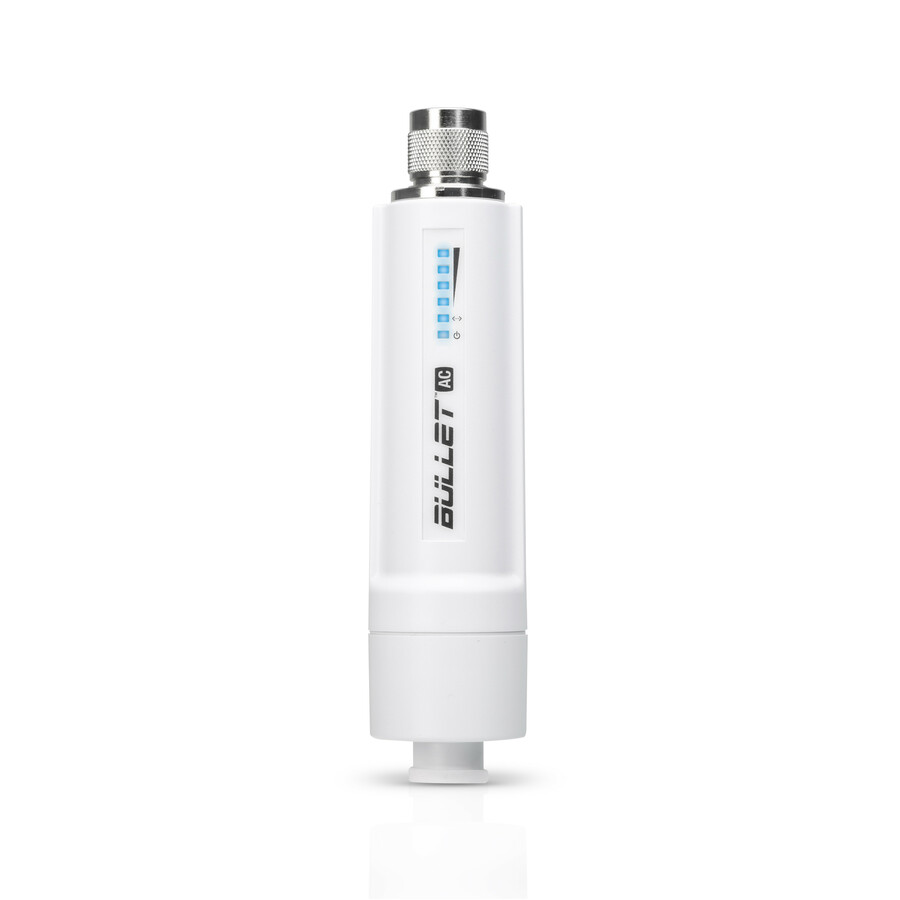
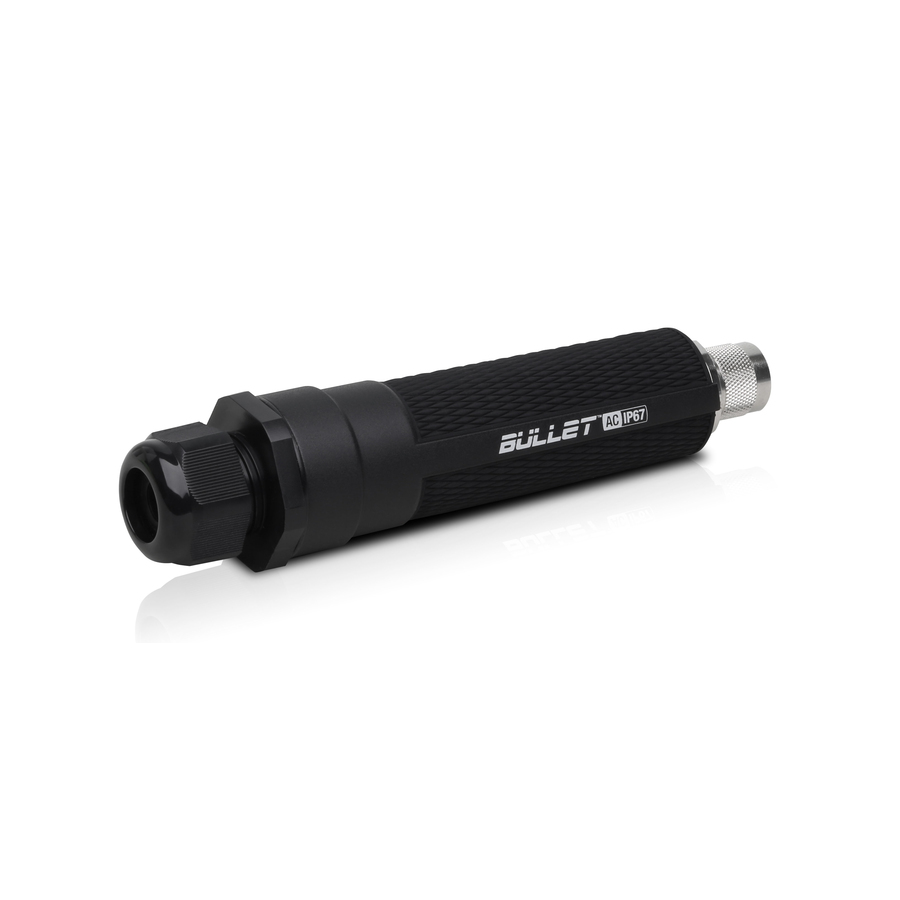
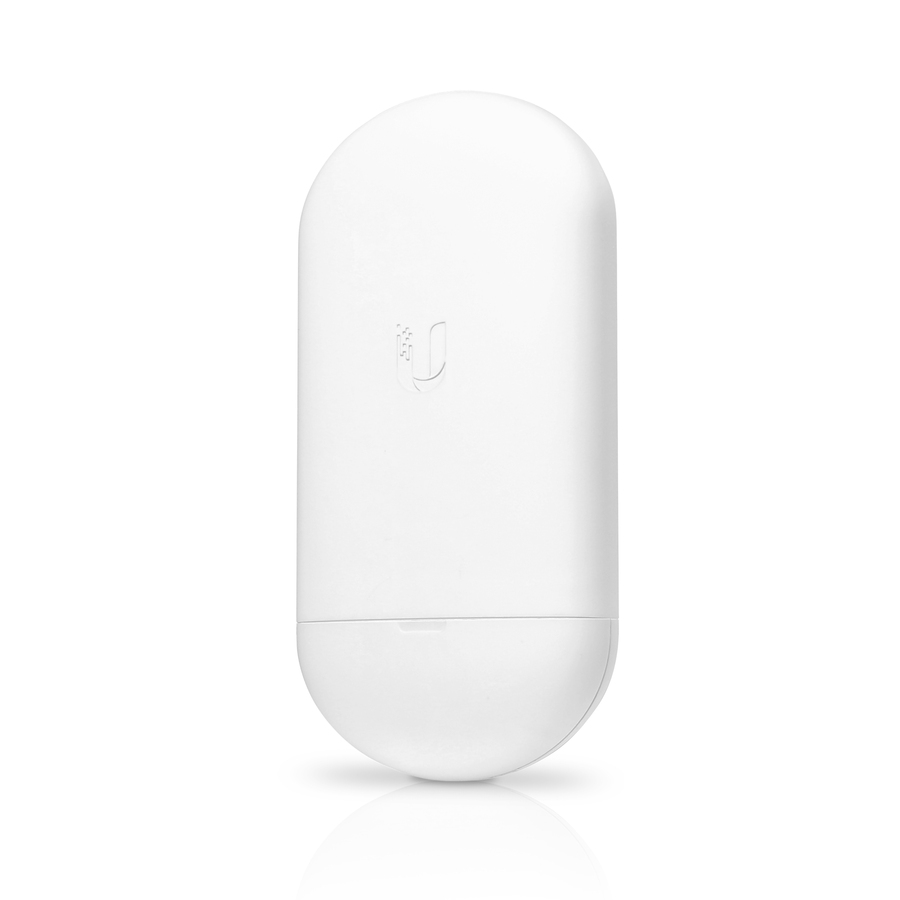
- UbiquitiUbiquiti Bullet BulletAC-IP67 460 Mbit/s Wireless Access Point - 5 GHz, 2.40 GHzBulletAC-IP67-US
$140.96
41 in stock
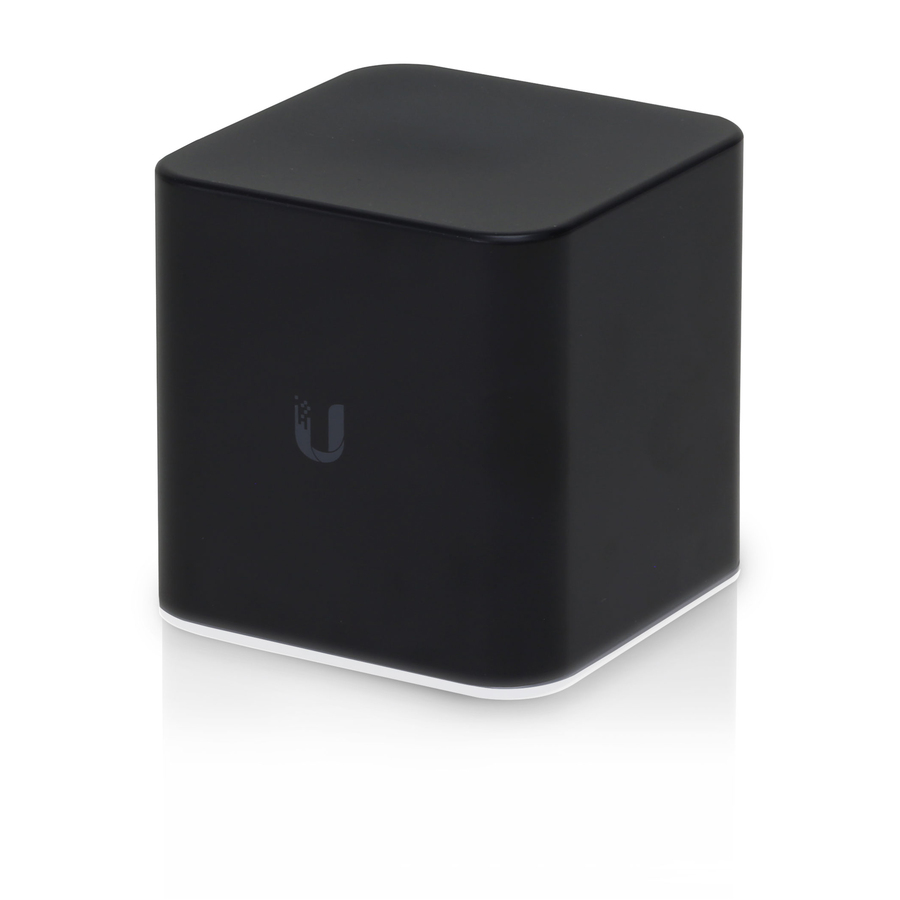

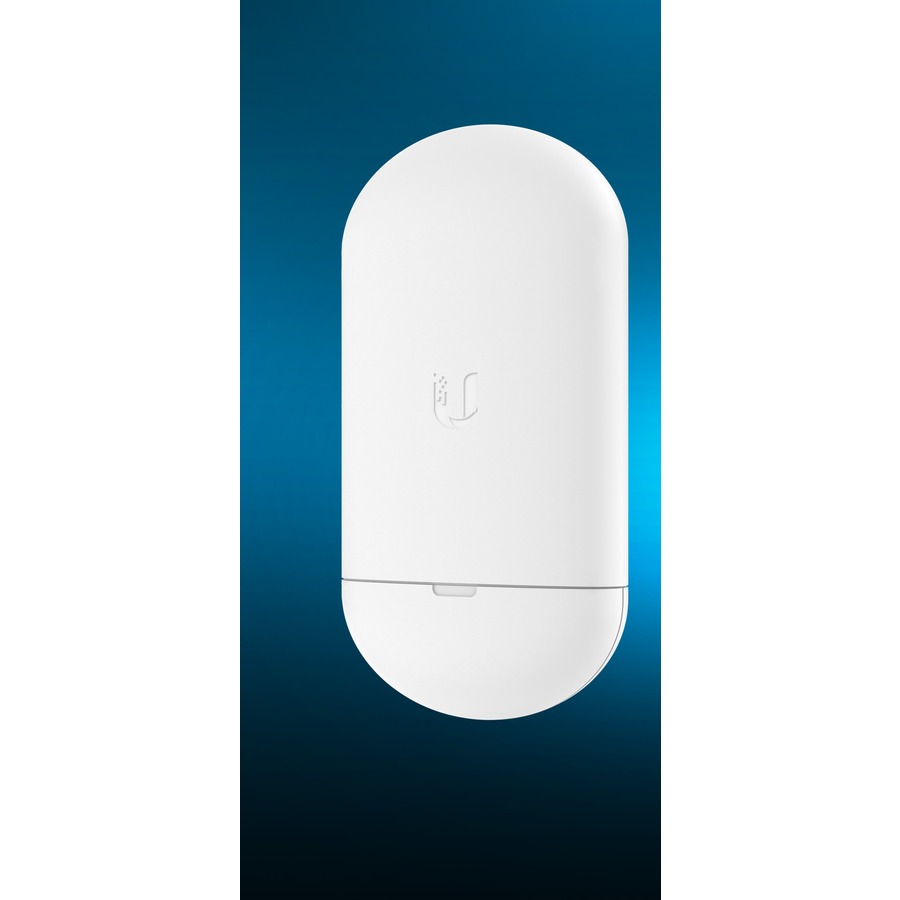
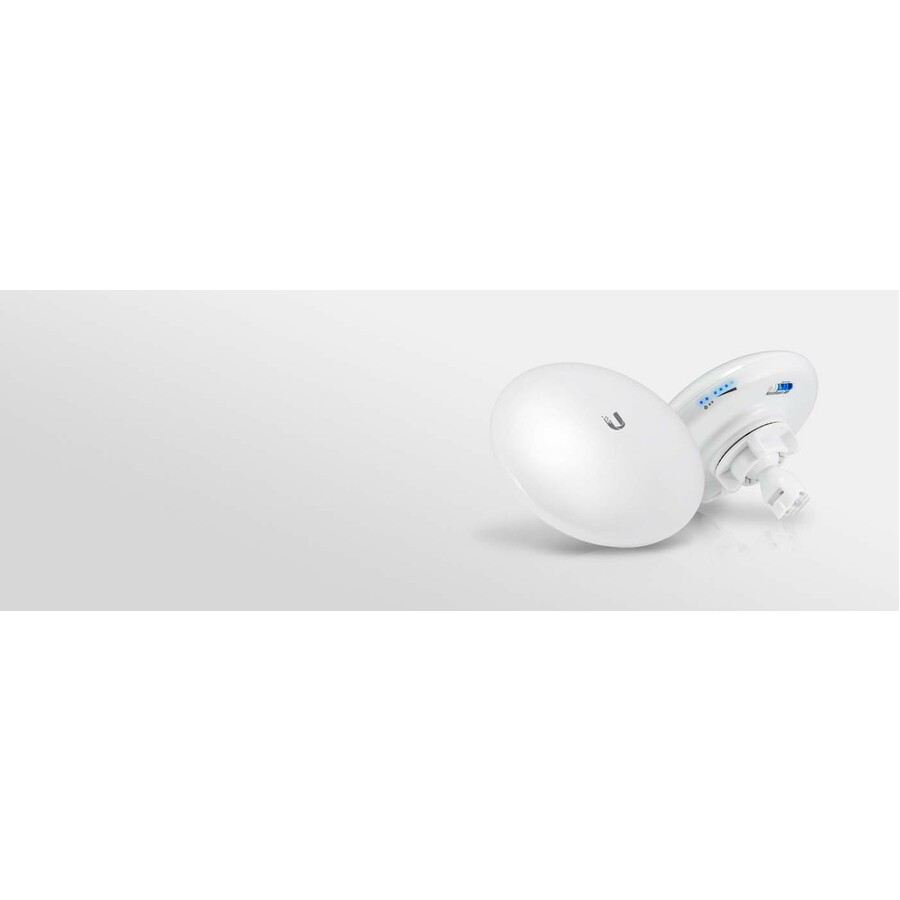
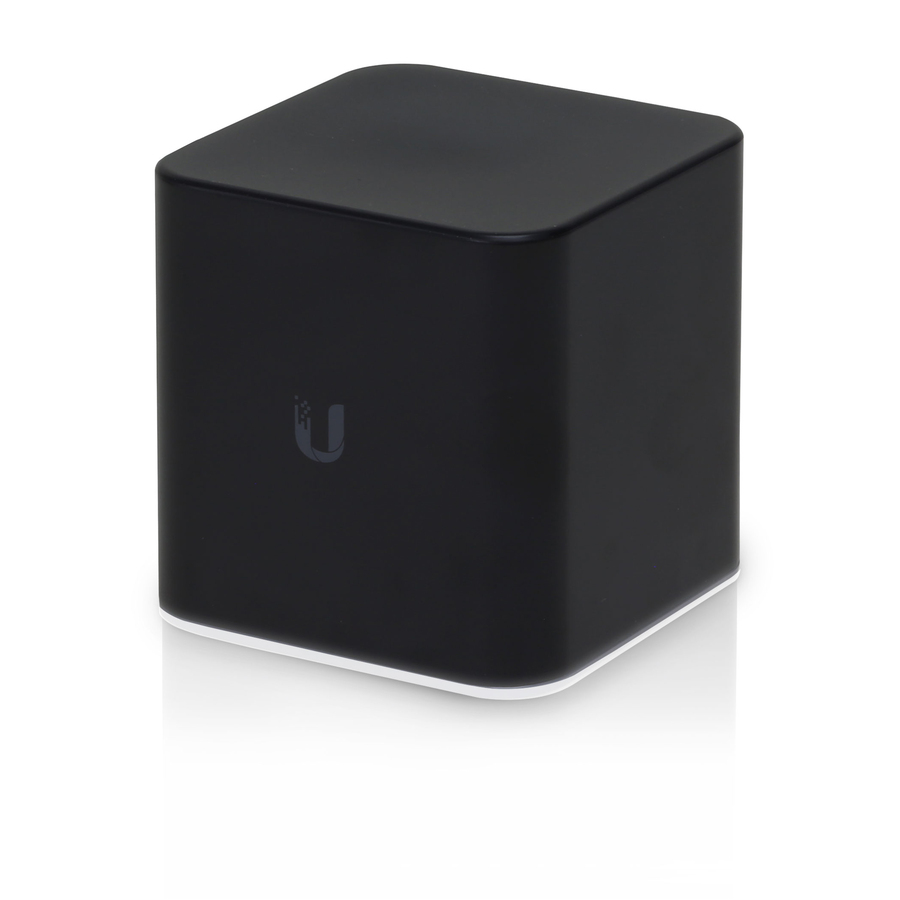
More access points in the Uniqcli catalog
See all 2,444 access pointsMore Ubiquiti first — closest to what you were just looking at; “See all access points” above opens every other brand in the category. In-stock lines lead, and a back-ordered line carries the same estimated availability its product page does — with live pricing throughout, NDAA §889 screening before checkout and TAA verified on request.
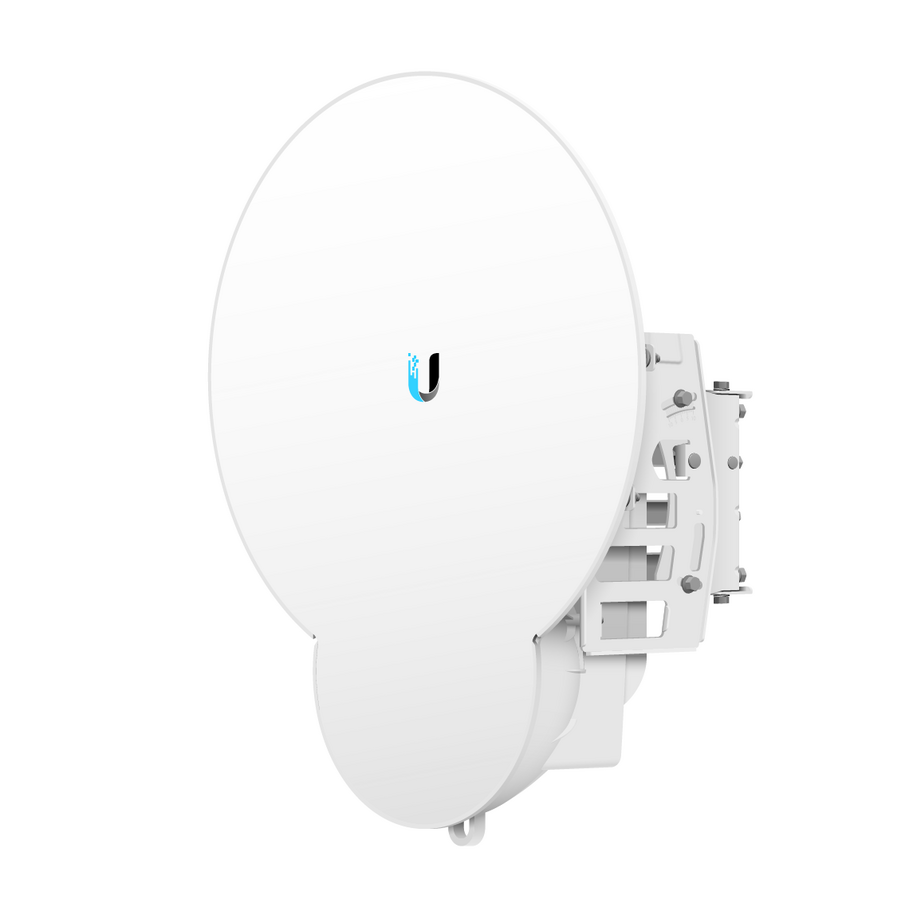
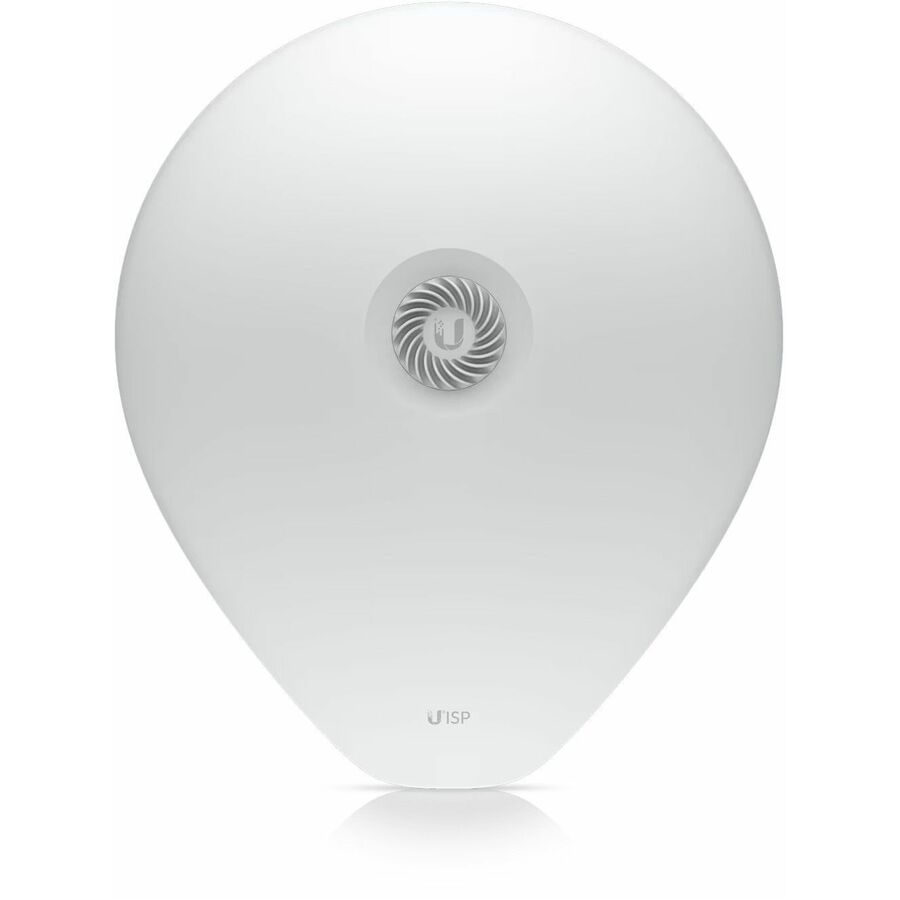
- UbiquitiUbiquiti airFiber 1.20 Gbit/s Wireless Access Point - 5 GHz - MIMO Technology - 1 x Network (RJ-45) - Gigabit EthernetAF11-COMPLETE-LB
$1,763.60
1 in stock - UbiquitiUbiquiti UniFi AC SHD UAP-AC-SHD IEEE 802.11ac 1.69 Gbit/s Wireless Access Point - 2.40 GHz, 5 GHz - MIMO Technology - 2 x Network (RJ-45) - Gigabit Ethernet - Ceiling Mountable, Wall Mountable - 5UAP-AC-SHD-5-US
$2,649.00
$2,339.04
Back-orderedBack-ordered — estimated OEM lead time 3–8 weeks (Nov 10 – Dec 15 if ordered today).
- UbiquitiUbiquiti UniFi AC SHD UAP-AC-SHD IEEE 802.11ac 1.69 Gbit/s Wireless Access Point - 2.40 GHz, 5 GHz - MIMO Technology - 2 x Network (RJ-45) - Gigabit Ethernet - Ceiling Mountable, Wall MountableUAP-AC-SHD-US
$549.00
$482.50
Back-orderedBack-ordered — estimated OEM lead time 3–8 weeks (Nov 10 – Dec 15 if ordered today).
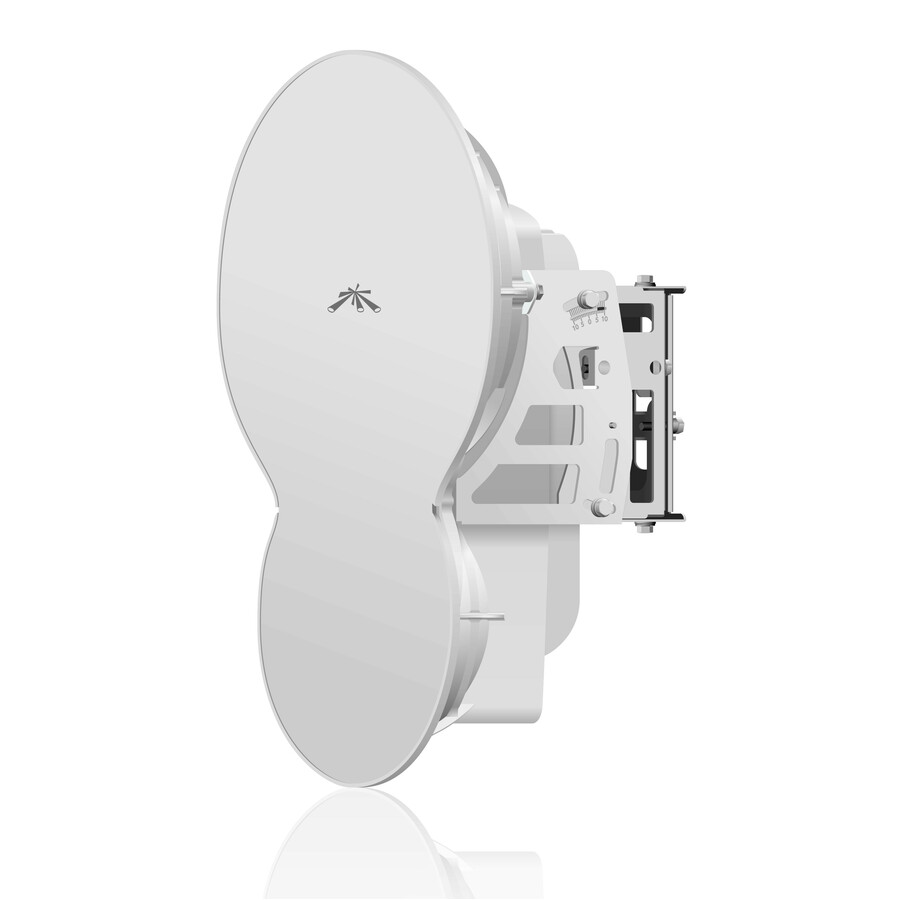
- UbiquitiUbiquiti airFiber AF24HD 2 Gbit/s Wireless Bridge - 24 GHz - 12.4 Mile Maximum Outdoor Range - MIMO Technology - 1 x Network (RJ-45) - Ethernet, Fast Ethernet, Gigabit Ethernet - Pole-mountableAF-24HD-US
$3,434.46
Back-orderedBack-ordered — estimated OEM lead time 3–8 weeks (Nov 10 – Dec 15 if ordered today).
- UbiquitiUbiquiti airFiber 11 AF-11 1.20 Gbit/s Wireless Access Point - 5 GHz - MIMO Technology - 1 x Network (RJ-45) - Gigabit EthernetAF11-COMPLETE-HB
$1,751.24
Back-orderedBack-ordered — estimated OEM lead time 3–8 weeks (Nov 10 – Dec 15 if ordered today).
- UbiquitiUbiquiti airFiber AF24 1.40 Gbit/s Wireless Bridge - 24 GHz - 8.1 Mile Maximum Outdoor Range - MIMO Technology - 1 x Network (RJ-45) - Ethernet, Fast Ethernet, Gigabit Ethernet - Pole-mountable - 1AF-24-US
$1,720.89
Back-orderedBack-ordered — estimated OEM lead time 3–8 weeks (Nov 10 – Dec 15 if ordered today).
Back-ordered — estimated OEM lead time 3–8 weeks (Nov 10 – Dec 15 if ordered today).
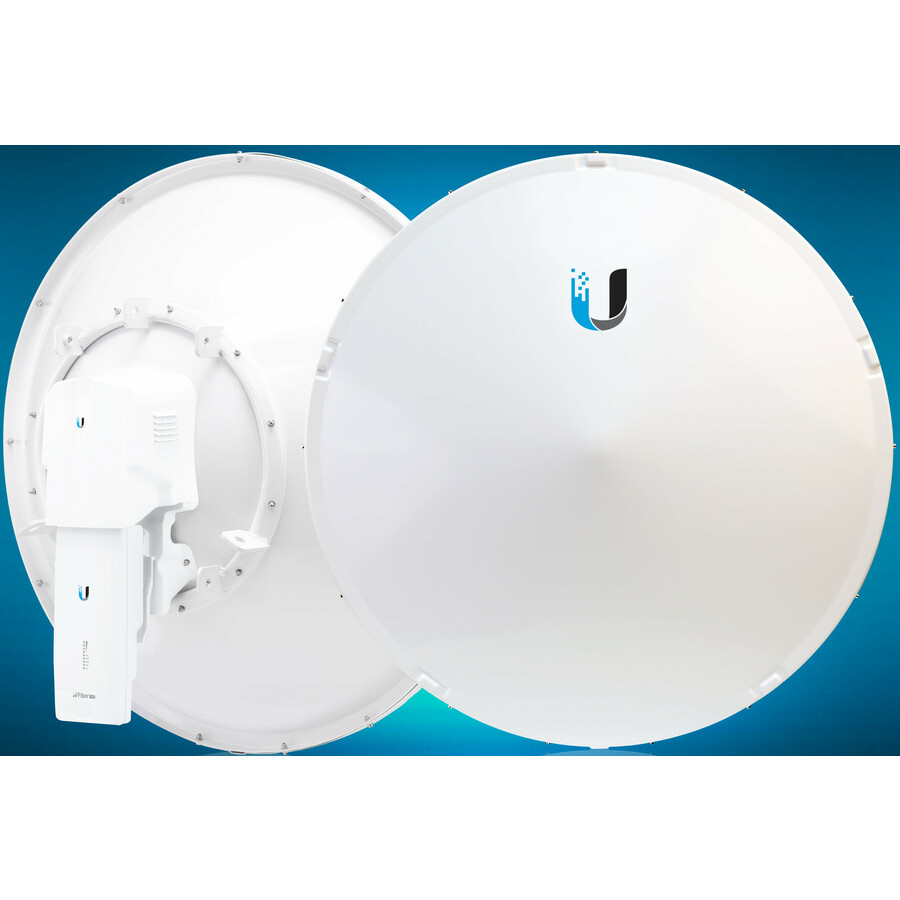
- UbiquitiUbiquiti airFiber 60 Single Band 5.40 Gbit/s Wireless Bridge - 5 GHz - Internal - 1 x Network (RJ-45) - Gigabit Ethernet, 10 Gigabit Ethernet - 24 W - Pole-mountable - IPX6AF60-XR-US
$1,263.70
Back-orderedBack-ordered — estimated OEM lead time 3–8 weeks (Nov 10 – Dec 15 if ordered today).
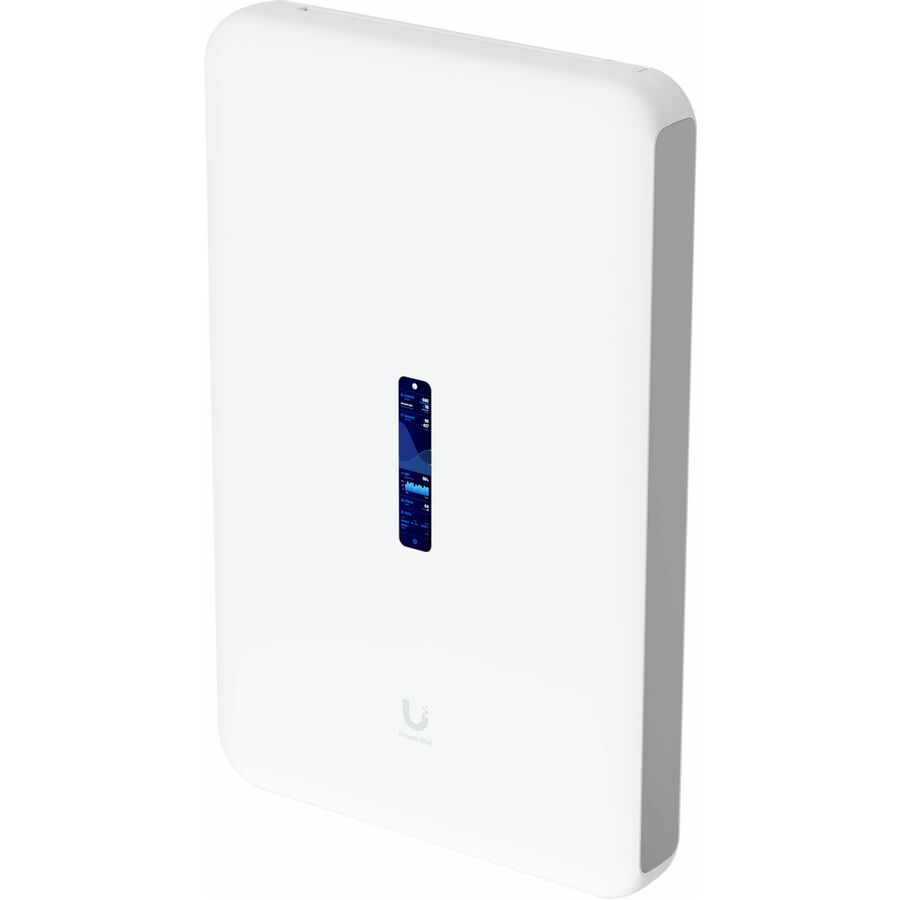
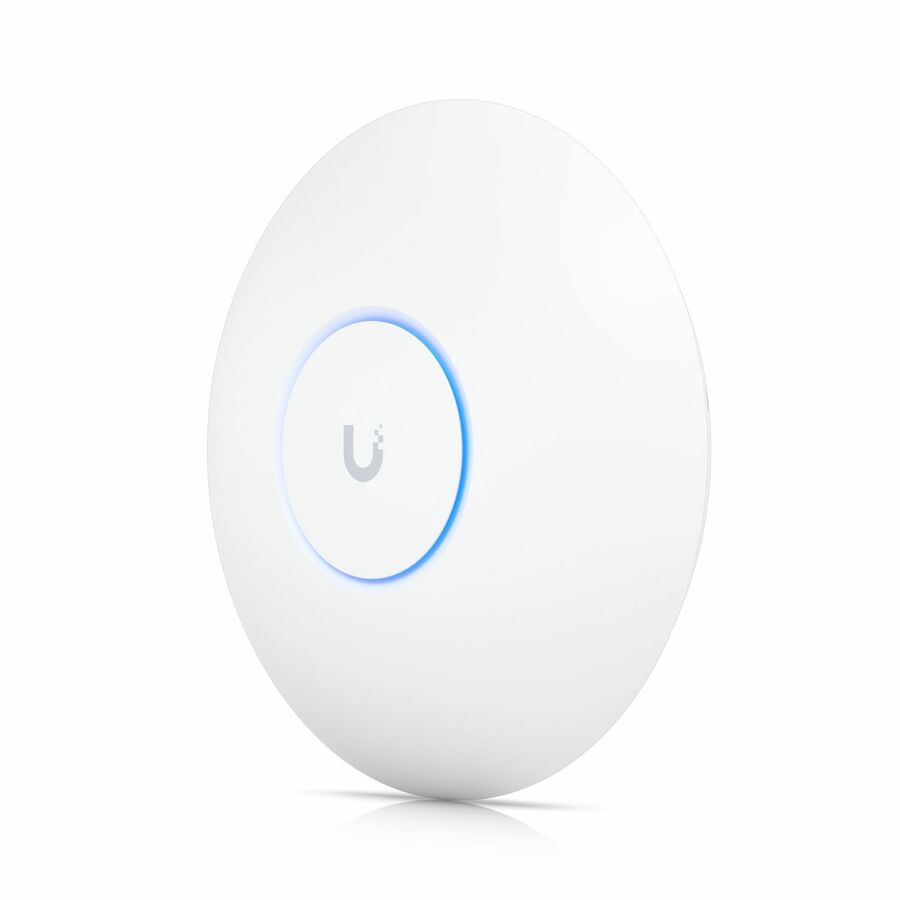
- UbiquitiUbiquiti U7 Pro Tri Band Wi-Fi 7 IEEE 802.11n/ac/ax/be/v/r/k 9.30 Gbit/s Wireless Access Point - Yes - 2.40 GHz, 5 GHz, 6 GHz - MIMO Technology - Multi User MIMO - 1 x Network (RJ-45) - 2.5 Gigabit Ethernet, Gigabit Ethernet - 21 W - Ceiling Mountable, Wall MountableU7-PRO-5-US
$1,167.79
Back-orderedBack-ordered — estimated OEM lead time 3–8 weeks (Nov 10 – Dec 15 if ordered today).
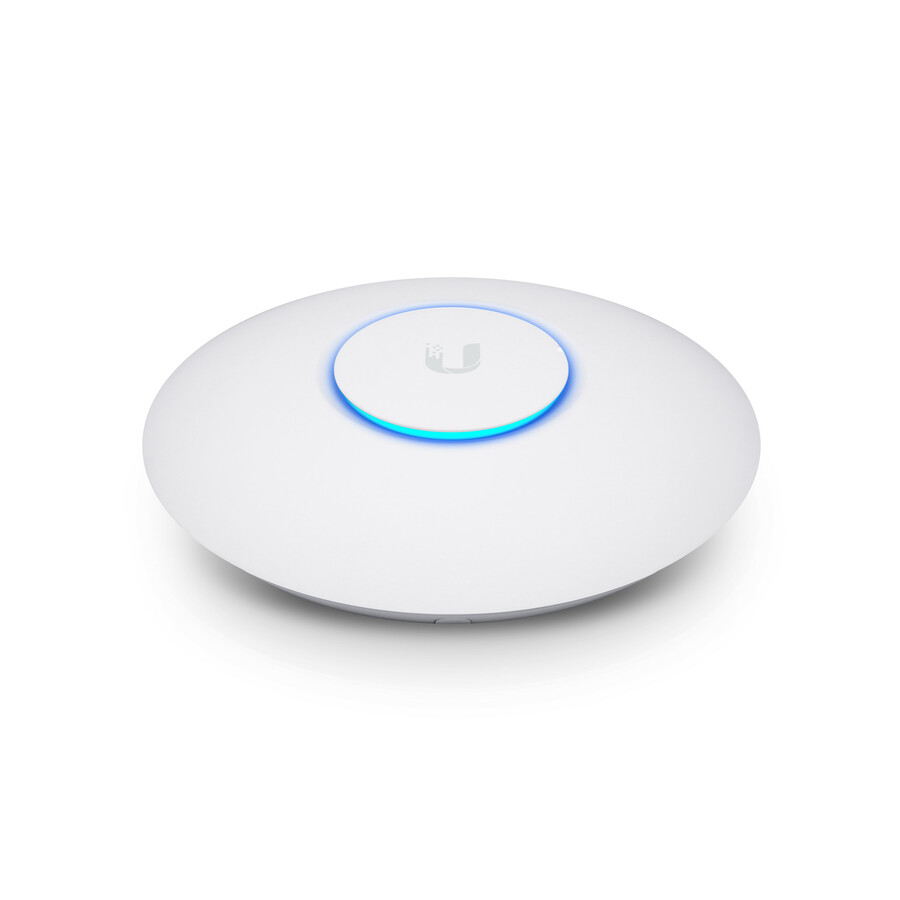
- UbiquitiUbiquiti UniFi nanoHD UAP-NANOHD IEEE 802.11ac 1.70 Gbit/s Wireless Access Point - 2.40 GHz, 5 GHz - MIMO Technology - 1 x Network (RJ-45) - Wall Mountable, Ceiling Mountable - 5UAP-NANOHD-5-US
$932.80
Back-orderedBack-ordered — estimated OEM lead time 3–8 weeks (Nov 10 – Dec 15 if ordered today).
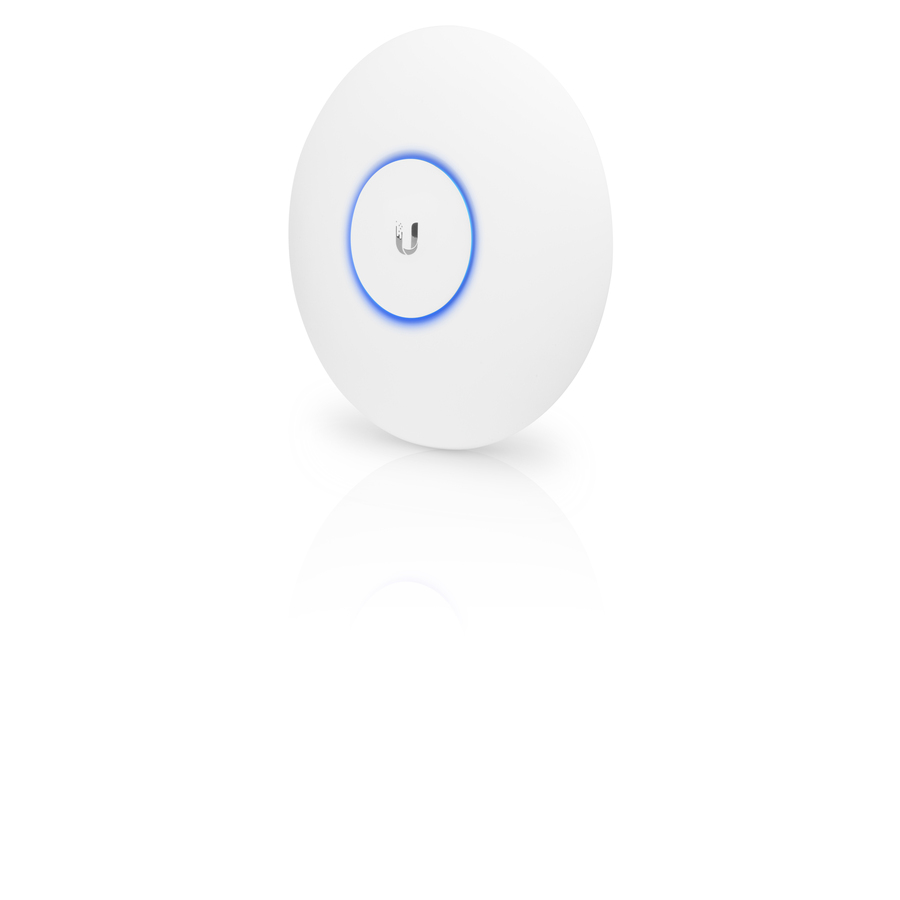
- UbiquitiUbiquiti UniFi UAP-AC-PRO IEEE 802.11ac 1300Mbit/s Wireless Access Point - Power Supply (Not Included) - 2.40 GHz, 5 GHz - 3 x Internal Antenna(s) - MIMO Technology - 2 x Network (RJ-45) - Gigabit Ethernet - Wall Mountable, Ceiling Mountable - 5UAP-AC-PRO-5-US
$842.31
Back-orderedBack-ordered — estimated OEM lead time 3–8 weeks (Nov 10 – Dec 15 if ordered today).
Need pricing on Ubiquiti access points?
Tell us where to reach you and a Uniqcli specialist will follow up by email with current pricing, availability and lead time for the quantities you need — including parts that aren’t shown on this page.
Buying for an organization or for yourself — both work. No payment up front.
UniFi access points carry no recurring per-device licence for their management software: UniFi Network runs self-hosted or on a UniFi console. Pick the radio generation by client mix — the U6 family for current laptop and phone fleets, the U7 family where switching is moving to 2.5G — and keep building-to-building links on the outdoor airMAX line rather than an indoor AP pushed outside.
Ubiquiti's UniFi access points earn their place in business networks on one economic fact: the management software carries no recurring per-device license, so a ten-AP office or a hundred-AP campus pays for hardware once and runs the same UniFi Network application either self-hosted or on a UniFi console. The current lineup splits by radio generation — Wi-Fi 6 models like the U6 Pro for dense offices, and Wi-Fi 7 models in the U7 family where multi-gigabit backhaul and the newest clients justify the step up.
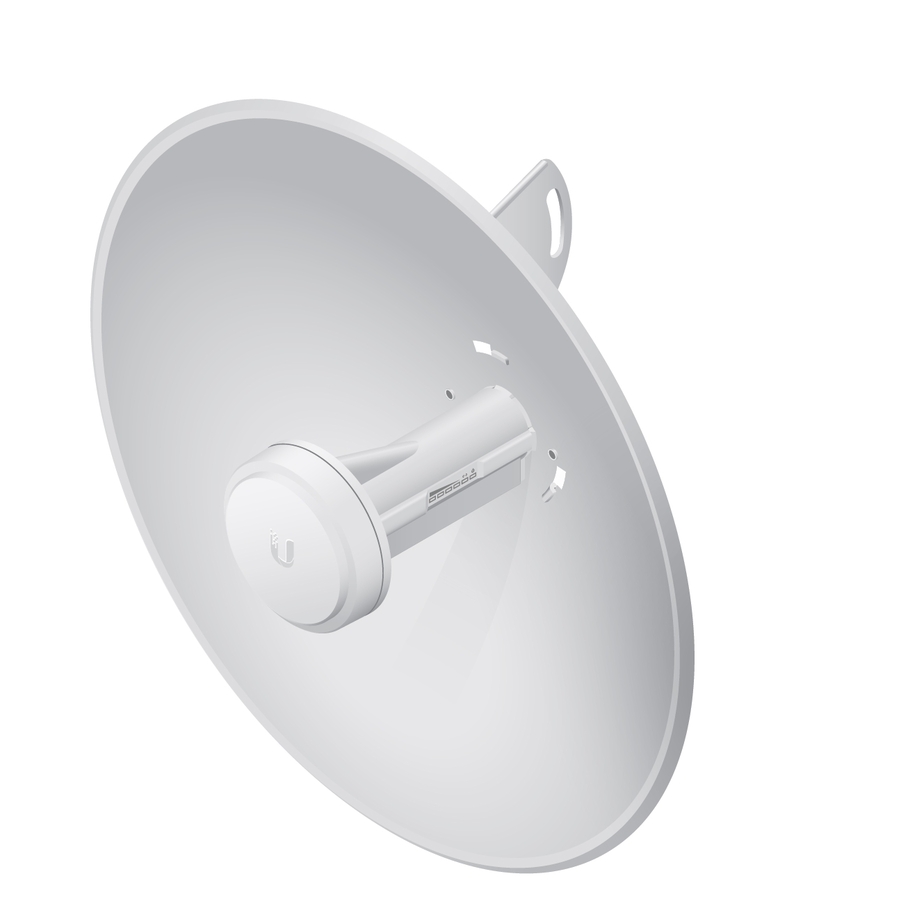
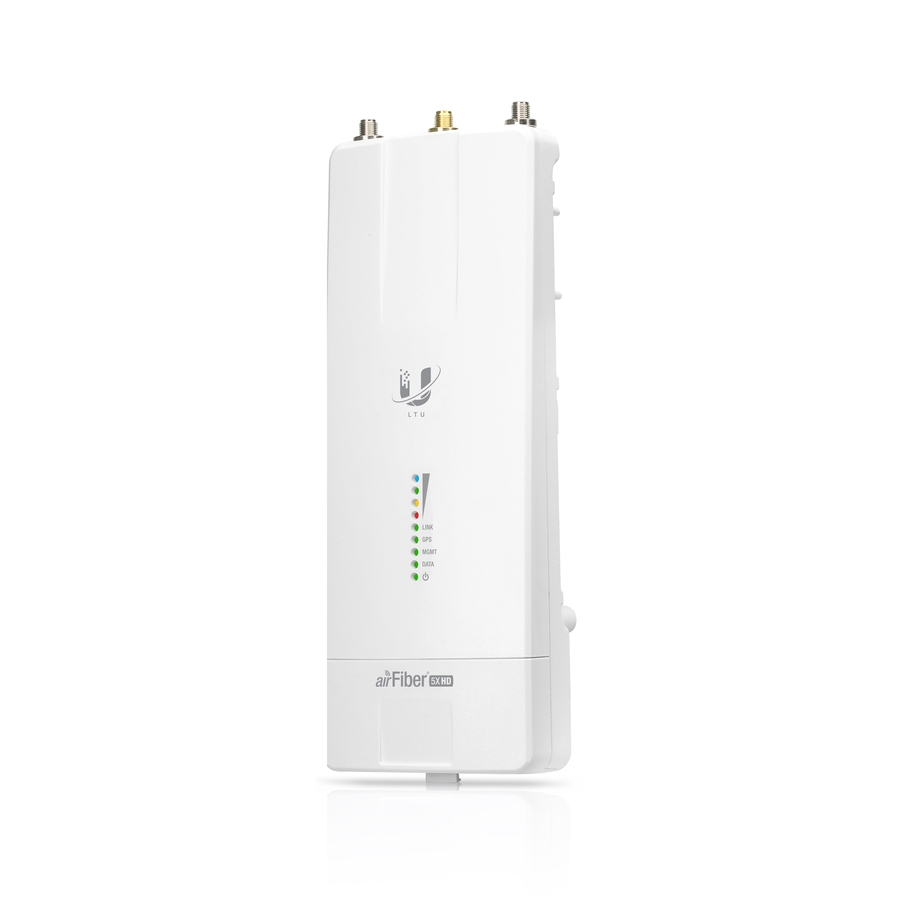
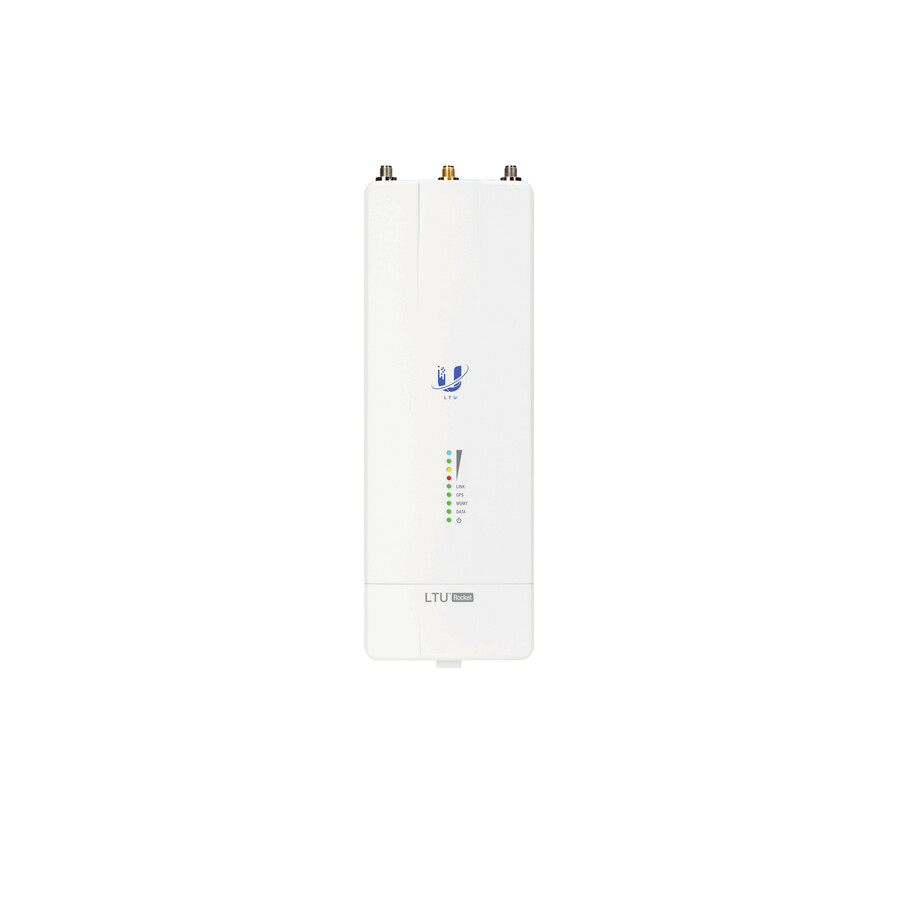
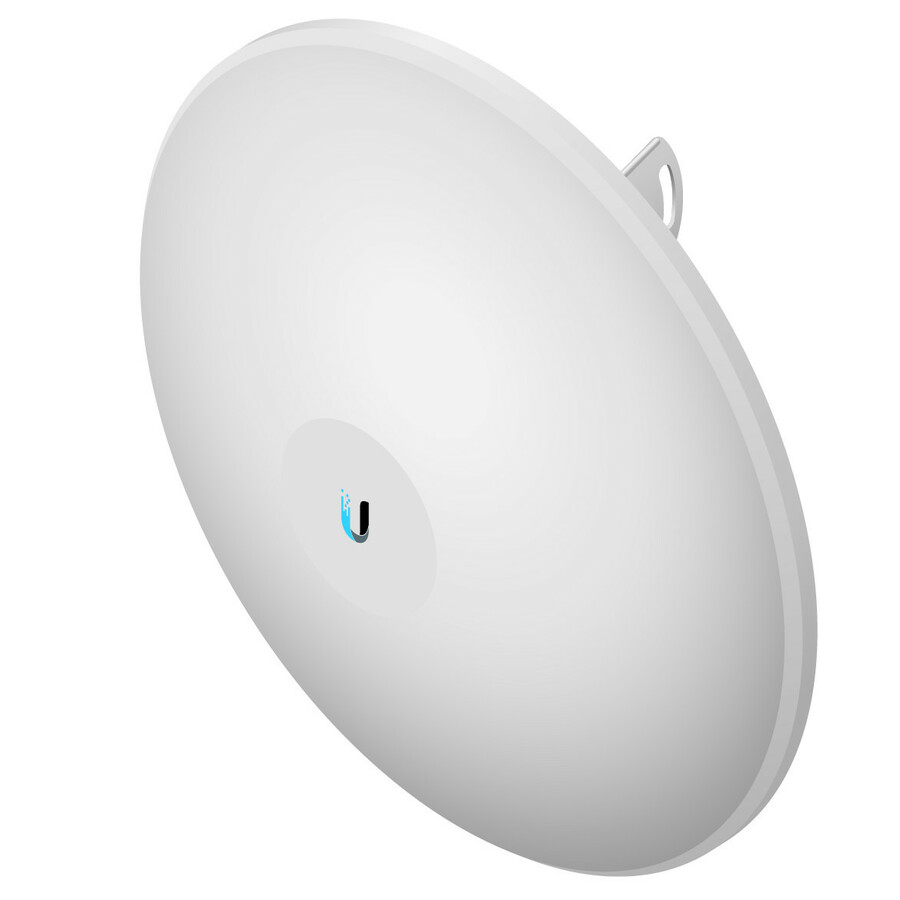
This grid is drawn from the Ubiquiti wireless hardware Uniqcli currently stocks, with live availability on each card. It spans two distinct product lanes: UniFi indoor and mesh access points for offices, and the airMAX/ISP line — NanoBeam, Bullet, Rocket and airFiber — which are outdoor point-to-point and point-to-multipoint radios for linking buildings, yards and remote structures rather than serving laptops in a conference room. Check the lane before you shortlist: the two solve different problems at similar prices.
Buyer's checklist
How to choose a Ubiquiti access point
- Pick the radio generation by client mix: Wi-Fi 6 (U6 family) covers today's laptop and phone fleets; Wi-Fi 7 (U7 family) pays off where you are also upgrading switching to 2.5G so the AP's uplink is not the bottleneck.
- Count clients per room, not square feet — dense conference rooms and classrooms want the Pro-tier models; light-duty offices are fine on the base tiers.
- Confirm PoE power at the switch end before ordering: UniFi APs power over PoE, and a full AP refresh often needs a PoE budget the existing switch cannot supply.
- Use mesh models only where cable genuinely cannot reach — a wired AP beats a meshed one on throughput and consistency every time.
- Building-to-building links belong to the airMAX lane (NanoBeam, Bullet, Rocket), not to indoor APs pushed outdoors.
- Standardize on one indoor model per site where possible — roaming behaves better across identical radios and spares stay simple.
UniFi indoors, airMAX between buildings
The most common sizing mistake with Ubiquiti gear is treating the catalog as one product line. UniFi access points are managed Wi-Fi for people and devices inside a building, coordinated by the UniFi Network application. The airMAX and ISP-line radios in this grid — NanoBeam, Bullet, IsoStation, Rocket, LTU and airFiber — are directional links: they carry a network across a parking lot, between a school and its annex, or from an office to a warehouse, and they are configured separately from UniFi. A campus that needs both should buy both, but they are line items with different jobs, not substitutes.
Planning a UniFi rollout
Before a multi-AP order, decide where the UniFi Network application will run — self-hosted on a server or VM, or on a UniFi hardware console — and confirm your switching can power the AP count you are planning, since PoE budget is the constraint that surprises most first UniFi deployments. Map AP placement by walls and client density rather than by coverage radius alone, and pilot one room with the exact model you intend to standardize on. Volume pricing on multi-AP orders is quoted rather than listed — send the part numbers and counts and we will confirm screening, availability and lead time together.
FAQ
Common questions
- What is the difference between the U6 and U7 access point families?
- The U6 family is Wi-Fi 6 (802.11ax); the U7 family is Wi-Fi 7 (802.11be). Wi-Fi 7 adds wider channels and multi-link operation for the newest clients, and the U7 models are built to move more traffic than a gigabit uplink can carry — so they make the most sense alongside 2.5G PoE switching. For most current office fleets a U6-class AP remains the value pick; choose U7 where the switch refresh is happening in the same project.
- Do UniFi access points require software licenses or subscriptions?
- No recurring license is required to run UniFi access points: the UniFi Network application that manages them is free to run self-hosted, or comes embedded on Ubiquiti's own console hardware. That no-per-AP-fee model is a large part of UniFi's total-cost advantage against traditional enterprise Wi-Fi, where per-device licensing typically recurs annually.
- Can business, government and education buyers order these?
- Every line Uniqcli quotes is sourced through US distribution and screened for TAA country-of-origin and NDAA §889 status before checkout — with documentation tied to the specific part number, not a product family.
Need Ubiquiti access points pricing?
Send a bill of materials or part numbers — we confirm stock and a below-market total, with TAA verified on request. No payment up front.