
Best Ubiquiti UniFi Switches: PoE, 2.5G & Aggregation
UniFi PoE, multi-gigabit and aggregation switches for offices, studios and racks.
Ubiquiti switches in stock at Uniqcli
How to choose →A curated selection with live pricing — in-stock lines first, then back-ordered lines with a typical lead time. Every line is sourced through US distribution and screened for NDAA §889 status before checkout, with TAA verified on request.
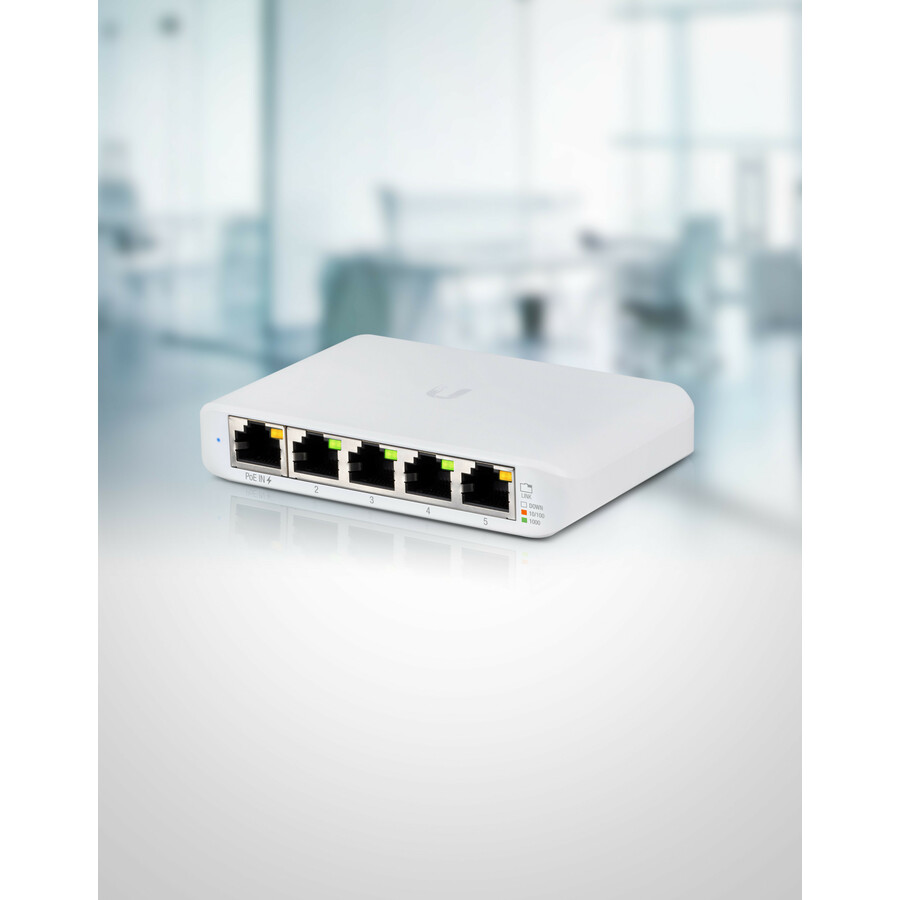

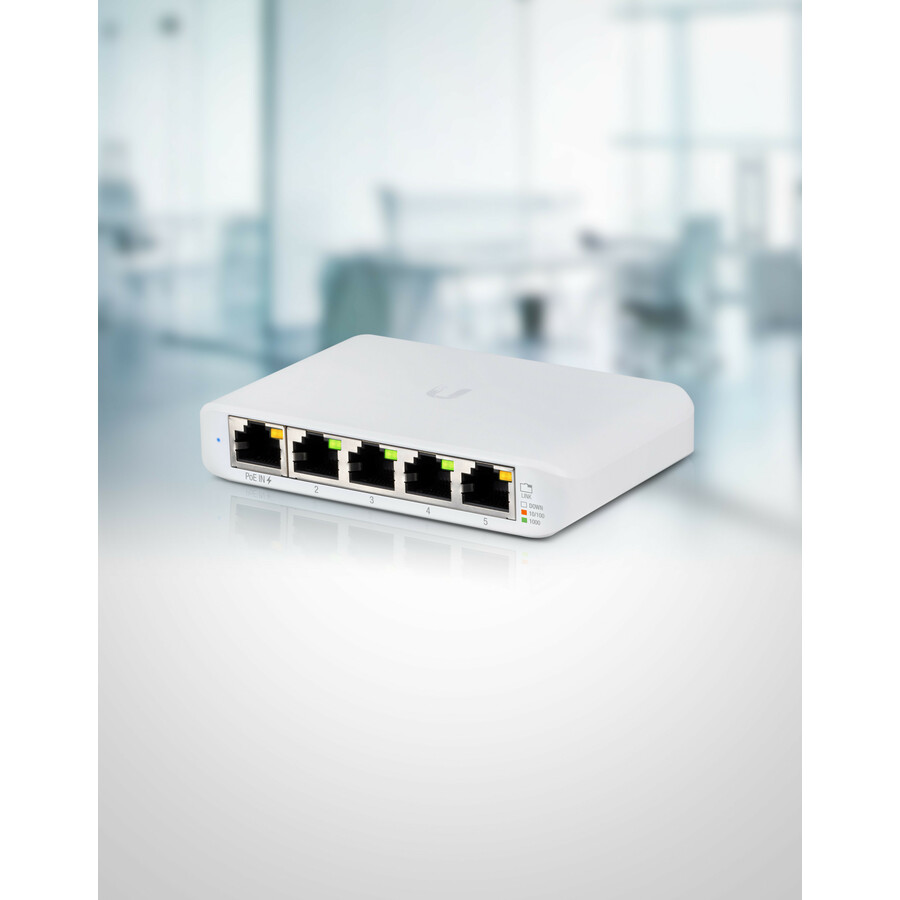
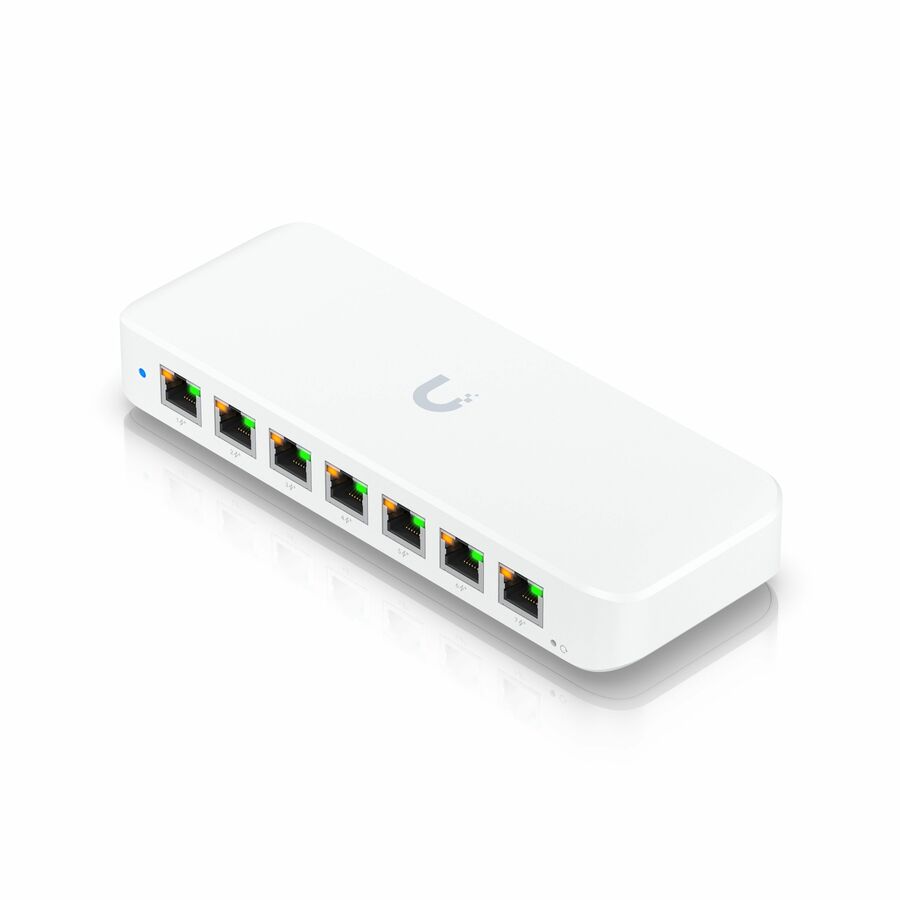
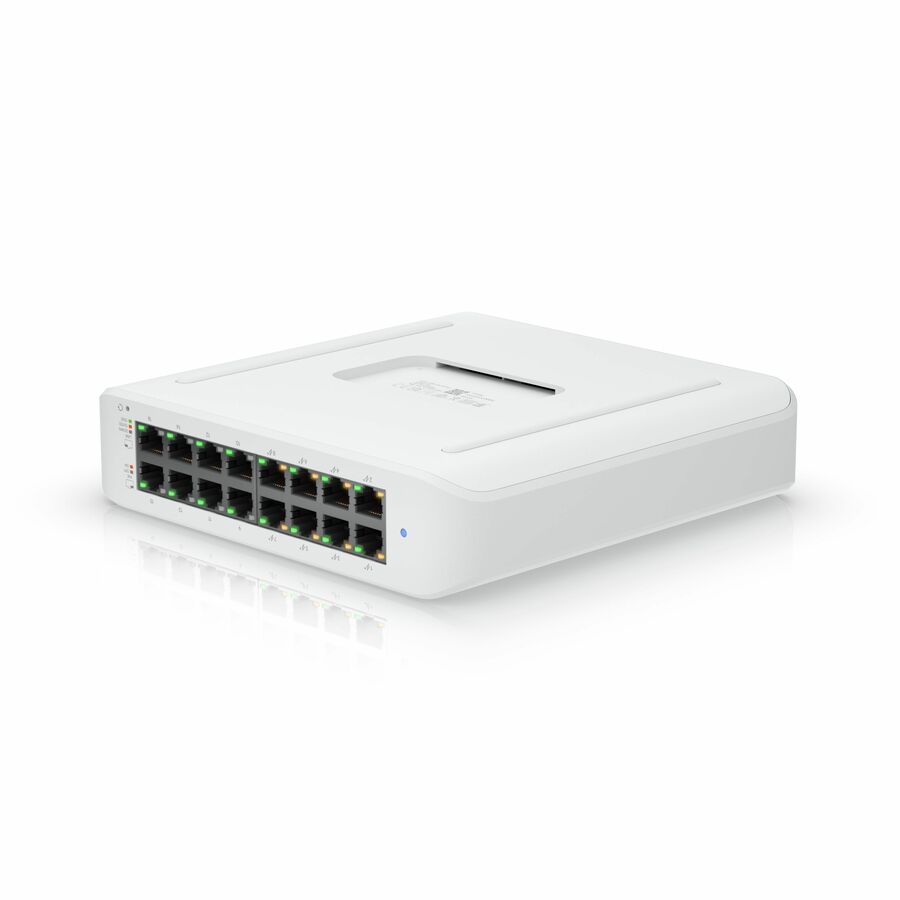
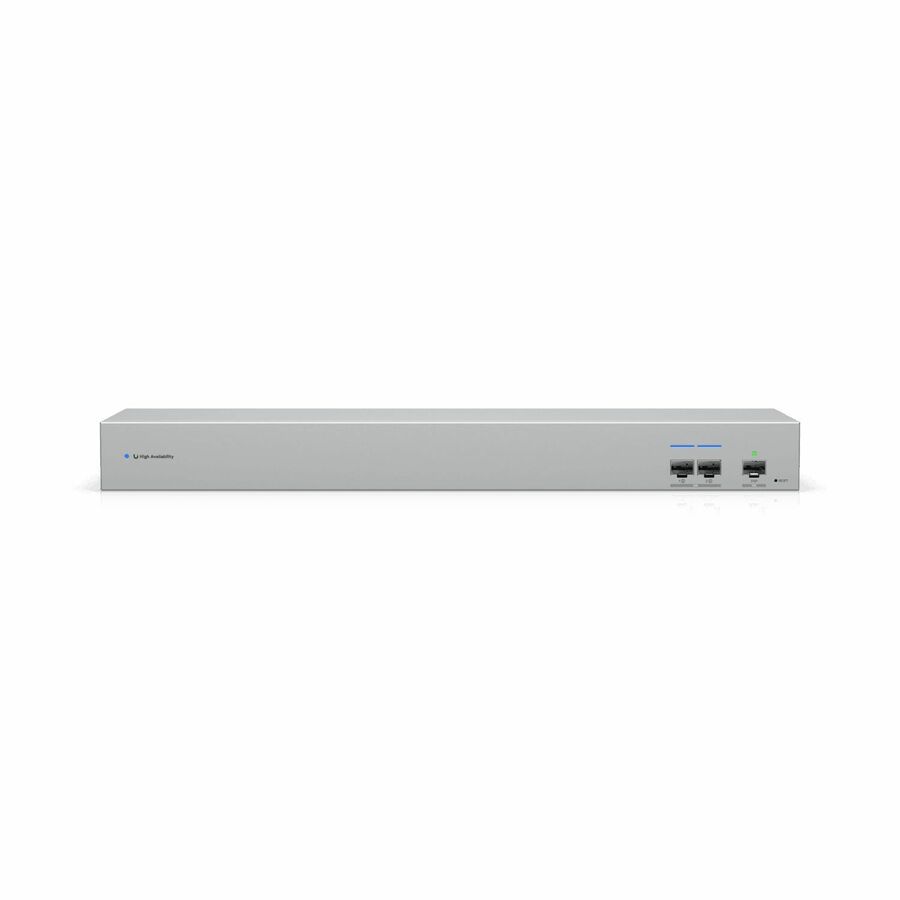
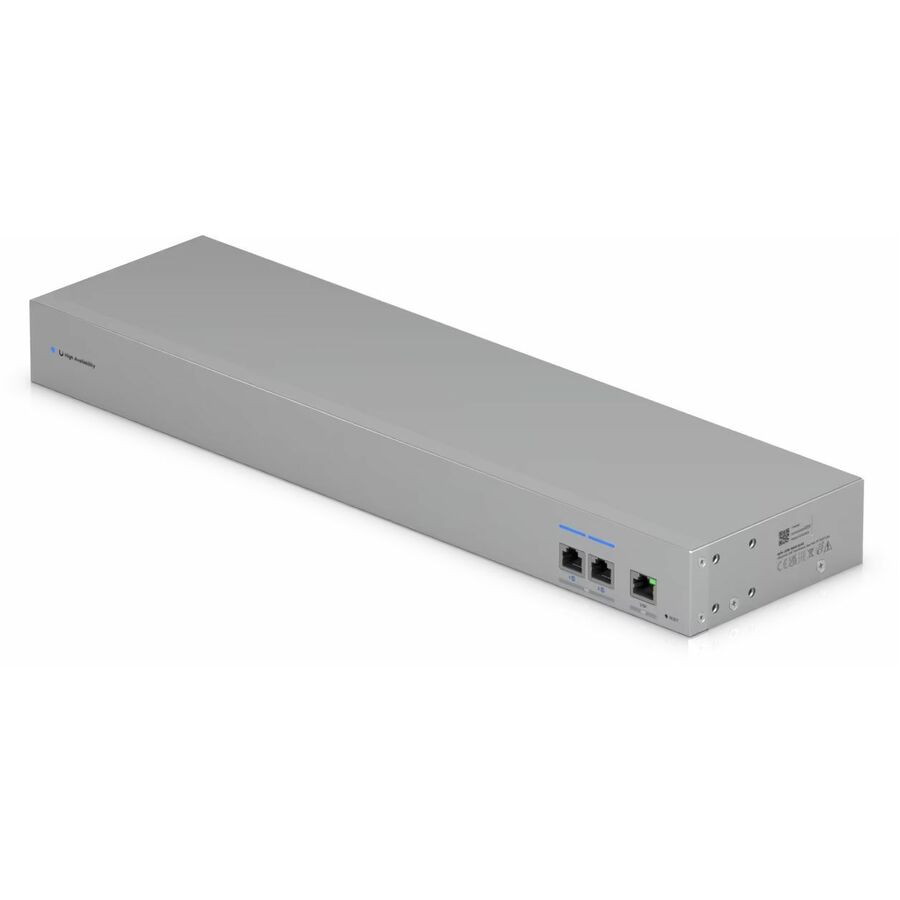
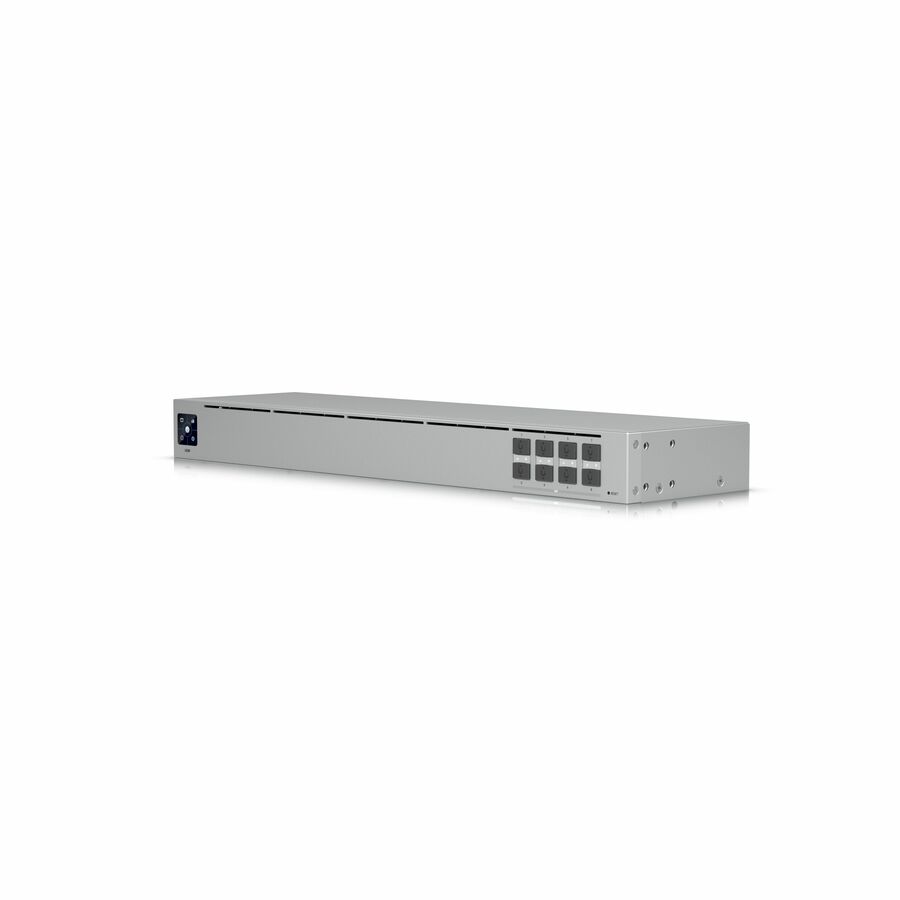
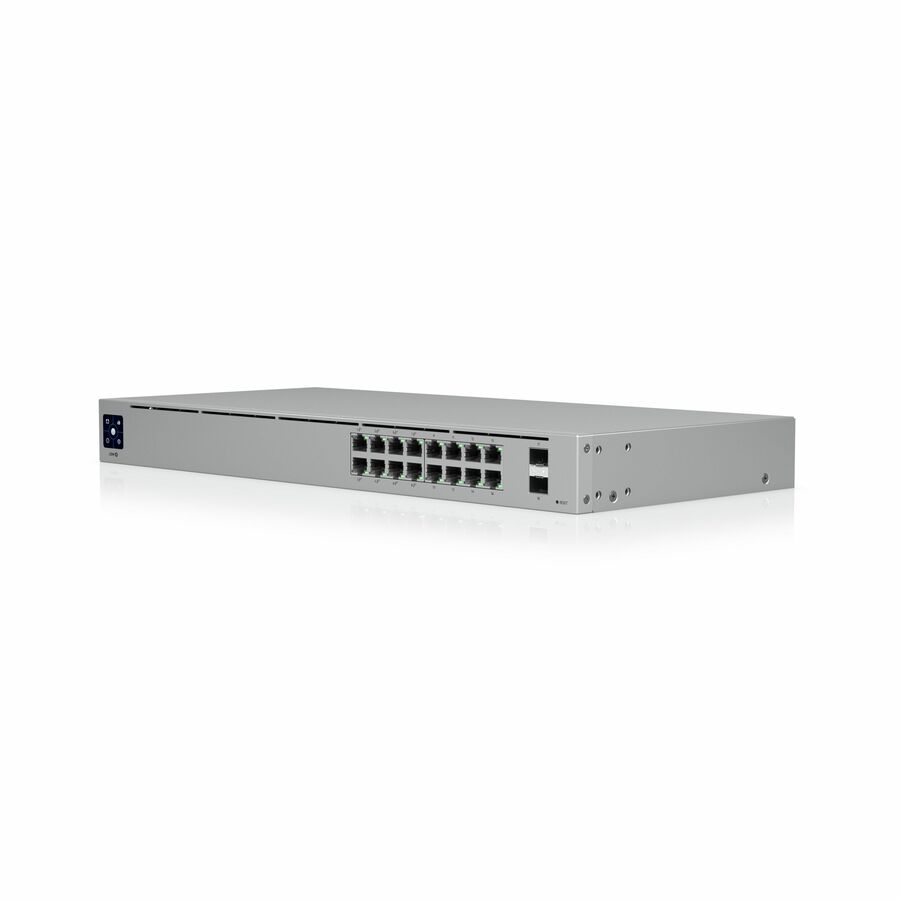
More switches in the Uniqcli catalog
See all 6,646 switchesMore Ubiquiti first — closest to what you were just looking at; “See all switches” above opens every other brand in the category. In-stock lines lead, and a back-ordered line carries the same estimated availability its product page does — with live pricing throughout, NDAA §889 screening before checkout and TAA verified on request.
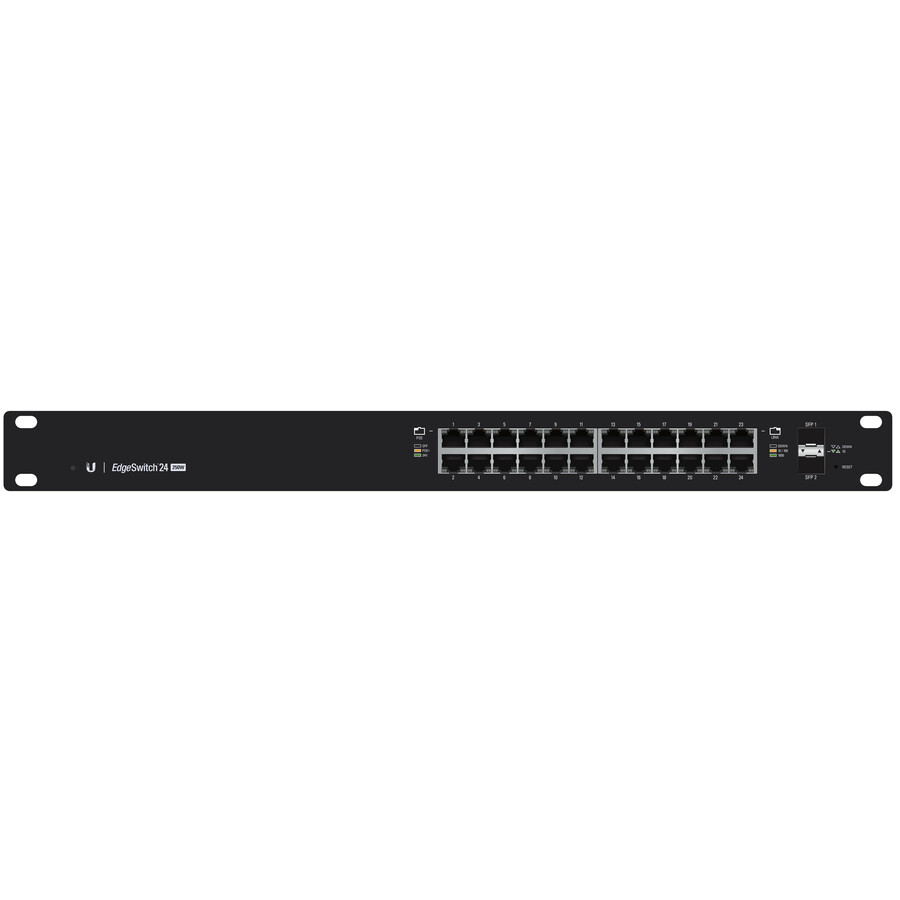
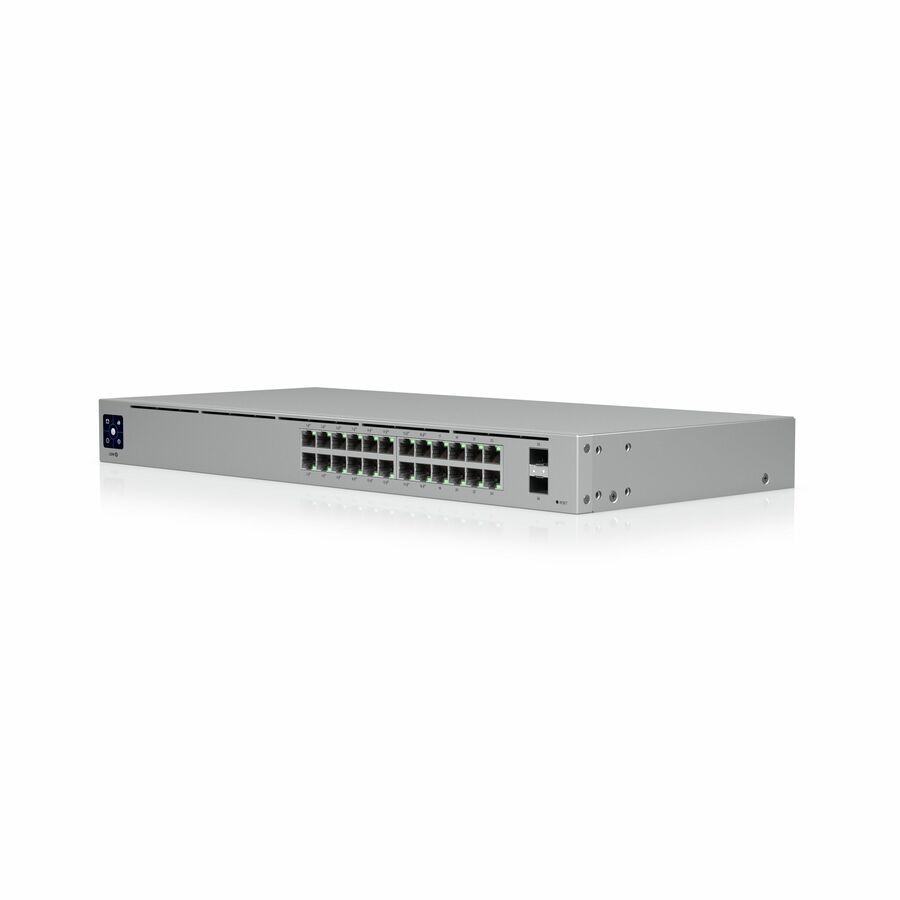
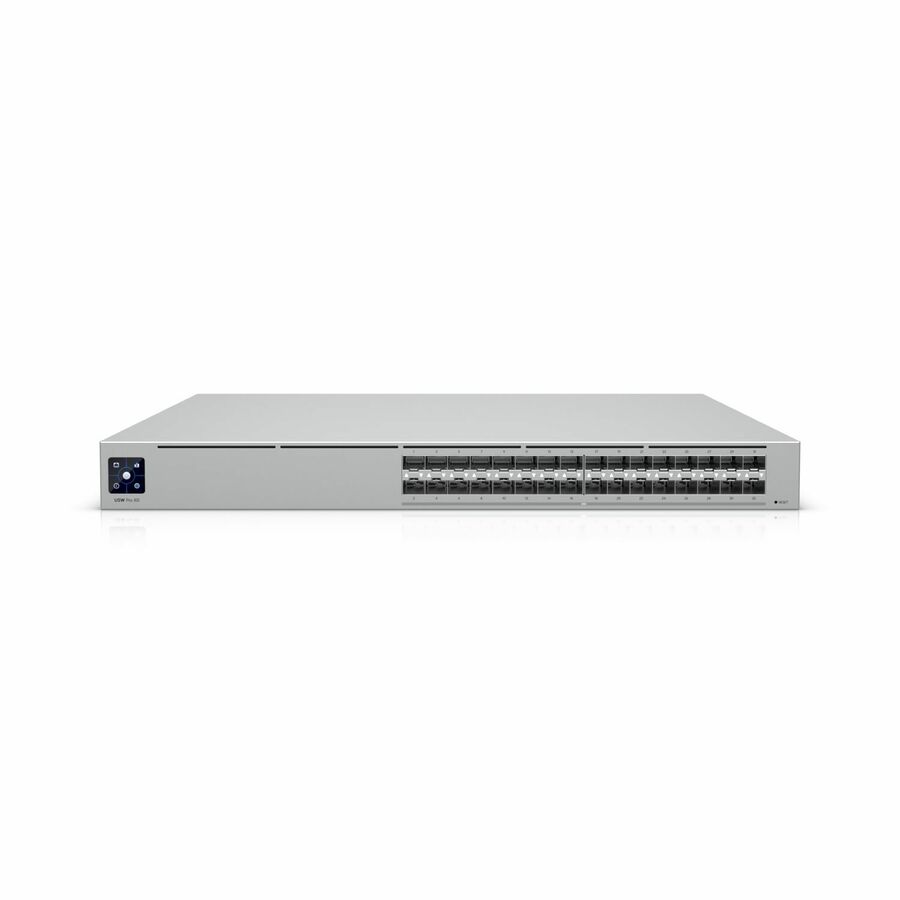
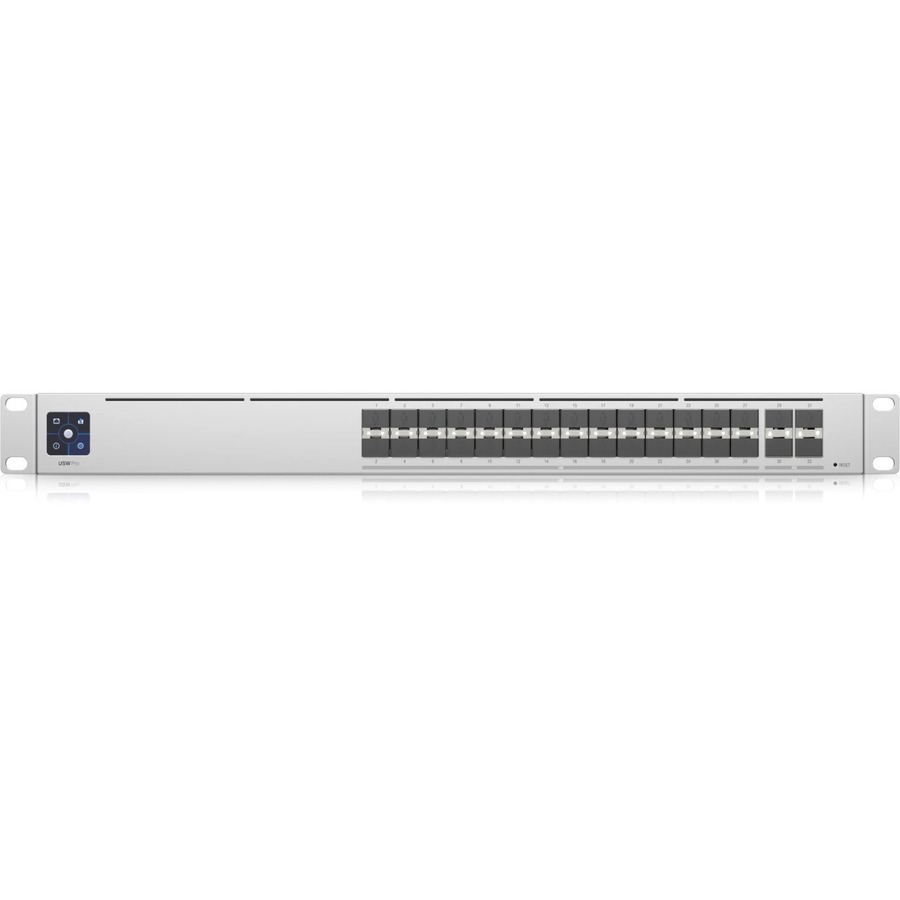
- UbiquitiUbiquiti USW-Pro-24-POE Ethernet Switch - 24 Ports - Manageable - Gigabit Ethernet, 10 Gigabit Ethernet - 10/100/1000Base-T, 10GBase-X - 3 Layer Supported - 450 W Power Consumption - 400 W PoE Budget - Optical Fiber, Twisted Pair - PoE Ports - 1U - Rack-mountableUSW-PRO-24-POE
$896.01
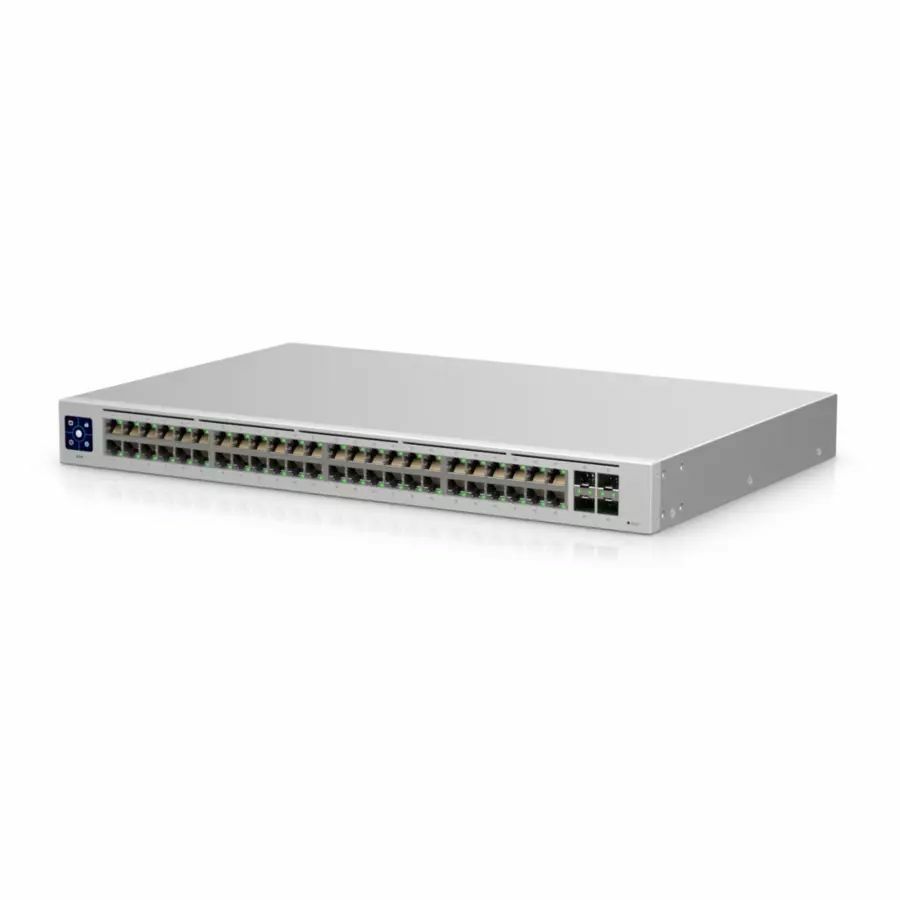
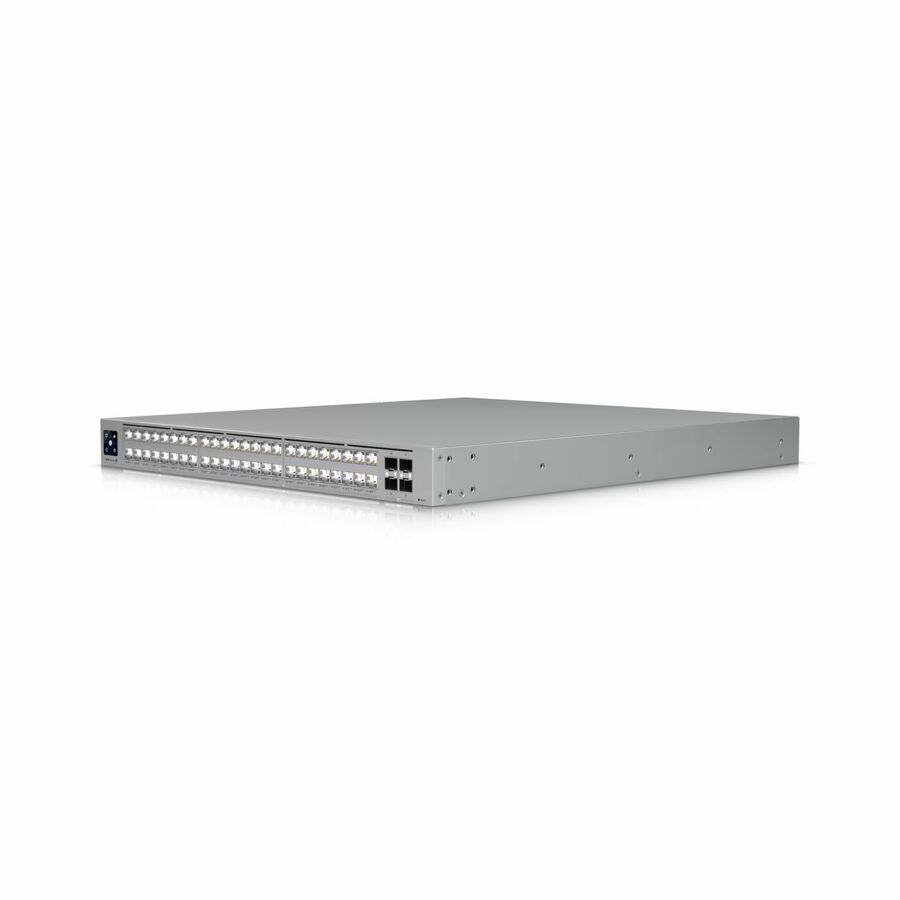
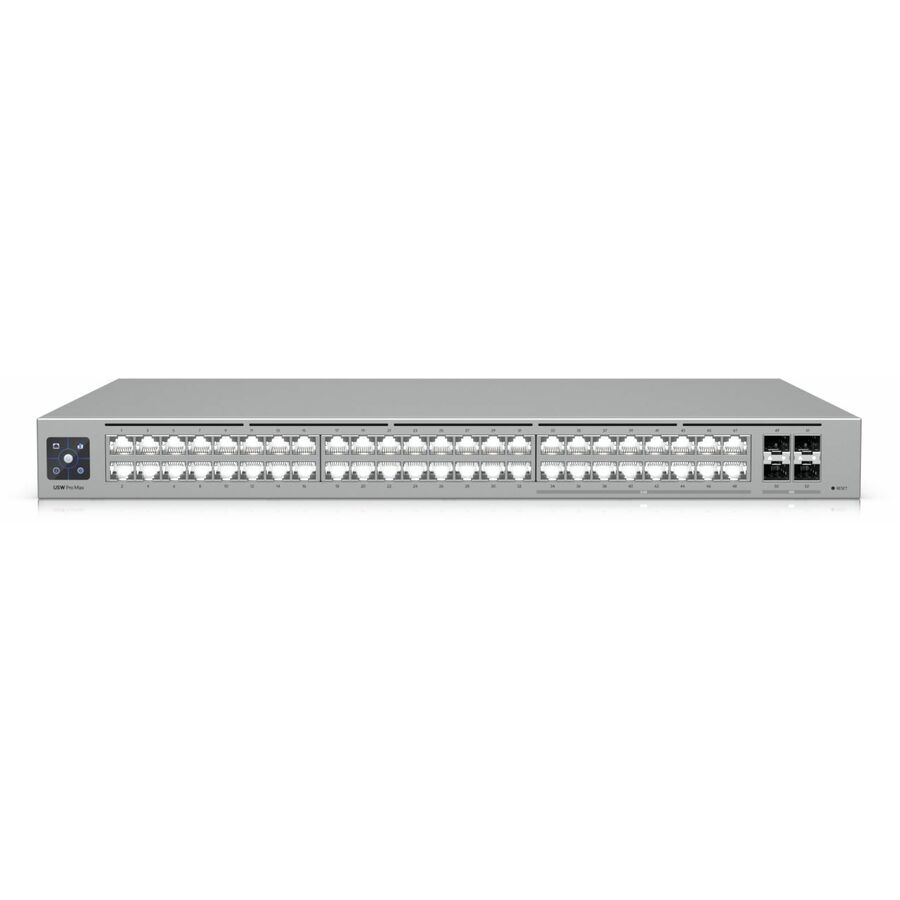
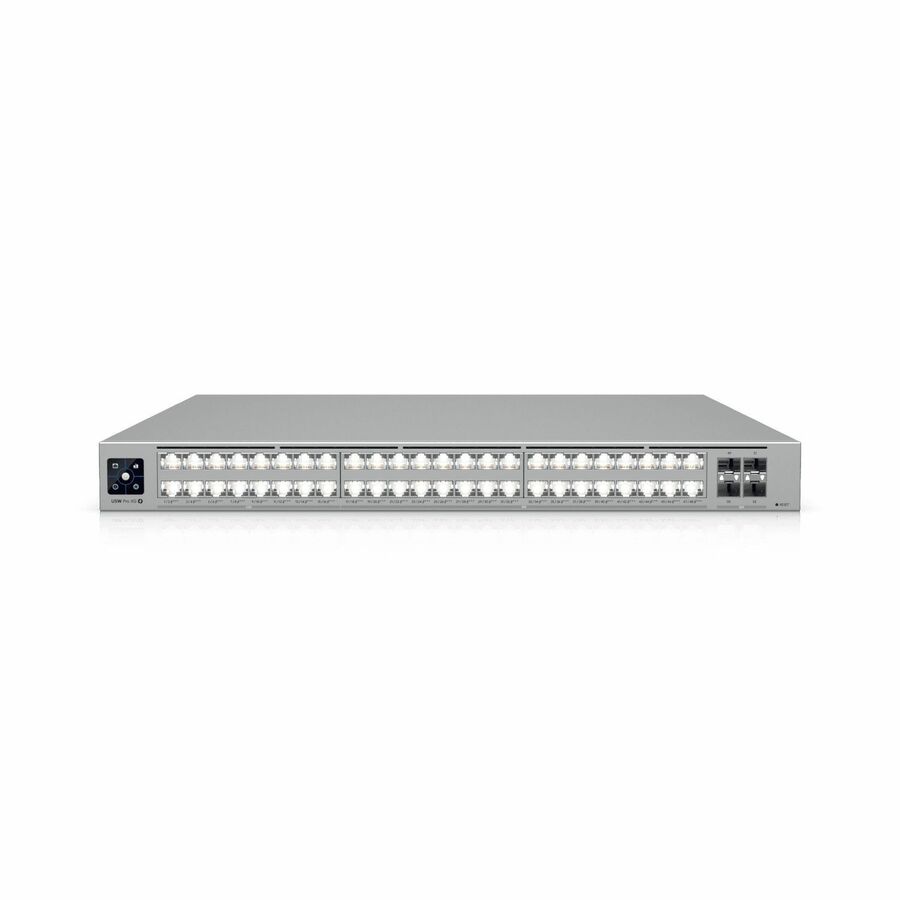
164 in stock - UbiquitiUbiquiti USW-Pro-Max-48 Ethernet Switch - 48 Ports - Manageable - Gigabit Ethernet, 2.5 Gigabit Ethernet, 10 Gigabit Ethernet - 10/100/1000Base-T, 10GBase-X, 2.5GBase-T - 3 Layer Supported - 100 W Power Consumption - Twisted Pair, Optical Fiber - 1U - Rack-mountableUSW-Pro-Max-48
$834.16
3 in stock Back-ordered — we expect to receive stock the week of Nov 16–22 and will process your delivery right after.
Back-ordered — we expect to receive stock the week of Nov 2–8 and will process your delivery right after.
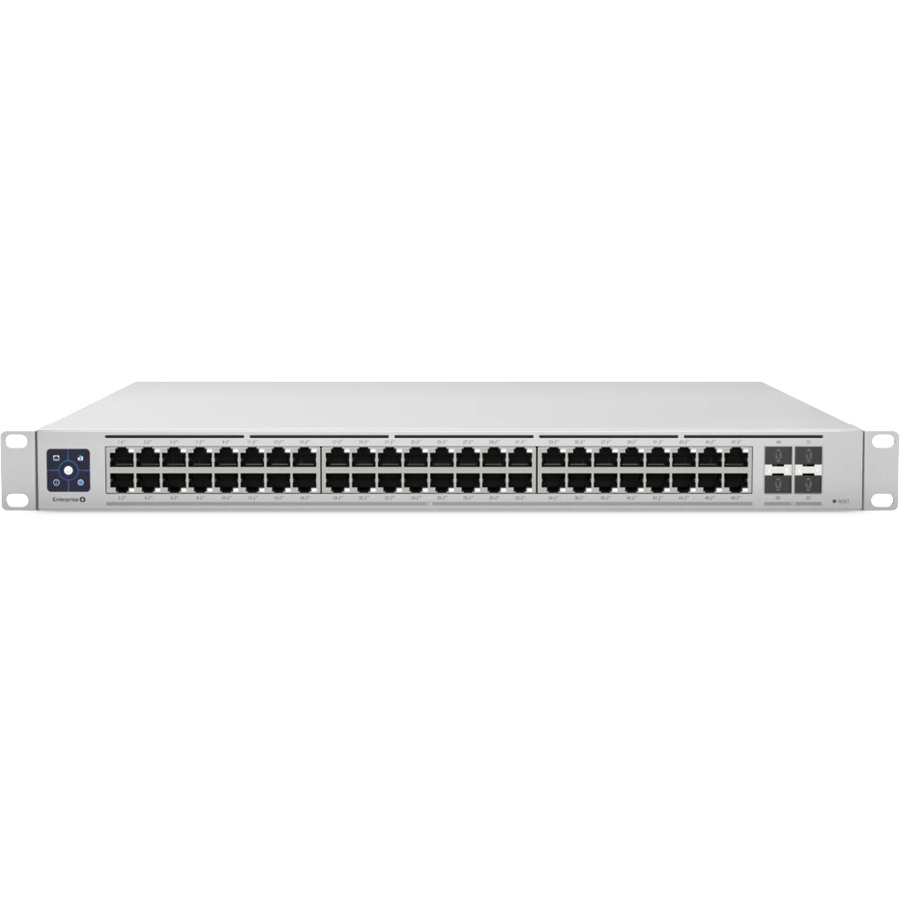
- UbiquitiUbiquiti USW-Pro-Max-48-PoE Ethernet Switch - 48 Ports - Manageable - Gigabit Ethernet, 2.5 Gigabit Ethernet, 10 Gigabit Ethernet - 10/100/1000Base-T, 2.5GBase-T, 10GBase-X - 3 Layer Supported - 820 W Power Consumption - 720 W PoE Budget - Twisted Pair, Optical Fiber - PoE Ports - 1U - Rack-mountableUSW-Pro-Max-48-PoE
$1,635.78
Back-orderedBack-ordered — we expect to receive stock the week of Oct 19–25 and will process your delivery right after.
Back-ordered — we expect to receive stock the week of Oct 19–25 and will process your delivery right after.
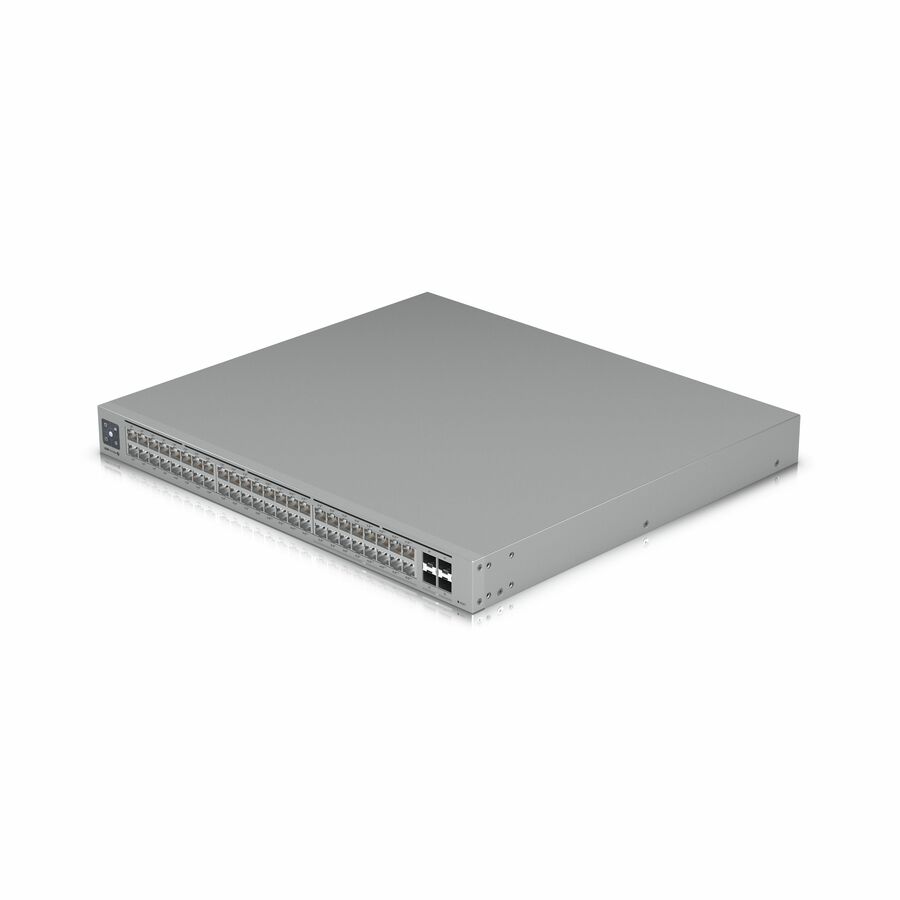
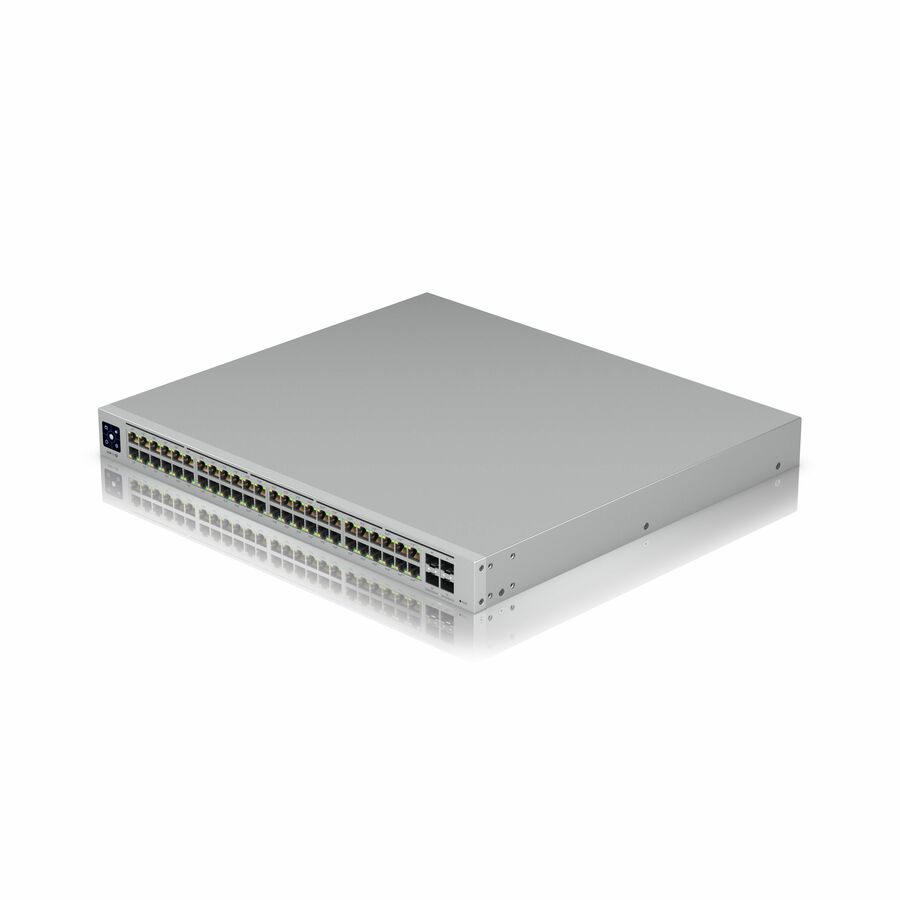
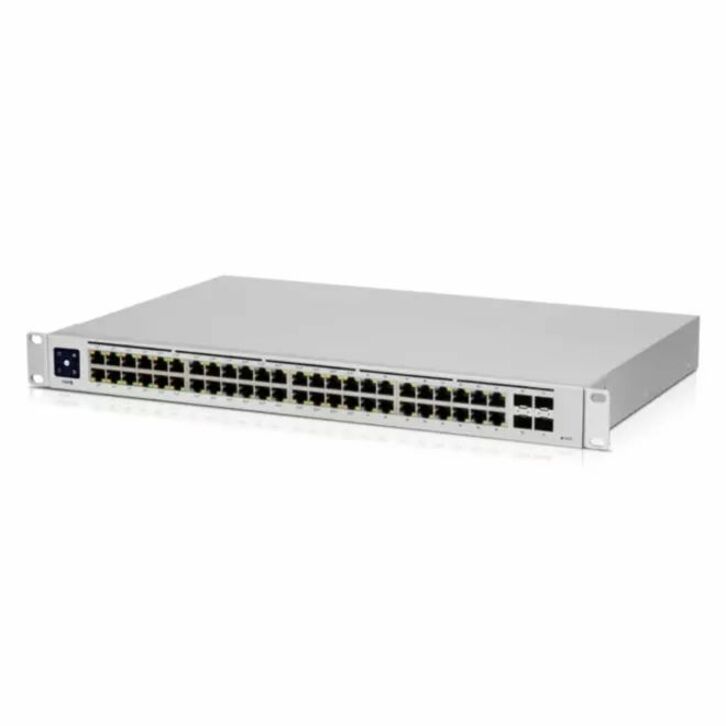
- UbiquitiUbiquiti USW-Pro-48-POE Ethernet Switch - 48 Ports - Manageable - Gigabit Ethernet, 10 Gigabit Ethernet - 10/100/1000Base-T, 10GBase-X - 3 Layer Supported - 660 W Power Consumption - 600 W PoE Budget - Optical Fiber, Twisted Pair - PoE Ports - 1U - Rack-mountableUSW-PRO-48-POE
$1,407.98
Back-orderedBack-ordered — we expect to receive stock the week of Nov 9–15 and will process your delivery right after.
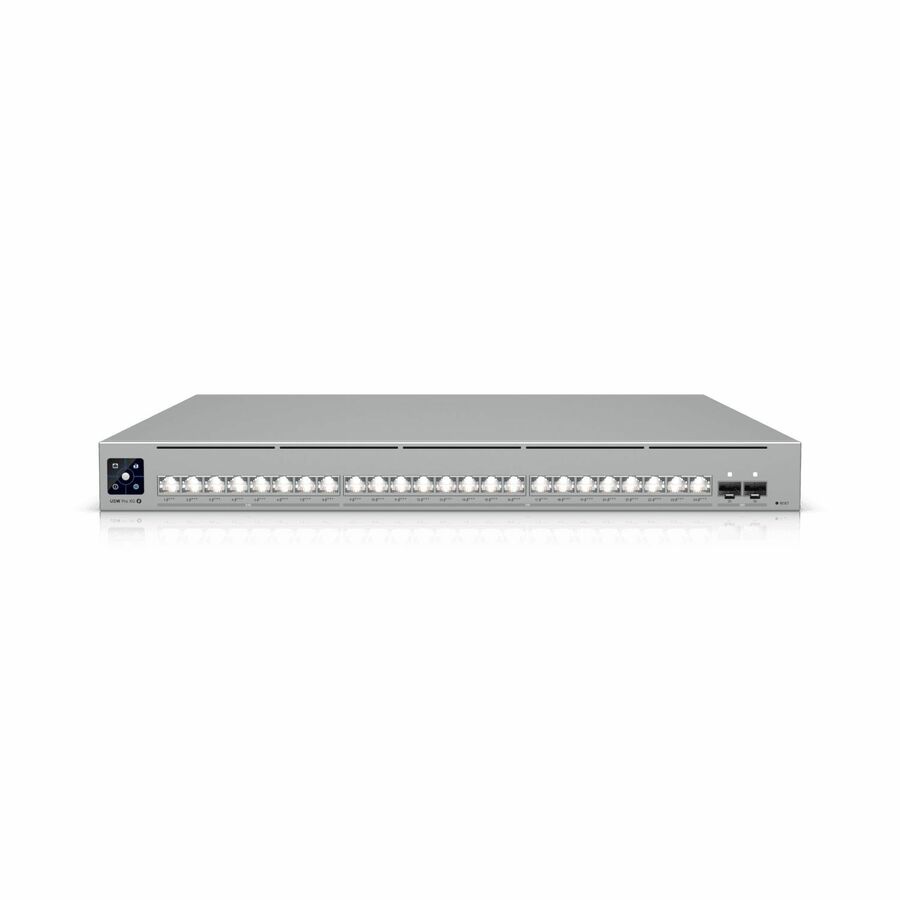
- UbiquitiUbiquiti USW-Pro-HD-24-PoE Ethernet Switch - 24 Ports - Manageable - 2.5 Gigabit Ethernet, 10 Gigabit Ethernet - 2.5GBase-T, 10GBase-T, 10GBase-X - 3 Layer Supported - 660 W Power Consumption - 600 W PoE Budget - Twisted Pair, Optical Fiber - PoE Ports - 1U - Rack-mountableUSW-Pro-HD-24-PoE
$1,277.50
Back-orderedBack-ordered — we expect to receive stock the week of Nov 9–15 and will process your delivery right after.
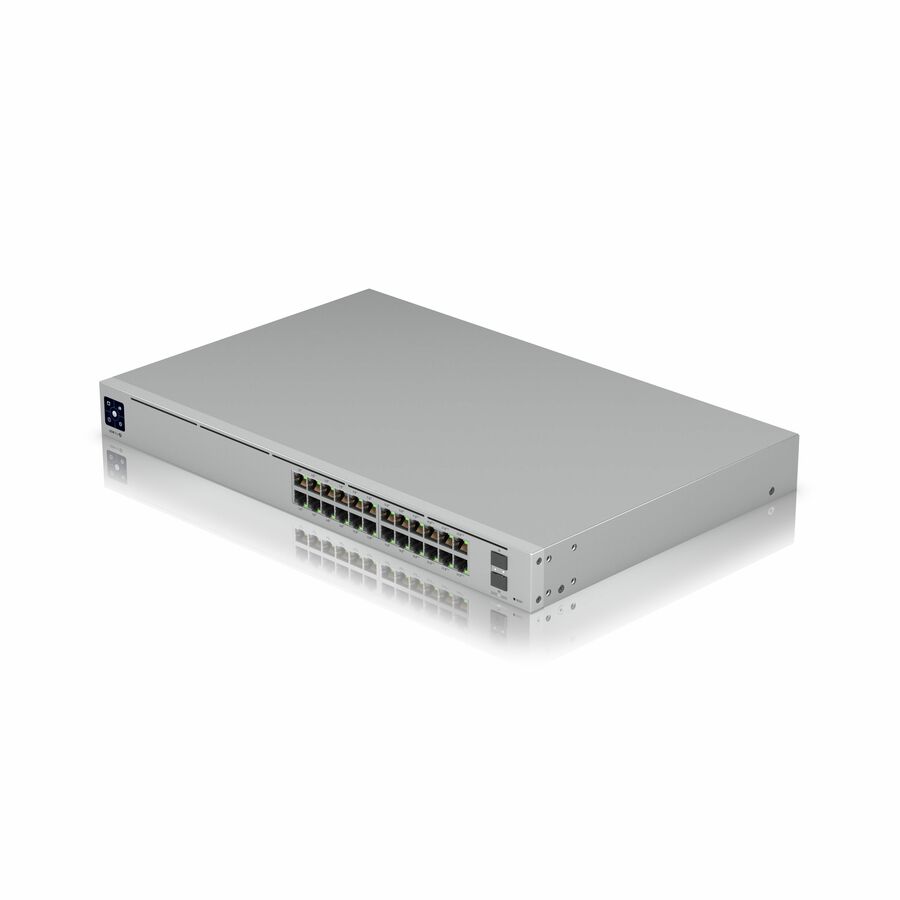
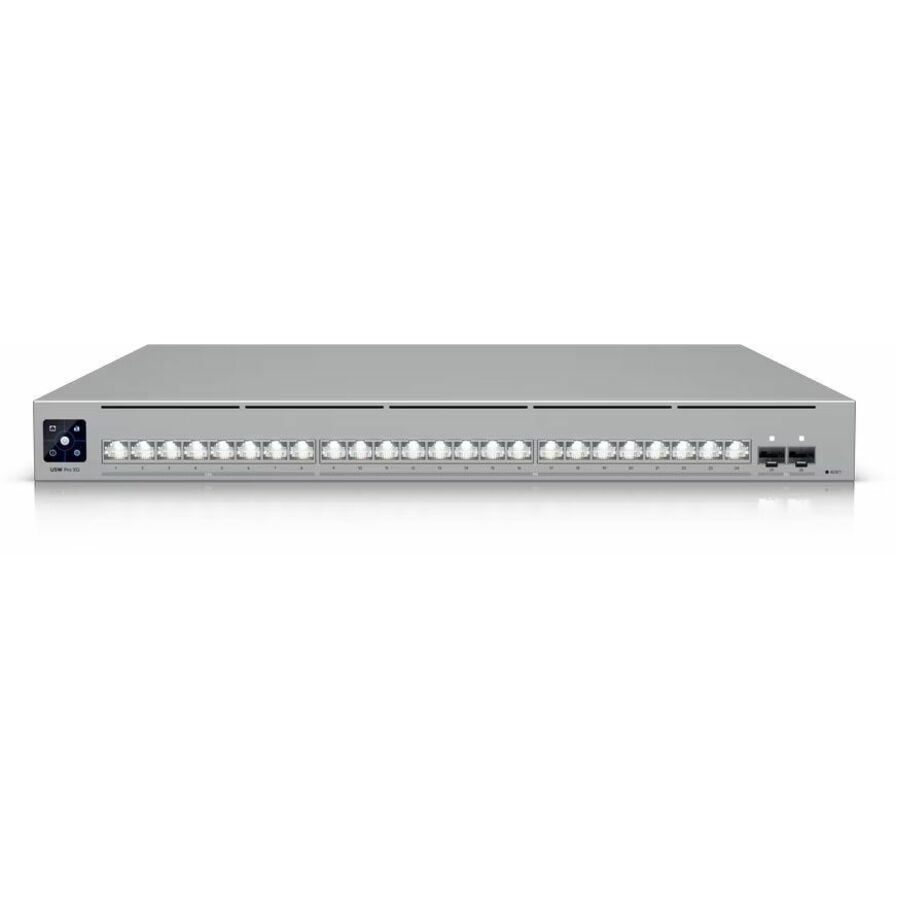
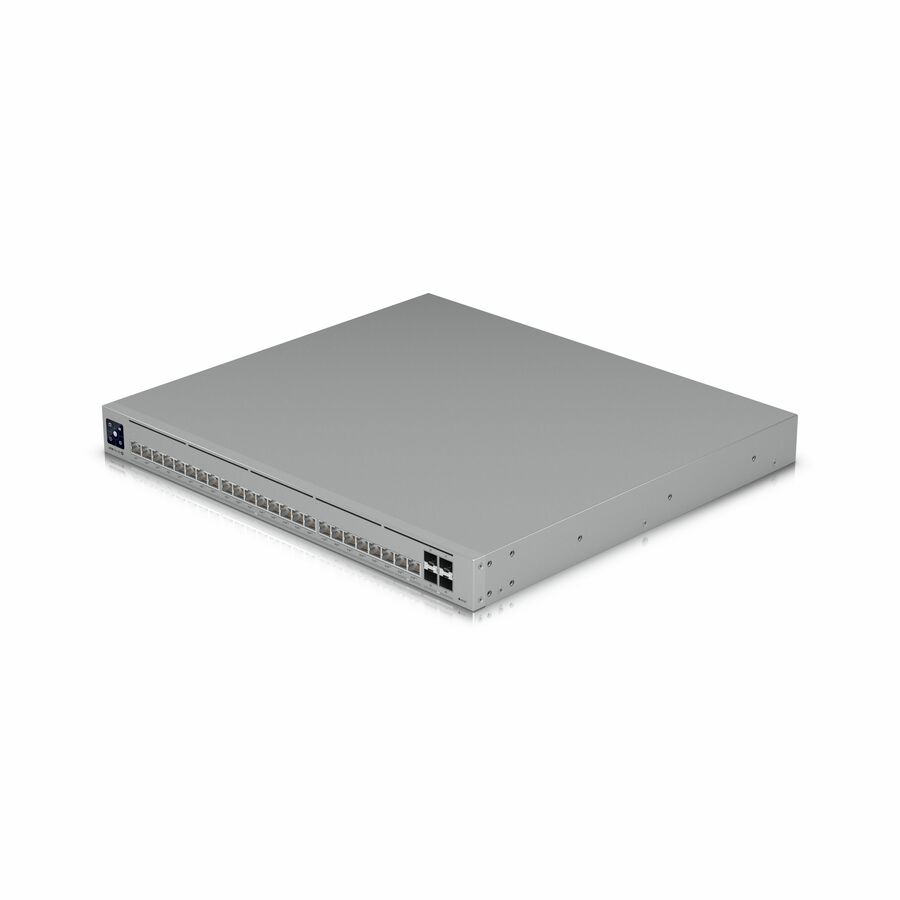
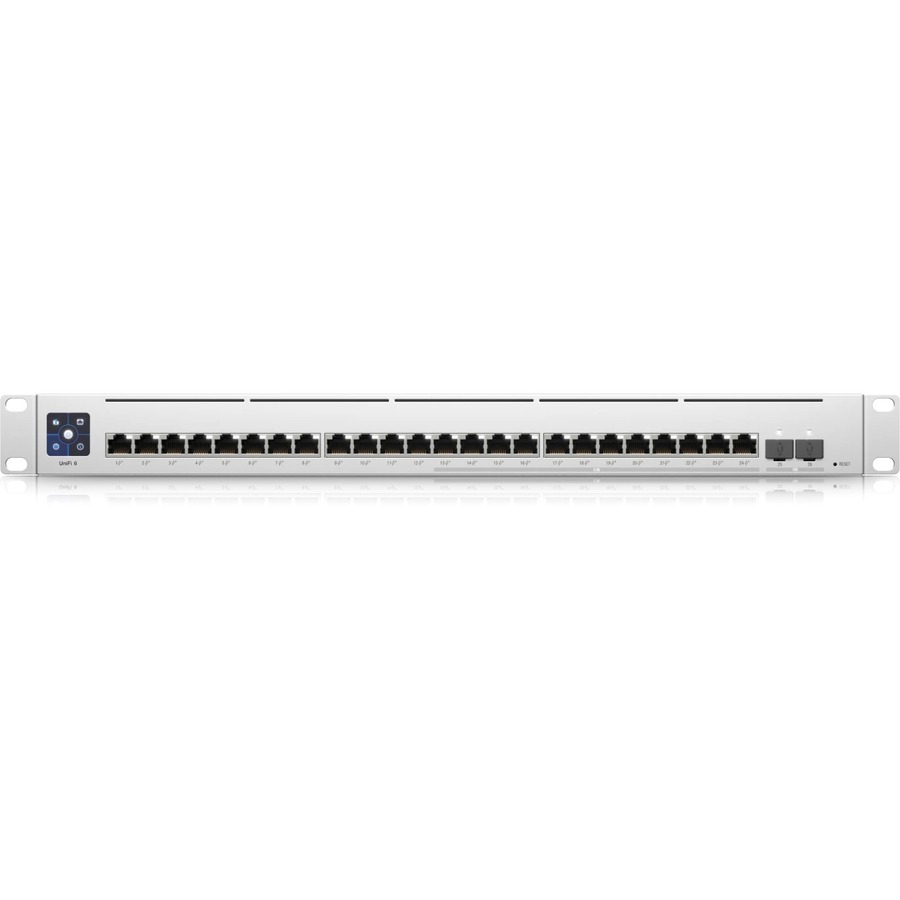
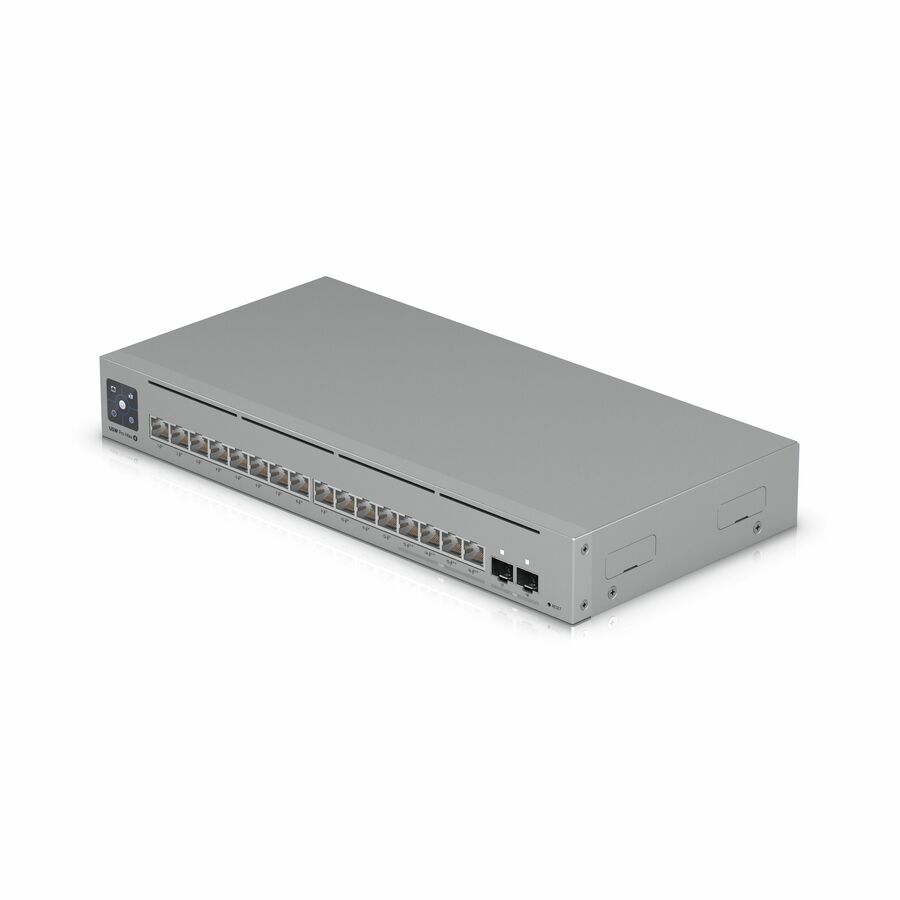
- UbiquitiUbiquiti Pro Max Layer 3 Switch - 24 Ports - Manageable - 2.5 Gigabit Ethernet, Gigabit Ethernet, 10 Gigabit Ethernet - 2.5GBase-T, 10/100/1000Base-T, 10GBase-X - 3 Layer Supported - Modular - 50 W Power Consumption - 400 W PoE Budget - Optical Fiber, Twisted Pair - PoE Ports - 1U - Rack-mountableUSW-PRO-MAX-24-POE
$1,017.93
Back-orderedBack-ordered — we expect to receive stock the week of Oct 19–25 and will process your delivery right after.
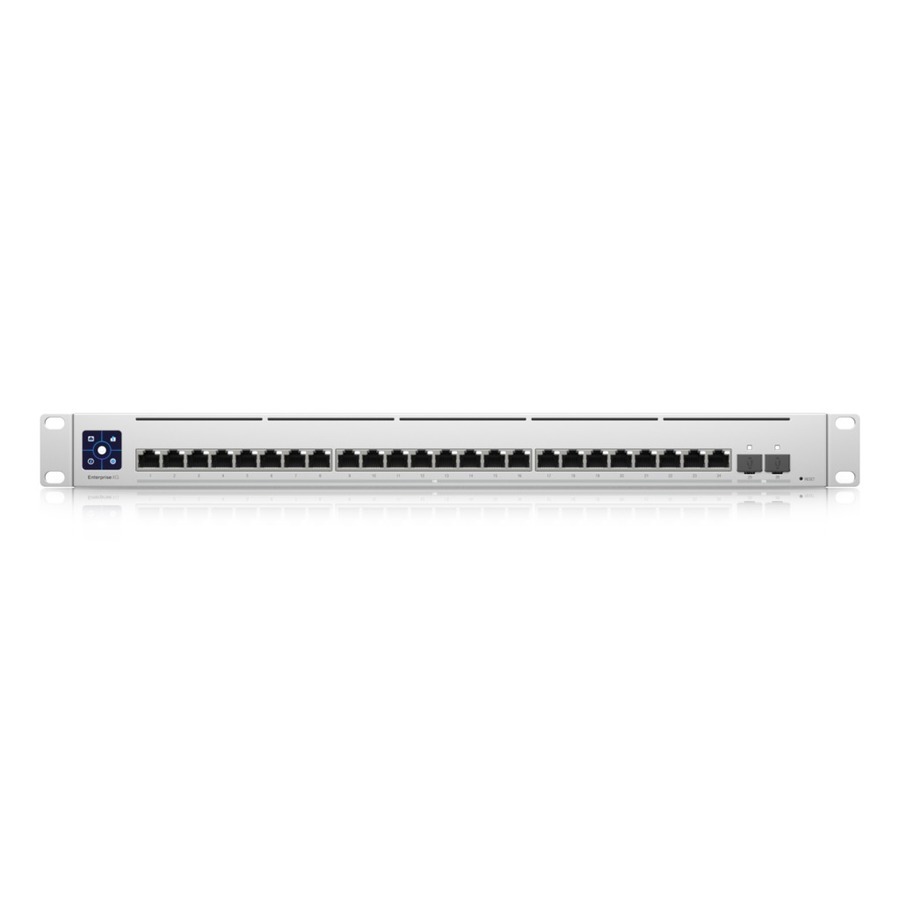
- UbiquitiUbiquiti Switch Enterprise 24 PoE - 24 Ports - Manageable - 2.5 Gigabit Ethernet, Gigabit Ethernet, 10 Gigabit Ethernet - 2.5GBase-T, 10/100/1000Base-T, 10GBase-X - 3 Layer Supported - Modular - 550 W Power Consumption - 400 W PoE Budget - Optical Fiber, Twisted Pair - PoE PortsUSW-ENTERPRISE-24POE
$915.33
Back-orderedBack-ordered — estimated OEM lead time 3–8 weeks (Nov 10 – Dec 15 if ordered today).
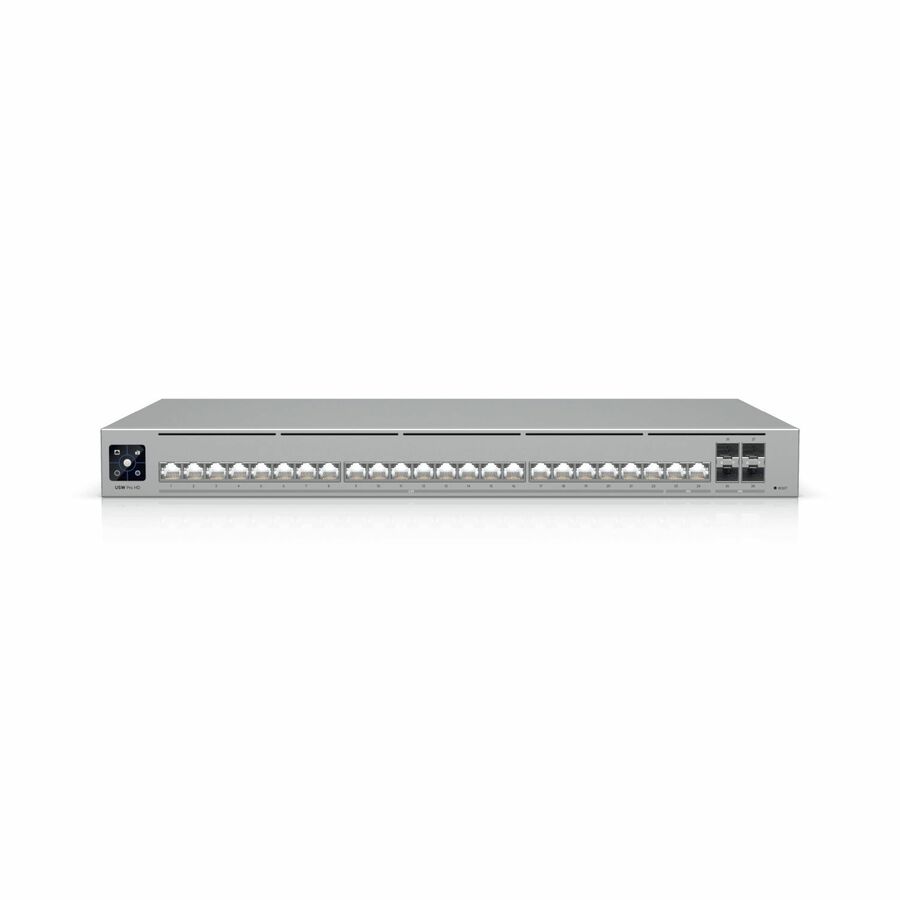
- UbiquitiUbiquiti Pro HD Ethernet Switch - 24 Ports - 2.5 Gigabit Ethernet, 10 Gigabit Ethernet - 2.5GBase-T, 10GBase-T, 10GBase-X - 3 Layer Supported - 60 W Power Consumption - Twisted Pair, Optical Fiber - 1U - Rack-mountableUSW-Pro-HD-24
$784.05
Back-orderedBack-ordered — estimated OEM lead time 3–8 weeks (Nov 10 – Dec 15 if ordered today).
- UbiquitiUbiquiti UniFi USW-48-PoE Ethernet Switch - 48 Ports - Manageable - 2 Layer Supported - Modular - 4 SFP Slots - 45 W Power Consumption - 195 W PoE Budget - Twisted Pair, Optical Fiber - PoE Ports - 1U - Rack-mountable, Desktop - 1 Year Limited WarrantyUSW-48-POE
$768.58
Back-orderedBack-ordered — estimated OEM lead time 3–8 weeks (Nov 10 – Dec 15 if ordered today).
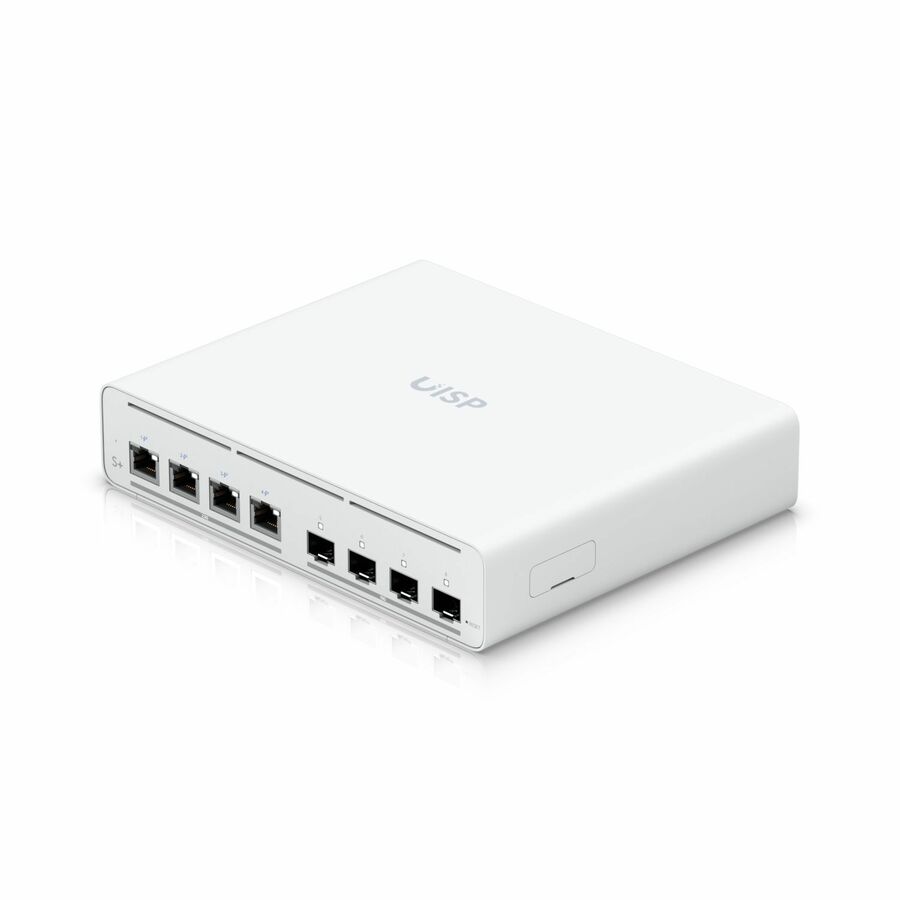
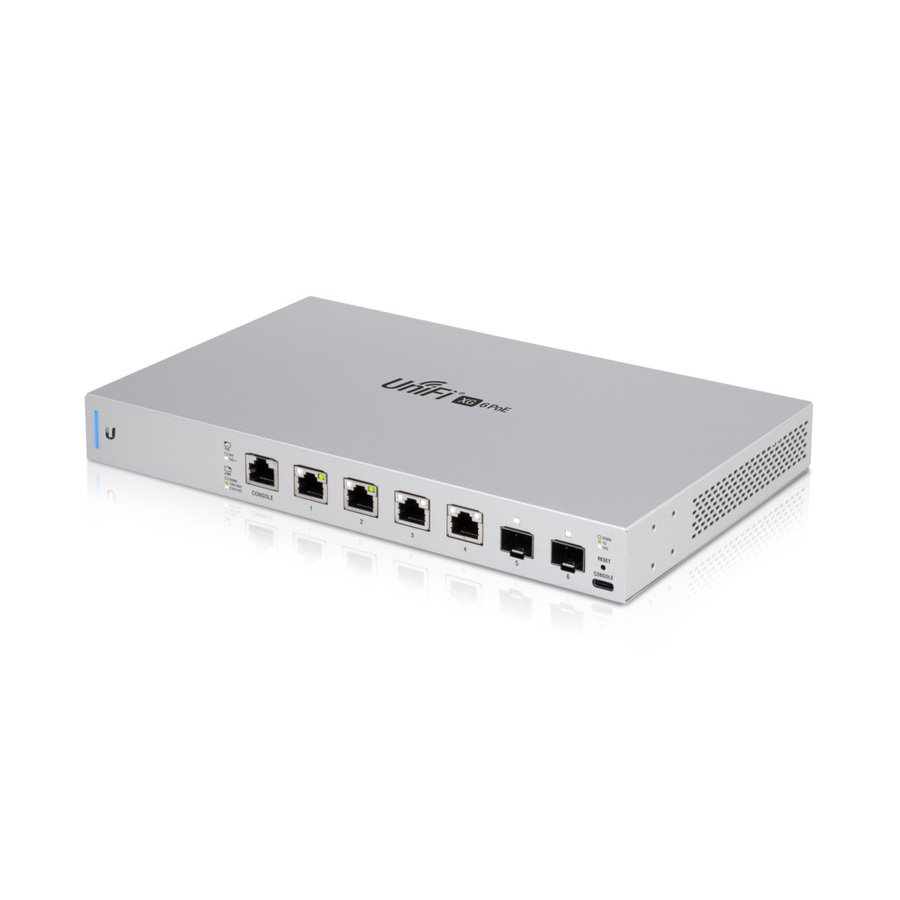
- UbiquitiUbiquiti 10 Gigabit 6-Port 802.3bt UniFi Switch - 4 Ports - Manageable - 2 Layer Supported - Modular - Twisted Pair, Optical Fiber - 1 Year Limited WarrantyUS-XG-6POE
$677.59
Back-orderedBack-ordered — estimated OEM lead time 3–8 weeks (Nov 10 – Dec 15 if ordered today).
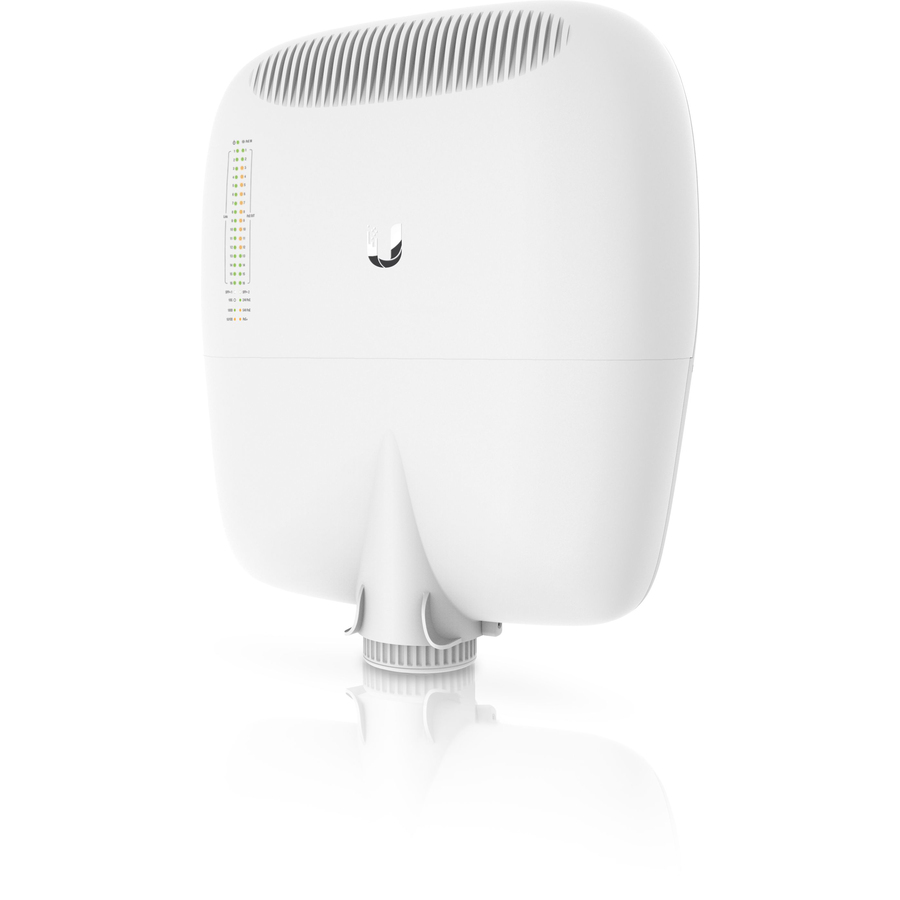
- UbiquitiUbiquiti EP-S16 Ethernet Switch - 16 Ports - Gigabit Ethernet - 10/100/1000Base-TX - 3 Layer Supported - Modular - Twisted Pair - Pole Mount, Wall Mountable - 1 Year Limited WarrantyEP-S16
$669.65
Back-orderedBack-ordered — estimated OEM lead time 3–8 weeks (Nov 10 – Dec 15 if ordered today).
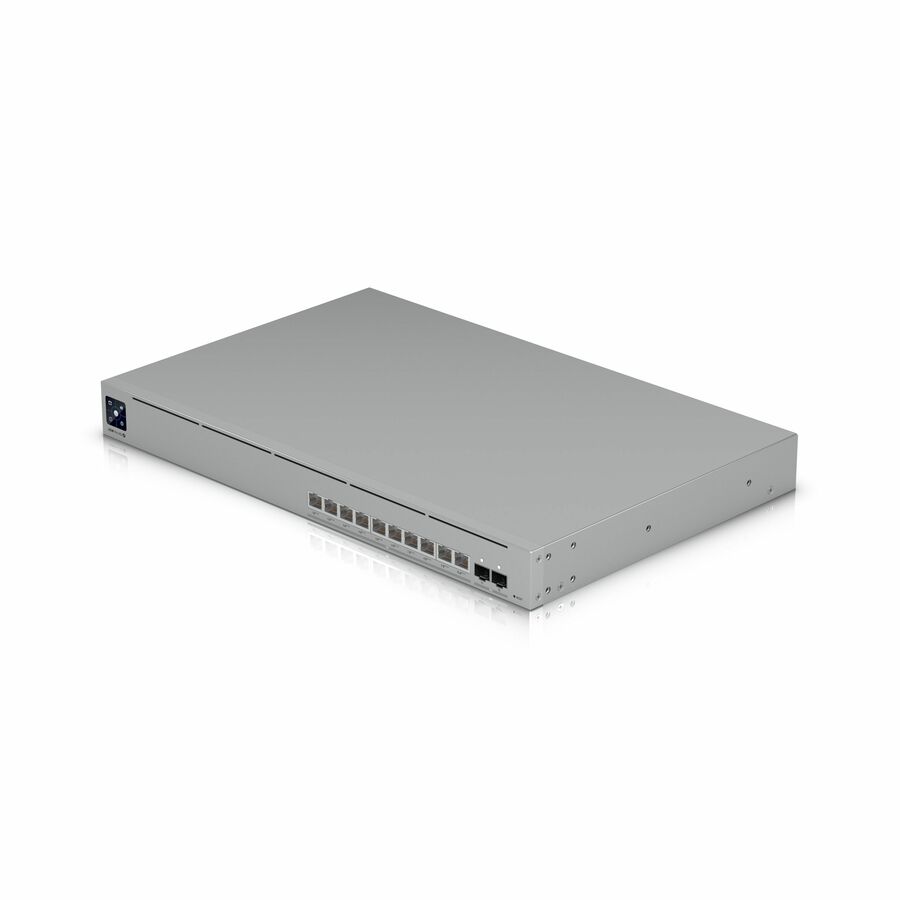
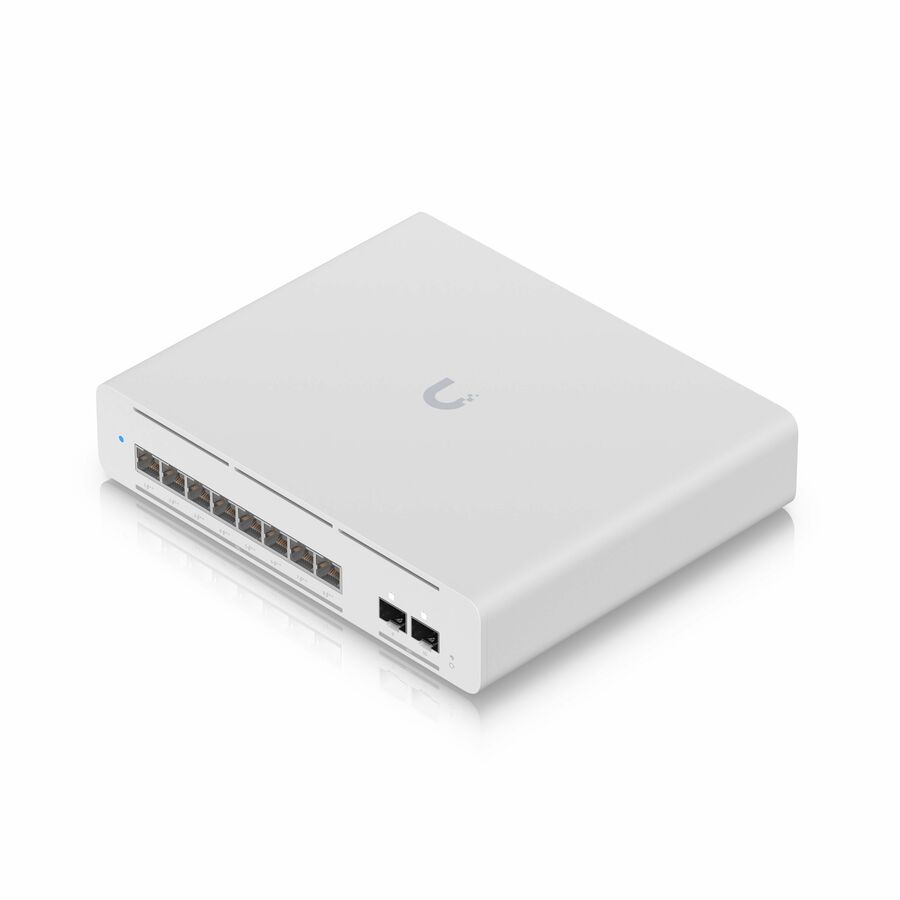
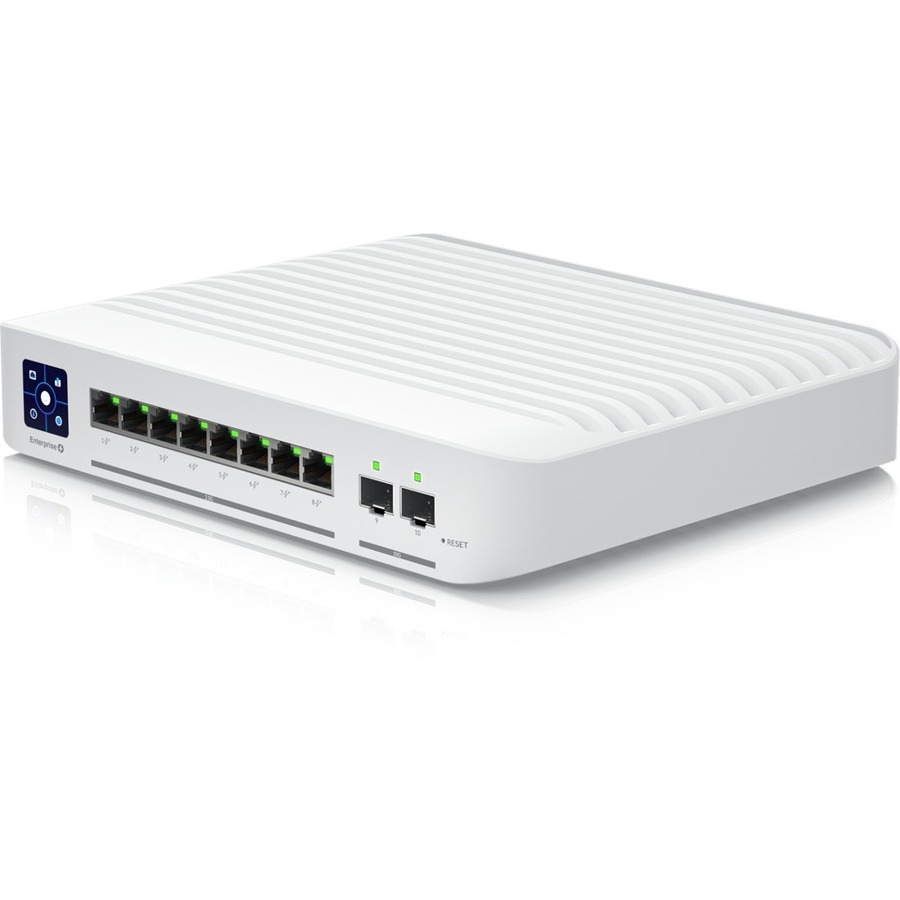
- UbiquitiUbiquiti Switch Enterprise 8 PoE - 8 Ports - Manageable - 10 Gigabit Ethernet, 2.5 Gigabit Ethernet - 2.5GBase-T, 10GBase-X - 3 Layer Supported - Modular - 150 W Power Consumption - 120 W PoE Budget - Twisted Pair, Optical Fiber - PoE Ports - DesktopUSW-Enterprise-8-PoE
$614.05
Back-orderedBack-ordered — estimated OEM lead time 3–8 weeks (Nov 10 – Dec 15 if ordered today).
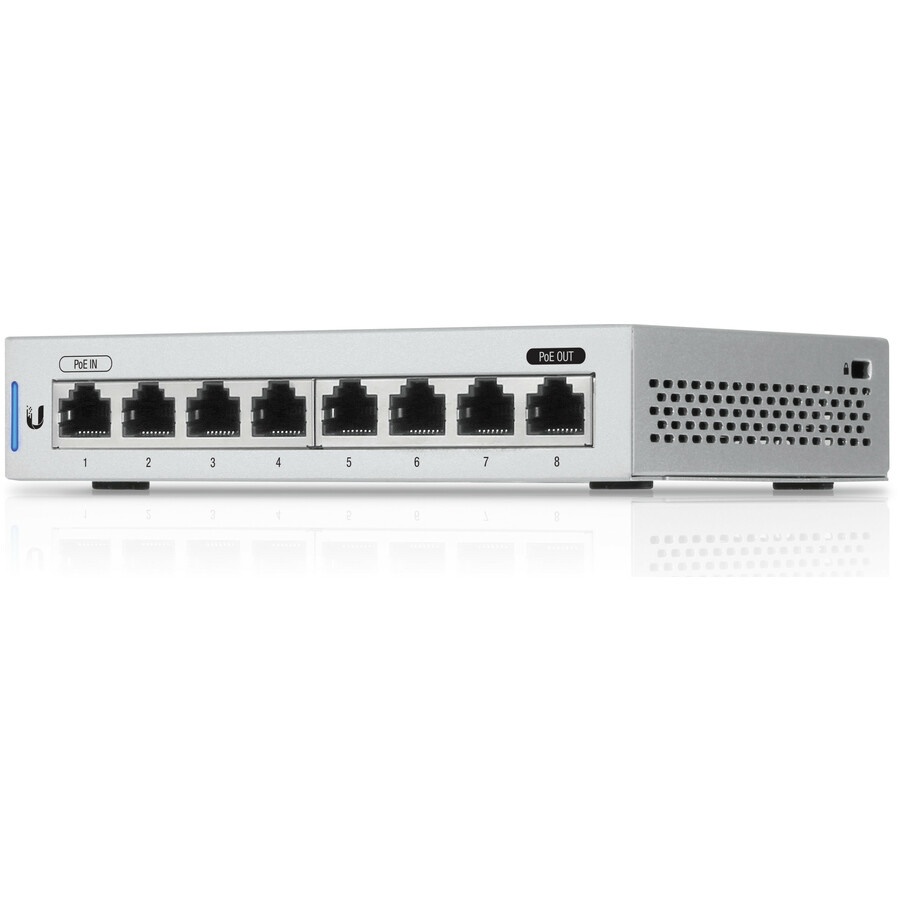
- UbiquitiUbiquiti UniFi US-8-5 Ethernet Switch - 8 Ports - Manageable - Gigabit Ethernet - 10/100/1000Base-T - Twisted Pair - Desktop - 1 Year Limited WarrantyUS-8-5
$560.70
Back-orderedBack-ordered — estimated OEM lead time 3–8 weeks (Nov 10 – Dec 15 if ordered today).
Back-ordered — we expect to receive stock the week of Nov 9–15 and will process your delivery right after.
Need pricing on Ubiquiti switches?
Tell us where to reach you and a Uniqcli specialist will follow up by email with current pricing, availability and lead time for the quantities you need — including parts that aren’t shown on this page.
Buying for an organization or for yourself — both work. No payment up front.
Size a UniFi switch on the PoE budget rather than the port count: total the draw of every access point, camera and phone that will attach, then leave headroom for growth and cold-start draw. After that the questions are uplinks — SFP or SFP+ cages where the switch feeds a rack or another floor — and whether 2.5G access ports are needed so newer access points are not throttled.
UniFi switches are bought for the same reason as UniFi access points: managed Layer 2 switching, PoE on the ports that need it, and no recurring license to run the management software. The range in this grid runs from compact five- and eight-port desktop units through PoE models sized for AP and camera fleets, up to multi-gigabit and SFP+ aggregation switches that give a rack a proper 10G spine.
The spec that separates a clean deployment from a return is PoE budget — the total wattage a switch can feed across its powered ports. Add up the draw of every access point, camera and phone you plan to attach, leave headroom, and size the switch to that number rather than to its port count. This selection is drawn from the Ubiquiti switching Uniqcli currently stocks, with live availability shown on each card.
Buyer's checklist
How to choose a UniFi switch
- Size by PoE budget, not port count: sum the wattage of attached APs, cameras and phones, then leave roughly a third headroom for growth and cold-start draw.
- Going Wi-Fi 7 or heavy Wi-Fi 6? Choose the 2.5G-port models so new APs are not throttled by gigabit uplinks.
- Uplinks matter more than access ports — favor models with SFP/SFP+ cages where the switch feeds a rack or another floor.
- Compact and Flex models suit desks, AV carts and ceiling voids; rack-mount models belong in the IDF with proper power.
- One management plane: UniFi switches are at their best alongside UniFi APs and gateways, where the same application shows every port and client.
- For camera fleets, put cameras on their own PoE switch or VLAN so surveillance load never contends with staff traffic.
Where each tier fits
Compact five- and eight-port units cover desks, small offices and AV positions where a couple of PoE devices need power without a rack. The mid-tier PoE models are the workhorses for access-point and camera fleets — this is where the PoE-budget math matters most. Multi-gigabit and Flex 2.5G models pair with Wi-Fi 6E and Wi-Fi 7 access points so the radio's throughput actually reaches the wire, and the aggregation tier's SFP+ ports exist to tie those access switches back to a server room over 10G fiber rather than a stack of gigabit copper uplinks.
Planning the order
Buy the switch and its powered devices as one bill of materials: the most common UniFi support call is an AP fleet that browns out because the switch's PoE budget was an afterthought. Confirm the uplink medium while you are at it — if two closets are more than copper distance apart, add the SFP modules and fiber to the same order so nothing waits on a second shipment. For multi-switch orders, volume pricing is quoted rather than listed; send the part numbers and quantities and we will confirm screening, stock and lead time before you commit.
FAQ
Common questions
- How do I size the PoE budget on a UniFi switch?
- Add the maximum PoE draw of every device you plan to power — each access point, camera and phone — then leave roughly 30% headroom. A switch's PoE budget is shared across all powered ports, so a unit can have free ports yet no watts left. Cold starts draw more than steady state, which is exactly when an undersized budget shows up as devices that boot in waves or not at all.
- Do UniFi switches need a Cloud Key or console to run?
- They need the UniFi Network application somewhere — self-hosted on a server or VM, or embedded on a Ubiquiti console. Once adopted, switching itself keeps working even when the application is offline; you lose live statistics and configuration changes, not traffic. There is no recurring license either way.
- Can business, government and education buyers order these?
- Every line Uniqcli quotes is sourced through US distribution and screened for TAA country-of-origin and NDAA §889 status before checkout — with documentation tied to the specific part number, not a product family.
Need Ubiquiti switches pricing?
Send a bill of materials or part numbers — we confirm stock and a below-market total, with TAA verified on request. No payment up front.