
Best Conference Cameras for Meeting Rooms and Desks
Desk webcams for one person, conference cameras for huddle rooms and PTZ cameras for boardrooms.
Conference cameras in stock at Uniqcli
How to choose →A curated selection with live pricing — in-stock lines first, then back-ordered lines with a typical lead time. Every line is sourced through US distribution and screened for NDAA §889 status before checkout, with TAA verified on request.




Entry desk pick
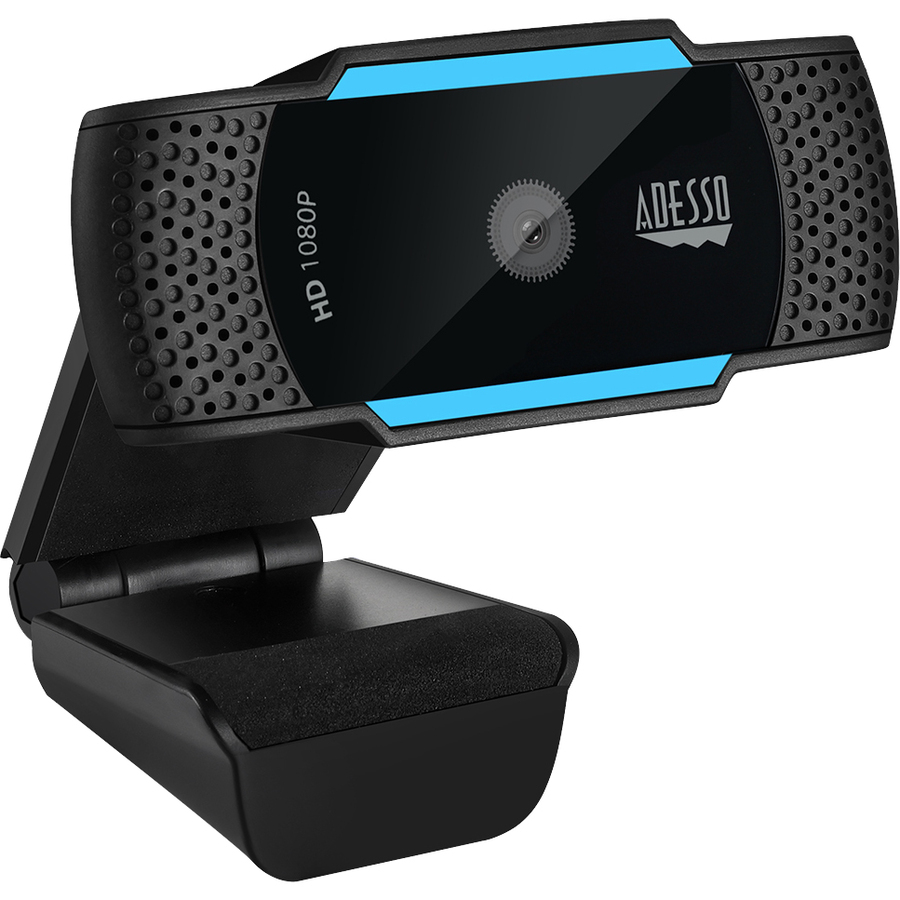
Adesso
Adesso CyberTrack H5 1080P Webcam
CYBERTRACK H5
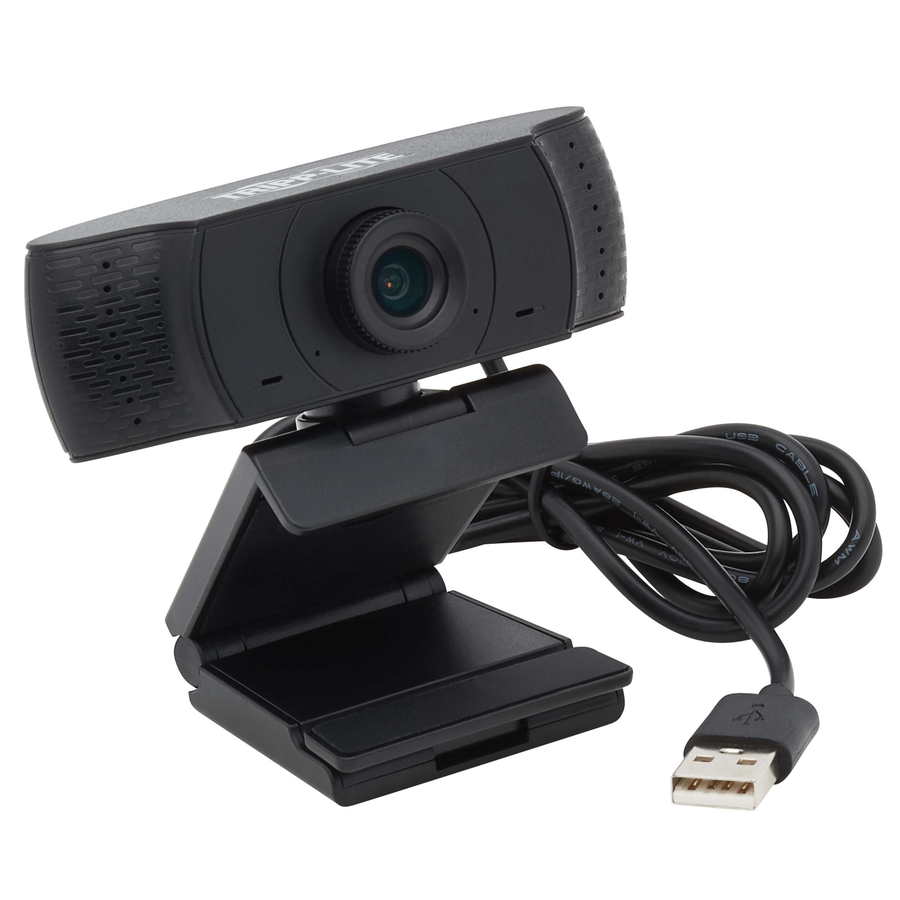
A 1080p auto-focus desk webcam with a built-in microphone, a privacy shutter cover and a tripod mount. The honest baseline for a home-office or hot-desk seat where the camera is used every day and nobody is going to configure anything.
$57.45In stockDesk standard
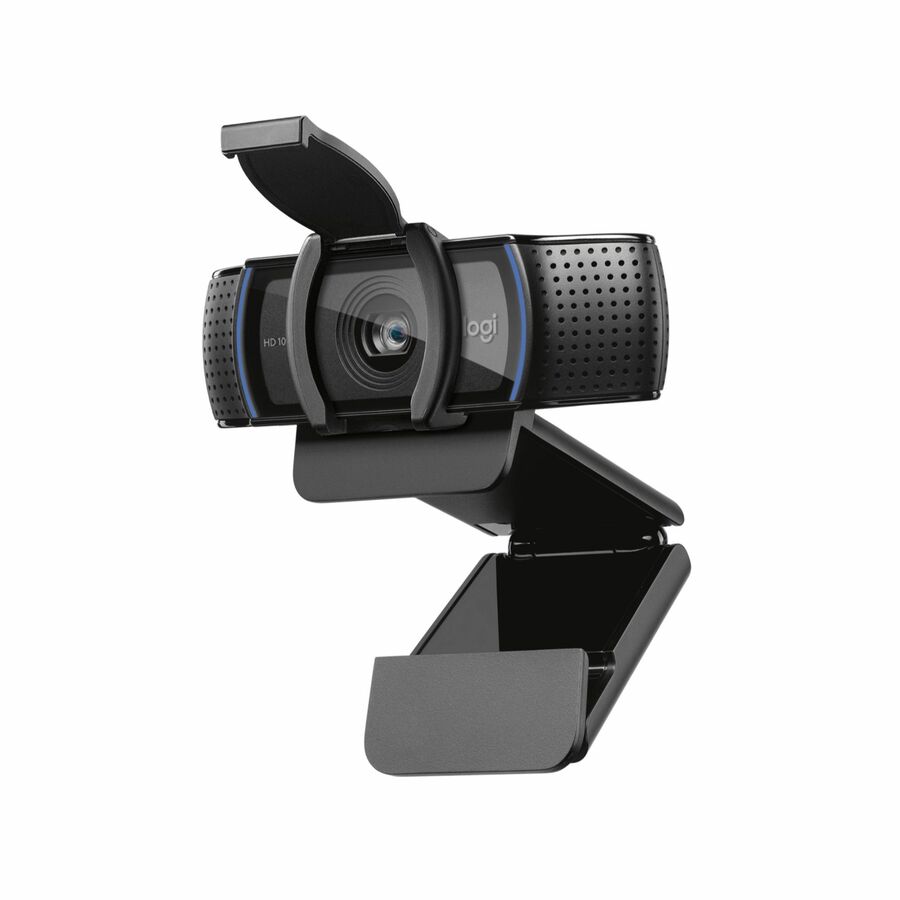
Logitech
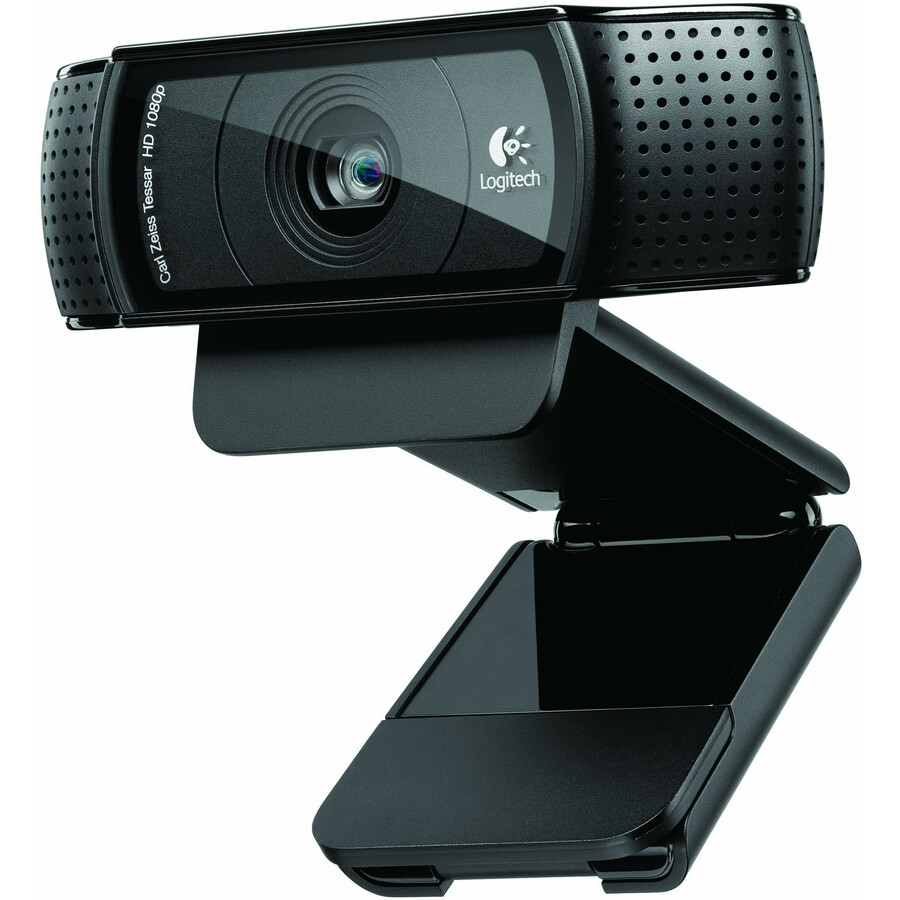
Logitech C920S Full HD Pro Webcam, 1080p/30fps Video Calling, Clear…
960-001257
A 1080p/30 webcam with stereo audio, light correction, auto-focus and a physical privacy shutter across a 78-degree field. Narrow enough that the subject is the person, not the room behind them.
$83.40In stockBusiness desk pick
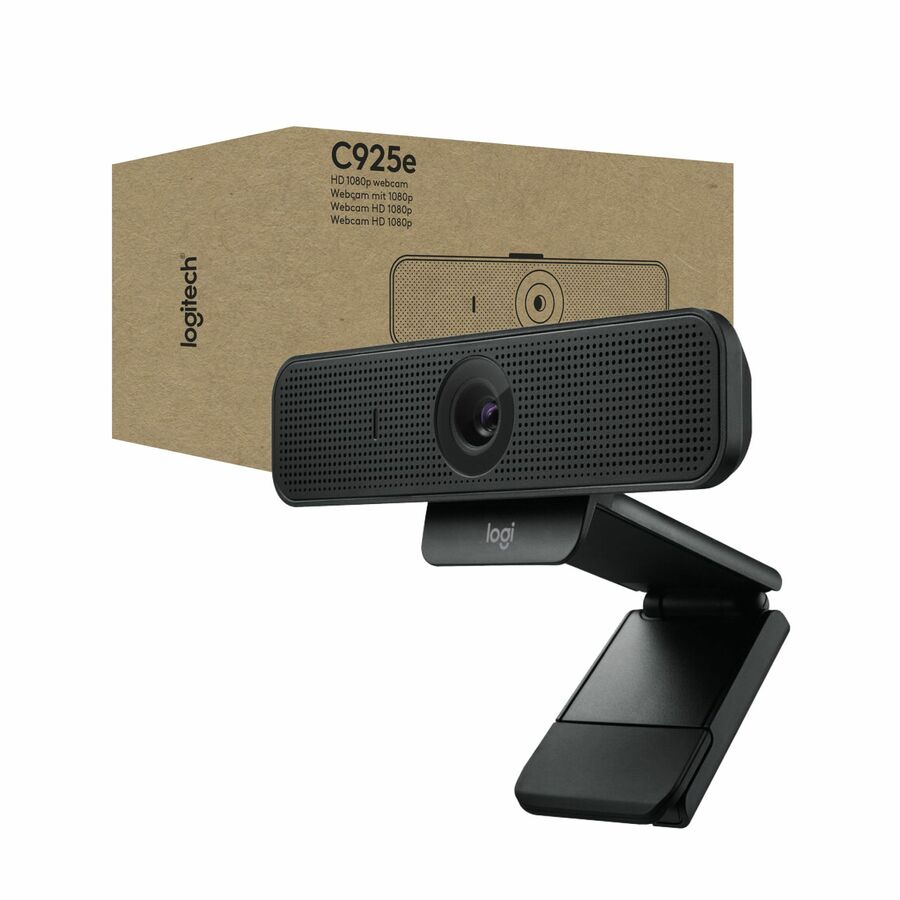
Logitech
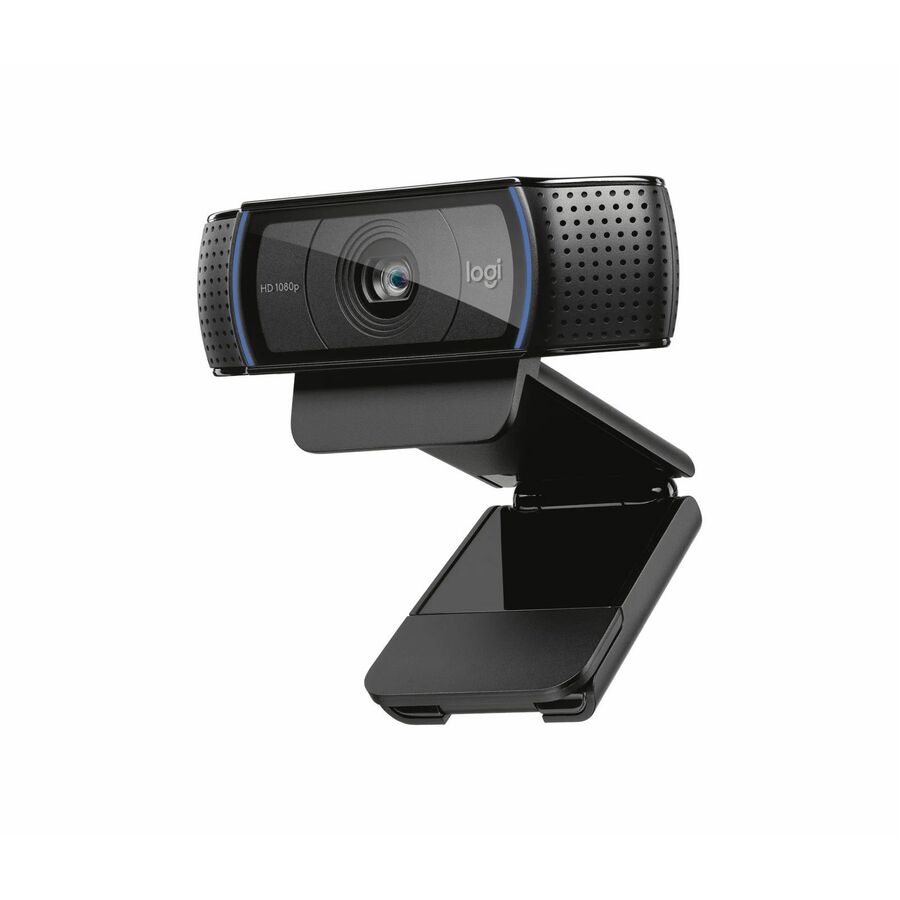
Logitech C925e Business Webcam, HD 1080p/30fps Video, Light Correction…
960-001075
A 1080p/30 business webcam with light correction and auto-focus, listed by the manufacturer as working with Microsoft Teams, Google Meet, WebEx and Cisco. The step up from the consumer line is the wider platform support and the business support posture.
$133.90In stockExecutive desk pick
Logitech
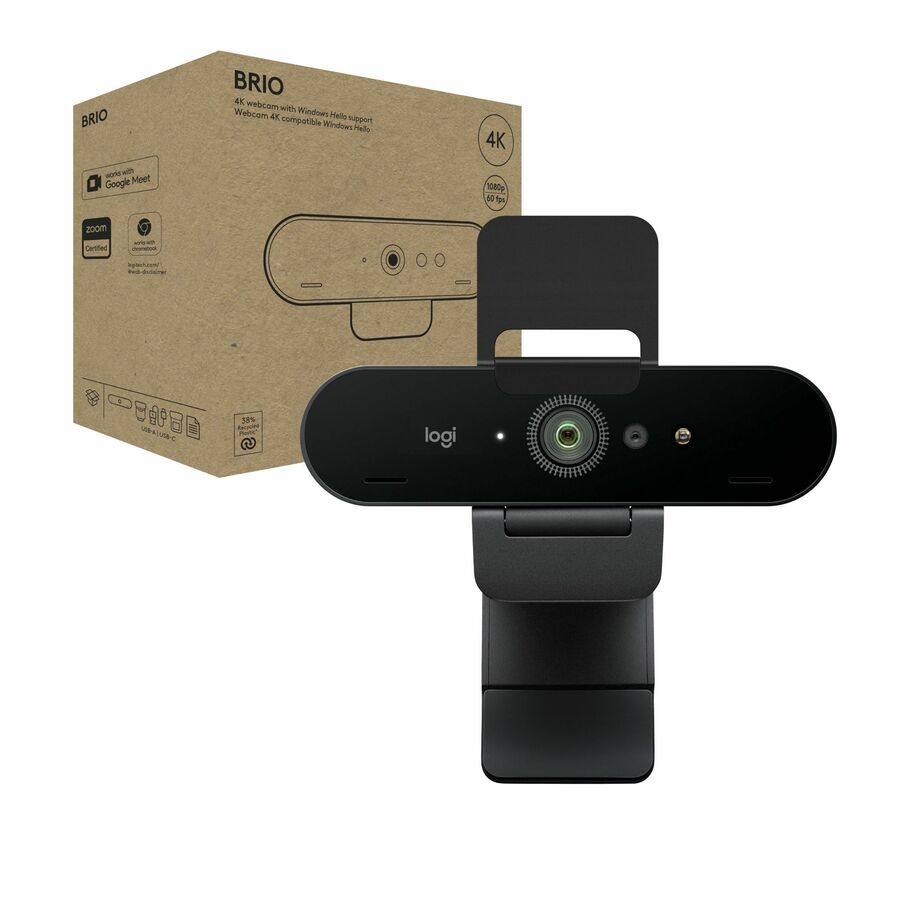
Logitech Brio 4K Webcam for Business, biometrics login with Windows…
960-001105
A 4K desk webcam with biometric sign-in via Windows Hello, listed for Microsoft Teams, Zoom and Google Meet. The extra resolution is not about a sharper call — it is crop headroom, so one camera can frame a seat cleanly at several distances.
$189.69In stockAuto-framing desk pick
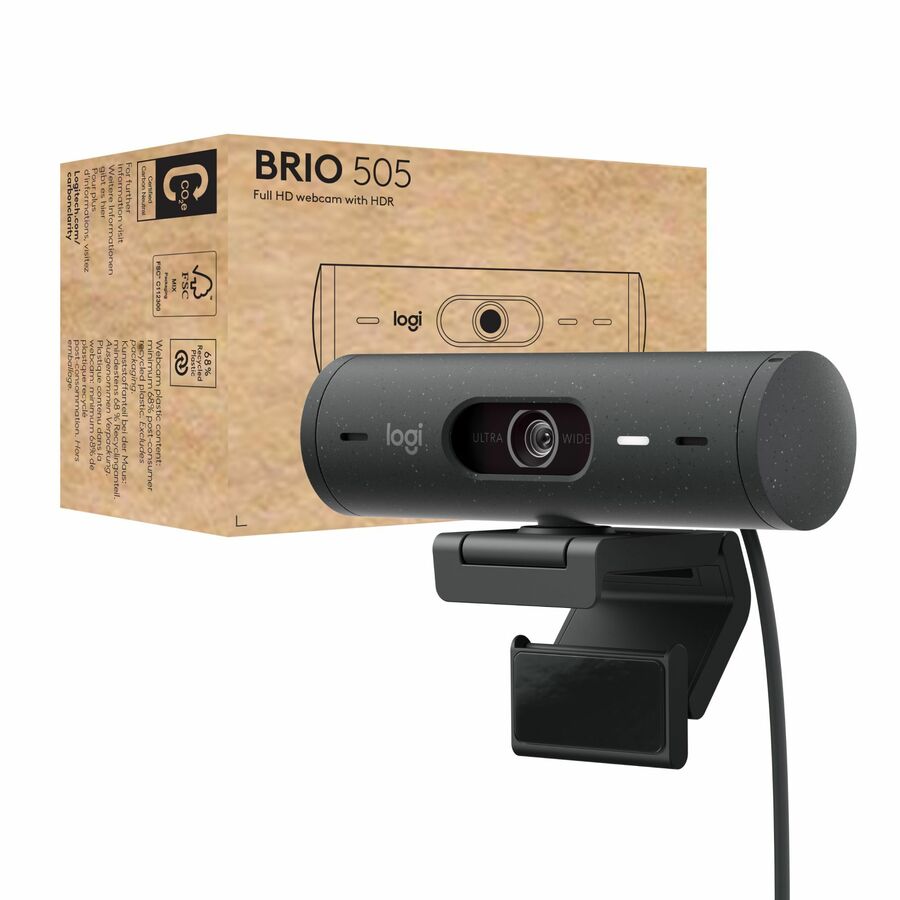
Logitech
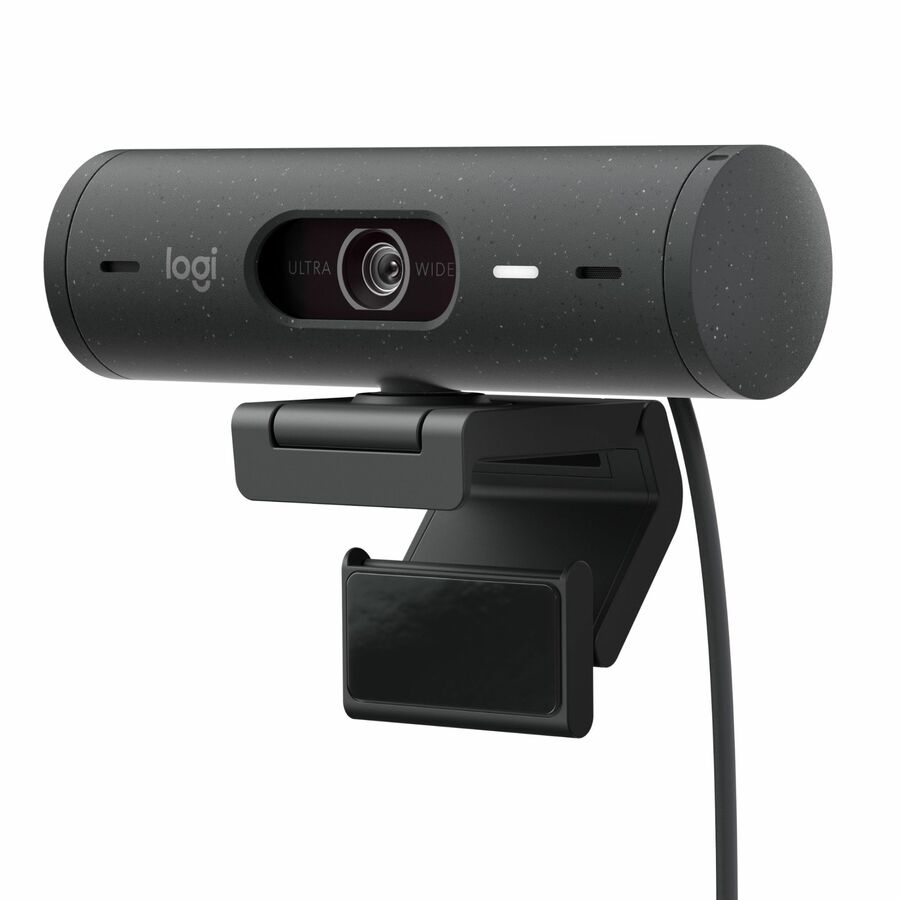
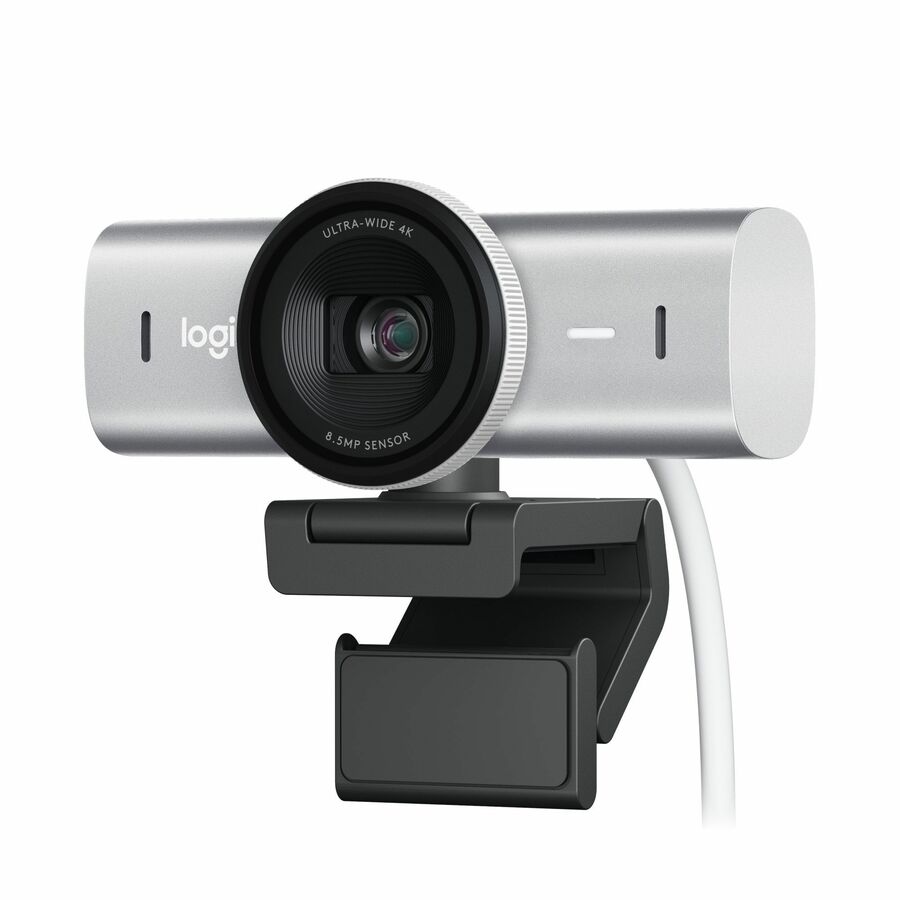
Logitech Brio 505 Full HD Webcam, TAA Compliant, Auto-Framing, Show…
960-001522
A full-HD webcam with auto-framing, a show mode for holding objects up to the lens, dual noise-reducing microphones and a privacy shutter. Auto-framing on a desk matters most for people who move while they talk.
The manufacturer's listing records this part number as TAA compliant.
$145.06*In stockMonitor-mount pick
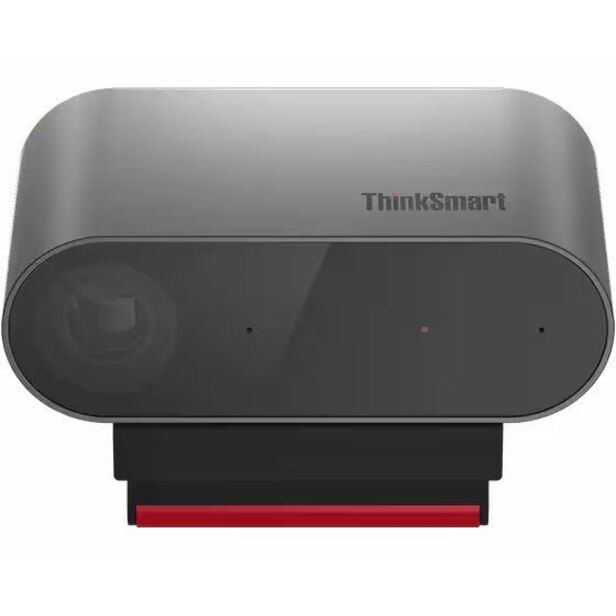
Lenovo
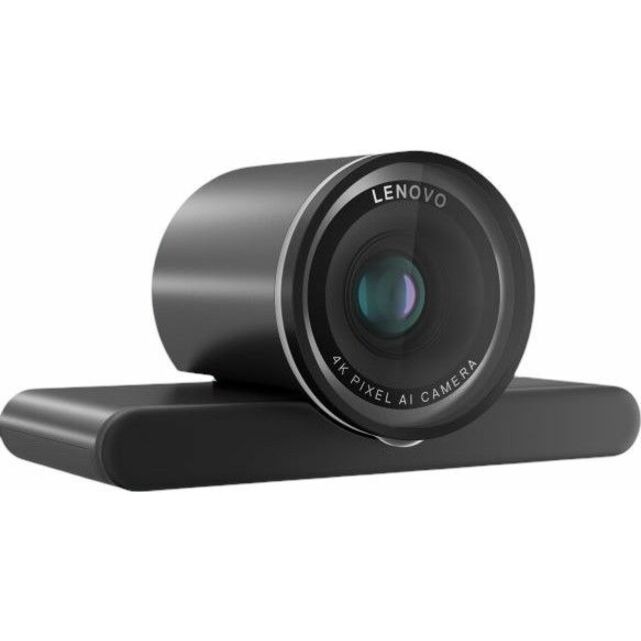
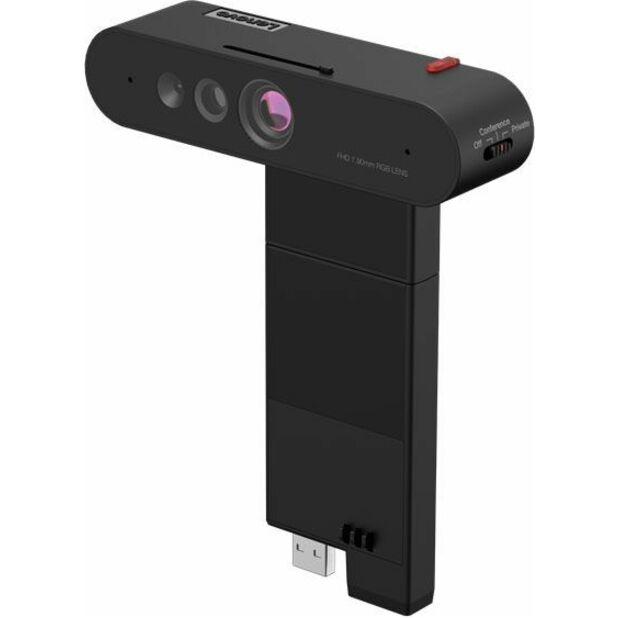
Lenovo ThinkVision MC60 (S) Webcam
4XC1K97399
A 1080p auto-focus camera with a 90-degree field, a microphone, a privacy cap and a display mount rather than a clip. The right answer for a fixed desk or a shared workstation where the camera should stay put between users.
$100.38In stockHuddle-room pick
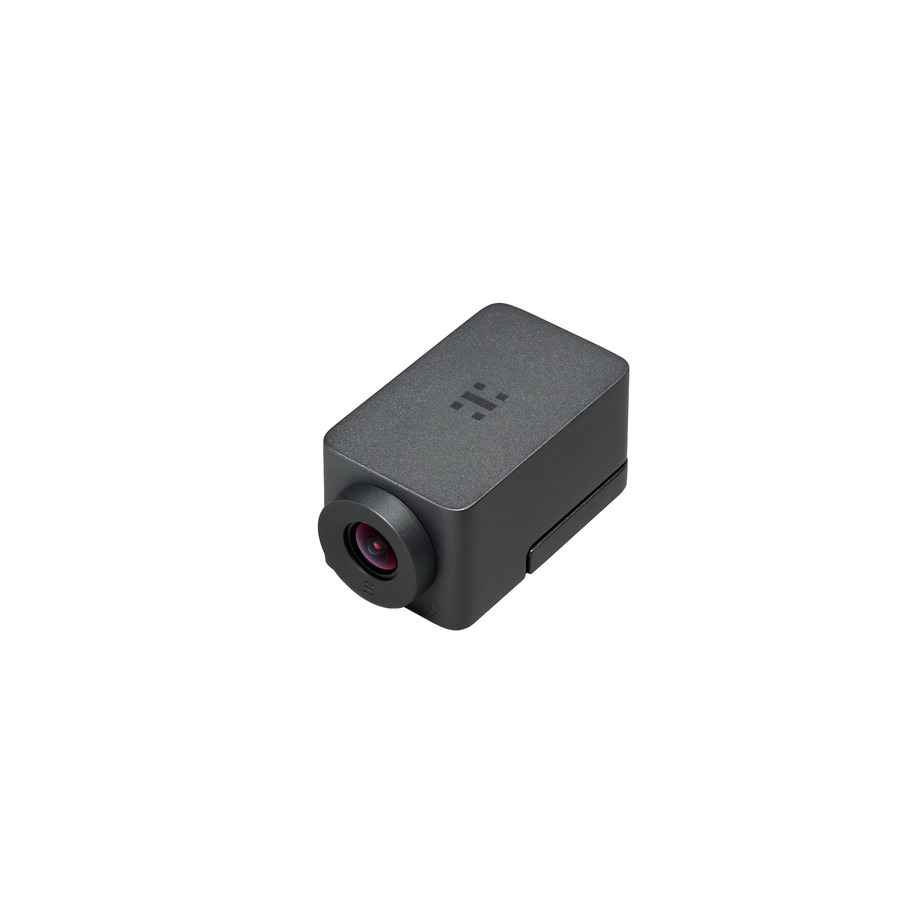
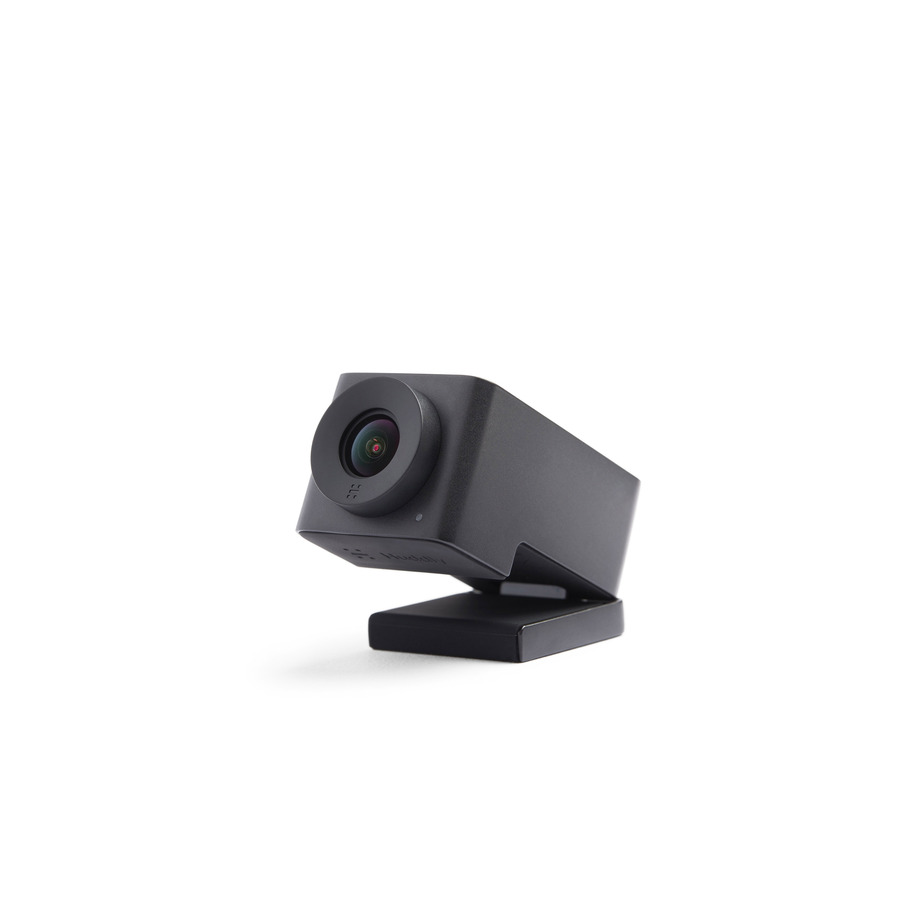
Huddly
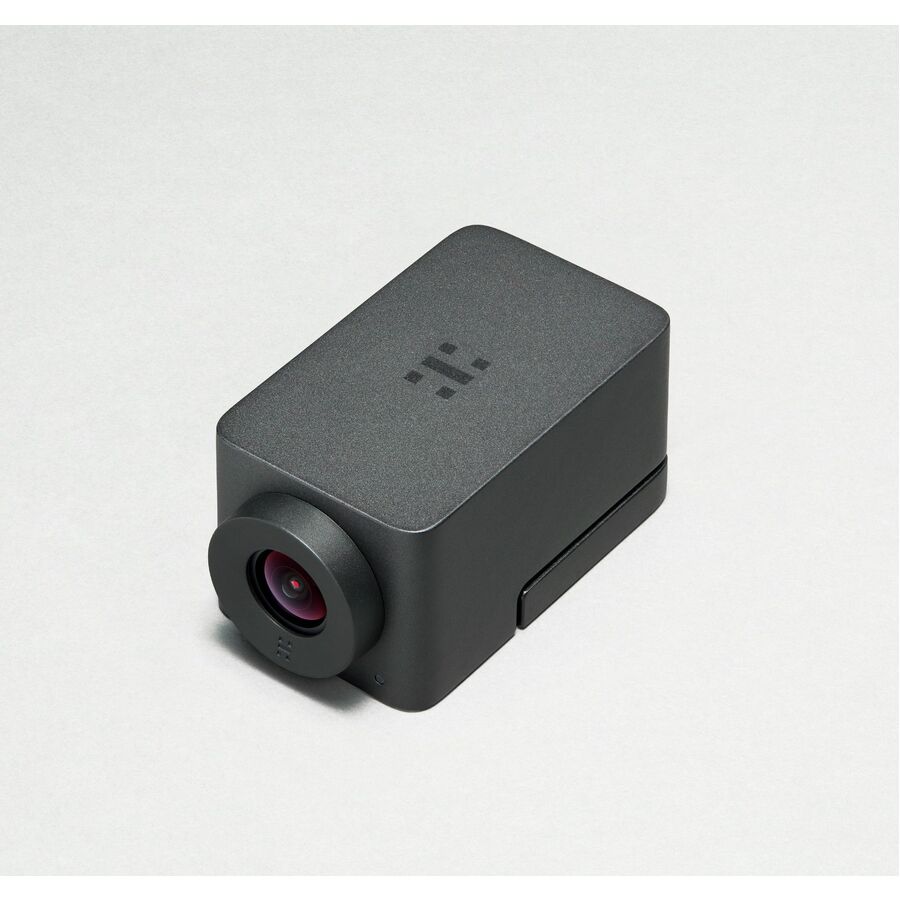
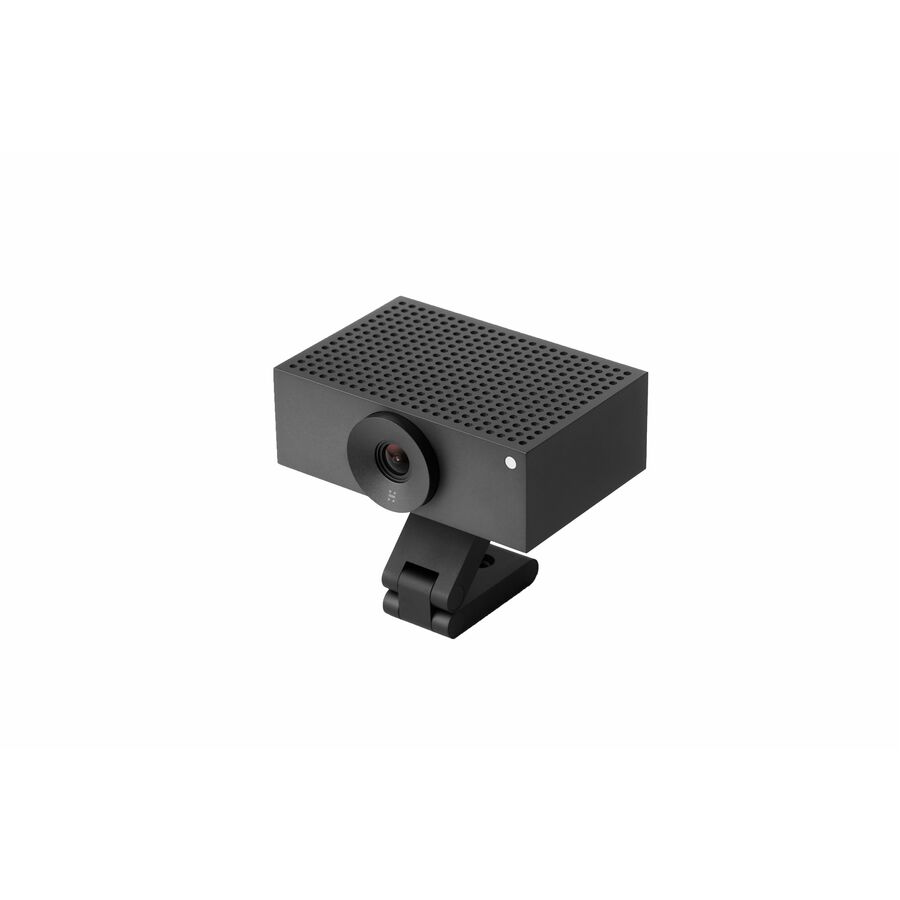
Huddly IQ Video Conferencing Camera
7090043790573
A 12-megapixel USB-C camera with a 150-degree lens, auto-focus and a built-in microphone, built to cover a small room from a display rather than a desk. The wide lens is what lets four or five people share one camera without anyone leaning in.
$671.82In stockSmall-room all-in-one
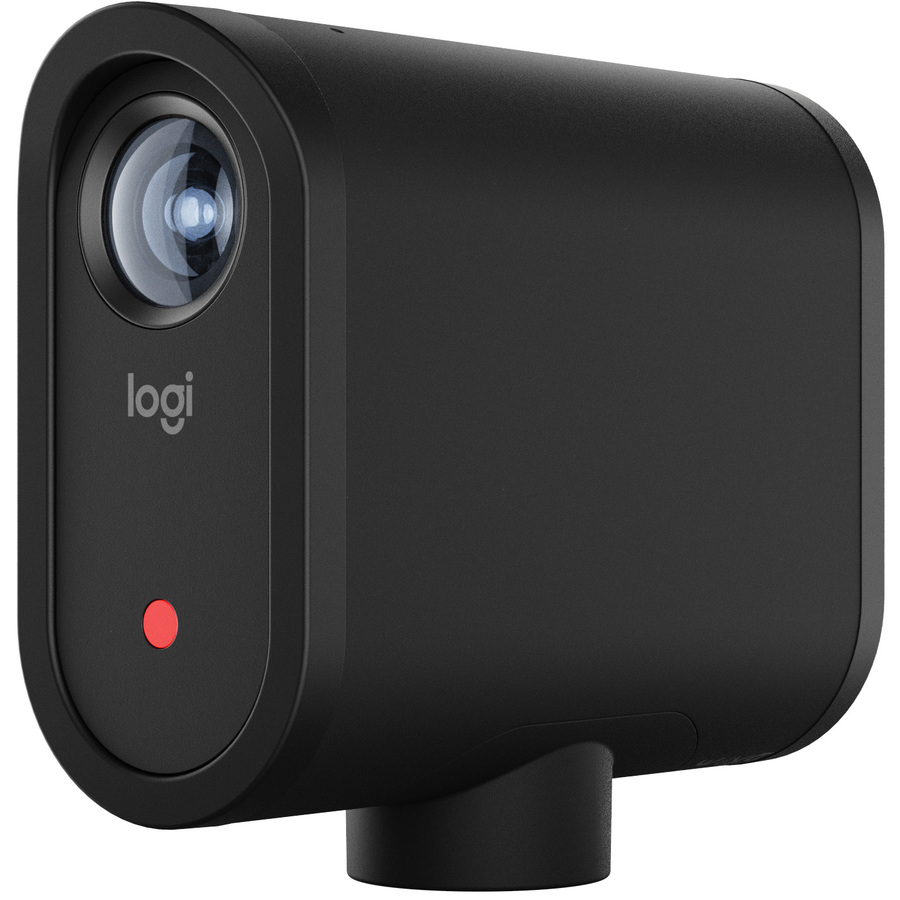
Logitech
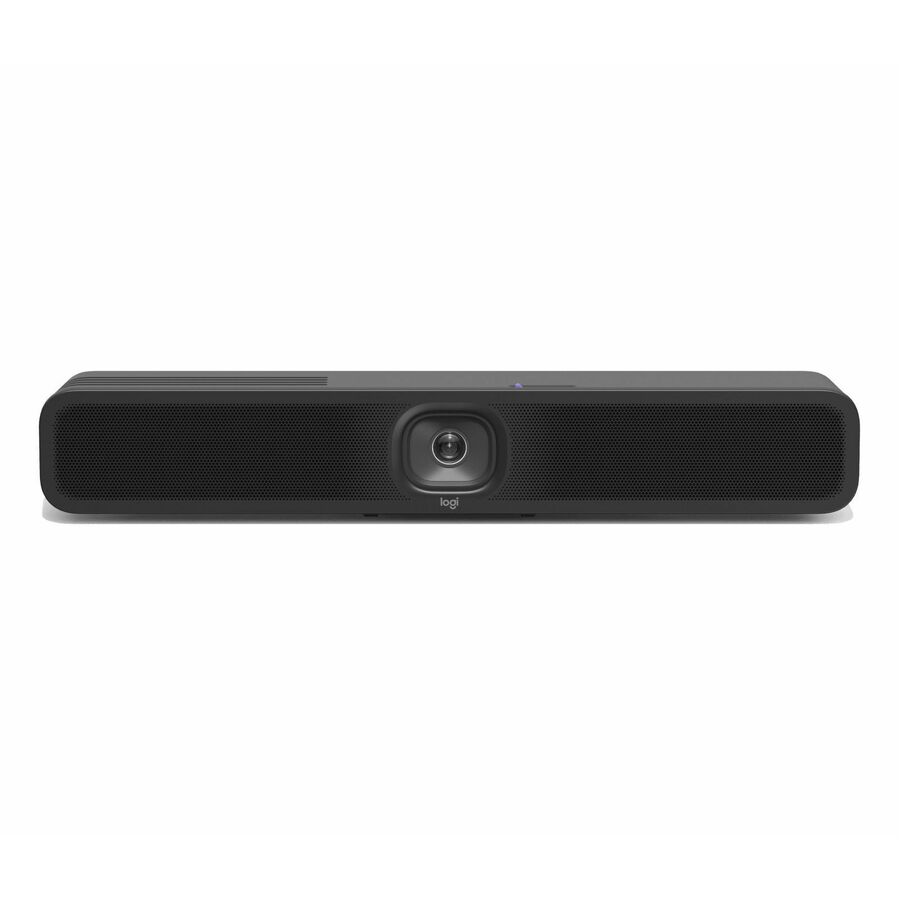
MeetUp 2 All-in-One USB Conference Camera with Built-In AI
960-001691
A 4K all-in-one conference camera with a 120-degree field, built-in AI, its own microphone and both wireless and wired network connections. One device instead of a camera, a speakerphone and a hub — the standard answer for a small meeting room.
$1,114.81In stockNetwork room camera
Legrand
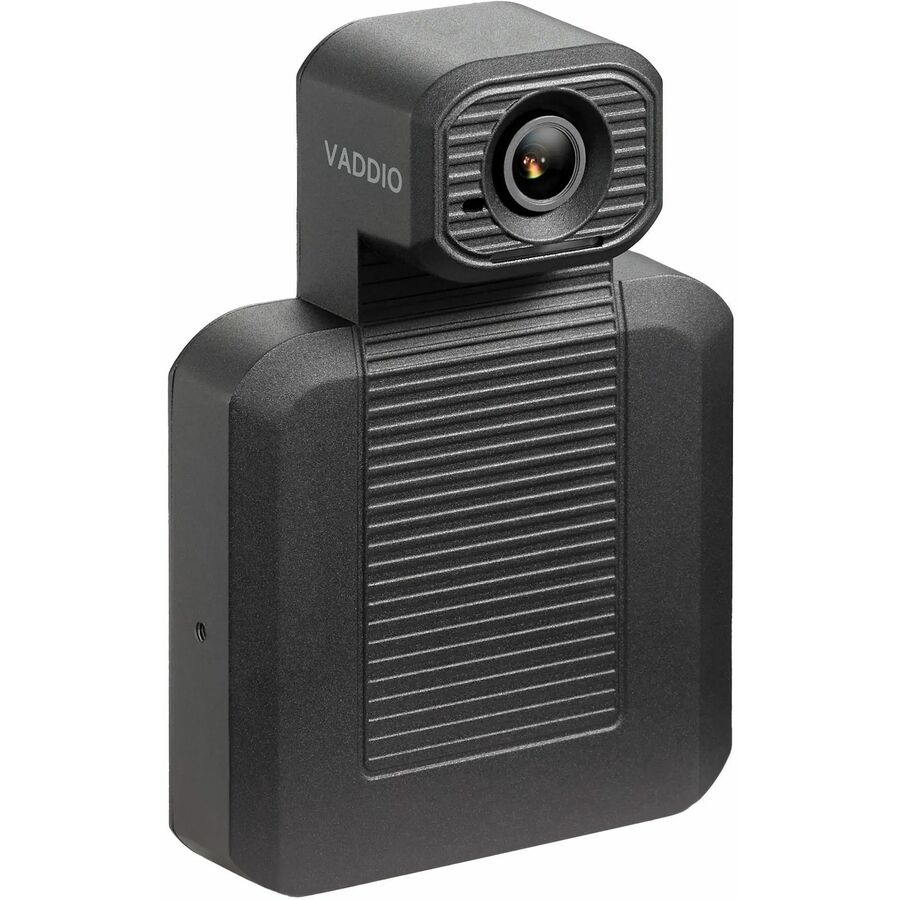
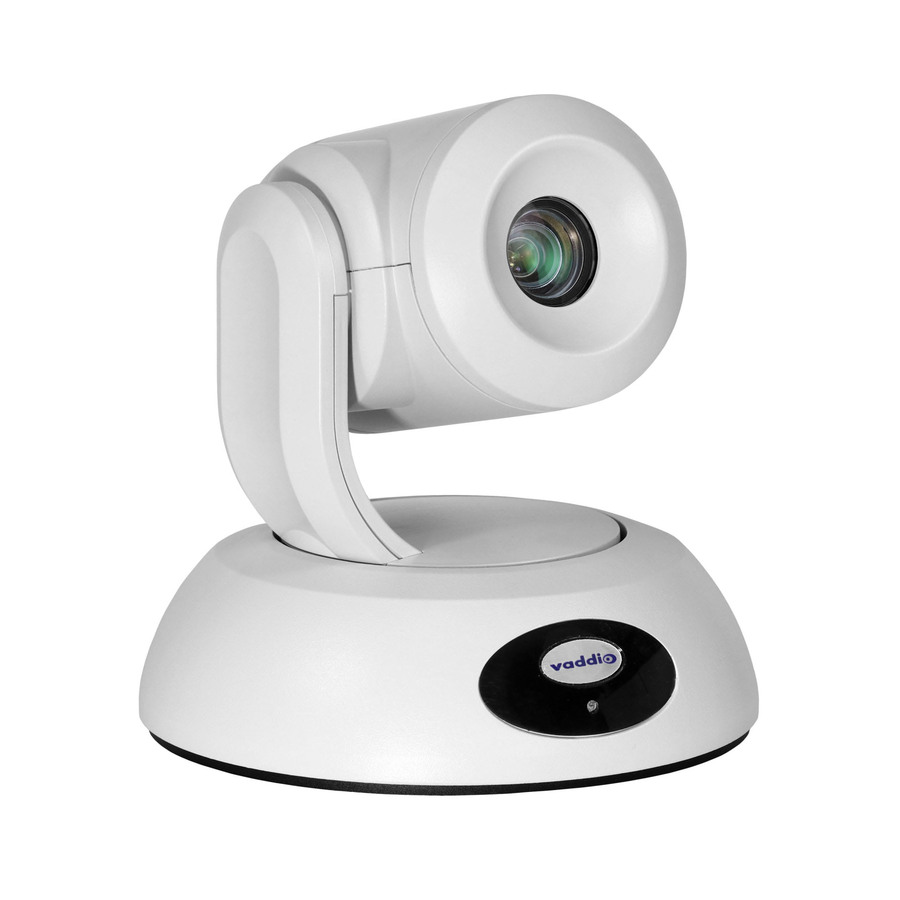
Vaddio EasyIP Video Conferencing Camera
999-30150-000
An 8-megapixel room camera with a 100-degree field, wall or ceiling mounting and both USB and network connections. Choose it where the lens has to sit away from the table and the room is being cabled properly rather than plugged into whatever is nearest.
The manufacturer's listing records this part number as TAA compliant.
$1,338.11*In stockMid-room pick
AVer Information
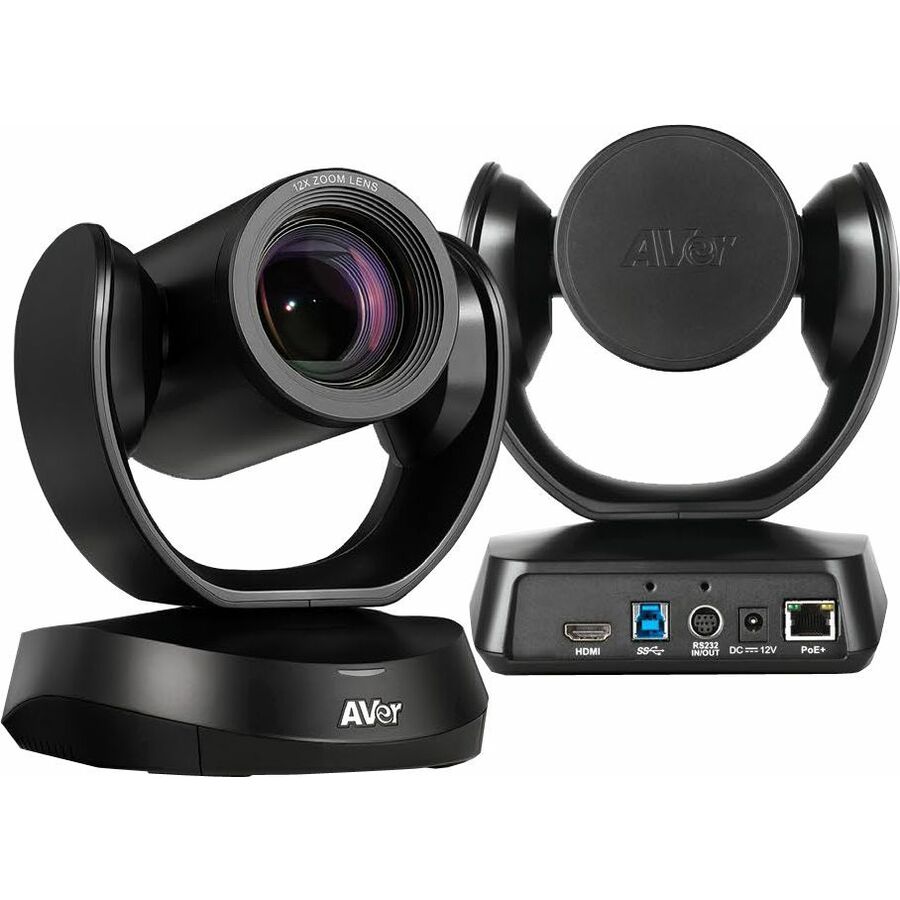
AVer CAM520 Pro3 Video Conferencing Camera
COM520PR3
A full-HD room camera at 60 fps with an 81-degree field, wall mountable and network connected. The class of camera a medium meeting room wants: mounted once, aimed at the table, and then left alone by everyone who books it.
The manufacturer's listing records this part number as TAA compliant.
$1,532.52*In stock4K PTZ pick
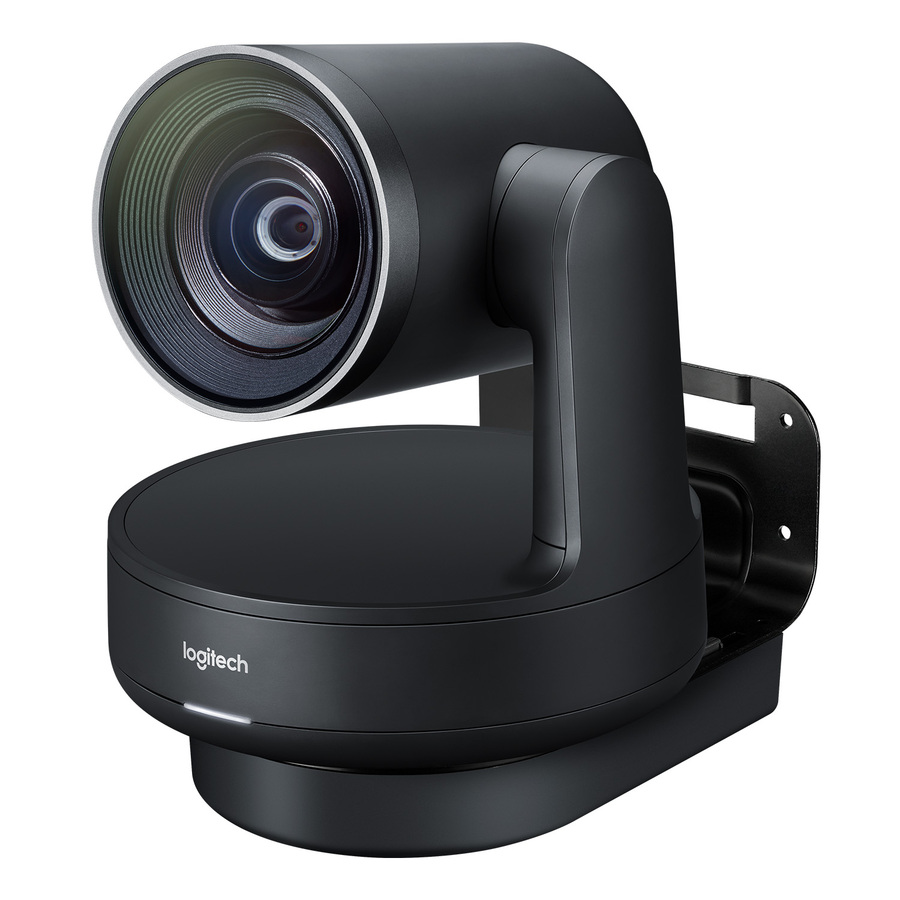
Logitech
Logitech Rally Ultra HD PTZ Camera for Meeting Rooms
960-001226
An ultra-HD pan-tilt-zoom camera for meeting rooms with auto-focus, designed as the camera half of a full room system rather than as a webcam. Pair it with room microphones and speakers sized to the table.
$1,561.19In stockAuto-tracking pick
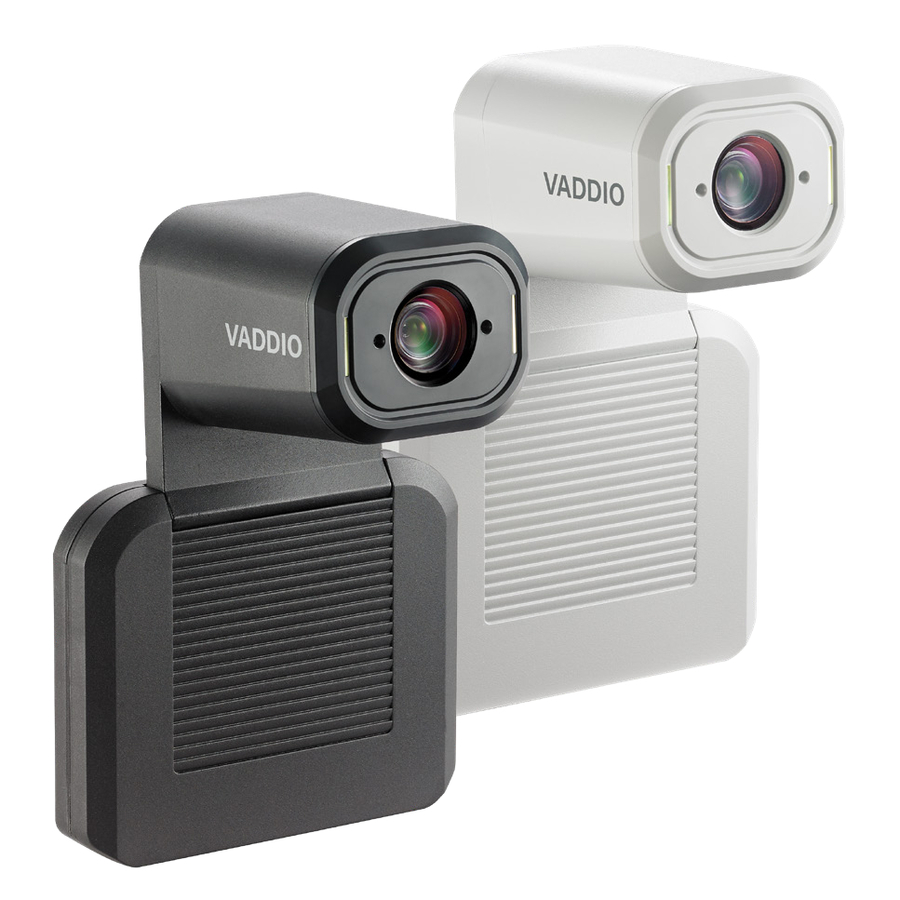
Legrand
Vaddio IntelliSHOT Auto-Tracking ePTZ Video Conferencing Camera
999-21182-000
An ePTZ camera that follows the active speaker automatically, described on the manufacturer's listing as Microsoft Teams certified. Auto-tracking earns its price in training rooms and lecture spaces where the presenter moves and nobody is driving the camera.
$2,482.86In stockMore webcams in the Uniqcli catalog
See all 383 webcamsMore from across this category. In-stock lines lead, and a back-ordered line carries the same estimated availability its product page does — with live pricing throughout, NDAA §889 screening before checkout and TAA verified on request.
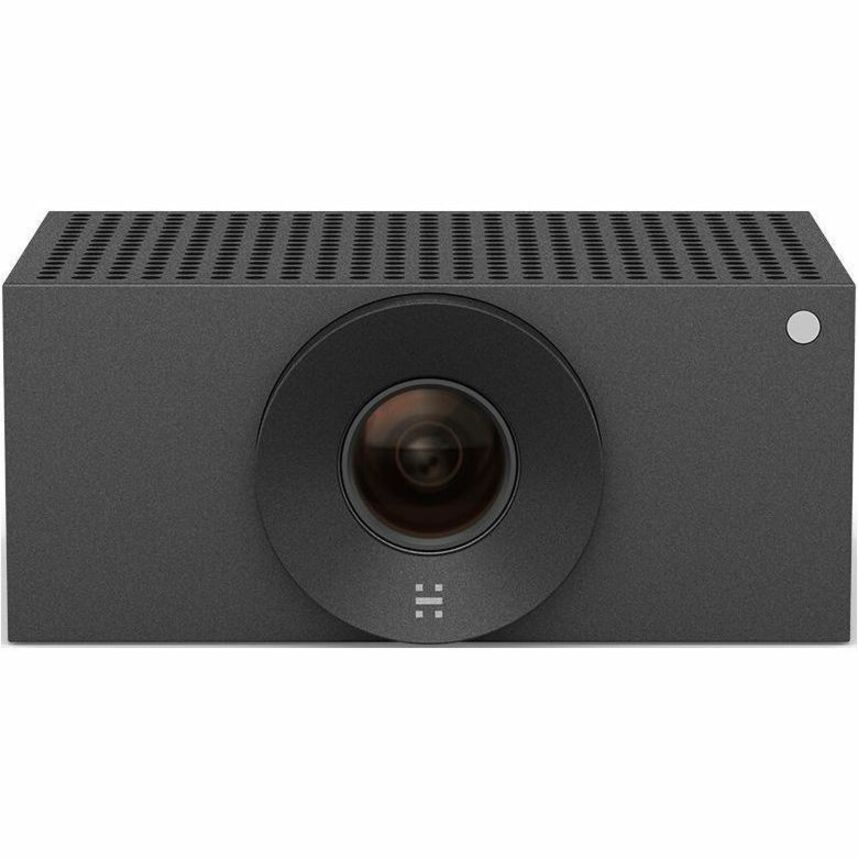
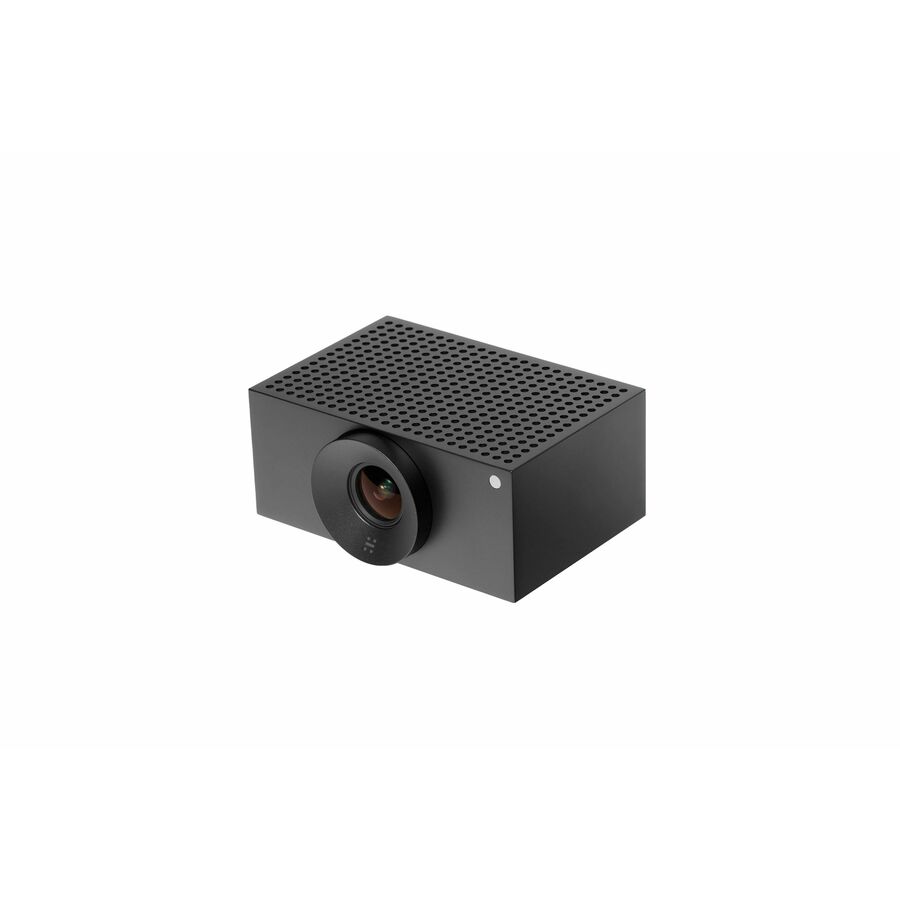
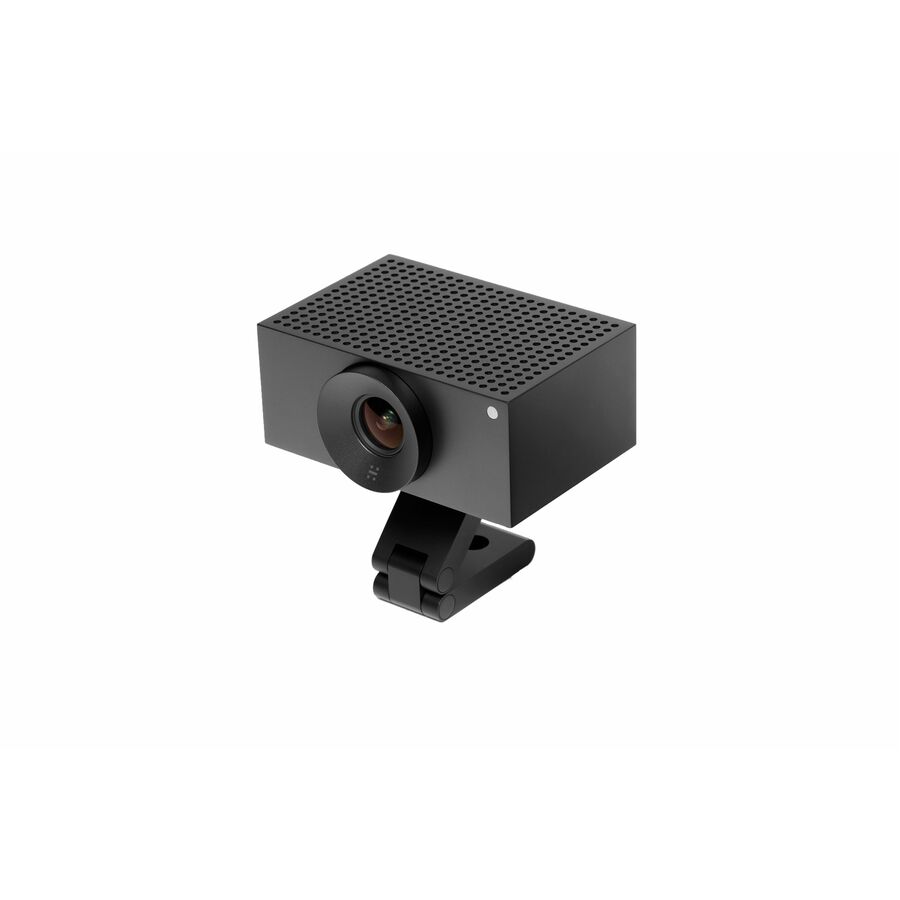
- HuddlyHuddly Crew L1 Video Conferencing Camera - 20.3 Megapixel - 30 fps - Matte Black - USB Type C - 3 Pack(s) - 1920 x 1080 Video - CMOS Sensor - 103° Angle - Wall - 5x Digital Zoom - Network (RJ-45) - Windows 10 - AI-powered - Auto White Balance, Plug & Play7090043790894
$11,240.00
$10,735.34
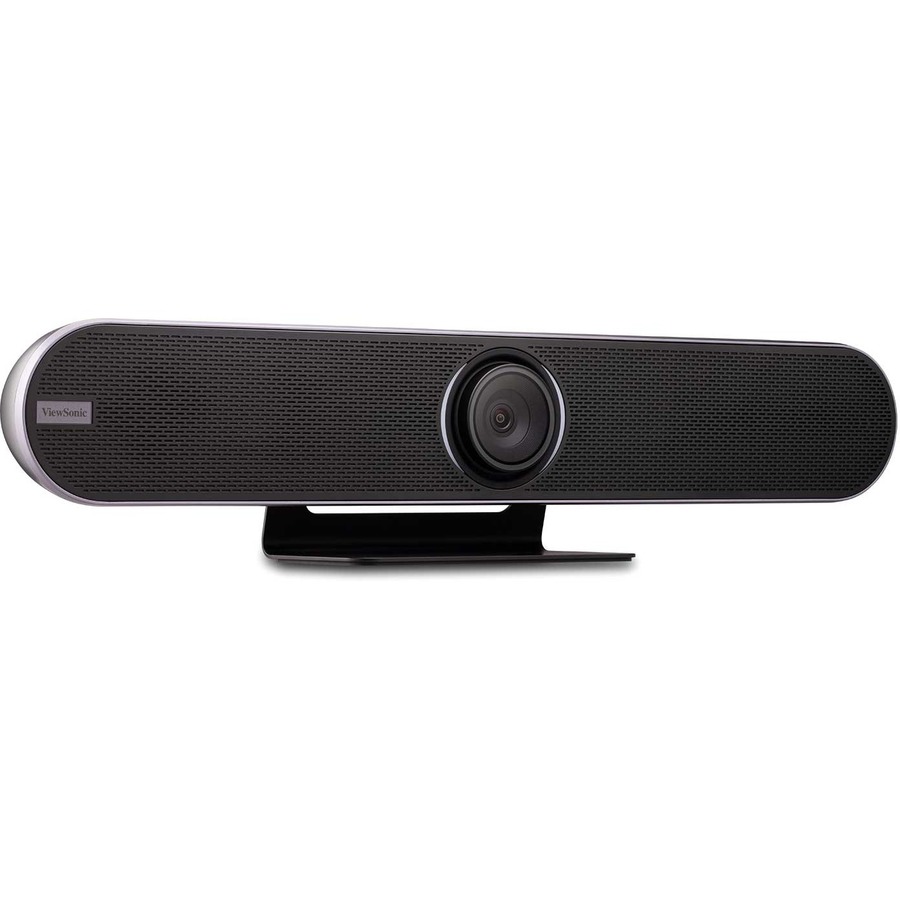
17 in stock - ViewSonicViewSonic VB-CAM-201 Video Conferencing Camera - 8.5 Megapixel - USB 3.0 - VB-CAM-201 Video Conferencing Camera - 8.5 Megapixel - USB 3.0VB-CAM-201
$1,699.00
$1,270.08
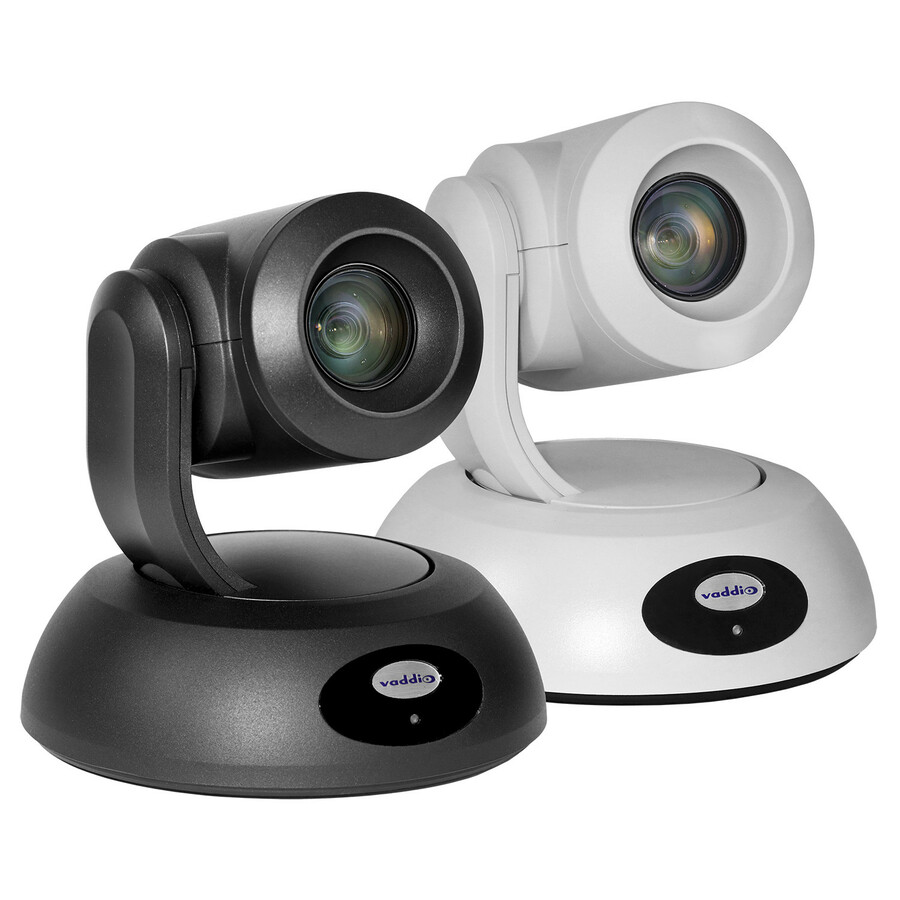
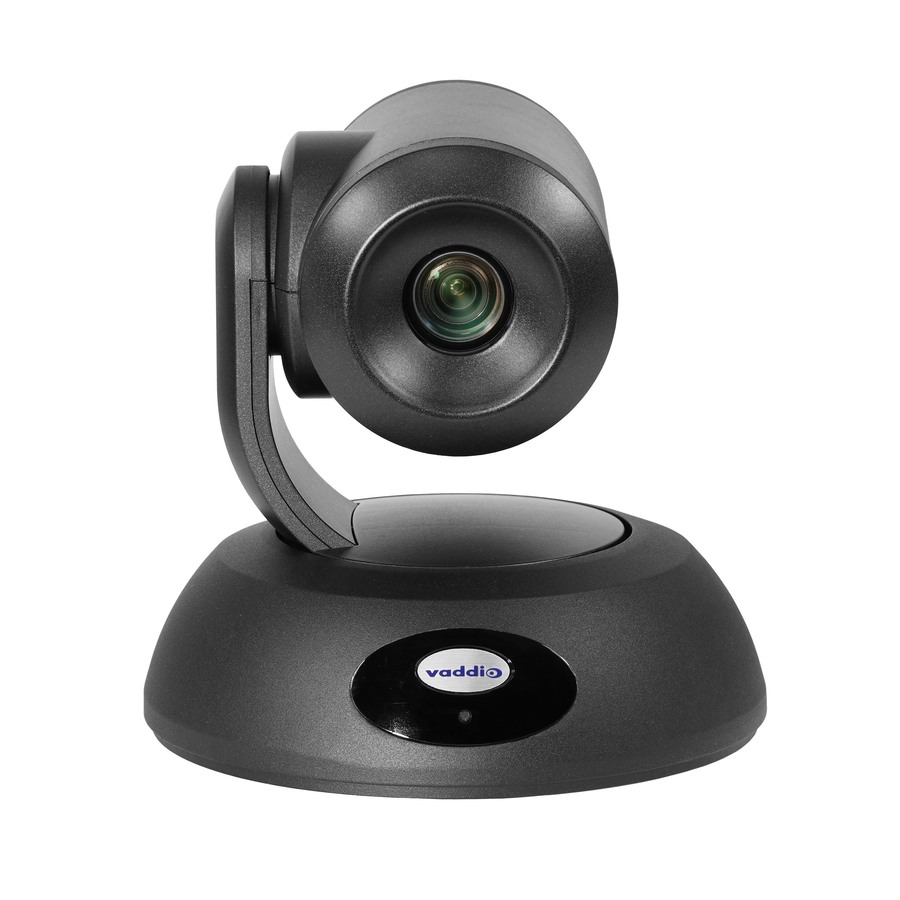
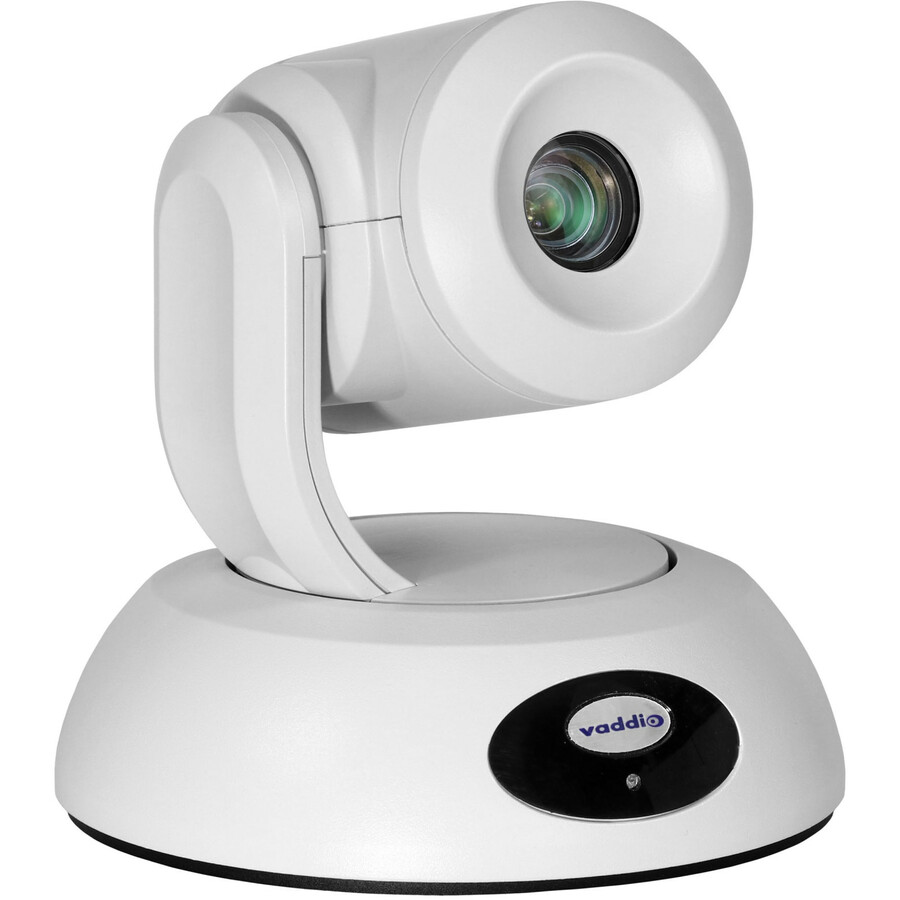
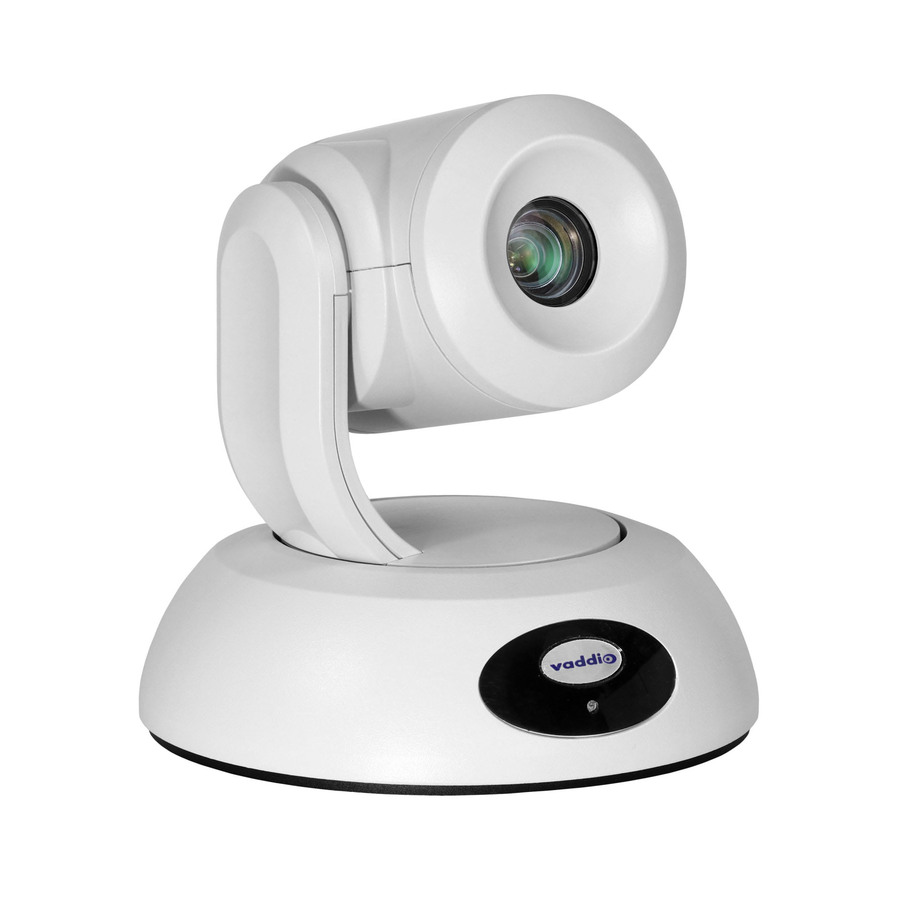
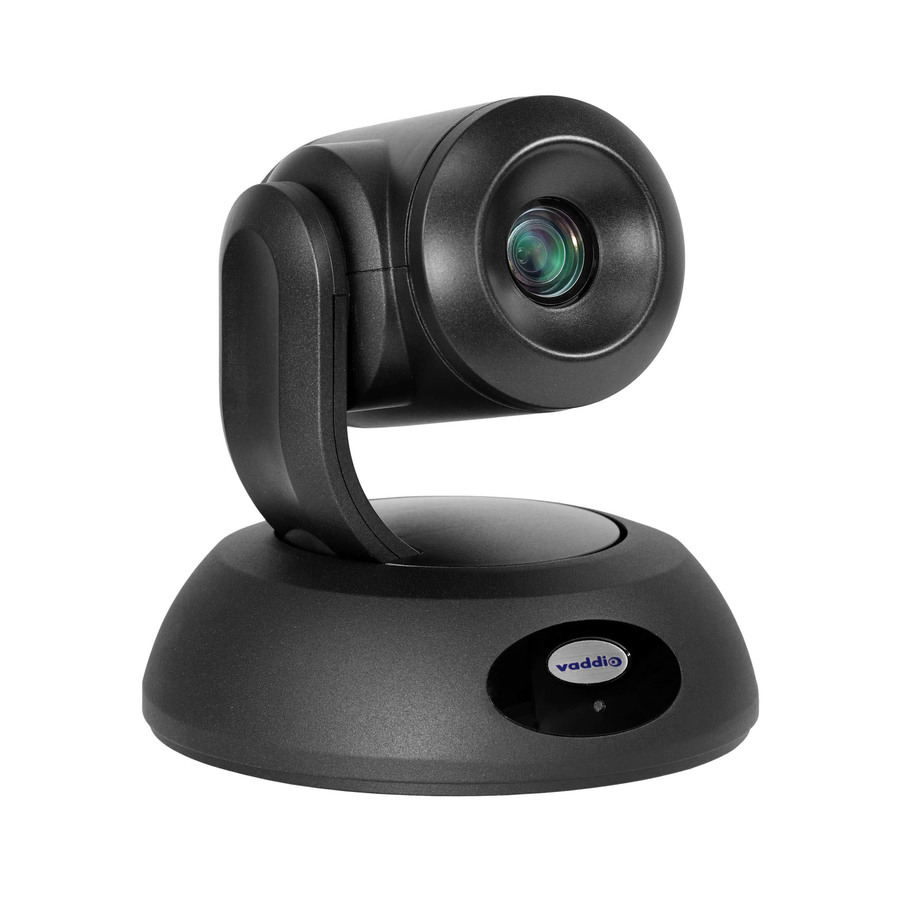
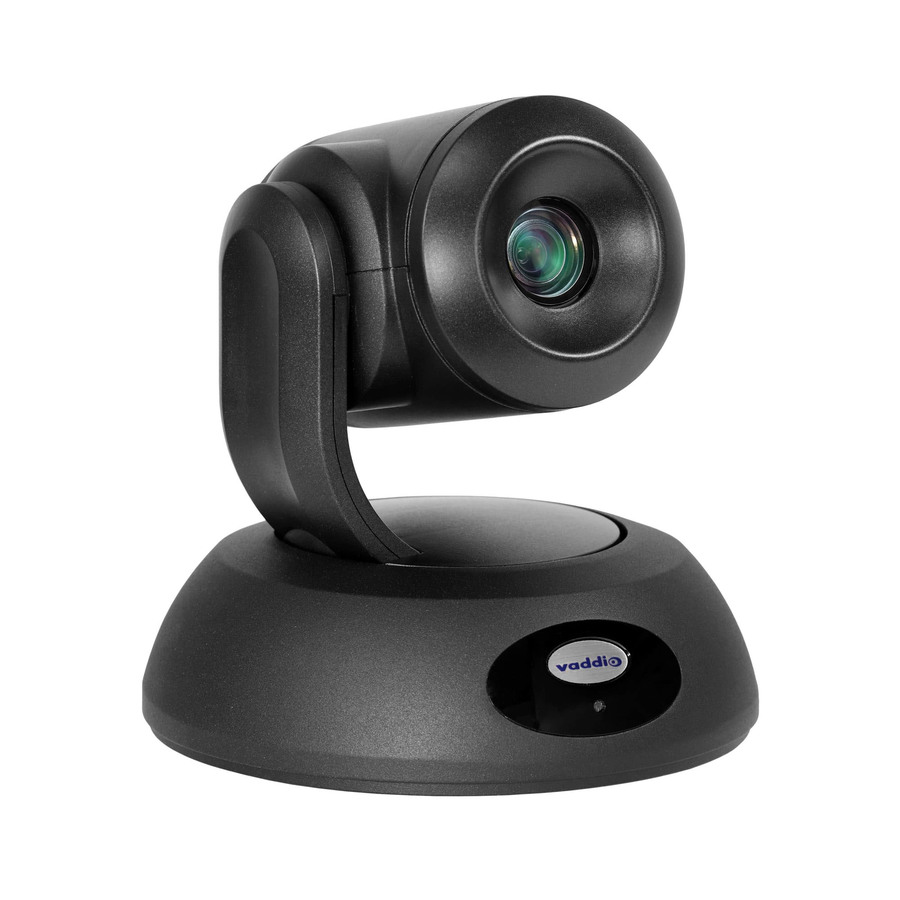
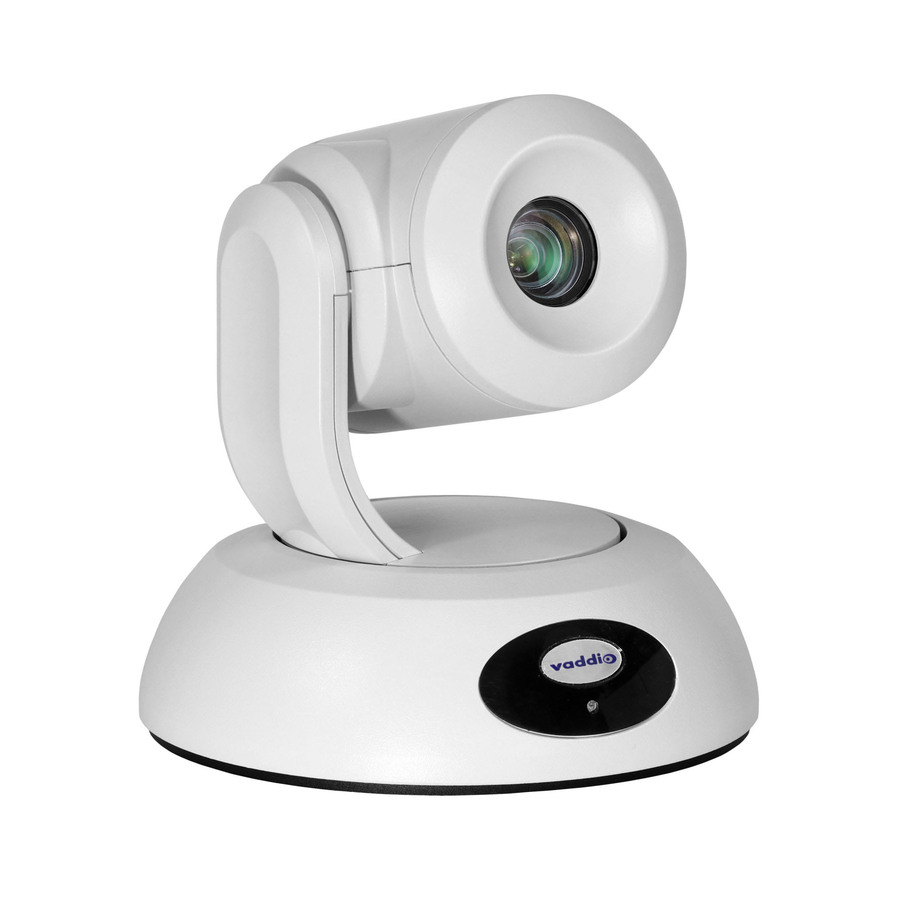
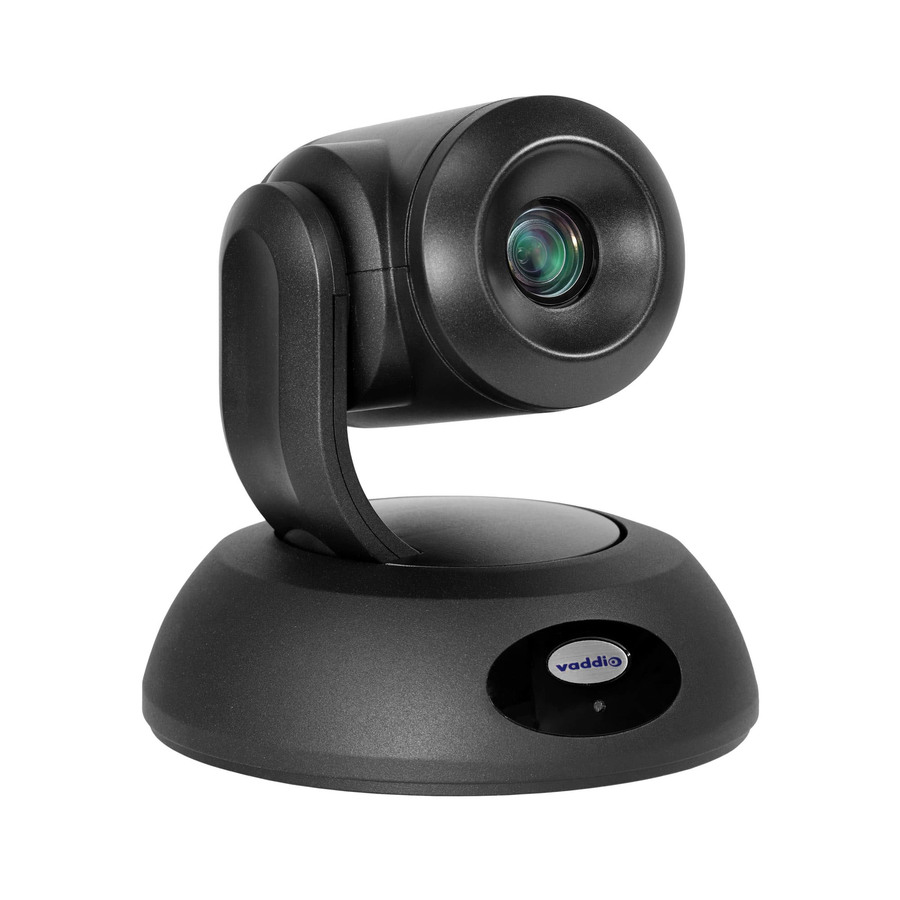
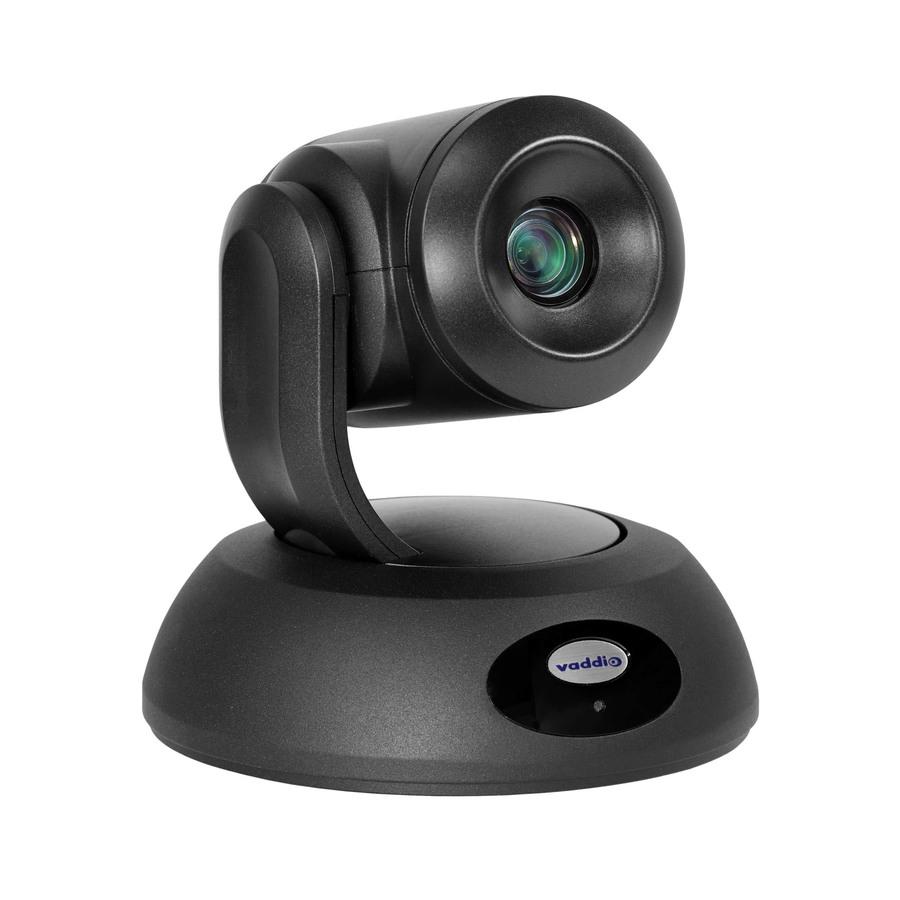
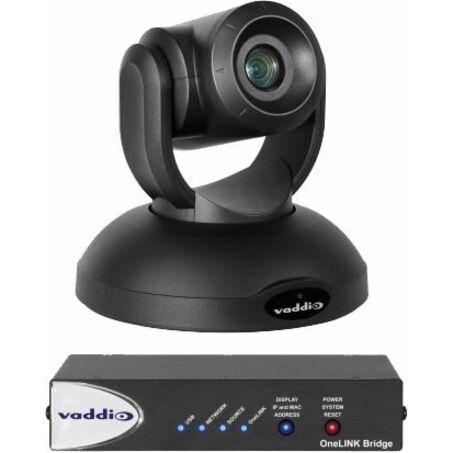
209 in stock - LegrandVaddio RoboSHOT 12E HDBT OneLINK Bridge Video Conferencing System - PTZ Camera and Interface - White - 1920 x 1080 Video - Network (RJ-45)999-99600-200W
$7,143.00
$6,744.91
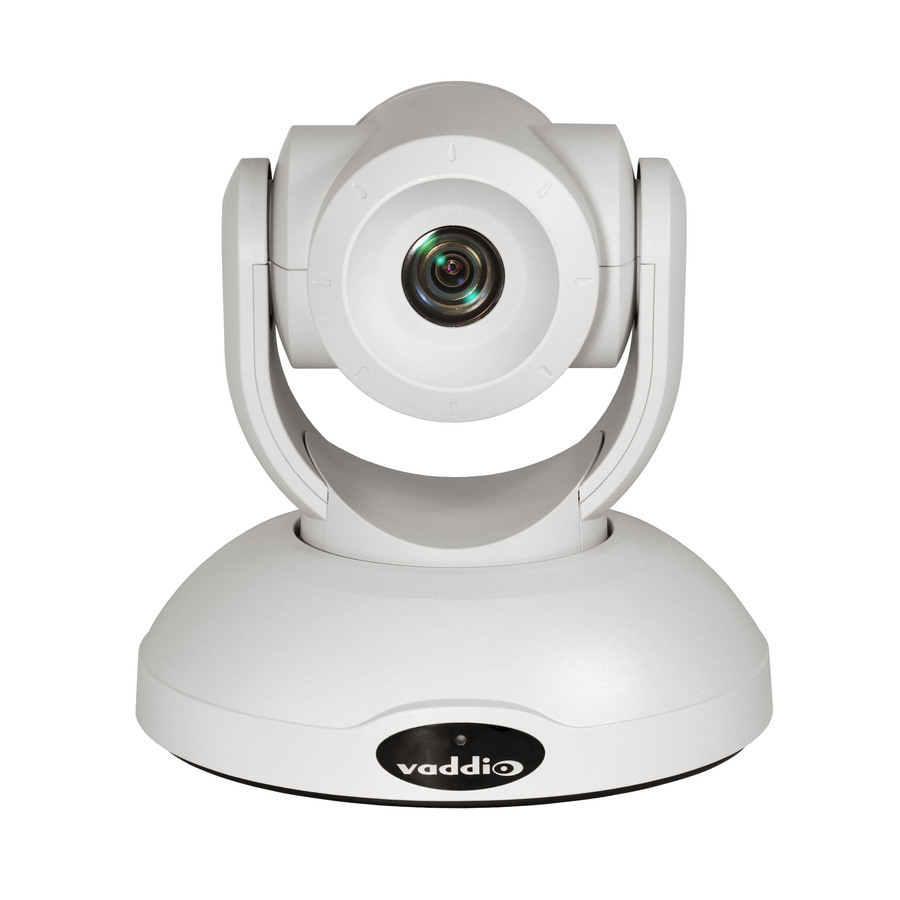
23 in stock - LegrandVaddio RoboSHOT 12E HDBaseT OneLINK Bridge Video Conferencing System - PTZ Camera - TAA Compliant - 1920 x 1080 Video - Network (RJ-45)999-99600-200
$7,315.00
$6,923.66
4 in stock


Need pricing on conference cameras?
Tell us where to reach you and a Uniqcli specialist will follow up by email with current pricing, availability and lead time for the quantities you need — including parts that aren’t shown on this page.
Buying for an organization or for yourself — both work. No payment up front.
Room size picks a conference camera. One person at a desk needs a webcam whose field of view is narrow enough that the room is not the subject; a four-to-six-person huddle room needs 120 degrees or wider with far-field microphones; a boardroom needs optical zoom, and at that size the microphones stop being part of the camera. The second question is USB peripheral versus room appliance.
Room size is the specification that picks a conference camera, and everything else follows from it. One person at a desk needs a webcam with a good sensor and a usable microphone, and the field of view should be narrow enough that the room behind them is not the subject. A huddle room of four to six people needs a wide lens — 120 degrees or more — and far-field microphones that reach the far end of a small table. A boardroom needs a camera that can zoom optically to a face at the end of a long table, and at that size the microphones stop being part of the camera and become a separate system.
The second question is what drives the room. A USB camera is a peripheral: it plugs into a laptop or a room computer and the meeting software does the rest, which makes it simple, cheap and dependent on whoever walks in with a laptop. A network camera or an appliance-based system makes the room itself the endpoint, so the meeting starts from a panel on the table rather than from someone's machine. Small rooms are almost always better as USB. Rooms that get booked by strangers are almost always better as appliances, because the failure mode of a USB room is a missing cable.
Then there is framing, which is where the money goes at the top of this page. Auto-framing crops a wide sensor to the people in the room; auto-tracking physically follows a speaker; PTZ gives an operator or a preset real optical reach. Each is genuinely useful and each is a different product class. The list below is brand-neutral and drawn live from what Uniqcli lists, and it covers hardware, the licences a room platform needs and the installation work in the same quote.
Buyer's checklist
How to choose a conference camera
- Size the camera to the room, not to the budget: a desk webcam in a six-person huddle room and a PTZ camera on a single desk are both money spent in the wrong place.
- Match the field of view to the table — narrow for one seat, 120 degrees or wider for a huddle room, optical zoom where faces are far from the lens.
- Decide USB peripheral versus room appliance before you shortlist. USB is simpler and cheaper; an appliance means the room works without anyone's laptop.
- Plan the audio separately once the room is bigger than a huddle space — camera microphones have a real range, and past it a boardroom needs its own microphones and speakers.
- Check the mount. Display mounts, wall mounts, ceiling mounts and tripod threads are per-model, and a camera that cannot go where the sightline is will not be used.
- Check the cable run and its power. Long USB runs need active cabling; network cameras want a data drop, and both are cheaper to plan before the walls are closed.
- Confirm the platform support you actually need — the manufacturer's listing states which meeting services and certifications a specific model carries.
- For public-sector deliveries, ask for the TAA country-of-origin and §889 screening tied to the exact part number before checkout.
Three room sizes, three different cameras
A personal seat is the easy case and the one most often over-bought. One person at a fixed distance from the lens needs sensor quality and a sane field of view, not zoom and not tracking. A 1080p business webcam is genuinely enough for almost everyone, because the meeting platform compresses the stream anyway; 4K on a desk buys crop headroom and a better low-light result rather than a visibly sharper call.
A huddle room — four to six people, one table, one display — is where all-in-one devices win. A wide lens, framing that crops to the people present, and microphones designed for the length of a small table, in one device with one cable. The alternative, a webcam plus a separate speakerphone plus a hub, works but has three failure points and three things to unplug.
A boardroom or training room is a system rather than a device. The camera needs optical reach to frame a face at the far end, the microphones become a ceiling or table array sized to the room, the speakers have to cover it, and something has to drive the whole thing from a panel on the table. That is the point where cameras stop being a purchase and start being a project — and it is worth designing the cable runs and the mounting positions before anybody chooses a model.
USB or network: how the room actually starts a meeting
A USB camera makes the room dependent on a computer. Someone brings a laptop, plugs in, and the meeting software on that laptop drives the camera. It is cheap, it is flexible, and it fails whenever the cable is missing, the wrong adapter shows up or the laptop refuses to share a screen. For a room used by the same small team, that is a fair trade.
A network camera paired with a room appliance makes the room the endpoint. The meeting is booked to the room, the panel on the table joins it, and nobody's laptop is load-bearing. It costs more, it needs a data drop and it needs commissioning, and in a room that strangers book it pays for itself the first time a client meeting starts on time. The deciding question is not budget — it is who walks into the room.
What a room costs beyond the camera
The camera is rarely the largest line. A finished room usually needs microphones and speakers sized to the table, a display or two, mounts and brackets, cabling and the plates it terminates in, a table panel or room appliance, and the platform licences that make the room bookable. Uniqcli quotes those together with the hardware — including the licensing and the installation and commissioning labour — rather than leaving half of it to a second purchase order, which is where AV projects usually lose their schedule.
It is also worth budgeting for the boring part: a spares position on the parts that get handled. Cables, remotes and table pucks disappear from meeting rooms at a rate that surprises everyone, and a small pool held on site keeps a room working instead of putting it on a maintenance queue.
FAQ
Common questions
- Do I need a 4K conference camera?
- For one person at a desk, usually not — the meeting platform compresses the stream, and a good 1080p sensor is indistinguishable from a 4K one on the far end. Where 4K pays off is in rooms: the extra resolution gives digital pan, zoom and crop headroom, so one wide camera can frame several seats cleanly, and auto-framing has something to work with. If the camera is going in a room rather than on a desk, resolution is worth paying for. If it is going in front of one person, spend the money on the lens and the microphone instead.
- What is the difference between PTZ and auto-framing?
- Auto-framing crops a wide image to whoever is in the room, so nothing physically moves and the whole room is always in the sensor. PTZ — pan, tilt, zoom — physically moves the camera and uses optical zoom, which is what you need when faces are far enough away that a crop would just be a blurry crop. Auto-tracking is PTZ that follows a speaker on its own. Small rooms are well served by auto-framing; long boardrooms, training rooms and lecture spaces are where PTZ and tracking earn their price.
- Will these cameras work with Microsoft Teams and Zoom?
- Most USB cameras work with any meeting platform, because the operating system presents them as a standard camera. Certification is a different thing: some models are formally certified for a platform by the manufacturer, and that is stated on the product listing for the specific part number rather than for a product family. If your organization requires a certified device, check the exact part number against the platform's own device list before you order — that certification is the manufacturer's and the platform's to state, not a reseller's.
- How many people can one camera cover?
- It depends on the lens and the distance, not the resolution. A 78-degree webcam covers one or two people at a desk. A 120-degree or wider camera covers a huddle table of four to six. Past that, the limit is usually the microphone rather than the picture: people at the far end of a long table stop being audible before they stop being visible. Once a room needs more than one seat's worth of coverage at a distance, plan the microphones as their own line rather than assuming the camera's built-in array will reach.
- Can Uniqcli quote conference room cameras for a government or education order?
- Every line Uniqcli quotes is sourced through US distribution and screened for TAA country-of-origin and NDAA §889 status before checkout — with documentation tied to the specific part number, not a product family.
Need conference cameras pricing?
Send a bill of materials or part numbers — we confirm stock and a below-market total, with TAA verified on request. No payment up front.