
Best Adesso Webcams for Classrooms and Hybrid Instruction
Entry-tier USB cameras for teacher stations, carts and lab benches — 720p to 4K.
Adesso webcams in stock at Uniqcli
How to choose →A curated selection with live pricing — in-stock lines first, then back-ordered lines with a typical lead time. Every line is sourced through US distribution and screened for NDAA §889 status before checkout, with TAA verified on request.
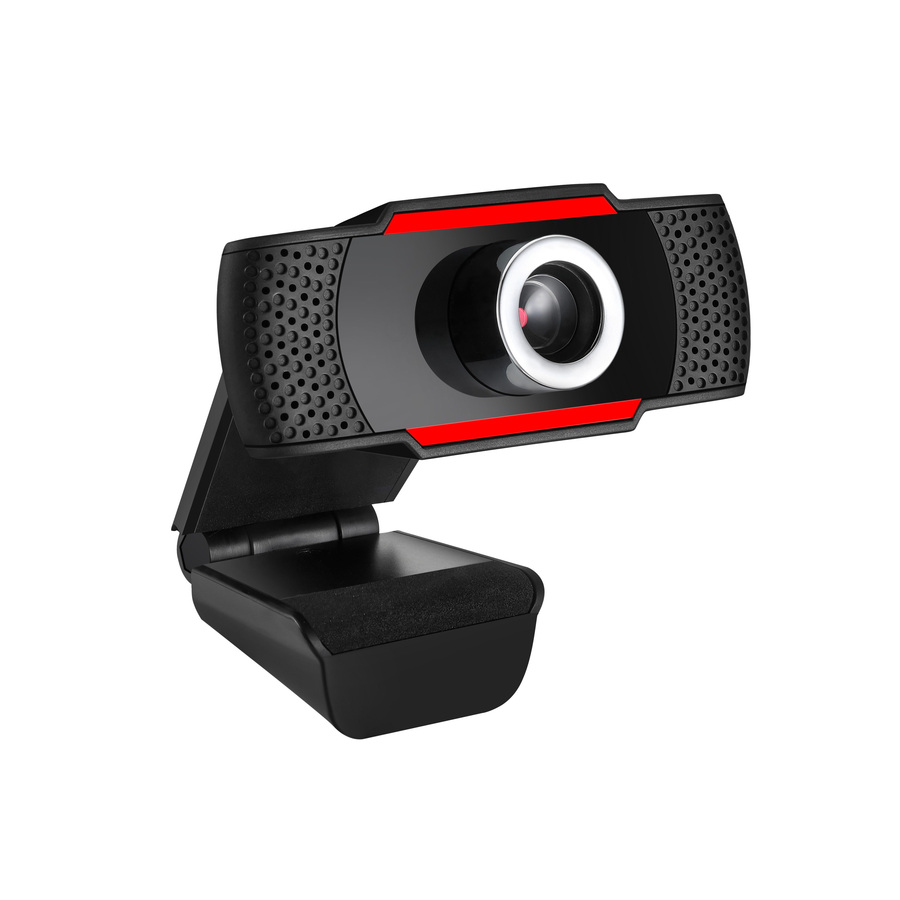
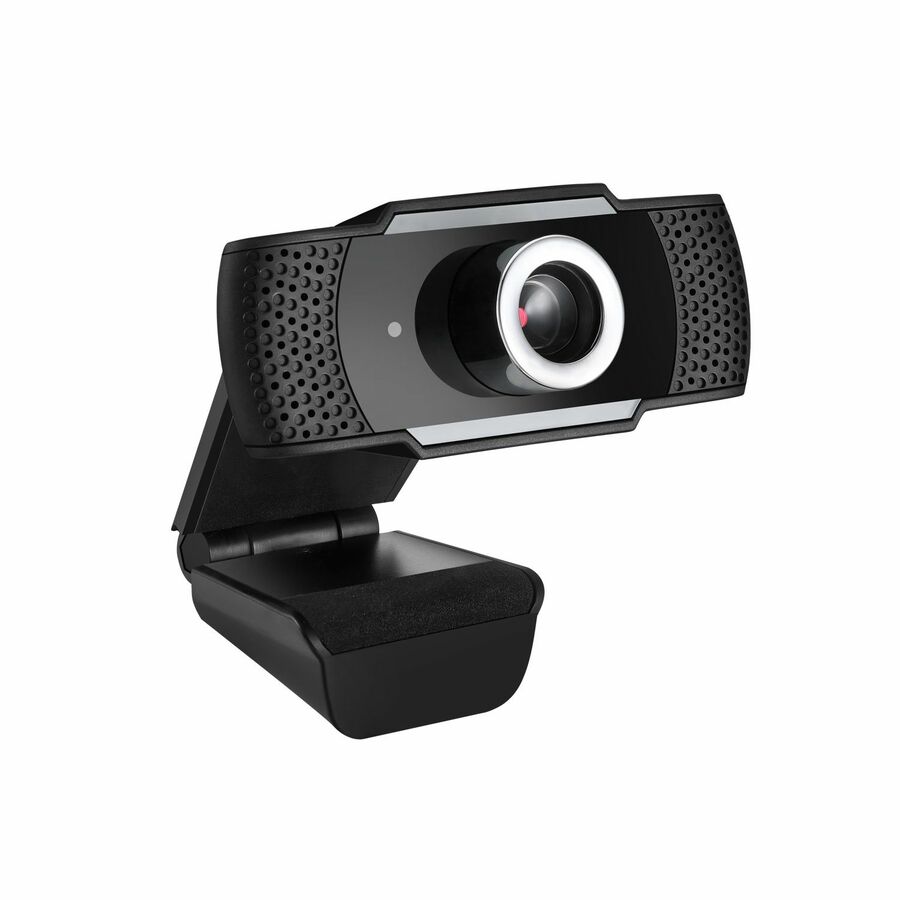
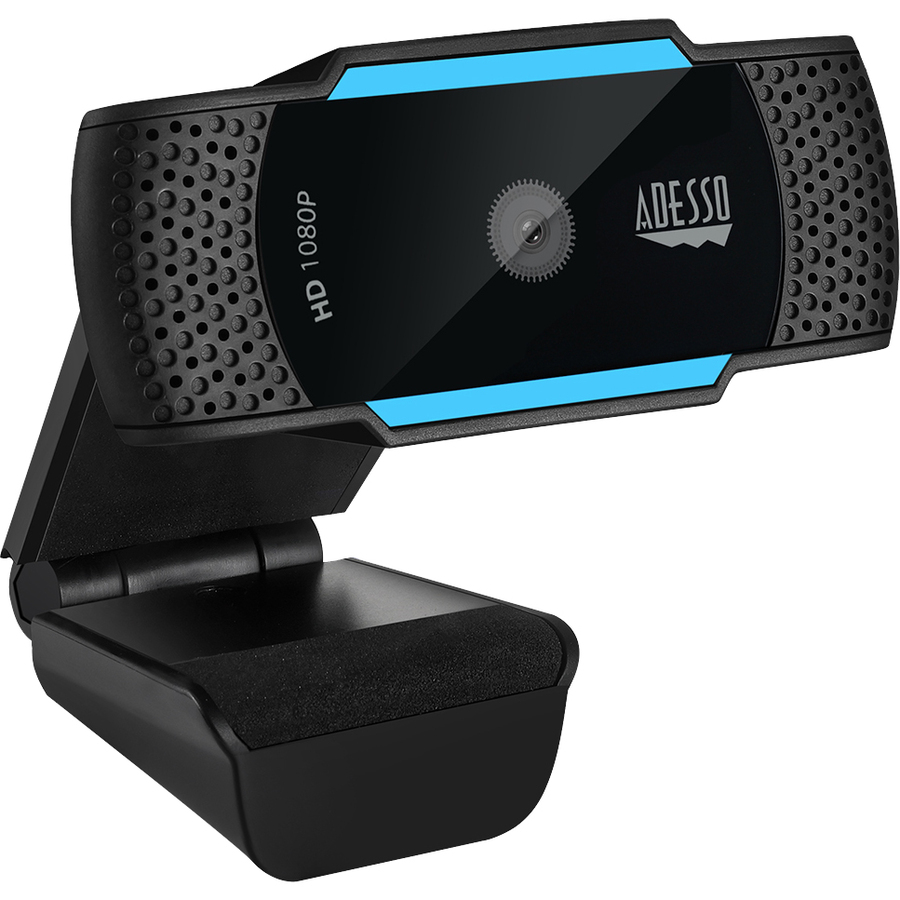
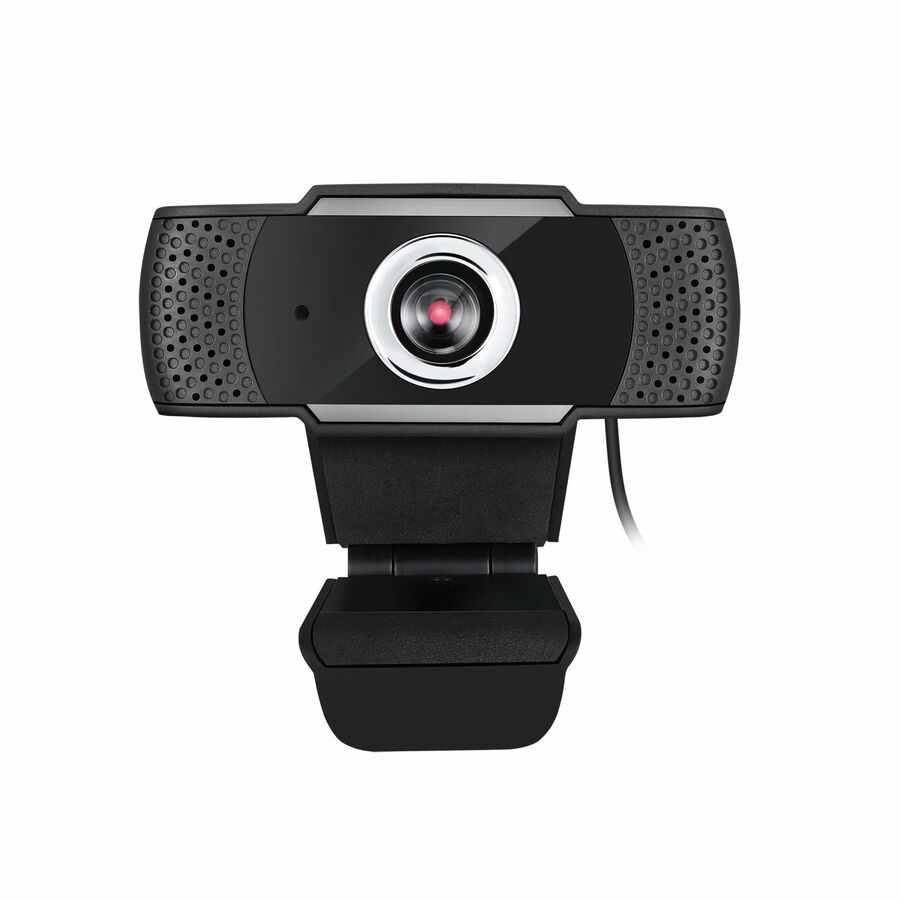
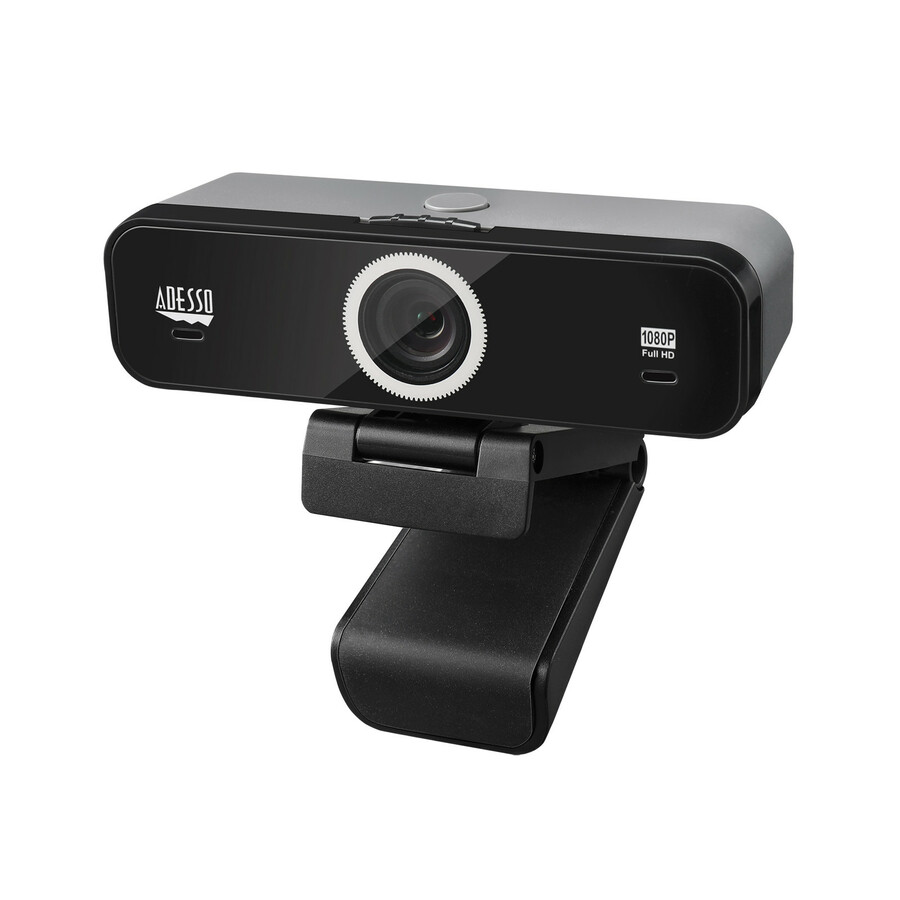
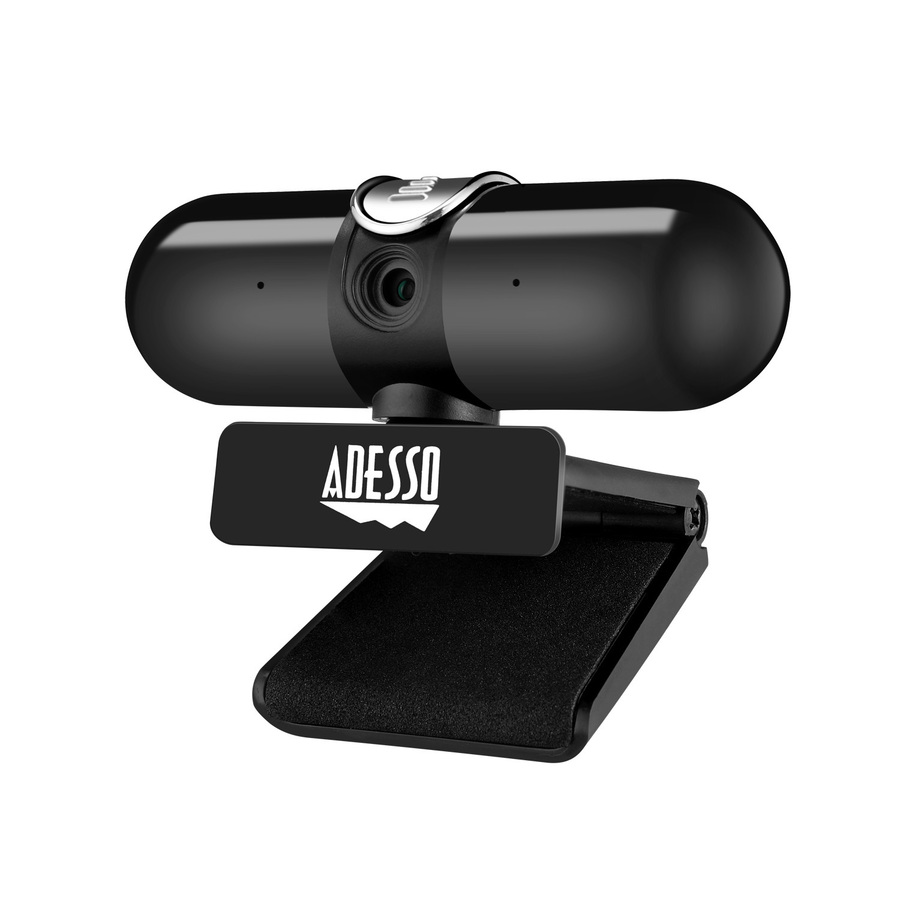
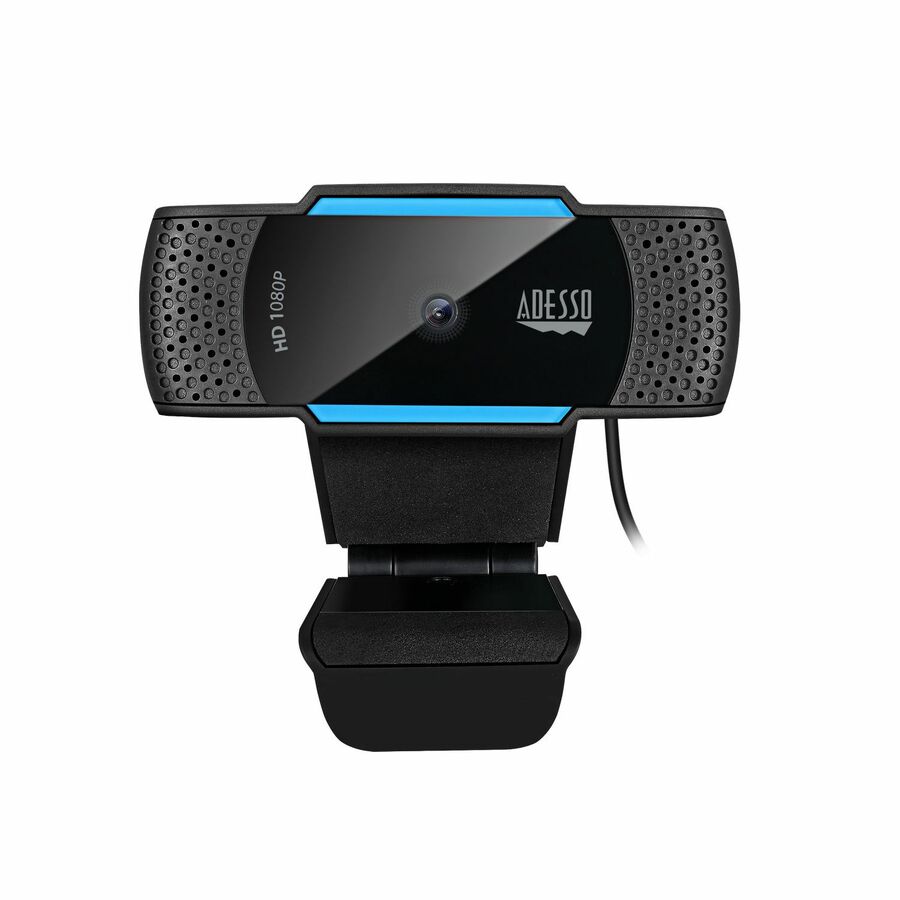
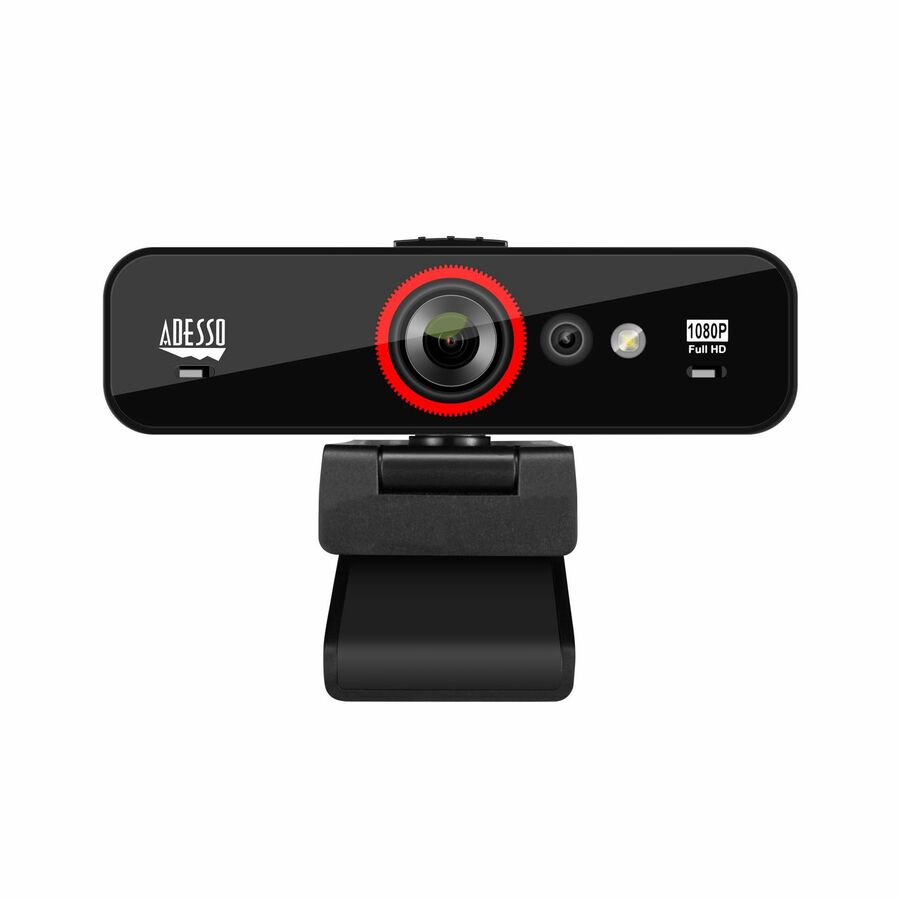
- AdessoCybertrack H5 - 1080P Auto focus high resolution desktop webcam with H.264 data compression - 1080P Auto-focus High Definition - H.264 Advanced Video Compression - 2.1 Megapixel CMOS sensor - Built-in dual microphone - Privacy shutter cover & Tripod MountCYBERTRACKH5-TAA
$69.99
$65.45*
53 in stock
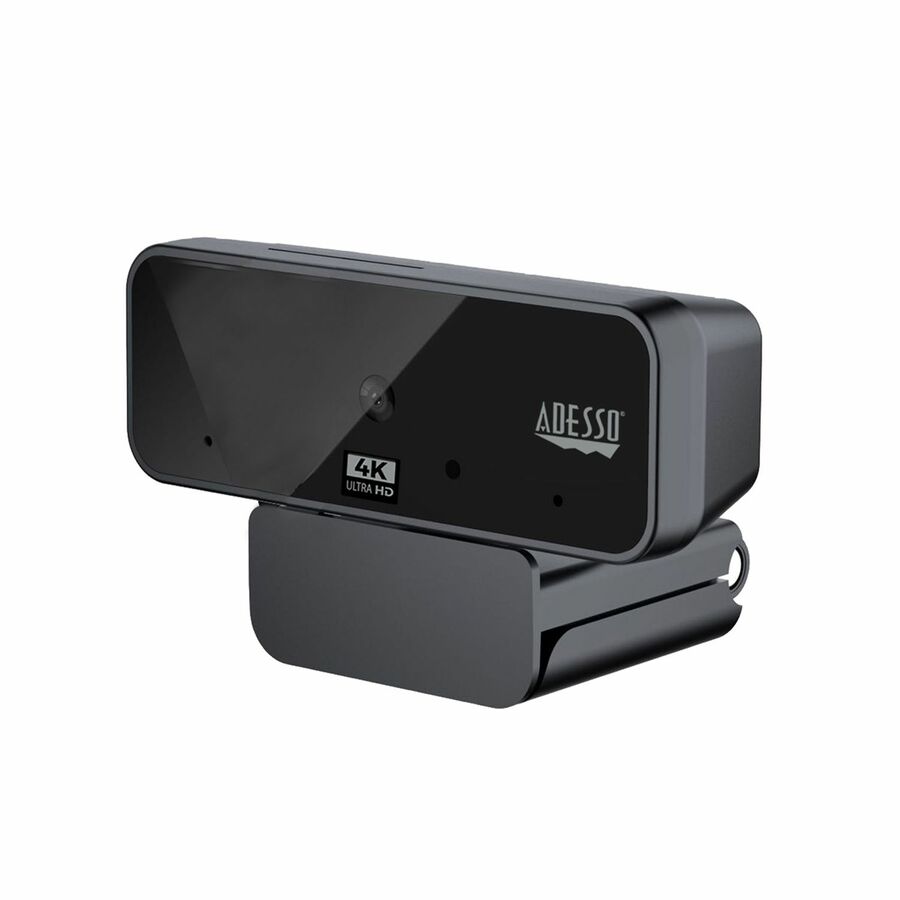
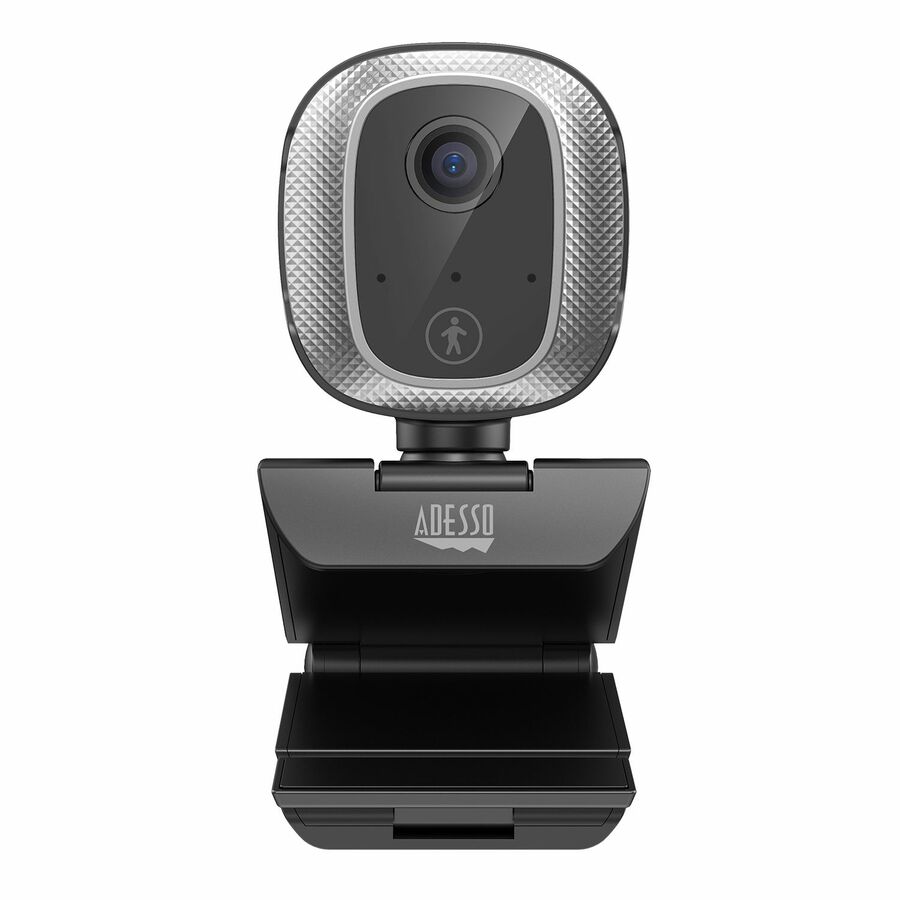
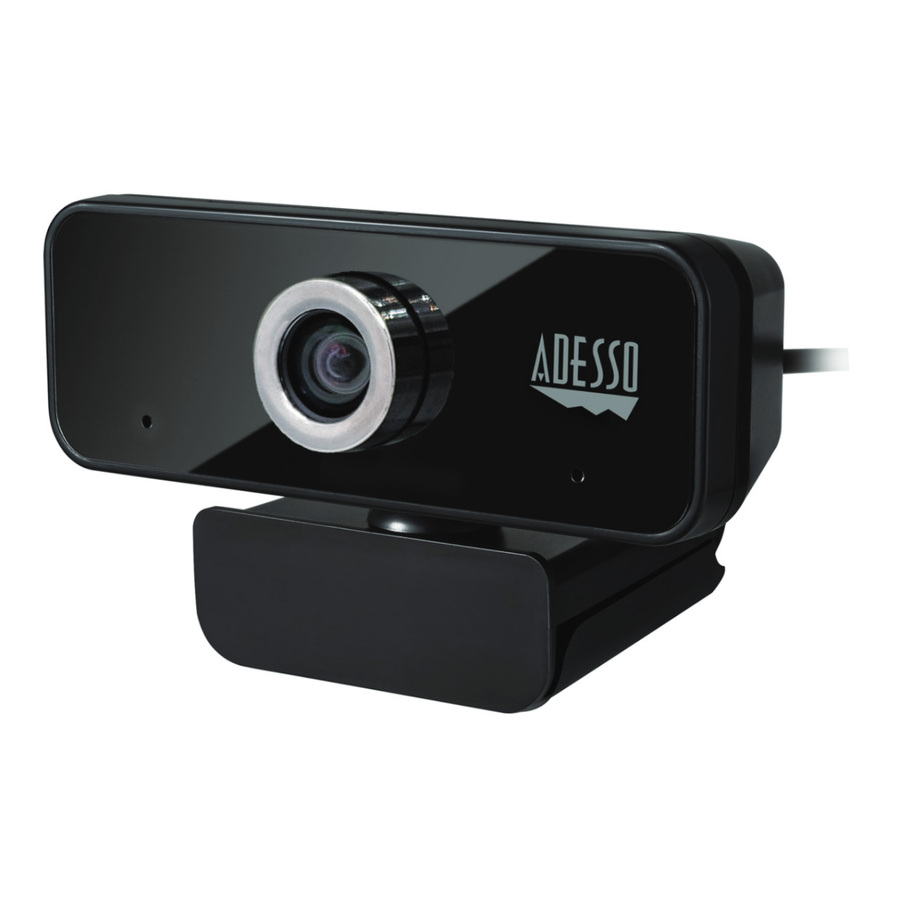
More webcams in the Uniqcli catalog
See all 383 webcamsMore Adesso first — closest to what you were just looking at; “See all webcams” above opens every other brand in the category. In-stock lines lead, and a back-ordered line carries the same estimated availability its product page does — with live pricing throughout, NDAA §889 screening before checkout and TAA verified on request.
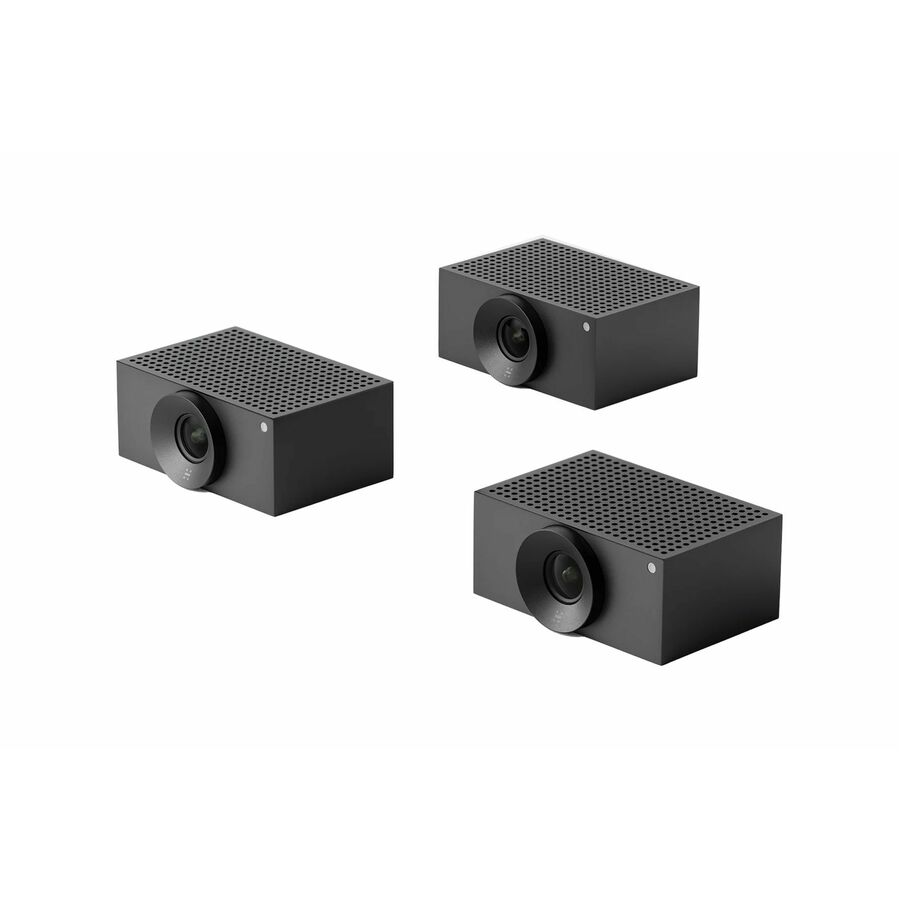
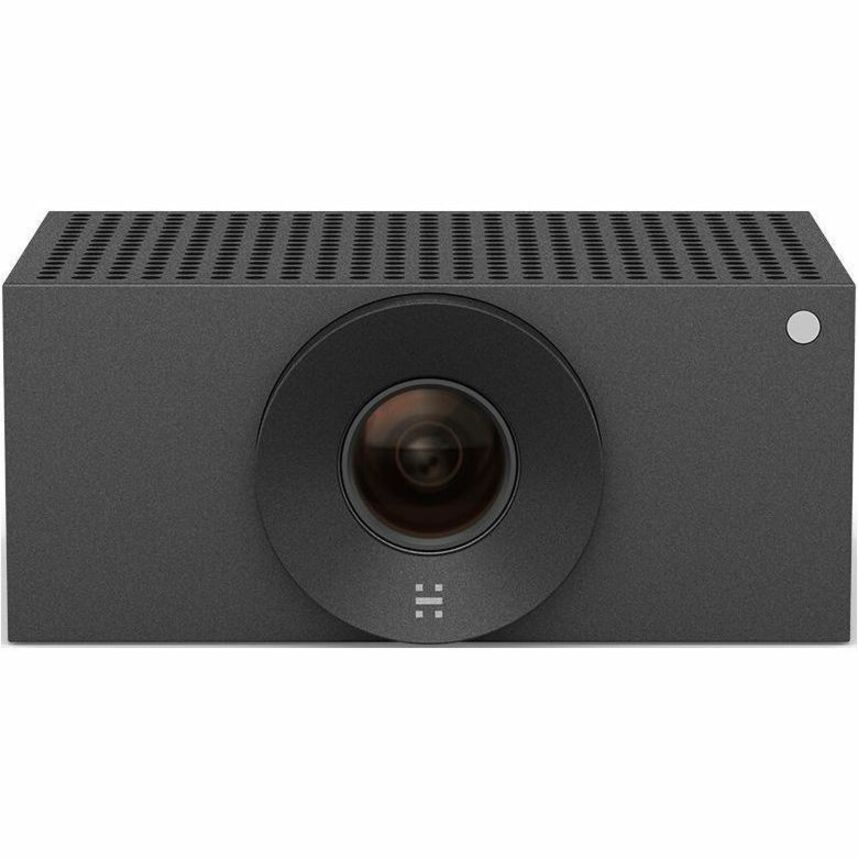
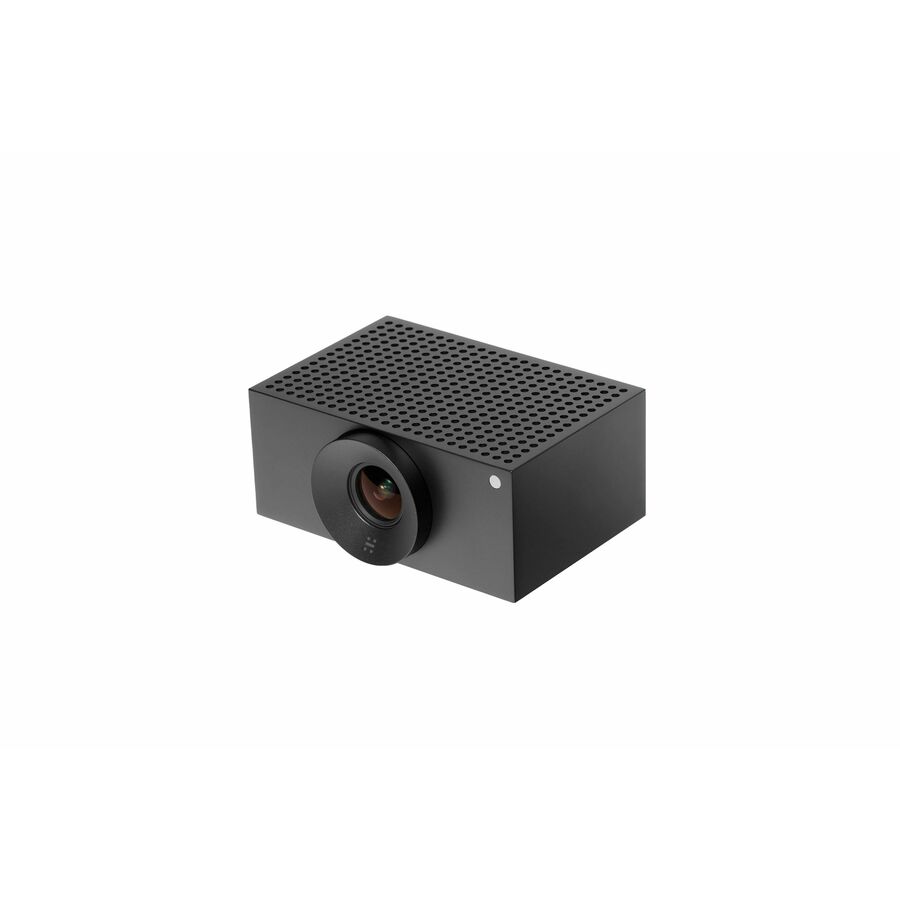
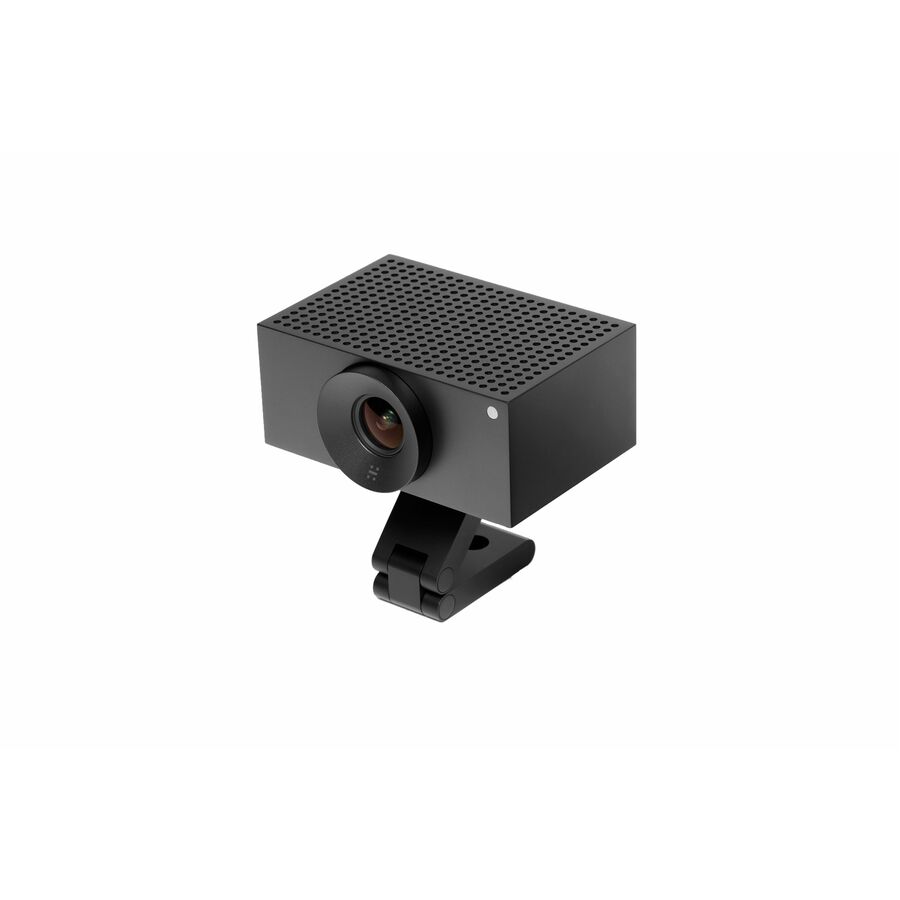
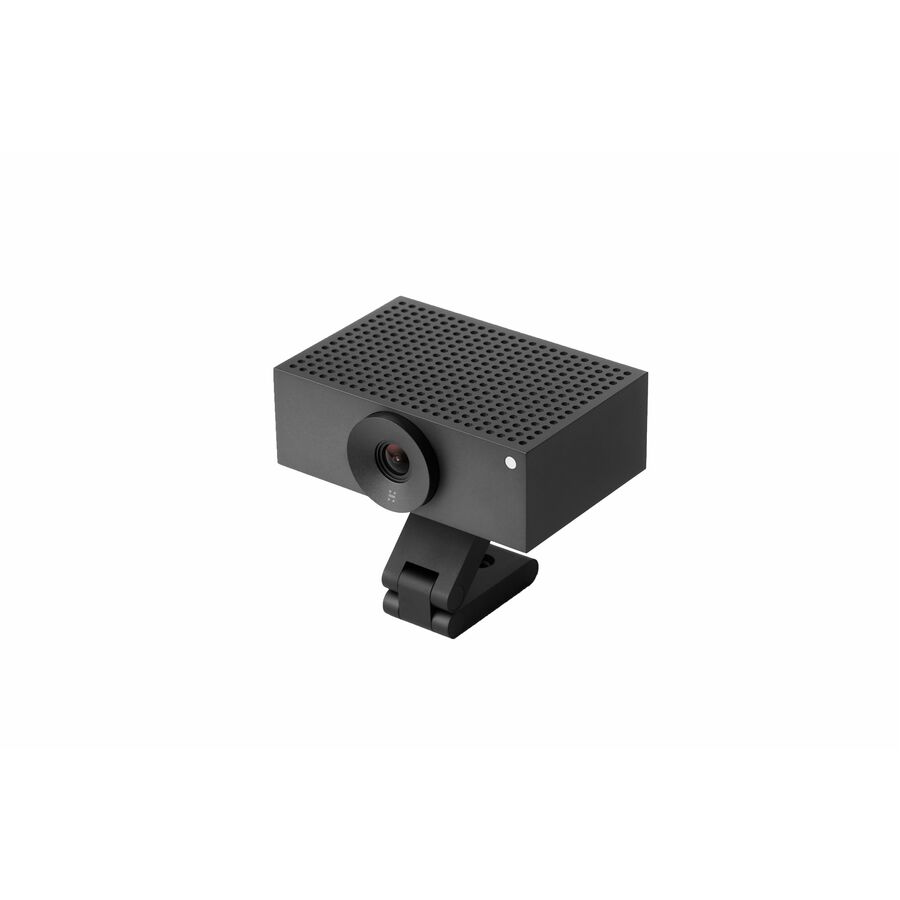
- HuddlyHuddly Crew L1 Video Conferencing Camera - 20.3 Megapixel - 30 fps - Matte Black - USB Type C - 3 Pack(s) - 1920 x 1080 Video - CMOS Sensor - 103° Angle - Wall - 5x Digital Zoom - Network (RJ-45) - Windows 10 - AI-powered - Auto White Balance, Plug & Play7090043790894
$11,240.00
$10,735.34
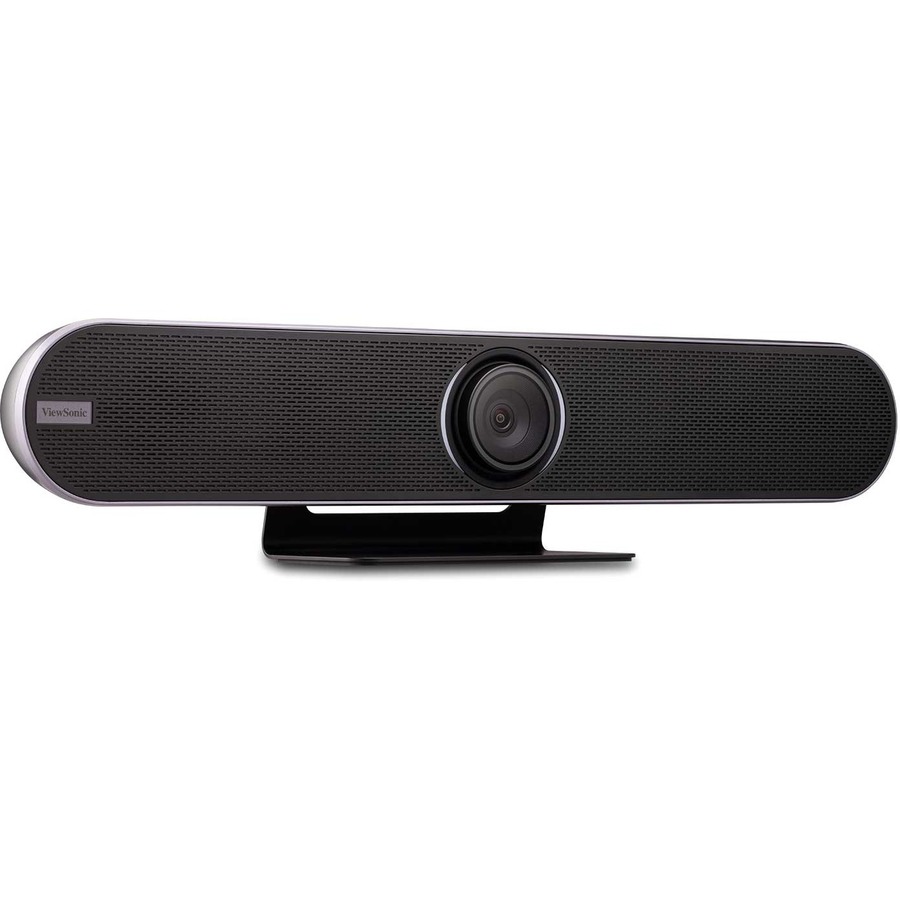
17 in stock - ViewSonicViewSonic VB-CAM-201 Video Conferencing Camera - 8.5 Megapixel - USB 3.0 - VB-CAM-201 Video Conferencing Camera - 8.5 Megapixel - USB 3.0VB-CAM-201
$1,699.00
$1,270.08
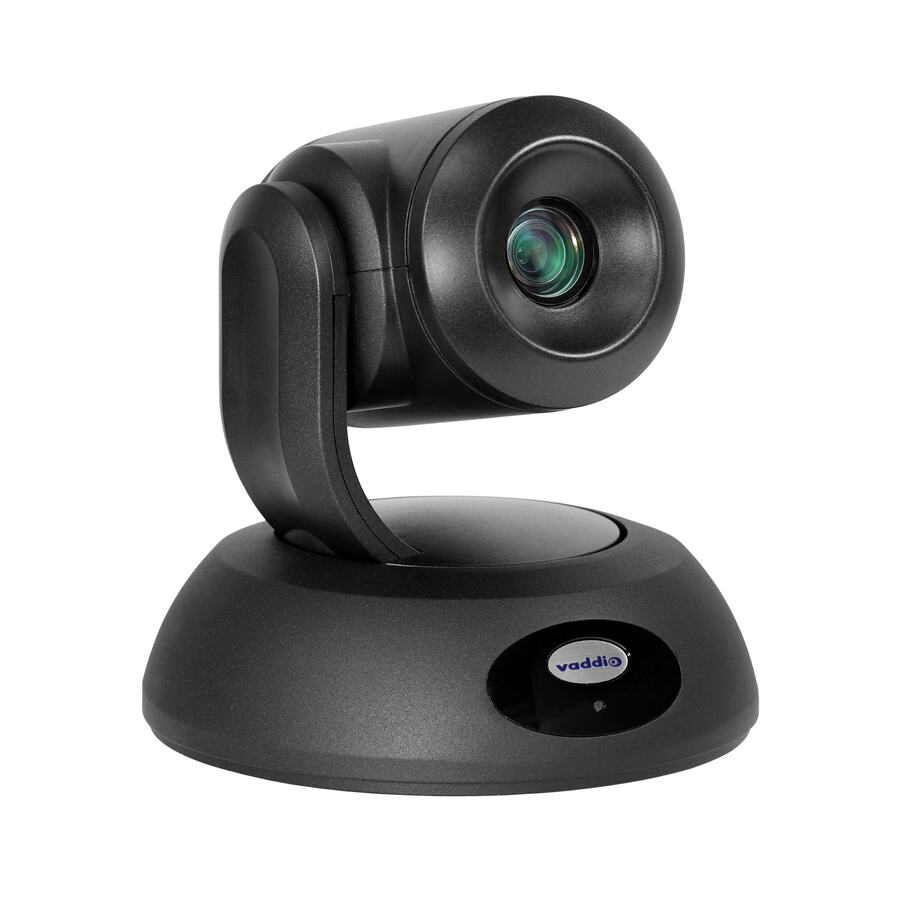
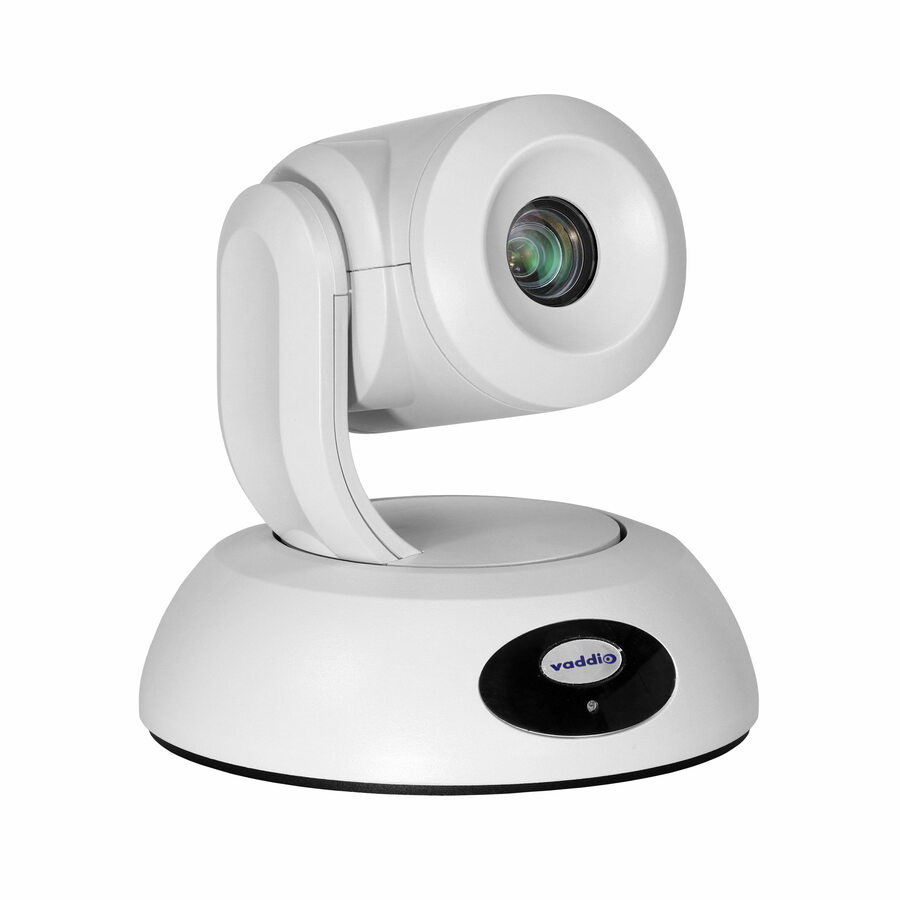
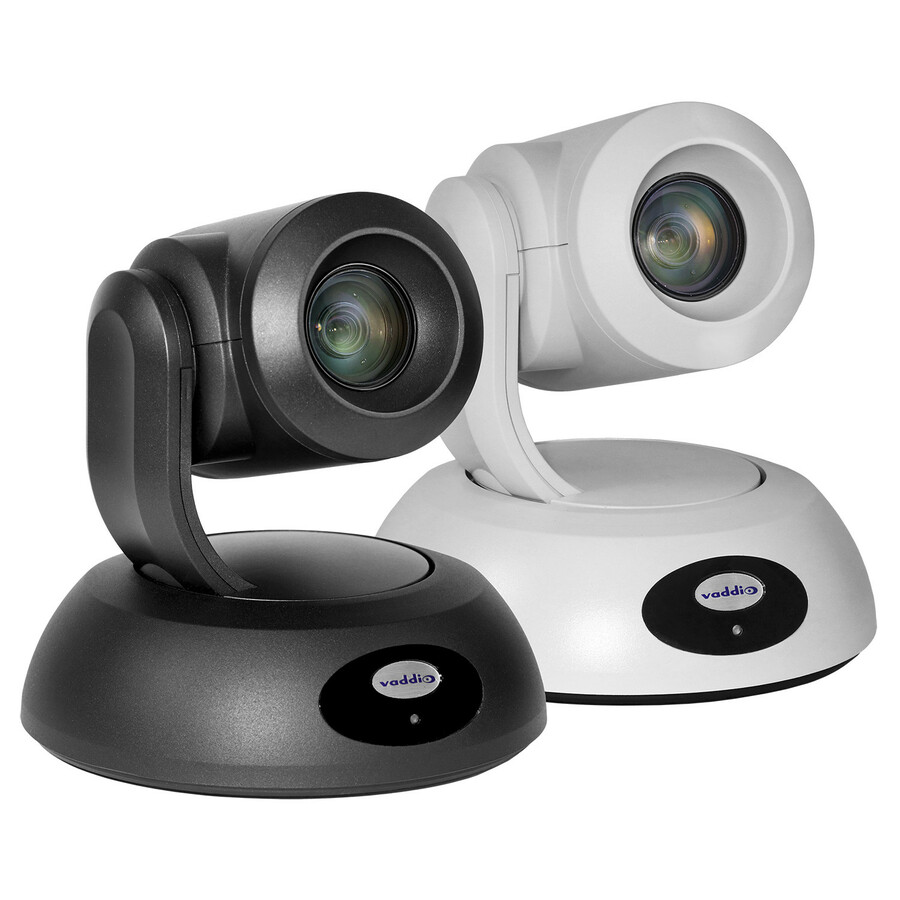
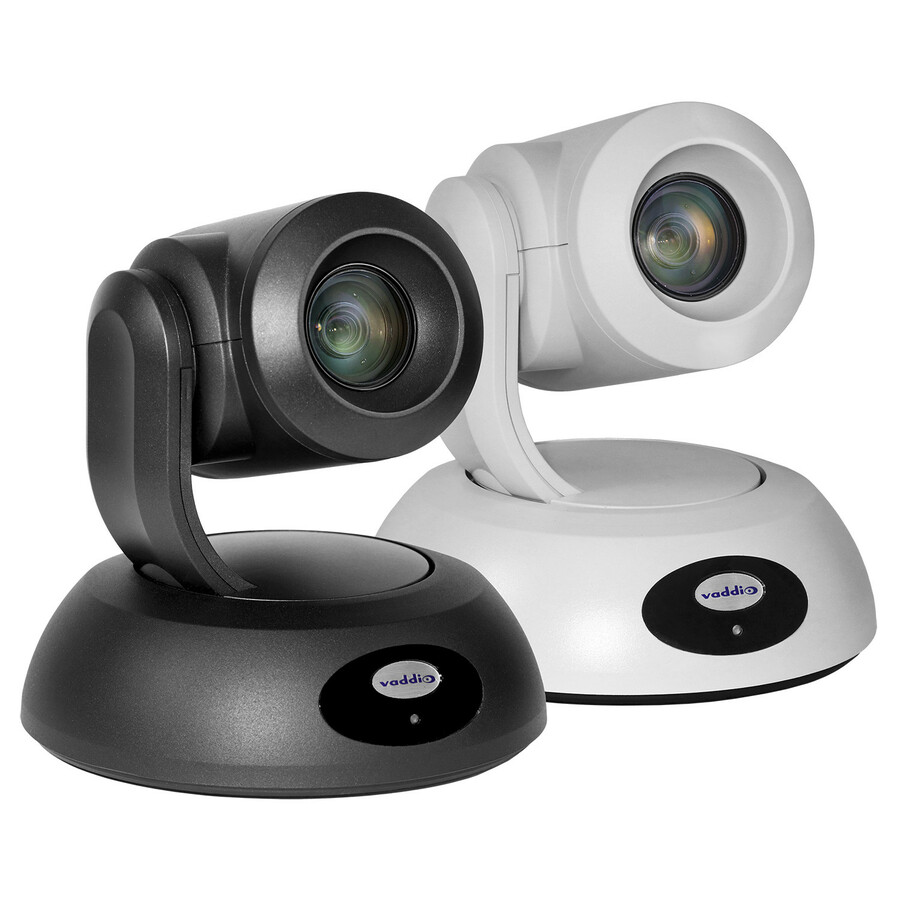
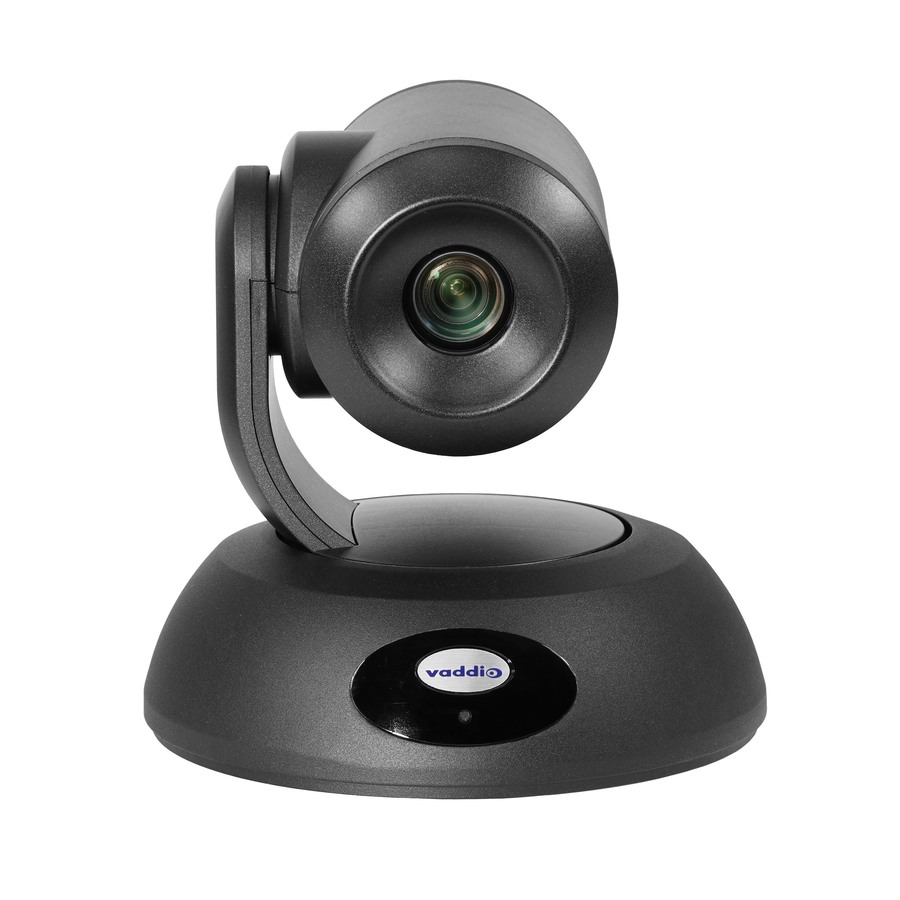
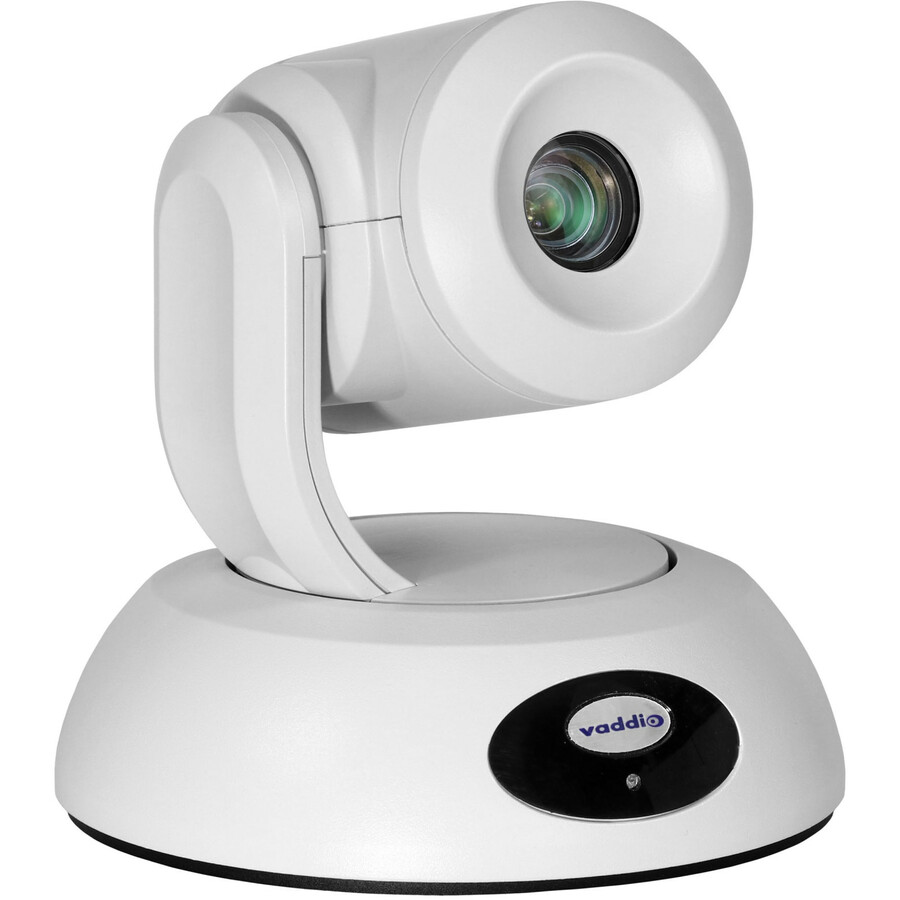
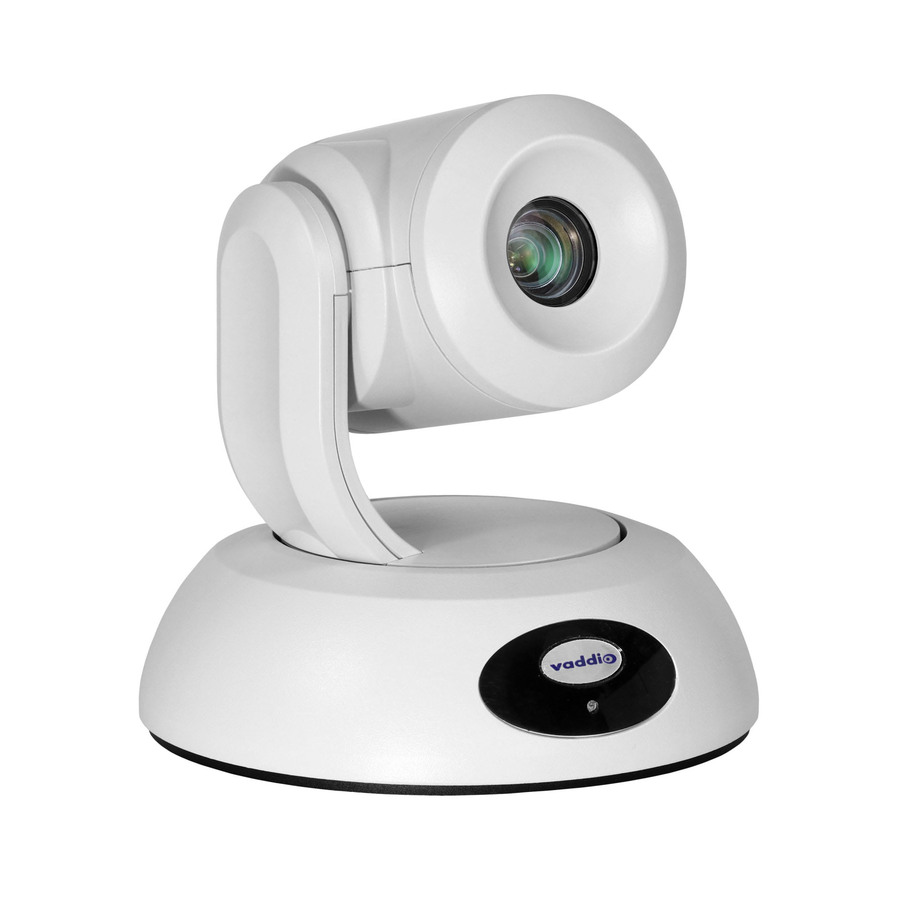
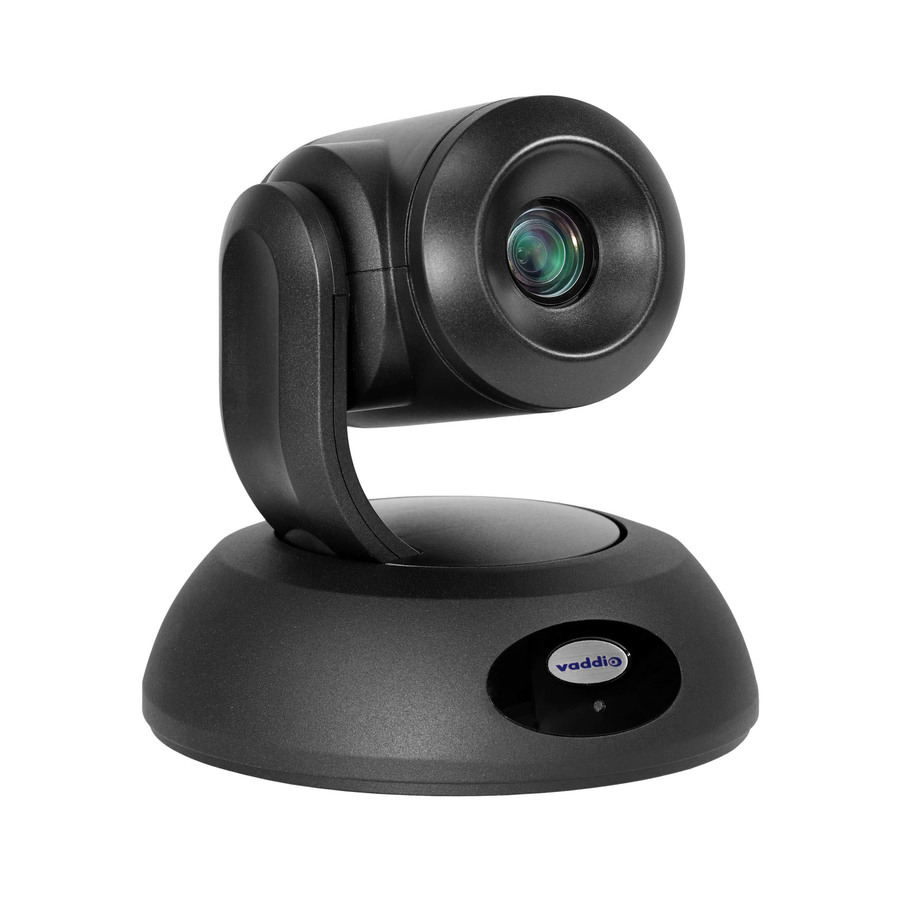
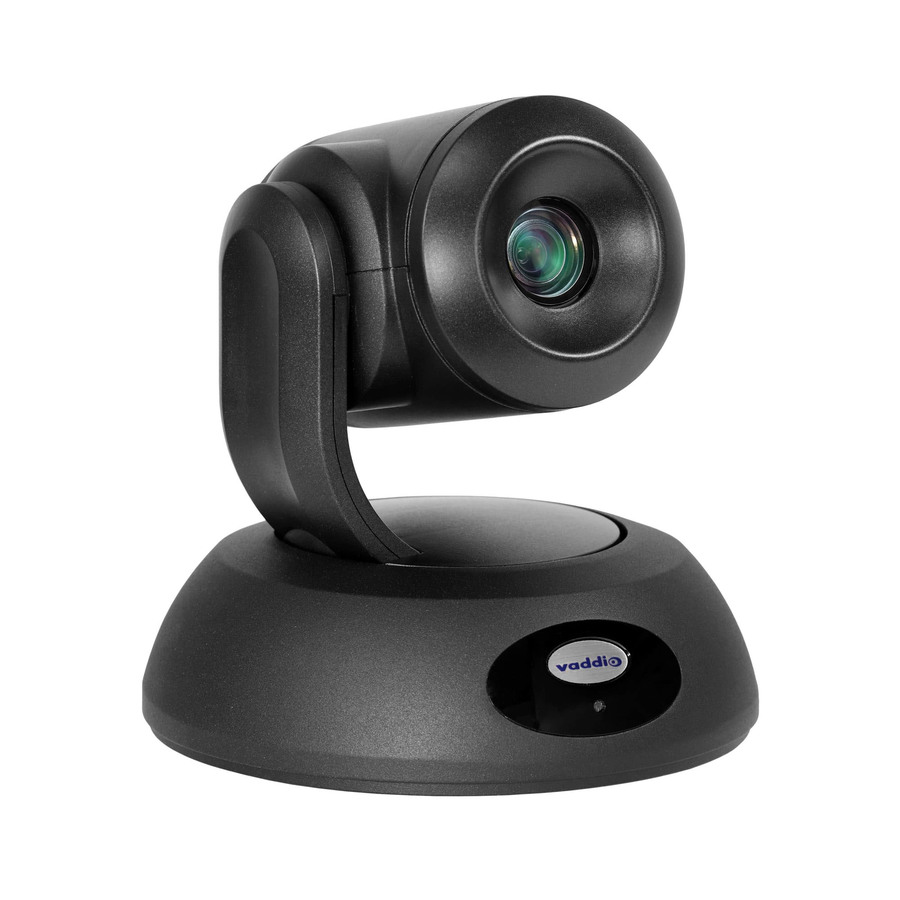
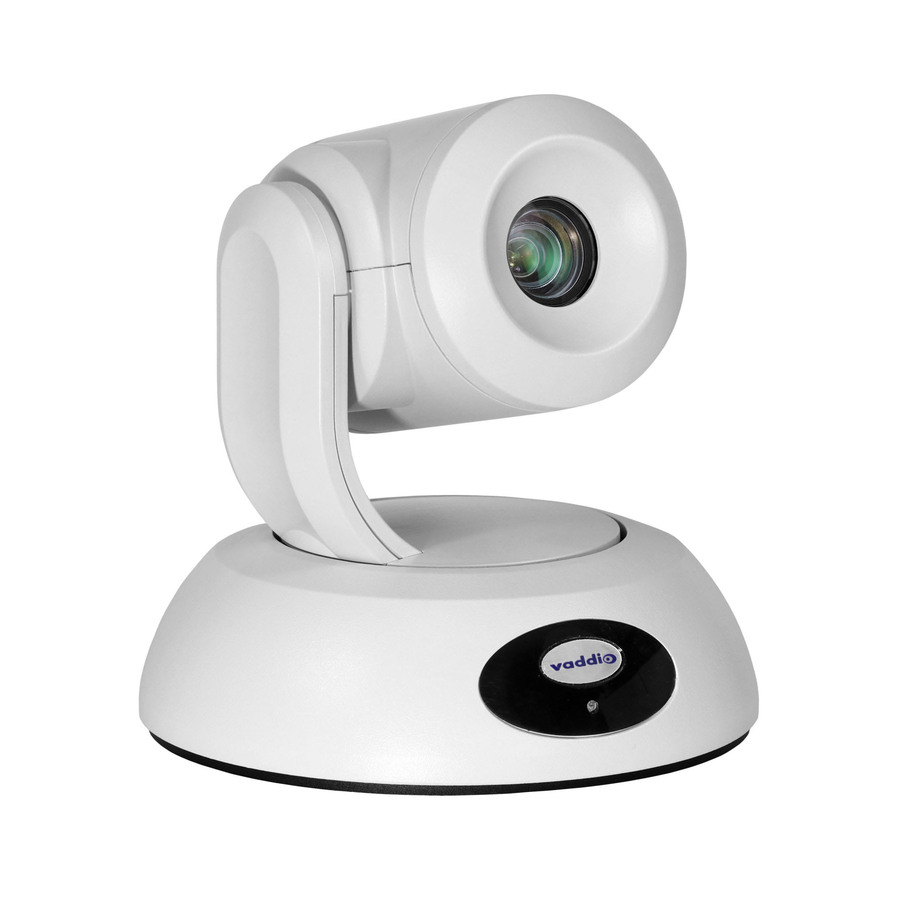
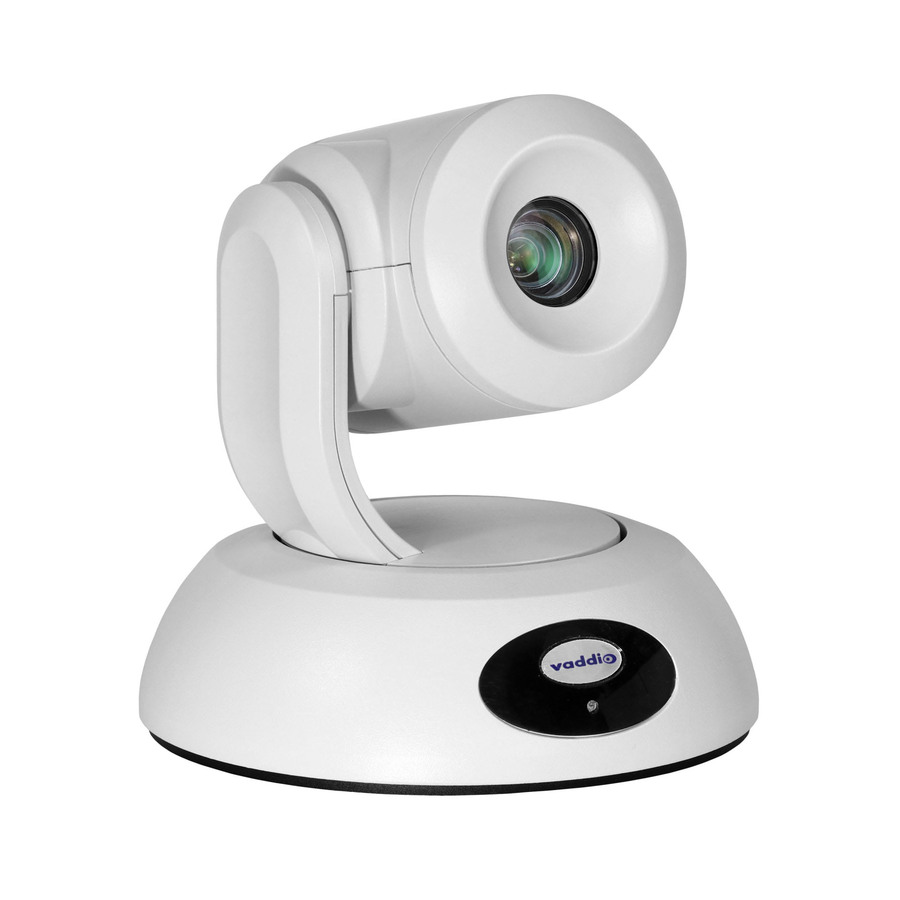
223 in stock - LegrandVaddio RoboSHOT 12E HDBT OneLINK Bridge Video Conferencing System - PTZ Camera and Interface - White - 1920 x 1080 Video - Network (RJ-45)999-99600-200W
$7,143.00
$6,744.91
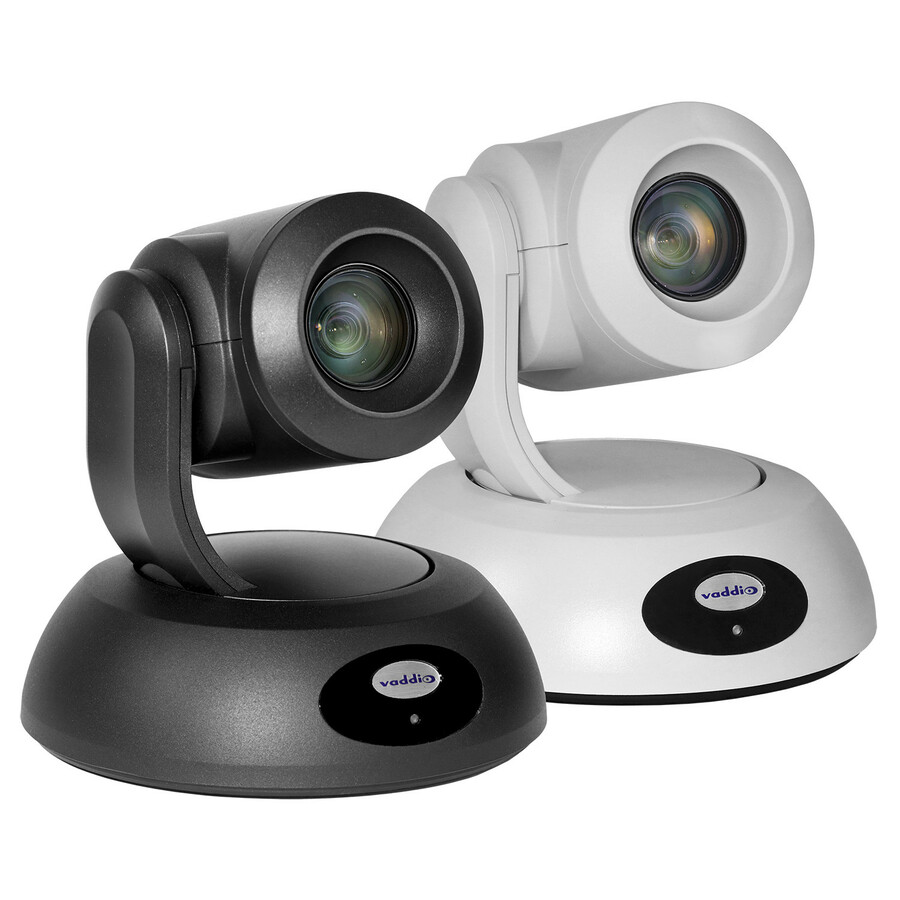
23 in stock - LegrandVaddio RoboSHOT 12E HDBaseT OneLINK Bridge Video Conferencing System - PTZ Camera - TAA Compliant - 1920 x 1080 Video - Network (RJ-45)999-99600-200
$7,315.00
$6,923.66
4 in stock




Need pricing on Adesso webcams?
Tell us where to reach you and a Uniqcli specialist will follow up by email with current pricing, availability and lead time for the quantities you need — including parts that aren’t shown on this page.
Buying for an organization or for yourself — both work. No payment up front.
What decides a classroom webcam is the mount, not the megapixels. A monitor clip suits a fixed teacher station; a tripod-thread unit suits a cart or a lab bench where the camera has to point at something other than the person using it. 1080p is enough for a teacher on a compressed meeting stream, so step up to 4K capture only where you crop into the image or need a wide board view.
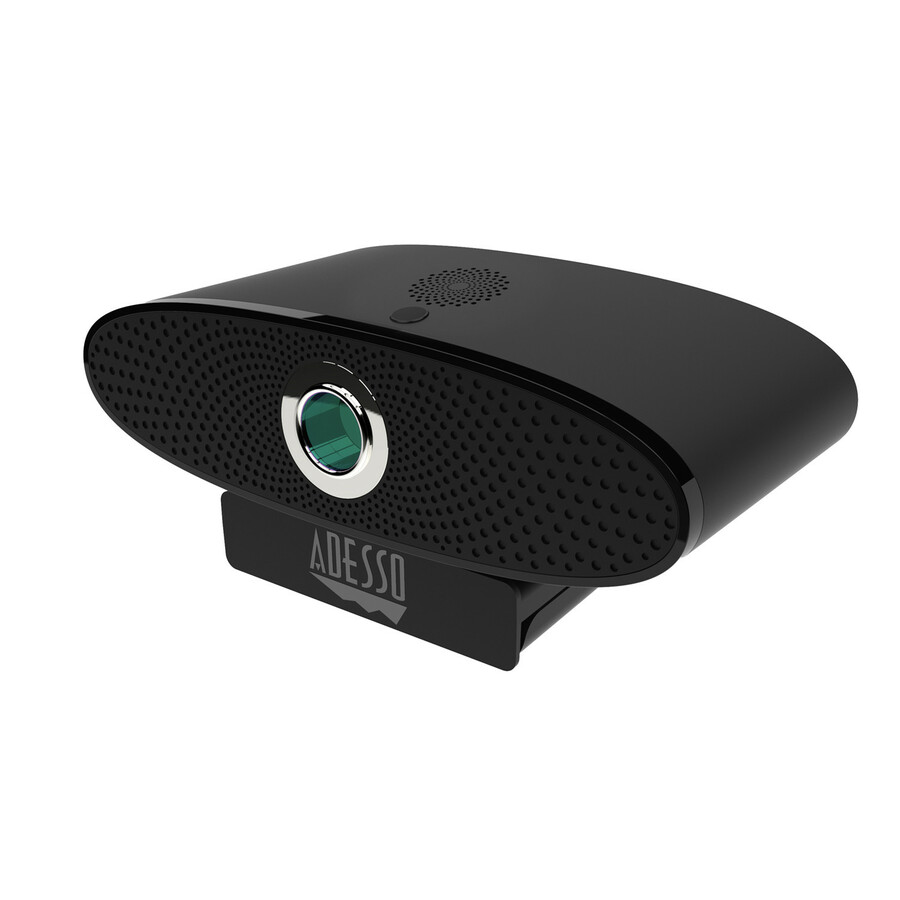
Adesso's CyberTrack line is a value-tier USB webcam bench: standard USB Video Class cameras that clip to a monitor or sit on a tripod thread, present themselves to Windows, macOS and ChromeOS without drivers, and cost little enough that a district can issue one per instructional space rather than per building. That is the shape of the actual purchase in K-12 — not a handful of premium room systems, but forty or four hundred identical cameras that have to arrive together and behave the same way in every room.
It is also the deepest in-stock bench we hold in this category. Thirteen of the fourteen photographed, priced CyberTrack rows in our catalog are in stock at the time of writing, which is the specification that actually matters when a purchase order needs to ship complete before an in-service day. A better camera you cannot get in quantity is not a better camera.
Be clear about what these are, though. These are teacher-station and desk cameras: fixed or manually focused USB units with an integrated microphone and, on several models, a physical privacy shutter. They are not room-scale conferencing hardware. If the requirement is a lecture hall, an auto-framing room bar or a pan-tilt-zoom camera covering a seminar table, that is a different product category with a different budget line — look at the premium conferencing brands instead of stretching a desk camera to cover a room.
Buyer's checklist
How to choose a classroom webcam
- Buy by mount, not by megapixels. A monitor clip is right for a fixed teacher station; a tripod-thread unit is right for a cart, a lab bench or anywhere the camera needs to point at something other than the person using it.
- 1080p is enough for a teacher on a compressed meeting stream. Move up to a 4K-capture model only where you will crop into the image or need a wide board view to stay legible.
- Choose the focus behavior to match the room. Fixed focus is more predictable on a locked-down station where the subject distance never changes; autofocus is worth it where a teacher holds work up to the lens or steps back to a whiteboard.
- Wider is not automatically better. A very wide field of view pulls in the whole room — including students who may not be intended to appear on camera — so match the angle to the framing policy, not to the biggest number on the box.
- Prefer a model with a physical privacy shutter. In a classroom it is a real control rather than a cosmetic one, and it is a procurement checkbox that answers itself when the shutter is visibly closed.
- Confirm the microphone plan separately. An integrated webcam mic is fine for one person at a desk and poor for a room; if the class is being heard as well as seen, budget a dedicated microphone.
- If the buy is federally funded, screen TAA and NDAA §889 at the part-number level — several CyberTrack listings are explicitly marked TAA compliant and neighboring models in the same line are not.
- Standardize on one SKU per room type and order spares in the same purchase order, so a failed camera is a swap rather than a new requisition.
How a district webcam buy actually breaks down
Four use cases account for most of the volume, and they want different things. The permanent teacher station is the largest group: a camera clipped to the classroom monitor, pointed at one adult who sits or stands in a known spot, used for absent-student streaming, remote guest speakers and recorded instruction. Fixed focus and 1080p are entirely adequate here, and predictability beats specification — a camera that always frames the same way is a camera nobody files a ticket about.
The cart or lab bench is the second group, and it is the one that benefits from a tripod thread and a higher capture resolution. Here the camera is often pointed at a task rather than a face — a bench experiment, a shop tool, a keyboard during a software demonstration — and the ability to crop into a 4K frame without the image falling apart is genuinely useful. It is also the group most likely to get knocked, so a solid mounting foot matters more than an extra megapixel.
Administrative and front-office stations are the third group, and they are a straightforward business webcam purchase: a modest 1080p camera with a shutter, deployed the same way you would deploy one in any office. The fourth group is the small pool of higher-capability units a district keeps centrally — the wide-angle or 4K models signed out for recording, board meetings and one-off events. That pool should be small and deliberately chosen; if it grows, the requirement has quietly become room-scale conferencing and should be re-scoped as such.
What the value tier gets right, and where it stops
What it gets right is the whole reason to buy it. These enumerate as standard USB Video Class devices, so a mixed fleet of Chromebooks, Windows laptops and Macs treats them identically with no driver package to manage and nothing to push through an MDM. Several listings name Zoom, Webex, Teams and other platforms directly, and several are marked TAA compliant. Most carry an integrated microphone and a physical shutter, and the unit cost is low enough that a one-per-room standard survives a budget review.
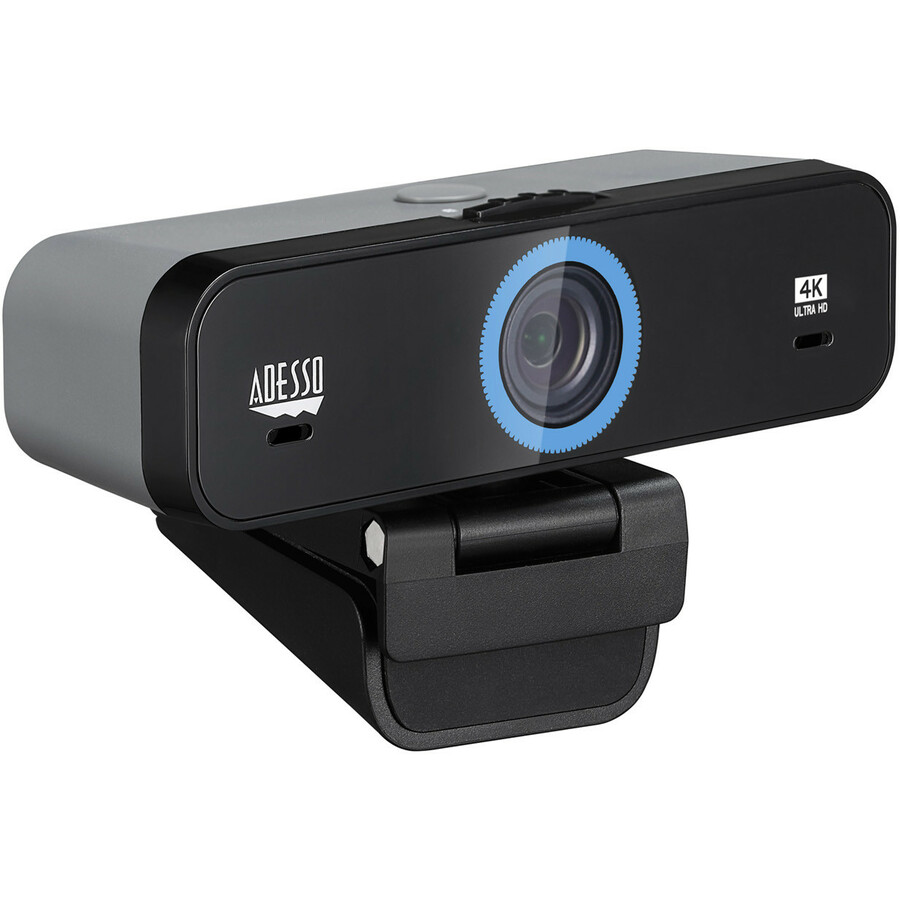
Where it stops is worth stating plainly. These are USB 2.0 devices in the listings, and several of them advertise a 3840 by 2160 capture at thirty frames per second. Treat that 4K figure as capture resolution and cropping headroom rather than a promise of uncompressed 4K arriving at the far end of a meeting — the interface, the compression and the meeting platform's own bitrate all sit between the sensor and the viewer. In practice the 4K models earn their place because you can crop into the frame, not because a distant participant sees 4K.
The other honest limits are physical and optical. Low-light performance in a value-tier camera is what it is; a classroom with the blinds drawn and the projector on will look noisy. The clips and stands are plastic and the hinges are the first thing to fail on a cart. There is no pan, tilt or auto-framing, so the camera points where a human last pointed it. And a built-in microphone hears the person in front of it, not the class behind them. None of these are defects at this tier — they are the trade you make for being able to buy four hundred of them.
Reading the spec line before you standardize
Megapixels and video resolution are not the same claim, and in this category the video line is the one that matters. An eight-megapixel sensor paired with a 3840 by 2160 video mode is a 4K-capture camera; a two-megapixel sensor paired with 1920 by 1080 is a 1080p camera. Read the video resolution and the frame rate together — thirty frames per second is the norm across this bench, and it is fine for instruction.
Field of view is the specification most often chosen badly. The CyberTrack line spans narrow desk angles through to very wide options, and the widest are not the safest default in a classroom: a wide camera pointed at a teacher also captures whoever is sitting behind them. Pick the angle that frames the intended subject and no more, and put the genuinely wide units in the central pool where their use is deliberate.
Finally, check the focus type and the shutter on the specific model rather than assuming it from the family. Within this one line there are manual-focus, fixed-focus and autofocus models, some with a privacy shutter or cap and some without, and some carrying an explicit TAA compliance marking while a sibling model does not. That variation is exactly why standardizing on a single part number per room type — rather than on a brand or a family — is the decision that keeps a rollout clean.
Deployment, spares and privacy
Physical deployment is most of the work. Plan the cable run per room type: a monitor-clipped camera wants the cable dressed down the stand and out of reach, and a cart-mounted camera wants a coil with strain relief because the connector is what breaks when the cart is moved. Watch total USB cable length and avoid daisy-chaining through an unpowered hub — a camera at the end of a long, shared run is the most common cause of a picture that drops or downgrades itself mid-lesson. Label the port on the teacher machine so nobody has to guess.
Buy spares in the same purchase order at roughly one per twenty to twenty-five installed cameras, and asset-tag them like any other endpoint. In a value-tier category the failure mode is mechanical rather than electronic, and a central spare pool turns a broken clip into a five-minute swap. Standardizing on one part number is what makes that possible; a building with five different cameras has no spares, only inventory.
Privacy deserves its own paragraph, and an honest one. A physical shutter is a real control and a visible one, which is why it belongs on the standard specification for any camera in a room with students in it. But a camera is not a compliance instrument — it does not make a deployment compliant with student-privacy obligations, and it does not answer questions about recording, retention or consent. Those are policy decisions that need to exist before the hardware arrives: where cameras may point, when they may record, who may enable them, and what happens to the recording afterwards. Specify the policy first and the hardware becomes a straightforward purchase.
FAQ
Common questions
- Do Adesso CyberTrack webcams work with Chromebooks?
- They present as standard USB Video Class devices, which is the class ChromeOS, Windows and macOS all support natively, so no driver package is required. Several CyberTrack listings name ChromeOS support explicitly alongside Windows and macOS. For a mixed fleet, that driverless behavior is usually the strongest practical argument for this tier of camera.
- Is a 4K webcam worth it for a classroom?
- Only for specific rooms. For a teacher on a compressed meeting stream, 1080p and 4K look much the same to the people watching. The 4K models earn their cost where you crop into the image — a camera pointed at a bench task, a wide board view that needs to stay legible, or footage that will be edited later. Note too that these listings pair a 4K capture mode with a USB 2.0 interface, so the 4K figure is capture and crop headroom rather than an uncompressed 4K feed to the far end.
- Are these webcams TAA compliant?
- Some models in the line are explicitly marked TAA compliant on their listings and others are not, and the marking is specific to the part number rather than to the CyberTrack family as a whole. If TAA status is a requirement of the funding source, tell us at quote time and we will screen and document the exact part numbers on the order.
- How is this different from a conference-room camera?
- Scope and optics. A desk webcam has a fixed lens, no motorized movement and a microphone tuned for one person close to it. A room camera or video bar adds a much wider or motorized lens, auto-framing or speaker tracking, and a microphone array designed to pick up several people at a distance. For a lecture hall, a seminar table or any space where the class itself needs to be seen and heard, specify room hardware rather than stretching a desk camera to cover it.
- How does Uniqcli handle TAA and NDAA §889 screening on a classroom order?
- Every line Uniqcli quotes is sourced through US distribution and screened for TAA country-of-origin and NDAA §889 status before checkout — with documentation tied to the specific part number, not a product family.
Need Adesso webcams pricing?
Send a bill of materials or part numbers — we confirm stock and a below-market total, with TAA verified on request. No payment up front.