
Best AVer Document Cameras for Classrooms
Flexarm, wireless and USB AVer visualizers for classroom and lab instruction — a deliberately short bench.
AVer document cameras in stock at Uniqcli
How to choose →A curated selection with live pricing — in-stock lines first, then back-ordered lines with a typical lead time. Every line is sourced through US distribution and screened for NDAA §889 status before checkout, with TAA verified on request.
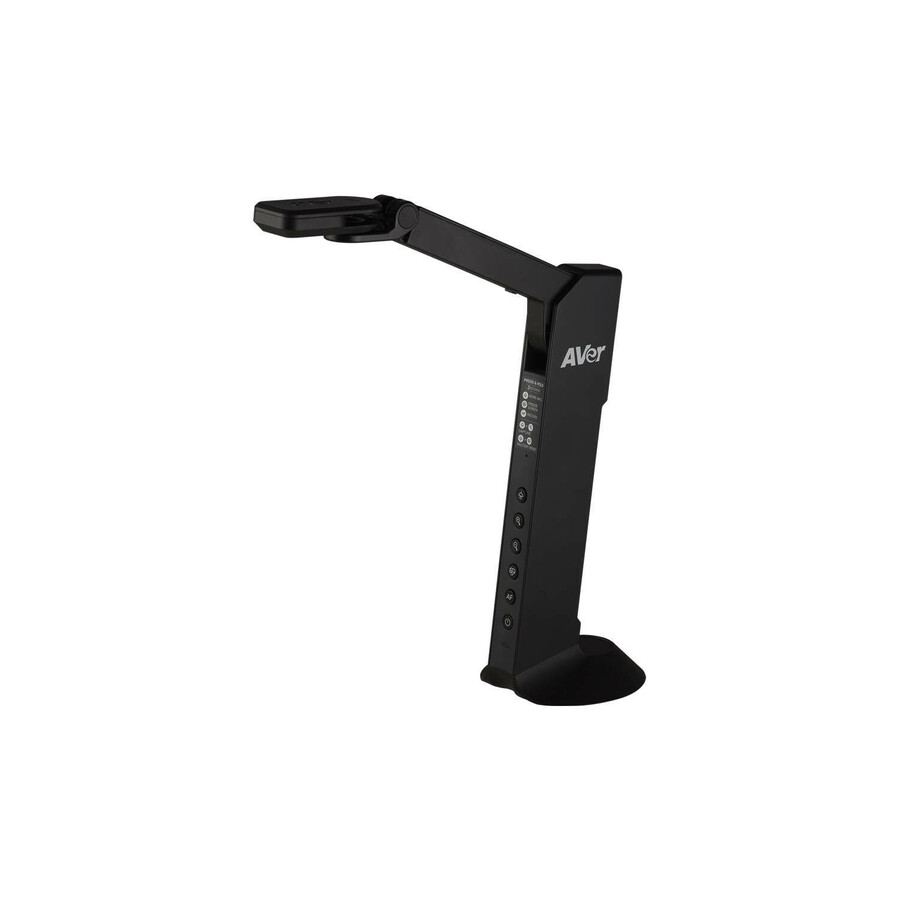
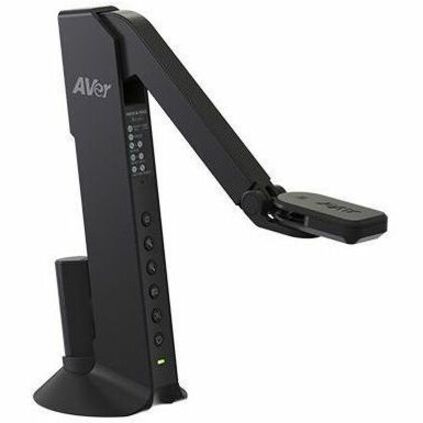
- AVer InformationAVer USB/HDMI Document Camera - 0.33" CMOS - 20x Digital Zoom - 60 fpsVISIM118M
$272.23
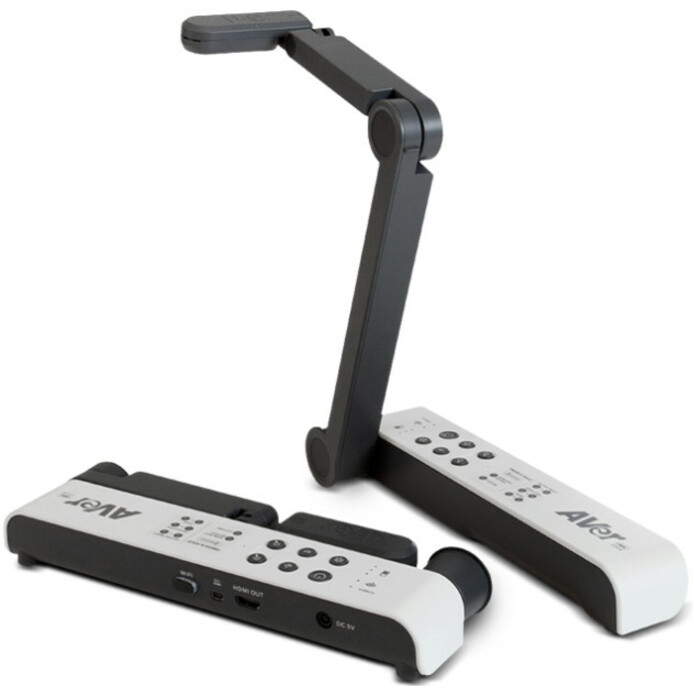
6 in stock - AVer InformationAVerVision M15W Wireless Document Camera - 23x Digital ZoomVSIONM15W
$542.50
1 in stock Back-ordered — we expect to receive stock the week of Dec 14–20 and will process your delivery right after.
- AVer InformationAVerVision Mechanical Arm Wireless Visualizer (Document Camera) - CMOSVISIM11WB
$398.24
Back-orderedBack-ordered — estimated OEM lead time 3–8 weeks (Nov 13 – Dec 18 if ordered today).
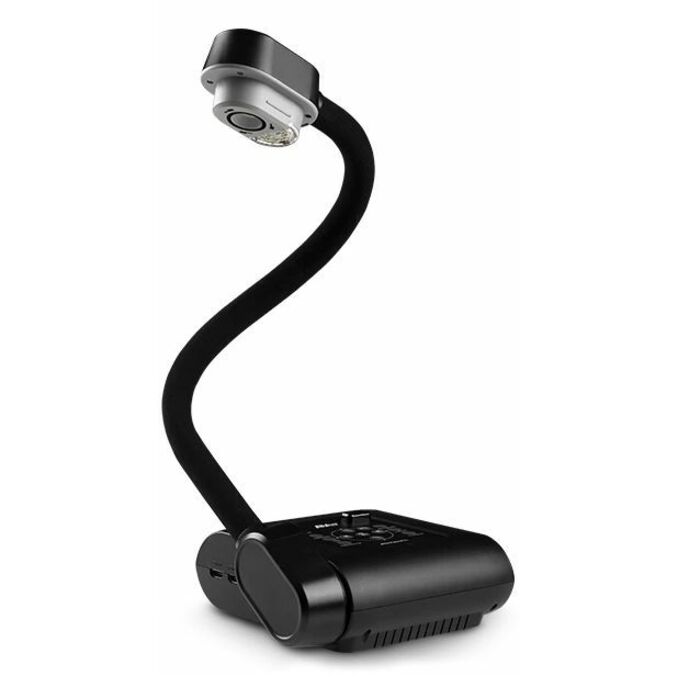
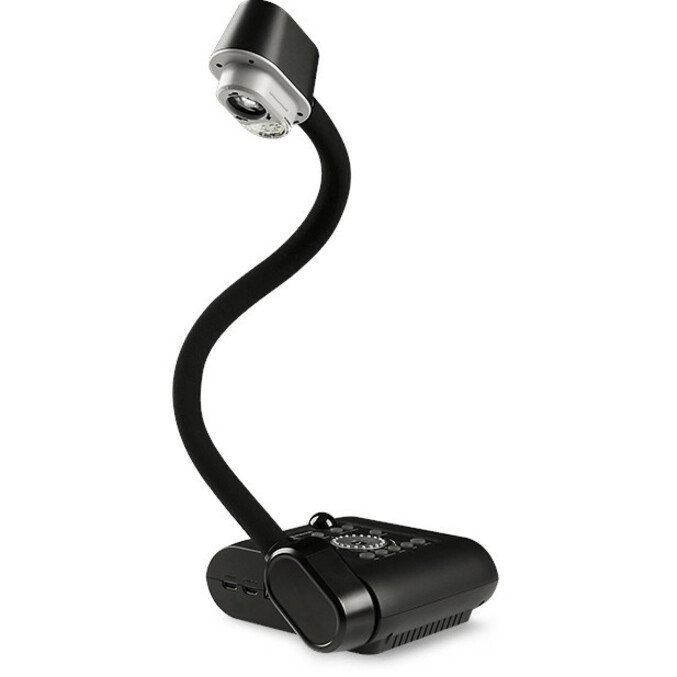
- AVer InformationAVer Portable Flexarm Document Camera - 0.32" CMOS - TAA CompliantVISF17PLS
$542.50*
Back-orderedBack-ordered — estimated OEM lead time 3–8 weeks (Nov 13 – Dec 18 if ordered today).
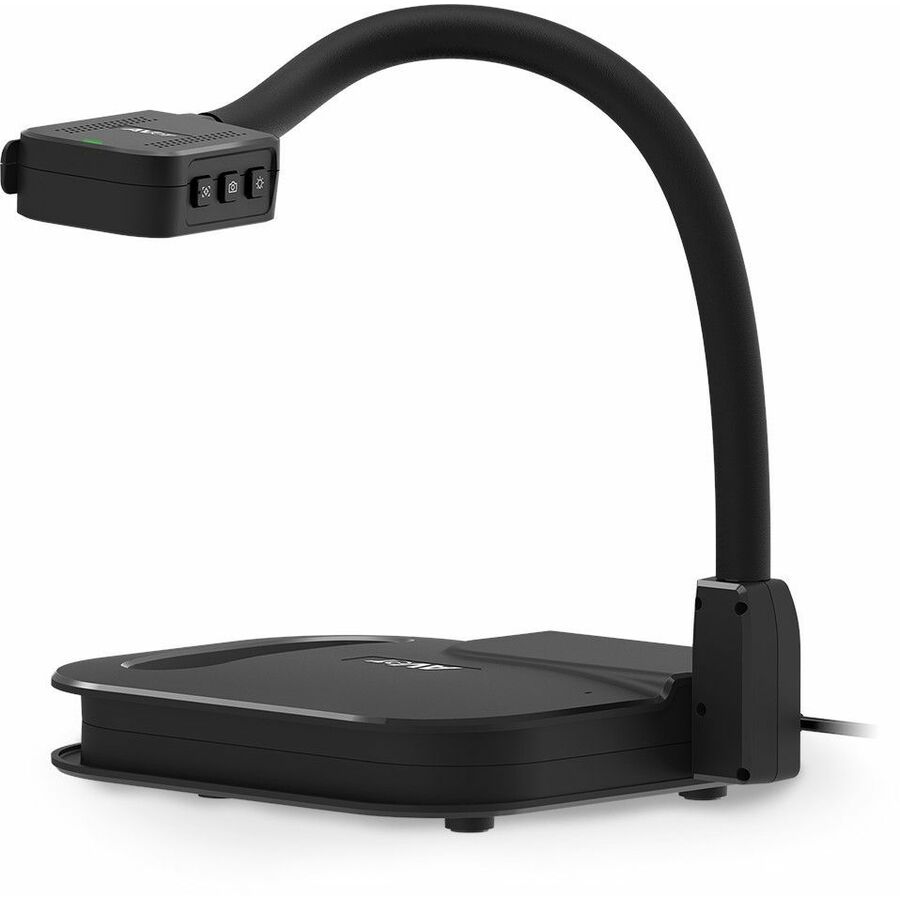
- AVer InformationAVer F50+ 4K Versatile Document Camera - 0.33" CMOS - 10x Optical Zoom - 23x Digital Zoom - 60 fpsVISF50PLS
$680.59
Back-orderedBack-ordered — estimated OEM lead time 3–8 weeks (Nov 13 – Dec 18 if ordered today).
More document cameras in the Uniqcli catalog
See all 37 document camerasMore AVer first — closest to what you were just looking at; “See all document cameras” above opens every other brand in the category. In-stock lines lead, and a back-ordered line carries the same estimated availability its product page does — with live pricing throughout, NDAA §889 screening before checkout and TAA verified on request.
- ViewSonicViewSonic Plug-and-play USB document camera - Plug-and-play USB document cameraVB-VIS-002
$239.00
$172.08
689 in stock - AdessoAdesso Cybertrack 810 Document Camera - CMOS - 3.8x Optical ZoomCYBERTRACK 810
$199.99
$187.78
166 in stock - AdessoAdesso 8 Megapixel Fixed-Focus A3 Document Camera Scanner with OCR Function - CMOSCybertrack 820
$169.99
$160.47
1,284 in stock - AdessoAdesso 5 Megapixel Fixed-Focus A4 Document Camera Scanner with OCR Text Recognition - CMOSCyberTrack 520
$129.99
$122.98
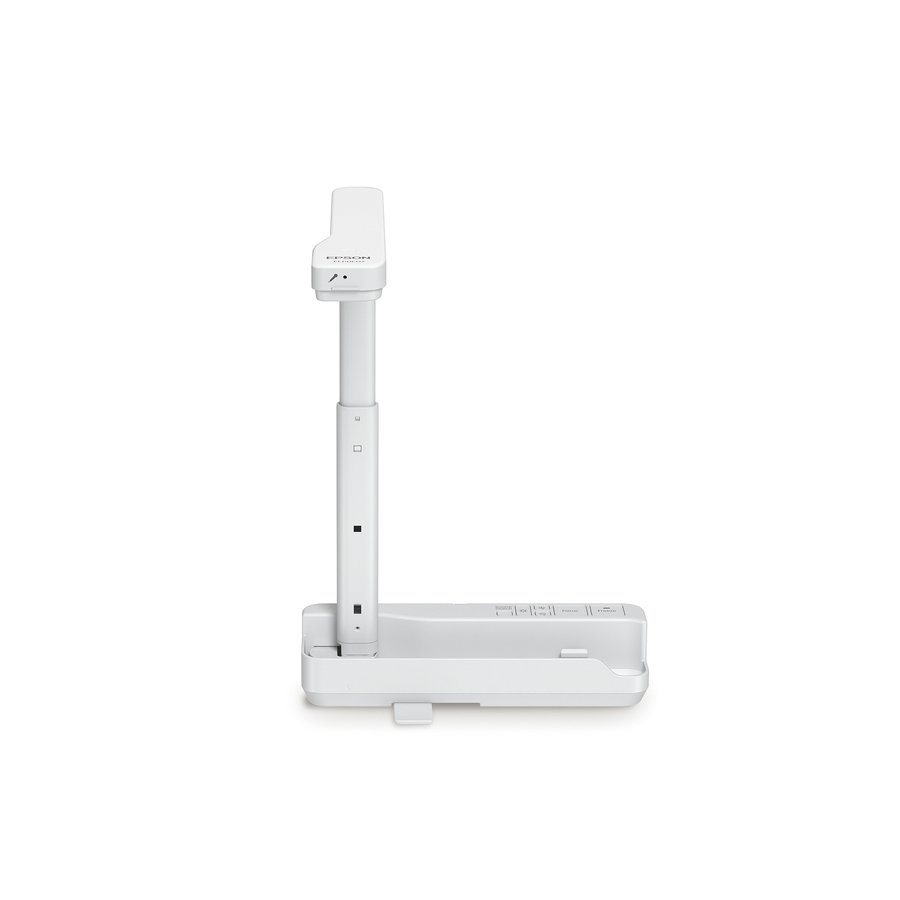
5,780 in stock - EpsonEpson DC-21 Document Camera - 2 Megapixel - 0.37" CMOS - 12x Optical Zoom - 10x Digital ZoomV12H758020
$588.98
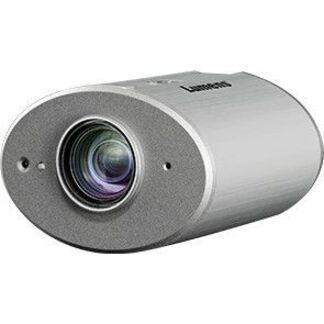
10 in stock - LumensLumens 4K Ceiling Camera - 0.35" CMOS - 15x Digital Zoom - 29 fpsCL511
$5,020.00
$3,652.31
Back-orderedBack-ordered — estimated OEM lead time 3–8 weeks (Nov 13 – Dec 18 if ordered today).
Back-ordered — estimated OEM lead time 3–8 weeks (Nov 13 – Dec 18 if ordered today).
- LumensLumens 20x Zoom Document Camera - 0.33" CMOS - 10x Optical Zoom - 12x Digital Zoom - 30 fpsDC193
$1,150.00
$869.15
Back-orderedBack-ordered — estimated OEM lead time 3–8 weeks (Nov 13 – Dec 18 if ordered today).
- LumensLumens 20x Zoom Document Camera - 0.33" CMOS - 10x Optical Zoom - 12x Digital Zoom - 30 fpsPC193
$1,150.00
$869.15
Back-orderedBack-ordered — estimated OEM lead time 3–8 weeks (Nov 13 – Dec 18 if ordered today).
- LumensLumens DC172 4K HDMI Document Camera - 0.33" CMOS - 30x Digital Zoom - 60 fpsDC172
$900.00
$686.30
Back-orderedBack-ordered — estimated OEM lead time 3–8 weeks (Nov 13 – Dec 18 if ordered today).
- LumensLumens 4K Portable USB Document Camera - 0.33" CMOS - 16x Digital Zoom - 60 fpsDC136
$550.00
$430.03
Back-orderedBack-ordered — estimated OEM lead time 3–8 weeks (Nov 13 – Dec 18 if ordered today).
- SMART TechnologiesSMART Document Camera - 0.66" CMOS - 10x Optical Zoom - 23x Digital Zoom - 60 fpsSDC-650
$935.00
$835.29
Back-orderedBack-ordered — estimated OEM lead time 3–8 weeks (Nov 13 – Dec 18 if ordered today).
- LumensLumens HD/2K USB Document Camera - 0.33" CMOS - 16x Digital Zoom - 30 fps - TAA CompliantDC132U
$460.00
$378.04*
Back-orderedBack-ordered — estimated OEM lead time 3–8 weeks (Nov 13 – Dec 18 if ordered today).
- LumensLumens HD/2K USB Document Camera - 0.25" CMOS - 30 fps - TAA CompliantDC-F20
$360.00
$292.12*
Back-orderedBack-ordered — estimated OEM lead time 3–8 weeks (Nov 13 – Dec 18 if ordered today).
- AdessoAdesso 4K 11-Megapixel Dual Mode Document Camera and Webcam - 0.33" CMOSCybertrack 830
$199.99
$187.14
Back-orderedBack-ordered — estimated OEM lead time 3–8 weeks (Nov 13 – Dec 18 if ordered today).
Back-ordered — estimated OEM lead time 3–8 weeks (Nov 13 – Dec 18 if ordered today).
Back-ordered — estimated OEM lead time 3–8 weeks (Nov 13 – Dec 18 if ordered today).
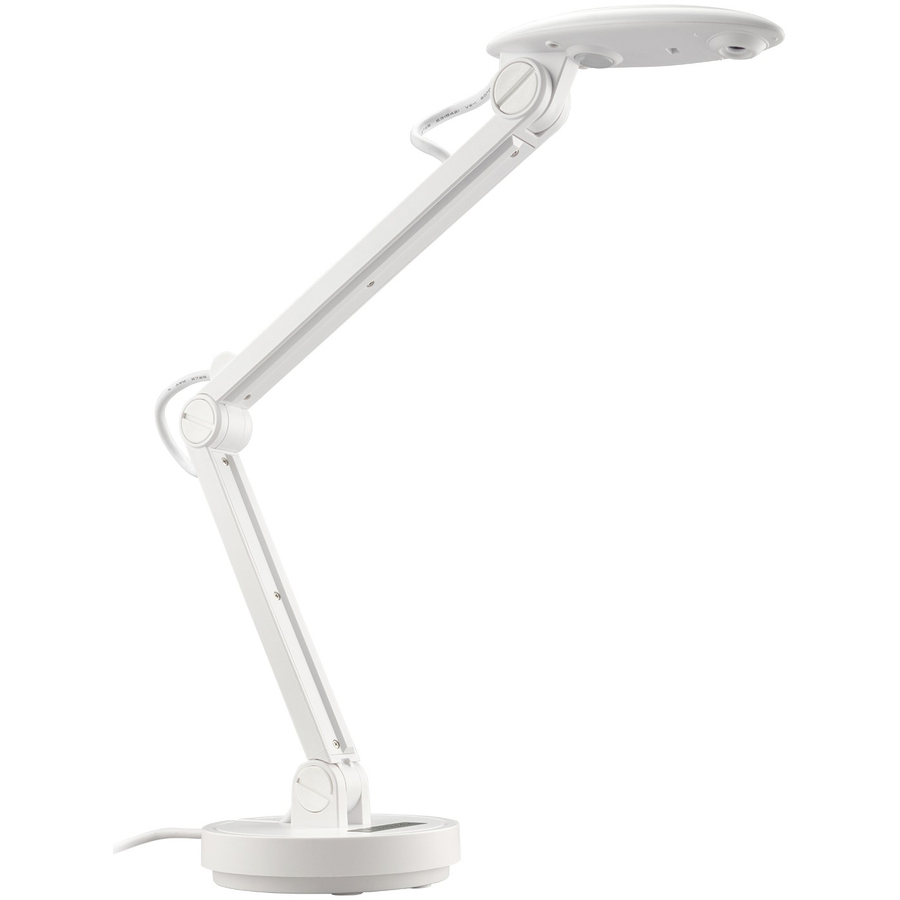
- AMBIRAMBIR Flexicam Document Camera and Webcam (Model # FC204-AC) - 30 fpsFC204-AC
$141.54
Back-orderedBack-ordered — estimated OEM lead time 3–8 weeks (Nov 13 – Dec 18 if ordered today).
Back-ordered — estimated OEM lead time 3–8 weeks (Nov 13 – Dec 18 if ordered today).

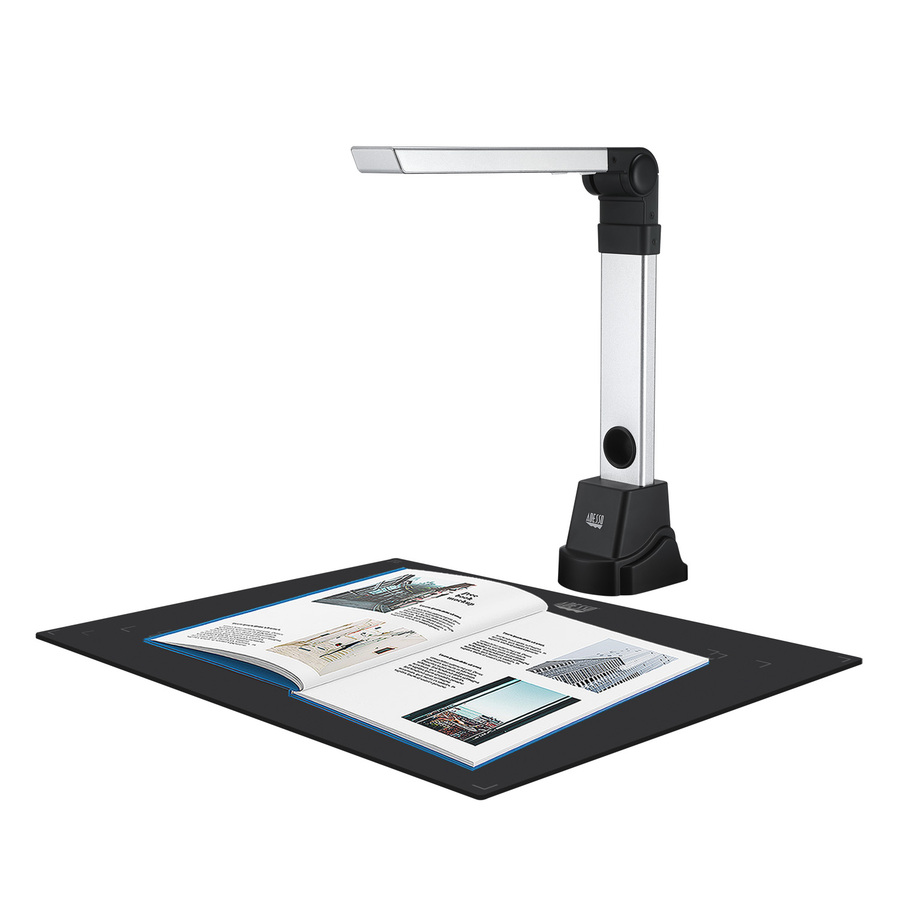

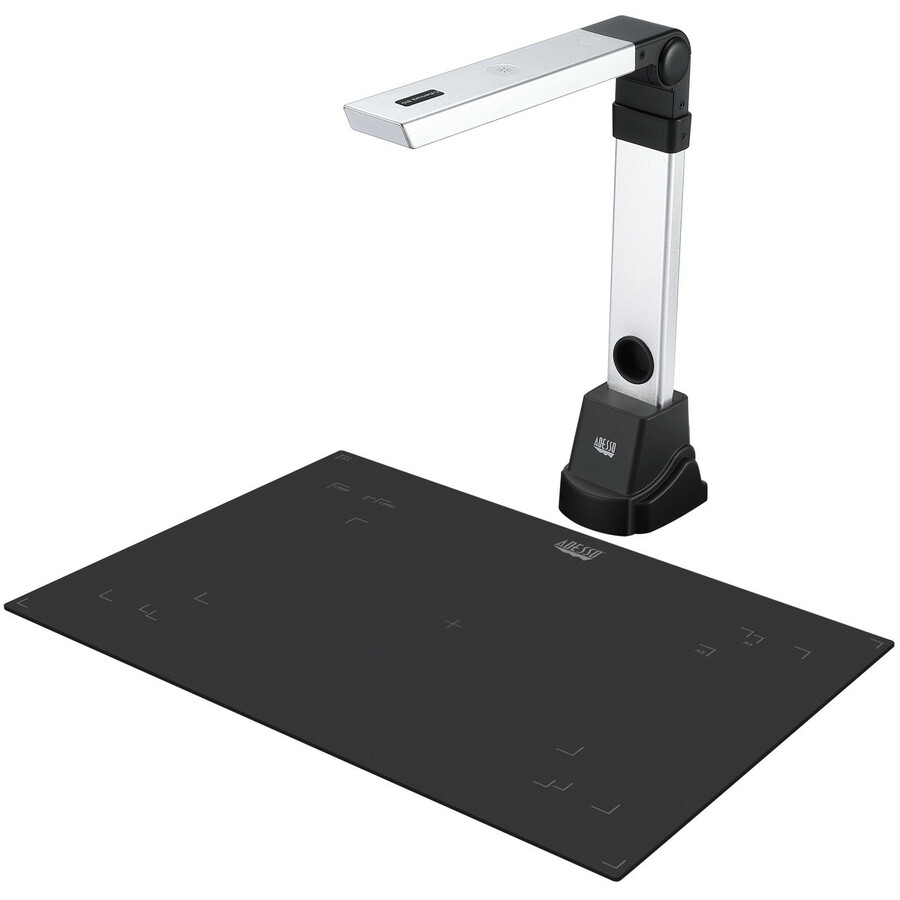
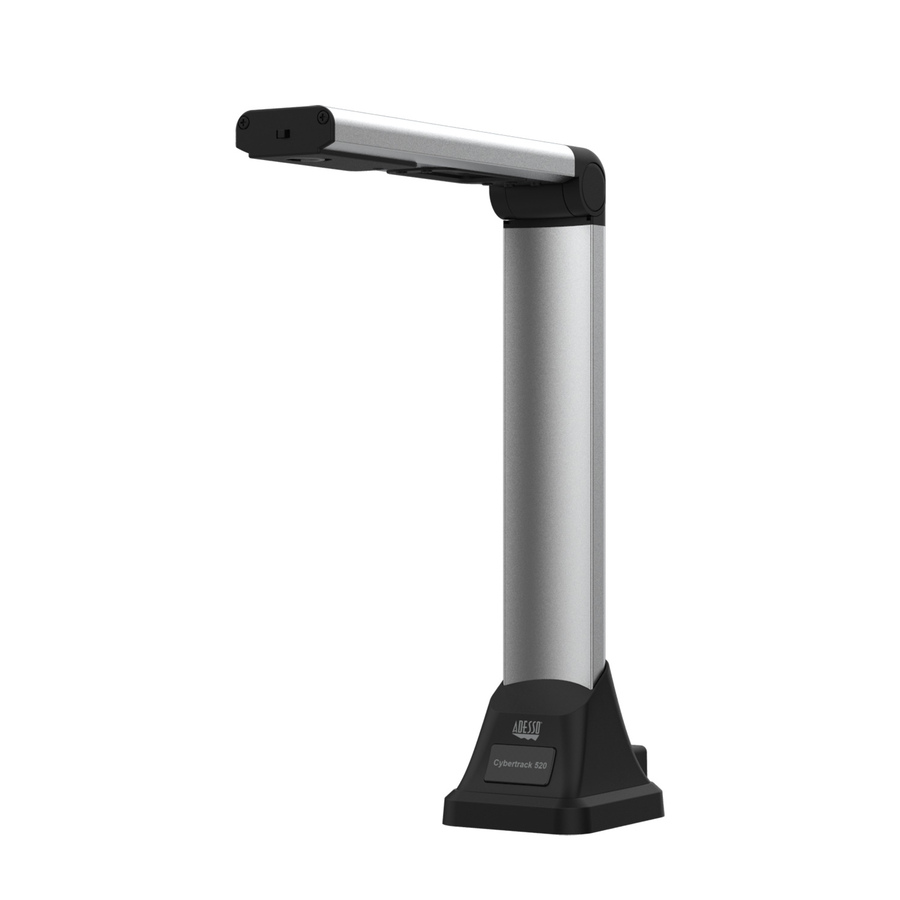
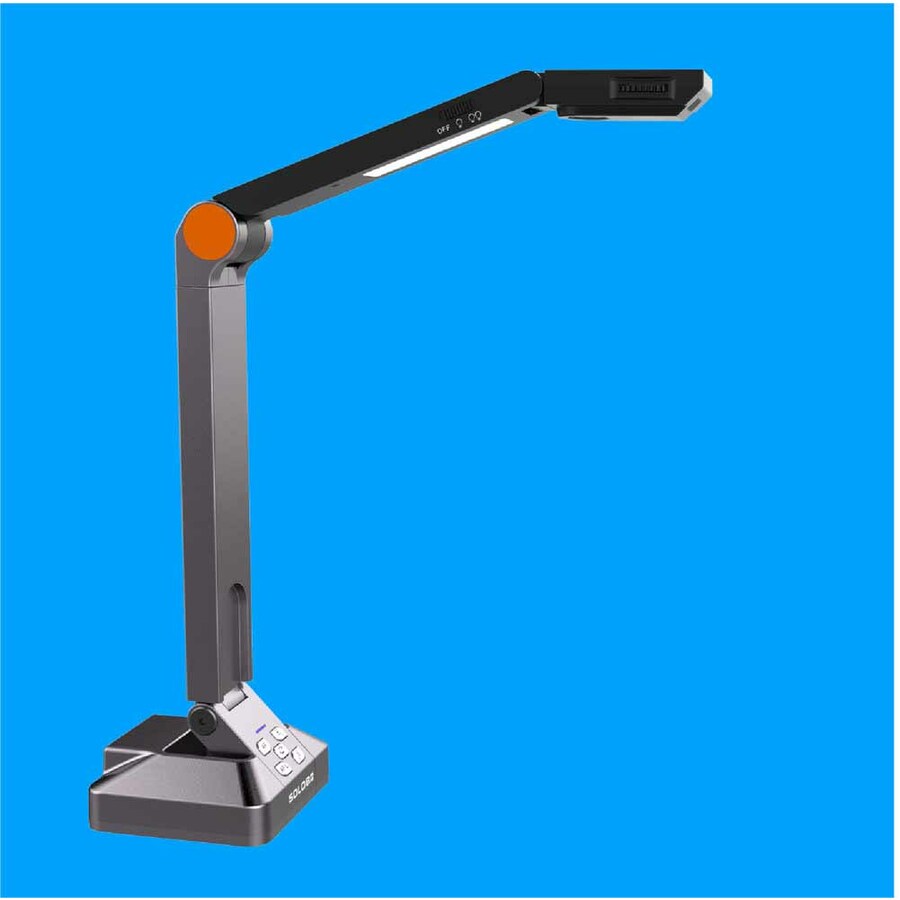




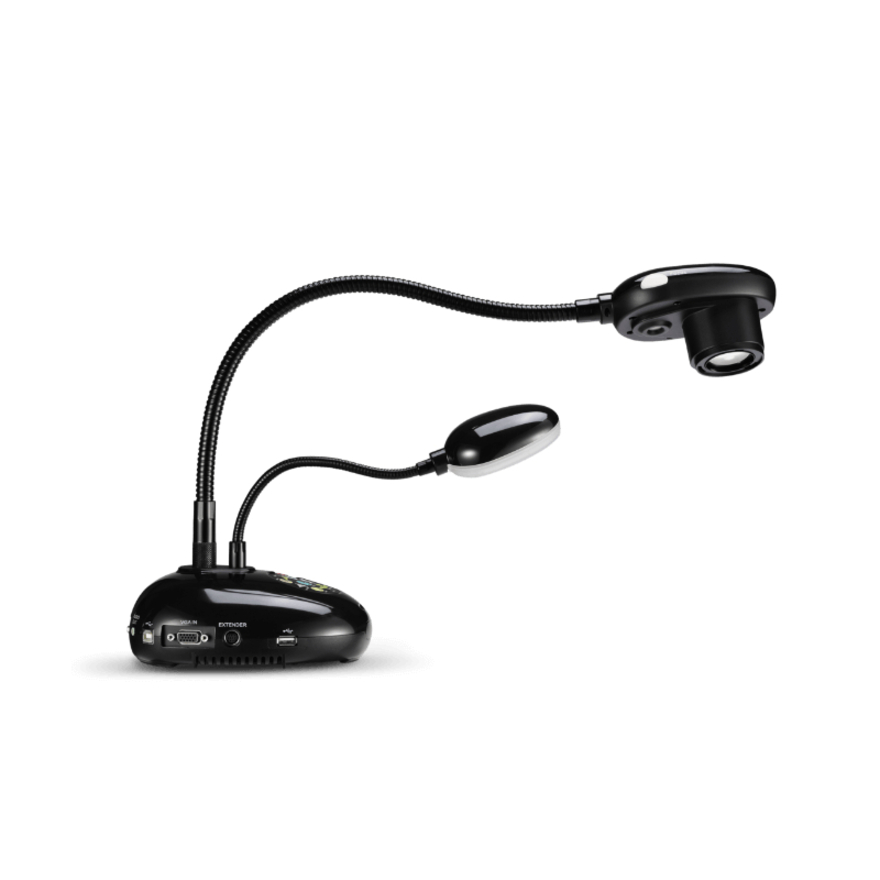
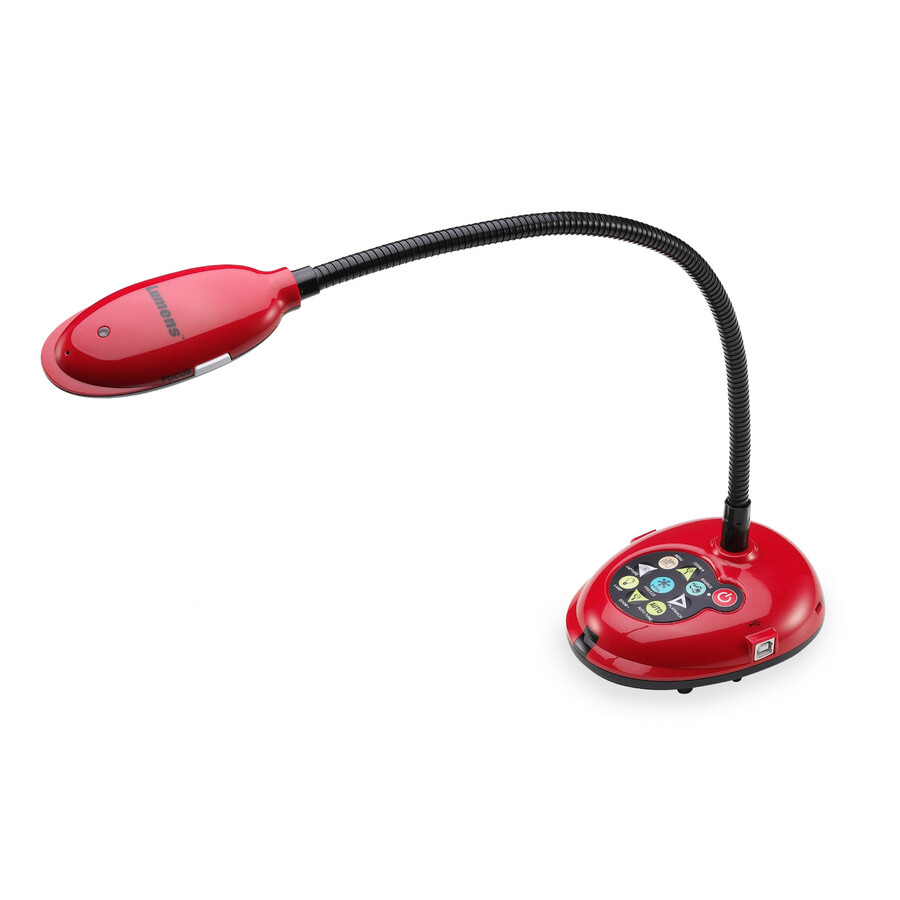
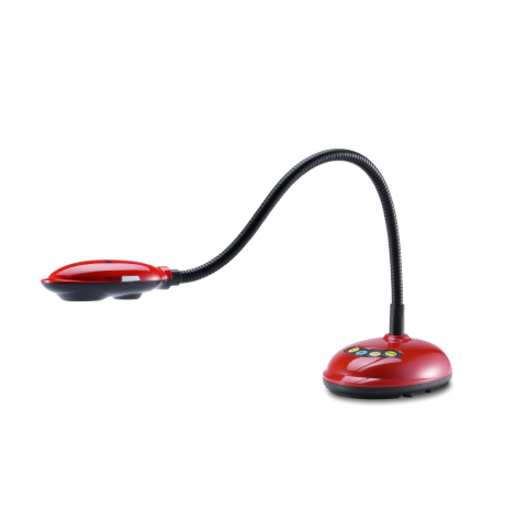
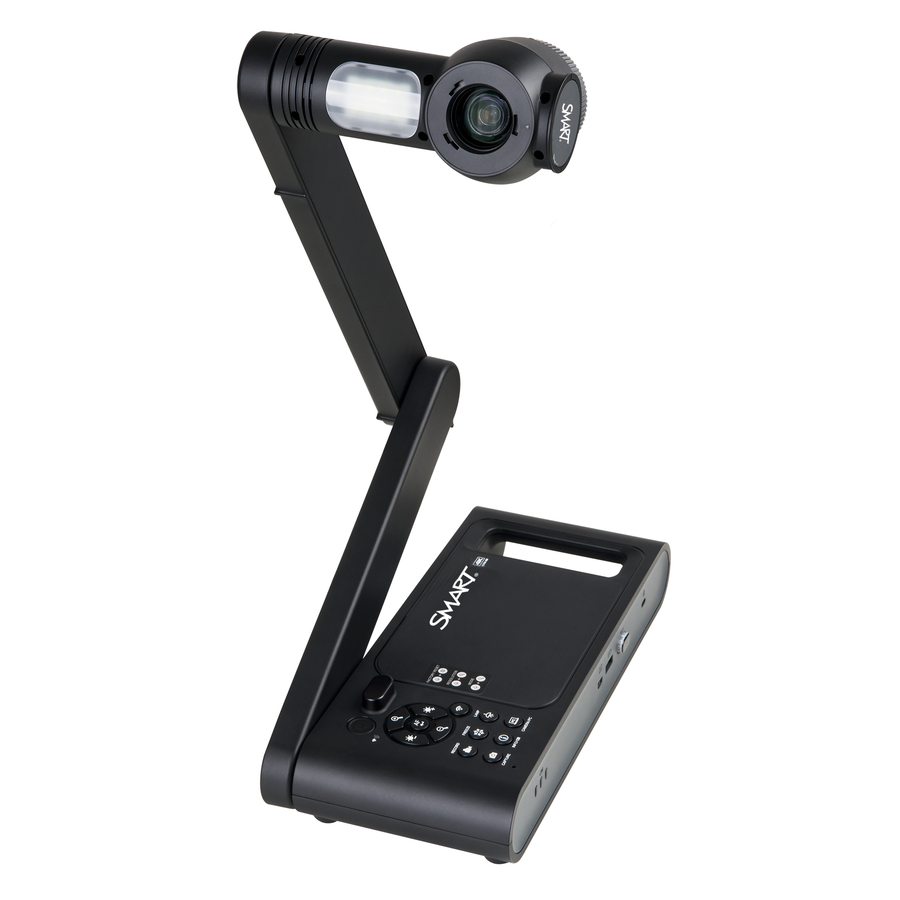

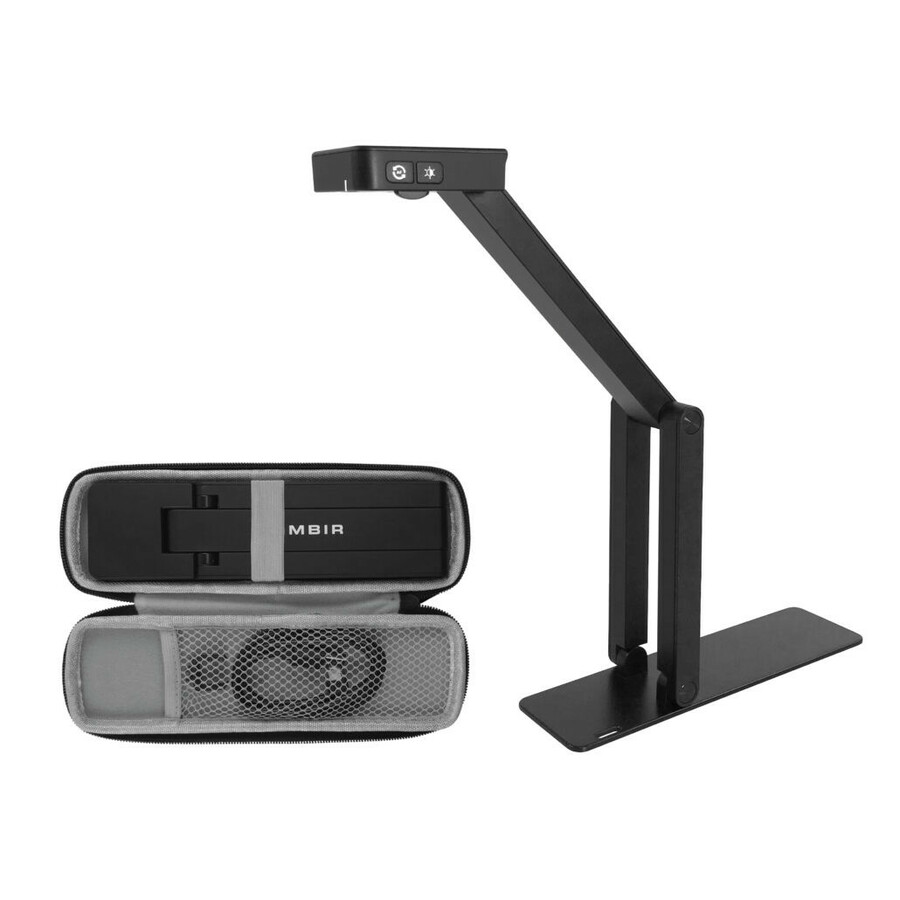

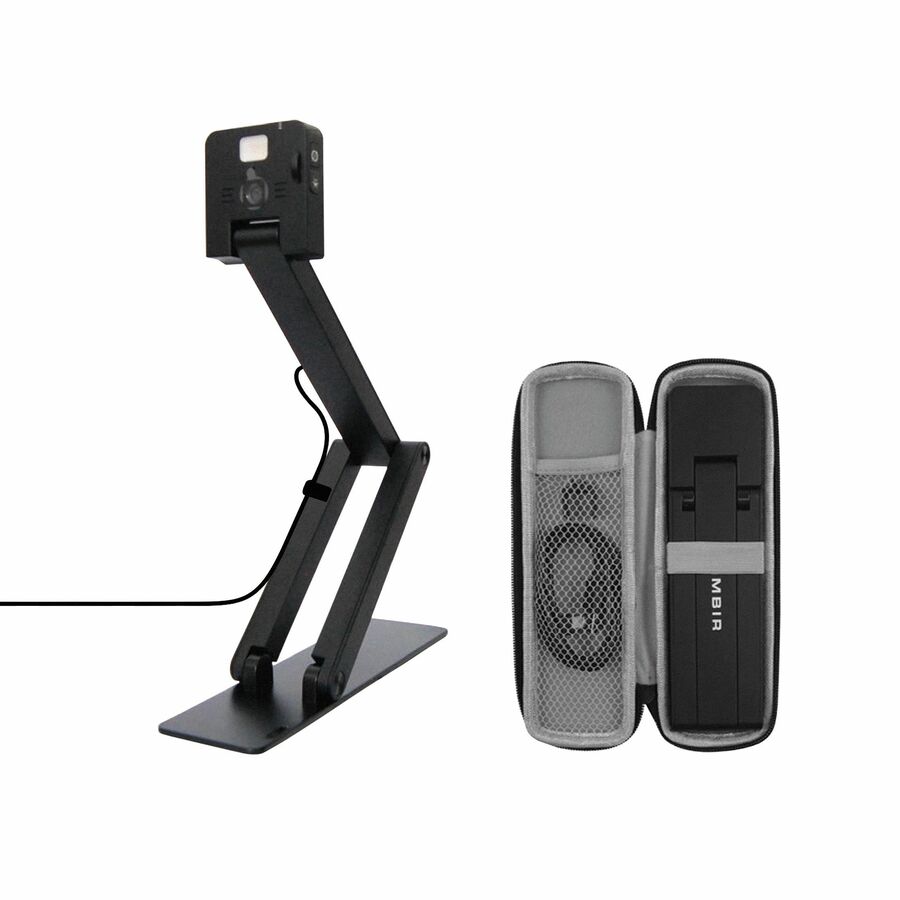
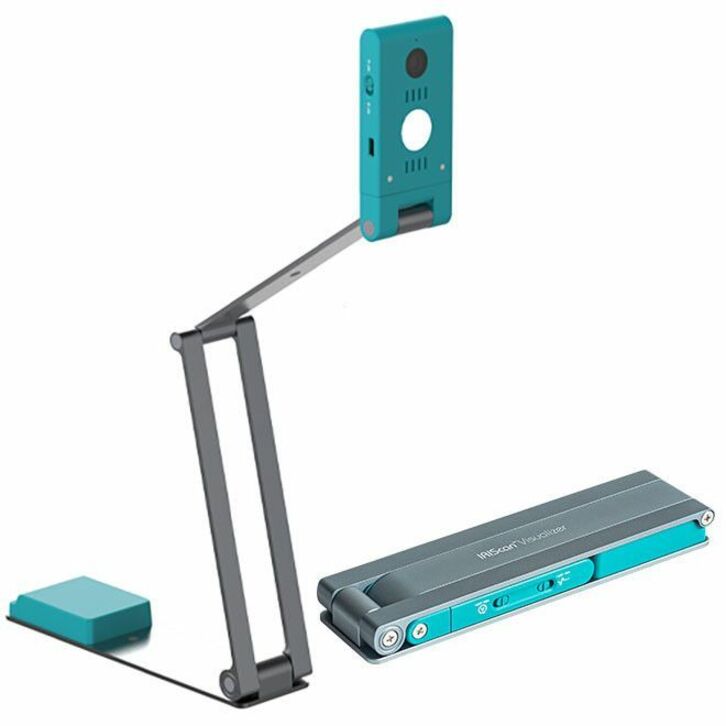
Need pricing on AVer document cameras?
Tell us where to reach you and a Uniqcli specialist will follow up by email with current pricing, availability and lead time for the quantities you need — including parts that aren’t shown on this page.
Buying for an organization or for yourself — both work. No payment up front.
The arm and the output sort classroom document cameras. A flexible gooseneck suits a teacher who repositions constantly, a mechanical arm suits a fixed station, and a folding portable suits a cart. Then match the output: a USB-only camera needs a computer in the signal path, while HDMI out drives a panel or projector directly. Only optical zoom preserves detail at range.
A document camera — a visualiser, in most of the world outside the United States — is a small overhead camera that puts a physical object on the room display: a worked problem, a page of a textbook, a dissection tray, a circuit board a student is soldering. It is the least glamorous piece of classroom AV and one of the most used, because it is the only device in the room that shows the class what the teacher's hands are doing in real time.
AVer is the brand we hold the broadest working selection of. Across every brand we carry, this is a genuinely thin category — a few dozen photographed, priced rows in total, and most brands have only one or two units on the shelf at any moment. AVer is the exception in range rather than in volume: the selection below covers the three form factors that account for most classroom deployments, and it is the only single-brand bench we hold where all three are represented at once.
We would rather show you six honest rows than pad a six-row category into a fake top ten. If you are specifying a district-wide rollout — one camera per instructional space across forty buildings — the right path is a quote conversation rather than a shopping cart, because at that volume availability, mount type and refresh timing matter more than the list on this page.
Buyer's checklist
How to choose a classroom document camera
- Decide the arm before anything else — a flexible gooseneck suits a teacher who repositions constantly, a mechanical arm suits a fixed station where the camera should stay exactly where it was left, and a folding portable unit suits a cart or a shared cabinet.
- Match the output to the display already in the room. A USB-only camera needs a computer in the signal path; a unit with HDMI out can drive a panel or projector directly, which matters in rooms where the teacher machine is a Chromebook or is not always present.
- Treat wireless as a network decision, not a convenience feature — it removes a cable run but adds a pairing and Wi-Fi policy dependency that your network team has to approve before you order at scale.
- Optical zoom and digital zoom are not the same purchase. Digital zoom crops the sensor and softens the image; only optical zoom preserves detail at range, and it is the single biggest reason to move up a tier.
- Frame rate is worth checking for anything that moves — a hand writing, a titration, a mechanism turning. Sixty frames per second is visibly smoother than thirty on motion, and unremarkable on a static page.
- If the purchase is federally funded, screen TAA country-of-origin and NDAA §889 status at the part-number level, not the product-family level. Some units in an AVer line carry a compliance marking that a sibling model does not.
- Standardize one model per room type. Uniform mounts, uniform spares and one training video beats a marginally better camera in each room.
The three shapes that cover most classrooms
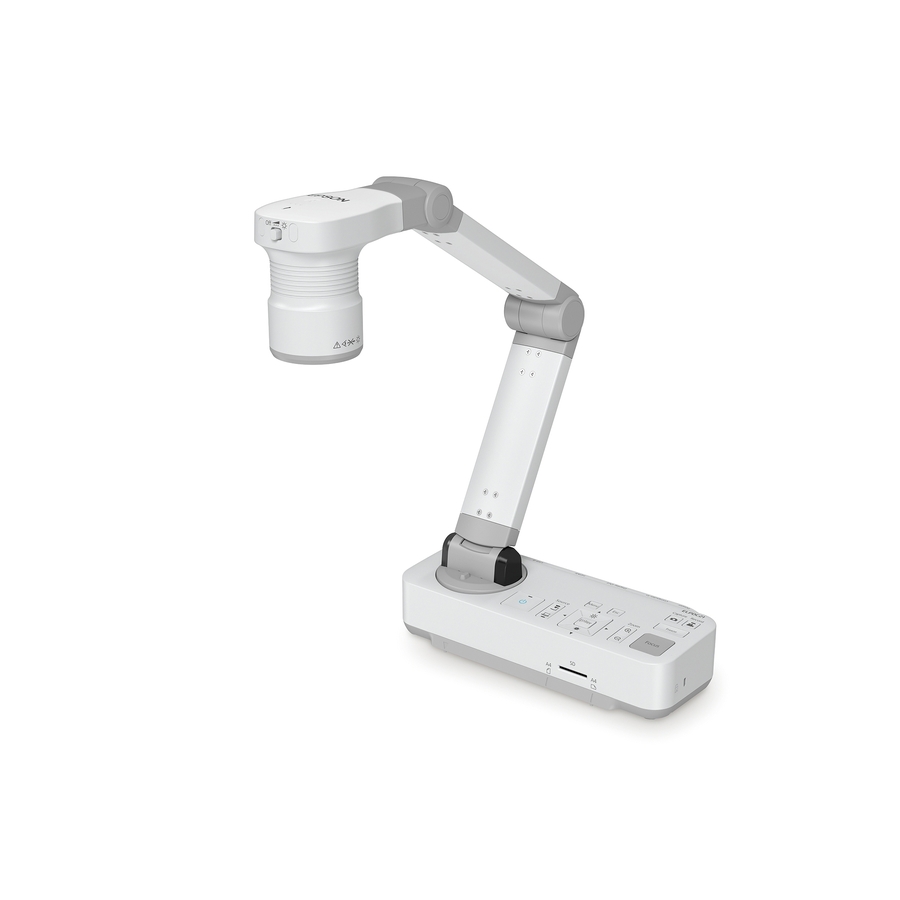
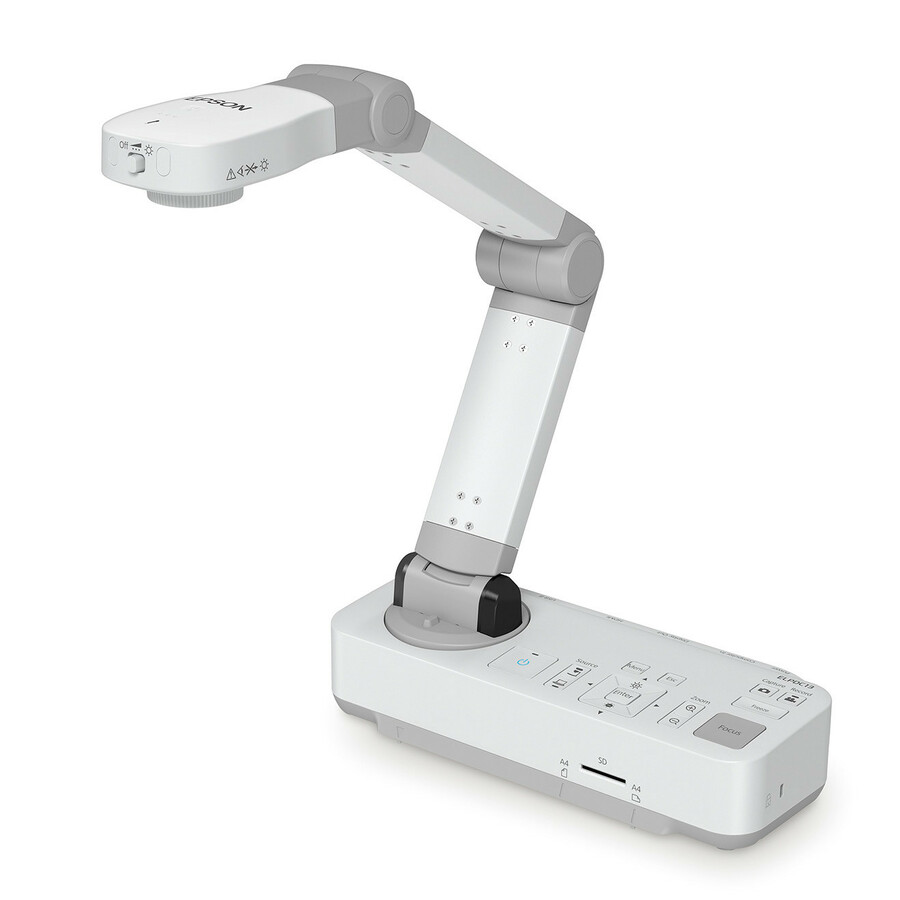
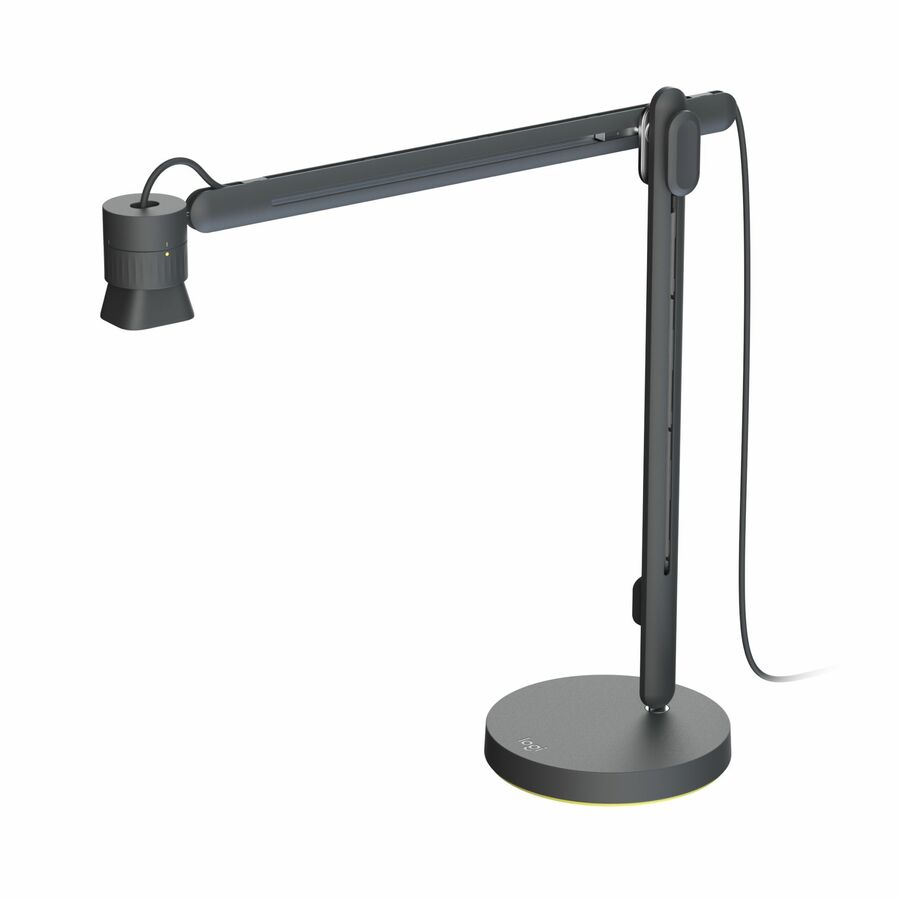
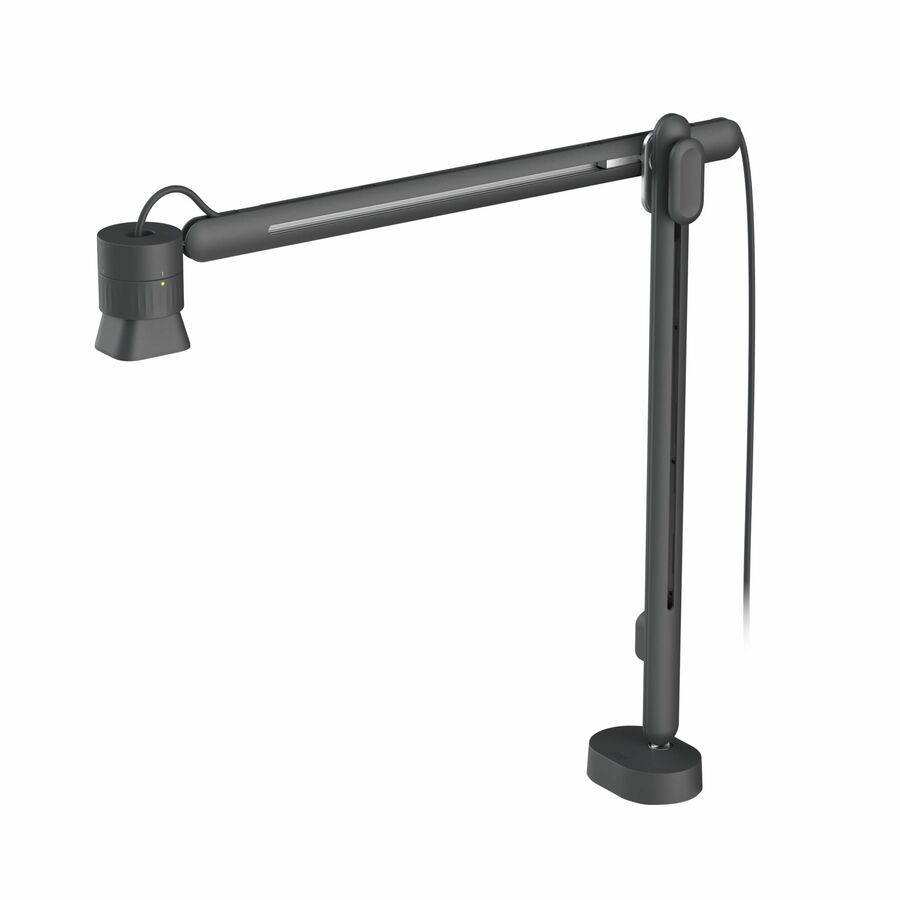
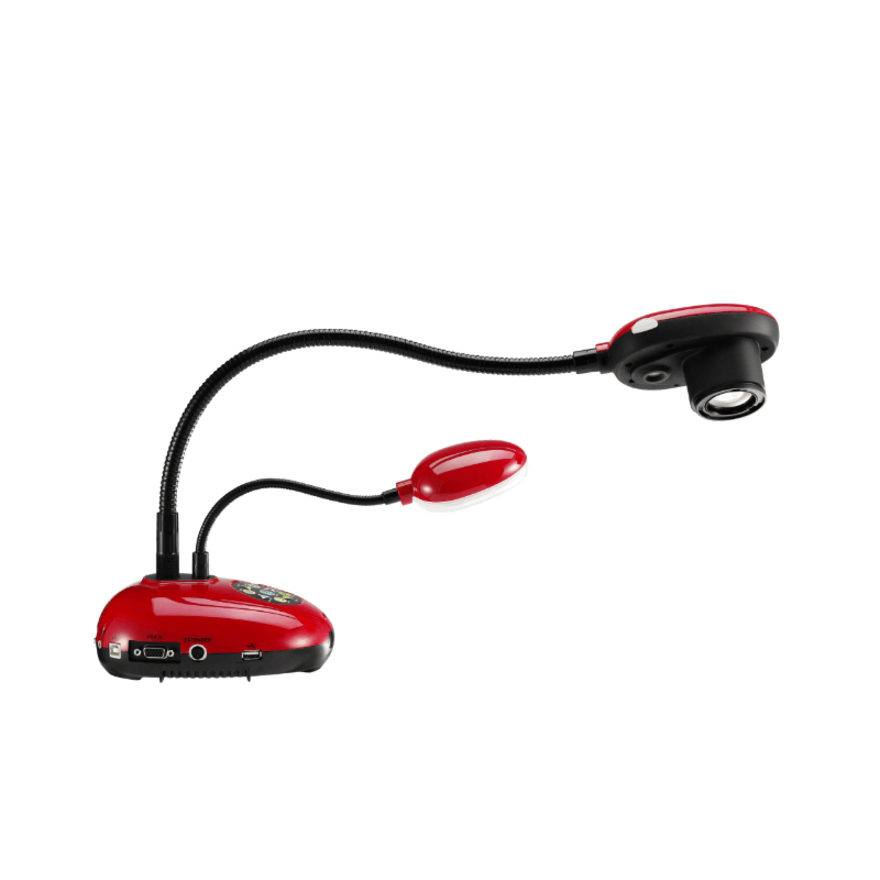
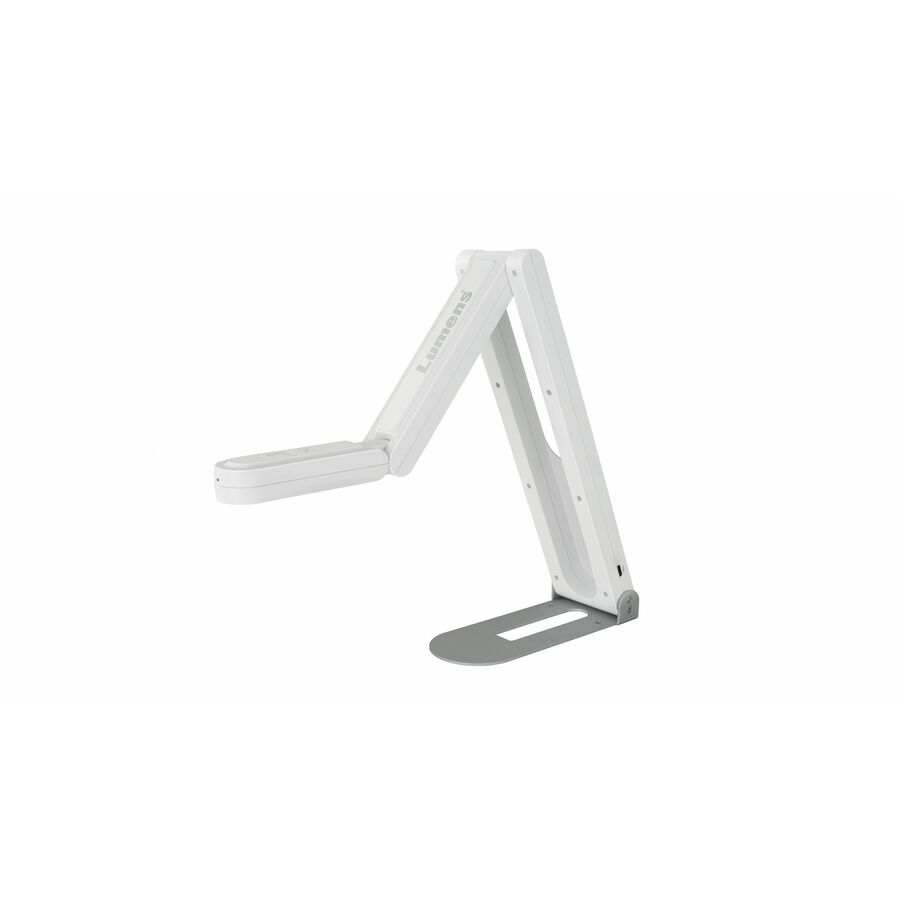
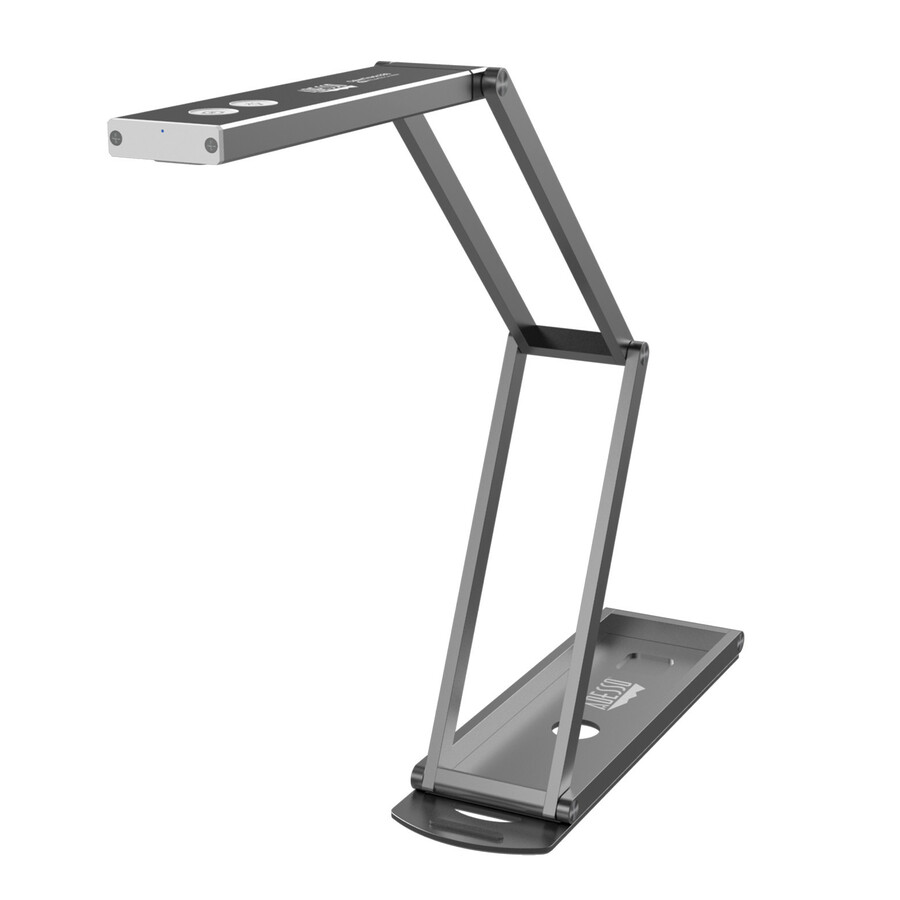
The portable flexarm unit is the workhorse. AVer's Portable Flexarm Document Camera folds flat, sets up on any desk without tools and is the model most districts standardize on for general instruction, because a teacher can bend the arm to whatever angle the task needs and then flatten it into a drawer at the end of the day. Its listing is marked TAA compliant, which usually settles the argument for a federally funded buy. The trade-off is that a flexible arm holds position by friction, so a heavily used unit eventually needs the arm re-tensioned or replaced — a consumable-grade wear point on a multi-year asset.
The wireless unit removes the cable. The AVerVision M15W is the wireless model we stock, with a digital zoom range on the listing rather than an optical one. It earns its place in rooms where the teacher moves between a document station and the board, or where running a cable to the display would mean a conduit job. The honest cost is that it becomes a network device: it needs a pairing method your policy allows, it competes with student devices for airtime, and a wireless failure at 9 a.m. is a helpdesk ticket rather than a re-seated cable.
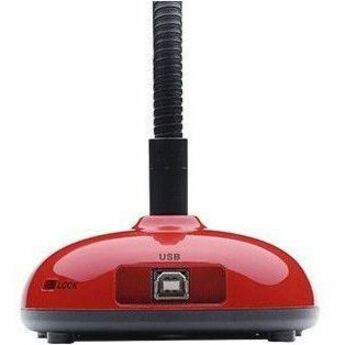
The budget USB and HDMI unit is the volume play. AVer's USB/HDMI document camera lists both a twenty-times digital zoom and sixty-frames-per-second capture, and it is the model that makes one-camera-per-room arithmetic work at a district scale. Because it offers an HDMI output as well as USB, it can drive a panel directly when no computer is available — the deciding factor in rooms standardized on Chromebooks. It is a fixed-stand design rather than an articulated arm, so it suits a permanent teacher station better than a shared cart.
Why this page is short, and what that means for a district buy
Document cameras are a low-turnover category in distribution. The bench moves slowly, individual models go end-of-life without an obvious successor, and stock depth on any one unit is measured in dozens rather than hundreds. That is a fact about the category, not about AVer — it is why this guide lists six units instead of the twelve a template would prefer, and why two of our three most useful shapes can be in stock one week and backordered the next.
The practical consequence for a district is that a per-room rollout should be scoped as an order, not as a cart. Tell us the room count, the target install window and whether you need TAA screening, and we will quote against what distribution can actually commit to — including whether it is more sensible to standardize on one model for the whole district or to split between a permanent-station unit and a smaller pool of portable arms for shared spaces. That conversation takes ten minutes and prevents the common outcome, which is a purchase order that ships fifteen units now and thirty-five in a quarter that has already started.
Deployment notes that save tickets later
Plan the physical install per room type before you plan the model mix. A camera on a permanent teacher station wants a power outlet and a short, dressed cable run to the display input; a camera on a cart wants a strain-relieved coil, a labeled input and somewhere to live that is not the cart's flat surface. The most common preventable failure in this category is not electronic — it is a cable pulled out at the connector by a camera being moved, which is why an articulated unit on a fixed station outlasts the same unit on a rolling cart.
Decide the input strategy at the same time. If the room display already has a free HDMI input and a labeled source, an HDMI-capable camera is a one-step device the teacher can use without touching a computer. If your standard runs everything through a teacher laptop or Chromebook, a USB unit keeps the display's input list short and lets the camera feed drop into a meeting or a recording without an extra capture step. Mixing both approaches inside a building is the thing that generates support calls.
Buy spares as part of the order, not as a later requisition. In a category this thin, a unit that fails in March is unlikely to be replaceable with the identical model in April. One spare per ten to fifteen installed cameras, held centrally, is the difference between a same-day swap and a classroom that goes without for a term.
Where a document camera stops being the right tool
A visualiser shows a flat or shallow object well and does almost nothing else. If the requirement is annotating over what is shown — a teacher writing on top of the projected image while the class watches — that is an interactive display or a panel with an annotation layer, and the camera becomes a source feeding it rather than the answer on its own. If the requirement is capturing the teacher for remote or absent students, that is a webcam or a room camera; a document camera pointed at a person produces a bad, oddly framed portrait.
Two more mismatches are worth naming. Recording lessons for later playback needs a capture path and storage policy, not just a camera — the camera is the cheapest part of that project. And whole-room capture for a lecture hall or a hybrid seminar needs a wide field of view and a microphone plan, which is a different product category and a different budget line. A document camera is excellent at the narrow job it does; specify it for that job and it will outlast the display it is plugged into.
FAQ
Common questions
- What is a document camera, and is it the same as a visualiser?
- Yes — the two terms describe the same device. A document camera is an overhead camera on a stand or arm that captures a physical object, page or demonstration and sends the live image to a display, projector or computer. Visualiser is the more common term outside the United States, and manufacturers including AVer use both names for the same product lines.
- Do I need a computer in the room, or can the camera plug straight into the display?
- It depends on the model's outputs. A USB-only camera is a peripheral and needs a computer to receive and show the image, which also makes it easy to drop into a meeting or a recording. A camera with an HDMI output can drive a panel or projector directly with no computer in the path — usually the better choice in rooms standardized on Chromebooks, or where the teacher machine is not always present. Check the outputs on the specific model before you standardize a room type.
- Is optical zoom worth paying for over digital zoom?
- For most general-instruction use, digital zoom is adequate — you are showing a worksheet or a hand demonstration at close range and the sensor has resolution to spare. Optical zoom earns its cost when the subject is small and the detail is the point: a component on a board, a specimen under a lens, fine print on a document being examined. Digital zoom crops the existing image, so detail that was not captured cannot be recovered; optical zoom moves the lens and preserves it.
- We are buying one camera per instructional space across a district. Should we order from this page?
- For a handful of rooms, yes. For a district-scale rollout, request a quote instead. Document cameras are a thin, slow-moving category in distribution, so availability on any one model is limited and a large order is better scoped against what can actually be committed — including mount type per room, spare-unit ratio, install window and whether the whole district should standardize on one model or split between fixed-station and portable units.
- How does Uniqcli handle TAA and NDAA §889 screening on classroom AV?
- Every line Uniqcli quotes is sourced through US distribution and screened for TAA country-of-origin and NDAA §889 status before checkout — with documentation tied to the specific part number, not a product family.
Need AVer document cameras pricing?
Send a bill of materials or part numbers — we confirm stock and a below-market total, with TAA verified on request. No payment up front.