
Best Document Cameras for Classrooms
USB and HDMI visualizers for teaching, lecture capture and demonstration — selected by resolution, zoom, mounting style and whether the row carries a TAA designation.
Document cameras in stock at Uniqcli
How to choose →A curated selection with live pricing — in-stock lines first, then back-ordered lines with a typical lead time. Every line is sourced through US distribution and screened for NDAA §889 status before checkout, with TAA verified on request.
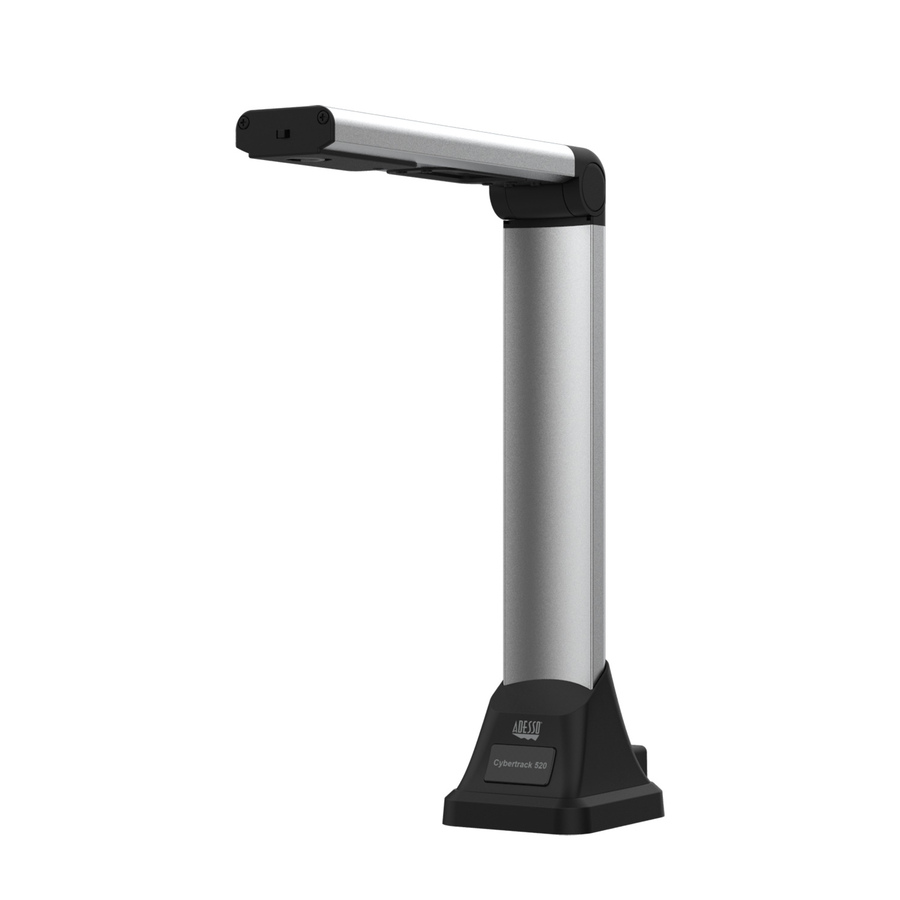
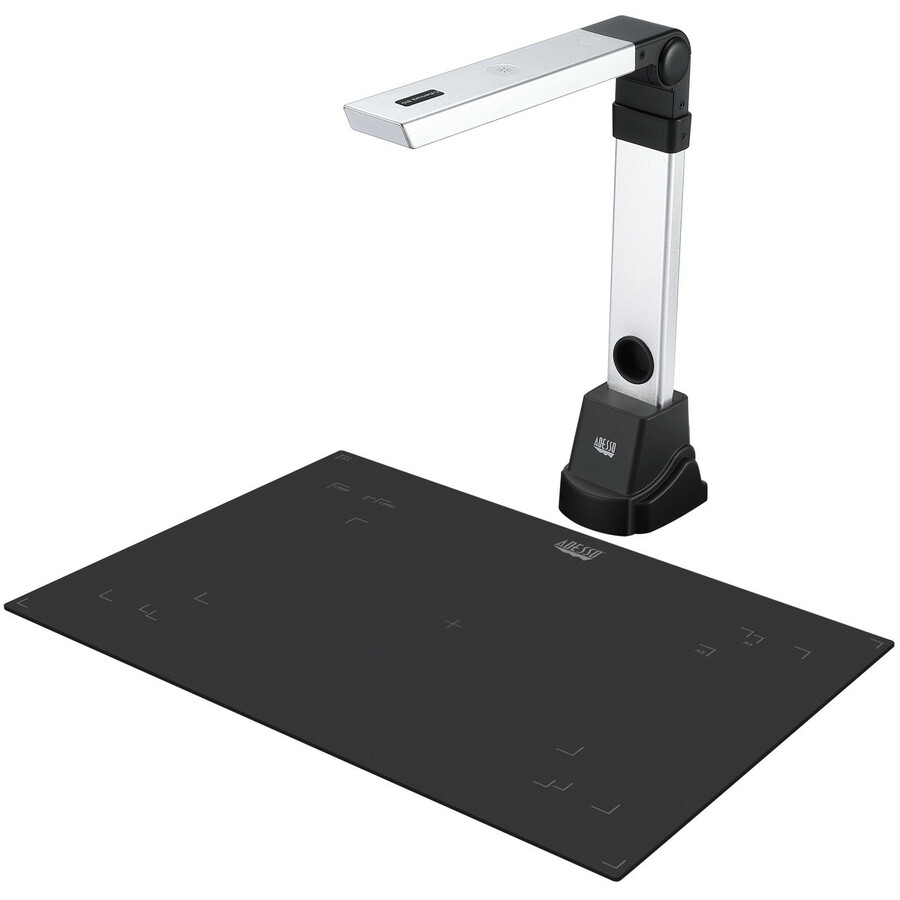
- AdessoAdesso 5 Megapixel Fixed-Focus A4 Document Camera Scanner with OCR Text Recognition - CMOSCyberTrack 520
$129.99
$122.98
5,780 in stock - AdessoAdesso 8 Megapixel Fixed-Focus A3 Document Camera Scanner with OCR Function - CMOSCybertrack 820
$169.99
$160.47
1,284 in stock - ViewSonicViewSonic Plug-and-play USB document camera - Plug-and-play USB document cameraVB-VIS-002
$239.00
$172.08
689 in stock - AdessoAdesso Cybertrack 810 Document Camera - CMOS - 3.8x Optical ZoomCYBERTRACK 810
$199.99
$187.78
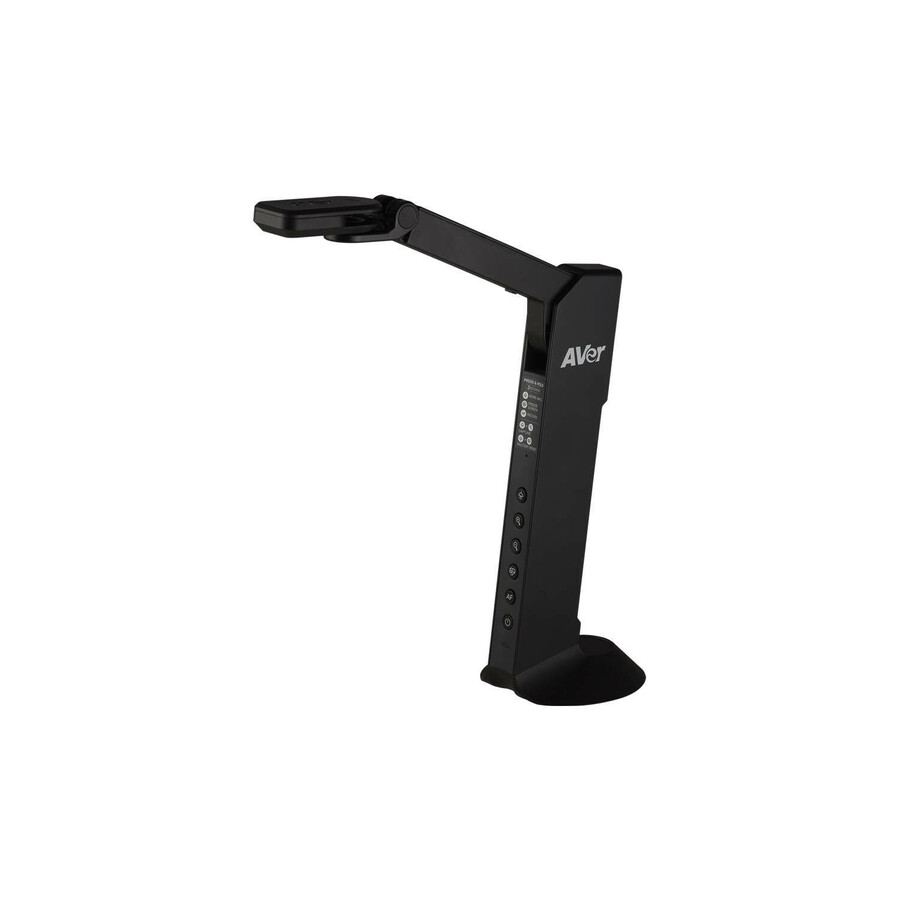
166 in stock - AVer InformationAVer USB/HDMI Document Camera - 0.33" CMOS - 20x Digital Zoom - 60 fpsVISIM118M
$272.23
6 in stock - AVer InformationAVerVision M15W Wireless Document Camera - 23x Digital ZoomVSIONM15W
$542.50
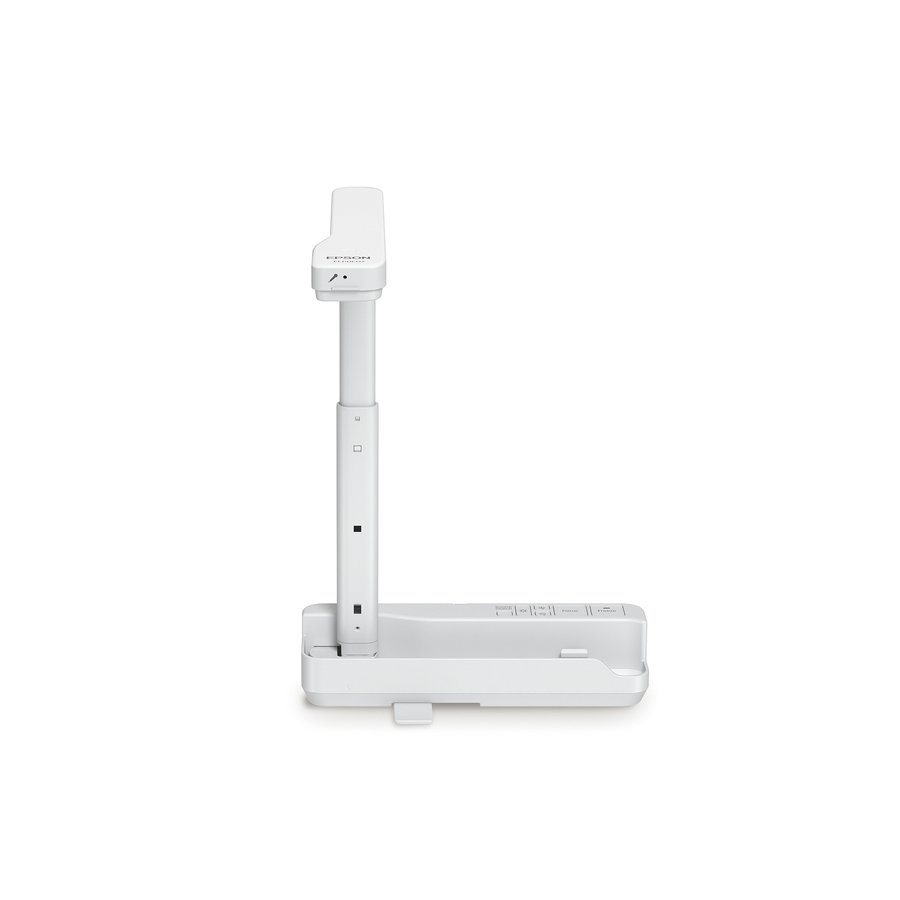
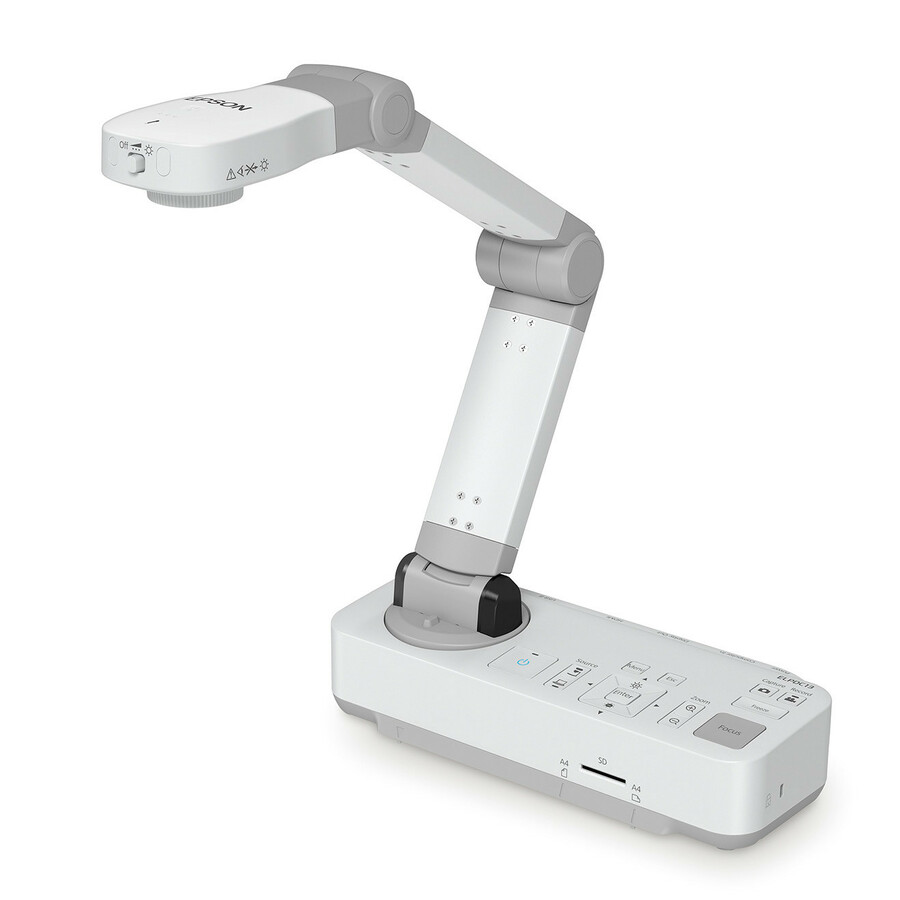
1 in stock - EpsonEpson DC-21 Document Camera - 2 Megapixel - 0.37" CMOS - 12x Optical Zoom - 10x Digital ZoomV12H758020
$588.98
10 in stock Back-ordered — estimated OEM lead time 3–8 weeks (Nov 12 – Dec 17 if ordered today).
- AMBIRAMBIR Flexicam Document Camera and Webcam (Model # FC204-AC) - 30 fpsFC204-AC
$141.54
Back-orderedBack-ordered — estimated OEM lead time 3–8 weeks (Nov 12 – Dec 17 if ordered today).
Back-ordered — estimated OEM lead time 3–8 weeks (Nov 12 – Dec 17 if ordered today).
- AdessoAdesso 4K 11-Megapixel Dual Mode Document Camera and Webcam - 0.33" CMOSCybertrack 830
$199.99
$187.14
Back-orderedBack-ordered — estimated OEM lead time 3–8 weeks (Nov 12 – Dec 17 if ordered today).
Back-ordered — we expect to receive stock the week of Dec 14–20 and will process your delivery right after.
- LumensLumens HD/2K USB Document Camera - 0.25" CMOS - 30 fps - TAA CompliantDC-F20
$360.00
$292.12*
Back-orderedBack-ordered — estimated OEM lead time 3–8 weeks (Nov 12 – Dec 17 if ordered today).
- LumensLumens HD/2K USB Document Camera - 0.33" CMOS - 16x Digital Zoom - 30 fps - TAA CompliantDC132U
$460.00
$378.04*
Back-orderedBack-ordered — estimated OEM lead time 3–8 weeks (Nov 12 – Dec 17 if ordered today).
- AVer InformationAVerVision Mechanical Arm Wireless Visualizer (Document Camera) - CMOSVISIM11WB
$398.24
Back-orderedBack-ordered — estimated OEM lead time 3–8 weeks (Nov 12 – Dec 17 if ordered today).
- LumensLumens 4K Portable USB Document Camera - 0.33" CMOS - 16x Digital Zoom - 60 fpsDC136
$550.00
$430.03
Back-orderedBack-ordered — estimated OEM lead time 3–8 weeks (Nov 12 – Dec 17 if ordered today).
- AVer InformationAVer Portable Flexarm Document Camera - 0.32" CMOS - TAA CompliantVISF17PLS
$542.50*
Back-orderedBack-ordered — estimated OEM lead time 3–8 weeks (Nov 12 – Dec 17 if ordered today).
- AVer InformationAVer F50+ 4K Versatile Document Camera - 0.33" CMOS - 10x Optical Zoom - 23x Digital Zoom - 60 fpsVISF50PLS
$680.59
Back-orderedBack-ordered — estimated OEM lead time 3–8 weeks (Nov 12 – Dec 17 if ordered today).
- LumensLumens DC172 4K HDMI Document Camera - 0.33" CMOS - 30x Digital Zoom - 60 fpsDC172
$900.00
$686.30
Back-orderedBack-ordered — estimated OEM lead time 3–8 weeks (Nov 12 – Dec 17 if ordered today).
- SMART TechnologiesSMART Document Camera - 0.66" CMOS - 10x Optical Zoom - 23x Digital Zoom - 60 fpsSDC-650
$935.00
$835.29
Back-orderedBack-ordered — estimated OEM lead time 3–8 weeks (Nov 12 – Dec 17 if ordered today).
- LumensLumens 20x Zoom Document Camera - 0.33" CMOS - 10x Optical Zoom - 12x Digital Zoom - 30 fpsDC193
$1,150.00
$869.15
Back-orderedBack-ordered — estimated OEM lead time 3–8 weeks (Nov 12 – Dec 17 if ordered today).







Value 4K USB
IPEVO
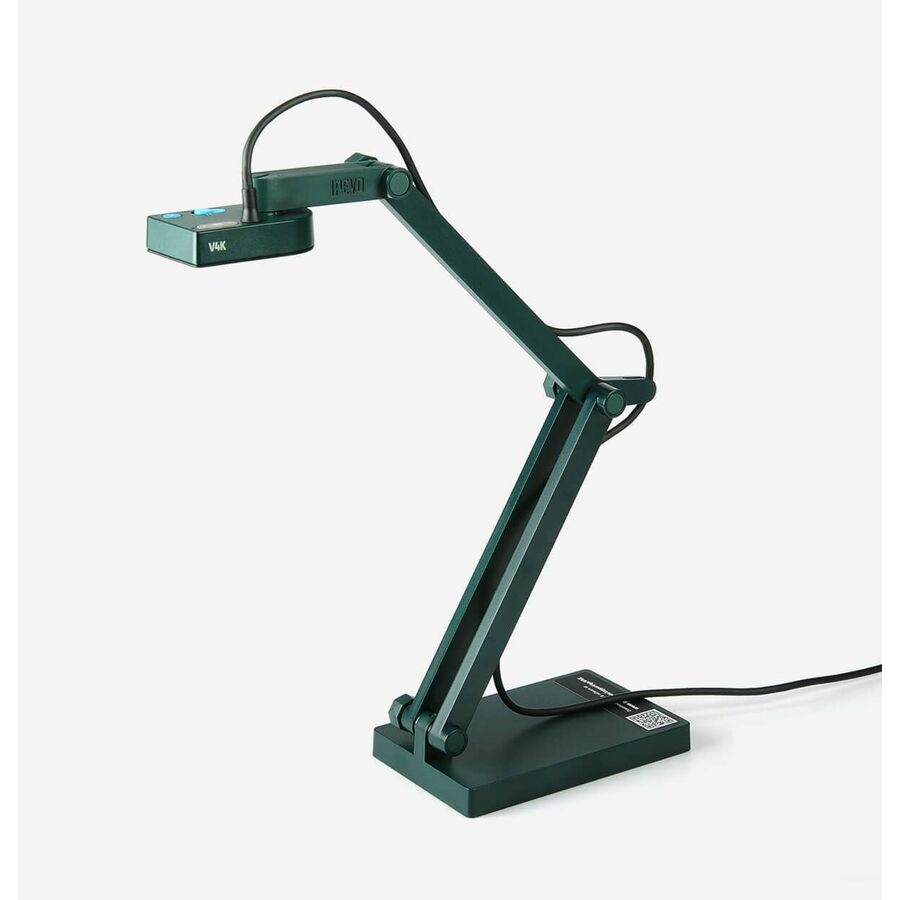
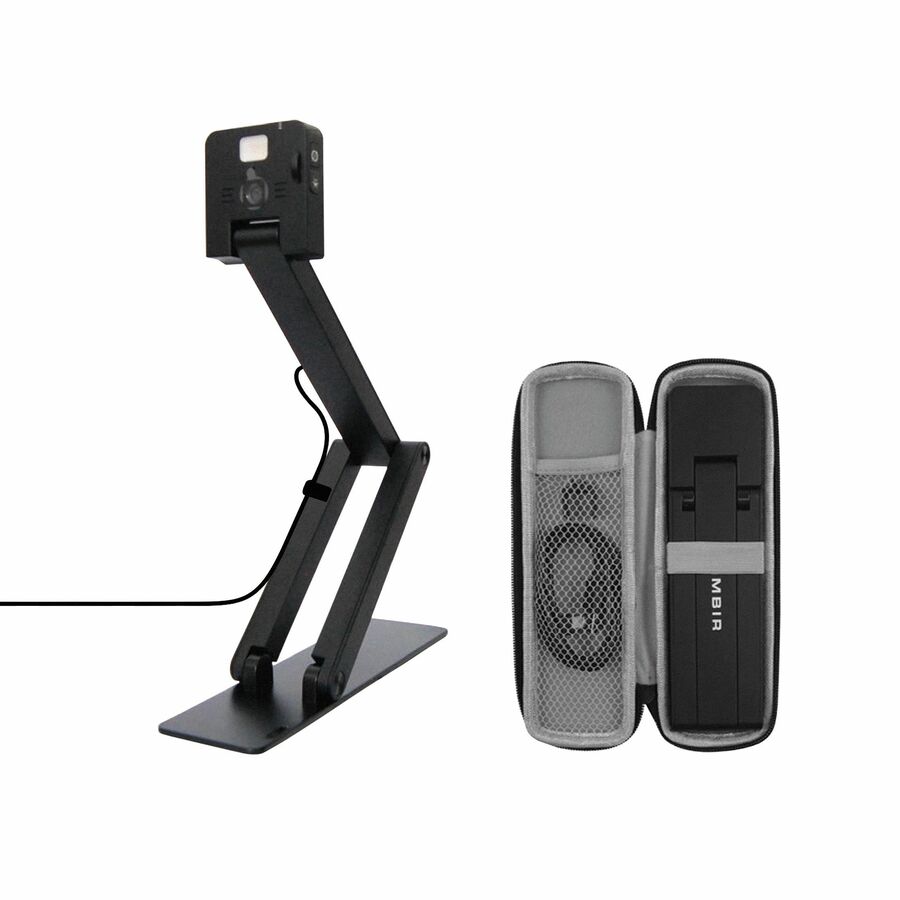
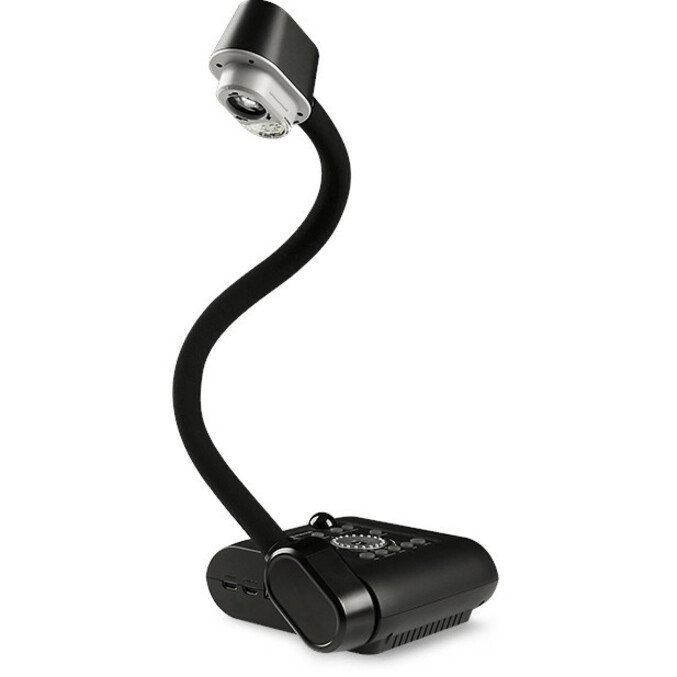
IPEVO V4K Ultra High Definition USB Document Camera
5-880-4-01-00
The IPEVO V4K Ultra High Definition USB Document Camera — an inexpensive 4K-class visualizer for a room that just needs a page or an object on the screen through the PC.
$131.09Back-orderedScan + OCR
Adesso
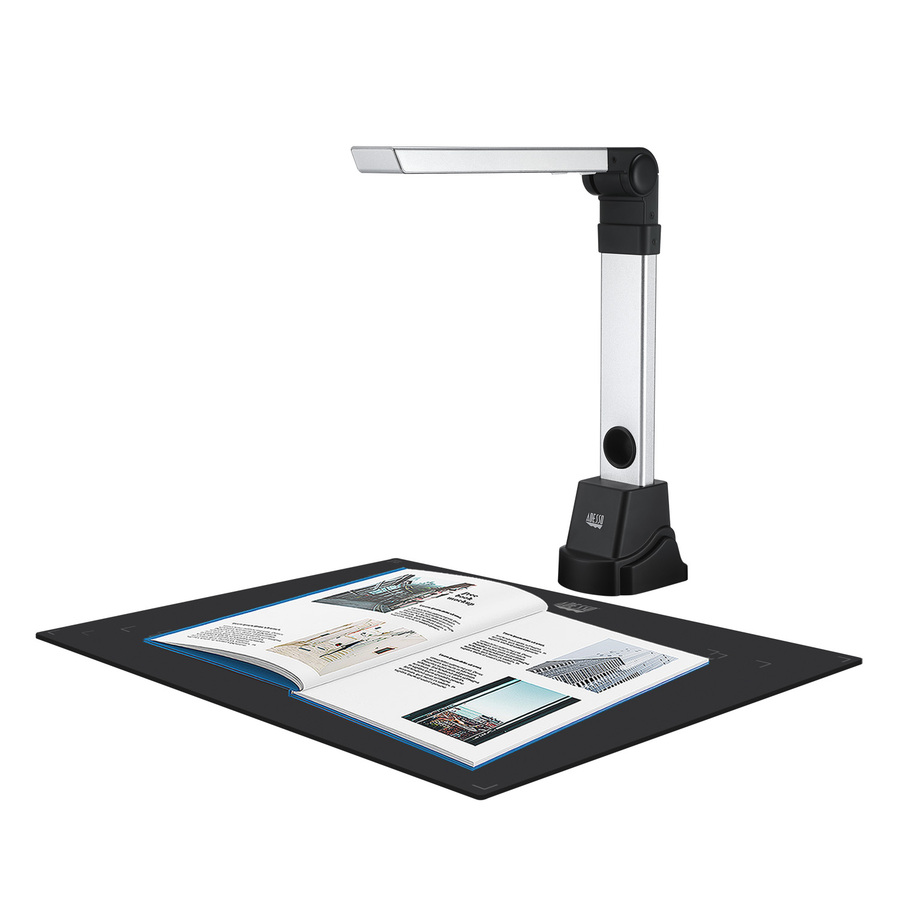
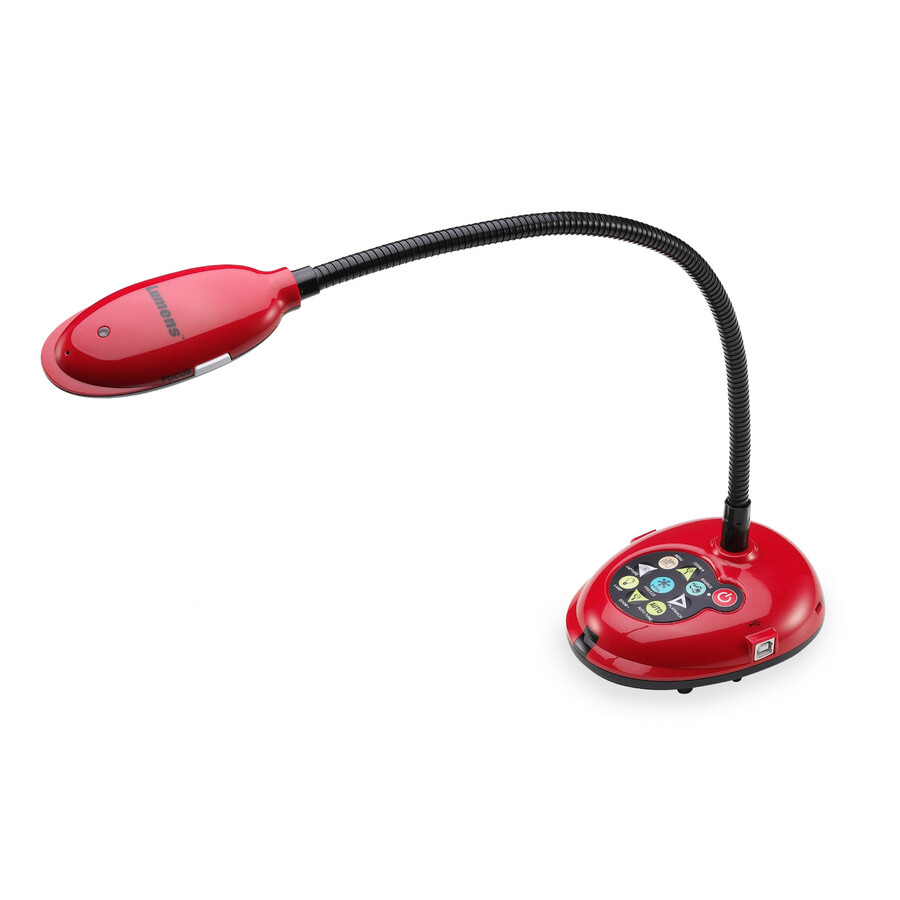
Adesso 5 Megapixel Fixed-Focus A4 Document Camera Scanner with OCR Text…
CyberTrack 520
The Adesso 5-megapixel fixed-focus A4 Document Camera with OCR text recognition — a visualizer that doubles as a page scanner for a teacher who digitizes handouts.
$122.98In stock2-in-1 webcam
AMBIR
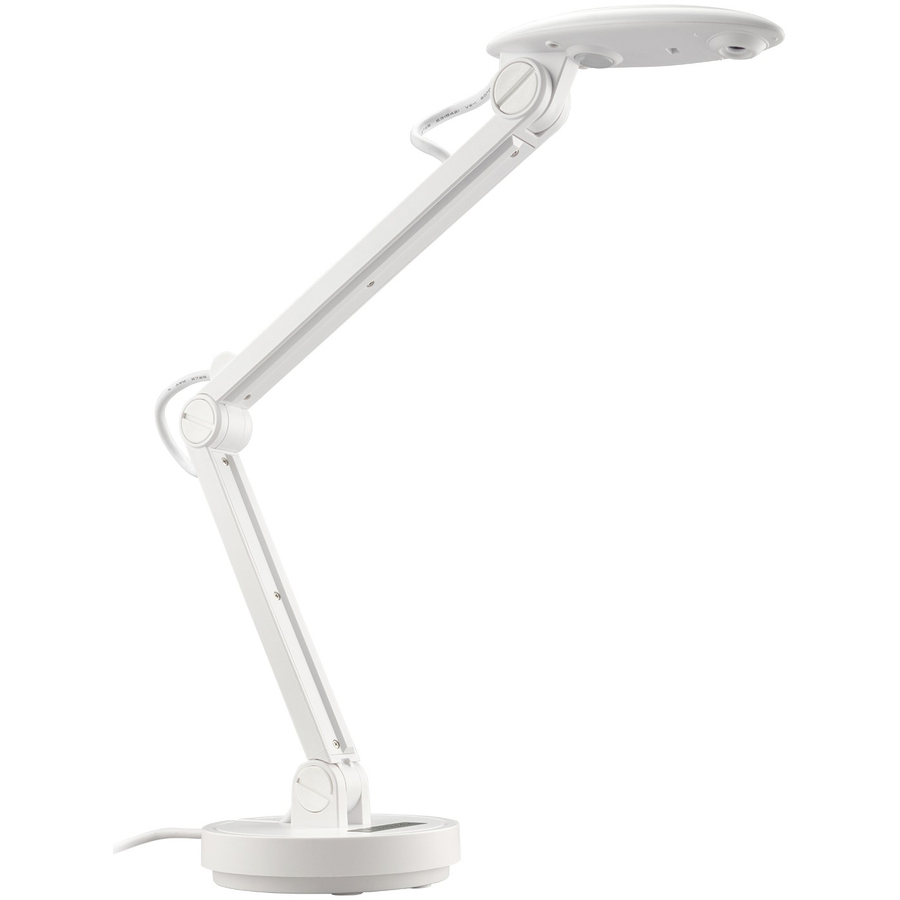
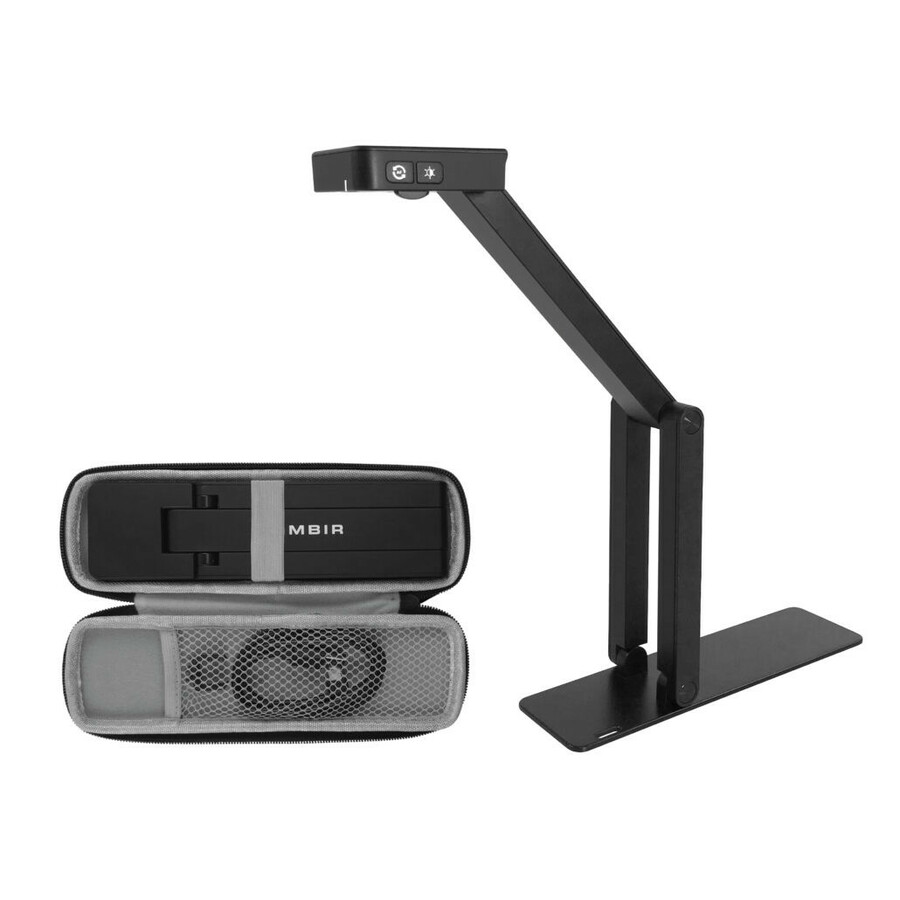
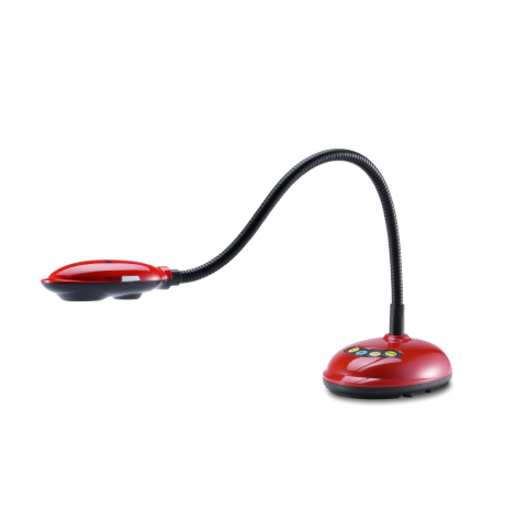
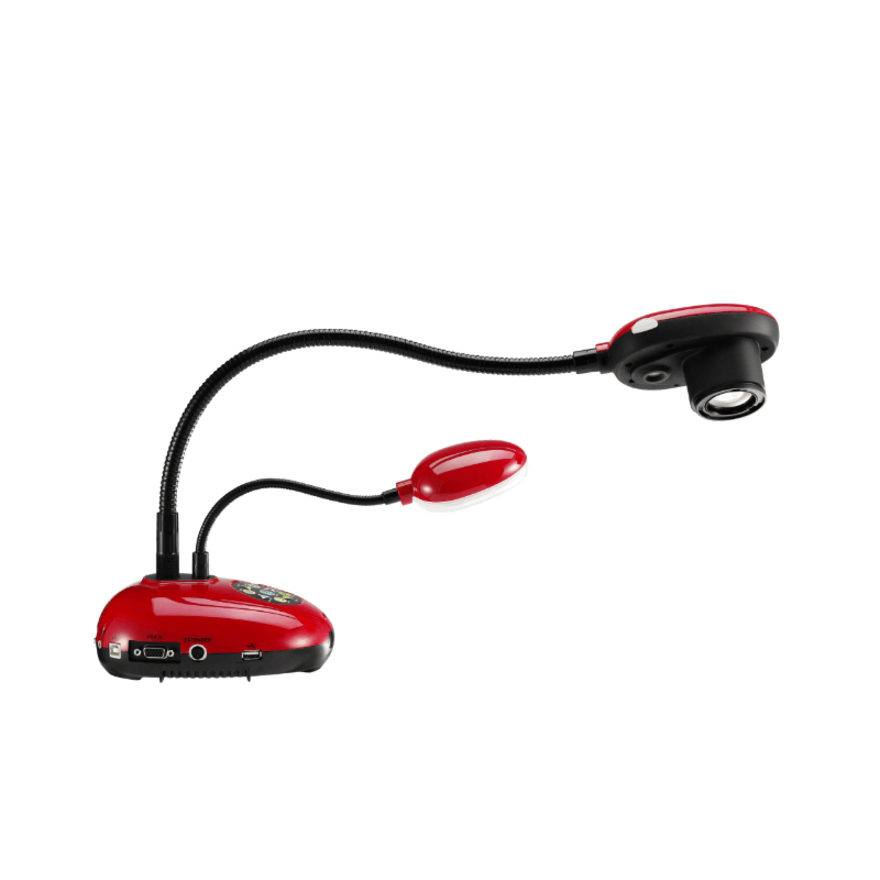
Ambir Flexicam Document Camera and Webcam
FC204-NA
The Ambir Flexicam Document Camera and Webcam — a folding gooseneck unit that switches between overhead capture and a forward-facing webcam for a room that also does calls.
$141.54Back-orderedUSB visualizer
AVer Information
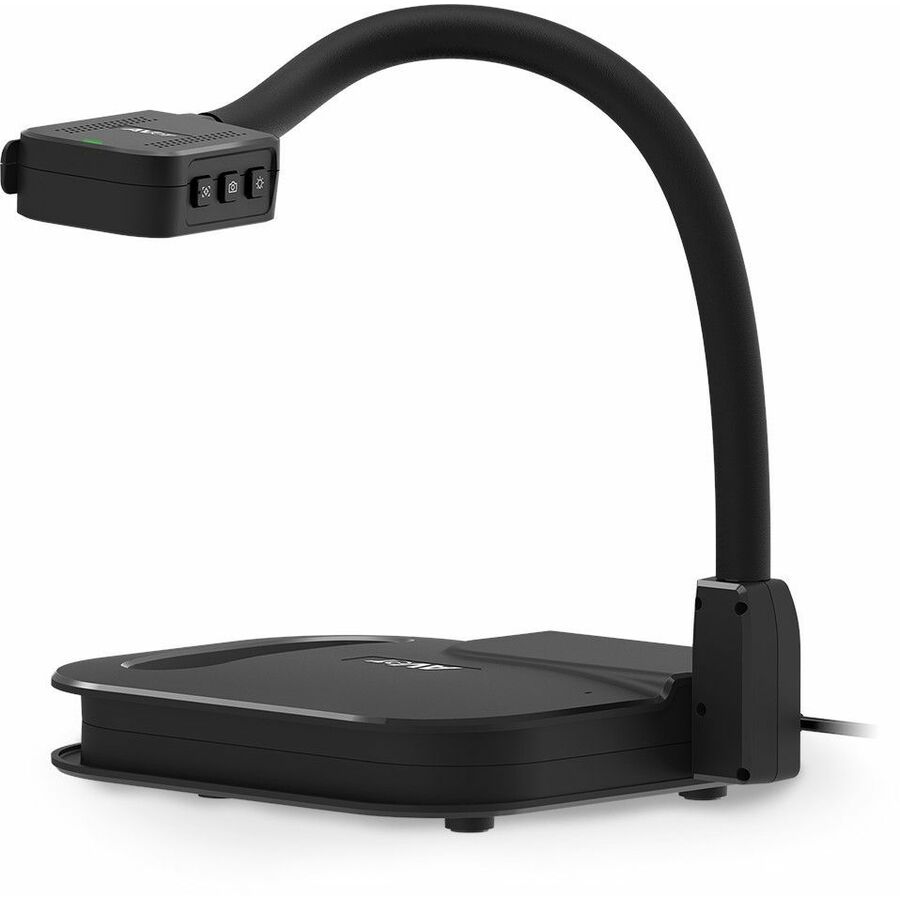
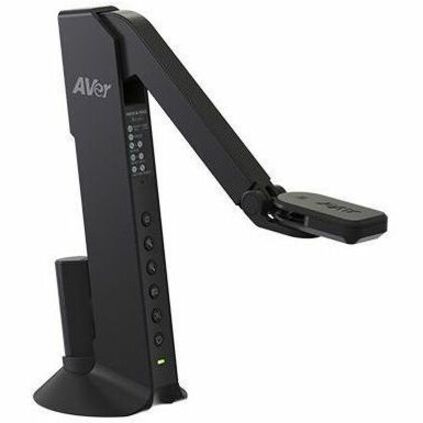
AVer USB Visualizer (Document Camera)
VISU50PS4
The AVer USB Visualizer (Document Camera) — a straightforward CMOS unit on AVer's classroom platform, a dependable standardize-on-one choice for a wing of rooms.
$209.60Back-orderedHDMI teaching station
Epson
Epson DC-07 Document Camera
V12H759020
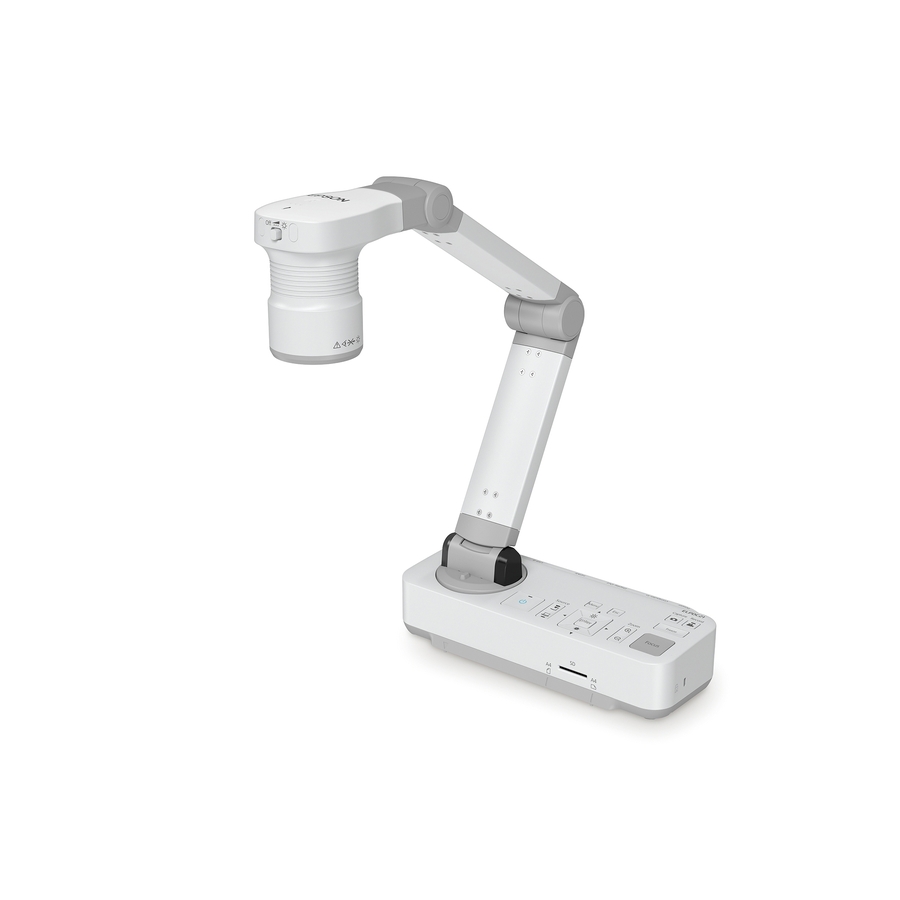
The Epson DC-07 Document Camera with 8x digital zoom — a compact unit for a fixed teaching station, easy to drive a projector from.
$225.40In stock4K dual-mode
Adesso
Adesso 4K 11-Megapixel Dual Mode Document Camera and Webcam
Cybertrack 830
The Adesso 4K 11-megapixel Dual Mode Document Camera and Webcam — high resolution plus webcam use in one device for a small room that has to do both.
$187.14Back-ordered2K TAA
Lumens
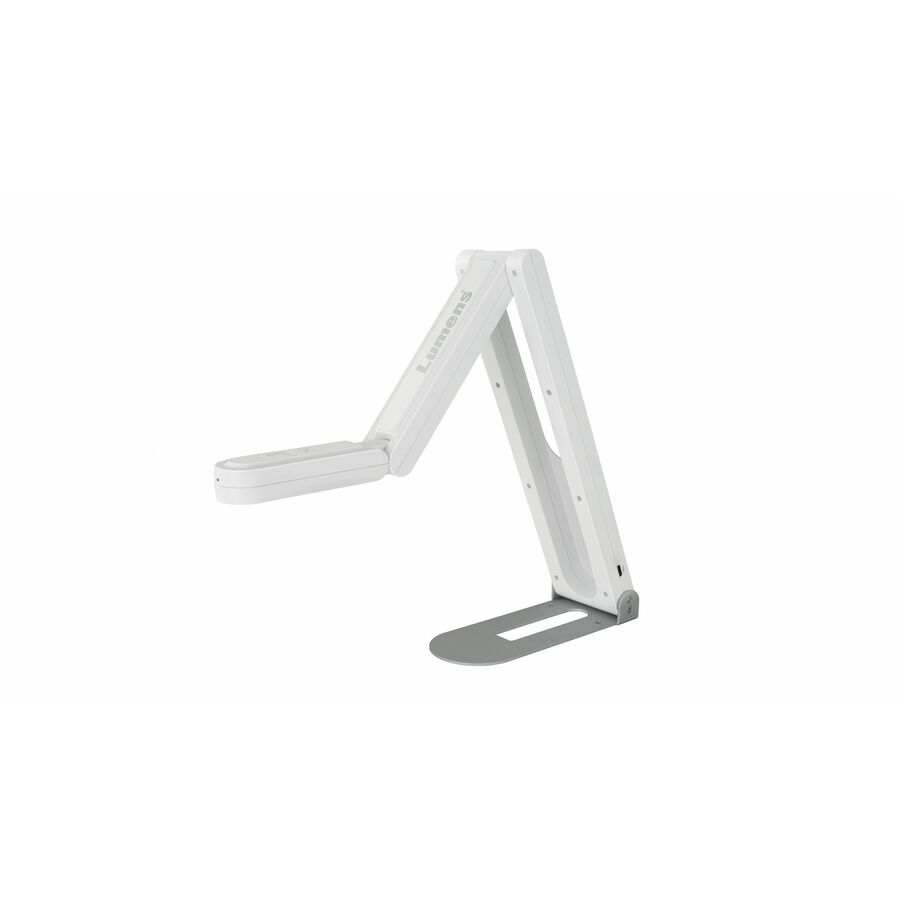
Lumens HD/2K USB Document Camera
DC-F20
The Lumens HD/2K USB Document Camera — a clean-imaging classroom visualizer at a sensible price on the Lumens platform.
Titled TAA Compliant, which is a per-part fact to confirm on the row ordered.
$292.12*Back-ordered2K TAA, zoom
Lumens
Lumens HD/2K USB Document Camera
DC132U
The Lumens HD/2K USB Document Camera with 16x digital zoom — more reach for detail work while staying on USB into the room PC.
Titled TAA Compliant.
$378.04*Back-orderedUSB/HDMI, 20x
AVer Information
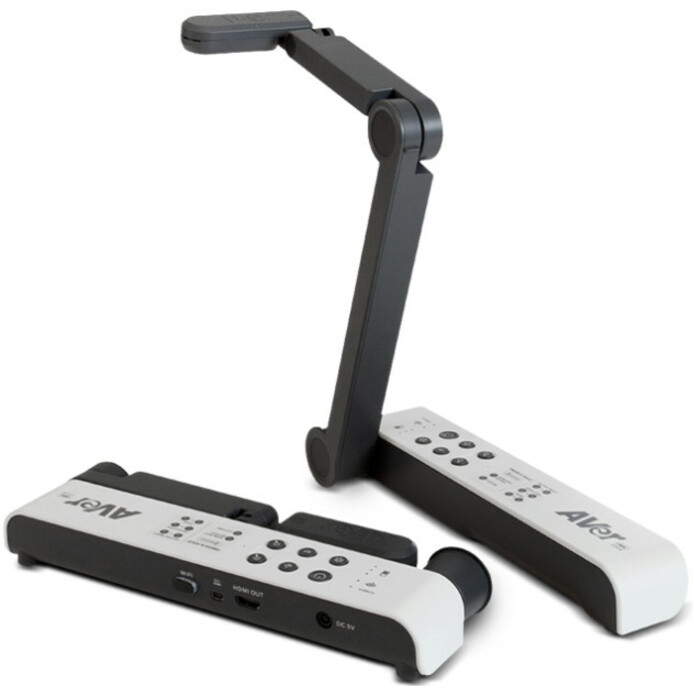
AVer USB/HDMI Document Camera
VISIM118M
The AVer USB/HDMI Document Camera with 20x digital zoom at 60 fps — dual output so it drives a projector directly or feeds the PC, with the range for a large room.
$272.23In stock4K portable
Lumens
Lumens 4K Portable USB Document Camera
DC136
The Lumens 4K Portable USB Document Camera at 60 fps — a high-resolution unit light enough to carry between rooms for a teacher who is not tied to one station.
$430.03Back-orderedFlexarm TAA
AVer Information
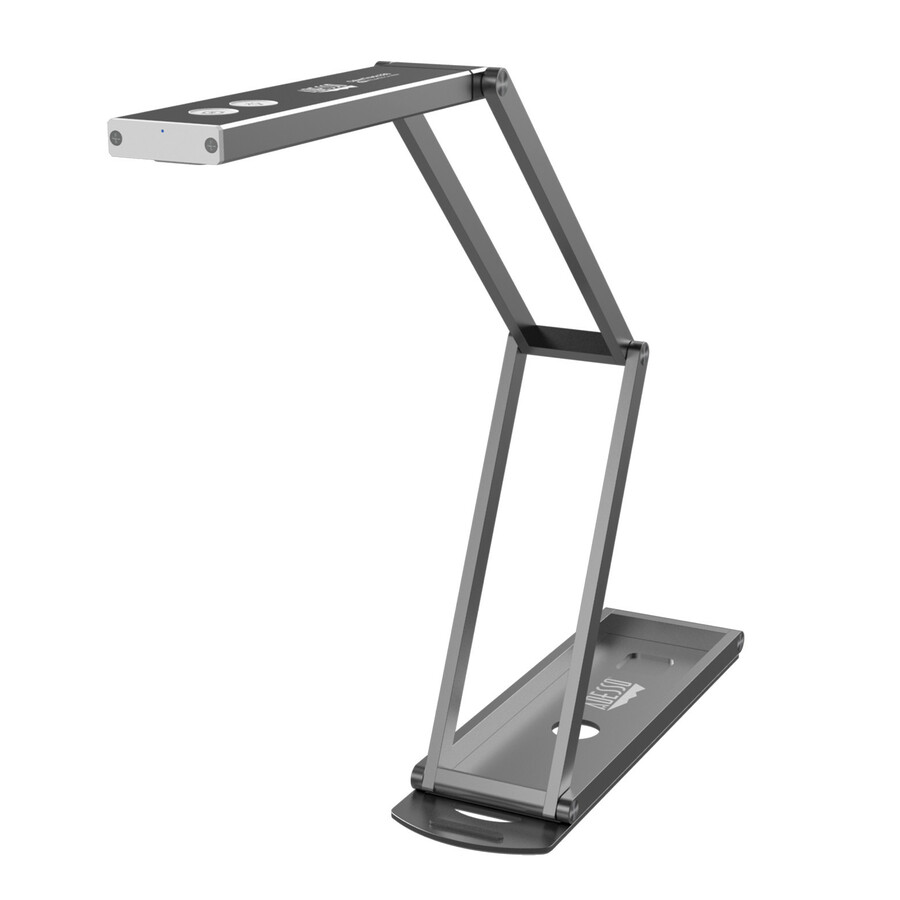
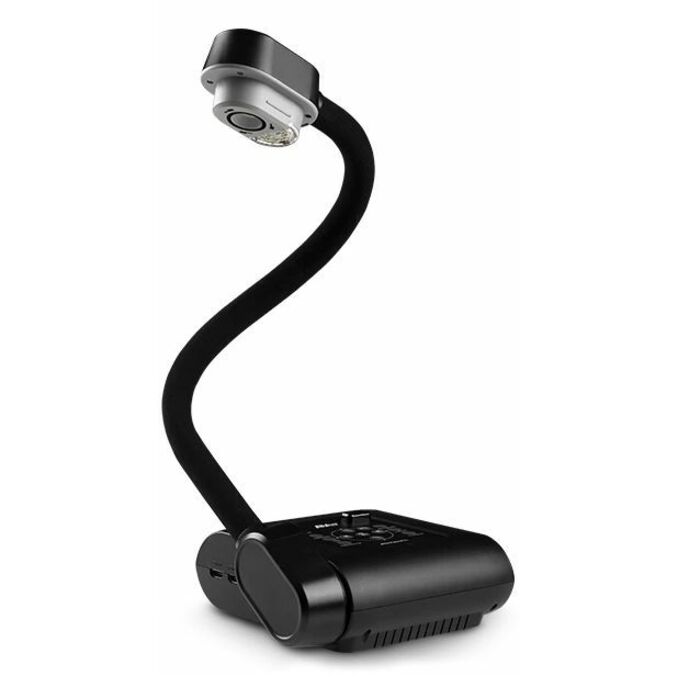
AVer Portable Flexarm Document Camera
VISF17PLS
The AVer Portable Flexarm Document Camera — a folding-arm visualizer that reaches over bulky objects and folds flat for storage.
Titled TAA Compliant.
$542.50*Back-orderedHDMI, 16x optical
Epson
Epson DC-13 Document Camera
V12H757020
The Epson DC-13 Document Camera with 16x optical zoom — real optical reach for fine detail, a strong fixed-station pick where image quality at zoom matters.
$508.62In stock4K HDMI premium
Lumens
Lumens DC172 4K HDMI Document Camera
DC172
The Lumens DC172 4K HDMI Document Camera with 30x digital zoom at 60 fps — a high-end fixed visualizer for a lecture room or a large teaching space.
$686.30Back-orderedClassroom flagship
SMART Technologies
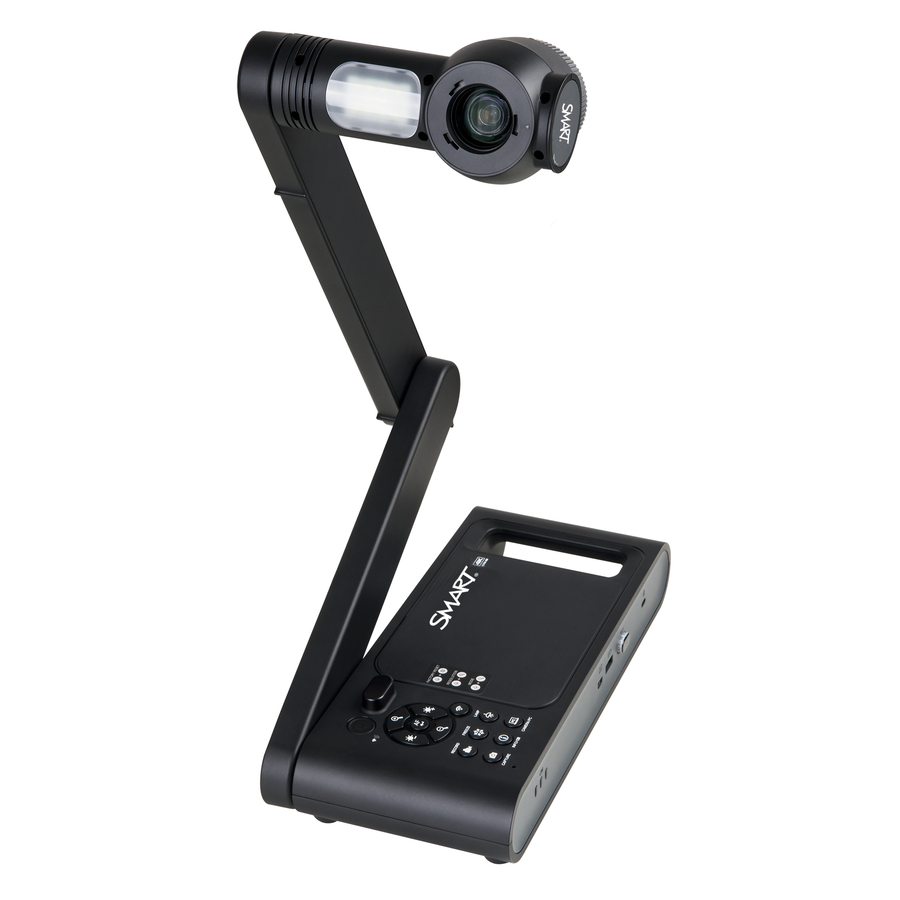
SMART Document Camera
SDC-650
The SMART Document Camera with 10x optical and 23x digital zoom at 60 fps — a full-featured visualizer for a room standardized on the SMART teaching ecosystem.
$835.29Back-orderedMore document cameras in the Uniqcli catalog
See all 37 document camerasMore from across this category. In-stock lines lead, and a back-ordered line carries the same estimated availability its product page does — with live pricing throughout, NDAA §889 screening before checkout and TAA verified on request.
- LumensLumens 20x Zoom Document Camera - 0.33" CMOS - 10x Optical Zoom - 12x Digital Zoom - 30 fpsPC193
$1,150.00
$869.15
Back-orderedBack-ordered — estimated OEM lead time 3–8 weeks (Nov 12 – Dec 17 if ordered today).
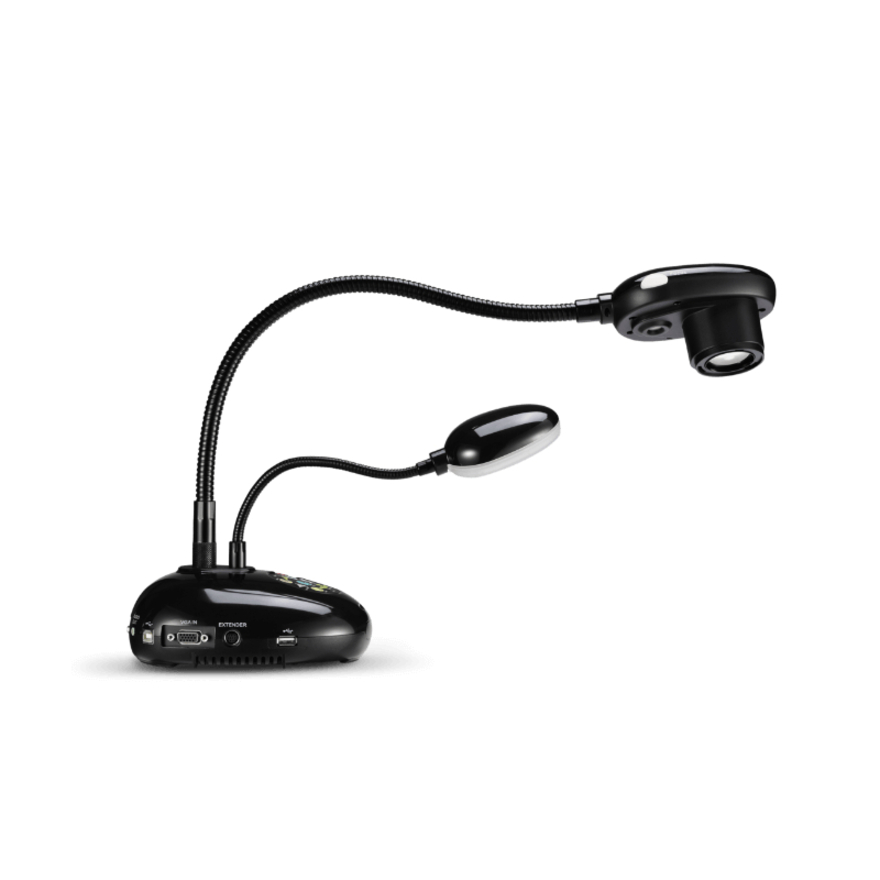
Need pricing on document cameras?
Tell us where to reach you and a Uniqcli specialist will follow up by email with current pricing, availability and lead time for the quantities you need — including parts that aren’t shown on this page.
Buying for an organization or for yourself — both work. No payment up front.
A document camera is the classroom tool that puts a page, an object or a live demonstration on the projector or display without a scanner and without asking a room of students to crowd around a desk. It is a camera on an arm or a stand pointed down at the work surface, and where a fixed webcam gives one flat angle, a document camera focuses close, zooms in on detail and holds a book, a lab sample or a hand-written solution steady on the big screen. Every row on this page states the device in the manufacturer's own title, which keeps the page to the actual product rather than the wider camera and scanner shelves it sits beside.
Two facts decide the model: how it connects and how much it needs to resolve. Connection is first — a USB visualizer plugs straight into a room PC or a laptop and is the simplest classroom answer, while an HDMI model can drive a projector or display directly without a computer in the loop, which suits a fixed teaching station. Resolution and zoom are second: HD or 2K is enough for most reading and marking, 4K earns its price where fine detail matters, and optical zoom (as opposed to digital) is what actually preserves image quality when a teacher pushes in on small print or a circuit board.
Beyond that, the practical differences are the mount and the extras. A flexible gooseneck arm folds flat for storage and reaches over a large object; a fixed or portable stand is quicker to set up and move between rooms. Several models add OCR text capture, a built-in light, or dual-mode use as a webcam. Nothing here is a test result; the selection is fenced to catalog rows whose own title names the device, and where a country-of-origin clause applies, the TAA designation is read on the exact part number — several rows here carry it and others do not.
Buyer's checklist
How to choose a classroom document camera
- Decide the connection first. A USB visualizer plugs into a room PC or laptop and is the simplest classroom answer; an HDMI model can drive a projector or display directly with no computer in the loop, which suits a fixed teaching station.
- Read resolution against the subject. HD or 2K covers most reading and marking; 4K earns its price where fine detail — small print, a lab sample, a circuit board — has to be legible on a large display at the back of the room.
- Prefer optical zoom over digital for detail work. Optical zoom preserves image quality as the teacher pushes in; digital zoom crops and softens. The titles state which, and several models here combine both.
- Match the mount to how the room is used. A flexible gooseneck arm folds flat for storage and reaches over bulky objects; a fixed or portable stand sets up faster and moves between rooms more easily.
- Weigh the extras that a lesson actually uses — a built-in LED light for dim rooms, OCR text capture for turning a page into an editable file, and dual-mode use as a webcam for a room that also does video calls.
- Standardize one model per room type. Keeping a single visualizer across a wing keeps mounting, drivers and spares uniform, so a failed unit is a quick swap rather than a re-training exercise for the teacher who inherits a different device.
- Where a purchase order names TAA, read the designation on the part number. Several rows here carry TAA Compliant in the manufacturer's own title and others do not — it is a per-part fact to confirm on the exact model ordered, not a property of the brand.
USB or HDMI: where the camera plugs in decides the room
The single choice that shapes a classroom document camera is where it connects, because it decides whether a computer has to be involved. A USB visualizer is the natural fit for a room that already runs a PC or a teacher's laptop: it plugs in, appears as a camera, and works through whatever software the room uses for the projector, which also makes it easy to record or share to a lesson platform. An HDMI model, by contrast, can output straight to a projector or display on its own, so a teacher can put an object on the big screen without booting or unlocking a computer — the right answer for a demonstration station, a lab bench, or a room where the fastest possible setup matters more than software integration.
Many of the models here carry both outputs, which is the safe default for a room whose use is not fixed. Decide the primary path — computer-in-the-loop or standalone — and let it narrow the field before resolution and mount pick the exact unit.
Fitting the visualizer to the rest of the room
A document camera rarely stands alone; it is one part of a teaching station, and it works best chosen with the display and the room in mind. Paired with a projector or an interactive flat-panel display, it becomes the close-up input the big screen was missing — a way to annotate a real page or zoom in on a physical object rather than only sharing a slide. In a room that also does video calls, a dual-mode unit that doubles as a webcam covers both jobs with one device and one USB port, which keeps a small teaching station simple.
Order the station as a set. The document camera, the display or projector, any mount, and the cabling that ties them together belong on one purchase order so the room is commissioned in a single visit. Uniqcli can quote the visualizers, the displays and the projectors on one document for education, business and government buyers.
FAQ
Common questions
- What is the difference between a USB and an HDMI document camera?
- How it outputs, and whether a computer is required. A USB document camera connects to a room PC or a laptop and appears as a camera to whatever software drives the projector — the simplest classroom path, and the easiest to record or share to a lesson platform. An HDMI model can output straight to a projector or display on its own, so a teacher can put a page or an object on the big screen without a computer in the loop, which is faster for a demonstration station. Many models here carry both outputs; decide which path is primary for the room and let it narrow the field.
- Do I need a 4K document camera, or is HD enough?
- HD or 2K is enough for most classroom use — reading a page, marking a worksheet, showing a large object. 4K earns its price where fine detail has to stay legible on a large display at the back of a room: small print, a lab specimen, a printed circuit board, a coin. Read the zoom type alongside the resolution, because optical zoom preserves image quality as the teacher pushes in while digital zoom crops and softens — a 4K sensor with only digital zoom still loses detail at the far end of the range. The titles here state both.
- What is optical zoom versus digital zoom on a document camera?
- Optical zoom moves the lens to magnify the subject without losing resolution, so a page stays sharp as the teacher pushes in. Digital zoom simply crops the sensor and enlarges the pixels, which softens the image the further it goes. For detail work — small text, fine diagrams, tiny objects — optical zoom is what actually keeps the enlarged image usable, and it is worth reading the specific model's title for the optical figure rather than the larger, more impressive digital number some listings lead with. Several models here combine both.
- Are these document cameras TAA compliant?
- Some of them are, and it is stated per part rather than per brand. Several rows here carry TAA Compliant in the manufacturer's own catalog title and others do not, including models from the same manufacturer sitting beside each other. Where an order carries a country-of-origin clause, read the designation on the exact part number you are ordering and confirm it on the quote — a manufacturer's designation is its own statement about that part number, not an independent certification and not a property of the product family.
- Can schools, districts and government buyers order these?
- Every line Uniqcli quotes is sourced through US distribution and screened for TAA country-of-origin and NDAA §889 status before checkout — with documentation tied to the specific part number, not a product family.
Need document cameras pricing?
Send a bill of materials or part numbers — we confirm stock and a below-market total, with TAA verified on request. No payment up front.