
Best Projectors for Classrooms and Teaching Spaces
Standard, short-throw and ultra-short-throw projectors whose manufacturers name education in the product data itself.
Classroom projectors in stock at Uniqcli
How to choose →A curated selection with live pricing — in-stock lines first, then back-ordered lines with a typical lead time. Every line is sourced through US distribution and screened for NDAA §889 status before checkout, with TAA verified on request.
- Maxnerva Technology ServicesInFocus Nemesis II IN1026SL Standard Throw DLP Projector - 16:10 - 1280 x 800 - Front - 1080p - 30000 Hour Normal Mode - WXGA - 400,000:1 - 5000 lm - HDMI - USB - Network (RJ-45) - Presentation, Class Room, Corporate, Education, Large Venue, BusinessIN1026SL
$1,604.00
$1,146.85
4 in stock - Maxnerva Technology ServicesInFocus LightPro IN0061SL 3D Standard Throw DLP Projector - 16:9 - High Dynamic Range (HDR) - 3840 x 2160 - Front - 2160p - 15000 Hour Normal Mode - 4K UHD - 10,000,000:1 - 4000 lm - HDMI - USB - Class Room, Meeting, Presentation, Gaming, Education, Corporate, Home - 5 Year WarrantyIN0061SL
$1,787.00
$1,277.50
25 in stock - Maxnerva Technology ServicesInFocus Nemesis II IN1026ST Short Throw DLP Projector - 16:10 - 1280 x 800 - Front - 1080p - 30000 Hour Normal Mode - WXGA - 400,000:1 - 4000 lm - HDMI - USB - Wireless LAN - Network (RJ-45) - Presentation, Class Room, Corporate, Education, Large Venue, BusinessIN1026ST
$1,905.00
$1,356.32
31 in stock - Maxnerva Technology ServicesInFocus Nemesis II IN1028ST Short Throw DLP Projector - 16:9 - 1920 x 1080 - Front - 2160p - 30000 Hour Normal Mode - Full HD - 400,000:1 - 4000 lm - HDMI - USB - Network (RJ-45) - Presentation, Class Room, Corporate, Education, Large Venue, BusinessIN1028ST
$2,127.00
$1,514.33
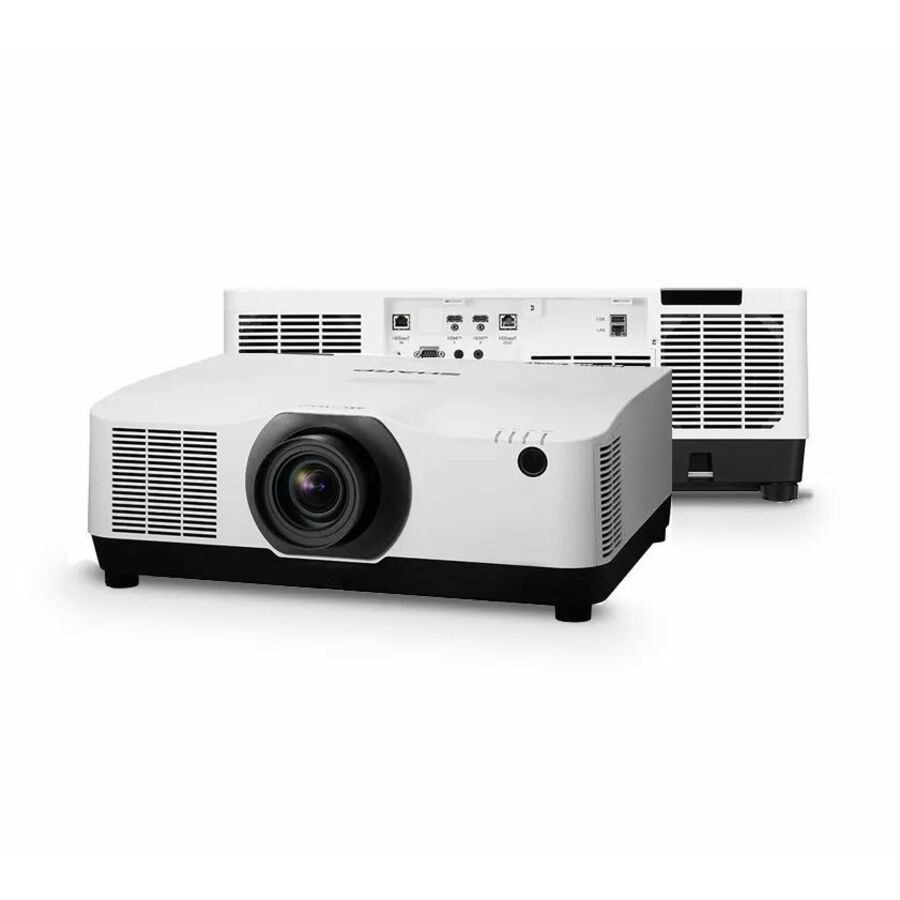
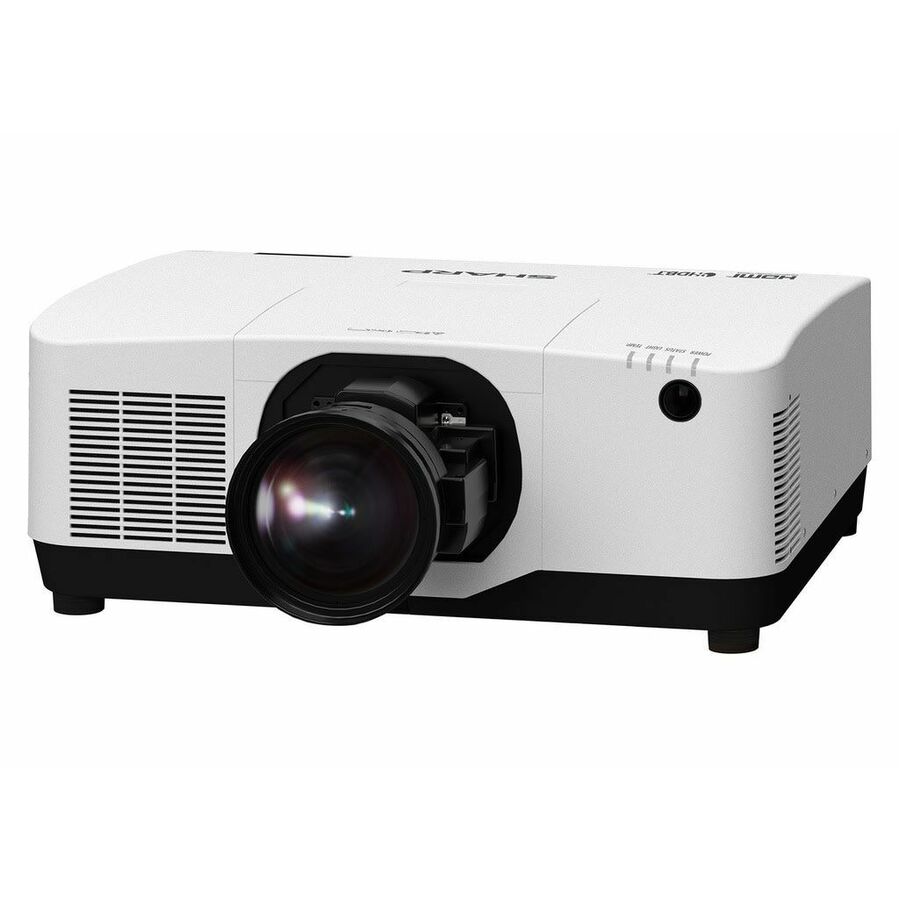
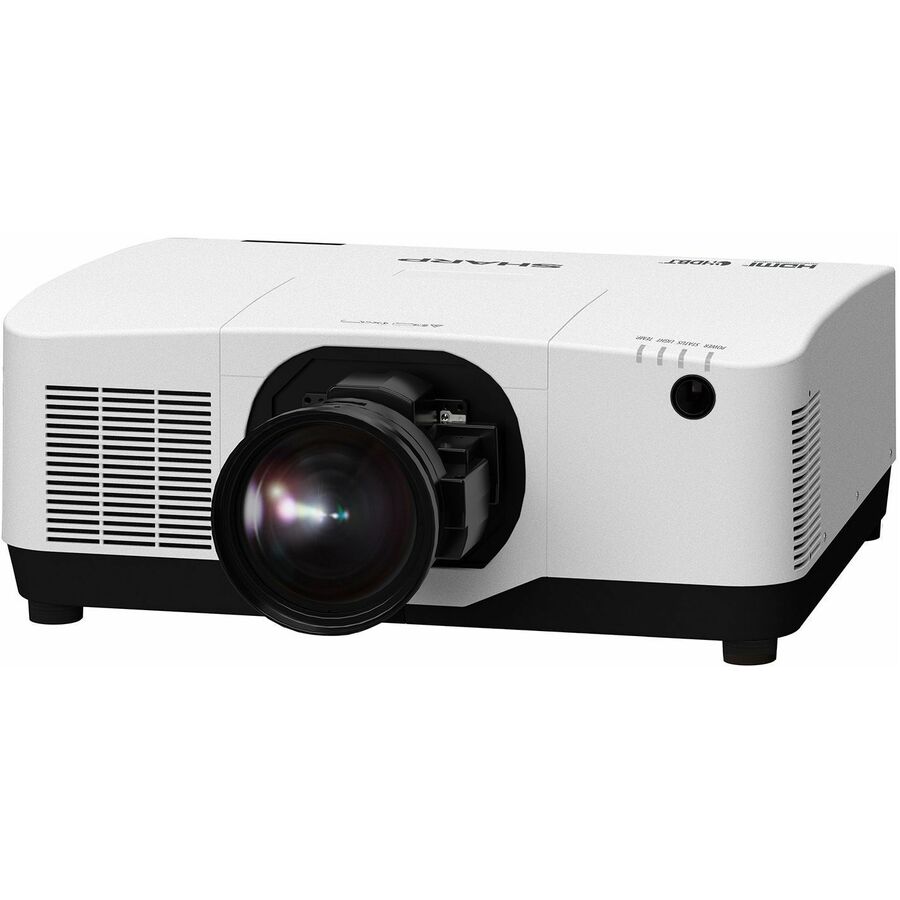
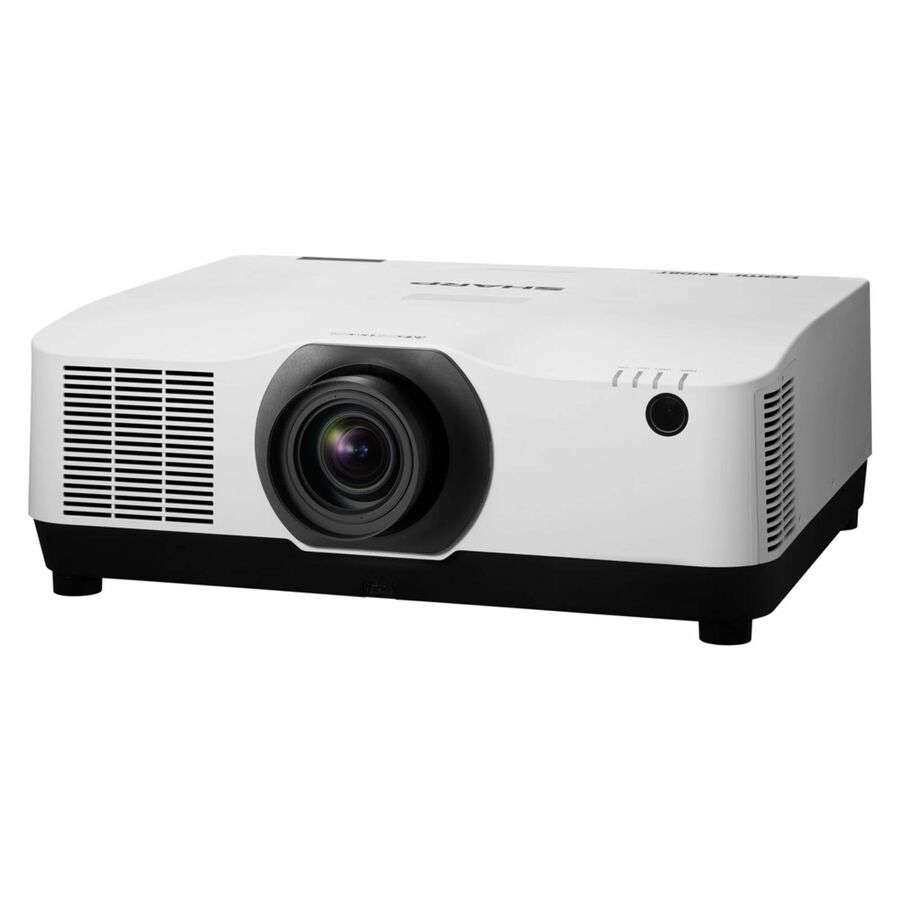
97 in stock - SharpSharp NEC Display Professional V801U 3D Standard Throw 3LCD Projector - 16:10 - Ceiling Mountable - White - 1920 x 1200 - Ceiling, Front - 2160p - 20000 Hour Normal Mode - WUXGA - 3,000,000:1 - 8300 lm - HDMI - USB - Network (RJ-45) - Education, Corporate, Simulator, Meeting - 3 Year WarrantyXP-V801U-W
$11,421.00
$6,720.69
2 in stock Back-ordered — estimated OEM lead time 3–8 weeks (Nov 12 – Dec 17 if ordered today).
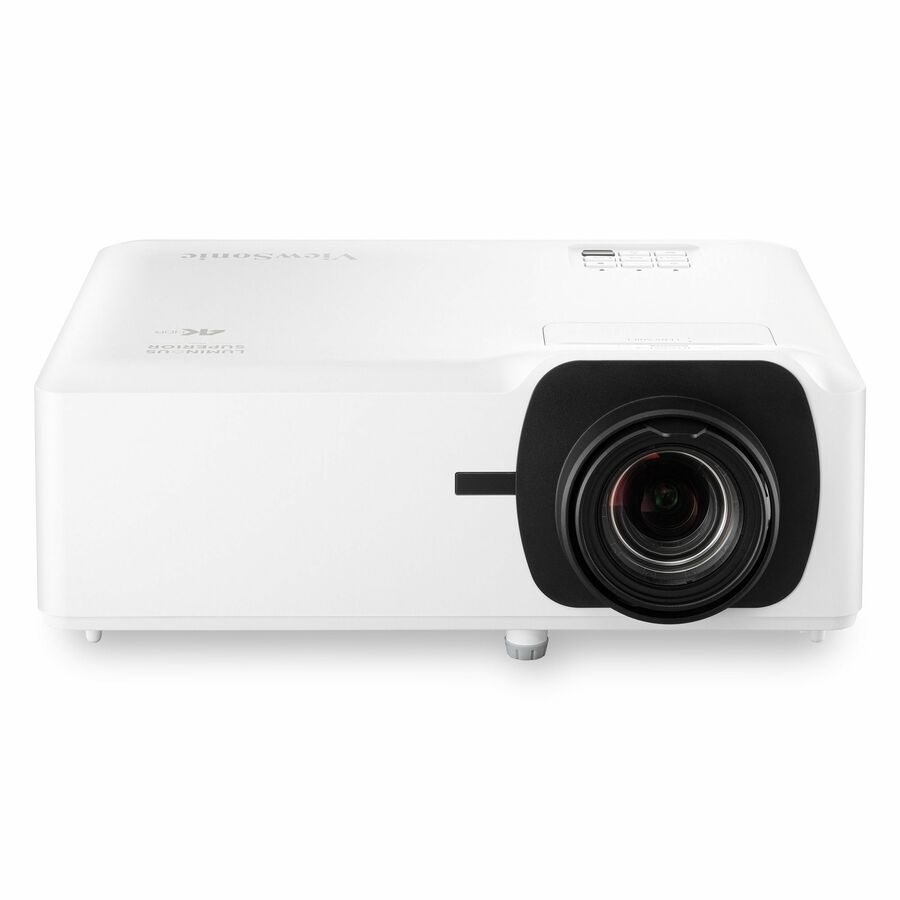
- ViewSonicViewSonic LS560WH 3000 Lumens WXGA Short Throw LED Projector, High Brightness for Business and Education, H/V Keystone and 360-Degree Projection for Easy Setup, and LAN Control Inputs - LS560WH - 3000 Lumens WXGA Short Throw LED Lamp Free Projector with HV Keystone and LAN ControlLS560WH
$1,049.00
$734.57
Back-orderedBack-ordered — estimated OEM lead time 3–8 weeks (Nov 12 – Dec 17 if ordered today).
- SharpSharp NEC Display XP-M421W-W DLP Projector - 16:10 - Floor Mountable, Ceiling Mountable - White - 1280 x 800 - Rear Ceiling, Front Ceiling, Front, Rear, Ceiling - 1080p - 14000 Hour Normal Mode - 20000 Hour Economy Mode - WXGA - 50,000:1 - 4200 lm - HDMI - USB - Class Room, Meeting, Education, Presentation - 5 Year WarrantyXP-M421W-W
$1,464.00
$1,108.13
Back-orderedBack-ordered — estimated OEM lead time 3–8 weeks (Nov 12 – Dec 17 if ordered today).
- Maxnerva Technology ServicesInFocus Nemesis II IN1028SL Standard Throw DLP Projector - 16:9 - 1920 x 1080 - Front - 2160p - 30000 Hour Normal Mode - Full HD - 400,000:1 - 5000 lm - HDMI - USB - Network (RJ-45) - Presentation, Class Room, Corporate, Education, Large Venue, BusinessIN1028SL
$1,905.00
$1,356.64
Back-orderedBack-ordered — we expect to receive stock the week of Nov 9–15 and will process your delivery right after.
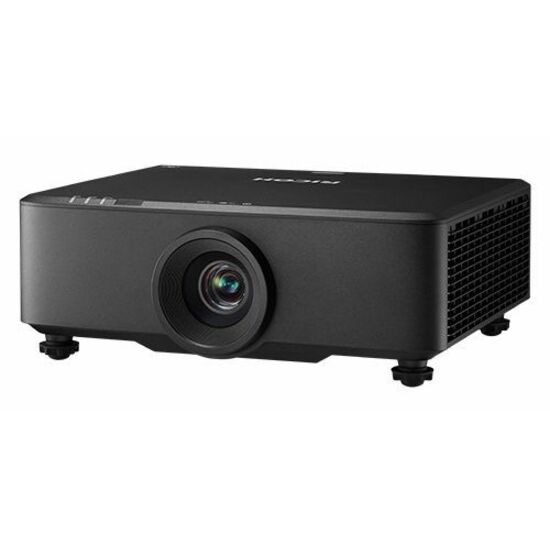
- Ricoh ImagingRicoh PJ WUL6670 3D DLP Projector - 16:10 - Ceiling Mountable, Floor Mountable - Front, Ceiling - 2160p - 20000 Hour Normal Mode - 3,380,000:1 - 7200 lm - HDMI - Network (RJ-45) - Auditorium, Conference Room, Medical, Education432665
$4,975.00
$2,517.34
Back-orderedBack-ordered — estimated OEM lead time 3–8 weeks (Nov 12 – Dec 17 if ordered today).
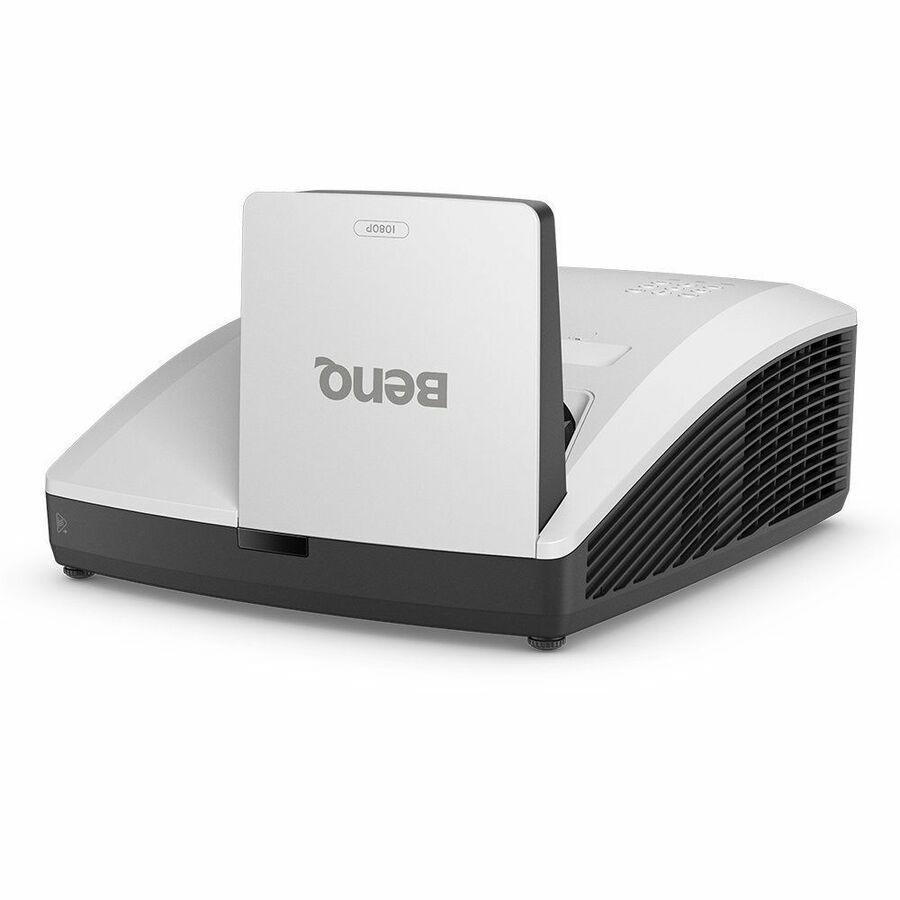
- BenQBenQ LH856UST 3D Ultra Short Throw DLP Projector - 16:9 - Wall Mountable - 1920 x 1080 - Front - 1080p - 20000 Hour Normal Mode - 38000 Hour Economy Mode - Full HD - 3,000,000:1 - 3500 lm - HDMI - USB - Network (RJ-45) - Class Room, Education, PresentationLH856UST
$3,079.00
$2,575.33
Back-orderedBack-ordered — estimated OEM lead time 3–8 weeks (Nov 12 – Dec 17 if ordered today).
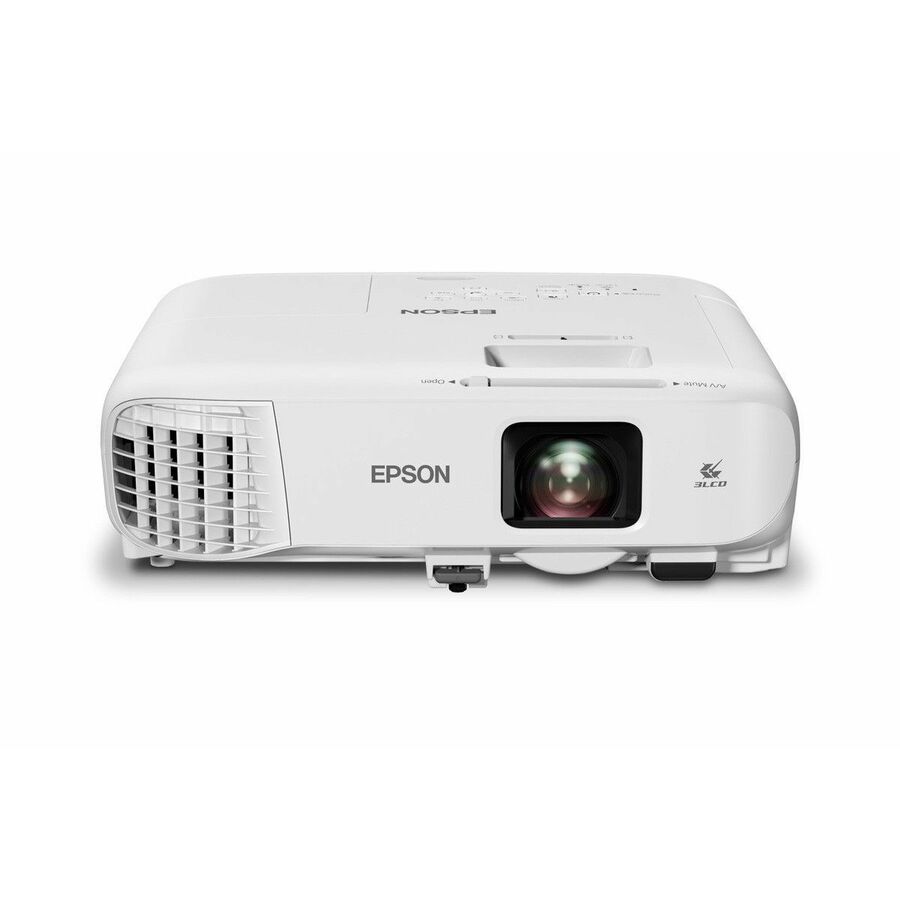
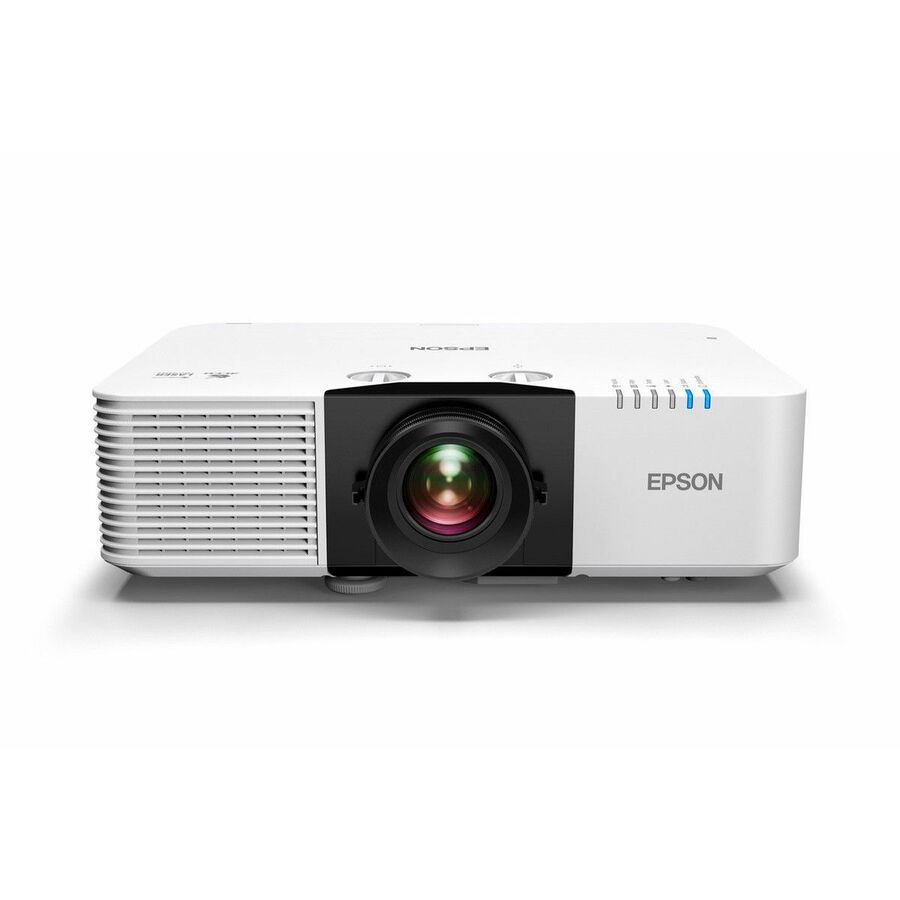
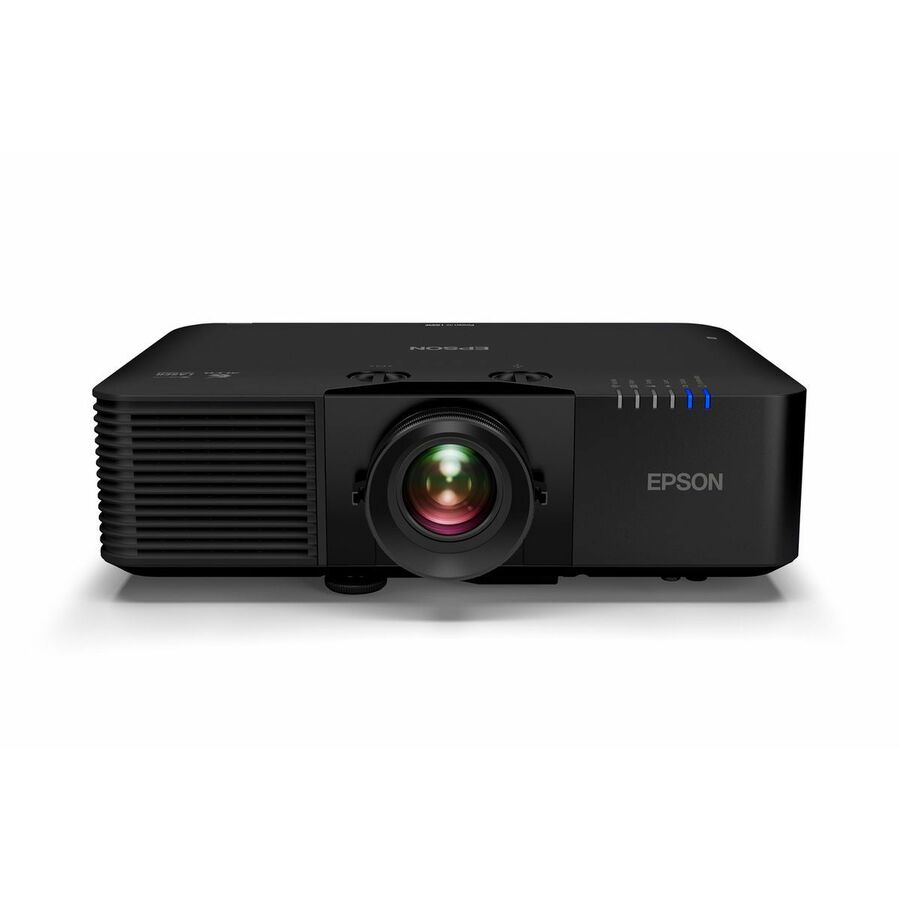
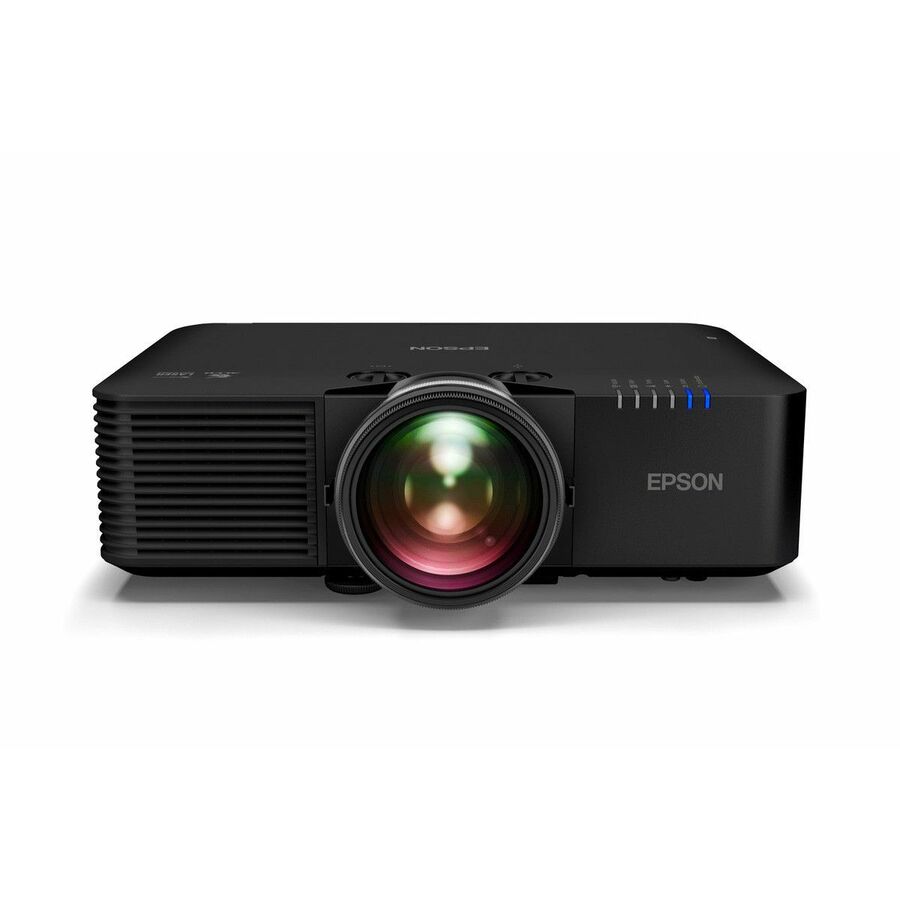
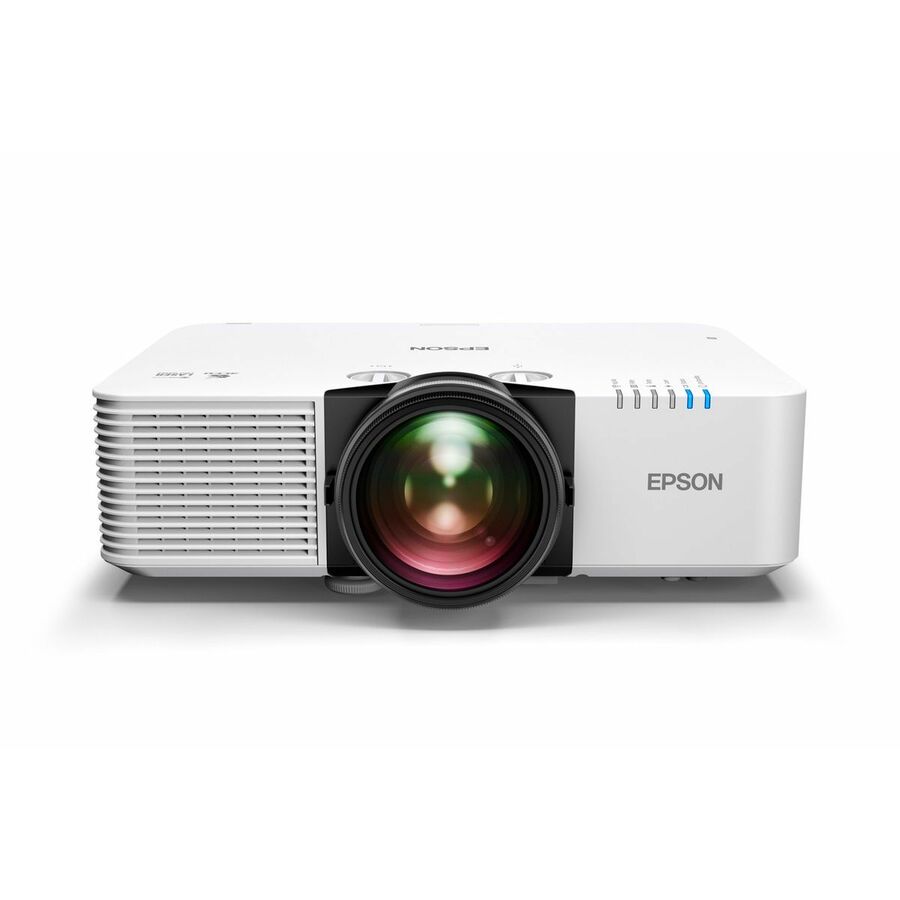
- EpsonEpson PowerLite L L690U Standard Throw 3LCD Projector - 21:9 - 1920 x 1200 - Front - 2160p - 20000 Hour Normal Mode - WUXGA - 5,000,000:1 - 6500 lm - HDMI - USB - Wireless LAN - Network (RJ-45) - Education, Corporate, Lecture Hall, Meeting - 3 Year WarrantyV11HB29020
$3,444.70
Back-orderedBack-ordered — we expect to receive stock the week of Oct 19–25 and will process your delivery right after.
Back-ordered — we expect to receive stock the week of Dec 28, 2026 – Jan 3, 2027 and will process your delivery right after.
Back-ordered — estimated OEM lead time 3–8 weeks (Nov 12 – Dec 17 if ordered today).


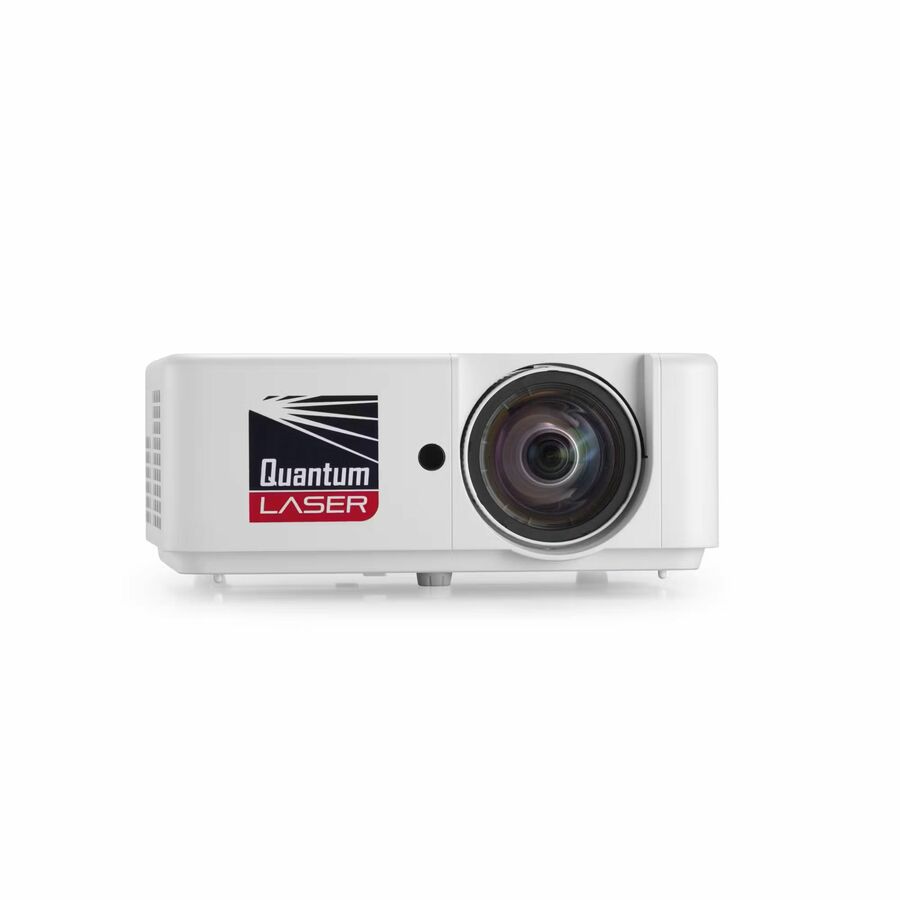
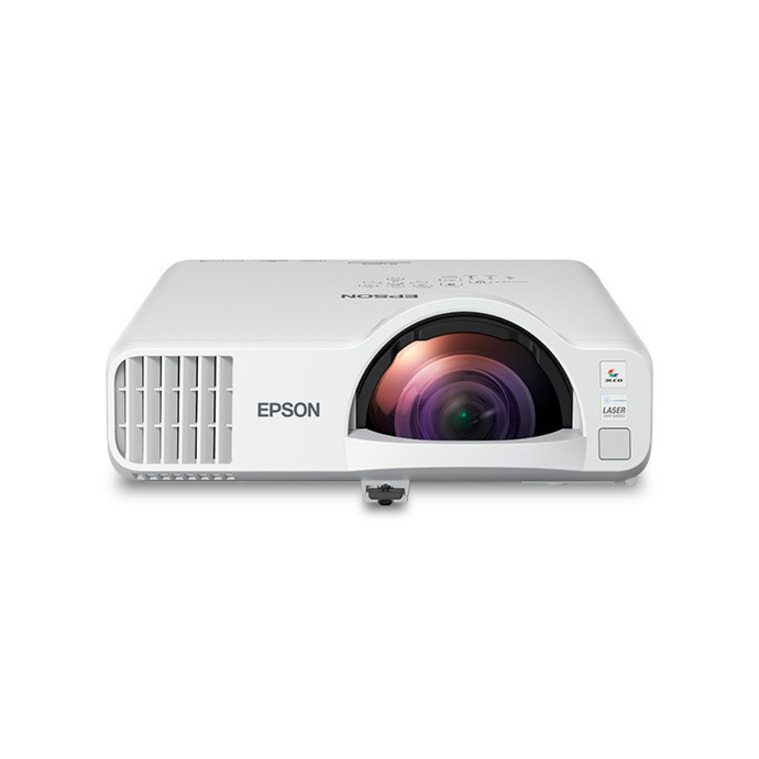
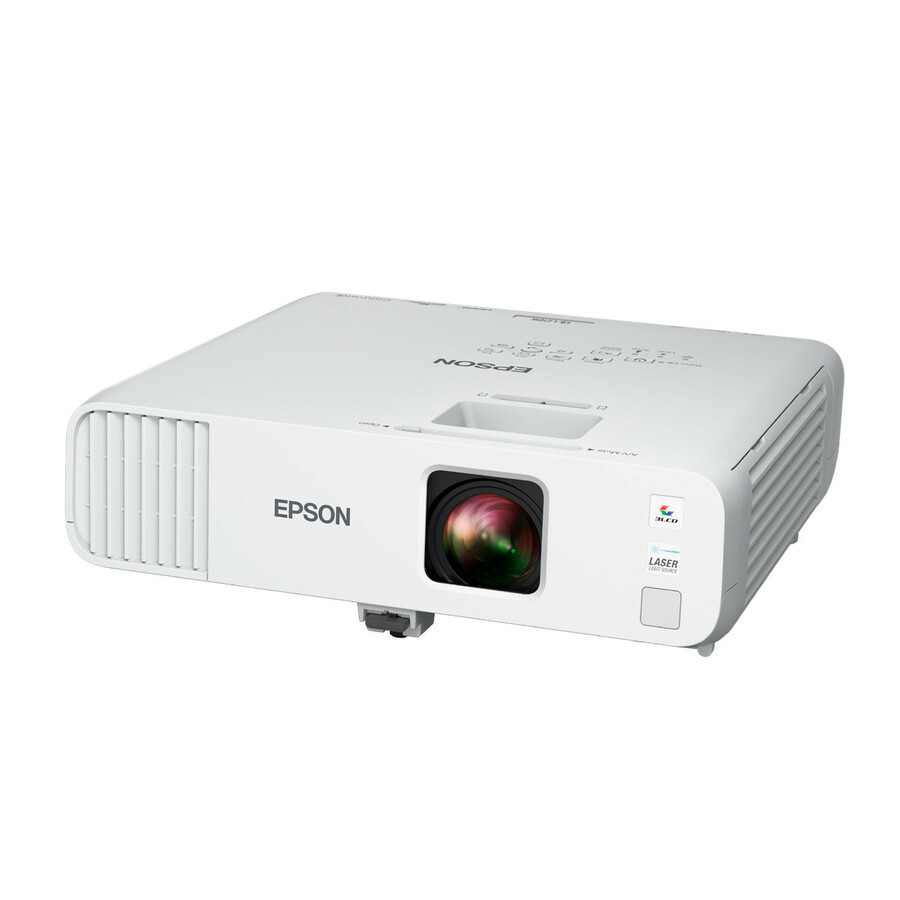
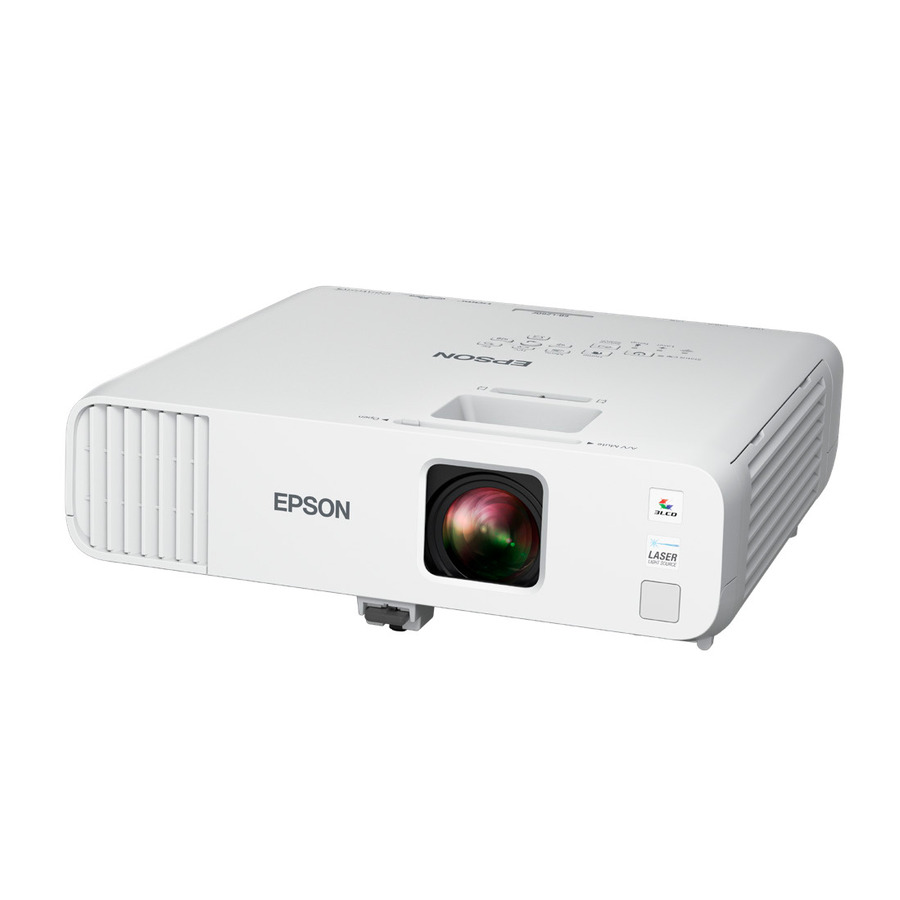

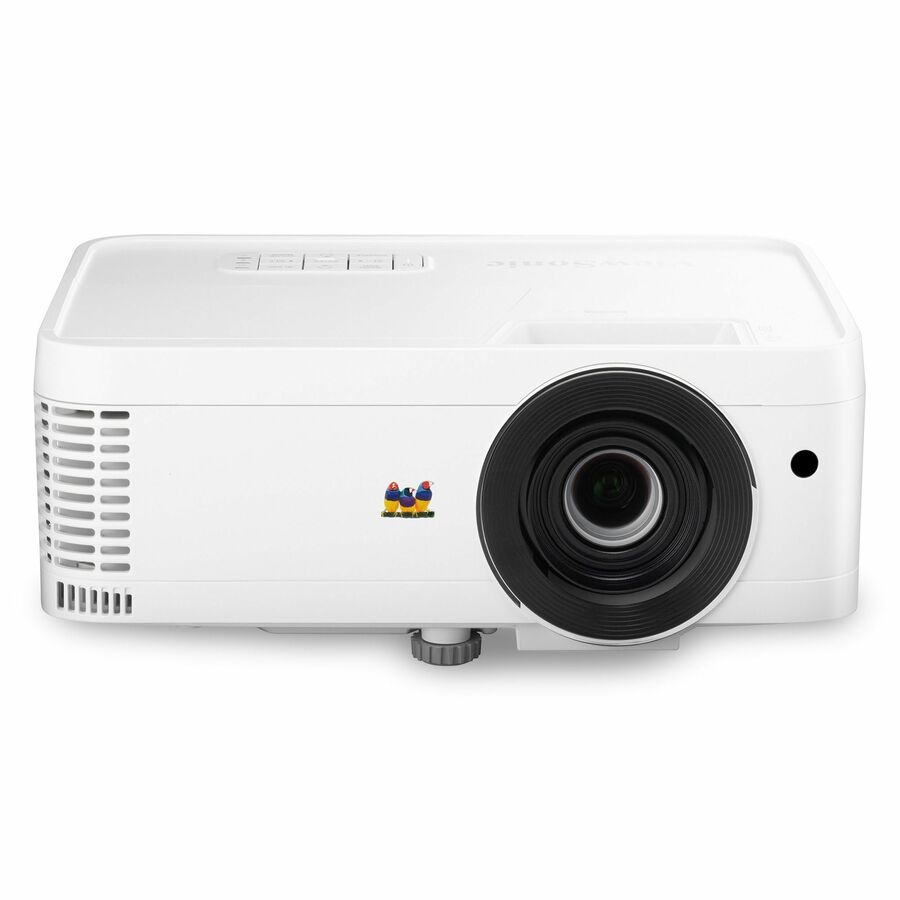
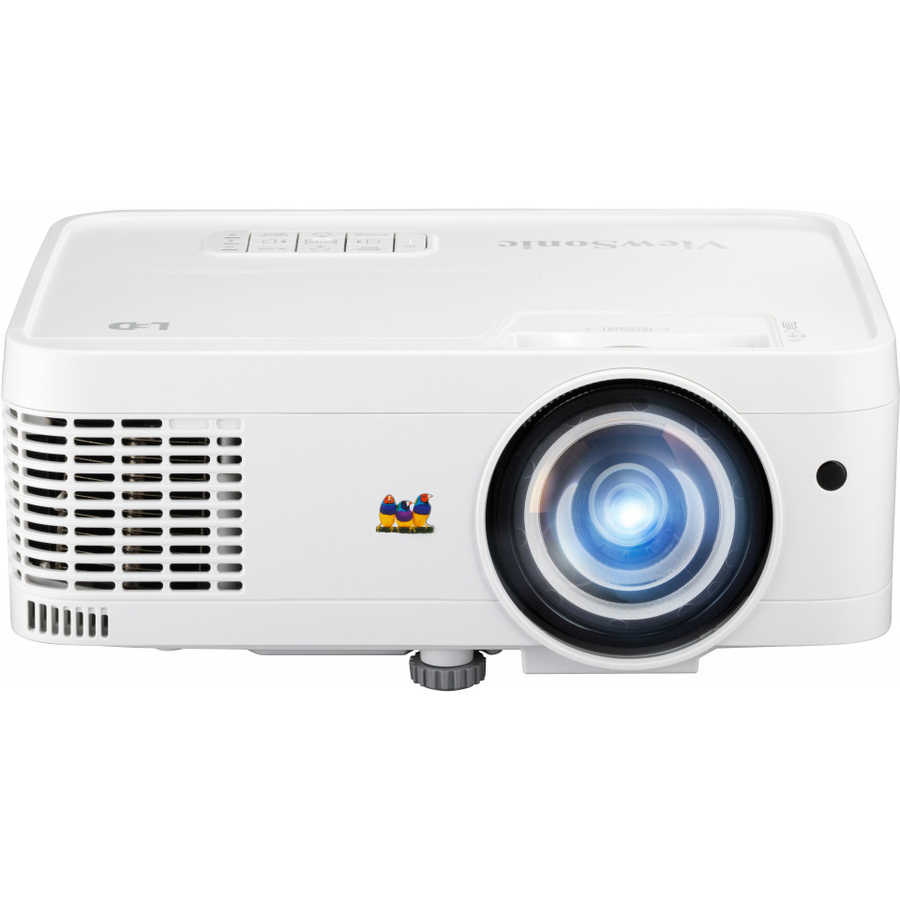
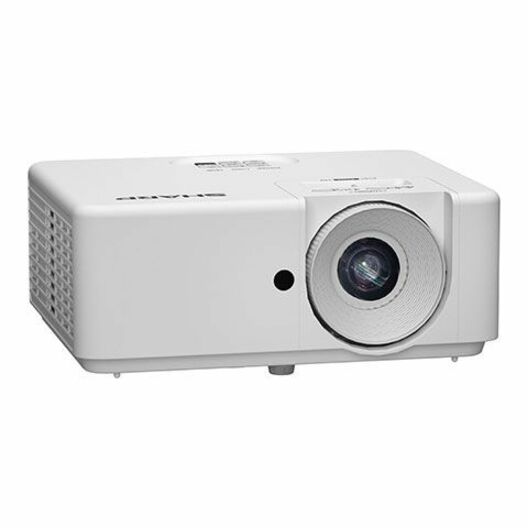
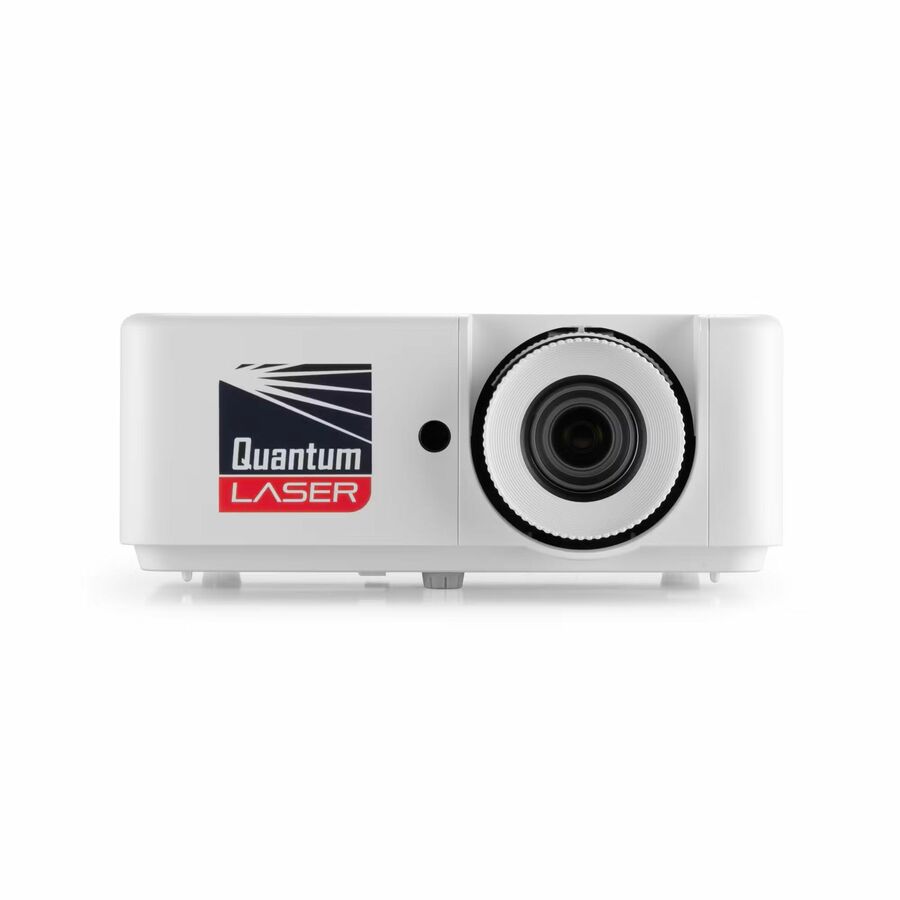

Top pick
Epson
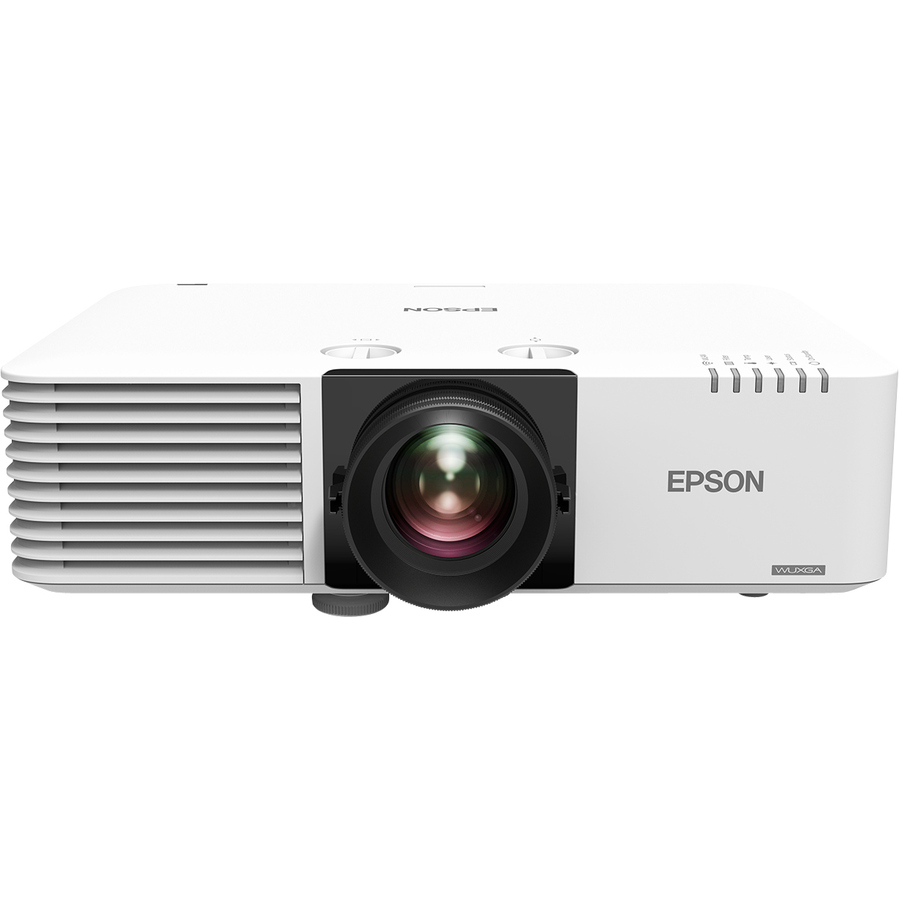
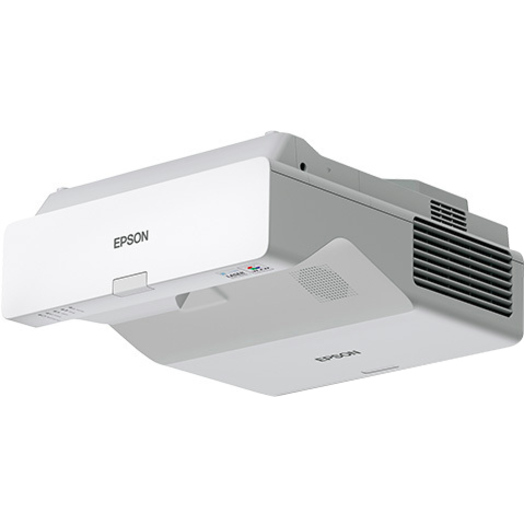
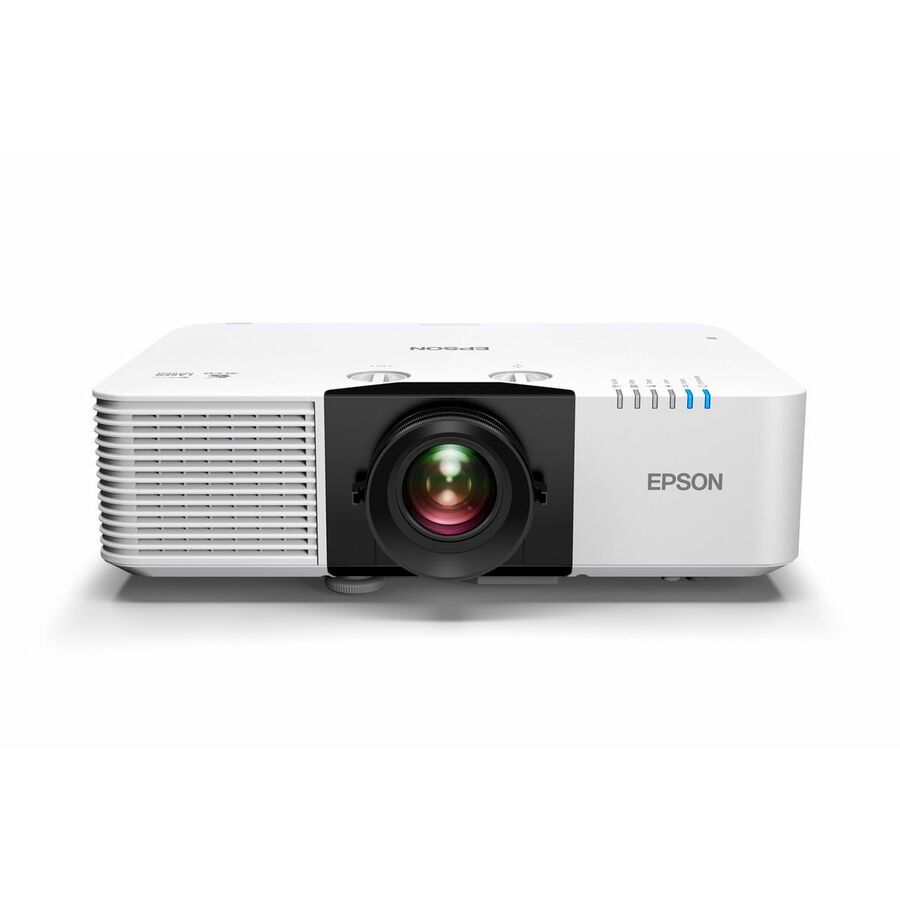
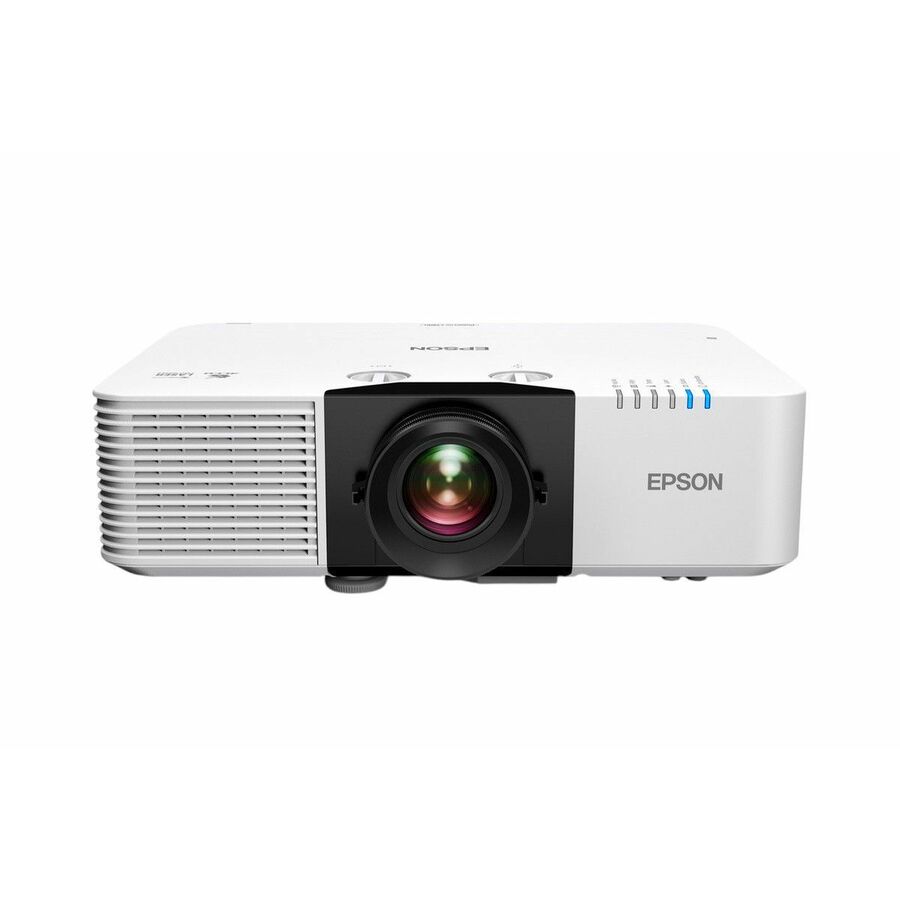
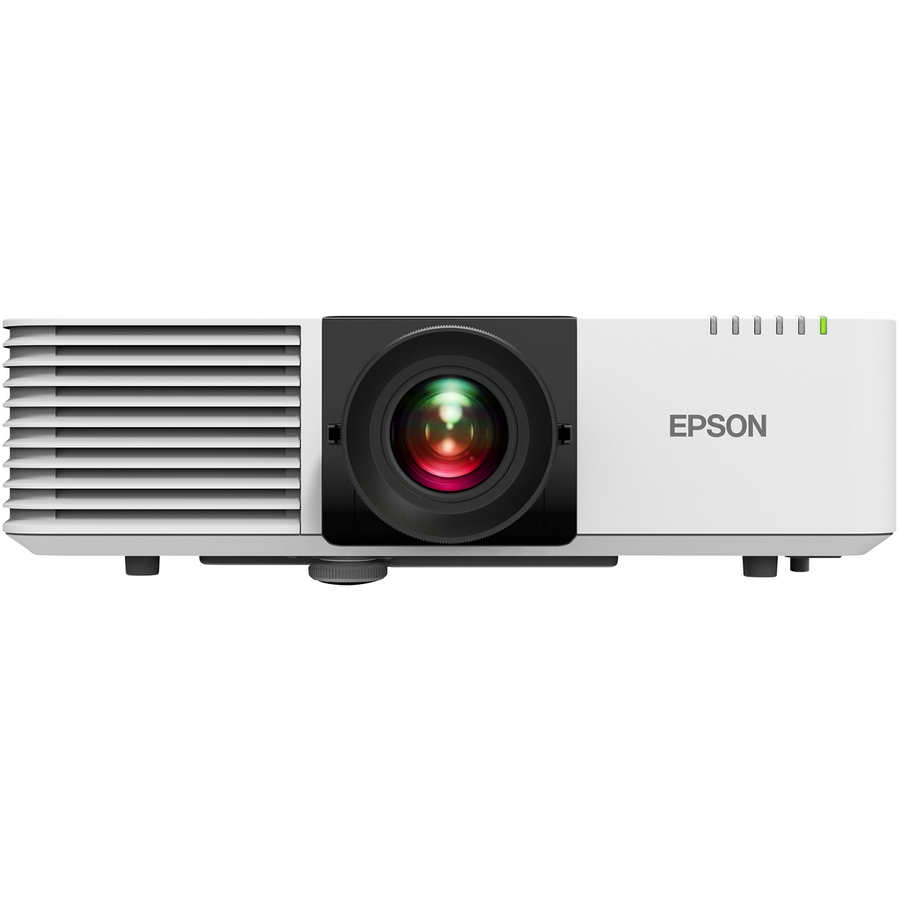
Epson PowerLite L210W 3LCD Projector
V11HA70020
The specification most ordinary classrooms are actually asking for: 4,500 lumens at WXGA 1280 x 800 on a 3LCD engine, ceiling-mountable, titled at 20,000 hours in normal mode and 30,000 in economy, with HDMI, USB, wireless LAN and a wired RJ-45 port. Its own application list names class room and education and nothing else, which is unusual and tells you what the manufacturer built it for. Three-year warranty per the title.
$1,973.72In stockShort throw
Epson
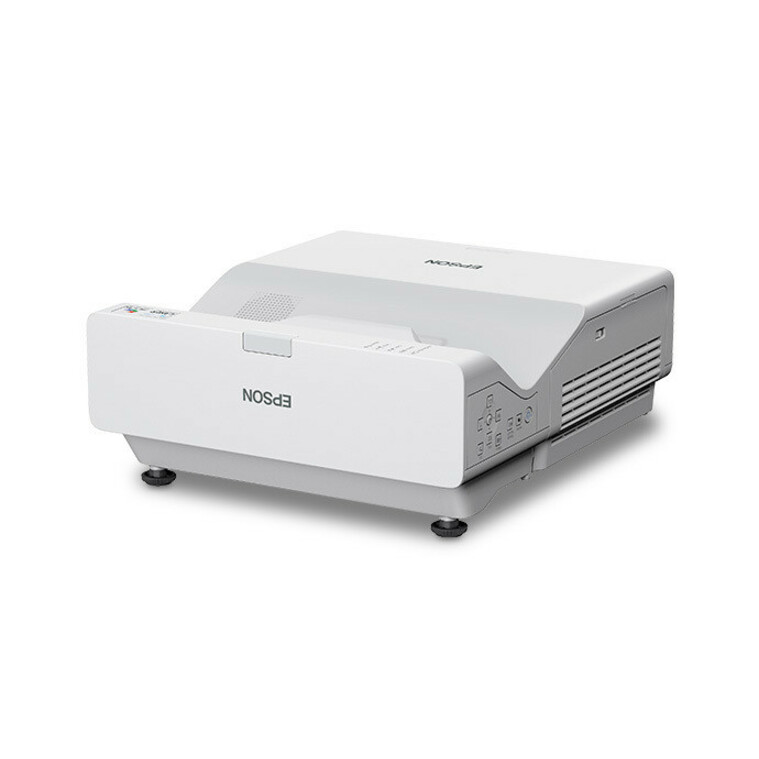
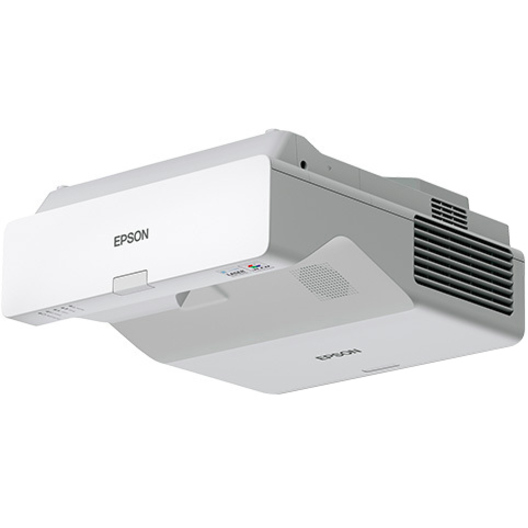
Epson PowerLite L210SW Short Throw 3LCD Projector
V11HA76020
The same 3LCD family in a short-throw body: 4,000 lumens at WXGA 1280 x 800, wall- and ceiling-mountable, 20,000 hours normal and 30,000 economy, with HDMI, USB, wireless LAN and RJ-45. Shortening the throw moves the unit off the ceiling centre and closer to the board, which cuts the shadow a teacher standing at the surface casts across their own annotation. Three-year warranty per the title.
$1,571.92In stockInteractive rooms
Epson
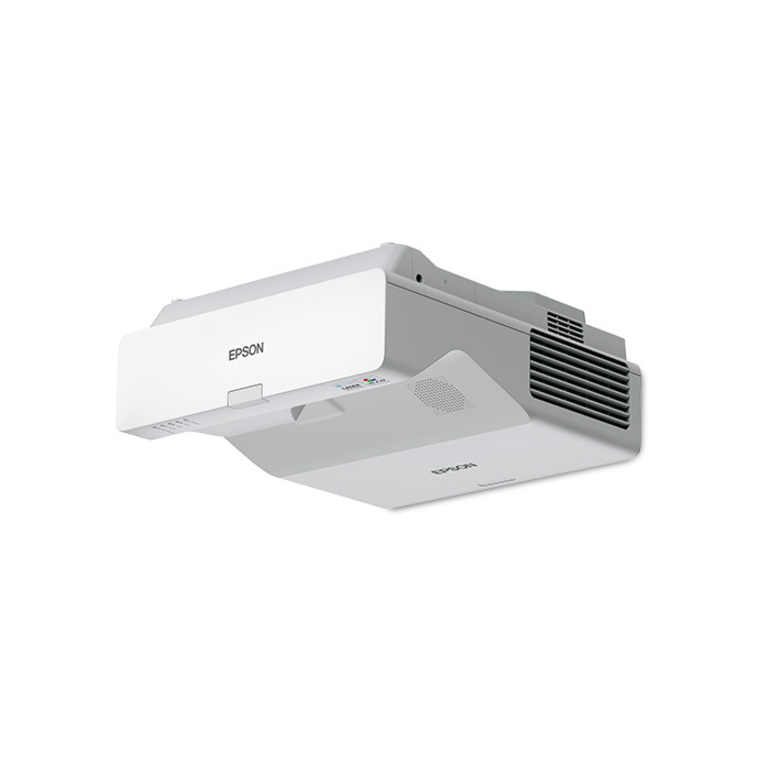
Epson PowerLite 760W Ultra Short Throw 3LCD Projector
V11HA81020
An ultra-short-throw 3LCD unit at 4,100 lumens and WXGA 1280 x 800, titled wall-mountable and tabletop with front and rear projection, 20,000 hours normal and 30,000 economy, HDMI, USB, wireless LAN and RJ-45. This is the throw class for a room with an interactive board: the projector sits above the surface, so the presenter stands at the board without a shadow across it and without the beam in their eyes.
$3,054.66In stockLamp-free, LED
ViewSonic
ViewSonic LS560WH 3000 Lumens WXGA Short Throw LED Projector, High…
LS560WH
A 3,000-lumen WXGA short-throw LED projector titled lamp-free, with horizontal and vertical keystone, 360-degree projection for awkward mounting positions, and LAN control inputs. The manufacturer's own title names business and education. The reason to look at it is the maintenance line rather than the brightness: an LED source with LAN control is a unit the helpdesk can reach and nobody has to take a ladder to.
$734.57Back-orderedBrighter laser
ViewSonic
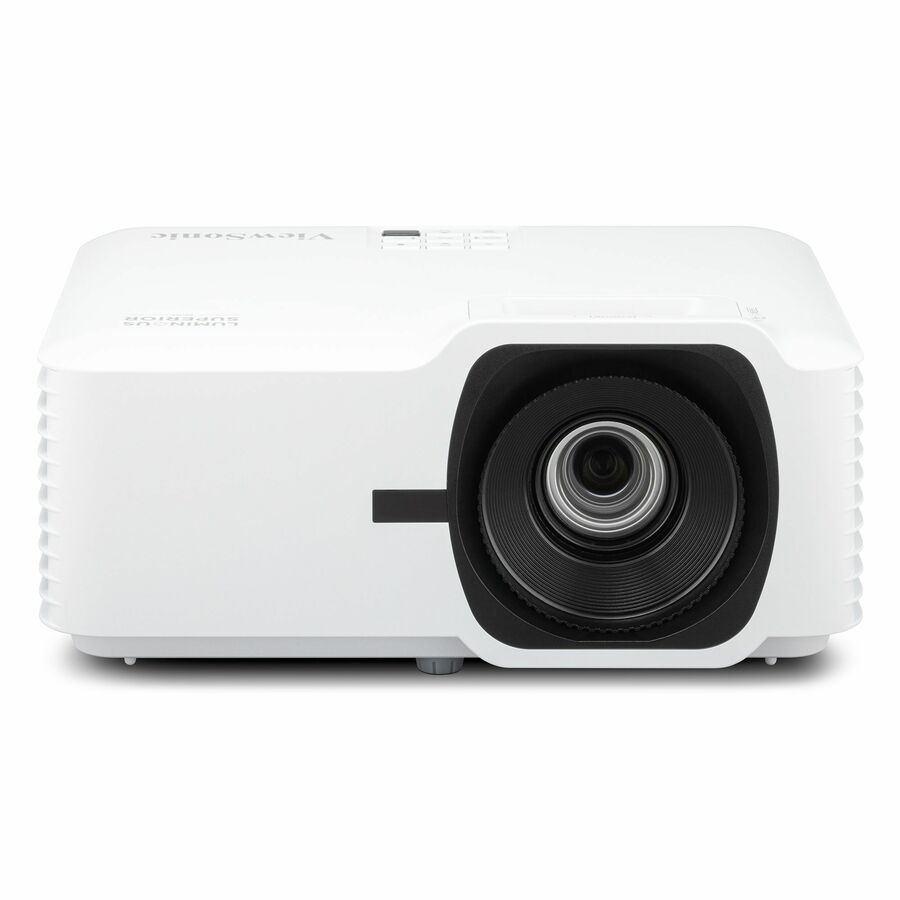
ViewSonic LS630W 4500 Lumens WXGA Laser Projector, Maintenance-Free…
LS630W
A 4,500-lumen WXGA laser projector titled maintenance-free, with 1.3x optical zoom, horizontal and vertical keystone, 360-degree projection, and USB and HDMI inputs, rated at 20,000 hours in normal mode and 30,000 in economy. The optical zoom is the practical part: it lets one mount position serve a range of screen sizes, which matters when the same model has to fit rooms that are not identical.
Request pricingLong-life workhorse
Maxnerva Technology Services
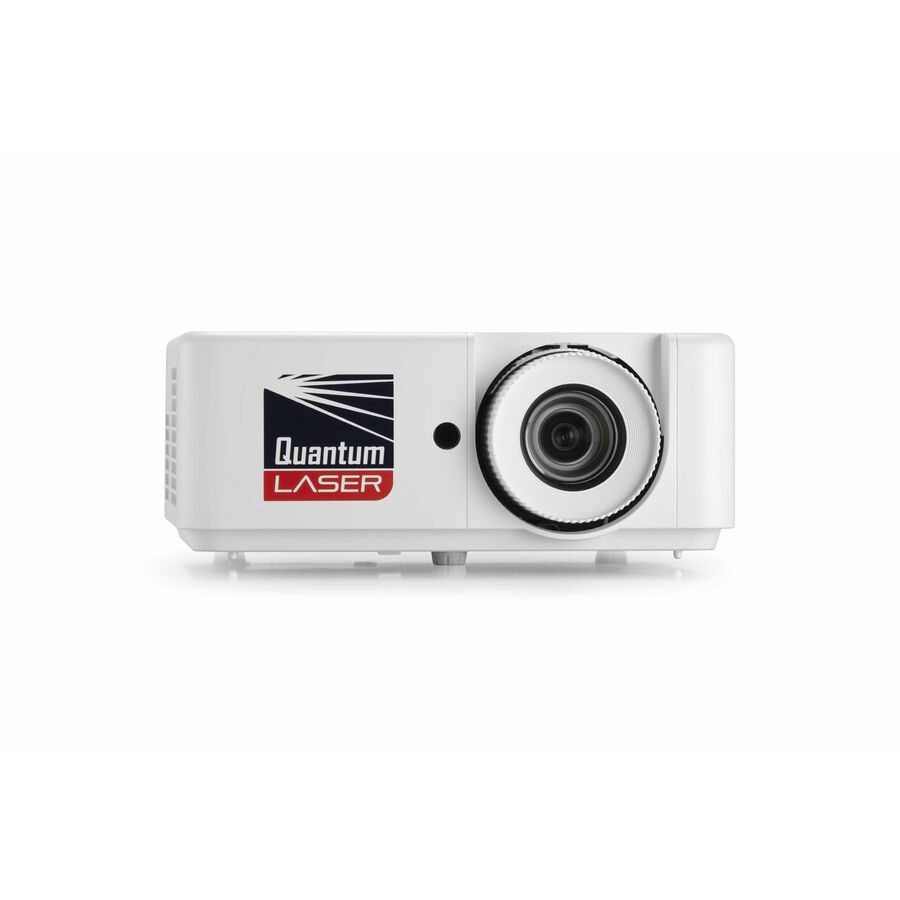
InFocus Nemesis II IN1026SL Standard Throw DLP Projector
IN1026SL
A standard-throw DLP unit at 5,000 lumens and WXGA 1280 x 800, 16:10, titled at 30,000 hours in normal mode, with HDMI, USB and a wired RJ-45 port, and an application list that names class room, education, presentation, corporate, large venue and business. Five thousand lumens is the step to take when the room has daylight you cannot fully control and the screen is large.
$1,146.85In stockShort throw, Full HD
Maxnerva Technology Services
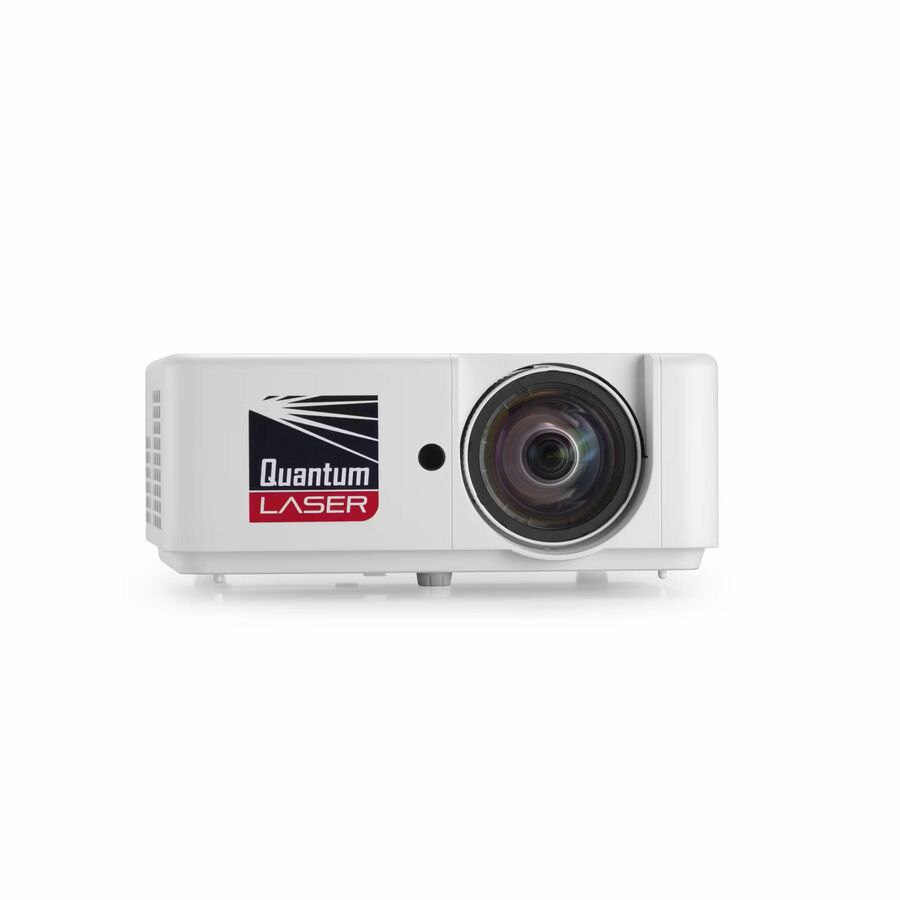
InFocus Nemesis II IN1028ST Short Throw DLP Projector
IN1028ST
The short-throw sibling: 4,000 lumens at native 1920 x 1080 in 16:9, DLP, titled at 30,000 hours in normal mode with HDMI, USB and RJ-45. Full HD native is the resolution to specify where the room routinely shows detailed diagrams, spreadsheets or code — the pixels buy legibility from the back row rather than sharpness for its own sake — and the short throw keeps the presenter out of the beam.
$1,514.33In stock4K UHD
Maxnerva Technology Services
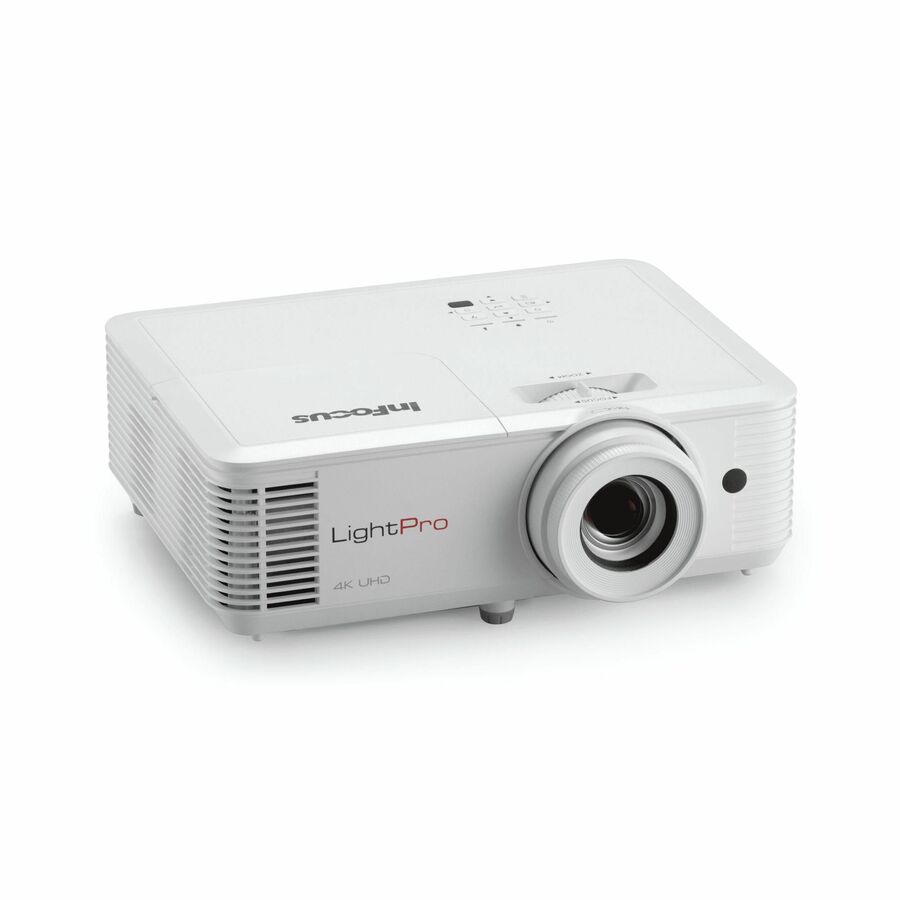
InFocus LightPro IN0061SL 3D Standard Throw DLP Projector
IN0061SL
A standard-throw DLP projector at native 3840 x 2160 with high dynamic range and 4,000 lumens, titled at 15,000 hours in normal mode, with HDMI and USB and a five-year warranty. Its application list names class room and education alongside meeting and presentation. Specify 4K where projection is genuinely doing the work a large display would otherwise do — detailed imagery, mapping, design review — rather than for slides.
$1,277.50In stockFlexible mounting, 4K
BenQ
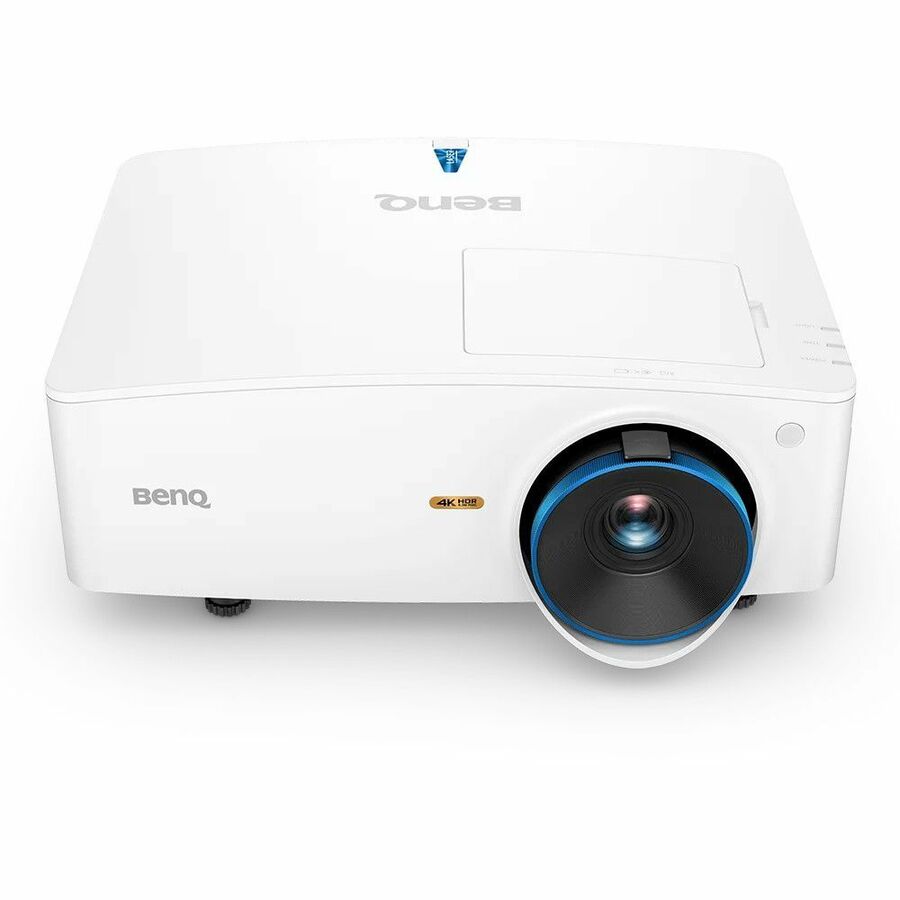
BenQ LK935 3D DLP Projector
LK935
A 5,500-lumen 4K UHD DLP unit at native 3840 x 2160 in 21:9, titled ceiling-, wall- and floor-mountable with front and ceiling projection, 20,000 hours in normal mode, and HDMI, USB and a wired RJ-45 port. The breadth of mounting positions is the reason to keep it on a shortlist: rooms that were not designed for AV rarely offer the position the datasheet assumed. Its application list names education alongside conference room and corporate.
$5,006.23Back-orderedLarge teaching room
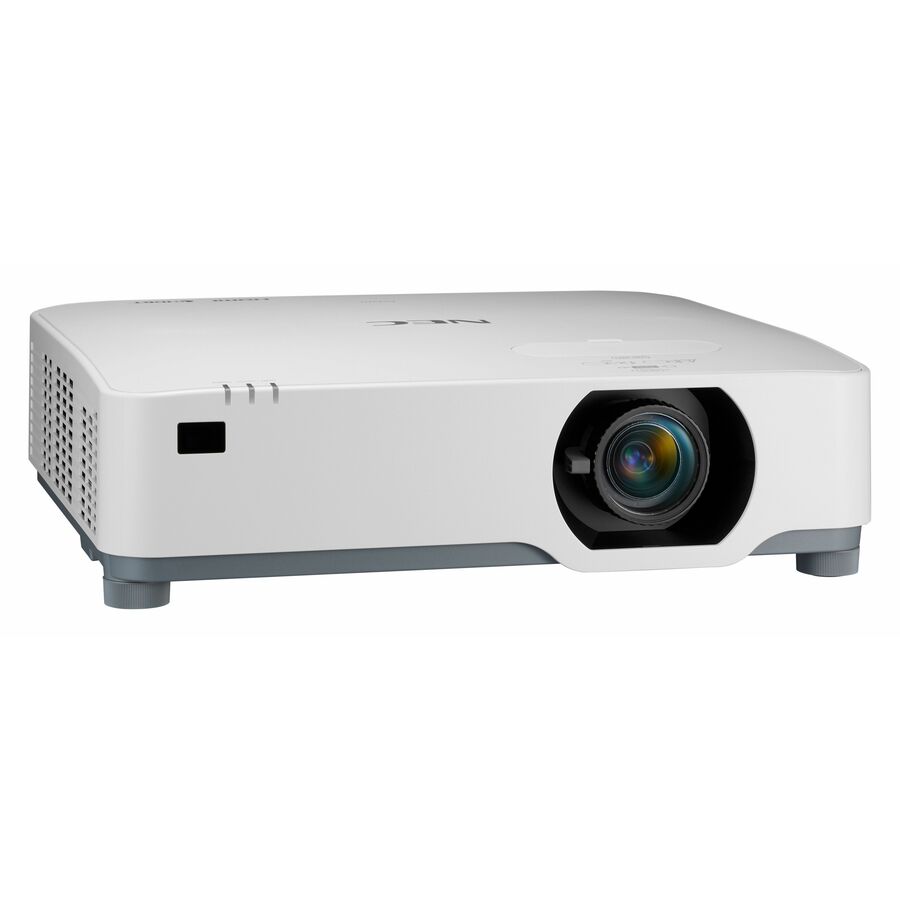
Sharp
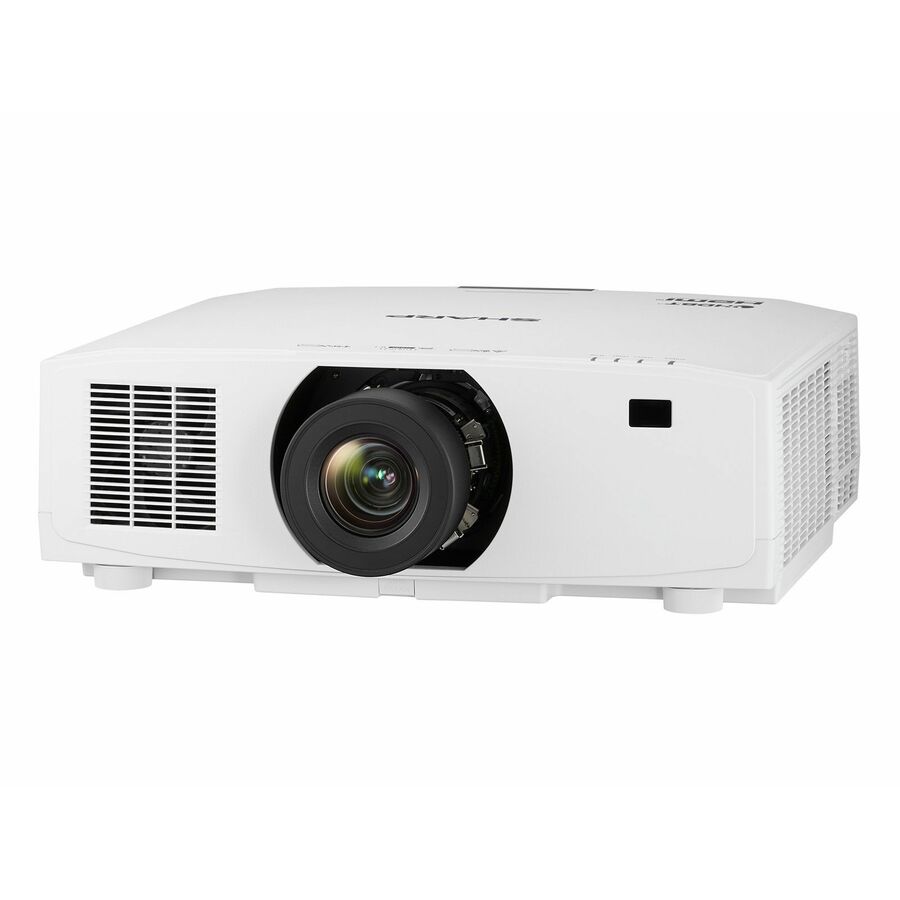
Sharp NEC Display NP-P547UL LCD Projector
NP-P547UL
An LCD projector at 5,400 lumens and native WUXGA 1920 x 1200 in 16:10, ceiling- and floor-mountable with front, rear and ceiling positions, titled at 20,000 hours in normal mode with HDMI and USB. Its own application list names education, large venue, office, corporate, meeting and presentation. WUXGA plus 5,400 lumens is the pairing for a big room with a big screen and imperfect blinds.
Request pricingUltra short throw, 1080p
BenQ
BenQ LH856UST 3D Ultra Short Throw DLP Projector
LH856UST
An ultra-short-throw DLP projector at 3,500 lumens and native 1920 x 1080, wall-mountable, titled at 20,000 hours in normal mode and 38,000 in economy, with HDMI, USB and a wired RJ-45 port. The application list is class room, education and presentation. A Full HD ultra-short-throw with a network port is the standard combination for a board-mounted room that the estate expects to manage centrally.
$2,575.33Back-orderedBrightest here
Ricoh Imaging
Ricoh PJ WUL6670 3D DLP Projector
432665
A 7,200-lumen 3D DLP projector at 2160p with a 16:10 aspect ratio, ceiling- and floor-mountable, titled at 20,000 hours in normal mode with HDMI and a wired RJ-45 port, and an application list naming auditorium, conference room, medical and education. This is the top of the range on this page and it belongs in the largest space you would still call a teaching room rather than in a standard classroom.
$2,517.34Back-orderedMore projectors in the Uniqcli catalog
See all 458 projectorsMore from across this category. In-stock lines lead, and a back-ordered line carries the same estimated availability its product page does — with live pricing throughout, NDAA §889 screening before checkout and TAA verified on request.
- SharpSharp NEC Display Professional V731U 3D Standard Throw 3LCD Projector - 16:10 - Ceiling Mountable - Black - 1920 x 1200 - Ceiling, Front - 2160p - 20000 Hour Normal Mode - WUXGA - 3,000,000:1 - 7600 lm - HDMI - USB - Network (RJ-45) - Education, Corporate, Simulator, MeetingXP-V731U-B
$9,564.00
$8,931.00
Back-orderedBack-ordered — estimated OEM lead time 3–8 weeks (Nov 12 – Dec 17 if ordered today).
- SharpSharp NEC Display Professional V731U 3D Standard Throw 3LCD Projector - 16:10 - Ceiling Mountable - White - 1920 x 1200 - Ceiling, Front - 2160p - 20000 Hour Normal Mode - WUXGA - 3,000,000:1 - 7600 lm - HDMI - USB - Network (RJ-45) - Education, Corporate, Simulator, MeetingXP-V731U-W
$9,564.00
$8,931.00
Back-orderedBack-ordered — estimated OEM lead time 3–8 weeks (Nov 12 – Dec 17 if ordered today).
Back-ordered — we expect to receive stock the week of Dec 14–20 and will process your delivery right after.
Back-ordered — estimated OEM lead time 3–8 weeks (Nov 12 – Dec 17 if ordered today).
Back-ordered — estimated OEM lead time 3–8 weeks (Nov 12 – Dec 17 if ordered today).
Back-ordered — estimated OEM lead time 3–8 weeks (Nov 12 – Dec 17 if ordered today).
Back-ordered — estimated OEM lead time 3–8 weeks (Nov 12 – Dec 17 if ordered today).
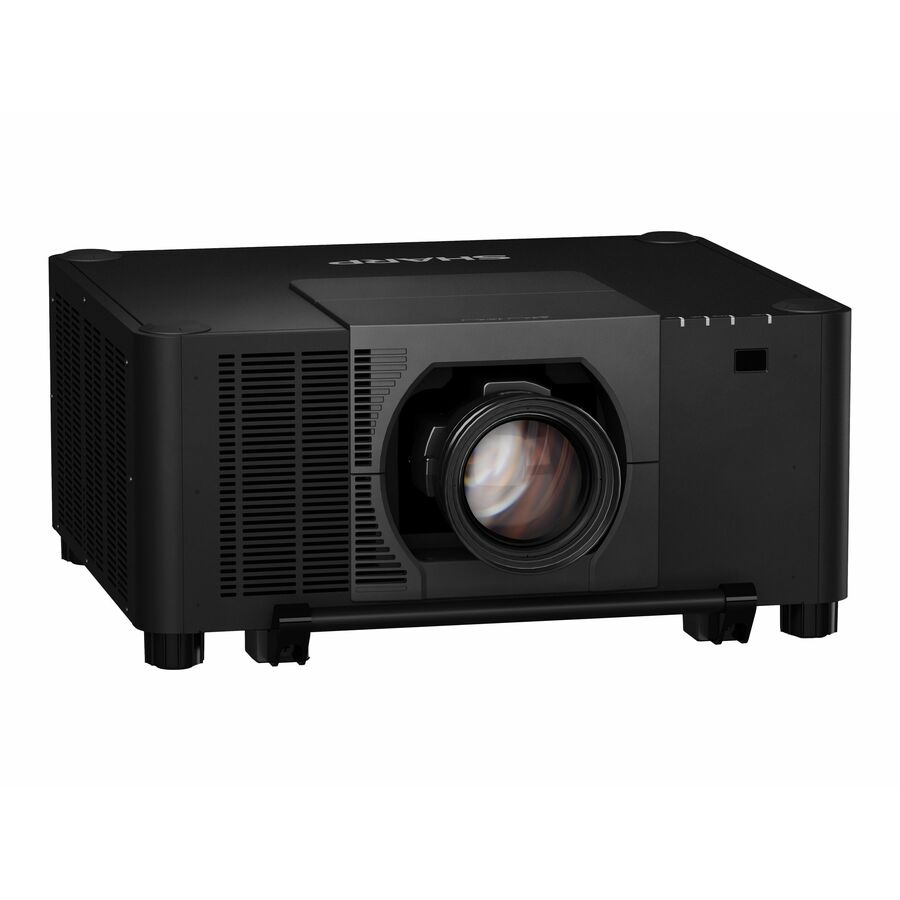
- SharpSharp NEC Display XP-A155U LCD Projector - 21:9 - Ceiling Mountable, Floor Mountable - Black - Ceiling, Rear, Front, Front Ceiling, Rear Ceiling - 2160p - 20000 Hour Normal Mode - 3,000,000:1 - 15000 lm - HDMI - USB - Network (RJ-45) - Corporate, Education, Museum, Auditorium, Conference, Cinema - 5 Year WarrantyXP-A155U-B
$29,035.00
$18,594.11
3 in stock - SharpSharp NEC Display XP-A175U-W LCD Projector - 21:9 - Ceiling Mountable, Floor Mountable - White - 1920 x 1200 - Front, Rear, Front Ceiling, Rear Ceiling - 2160p - 20000 Hour Normal Mode - WUXGA - 3,000,000:1 - 17000 lm - HDMI - USB - Network (RJ-45) - Education, Corporate, Museum, Conference Room, AuditoriumXP-A175U-W
$33,244.00
$21,287.48
Back-orderedBack-ordered — estimated OEM lead time 3–8 weeks (Nov 12 – Dec 17 if ordered today).
- SharpSharp NEC Display XP-A201U-B LCD Projector - Floor Mountable, Ceiling Mountable - 1920 x 1200 - Front, Front Ceiling, Rear Ceiling, Ceiling - 2160p - 20000 Hour Normal Mode - WUXGA - 3,000,000:1 - 20000 lm - HDMI - USB - Network (RJ-45) - Education, Museum, Rental & Staging, Presentation - 5 Year WarrantyXP-A201U-B
$47,839.00
$36,323.05
Back-orderedBack-ordered — estimated OEM lead time 3–8 weeks (Nov 12 – Dec 17 if ordered today).
- SharpSharp NEC Display XP-A155U LCD Projector - 21:9 - Ceiling Mountable, Floor Mountable - White - Ceiling, Rear, Front, Front Ceiling, Rear Ceiling - 2160p - 20000 Hour Normal Mode - 3,000,000:1 - 15000 lm - HDMI - USB - Network (RJ-45) - Corporate, Education, Museum, Auditorium, Conference, Cinema - 5 Year WarrantyXP-A155U-W
$29,035.00
$18,594.15
Back-orderedBack-ordered — estimated OEM lead time 3–8 weeks (Nov 12 – Dec 17 if ordered today).
- SharpSharp NEC Display XP-A104U-B Ultra Short Throw LCD Projector - 21:9 - Ceiling Mountable, Floor Mountable - Black - High Dynamic Range (HDR) - Ceiling, Rear, Front, Front Ceiling, Rear Ceiling - 2160p - 20000 Hour Normal Mode - 3,000,000:1 - 10500 lm - HDMI - USB - Network (RJ-45) - Corporate, Education, Museum, Auditorium, Conference, Cinema - 5 Year WarrantyXP-A104U-B
$22,470.00
$14,847.95
Back-orderedBack-ordered — estimated OEM lead time 3–8 weeks (Nov 12 – Dec 17 if ordered today).
- SharpSharp NEC Display XP-A104U-W Ultra Short Throw LCD Projector - 21:9 - Ceiling Mountable, Floor Mountable - White - High Dynamic Range (HDR) - Ceiling, Rear, Front, Front Ceiling, Rear Ceiling - 2160p - 20000 Hour Normal Mode - 3,000,000:1 - 10500 lm - HDMI - USB - Network (RJ-45) - Corporate, Education, Museum, Auditorium, Conference, Cinema - 5 Year WarrantyXP-A104U-W
$22,470.00
$14,848.05
Back-orderedBack-ordered — estimated OEM lead time 3–8 weeks (Nov 12 – Dec 17 if ordered today).
- SharpSharp NEC Display XP-A824U-B Ultra Short Throw LCD Projector - 21:9 - Ceiling Mountable, Floor Mountable - Black - High Dynamic Range (HDR) - Ceiling, Rear, Front, Front Ceiling, Rear Ceiling - 2160p - 20000 Hour Normal Mode - 3,000,000:1 - 8600 lm - HDMI - USB - Network (RJ-45) - Corporate, Education, Museum, Auditorium, Conference, Cinema - 5 Year WarrantyXP-A824U-B
$15,399.00
$9,863.95
Back-orderedBack-ordered — estimated OEM lead time 3–8 weeks (Nov 12 – Dec 17 if ordered today).
- EpsonEpson PowerLite L730U Long Throw 3LCD Projector - 16:10 - Ceiling Mountable - 1920 x 1200 - Front - WUXGA - 7000 lm - HDMI - USB - Wireless LAN - Network (RJ-45) - Education, Corporate, Digital Signage, Entertainment, PresentationV11HA25020
$9,719.35
Back-orderedBack-ordered — estimated OEM lead time 3–8 weeks (Nov 12 – Dec 17 if ordered today).
Need pricing on classroom projectors?
Tell us where to reach you and a Uniqcli specialist will follow up by email with current pricing, availability and lead time for the quantities you need — including parts that aren’t shown on this page.
Buying for an organization or for yourself — both work. No payment up front.
A classroom projector is bought on three numbers and one distance: brightness in lumens, native resolution, rated light-source hours, and throw. Size brightness against the light you cannot control rather than against room size — the parts here state 3,000 to 7,200 lumens in their own titles. Throw class decides the room: ultra-short throw sits above the board and removes shadow and glare.
A classroom projector is bought on three numbers and one distance. The numbers are brightness in lumens, native resolution, and the rated hours of the light source; the distance is throw, which decides where the projector can physically live in the room. Every unit in this grid comes from a part whose own manufacturer data names education among its applications, and every specification stated below is read from that same title rather than asserted — lumens, native pixels, aspect ratio, mounting positions, the hours in normal and economy mode, and whether the unit carries a wired network port, wireless LAN, or both.
Brightness is the one that decides whether the lesson works, and the honest way to size it is against ambient light rather than against room size. A teaching space with blinds that actually close and controllable lighting is a very different problem from a room with a south-facing window wall, and the second one needs materially more output for the same perceived image. The units here run from 3,000 lumens through 7,200 lumens in their own titles. Resolution follows the content: WXGA at 1280 x 800 is still the pragmatic answer for slides and a document camera, 1080p and WUXGA are what a room showing detailed diagrams, code or video wants, and 4K UHD appears on a couple of parts here for the rooms where projection is doing the work a large display would otherwise do.
Throw class is where the room design gets decided. A standard-throw unit hangs back from the screen and is the cheapest way to fill a wall, but the beam crosses the room, which is why the teacher walking to the board is also the person being blinded by it. Short throw moves the unit closer; ultra-short throw puts it directly above the board, which removes the shadow and the glare entirely and is why it dominates in rooms with an interactive whiteboard. Laser and LED light sources have largely displaced lamps at this end of the market, and the titles here say so directly in their rated hours — several parts are titled at 20,000 or 30,000 hours in normal mode, which changes the maintenance conversation for an estate more than any other single specification.
Buyer's checklist
How to choose a classroom projector
- Size brightness against the light you cannot control. Blinds that close and dimmable lighting buy you a lot; a window wall does not. The parts on this page state their lumens in their own titles, from 3,000 through 7,200, and under-buying brightness is the failure teachers actually report — a washed-out image at 10am is a projector nobody uses by December.
- Pick the throw class from the room, not the price list. Standard throw is cheapest and puts the beam across the room; short throw shortens that; ultra-short throw sits above the board and removes shadow and glare from the presenter's eyes. In a room with an interactive board or a teacher who works at the surface, ultra-short throw is the specification, not the upgrade.
- Match native resolution to the content. WXGA at 1280 x 800 is honest for slides and a visualiser; 1080p and WUXGA at 1920 x 1200 are what detailed diagrams, spreadsheets and code need to stay legible from the back row. These titles state native resolution per part — read that rather than a supported-input figure.
- Read the light-source hours as a maintenance budget. Several parts here are titled at 20,000 or 30,000 hours in normal mode with longer economy figures, and across a building that is the difference between a scheduled consumable and a truck roll. Check the figure on the exact part number rather than on the series.
- Confirm how the unit joins the network and how it is controlled. Wired RJ-45, wireless LAN, or both are stated per part in these titles, and remote power, input switching and status monitoring across an estate depend on it. A projector that cannot be reached from the helpdesk is a projector somebody has to walk to.
- Plan the mount, the screen and the cable run with the projector. Mounting positions — ceiling, wall, tabletop, front, rear — are titled per part, and the bracket, the plate, the plenum-rated run and the power at the ceiling are all part of the same job rather than a later purchase.
- Standardise the part number across the estate wherever the rooms allow it. One model across twenty rooms keeps the mounts, the spares, the remote, the control configuration and the teacher instructions identical, which is worth more over five years than a slightly better specification in three of them.
Throw distance is a room decision, and it is the one that gets changed last
Everything else about a classroom projector can be revised at the next refresh; the throw class is baked into the mount, the cable run, the power drop and often the ceiling itself. A standard-throw unit sits well back from the screen and is the least expensive way to get a large bright image, which is exactly why it is still the right answer in a lecture room with fixed seating where nobody stands at the board. The trouble starts in a normal classroom, where a teacher works at the surface: the beam crosses the room at head height, the presenter casts a shadow across their own annotation, and looking at the class means looking into the lens.
Short throw shortens that path and reduces both problems. Ultra-short throw removes them: the unit sits on a wall arm directly above the board and projects down at a steep angle, so the presenter can stand at the surface with no shadow and no glare. That is the specification for any room with an interactive whiteboard or a teacher who annotates, and several of the parts here are titled ultra-short throw with wall and tabletop mounting positions for exactly that installation. The trade is that ultra-short throw is unforgiving about surface flatness and about mount rigidity — a board that bows or an arm that flexes shows up as geometry error in a way a long throw would hide — which makes the mount and the surface part of the specification rather than an accessory to it.
One planning note that saves rework: measure the screen the room actually needs first, then choose the projector that can fill it from where the ceiling and the power allow. Doing it the other way around produces a room where the image is either too small to read from the back or so large it runs off the usable wall.
Lumens, light sources and what the hours figure is really telling you
Brightness in a classroom is a contest with the windows. The specification that matters is not the number in isolation but the number relative to the ambient light you cannot remove, which is why two rooms in the same building can need very different projectors. As a planning habit, treat blinds and lighting control as part of the AV budget: they are usually cheaper than the brightness step they save, and they make every projector in the estate look better. Where the light genuinely cannot be controlled, buy the output — the units on this page state theirs, and the range from 3,000 to 7,200 lumens covers a small teaching room through a large hall.
Light source is the other half. Lamp projectors are the legacy design, and their economics are dominated by the replacement lamp and the labour to change it at ceiling height. Laser and LED sources removed that: several parts here are titled at 20,000 or 30,000 hours in normal mode, with longer figures in economy mode, and one is titled explicitly maintenance-free. Across a building of twenty rooms running six hours a day, that is the difference between a recurring consumable line with a ladder attached and a device that is simply expected to work until the next refresh. Read the figure per part number rather than per series, and read the normal-mode figure rather than the economy one, because normal is what a room in daily use will actually run at.
Two smaller facts worth reading off the title while you are there: contrast ratio, which is quoted here from 22,000:1 up into the millions and is only ever comparable within one manufacturer's own measurement method, and the aspect ratio, where a 16:10 or 21:9 native panel and a 16:9 screen are a mismatch somebody will be letterboxing around for the life of the room.
What ships around a classroom AV order
A projector is one line on a room build. The mount comes with it — ceiling plate, extension column or the wall arm an ultra-short-throw unit needs — and so does the screen or the treated surface it projects onto, which is a real decision rather than a formality in a room where the wall is textured or the board is glossy. Then the infrastructure: a power drop at the mount position, a plenum-rated or riser-rated cable run back to the teaching wall or the closet, an HDMI extender where the distance exceeds a passive run, and a network drop if the estate expects to reach the projector from the helpdesk. Where the room also carries an interactive display, a visualiser, classroom audio or a control panel, those share the same rough-in and the same commissioning visit.
Uniqcli quotes all of that on one order, and not only the hardware: the mounts and screens, the structured cabling and low-voltage work that puts the runs in, the network installation labour, and the manufacturer warranty and support lines that attach to the projectors are quotable alongside the units. For a multi-room programme the sequencing matters as much as the parts — rooms come free in a summer window, not in a purchasing quarter — so lead times and delivery batches belong in the quote rather than in a follow-up email.
Send the room list — sizes, screen or board type, how much daylight each one takes, whether the teacher works at the surface, and the quantities — and we will come back with part numbers, availability, lead times and volume pricing, with the mounts, cabling and installation lines alongside, before anything is committed.
FAQ
Common questions
- How many lumens does a classroom projector need?
- It depends on the light in the room rather than on the number of seats. A teaching space with blinds that close and lighting you can dim needs far less output than a room with an uncontrolled window wall for the same perceived image, so the honest first step is to fix what you can control — blinds and lighting are usually cheaper than the brightness step they save. The parts on this page state their output in the manufacturer's own titles, from 3,000 lumens through 7,200, which covers a small teaching room through a large hall. If the room cannot be darkened at all, buy the brightness: an image that washes out mid-morning is a projector that stops being used.
- Short throw, ultra-short throw or standard throw?
- Throw class is a room decision and it is the hardest one to change later, because it is set into the mount, the cable run and the power drop. Standard throw sits well back and is the cheapest way to fill a large screen, which suits a lecture room with fixed seating where nobody stands at the board. Short throw shortens that path. Ultra-short throw sits on a wall arm directly above the surface and projects down, which removes the presenter's shadow and the glare in their eyes entirely — that is the specification for any room with an interactive whiteboard or a teacher who annotates at the surface. Ultra-short throw is less tolerant of a bowed board or a flexing arm, so treat the mount and the surface as part of the specification.
- Are lamp-free laser and LED projectors worth it for a school?
- Across an estate, usually yes, and the reason is labour rather than the light itself. A lamp projector carries a recurring consumable and a ladder visit to change it; several parts on this page are titled at 20,000 or 30,000 hours in normal mode, with longer figures in economy mode, and one is titled maintenance-free by its own manufacturer. For a building of rooms running most of the school day, that converts a scheduled maintenance line into a device you expect to leave alone until the next refresh. Read the hours figure on the exact part number rather than on the series, and read the normal-mode figure, since that is what a room in daily use will actually run at.
- What resolution should we specify?
- Match it to the content, and read the native figure rather than the highest supported input. WXGA at 1280 x 800 remains an honest specification for slides, a visualiser and video, and it is what a large share of the education-titled parts here carry. Move to 1080p or WUXGA at 1920 x 1200 where the room routinely shows detailed diagrams, spreadsheets, source code or fine text that has to stay legible from the back row — those pixels buy readability, not sharpness for its own sake. A couple of parts here are titled 4K UHD at 3840 x 2160, which is worth specifying only where projection is doing the job a large display would otherwise do. Also check the native aspect ratio against the screen you already own.
- Can business, government and education buyers order these?
- Every line Uniqcli quotes is sourced through US distribution and screened for TAA country-of-origin and NDAA §889 status before checkout — with documentation tied to the specific part number, not a product family.
Need classroom projectors pricing?
Send a bill of materials or part numbers — we confirm stock and a below-market total, with TAA verified on request. No payment up front.