
Best Epson Projectors for Classrooms and Large Venues
Interactive BrightLink classroom units, portable and short-throw PowerLite models, and 3LCD laser projectors for classrooms, boardrooms and lecture halls.
Epson projectors in stock at Uniqcli
How to choose →A curated selection with live pricing — in-stock lines first, then back-ordered lines with a typical lead time. Every line is sourced through US distribution and screened for NDAA §889 status before checkout, with TAA verified on request.
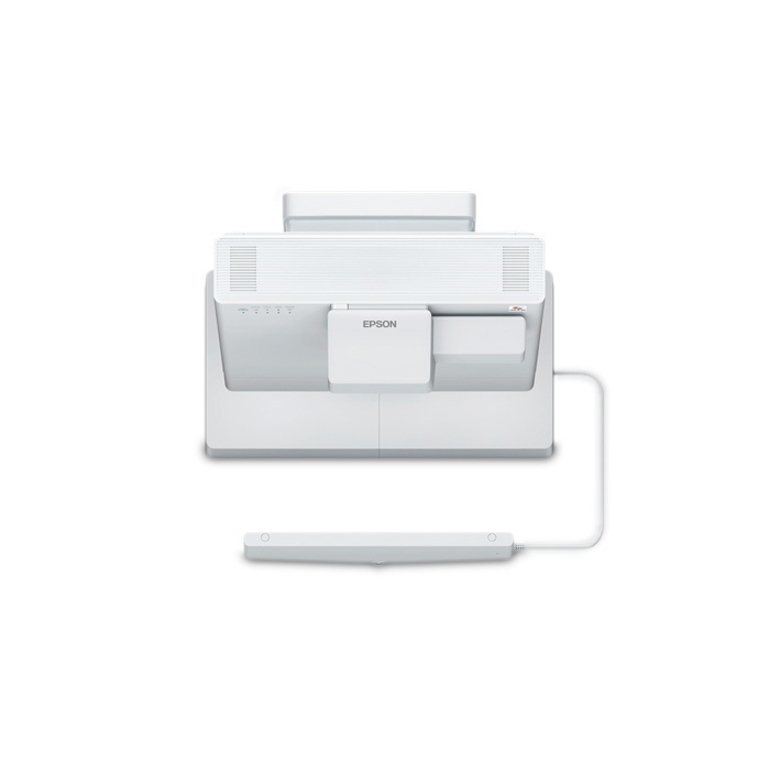
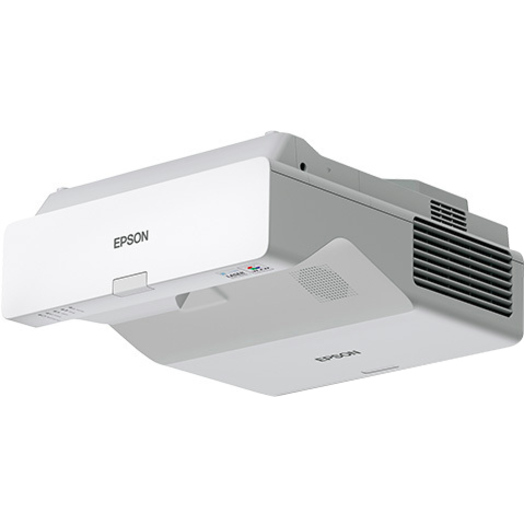
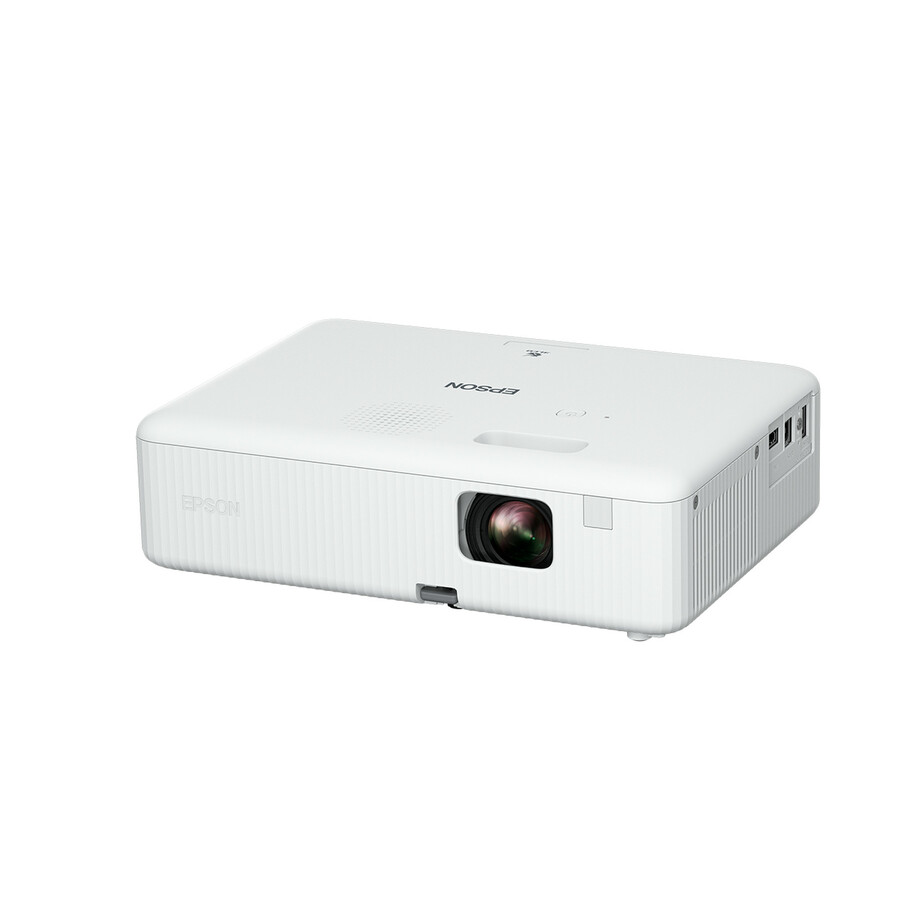
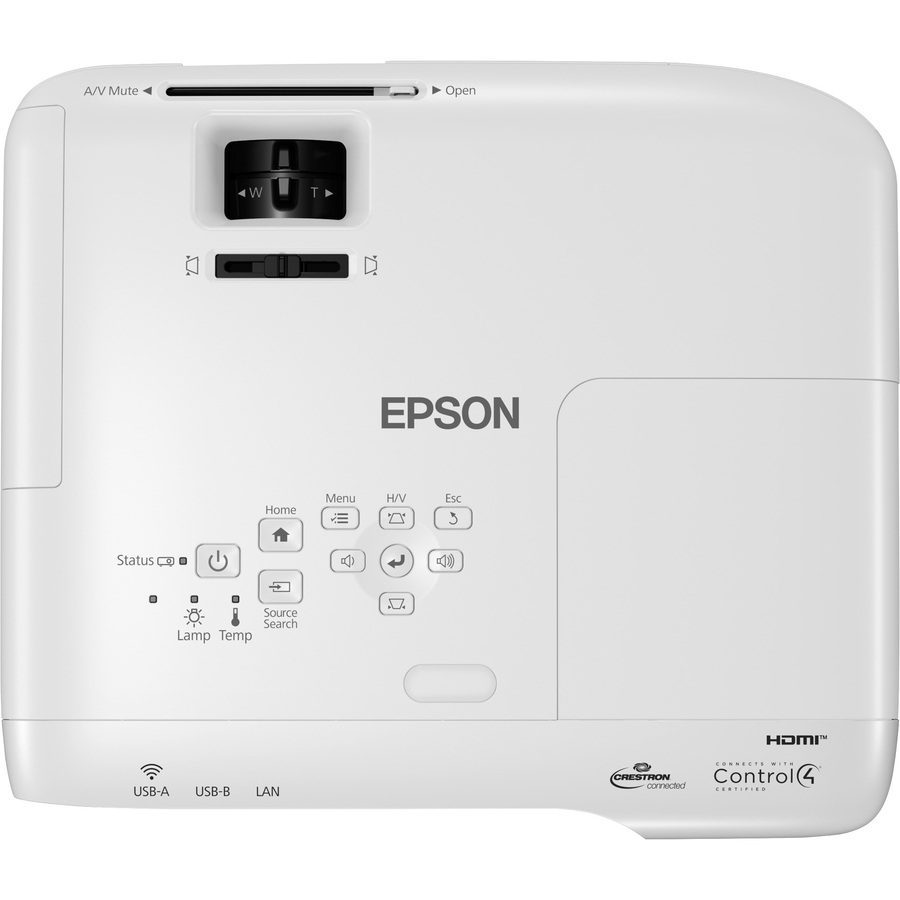
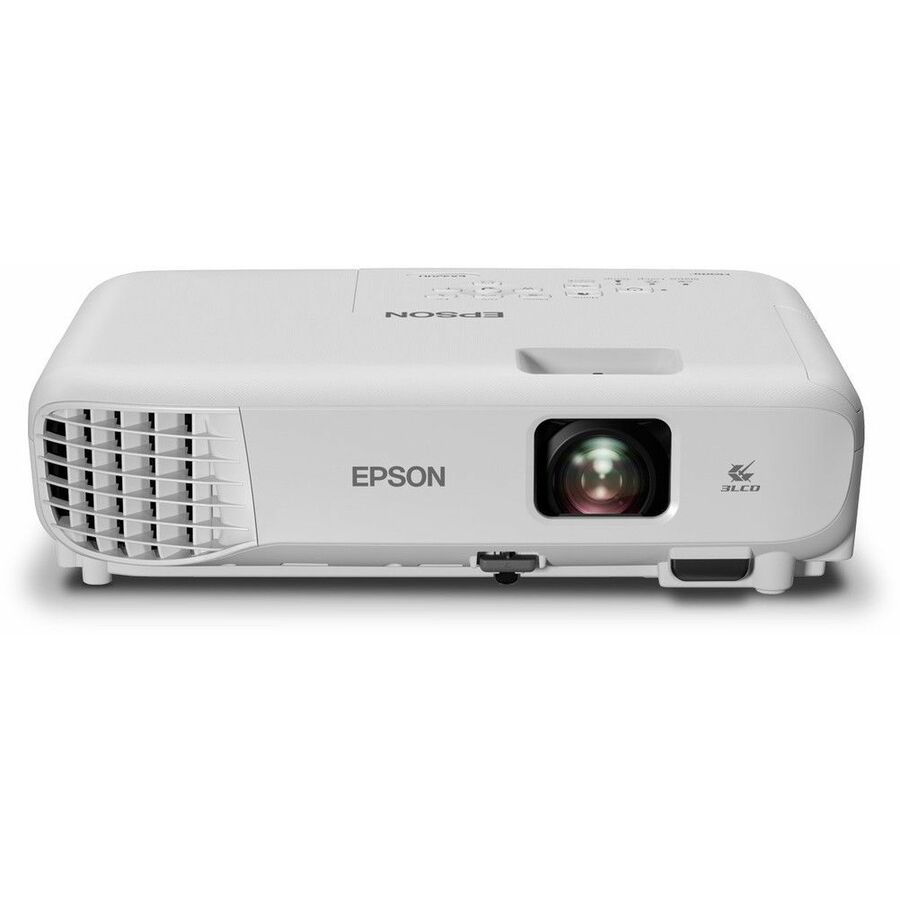
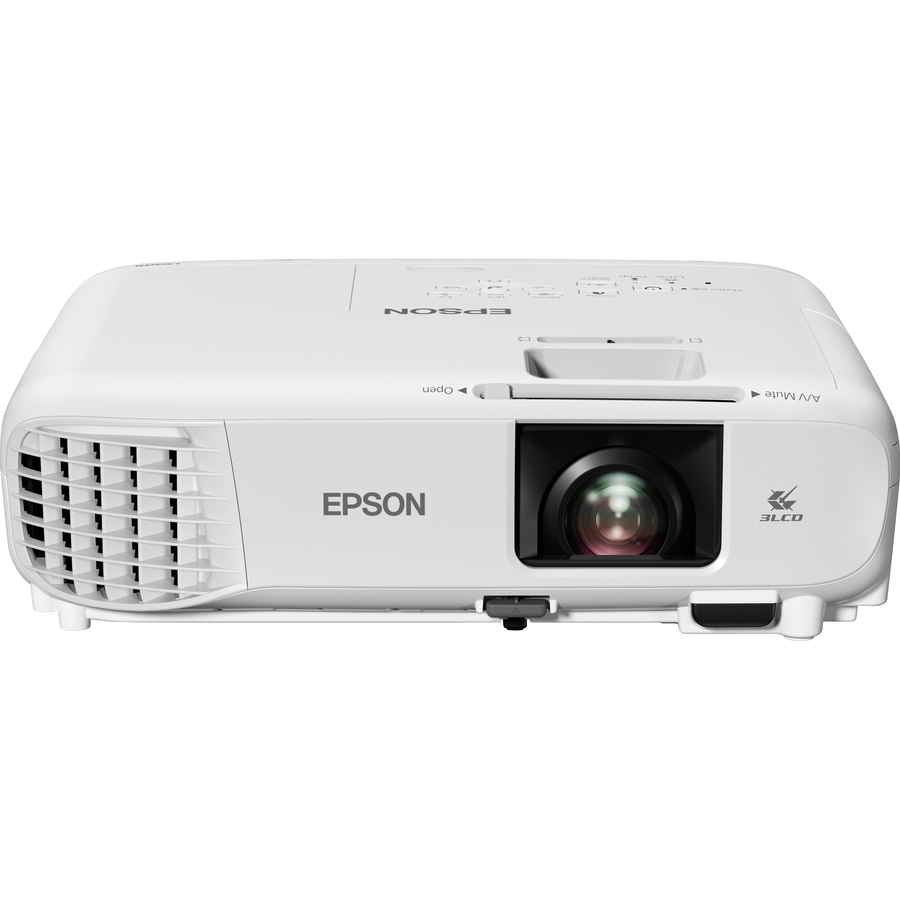
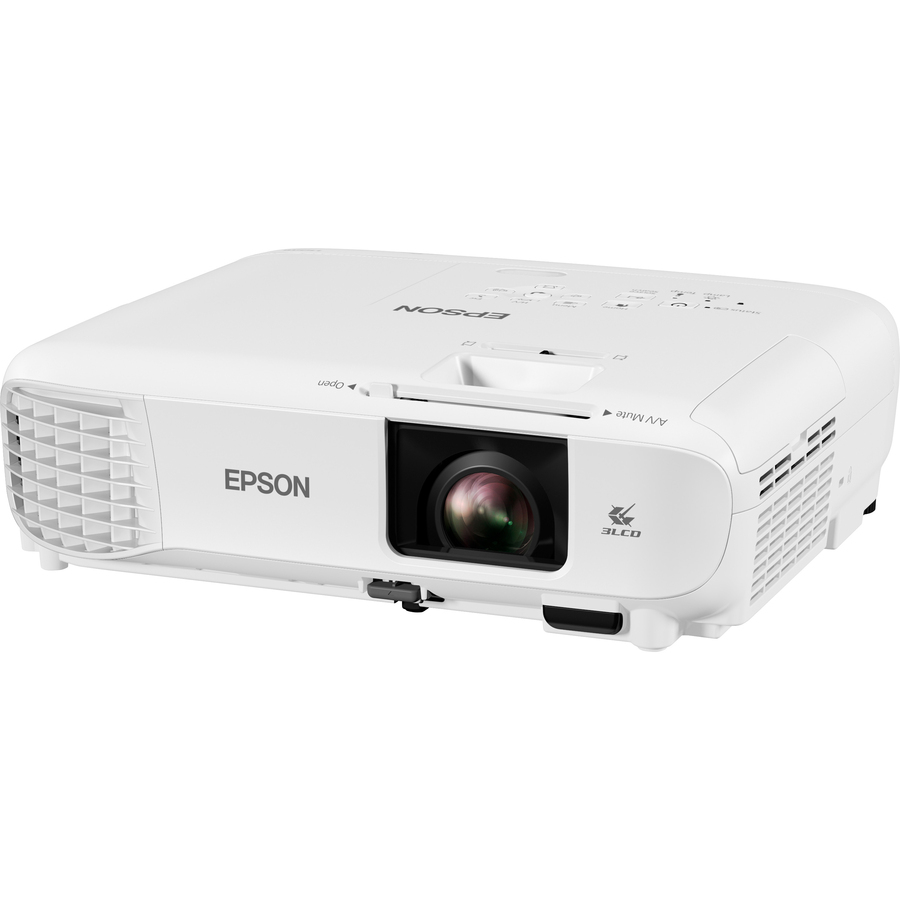
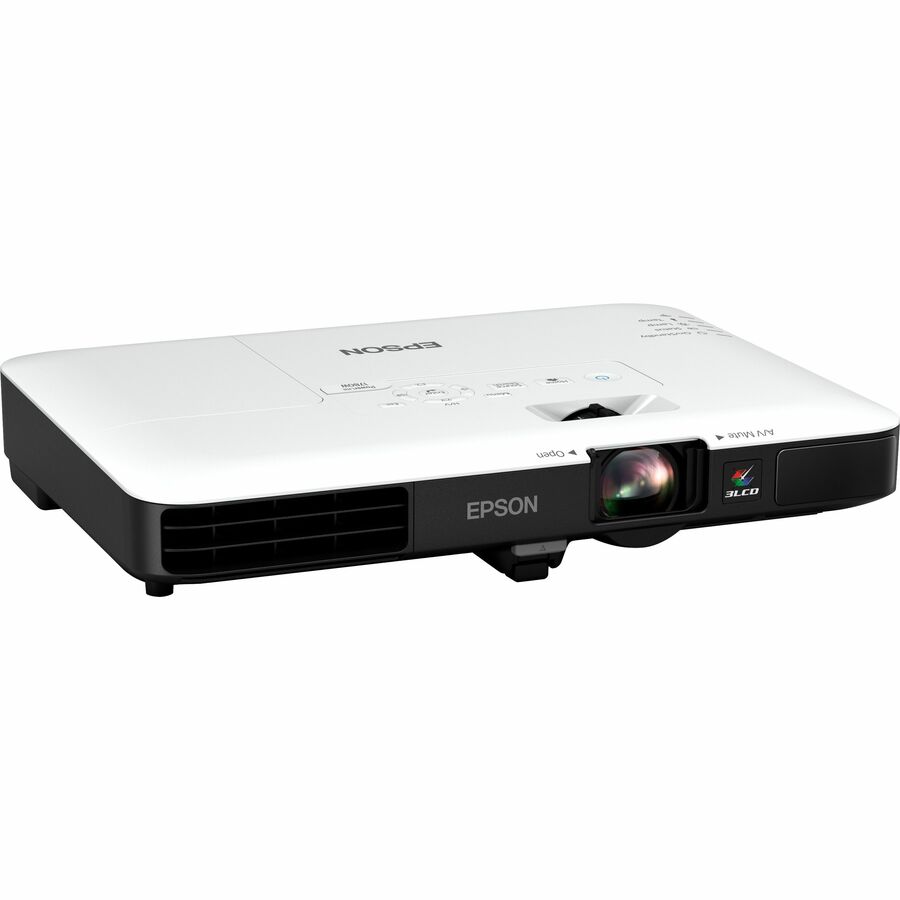
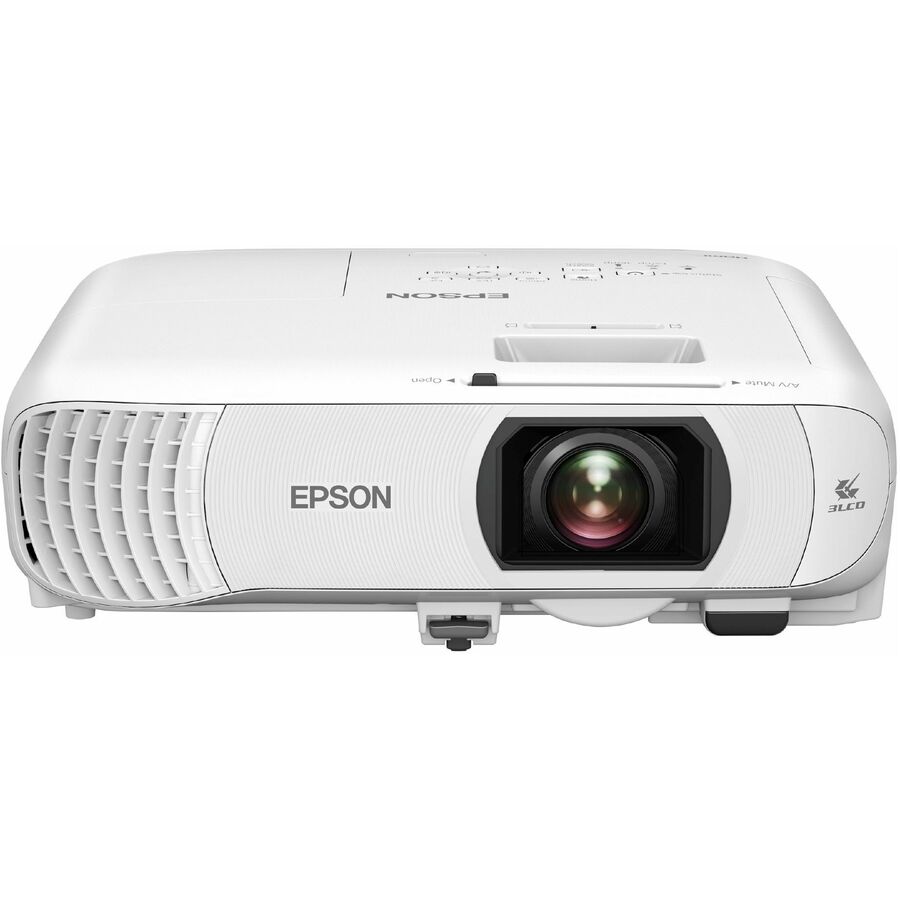
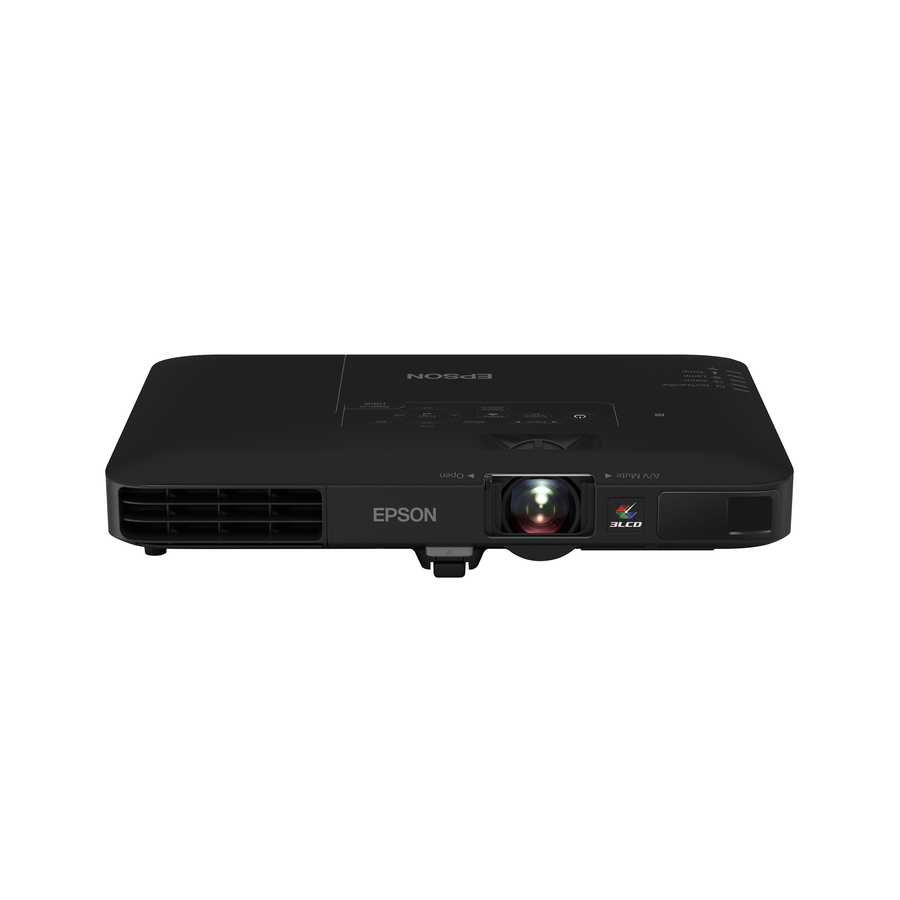
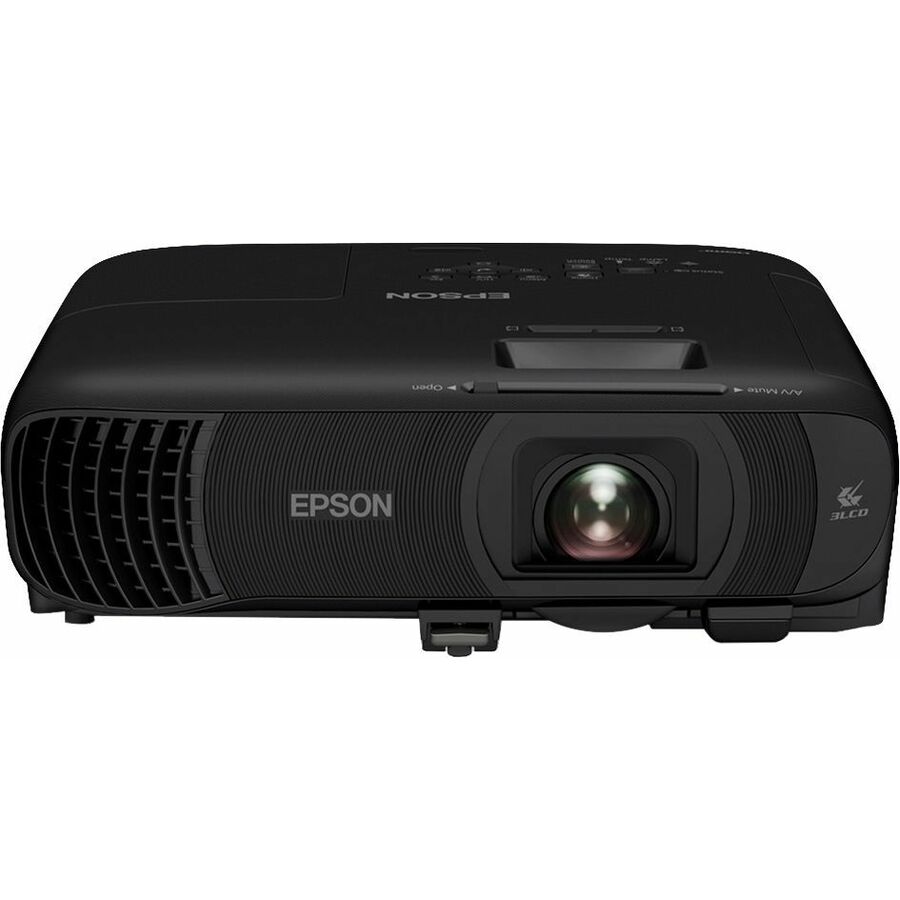
More projectors in the Uniqcli catalog
See all 458 projectorsMore Epson first — closest to what you were just looking at; “See all projectors” above opens every other brand in the category. In-stock lines lead, and a back-ordered line carries the same estimated availability its product page does — with live pricing throughout, NDAA §889 screening before checkout and TAA verified on request.
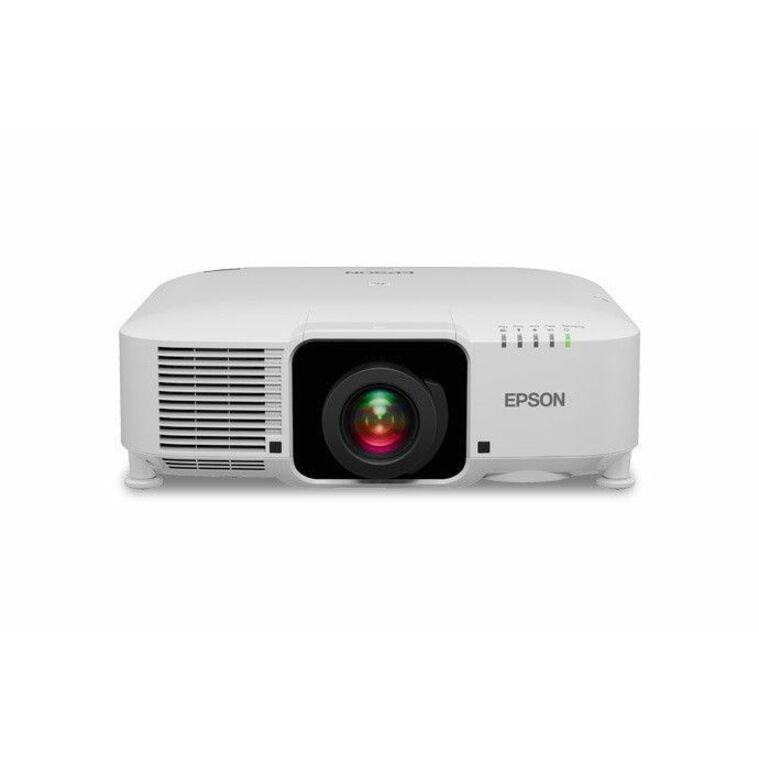
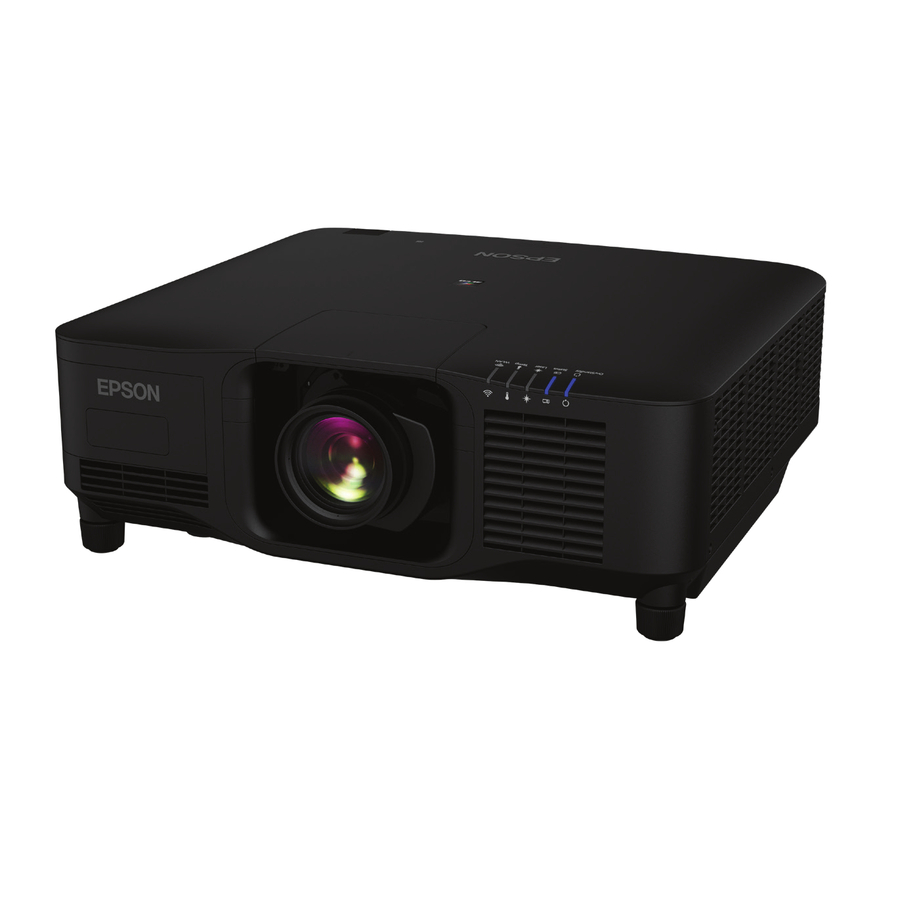
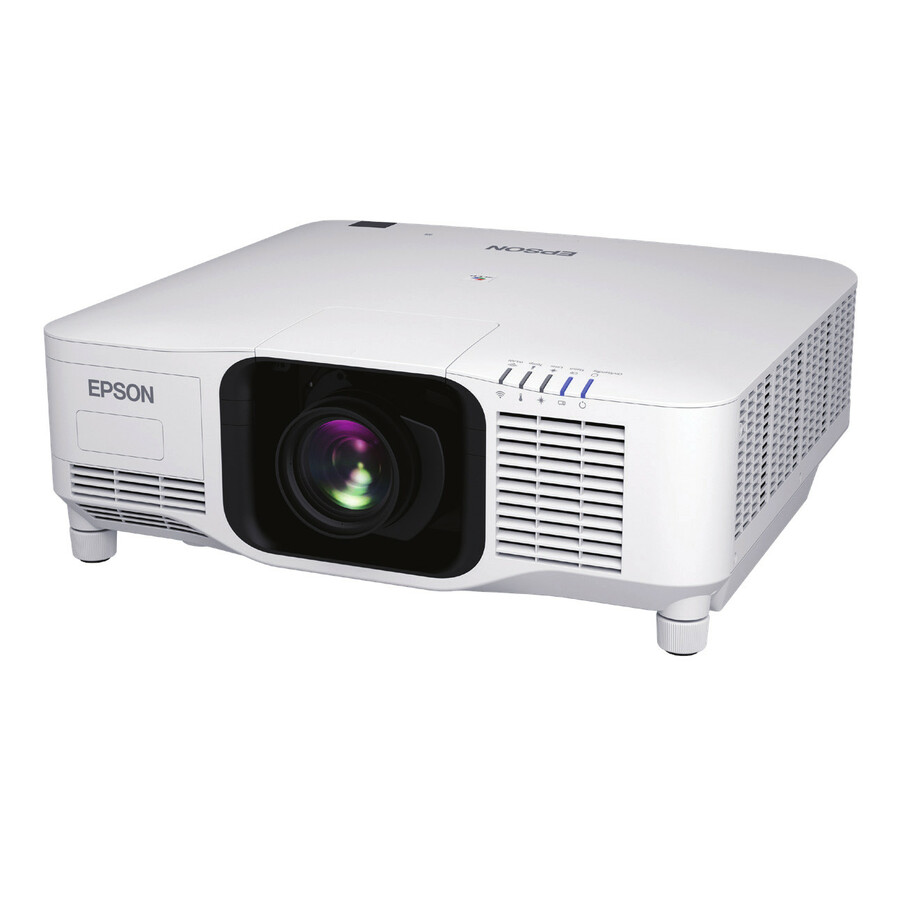
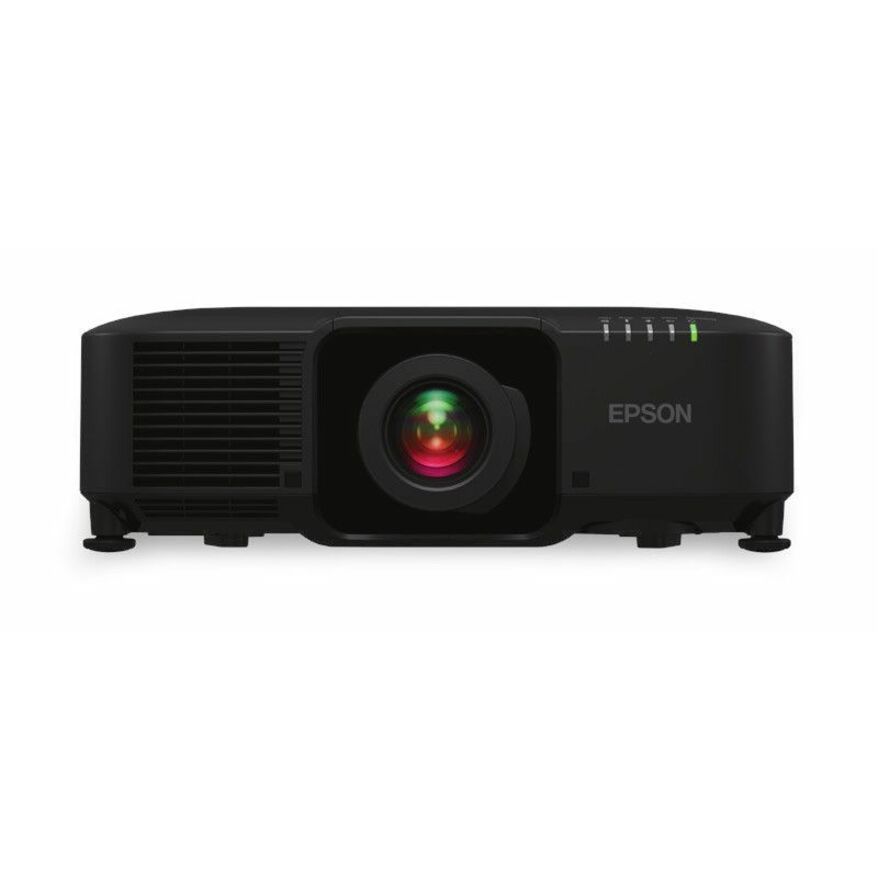
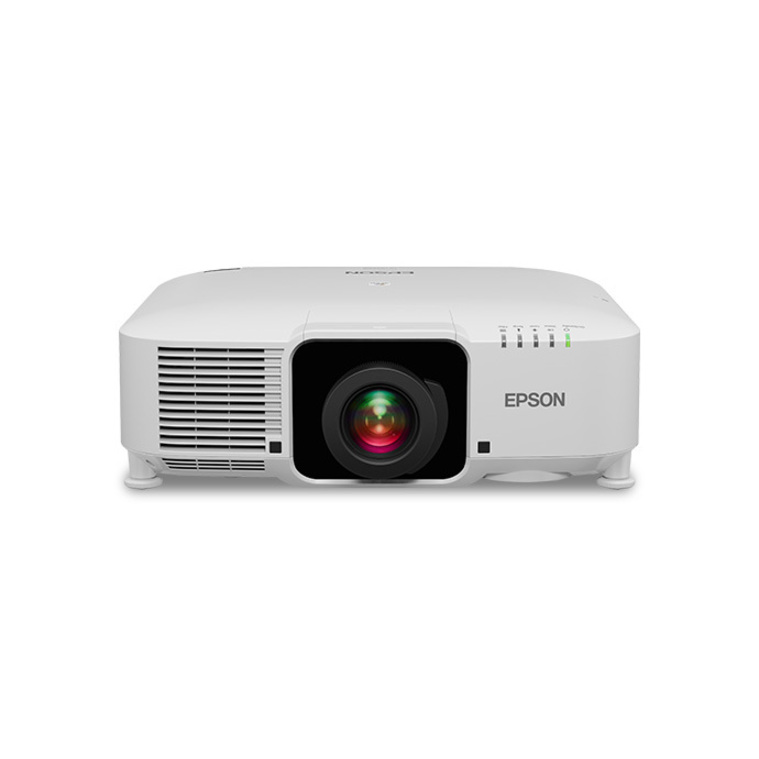
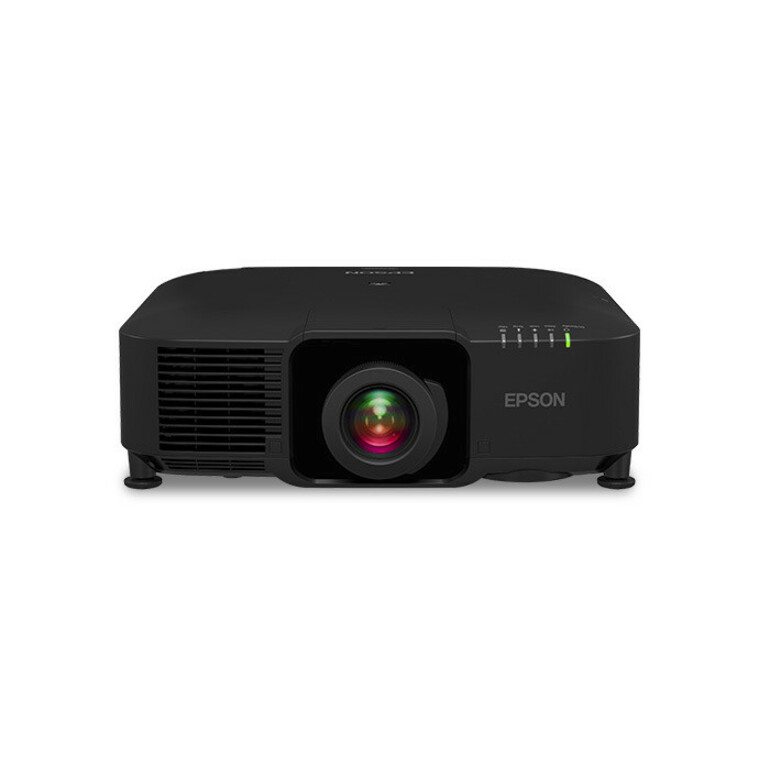
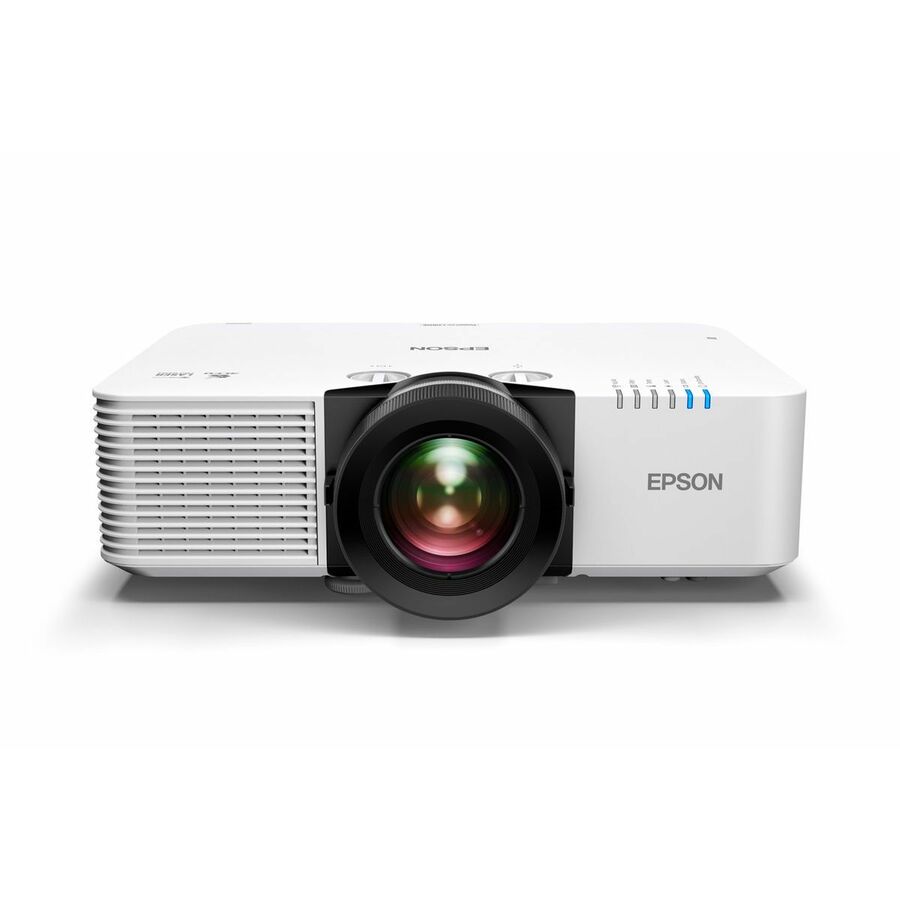
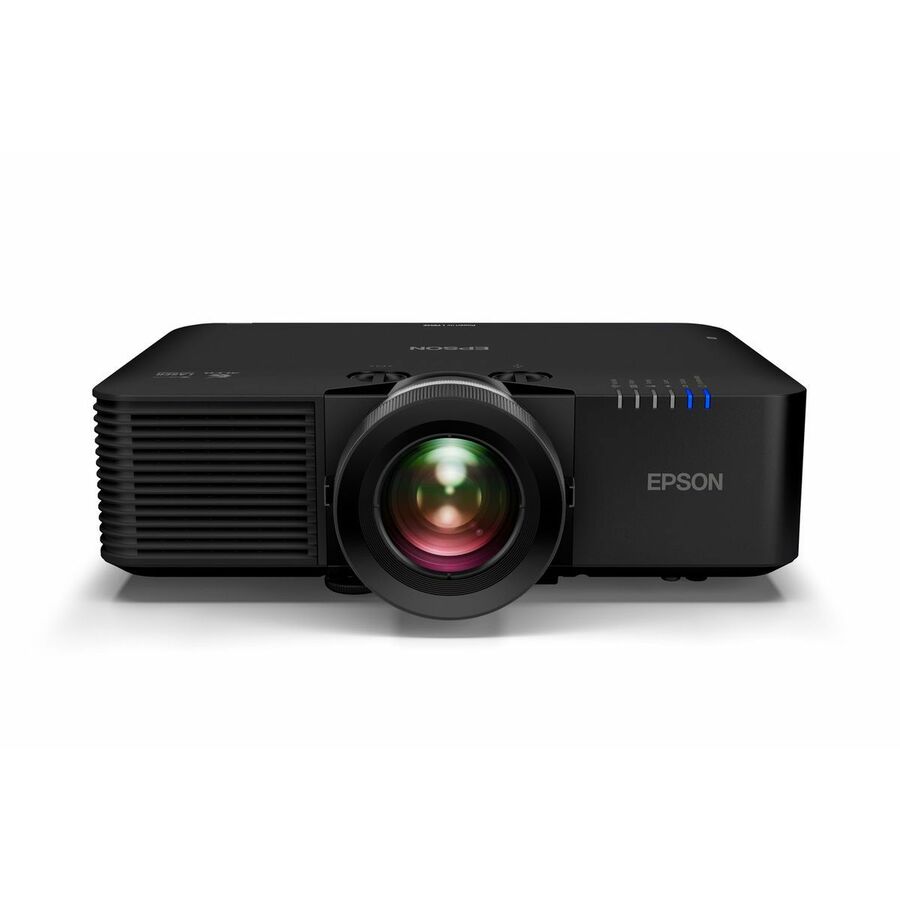
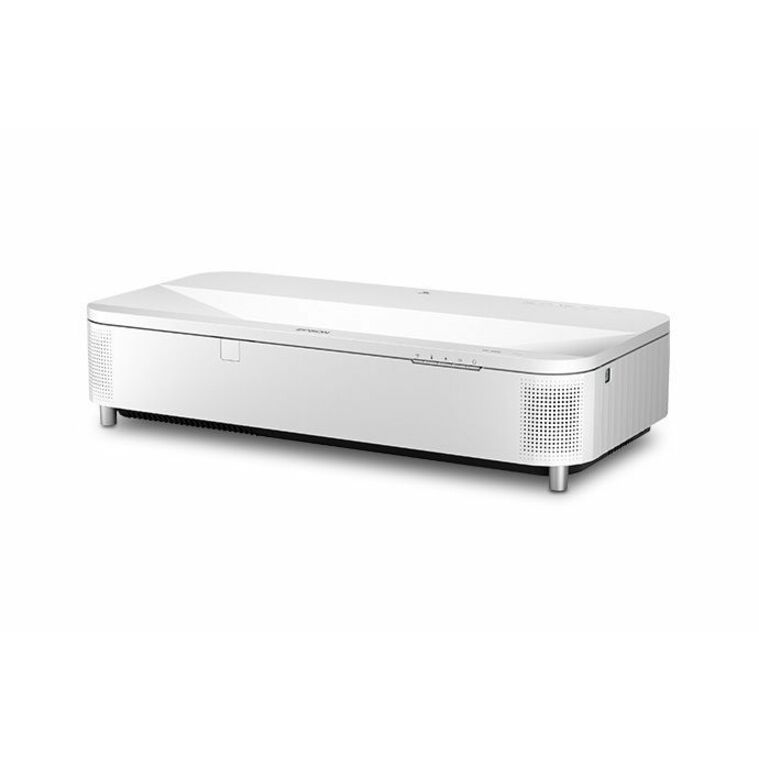
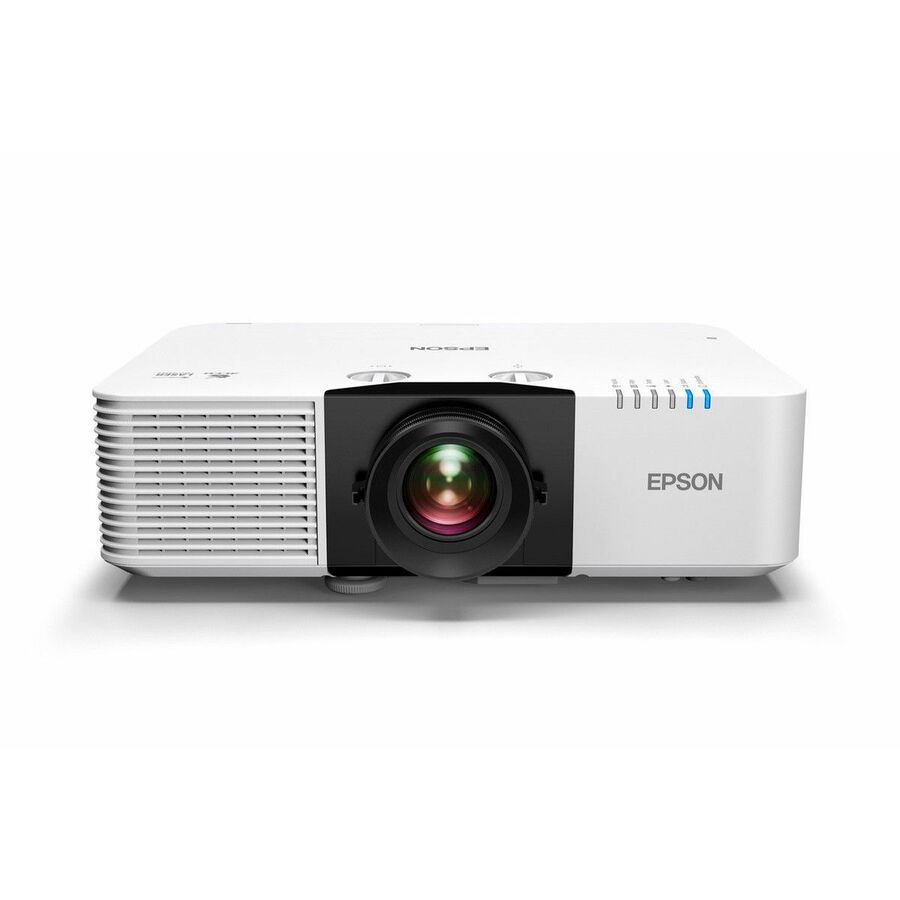
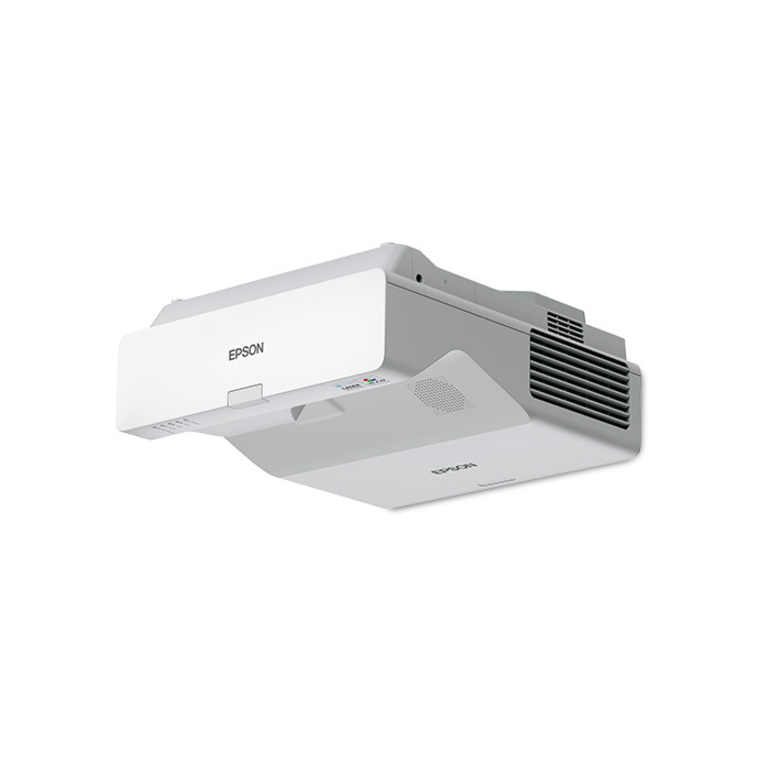
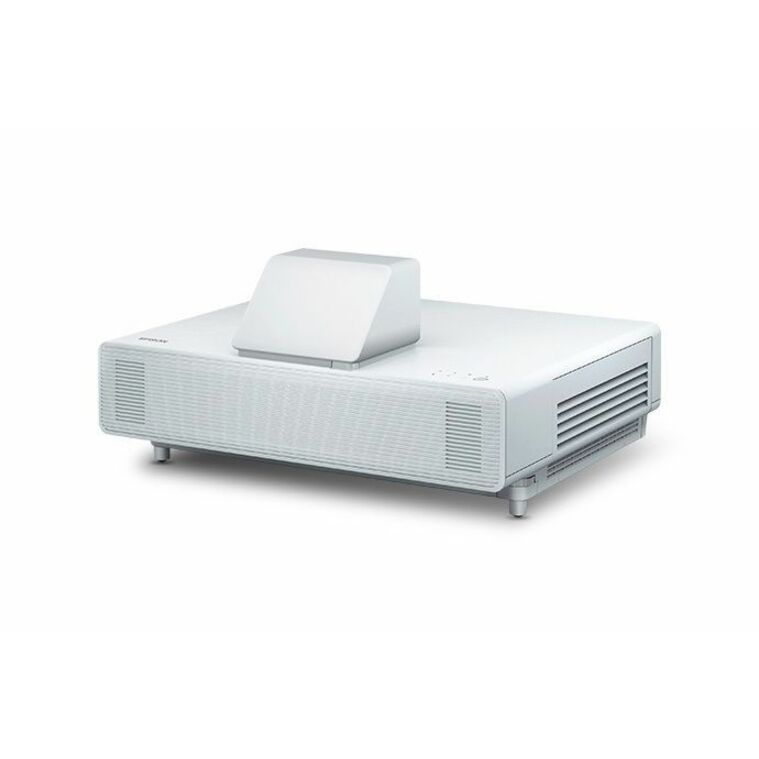
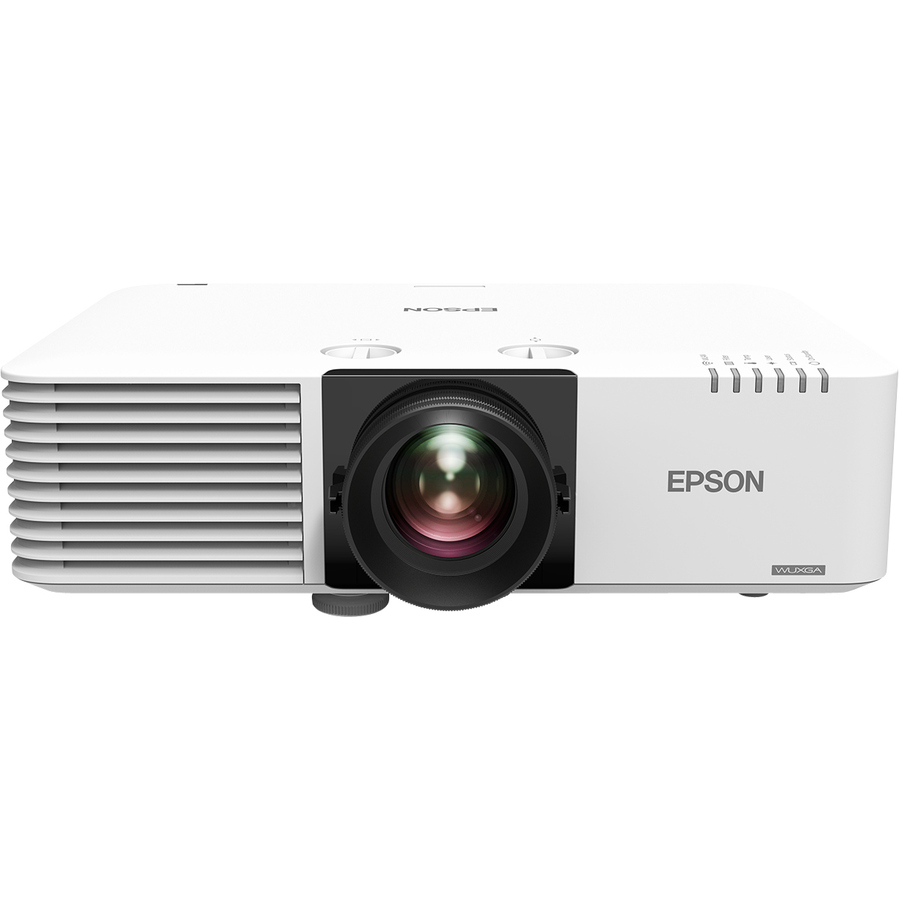
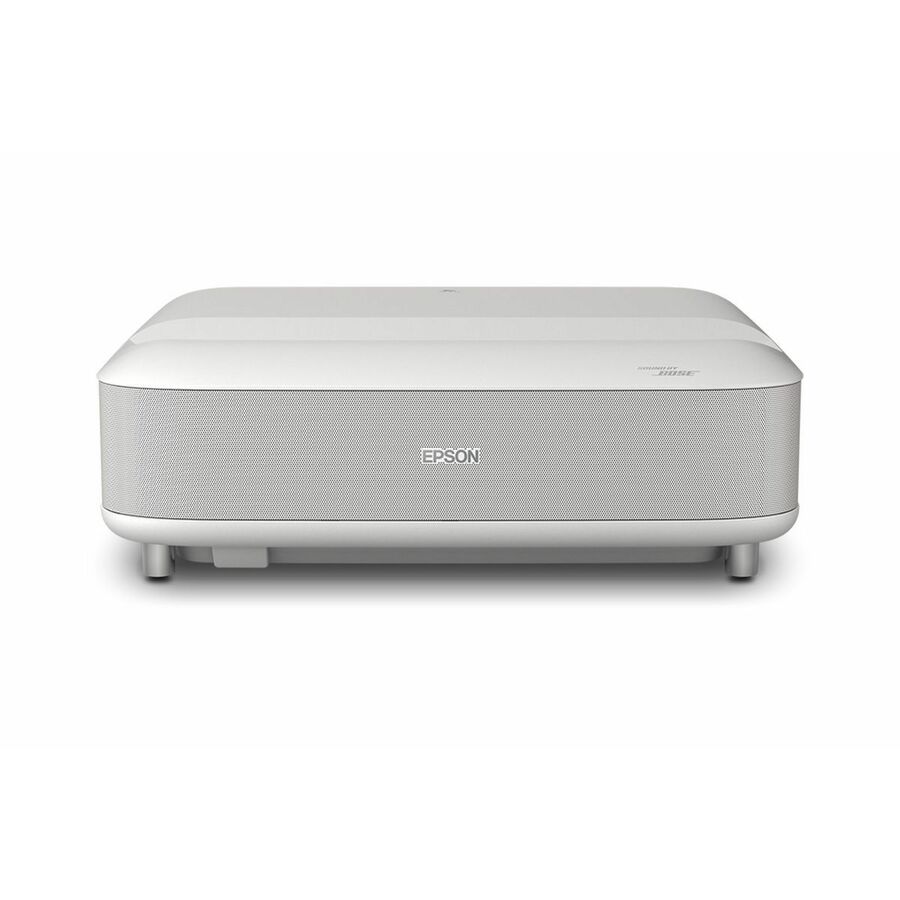
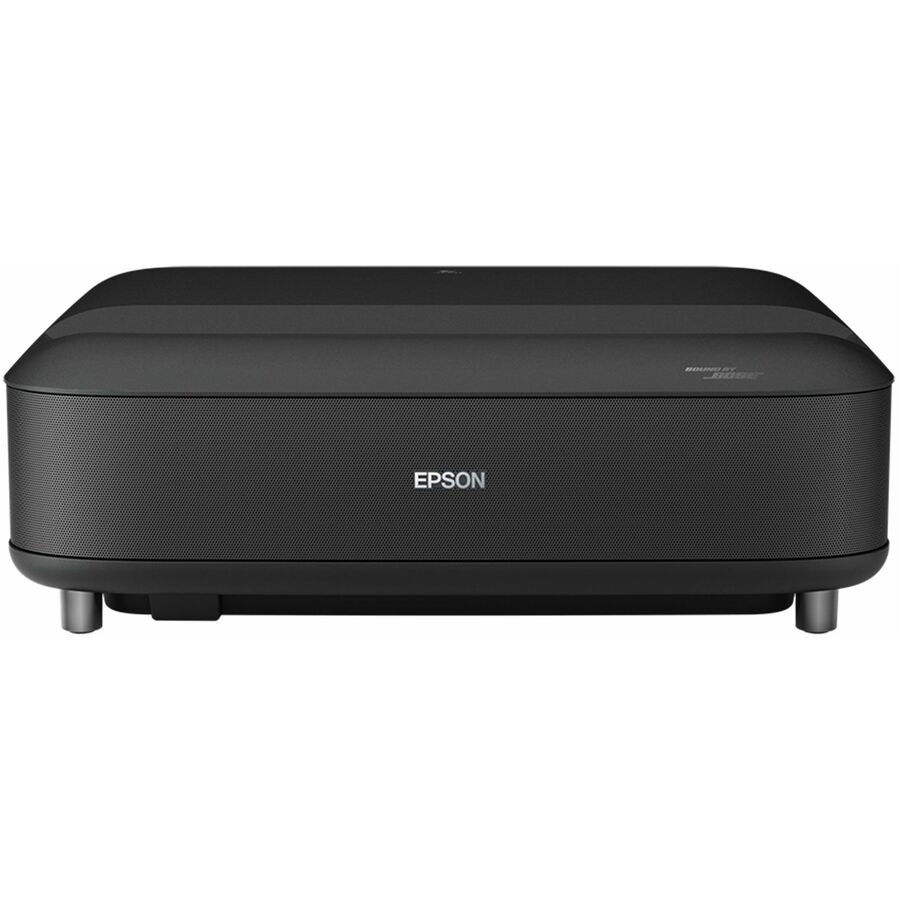
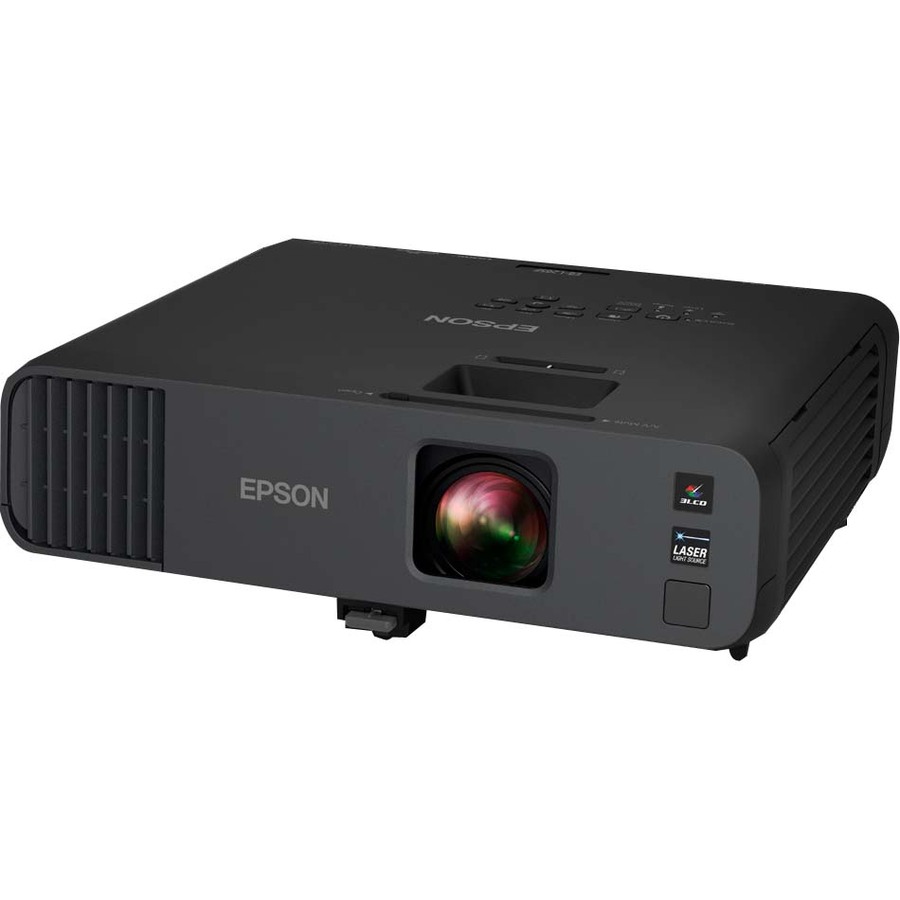
Need pricing on Epson projectors?
Tell us where to reach you and a Uniqcli specialist will follow up by email with current pricing, availability and lead time for the quantities you need — including parts that aren’t shown on this page.
Buying for an organization or for yourself — both work. No payment up front.
Size an Epson projector to the room's ambient light first, then to throw distance: roughly 4,000 to 5,000 lumens for a lit classroom or conference room and 10,000 or more for an auditorium. Check the throw before the mount: an ultra-short-throw unit sits inches from the wall where standard optics need the length of the room.
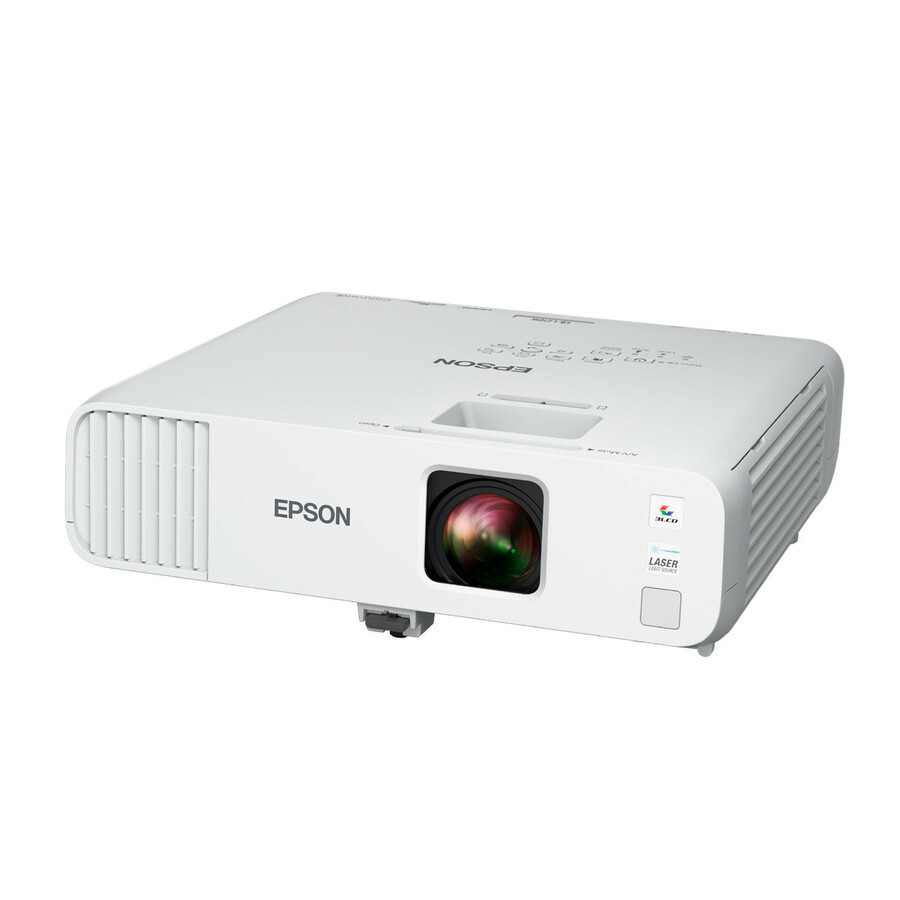
Epson's projector line is built on a 3LCD light engine and, on many current models, a laser light source rated for tens of thousands of hours of use — which is why the lineup spans everything from an interactive whiteboard in a lit classroom to a fixed installation throwing 16,000 lumens across an auditorium. Brightness is quoted in lumens, resolution runs from WXGA up to 4K UHD, and throw type ranges from ultra-short-throw units that sit inches from the wall to standard installation optics for long rooms. Picking well is mostly about matching those three variables to the room.
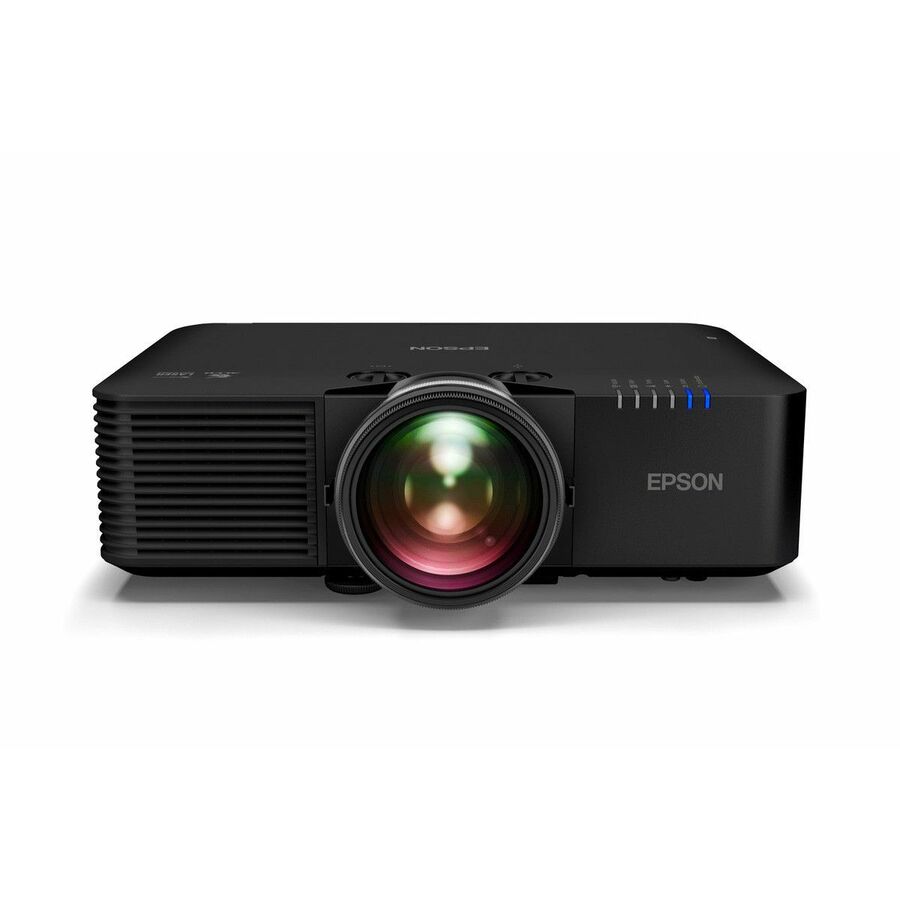
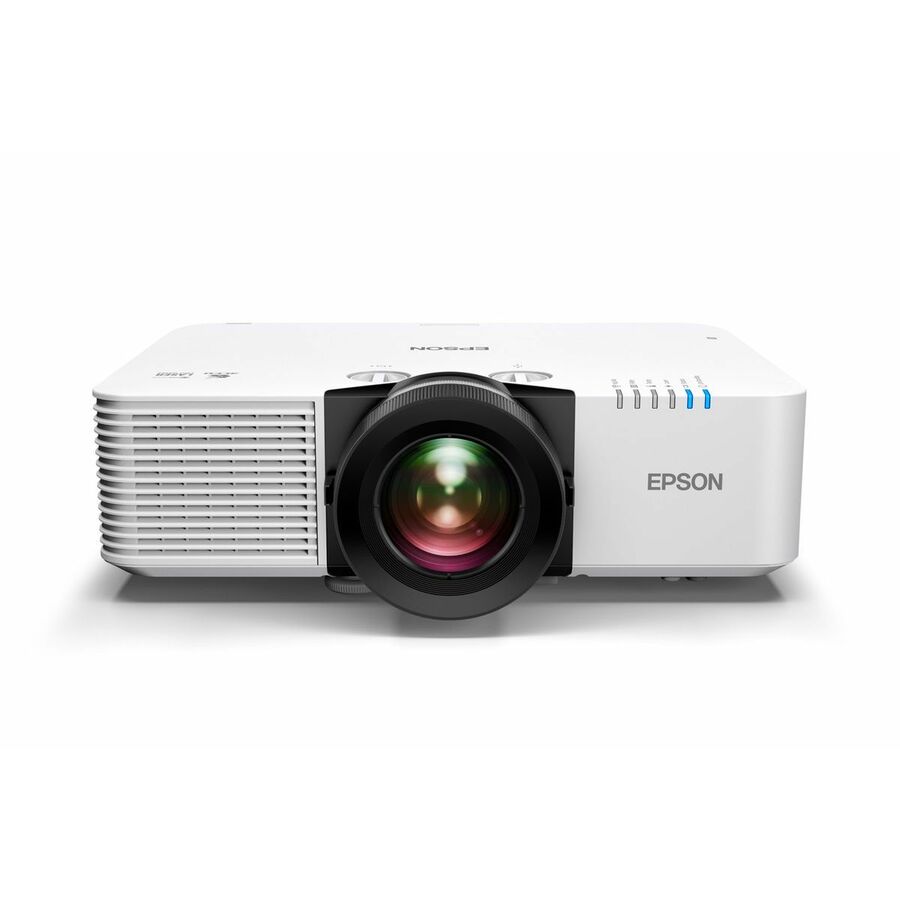
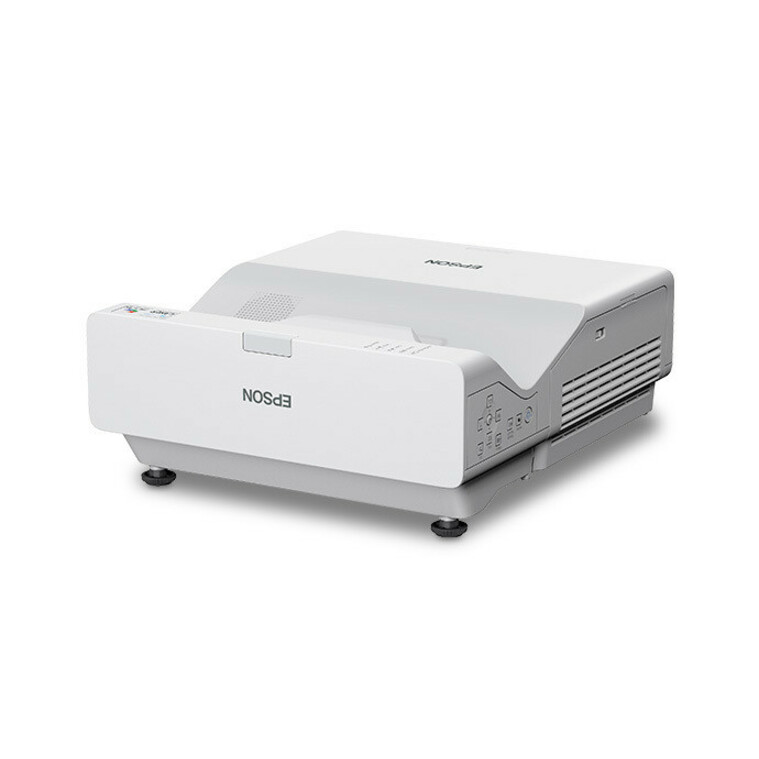
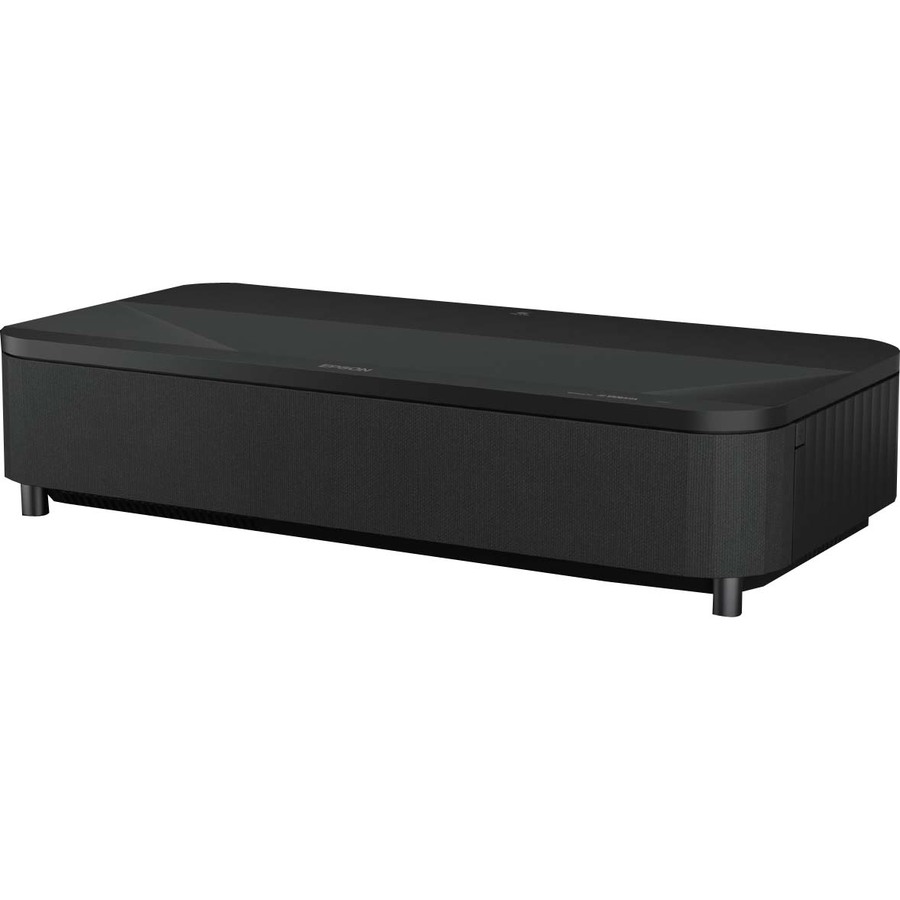
Start with the space. For teaching and training rooms with ambient light, the interactive BrightLink and PowerLite short-throw families in the roughly 4,000–5,000 lumen range keep the image readable without dimming the lights, and BrightLink adds pen and touch interactivity for the front wall. For lecture halls, houses of worship, and large venues, the installation-grade Pro L laser series pushes well past 10,000 lumens with interchangeable-lens flexibility and network control for centrally managed fleets. For premium rooms and home theater, EpiqVision ultra-short-throw delivers 4K UHD from a cabinet-height unit. Confirm resolution against your content — WXGA is fine for slides, WUXGA or Full HD for detailed CAD and video, 4K for cinema-grade rooms.
The most common mistakes are under-speccing brightness for a lit room, ignoring throw distance so the projector won't physically fit the mount, and overlooking the control and connectivity your AV system actually needs. The selection below is what Uniqcli currently stocks, with live in-stock status shown on each item, so you can size to the room and confirm availability before you commit.
Buyer's checklist
How to choose the right Epson projector
- Match lumen output to ambient light and screen size — plan roughly 4,000–5,000 lm for lit classrooms and conference rooms, and 10,000 lm or more for large venues and auditoriums.
- Confirm resolution fits your content: WXGA for slide-based teaching, Full HD or WUXGA for detailed video and CAD, and 4K UHD for cinema-grade and premium rooms.
- Check throw distance and mounting before you buy — ultra-short-throw suits glare-free interactive walls, while standard optics and lens options fit long rooms; verify ceiling or wall mount compatibility.
- For teaching spaces, prioritize interactive pen and touch (BrightLink) plus wired or wireless network control for fleets you manage centrally.
- Verify connectivity — HDMI, USB, wired RJ-45, and wireless LAN — lines up with your room's sources and AV control system.
- Weigh the laser light-source life ratings (normal vs. economy-mode hours) against expected daily runtime to plan realistic maintenance and refresh cycles.
Where these projectors fit
Two things separate an easy projector deployment from a hard one: whether the unit is permanently mounted, and how many hours the room runs. A wall-mounted short-throw in a daily-use teaching room is a fixture the staff live with, so interactivity, quiet running and fast start-up weigh as heavily as brightness. A ceiling-hung venue projector is closer to an infrastructure decision — throw distance, lens choice, rigging and network control drive the specification long before picture quality enters the conversation.
For AV and IT teams standardizing across a campus, the split between fleet rooms and flagship rooms shapes procurement. Dozens of interchangeable classrooms argue for one manageable short-throw model so spares, mounts and control profiles stay uniform and a failure is a same-day swap. A single auditorium, museum, command center or simulation room is specified on its own merits — brightness, lens flexibility and unattended runtime — where fleet standardization matters far less than getting that one room right.
Planning the install
Physical fit decides more than the spec sheet. Calculate throw distance and image size against the actual mount location before ordering — an installation unit with the wrong lens simply won't fill the screen from where it hangs. Pair brightness to the screen size and ambient light, confirm the ceiling or wall mount and any lens shift you need, and verify HDMI, RJ-45 and wireless line up with the room's sources and control system.
For multi-room deployments, plan management alongside the hardware. Network-controllable models let AV staff power, switch and monitor projectors centrally, push settings and catch a fault before a class walks in. Standardizing firmware, control profiles and mounting hardware across a fleet turns dozens of rooms into one manageable system, and keeps a swap-in spare a genuine drop-in rather than a reconfiguration exercise on the day it's needed.
The laser total-cost story
Laser 3LCD changes the ownership math. With light-source ratings commonly around 20,000 hours, fixed installations skip the scheduled lamp swaps and the parts inventory, ladder time and downtime they carry, and the projector reaches full brightness quickly at each power-on. Over a multi-year install, that avoided maintenance labor often dwarfs any difference in purchase price against an older lamp-based unit.
Model the light-source hours against real daily runtime — normal versus economy mode materially changes the years of service, so a room running all day plans differently from one used a few hours a week. Filter cleaning and dust management still apply on some models. Central monitoring flags a projector drifting before users complain, letting you schedule refreshes on a planned cadence instead of reacting to a dead room mid-session.
FAQ
Common questions
- Which Epson projector is right for a classroom?
- For teaching spaces with normal lighting, look at the interactive BrightLink and PowerLite short-throw units in the roughly 4,000–5,000 lumen range. BrightLink adds pen and touch interactivity on the front wall, and network-manageable models make it easier to administer a fleet of rooms. Confirm the throw type matches your wall mount and that the resolution suits your slides and video.
- How much brightness (lumens) do I actually need?
- Brightness should scale with ambient light and screen size. Rooms you can't fully darken — most classrooms and conference rooms — generally want 4,000 lumens or more, while lecture halls, houses of worship, and large venues typically call for 10,000 lumens and up. When in doubt, size up rather than down; a dim image in a lit room is the most common regret.
- Are these laser or lamp-based projectors?
- The current Epson lineup stocked here includes many laser 3LCD models, with light-source ratings commonly around 20,000 hours in normal mode and longer in economy mode. Laser projectors avoid scheduled lamp swaps and reach full brightness quickly, which matters for fleets and fixed installations. Check the specific model's rated hours against your daily runtime to plan maintenance.
- Can these be purchased on a government or education contract?
- Uniqcli serves business, government, and education buyers. Products are sourced through US distribution and screened for TAA country-of-origin and NDAA Section 889 status before checkout, with documentation tied to the specific part number so your procurement and compliance teams can verify what's being supplied. Country-of-origin and any manufacturer compliance status are confirmed per SKU rather than asserted as a blanket certification.
Need Epson projectors pricing?
Send a bill of materials or part numbers — we confirm stock and a below-market total, with TAA verified on request. No payment up front.