
Best ViewSonic Projectors for Classrooms
High-brightness, short-throw and lamp-free ViewSonic projectors for teaching rooms and lecture halls — most of this bench is in stock.
ViewSonic projectors in stock at Uniqcli
How to choose →A curated selection with live pricing — in-stock lines first, then back-ordered lines with a typical lead time. Every line is sourced through US distribution and screened for NDAA §889 status before checkout, with TAA verified on request.
- ViewSonicViewSonic PX701-4K 4K UHD 3200 Lumens 240Hz 4.2ms Home Theater Projector with HDR, Auto Keystone, Dual HDMI, Sports and Netflix Streaming with Dongle on up to 300" Screen - 3840 x 2160 - Front - 2160p - 6000 Hour Normal Mode - 20000 Hour Economy Mode - 4K UHD - 12,000:1 - 3200 lm - HDMI - USBPX701-4K
$1,499.00
$1,158.35
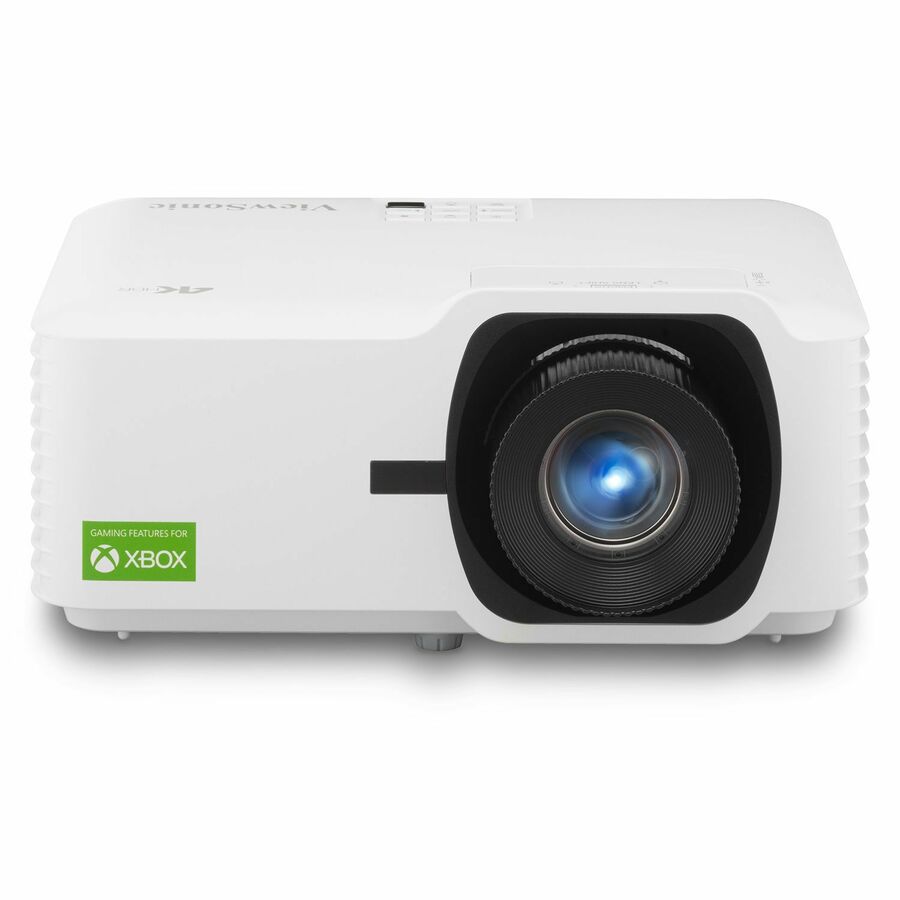
163 in stock - ViewSonicViewSonic LX700-4K 3500 Lumens 4K Laser Projector, 240Hz and 4.2ms for Smooth Home Entertainment, 1.36x Optical Zoom, H/V Keystone, and 360-Degree Projection for Flexible Setup, and Dual HDMI Inputs - ViewSonic LX700-4K UHD 3500 Lumens Laser Projector Designed for Xbox 4.2ms, 240Hz, 1.36x Optical Zoom, HDR/HLDLX700-4K
$2,549.00
$1,408.14
171 in stock Back-ordered — we expect to receive stock the week of Nov 2–8 and will process your delivery right after.
- ViewSonicViewSonic PS502X 4000 Lumens XGA Short Throw Projector, High Brightness for Small Meeting Rooms and Living Rooms, Dual HDMI, and USB-A Inputs - PS502X - 4000 Lumens XGA Bright Short Throw Projector with Dual HDMI, USB APS502X
$799.00
$626.69
Back-orderedBack-ordered — we expect to receive stock the week of Oct 19–25 and will process your delivery right after.
Back-ordered — estimated OEM lead time 3–8 weeks (Nov 12 – Dec 17 if ordered today).
- ViewSonicViewSonic LS560WH 3000 Lumens WXGA Short Throw LED Projector, High Brightness for Business and Education, H/V Keystone and 360-Degree Projection for Easy Setup, and LAN Control Inputs - LS560WH - 3000 Lumens WXGA Short Throw LED Lamp Free Projector with HV Keystone and LAN ControlLS560WH
$1,049.00
$734.57
Back-orderedBack-ordered — estimated OEM lead time 3–8 weeks (Nov 12 – Dec 17 if ordered today).
- ViewSonicViewSonic PA503HD 4000 Lumens 1080p Projector, Full HD High Brightness for Home Theater and Living Rooms, 1.1x Optical Zoom, Auto Keystone, Dual HDMI, and USB Inputs - ViewSonic PA503HD - 4000 Lumens 1080p High Brightness Projector with 1.1x Optical Zoom, 40 degree Vertical KeystonePA503HD
$999.00
$767.95
Back-orderedBack-ordered — we expect to receive stock the week of Nov 16–22 and will process your delivery right after.

More projectors in the Uniqcli catalog
See all 458 projectorsMore ViewSonic first — closest to what you were just looking at; “See all projectors” above opens every other brand in the category. In-stock lines lead, and a back-ordered line carries the same estimated availability its product page does — with live pricing throughout, NDAA §889 screening before checkout and TAA verified on request.
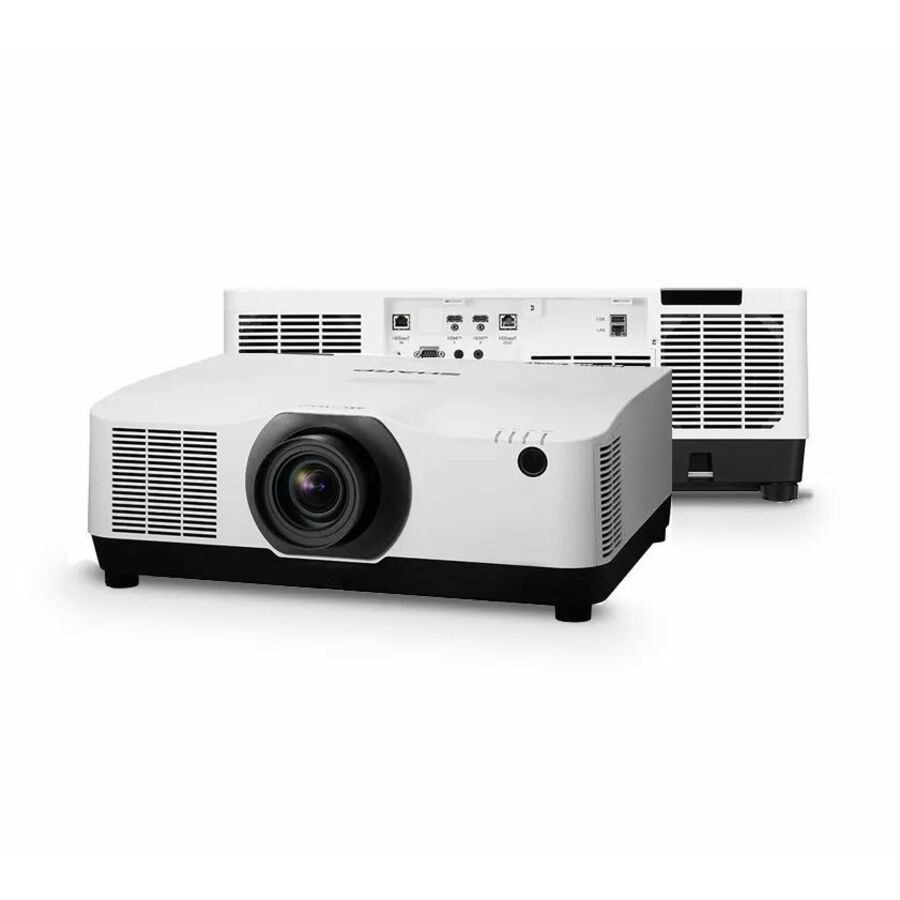
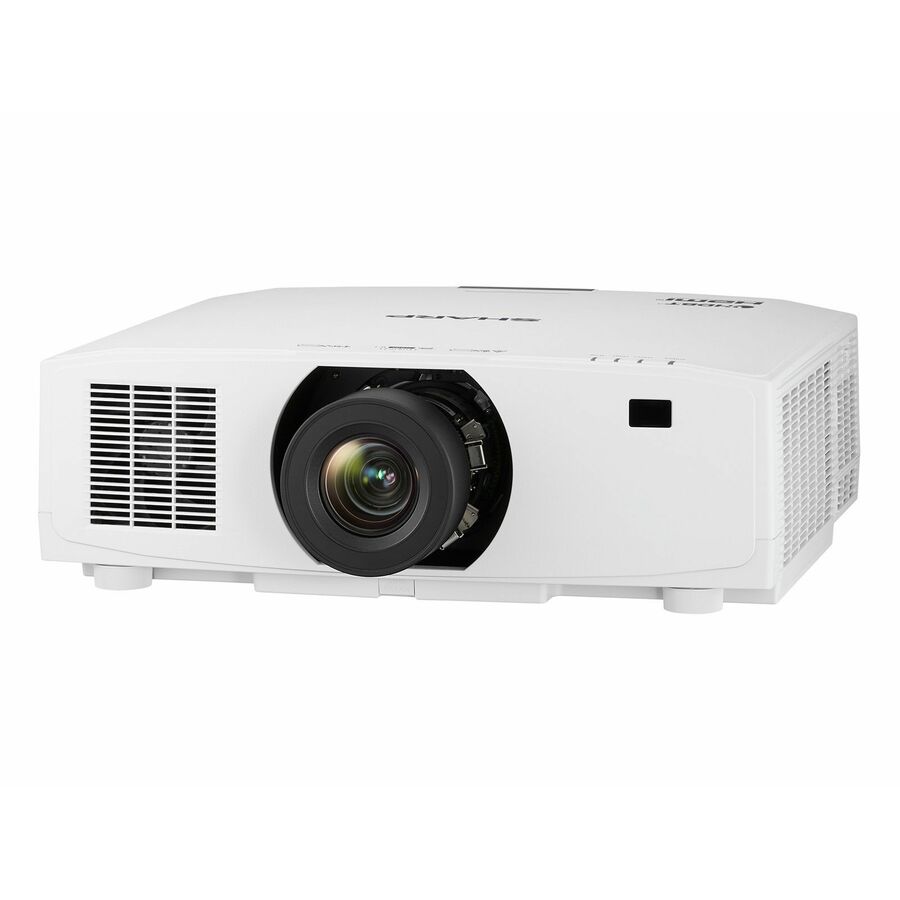
- SharpSharp NEC Display XP-A155U LCD Projector - 21:9 - Ceiling Mountable, Floor Mountable - Black - Ceiling, Rear, Front, Front Ceiling, Rear Ceiling - 2160p - 20000 Hour Normal Mode - 3,000,000:1 - 15000 lm - HDMI - USB - Network (RJ-45) - Corporate, Education, Museum, Auditorium, Conference, Cinema - 5 Year WarrantyXP-A155U-B
$29,035.00
$18,594.11
3 in stock - SharpSharp NEC Display Professional V801U 3D Standard Throw 3LCD Projector - 16:10 - Ceiling Mountable - White - 1920 x 1200 - Ceiling, Front - 2160p - 20000 Hour Normal Mode - WUXGA - 3,000,000:1 - 8300 lm - HDMI - USB - Network (RJ-45) - Education, Corporate, Simulator, Meeting - 3 Year WarrantyXP-V801U-W
$11,421.00
$6,720.69
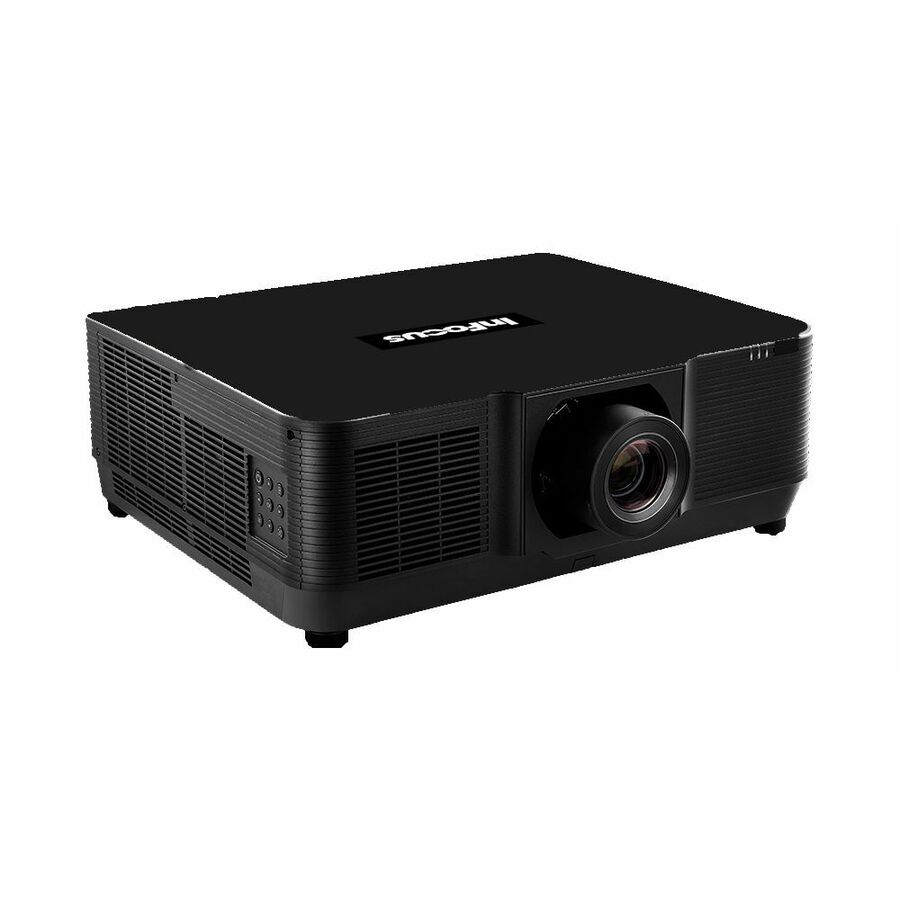
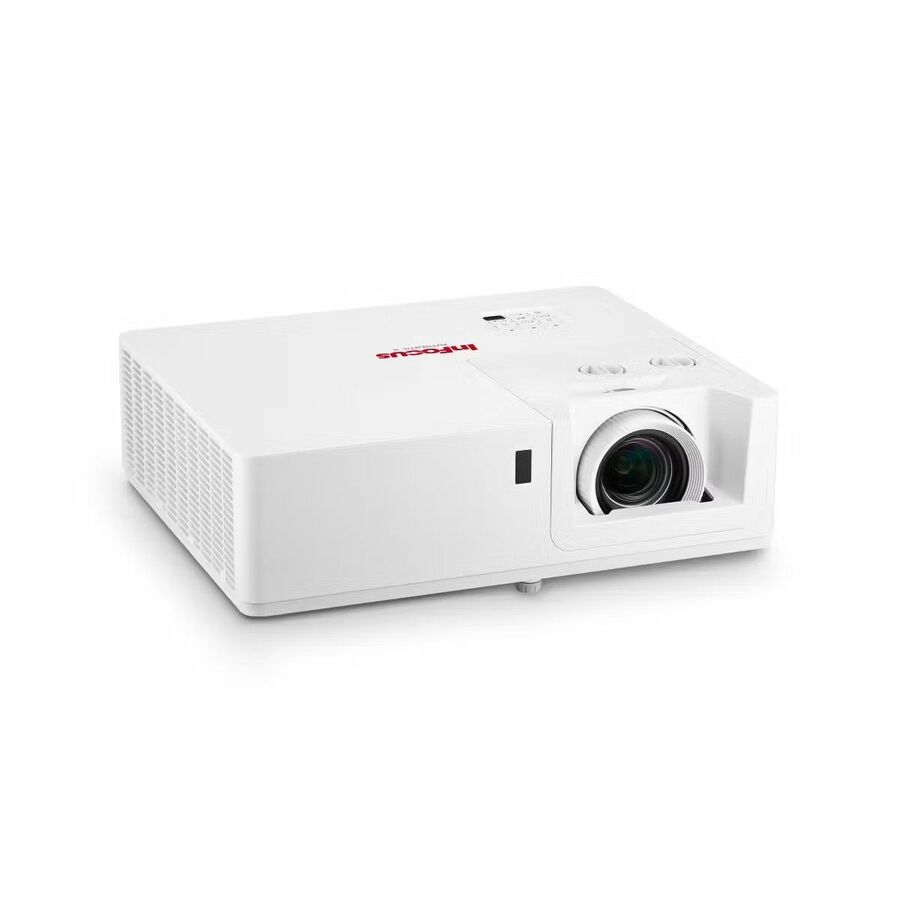
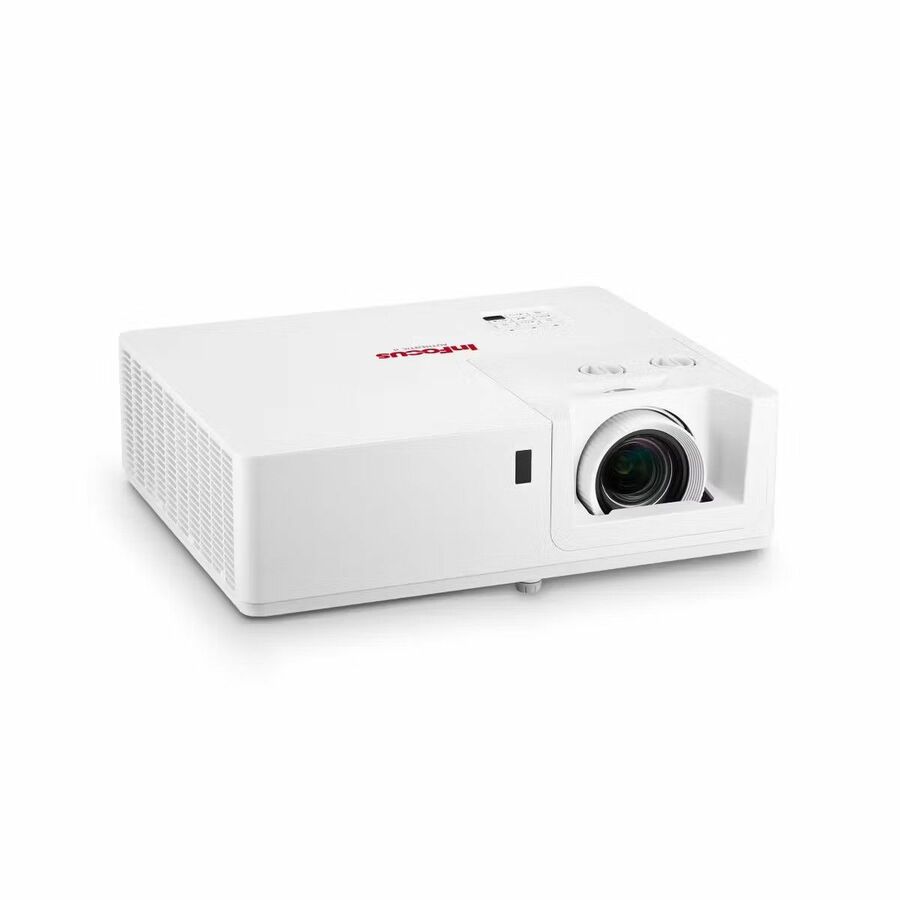
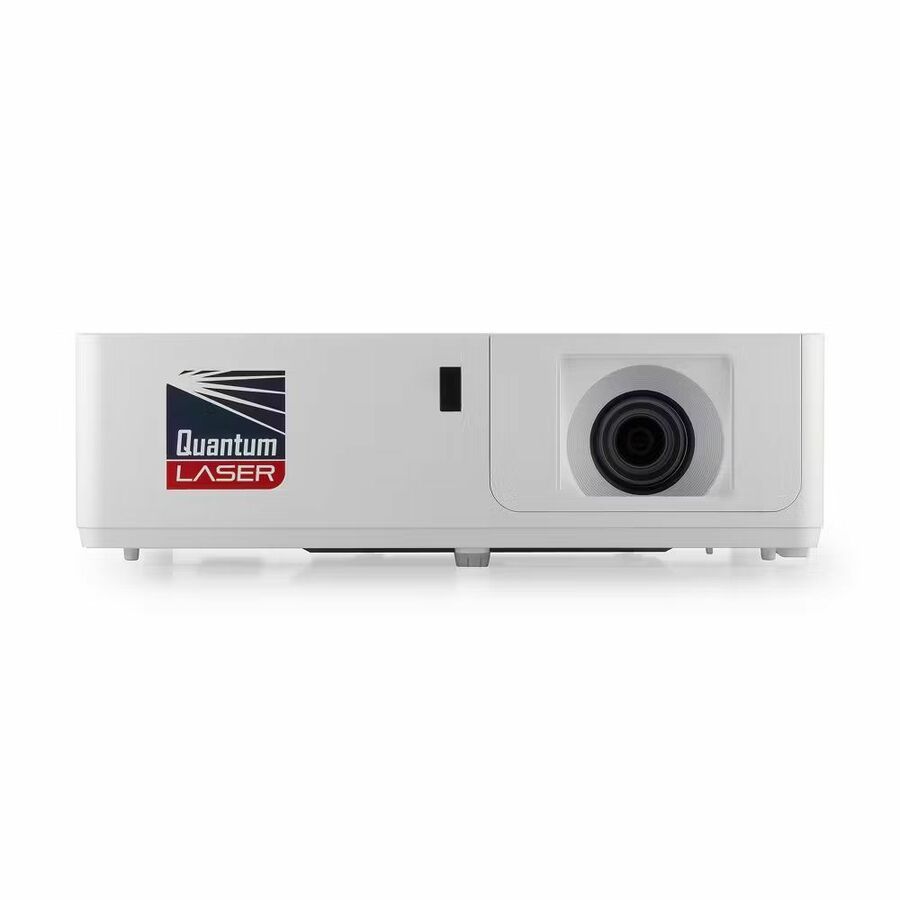
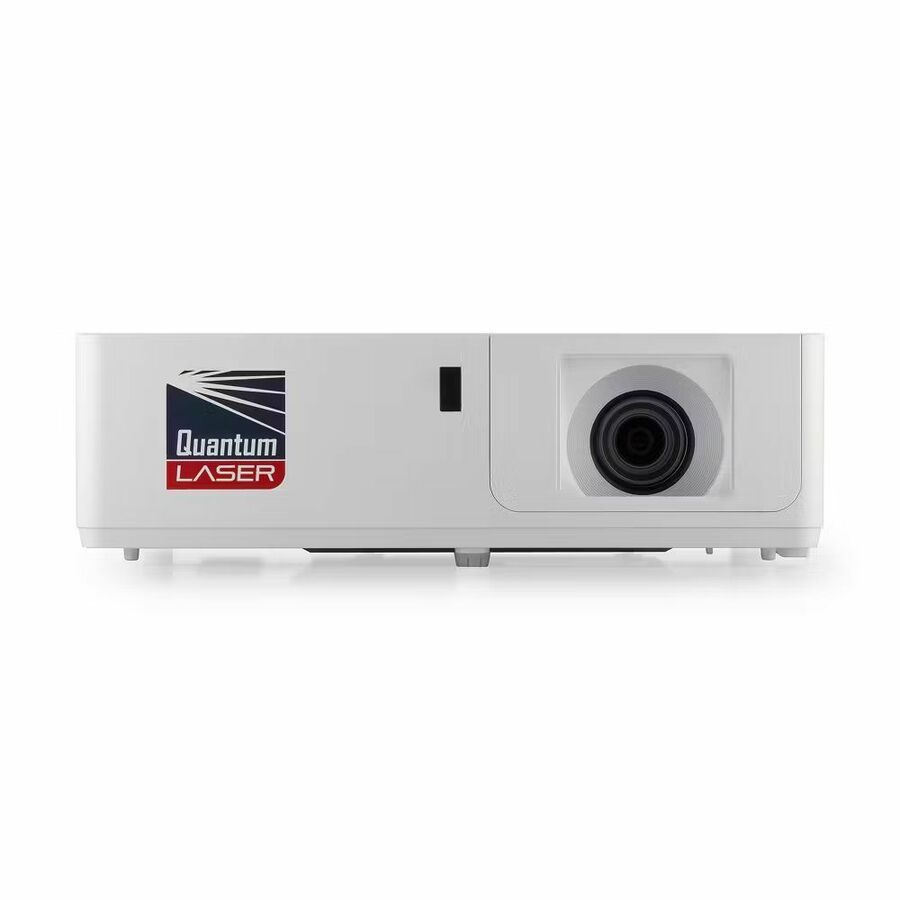
2 in stock - Maxnerva Technology ServicesINFOCUS, MULTIMEDIA PROJECTOR, P135, AUTHENTIC II, WUXGA, IN1069SL - DLP, 7000 ISO LUMENS, 1.7x LENS, 30000 HOURS, 2X HDMI, USB-A POWER, RS232, HDBASET 3.0, 10W AUDIO, HORIZONTAL & VERTICAL LENS SHIFT, SMART POWER ENERGY SAVING, 360° PROJECTION INSTALLATION, 4K UHD SUPPORTIN1069SL
$4,278.00
$3,039.48
8 in stock - Maxnerva Technology ServicesINFOCUS, MULTIMEDIA PROJECTOR, P135, AUTHENTIC II, 1080P, IN1068SL - DLP, 7000 ISO LUMENS, 1.7x LENS, 30000 HOURS, 2X HDMI, USB-A POWER, RS232, HDBASET 3.0, 10W AUDIO, HORIZONTAL & VERTICAL LENS SHIFT, SMART POWER ENERGY SAVING, 360° PROJECTION INSTALLATION, 4K UHD SUPPORTIN1068SL
$4,032.00
$2,864.55
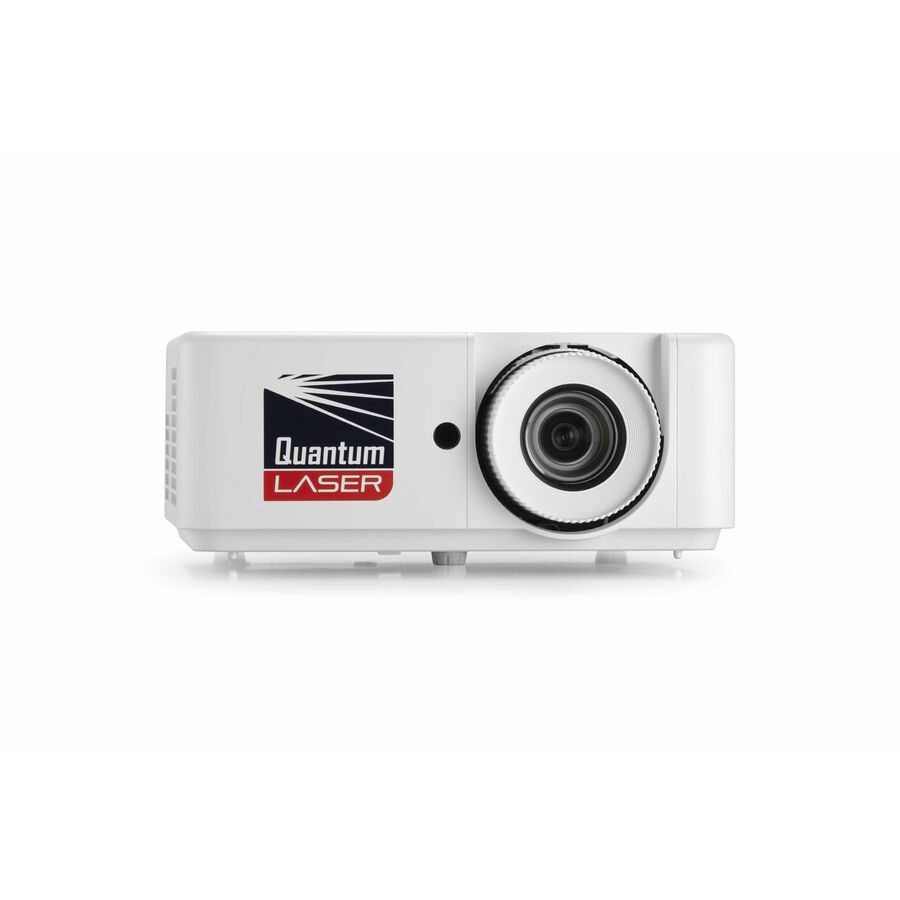
22 in stock - Maxnerva Technology ServicesInFocus Nemesis II IN1028ST Short Throw DLP Projector - 16:9 - 1920 x 1080 - Front - 2160p - 30000 Hour Normal Mode - Full HD - 400,000:1 - 4000 lm - HDMI - USB - Network (RJ-45) - Presentation, Class Room, Corporate, Education, Large Venue, BusinessIN1028ST
$2,127.00
$1,514.33
97 in stock - Maxnerva Technology ServicesInFocus Nemesis II IN1026ST Short Throw DLP Projector - 16:10 - 1280 x 800 - Front - 1080p - 30000 Hour Normal Mode - WXGA - 400,000:1 - 4000 lm - HDMI - USB - Wireless LAN - Network (RJ-45) - Presentation, Class Room, Corporate, Education, Large Venue, BusinessIN1026ST
$1,905.00
$1,356.32
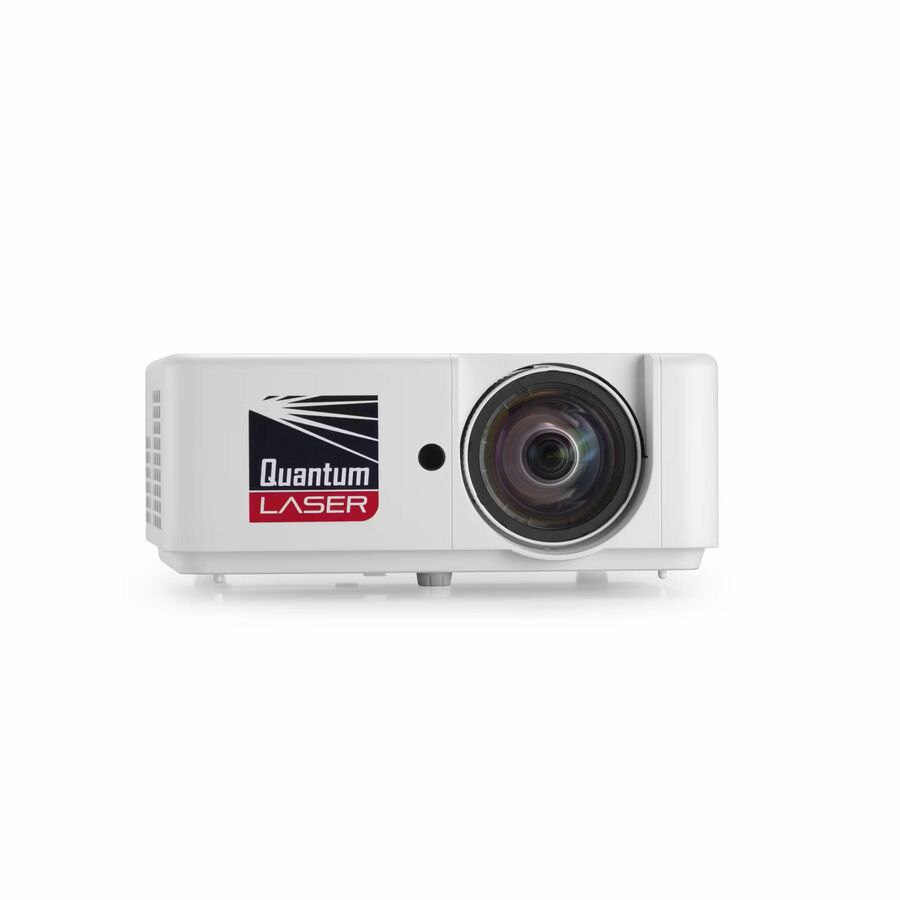
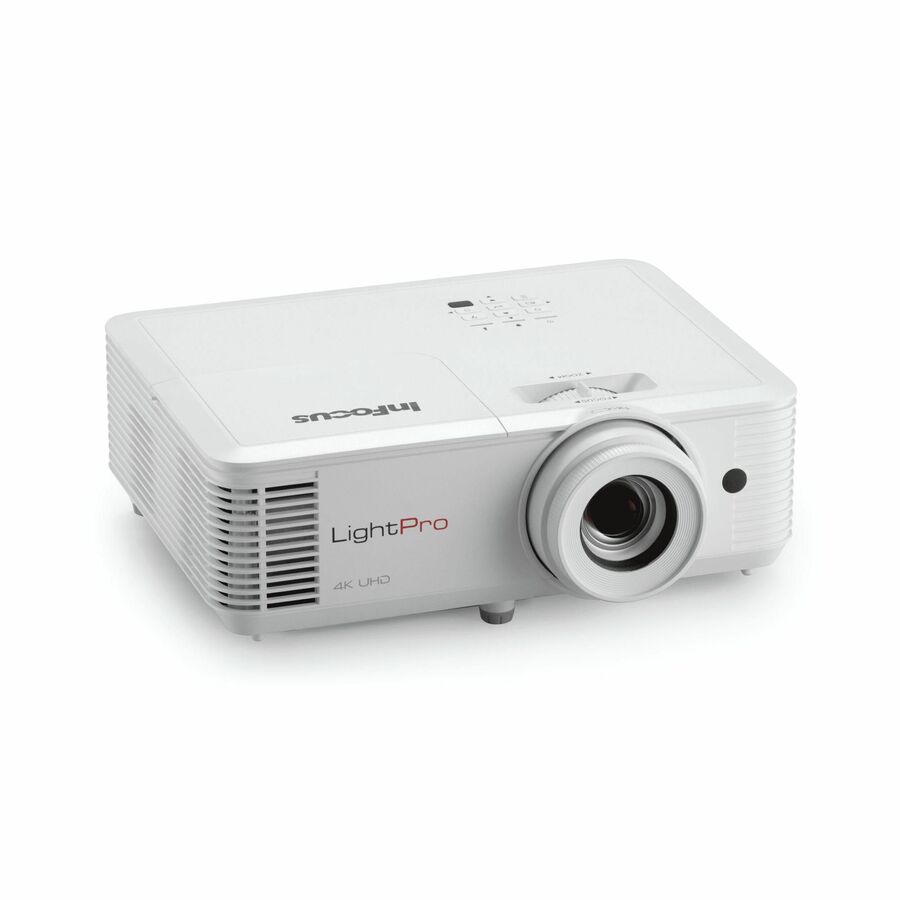
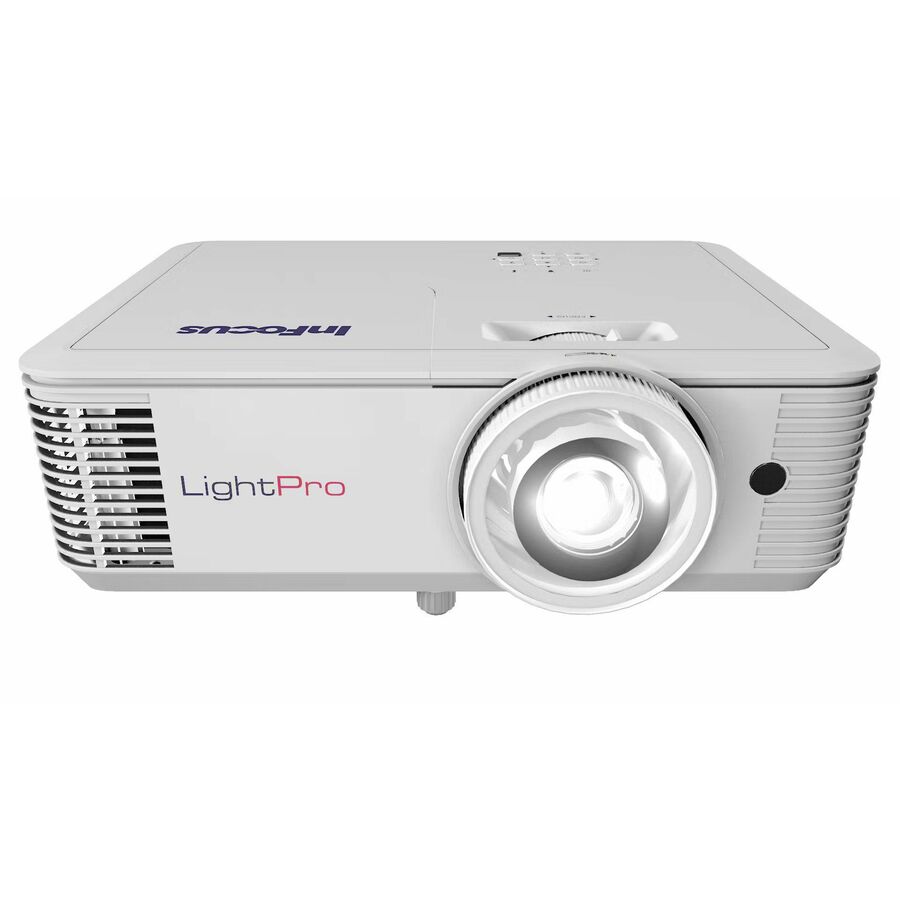
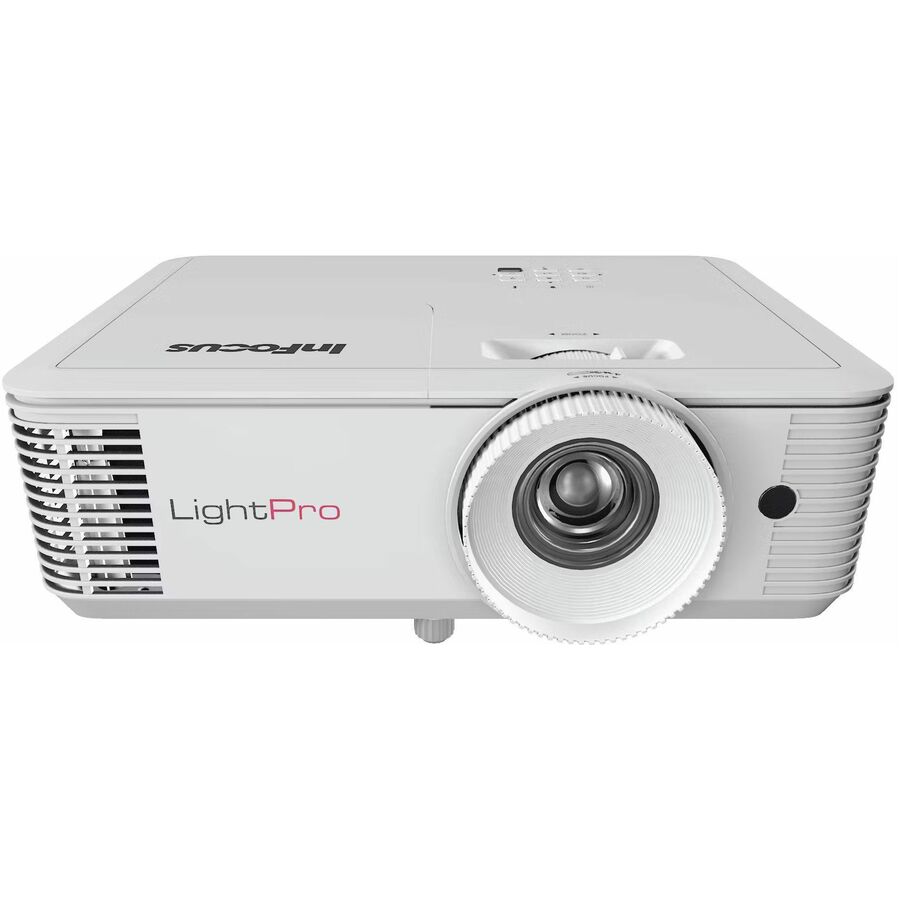
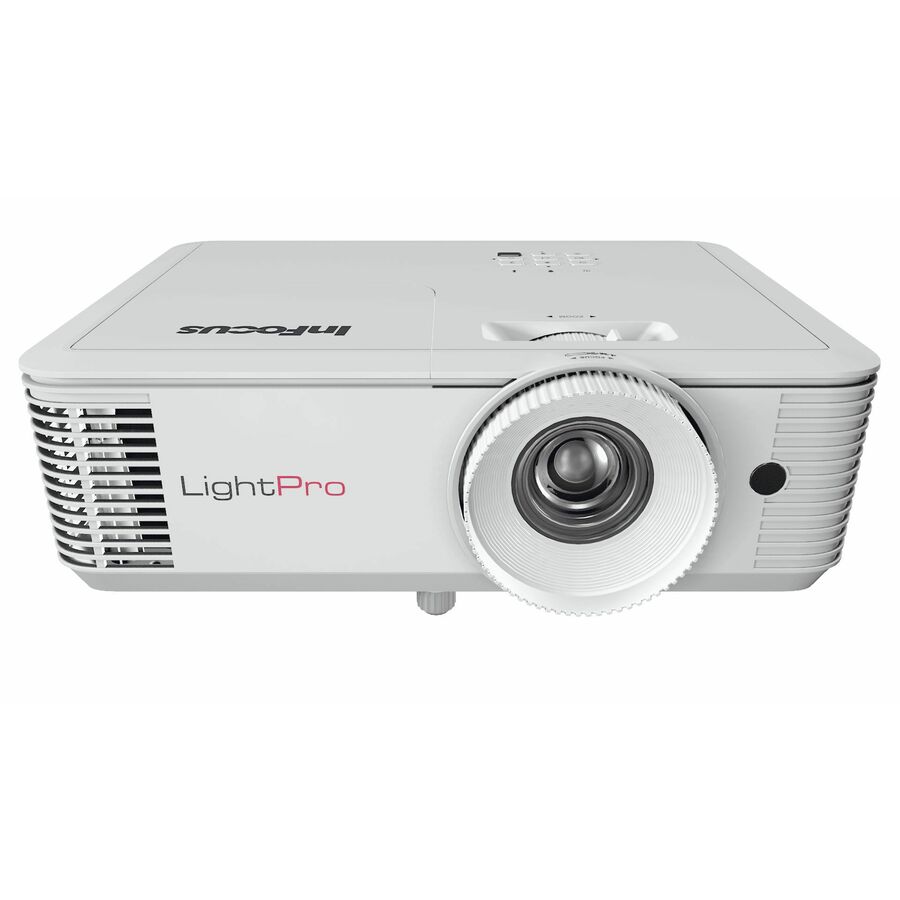
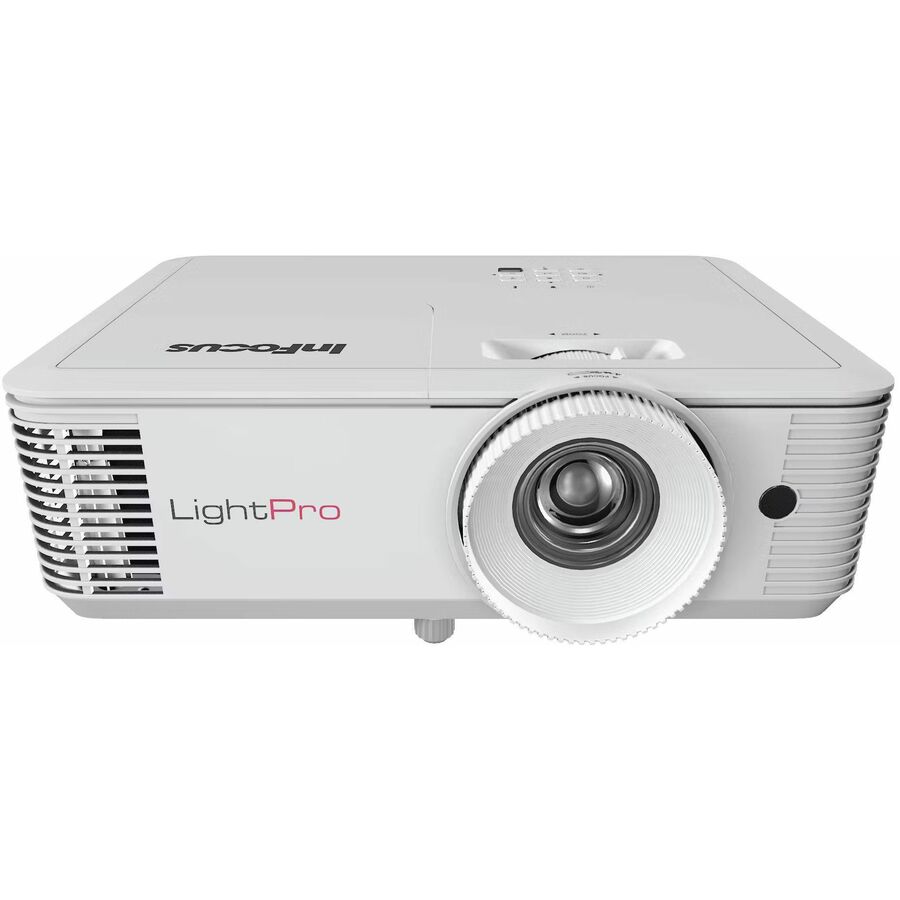
31 in stock - Maxnerva Technology ServicesInFocus LightPro IN0061SL 3D Standard Throw DLP Projector - 16:9 - High Dynamic Range (HDR) - 3840 x 2160 - Front - 2160p - 15000 Hour Normal Mode - 4K UHD - 10,000,000:1 - 4000 lm - HDMI - USB - Class Room, Meeting, Presentation, Gaming, Education, Corporate, Home - 5 Year WarrantyIN0061SL
$1,787.00
$1,277.50
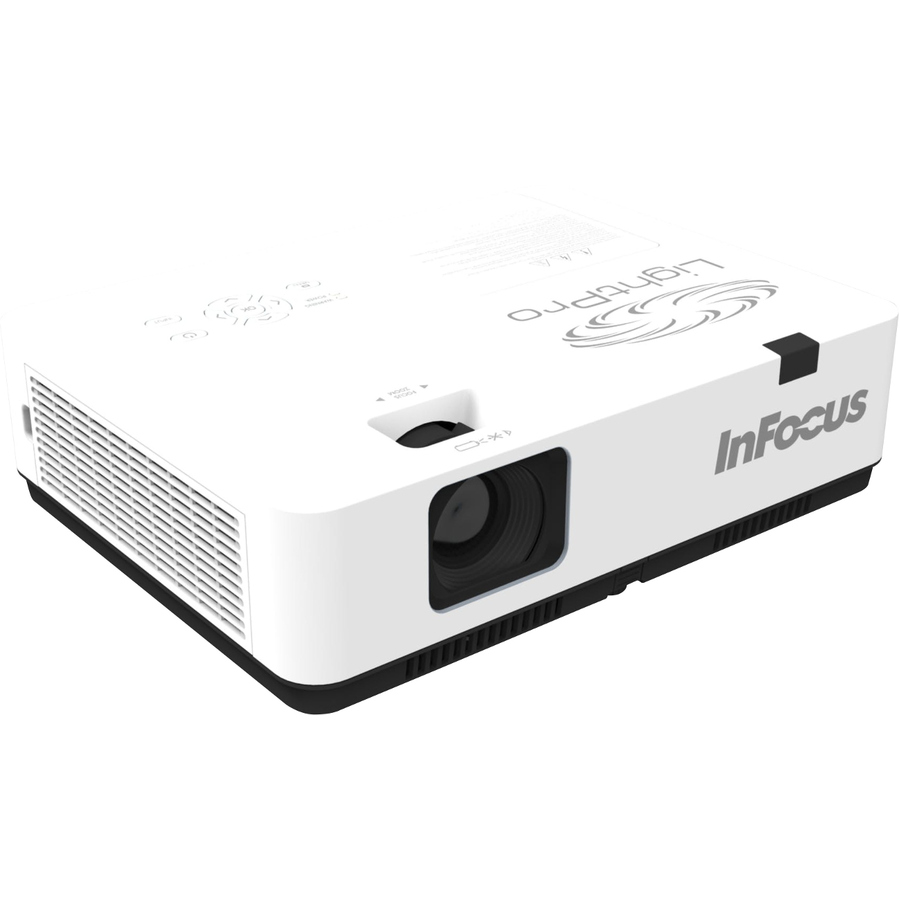
25 in stock - Maxnerva Technology ServicesInFocus Nemesis II IN1026SL Standard Throw DLP Projector - 16:10 - 1280 x 800 - Front - 1080p - 30000 Hour Normal Mode - WXGA - 400,000:1 - 5000 lm - HDMI - USB - Network (RJ-45) - Presentation, Class Room, Corporate, Education, Large Venue, BusinessIN1026SL
$1,604.00
$1,146.85
4 in stock - Maxnerva Technology ServicesInFocus Genesis IN0026SL 3D Standard Throw DLP Projector - 16:10 - Portable - 1280 x 800 - Front - 1080p - 15000 Hour Normal Mode - WXGA - 30,000:1 - 4000 lm - HDMI - USB - Room, Presentation, Cinema, Gaming, Home, Office - 2 Year WarrantyIN0026SL
$752.00
$543.96
29 in stock



Need pricing on ViewSonic projectors?
Tell us where to reach you and a Uniqcli specialist will follow up by email with current pricing, availability and lead time for the quantities you need — including parts that aren’t shown on this page.
Buying for an organization or for yourself — both work. No payment up front.
ViewSonic is the projector line we can most often actually ship. Most of the eligible rows below are in stock today rather than on lead time, which matters more than it sounds: classroom AV is a summer trade, and a district that can order in July and install in August gets rooms working for the first day of term. Availability is on every card, so you are reading real inventory rather than a catalog listing.
The bench splits into three groups, and it is worth being blunt about which is which. There are the classroom workhorses — high-brightness 1080p and WXGA models built to be visible with the lights on. There are the lamp-free laser and LED models rated for tens of thousands of hours, which remove the recurring lamp cost that quietly drains an AV budget. And there are several rows that ViewSonic builds and markets for home entertainment and gaming, including two battery-powered portables that should never be specified for a teaching room.
The sections below identify each group by part number so a specifier can shortlist in a couple of minutes, and the checklist covers the questions facilities and IT will ask before a purchase order moves.
Buyer's checklist
How to choose a ViewSonic projector for a school
- Rule out the portables first. The M1X is a battery-powered unit listed at 150 lumens and the LX60HD at 630 lumens — those are pop-up demo and personal-viewing devices. Neither will hold an image in a room with the lights on, whatever the price looks like.
- Target roughly 3,000 to 4,000 lumens for a normal classroom with overhead lighting and daylight, and 4,500 lumens or more for a lecture hall, media center or any large or bright space.
- Prefer lamp-free where the room is used daily. The LS901-4K, LX700-4K and LS630W rows are laser, and the LS560WH is LED lamp-free. The LS901-4K and LS630W rows list light-source life in tens of thousands of hours rather than the few thousand a lamp gives you; the LX700-4K and LS560WH rows do not state a rated life, so ask us to confirm it before you build a maintenance case on it.
- Choose short-throw only when the mount sits close to the screen. The LS560WH and PS502X are the short-throw rows here; a standard-throw model in a shallow room will either overshoot the screen or put the projector in the middle of the ceiling.
- Set the resolution floor by content. The WXGA and XGA rows (PA503W, LS560WH, LS630W, PS502X) are fine for slides and video; 1080p rows such as the PA503HD and PX700HDH are the practical floor for shared documents; the 4K rows are for detailed technical content.
- Check for network control if you manage more than a handful of rooms. The LS901-4K, LS630W and PX749-4K rows list network (RJ-45) and the LS560WH lists LAN control — the PA503 pair and the PX700HDH do not, which is a real difference across a hundred-room estate.
- Order the mount, screen and cabling with the projector. Flexible-setup features such as H/V keystone and 360-degree projection widen your mounting options but do not replace a bracket that fits the ceiling you actually have.
What is in stock, and what it is built for
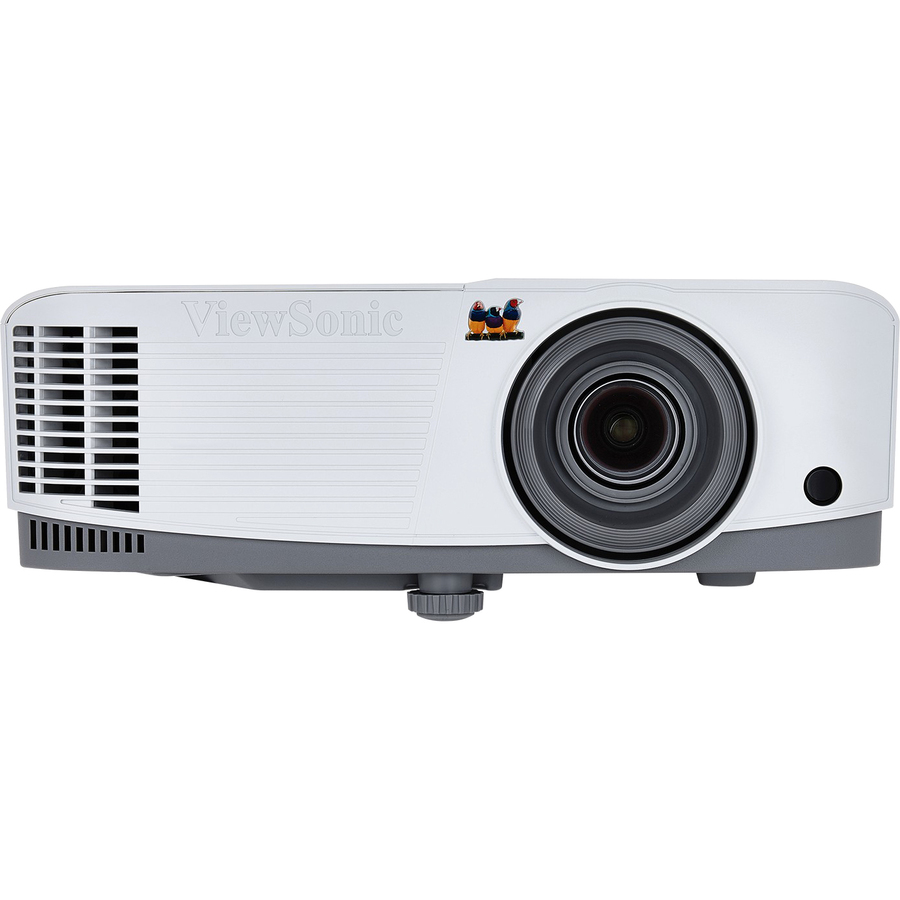
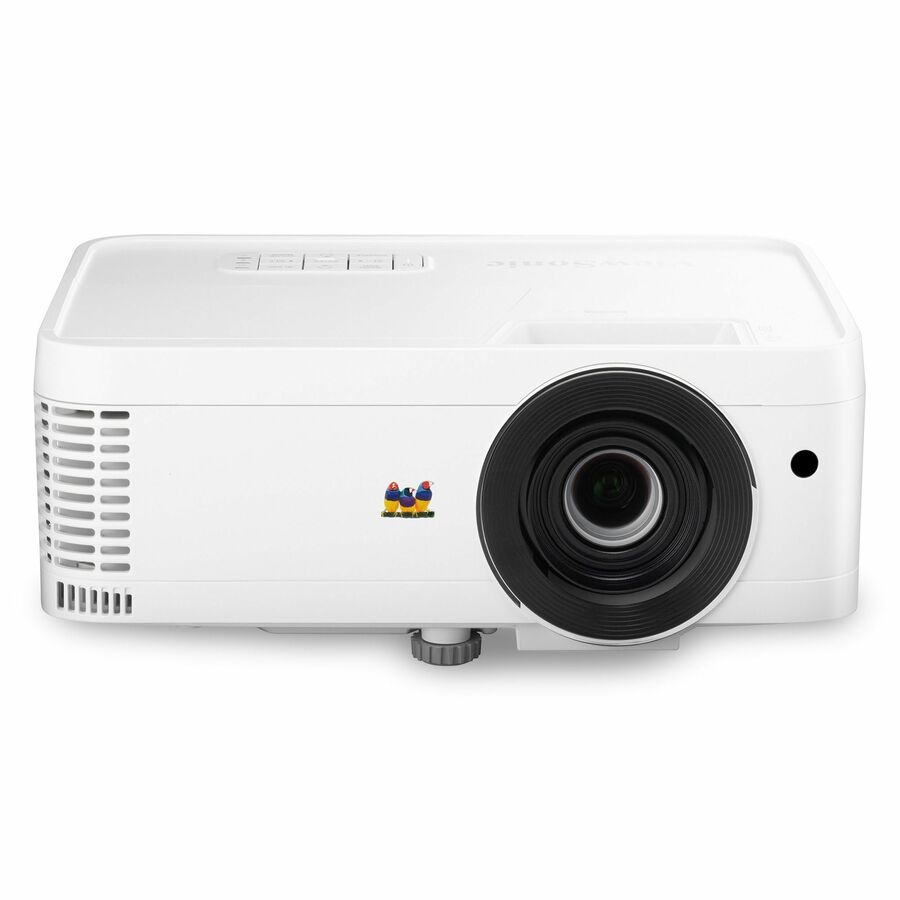
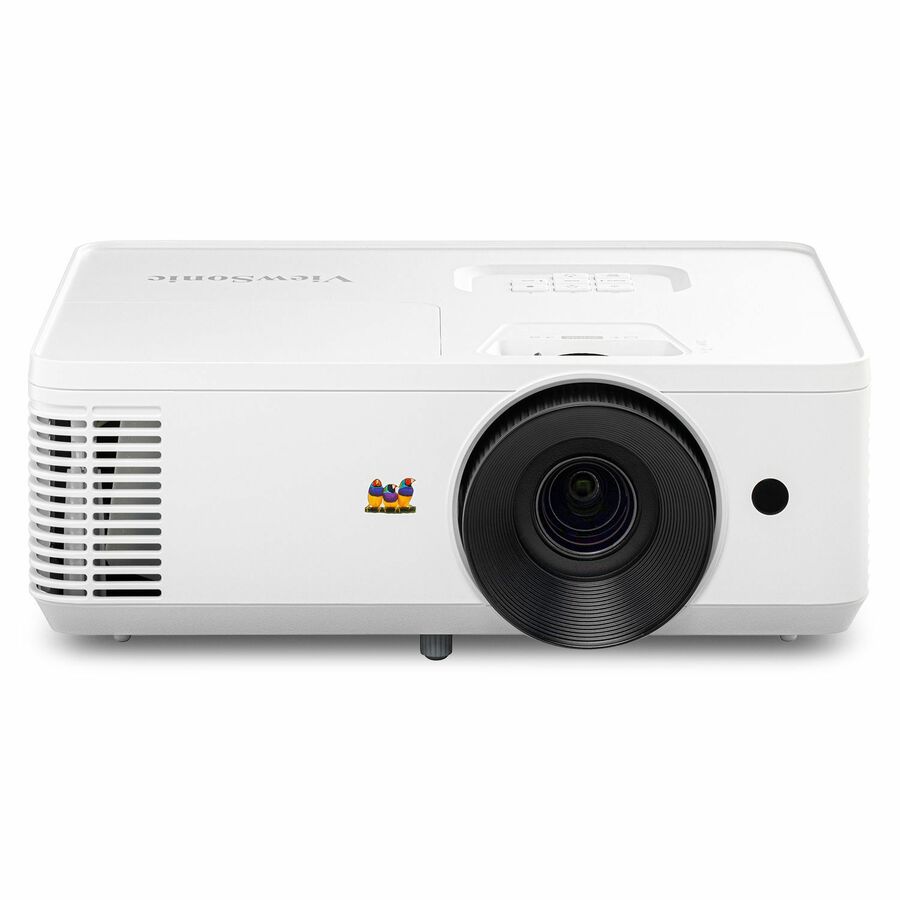
The strongest classroom fit that is in stock today is the PX700HDH: a 1080p model listed at 3,700 lumens with dual HDMI, rated at 6,000 hours in normal mode and 20,000 in economy, and described by ViewSonic for classroom, education, meeting and office use. It is inexpensive relative to the rest of the bench and it does the ordinary job of a teaching-room projector well. The PA503HD sits beside it at 4,000 lumens and 1080p with 1.1x optical zoom and auto keystone, and the PA503W is the same idea at WXGA resolution — high brightness at a low price, which is exactly the trade a district makes when it is refreshing thirty rooms at once.
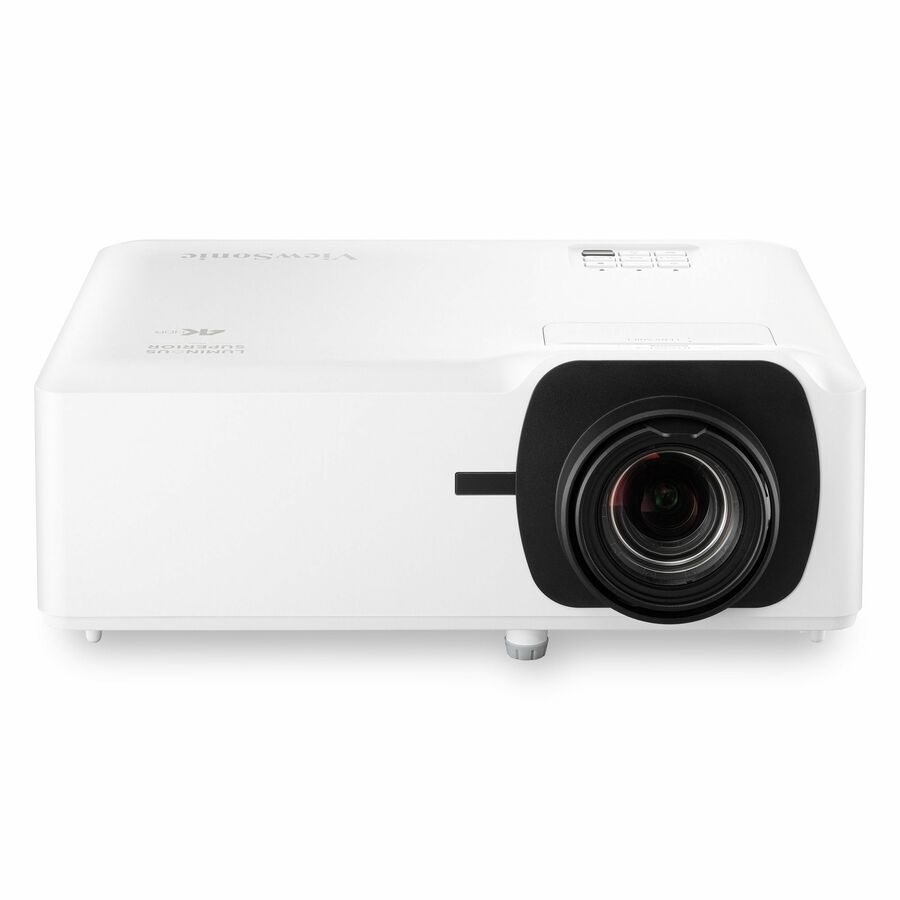
For large and bright spaces the LS901-4K is the standout in-stock row: a 4K laser model listed at 5,500 lumens, 20,000 hours in normal mode and 30,000 in economy, with 1.7x optical zoom, 360-degree projection and network (RJ-45) control. ViewSonic's own description lists both home-theater and classroom, education, auditorium and presentation use, and the specification supports the latter — that brightness and light-source life is auditorium-grade.
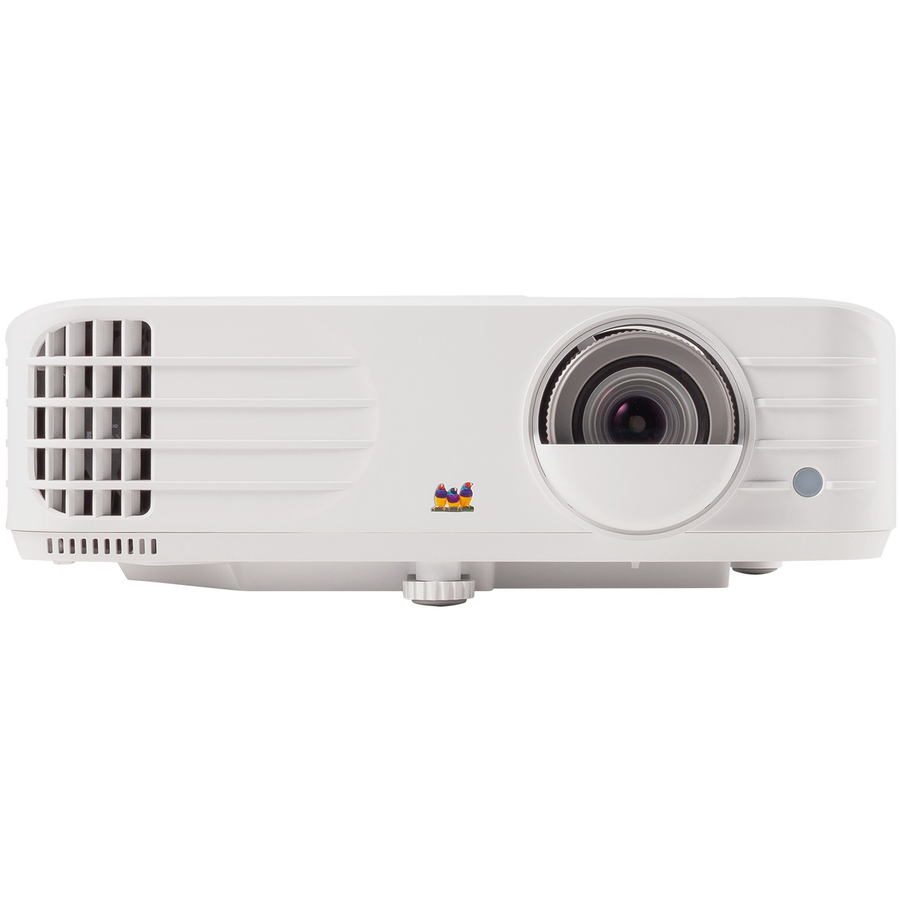
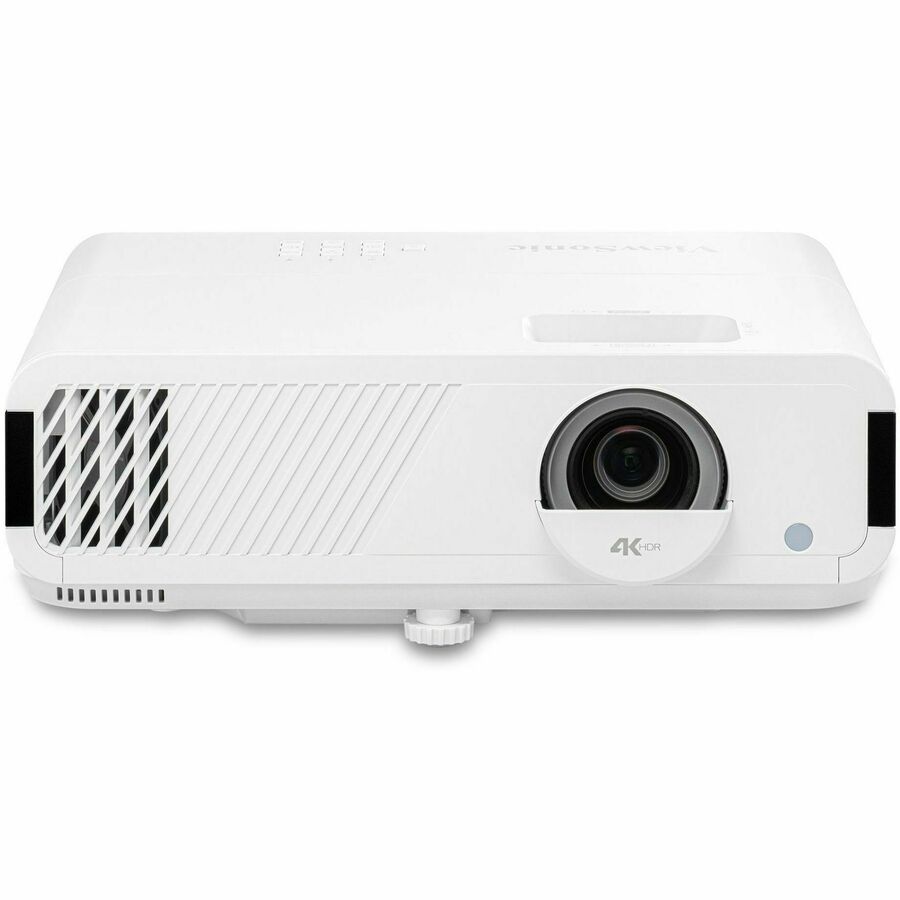
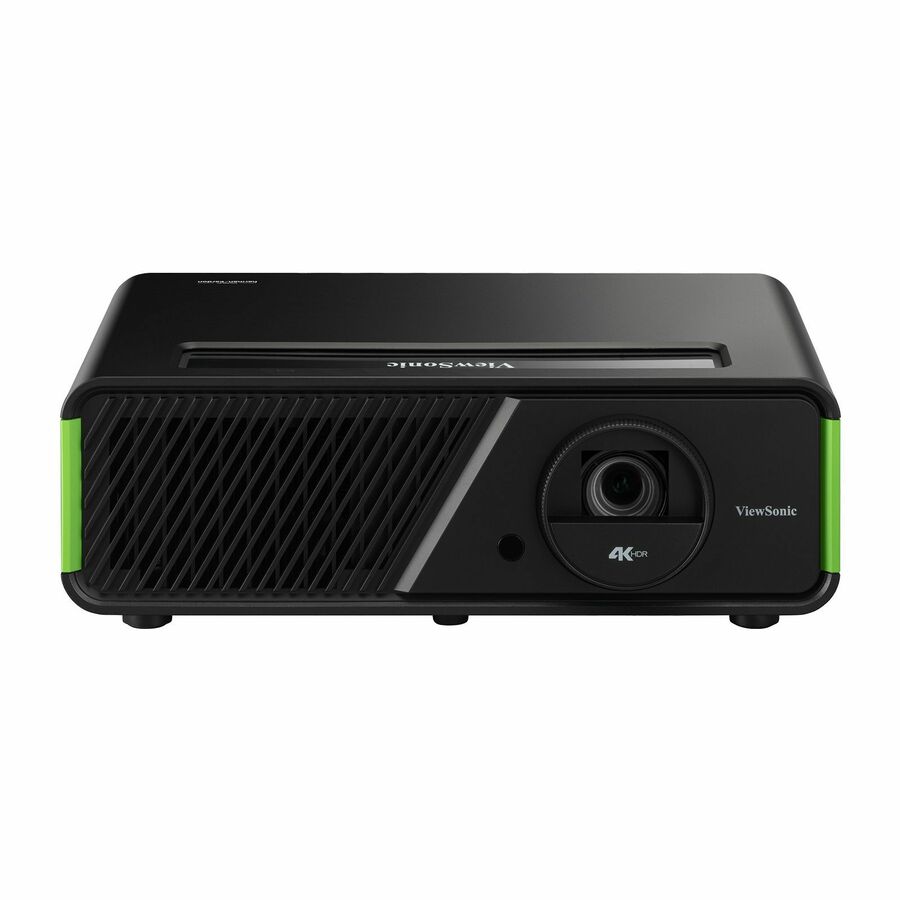
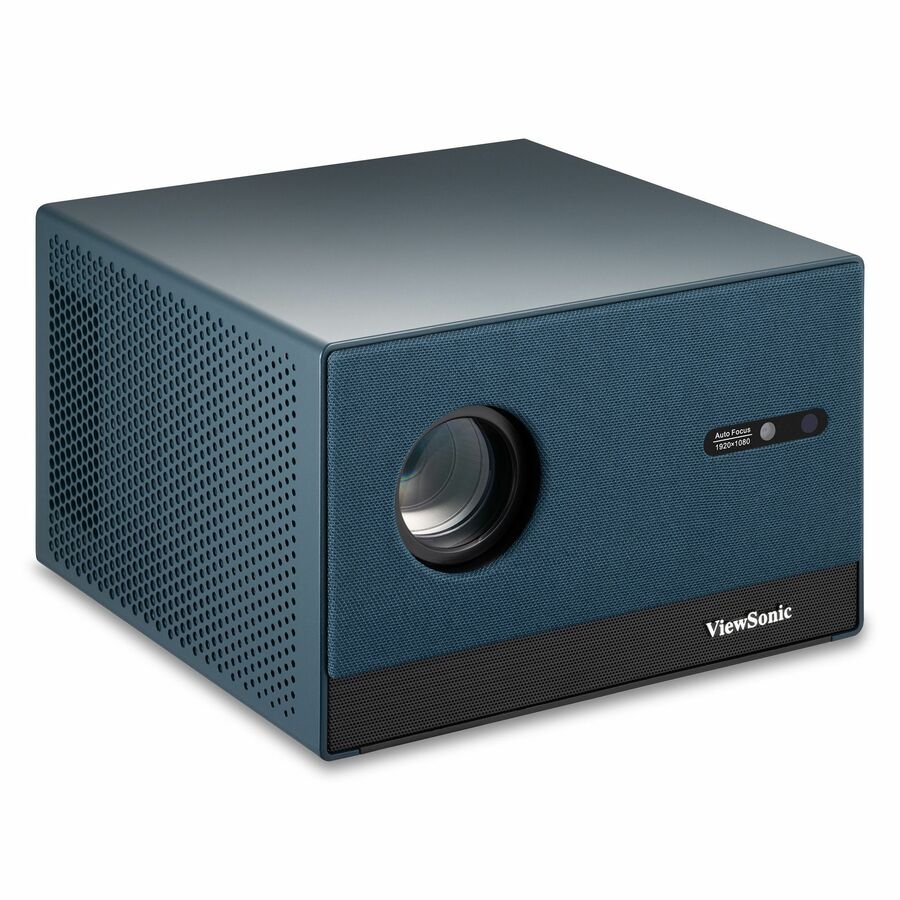
Several other in-stock rows are built for home entertainment and gaming, and the descriptions say so plainly: the LX700-4K is a 3,500-lumen 4K laser model described as designed for Xbox, the PX749-4K is a 4,000-lumen 4K gaming projector, the PX701-4K is a 3,200-lumen 4K home-entertainment model, and the X1-4KPro is a 2,500-lumen LED unit with Google TV and Netflix built in. None of these are unusable in a school — a media lab, an esports room or a drama space is a legitimate home for one — but they are not what you specify for thirty general classrooms, and their gaming-oriented features are not what you are paying for in a teaching room.
Two rows should simply be excluded from any classroom shortlist. The M1X is a portable LED projector with a built-in battery listed at 150 lumens, and the LX60HD is a portable listed at 630 ANSI lumens. Both are perfectly good for what they are — a pop-up display, a small group huddle, a take-home demo — and both will be washed out by ordinary classroom lighting.
The education rows worth waiting for
Three rows that are currently back-ordered are, on paper, the most purely education-oriented projectors ViewSonic lists in our catalog. The LS630W is a WXGA laser model listed at 4,500 lumens with 20,000 hours in normal mode and 30,000 in economy, 1.3x optical zoom, 360-degree projection and network (RJ-45) control, and ViewSonic describes it for education, board room, lecture hall and classroom use. For a district standardizing a lecture-hall or large-classroom specification, that is the row to write into the document.
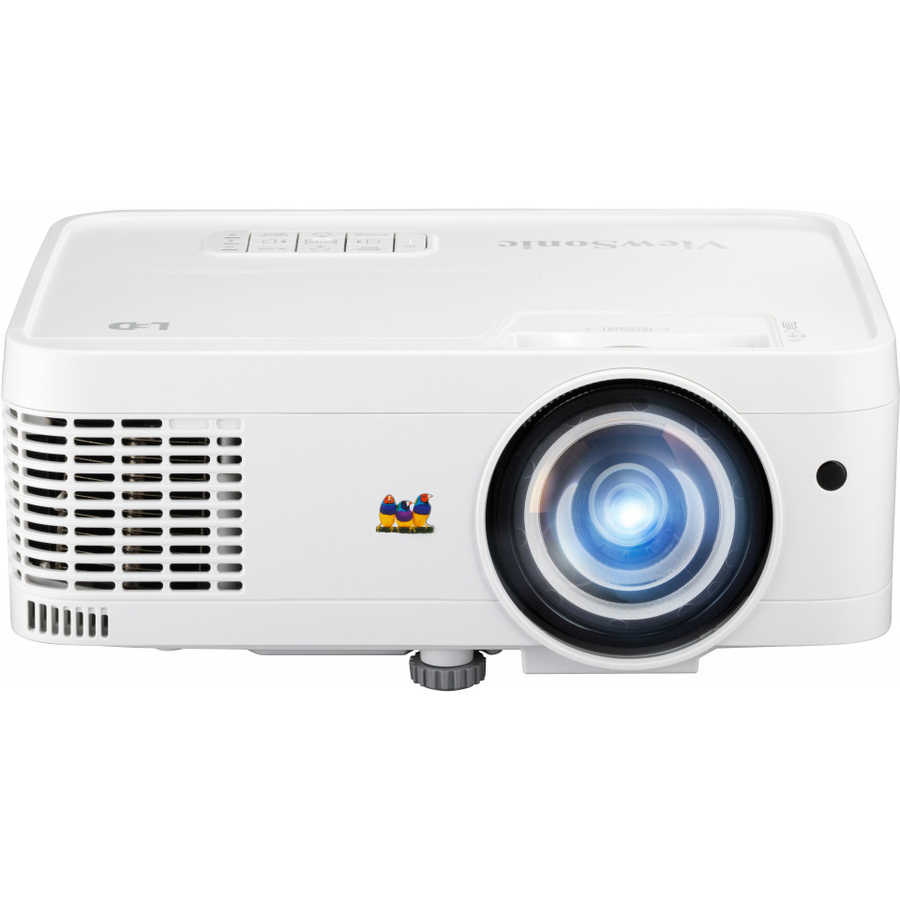
The LS560WH is a short-throw LED lamp-free model listed at 3,000 lumens in WXGA with H/V keystone, 360-degree projection and LAN control, described for business and education. Short throw plus lamp-free plus LAN control is a strong combination for a teaching wall where you want to reduce shadowing and never send a technician up a ladder for a lamp.
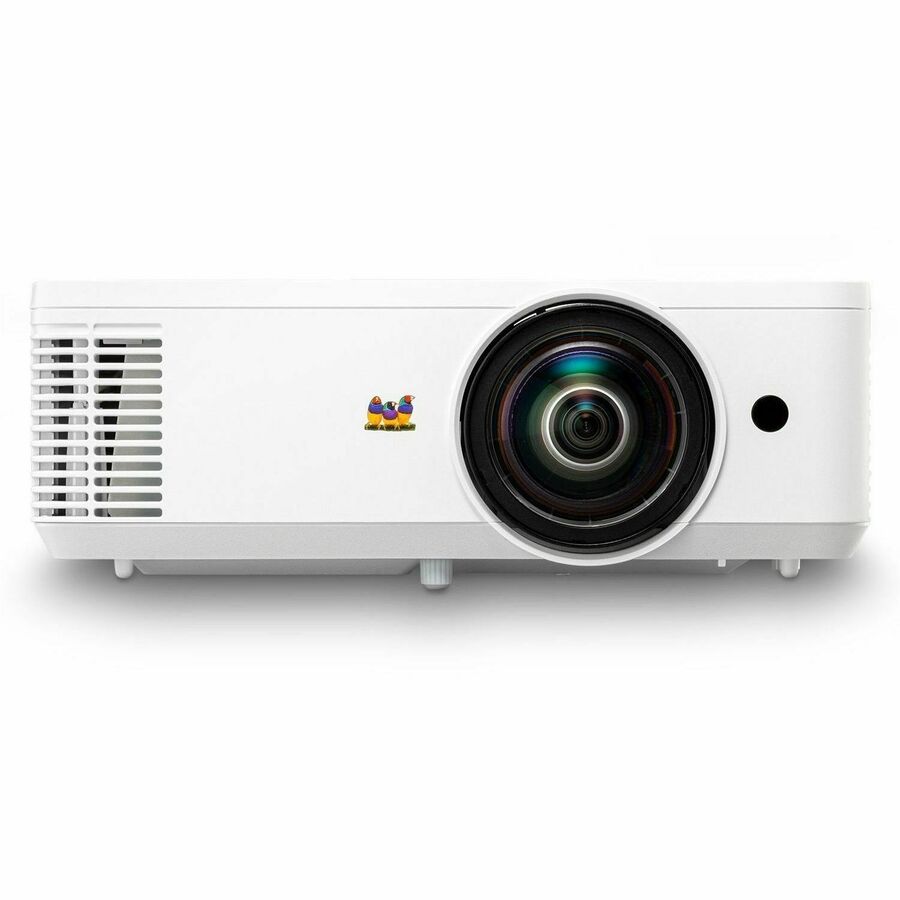
The PS502X is the value short-throw row: 4,000 lumens at XGA resolution with dual HDMI and USB-A inputs. XGA is a dated resolution and it shows on detailed content, but for a room that projects slides, video and a document camera it remains a great deal of brightness for the money.
If your project timeline can absorb a lead time, ask us to quote these alongside the in-stock rows. Where the schedule cannot move, the honest comparison is the PX700HDH or the PA503 pair now against the LS-series later, and the decision usually comes down to whether the room is used enough to justify a lamp-free light source.
Lamp-free versus lamp, over a room's life
The difference between a laser or LED light source and a lamp is the difference between a purchase and a subscription. A lamp-based projector in daily classroom use burns through its rated hours inside a few school years, and each replacement costs a part plus a technician on a ladder in an occupied building. Multiply that by an estate of rooms and it becomes one of the larger recurring lines in an AV budget.
In this selection the lamp-free rows are the LS901-4K, LX700-4K and LS630W (laser) and the LS560WH (LED). The LS901-4K and LS630W rows are listed at 20,000 hours in normal mode and 30,000 in economy; the LX700-4K and LS560WH rows carry no rated life on the row, so treat their figures as unconfirmed until we check them for you. The X1-4KPro and LX60HD are LED rows listed at 60,000 and 20,000 hours respectively, though their brightness limits them to small or dark spaces. Among the lamp-based rows, the PX700HDH lists 6,000 hours in normal mode and 20,000 in economy, and the PX749-4K lists 4,000 hours normal and 20,000 economy — running a projector in economy mode extends the light source considerably at the cost of some brightness, which is a reasonable trade in a room you can darken.
The practical rule for a district: rooms used every period all day justify a lamp-free model even at a higher purchase price; rooms used occasionally — a conference room, a rarely-booked hall — do not, and a bright lamp-based row is the better use of the budget.
Specifying a repeatable room
The cheapest projector estate to run is the one with the fewest variations. Define two or three room types — standard classroom, large or bright classroom, lecture hall — pick one projector per type, and specify the whole kit for each: projector, mount, screen or projection surface, cabling, and whatever source device the room needs. Buy the kit as a unit so the parts arrive together, because a delivered projector without a bracket is a storeroom problem, not an install.
Flexible-setup features do genuine work here. Several rows list H/V keystone, four-corner adjustment and 360-degree projection, which lets one bracket design cover rooms with awkward ceilings, off-center screens or beams in the wrong place. That is worth real money in an older building where no two rooms are the same. It is not a substitute for measuring throw distance — keystone correction fixes geometry, not a projector that physically cannot make a big enough image from where it hangs.
Last, plan the network side alongside the AV side. Rows with RJ-45 or LAN control can be powered down on a schedule, monitored for light-source hours and updated centrally, which both extends the hardware and removes routine visits. Get those ports patched during the install rather than as a follow-up ticket, because a network-capable projector that was never cabled is just a projector.
FAQ
Common questions
- Why are some of these projectors described for home theater and gaming?
- Because they are — and we would rather say so than dress them up. ViewSonic builds one projector range that spans classrooms, meeting rooms, home cinema and gaming, and our grid shows the live inventory for the whole brand rather than a hand-picked education subset. The rows described for classroom and education use here are the PX700HDH, LS901-4K, LS630W and LS560WH, with the PA503HD, PA503W and PS502X as high-brightness value options. The gaming and home-entertainment rows can work in a media lab or drama space, and the two battery-powered portables (M1X and LX60HD) are not classroom devices at any price.
- How bright are these ViewSonic classroom projectors?
- It is set by how much light you can control. A room you can darken properly is well served around 3,000 lumens. A normal classroom with the overhead lights on and daylight through the windows wants roughly 3,500 to 4,000 lumens, which is where the PA503HD, PA503W, PX700HDH and PS502X rows sit. Lecture halls, media centers, cafeterias and gyms want 4,500 lumens or more — the LS630W at 4,500 and the LS901-4K at 5,500 are the rows for that. If the budget forces a choice, spend it on brightness before resolution: a washed-out image is unusable, a slightly softer one is merely imperfect.
- Are the laser rows on this page worth the extra cost?
- In a room used every day, usually yes. Lamp-based projectors consume a replacement part every few school years plus the labor of a ladder visit in an occupied building, and that recurring cost across an estate is frequently larger than the purchase-price gap. The laser and LED rows here — LS901-4K, LX700-4K, LS630W and LS560WH — list 20,000 hours or more of light-source life in normal mode, which is designed to cover the service life of a typical install. For rooms used occasionally, a bright lamp-based model such as the PX700HDH remains the better value.
- Can a classroom projector be bought with E-rate money?
- No. A projector is end-user classroom equipment, and E-rate Category Two funds the internal connections that distribute broadband inside a building. Projectors come from local, state, bond or grant money. The program structure and the per-funding-year Eligible Services List are covered in our E-Rate explainer, linked in the related reading below.
- Can Uniqcli quote these ViewSonic projectors for a district or government buy?
- Every line Uniqcli quotes is sourced through US distribution and screened for TAA country-of-origin and NDAA §889 status before checkout — with documentation tied to the specific part number, not a product family. Send a room list or a bill of materials including mounts, screens and cabling and we will return a quote with per-part sourcing detail and current lead times.
Need ViewSonic projectors pricing?
Send a bill of materials or part numbers — we confirm stock and a below-market total, with TAA verified on request. No payment up front.