
Best BenQ Projectors for Classrooms and Lecture Halls
Short-throw, ultra-short-throw and long-life BenQ projectors for teaching rooms, labs and lecture halls.
BenQ projectors in stock at Uniqcli
How to choose →A curated selection with live pricing — in-stock lines first, then back-ordered lines with a typical lead time. Every line is sourced through US distribution and screened for NDAA §889 status before checkout, with TAA verified on request.
Back-ordered — estimated OEM lead time 3–8 weeks (Nov 12 – Dec 17 if ordered today).
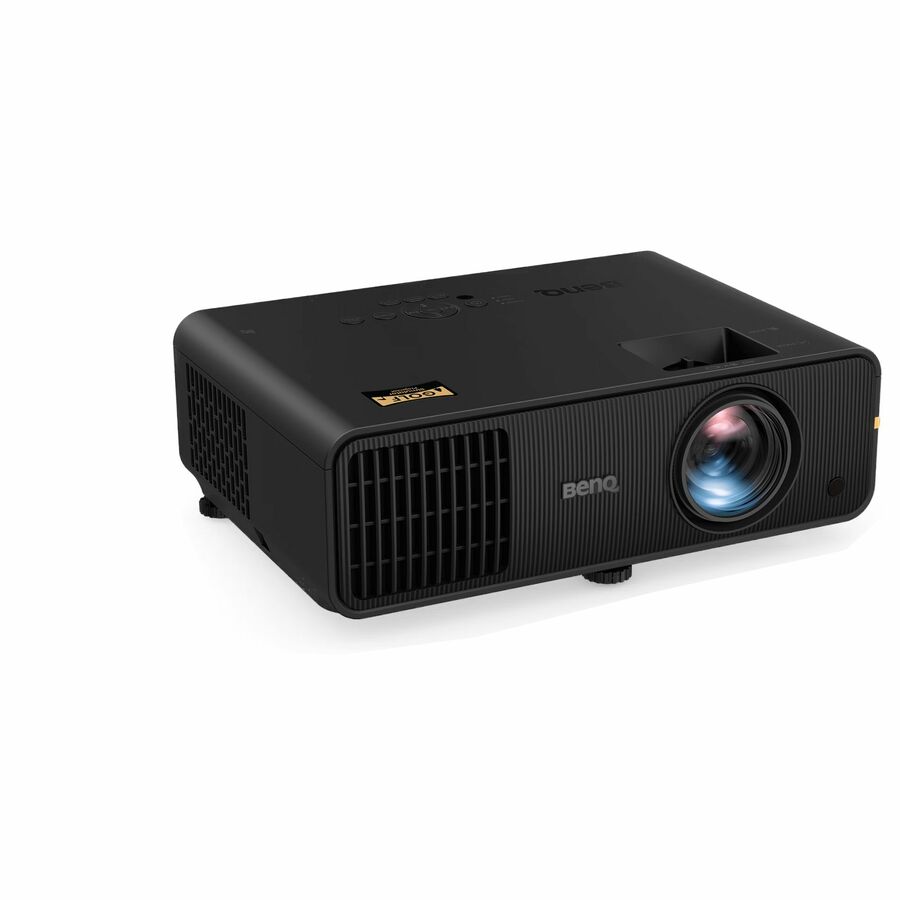
- BenQBenQ AW30ST 3D Short Throw DLP Projector - 16:10 - Ceiling Mountable - Front, Ceiling - 20000 Hour Normal Mode - 30000 Hour Economy Mode - 20,000:1 - 3200 lm - HDMI - USB - Cinema, Home, Gaming - 3 Year WarrantyAW30ST
$1,363.80
Back-orderedBack-ordered — estimated OEM lead time 3–8 weeks (Nov 12 – Dec 17 if ordered today).
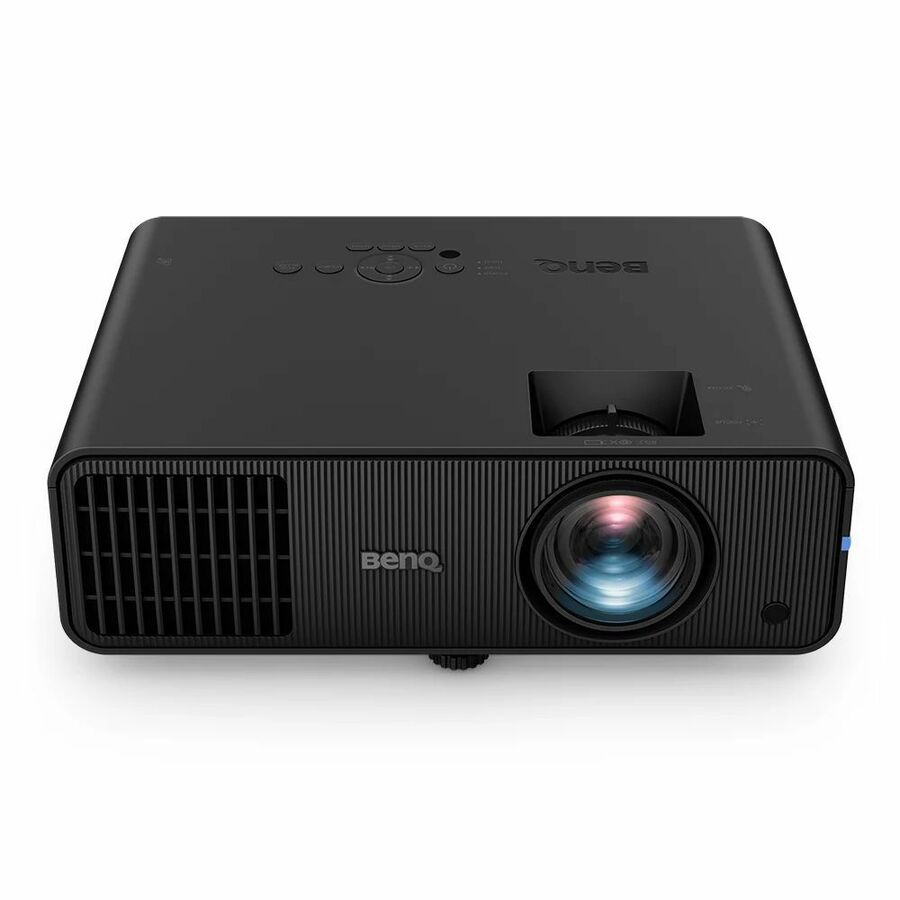
- BenQBenQ LW600ST Short Throw LED Projector - 16:10 - Black - 1280 x 800 - Front - 20000 Hour Normal Mode - 30000 Hour Economy Mode - WXGA - 20,000:1 - HDMI - USB - Wireless LAN - Room, GamingLW600ST
$1,363.80
Back-orderedBack-ordered — estimated OEM lead time 3–8 weeks (Nov 12 – Dec 17 if ordered today).
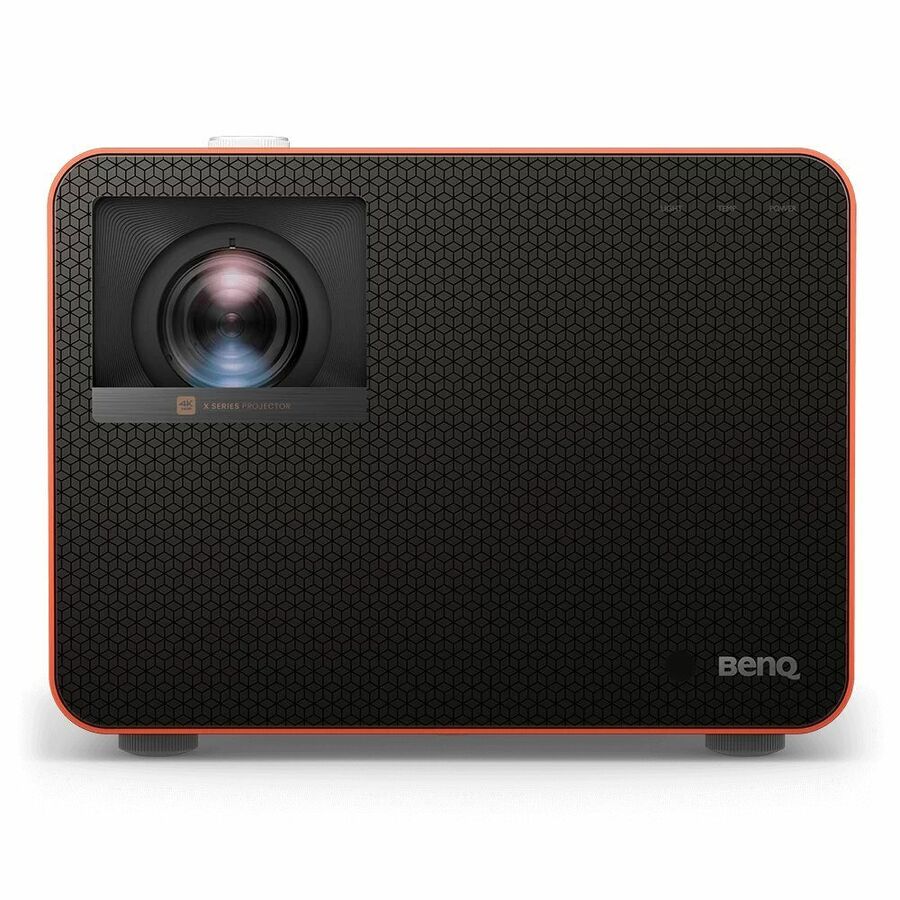
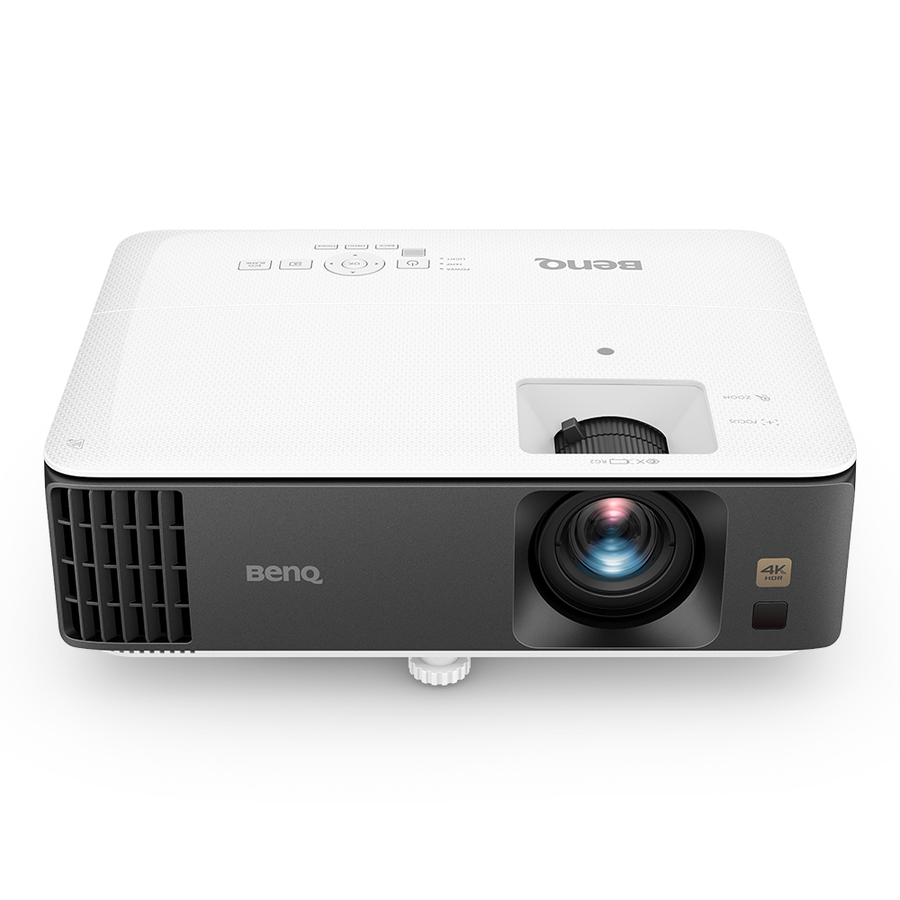
- BenQBenQ TK700 3D Short Throw DLP Projector - 16:9 - High Dynamic Range (HDR) - Front - 2160p - 4000 Hour Normal Mode - 10000 Hour Economy Mode - 10,000:1 - 3200 lm - HDMI - USB - Gaming, Home Theater, Home, RoomTK700
$1,517.35
Back-orderedBack-ordered — estimated OEM lead time 3–8 weeks (Nov 12 – Dec 17 if ordered today).
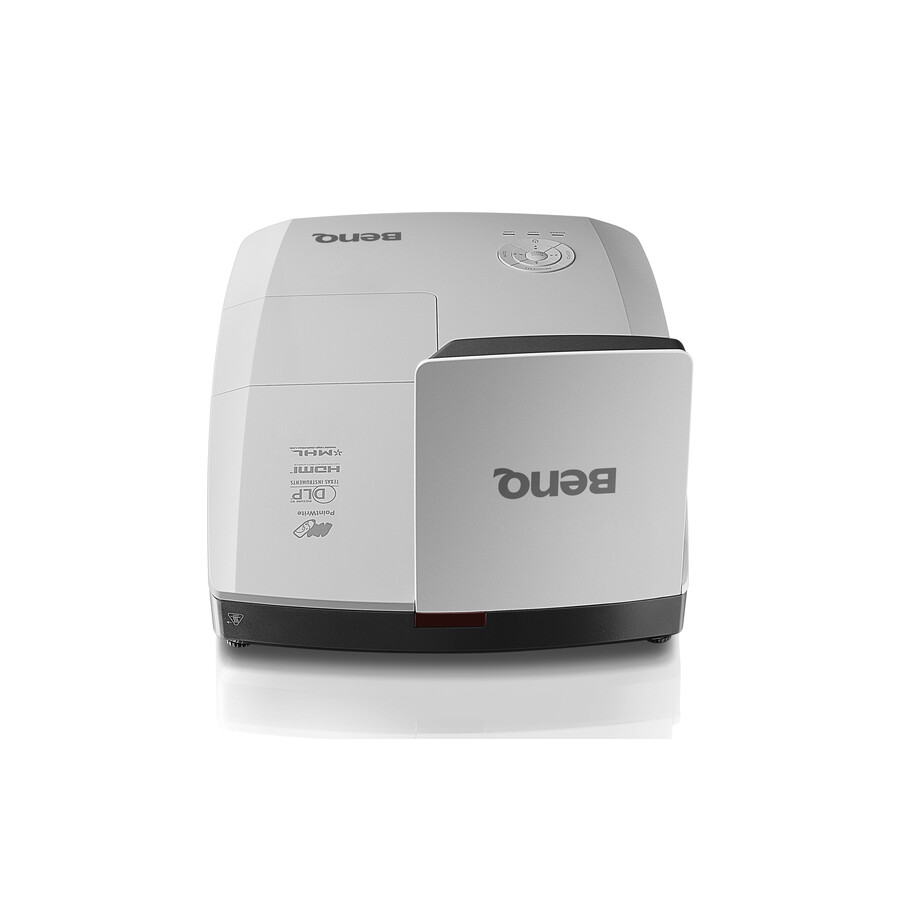
- BenQBenQ MW855UST 3D Ready DLP Projector - 16:10 - 1280 x 800 - Front, Ceiling - 720p - 3000 Hour Normal Mode - 4000 Hour Economy Mode - WXGA - 10,000:1 - 3500 lm - HDMI - USB - 3 Year WarrantyMW855UST
$1,869.00
$1,573.31
Back-orderedBack-ordered — estimated OEM lead time 3–8 weeks (Nov 12 – Dec 17 if ordered today).
- BenQBenQ AH30ST 3D Short Throw DLP Projector - 16:9 - Ceiling Mountable - Front, Ceiling - 1080p - 20000 Hour Normal Mode - 30000 Hour Economy Mode - 20,000:1 - 3000 lm - HDMI - USB - Cinema, Home, Gaming - 1 Year WarrantyAH30ST
$1,704.74
Back-orderedBack-ordered — estimated OEM lead time 3–8 weeks (Nov 12 – Dec 17 if ordered today).
- BenQBenQ LH600ST 3D Short Throw DLP Projector - 16:9 - 1920 x 1080 - Front - 1080p - 20000 Hour Normal Mode - 30000 Hour Economy Mode - Full HD - 20,000:1 - 2500 lm - HDMI - USB - Wireless LAN - Class Room, Gaming, Entertainment, Conference RoomLH600ST
$1,704.74
Back-orderedBack-ordered — estimated OEM lead time 3–8 weeks (Nov 12 – Dec 17 if ordered today).
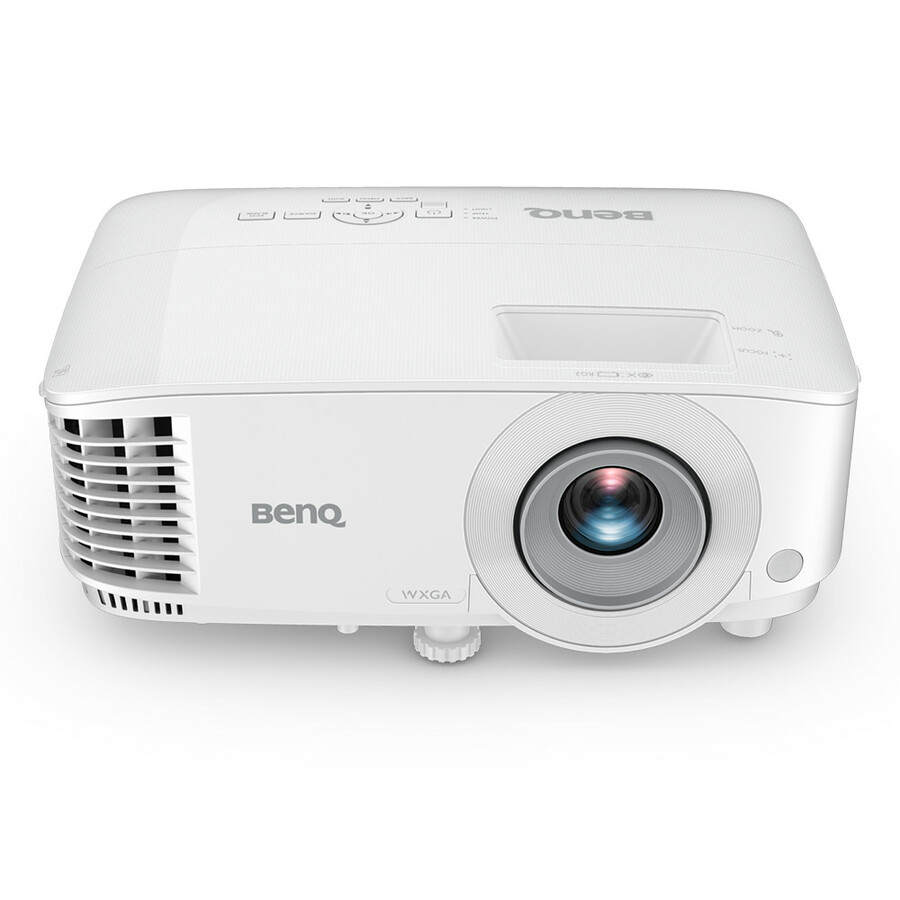

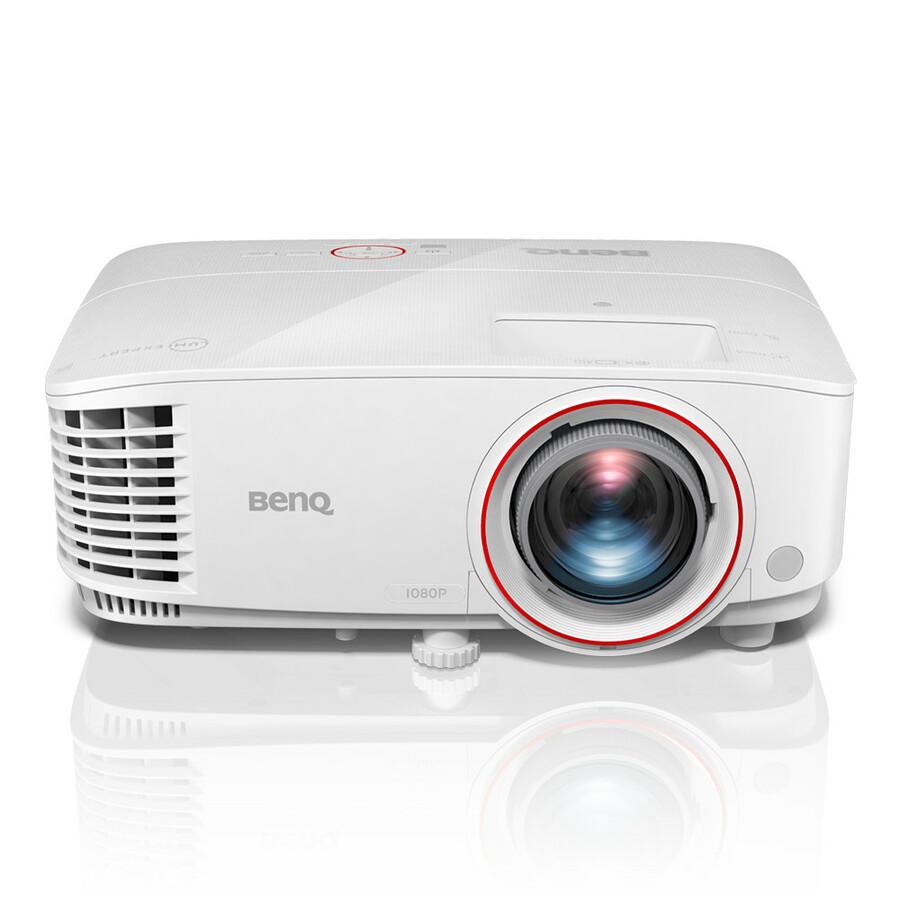
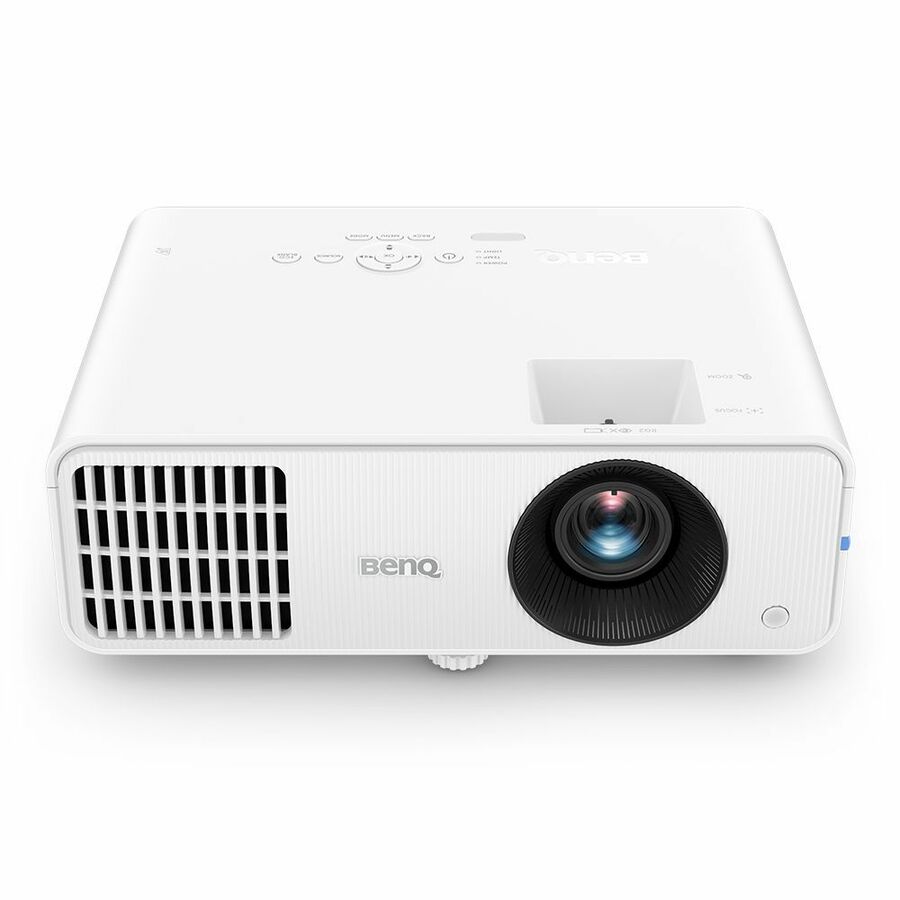
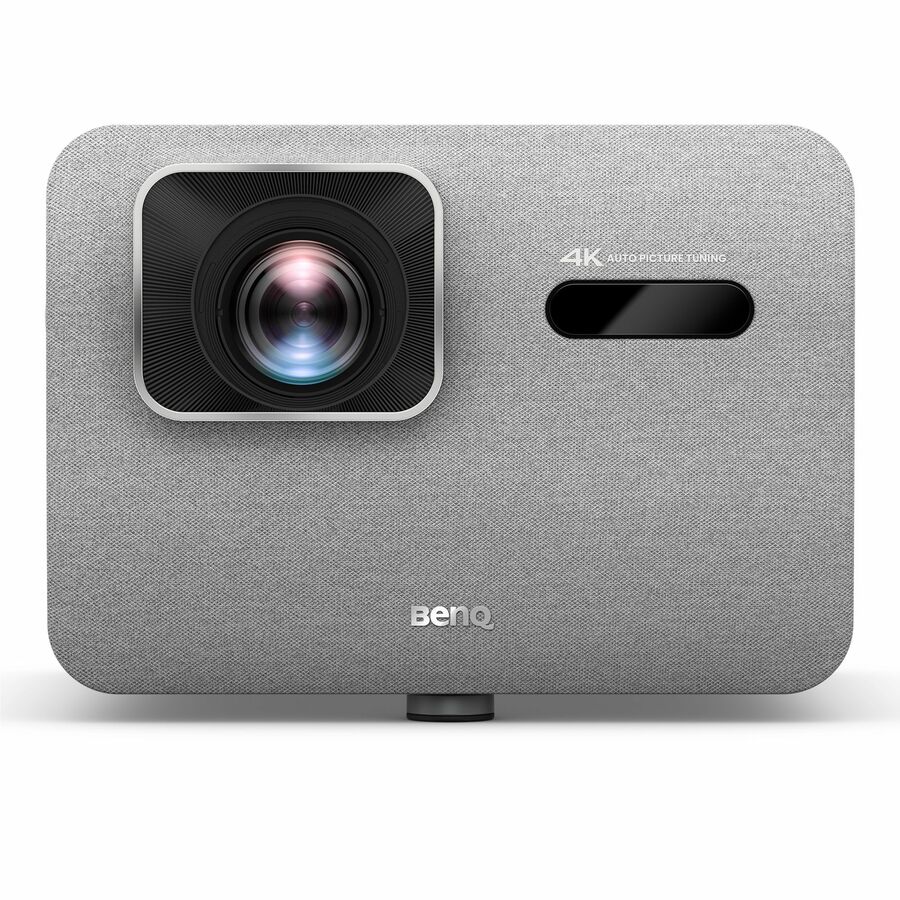
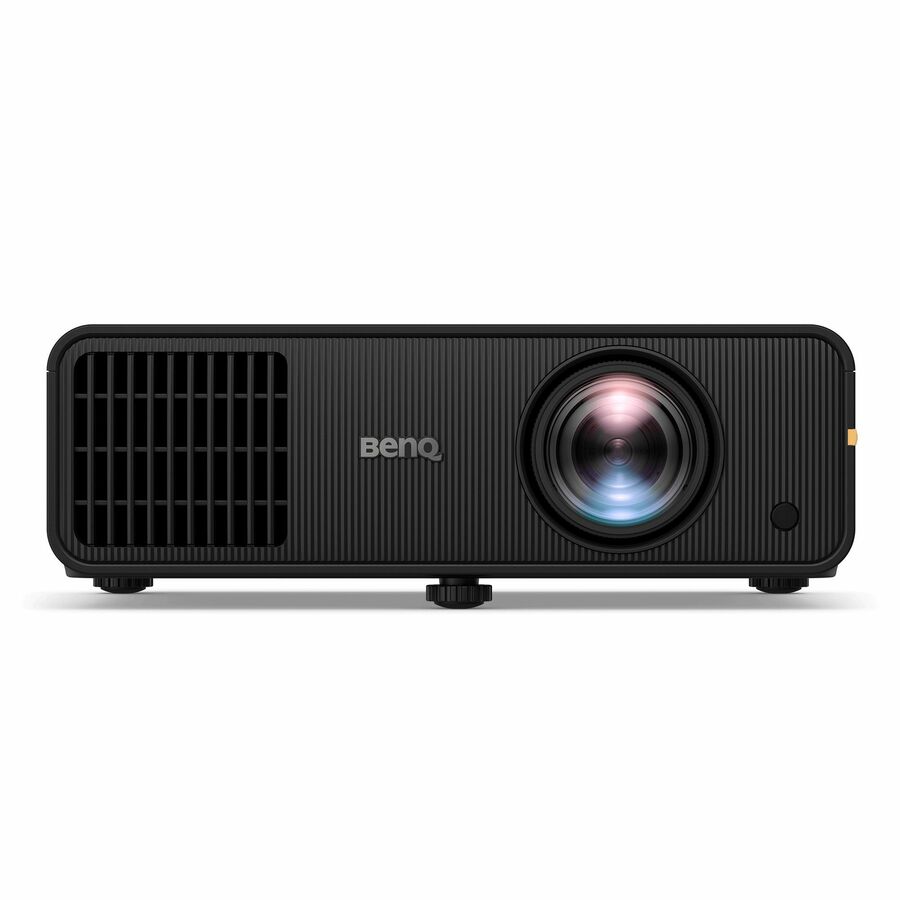
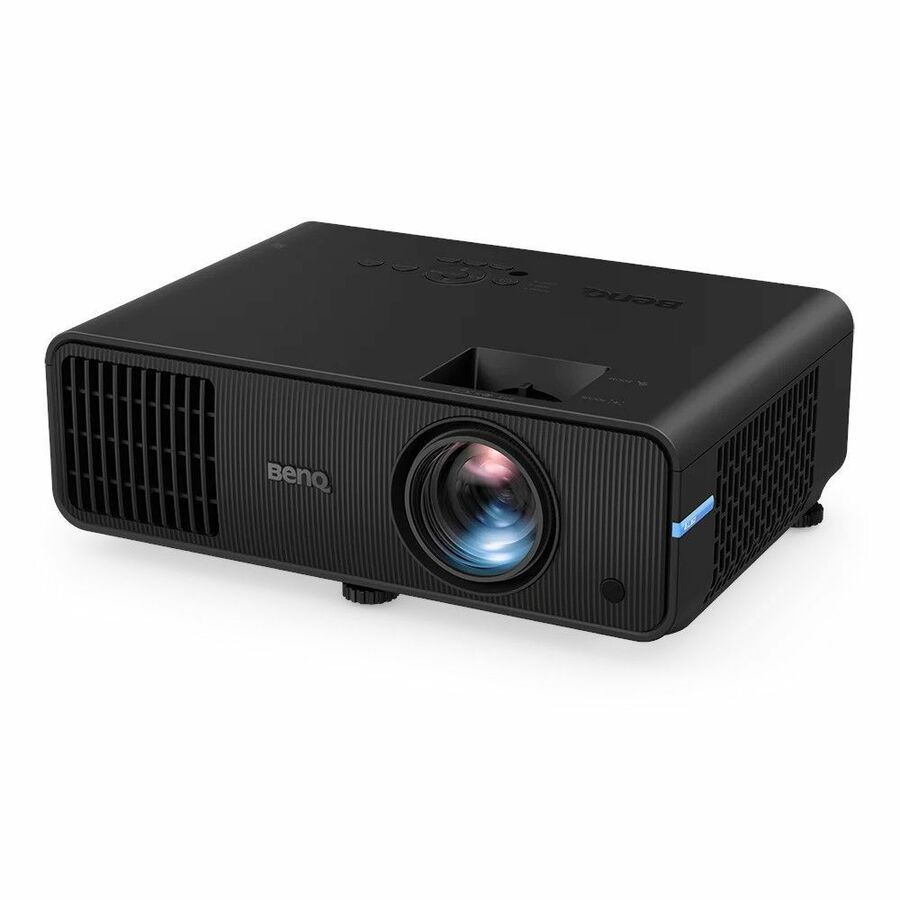
More projectors in the Uniqcli catalog
See all 458 projectorsMore BenQ first — closest to what you were just looking at; “See all projectors” above opens every other brand in the category. In-stock lines lead, and a back-ordered line carries the same estimated availability its product page does — with live pricing throughout, NDAA §889 screening before checkout and TAA verified on request.
- BenQBenQ LU9800 3D Ready DLP Projector - 16:10 - Ceiling Mountable, Wall Mountable, Floor Mountable - Black - 1920 x 1200 - Front - 1080p - 20000 Hour Normal Mode - 38000 Hour Economy Mode - WUXGA - 3,000,000:1 - 1000 lm - HDMI - USB - Network (RJ-45) - Large VenueLU9800
$25,999.00
$15,575.65
Back-orderedBack-ordered — estimated OEM lead time 3–8 weeks (Nov 12 – Dec 17 if ordered today).
- BenQBenQ LH856UST 3D Ultra Short Throw DLP Projector - 16:9 - Wall Mountable - 1920 x 1080 - Front - 1080p - 20000 Hour Normal Mode - 38000 Hour Economy Mode - Full HD - 3,000,000:1 - 3500 lm - HDMI - USB - Network (RJ-45) - Class Room, Education, PresentationLH856UST
$3,079.00
$2,575.33
Back-orderedBack-ordered — estimated OEM lead time 3–8 weeks (Nov 12 – Dec 17 if ordered today).
- BenQBenQ LW855UST Ultra Short Throw DLP Projector - White - Front - 3500 lm - Class RoomLW855UST
$2,749.00
$2,289.05
Back-orderedBack-ordered — estimated OEM lead time 3–8 weeks (Nov 12 – Dec 17 if ordered today).
- BenQBenQ LK936ST 3D Ready Short Throw DLP Projector - 16:9 - Ceiling Mountable, Wall Mountable - High Dynamic Range (HDR) - 3840 x 2160 - Ceiling, Front - 20000 Hour Normal Mode - 4K UHD - 3,000,000:1 - 5100 lm - HDMI - USB - Network (RJ-45) - Presentation, Gaming, Entertainment, Home Theater, HomeLK936ST
$5,849.00
$5,451.29
Back-orderedBack-ordered — estimated OEM lead time 3–8 weeks (Nov 12 – Dec 17 if ordered today).
Back-ordered — estimated OEM lead time 3–8 weeks (Nov 12 – Dec 17 if ordered today).
- BenQBenQ LU935 3D Ready DLP Projector - 16:10 - Ceiling Mountable - White - 1920 x 1200 - Front - 1080p - 20000 Hour Normal Mode - WUXGA - 3,000,000:1 - 6000 lm - HDMI - Network (RJ-45) - Conference RoomLU935
$4,116.12
Back-orderedBack-ordered — estimated OEM lead time 3–8 weeks (Nov 12 – Dec 17 if ordered today).
Back-ordered — estimated OEM lead time 3–8 weeks (Nov 12 – Dec 17 if ordered today).
Back-ordered — estimated OEM lead time 3–8 weeks (Nov 12 – Dec 17 if ordered today).
Back-ordered — estimated OEM lead time 3–8 weeks (Nov 12 – Dec 17 if ordered today).
- BenQBenQ AH700ST Short Throw Laser Projector - 16:9 - Black - 1920 x 1080 - Front - 1080p - 20000 Hour Normal Mode - Full HD - 4000 lm - HDMI - Wireless LAN - Simulator, RoomAH700ST
$2,558.43
Back-orderedBack-ordered — estimated OEM lead time 3–8 weeks (Nov 12 – Dec 17 if ordered today).
Back-ordered — estimated OEM lead time 3–8 weeks (Nov 12 – Dec 17 if ordered today).
- BenQBenQ W2720I 3D DLP Projector - 16:9 - Ceiling Mountable - High Dynamic Range (HDR) - Front, Ceiling - 2160p - 20000 Hour Normal Mode - 30000 Hour Economy Mode - 2,000,000:1 - 2500 lm - HDMI - USB - Home Cinema, Cinema, Room, Home TheaterW2720I
$2,335.90
Back-orderedBack-ordered — estimated OEM lead time 3–8 weeks (Nov 12 – Dec 17 if ordered today).
Back-ordered — estimated OEM lead time 3–8 weeks (Nov 12 – Dec 17 if ordered today).
Back-ordered — estimated OEM lead time 3–8 weeks (Nov 12 – Dec 17 if ordered today).
Back-ordered — estimated OEM lead time 3–8 weeks (Nov 12 – Dec 17 if ordered today).
- SharpSharp NEC Display XP-A155U LCD Projector - 21:9 - Ceiling Mountable, Floor Mountable - Black - Ceiling, Rear, Front, Front Ceiling, Rear Ceiling - 2160p - 20000 Hour Normal Mode - 3,000,000:1 - 15000 lm - HDMI - USB - Network (RJ-45) - Corporate, Education, Museum, Auditorium, Conference, Cinema - 5 Year WarrantyXP-A155U-B
$29,035.00
$18,594.11
3 in stock - SharpSharp NEC Display Professional V801U 3D Standard Throw 3LCD Projector - 16:10 - Ceiling Mountable - White - 1920 x 1200 - Ceiling, Front - 2160p - 20000 Hour Normal Mode - WUXGA - 3,000,000:1 - 8300 lm - HDMI - USB - Network (RJ-45) - Education, Corporate, Simulator, Meeting - 3 Year WarrantyXP-V801U-W
$11,421.00
$6,720.69
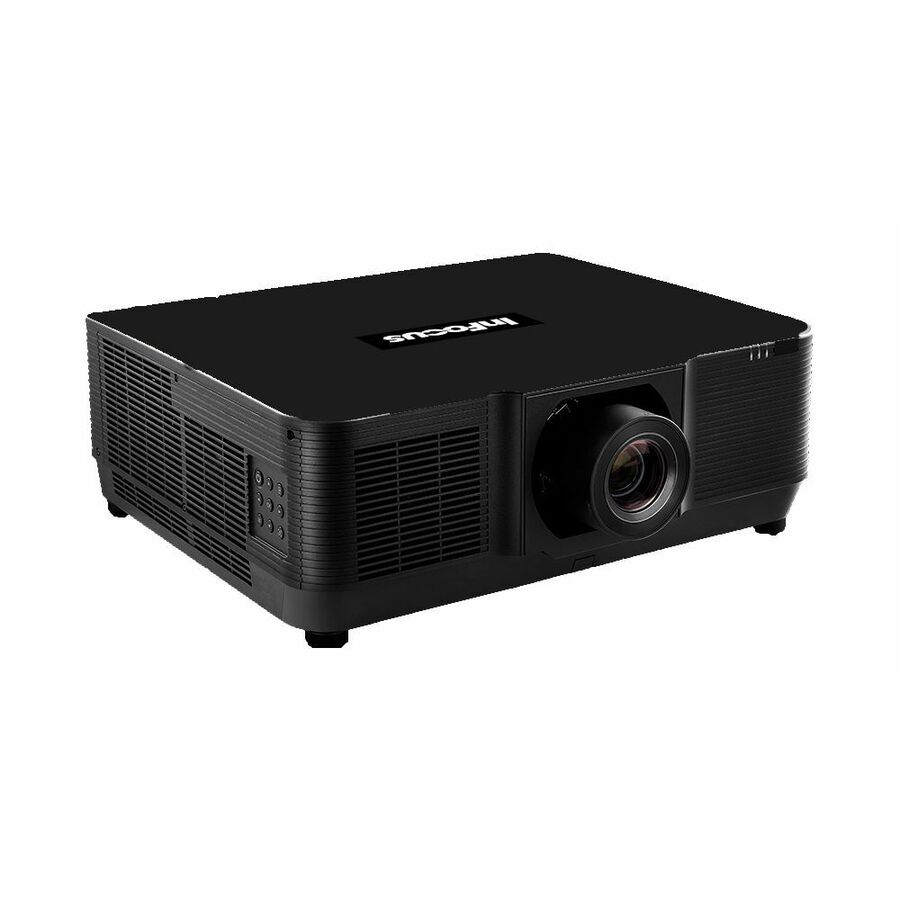
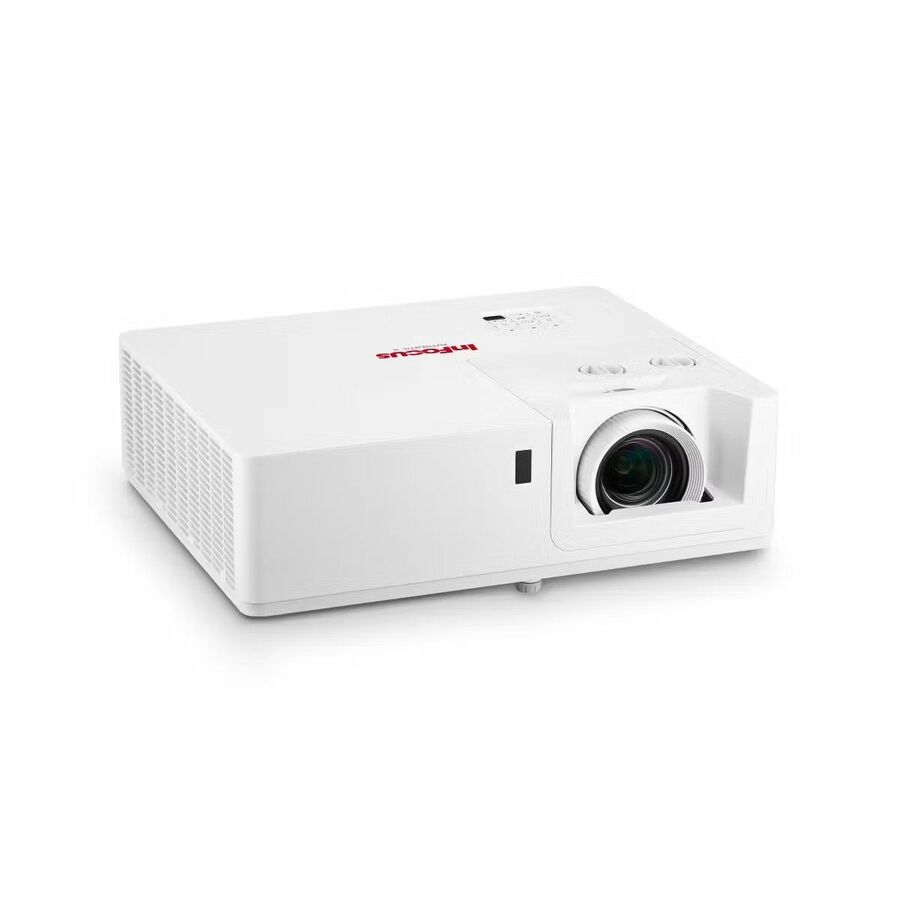
2 in stock - Maxnerva Technology ServicesINFOCUS, MULTIMEDIA PROJECTOR, P135, AUTHENTIC II, WUXGA, IN1069SL - DLP, 7000 ISO LUMENS, 1.7x LENS, 30000 HOURS, 2X HDMI, USB-A POWER, RS232, HDBASET 3.0, 10W AUDIO, HORIZONTAL & VERTICAL LENS SHIFT, SMART POWER ENERGY SAVING, 360° PROJECTION INSTALLATION, 4K UHD SUPPORTIN1069SL
$4,278.00
$3,039.48
8 in stock - Maxnerva Technology ServicesINFOCUS, MULTIMEDIA PROJECTOR, P135, AUTHENTIC II, 1080P, IN1068SL - DLP, 7000 ISO LUMENS, 1.7x LENS, 30000 HOURS, 2X HDMI, USB-A POWER, RS232, HDBASET 3.0, 10W AUDIO, HORIZONTAL & VERTICAL LENS SHIFT, SMART POWER ENERGY SAVING, 360° PROJECTION INSTALLATION, 4K UHD SUPPORTIN1068SL
$4,032.00
$2,864.55
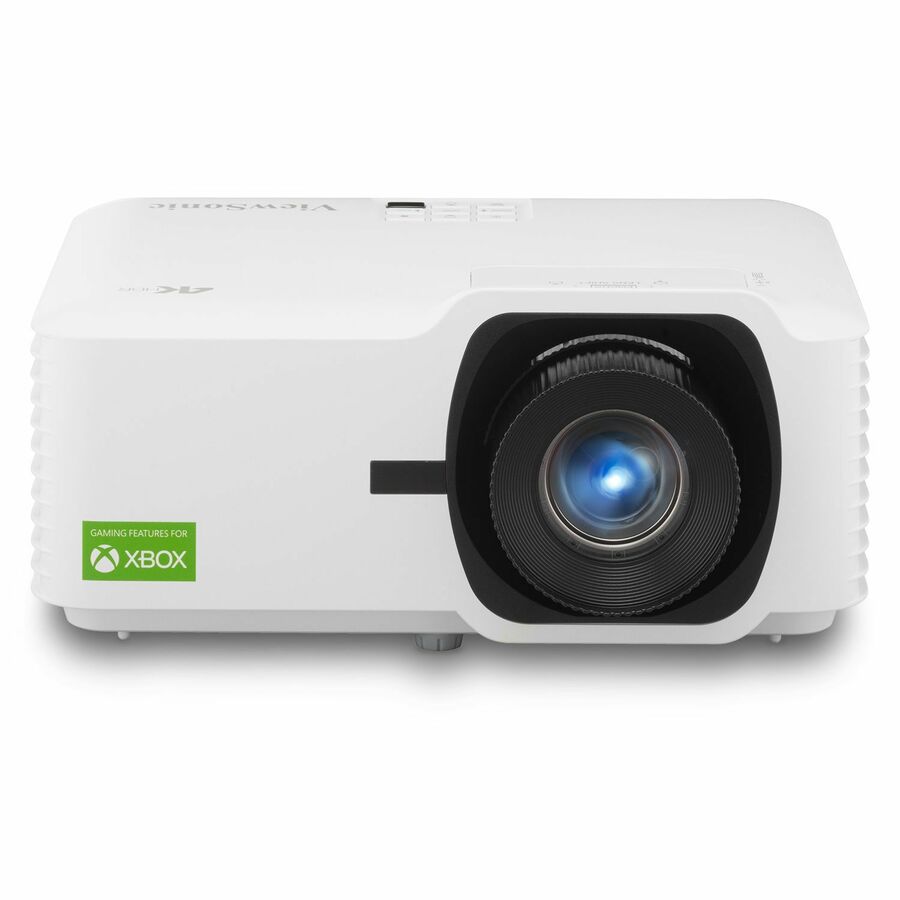
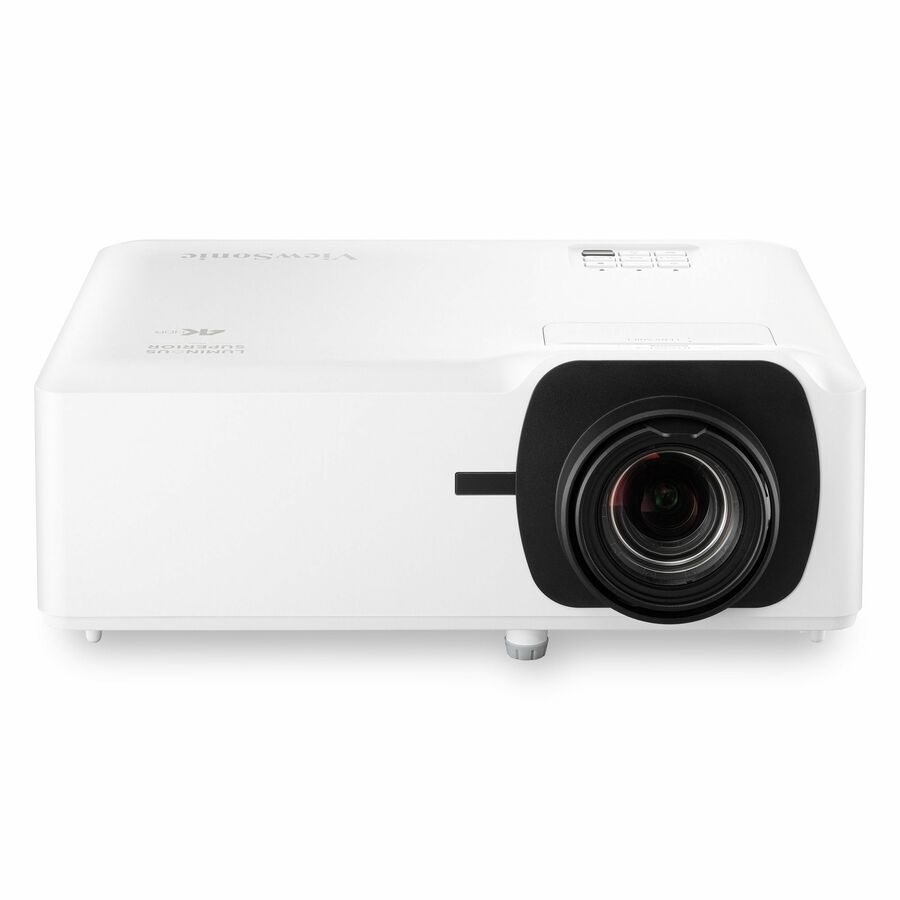
22 in stock - ViewSonicViewSonic LX700-4K 3500 Lumens 4K Laser Projector, 240Hz and 4.2ms for Smooth Home Entertainment, 1.36x Optical Zoom, H/V Keystone, and 360-Degree Projection for Flexible Setup, and Dual HDMI Inputs - ViewSonic LX700-4K UHD 3500 Lumens Laser Projector Designed for Xbox 4.2ms, 240Hz, 1.36x Optical Zoom, HDR/HLDLX700-4K
$2,549.00
$1,408.14
171 in stock
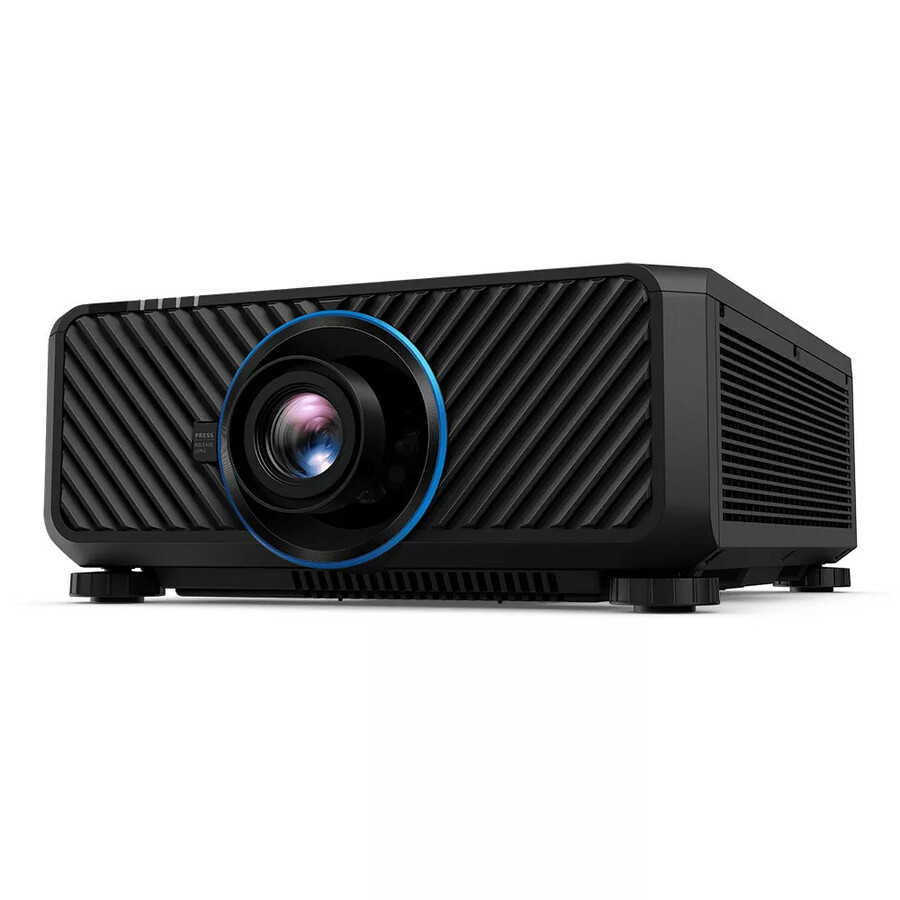
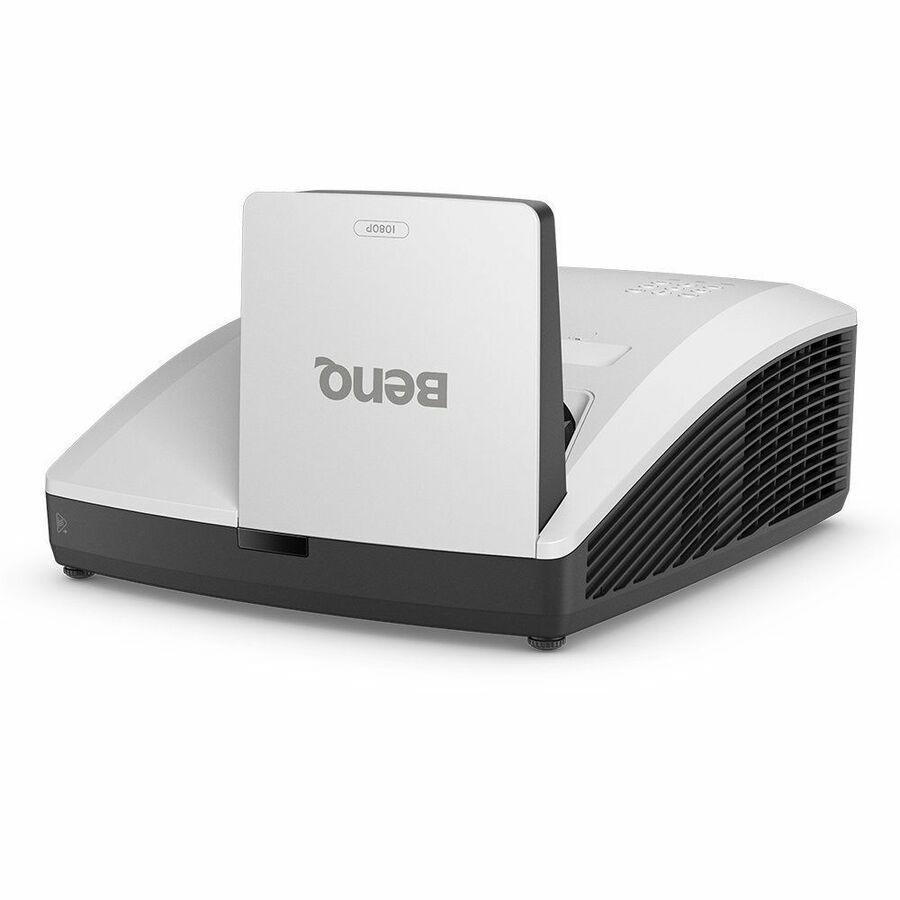
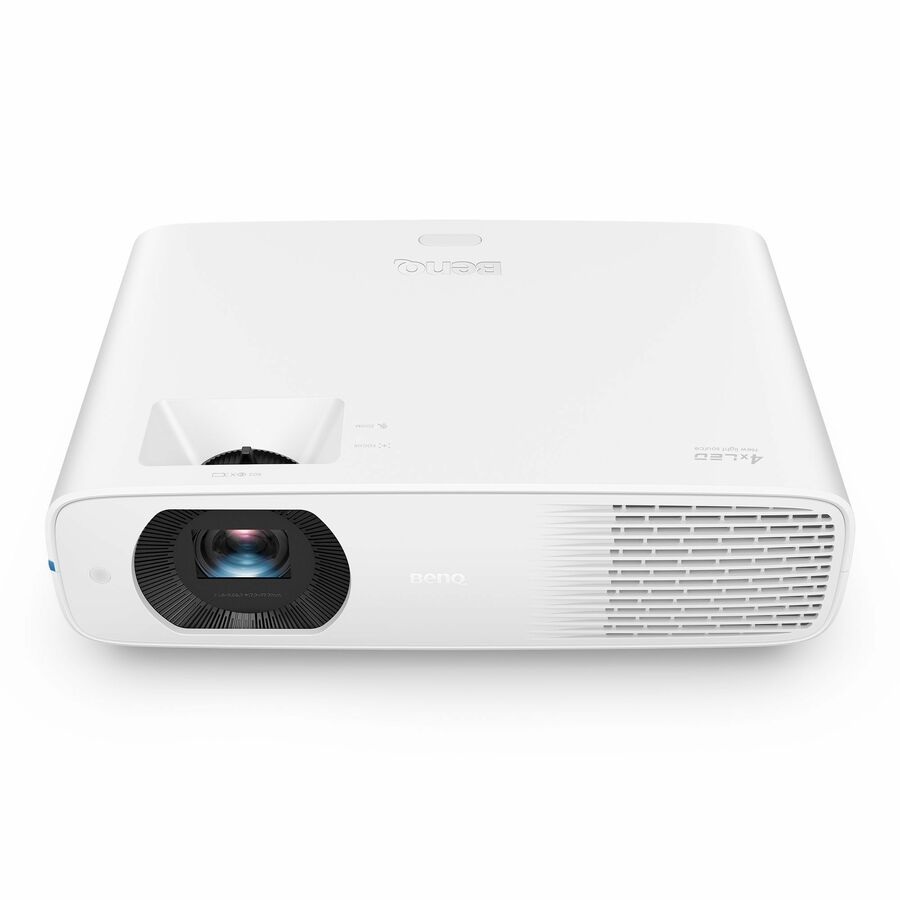
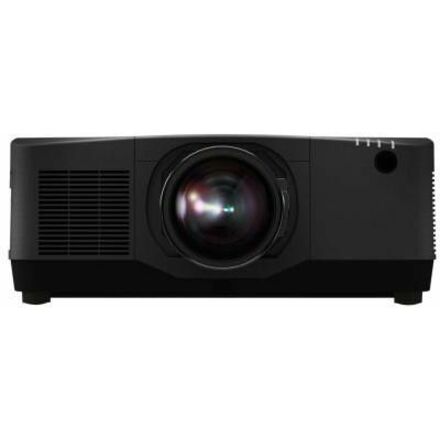

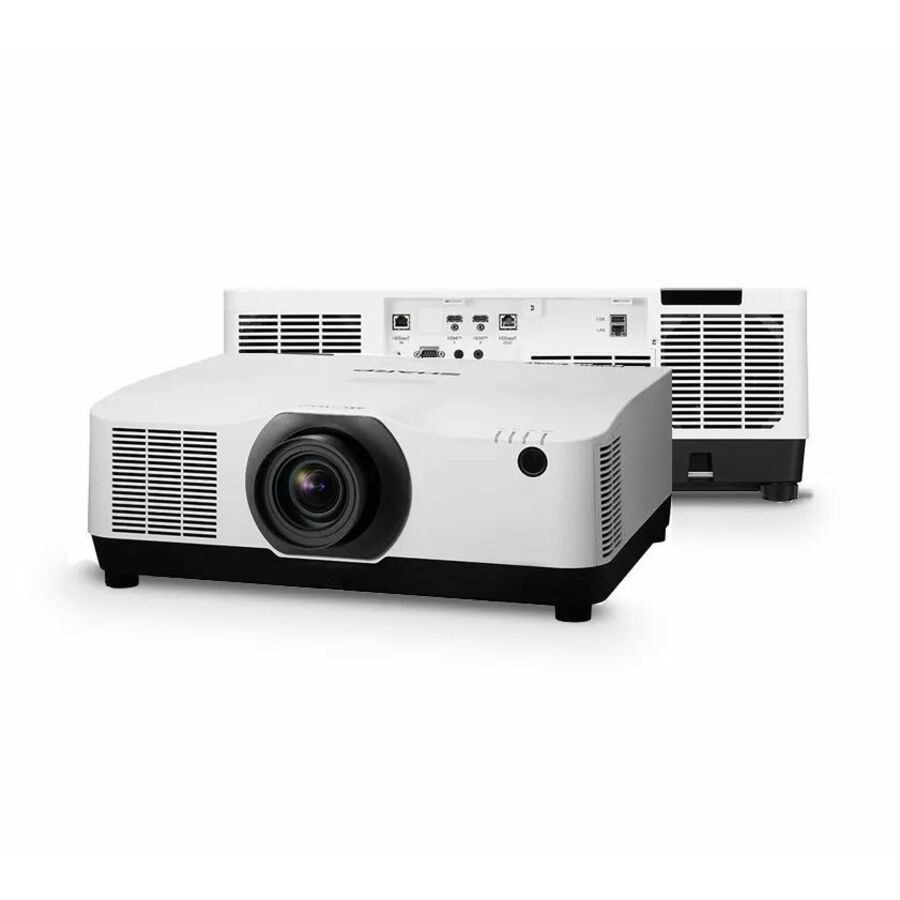
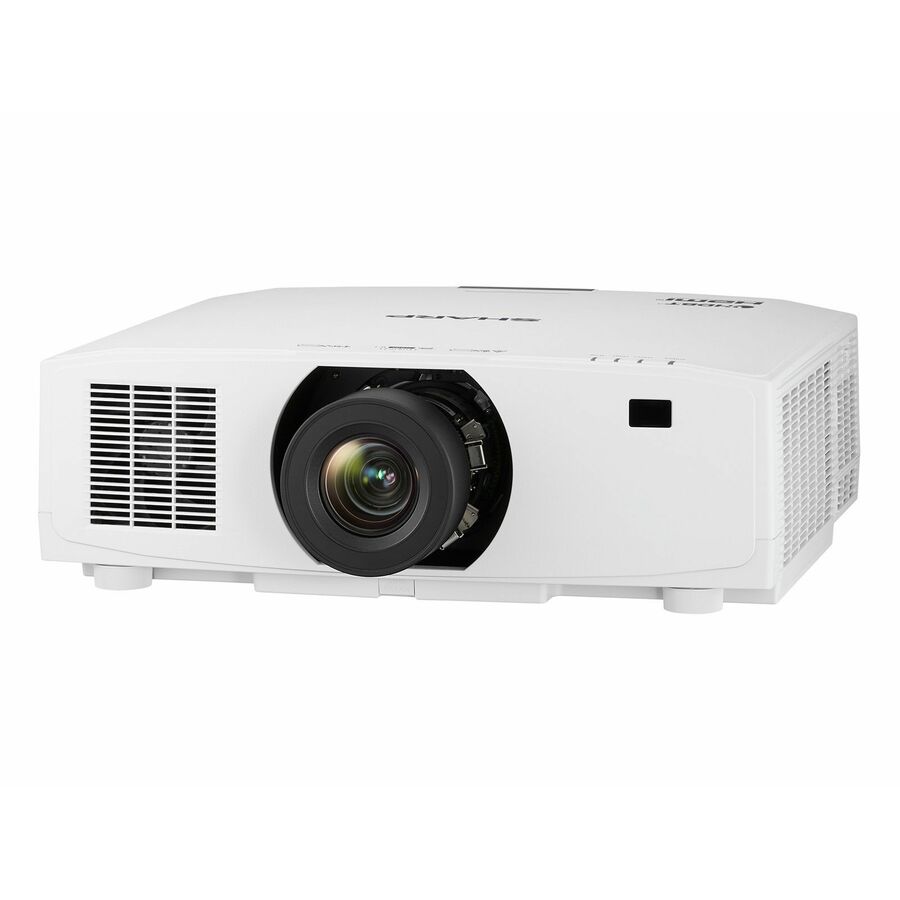


Need pricing on BenQ projectors?
Tell us where to reach you and a Uniqcli specialist will follow up by email with current pricing, availability and lead time for the quantities you need — including parts that aren’t shown on this page.
Buying for an organization or for yourself — both work. No payment up front.
A projector still beats a flat panel on one measure that matters in a classroom: image size per dollar. An 86 inch interactive panel and a projector throwing a 100 inch image are not close on price, and for rooms where the requirement is simply that thirty students can see the same slide, the projector wins the budget argument. What it costs you is control of ambient light, a ceiling or wall mount, and — on lamp-based models — a consumable.
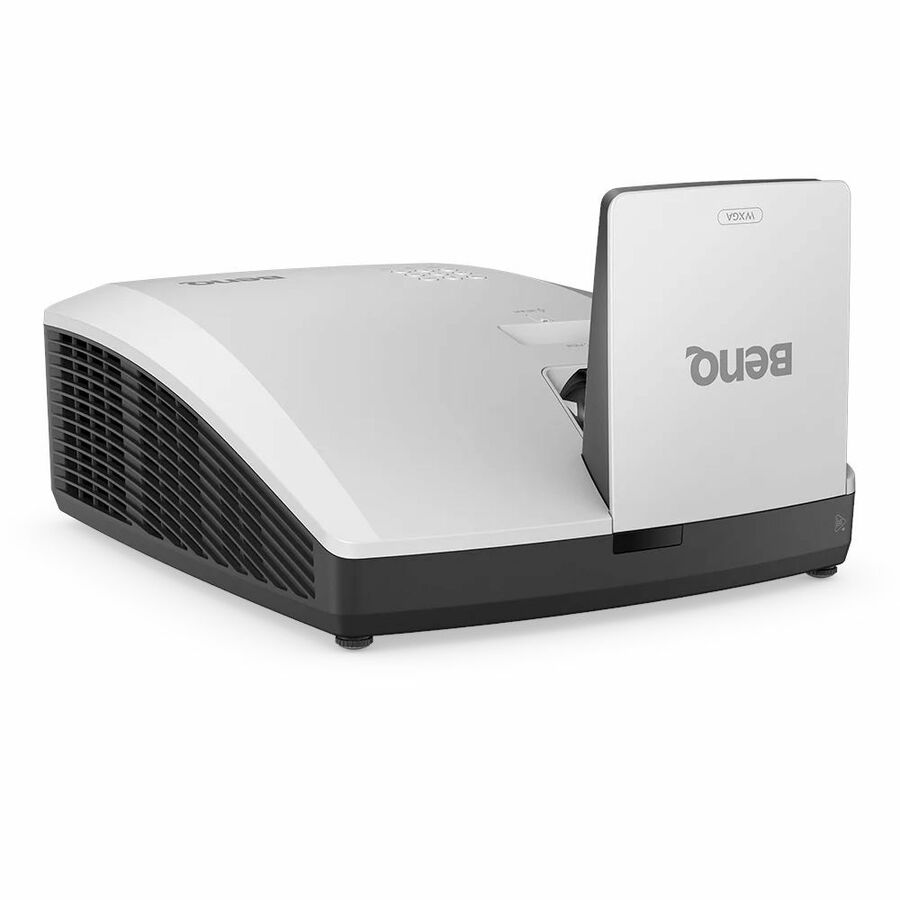
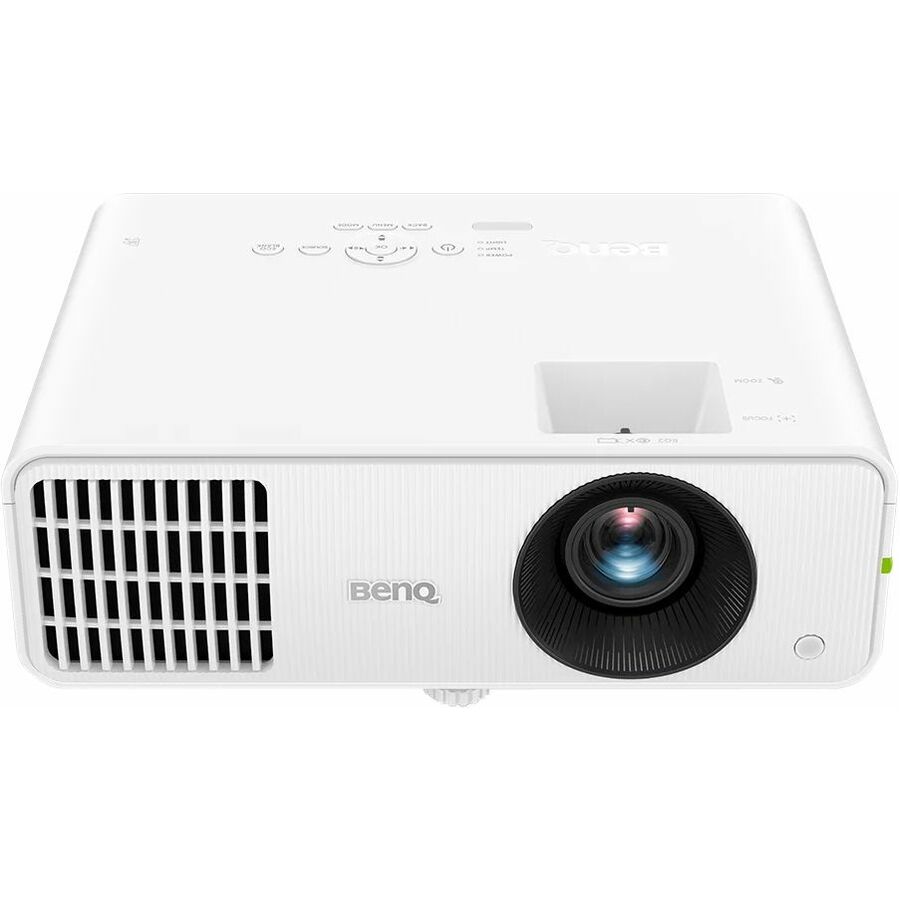
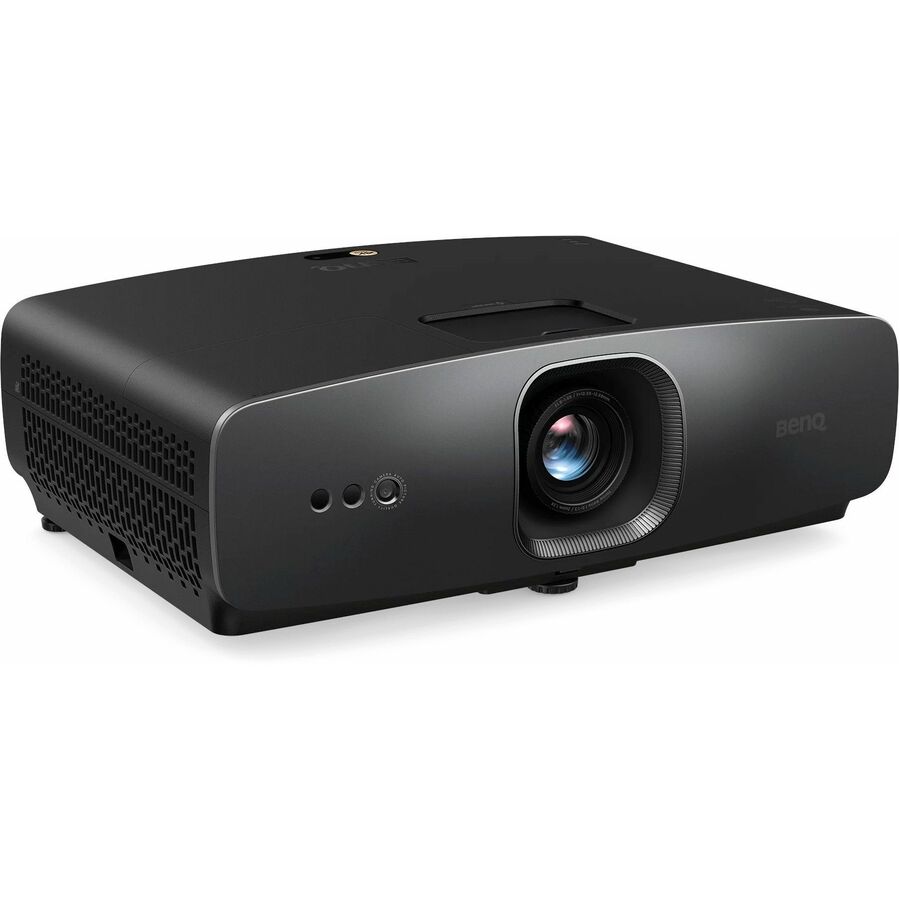
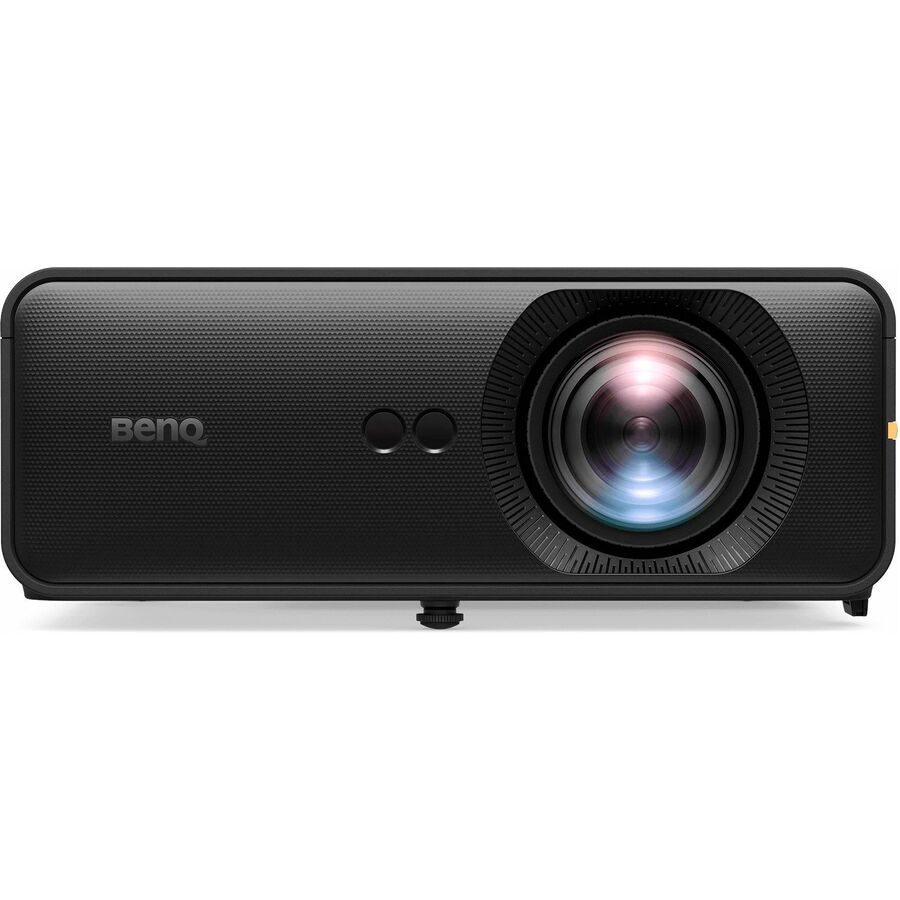
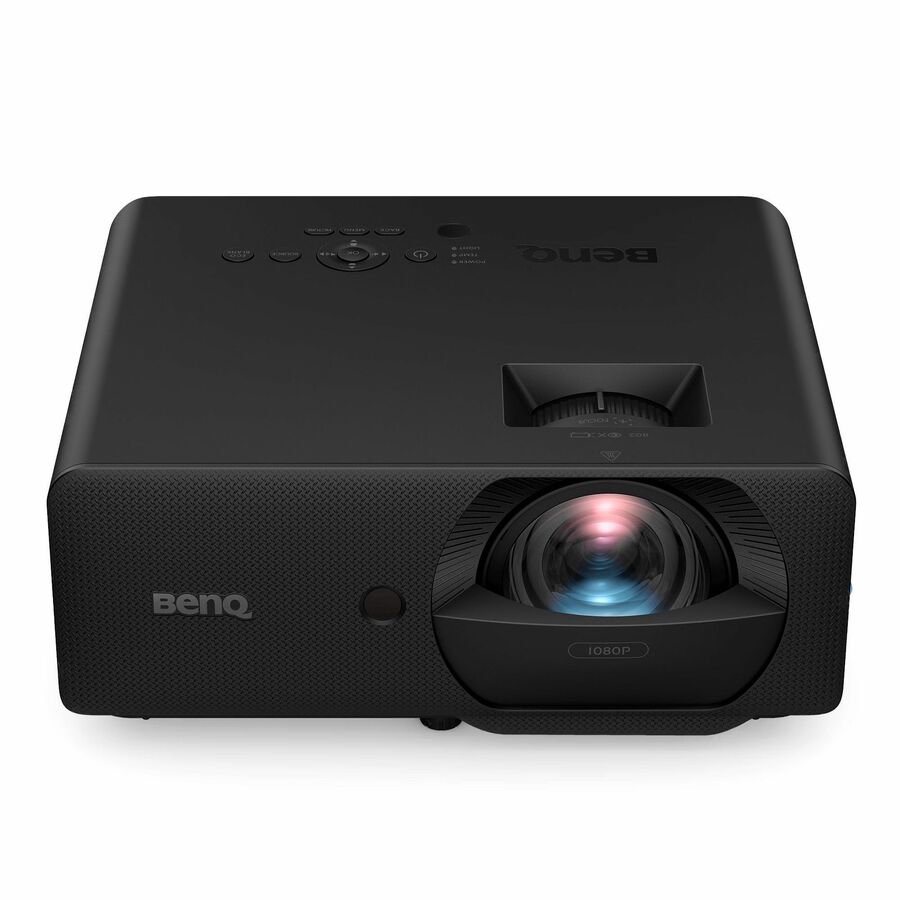
BenQ is the second-deepest projector bench in our catalog, and it splits usefully for education. The short-throw and ultra-short-throw rows solve the shadowing and glare problem at the board. The rows rated at 20,000 hours of light-source life remove the lamp-replacement line item that quietly eats an AV budget. And the higher-lumen WUXGA and 4K rows are built for lecture halls and multipurpose rooms where the lights stay on.
One thing to read carefully on the grid below: several of the models we hold in stock today are ones BenQ markets for home cinema and gaming, while a number of the education-specific rows are on lead time. That is worth knowing before you specify, so the sections below say plainly which is which.
Buyer's checklist
How to choose a classroom projector
- Measure the throw distance first. A standard projector needs several meters of clear ceiling run; a short-throw model sits close to the screen; an ultra-short-throw model mounts on the wall just above it and effectively eliminates the shadow a teacher casts when they point at the board.
- Buy lumens for the room's real ambient light, not for the datasheet. A room with uncovered south-facing windows needs materially more light output than a dim lecture theater, and the fastest way to make a projector look like a failed purchase is to under-spec brightness in a bright room.
- Read the rated light-source hours on the row. Rows listing 20,000 hours in normal mode are the maintenance-light choices; rows listing 3,000 to 6,000 hours are lamp-based and need replacement lamps budgeted and stocked for the life of the room.
- Set your resolution floor by content, not by price. WXGA and XGA rows are inexpensive and still fine for slides; 1080p is the practical floor for shared documents and web content; 4K earns its cost for detailed science, CAD or mapping work.
- Check for network control (RJ-45) if the IT office wants central power scheduling, usage reporting and firmware without a ladder. Several BenQ rows list it and several do not — it is a real differentiator across a hundred-room estate.
- Order the room, not the projector. Mount, screen, cabling and a source device ship on different lead times, and a projector with no bracket is a box in a storeroom.
- Standardize a repeatable room kit per room type so installs are identical building to building — it cuts labor cost more than any per-unit discount will.
Read the grid before you shortlist
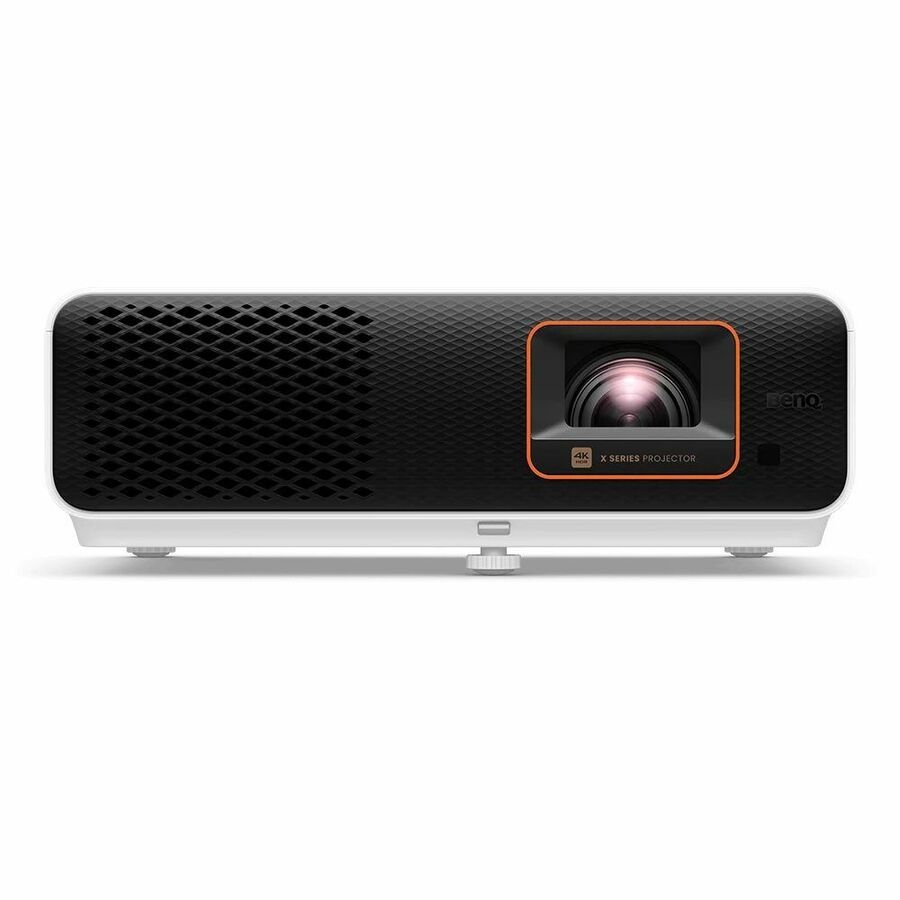
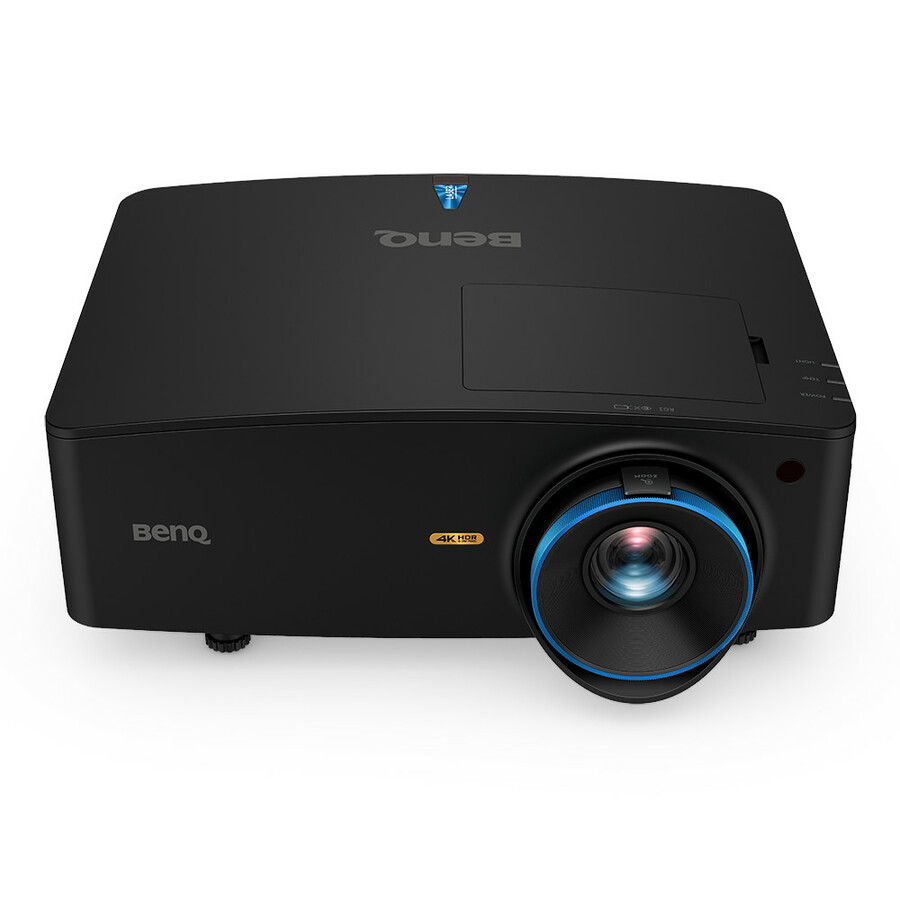
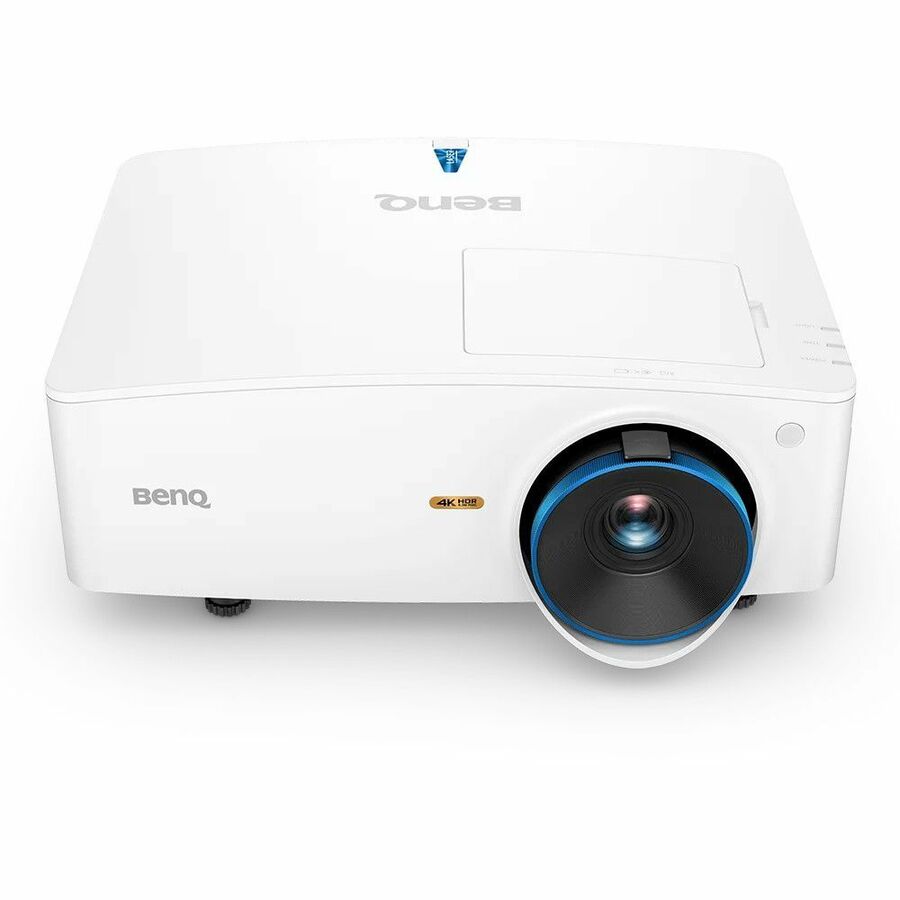
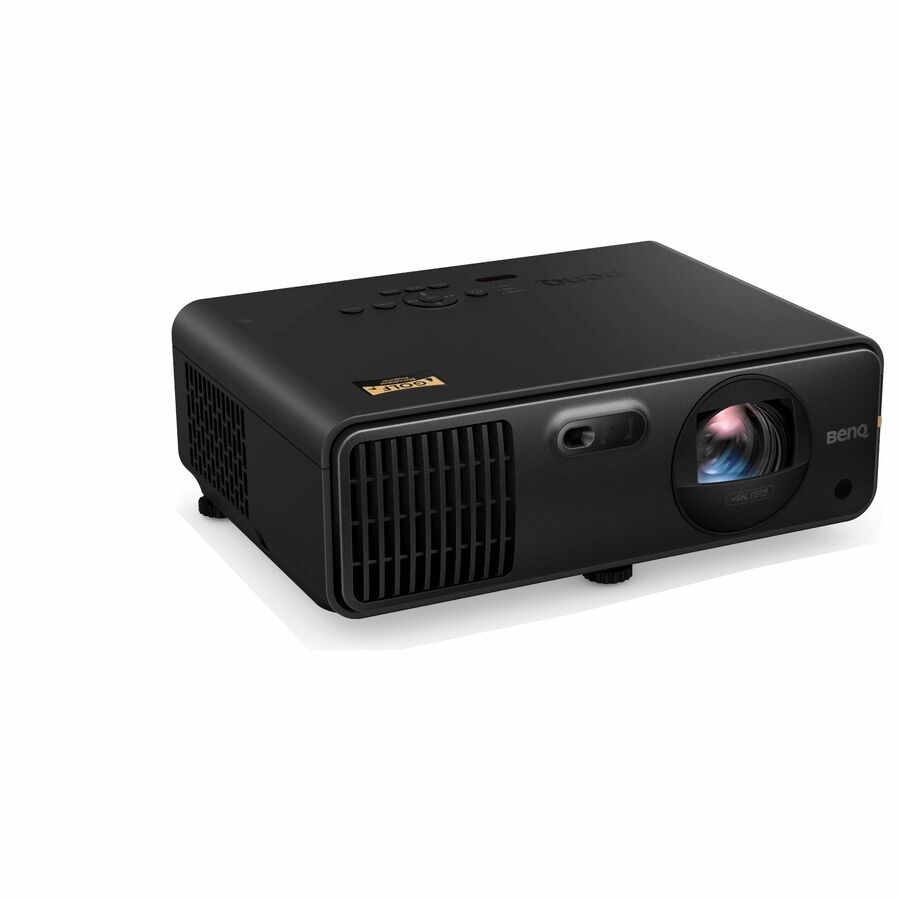
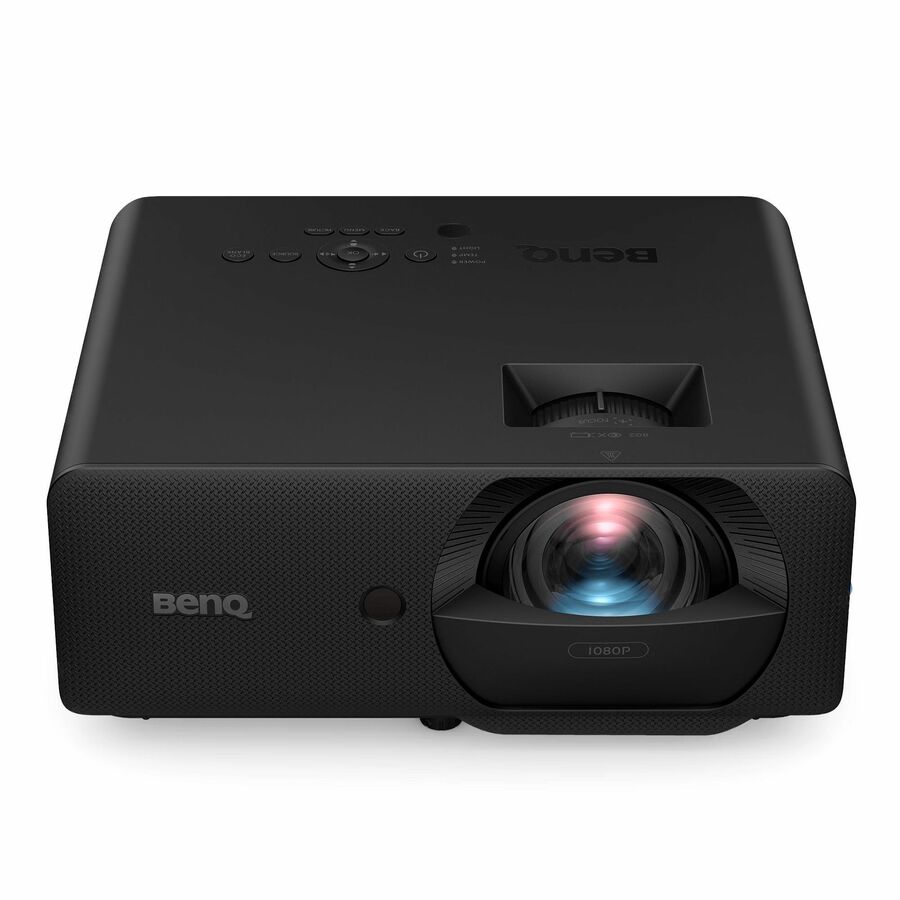
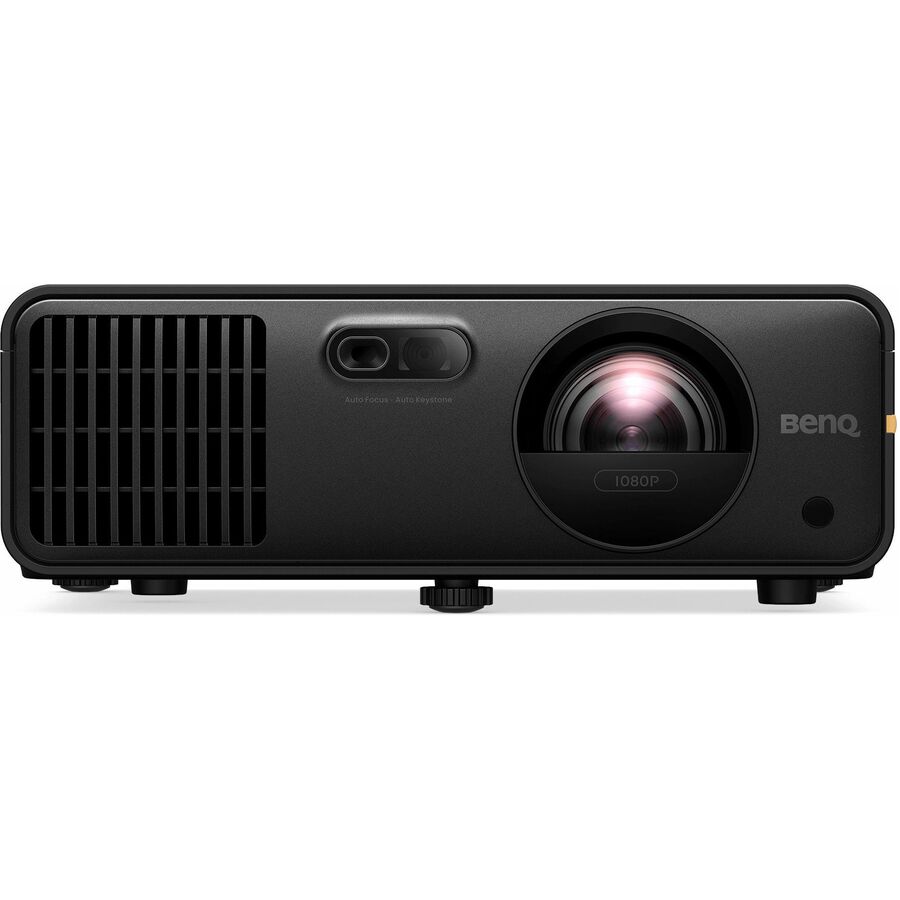
The BenQ models we hold in stock right now are the TK710STi and TK705STi short-throw 4K rows, the TK705i, the TH671ST short-throw 1080p row, the TH575, and the LH750. Of those, the LH750 is the clearest classroom and lecture-room fit on paper: the row lists 5,000 lumens, a 4K image, 20,000 hours in normal mode and 30,000 in economy, plus network (RJ-45) control. That combination — bright enough for a lit room, long-life light source, controllable from the IT office — is what a district actually wants in a shared teaching space.
The TK-series and TH575 rows are bright, capable 1080p and 4K projectors, but BenQ positions them for cinema, gaming and home use, and their descriptions say so. They are perfectly usable in a dim multipurpose room, a drama space or an after-school club room. They are not the right specification for a bright classroom that runs all day, and the TH671ST and TH575 are lamp-based rows rated at 4,000 and 6,000 hours in normal mode respectively — a consumable you will be buying again.
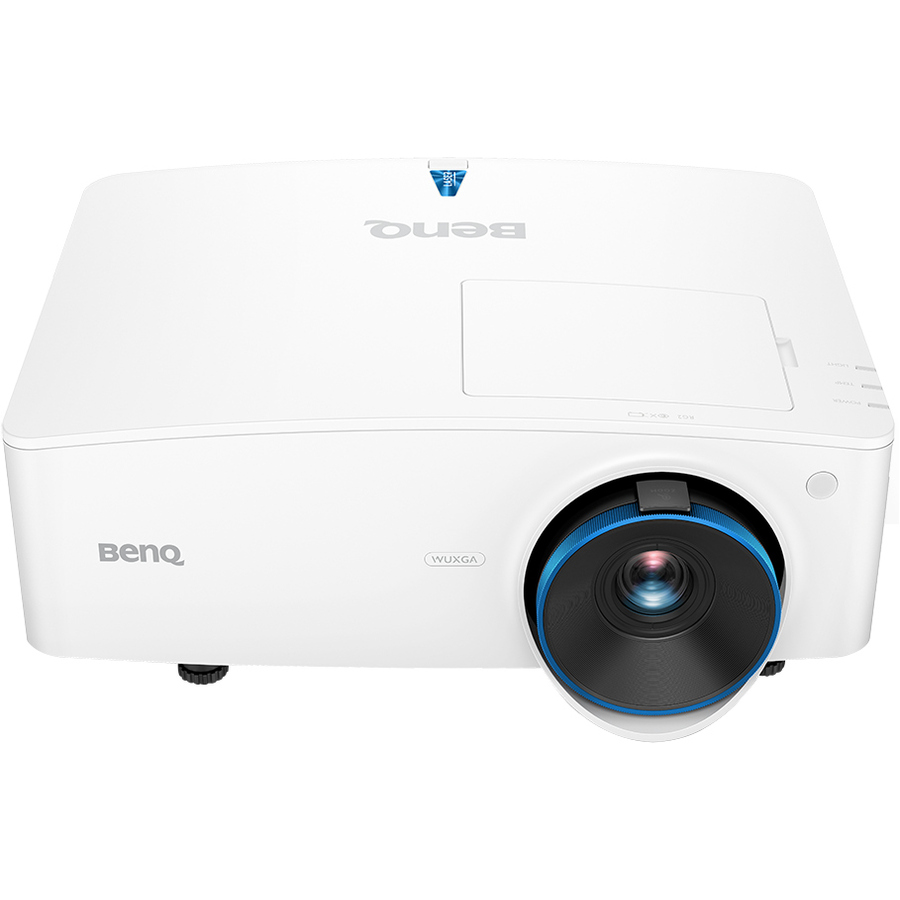
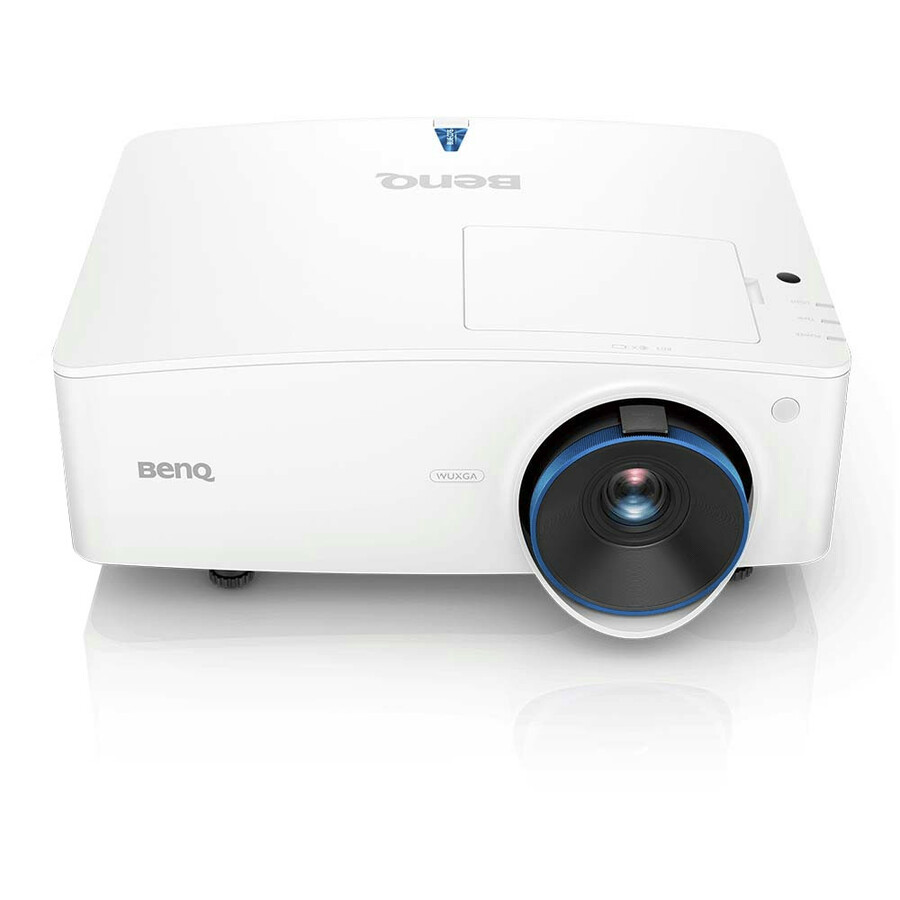
The rows built specifically for teaching spaces are further down the grid on lead time. The LH856UST and LW855UST are ultra-short-throw models listed at 3,500 lumens, with the LH856UST adding 1080p resolution, 20,000 hours in normal mode and RJ-45 control. The AH700ST is a short-throw laser row listed at 4,000 lumens with 20,000 rated hours. The LU935ST at 5,500 lumens, the LU960ST2 at 5,200 and the LK936ST at 5,100 are the bright short-throw rows for large or well-lit rooms. If your project is a next-fiscal-year refresh rather than an August scramble, those are the models to specify and the lead time is manageable.
Throw distance decides the room
Standard-throw projectors mount well back from the screen, usually on a ceiling pole in the middle of the room. They are the cheapest way to get a big image, and they are the worst option in a room where a teacher stands at the board — the presenter walks through the beam, casts a shadow across the content and gets a bright light in the eyes every time they turn around.
Short-throw models (in this catalog, the TK710STi, TK705STi, TH671ST, AH700ST, LU935ST, LU960ST2 and LK936ST rows) shorten that distance substantially and reduce the problem without eliminating it. Ultra-short-throw models (the LH856UST and LW855UST rows) mount on the wall directly above the screen and throw down at a steep angle, so a teacher can stand at the board, write on it and face the class without ever entering the beam. For an interactive teaching wall, ultra-short-throw is the correct engineering answer, and it is why UST projectors and short-throw whiteboard installs dominate primary classrooms.
The trade is mounting complexity and cost. A UST bracket is a longer, heavier arm carrying more leverage, it has to be aligned precisely to the screen, and it wants a solid wall. Get facilities to confirm the wall construction before the order, and pair the projector with a screen sized to the throw specification for that model rather than to whatever board is already hanging there.
Lumens against real classroom light
Brightness is the specification most often cut to save money and most often regretted. The reason is that classrooms are not dark rooms: they have windows, they have overhead fluorescents or LEDs that stay on so students can write, and they frequently have blinds that are broken or missing. A projector that looks brilliant in a dim showroom looks washed out in a room at 10am in June.
In practice the rows here around 3,000 lumens — the TK705STi, TK705i and TH671ST — suit a room where you can control the light: a dim lecture theater, an interior room with no windows, a drama or media space. The 3,500 to 4,000 lumen rows, including the ultra-short-throw LH856UST and LW855UST and the laser AH700ST, are the working band for a normal classroom with the lights on. From roughly 5,000 lumens up — the LH750, LU935ST, LU960ST2 and LK936ST rows — you are specifying for a large, bright or high-ceilinged space: a lecture hall, a cafeteria doubling as an assembly space, a gym, a media center.
The LU9800 sits at the top of the grid on price and belongs to a different category of project altogether. Large-venue installations involve lens selection, mounting height, rigging and sometimes stacking, and they should be scoped through a quote and a room drawing rather than picked off a web page. If that is what you are planning, send us the room dimensions and we will work the specification with you.
Seven-year cost, not sticker price
A classroom projector is normally in service for the better part of a decade, so the sticker price is the smaller number. The first recurring cost is the light source. On rows rated at 3,000 to 6,000 hours in normal mode, the lamp is a consumable: at a few hours a day across a 180-day school year, a lamp-based projector in daily use will need replacing well inside the life of the room, and the replacement carries both a part cost and a ladder visit. Rows rated at 20,000 hours in normal mode — and 30,000 to 38,000 in economy on several — are designed to run the life of the install without that visit.
The second recurring cost is labor. Every filter clean, lamp change or manual power-off in a ceiling-mounted projector is a technician on a ladder in an occupied building, usually after hours. This is where network control pays for itself: the rows listing RJ-45, including the LH750, LU710, LH856UST, LU935ST, LU960ST2 and LK936ST, can be powered down on a schedule and monitored centrally, which both extends the light source and removes routine truck rolls.
The third is spares policy. In an estate of any size, hold at least one swap unit per model per building so a failed projector is a same-day replacement rather than a term of teaching around it — and standardize on as few models as the room types genuinely require, because every additional model multiplies mounts, spares, cabling and training.
FAQ
Common questions
- Should a classroom use a short-throw or an ultra-short-throw projector?
- Use ultra-short-throw wherever a teacher works at the board. A UST model mounts on the wall directly above the screen and throws downward at a steep angle, so the presenter never walks through the beam, never casts a shadow on the content and never gets the lamp in their eyes. In this catalog the LH856UST and LW855UST are the ultra-short-throw rows. Short-throw models such as the TK710STi, TK705STi, TH671ST and AH700ST shorten the distance and reduce the problem, and they are a good fit where the screen is used for viewing rather than for writing on. Ultra-short-throw brackets are heavier and need a solid wall, so confirm the mounting surface before you order.
- How bright are these BenQ classroom projectors?
- It depends entirely on how much light you can control in the room. A dim, windowless or heavily blinded space is served well by the 3,000-lumen rows here. A typical classroom with the overhead lights on and daylight coming in wants roughly 3,500 to 4,000 lumens — the band the LH856UST, LW855UST and AH700ST rows sit in. Large or bright spaces such as lecture halls, media centers and multipurpose rooms want 5,000 lumens or more, which is where the LH750, LU935ST, LU960ST2 and LK936ST rows land. If you are unsure, over-specify brightness rather than resolution: a dim image is unusable, a slightly lower-resolution one is merely imperfect.
- Do these BenQ projectors need replacement lamps?
- It varies by row and the description tells you. Rows listing 20,000 hours in normal mode — including the LH750, LH856UST, AH700ST, LU710, LU935ST, LU960ST2 and LK936ST — are long-life light sources designed to run the life of a typical install without a lamp change. Rows listing 3,000 to 6,000 hours in normal mode, such as the TH671ST, TH575, MW855UST, MX731 and MW732, are lamp-based and carry a replacement consumable plus the labor of a ladder visit. Over a seven-year room life that difference is usually larger than the difference in purchase price, so check the rated hours before you compare two projectors on cost.
- Is a projector or an interactive flat panel better for a classroom?
- They solve different problems. A projector buys the largest image per dollar and is the cheaper way to make content visible in a big or deep room, but it depends on ambient-light control, needs a mount and a screen, and on lamp models carries a consumable. An interactive flat panel is brighter than any projector in a lit room, needs no consumable and supports touch directly, but costs considerably more per room and is limited to the panel size you buy. A common district pattern is panels in primary and core instructional rooms where touch teaching happens, and projectors in lecture halls, labs, gyms and multipurpose spaces where image size matters more than interactivity.
- Are these projectors suitable for school district and government purchase?
- Every line Uniqcli quotes is sourced through US distribution and screened for TAA country-of-origin and NDAA §889 status before checkout — with documentation tied to the specific part number, not a product family. Send a room list or a bill of materials, including mounts, screens and cabling, and we will return a quote with per-part sourcing detail and current lead times.
Need BenQ projectors pricing?
Send a bill of materials or part numbers — we confirm stock and a below-market total, with TAA verified on request. No payment up front.