
Best BenQ Board Interactive Displays for Classrooms
Board Master and Board Pro interactive flat panels in 65, 75, 86 and 98 inch — live pricing against real part numbers.
BenQ interactive displays at Uniqcli
How to choose →A curated selection with live pricing and honest availability — everything below is currently back-ordered, and we quote a dated lead time on request. Every line is sourced through US distribution and screened for NDAA §889 status before checkout, with TAA verified on request.
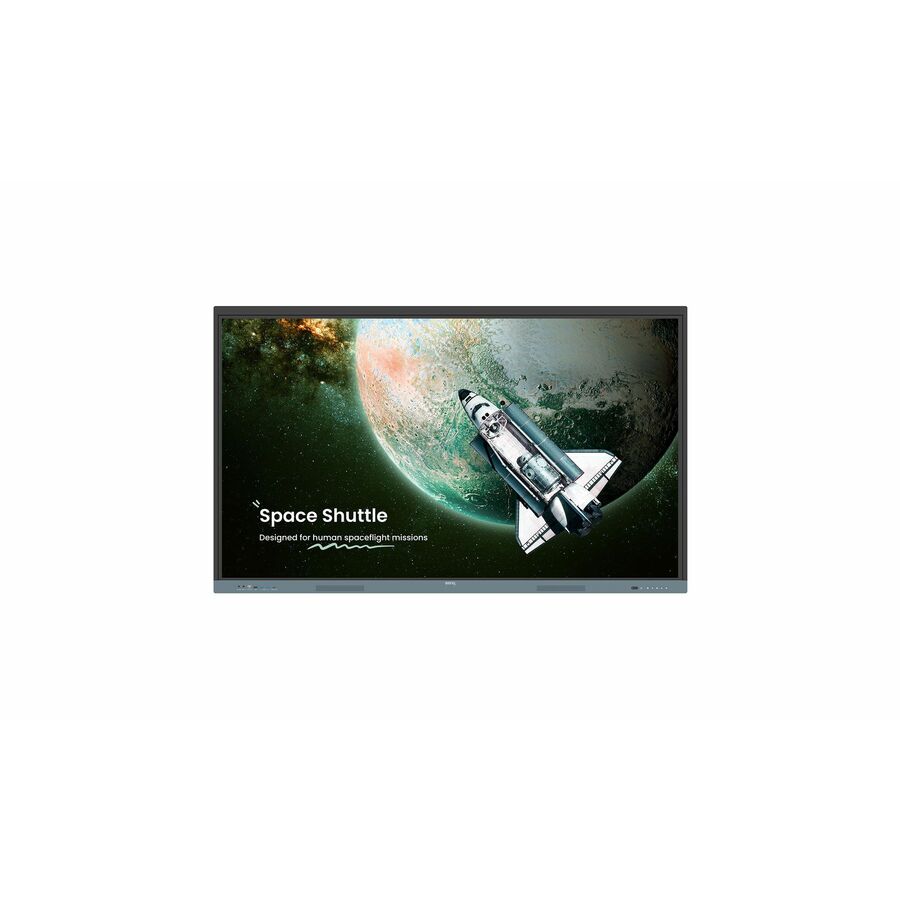
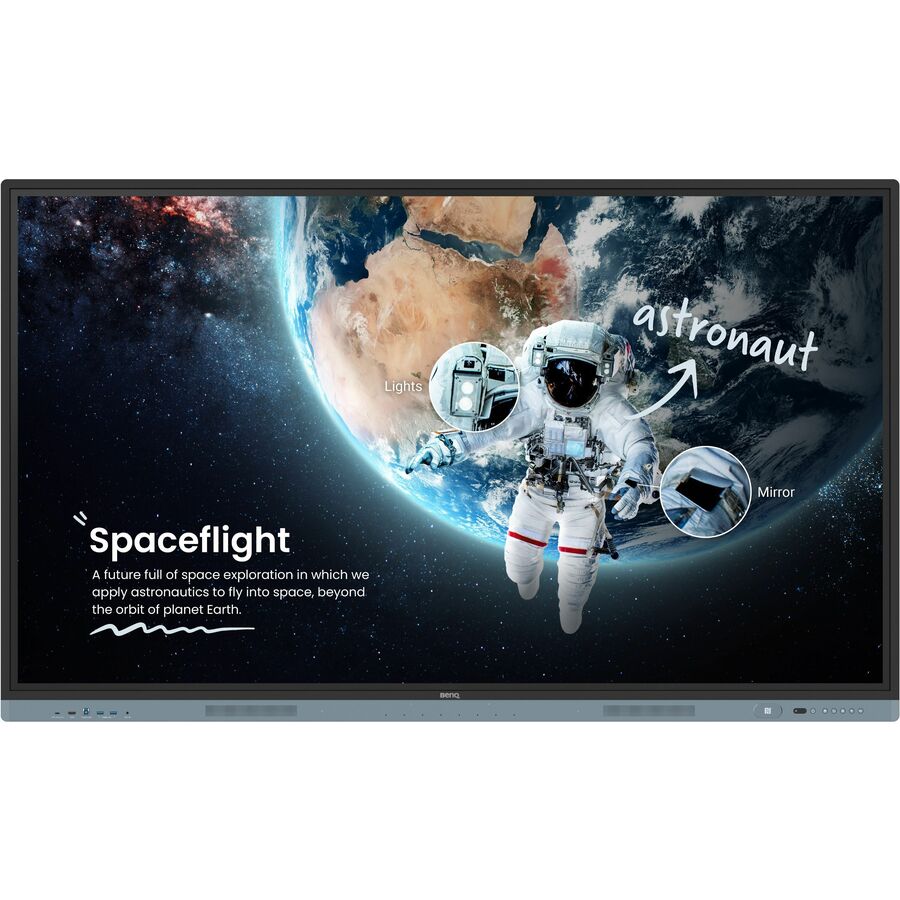
- BenQBenQ RE6504FV2 Collaboration Display - 65" LCD - ARM Cortex A73 - 8 GB - Infrared (IrDA) - Touchscreen - 16:9 Aspect Ratio - 3840 x 2160 - 450 Nit - 1,200:1, 30,000:1 Contrast Ratio - 2160p - USB - HDMI - VGA - Bluetooth - Android 14RE6504FV2
$2,632.00
$2,138.15
Back-orderedBack-ordered — estimated OEM lead time 3–8 weeks (Nov 14 – Dec 19 if ordered today).
- BenQBenQ Board Master RM6504 Collaboration Display - LCD - ARM Cortex A73 + A53 - 8 GB - Infrared (IrDA) - Touchscreen - 16:9 Aspect Ratio - 3840 x 2160 - LED - 450 Nit - 1,200:1, 50,000:1 Contrast Ratio - 2160p - USB - HDMI - VGA - Bluetooth - Android 13RM6504
$2,274.00
$2,201.03
Back-orderedBack-ordered — estimated OEM lead time 3–8 weeks (Nov 14 – Dec 19 if ordered today).
- BenQBenQ Board Master RM6505 Collaboration Display - 65" LCD - ARM Cortex A78 + A55 - 8 GB - High Precision Infrared - Touchscreen - 16:9 Aspect Ratio - 3840 x 2160 - LED - 450 Nit - 1,500:1, 50,000:1 Contrast Ratio - 2160p - USB - HDMI - VGA - Bluetooth - Android 15RM6505
$2,888.00
$2,373.34
Back-orderedBack-ordered — estimated OEM lead time 3–8 weeks (Nov 14 – Dec 19 if ordered today).
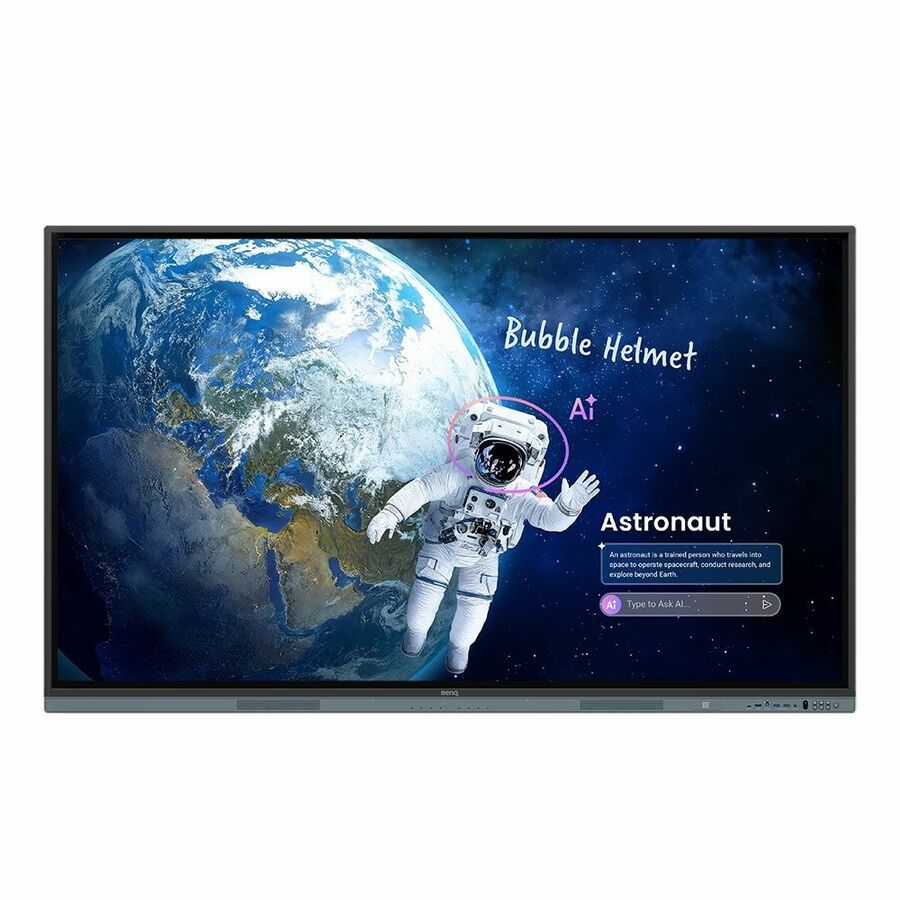
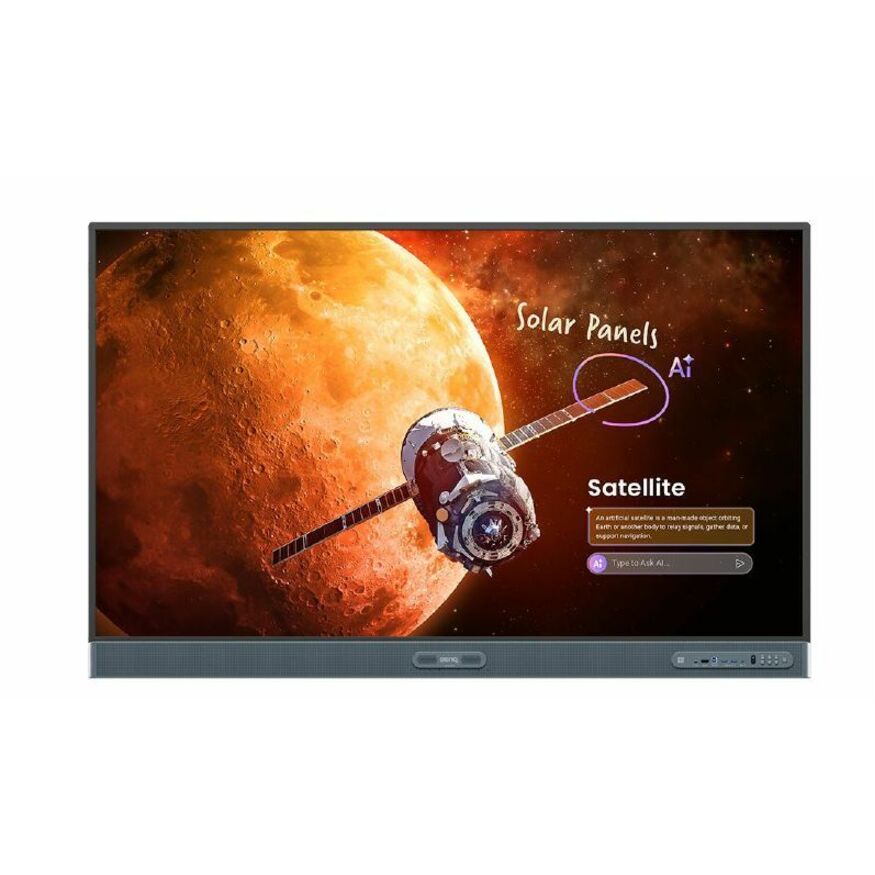
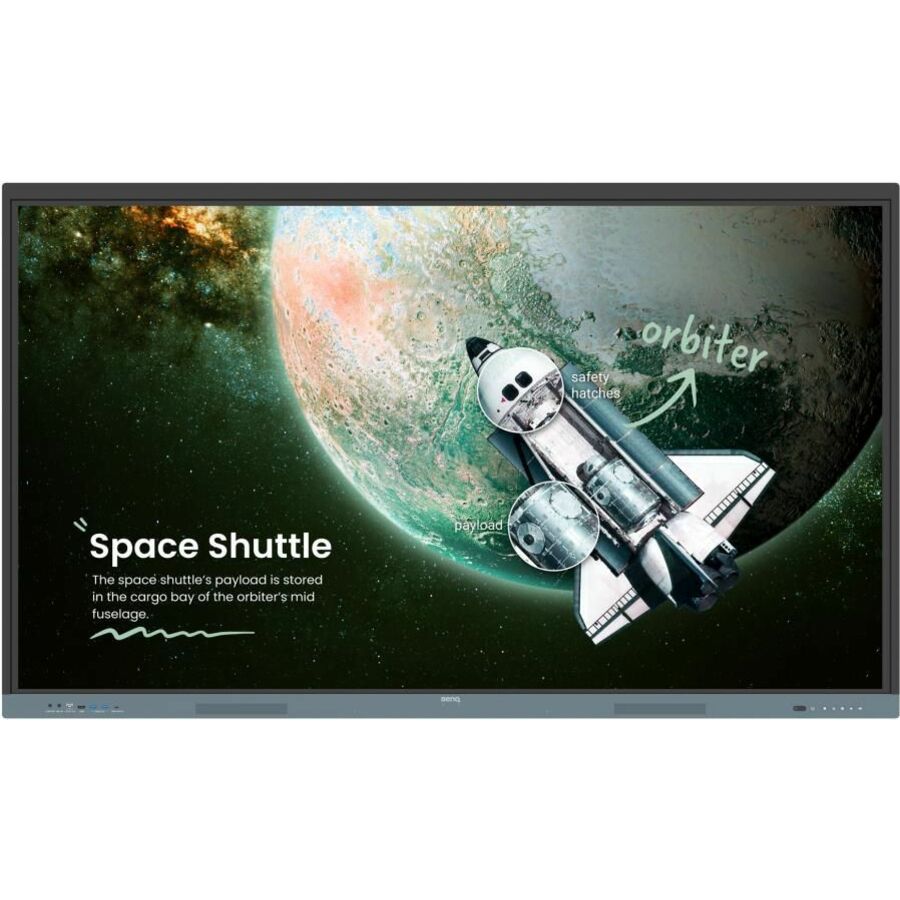
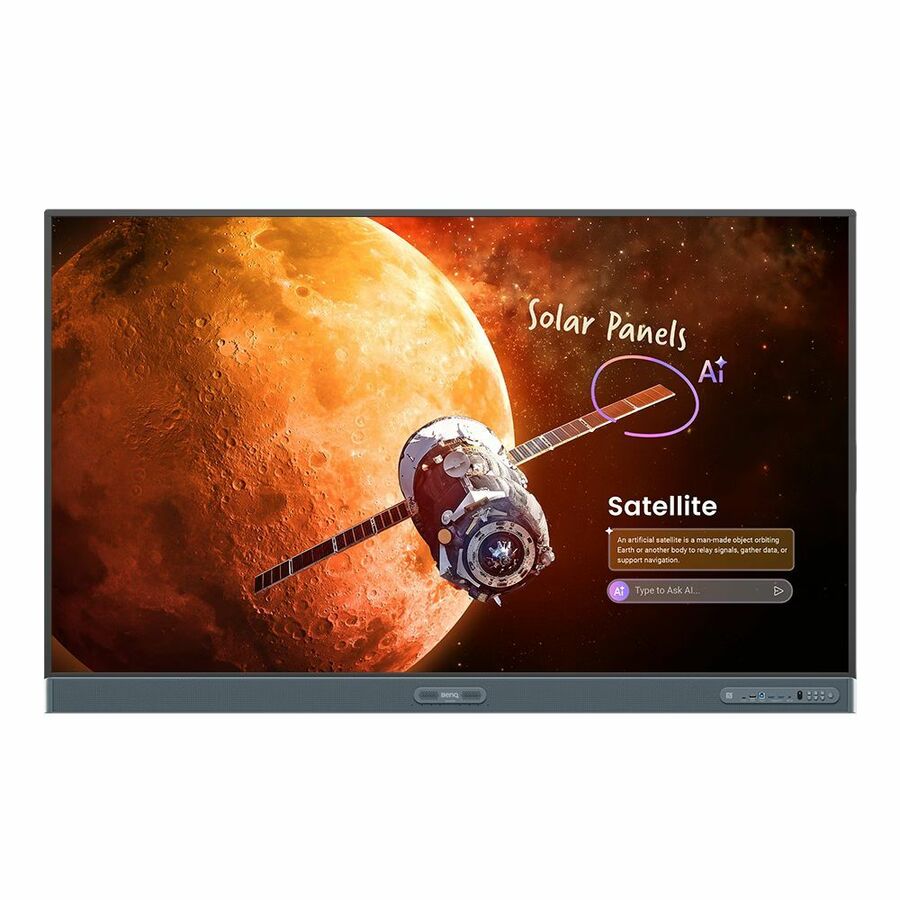
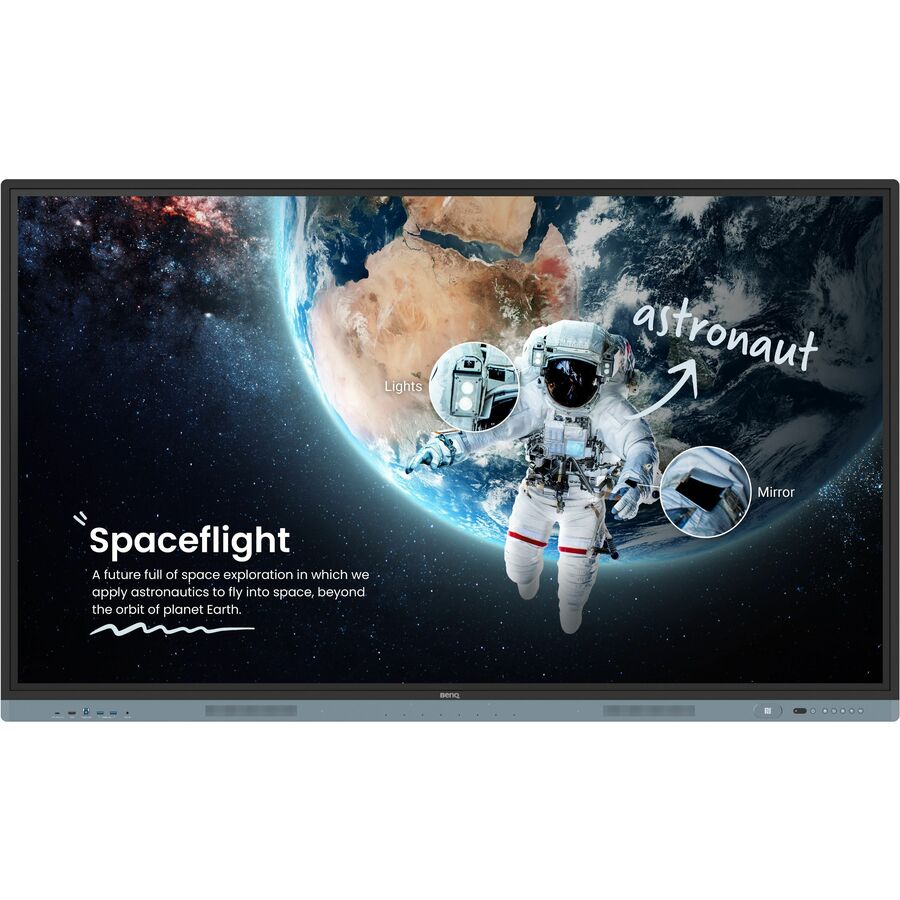
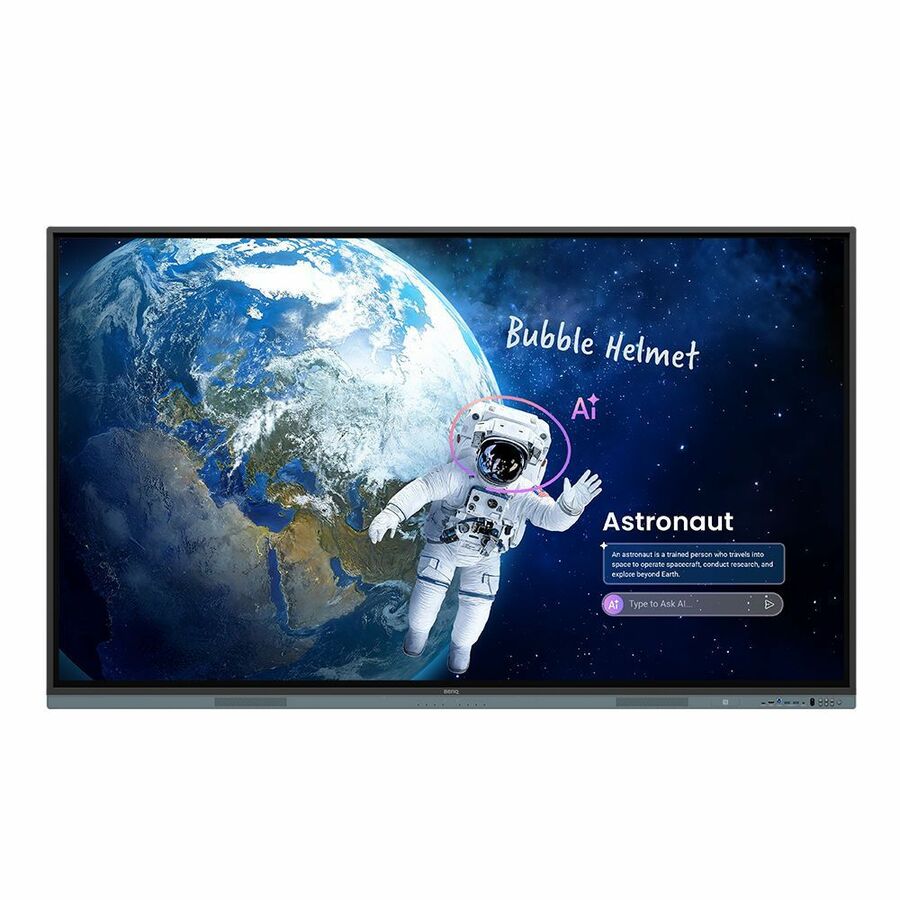
- BenQBenQ Board Pro RP6505 Collaboration Display - 65" LCD - ARM Cortex A78 + A55 - 16 GB - Ultra Precision Infrared - Touchscreen - 16:9 Aspect Ratio - 3840 x 2160 - LED - 450 Nit - 1,500:1, 50,000:1 Contrast Ratio - 2160p - USB - HDMI - VGA - Bluetooth - Android 15RP6505
$3,395.00
$2,770.78
Back-orderedBack-ordered — estimated OEM lead time 3–8 weeks (Nov 14 – Dec 19 if ordered today).
- BenQBenQ RE8604FV2 Collaboration Display - 86" LCD - ARM Cortex A73 - 8 GB - Infrared (IrDA) - Touchscreen - 16:9 Aspect Ratio - 3840 x 2160 - 450 Nit - 1,200:1, 30,000:1 Contrast Ratio - 2160p - USB - HDMI - VGA - Bluetooth - Android 14RE8604FV2
$4,022.00
$2,847.50
Back-orderedBack-ordered — estimated OEM lead time 3–8 weeks (Nov 14 – Dec 19 if ordered today).
- BenQBenQ Board Pro RP7505 Collaboration Display - 75" LCD - ARM Cortex A78 + A55 - 16 GB - Ultra Precision Infrared - Touchscreen - 16:9 Aspect Ratio - 3840 x 2160 - LED - 450 Nit - 1,500:1, 50,000:1 Contrast Ratio - 2160p - USB - HDMI - VGA - Bluetooth - Android 15RP7505
$4,258.00
$3,078.93
Back-orderedBack-ordered — estimated OEM lead time 3–8 weeks (Nov 14 – Dec 19 if ordered today).
- BenQBenQ Board Master RM8604 Collaboration Display - LCD - ARM Cortex A73 + A53 - 8 GB - Infrared (IrDA) - Touchscreen - 16:9 Aspect Ratio - 3840 x 2160 - LED - 450 Nit - 1,200:1, 50,000:1 Contrast Ratio - 2160p - USB - HDMI - VGA - Bluetooth - Android 13RM8604
$4,318.00
$3,497.75
Back-orderedBack-ordered — estimated OEM lead time 3–8 weeks (Nov 14 – Dec 19 if ordered today).
- BenQBenQ Board Master RM8605 Collaboration Display - 86" LCD - ARM Cortex A78 + A55 - 8 GB - High Precision Infrared - Touchscreen - 16:9 Aspect Ratio - 3840 x 2160 - LED - 450 Nit - 50,000:1, 1,200:1 Contrast Ratio - 2160p - USB - HDMI - VGA - Bluetooth - Android 15RM8605
$4,979.00
$3,656.23
Back-orderedBack-ordered — estimated OEM lead time 3–8 weeks (Nov 14 – Dec 19 if ordered today).
- BenQBenQ Board Pro RP8605 Collaboration Display - 86" LCD - ARM Cortex A78 + A55 - 16 GB - High Precision Infrared - Touchscreen - 16:9 Aspect Ratio - 3840 x 2160 - LED - 450 Nit - 50,000:1, 1,200:1 Contrast Ratio - 2160p - USB - HDMI - VGA - Bluetooth - Android 15RP8605
$5,831.00
$4,618.40
Back-orderedBack-ordered — estimated OEM lead time 3–8 weeks (Nov 14 – Dec 19 if ordered today).
- BenQBenQ RE9804FV2 Collaboration Display - 98" LCD - ARM Cortex A73 - 8 GB - Infrared (IrDA) - Touchscreen - 16:9 Aspect Ratio - 3840 x 2160 - 500 Nit - 1,200:1, 30,000:1 Contrast Ratio - 2160p - USB - HDMI - VGA - Bluetooth - Android 14RE9804FV2
$14,999.00
$13,060.28
Back-orderedBack-ordered — estimated OEM lead time 3–8 weeks (Nov 14 – Dec 19 if ordered today).

Top pick
BenQ
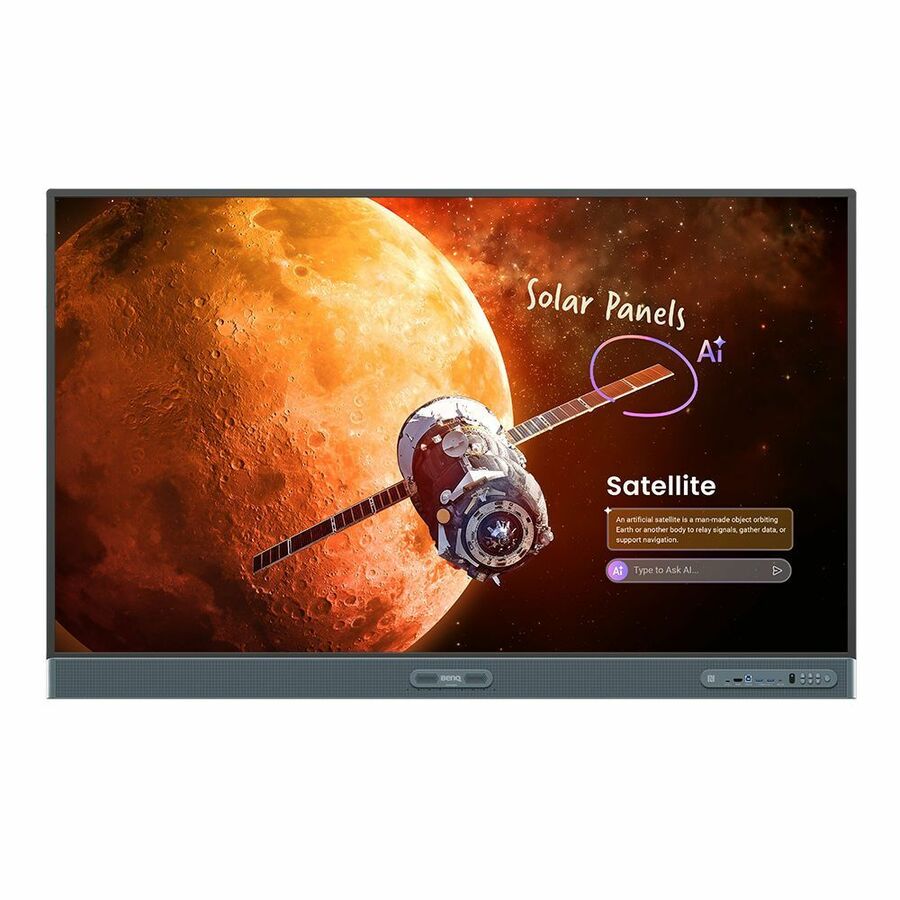
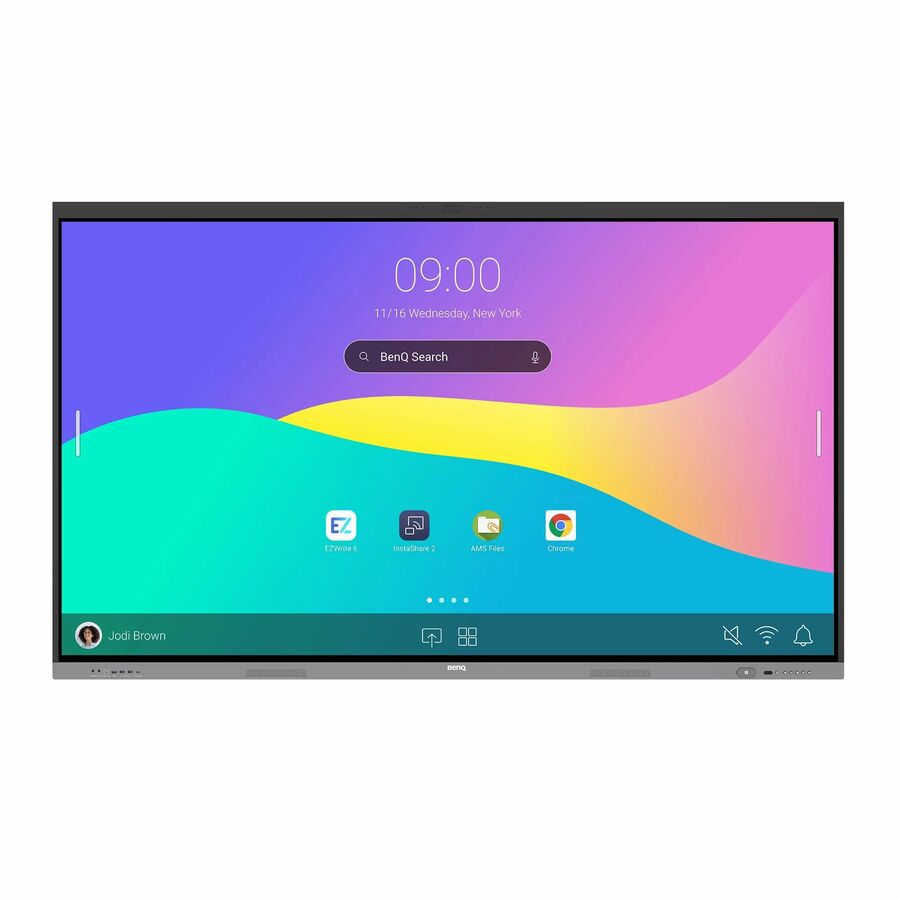
BenQ Board Pro RP6505 Collaboration Display
RP6505
Board Pro at 65 inches is the tier worth specifying where staff run whiteboarding, a browser and a cast session at the same time — BenQ lists 16 GB on the RP rows against 8 GB on Board Master, with the Ultra Precision infrared touch and Android 15.
Ask for a dated lead time before you commit a room schedule. Panels in this line are built to order more often than they are stocked.
$2,770.78Back-orderedMore interactive displays in the Uniqcli catalog
See all 209 interactive displaysMore BenQ first — closest to what you were just looking at; “See all interactive displays” above opens every other brand in the category. In-stock lines lead, and a back-ordered line carries the same estimated availability its product page does — with live pricing throughout, NDAA §889 screening before checkout and TAA verified on request.
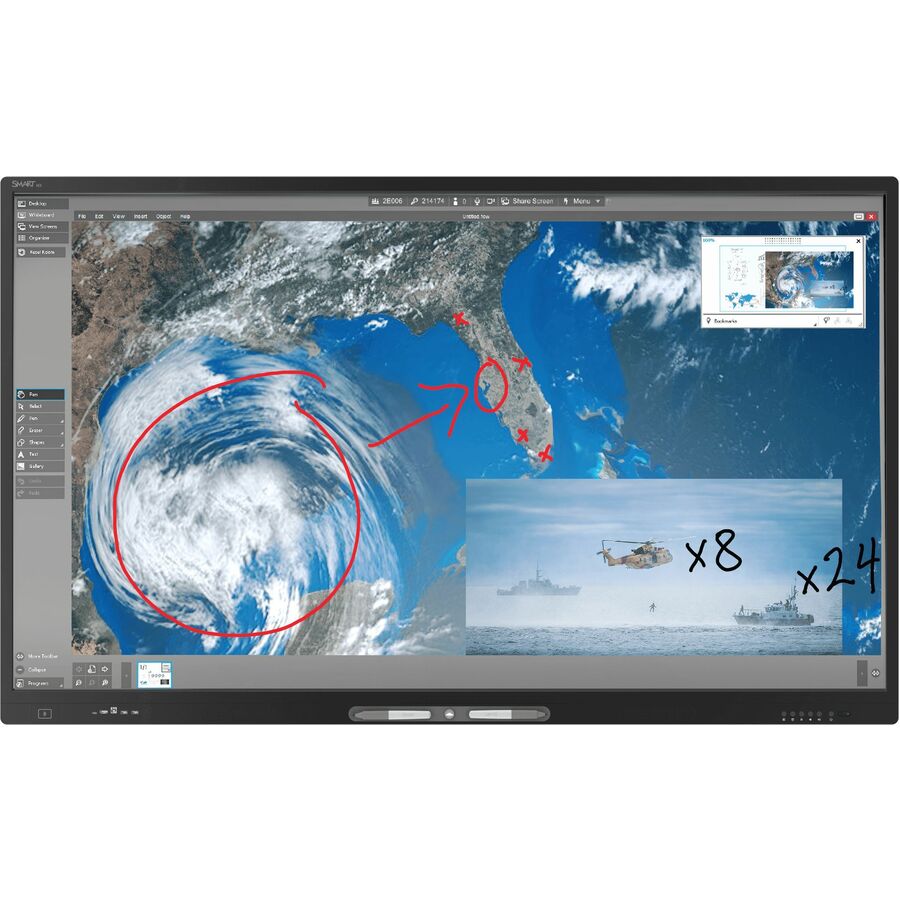
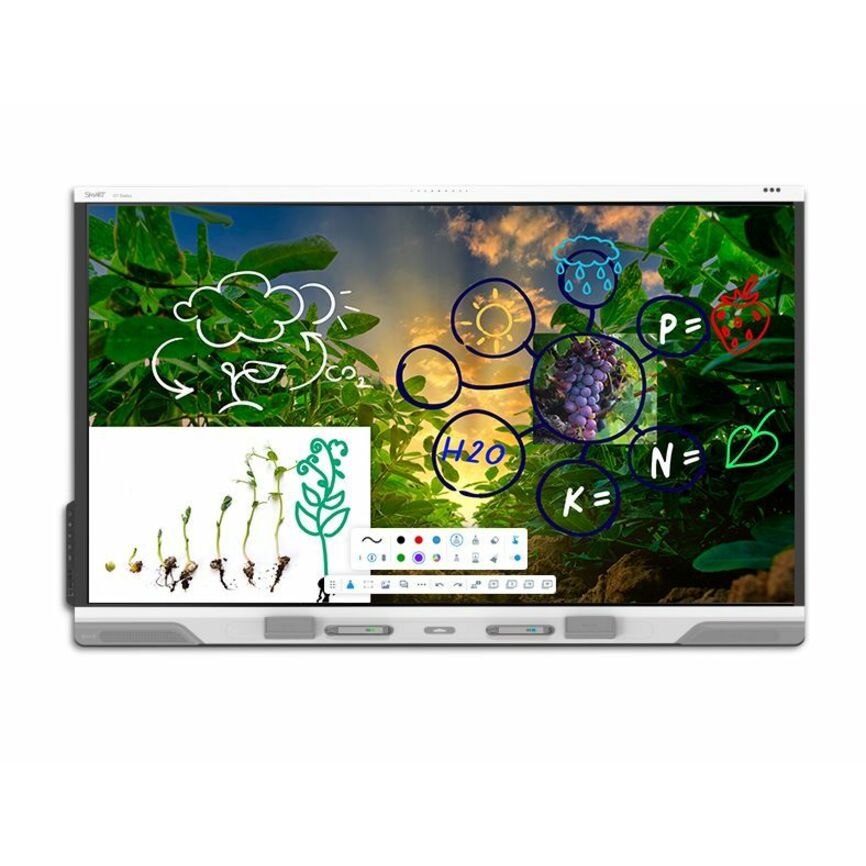
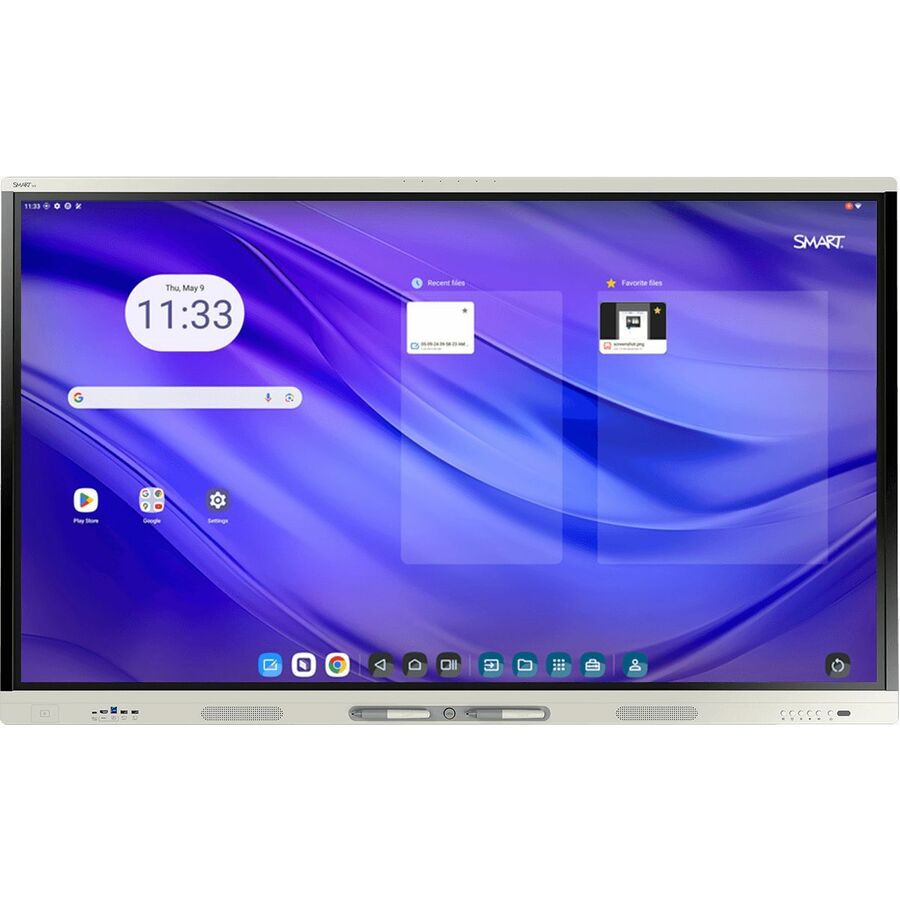
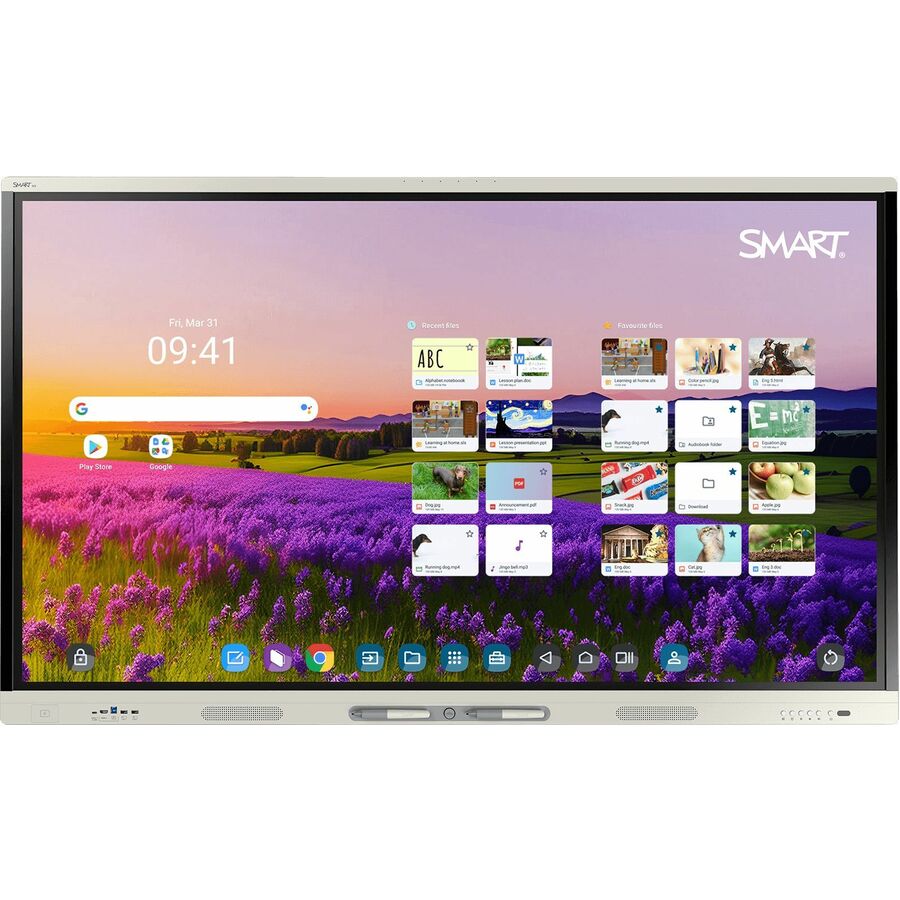
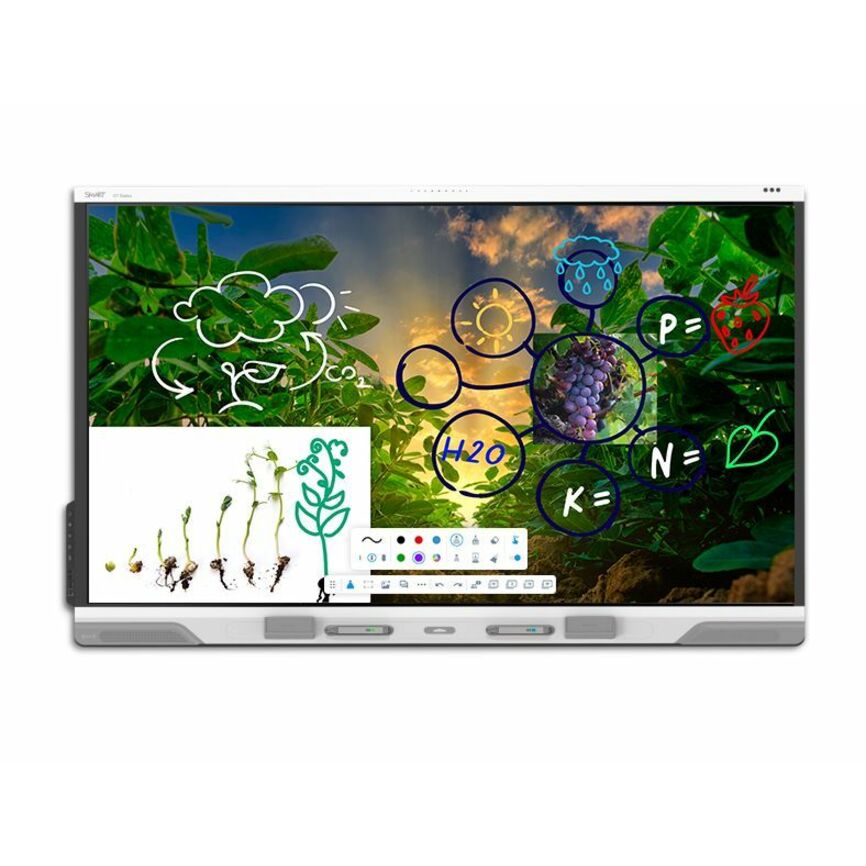
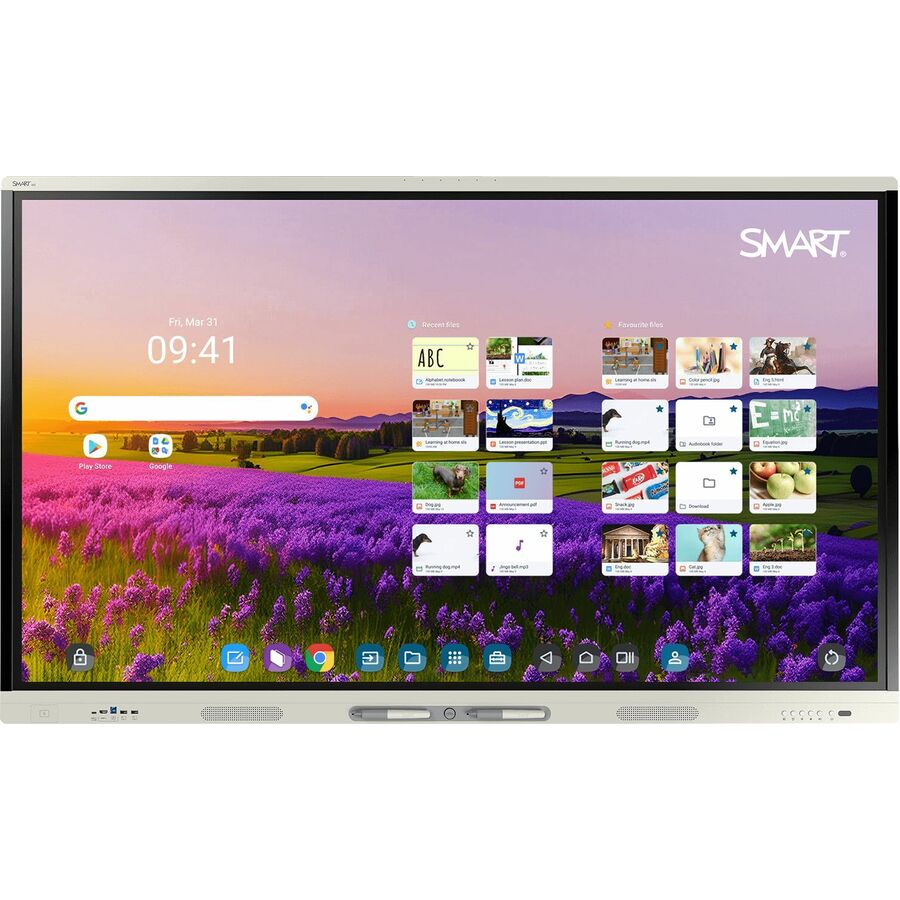
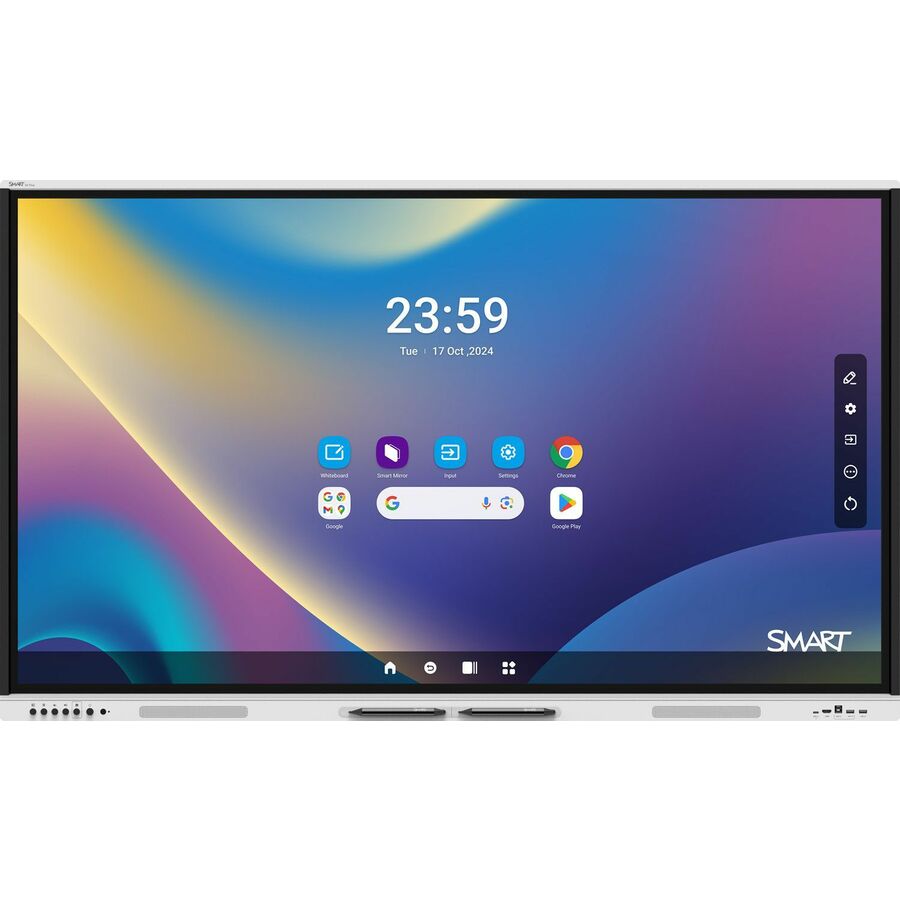
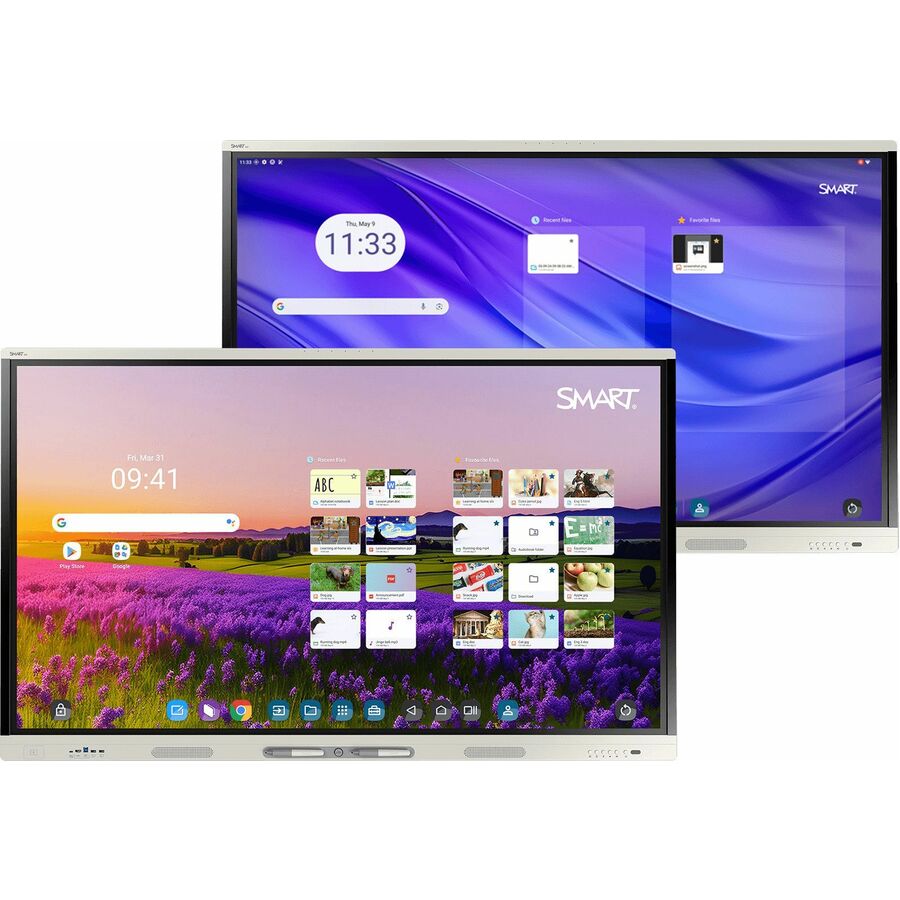
- SMART TechnologiesSMART Board RX286 Collaboration Display - SMART Board RX086 series interactive display with iQRX286
$8,605.00
$6,335.65
2 in stock - SMART TechnologiesSMART Board RX275 Collaboration Display - SMART Board RX075 series interactive display with iQRX275
$6,569.00
$4,871.72
2 in stock - SMART TechnologiesSMART Board RX265 Collaboration Display - SMART Board RX065 series interactive display with iQRX265
$5,185.00
$3,857.39
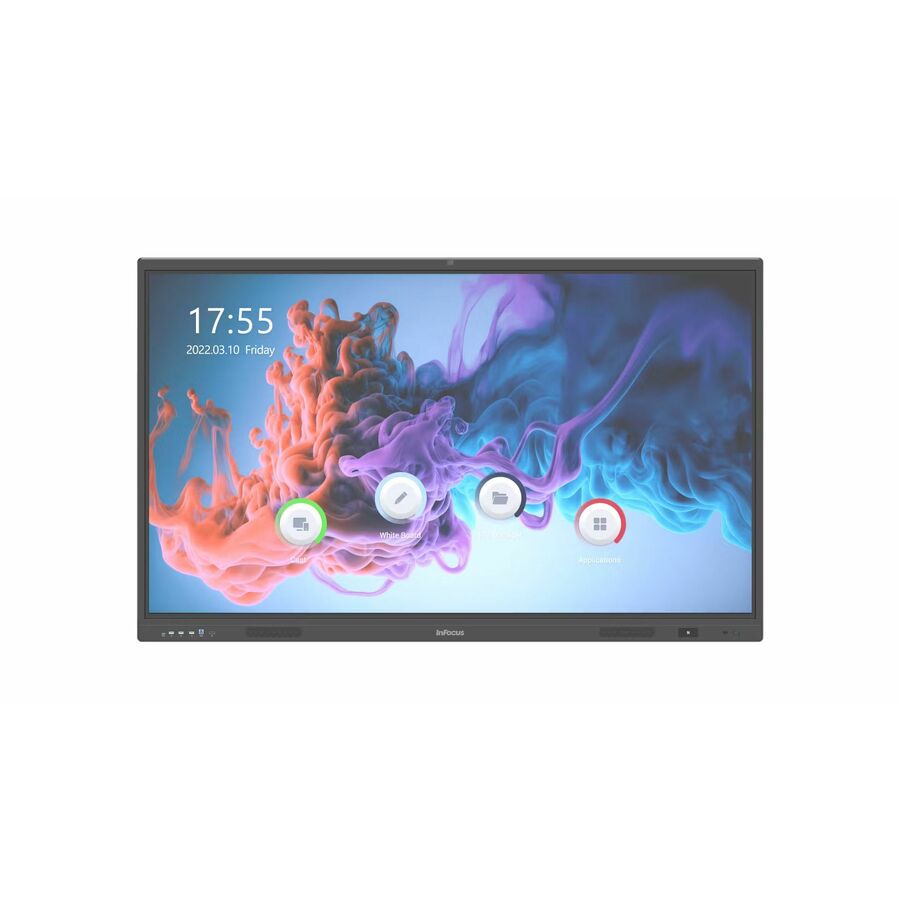
8 in stock - Maxnerva Technology ServicesInFocus JTouch IN7513 Collaboration Display - 75" LCD Cortex A76 + A55 - 8 GB DDR4 SDRAM - Infrared (IrDA) - Touchscreen - 16:9 Aspect Ratio - 3840 x 2160 - Direct LED - 450 Nit - 1,200:1, 5,000:1 Contrast Ratio - 2160p - USB - HDMI - VGA - Bluetooth - Android 13IN7513
$3,582.00
$2,547.31
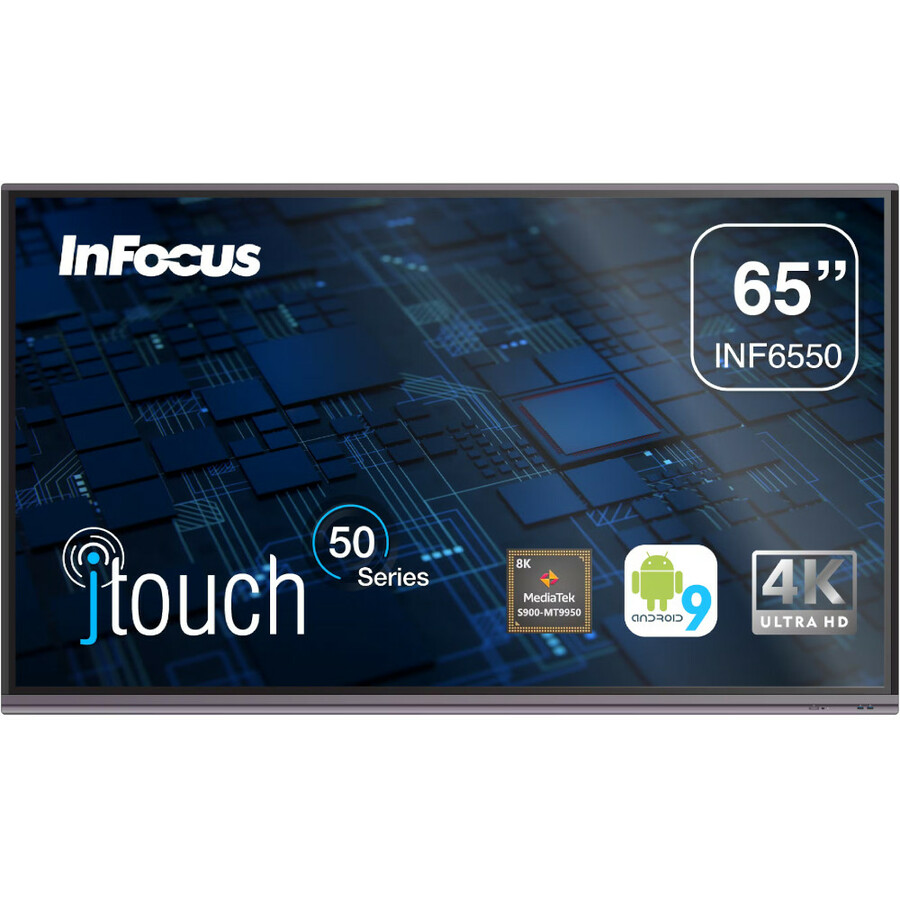
16 in stock - Maxnerva Technology ServicesInFocus JTouch INF6550 Collaboration Display - 65" LCD Cortex A73 1.80 GHz - 4 GB - Infrared (IrDA) - Touchscreen - 16:9 Aspect Ratio - 3840 x 2160 - Direct LED - 450 Nit - 1,200:1, 5,000:1 Contrast Ratio - 2160p - USB - HDMI - VGA - Bluetooth - Android 9.0 PieINF6550
$3,109.00
$2,255.46
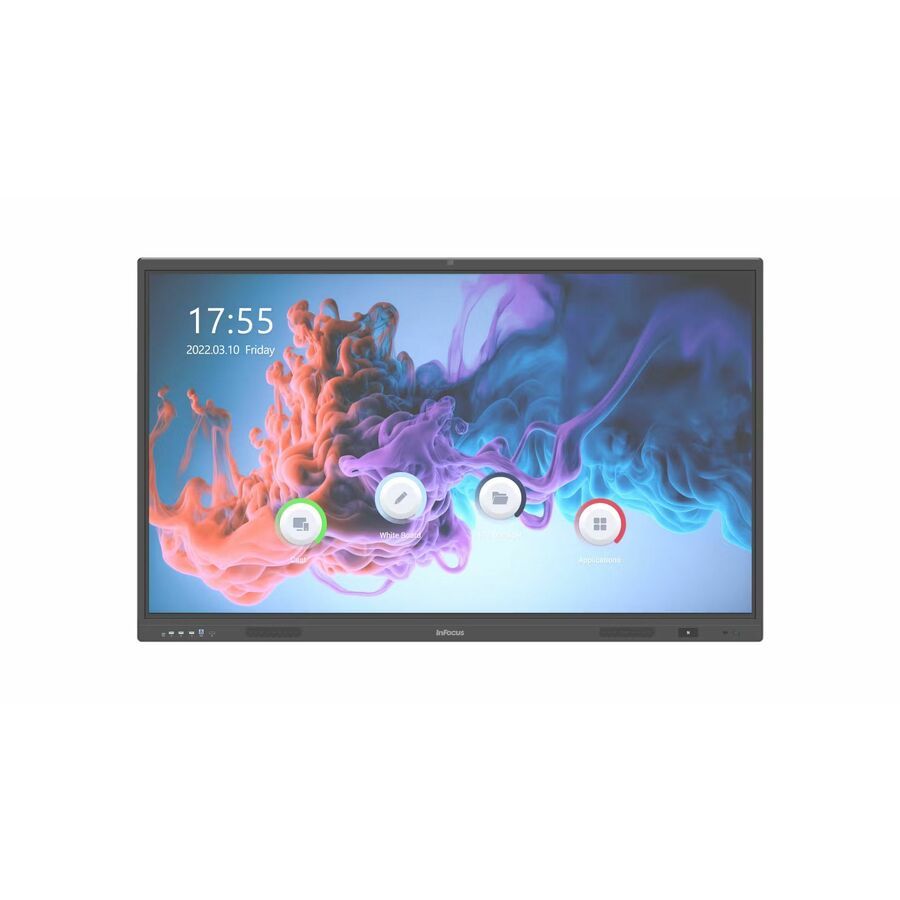
15 in stock - Maxnerva Technology ServicesInFocus JTouch IN6513 Collaboration Display - 65" LCD Cortex A76 + A55 - 8 GB DDR4 SDRAM - Infrared (IrDA) - Touchscreen - 16:9 Aspect Ratio - 3840 x 2160 - Direct LED - 450 Nit - 1,200:1, 5,000:1 Contrast Ratio - 2160p - USB - HDMI - VGA - Bluetooth - Android 13IN6513
$2,437.00
$1,768.61
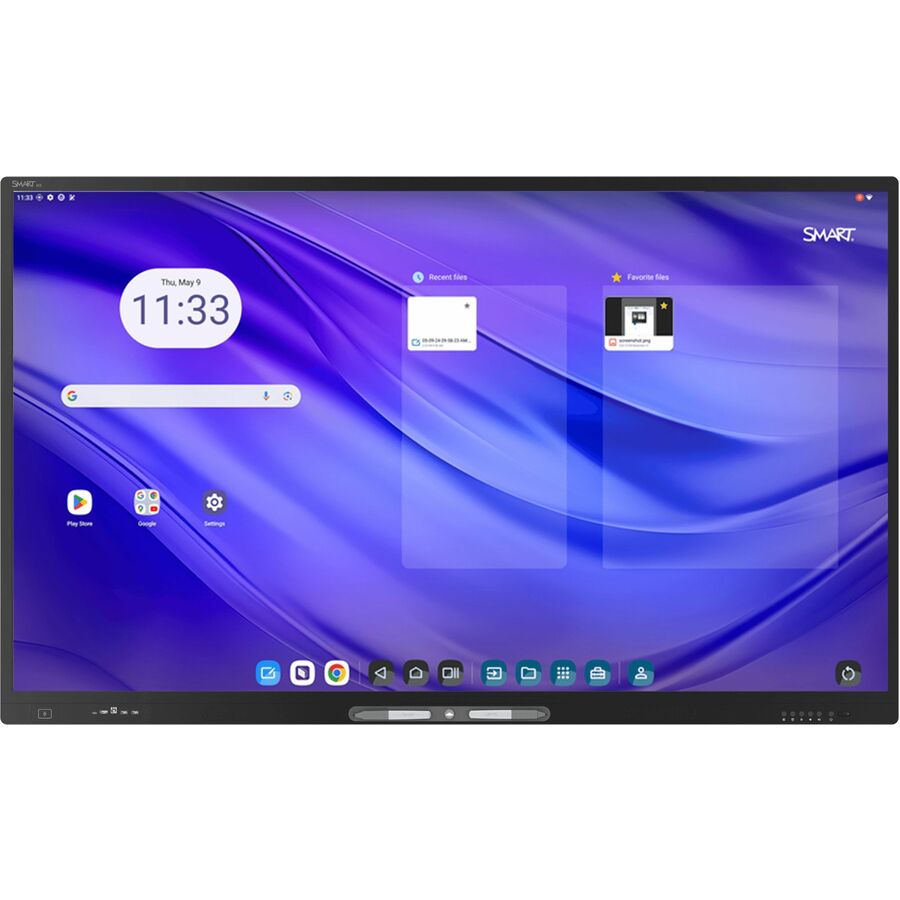
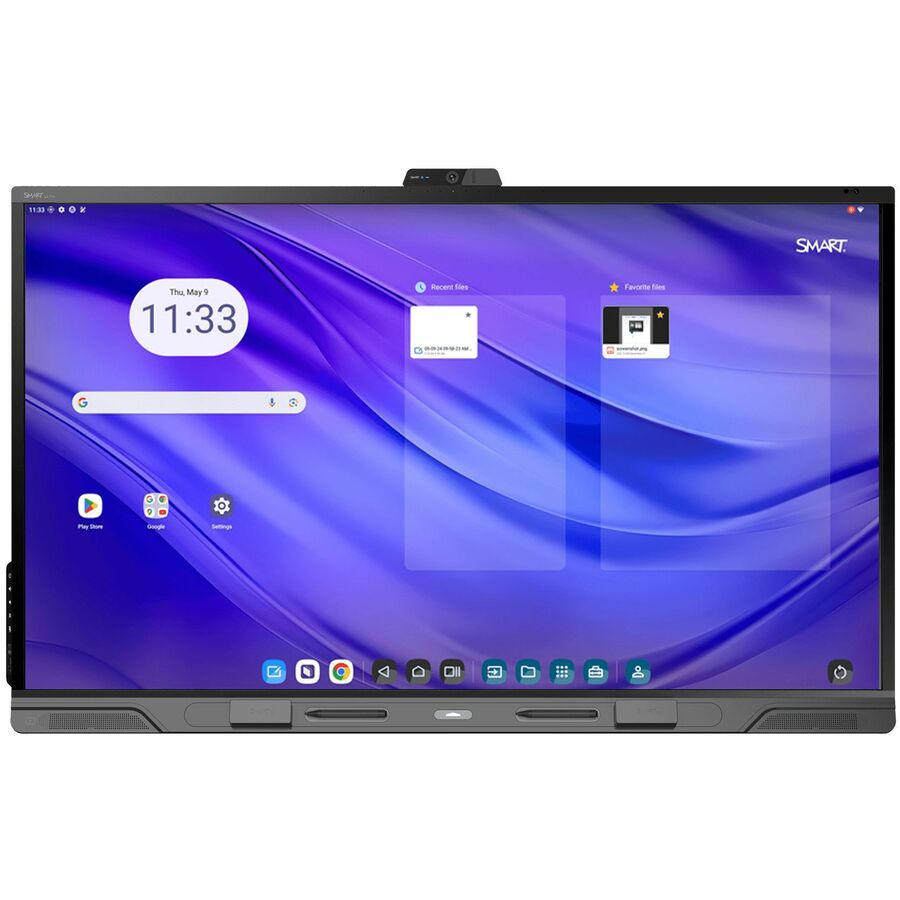
67 in stock - SMART TechnologiesSMART Board GX065-V4 Plus Interactive Display with Embedded OS (GMS) - 65" LCD - 8 GB DDR4 SDRAM - Advanced Infrared - Touchscreen - 16:9 Aspect Ratio - 3840 x 2160 - LED - 400 Nit - 1,200:1 Contrast Ratio - 2160p - USB - HDMI - VGA - Bluetooth - Android 14GX165N-V4
$2,369.00
$1,716.11
2 in stock





Need pricing on BenQ interactive displays?
Tell us where to reach you and a Uniqcli specialist will follow up by email with current pricing, availability and lead time for the quantities you need — including parts that aren’t shown on this page.
Buying for an organization or for yourself — both work. No payment up front.
BenQ Board is one of the interactive flat panels that shows up as an approved alternate in K-12 display bids, usually alongside the incumbent brand a district already has on the wall. The catalog splits into three families: the RE series, the RM Board Master series, and the RP Board Pro series. They share the same core panel spec — a 4K 3840 x 2160 LCD with infrared touch, HDMI, USB, VGA and Bluetooth — and separate on processor generation, memory and touch precision.
Read the availability chip on every card below before you build a schedule. Every BenQ Board line we currently list is priced and back-ordered, not in stock. That is deliberately visible rather than hidden: a district writing a summer install plan needs to know a panel is on lead time in July, not discover it in August. What this page is genuinely useful for right now is the budget line — a live sell price against a specific part number, so the number in your board packet or bid response is real rather than a guess carried over from last year's quote.
If you need panels on the floor inside a short window, ask us for a dated lead time before you commit the room schedule. If you are specifying for a bond project or a next-fiscal-year refresh, the lead time matters far less than getting the model tier and the size right — and that is what the rest of this page is about.
Buyer's checklist
How to choose a BenQ Board for a classroom
- Size to the back row, not to the wall. Measure the distance to the farthest seat before you pick — a 65 inch panel suits a standard classroom, 75 to 86 inch suits wide or deep rooms, and the 98 inch row belongs in a lecture space or commons, not a homeroom.
- Check the Android version you are buying into. These rows range from Android 13 on the older RM6504 and RM8604 through Android 14 on the RE FV2 rows to Android 15 on the 5-series Board Master and Board Pro panels — the OS generation drives app support and how long the panel keeps getting firmware.
- Match memory to how the room actually teaches. Board Pro rows (RP6505, RP7505, RP8605) list 16 GB; Board Master rows list 8 GB. The extra memory earns its cost where staff run whiteboarding, a browser and a cast session at the same time.
- Pilot the pen before you standardize. Touch is infrared across the line, but the descriptions separate plain infrared from High Precision and Ultra Precision infrared — that difference is felt in writing, not read on a spec sheet.
- Confirm the mount and the wall with facilities first. An 86 inch panel plus a height-adjustable lift or a mobile stand is a structural decision, and it is the single most common reason a delivered panel sits in a hallway.
- Plan the source side of the room. Every row lists HDMI, USB and VGA — legacy VGA document cameras and older teacher carts are still common in K-12, and adapter shortages are a day-one problem, not a nice-to-have.
- Standardize on one or two sizes district-wide. Uniform mounts, uniform spares and one training session beat a per-building free-for-all every time.
How the BenQ Board line splits
The RE series (RE6504FV2 at 65 inch, RE8604FV2 at 86 inch, RE9804FV2 at 98 inch) is the entry tier in this catalog. Each lists an ARM Cortex A73 processor, 8 GB of memory, infrared touch, a 4K panel and Android 14. Brightness is listed at 450 nits on the 65 and 86 inch rows and 500 nits on the 98 inch. These are the rows to look at when the requirement is a large, durable, touch-enabled 4K display and the software stack lives on a connected PC or a district-managed OPS module rather than on the panel itself.
The RM Board Master series is the classroom mainstream. The older RM6504 and RM8604 rows list an A73 plus A53 processor pairing with Android 13; the newer RM6505 and RM8605 rows list an A78 plus A55 pairing, High Precision Infrared touch and Android 15. Both generations list 8 GB of memory and a 450-nit 4K panel. For most districts the 5-series rows are the ones to specify — a newer Android baseline on a panel you expect to keep for seven or more years is worth more than a small difference in sticker price.
The RP Board Pro series (RP6505 at 65 inch, RP7505 at 75 inch, RP8605 at 86 inch) is the top tier here. Those rows list the same A78 plus A55 processors and Android 15 as the Board Master 5-series, but double the memory to 16 GB and step the touch layer up to High Precision or Ultra Precision Infrared. The 75 inch RP7505 is worth flagging separately because it is the only 75 inch panel in this selection — if your room template calls for 75 inch, Board Pro is the tier, not a choice.
Sizing, sightlines and the mount
Panel size is a sightline problem, not a wall-space problem. The practical test is whether a student in the back row can read normal-sized text on a shared document without the teacher zooming in, and the way to answer it is to measure the room and check against a real panel before you order a hundred of them. Deep rooms, science labs with fixed benches and rooms where students sit at tables rather than in rows all push the size up.
Mounting is where interactive display projects go wrong. A fixed wall mount is cheapest and is fine for older grades, but younger students and wheelchair users cannot reach the top of a fixed 86 inch panel, which is why many districts specify a height-adjustable lift or a mobile stand for elementary rooms and for any room that has to serve multiple grade levels. Confirm the mounting height against your district's accessibility standard, and confirm the wall construction can carry the load — masonry, stud and older plaster walls all need different hardware, and that hardware is rarely in the panel budget.
One more sizing note that saves money: the 98 inch RE9804FV2 costs several times what a 65 inch panel costs. It is the right answer for a commons, a media center or a large lecture space. It is almost never the right answer for a standard classroom, and a district that specifies it building-wide will spend its whole display budget on four rooms.
Reading availability before you write a bid
Every BenQ Board row on this page is back-ordered today. That is not a reason to skip the brand — it is a reason to sequence the project properly. Interactive panels are a scheduled install, not an impulse buy: the mount goes up, the power and data drop gets pulled, the cart or lift is assembled, and the old board comes off the wall. Districts that plan those steps around a confirmed ship date get a working room; districts that assume stock get a summer of half-finished classrooms.
The practical move is to use the live price here to build the budget line, then request a quote for a dated lead time on the exact part number and quantity. A quote fixes the price for the room count you are actually buying and tells you what is realistic for your install window. If the schedule cannot move and the lead time does not fit, say so — the useful answer at that point is an equivalent panel from another line we list, not a promise about a date nobody can hold.
It also pays to order the mounts, lifts, carts and cabling on the same purchase order as the panels. Those items ship on different lead times, and the most common cause of a delayed classroom is not the display — it is the wall bracket that was ordered three weeks later.
The room around the panel
An interactive display changes the electrical and network requirements of a classroom. The panel needs a dedicated outlet at mounting height rather than an extension cord run down the wall, and it needs a network path — wired if you can get it, wireless if you cannot — for firmware updates, casting and any district management tooling. Rooms that were wired for a projector on the ceiling frequently have power in the wrong place entirely.
Audio is the second overlooked item. Integrated panel speakers are adequate for a small room and thin in a large one, so budget for a sound reinforcement option in bigger spaces rather than discovering the problem after the install crew leaves. Third is professional development: a panel that teachers were never trained on gets used as an expensive projector screen. Districts that get real usage out of interactive displays fund training time in the same project, not the following year.
Finally, plan the disposal of what comes off the wall. Old interactive whiteboards, short-throw projectors and their mounts are bulky, and a hundred-room refresh generates real waste-handling work that has to be scheduled with facilities before the new panels arrive.
FAQ
Common questions
- What is the difference between BenQ Board Master and Board Pro?
- In this catalog the split is memory and touch precision. Board Pro rows (RP6505, RP7505, RP8605) list 16 GB of memory with High Precision or Ultra Precision Infrared touch; Board Master rows (RM6505, RM8605 and the older RM6504, RM8604) list 8 GB. The 5-series of both families lists the same ARM Cortex A78 plus A55 processors, the same 4K 3840 x 2160 panel at 450 nits and Android 15. Board Pro earns its price where a room runs several applications at once; Board Master is the sensible default for a standard classroom.
- What size interactive display does a standard classroom need?
- For most standard K-12 classrooms a 65 inch panel is the working default, and the rows here at that size are the RM6505, RP6505, RM6504 and RE6504FV2. Move up to 75 or 86 inch for wide rooms, deep rooms, labs with fixed benches, or any space where students sit at tables rather than in rows. Reserve the 98 inch RE9804FV2 for a commons, media center or lecture space. The reliable test is whether a student in the back row can read shared text without zooming — measure your own rooms rather than applying a rule of thumb across a district.
- These displays are back-ordered — can I still use this page to budget?
- Yes, and that is exactly what it is good for. The price on each card is a live sell price tied to that specific part number, which is what a budget line or a bid response needs. What the page cannot give you is a ship date. Send us the model and quantity and we will come back with a dated lead time and a price hold, so your install schedule is built on a real commitment rather than an assumption.
- Can E-rate money buy an interactive panel?
- No. An interactive display is end-user classroom equipment, and E-rate Category Two funds the internal connections that distribute broadband inside a building — routers, switches, access points and cabling. Panels are funded from local, state, bond or grant money. For the full eligibility boundary, and how the Eligible Services List changes each funding year, see our E-Rate explainer in the related reading below.
- Are these displays suitable for school district and government purchase?
- Every line Uniqcli quotes is sourced through US distribution and screened for TAA country-of-origin and NDAA §889 status before checkout — with documentation tied to the specific part number, not a product family. Send a room count or a bill of materials and we will return a quote with per-part sourcing detail you can attach to a requisition.
Need BenQ interactive displays pricing?
Send a bill of materials or part numbers — we confirm stock and a below-market total, with TAA verified on request. No payment up front.