
Best SMART Board Interactive Displays for Classrooms
QX Pro, RX, MX and M Pro panels sized against the room rather than the budget line — with live pricing and real availability before you write the specification.
SMART interactive displays in stock at Uniqcli
How to choose →A curated selection with live pricing — in-stock lines first, then back-ordered lines with a typical lead time. Every line is sourced through US distribution and screened for NDAA §889 status before checkout, with TAA verified on request.
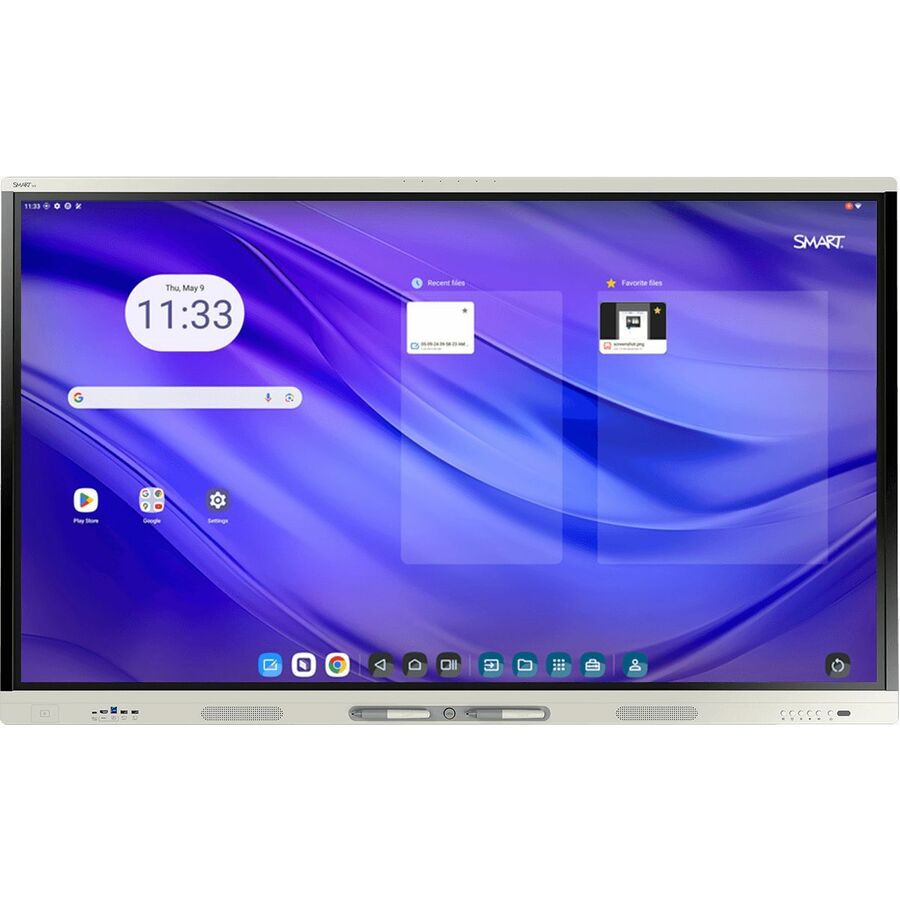
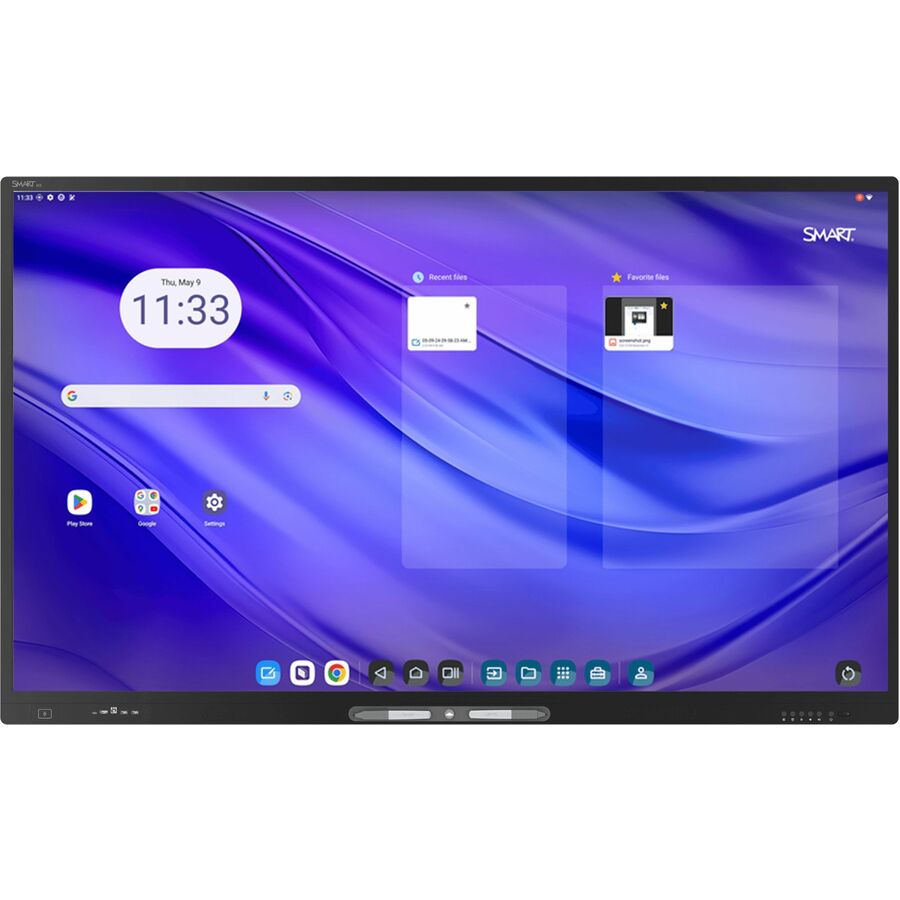
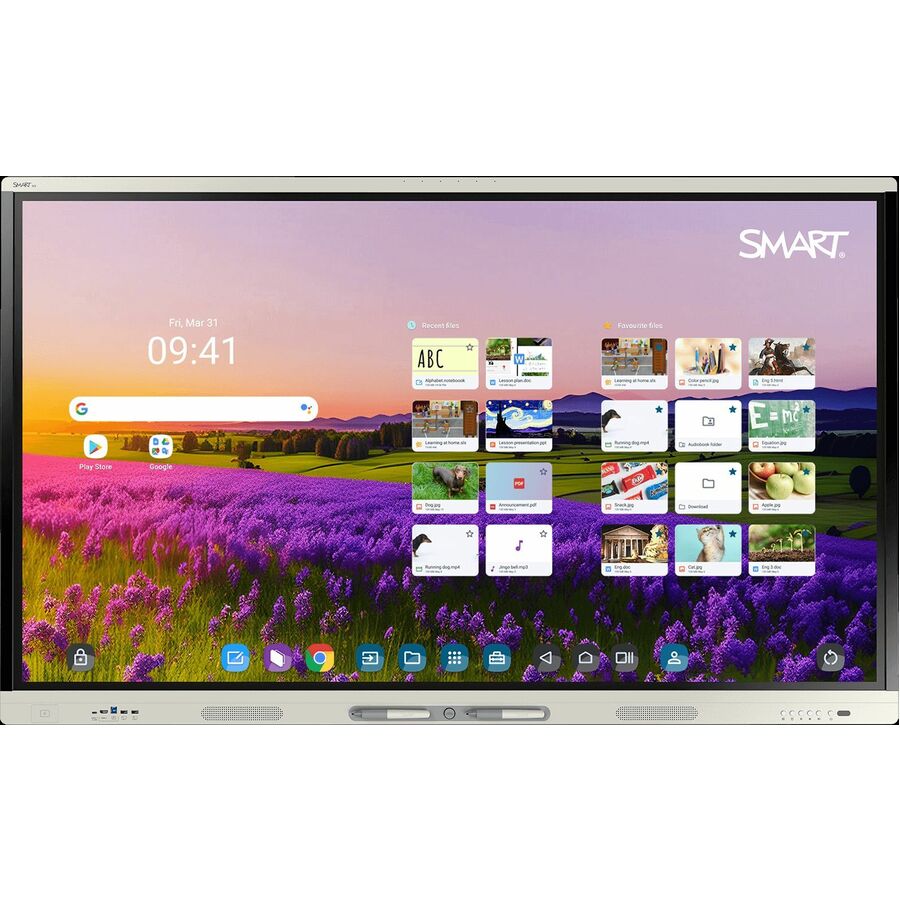
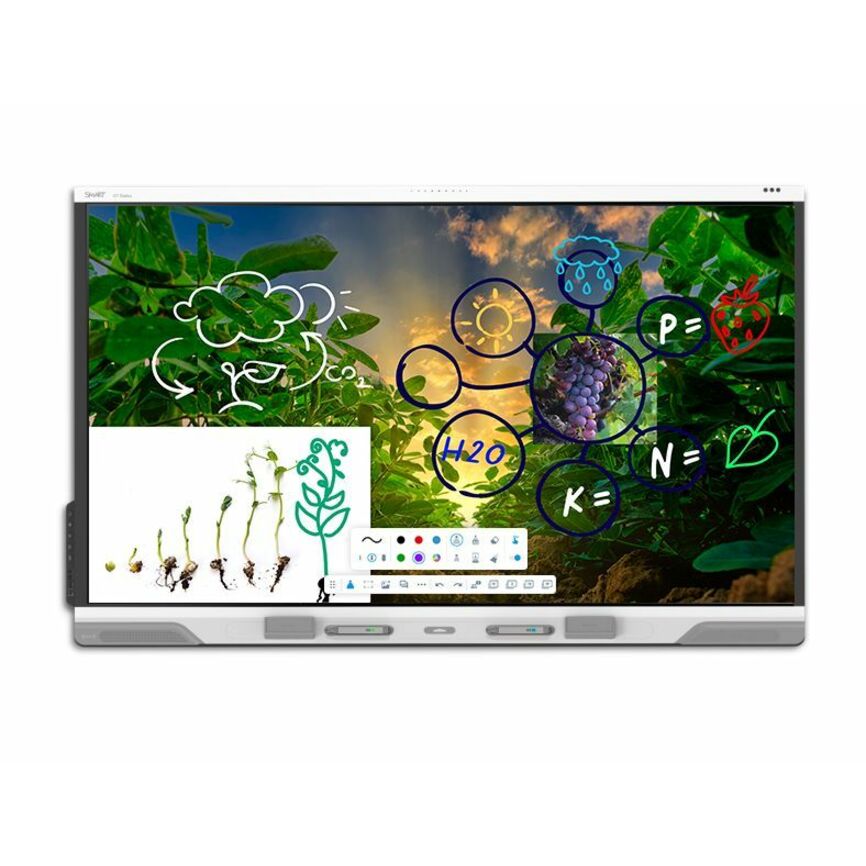
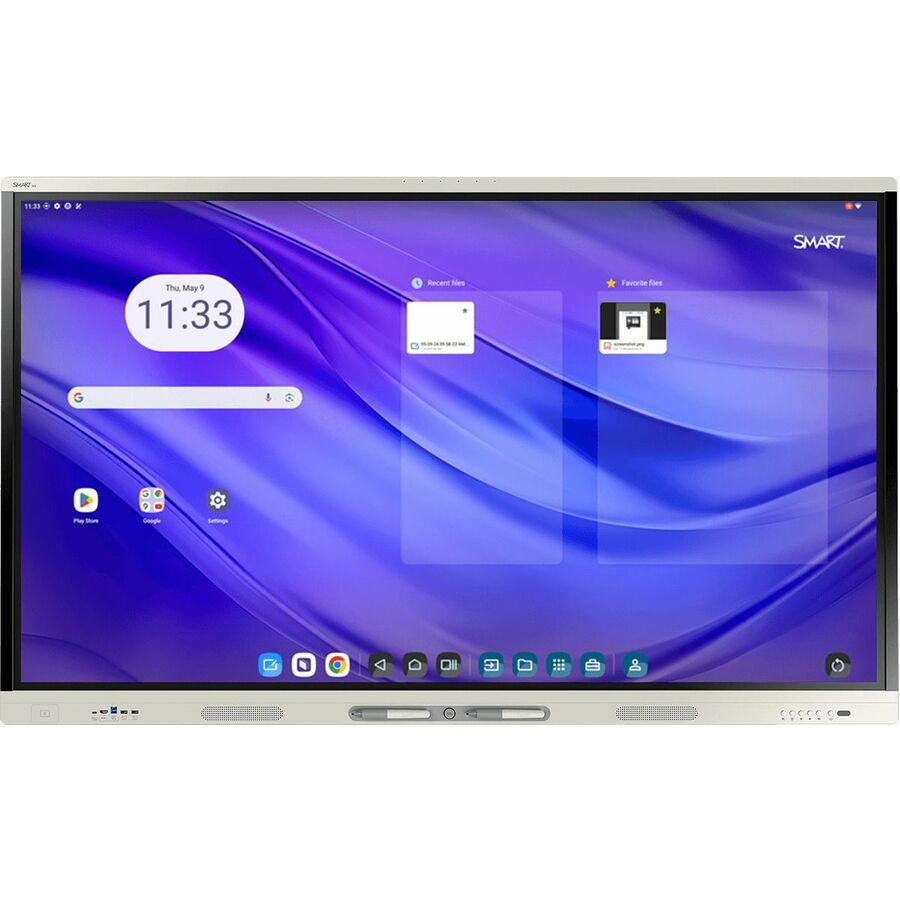
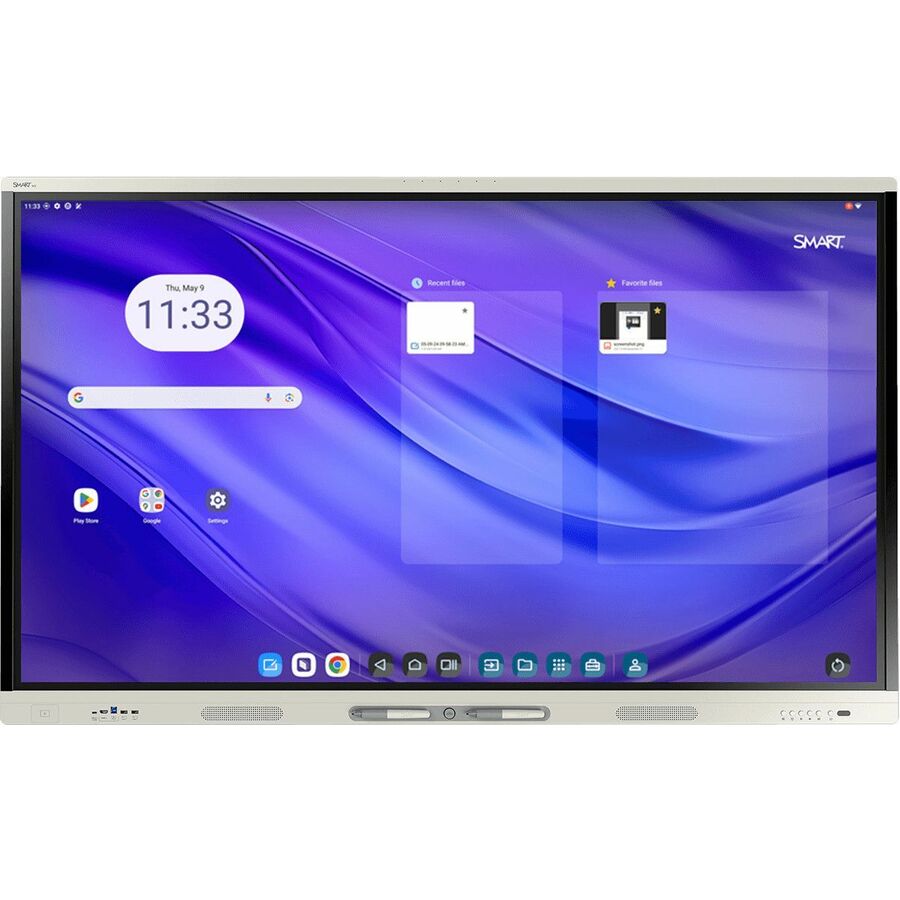
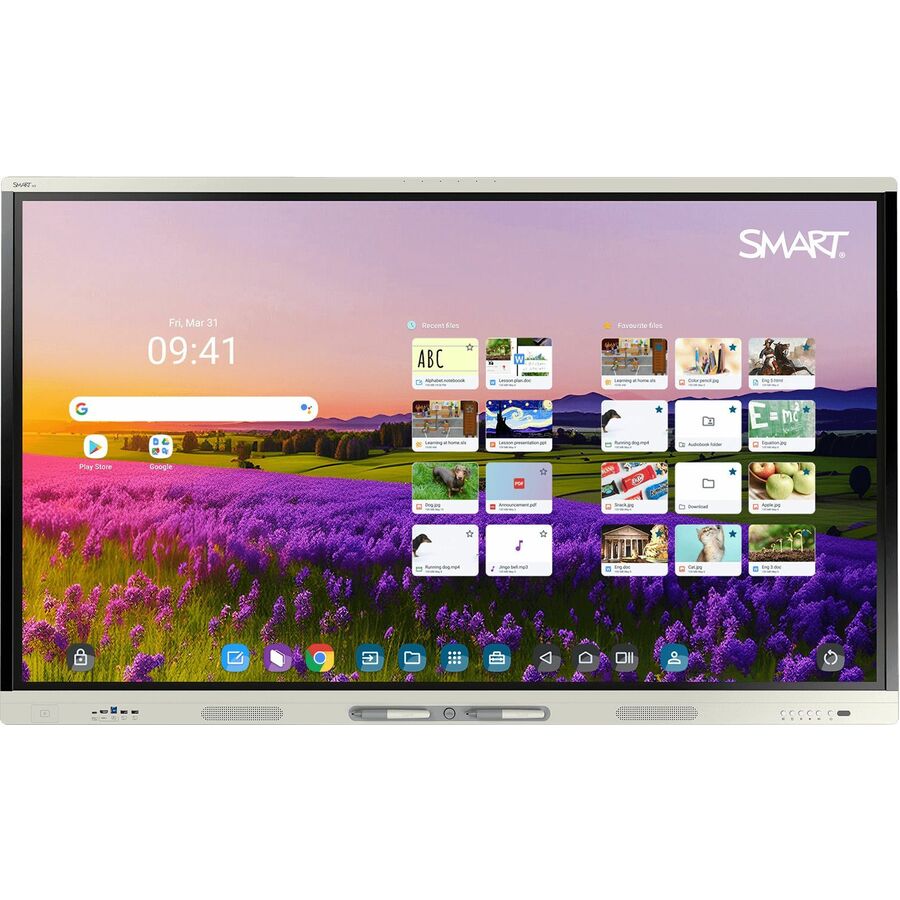
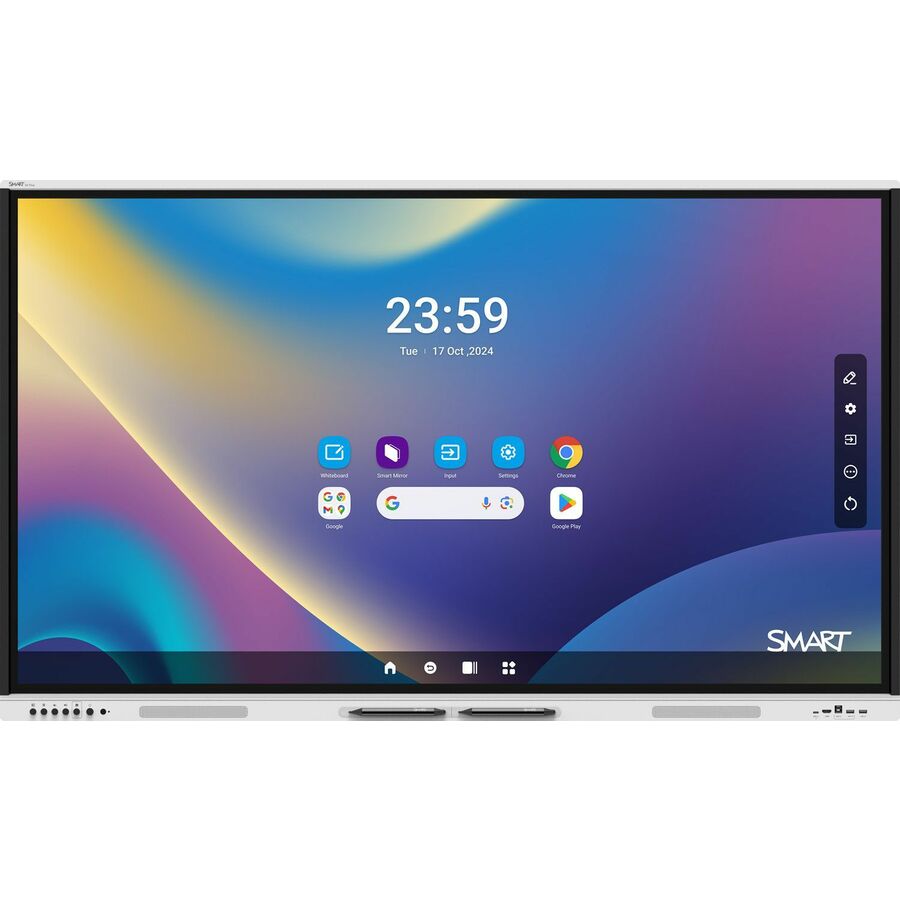
- SMART TechnologiesSMART Board RX265 Collaboration Display - SMART Board RX065 series interactive display with iQRX265
$5,185.00
$3,857.39
8 in stock - SMART TechnologiesSMART Board RX275 Collaboration Display - SMART Board RX075 series interactive display with iQRX275
$6,569.00
$4,871.72
2 in stock

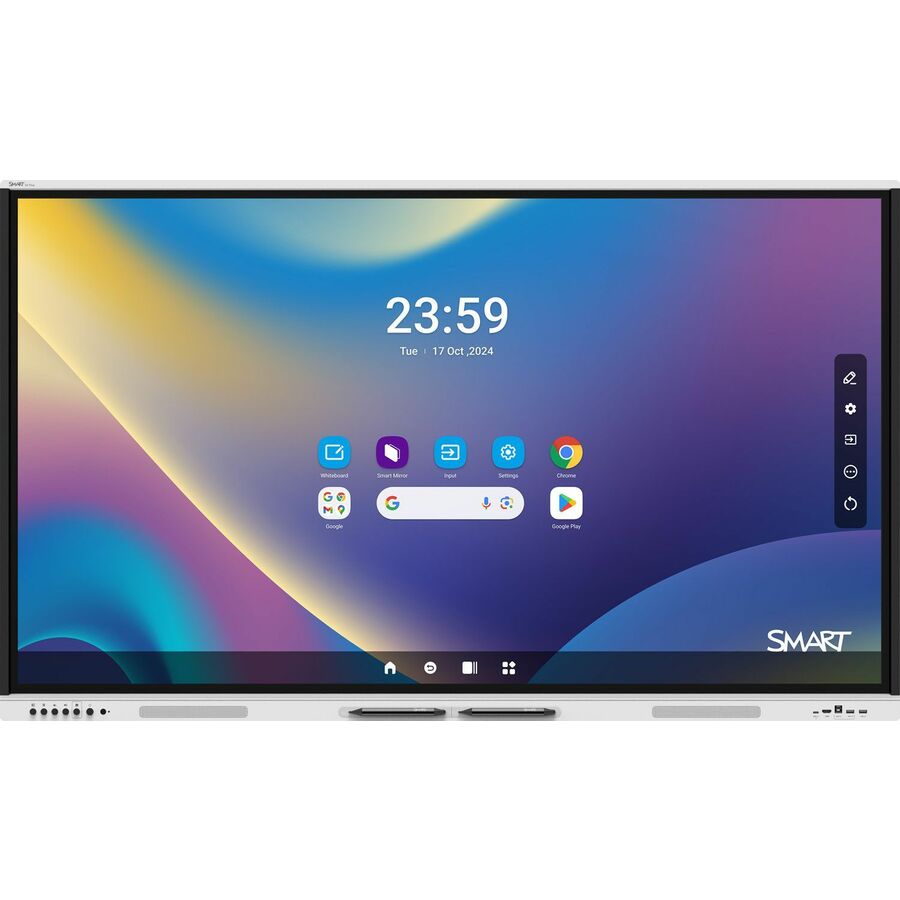
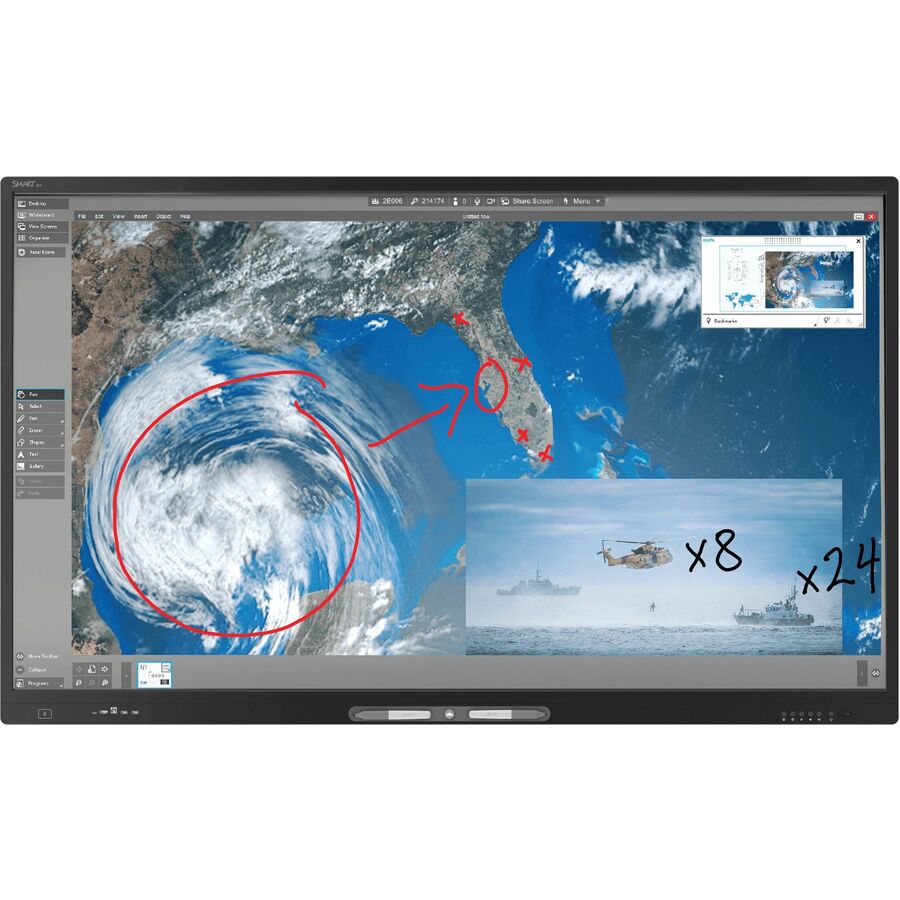
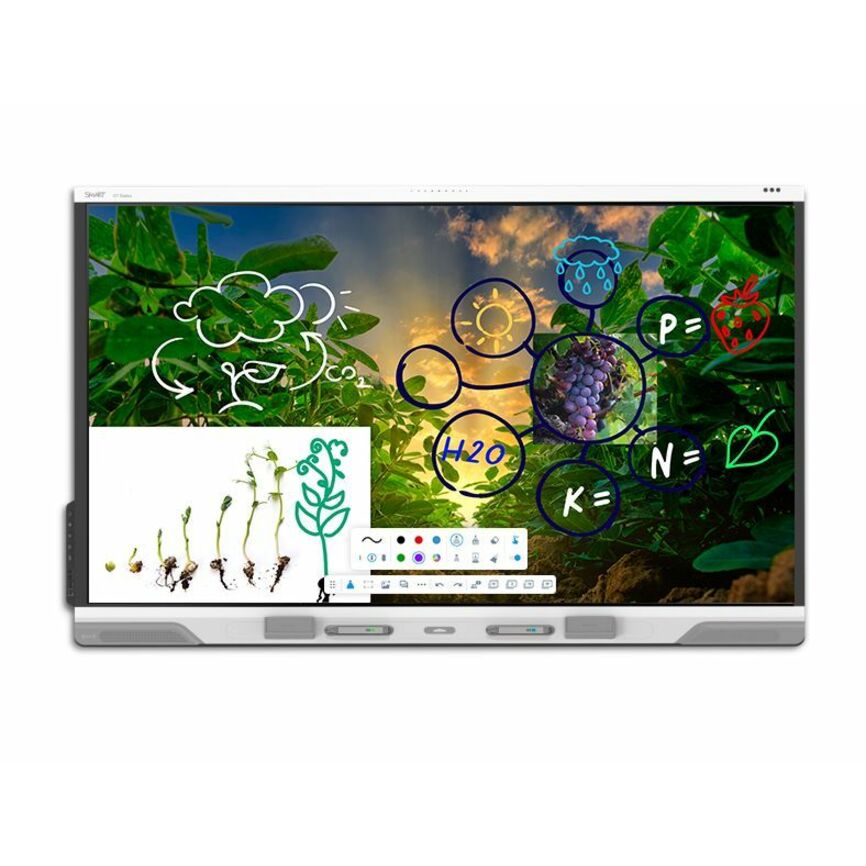
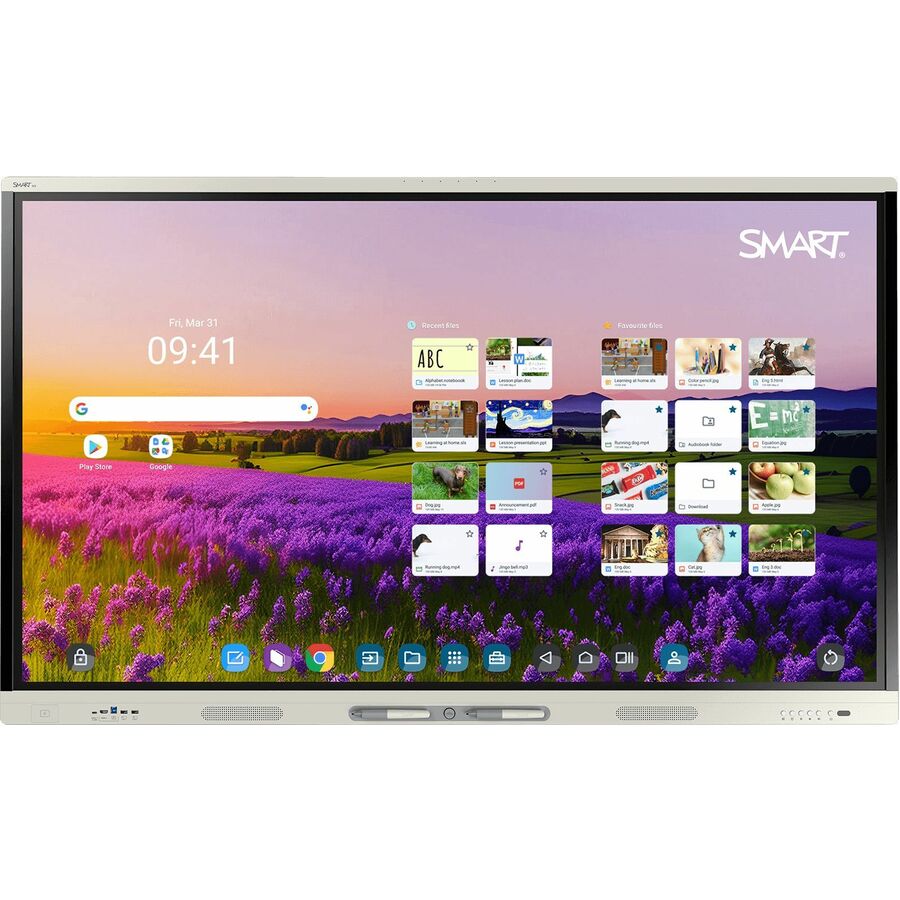
Top pick
SMART Technologies
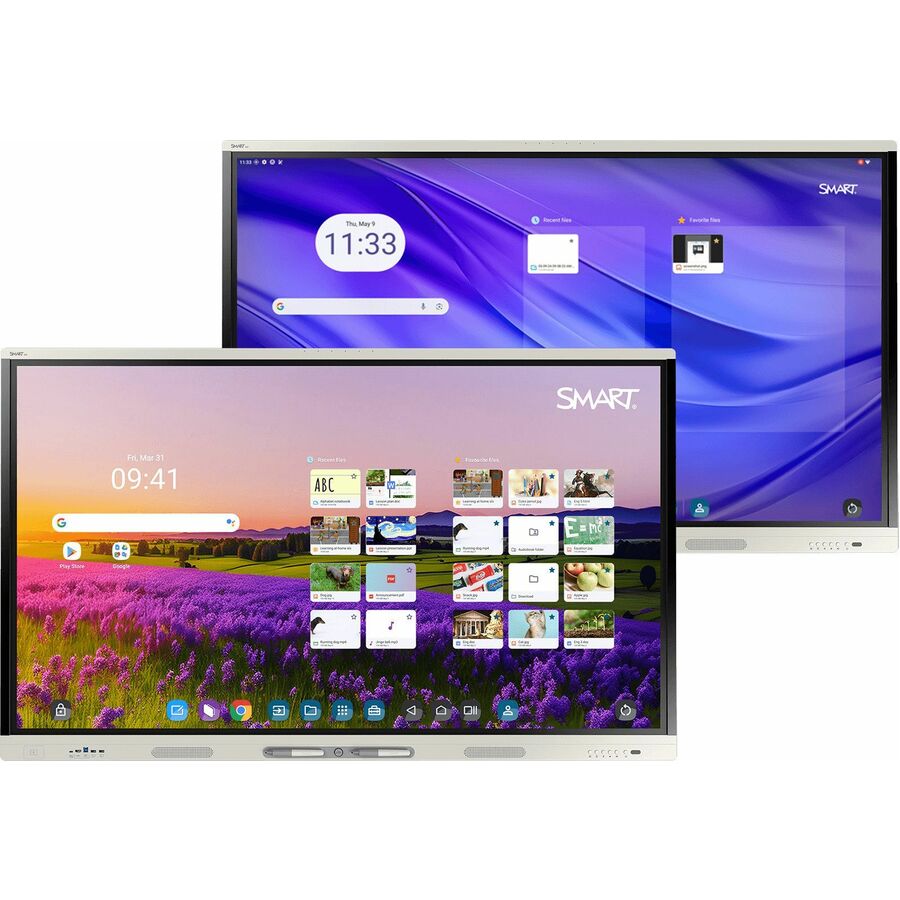
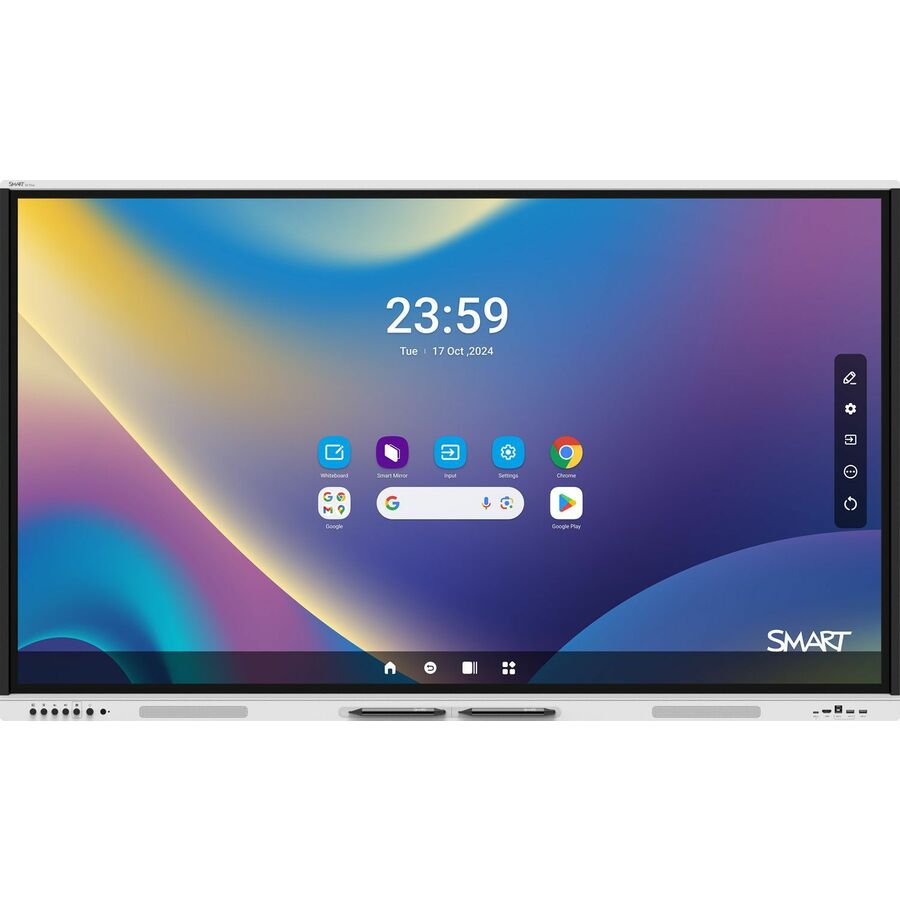
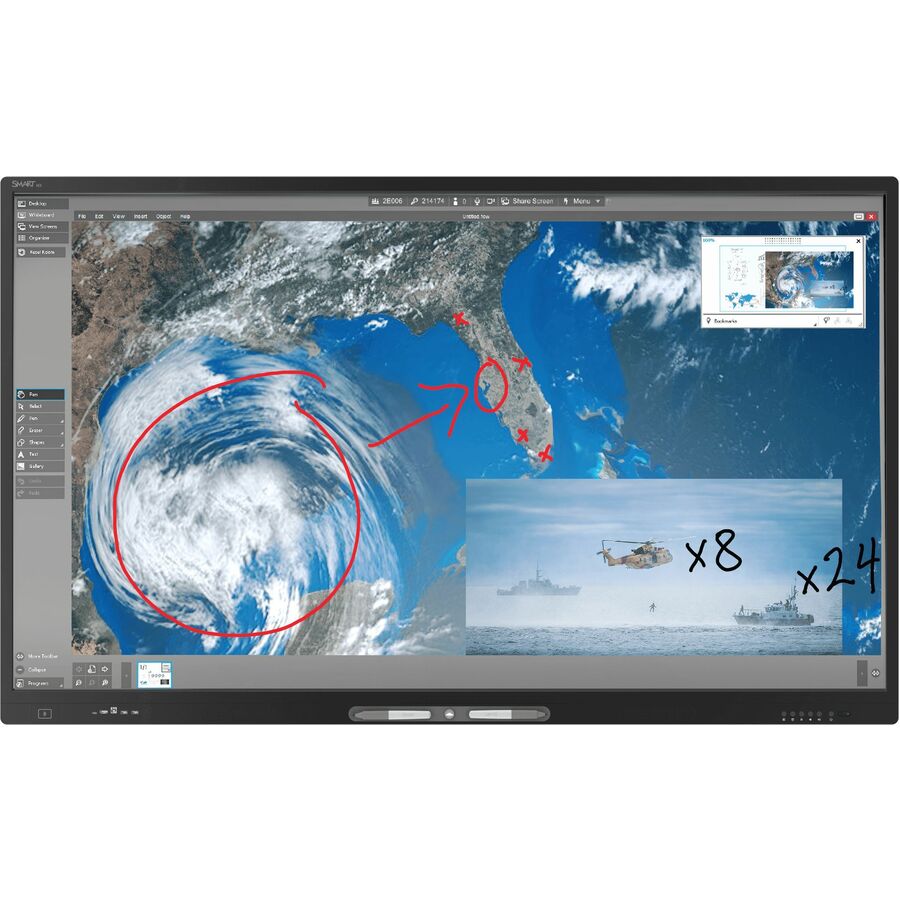
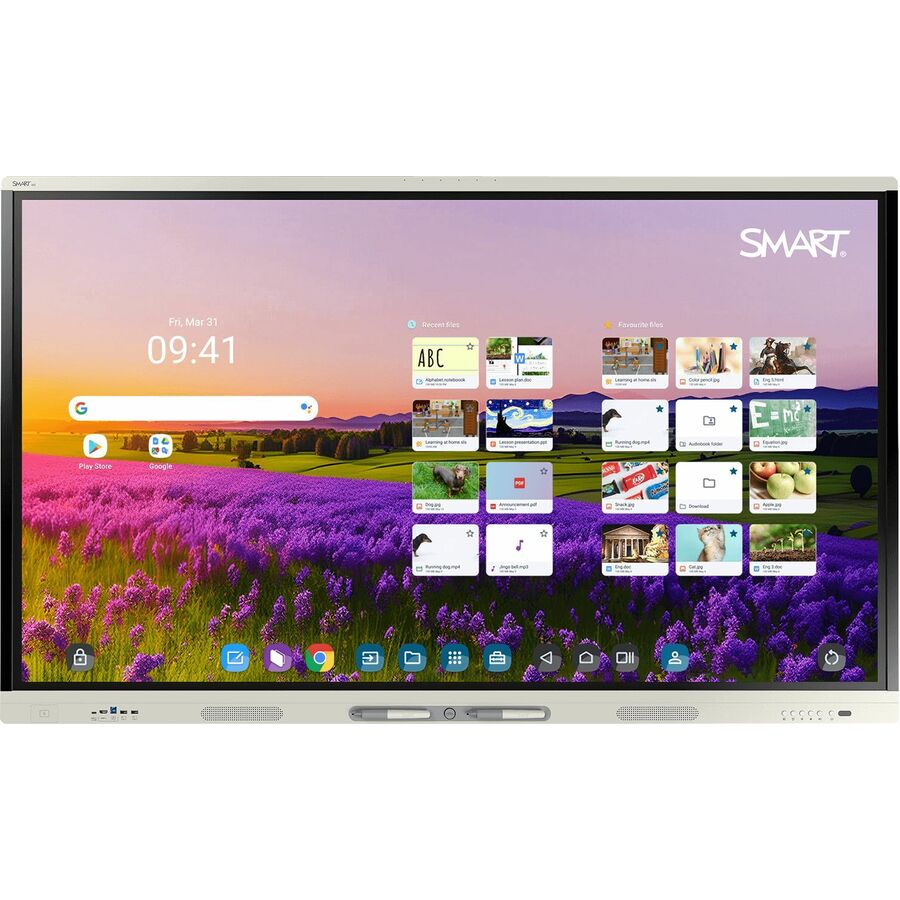
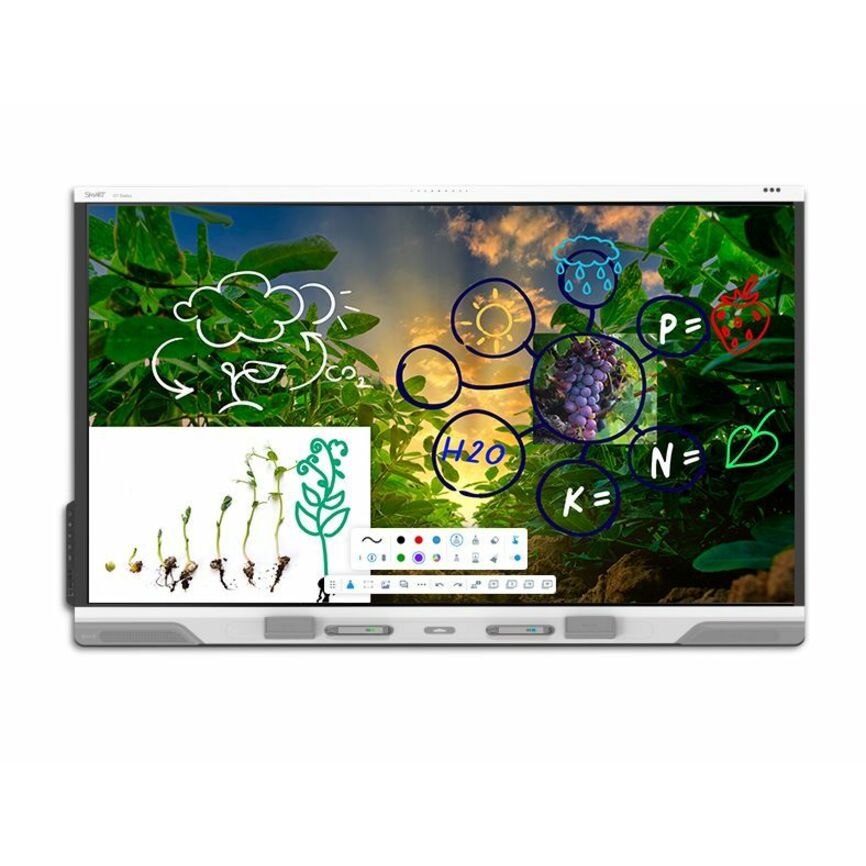
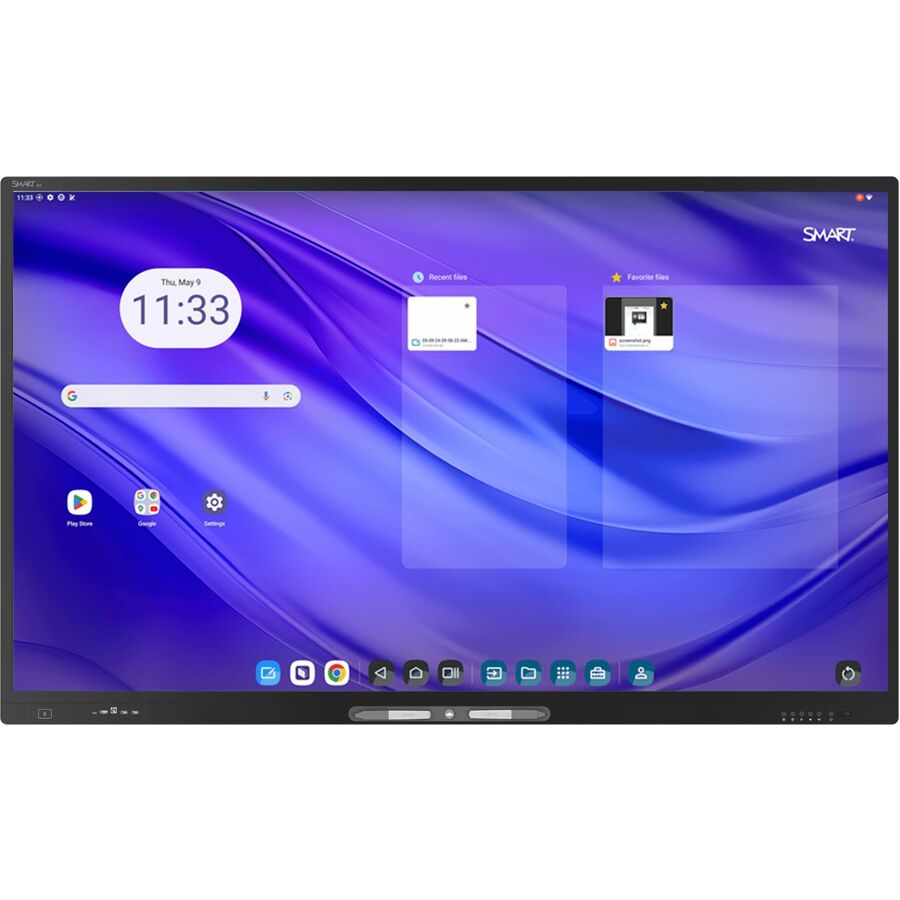
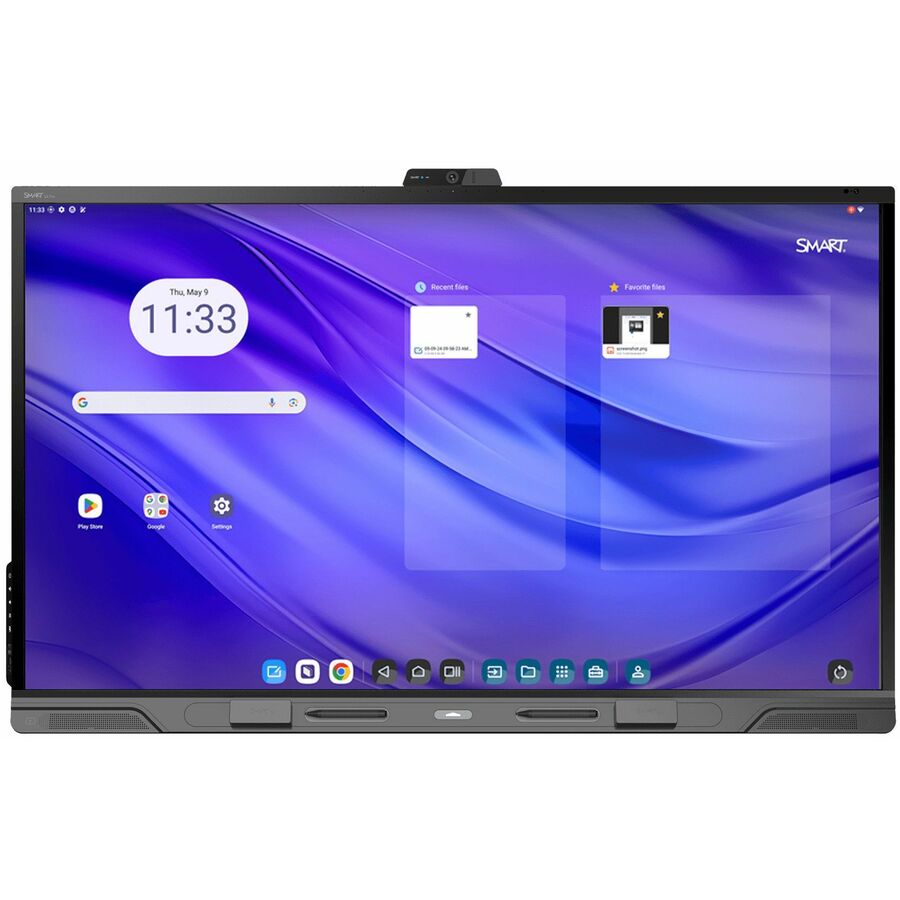
SMART Board MX065-V5 Collaboration Display
MX265-V5
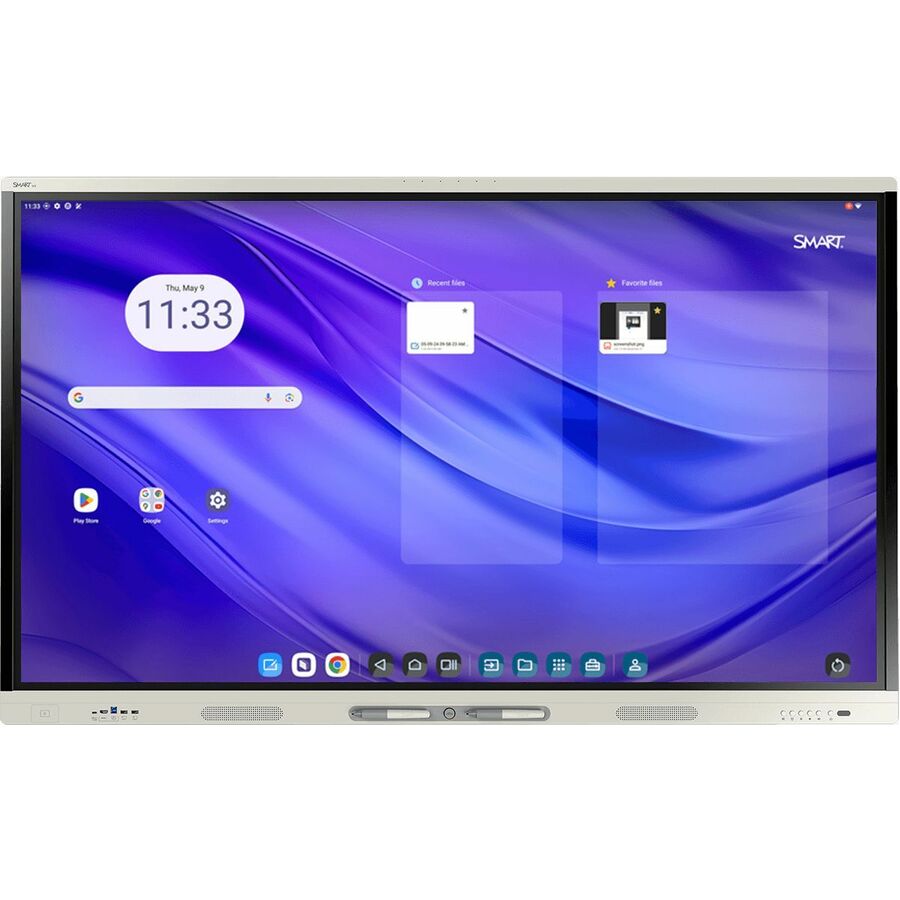
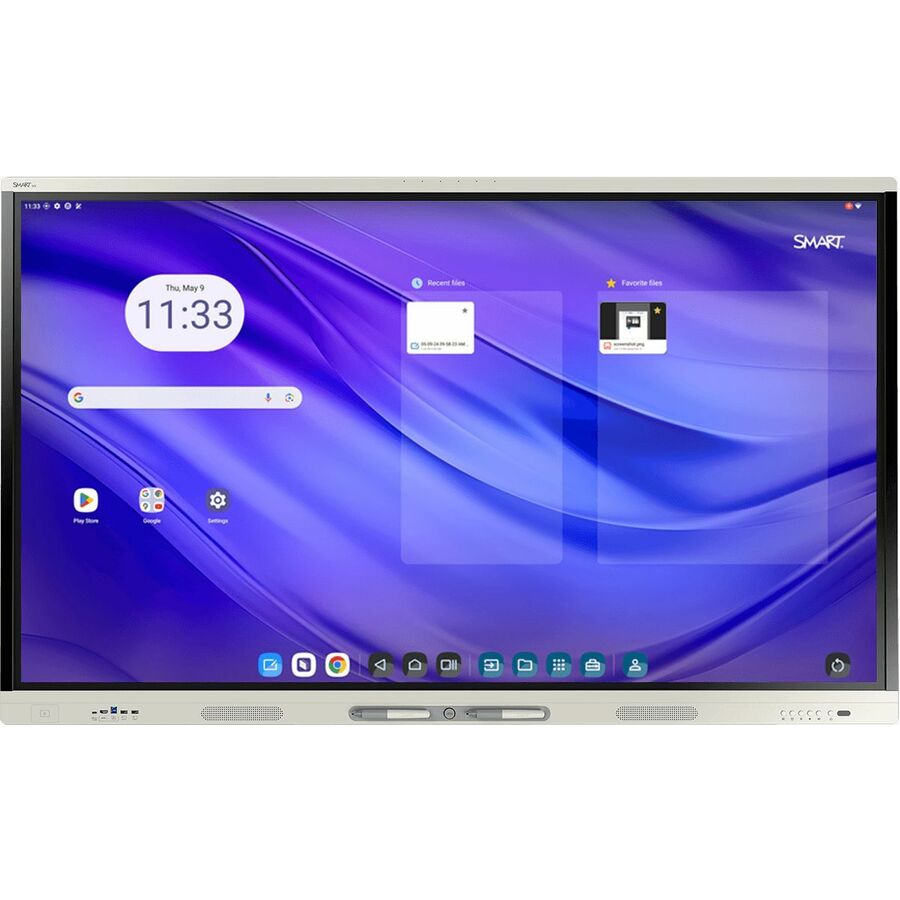
Sixty-five inches is where a standard classroom lands once you size from the farthest seat, and the MX series is the line SMART builds its HyPr Touch technology into at that size.
Budget the mount, the power and the cabling onto the same purchase order. SMART sells its OPS PC and Chromebox modules separately (the PCM13 and CB13 rows) — confirm the accessory slot against the exact panel part number before you specify one.
$3,074.25In stockMore interactive displays in the Uniqcli catalog
See all 209 interactive displaysMore SMART first — closest to what you were just looking at; “See all interactive displays” above opens every other brand in the category. In-stock lines lead, and a back-ordered line carries the same estimated availability its product page does — with live pricing throughout, NDAA §889 screening before checkout and TAA verified on request.
- SMART TechnologiesSMART Board RX286 Collaboration Display - SMART Board RX086 series interactive display with iQRX286
$8,605.00
$6,335.65
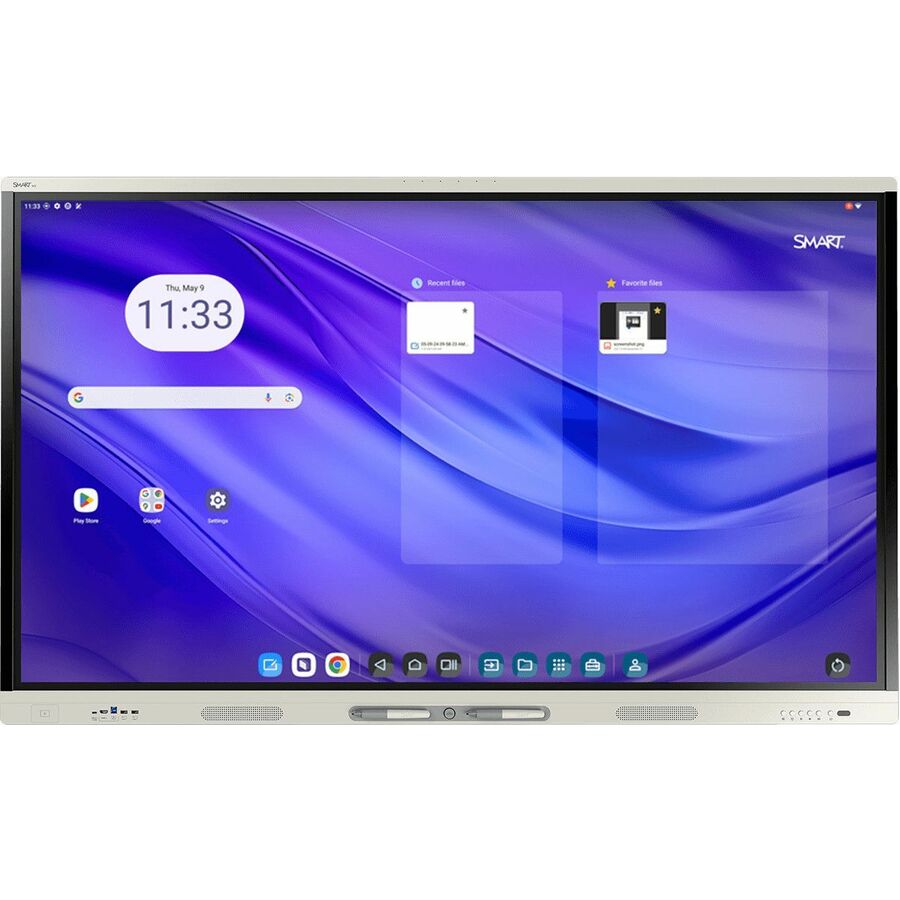
2 in stock - SMART TechnologiesSMART Board MX086-V5 Collaboration Display - 86" LCD - 8 GB DDR4 SDRAM - HyPr Touch Technology - Touchscreen - 16:9 Aspect Ratio - 3840 x 2160 - LED - 400 Nit - 2160p - USB - HDMI - VGA - Bluetooth - Android 13 - TAA CompliantMX586-V5-PW
$8,239.00
$6,208.95*
Back-orderedBack-ordered — estimated OEM lead time 3–8 weeks (Nov 16 – Dec 21 if ordered today).
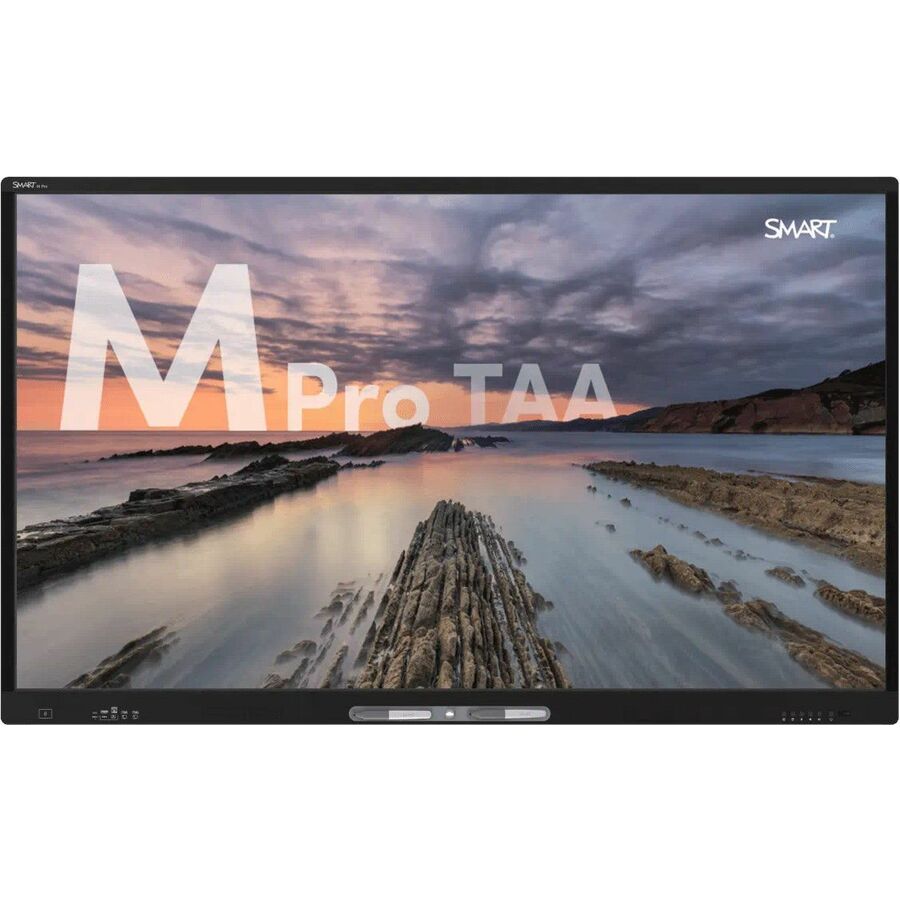
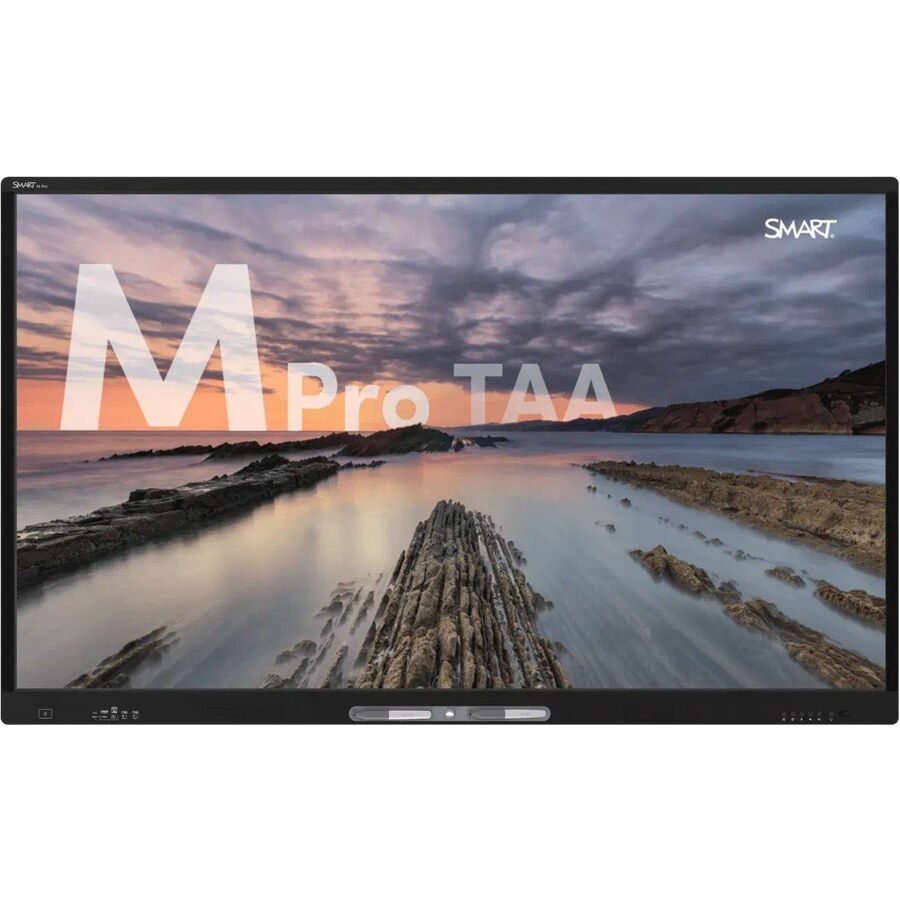
- SMART TechnologiesSMART Board M Pro M086-V5 Collaboration Display - 86" LCD - 8 GB DDR4 SDRAM - Infrared (IrDA) - Touchscreen - 16:9 Aspect Ratio - 3840 x 2160 - LED - 400 Nit - 2160p - USB - HDMI - VGA - Bluetooth - Android 13 - TAA CompliantM586-V5-P
$7,999.00
$6,027.99*
Back-orderedBack-ordered — estimated OEM lead time 3–8 weeks (Nov 16 – Dec 21 if ordered today).
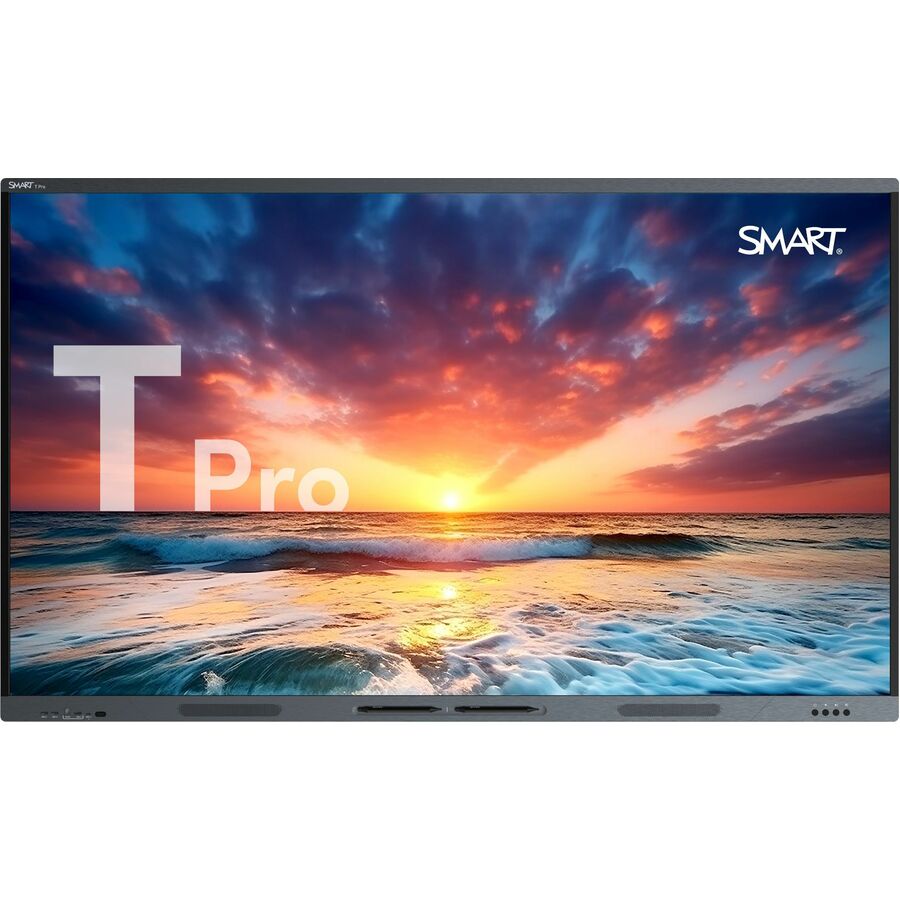
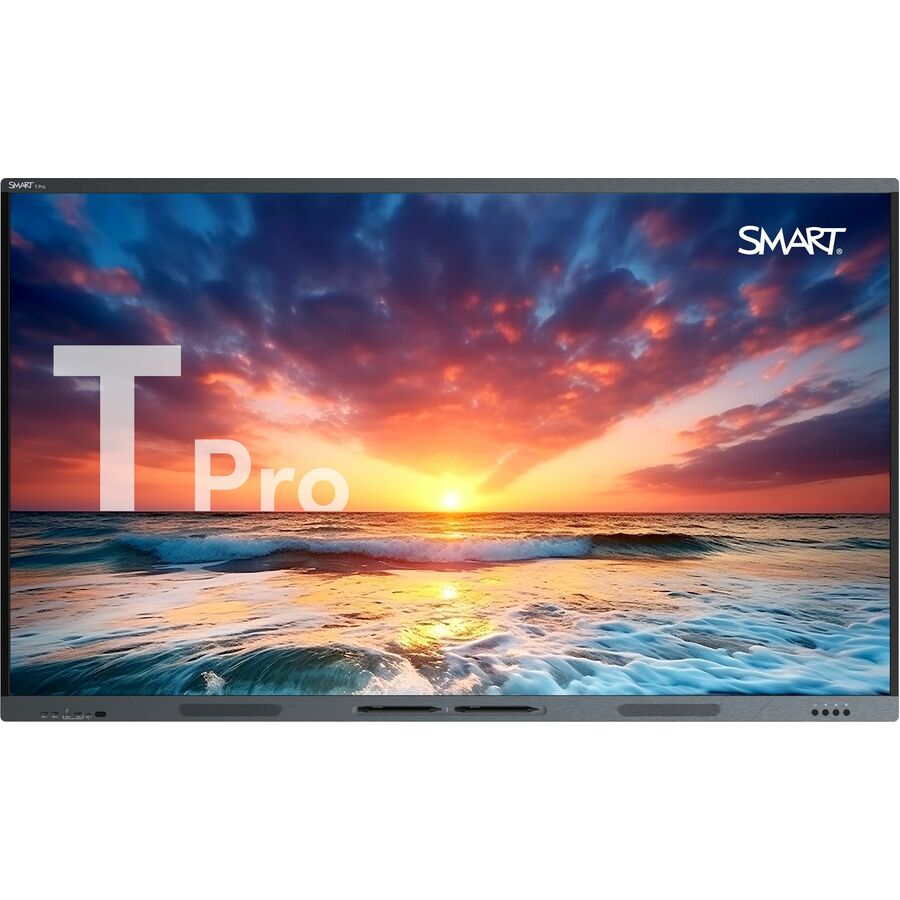
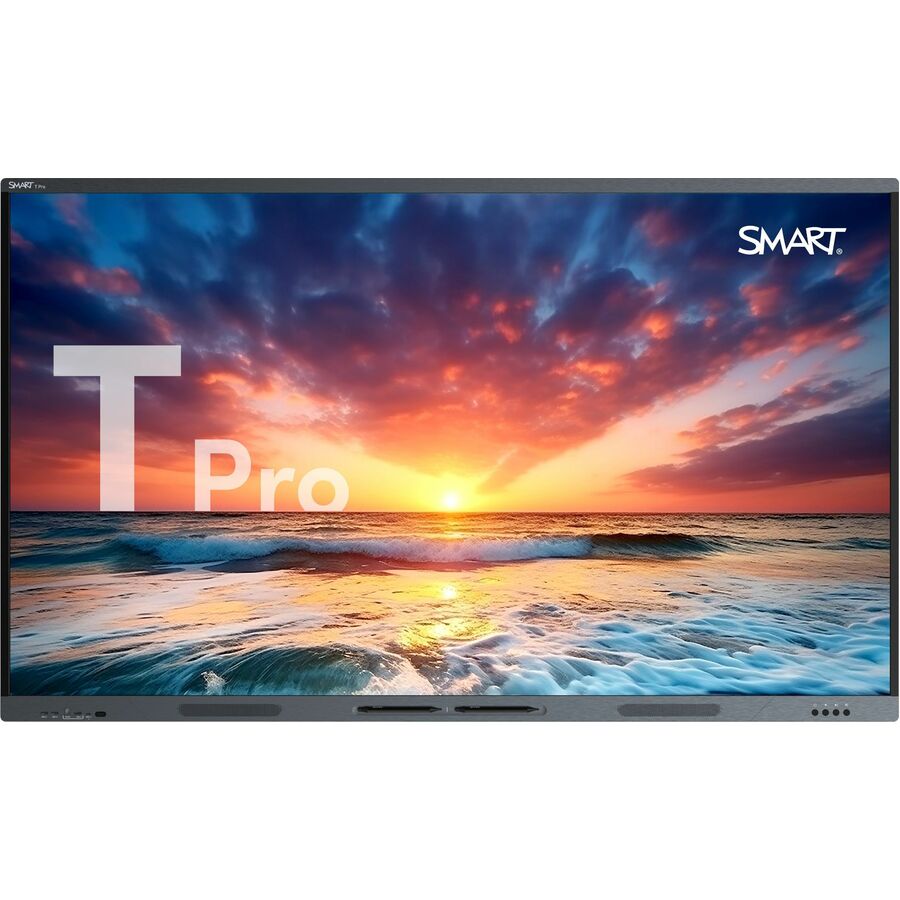
- SMART TechnologiesSMART Board T Pro series interactive displays - 86" - 86" QLED - HyPr Touch Technology - Touchscreen - 16:9 Aspect Ratio - 3840 x 2160 - 850 Nit - 2160p - USB - HDMIT086-P
$7,739.00
$5,768.35
Back-orderedBack-ordered — estimated OEM lead time 3–8 weeks (Nov 16 – Dec 21 if ordered today).
- SMART TechnologiesSMART Board MX055-V5 Collaboration Display - 55" LCD - 8 GB DDR4 SDRAM - HyPr Touch Technology - Touchscreen - 16:9 Aspect Ratio - 3840 x 2160 - LED - 300 Nit - 2160p - USB - HDMI - VGA - Bluetooth - Android 13 - TAA CompliantMX555-V5-PW
$4,129.00
$2,424.57*
Back-orderedBack-ordered — estimated OEM lead time 3–8 weeks (Nov 16 – Dec 21 if ordered today).
- SMART TechnologiesSMART Board MX065-V5 Collaboration Display - 65" LCD - 8 GB DDR4 SDRAM - HyPr Touch Technology - Touchscreen - 16:9 Aspect Ratio - 3840 x 2160 - LED - 400 Nit - 2160p - USB - HDMI - VGA - Bluetooth - Android 13 - TAA CompliantMX565-V5-PW
$5,165.00
$3,539.17*
Back-orderedBack-ordered — estimated OEM lead time 3–8 weeks (Nov 16 – Dec 21 if ordered today).
- SMART TechnologiesSMART Board M075-V5 Pro Interactive Display, High Secure, TAA - 75" LCD - HyPr Touch Technology - Touchscreen - 16:9 Aspect Ratio - 3840 x 2160 - LED - 400 Nit - 2160p - USB - HDMI - VGA - TAA CompliantM475-V5-P
$6,199.00
$4,632.79*
Back-orderedBack-ordered — estimated OEM lead time 3–8 weeks (Nov 16 – Dec 21 if ordered today).
- SMART TechnologiesSMART Board MX075-V5 Collaboration Display - 75" LCD - 8 GB DDR4 SDRAM - HyPr Touch Technology - Touchscreen - 16:9 Aspect Ratio - 3840 x 2160 - LED - 400 Nit - 2160p - USB - HDMI - VGA - Bluetooth - Android 13 - TAA CompliantMX575-V5-PW
$6,199.00
$4,632.79*
Back-orderedBack-ordered — estimated OEM lead time 3–8 weeks (Nov 16 – Dec 21 if ordered today).
- SMART TechnologiesSMART Board T Pro series interactive displays - 75" - 75" QLED - HyPr Touch Technology - Touchscreen - 16:9 Aspect Ratio - 3840 x 2160 - 850 Nit - 2160p - USB - HDMIT075-P
$5,705.00
$4,194.81
Back-orderedBack-ordered — estimated OEM lead time 3–8 weeks (Nov 16 – Dec 21 if ordered today).
- SMART TechnologiesSMART Board T Pro series interactive displays - 65" - 65" QLED - HyPr Touch Technology - Touchscreen - 16:9 Aspect Ratio - 3840 x 2160 - 850 Nit - 2160p - USB - HDMIT065-P
$4,655.00
$3,145.78
Back-orderedBack-ordered — estimated OEM lead time 3–8 weeks (Nov 16 – Dec 21 if ordered today).
- SMART TechnologiesSMART Board SMART Board MX055-V5 Pro Interactive Display With IQ - 55" LCD - 8 GB DDR4 SDRAM - HyPr Touch Technology - Touchscreen - 16:9 Aspect Ratio - 3840 x 2160 - LED - 300 Nit - 2160p - USB - HDMI - VGA - Bluetooth - Android 13MX255-V5-PW
$3,629.00
$2,130.85
Back-orderedBack-ordered — estimated OEM lead time 3–8 weeks (Nov 16 – Dec 21 if ordered today).
- SMART TechnologiesSMART Board MX065-V5 Pro Interactive Display With IQ - 65" LCD - 8 GB DDR4 SDRAM - 576 GB HDD - HyPr Touch Technology - Touchscreen - 16:9 Aspect Ratio - 3840 x 2160 - LED - 400 Nit - 2160p - USB - HDMI - VGA - Bluetooth - Android 13MX265-V5-PW
$4,655.00
$3,198.23
Back-orderedBack-ordered — estimated OEM lead time 3–8 weeks (Nov 16 – Dec 21 if ordered today).
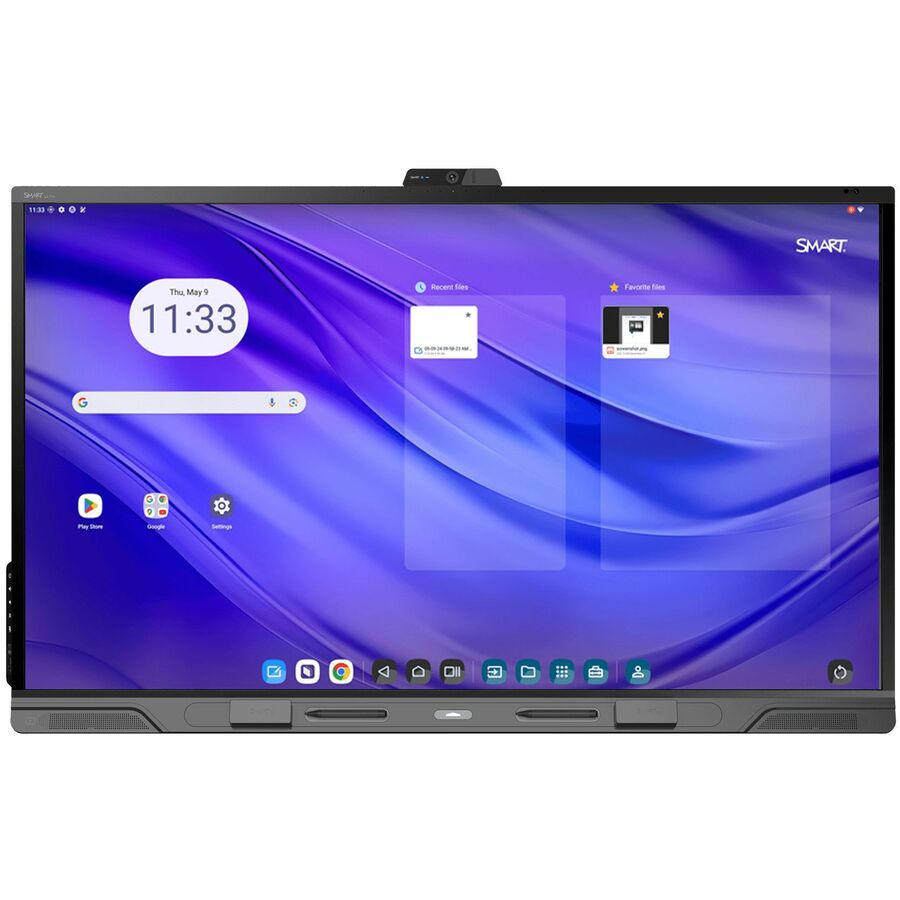
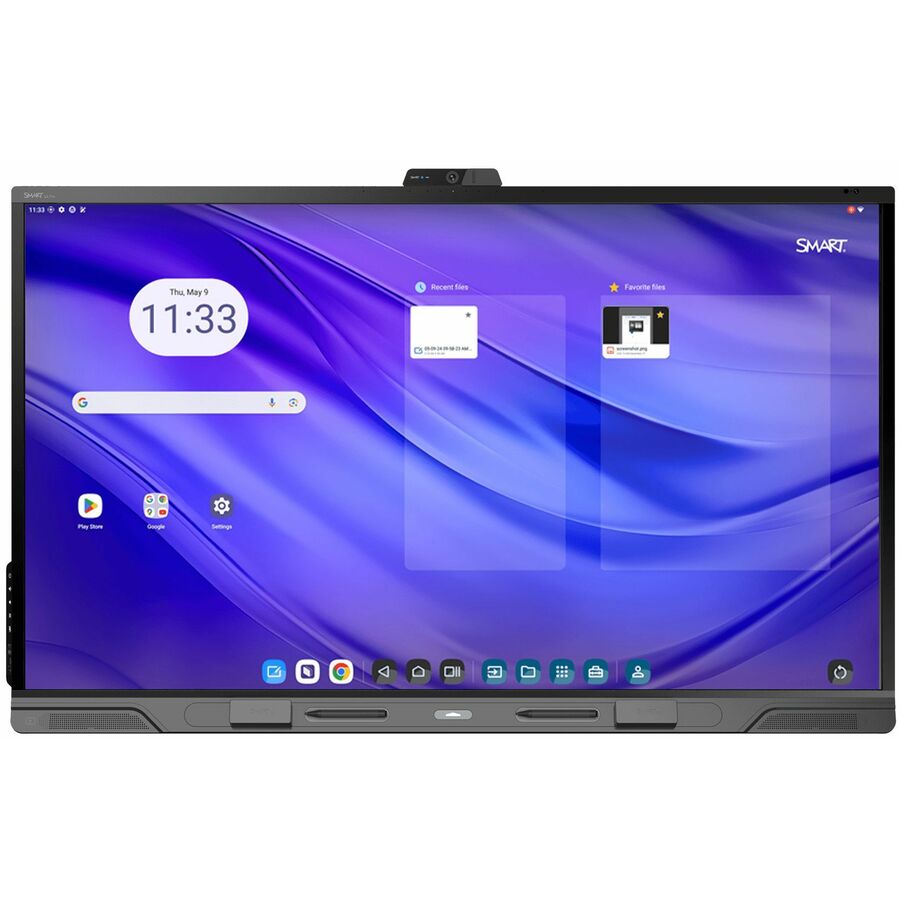
- SMART TechnologiesSMART Board QX065-V2 Pro Interactive Display with iQ - 65" LCD - 8 GB DDR4 SDRAM - HyPr Touch Technology - Touchscreen - 16:9 Aspect Ratio - 3840 x 2160 - LED - 490 Nit - 2160p - USB - HDMI - VGA - Bluetooth - Android 13QX265-V2-P
$6,225.00
$5,203.20
Back-orderedBack-ordered — estimated OEM lead time 3–8 weeks (Nov 16 – Dec 21 if ordered today).
- SMART TechnologiesSMART Board GX065-V4 Plus Interactive Display with Embedded OS (GMS) - 65" LCD - 8 GB DDR4 SDRAM - Advanced Infrared - Touchscreen - 16:9 Aspect Ratio - 3840 x 2160 - LED - 400 Nit - 1,200:1 Contrast Ratio - 2160p - USB - HDMI - VGA - Bluetooth - Android 14GX165N-V4
$2,369.00
$1,716.11
Back-orderedBack-ordered — estimated OEM lead time 3–8 weeks (Nov 16 – Dec 21 if ordered today).
- SMART TechnologiesSMART Board QX086-V2 Pro Interactive Display with iQ - 86" LCD - 8 GB DDR4 SDRAM - HyPr Touch Technology - Touchscreen - 16:9 Aspect Ratio - 3840 x 2160 - LED - 490 Nit - 2160p - USB - HDMI - VGA - Bluetooth - Android 13QX286-V2-P
$7,761.51
Back-orderedBack-ordered — estimated OEM lead time 3–8 weeks (Nov 16 – Dec 21 if ordered today).
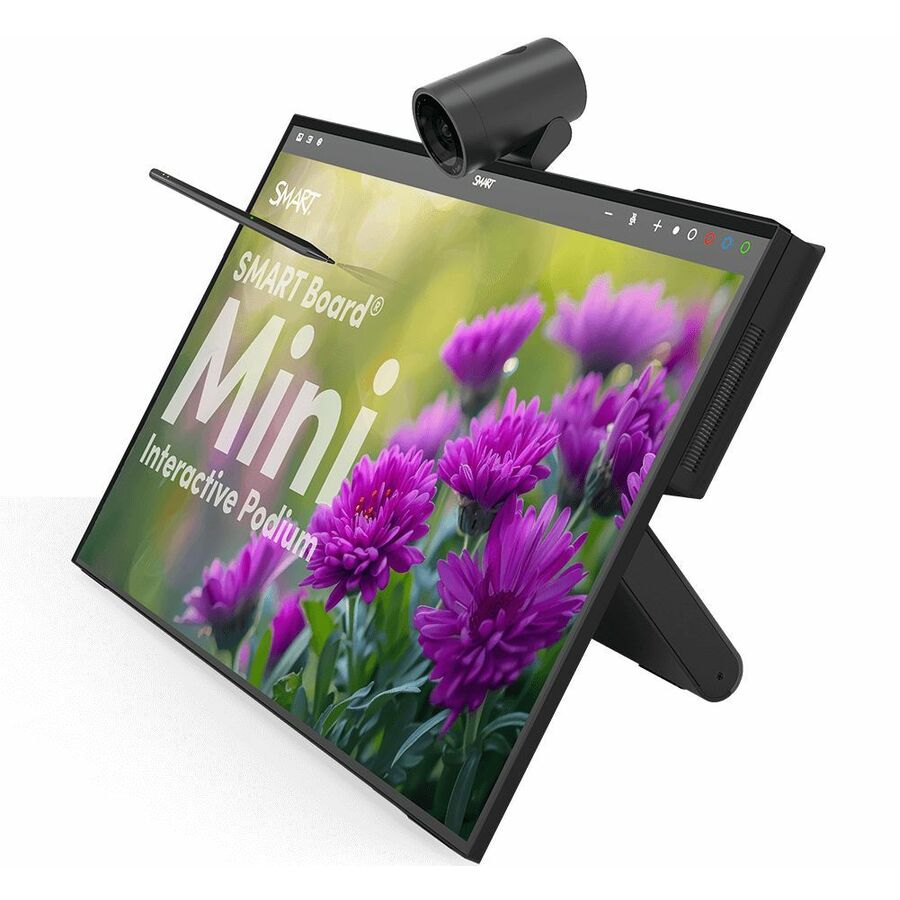
- SMART TechnologiesSMART Board Mini 727, Interactive Podium - 27" LCD - Projected Capacitive - Touchscreen - 16:9 Aspect Ratio - 3840 x 2160 - LED - 400 Nit - 2160p - USB - HDMISIP-727
$2,063.96
Back-orderedBack-ordered — estimated OEM lead time 3–8 weeks (Nov 16 – Dec 21 if ordered today).
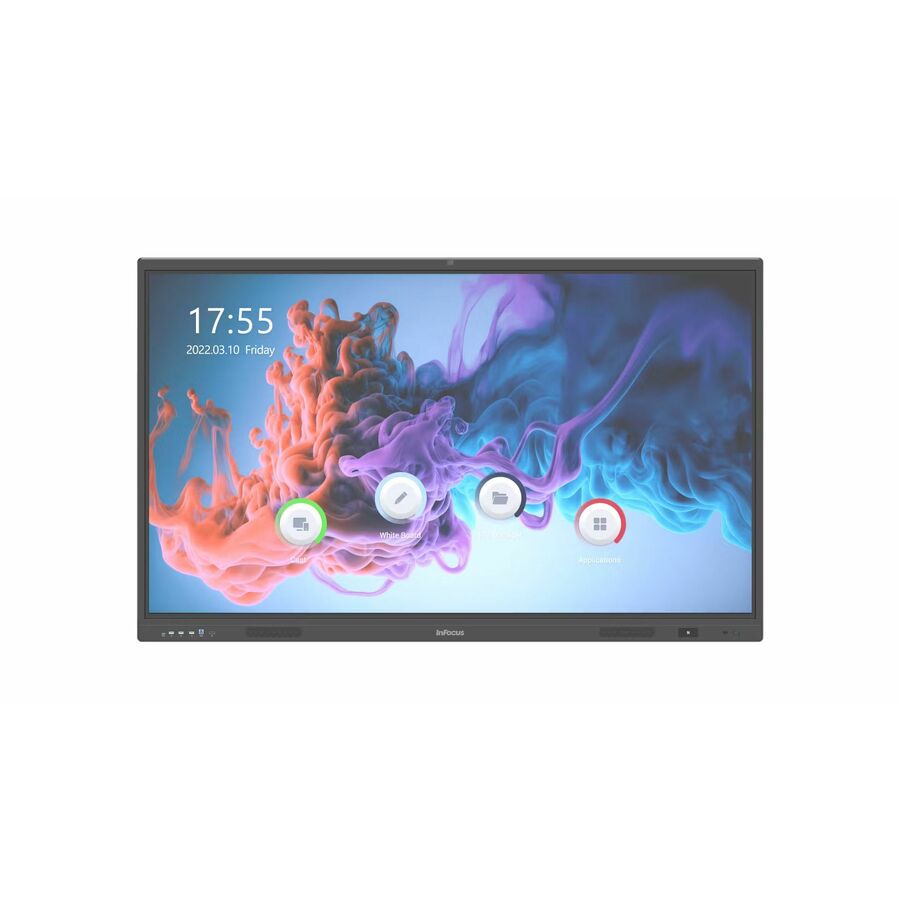
- Maxnerva Technology ServicesInFocus JTouch IN7513 Collaboration Display - 75" LCD Cortex A76 + A55 - 8 GB DDR4 SDRAM - Infrared (IrDA) - Touchscreen - 16:9 Aspect Ratio - 3840 x 2160 - Direct LED - 450 Nit - 1,200:1, 5,000:1 Contrast Ratio - 2160p - USB - HDMI - VGA - Bluetooth - Android 13IN7513
$3,582.00
$2,547.31
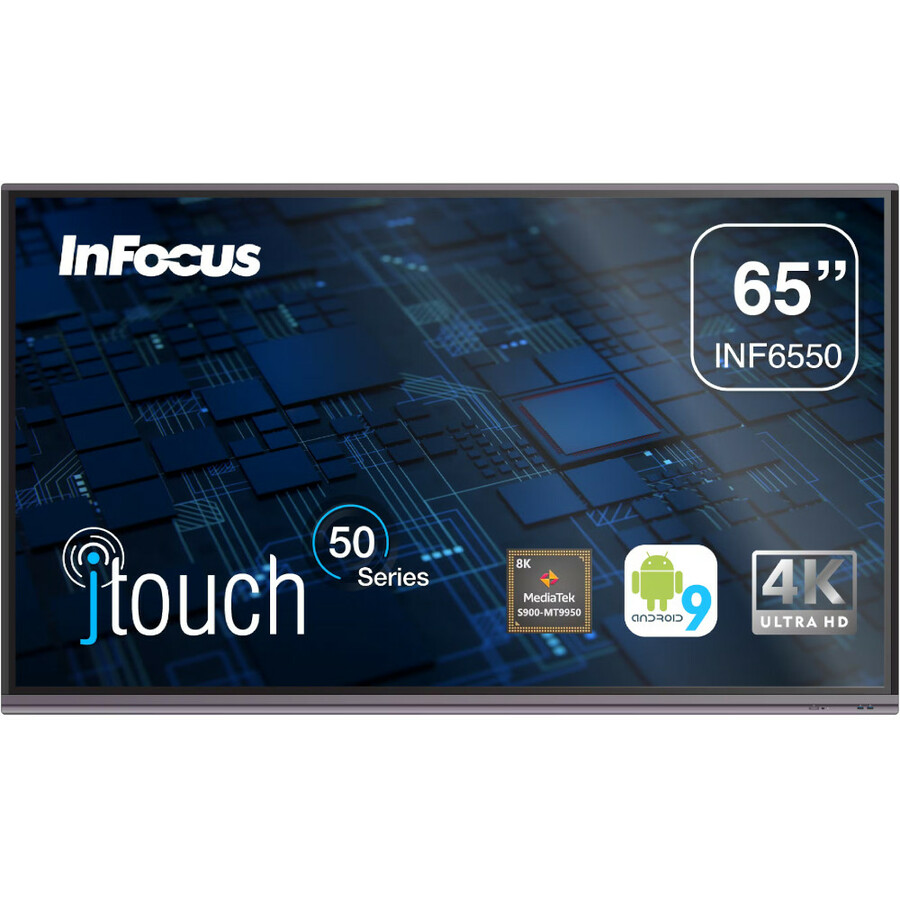
15 in stock - Maxnerva Technology ServicesInFocus JTouch INF6550 Collaboration Display - 65" LCD Cortex A73 1.80 GHz - 4 GB - Infrared (IrDA) - Touchscreen - 16:9 Aspect Ratio - 3840 x 2160 - Direct LED - 450 Nit - 1,200:1, 5,000:1 Contrast Ratio - 2160p - USB - HDMI - VGA - Bluetooth - Android 9.0 PieINF6550
$3,109.00
$2,255.46
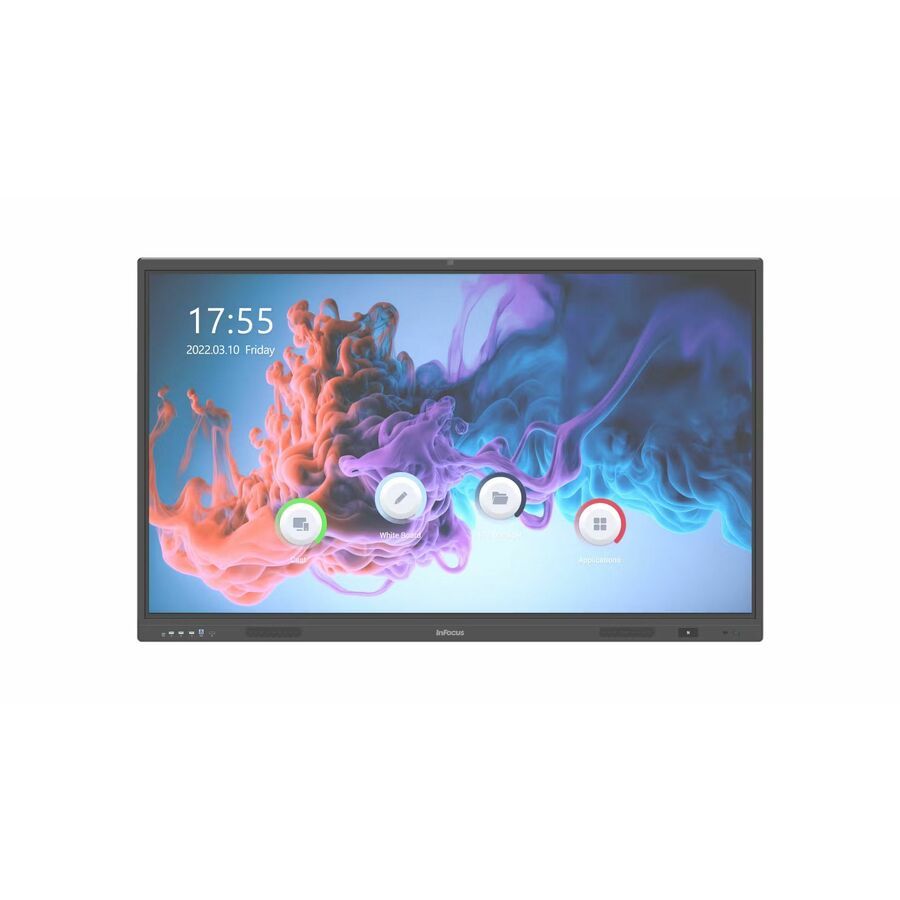
14 in stock - Maxnerva Technology ServicesInFocus JTouch IN6513 Collaboration Display - 65" LCD Cortex A76 + A55 - 8 GB DDR4 SDRAM - Infrared (IrDA) - Touchscreen - 16:9 Aspect Ratio - 3840 x 2160 - Direct LED - 450 Nit - 1,200:1, 5,000:1 Contrast Ratio - 2160p - USB - HDMI - VGA - Bluetooth - Android 13IN6513
$2,437.00
$1,768.61
66 in stock



Need pricing on SMART interactive displays?
Tell us where to reach you and a Uniqcli specialist will follow up by email with current pricing, availability and lead time for the quantities you need — including parts that aren’t shown on this page.
Buying for an organization or for yourself — both work. No payment up front.
Interactive panels are the longest-lived thing a district buys for a classroom. A Chromebook fleet turns over every four or five years; a panel installed this summer will still be on that wall when the students who first used it have graduated. That changes how the purchase should be evaluated — the questions that matter are room fit, what the compute inside it will be in year six, and what else has to be on the same purchase order to make it work on day one.
SMART is the deepest interactive-display bench in our catalog and it spans four families that are genuinely different, not just differently priced. The M and M Pro series are the value-oriented panels, several of them carrying vendor designations for TAA country of origin and a high-secure configuration. The MX series adds SMART's HyPr Touch technology across 55-, 65-, 75- and 86-inch sizes. The RX series is the current mainstream collaboration display with iQ embedded compute. At the top, the QX Pro series pairs HyPr Touch with Advanced IR against an embedded Android appliance and an OPS slot for a full slot-in PC.
The grid below is pulled live and sorts in-stock units first. That ordering matters more here than on almost any other page in our catalog, because interactive panels are frequently ordered rather than stocked, and a district planning a July or August install has a hard, unforgiving window. Seeing which panels are on a shelf today, before the specification is written, is the difference between an install that finishes before the first bell and one that does not.
Buyer's checklist
How to specify an interactive display for a classroom
- Size the panel from the farthest seat, not from the budget. AVIXA's V202.01 display-image-size standard, known as DISCAS, sets out calculations for two viewing needs — basic decision making and analytical decision making — and the commonly cited rule of thumb for teaching and presentation spaces is that the farthest viewer should sit no more than six times the image height from the screen. Measure the room, then pick the size.
- Decide the compute question deliberately: embedded appliance, slot-in OPS module, or both. SMART's iQ appliance runs an embedded Android environment; the QX Pro series additionally carries a single OPS accessory slot for a PC module. Which one you standardize on determines what refreshing a room costs in year six.
- Confirm OPS compatibility before you assume it. SMART's own documentation notes that its PCM modules are supported and that third-party OPS compatibility may vary. If you intend to reuse existing modules or buy them separately, get that confirmed against the exact panel model rather than against the standard.
- Budget the mount, the power and the cabling on the same purchase order as the panel. A wall mount rated for the panel's weight, a receptacle behind it, and the HDMI or USB-C runs from the teaching position are not accessories — they are the difference between a delivered panel and a working classroom.
- Decide wall-mount versus mobile stand per room, and decide it before ordering. A mobile stand is the right answer for spaces that change function or where wall construction is a problem; it also changes the accessory line, the footprint and the cable management approach entirely.
- Account for removing what is already there. Legacy projector-and-board installations have to come down, and the ceiling mount, the conduit and often the electrical drop have to be dealt with. Districts routinely forget this line and then discover it during a compressed summer window.
- Ask us to state on the quote exactly which software entitlements are included with a given panel. Bundled software varies by series and by current manufacturer program, and it is not something to infer from a product title.
- If your solicitation carries a country-of-origin requirement, name it and we will confirm the exact SKU. Several rows in the M Pro line carry a vendor TAA designation in the product record, and we screen every line for TAA country of origin and NDAA section 889 status before checkout — but the confirmation belongs on the quote, tied to the part number you are actually buying.
Size the panel from the room, not from the budget line
The most expensive mistake in classroom display procurement is buying one size smaller than the room needs, because it is invisible on the purchase order and permanent on the wall. AVIXA publishes a standard for exactly this problem — V202.01, Display Image Size for 2D Content in Audiovisual Systems, commonly called DISCAS — which defines the calculations that relate image size to viewing distance for two defined viewing needs, basic decision making and analytical decision making. The rule of thumb most often drawn from it for teaching and presentation spaces is that the farthest viewer should be no more than six times the image height from the screen.
Applied honestly, that arithmetic pushes most standard-depth K-12 classrooms toward 75- and 86-inch panels rather than 65-inch ones. A 65-inch panel is a genuinely good fit for small-group rooms, breakout spaces, intervention rooms and offices. In a full-size classroom with the back row eight or nine meters from the wall, it is a panel that the students who most need to see it cannot read.
Do the measurement before the specification, room by room, and write the sizes into the bid. It takes an afternoon with a tape measure and it is the single highest-leverage hour in the whole procurement, because everything downstream — mount rating, wall reinforcement, cable length, budget per room — follows from the number you land on.
Embedded compute or an OPS module: the decision that outlives the panel
Every panel on this page has some form of compute inside it. SMART's iQ appliance provides an embedded Android environment with whiteboarding, a browser and screen sharing, so a panel works out of the box with no attached PC. On the QX Pro series, SMART documents that environment as Android 11 with 8 GB of memory and 32 GB of onboard storage, alongside HyPr Touch with Advanced IR — a sub-five-millisecond touch response with tool differentiation and pen identification.
The alternative, or the addition, is a slot-in PC. SMART documents a single OPS accessory slot on the QX Pro series, following the Open Pluggable Specification, with support for its own PCM modules. The value of that slot is not what it does on day one; it is that in year six, when the embedded Android environment is no longer receiving what your security team wants it to receive, you can refresh a module for a fraction of the cost of a panel.
There is a real caveat and it is worth reading twice: SMART's documentation notes that third-party OPS compatibility may vary. Open Pluggable Specification is a physical and electrical standard, not a guarantee of interoperability with any given module. If your plan depends on reusing modules you already own or on sourcing them separately, get that validated against the exact panel model before it goes into a bid, not after.
The SMART lines, decoded
The M and M Pro series are the value tier and the place most large-volume classroom refreshes land. Several rows in the line carry vendor designations in the product record for a high-secure configuration and for TAA country of origin, which is why they show up in specifications that carry those requirements. If either designation is a hard requirement for you, name it and we will confirm it against the specific part number rather than the family.
The MX and MX Pro series sit in the middle, adding HyPr Touch across 55-, 65-, 75- and 86-inch panels with an embedded iQ appliance, 8 GB of memory and onboard storage. The RX series is the current mainstream collaboration display, also with iQ. In practice the choice between them is usually settled by availability and by what a district has already standardized on, because the classroom experience across the middle of the range is more similar than the model numbers suggest.
The QX Pro series is the top of the line and the one to specify where the panel is doing more than presenting — the OPS slot, the Advanced IR touch layer and the higher-specification appliance are aimed at rooms with heavier use. Worth knowing separately: the line also includes an interactive podium, a 27-inch projected-capacitive touch unit designed for the teaching position rather than the wall, which is a useful answer for lecture-style rooms and auditoria where the presenter needs a local surface.
What has to be on the same purchase order
A panel arriving on a loading dock is not a classroom. The lines that have to travel with it are a wall mount rated for that panel's weight and mounting pattern, or a mobile stand if the room calls for one; an electrical receptacle positioned behind the panel; the signal cabling from the teaching position; and the labor to install all of it. Where an old projector-and-board installation is being replaced, add the removal, the ceiling-mount extraction, and frequently an electrician.
Districts that quote the panel alone and handle the rest as facilities work usually discover the problem in the same week every year: the panels landed in June, the electrical work needs a scheduled outage, and the install window has collapsed to ten days. Putting the whole assembly on one purchase order, with one delivery schedule, is not a procurement nicety — it is how the rooms get finished.
Send us the room list with sizes, mount type and whether power already exists at each location, and we will build the quote as a per-room bill of materials rather than a pile of panels. If you already have that list in a spreadsheet, send the spreadsheet; that is the fastest path to a number you can take to a board.
FAQ
Common questions
- What size interactive panel does a standard classroom need?
- Measure to the farthest seat and work back from there. AVIXA's V202.01 display-image-size standard, DISCAS, defines the calculations relating image size to viewing distance, and the commonly used rule of thumb for teaching spaces is that the farthest viewer should be no more than six times the image height from the screen. In practice that pushes most full-size classrooms to 75 or 86 inches and makes 65-inch panels a good fit for small-group and breakout rooms rather than for general instruction.
- Does a SMART Board need a computer connected to it?
- Not to function. These panels include SMART's iQ appliance, an embedded Android environment with whiteboarding, a browser and screen sharing, so a panel is usable with no attached PC. Many districts still connect a teaching workstation for curriculum software that only runs on Windows. The QX Pro series additionally carries an OPS slot so a slot-in PC module can live inside the panel rather than on a cart beside it.
- Can we put our own OPS module in one of these?
- Physically, the QX Pro series has a single OPS accessory slot following the Open Pluggable Specification. SMART's documentation supports its own PCM modules and notes that third-party OPS compatibility may vary, so a standard connector is not on its own a guarantee. If your plan depends on reusing modules you already own, tell us the exact module and the exact panel model and we will get that confirmed before it goes into a bid.
- Are these panels available with TAA country-of-origin documentation?
- Several rows in the M Pro line carry a vendor TAA designation in the product record, and every line we sell is screened for TAA country of origin and NDAA section 889 status before checkout. Because those designations attach to specific part numbers rather than to a product family, the right place to settle it is on the quote: name the requirement, and we will confirm it against the exact SKU you are buying.
- How far ahead should we order for a summer installation?
- Earlier than feels necessary. Interactive panels are large, freight-handled items that are frequently ordered rather than stocked, and a summer window has no slack in it. The grid on this page sorts in-stock units first precisely so you can see what is available before the specification is written. Send us the room list and the install dates and we will tell you honestly what can be delivered against them and what needs a different model to hit the date.
Need SMART interactive displays pricing?
Send a bill of materials or part numbers — we confirm stock and a below-market total, with TAA verified on request. No payment up front.