
Best LG CreateBoard Interactive Displays for Classrooms
CreateBoard Core, standard and Pro panels from 55 to 105 inches — the budget-realistic interactive tier.
LG CreateBoard displays in stock at Uniqcli
How to choose →A curated selection with live pricing — in-stock lines first, then back-ordered lines with a typical lead time. Every line is sourced through US distribution and screened for NDAA §889 status before checkout, with TAA verified on request.
- LG ElectronicsCreateBoard 55TR3DQ-B Collaboration Display - 55" LCD - ARM Cortex A73 + A53 - 8 GB - Touchscreen - 16:9 Aspect Ratio - 3840 x 2160 - Direct LED - 400 Nit - 5,000:1 Contrast Ratio - 2160p - USB - HDMI - VGA - Bluetooth - Android 1455TR3DQ-B
$2,167.00
$1,841.95
Back-orderedBack-ordered — estimated OEM lead time 3–8 weeks (Nov 12 – Dec 17 if ordered today).
- LG ElectronicsLG 65" Multi Touch TR3BQ CreateBoard Core - 65" - 16:9 Aspect Ratio - 3840 x 2160 - Direct LED - 350 Nit - 5,000:1 Contrast Ratio - USB - HDMI - Windows 10, Windows 8, Windows 7, ChromeOS, Linux, Mac OS X65TR3BQ-B
$2,250.00
$1,912.50
Back-orderedBack-ordered — estimated OEM lead time 3–8 weeks (Nov 12 – Dec 17 if ordered today).
- LG ElectronicsLG 86'' CreateBoard Pro Smart Board with Google Mobile Services and Built-in AI - 86" - 16:9 Aspect Ratio - 3840 x 2160 - Direct LED - 400 Nit - 4,000:1 Contrast Ratio - USB - HDMI - Bluetooth - Android 13, Windows 10, Windows 8, Windows 786TR3PN-B
$4,833.00
$4,108.05
Back-orderedBack-ordered — estimated OEM lead time 3–8 weeks (Nov 12 – Dec 17 if ordered today).
- LG ElectronicsLG CreateBoard 98TR3DK-B Collaboration Display - LCD - ARM Cortex A73 - 4 GB - Infrared (IrDA) - Touchscreen - 16:9 Aspect Ratio - 3840 x 2160 - 390 Nit - 50,000:1 Contrast Ratio - 2160p - USB - HDMI - VGA - Bluetooth - Android, Android 9.0 Pie, Linux, Windows 10, Windows 7, Windows 8, Windows XP98TR3DK-B
$10,833.00
$9,208.05
Back-orderedBack-ordered — estimated OEM lead time 3–8 weeks (Nov 12 – Dec 17 if ordered today).
- LG ElectronicsLG 105TR5WP-B Interactive Digital Board - 105" - 16:9 Aspect Ratio - 5120 x 2160 - Direct LED - 400 Nit - 4,000:1 Contrast Ratio - USB - HDMI - Bluetooth - Android 13, Windows 10, Windows 8, Windows 7, ChromeOS, Linux, Mac OS X105TR5WP-B
$16,667.00
$14,166.95
Back-orderedBack-ordered — estimated OEM lead time 3–8 weeks (Nov 12 – Dec 17 if ordered today).
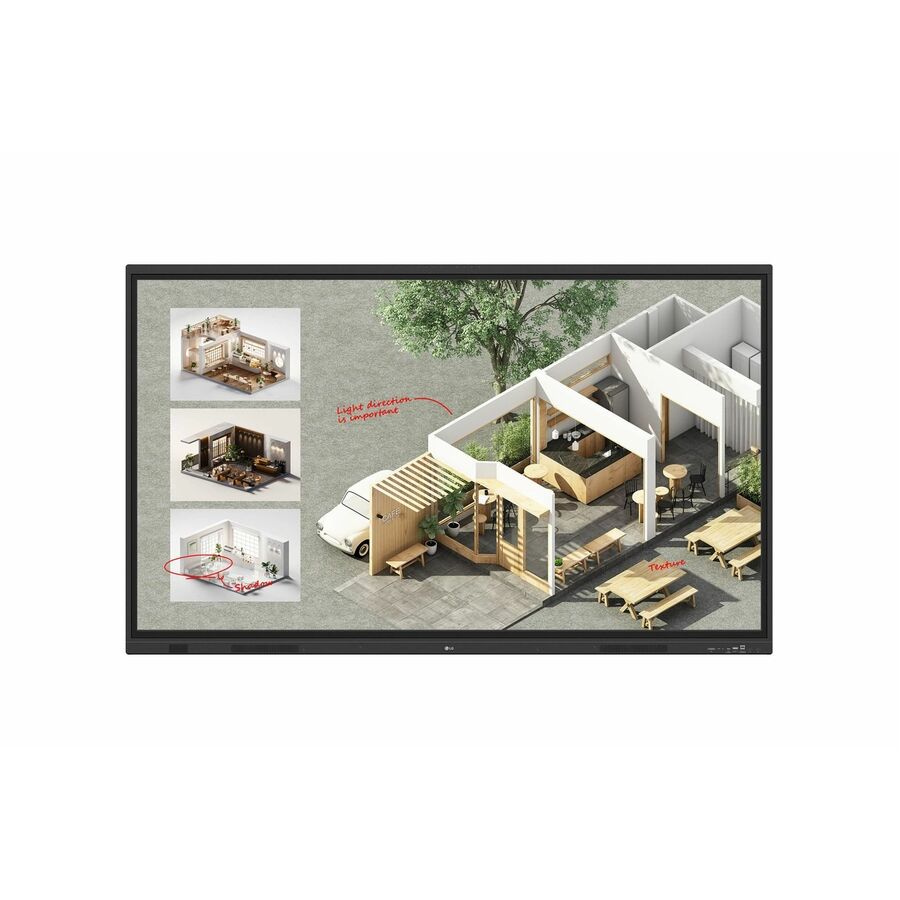

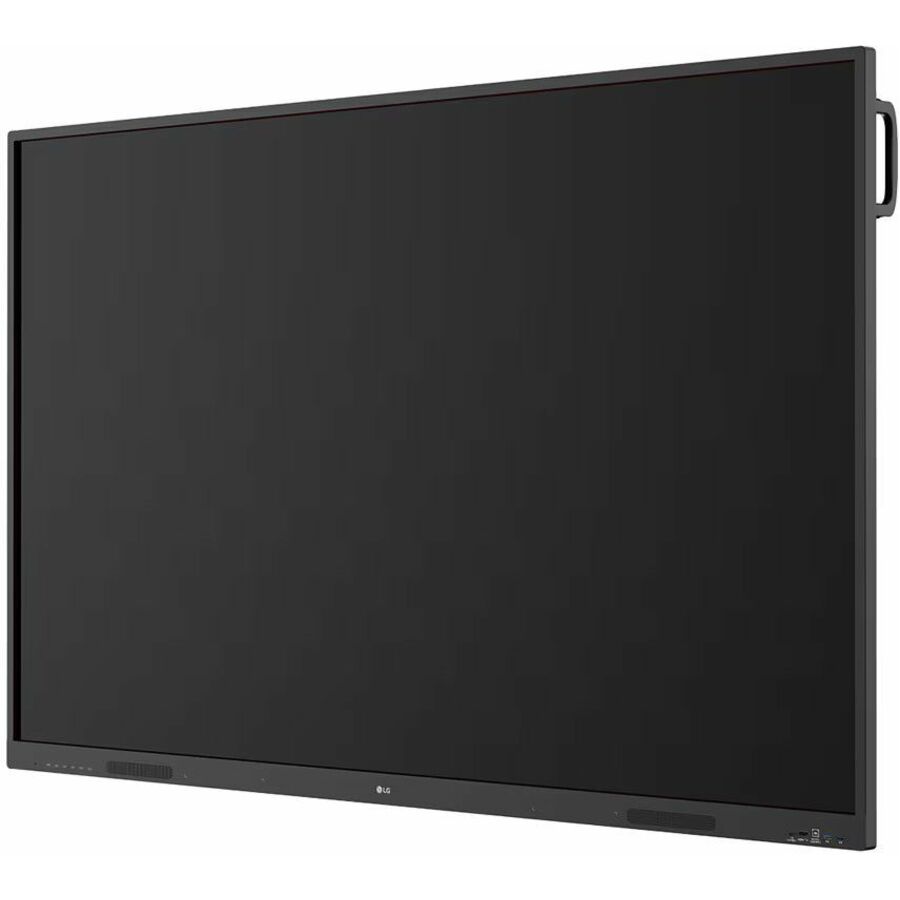
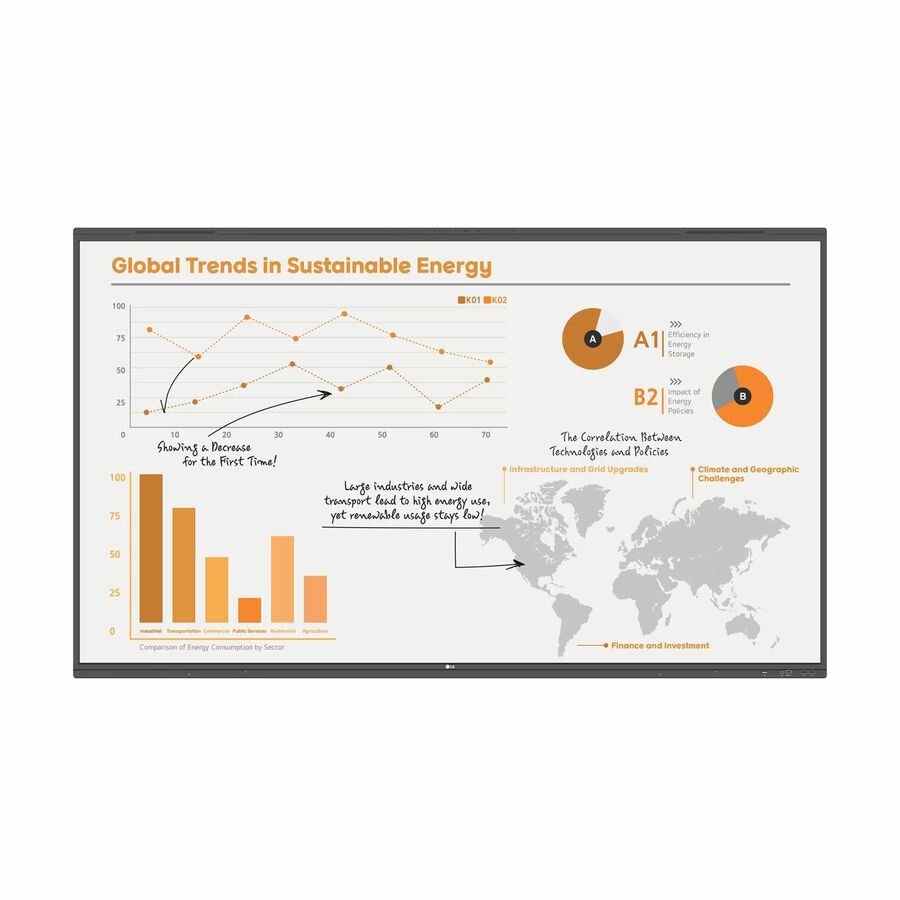
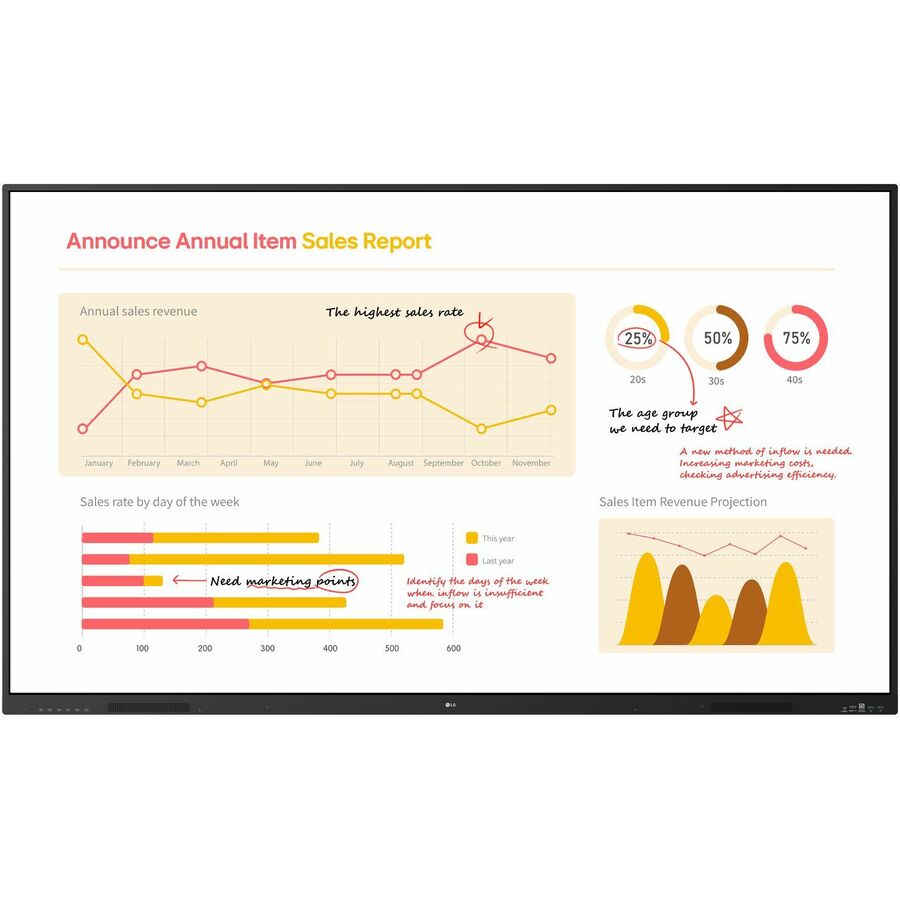
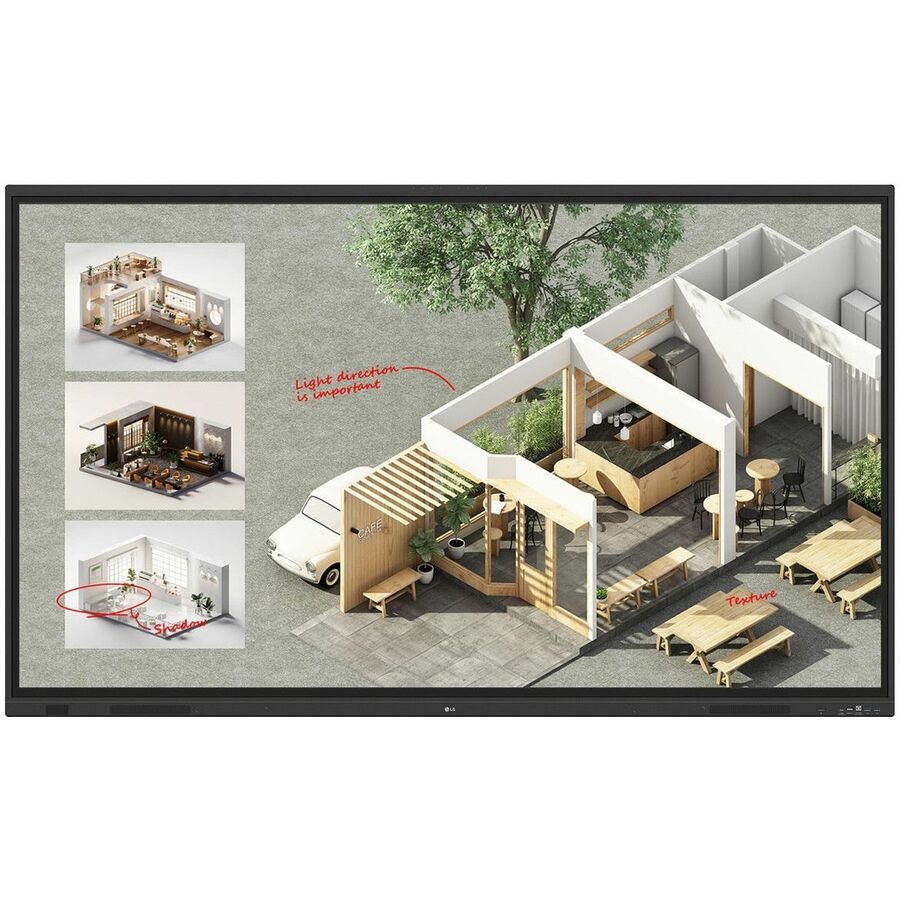
Top pick
LG Electronics
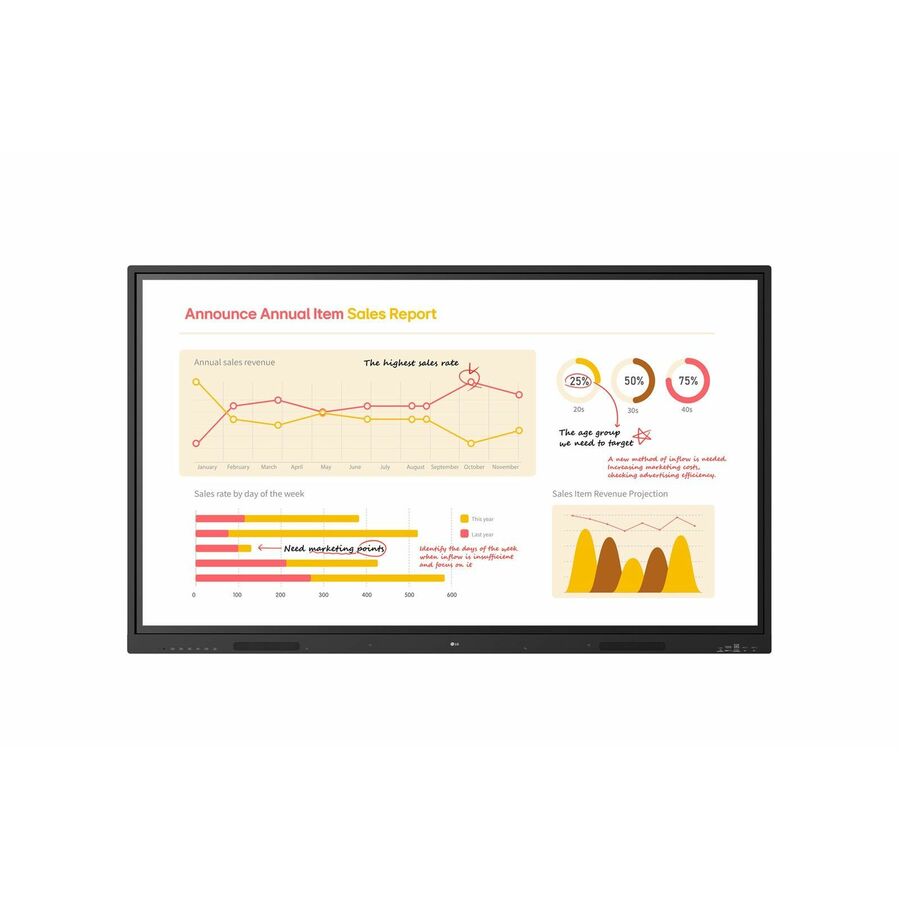
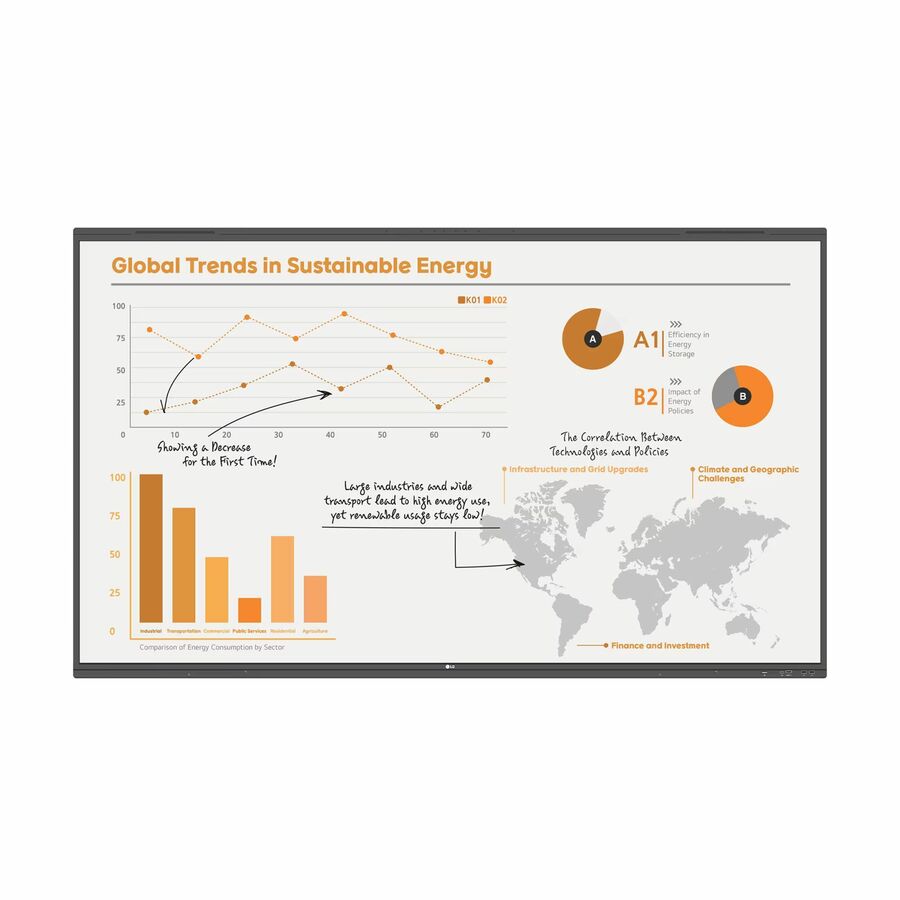
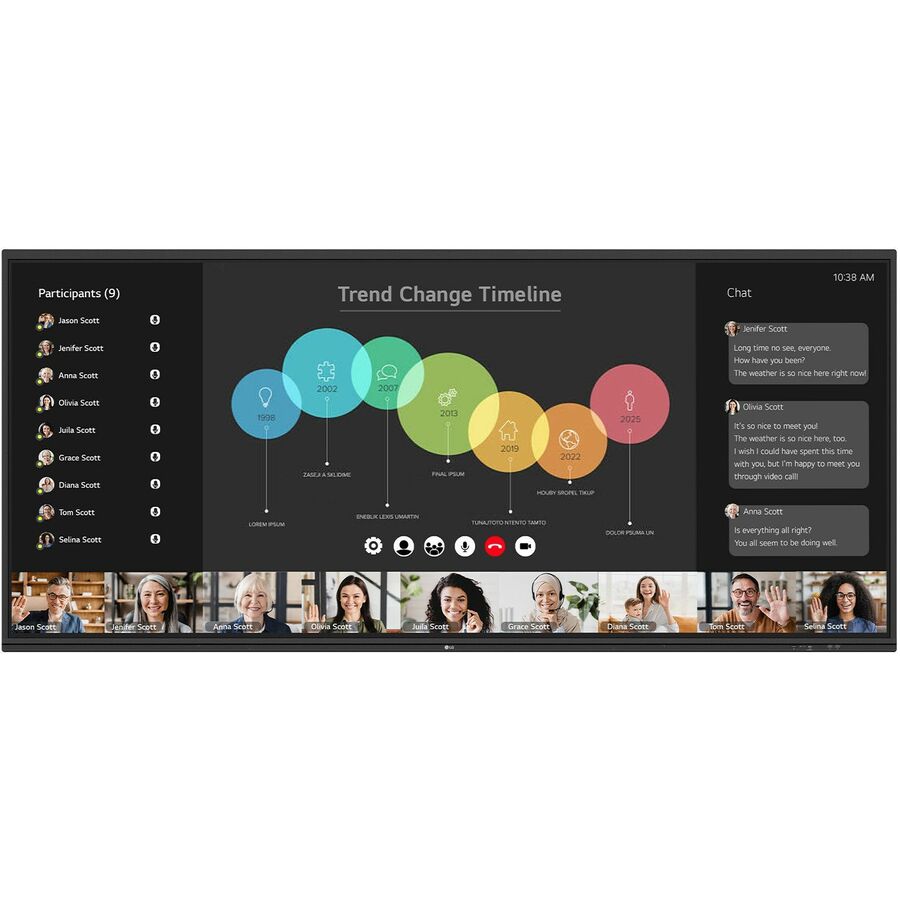
CreateBoard 75TR3DQ-B Collaboration Display
75TR3DQ-B
Seventy-five inches is where most full-size classrooms land once the sightline is measured rather than guessed, and the standard CreateBoard tier gives you the more capable embedded appliance without stepping the whole building up to Pro.
Google Workspace access is not the reason to step up: LG records both CreateBoard tiers as Google-certified EDLA panels with Play Store access. Pro buys the AI-optimized processor and the upgraded touch hardware instead.
$2,975.00In stockMore interactive displays in the Uniqcli catalog
See all 209 interactive displaysMore LG first — closest to what you were just looking at; “See all interactive displays” above opens every other brand in the category. In-stock lines lead, and a back-ordered line carries the same estimated availability its product page does — with live pricing throughout, NDAA §889 screening before checkout and TAA verified on request.
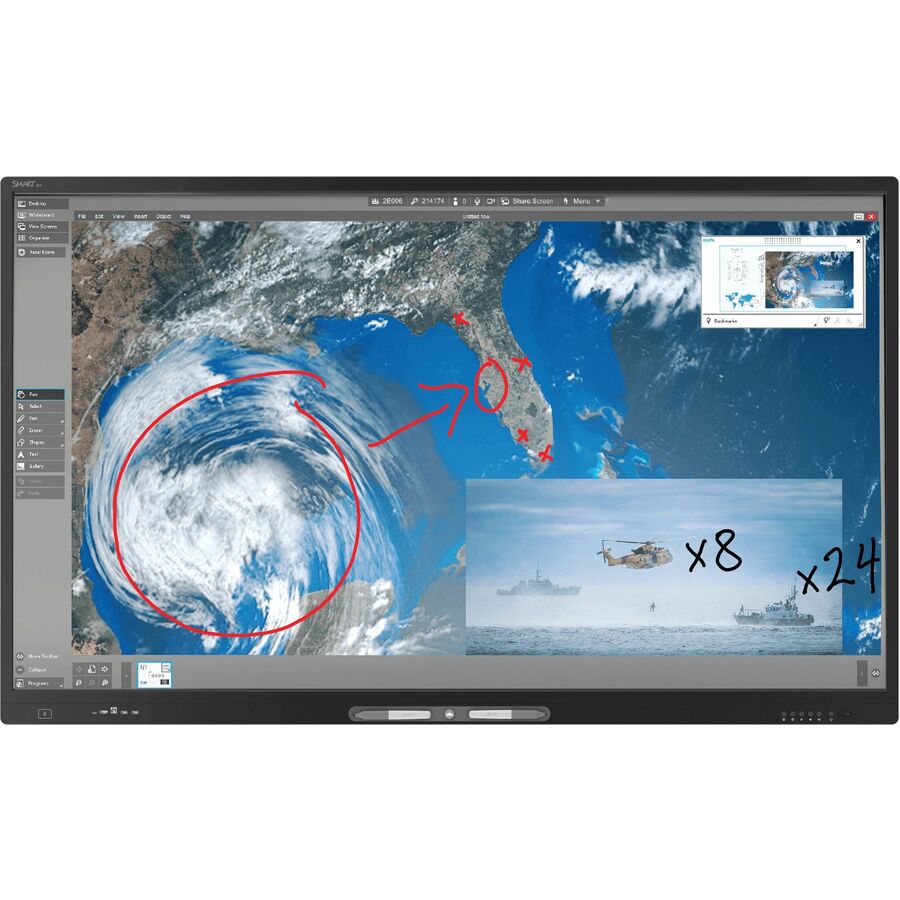
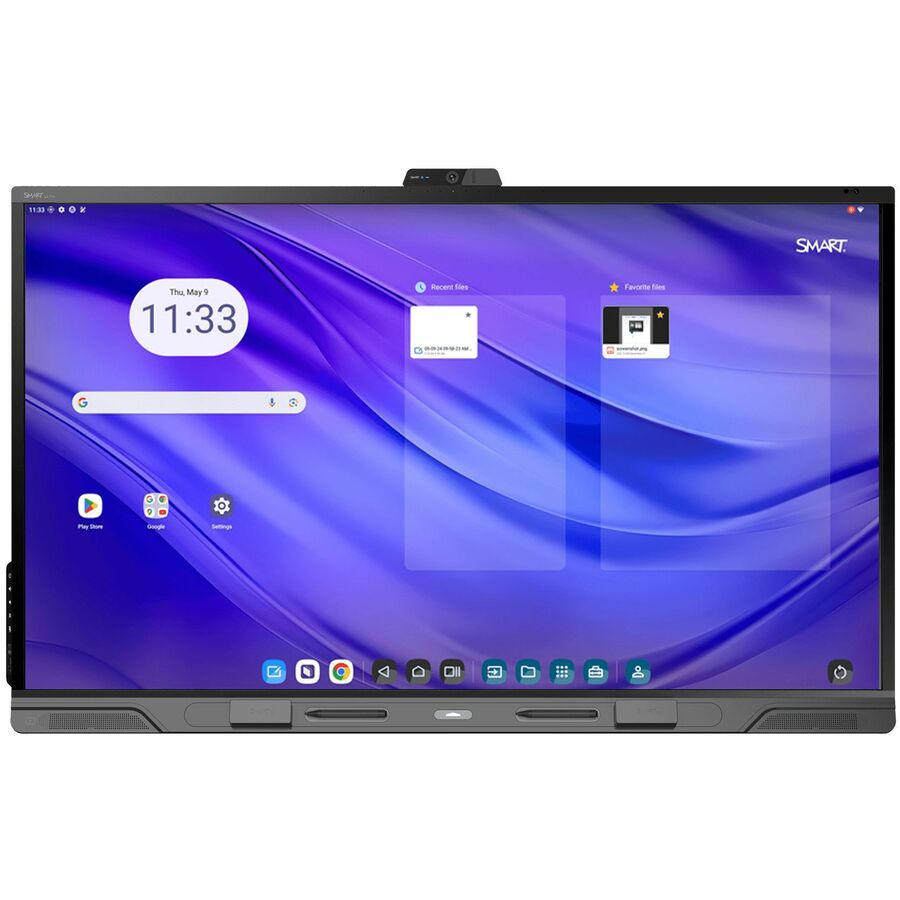
- SMART TechnologiesSMART Board RX286 Collaboration Display - SMART Board RX086 series interactive display with iQRX286
$8,605.00
$6,335.65
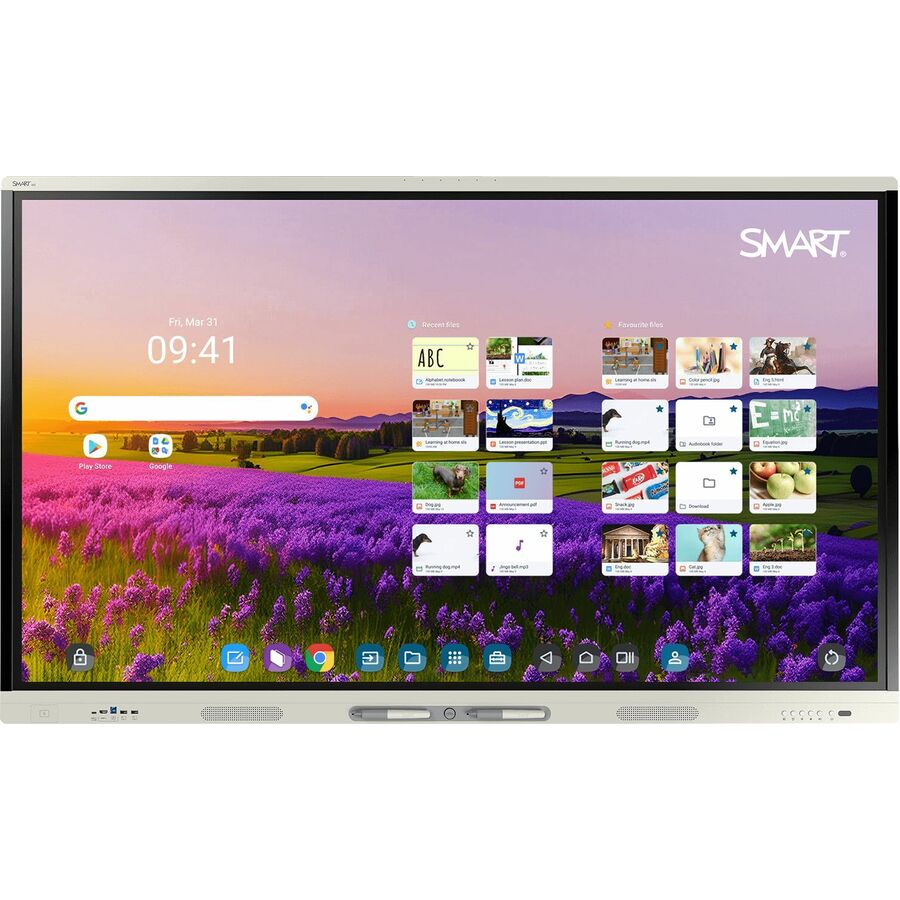
2 in stock - SMART TechnologiesSMART Board RX275 Collaboration Display - SMART Board RX075 series interactive display with iQRX275
$6,569.00
$4,871.72
2 in stock - SMART TechnologiesSMART Board RX265 Collaboration Display - SMART Board RX065 series interactive display with iQRX265
$5,185.00
$3,857.39
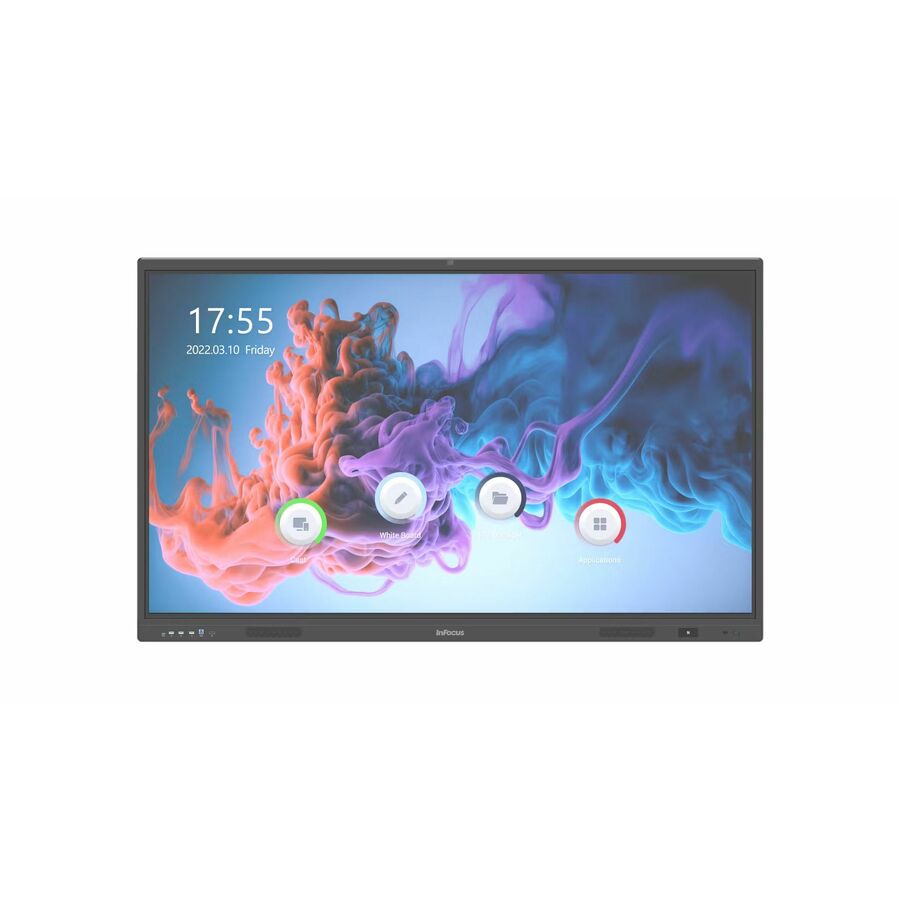
8 in stock - Maxnerva Technology ServicesInFocus JTouch IN7513 Collaboration Display - 75" LCD Cortex A76 + A55 - 8 GB DDR4 SDRAM - Infrared (IrDA) - Touchscreen - 16:9 Aspect Ratio - 3840 x 2160 - Direct LED - 450 Nit - 1,200:1, 5,000:1 Contrast Ratio - 2160p - USB - HDMI - VGA - Bluetooth - Android 13IN7513
$3,582.00
$2,547.31
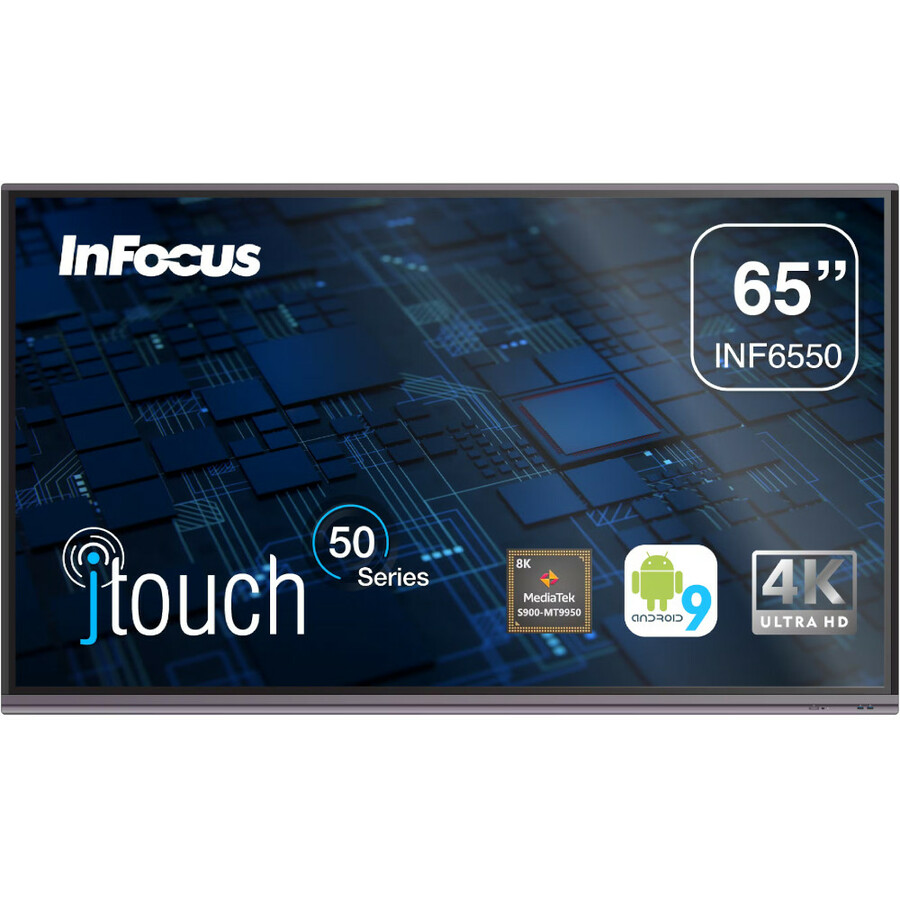
16 in stock - Maxnerva Technology ServicesInFocus JTouch INF6550 Collaboration Display - 65" LCD Cortex A73 1.80 GHz - 4 GB - Infrared (IrDA) - Touchscreen - 16:9 Aspect Ratio - 3840 x 2160 - Direct LED - 450 Nit - 1,200:1, 5,000:1 Contrast Ratio - 2160p - USB - HDMI - VGA - Bluetooth - Android 9.0 PieINF6550
$3,109.00
$2,255.46
15 in stock - Maxnerva Technology ServicesInFocus JTouch IN6513 Collaboration Display - 65" LCD Cortex A76 + A55 - 8 GB DDR4 SDRAM - Infrared (IrDA) - Touchscreen - 16:9 Aspect Ratio - 3840 x 2160 - Direct LED - 450 Nit - 1,200:1, 5,000:1 Contrast Ratio - 2160p - USB - HDMI - VGA - Bluetooth - Android 13IN6513
$2,437.00
$1,768.61
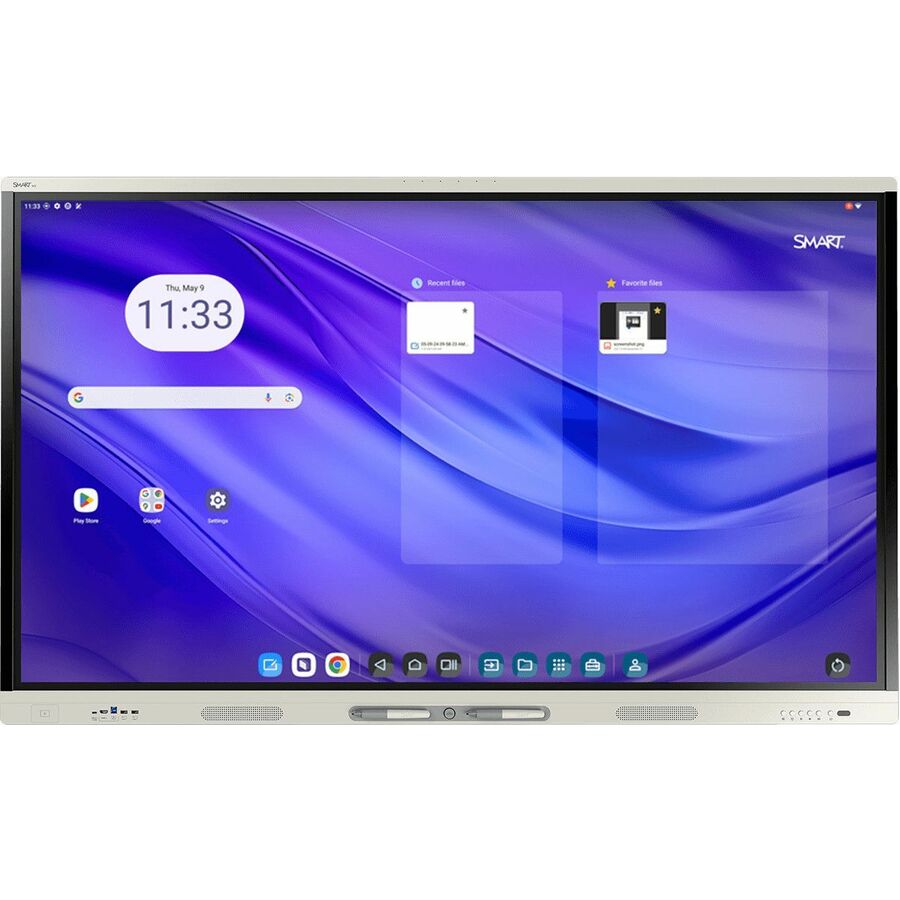
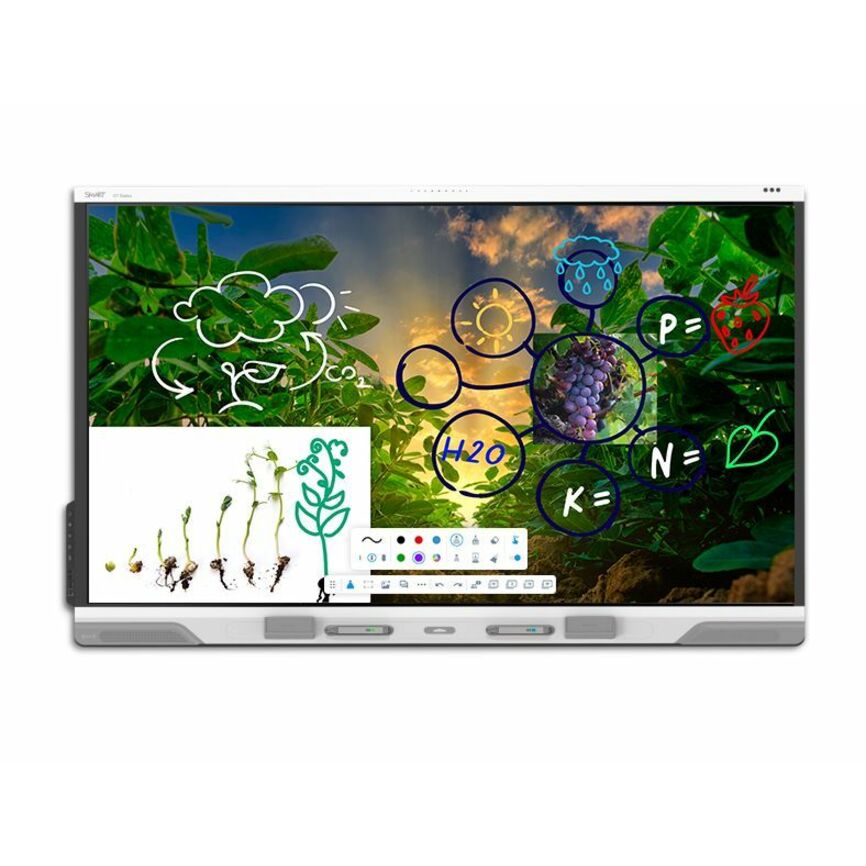
67 in stock - SMART TechnologiesSMART Board GX065-V4 Plus Interactive Display with Embedded OS (GMS) - 65" LCD - 8 GB DDR4 SDRAM - Advanced Infrared - Touchscreen - 16:9 Aspect Ratio - 3840 x 2160 - LED - 400 Nit - 1,200:1 Contrast Ratio - 2160p - USB - HDMI - VGA - Bluetooth - Android 14GX165N-V4
$2,369.00
$1,716.11
2 in stock





Need pricing on LG CreateBoard displays?
Tell us where to reach you and a Uniqcli specialist will follow up by email with current pricing, availability and lead time for the quantities you need — including parts that aren’t shown on this page.
Buying for an organization or for yourself — both work. No payment up front.
LG's CreateBoard line occupies a specific and useful position in K-12: it is the interactive panel range that lets a district equip whole buildings rather than showcase rooms. The panels sit meaningfully below the premium interactive brands on price while still delivering 4K resolution, multi-touch and an embedded Android environment — which for the large majority of classroom use, where the panel displays curriculum content and takes annotation, is the whole requirement.
The line resolves into three tiers that are easy to tell apart once you know the codes. CreateBoard Core panels are the entry tier. The standard CreateBoard adds a more capable embedded appliance with more memory. CreateBoard Pro is the top tier, and LG records those rows as shipping with Google Mobile Services on board, which is the meaningful difference for any district running Google Workspace for Education. All three appear at 65, 75 and 86 inches, with a 55-inch option in the standard tier and two much larger panels above them.
Availability is the argument that usually decides this line, and it is the honest one. The grid below sorts in-stock units first, and on CreateBoard that in-stock band has consistently been the deepest of any interactive panel family we carry. If you are working to a summer install window, a panel that can ship now frequently beats a nominally better panel that ships in the fall, and this page is set up so you can see which is which before you write the specification.
Buyer's checklist
How to choose a CreateBoard tier for a district rollout
- Pick the tier by what the panel has to sign into, not by the feature list. LG records the CreateBoard Pro rows as shipping with Google Mobile Services; on non-phone Android devices that licensing runs through Google's Enterprise Devices Licensing Agreement program, which is what delivers a genuine Play Store and proper Google account sign-in. If your staff live in Google Workspace, that is the tier to specify.
- Use Core where the panel is a display with touch, and nothing more. If a room's teaching model is a connected workstation driving the panel, the entry tier does the job and the saving per room is real across a building-wide rollout.
- Size from the farthest seat. AVIXA's V202.01 display-image-size standard, DISCAS, defines the calculations relating image size to viewing distance for basic and analytical decision making; the rule of thumb commonly drawn from it for teaching spaces puts the farthest viewer at no more than six times the image height. For most full-size classrooms that lands on 75 or 86 inches.
- Check the brightness against the room. The current rows document panels at 350 and 400 candela per square meter. In a classroom with unshaded windows the difference is visible from the back, and it is not fixable after the mount goes on the wall.
- Confirm the embedded appliance specification if the panel will be used standalone. The rows differ — some document 8 GB of memory on an ARM Cortex A73 and A53 combination, and the largest panel in the line documents 4 GB. A panel that will run apps locally for eight years should not be specified on the smaller appliance.
- Treat any vendor capability shorthand in a product title as something to have confirmed rather than assumed. Several CreateBoard Pro rows carry a built-in AI designation in the product record; ask us to state exactly what that covers on the quote before it becomes part of a specification you are evaluated against.
- Standardize sizes across a building, not across a district. Classroom depth varies more between an older wing and a recent addition than most facilities plans acknowledge, and a single district-wide size guarantees that one of those wings gets the wrong panel.
- Quote the mount, the receptacle, the signal cabling, the install labor and the removal of the existing projector installation on the same purchase order as the panel. A panel on a loading dock is not a classroom, and summer windows do not absorb a forgotten electrical drop.
Core, standard and Pro: the three CreateBoard tiers
The tier codes sit in the middle of the part number and they are consistent across sizes. The Core tier is the entry panel — LG documents these as 4K direct-LED units at 350 candela per square meter with multi-touch. They are a display with a touch layer, and where a classroom already has a teaching workstation driving the room, that is a complete answer at the lowest cost per room in the line.
The standard CreateBoard tier adds a more substantial embedded appliance, documented on the current rows with 8 GB of memory on an ARM Cortex A73 and A53 processor combination. This is the tier that makes sense when the panel needs to be genuinely usable on its own — whiteboarding, a browser, screen sharing from a teacher's device — without a PC in the room doing the work.
The Pro tier is where the procurement decision changes shape rather than just improving. LG records these rows as shipping with Google Mobile Services and with a built-in AI designation. The Google Mobile Services part is the load-bearing one: on non-phone Android devices, licensed GMS is what makes a panel behave like a managed member of a Google Workspace estate rather than an appliance that staff work around. The AI designation is vendor shorthand and worth having pinned down in writing before it appears in a specification.
Availability is a feature when the install window is a summer
Interactive panels are heavy, freight-handled, configuration-heavy items and distribution does not hold deep inventory across every variant of every brand. That makes availability an unusually decisive specification input in this category — more decisive, frankly, than a modest difference in touch technology or bezel design, which nobody in the building will notice by October.
CreateBoard has consistently been the deepest in-stock interactive panel family in our catalog, and the grid on this page surfaces that directly by sorting in-stock units first. For a district with rooms that have to be usable on the first day of term, that is worth a great deal: it means the electrical work, the mount schedule and the install labor can be sequenced behind a real delivery rather than behind a forecast.
The practical way to use this is to bring us the room list early, before the specification hardens. If a size or a tier you want is not in the in-stock band, we would rather tell you that while there is still time to choose differently than deliver an accurate quote against a date that was never going to work. Availability changes week to week — the status on each card is live, and a quote will pin it to a date.
Sizing, and the two outliers at the top of the line
The core classroom sizes in this line are 65, 75 and 86 inches, with 55 inches available in the standard tier. Run the AVIXA DISCAS arithmetic against your actual rooms and most full-size classrooms will land on 75 or 86 inches; 65-inch and 55-inch panels are the right specification for small-group rooms, intervention spaces, offices and conference rooms rather than for general instruction.
Above the classroom sizes sit two outliers. A 98-inch panel exists in the standard tier, documented with an infrared touch layer and a smaller 4 GB appliance — a large-commons or lecture-space display rather than a classroom one, and worth checking the appliance specification on if it is going to be used standalone for years. Above that is a 105-inch interactive board at 5120 by 2160 with a 400 candela per square meter direct-LED panel, which is an auditorium, atrium or large-lecture product.
Both are legitimate purchases for the right space and both are expensive mistakes in a standard classroom, where they overwhelm the front wall and consume the budget that would have equipped several rooms properly. If a principal has asked for the biggest panel available, the productive response is usually to walk the room with a tape measure and the six-times-image-height guideline rather than to argue about it.
What has to travel with the panel on the purchase order
The panel is roughly half the project. The rest is a wall mount rated for that panel's weight and mounting pattern, an electrical receptacle positioned behind it, the signal cabling from the teaching position, and the labor to fit all of it. Where an existing projector-and-whiteboard installation is being replaced, add the removal, the ceiling-mount extraction and, more often than districts expect, an electrician.
The reason to quote all of it together is scheduling rather than paperwork. Panels arriving in June against electrical work that needs a scheduled outage in August is the single most common way a summer rollout compresses into an impossible ten days. One purchase order, one delivery schedule, one sequence.
Send us the room list with the size and tier per room, whether power already exists at each location, and whether the room needs a wall mount or a mobile stand. We will build the quote as a per-room bill of materials instead of a stack of panels, and we will flag the rooms where the specification and the calendar are in conflict while there is still time to change one of them.
FAQ
Common questions
- What is the difference between CreateBoard Core, CreateBoard and CreateBoard Pro?
- Core is the entry tier — a 4K direct-LED panel with multi-touch, documented at 350 candela per square meter, best suited to rooms where a connected teaching workstation drives the display. The standard CreateBoard adds a more capable embedded appliance, documented on current rows with 8 GB of memory, so the panel is genuinely usable standalone. CreateBoard Pro is the top tier and LG records those rows as shipping with Google Mobile Services, which is the difference that matters for a district running Google Workspace for Education.
- Do CreateBoard panels work with Google Workspace for Education?
- The Pro tier is the one to specify for that. LG records those rows as shipping with Google Mobile Services on board; on non-phone Android devices, licensed GMS is delivered through Google's Enterprise Devices Licensing Agreement program, and it is what gives you a genuine Play Store and Google account sign-in that behaves the way staff expect. Panels without it will still display and annotate, but they sit outside your identity and policy model.
- What size should we specify for a standard classroom?
- Measure to the farthest seat first. AVIXA's V202.01 standard, DISCAS, defines how image size relates to viewing distance, and the rule of thumb commonly drawn from it for teaching spaces places the farthest viewer at no more than six times the image height from the screen. For most full-size classrooms that means 75 or 86 inches. Reserve 55- and 65-inch panels for small-group rooms, intervention spaces and offices where the back row is genuinely close.
- Is CreateBoard actually available, or is it back-ordered like everything else?
- This is the line's strongest argument. Availability moves week to week across the whole category, but the CreateBoard in-stock band has consistently been the deepest of any interactive panel family in our catalog, and the grid on this page sorts in-stock units first so you can see the current position rather than take our word for it. For a summer install window that is worth more than most specification differences.
- Can you quote the mounts and installation with the panels?
- Yes, and we would encourage it. Send the room list with the size and tier per room, whether power already exists behind each proposed location, and whether each room needs a wall mount or a mobile stand. We will build a per-room bill of materials rather than a stack of panels, and flag any room where the specification and the install calendar are in conflict while there is still time to change one of them.
Need LG CreateBoard displays pricing?
Send a bill of materials or part numbers — we confirm stock and a below-market total, with TAA verified on request. No payment up front.