Loading the product…
Loading the product…
Attention: Due to high order volume, orders may require an additional business day to process.
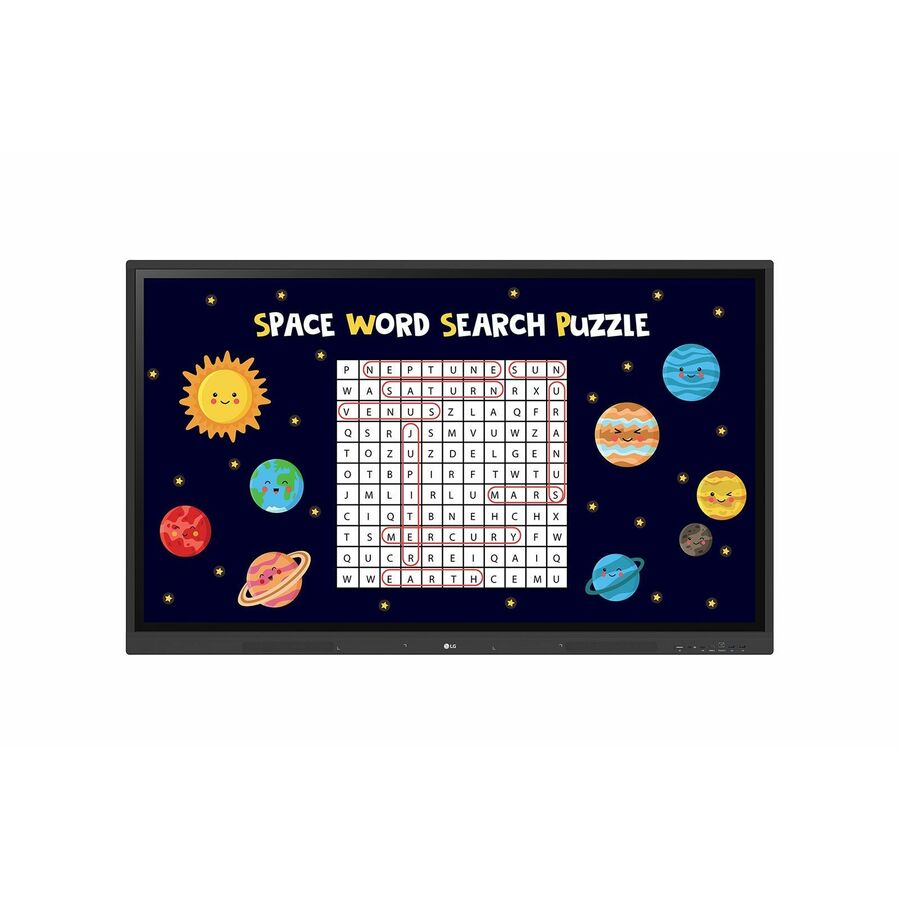
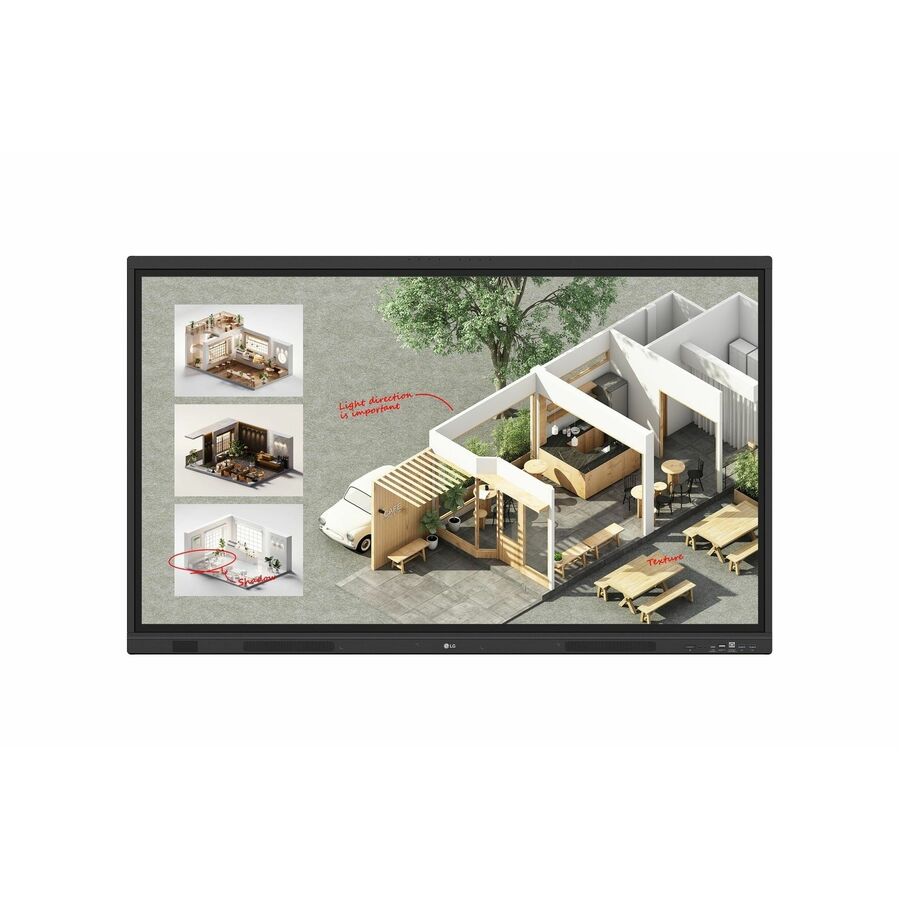
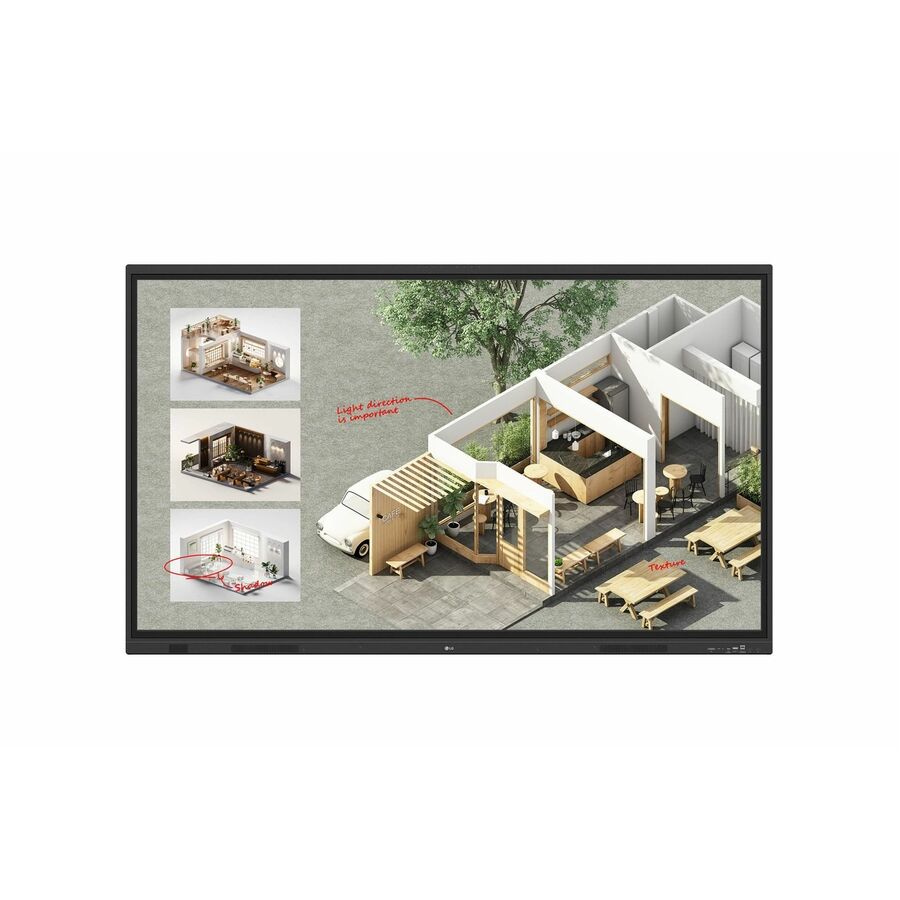
LCD - ARM Cortex A73 - 4 GB - Infrared (IrDA) - Touchscreen - 16:9 Aspect Ratio - 3840 x 2160 - 390 Nit - 50,000:1 Contrast Ratio - 2160p - USB - HDMI - VGA - Bluetooth - Android, Android 9.0 Pie, Linux, Windows 10, Windows 7, Windows 8, Windows XP
MSRP$10,833.00
$9,208.05
Save 15%Special order — estimated OEM lead time 3–8 weeks. Order today and we expect to receive stock between Nov 24 and Dec 29, then process your delivery right after.
Genuine LG Electronics through authorized distribution — NDAA §889 screened before checkout.
Ready to Create?
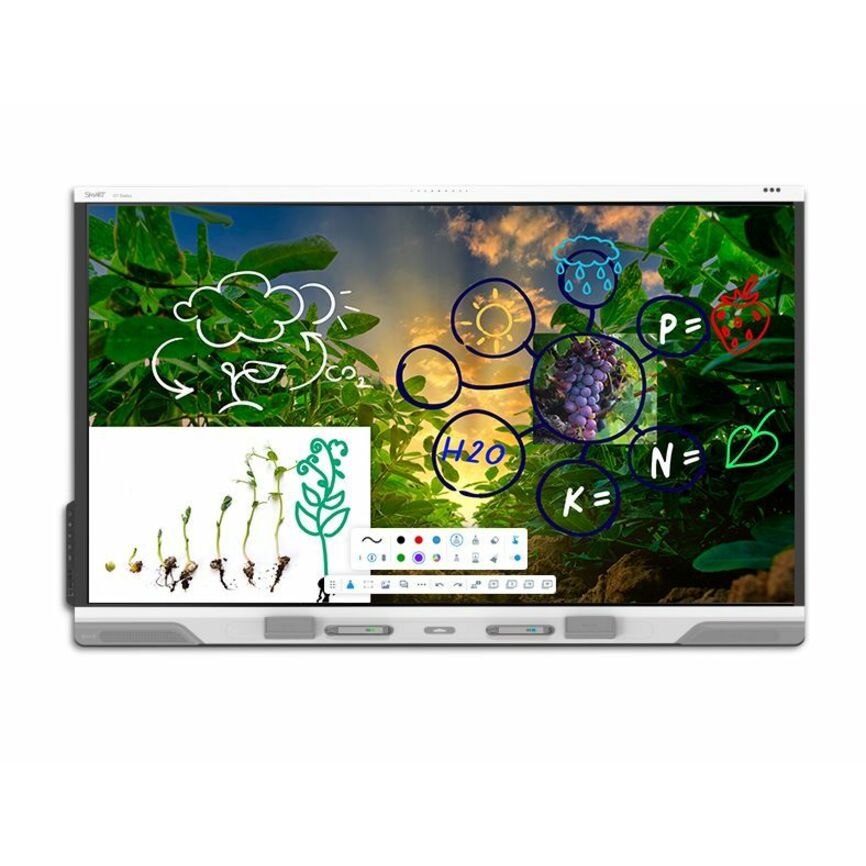
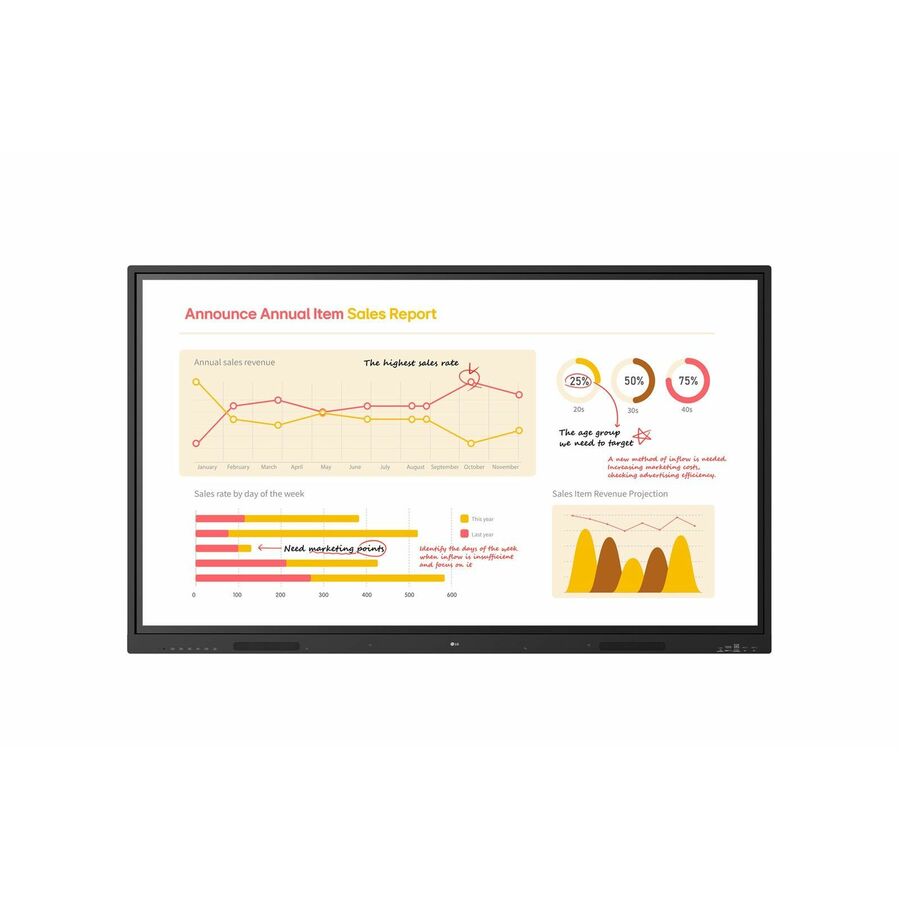
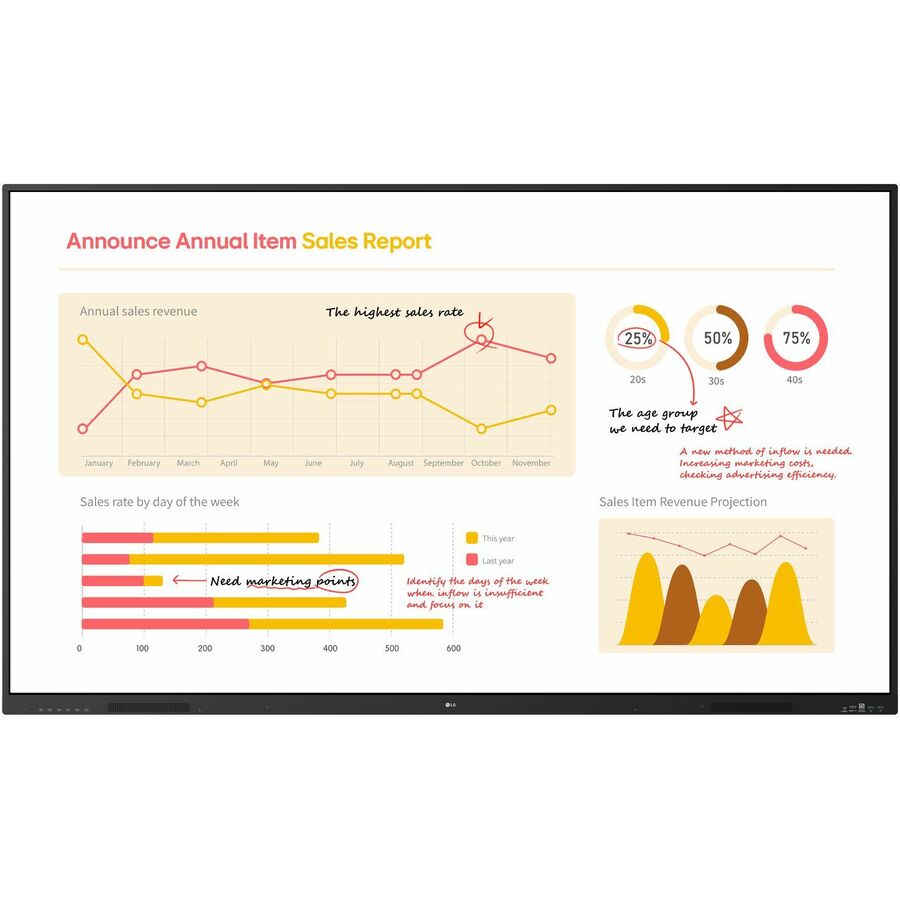
LG CreateBoard Lab offers a variety of educational templates and teaching tools such as a ruler, table, and sticky notes, allowing for active engagement by students and enabling intuitive classes. Editing images and videos becomes easy with LG CreateBoard, and created resources can be easily shared with others through connected cloud devices.
Multi-touch
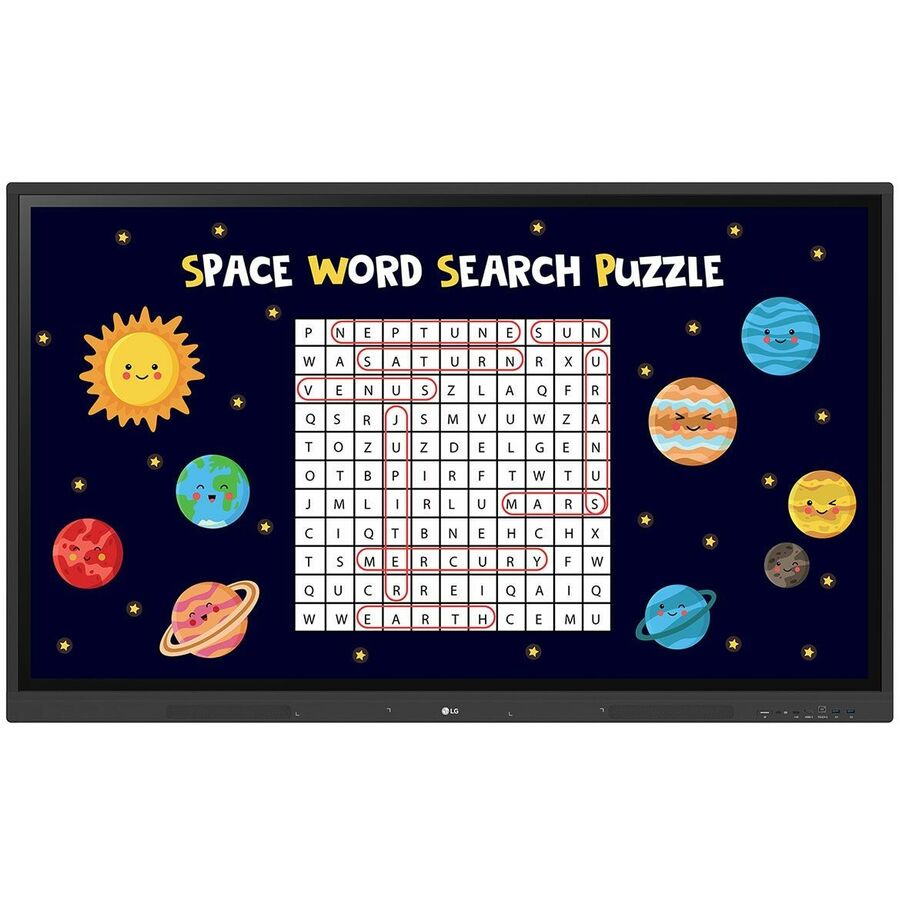
LG CreateBoard can simultaneously detect up to 40 points for multi-touch functionality. This creates a lifelike board touch experience, helping students easily become accustomed and truly engage in classes.
Wireless ScreenShare
LG CreateBoard Share enables users to show up to 9 shared screens or a file on a screen in real-time when the LG CreateBoard Share app is installed on the device. Files from the host can be easily sent to any devices connected to the LG CreateBoard Share app.
Ready to Manage with LG ConnectedCare DMS
LG ConnectedCare DMS is a cloud solution for remotely monitoring, controlling, and managing the status of LG CreateBoard installed in educational environments. This feature enables IT managers to operate and manage important resources on operating devices without physically visiting sites.
Wireless Bluetooth Connectivity & Built-in Speakers
LG CreateBoard supports wireless Bluetooth connections to various devices such as a speaker, mouse, keyboard, etc. The CreateBoard has built-in forward facing speakers that provide exceptioanl sound throughout a classroom.
Easily Connect with USB-Type C?
USB-C connectivity simplifies connections which enables charging and sending data simultaneously over just one single cable.
Built-in OPS Slot
LG CreateBoard supports OPS slots, allowing you to easily and conveniently mount OPS desktop at the back of the LG CreateBoard without the hassle of connecting to an external desktop, offering you more expanded functions.
Smart Viewing
The Smart Viewing feature of LG CreateBoard enables efficient teaching. Two or more materials can be displayed on the same screen simultaneously without having to repeat Alt-tab, making teaching more convenient and efficient. Two materials can be displayed side by side (multi window mode), or one material can be overlaid on the other one (picture-in-picture mode).
QR Login for Easy Cloud Access
The QR code on the home screen reduces preparation time for class by enabling personal device verification. Users can sign up for a variety of apps on the LG CreateBoard including Google Drive and OneDrive with just one QR verification without any additional login process. Once a lesson is finished, users can simply click the Logout button to disconnect.
Front Connectivity Design
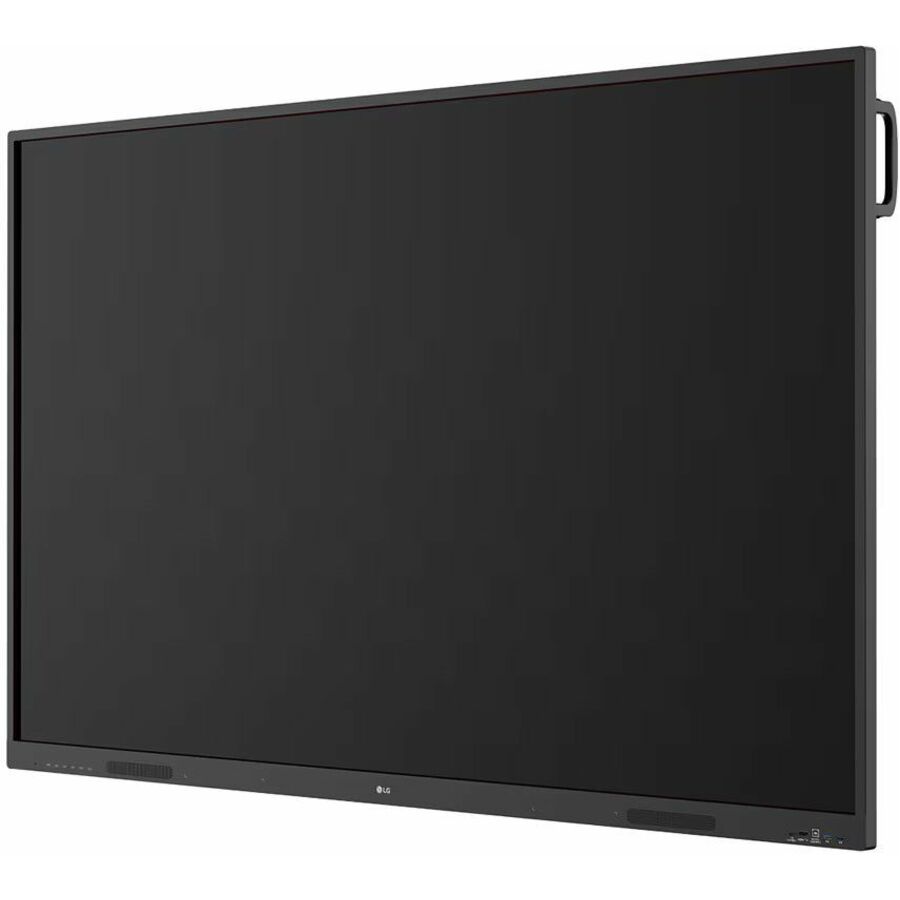
LG CreateBoard features front display ports and speakers which are ideal for both teachers and students, enabling content to be delivered.
Screen Lock
Teachers can lock the screen using the Screen Lock function, and unlock it by entering a password. Users can set the Screen Lock in the Settings menu to protect the device from unidentified users.
Secure Mode
LG CreateBoard supports Secure Mode that disables the LG CreateBoard Share function to prevent unauthorized content from being shown on various devices.
USB Lock Mode
USB Lock Mode is a security measure that helps prevent data from being copied to unauthorized devices, which is essential when being used in spaces where security is critical.
Auto-remove Files
Users can set LG CreateBoard to delete files regularly for enhanced security.
98” Multi Touch CreateBoard® Smart Board with Android 13, Google Mobile Services, Wireless Connectivity & Built-in Speakers
40 point multi-touch creates a lifelike experience and allows for multiple users at once
Built-in educational templates & teaching tools to help engage students
Security features to ensure materials & access are protected
Enjoy Google Mobile Service and access to Google Play Store for apps and tools
Wireless ScreenShare in real-time with up to 9 users
Remotely monitor and manage with LG ConnectedCare DMS, which includes things like scheduling and broadcasting
Ready to Create?
LG CreateBoard® Lab offers a variety of educational templates and teaching tools such as a ruler, table, and sticky notes, allowing for active engagement by students and enabling intuitive classes. Editing images and videos becomes easy with LG CreateBoard, and created resources can be easily shared with others through connected cloud devices.
Multi-touch
LG CreateBoard® can simultaneously detect up to 40 points for multi-touch functionality. This creates a lifelike board touch experience, helping students easily become accustomed and truly engage in classes.¹
LG CreateBoard TR3DK Gen 2 with Google Play
LG CreateBoard TR3DK Gen 2 with Google Play is authorized for Google Mobile Services and powered with Android 13, giving you official access to Google Play Store out of the box. Use Google for Education tools like Docs, Sheets, and Slides with a simple sign-on. Remain secure with Google Play Protect Service – always on the lookout for suspicious behavior. Android 13 lets you customize your apps by color, theme and language.
Wireless ScreenShare, Bluetooth Connectivity, & Built-in Speakers
LG CreateBoard supports wireless Bluetooth connections to various devices such as a speaker, mouse, or keyboard, and files can be easily shared from any devices connected to the LG CreateBoard® Share app.² Plus, the CreateBoard's built-in forward facing speakers provide exceptional sound throughout a classroom.
Smart Viewing
The Smart Viewing feature of LG CreateBoard® enables efficient teaching. Two or more materials can be displayed on the same screen simultaneously without having to repeat Alt-tab, making teaching more convenient and efficient. Two materials can be displayed side by side (multi window mode), or one material can be overlaid on the other one (picture-in-picture mode).
QR Login for Easy Cloud Access
The QR code on the home screen reduces preparation time for class by enabling personal device verification. Users can sign up for a variety of apps on the LG CreateBoard® including Google Drive and OneDrive with just one QR verification without any additional login process. Once a lesson is finished, users can simply click the Logout button to disconnect.
Ready to Manage with LG ConnectedCare DMS
LG ConnectedCare DMS is a cloud solution for remotely monitoring, controlling, and managing the status of LG CreateBoard® installed in educational environments. This feature enables IT managers to operate and manage important resources on operating devices without physically visiting sites.
Easily Connect with Multiple Connection Types
USB-C connectivity simplifies connections which enables charging and sending data simultaneously over just one single cable. LG CreateBoard® also features front display ports and speakers which are ideal for both teachers and students, enabling content to be delivered.⁴
Built-in OPS Slot
LG CreateBoard® supports OPS (Open Pluggable Specification) slots, allowing you to easily and conveniently mount OPS desktop at the back of the CreateBoard without the hassle of connecting to an external desktop, offering you more expanded functions.
Limited Warranty: 3 Year
LG is the brand that is Delightfully Smart. "Life's Good" slogan, and futuristic logo are a great representation of what we stand for. Global, Tomorrow, Energy, Humanity and Technology are the pillars that this corporation is founded on; with the capital letters L and G positioned inside a circle to center our ideals above all else, humanity. The symbol mark stands for our resolve to establish a lasting relationship with, and to achieve the highest satisfaction for our customers. The letters "L" and "G" in a circle symbolize the world, future, youth, humanity, and technology. Our philosophy is based on Humanity. Also, it represents LG's efforts to keep close relationships with our customers around the world. The symbol mark consists of two elements: the LG logo in LG Grey and the stylized image of a human face in the unique LG Red color. Red, the main color, represents our friendliness, and also gives a strong impression of LG's commitment to deliver the best. Therefore, the shape or the color of this symbol mark must never be changed. Our logo is the fundamental visual expression used to identify LG. It expresses the quality and sophistication that is the hallmark of our products. It is simple, modern and distinctive. Consistent and proper usage of the logo is absolutely essential. The logo is symbolic of our steadfast reputation for excellence; therefore, any variation of the logo diminishes the visual identity of LG Electronics and its products.
| Audio | |
|---|---|
| Speakers | Yes |
| Number of Speakers | 2 |
| RMS Output Power | 16 W |
| Display & Graphics | |
| Display Screen Type | LCD |
| Display Screen Technology | In-plane Switching (IPS) Technology |
| Screen Mode | 4K UHD |
| Screen Resolution | 3840 x 2160 |
| Scan Format | 2160p |
| Aspect Ratio | 16:9 |
| Response Time | 12 ms |
| Contrast Ratio | 50,000:1 |
| Brightness | 390 Nit |
| Horizontal Viewing Angle | 178° |
| Vertical Viewing Angle | 178° |
| Graphics Controller Model | Mail G52 Multicore 2 |
| General Information | |
| Manufacturer | LG Electronics |
| Manufacturer Part Number | 98TR3DK-B |
| Brand Name | LG |
| Product Line | CreateBoard |
| Product Model | 98TR3DK-B |
| Product Name | CreateBoard 98TR3DK-B Collaboration Display |
| Product Type | Collaboration Display |
| Interfaces/Ports | |
| HDMI | Yes |
| Total Number of USB Ports | 5 |
| USB | Yes |
| Network (RJ-45) | Yes |
| Audio Line In | Yes |
| Audio Line Out | Yes |
| VGA | Yes |
| Serial | Yes |
| S/PDIF Out | Yes |
| Memory | |
| Standard Memory | 4 GB |
| Network & Communication | |
| Ethernet | Yes |
| Wireless LAN | Yes |
| Bluetooth | Yes |
| Physical Characteristics | |
| VESA Mount Compatible | Yes |
| VESA Mount Standard | 800 x 600 |
| Height | 52.1" |
| Width | 88.4" |
| Depth | 3.5" |
| Weight (Approximate) | 228.40 lb |
| Processor & Chipset | |
| Processor Manufacturer | ARM |
| Processor Type | Cortex A73 |
| Processor Core | Quad-core (4 Core) |
| Software | |
| Operating System Platform | Android |
| Operating System | Android, Android 9.0 Pie, Linux, Windows 10, Windows 7, Windows 8, Windows XP |
| Software Included | Yes |
| Touchscreen Information | |
| Touchscreen | Yes |
| Multi-touch Screen | Yes |
| Number of Touch Points | 20 |
| Touchscreen Technology | Infrared (IrDA) |
| Warranty | |
| Limited Warranty | 3 Year |
| Power Description | |
| Input Voltage | 120 V AC, 230 V AC |
| Power Consumption | 630 W |
| Standby Power Consumption | 500 mW |
| Storage | |
| Flash Memory Capacity | 32 GB |
| Miscellaneous | |
| Package Contents | 98TR3DK-B Collaboration Display 1 x Power Cord 3 M 1 x USB Cable (Type A-Type B) 5 M 1 x HDMI Cable 3 M 2 x Writing Pen User Manual QSG Carton Box Remote Control |
| TAA Compliant | No |
| Environmental Certification | ErP |
Send a bill of materials or part numbers — we confirm stock and a below-market total, with TAA verified on request. No payment up front.