
Best ViewSonic ViewBoard Interactive Displays for Classrooms
ViewBoard interactive flat panels from 65 to 105 inches — with the model-suffix bundles decoded, sized against the room.
ViewSonic ViewBoard displays at Uniqcli
How to choose →A curated selection with live pricing and honest availability — everything below is currently back-ordered, and we quote a dated lead time on request. Every line is sourced through US distribution and screened for NDAA §889 status before checkout, with TAA verified on request.
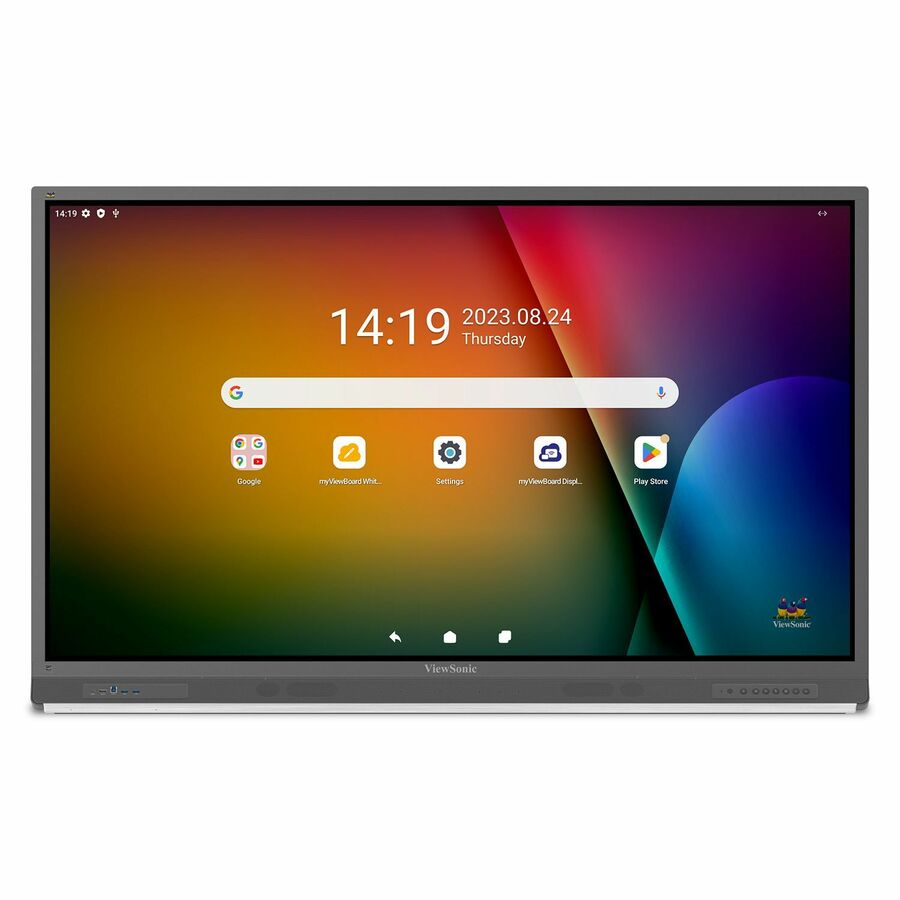
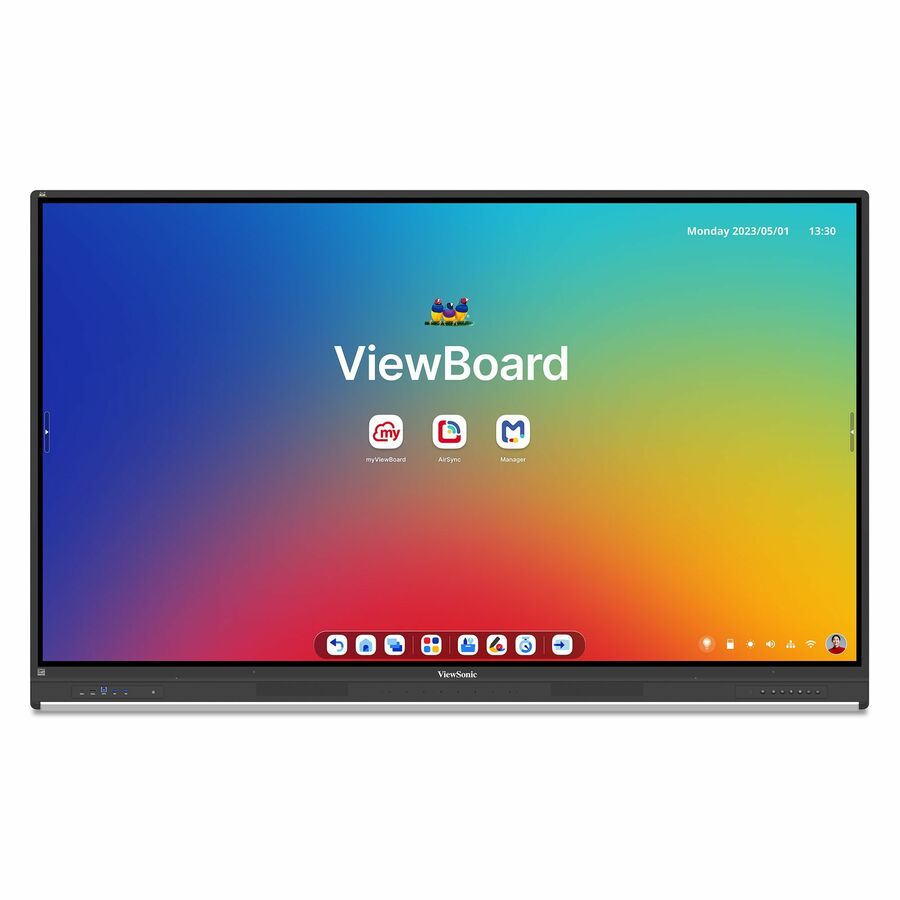
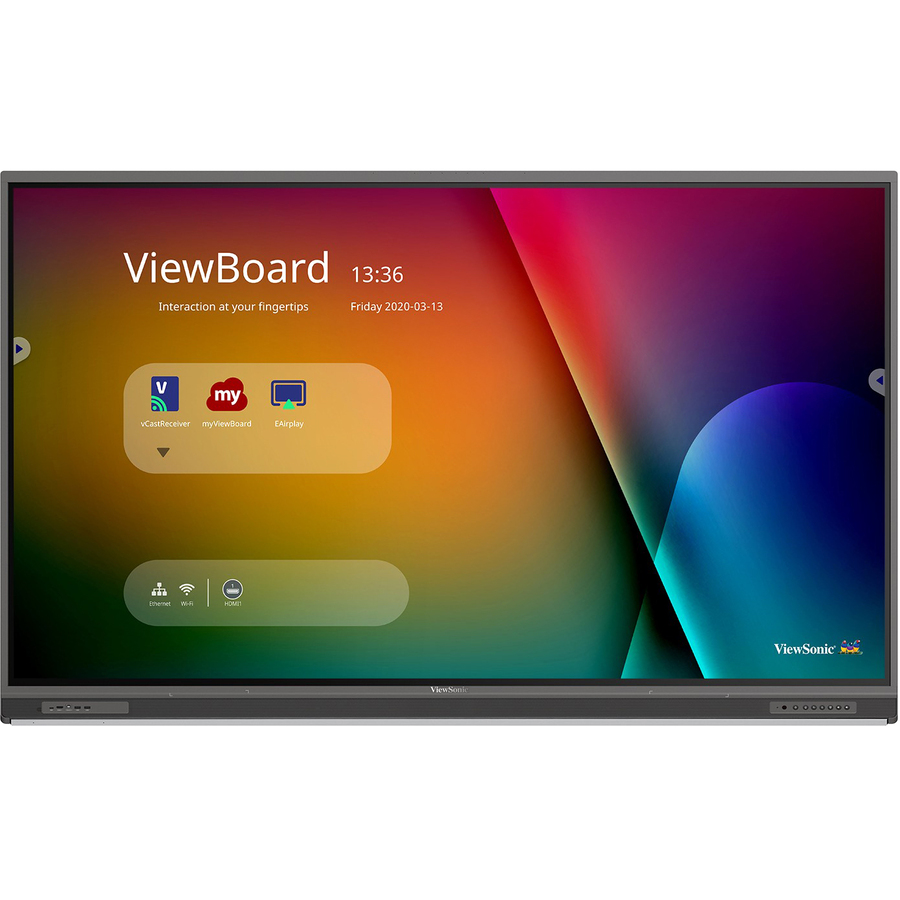
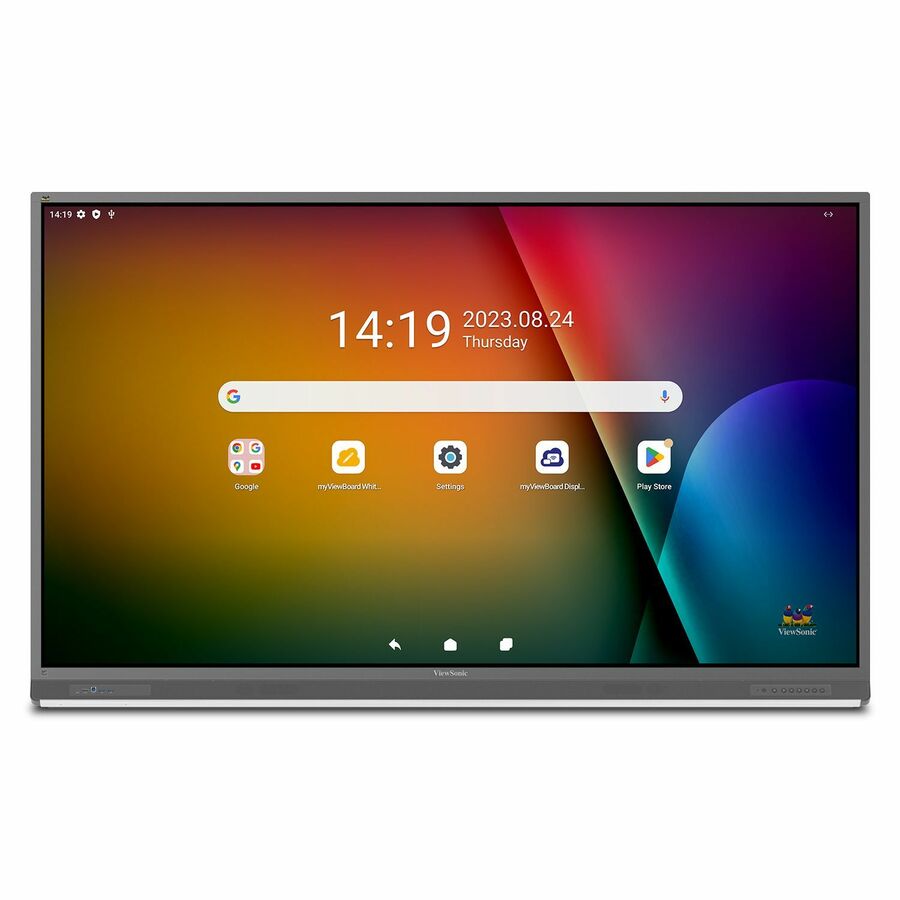
- ViewSonicViewSonic ViewBoard IFP6552-2ED - 4K UHD Interactive Display, Android EDLA-Certified, USB C, RJ45 - 350 cd/m2 - 65" - ViewSonic 65" Android EDLA-Certified ViewBoard Interactive DisplayIFP6552-2ED
$3,799.00
$2,618.60*
Back-orderedBack-ordered — estimated OEM lead time 3–8 weeks (Nov 12 – Dec 17 if ordered today).
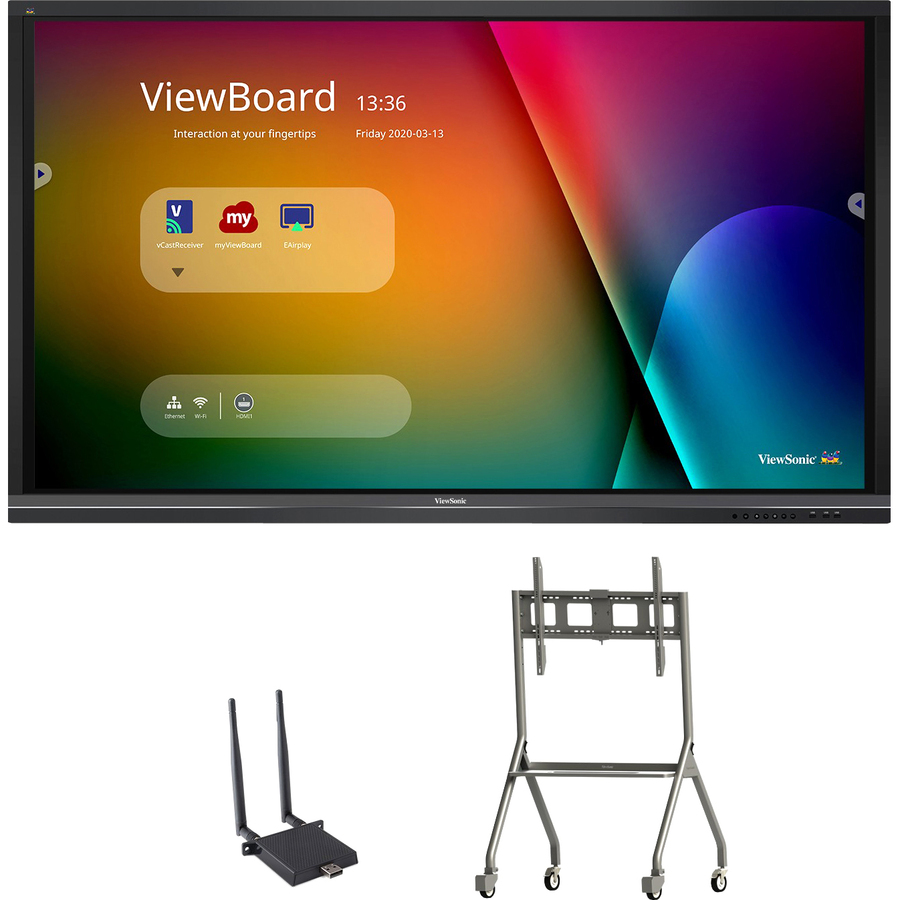
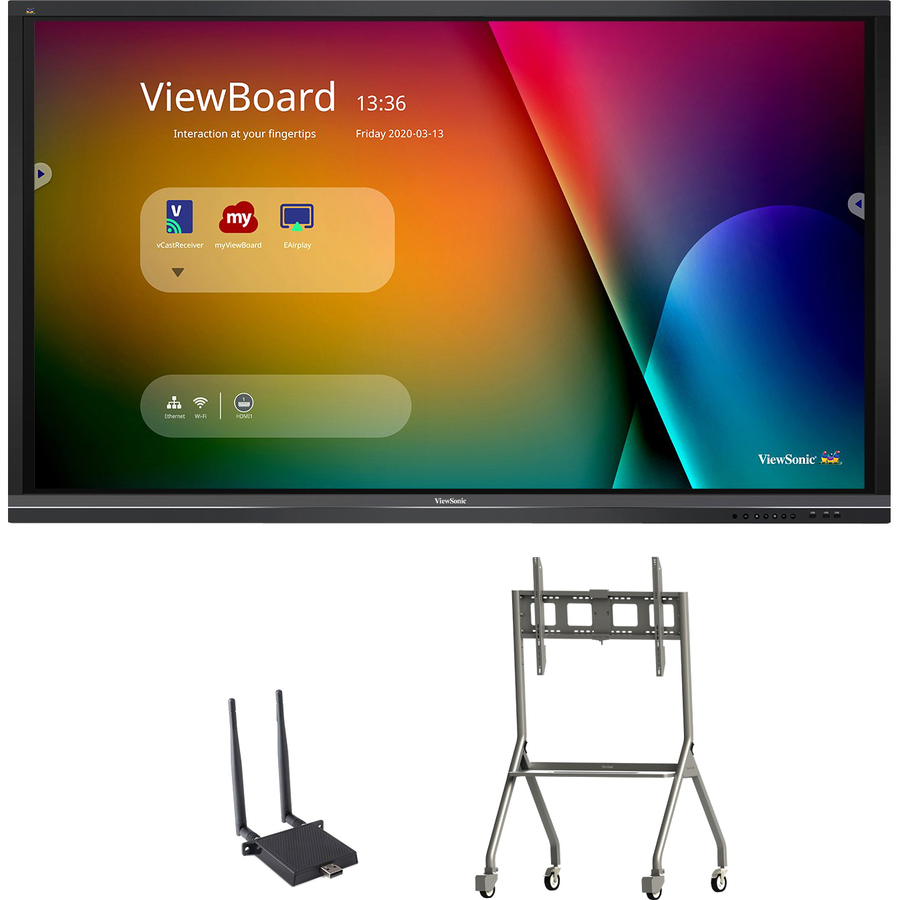
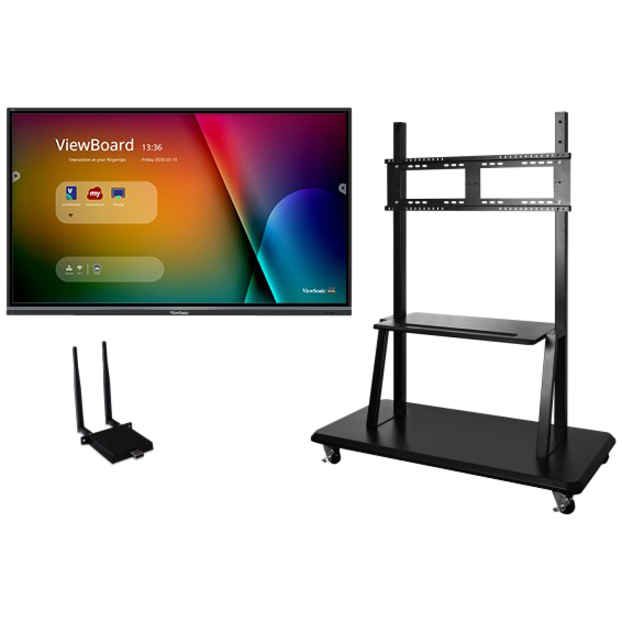
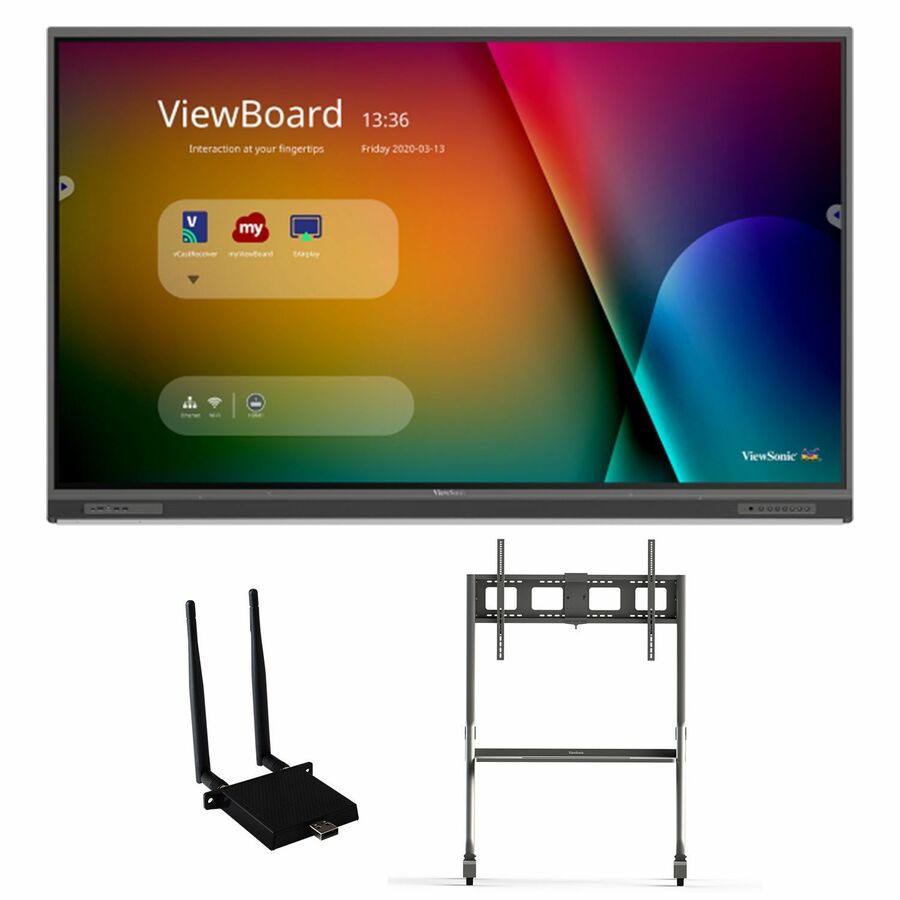
- ViewSonicViewSonic ViewBoard IFP6550-E4 - 4K Interactive Display with WiFi Adapter and Slim Trolley Cart - 350 cd/m2 - 65" - ViewBoard IFP6550-E4 - 4K Interactive Display with WiFi Adapter and Slim Trolley Cart - 350 cd/m2 - 65"IFP6550-E4
$4,383.00
$2,938.07
Back-orderedBack-ordered — estimated OEM lead time 3–8 weeks (Nov 12 – Dec 17 if ordered today).
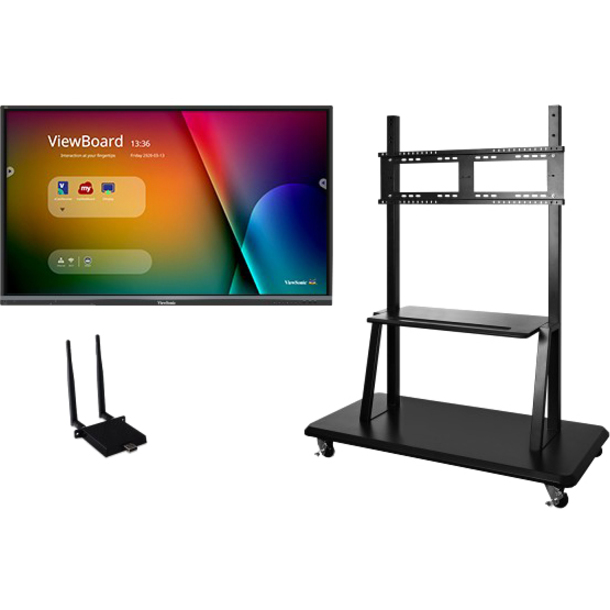
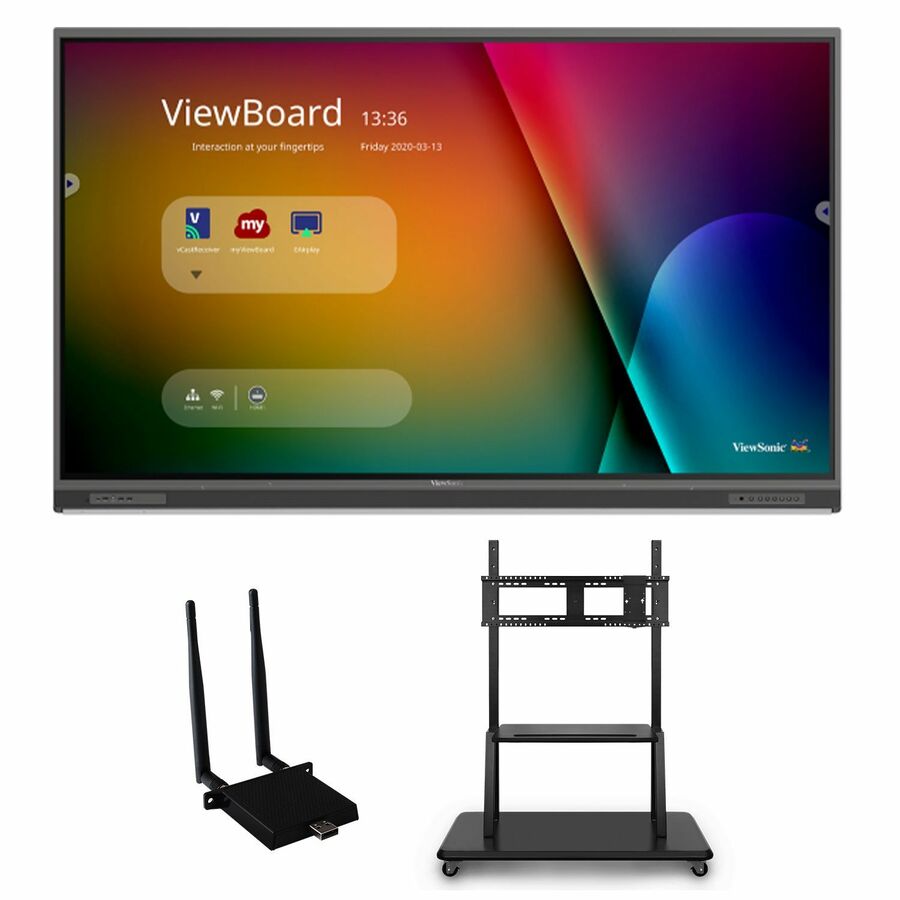
- ViewSonicViewSonic ViewBoard IFP6550-E2 - 4K Interactive Display with WiFi Adapter and Mobile Trolley Cart - 350 cd/m2 - 65" - ViewBoard IFP6550-E2 - 4K Interactive Display with WiFi Adapter and Mobile Trolley Cart - 350 cd/m2 - 65"IFP6550-E2
$4,333.00
$2,943.09
Back-orderedBack-ordered — estimated OEM lead time 3–8 weeks (Nov 12 – Dec 17 if ordered today).
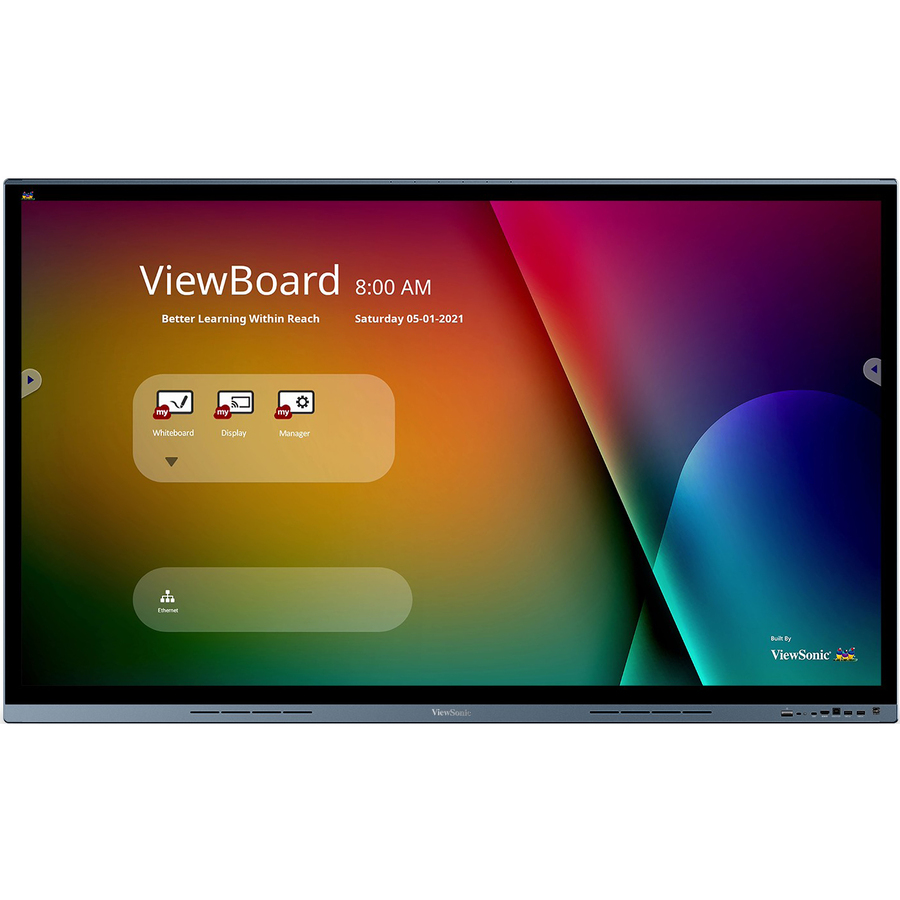
- ViewSonicViewSonic ViewBoard IFP6562 - 4K UHD Interactive Display with Integrated Software, 65W USB C, RJ45 - 350 cd/m2 - 65" - ViewBoard IFP6562 - 4K UHD Interactive Display with Integrated Software, 65W USB C, RJ45 - 350 cd/m2 - 65"IFP6562
$5,799.00
$3,580.76
Back-orderedBack-ordered — estimated OEM lead time 3–8 weeks (Nov 12 – Dec 17 if ordered today).
- ViewSonicViewSonic ViewBoard IFP7550-E4 - 4K Interactive Display with WiFi Adapter and Slim Trolley Cart - 350 cd/m2 - 75" - ViewBoard IFP7550-E4 - 4K Interactive Display with WiFi Adapter and Slim Trolley Cart - 350 cd/m2 - 75"IFP7550-E4
$6,283.00
$3,900.23
Back-orderedBack-ordered — estimated OEM lead time 3–8 weeks (Nov 12 – Dec 17 if ordered today).
- ViewSonicViewSonic ViewBoard IFP7550-E2 - 4K Interactive Display with WiFi Adapter and Mobile Trolley Cart - 350 cd/m2 - 75" - ViewBoard IFP7550-E2 - 4K Interactive Display with WiFi Adapter and Mobile Trolley Cart - 350 cd/m2 - 75"IFP7550-E2
$6,233.00
$3,905.26
Back-orderedBack-ordered — estimated OEM lead time 3–8 weeks (Nov 12 – Dec 17 if ordered today).
- ViewSonicViewSonic IFP7553-ED-M 75 Inch 4K ViewBoard Interactive Flat Panel Display with Android 14 EDLA, TAA Compliant - 75" LCD - ARM Cortex A73 - 3840 x 2160 - 2160p - Android 14 - TAA CompliantIFP7553-ED-M
$6,199.00
$3,954.31*
Back-orderedBack-ordered — estimated OEM lead time 3–8 weeks (Nov 12 – Dec 17 if ordered today).
- ViewSonicViewSonic IFP8653-ED-M 86 Inch 4K ViewBoard Interactive Flat Panel Display with Android 14 EDLA, TAA Compliant - 86" LCD - ARM Cortex A73 - 3840 x 2160 - 2160p - Android 14 - TAA CompliantIFP8653-ED-M
$9,999.00
$4,017.19*
Back-orderedBack-ordered — estimated OEM lead time 3–8 weeks (Nov 12 – Dec 17 if ordered today).
- ViewSonicViewSonic IFP8652-1C 86 Inch 4K Ultra HD Interactive Flat Panel Display with Integrated Microphone and USB-C - ViewBoard IFP8652-1C - 4K UHD Interactive Display with Integrated Software, 65W USB C, RJ45 - 400 cd/m2 - 86"IFP8652-1C
$8,199.00
$4,222.20
Back-orderedBack-ordered — estimated OEM lead time 3–8 weeks (Nov 12 – Dec 17 if ordered today).
- ViewSonicViewSonic ViewBoard IFP8652-2ED - 4K UHD Interactive Display, Android EDLA-Certified, USB C, RJ45 - 350 cd/m2 - 86" - ViewSonic 86" Android EDLA-Certified ViewBoard Interactive DisplayIFP8652-2ED
$8,399.00
$4,735.36*
Back-orderedBack-ordered — estimated OEM lead time 3–8 weeks (Nov 12 – Dec 17 if ordered today).
- ViewSonicViewSonic ViewBoard IFP8652-1C-E4 - 4K Interactive Display with WiFi Adapter and Slim Trolley Cart - 400 cd/m2 - 86" - ViewBoard IFP8652-1C-E4 - 4K Interactive Display with WiFi Adapter and Slim Trolley Cart - 400 cd/m2 - 86"IFP8652-1C-E4
$9,183.00
$5,023.39
Back-orderedBack-ordered — estimated OEM lead time 3–8 weeks (Nov 12 – Dec 17 if ordered today).
- ViewSonicViewSonic ViewBoard IFP8652-1C-E2 - 4K Interactive Display with WiFi Adapter, Mobile Trolley Cart - 400 cd/m2 - 86" - ViewBoard IFP8652-1C-E2 - 4K Interactive Display with WiFi Adapter, Mobile Trolley Cart - 400 cd/m2 - 86"IFP8652-1C-E2
$9,133.00
$5,027.16
Back-orderedBack-ordered — estimated OEM lead time 3–8 weeks (Nov 12 – Dec 17 if ordered today).
- ViewSonicViewSonic ViewBoard IFP7562 - 4K UHD Interactive Display with Integrated Software, 65W USB C, RJ45 - 350 cd/m2 - 75" - ViewBoard IFP7562 - 4K UHD Interactive Display with Integrated Software, 65W USB C, RJ45 - 350 cd/m2 - 75"IFP7562
$7,499.00
$5,344.10
Back-orderedBack-ordered — estimated OEM lead time 3–8 weeks (Nov 12 – Dec 17 if ordered today).
Back-ordered — estimated OEM lead time 3–8 weeks (Nov 12 – Dec 17 if ordered today).
- ViewSonicViewSonic 105" 5K 21:9 ViewBoard Interactive Display with Integrated Microphone and USB-C - LCD Cortex A76 + A55 - 8 GB LPDDR - Infrared (IrDA) - Touchscreen - 21:9 Aspect Ratio - 5120 x 2160 - Direct LED - 400 Nit - 4,000:1, 5,000:1 Contrast Ratio - 2160p - USB - HDMI - Bluetooth - ViewBoard OSIFP105UW
$21,999.00
$16,034.83
Back-orderedBack-ordered — estimated OEM lead time 3–8 weeks (Nov 12 – Dec 17 if ordered today).
- ViewSonicViewSonic ViewBoard IFP110 - 4K UHD Multi-Touch Interactive Display with Integrated Software - 400 cd/m2 - 110" - 110" LCD - ARM Cortex A73 + A53 - 8 GB - Infrared (IrDA) - Touchscreen - 16:9 Aspect Ratio - 3840 x 2160 - Direct LED - 400 Nit - 1,200:1, 5,000:1 Contrast Ratio - 2160p - USB - HDMI - VGA - Android 13IFP110
$26,999.00
$20,311.11
Back-orderedBack-ordered — estimated OEM lead time 3–8 weeks (Nov 12 – Dec 17 if ordered today).

Top pick
ViewSonic
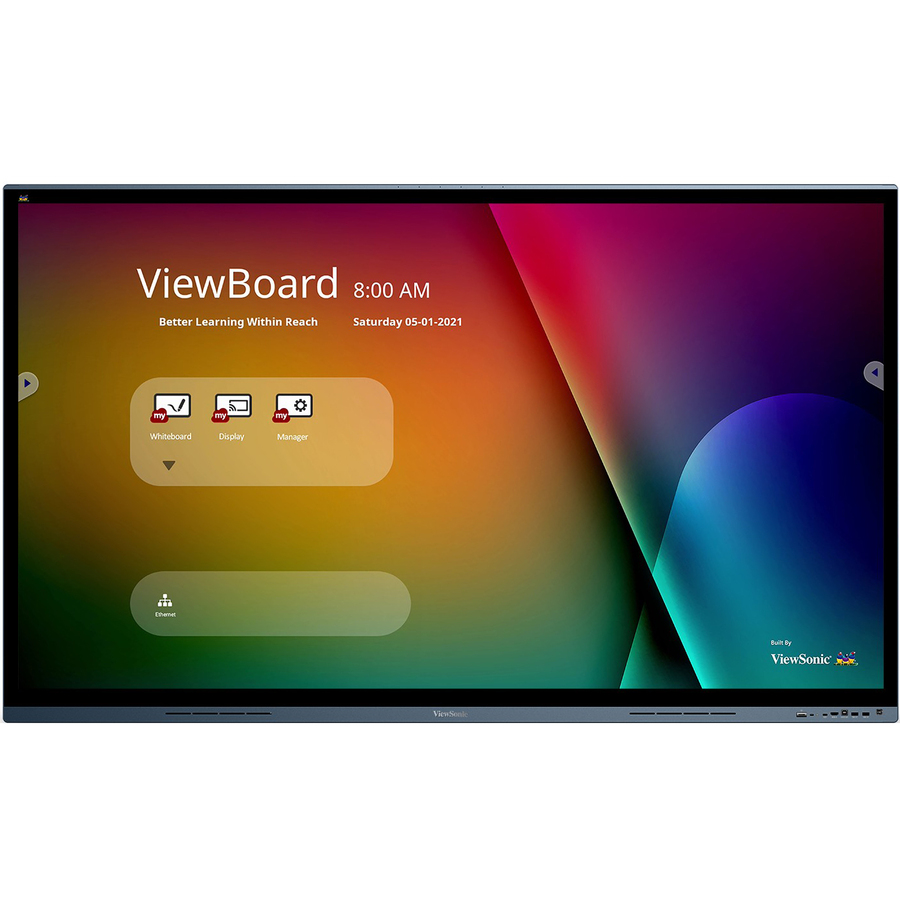
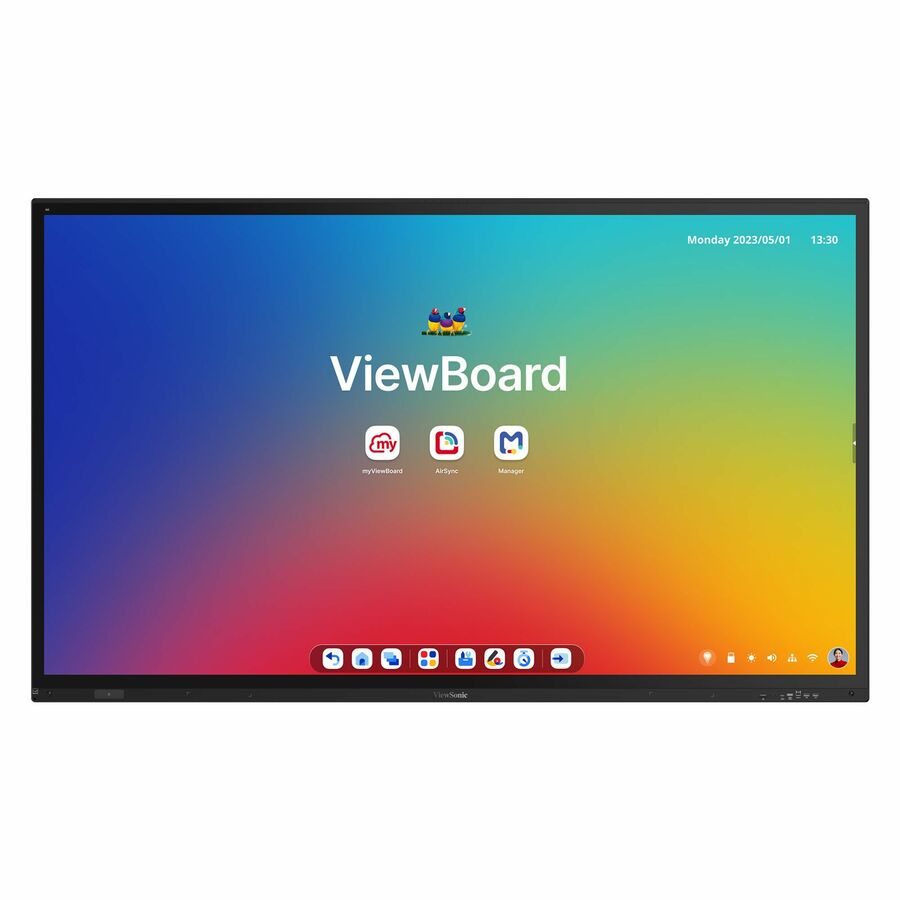
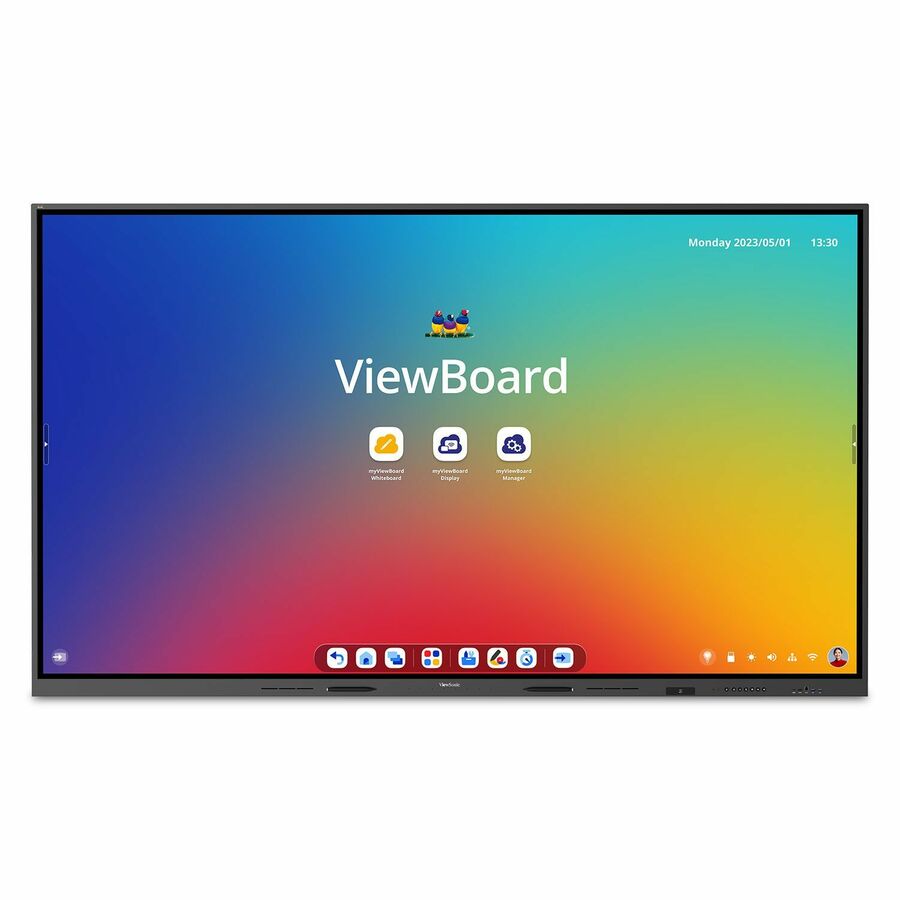
ViewSonic ViewBoard IFP6552-2ED
IFP6552-2ED
The 65-inch classroom standard in the EDLA-certified build. That certification is what licenses Google Mobile Services and a real Play Store onto a non-phone Android panel, which makes it a structural requirement for a district teaching in Google Workspace rather than a feature line.
Panels in this class are built to order more often than stocked. Read the availability chip and ask for a dated lead time before a room schedule is committed.
$2,618.60*Back-orderedNeed pricing on ViewSonic ViewBoard displays?
Tell us where to reach you and a Uniqcli specialist will follow up by email with current pricing, availability and lead time for the quantities you need — including parts that aren’t shown on this page.
Buying for an organization or for yourself — both work. No payment up front.
ViewBoard is the volume choice in K-12 interactive panels, and the reason is not mysterious: the line covers the classroom sizes districts actually buy, in enough variants that a specification can be met without special-ordering something exotic. The difficulty is that those variants are encoded in suffixes rather than in names, and two part numbers that look nearly identical can differ by a mobile cart, a wireless adapter, an Android version or a country-of-origin designation. Most of this page is spent making that legible.
One thing to read before the grid. The cards are sorted by price from high to low, which means the 110-inch and 105-inch lecture-hall and atrium panels lead the list. Those are real products with real uses, but they are not classroom kit. The classroom-standard 86-, 75- and 65-inch panels sit below them, and the grid is deliberately set deep enough that the 65-inch entry models are on the page rather than cut off. Scroll past the large-venue units unless that is genuinely what you are buying.
The other thing worth saying plainly: interactive panels of this class are largely built to order rather than held on a shelf, and the ViewBoard rows in our catalog have been running to order rather than as stock. Every card shows live availability, so treat anything marked back-ordered as a lead-time conversation rather than a delivery date. If you have a summer install window, that conversation should happen before the specification is finalised, not after a purchase order is cut.
Buyer's checklist
How to specify a ViewBoard for a classroom
- Read the model suffix before you read the price. Across the current rows, an -E1 suffix denotes a bundle including a wireless adapter, -E2 adds a mobile cart, and -E4 adds a slim cart. Two part numbers a few hundred dollars apart may differ by an entire mobility solution you were about to quote separately.
- Decide whether you need an EDLA-certified panel, and decide it at district level. Rows marked ED or EDLA in the product record are certified under Google's Enterprise Devices Licensing Agreement program, which is what licenses Google Mobile Services and the Play Store onto a non-phone Android device. If your instructional model runs on Google Workspace for Education, this is a structural requirement rather than a nice-to-have.
- Size from the farthest seat. AVIXA's V202.01 display-image-size standard, DISCAS, defines the calculations relating image size to viewing distance for basic and analytical decision making; the commonly used rule of thumb for teaching spaces puts the farthest viewer at no more than six times the image height. Measure the rooms, then choose sizes.
- Check the brightness figure against the room's daylight. These rows list panels at 350 and 400 candela per square meter. In a classroom with large south-facing windows and no blinds, that difference is visible from the back row, and it is not something you can fix after installation.
- Note the touch point count if your curriculum uses it. The product records differentiate here — some 65-inch rows are documented at 33 touch points while some 75-inch rows are documented at 20. If simultaneous multi-student interaction is part of the instructional design, confirm the number against the specific model.
- Confirm the connectivity you need is on the model you picked. Several rows document USB-C with power delivery and RJ45 in the specification line and several do not. A panel that cannot take a single-cable USB-C connection from the teaching position changes the cable design of every room it goes into.
- If country of origin is a hard requirement, name it and let us confirm the SKU. Rows carrying a TAA designation exist in the line, and every line we sell is screened for TAA country of origin and NDAA section 889 status before checkout — but that designation attaches to a part number, so it belongs on the quote against the exact model.
- Quote the mount, the power and the install labor with the panel, and add the removal of whatever is currently on the wall. Where you have chosen a cart bundle, confirm the room can actually accommodate a mobile unit before you commit to it.
Read the suffix: what -E1, -E2, -E4, ED and TAA actually mean
The ViewBoard part numbering is dense but it is consistent, and learning it saves real money. The base number encodes the family and the size — a 65-inch panel, a 75-inch panel, an 86-inch panel. What follows tells you what is in the box beyond the panel itself.
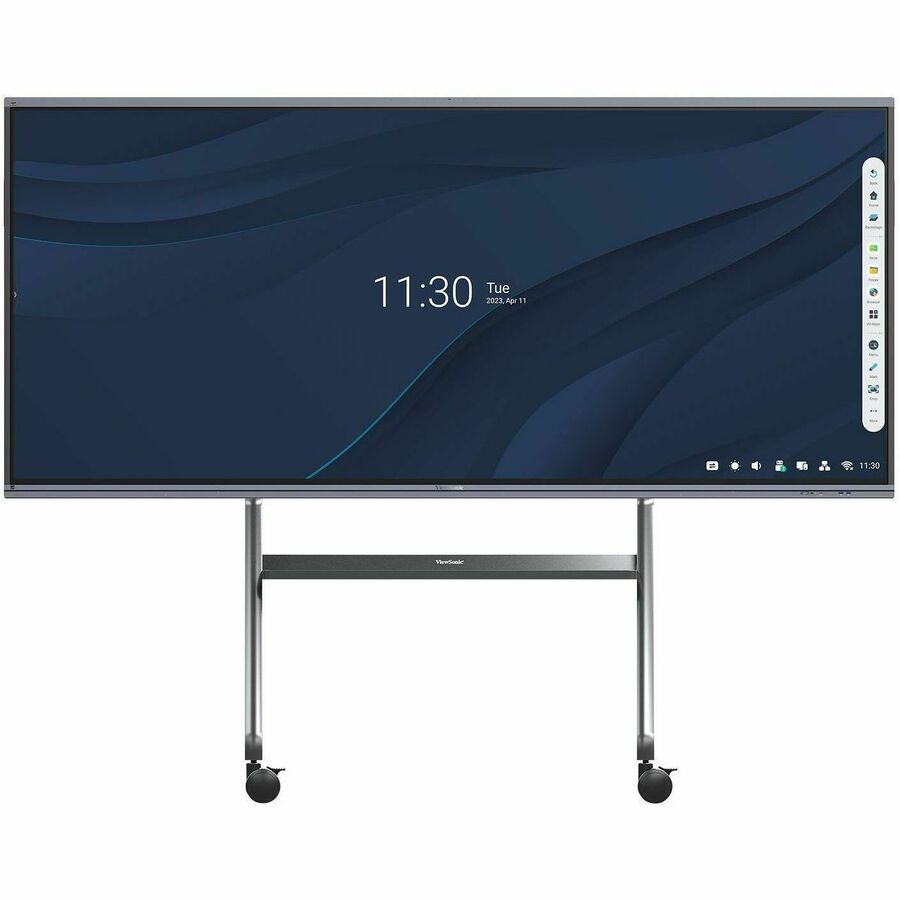
In the current rows, an -E1 suffix marks a bundle that includes a wireless adapter. An -E2 adds a mobile cart to that bundle, and an -E4 adds a slim cart instead. If you have been quoting panels and carts as separate lines, compare the bundled part number against your two-line total before you commit — sometimes the bundle wins outright, and sometimes it commits you to a cart model you would not have chosen, which is exactly why it is worth checking rather than assuming.
Two other markers matter. Rows carrying ED or EDLA in the product record are the Google-certified Android panels covered in the next section. Rows carrying a TAA marker in the part number are the variants ViewSonic designates for Trade Agreements Act country of origin, which is the flag to look for when a solicitation carries that requirement. As always, the designation belongs on a quote against a specific SKU rather than being inferred from a family name.
EDLA: why a certified Android panel is a different procurement object
Most interactive flat panels run Android. Very few of them run Android with a license from Google, and that distinction is the whole point of EDLA. Google's Enterprise Devices Licensing Agreement program, introduced for non-phone device categories, is what allows a manufacturer to ship a display with fully licensed Google Mobile Services on board — which in practice means a genuine Play Store, Chrome, Google Drive and Meet, and Google account sign-in that behaves the way staff expect it to.
For a district running Google Workspace for Education this is not a feature comparison, it is a compatibility question. On an uncertified panel, teachers sign in through workarounds, app installation goes through a vendor store of variable quality, and the panel sits outside the identity and policy model that governs everything else in the building. On an EDLA-certified panel it behaves like a managed member of the estate.
Several ViewBoard rows in the current catalog are documented as EDLA-certified, including models specified with Android 14, and some of those same rows also carry the TAA designation. If both requirements apply to your buy, say so early — the intersection of EDLA certification, a specific size and a country-of-origin designation narrows the field considerably, and it is much cheaper to discover that during specification than during award.
Sizing, brightness and the room you are actually putting it in
The sizing arithmetic is the same as for any classroom display and it is worth doing properly. AVIXA's V202.01 standard, DISCAS, sets out how image size relates to viewing distance for two defined viewing needs, and the rule of thumb drawn from it for teaching spaces places the farthest viewer at no more than six times the image height from the screen. Run that against your actual room depths and the answer for most full-size classrooms is 75 or 86 inches. Sixty-five-inch panels are the right call for small-group rooms, intervention spaces, breakout rooms and offices.
Brightness is the variable districts under-weight. The rows here document panels at 350 and 400 candela per square meter, and the gap shows up exactly where you would expect: a classroom with large unshaded windows on a bright morning. If a room has a daylight problem you cannot solve with blinds, specify the brighter panel for that room rather than standardizing blindly across the building.
The very large end of the line — the 105-inch ultra-wide and the 110-inch panel — is a different product category wearing the same brand. These are lecture-hall, auditorium and large-commons displays. They are excellent at that job and badly matched to a standard classroom, where they will overwhelm the front wall and consume a budget that would have equipped several rooms properly.
Availability is the real constraint on an install window
The honest statement about this line is that it runs to order more often than it sits in stock. That is normal for large-format interactive panels across the industry — they are heavy, freight-handled, configuration-heavy items and distribution does not hold deep inventory of every variant. The ViewBoard rows in our catalog have been showing as priced back-order rather than shelf stock.
Back-ordered is not a refusal, and it is not a reason to change vendors. It means the delivery date is a scheduled commitment rather than an immediate one, and that changes how you sequence a project: order earlier, confirm the date in writing, and sequence the electrical and mount work behind the confirmed date rather than behind a hope. Districts that get burned on summer installs are almost never burned by a vendor missing a date they gave — they are burned by never having asked for one.
Send us the room list with sizes, the variants you want and the date the rooms have to be usable. We will come back with what can actually be committed against that date, which models can hit it if the preferred one cannot, and where a bundled cart variant removes a separate procurement from your critical path.
FAQ
Common questions
- What is the difference between the -E1, -E2 and -E4 ViewBoard part numbers?
- They are bundle codes. Across the current rows, -E1 denotes a bundle including a wireless adapter, -E2 adds a mobile cart, and -E4 adds a slim cart. The panel itself is the same underlying model. If you were planning to buy carts separately, price the bundle against your two-line total first — sometimes it is the better buy, and sometimes it locks you into a cart you would not have chosen.
- What does EDLA-certified mean, and do we need it?
- EDLA is Google's Enterprise Devices Licensing Agreement, the program that lets manufacturers ship non-phone Android devices with fully licensed Google Mobile Services — a genuine Play Store, Chrome, Drive and Meet, and proper Google account sign-in. If your district runs Google Workspace for Education, an EDLA-certified panel behaves like a managed member of your estate and an uncertified one does not. Several ViewBoard rows in our catalog are documented as EDLA-certified, some specified with Android 14.
- Why does the grid start with a 110-inch panel?
- The list is sorted by price from high to low, so the large-venue models lead. The 105-inch ultra-wide and 110-inch panels are lecture-hall and auditorium displays rather than classroom kit. The classroom-standard 86-, 75- and 65-inch models are further down the same grid, and we have set it deep enough that the 65-inch entry models appear rather than being cut off at a default page size.
- Everything shows as back-ordered. Can you still supply these?
- Yes. Large-format interactive panels are largely built to order rather than stocked, so back-order status here means a scheduled delivery rather than an unavailable product. What matters is getting a committed date before you sequence the electrical work and the install labor behind it. Send us the model list and the date the rooms have to be usable and we will tell you what can be committed against it — including where a different variant hits the date when the preferred one will not.
- Can you supply ViewBoard panels with TAA country-of-origin documentation?
- Rows carrying a TAA designation exist in the line, and every line we sell is screened for TAA country of origin and NDAA section 889 status before checkout. Because the designation attaches to a specific part number rather than to a product family, name the requirement when you request the quote and we will confirm it against the exact SKU. If EDLA certification and a size constraint apply as well, tell us all three at once — the intersection narrows the field and it is far cheaper to find that out during specification than at award.
Need ViewSonic ViewBoard displays pricing?
Send a bill of materials or part numbers — we confirm stock and a below-market total, with TAA verified on request. No payment up front.