
Best Short-Throw Projectors for Classrooms
Short-throw and ultra-short-throw projectors for teaching spaces — read by throw distance, brightness, resolution, light source and how the unit mounts.
Short-throw classroom projectors in stock at Uniqcli
How to choose →A curated selection with live pricing — in-stock lines first, then back-ordered lines with a typical lead time. Every line is sourced through US distribution and screened for NDAA §889 status before checkout, with TAA verified on request.
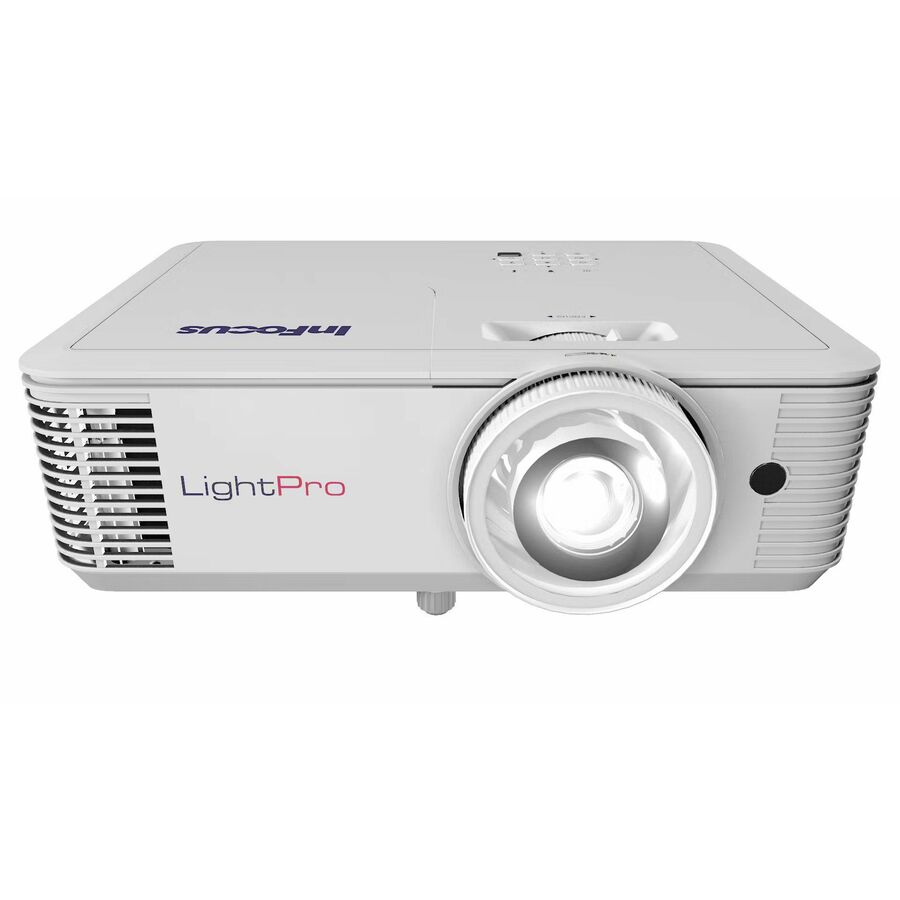
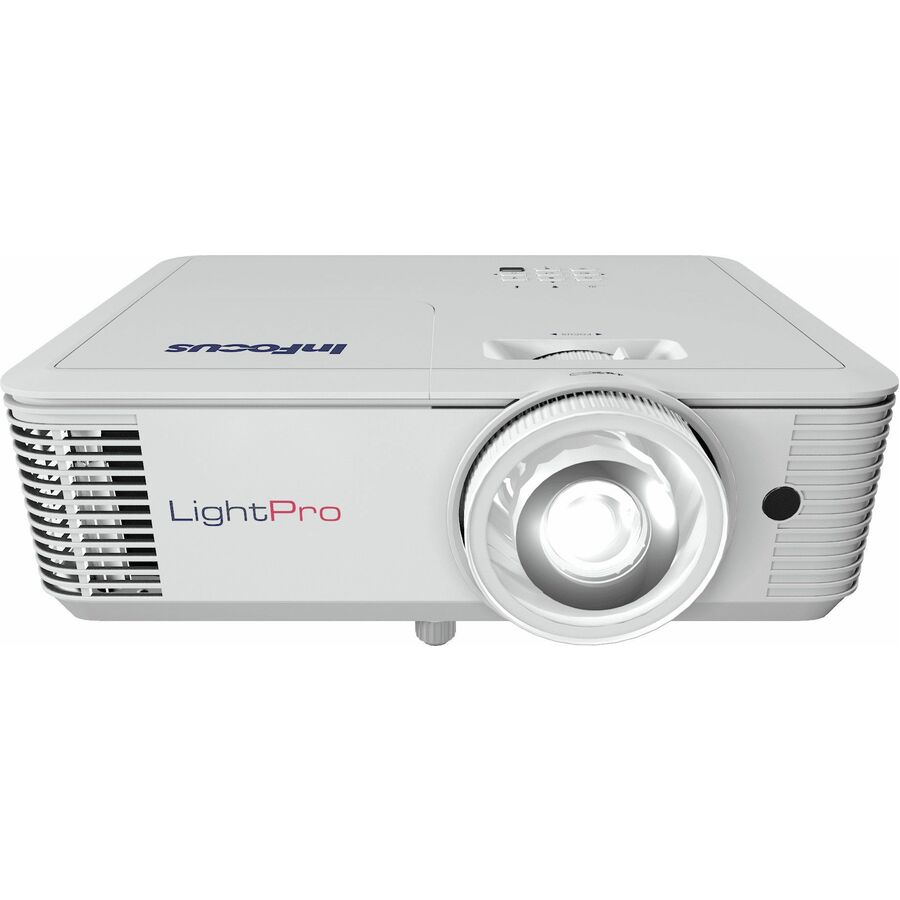
- Maxnerva Technology ServicesInFocus Nemesis II IN1026ST Short Throw DLP Projector - 16:10 - 1280 x 800 - Front - 1080p - 30000 Hour Normal Mode - WXGA - 400,000:1 - 4000 lm - HDMI - USB - Wireless LAN - Network (RJ-45) - Presentation, Class Room, Corporate, Education, Large Venue, BusinessIN1026ST
$1,905.00
$1,356.32
31 in stock - Maxnerva Technology ServicesInFocus Nemesis II IN1028ST Short Throw DLP Projector - 16:9 - 1920 x 1080 - Front - 2160p - 30000 Hour Normal Mode - Full HD - 400,000:1 - 4000 lm - HDMI - USB - Network (RJ-45) - Presentation, Class Room, Corporate, Education, Large Venue, BusinessIN1028ST
$2,127.00
$1,514.33
97 in stock
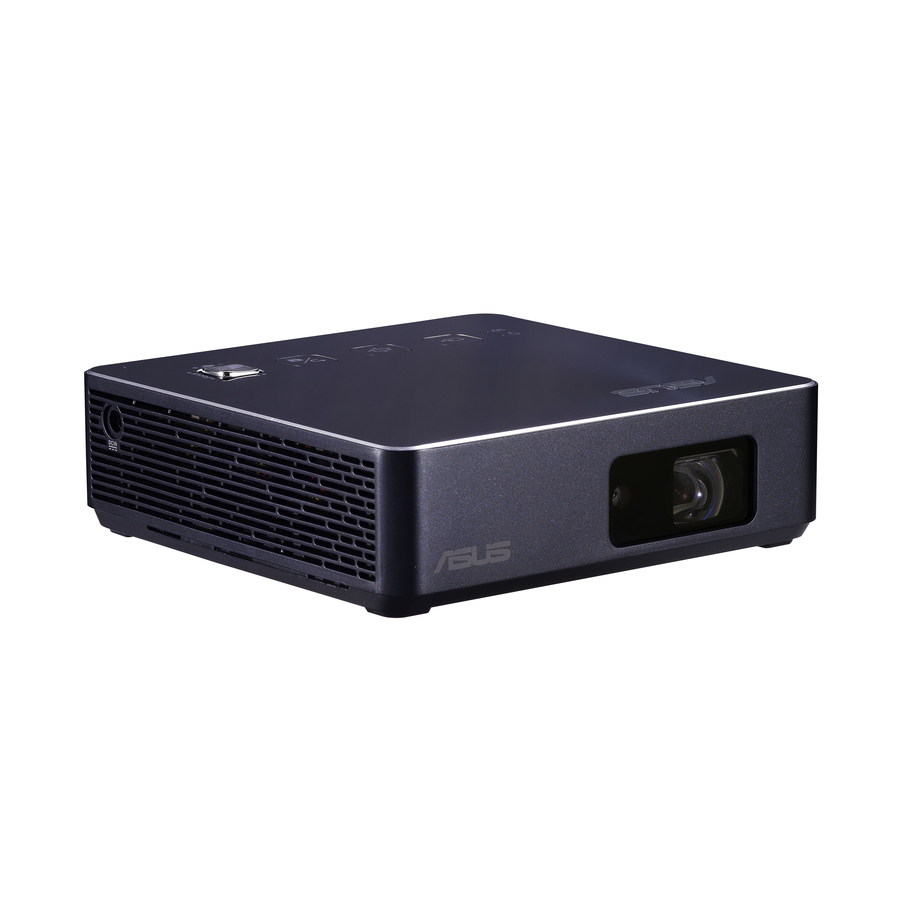

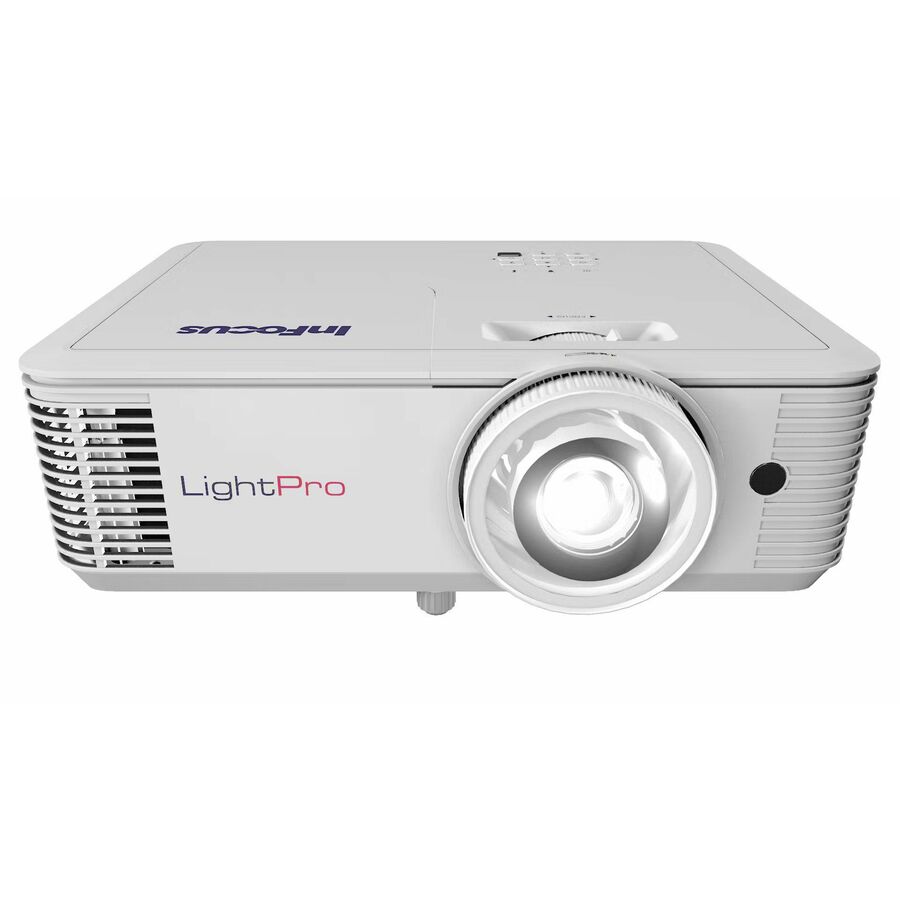

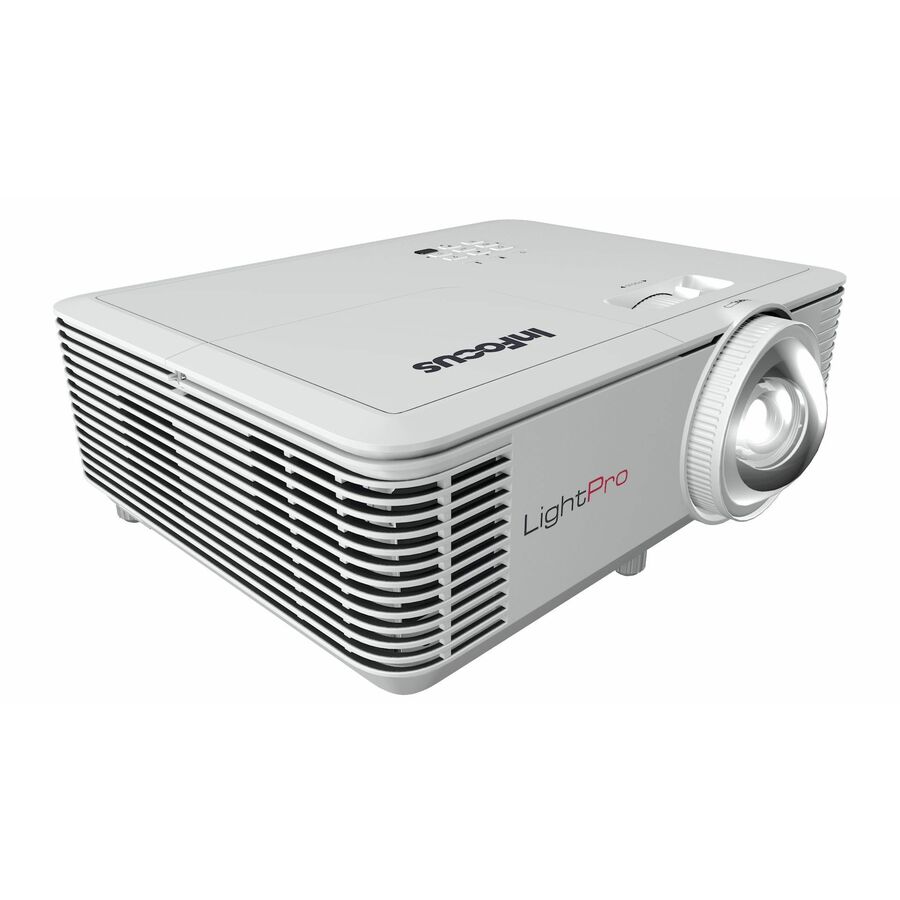
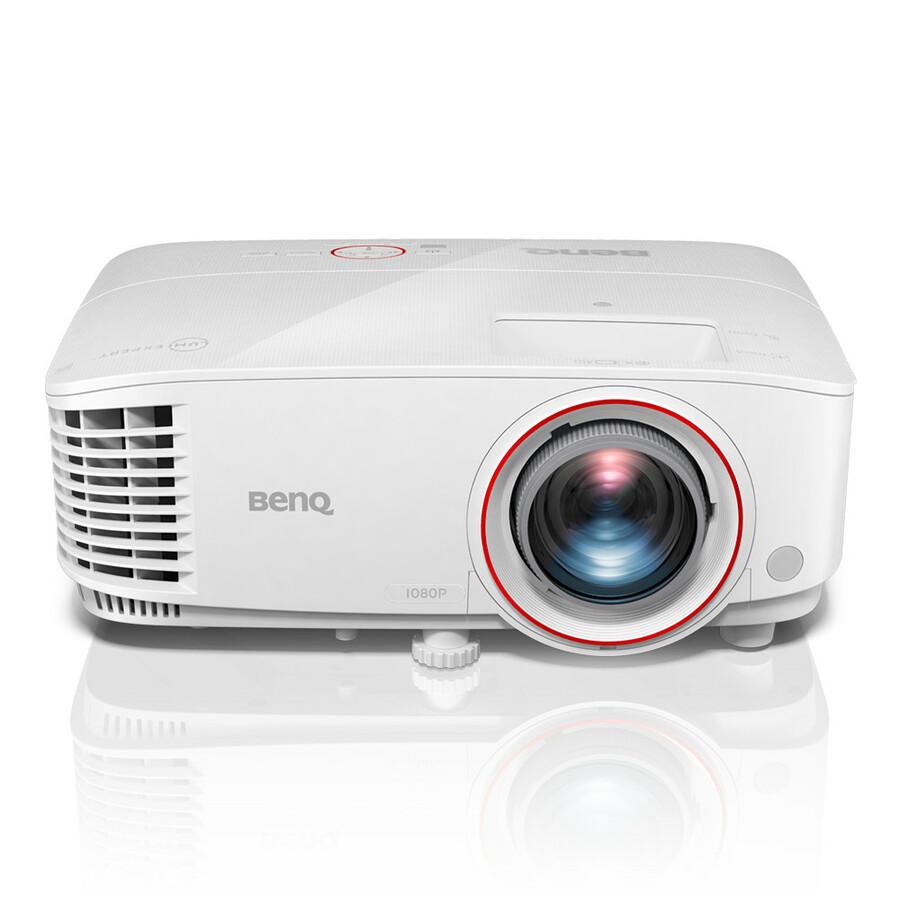

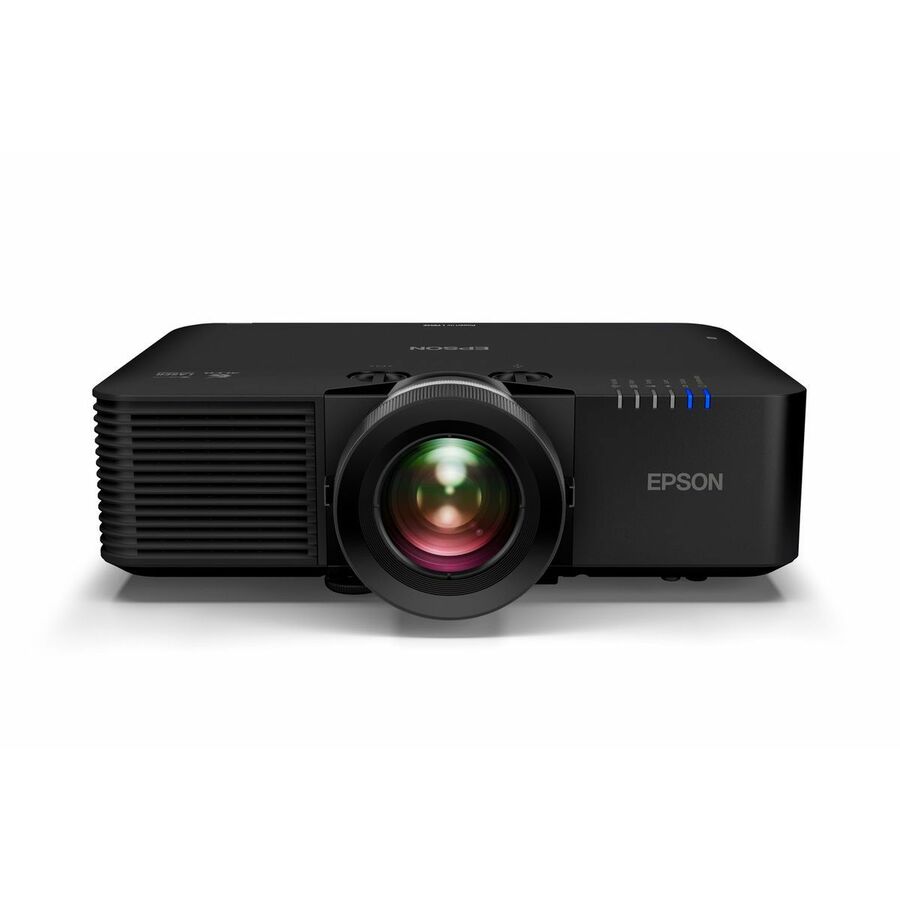
Entry XGA short throw
Maxnerva Technology Services
InFocus Genesis IN0024ST 3D Short Throw DLP Projector
IN0024ST
A portable XGA short-throw DLP unit rated 3,800 lumens with a 15,000-hour normal mode — the least expensive road onto this shelf, for a room that needs a bright image more than a sharp one.
XGA resolution: fine for slides and worksheets, not for dense text.
$572.23In stock4,000-lumen XGA
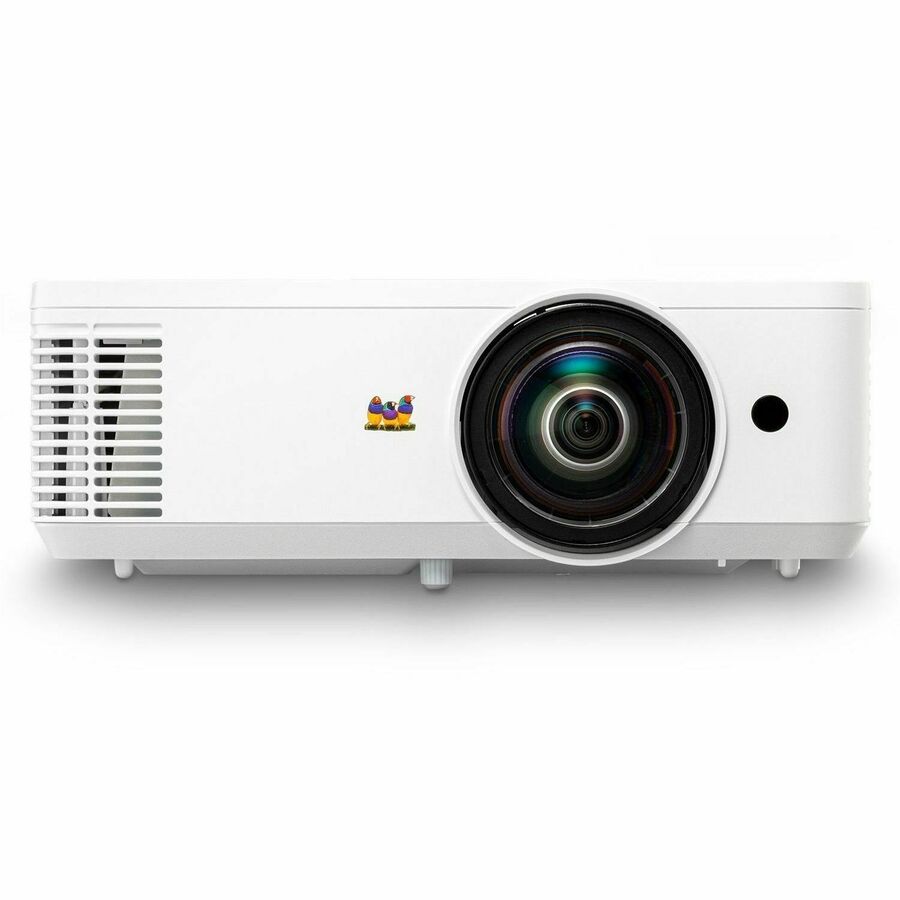
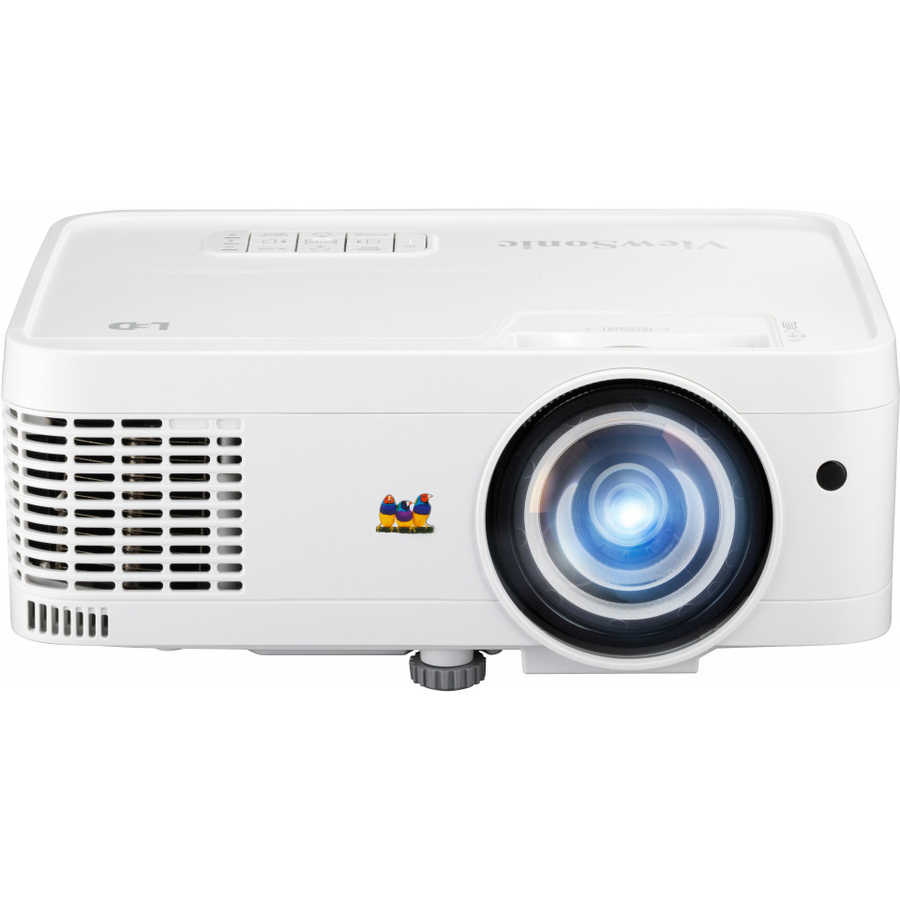
ViewSonic
ViewSonic PS502X 4000 Lumens XGA Short Throw Projector, High Brightness…
PS502X
A 4,000-lumen XGA short-throw unit with dual HDMI and USB-A inputs — brightness first, for a small teaching room where the lights stay on and the blinds stay open.
Two HDMI inputs: a teaching device and a room PC without a switch.
$626.69Back-orderedWXGA short throw
Maxnerva Technology Services
INFOCUS, MULTIMEDIA PROJECTOR, P123, VISTA II, WXGA, IN0046ST
IN0046ST
A WXGA short-throw unit with two HDMI inputs, VGA, RJ-45 and RS-232, 10W audio and 40 degrees of vertical keystone — the widescreen step up, with the control ports a managed room expects.
RJ-45 and RS-232: the ports a room control system looks for.
$650.44In stock1080p short throw
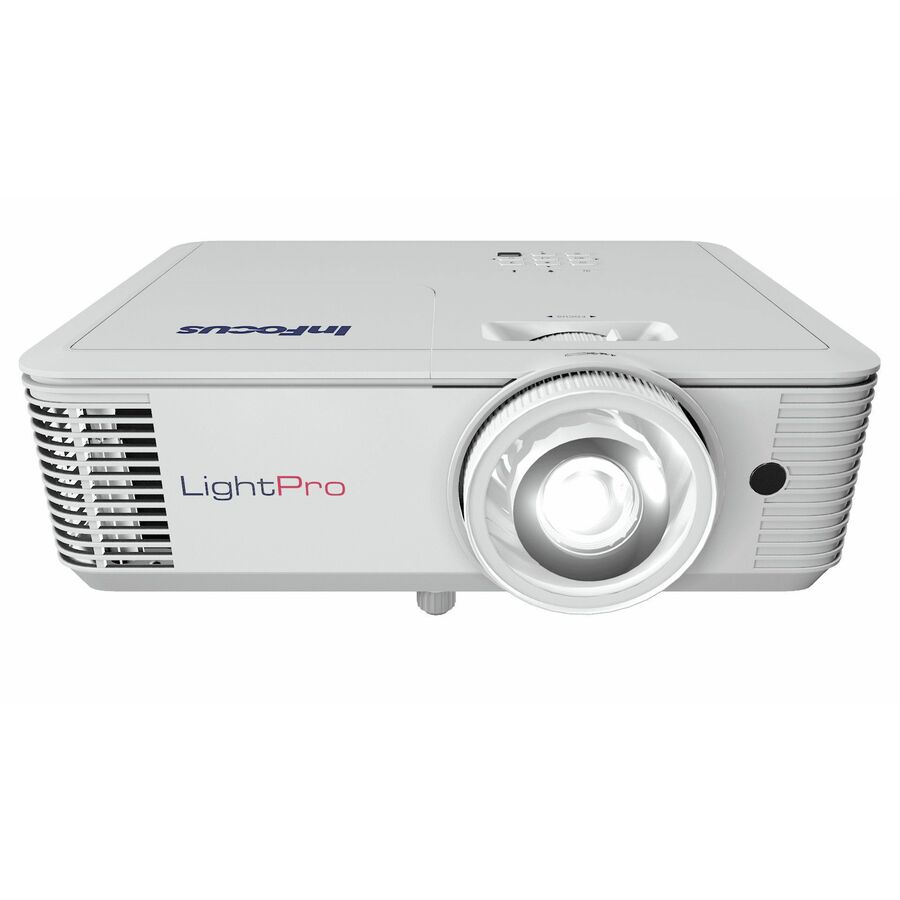
Maxnerva Technology Services
INFOCUS, MULTIMEDIA PROJECTOR, P123, VISTA II, 1080p, IN0048ST
IN0048ST
A 1080p short-throw unit with the same two-HDMI, VGA, RJ-45 and RS-232 control set and 40 degrees of vertical keystone — full HD in the same managed-room shape.
Same control ports as the WXGA unit above; the difference is resolution.
$865.76Back-ordered3,000-lumen 1080p DLP
BenQ
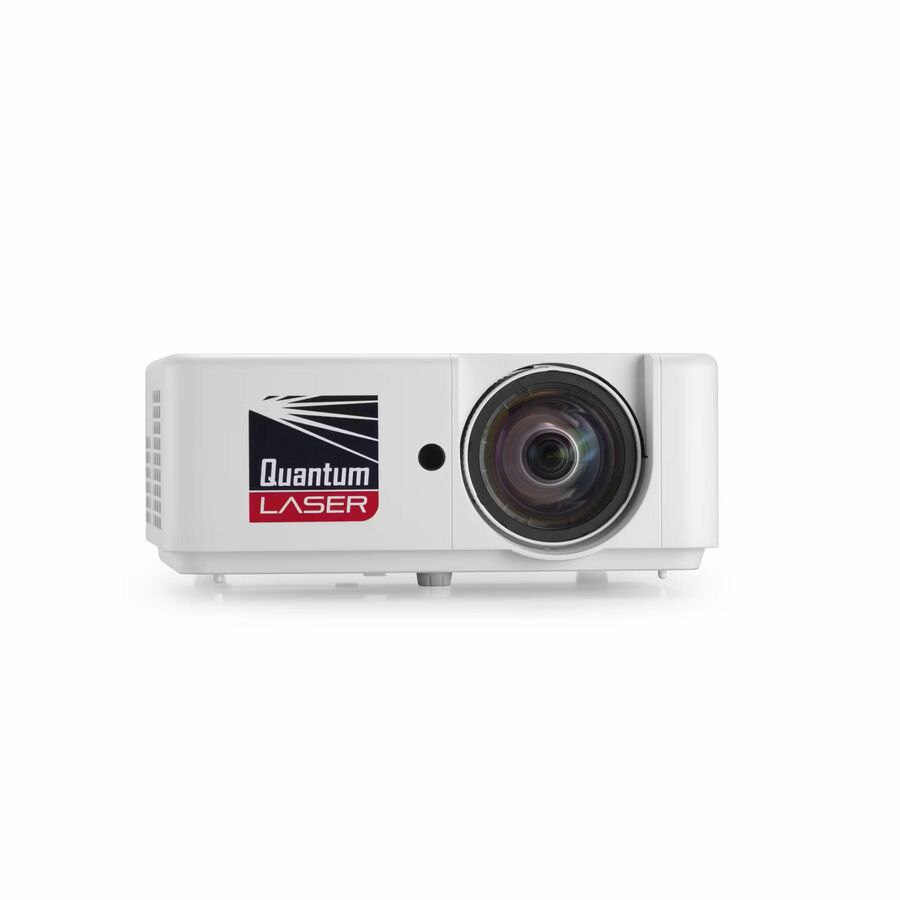
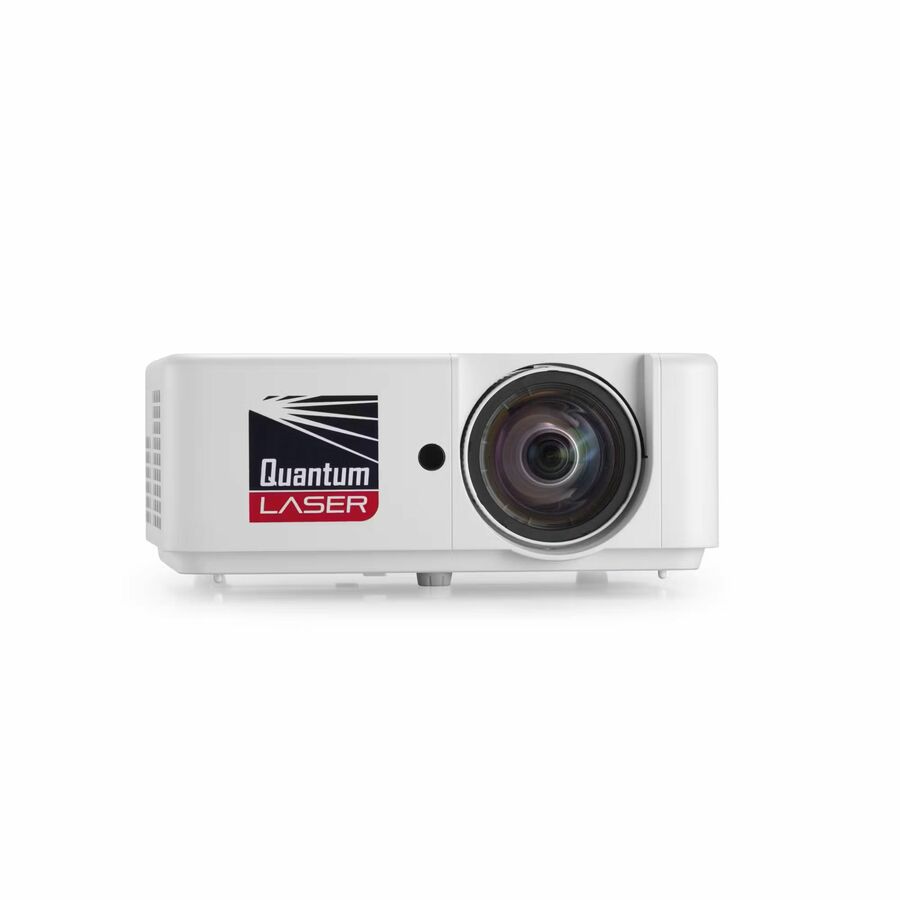
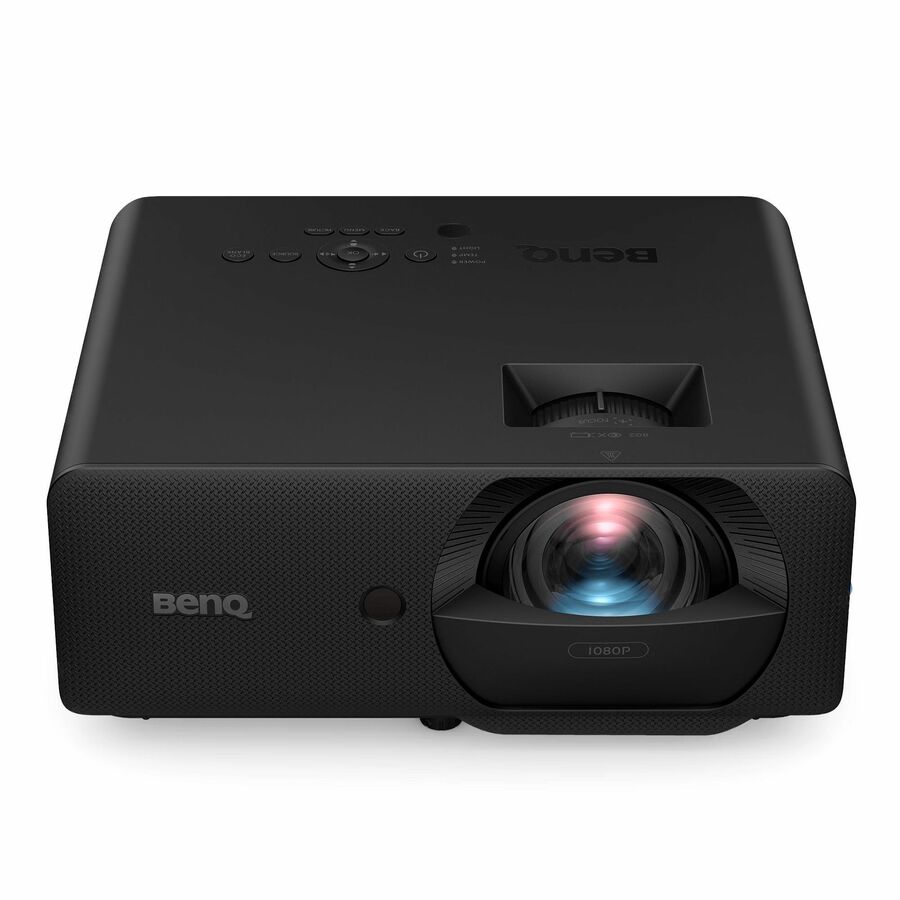
BenQ TH671ST 3D Ready Short Throw DLP Projector
TH671ST
A 3,000-lumen 1080p short-throw DLP projector with a 10,000:1 contrast ratio and a three-year warranty — a straightforward lamp-based full HD unit for a single room.
Lamp-based: budget the lamp change into the room's operating cost.
$1,108.74In stockWUXGA 3LCD, 4,500 lm
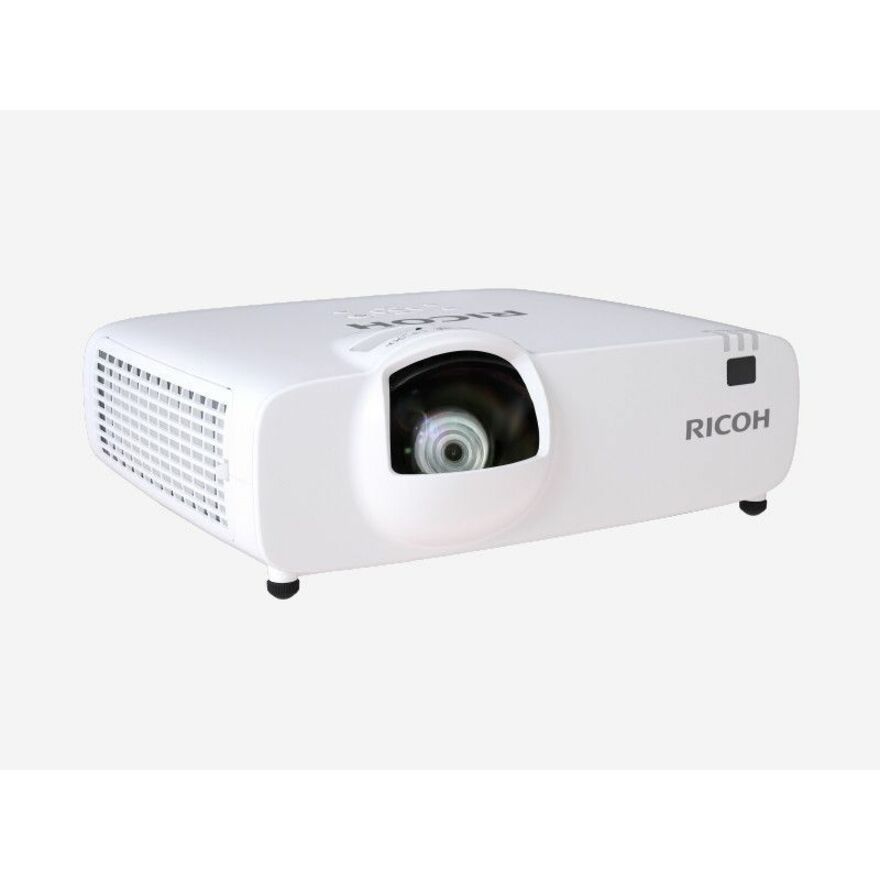
Ricoh Imaging
Ricoh PJ WUL5A40ST Short Throw 3LCD Projector
432678
A 4,500-lumen WUXGA 3LCD short-throw unit rated 20,000 hours with network control, mountable to ceiling, wall or floor — the brighter widescreen part for a lecture room.
20,000-hour normal mode and a wired network port for remote status.
$1,203.30Back-orderedWXGA LED short throw
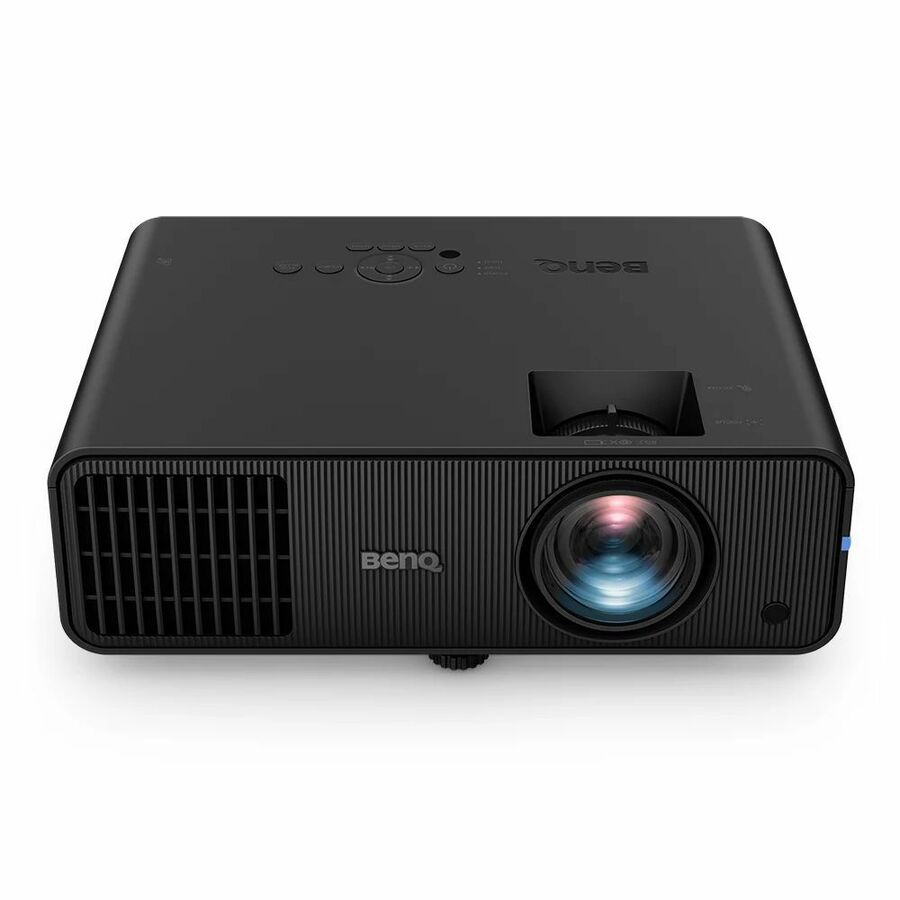
BenQ
BenQ LW600ST Short Throw LED Projector
LW600ST
A WXGA short-throw LED projector rated 20,000 hours in normal mode with HDMI, USB and wireless LAN — the LED road, with no lamp replacement in its maintenance plan.
LED light source: no lamp change across the unit's rated life.
$1,363.80Back-ordered3,500-lumen UST WXGA
Epson
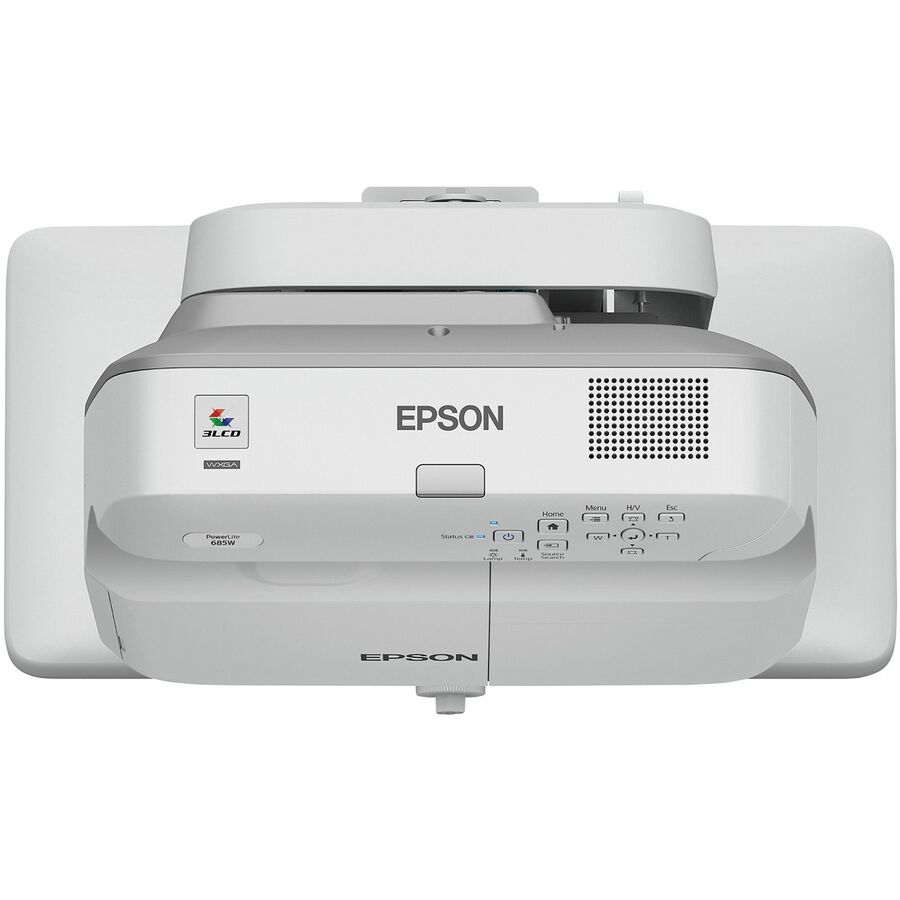
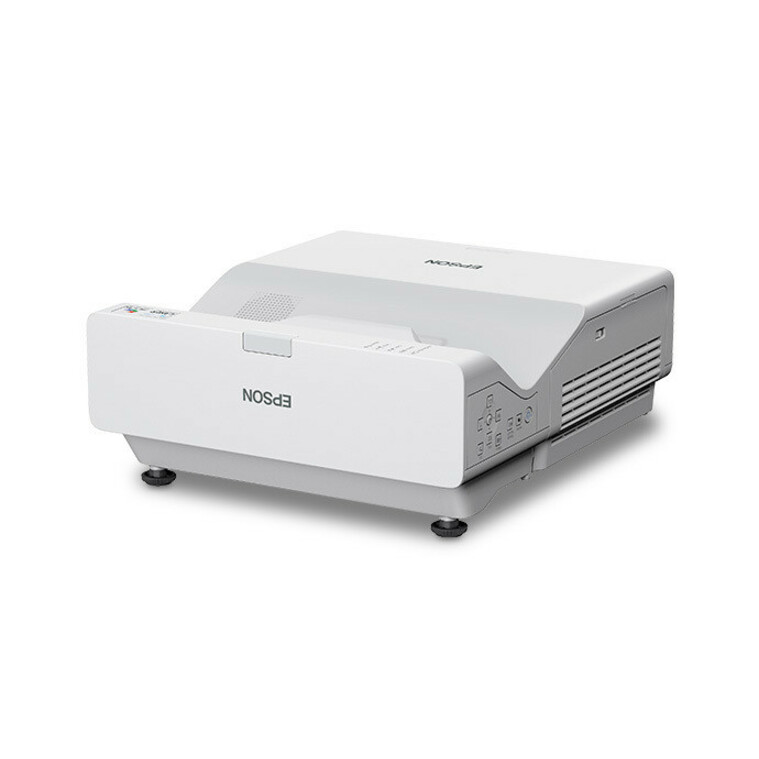
Epson PowerLite 685W Ultra Short Throw LCD Projector
V11H744520
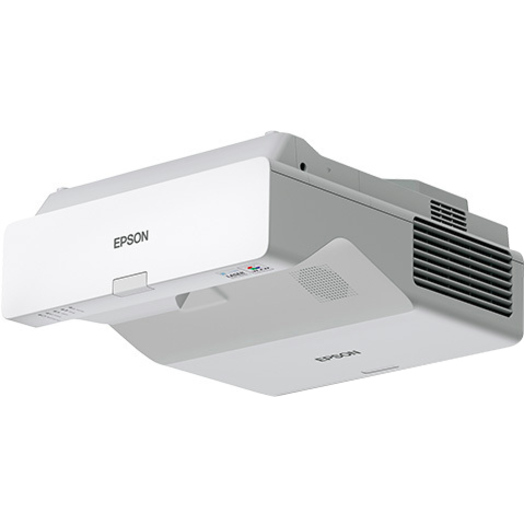
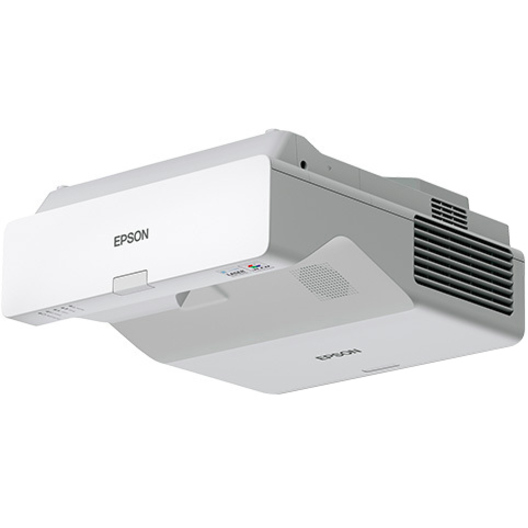
A 3,500-lumen WXGA ultra-short-throw 3LCD unit for front or rear projection — the wall-arm geometry that keeps a teacher writing at the board entirely out of the beam.
Ultra short throw: needs its own wall arm and a flat, square surface.
$1,620.92In stock1080p, 2,500 lumens
BenQ
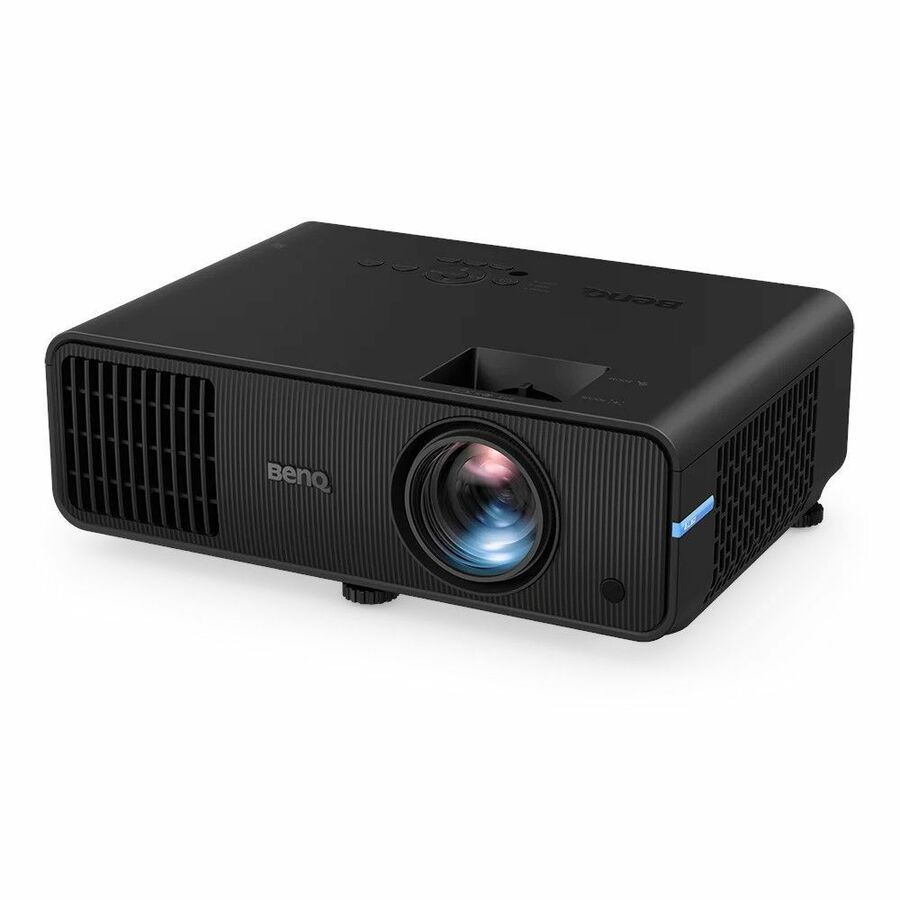
BenQ LH600ST 3D Short Throw DLP Projector
LH600ST
A 1080p short-throw DLP unit rated 2,500 lumens and 20,000 hours with wireless LAN, titled by the manufacturer for classroom and conference-room use.
2,500 lumens: read it against the room's real light before ordering.
$1,704.74Back-ordered21:9, 4,000 lumens
Epson
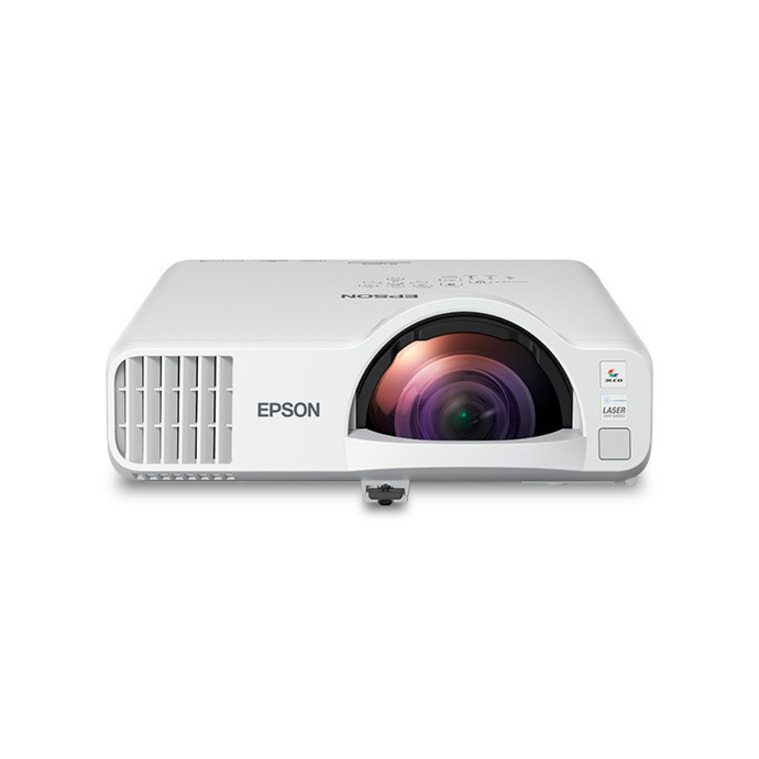
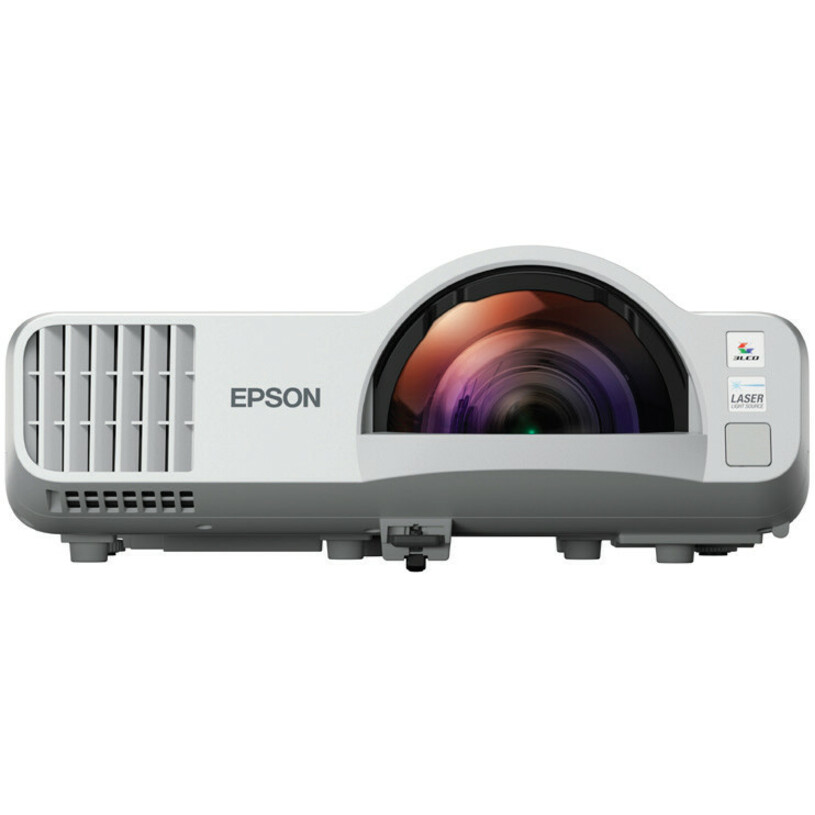
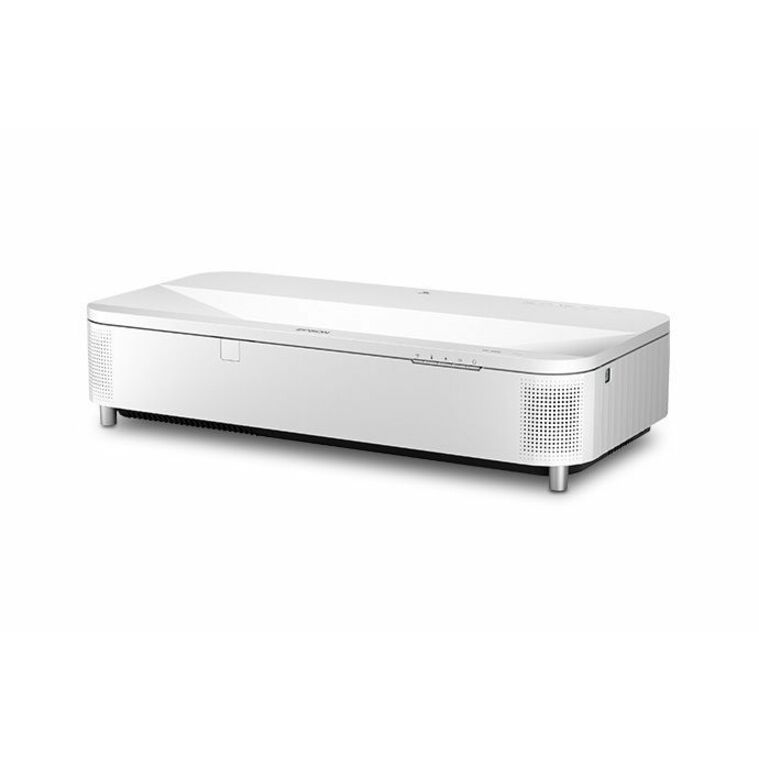
Epson PowerLite L210SF Short Throw 3LCD Projector
V11HA75020
A 4,000-lumen 1080p short-throw 3LCD unit in a 21:9 aspect with 20,000-hour normal mode, wireless LAN and a wired network port — the wide-format shape for a long board.
21:9: match the aspect to the board before ordering the mount.
$1,682.66In stockUST 21:9, 4,100 lm
Epson
Epson PowerLite 770F Ultra Short Throw 3LCD Projector
V11HA79020
A 4,100-lumen 1080p ultra-short-throw 3LCD unit in 21:9 with 20,000-hour normal mode and network control, titled by the manufacturer for classroom and education use.
Ultra short throw in a wide aspect: measure the board width first.
$3,761.24In stock5,000-lumen short throw

LG Electronics
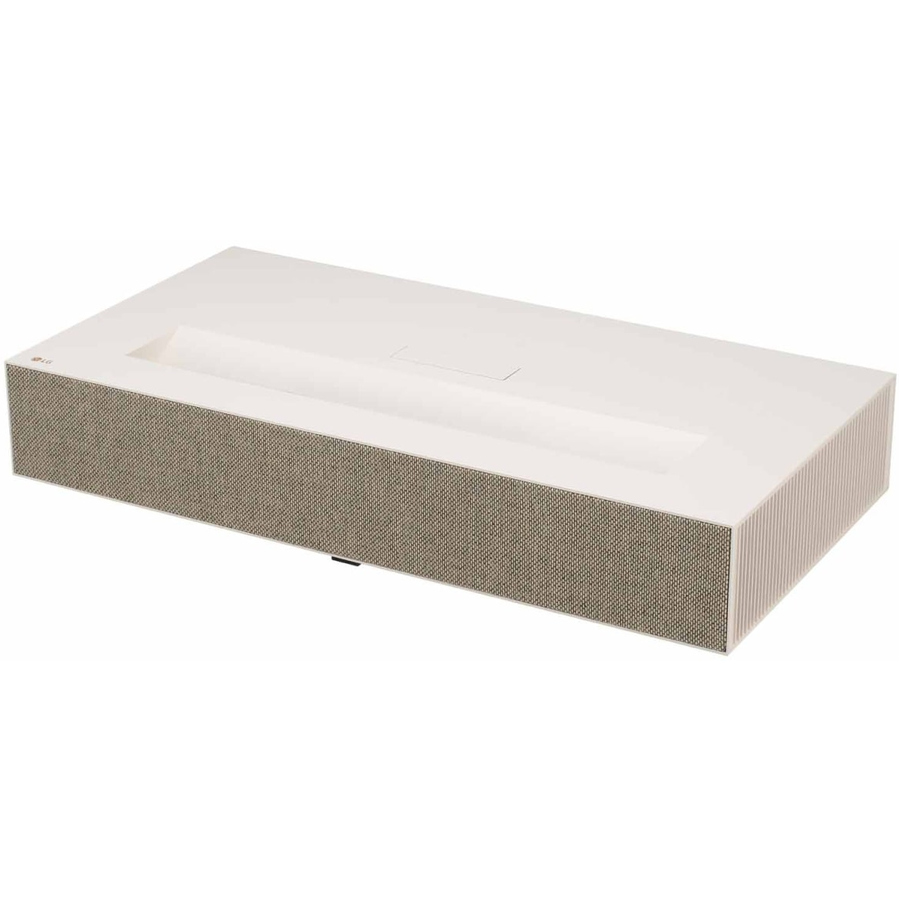
LG ProBeam BU53RG Short Throw DLP Projector
BU53RG
A 5,000-lumen short-throw DLP unit rated 15,000 hours with HDR, wireless LAN, a wired network port and Bluetooth — the bright single-unit answer for a large, well-lit room.
Network port and Bluetooth: control and audio without extra cabling.
$3,825.00Back-ordered4K UST, 6,500 lumens
Ricoh Imaging
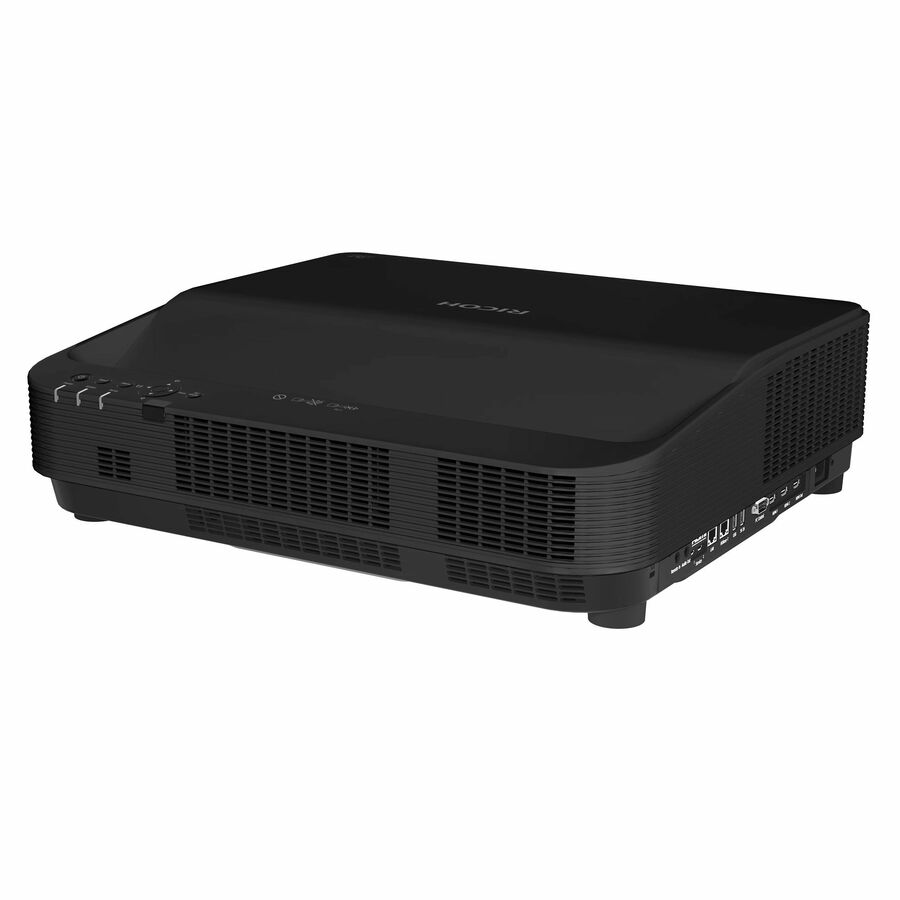
PFU UHL3660 Ultra Short Throw DLP Projector
432684
A 6,500-lumen 4K ultra-short-throw DLP unit with HDR, a 20,000-hour normal mode and network control — the top-of-range room part here, for a lecture hall or a boardroom.
The brightest and highest-resolution unit in this picks list.
$7,625.83Back-orderedMore projectors in the Uniqcli catalog
See all 458 projectorsMore from across this category. In-stock lines lead, and a back-ordered line carries the same estimated availability its product page does — with live pricing throughout, NDAA §889 screening before checkout and TAA verified on request.
Back-ordered — estimated OEM lead time 3–8 weeks (Nov 12 – Dec 17 if ordered today).
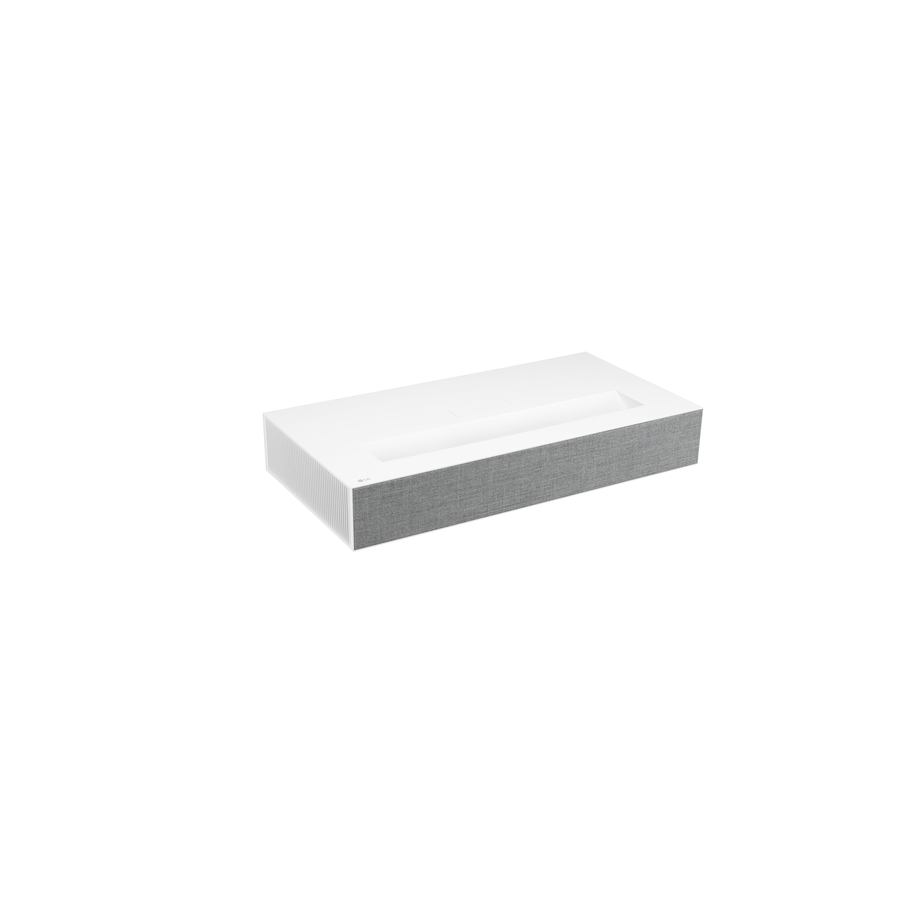
- LG ElectronicsLG CineBeam HU915QE Ultra Short Throw DLP Projector - 16:9 - Ceiling Mountable - High Dynamic Range (HDR) - 3840 x 2160 - Front, Ceiling - 2160p - 20000 Hour Normal Mode - 4K UHD - 2,000,000:1 - 3700 lm - HDMI - USB - Network (RJ-45) - Entertainment, Home TheaterHU915QE
$5,999.99
$5,099.99
Back-orderedBack-ordered — estimated OEM lead time 3–8 weeks (Nov 12 – Dec 17 if ordered today).
- LG ElectronicsLG CineBeam HU85LA Ultra Short Throw DLP Projector - 16:9 - 3840 x 2160 - Front - 20000 Hour Normal Mode - 4K UHD - 2,000,000:1 - 2700 lm - HDMI - USB - Wireless LAN - 2 Year WarrantyHU85LA
$4,999.99
$4,249.99
Back-orderedBack-ordered — estimated OEM lead time 3–8 weeks (Nov 12 – Dec 17 if ordered today).
Back-ordered — estimated OEM lead time 3–8 weeks (Nov 12 – Dec 17 if ordered today).
- LG ElectronicsLG ProBeam BU53RG Short Throw DLP Projector - High Dynamic Range (HDR) - 15000 Hour Normal Mode - 3,000,000:1 - 5000 lm - HDMI - USB - Wireless LAN - Network (RJ-45) - Bluetooth - 3 Year WarrantyBU53RG
$4,500.00
$3,825.00
Back-orderedBack-ordered — estimated OEM lead time 3–8 weeks (Nov 12 – Dec 17 if ordered today).
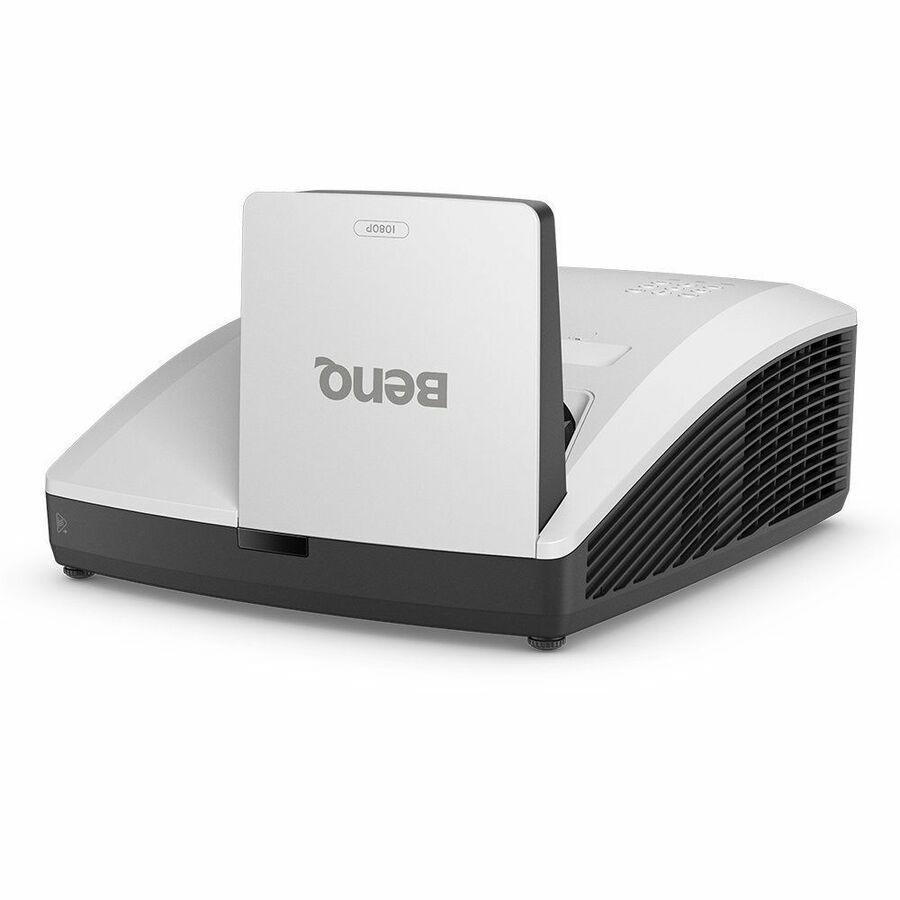
- BenQBenQ LH856UST 3D Ultra Short Throw DLP Projector - 16:9 - Wall Mountable - 1920 x 1080 - Front - 1080p - 20000 Hour Normal Mode - 38000 Hour Economy Mode - Full HD - 3,000,000:1 - 3500 lm - HDMI - USB - Network (RJ-45) - Class Room, Education, PresentationLH856UST
$3,079.00
$2,575.33
Back-orderedBack-ordered — estimated OEM lead time 3–8 weeks (Nov 12 – Dec 17 if ordered today).
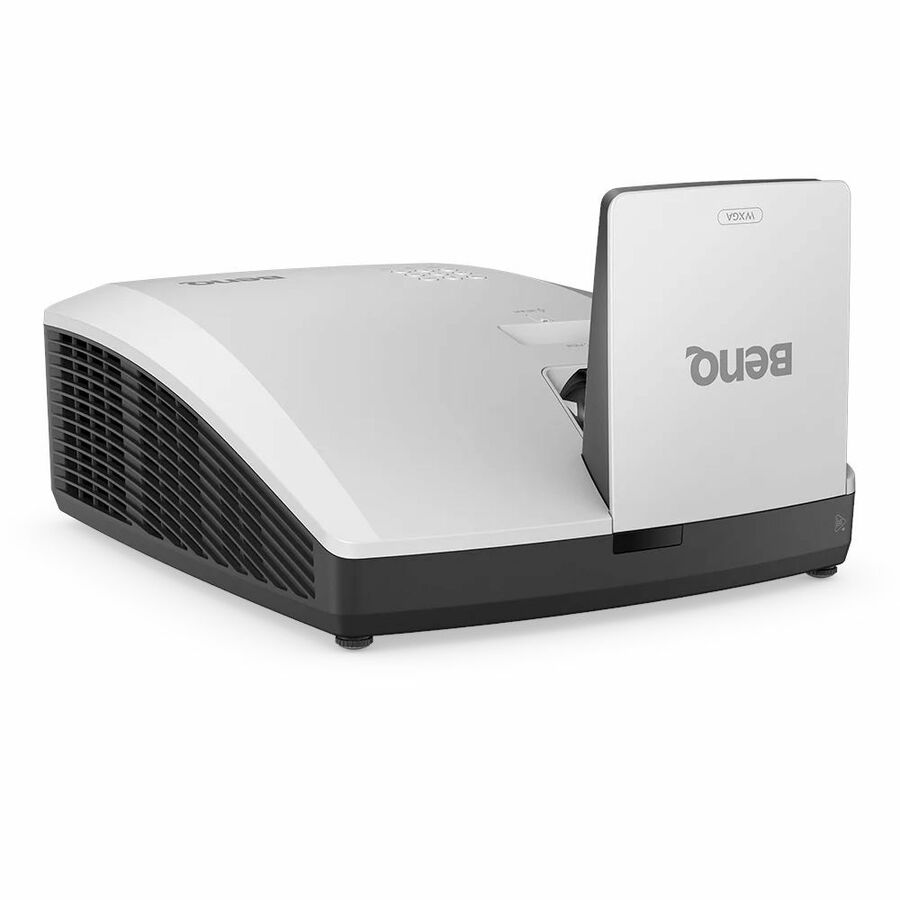
- BenQBenQ LW855UST Ultra Short Throw DLP Projector - White - Front - 3500 lm - Class RoomLW855UST
$2,749.00
$2,289.05
Back-orderedBack-ordered — estimated OEM lead time 3–8 weeks (Nov 12 – Dec 17 if ordered today).
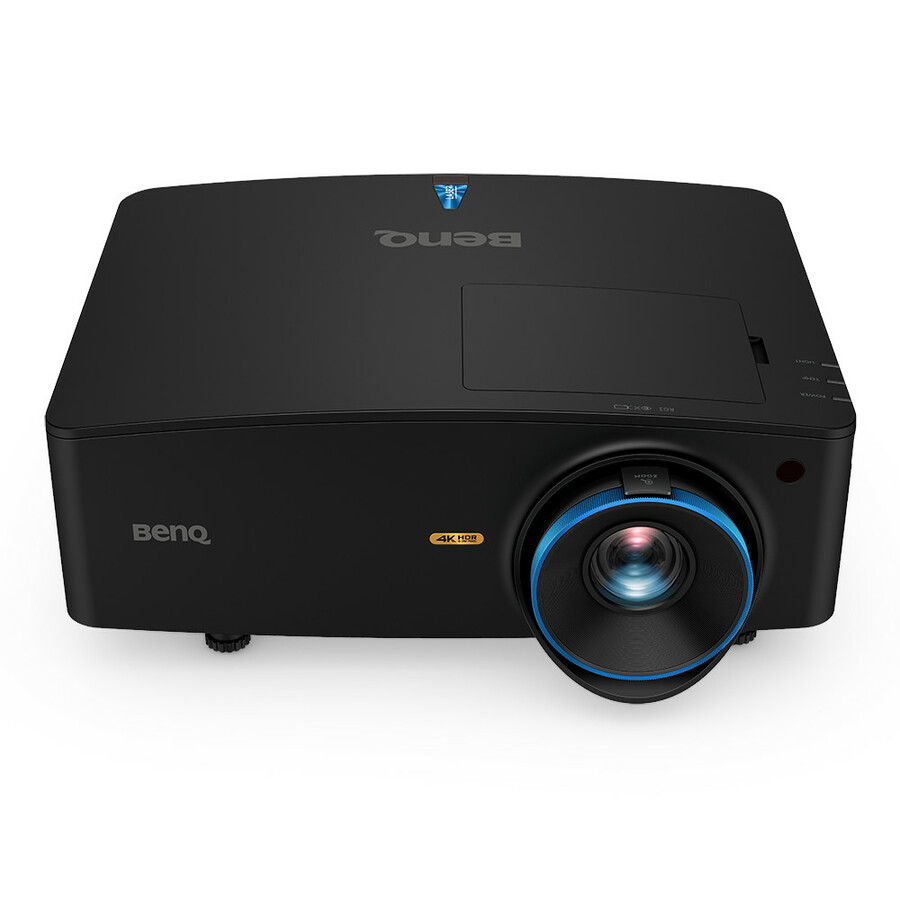
- BenQBenQ LK936ST 3D Ready Short Throw DLP Projector - 16:9 - Ceiling Mountable, Wall Mountable - High Dynamic Range (HDR) - 3840 x 2160 - Ceiling, Front - 20000 Hour Normal Mode - 4K UHD - 3,000,000:1 - 5100 lm - HDMI - USB - Network (RJ-45) - Presentation, Gaming, Entertainment, Home Theater, HomeLK936ST
$5,849.00
$5,451.29
Back-orderedBack-ordered — estimated OEM lead time 3–8 weeks (Nov 12 – Dec 17 if ordered today).
- Maxnerva Technology ServicesINFOCUS, MULTIMEDIA PROJECTOR, P123, VISTA II, 1080p, IN0048ST - SHORT THROW, 15000 HOURS, 2X HDMI, VGA, USB-A POWER, RJ45, RS232, 10W AUDIO, 40° VERTICAL KEYSTONEIN0048ST
$1,199.00
$865.76
Back-orderedBack-ordered — we expect to receive stock the week of Nov 9–15 and will process your delivery right after.
- ViewSonicViewSonic LS560WH 3000 Lumens WXGA Short Throw LED Projector, High Brightness for Business and Education, H/V Keystone and 360-Degree Projection for Easy Setup, and LAN Control Inputs - LS560WH - 3000 Lumens WXGA Short Throw LED Lamp Free Projector with HV Keystone and LAN ControlLS560WH
$1,049.00
$734.57
Back-orderedBack-ordered — estimated OEM lead time 3–8 weeks (Nov 12 – Dec 17 if ordered today).
- Maxnerva Technology ServicesInFocus Genesis IN0026ST Short Throw DLP Projector - 1280 x 800 - Front - 1080p - 15000 Hour Normal Mode - WXGA - 30,000:1 - 3800 lm - HDMI - USB - Room, Presentation, Cinema, Gaming, Home, Office - 2 Year WarrantyIN0026ST
$837.00
$604.61
Back-orderedBack-ordered — we expect to receive stock the week of Nov 9–15 and will process your delivery right after.
- Maxnerva Technology ServicesINFOCUS, MULTIMEDIA PROJECTOR, P123, VISTA II, XGA, IN0044ST - SHORT THROW, 15000 HOURS, 2X HDMI, VGA, USB-A POWER, RJ45, RS232, 10W AUDIO, 40° VERTICAL KEYSTONEIN0044ST
$834.00
$601.96
Back-orderedBack-ordered — we expect to receive stock the week of Nov 9–15 and will process your delivery right after.
- ViewSonicViewSonic PS502X 4000 Lumens XGA Short Throw Projector, High Brightness for Small Meeting Rooms and Living Rooms, Dual HDMI, and USB-A Inputs - PS502X - 4000 Lumens XGA Bright Short Throw Projector with Dual HDMI, USB APS502X
$799.00
$626.69
Back-orderedBack-ordered — we expect to receive stock the week of Oct 19–25 and will process your delivery right after.
Back-ordered — estimated OEM lead time 3–8 weeks (Nov 12 – Dec 17 if ordered today).
Back-ordered — estimated OEM lead time 3–8 weeks (Nov 12 – Dec 17 if ordered today).
Back-ordered — estimated OEM lead time 3–8 weeks (Nov 12 – Dec 17 if ordered today).
Back-ordered — estimated OEM lead time 3–8 weeks (Nov 12 – Dec 17 if ordered today).
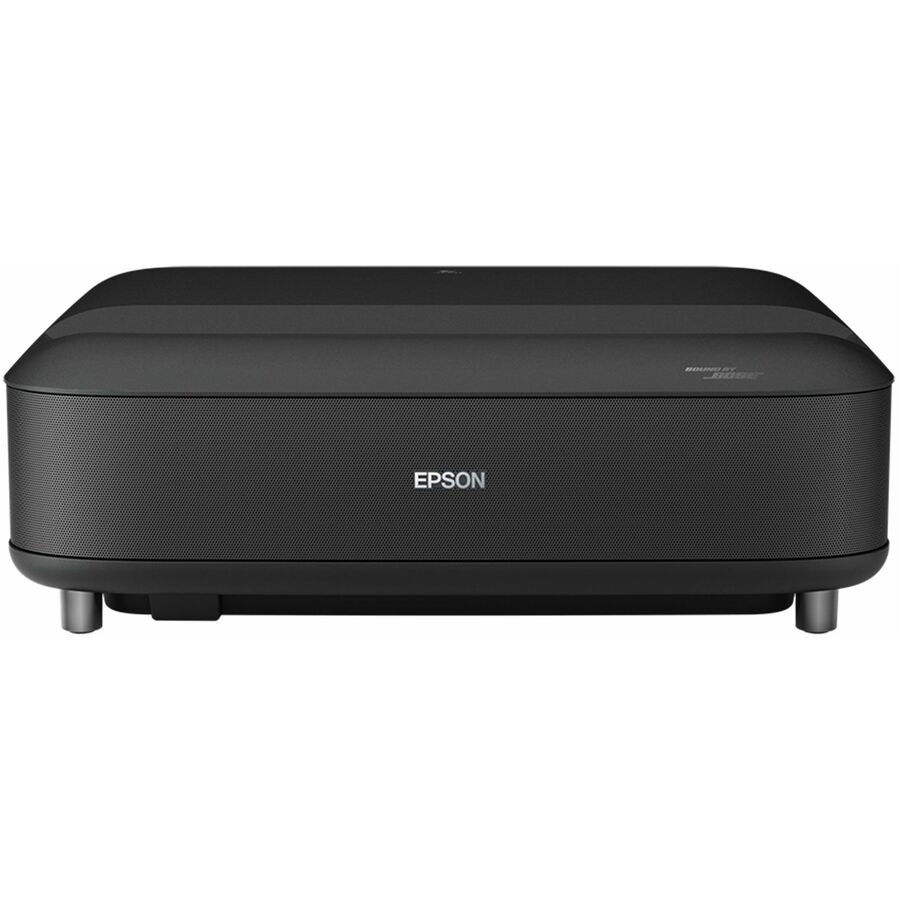
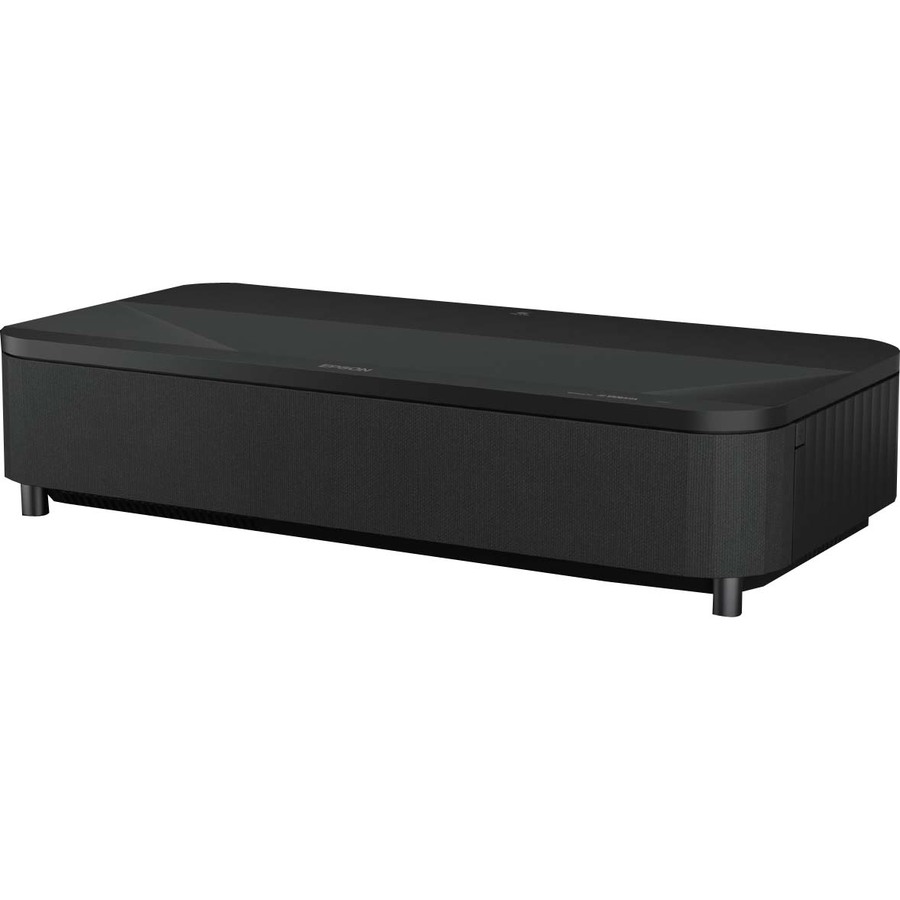
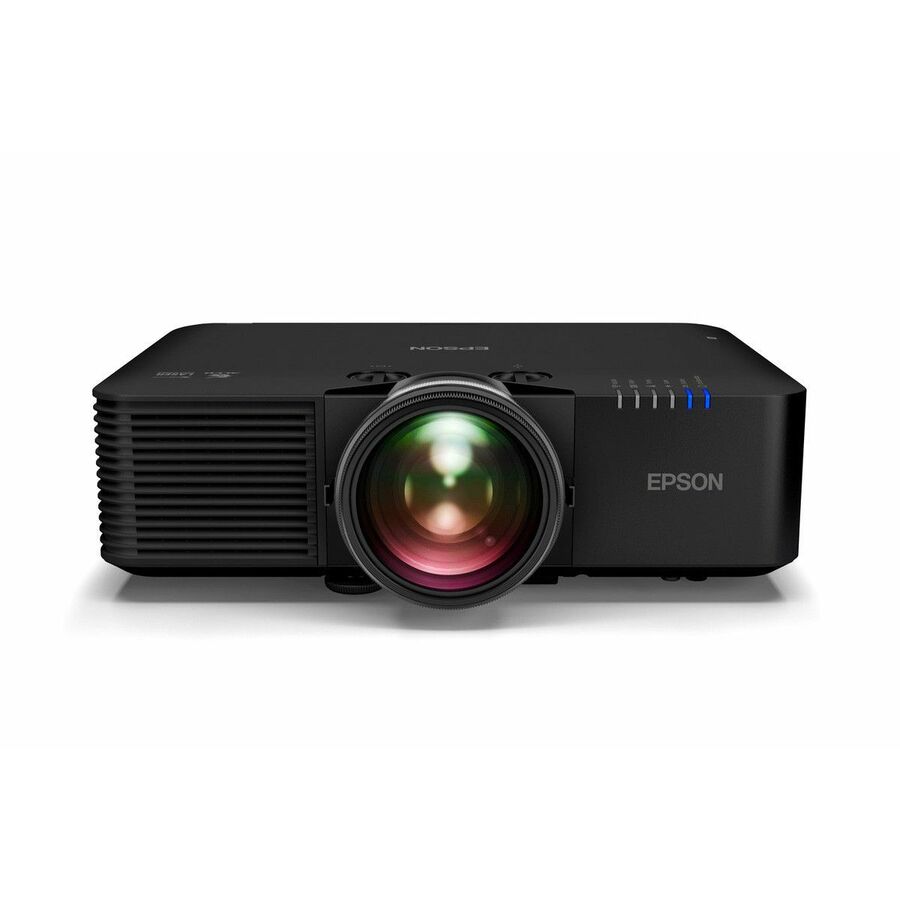
- EpsonEpson PowerLite 775F Ultra Short Throw 3LCD Projector - 16:9 - Black - Front - 1080p - 20000 Hour Normal Mode - 30000 Hour Economy Mode - 2,500,000:1 - 4100 lm - HDMI - USB - Wireless LAN - Network (RJ-45) - Conference, Office, Conference Room, Class Room - 3 Year WarrantyV11HA83120
$3,761.24
Back-orderedBack-ordered — estimated OEM lead time 3–8 weeks (Nov 12 – Dec 17 if ordered today).
Back-ordered — estimated OEM lead time 3–8 weeks (Nov 12 – Dec 17 if ordered today).
Back-ordered — estimated OEM lead time 3–8 weeks (Nov 12 – Dec 17 if ordered today).
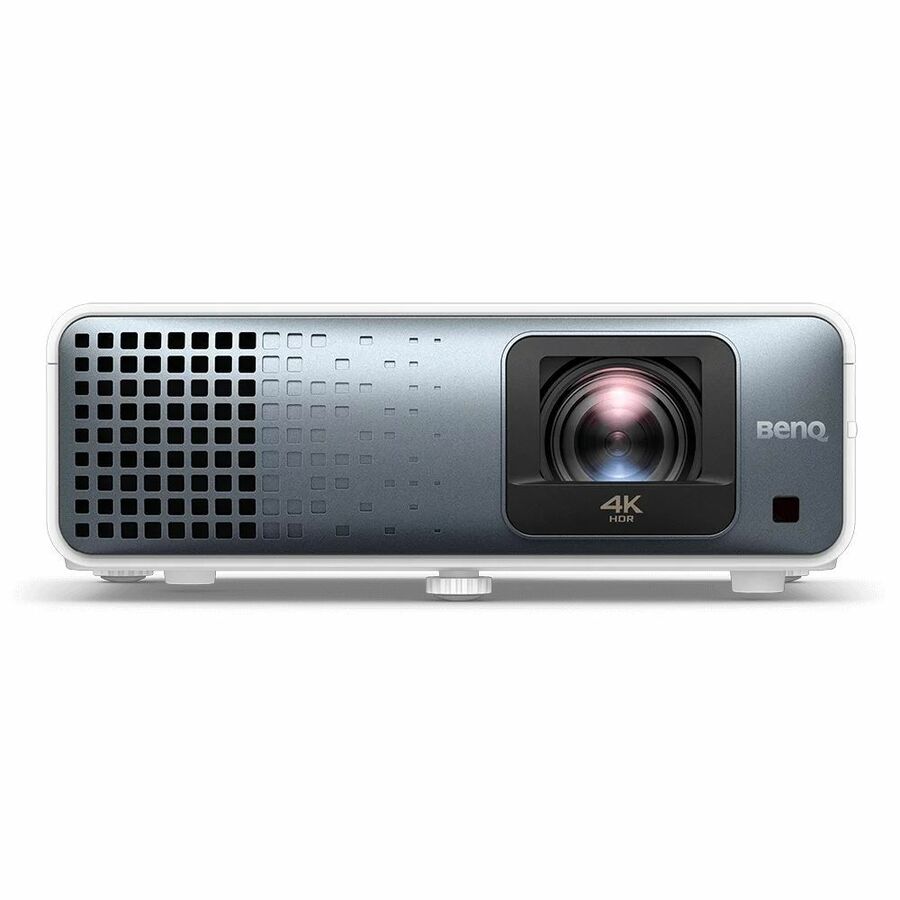
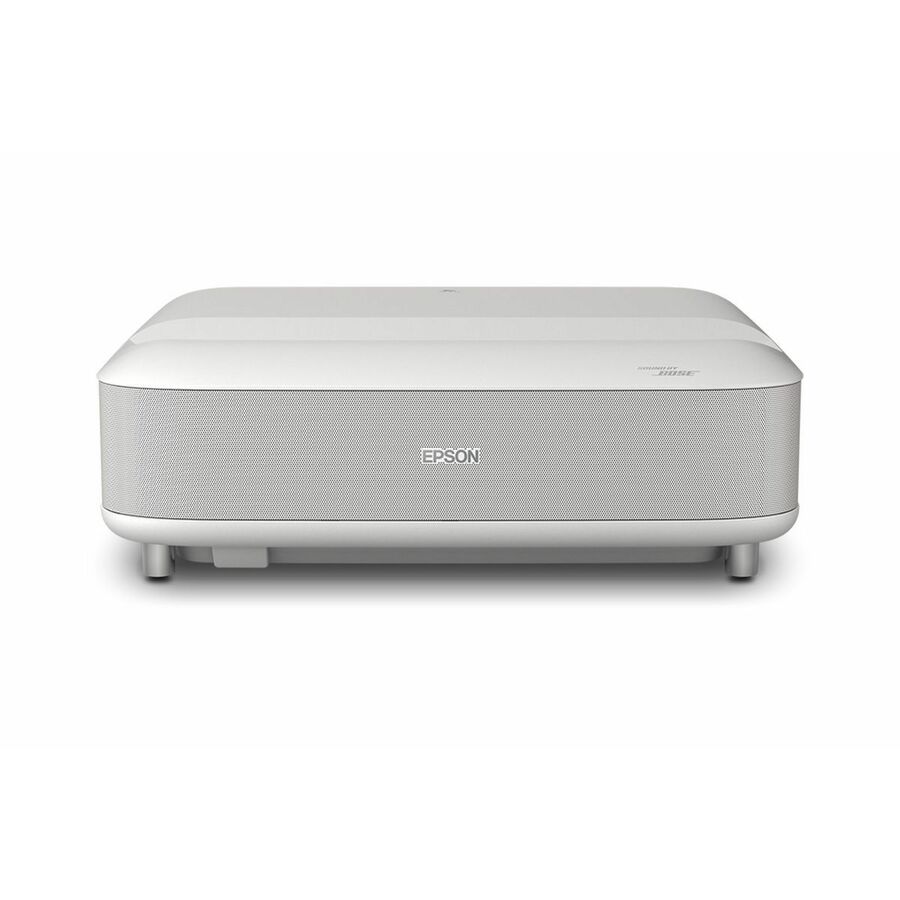
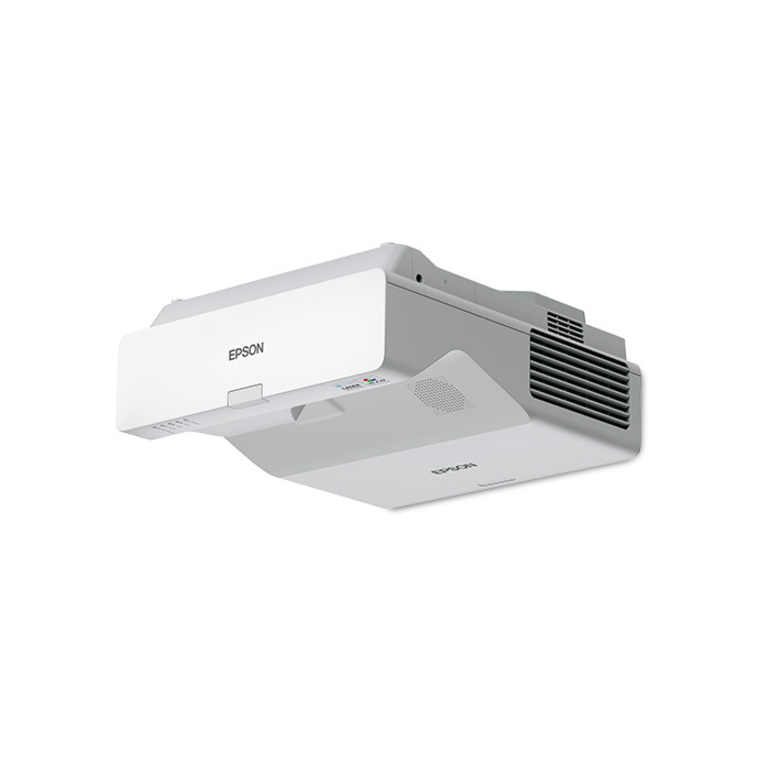
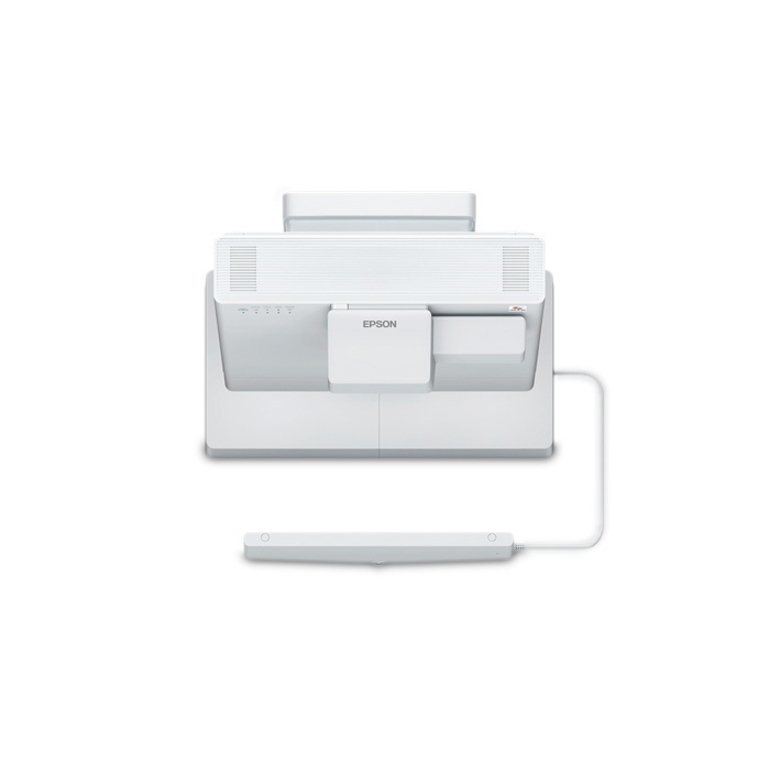
- EpsonEpson BrightLink Pro 1480Fi Ultra Short Throw Laser Projector - 16:9 - White - 1366 x 768 - Ceiling, Front - 20000 Hour Normal Mode - HD - 2,500,000:1 - 5000 lm - HDMI - USBV11H921520
$3,156.58
Back-orderedBack-ordered — estimated OEM lead time 3–8 weeks (Nov 12 – Dec 17 if ordered today).
Back-ordered — estimated OEM lead time 3–8 weeks (Nov 12 – Dec 17 if ordered today).
Back-ordered — estimated OEM lead time 3–8 weeks (Nov 12 – Dec 17 if ordered today).
Back-ordered — estimated OEM lead time 3–8 weeks (Nov 12 – Dec 17 if ordered today).




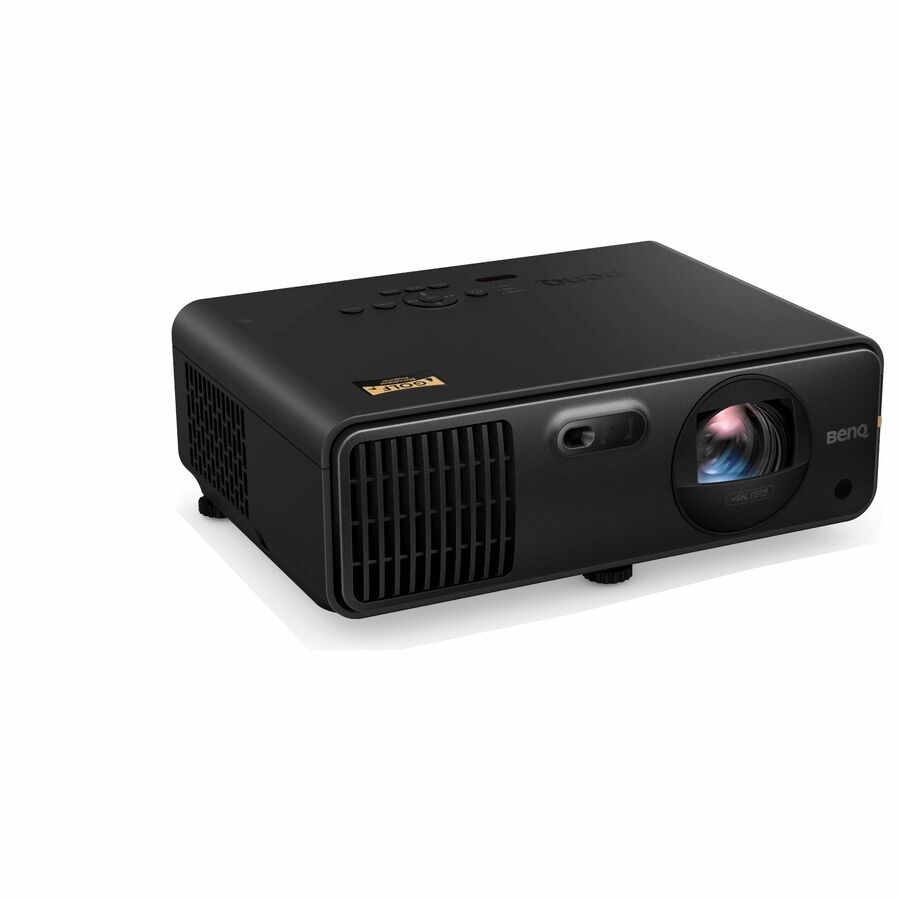
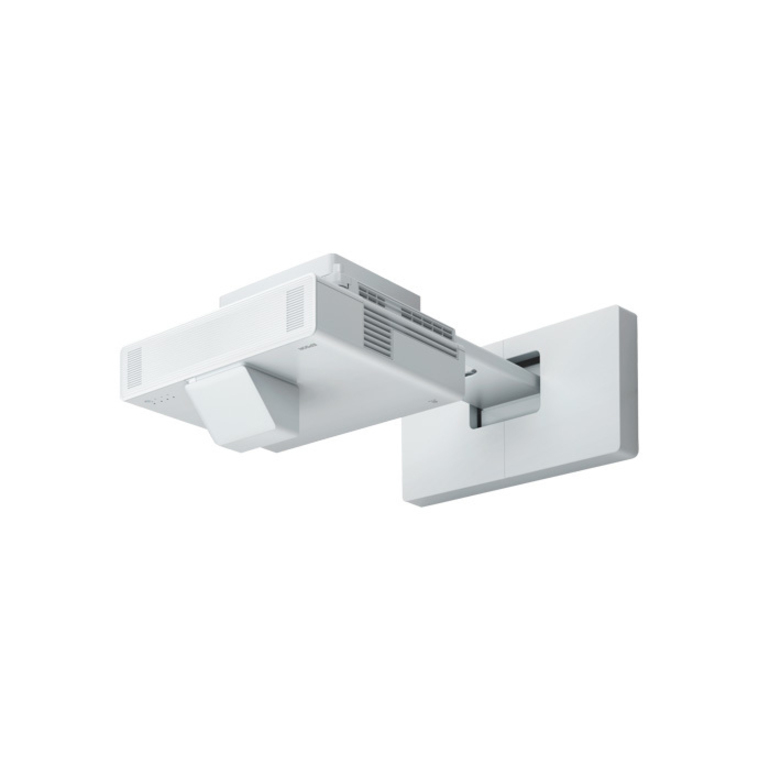
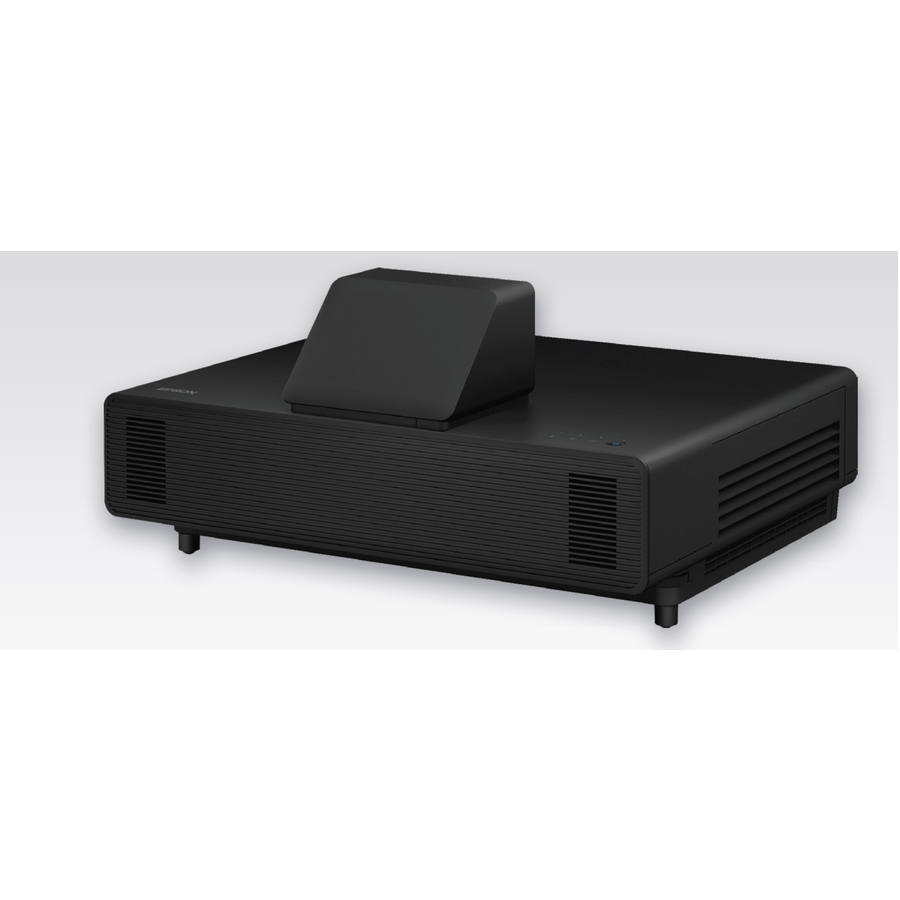
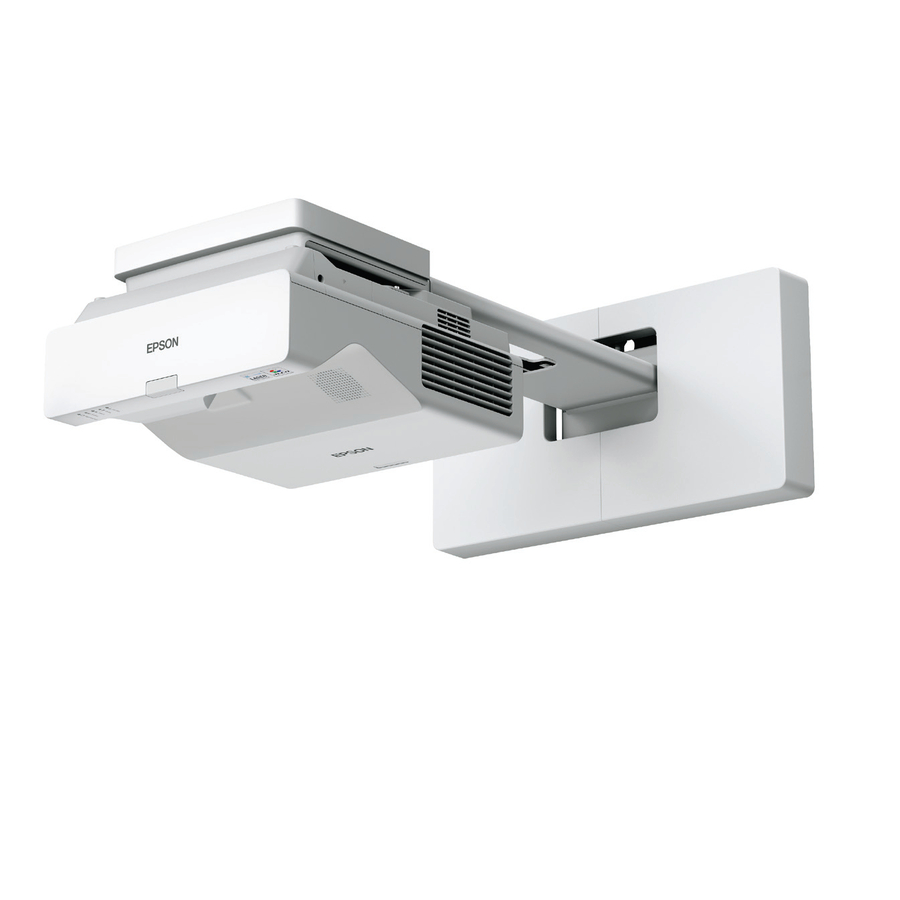
Need pricing on short-throw classroom projectors?
Tell us where to reach you and a Uniqcli specialist will follow up by email with current pricing, availability and lead time for the quantities you need — including parts that aren’t shown on this page.
Buying for an organization or for yourself — both work. No payment up front.
A short-throw projector exists to solve one problem, and it is a problem every teacher recognises: standing in the beam. A long-throw unit mounted at the back of the room puts the presenter's shadow on the screen and the lamp in their eyes every time they turn around, and it puts the projector itself where students walk. A short-throw lens fills the same screen from a metre or two away; an ultra-short-throw lens does it from a few centimetres, mounted on the wall directly above the board. Every row on this page states Short Throw in the manufacturer's own catalog title, so the geometry that makes the room work is a fact on the part, not an inference.
Throw distance is the first number and the one that decides the mount. A short-throw unit typically sits on a ceiling arm or a shelf a short way in front of the screen; an ultra-short-throw unit rides a wall arm above the board and projects steeply downward, which is what keeps a presenter standing at the board out of the light entirely. The two are not interchangeable brackets, and the projector's own throw ratio against the screen width is what sizes the arm. Get that pair right first — screen width, throw ratio, mount — because a projector bought before the room is measured is a projector that either overshoots the board or cannot fill it.
Brightness is the second number and it is a property of the room rather than of the projector. A teaching space with windows, overhead lights that stay on and a whiteboard rather than a matte screen needs far more lumens than a darkened room does, and the honest way to read it is against the actual light in the room at the hour the room is used. Resolution follows the content: WXGA is still adequate for slides and worksheets, 1080p is the practical default, and 4K matters where fine detail or dense text is the point. The light source decides the maintenance: lamp-based units are the least expensive to buy and carry a lamp replacement in their life cycle, while laser and LED units are rated for tens of thousands of hours with no lamp change, which is often what settles a fleet purchase across many rooms.
Buyer's checklist
How to choose a short-throw classroom projector
- Measure the room before reading a spec. The screen or board width and the distance available in front of it decide the throw ratio you need — and therefore whether the answer is a short-throw unit on a ceiling arm or an ultra-short-throw unit on a wall arm above the board.
- Match the mount to the throw. Short-throw and ultra-short-throw units take different brackets, and the arm is sized from the projector's own throw ratio against the screen width. Budget the mount, the cabling and the install with the projector, not after it.
- Read brightness against the room's real light. A space with windows and lights left on needs substantially more lumens than a darkened one; a whiteboard surface reflects differently from a matte screen. Under-specifying brightness is the most common reason a classroom projector reads as washed out.
- Pick resolution from the content. WXGA carries slides and worksheets; 1080p is the practical default for mixed use; 4K earns its place where dense text, fine diagrams or high-detail imagery is the reason the room has a projector at all.
- Choose the light source on the maintenance plan. Lamp units cost less up front and carry a lamp change in their life cycle; laser and LED units are rated for tens of thousands of hours without one, which usually decides a multi-room fleet purchase.
- Check the inputs and the control path. Two HDMI inputs, USB, and a wired network port for remote power and status are what let a projector sit inside a managed AV estate; RS-232 and RJ-45 are the ports an integrated room control system expects to find.
- Confirm keystone and lens shift will cover the install. A steeply mounted ultra-short-throw unit relies on its correction range to square the image, and the amount of vertical keystone a unit offers is the difference between a clean rectangle and a compromise.
Short throw versus ultra short throw: two different rooms
The distinction is throw ratio, and it changes the whole install. A short-throw projector fills a typical classroom board from roughly a metre to two metres out, which usually means a ceiling arm a short way in front of the screen or a shelf at the back of a bench. It keeps the presenter out of the beam for most of the time they are teaching, and it is the less demanding install: standard brackets, forgiving alignment, straightforward cable runs. An ultra-short-throw unit sits within a few centimetres of the wall on its own arm above the board and projects at a steep downward angle. Nobody standing at the board is in the light and nobody looks into the lens, which is why it is the shape most often specified where the teacher writes on the projected surface itself.
The trade is precision. An ultra-short-throw image is far more sensitive to alignment, to wall flatness and to the arm being square, because the extreme angle magnifies every millimetre of error into a visibly trapezoidal or soft-cornered image. That is what makes the mount and the surface part of the specification rather than an afterthought, and it is why an ultra-short-throw unit and a whiteboard that was never flat is a combination that disappoints. Where the board is good and the install is done properly, it is the cleanest teaching geometry available; where the wall is unknown, a short-throw unit on a ceiling arm is the more forgiving buy.
Fleets, not units
Classroom projectors are rarely bought one at a time, and the decisions that matter across a building are different from the ones that matter for a single room. Standardising on one or two models keeps spares, mounts, cables and remote controls interchangeable and keeps the help desk's runbook short. Light source is usually the deciding line at that scale: a laser or LED unit rated for tens of thousands of hours removes lamp replacement from the maintenance calendar entirely, and across thirty rooms that is a larger number than the difference in purchase price. Network control matters for the same reason — a wired RJ-45 port that reports lamp hours, filter status and power state turns a building of projectors into something a small team can actually keep running.
The rest of the room comes with it. Mounts and arms are model-specific, cable runs have to reach from the mount back to the teaching position, and the screen or board surface is part of the image quality whether or not it is on the purchase order. Uniqcli quotes the projector, the mount, the cabling and the display surface as one document, with TAA country-of-origin and NDAA §889 status screened per part number rather than per product family — so a multi-room rollout arrives as one order against one set of room measurements instead of as parts that have to be reconciled on site.
FAQ
Common questions
- What is the difference between short throw and ultra short throw?
- Throw ratio — how far the projector has to sit from the screen to fill it. A short-throw unit fills a typical classroom board from roughly one to two metres away, usually on a ceiling arm a short distance in front of the screen. An ultra-short-throw unit does it from a few centimetres, mounted on a wall arm directly above the board and projecting steeply downward, which keeps anyone standing at the board completely out of the light. They take different brackets and are not interchangeable: the arm is sized from the projector's own throw ratio against the screen width.
- How many lumens does a classroom projector need?
- It depends on the room's light rather than on the room's size. A space with windows and overhead lights that stay on during teaching needs substantially more brightness than a darkened room, and a whiteboard reflects differently from a matte projection screen. The reliable method is to specify against the light actually present at the hour the room is used, with the blinds in the state they will really be in — under-specifying brightness is the single most common reason a classroom projector reads as washed out. The titles here state each unit's rated brightness where the manufacturer publishes it.
- Do I need a special mount for an ultra-short-throw projector?
- Yes. An ultra-short-throw unit rides a wall arm that holds it a few centimetres from the surface and above the board, and that arm is specific to the projector and sized from its throw ratio against the screen width — a standard ceiling bracket will not put it in the right place. The install is also less forgiving than a short-throw one: the extreme projection angle magnifies any error in wall flatness or arm alignment into a visibly trapezoidal or soft-cornered image, so the mount and the board surface are part of the specification rather than accessories bought afterward.
- Should I choose a lamp, laser or LED projector for a school?
- Across a fleet, the light source usually decides. Lamp-based units are the least expensive to buy and carry a lamp replacement in their operating life, which is a recurring cost and a recurring visit to every room. Laser and LED units are rated for tens of thousands of hours with no lamp change at all, and across a whole building that removed maintenance is frequently larger than the difference in purchase price. For a single room on a tight budget a lamp unit can still be the right answer; for thirty rooms maintained by a small team, it usually is not.
- Are these projectors TAA compliant?
- It is a per-part fact, read on the exact part number rather than on the brand. Where a purchase order carries an origin clause, the designation is confirmed on the specific model being ordered and stated on the quote — a manufacturer's designation is its own statement about that part number, not an independent certification and not a property of the product family. Uniqcli screens TAA country-of-origin and NDAA §889 status before checkout with the documentation tied to the part number, which is what lets a projector, its mount and the room's cabling be screened on one document.
- Can business, government and education buyers order these?
- Every line Uniqcli quotes is sourced through US distribution and screened for TAA country-of-origin and NDAA §889 status before checkout — with documentation tied to the specific part number, not a product family.
Need short-throw classroom projectors pricing?
Send a bill of materials or part numbers — we confirm stock and a below-market total, with TAA verified on request. No payment up front.