
Best TV and Flat Panel Wall Mounts for Rooms and Signage
Fixed, tilting and full-motion mounts for meeting rooms, classrooms and signage — chosen by three numbers and one decision, all of them checkable before you order.
Display wall mounts in stock at Uniqcli
How to choose →A curated selection with live pricing — in-stock lines first, then back-ordered lines with a typical lead time. Every line is sourced through US distribution and screened for NDAA §889 status before checkout, with TAA verified on request.
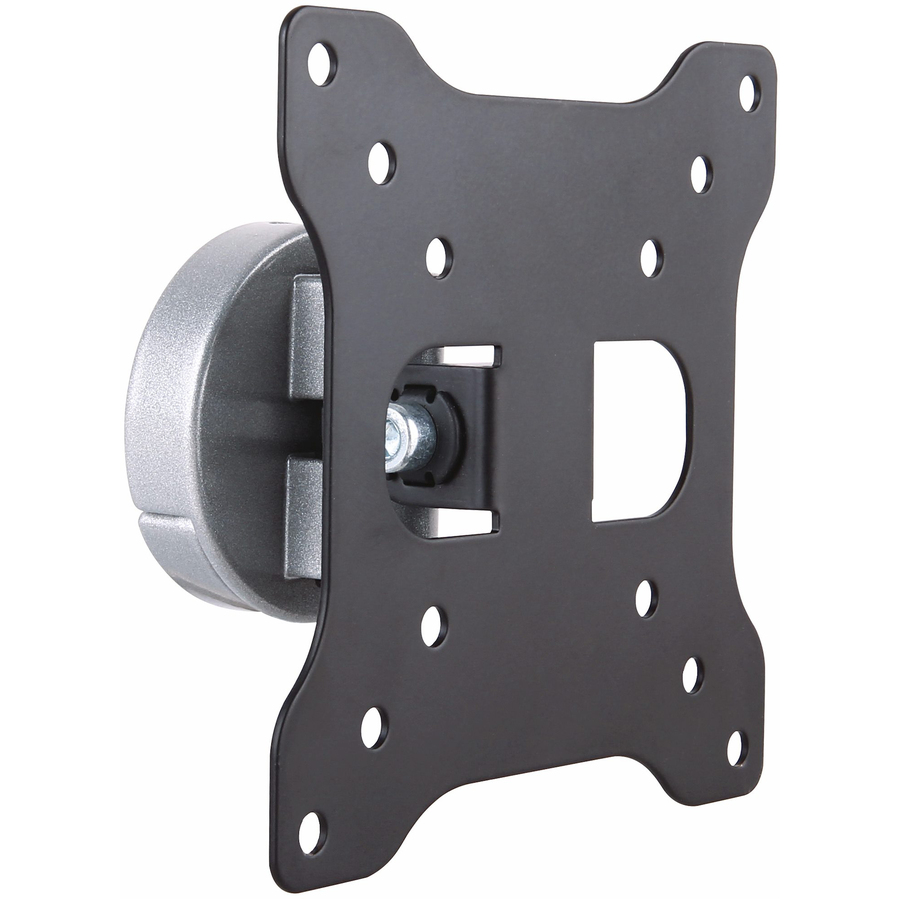


Meeting-room fixed
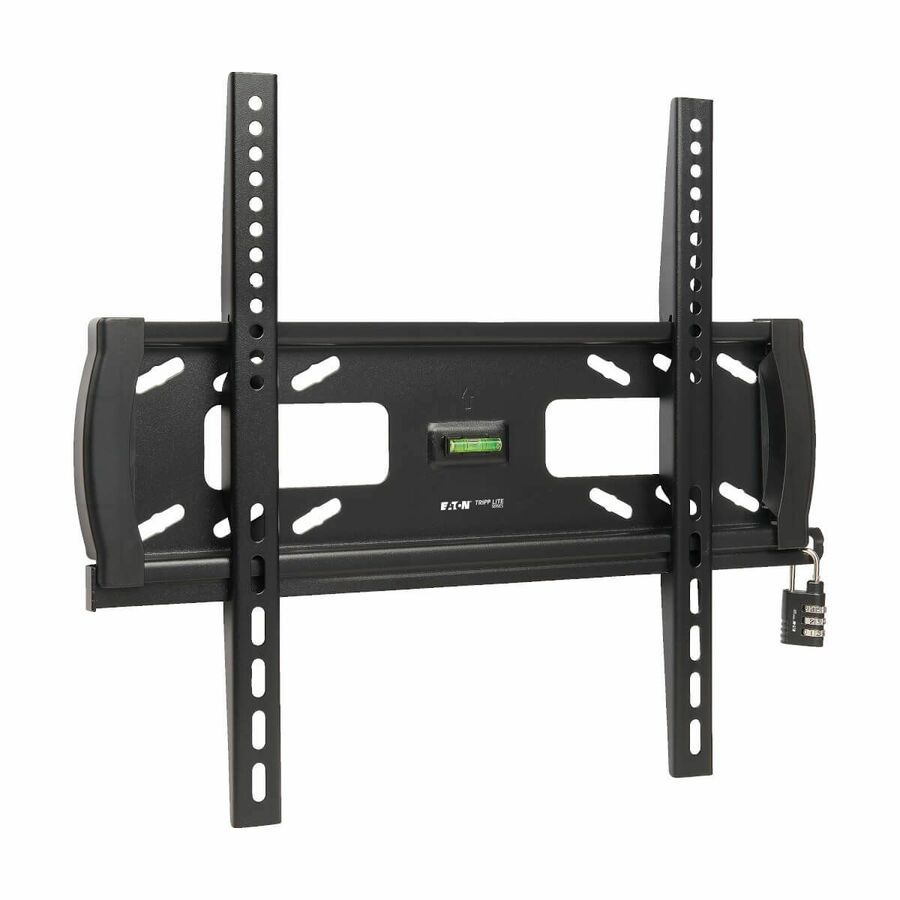
Eaton
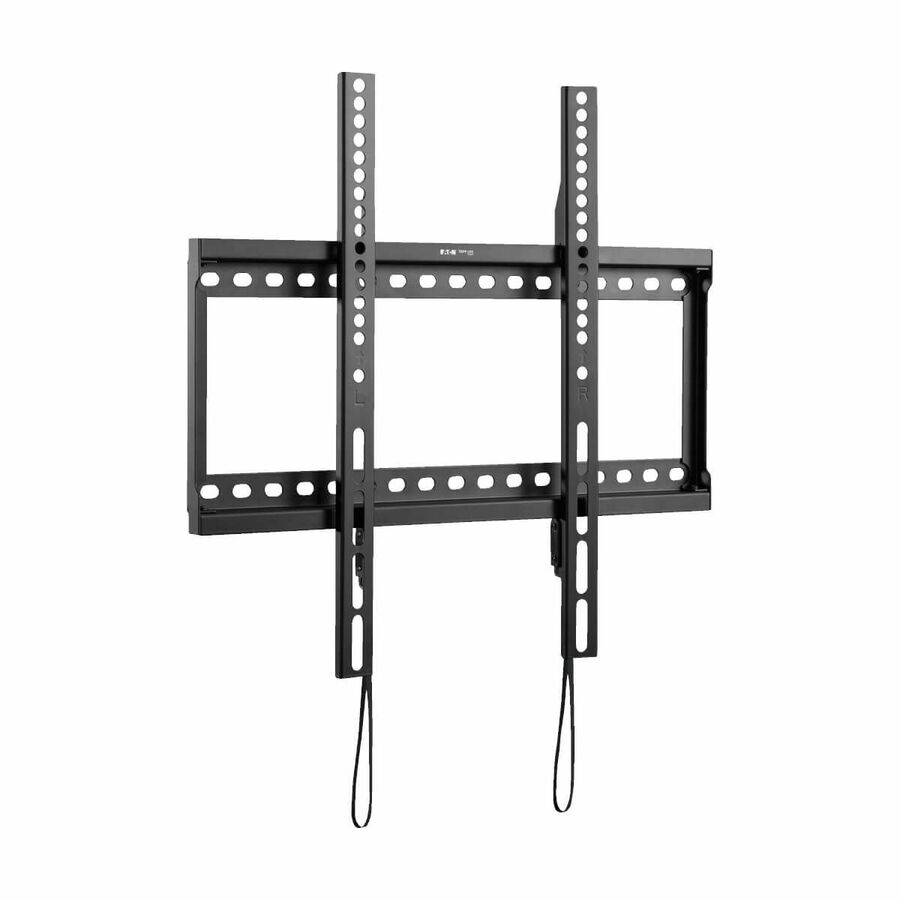
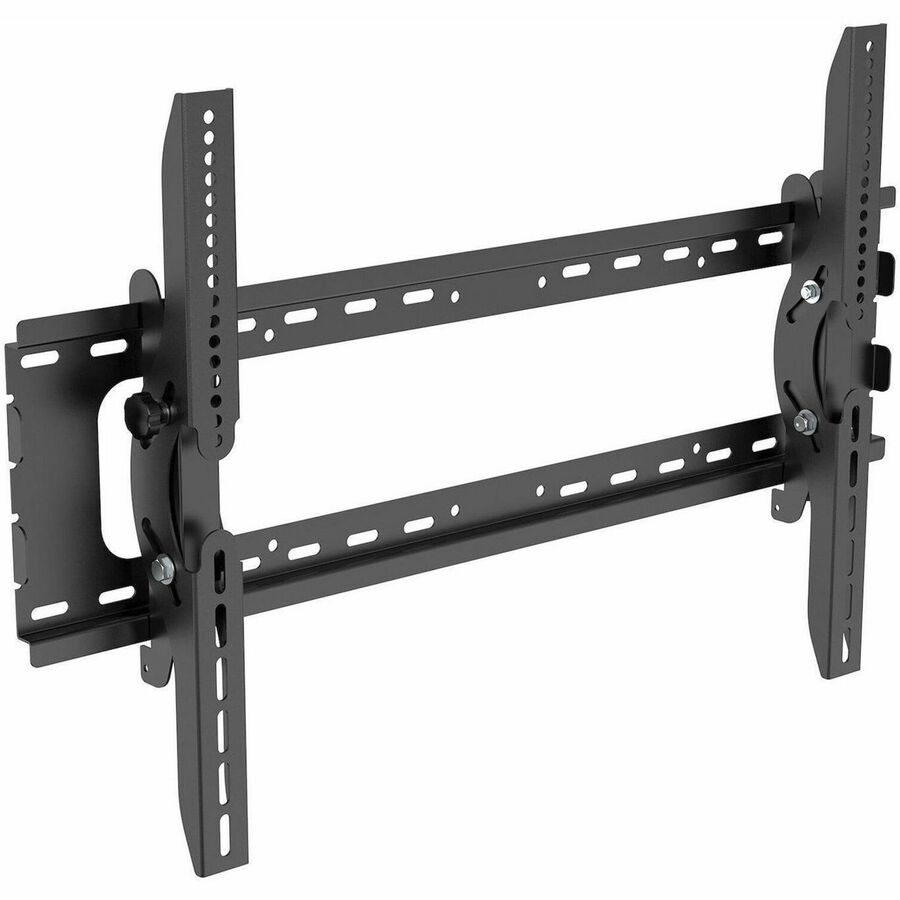
Tripp Lite by Eaton Fixed TV Wall Mount for 26" to 70" Displays
DWF2670X
A fixed wall mount for 26 to 70 inch displays with a 165 lb load capacity and a wide VESA range from 50 x 50 up past 300 x 200. The default for a meeting room or a classroom where the screen goes up once and stays where it is put.
$38.28In stockLarge-format fixed
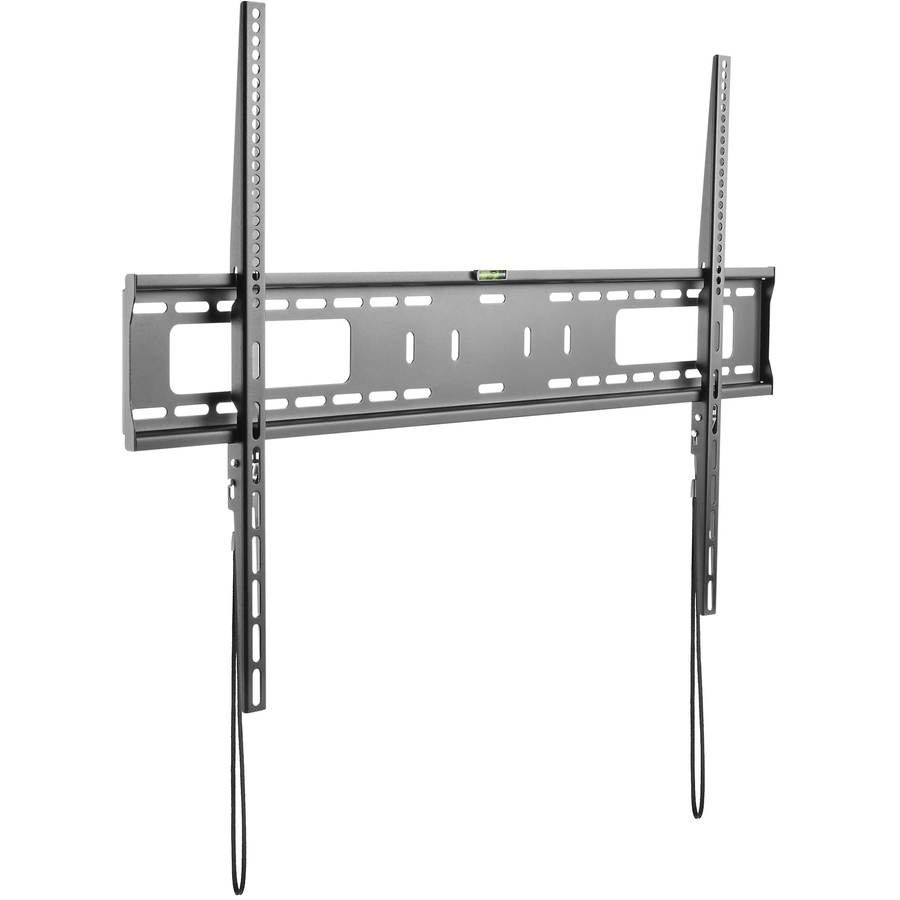
Eaton
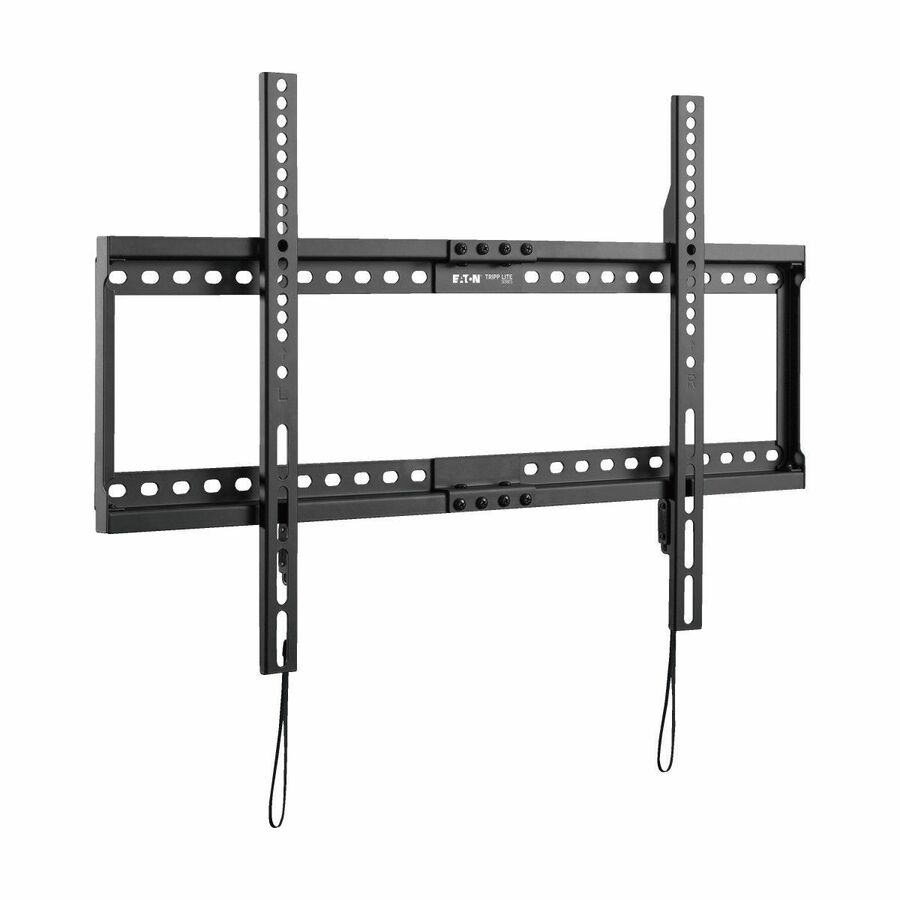
Tripp Lite by Eaton Fixed TV Wall Mount for 37" to 80" Displays
DWF3780X
The same fixed design sized for 37 to 80 inch panels, also rated to 165 lb, with the larger VESA patterns from 150 x 100 up through 400 x 600. Buy it when the display is the big one at the end of a room rather than a huddle-space screen.
$50.37In stockLow-profile fixed
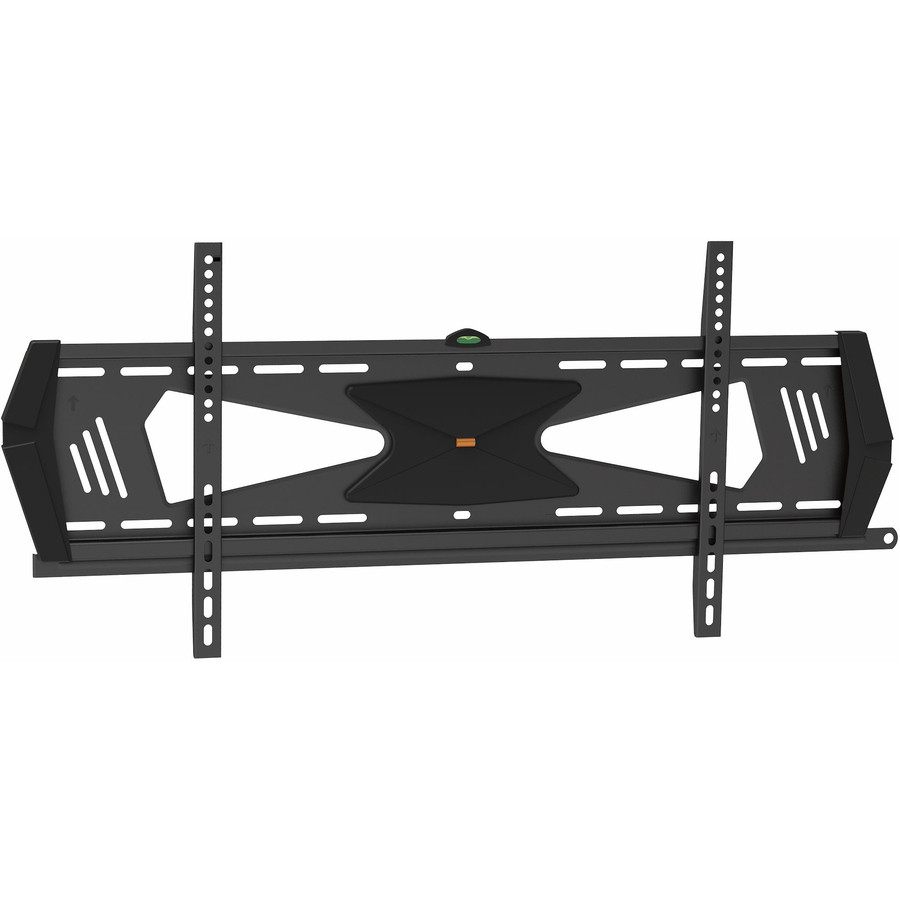
StarTech.com
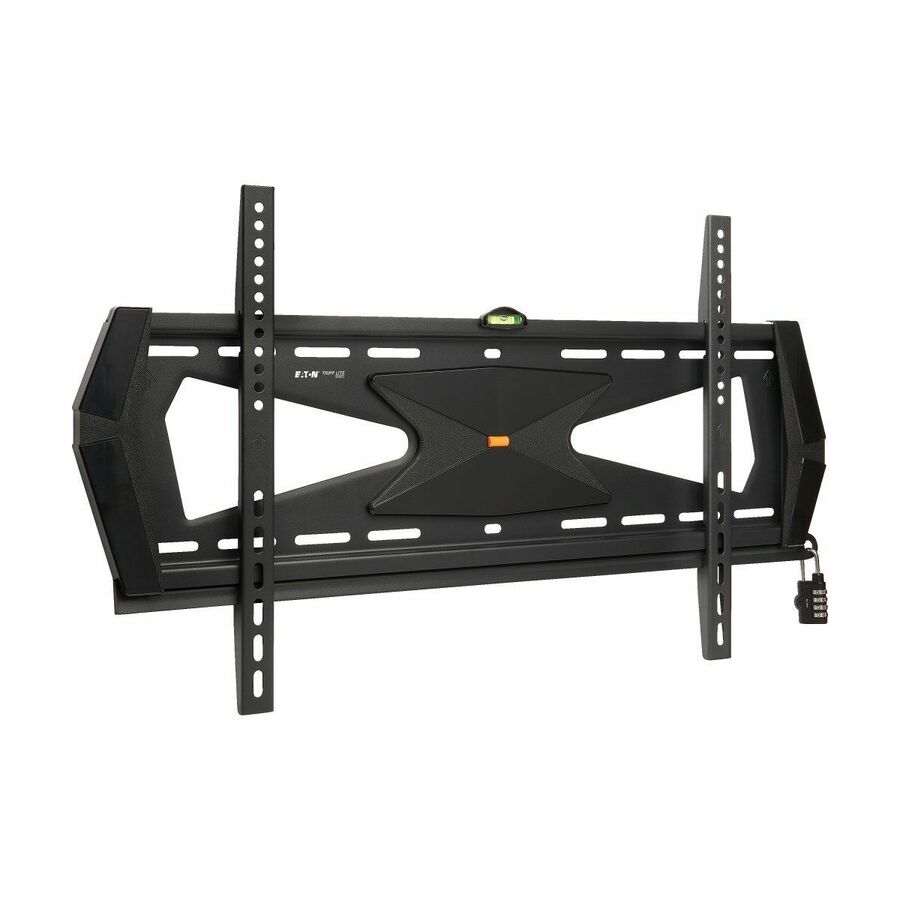
StarTech Low Profile TV Mount
FPWFXBAT
A steel fixed mount for 37 to 75 inch panels that sits less than an inch from the wall and locks the display in position with anti-theft hardware. The one to specify for a corridor, a lobby or anywhere the screen is unattended.
Sitting that close to the wall leaves very little depth behind the panel — plan a low-profile or right-angle cable at the same time.
$71.66In stockTilting pick
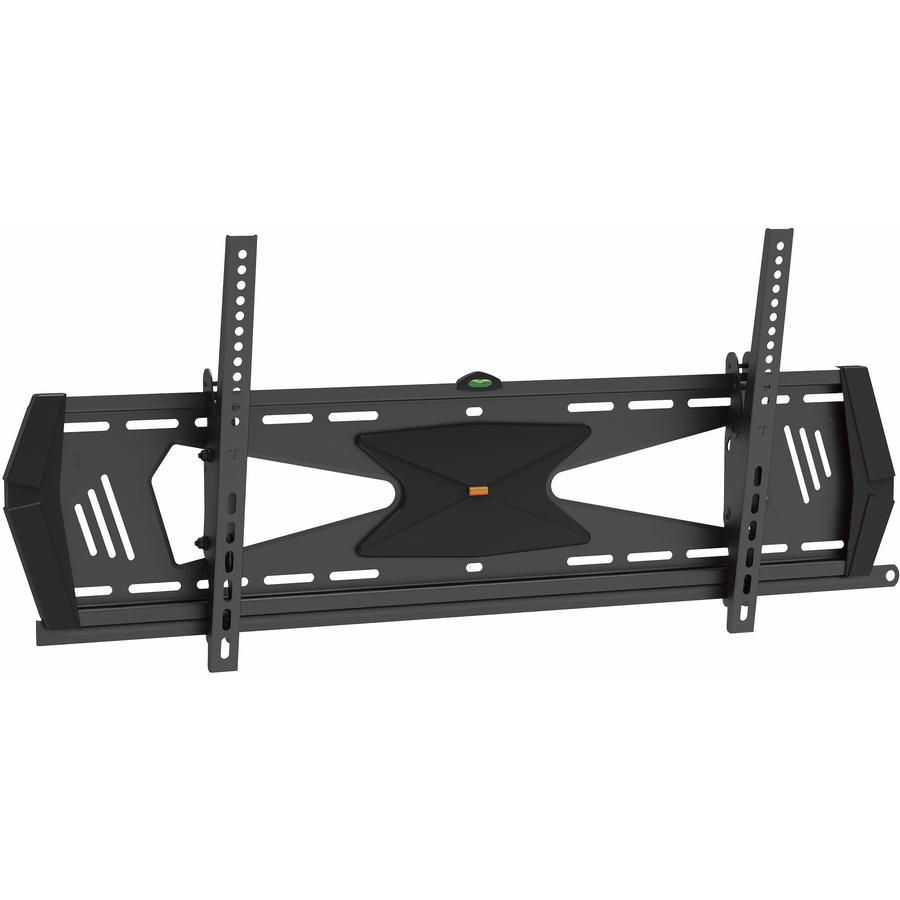
StarTech.com
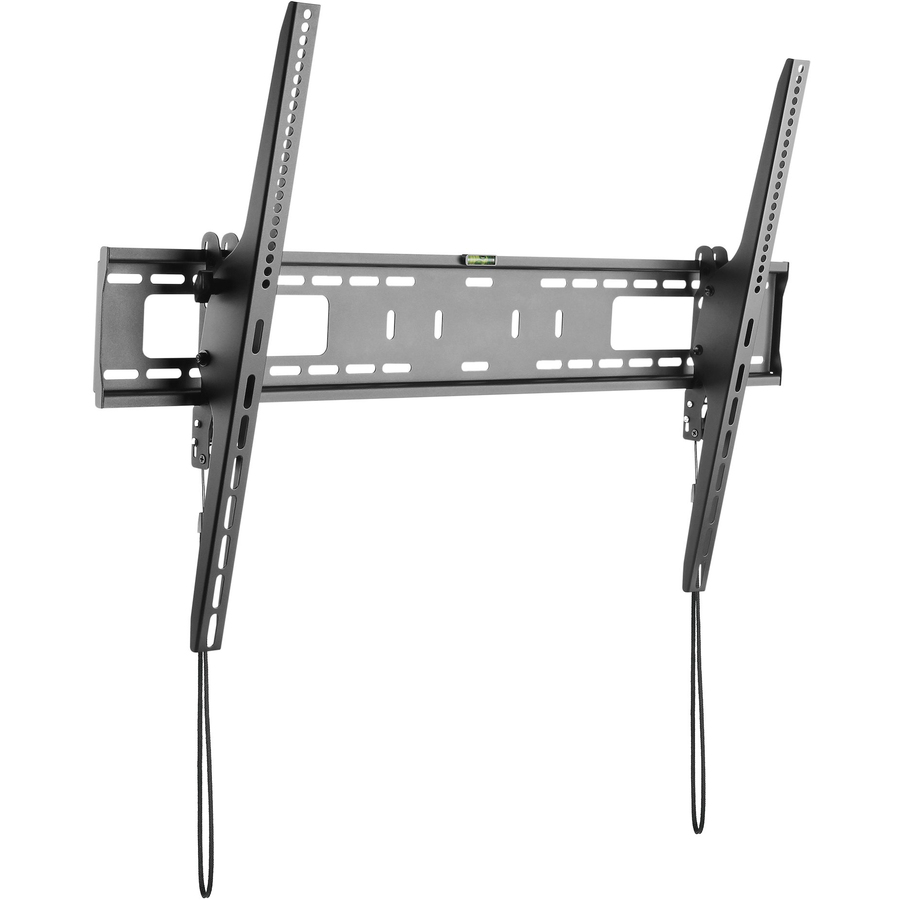
StarTech Flat Screen TV Wall Mount
FLATPNLWALL
A steel tilting mount for 32 to 75 inch displays with fifteen degrees of adjustment each way, listed as fitting curved panels. Tilt is what you want when the screen has to go above a whiteboard, a fireplace or a piece of casework.
$95.67In stockFull-motion pick
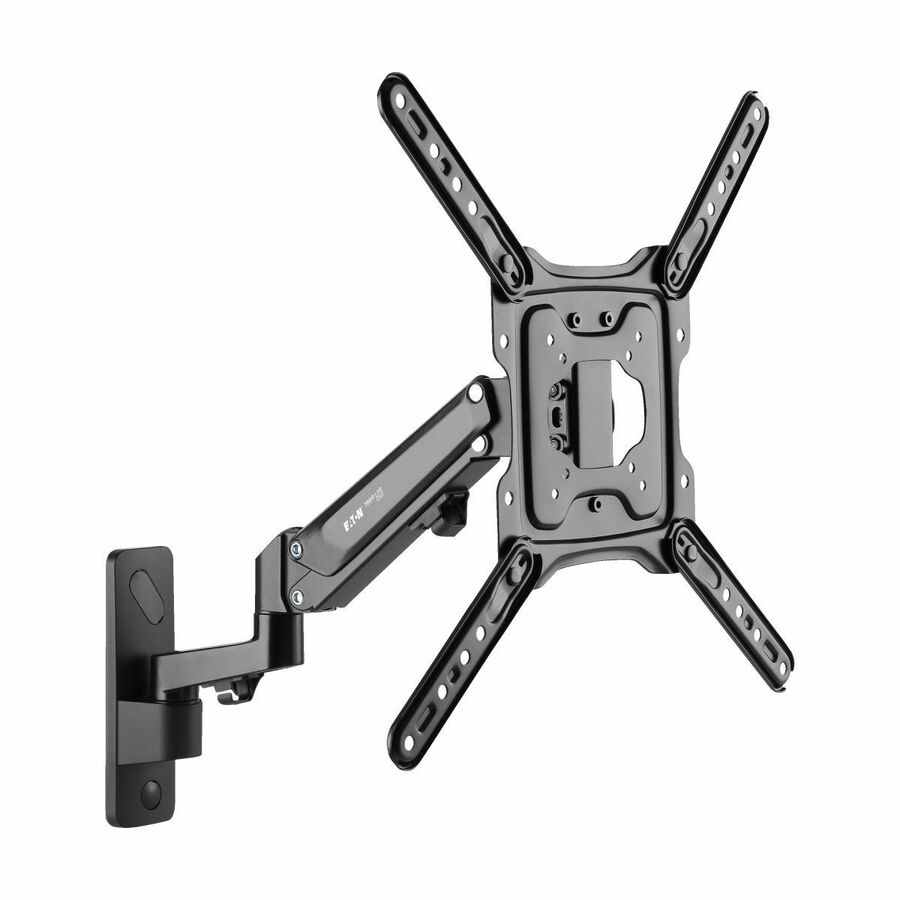
Eaton
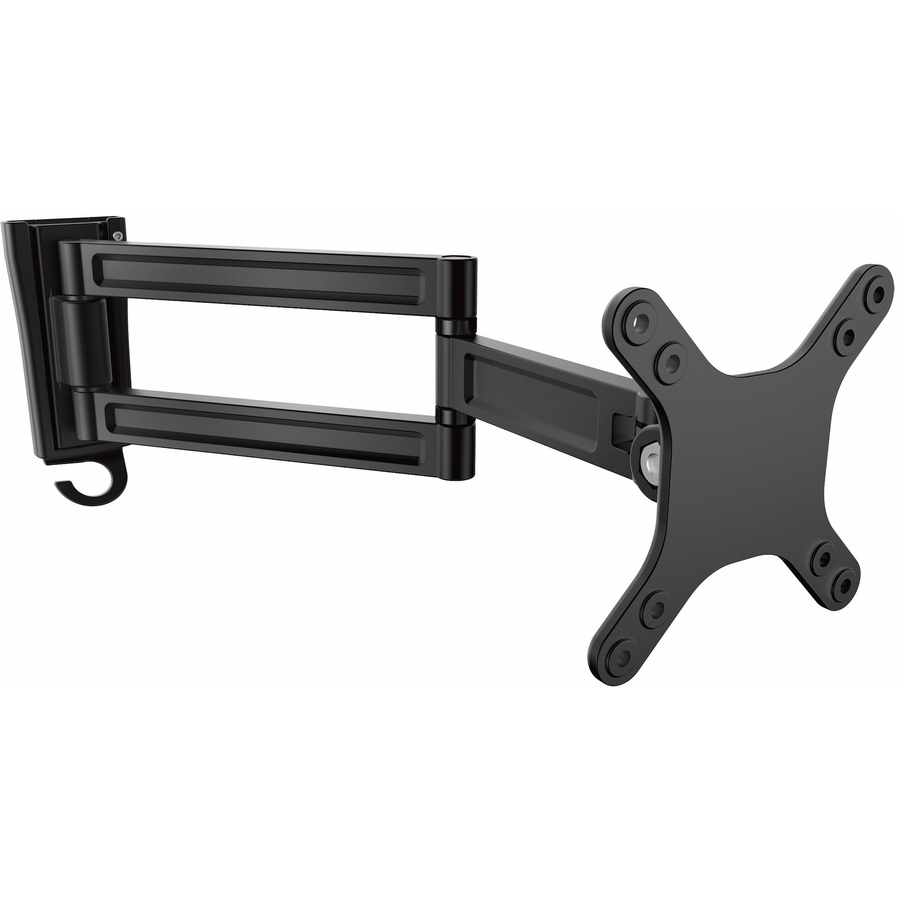
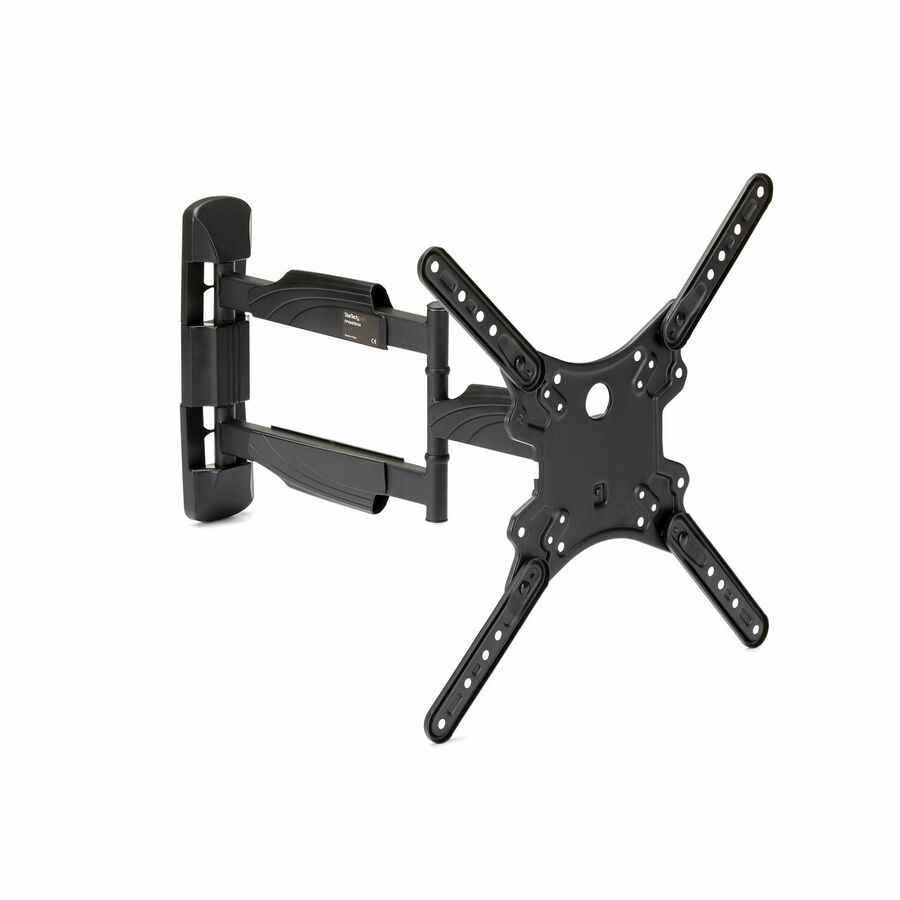
Eaton Tripp Lite Series Full-Motion TV Wall Mount with Fully…
DWM2355S
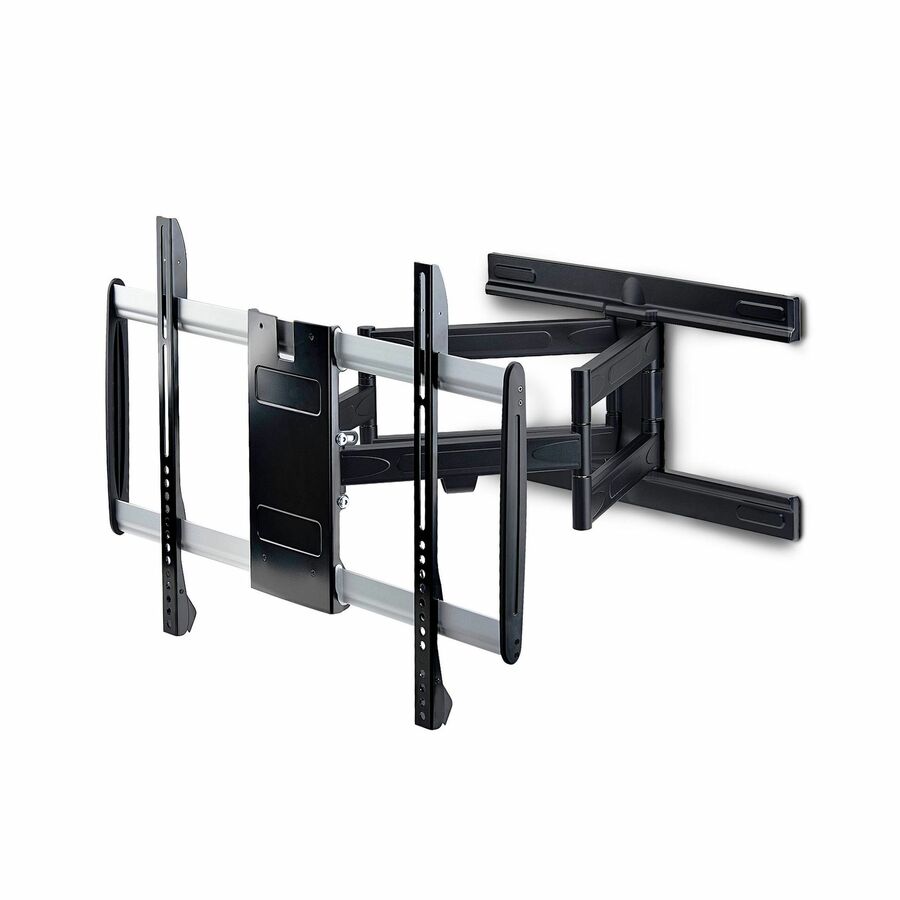
A fully articulating arm for 23 to 55 inch flat-screen displays with a 51 lb load capacity. The right answer in a room where the screen has to swing out and turn toward people sitting off to one side, and overkill anywhere it will not.
The load capacity is lower than the fixed mounts here — articulation trades rated weight for reach, so check the panel's weight against this figure specifically.
$162.20In stockSecurity fixed pick
Eaton
Eaton Tripp Lite Series Fixed TV Wall Mount 32-55?, Heavy Duty…
DWFSC3255MUL
A heavy-duty fixed security mount for 32 to 55 inch televisions and monitors, listed as UL certified with a 99 lb load capacity and suited to flat or curved panels. Built for locations where the display needs to be difficult to remove.
$73.54In stockMore mounting kits in the Uniqcli catalog
See all 12,867 mounting kitsMore from across this category. In-stock lines lead, and a back-ordered line carries the same estimated availability its product page does — with live pricing throughout, NDAA §889 screening before checkout and TAA verified on request.
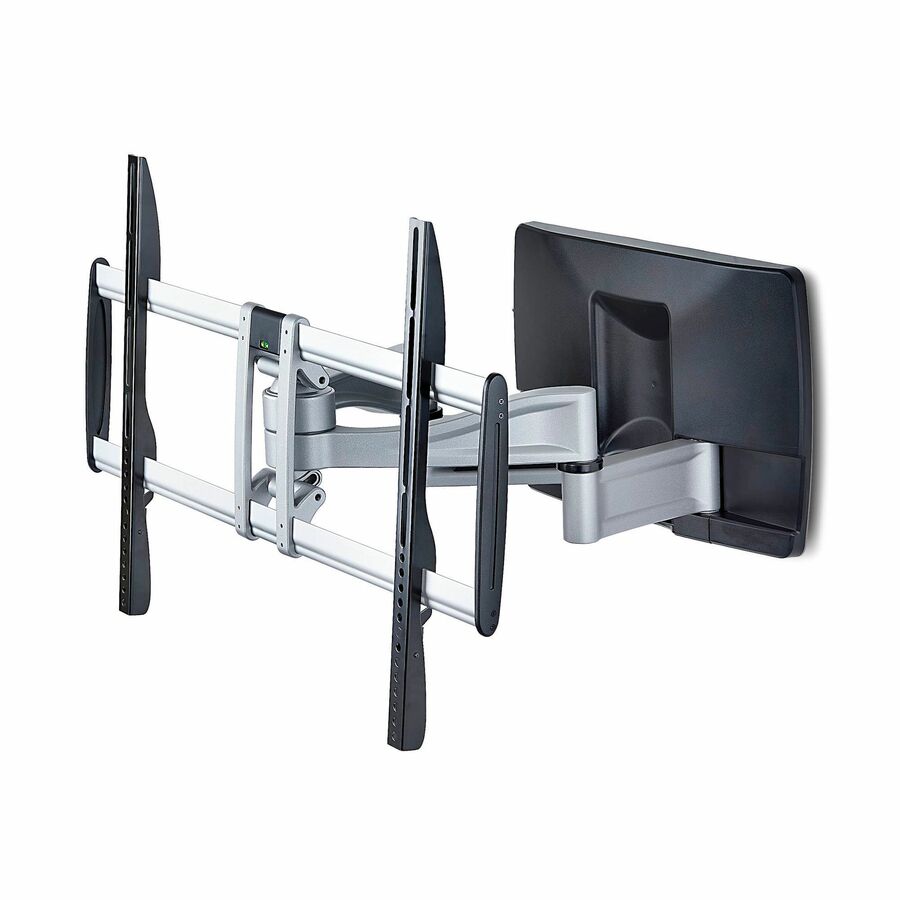
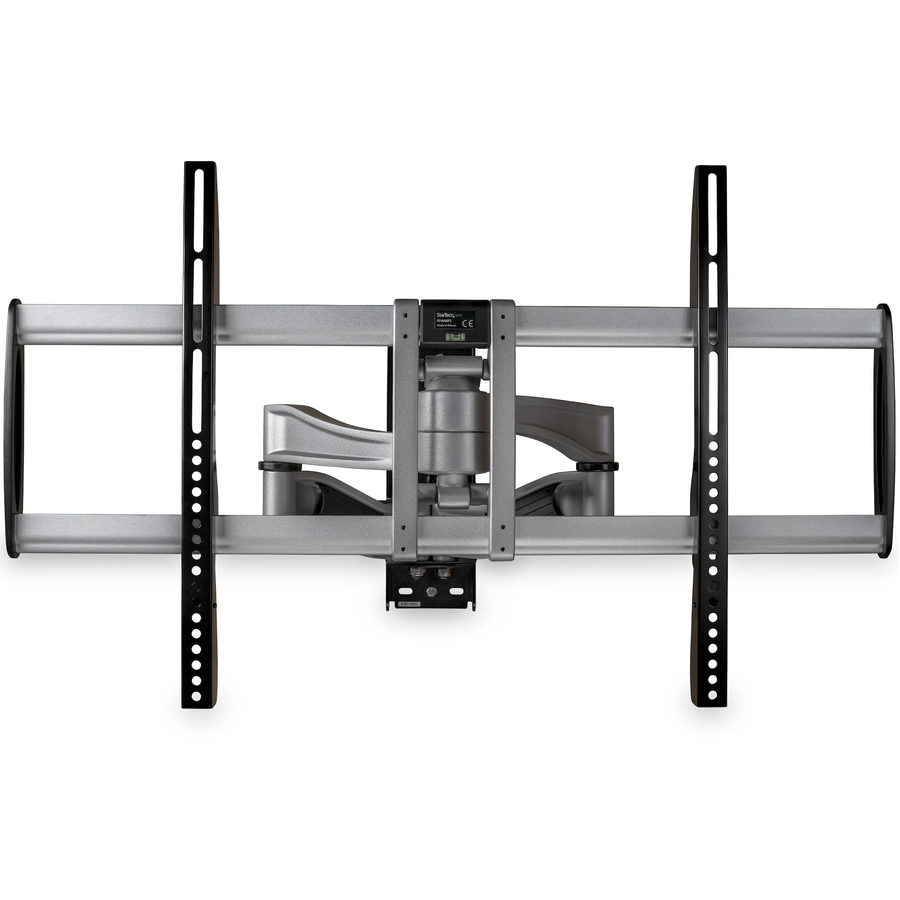
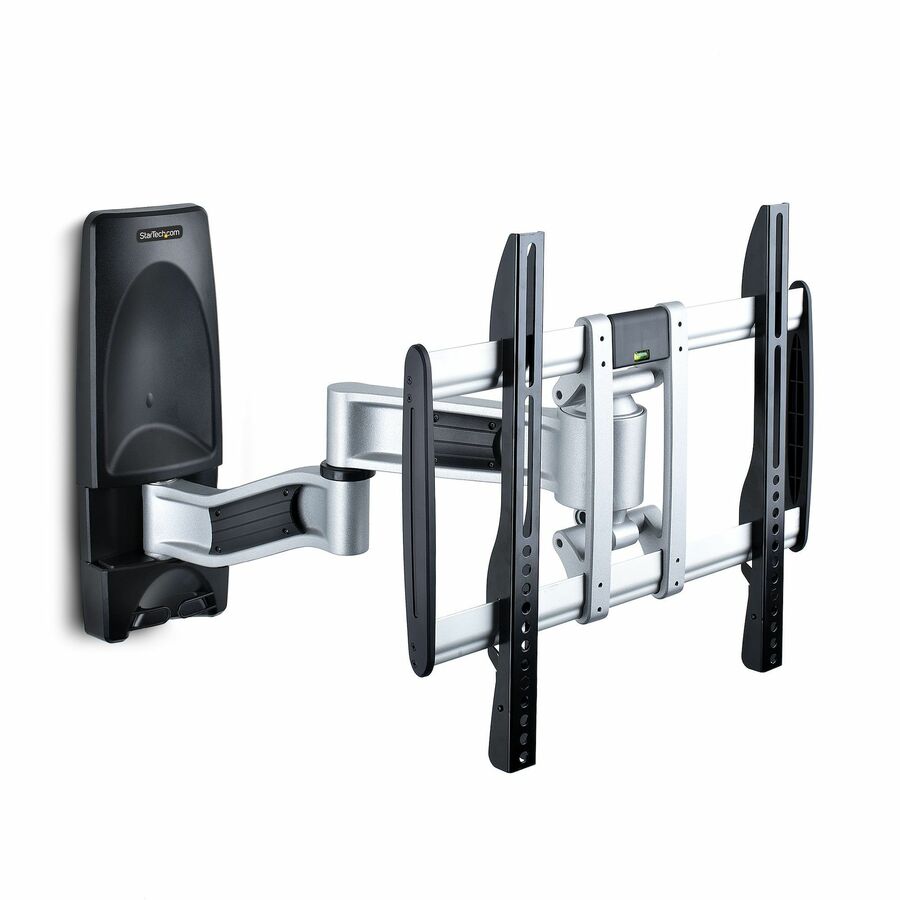
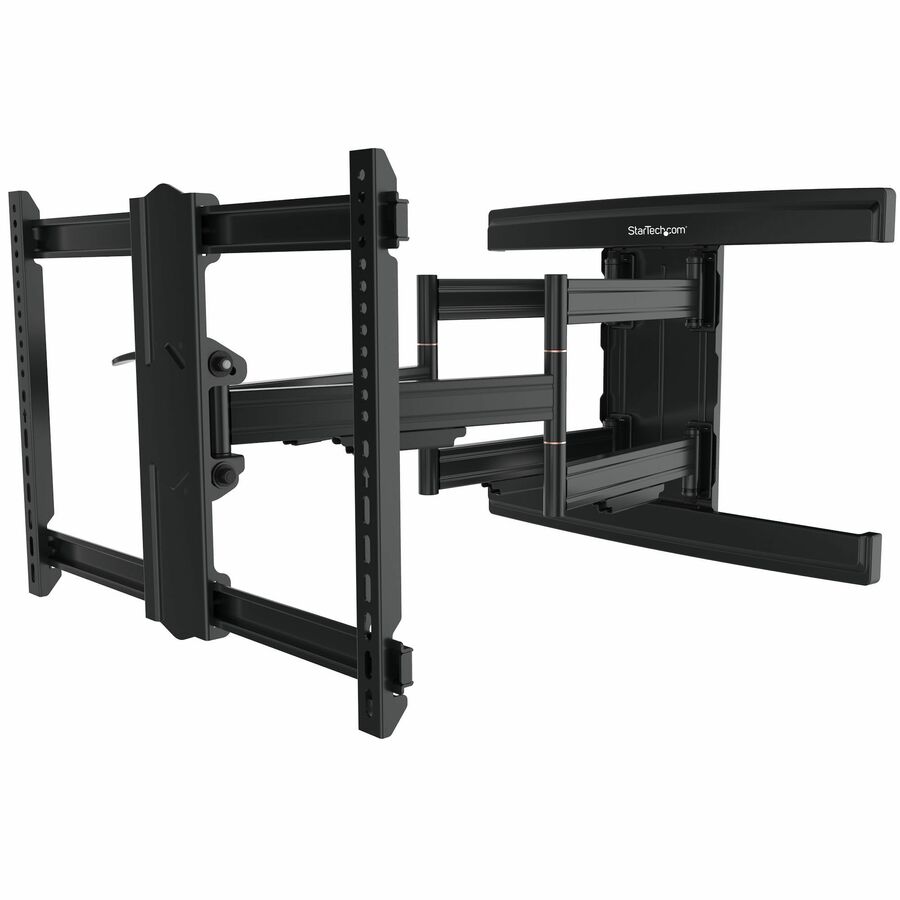
- StarTech.comStarTech Heavy-Duty Articulating TV Wall Mount for up to 100-inch and 187.4lb/85kg Flat Screens, VESA, Low-Profile Bracket, TAA - Flat screen wallmount supports 100in TVs up to 187.4lb, VESA 800×500 - TV bracket collapses to 4.1in (10.5cm) and extends to 21.6in; Tilt +2/-12 deg, swivel +/-60 deg - Dual-stud mounting for safe installation; Includes hardware; TAA-compliant100AP1-TV-WALL-MOUNT
$482.99
$444.35*
5 in stock - EatonTripp Lite by Eaton Outdoor Full-Motion TV Wall Mount with Fully Articulating Arm for 37" to 80" Flat-Screen Displays - 1 Display(s) Supported 80" Screen Support - 110 lb Load Capacity - 200 x 200, 300 x 200, 400 x 200, 400 x 300, 400 x 400, 600 x 400 VESA StandardDWM3780XOUT
$386.54
$355.62
30 in stock - StarTech.comStarTech Articulating TV Wall Mount, VESA Wall Mount TV Bracket for 65 inch/99lb/Curved TVs, Corner Adjustable and Low Profile, TAA - Articulating TV wall mount for 65inch TVs; VESA compatible - Max cap. 99lb; For flat/curved screen TVs; Ships assembled - Steel/Aluminum adjustable corner TV wall mount; Supports swivel/tilt - Wall mount TV bracket includes mounting hardwareTV-WALL-MOUNT-65FS
$385.39
$354.56*
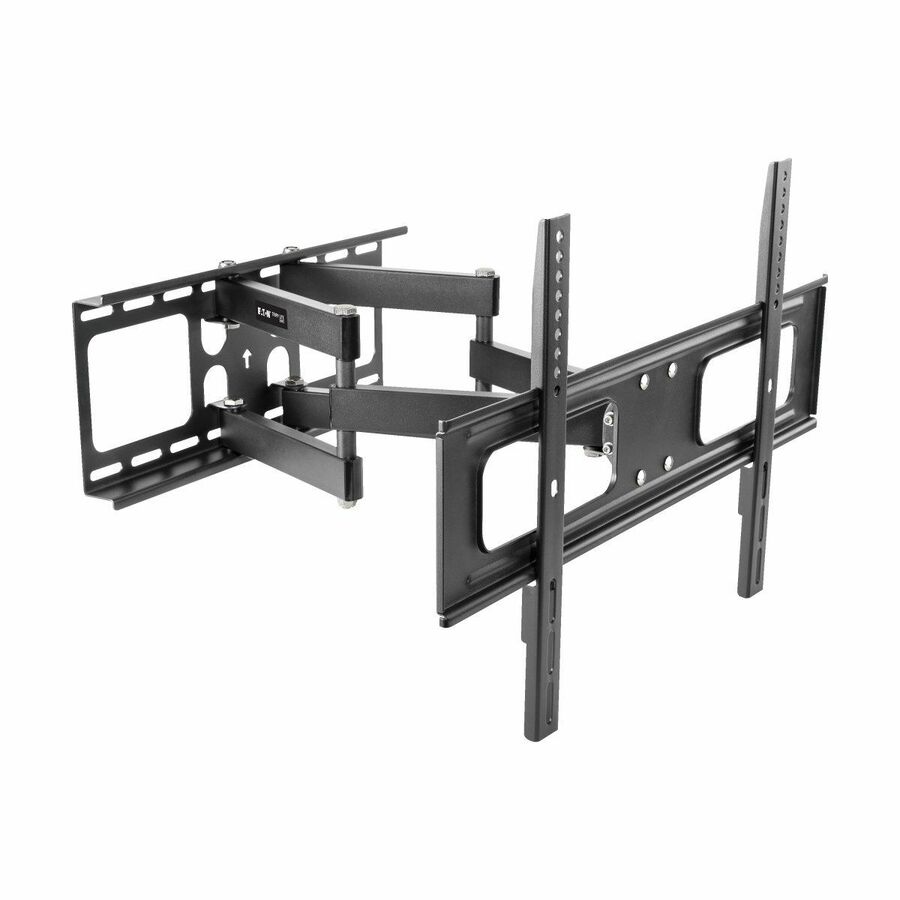
17 in stock - EatonEaton Tripp Lite Series Outdoor Full-Motion TV Wall Mount with Fully Articulating Arm for 32? to 80? Flat-Screen Displays - 1 Display(s) Supported 80? Screen Support - 110 lb Load Capacity - 200 x 200, 300 x 200, 300 x 300, 400 x 200, 400 x 300, 400 x 400 VESA StandardDWM3270XOUT
$283.61
$260.92
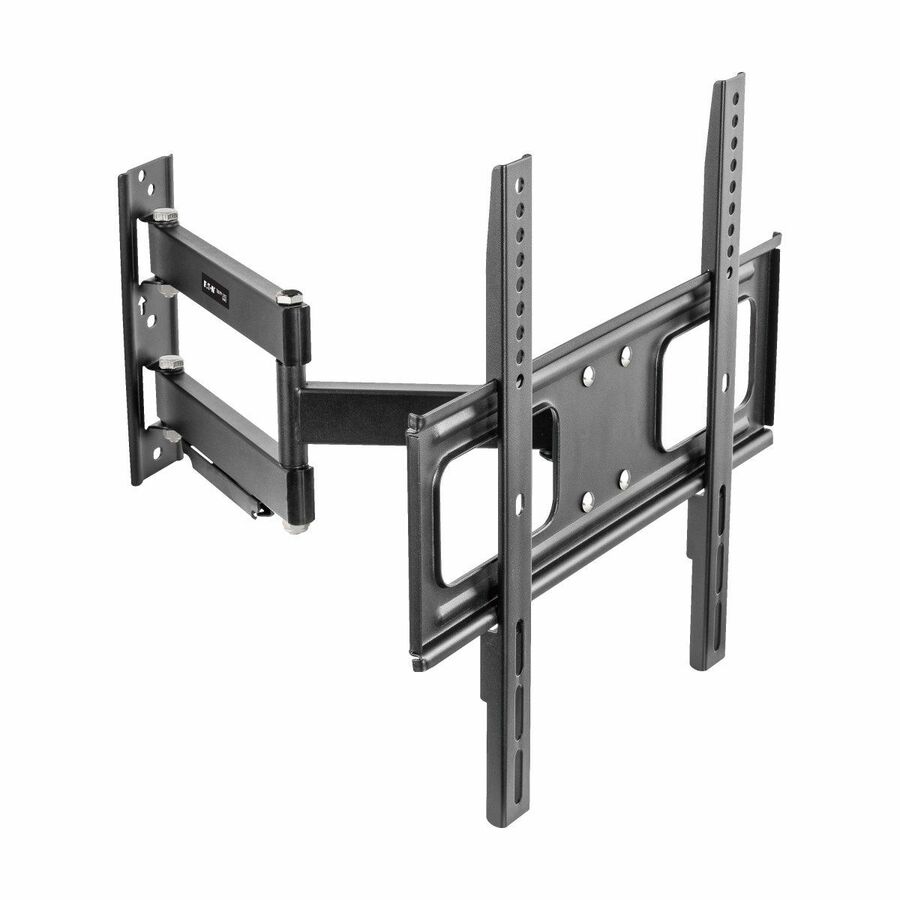
129 in stock - EatonEaton Tripp Lite Series Full-Motion TV Wall Mount with Fully Articulating Arm for 23? to 55? Flat-Screen Displays - 1 Display(s) Supported55 Screen Support - 51 lb Load Capacity - 75 x 75, 100 x 100, 200 x 100, 200 x 200, 300 x 300, 400 x 200, 400 x 300, 400 x 400 VESA StandardDWM2355S
$176.30
$162.20
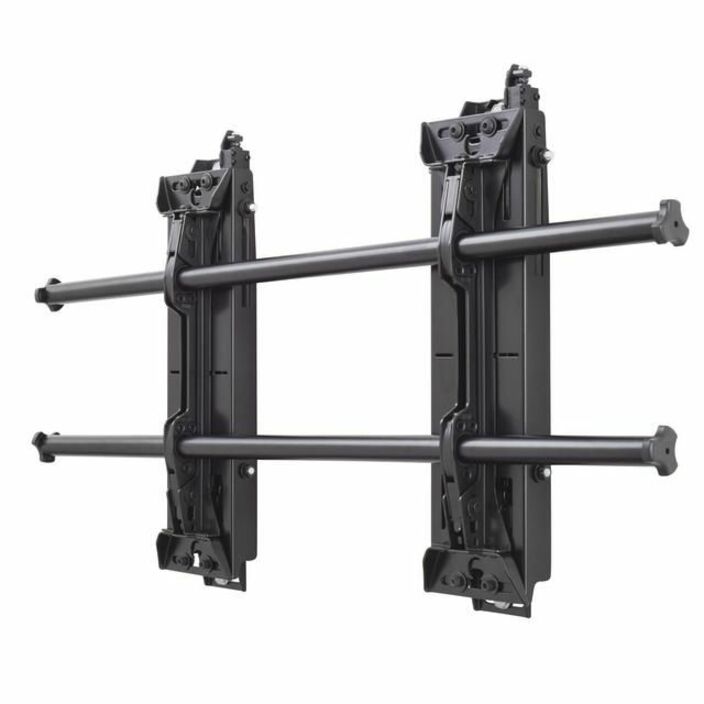
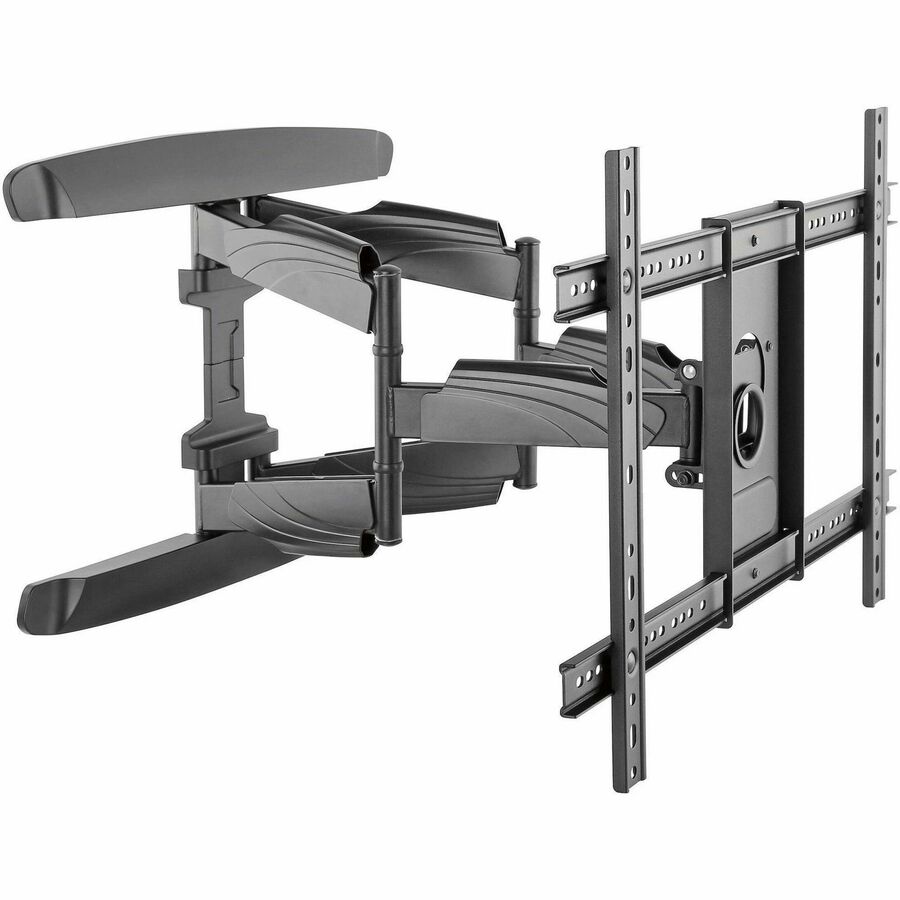
844 in stock - LegrandChief Fusion Large Dynamic Height Adjustable TV Wall Mount - Black - 1 Display(s) Supported - 180 lb Load CapacityLSD1U
$2,137.00
$1,971.86
Back-orderedBack-ordered — estimated OEM lead time 3–8 weeks (Nov 14 – Dec 19 if ordered today).
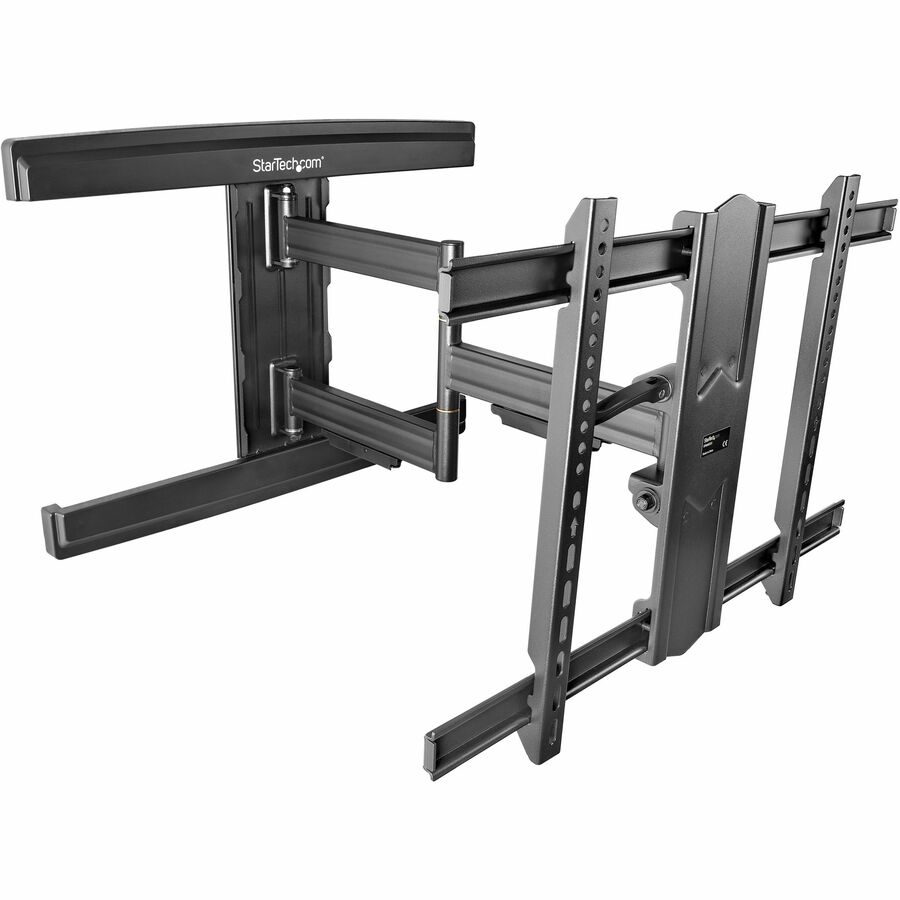
- LegrandChief Fusion Large Adjustable TV Wall Mount - For 42-86 inch Displays - Tilt TV Mount - VESA Wall Mount - TAA Compliant - 1 Display(s) Supported - 42? to 86? Screen Support - 200 lb Load CapacityLTM1U-G
$575.00
$518.66*
Back-orderedBack-ordered — estimated OEM lead time 3–8 weeks (Nov 14 – Dec 19 if ordered today).
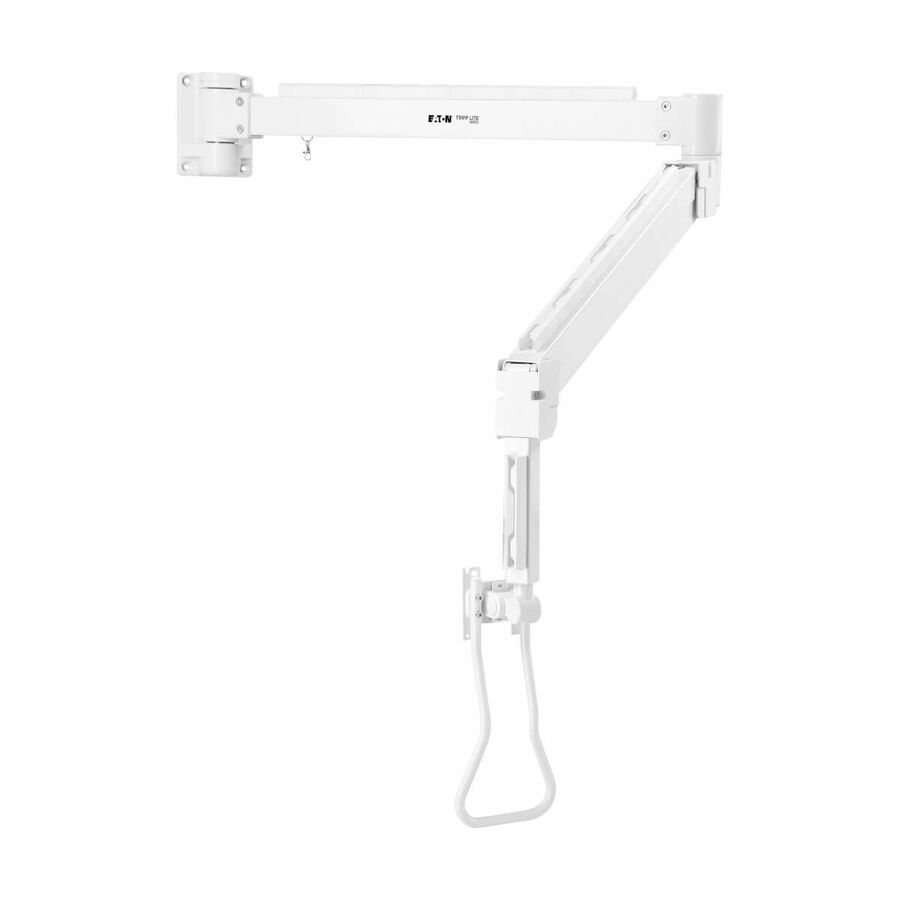
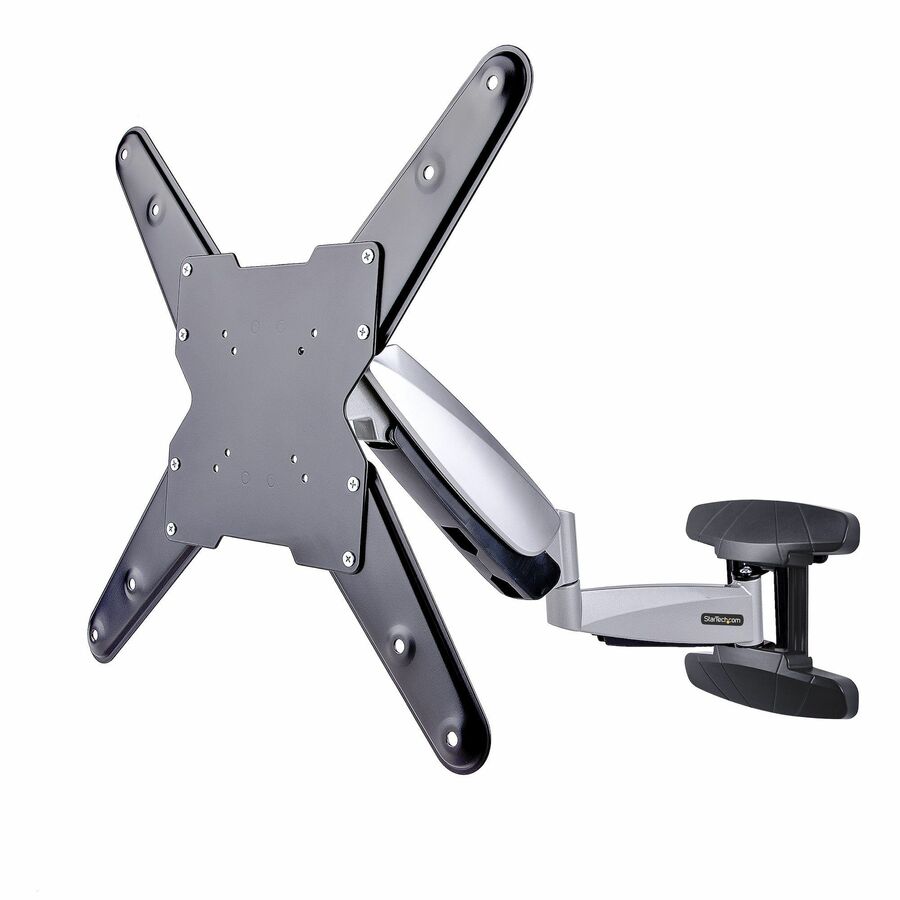
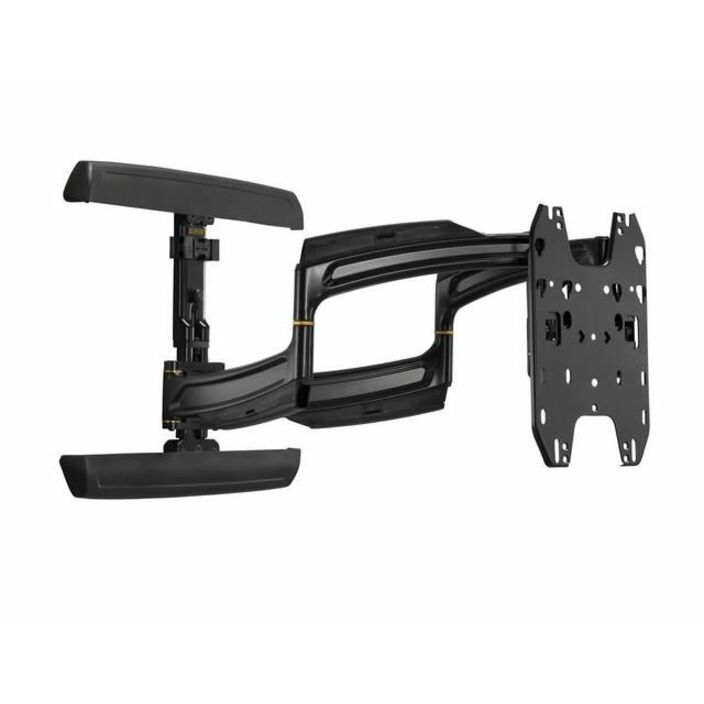
- LegrandChief 25" Extension Arm TV Wall Mount - For 42-86" Monitors - Black - 200 lb - BlackPNR-UB
$1,108.00
$1,058.34
Back-orderedBack-ordered — estimated OEM lead time 3–8 weeks (Nov 14 – Dec 19 if ordered today).
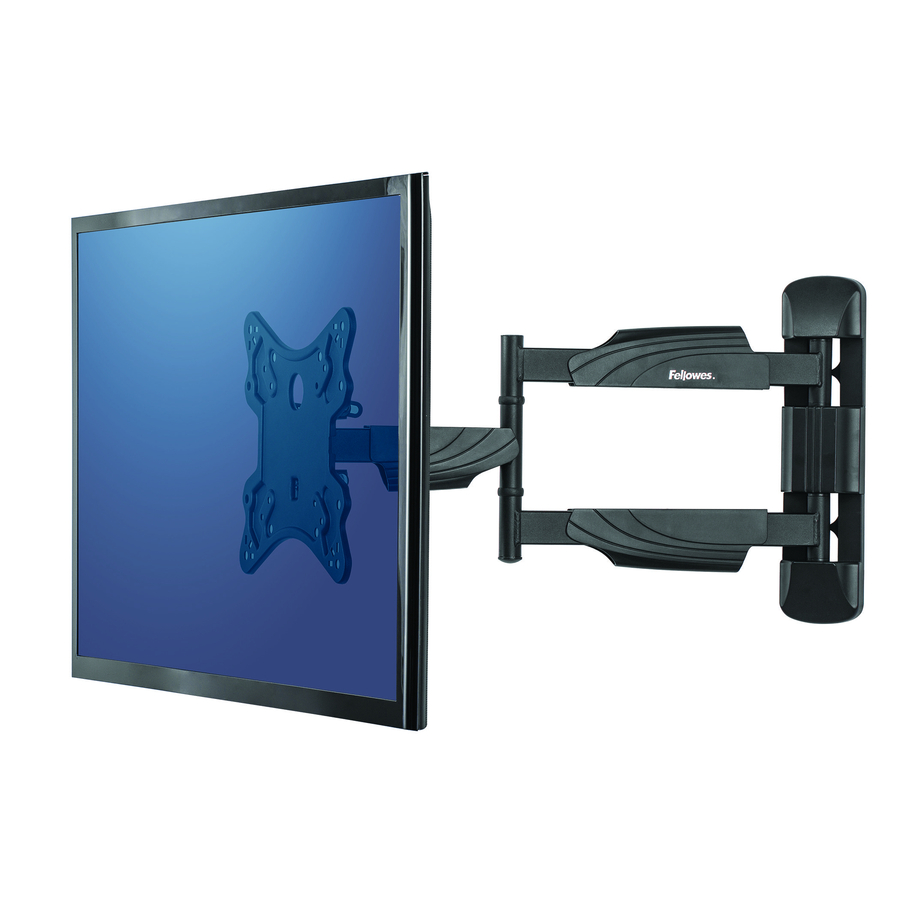
- FellowesFellowes Full Motion TV Wall Mount - 1 Display(s) Supported - 55" Screen Support - 77 lb Load Capacity8043601
$108.99
$60.62
Back-orderedBack-ordered — estimated OEM lead time 3–8 weeks (Nov 14 – Dec 19 if ordered today).
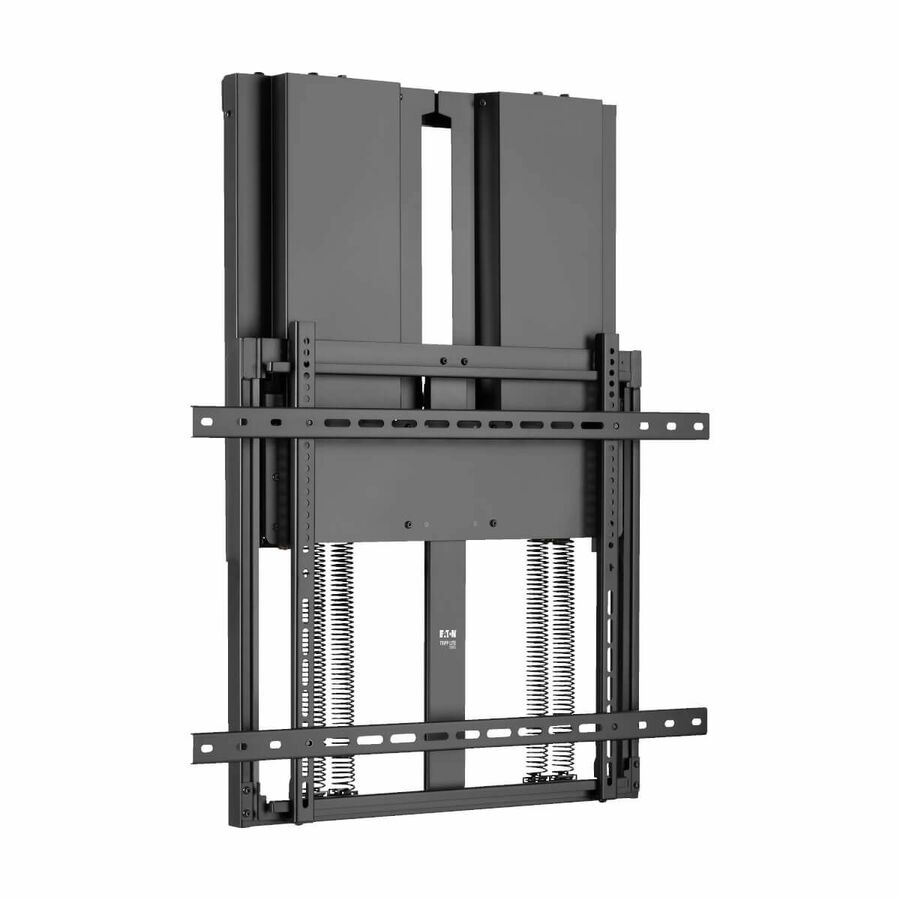
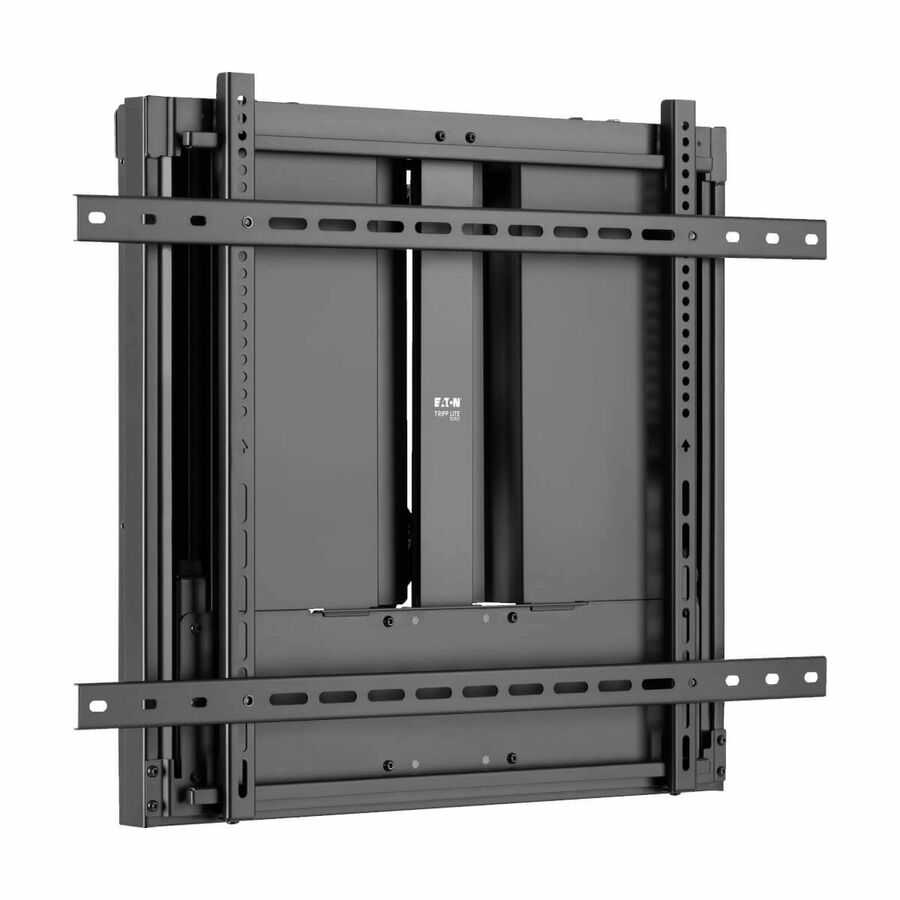
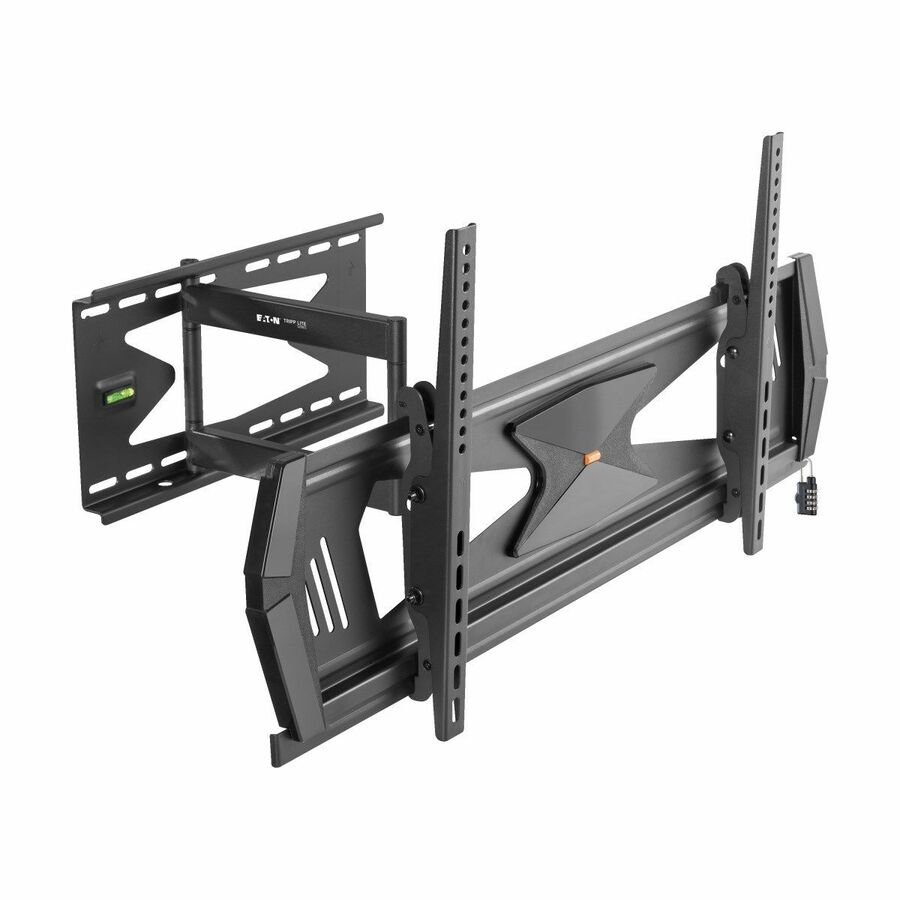
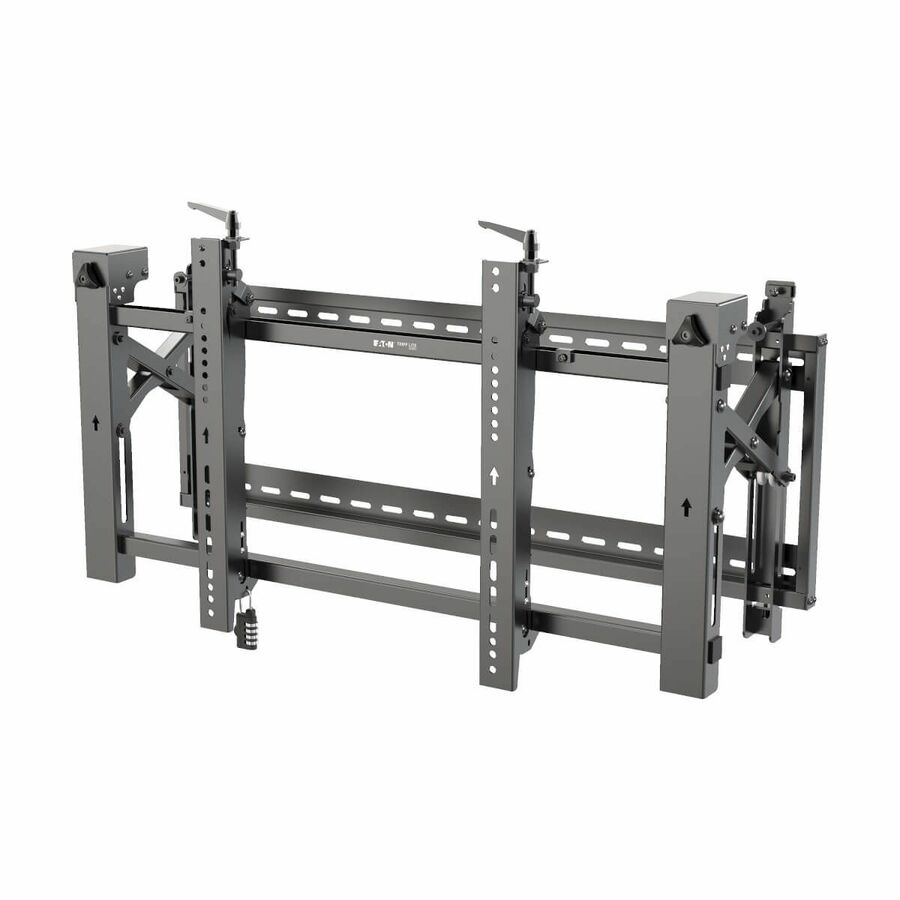
- EatonEaton Tripp Lite Series Pop-Out Security TV Wall Mount with Combination Lock for 45? to 70? Televisions and Monitors, Landscape - Adjustable Height - 1 Display(s) Supported - 45? to 70? Screen Support - 154 lb Load Capacity - 200 x 200, 300 x 300, 400 x 200, 400 x 400, 600 x 400 VESA StandardDWMSCL4570VW
$438.00
$402.96
Back-orderedBack-ordered — estimated OEM lead time 3–8 weeks (Nov 14 – Dec 19 if ordered today).
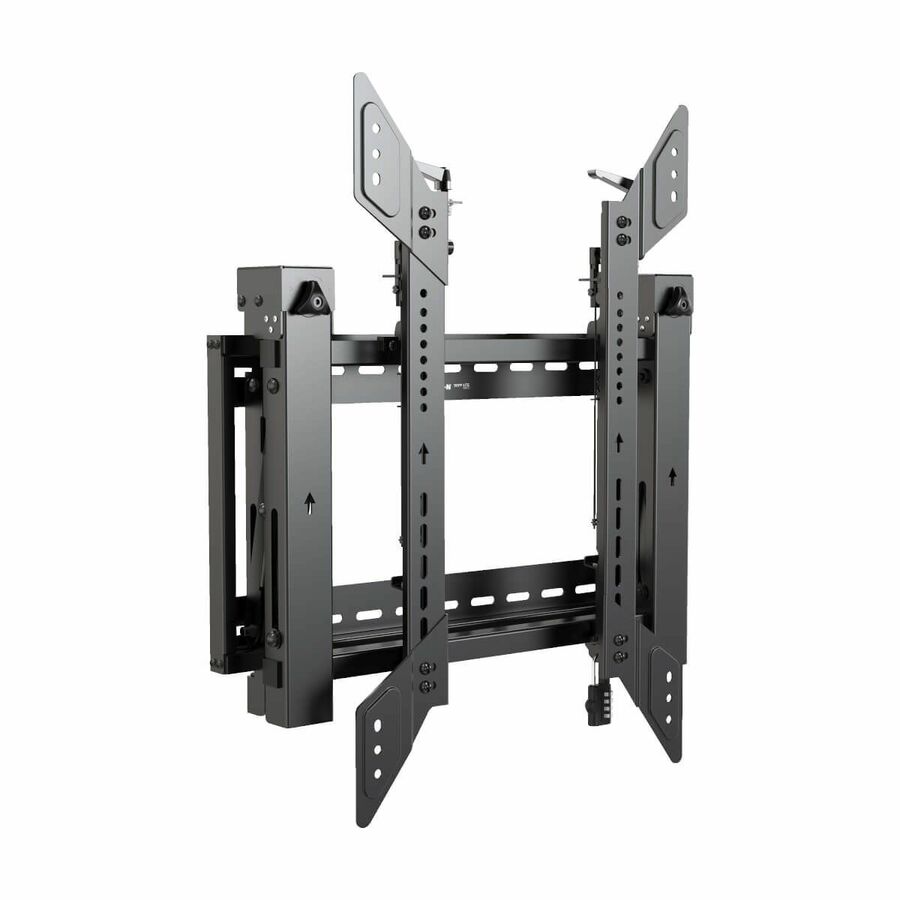
- EatonEaton Tripp Lite Series Pop-Out Security TV Wall Mount with Combination Lock for 45? to 70? Televisions and Monitors, Portrait - Adjustable Height - 1 Display(s) Supported - 45? to 70? Screen Support - 154 lb Load Capacity - 200 x 200, 200 x 400, 300 x 300, 400 x 400, 400 x 600 VESA StandardDWMSCP4570VW
$438.00
$402.96
Back-orderedBack-ordered — estimated OEM lead time 3–8 weeks (Nov 14 – Dec 19 if ordered today).
- LegrandChief Thinstall 25" Extension Arm TV Wall Mount - For 35-65" Monitors - Height Adjustable - 1 Display(s) Supported - 32" to 65" Screen Support - 75 lb Load CapacityTS325TU
$649.00
$614.69
Back-orderedBack-ordered — estimated OEM lead time 3–8 weeks (Nov 14 – Dec 19 if ordered today).
- StarTech.comStarTech Ultra-Slim Articulating TV Wall Mount for up to 65inch and 99lb/45Kg Flat Screens, VESA 600x400, TAA Low-Profile Bracket - Flat screen wallmount supports up to 65in and 99lb TVs; VESA up to 600x400mm; Ultra-slim TAA bracket collapses to 1.5in extends to 23.6in - +2°/-12° tilt;+60°/-60° swivel;+2°/-2° rotation; Mount to wood studs/brick/concrete; Built-in cable management65SAP2-TV-WALL-MOUNT
$342.99
$315.55*
Back-orderedBack-ordered — estimated OEM lead time 3–8 weeks (Nov 14 – Dec 19 if ordered today).
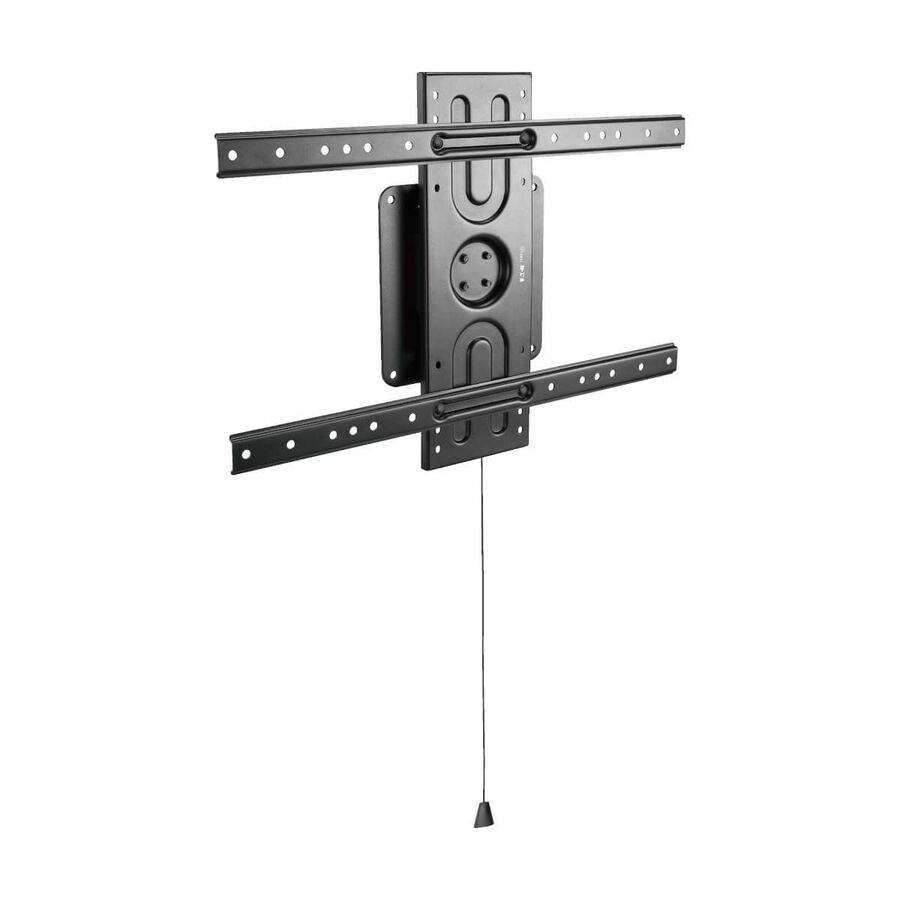
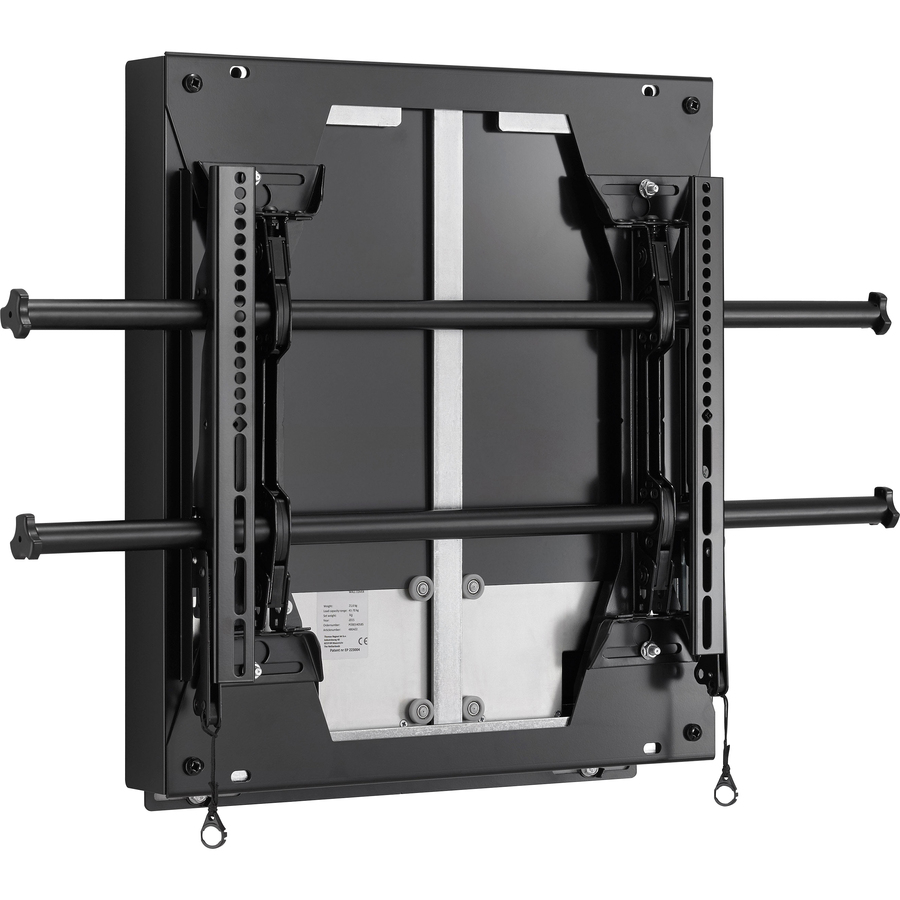
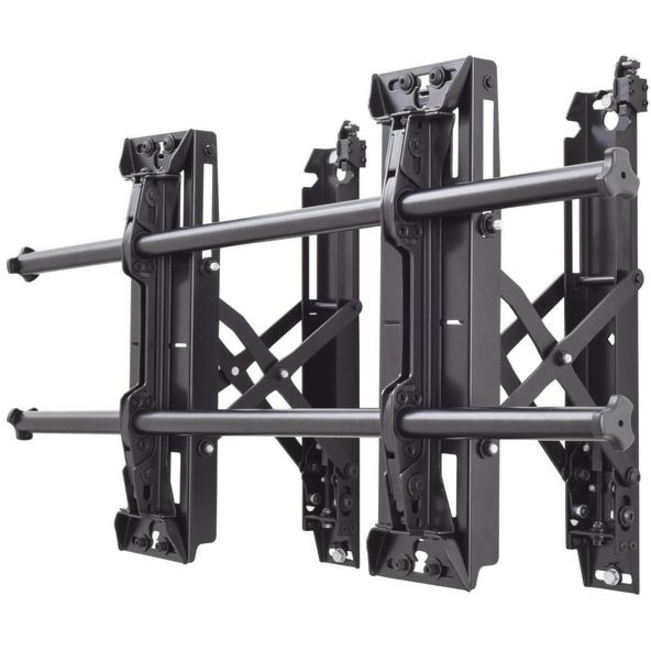
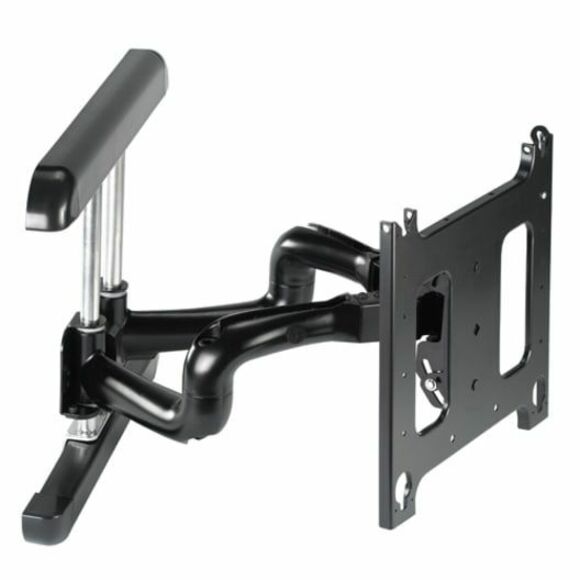

Need pricing on display wall mounts?
Tell us where to reach you and a Uniqcli specialist will follow up by email with current pricing, availability and lead time for the quantities you need — including parts that aren’t shown on this page.
Buying for an organization or for yourself — both work. No payment up front.
A display mount is a three-number purchase, and all three numbers are on the display's own spec sheet: the VESA pattern in millimetres, the panel weight against the mount's rated load with margin, and the screen-size range the mount is rated for. The decision left is movement — fixed for signage and meeting rooms, tilting where the screen sits high.
A display mount is a three-number purchase and the numbers are all on the display's own spec sheet. The first is the VESA pattern — the spacing in millimetres between the four threaded holes on the back of the panel, quoted as width by height. The second is weight, which has to sit inside the mount's rated load capacity with margin rather than at it. The third is screen size, because a mount rated for a size range is rated for the leverage that range implies as much as for the mass. Get those three right and almost any mount in this category will hold the display.
The one decision left is movement, and it is a room decision rather than a display decision. A fixed mount holds the panel flat and close to the wall, which is what a meeting room or a signage installation wants: nothing to adjust, nothing to knock, the smallest possible profile. A tilting mount adds a few degrees of downward angle, which matters when the display sits high on a wall or above a whiteboard. A full-motion mount extends and swivels, which is right for a room where people sit off-axis or a screen has to be pulled out and turned — and wrong anywhere the extra depth, cost and moving parts buy nothing.
The part nobody checks until installation day is the wall. Stud spacing, the mount's own hole pattern and what the wall is actually made of decide whether a mount can be fixed safely, and concrete, brick, steel stud and metal-framed partition each need different hardware from the drywall anchors in the box. Where a screen goes up, there is usually also a source, a cable run, a power outlet behind the panel and — in a room build — the display itself, the AV switching and the installation labour. Those belong on one quote rather than five, because the mount is the cheapest line and the one that stops the schedule when it is wrong.
Buyer's checklist
How to choose a display wall mount
- Read the VESA pattern off the display's spec sheet in millimetres and confirm the mount lists that exact pattern — an adapter plate is a workaround, not a plan.
- Check the display's weight against the mount's rated load capacity with real margin, not to the last pound.
- Confirm the screen-size range covers your panel. The range describes leverage as well as mass, and a panel outside it stresses the mount differently.
- Decide fixed, tilting or full-motion by the room: fixed for signage and meeting rooms, tilting where the screen sits high, full-motion only where someone will actually move it.
- Establish what the wall is made of before ordering. Concrete, brick, steel stud and metal partition each need hardware the box does not include.
- Measure the stud spacing and check it against the mount's horizontal hole pattern; a mount that will not reach two studs needs different backing.
- For public or unattended locations, look for a security or anti-theft design — the locking hardware is part of the mount, not an accessory added later.
- Leave depth for the cables. A low-profile mount that sits under an inch from the wall is elegant until a stiff HDMI cable needs a bend radius behind it.
- Plan the power and signal runs at the same time. Getting a mount right and then surface-mounting a cable down the wall undoes the reason you bought the low-profile one.
VESA, weight and the check that takes two minutes
VESA is simply the spacing of the four mounting holes on the back of a display, given in millimetres as width by height — 200 x 200, 400 x 400 and so on. A mount lists the patterns it supports, and if your panel's pattern is on that list the bracket bolts straight on. If it is not, the answer is a different mount rather than an adapter plate, because every adapter adds depth, adds a joint and moves the load path away from the design the mount was tested with.
Weight is where people cut it close and should not. A mount's rated load capacity is a maximum, not a target, and a display's stated weight rarely includes a soundbar bolted underneath it or a media player strapped to the back. Take the panel weight from the manufacturer's specification, add whatever else will hang off the mount, and choose a mount with genuine headroom above that total. Screen size is the third check and it is not redundant: a light 85-inch panel puts far more leverage on a bracket than a heavy 43-inch one, which is why mounts publish a size range as well as a weight limit.
The wall decides more than the mount does
Almost every mount ships with hardware for wood studs, and a large share of commercial installations are not wood studs. Concrete and CMU need sleeve or wedge anchors sized to the load. Steel stud partitions need toggles rated for the pull-out force, or — much better — plywood backing installed behind the drywall before the wall was closed. Metal-framed demountable partitions frequently cannot take a large display at all without additional structure. Establishing what the wall is before ordering is the difference between an installation and a return.
Stud spacing is the second wall question. A mount whose horizontal hole pattern cannot reach two studs is a mount that needs backing, a mounting plate or a different model, and that is much cheaper to discover during specification than with a display on the floor and an installer on the clock. In a room build, this is one of the details that argues for having the mount, the display and the installation quoted together: whoever is doing the install can tell you what the wall will take before anything is ordered.
Mounts belong on the room's quote, not on their own
A wall mount is the smallest line on a room build and the one that stops it. The display, the source device, the switching or extension that gets the signal to the wall, the power outlet behind the panel, the cable route and the labour to install all of it are one project, and quoting the mount separately is how an installation crew arrives with a screen and the wrong bracket. Sending the room list as a single bill of materials means every part is committed against the same date.
Where the requirement is several rooms — a floor of meeting spaces, a district of classrooms, a signage network across a building — it stops being a hardware order and becomes a standard. That is worth deciding deliberately: one mount model per room type keeps the spares simple, the installation predictable and the next room's order a repeat rather than a fresh specification. Everything on this page is checked against manufacturer documentation and live catalog data; confirm a part number's current size range, VESA list and load rating at each re-order rather than copying a previous quote forward.
Related reading
FAQ
Common questions
- How do I find my display's VESA pattern?
- It is on the manufacturer's specification sheet, usually written as two numbers in millimetres — 200 x 200, 400 x 300 and so on — describing the horizontal and vertical spacing of the four threaded holes on the back of the panel. If the spec sheet is not to hand, the holes can be measured centre to centre with a tape. Match that pattern against the list a mount publishes; if it is not on the list, choose a different mount rather than adding an adapter plate.
- Fixed, tilting or full-motion — which should a meeting room use?
- Usually fixed. A meeting-room display sits at roughly eye level opposite a table, everyone in the room is looking at it from broadly the same angle, and there is nothing to gain from articulation except depth, cost and something to knock. Tilting earns its place when the screen has to sit high — above a whiteboard, a credenza or casework — so a few degrees of downward angle corrects the viewing line. Full-motion is for rooms where the screen genuinely has to move toward people, which is rarer than the category's marketing suggests.
- Can I mount a large display on a steel stud or plasterboard wall?
- Sometimes, with the right hardware, and it is not a decision to make on installation day. Steel stud partitions need toggles rated for the pull-out force involved, and the far better answer is plywood backing installed behind the drywall before the wall was closed. Plain plasterboard with no structure behind it will not hold a large panel safely on any anchor. Establish what the wall is made of and where the studs sit before ordering, and where the wall cannot take the load, treat the backing as part of the project rather than as a surprise.
- Do wall mounts come with the hardware for my wall?
- They come with hardware for the common case, which is normally wood studs, and that is frequently not the wall you have. Concrete, brick, steel stud and metal partition each need anchors chosen for the material and the load, and those are usually specified by whoever is doing the installation rather than shipped in the box. Budget for the correct anchors as a separate line, and confirm the wall construction before the mount is ordered rather than after it arrives.
- Can Uniqcli quote display mounts for a multi-room rollout?
- Every line Uniqcli quotes is sourced through US distribution and screened for TAA country-of-origin and NDAA §889 status before checkout — with documentation tied to the specific part number, not a product family.
Need display wall mounts pricing?
Send a bill of materials or part numbers — we confirm stock and a below-market total, with TAA verified on request. No payment up front.