
Best Peerless-AV Display Mounts
Peerless-AV mounts for flat panels and signage — flat, tilt, articulating, portrait, ceiling, in-wall and outdoor, read by screen size range, VESA pattern and load capacity.
Peerless-AV display mounts in stock at Uniqcli
How to choose →A curated selection with live pricing — in-stock lines first, then back-ordered lines with a typical lead time. Every line is sourced through US distribution and screened for NDAA §889 status before checkout, with TAA verified on request.
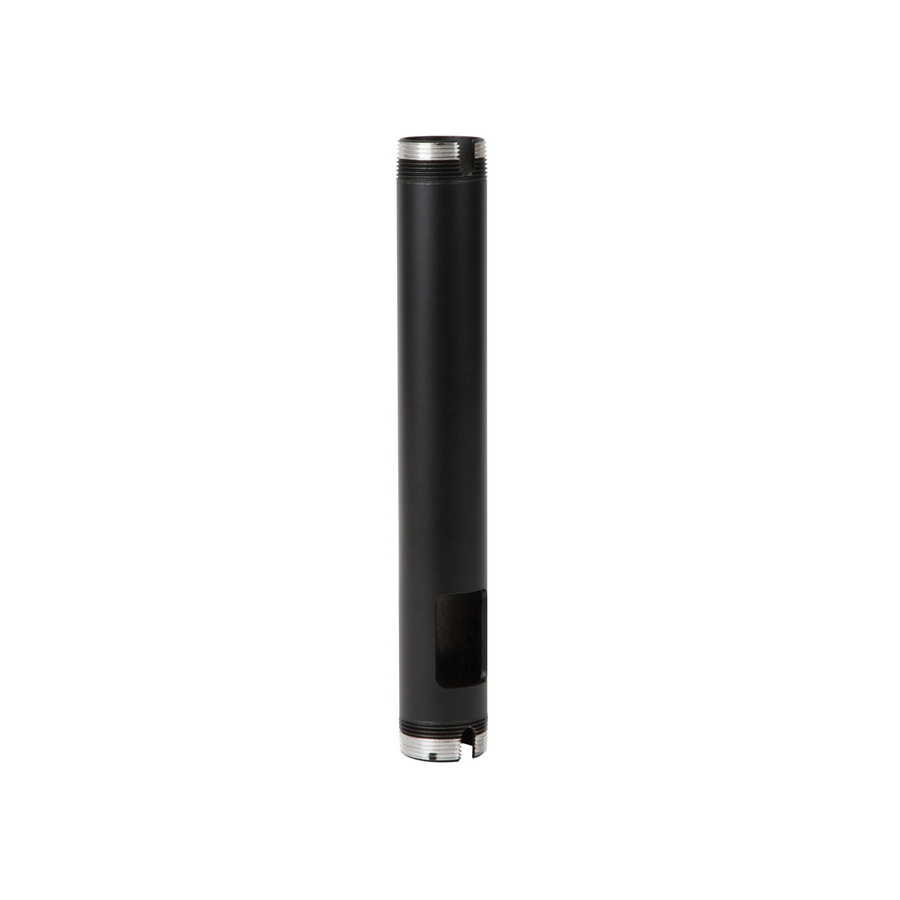
- Peerless IndustriesPeerless-AV® Fixed Length Extension Columns For use with Peerless-AV® Display Mounts, Projector Mounts, and Ceiling Plate Accessories - 2 Display(s) Supported - 90" Screen Support - 500 lb Load Capacity - 75 x 75, 100 x 100 - 1 - AluminumEXT006
$49.00
$40.77
Back-orderedBack-ordered — estimated OEM lead time 3–8 weeks (Nov 14 – Dec 19 if ordered today).
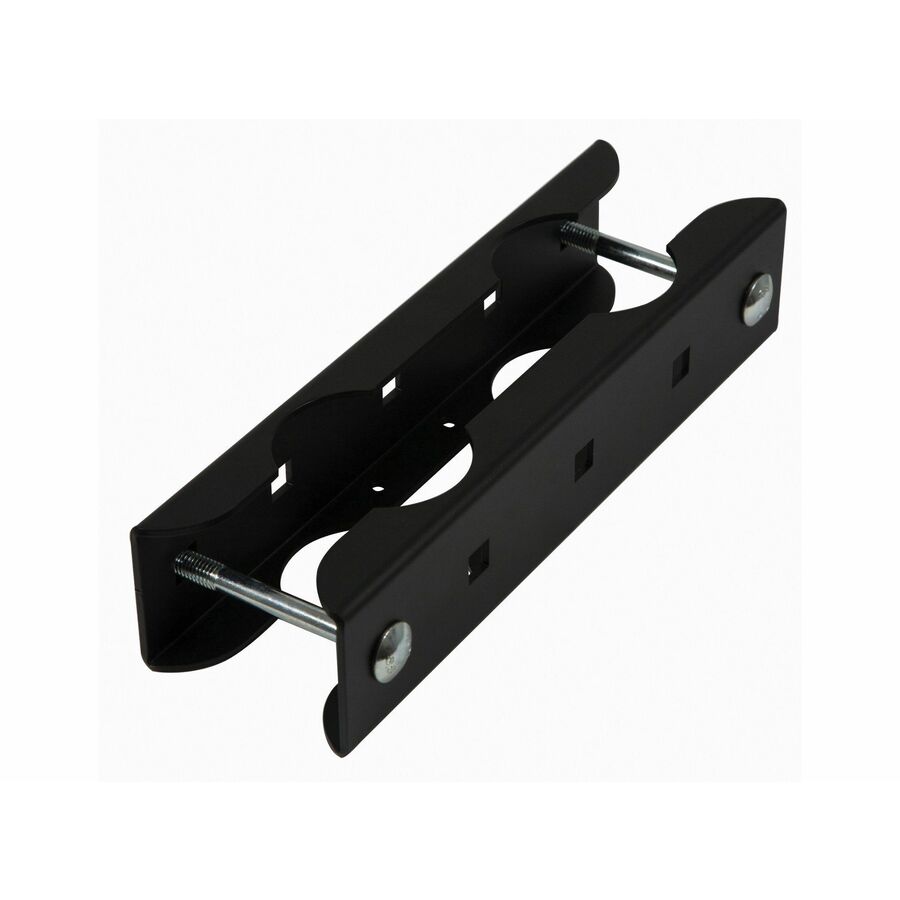
- Peerless IndustriesPeerless-AV® Modular Dual Pole Display Stacking Clamp - 46" to 90" Screen Support - 423.29 lb Load Capacity - 1 UnitMOD-ASC2
$51.00
$42.74*
Back-orderedBack-ordered — estimated OEM lead time 3–8 weeks (Nov 14 – Dec 19 if ordered today).
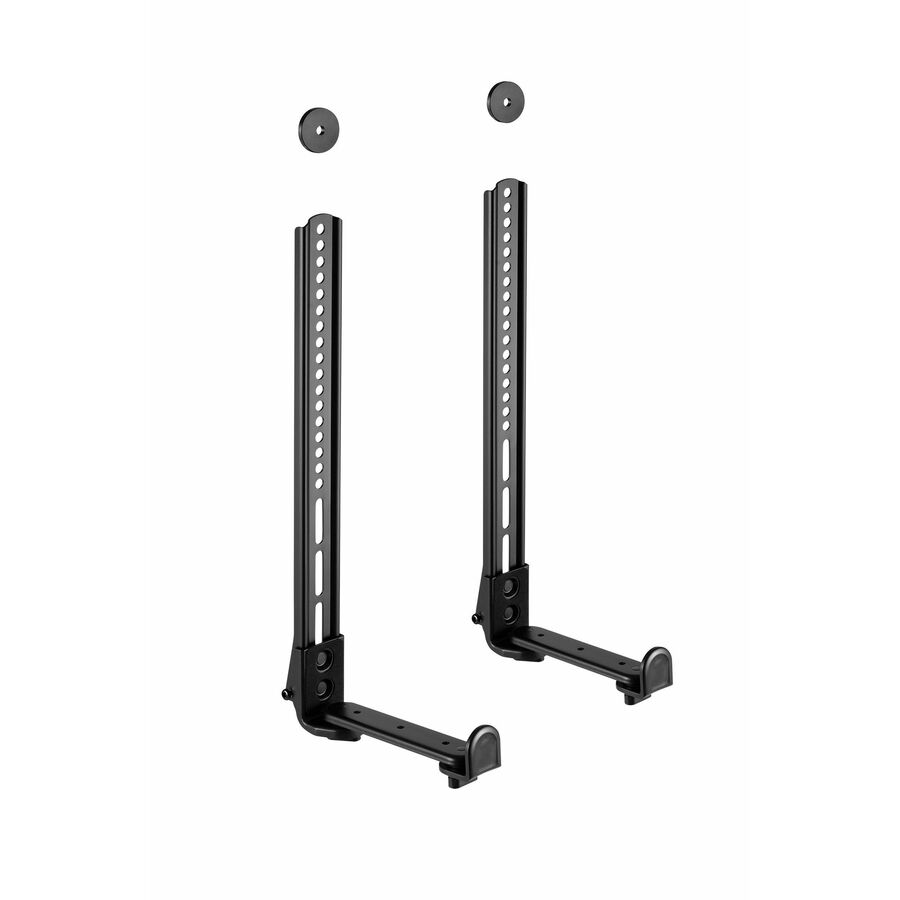
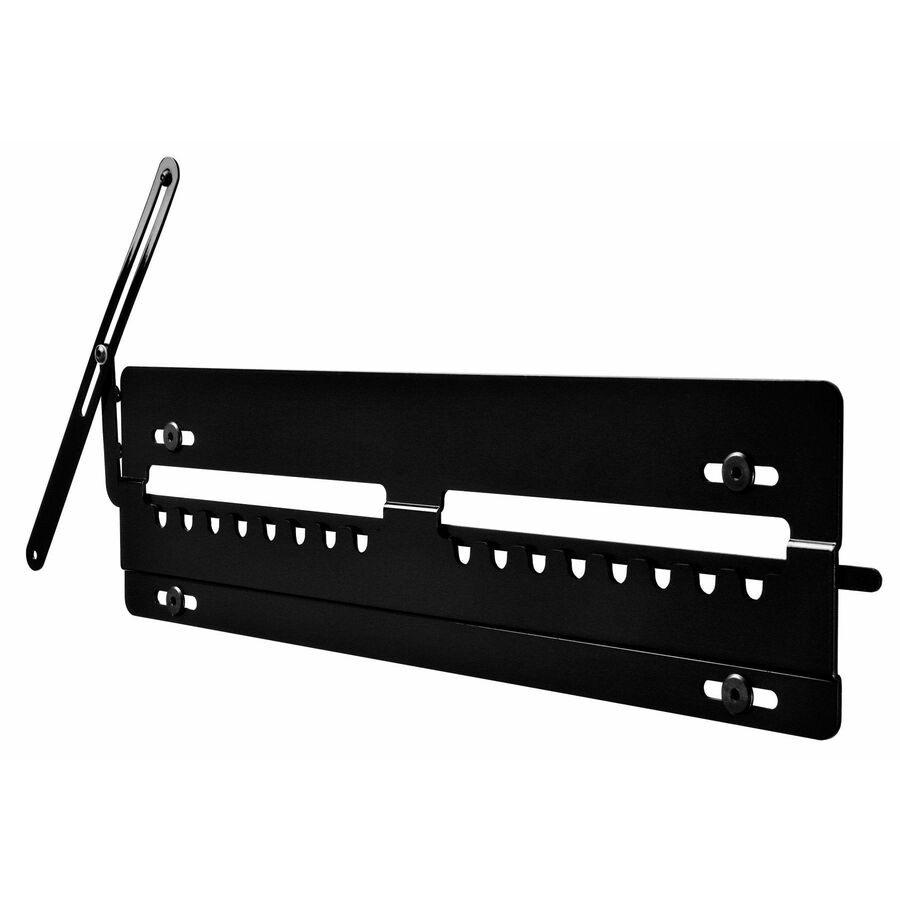
- Peerless IndustriesUniversal Sound Bar Mounting Kit for up to 80" Displays - Height Adjustable - 80" Screen Support - 165 lb Load Capacity - VESA Mount Compatible - 1 UnitACSBR2
$85.00
$43.39
Back-orderedBack-ordered — estimated OEM lead time 3–8 weeks (Nov 14 – Dec 19 if ordered today).
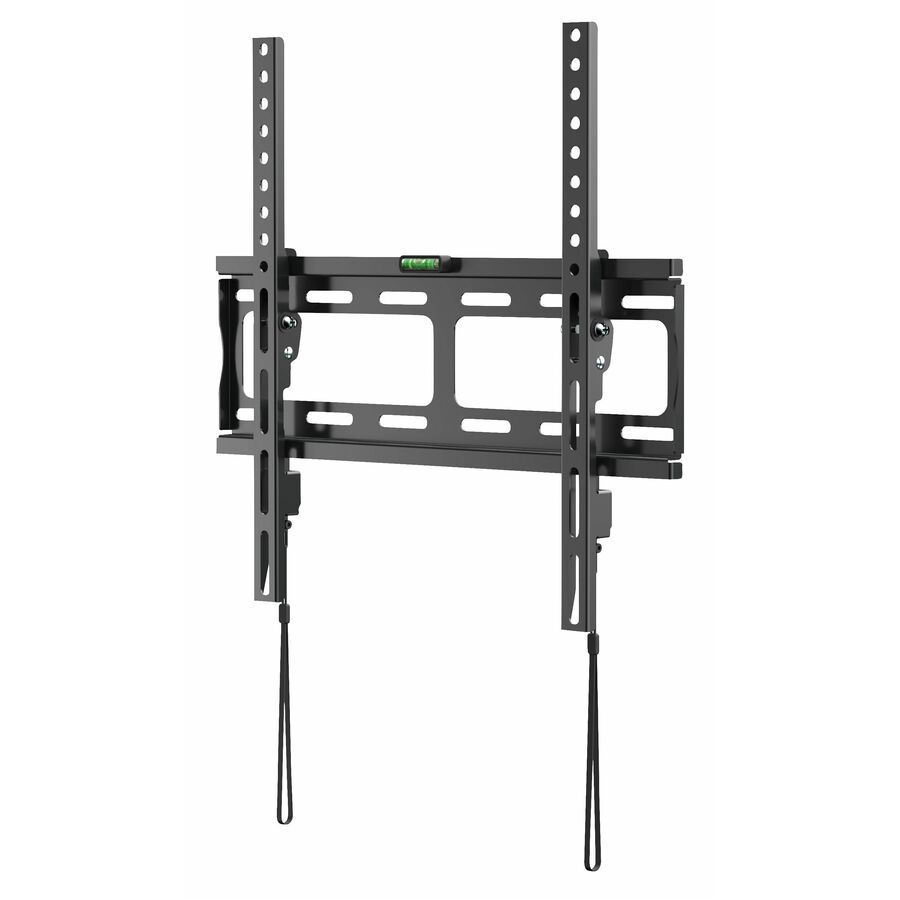
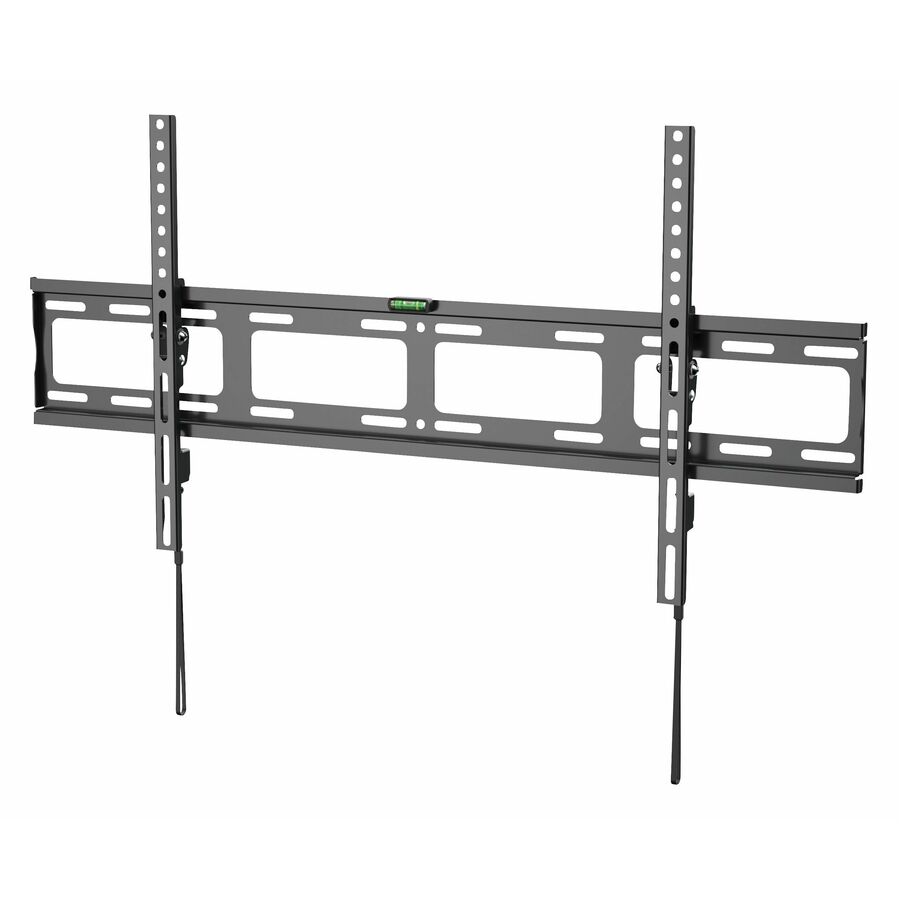
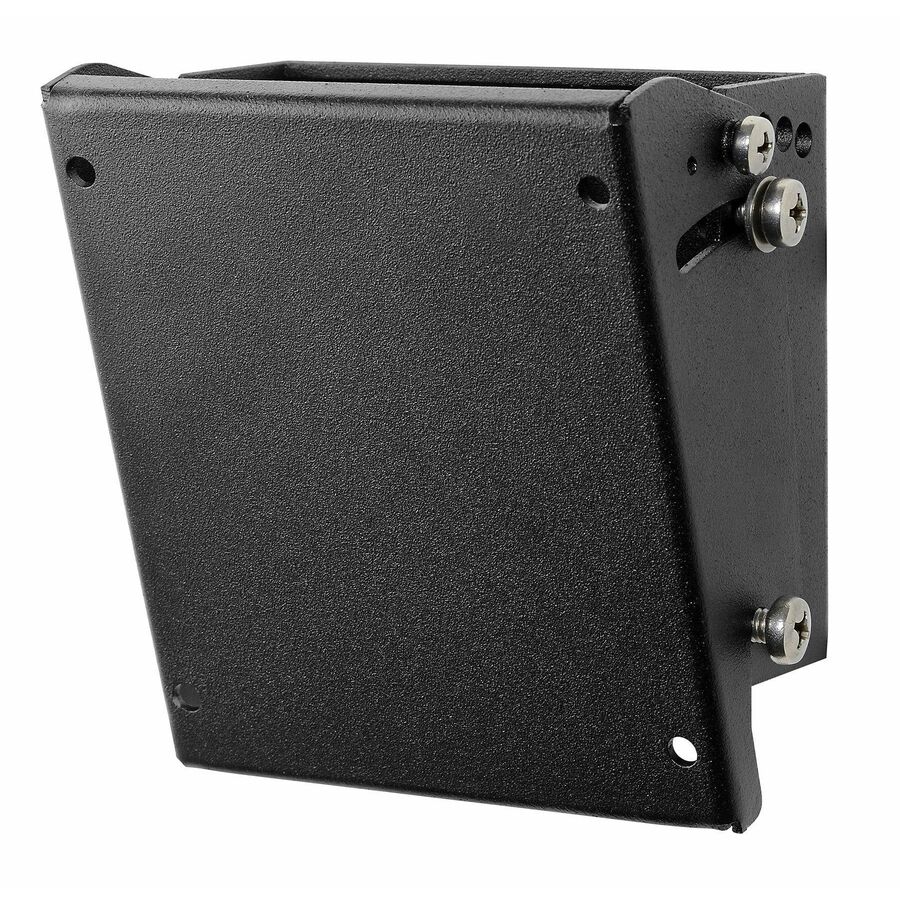
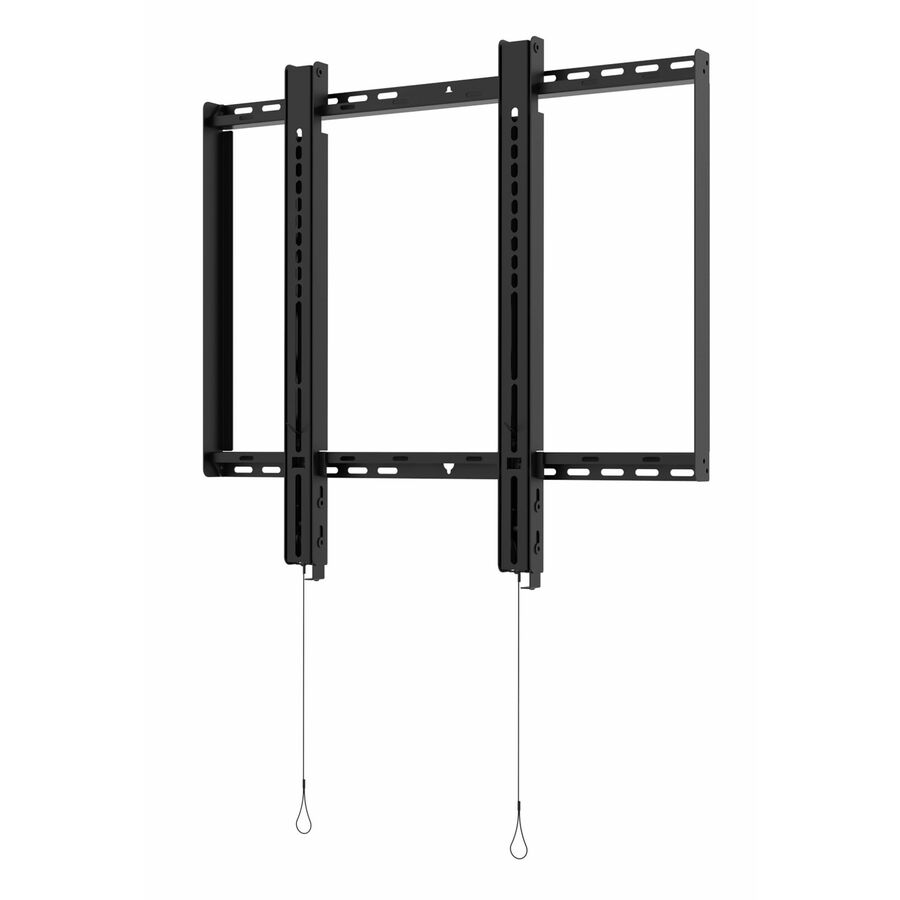
- Peerless IndustriesUniversal Flat/Tilt Wall Mount for 32" To 50"+ Displays - 32" to 50" Screen Support - 88 lb Load Capacity - 400 x 400 - VESA Mount Compatible - 1 UnitT4X4
$95.00
$54.32
Back-orderedBack-ordered — estimated OEM lead time 3–8 weeks (Nov 14 – Dec 19 if ordered today).
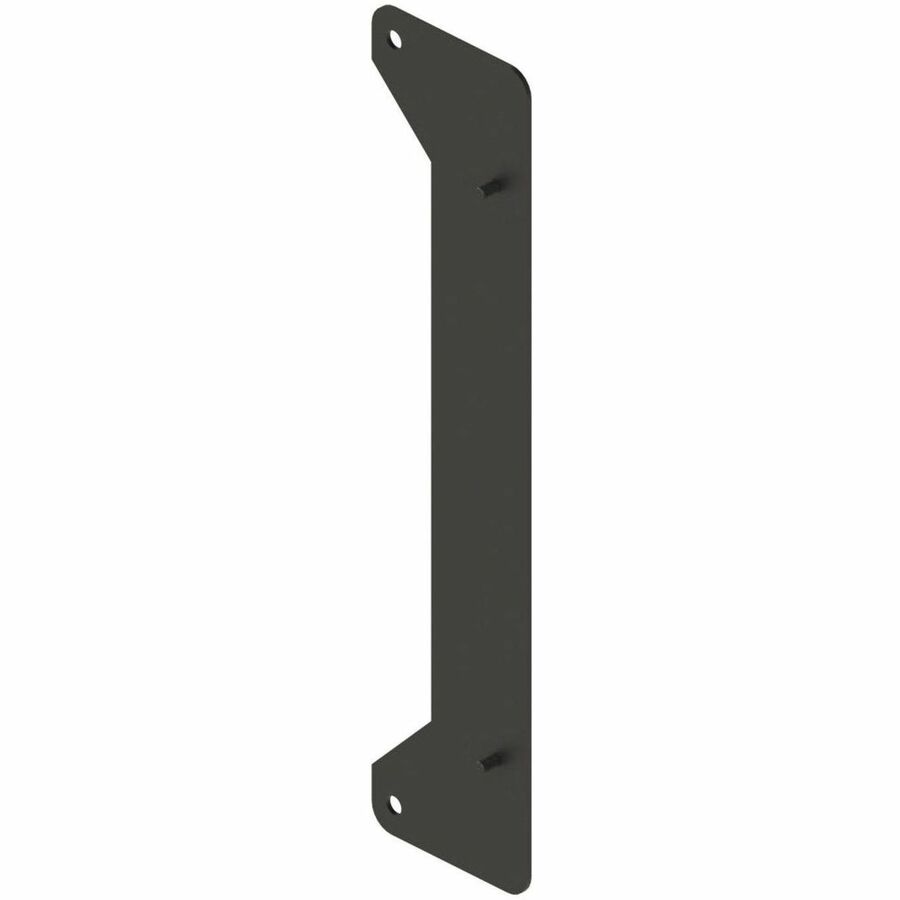
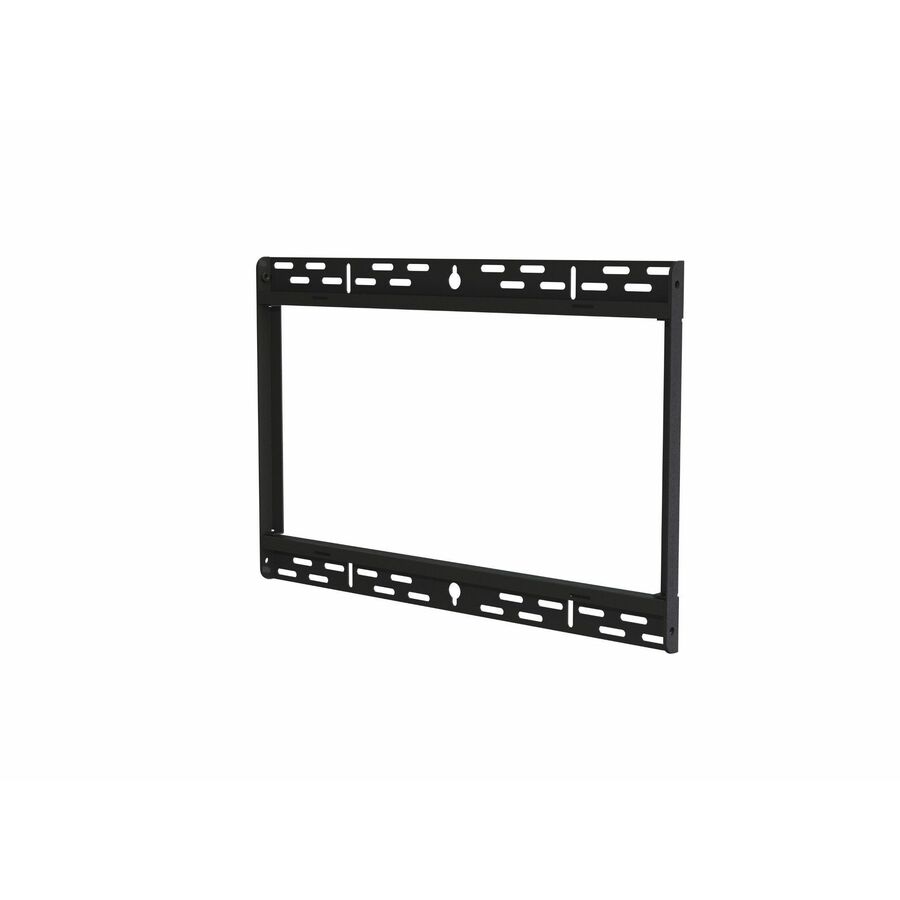
- Peerless IndustriesPeerless-AV® VESA® Adapter Bracket for 600x400 and 800x400mm Mounting Patterns - 1 Display(s) Supported - 40" to 65" Screen Support - 125.20 lb Load Capacity - VESA Mount Compatible - 1ACC-V600800
$85.00
$57.16*
Back-orderedBack-ordered — estimated OEM lead time 3–8 weeks (Nov 14 – Dec 19 if ordered today).
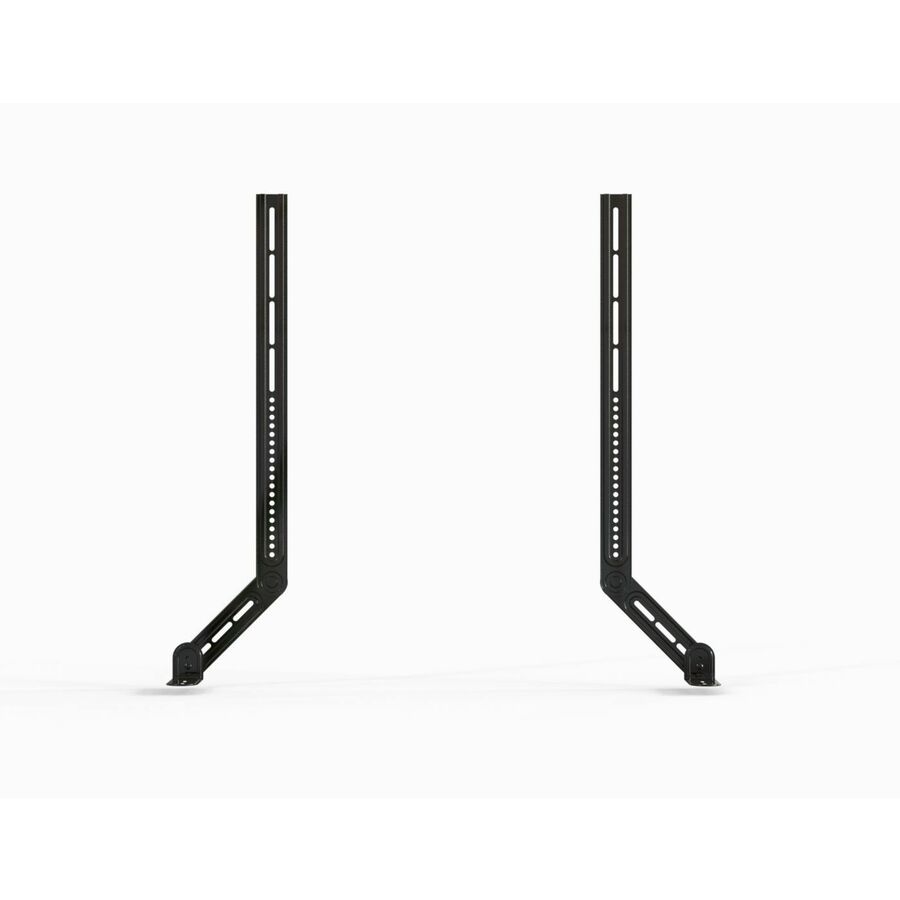
- Peerless IndustriesPeerless-AV® Universal UC/VC Soundbar/Camera Mount for 55" to 98"+ Single Displays and 55" to 75" Dual Displays - 2 Display(s) Supported - 55" to 85" Screen Support - 19.80 lb Load Capacity - VESA Mount Compatible - 1ACC-SB2
$85.00
$58.26
Back-orderedBack-ordered — estimated OEM lead time 3–8 weeks (Nov 14 – Dec 19 if ordered today).
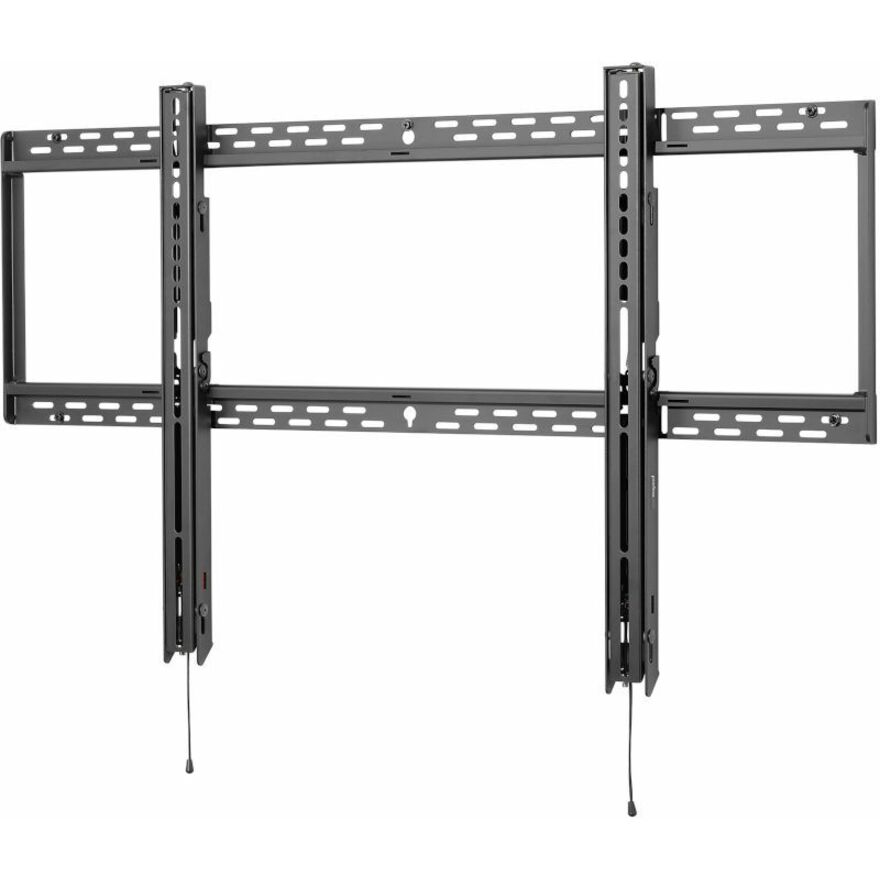
- Peerless IndustriesUniversal Flat/Tilt Wall Mount for 65" To 90"+ Displays - 65" to 90" Screen Support - 132 lb Load Capacity - 800 x 400 - VESA Mount Compatible - 1 UnitT8X4
$165.00
$59.60
Back-orderedBack-ordered — estimated OEM lead time 3–8 weeks (Nov 14 – Dec 19 if ordered today).
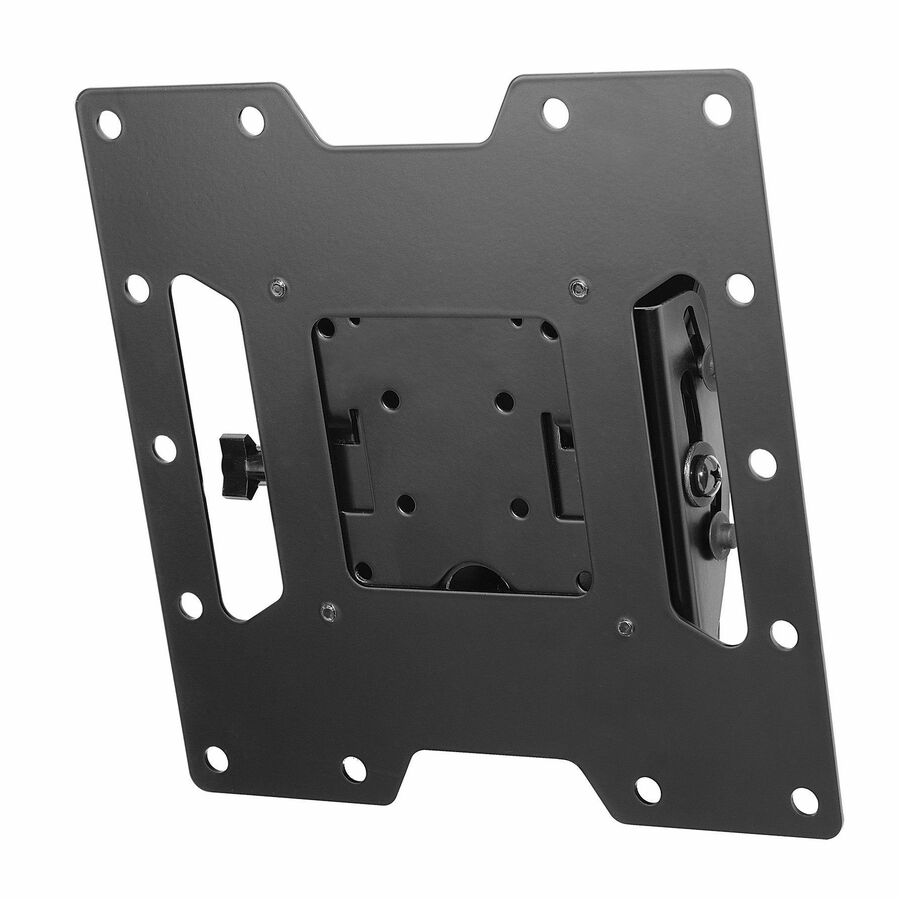
- Peerless IndustriesPeerless-AV® SmartMount® Tilt Wall Mount for 22" to 43" Displays - For Flat Panel Display - 10" to 40" Screen Support - 115 lb Load Capacity - Steel - BlackST632
$105.00
$61.04*
Back-orderedBack-ordered — estimated OEM lead time 3–8 weeks (Nov 14 – Dec 19 if ordered today).
- Peerless IndustriesPeerless-AV® SmartMount Universal Flat Wall Mount for 32" to 50" Displays - Height Adjustable - 32" to 50" Screen Support - 150 lb Load Capacity - 450 x 405 - VESA Mount Compatible - 1 UnitSF640P
$119.00
$67.24*
Back-orderedBack-ordered — estimated OEM lead time 3–8 weeks (Nov 14 – Dec 19 if ordered today).
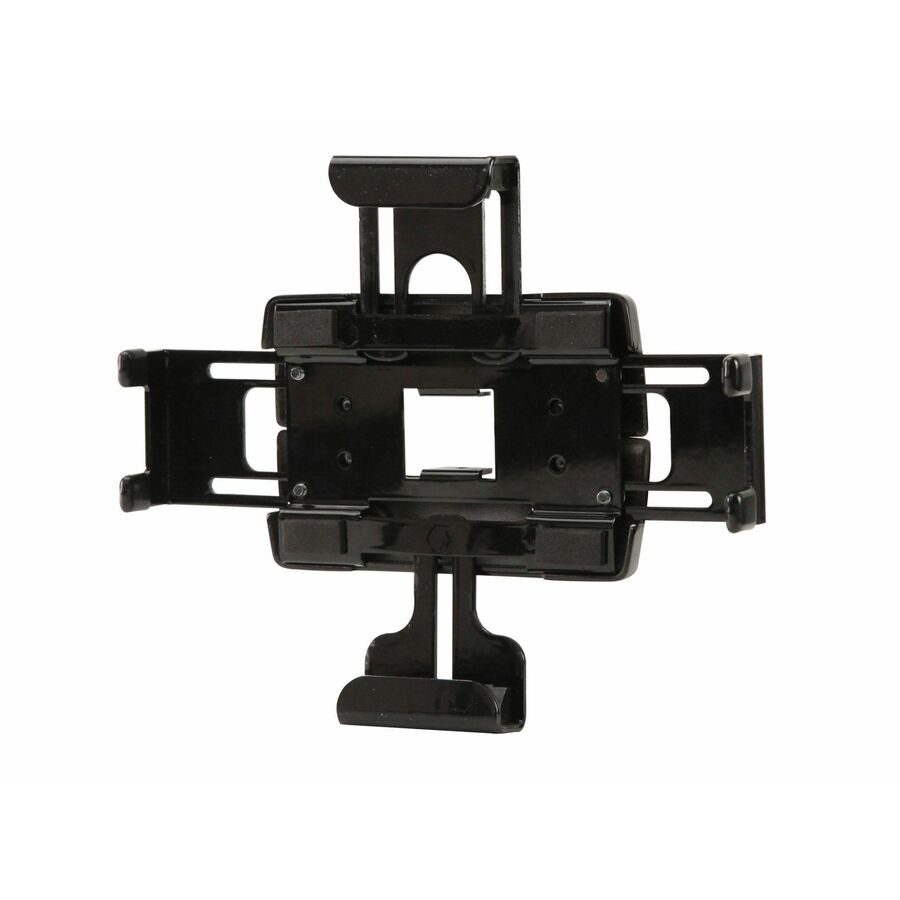
- Peerless IndustriesPeerless-AV® Universal Tablet Cradle - Height Adjustable - 13.8" Screen Support - 5 lb Load Capacity - VESA Mount Compatible - 1 - PolyesterPTM200
$105.00
$73.05*
Back-orderedBack-ordered — estimated OEM lead time 3–8 weeks (Nov 14 – Dec 19 if ordered today).
- Peerless IndustriesPeerless-AV® Medium Universal Adapter for Modular Series Flat Panel Display Mounts - 22" to 50" Screen Support - 132.28 lb Load Capacity - 200 x 100, 400 x 400, 600 x 400 - VESA Mount Compatible - 1MOD-UNM
$105.00
$75.42*
Back-orderedBack-ordered — estimated OEM lead time 3–8 weeks (Nov 14 – Dec 19 if ordered today).
- Peerless IndustriesPeerless-AV® Single Display Mount For Modular Series Flat Panel Display Mounts - 1 Display(s) Supported - 10" to 65" Screen Support - 220 lb Load Capacity - 75 x 75, 100 x 100 - VESA Mount Compatible - 1 - Cold Rolled SteelMOD-FPMS
$103.00
$77.89*
Back-orderedBack-ordered — estimated OEM lead time 3–8 weeks (Nov 14 – Dec 19 if ordered today).
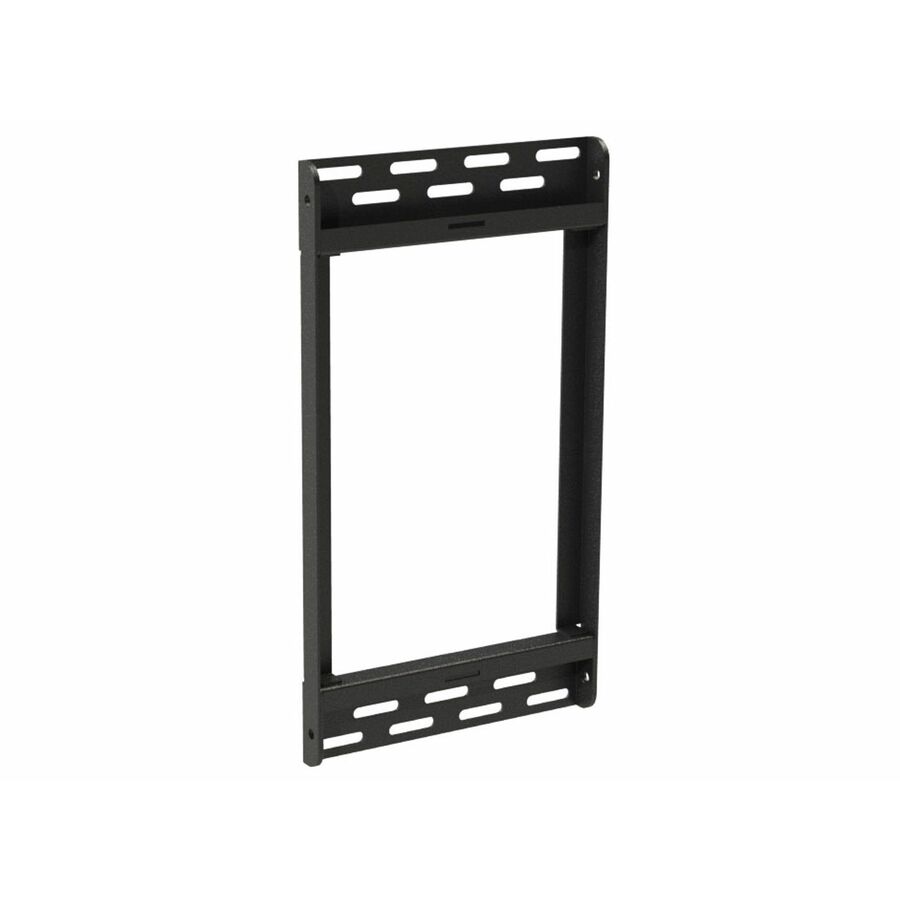
- Peerless IndustriesPeerless-AV® Accessory Adaptor Rails - 1 Display(s) Supported - 55" Screen Support - 130 lb Load Capacity - 600 x 400, 400 x 600 - VESA Mount Compatible - 1ACC-V600X
$105.00
$79.42*
Back-orderedBack-ordered — estimated OEM lead time 3–8 weeks (Nov 14 – Dec 19 if ordered today).
- Peerless IndustriesPeerless-AV® Modular MOD-FPMS-W Pole Mount for Projector, Flat Panel Display - White - 1 Display(s) Supported - 65" Screen Support - 220.46 lb Load Capacity - 75 x 75, 100 x 100 - 1MOD-FPMS-W
$111.00
$83.79
Back-orderedBack-ordered — estimated OEM lead time 3–8 weeks (Nov 14 – Dec 19 if ordered today).
- Peerless IndustriesPeerless-AV® SmartMount®Menu Board Wall Plate Accessory - 1 Display(s) Supported - 40" to 48" Screen Support - 100 lb Load Capacity - 1ACC-MB3500
$119.00
$86.88*
Back-orderedBack-ordered — estimated OEM lead time 3–8 weeks (Nov 14 – Dec 19 if ordered today).
Back-ordered — estimated OEM lead time 3–8 weeks (Nov 14 – Dec 19 if ordered today).
- Peerless IndustriesPeerless-AV® Outdoor Tilting Wall Mount for 22" to 40" Displays - 1 Display(s) Supported - 22" to 40" Screen Support - 80 lb Load Capacity - 100 x 100, 75 x 75 - VESA Mount Compatible - 1 - Stainless SteelEPT630
$141.00
$88.52*
Back-orderedBack-ordered — estimated OEM lead time 3–8 weeks (Nov 14 – Dec 19 if ordered today).
- Peerless IndustriesPeerless-AV® SmartMount®Menu Board Wall Plate Accessory - 40" to 48" Screen Support - 100 lb Load Capacity - 1ACC-MB0800
$122.00
$90.39*
Back-orderedBack-ordered — estimated OEM lead time 3–8 weeks (Nov 14 – Dec 19 if ordered today).
- Peerless IndustriesPeerless-AV® Ceiling Mount Tilt Boxes for up to 90" Displays - 90" Screen Support - 150 lb Load Capacity - 75 x 75, 100 x 100 - VESA Mount Compatible - 1 Unit - Cold Rolled SteelPLCM-4
$124.00
$90.75*
Back-orderedBack-ordered — estimated OEM lead time 3–8 weeks (Nov 14 – Dec 19 if ordered today).
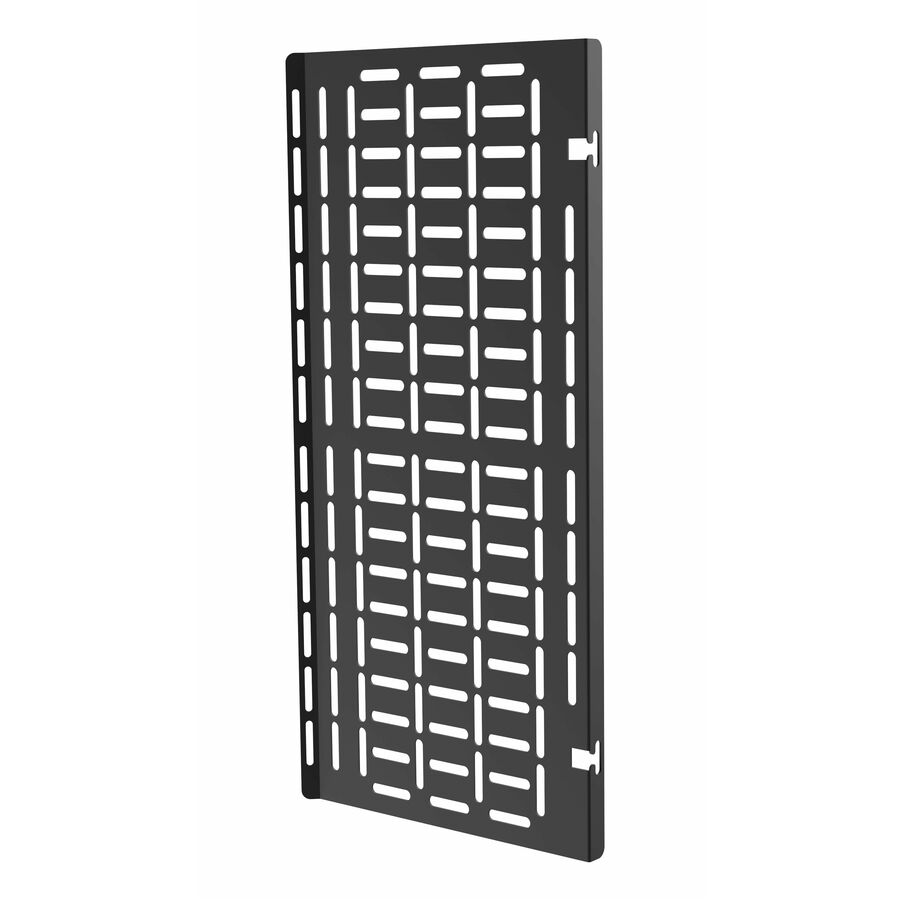
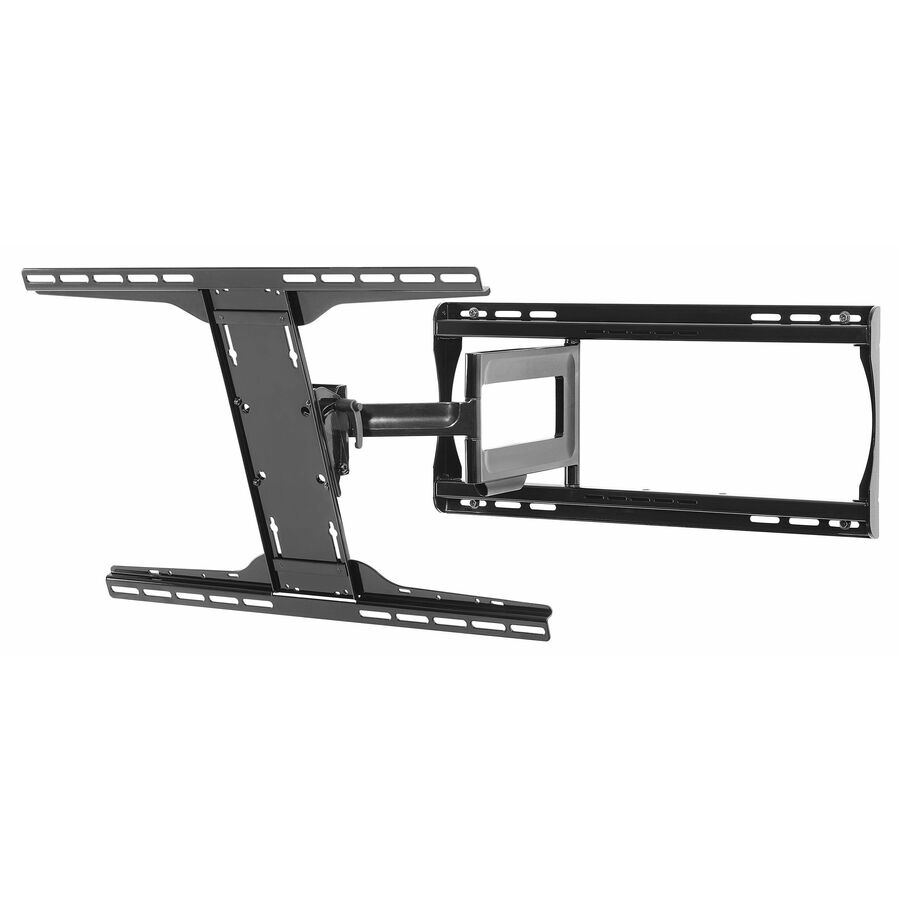
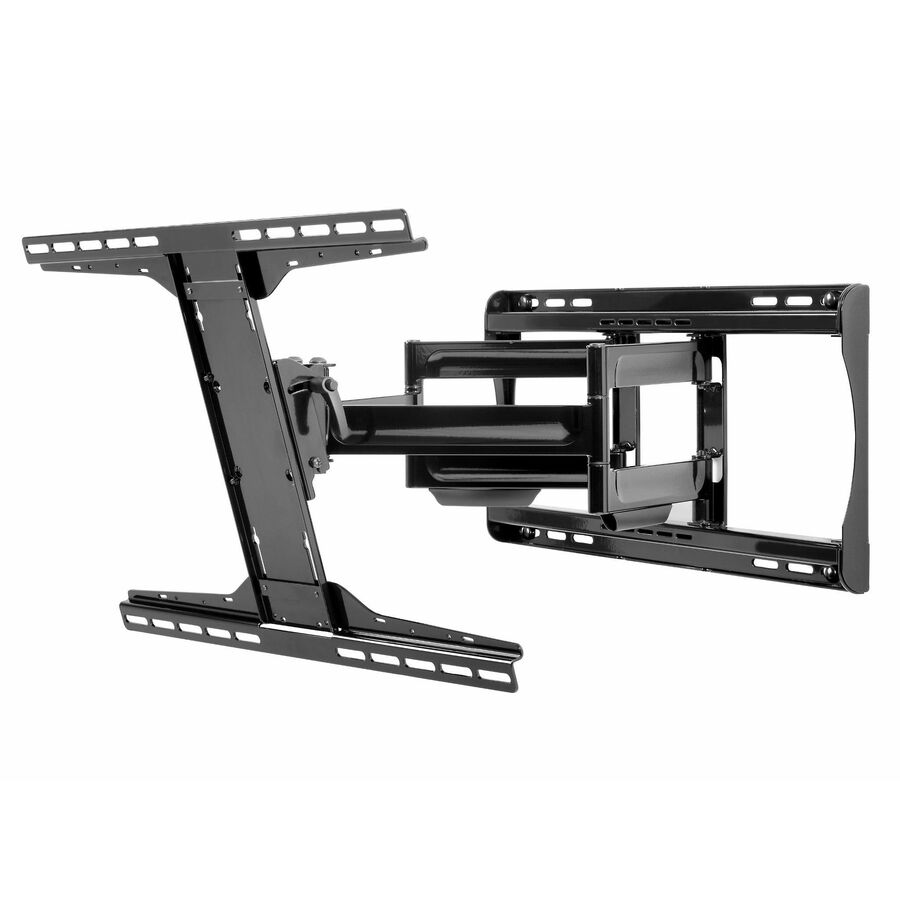
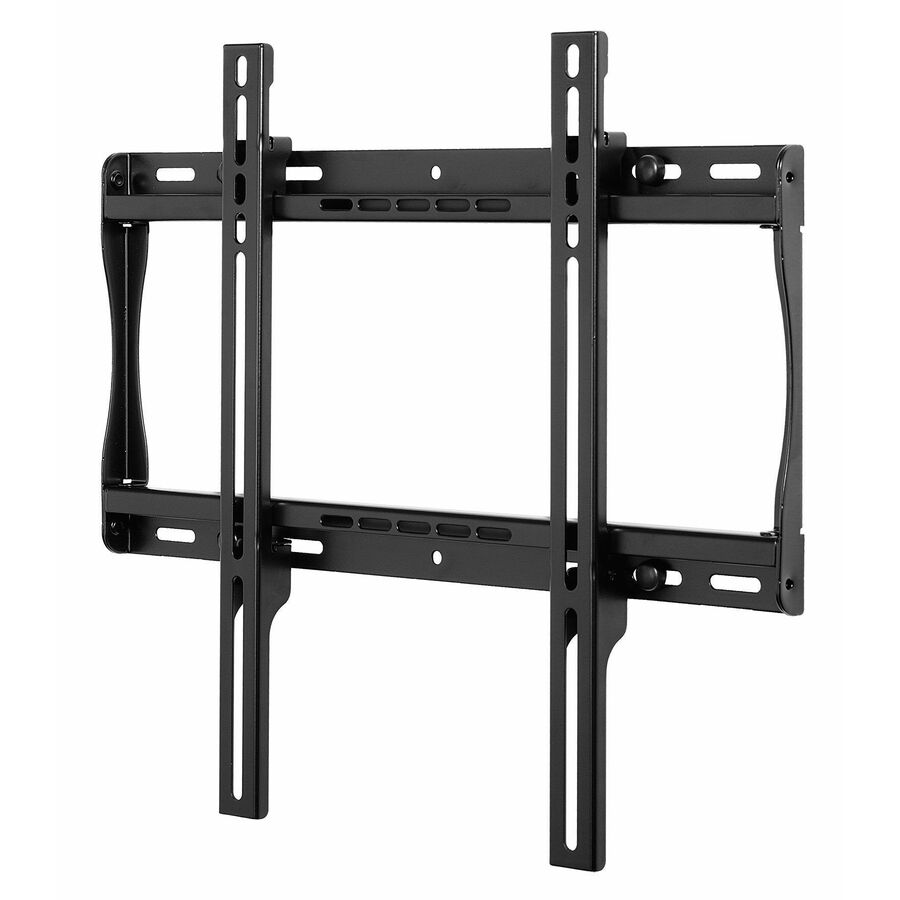
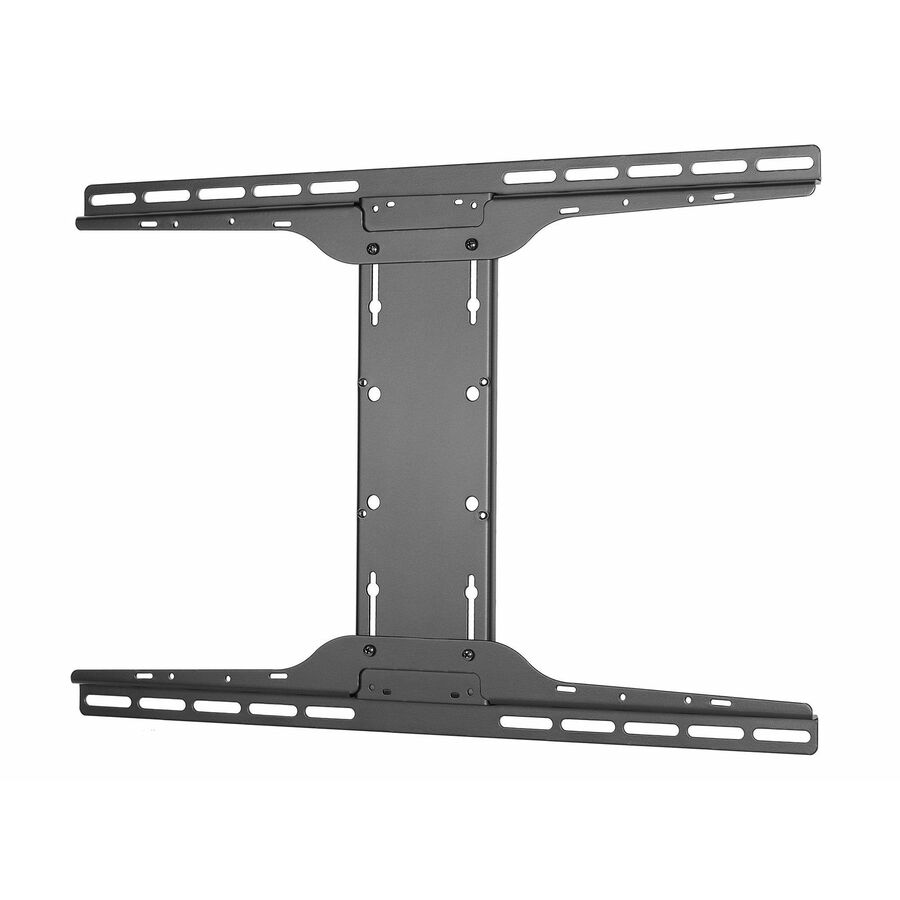
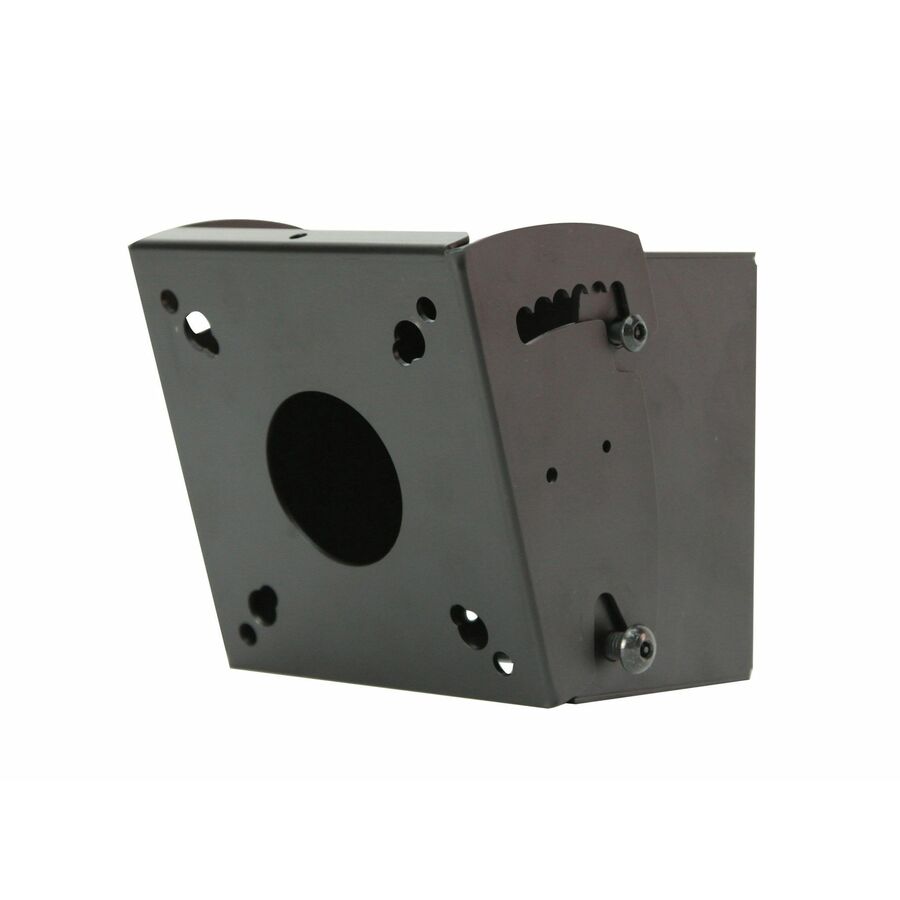
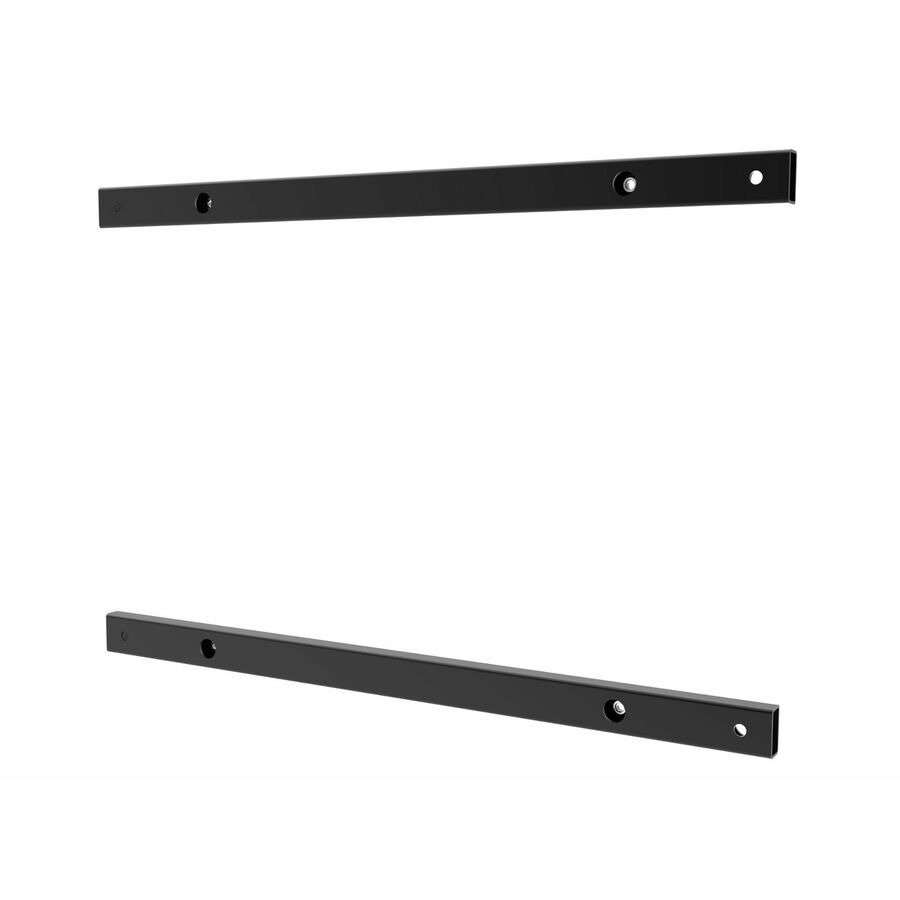
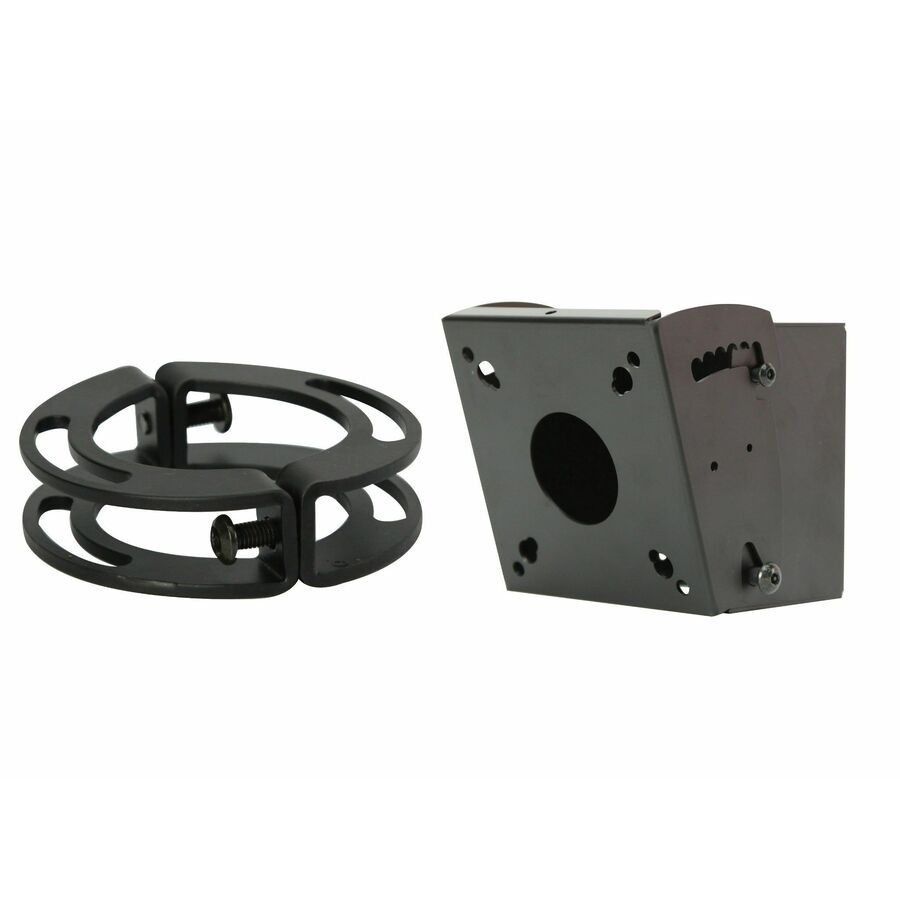
Flat wall, 32-50 inch
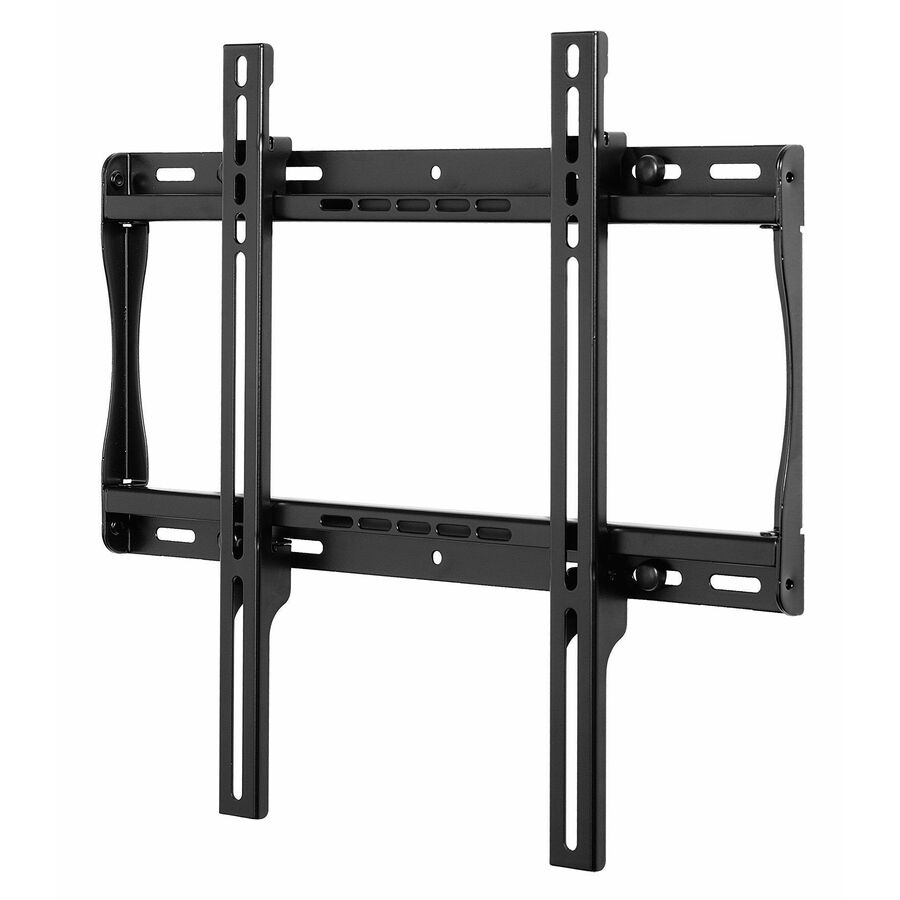
Peerless Industries
Peerless-AV® SmartMount® Universal Flat Wall Mount for 32" to 50"…
SF640
A Peerless-AV SmartMount universal flat wall mount for 32" to 50" displays, rated up to 150 lb — the low-profile default where the screen is at viewing height and cabled once.
$67.08*Back-orderedTilt wall, 39-75 inch
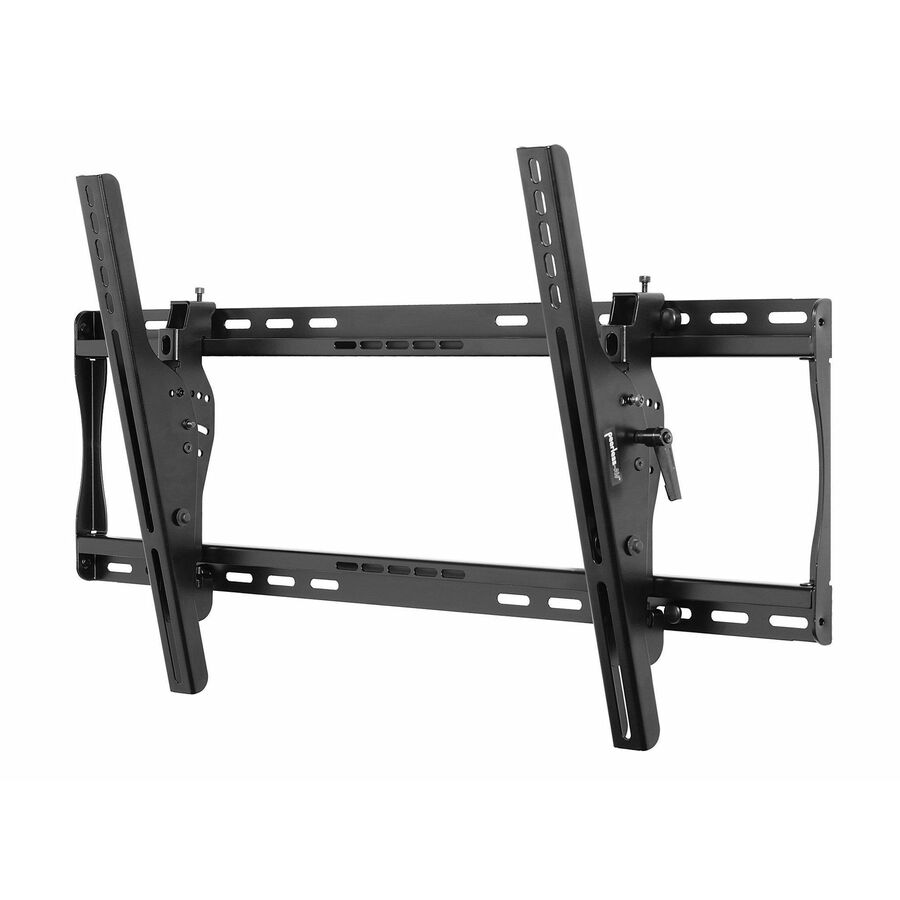
Peerless Industries
Peerless-AV® SmartMount Universal Tilt Wall Mount for 39" to 75"…
ST650P
A Peerless-AV SmartMount universal tilt wall mount for 39" to 75" displays with height adjustment and a 175 lb load capacity — for a panel mounted above eye level.
$133.10*Back-orderedParamount tilt, 37-85
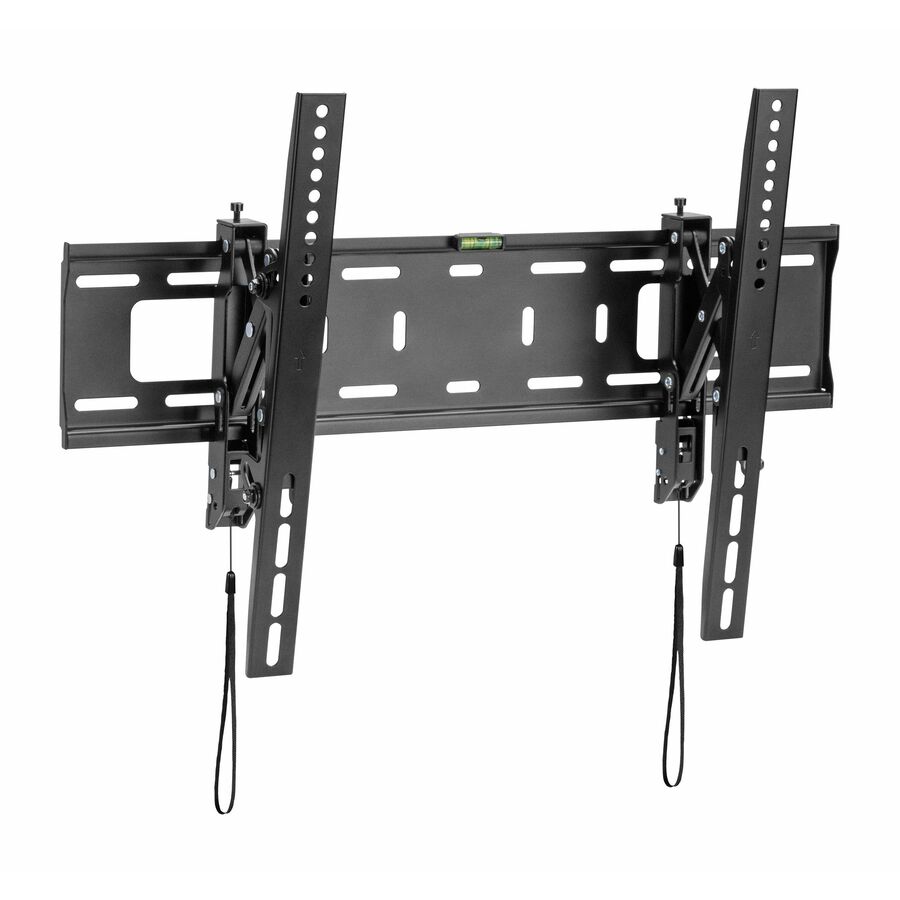
Peerless Industries
Peerless-AV® Paramount Universal Tilt Wall Mount for 37" to 85"+…
PT670
A Peerless-AV Paramount universal tilt wall mount for 37" to 85"+ displays, 165 lb capacity on a 600 x 400 VESA pattern — the large-panel tilt option in the value line.
$154.26Back-orderedArticulating, 39-90 inch
Peerless Industries
Peerless-AV® Paramount Articulating Wall Mount for 39" to 90" Displays
PA762
A Peerless-AV Paramount articulating wall mount for 39" to 90" displays with a 150 lb capacity — an arm that swings the screen out for port access or corner viewing.
$226.87*In stockSmartMount arm, 43-75
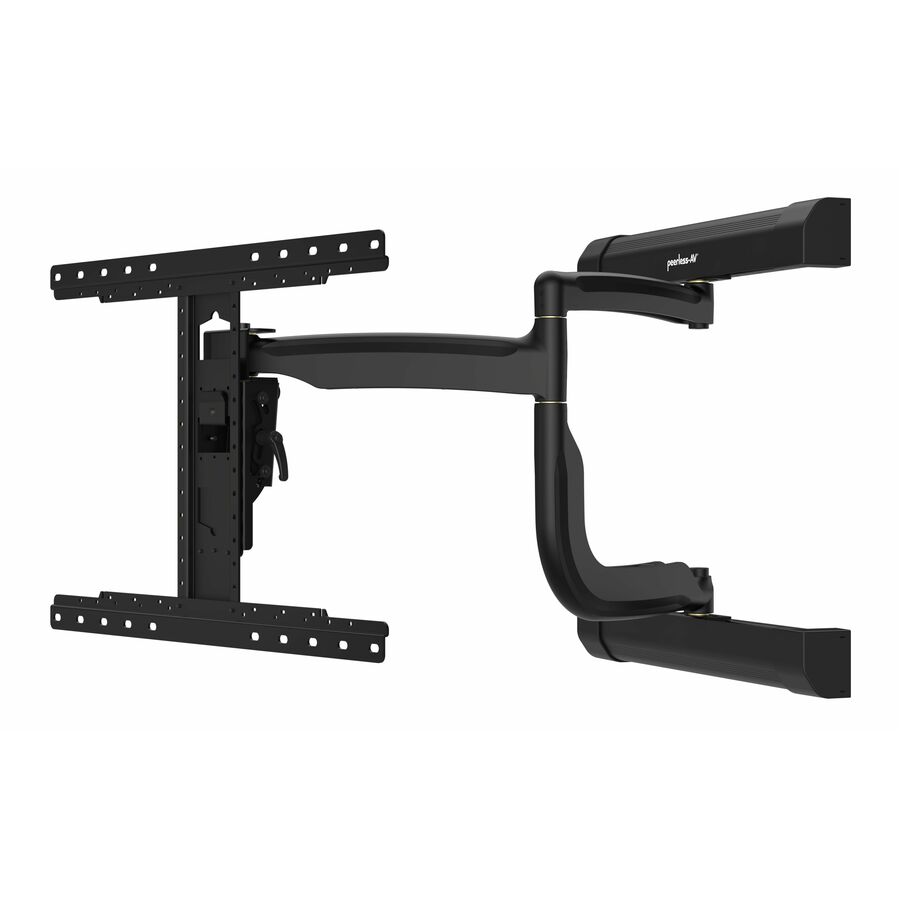
Peerless Industries
Peerless-AV® SmartMount® Articulating Wall Mount for 43" to 75"+…
SA761PU
A Peerless-AV SmartMount articulating wall mount for 43" to 75"+ displays, one display supported at 150 lb on 600 x 400 or 200 x 100 VESA — the commercial-line arm.
$483.04*Back-orderedUltra-slim arm
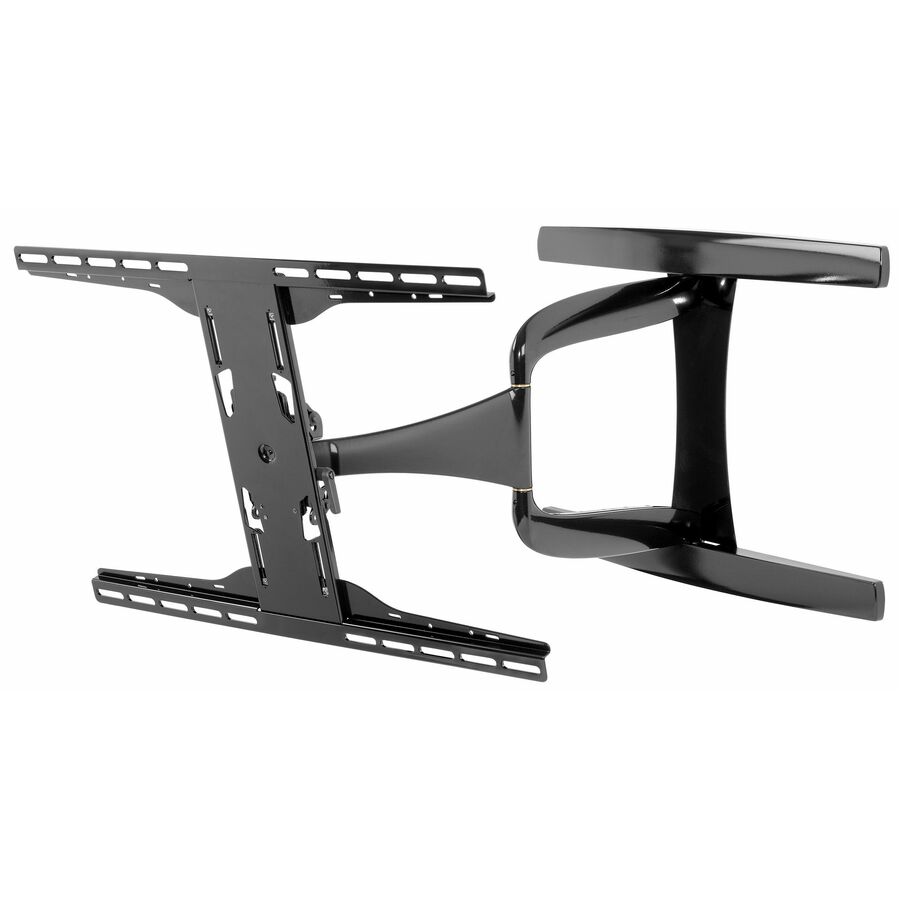
Peerless Industries
Peerless-AV® DesignerSeries Universal Ultra Slim Articulating Wall…
SUA761PU
A Peerless-AV DesignerSeries ultra-slim articulating wall mount for 37" to 65" ultra-thin displays at 80 lb — reach and swing without standing a thin panel off the wall.
$371.01*Back-orderedPortrait flat, 46-90
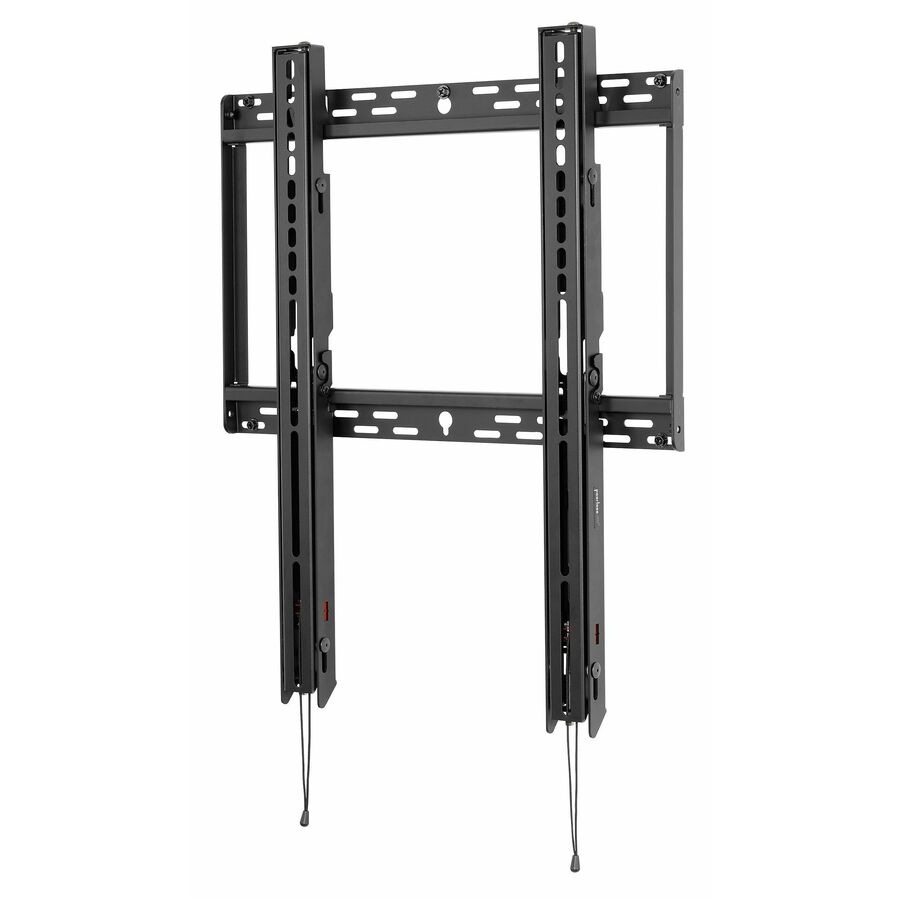
Peerless Industries
Peerless-AV® SmartMount® Universal Portrait Flat Wall Mount
SFP680
A Peerless-AV SmartMount universal portrait flat wall mount for 46" to 90" displays, rated 350 lb on a 494 x 650 pattern — the heavy portrait mount for signage.
$198.65*Back-orderedMenu board, landscape
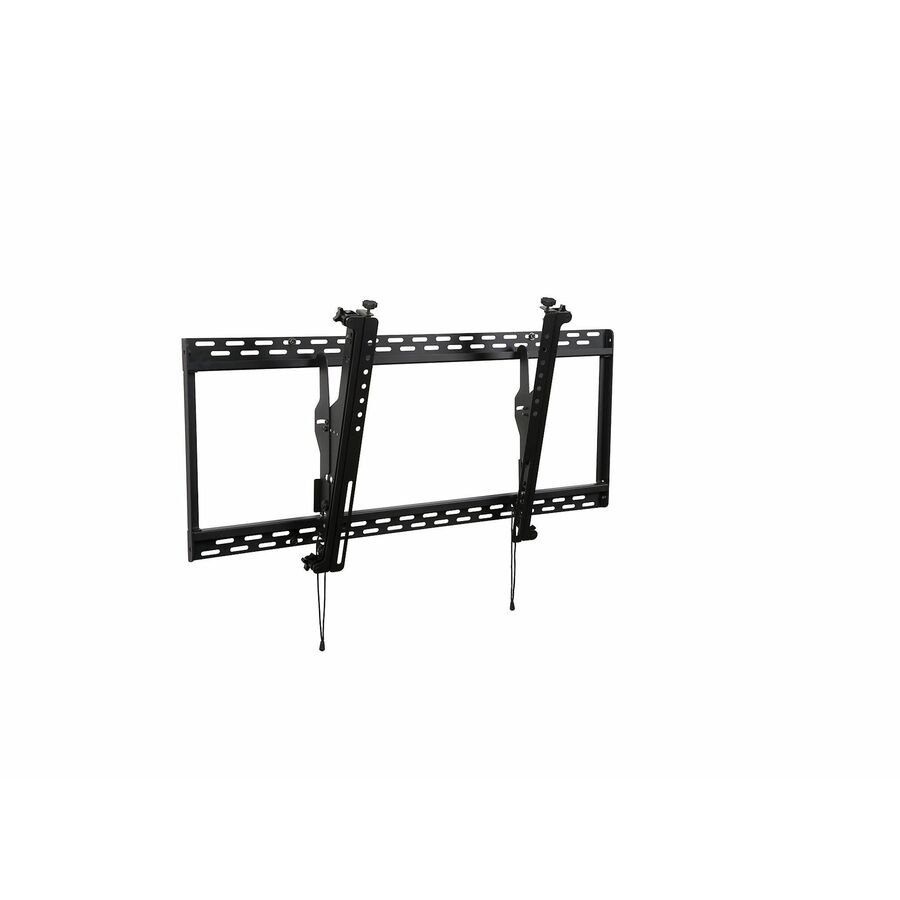
Peerless Industries
Peerless-AV® SmartMount® Digital Menu Board Mount with Height and Depth…
DS-MBZ647L
A Peerless-AV SmartMount digital menu board mount for 46" to 65" displays in landscape, with height and depth adjustment and a 100 lb capacity — built to align a row of screens.
$151.47*Back-orderedCeiling mount kit
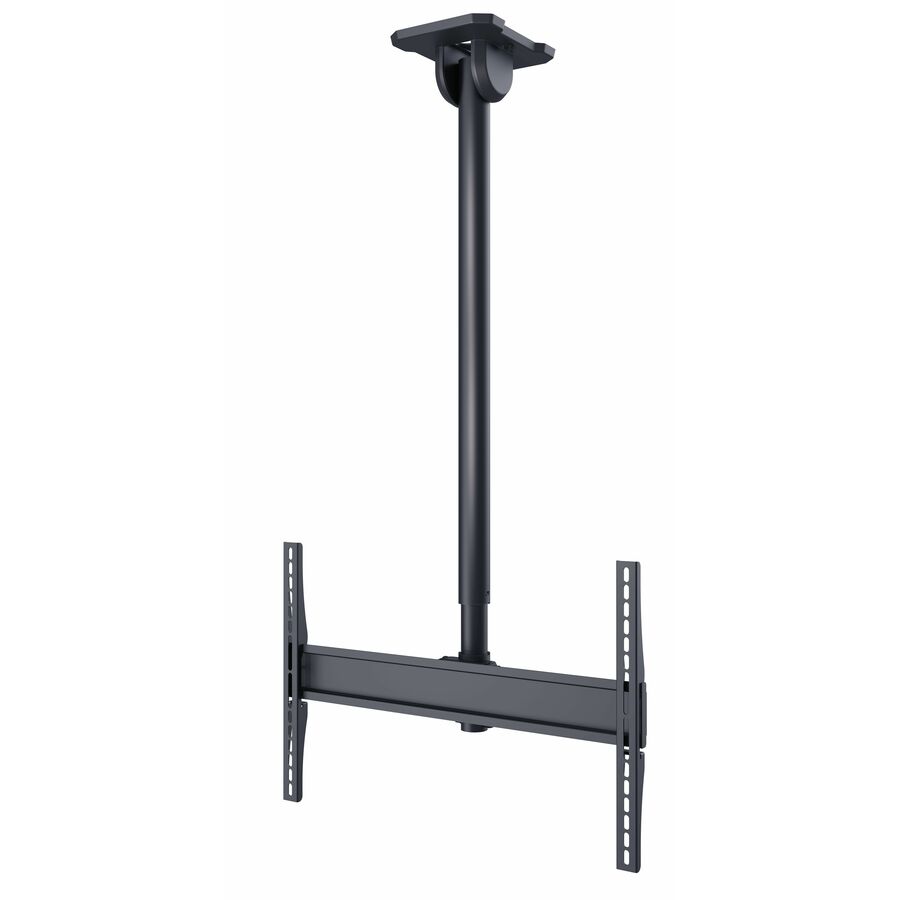
Peerless Industries
Peerless-AV® Paramount Universal Ceiling Mount Kit for 43" to 90"+…
PCM150
A Peerless-AV Paramount universal ceiling mount kit for 43" to 90"+ displays, height adjustable at 150 lb — for a screen that has to hang where there is no wall to use.
$199.06Back-orderedPull-out pivot, tilt
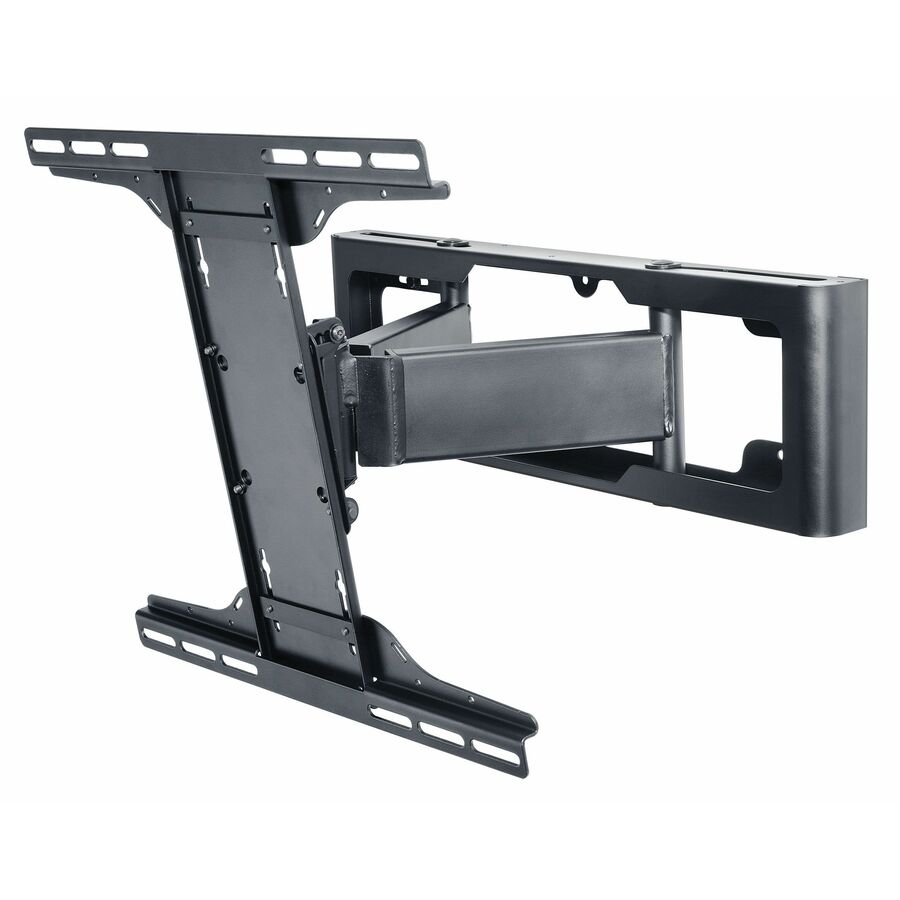
Peerless Industries
Peerless-AV® SmartMount® Pull-Out Pivot Wall Mount with Tilt for 32"…
SP840
A Peerless-AV SmartMount pull-out pivot wall mount with tilt for 32" to 65" displays at 60 lb — pulls out, pivots and tilts for service access on a wall-mounted panel.
$302.95*Back-orderedIn-wall mount
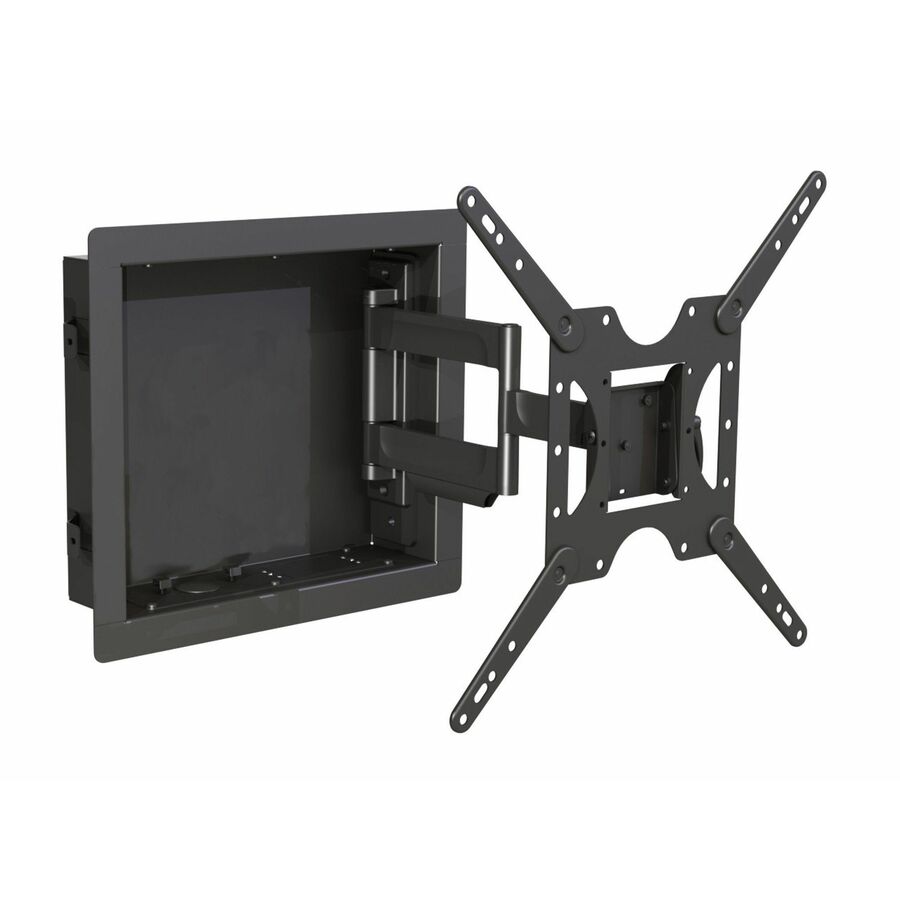
Peerless Industries
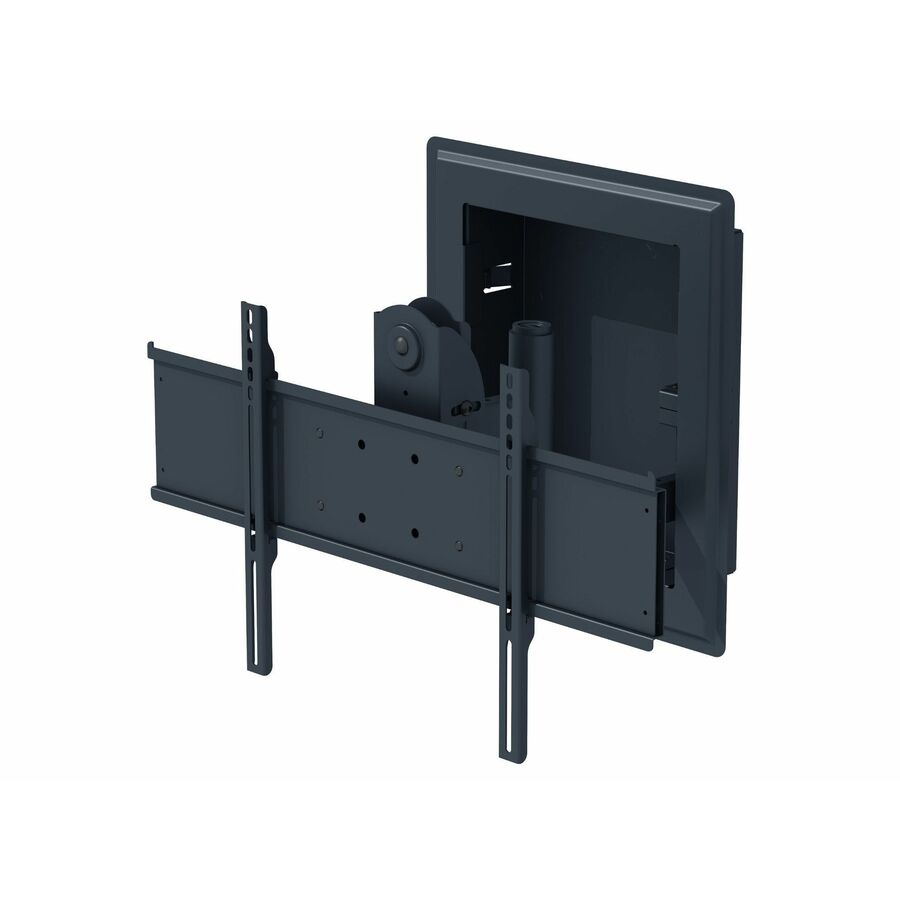
Peerless-AV® In-Wall Mount for 32" to 50" Displays
IM746P
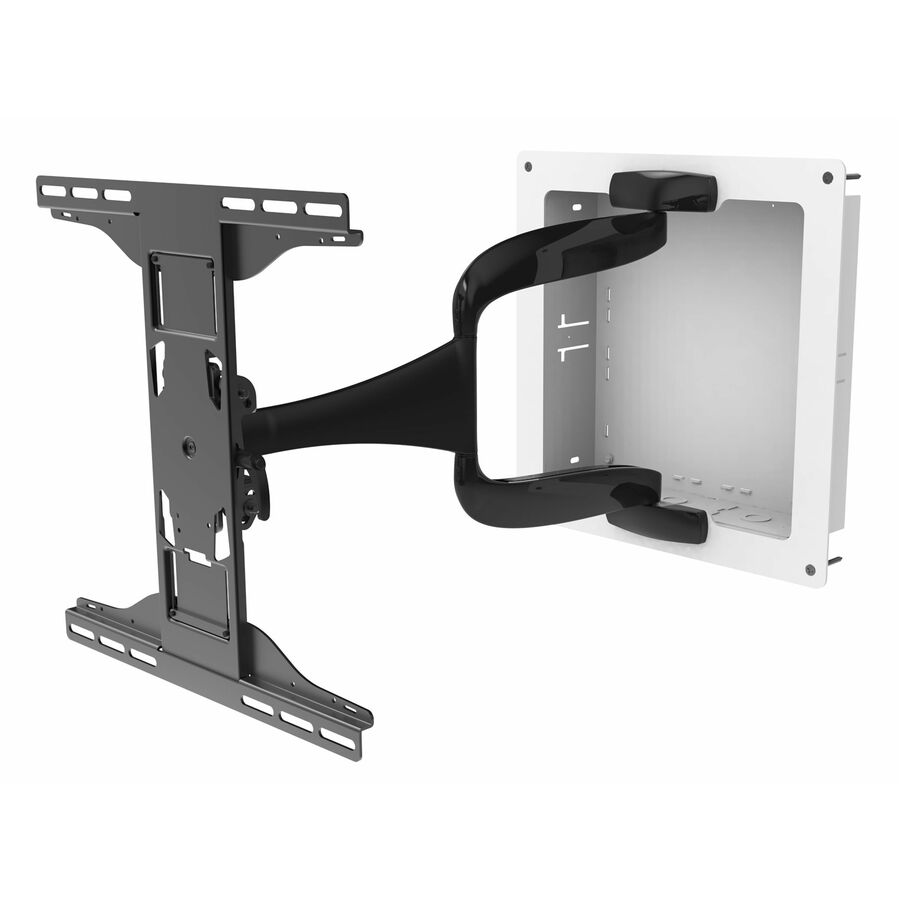
A Peerless-AV in-wall mount for 32" to 50" displays, height adjustable at 80 lb — recesses the hardware so the panel sits close to flush with the wall.
$335.87*Back-orderedOutdoor portrait flat
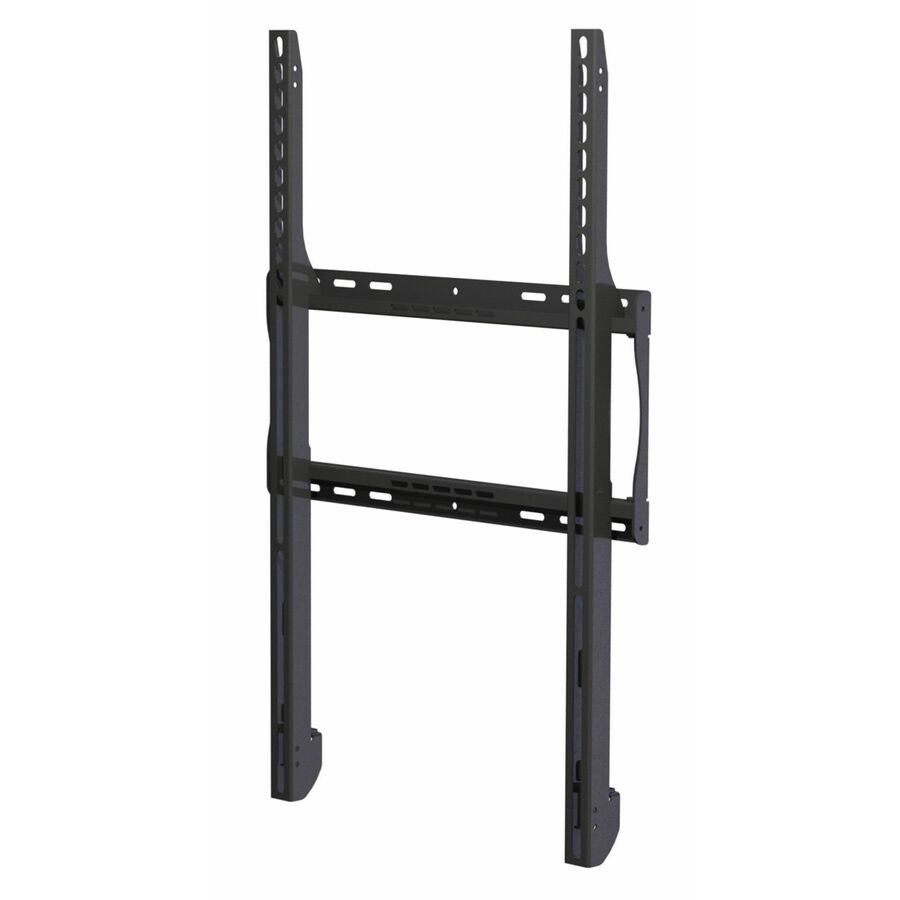
Peerless Industries
Peerless-AV® Outdoor Universal Flat Mount (Portrait) for 42" to 80"…
ESF655P
A Peerless-AV outdoor universal flat mount in portrait for 42" to 80" displays, 150 lb on a 400 x 600 pattern — an outdoor-rated mount for an outdoor-rated signage panel.
$239.24*Back-orderedWind-rated outdoor tilt
Peerless Industries
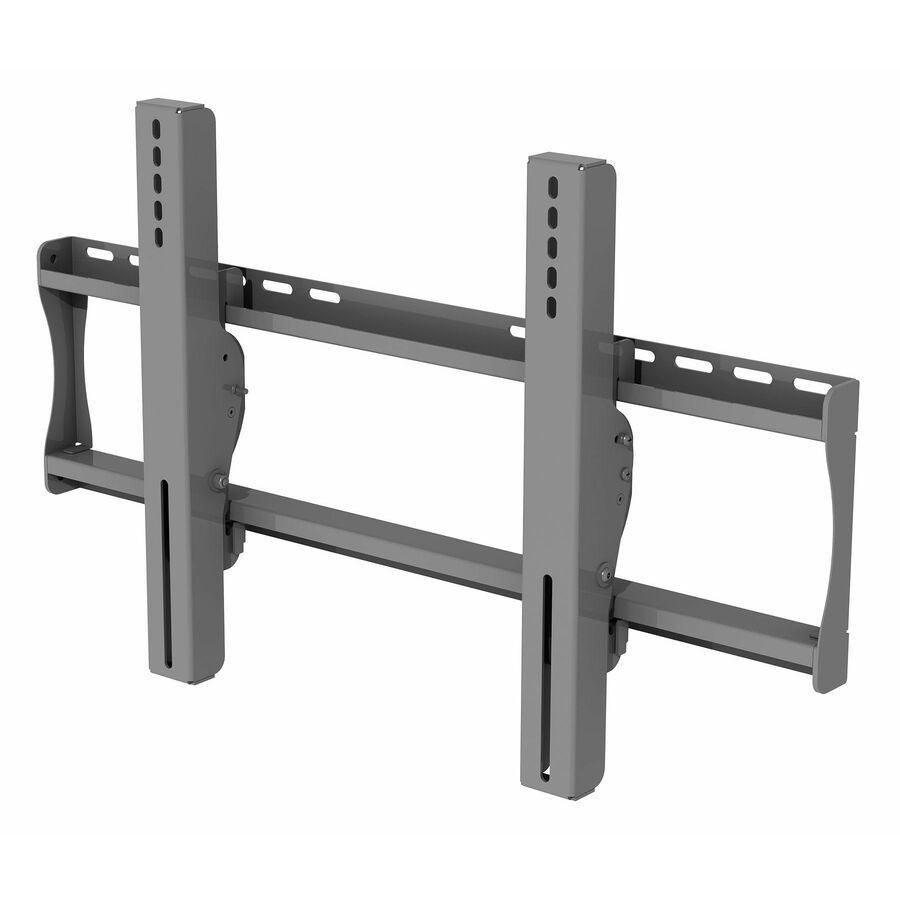
Peerless-AV® Wind Rated Universal Tilt Wall Mount for 32" to 65"…
EWMU
A Peerless-AV wind-rated universal tilt wall mount for 32" to 65" outdoor TVs and displays, rated 200 lb — the structural rating is stated by the maker, not inferred.
$432.99*Back-orderedDual desktop arm
Peerless Industries
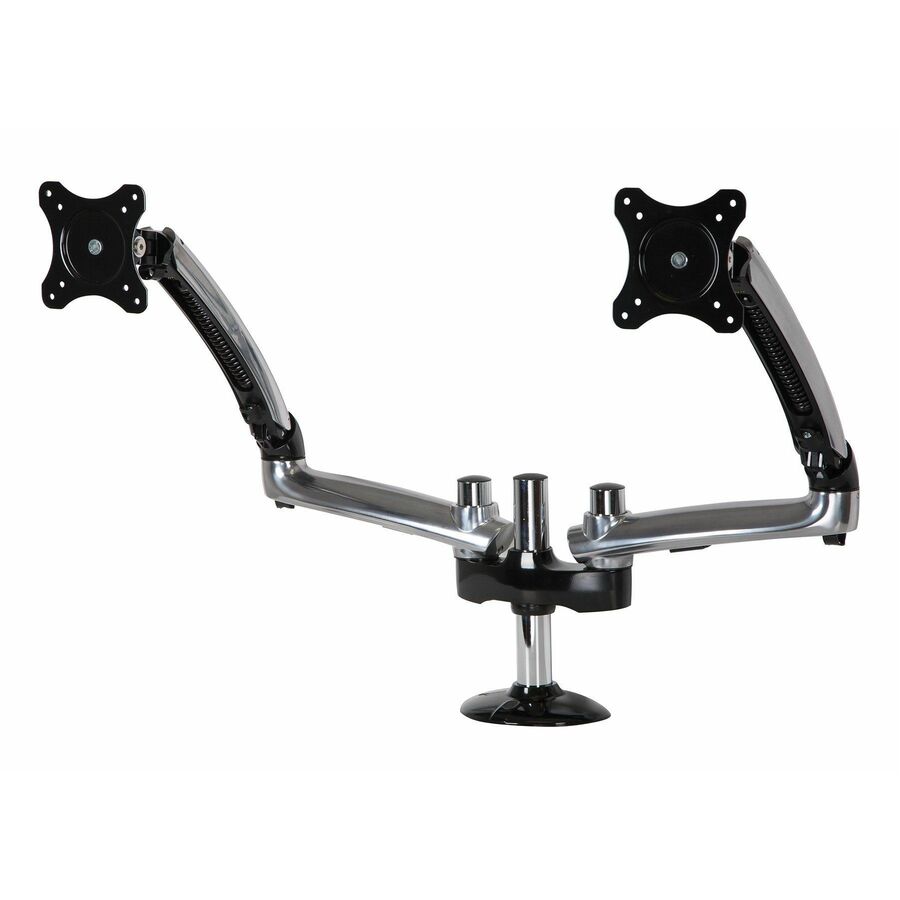
Peerless-AV® Grommet Base Dual Monitor Desktop Arm Mount for up to 38"…
LCT620AD-G
A Peerless-AV grommet-base dual monitor desktop arm for screens up to 38", height adjustable and rated about 35 lb — the desk-side member of the same mounting family.
Every pick on this page states the screen size range it supports in Peerless-AV's own catalog title, as this one does.
$342.74*Back-orderedMore display and projector mounts in the Uniqcli catalog
See all 12,867 display and projector mountsMore Peerless-AV first — closest to what you were just looking at; “See all display and projector mounts” above opens every other brand in the category. In-stock lines lead, and a back-ordered line carries the same estimated availability its product page does — with live pricing throughout, NDAA §889 screening before checkout and TAA verified on request.
- Peerless IndustriesPeerless-AV® Multi-Display Ceiling Mount with Six Telescoping Arms for 37" to 42" Displays - 6 Display(s) Supported - 37" to 42" Screen Support - 480 lb Load Capacity - 730 × 405 - VESA Mount Compatible - 1DST942-6
$4,129.00
$2,994.83*
Back-orderedBack-ordered — estimated OEM lead time 3–8 weeks (Nov 14 – Dec 19 if ordered today).
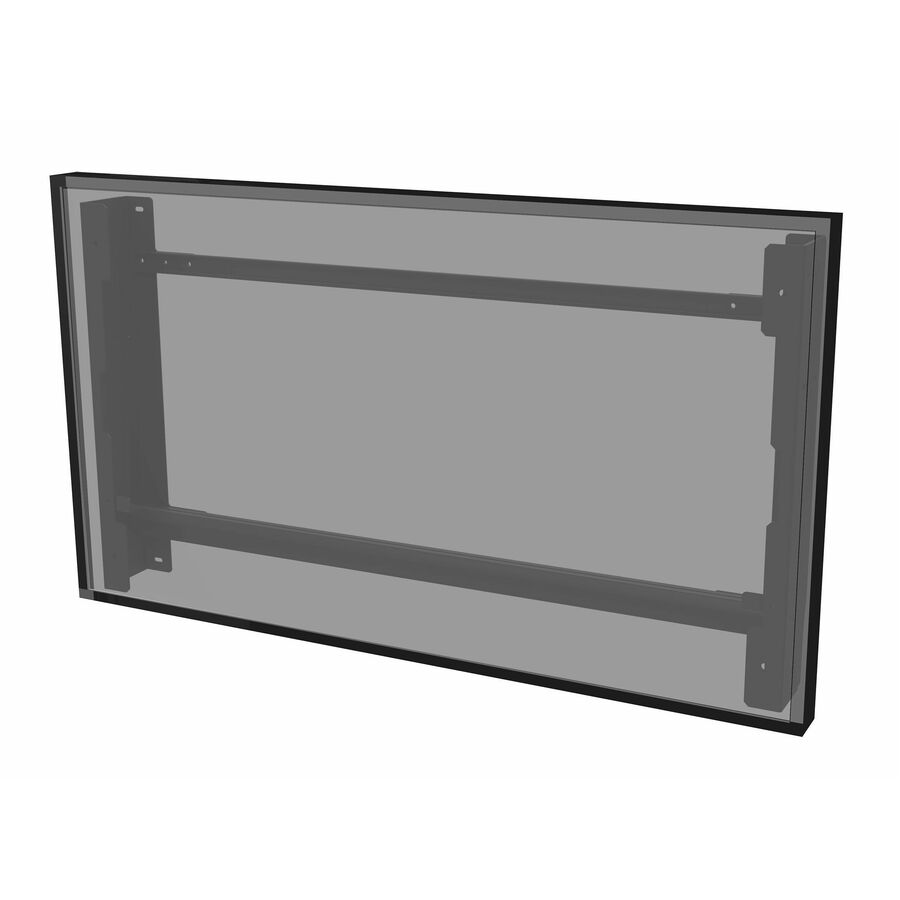
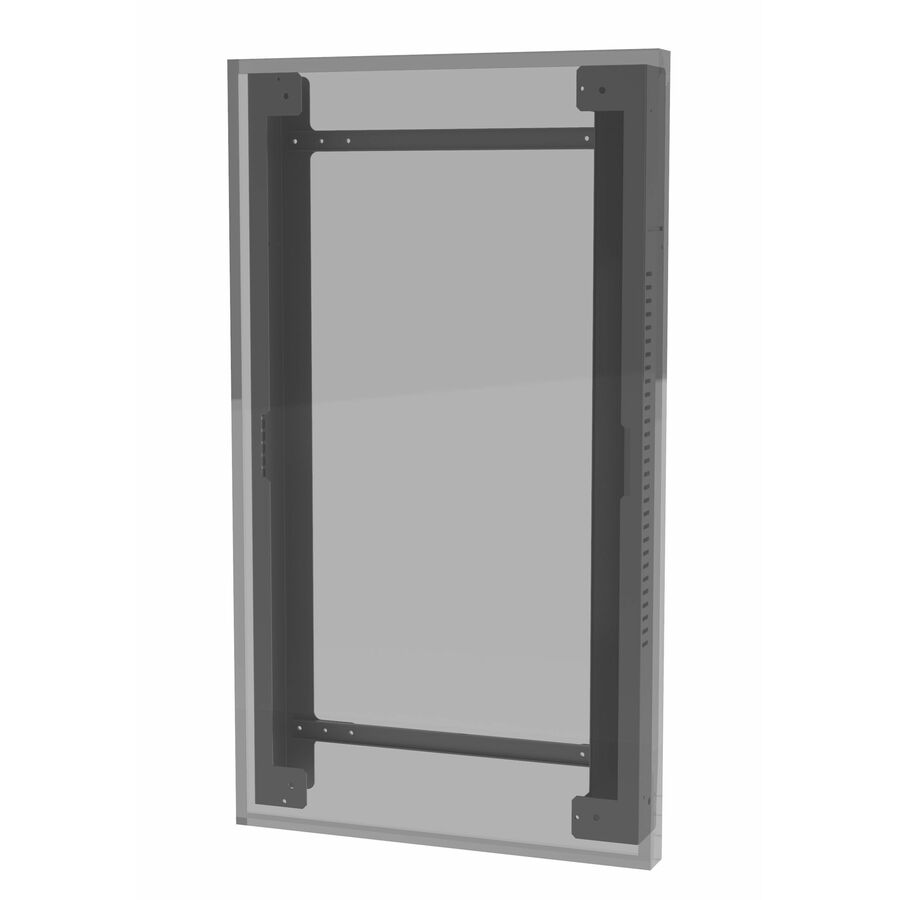
- Peerless IndustriesPeerless-AV® Outdoor Tilt Wall Mount, Portrait, for the LG 55" XE4F-M Series High Brightness Outdoor Display - 55" Screen Support - 90 lb Load Capacity - 560 x 1186 - 1 UnitEWP-55XE4F
$1,565.00
$1,088.21*
Back-orderedBack-ordered — estimated OEM lead time 3–8 weeks (Nov 14 – Dec 19 if ordered today).
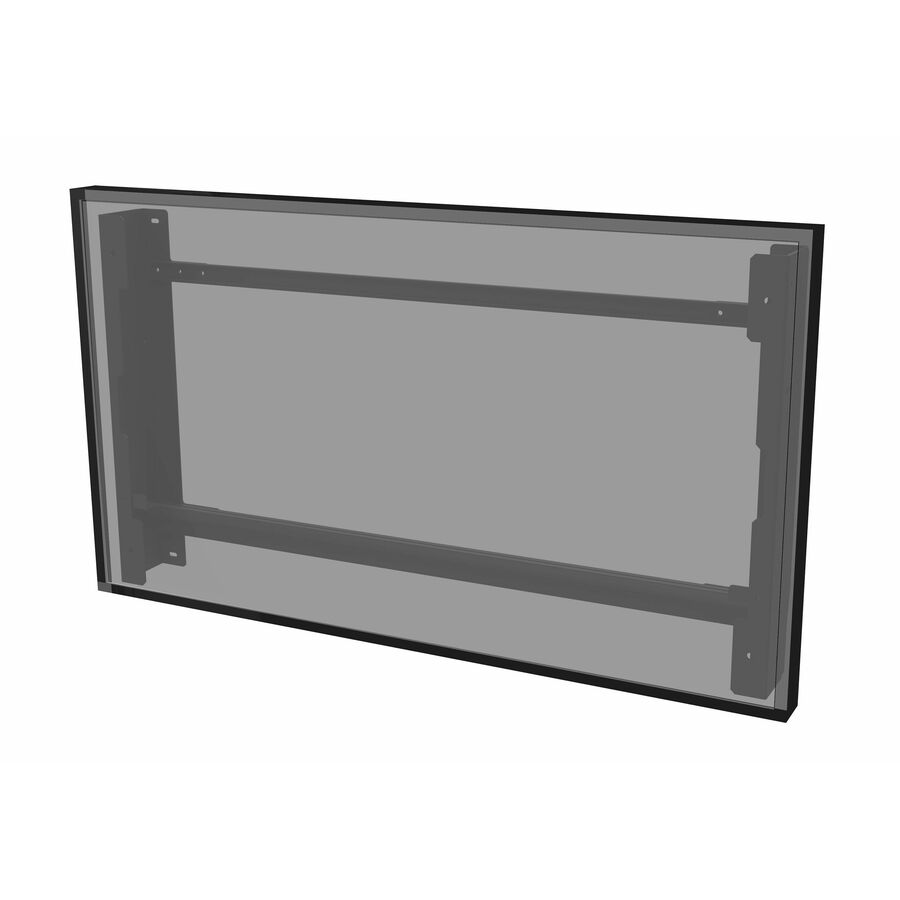
- Peerless IndustriesPeerless-AV® Outdoor Tilt Wall Mount, Landscape, for the LG 55" XE4F-M Series High Brightness Outdoor Display - 55" Screen Support - 90 lb Load Capacity - 1186 x 560 - 1 PackEWL-55XE4F
$1,485.00
$1,023.01*
Back-orderedBack-ordered — estimated OEM lead time 3–8 weeks (Nov 14 – Dec 19 if ordered today).
- Peerless IndustriesPeerless-AV® Outdoor Tilt Wall Mount, Portrait, for the LG 49" XE4F-M Series High Brightness Outdoor Display - 1 Display(s) Supported - 49" Screen Support - 75 lb Load Capacity - VESA Mount Compatible - 1 UnitEWP-49XE4F
$1,375.00
$925.45*
Back-orderedBack-ordered — estimated OEM lead time 3–8 weeks (Nov 14 – Dec 19 if ordered today).
- Peerless IndustriesPeerless-AV® Outdoor Tilt Wall Mount, Landscape, for the LG 49" XE4F-M Series High Brightness Outdoor Display - 49" Screen Support - 75 lb Load Capacity - 1048 x 490 - VESA Mount Compatible - 1EWL-49XE4F
$1,269.00
$842.31*
Back-orderedBack-ordered — estimated OEM lead time 3–8 weeks (Nov 14 – Dec 19 if ordered today).
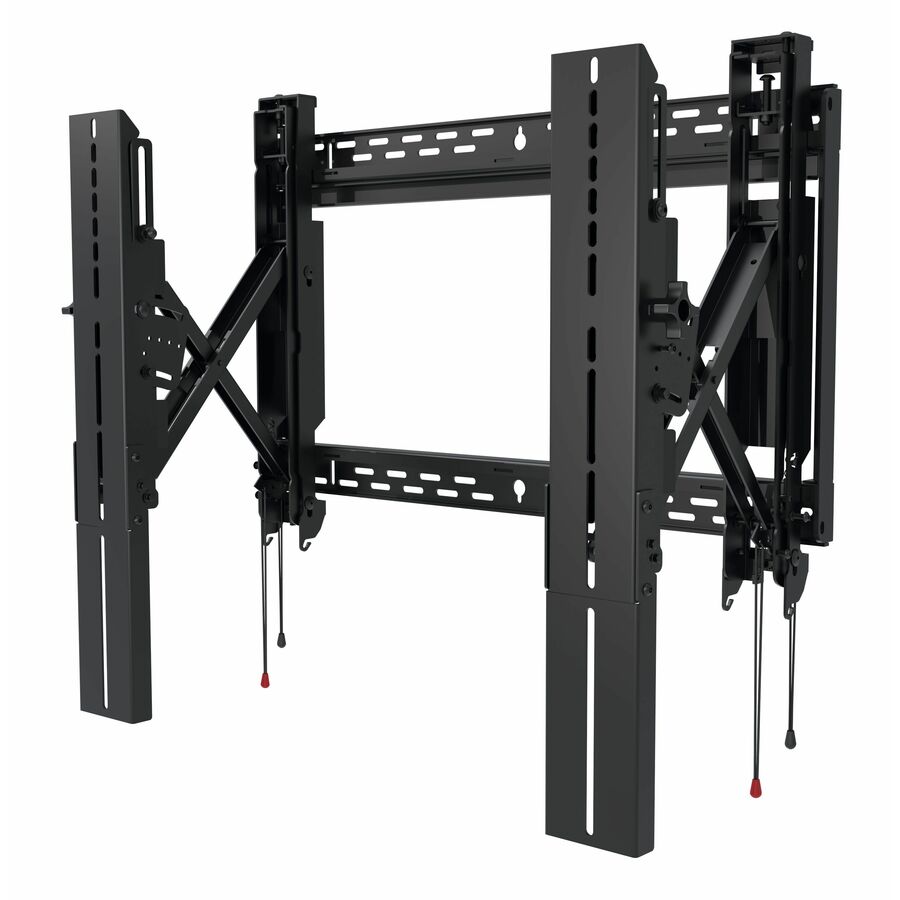
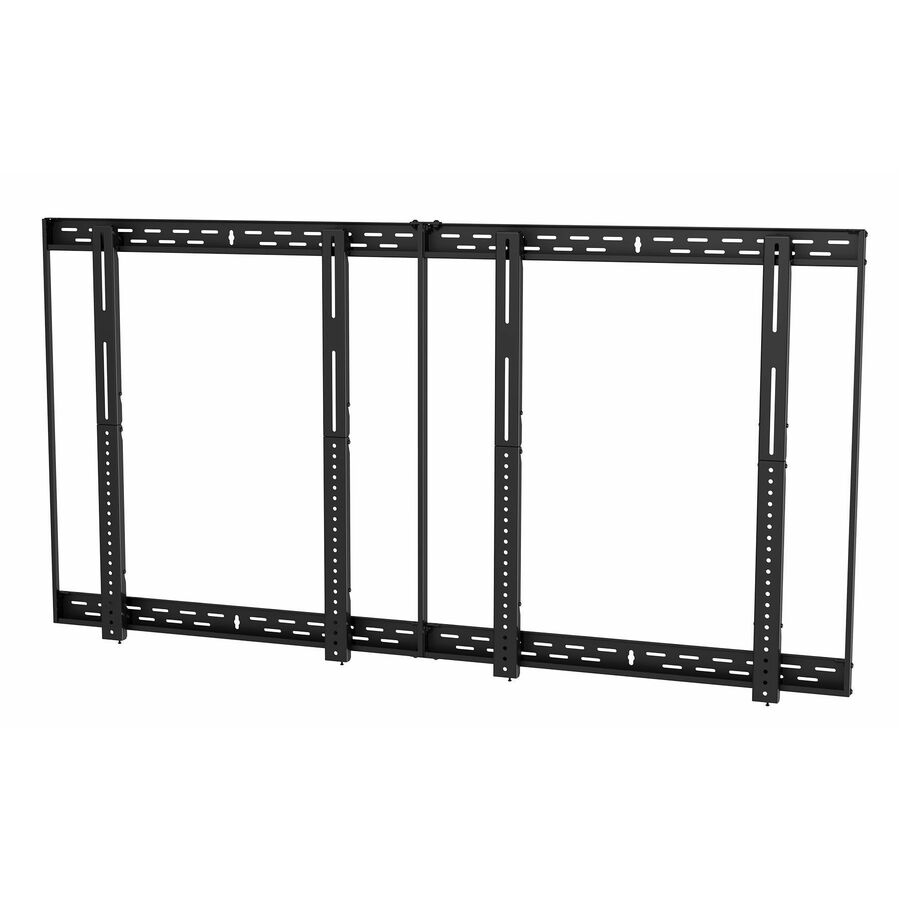
- Peerless IndustriesPeerless-AV® SmartMount® Flat Video Wall Mount 2x2 Kit for 46" to 55" Displays - 46" to 55" Screen Support - 600 lb Load Capacity - 600 x 400 - VESA Mount Compatible - 1DS-VW655-2X2
$1,485.00
$1,068.18*
Back-orderedBack-ordered — estimated OEM lead time 3–8 weeks (Nov 14 – Dec 19 if ordered today).
- Peerless IndustriesPeerless-AV® Outdoor Flat Wall Mount for 65" to 86" Outdoor TVs and Displays - 1 Display(s) Supported - 65" to 86" Screen Support - 200 lb Load Capacity - 700 x 600 - VESA Mount Compatible - 1 - Steel, Stainless SteelESF686
$1,045.00
$640.86*
Back-orderedBack-ordered — estimated OEM lead time 3–8 weeks (Nov 14 – Dec 19 if ordered today).
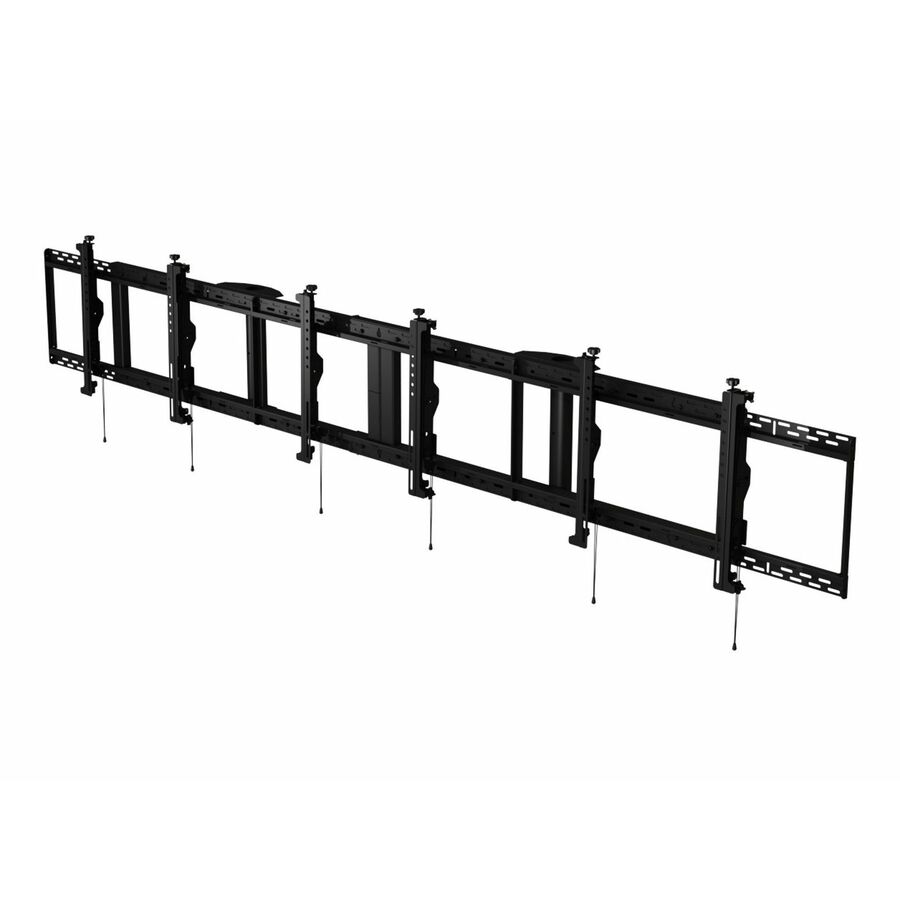
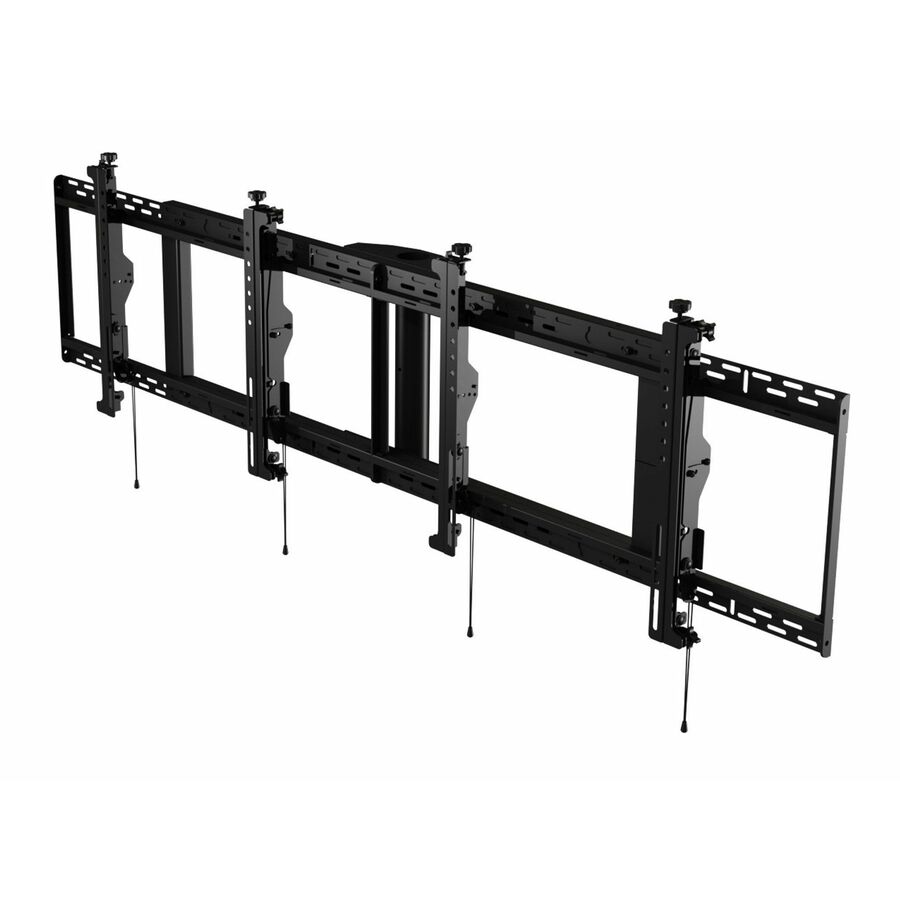
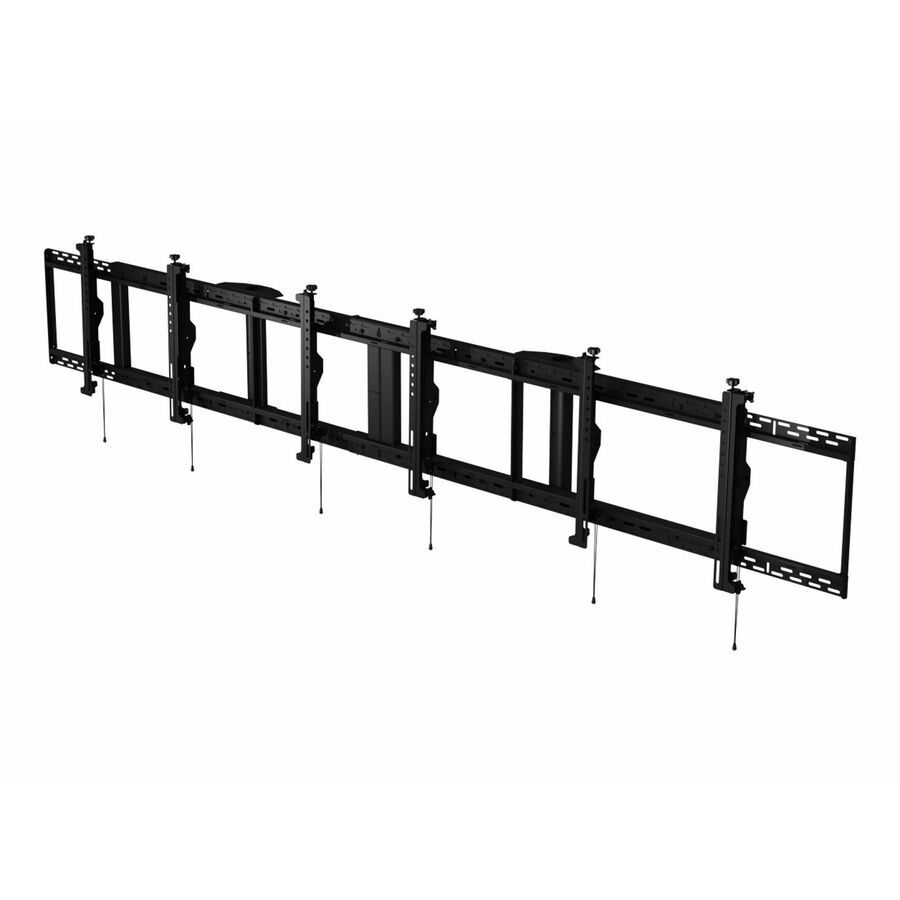
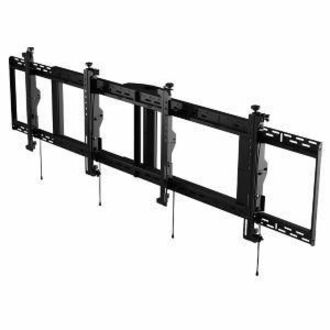
- Peerless IndustriesPeerless-AV® SmartMount® Digital Menu Board Ceiling Mount with 8pt Adjustment - Landscape 3x1 Configuration for 46" to 48" Displays - 46" to 48" Screen Support - 300 lb Load Capacity - 2944 x 400, 2658 x 400 - VESA Mount Compatible - 1DS-MBZ947L-3X1
$1,499.00
$1,096.87*
Back-orderedBack-ordered — estimated OEM lead time 3–8 weeks (Nov 14 – Dec 19 if ordered today).
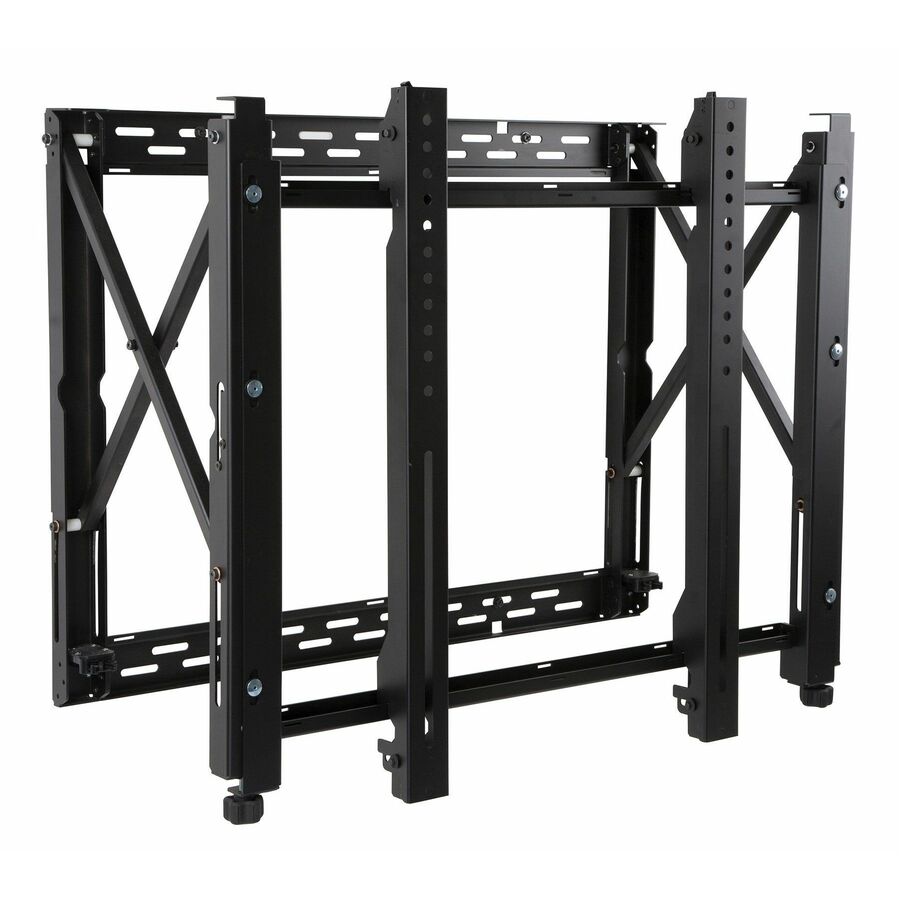
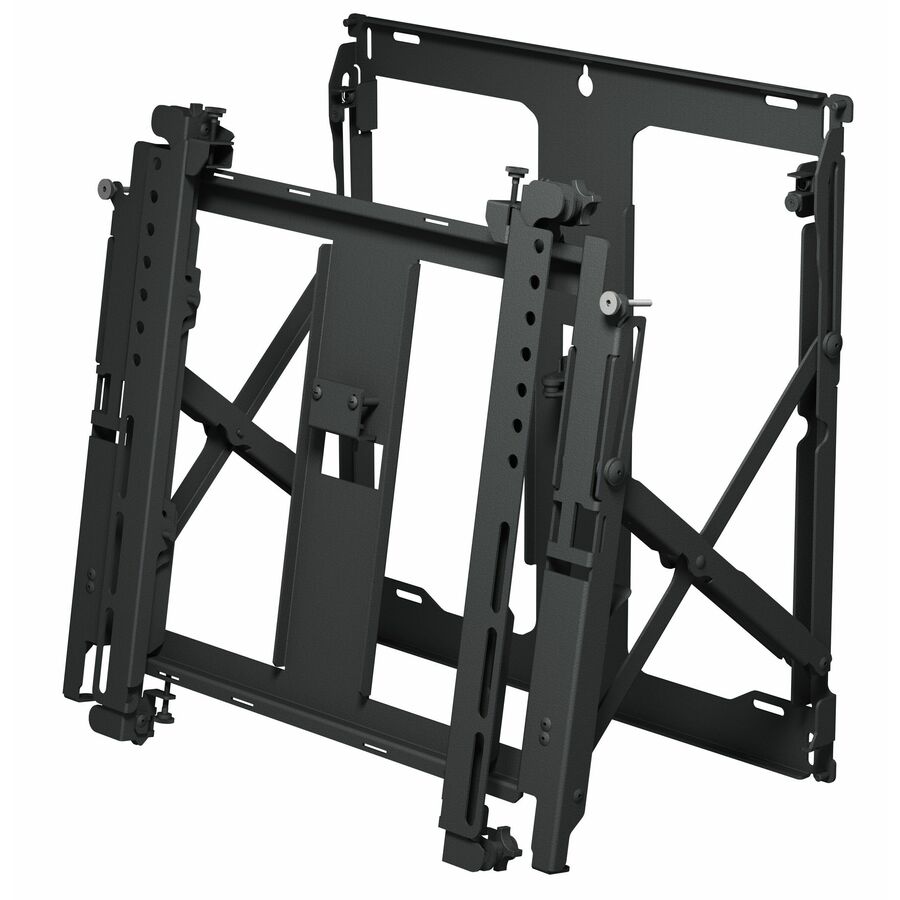
- Peerless IndustriesPeerless-AV® SmartMount® Full Service Thin Video Wall Mount with Quick Release for 46'' to 65'' Displays - 46" to 65" Screen Support - 80 lb Load Capacity - 400 x 400, 200 x 200 - VESA Mount Compatible - 1DS-VW755S
$1,089.00
$704.22*
Back-orderedBack-ordered — estimated OEM lead time 3–8 weeks (Nov 14 – Dec 19 if ordered today).
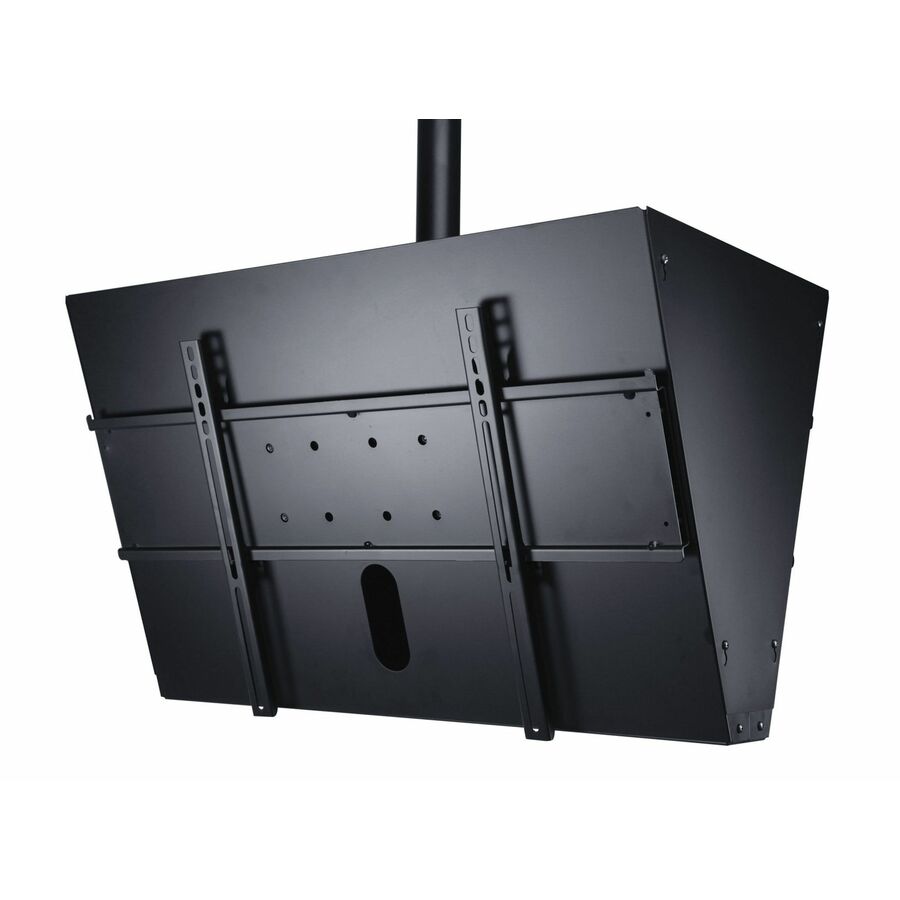
- Peerless IndustriesPeerless-AV® SmartMount® Back-to-Back Ceiling Mount with Media Player Storage for 40" to 65" Displays - 40" to 65" Screen Support - 300 lb Load Capacity - 1DST965
$1,389.00
$1,015.45*
Back-orderedBack-ordered — estimated OEM lead time 3–8 weeks (Nov 14 – Dec 19 if ordered today).
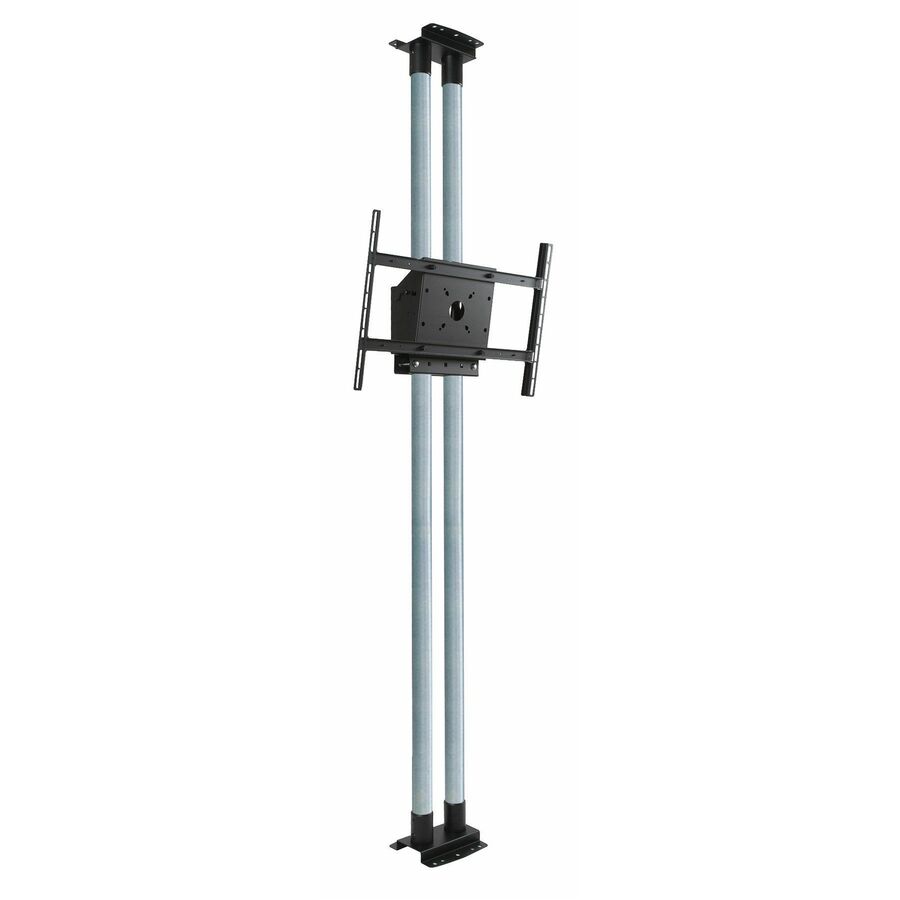
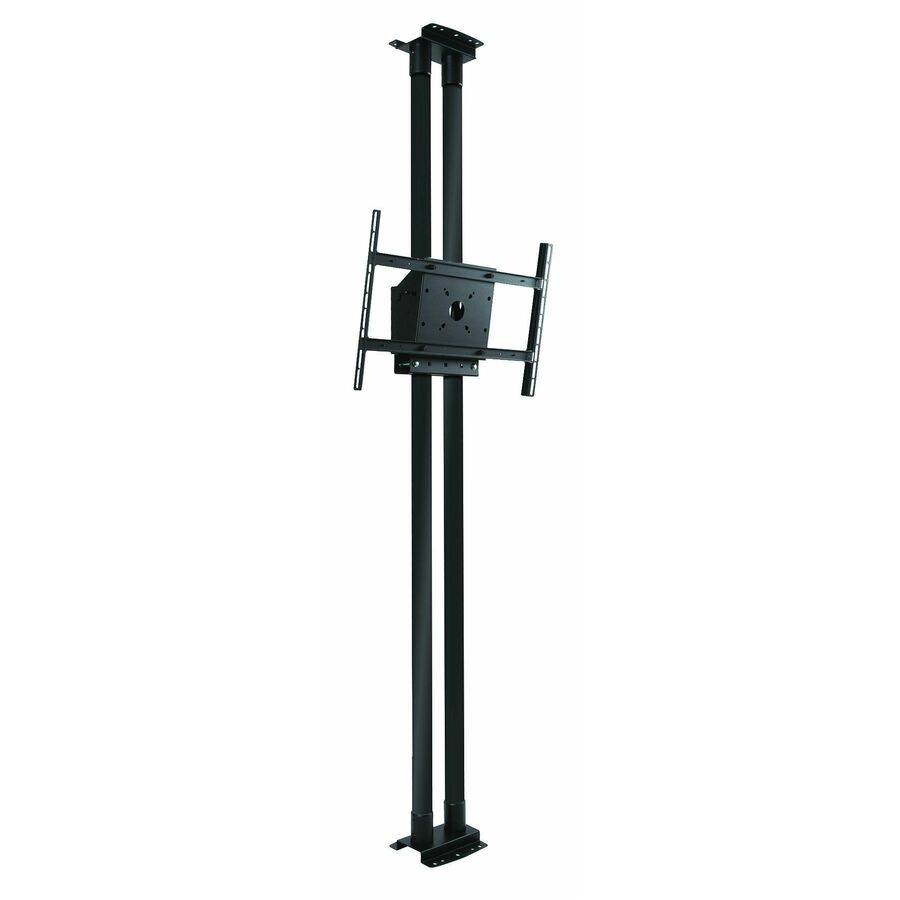
- Peerless IndustriesPeerless-AV® Modular Dual Pole Floor to Ceiling Mount Kit for 46" to 90" Displays - 6 Display(s) Supported - 46" to 90" Screen Support - 1266 lb Load Capacity - 600 x 400 - VESA Mount Compatible - 1MOD-FCS2KIT300
$1,149.00
$809.73*
Back-orderedBack-ordered — estimated OEM lead time 3–8 weeks (Nov 14 – Dec 19 if ordered today).
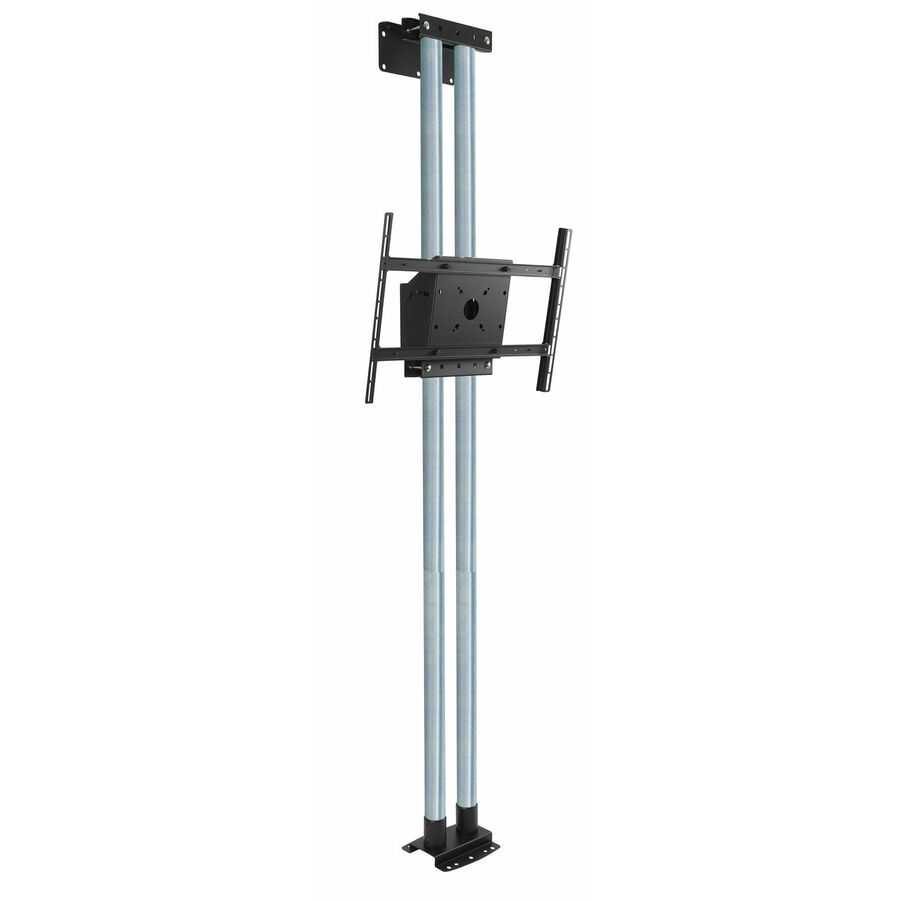
- Peerless IndustriesPeerless-AV® Modular Dual Pole Floor to Wall Mount Kit for 46" to 90" Displays - 46" to 90" Screen Support - 211 lb Load Capacity - 600 x 400 - VESA Mount Compatible - 1MOD-FW2KIT300
$1,149.00
$817.33*
Back-orderedBack-ordered — estimated OEM lead time 3–8 weeks (Nov 14 – Dec 19 if ordered today).
- Peerless IndustriesPeerless-AV® SmartMount® Digital Menu Board Ceiling Mount with 8pt Adjustment - Landscape 2x1 Configuration for 46" to 48" Displays - 2 Display(s) Supported - 46" to 48" Screen Support - 200 lb Load Capacity - 1960 x 400, 1769 x 400 - VESA Mount Compatible - 1DS-MBZ947L-2X1
$1,009.00
$679.98*
Back-orderedBack-ordered — estimated OEM lead time 3–8 weeks (Nov 14 – Dec 19 if ordered today).
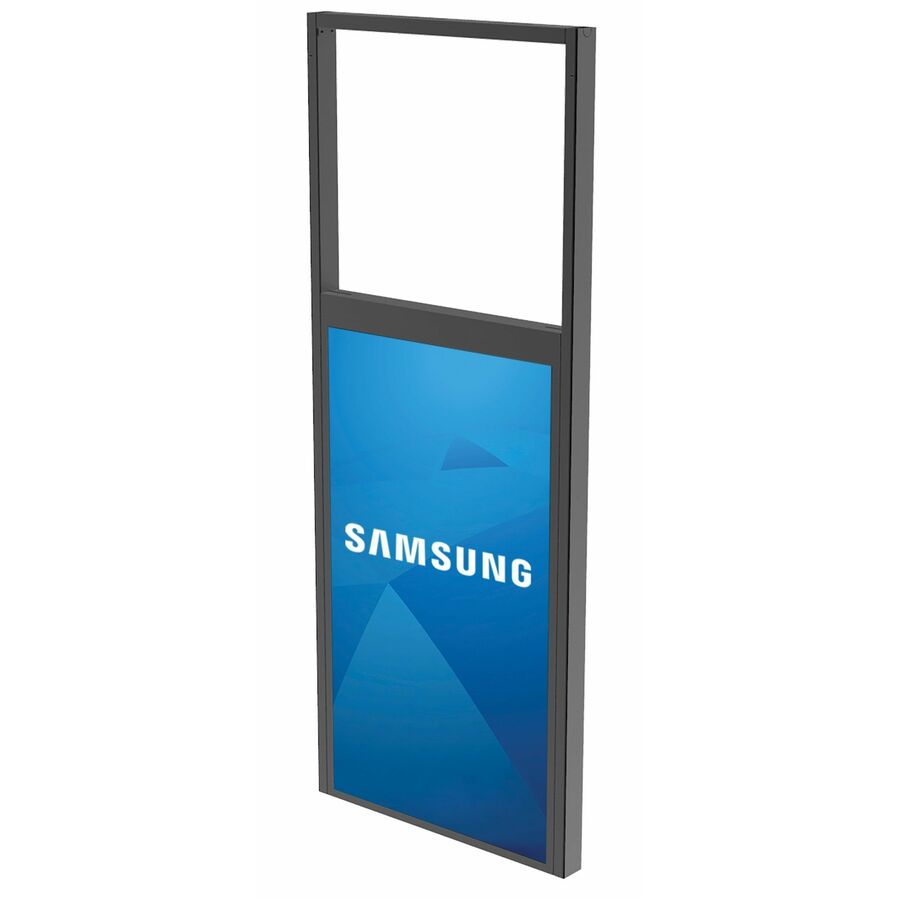
- Peerless IndustriesPeerless-AV® Ceiling Window Display Mount for Samsung OM55N-D Double-Sided Display - 1 Display(s) Supported - 55" Screen Support - 100 lb Load Capacity - VESA Mount Compatible - 1DS-OM55ND-CEIL
$1,175.00
$853.84*
Back-orderedBack-ordered — estimated OEM lead time 3–8 weeks (Nov 14 – Dec 19 if ordered today).
- Peerless IndustriesPeerless-AV® In-Wall Mount for 32" to 71" Displays - For Flat Panel Display - 32" to 65" Screen Support - 200 lb Load Capacity - Steel - BlackIM760PU
$1,115.00
$807.97*
Back-orderedBack-ordered — estimated OEM lead time 3–8 weeks (Nov 14 – Dec 19 if ordered today).
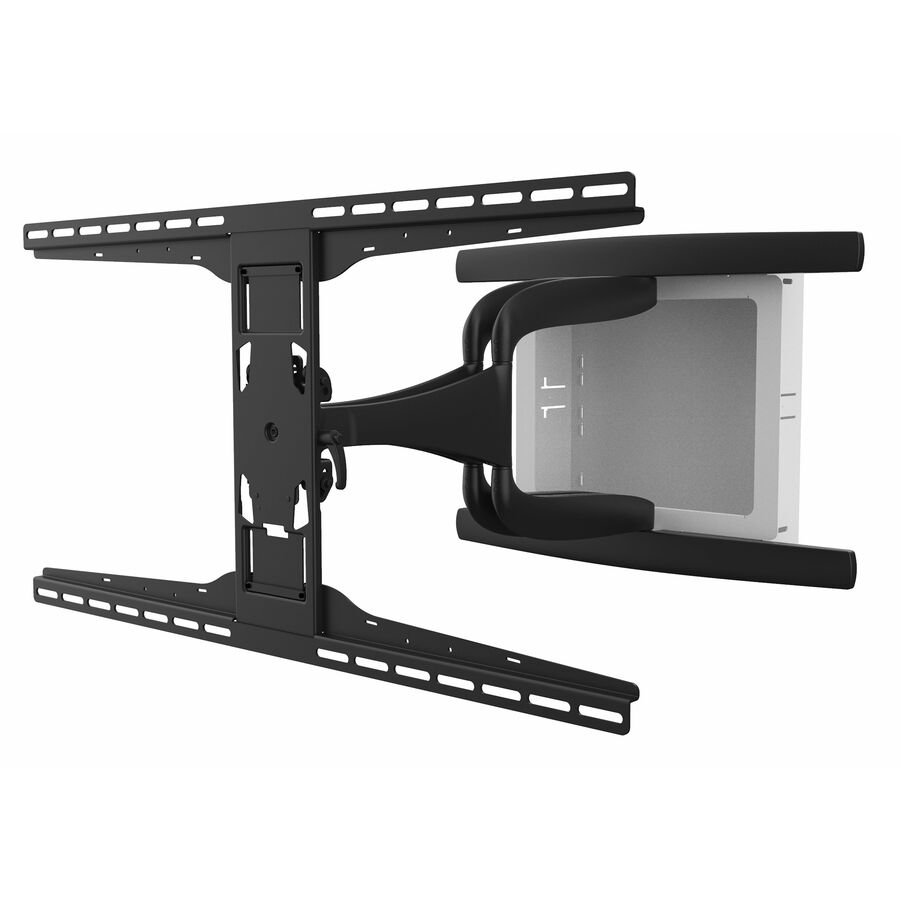
- Peerless IndustriesPeerless-AV® DesignerSeries Articulating Mount with In-Wall Box for 42" to 90" Ultra-Thin Displays - Height Adjustable - 1 Display(s) Supported - 42" to 90" Screen Support - 150 lb Load Capacity - 800 x 400 - VESA Mount Compatible - 1 UnitIM771PU
$865.00
$559.71*
Back-orderedBack-ordered — estimated OEM lead time 3–8 weeks (Nov 14 – Dec 19 if ordered today).
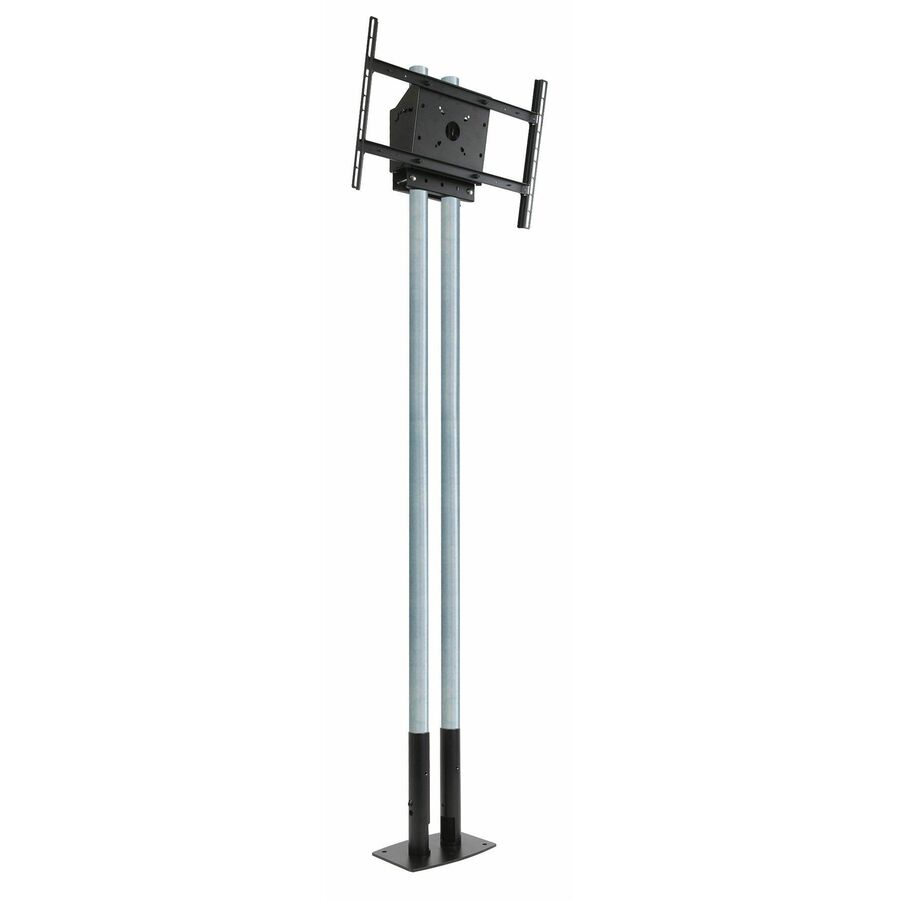
- Peerless IndustriesPeerless-AV® Modular Series Dual Pole Free Standing Kit for 46" to 90" Displays - 46" to 90" Screen Support - 211.64 lb Load Capacity - 600 x 400 - VESA Mount Compatible - 1MOD-FPP2KIT200
$1,009.00
$710.78*
Back-orderedBack-ordered — estimated OEM lead time 3–8 weeks (Nov 14 – Dec 19 if ordered today).
- Peerless IndustriesPeerless-AV® SmartMount® Digital Menu Board Ceiling Mount with 8pt Adjustment - Landscape 3x1 Configuration for 40" to 42" Displays - 3 Display(s) Supported - 40" to 42" Screen Support - 300 lb Load Capacity - 2658 x 400 - VESA Mount Compatible - 1 UnitDS-MBZ942L-3X1
$1,485.00
$1,192.57*
Back-orderedBack-ordered — estimated OEM lead time 3–8 weeks (Nov 14 – Dec 19 if ordered today).
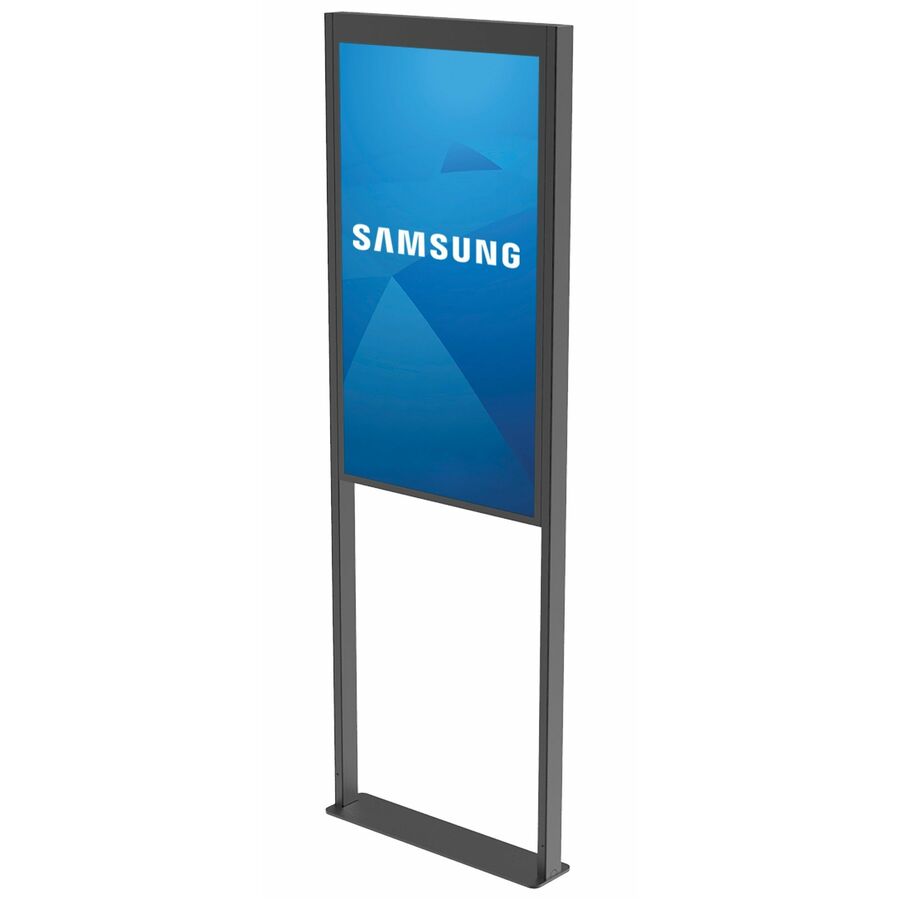
- Peerless IndustriesPeerless-AV® Floor Window Display Mount for Samsung OM55N-D Double-Sided Display - 55" Screen Support - 100.09 lb Load Capacity - VESA Mount Compatible - 1DS-OM55ND-FLOOR
$1,175.00
$883.99*
Back-orderedBack-ordered — estimated OEM lead time 3–8 weeks (Nov 14 – Dec 19 if ordered today).
- Peerless IndustriesPeerless-AV® SmartMount® Digital Menu Board Ceiling Mount with 8pt Adjustment - Landscape 2X1 Configuration for 40" to 42" Displays - 2 Display(s) Supported - 40" to 42" Screen Support - 200 lb Load Capacity - 1769 x 400 - VESA Mount Compatible - 1DS-MBZ942L-2X1
$999.00
$728.63*
Back-orderedBack-ordered — estimated OEM lead time 3–8 weeks (Nov 14 – Dec 19 if ordered today).
- Peerless IndustriesPeerless-AV® SmartMount® Flat Wall Mount for the 85" Microsoft® Surface Hub 2S / 3 - 85" Screen Support - 350 lb Load Capacity - 600 x 600 - VESA Mount Compatible - 1 UnitSF680P-HUB2
$649.00
$380.11*
Back-orderedBack-ordered — estimated OEM lead time 3–8 weeks (Nov 14 – Dec 19 if ordered today).
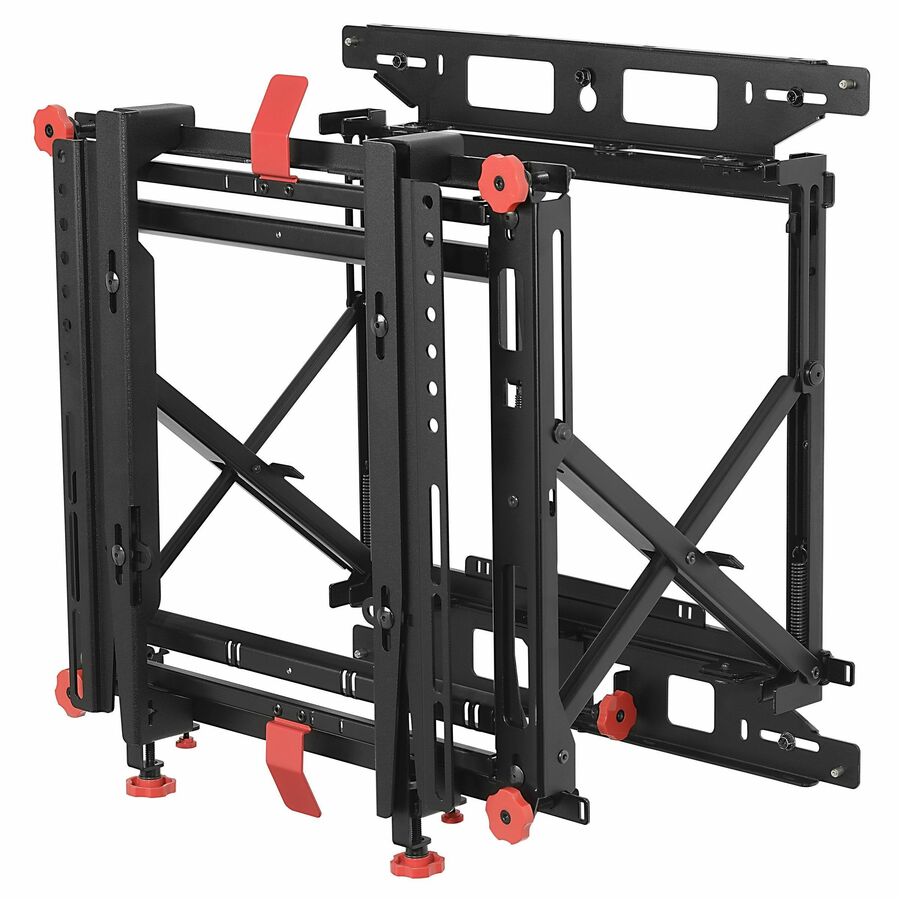
- Peerless IndustriesPeerless-AV® SmartMount® Supreme Full Service Video Wall Mount for 46" to 60" Displays - 1 Display(s) Supported - 46" to 60" Screen Support - 125 lb Load Capacity - 400 x 400, 300 x 200, 300 x 300, 400 x 300, 200 x 200, 600 x 400 - 1DS-VW775
$865.00
$604.85*
Back-orderedBack-ordered — estimated OEM lead time 3–8 weeks (Nov 14 – Dec 19 if ordered today).
- Peerless IndustriesPeerless-AV® Modular Dual Pole Floor to Ceiling Mount Kit for 46" to 90" Displays - 6 Display(s) Supported - 46" to 90" Screen Support - 1266 lb Load Capacity - 600 x 400 - VESA Mount Compatible - 1 UnitMOD-FCS2KIT300-B
$855.00
$594.87*
Back-orderedBack-ordered — estimated OEM lead time 3–8 weeks (Nov 14 – Dec 19 if ordered today).
- Peerless IndustriesPeerless-AV® DesignerSeries Articulating Mount with In-Wall Box for 37" to 65" Ultra-Thin Displays - 1 Display(s) Supported - 37" to 65" Screen Support - 80 lb Load Capacity - 200 x 100, 400 x 400 - VESA Mount Compatible - 1 UnitIM747PU
$725.00
$464.98*
Back-orderedBack-ordered — estimated OEM lead time 3–8 weeks (Nov 14 – Dec 19 if ordered today).
Need pricing on Peerless-AV display mounts?
Tell us where to reach you and a Uniqcli specialist will follow up by email with current pricing, availability and lead time for the quantities you need — including parts that aren’t shown on this page.
Buying for an organization or for yourself — both work. No payment up front.
Peerless-AV builds mounts in families, and the family name tells you what the mount does before the part number tells you what it fits. SmartMount is the volume commercial range; Paramount is the value-through-mid line that covers most wall installs; DesignerSeries is the ultra-slim range for thin panels that need to sit close to the wall; the Modular series is the pole-and-plate system for ceiling and multi-display work; and the outdoor and wind-rated models are built for weather rather than for a lobby. Everything on this page states, in Peerless-AV's own title, the screen size range it supports.
Three numbers decide whether a mount fits, and all three are printed on every row. The screen size range is the first — a mount rated for 39" to 75" is not rated for a 32" panel, however well the bracket lines up. The VESA pattern is the second: the hole spacing on the back of the display, in millimetres, which has to be one of the patterns the mount lists. And the load capacity is the third, which has to exceed the display's weight with margin — signage panels and commercial displays are considerably heavier than the consumer TVs of the same diagonal that people mentally price against.
After fit comes behaviour, and that is where the money goes. A flat mount holds the panel tight to the wall and is the cheapest, cleanest answer where nobody needs to reach behind it. A tilt mount angles the screen down, which is what you want on a wall-mounted display above eye level. An articulating arm pulls the display out and swings it, which is how you reach the ports on a wall-mounted panel or serve a room from a corner. Portrait mounts, ceiling kits, pull-out pivot mounts and in-wall mounts each solve one specific room problem. The last thing to plan is what the mount attaches to — wood studs, metal studs, concrete or a ceiling structure — because that is where the Peerless-AV accessory plates and adaptors come in and it is the part people forget to order.
Buyer's checklist
How to choose a Peerless-AV mount
- Match three numbers before anything else: the screen size range the mount is rated for, the VESA hole pattern on the back of the display, and the load capacity against the display's actual weight with margin. All three are stated in the manufacturer's own title on every row here.
- Weigh the display, do not estimate it. A commercial signage panel is significantly heavier than a consumer TV of the same diagonal, and the load rating is the number that keeps it on the wall — check it against the manufacturer's spec sheet for the exact model.
- Pick the behaviour the room needs. Flat sits tight to the wall and is cleanest; tilt angles a screen mounted above eye level; articulating pulls out and swings for port access or corner viewing; pull-out pivot combines reach with a turn; in-wall recesses the mount so the panel sits nearly flush.
- Decide portrait early. A portrait install is a different mount and a different VESA orientation, not a rotated version of the landscape one — the signage and menu-board mounts here are built for it, including the height and depth adjustment a wall of screens needs to line up.
- Plan the wall or ceiling structure with the mount. Wood studs, metal studs, concrete and suspended ceilings each need their own plate or adaptor, and Peerless-AV sells them as separate parts — the mount alone is not the whole order.
- Leave service access behind the display. If the panel needs a media player, a cable change or a firmware port, an articulating or pull-out mount saves taking the screen off the wall every time; a flat mount on a recessed box does not.
- Use the outdoor and wind-rated models where the display is outdoors. That is a structural rating, not a finish — an indoor mount outside is a corrosion and a load problem, and Peerless-AV's outdoor and wind-rated parts state their rating in the title.
- Order the mount, the plate and the cable management together. A mount install that stalls waiting for a stud plate or a cathedral-ceiling adaptor is an install crew standing still; quoting the parts as one line avoids it.
Flat, tilt, articulating, pivot and portrait
The mount type is a room decision, not a preference. A flat wall mount is the lowest-profile and lowest-cost option and it is right whenever the display sits at viewing height and its ports are cabled once at install. A tilt mount earns its place the moment a screen goes above eye level — over a reception desk, in a lobby, above a doorway — because angling the panel down puts the picture where people actually stand instead of asking them to look up into a reflection.
Articulating arms and pull-out pivot mounts buy you access and angle. They swing the display away from the wall so the connections behind it can be reached without dismounting anything, and they let a screen serve two seating positions in a room with an awkward shape. That flexibility costs load capacity — an arm holds less than a flat plate of the same family — so the weight check matters more, not less. Portrait mounts are their own category: digital menu boards and wayfinding screens hang vertically, usually in rows that have to align to the millimetre, which is why the menu-board mounts here carry explicit height and depth adjustment.
VESA, structure and the parts people forget
VESA is the standardised hole pattern on the back of a display, quoted in millimetres — 200x200, 400x400, 600x400 and so on. A mount lists the patterns it supports, and a panel whose pattern is not on that list needs an adapter plate or a different mount. Large commercial panels frequently use wide patterns that the smaller mounts simply do not reach, which is the most common reason a mount that looked right on paper does not fit on install day. Read the pattern off the display's spec sheet, not off a photograph of its back.
The other half of the install is what the mount attaches to. A wood-stud wall, a metal-stud wall, a concrete wall, a cathedral or a suspended ceiling and a truss each need their own plate or adaptor, and Peerless-AV catalogues those as separate parts — the stud plates, ceiling plates, cathedral adaptors and extension columns that sit alongside the mounts on this same shelf. Send the display model and weight, the wall or ceiling construction, the mounting height and whether anything behind the screen needs servicing, and we will quote the mount, the structural plate, the extension hardware and the cable management as one order.
FAQ
Common questions
- How do I know which Peerless-AV mount fits my display?
- Check three things against the mount's own title: the screen size range it is rated for, the VESA hole pattern on the back of your panel in millimetres, and the load capacity against the display's real weight. All three are printed on every row here. The most common mismatch is VESA — large commercial panels often use wide patterns the smaller mounts do not reach — and the second most common is weight, because a commercial display is heavier than a consumer TV of the same diagonal.
- What is the difference between a flat, tilt and articulating mount?
- A flat mount holds the display tight to the wall: lowest profile, lowest cost, right when the screen is at viewing height and cabled once. A tilt mount angles the panel downward, which is what a screen mounted above eye level needs so the picture faces the people looking at it. An articulating mount is on an arm that extends and swings, so the display can be pulled out for port access or angled to serve a different part of the room. Articulating arms hold less weight than flat plates in the same family, so check the load rating carefully.
- Can these mounts be used outdoors?
- Only the models whose own titles state an outdoor or wind rating. That is a structural and materials specification — corrosion resistance and a load rating that accounts for wind — not a finish, so an indoor mount used outside is a genuine safety problem rather than a cosmetic compromise. The outdoor flat, tilt and wind-rated models on this page say so explicitly in the manufacturer's title, and they should be paired with an outdoor-rated display and the appropriate structural fixings.
- Do I need anything besides the mount itself?
- Usually yes. The mount attaches to a wall or ceiling structure, and wood studs, metal studs, concrete, cathedral ceilings and truss all have their own plates and adaptors — Peerless-AV sells them as separate parts on this same shelf, along with extension columns for drops from height. Add cable management, and add a display adapter plate if your panel's VESA pattern is not one the mount lists. Sending the display model, the wall or ceiling construction and the mounting height is what lets a quote come back as a complete install kit.
- Can business, government and education buyers order these?
- Every line Uniqcli quotes is sourced through US distribution and screened for TAA country-of-origin and NDAA §889 status before checkout — with documentation tied to the specific part number, not a product family.
Need Peerless-AV display mounts pricing?
Send a bill of materials or part numbers — we confirm stock and a below-market total, with TAA verified on request. No payment up front.