
Best LG Digital Signage Systems for Retail, Transit and Enterprise Venues
webOS UHD displays, 4000-nit high-bright window units, ultra-stretch bars, touchscreens and thin-bezel video-wall panels for menu boards, wayfinding, storefronts and control rooms.
LG digital signage displays in stock at Uniqcli
How to choose →A curated selection with live pricing — in-stock lines first, then back-ordered lines with a typical lead time. Every line is sourced through US distribution and screened for NDAA §889 status before checkout, with TAA verified on request.
- LG ElectronicsLG 43UL5Q-M Digital Signage Display - 43" LCD - Advanced Super Dimension Switch ( ADS ) - 24 Hours/7 Days Operation - 3840 x 2160 - 16:9 - 8 ms - Direct LED - 500 Nit - 2160p - HDMI - USB - Serial - Wireless LAN - Bluetooth - Ethernet - webOS 6.1 - Energy Star43UL5Q-M
$1,000.00
$850.00
10 in stock - LG ElectronicsLG 50UL3Q-E Digital Signage Display - 50" LCD - Vertical Alignment (VA) - 3840 x 2160 - 16:9 - Direct LED - 2160p50UL3Q-E
$1,117.00
$949.45
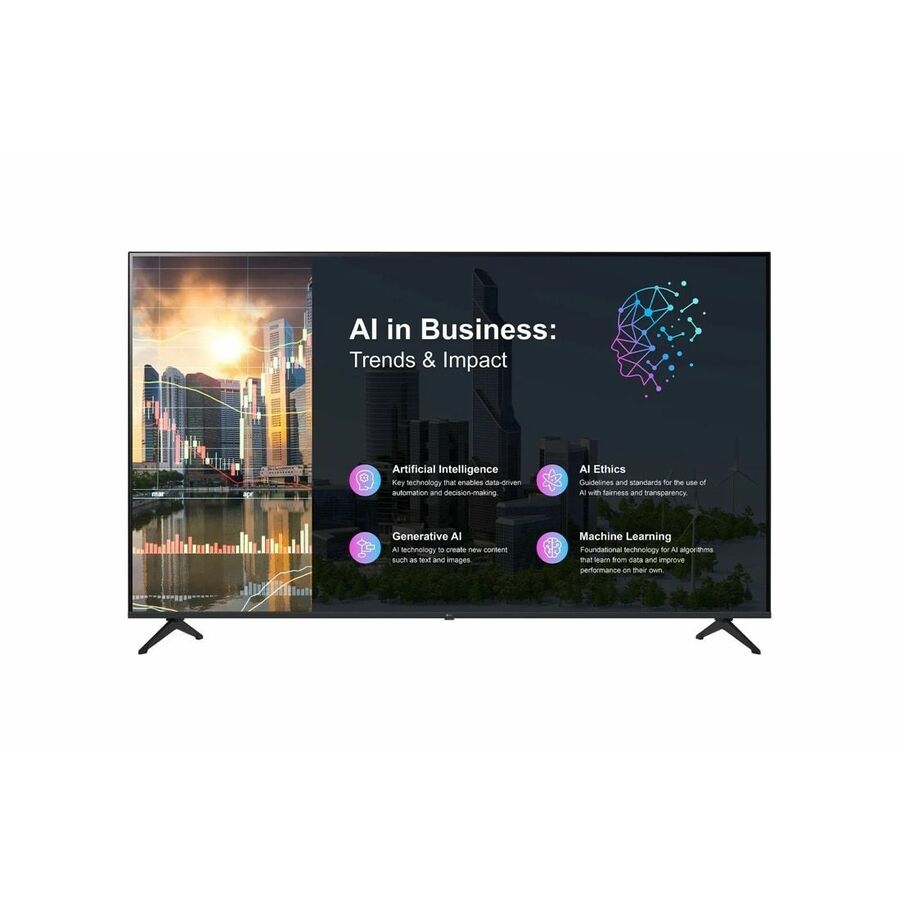
11 in stock - LG ElectronicsLG 55UL5Q-M Digital Signage Display - 55" LCD - Advanced Super Dimension Switch ( ADS ) - 24 Hours/7 Days Operation - 3840 x 2160 - 16:9 - 8 ms - Direct LED - 500 Nit - 2160p - HDMI - USB - Serial - Wireless LAN - Bluetooth - Ethernet - webOS 6.1 - Energy Star55UL5Q-M
$1,350.00
$1,147.50
12 in stock - LG ElectronicsLG 65PK340S0UB Digital Signage Display - 65" LCD - 3840 x 2160 - Direct LED - 300 Nit - 2160p - SerialEthernet - WebOS65PK340S0UB
$1,350.00
$1,147.50
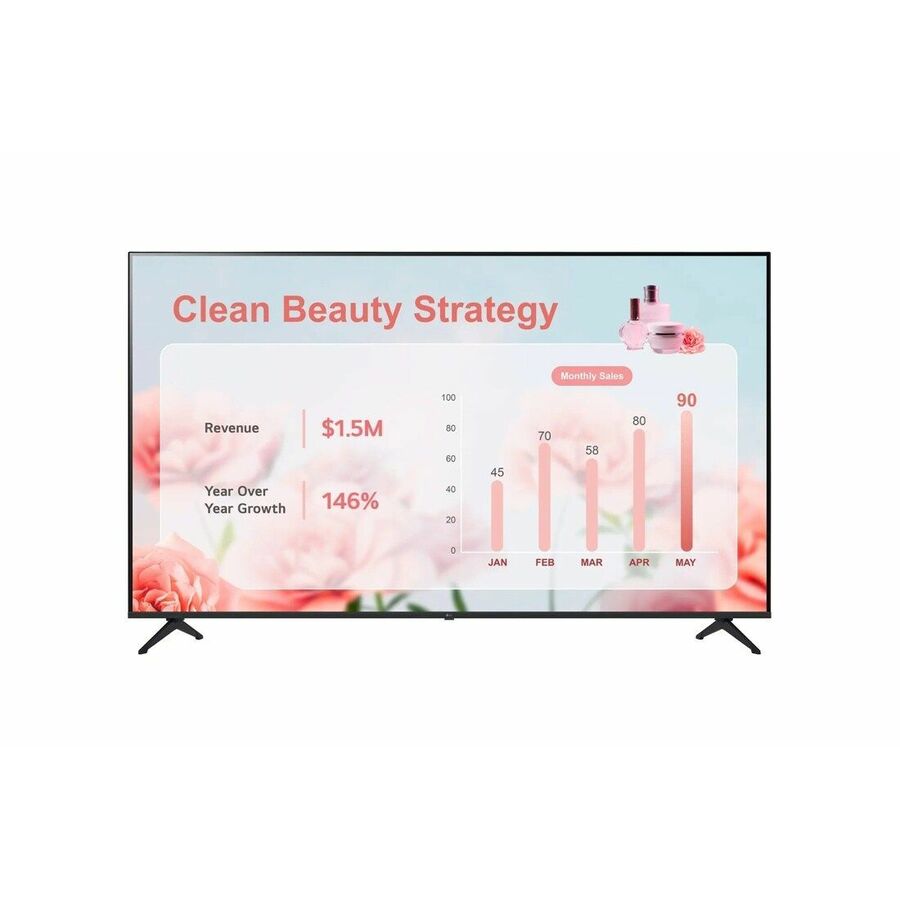
47 in stock - LG ElectronicsLG 55" UH5Q-E Series UHD Signage with webOS Platform - 55" LCD - Advanced Super Dimension Switch ( ADS ) - 24 Hours/7 Days Operation - 16 GB - 3840 x 2160 - 16:9 - 8 ms - Edge LED - 500 Nit - 2160p - HDMI - USB - Serial - Wireless LAN - Ethernet - webOS 8.0 - Energy Star55UH5Q-E
$1,583.00
$1,345.55
72 in stock





More digital signage systems in the Uniqcli catalog
See all 1,751 digital signage systemsMore LG first — closest to what you were just looking at; “See all digital signage systems” above opens every other brand in the category. In-stock lines lead, and a back-ordered line carries the same estimated availability its product page does — with live pricing throughout, NDAA §889 screening before checkout and TAA verified on request.
- LG ElectronicsLG 86" UHD Ultra Slim Signage with webOS 6.0 and Advanced Security - 86" - Advanced Super Dimension Switch ( ADS ) - 24 Hours/7 Days Operation - 3840 x 2160 - 16:9 - 8 ms - Edge LED - 500 Nit - Speakers - Wireless LAN - Bluetooth - webOS 6.0 - Energy Star86UH5N-M
$5,000.00
$4,250.00
11 in stock - LG ElectronicsLG 55'' FHD High Bright Window Facing Display with Anti-Discoloration Technology - 55" - In-plane Switching (IPS-M+) Technology - 24 Hours/7 Days Operation - 1920 x 1080 - 16:9 - 9 ms - 4000 Nit - HDMI - Wireless LAN - Bluetooth - webOS 6.0 - TAA Compliant55XS4P-B
$4,500.00
$3,825.00*
7 in stock - LG ElectronicsLG 75UP5Q-E Digital Signage Display - 75" LCD - Advanced Super Dimension Switch ( ADS ) - 24 Hours/7 Days Operation - 3840 x 2160 - 16:9 - 8 ms - Edge LED - 500 Nit - 2160p - HDMI - USB - Serial - Wireless LAN - Bluetooth - Ethernet - webOS 8.0 - Energy Star75UP5Q-E
$3,750.00
$3,187.50
10 in stock - LG ElectronicsLG 86UL5Q-M Digital Signage Display - 86" LCD - Advanced Super Dimension Switch ( ADS ) - 24 Hours/7 Days Operation - 3840 x 2160 - 16:9 - 8 ms - Direct LED - 500 Nit - 2160p - HDMI - USB - Serial - Wireless LAN - Bluetooth - Ethernet - webOS 6.1 - Energy Star86UL5Q-M
$3,583.00
$3,045.55
4 in stock - LG ElectronicsLG 65UP5Q-E Digital Signage Display - 65" LCD - In-plane Switching (IPS) Technology - 24 Hours/7 Days Operation - 3840 x 2160 - 16:9 - 8 ms - Edge LED - 500 Nit - 2160p - HDMI - USB - Serial - Wireless LAN - Bluetooth - Ethernet - webOS 8.0 - Energy Star65UP5Q-E
$2,500.00
$2,125.00
20 in stock - LG ElectronicsLG 75UL5Q-M Digital Signage Display - 75" LCD - Advanced Super Dimension Switch ( ADS ) - 24 Hours/7 Days Operation - 3840 x 2160 - 16:9 - 8 ms - Direct LED - 500 Nit - 2160p - HDMI - USB - Serial - Wireless LAN - Bluetooth - Ethernet - webOS 6.1 - Energy Star75UL5Q-M
$2,417.00
$2,054.45
2 in stock - LG ElectronicsLG 65UH7Q-E Digital Signage Display - 65" LCD - Advanced Super Dimension Switch ( ADS ) - High Dynamic Range (HDR) - 24 Hours/7 Days Operation - 3840 x 2160 - 16:9 - 8 ms - Edge LED - 700 Nit - 2160p - HDMI - USB - Serial - Wireless LAN - Bluetooth - Ethernet - webOS 8.0 - Energy Star65UH7Q-E
$2,417.00
$2,054.45
16 in stock - LG ElectronicsLG 65UH5Q-E Digital Signage Display - 65" LCD - In-plane Switching (IPS) Technology - 3840 x 2160 - 16:9 - 500 Nit - 2160p65UH5Q-E
$2,250.00
$1,912.50
50 in stock - LG ElectronicsLG 55UH7Q-E Digital Signage Display - 55" LCD - Advanced Super Dimension Switch ( ADS ) - High Dynamic Range (HDR) - 24 Hours/7 Days Operation - 3840 x 2160 - 16:9 - 8 ms - Edge LED - 700 Nit - 2160p - HDMI - USB - Serial - Wireless LAN - Bluetooth - Ethernet - webOS 8.0 - Energy Star55UH7Q-E
$1,750.00
$1,487.50
21 in stock - LG ElectronicsLG Ultra Stretch LSCB-V589C Digital Signage Display - 49.08 ft LCD - Direct View LED - 800 NitWi-Di Technology - WebOSLSCB-V589C.EUS
$770,255.00
$654,716.75
Back-orderedBack-ordered — estimated OEM lead time 3–8 weeks (Nov 17 – Dec 22 if ordered today).
- LG ElectronicsLG 217" 4K UHD LSAB MicroLED Ultimate Business Display - 18.08 ft LCD - 3840 x 2160 - 16:9 - Micro LED - 800 Nit - 2160p - webOS 4.0 - TAA CompliantLSAB-U217GV.EUS
$609,837.00
$518,361.45*
Back-orderedBack-ordered — estimated OEM lead time 3–8 weeks (Nov 17 – Dec 22 if ordered today).
- LG ElectronicsLG Ultra Stretch LSCC Digital Signage Display - 32.75 ft LCD - 7680 x 2160 - 32:9 - LED - 800 Nit - 2160p - webOS 4.1LSCC-V393C
$503,750.00
$428,187.50
Back-orderedBack-ordered — estimated OEM lead time 3–8 weeks (Nov 17 – Dec 22 if ordered today).
- LG ElectronicsLG Ultra HD LSCC-U325C Digital Signage Display - 27.10 ft LCD - 3840 x 2160 - Direct View LED - 800 Nit - 2160pLSCC-U325C
$433,635.00
$368,589.75
Back-orderedBack-ordered — estimated OEM lead time 3–8 weeks (Nov 17 – Dec 22 if ordered today).
- LG ElectronicsLG LSCC-U271C Digital Signage Display - 22.58 ft LCD - 10x10 Video Wall - 3840 x 2160 - 16:9 - LED - 800 Nit - 2160p - webOS 4.1LSCC-U271C
$342,155.00
$290,831.75
Back-orderedBack-ordered — estimated OEM lead time 3–8 weeks (Nov 17 – Dec 22 if ordered today).








Need pricing on LG digital signage displays?
Tell us where to reach you and a Uniqcli specialist will follow up by email with current pricing, availability and lead time for the quantities you need — including parts that aren’t shown on this page.
Buying for an organization or for yourself — both work. No payment up front.
Brightness against the site's ambient light is the first cut on an LG signage display: roughly 350 to 500 nit for interior lobbies and menu boards, around 700 nit for sunlit or high-glare areas, and high-bright panels up to 4000 nit for a display shining out through glass into direct sun. Form factor and the built-in webOS version, which sets CMS compatibility, come next.
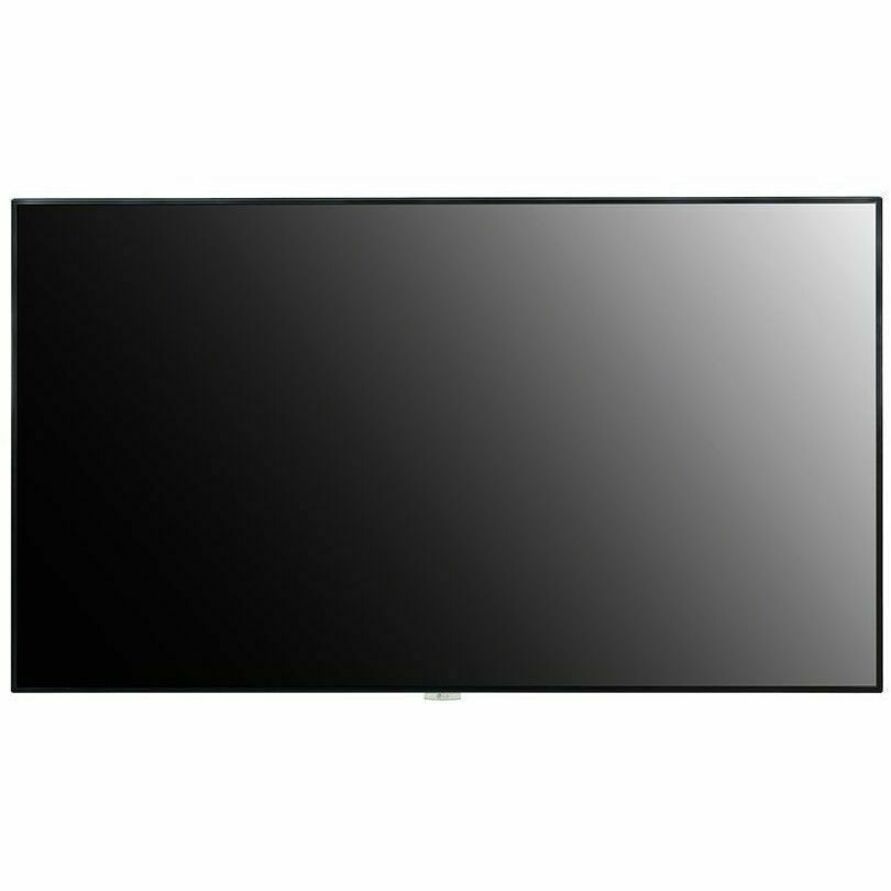
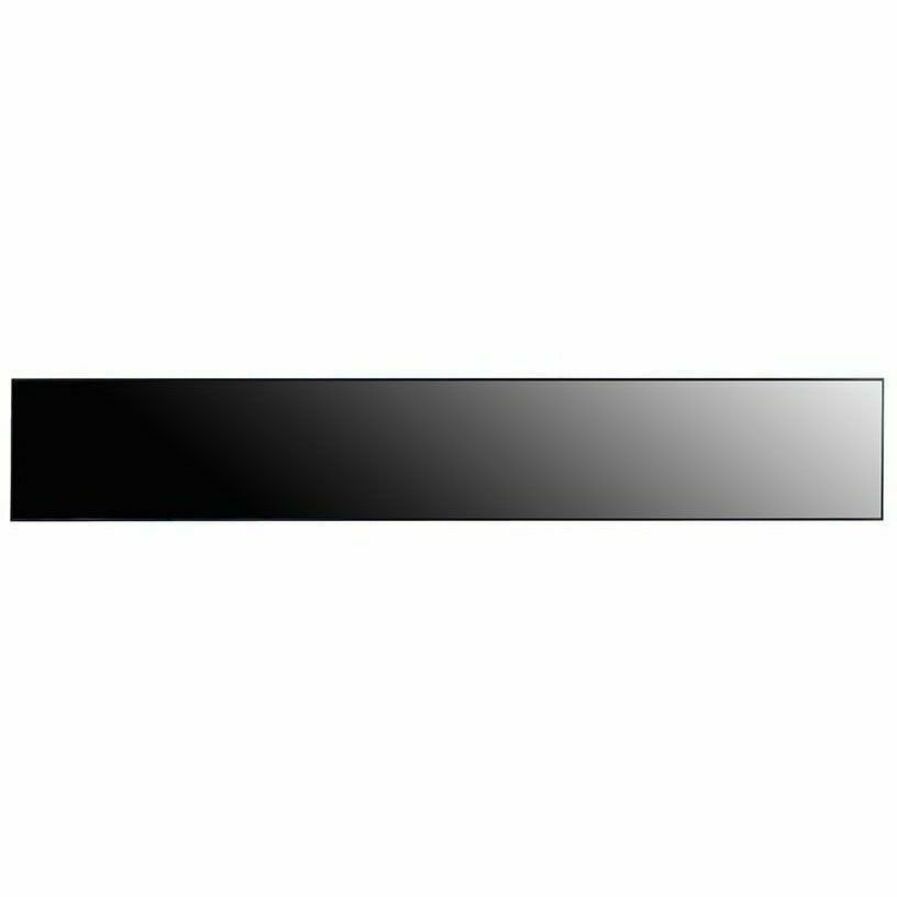
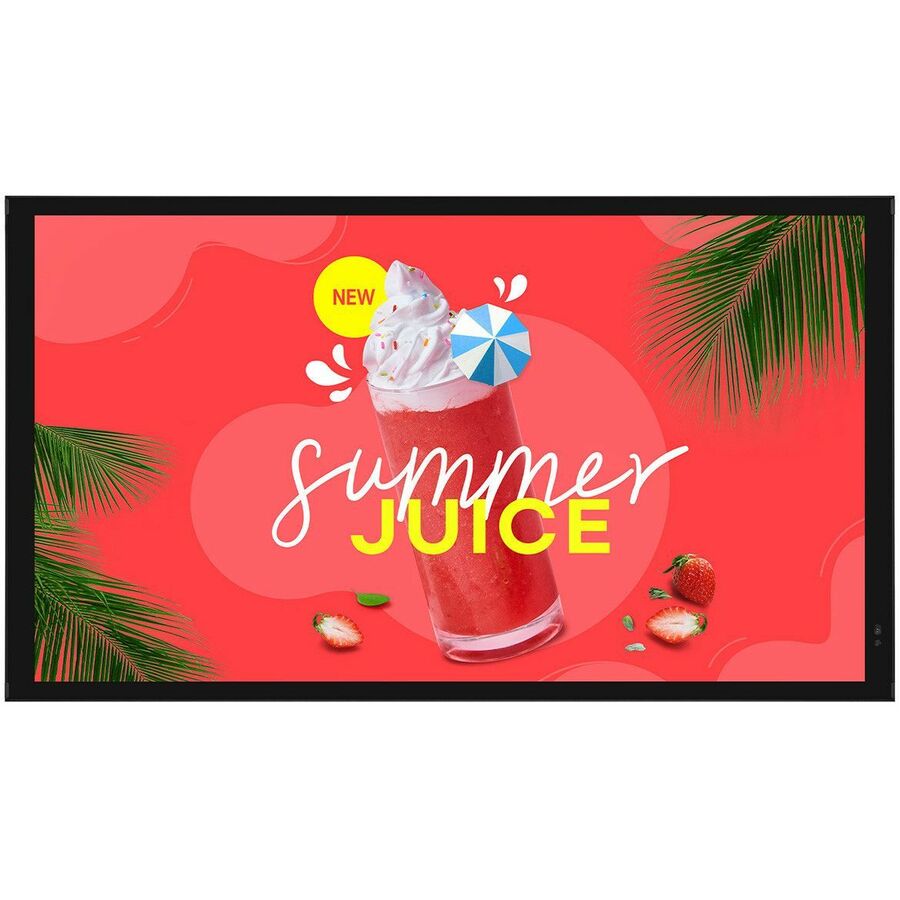
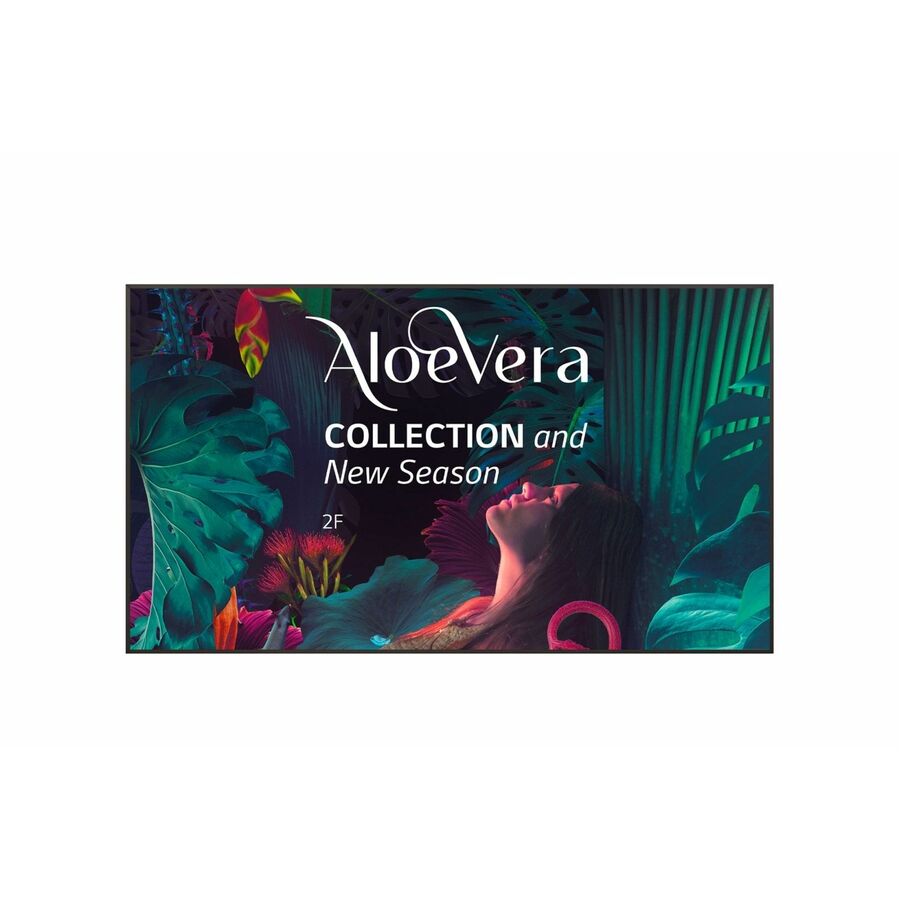
LG's commercial signage line is built for always-on public duty rather than casual viewing. Most models carry a 24/7 or 16/7 operation rating, use wide-viewing-angle IPS or ADS panels, and ship with a built-in webOS system-on-chip so playlists and many content-management apps run on the display itself without a separate media player. The range spans standard 16:9 UHD displays from roughly 65 inches up to 110 inches, plus purpose-built variants: 4000-nit high-bright units for storefront windows, an ultra-stretch 58:9 bar for shelf edges and transit, a touchscreen for interactive kiosks, and thin-bezel panels for tiled video walls.
Picking the right variant comes down to three questions. First, brightness: match nits to ambient light — 350 to 500 nit suits interior lobbies and menu boards, around 700 nit handles sunlit or high-glare areas, and high-bright window-facing panels (up to 4000 nit, with anti-discoloration protection) are for displays shining out through glass into direct sun. Second, form factor: standard UHD for wayfinding and menus, stretch bars for narrow spans, video-wall tiles for arrays, touch for interactive use. Third, the webOS version listed on each model, which determines CMS and app compatibility.
The most common mistakes are specifying a consumer TV for a signage role (no continuous-duty rating, no SoC, and warranty terms that do not cover always-on use), under-speccing brightness for a window or high-ambient site, and overlooking orientation and sealing requirements. The selection below is what Uniqcli currently stocks, with live in-stock status shown on each product so you can see availability before you order.
Buyer's checklist
How to choose LG digital signage
- Match brightness to the environment: 350–500 nit for interior lobbies and menu boards, roughly 700 nit for sunlit or high-glare areas, and 4000-nit high-bright panels for storefront window installs facing direct sun.
- Confirm the duty cycle — most of this line is rated for 24/7 continuous operation; verify the rating if the display will run around the clock in a public space.
- Pick the form factor for the space: standard 16:9 UHD for menus and wayfinding, ultra-stretch 58:9 bars for shelf edges and transit, thin-bezel tiles for video walls, and touch panels for interactive kiosks.
- Check the built-in webOS version against your content-management system so playlists and apps run on the display's system-on-chip without adding a separate media player.
- Size resolution to viewing distance: UHD (3840×2160) on 65-inch and larger for close reading, FHD where the audience stands farther back.
- Plan mounting and orientation up front — confirm the portrait/landscape rating and factor in ambient sealing (for example IP-rated high-haze models) for dusty or window-facing sites.
Where these displays fit
Form factor tracks the venue. Quick-service and retail rely on standard UHD panels for menu boards and promotional walls; storefronts facing the street need high-bright, window-facing units that stay legible in direct sun. Transit hubs, airports and grocery aisles use the ultra-stretch 58:9 bar for schedules, wayfinding and shelf edges. Corporate lobbies run internal comms and dashboards, interactive kiosks want the touch panel, and control rooms tile thin-bezel panels into video walls.
Who owns the screen shapes the spec. Marketing-driven retail and hospitality prioritize brightness and color for storefront impact; facilities and IT teams managing wayfinding across many sites prioritize uniform webOS versions and remote manageability; operations centers care most about continuous 24/7 duty and reliability. Naming the owner and the failure they most fear keeps the choice grounded rather than driven by screen size alone.
Planning a signage rollout
A signage project is a content-and-network project as much as a hardware one. Confirm the built-in webOS version on each model against your content-management system so playlists and apps run on the display's system-on-chip, and standardize that version across a fleet to keep one CMS profile valid everywhere. Provision the network drop, IP scheme and remote-management access before install so screens come online publishing on day one, not weeks later.
Physical siting carries its own checklist. Fix orientation early — a portrait menu board needs a panel rated for it — and account for heat, ventilation and any sealing or enclosure a window or high-dust site demands. Plan power and cable routing to keep the install clean and serviceable, and for video walls budget the mounting precision and bezel-alignment time that a seamless array actually requires to look like one image.
Total cost and lifecycle
Commercial signage earns its premium over a consumer panel across the life of the install. Continuous-duty ratings, wide-viewing-angle IPS or ADS panels and commercial warranty terms are built for the always-on runtime a consumer TV isn't warranted to survive, so the replacement and warranty math favors the purpose-built unit. Running content on the built-in webOS SoC also removes an external media player per screen — hardware, power and a maintenance point you neither buy nor manage.
Across a fleet the recurring costs dominate. Energy adds up on always-on displays, so brightness specified to the site rather than over-provisioned saves power over the years a screen runs. Remote management lets one operator update, monitor and power-schedule screens across sites, cutting truck rolls, and video walls need periodic calibration to stay uniform. Weigh those operational realities, not just panel price, when you size a deployment.
FAQ
Common questions
- What makes LG commercial signage different from a consumer TV?
- Commercial signage displays are built for continuous public duty. Most carry a 24/7 or 16/7 operation rating, use wide-viewing-angle IPS or ADS panels, include a built-in webOS system-on-chip for playing content without an external player, and come with commercial-grade warranty terms. Consumer TVs lack these and are not designed for always-on signage.
- Do I need a separate media player?
- Usually not. Most of LG's webOS signage runs content directly on the display's built-in system-on-chip, so simple playlists and many CMS apps play without an external player. For advanced content management or tightly synchronized video walls you may still add an external player — check your CMS requirements against the webOS version listed on the model.
- How do I know which brightness level I need?
- Match nits to ambient light. Interior lobbies and menu boards are typically fine at 350–500 nit; areas with strong daylight or glare call for around 700 nit; storefront displays facing out through glass into direct sun need high-bright panels (up to 4000 nit) with anti-discoloration protection. Under-speccing brightness is the most common signage mistake.
- How are these screened for TAA and NDAA compliance?
- These displays are sourced through US distribution and screened for TAA country-of-origin and NDAA Section 889 status before checkout, with documentation tied to the specific part number so it matches your order. Where LG markets a specific model as TAA-compliant, we can note that; when a unit's status is critical to your requirement, send us the part number and we'll confirm sourcing and provide the documentation for business and government buyers.
Need LG digital signage displays pricing?
Send a bill of materials or part numbers — we confirm stock and a below-market total, with TAA verified on request. No payment up front.