
Best Digital Signage Media Players
The box behind the screen — Android and x86 signage players from palm-sized ARM units to 8K HDR appliances.
Digital signage media players in stock at Uniqcli
How to choose →A curated selection with live pricing — in-stock lines first, then back-ordered lines with a typical lead time. Every line is sourced through US distribution and screened for NDAA §889 status before checkout, with TAA verified on request.
- ViewSonicViewSonic ViewBoard VPC2C-W33-O1-1B Digital Signage Appliance - ViewBoard VPC2C-W33-O1-1B Digital Signage ApplianceVPC2C-W33-O1-1B
$999.00
$794.93
128 in stock - SharpNEC Display MPI4W Digital Signage Appliance - 1.50 GHz - 2160p - USB - Wireless LANMPI4W
$411.00
$296.54
Back-orderedBack-ordered — estimated OEM lead time 3–8 weeks (Nov 15 – Dec 20 if ordered today).
- AdvantechAdvantech DS-100 Lite Digital Signage Appliance - Cortex A53 - 2 GB - HDMI - USB - Wireless LAN - EthernetDS-100GL-S8A1E
$382.09
Back-orderedBack-ordered — estimated OEM lead time 3–8 weeks (Nov 15 – Dec 20 if ordered today).
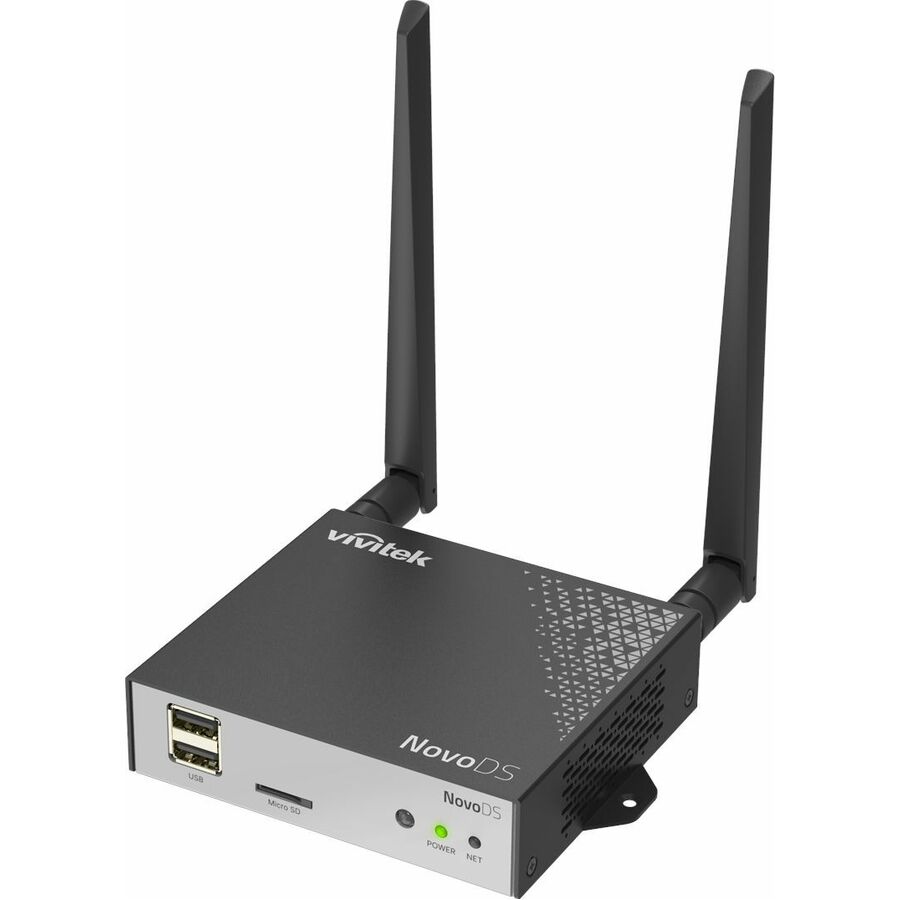
- Delta ElectronicsVivitek NovoDS DS210 Digital Signage Appliance - 4 GB - 2160p - HDMI - USB - Wireless LAN - Bluetooth - Ethernet - Android 11 - BlackDS210
$396.11
Back-orderedBack-ordered — estimated OEM lead time 3–8 weeks (Nov 15 – Dec 20 if ordered today).
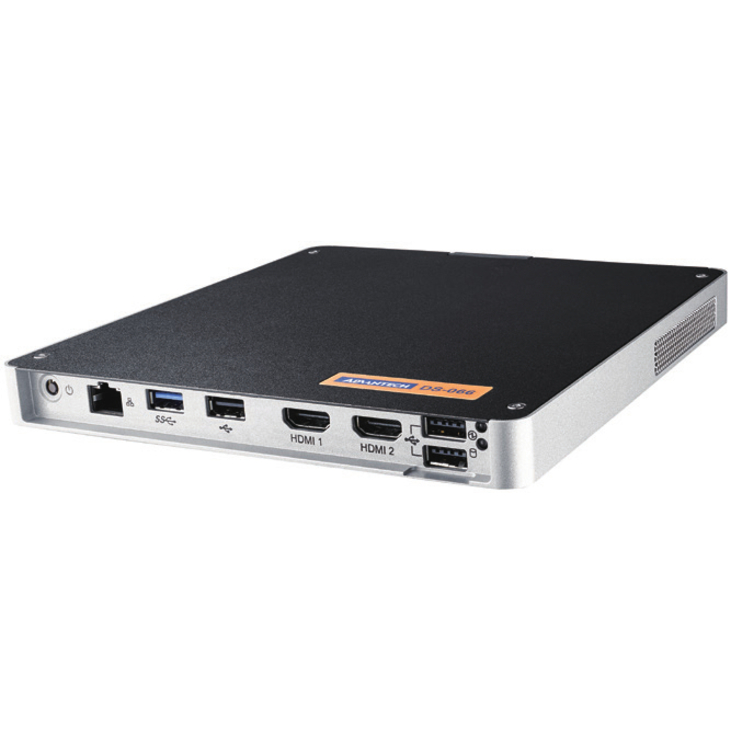
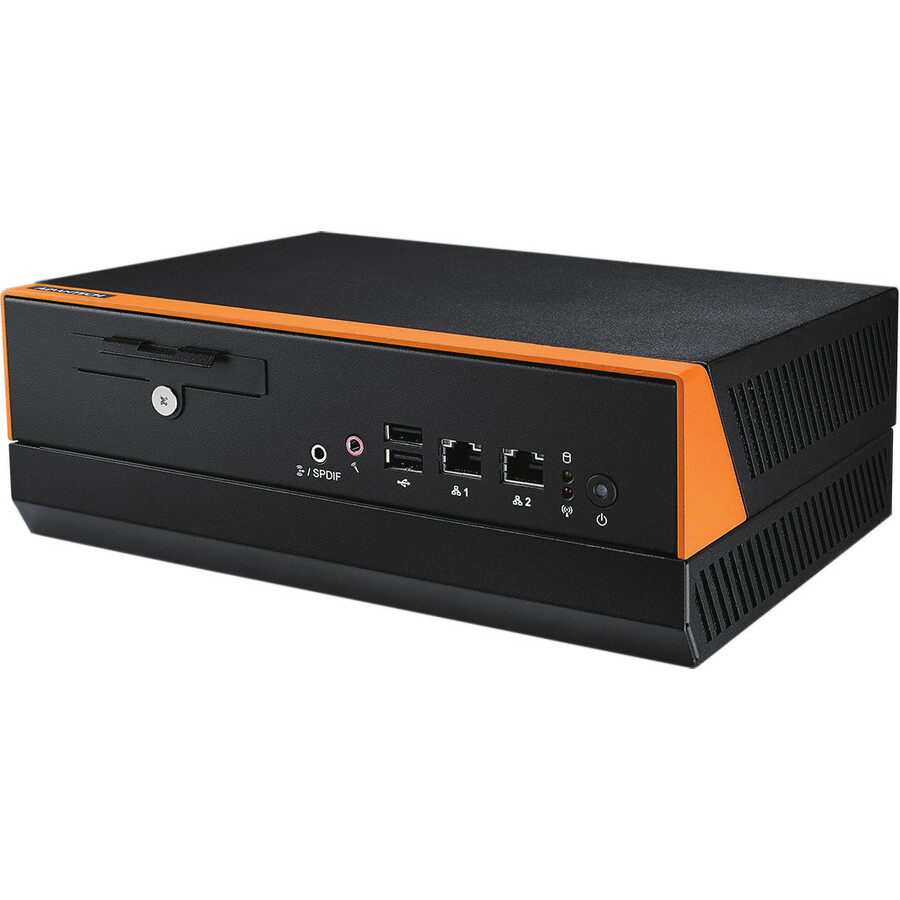
- AdvantechAdvantech DS-066 Digital Signage Appliance - J1900 2 GHz - 8 GB DDR3L - HDMI - USBEthernet - Black, SilverDS-066GB-U0A1E
$397.00
Back-orderedBack-ordered — estimated OEM lead time 3–8 weeks (Nov 15 – Dec 20 if ordered today).
- AdvantechAdvantech DS-100 Digital Signage Appliance - Cortex A72 - 2 GB LPDDR3 - 2160p - HDMI - USBEthernet - Android 7.1.2 NougatDS-100GF-S8A1E
$432.92
Back-orderedBack-ordered — estimated OEM lead time 3–8 weeks (Nov 15 – Dec 20 if ordered today).
- AOpenAOpen DE3129-S Digital Signage Appliance - Intel N100 - 16 GB DDR5 SDRAM - HDMI - USB - Wireless LAN - Ethernet91.DEV00.A5A0
$478.30
Back-orderedBack-ordered — estimated OEM lead time 3–8 weeks (Nov 15 – Dec 20 if ordered today).
- AOpenAOpen WB5116-W Digital Signage Appliance - Intel Core i3 - HDMI - USBEthernet90.WB700.6AE0
$555.93
Back-orderedBack-ordered — estimated OEM lead time 3–8 weeks (Nov 15 – Dec 20 if ordered today).
- Delta ElectronicsVivitek NovoDS4K DS310 Digital Signage Appliance - 4 GB - 2160p - HDMI - USB - Serial - Wireless LAN - Bluetooth - Ethernet - Android 11DS310
$558.43
Back-orderedBack-ordered — estimated OEM lead time 3–8 weeks (Nov 15 – Dec 20 if ordered today).
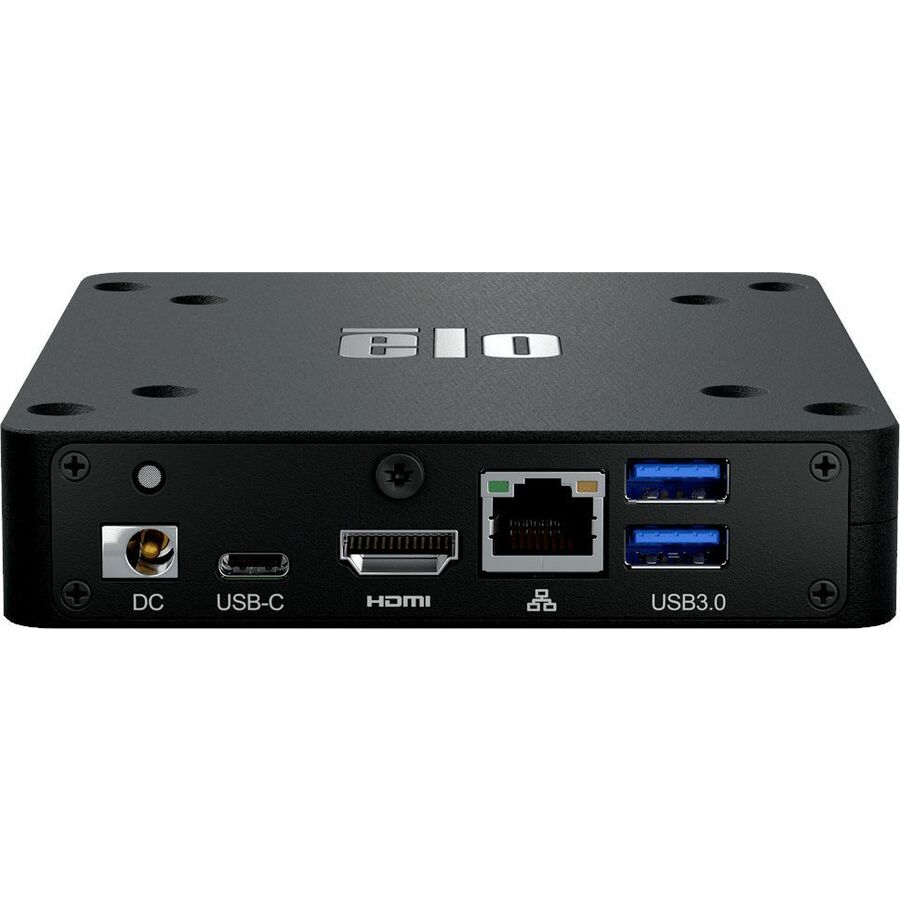
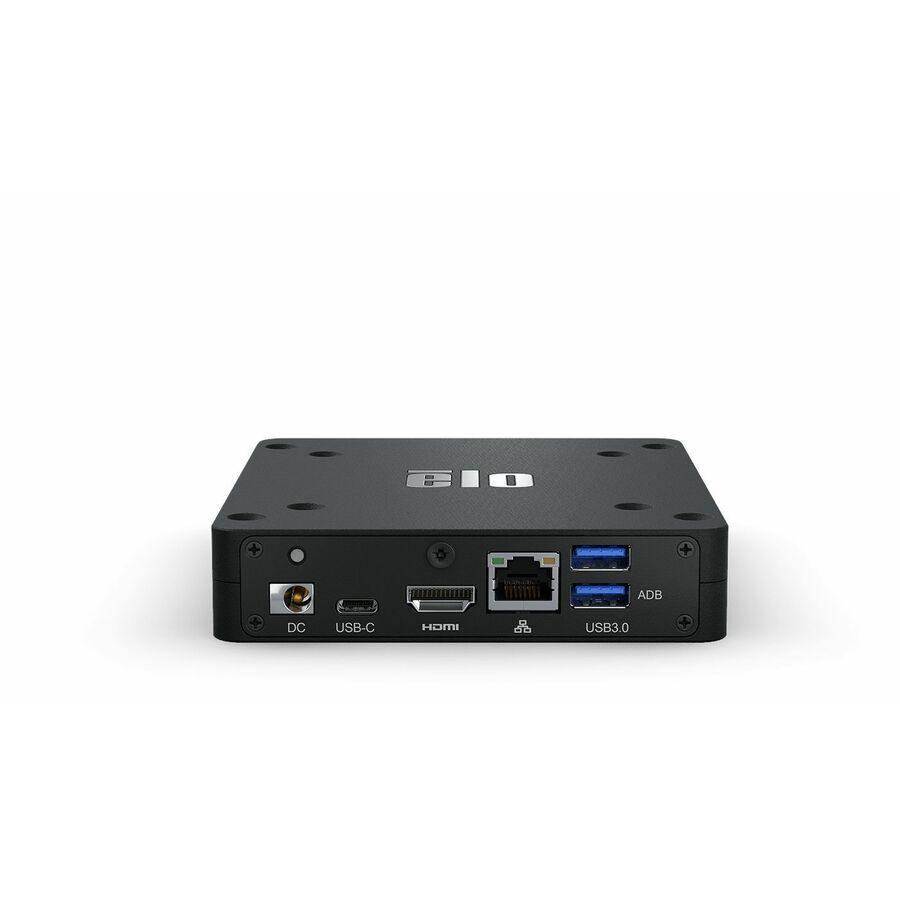
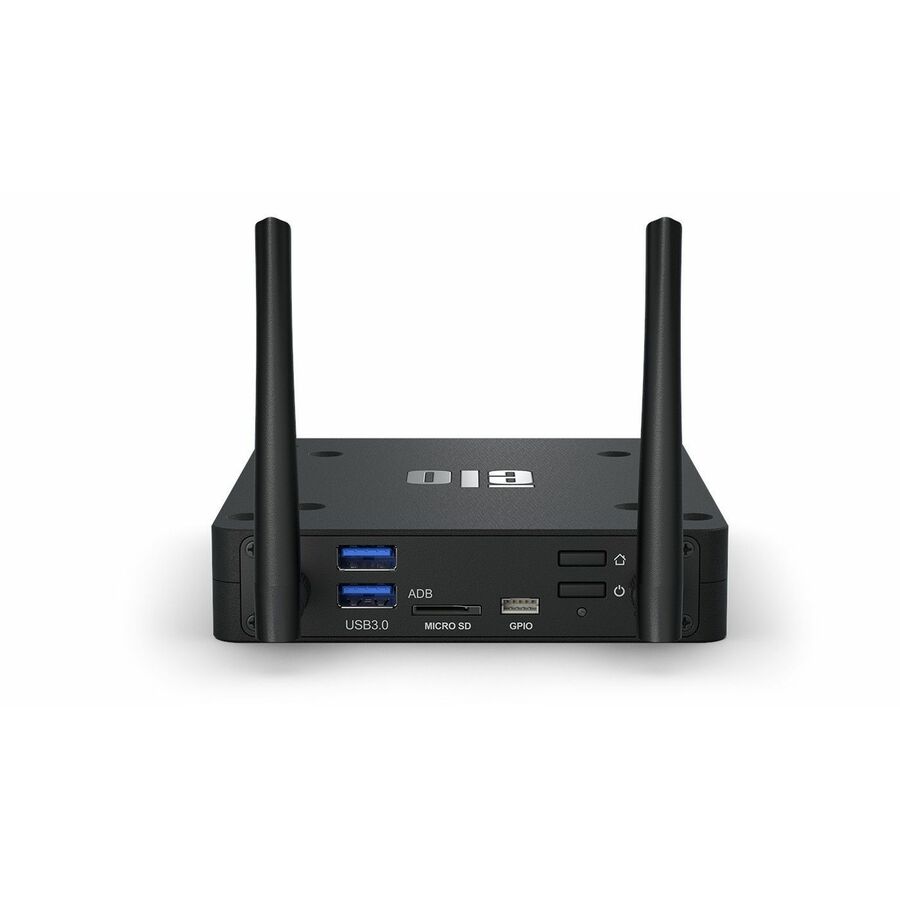
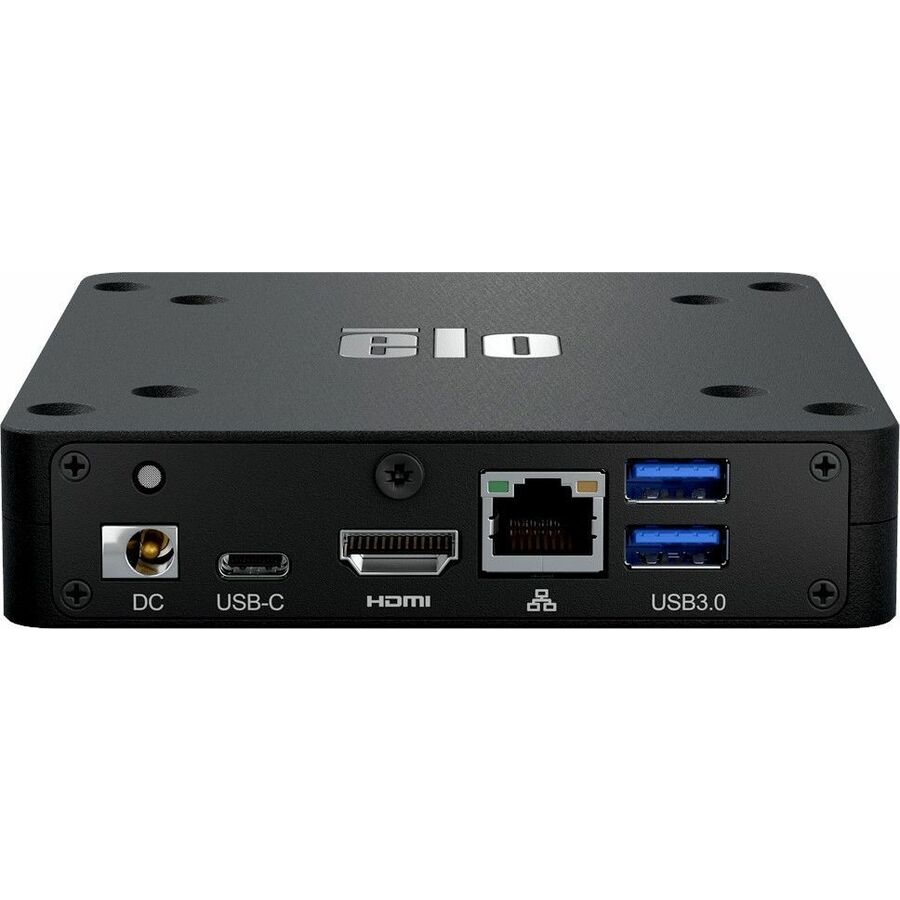
- Elo Touch SolutionsElo Backpack 4 E393359 Digital SIgnage Appliance - Snapdragon SDA660 2 GHz - 4 GB LPDDR4 - 1920 x 1080 - 1080p - HDMI - USB - Wireless LAN - Bluetooth - Ethernet - Android 10 - BlackE393359
$619.09
Back-orderedBack-ordered — estimated OEM lead time 3–8 weeks (Nov 15 – Dec 20 if ordered today).
- Elo Touch SolutionsElo Backpack 4 E792849 Digital Signage Appliance - Snapdragon SDA660 - 4 GB LPDDR4 - 2160p - HDMI - USB - Wireless LAN - Bluetooth - Ethernet - Android 12 - BlackE792849
$632.07
Back-orderedBack-ordered — estimated OEM lead time 3–8 weeks (Nov 15 – Dec 20 if ordered today).
- AOpenAOpen WB5116-W Digital Signage Appliance - Intel Core i3 - HDMI - USBEthernet - Windows 1190.WB700.6AH0
$655.23
Back-orderedBack-ordered — estimated OEM lead time 3–8 weeks (Nov 15 – Dec 20 if ordered today).
- Elo Touch SolutionsElo Backpack Digital Signage Appliance - RK3399 - 4 GB LPDDR4 - 3840 x 2160 - 4K UHD - 2160p - HDMI - USB - Wireless LAN - Bluetooth - Ethernet - Linux Debian 10 - BlackE143585
$664.51
Back-orderedBack-ordered — estimated OEM lead time 3–8 weeks (Nov 15 – Dec 20 if ordered today).
- AOpenAOpen WB5116-W Digital Signage Appliance - Intel Core i5 - HDMI - USBEthernet90.WB700.6AF0
$684.81
Back-orderedBack-ordered — estimated OEM lead time 3–8 weeks (Nov 15 – Dec 20 if ordered today).
- AOpenAOpen WB5116-W Digital Signage Appliance - Intel Core i3 - HDMI - USBEthernet - Windows 11 IoT Enterprise LTSC90.WB700.6AA0
$710.16
Back-orderedBack-ordered — estimated OEM lead time 3–8 weeks (Nov 15 – Dec 20 if ordered today).
- AOpenAOpen WB5116-W Digital Signage Appliance - Intel Core i5 - HDMI - USBEthernet - Windows 1190.WB700.6AJ0
$784.11
Back-orderedBack-ordered — estimated OEM lead time 3–8 weeks (Nov 15 – Dec 20 if ordered today).
- AOpenAOpen WB5116-W Digital Signage Appliance - Intel Core i3 - HDMI - USBEthernet90.WB700.6AS0
$809.12
Back-orderedBack-ordered — estimated OEM lead time 3–8 weeks (Nov 15 – Dec 20 if ordered today).
- AOpenAOpen DE6340-R2 Digital Signage Appliance - AMD Ryzen R2314 - 8 GB DDR4 SDRAM - 2160p - HDMI - USBEthernet91.DEL00.A7C0
$817.57
Back-orderedBack-ordered — estimated OEM lead time 3–8 weeks (Nov 15 – Dec 20 if ordered today).
- AOpenAOpen WB5116-W Digital Signage Appliance - Intel Core i5 - HDMI - USBEthernet - Windows 11 IoT Enterprise LTSC90.WB700.6AB0
$841.15
Back-orderedBack-ordered — estimated OEM lead time 3–8 weeks (Nov 15 – Dec 20 if ordered today).
- AOpenAOpen WB5116-W Digital Signage Appliance - Intel Core i5 - 8 GB DDR4 SDRAM - HDMI - USBEthernet90.WB700.6AR0
$866.11
Back-orderedBack-ordered — estimated OEM lead time 3–8 weeks (Nov 15 – Dec 20 if ordered today).
- Elo Touch SolutionsElo Backpack 5 E620713 Digital Signage Appliance - Qualcomm Snapdragon QCS6490 - 8 GB - 1080p, 2160p - HDMI - USB - Wireless LAN - Bluetooth - Ethernet - Android 14 - BlackE620713
$869.58
Back-orderedBack-ordered — we expect to receive stock the week of Oct 26 – Nov 1 and will process your delivery right after.
- AOpenAOpen WB5116-W Digital Signage Appliance - Intel Core i3 - 8 GB DDR4 SDRAM - 256 GB SSD - HDMI - USB - Wireless LAN - Ethernet - Windows 11 IoT Enterprise LTSC90.WB700.6AP0
$935.08
Back-orderedBack-ordered — estimated OEM lead time 3–8 weeks (Nov 15 – Dec 20 if ordered today).
- AOpenAOpen WB5116-W Digital Signage Appliance - Intel Core i3 - HDMI - USBEthernet - Windows 11 Pro90.WB700.6AC0
$954.74
Back-orderedBack-ordered — estimated OEM lead time 3–8 weeks (Nov 15 – Dec 20 if ordered today).




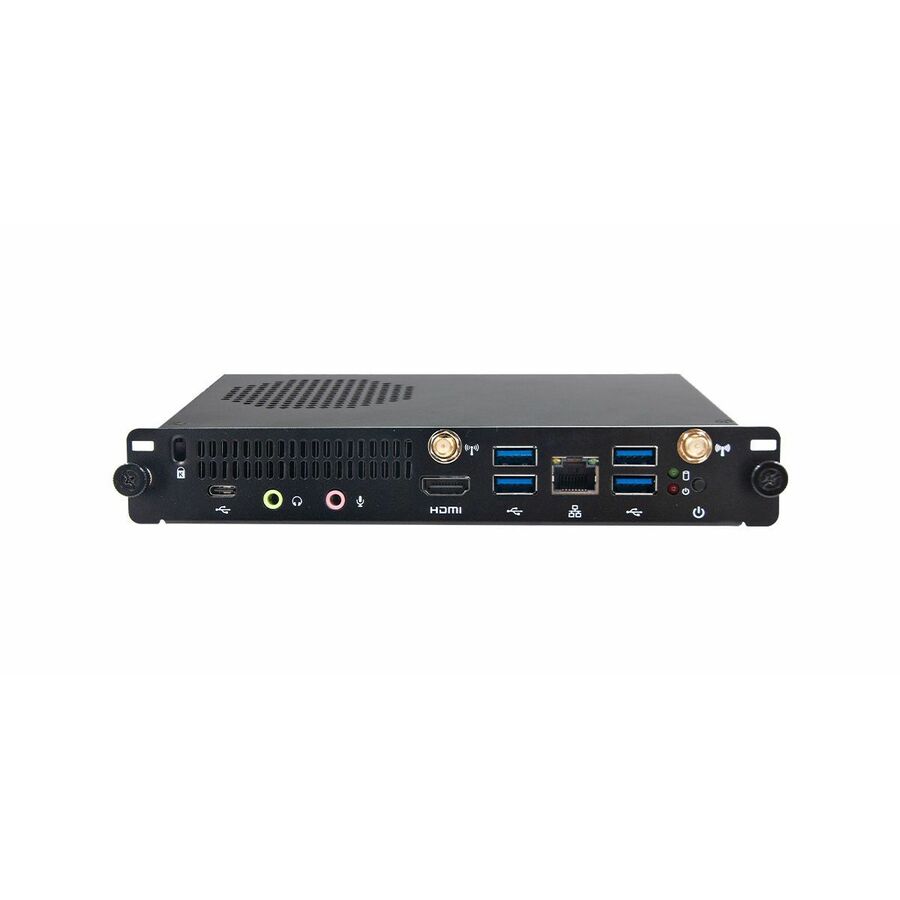
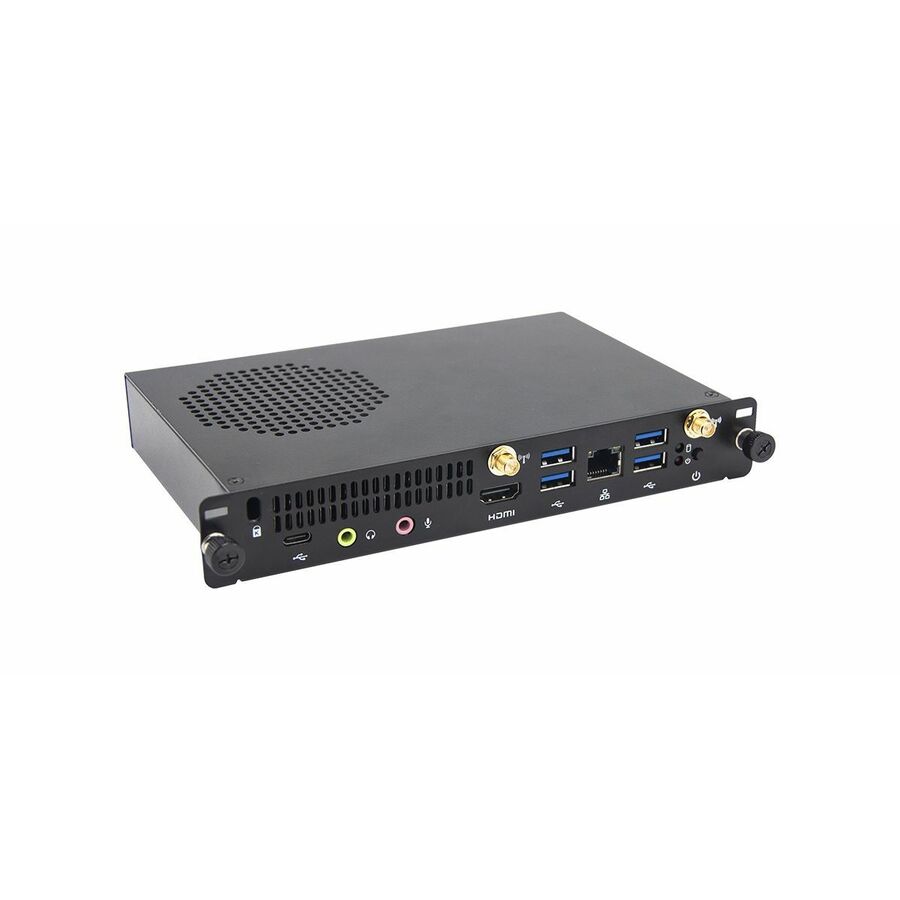
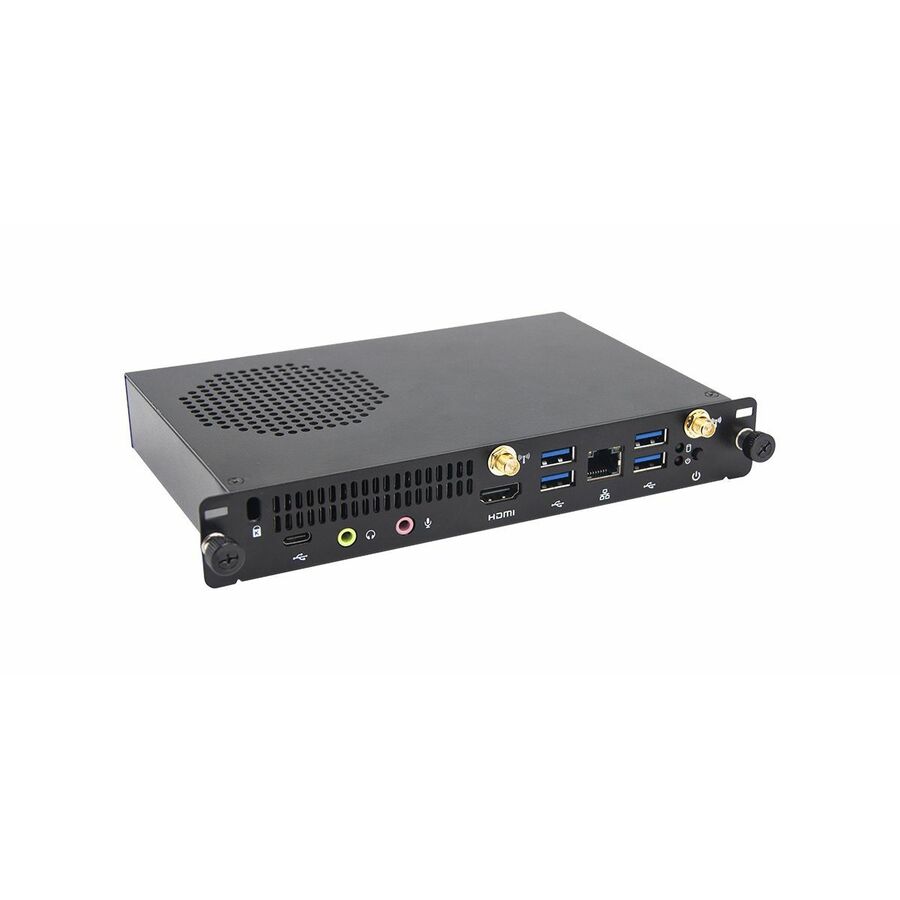
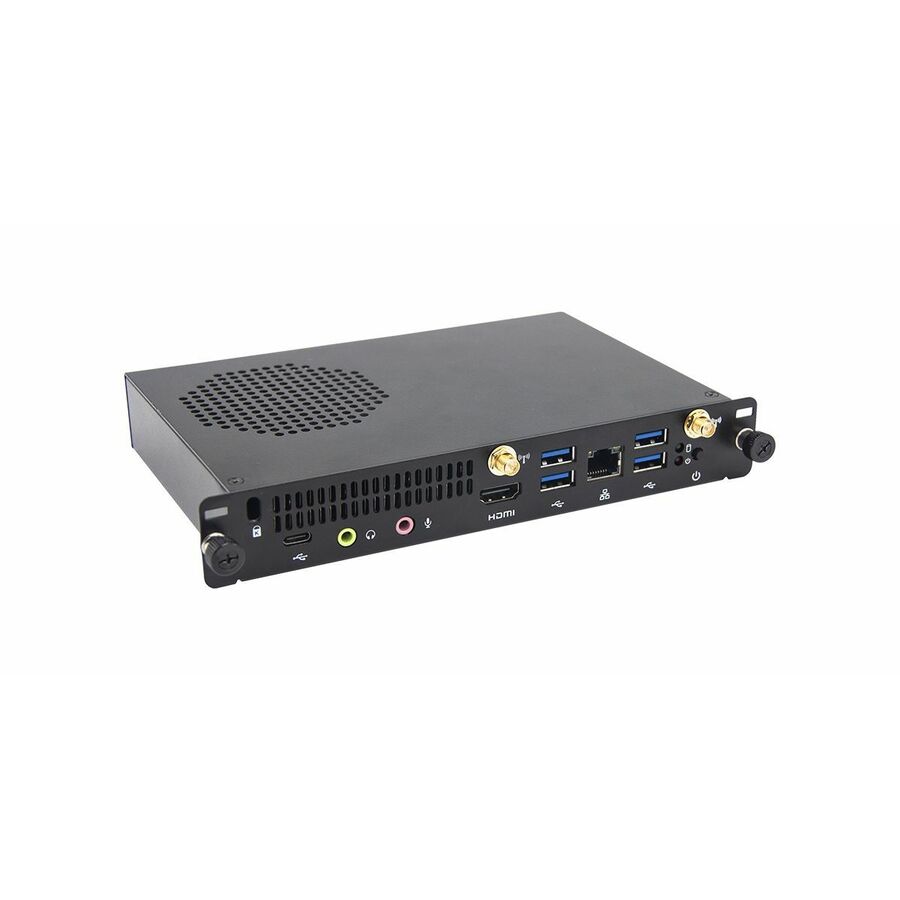
ARM entry player
Advantech
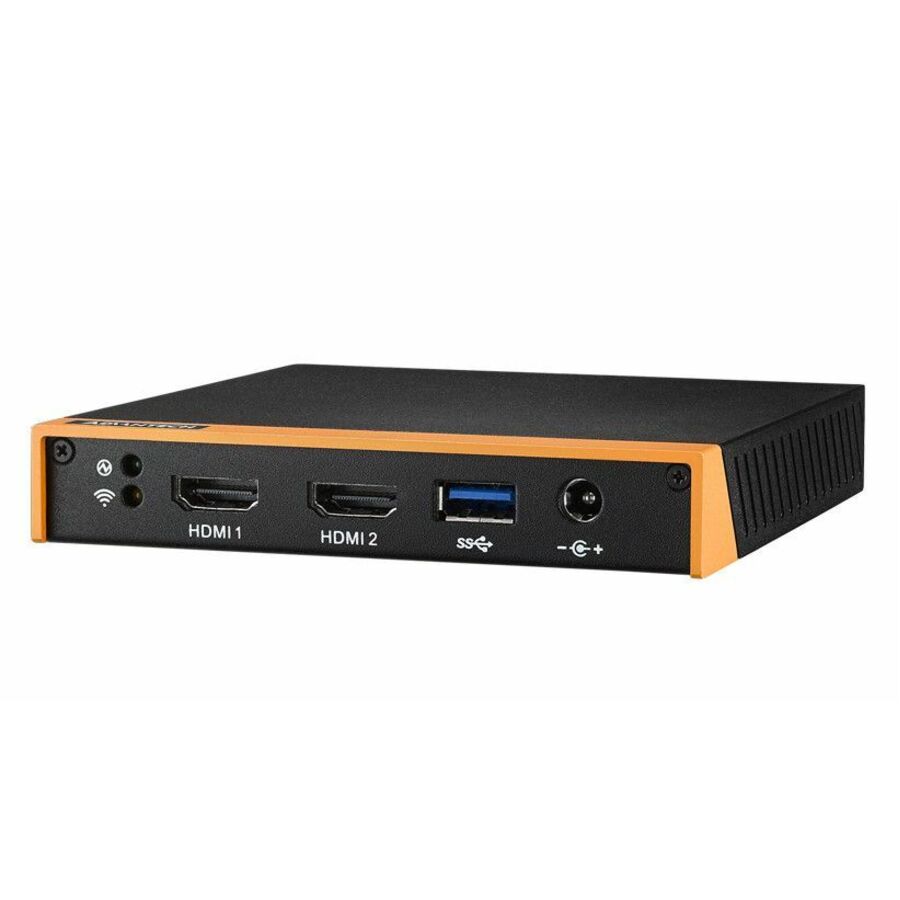
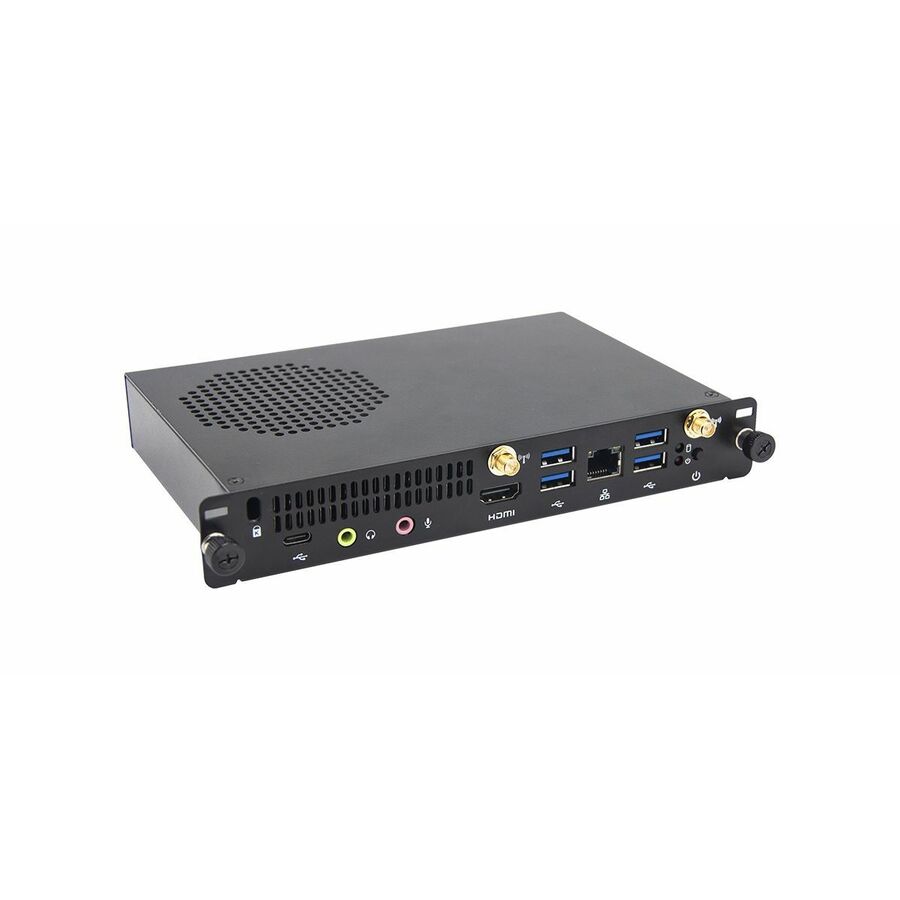
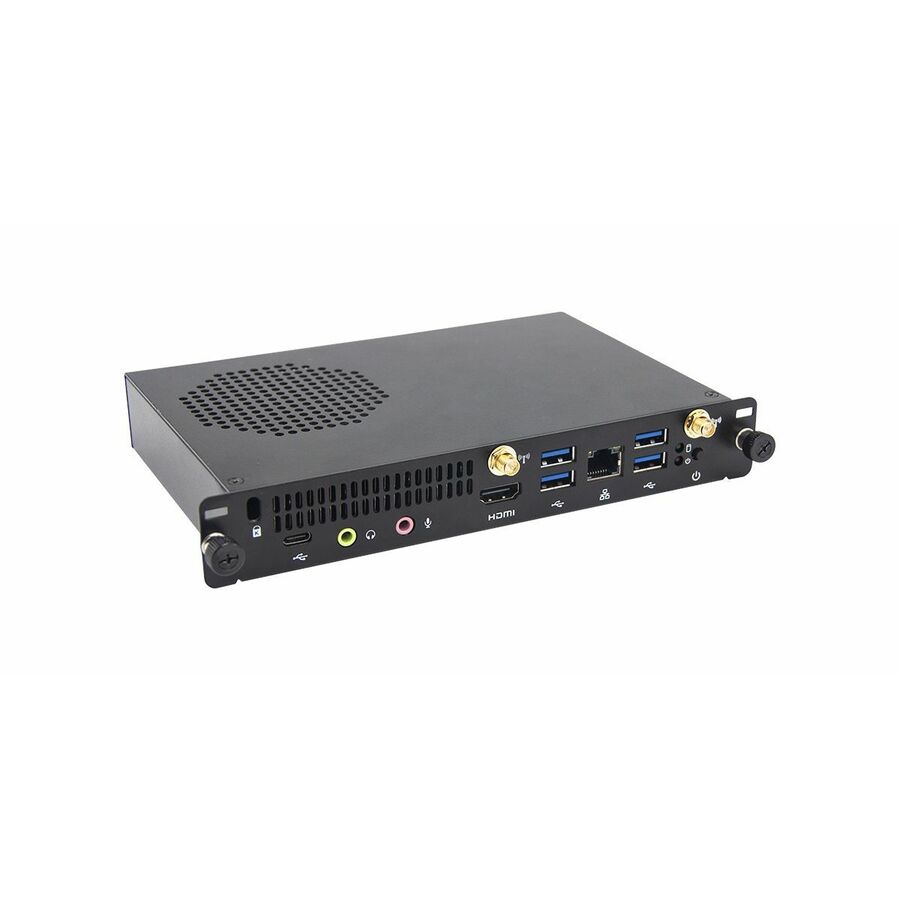
Advantech DS-100 Lite Digital Signage Appliance
DS-100GL-S8A1E
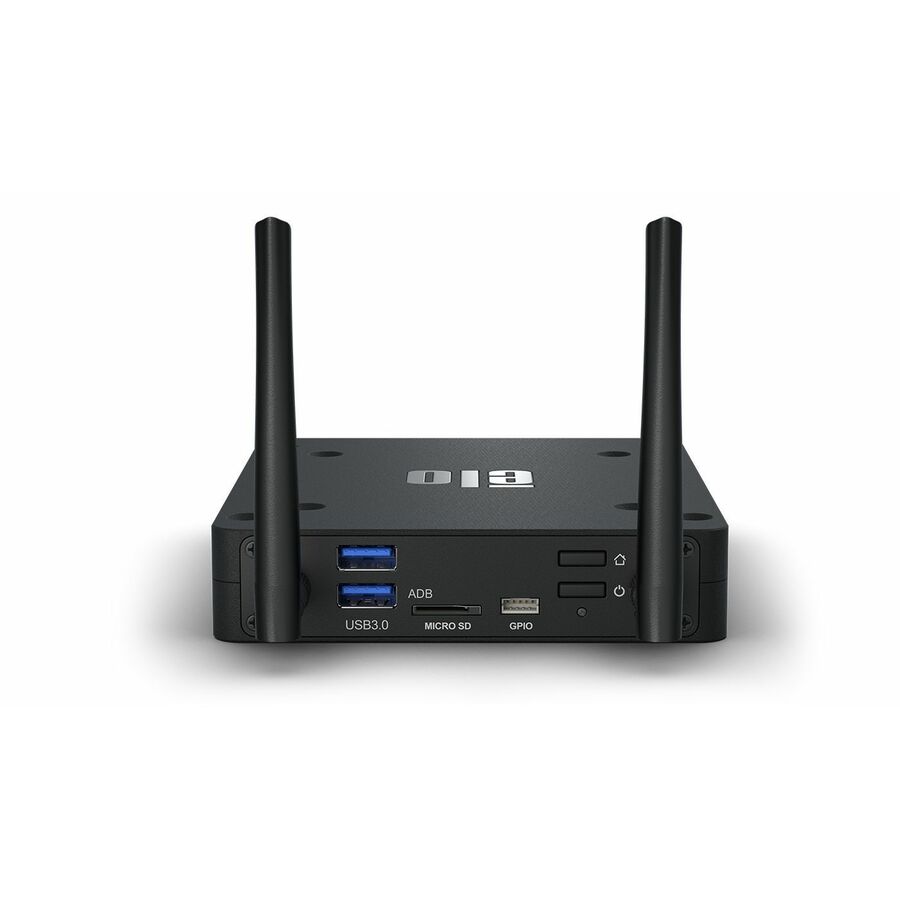
Advantech's DS-100 Lite on a Cortex-A53 with 2 GB of memory, HDMI out, Wi-Fi and Ethernet — the small fanless box for a fixed playlist on a single screen.
$382.09Back-orderedFanless x86 player
Advantech
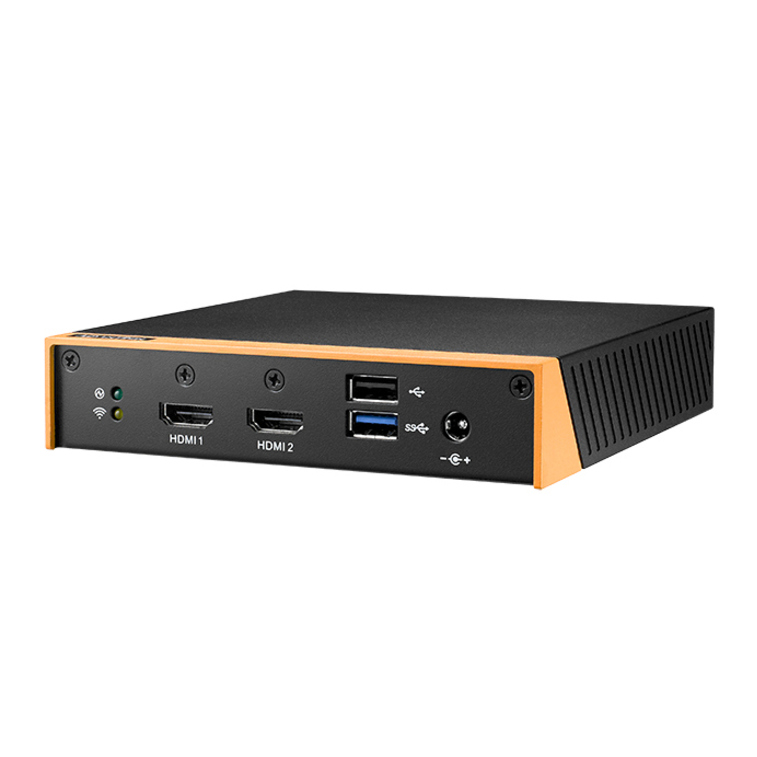
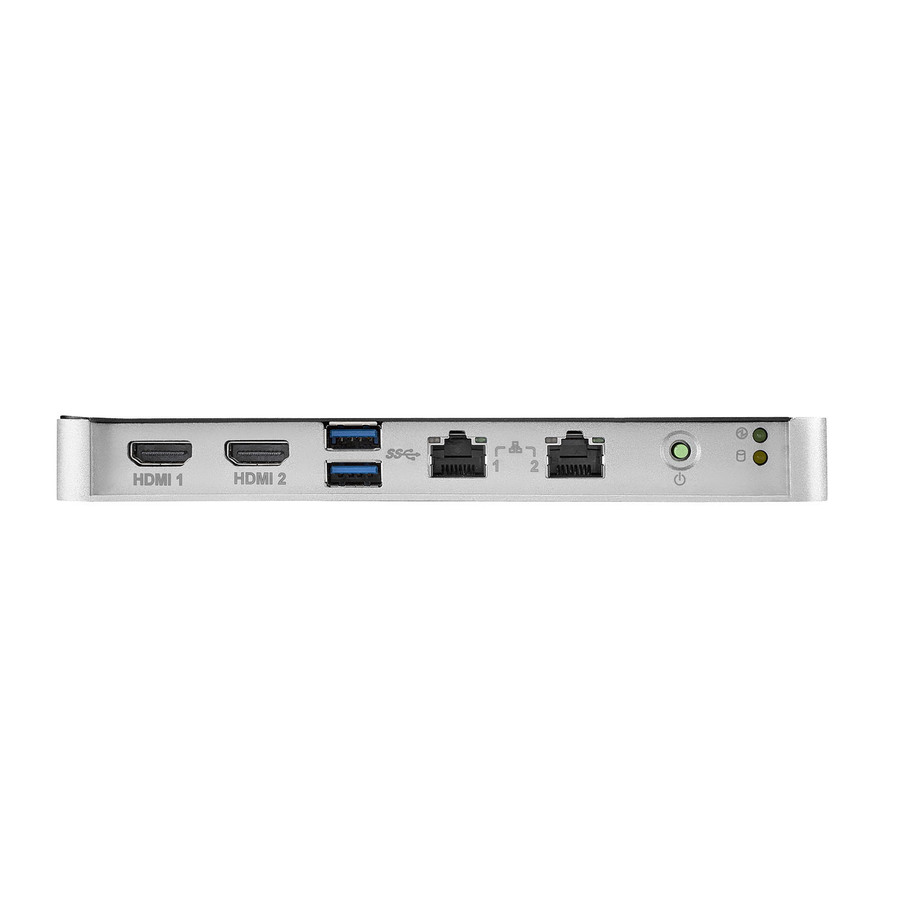
Advantech DS-081 Ultra-slim Fanless Digital Signage Player
DS-081GB-U1A1E
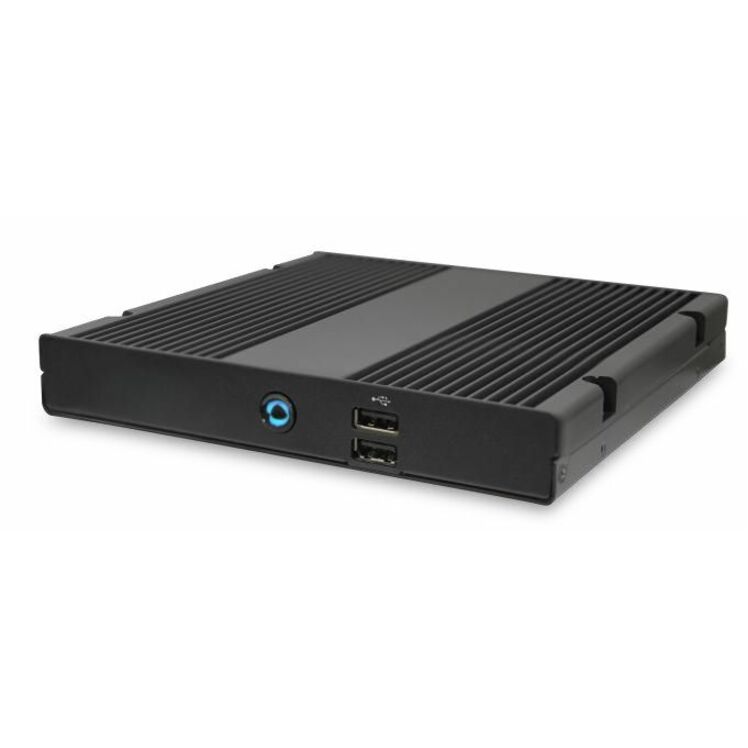
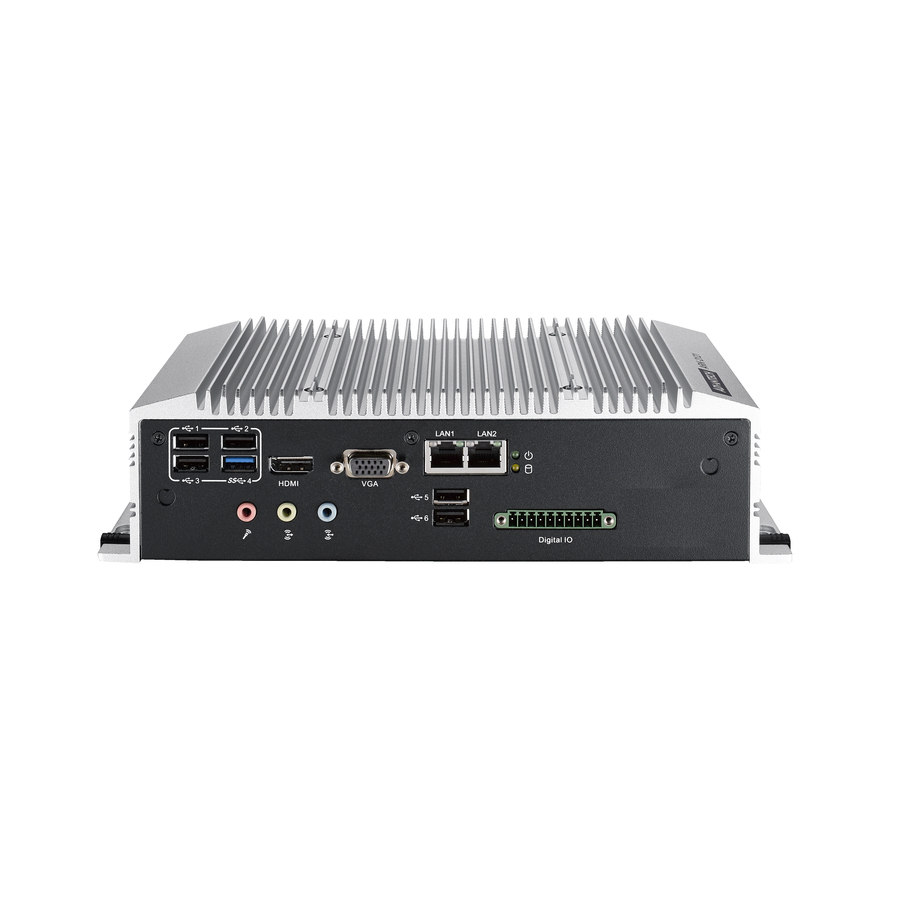
An ultra-slim fanless Celeron signage player with 32 GB of onboard storage and HDMI, USB, serial and Ethernet — an x86 box with no moving parts for a sealed enclosure.
Titled a signage player rather than an appliance, so it sits outside the grid's own phrase; it is the same class of device.
$476.97Back-ordered3–4 display player
Advantech
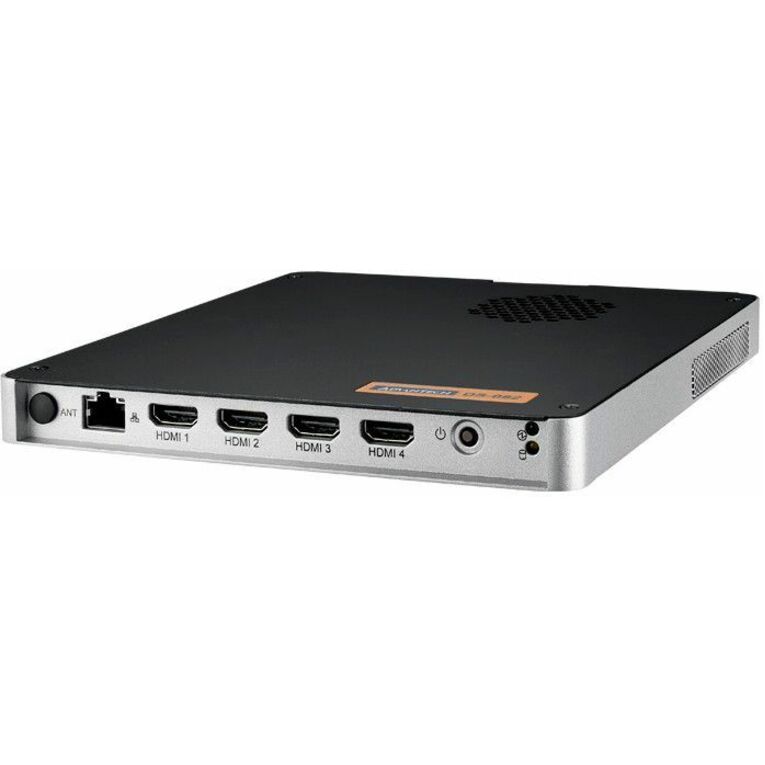
Advantech DS-082 Ultra-slim 3/4 Display Digital Signage Player
DS-082GBF-U0A1E
Advantech's DS-082 on a Ryzen V1605B with 32 GB of DDR4 and 2160p output across three or four displays, listed for Windows 10 and Linux — the row for a multi-screen wall driven from one box.
$931.87Back-ordered4K Ryzen player
AOpen
AOpen DE6340-R2 Digital Signage Appliance
91.DEL00.A7C0
AOpen's DE6340-R2 on an AMD Ryzen R2314 with 8 GB of DDR4 and 2160p output — the mid-range x86 appliance for 4K content and a browser-based or agent-driven CMS.
$817.57Back-ordered8K HDR player
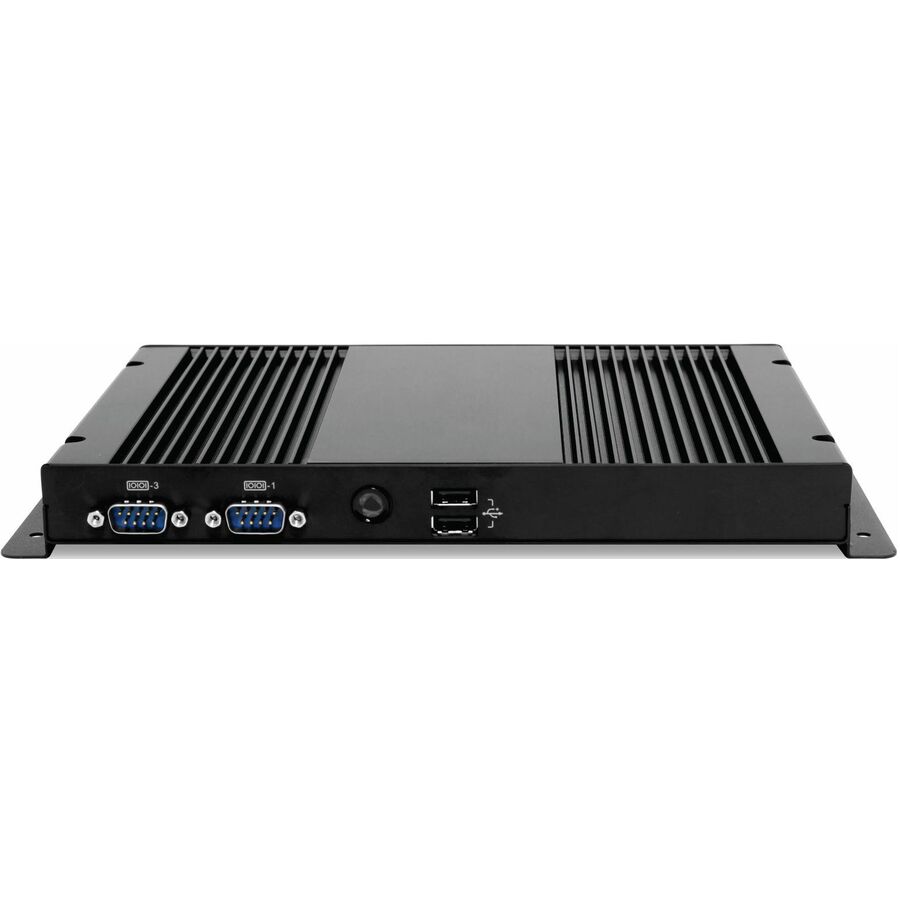
AOpen
AOpen DEX5750 Digital Signage Appliance
91.DEP00.A5D0
AOpen's DEX5750 on a Core i5 with high dynamic range and 7680 x 4320 output, plus HDMI, USB, serial, Wi-Fi and Ethernet on Windows 10 — the top of this page for canvas size.
An 8K output is for a large stitched canvas or a multi-panel wall; a single screen does not need it.
$1,007.52Back-ordered4K Android player
Elo Touch Solutions
Elo Backpack 4 E393754 Digital Signage Appliance
E393754
Elo's Backpack 4 on an RK3399 with 4 GB of LPDDR4 and 3840 x 2160 output on Android 10, with HDMI, USB, Wi-Fi, Bluetooth and Ethernet — a compact 4K Android appliance.
$632.07In stockAndroid 14 player
Elo Touch Solutions
Elo Backpack 5 E620713 Digital Signage Appliance
E620713
Elo's Backpack 5 on a Qualcomm Snapdragon QCS6490 with 8 GB of memory, 1080p and 2160p output and Android 14 — the newest Android platform on this page and the one with the longest runway.
$869.58Back-ordered4K PoE player
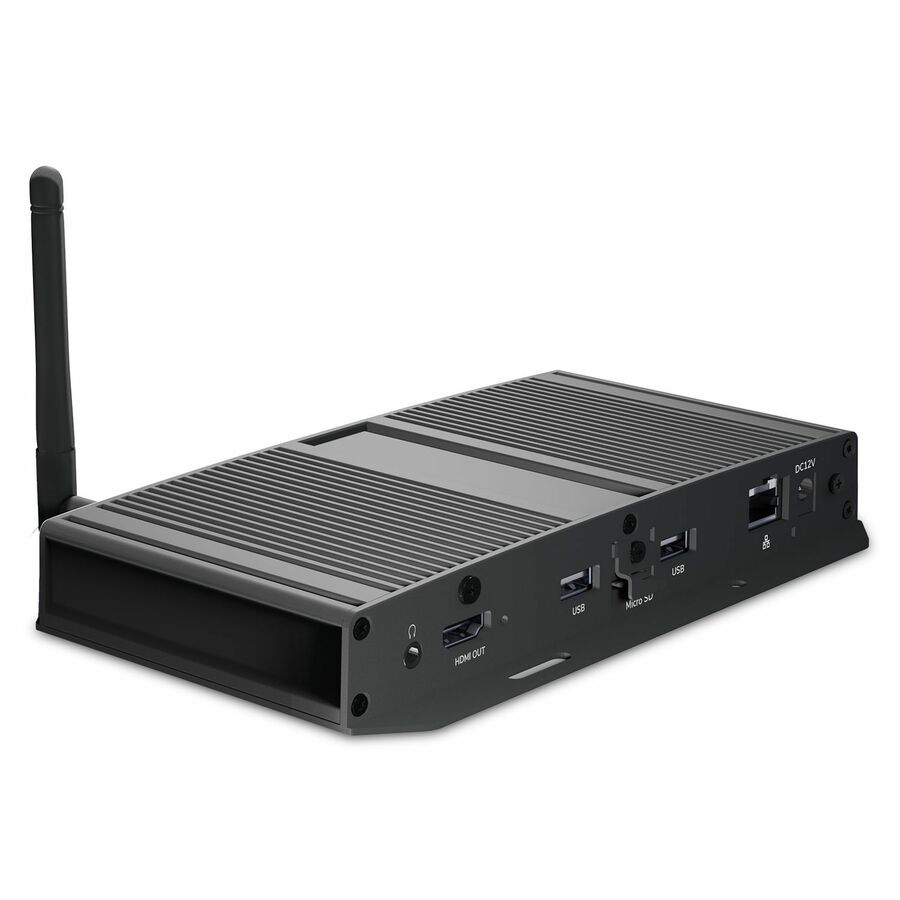
ViewSonic
ViewSonic NMP599-W-2 4K UHD Network Media Player, Android 12, Gigabit…
NMP599-W-2
ViewSonic's NMP599-W-2 on Android 12 with 16 GB of storage, HDMI 2.0 out, dual USB, microSD and audio out — and Gigabit LAN with PoE, so one cable can carry both content and power.
Titled a network media player, so it sits outside the grid's own phrase. Listed with a Signage Manager CMS license.
$461.03In stockViewBoard OPS module
ViewSonic
ViewSonic ViewBoard VPC2C-W33-O1-1B Digital Signage Appliance
VPC2C-W33-O1-1B
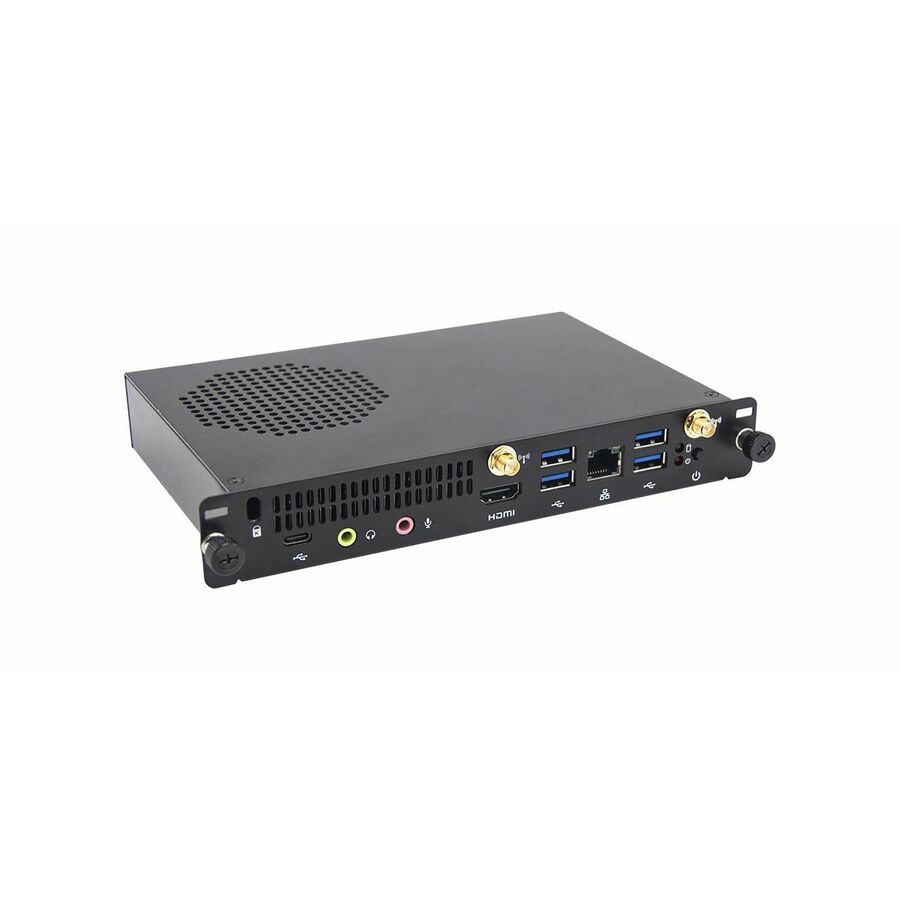
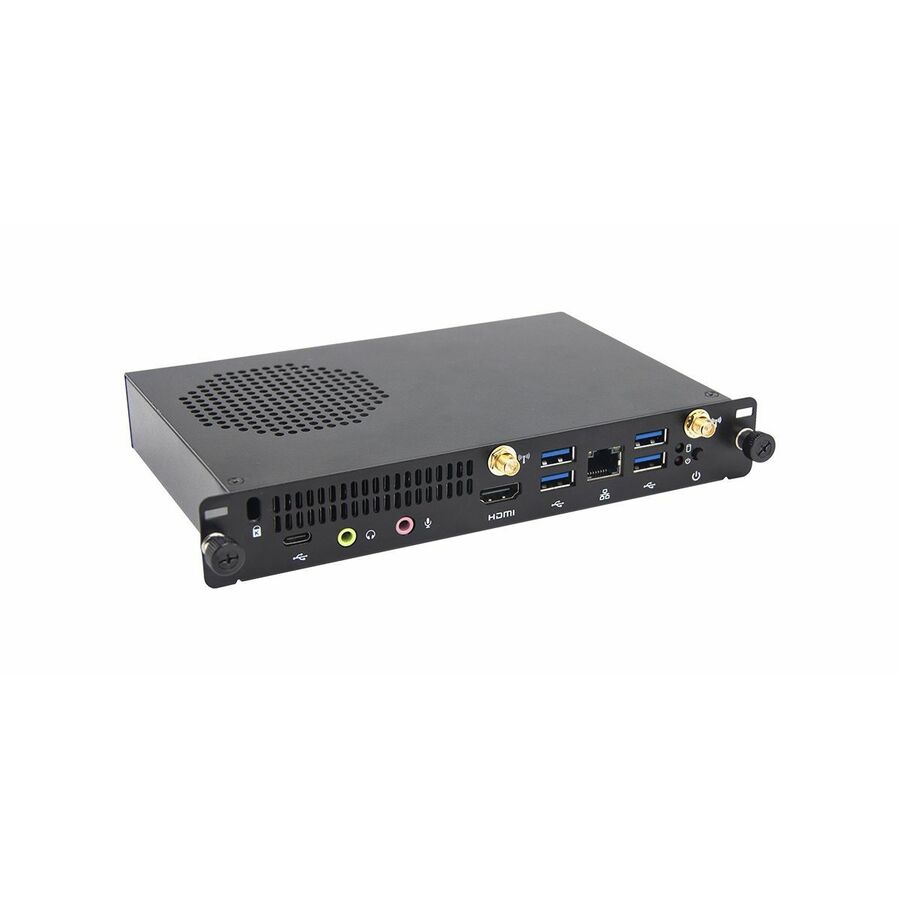
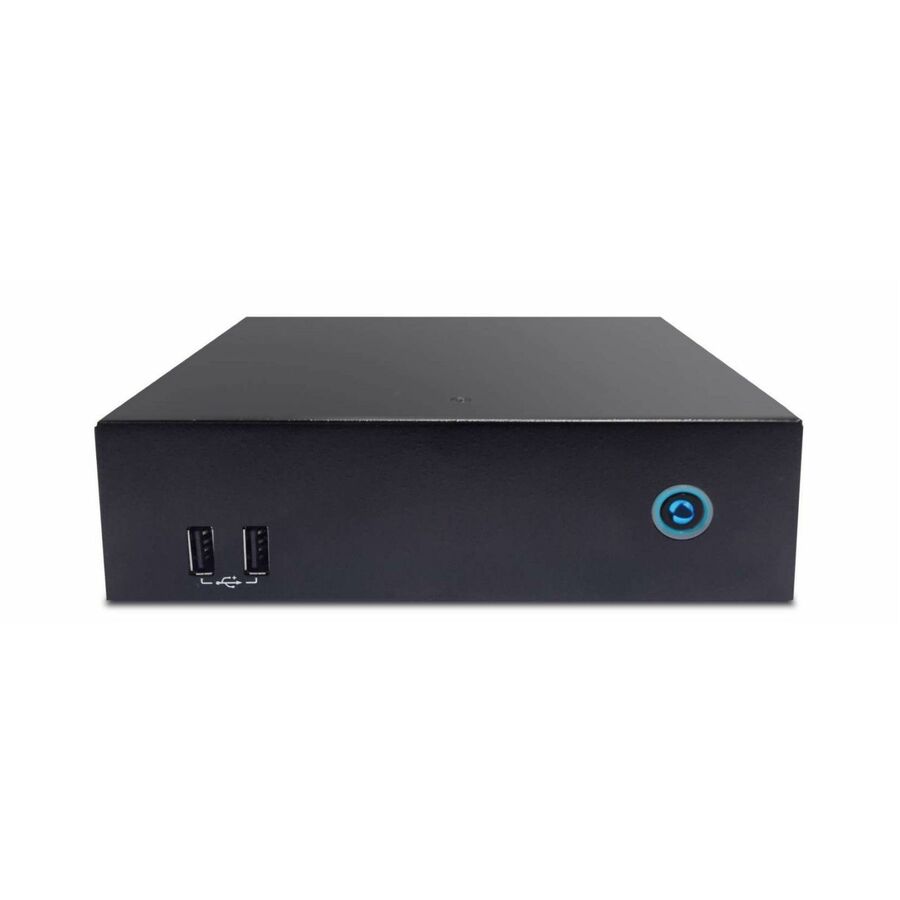
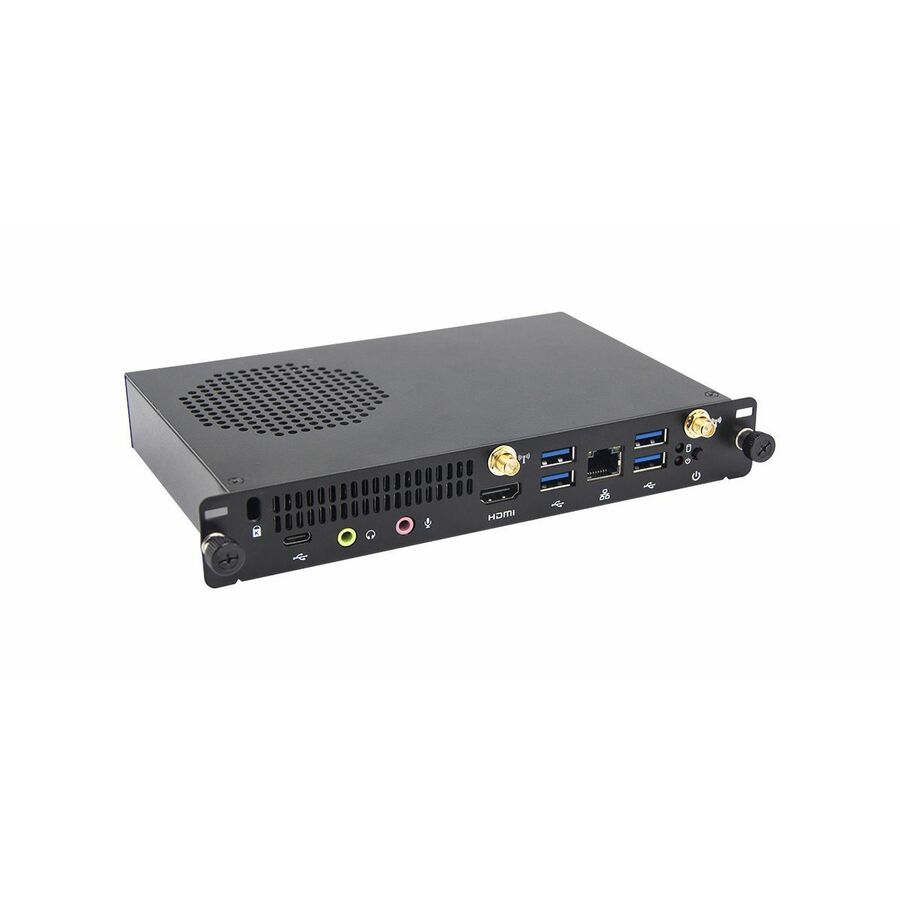
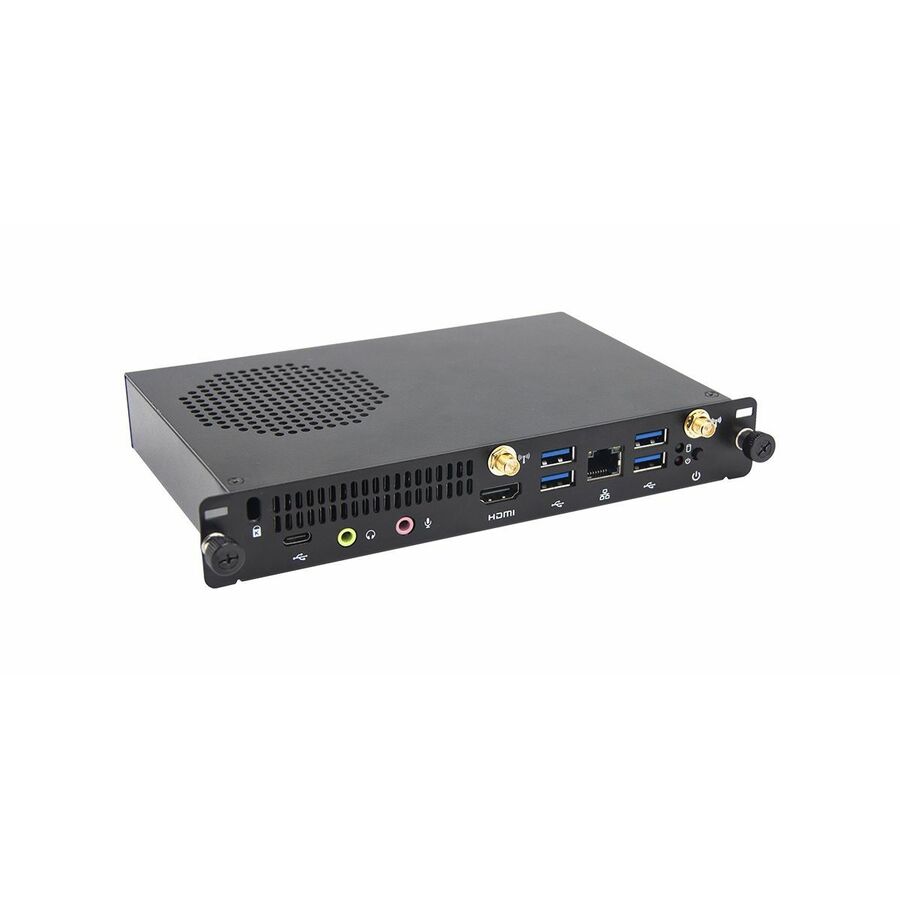
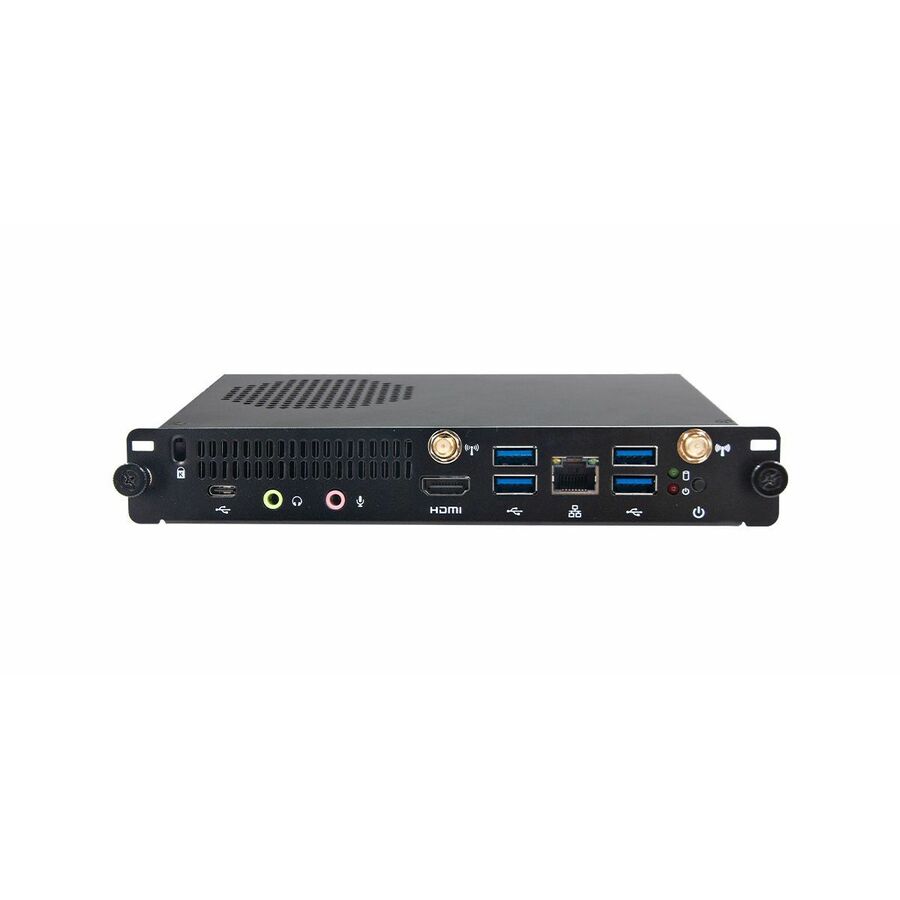
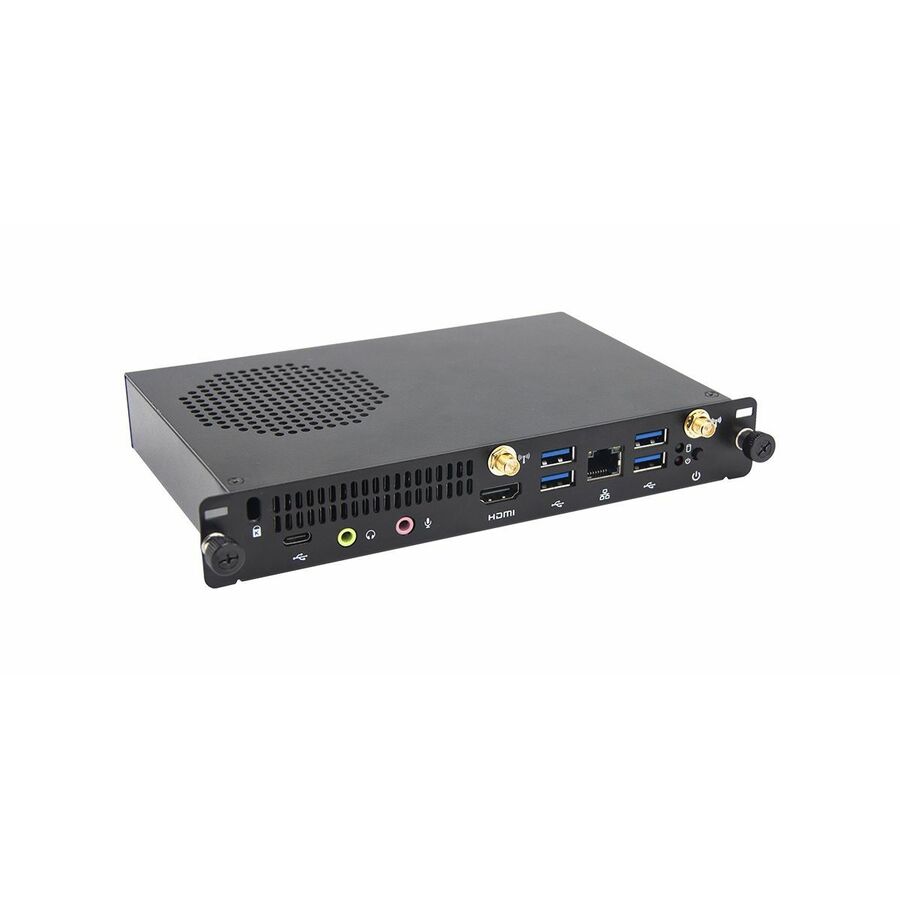
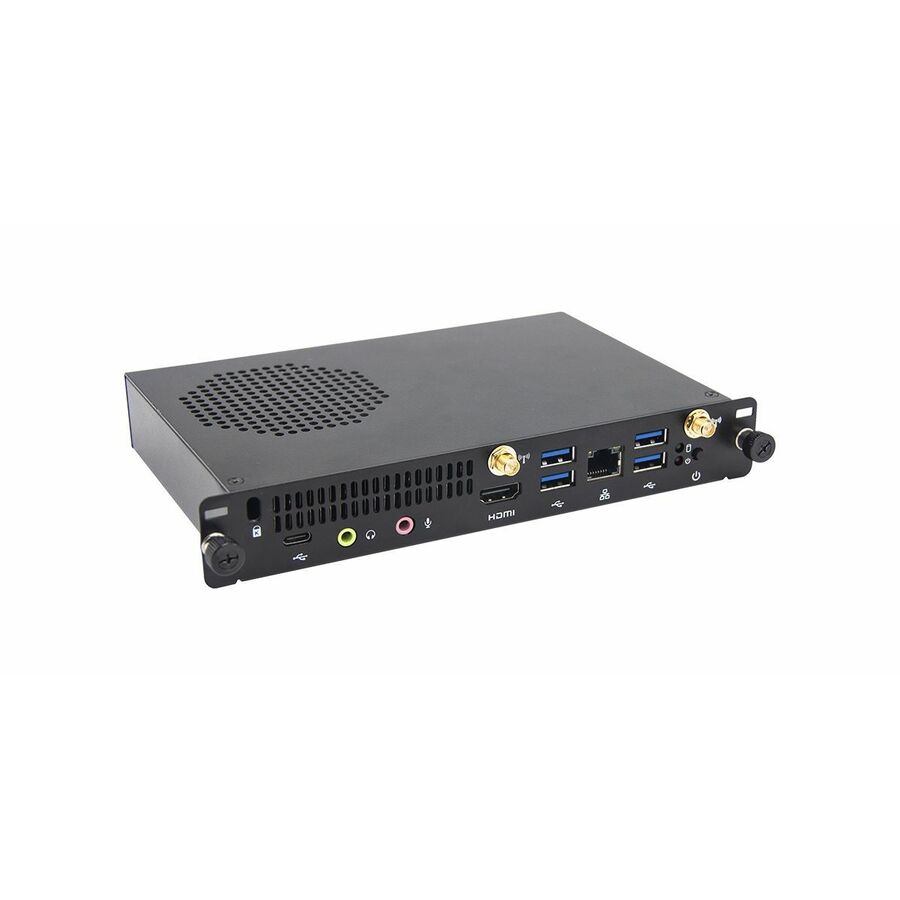
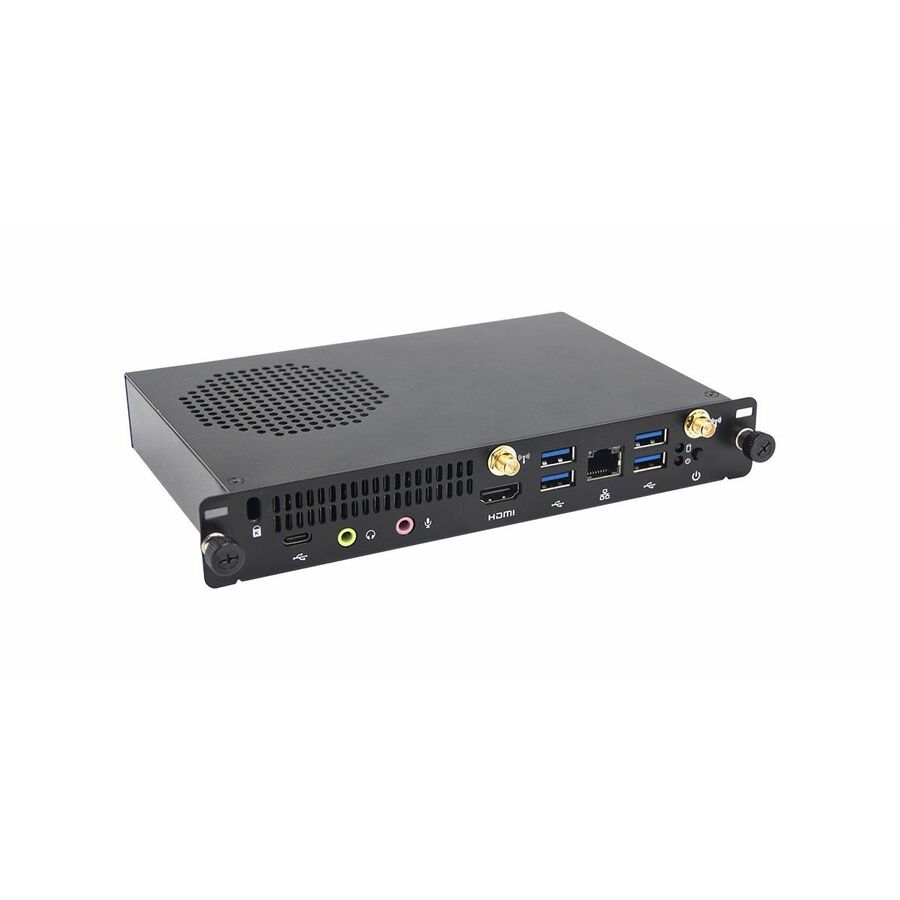
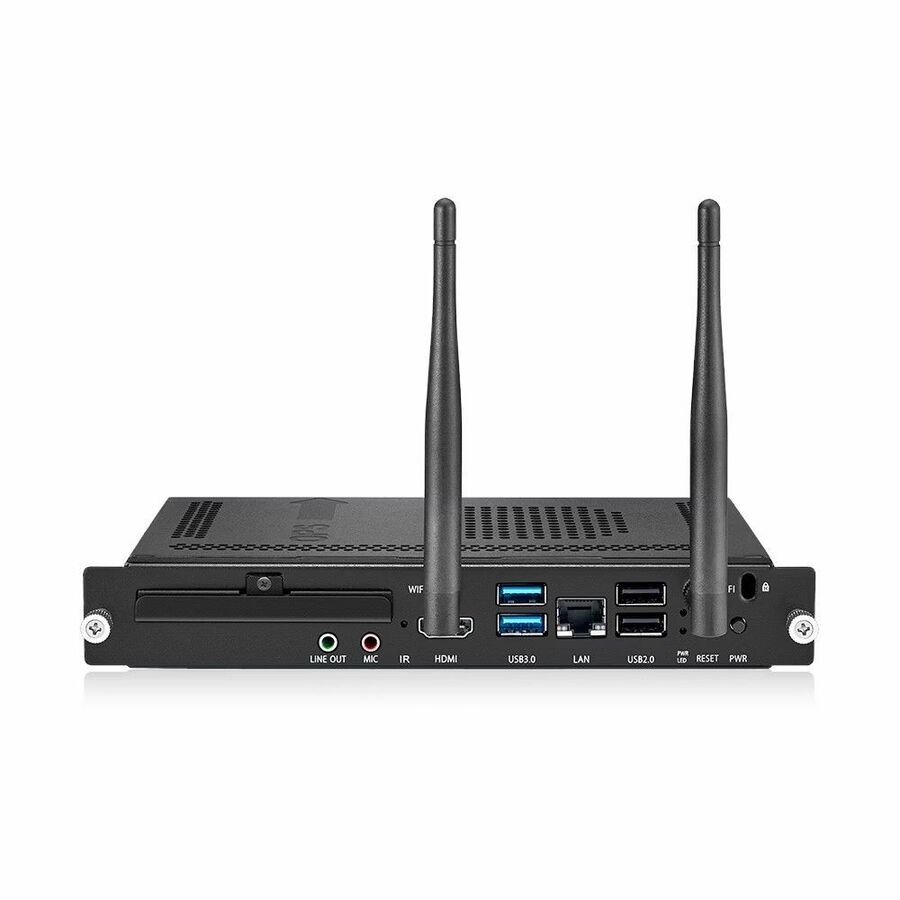
ViewSonic's ViewBoard VPC2C slot-in appliance — a player that lives in the display's own OPS bay instead of behind it, removing the external box and its power brick.
Slot-in modules are tied to the panel's own bay; confirm the slot on the exact display model before ordering.
$794.93In stock4K standalone player
Delta Electronics
Vivitek NovoDS4K DS310 Digital Signage Appliance
DS310
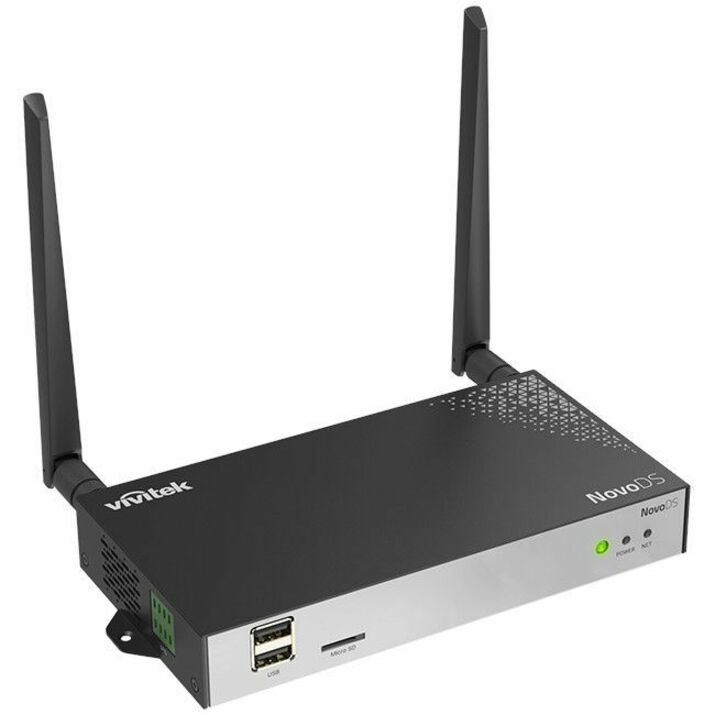
Vivitek's NovoDS4K DS310 with 4 GB of memory and 2160p output on Android 11, with HDMI, USB, serial, Wi-Fi, Bluetooth and Ethernet — a self-contained 4K appliance for a single screen or a small estate.
$558.43Back-orderedOPS Core i7 player
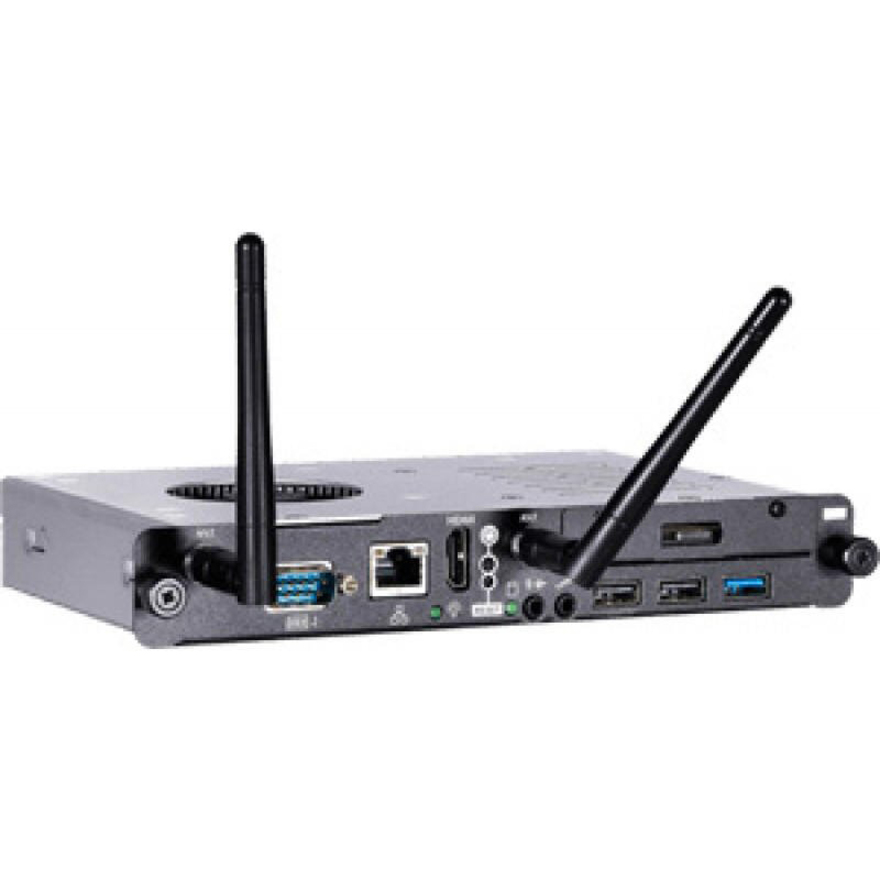
BenQ
BenQ OPS IE10004 Digital Signage Appliance
5J.F4R11.031
BenQ's IE10004 OPS appliance on a Core i7-7500U with 8 GB of DDR4 and a 128 GB SSD, plus HDMI, USB, Wi-Fi and Ethernet — the highest-powered slot-in module here for an interactive or application-driven sign.
$1,206.17Back-orderedTAA-titled 15-zone
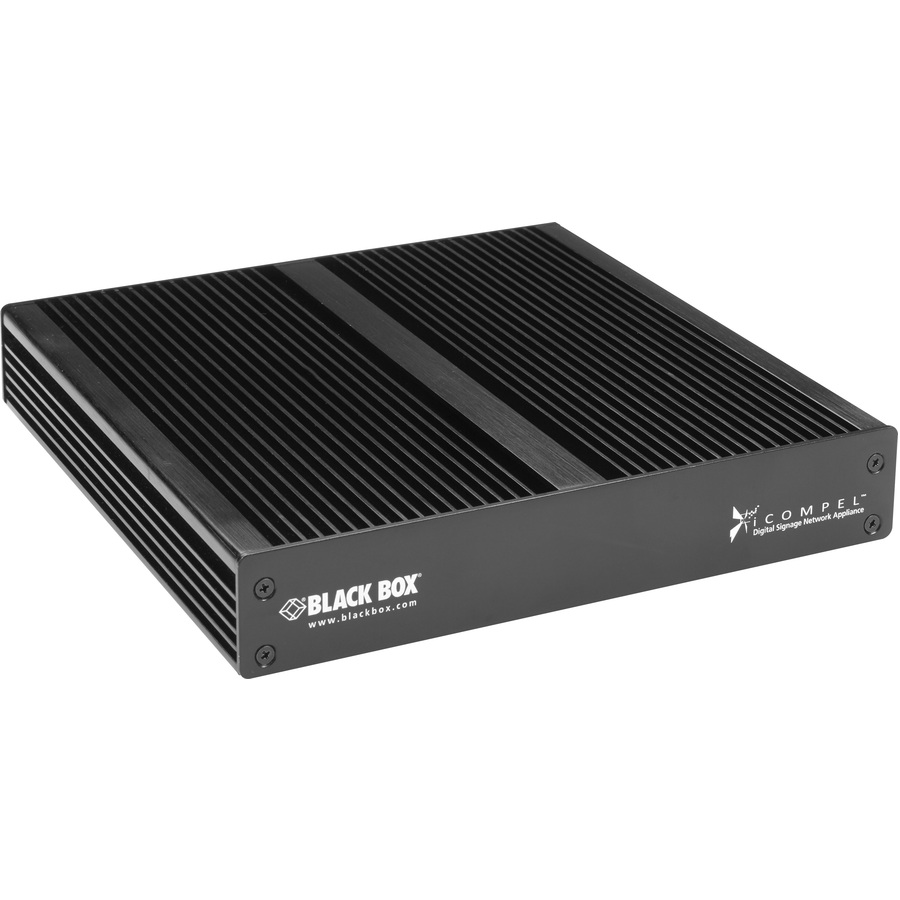
Black Box
Black Box iCompel Digital Signage 4K 15-Zone Media Player
ICPS-VE-SU-N
Black Box's iCompel 4K 15-zone player on a Core i3 with 4 GB of memory and a 128 GB SSD, with HDMI, DVI, USB and Ethernet — built for layouts that split one screen into many independently scheduled zones.
Titled TAA Compliant by the manufacturer — a per-part designation, never a family rule.
$3,107.45*In stockWindows 11 OPS module
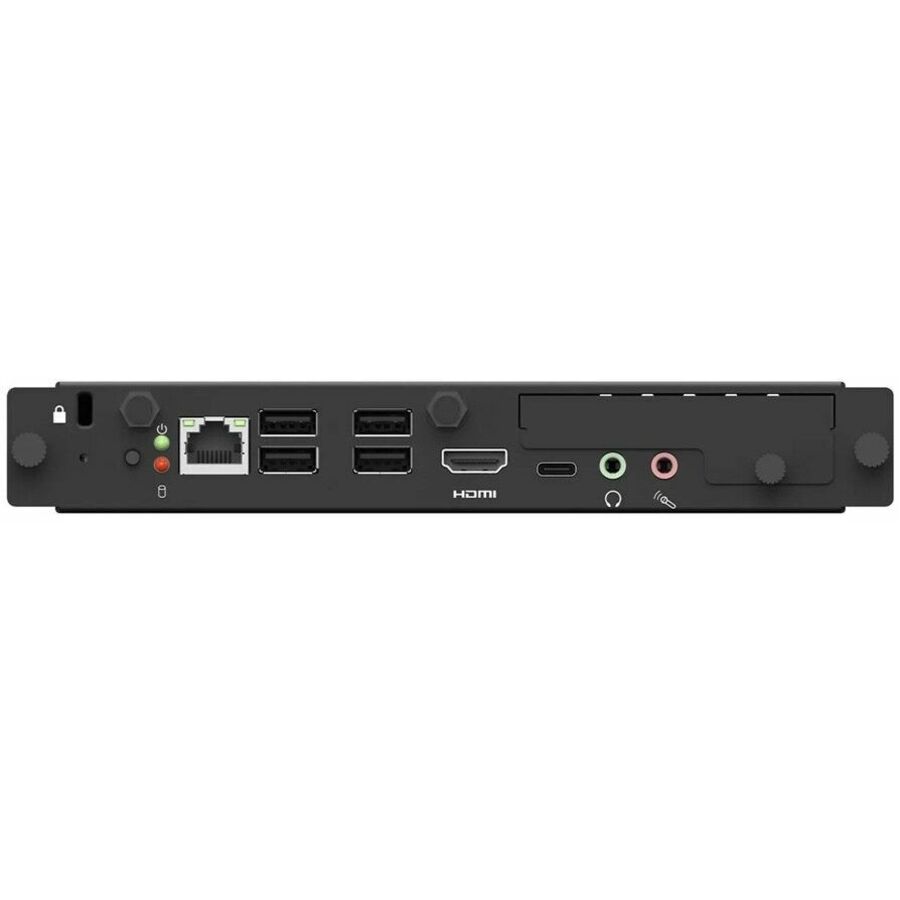
LG Electronics
LG Windows 11 Pro OPS Slot-In Device
OPSP-5LENA
LG's Windows 11 Pro OPS slot-in device with a 256 GB SSD, Wi-Fi, Bluetooth and Ethernet — a full Windows endpoint inside the panel for signs that run desktop software rather than a playlist.
$1,700.00Back-orderedMore digital signage systems in the Uniqcli catalog
See all 1,751 digital signage systemsMore from across this category. In-stock lines lead, and a back-ordered line carries the same estimated availability its product page does — with live pricing throughout, NDAA §889 screening before checkout and TAA verified on request.
- LG ElectronicsLG LCLY006U Digital Signage Appliance - HDMI - USB - DVIEthernetLCLY006U
$20,435.00
$17,369.75
Back-orderedBack-ordered — estimated OEM lead time 3–8 weeks (Nov 15 – Dec 20 if ordered today).
- LG ElectronicsLG LCIN009 Digital Signage Appliance - HDMI - USB - DVIEthernetLCIN009
$3,832.00
$3,257.20
Back-orderedBack-ordered — estimated OEM lead time 3–8 weeks (Nov 15 – Dec 20 if ordered today).
- SamsungSamsung SBB-CS4BPGS Digital Signage Appliance - High Dynamic Range (HDR) - 2160pSBB-CS4BPGS/GO
$3,720.00
$3,258.22
Back-orderedBack-ordered — estimated OEM lead time 3–8 weeks (Nov 15 – Dec 20 if ordered today).
- LG ElectronicsLG LCIN007 Digital Signage Appliance - 1920 x 1200 - HDMI - USB - DVI - SerialEthernetLCIN007
$2,298.00
$1,953.30
Back-orderedBack-ordered — estimated OEM lead time 3–8 weeks (Nov 15 – Dec 20 if ordered today).
- LG ElectronicsLG LCLY006HD Digital Signage Appliance - HDMI - USB - DVIEthernetLCLY006HD
$1,810.00
$1,538.50
Back-orderedBack-ordered — estimated OEM lead time 3–8 weeks (Nov 15 – Dec 20 if ordered today).
- Elo Touch SolutionsELO Backpack E345966 Digital Signage Appliance - Intel Core i3 N355 3.90 GHz - 16 GB DDR5 SDRAM - 256 GB SSD - HDMI - USB - Wireless LAN - Bluetooth - Ethernet - BlackE345966
$1,692.42
Back-orderedBack-ordered — estimated OEM lead time 3–8 weeks (Nov 15 – Dec 20 if ordered today).
- AVer InformationAVer Digital Signage Appliance - Core i5 2.20 GHz - 8 GB - 128 GB SSD - HDMI - USBEthernetIFI5OPS4K
$1,557.44
Back-orderedBack-ordered — estimated OEM lead time 3–8 weeks (Nov 15 – Dec 20 if ordered today).
- AdvantechAdvantech DS-780GB-U4A1E Digital Signage Appliance - Core i5 - HDMI - USB - SerialEthernetDS-780GB-U4A1E
$1,318.49
Back-orderedBack-ordered — estimated OEM lead time 3–8 weeks (Nov 15 – Dec 20 if ordered today).
- AOpenAOpen DEX5550-W Digital Signage Appliance - 24 Hours/7 Days Operation - Intel Core i5 i5-7300U - 4 GB DDR4 SDRAM - HDMI - USBEthernet - Windows 10 IoT791.DEK00.1020
$1,311.20
Back-orderedBack-ordered — estimated OEM lead time 3–8 weeks (Nov 15 – Dec 20 if ordered today).
- BenQBenQ OPS IE10004 Digital Signage Appliance - Core i7 i7-7500U 2.70 GHz - 8 GB DDR4 SDRAM - 128 GB SSD - HDMI - USB - Wireless LAN - Ethernet - Black5J.F4R11.031
$1,206.17
Back-orderedBack-ordered — estimated OEM lead time 3–8 weeks (Nov 15 – Dec 20 if ordered today).
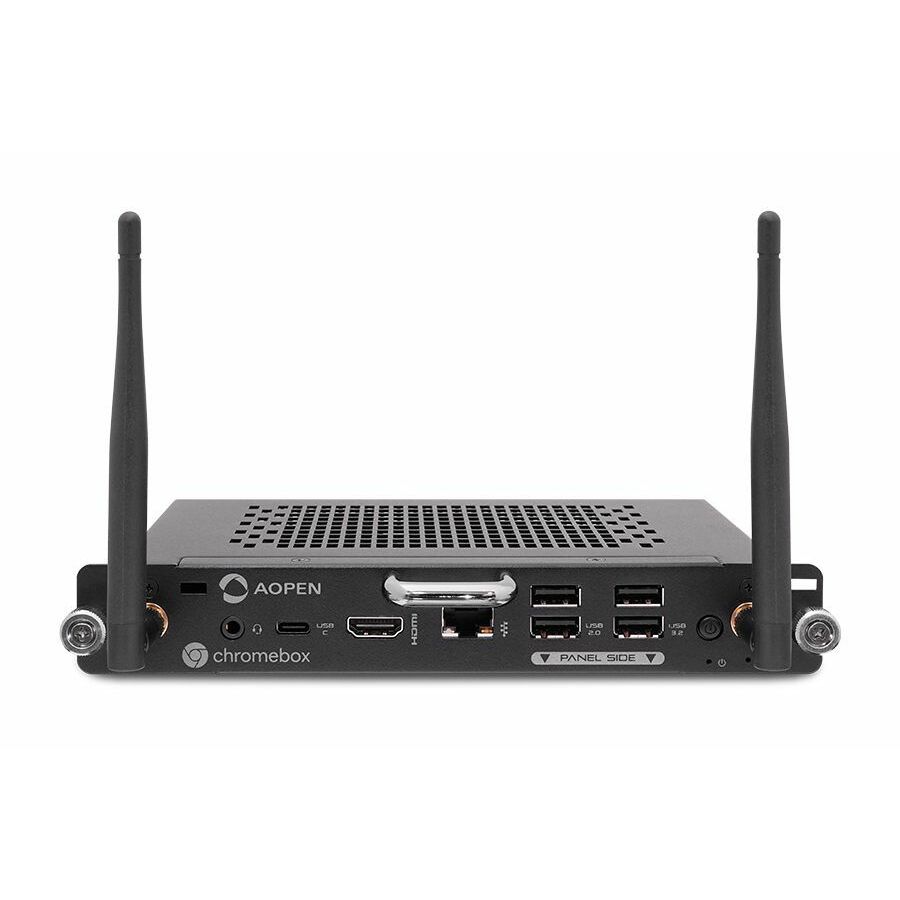
- AOpenAOpen Chromebox OPS Digital Signage Appliance - Intel Core i3 - 8 GB DDR4 SDRAM - 256 GB SSD - 2160p - HDMI - USB - Wireless LAN - Bluetooth - Ethernet - ChromeOS91.BP100.GP21
$1,188.98
Back-orderedBack-ordered — estimated OEM lead time 3–8 weeks (Nov 15 – Dec 20 if ordered today).
- AdvantechAdvantech DS-200 DS-200GB-U5A1E Digital Signage Appliance - Intel i5-8400H - 32 GB DDR4 SDRAM - 2160p - HDMI - USB - Serial - Wireless LAN - Ethernet - Windows 10DS-200GB-U5A1E
$1,167.60
Back-orderedBack-ordered — estimated OEM lead time 3–8 weeks (Nov 15 – Dec 20 if ordered today).
- AOpenAOpen WB5116-W Digital Signage Appliance - Intel Core i5 - 8 GB DDR4 SDRAM - 256 GB SSD - HDMI - USB - Wireless LAN - Ethernet - Windows 11 Pro90.WB700.6AL0
$1,165.37
Back-orderedBack-ordered — estimated OEM lead time 3–8 weeks (Nov 15 – Dec 20 if ordered today).
- AOpenAOpen WB5116-W Digital Signage Appliance - Intel Core i5 - HDMI - USBEthernet - Windows 11 Pro90.WB700.6AD0
$1,086.61
Back-orderedBack-ordered — estimated OEM lead time 3–8 weeks (Nov 15 – Dec 20 if ordered today).
- AOpenAOpen WB5116-W Digital Signage Appliance - Intel Core i7 - 8 GB DDR4 SDRAM - HDMI - USBEthernet90.WB700.6AG0
$1,077.67
Back-orderedBack-ordered — estimated OEM lead time 3–8 weeks (Nov 15 – Dec 20 if ordered today).
- AdvantechAdvantech ARK-2121F Digital Signage Appliance - Celeron 2 GHz - 8 GB - HDMI - USB - SerialEthernetARK-2121F-U0A2E
$1,048.10
Back-orderedBack-ordered — estimated OEM lead time 3–8 weeks (Nov 15 – Dec 20 if ordered today).
- AOpenAOpen WB5116-W Digital Signage Appliance - Intel Core i7 - 8 GB DDR4 SDRAM - 256 GB SSD - HDMI - USB - Wireless LAN - Ethernet90.WB700.6AQ0
$1,027.67
Back-orderedBack-ordered — estimated OEM lead time 3–8 weeks (Nov 15 – Dec 20 if ordered today).
- AOpenAOpen DEX5750 Digital Signage Appliance - High Dynamic Range (HDR) - Intel Core i5 - 7680 x 4320 - 8K - HDMI - USB - Serial - Wireless LAN - Ethernet - Windows 1091.DEP00.A5D0
$1,007.52
Back-orderedBack-ordered — estimated OEM lead time 3–8 weeks (Nov 15 – Dec 20 if ordered today).
- AOpenAOpen WB5116-W Digital Signage Appliance - Intel Core i5 - 8 GB DDR4 SDRAM - 256 GB SSD - HDMI - USB - Wireless LAN - Ethernet - Windows 11 IoT Enterprise LTSC90.WB700.6AN0
$982.91
Back-orderedBack-ordered — estimated OEM lead time 3–8 weeks (Nov 15 – Dec 20 if ordered today).
- AdvantechAdvantech DS-980GB-00A1E Digital Signage Appliance - Core i7 - HDMI - USB - SerialEthernetDS-980GB-00A1E
$962.79
Back-orderedBack-ordered — estimated OEM lead time 3–8 weeks (Nov 15 – Dec 20 if ordered today).
- BenQBenQ IE1003 Digital Signage Appliance - Intel i5-7200U - 8 GB DDR4 SDRAM - 2160p - HDMI - USB - Wireless LAN - Ethernet5J.F4R11.022
$962.17
Back-orderedBack-ordered — estimated OEM lead time 3–8 weeks (Nov 15 – Dec 20 if ordered today).

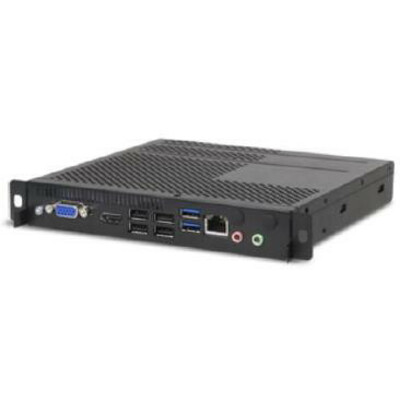
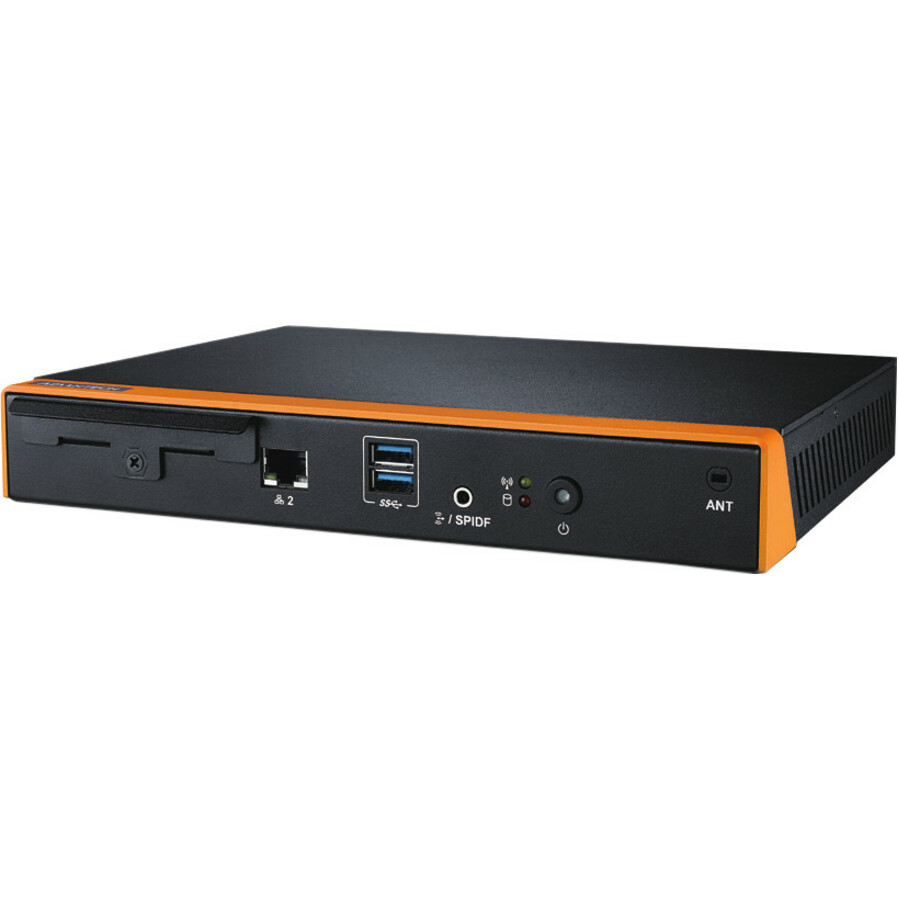
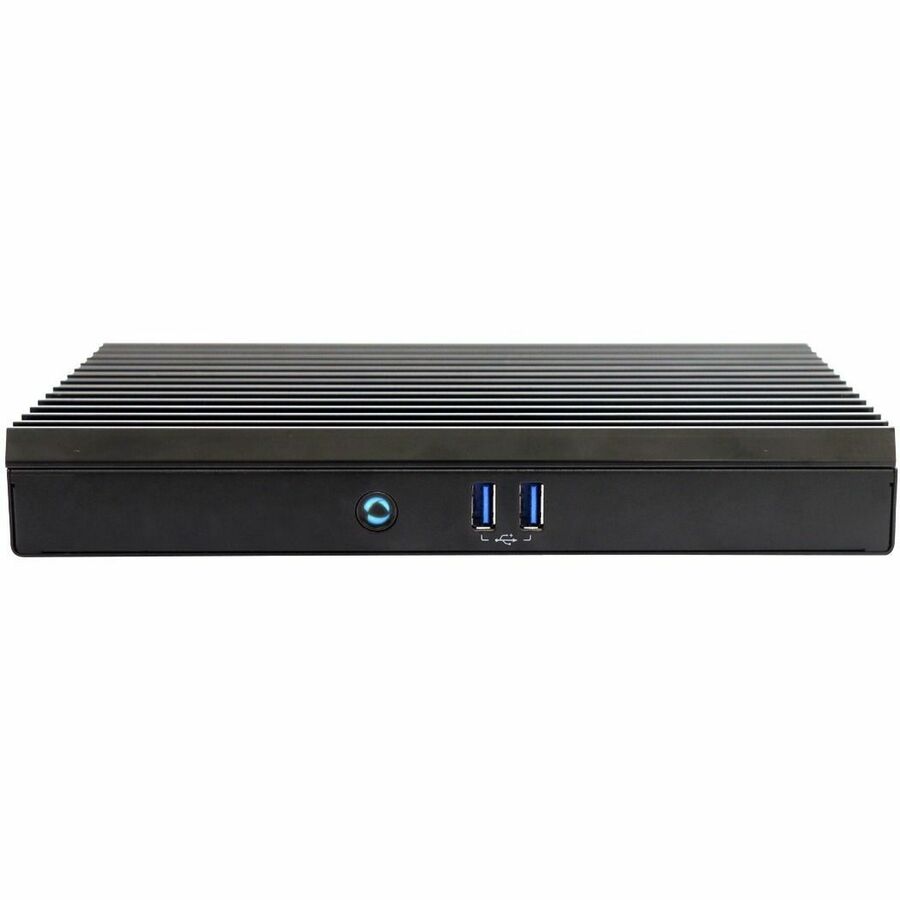
Need pricing on digital signage media players?
Tell us where to reach you and a Uniqcli specialist will follow up by email with current pricing, availability and lead time for the quantities you need — including parts that aren’t shown on this page.
Buying for an organization or for yourself — both work. No payment up front.
A signage player is the small computer that holds the playlist, talks to the content-management system and drives the display's HDMI input. Four things decide the model: what it has to render, the output resolution (1080p for a menu board, 2160p for anything read close up), how much content it caches through a network outage, and whether it is a standalone box or an OPS slot-in module.
A digital signage player is the small computer that turns a screen into a sign. It holds the playlist, talks to the content-management system, decodes the media and drives the display's HDMI input, and it is the part of a signage rollout that gets specified last and causes the most trouble. The display is chosen for its size and brightness; the player is chosen for what it has to render, how it gets its content, and where it physically lives — behind the panel, in a ceiling void, in an OPS slot inside the display itself, or in a locked cabinet three rooms away.
The grid below is fenced to boxes whose manufacturer's own catalog title names them a digital signage appliance, which is what keeps a shelf of 1,000-plus signage DISPLAYS out of a page about players. Read four things on the row. Output resolution decides what the sign can be: 1080p is fine for a menu board, 2160p is the norm for anything a person stands close to, and the 8K row here exists for large stitched canvases. The processor family decides the rest — an ARM unit runs a vendor's own Android player app cheaply and reliably, an x86 unit runs Windows or Linux and whatever CMS agent, browser or line-of-business app the estate has standardized on. Storage decides how much content can be cached for playback when the network drops, and network options decide how it arrives: Gigabit Ethernet, Wi-Fi and, on one row here, Power over Ethernet so a single cable feeds and powers the player.
Form factor is the fourth decision and the one most often made too late. A standalone box mounts behind the panel or on the mount's own bracket and can be swapped without touching the screen; an OPS slot-in module lives inside a display's own bay, which is tidier and removes a power brick but ties the player to that display's slot standard. Several picks below sit outside the grid's own wording — Advantech's rows titled "signage player", ViewSonic's network media players, Black Box's zone-based player and LG's OPS slot-in device — and they are named rather than quietly left out, because a fence on one phrase is a fence on the catalog's vocabulary, not a statement about what exists. Cards carry live pricing and current availability from the catalog.
Buyer's checklist
How to choose a digital signage player
- Start with what the screen has to render, not with the spec sheet. A looping video wall of images and a dashboard pulling live web content are different jobs: the first is happy on a modest ARM player, the second wants an x86 unit with real memory and a browser the CMS supports.
- Match the output resolution to the viewing distance and the panel. 1080p is enough for a menu board read from across a room; 2160p is the working default for anything a person stands in front of; the 8K row here is for large stitched canvases, not for a single screen.
- Confirm the CMS before the hardware. Most players are sold with a specific content-management platform or agent in mind, and a player the CMS does not support is a box with an HDMI port. Where a license is bundled, the title says so.
- Decide standalone box or OPS slot-in module early. A slot-in module removes a power brick and a cable from behind the panel but binds the player to that display's slot; a standalone box can be replaced or moved without touching the screen. The mount, the cable route and the service plan all follow from this one choice.
- Size the local storage to a network outage, not to the library. The player caches what it plays, so the question is how many hours of content must keep running when the link drops — and content pushed nightly over a thin branch circuit needs more headroom than content streamed on a campus LAN.
- Read the network options against the install. Gigabit Ethernet is the reliable answer; Wi-Fi is what you use when there is no drop; and a PoE-capable player lets one cable carry both data and power to a ceiling or a display bracket where there is no outlet.
- Standardize on one or two part numbers across the estate. A hundred screens running two player models share one image, one CMS profile and one spares pool; a hundred screens running nine models are nine sets of firmware notes and nine ways for a sign to go dark.
ARM or x86, and why the answer is usually the software
The players on this page split into two families. The ARM units — Advantech's Cortex-based DS-100 line, Elo's Backpack appliances, Vivitek's NovoDS boxes — run Android, draw very little power, have no fan to fail and are built around a vendor's own signage app. They are the right answer for the common case: a fixed playlist of video and images, updated on a schedule, on a screen nobody interacts with. They are also the cheapest thing to deploy at scale and the least interesting thing to manage, which in a hundred-screen estate is a feature.
The x86 units — AOpen's DE and DEX ranges, Advantech's Celeron, Core and Ryzen players, the OPS modules — run Windows or Linux, which means they run whatever the estate already runs: a browser-based dashboard, a wayfinding application, a CMS agent that was written for the desktop, a room-booking client. They cost more, several have a fan, and they need patching like any other endpoint. Choose them when the sign is doing something other than playing a file, or when the content team's tooling simply will not run anywhere else.
Where the player lives, and what ships with it
A signage player is never quoted alone. Behind every one of them is a display and its mount, an HDMI cable run to length, a power source at the screen or a PoE drop feeding it, and often a lockable enclosure where the box sits somewhere the public can reach. The OPS modules on this page remove one of those items by living inside the display's own slot — which is why they exist, and why the slot standard on the panel has to be confirmed before the module is ordered rather than after.
Cable length is the constraint that decides the layout. A player behind the panel keeps the HDMI run short and puts the service access behind a screen on a wall; a player in a cabinet or a rack keeps the service access convenient and turns the run into an extender problem. Both are ordinary, and both are cheaper to decide on paper. Send the screen count, the panel sizes and models, the CMS in use and where the network and power actually land, and Uniqcli will quote the players, the displays, the mounts and the cabling together on one document with lead times attached.
FAQ
Common questions
- What does a digital signage media player actually do?
- It is the computer that drives the screen. It stores or streams the playlist, talks to whatever content-management system the estate uses, decodes the media and outputs it over HDMI to the display, usually starting itself and resuming playback whenever power returns. A modern commercial display often has a basic player built in, and for a single menu board that can be enough — but a dedicated player is what gives you one hardware and software standard across a mixed estate of screens, control over the decode quality and codecs, real local storage for outages, and the ability to replace the box without replacing the panel.
- Do I need an Android player or a Windows one?
- The software decides it. An Android or ARM-based appliance is the right answer for the common case — a scheduled playlist of video and images on a non-interactive screen — because it is inexpensive, fanless, low-power and built around a vendor's own signage app. An x86 player running Windows or Linux is what you need when the sign renders something else: a browser-based dashboard, a wayfinding or room-booking application, or a CMS agent that only exists for the desktop. The trade is cost, patching and, on some units, a fan.
- What is an OPS slot-in player, and should I use one?
- OPS is a standard slot inside many commercial displays that accepts a computing module, so the player lives inside the panel instead of behind it. The advantages are real: no external box, no second power brick, no HDMI cable to dress or lose, and nothing hanging off a wall mount for someone to unplug. The cost is coupling — the module is tied to that display's slot and generation, so replacing the screen usually means revisiting the player. Confirm the slot on the exact panel model before ordering, and prefer a standalone box where screens and players are refreshed on different cycles.
- How much storage does a signage player need?
- Enough to keep playing when the network is not there. The working question is not the size of the content library but the number of hours the sign must keep running through an outage, plus room for the next campaign to land before the current one is retired. Screens on a campus LAN that stream continuously need very little; screens on a thin branch circuit that receive a nightly push need enough to hold a full rotation with headroom. The rows here state their storage, and it is the specification most often regretted rather than the processor.
- Can business, government and education buyers order these?
- Every line Uniqcli quotes is sourced through US distribution and screened for TAA country-of-origin and NDAA §889 status before checkout — with documentation tied to the specific part number, not a product family.
Need digital signage media players pricing?
Send a bill of materials or part numbers — we confirm stock and a below-market total, with TAA verified on request. No payment up front.