
Best Ceiling Mounts for Flat-Panel Displays
The mounts that hang a display from a ceiling or a suspended column rather than a wall — read by screen size, weight rating, drop length and whether one or two panels hang from the pole.
Ceiling mounts for displays in stock at Uniqcli
How to choose →A curated selection with live pricing — in-stock lines first, then back-ordered lines with a typical lead time. Every line is sourced through US distribution and screened for NDAA §889 status before checkout, with TAA verified on request.
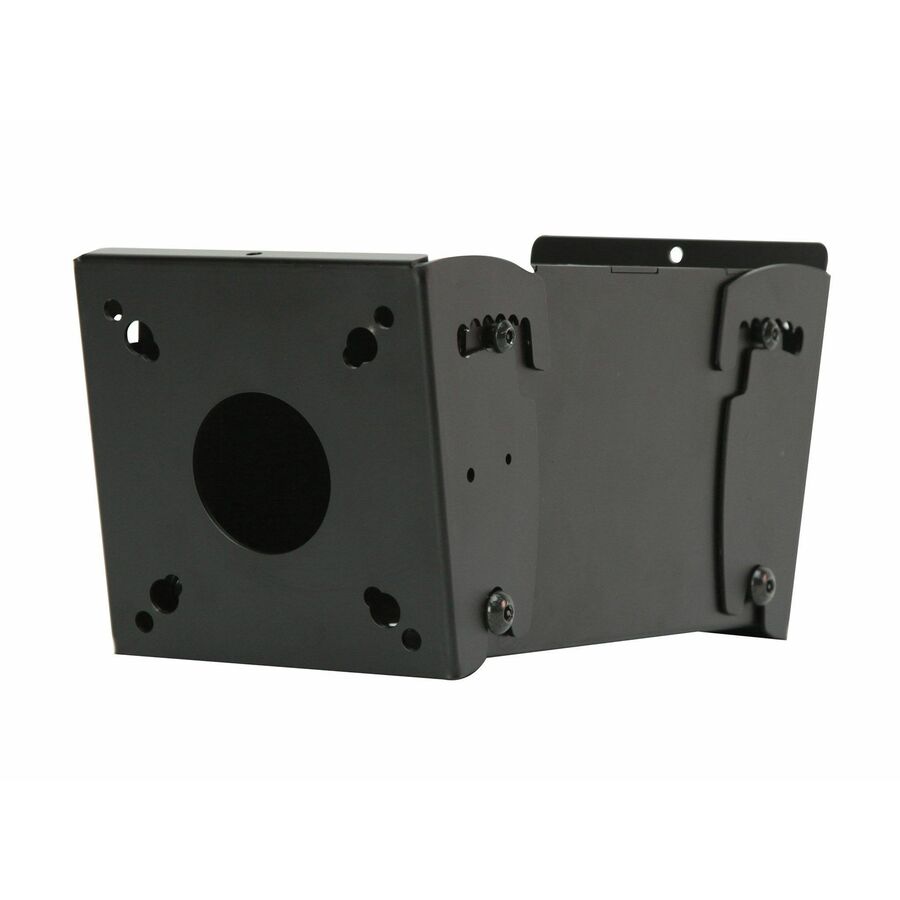
- Premier MountsPremier Mounts Mounting Bracket for Ceiling Mount, Flat Panel DisplayECM-S
$382.00
$270.65
96 in stock - Premier MountsPremier Mounts ECM-D70T Ceiling Mount for Flat Panel Display - Black - 46" Screen SupportECM-D70T
$824.00
$608.12
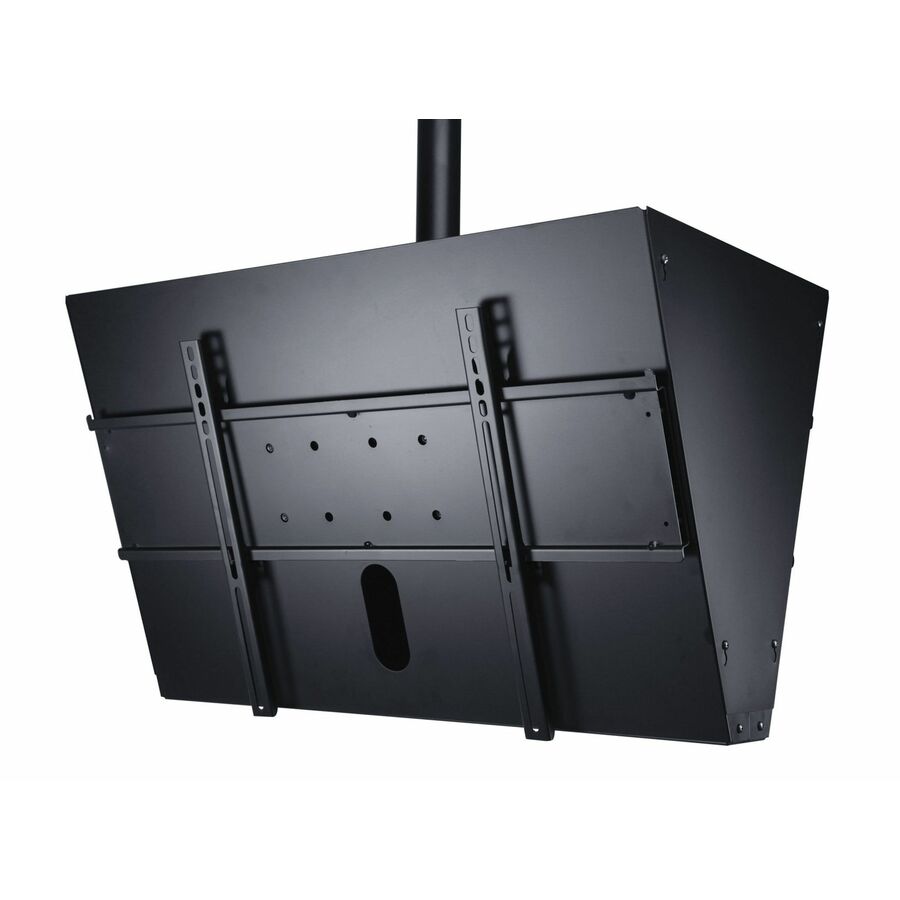
123 in stock - Peerless IndustriesPeerless-AV® Ceiling Mount Tilt Boxes for up to 90" Displays - 90" Screen Support - 150 lb Load Capacity - 75 x 75, 100 x 100 - VESA Mount Compatible - 1 Unit - Cold Rolled SteelPLCM-4
$124.00
$90.75*
Back-orderedBack-ordered — estimated OEM lead time 3–8 weeks (Nov 13 – Dec 18 if ordered today).
- Peerless IndustriesFlat Panel Ceiling Mount for 13" to 29" Flat Panel Displays Weighing up to 40 lb with 17.13-31.92" (435.10 to 810.77mm) Adjustable Extension - 40lbLCC-18
$219.00
$153.29*
Back-orderedBack-ordered — estimated OEM lead time 3–8 weeks (Nov 13 – Dec 18 if ordered today).
- Peerless IndustriesPeerless-AV® SmartMount® Ceiling Mount Tilt Boxes for up to 90" Displays - Steel - 225 lbPLCM-2
$259.00
$180.27*
Back-orderedBack-ordered — estimated OEM lead time 3–8 weeks (Nov 13 – Dec 18 if ordered today).
- Premier MountsPremier Mounts Symmetry Ceiling Mount for Flat Panel Display - BlackSYM-UR-CM
$257.35
$186.39
Back-orderedBack-ordered — estimated OEM lead time 3–8 weeks (Nov 13 – Dec 18 if ordered today).
- LegrandChief Medium Flat Panel Display Ceiling Mount - For Displays 20-43" - 75 lb - BlackJHSUB
$206.00
$195.11
Back-orderedBack-ordered — estimated OEM lead time 3–8 weeks (Nov 13 – Dec 18 if ordered today).
- Peerless IndustriesPeerless-AV® Paramount Universal Ceiling Mount Kit for 43" to 90"+ Displays - Height Adjustable - 43" to 90" Screen Support - 150 lb Load Capacity - 100 x 100, 600 x 400 - VESA Mount Compatible - 1 UnitPCM150
$259.00
$199.06
Back-orderedBack-ordered — we expect to receive stock the week of Oct 26 – Nov 1 and will process your delivery right after.
- Peerless IndustriesCeiling Mount for 13" to 29" Flat Panel Displays - 40lbLCC-36
$285.00
$202.63*
Back-orderedBack-ordered — estimated OEM lead time 3–8 weeks (Nov 13 – Dec 18 if ordered today).
- LegrandChief Medium Flat Panel Display Ceiling Mount - For Displays 20-43" - 75 lb - BlackJHS210B
$222.00
$205.91
Back-orderedBack-ordered — estimated OEM lead time 3–8 weeks (Nov 13 – Dec 18 if ordered today).
- LegrandChief MCS6000 Ceiling Mount for Flat Panel Display, Display, TV - Black - 1 Display(s) Supported - 32" to 65" Screen Support - 125 lb Load CapacityMCS6000
$222.00
$206.64
Back-orderedBack-ordered — estimated OEM lead time 3–8 weeks (Nov 13 – Dec 18 if ordered today).
- LegrandChief JHSV Ceiling Mount for Flat Panel Display - Black - 26" to 45" Screen Support - 75 lb Load Capacity - 100 x 100, 200 x 100, 200 x 200, 400 x 200 - VESA Mount CompatibleJHSVB
$222.00
$210.56
Back-orderedBack-ordered — estimated OEM lead time 3–8 weeks (Nov 13 – Dec 18 if ordered today).
- Peerless IndustriesSmartMount® Ceiling Mounts 36.0" Extension Column with Tilt Box for up to 90" Displays - Steel - 225 lbPLCM-1
$295.00
$221.39*
Back-orderedBack-ordered — estimated OEM lead time 3–8 weeks (Nov 13 – Dec 18 if ordered today).
- Peerless IndustriesPeerless-AV® SmartMount® Ceiling Mount with 1.5" NPS Coupler for up to 90" Displays - SilverPLCK-1
$320.00
$227.25*
Back-orderedBack-ordered — estimated OEM lead time 3–8 weeks (Nov 13 – Dec 18 if ordered today).
- Peerless IndustriesPeerless-AV® SmartMount® Ceiling Mounts with Ceiling Plate & Tilt Box for up to 90'' Displays - Steel - 225 lbPLCM-1CP
$332.00
$244.15*
Back-orderedBack-ordered — estimated OEM lead time 3–8 weeks (Nov 13 – Dec 18 if ordered today).
- Peerless IndustriesPeerless-AV® SmartMount® Flat/Tilt Universal Ceiling Mount with Media Player Device Storage for 40" to 95" Displays - 40" to 95" Screen Support - 225 lb Load Capacity - 200 x 200, 300 x 300, 400 x 200, 400 x 300, 400 x 400, 600 x 400, 800 x 400 - VESA Mount CompatibleDST995
$389.00
$284.30*
Back-orderedBack-ordered — estimated OEM lead time 3–8 weeks (Nov 13 – Dec 18 if ordered today).
- Peerless IndustriesPeerless-AV® SmartMount® Ceiling Mount with I-Shaped Adaptor and Tilt Box for 32" to 90" Displays - 32" to 90" Screen Support - 150 lb Load Capacity - 600 x 400 - VESA Mount Compatible - 1 UnitPLCM-2-UNL
$429.00
$315.77*
Back-orderedBack-ordered — estimated OEM lead time 3–8 weeks (Nov 13 – Dec 18 if ordered today).


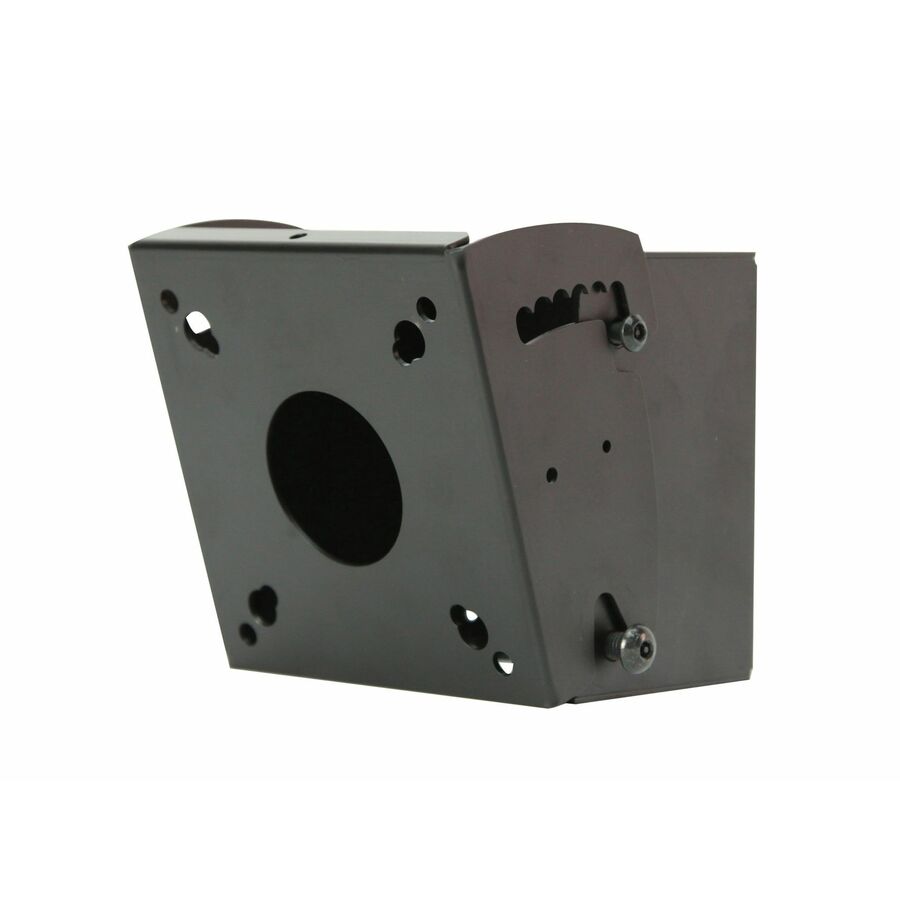
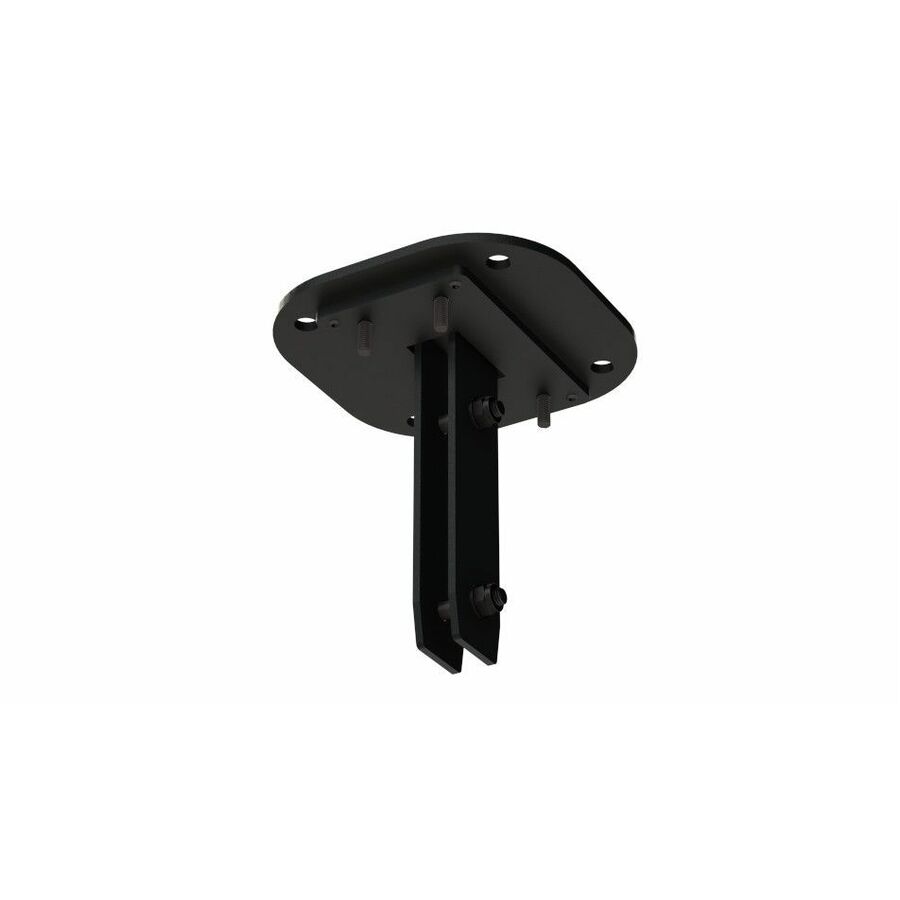
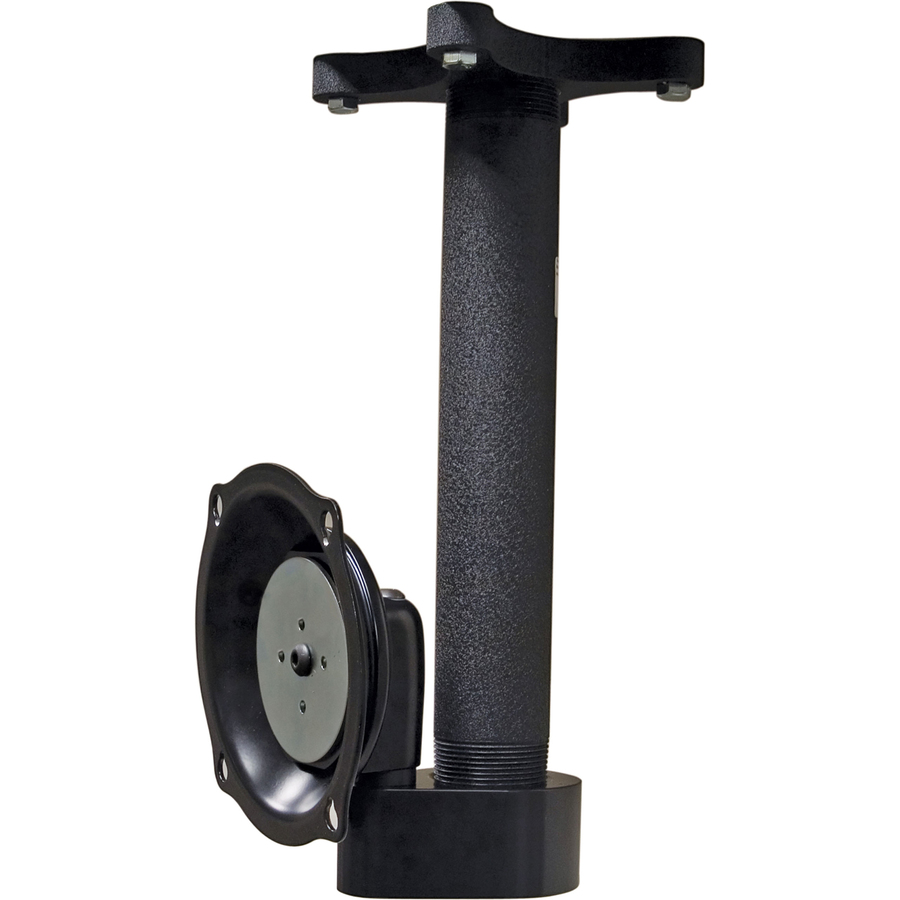
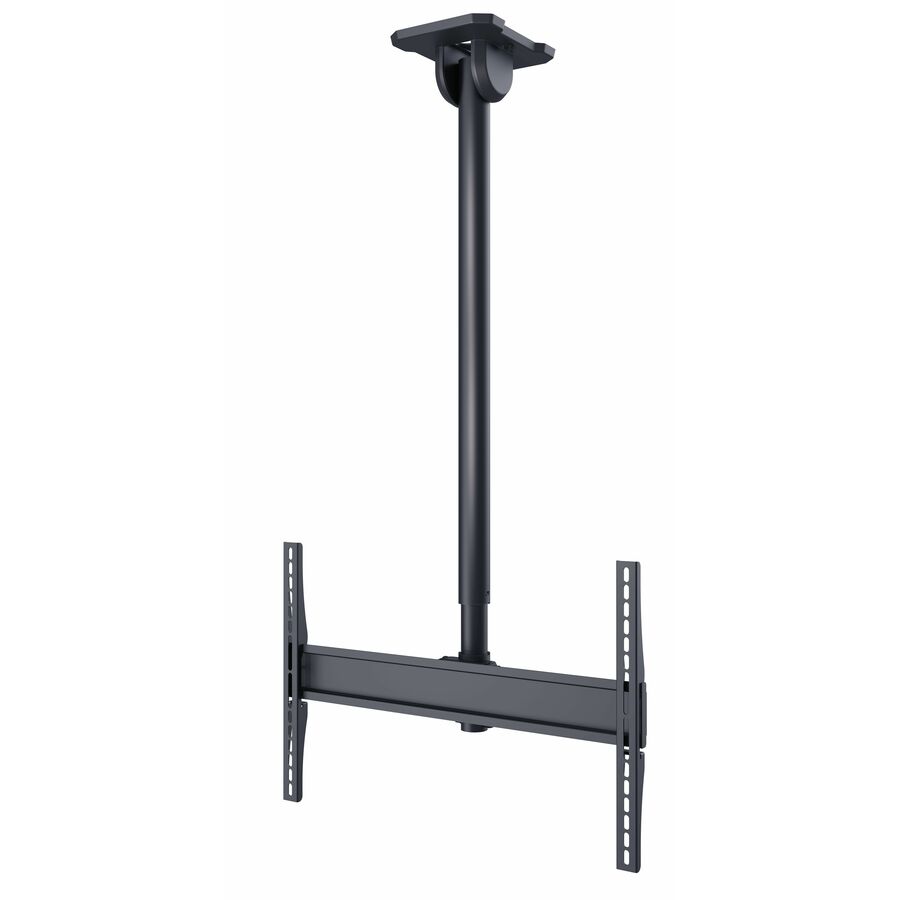
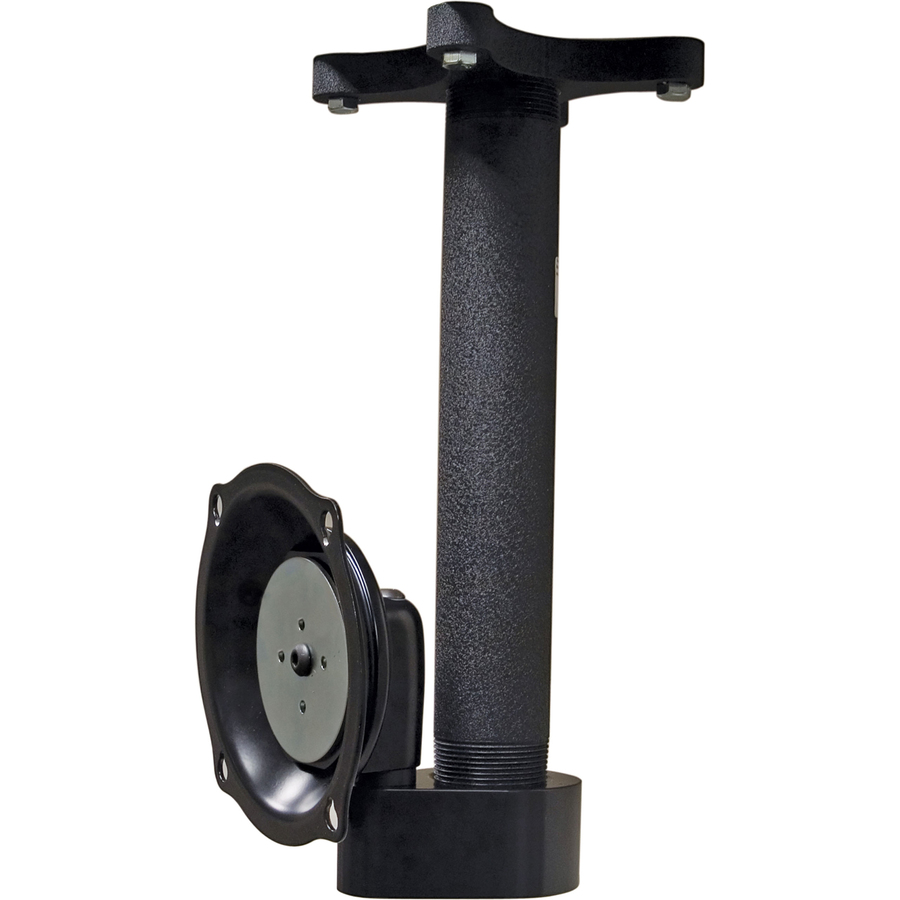
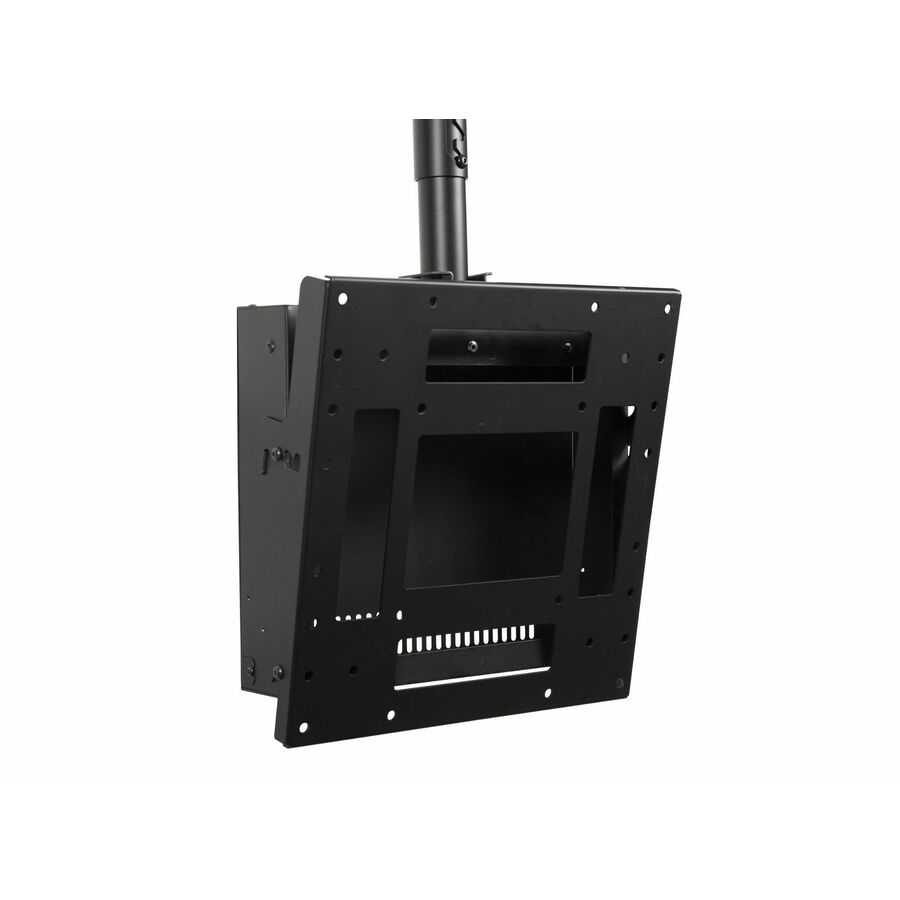
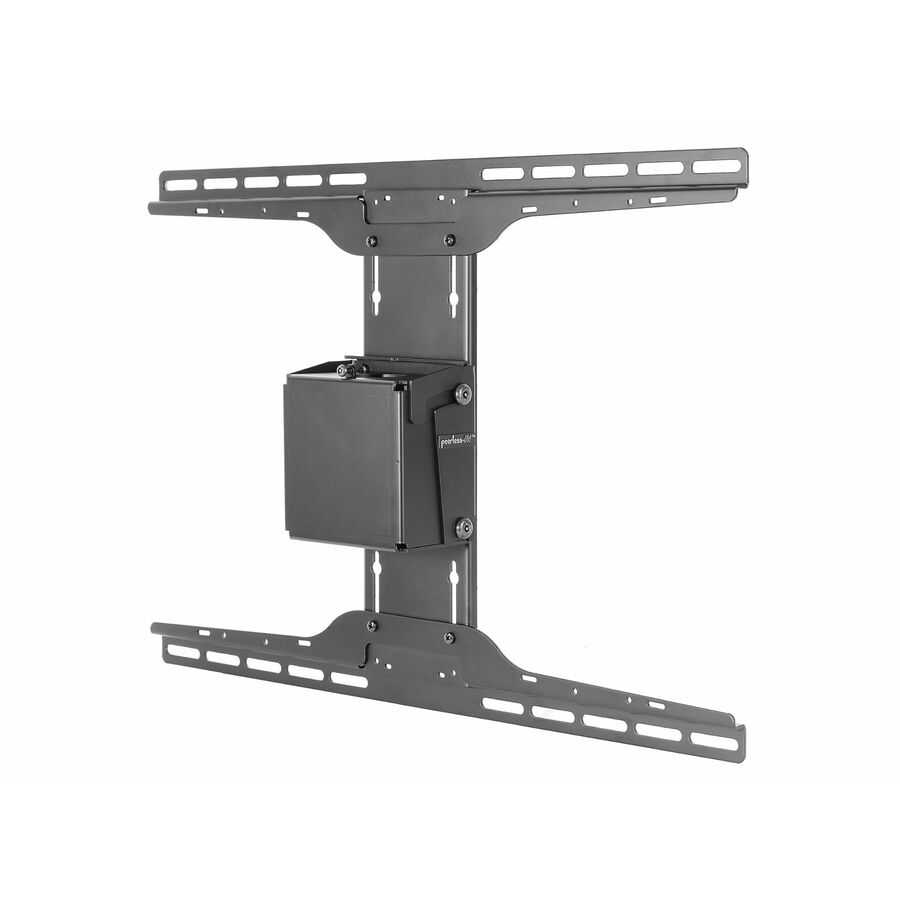
Entry tilt, up to 90"
Peerless Industries
Peerless-AV® Ceiling Mount Tilt Boxes for up to 90" Displays
PLCM-4
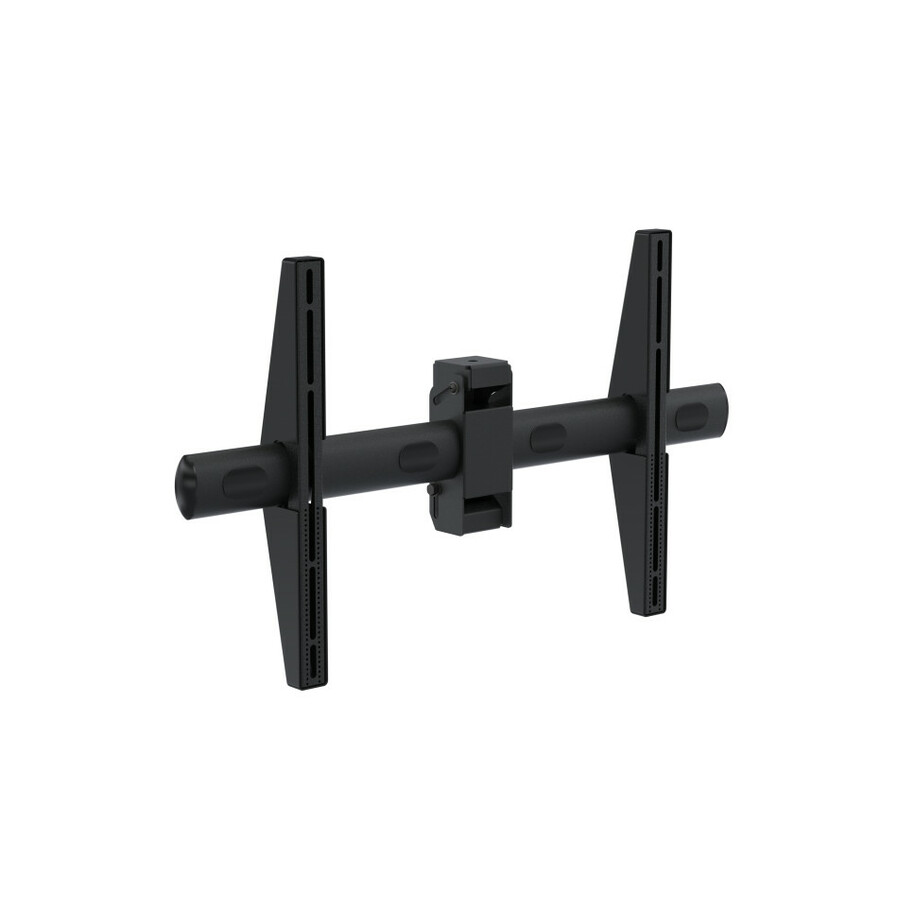
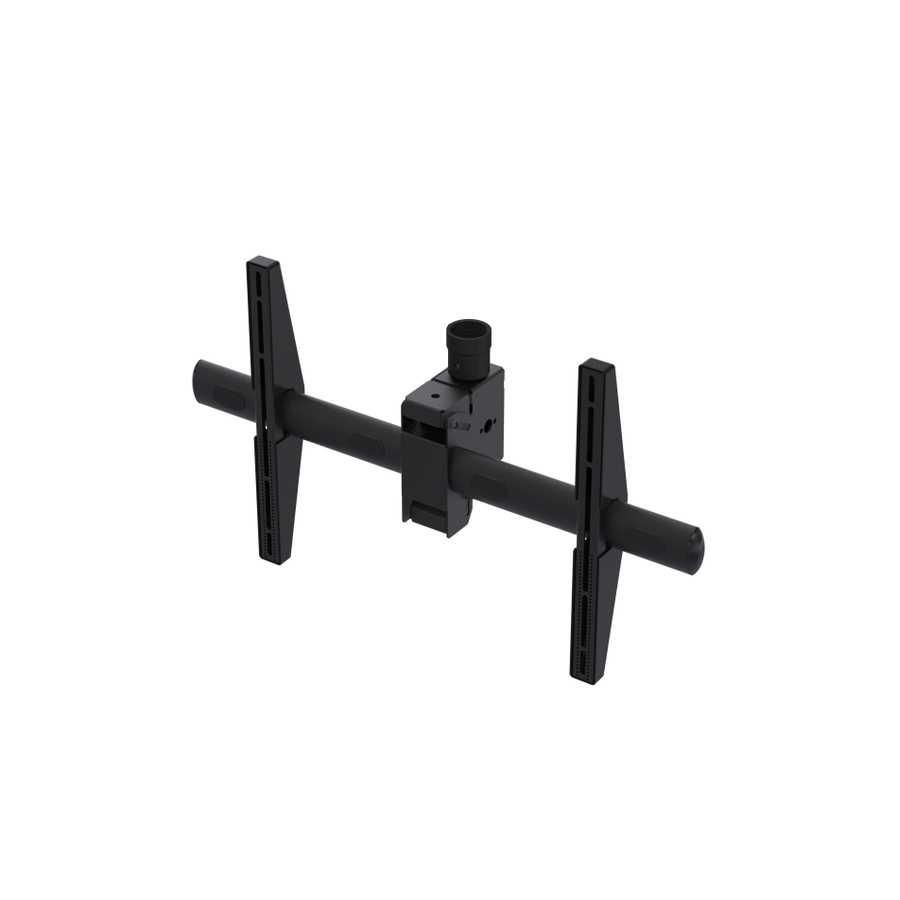
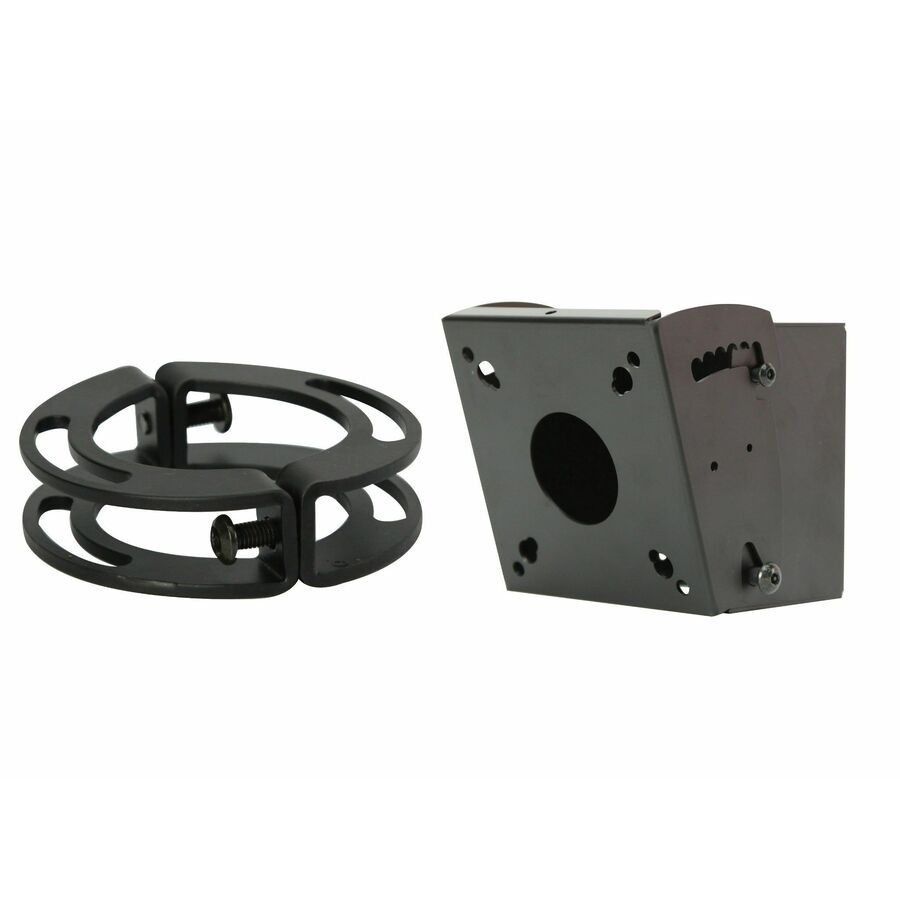
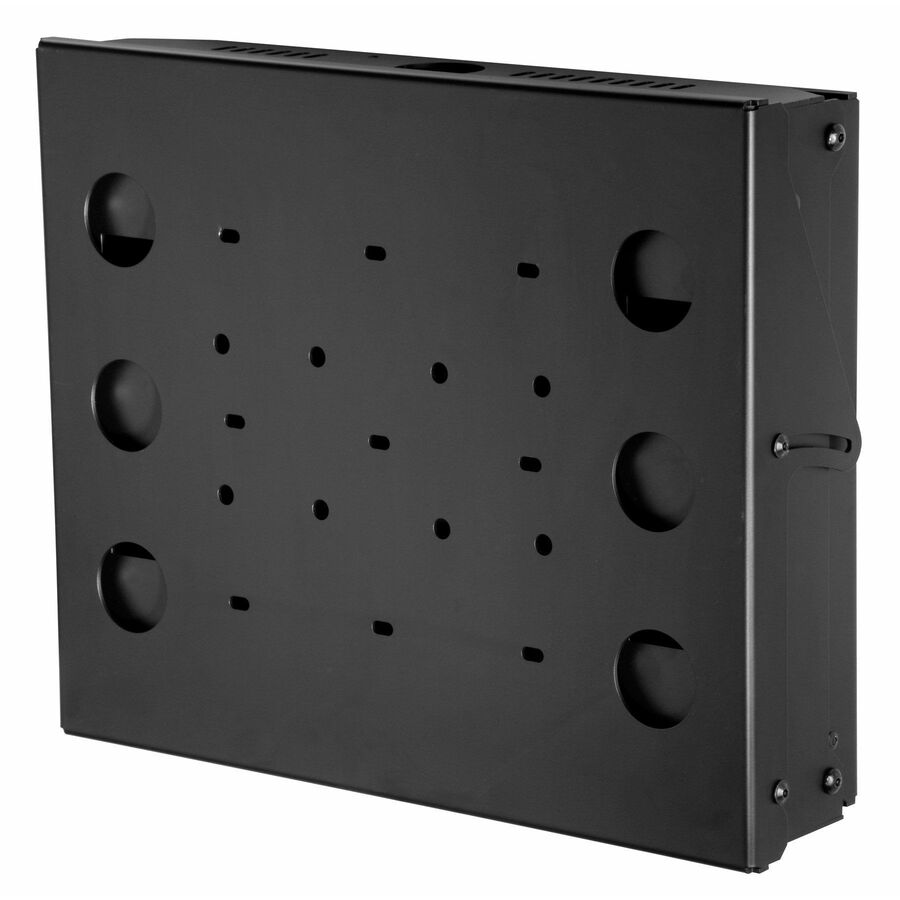
A Peerless-AV ceiling-mount tilt box rated for displays up to 90 inches and a 150 lb load — the low-drop answer where a screen only has to clear head height and be angled toward the room below.
$90.75*Back-orderedSmall flat panel
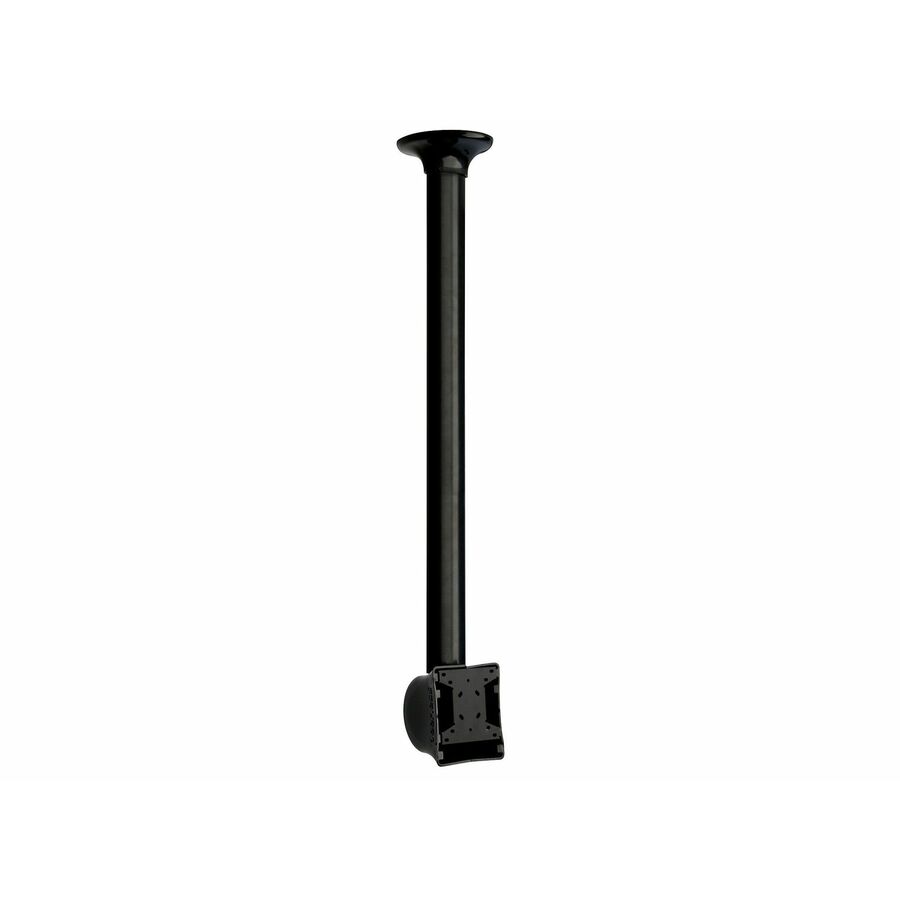
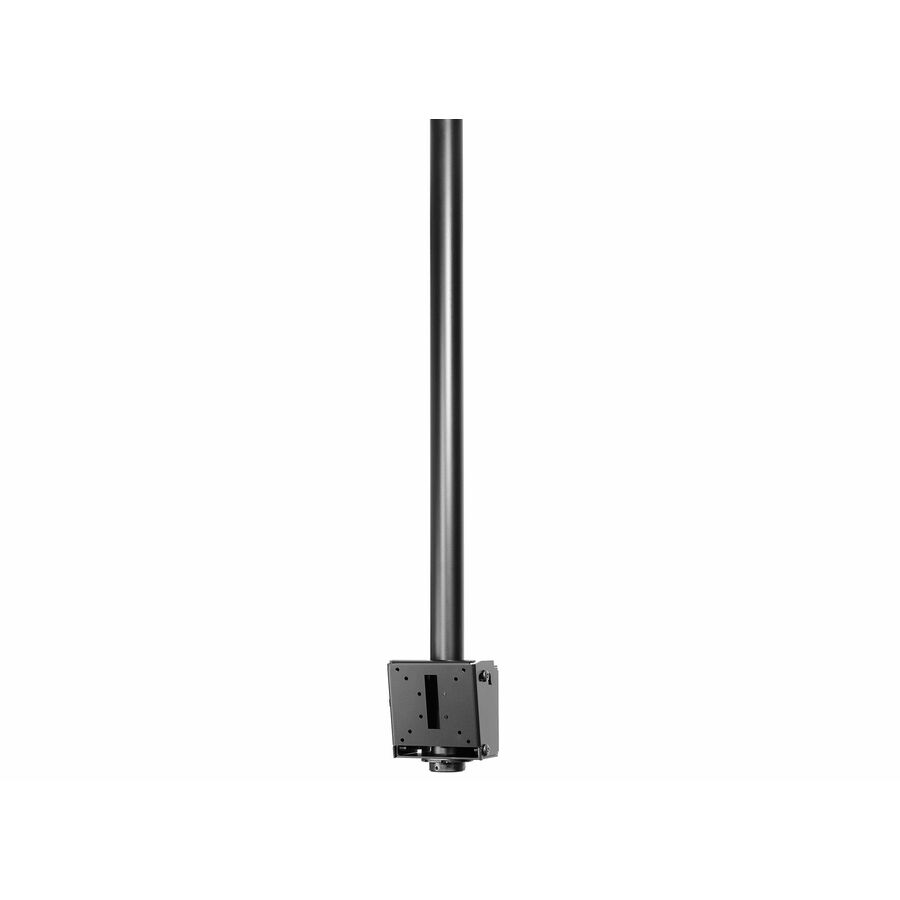
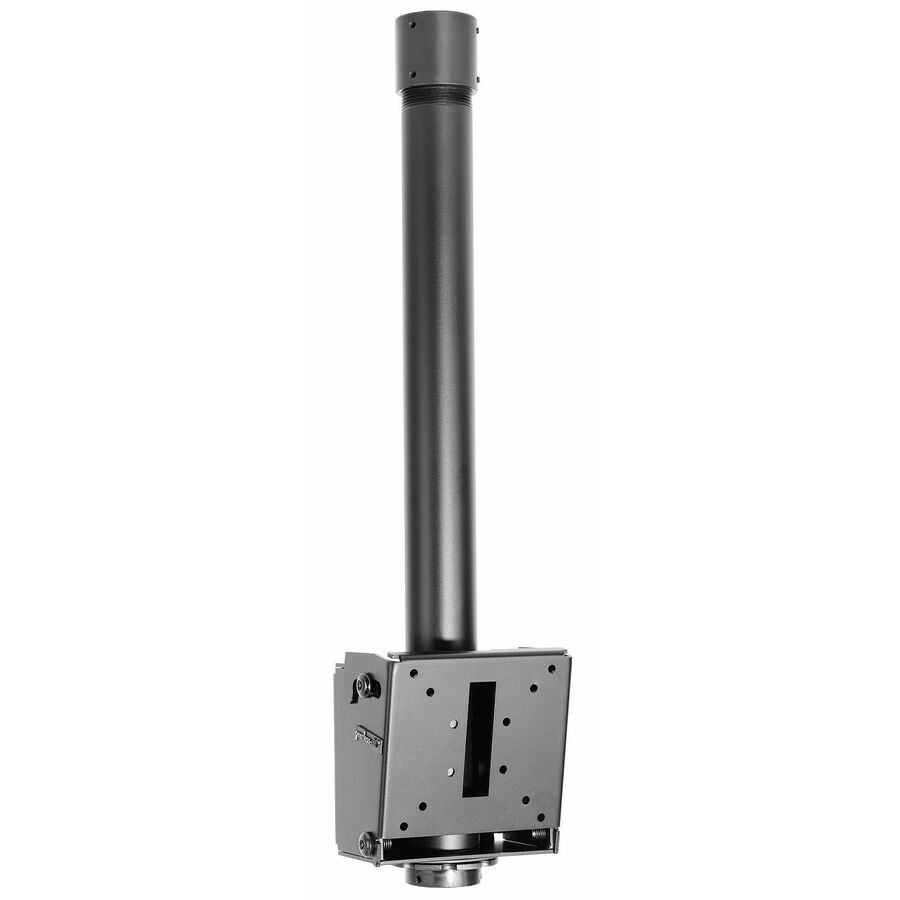
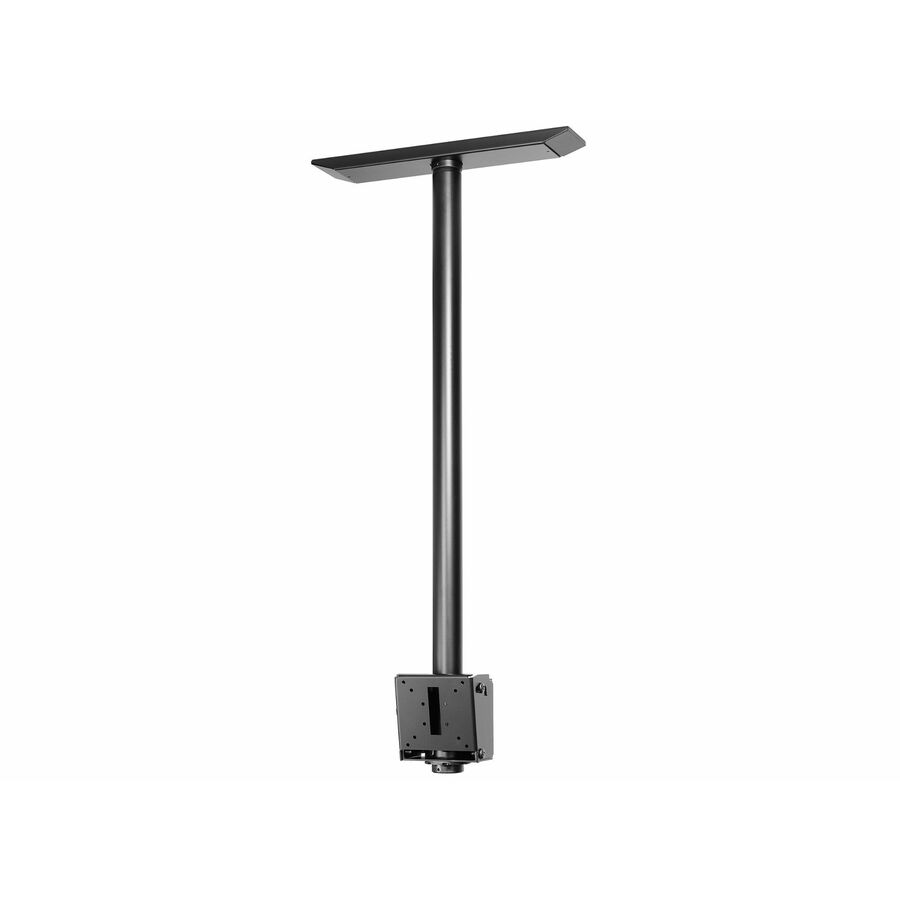
Peerless Industries
Flat Panel Ceiling Mount for 13" to 29" Flat Panel Displays Weighing up…
LCC-18
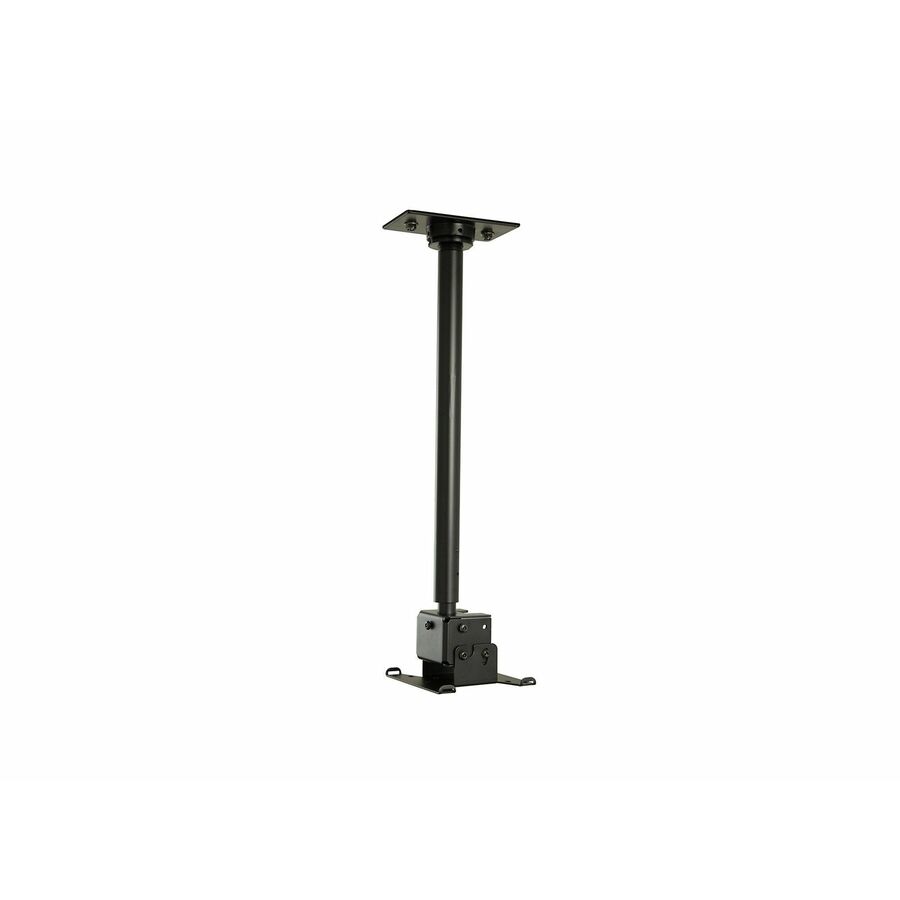
A ceiling mount for 13" to 29" flat-panel displays up to 40 lb, with an adjustable-height column — the mount for a compact status or wayfinding screen rather than a large signage panel.
$153.29*Back-orderedDual display
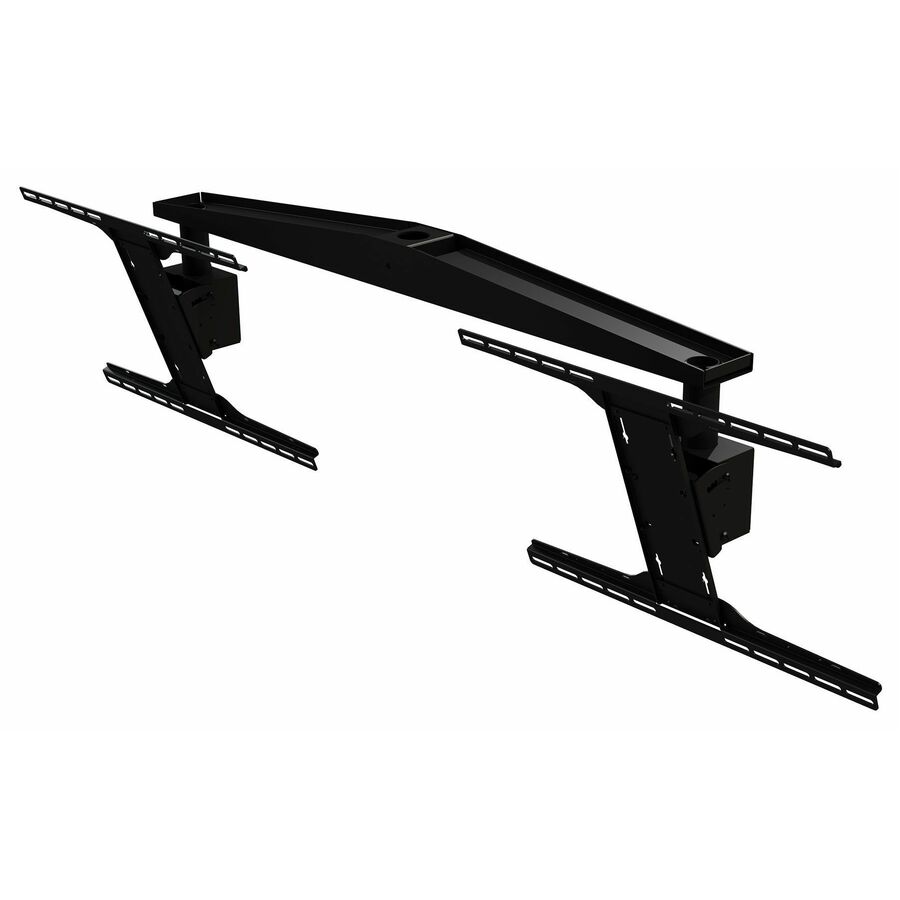
Peerless Industries
Peerless-AV® Dual Display Ceiling Mount for 40" to 70" Displays
DST970X2
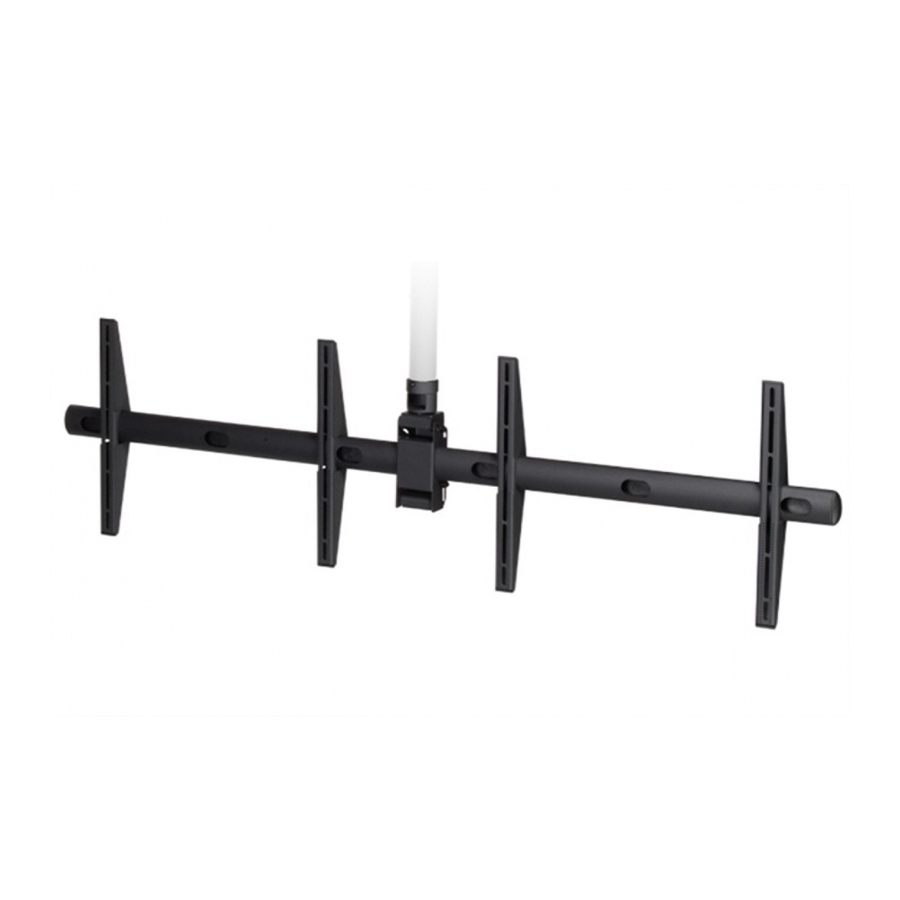
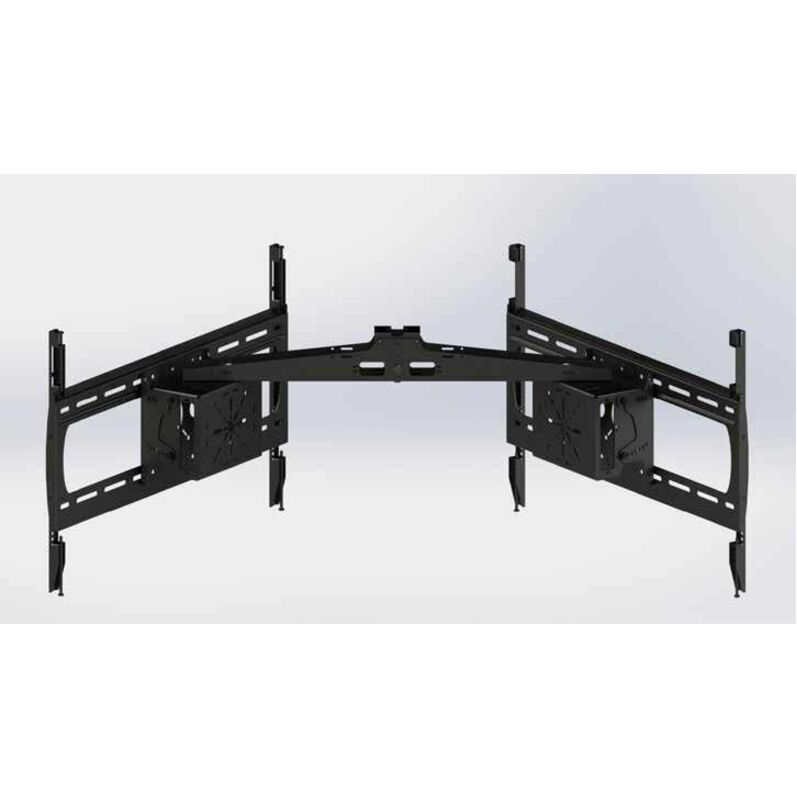
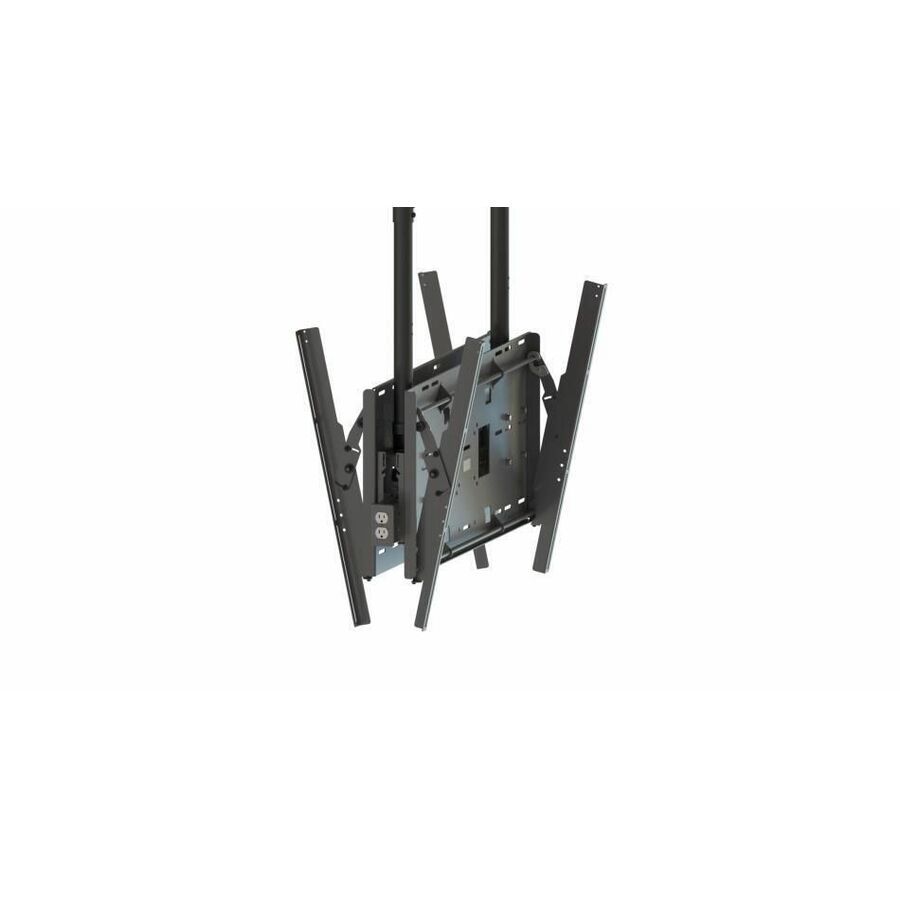
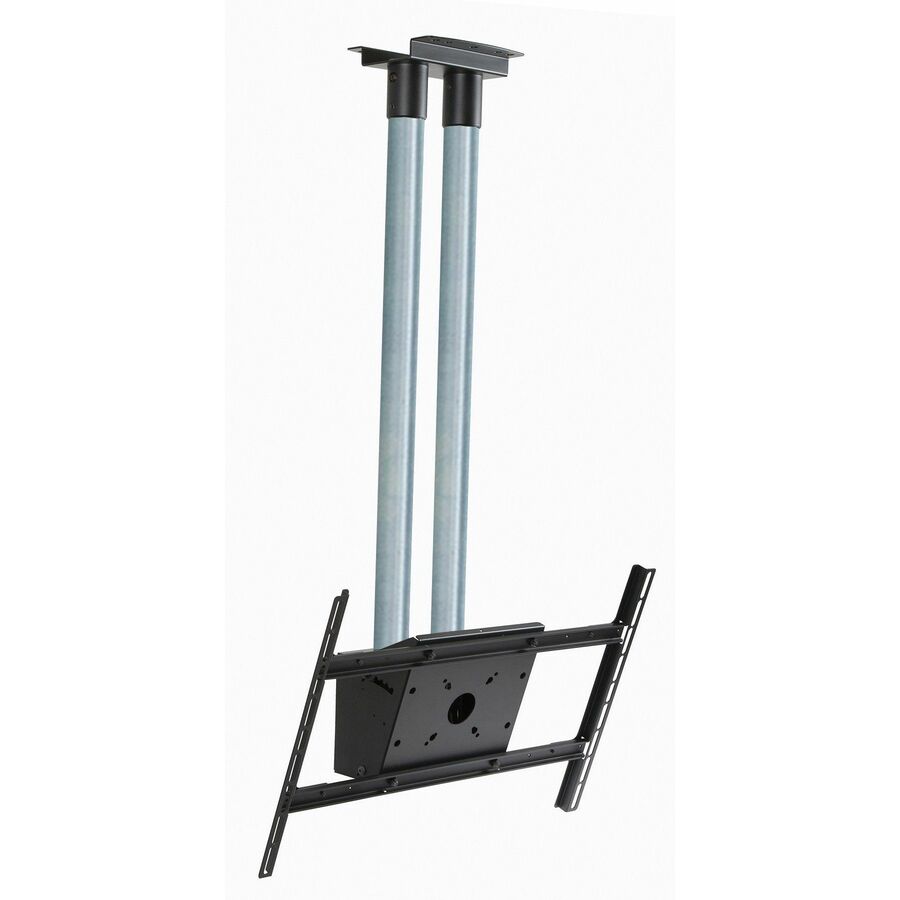
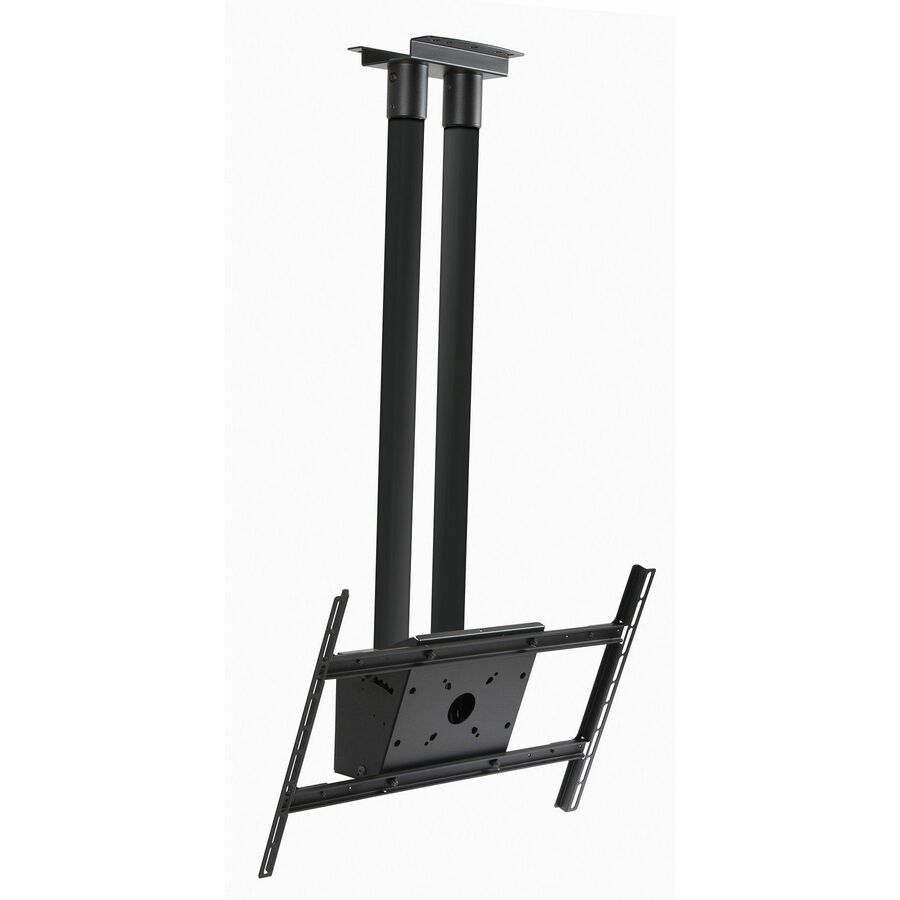
A Peerless-AV dual-display ceiling mount for two 40" to 70" panels — one pole carrying a back-to-back or side-by-side pair for two-sided viewing over an aisle or counter.
Rated for two displays at once; read the combined weight against the mount's own load figure.
$625.83*Back-orderedProjector or display
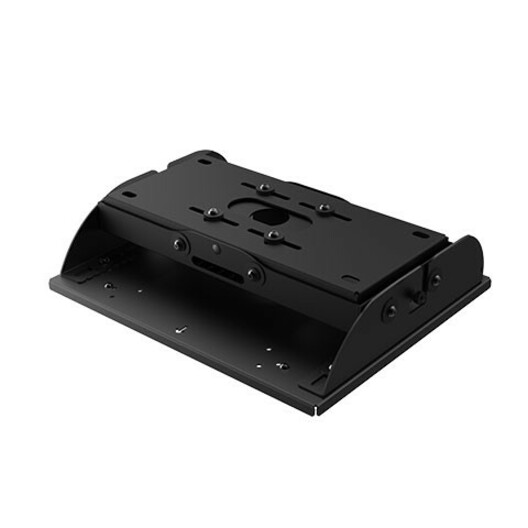
Sharp
Sharp NEC Display IPJ2000-CM Ceiling Mount for Projector, Display
IPJ2000-CM
Sharp NEC Display's IPJ2000-CM, titled as a ceiling mount for a projector or a display — the one hang to standardise on where a room fits either fixture to the same ceiling position.
$758.94Back-orderedHigh-ceiling drop
StarTech.com
StarTech TV Ceiling Mount, Full-Motion Hanging Single Screen Vesa Mount…
FPCEILPTBLP
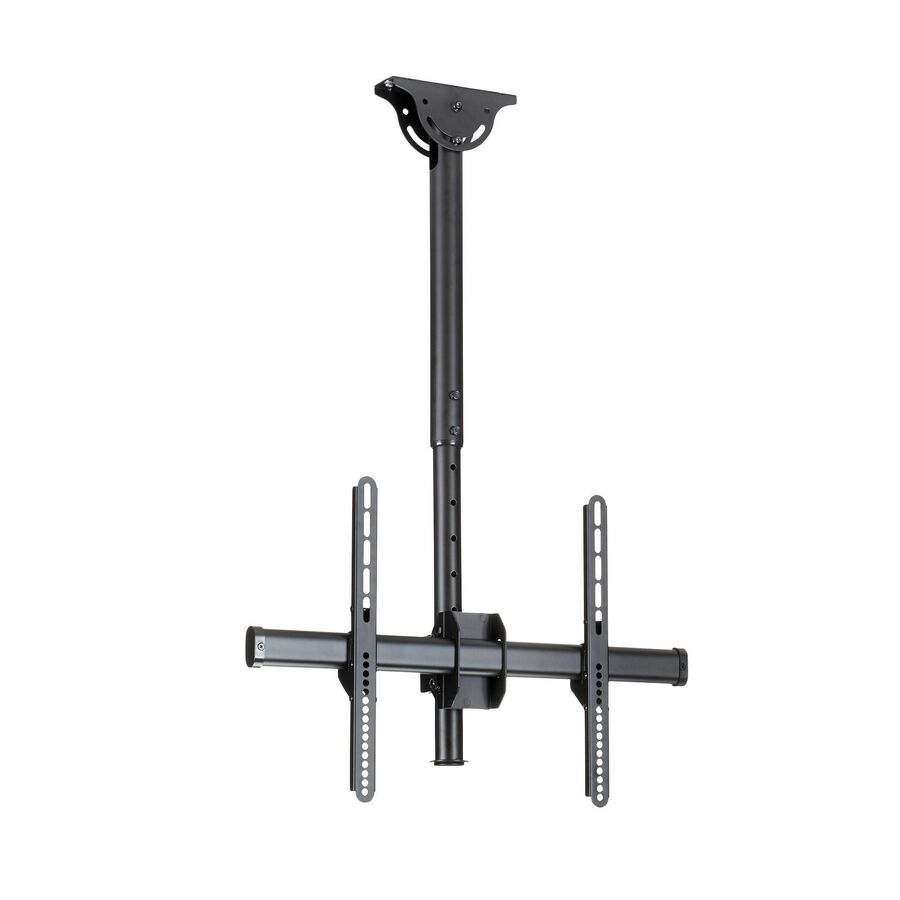
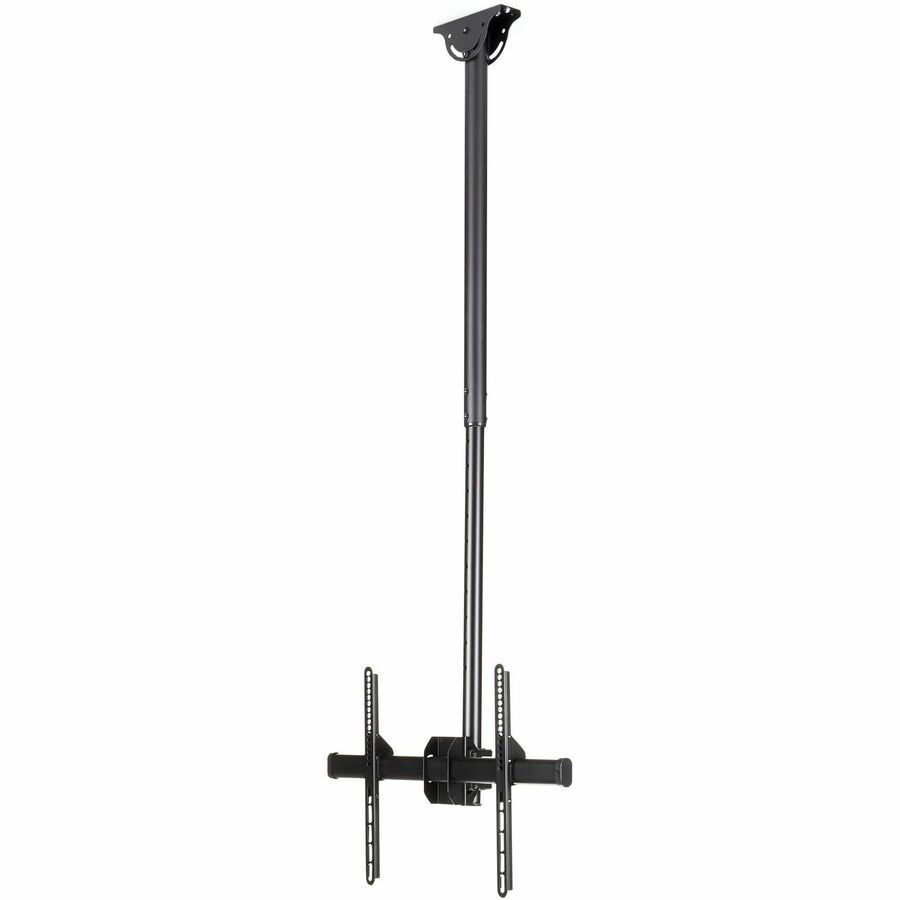
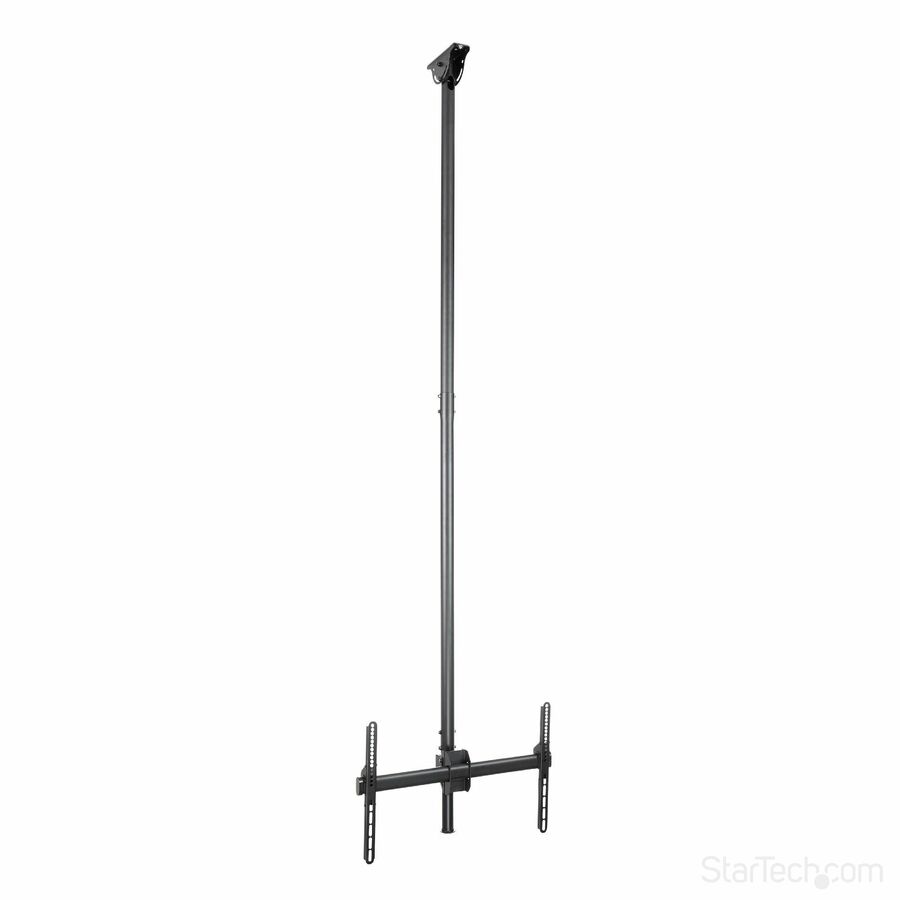
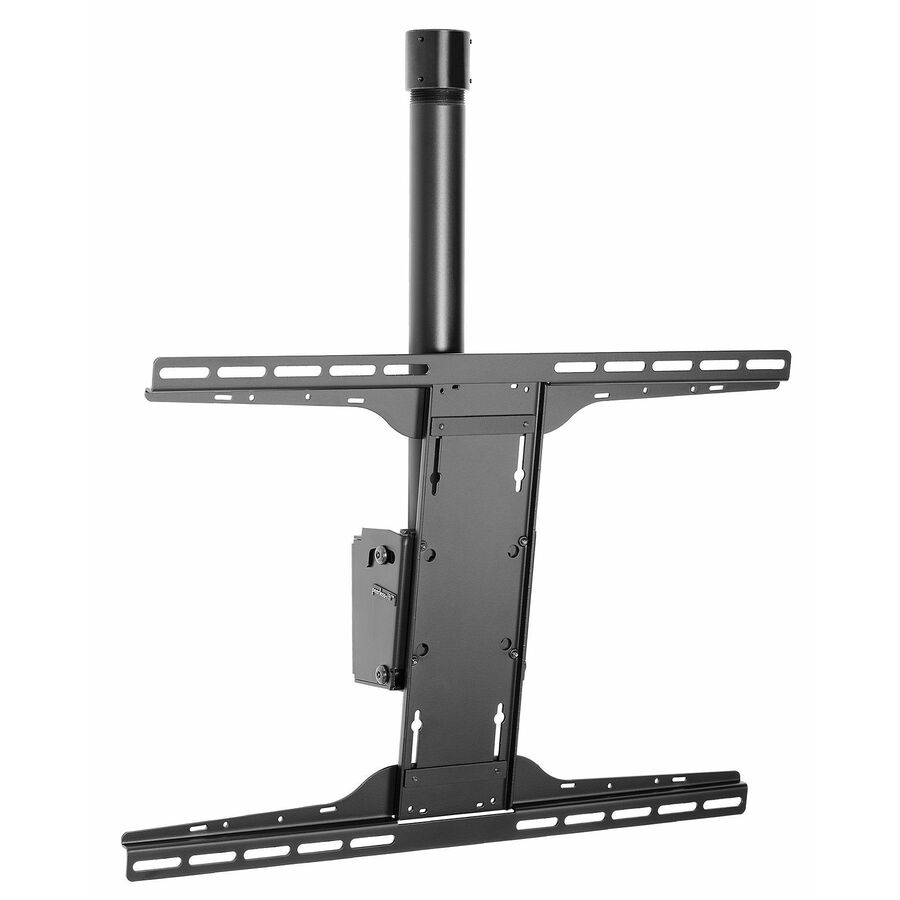
A StarTech full-motion hanging ceiling mount for a single 32"-75" TV or display on a height-adjustable telescopic pole of 8.2 to 9.8 feet — the long drop that brings a screen down from a high or double-height ceiling.
Swivel and tilt are adjustable without tools; stated weight capacity 110 lb.
$193.30In stockBack-to-back, adjustable
StarTech.com
StarTech Dual TV Ceiling Mount, Back-to-Back Hanging Dual Screen VESA…
FPCEILBTB
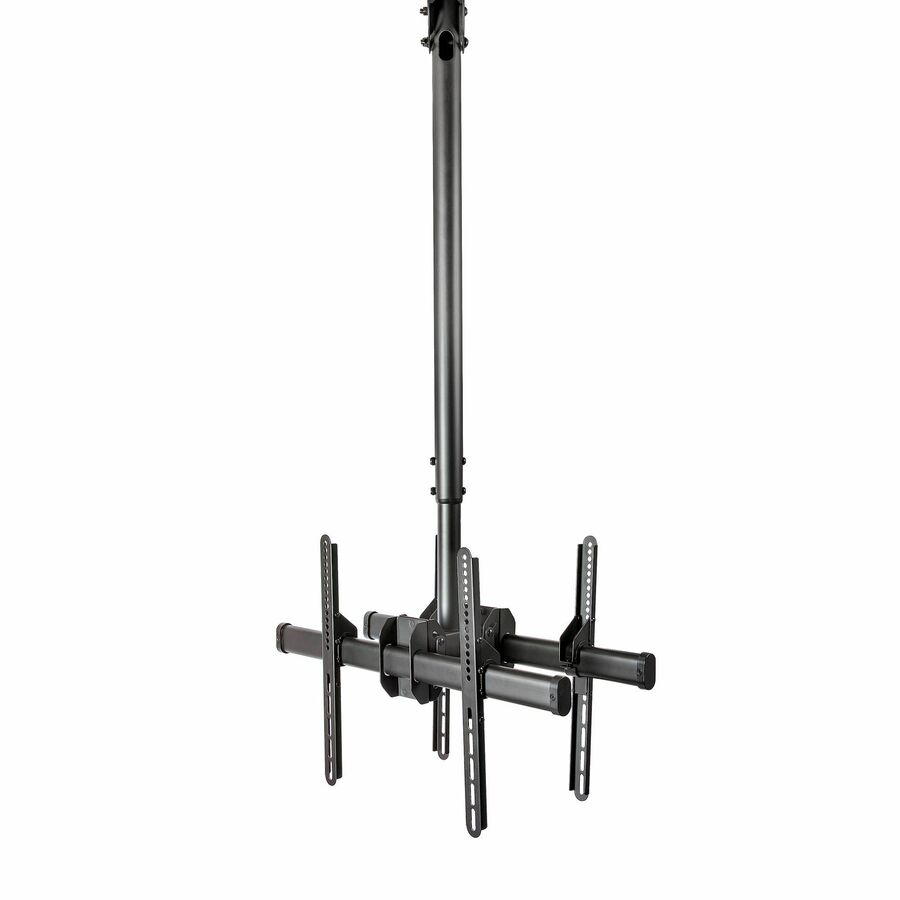
A StarTech dual TV ceiling mount hanging two 32"-75" screens back-to-back on one height-adjustable telescopic pole, with swivel, rotate and tilt and a stated capacity of 110 lb per screen — the two-sided hang for a walkway or counter.
Holds two panels on one pole — size the ceiling load for both. Titled as working on angled or slanted ceilings.
$287.60In stockMid flat panel, 20-43"
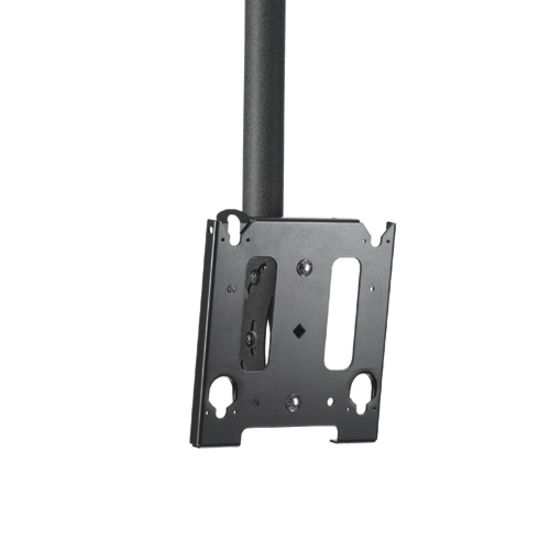
Legrand
Chief Medium Flat Panel Display Ceiling Mount
JHS210B
A Chief medium flat-panel display ceiling mount for 20" to 43" screens up to 75 lb, in black — the mid-size single hang for a menu or information panel with a substantial weight rating for its class.
$205.91Back-orderedSingle with tilt
Legrand
Chief MCS6000 Ceiling Mount for Flat Panel Display, Display, TV
MCS6000
A Chief ceiling mount for a single flat-panel display or TV from 32" upward, in black — a single-screen hang with the adjustment to set the angle once the panel is up.
$206.64Back-orderedLarge TV column
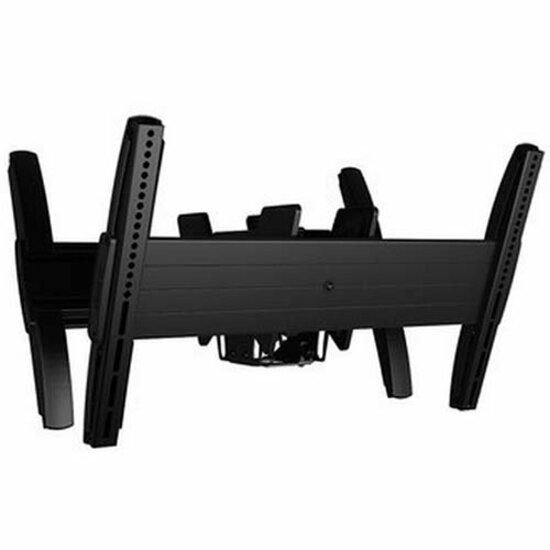
Legrand
Chief Fusion Large TV Ceiling Mount
LCB1U
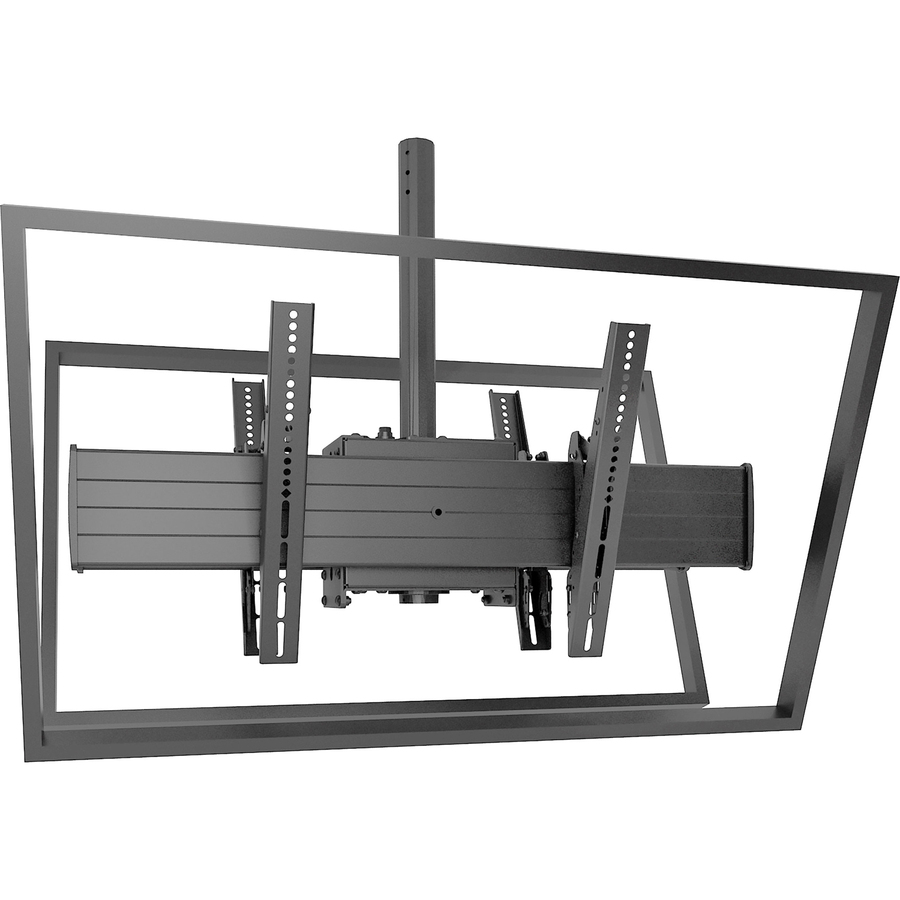
A Chief Fusion large TV ceiling mount for 42" to 75" displays on a dual-monitor VESA column — the heavier single-screen answer for a large panel dropped from a high ceiling.
$887.01Back-orderedFull-motion hanging
StarTech.com
StarTech TV Ceiling Mount, Full-Motion Hanging Single Screen Vesa Mount…
FPCEILPTBSP
A StarTech full-motion hanging ceiling mount for a single 32"-75" TV or display, so the screen can be turned as well as hung — the movement a shared or two-sided viewing position wants.
$145.21In stockDigital-signage single
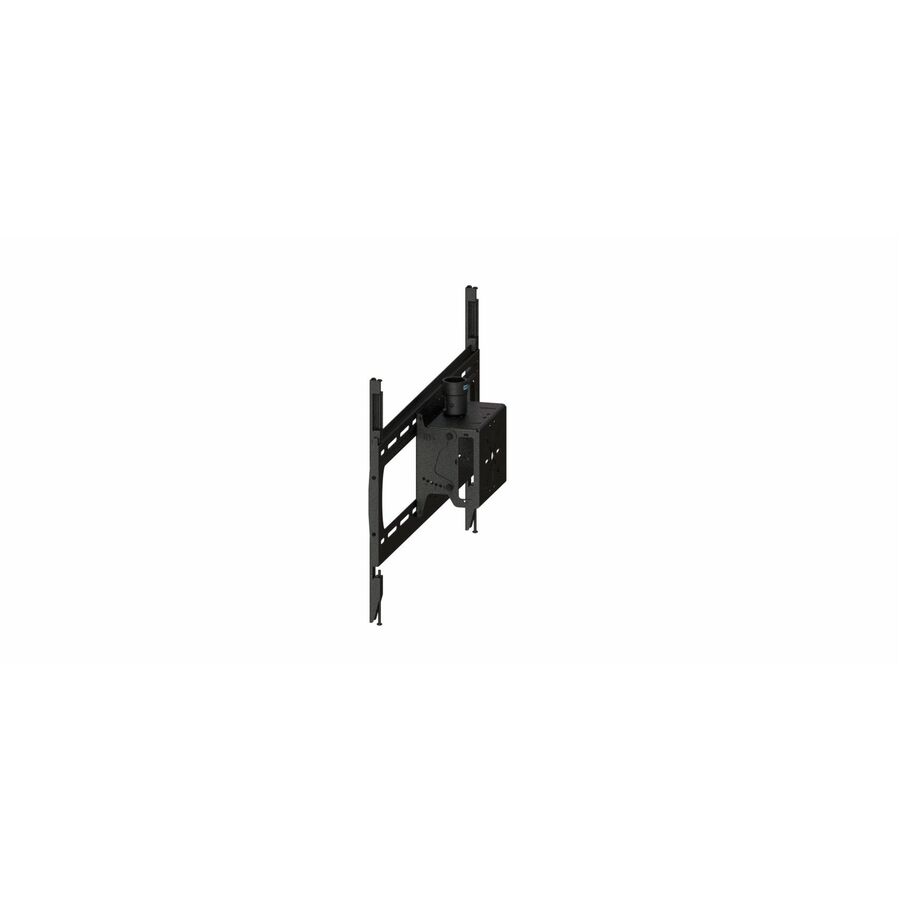
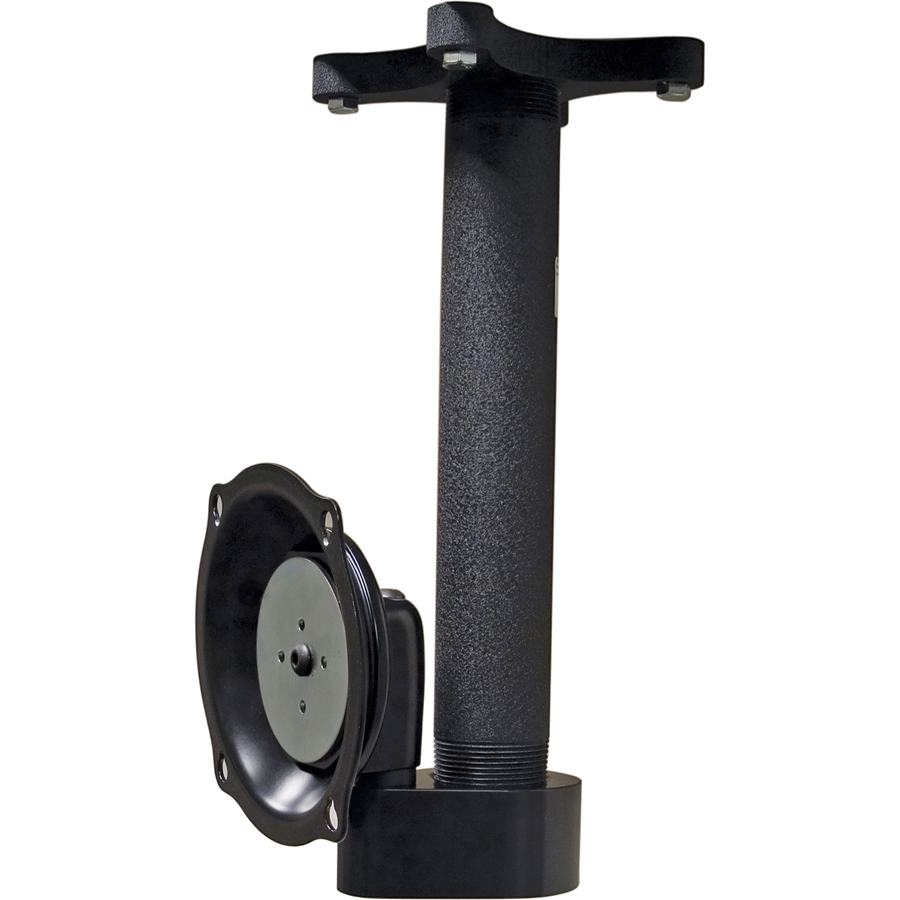
Premier Mounts
Premier Mounts Ceiling Mount for Display, Digital Signage Display, Gang…
7170-1159-00
A Premier Mounts ceiling mount for a single display or digital-signage panel with an integrated gang box for the media player and cabling — a tidy single hang for a retail or menu screen.
$354.52Back-orderedFlat-panel with tilt
Premier Mounts
Premier Mounts ECM-D70T Ceiling Mount for Flat Panel Display
ECM-D70T
A Premier Mounts ceiling mount for a flat-panel display up to 46 inches, in black, with tilt — a mid-size single mount angled down toward viewers below.
$608.12In stockDual digital-signage
Premier Mounts
Premier Mounts Ceiling Mount for Digital Signage Display
PCM-B2LT
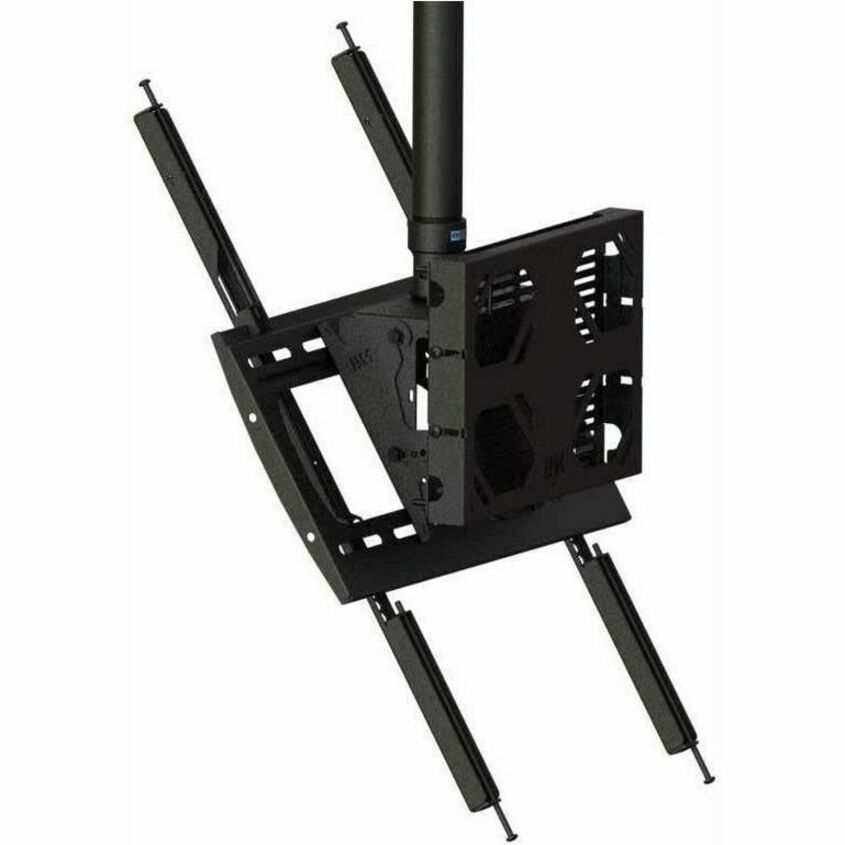
A Premier Mounts ceiling mount carrying two digital-signage displays up to 75 inches — the back-to-back or side-by-side signage cluster for a two-sided or high-traffic position.
Two panels on one structure; size the ceiling load for the pair.
$575.90In stockMore display mounts in the Uniqcli catalog
See all 12,867 display mountsMore from across this category. In-stock lines lead, and a back-ordered line carries the same estimated availability its product page does — with live pricing throughout, NDAA §889 screening before checkout and TAA verified on request.
- Peerless IndustriesPeerless-AV® Multi-Display Ceiling Mount with Six Telescoping Arms for 37" to 42" Displays - 6 Display(s) Supported - 37" to 42" Screen Support - 480 lb Load Capacity - 730 × 405 - VESA Mount Compatible - 1DST942-6
$4,129.00
$2,994.83*
Back-orderedBack-ordered — estimated OEM lead time 3–8 weeks (Nov 13 – Dec 18 if ordered today).
- Premier MountsPremier Mounts Ceiling Mount for Display, Digital Signage Display - 2 Display(s) Supported - 85" to 98" Screen Support - 200 x 200, 900 x 700 - VESA Mount CompatiblePCM-B2XT
$1,464.75
$1,060.86
Back-orderedBack-ordered — estimated OEM lead time 3–8 weeks (Nov 13 – Dec 18 if ordered today).
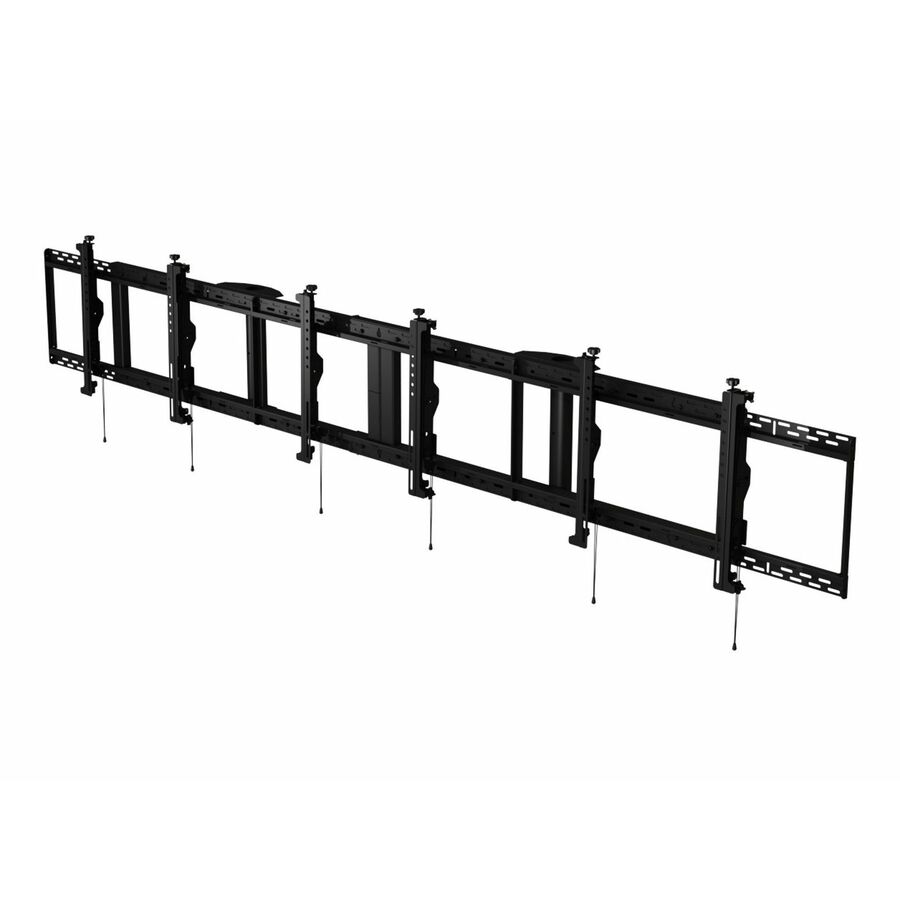
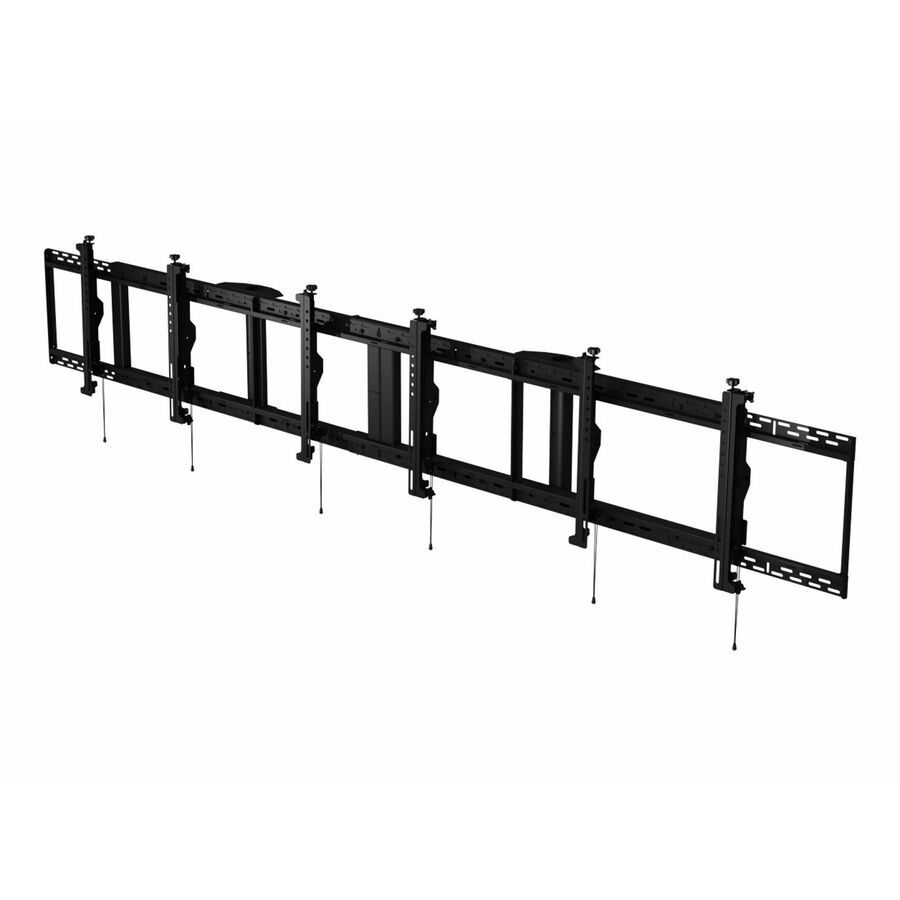
- Peerless IndustriesPeerless-AV® SmartMount® Digital Menu Board Ceiling Mount with 8pt Adjustment - Landscape 3x1 Configuration for 46" to 48" Displays - 46" to 48" Screen Support - 300 lb Load Capacity - 2944 x 400, 2658 x 400 - VESA Mount Compatible - 1DS-MBZ947L-3X1
$1,499.00
$1,096.87*
Back-orderedBack-ordered — estimated OEM lead time 3–8 weeks (Nov 13 – Dec 18 if ordered today).
- Peerless IndustriesPeerless-AV® SmartMount® Back-to-Back Ceiling Mount with Media Player Storage for 40" to 65" Displays - 40" to 65" Screen Support - 300 lb Load Capacity - 1DST965
$1,389.00
$1,015.45*
Back-orderedBack-ordered — estimated OEM lead time 3–8 weeks (Nov 13 – Dec 18 if ordered today).
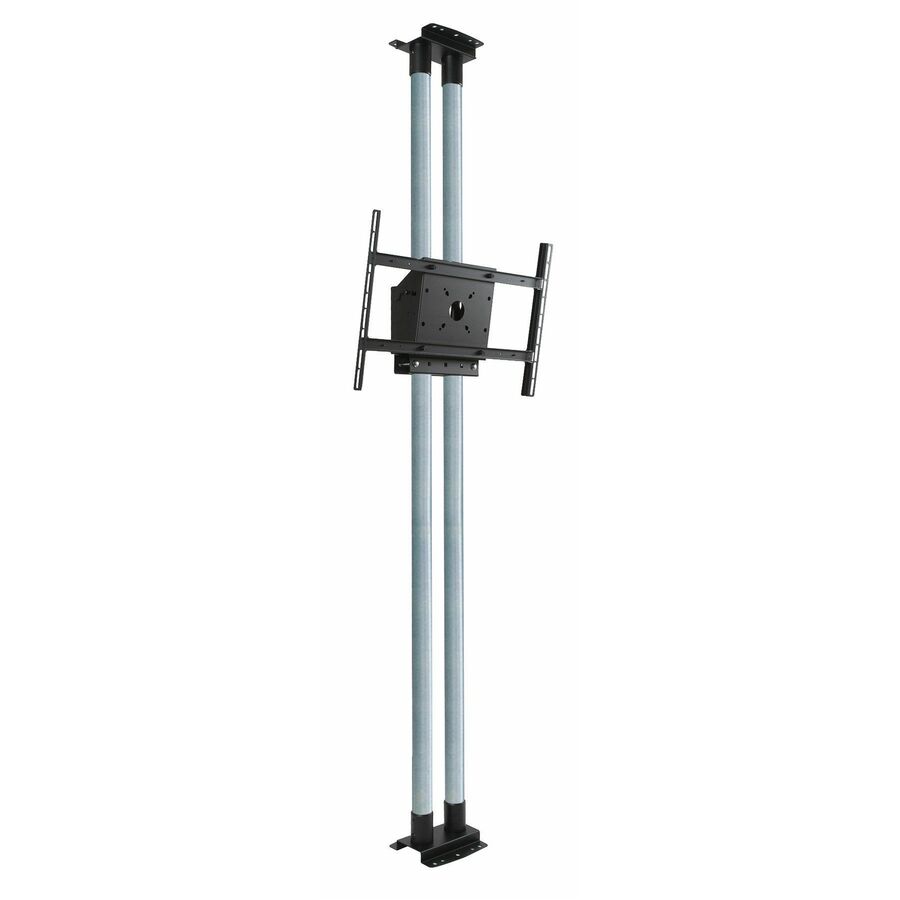
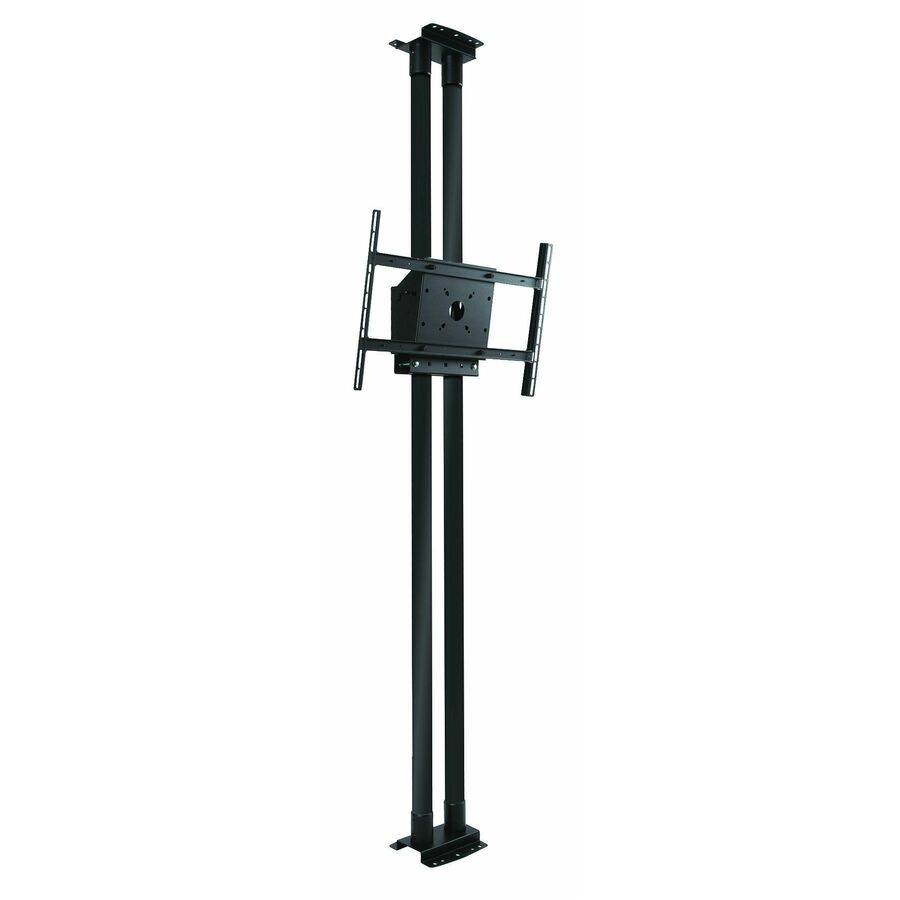
- Peerless IndustriesPeerless-AV® Modular Dual Pole Floor to Ceiling Mount Kit for 46" to 90" Displays - 6 Display(s) Supported - 46" to 90" Screen Support - 1266 lb Load Capacity - 600 x 400 - VESA Mount Compatible - 1MOD-FCS2KIT300
$1,149.00
$809.73*
Back-orderedBack-ordered — estimated OEM lead time 3–8 weeks (Nov 13 – Dec 18 if ordered today).
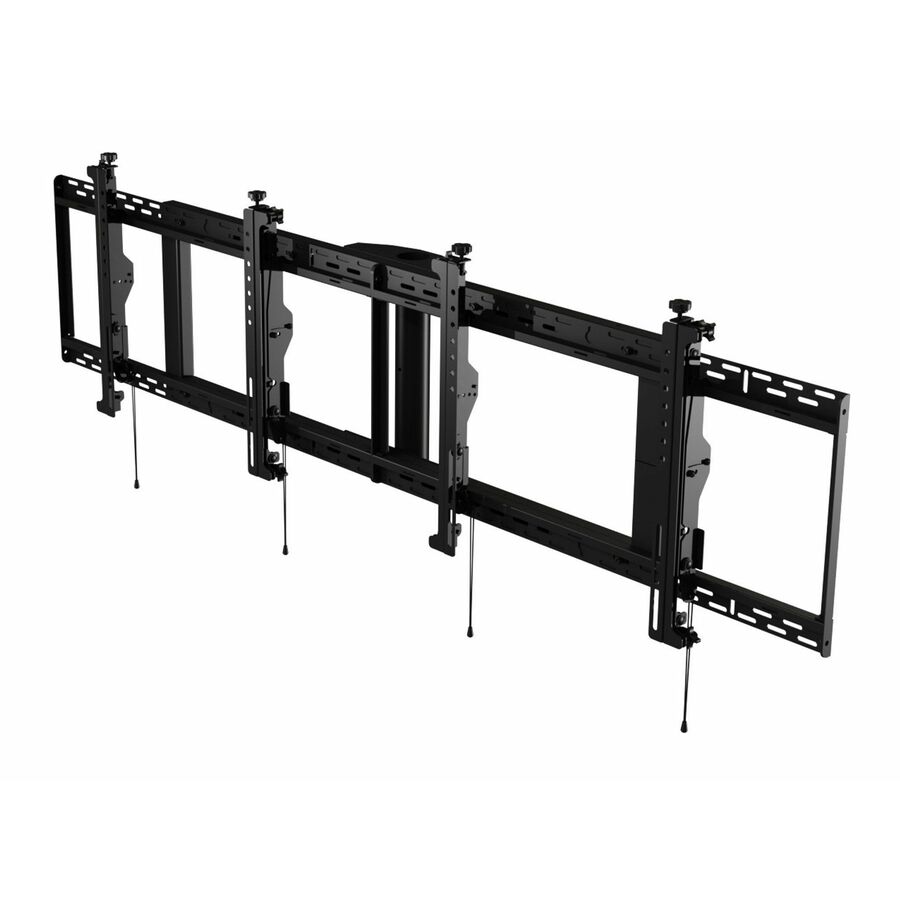
- Peerless IndustriesPeerless-AV® SmartMount® Digital Menu Board Ceiling Mount with 8pt Adjustment - Landscape 2x1 Configuration for 46" to 48" Displays - 2 Display(s) Supported - 46" to 48" Screen Support - 200 lb Load Capacity - 1960 x 400, 1769 x 400 - VESA Mount Compatible - 1DS-MBZ947L-2X1
$1,009.00
$679.98*
Back-orderedBack-ordered — estimated OEM lead time 3–8 weeks (Nov 13 – Dec 18 if ordered today).
- Peerless IndustriesPeerless-AV® SmartMount® Digital Menu Board Ceiling Mount with 8pt Adjustment - Landscape 3x1 Configuration for 40" to 42" Displays - 3 Display(s) Supported - 40" to 42" Screen Support - 300 lb Load Capacity - 2658 x 400 - VESA Mount Compatible - 1 UnitDS-MBZ942L-3X1
$1,485.00
$1,192.57*
Back-orderedBack-ordered — estimated OEM lead time 3–8 weeks (Nov 13 – Dec 18 if ordered today).
- Premier MountsPremier Mounts Ceiling Mount for Digital Signage Display, Display - Portrait - 2 Display(s) Supported - 75" Screen Support - 350 lb Load Capacity - 200 x 200, 535 x 705 - VESA Mount Compatible - Steel7170-1158-01
$1,031.29
$746.91
Back-orderedBack-ordered — estimated OEM lead time 3–8 weeks (Nov 13 – Dec 18 if ordered today).
- Peerless IndustriesPeerless-AV® SmartMount® Digital Menu Board Ceiling Mount with 8pt Adjustment - Landscape 2X1 Configuration for 40" to 42" Displays - 2 Display(s) Supported - 40" to 42" Screen Support - 200 lb Load Capacity - 1769 x 400 - VESA Mount Compatible - 1DS-MBZ942L-2X1
$999.00
$728.63*
Back-orderedBack-ordered — estimated OEM lead time 3–8 weeks (Nov 13 – Dec 18 if ordered today).
- Peerless IndustriesPeerless-AV® Modular Dual Pole Floor to Ceiling Mount Kit for 46" to 90" Displays - 6 Display(s) Supported - 46" to 90" Screen Support - 1266 lb Load Capacity - 600 x 400 - VESA Mount Compatible - 1 UnitMOD-FCS2KIT300-B
$855.00
$594.87*
Back-orderedBack-ordered — estimated OEM lead time 3–8 weeks (Nov 13 – Dec 18 if ordered today).
- Peerless IndustriesPeerless-AV® Dual Display Ceiling Mount for 40" to 70" Displays - 2 Display(s) Supported - 40" to 70" Screen Support - 250 lb Load Capacity - 600 x 400 - VESA Mount Compatible - 1 - SteelDST970X2
$839.00
$625.83*
Back-orderedBack-ordered — estimated OEM lead time 3–8 weeks (Nov 13 – Dec 18 if ordered today).
- Peerless IndustriesPeerless-AV® Modular Dual Pole Ceiling Mount Kit for 46" to 90" Displays - 46" to 90" Screen Support - 211 lb Load Capacity - 600 x 400 - VESA Mount Compatible - 1MOD-FPS2KIT150
$715.00
$512.37*
Back-orderedBack-ordered — estimated OEM lead time 3–8 weeks (Nov 13 – Dec 18 if ordered today).
- Peerless IndustriesPeerless-AV® Flat/Tilt Wall or Ceiling Mount with Media Device Storage for 26" to 60" Displays - 26" to 60" Screen Support - 150 lb Load Capacity - 100 x 100, 200 x 100, 200 x 200, 300 x 300 - VESA Mount Compatible - 1DST360
$685.00
$499.22*
Back-orderedBack-ordered — estimated OEM lead time 3–8 weeks (Nov 13 – Dec 18 if ordered today).
- Peerless IndustriesPeerless-AV® Modular Dual Pole Ceiling Mount Kit for 46" to 90" Displays - 46" to 90" Screen Support - 211 lb Load Capacity - 600 x 400 - VESA Mount Compatible - 1MOD-FPS2KIT150-B
$569.00
$415.88*
Back-orderedBack-ordered — estimated OEM lead time 3–8 weeks (Nov 13 – Dec 18 if ordered today).
- Premier MountsPremier Mounts PP-HDFCP Ceiling Mount for Projector, Flat Panel Display - Black - 125 lb Load CapacityPP-HDFCP
$538.80
$386.47
Back-orderedBack-ordered — estimated OEM lead time 3–8 weeks (Nov 13 – Dec 18 if ordered today).
- Peerless IndustriesPeerless-AV® SmartMount® Back-to-Back Ceiling Mount Tilt Box for 2 Displays up to 90" - Steel - 300 lbPLB-1
$499.00
$350.72*
Back-orderedBack-ordered — estimated OEM lead time 3–8 weeks (Nov 13 – Dec 18 if ordered today).
- Premier MountsPremier Mounts Ceiling Mount for Display, Gang Box, Media Player, Digital Signage Display - Portrait - 1 Display(s) Supported - 75" Screen Support - 200 lb Load Capacity - 200 x 200, 500 x 700 - VESA Mount Compatible - High-grade Steel7170-1159-01
$522.37
$378.33
Back-orderedBack-ordered — estimated OEM lead time 3–8 weeks (Nov 13 – Dec 18 if ordered today).
- Peerless IndustriesPeerless-AV® SmartMount® Ceiling Mount with 1.5" NPS Coupler and Universal I-Shaped Adaptor for 32" to 90" Displays - 125lbPLCK-UNL
$485.00
$345.38*
Back-orderedBack-ordered — estimated OEM lead time 3–8 weeks (Nov 13 – Dec 18 if ordered today).
- LegrandChief Fusion X-Large TV Ceiling Mount - For 55-100 Inch Displays - Dual Monitor VESA Mount - TAA Compliant - Black - 32? to 65? Screen Support - 300 lb Load CapacityXCB1U
$1,546.00
$1,406.61
Back-orderedBack-ordered — estimated OEM lead time 3–8 weeks (Nov 13 – Dec 18 if ordered today).
- Peerless IndustriesPeerless-AV® SmartMount® Universal Ceiling Mount for 32'' to 90'' Displays - 225lbPLCM-UNL
$509.00
$381.52*
Back-orderedBack-ordered — estimated OEM lead time 3–8 weeks (Nov 13 – Dec 18 if ordered today).
- Premier MountsPremier Mounts Ceiling Mount for Display, Digital Signage Display, Gang Box - 1 Display(s) Supported - 75" Screen Support - 200 lb Load Capacity - 200 x 200, 800 x 500 - VESA Mount Compatible - High-grade Steel - 17170-1159-00
$481.68
$354.52
Back-orderedBack-ordered — estimated OEM lead time 3–8 weeks (Nov 13 – Dec 18 if ordered today).
- Peerless IndustriesPeerless-AV® SmartMount® Universal Ceiling Mount for 32" to 90" Displays - 225lbPLCM-UNL-CP
$509.00
$386.79*
Back-orderedBack-ordered — estimated OEM lead time 3–8 weeks (Nov 13 – Dec 18 if ordered today).
- LegrandChief Fusion Large TV Ceiling Mount - For 42-75 inch Displays - Dual Monitor VESA Mount - 32? to 60? Screen Support - 125 lb Load CapacityLCB1U
$962.00
$887.01
Back-orderedBack-ordered — estimated OEM lead time 3–8 weeks (Nov 13 – Dec 18 if ordered today).
- LegrandChief Fusion Medium TV Ceiling Mount - For 32-65 inch Displays - Dual Monitor VESA Mount - 26? to 50? Screen Support - 125 lb Load Capacity - 400 x 400 - VESA Mount CompatibleMCB1U
$600.00
$540.45
Back-orderedBack-ordered — estimated OEM lead time 3–8 weeks (Nov 13 – Dec 18 if ordered today).
Need pricing on ceiling mounts for displays?
Tell us where to reach you and a Uniqcli specialist will follow up by email with current pricing, availability and lead time for the quantities you need — including parts that aren’t shown on this page.
Buying for an organization or for yourself — both work. No payment up front.
A ceiling mount is the answer when there is no wall where the screen needs to be — a display in the middle of a retail floor, a menu board over a service counter, a pair of screens seen from both sides of a room, or a signage panel that has to hang clear of everything around it. The specification follows from that: a ceiling mount carries the whole weight of the display in tension on a pole and a ceiling plate, so the two numbers that decide the part are the screen size range it is rated for and the weight it will hold, and both have to be read against the actual panel rather than assumed from its diagonal.
Three choices sit on top of those two numbers. The first is how many displays hang from the pole: a single-display mount, a back-to-back pair seen from two sides, or a multi-display cluster for a menu board or a signage array. The second is the drop — a fixed short coupler for a low ceiling, or an extension column that brings the screen down to eye level from a high one, and several of these ship as a column plus a tilt box so the angle can be set once the screen is up. The third is movement: a fixed or tilt-only mount for signage that is set and left, against a full-motion hanging mount that lets a screen be turned, which is what a shared space or a two-sided viewing position usually wants.
Nothing on this page is a test result. The grid is fenced to Mounting Kits whose own manufacturer title names both a ceiling mount and the display it carries, which is what makes the heading true for every card; the picks below span the single, back-to-back, extension-column and digital-signage answers across the brands the catalog carries. Cards show live pricing and current availability rather than a promise in this copy, and Uniqcli can quote the mount, the ceiling plate and the install together on one document.
Buyer's checklist
How to choose a ceiling mount for a display
- Read the screen-size range and the weight rating together against the exact panel. A mount rated to a larger diagonal is not automatically rated for a heavier one, and the ceiling load is the number a mount cannot be talked out of.
- Decide how many displays hang from the pole before anything else: a single mount, a back-to-back pair for two-sided viewing, or a multi-display cluster for a menu board — it changes the pole, the plate and the price.
- Match the drop to the ceiling height. A fixed coupler suits a low ceiling; an extension column brings a screen down from a high one to a usable height, and column mounts often ship with a tilt box so the angle is set after the screen is up.
- Choose fixed or tilt for set-and-leave signage, and a full-motion hanging mount where the screen has to be turned — a shared space, a huddle position or a two-sided display people walk around.
- Check the ceiling structure and the plate. A ceiling mount transfers the whole weight into the structure above, so the fixing has to reach solid support; a suspended-ceiling tile is not the mounting point, the structure above it is.
- Order the mount, the ceiling plate or coupler and any adaptor as one set. A pole without the right plate or a screen without the correct VESA adaptor stalls the install for the smallest part in the box.
Single, back-to-back and multi-display: matching the mount to the sightline
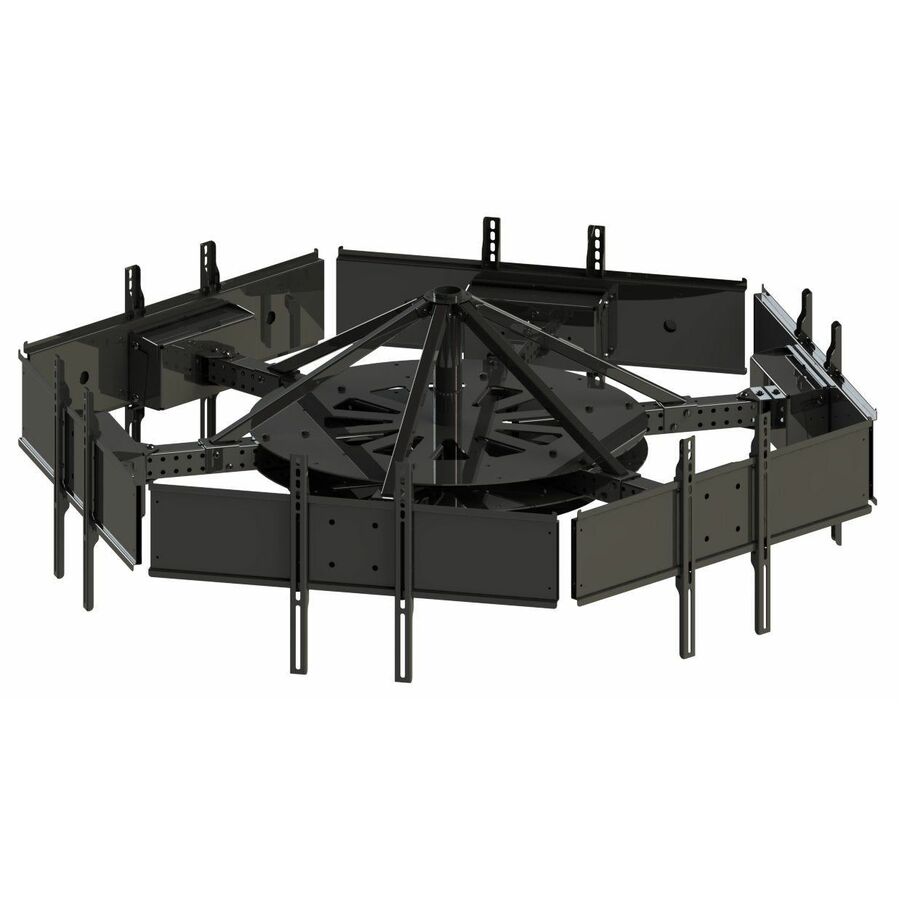
The number of screens on the pole is the decision that shapes everything else, and it is set by where people look from rather than by how many displays the room has. A single-display ceiling mount is the ordinary case — one screen, seen from one direction, hung where a wall cannot carry it. A back-to-back mount hangs two panels on one pole so the same content faces both ways, which is what an aisle, a concourse or a two-sided service counter needs and is far cheaper and tidier than two separate poles. A multi-display or menu-board mount hangs three or more panels in a landscape or portrait array from one structure, which is the standard fitting over a quick-service counter.
Read the weight rating against the whole load, not one screen. A back-to-back mount holds two panels, a menu-board cluster holds several, and the ceiling fixing carries all of them at once — so the plate, the pole and the structure above have to be sized for the total, with the drop length taken into account because a longer column puts more leverage on the fixing. This is the part of the job to get right on paper before anyone is on a ladder.
Drop length, tilt and the ceiling itself
The drop is what brings the screen from the ceiling to a height people can actually read, and it is easy to under-order. A fixed coupler is right for a low ceiling where the screen only has to clear head height; an extension column is what a warehouse, a concourse or a double-height retail space needs to bring the panel down to eye level. Several of the column mounts here pair the drop with a tilt box, so the screen can be angled down toward the viewers below once it is hung — a signage screen seen from a distance almost always reads better with a few degrees of downward tilt.
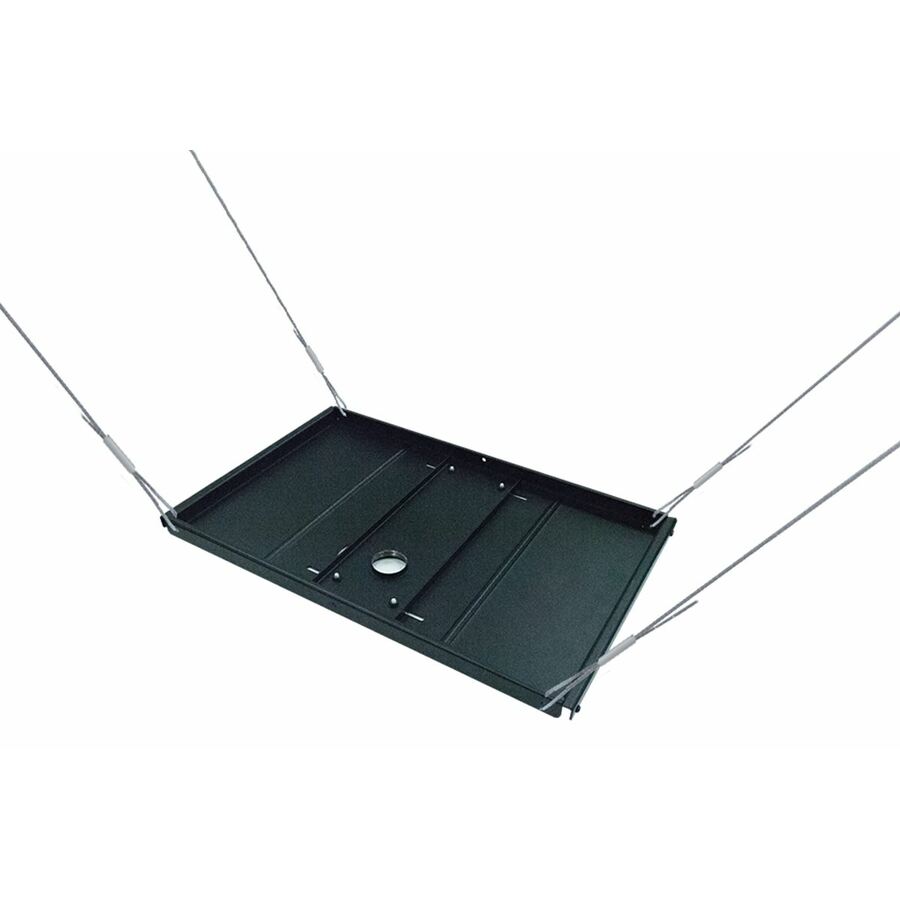
The ceiling itself is the part a spec sheet cannot fix. A ceiling mount carries the display in tension into the structure above the finished ceiling, so the fixing has to land on solid support — a joist, a purlin, a structural deck, or a rated unistrut frame spanning to them — never a suspended-ceiling tile or grid. Where the run of column and screen is long, treat the whole assembly as a load path and check it before the order; Uniqcli can quote the mount, the ceiling plate, the adaptor and the installation on one document so the small parts and the install date stay on the same page.
FAQ
Common questions
- What weight and screen size can a ceiling mount hold?
- It is stated per part, as a screen-size range and a maximum load, and both have to be read against the actual panel rather than its diagonal alone. The mounts on this page span roughly 13-inch flat panels up to 90-inch displays, with load ratings that rise with the size class, and a back-to-back or multi-display mount has to hold the combined weight of every screen on the pole, not one. Read the maximum load on the exact part and compare it to the panel's own published weight with a margin, because the ceiling fixing carries all of it at once.
- Can two displays hang back-to-back from one ceiling mount?
- Yes, and it is one of the main reasons to choose a ceiling mount over a wall mount. A back-to-back ceiling mount hangs two panels on a single pole so the same content faces both directions, which suits an aisle, a concourse or a two-sided service counter and is tidier and cheaper than two separate poles. The mount has to be rated for the combined weight of both screens, and the drop and tilt are set once both panels are up. Several mounts here are single-display and several are explicitly back-to-back or multi-display, so read that on the part.
- Do I need an extension column or a fixed ceiling mount?
- It depends on the ceiling height. A fixed coupler is right for a low ceiling where the screen only needs to clear head height; an extension column is what brings a display down from a high ceiling to a readable eye level, and it is easy to under-order that drop. Many of the column mounts here pair the drop with a tilt box so the screen can be angled toward the viewers below once it is hung. Measure the ceiling and the intended screen centre before ordering, because the column length is not something a mount can be talked into after the fact.
- What does a ceiling mount fix into?
- The structure above the finished ceiling, never the ceiling surface itself. A ceiling mount carries the whole weight of the display in tension, so the fixing has to reach a joist, a purlin, a structural deck or a rated frame that spans to them — a suspended-ceiling tile or its grid is not a mounting point. On a longer drop the leverage on the fixing increases, so the load path from screen to structure is the thing to confirm before the order rather than after, and it is worth quoting the ceiling plate and any structural adaptor alongside the mount.
- Can business, government and education buyers order these?
- Every line Uniqcli quotes is sourced through US distribution and screened for TAA country-of-origin and NDAA §889 status before checkout — with documentation tied to the specific part number, not a product family.
Need ceiling mounts for displays pricing?
Send a bill of materials or part numbers — we confirm stock and a below-market total, with TAA verified on request. No payment up front.