
Best Logitech Webcams for Business & Conference Rooms
1080p and 4K Logitech webcams for individual desks, huddle rooms and executive setups.
Logitech webcams in stock at Uniqcli
How to choose →A curated selection with live pricing — in-stock lines first, then back-ordered lines with a typical lead time. Every line is sourced through US distribution and screened for NDAA §889 status before checkout, with TAA verified on request.
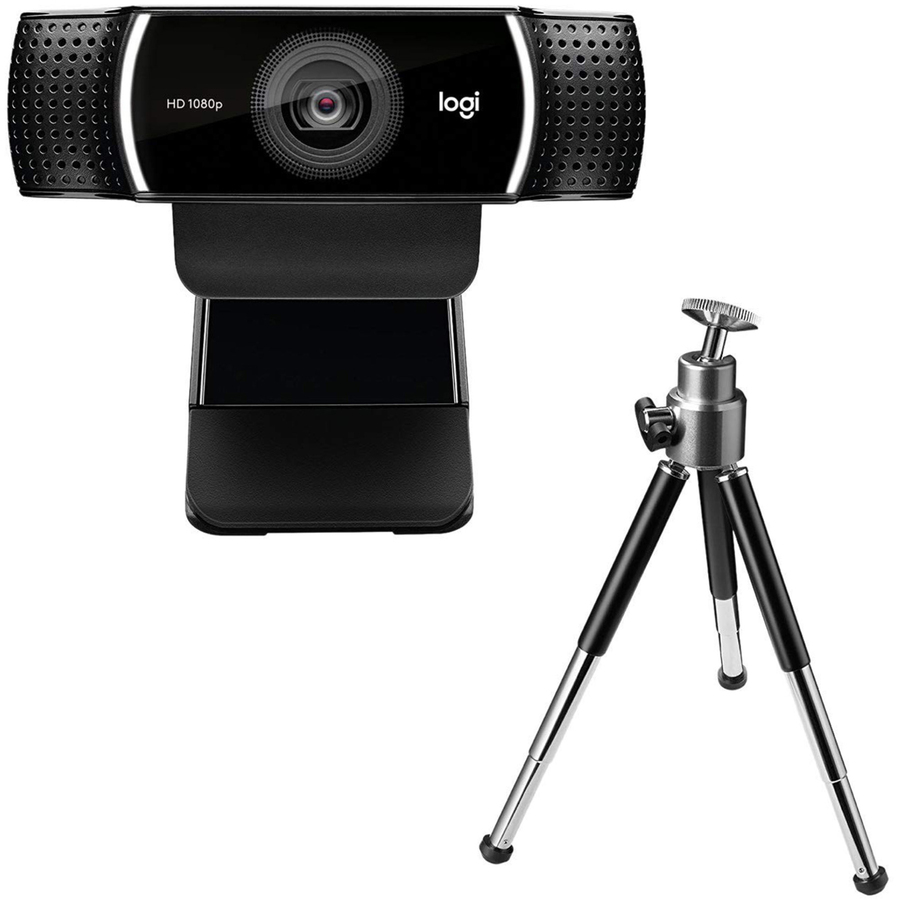
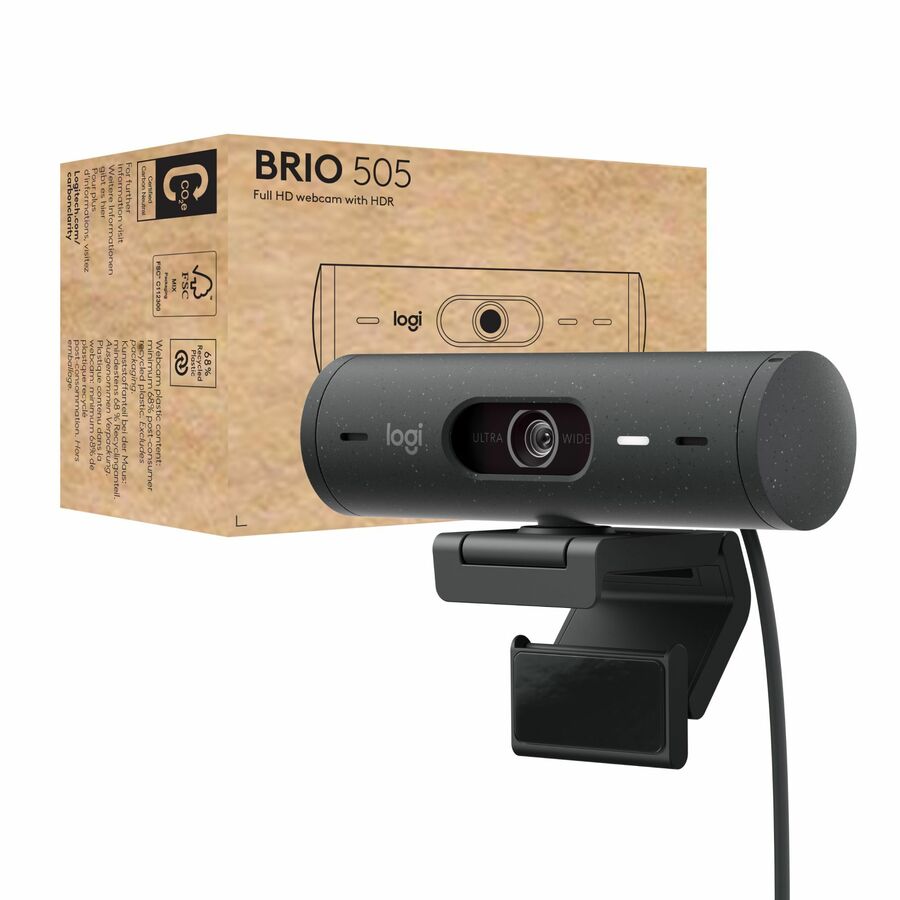
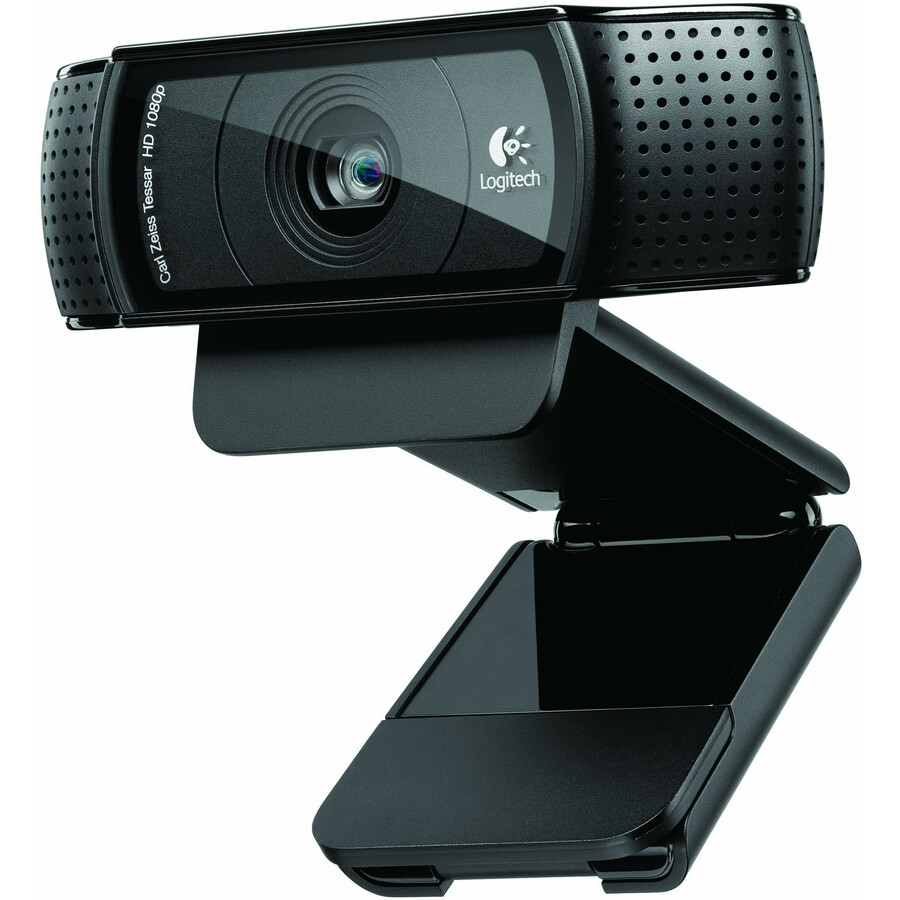
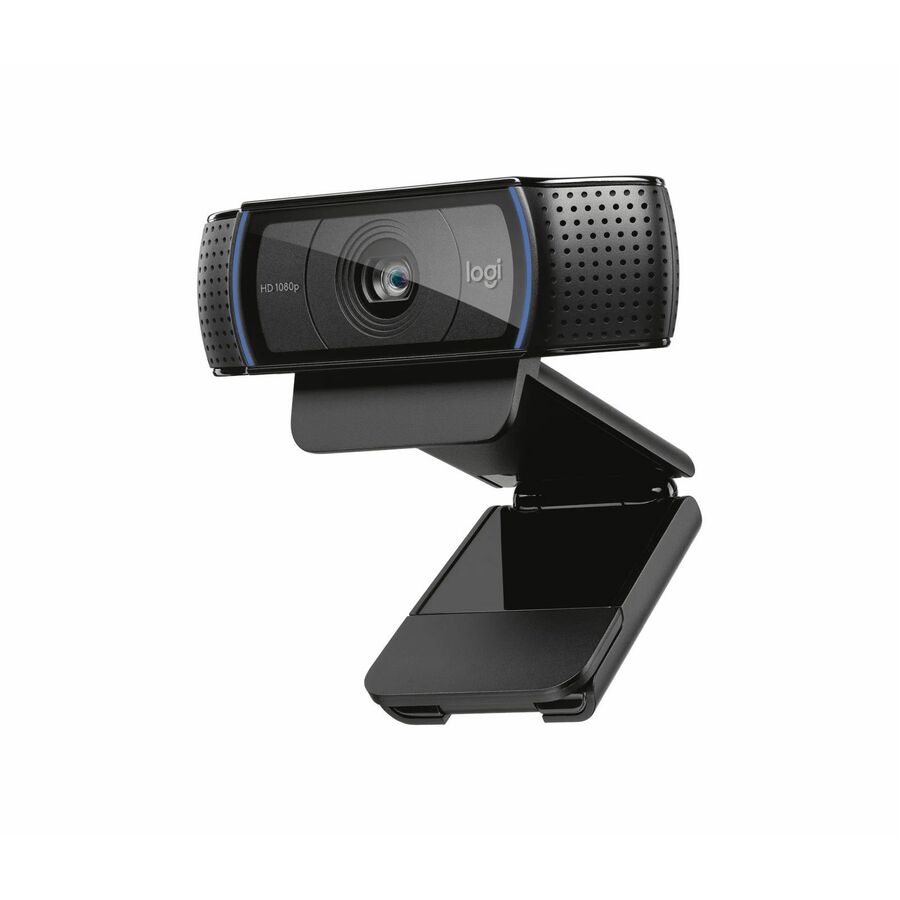
More webcams in the Uniqcli catalog
See all 383 webcamsMore Logitech first — closest to what you were just looking at; “See all webcams” above opens every other brand in the category. In-stock lines lead, and a back-ordered line carries the same estimated availability its product page does — with live pricing throughout, NDAA §889 screening before checkout and TAA verified on request.
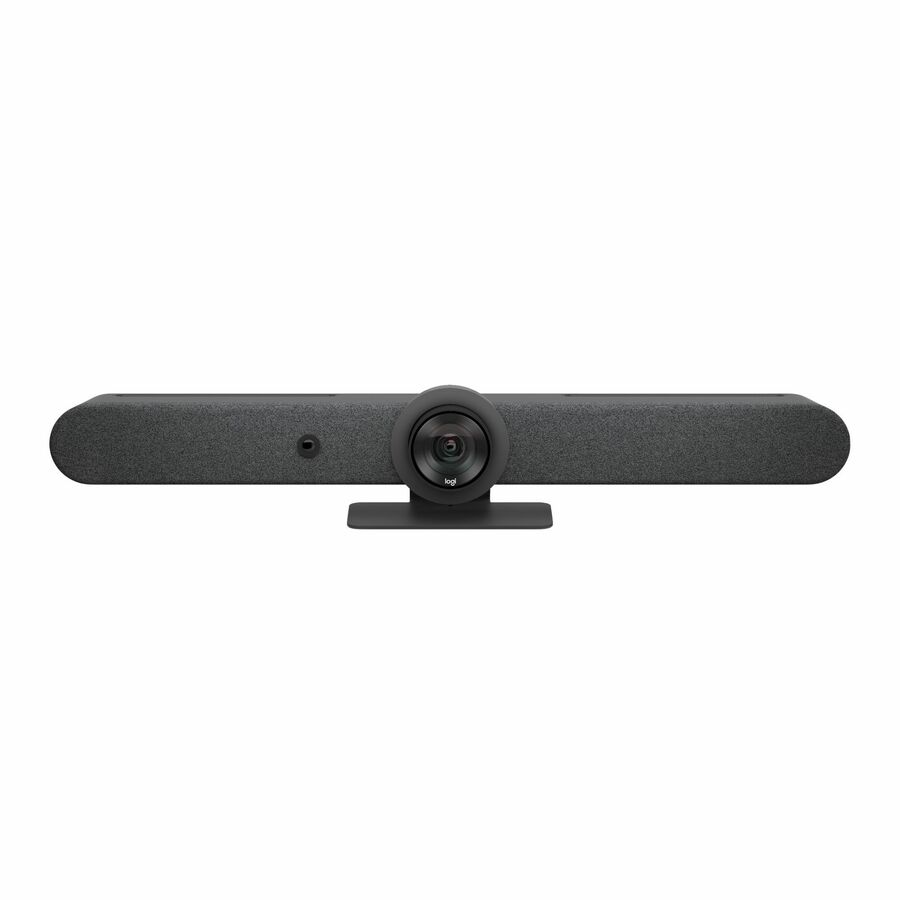
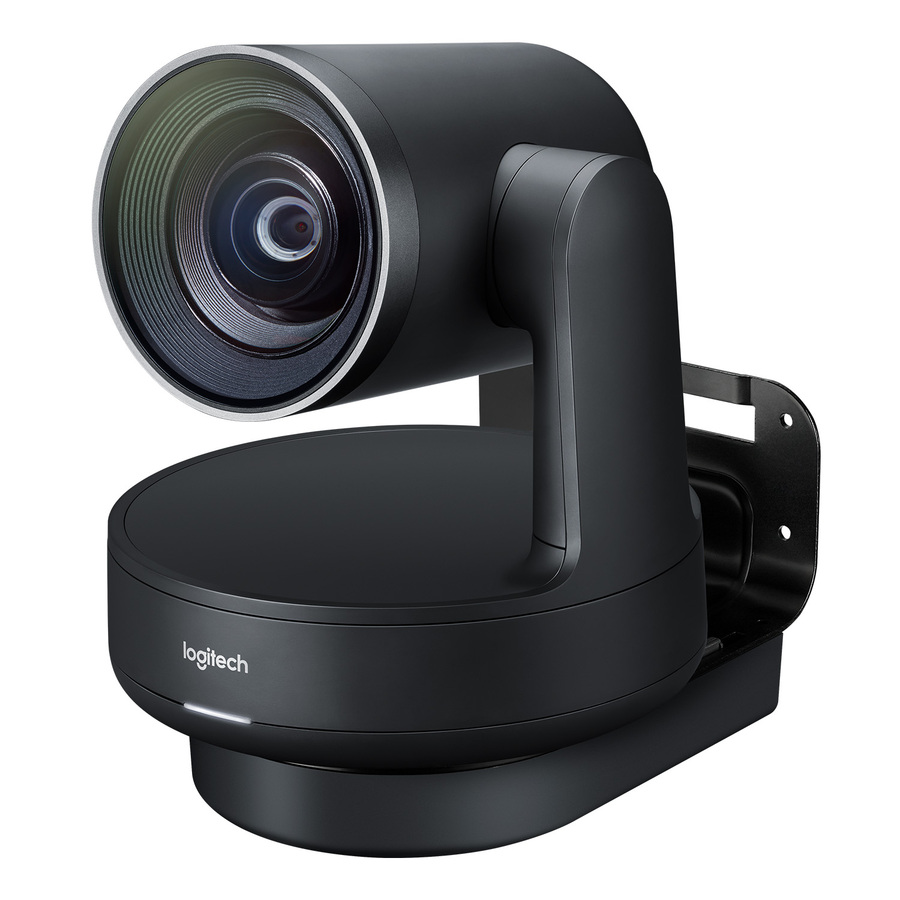
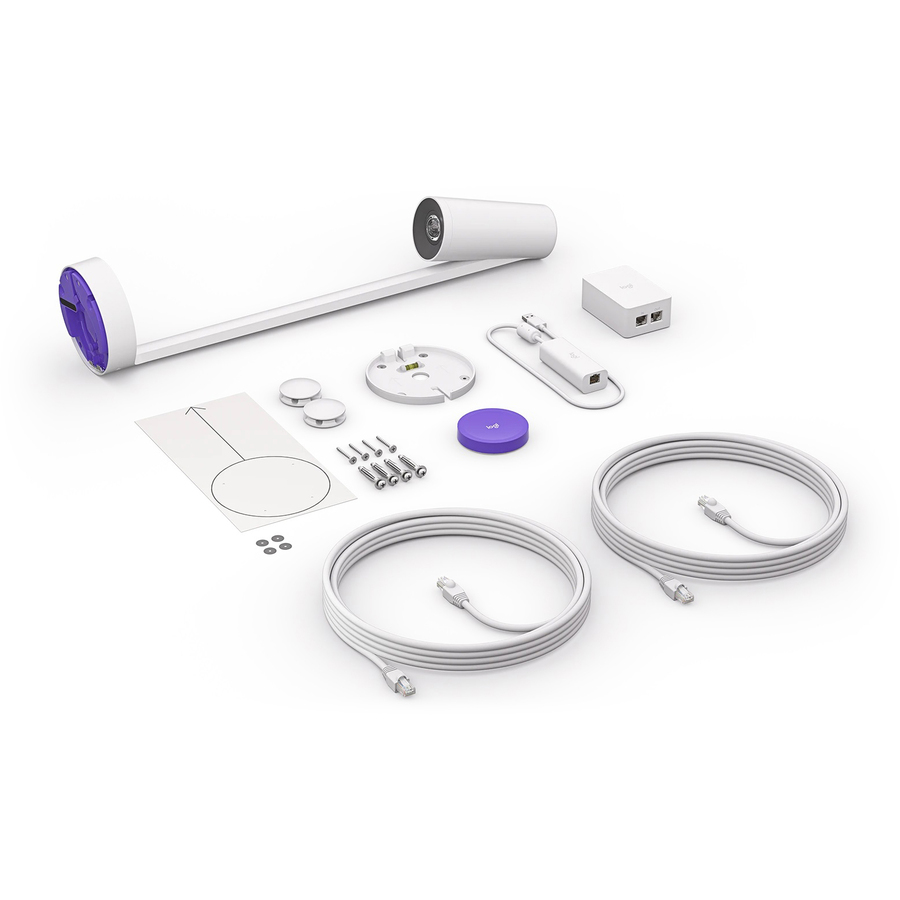
- LogitechLogitech Rally Ultra HD PTZ Camera for Meeting Rooms - 3840 x 2160 Video - Auto-focus960-001226
$1,561.19
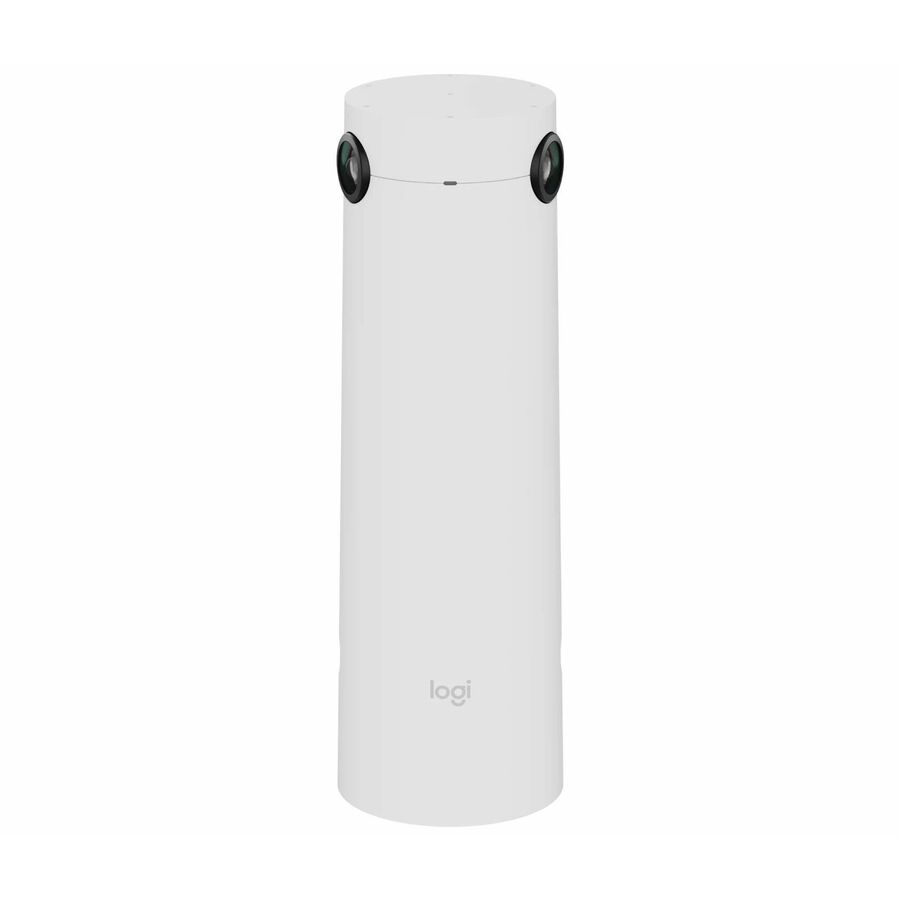
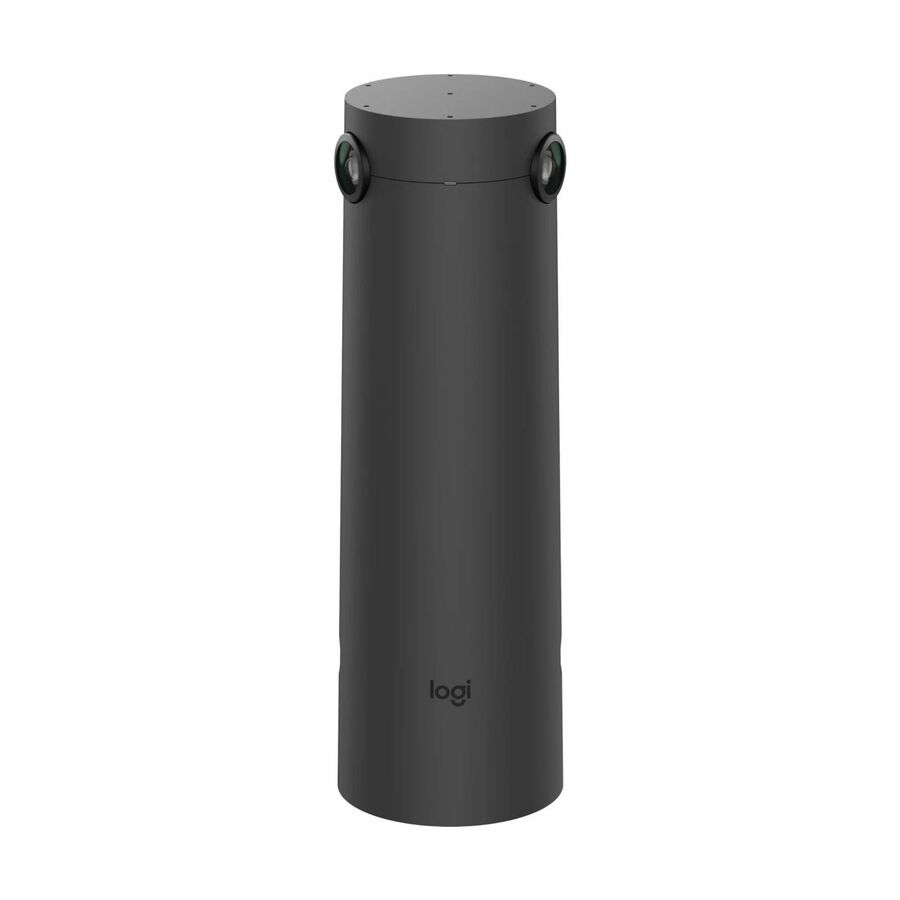
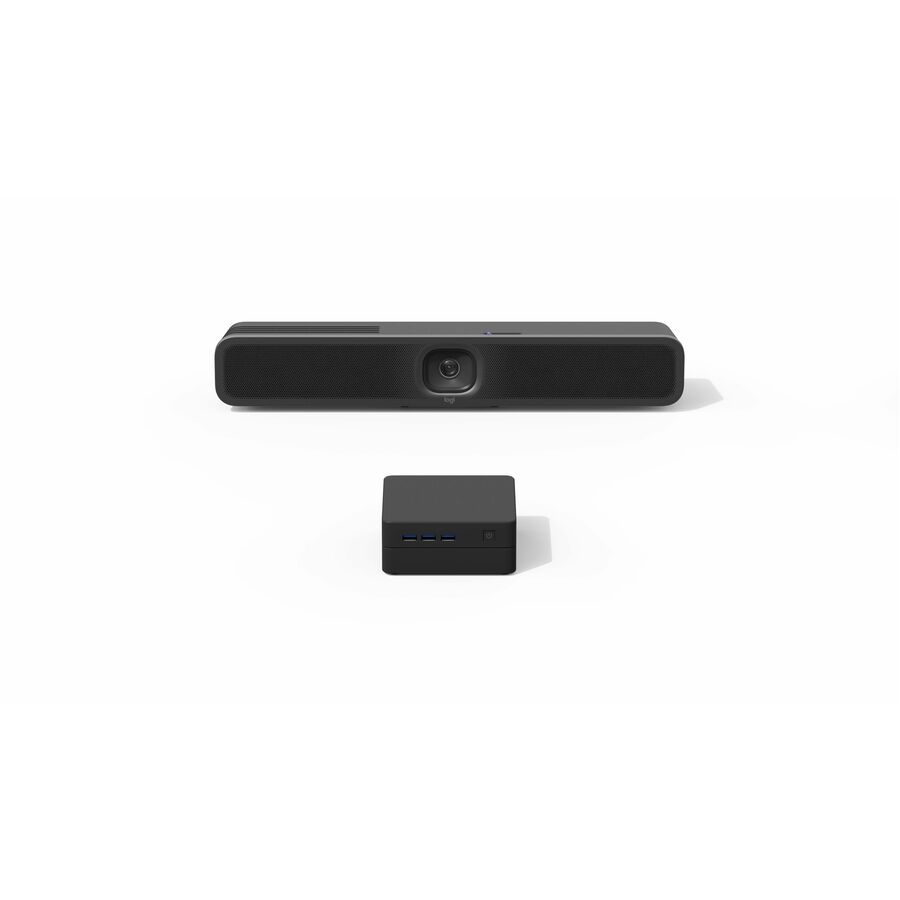
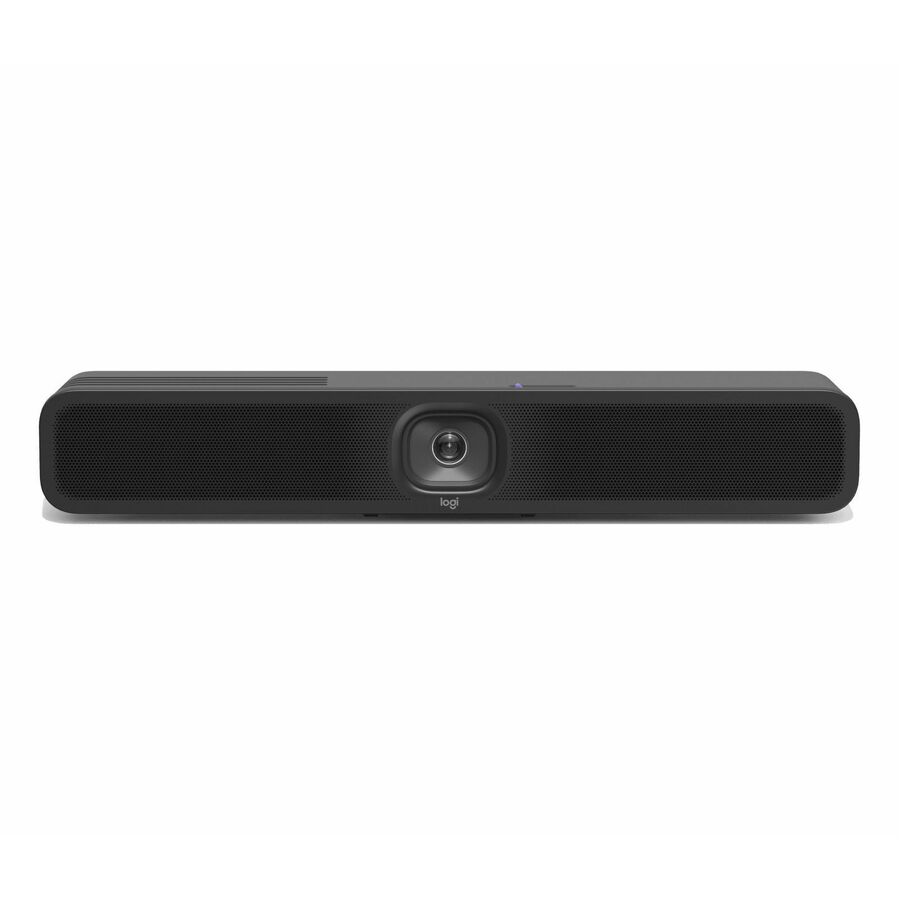
62 in stock - LogitechMeetUp 2 All-in-One USB Conference Camera with Built-In AI - 4K - 3840 x 2160 Video - 120° Angle - 4x Digital Zoom - Microphone - Wireless LAN - Network (RJ-45) - For Notebook, Monitor, Desktop PC - Windows 10 or Higher, macOS - AI-powered - Built-in Speaker, Microphone960-001691
$1,114.81
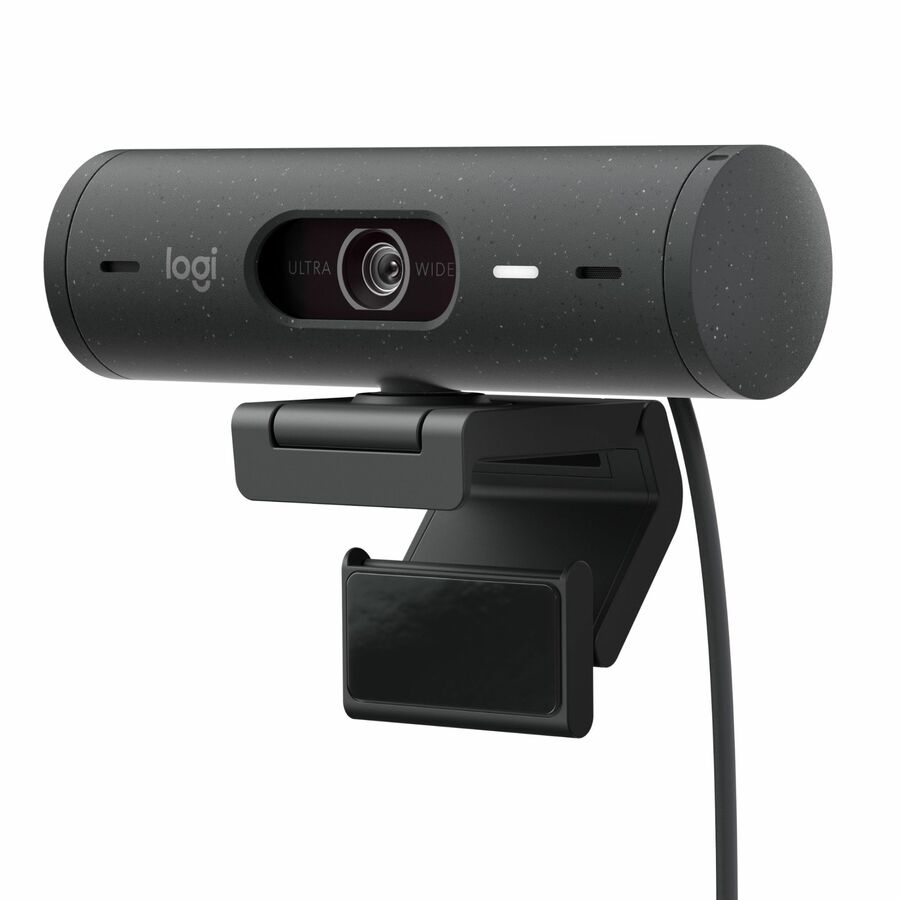
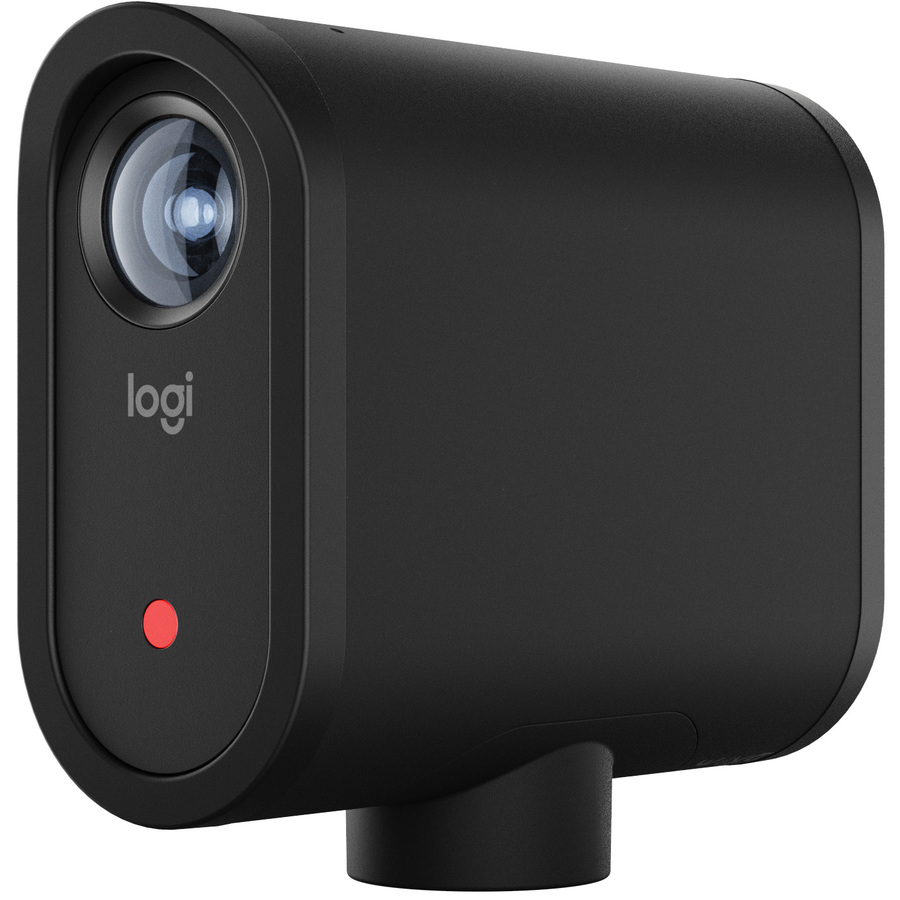
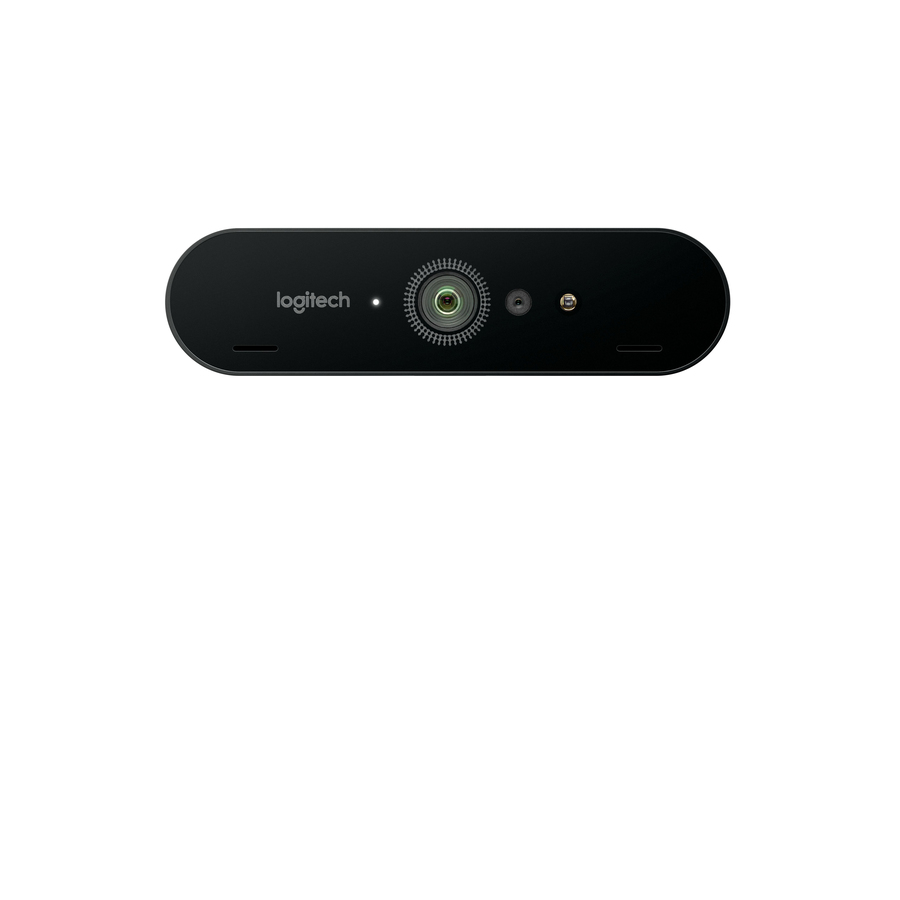
135 in stock - LogitechLogitech BRIO STREAM Webcam - 90 fps - USB 3.0 - 13 Megapixel Interpolated - 4096 x 2160 Video - Auto-focus - Microphone960-001194
$618.95
$593.44
Back-orderedBack-ordered — estimated OEM lead time 3–8 weeks (Nov 17 – Dec 22 if ordered today).
Back-ordered — estimated OEM lead time 3–8 weeks (Nov 17 – Dec 22 if ordered today).
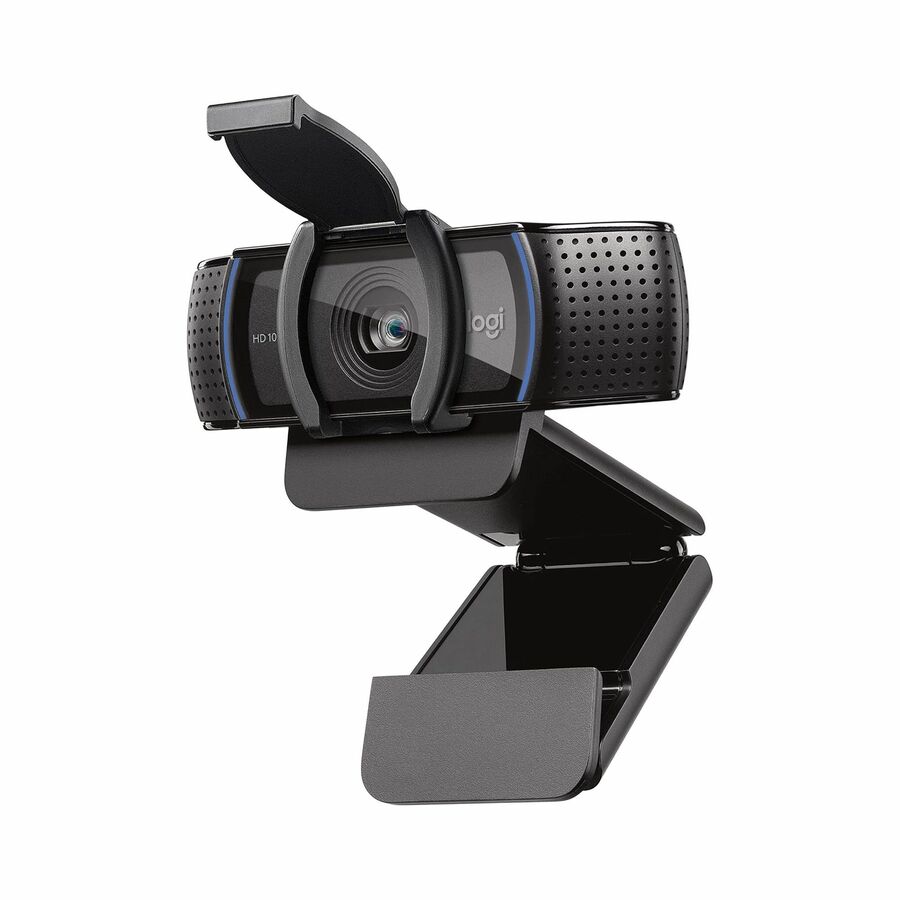
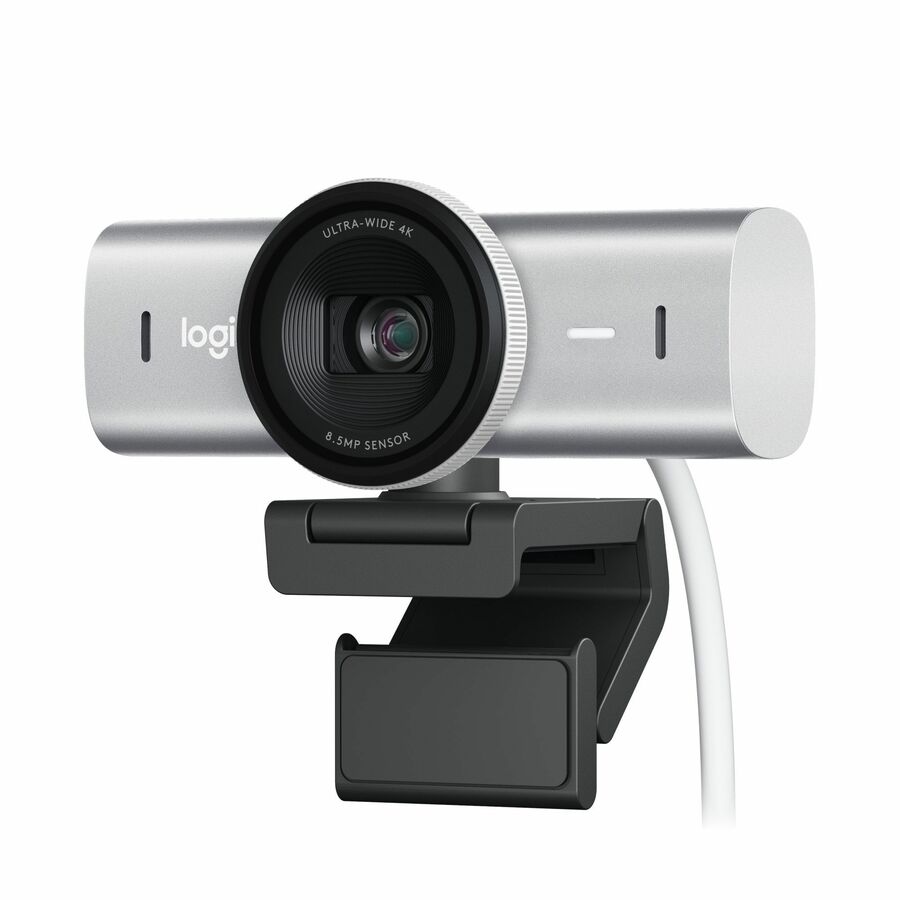
- LogitechLogitech Webcam - 30 fps - USB - 1920 x 1080 Video - Auto-focus - Microphone960-000972
$420.88
$404.88
Back-orderedBack-ordered — estimated OEM lead time 3–8 weeks (Nov 17 – Dec 22 if ordered today).
Back-ordered — estimated OEM lead time 3–8 weeks (Nov 17 – Dec 22 if ordered today).
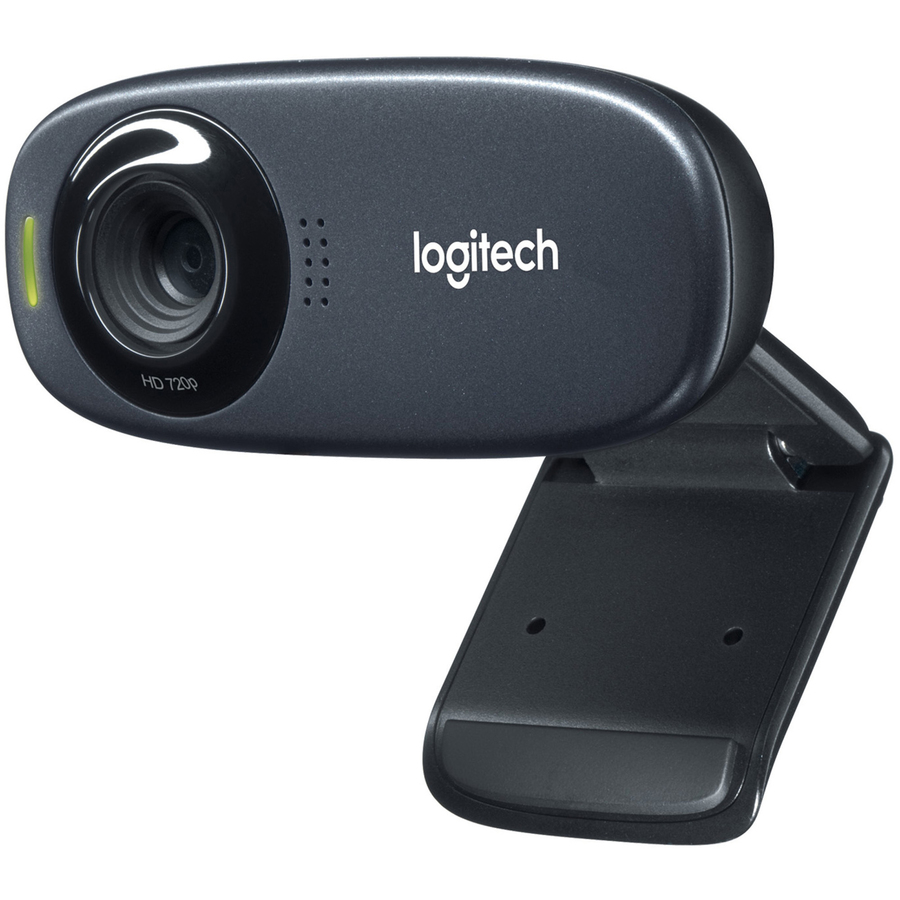
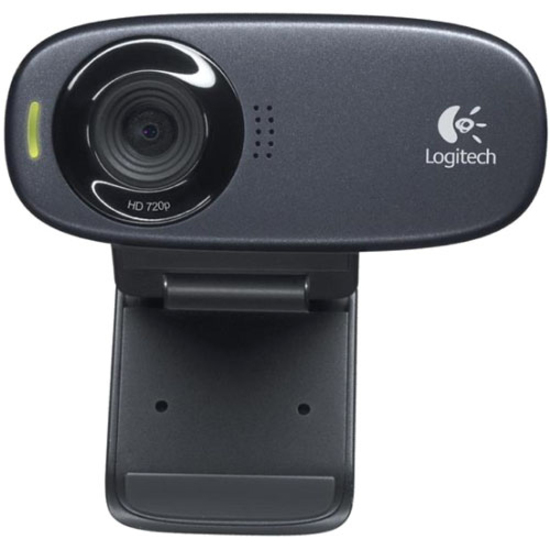
- LogitechLogitech C310 Webcam - 5 Megapixel - 30 fps - Black - USB 2.0 - 1 Pack(s) - 1280 x 720 Video - Fixed Focus - 60° Angle - Microphone - For Computer, Notebook, Monitor960-000585
$201.16
$194.42
Back-orderedBack-ordered — estimated OEM lead time 3–8 weeks (Nov 17 – Dec 22 if ordered today).
- LogitechLogitech C310 Webcam - USB 2.0 - 1280 x 720 Video - For Computer960-000637
$201.16
$194.42
Back-orderedBack-ordered — estimated OEM lead time 3–8 weeks (Nov 17 – Dec 22 if ordered today).
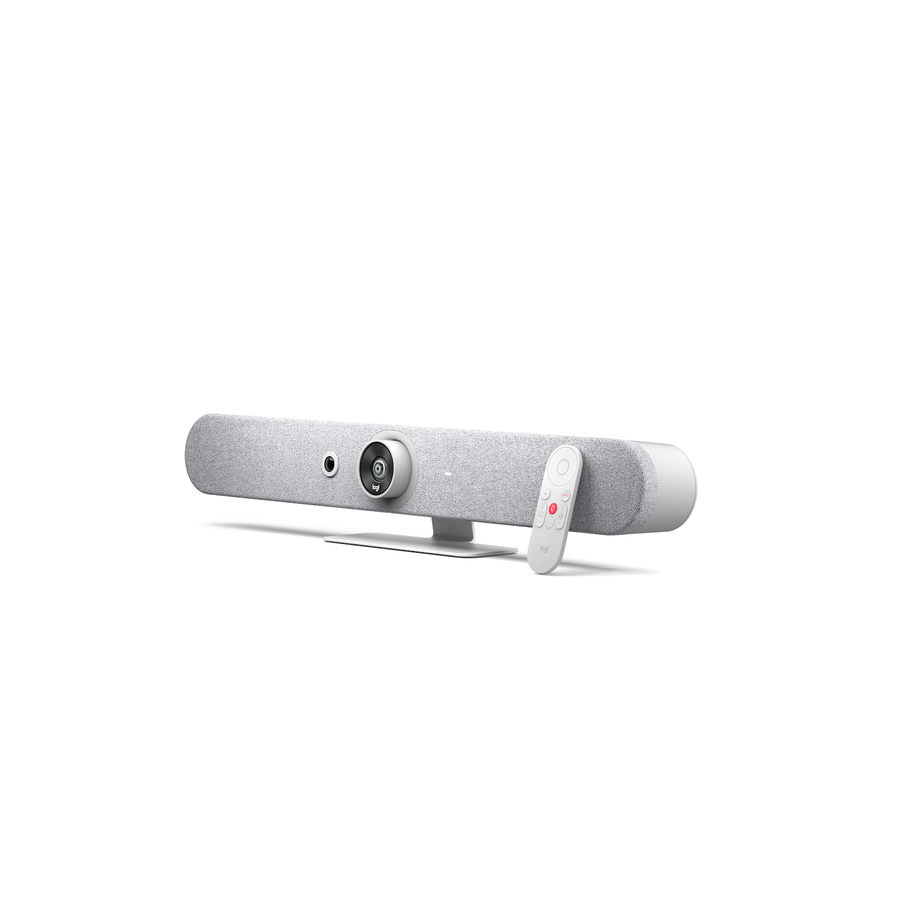
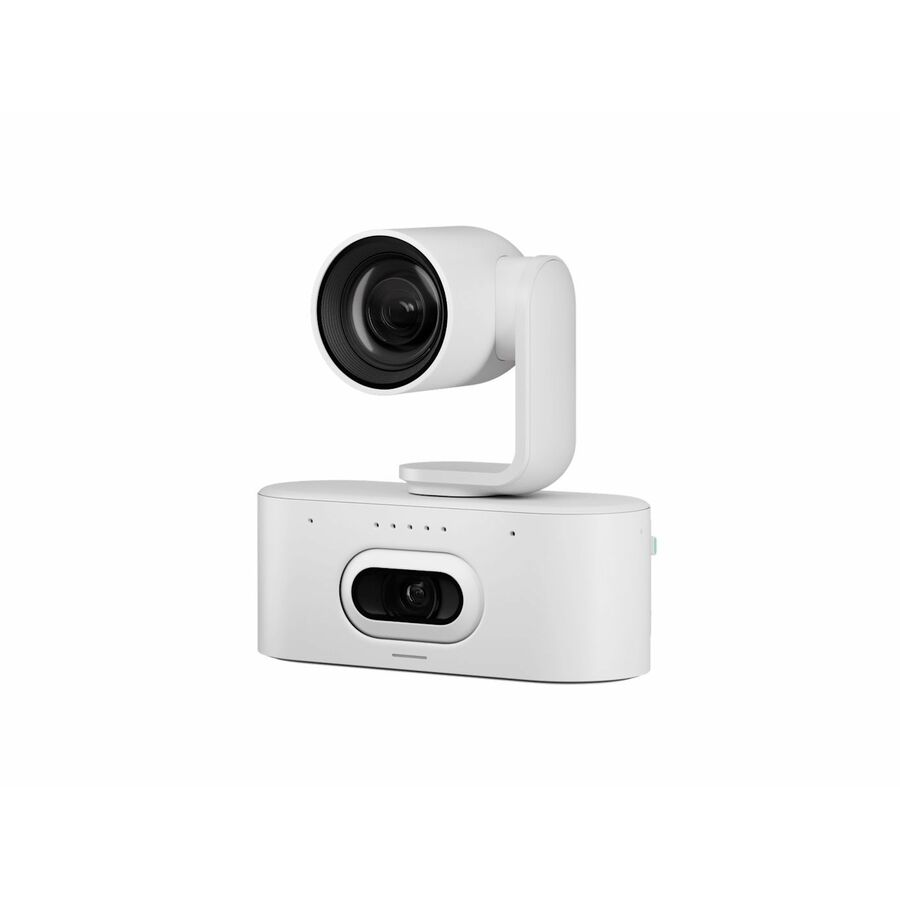
- LogitechRally AI Camera Pro, Off-White - 4K - 3840 x 2160 Video - 116° Angle - Wall, Ceiling Mount - 4x Digital Zoom - Microphone - Wireless LAN - Network (RJ-45) - For TV - AI-powered - PTZ, Microphone, Dual Camera960-001775
$3,346.67
Back-orderedBack-ordered — we expect to receive stock the week of Oct 26 – Nov 1 and will process your delivery right after.
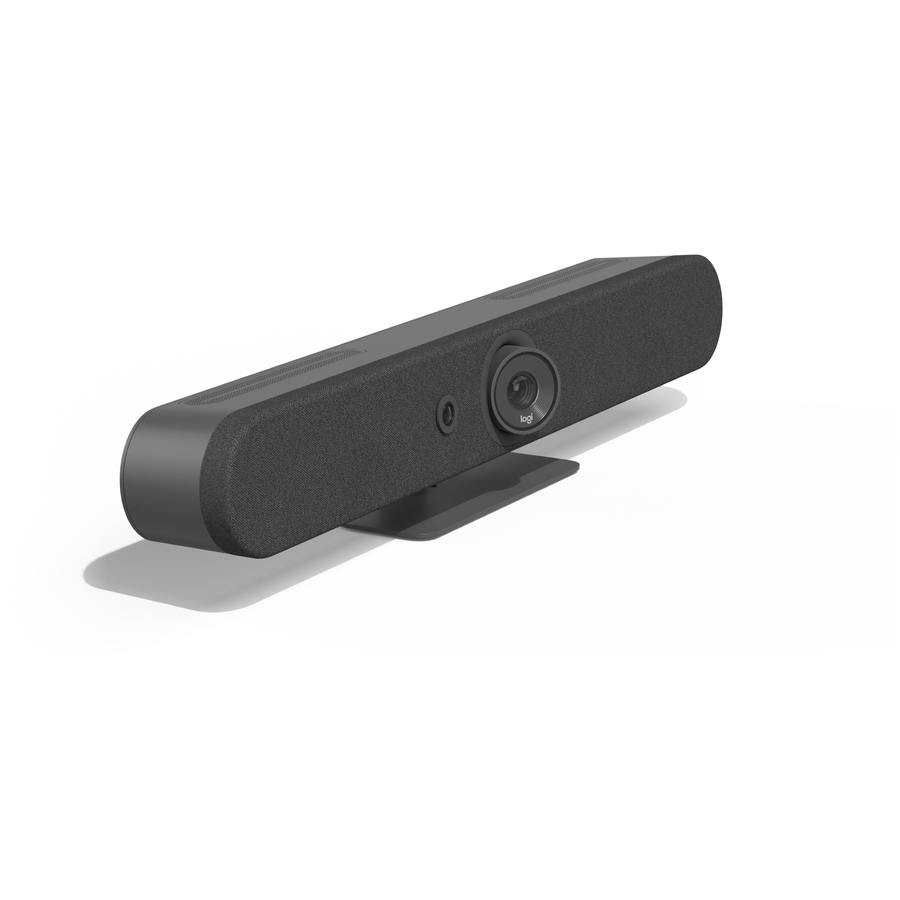
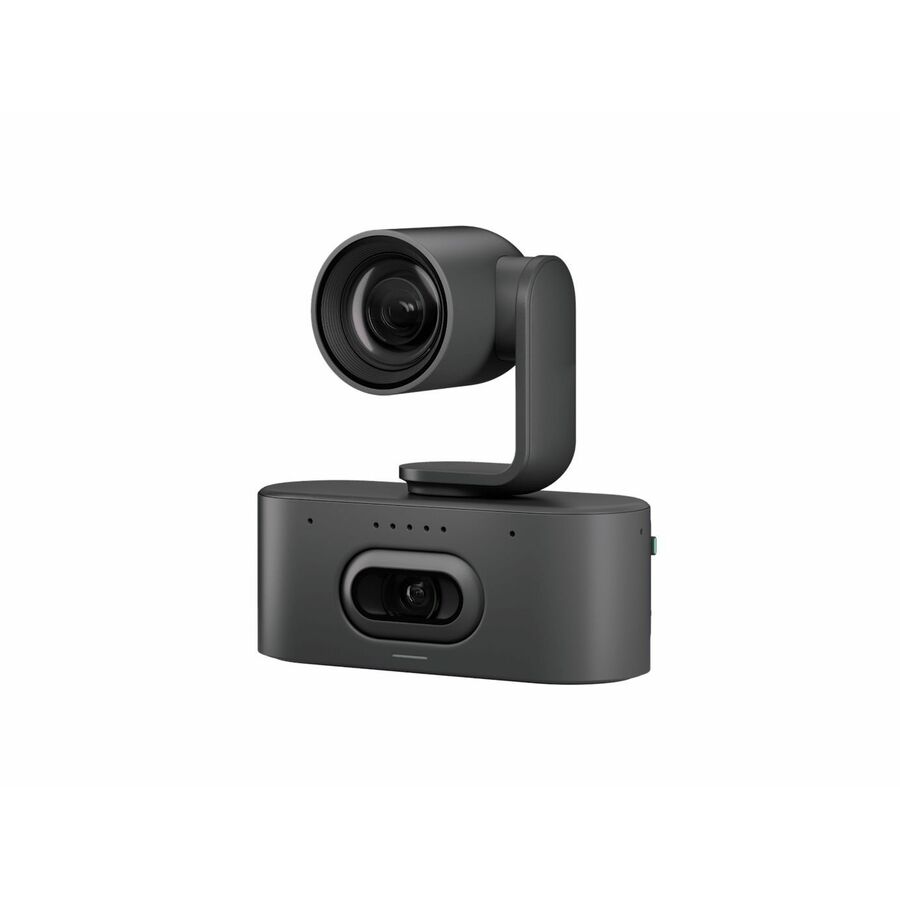
- LogitechRally AI Camera Pro, Graphite - 4K - 3840 x 2160 Video - 116° Angle - Wall, Ceiling Mount - 4x Digital Zoom - Microphone - Wireless LAN - Network (RJ-45) - For TV - AI-powered - PTZ, Microphone, Dual Camera960-001756
$3,346.67
Back-orderedBack-ordered — we expect to receive stock the week of Oct 26 – Nov 1 and will process your delivery right after.
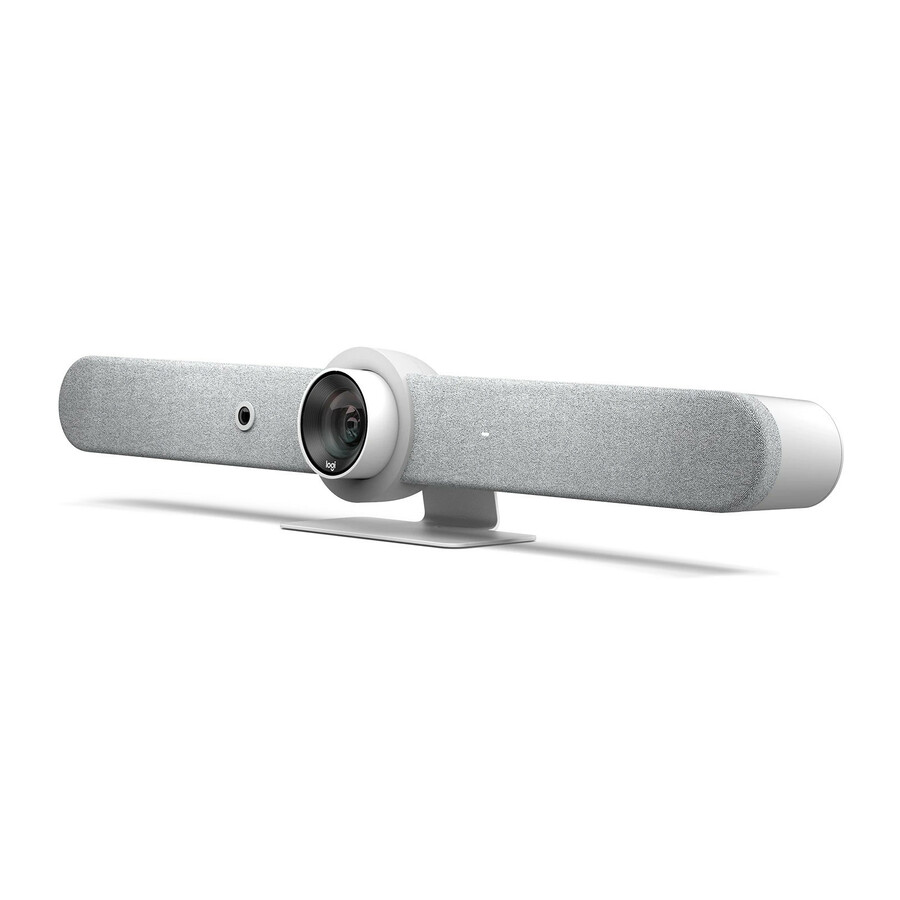
- LogitechRally AI Camera, Off-White - 4K - 3840 x 2160 Video - 116° Angle - Wall, Ceiling Mount, Display Mount - 4x Digital Zoom - Microphone - Wireless LAN - Network (RJ-45) - For Monitor, Display Screen - AI-powered - PTZ, Microphone960-001809
$2,788.70
Back-orderedBack-ordered — we expect to receive stock the week of Oct 26 – Nov 1 and will process your delivery right after.

Need pricing on Logitech webcams?
Tell us where to reach you and a Uniqcli specialist will follow up by email with current pricing, availability and lead time for the quantities you need — including parts that aren’t shown on this page.
Buying for an organization or for yourself — both work. No payment up front.
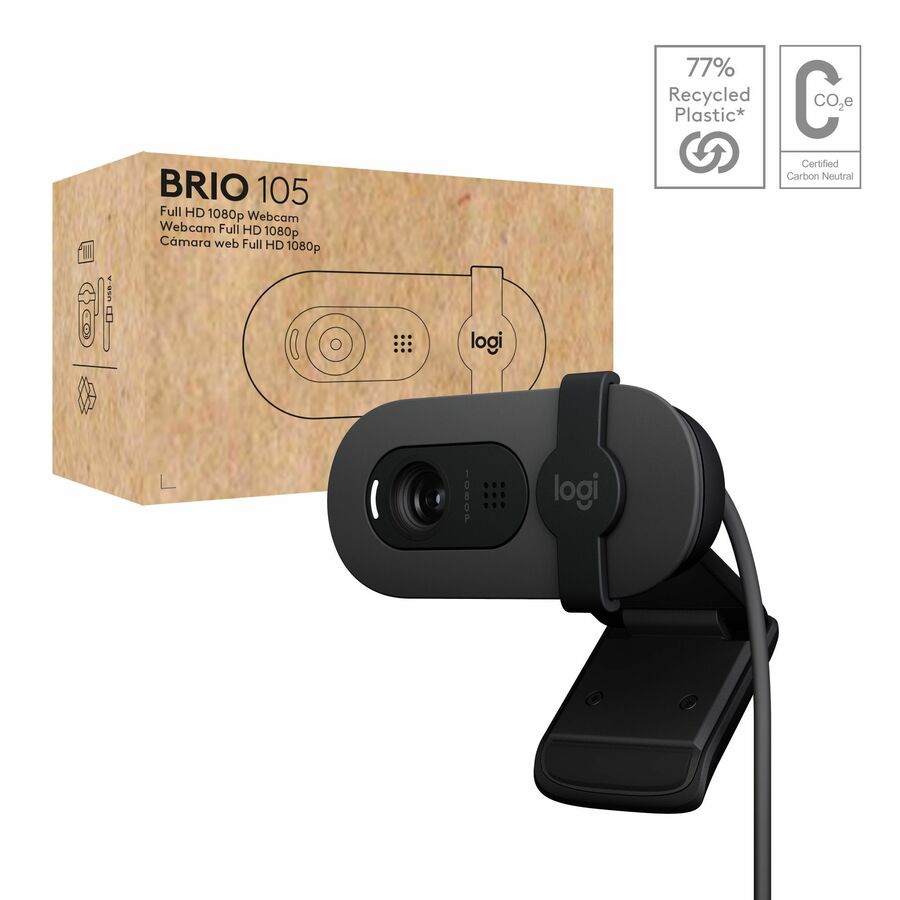
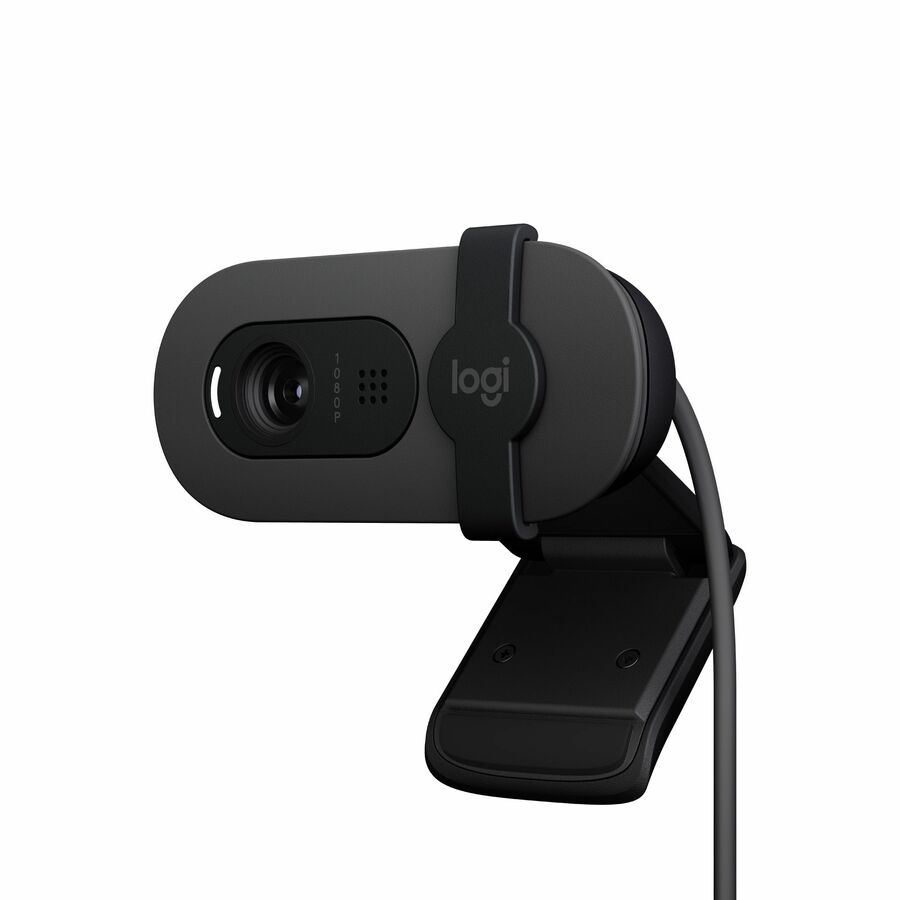
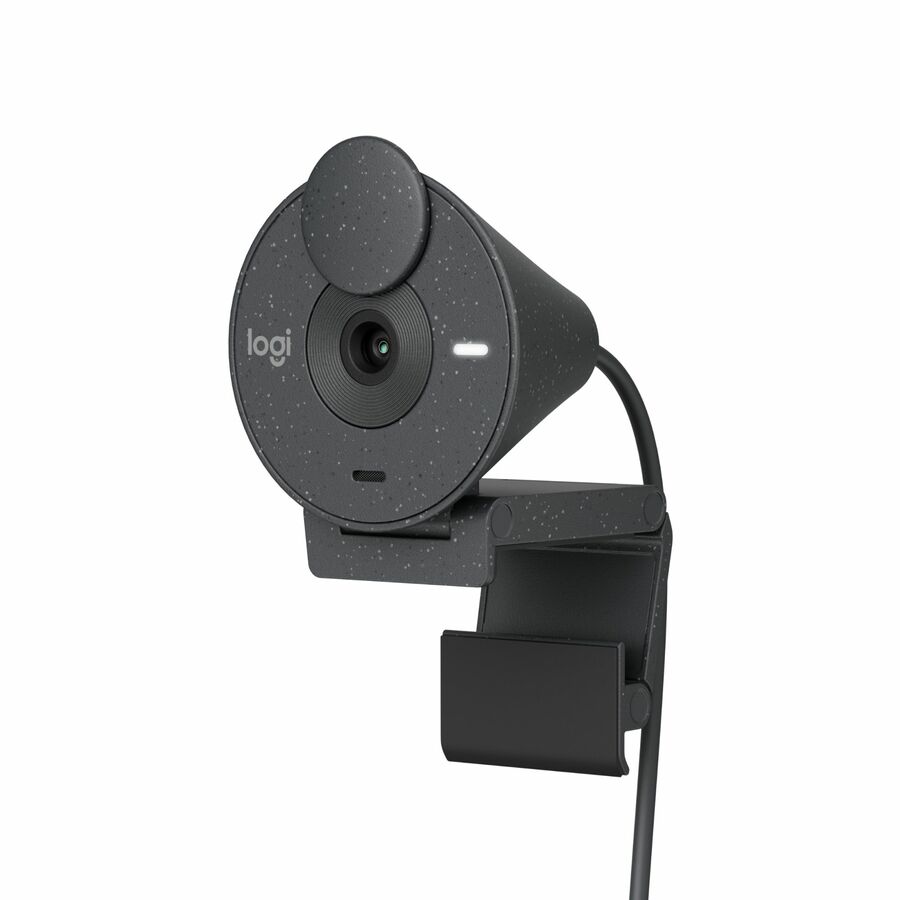
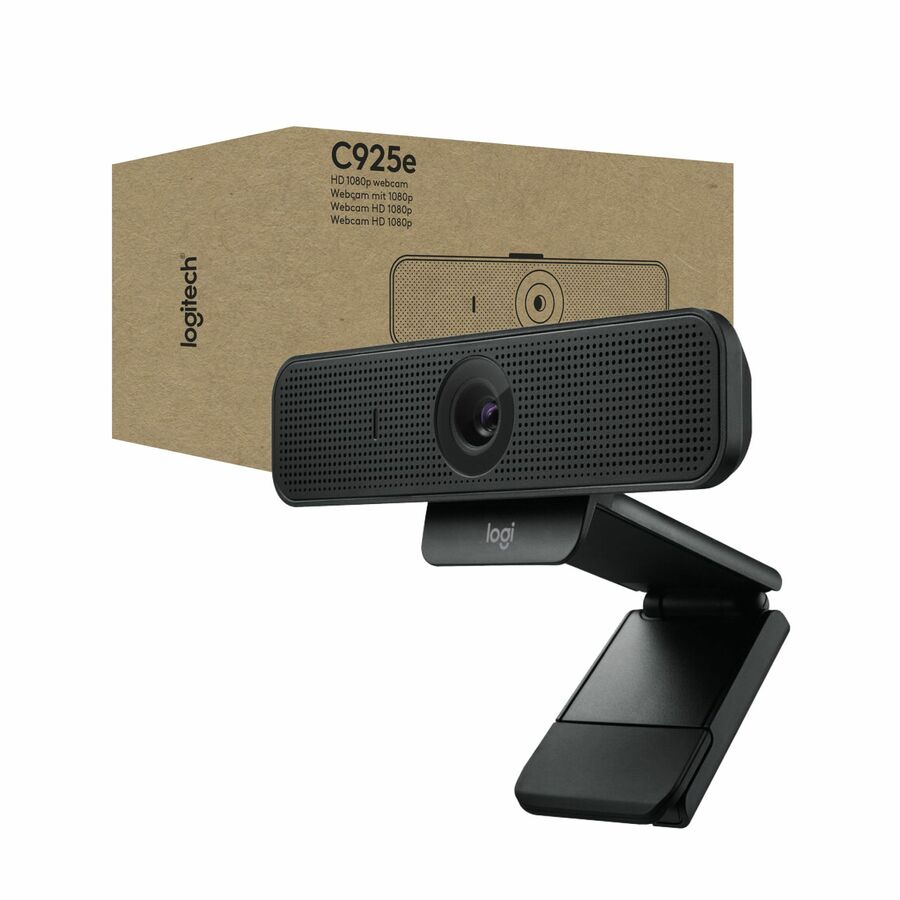
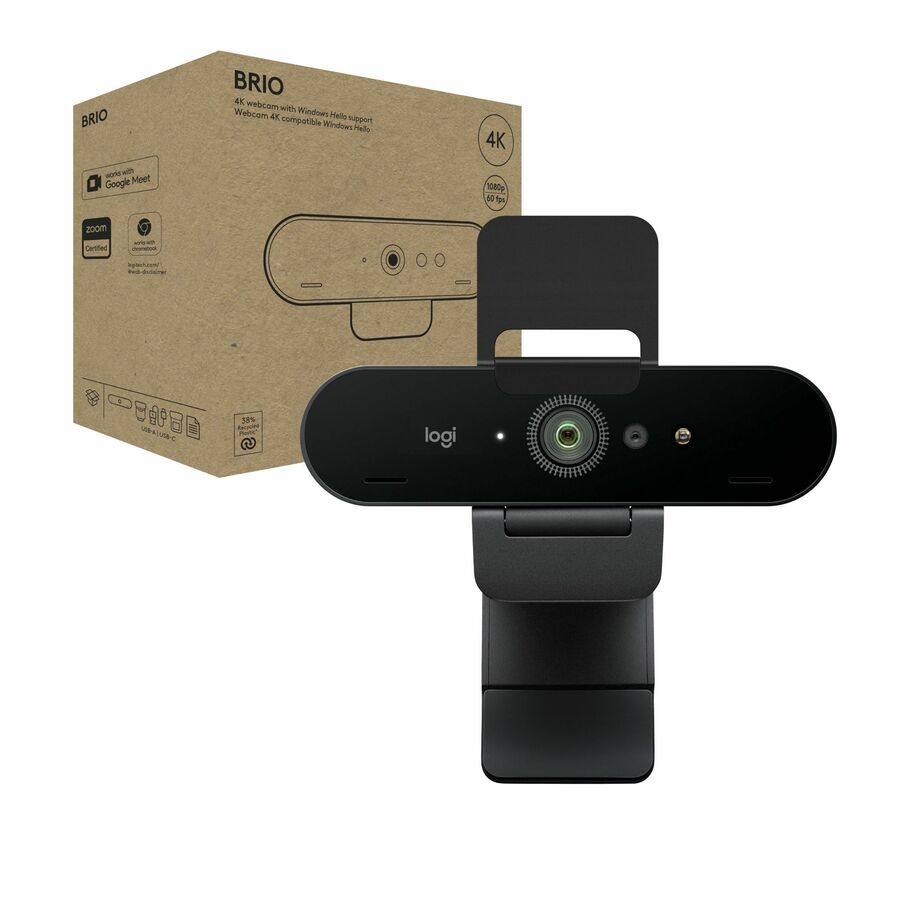
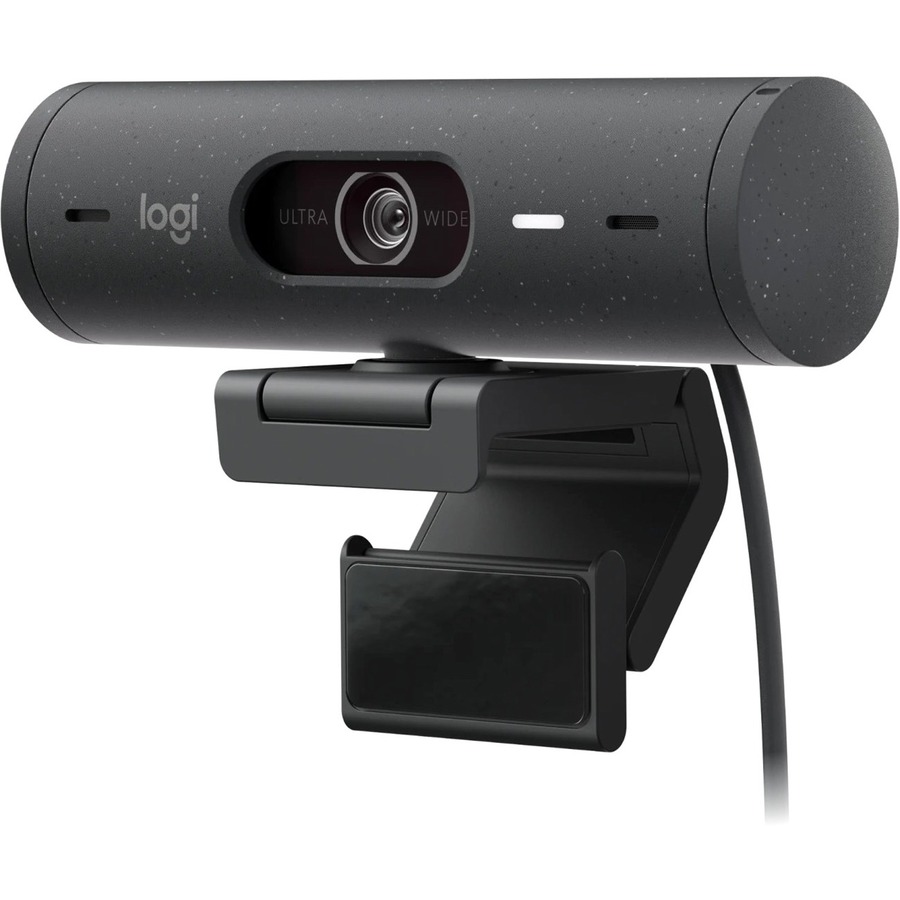
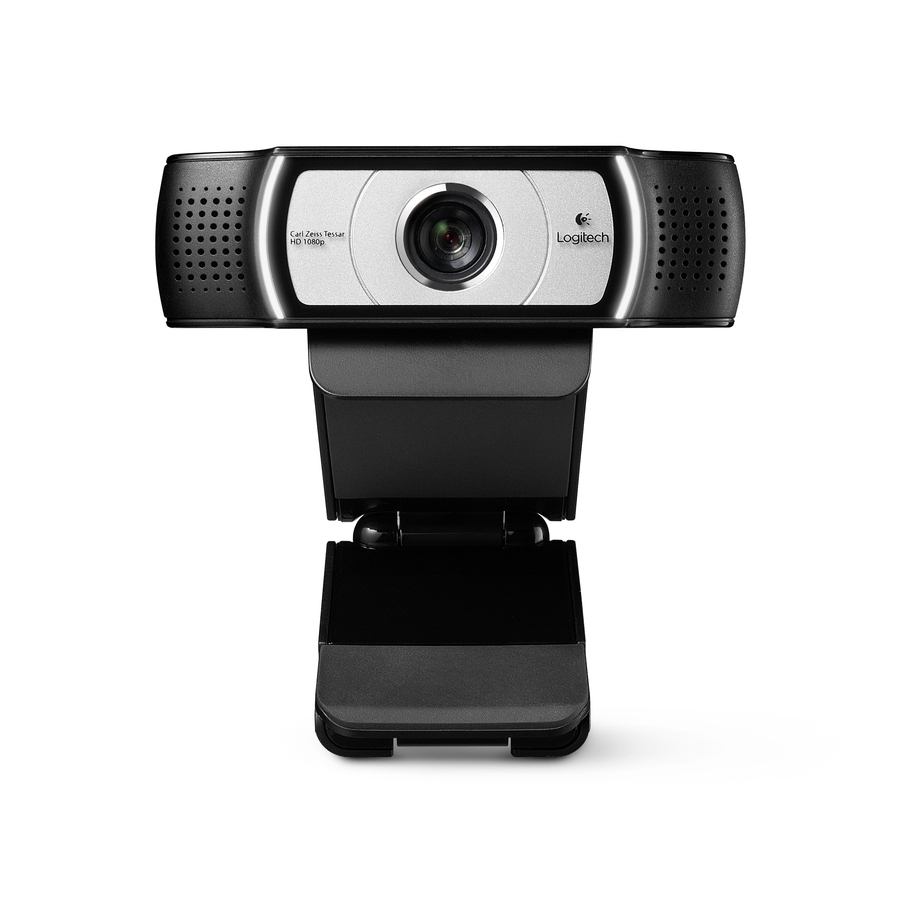
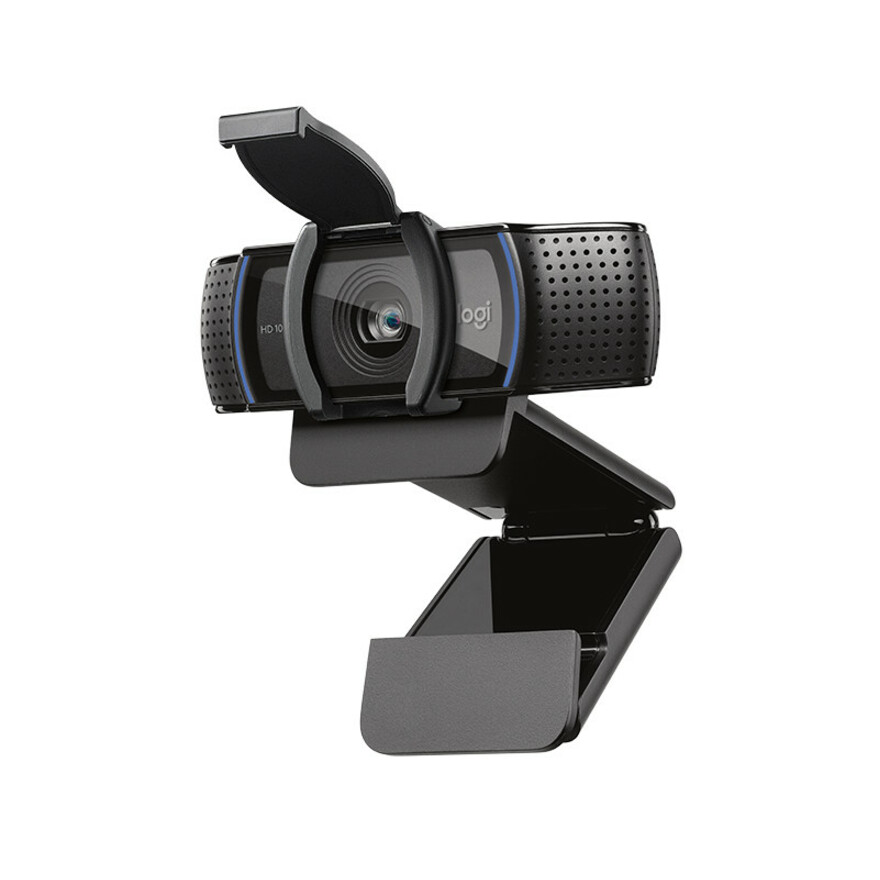
Logitech's business webcams (the Brio, C920/C925e and MX Brio families) are the safe standard for corporate video because they enumerate as standard UVC devices — no drivers, no MDM headaches — and carry the Teams/Zoom certifications IT departments look for. For a hybrid-work rollout, that plug-and-play behavior across Windows, macOS and thin clients is worth more than a marginally better sensor.
Choose resolution and field-of-view by use: a 1080p fixed-focus cam is plenty for an individual desk, while a 4K model with a wider, adjustable field of view and RightLight exposure earns its cost in a shared huddle room or for an executive who is on camera all day. The models below are the Logitech webcams Uniqcli currently stocks, with in-stock status on each card.
Buyer's checklist
How to choose a Logitech webcam
- 1080p is sufficient for individual desks; reserve 4K (Brio / MX Brio) for huddle rooms and on-camera executives where framing and crop headroom matter.
- Confirm the certification your platform needs — most business models are Teams- and Zoom-certified; verify before a large deployment.
- A hardware privacy shutter is a procurement checkbox for many agencies — prefer models that include one.
- For shared rooms, favor a wider, adjustable field of view and good low-light (RightLight/HDR) handling.
- Standardize on one model per room type so mounting, imaging and spares stay simple.
Where these cameras fit
An individual desk is the simplest case — a 1080p C920/C925e-class fixed-focus camera clips to the monitor and needs nothing else. Huddle and small conference rooms are where a wider, adjustable field of view and strong low-light handling matter, so a Brio or MX Brio earns its place framing several seats at once. Executives and anyone on camera all day sit in a third group, where 4K crop headroom keeps framing clean. Front-desk and kiosk stations round out the typical mix.
Deployment considerations
Because these enumerate as standard UVC devices, the rollout work is physical more than driver-related: plan the mount (monitor clip, tripod or wall plate) per room type, and watch USB cable runs — a 4K camera pushed over a long or daisy-chained cable can drop frames without an active extension. Manage firmware and framing presets centrally rather than per desk, and confirm the meeting-platform certification your standard requires before committing a large room count to a single model.
Security and lifecycle
For agencies, the integrated privacy shutter on the business webcams is a genuine control, not a cosmetic feature — a visible, physical guarantee the lens is covered when a room sits idle, which satisfies a common procurement checkbox (models without a built-in shutter usually ship a slide-on shade). On lifecycle, a fixed USB webcam is a low-maintenance, multi-year asset with a standard commercial warranty; standardizing one model per room type keeps mounts, spare units and imaging uniform, so a failed camera is a five-minute swap rather than a re-engineering exercise.
FAQ
Common questions
- Do Logitech business webcams need drivers?
- No — they present as standard USB Video Class (UVC) devices, so they work without additional drivers on Windows, macOS, Chrome OS and most thin clients. The optional Logi Tune / G Hub software only adds tuning controls; it isn't required for the camera to function.
- Is 4K worth it over 1080p for business use?
- For a single person at a desk, 1080p is usually indistinguishable on a call that's compressed to the meeting platform's bitrate anyway. 4K pays off in shared rooms and for executives — the extra resolution gives digital pan/zoom and crop headroom so one camera can frame several seats cleanly.
- Can these be purchased on a government contract?
- Every line Uniqcli quotes is sourced through US distribution and screened for TAA country-of-origin and NDAA §889 status before checkout — with documentation tied to the specific part number, not a product family.
Need Logitech webcams pricing?
Send a bill of materials or part numbers — we confirm stock and a below-market total, with TAA verified on request. No payment up front.