
Best 4K Webcams for Video Conferencing
Ultra-HD cameras for desks, huddle rooms and boardrooms — personal USB 4K webcams alongside all-in-one conferencing bars.
4K webcams in stock at Uniqcli
How to choose →A curated selection with live pricing — in-stock lines first, then back-ordered lines with a typical lead time. Every line is sourced through US distribution and screened for NDAA §889 status before checkout, with TAA verified on request.
- LogitechMeetUp 2 All-in-One USB Conference Camera with Built-In AI - 4K - 3840 x 2160 Video - 120° Angle - 4x Digital Zoom - Microphone - Wireless LAN - Network (RJ-45) - For Notebook, Monitor, Desktop PC - Windows 10 or Higher, macOS - AI-powered - Built-in Speaker, Microphone960-001691
$1,114.81
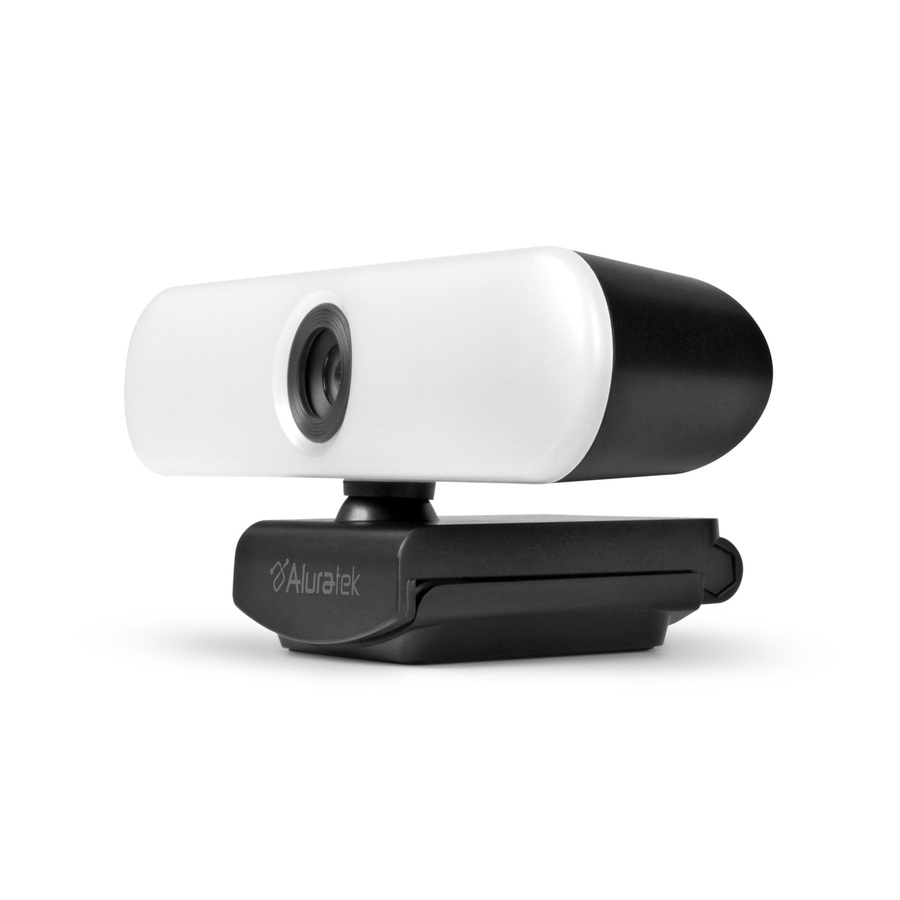
135 in stock - AluratekAluratek LIVE Pro AWC4KF Video Conferencing Camera - 8 Megapixel - 30 fps - USB 2.0 - 3840 x 2160 Video - CMOS Sensor - Fixed Focus - 5x Digital Zoom - Microphone - For Notebook, ComputerAWC4KF
$42.12
Back-orderedBack-ordered — estimated OEM lead time 3–8 weeks (Nov 16 – Dec 21 if ordered today).
- AluratekAluratek AWCL4KFL Webcam - 8 Megapixel - 30 fps - USB 2.0 Type A - 3840 x 2160 Video - CMOS Sensor - Auto-focus - 90° Angle - Widescreen - Microphone - For Computer, NotebookAWCL4KFL
$93.13
Back-orderedBack-ordered — we expect to receive stock the week of Nov 2–8 and will process your delivery right after.
- LogitechLogitech Brio Stream, Ultra 4K HD Video Calling, Noise-Canceling mic, HD Auto Light Correction, Wide Field of View, Black - Works with Microsoft Teams, Zoom, Google Voice, Google Meet, PC/Mac/Laptop/Macbook/Tablet960-001390
$208.68
Back-orderedBack-ordered — estimated OEM lead time 3–8 weeks (Nov 16 – Dec 21 if ordered today).
Back-ordered — estimated OEM lead time 3–8 weeks (Nov 16 – Dec 21 if ordered today).
Back-ordered — estimated OEM lead time 3–8 weeks (Nov 16 – Dec 21 if ordered today).
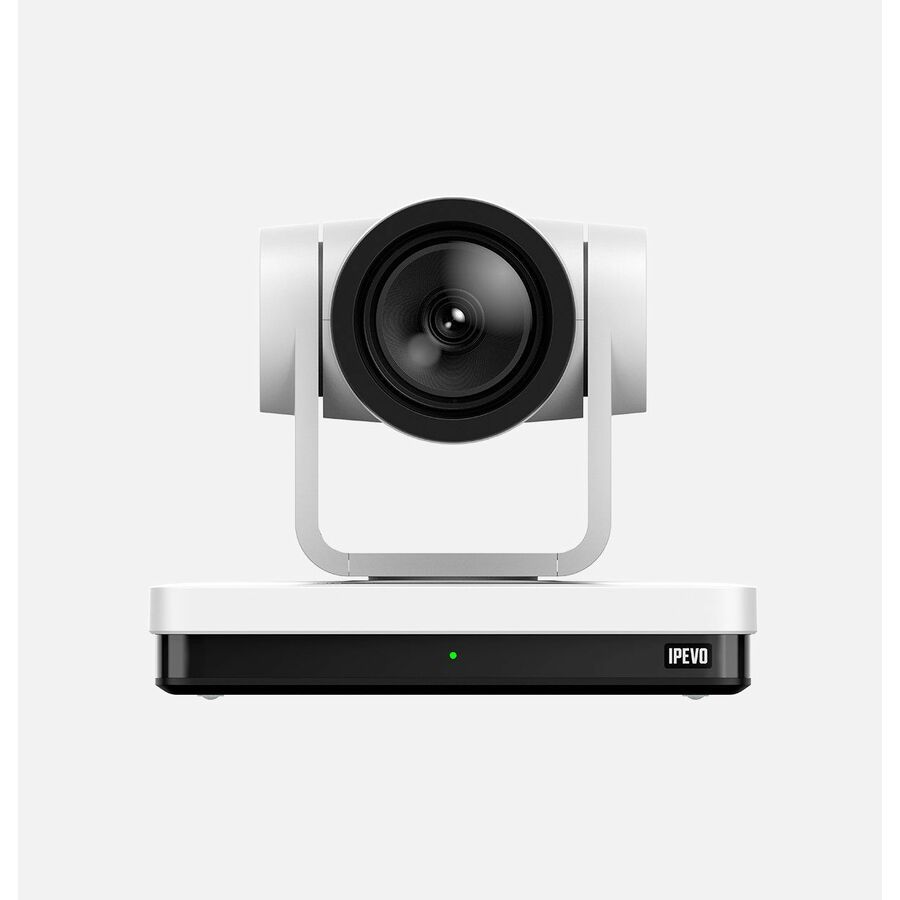
- IPEVOIPEVO VC-Z4K Video Conferencing Camera - 8.3 Megapixel - White - USB Type C - 3840 x 2160 Video - CMOS Sensor - Network (RJ-45)5-930-1-08-00
$1,116.32
Back-orderedBack-ordered — estimated OEM lead time 3–8 weeks (Nov 16 – Dec 21 if ordered today).
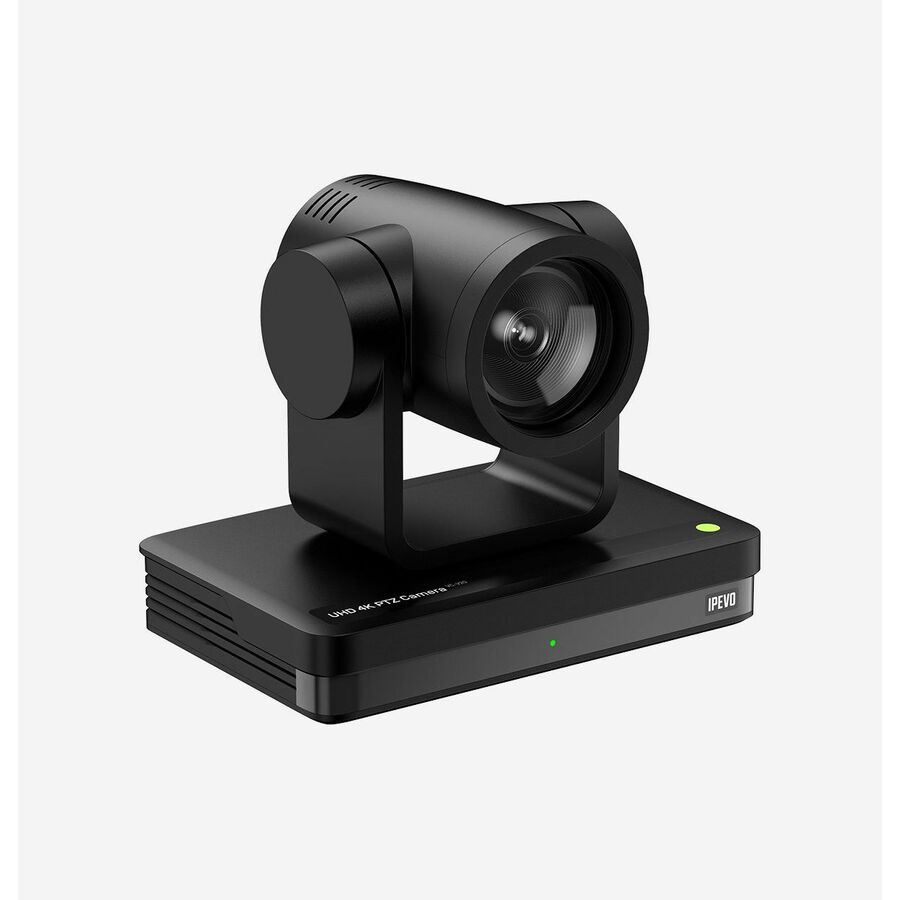
- IPEVOIPEVO VC-Z4K Video Conferencing Camera - 8.3 Megapixel - Black - USB Type C - 3840 x 2160 Video - CMOS Sensor - Network (RJ-45)5-930-2-08-00
$1,116.32
Back-orderedBack-ordered — estimated OEM lead time 3–8 weeks (Nov 16 – Dec 21 if ordered today).
- LegrandVaddio Venture VideoBAR 4K Video Conferencing Camera - USB 3.0 - 2160p 60 - Black - 4K - 3840 x 2160 Video - CMOS Sensor - 110° Angle - Table Mount, Bracket - 5x Digital Zoom - Microphone - Network (RJ-45) - Built-in Speaker, Microphone999-50909-000
$1,343.85
Back-orderedBack-ordered — estimated OEM lead time 3–8 weeks (Nov 16 – Dec 21 if ordered today).
- LogitechRally AI Camera, Graphite - 4K - 3840 x 2160 Video - 116° Angle - Wall, Ceiling Mount, Display Mount - 4x Digital Zoom - Microphone - Wireless LAN - Network (RJ-45) - For Monitor, Display Screen - AI-powered - PTZ, Microphone960-001808
$2,788.70
Back-orderedBack-ordered — we expect to receive stock the week of Nov 16–22 and will process your delivery right after.
- LogitechRally AI Camera, Off-White - 4K - 3840 x 2160 Video - 116° Angle - Wall, Ceiling Mount, Display Mount - 4x Digital Zoom - Microphone - Wireless LAN - Network (RJ-45) - For Monitor, Display Screen - AI-powered - PTZ, Microphone960-001809
$2,788.70
Back-orderedBack-ordered — we expect to receive stock the week of Oct 26 – Nov 1 and will process your delivery right after.
- LogitechRally AI Camera Pro, Graphite - 4K - 3840 x 2160 Video - 116° Angle - Wall, Ceiling Mount - 4x Digital Zoom - Microphone - Wireless LAN - Network (RJ-45) - For TV - AI-powered - PTZ, Microphone, Dual Camera960-001756
$3,346.67
Back-orderedBack-ordered — we expect to receive stock the week of Oct 26 – Nov 1 and will process your delivery right after.
- LogitechRally AI Camera Pro, Off-White - 4K - 3840 x 2160 Video - 116° Angle - Wall, Ceiling Mount - 4x Digital Zoom - Microphone - Wireless LAN - Network (RJ-45) - For TV - AI-powered - PTZ, Microphone, Dual Camera960-001775
$3,346.67
Back-orderedBack-ordered — we expect to receive stock the week of Oct 26 – Nov 1 and will process your delivery right after.
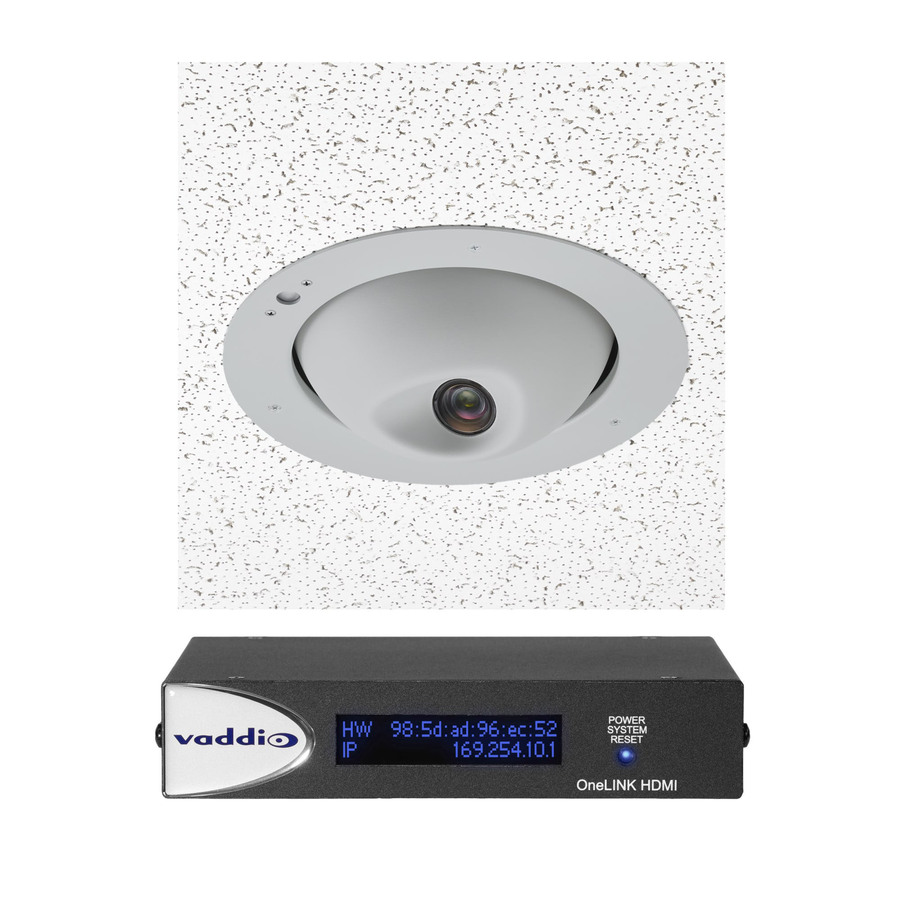
- LegrandVaddio RoboFLIP 4K HDBT OneLINK Bridge System - Inlcudes PTZ Camera and Interface - TAA Compliant - 8.6 Megapixel Interpolated - 1920 x 1080 Video - Exmor R CMOS Sensor - Auto/Manual - Network (RJ-45)999-99800-200
$11,941.41
Back-orderedBack-ordered — estimated OEM lead time 3–8 weeks (Nov 16 – Dec 21 if ordered today).





Personal, Brio
Logitech
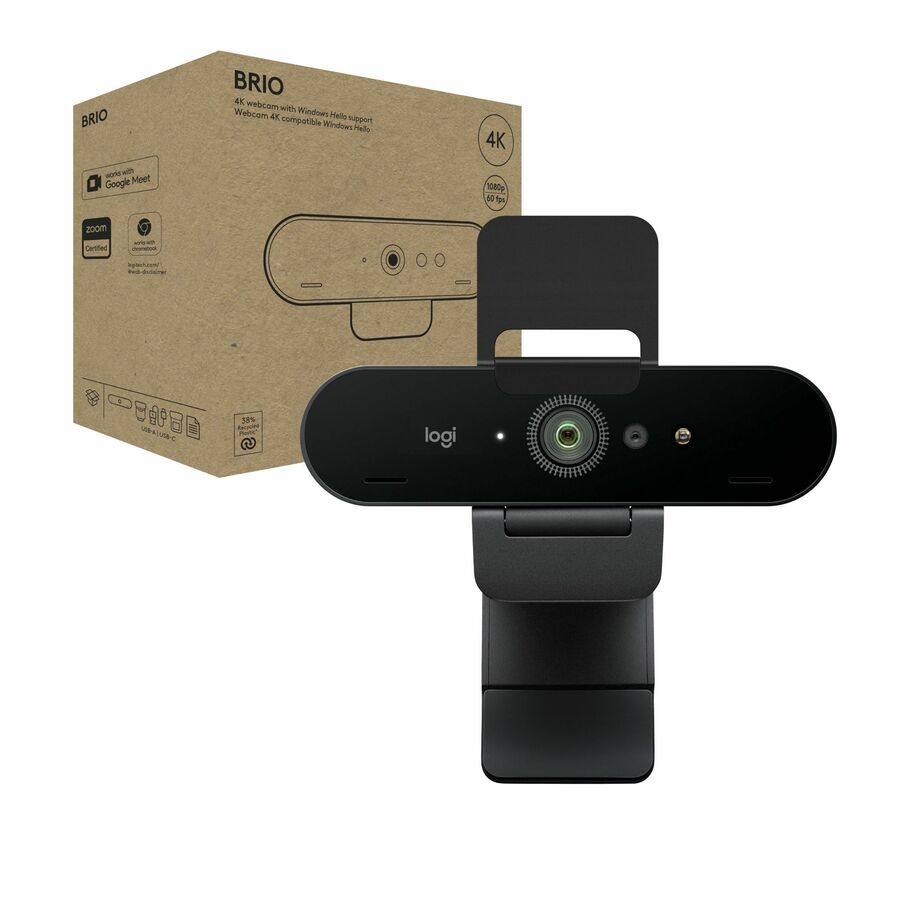
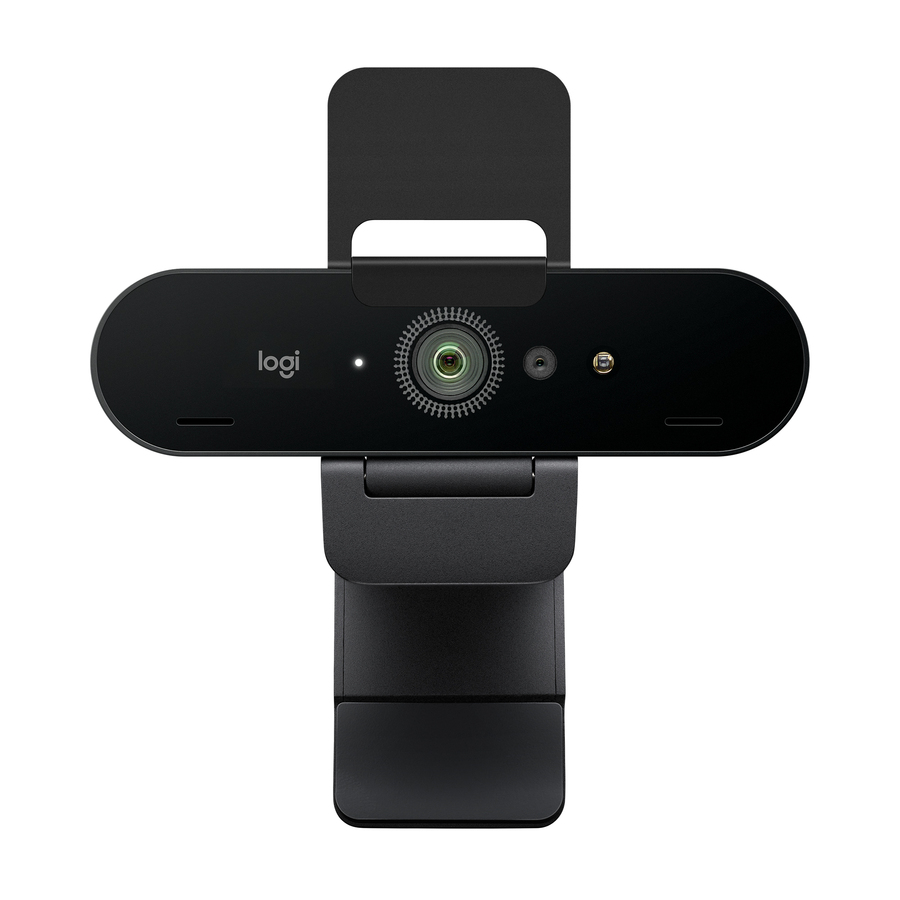
Logitech Brio 4K Webcam for Business, biometrics login with Windows…
960-001105
Logitech Brio 4K webcam for business, with Windows Hello sign-in and platform certification — the personal desk webcam for an individual office or a focus booth.
$189.69In stockPersonal, MX Brio
Logitech
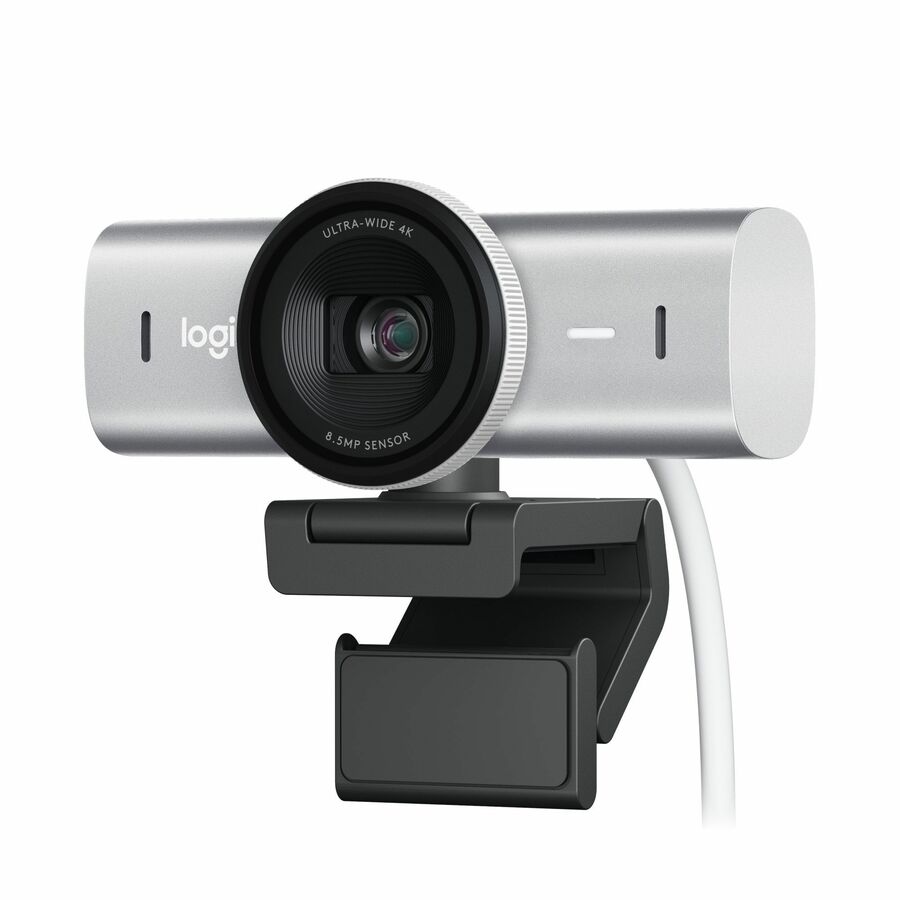
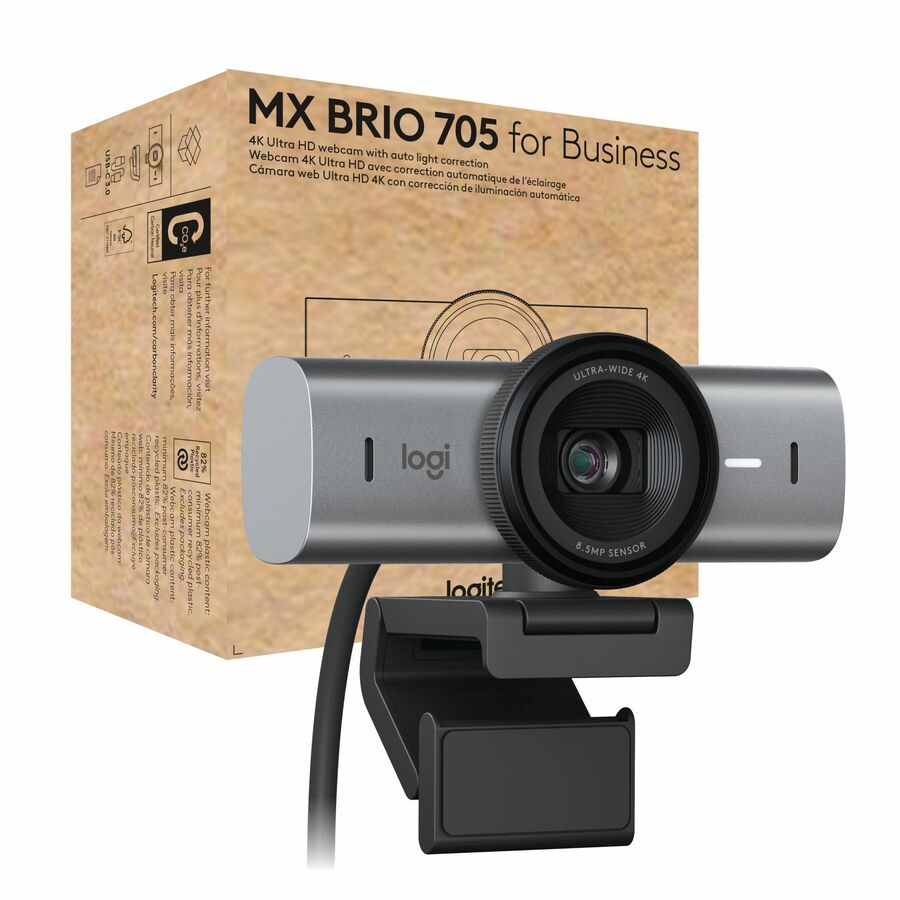
Logitech MX Brio Ultra HD 4K Collaboration and Streaming Webcam, 1080p…
960-001550
Logitech MX Brio Ultra-HD 4K webcam with dual noise-reducing mics and 1080p at 60fps — a higher-end personal camera for a desk that does a lot of calls.
$245.51In stockHuddle bar, MeetUp 2
Logitech
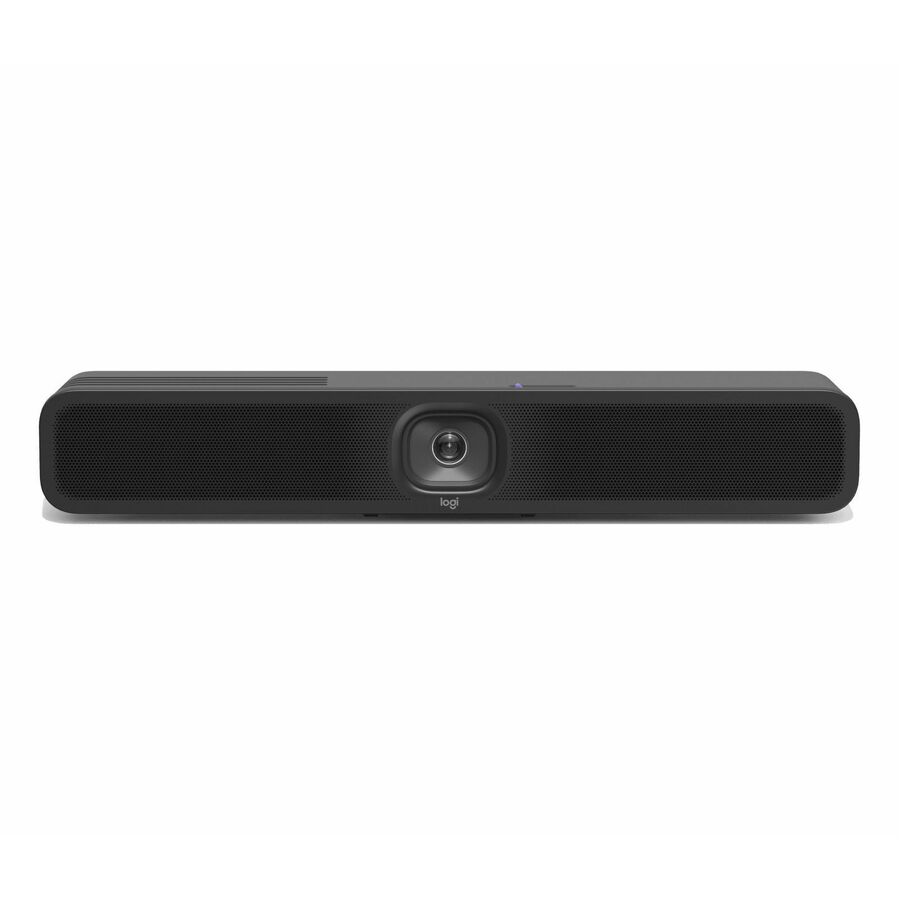
MeetUp 2 All-in-One USB Conference Camera with Built-In AI
960-001691
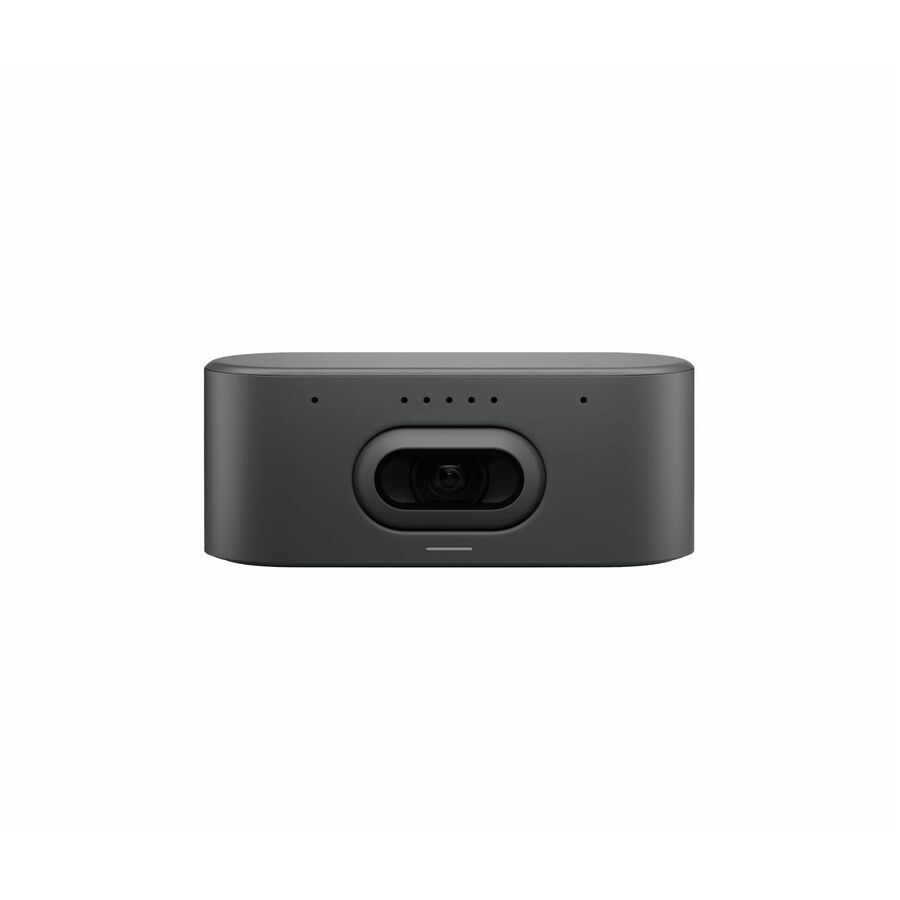
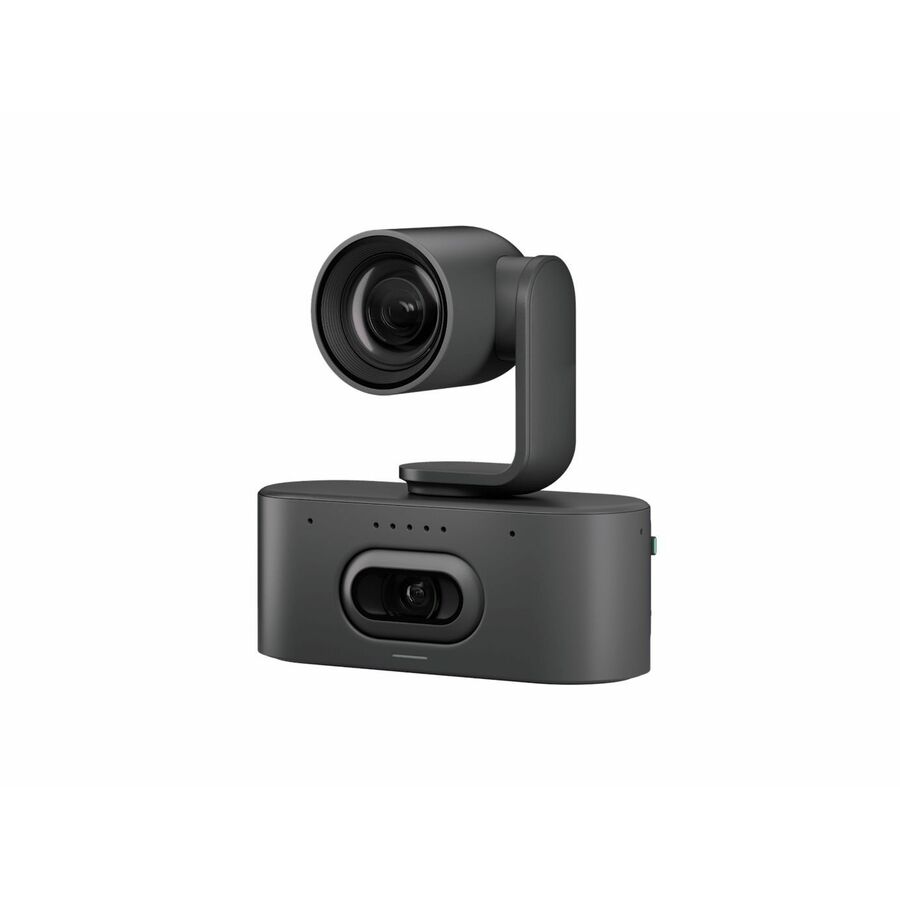
Logitech MeetUp 2 all-in-one USB conference camera with built-in AI framing, a wide 4K lens and integrated audio — the huddle-room bar that mounts under a display.
$1,114.81In stockHuddle, CAM130
AVer Information
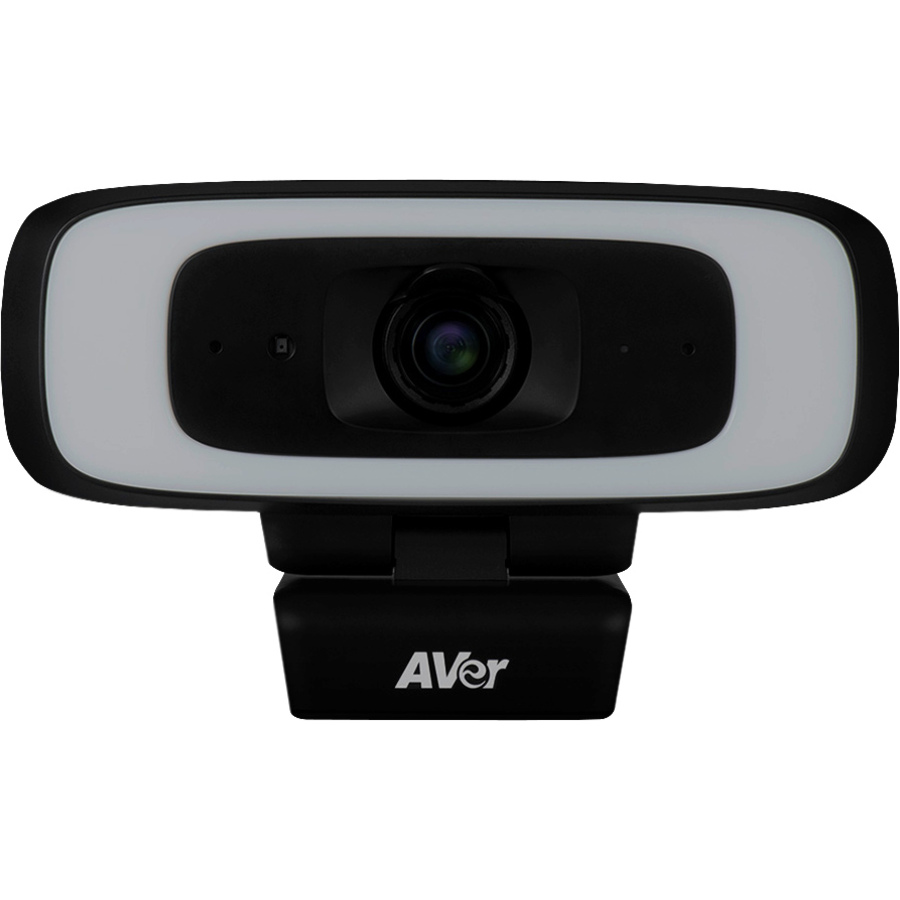
AVer CAM130 Video Conferencing Camera
COMCAM130
AVer CAM130 video-conferencing camera, 4K with a 120-degree field of view over USB-C — a wide-angle 4K camera for a small huddle space.
$510.83Back-orderedRoom, CAM550 TAA
AVer Information
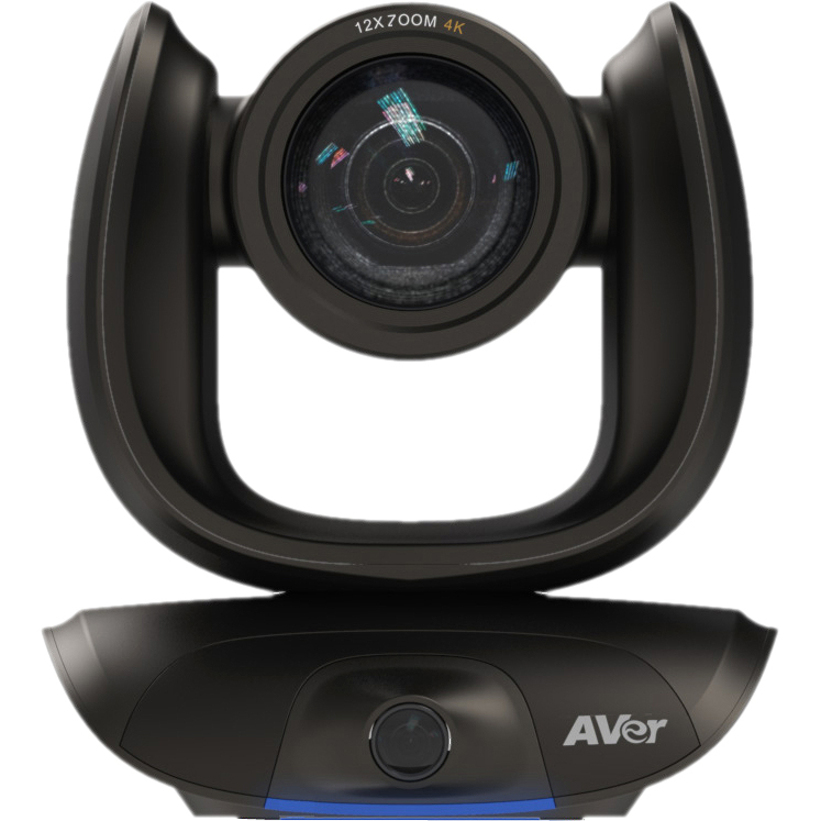
AVer CAM550 Video Conferencing Camera
COMCAM550
AVer CAM550 video-conferencing camera, 4K over USB 3.1 with dual-lens tracking — a room camera for a mid-size conference space.
Titled TAA Compliant.
$1,914.39*In stockPTZ, A30

AVer Information
AVer A30 Video Conferencing Camera
VISIONA30
AVer A30 video-conferencing camera, 13MP 4K at 60fps over USB — a compact PTZ-style camera for a small-to-mid room that needs to reframe.
$676.65Back-orderedRoom bar, VideoBAR
Legrand
Vaddio Venture VideoBAR 4K Video Conferencing Camera
999-50909-000
Vaddio (Legrand) Venture VideoBAR, a 4K all-in-one conferencing bar with 2160p60 over USB 3.0 — an integrated camera-and-audio bar for a huddle or small conference room.
$1,343.85Back-orderedPTZ system, RoboSHOT TAA
Legrand
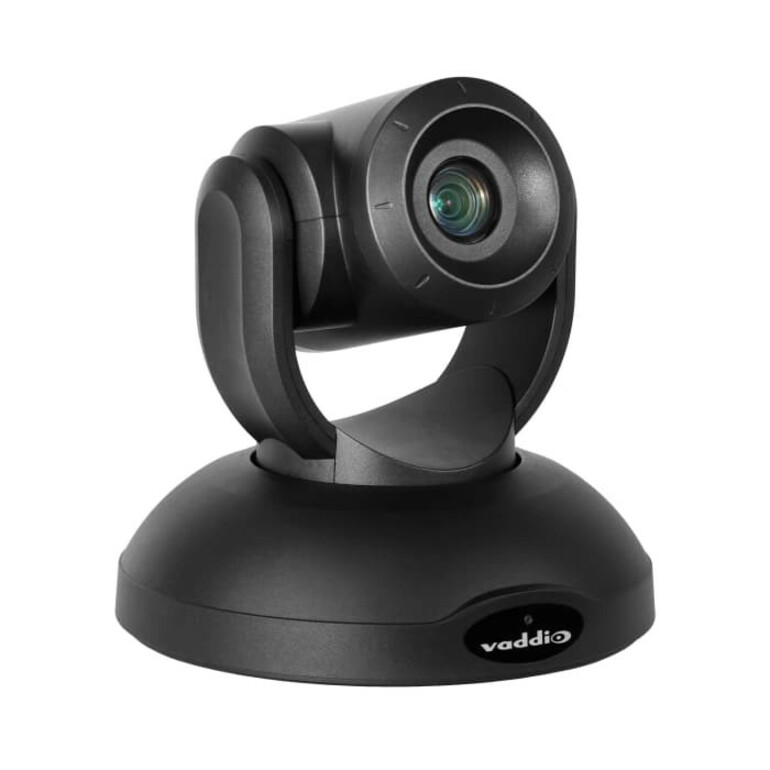
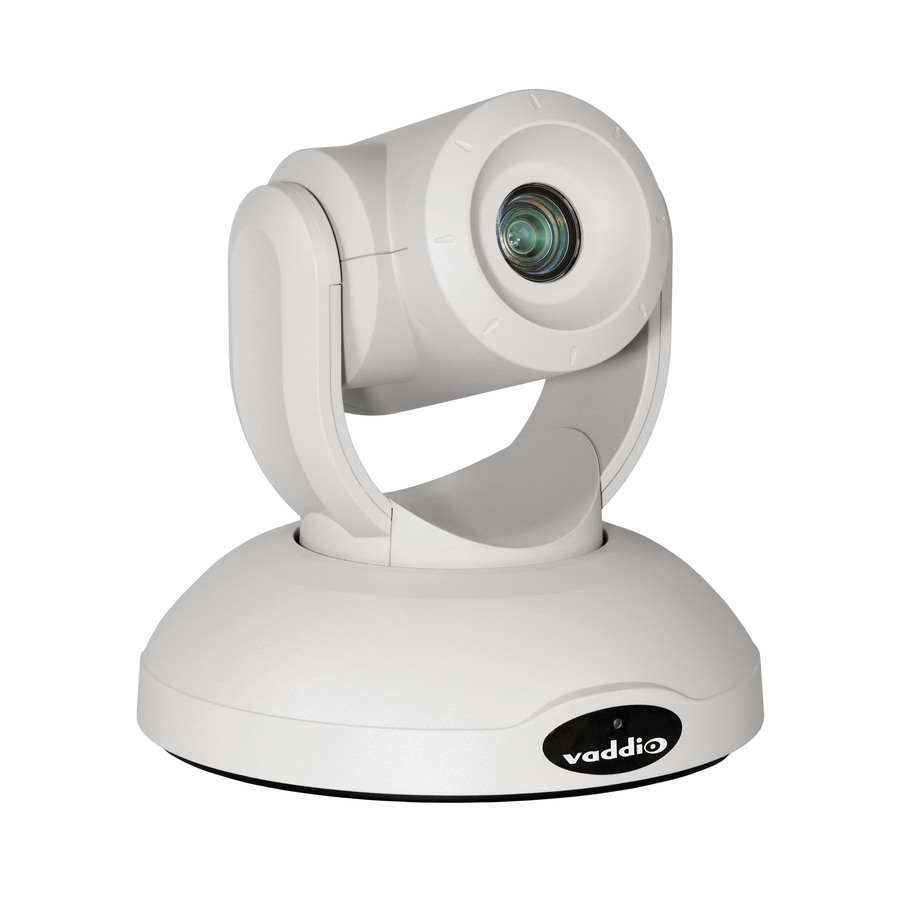
Vaddio RoboSHOT 40 UHD 4K PTZ Camera System
999-9952-000
Vaddio RoboSHOT 40 UHD 4K PTZ camera system — the boardroom-class pan-tilt-zoom camera for a large room where the far wall is well away from the lens.
Titled TAA Compliant. Room audio is a separate line.
$7,991.99*In stockRoom, VC-Z4K
IPEVO
IPEVO VC-Z4K Video Conferencing Camera
5-930-1-08-00
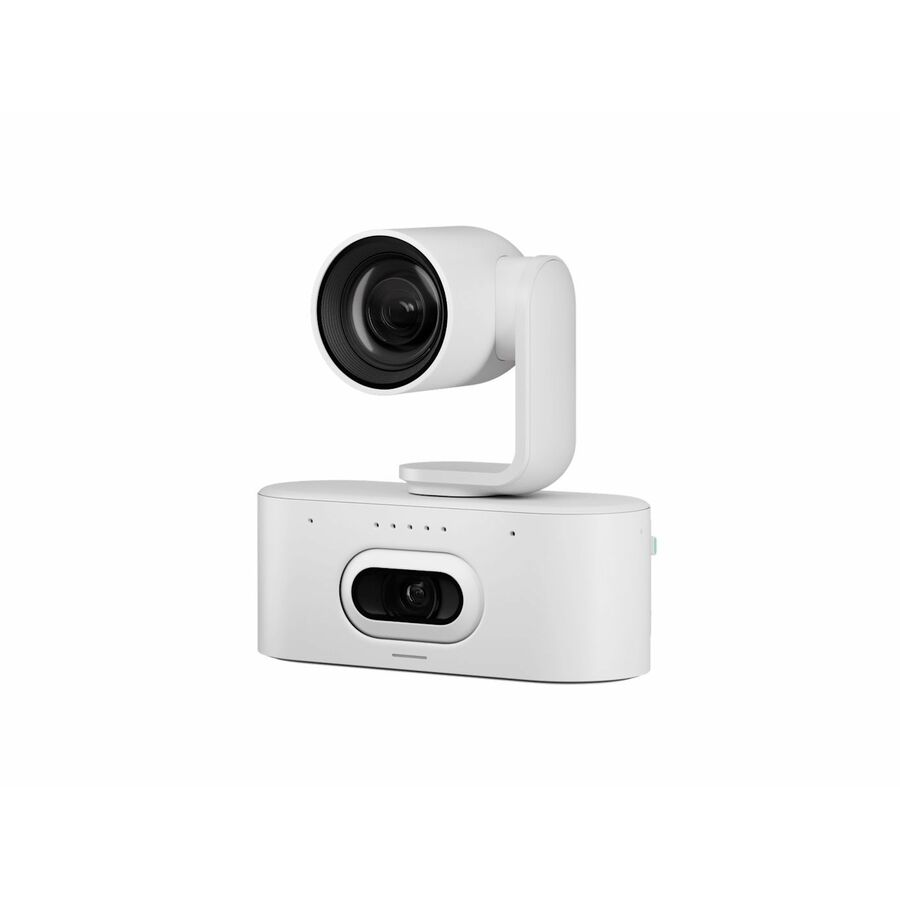
IPEVO VC-Z4K video-conferencing camera, 8.3MP 4K over USB-C in white — a fixed 4K room camera for a conference table.
$1,116.32Back-orderedRoom bar, ClickShare
Barco
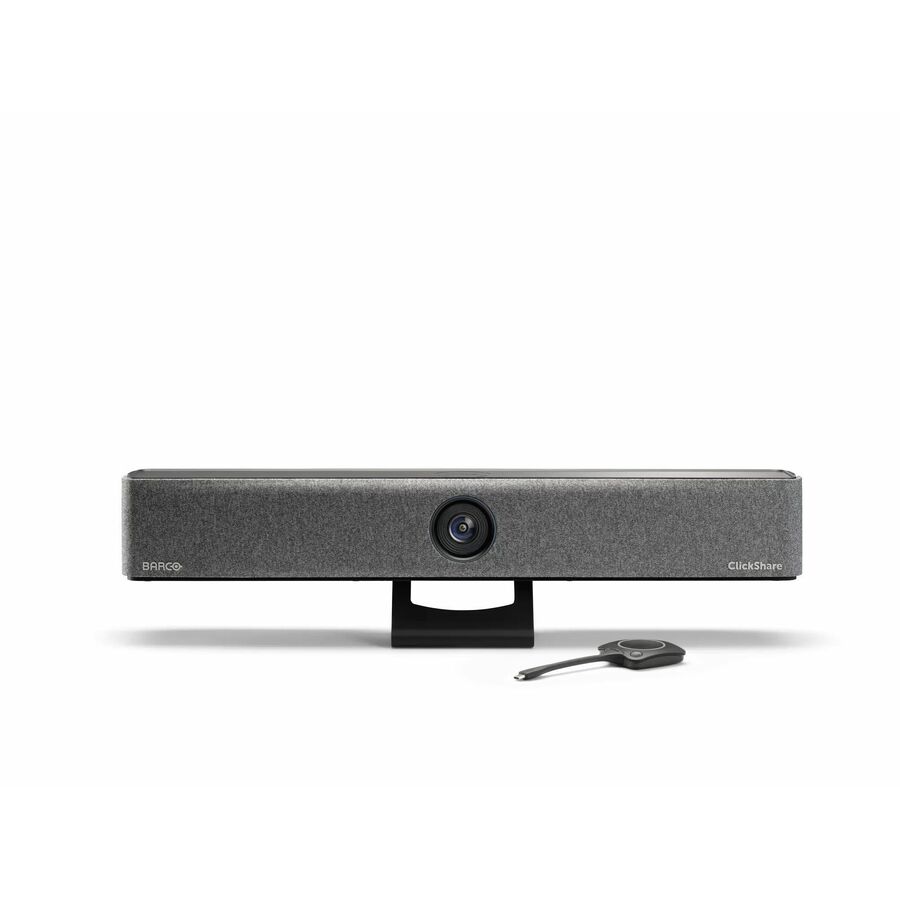
Barco ClickShare Video Conferencing Camera
R9861632USB1
Barco ClickShare video-conferencing camera, 4K over USB-C with a 120-degree lens and integrated microphones — a room bar for a wireless-presentation-equipped space.
$2,867.00In stockPersonal, CyberTrack
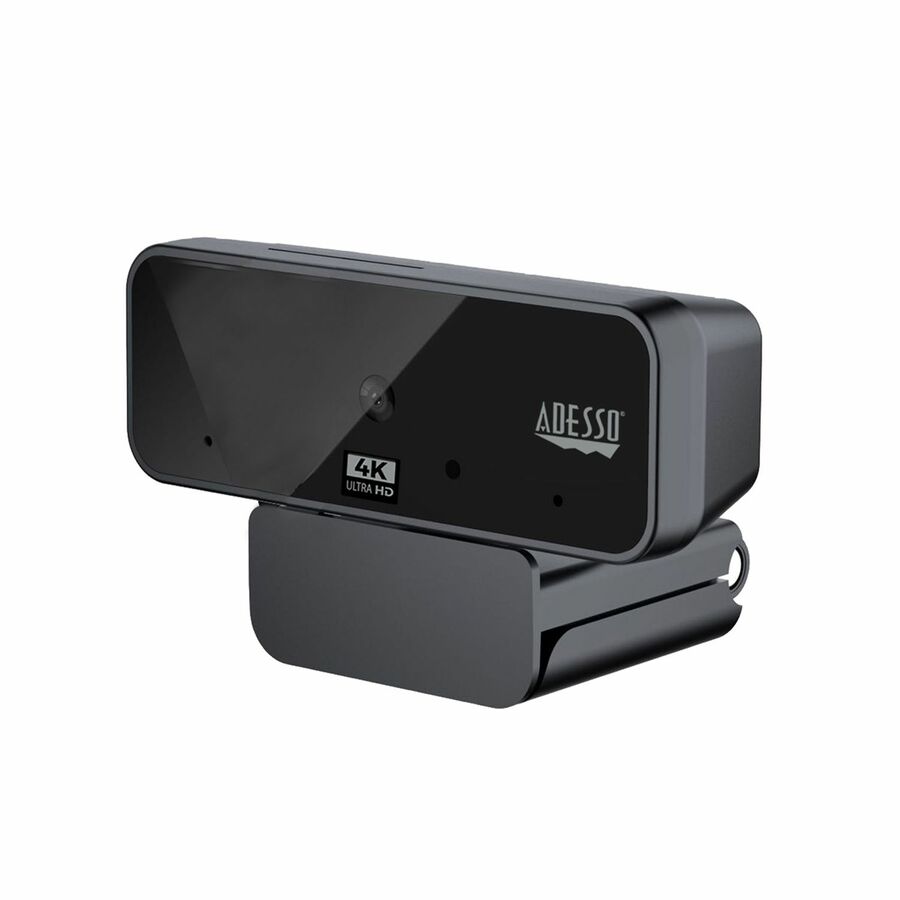
Adesso
Adesso CyberTrack H6 4K Ultra HD Webcam
CYBERTRACK H6
Adesso CyberTrack H6 4K Ultra-HD webcam, 8MP at 30fps over USB with a tripod mount — an affordable personal 4K camera for a desk or a temporary setup.
$74.82In stockPersonal, LIVE Pro
Aluratek
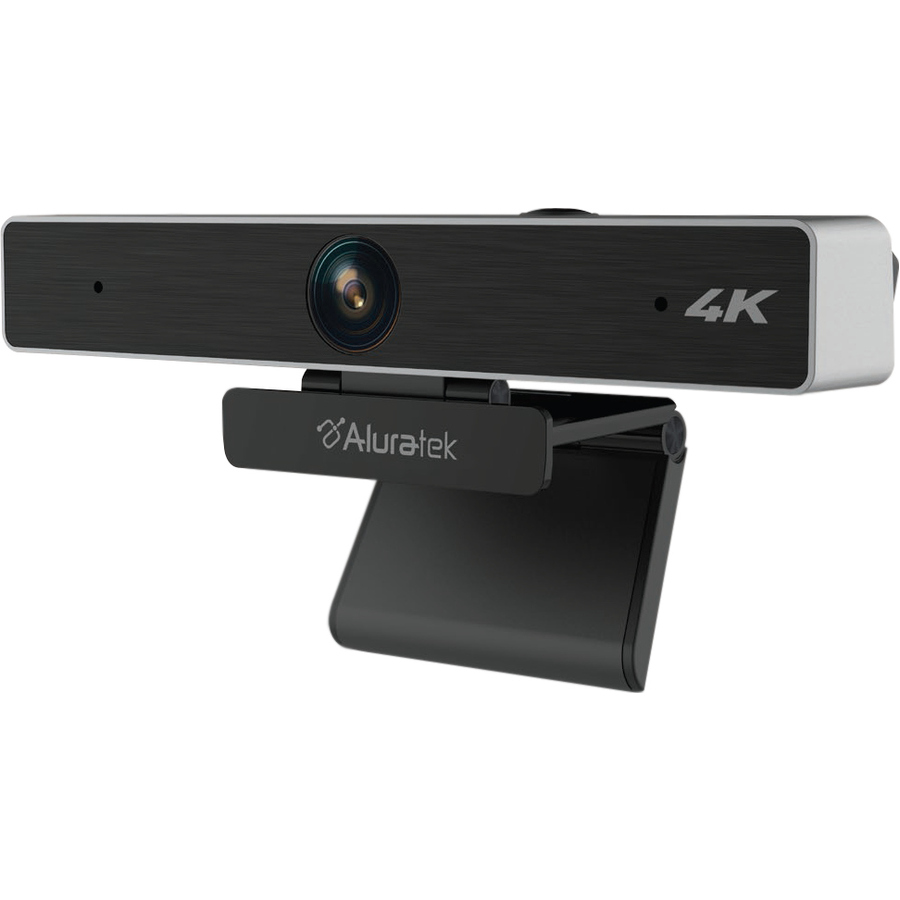
Aluratek LIVE Pro AWC4KF Video Conferencing Camera
AWC4KF
Aluratek LIVE Pro 4K conferencing camera, 8MP at 30fps over USB — an entry-point 4K webcam for an individual workstation.
$42.12Back-orderedPersonal USB-C
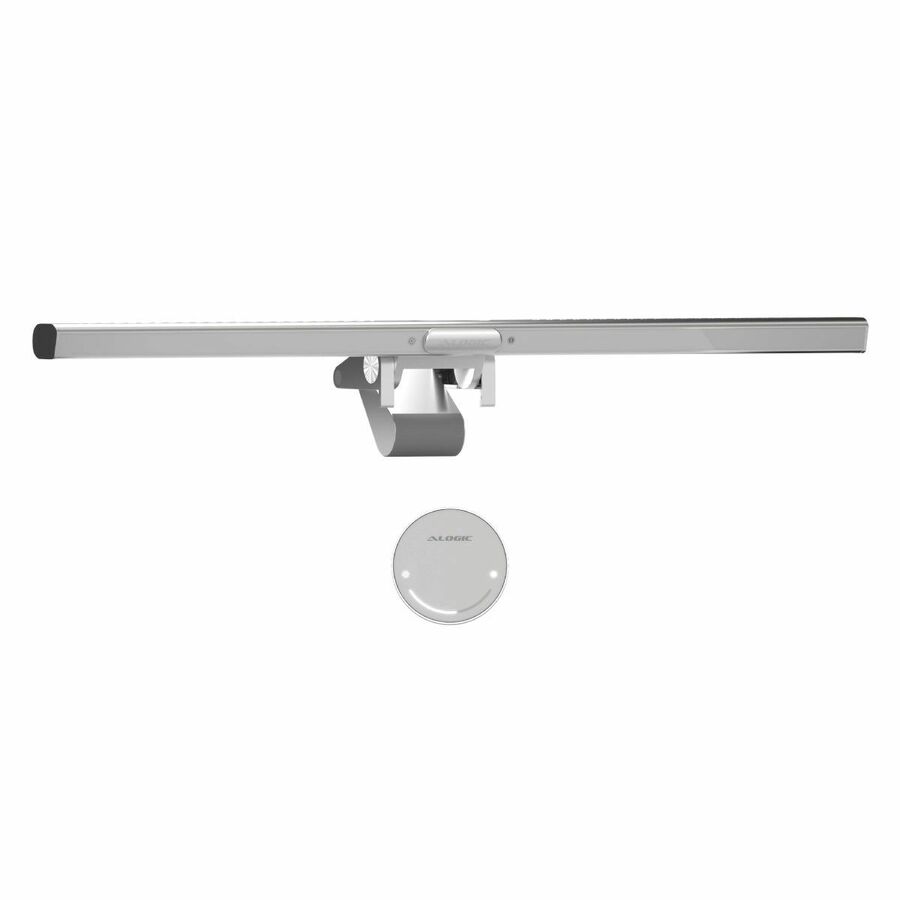
Alogic
Alogic Webcam
ALCMILSLV
Alogic 4K webcam, 12MP at 60fps over USB-C with auto-focus in silver — a personal 4K camera with a higher frame rate for smoother motion.
$172.24Back-orderedPersonal, TAA

VisionTek Products
VisionTek VTWC540 Webcam
901803
VisionTek VTWC540 4K webcam, 12MP at 30fps over USB-A — a personal 4K camera for a desk where the origin of the part matters.
Titled TAA Compliant.
$101.92*Back-orderedNeed pricing on 4K webcams?
Tell us where to reach you and a Uniqcli specialist will follow up by email with current pricing, availability and lead time for the quantities you need — including parts that aren’t shown on this page.
Buying for an organization or for yourself — both work. No payment up front.
A 4K webcam earns its resolution differently from a 4K display. Most video calls are compressed well below Ultra-HD by the time they reach the far end, so the value of a 4K sensor is rarely a 4K picture on the other side — it is the detail the camera has to spend on the near end. A 4K sensor gives auto-framing and digital pan-tilt-zoom room to crop and follow a speaker without the softness a 1080p sensor shows once it starts cropping, and it holds a cleaner image in the uneven light of a real office. Every camera on this page names 4K in the manufacturer's own title, which is the spec a fleet buyer is matching to the room.
The decision that actually sizes the purchase is the room, not the resolution. A personal USB webcam clips to a monitor for one person at a desk or in a focus booth; a compact all-in-one bar with a wide lens, beam-forming microphones and a speaker is built for a huddle room of a few people; a room camera system with optical or heavy digital zoom and separate audio is for a boardroom where the far wall is a long way from the camera. Buying a personal webcam for a boardroom leaves the far seats unheard and out of frame; buying a room bar for a desk is money spent on microphones and a speaker one person does not need.
The third decision is the platform and the mount. A camera that certifies for the meeting software the organization runs — and lists its field of view, its framing behaviour and how it mounts — is the one that installs cleanly instead of generating tickets. Cards carry live pricing and current availability from the catalog; tell us the room sizes and the platform and we will match the camera, the mount and any separate audio to each space.
Buyer's checklist
How to choose a 4K conferencing camera
- Size the camera to the room first. A personal USB webcam is for one person at a desk or a focus booth; a compact all-in-one bar is for a huddle room; a room camera system with strong zoom and separate audio is for a boardroom. The room decides the class, and the class decides most of the cost.
- Read the field of view against the space. A wide lens that suits a huddle room makes a single desk user look distant, and a narrower lens that flatters a desk cannot see a full conference table. The titles here state the angle; match it to how far the people sit from the camera.
- Treat 4K as headroom for framing, not as a 4K picture. Calls are compressed below Ultra-HD in transit, so the sensor's real payoff is that auto-framing and digital zoom can crop and follow a speaker without going soft, and that the image holds up in poor light. That is worth paying for; a literal 4K image at the far end usually is not.
- Match the microphones and speaker to the room, not the camera spec. A personal webcam's mic is for the person in front of it; a huddle-room bar's beam-forming array and speaker cover a small table; a boardroom needs separate ceiling or table microphones the camera does not replace. Decide the audio as its own line.
- Confirm the meeting-platform certification. A camera certified for the software the organization actually runs registers and behaves correctly out of the box; an uncertified one is where the framing, the mute and the auto-follow features generate helpdesk tickets. Standardise on certified models across the fleet.
- Plan the mount and the cable run. Some cameras clip to a monitor, some sit on a display, some wall- or ceiling-mount with a longer USB or network run. Read the mounting and connection on the row against where the camera has to go and how far the host is.
- Where the order carries an origin clause, read TAA on the part number. Several cameras here carry a TAA marking in the manufacturer's own title and others do not; screening results are available with your quote on request, tied to the specific part number.
Personal webcam, huddle bar, room system: three classes
The camera classes on this page answer three different room sizes, and the honest way to buy is to place each space in one of them. A personal USB 4K webcam clips to a monitor and frames one person; its microphone is for that person and its lens is set for desk distance. It is the right and economical answer for individual offices, focus booths and hot desks, and buying anything larger for them is spending on audio coverage a single user does not need.
A compact all-in-one bar is the huddle-room answer: a wide 4K lens that takes in a small table, a beam-forming microphone array that covers the few people around it, and a speaker in one device that mounts under a display. A room camera system is the boardroom answer, with optical or strong digital zoom to reach a far conference wall, auto-tracking to follow a speaker, and — critically — separate microphones, because no camera-mounted array covers a large room. Matching the class to the room is the decision that keeps the far seats both seen and heard; the resolution is the same 4K across all three.
Platform, audio and what ships around the camera
A conferencing camera is bought into a platform and a room, not on its own. Certification for the meeting software the organization runs is what makes a camera register, mute and auto-frame correctly without a helpdesk queue, so standardising on certified models across the fleet is worth more than any single camera's spec sheet. Audio is the other half a camera does not solve above huddle size: a boardroom needs ceiling or table microphones and a room speaker the camera bar cannot replace, and that belongs in the design as its own line rather than an afterthought.
Uniqcli quotes the camera alongside the display, the mount, the room audio and the compute or room system that drives the call, so a room refresh or a fleet rollout lands as one accountable order rather than several. Tell us the room sizes, the meeting platform, and whether each space is a desk, a huddle room or a boardroom, and we will come back with matched part numbers, availability, lead times and volume pricing, with the mounts and audio alongside.
FAQ
Common questions
- Does a 4K webcam actually give a 4K picture on the call?
- Rarely, and that is not where the value is. Video calls are compressed well below Ultra-HD by the time they reach the far end, so the other side seldom sees a literal 4K image. The payoff of a 4K sensor is on the near end: auto-framing and digital pan-tilt-zoom can crop and follow a speaker without the softness a 1080p sensor shows once it starts cropping, and the image holds up better in the uneven light of a real office. Buy the 4K sensor for that framing headroom, not for a 4K picture the network will not carry.
- What camera do I need for a huddle room versus a boardroom?
- Different classes. A huddle room of a few people wants a compact all-in-one bar: a wide 4K lens, a beam-forming microphone array and a speaker in one device under the display. A boardroom wants a room camera system with optical or strong digital zoom to reach the far wall and auto-tracking to follow a speaker — plus separate ceiling or table microphones, because no camera-mounted array covers a large room. A personal USB webcam is for a single desk or focus booth, not a shared table.
- Will these cameras work with Teams and Zoom?
- Most are built for the major meeting platforms, and several are certified for specific ones — the titles and product detail state which. A camera certified for the software your organization actually runs registers and behaves correctly out of the box, so the framing, mute and auto-follow features work without helpdesk tickets. The reliable practice for a fleet is to standardise on models certified for your platform rather than mixing certified and uncertified cameras across rooms; tell us the platform and we will match the set.
- Are these 4K webcams TAA compliant?
- It is a per-part-number fact rather than a family rule. Several cameras on this page carry a TAA marking in the manufacturer's own title — including room camera systems and some conferencing cameras — while others do not. Where our catalog data records a part number as TAA compliant, that is what we are reporting. Screening is performed before the quote and screening results are available with your quote on request, tied to the specific part number and never restated as a Uniqcli certification.
- Can business, government and education buyers order these?
- Every line Uniqcli quotes is sourced through US distribution and screened for TAA country-of-origin and NDAA §889 status before checkout — with documentation tied to the specific part number, not a product family.
Need 4K webcams pricing?
Send a bill of materials or part numbers — we confirm stock and a below-market total, with TAA verified on request. No payment up front.